AI Portrait Enhancer for Cleaner, Sharper Photos
Upgrade portraits fast without losing the person in the photo.
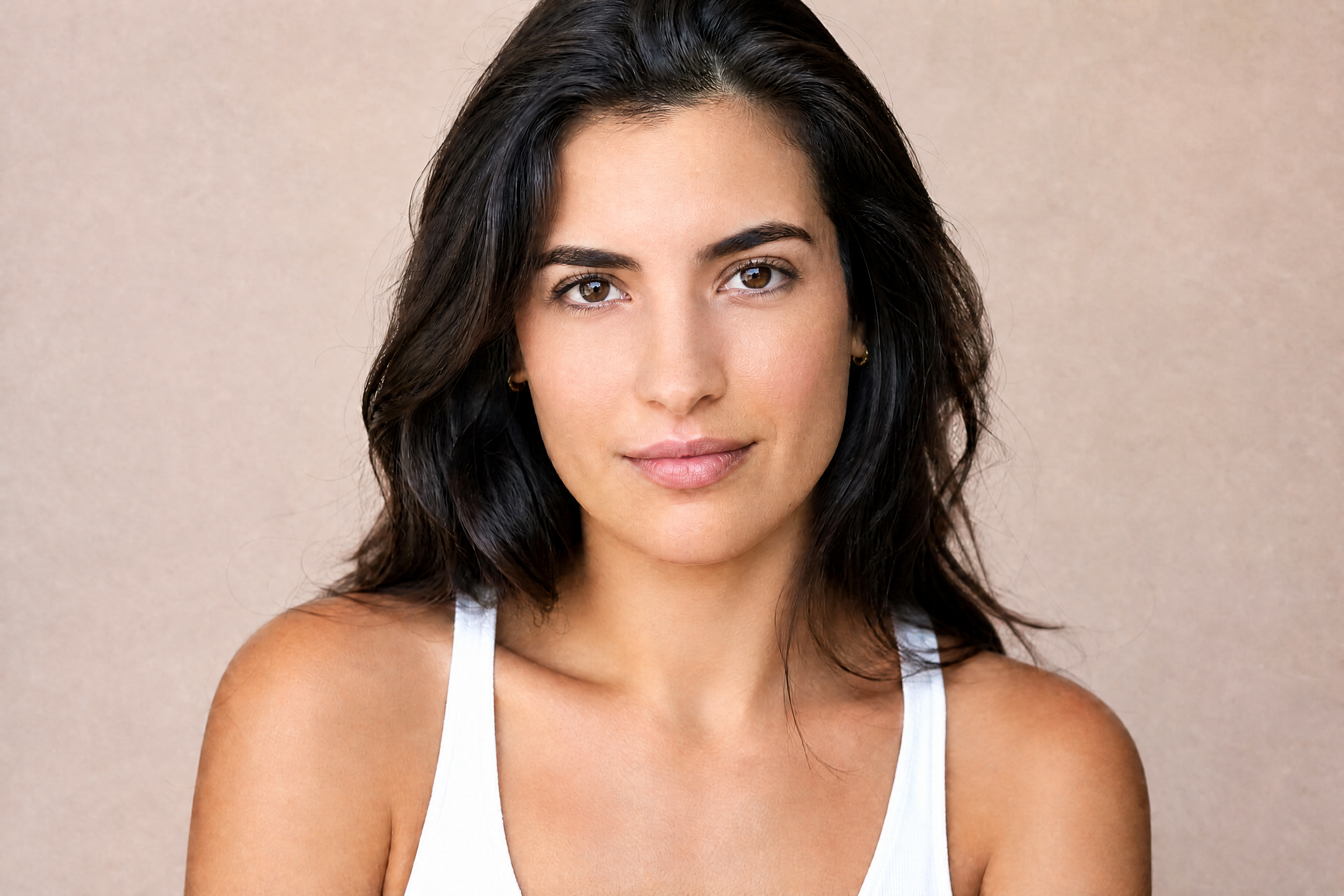
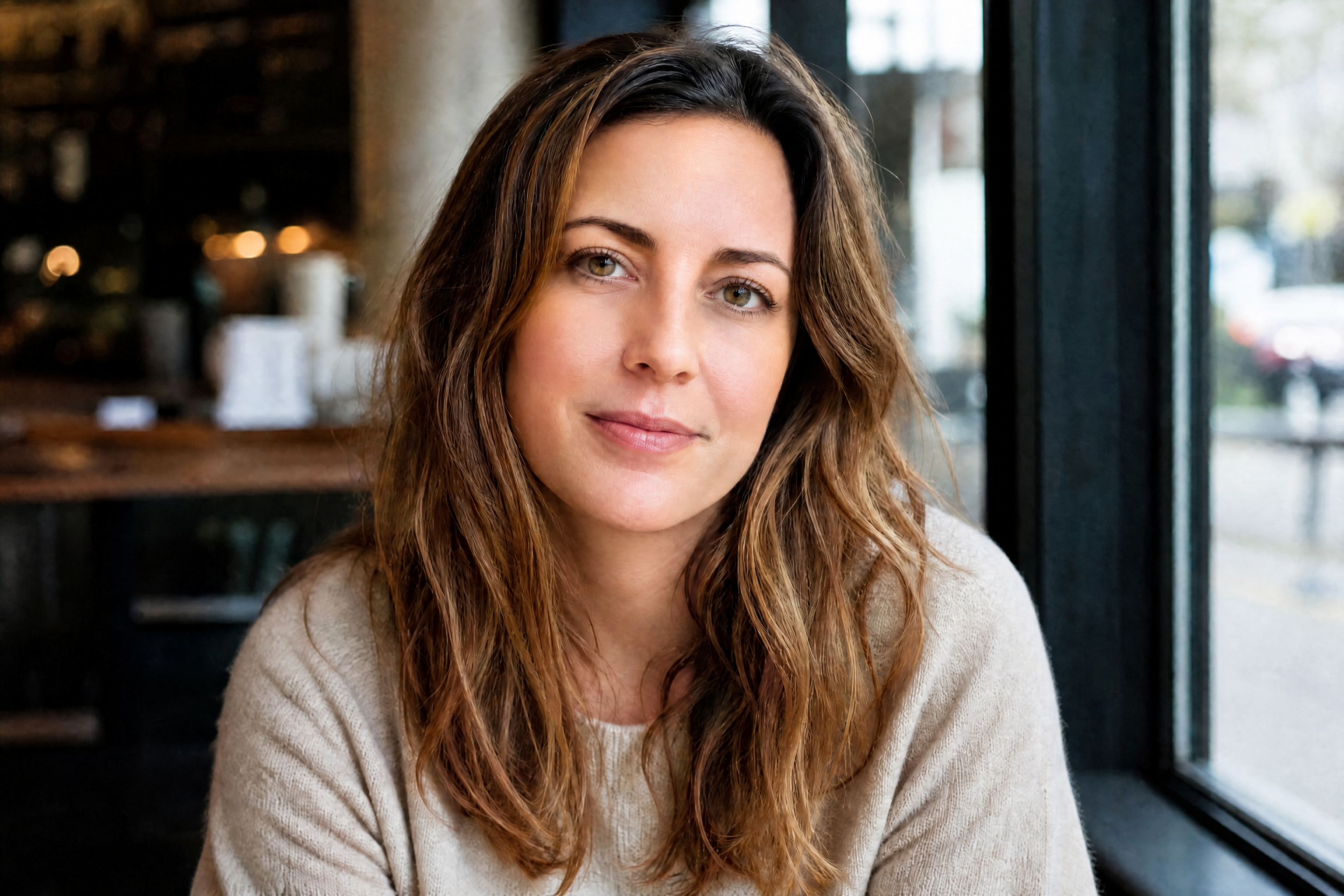
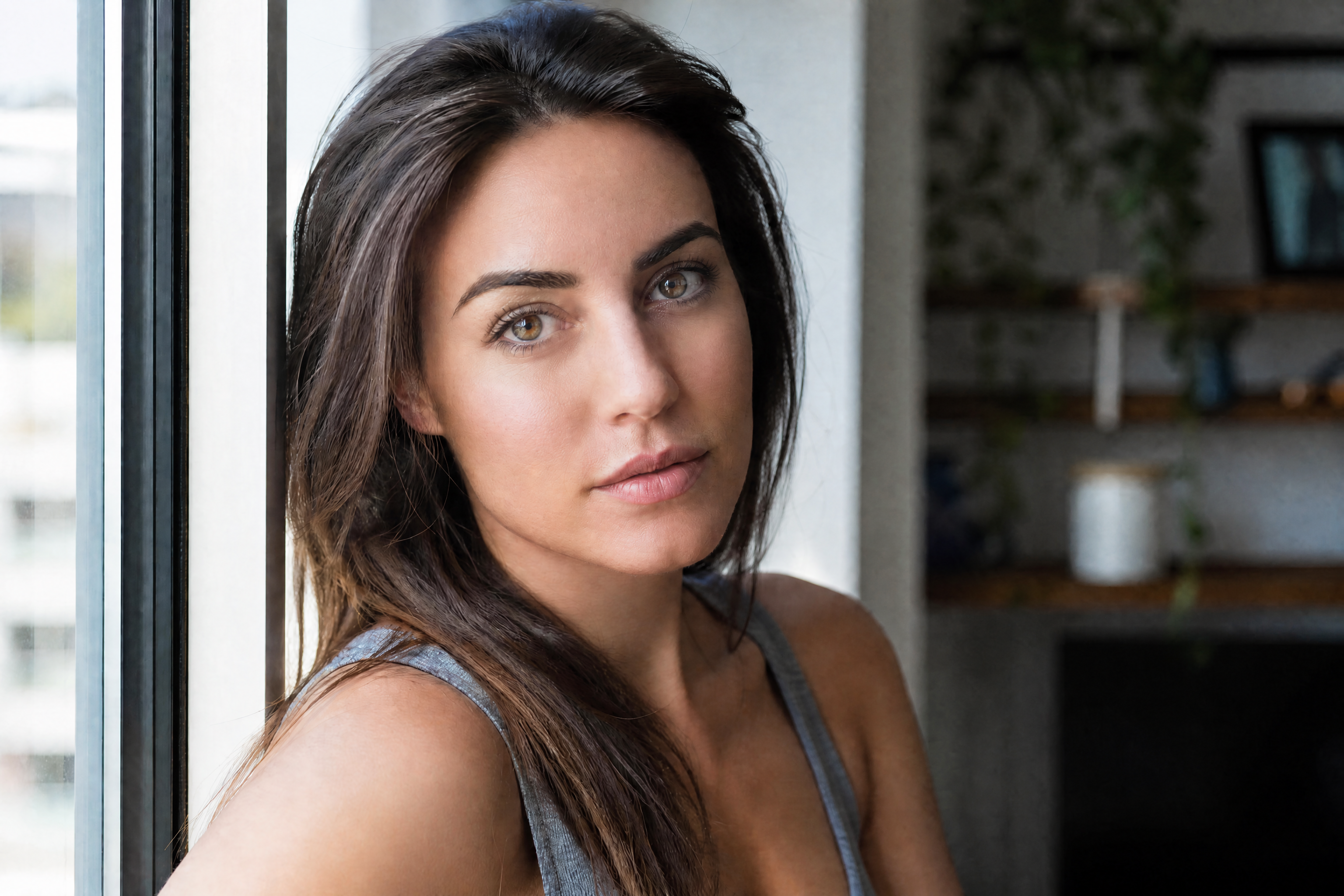
AI Portrait Enhancer improves portraits by refining lighting, skin texture, clarity, and overall polish while keeping the subject recognizable. Use it to turn flat, casual photos into clean, professional-looking portraits in a few clicks.
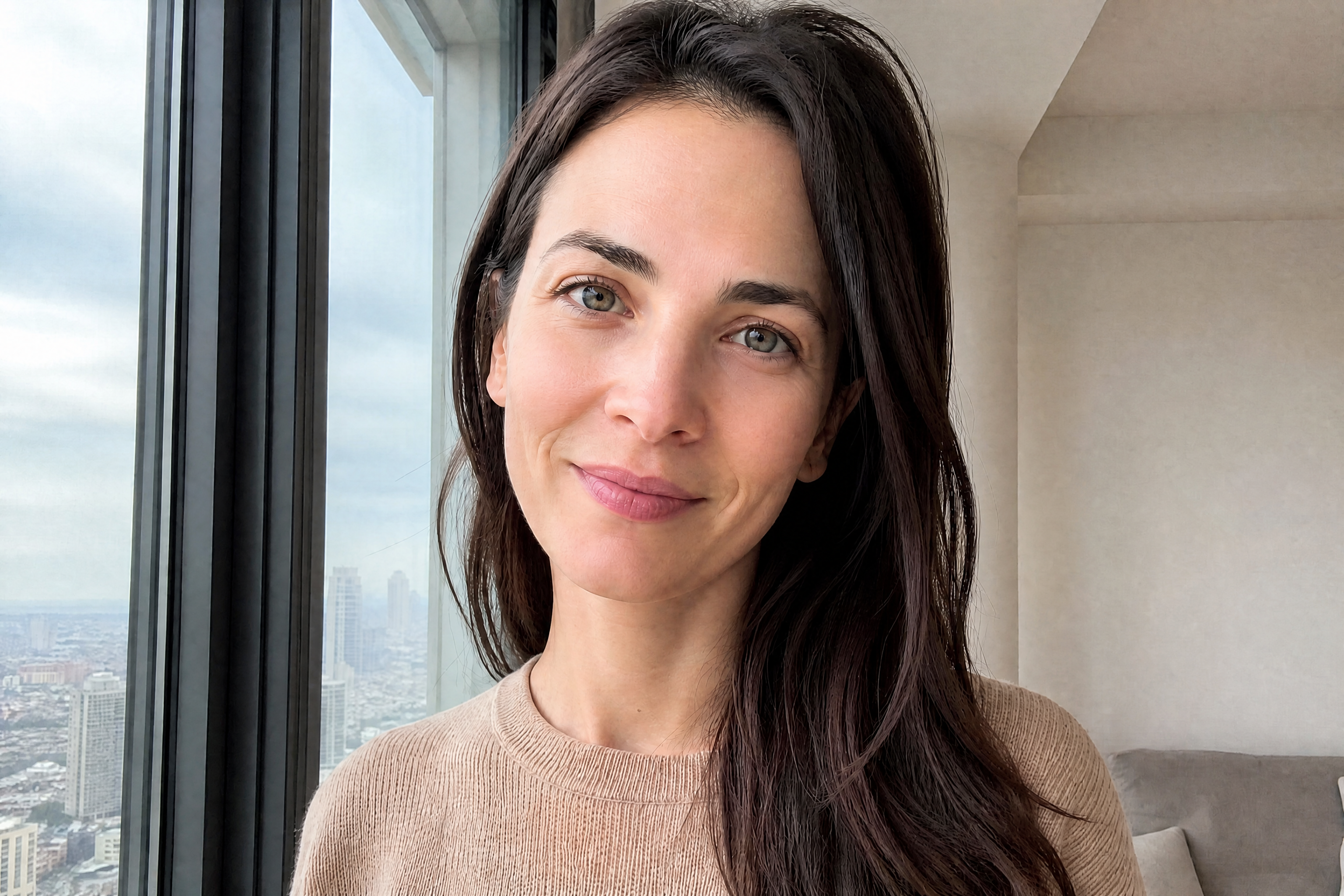
Watch the Transformation
See ai portrait enhancer in motion — generated end-to-end by our AI.
See It In Action
Real outputs from ai portrait enhancer.
BEFOREAFTER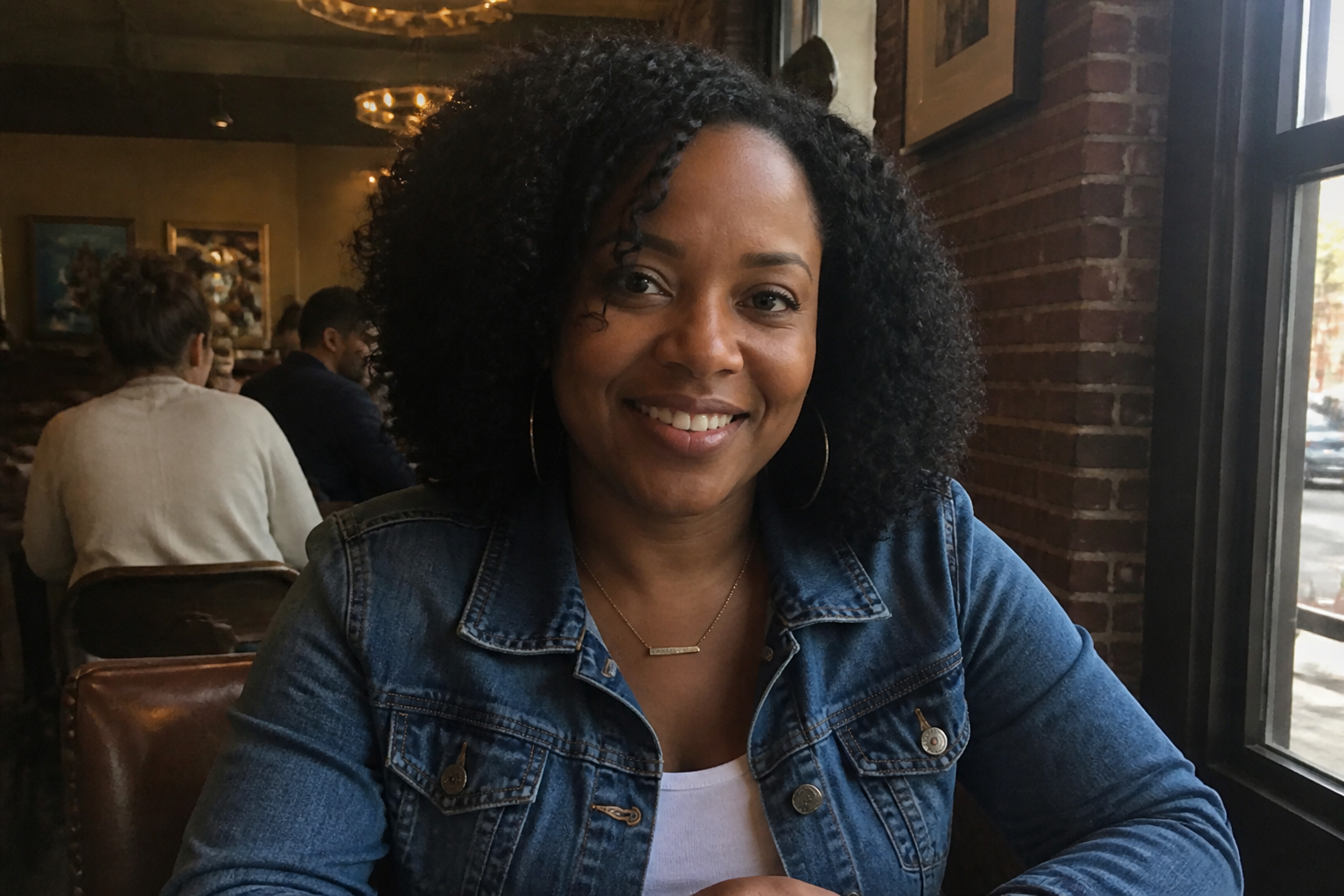 BEFORE
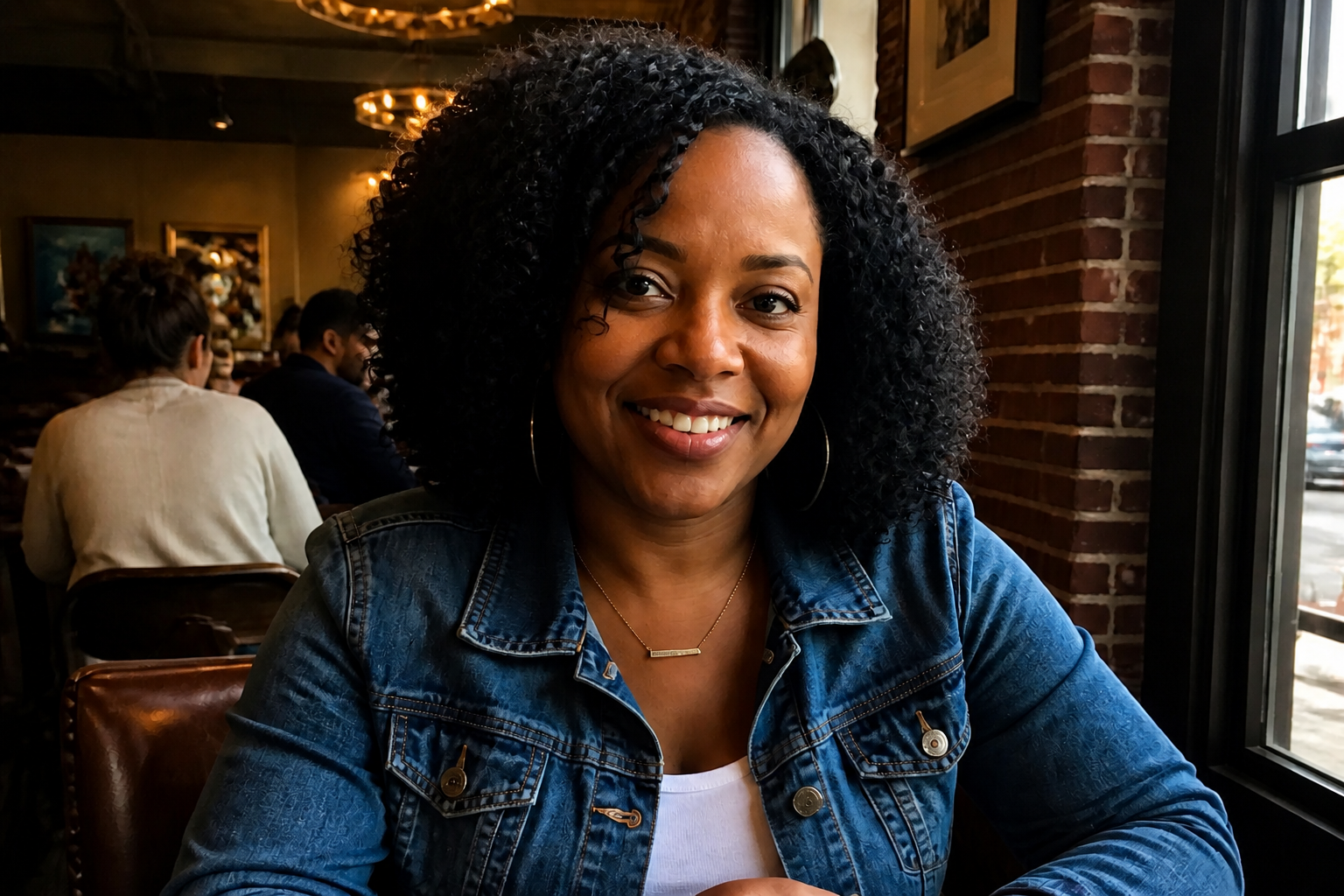 AFTER
AFTER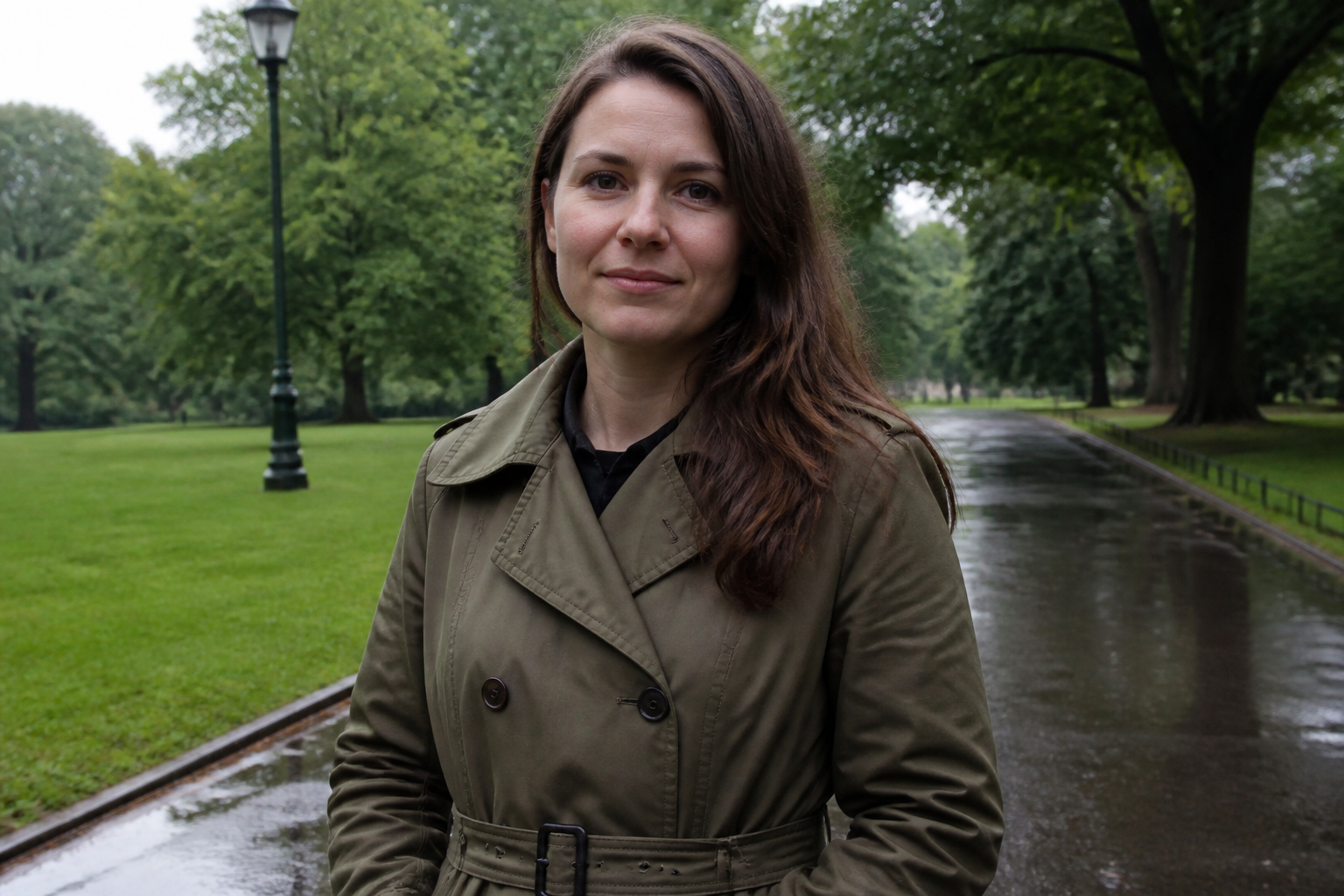 BEFORE
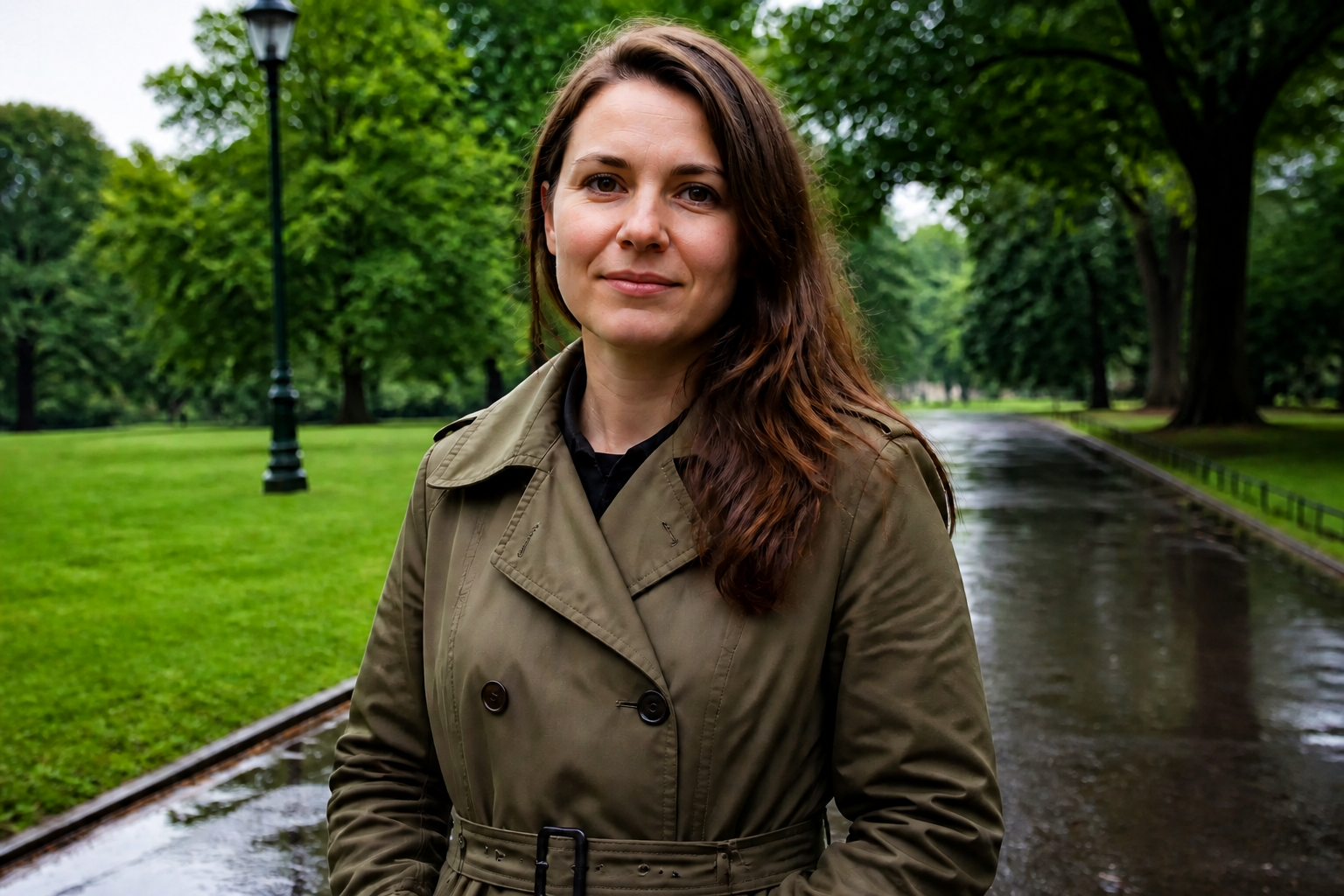 AFTER
AFTER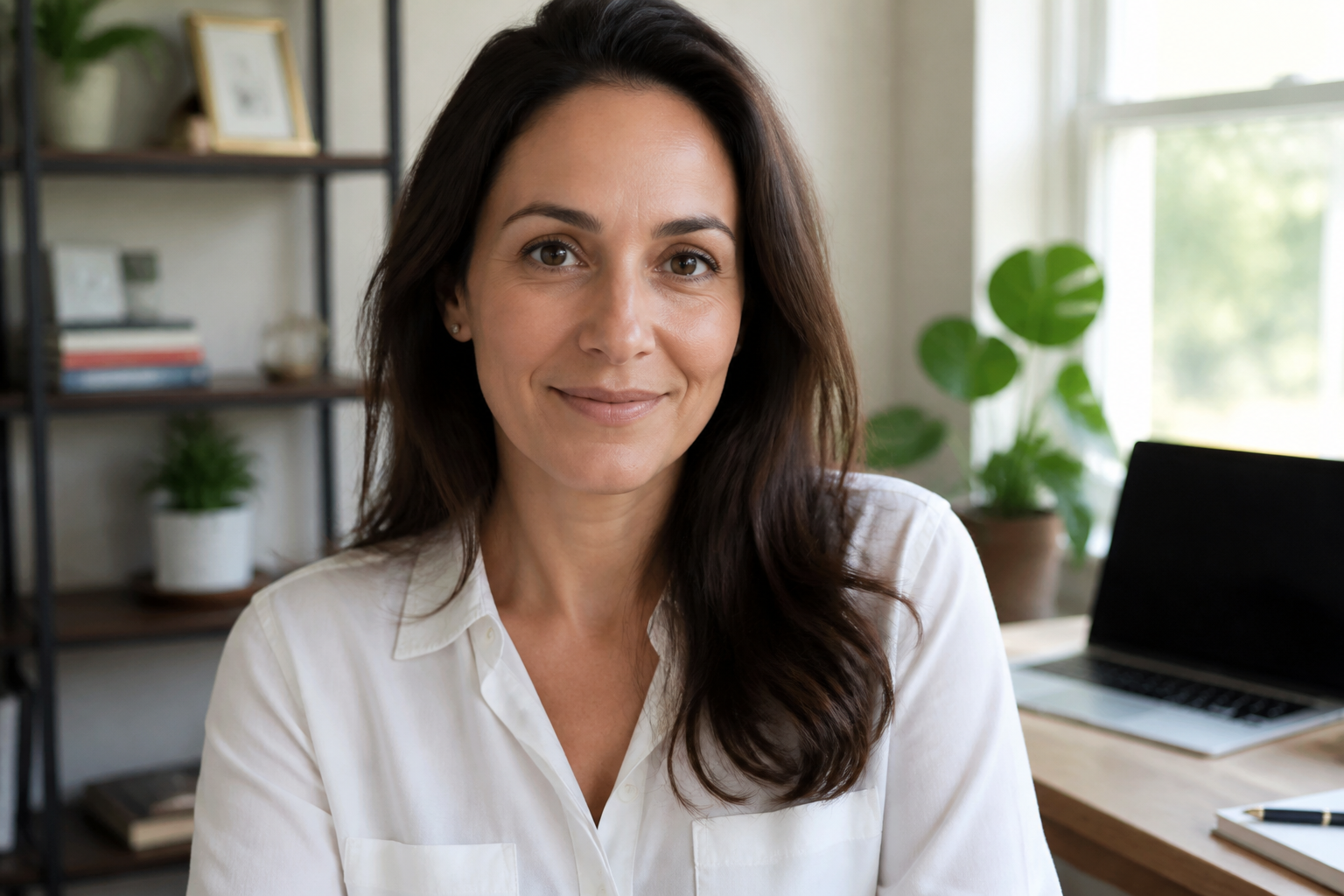 BEFORE
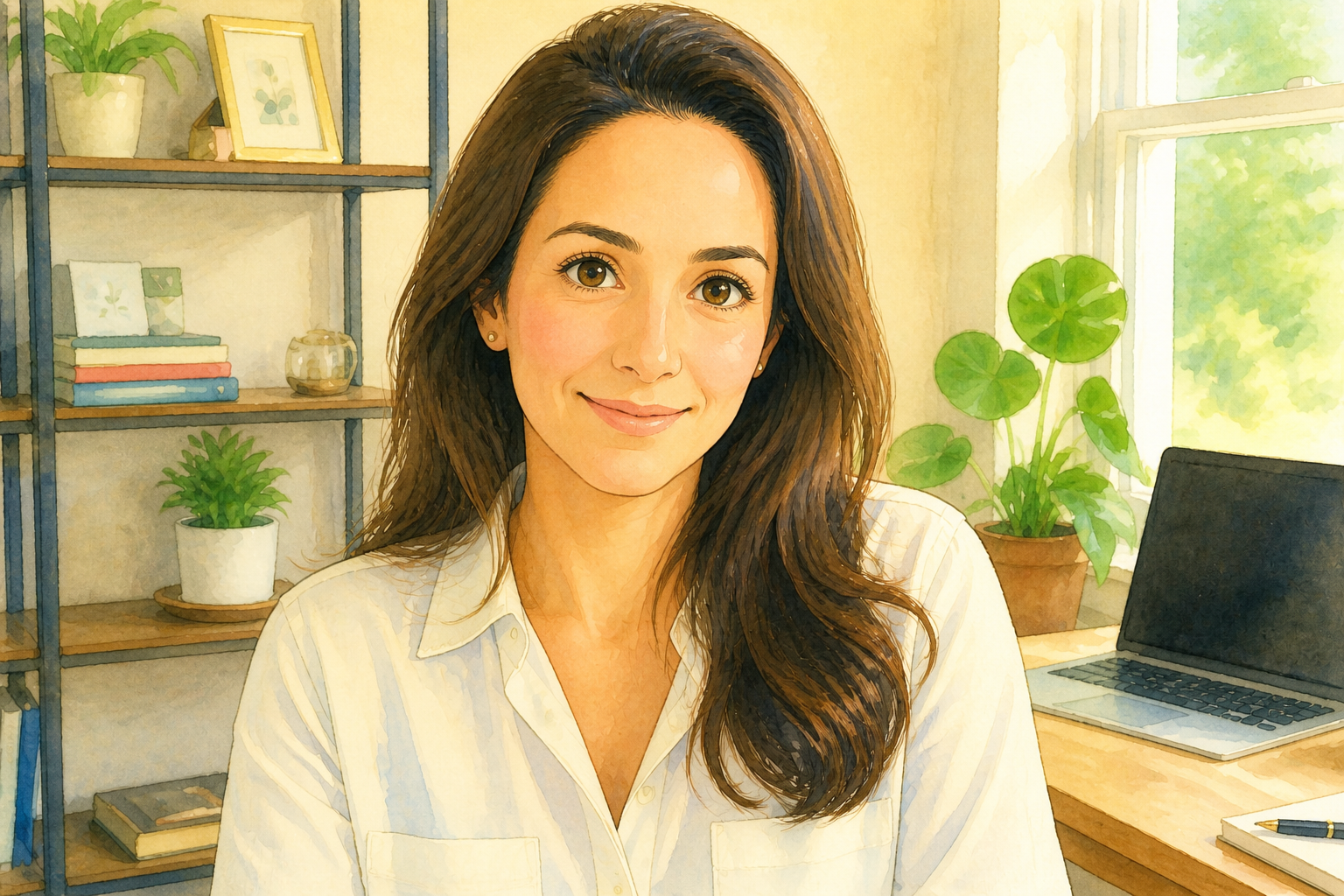 AFTER
AFTER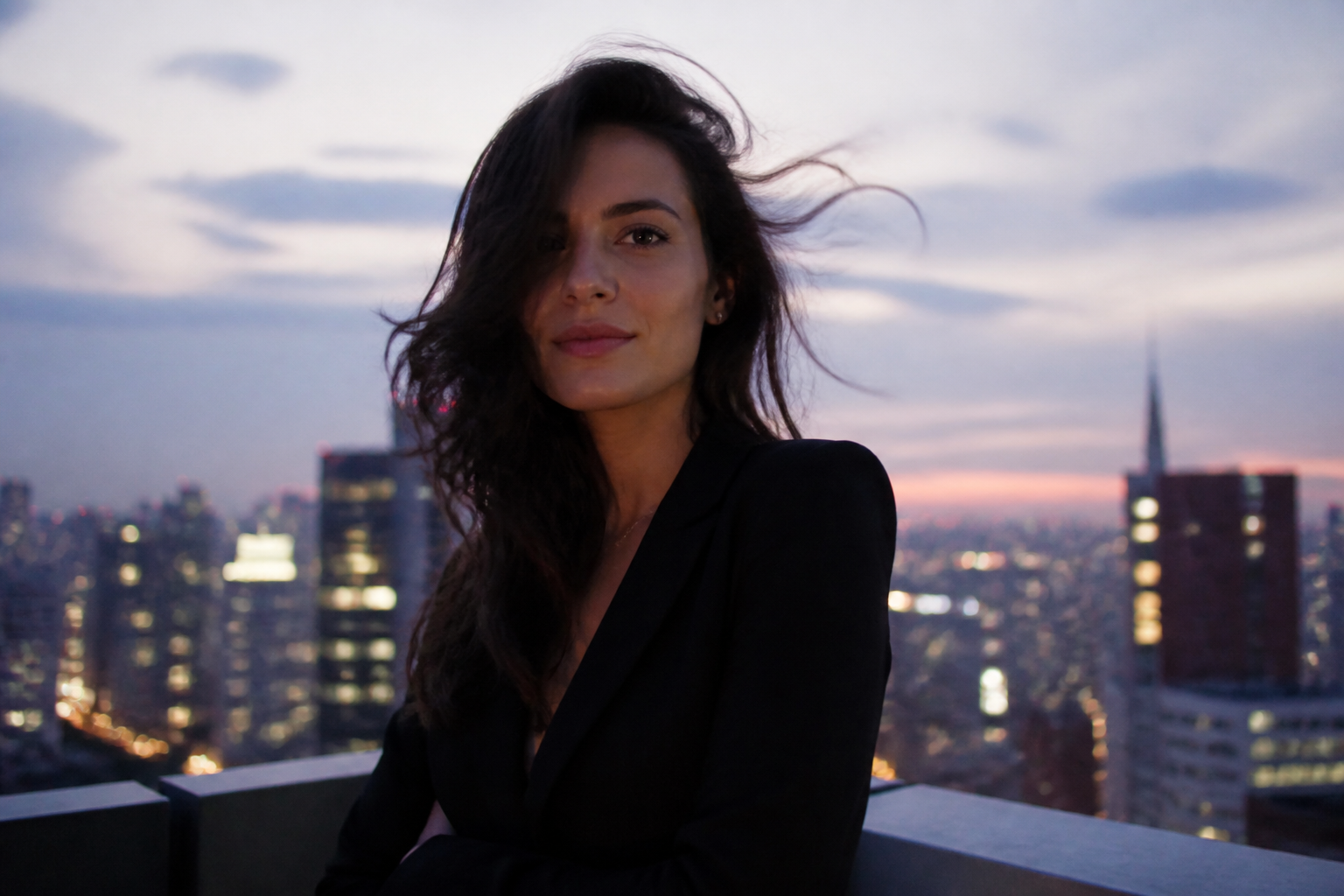 BEFORE
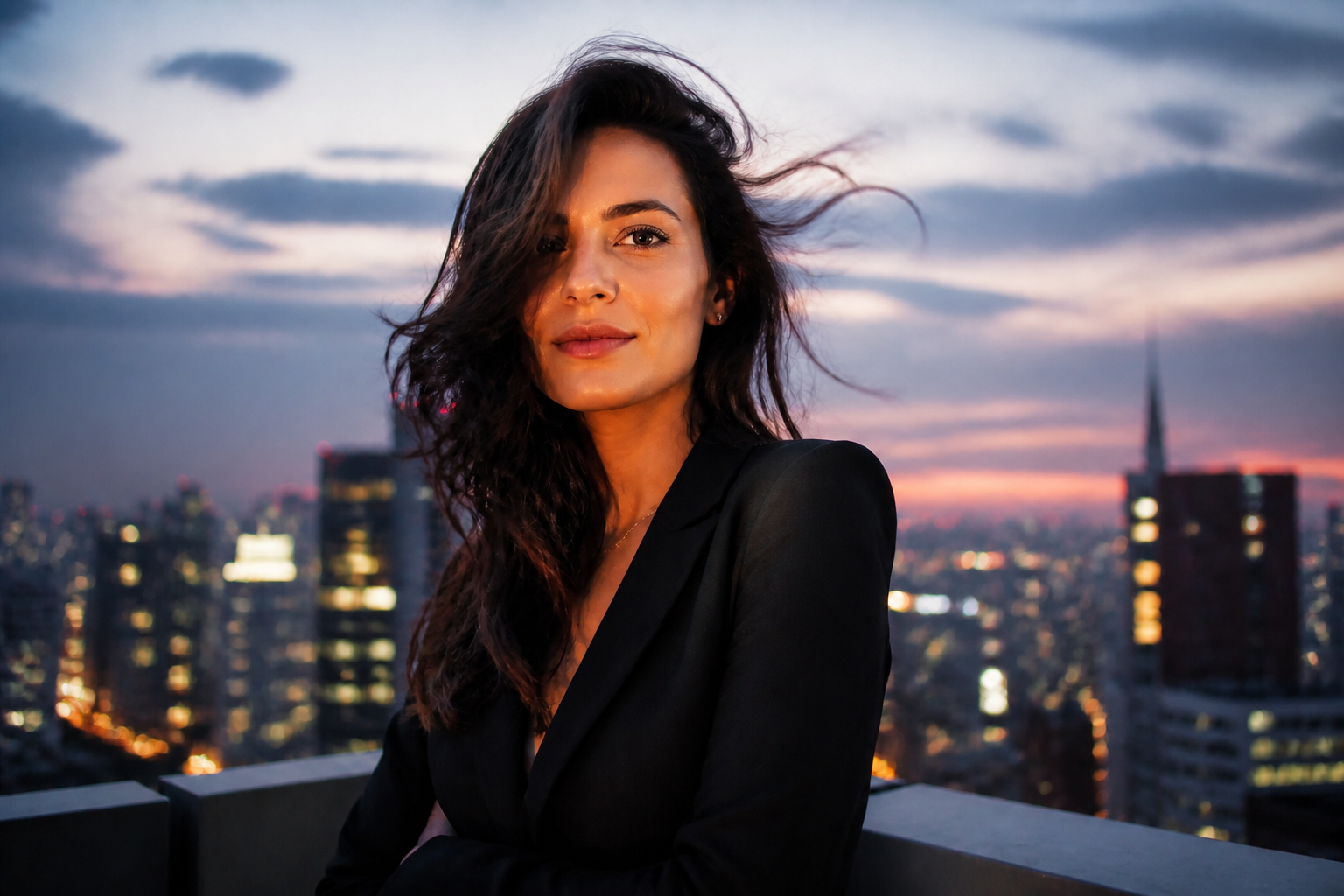 AFTERBEFOREAFTERBEFOREAFTERBEFOREAFTERBEFOREAFTERBEFOREAFTER
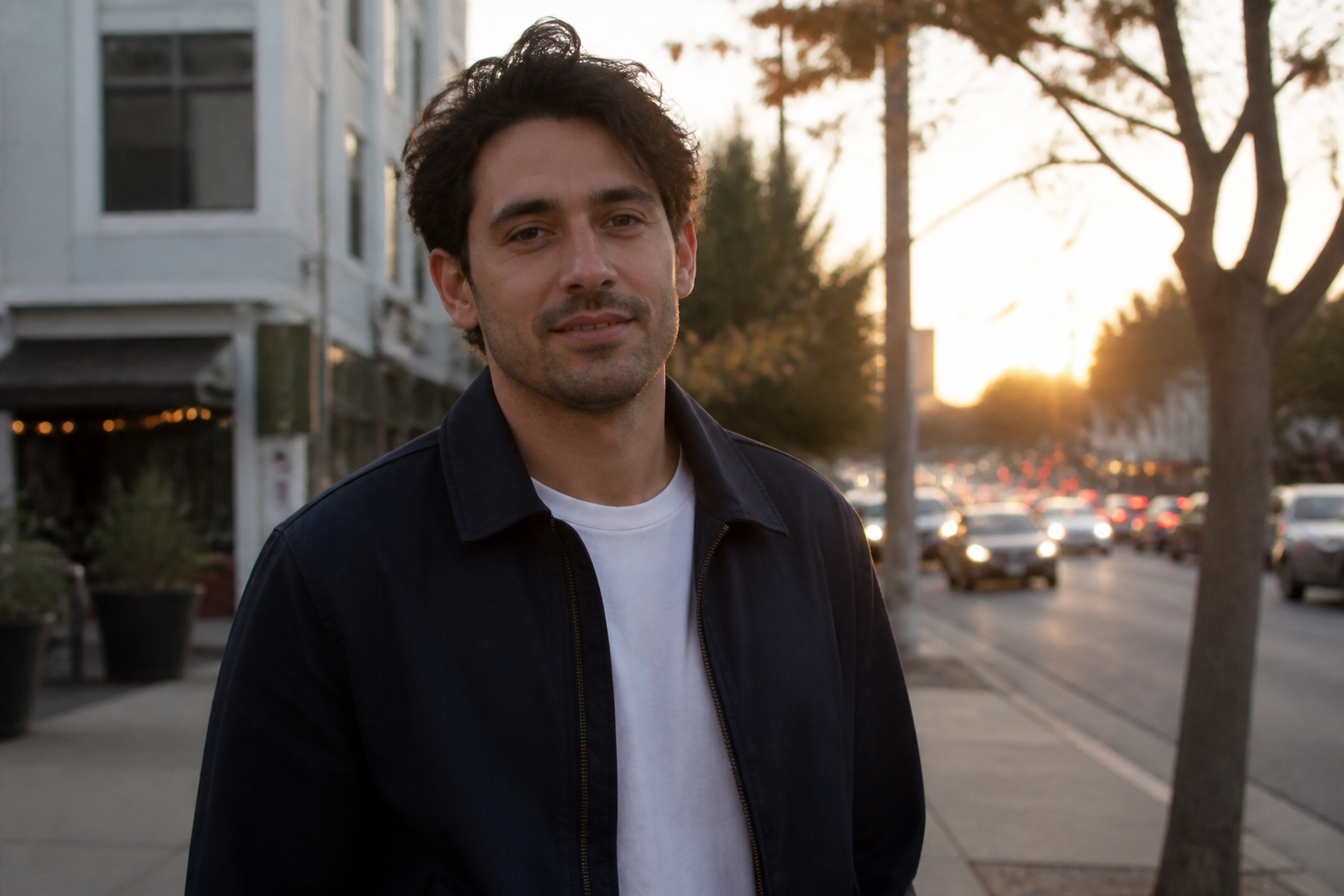 BEFORE
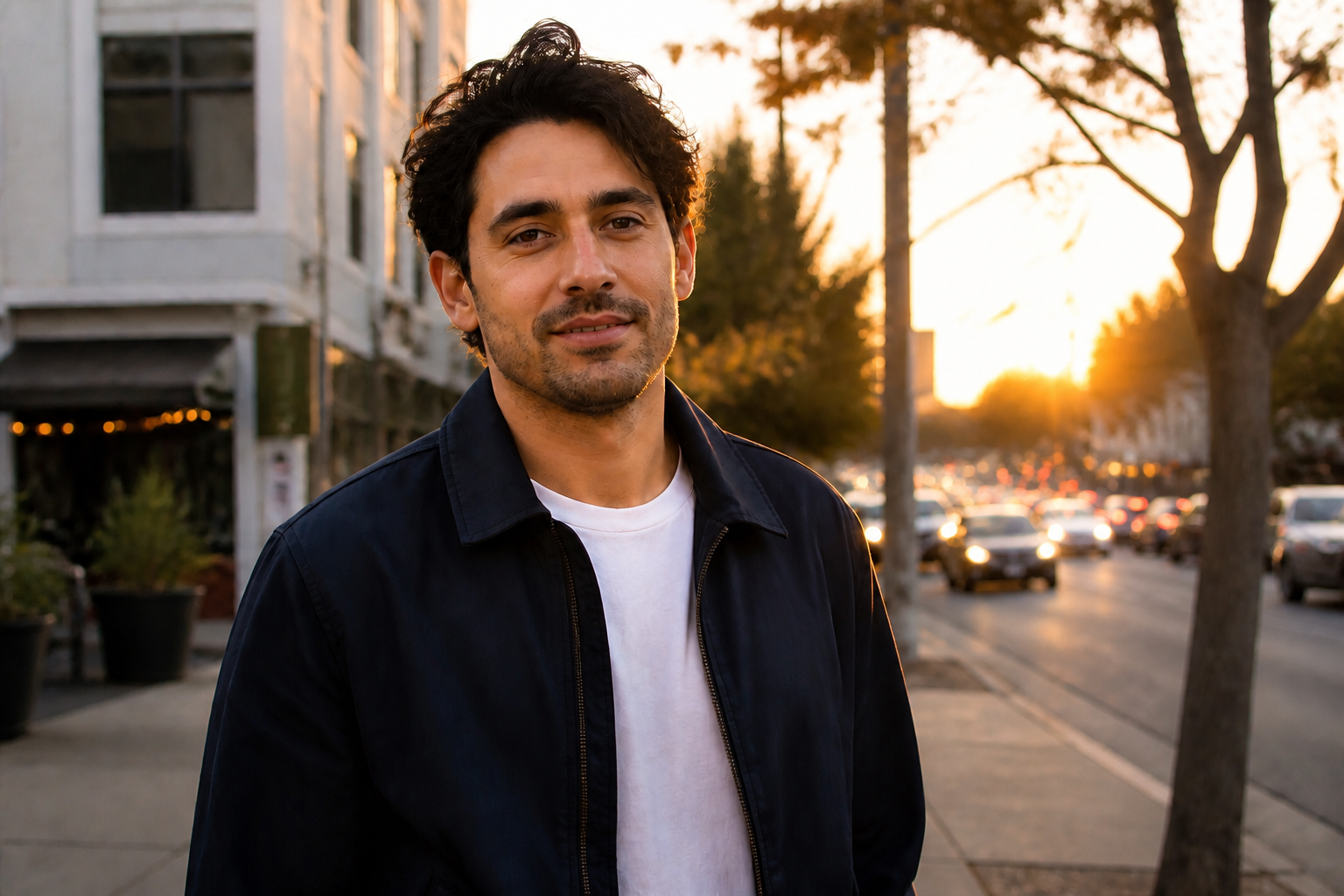 AFTER
AFTER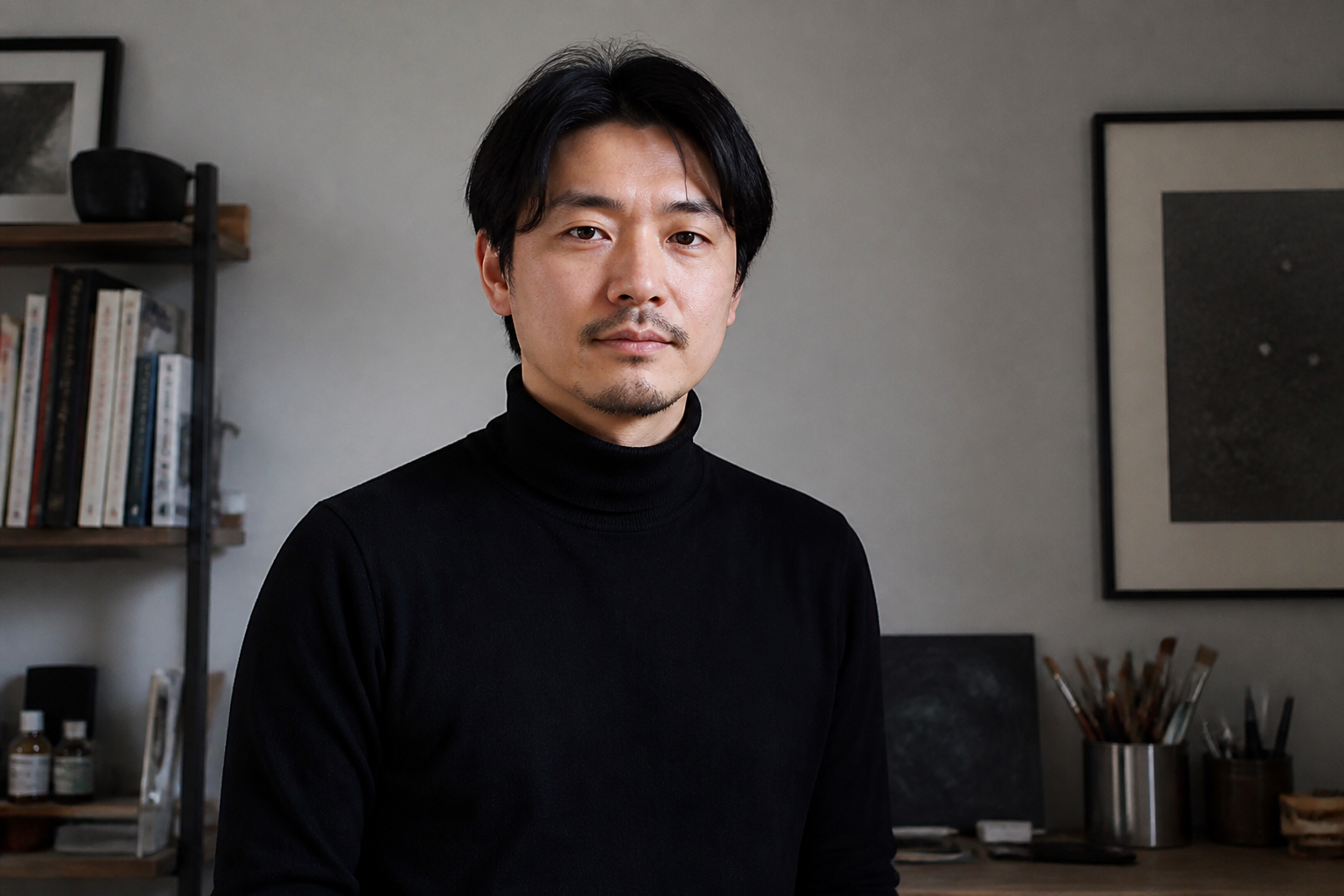 BEFORE
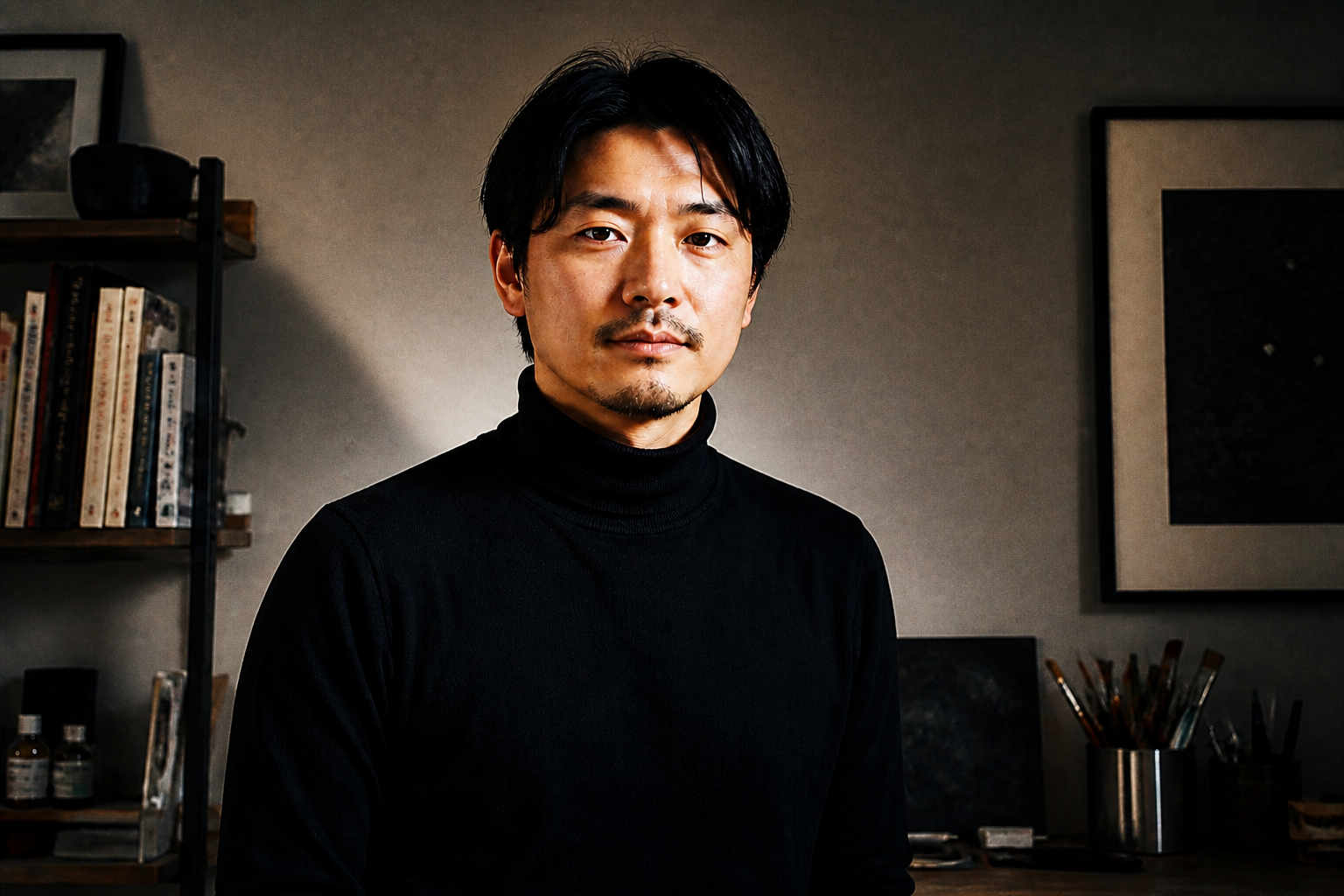 AFTER
AFTER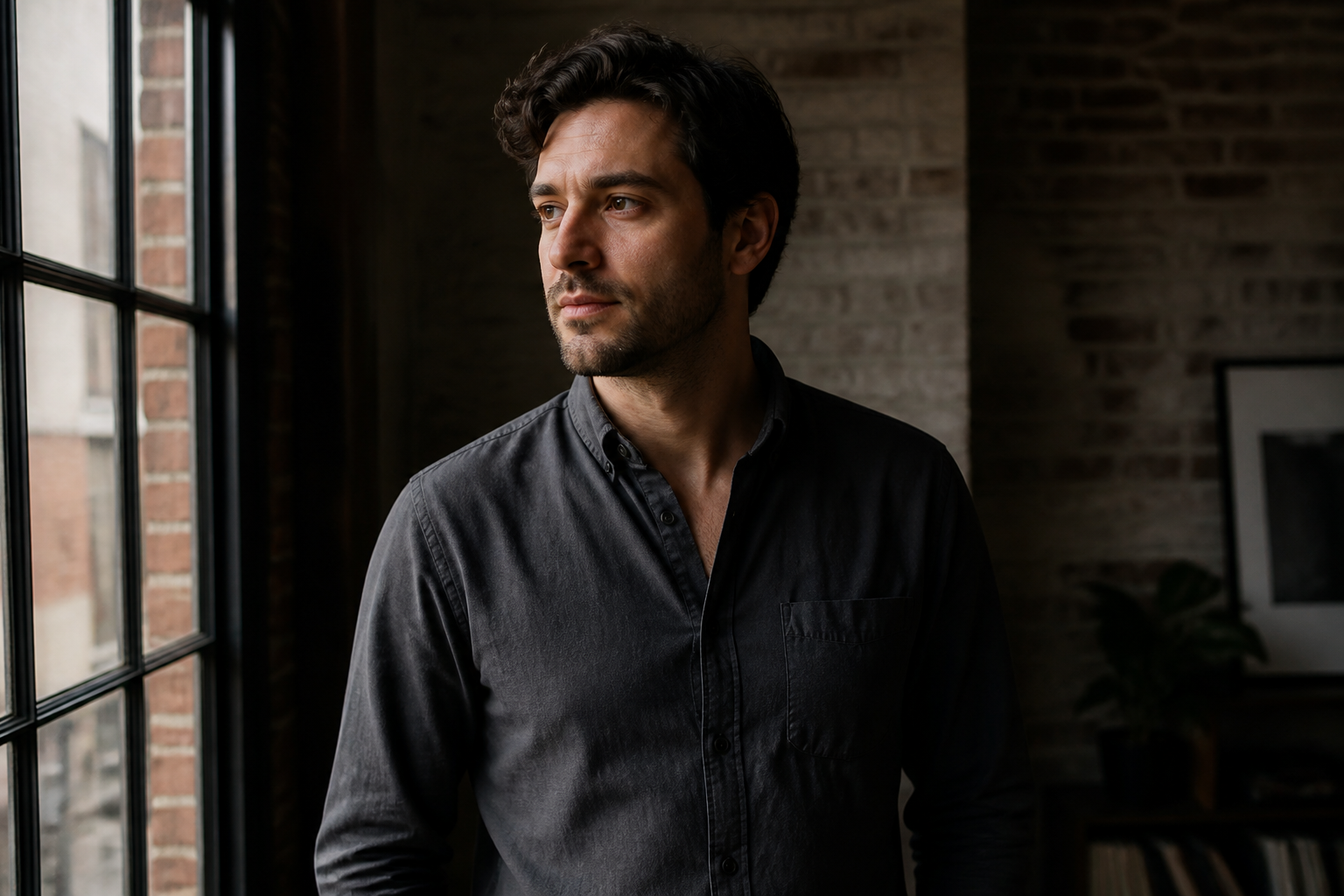 BEFORE
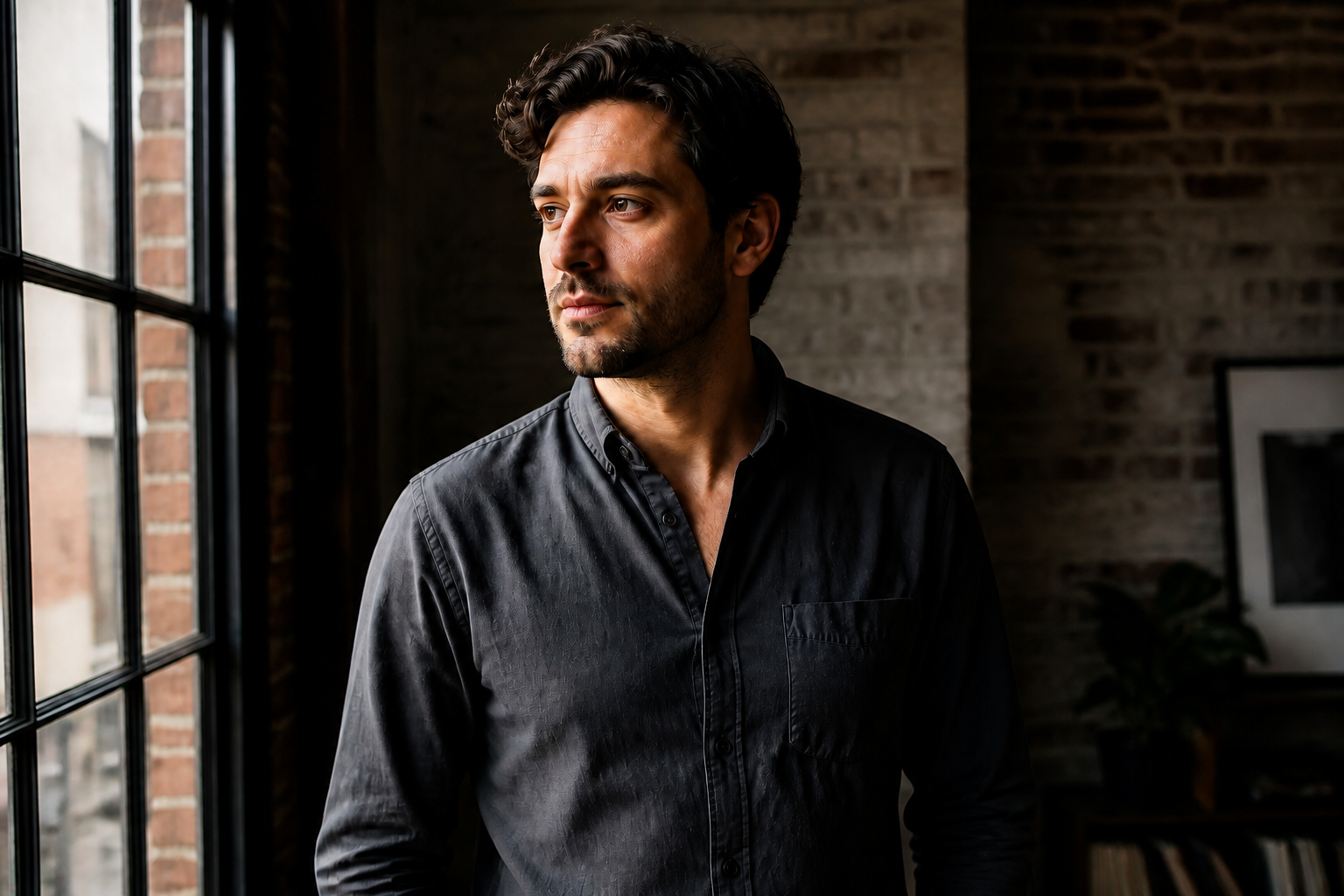 AFTER
AFTER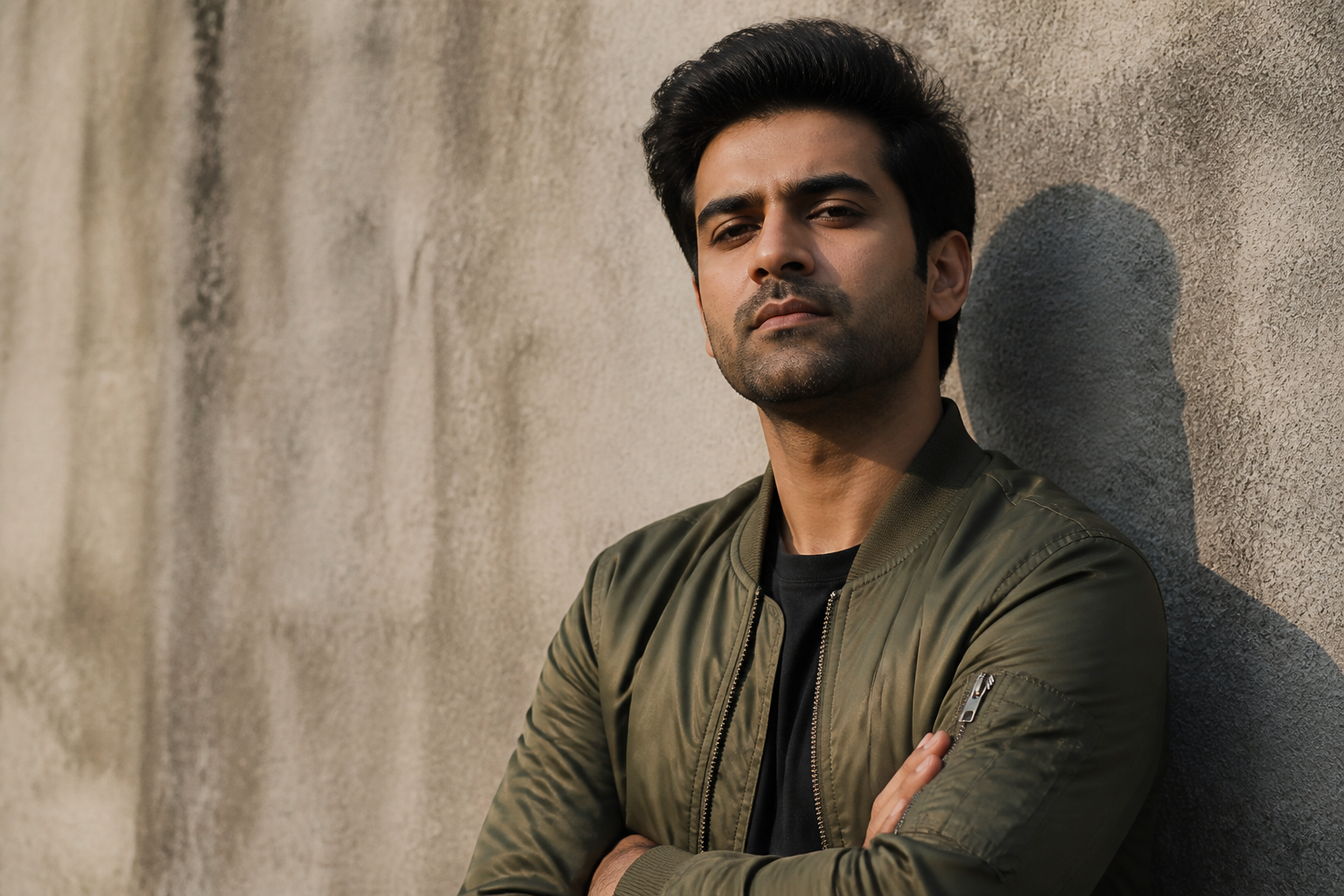 BEFORE
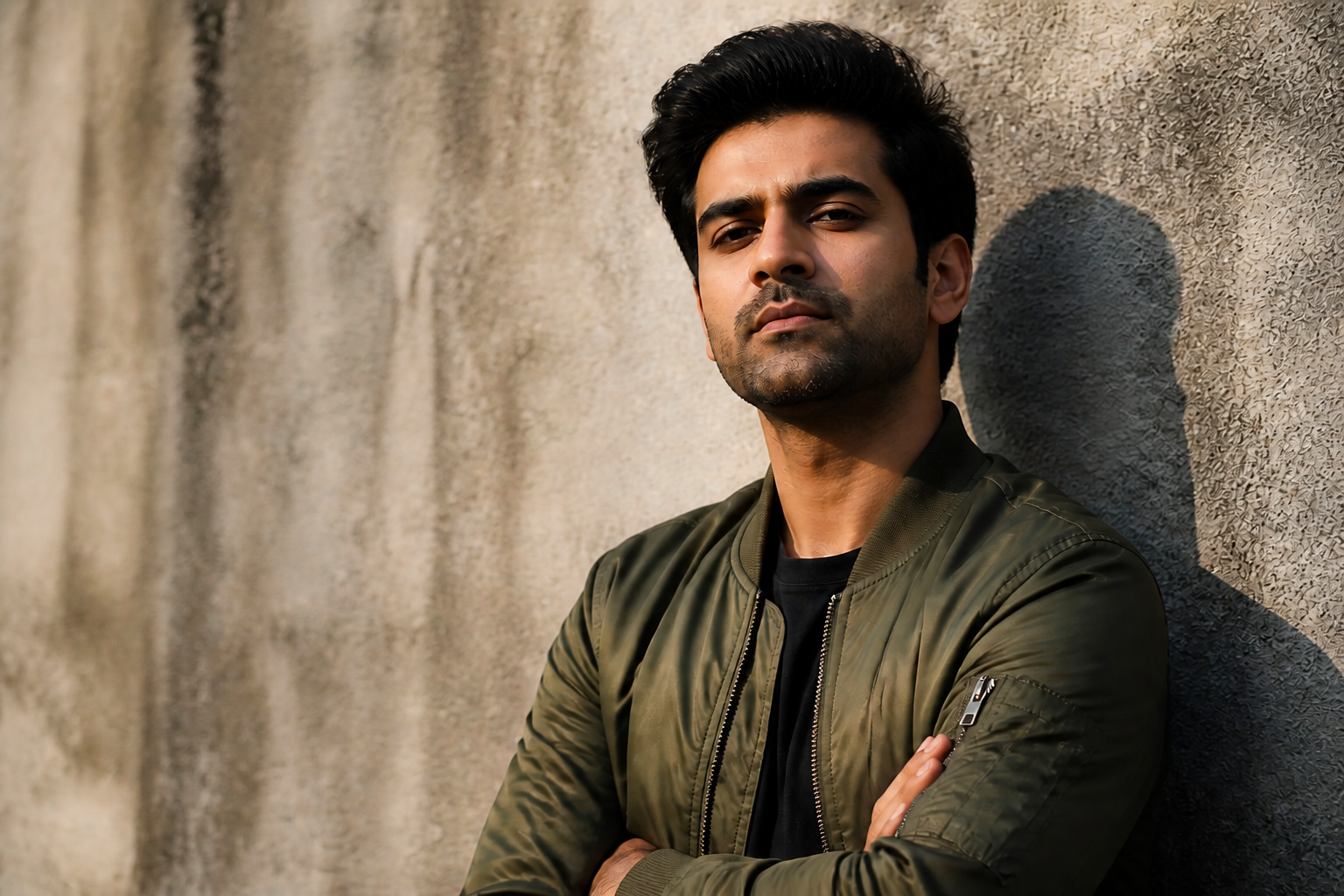 AFTER
AFTER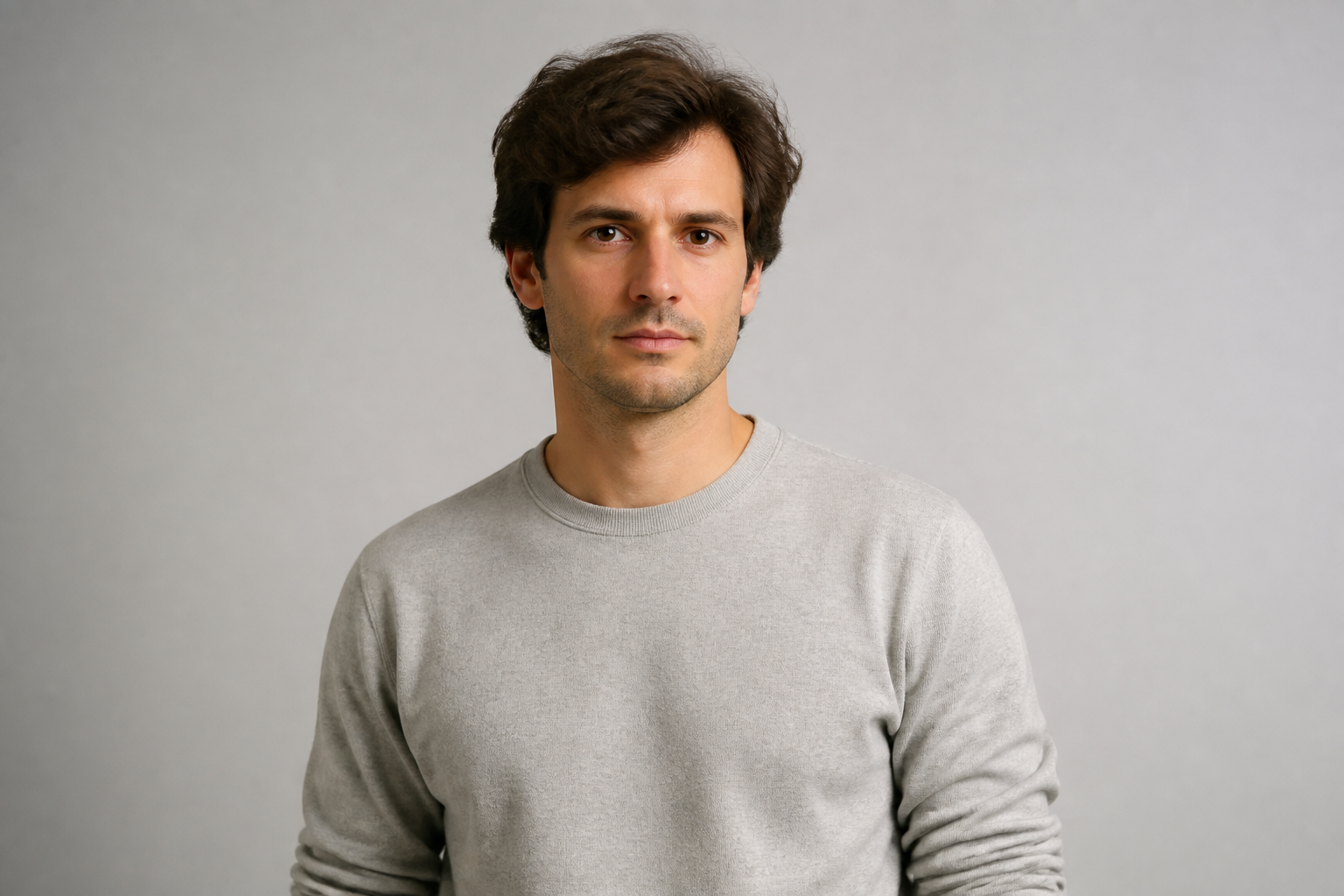 BEFORE
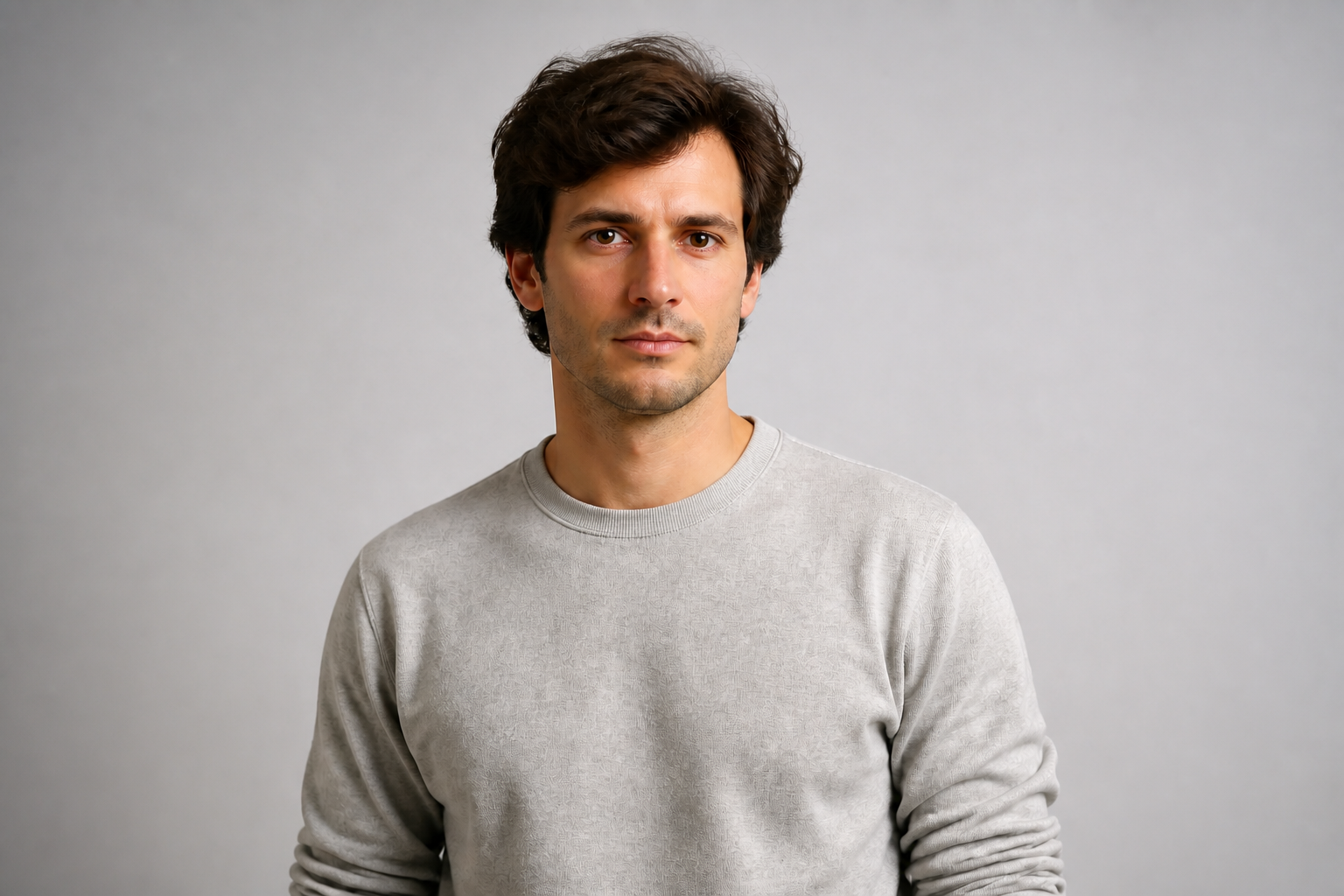 AFTERBEFOREAFTERBEFOREAFTERBEFOREAFTERBEFOREAFTERBEFOREAFTER
Key Features
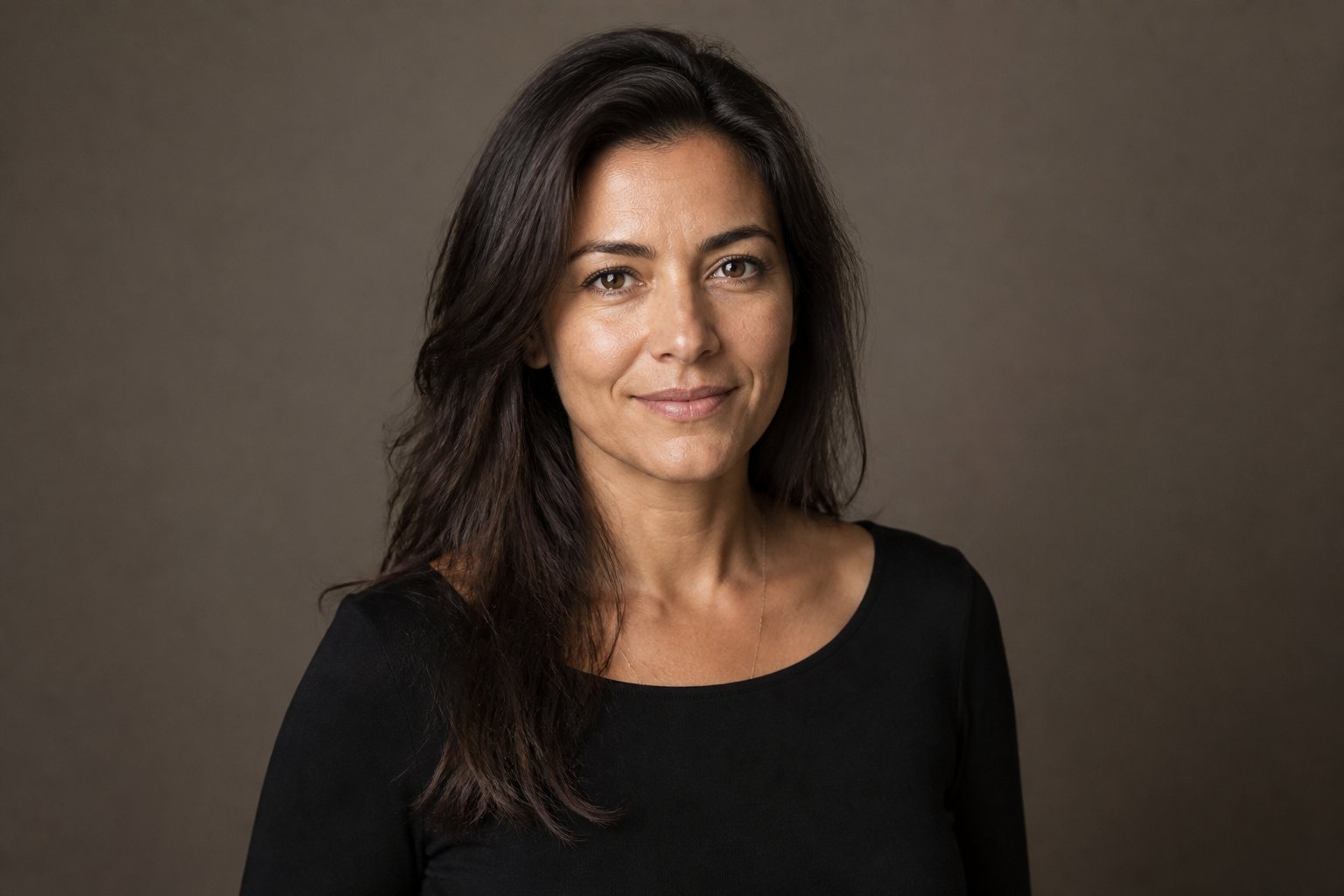
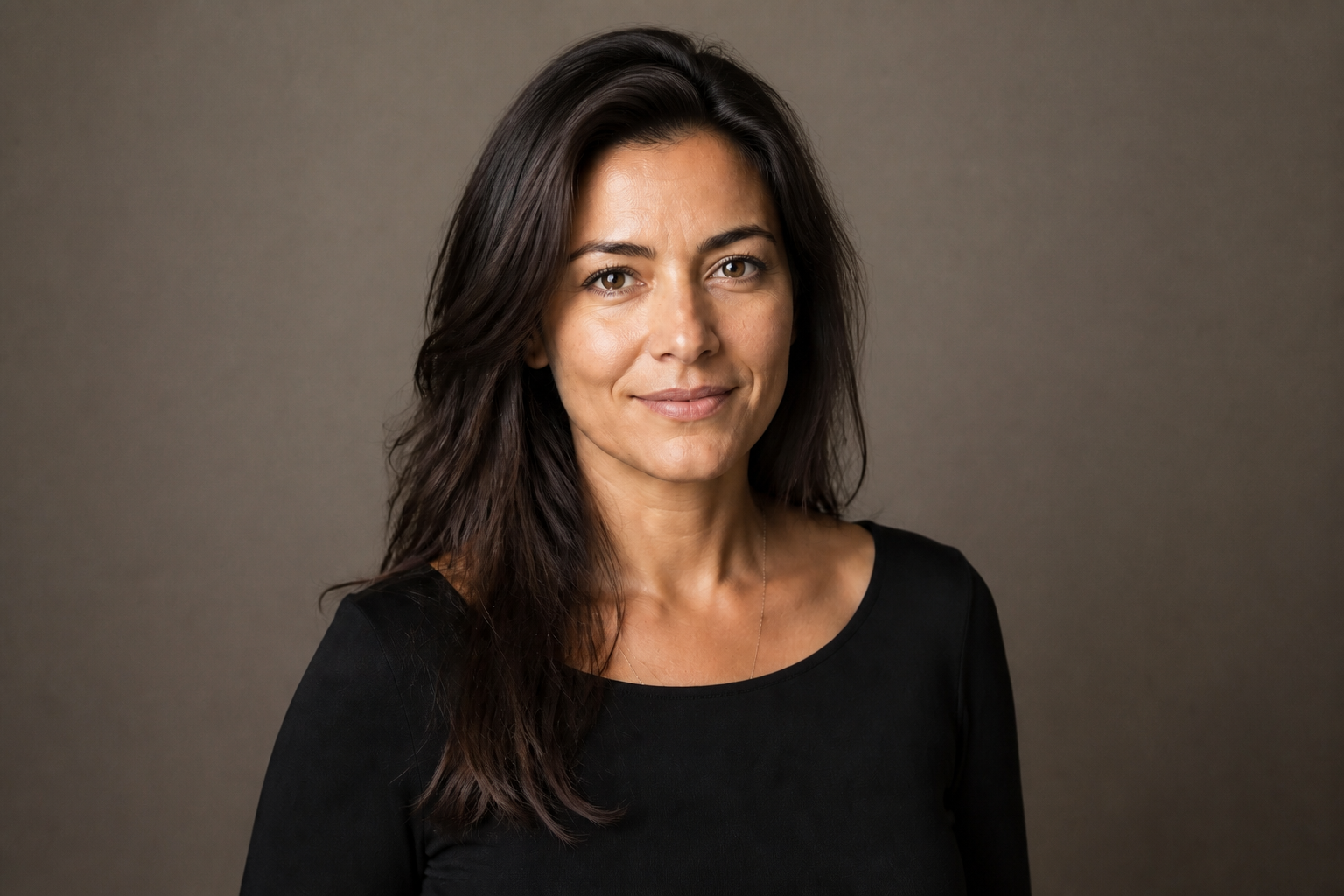
Keep faces recognizable
The edit improves the photo without turning the subject into someone else. Facial structure, expression, and overall identity stay consistent while lighting and detail get cleaned up. That matters for profile photos, client work, and personal portraits where accuracy is the whole point. It saves you from overprocessed results that look fake or inconsistent from shot to shot.
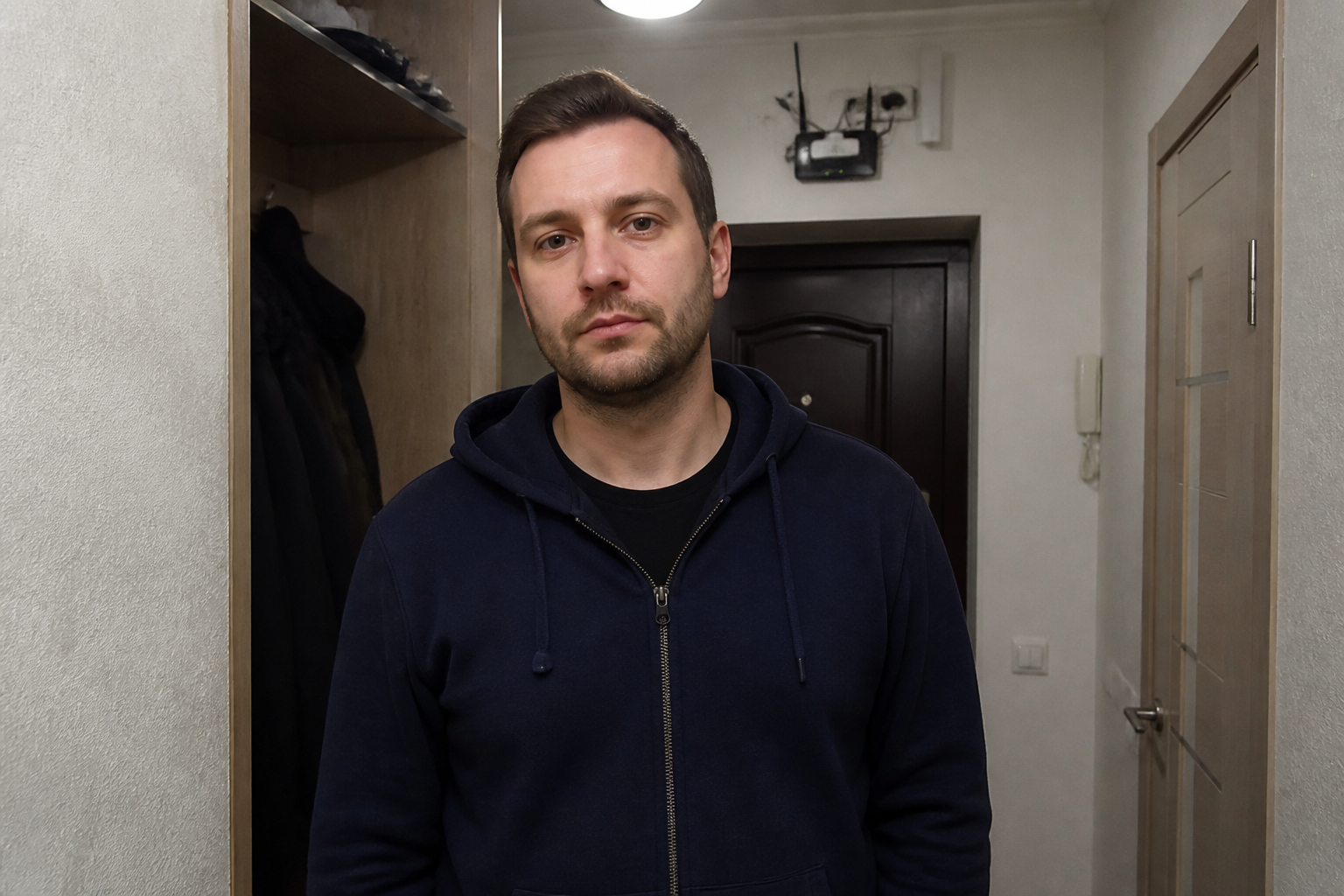
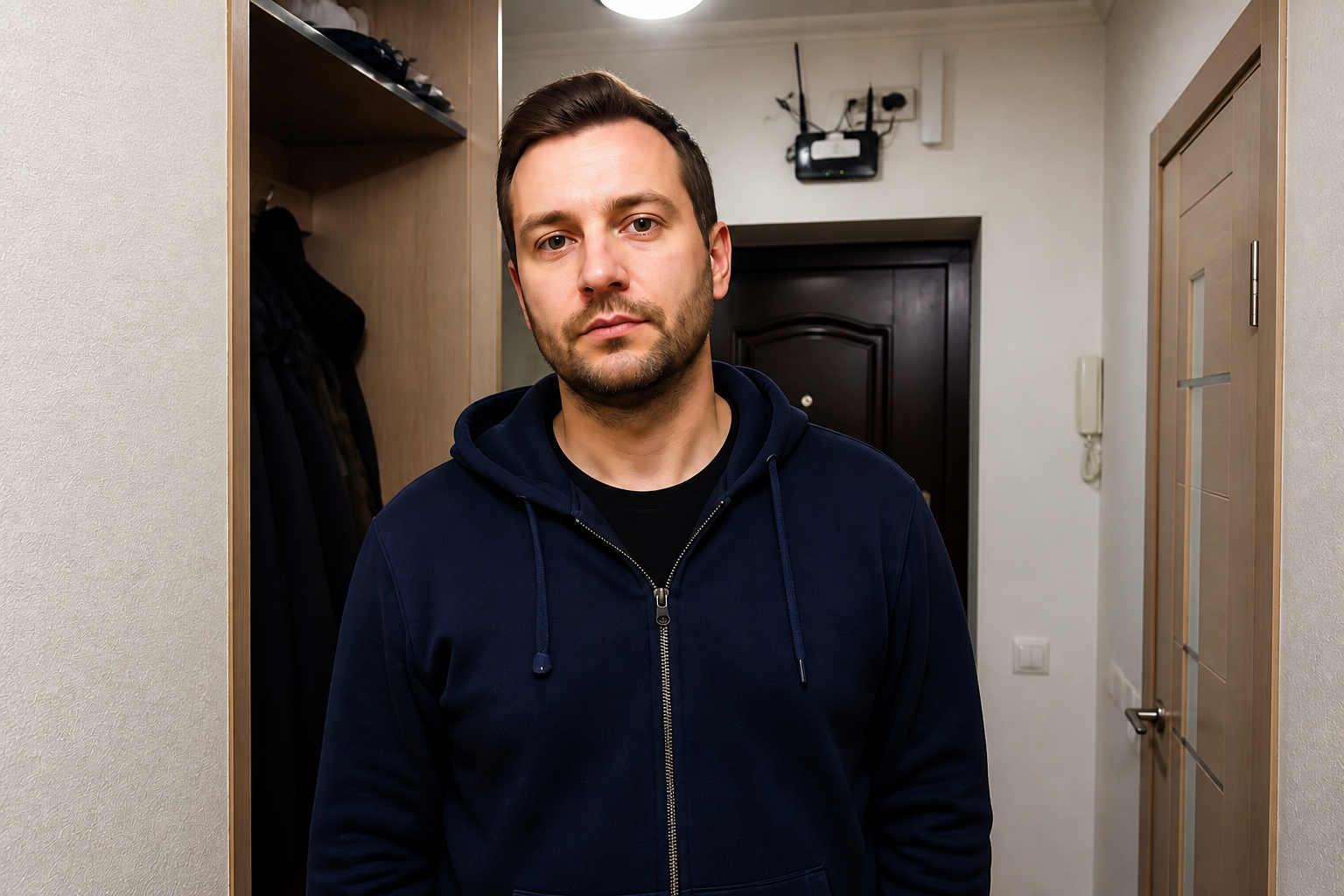
Fix flat phone photos
Many portraits start with weak lighting, dull color, or soft detail from a quick phone shot. This tool upgrades those images into cleaner, more polished portraits without requiring manual retouching skills. You get better contrast, clearer eyes, and a more intentional look in one pass. It is a fast way to rescue photos that are good enough to keep but not good enough to share.
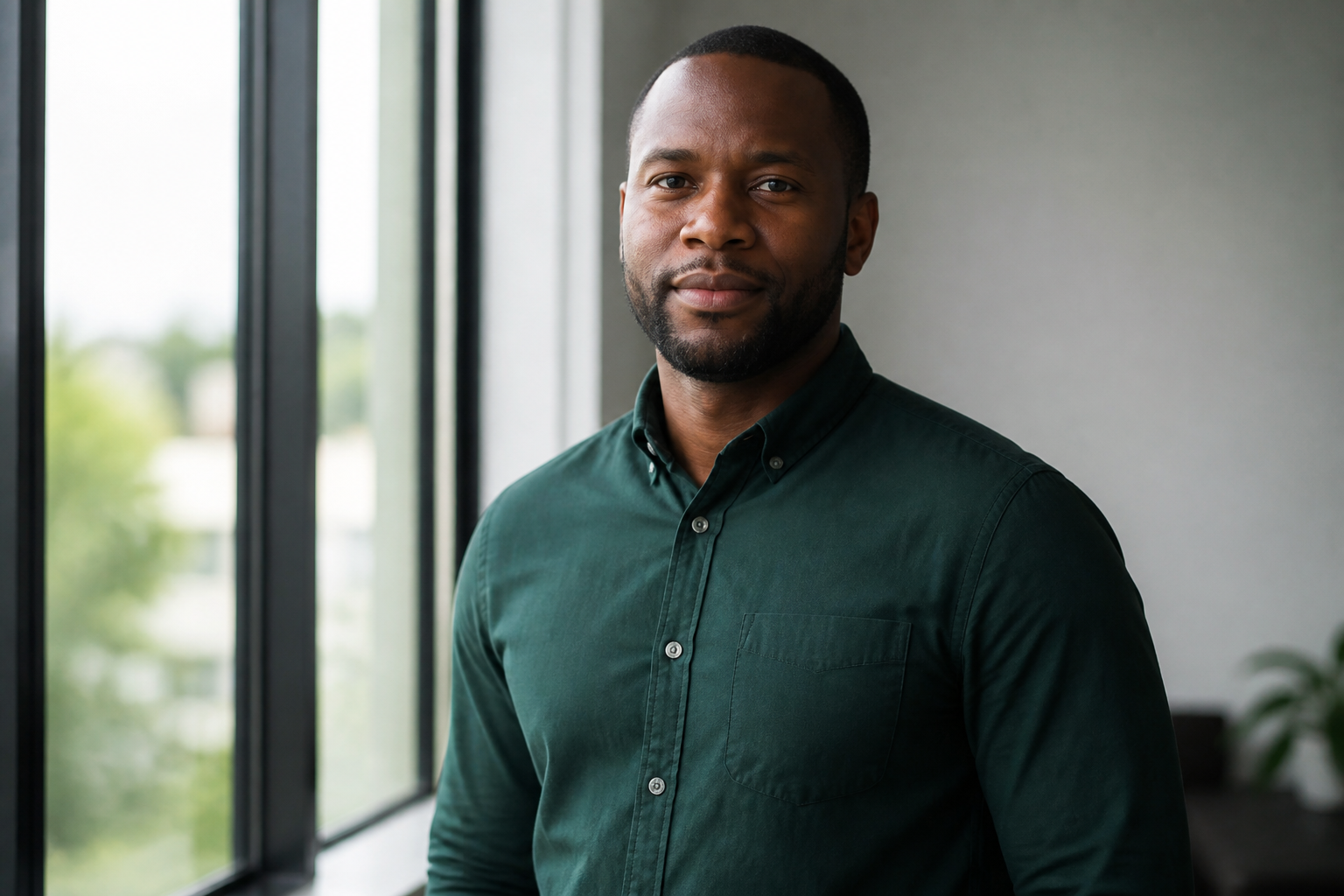
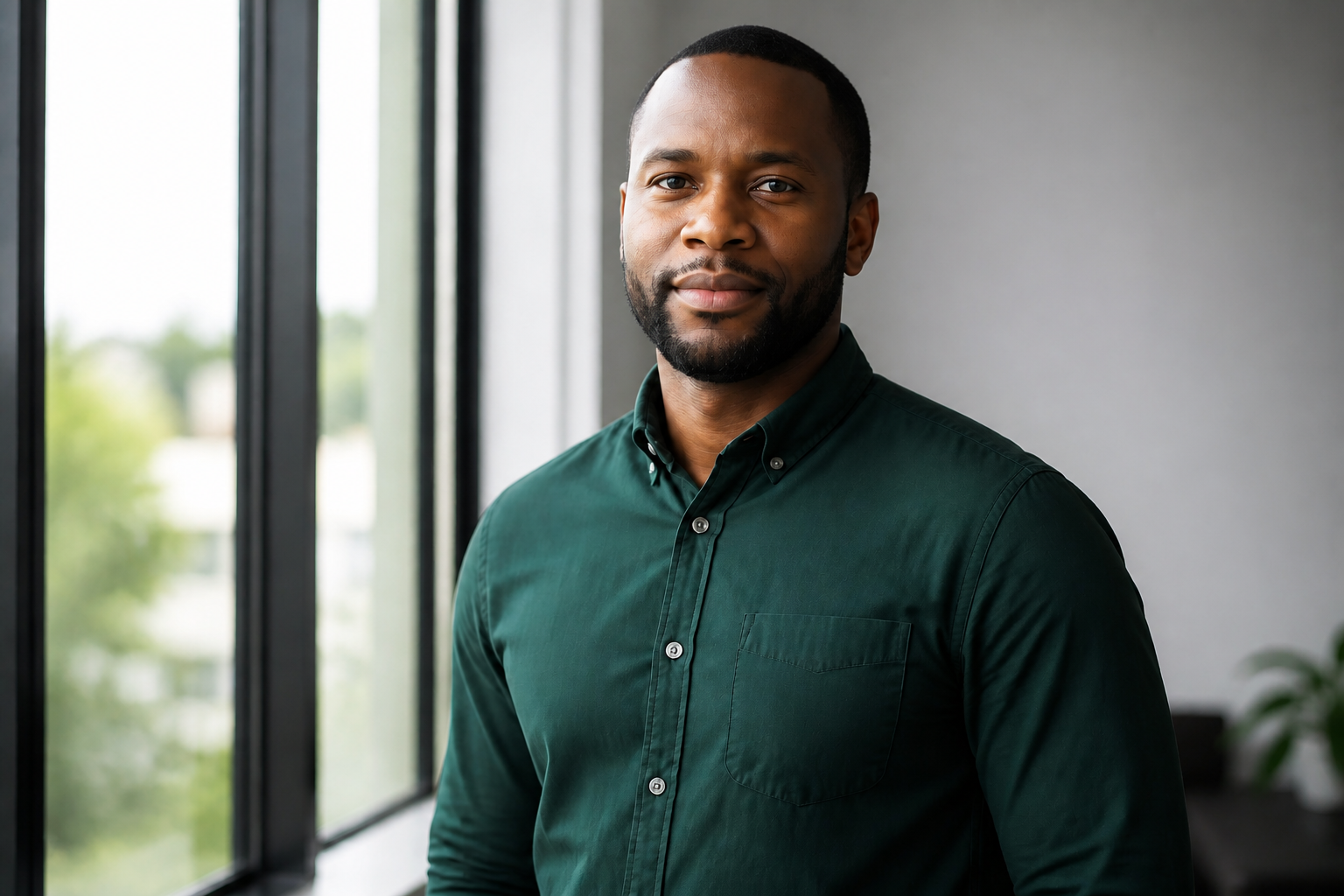
Sharper detail, cleaner skin
The enhancer improves clarity where it matters most: eyes, hair, and facial definition. At the same time, it refines skin texture so the result looks clean rather than plastic. Doing this by hand usually means multiple masking and retouching steps. Here, the effect is visible right away and still keeps the portrait believable.
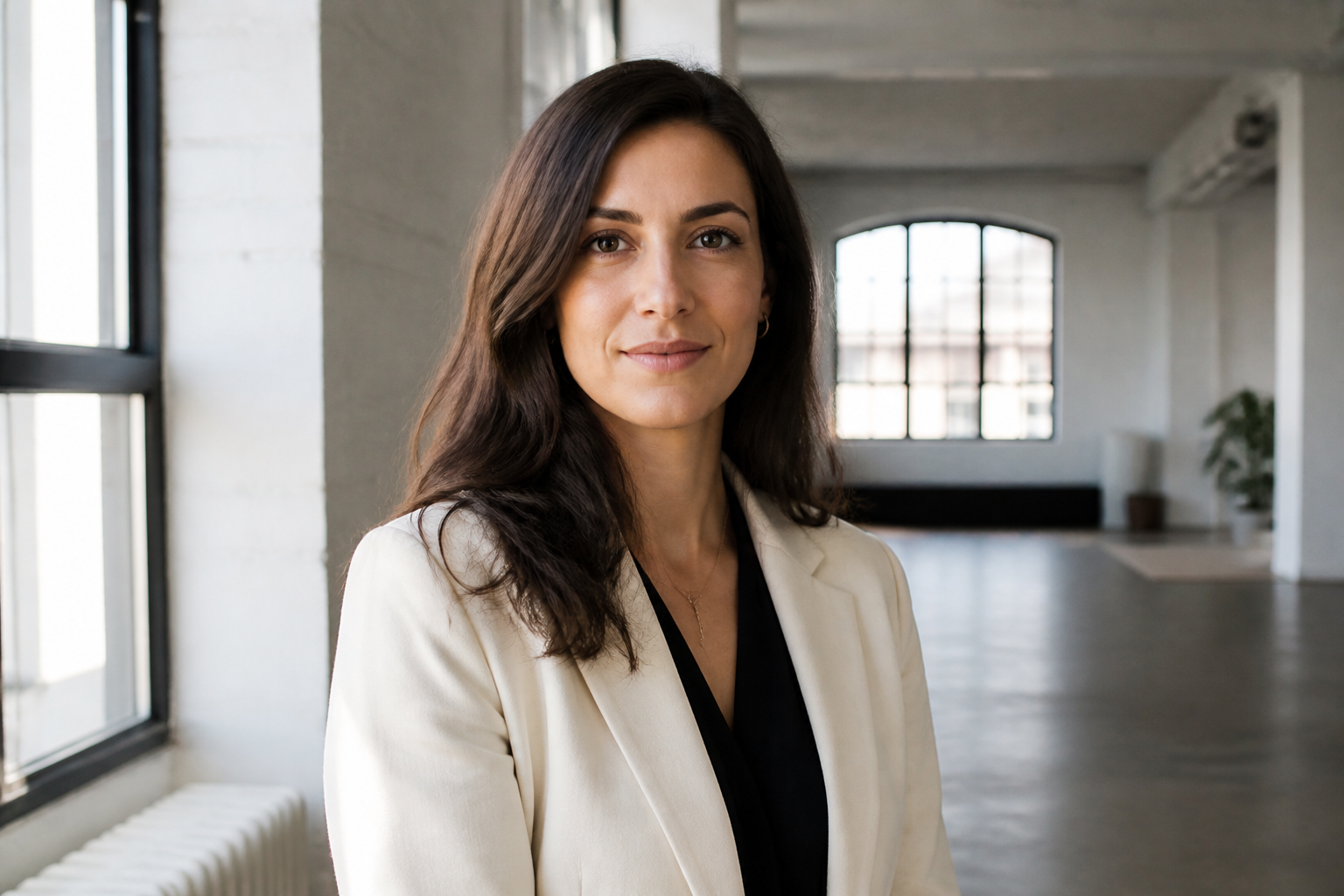
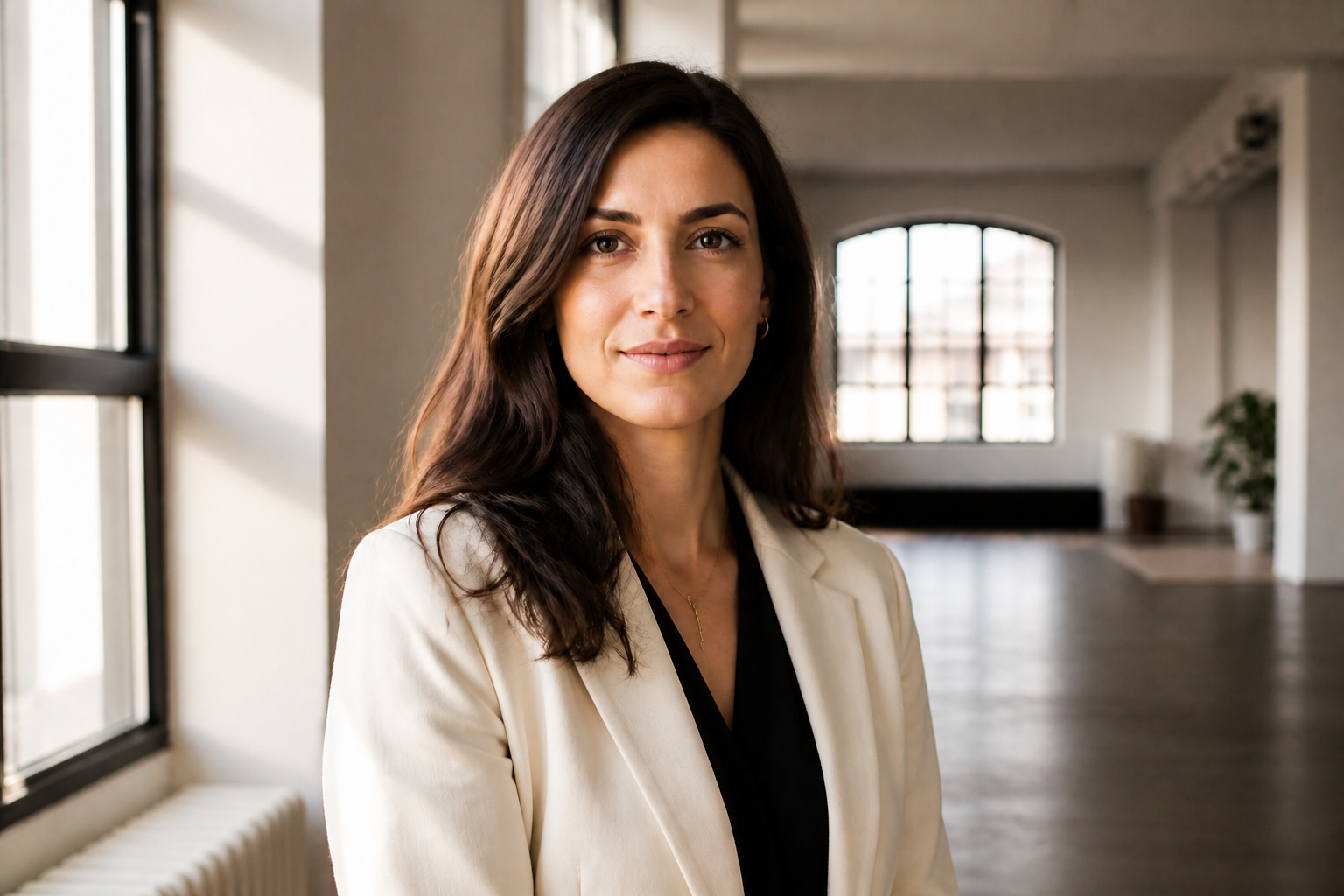
Works across portrait styles
You can use the same portrait as a base for polished realism or more stylized looks. That makes the tool useful for social avatars, creative campaigns, and mood-board exploration from one source image. Instead of rebuilding the portrait from scratch, you preserve the composition and person while changing the finish. It gives you more range without losing consistency.
How It Works
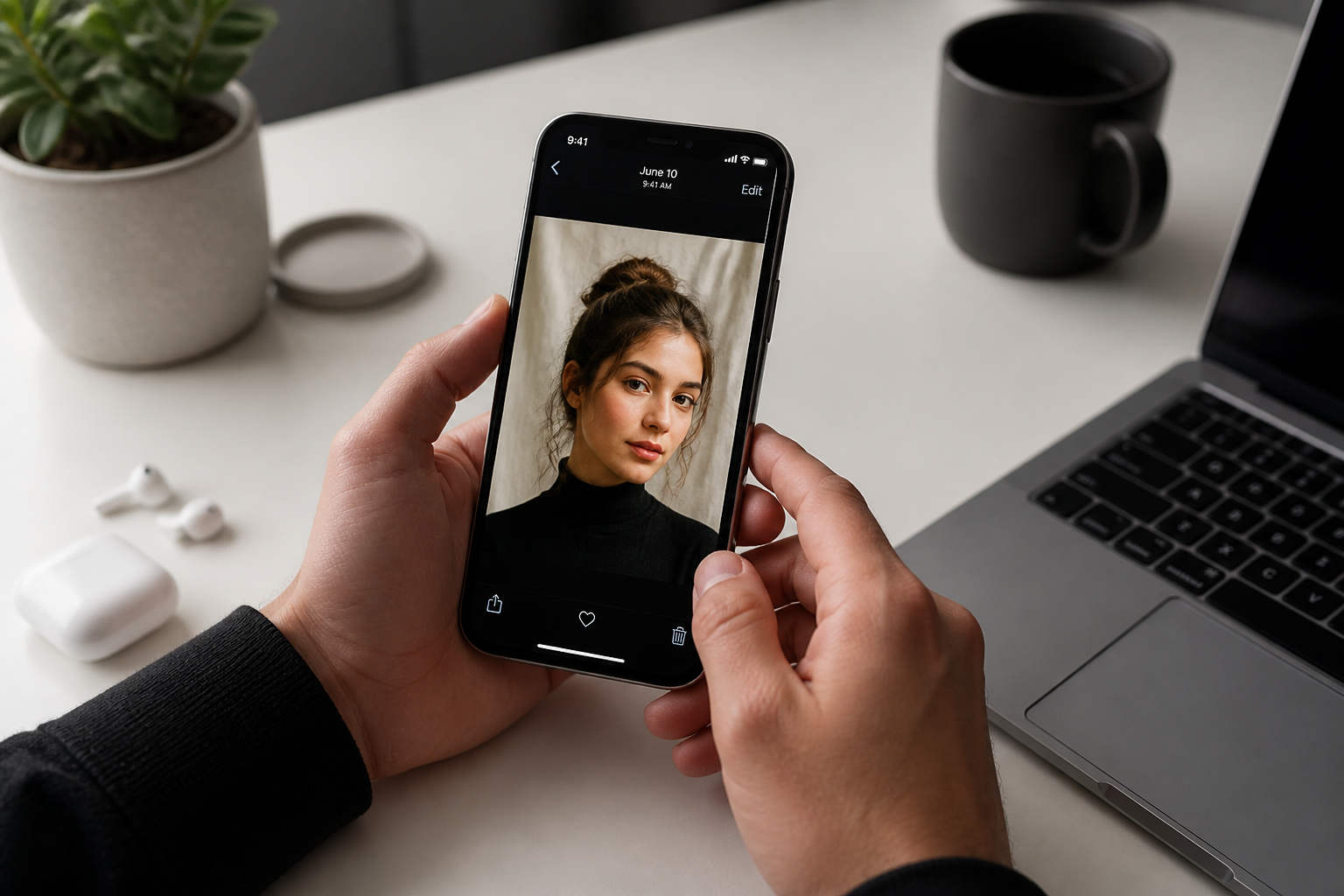
Upload your portrait
Start with a clear portrait or selfie. Waist-up and chest-up photos usually work best because the face remains easy to read after enhancement.
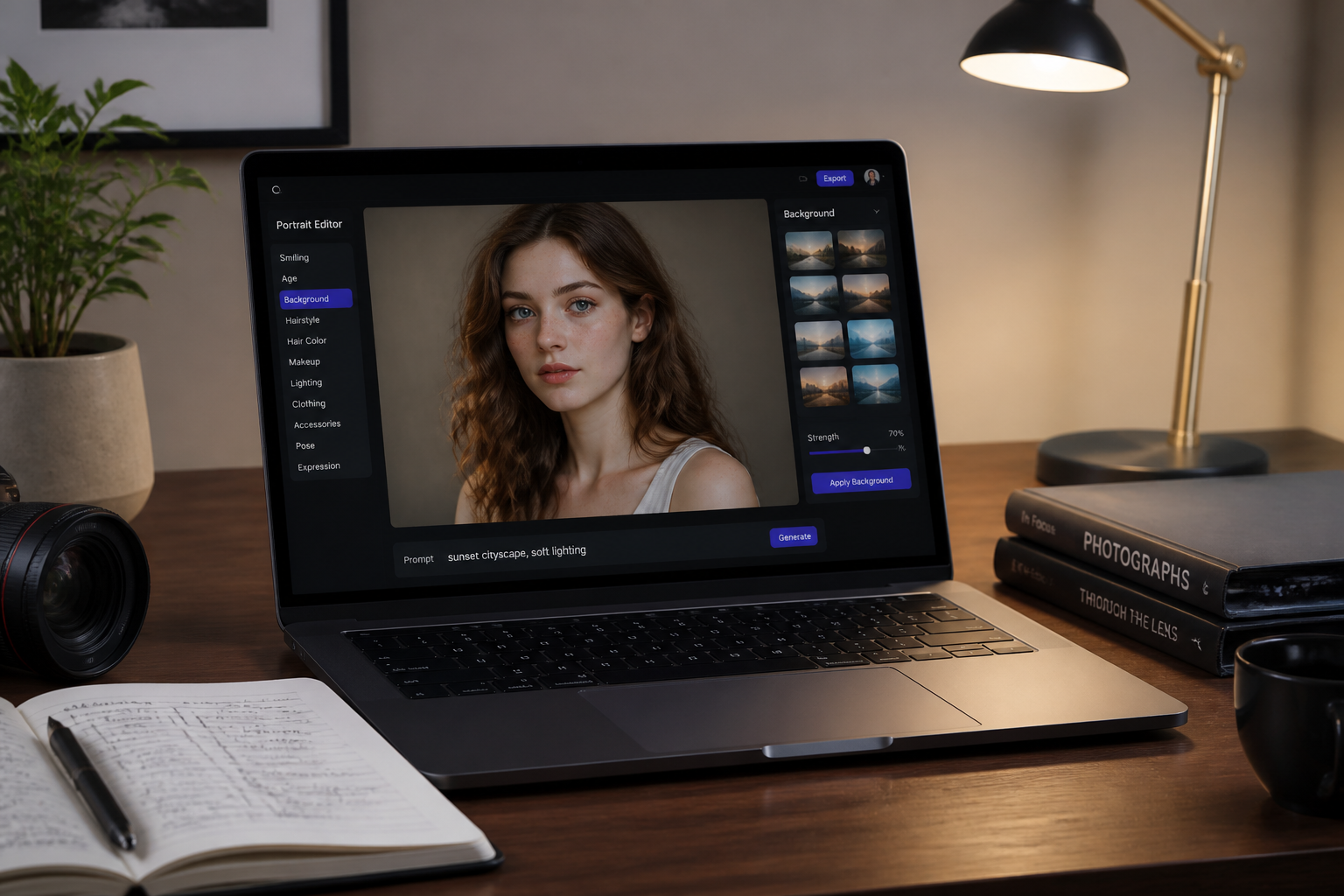
Describe the finish
Tell the AI what kind of improvement you want, such as sharper detail, cleaner skin, brighter lighting, or a more editorial look. A short, direct instruction is usually enough.
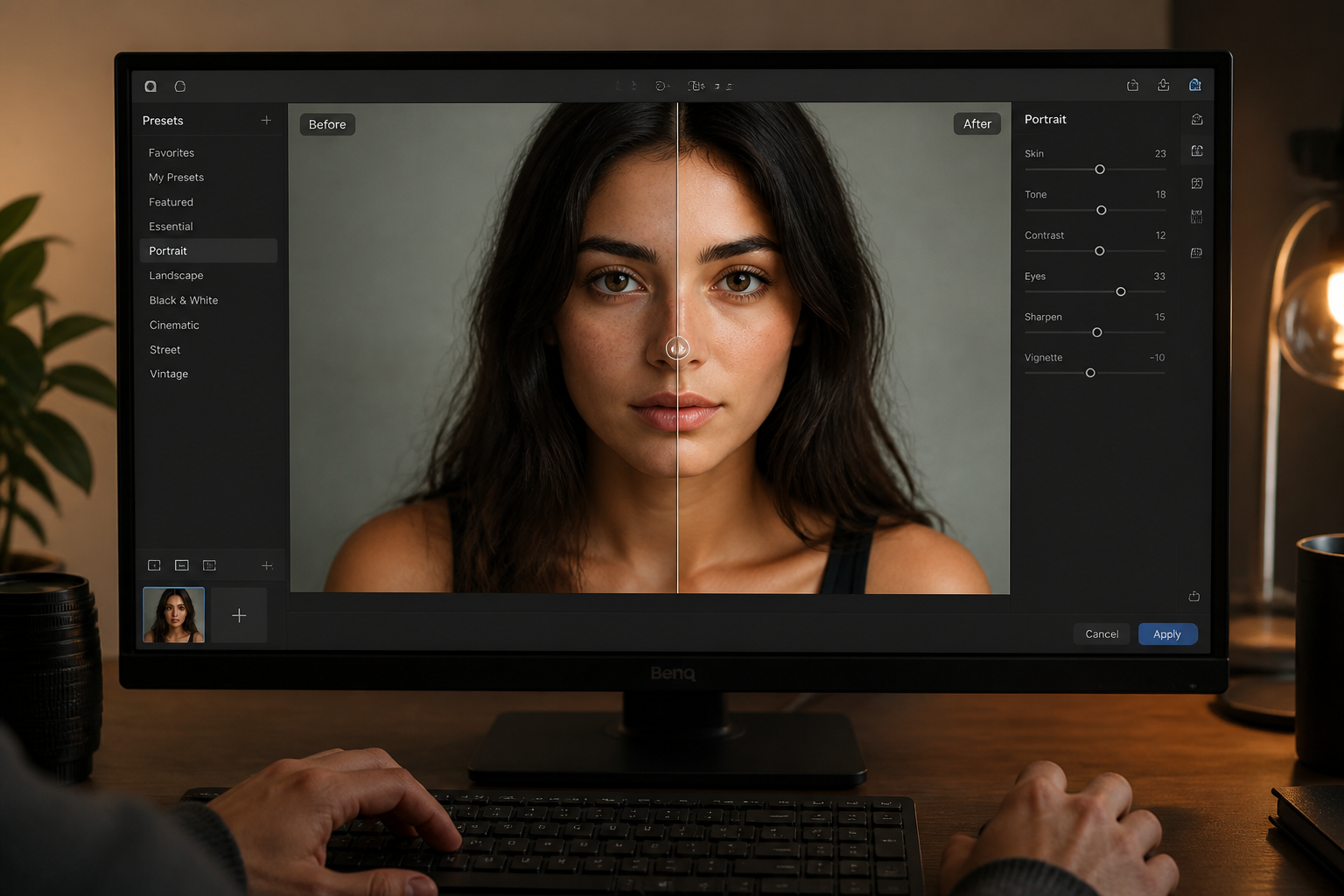
Compare and download
Review the before and after to make sure the portrait still looks like the same person. Then save the version that fits your profile, portfolio, or social post.
Perfect For
Discover how creators and professionals use ai portrait enhancer
Profile photos
Upgrade LinkedIn, CV, and team-page portraits without booking a new shoot.
Social media portraits
Make selfies and casual portraits look cleaner, brighter, and more polished before posting.
Photographer previews
Show clients a fast enhanced look before doing slower manual retouching work.
Creative portrait styling
Turn one base portrait into editorial or artistic variations while keeping the same person and composition.
Built For
Creators and influencers
For people who need scroll-stopping portraits for avatars, posts, thumbnails, and personal branding.
Photographers and editors
For professionals who want a fast first-pass enhancement before selective manual retouching.
Everyday users
For anyone who has a decent portrait that just needs better light, clarity, and polish.
Why use this portrait enhancer
A quick look at how we compare on the things that matter for this niche.
| Feature | BudgetPixel | Generic AI editors | Manual editing apps |
|---|---|---|---|
| Portrait-focused enhancement | ✓ | — | — |
| Keeps identity intact | ✓ | — | ✓ |
| Fast one-step polish | ✓ | ✓ | — |
| Creative style variations | ✓ | ✓ | — |
| Manual retouching required | — | — | ✓ |
Frequently Asked Questions
What does AI Portrait Enhancer change?
Will it keep the person recognizable?
Does it work on phone photos?
Can I create stylized portrait looks too?
Do I need editing skills to use it?
Create together.
Share your creations, discover trending AI art, and grow with fellow creators.