AI Face Enhancer for Better Portraits
Clean up faces, sharpen details, and keep the person recognizable.
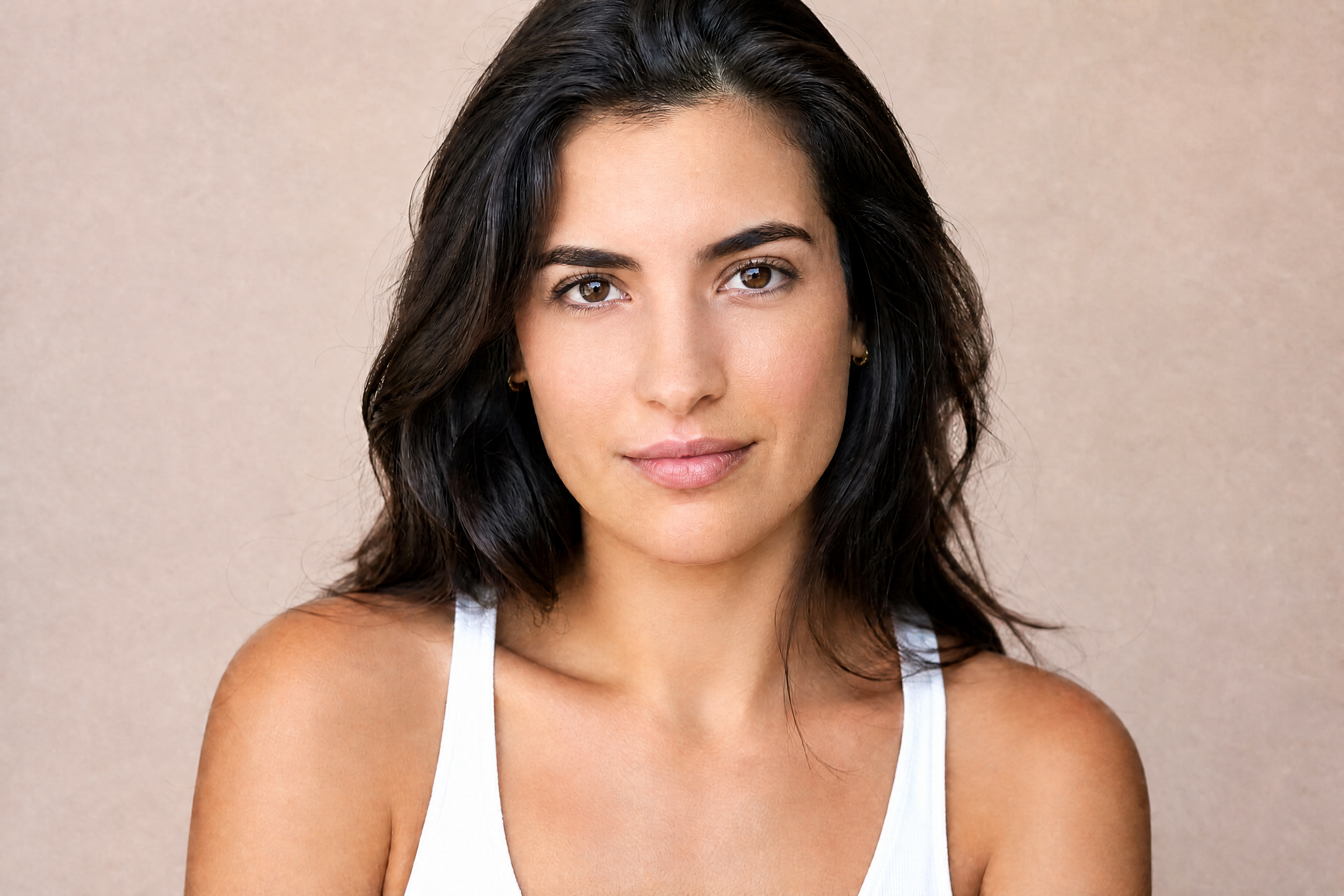
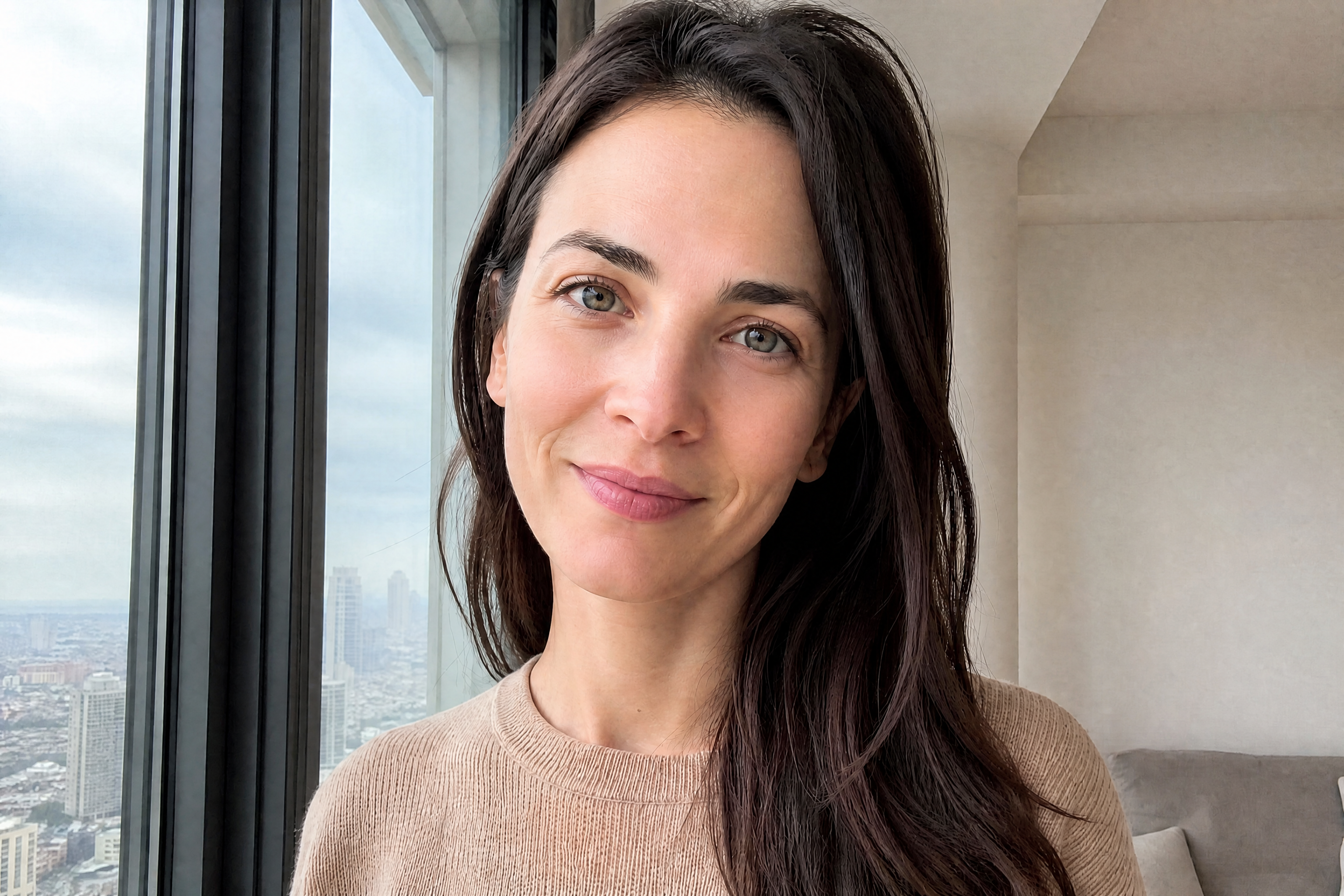
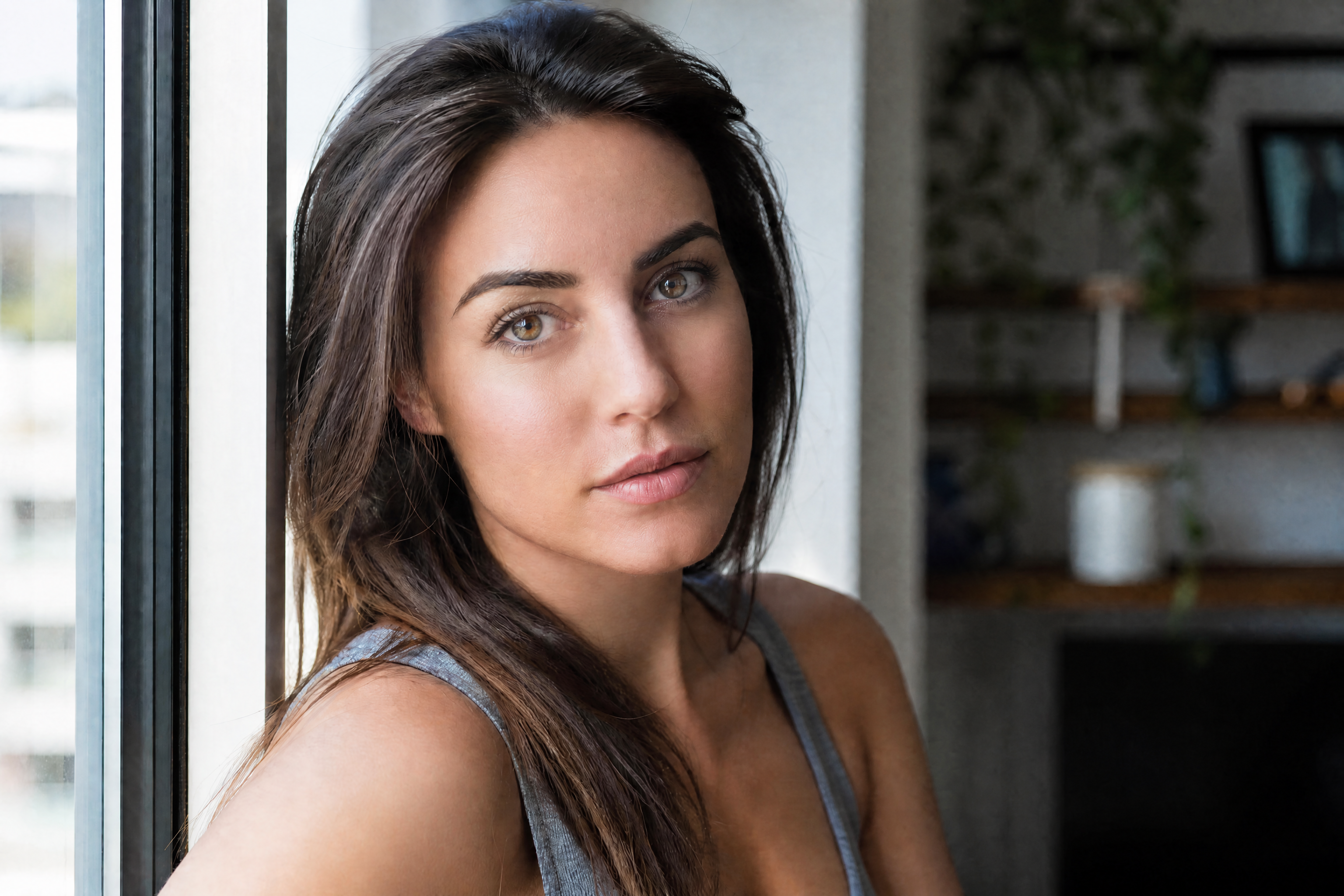
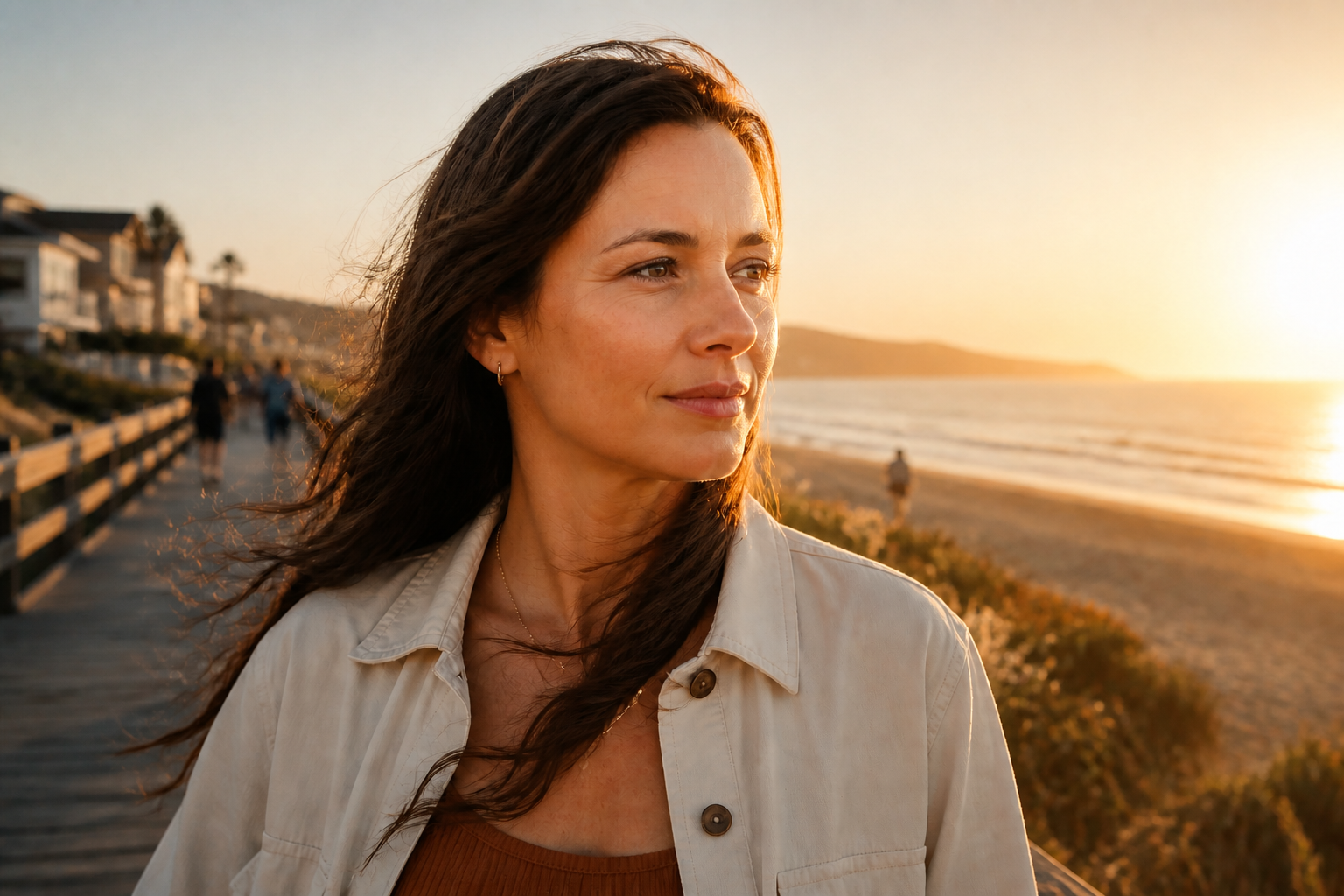
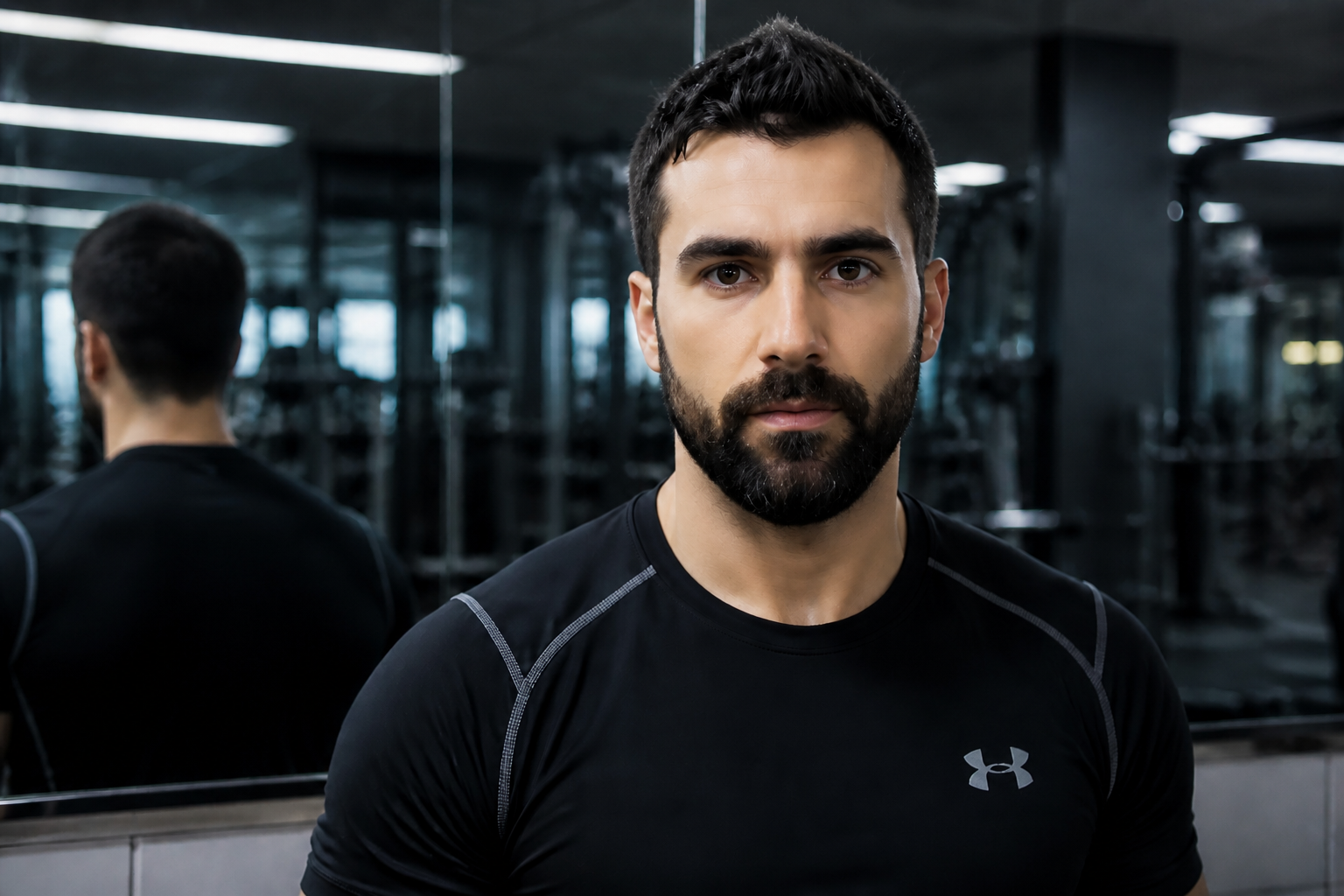
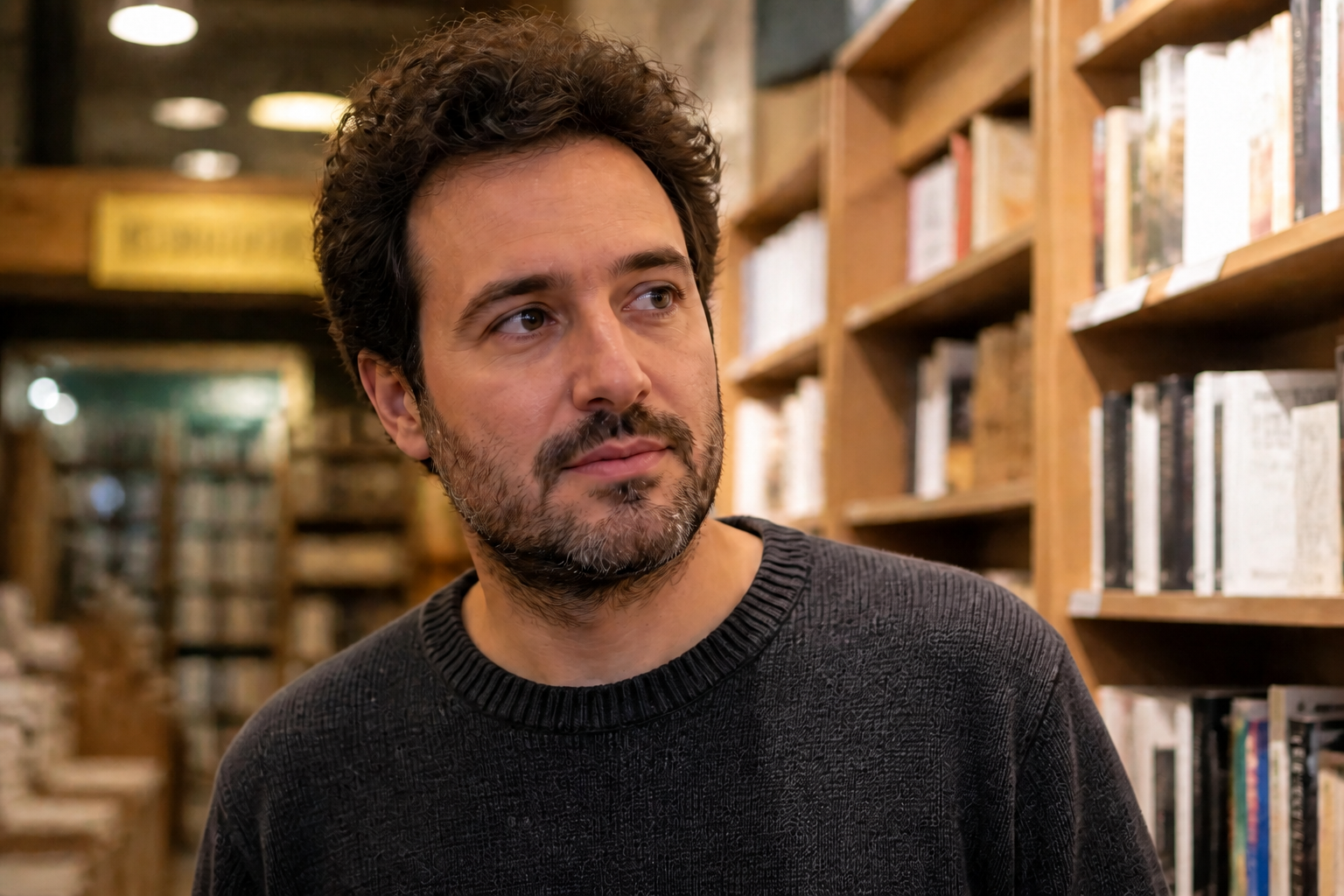
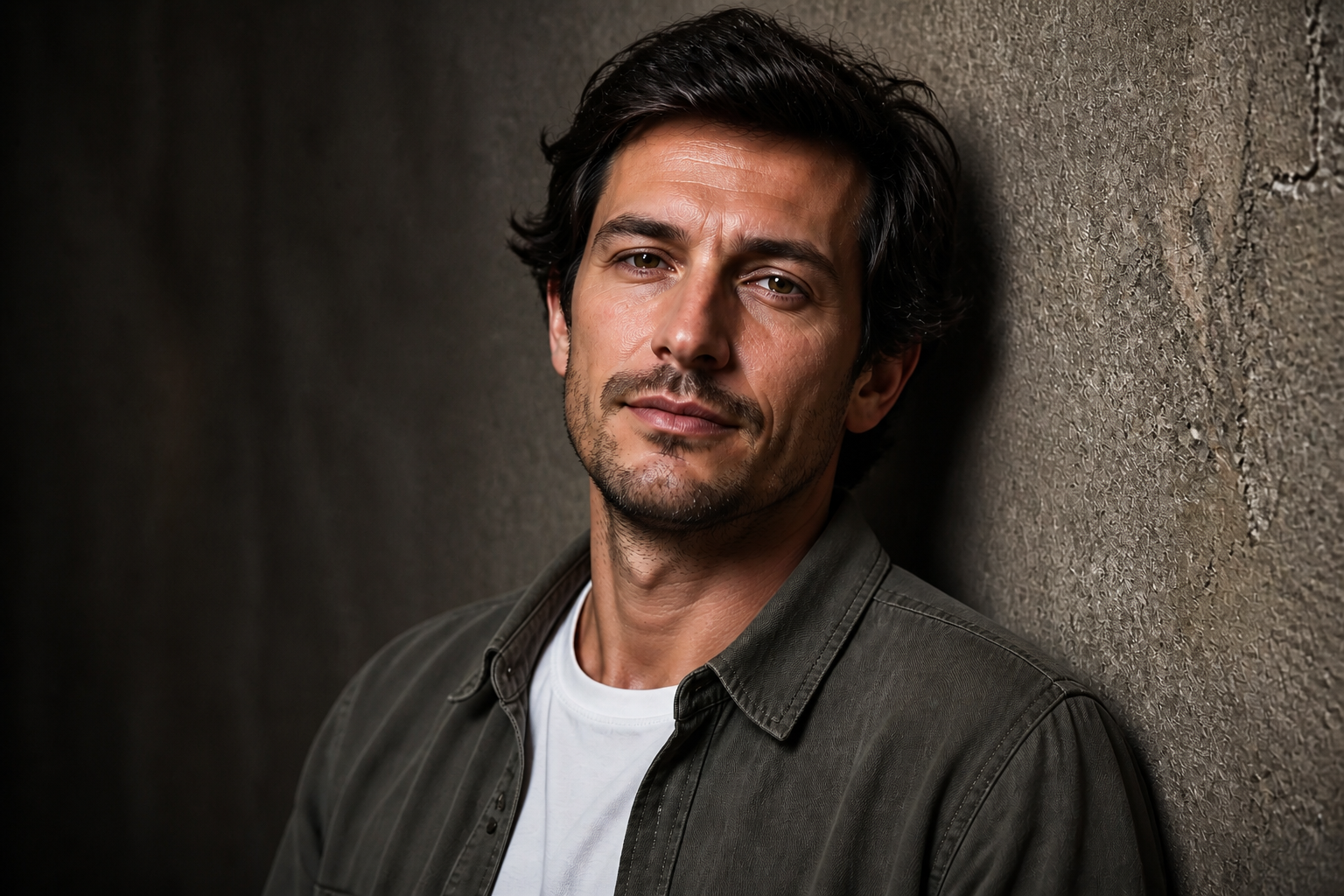
AI Face Enhancer improves portrait quality in a single edit. Use it to sharpen facial details, reduce blur, clean up skin texture, and brighten the overall look without changing the person's identity. It works well for selfies, profile photos, lifestyle shots, and creator content.
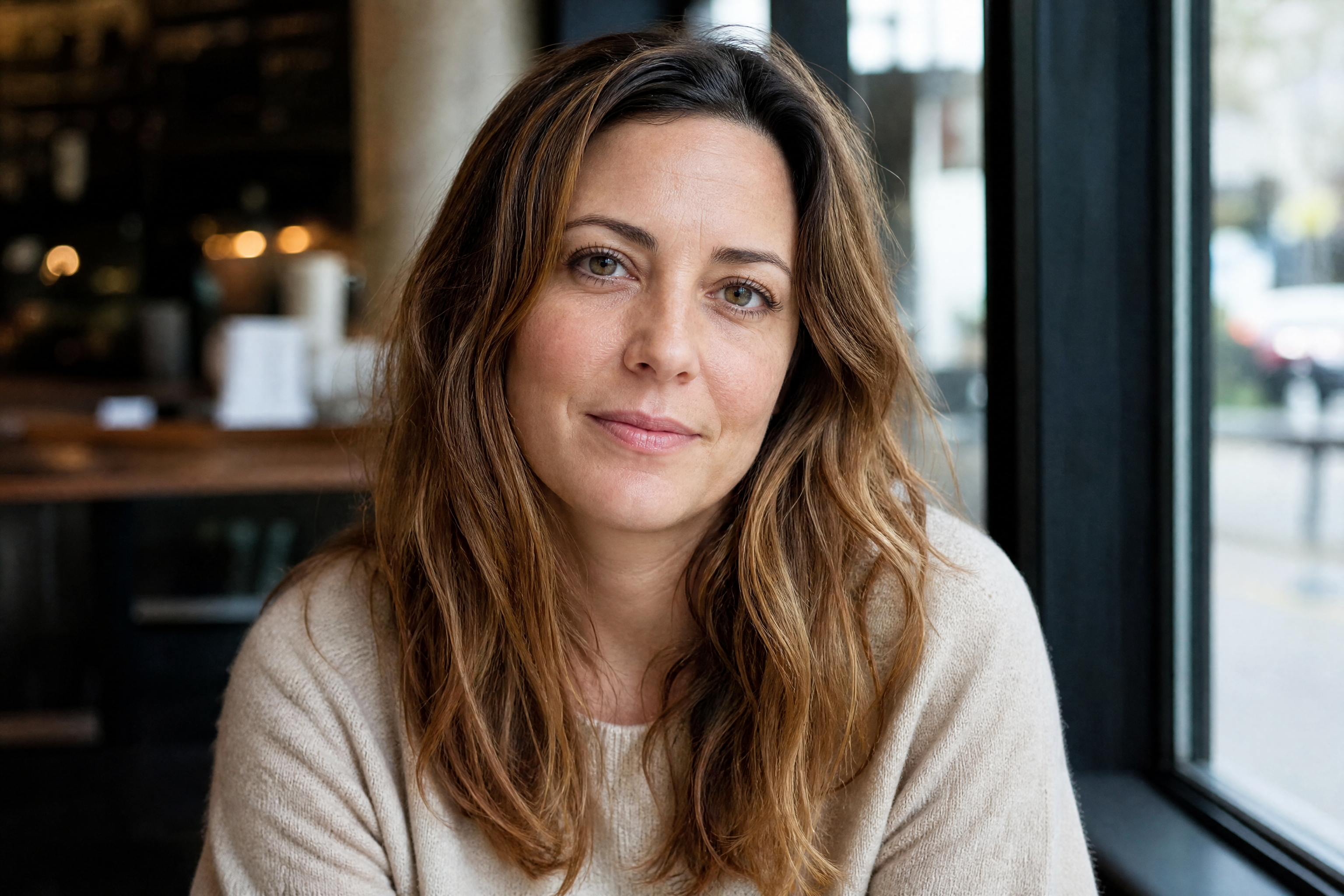
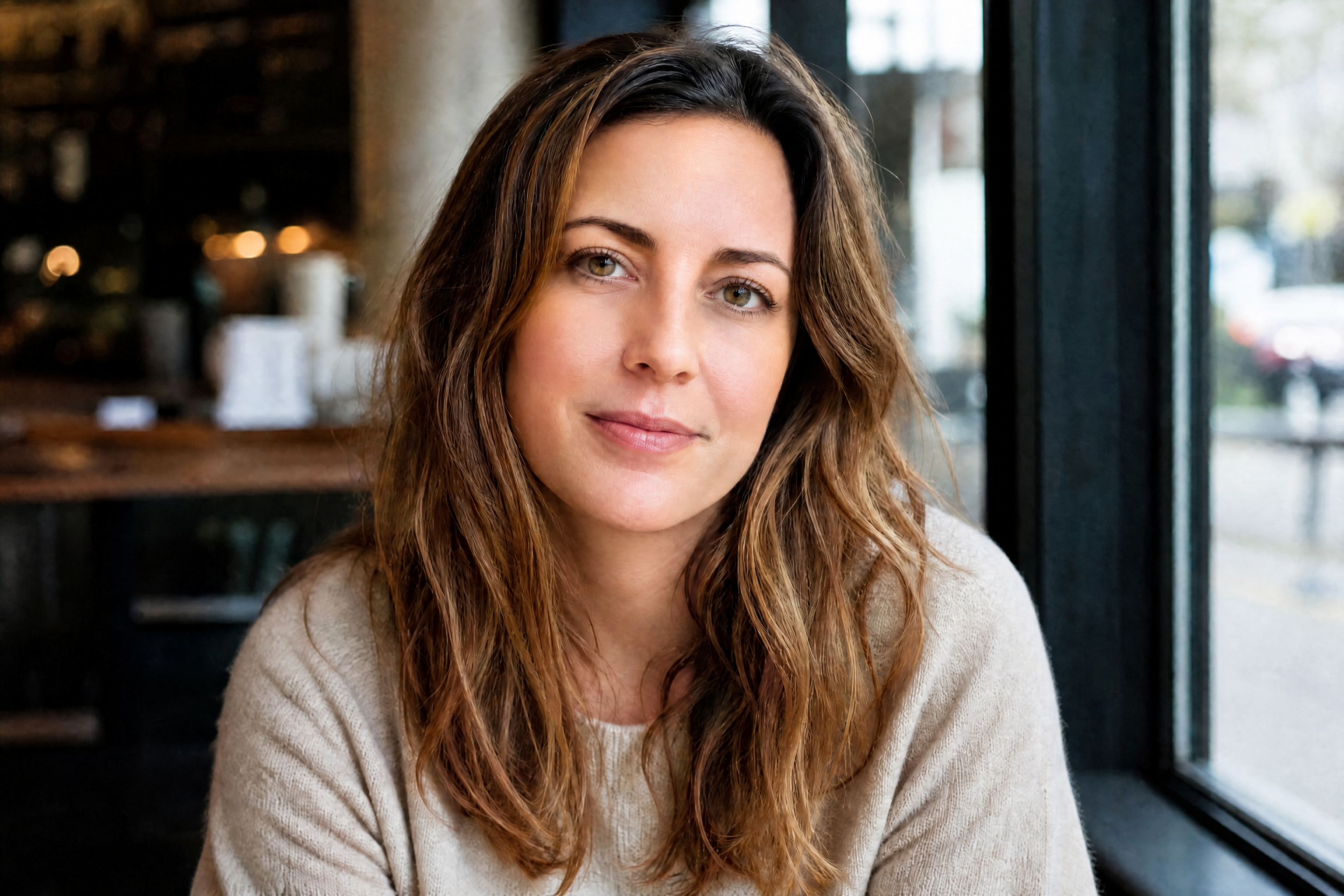
Watch the Transformation
See ai face enhancer in motion — generated end-to-end by our AI.
See It In Action
Real outputs from ai face enhancer.
BEFOREAFTER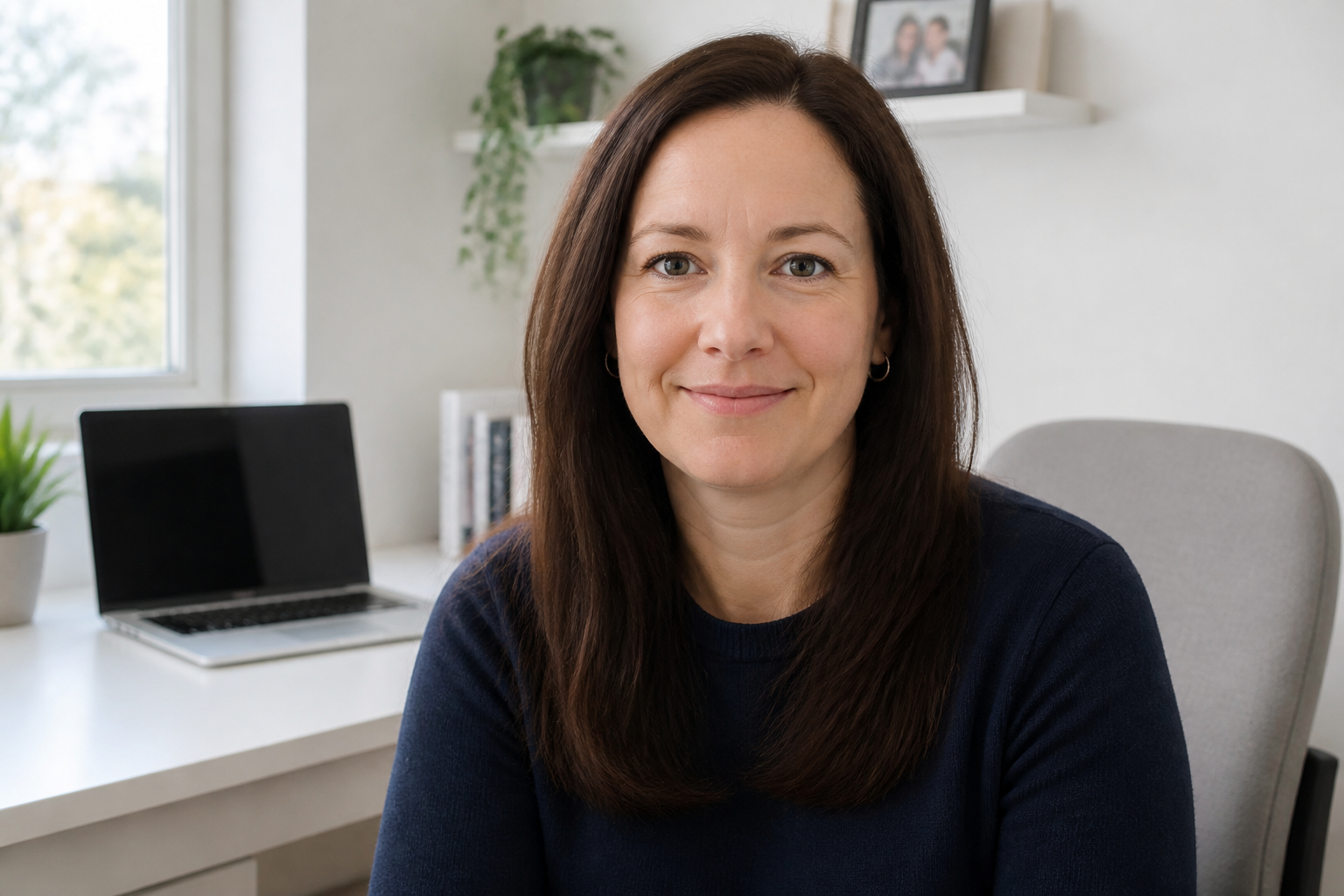 BEFORE
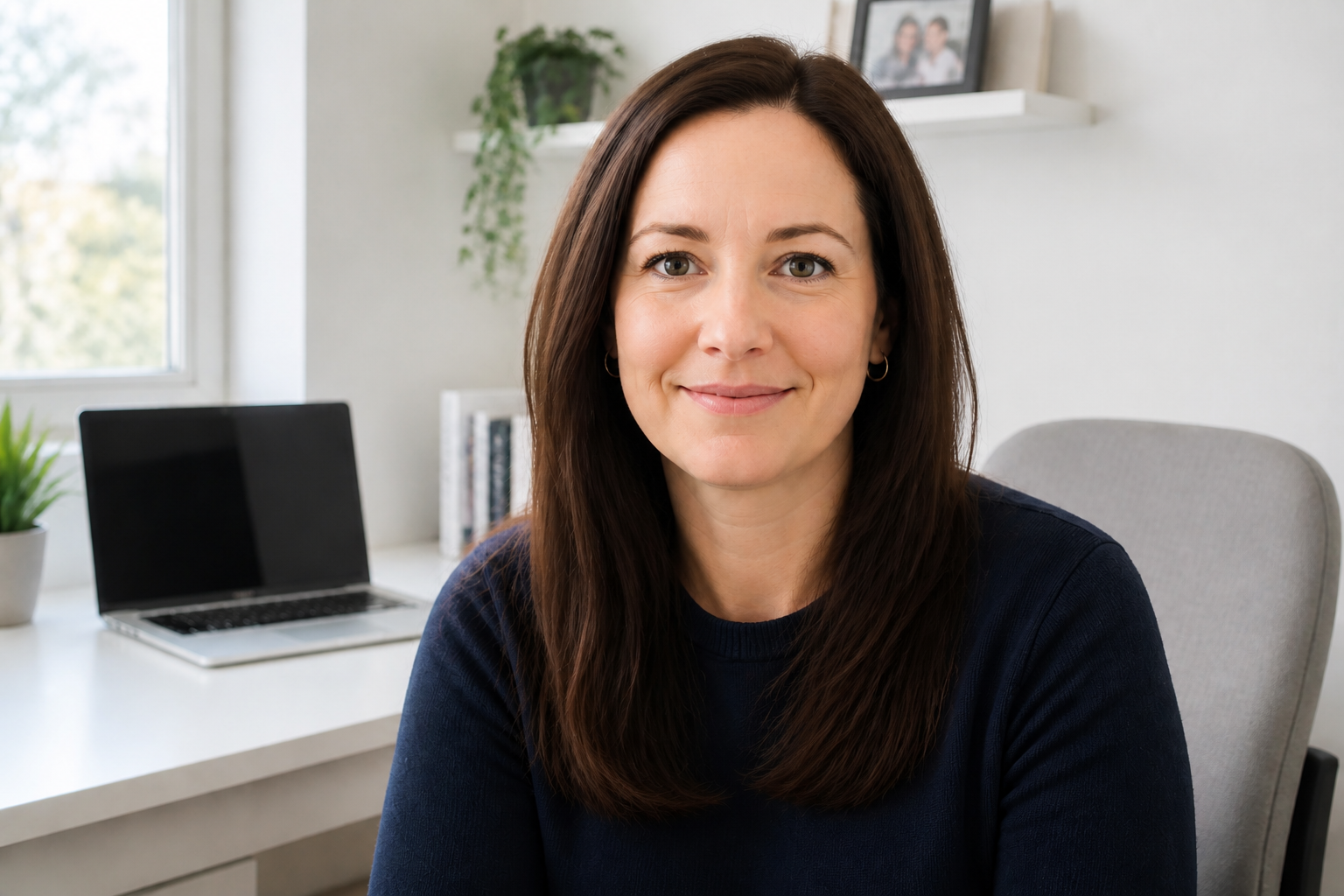 AFTER
AFTER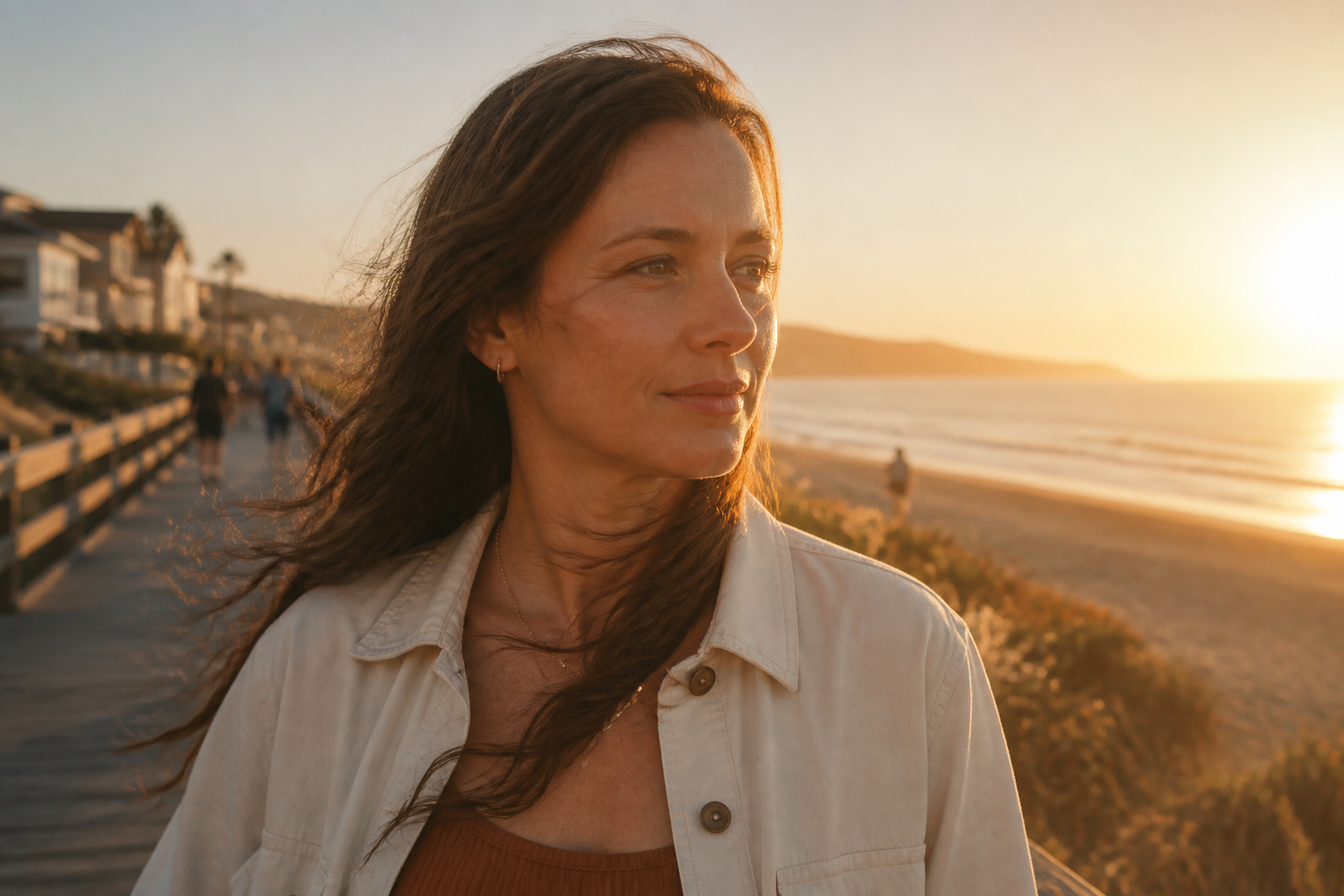 BEFORE
 AFTER
AFTER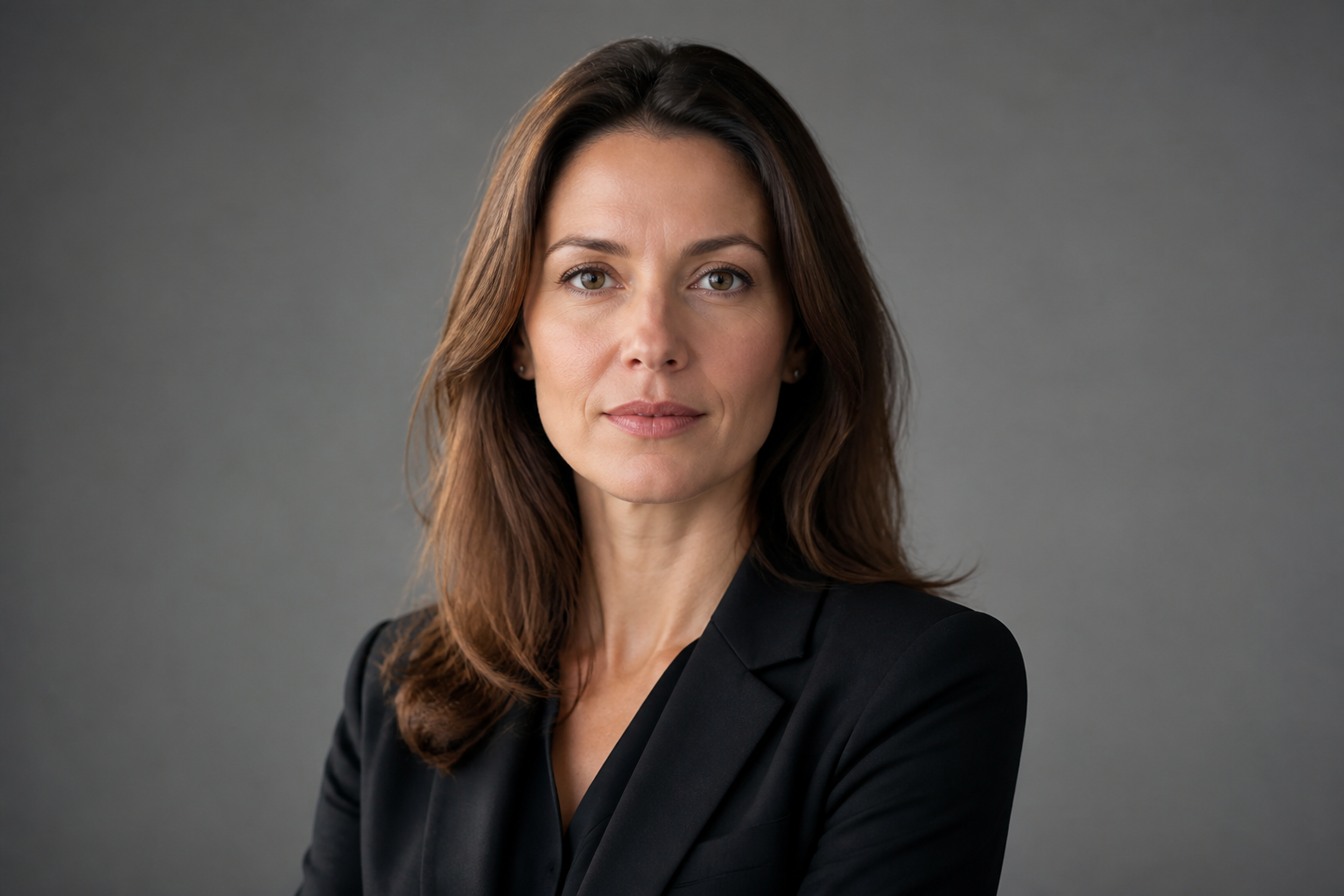 BEFORE
 AFTER
AFTER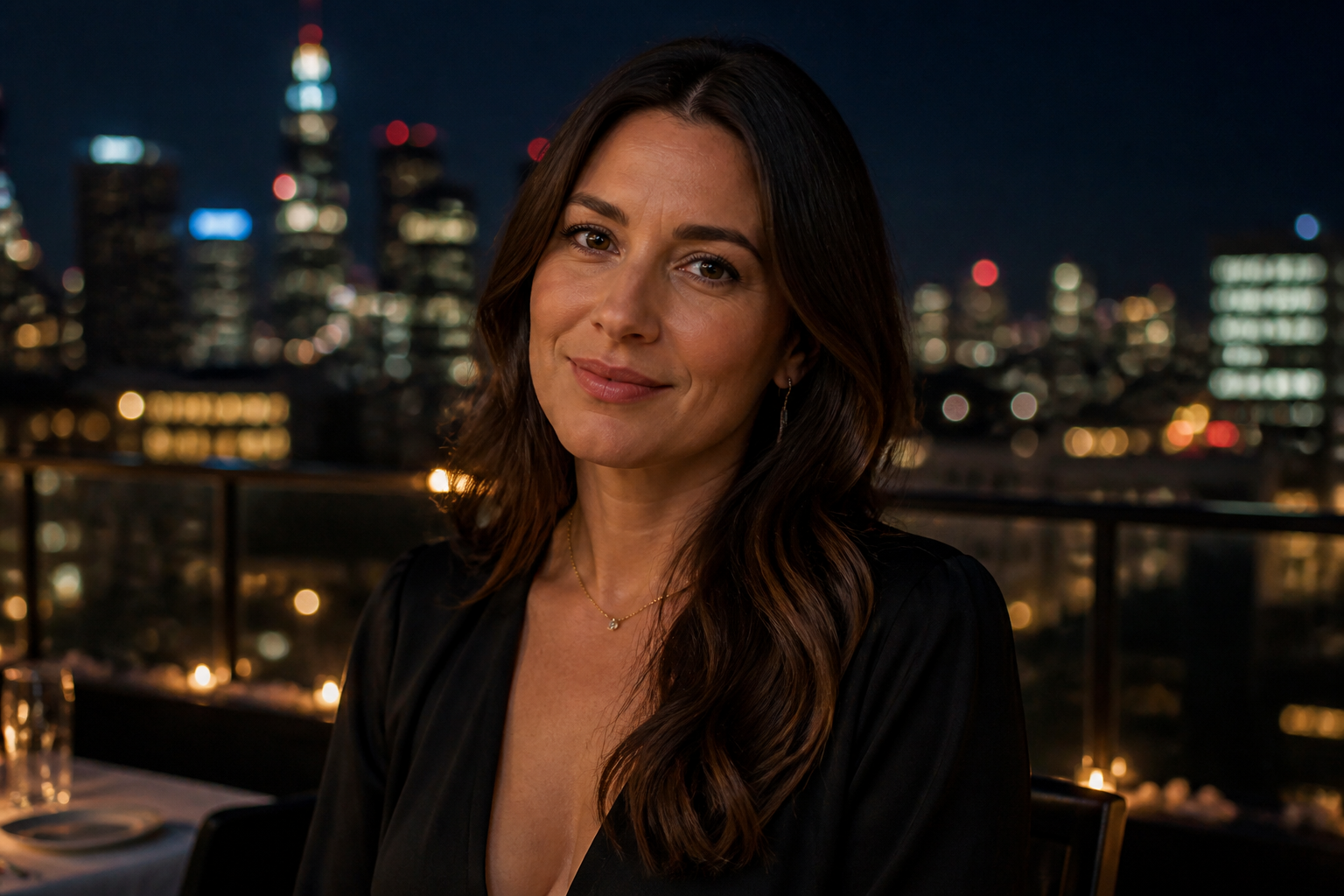 BEFORE
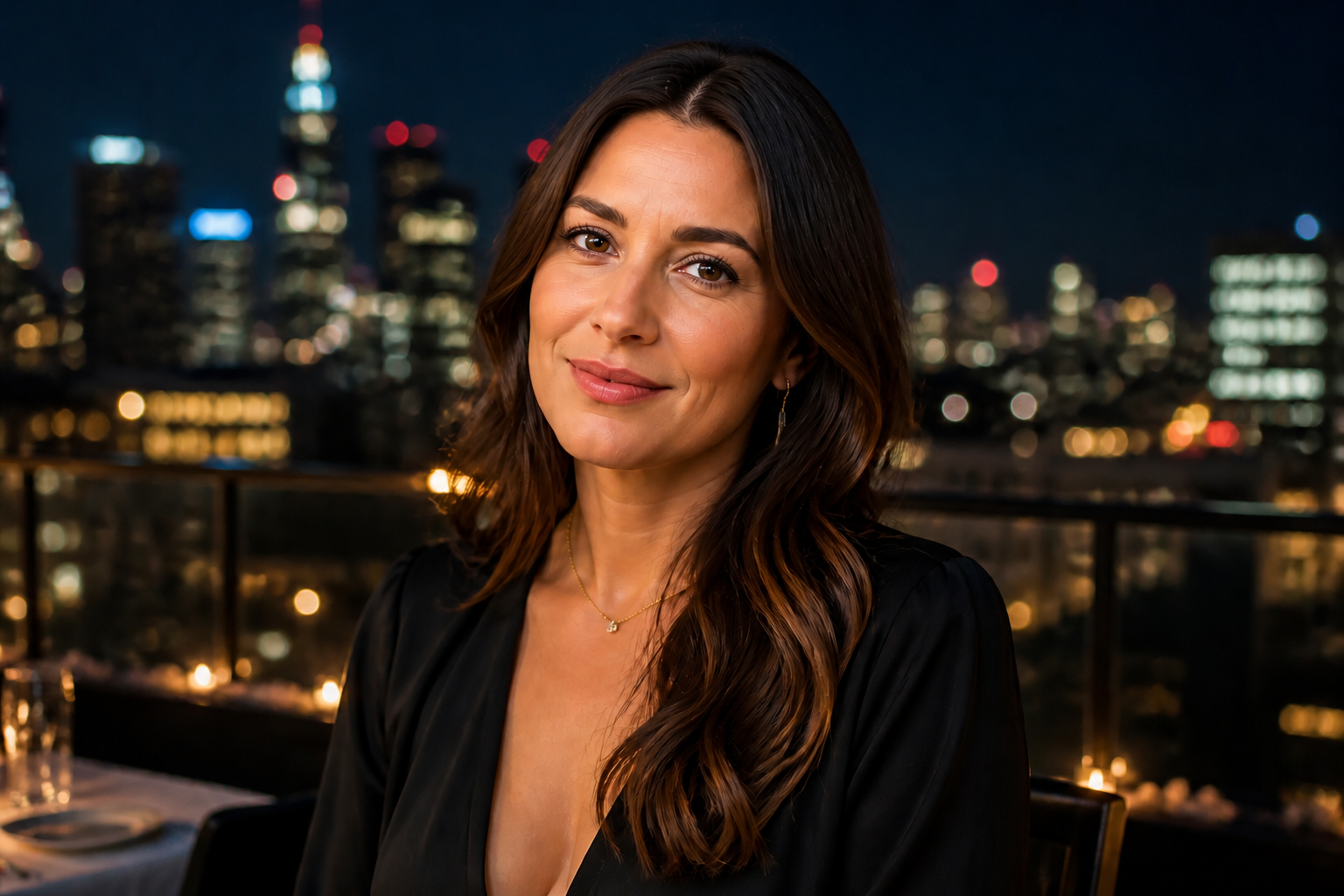 AFTERBEFOREAFTERBEFOREAFTERBEFOREAFTERBEFOREAFTERBEFOREAFTER
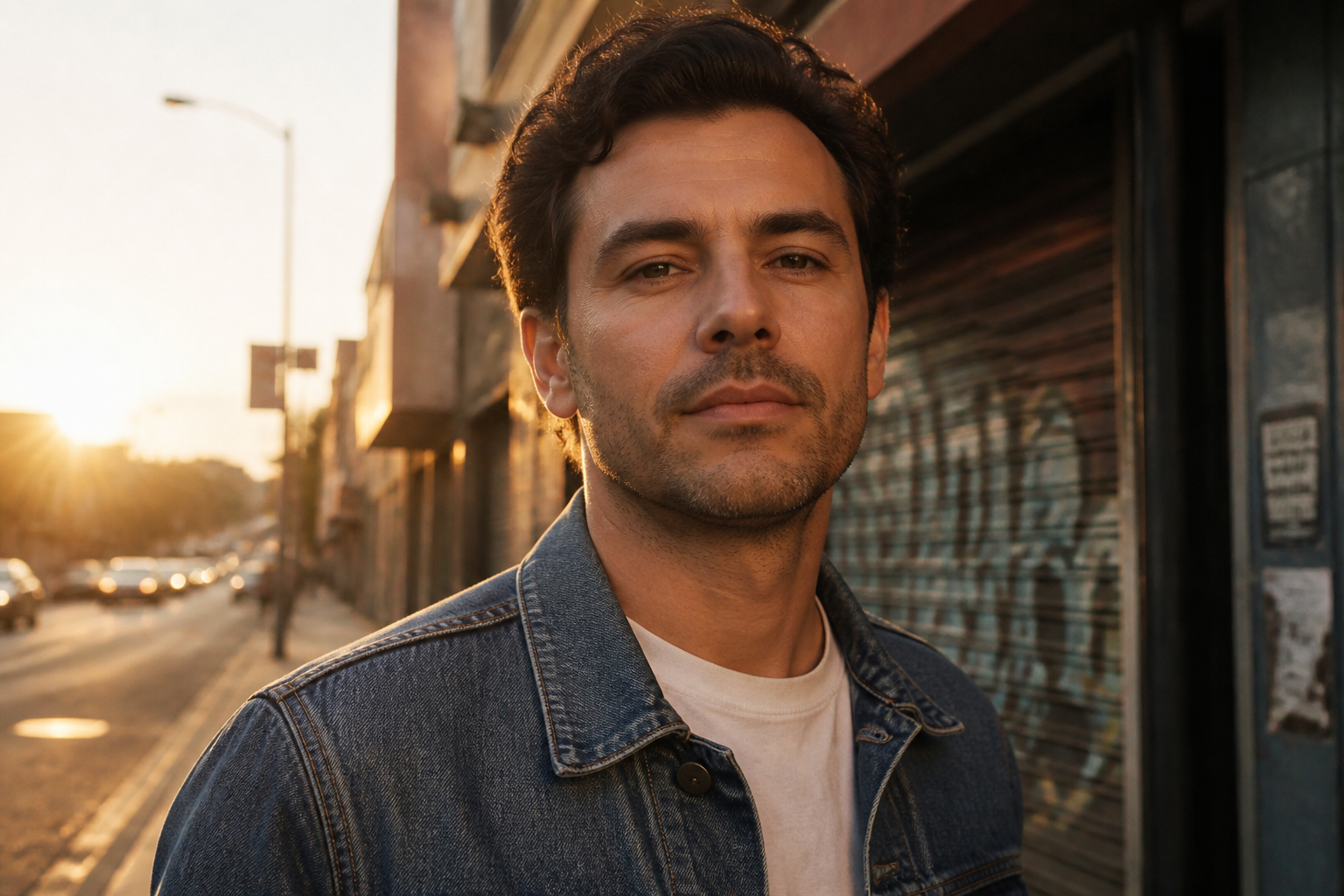 BEFORE
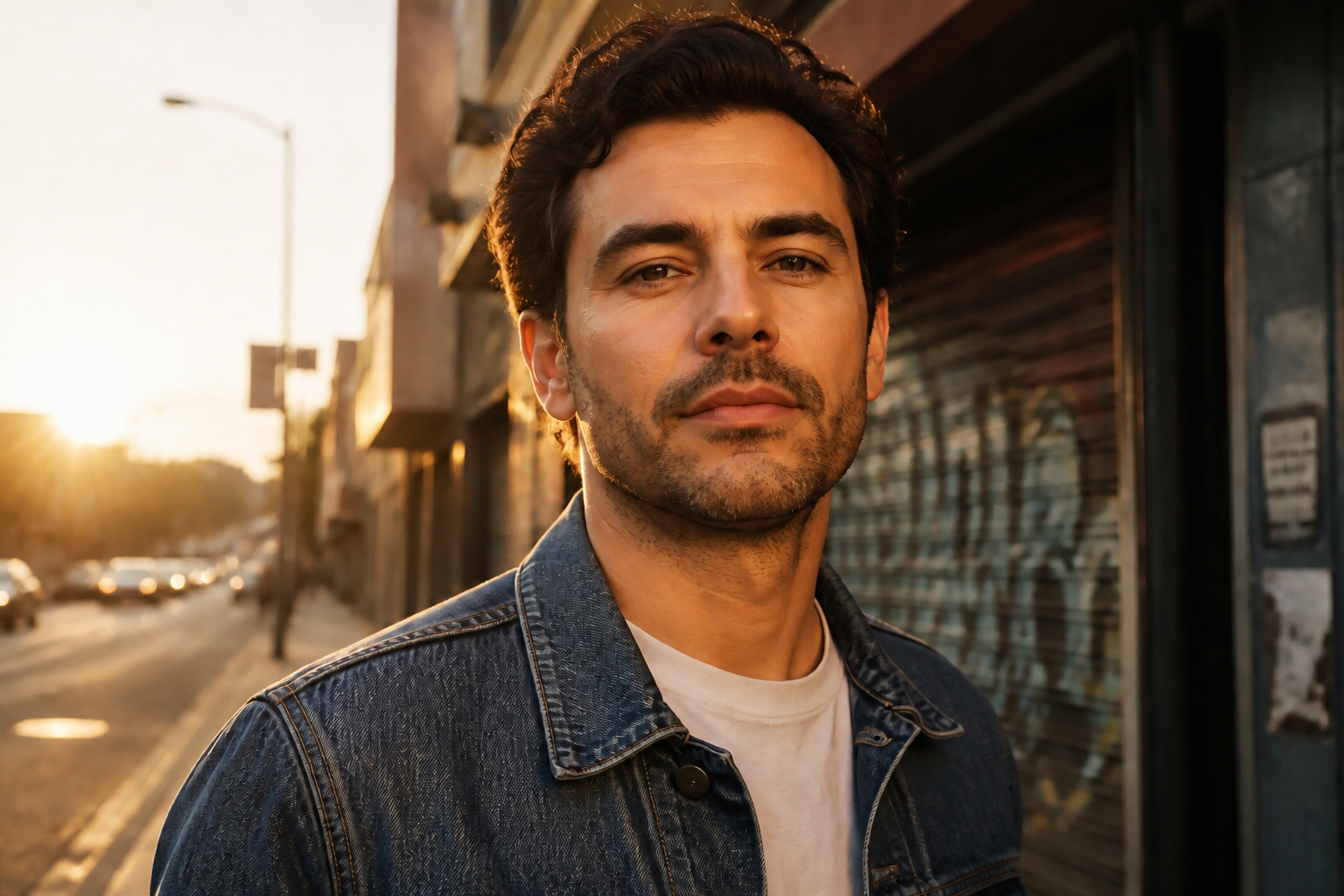 AFTER
AFTER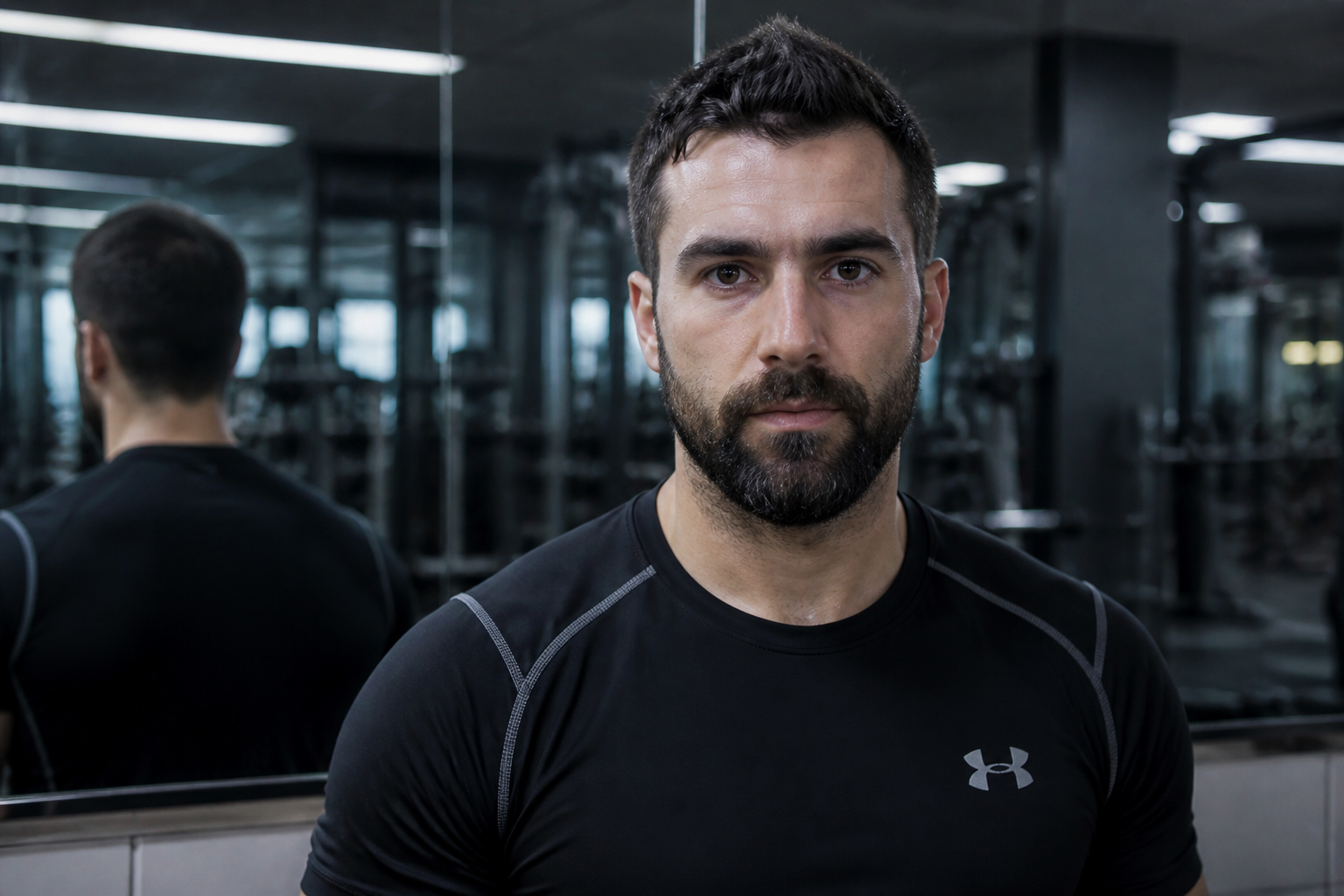 BEFORE
 AFTER
AFTER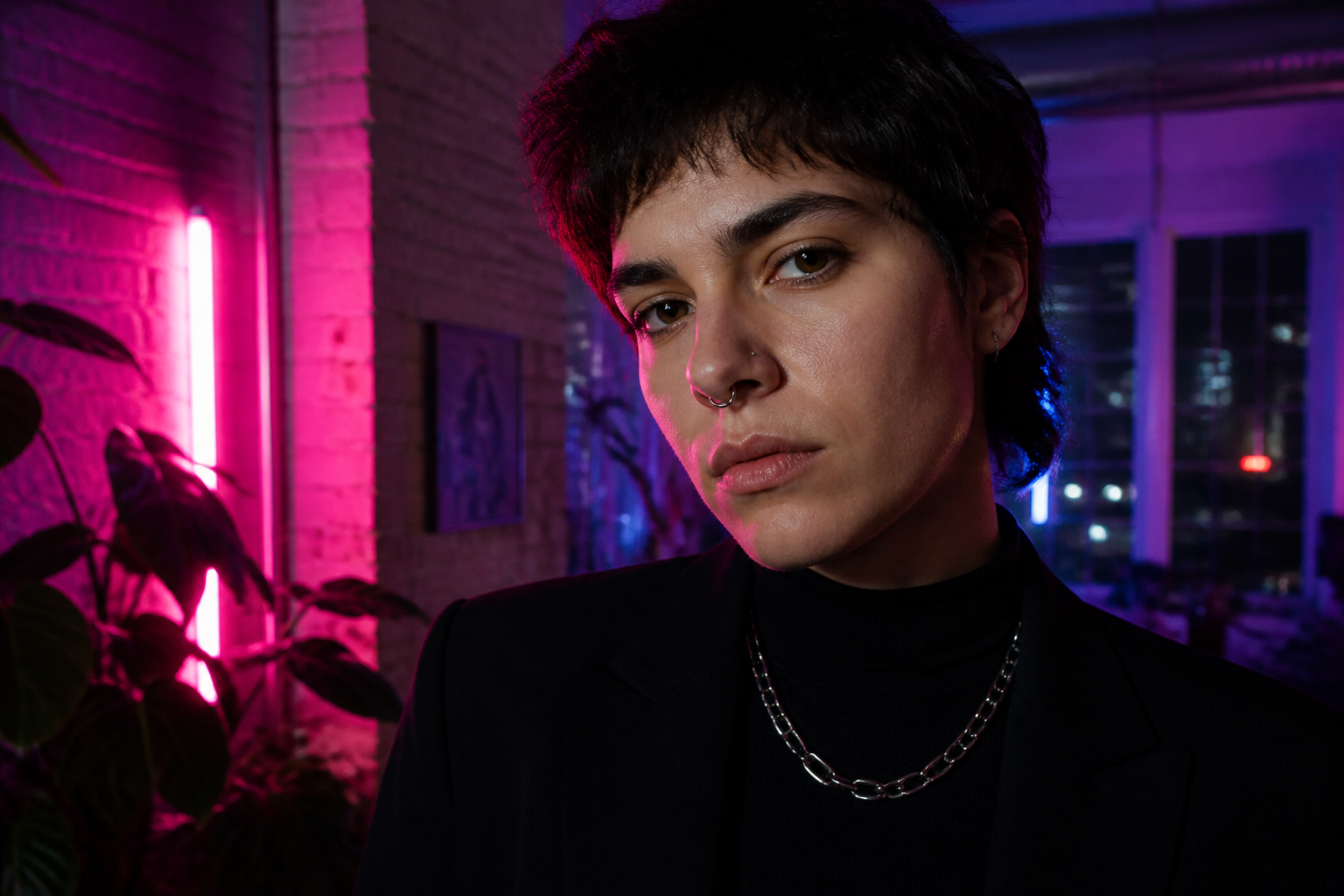 BEFORE
 AFTER
AFTER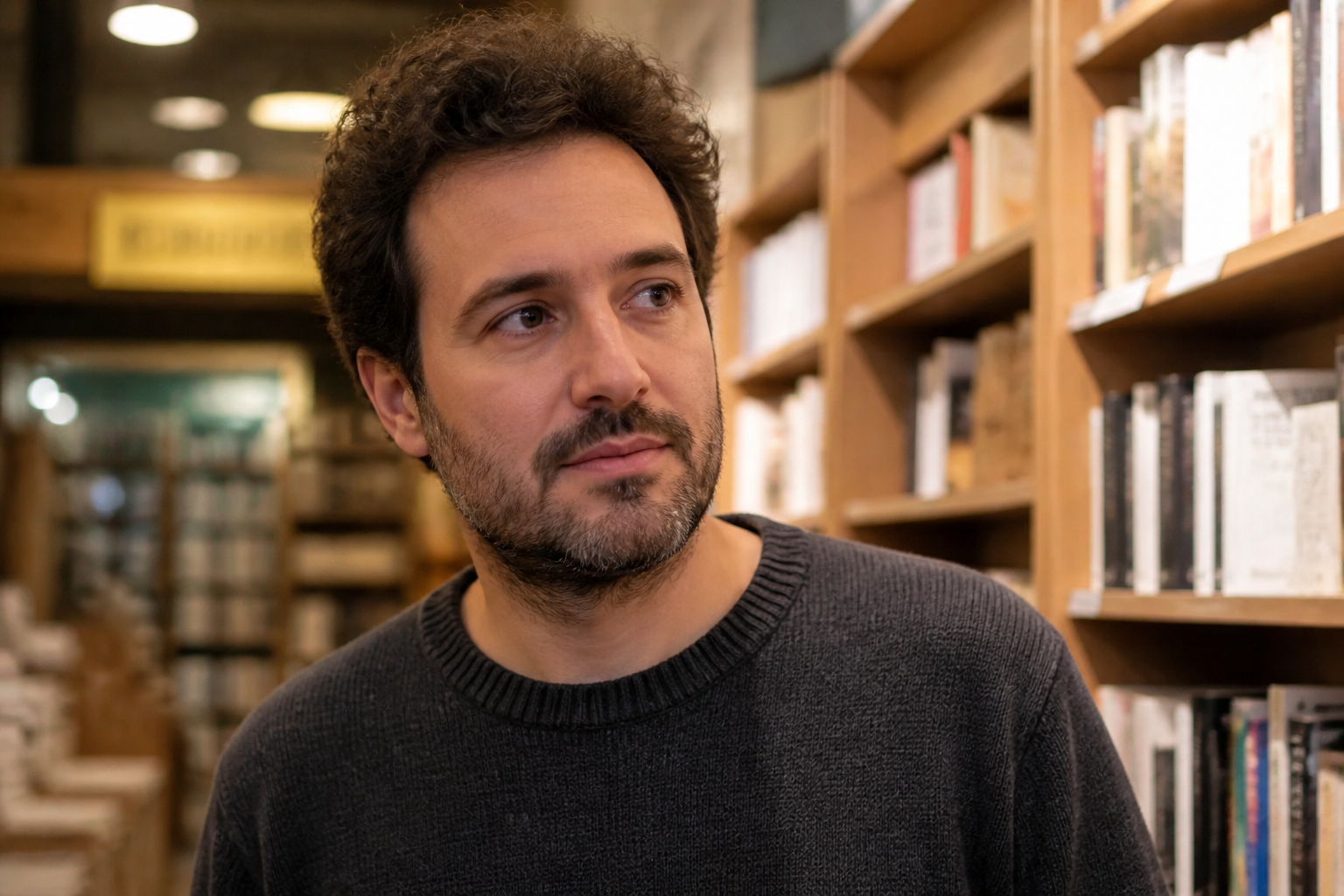 BEFORE
 AFTER
AFTER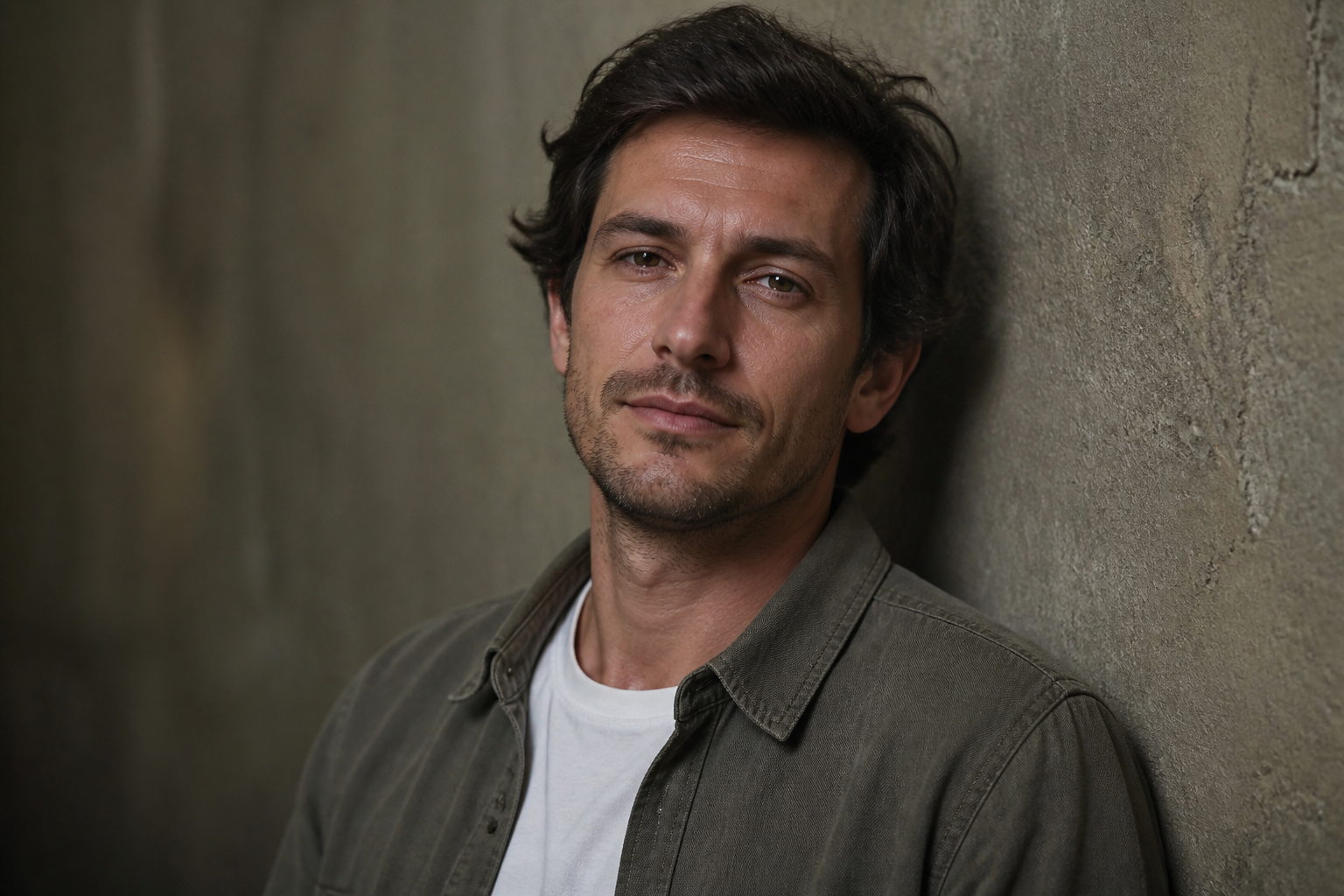 BEFORE
 AFTERBEFOREAFTERBEFOREAFTERBEFOREAFTERBEFOREAFTERBEFOREAFTER
Key Features
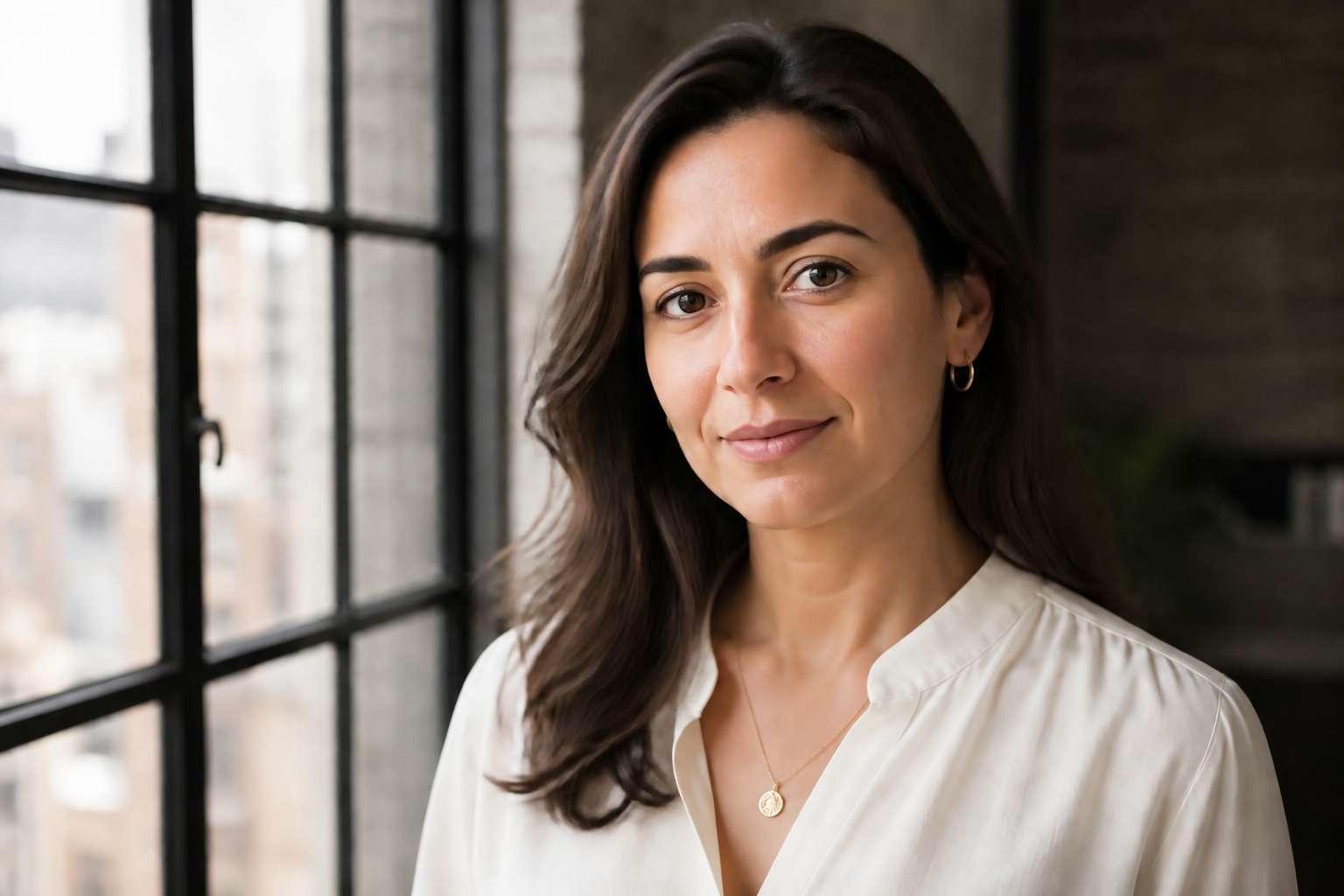
Sharpen Soft Facial Details
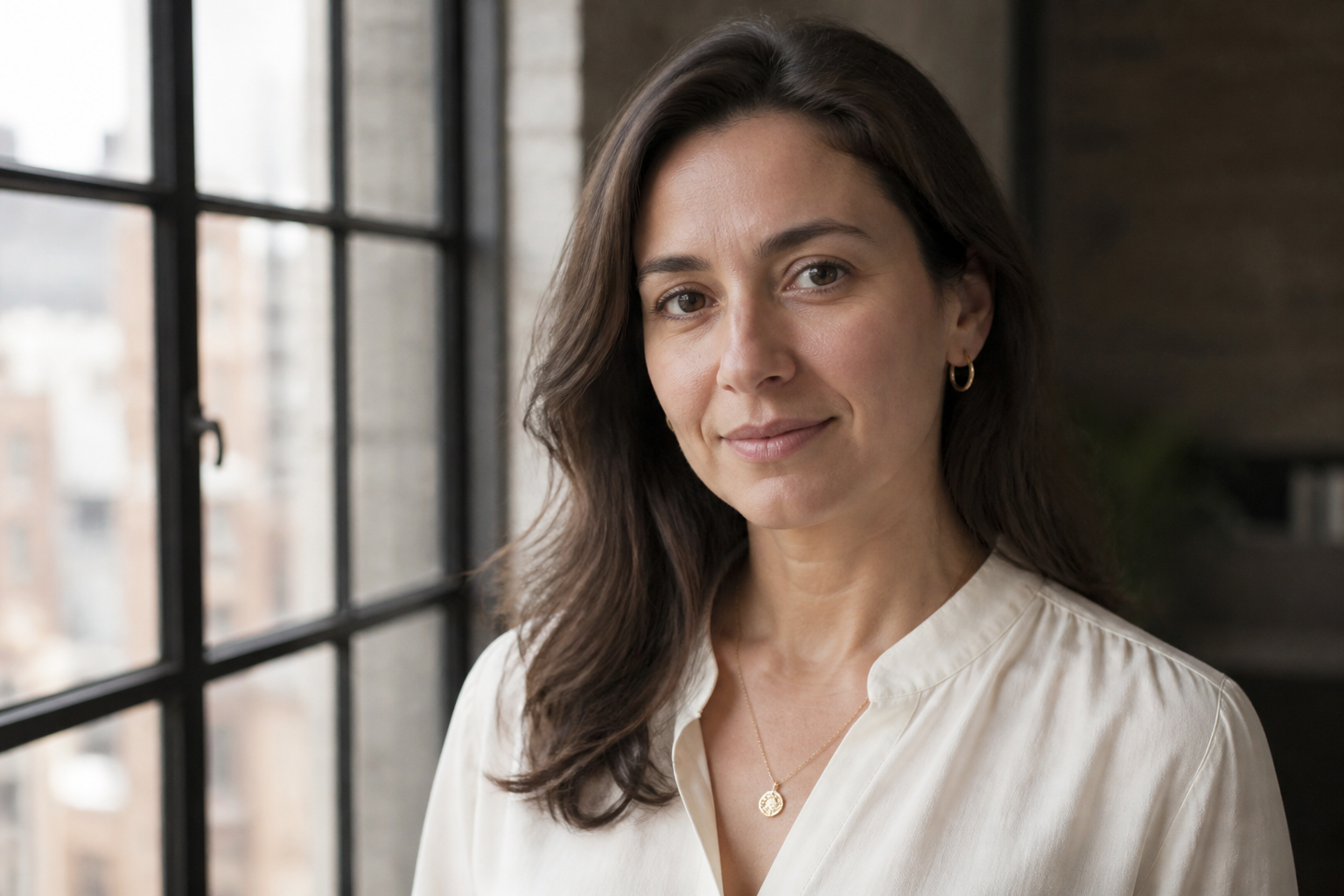
Our AI boosts clarity in the parts people notice first, like eyes, brows, lips, and overall facial definition. It helps portraits look cleaner without turning skin into plastic or changing the person's features. This is useful when a photo feels slightly soft, compressed, or low-detail. You get a stronger portrait without needing manual retouching tools.
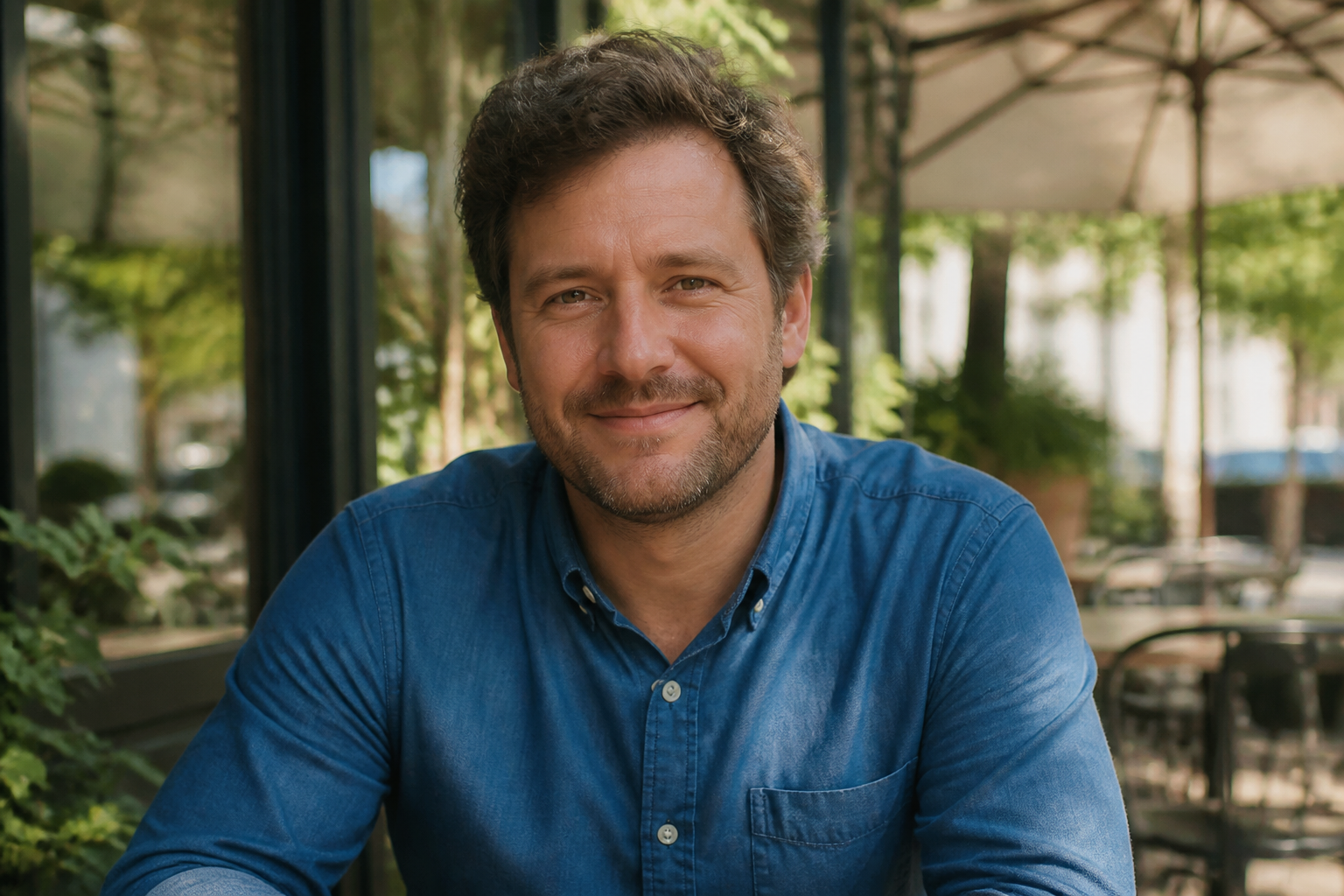
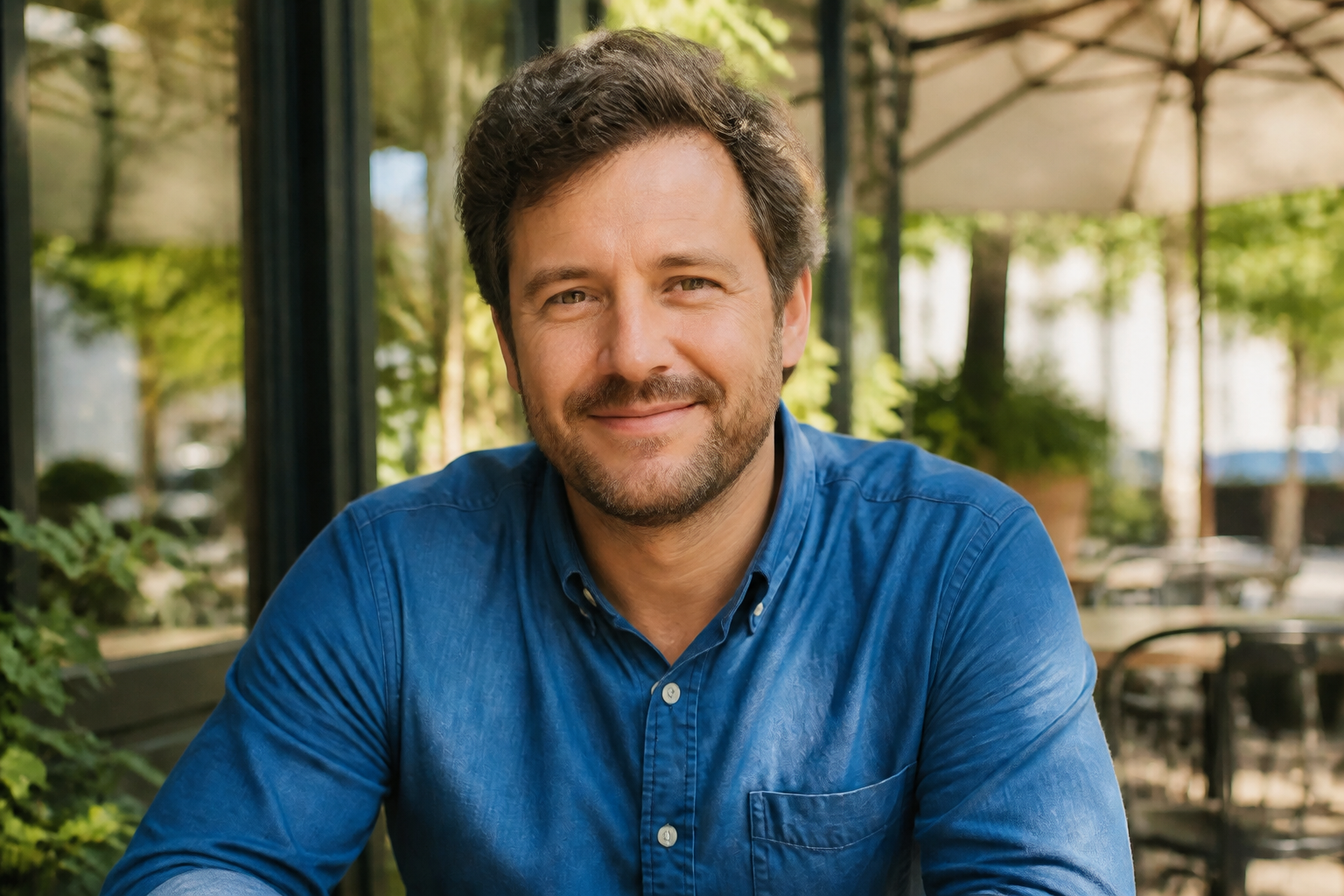
Keep Identity Intact
Face enhancement works best when the person still looks like themselves. Our AI improves quality while preserving core facial structure, expression, and recognizable traits. That matters for profile photos, team headshots, and creator portraits where consistency is important. You can clean up the image without drifting into a different face.
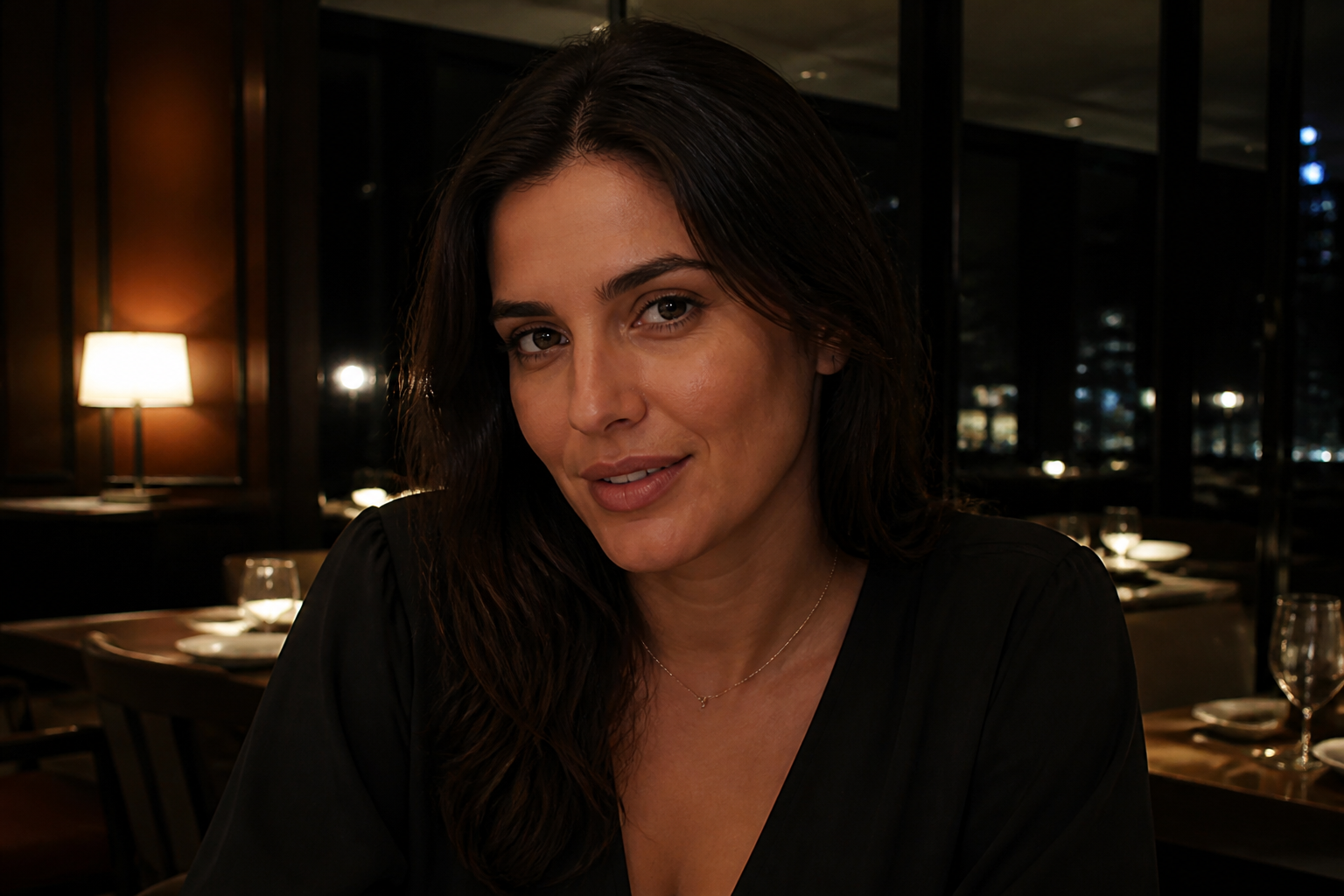
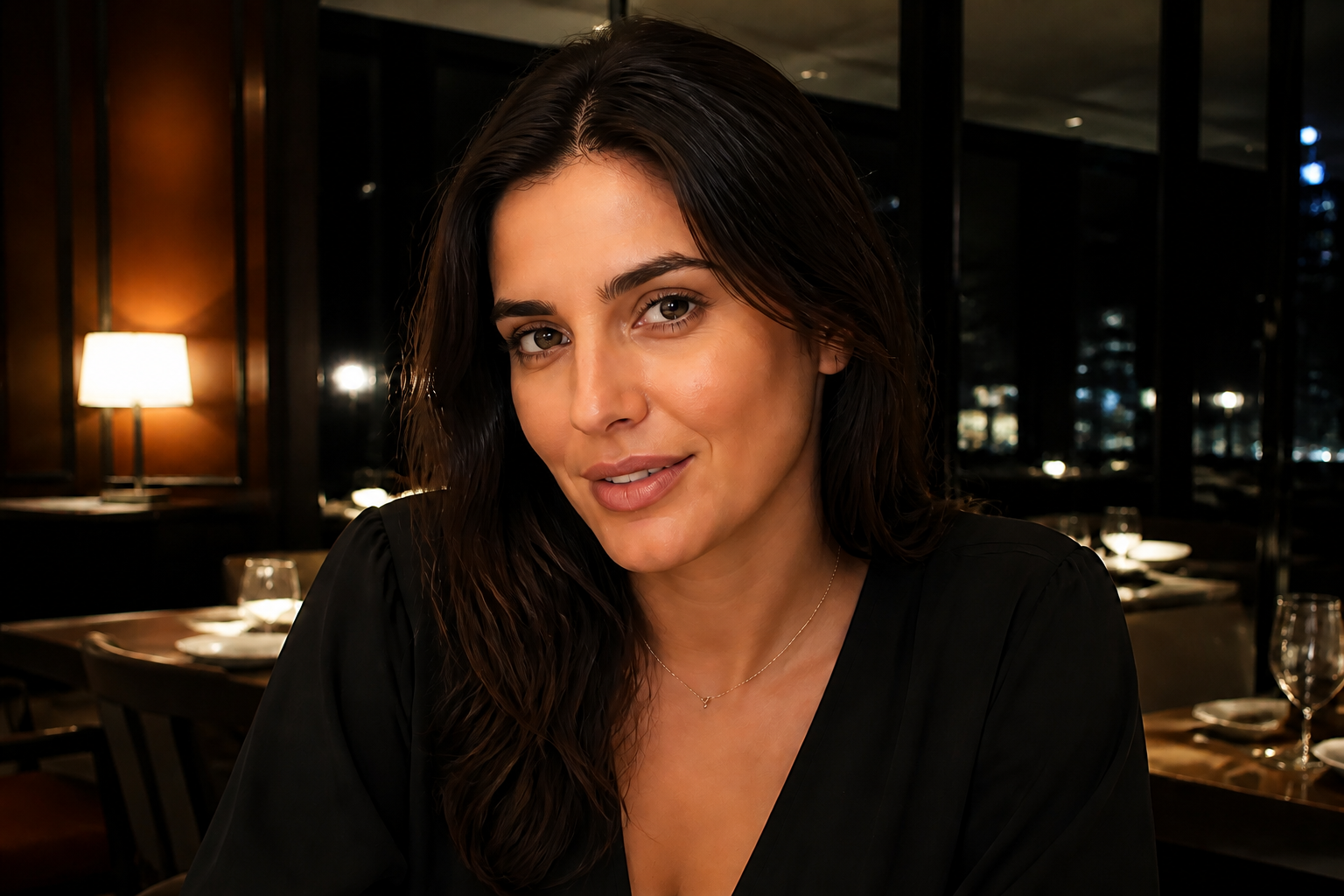
Improve Bad Lighting Fast
Uneven shadows and dull exposure can make a good face photo look tired or flat. Our AI can rebalance facial lighting, brighten key features, and restore detail where the image feels muddy. It saves time compared with manually masking and adjusting each area. The result is a more readable face in one pass.
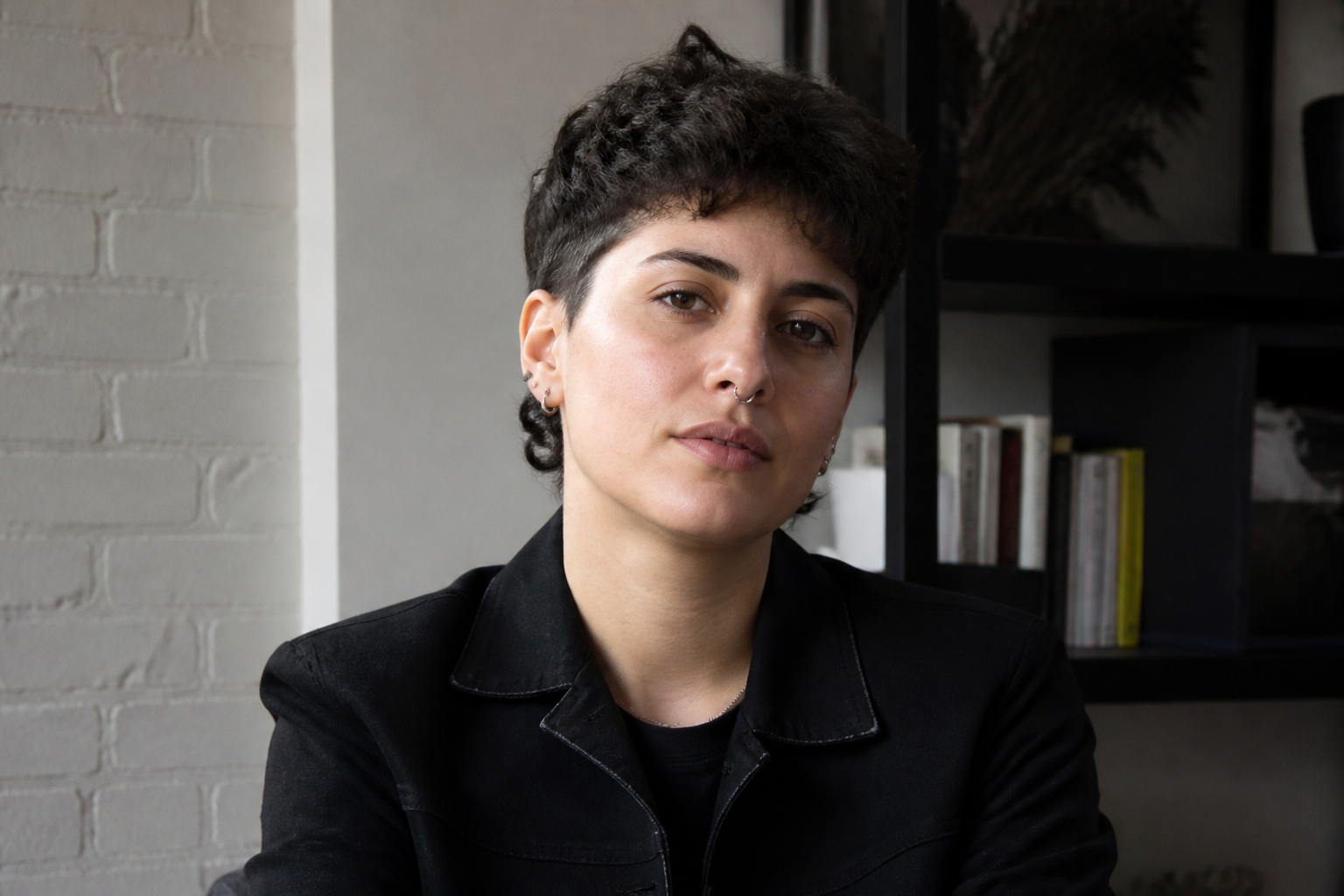
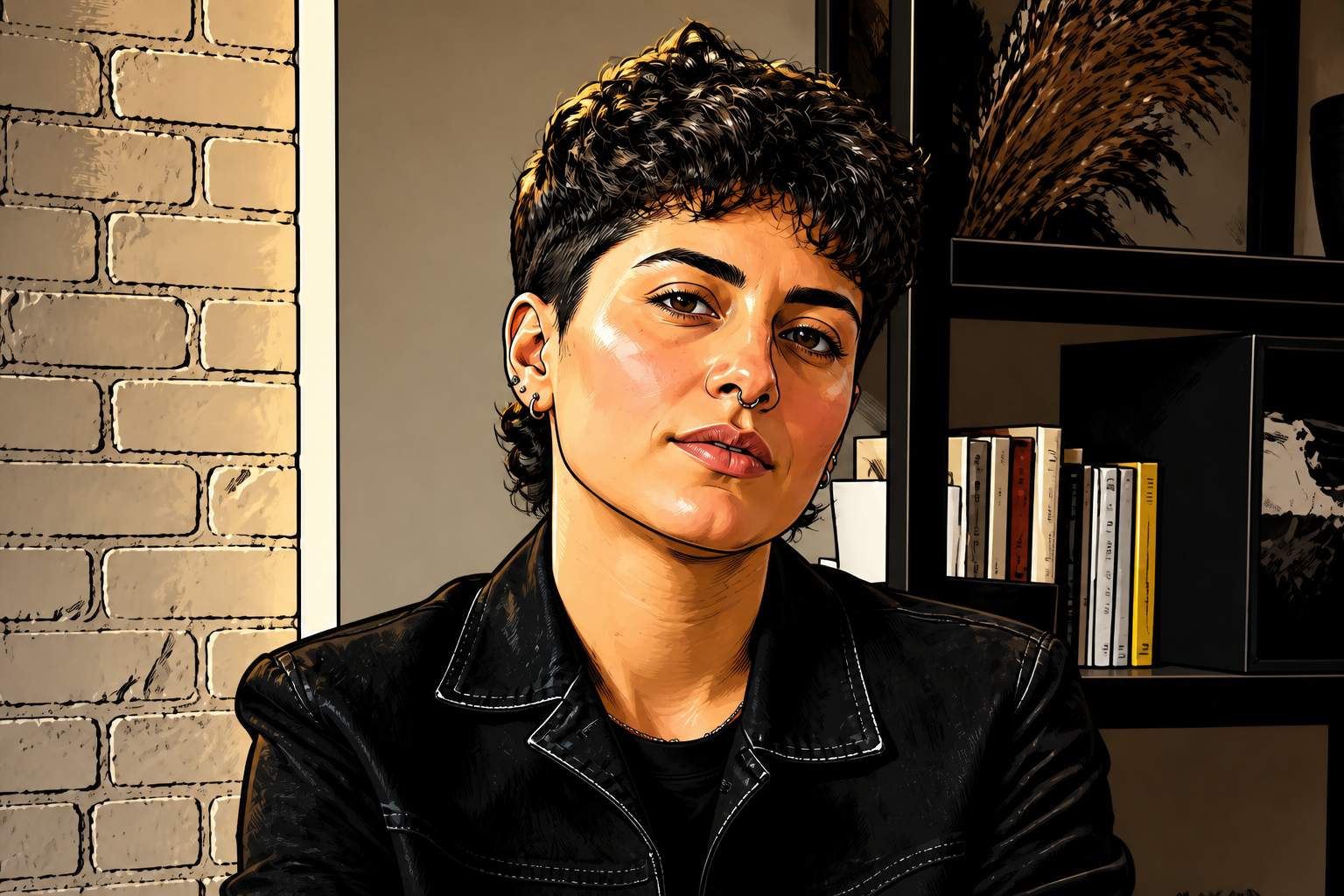
Works Across Visual Styles
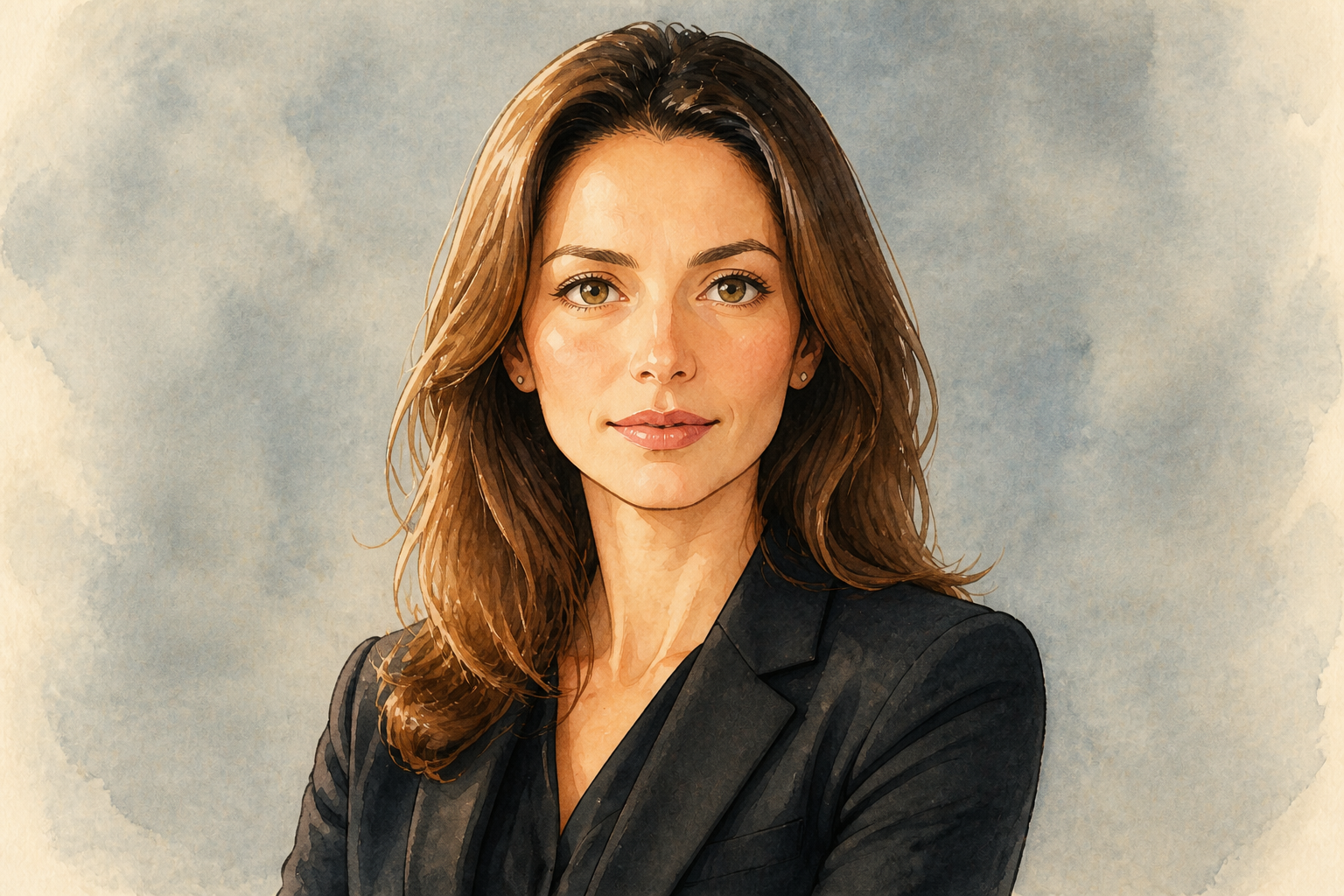
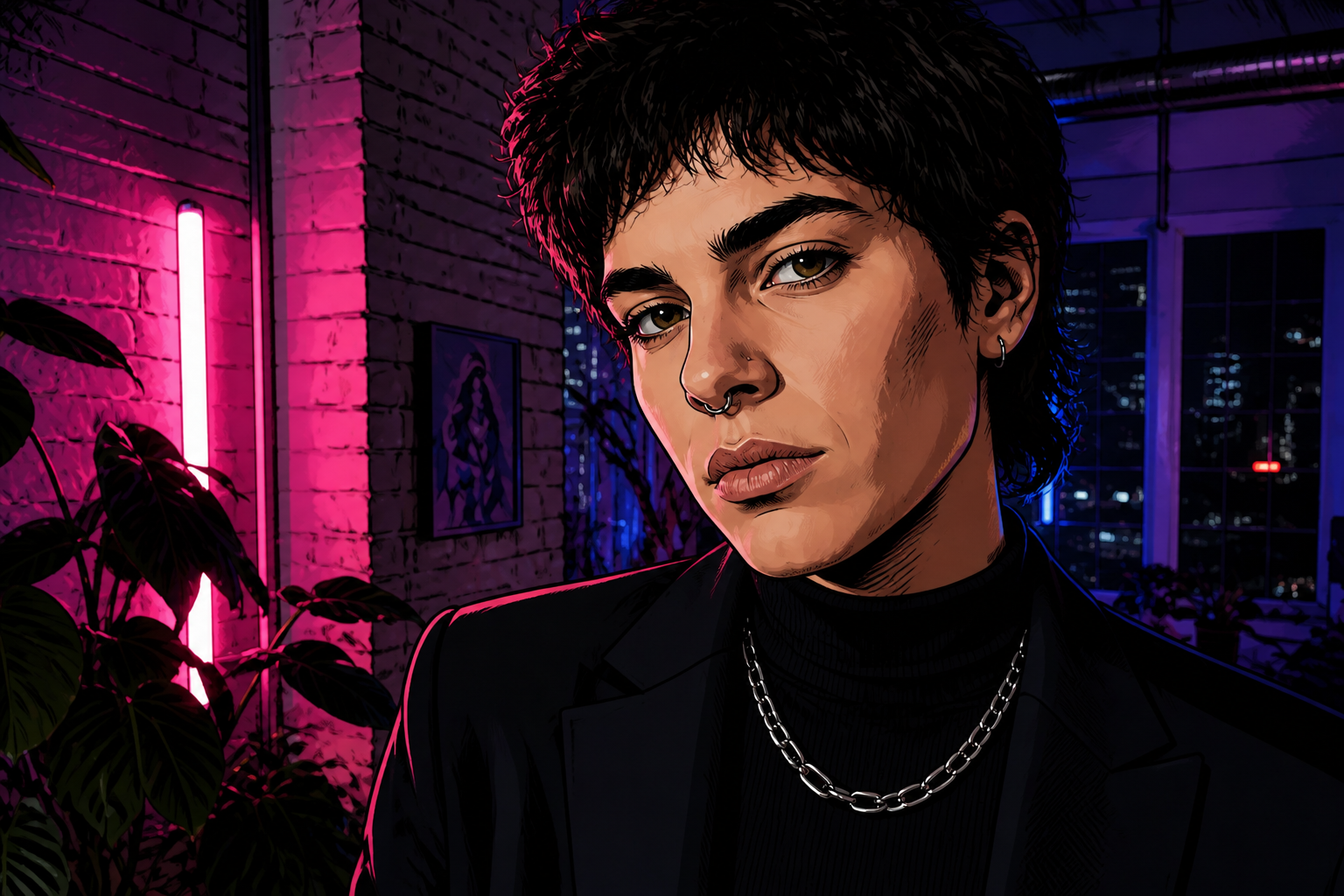
You can use the same face photo as a base for polished realistic edits or stylized outputs. That makes the tool useful for creators who want both clean portraits and eye-catching variations for posts or thumbnails. Instead of rebuilding the image from scratch, you keep the same subject and composition. It is a fast way to explore different looks from one starting photo.
How It Works
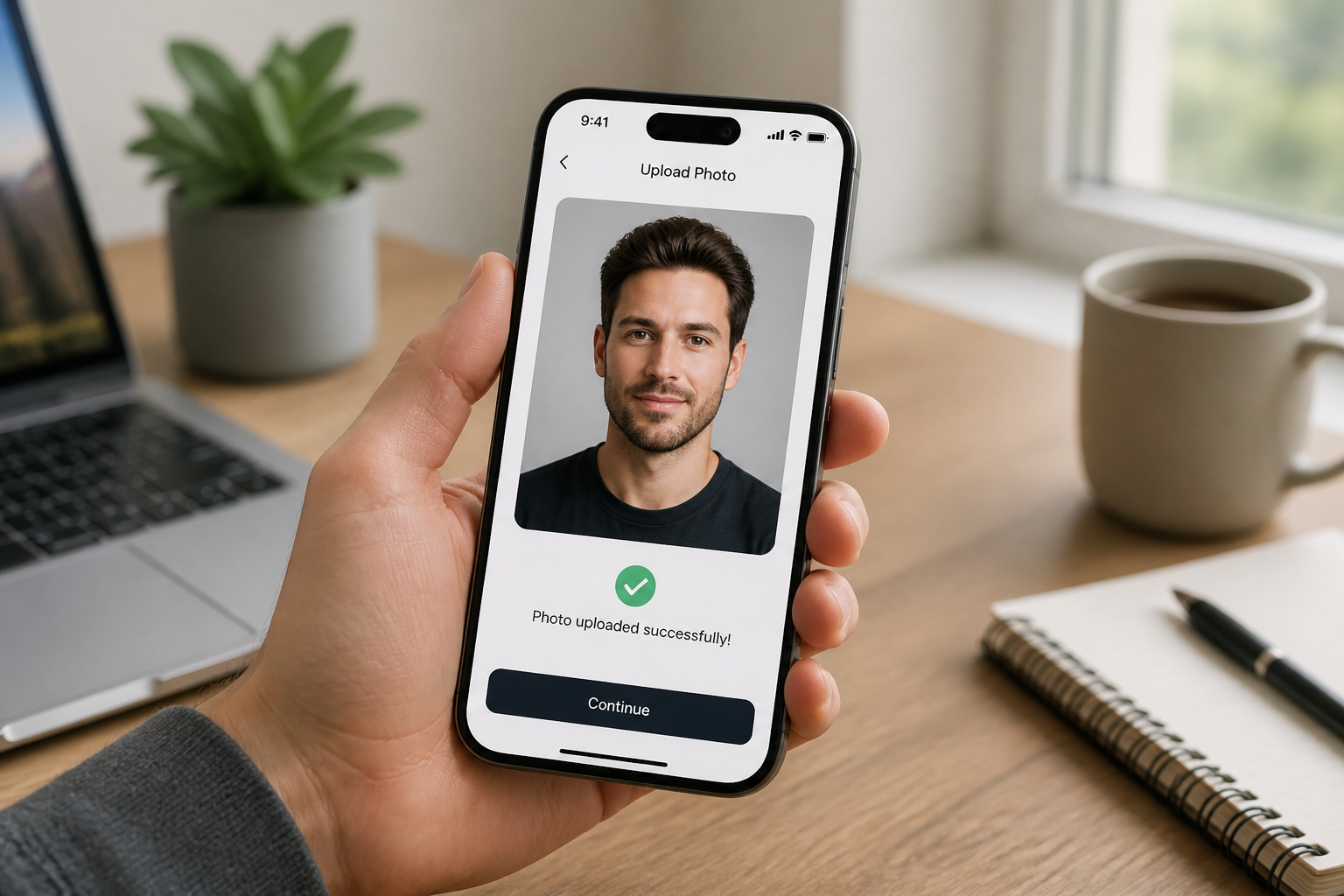
Upload your photo
Start with a portrait, selfie, or head-and-shoulders shot where the face is easy to see. Clear framing gives our AI more to work with and usually leads to stronger results.
Describe the result
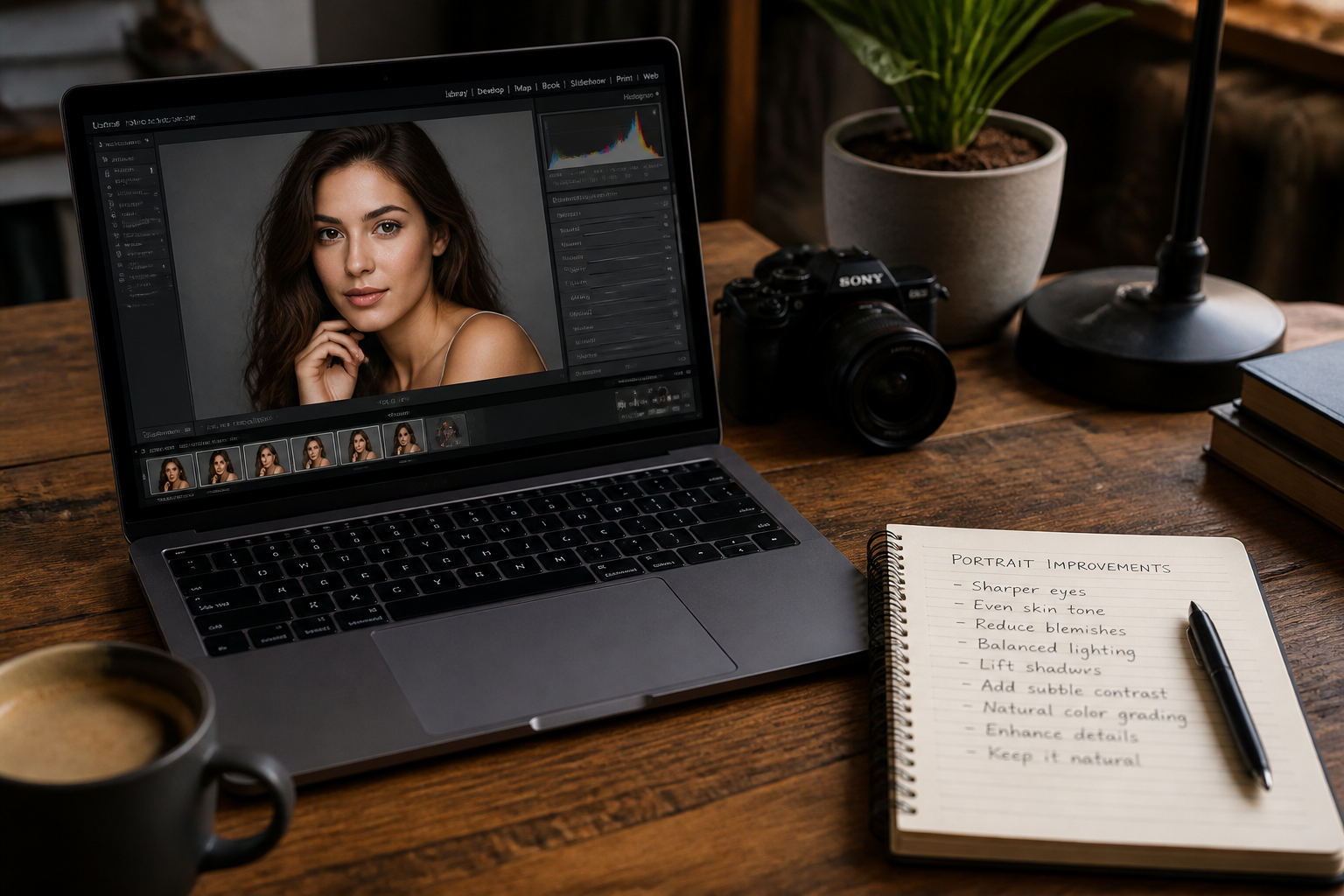
Tell the editor what to improve, such as sharper eyes, cleaner skin texture, brighter lighting, or a polished profile-photo look. You can keep the request simple and still get a visible upgrade.
Compare and download
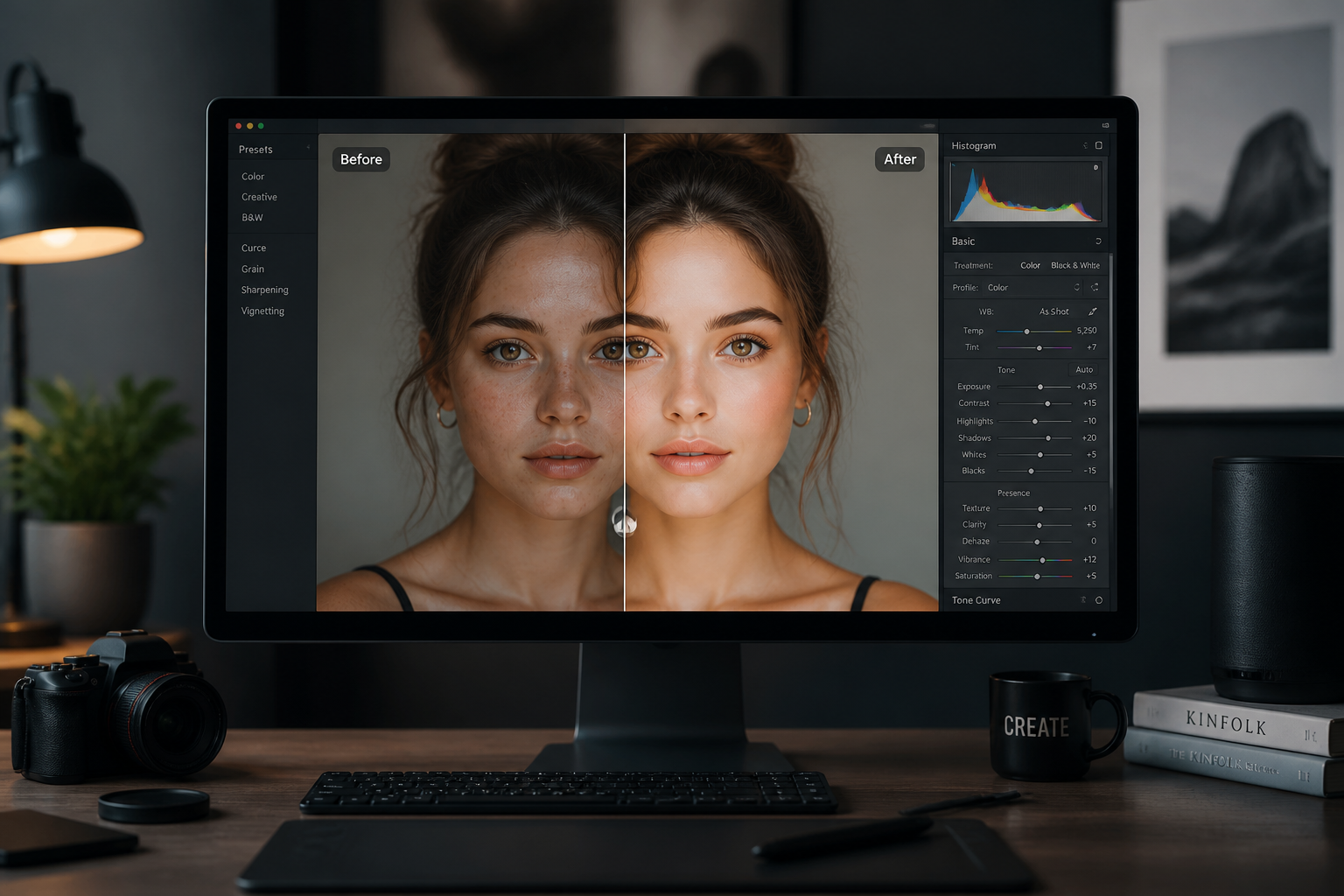
Review the before and after to make sure the face looks clearer while staying recognizable. When it looks right, save the enhanced image for social, work, or personal use.
Perfect For
Discover how creators and professionals use ai face enhancer
Profile photos
Clean up selfies and portraits for LinkedIn, resumes, team pages, and personal branding.
Creator content
Make faces read better in thumbnails, reels covers, and social posts where clarity matters.
Low-quality portraits
Improve photos that look soft, compressed, dim, or a little flat without starting over.
Styled portrait edits
Turn one portrait into polished realistic or stylized versions while keeping the same subject.
Built For
Creators
Useful for making faces pop in posts, thumbnails, and branded portrait content.
Professionals
Good for profile images, speaker bios, team photos, and other public-facing headshots.
Everyday users
A simple option for improving selfies and favorite portraits without learning manual retouching.
Why choose this face enhancer
A quick look at how we compare on the things that matter for this niche.
| Feature | BudgetPixel | Generic AI editors | Manual editing apps |
|---|---|---|---|
| Face-focused enhancements | ✓ | ✓ | — |
| Keeps identity recognizable | ✓ | — | ✓ |
| Fast before/after workflow | ✓ | ✓ | — |
| Stylized portrait options | ✓ | — | — |
Frequently Asked Questions
What does AI Face Enhancer change?
Will it change the person's identity?
Does it work on selfies and casual photos?
Can I create stylized versions too?
Do I need editing experience?
Create together.
Share your creations, discover trending AI art, and grow with fellow creators.