AI Beauty Filter for Better-Looking Photos
Polish portraits in seconds without making them look fake.
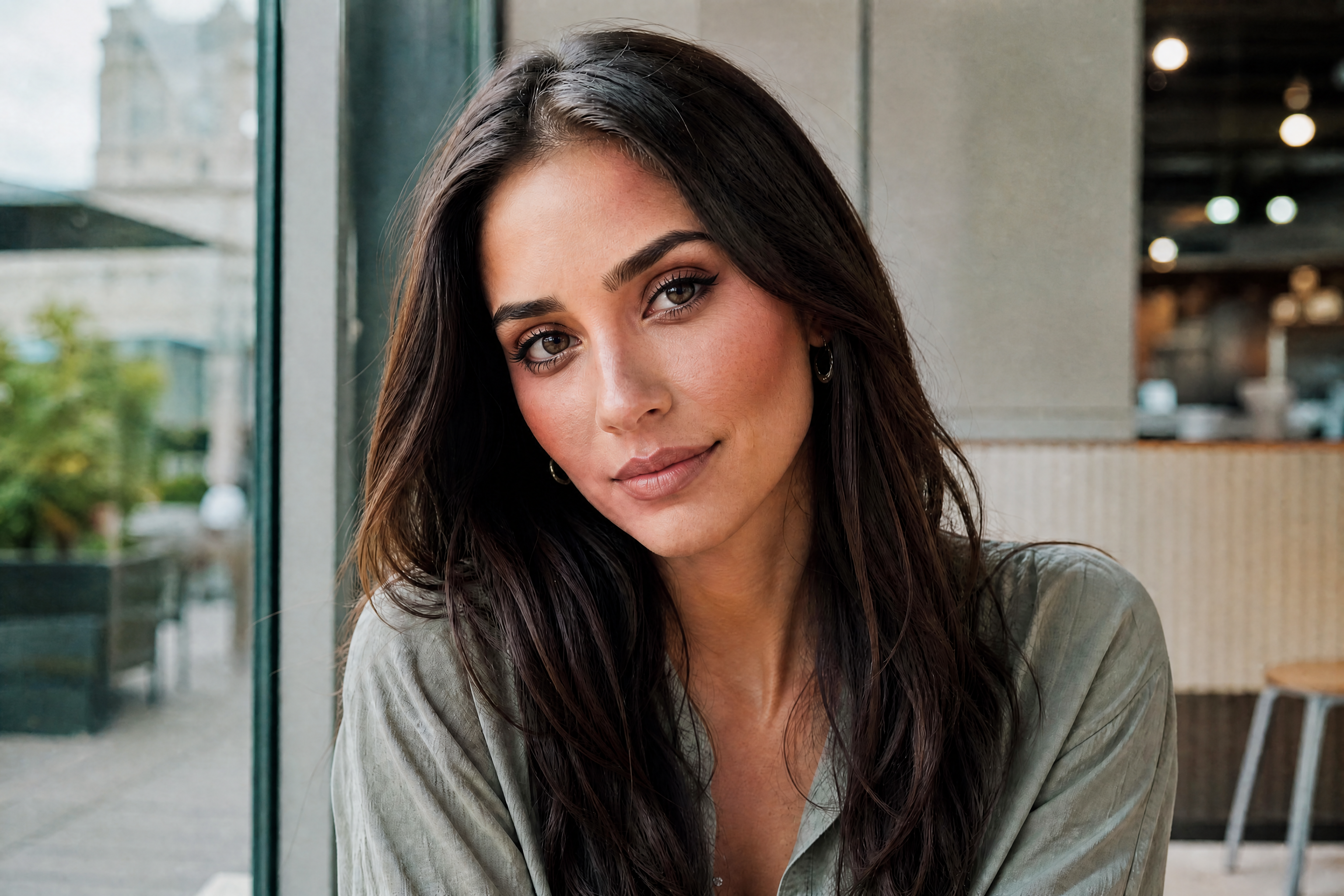
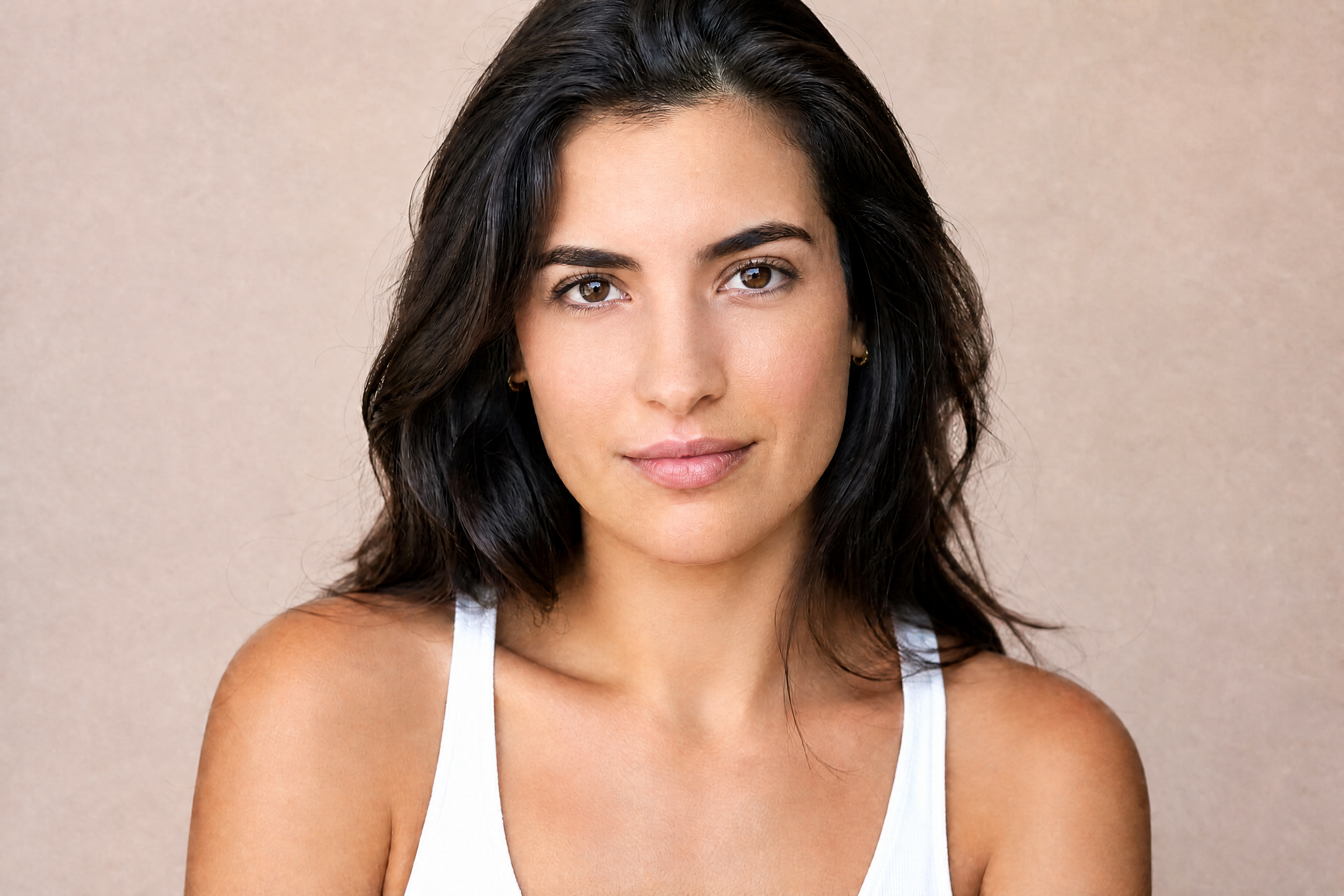
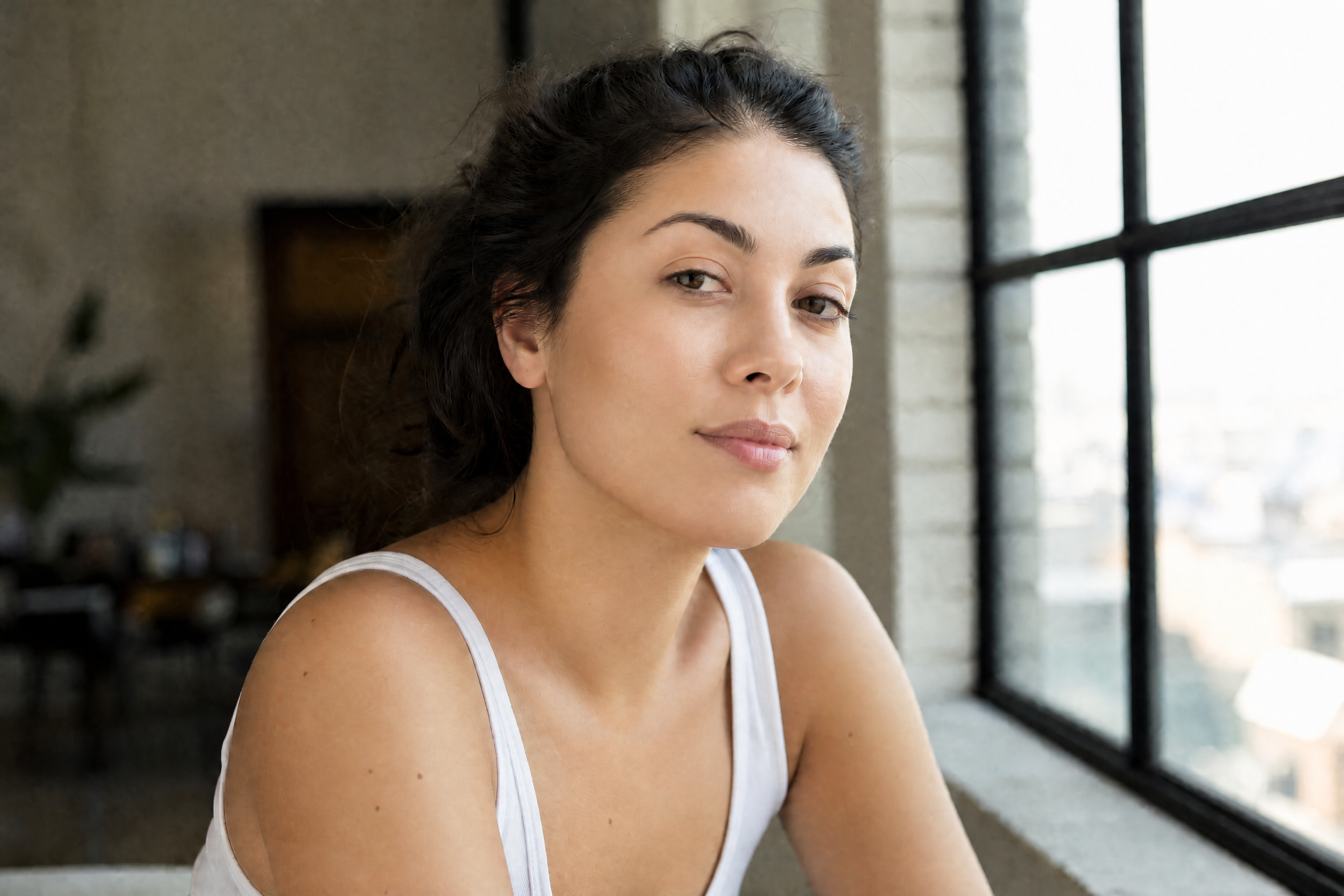
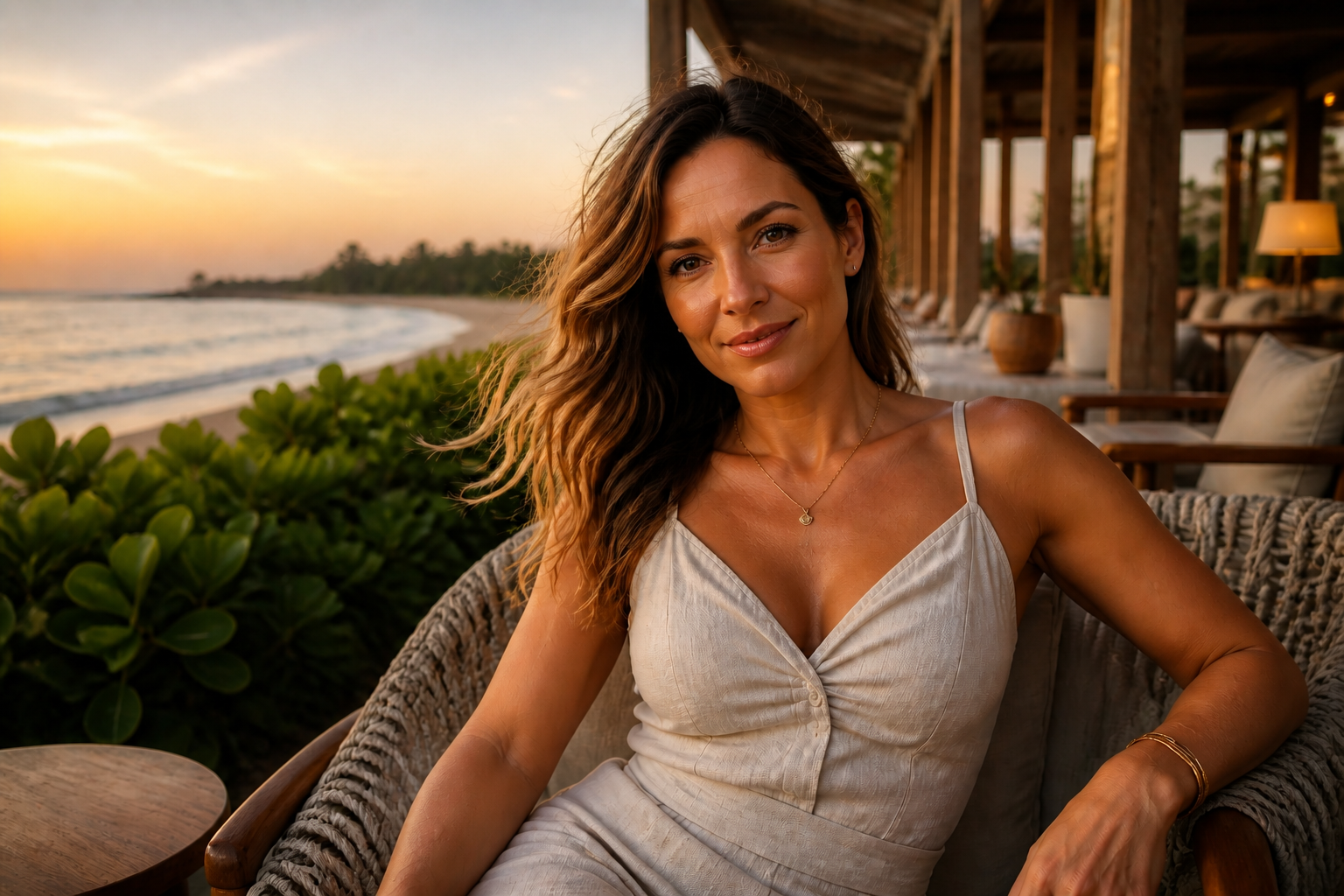
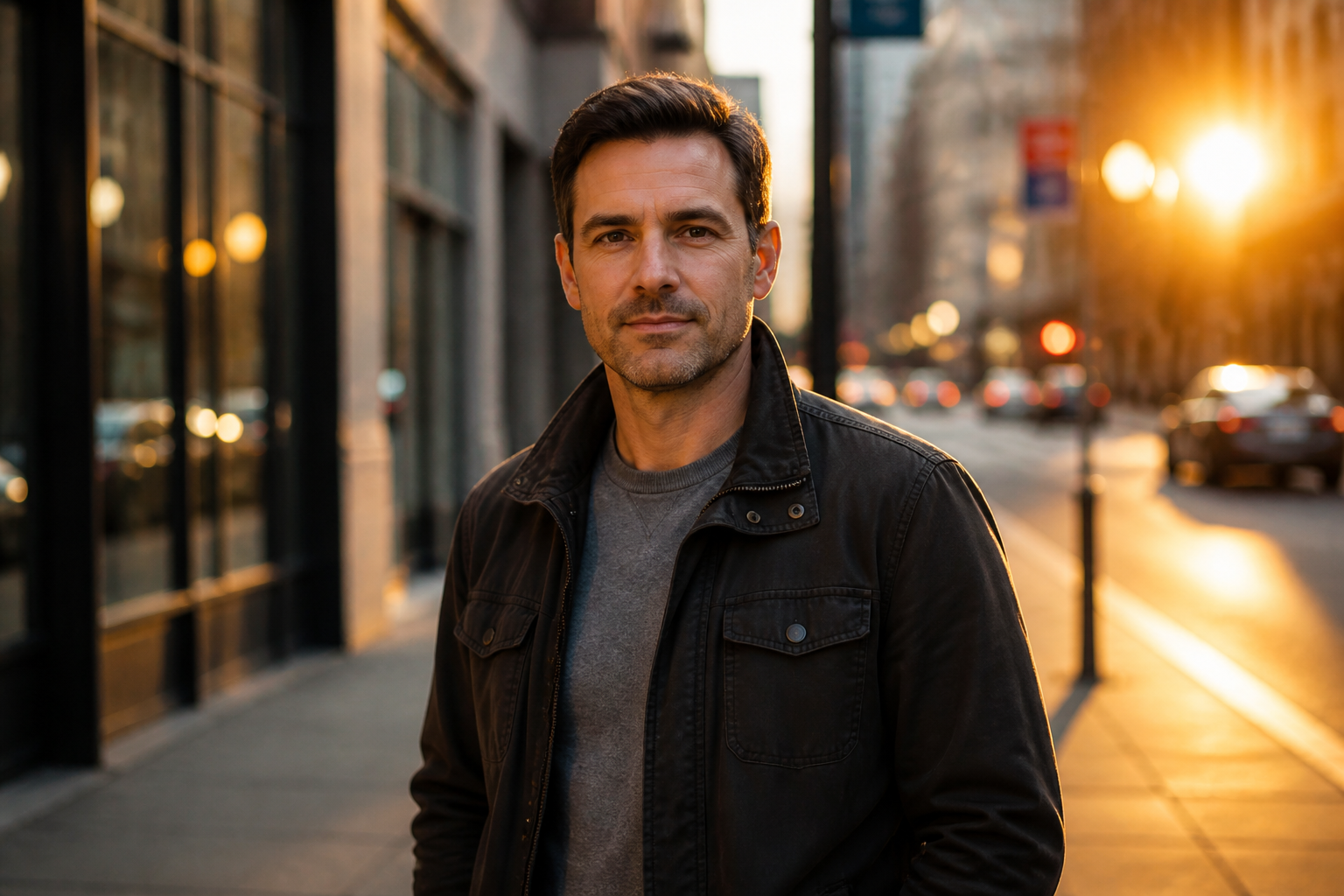
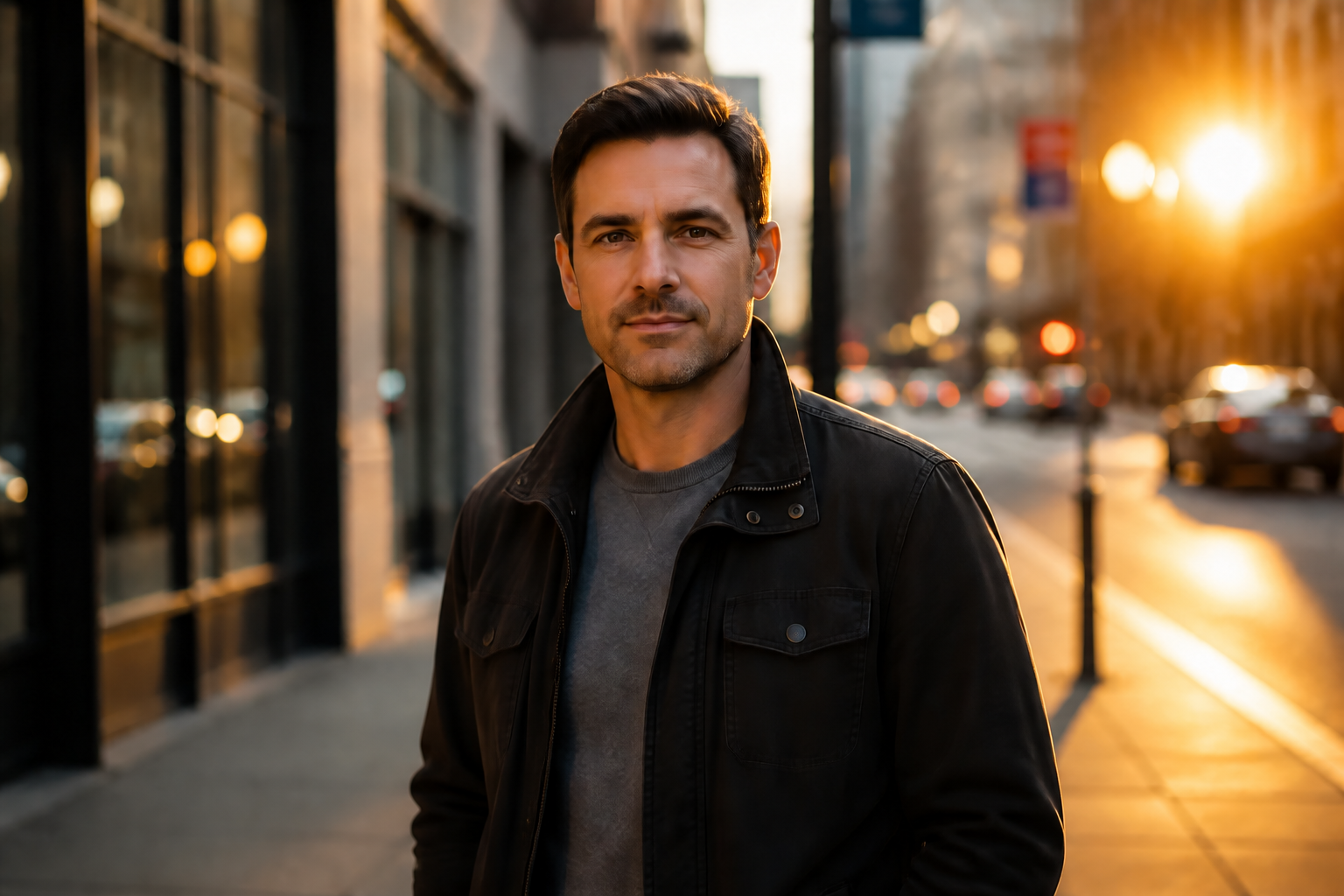
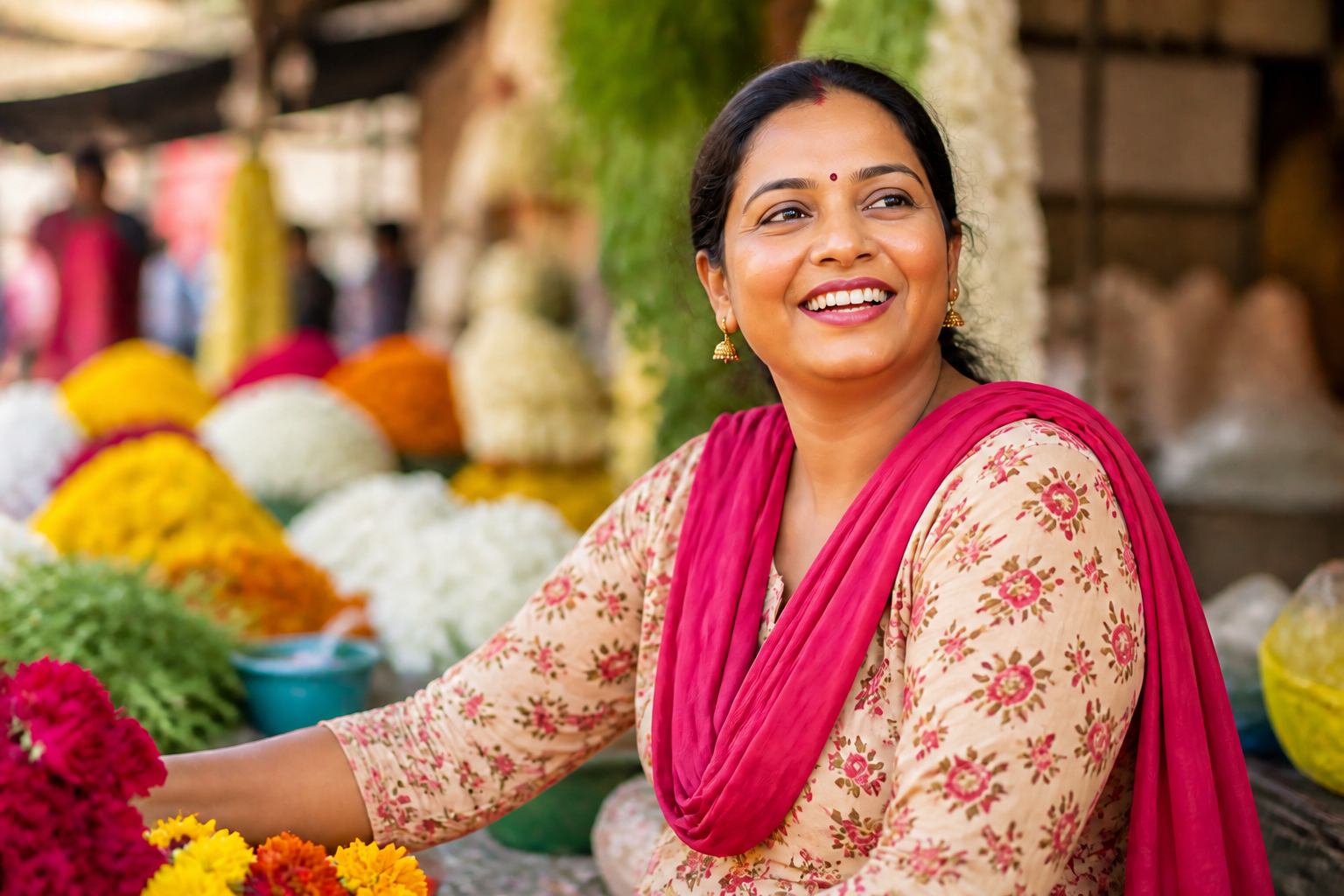
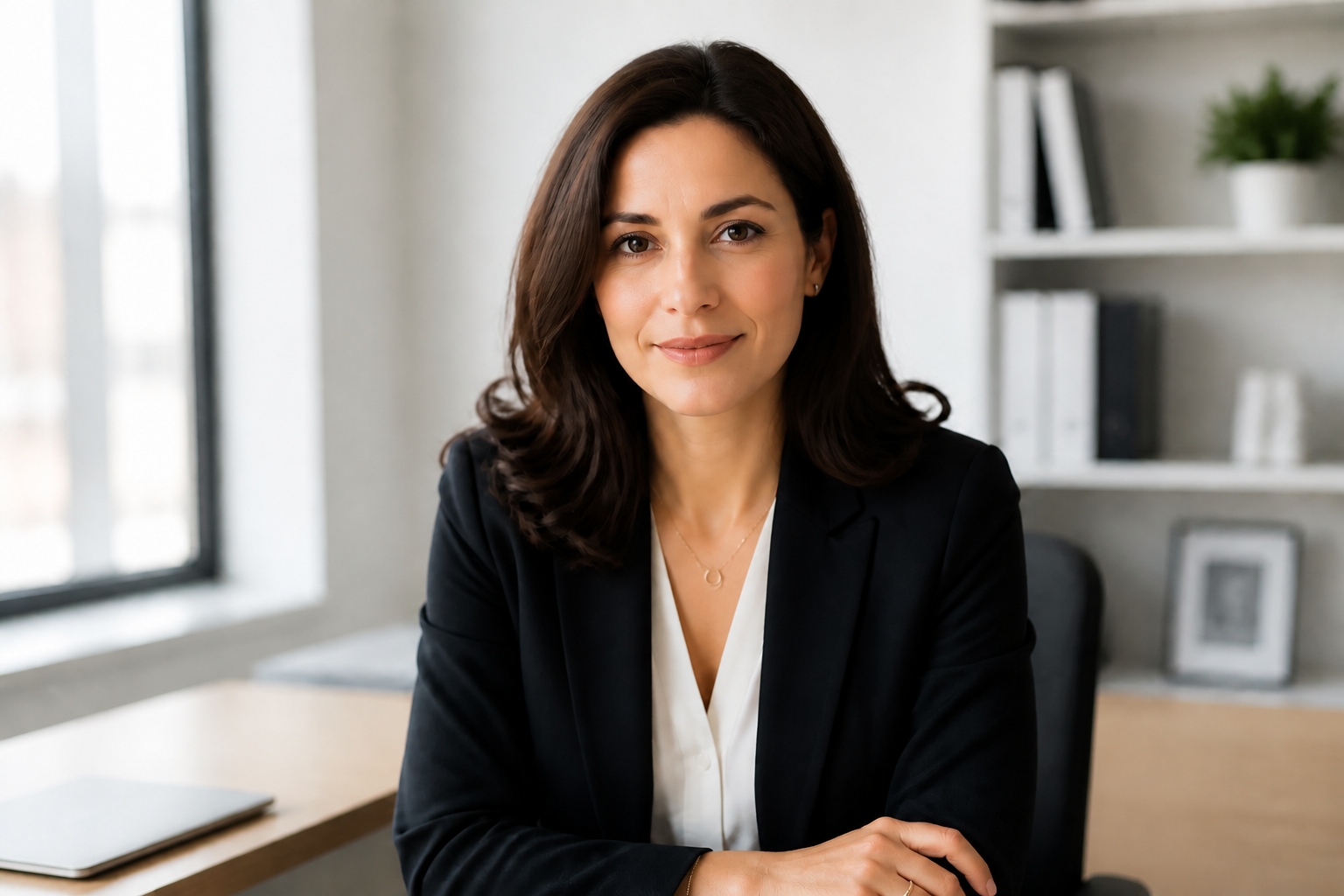
BudgetPixel's AI Beauty Filter enhances portraits with smoother skin, cleaner makeup, brighter eyes, and a more polished overall look. You can refresh selfies, profile photos, and fashion shots while keeping the person's identity, pose, and scene intact.
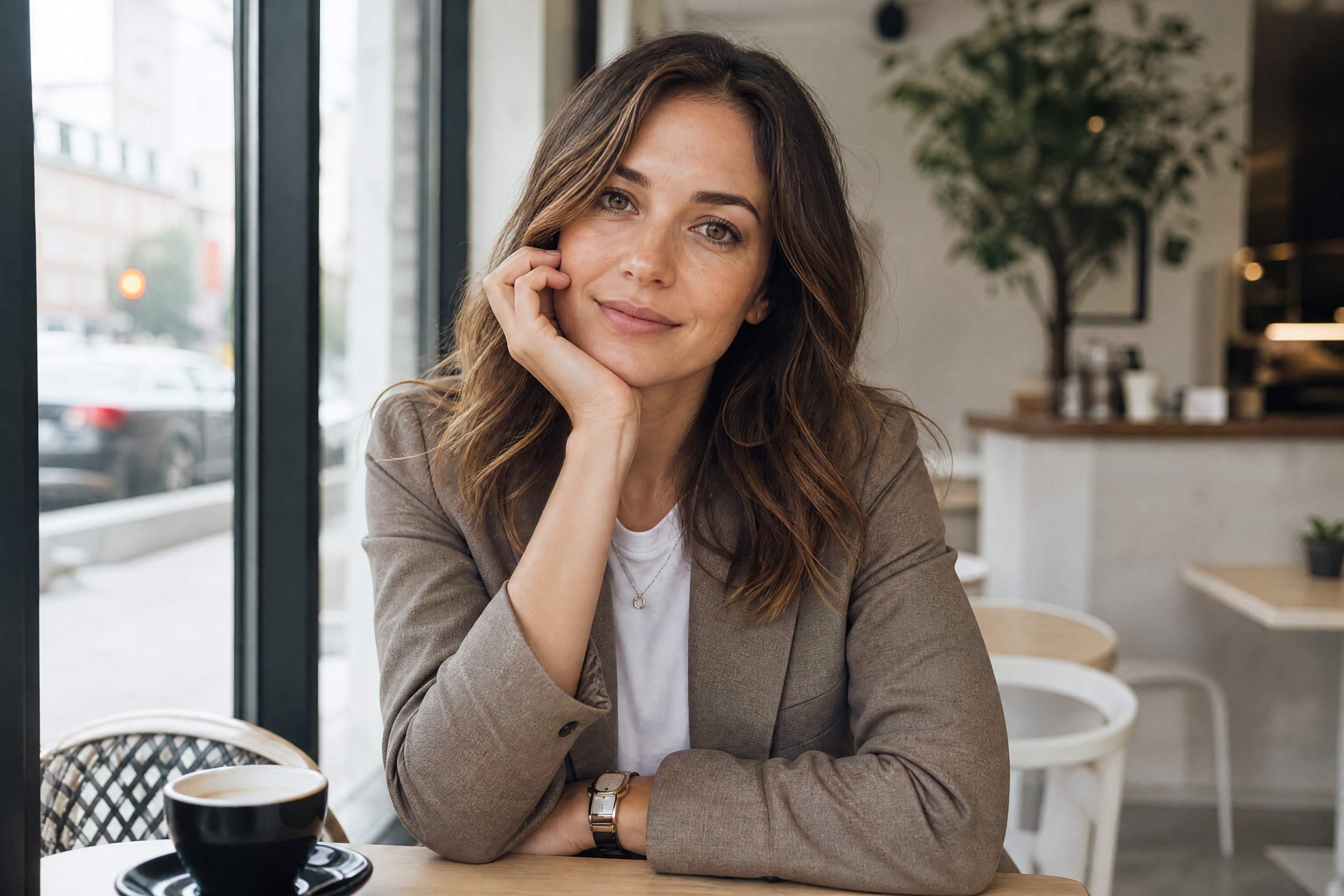
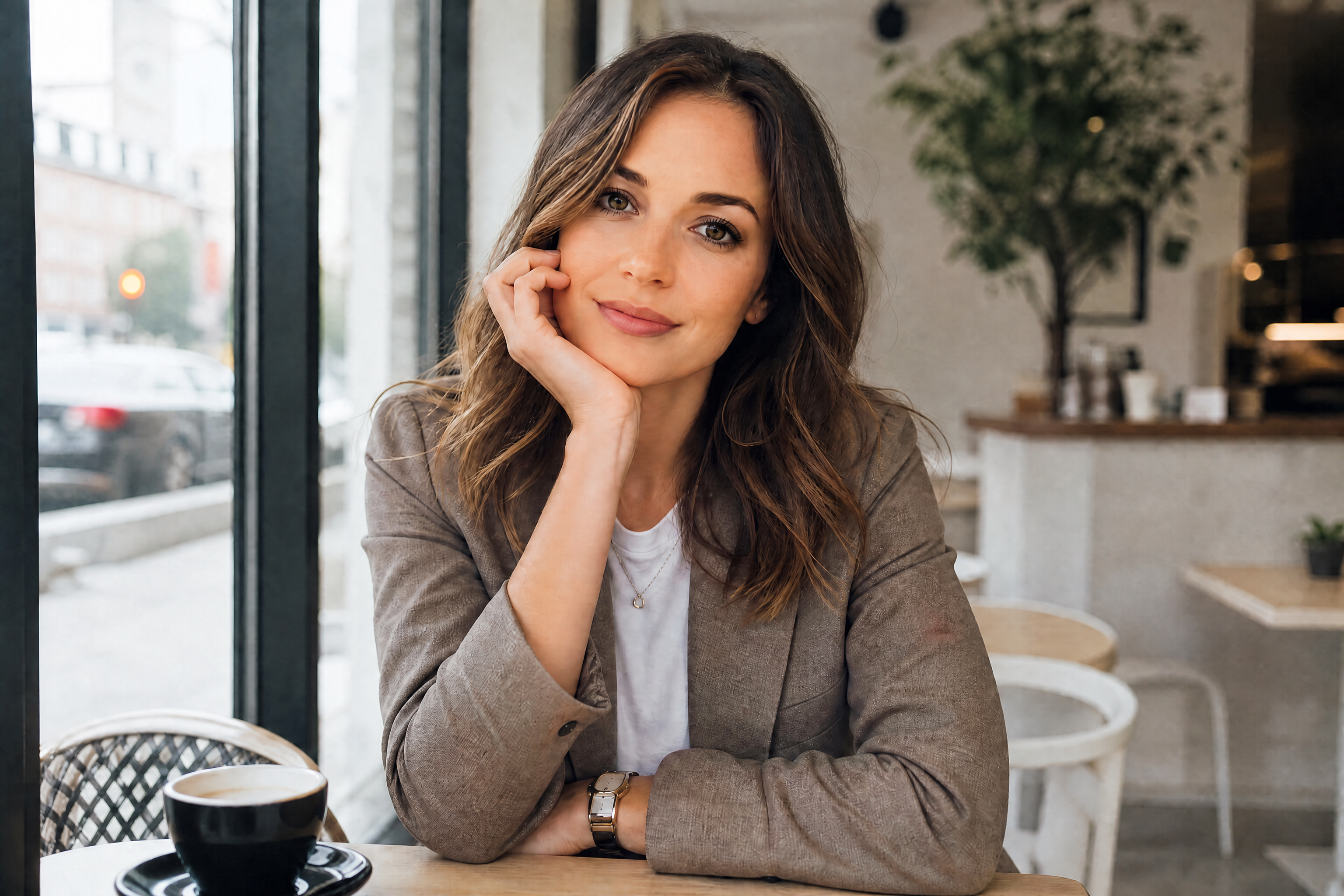
Watch the Transformation
See ai beauty filter in motion — generated end-to-end by our AI.
See It In Action
Real outputs from ai beauty filter.
BEFOREAFTER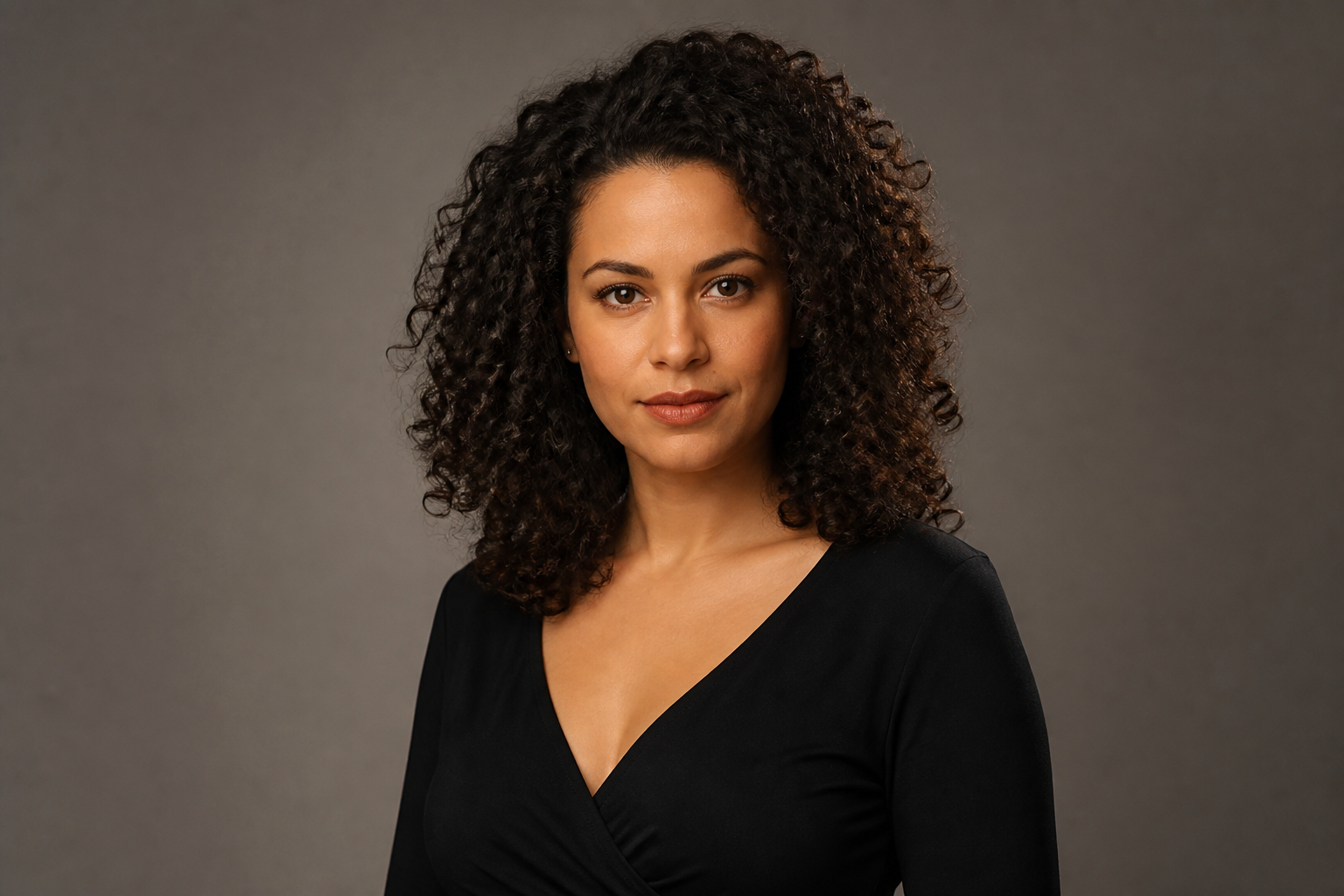 BEFORE
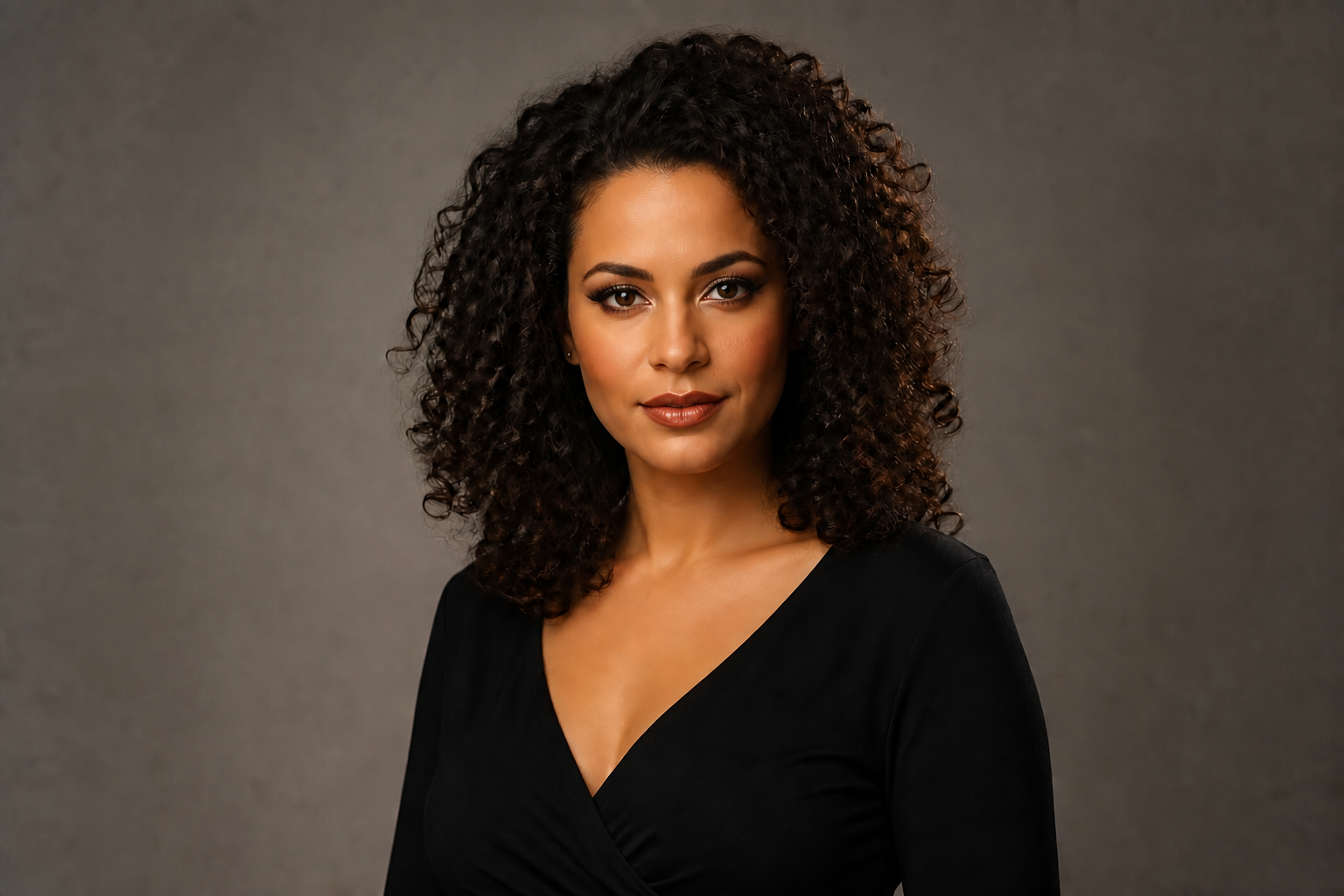 AFTER
AFTER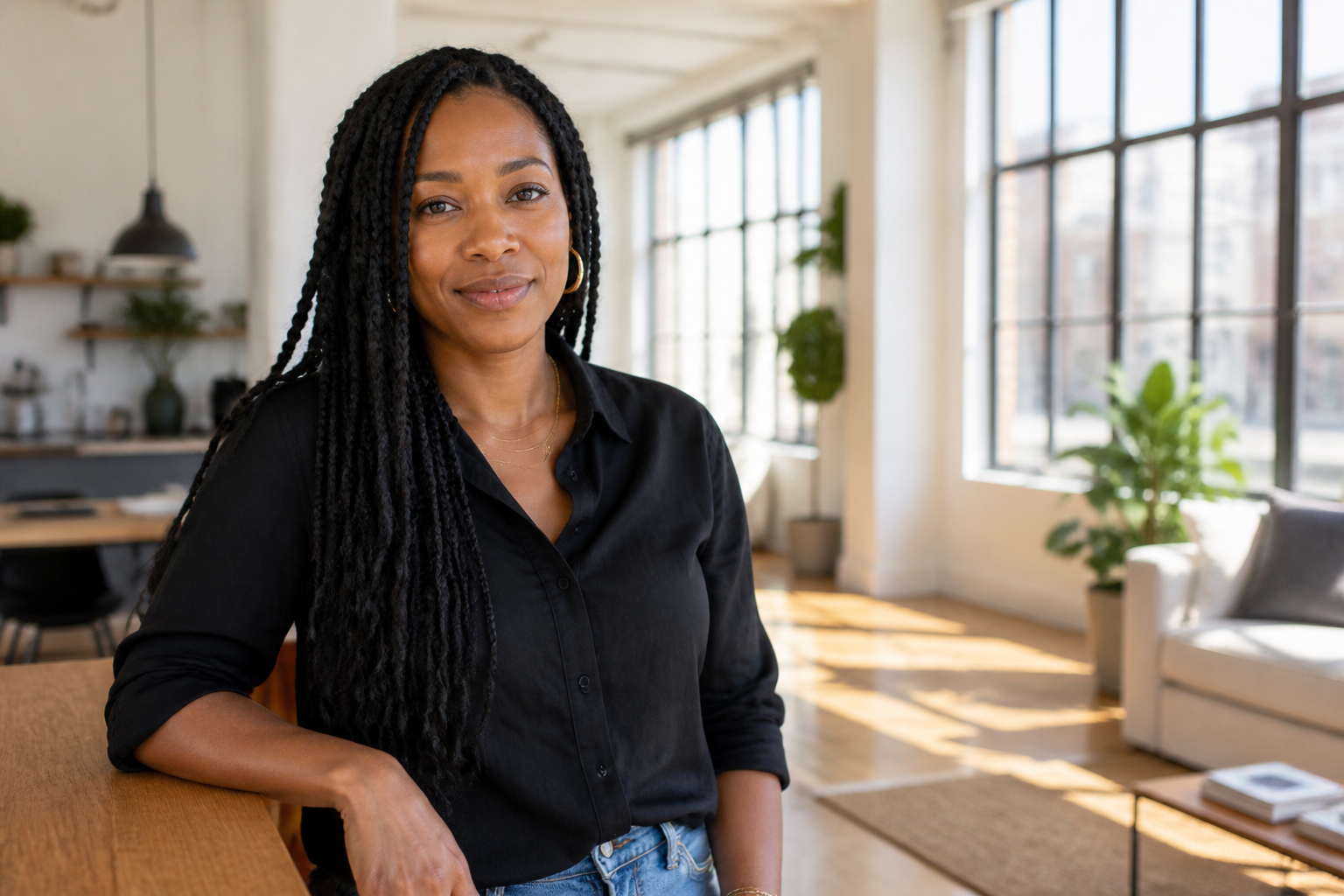 BEFORE
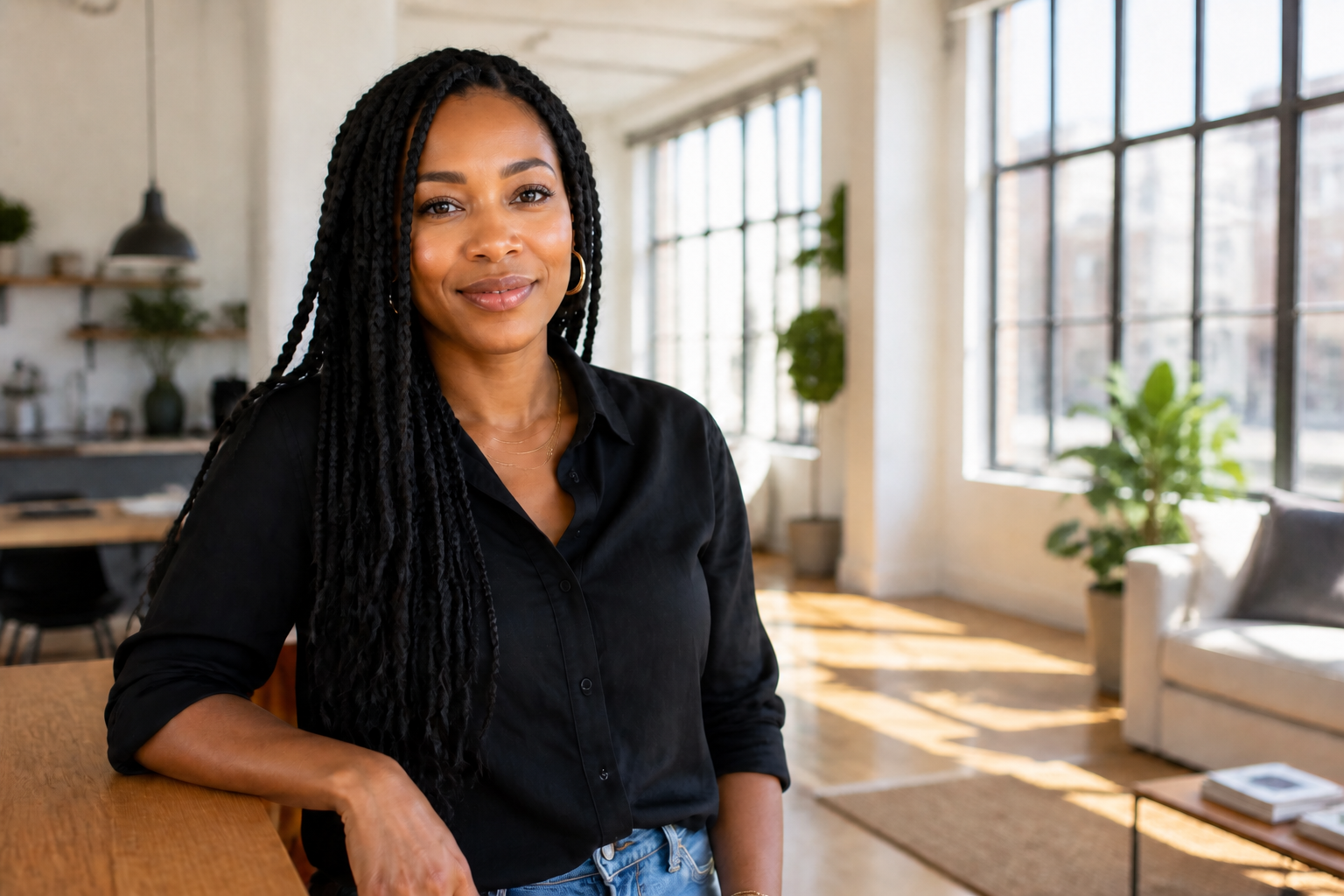 AFTER
AFTER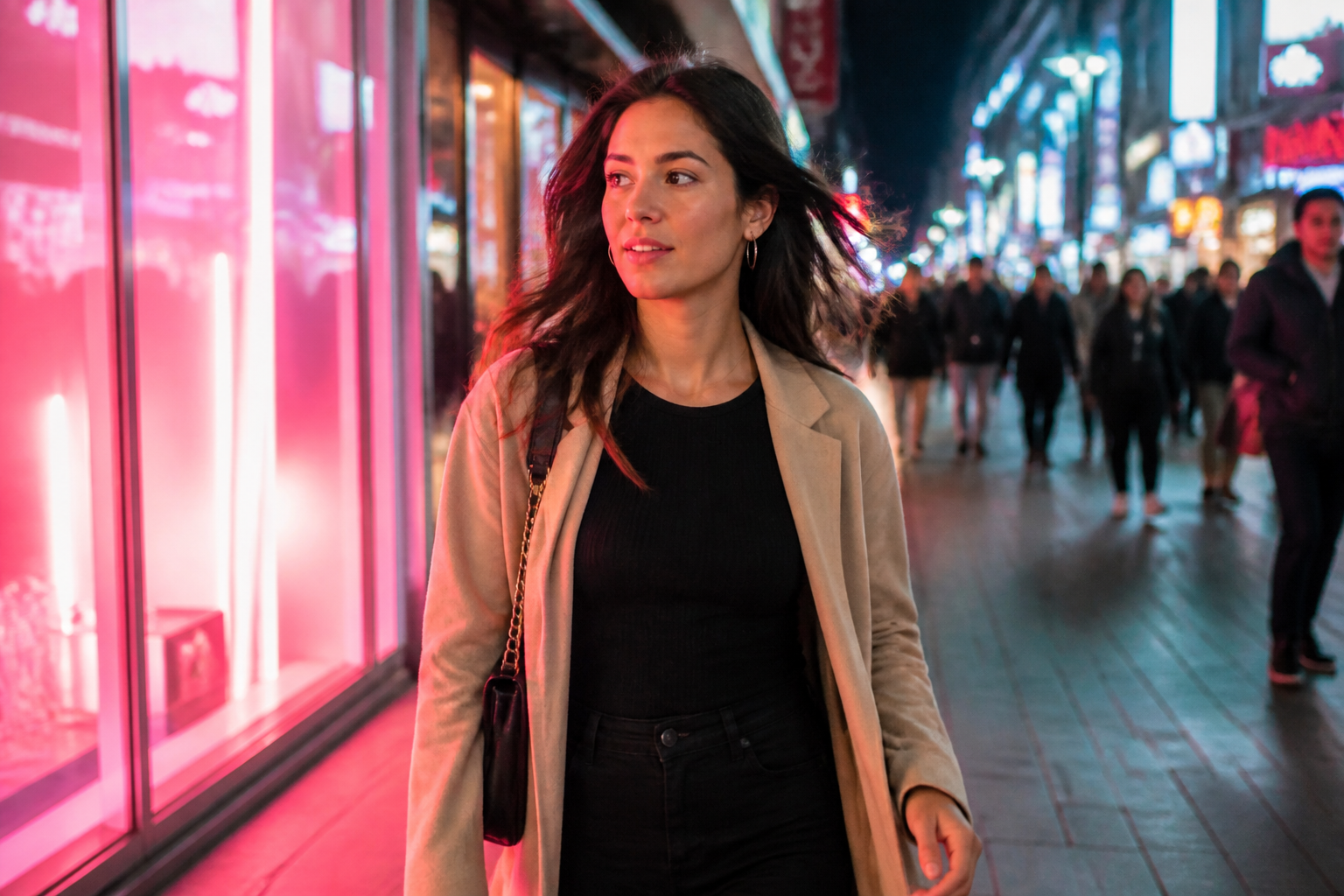 BEFORE
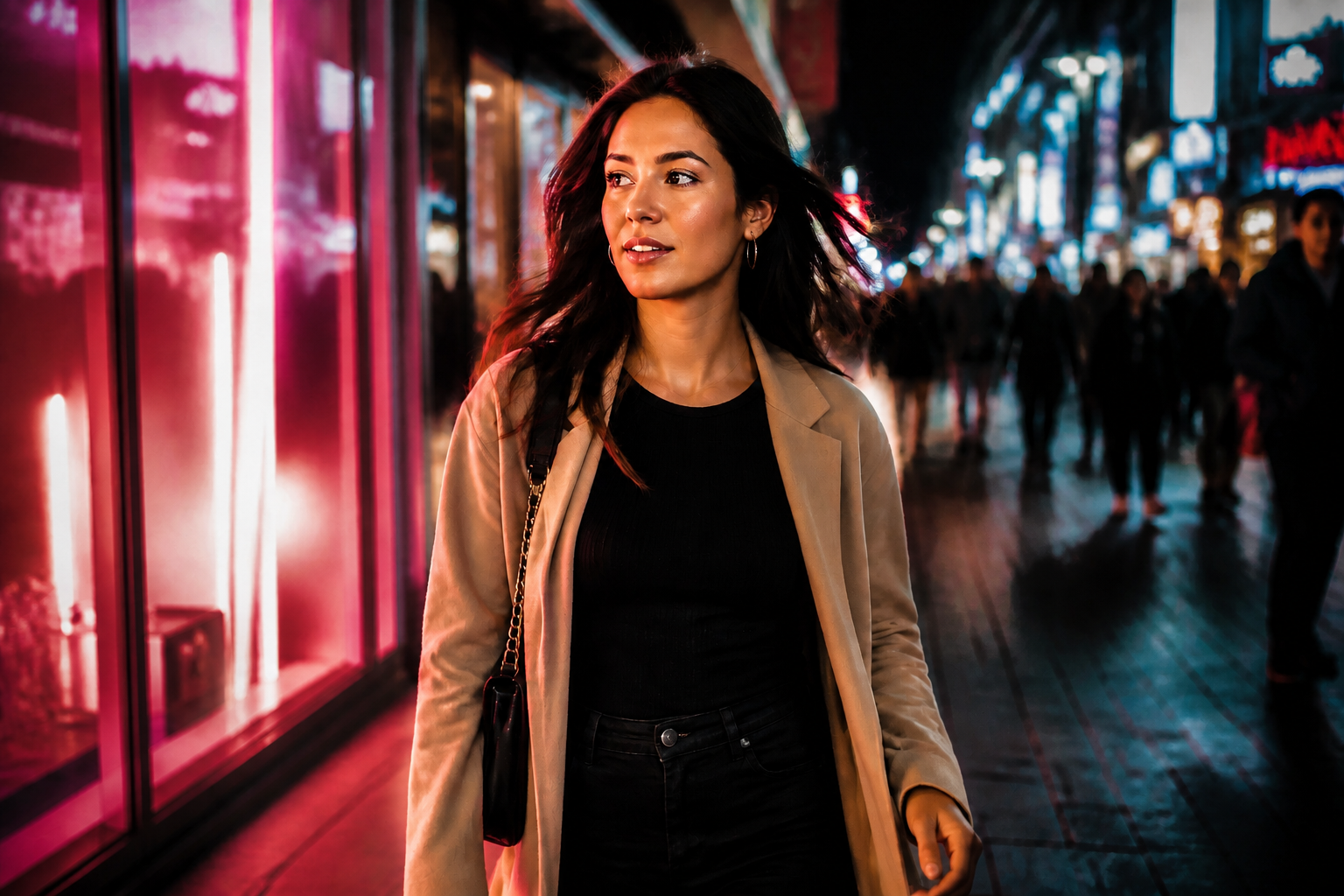 AFTER
AFTER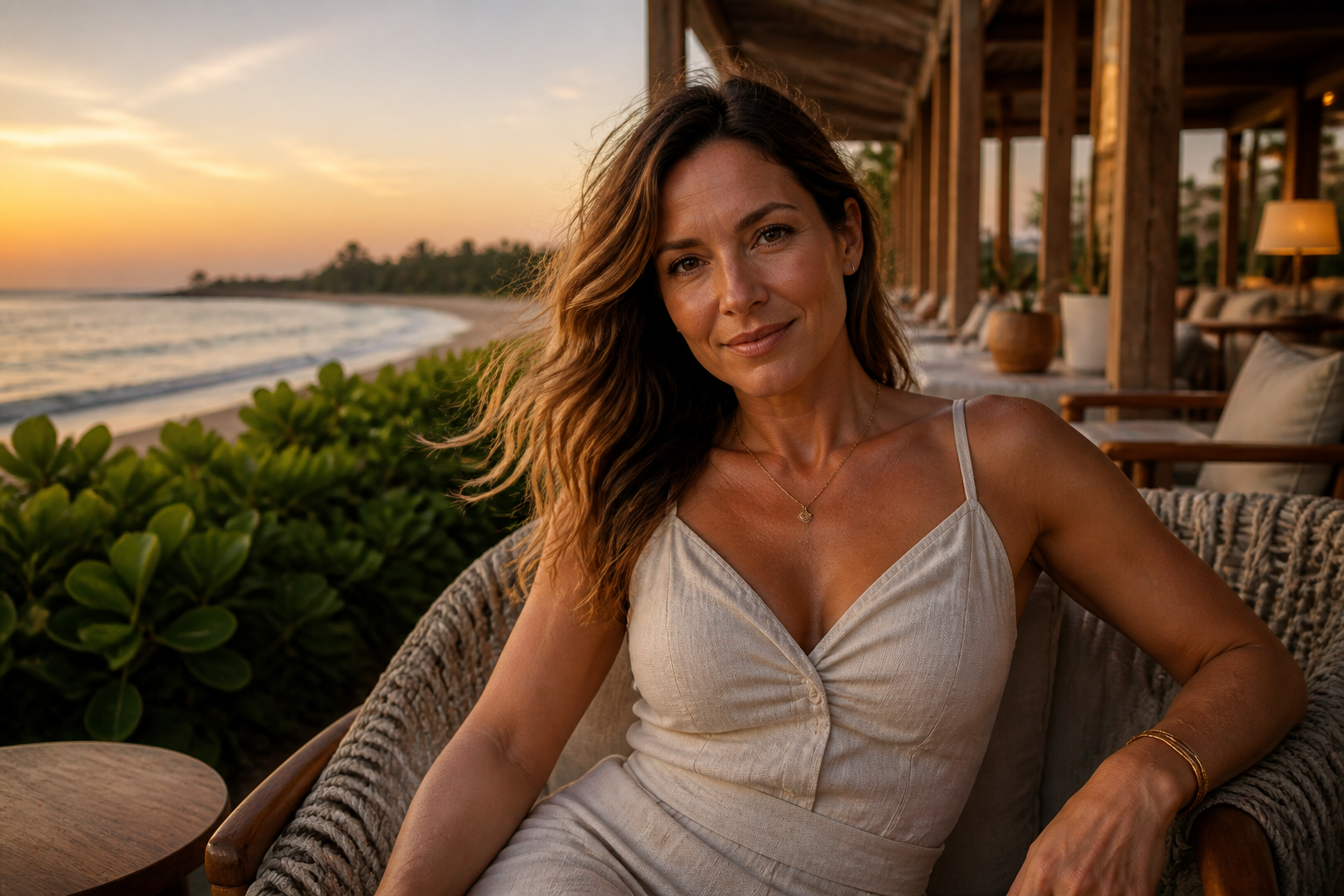 BEFORE
 AFTERBEFOREAFTERBEFOREAFTERBEFOREAFTERBEFOREAFTERBEFOREAFTER
 BEFORE
 AFTER
AFTER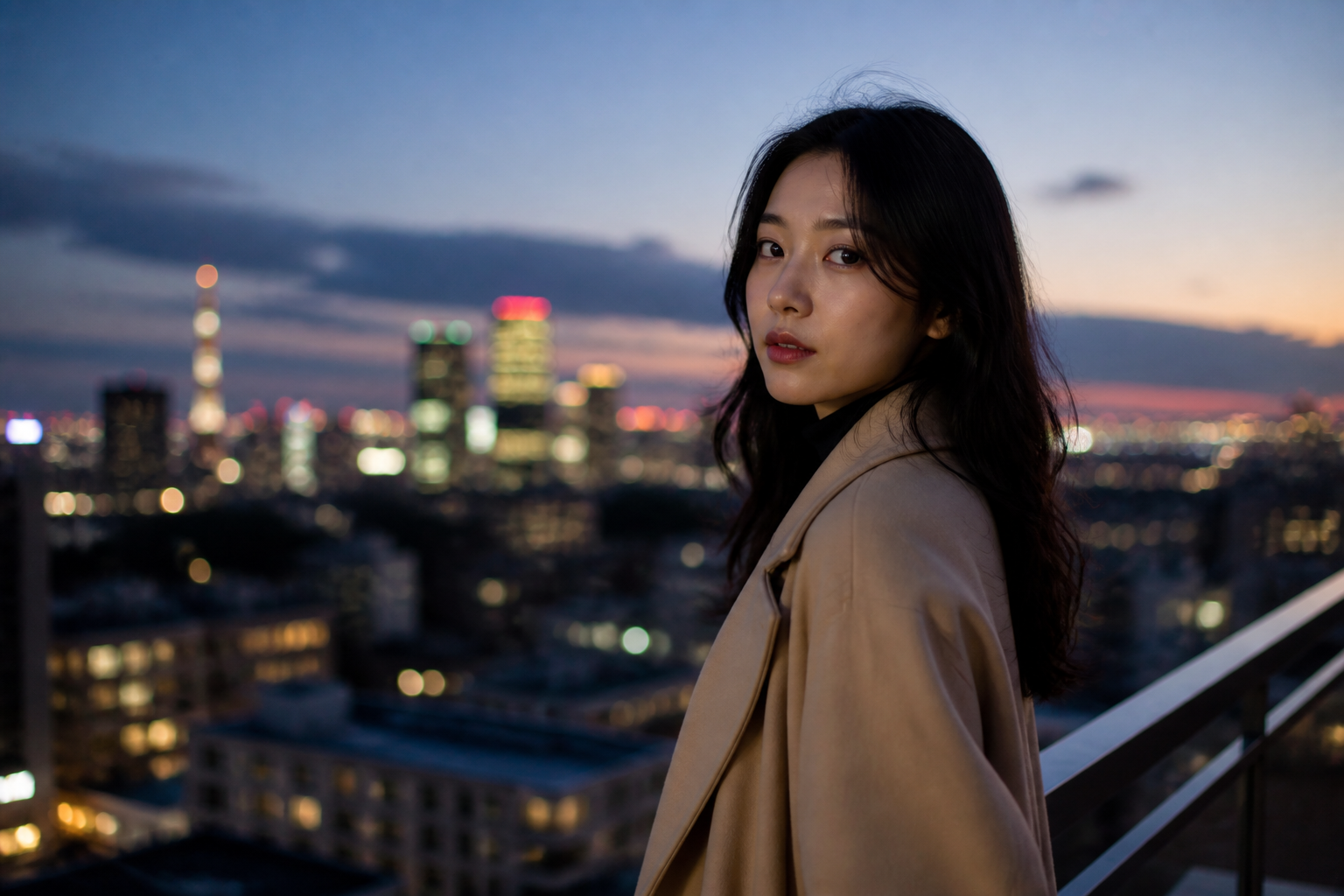 BEFORE
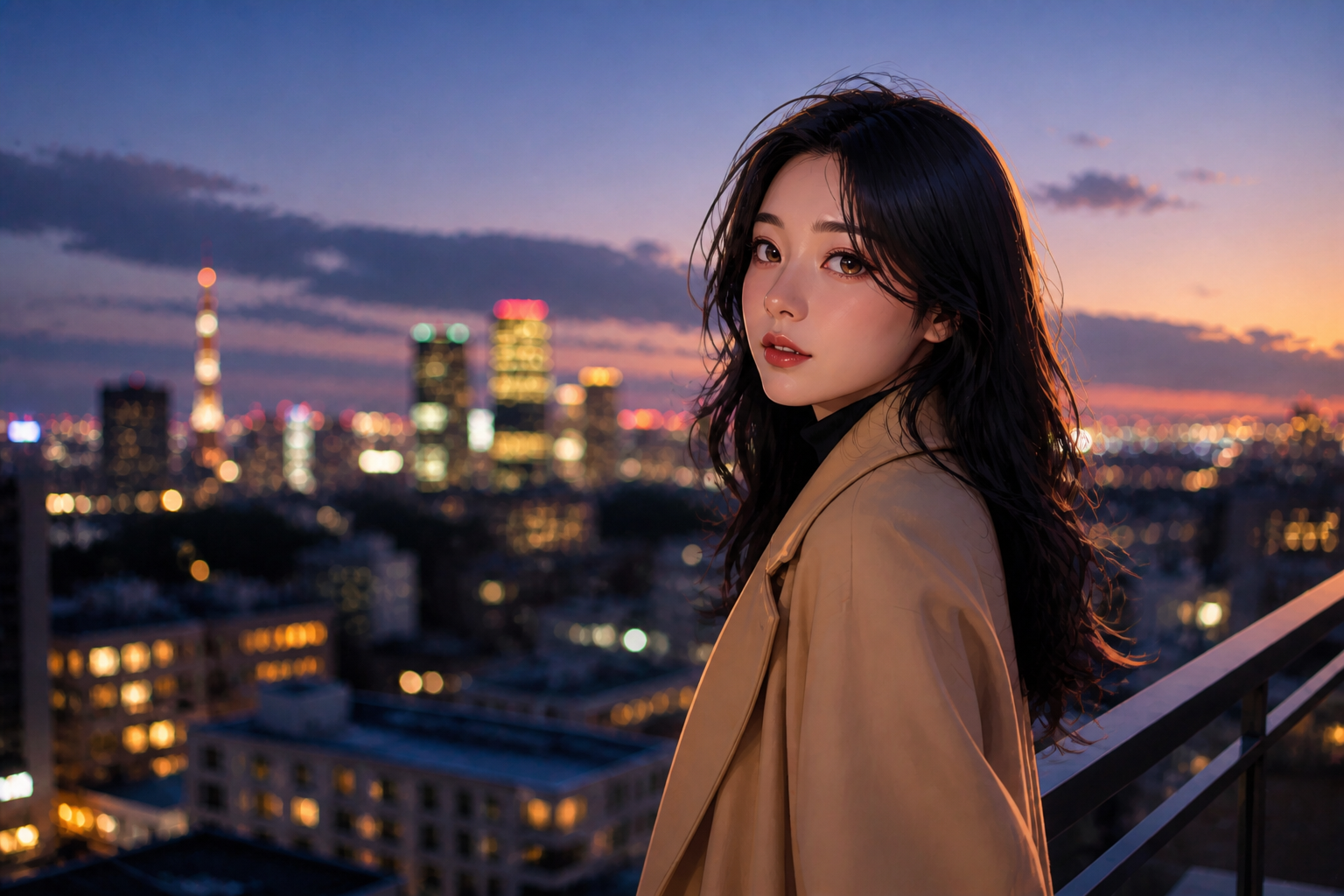 AFTER
AFTER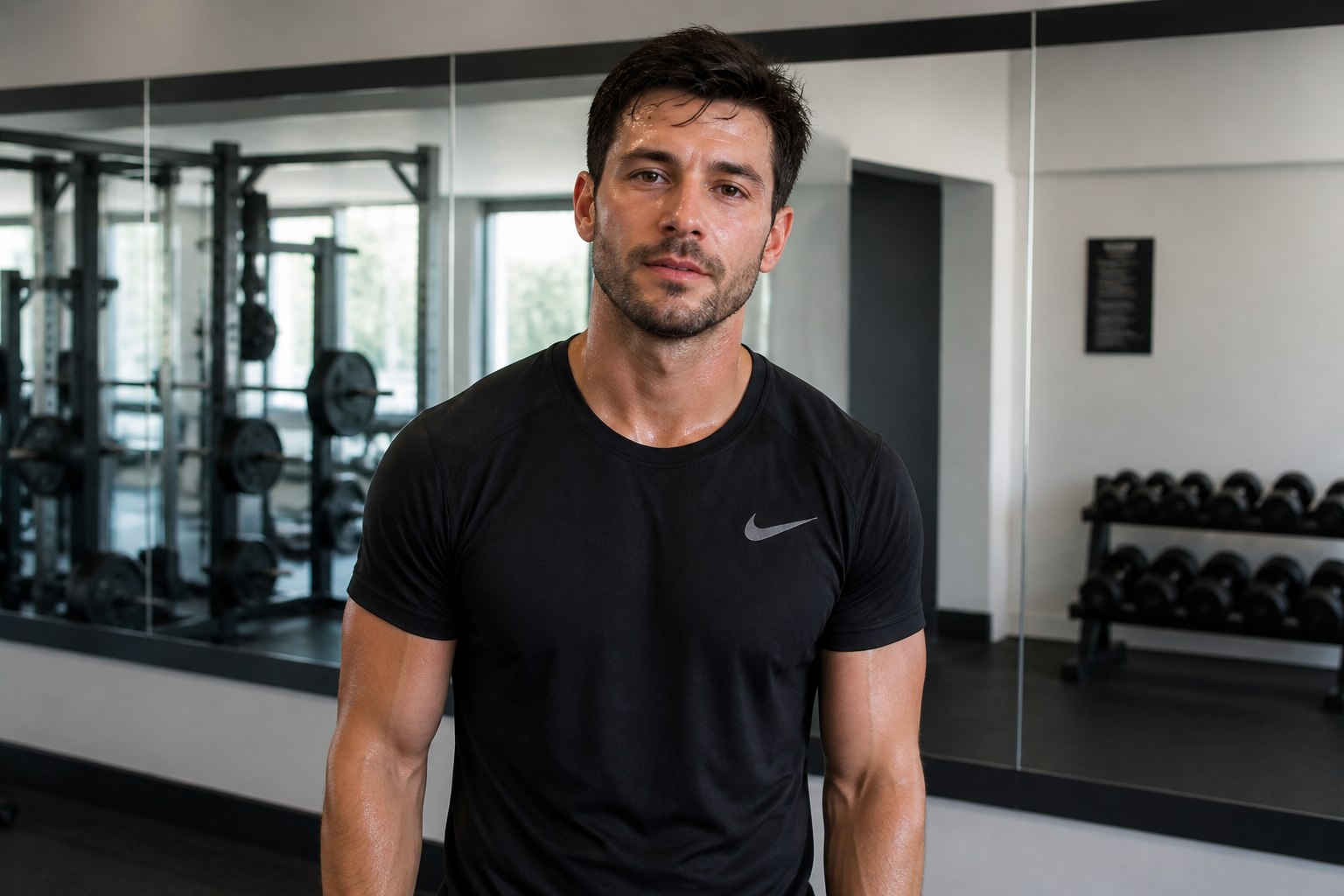 BEFORE
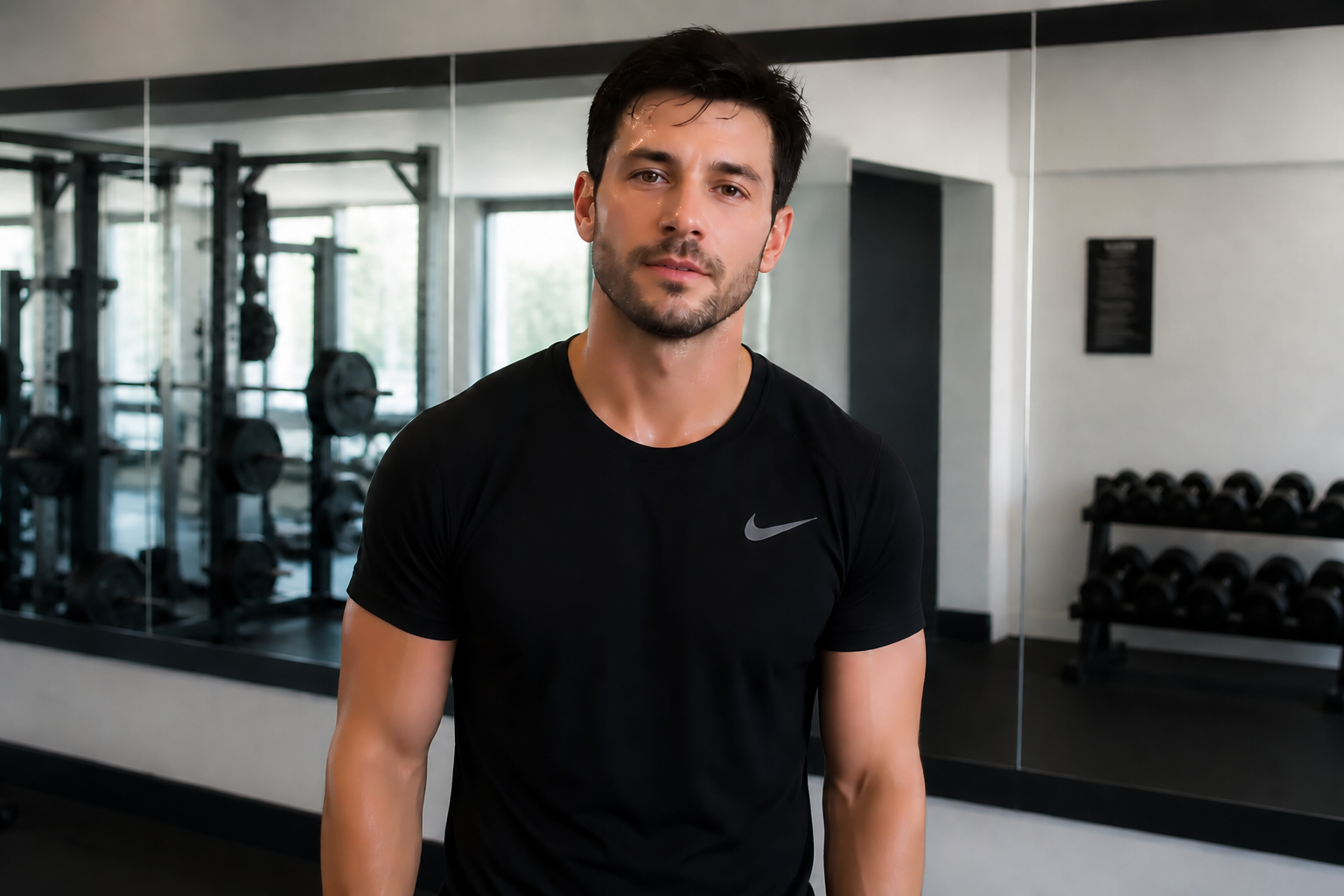 AFTER
AFTER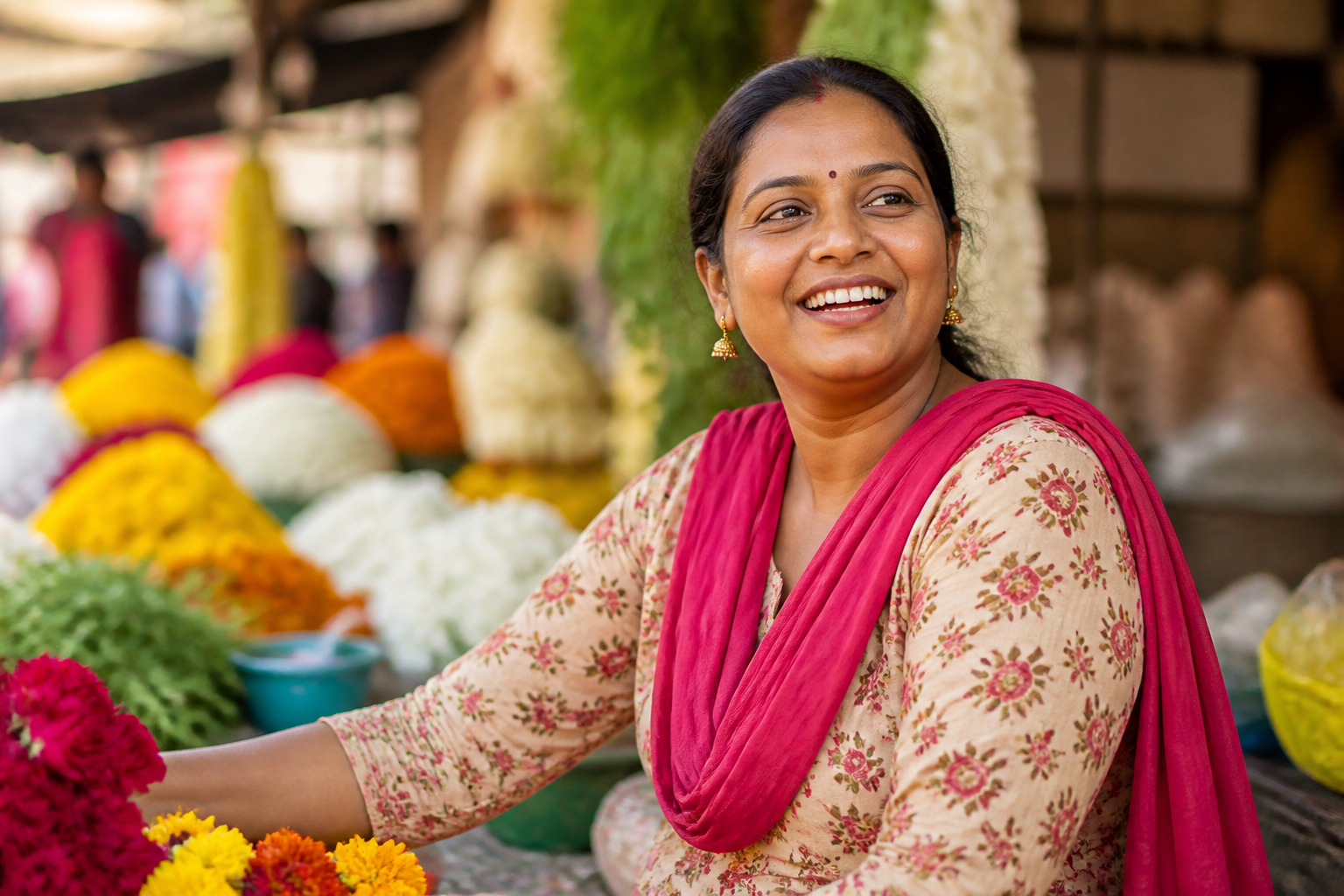 BEFORE
 AFTER
AFTER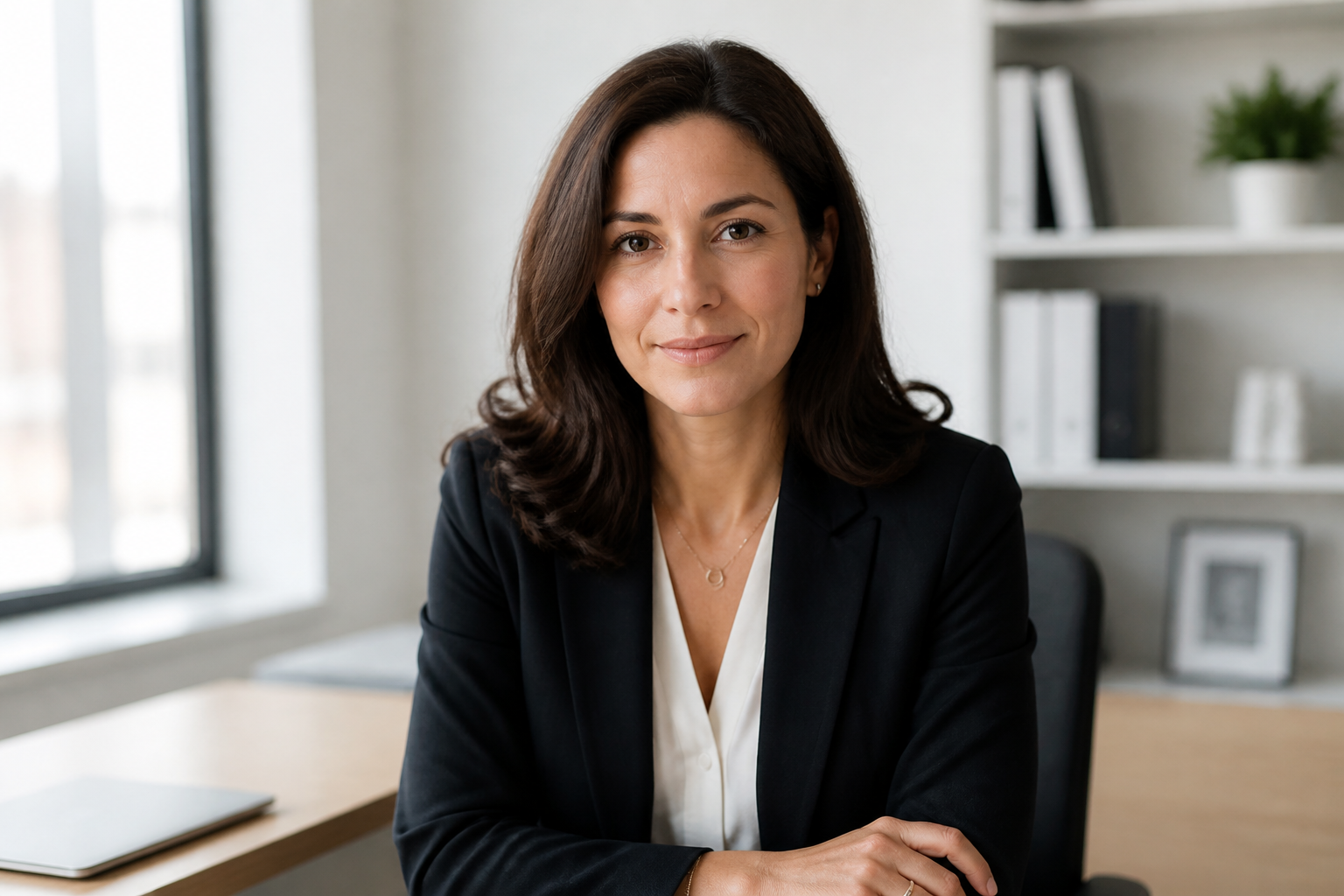 BEFORE
 AFTERBEFOREAFTERBEFOREAFTERBEFOREAFTERBEFOREAFTERBEFOREAFTER
Key Features
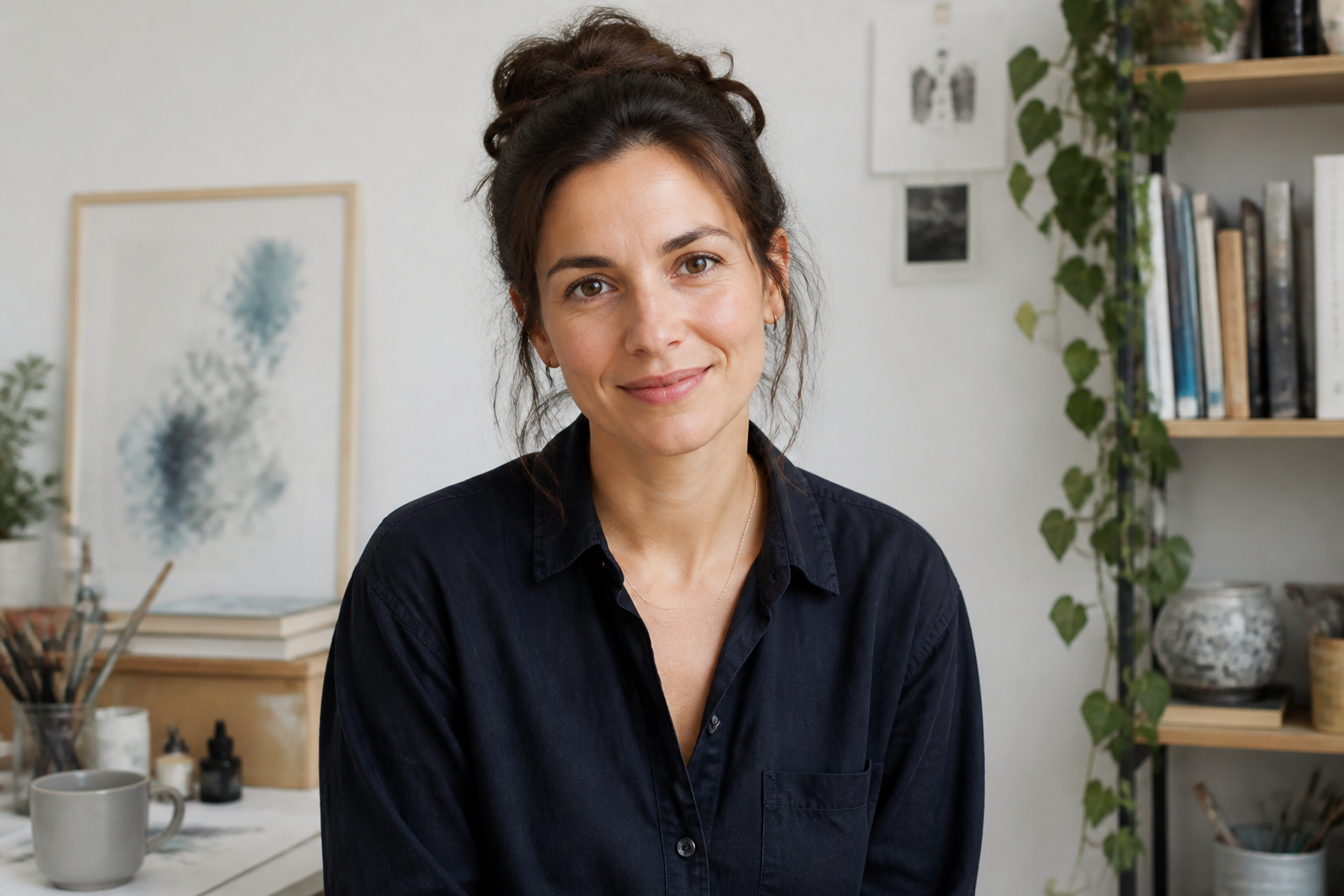
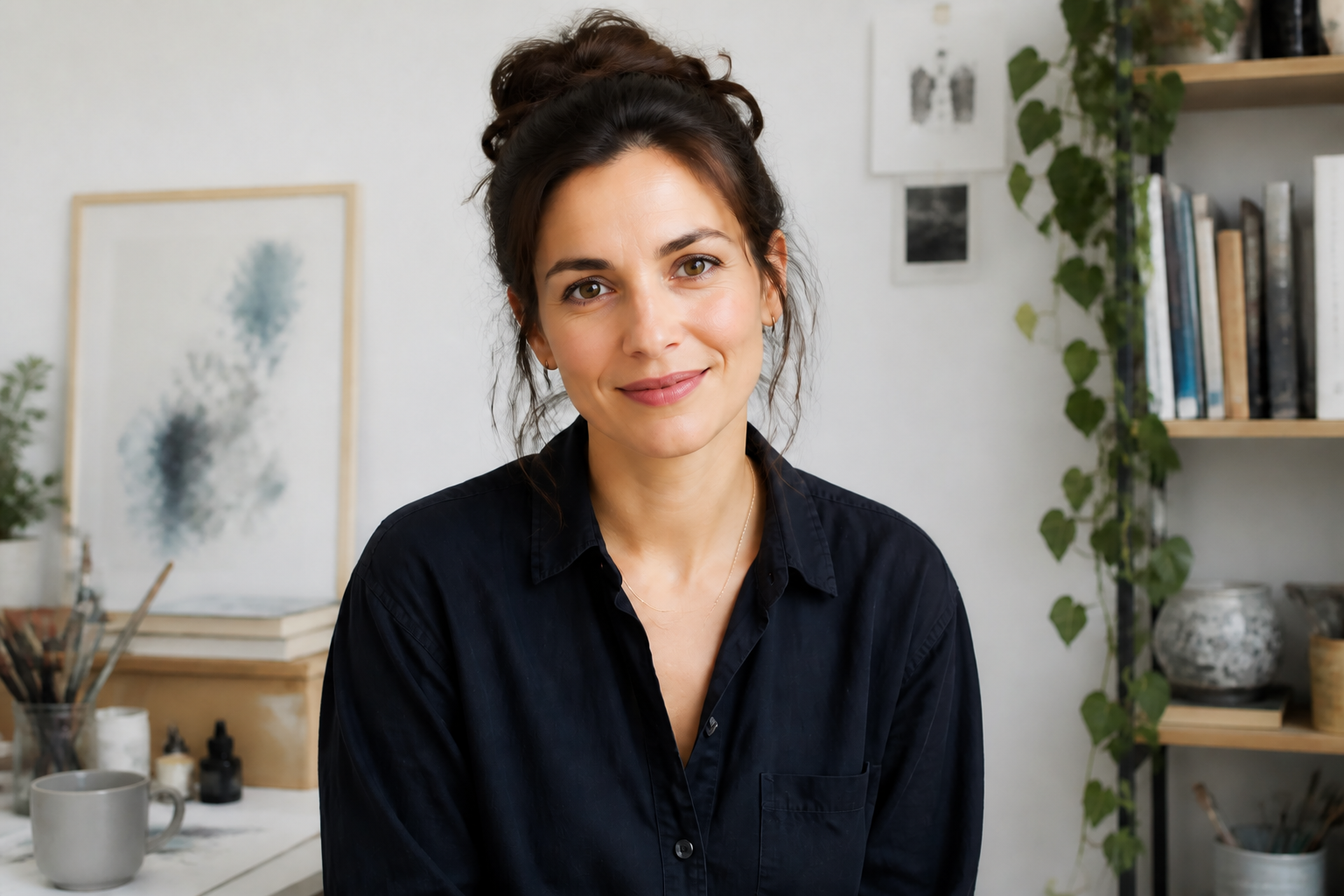
Keeps your face recognizable
The edit improves the portrait without swapping the person's identity for a generic AI face. That matters for profile photos, creator headshots, and client work where the subject still needs to look like themselves. Instead of rebuilding the whole image, our AI focuses on visible beauty adjustments while preserving the face structure, expression, and pose.
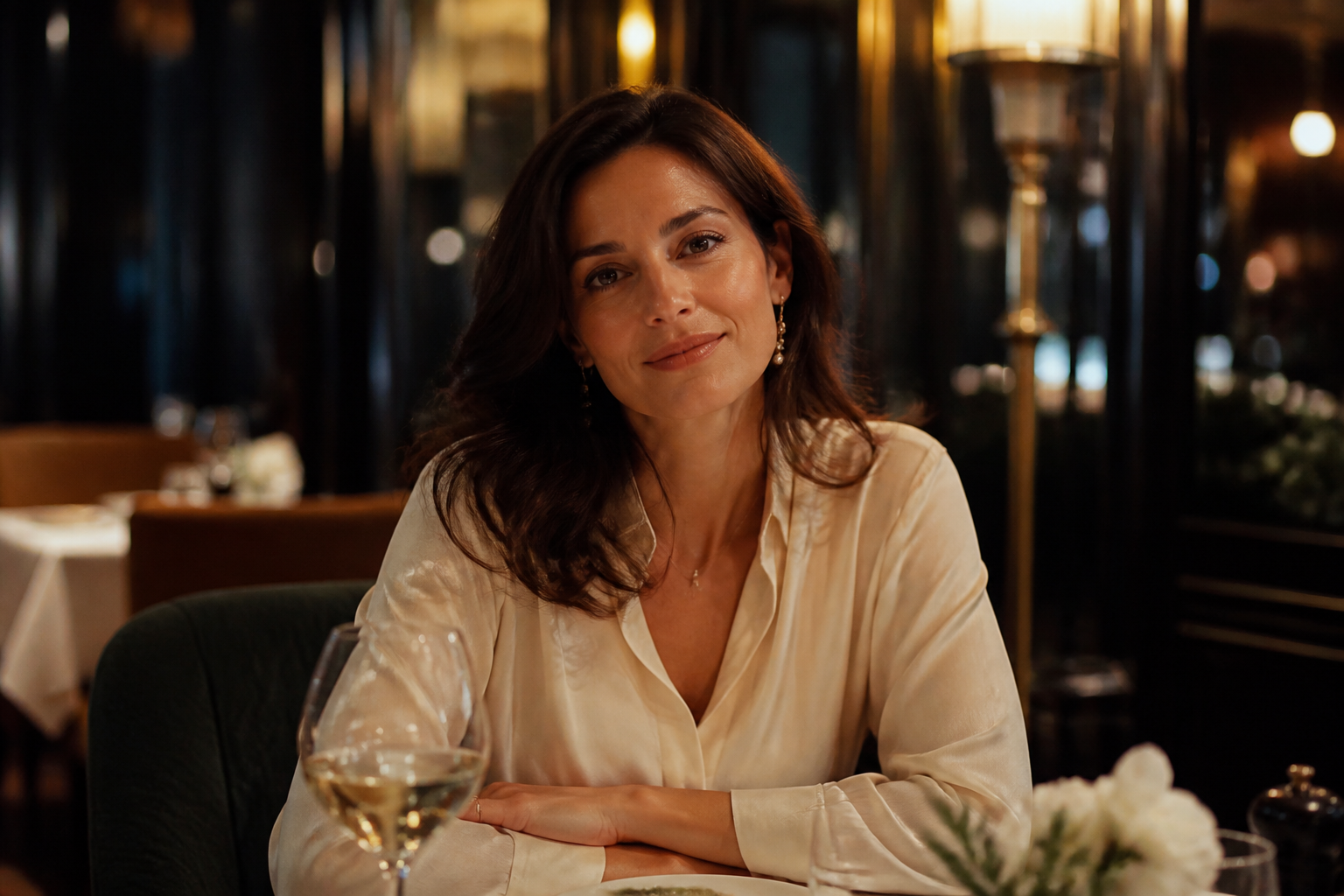
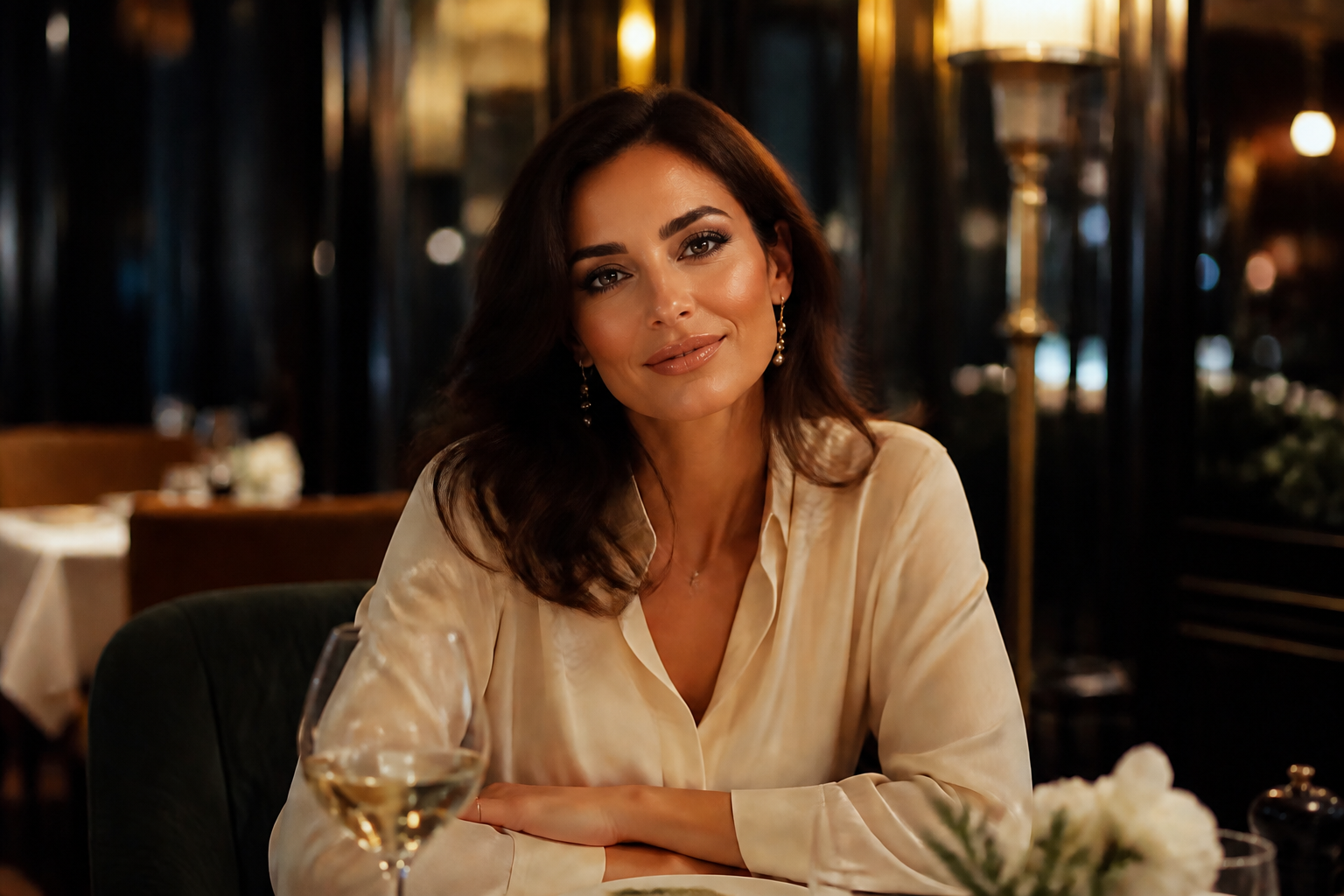
From natural to glam
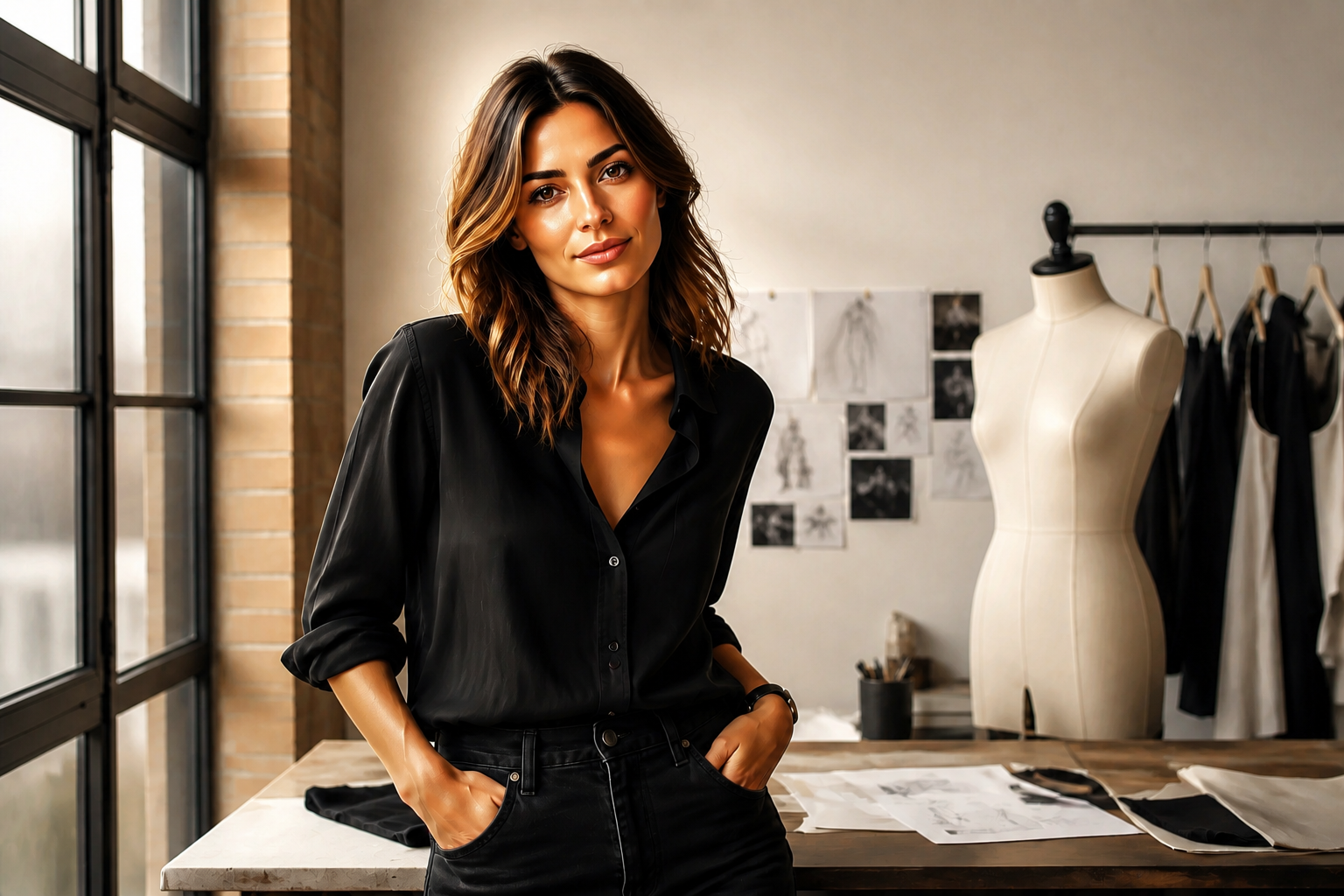
You can go for a light clean-up or a more finished editorial look depending on the photo. This makes the tool useful for everyday selfies, social posts, dating profiles, and campaign-style portraits. Manual retouching usually means many separate adjustments, but here you can describe the finish you want in one pass.
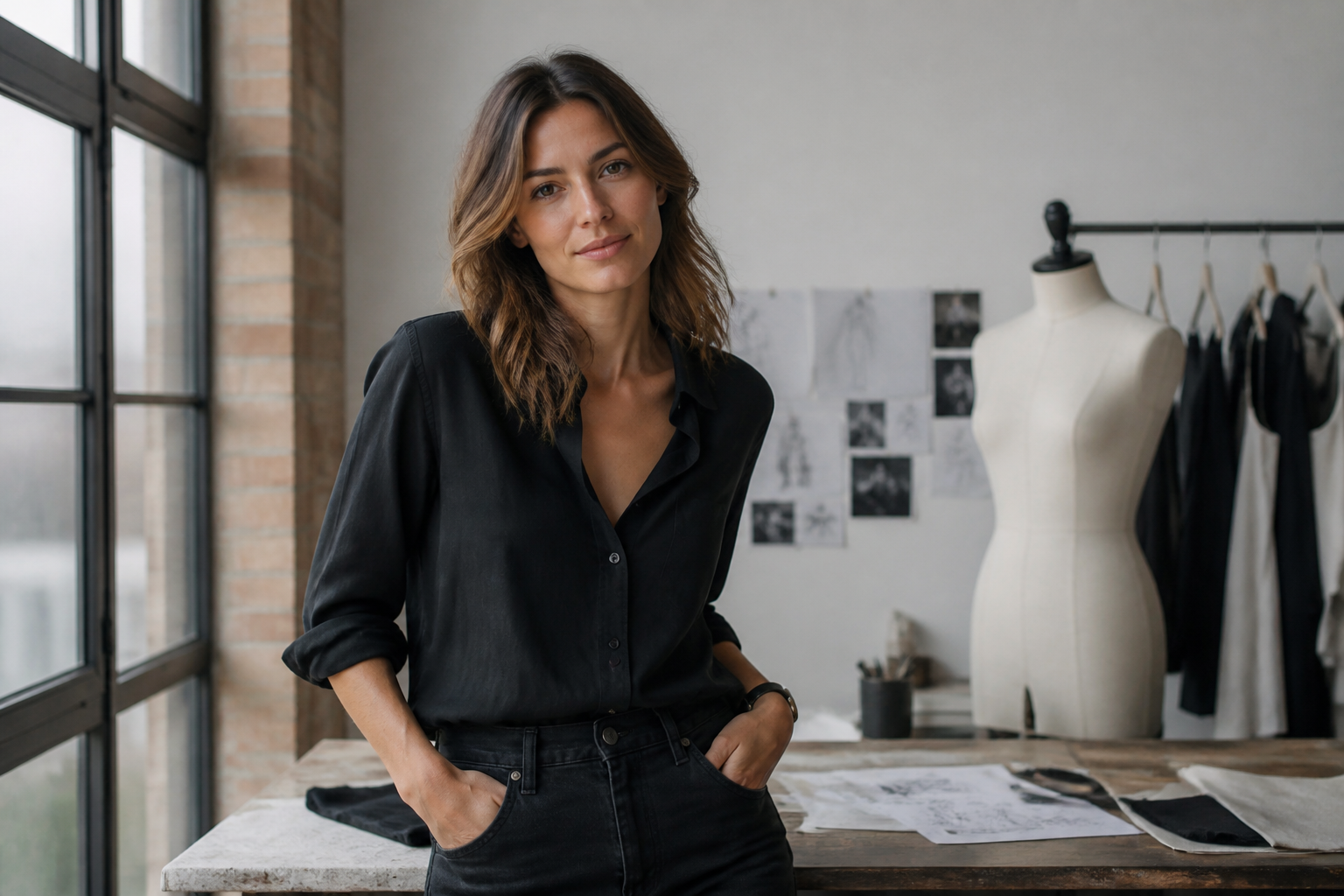
Works on different styles
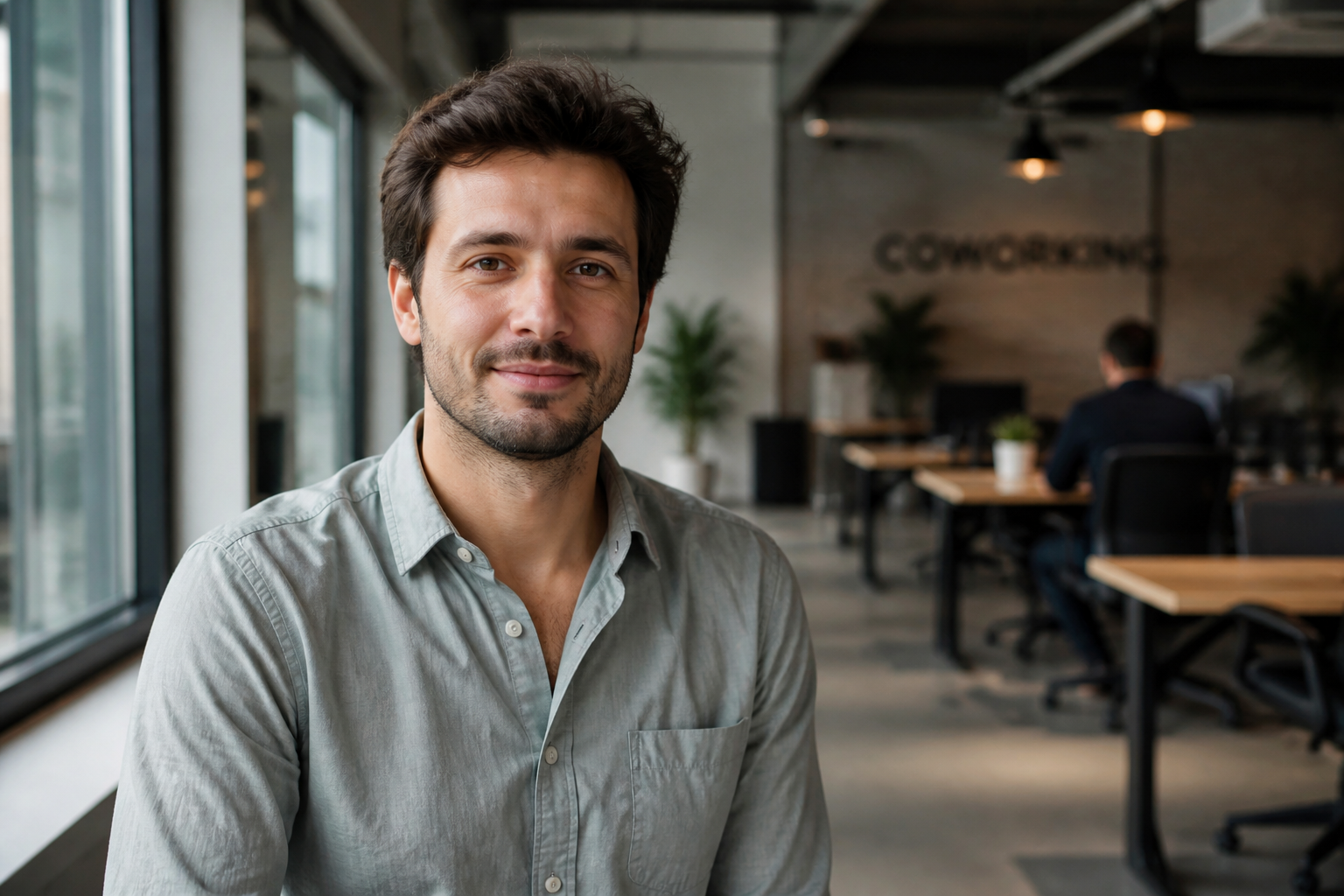
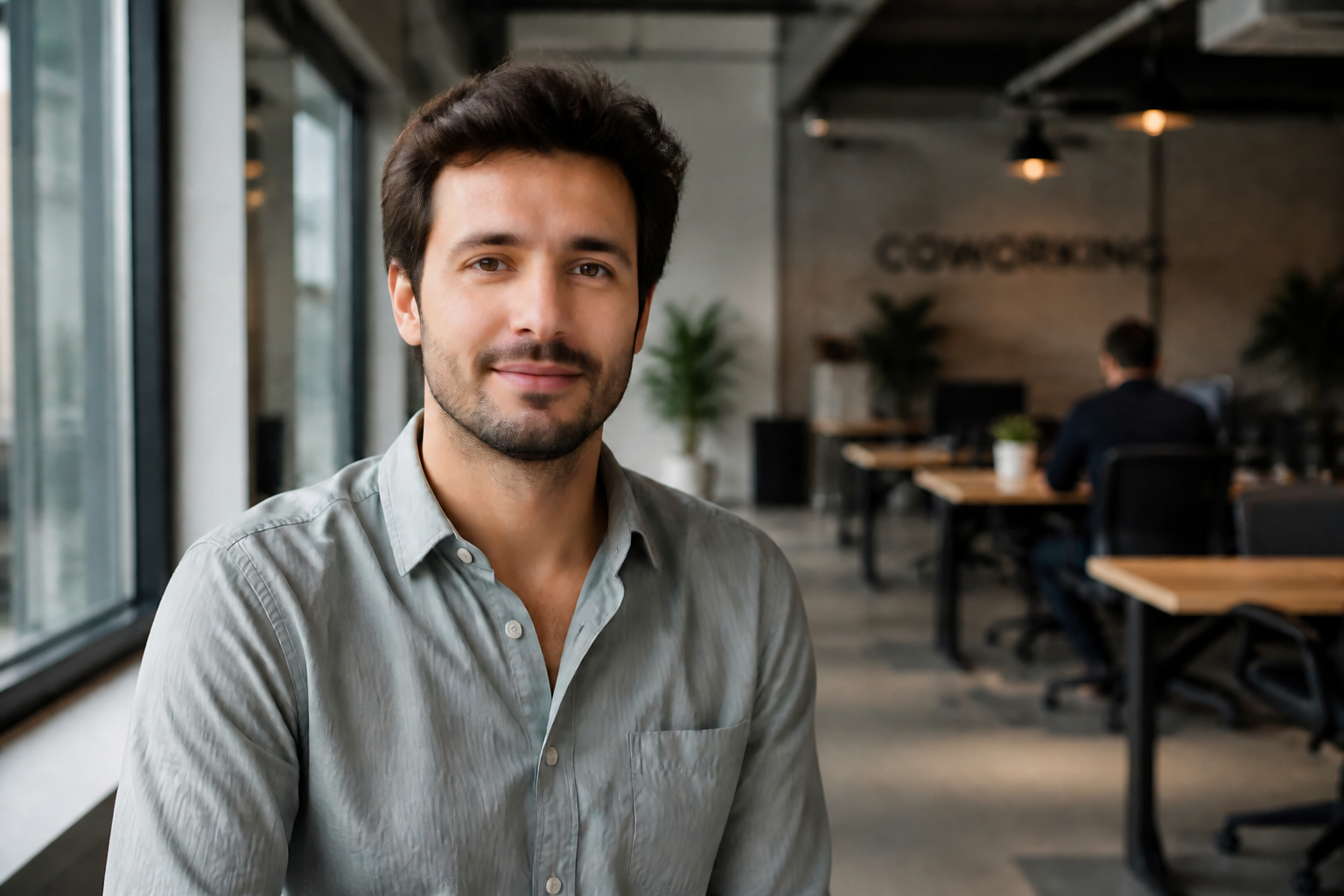
The same photo can be turned into a polished realistic portrait or pushed into a stylized beauty look for creative content. That range is useful when you want both practical edits and more eye-catching social visuals from one source image. You do not need separate apps for retouching and style experiments.
Cleaner results, less effort
Traditional retouching often means masking skin, adjusting eyes, balancing color, and fixing details one by one. Our AI combines those common beauty edits into a single guided transformation. That saves time while still giving you a visible before-and-after change you can compare instantly.
How It Works
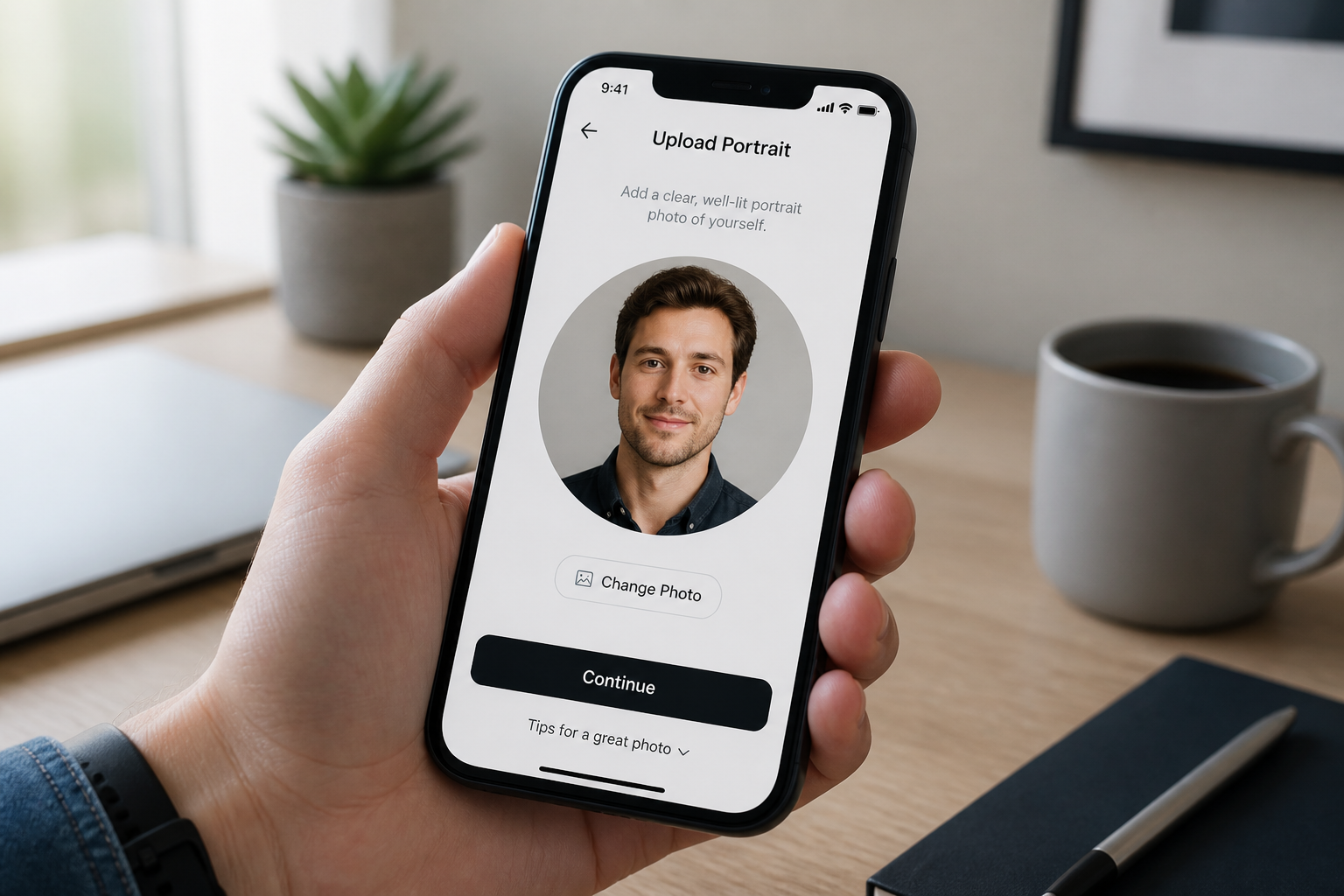
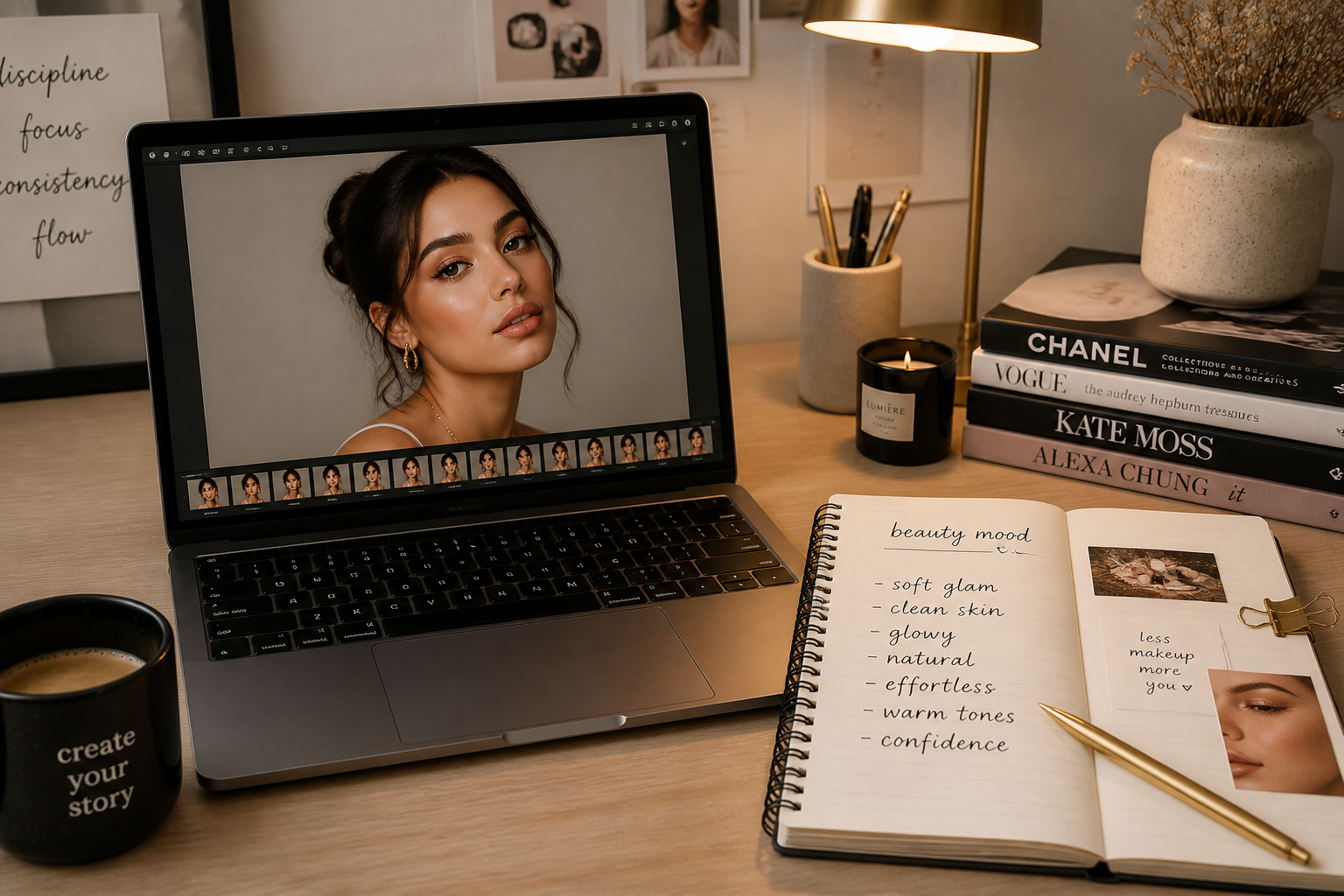
Upload your photo
Start with a clear portrait, selfie, or headshot. Photos with good lighting and a visible face usually give the strongest beauty filter results.
Describe the finish
Type the look you want, such as natural glow, soft glam, clean skin, or editorial makeup. You can keep it simple or specify details like brighter eyes, smoother skin, or stronger lashes.
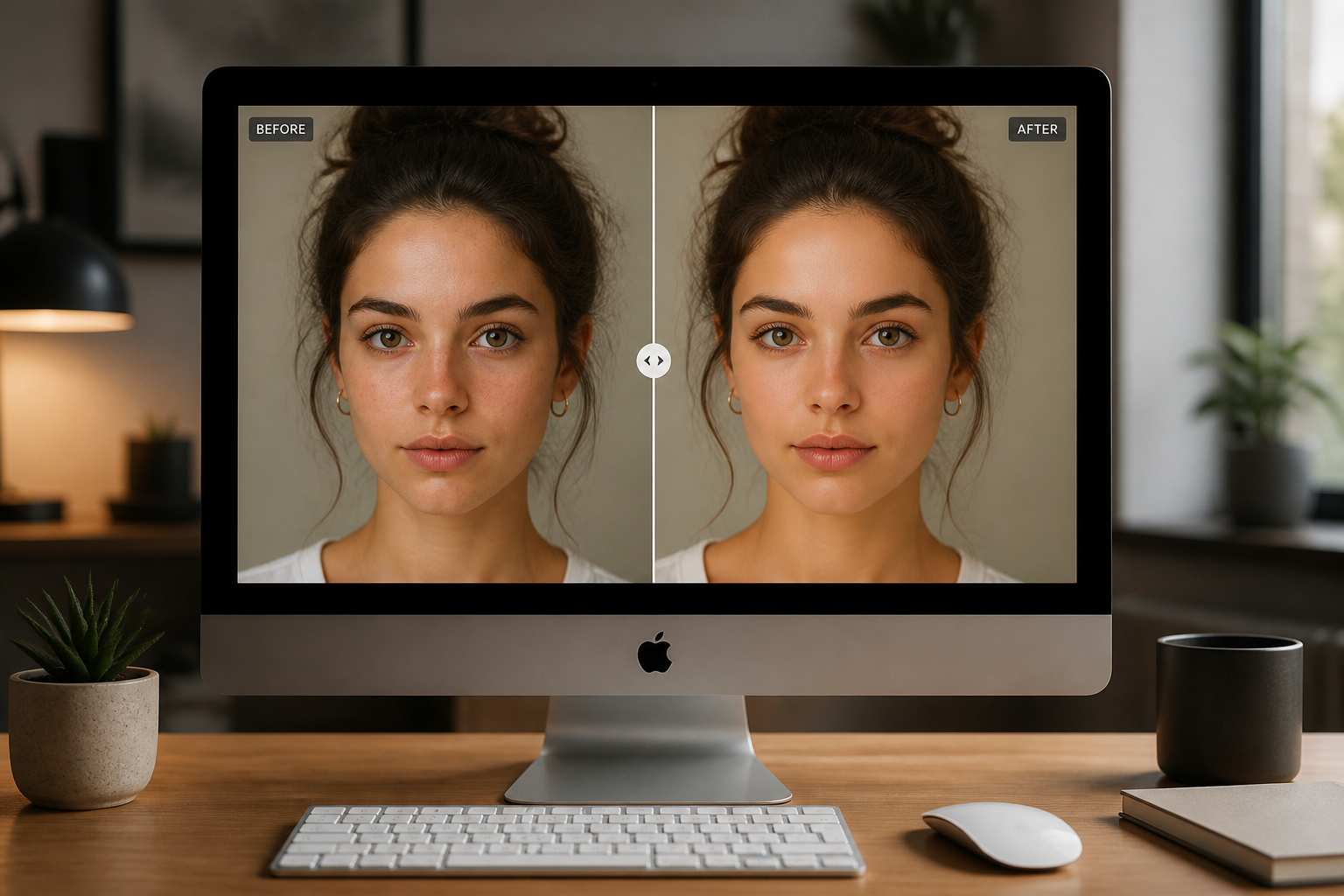
Compare and download
Review the before and after, then keep the version that fits your style. If needed, run another pass with a stronger or more natural prompt.
Perfect For
Discover how creators and professionals use ai beauty filter
Selfies for social media
Give casual selfies a cleaner, brighter, more camera-ready finish before posting.
Profile and dating photos
Improve lighting, skin, and facial detail while keeping the person recognizable.
Creator and influencer content
Turn ordinary portraits into polished assets for thumbnails, stories, and promo posts.
Fashion and beauty mockups
Preview different makeup finishes and retouched looks without manual editing.
Built For
Everyday users
People who want better-looking selfies and profile photos without learning retouching software.
Creators and influencers
Users who need fast, repeatable beauty edits for content calendars and social posts.
Photographers and marketers
Teams that want quick portrait cleanup for drafts, pitches, or lightweight client work.
Why use an AI beauty filter
A quick look at how we compare on the things that matter for this niche.
| Feature | BudgetPixel | Generic AI editors | Manual editing apps |
|---|---|---|---|
| Fast portrait cleanup | ✓ | ✓ | — |
| Identity-preserving edits | ✓ | — | ✓ |
| Easy beauty prompts | ✓ | — | — |
| Stylized beauty variations | ✓ | ✓ | — |
| No manual masking required | ✓ | ✓ | — |
Frequently Asked Questions
Will the beauty filter make me look like a different person?
What kinds of photos work best?
Can I choose between natural and glam results?
Does it only work on women’s portraits?
Can I use it for professional photos?
Create together.
Share your creations, discover trending AI art, and grow with fellow creators.