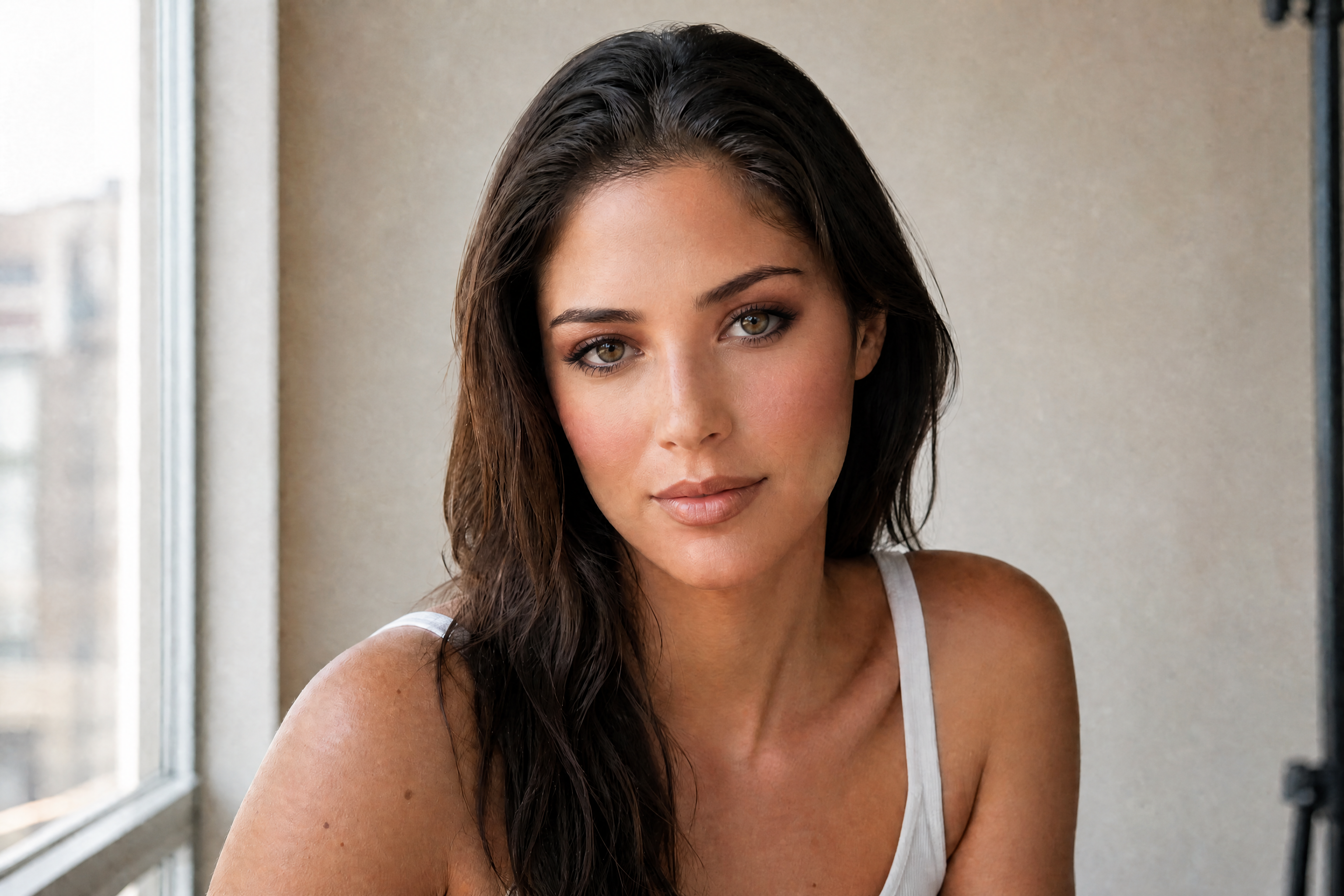
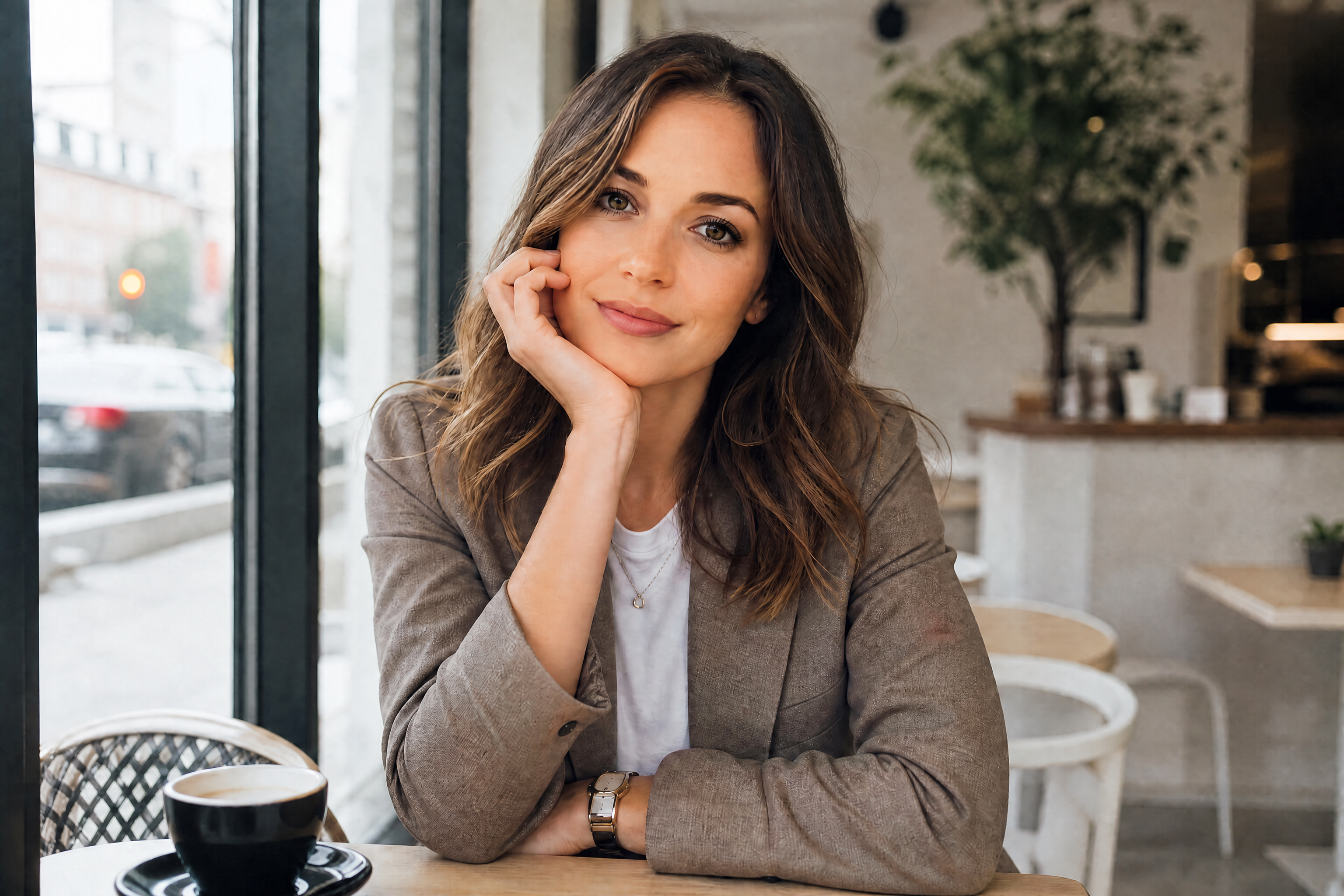
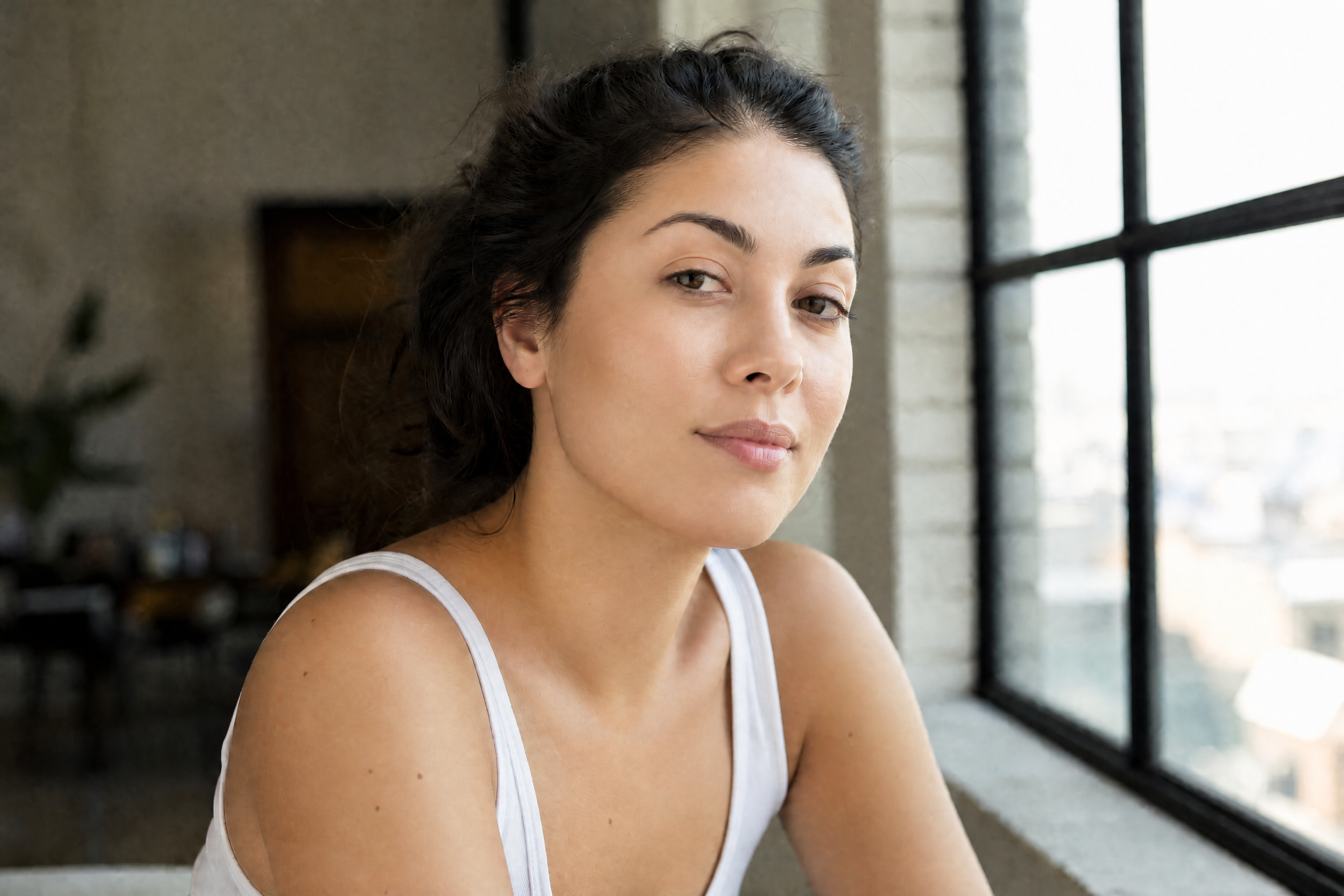
AI Makeup Enhancer
Refine portraits with sharper, more flattering makeup looks.
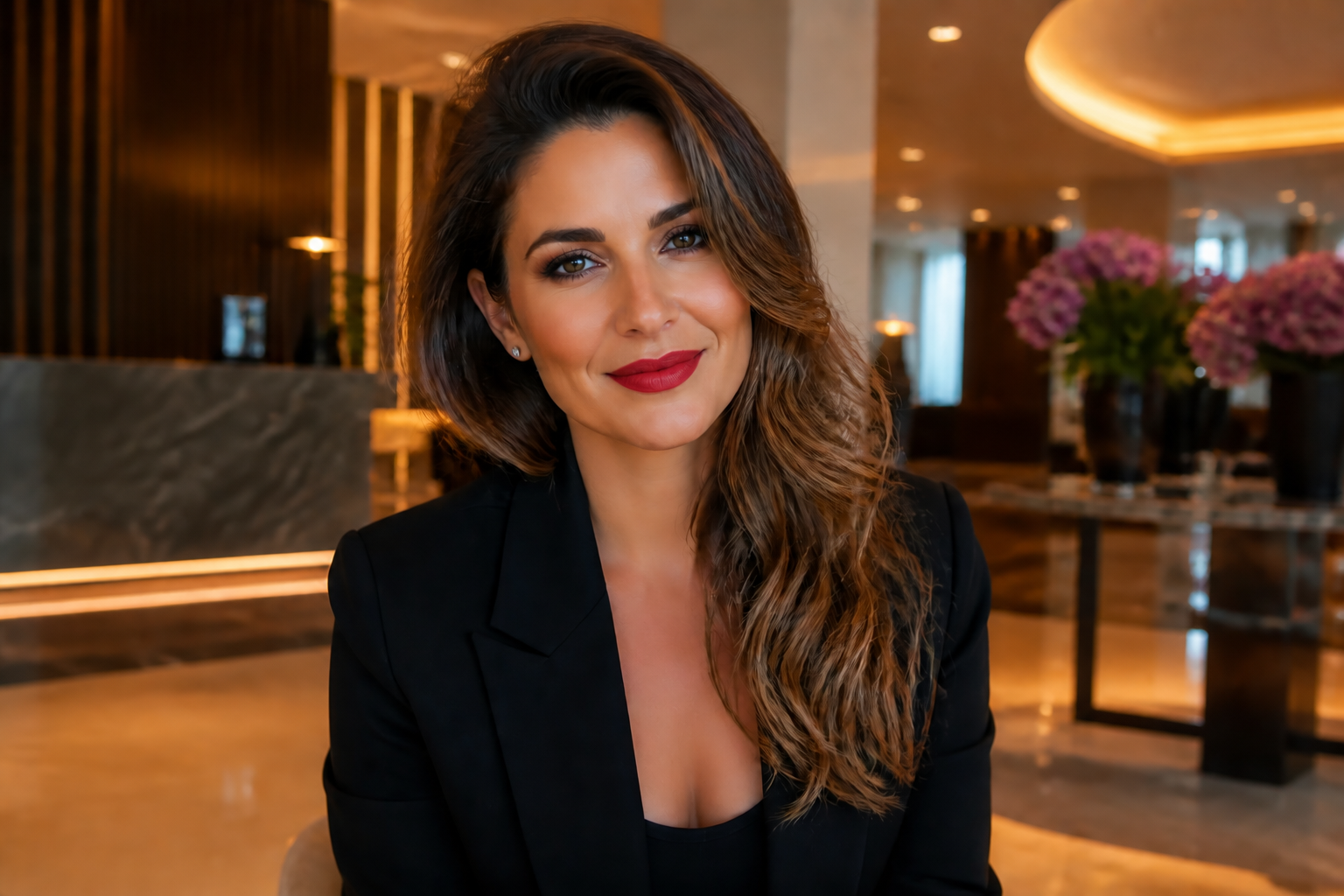
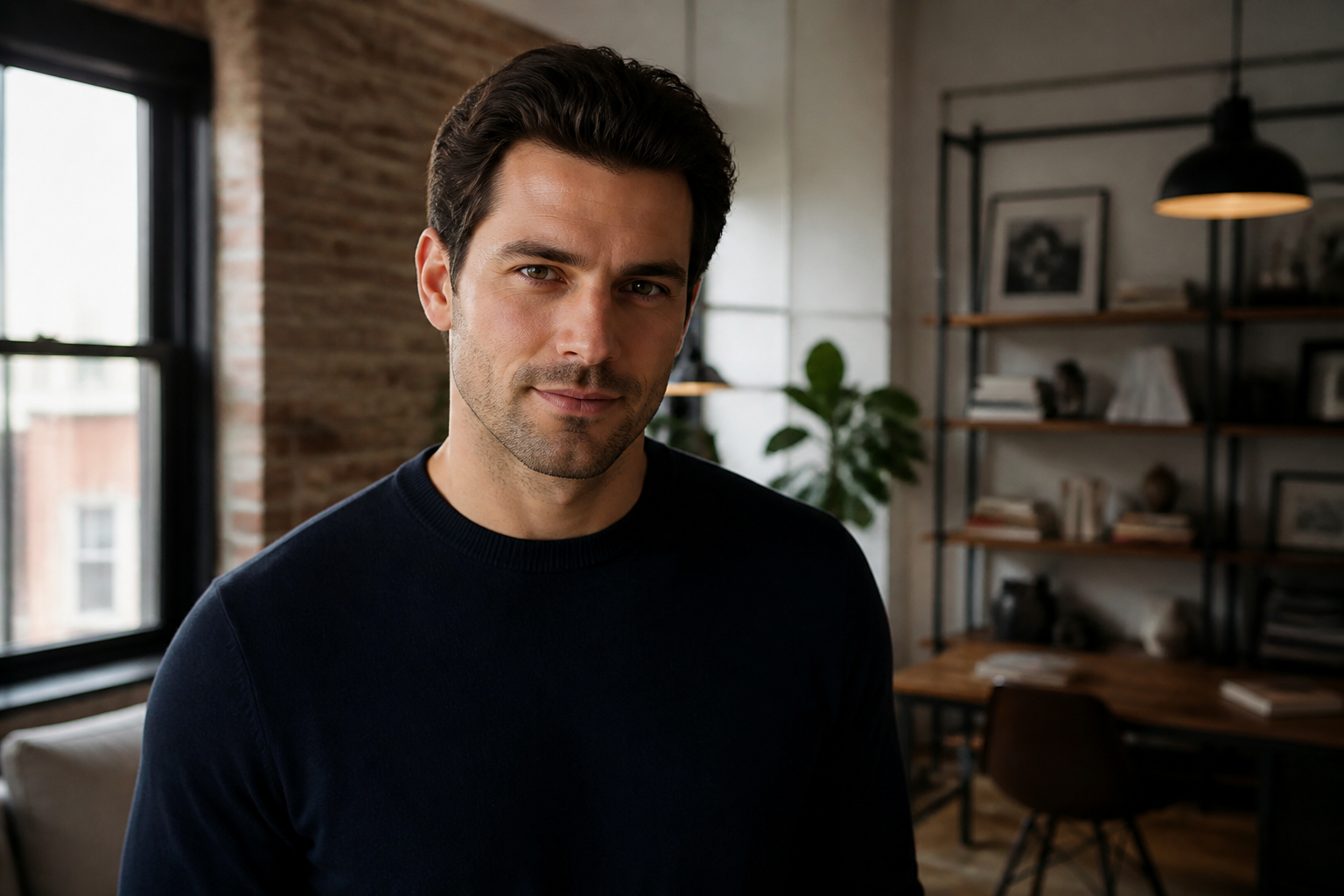
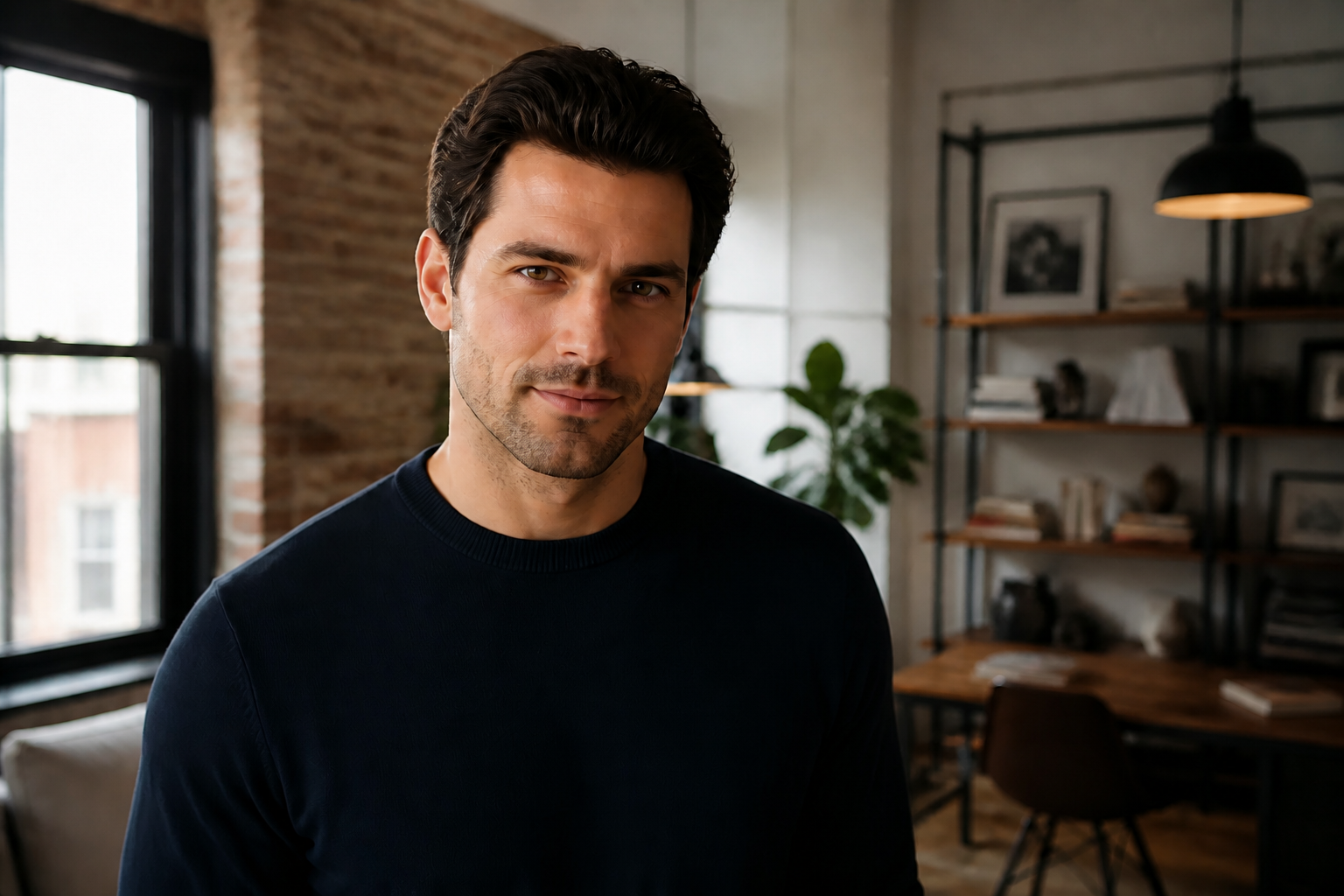
AI Makeup Enhancer lets you add or upgrade makeup in a photo without repainting the whole image by hand. Try clean everyday looks, glam edits, or creative styles while keeping the same face, pose, and lighting.
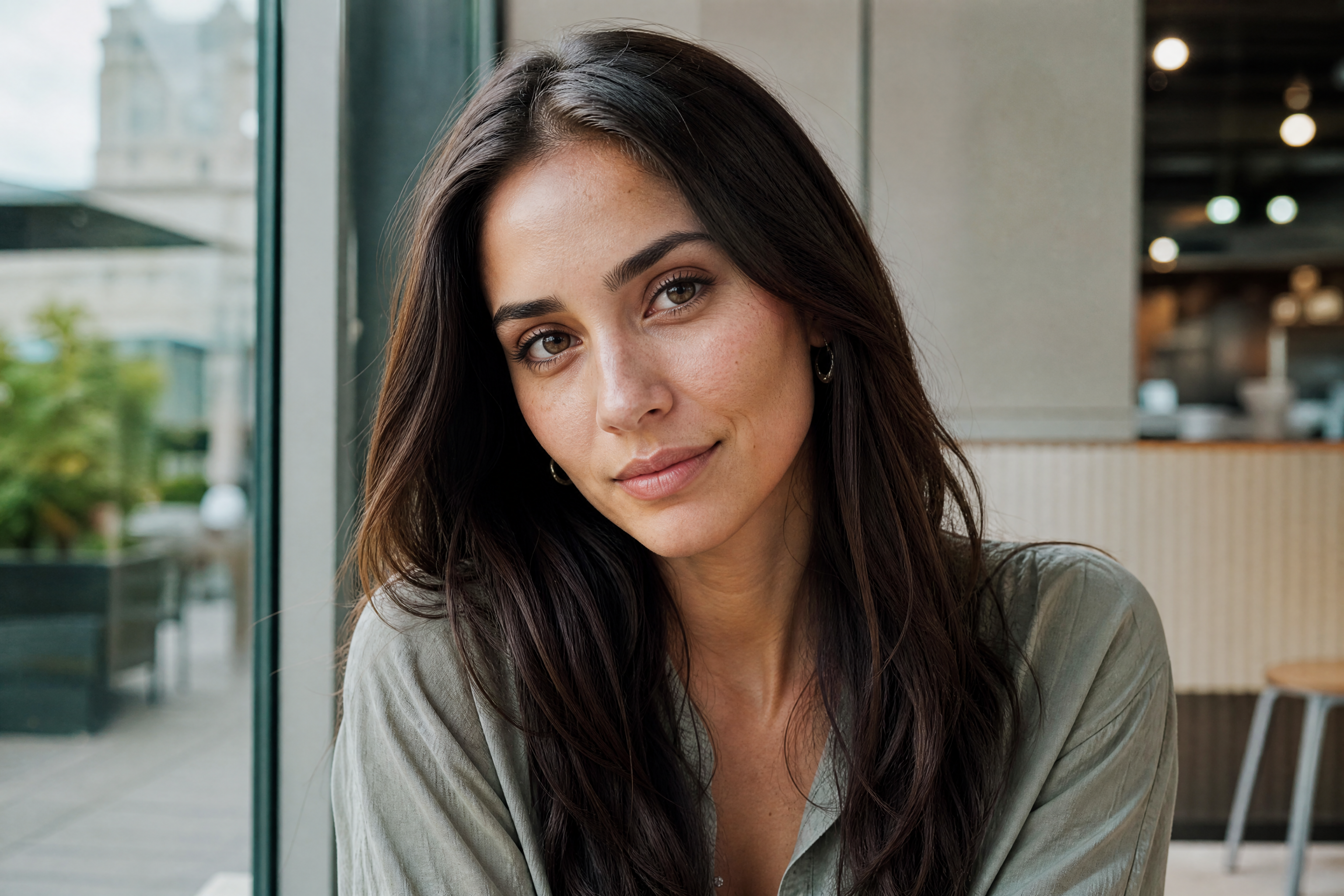
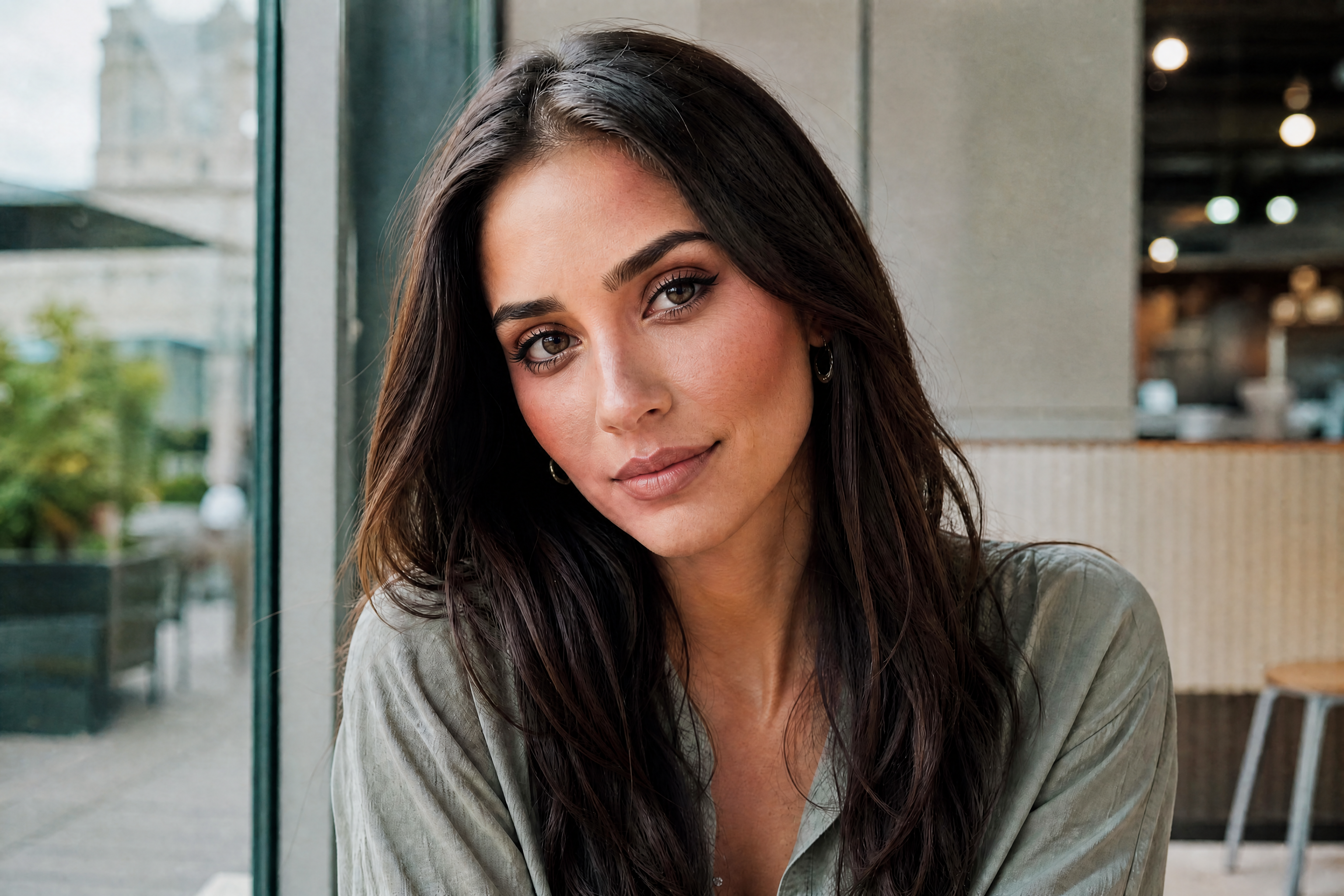
Watch the Transformation
See ai makeup enhancer in motion — generated end-to-end by our AI.
See It In Action
Real outputs from ai makeup enhancer.
BEFOREAFTER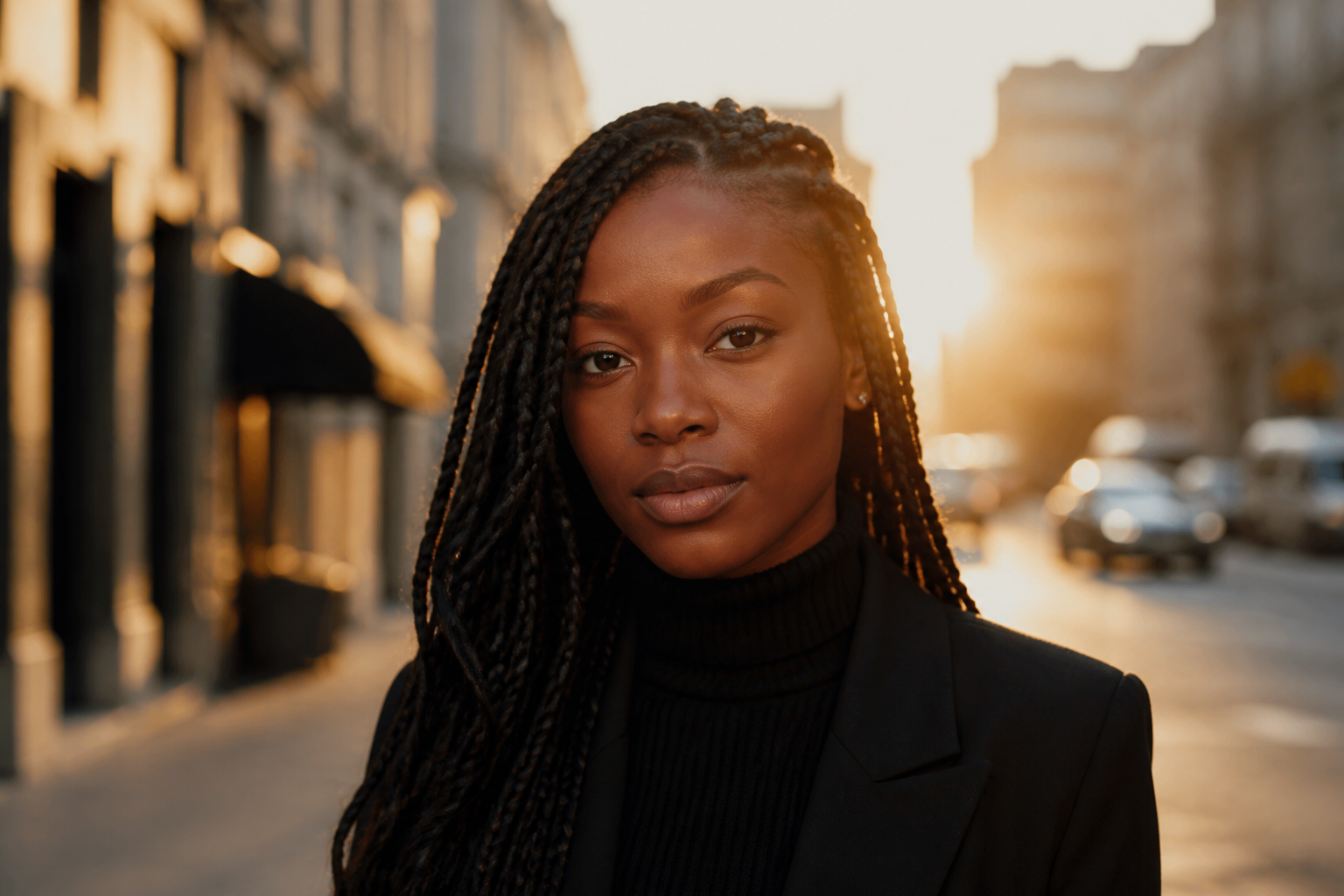 BEFORE
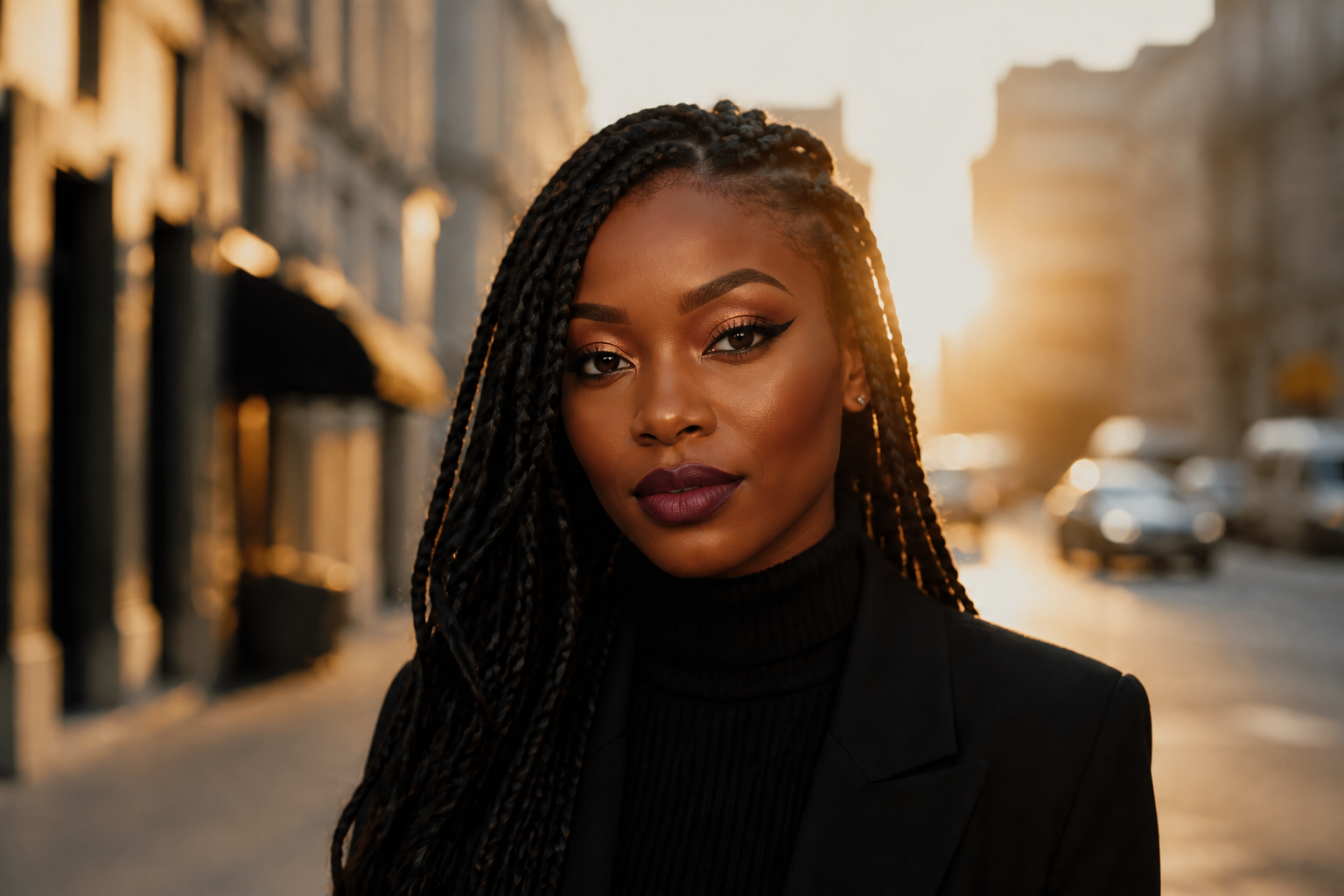 AFTER
AFTER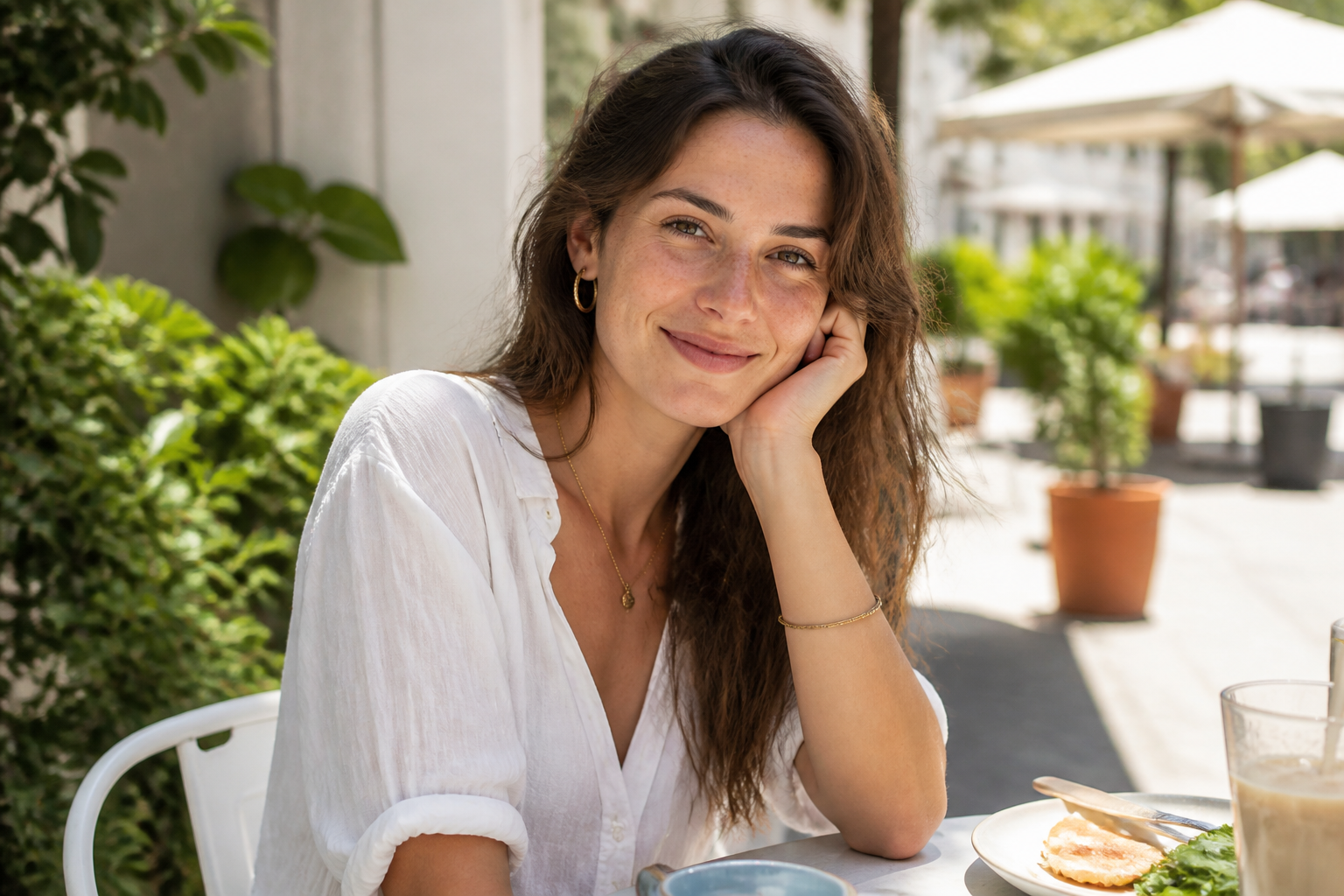 BEFORE
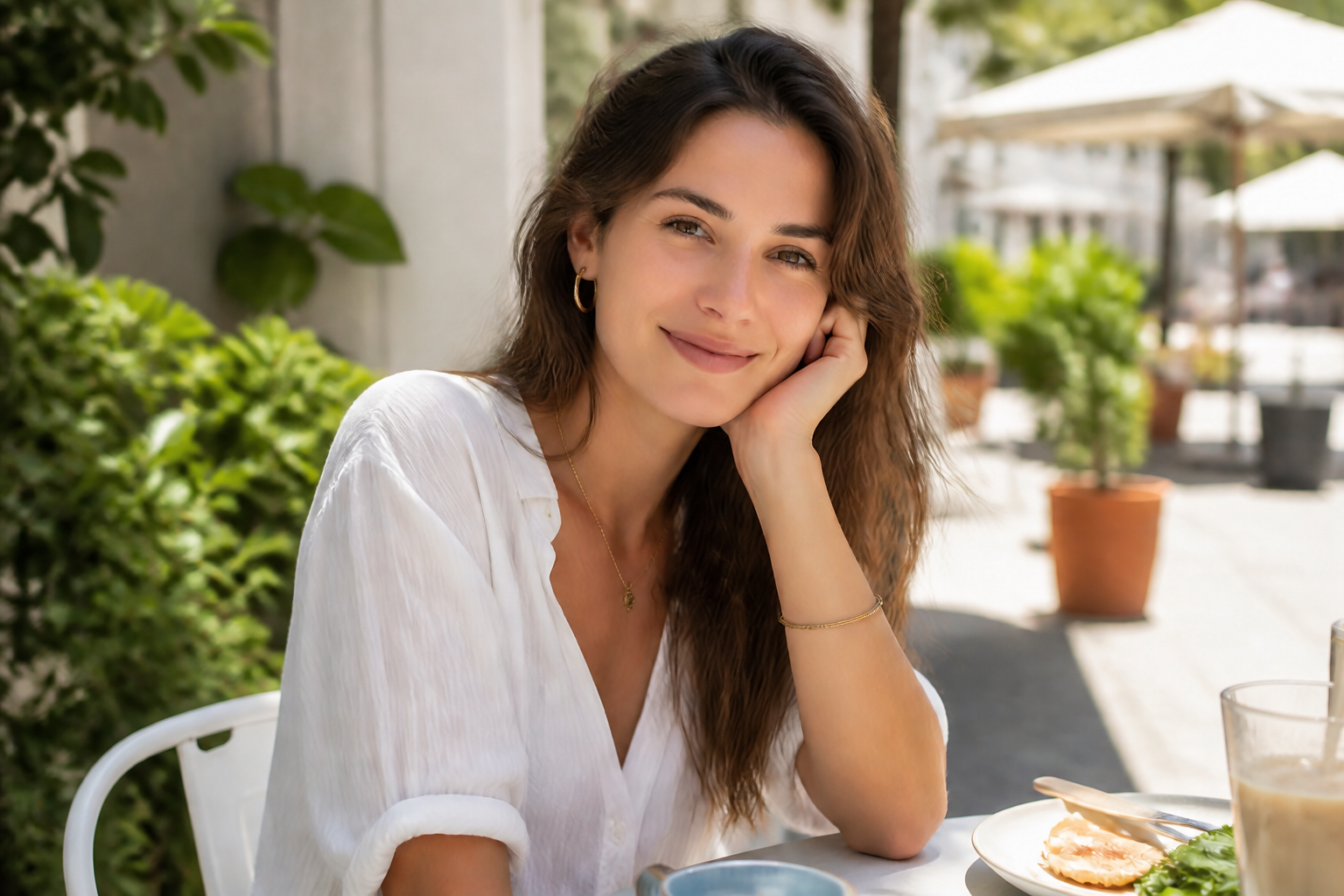 AFTER
AFTER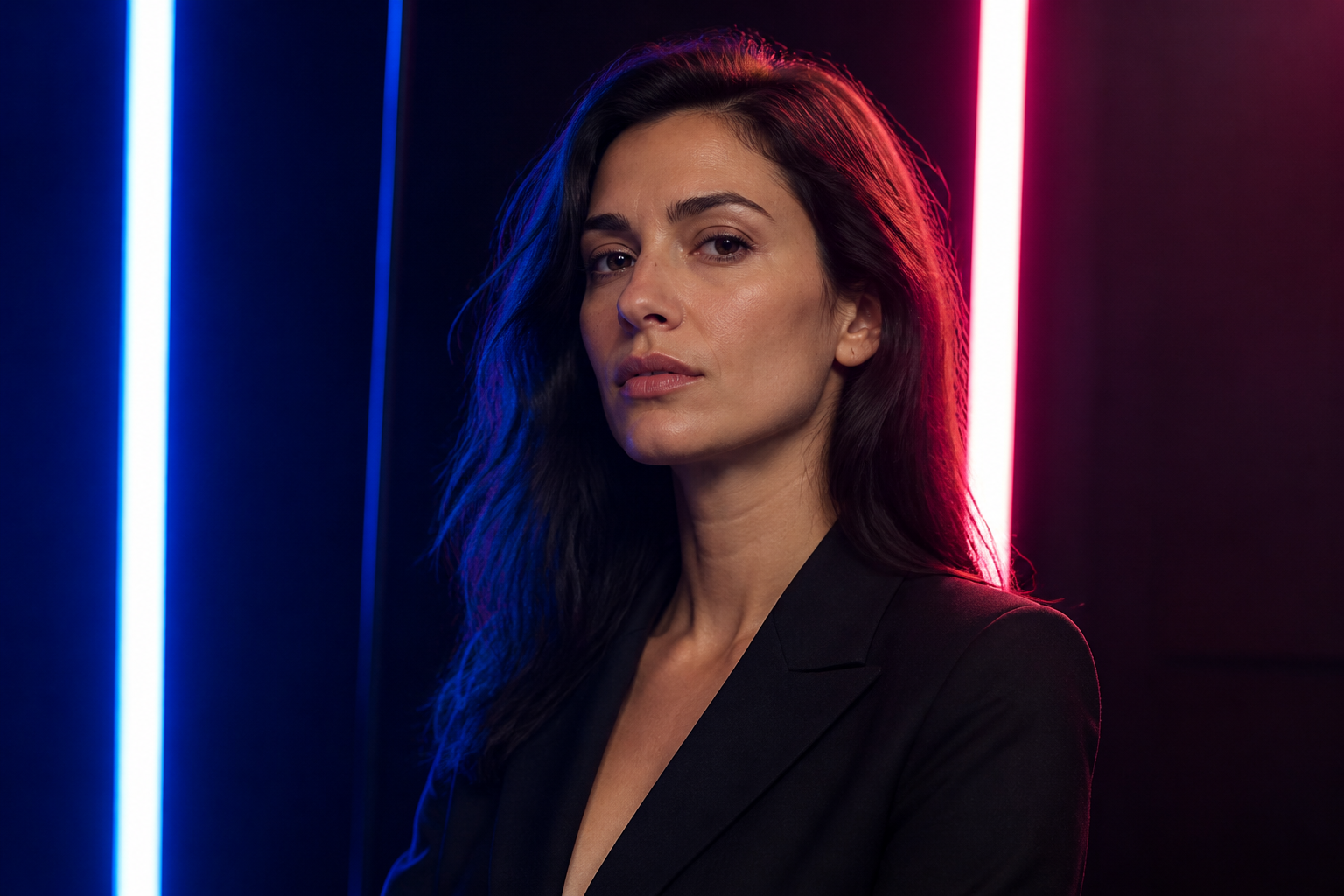 BEFORE
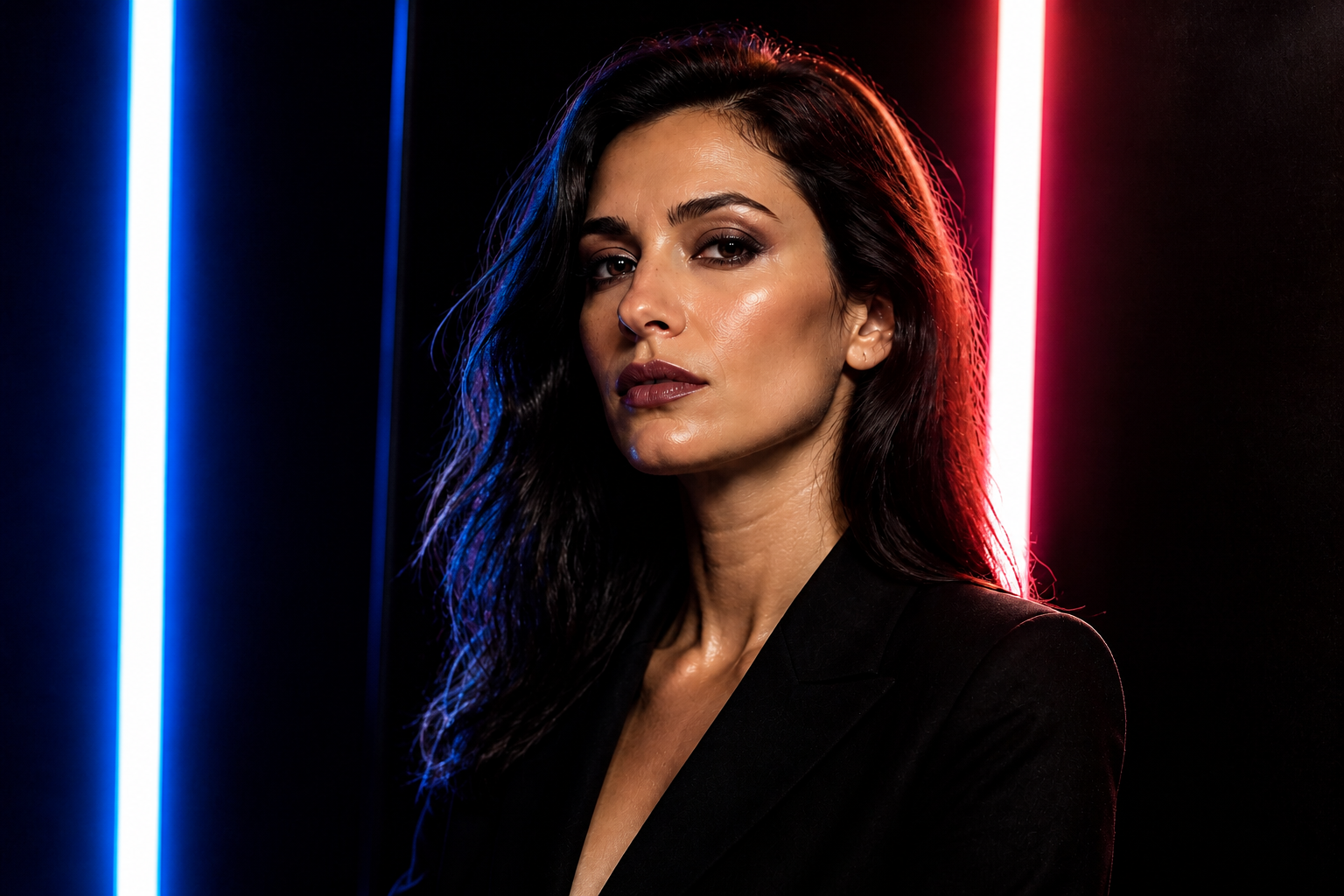 AFTER
AFTER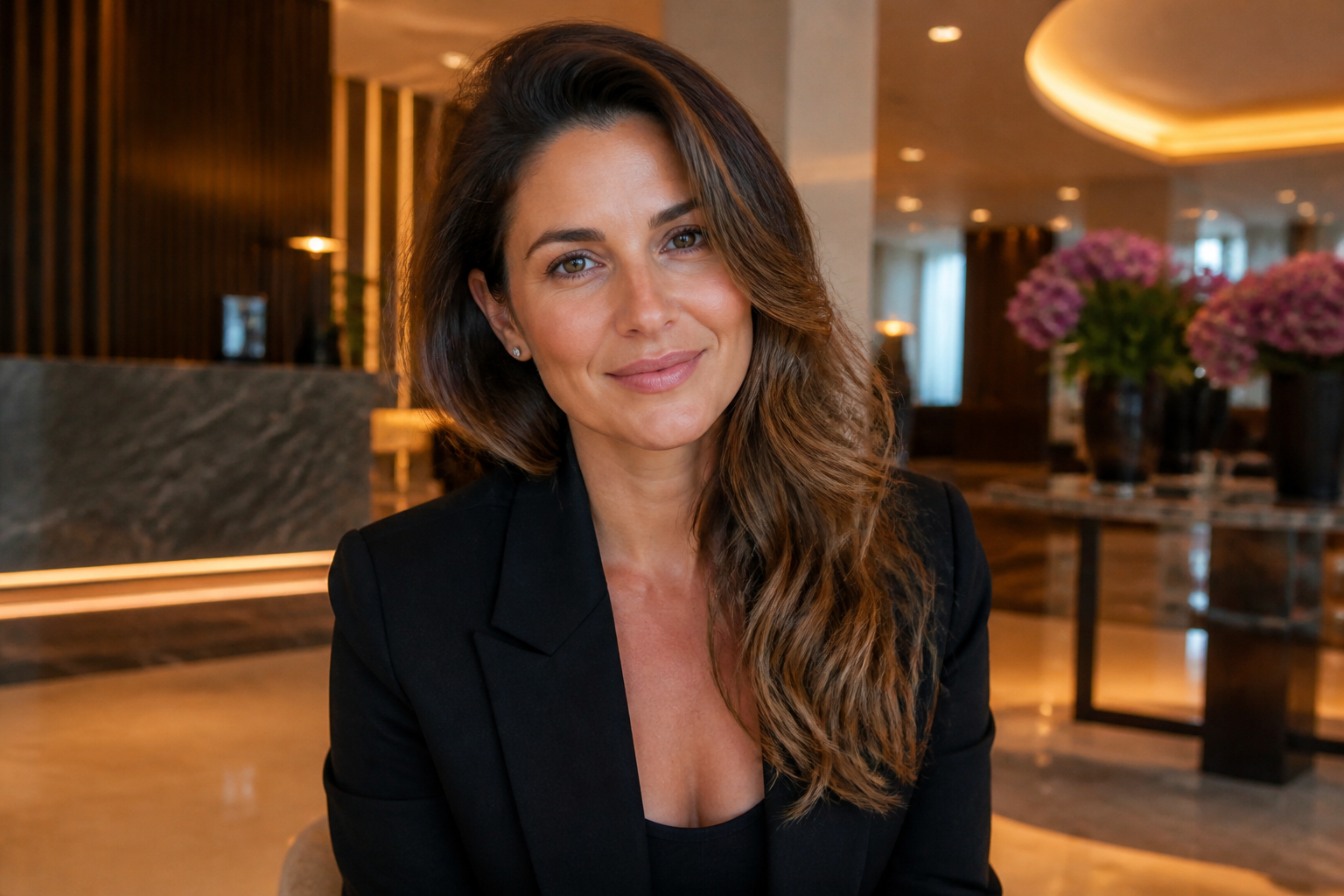 BEFORE
 AFTERBEFOREAFTERBEFOREAFTERBEFOREAFTERBEFOREAFTERBEFOREAFTER
 BEFORE
 AFTER
AFTER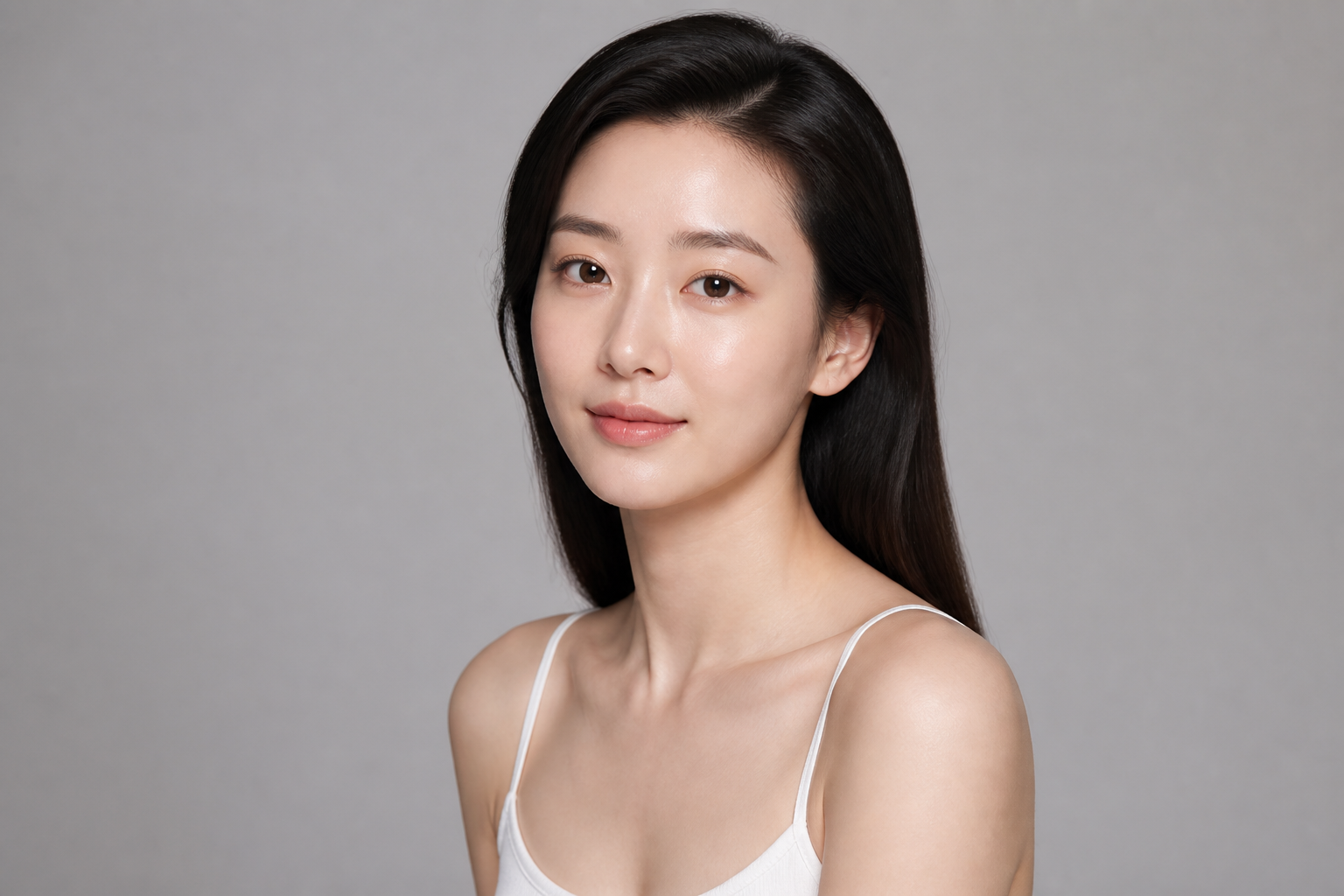 BEFORE
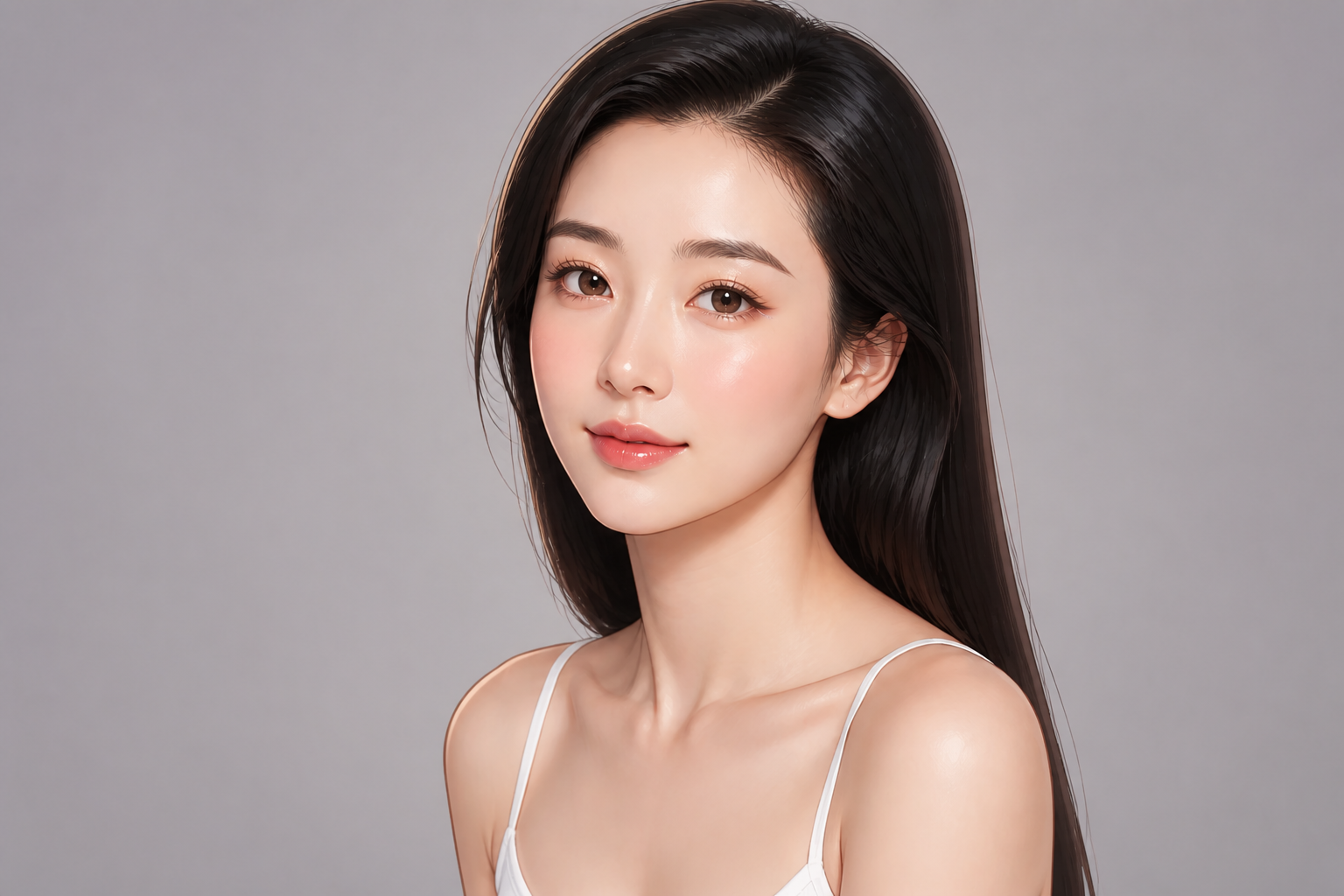 AFTER
AFTER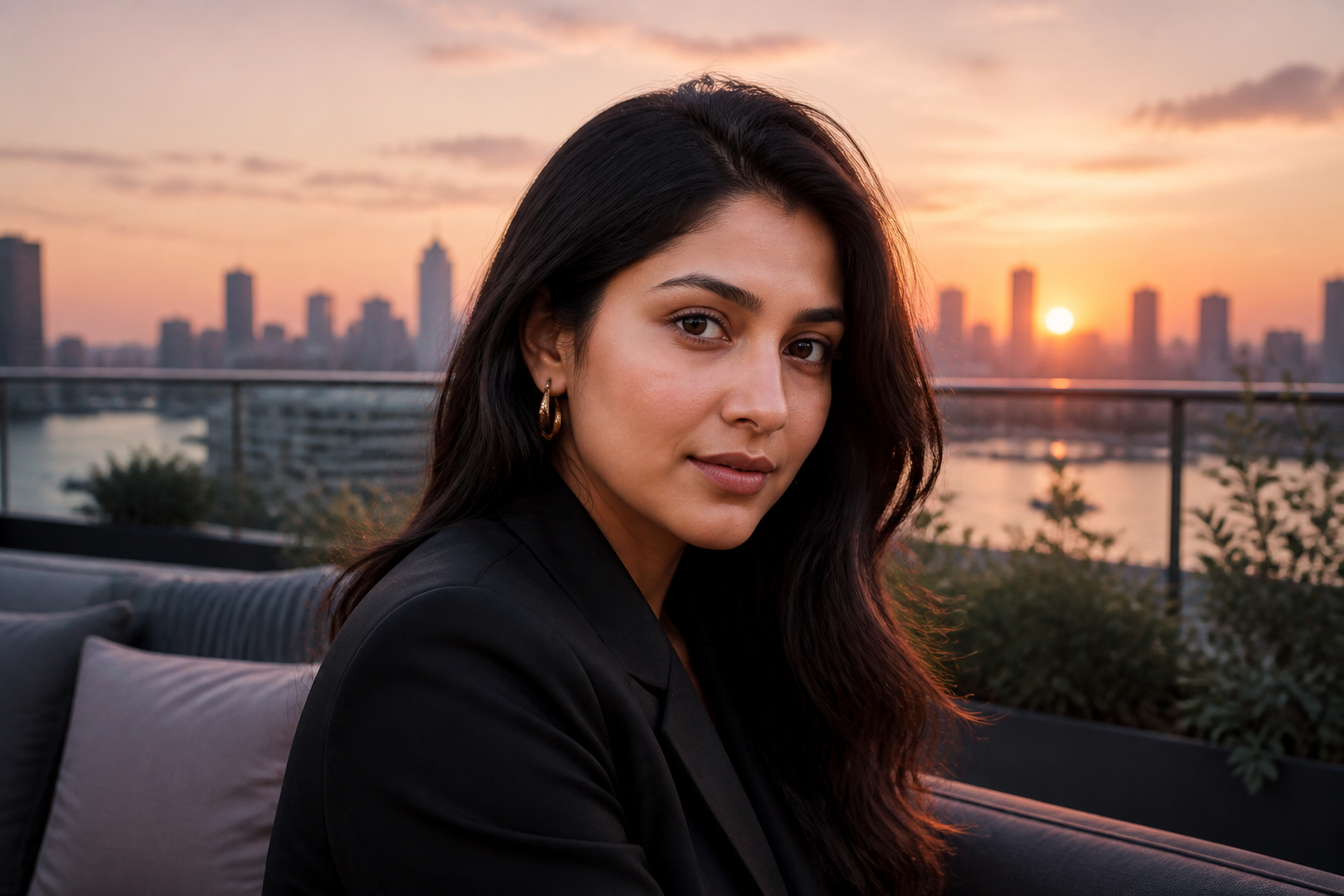 BEFORE
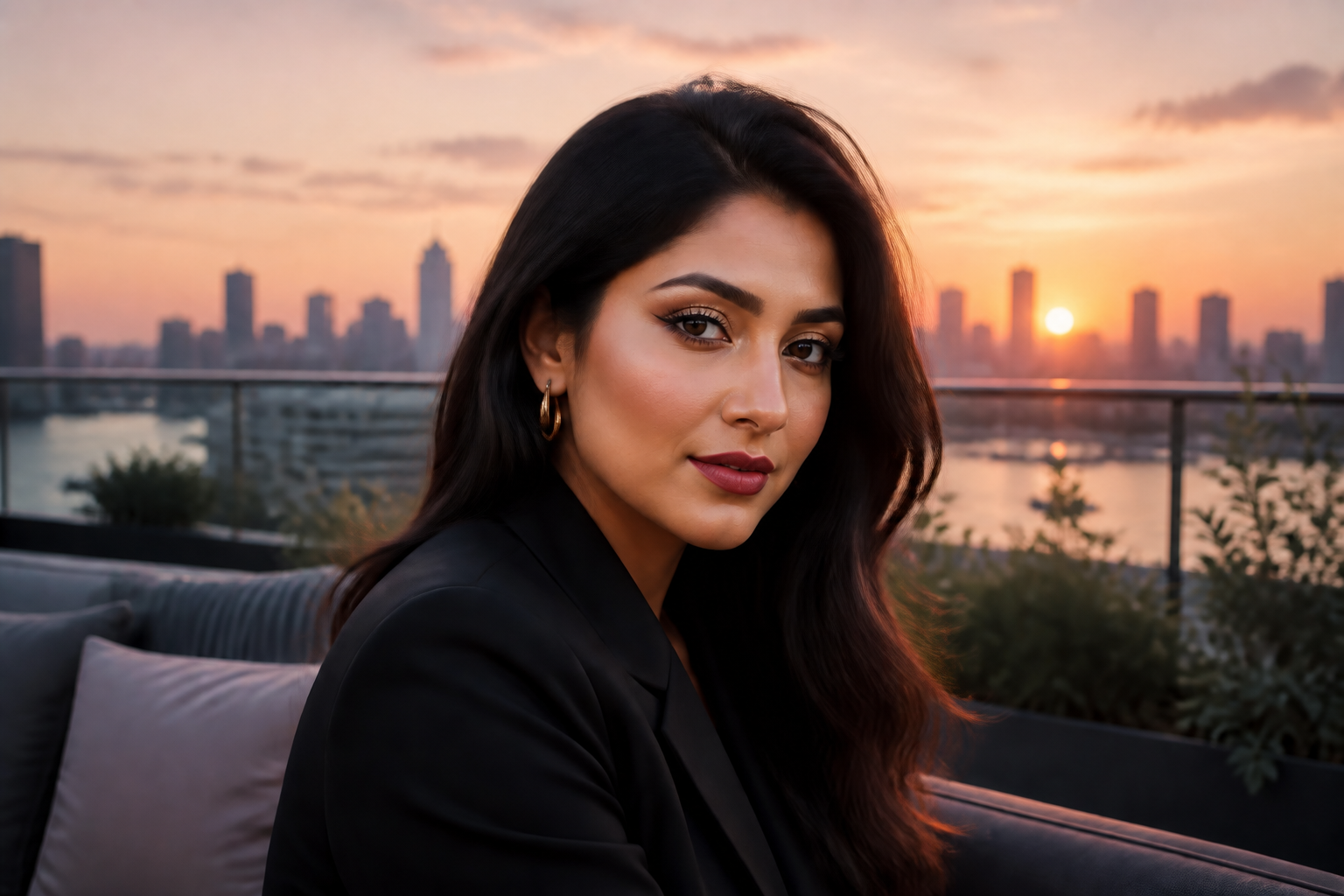 AFTER
AFTER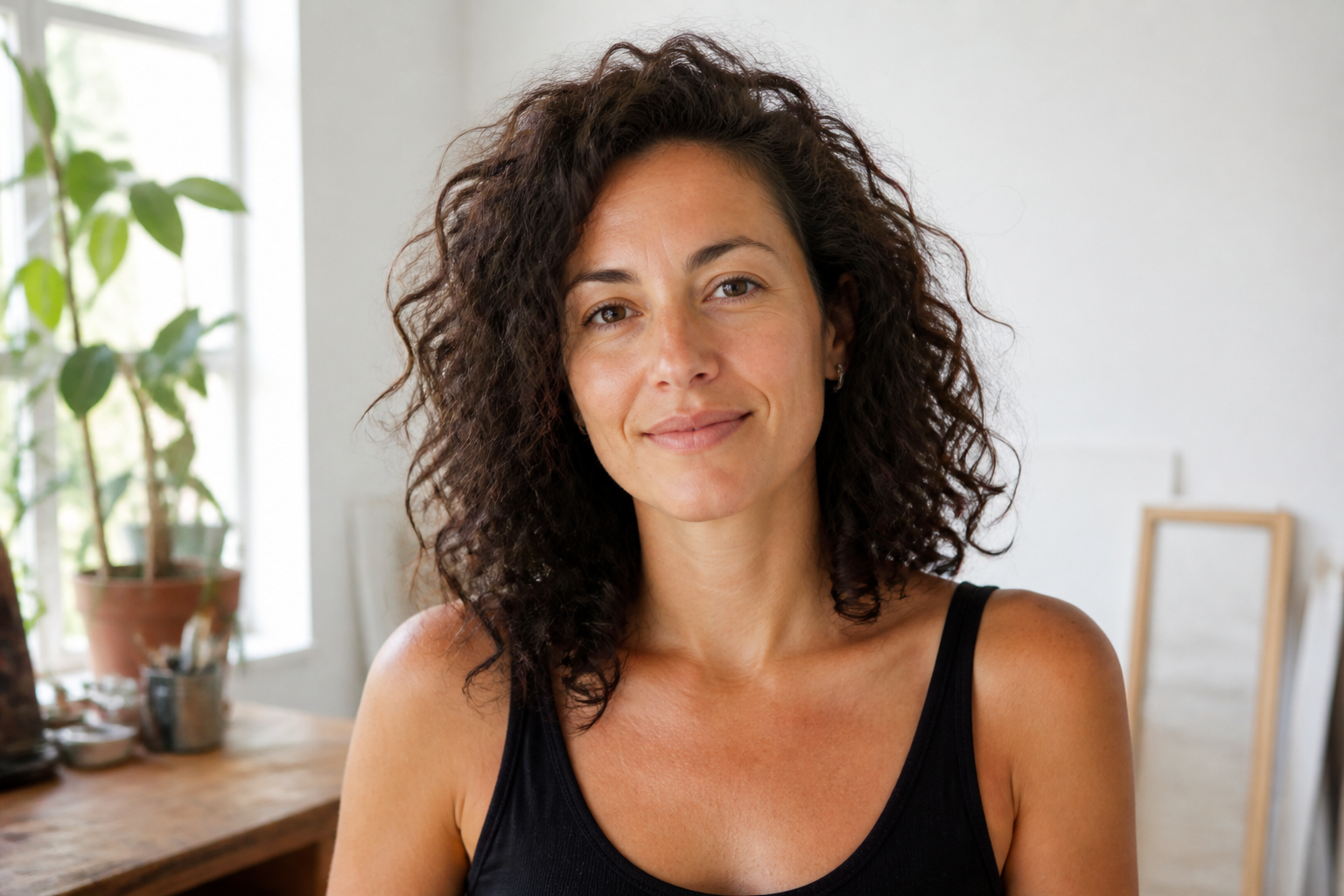 BEFORE
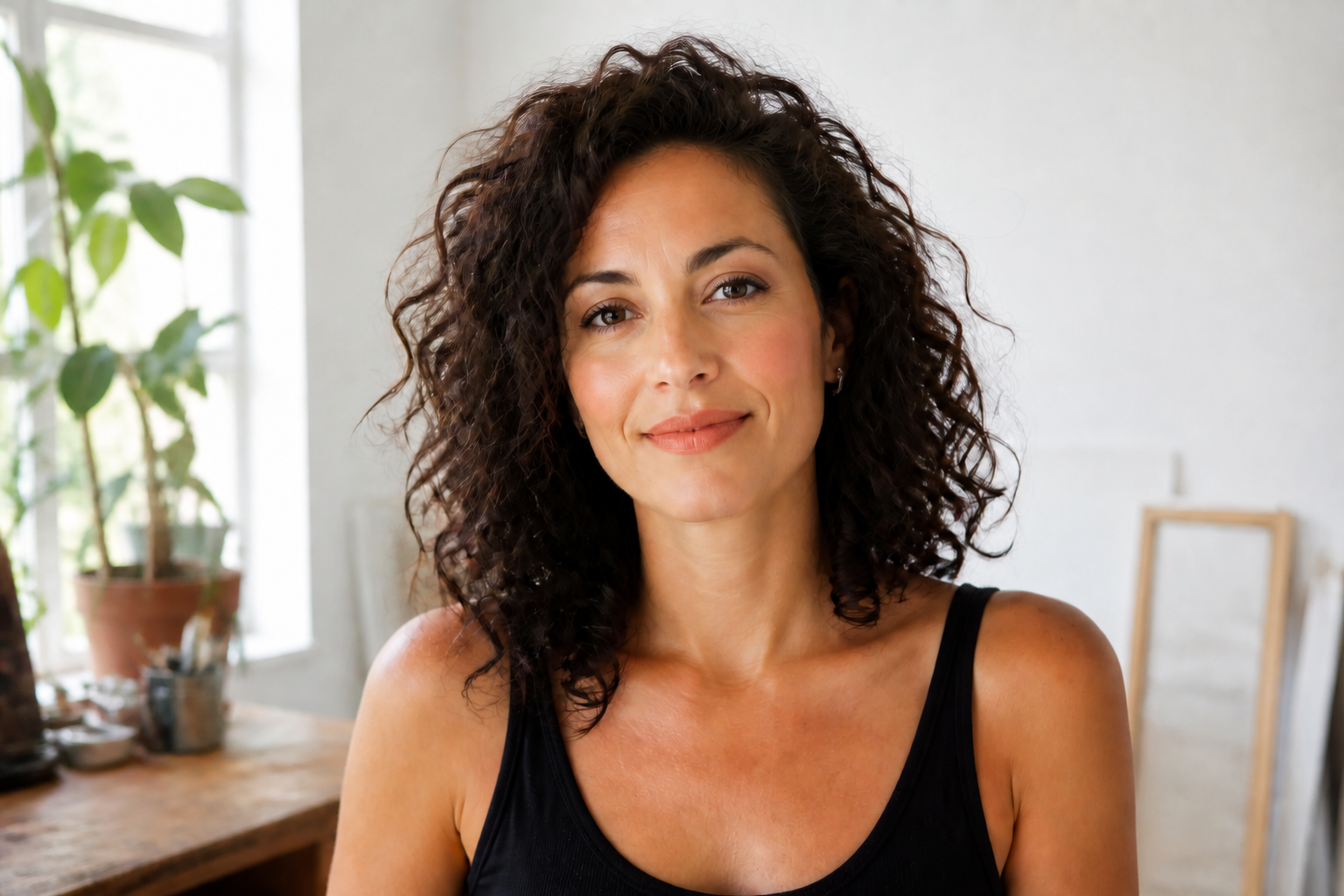 AFTER
AFTER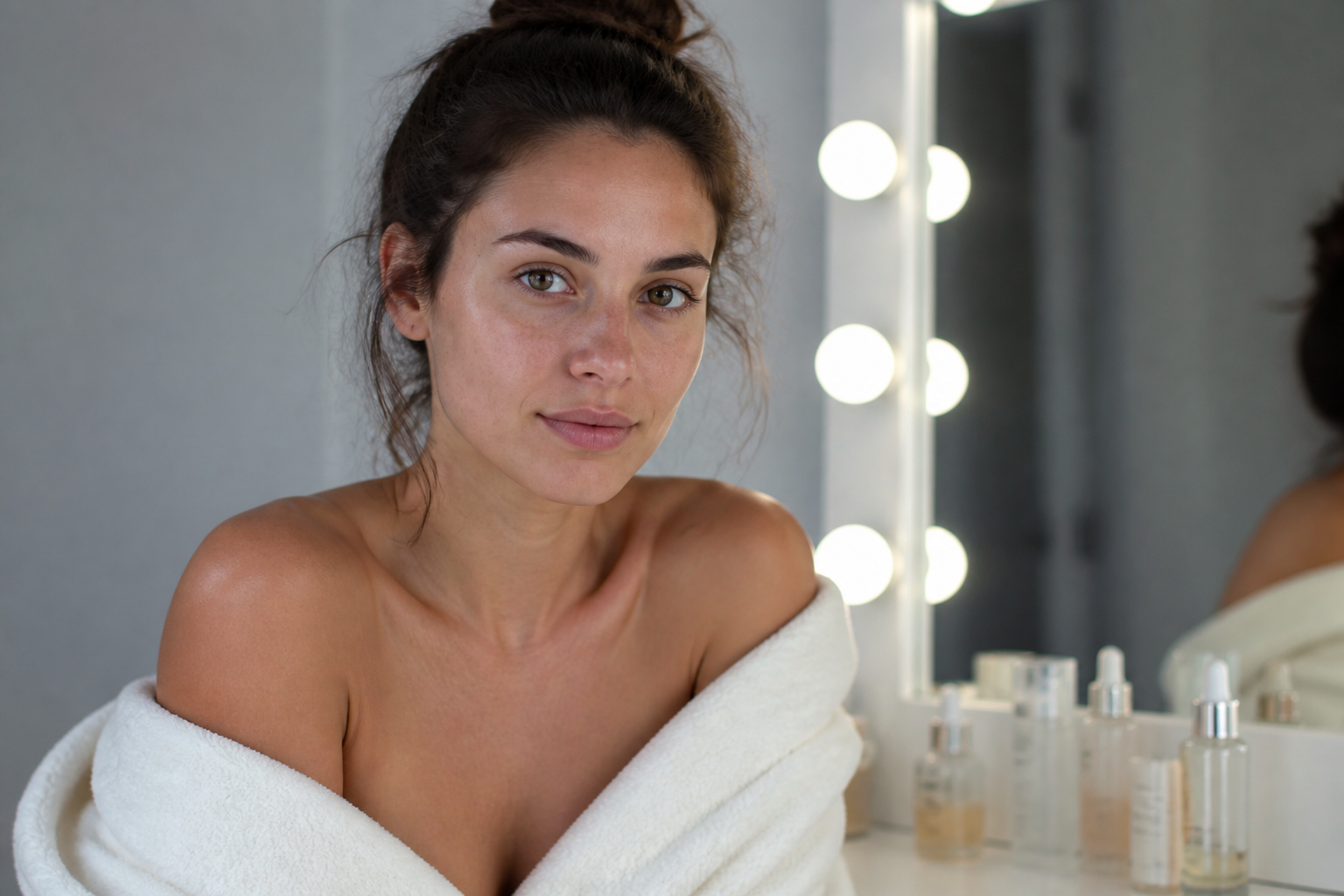 BEFORE
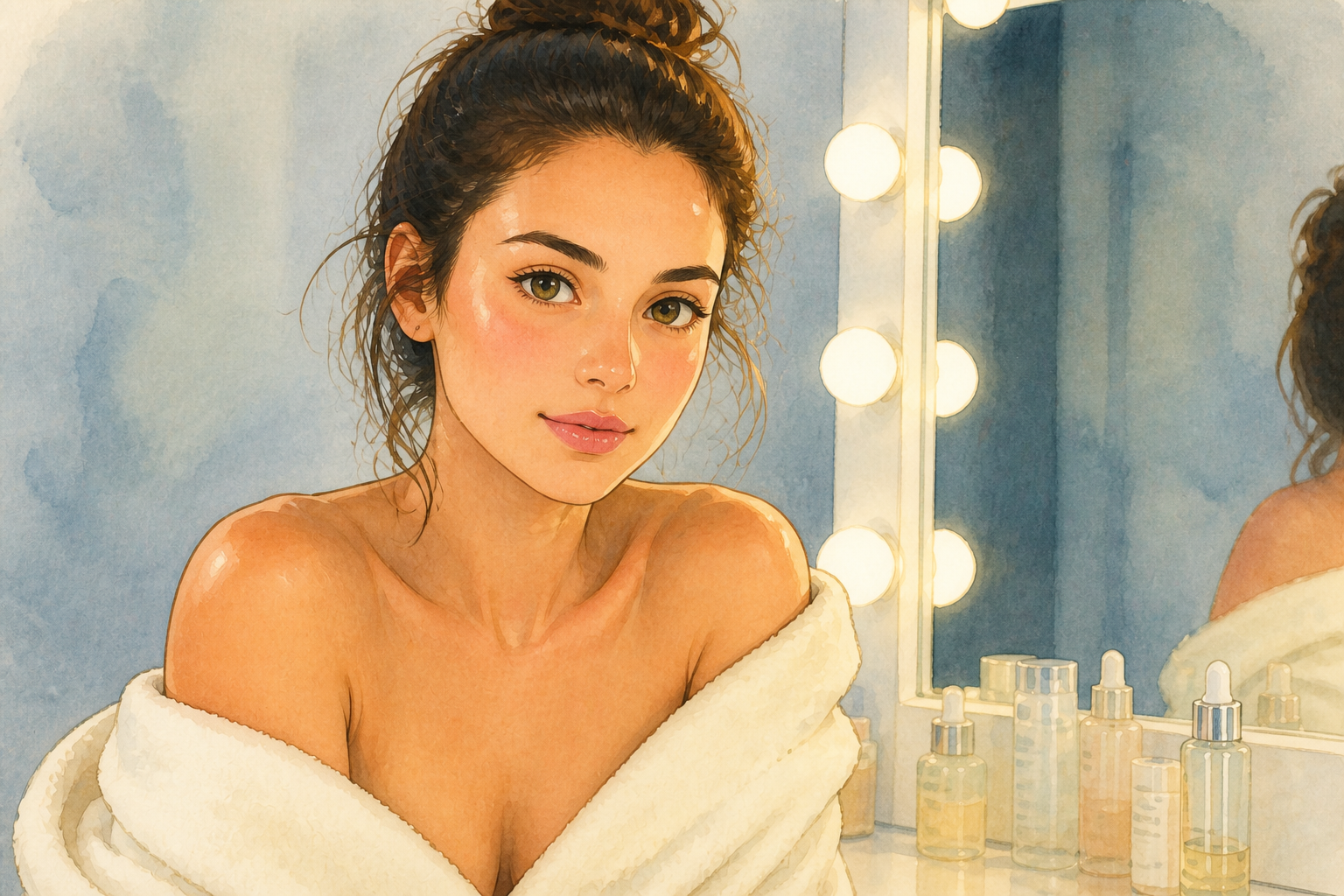 AFTERBEFOREAFTERBEFOREAFTERBEFOREAFTERBEFOREAFTERBEFOREAFTER
Key Features
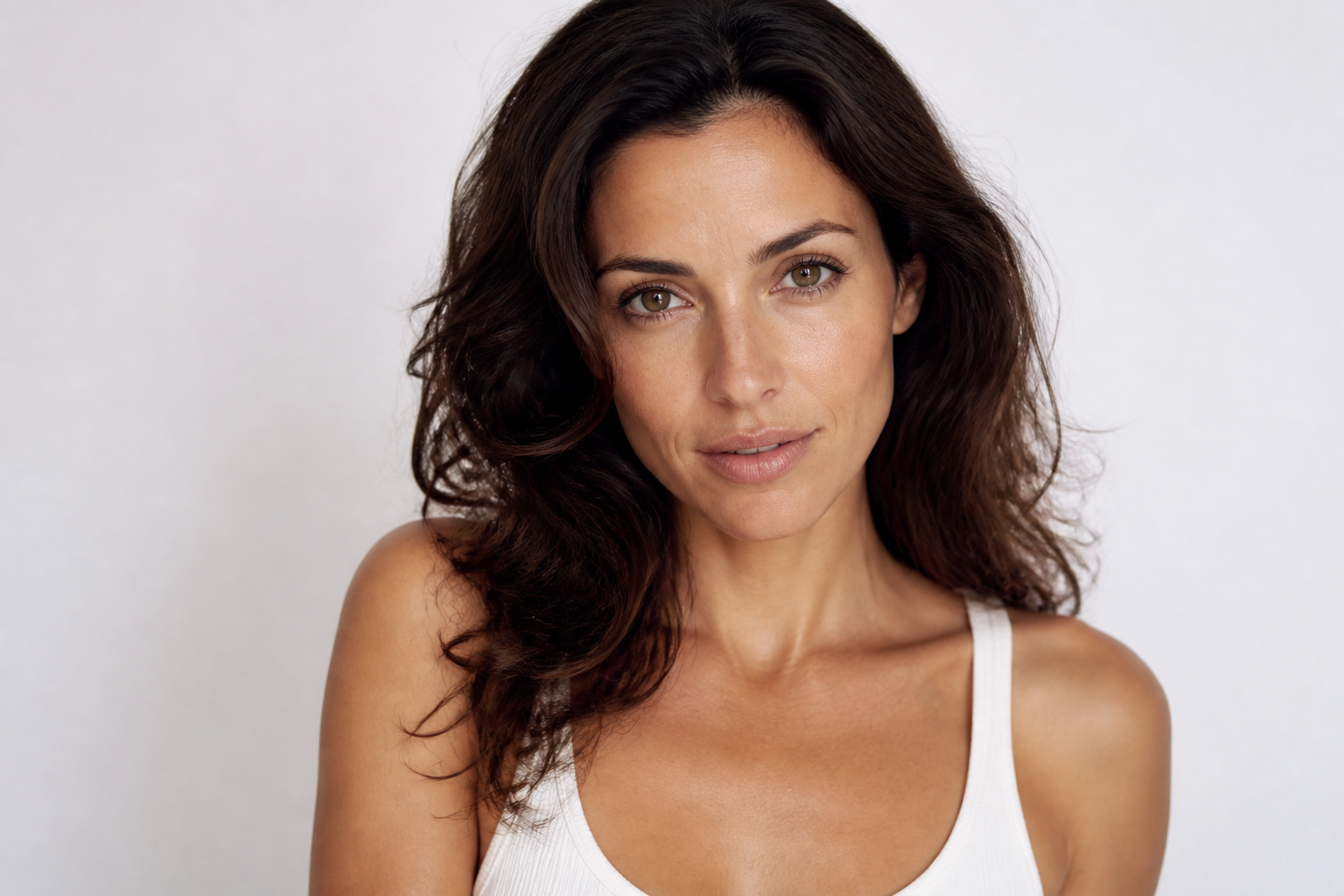
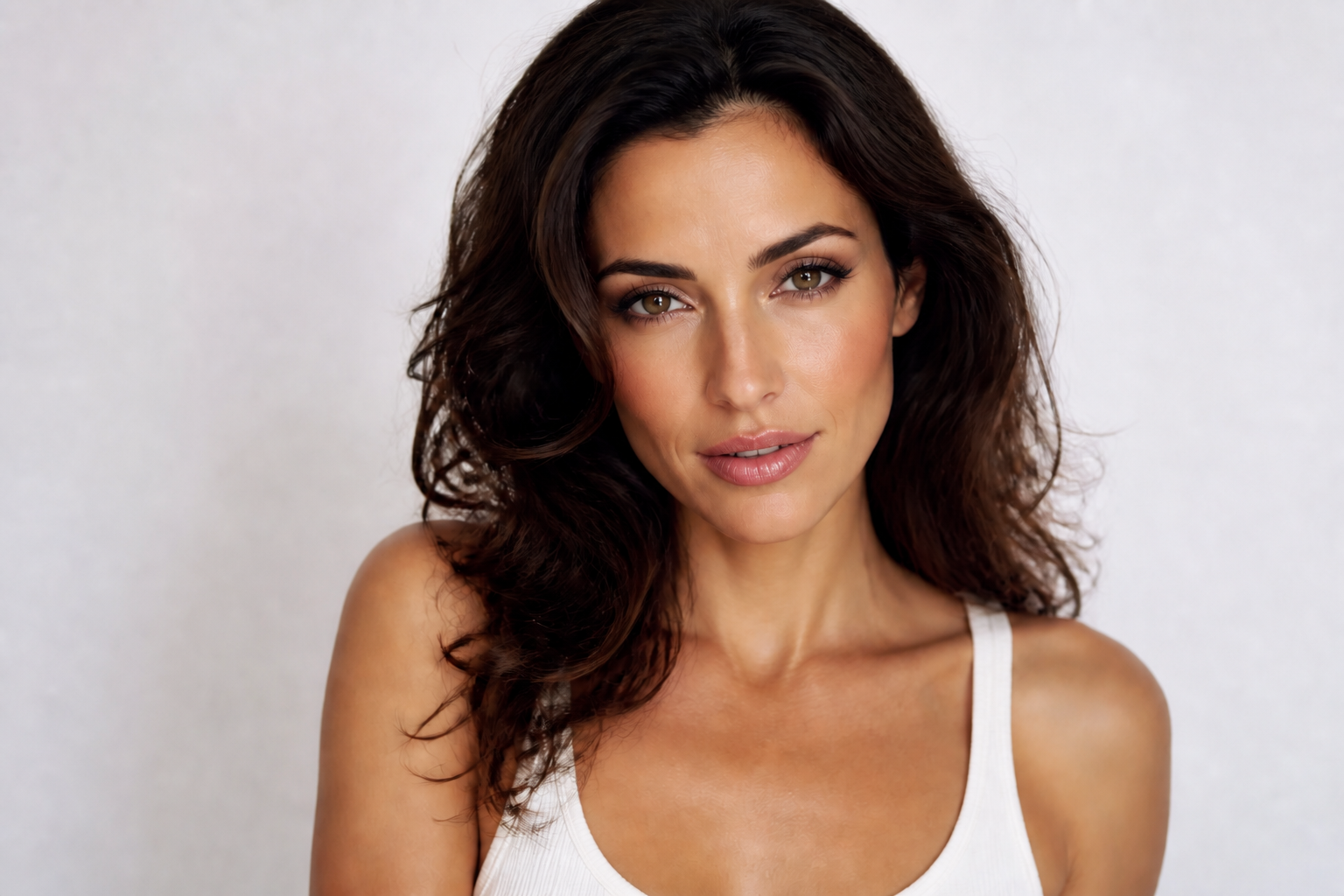
Keep the same face
You can test stronger makeup looks without losing the person's identity. Our AI changes cosmetic details like lips, lashes, blush, and contour while keeping facial structure, expression, and overall likeness consistent. That matters for portraits, creator photos, and client previews where the person still needs to look like themselves. It saves time compared with painting makeup from scratch and rebalancing the whole face manually.
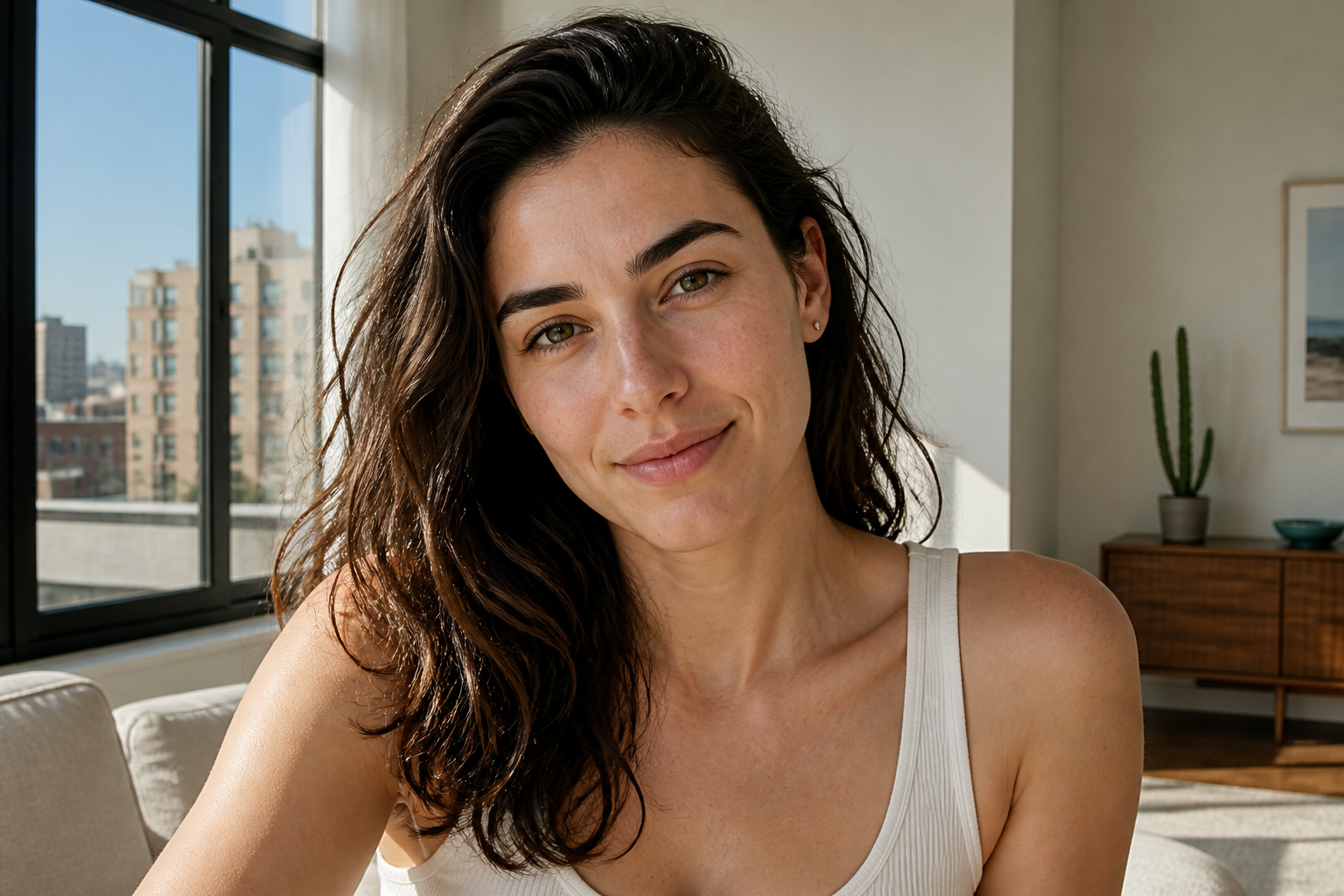
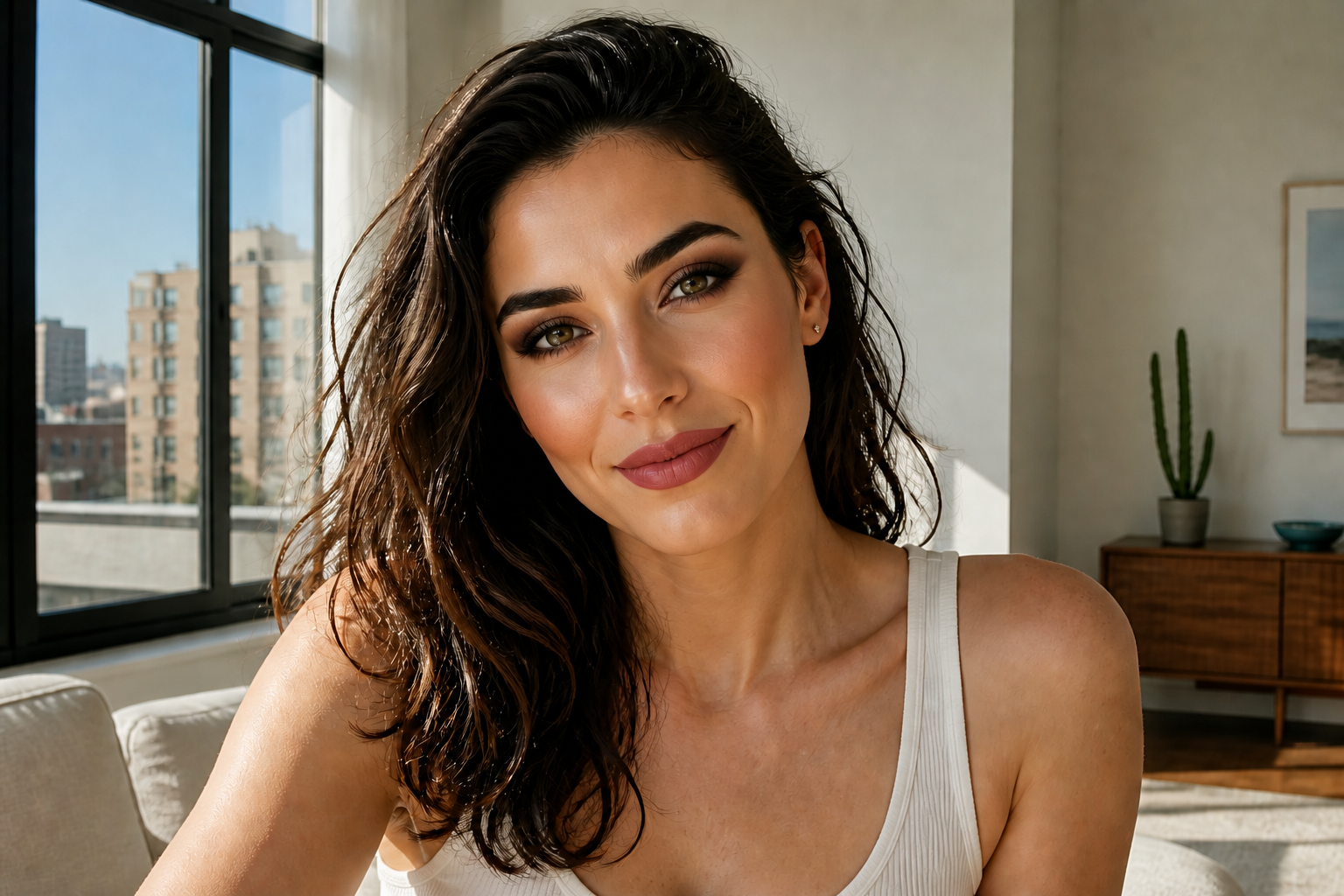
From subtle to bold
Some photos need a polished everyday finish, while others need a high-impact glam result. This tool makes visible upgrades across that full range, so you are not limited to tiny retouches that barely show up. It is useful for trying client options, social content concepts, or quick beauty variations without rebuilding the portrait each time. The result reads clearly even in small thumbnails.
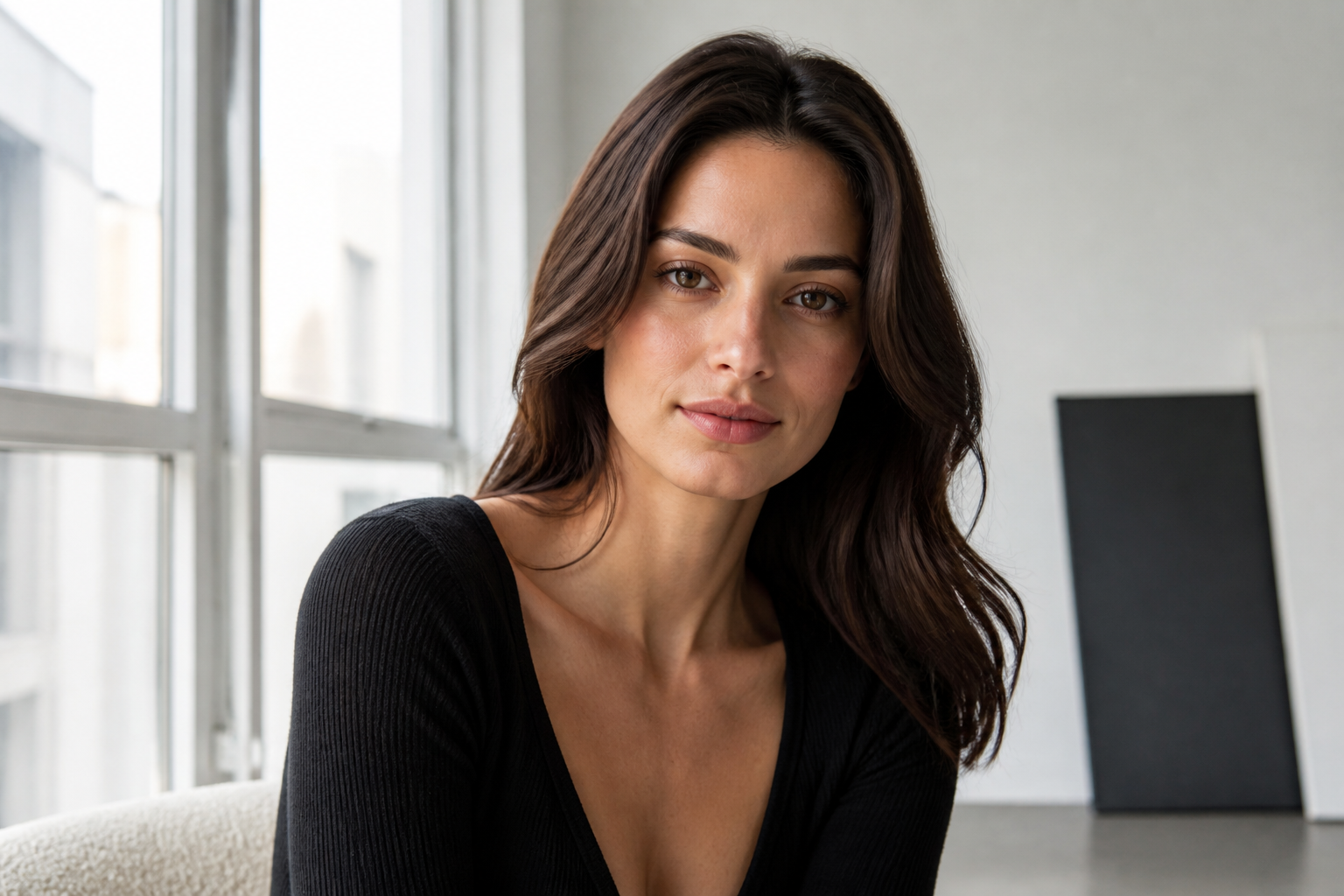
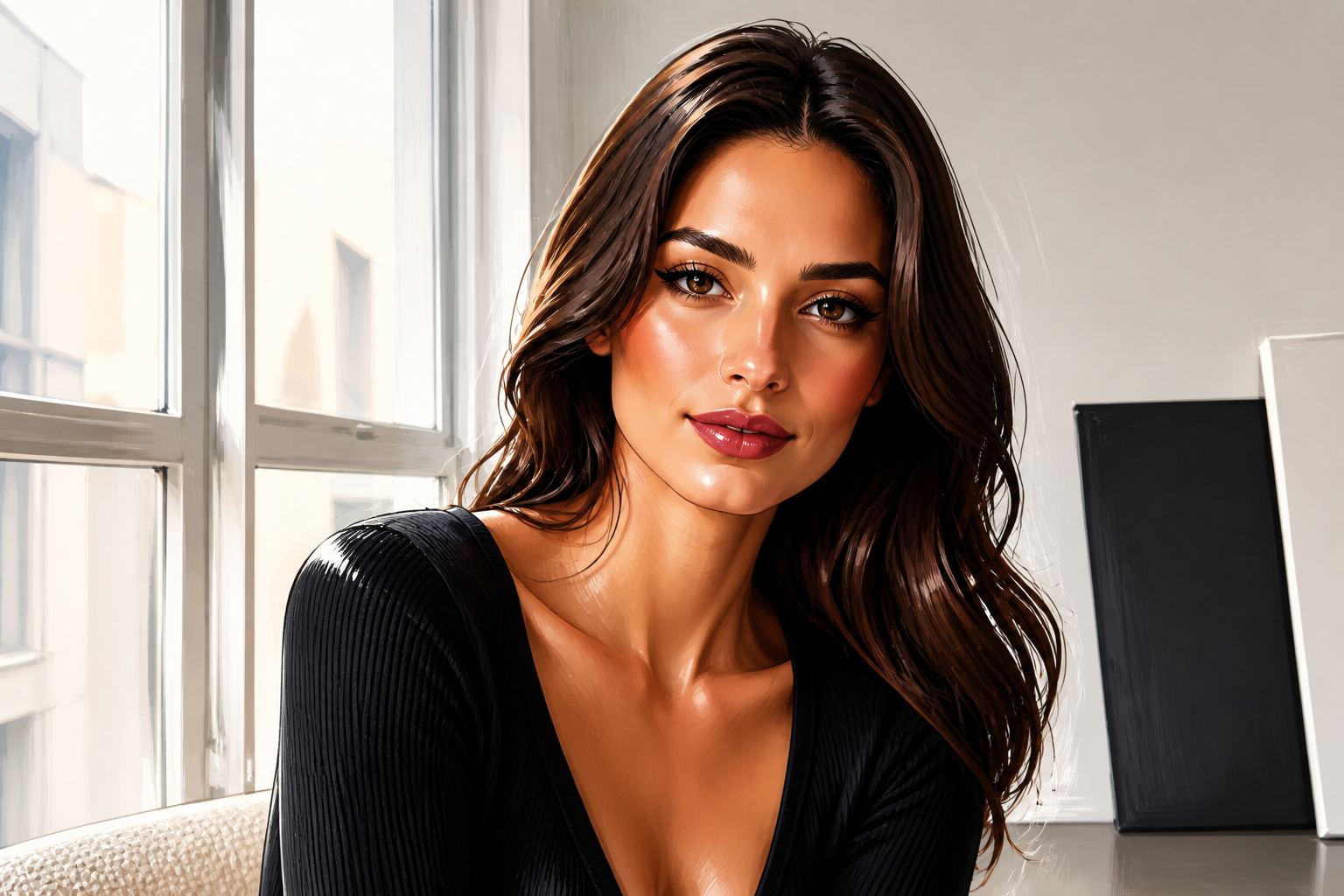
Works across art styles
The same portrait can become a beauty illustration, an editorial look, or a stylized campaign image. That gives you more than one way to present a concept, especially when you want social posts or moodboard-style outputs instead of only realistic edits. You can keep the person's pose and core appearance while shifting the visual finish around it. Doing that manually would usually mean rebuilding the image in a separate art workflow.
Fast beauty concept previews
Makeup artists, photographers, and creators often need quick mockups before a shoot or post goes live. This feature helps you test multiple directions on a single image so you can compare what reads best before spending time on a full edit. It is especially useful for pitching ideas, refining moodboards, or approving a look with a client. You get a visible preview without a long retouching process.
How It Works
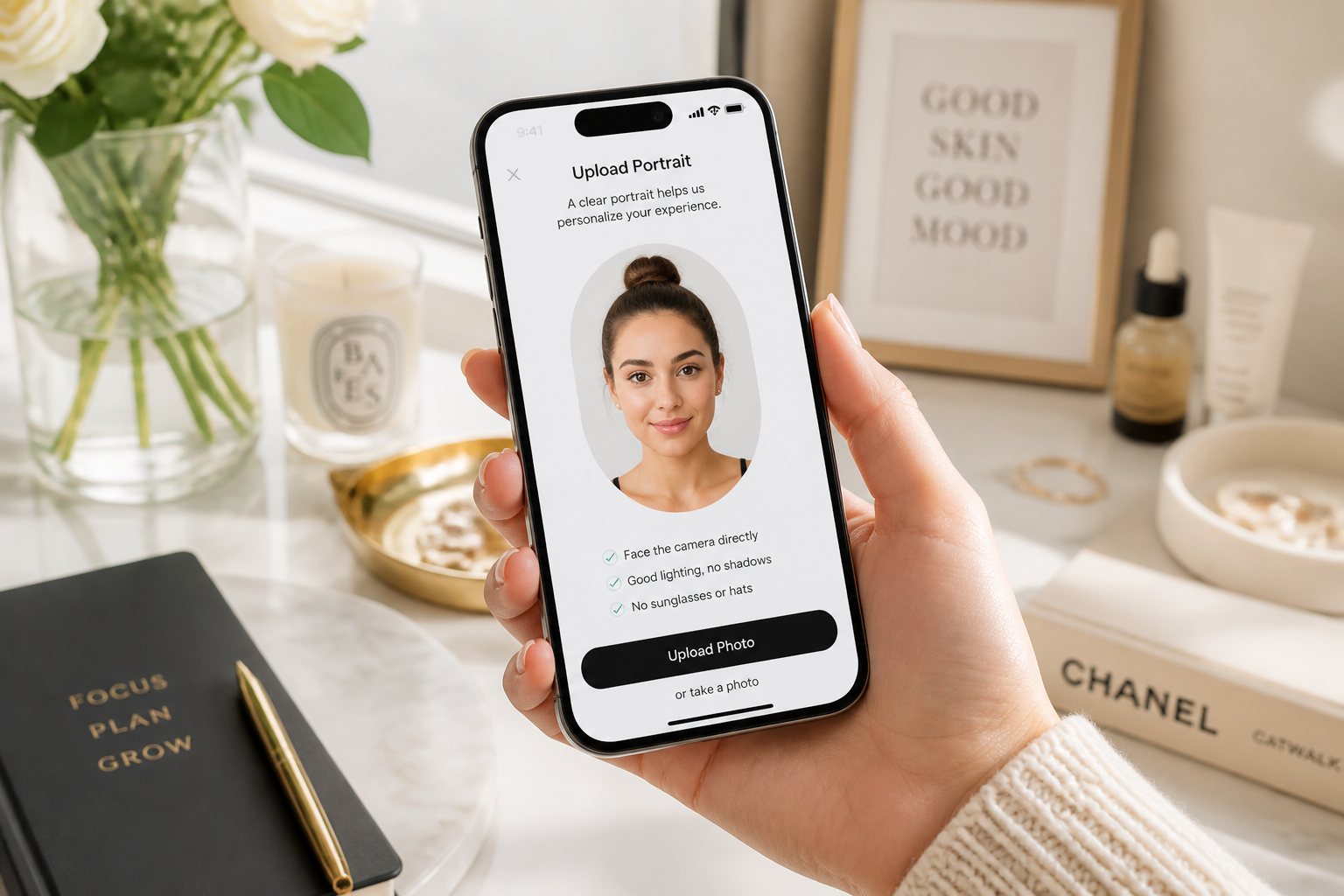
Upload your photo
Start with a clear portrait where the face is easy to see. Good lighting and a sharp image help the makeup details render more cleanly.
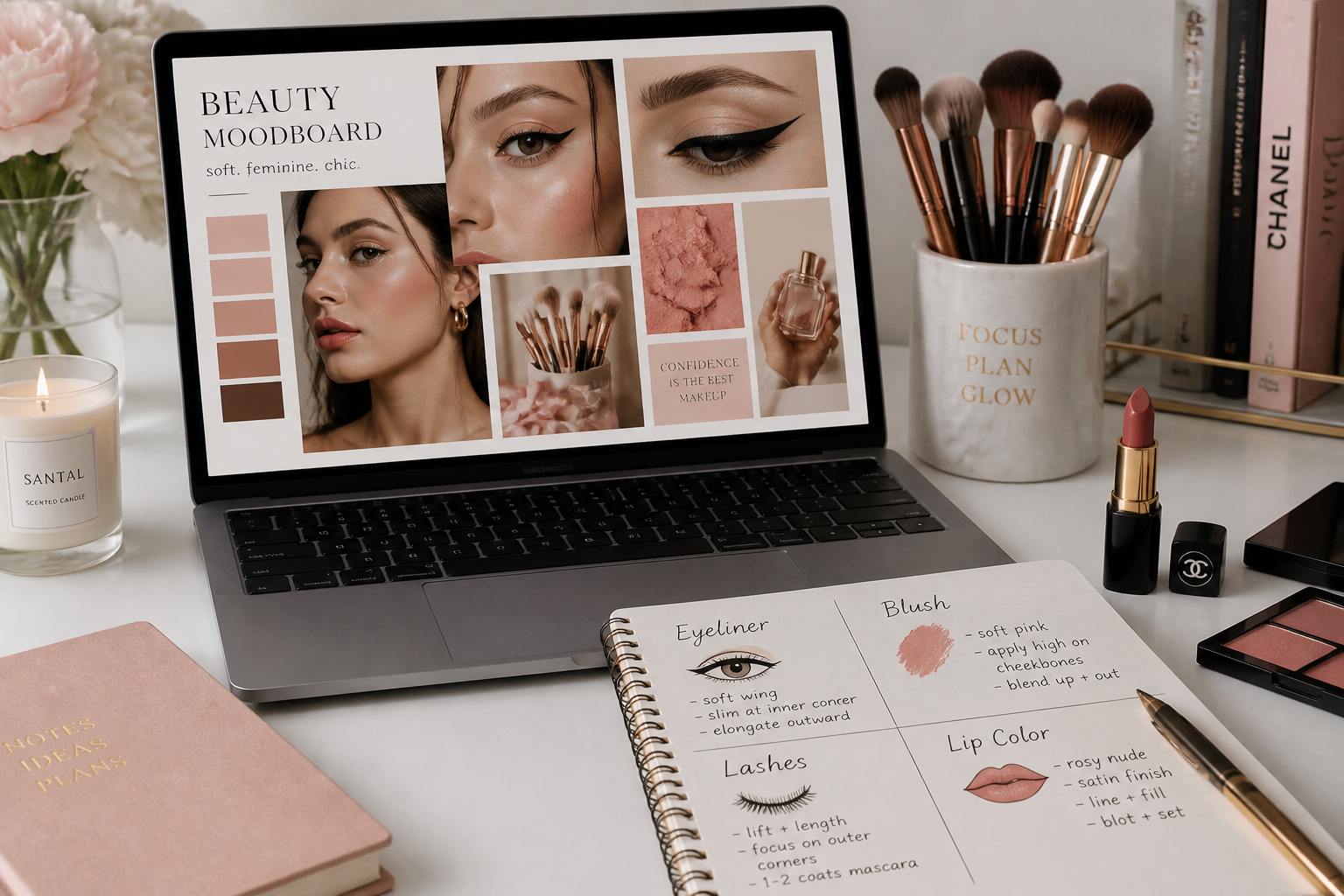
Describe the makeup look
Type the style you want, such as soft glam, bridal, editorial, or no-makeup makeup. You can mention specific details like eyeliner, lipstick finish, blush color, lashes, or contour strength.
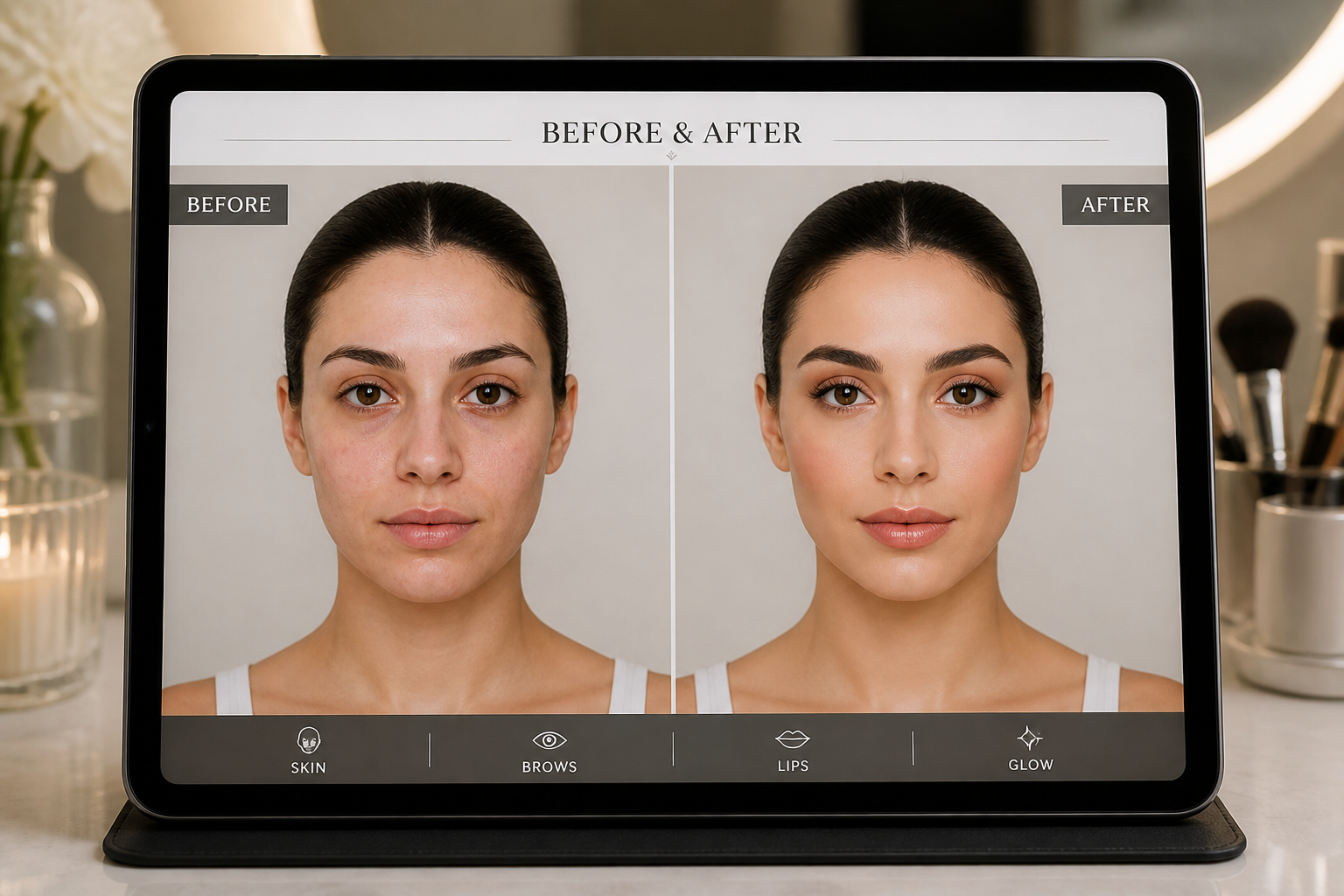
Compare and refine
Review the result and check how the makeup reads on the full face. If needed, run another version with a bolder, softer, cleaner, or more stylized direction.
Perfect For
Discover how creators and professionals use ai makeup enhancer
Portrait retouch previews
Show polished makeup options on portraits before committing to a full manual beauty retouch.
Social content testing
Try multiple beauty looks for thumbnails, reels, and profile photos to see what stands out fastest.
Makeup concept boards
Generate visual references for shoots, client approvals, or campaign planning from one base image.
Style exploration
Experiment with everyday, bridal, editorial, and artistic makeup directions on the same face.
Built For
Creators and influencers
Test beauty looks for posts, covers, and profile photos without setting up a new shoot for every variation.
Photographers and retouchers
Use fast makeup mockups to pitch concepts, compare options, and speed up early-stage beauty editing.
Makeup artists and salons
Create quick visual previews that help clients understand a look before an appointment or campaign shoot.
Why people use it for makeup edits
A quick look at how we compare on the things that matter for this niche.
| Feature | BudgetPixel | Generic AI editors | Manual editing apps |
|---|---|---|---|
| Visible makeup changes | ✓ | ✓ | ✓ |
| Identity preservation | ✓ | — | ✓ |
| Fast look variations | ✓ | ✓ | — |
| No manual brushwork needed | ✓ | ✓ | — |
| Stylized beauty outputs | ✓ | — | — |
Frequently Asked Questions
What does AI Makeup Enhancer change in a photo?
Will the person still look like themselves?
Can I create both natural and glam looks?
Do I need makeup editing skills to use it?
What kind of photos work best?
Create together.
Share your creations, discover trending AI art, and grow with fellow creators.