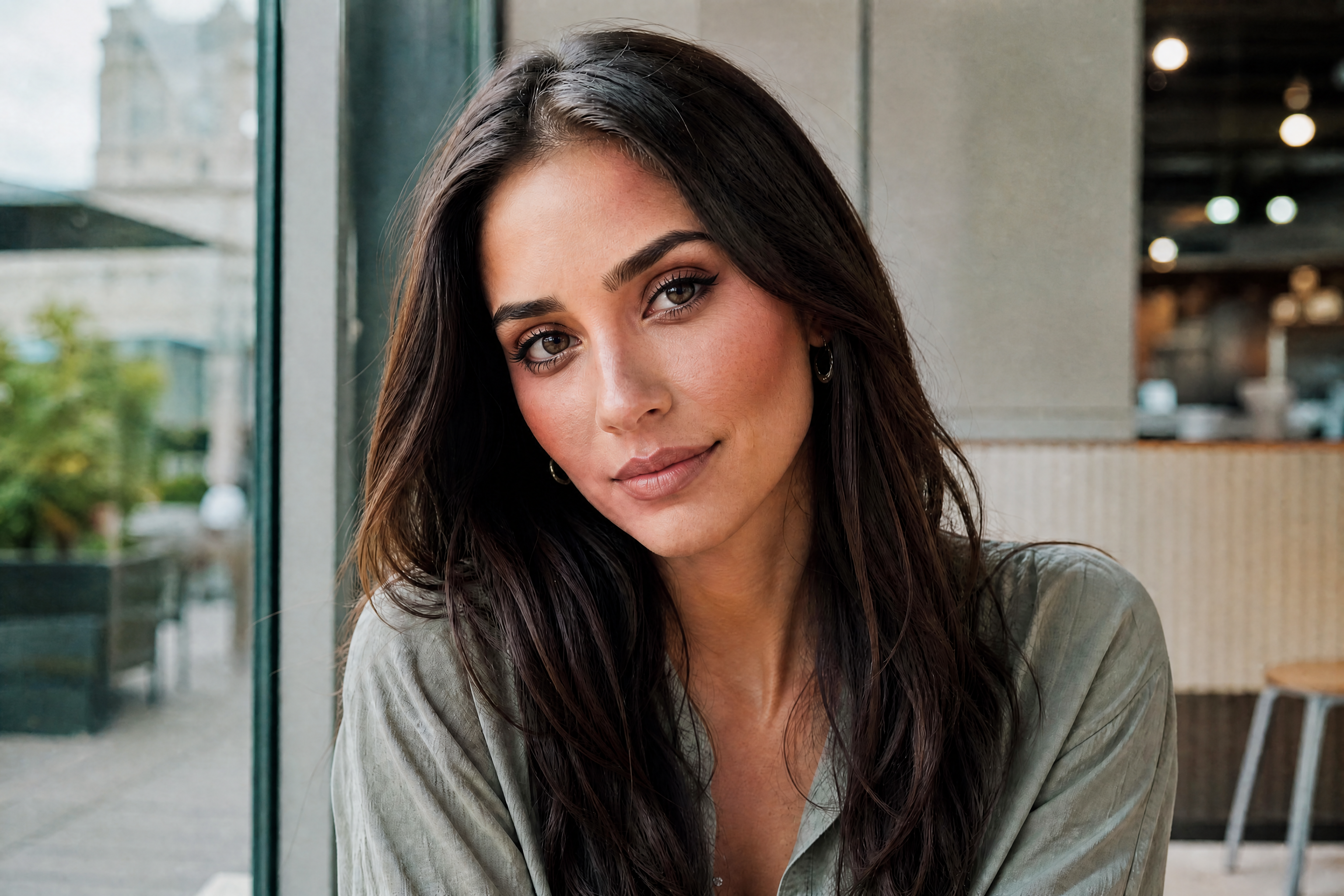
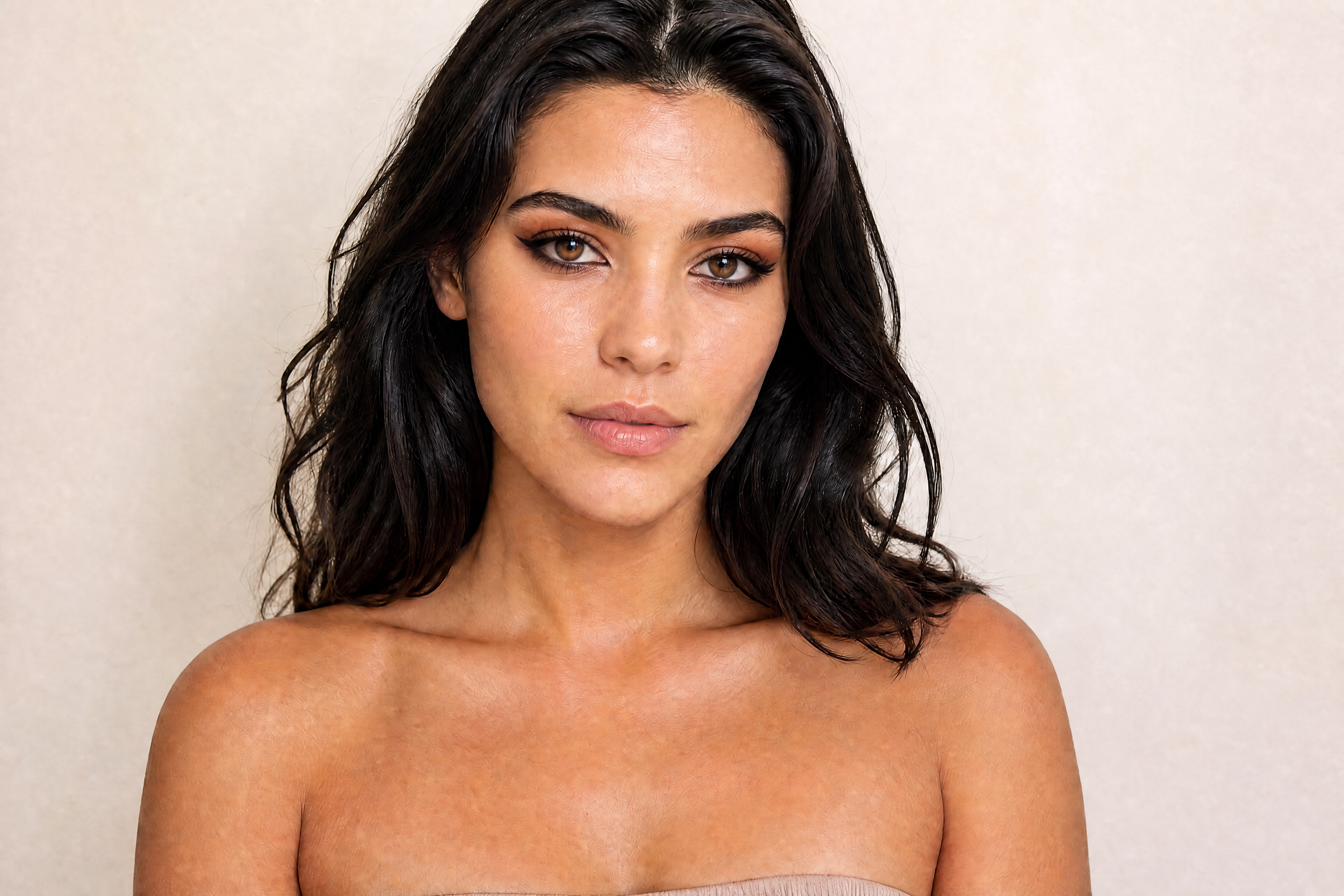
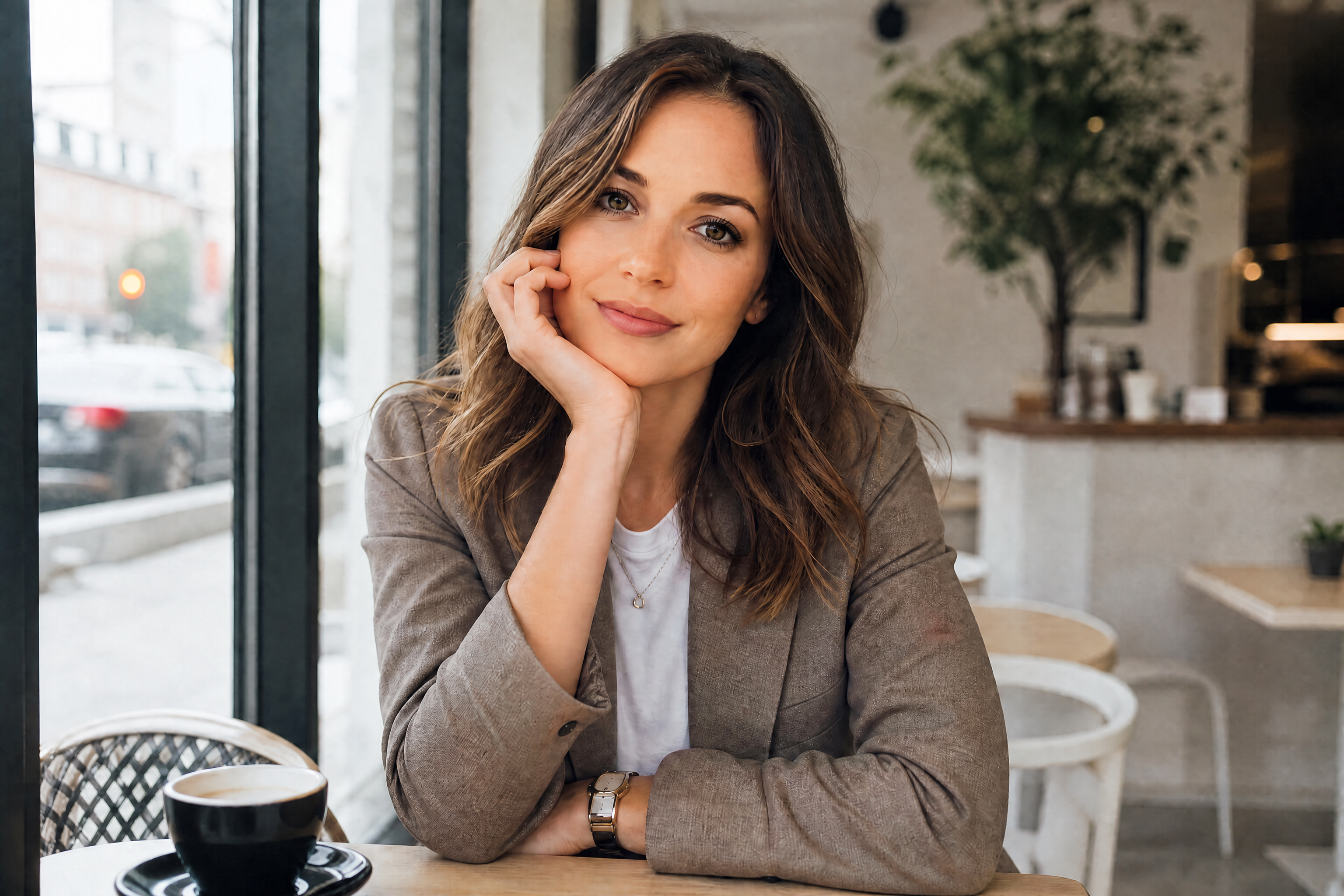
AI Makeup Generator
Test new makeup looks on your photo without starting over each time.
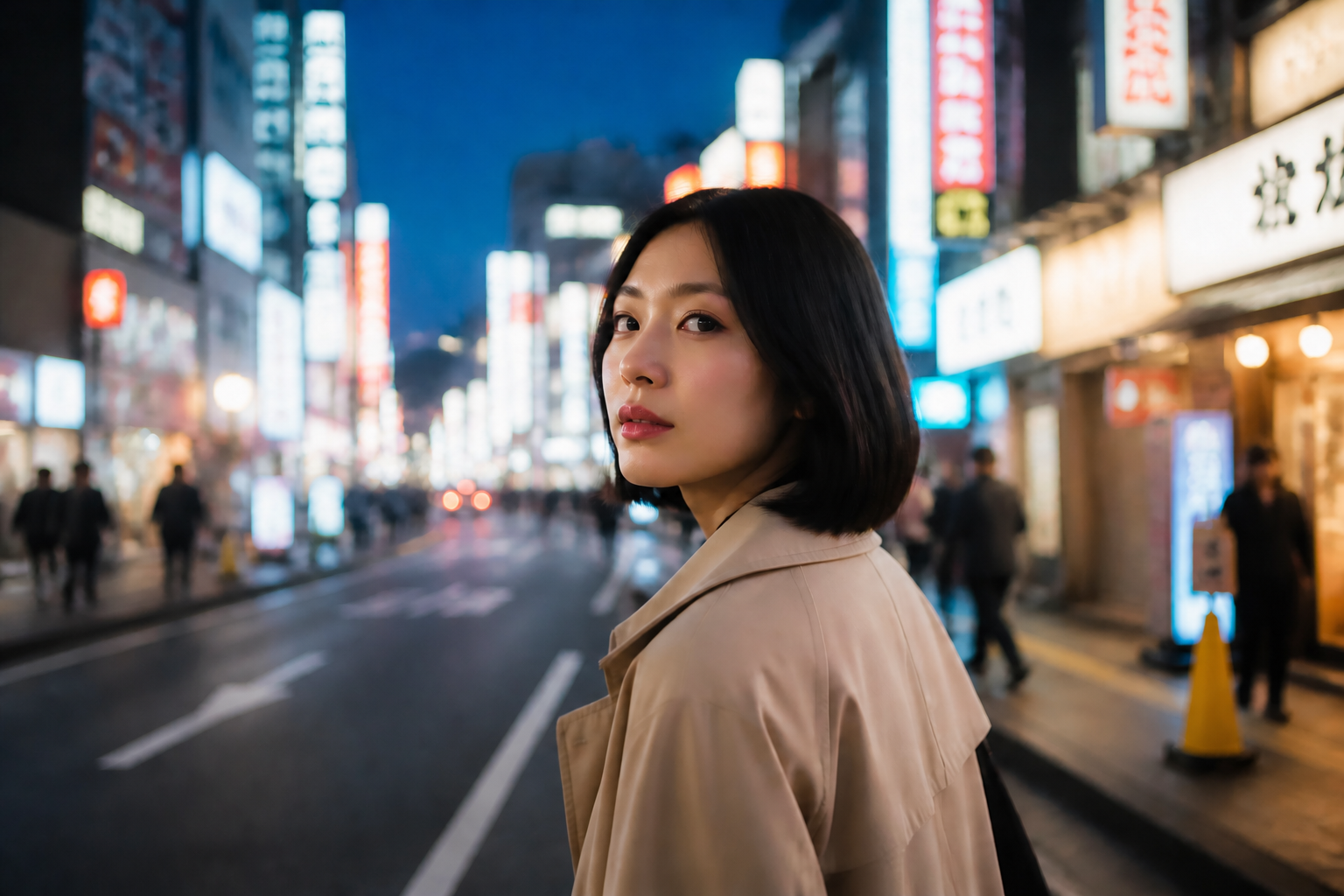
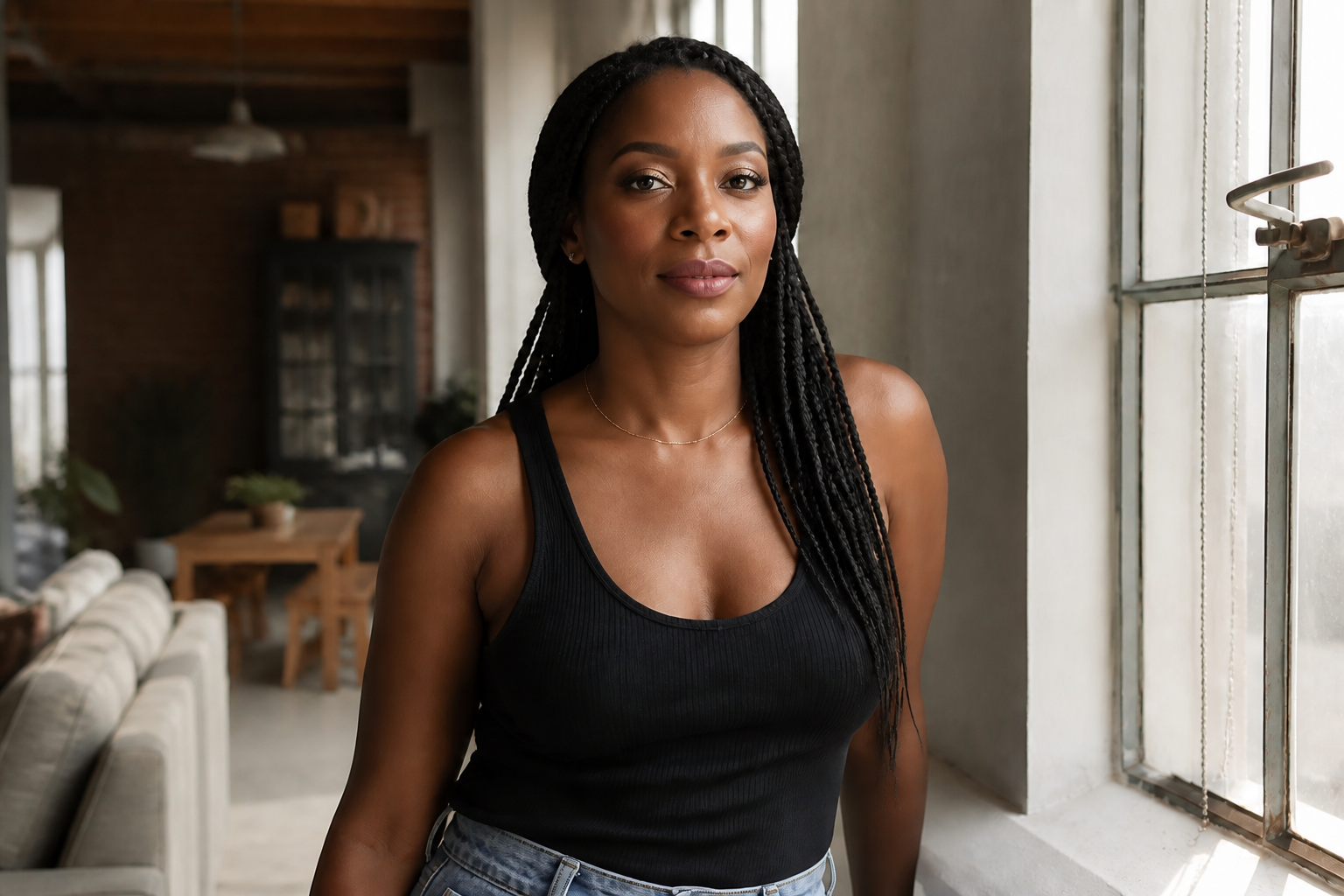
Upload a photo and generate a new makeup look in seconds. Our AI can add clean everyday makeup, bold editorial styles, or creative beauty looks while keeping your face shape, pose, and expression recognizable.
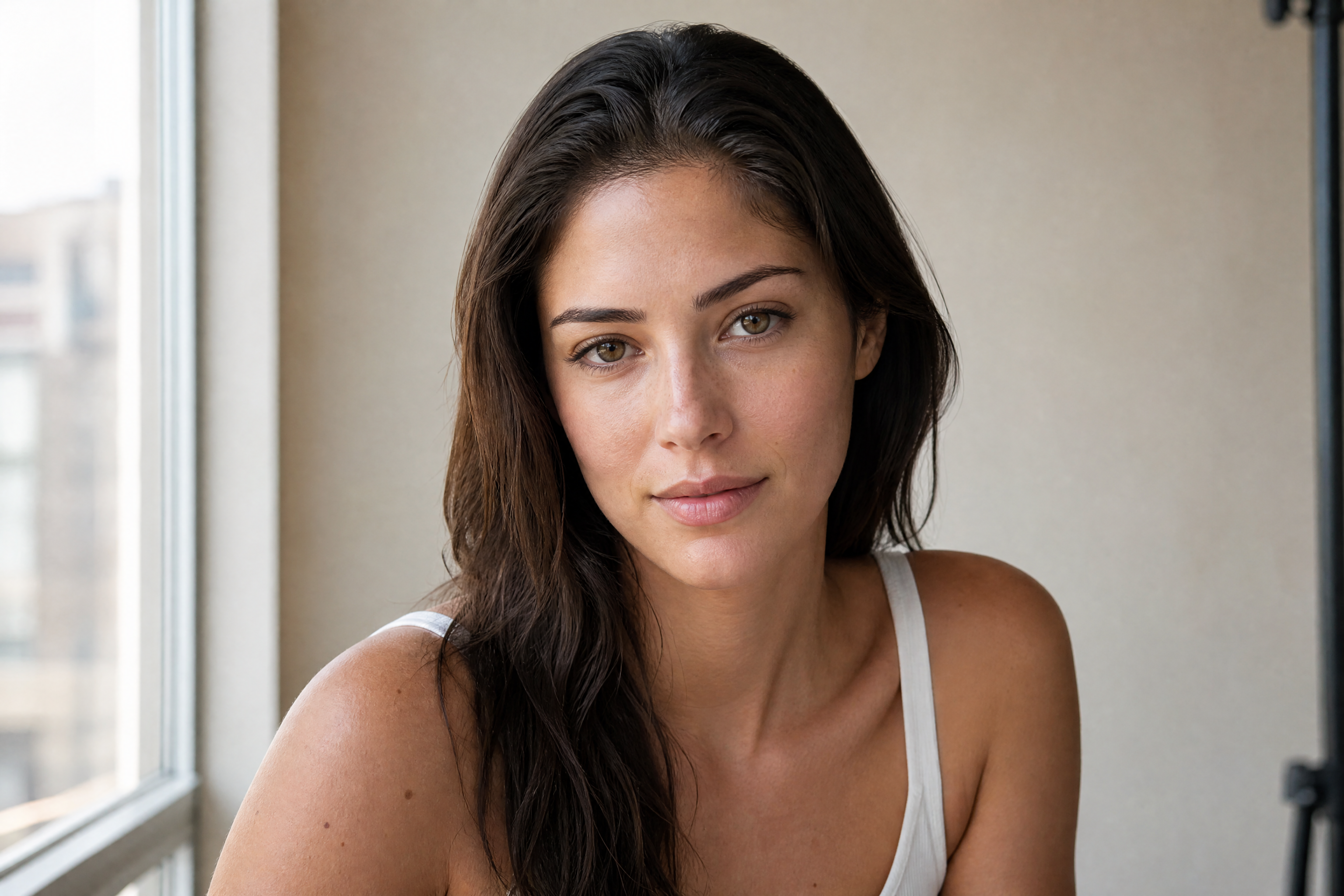
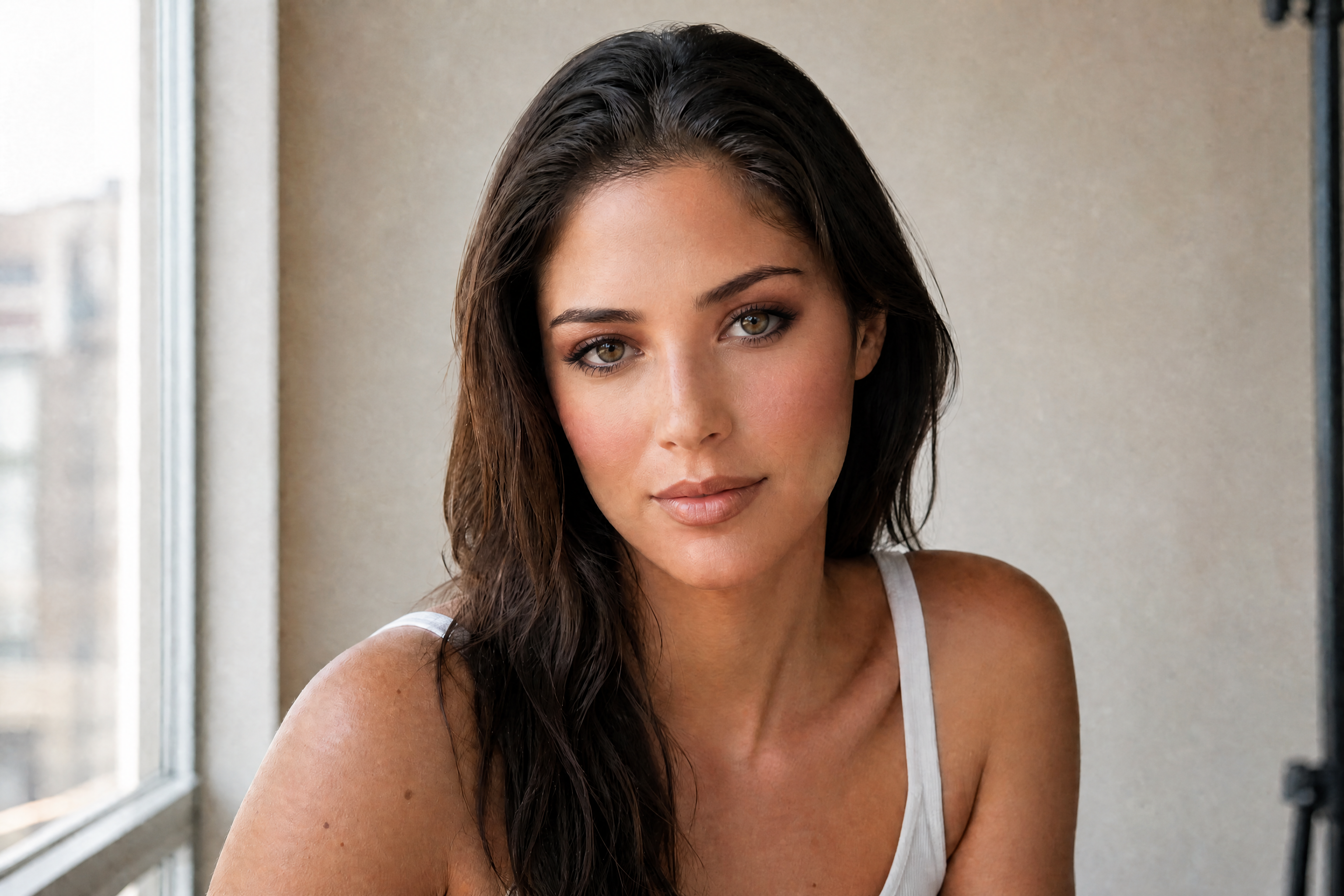
Watch the Transformation
See ai makeup generator in motion — generated end-to-end by our AI.
See It In Action
Real outputs from ai makeup generator.
BEFOREAFTER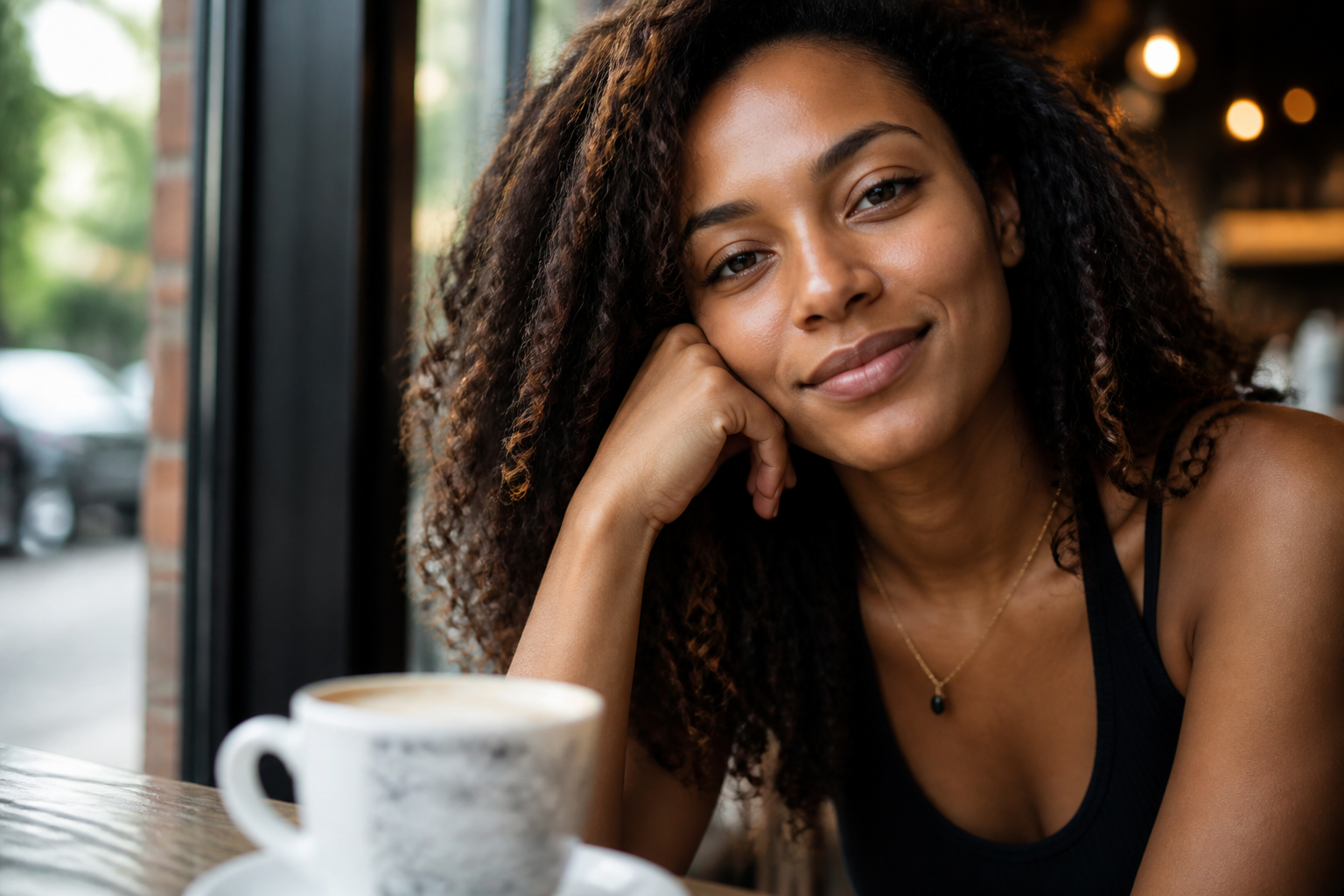 BEFORE
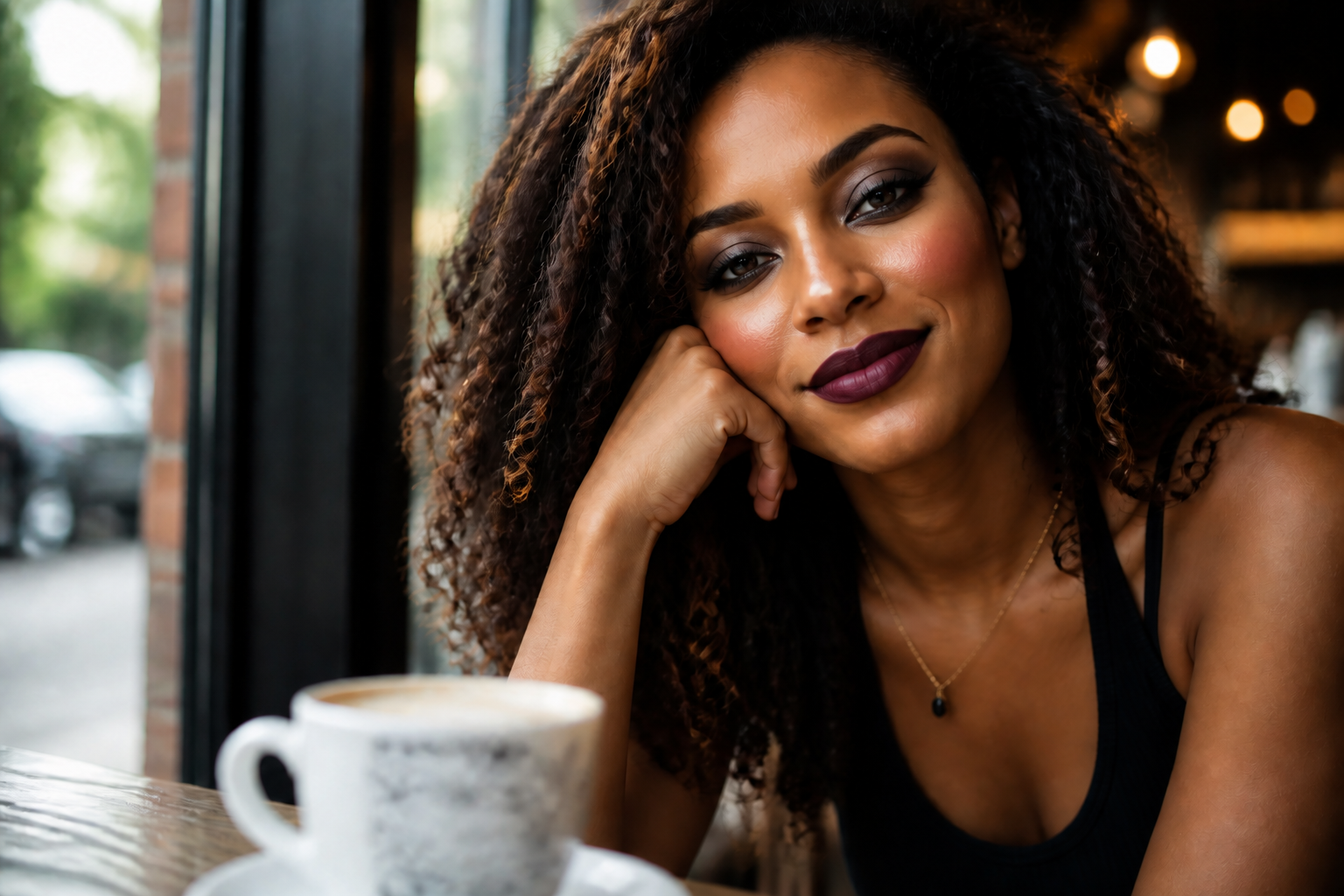 AFTER
AFTER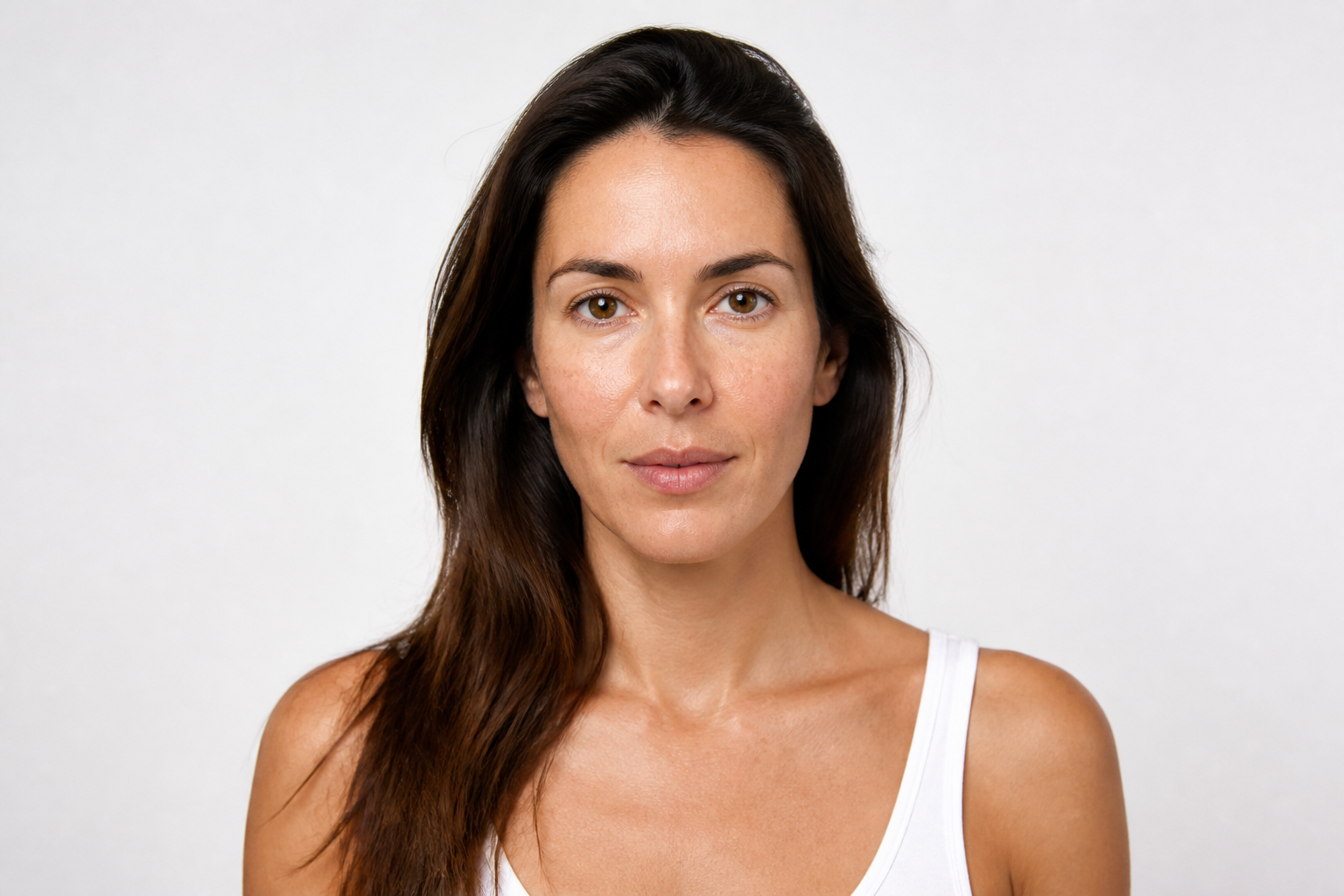 BEFORE
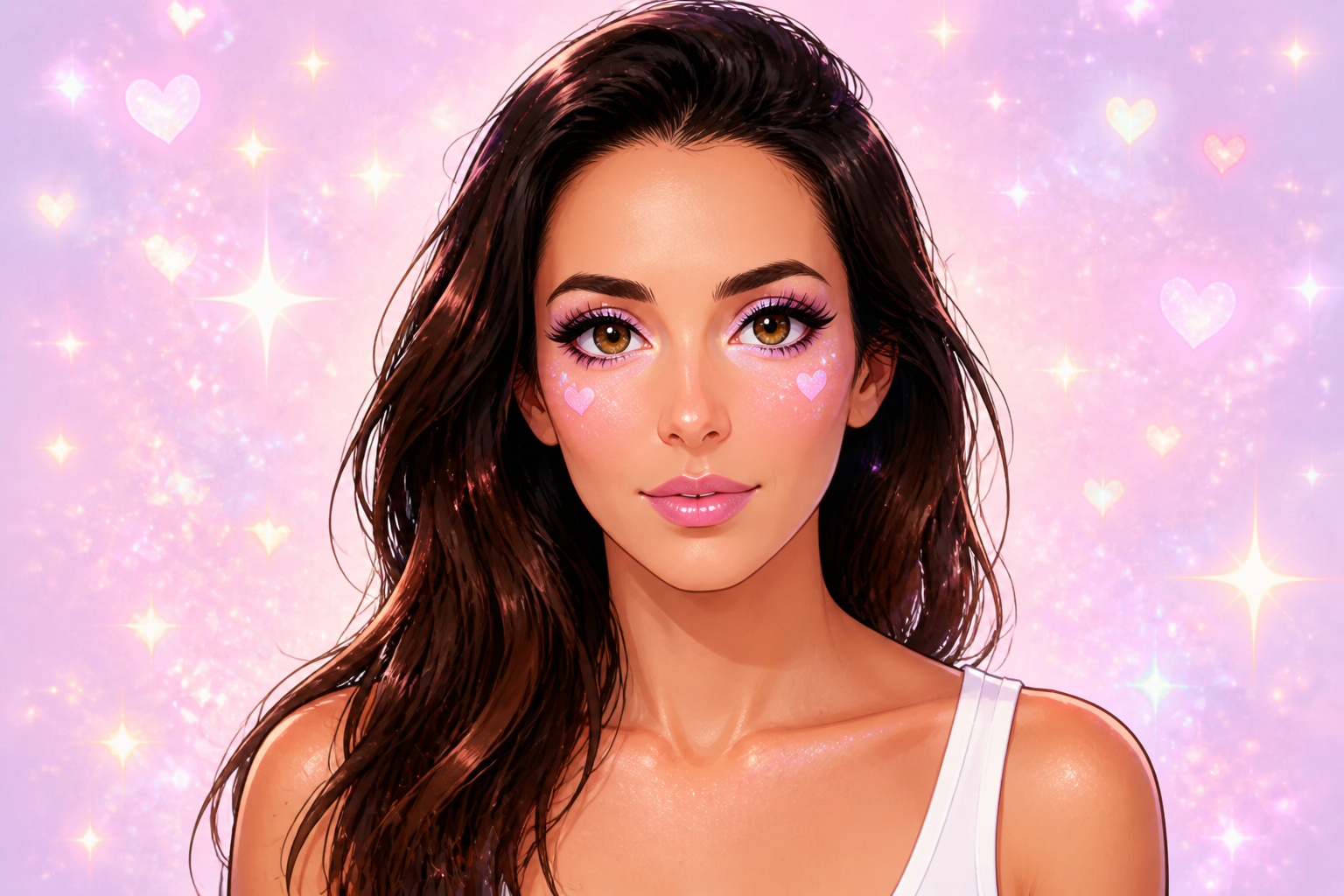 AFTER
AFTER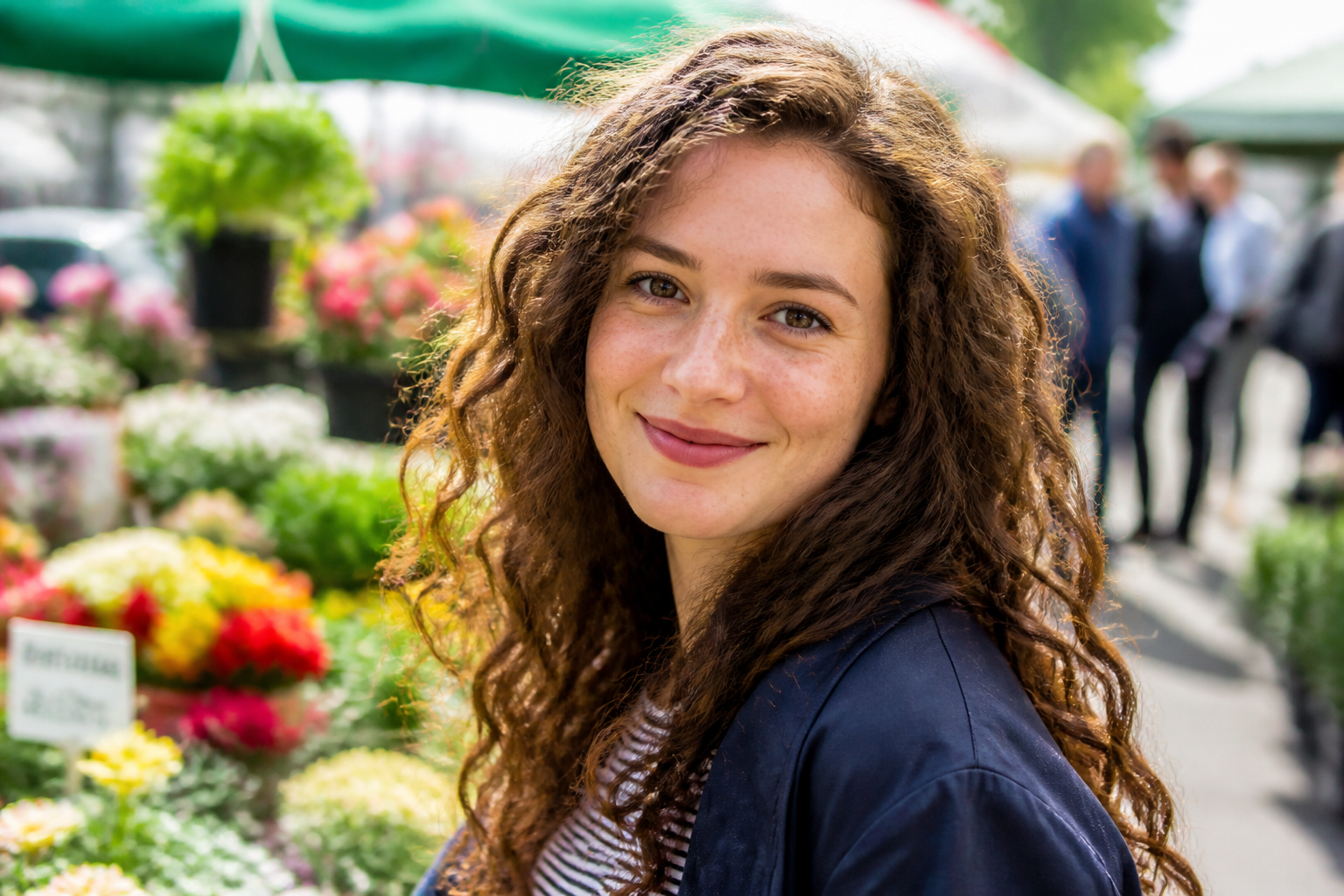 BEFORE
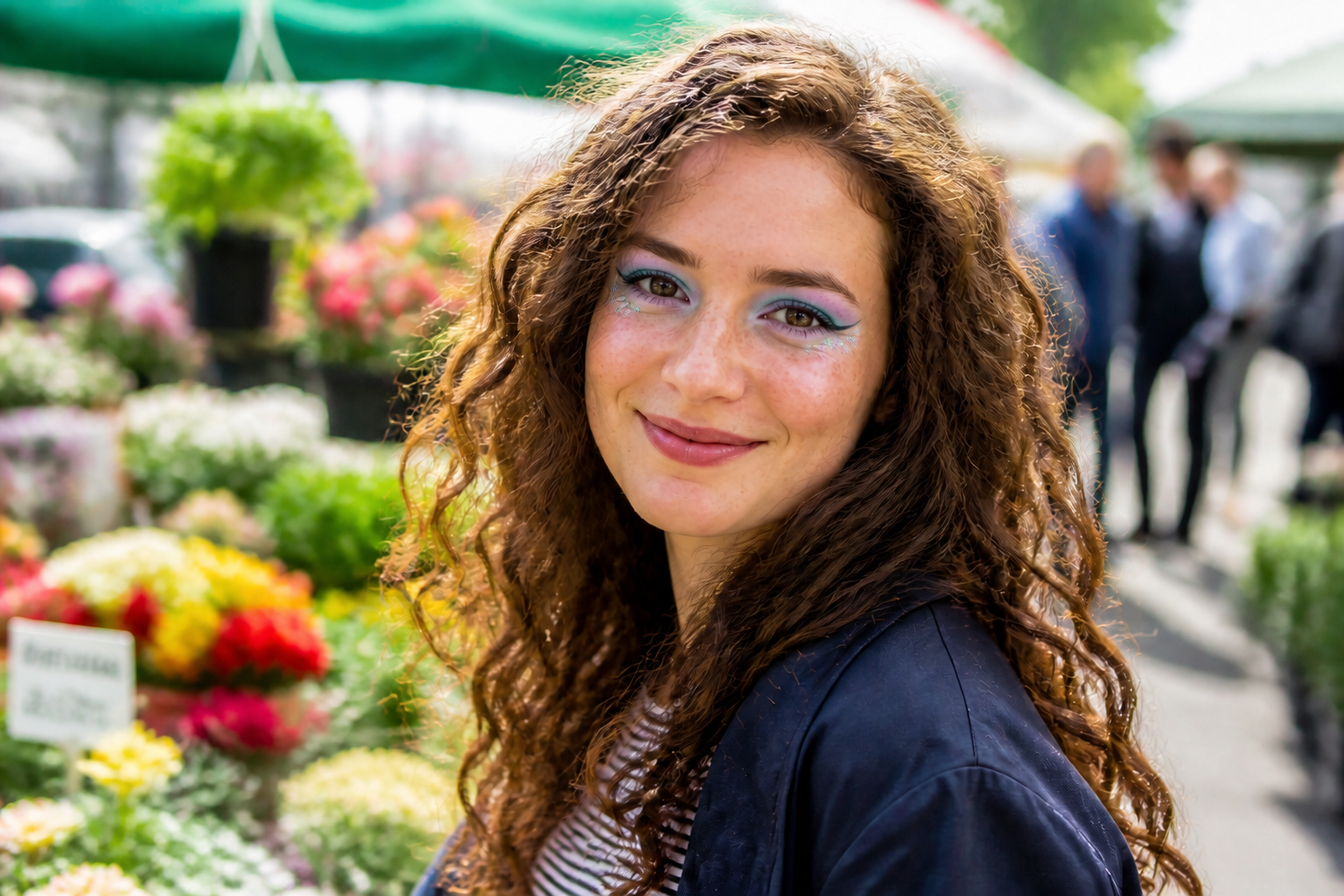 AFTER
AFTER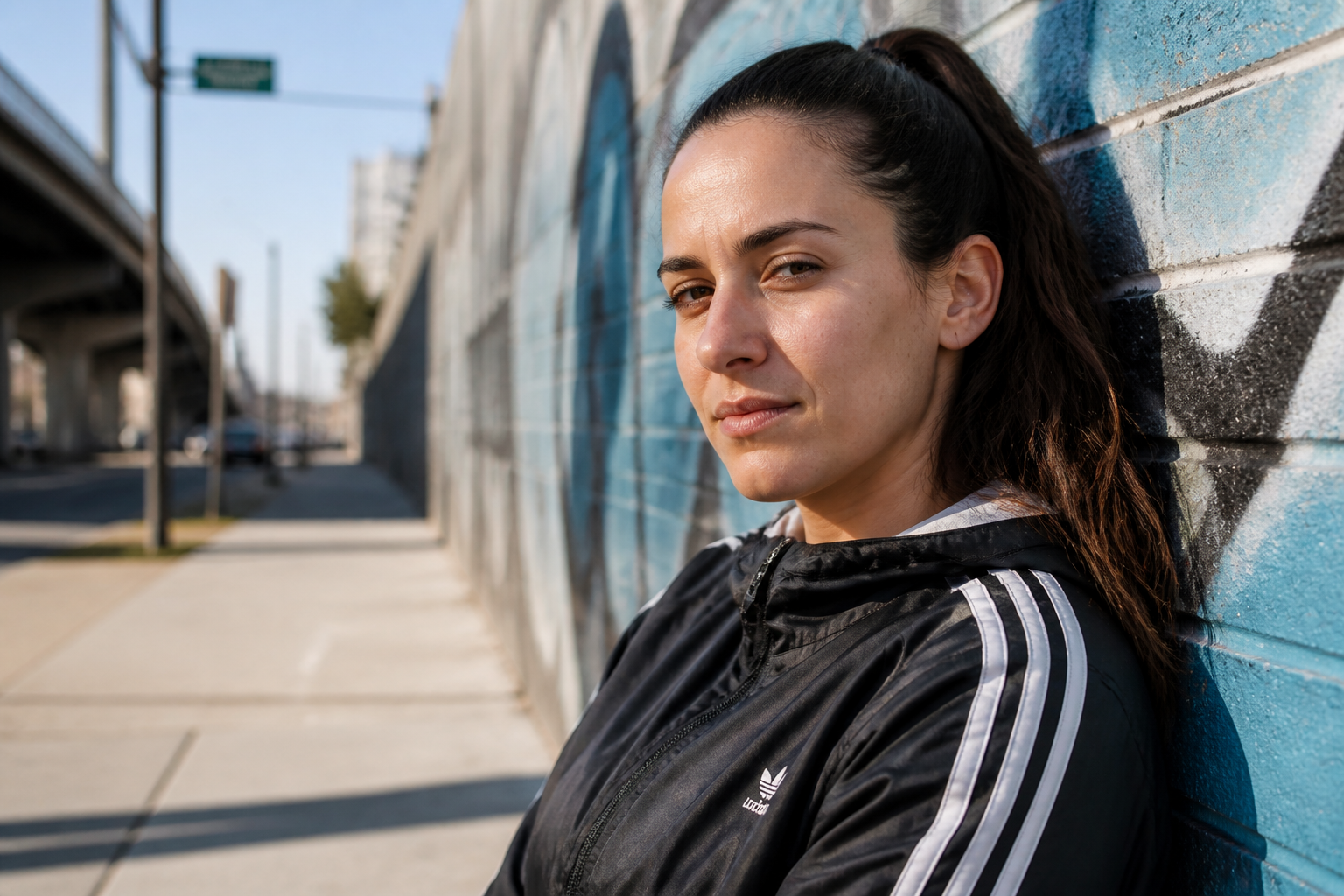 BEFORE
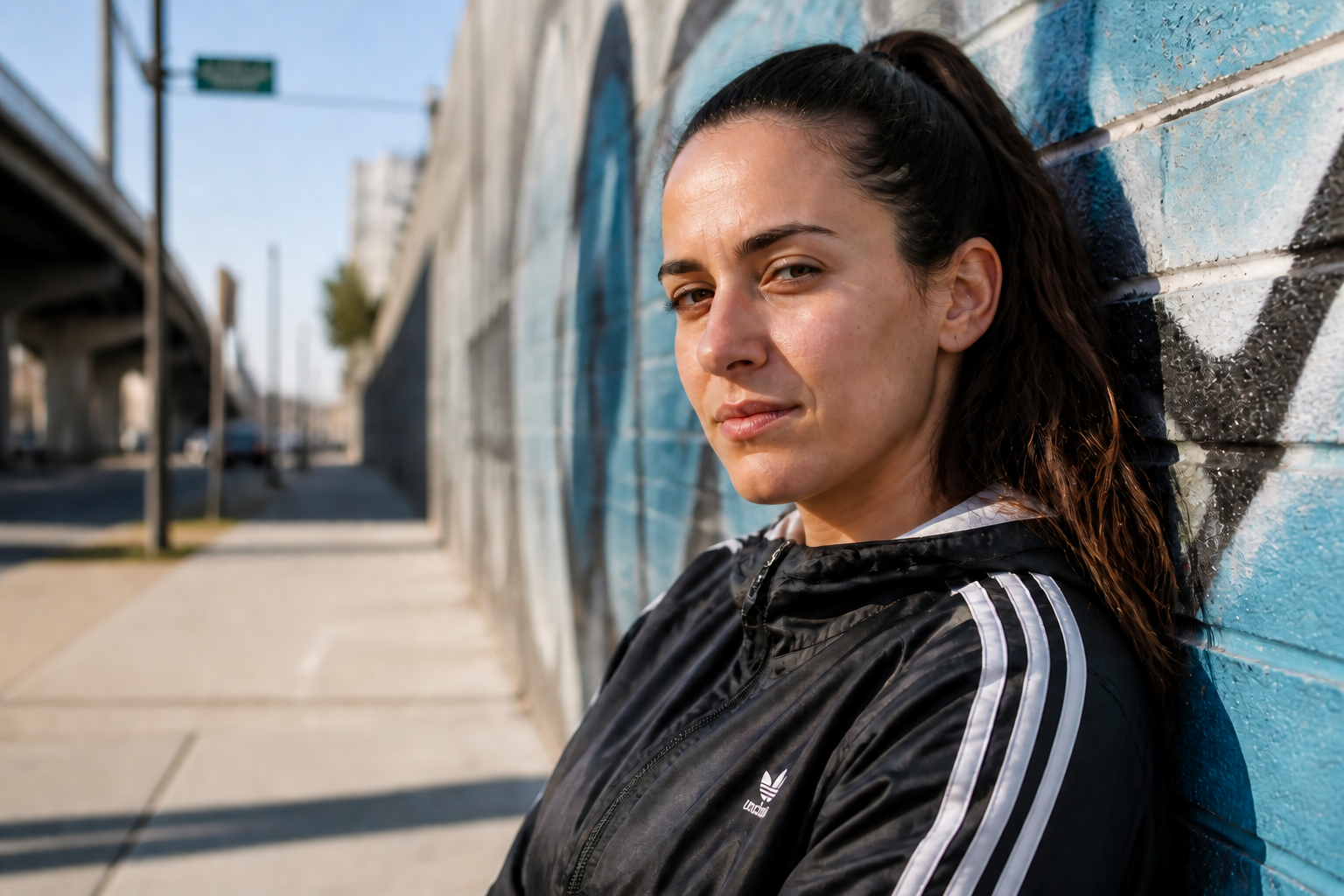 AFTERBEFOREAFTERBEFOREAFTERBEFOREAFTERBEFOREAFTERBEFOREAFTER
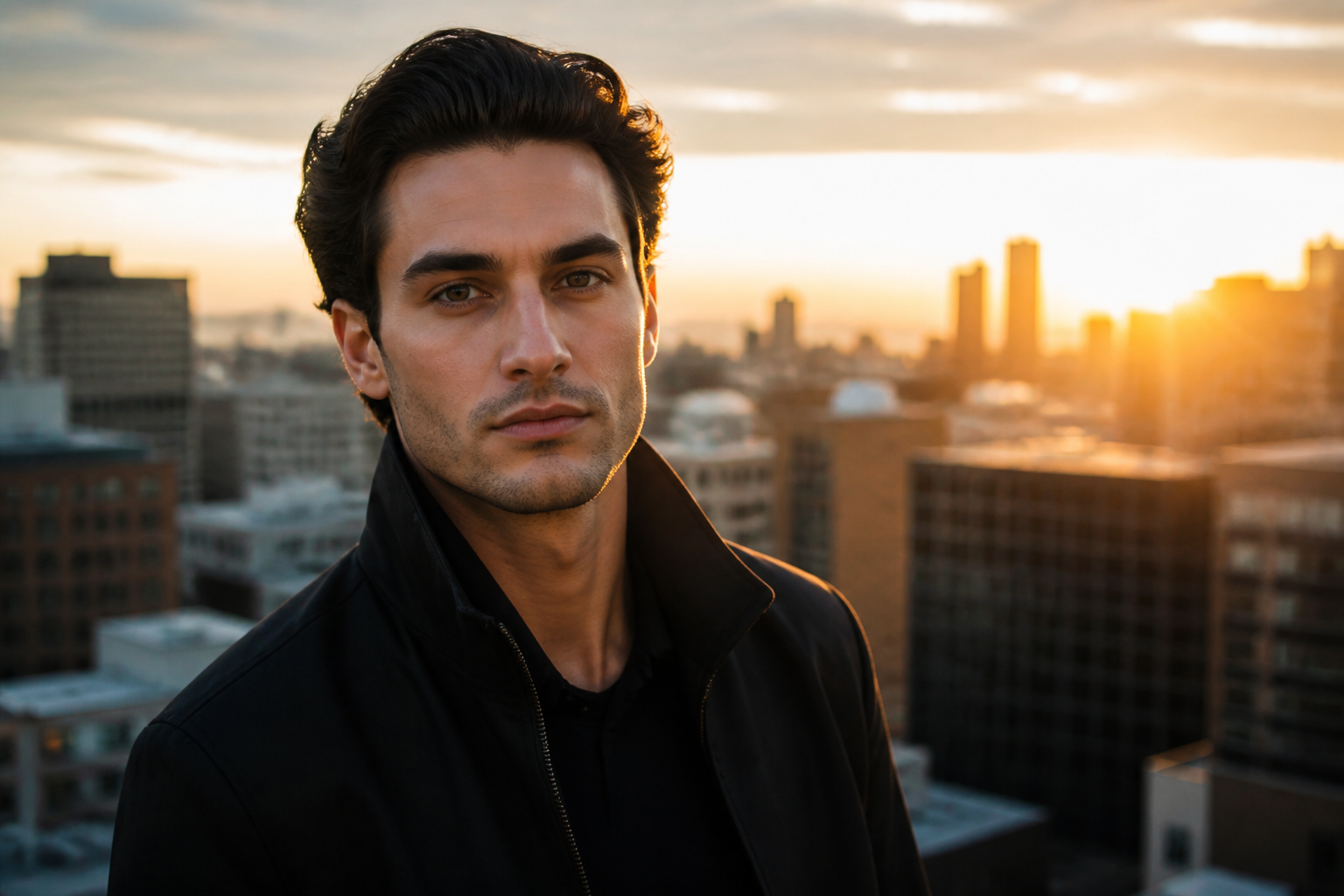 BEFORE
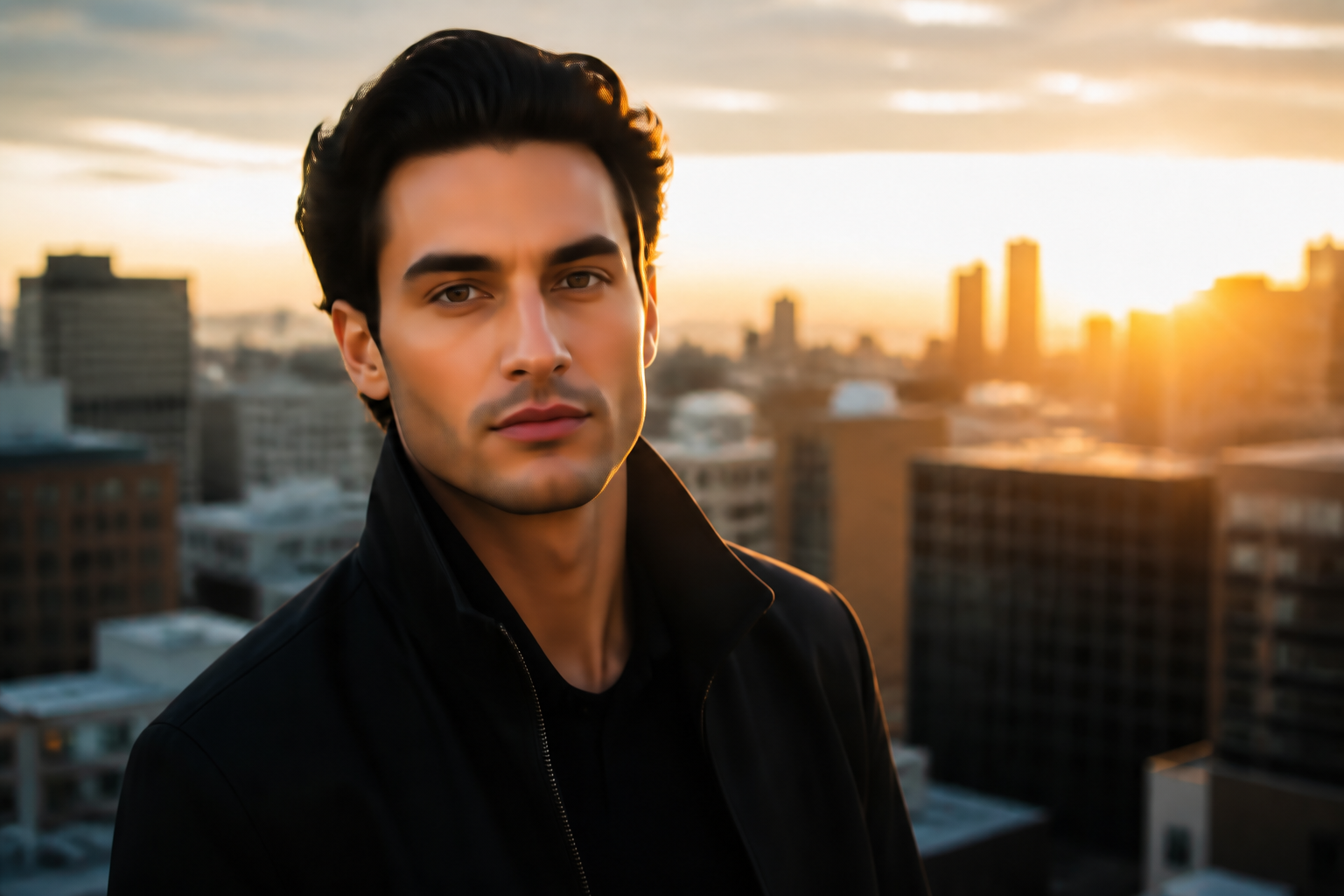 AFTER
AFTER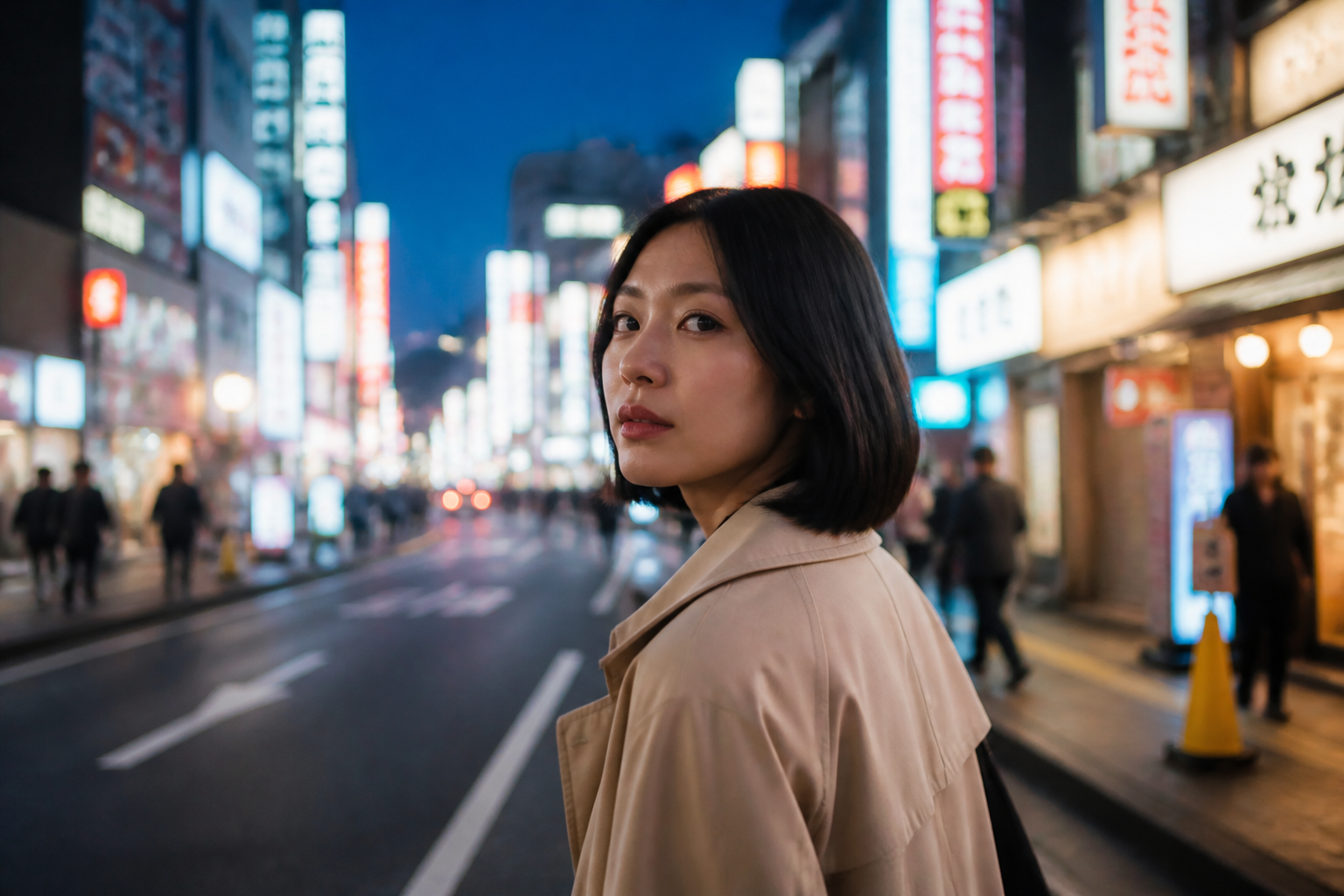 BEFORE
 AFTER
AFTER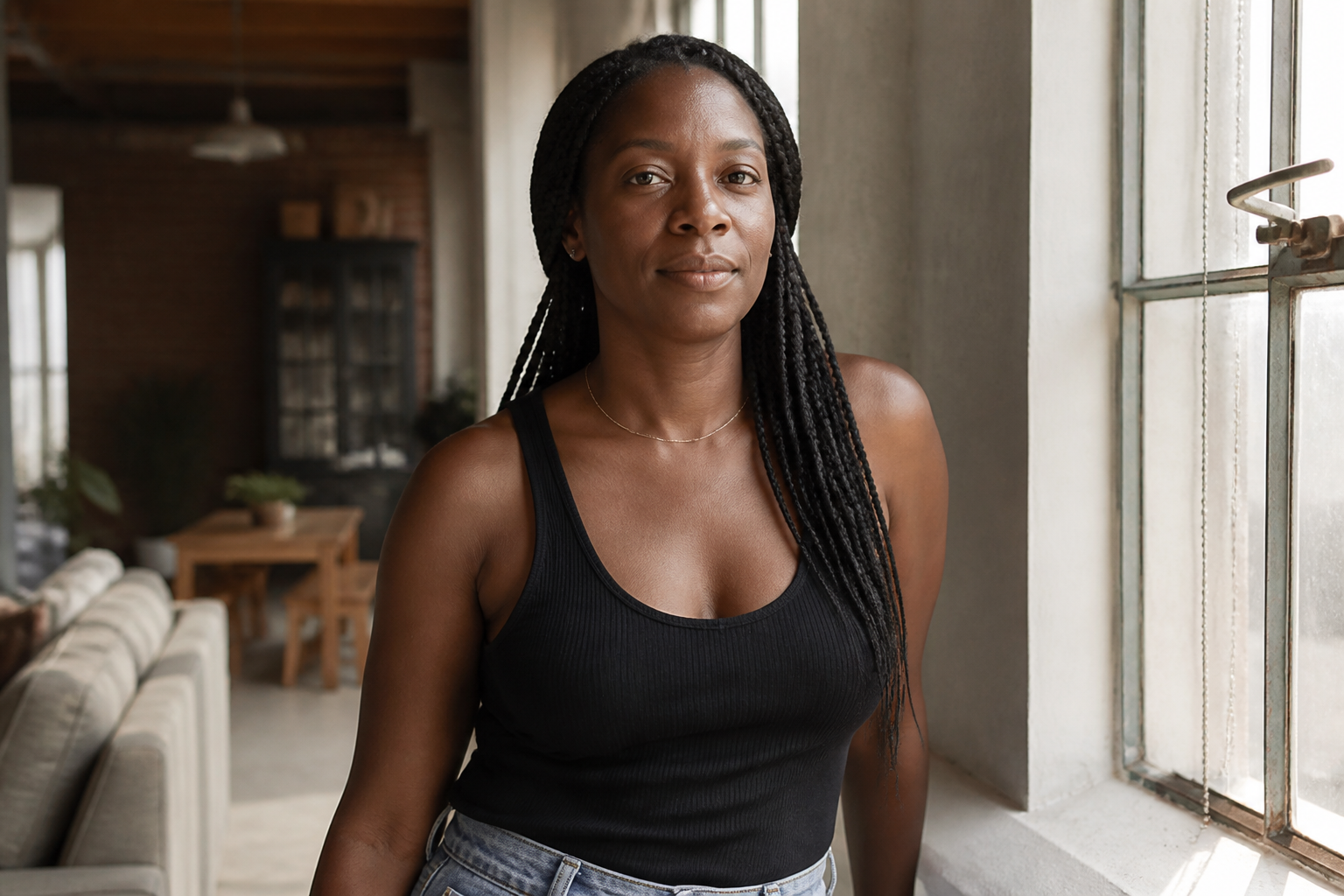 BEFORE
 AFTER
AFTER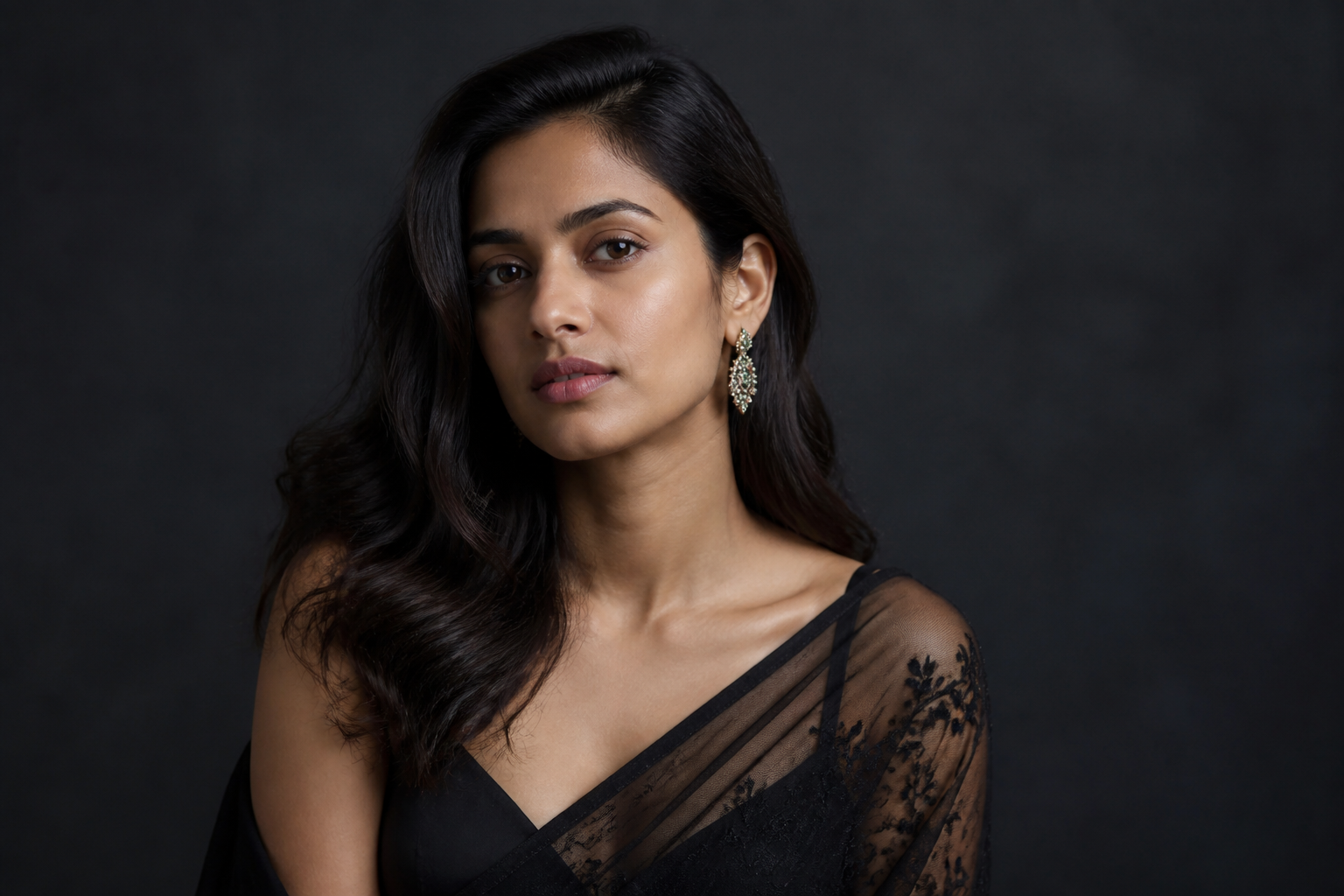 BEFORE
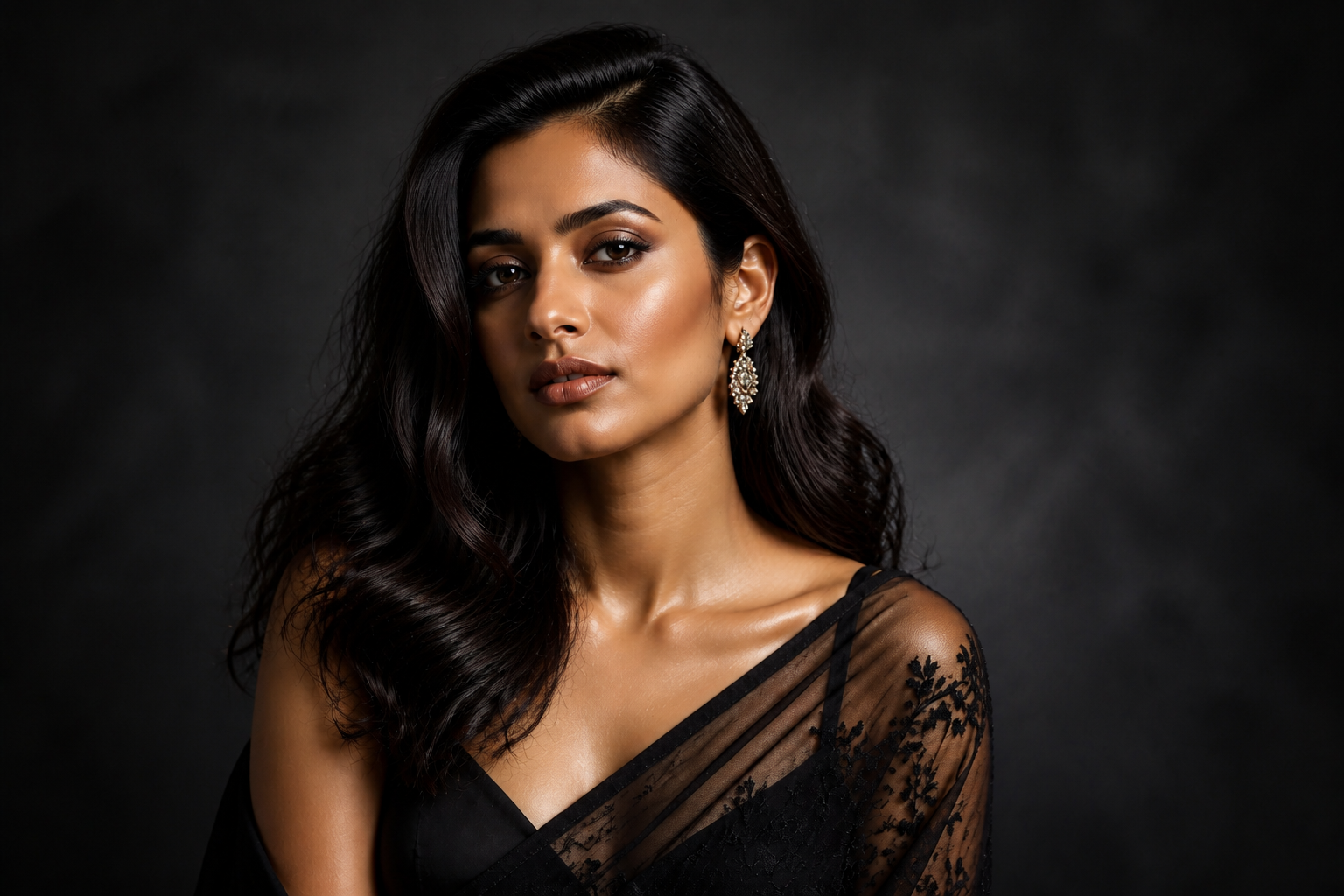 AFTERBEFOREAFTERBEFOREAFTERBEFOREAFTERBEFOREAFTER
Key Features
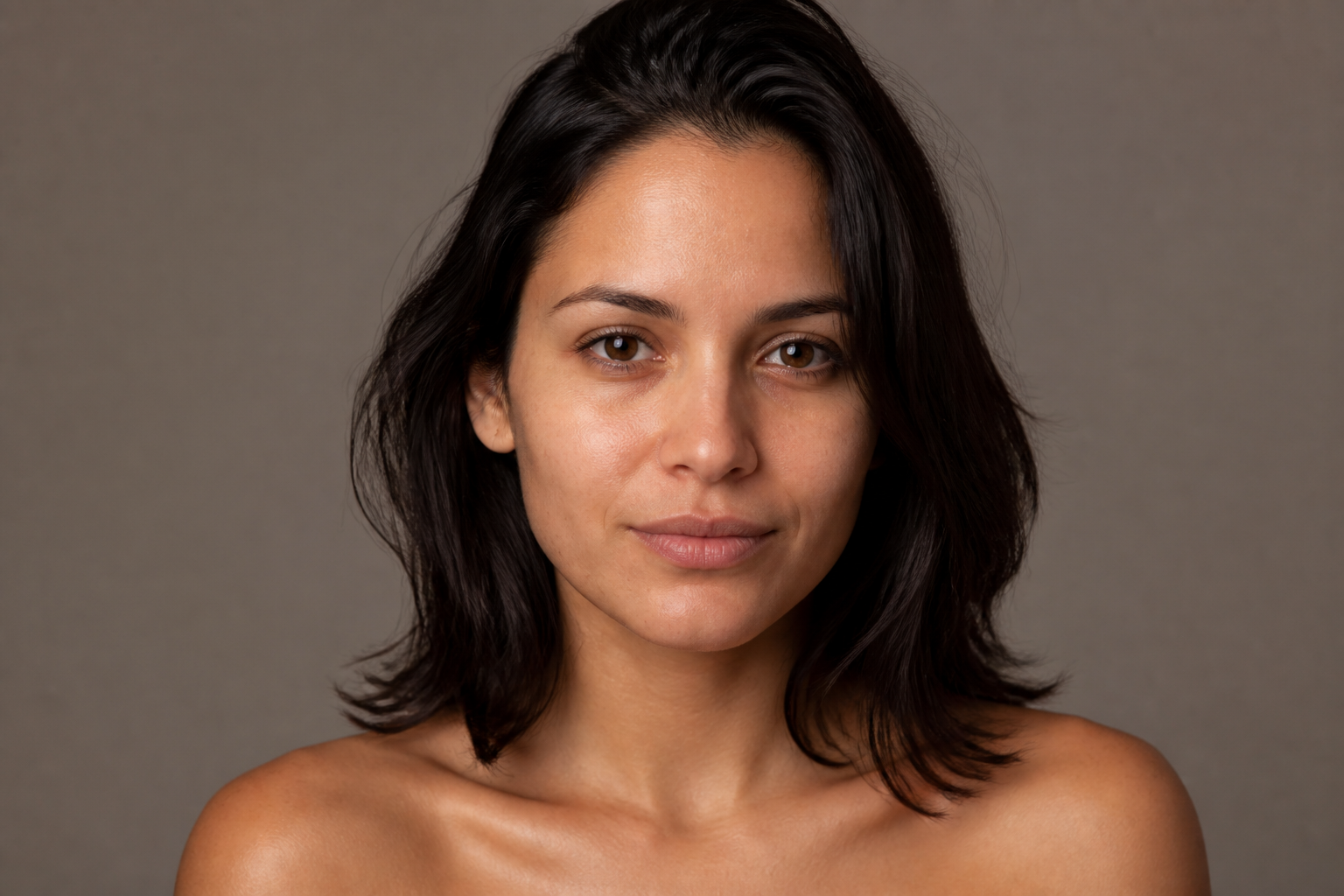
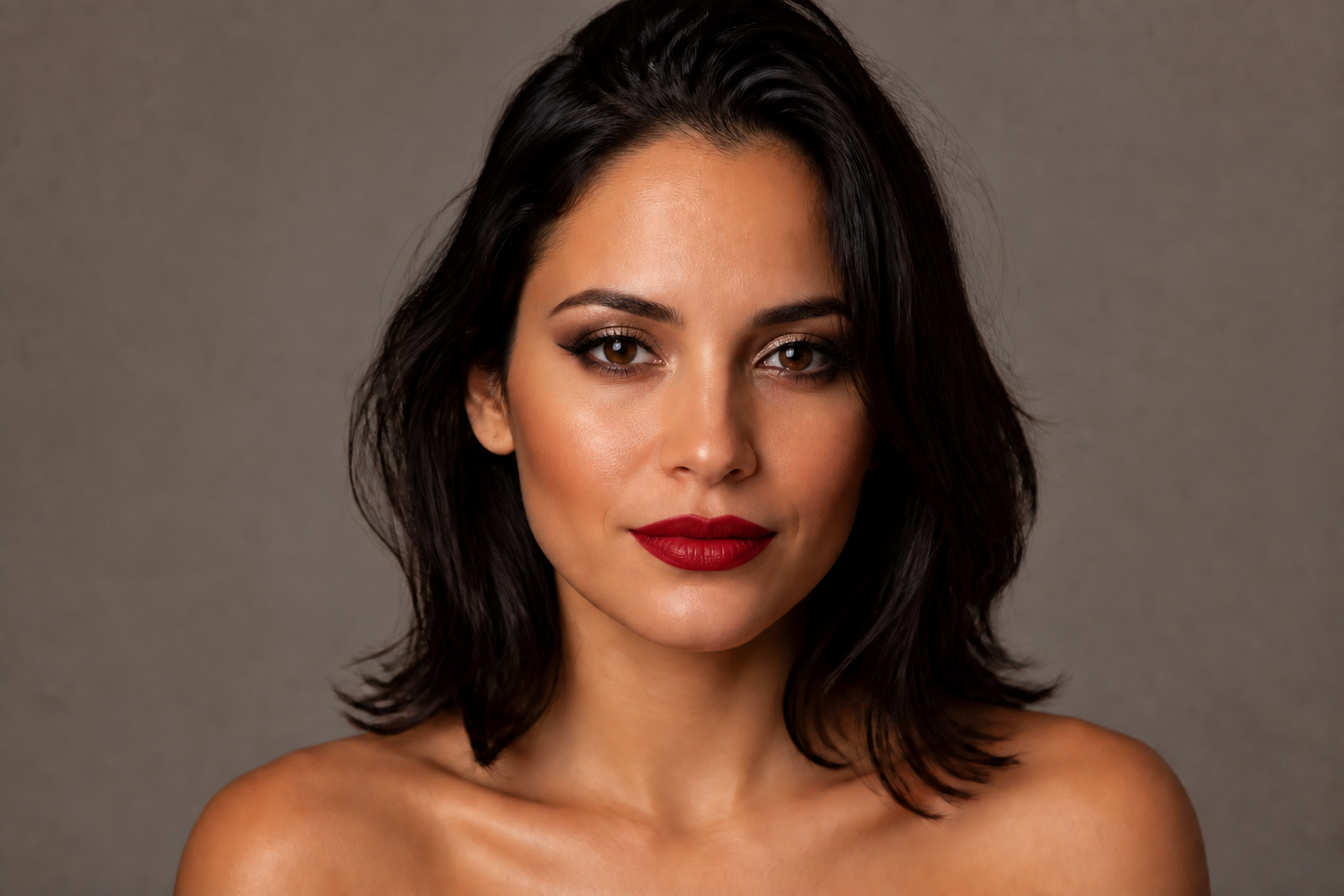
Preserve your real features
You can test dramatic makeup changes without losing the face people recognize. Our AI keeps core facial structure, expression, hairstyle, and framing stable while changing the cosmetic details. That makes comparisons easier and avoids the uncanny look common in generic image generators. It is useful when you want to evaluate the makeup itself instead of a completely different face.
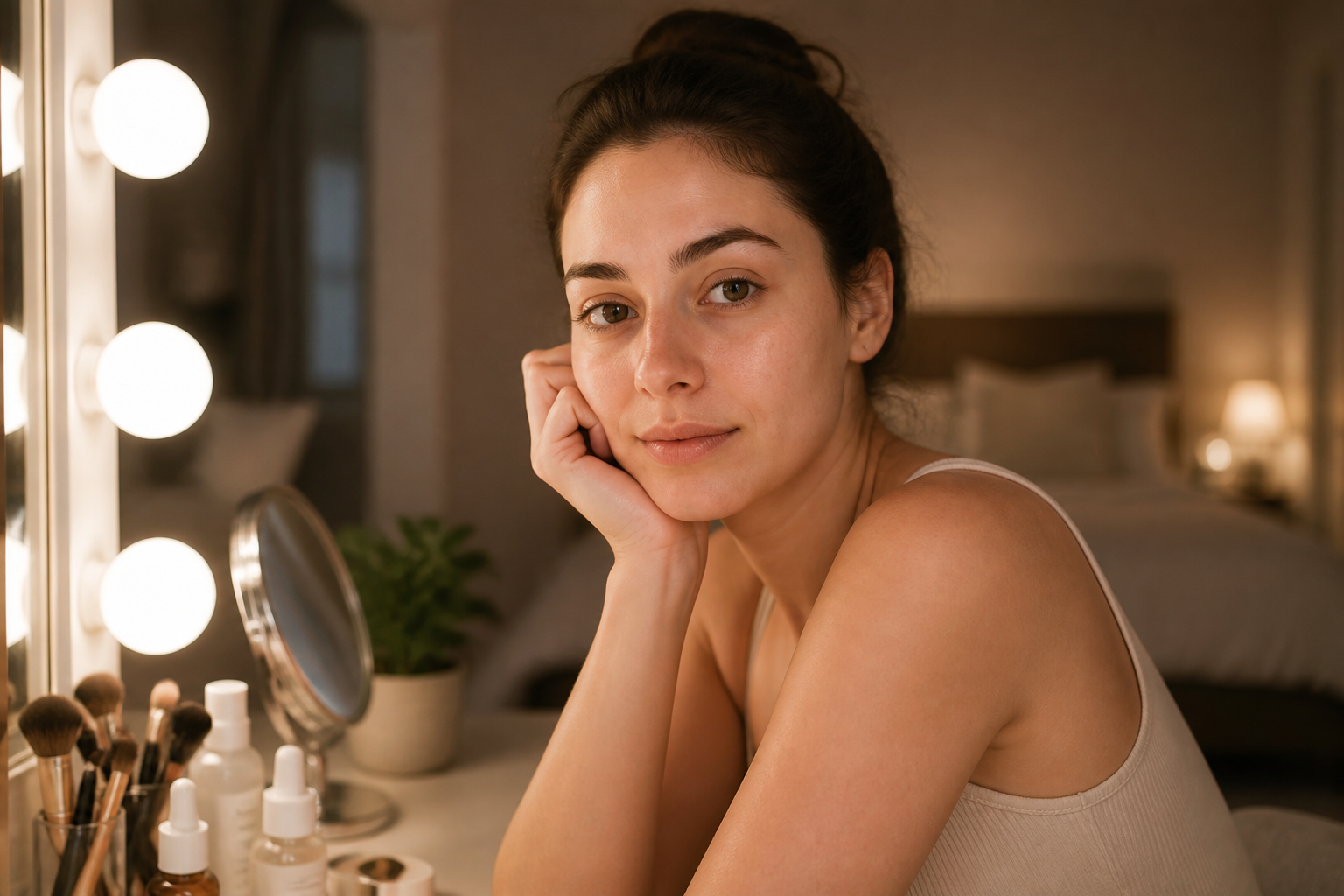
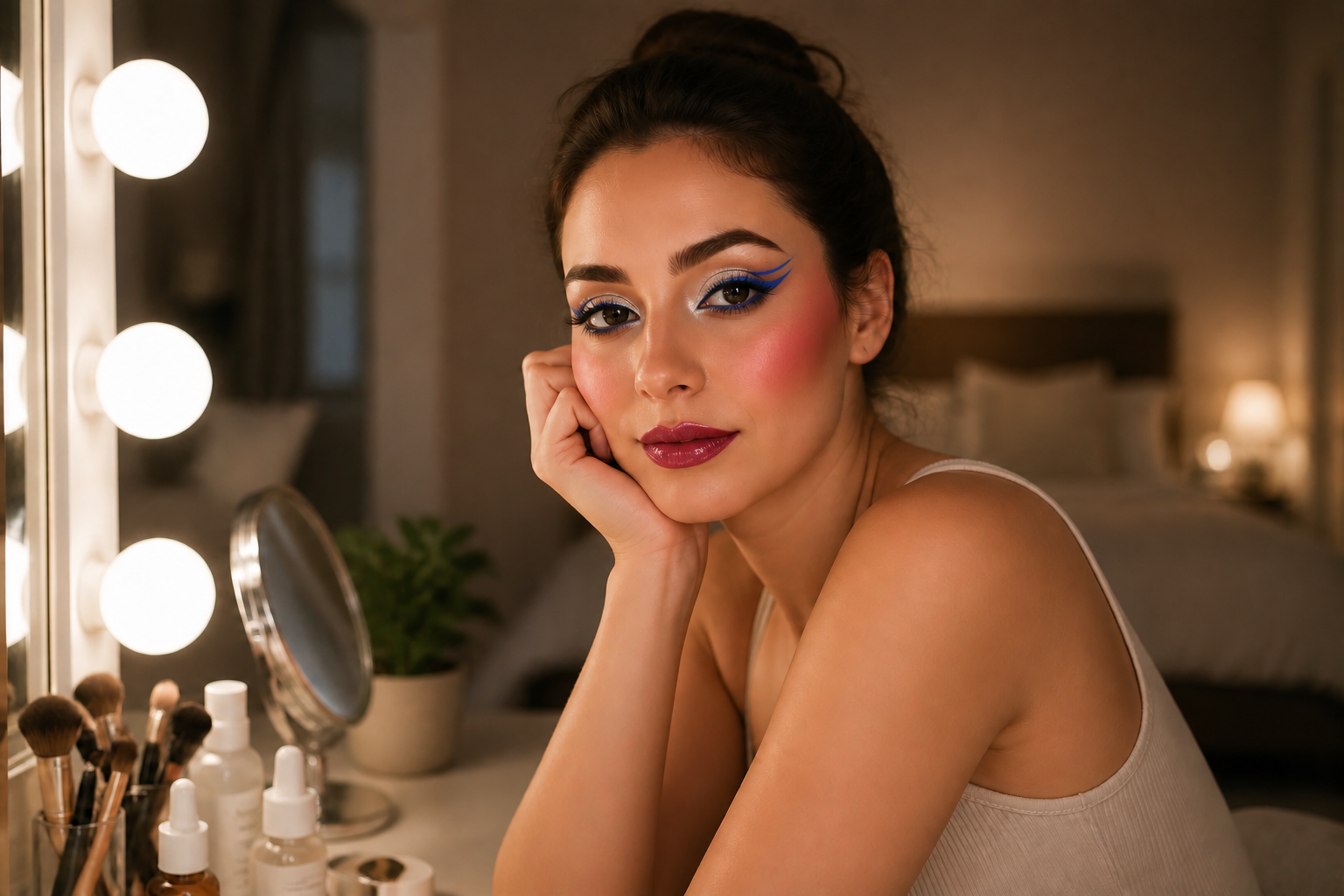
From subtle to bold
The same photo can become an office-ready look, a bridal look, or a full editorial concept with one prompt change. You do not need to manually mask lips, eyes, cheeks, and skin one area at a time. The edit happens as one coherent beauty pass, so the final look feels balanced instead of pieced together. This saves time when you want to test several intensity levels quickly.
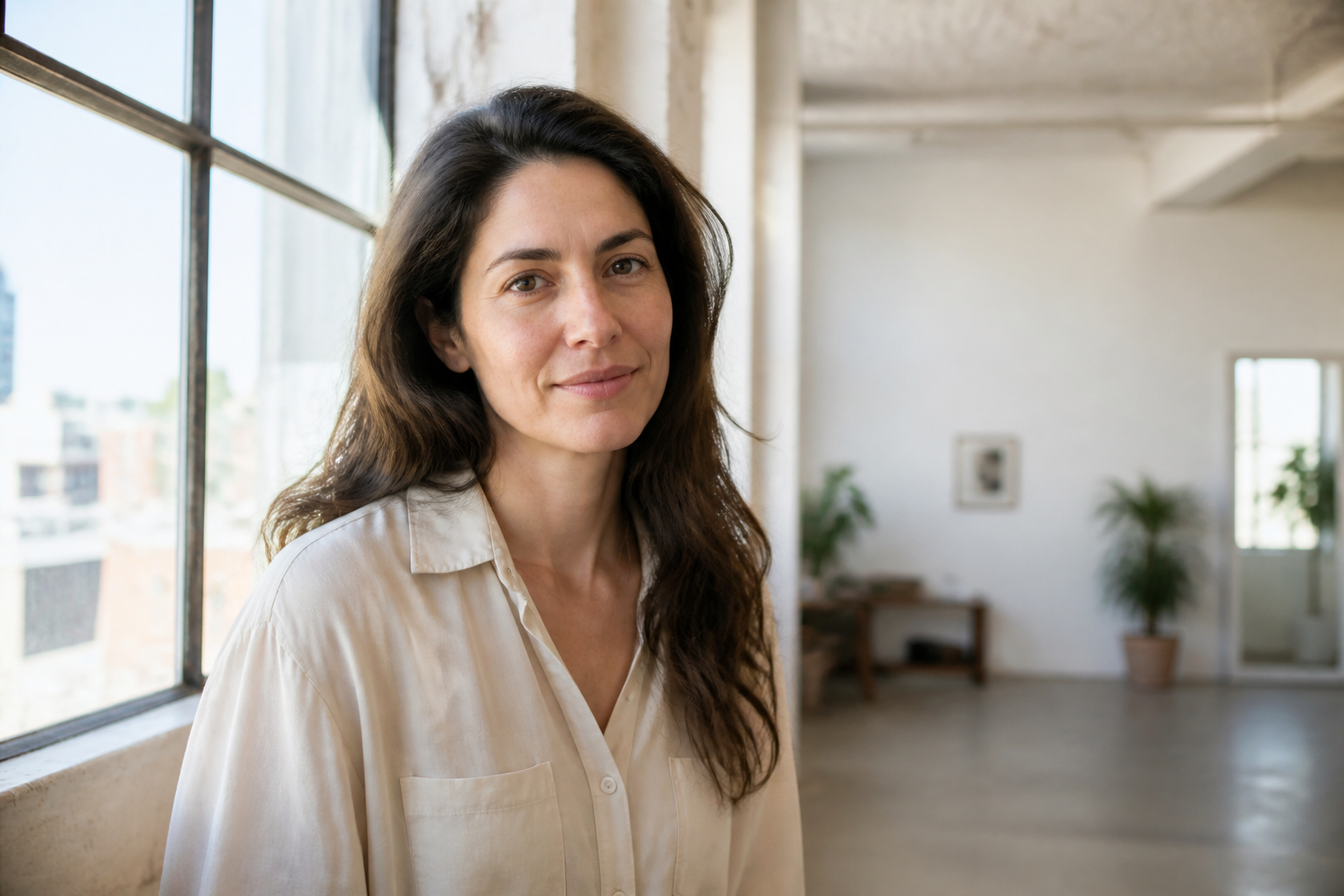
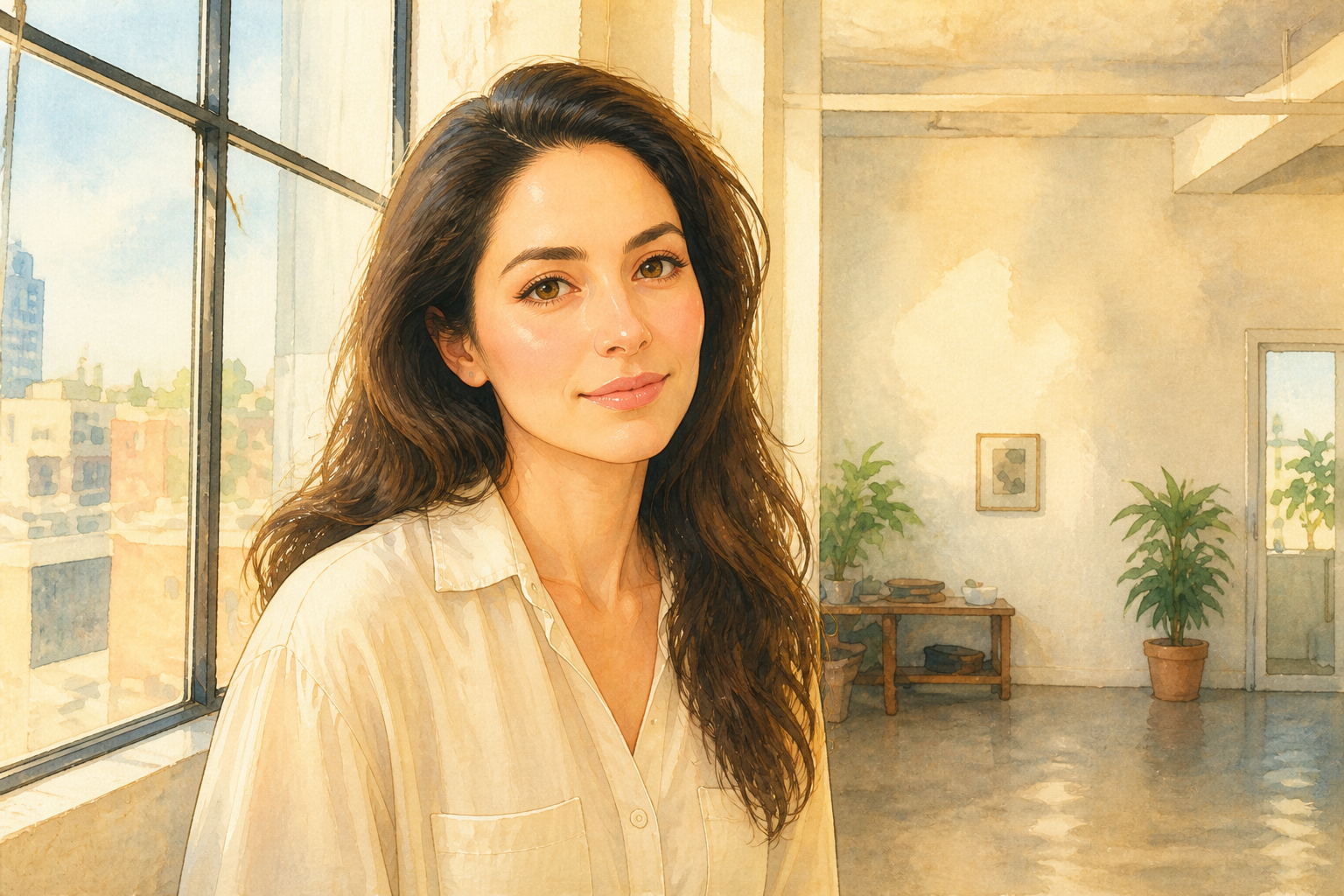
Works across many styles
You are not limited to one beauty trend or one visual finish. The tool can create polished real-world makeup looks and also transform the image into stylized beauty art for mood boards, content concepts, and creative pitches. That range is hard to match with manual retouching unless you already know multiple workflows. It helps creators move from realistic previews to shareable concept visuals in the same editor.
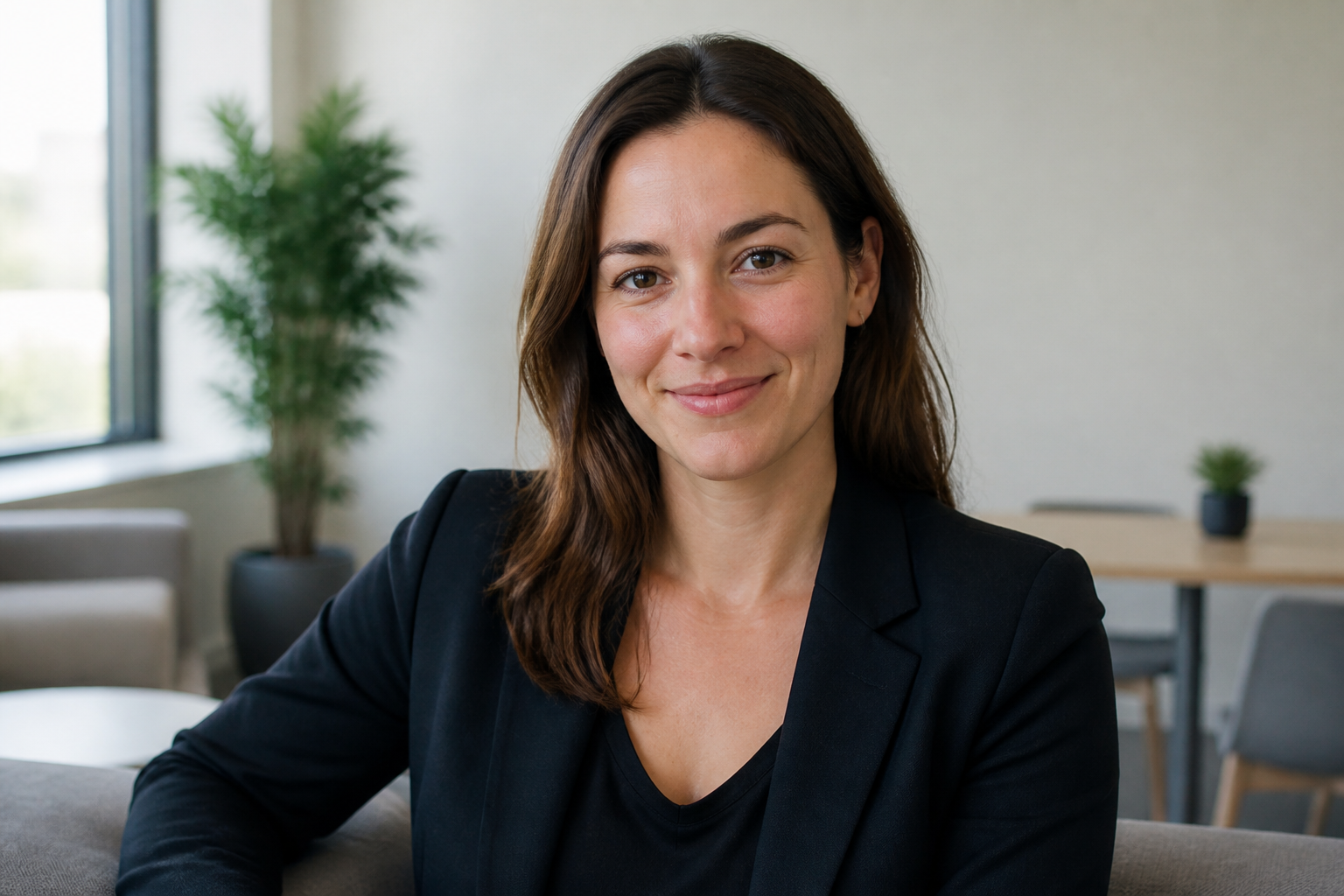
Cleaner than manual masking
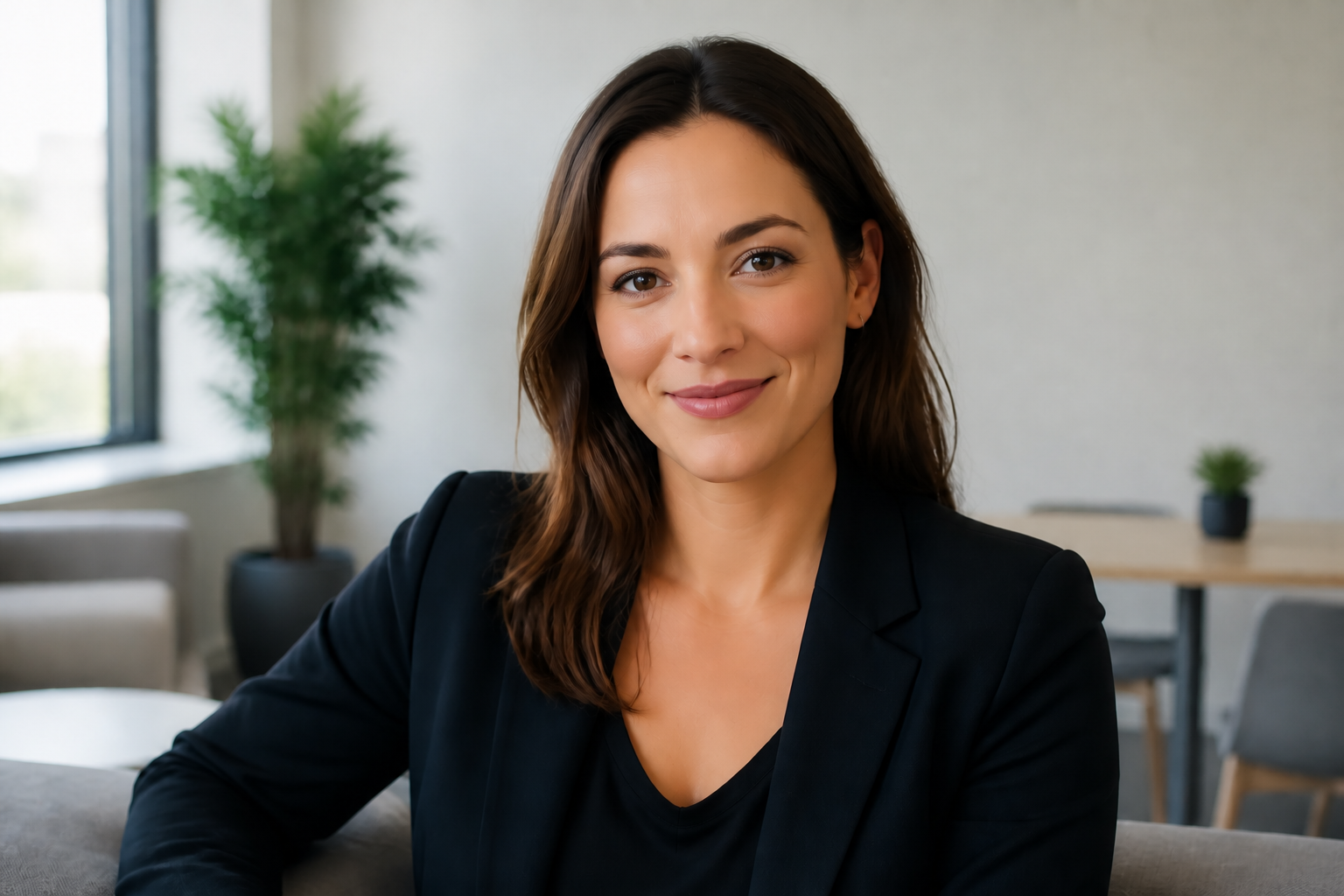
Manual makeup editing often means painting tiny details, feathering edges, and correcting mismatched tones. Our AI handles eyes, skin, lips, blush, and overall balance together so the look reads consistently at a glance. You can iterate faster without spending time on layers and brushwork. It is a practical way to mock up beauty ideas before committing to a longer retouching session.
How It Works
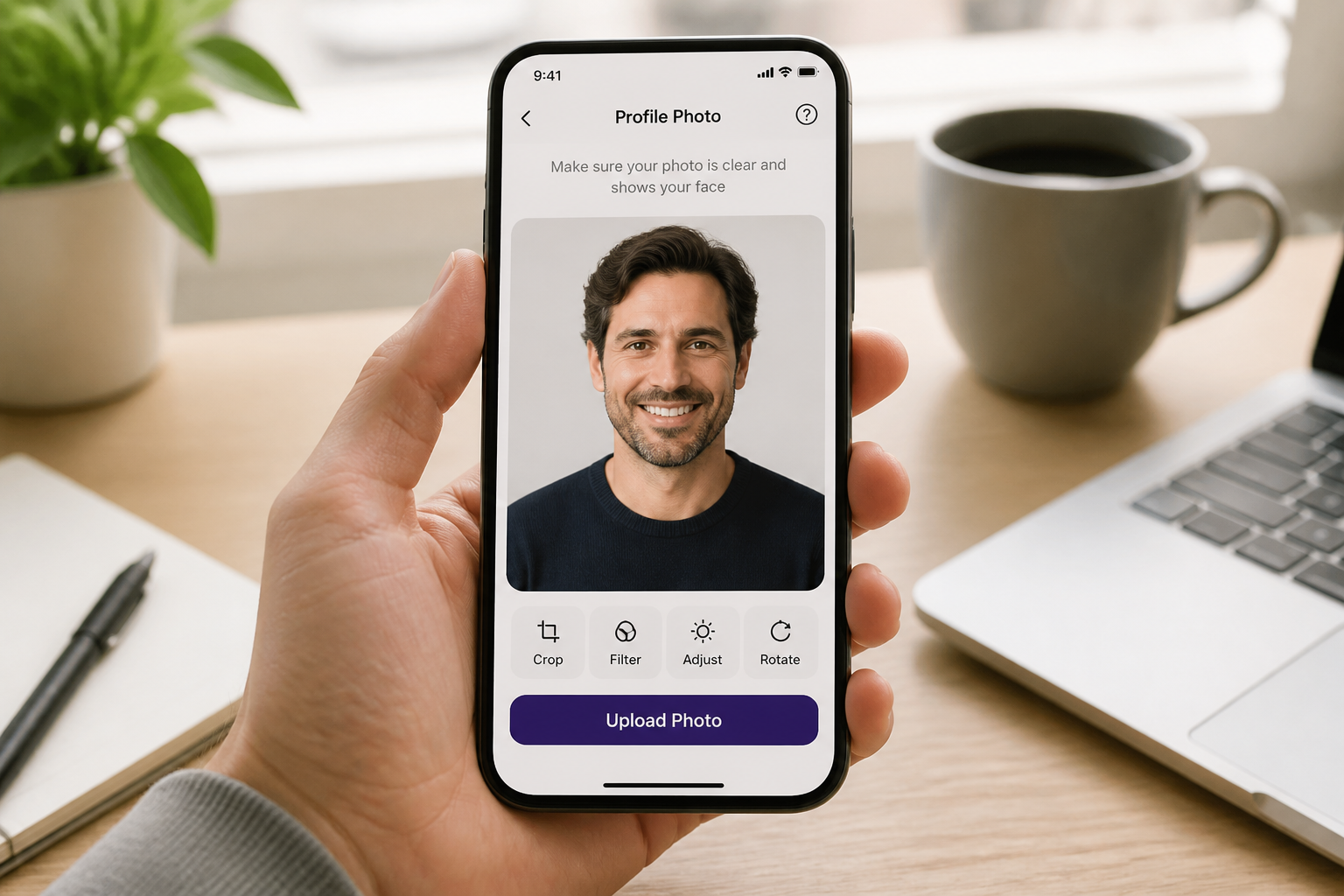
Upload your photo
Start with a clear photo where the face is easy to see. Good lighting and a simple angle make makeup changes read better in the final result.
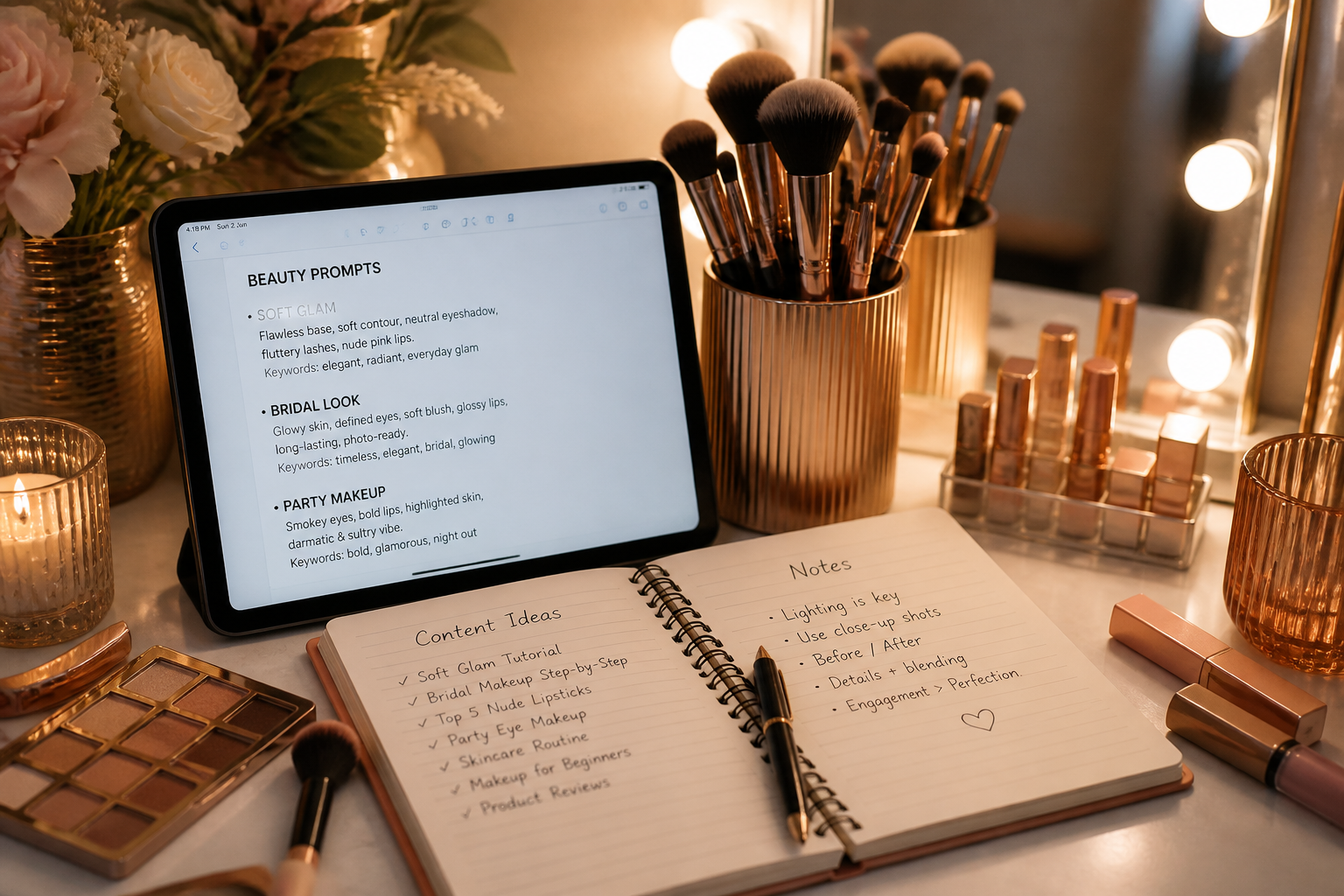
Describe the makeup look
Type the style you want, such as soft glam, bridal, dewy skin, graphic liner, or bold lipstick. You can be broad for quick ideas or specific if you want a precise finish.
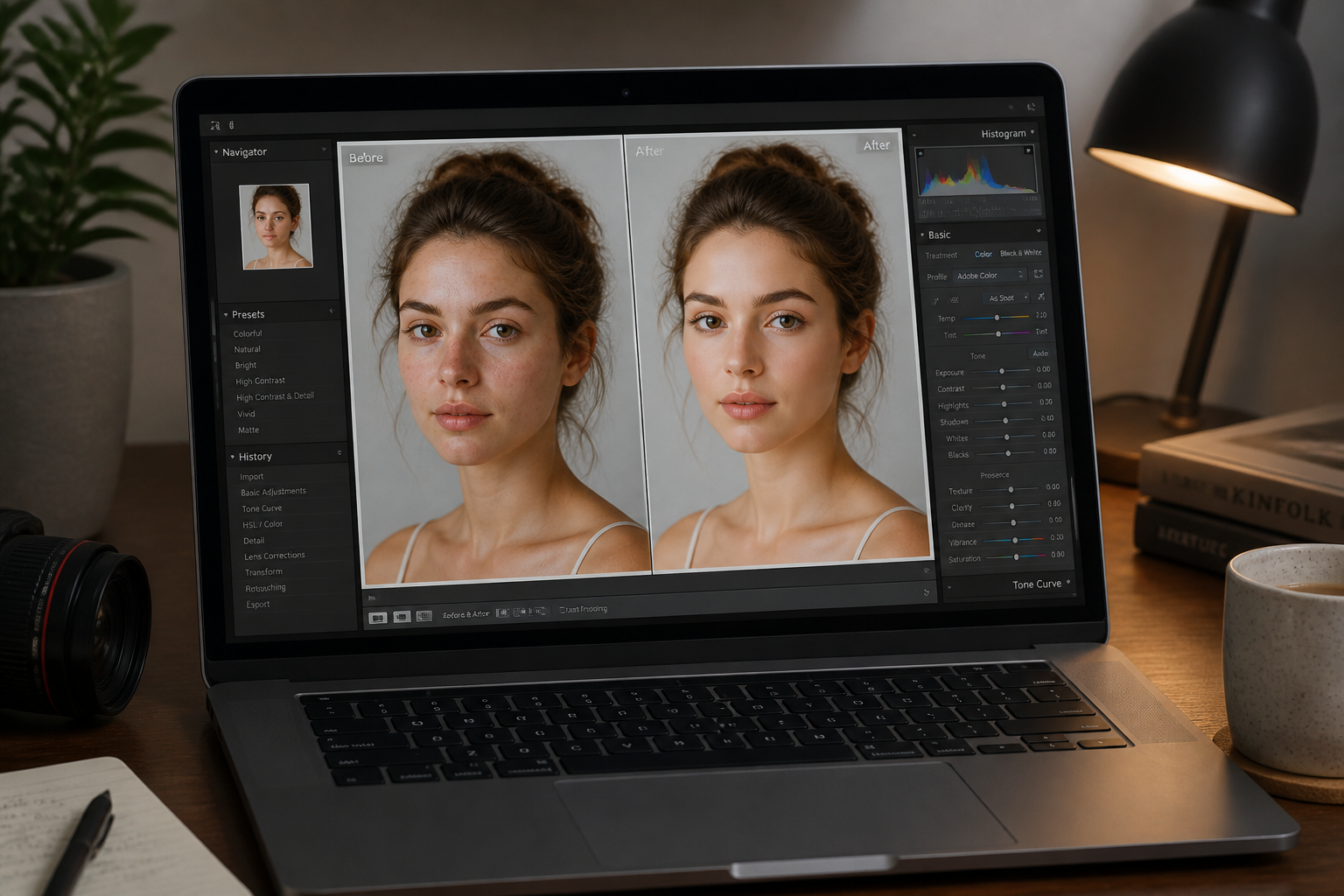
Generate and compare
Our AI creates the edited version while keeping the original photo easy to compare. Try a few variations and choose the one that fits your mood, project, or event.
Perfect For
Discover how creators and professionals use ai makeup generator
Preview event makeup
Test bridal, party, date-night, or formal looks before booking an artist or buying products.
Plan beauty content
Create quick makeup concepts for TikTok, Instagram, YouTube thumbnails, and campaign mood boards.
Try trend variations
See how graphic liner, glossy skin, soft matte finishes, or bold lip colors look on your own face.
Mock up client ideas
Beauty professionals can show rough visual directions before doing full manual retouching or in-person application.
Built For
Creators and influencers
Generate multiple beauty concepts fast for posts, thumbnails, reels, and content planning.
Makeup artists
Show clients possible looks quickly and use the results as visual references for appointments or pitches.
Everyday users
Experiment with new makeup styles on your own photo before spending time or money on products.
Why people use it
A quick look at how we compare on the things that matter for this niche.
| Feature | BudgetPixel | Generic AI editors | Manual editing apps |
|---|---|---|---|
| Makeup-specific prompts | ✓ | — | — |
| Keeps face recognizable | ✓ | Sometimes | ✓ |
| Fast style variations | ✓ | ✓ | — |
| No manual masking required | ✓ | ✓ | — |
| Good for before/after previews | ✓ | Sometimes | ✓ |
Frequently Asked Questions
Can I try different makeup styles on the same photo?
Will the edit keep my face recognizable?
Does this work for natural and dramatic makeup?
What kind of photo should I upload?
Can I use the results for mood boards or client previews?
Create together.
Share your creations, discover trending AI art, and grow with fellow creators.