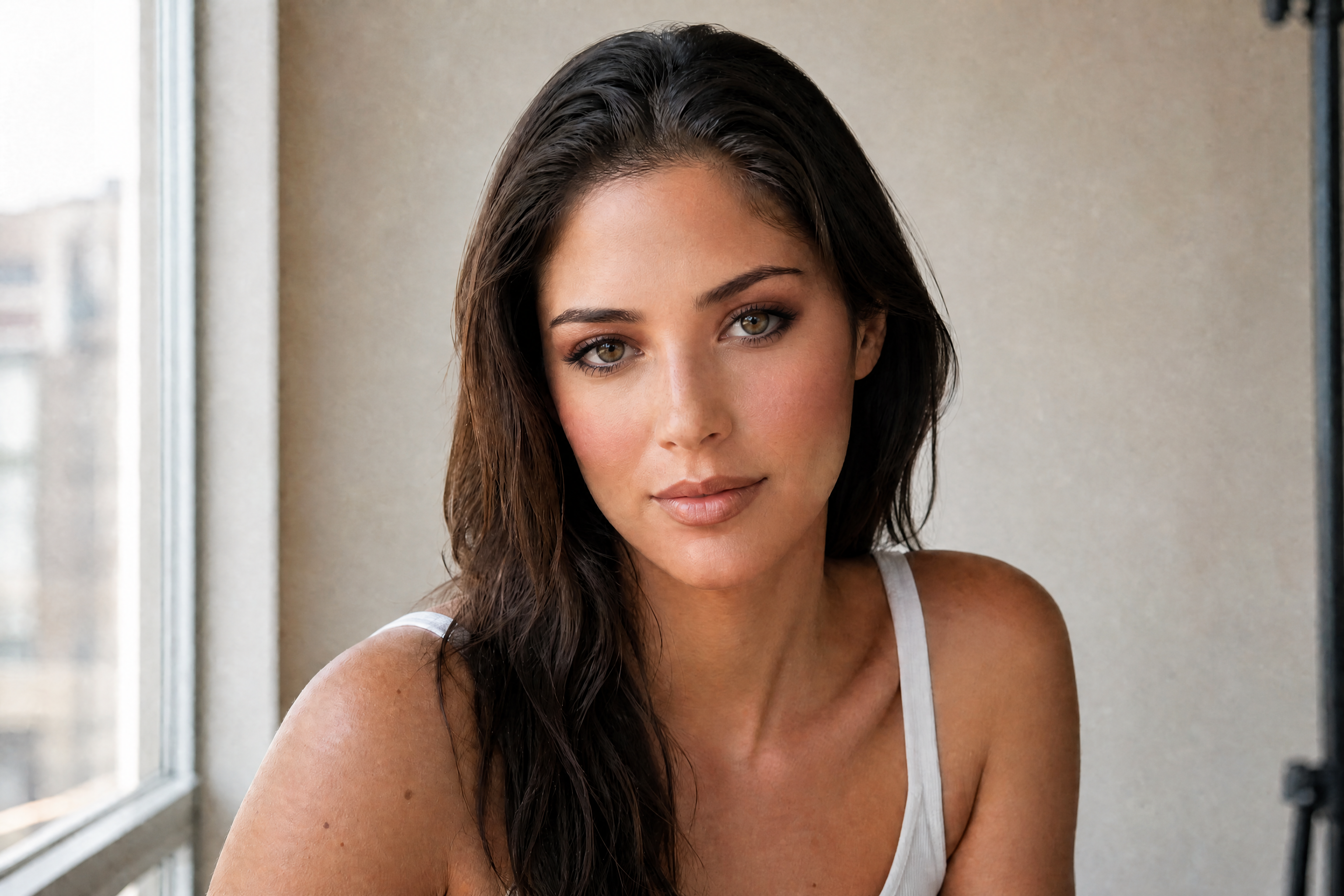
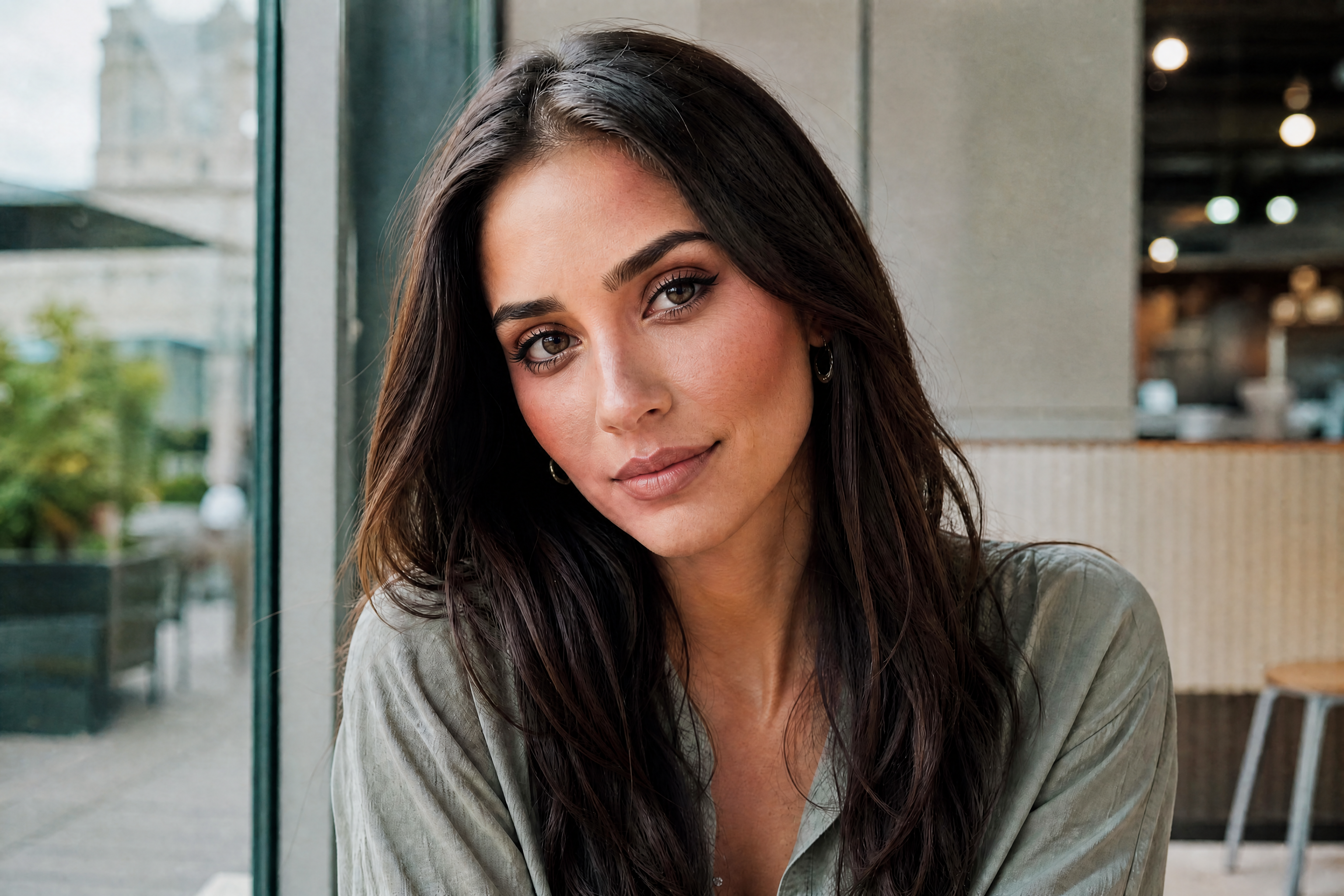
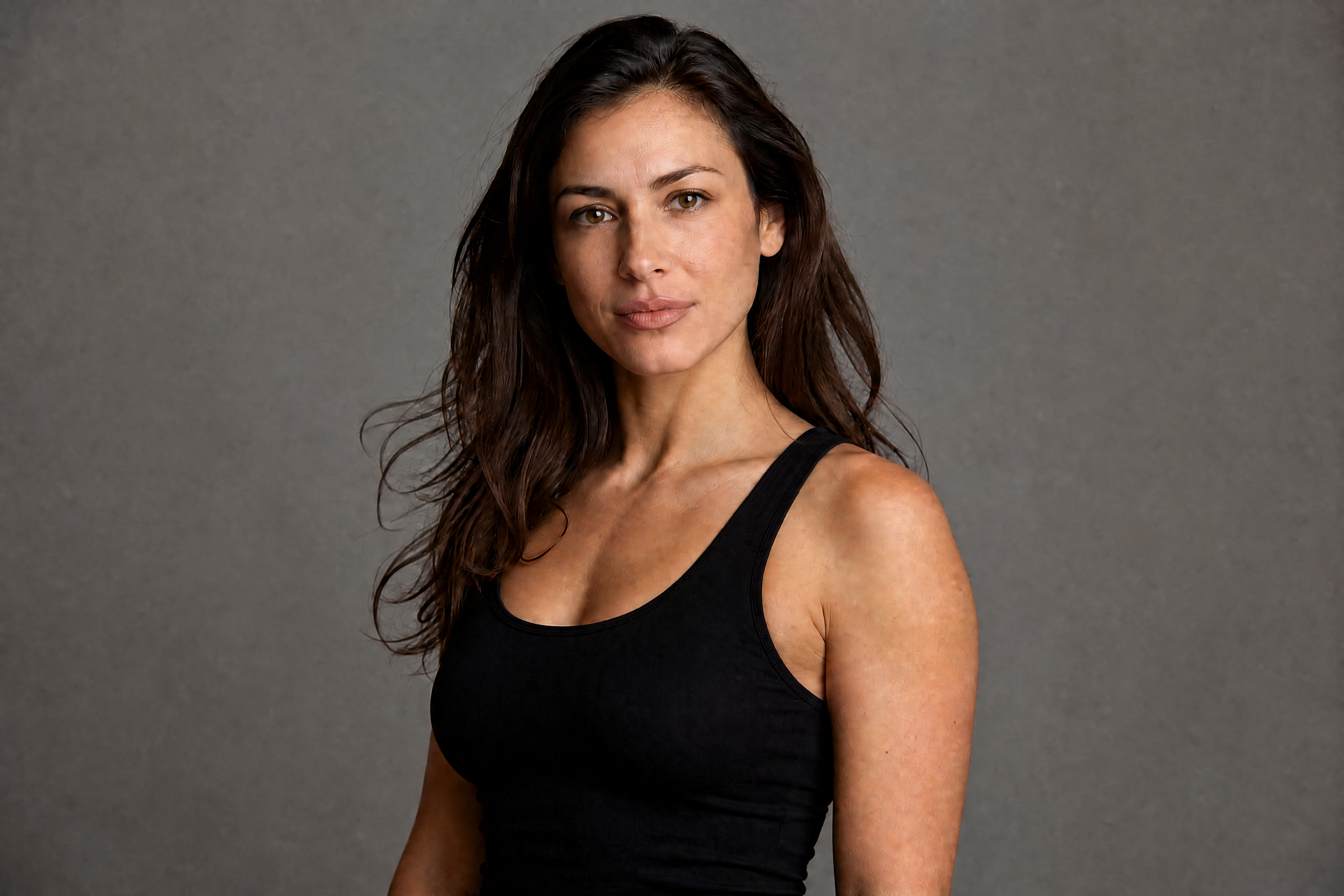
AI Eye Makeup
Preview bold eye looks on your photo in seconds
AI Eye Makeup lets you test eyeliner, eyeshadow, lashes, and editorial eye looks on a portrait without repainting the whole image. Upload a photo, describe the style you want, and generate a polished before-and-after preview that keeps the subject recognizable.
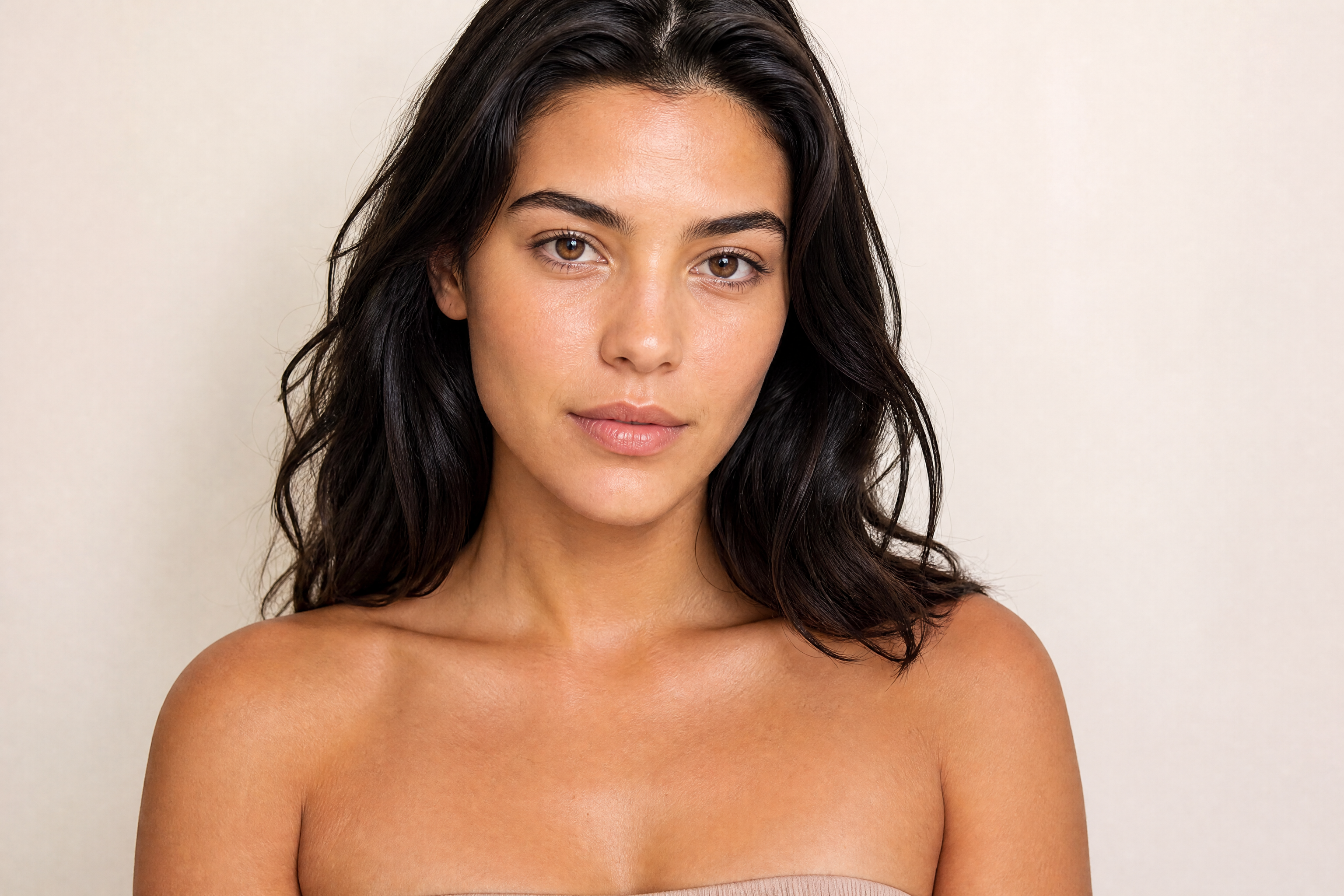
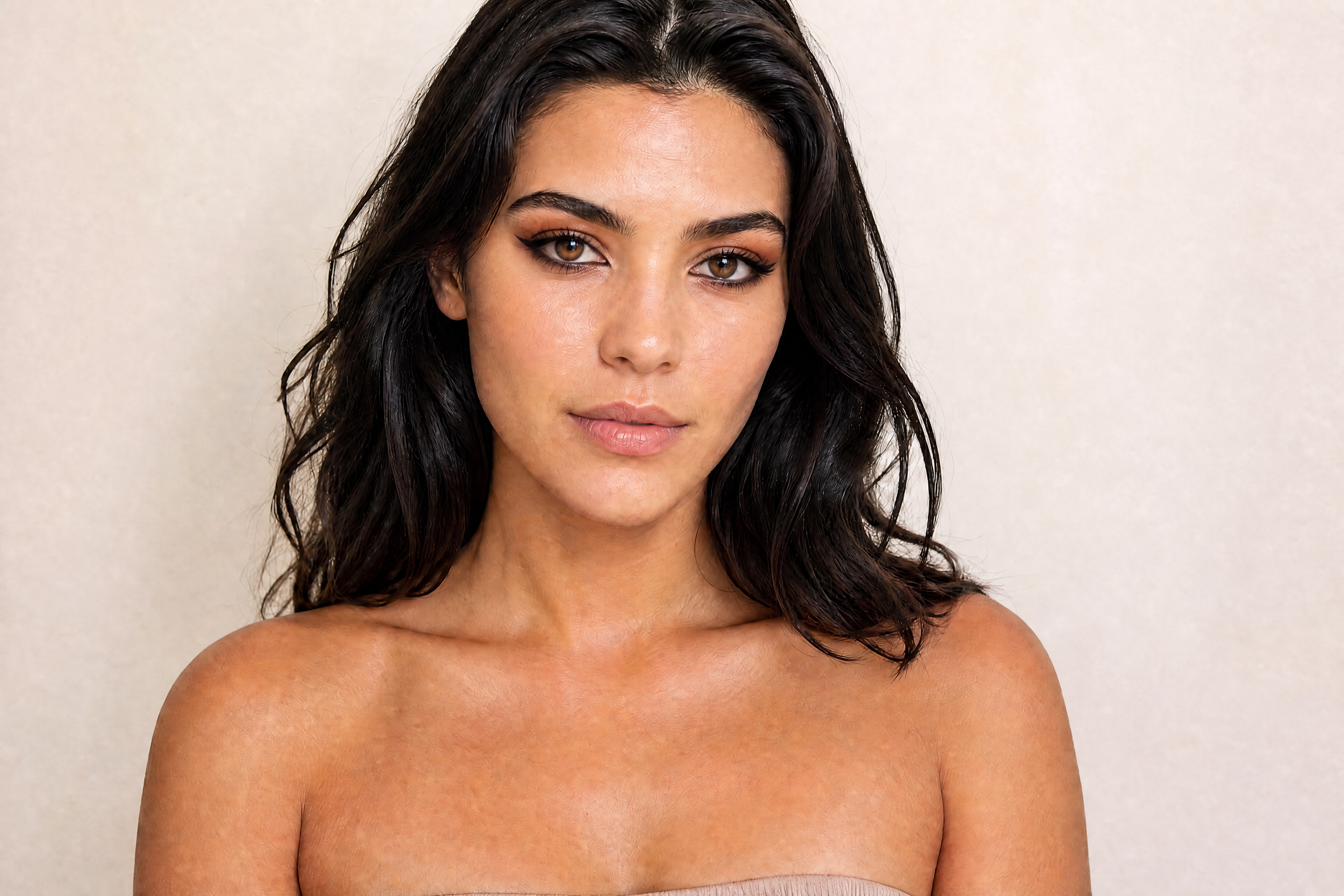
Watch the Transformation
See ai eye makeup in motion — generated end-to-end by our AI.
See It In Action
Real outputs from ai eye makeup.
BEFOREAFTER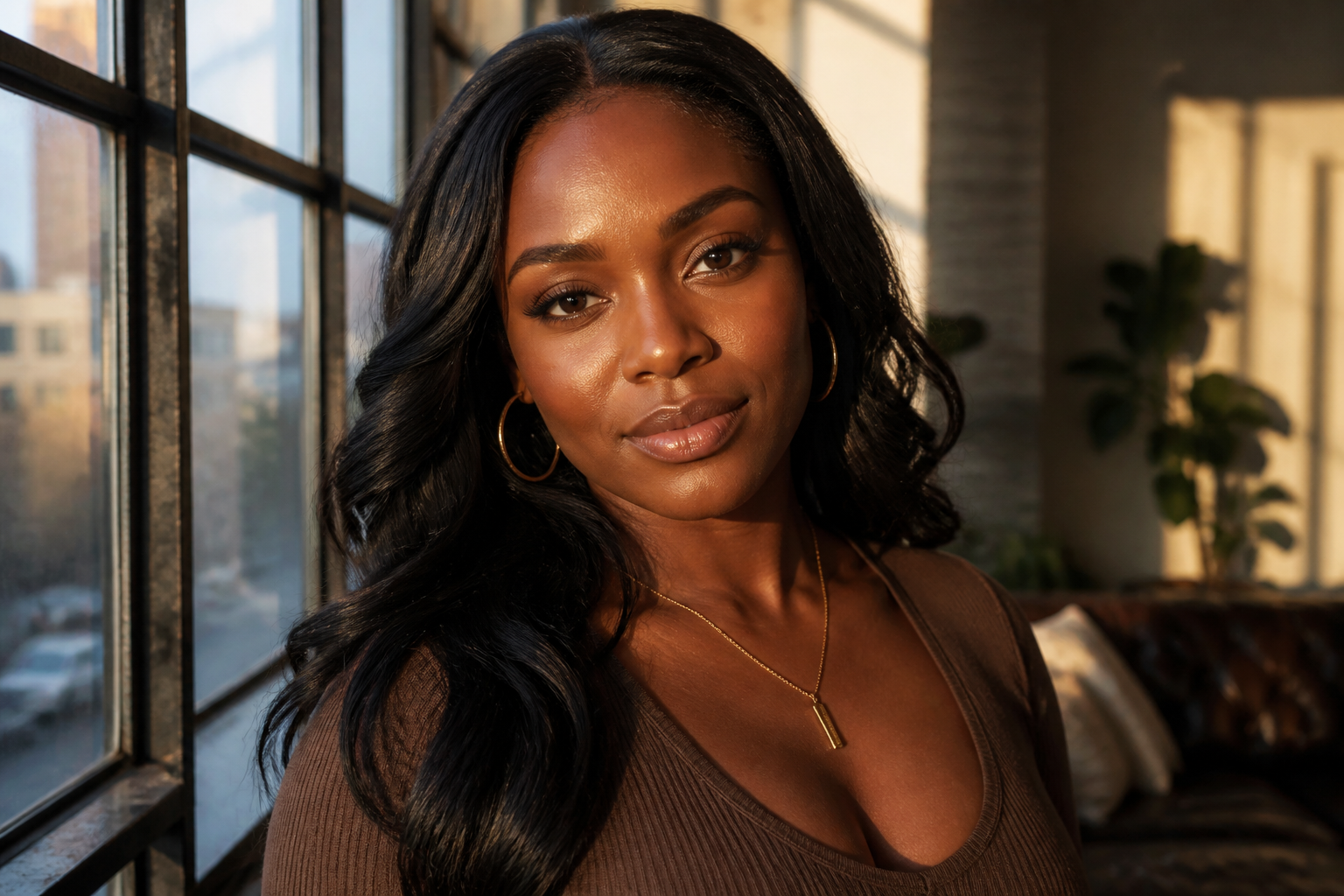 BEFORE
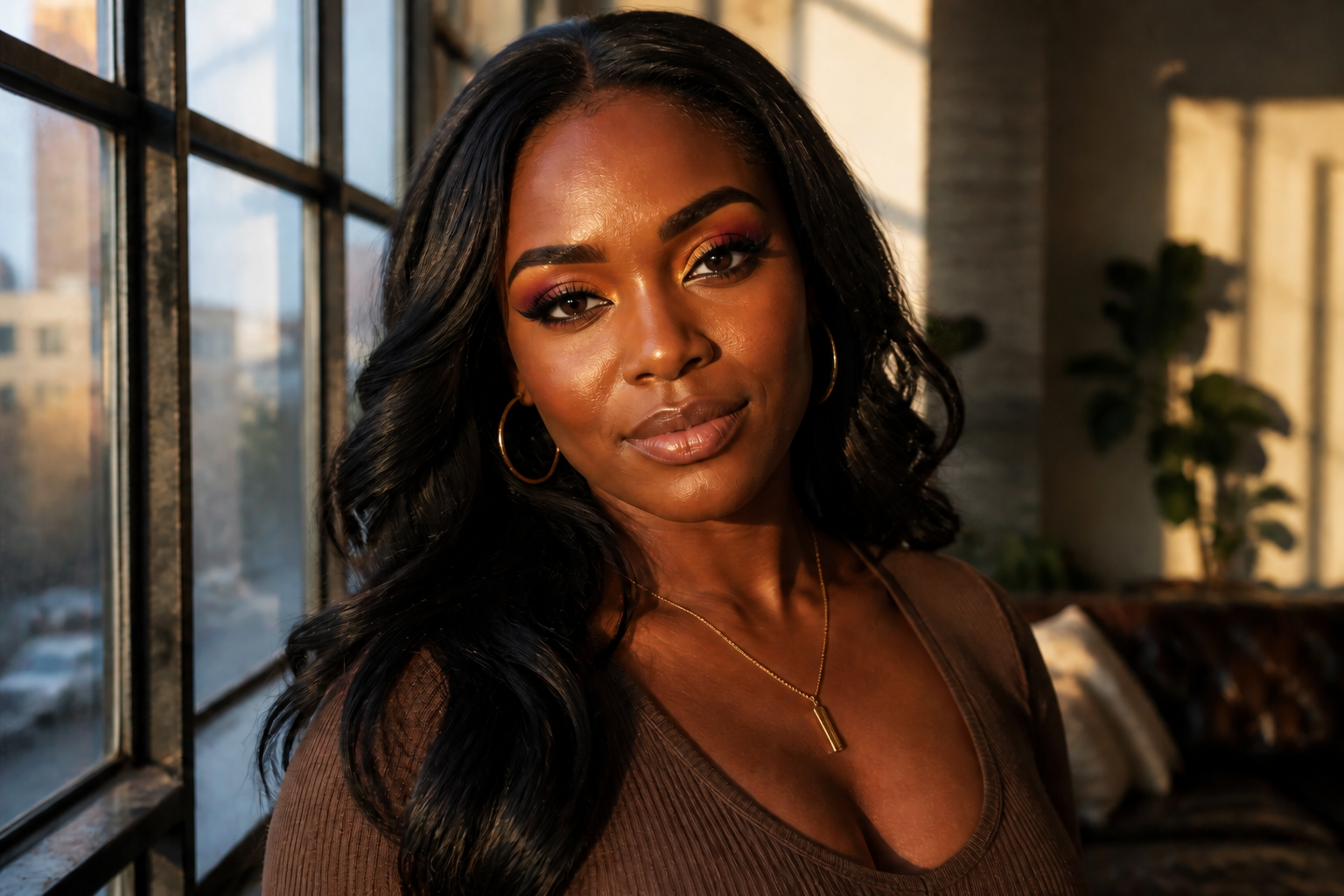 AFTER
AFTER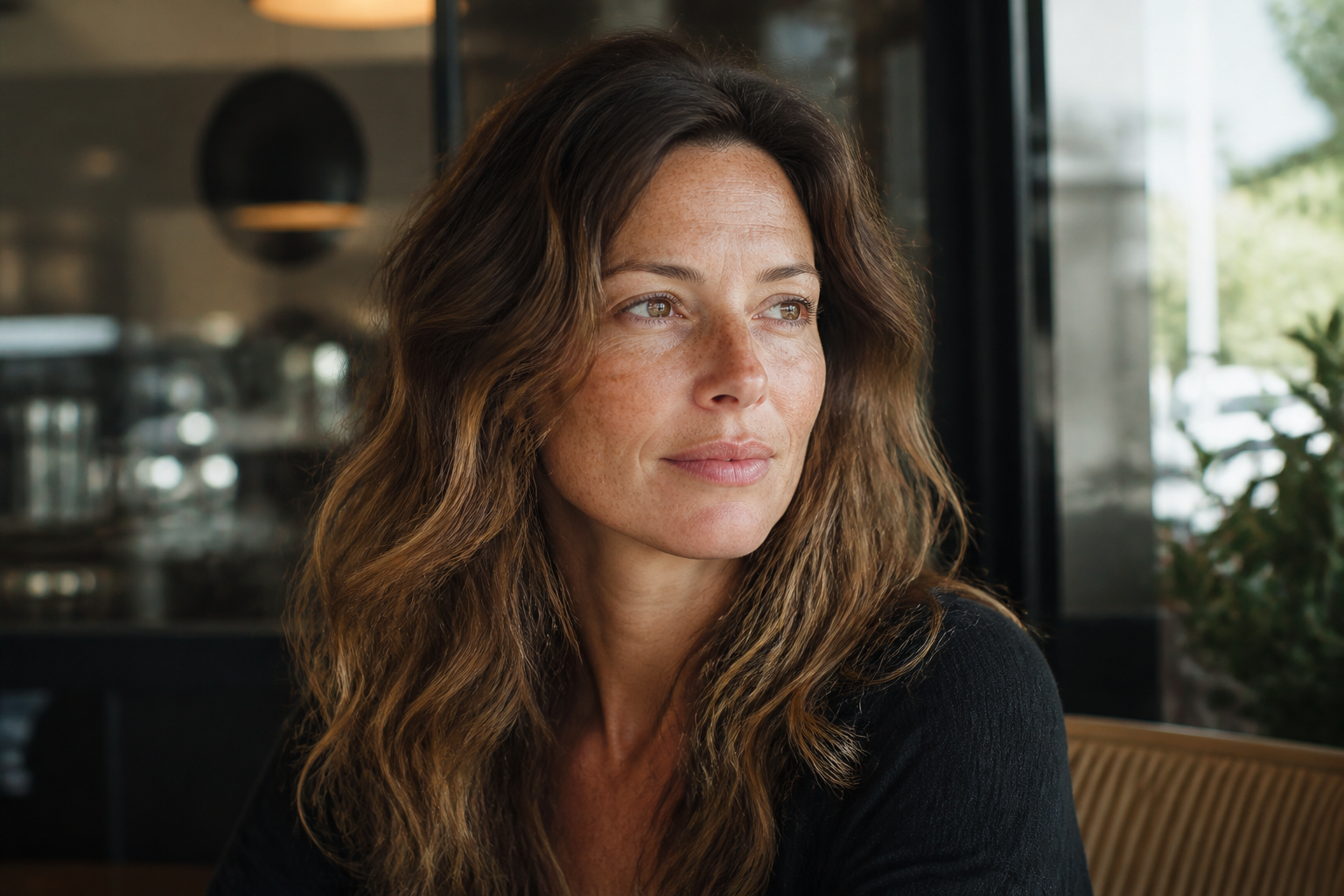 BEFORE
 AFTER
AFTER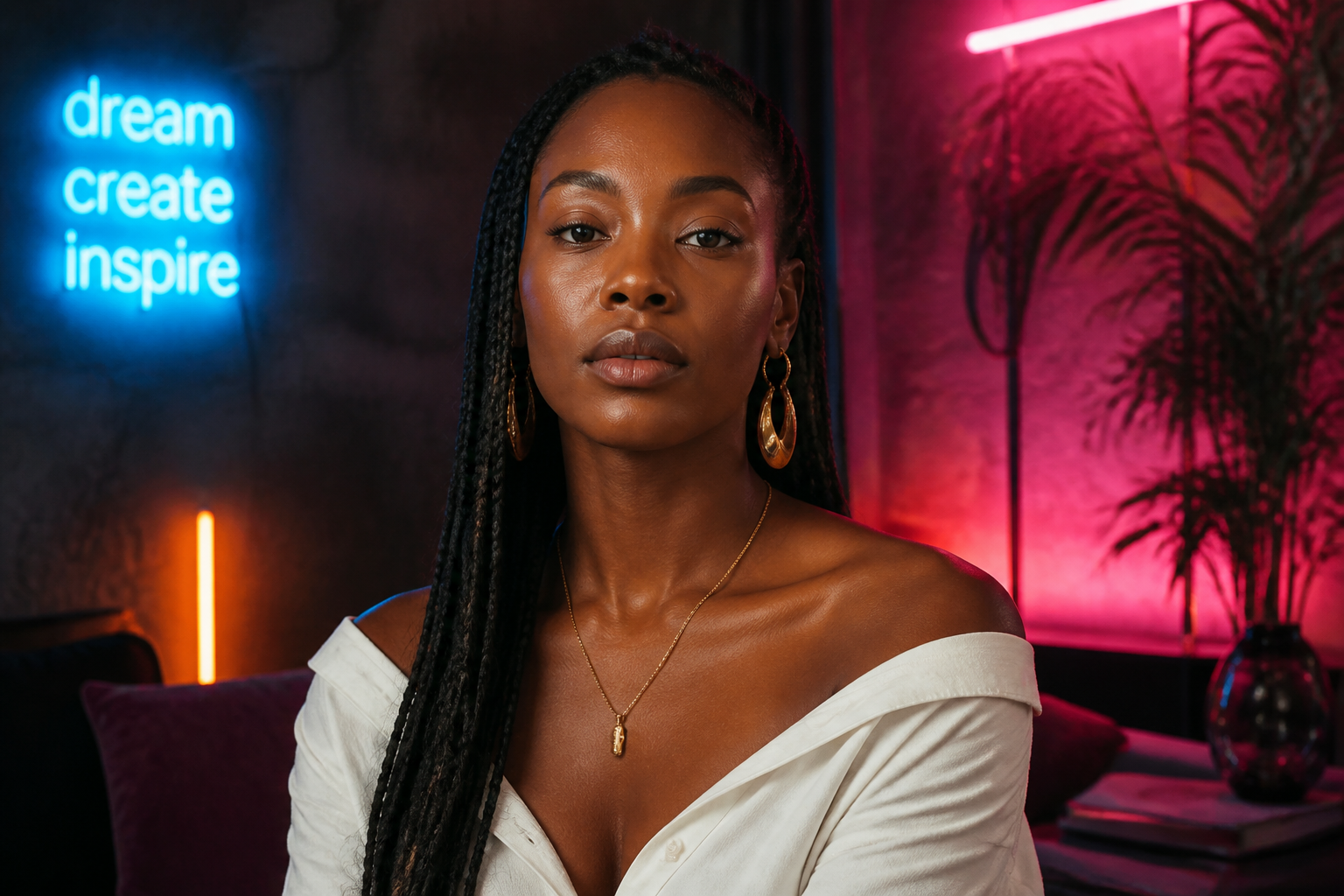 BEFORE
 AFTER
AFTER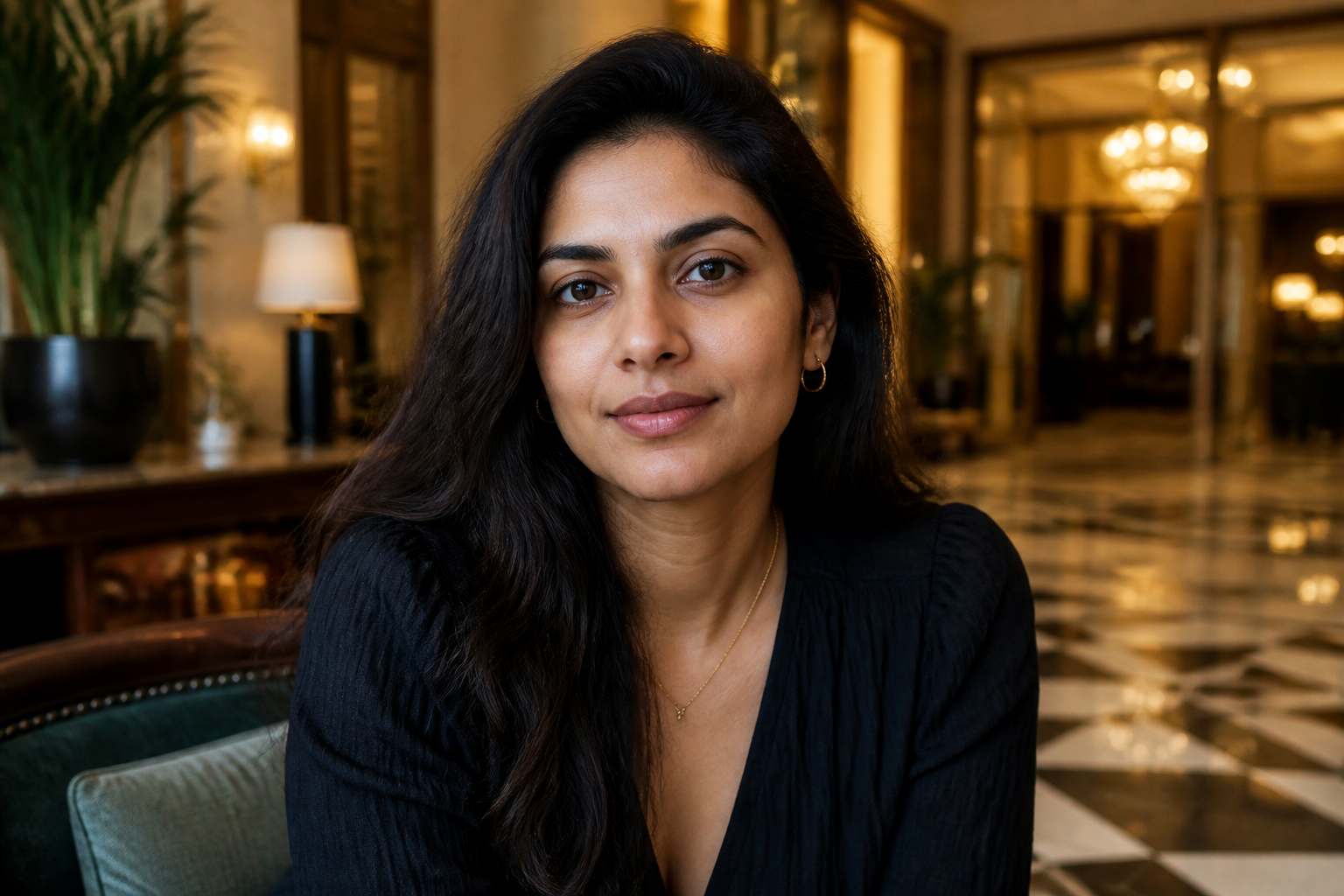 BEFORE
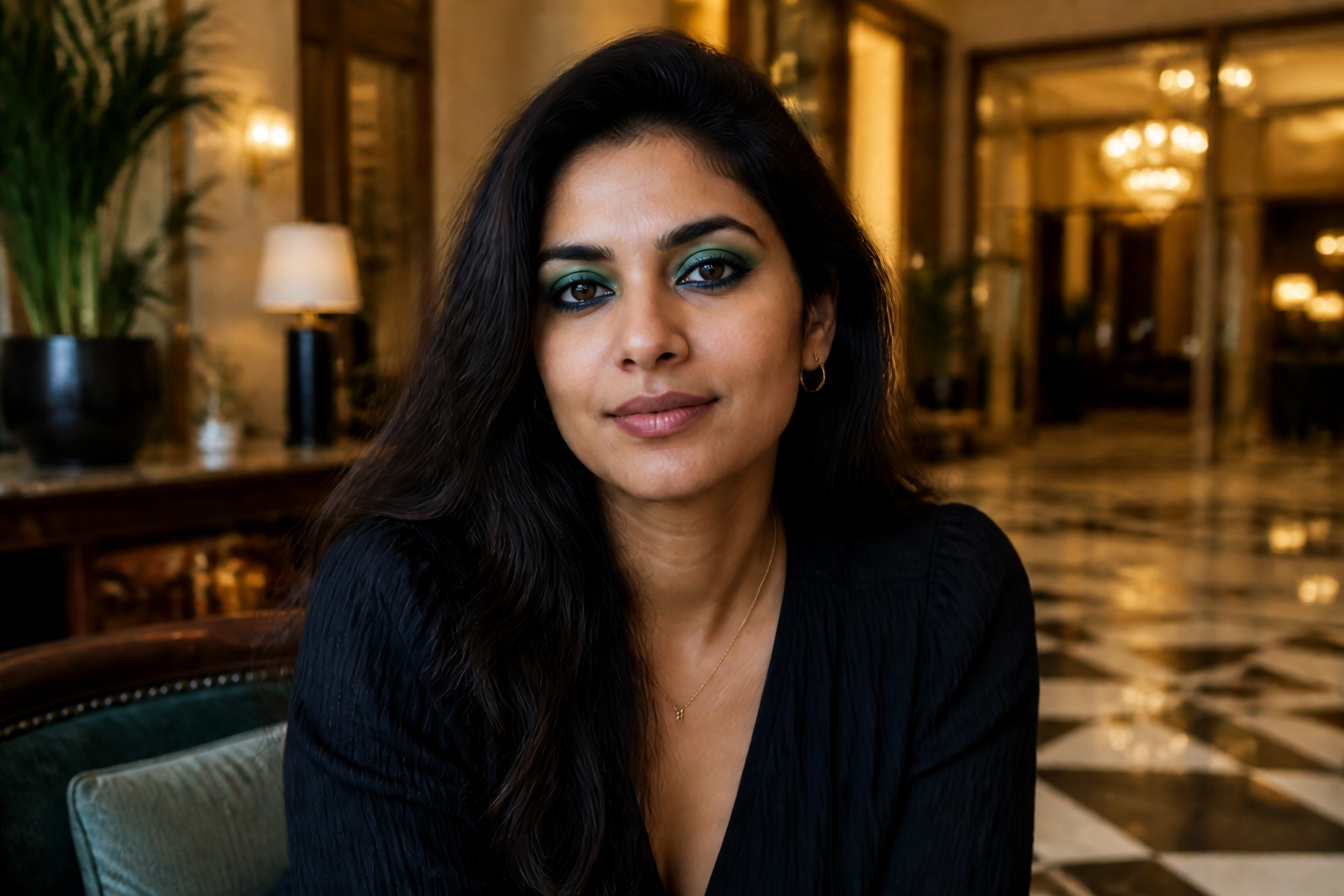 AFTERBEFOREAFTERBEFOREAFTERBEFOREAFTERBEFOREAFTERBEFOREAFTER
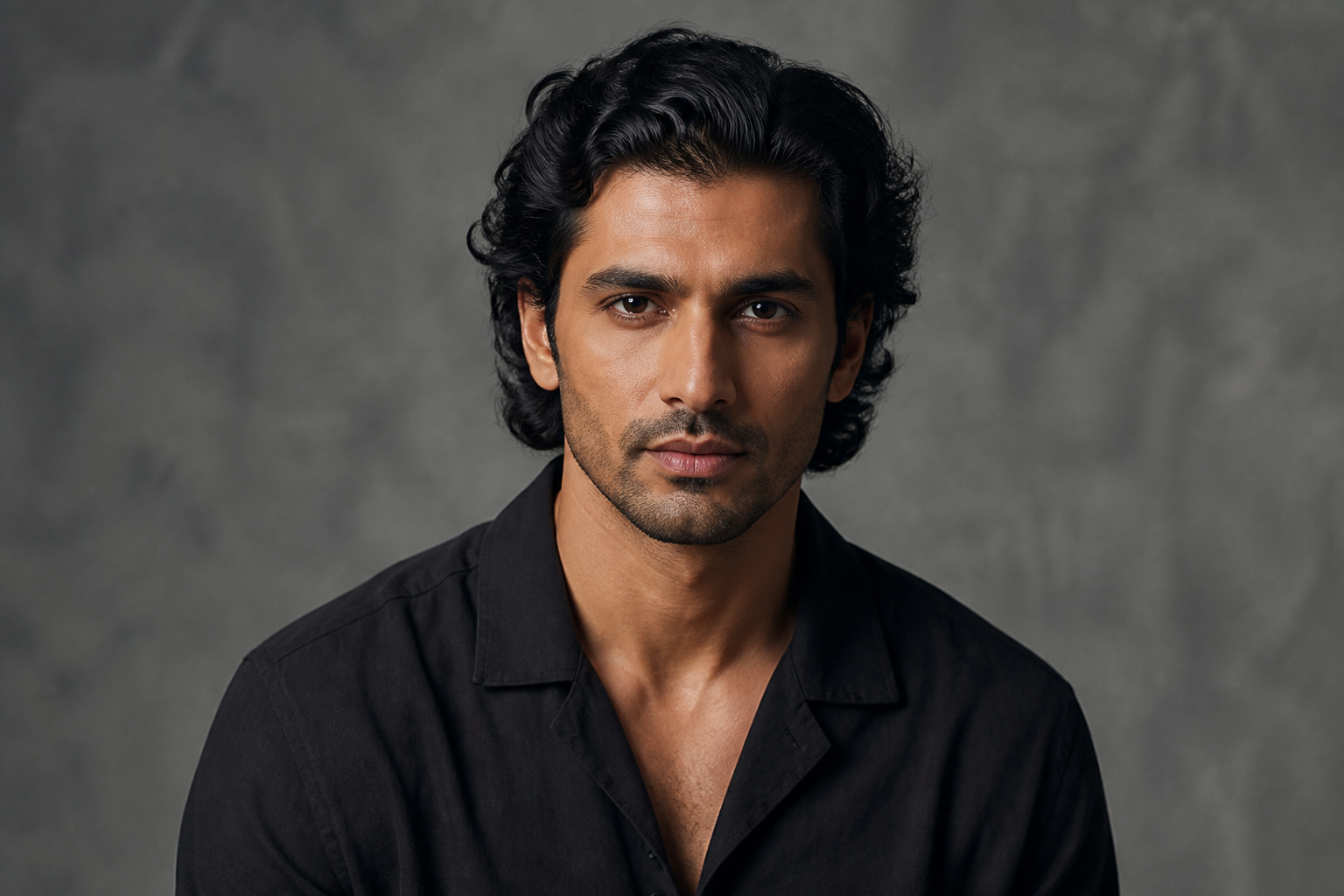 BEFORE
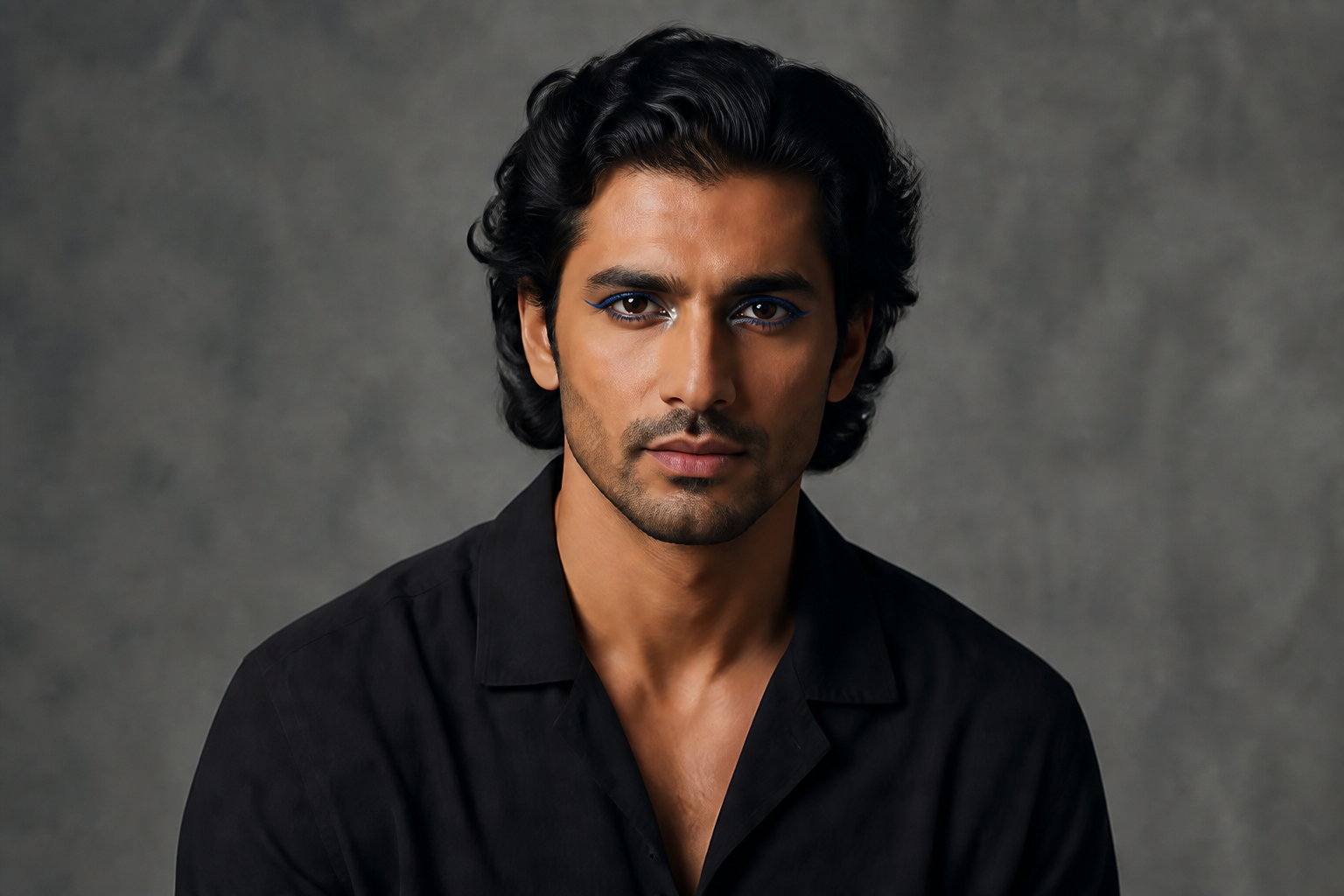 AFTER
AFTER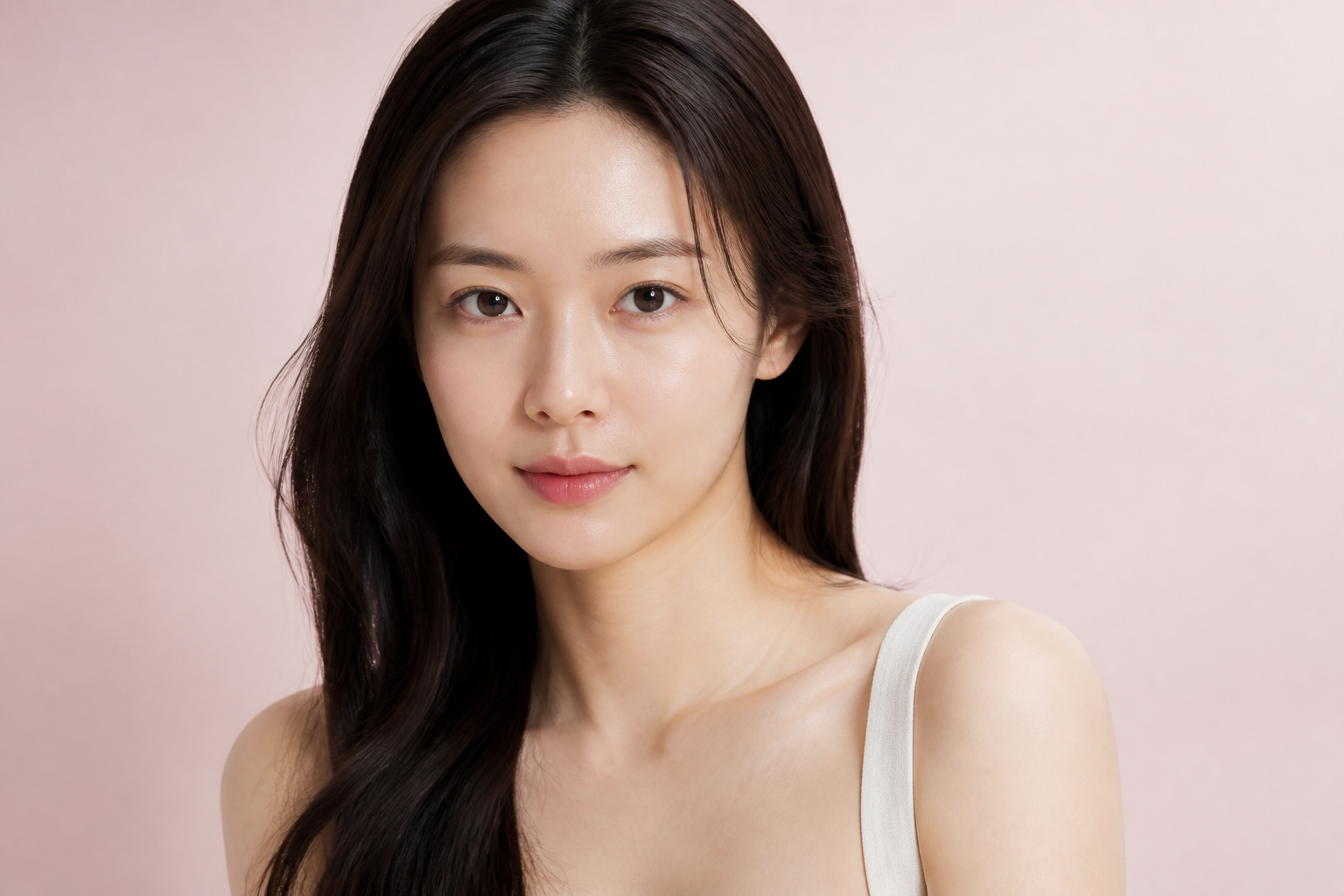 BEFORE
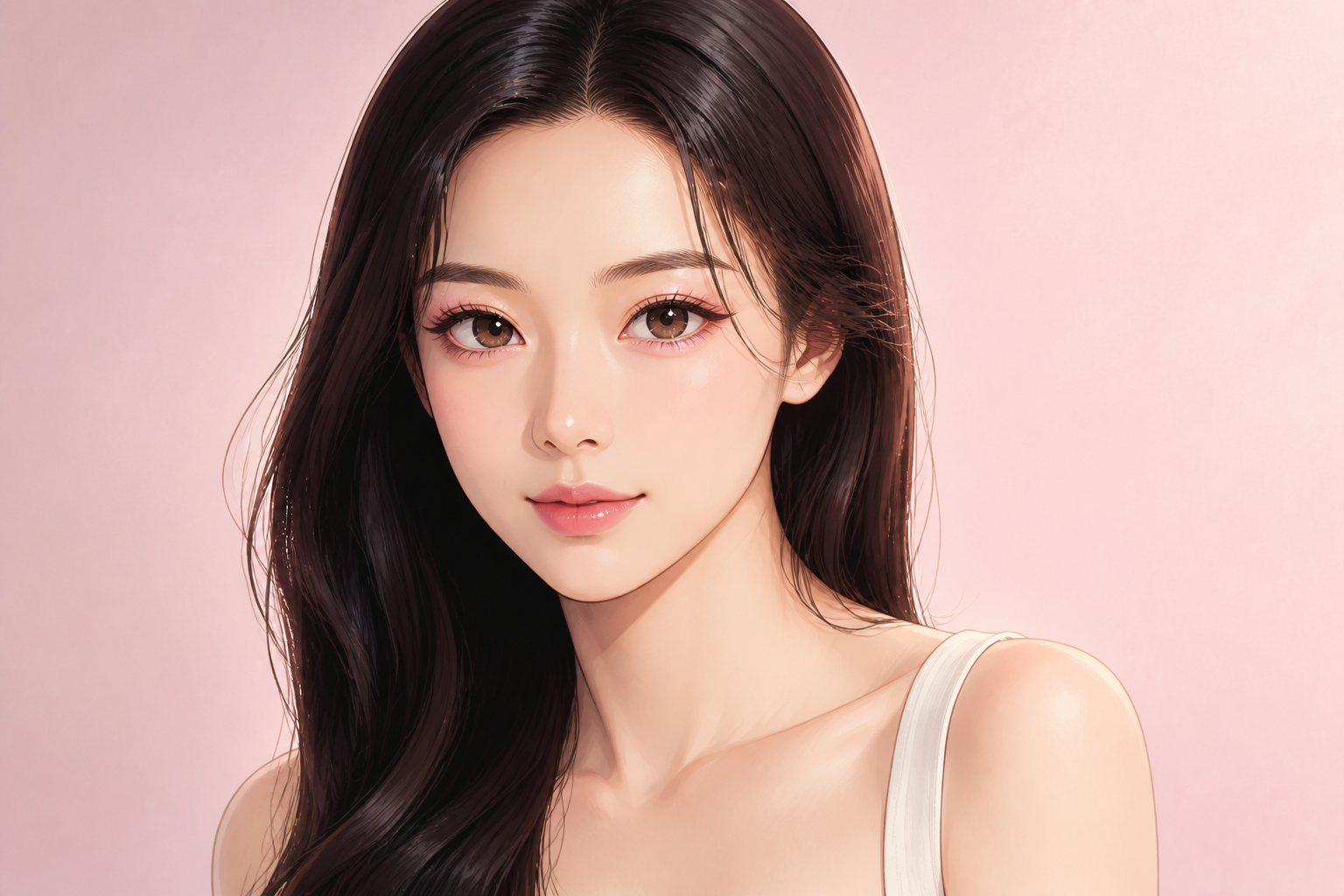 AFTER
AFTER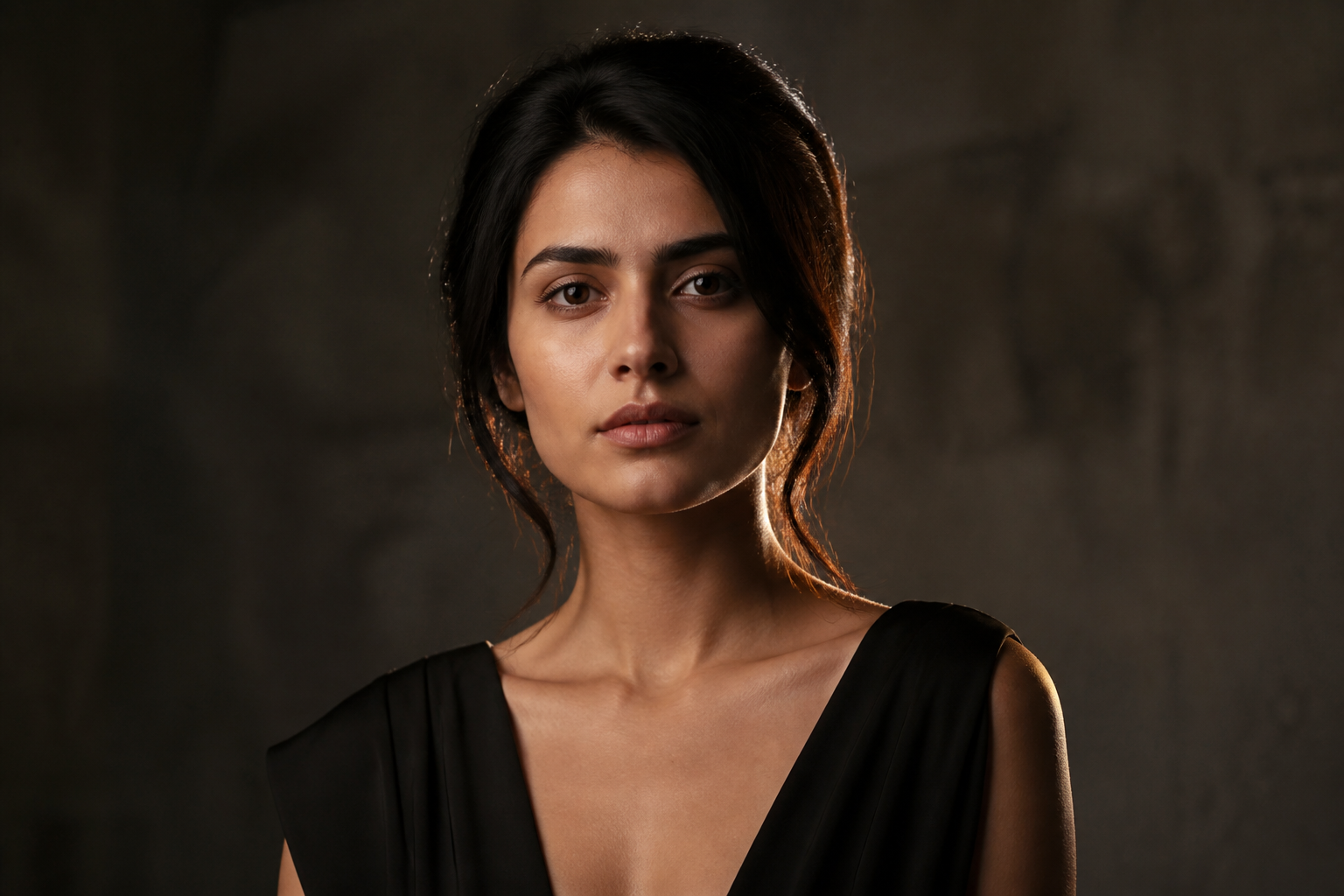 BEFORE
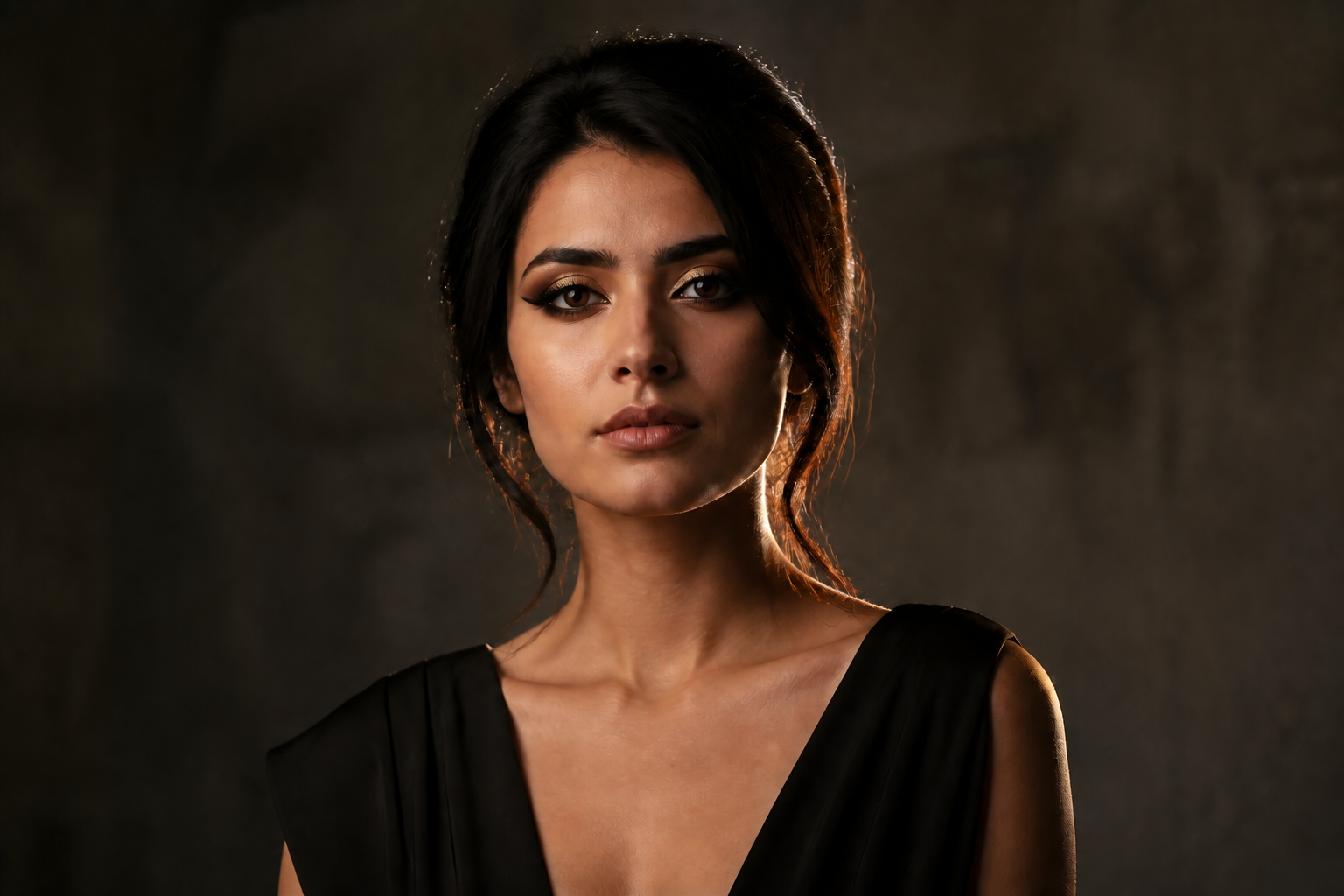 AFTER
AFTER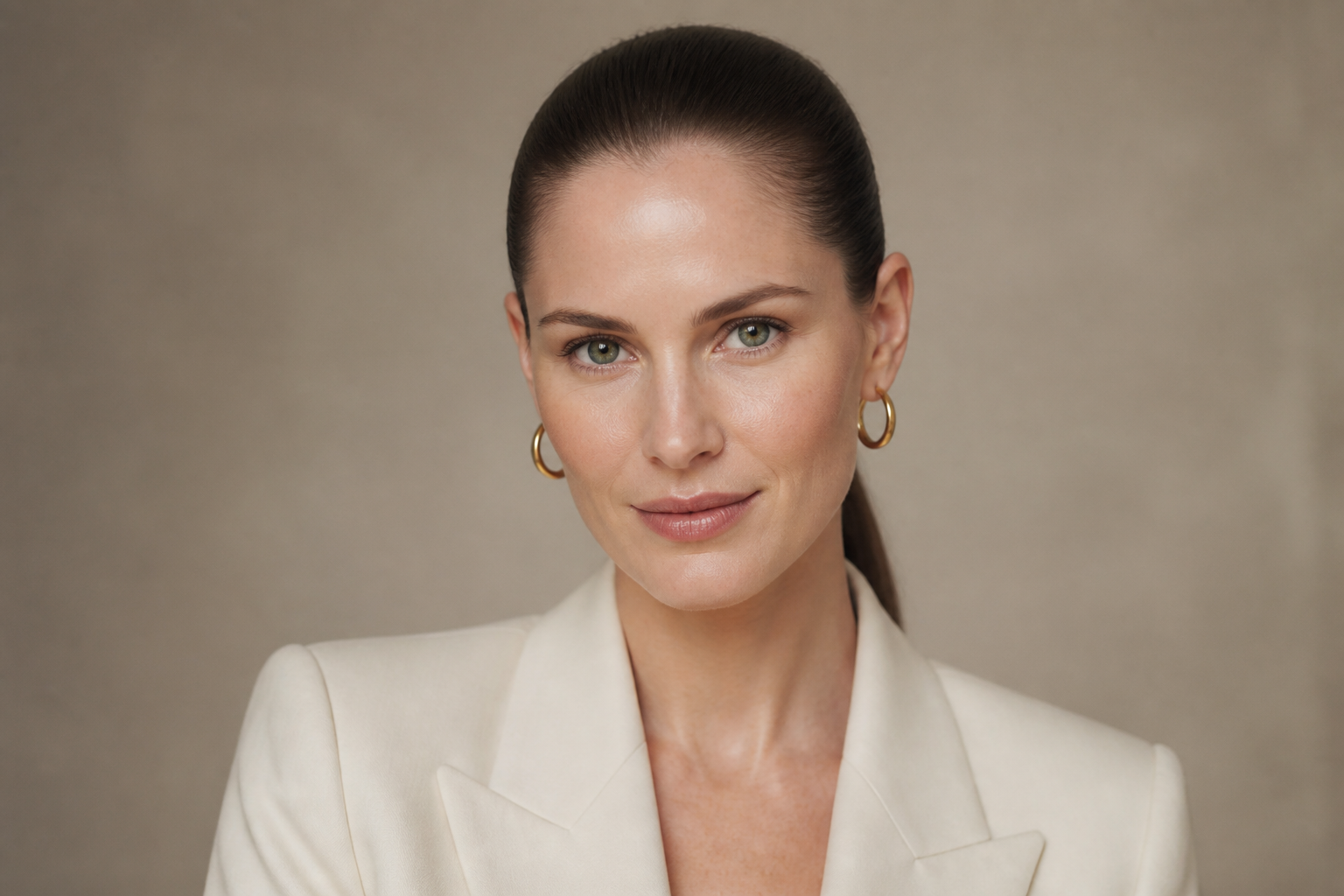 BEFORE
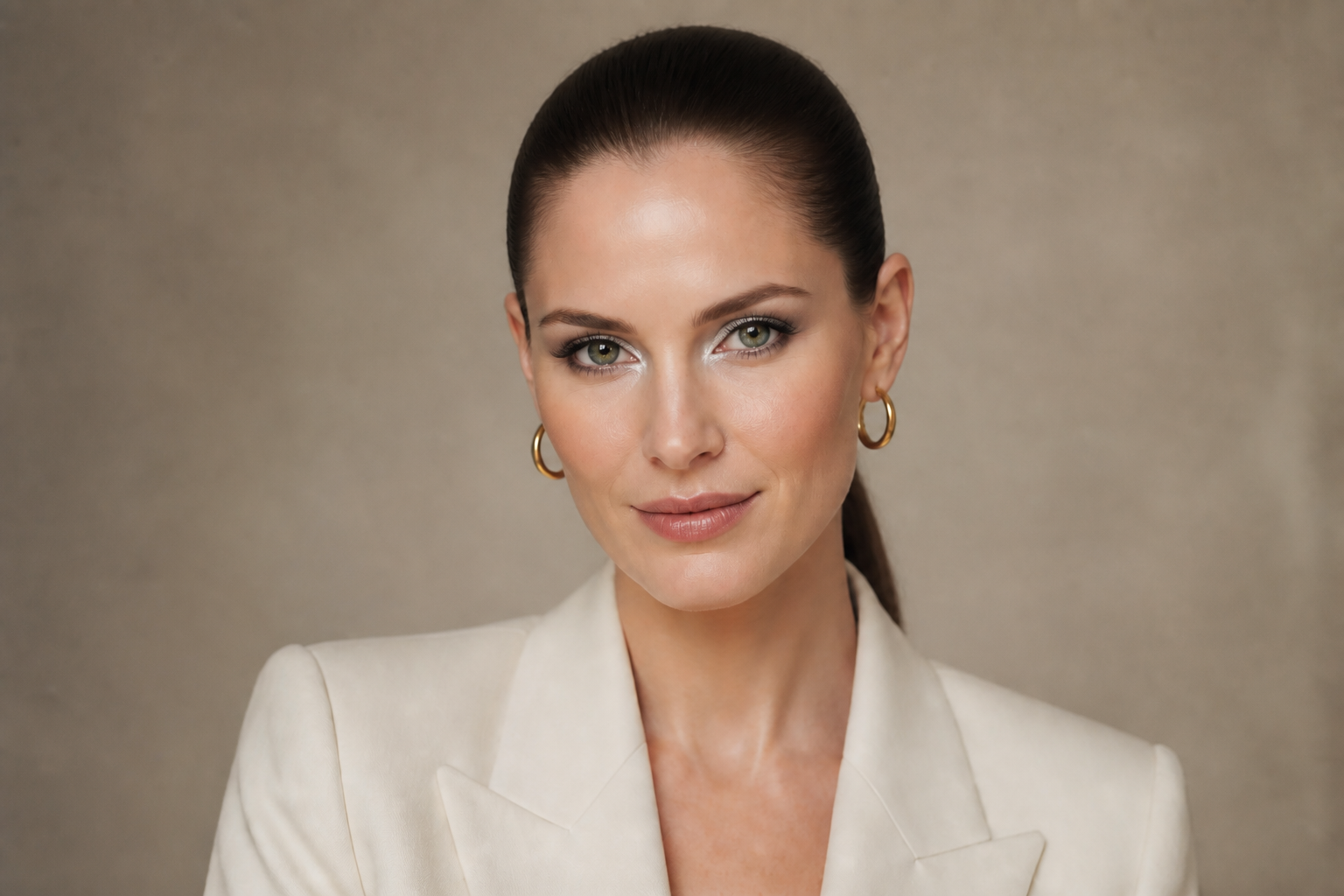 AFTER
AFTER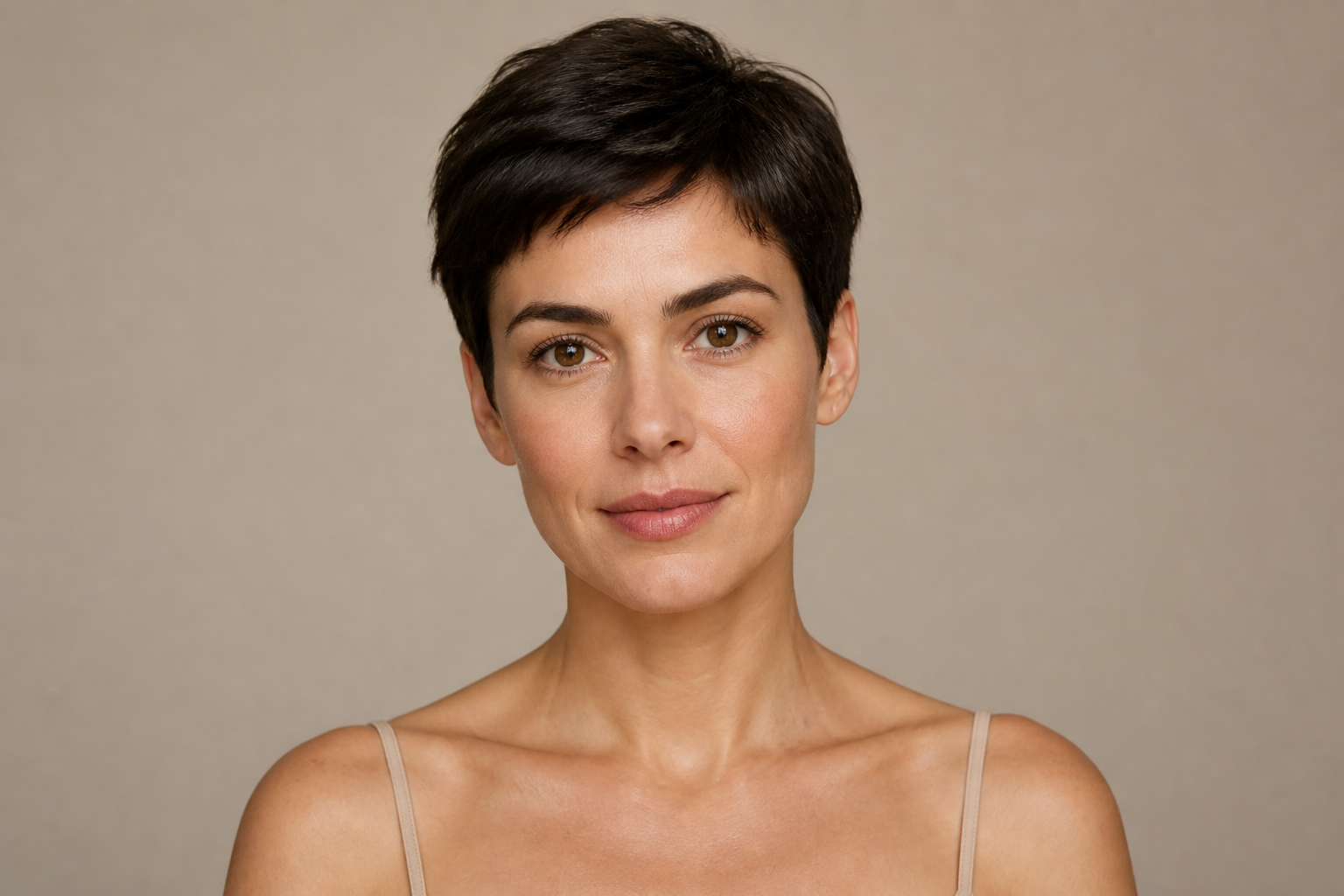 BEFORE
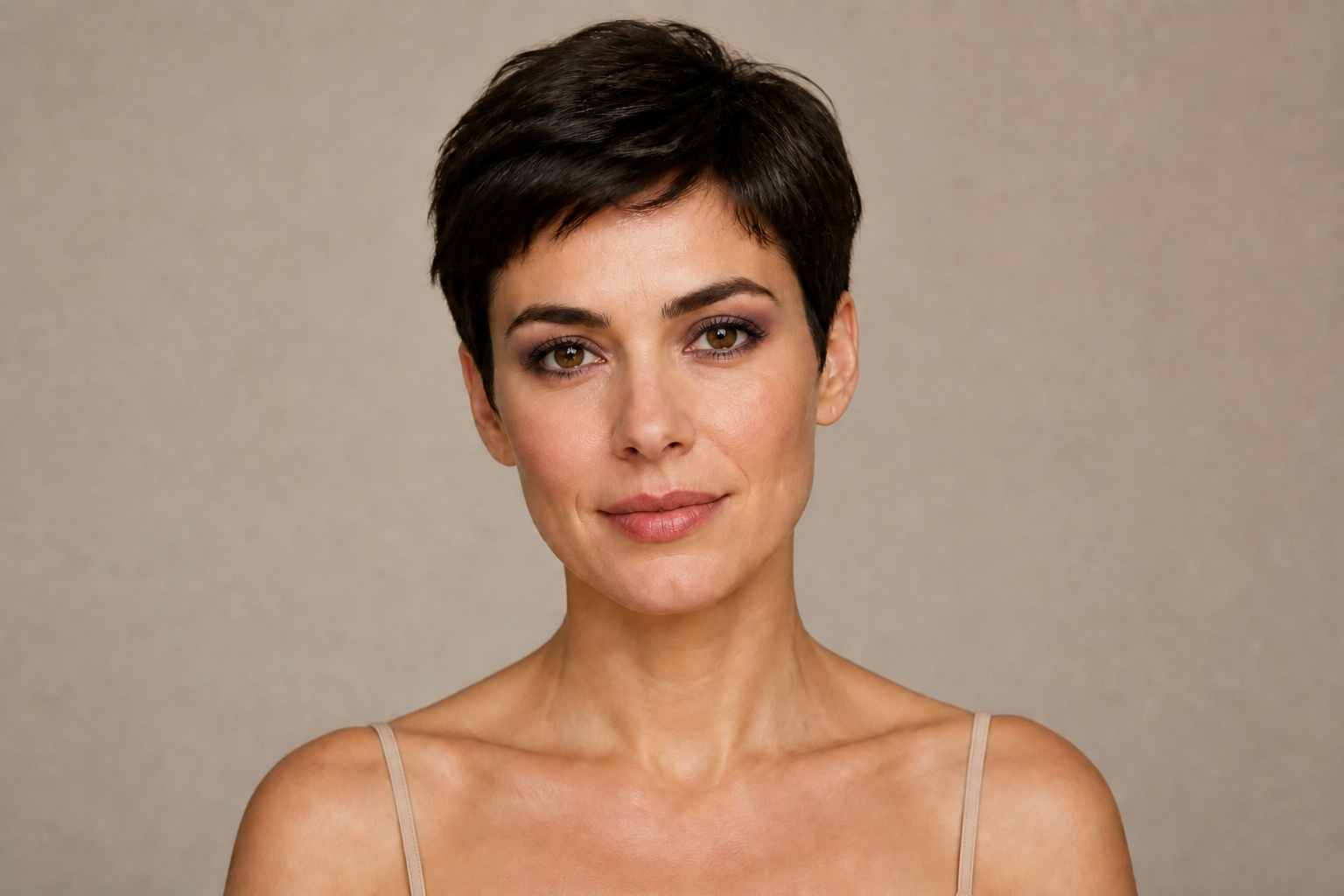 AFTERBEFOREAFTERBEFOREAFTERBEFOREAFTERBEFOREAFTERBEFOREAFTER
Key Features
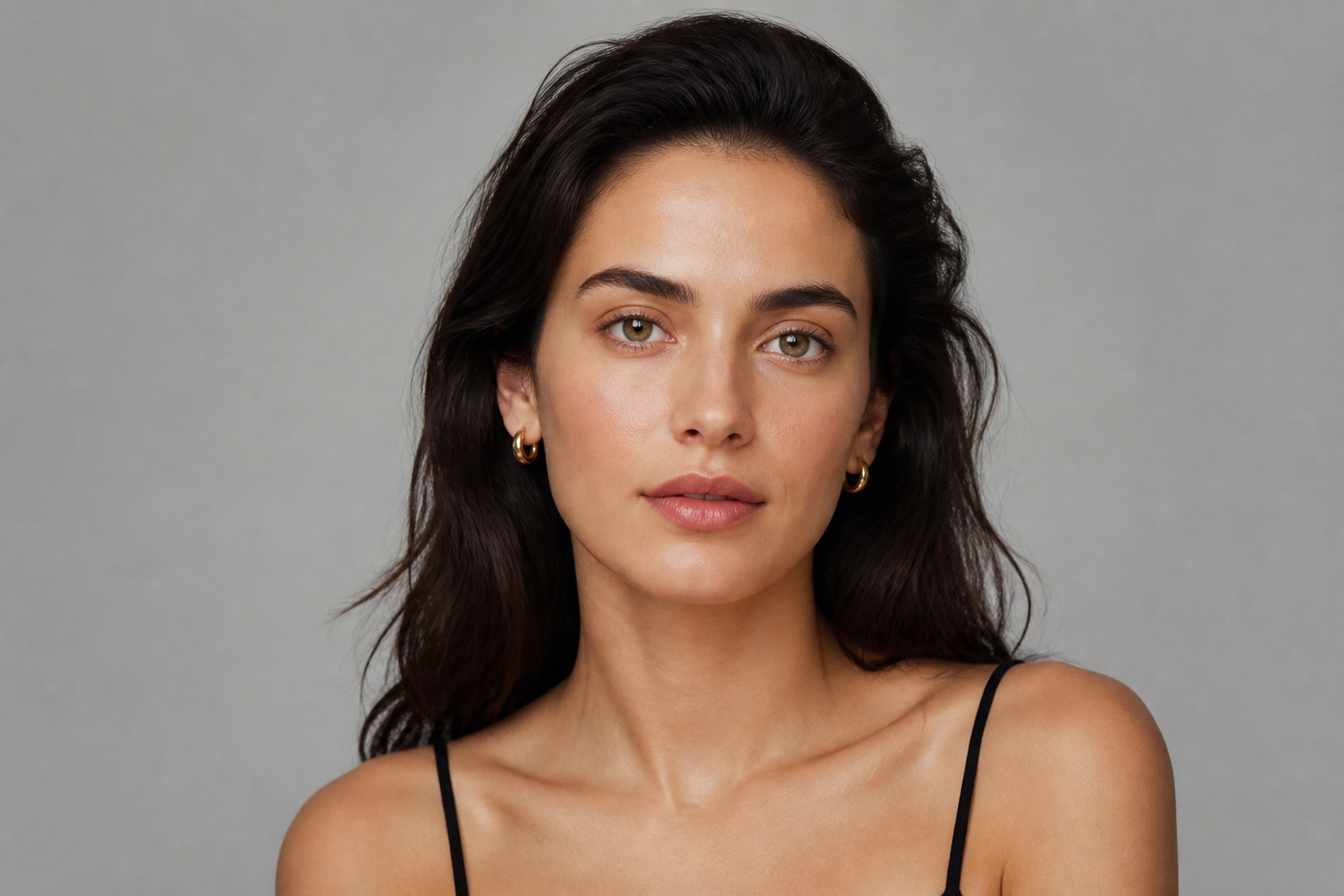
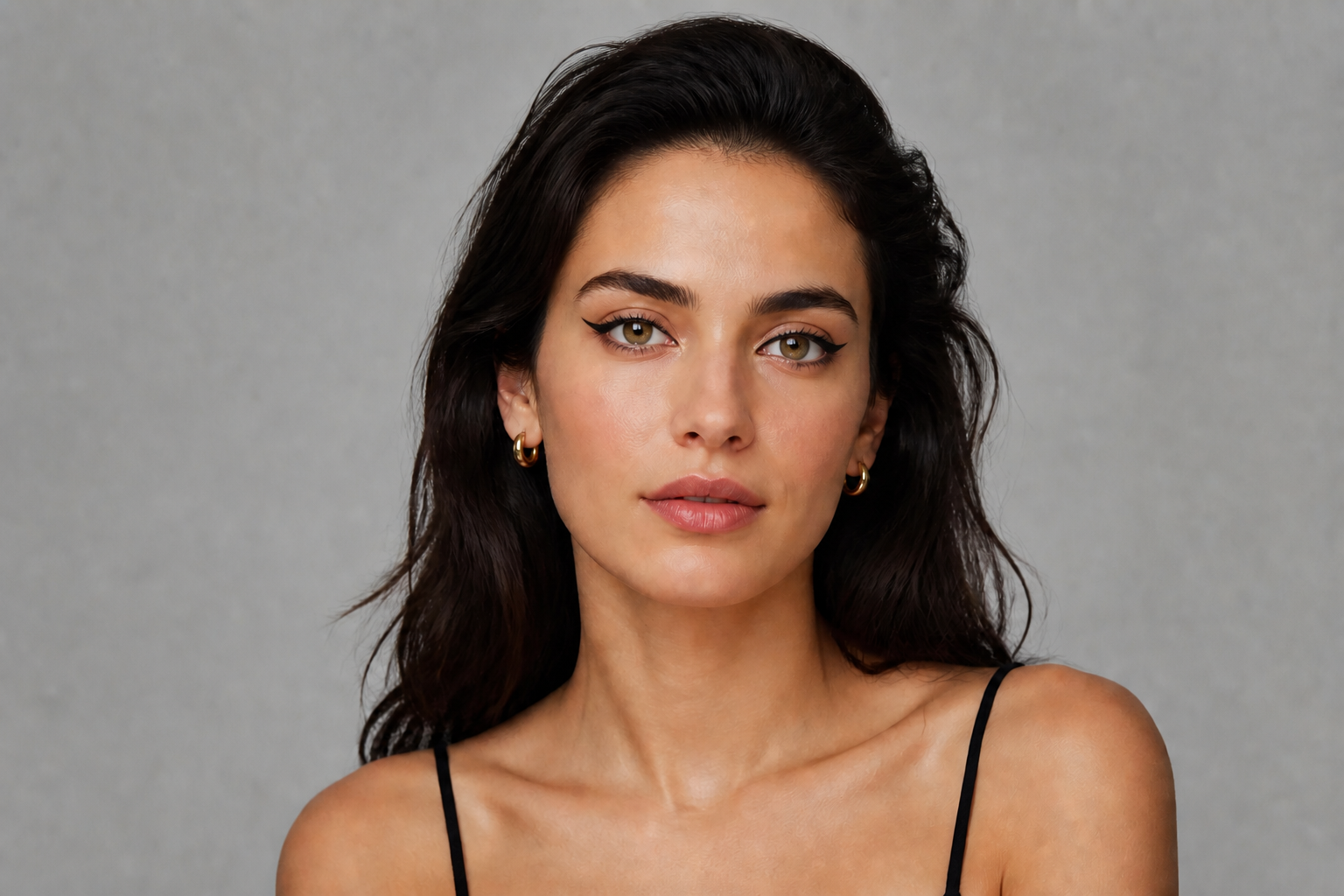
Keep the face recognizable
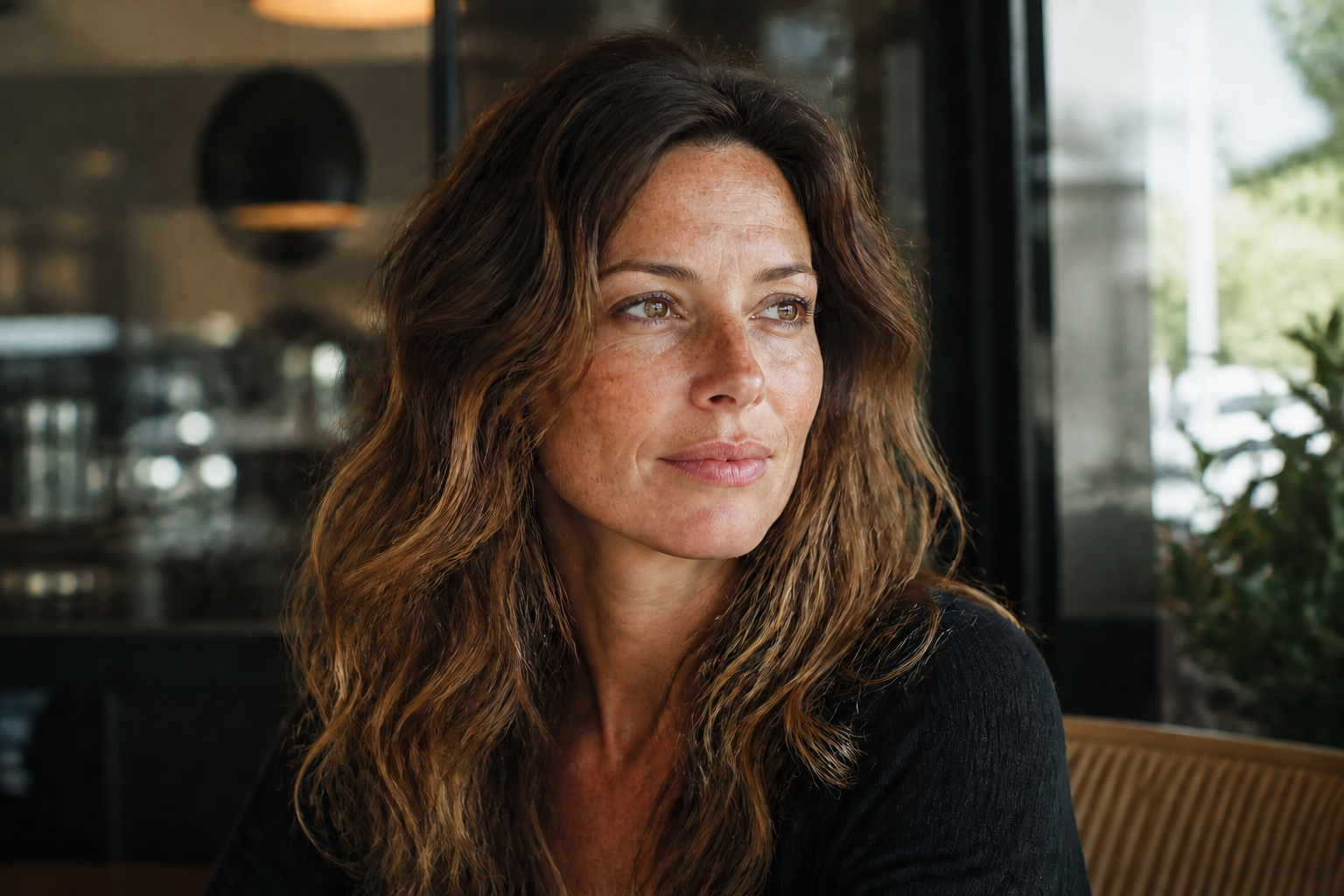
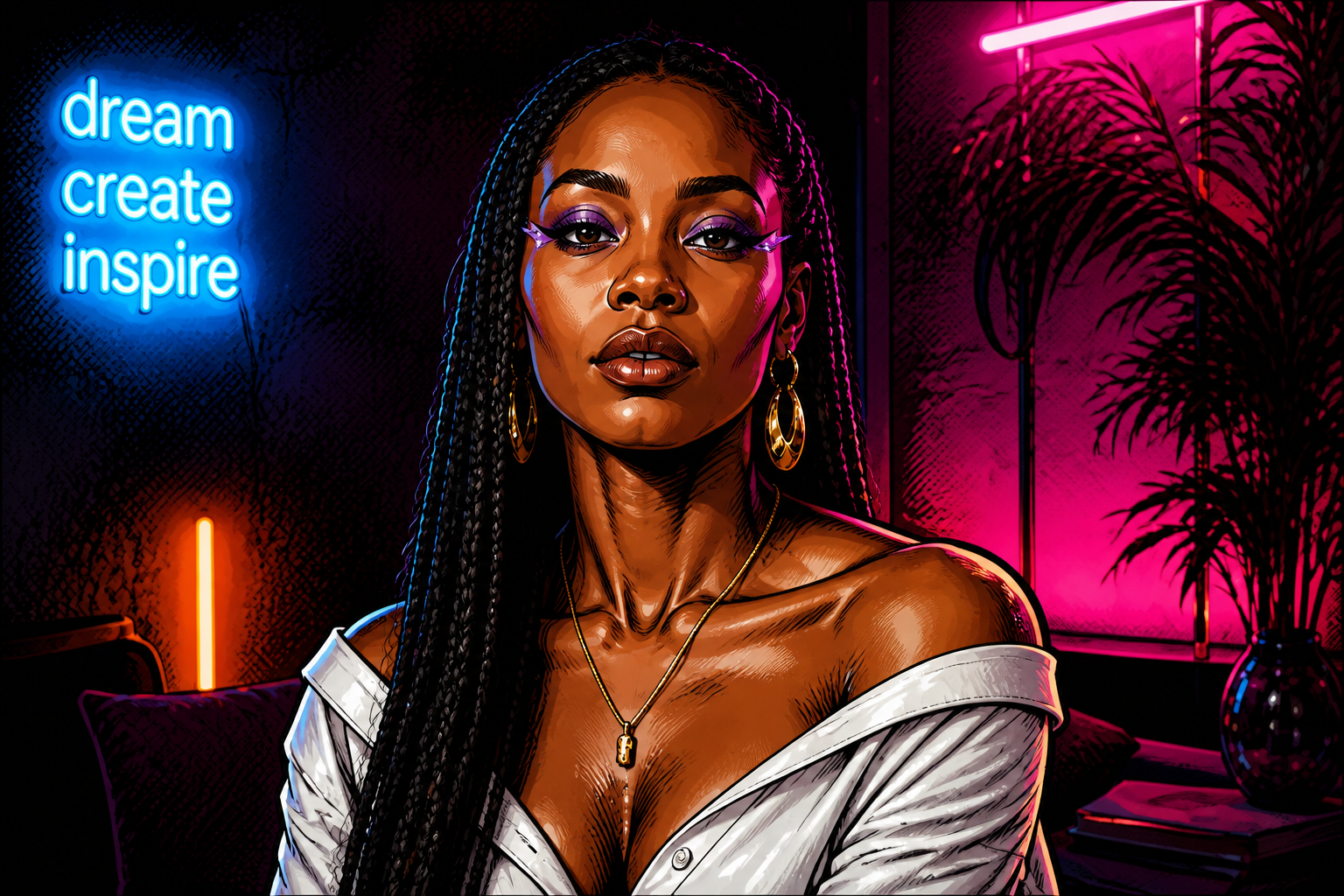
You can test a new eye look without changing the person in the photo. Our AI focuses the edit on the lids, liner, lashes, and under-eye detail while preserving facial structure, skin tone, and expression. That makes the result useful for previews instead of looking like a different model. It also saves time compared with repainting details by hand or masking every feature manually.
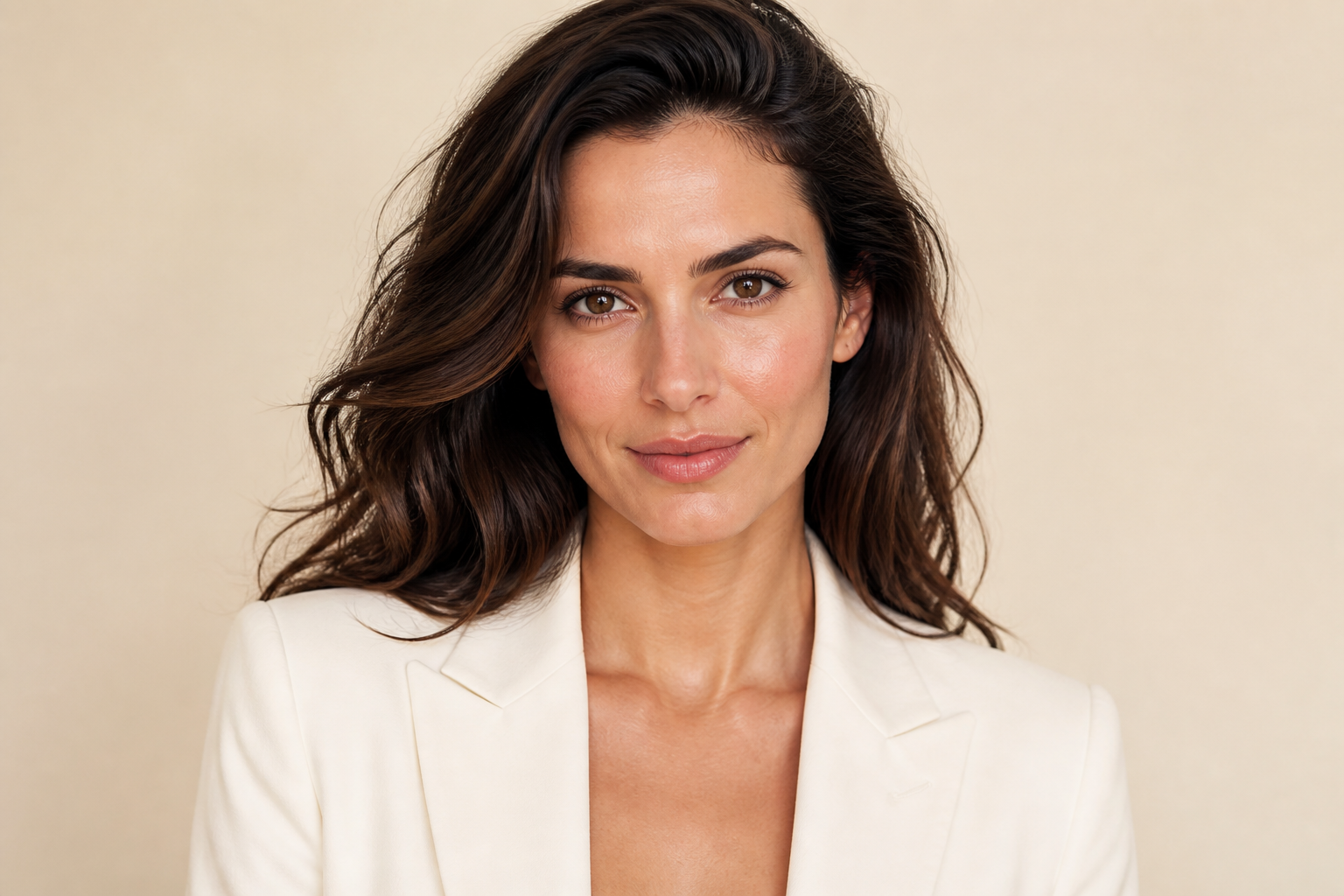
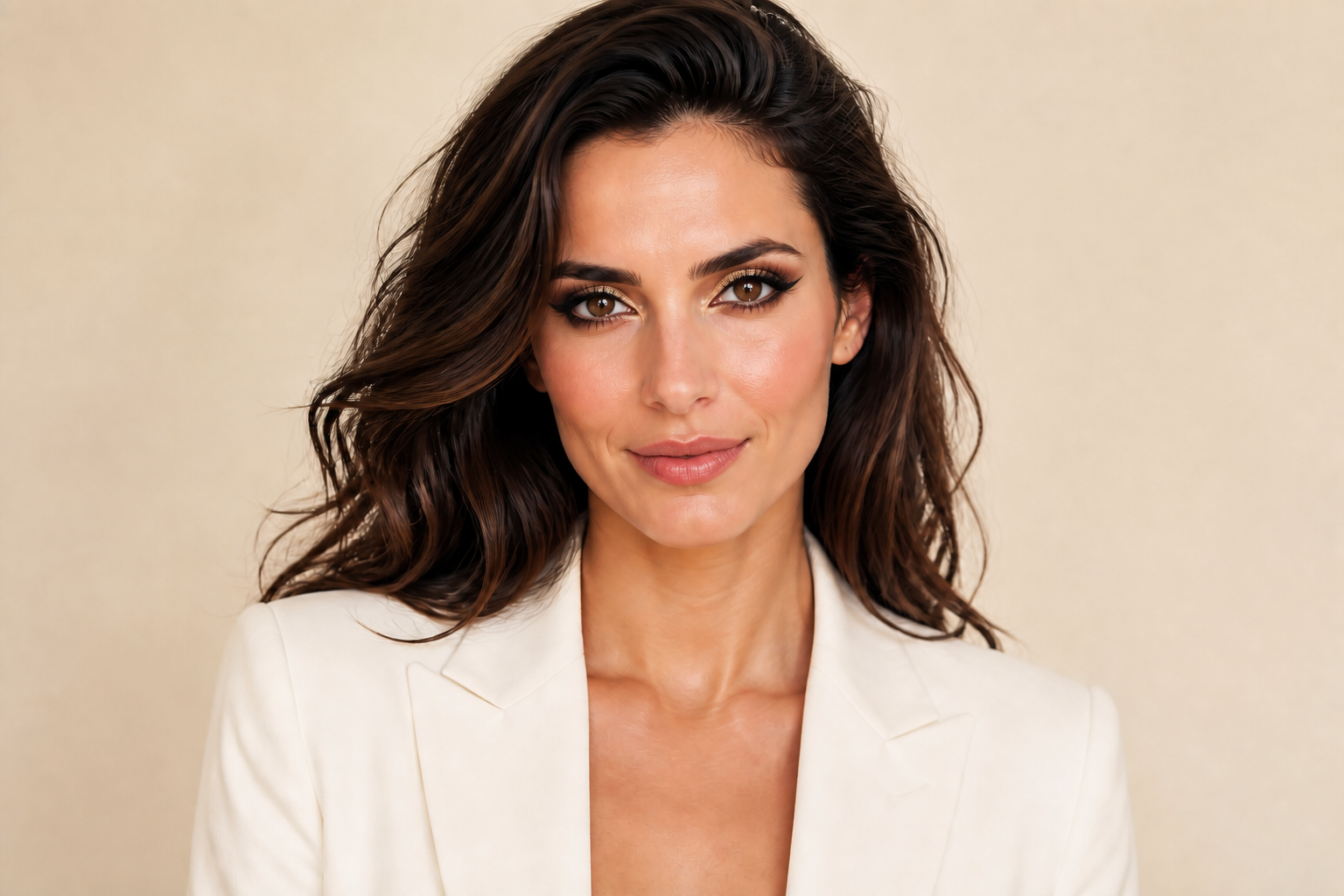
Try bold looks fast
Eye makeup is one of the most visible edits in a portrait, so speed matters when you want to compare options. You can switch from clean daytime liner to dramatic glam in a few words and get an obvious before-and-after result. This is useful for planning content, testing references, or showing clients alternate directions. It is much faster than painting shadows, highlights, and lash detail from scratch.
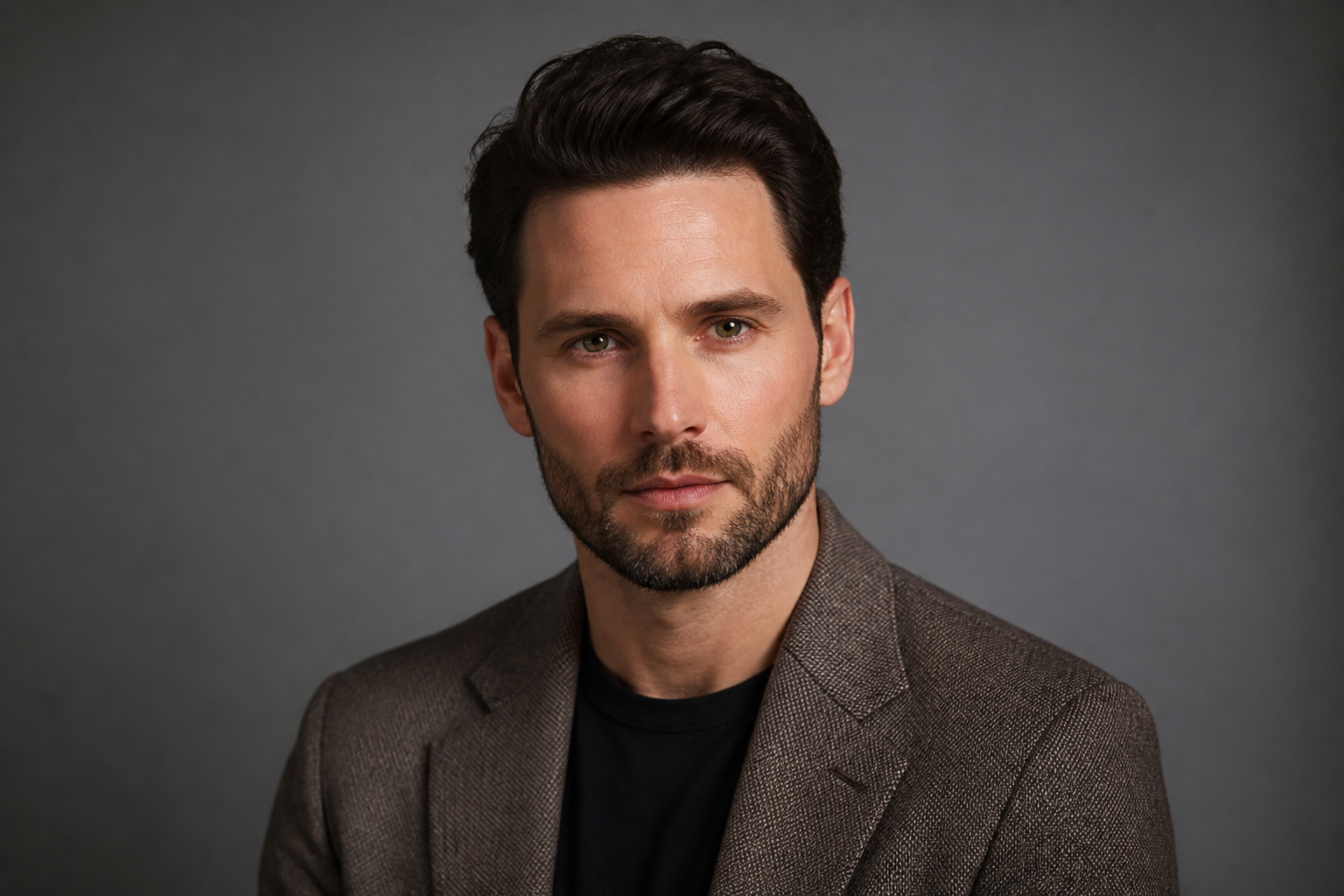
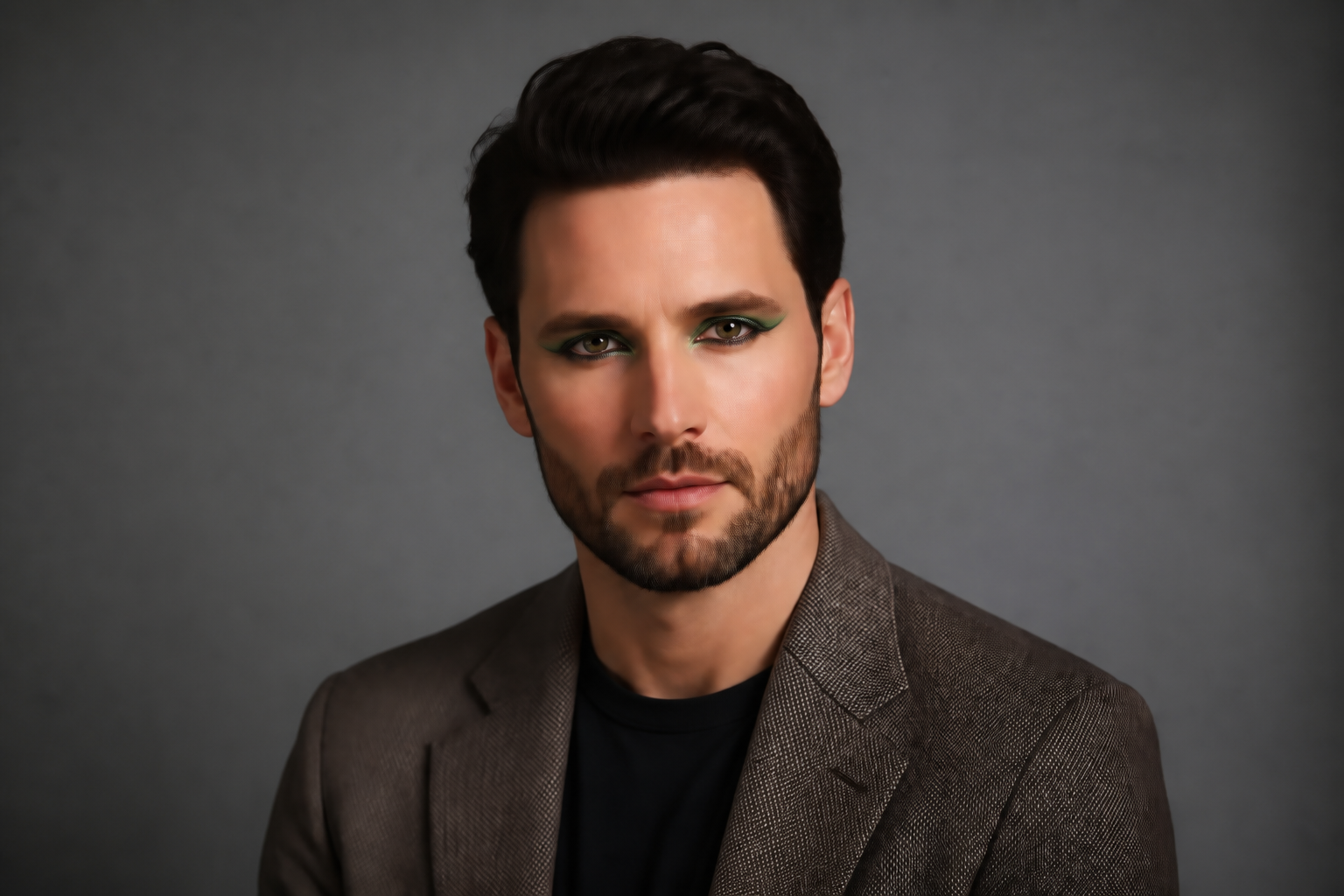
From natural to editorial
The tool works for subtle enhancement and statement makeup, so you are not limited to one style. You can preview bridal softness, smoky night looks, graphic runway liner, or colorful editorial eyes on the same base photo. That range helps creators and makeup artists communicate direction more clearly. It also makes approval loops easier because the differences read instantly.
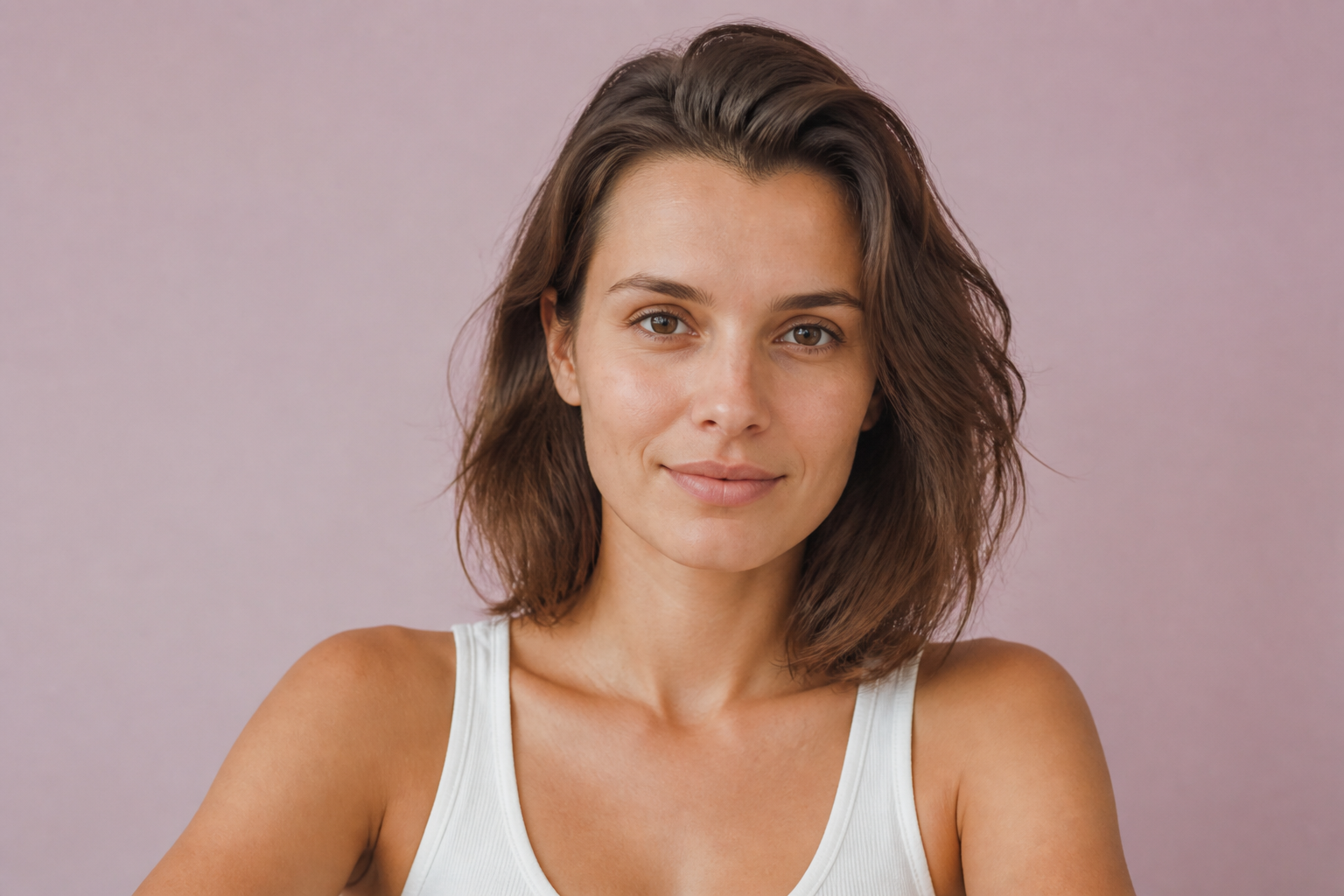
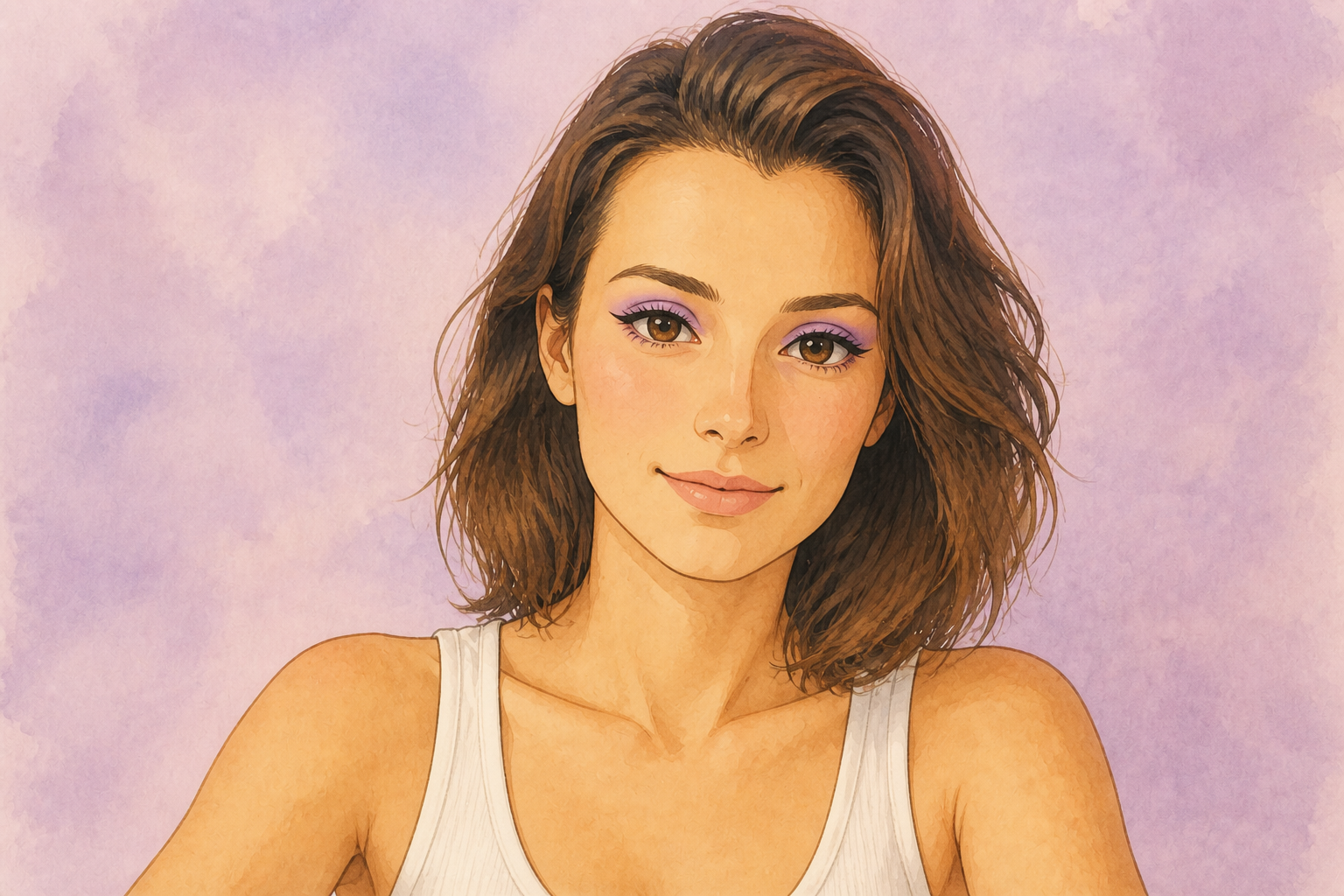
Works across visual styles
You can use the same portrait for realistic makeup previews or stylized creative outputs. That makes it useful for campaign concepts, moodboards, and social posts where one image needs several treatments. Instead of rebuilding the image in another app, you can transform the same shot into a different visual language quickly. The result stays centered on the eye makeup change, so the concept is easy to read.
How It Works
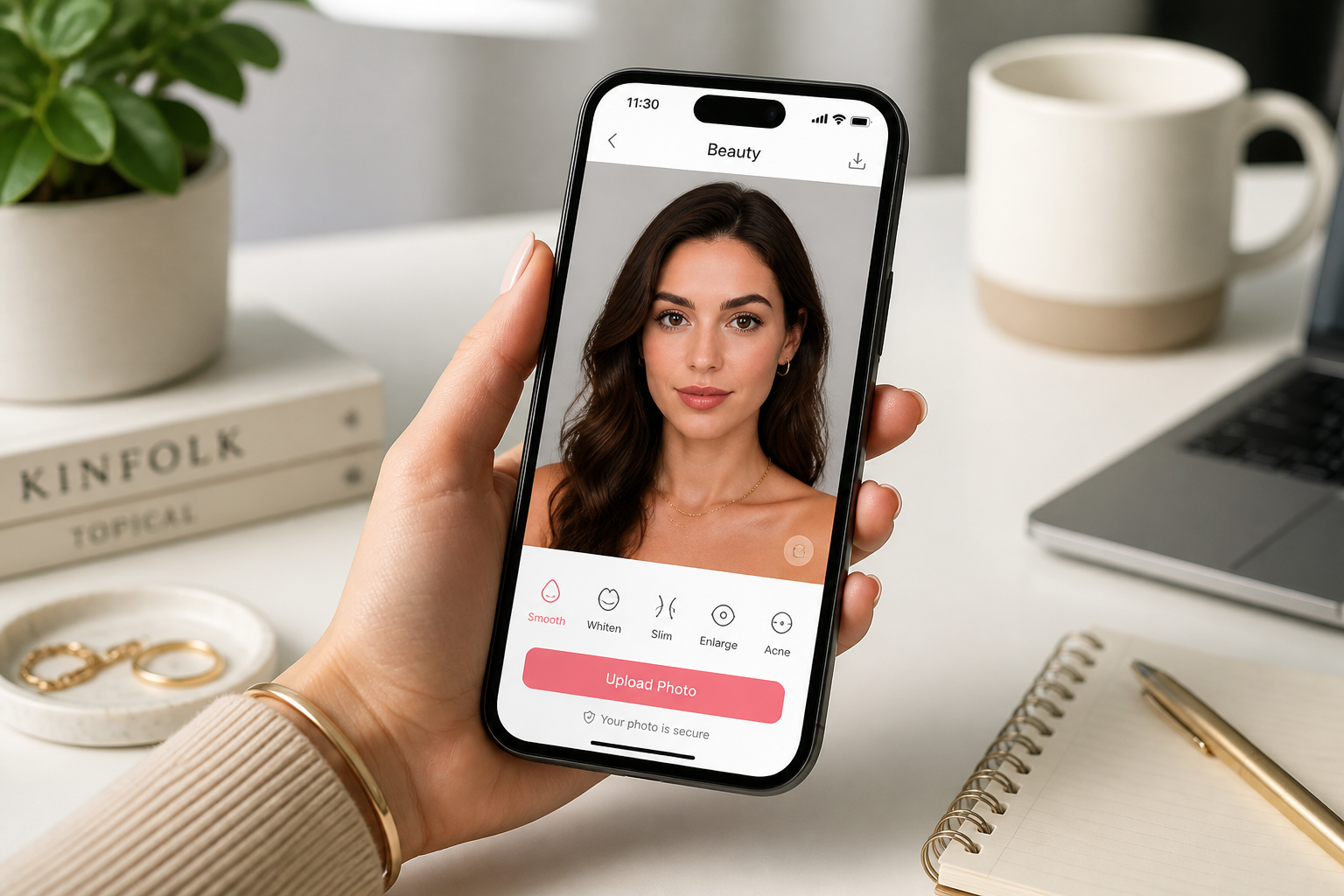
Upload your portrait
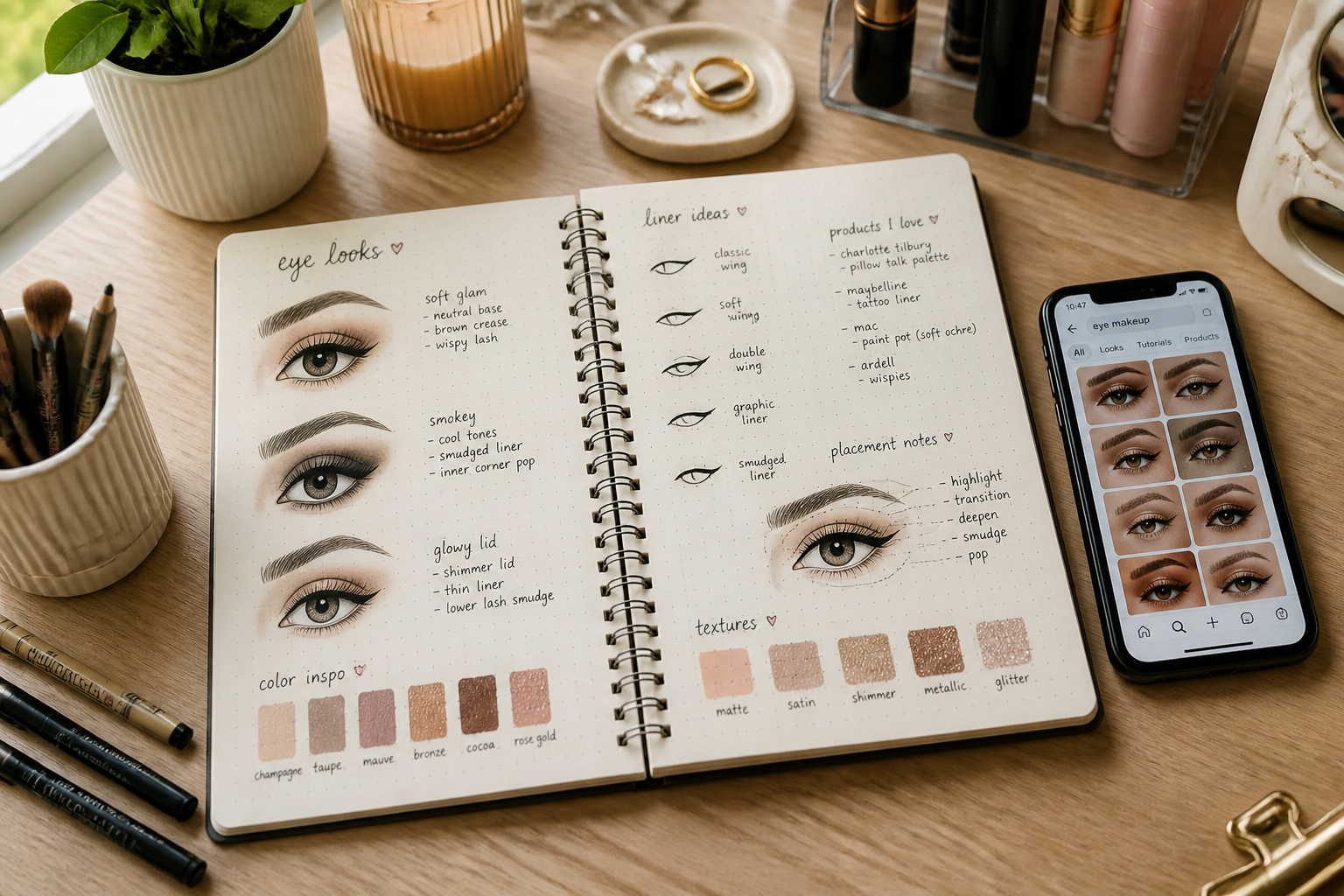
Start with a clear photo where the eyes are visible and in focus. Chest-up portraits with clean lighting usually produce the best eye makeup previews.
Describe the eye look
Tell the editor what you want to add, such as winged liner, smoky shadow, metallic lids, or bold lashes. Be specific about color, shape, and intensity so the result is easy to compare.
Compare and refine
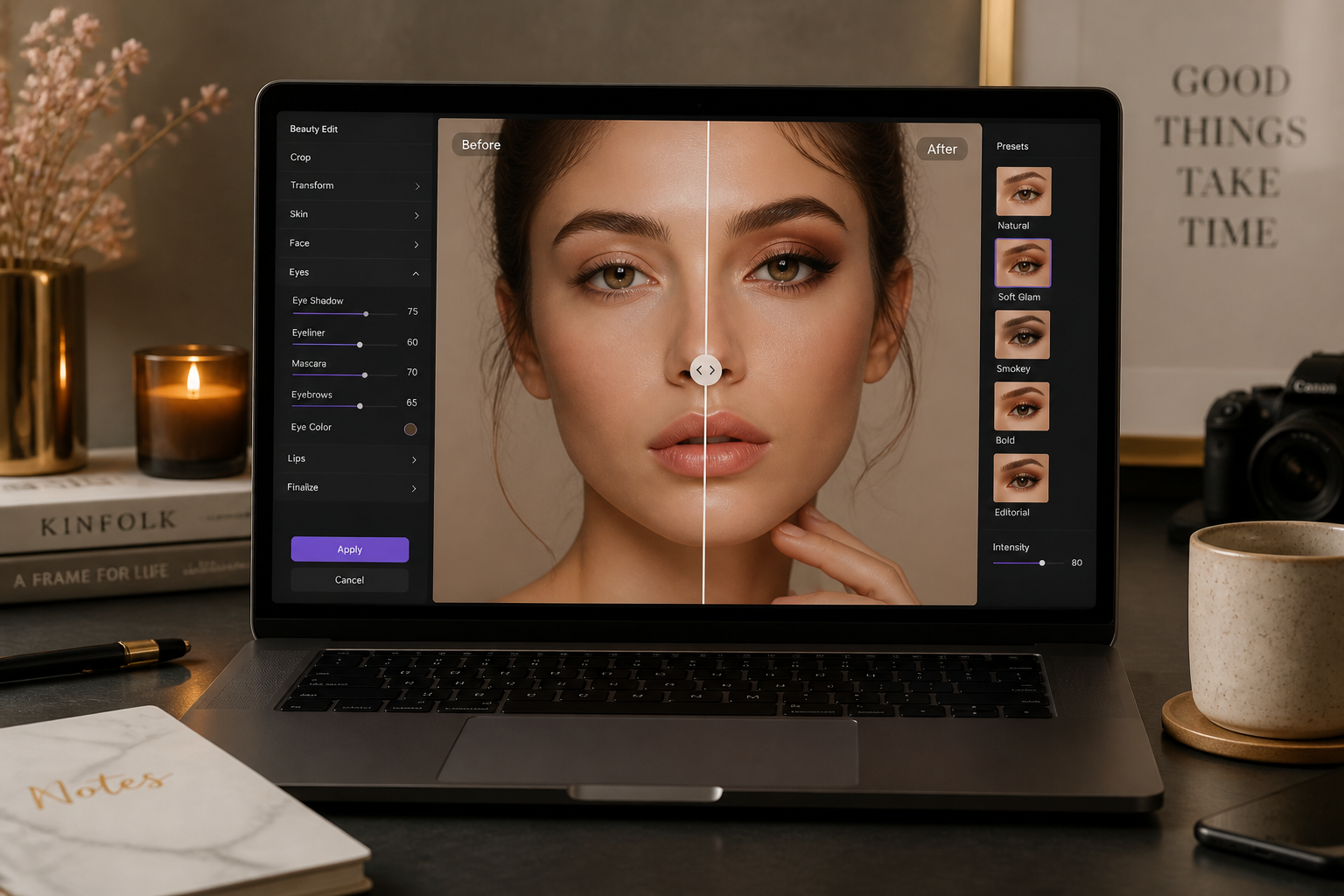
Review the before-and-after result and decide what to change next. You can run another pass with a different color palette, liner shape, or level of drama.
Perfect For
Discover how creators and professionals use ai eye makeup
Virtual makeup previews
Test eye looks on a portrait before doing the real makeup or committing to a shoot concept.
Beauty content creation
Generate quick variations for thumbnails, tutorials, concept posts, and social content planning.
Client look approvals
Show makeup clients multiple liner and shadow directions on the same face for faster decisions.
Moodboards and campaigns
Create realistic or stylized eye makeup concepts for beauty pitches, brand decks, and editorial planning.
Built For
Makeup artists
Preview looks, compare directions, and communicate eye makeup concepts before the appointment or shoot.
Beauty creators
Mock up eye looks for posts, thumbnails, tutorials, and campaign ideas without rebuilding every image manually.
Everyday users
Try new eyeliner, shadow, and lash styles on your own portrait before buying products or attempting a full look.
Why use it for eye makeup previews
A quick look at how we compare on the things that matter for this niche.
| Feature | BudgetPixel | Generic AI editors | Manual editing apps |
|---|---|---|---|
| Eye-area specific edits | ✓ | — | — |
| Preserves subject identity | ✓ | Varies | ✓ |
| Fast style variations | ✓ | Varies | — |
| No manual masking required | ✓ | Varies | — |
Frequently Asked Questions
What kinds of eye makeup can I preview?
Will the tool change the whole face?
Do I need a professional photo?
Can I make natural and dramatic versions from the same photo?
Can this work for stylized images too?
Create together.
Share your creations, discover trending AI art, and grow with fellow creators.