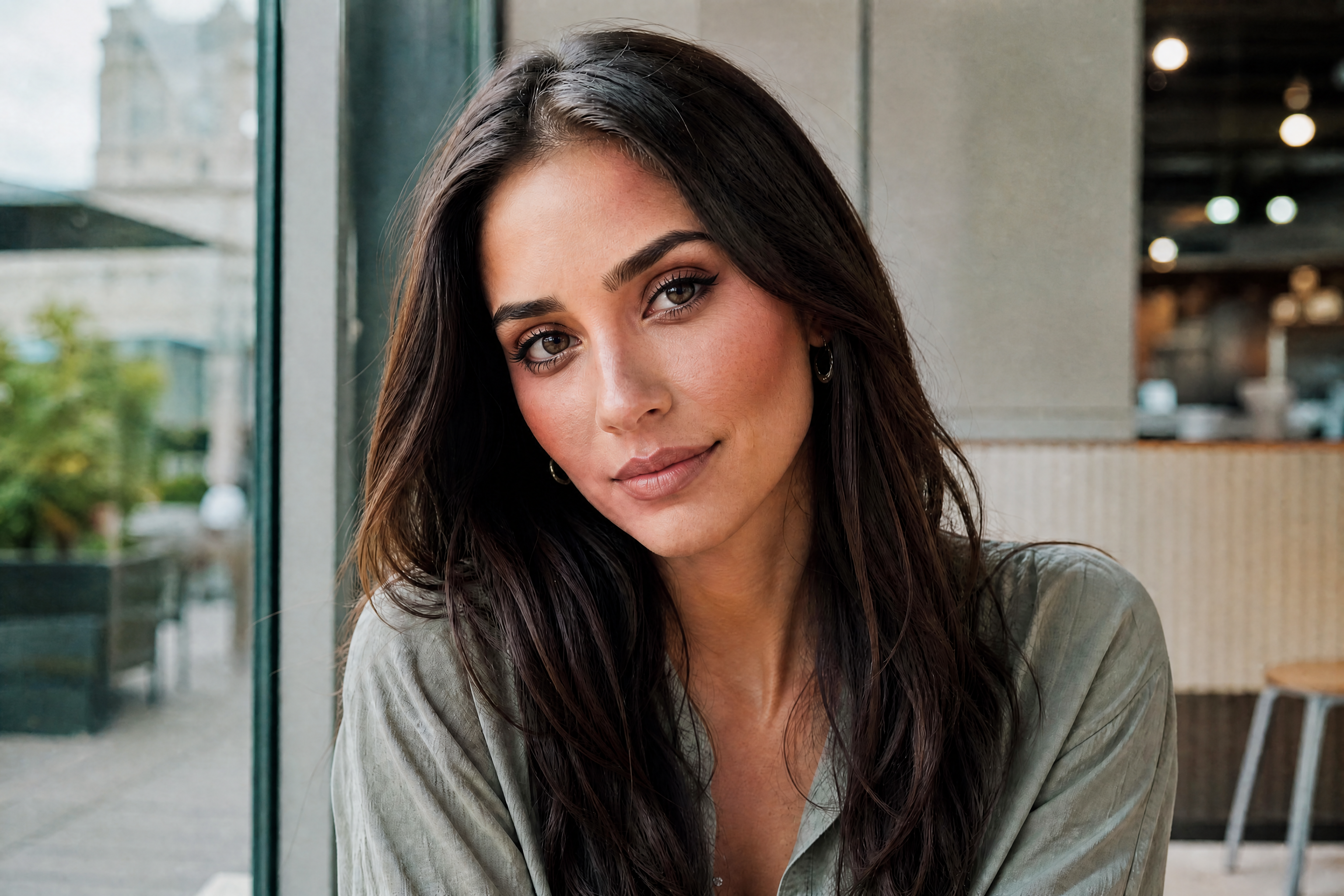
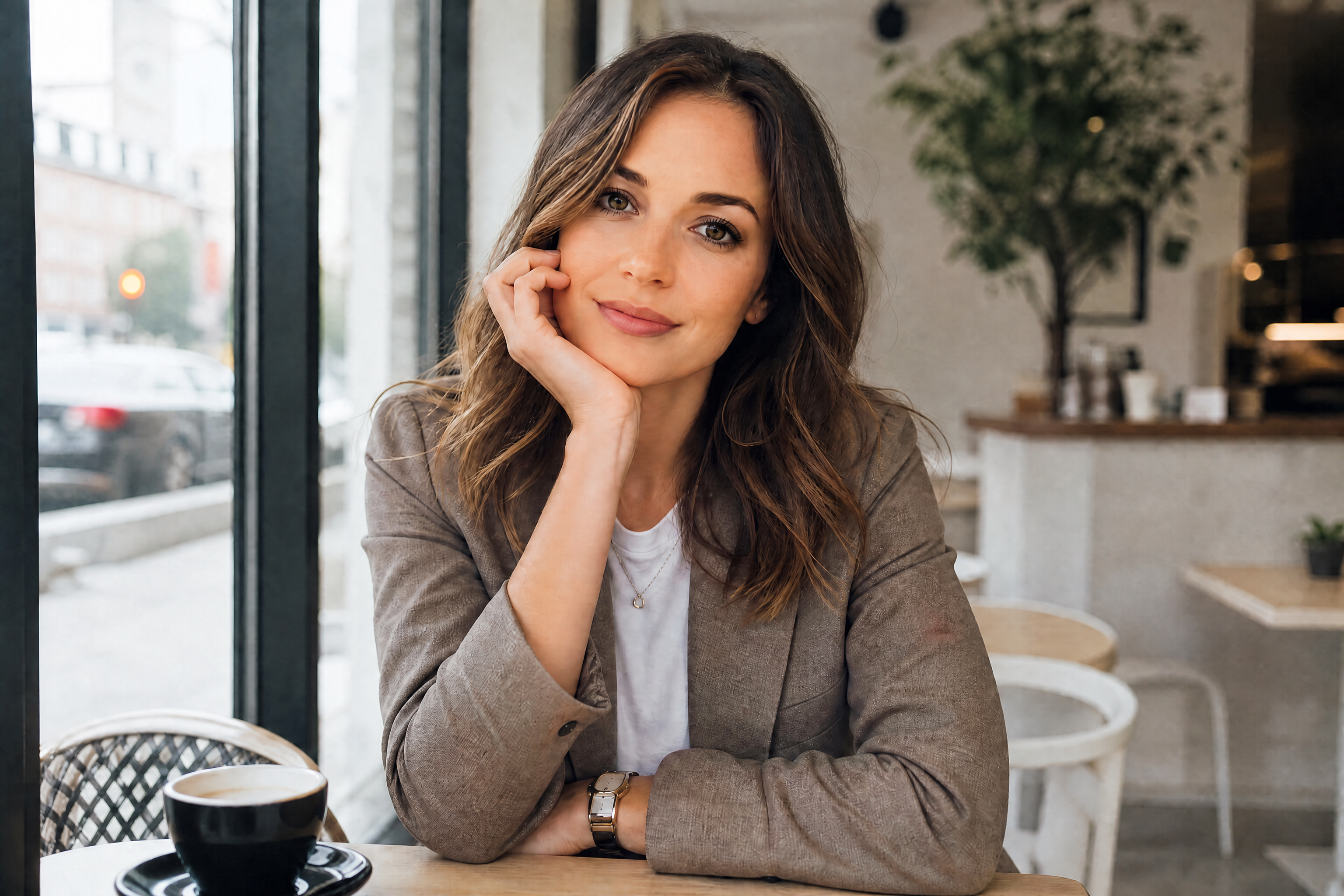
AI Lip Enhancer for Fuller, More Defined Lips
Adjust lip shape, volume, and definition in seconds from a single photo.
AI Lip Enhancer lets you edit lip volume, contour, and symmetry without changing the rest of the face. Upload a portrait, describe the look you want, and our AI creates a clean before-and-after result you can compare instantly.
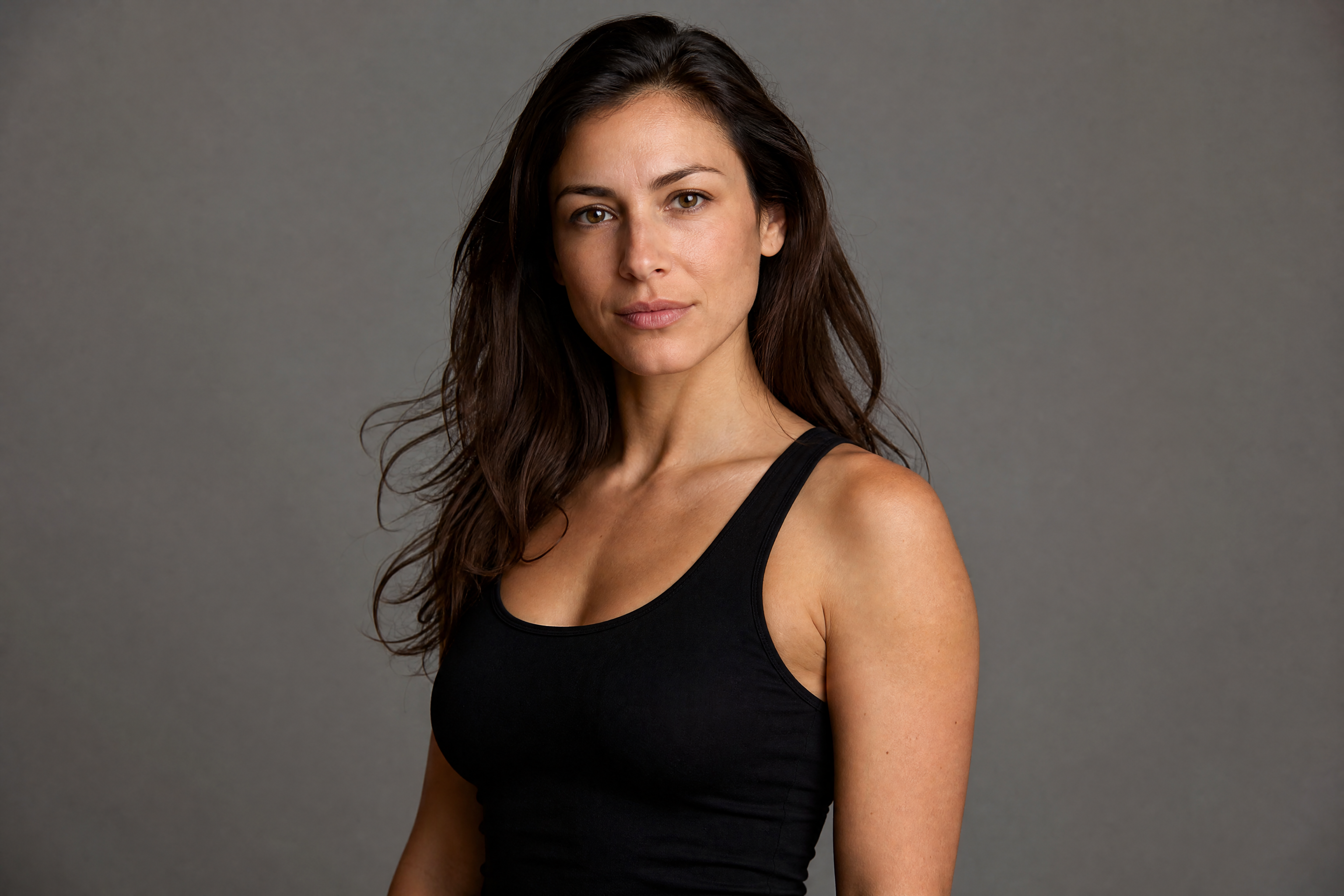
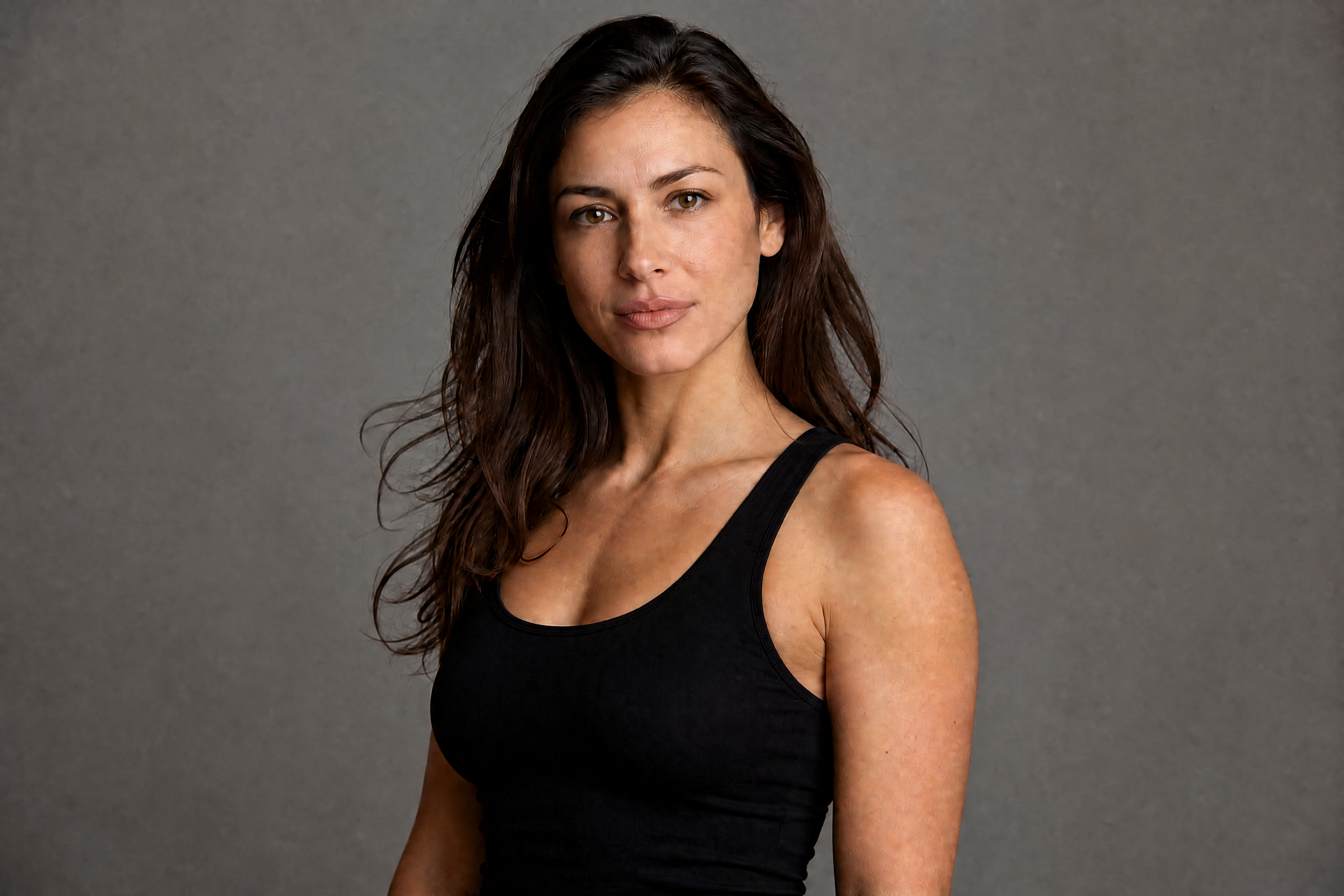
Watch the Transformation
See ai lip enhancer in motion — generated end-to-end by our AI.
See It In Action
Real outputs from ai lip enhancer.
BEFOREAFTER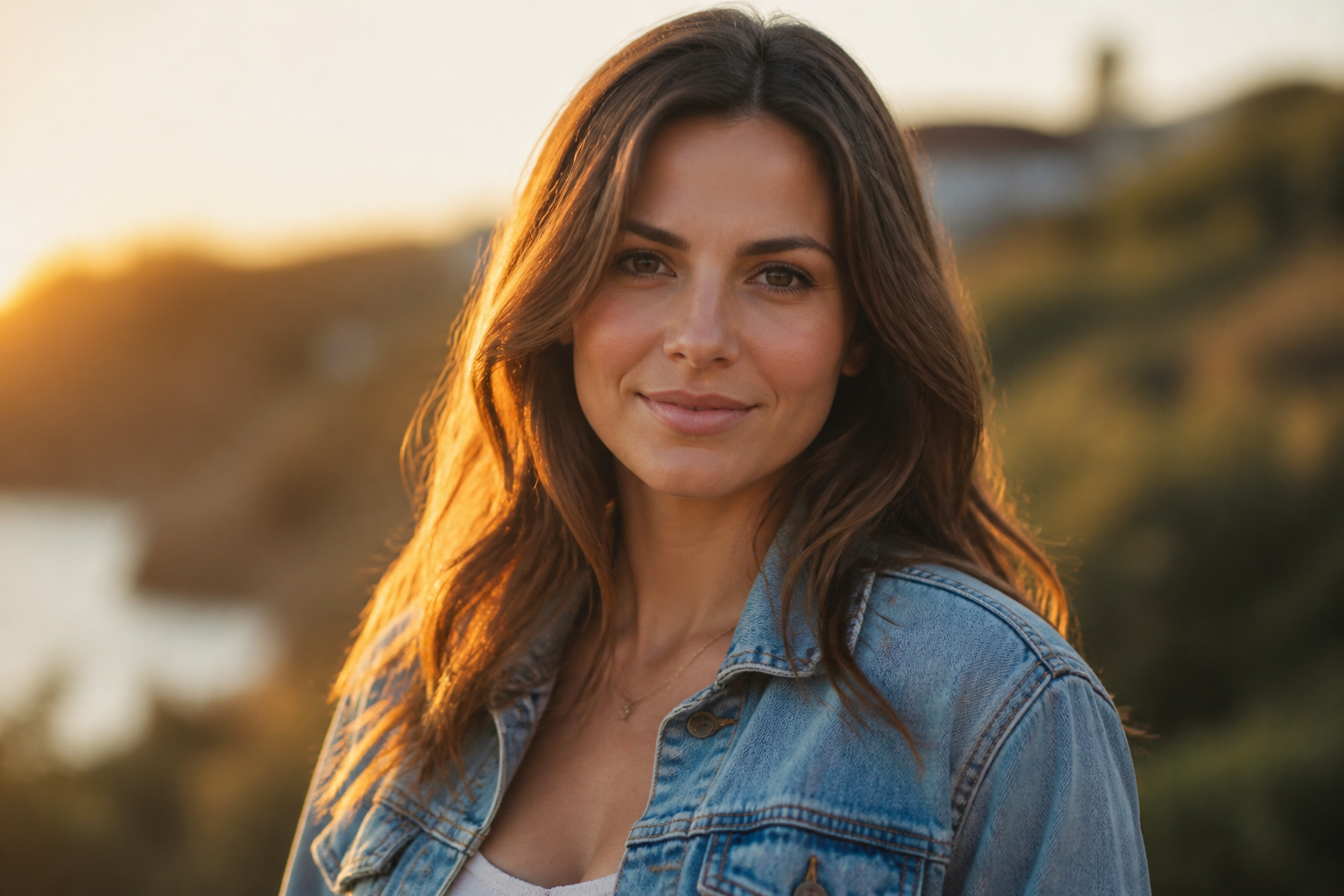 BEFORE
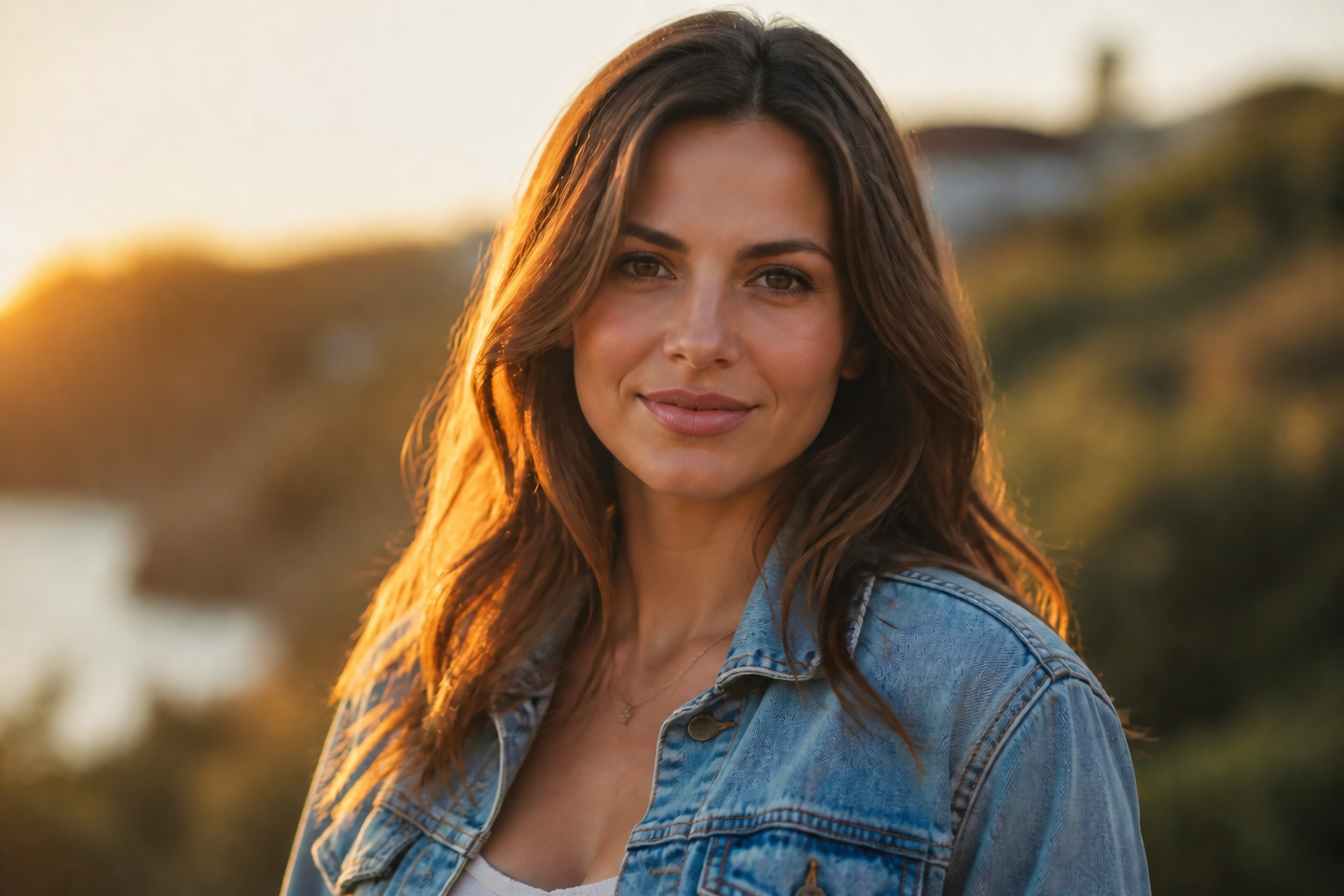 AFTER
AFTER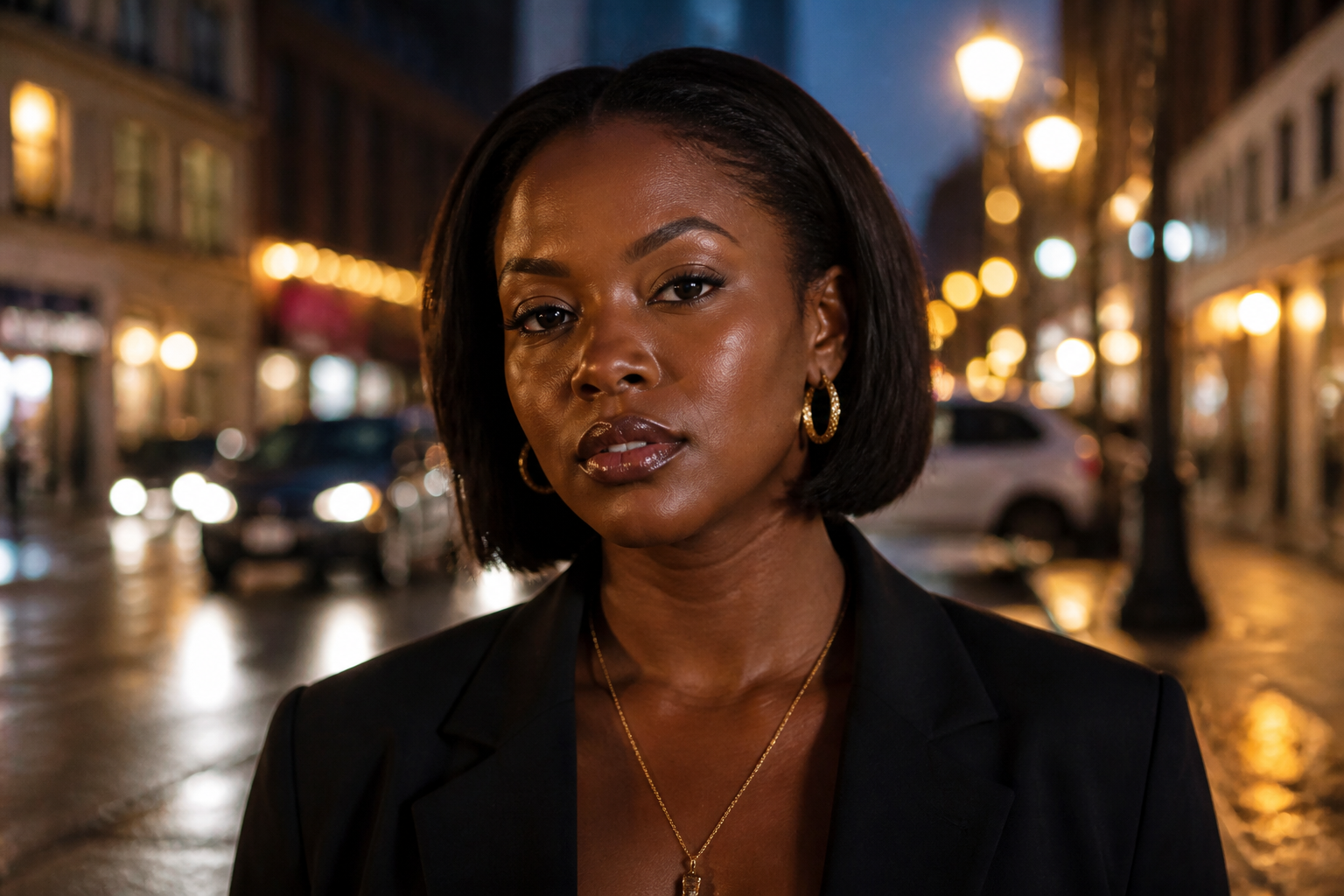 BEFORE
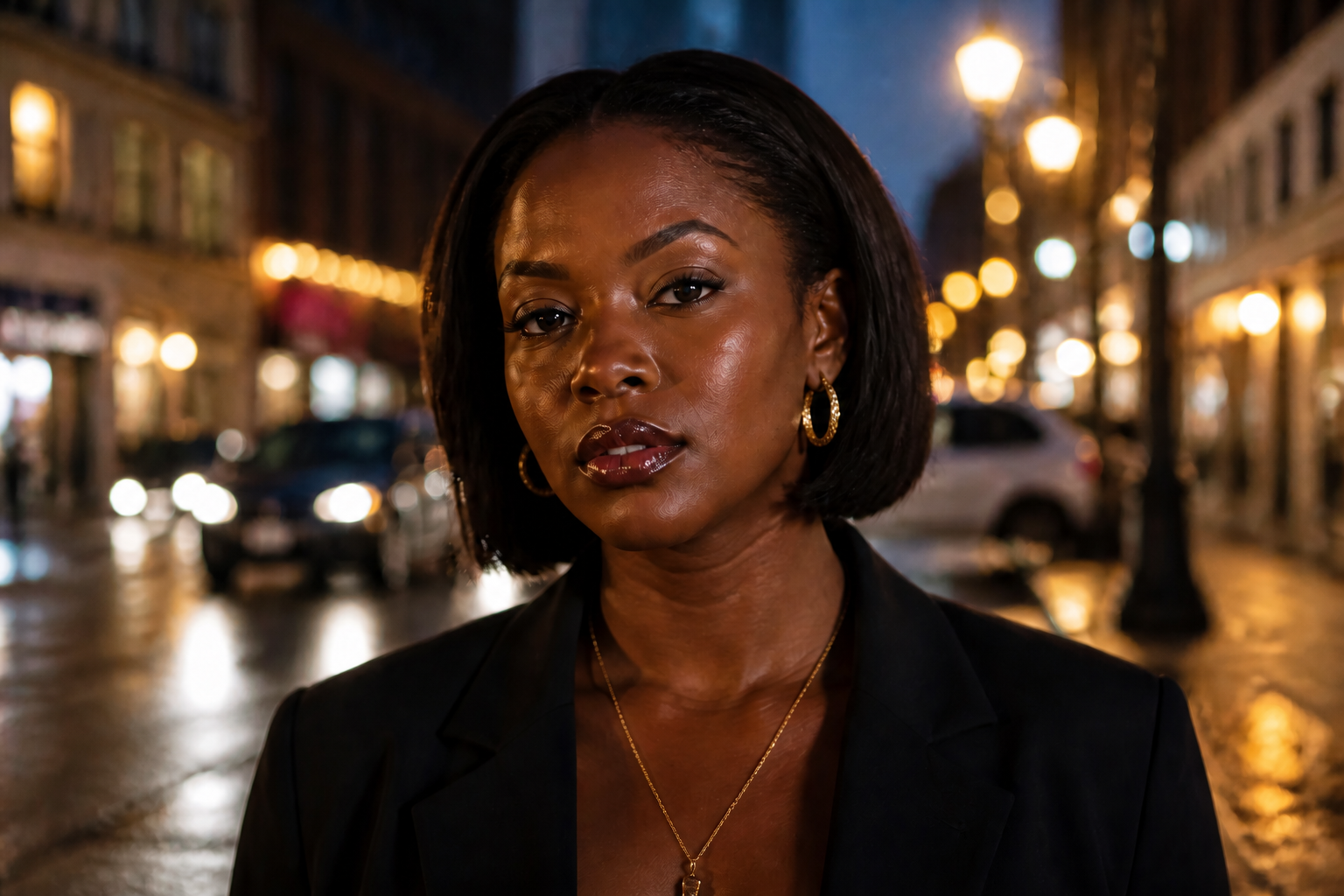 AFTER
AFTER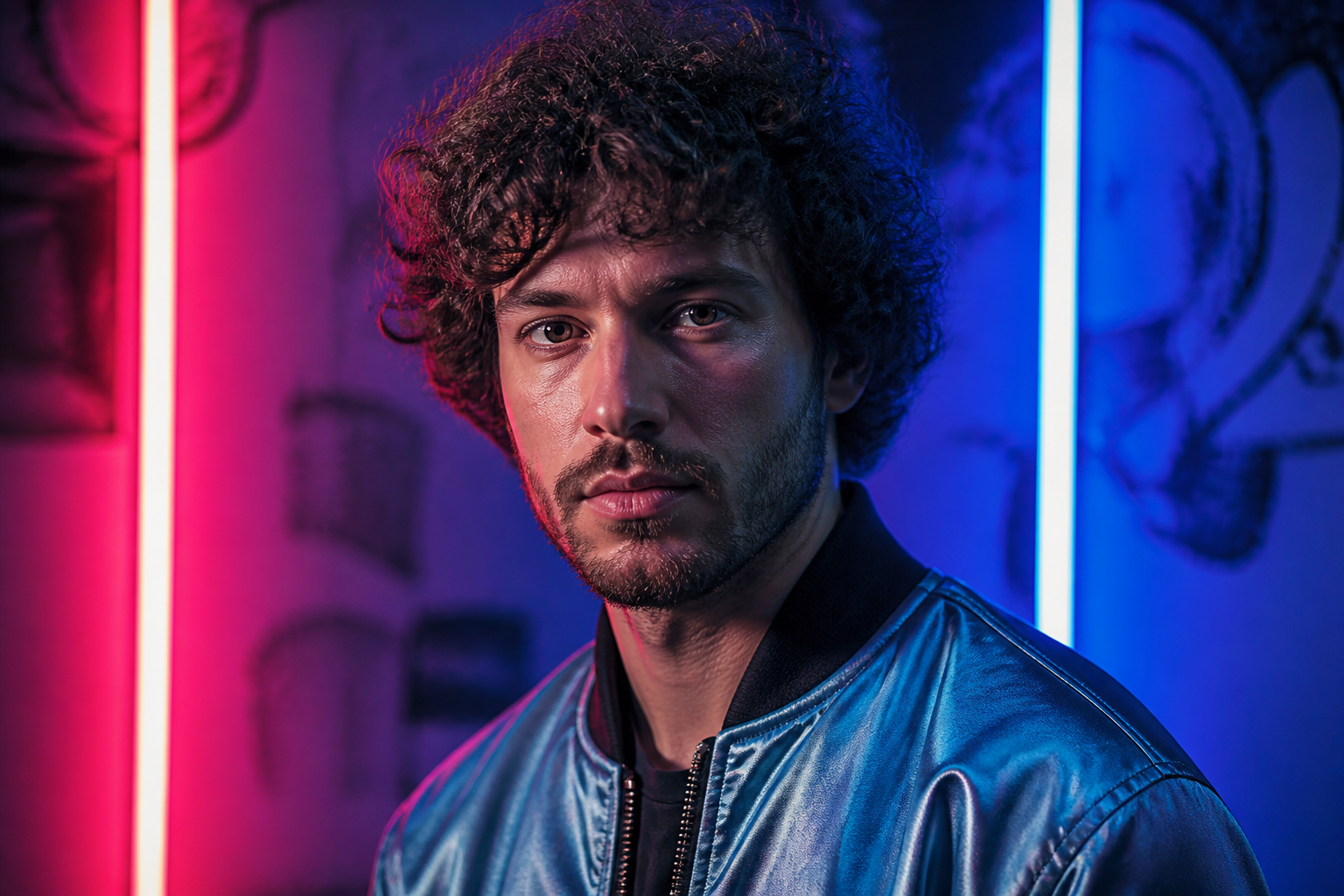 BEFORE
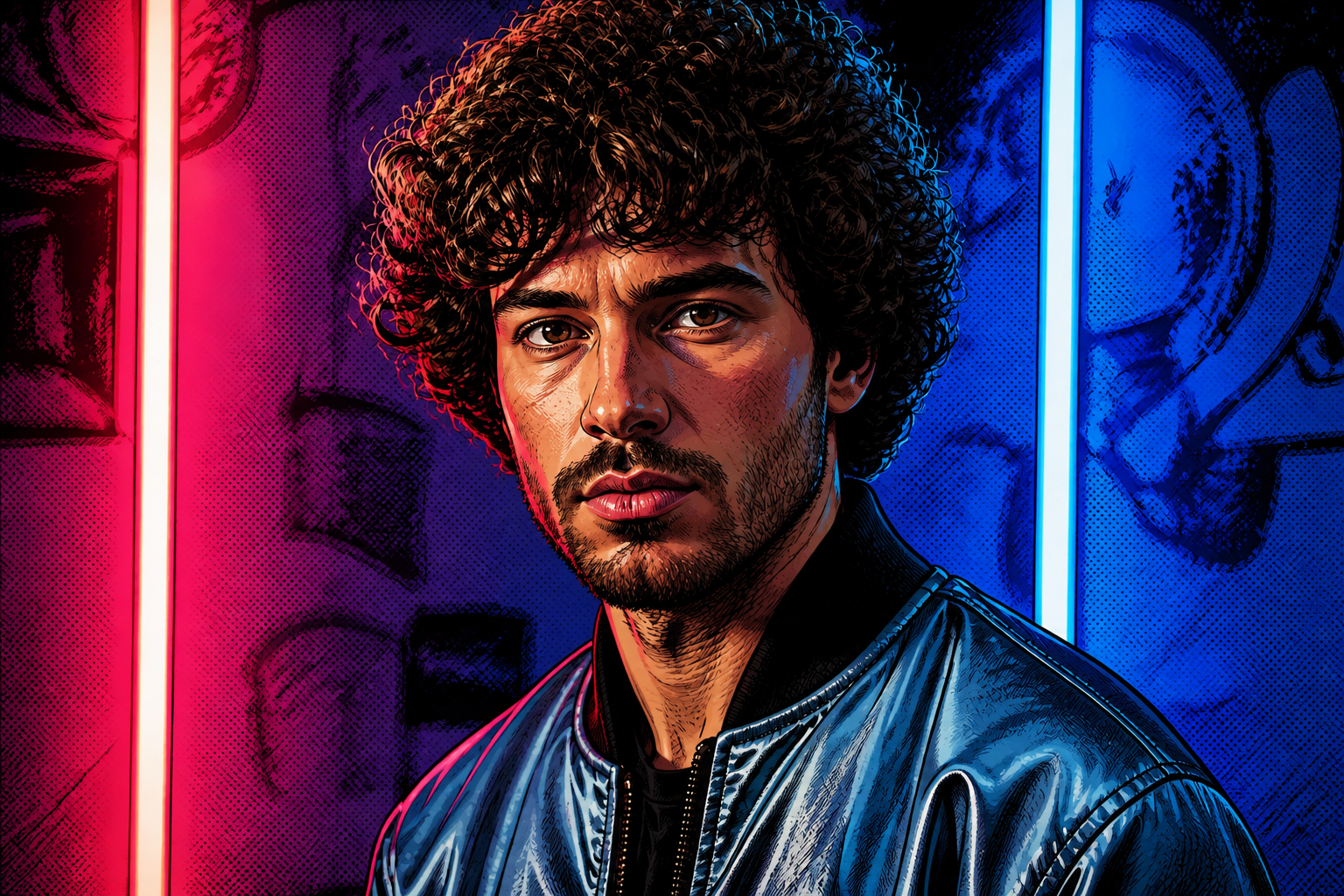 AFTER
AFTER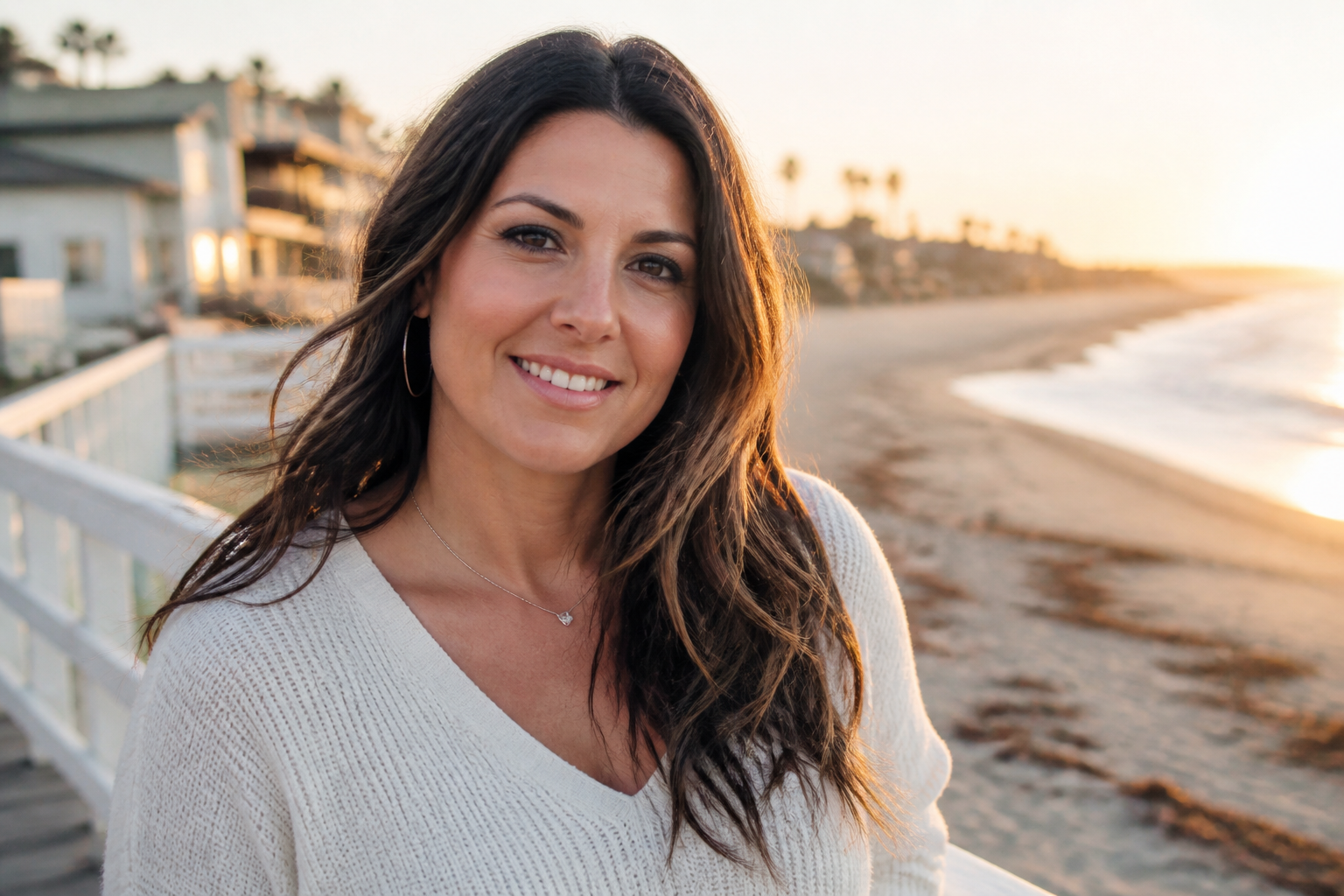 BEFORE
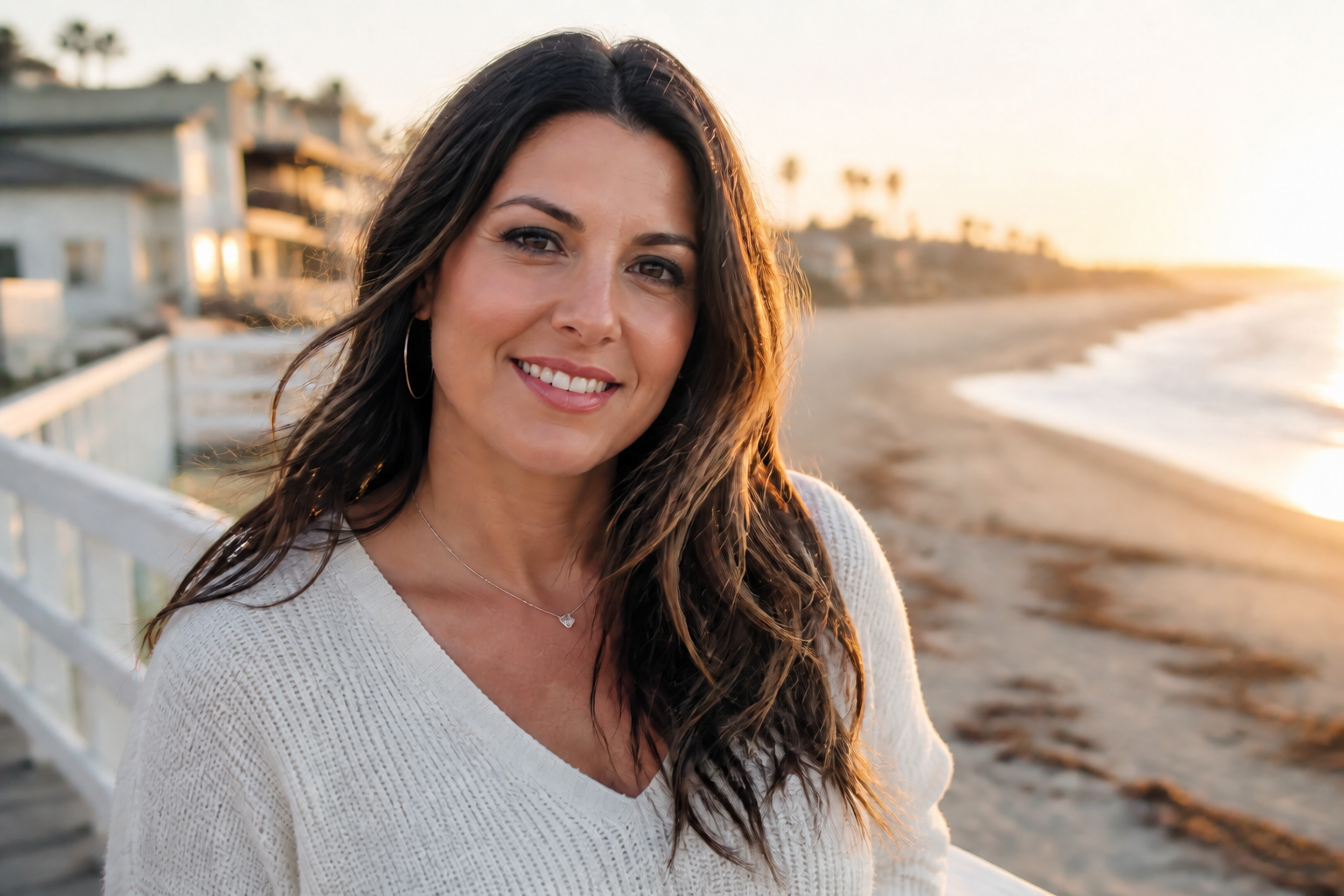 AFTERBEFOREAFTERBEFOREAFTERBEFOREAFTERBEFOREAFTERBEFOREAFTER
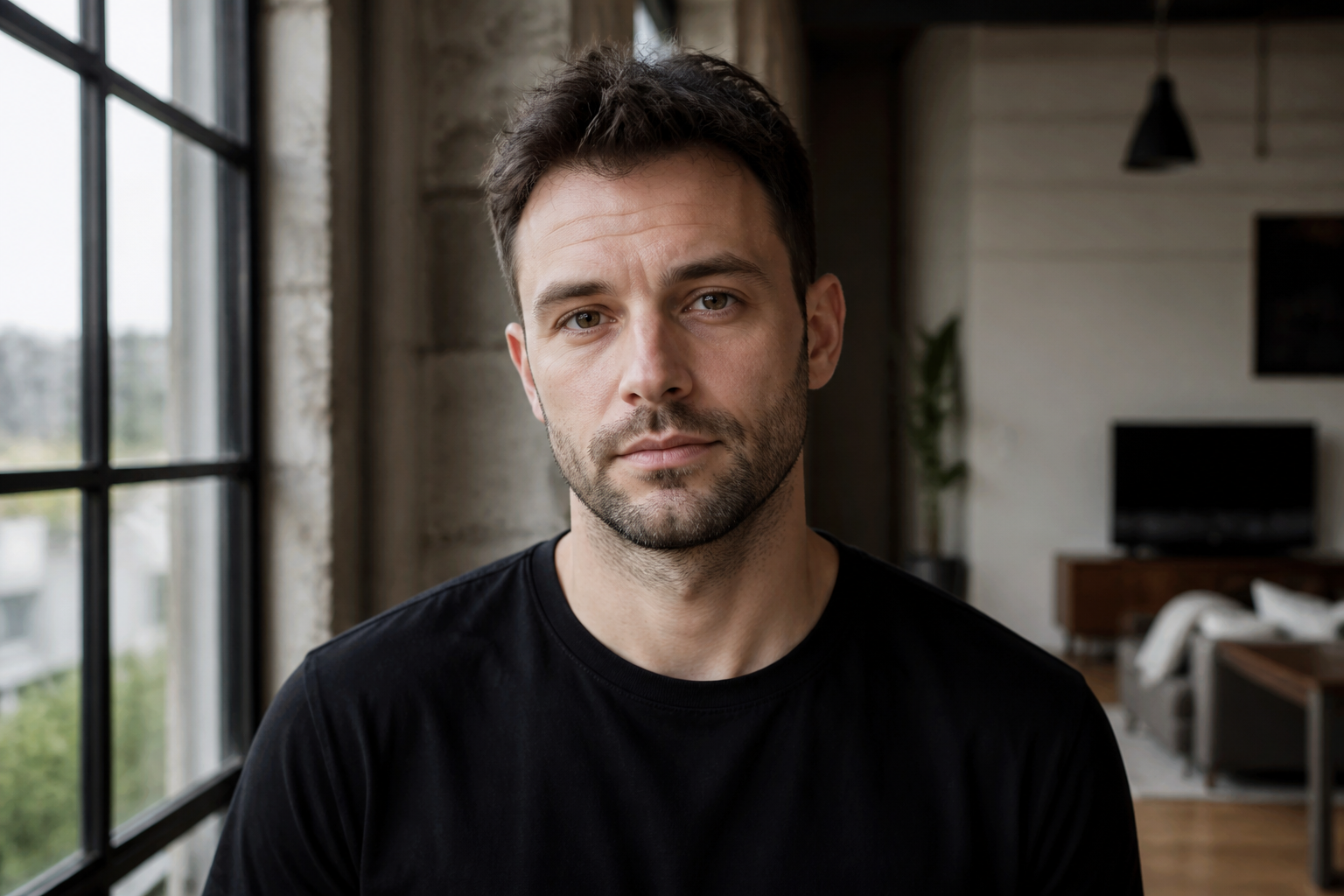 BEFORE
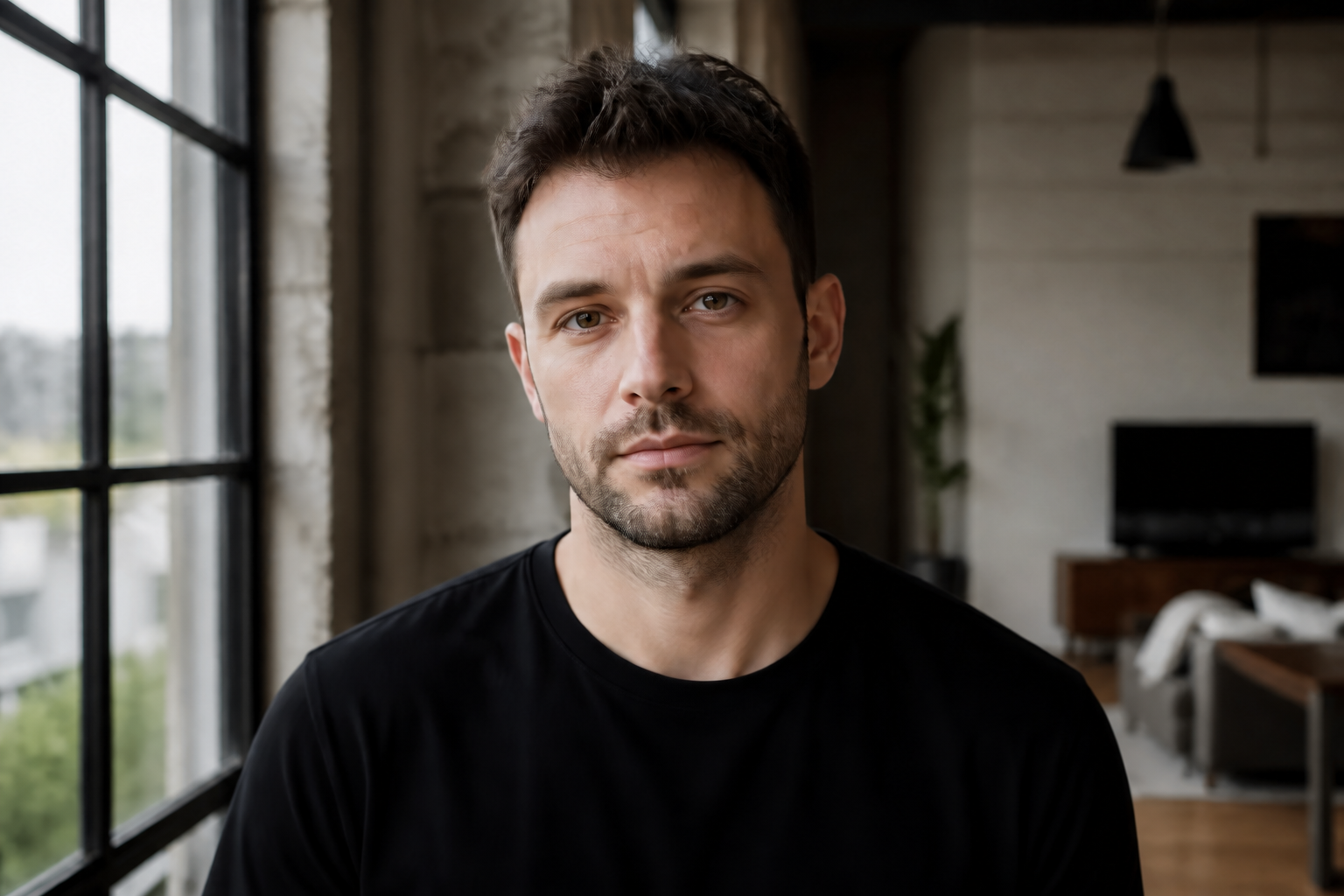 AFTER
AFTER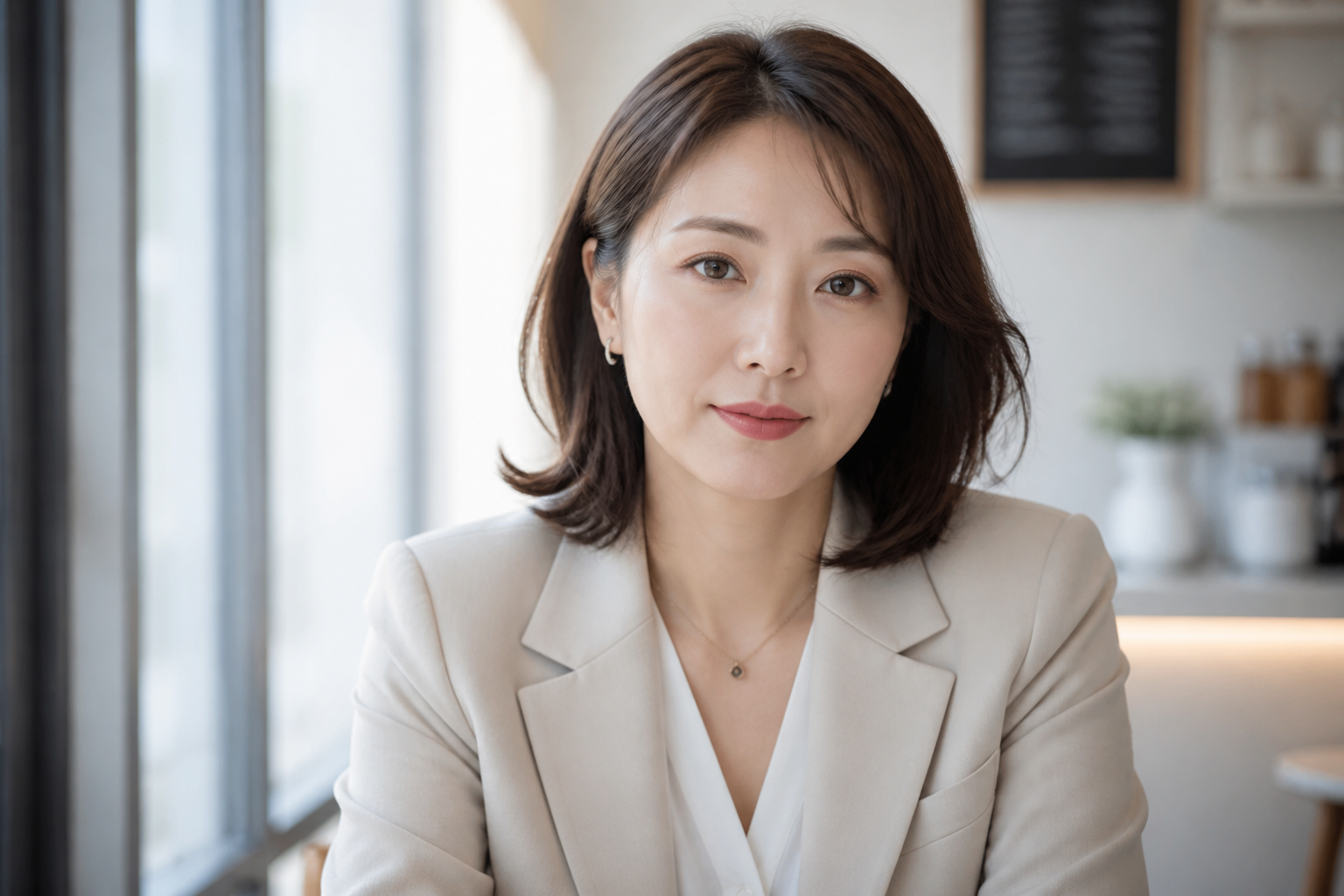 BEFORE
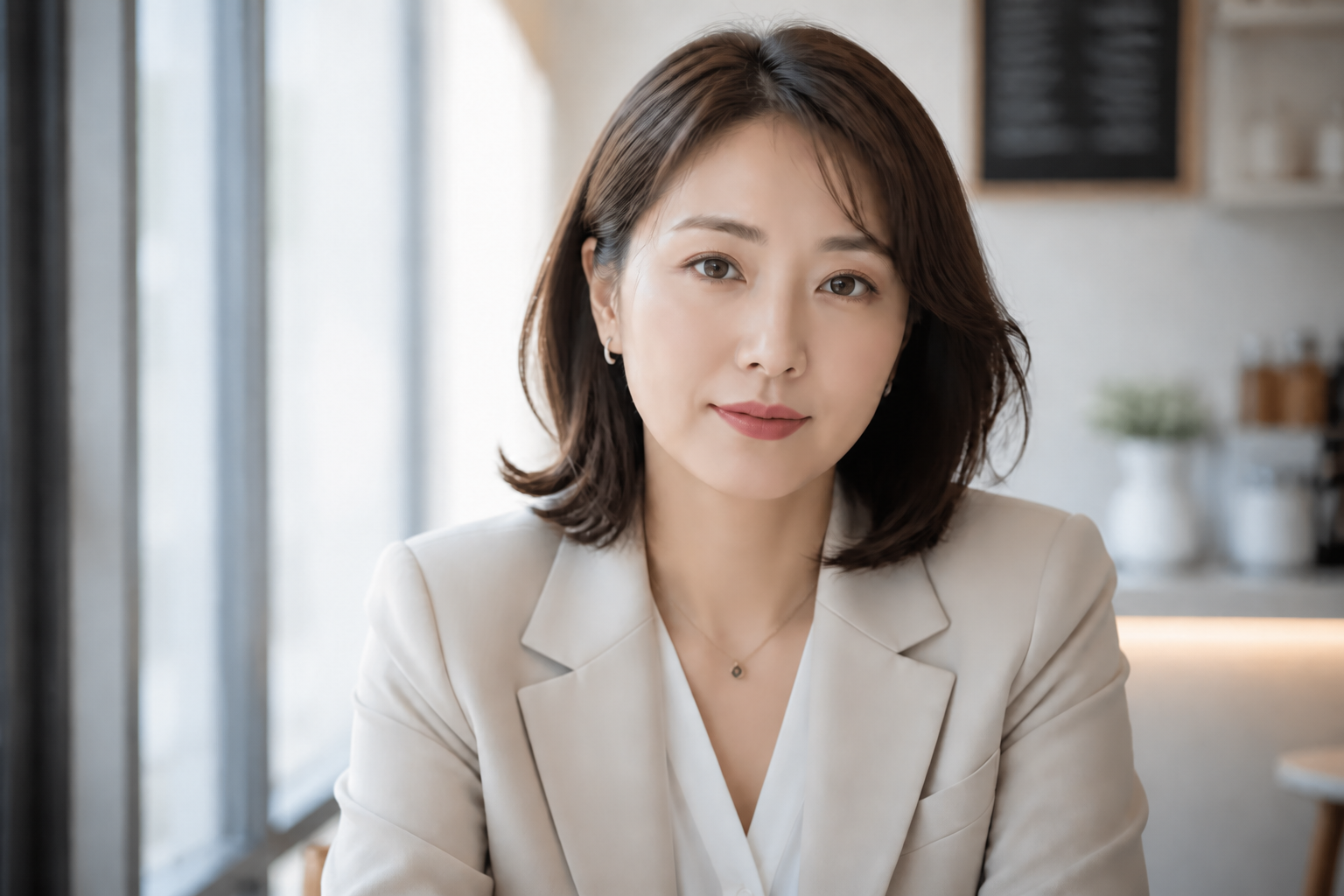 AFTER
AFTER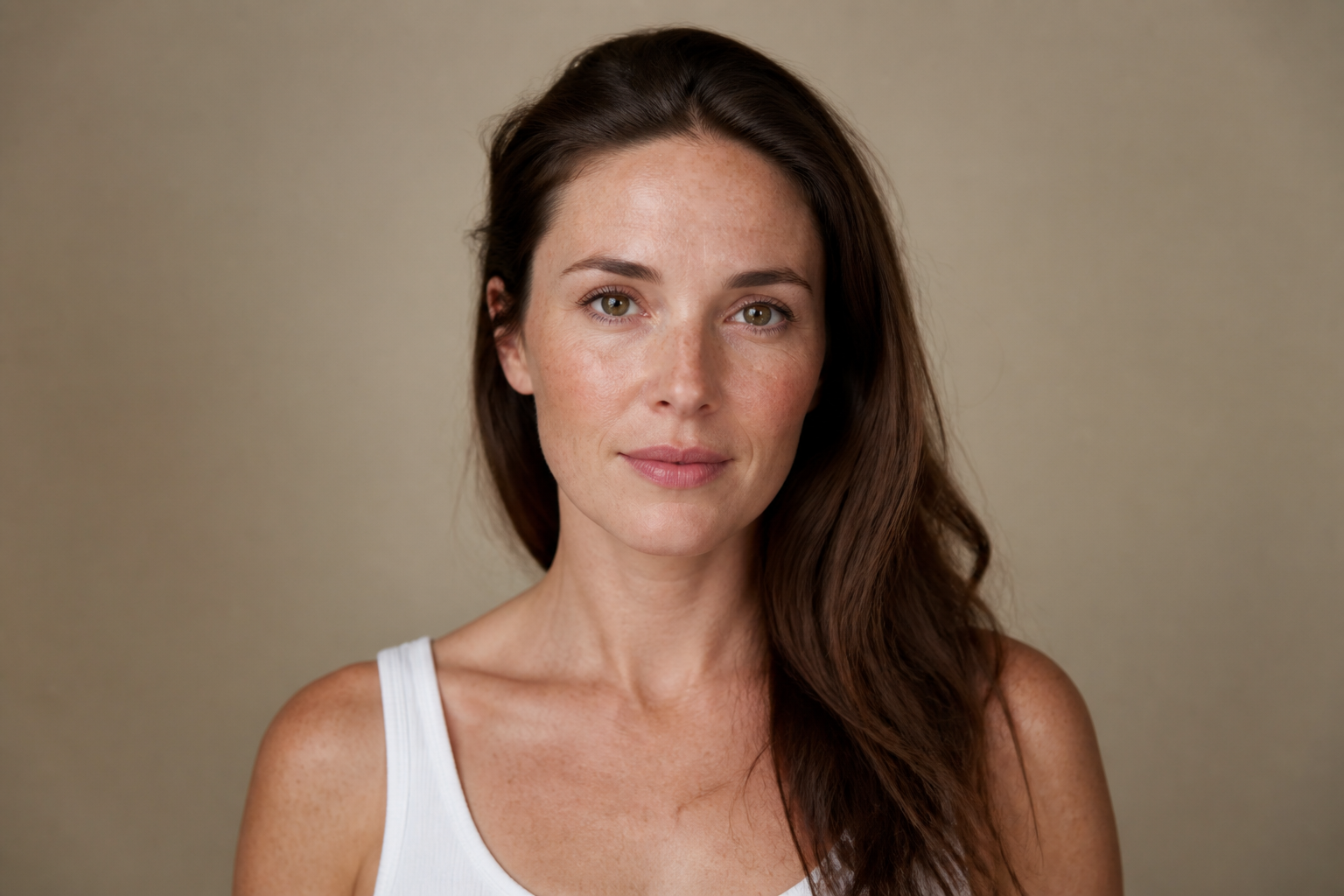 BEFORE
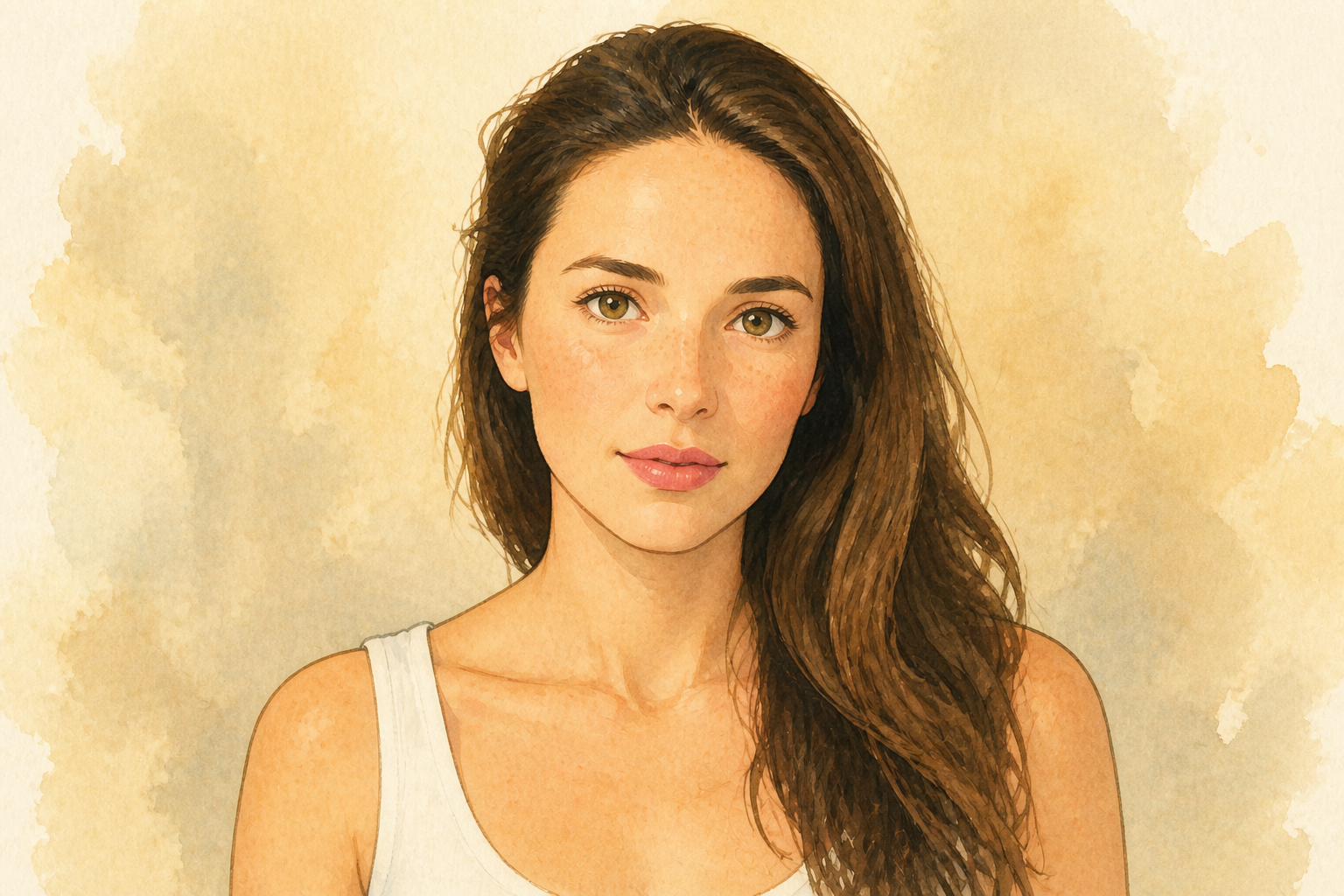 AFTER
AFTER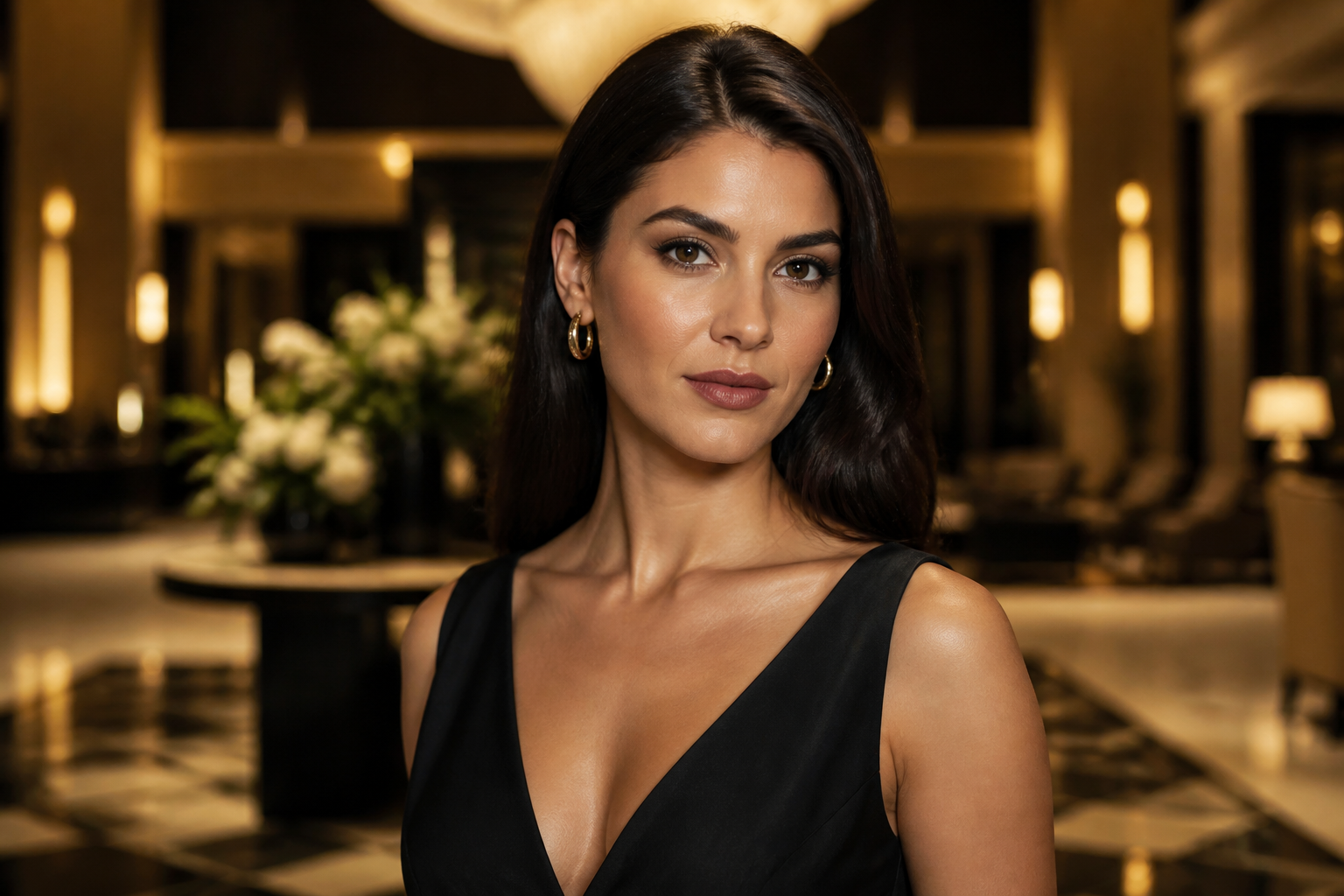 BEFORE
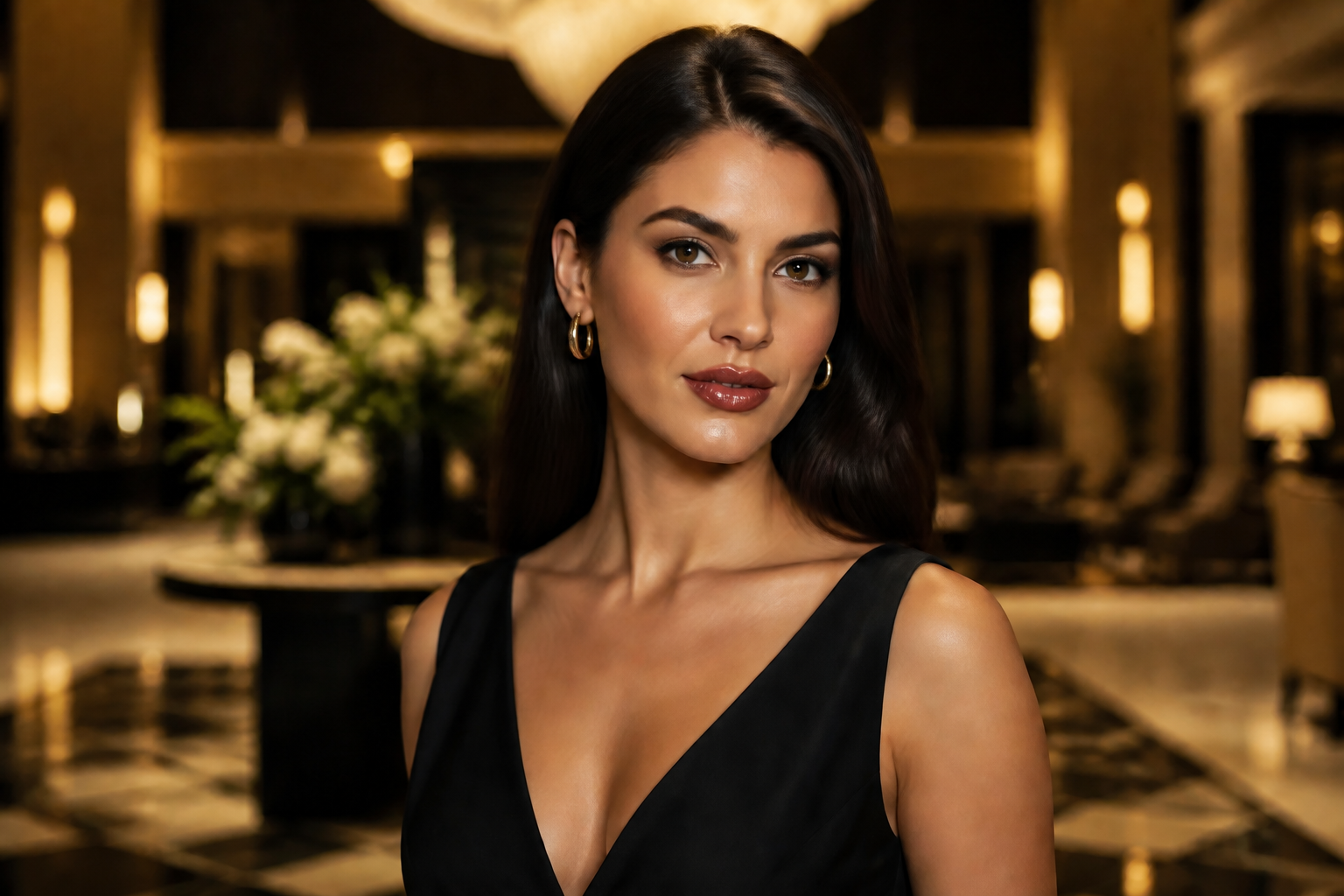 AFTER
AFTER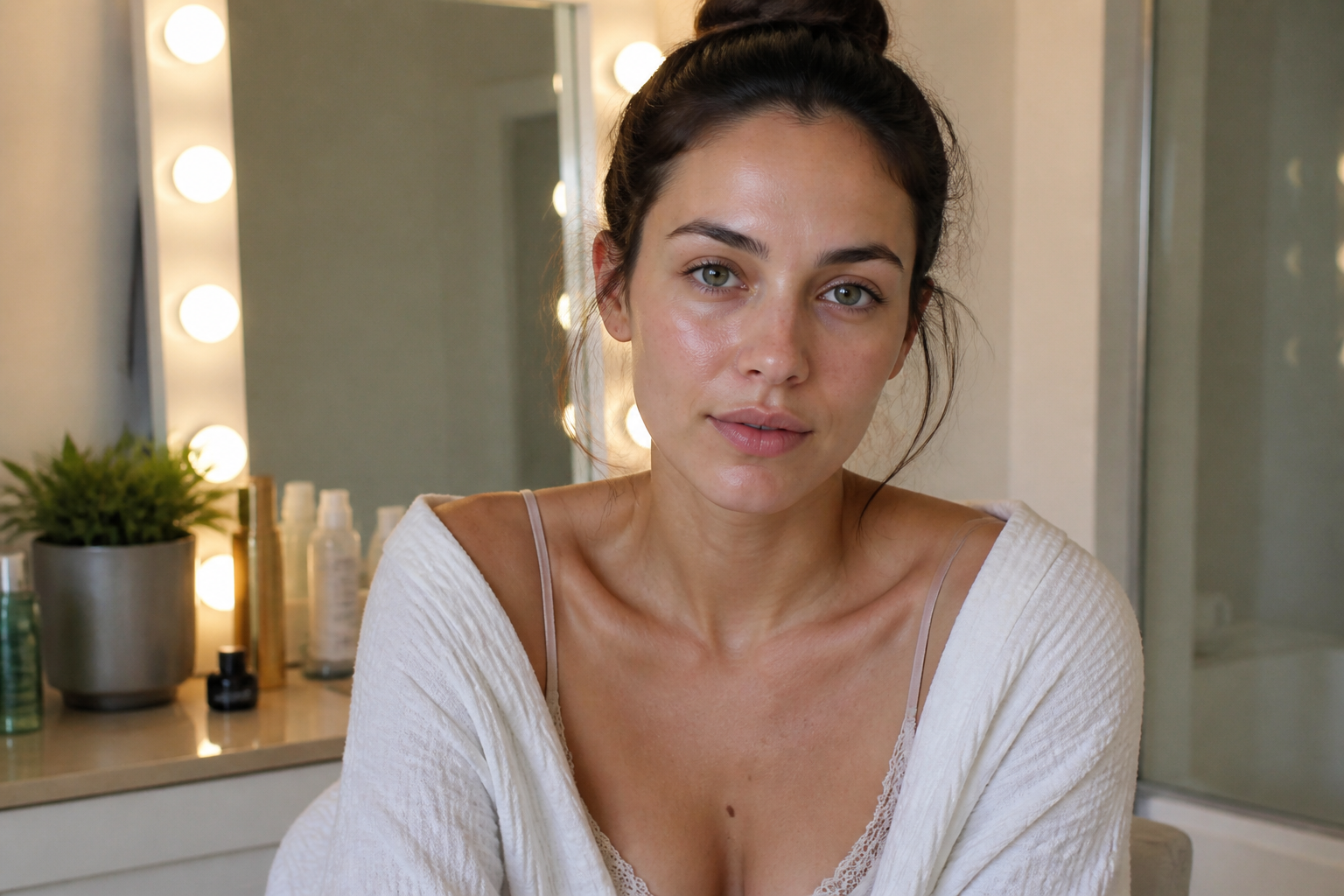 BEFORE
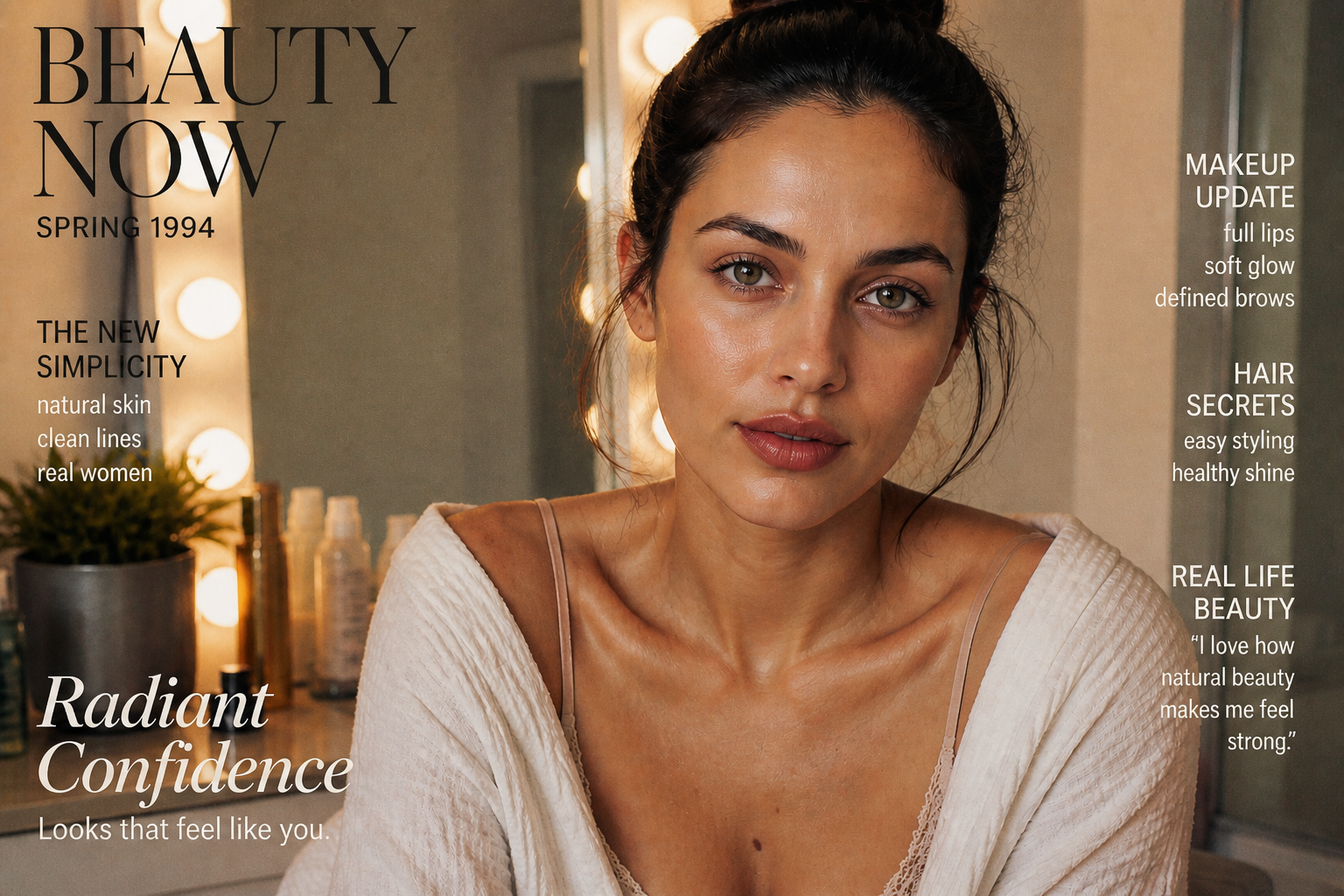 AFTERBEFOREAFTERBEFOREAFTERBEFOREAFTERBEFOREAFTERBEFOREAFTER
Key Features
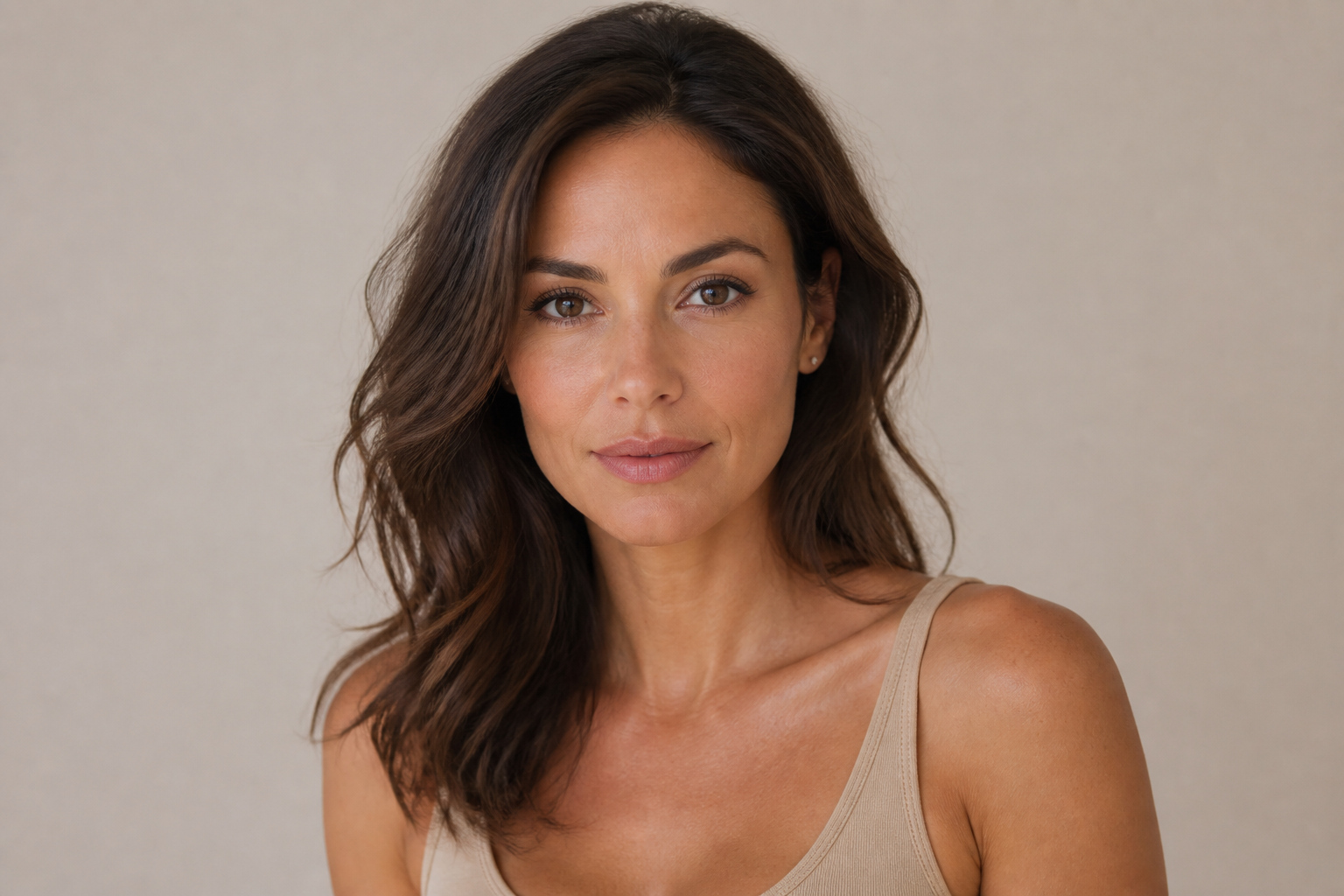
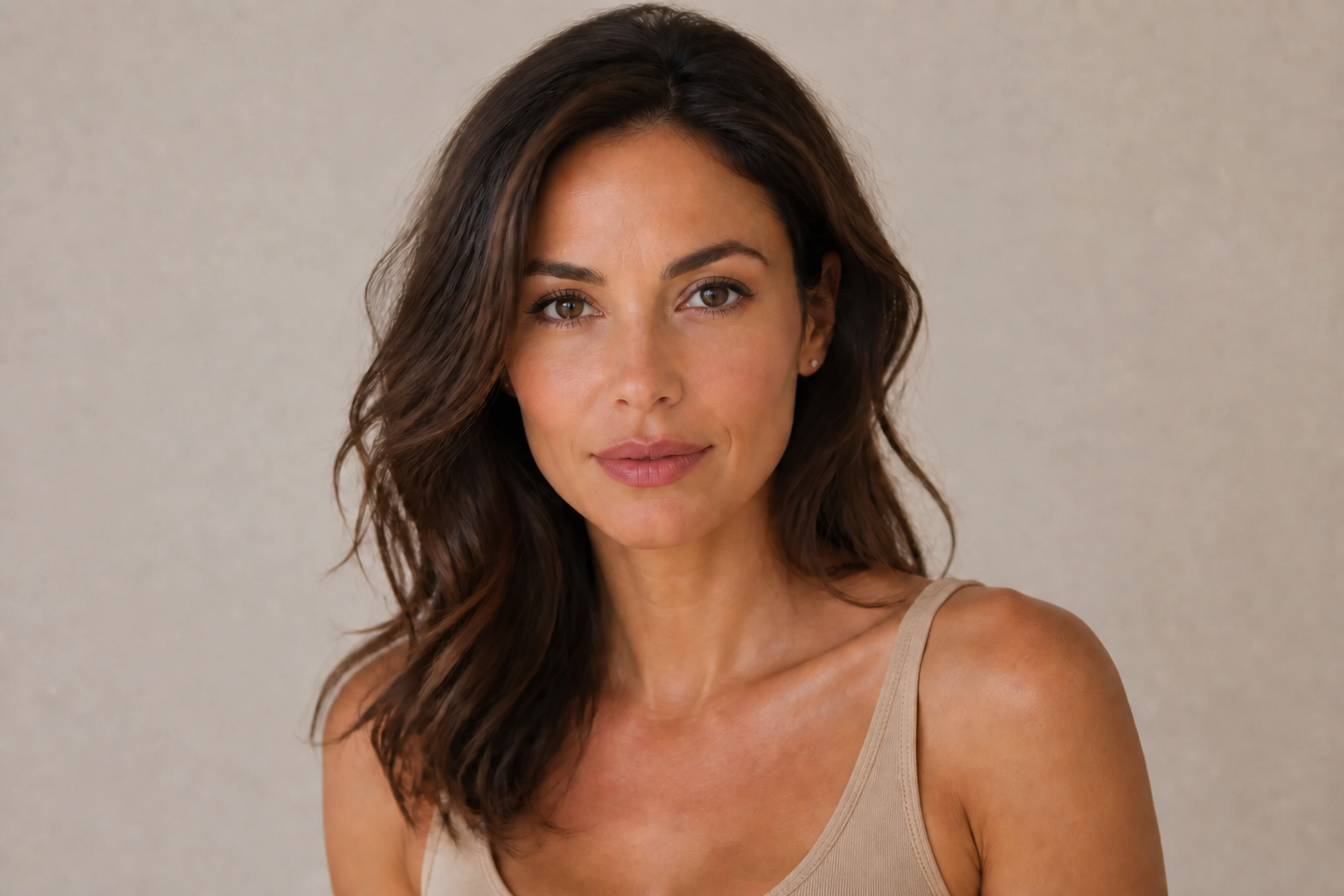
Fuller lips, fast
Change lip volume in one edit without rebuilding the whole face by hand. This is useful when you want to test a stronger beauty look before committing to manual retouching. Our AI focuses the change on the lips so the result reads clearly in the before-and-after slider. It is much quicker than masking, liquify work, and local repainting across multiple apps.


Keep the face recognizable
Lip edits should not make the person look like someone else. This feature is designed for targeted changes, so eyes, nose, jawline, and skin detail stay consistent while the lips are adjusted. That matters for profile photos, beauty previews, and client mockups where identity is the reference point. It saves time compared with repeated manual corrections after over-editing.
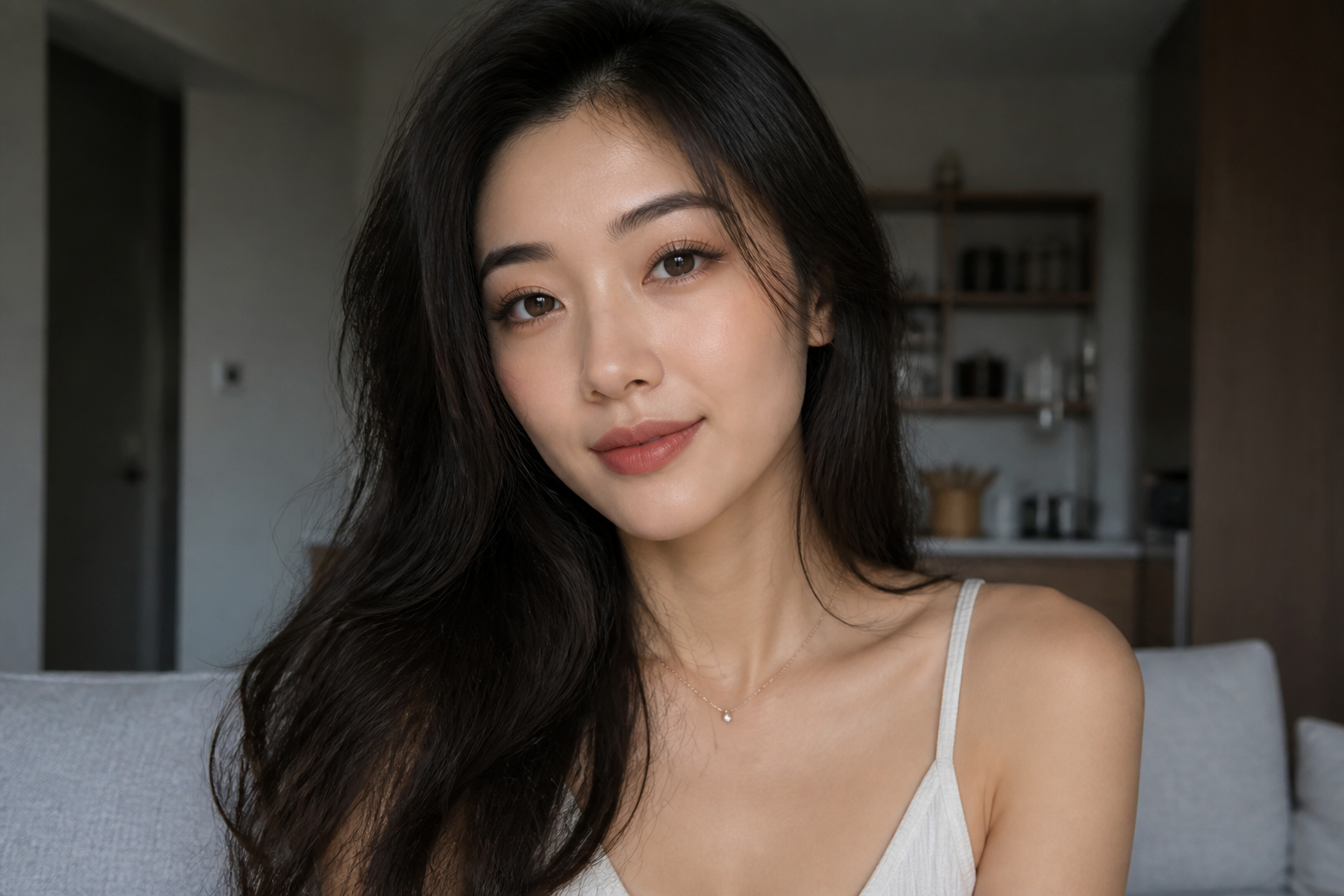
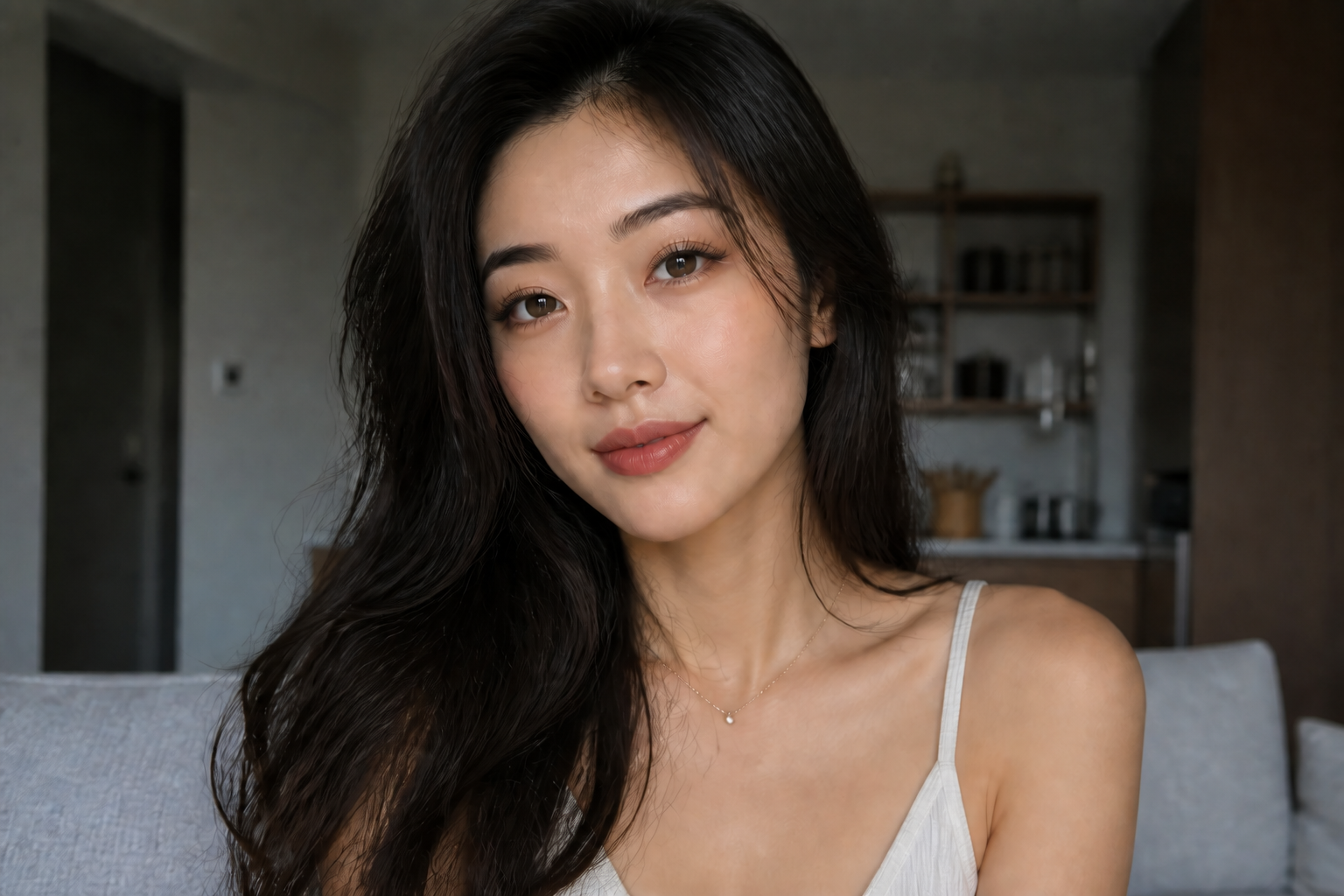
Adjust shape and symmetry
Volume is only part of the result. You can also improve the cupid's bow, refine the lip border, and balance left-to-right symmetry so the edit looks intentional. This helps when the goal is a polished beauty image rather than just larger lips. Doing that manually usually takes multiple precise selections and warp passes.
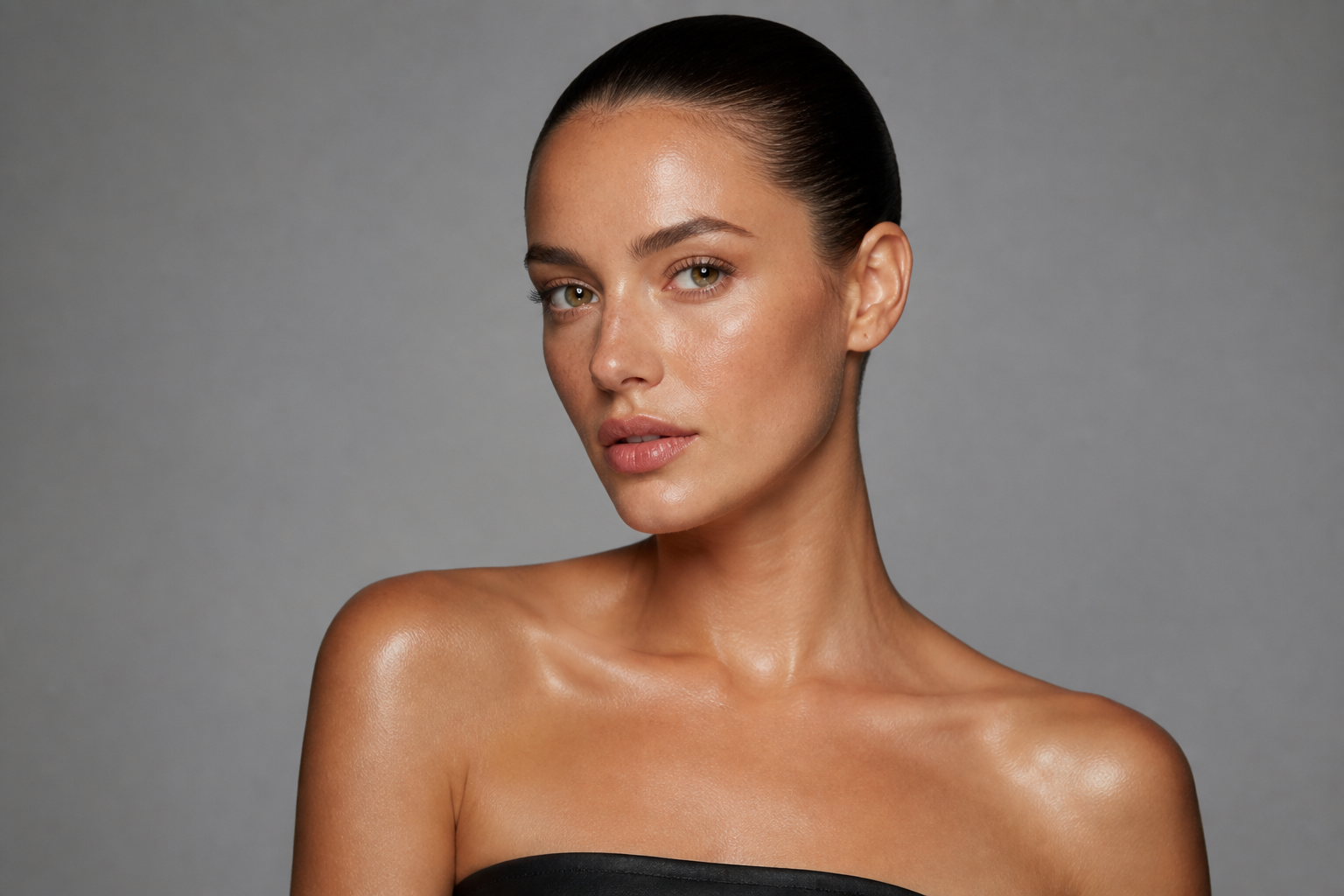
Works across visual styles
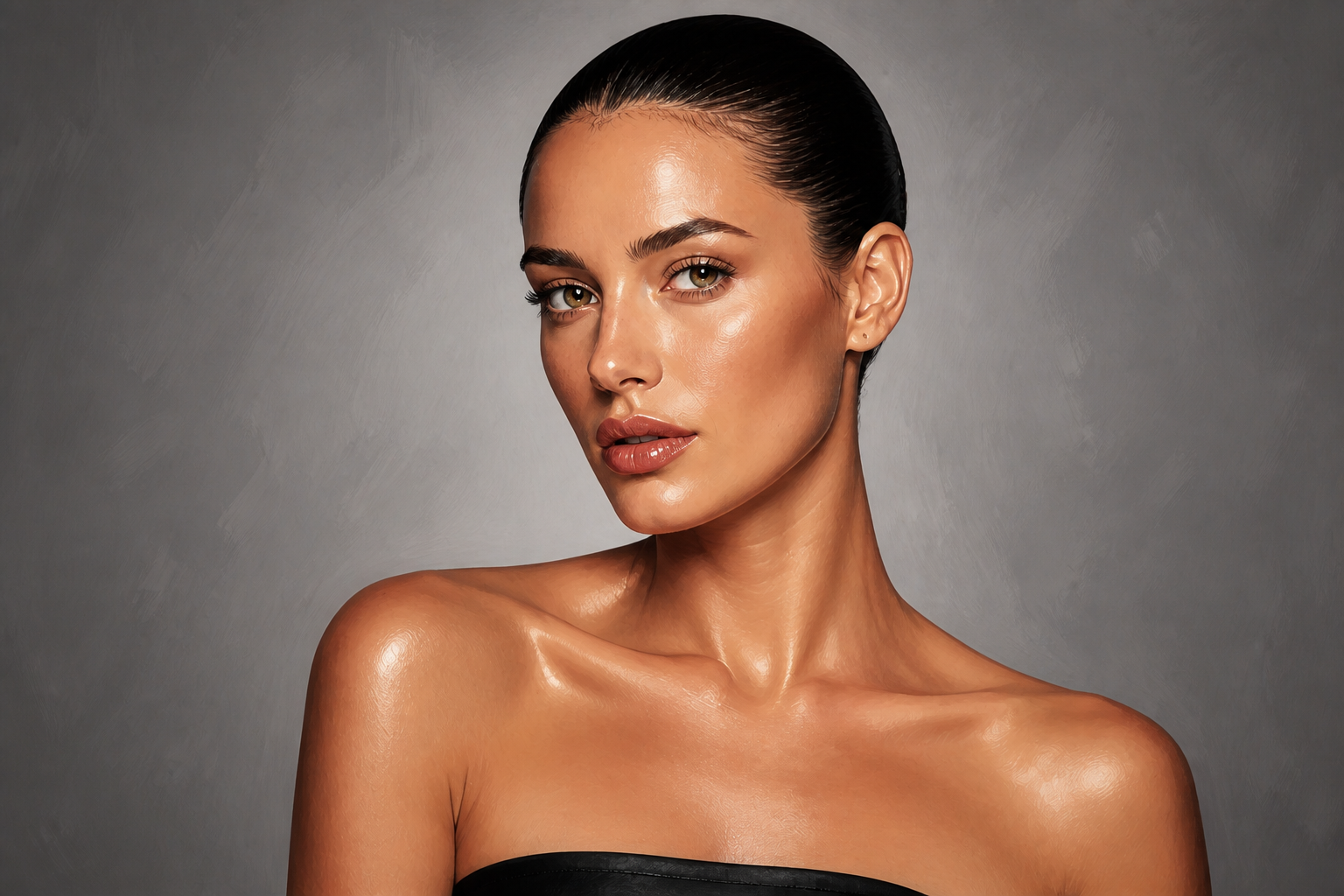
The same lip enhancement can be applied in realistic portraits and stylized beauty artwork. That makes it easier to create social content, concept boards, and creative variations from the same base photo. You can preview a practical edit or push it into a more graphic look for campaigns and posts. It gives you range without starting from scratch each time.
How It Works
Upload your portrait
Start with a clear photo where the lips are visible and the face is well lit. Chest-up portraits work best because the change is easy to read while the full face stays in view.
Describe the lip look
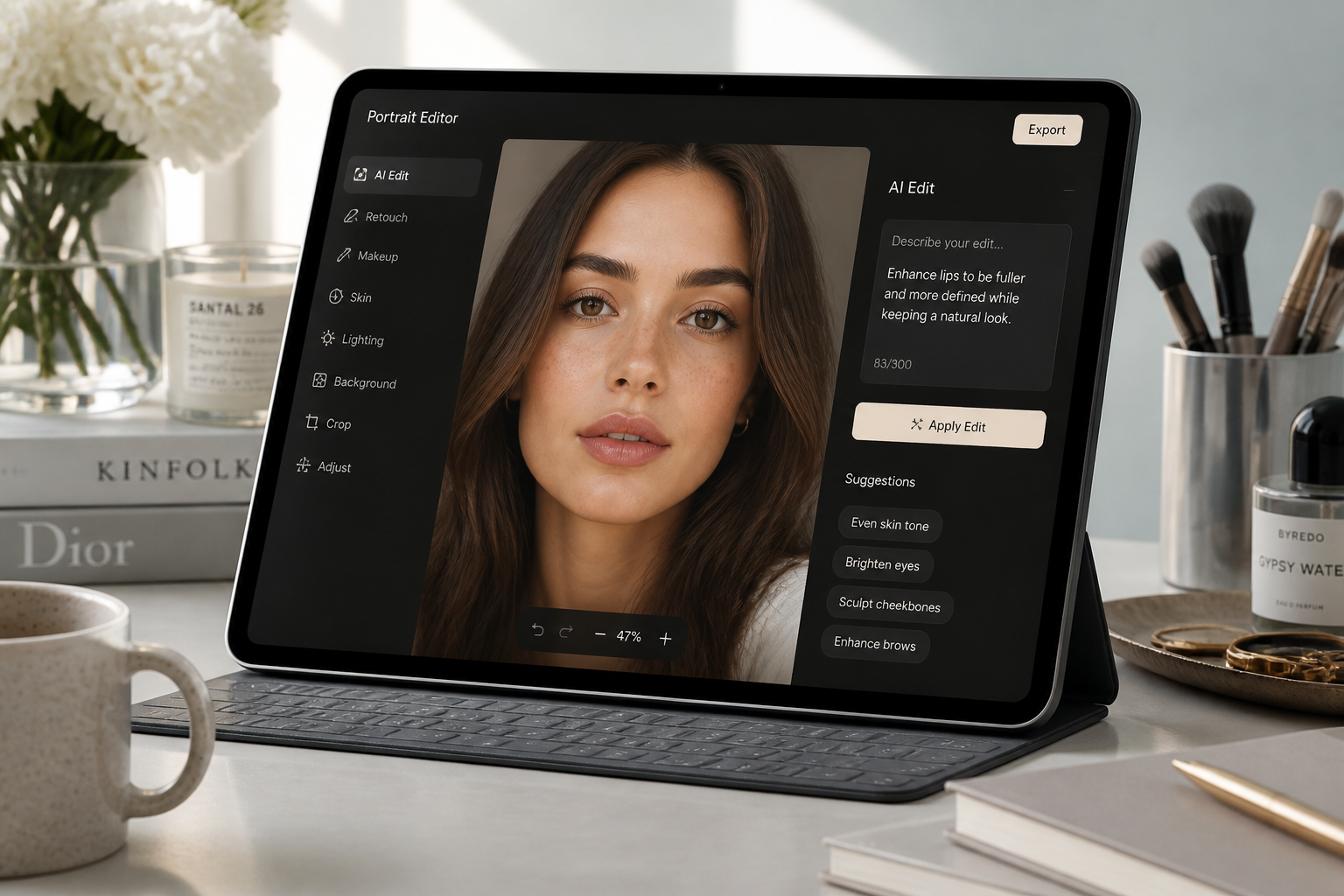
Tell our AI what to change, such as fuller lips, sharper cupid's bow, better symmetry, or a glossier finish. Short, direct instructions usually produce the clearest edits.
Compare and refine
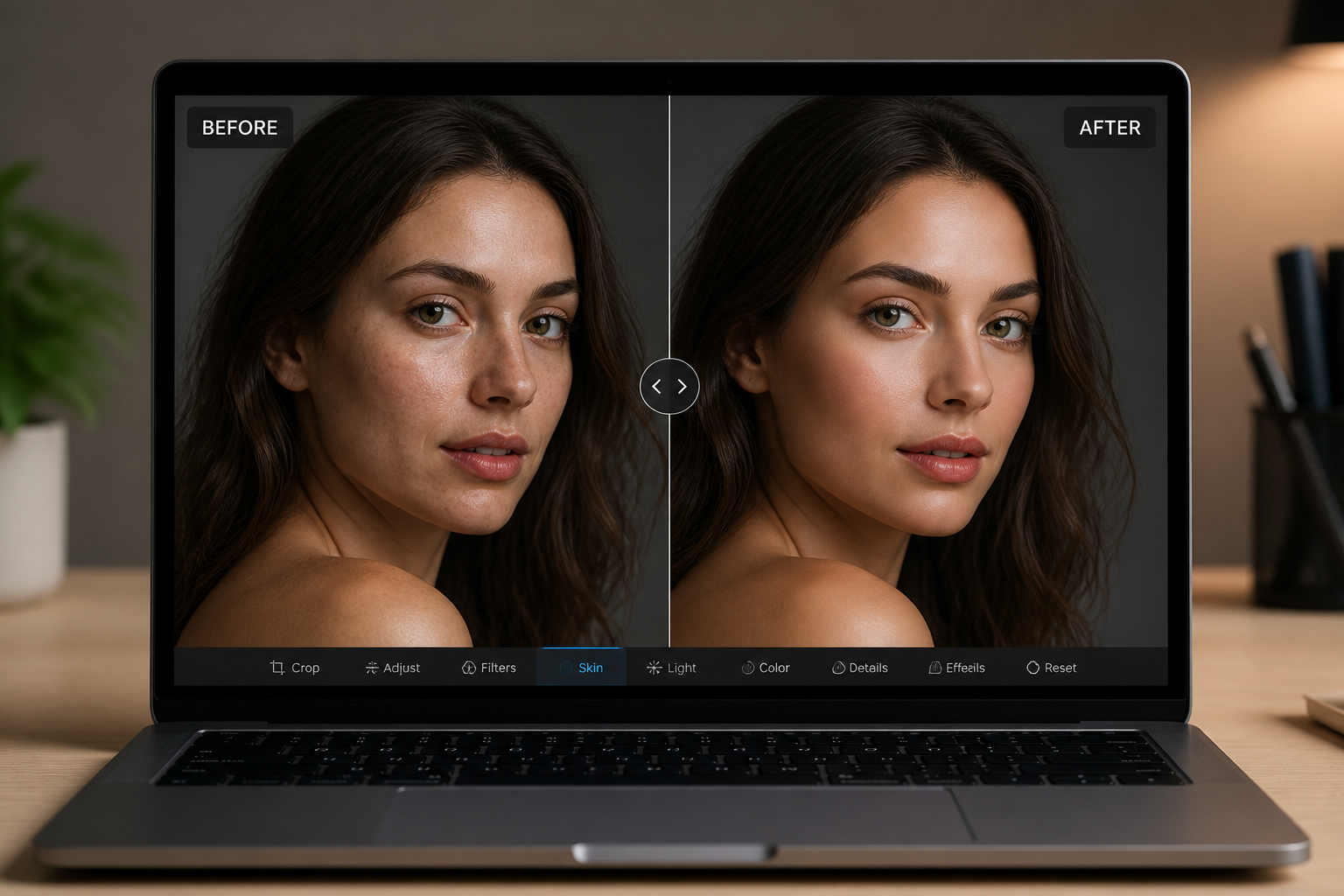
Review the before and after, then rerun with a stronger or more specific prompt if needed. You can quickly test different lip shapes until the result fits your photo.
Perfect For
Discover how creators and professionals use ai lip enhancer
Beauty look previews
Test fuller lips or cleaner lip definition before a shoot, makeover, or content post.
Photo retouch mockups
Create a quick concept edit before spending time on detailed manual retouching.
Social content variations
Generate multiple lip looks from one portrait for short-form content, thumbnails, or carousel posts.
Client consultation visuals
Show a clear visual reference for lip shape and balance in beauty, makeup, or aesthetic planning.
Built For
Beauty creators
Make fast lip edits for tutorials, campaign concepts, and social posts without a heavy retouch workflow.
Photographers and retouchers
Prototype facial detail changes quickly before moving into full manual editing.
Everyday users
Try different lip looks on your own portraits with simple prompts and clear before-and-after results.
Why use AI Lip Enhancer
A quick look at how we compare on the things that matter for this niche.
| Feature | BudgetPixel | Generic AI editors | Manual editing apps |
|---|---|---|---|
| Targeted lip changes | ✓ | — | ✓ |
| Keeps face recognizable | ✓ | — | ✓ |
| Fast prompt-based workflow | ✓ | ✓ | — |
| Before/after testing | ✓ | ✓ | ✓ |
| No manual masking required | ✓ | — | — |
Frequently Asked Questions
What does AI Lip Enhancer change in a photo?
Will it change the whole face too much?
Can I use it for natural-looking lip edits?
What kind of photo works best?
Can I create stylized versions too?
Create together.
Share your creations, discover trending AI art, and grow with fellow creators.