AI Butt Enhancement
Make curves look fuller while keeping the pose, outfit, and scene intact.
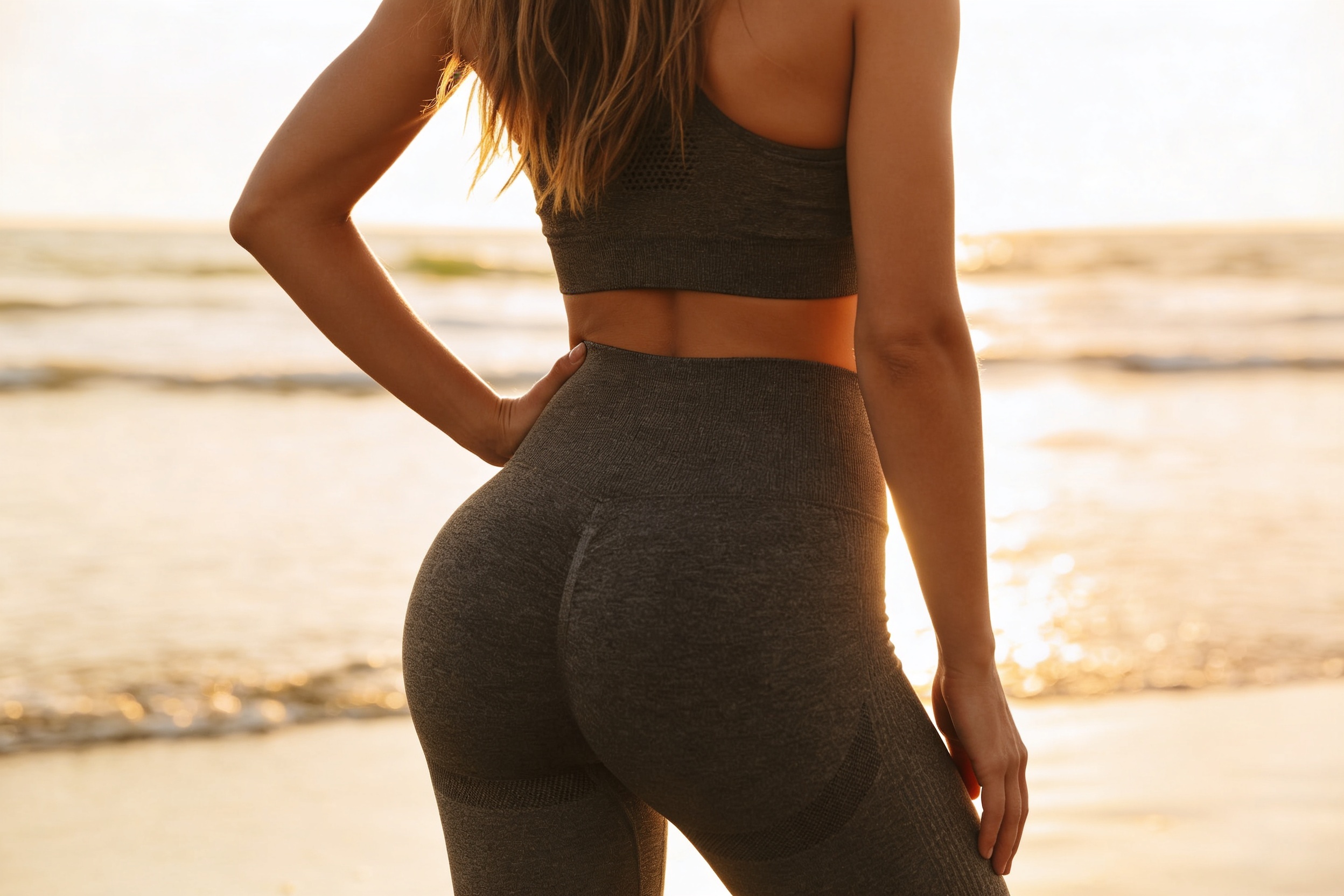
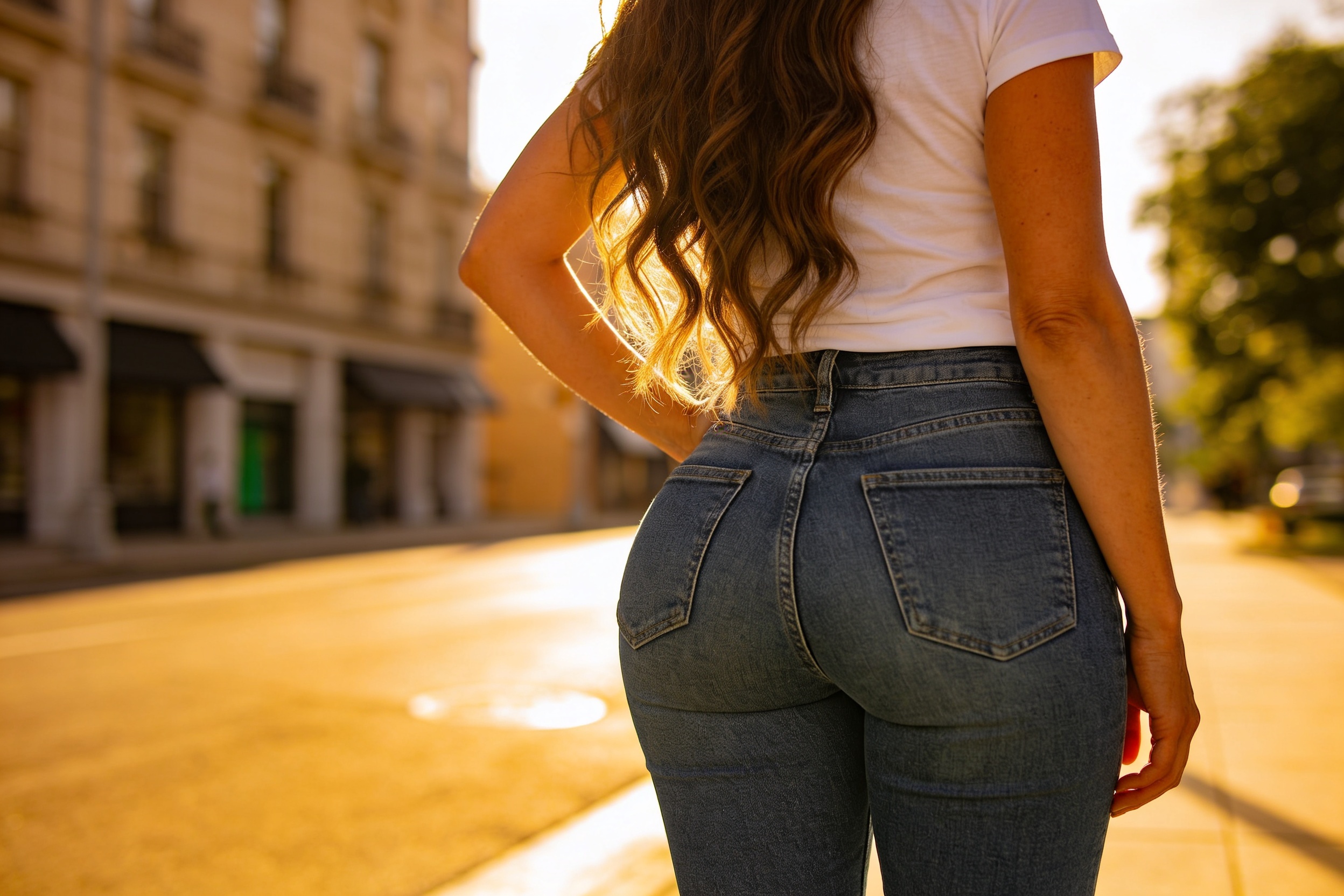
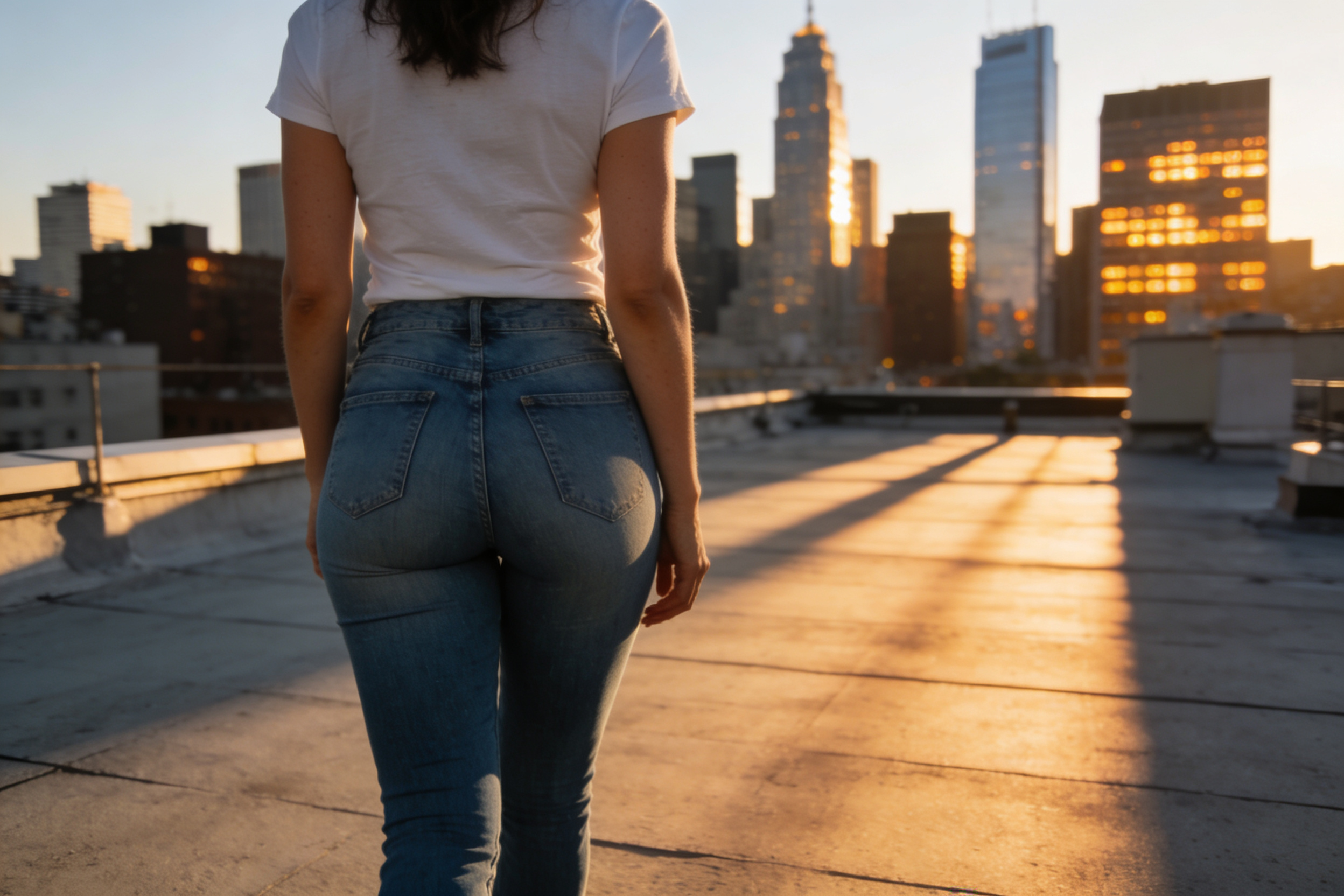
Upload a photo and use our AI to enhance butt size in a clear, visible way. The edit keeps the same back view, clothing, lighting, and setting so the result still looks like the original shot.
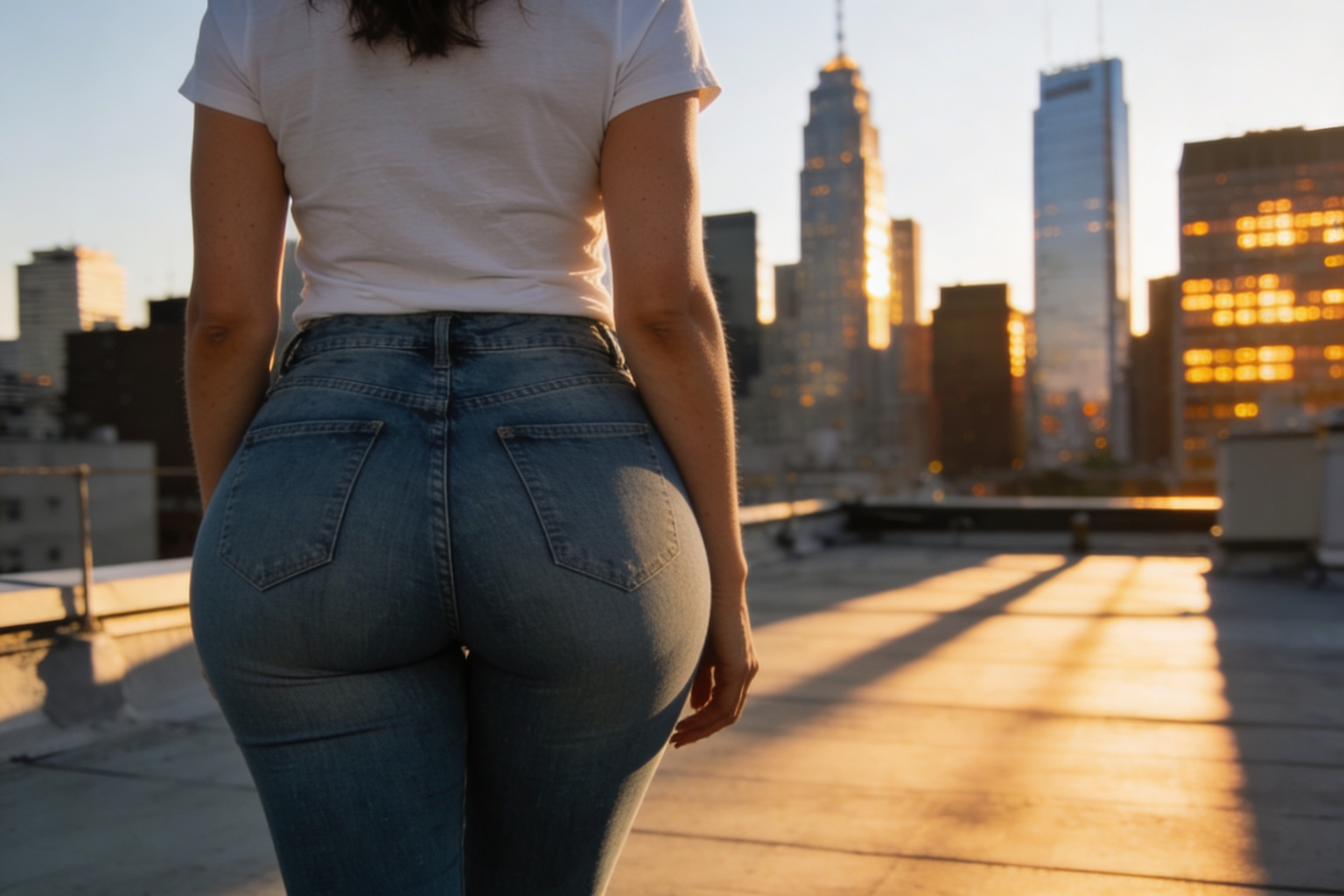
Watch the Transformation
See ai butt enhancement in motion — generated end-to-end by our AI.
See It In Action
Real outputs from ai butt enhancement.
BEFOREAFTER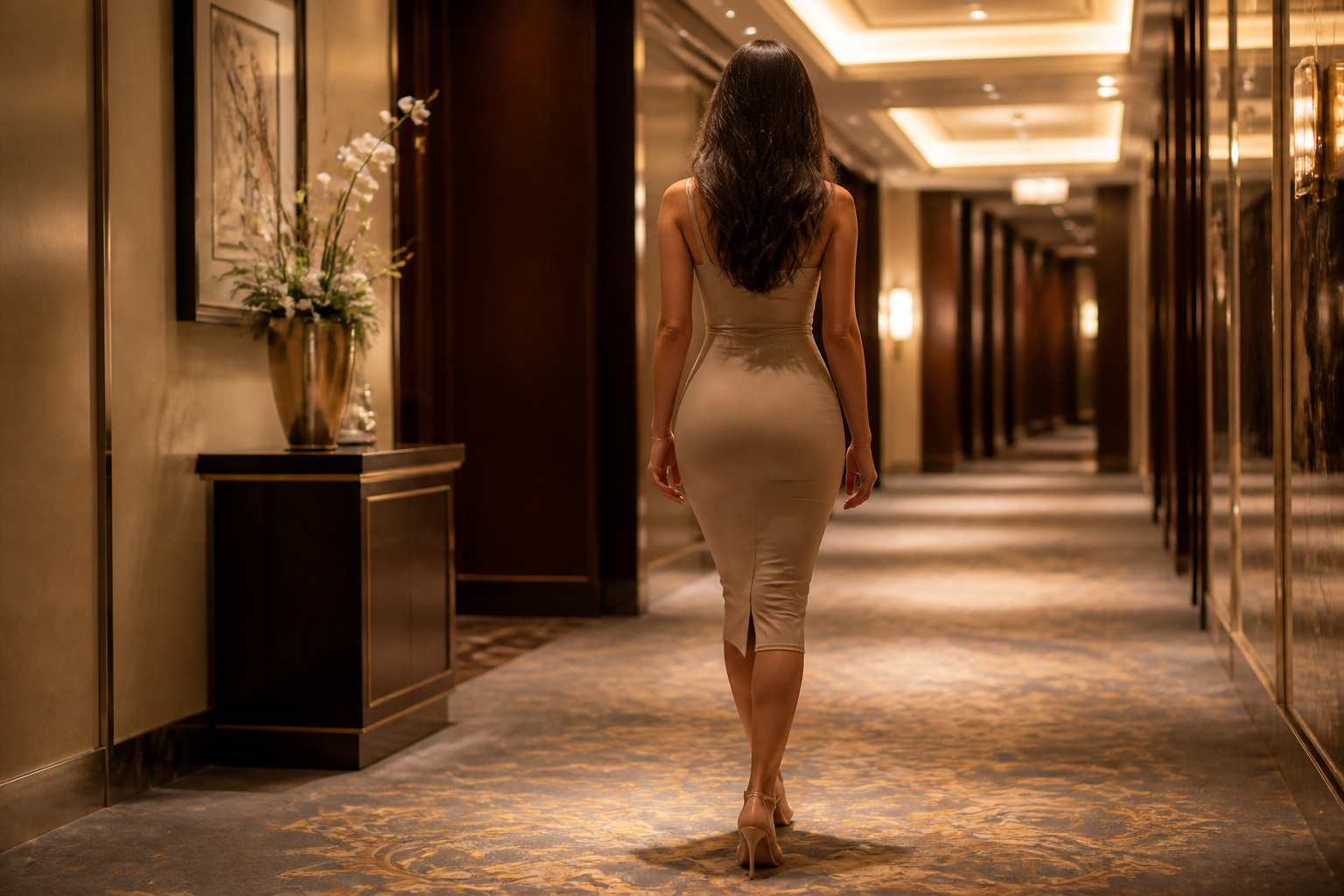 BEFORE
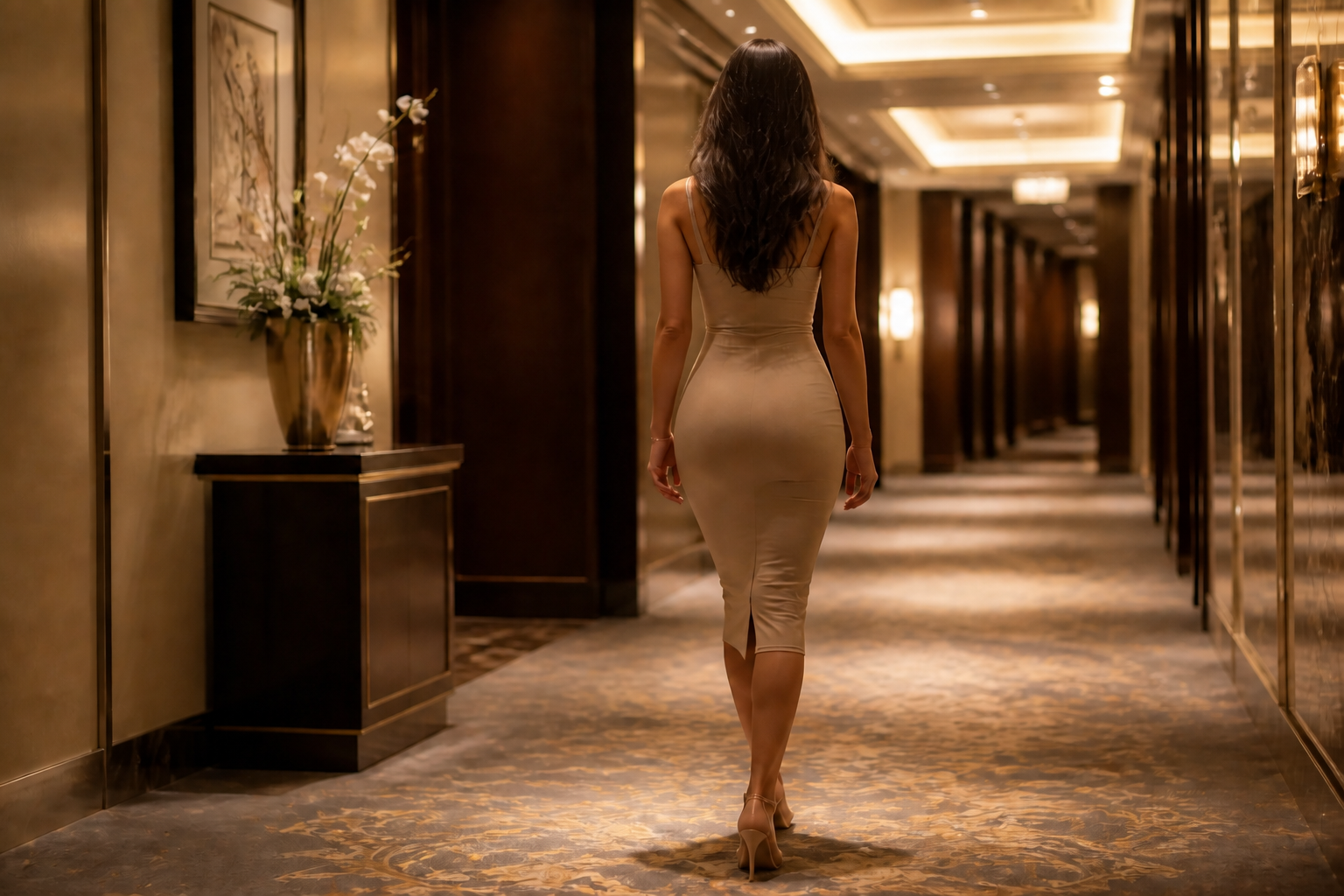 AFTER
AFTER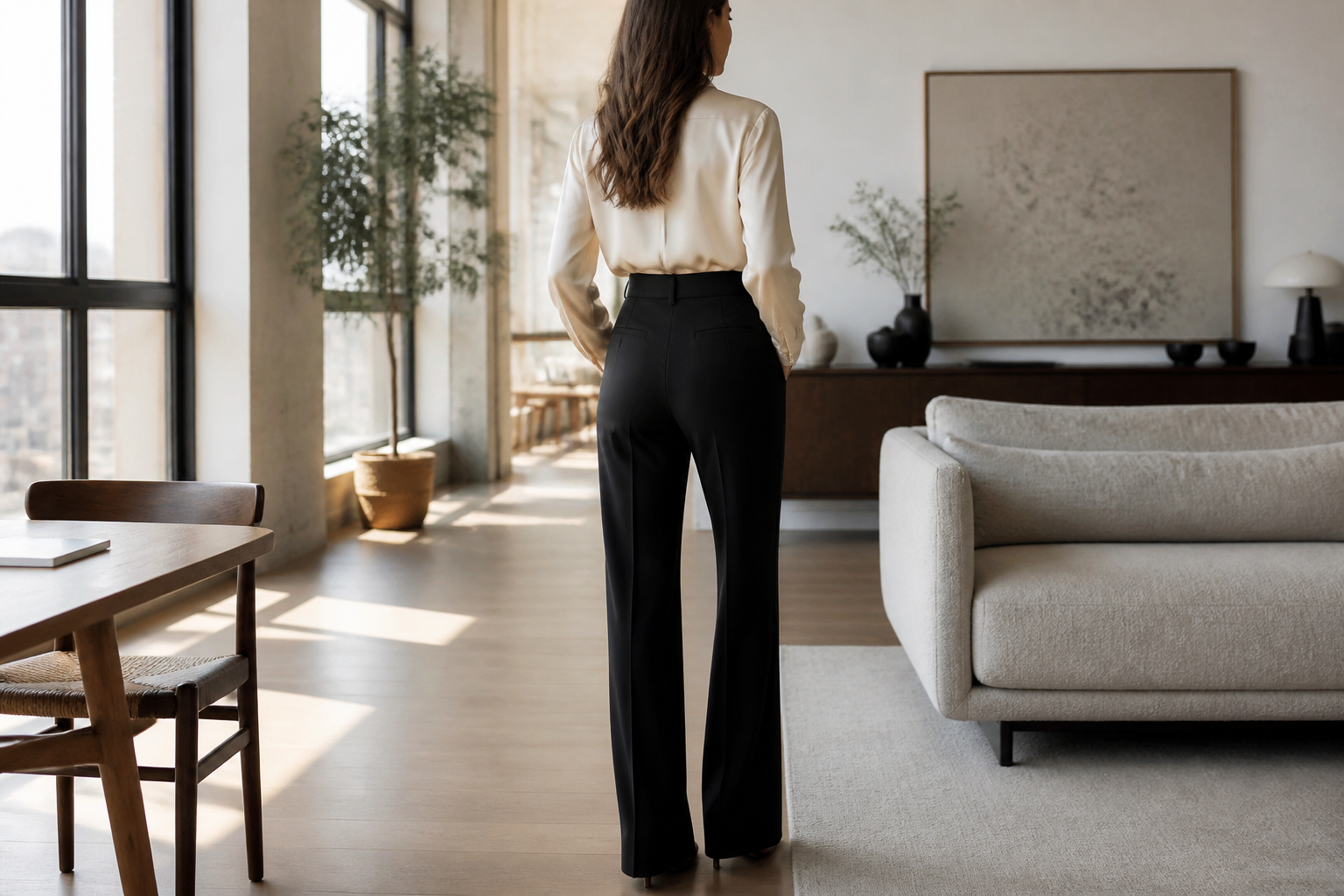 BEFORE
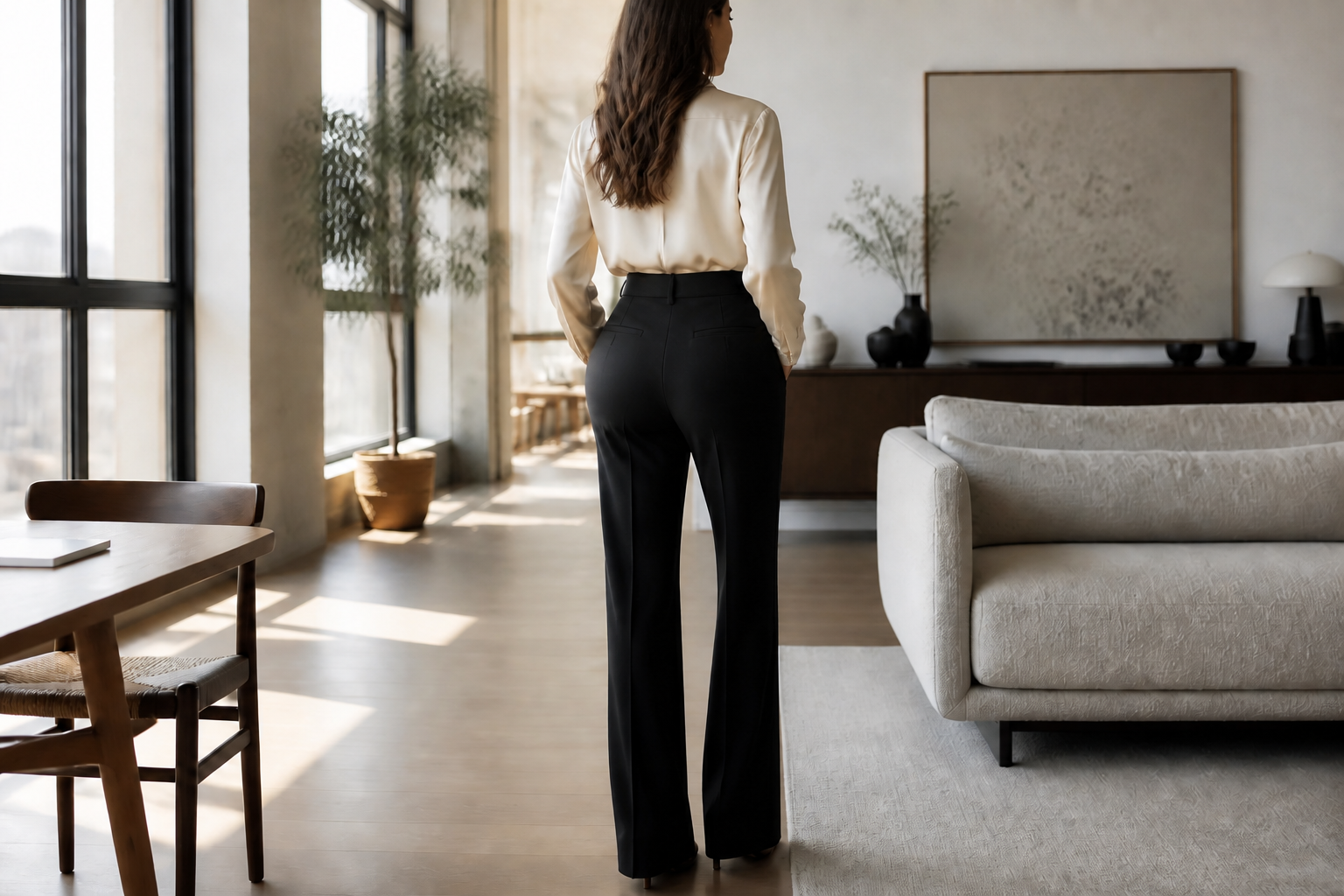 AFTER
AFTER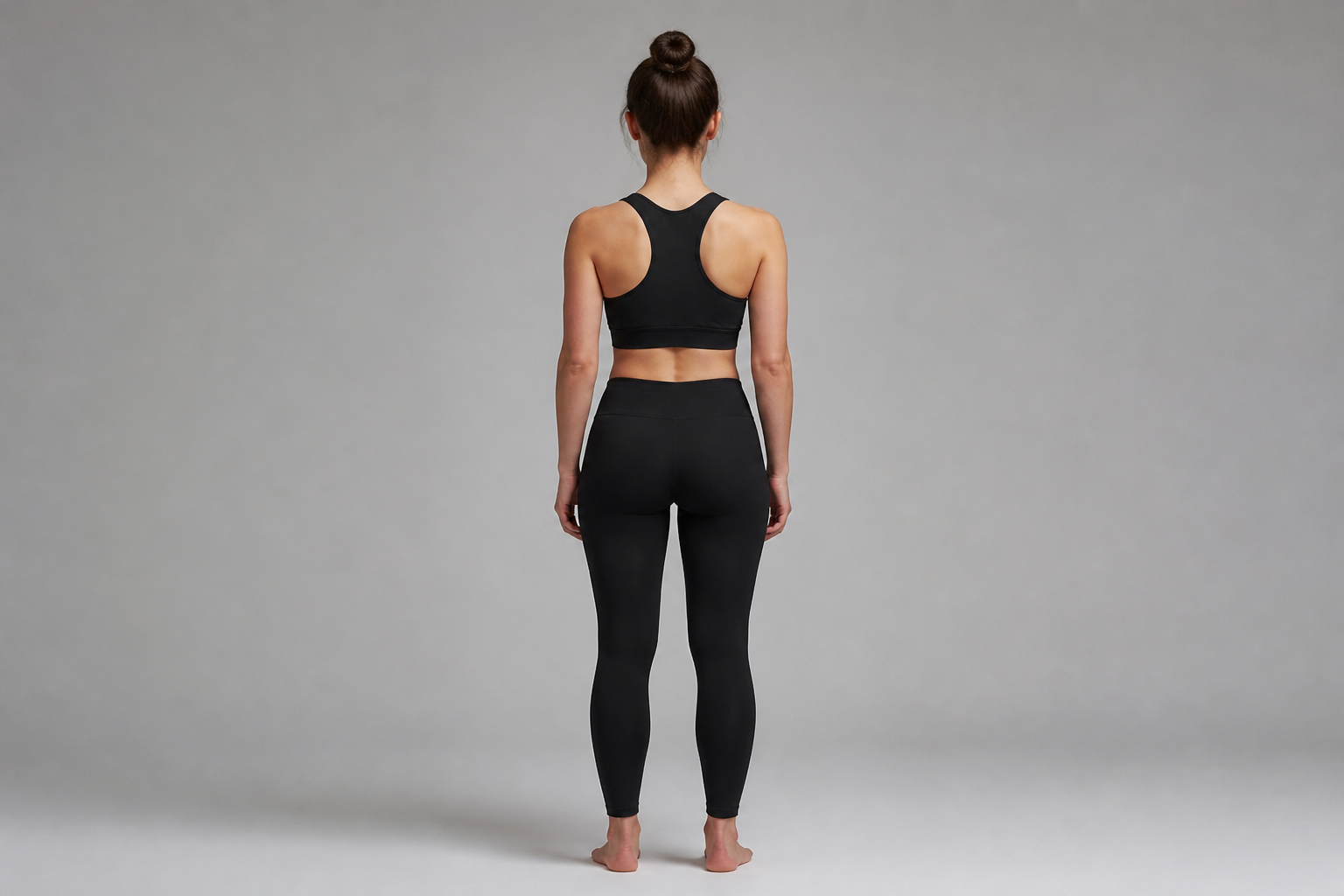 BEFORE
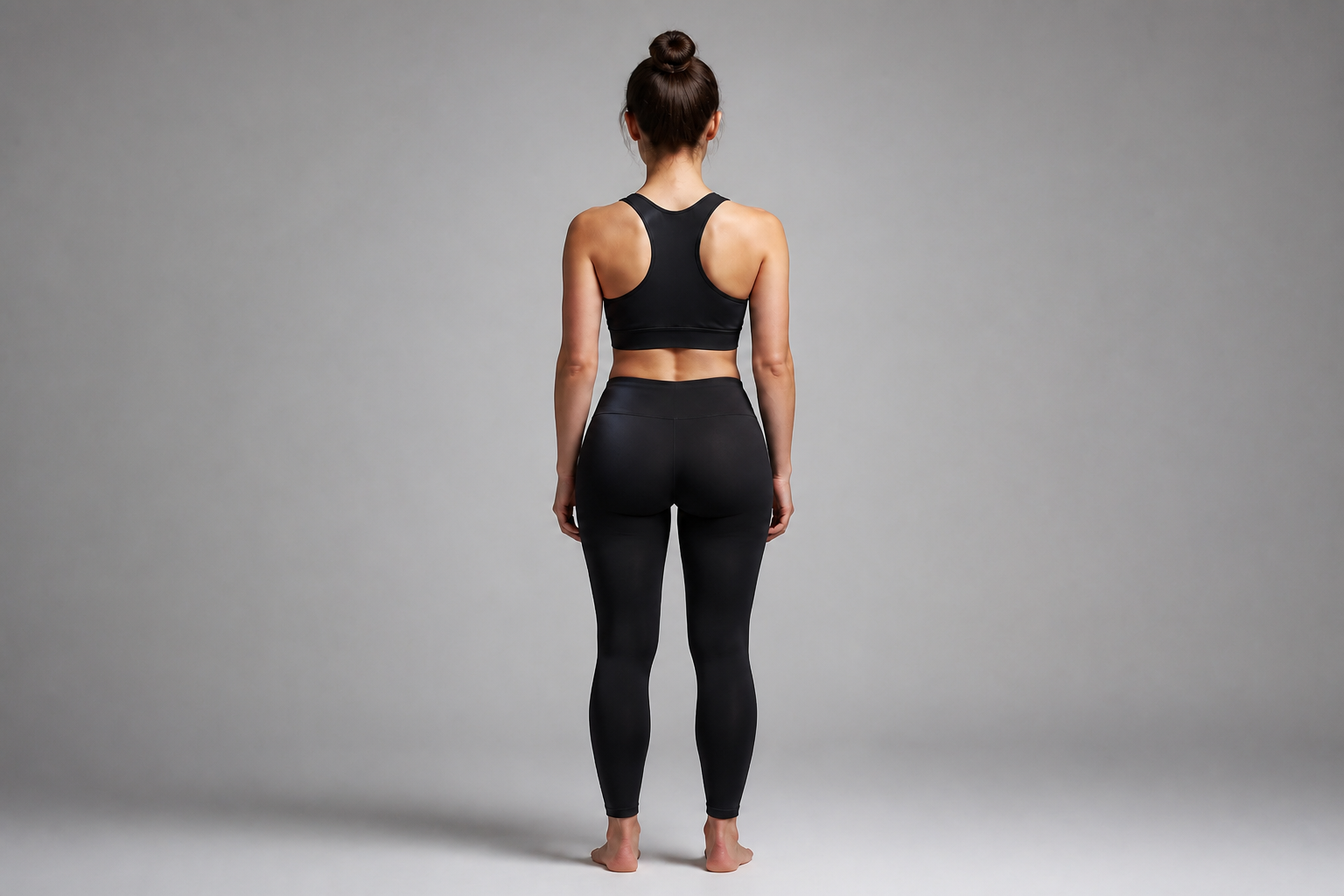 AFTER
AFTER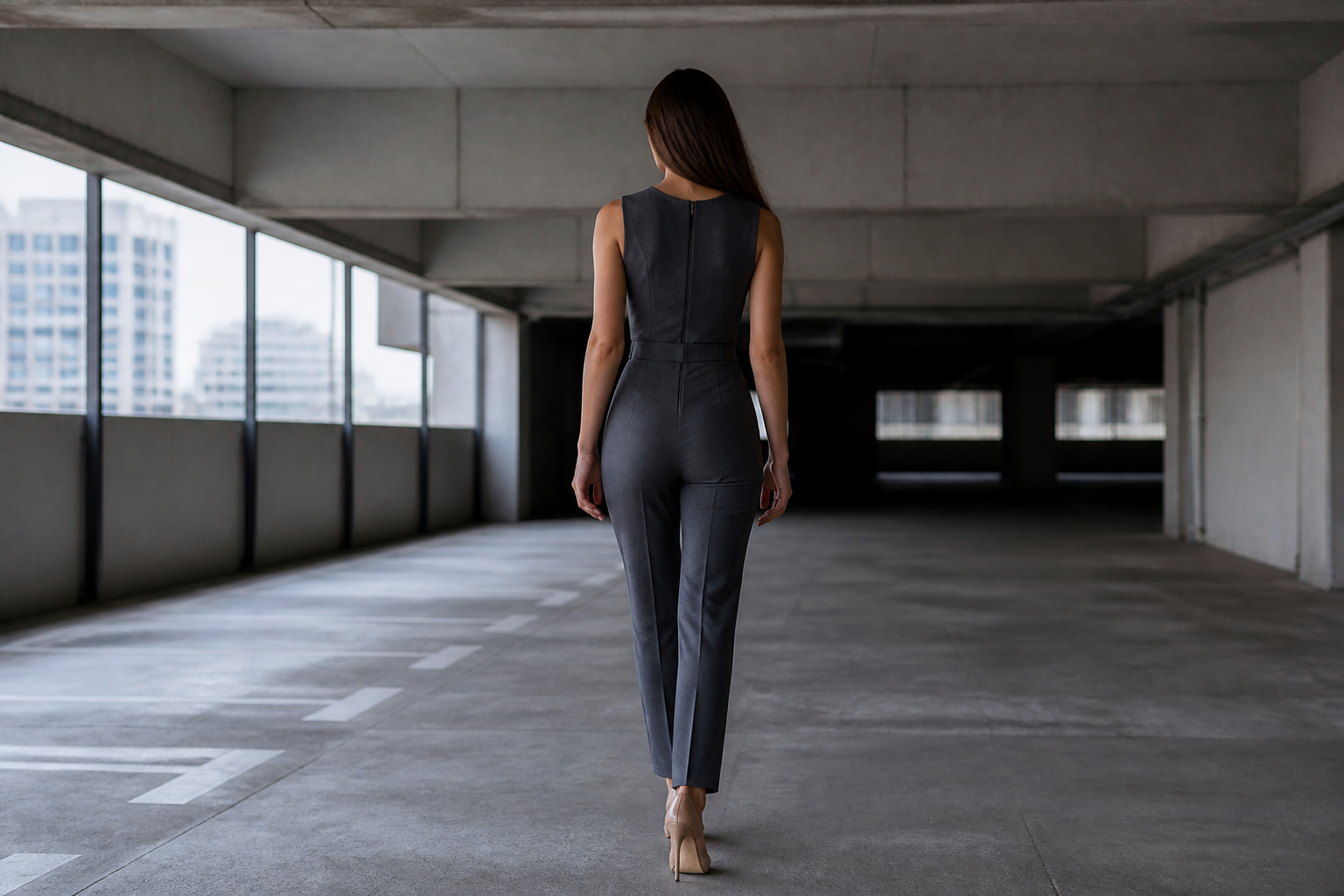 BEFORE
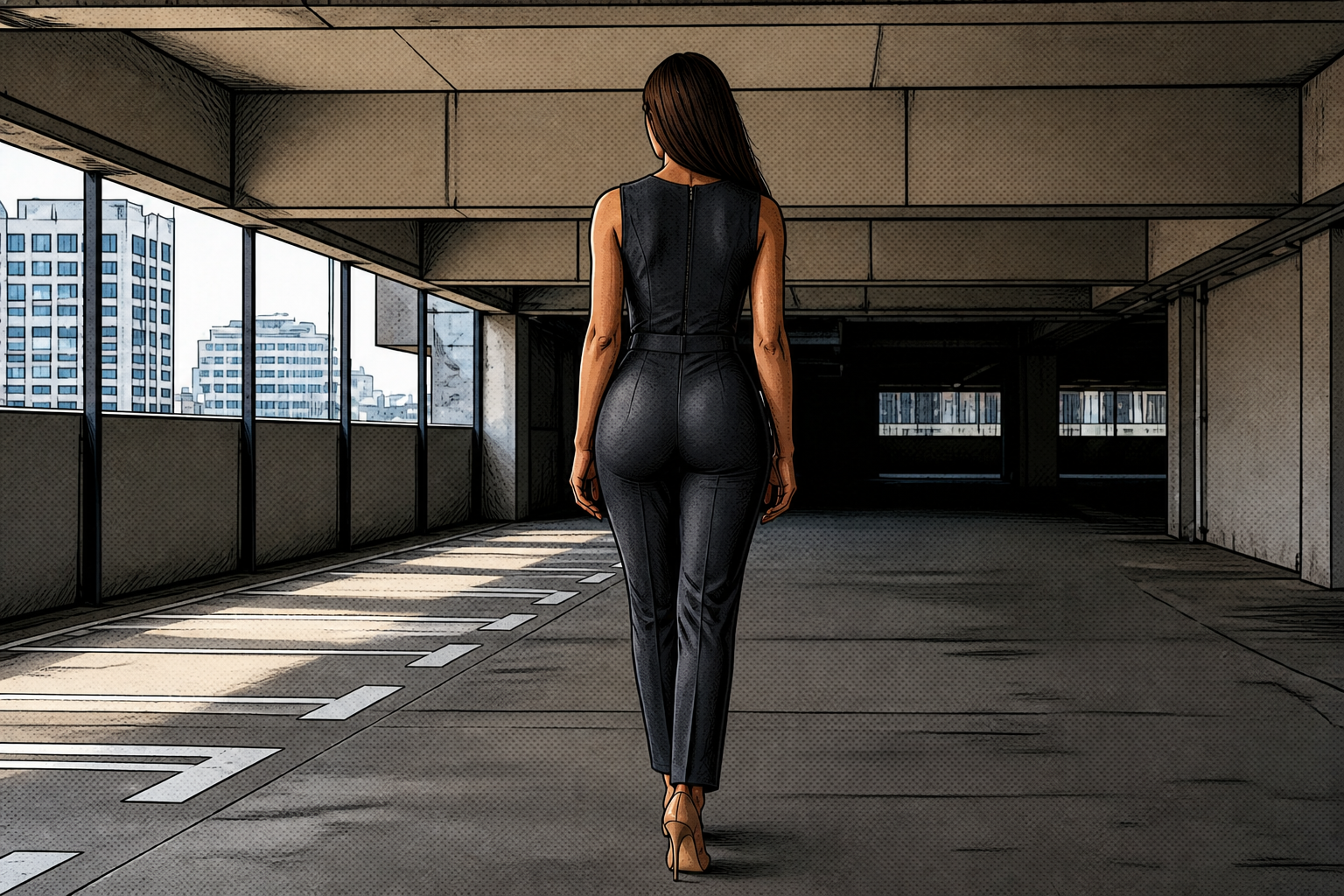 AFTERBEFOREAFTERBEFOREAFTERBEFOREAFTERBEFOREAFTERBEFOREAFTER
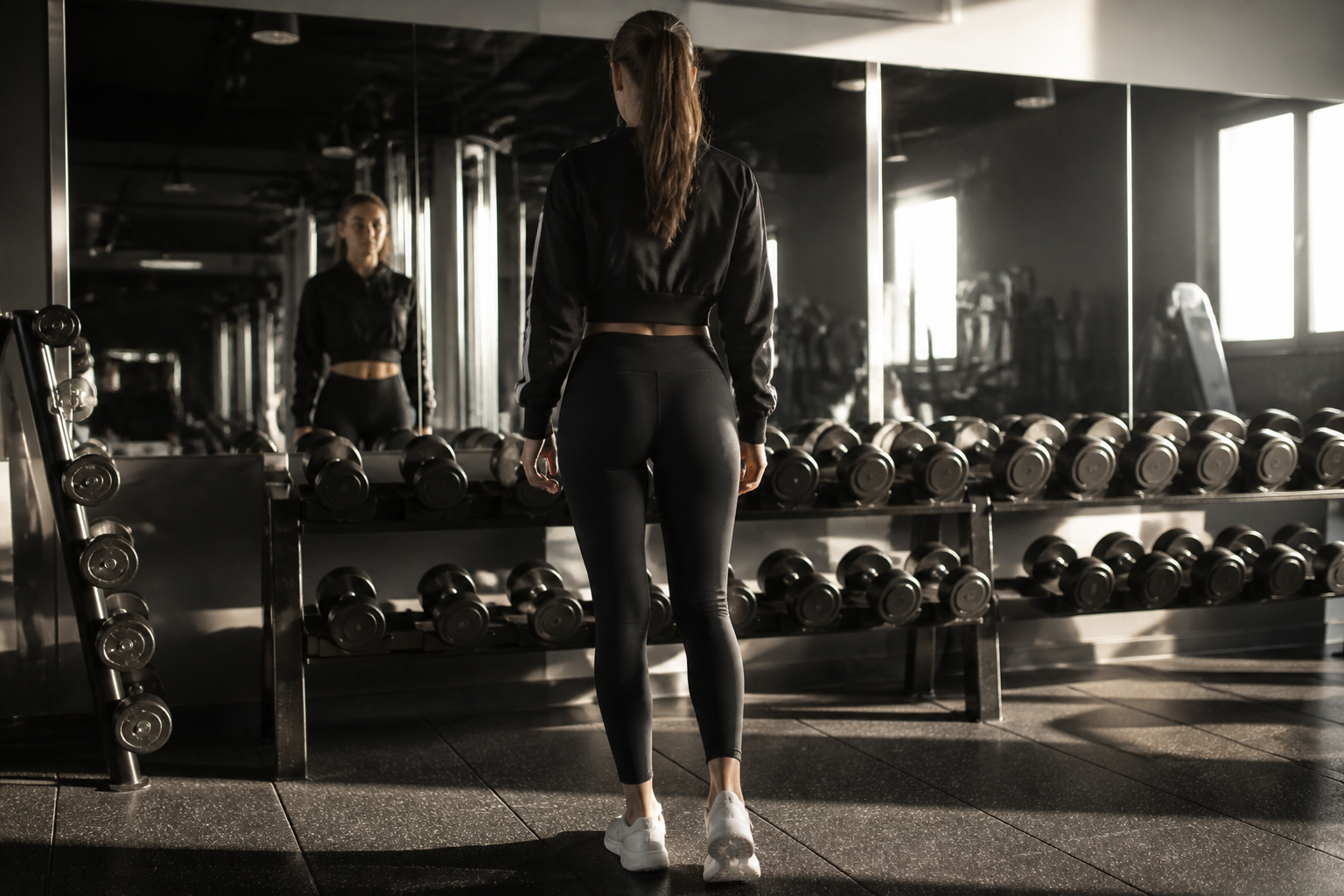 BEFORE
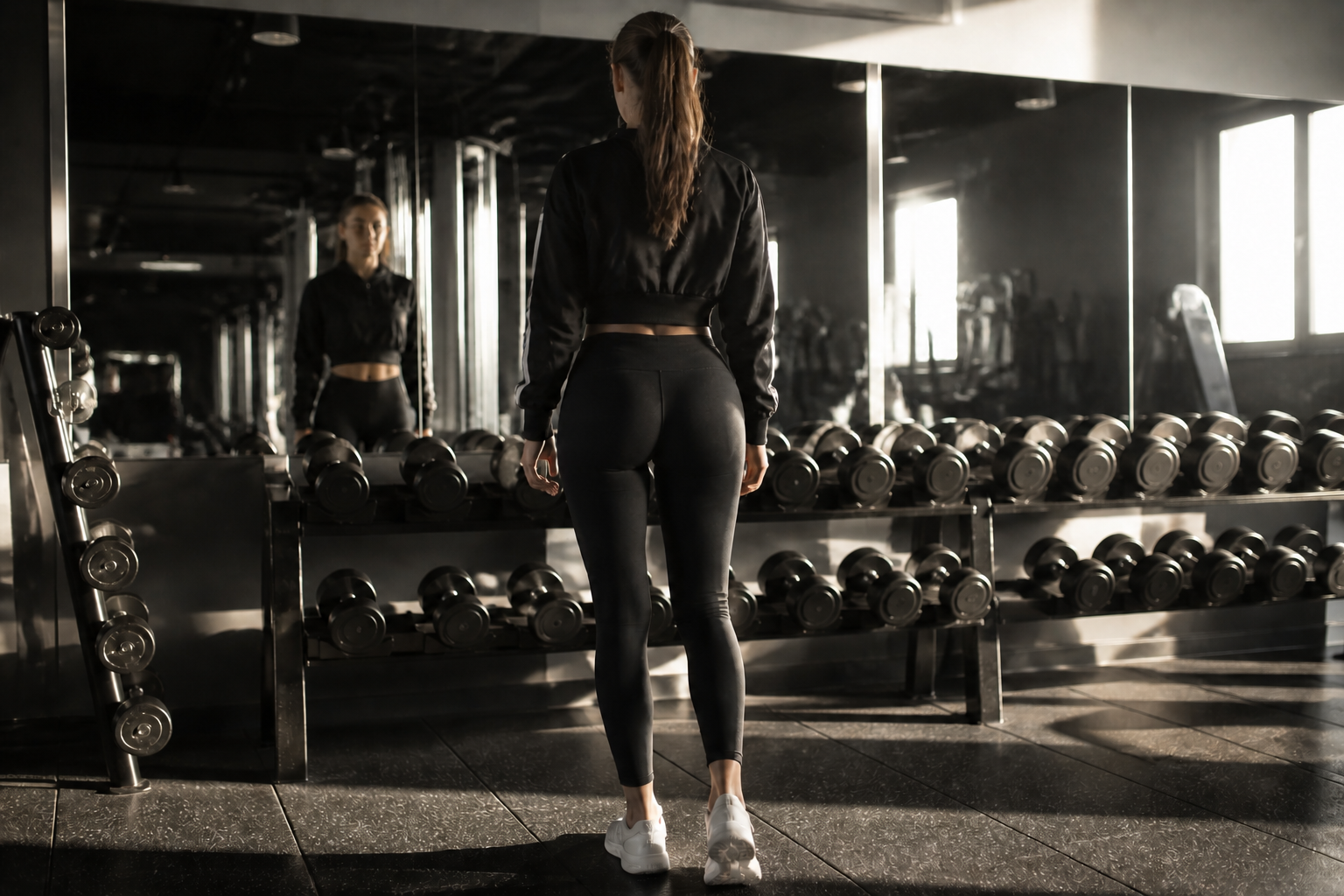 AFTER
AFTER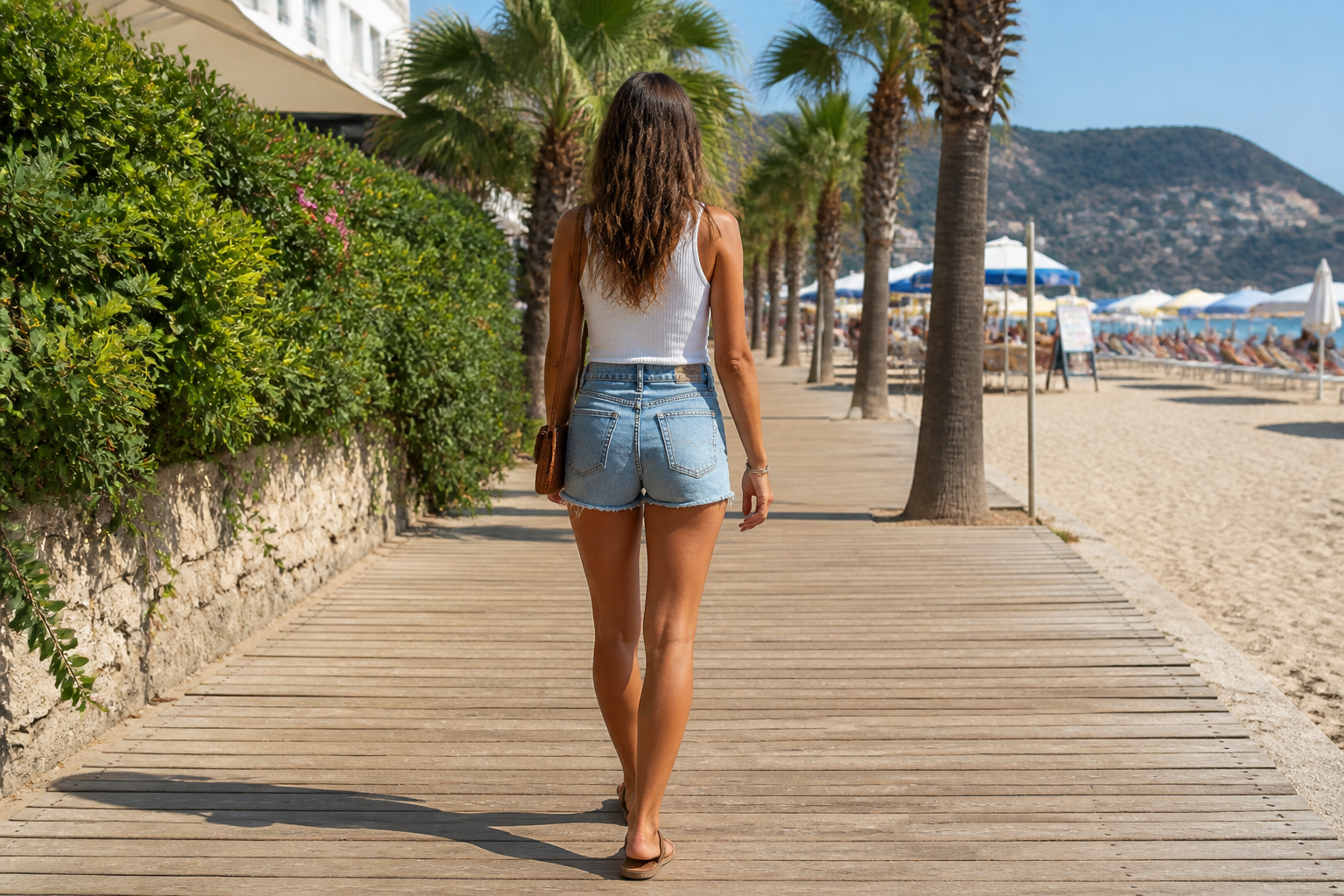 BEFORE
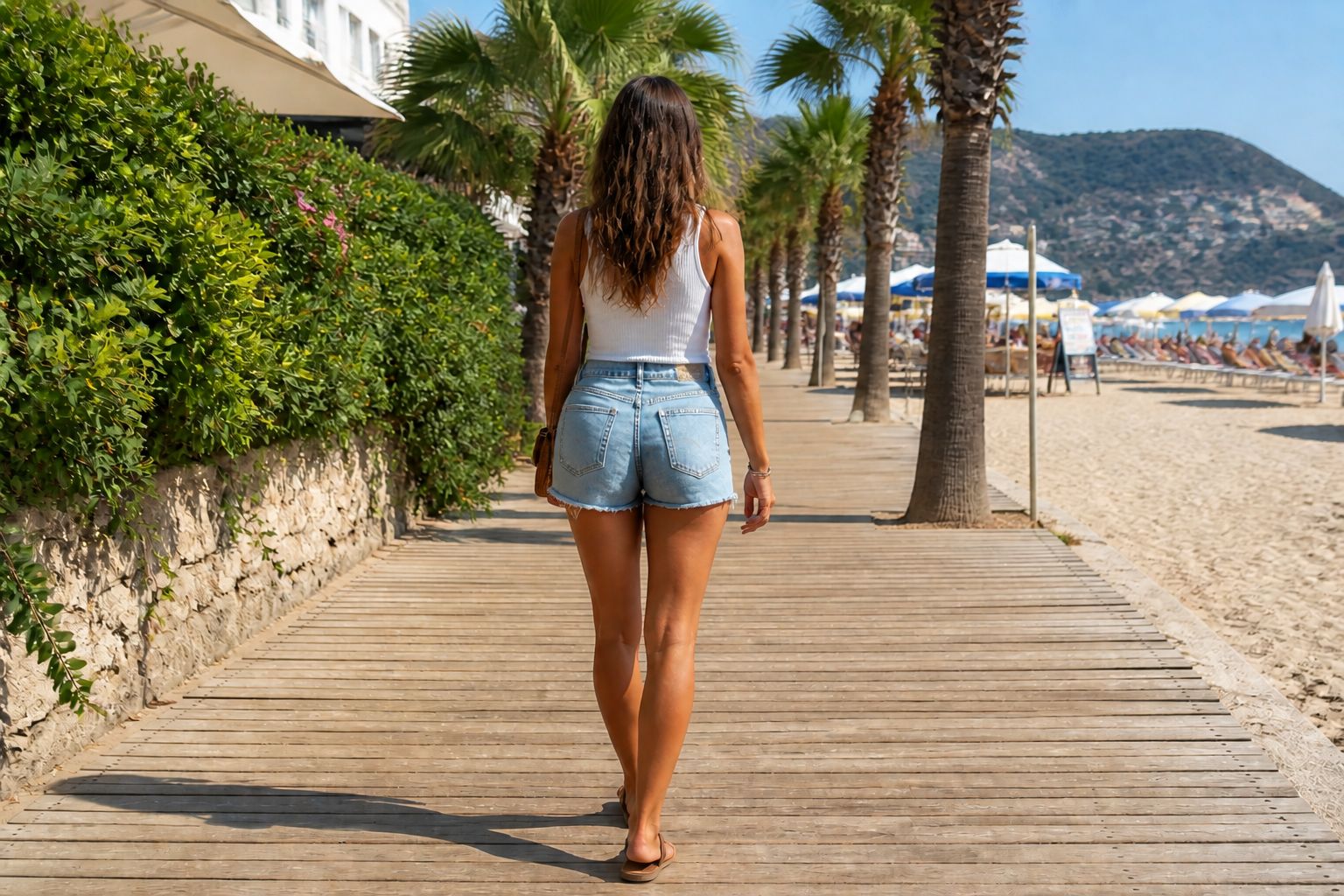 AFTER
AFTER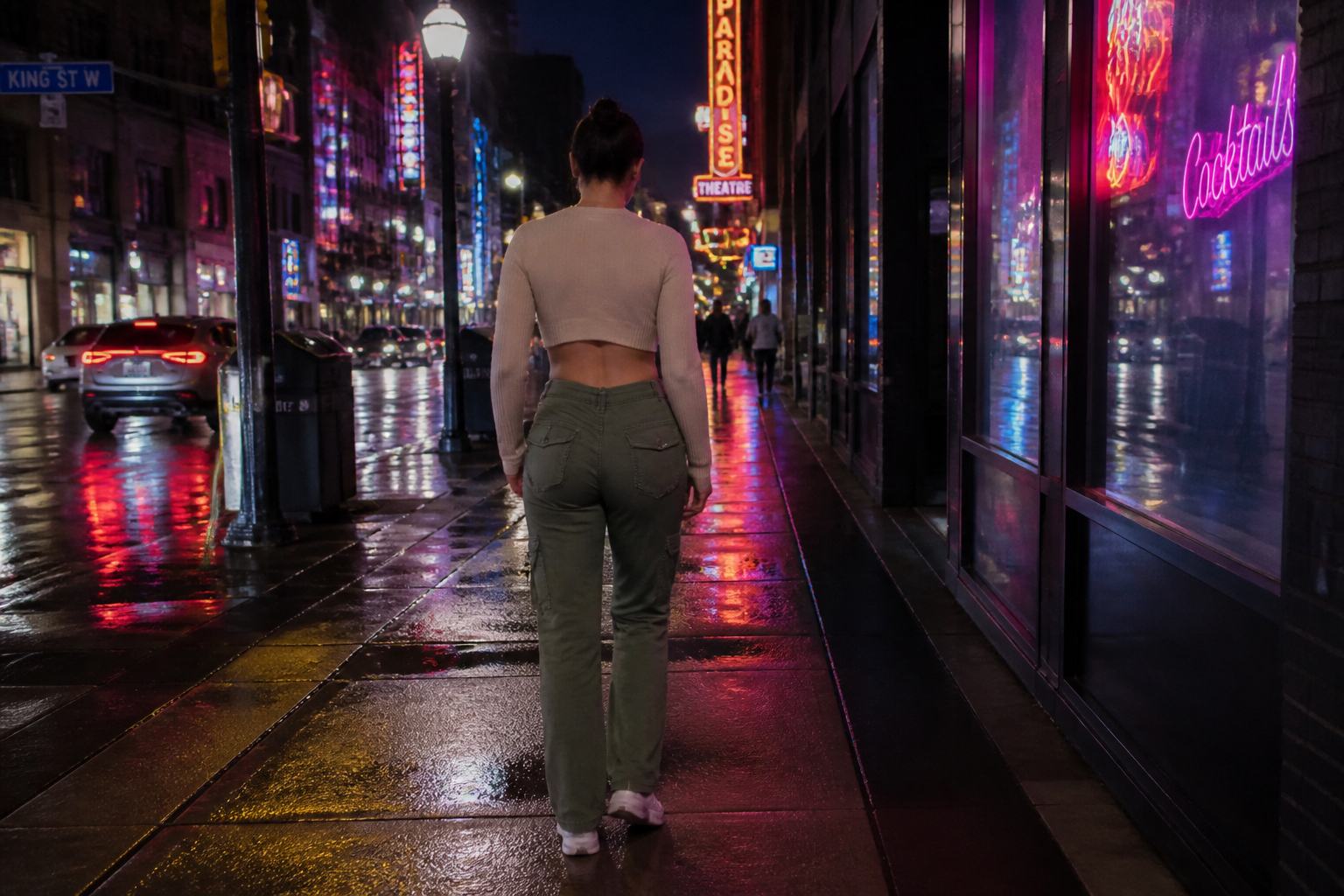 BEFORE
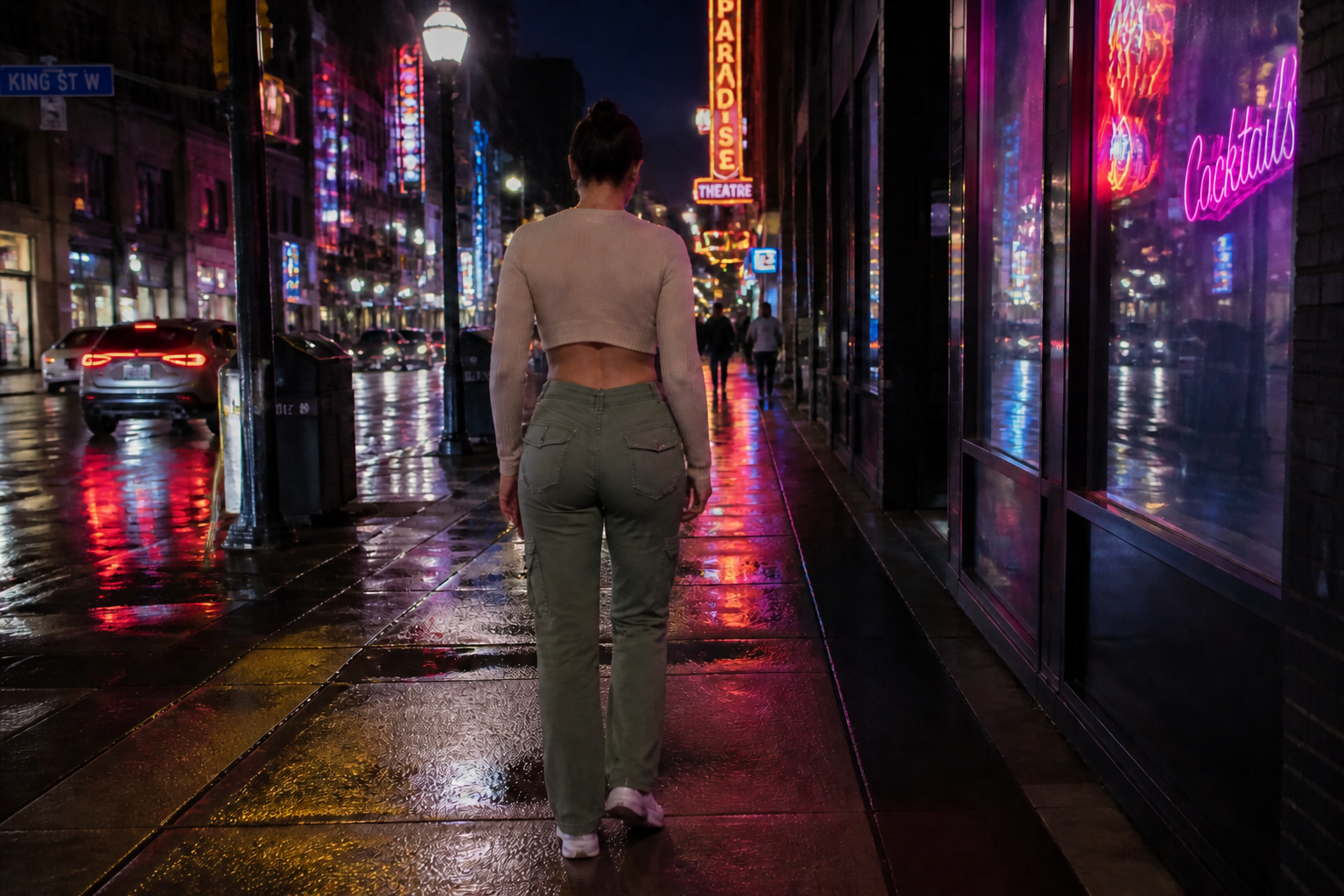 AFTER
AFTER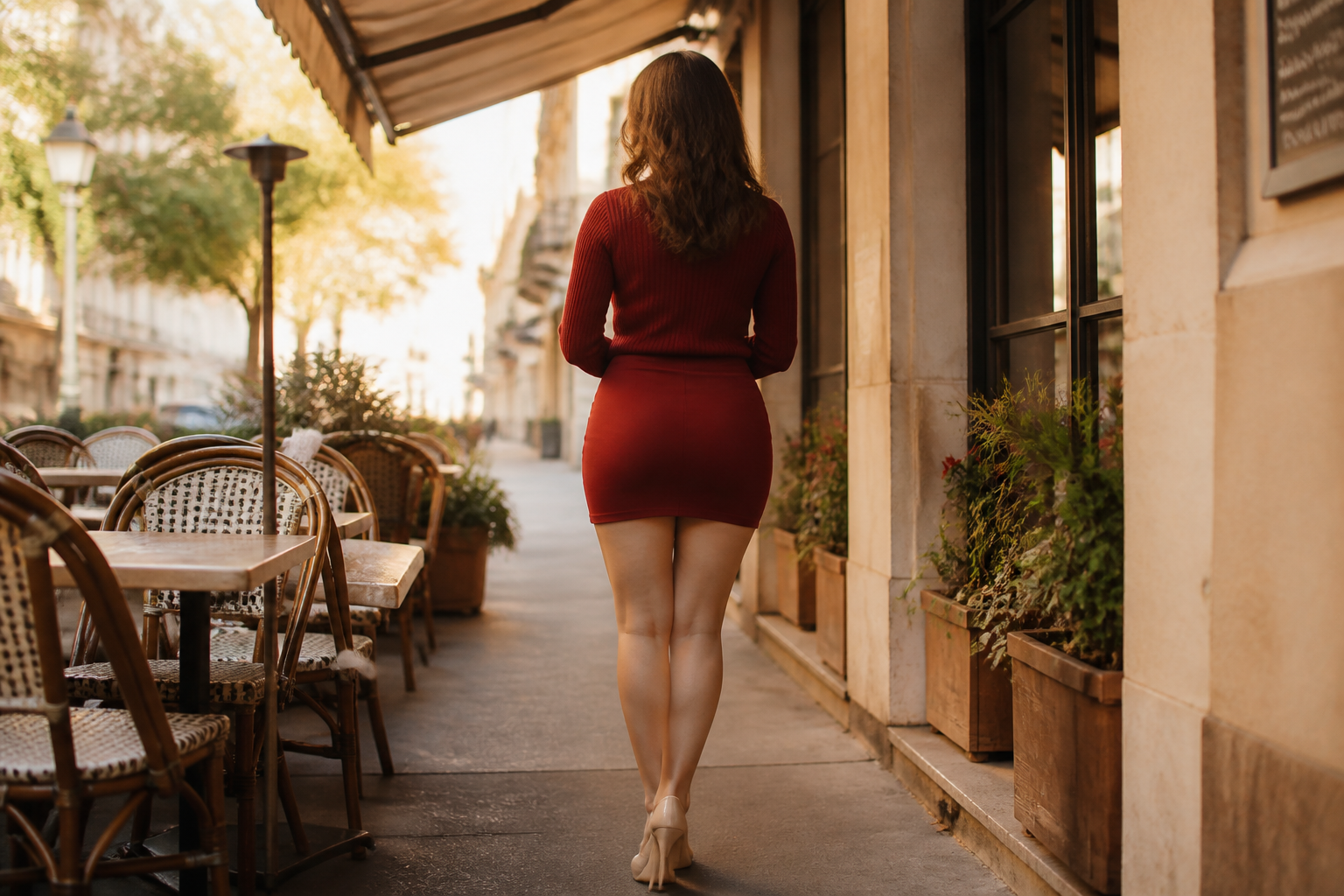 BEFORE
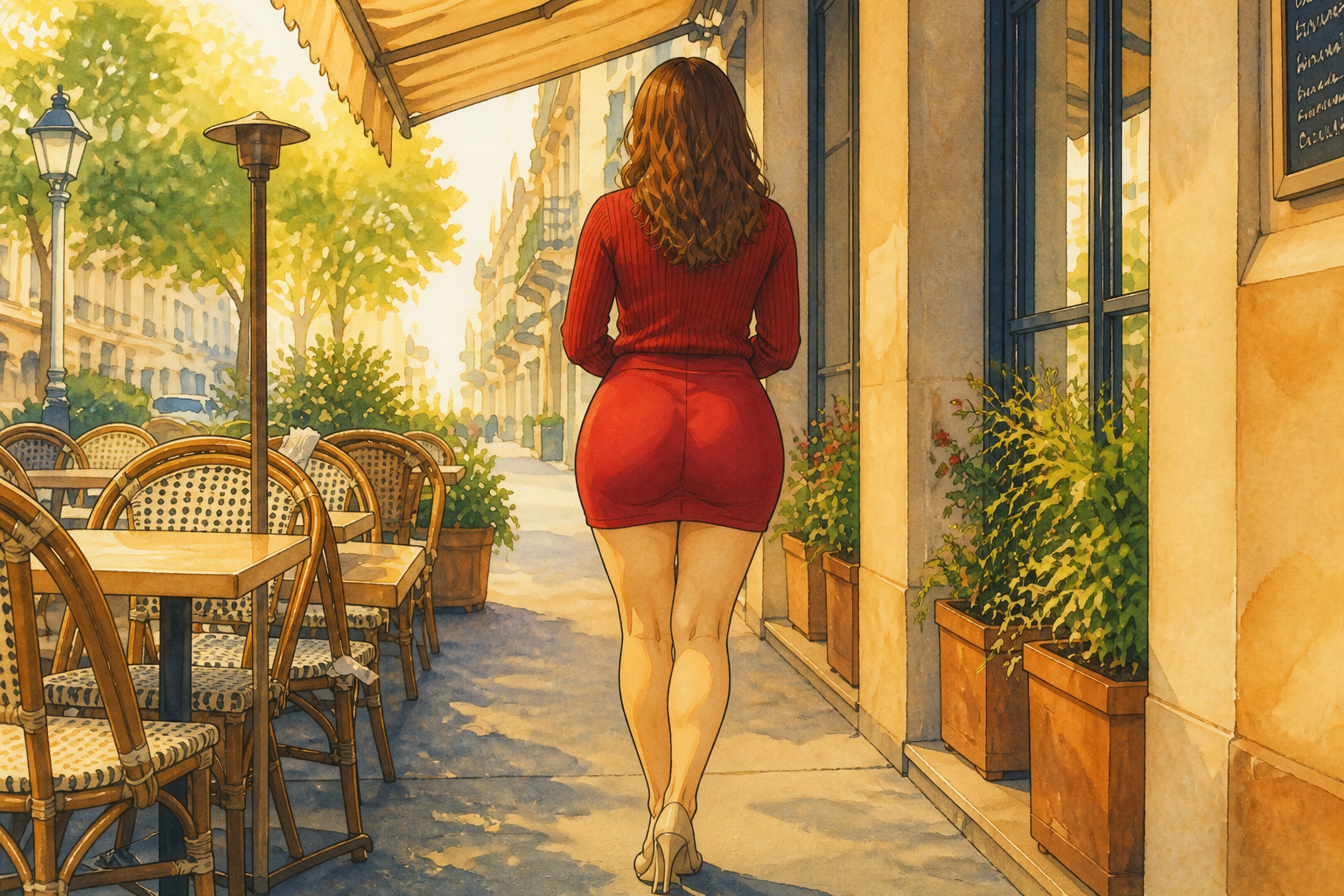 AFTER
AFTER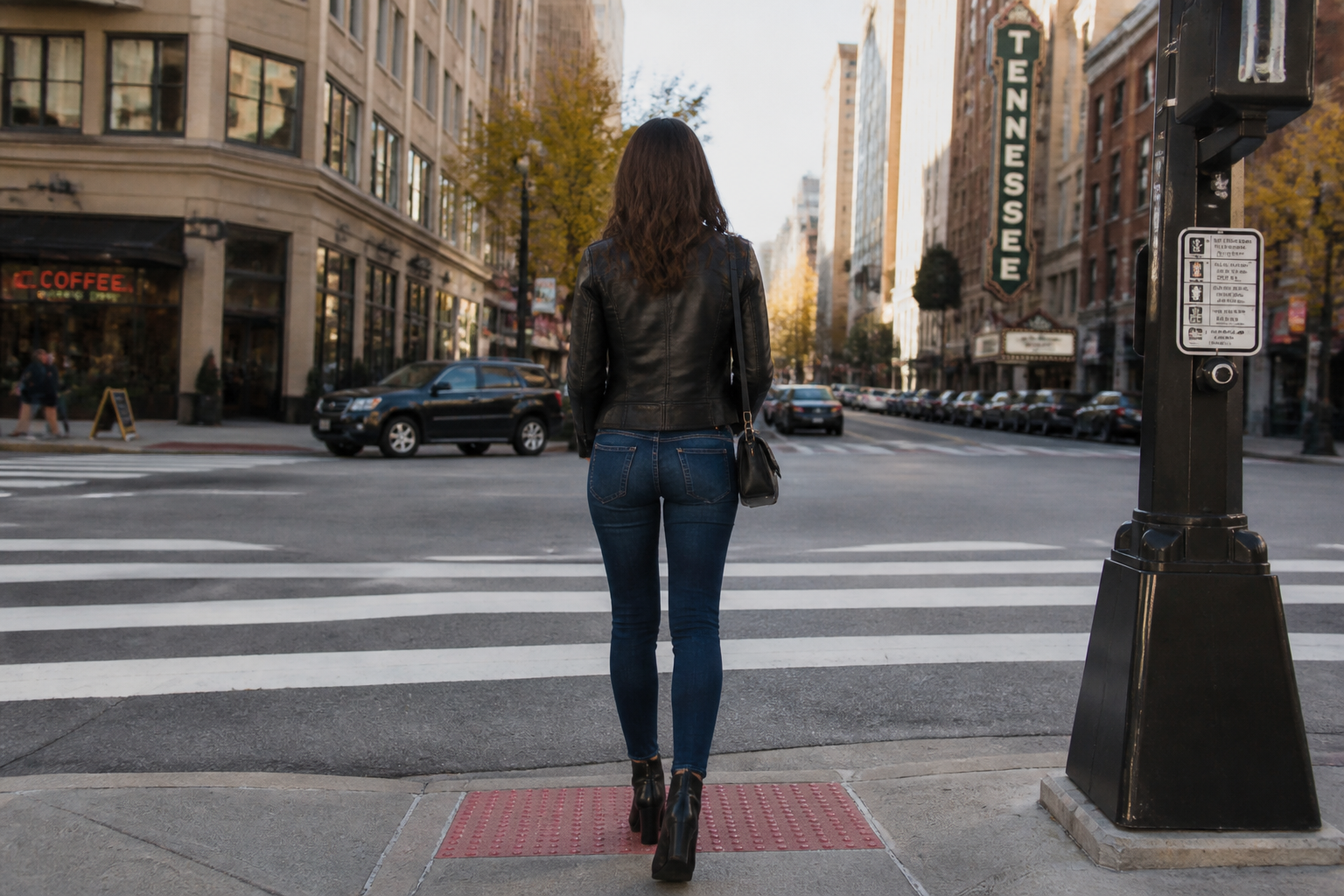 BEFORE
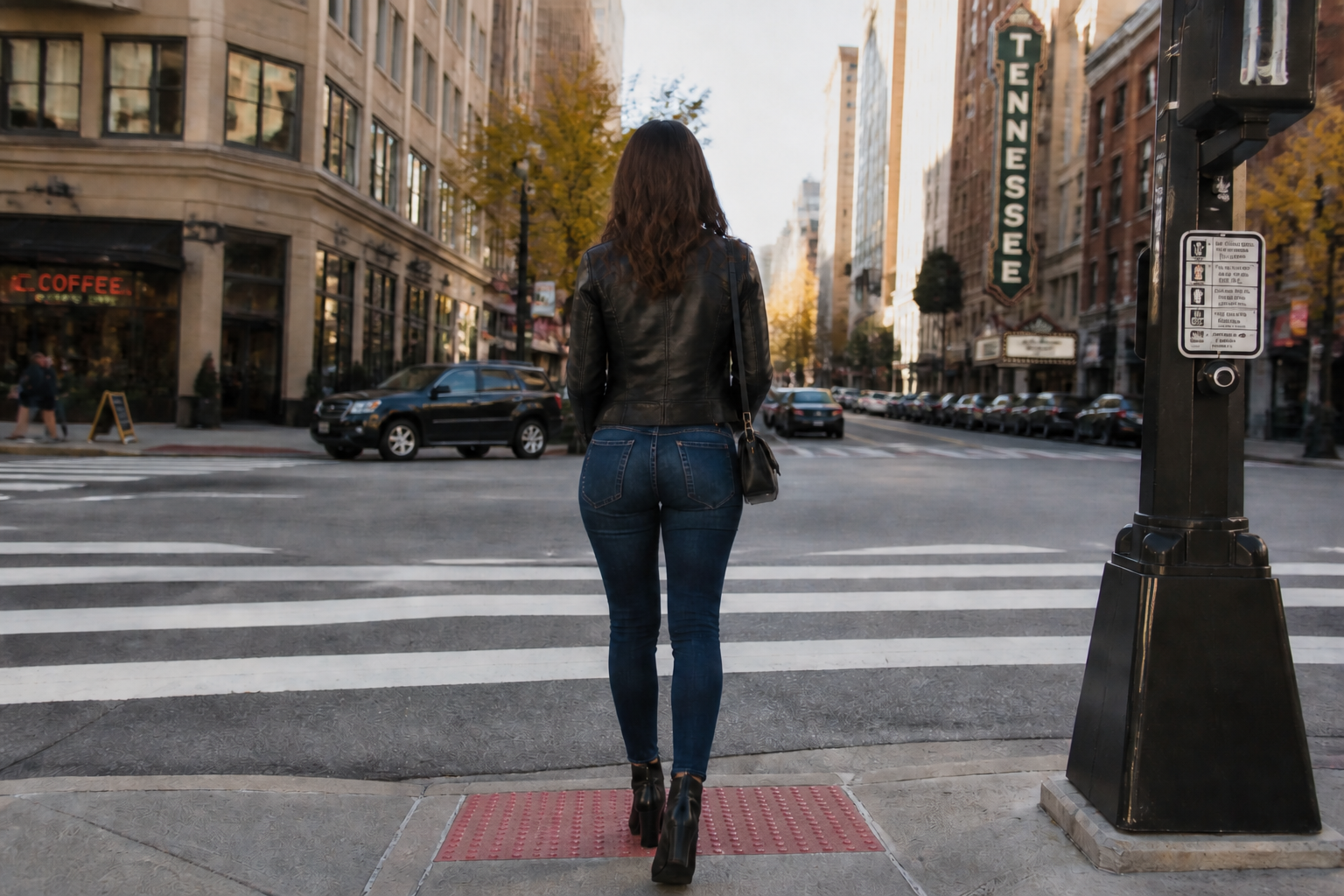 AFTERBEFOREAFTERBEFOREAFTERBEFOREAFTERBEFOREAFTERBEFOREAFTER
Key Features
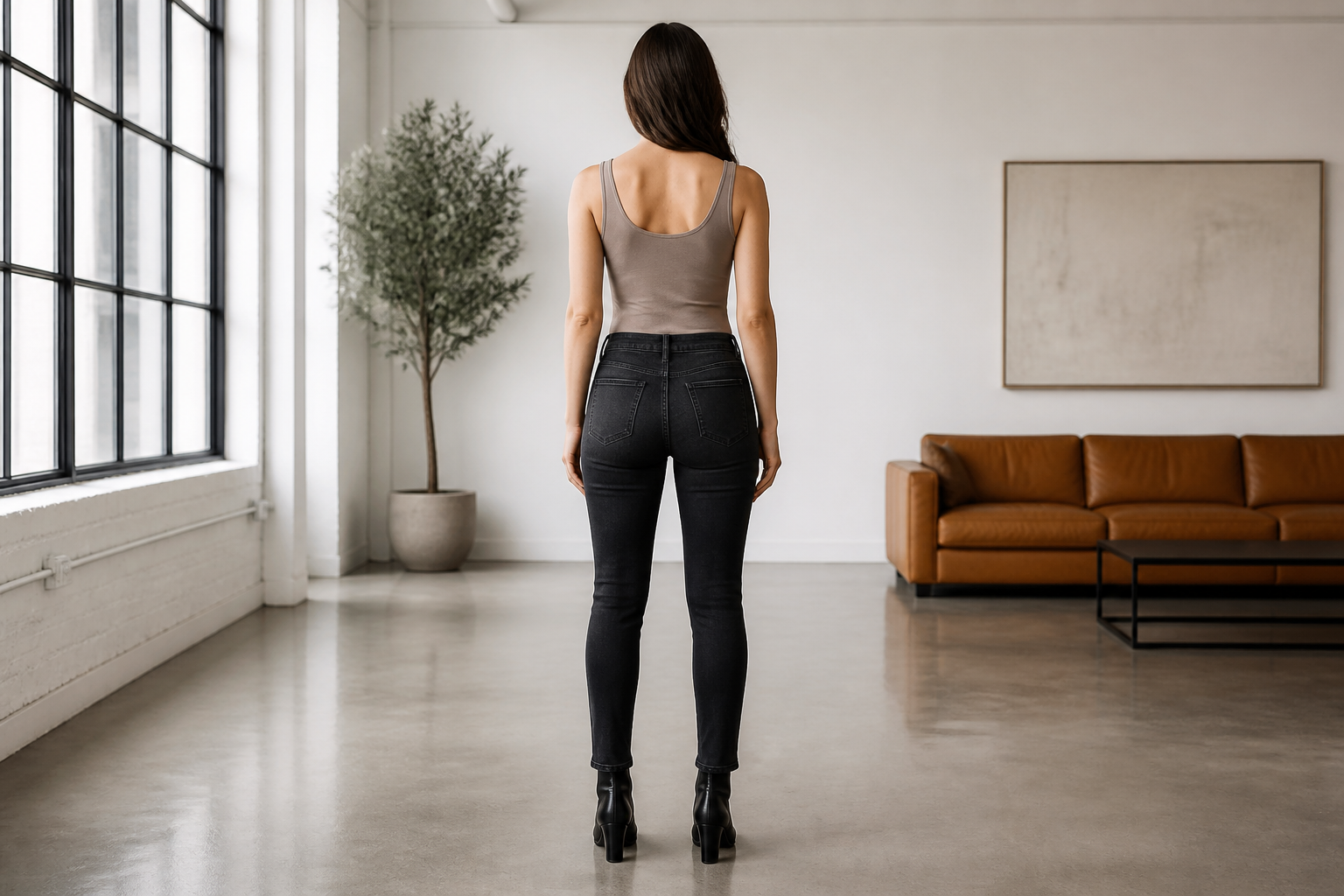
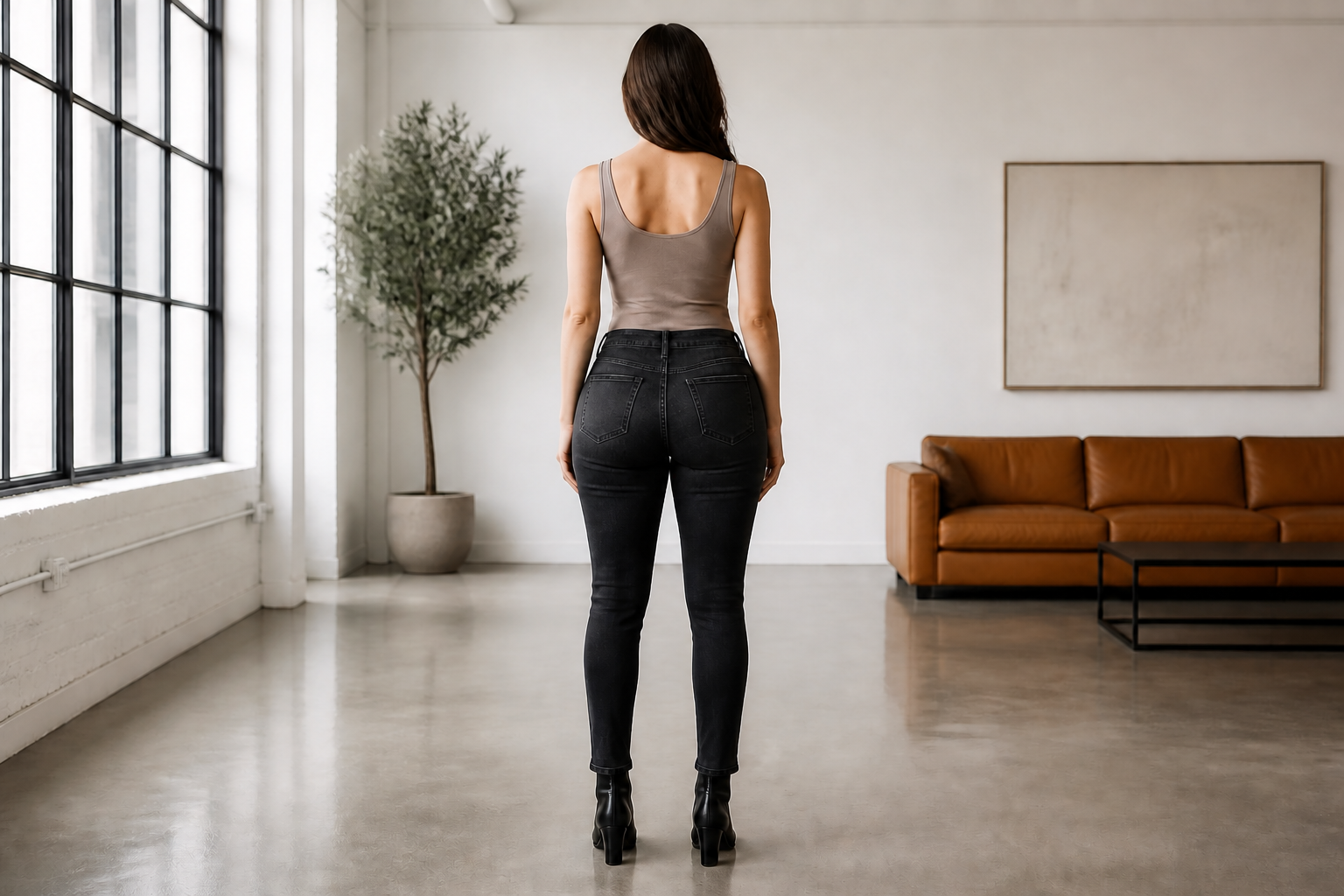
Clear shape change fast
The tool makes a visible butt enhancement in one edit instead of a barely noticeable tweak. That matters because people using this kind of editor want an obvious before-and-after result. You can go from a smaller shape to a fuller, rounder look without rebuilding the whole image by hand.
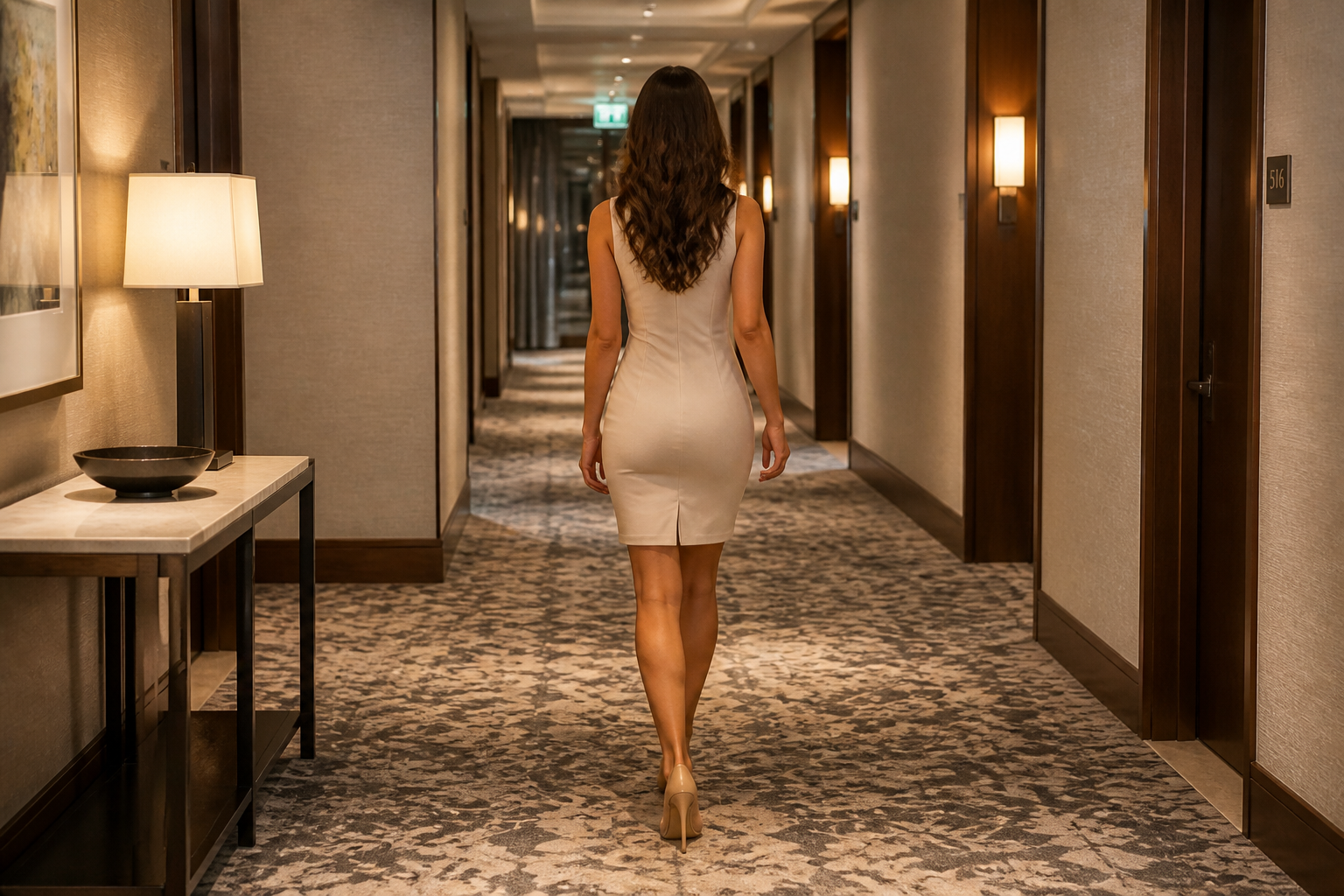
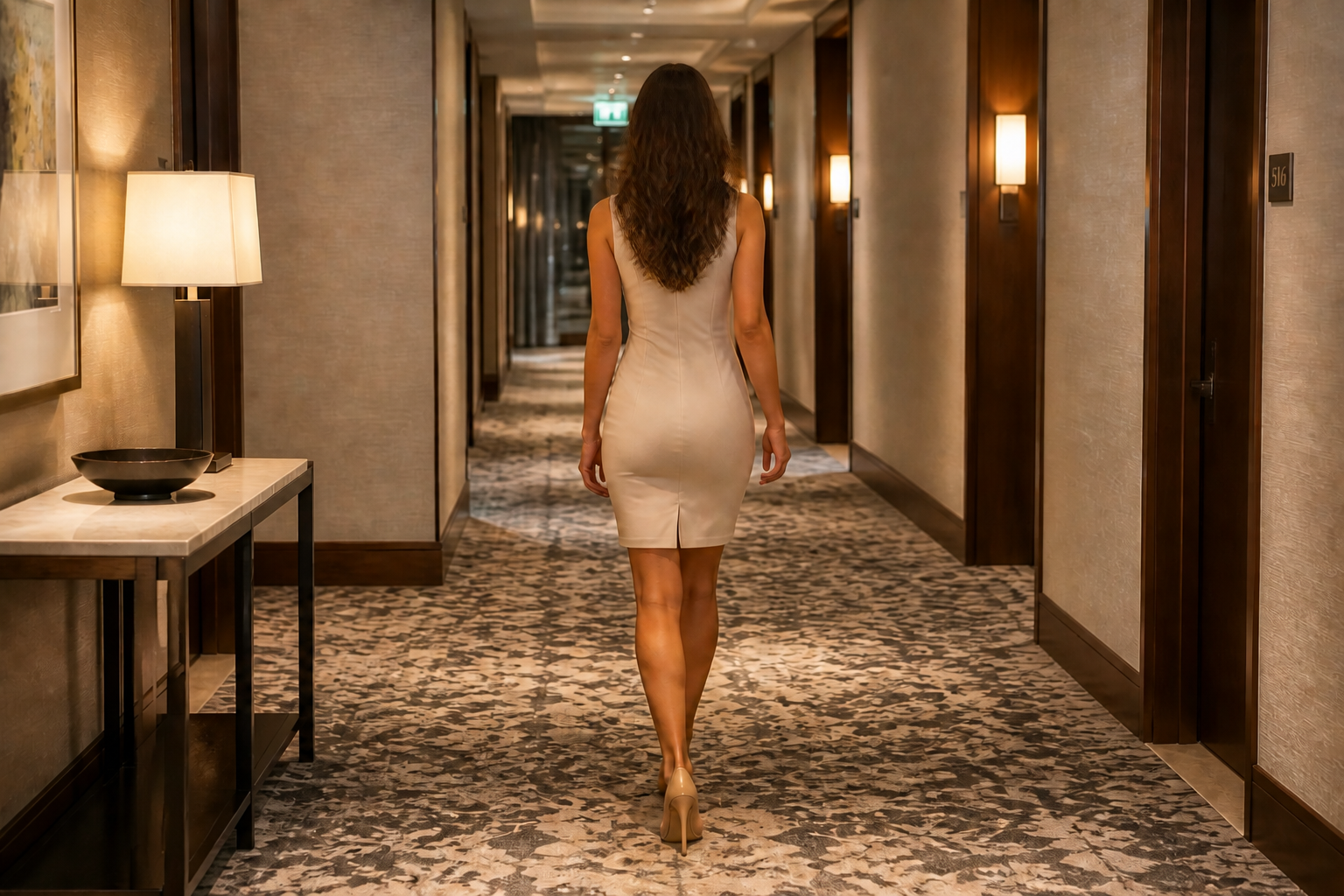
Keeps outfit and scene
A good edit should change body shape without breaking clothing folds, lighting, or the background. Our AI focuses the change on the curve area so the photo still looks coherent. This is much faster than masking, liquifying, and cleaning distortions manually.
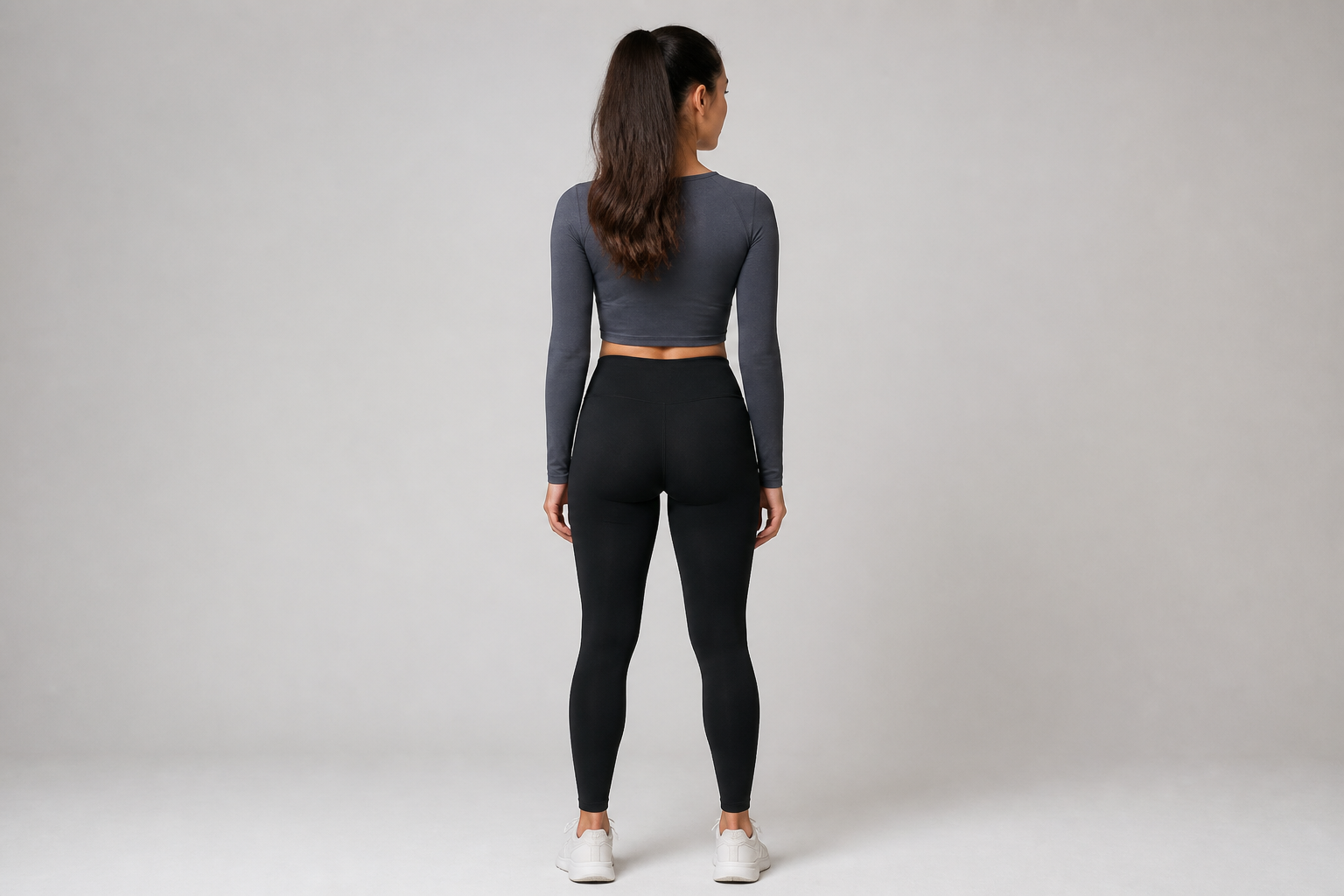
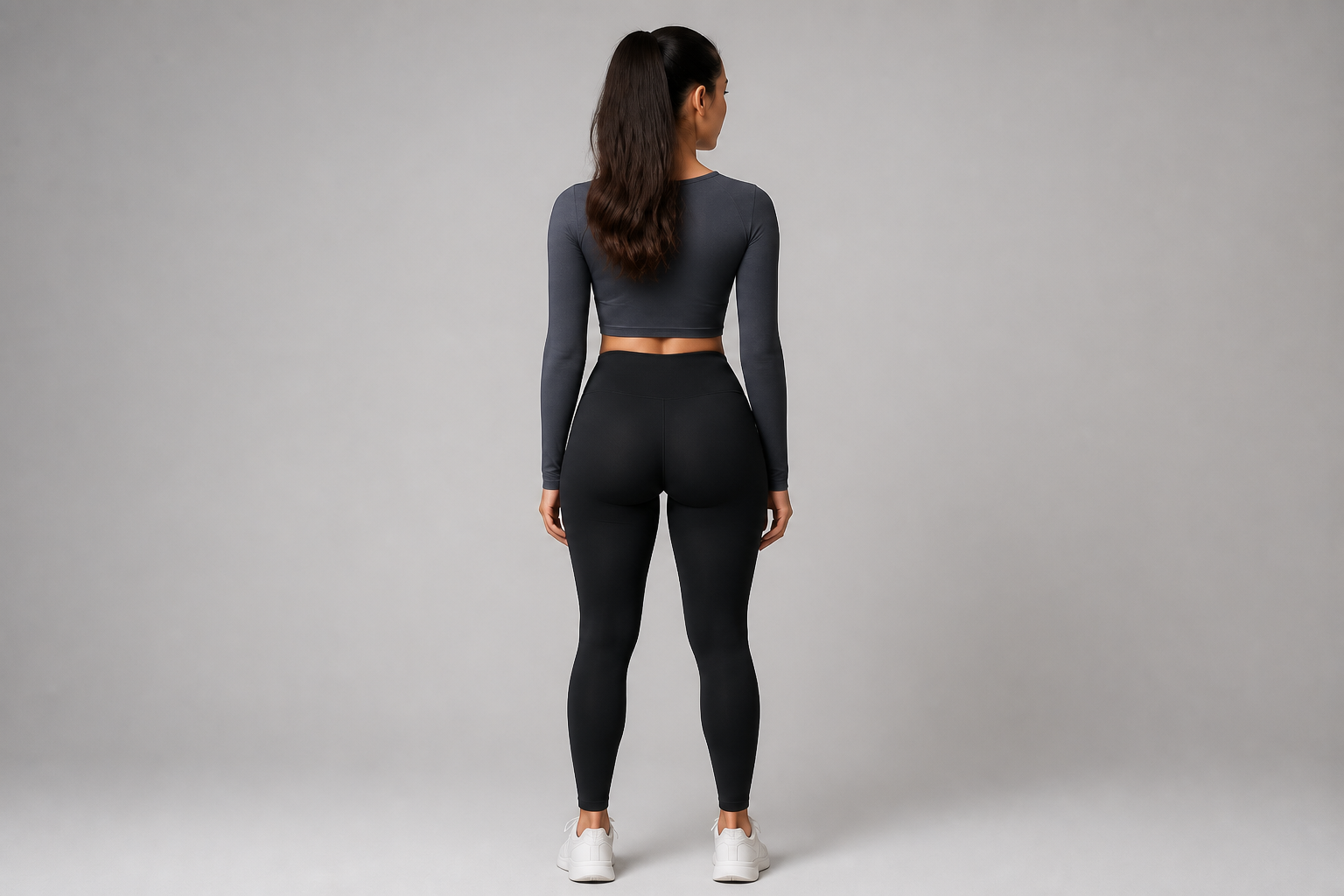
Works across photo styles
You can use the same basic instruction on fitness shots, casual street photos, and stylized visuals. That flexibility helps when you want consistent edits across different content types. Instead of learning separate workflows, you can use one simple prompt and adjust the result strength as needed.
Good for quick comparisons
Because the pose and framing stay the same, it is easy to compare the original and edited version side by side. That makes the change readable right away without guessing what was altered. It is useful for mockups, visual planning, or choosing how strong you want the enhancement to be.
How It Works
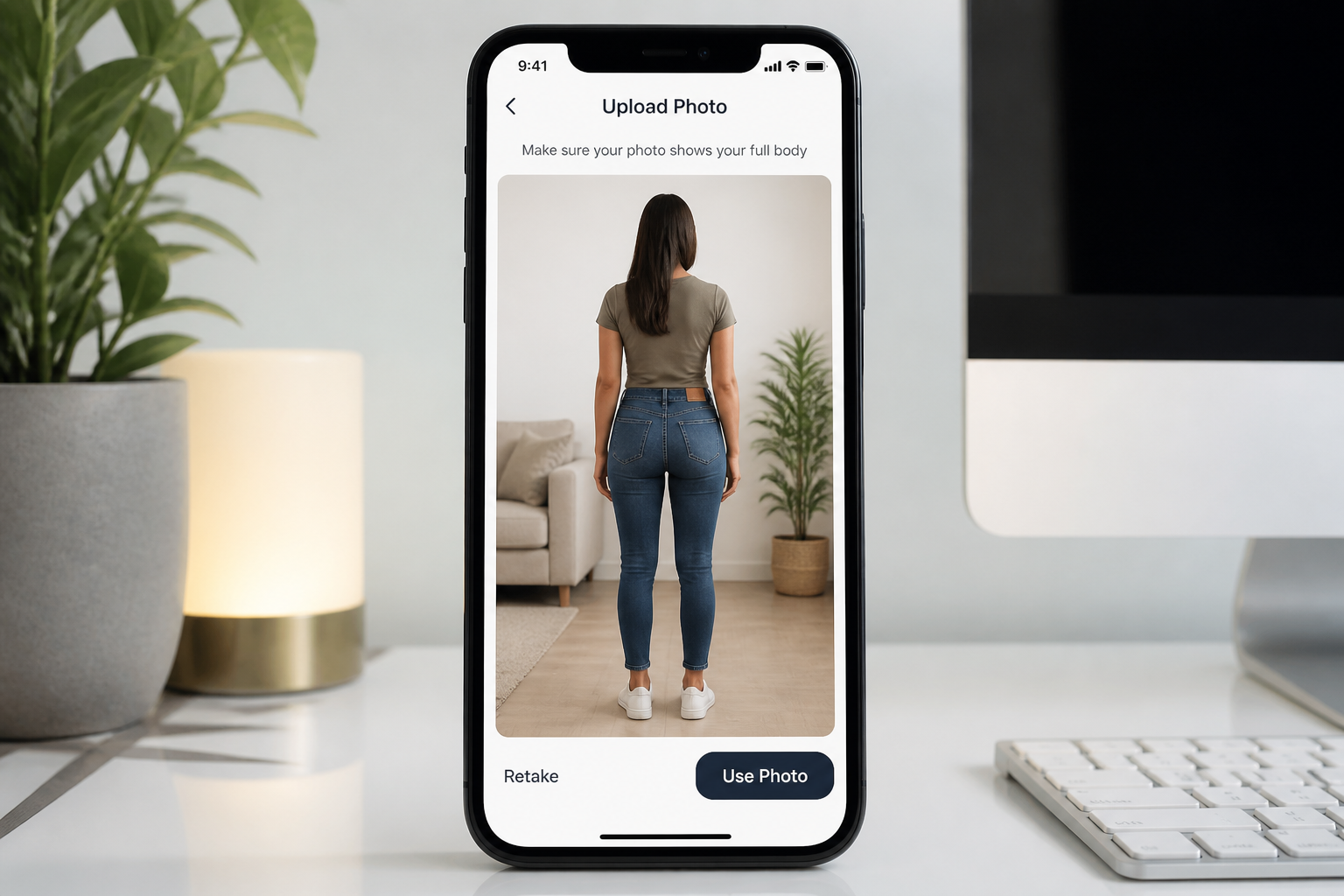
Upload your photo
Start with a clear back-view photo of an adult woman. Full-body images in fitted clothing usually make the change easiest to see.
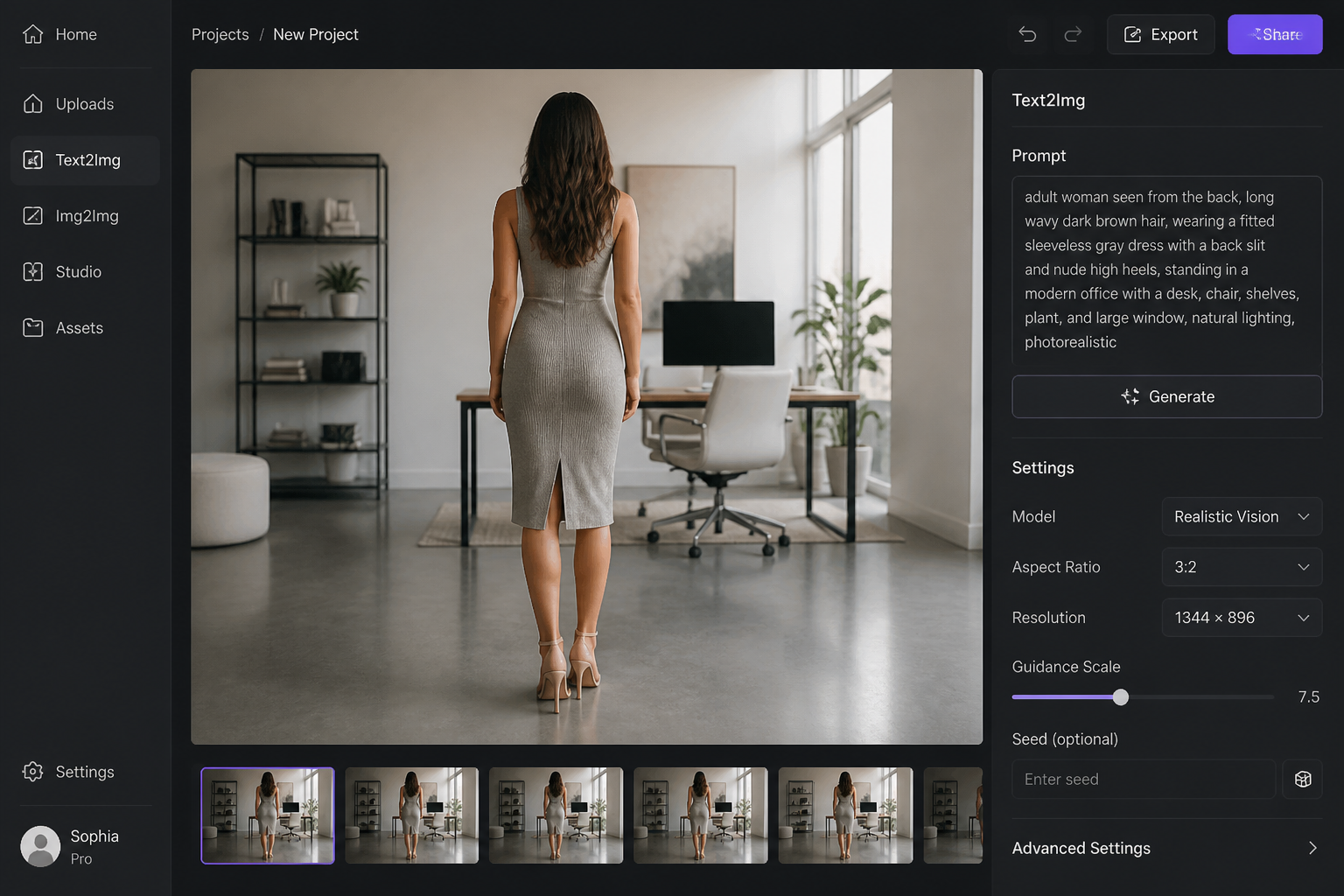
Describe the enhancement
Tell the AI to make the butt look fuller, rounder, or more lifted. You can also say to keep the outfit, pose, lighting, and background unchanged.
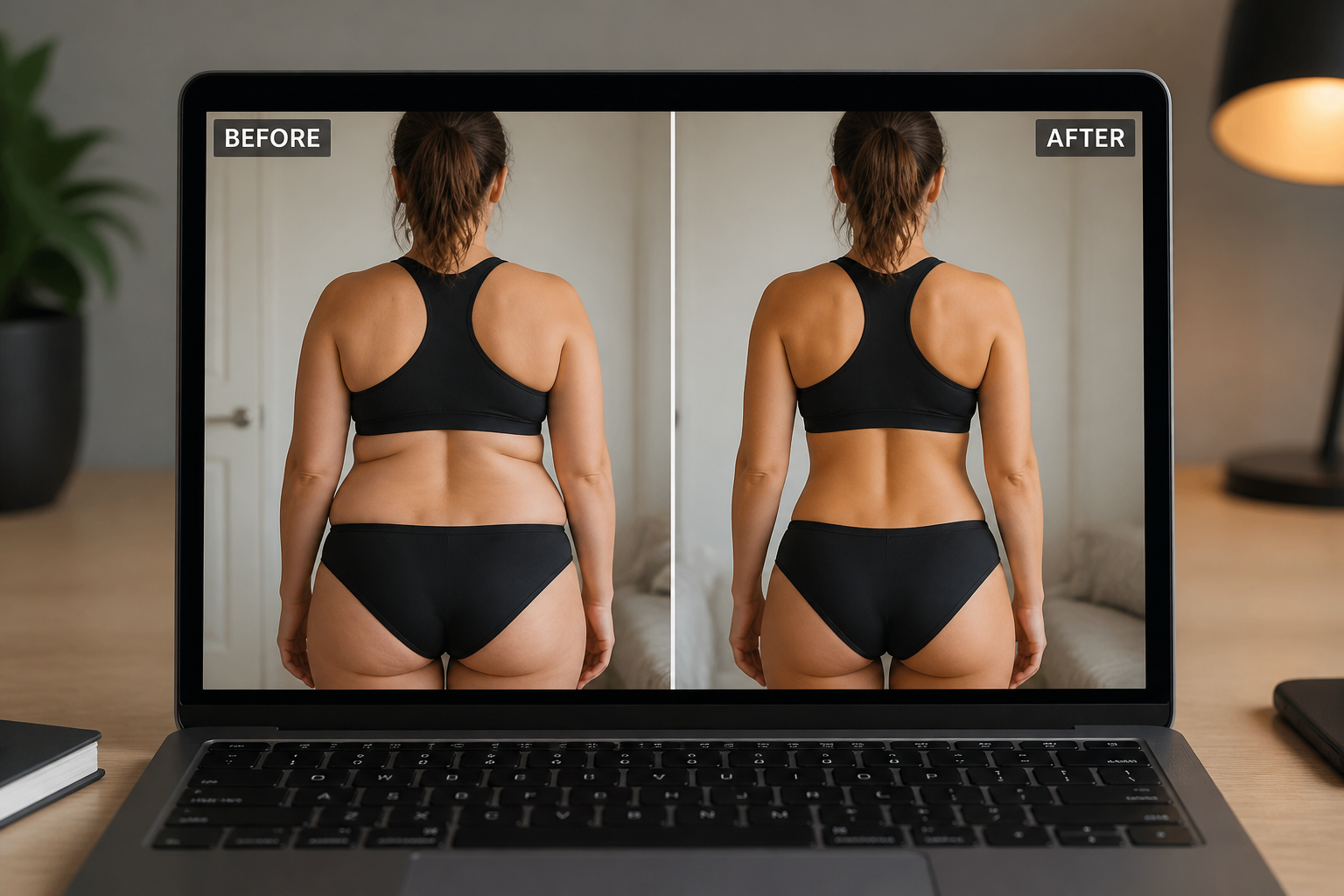
Compare and refine
Review the before and after versions and decide if you want a stronger or softer change. Generate again with a clearer description until the result matches your goal.
Perfect For
Discover how creators and professionals use ai butt enhancement
Content mockups
Test different body-shape looks for social content, thumbnails, or campaign concepts before committing to a final visual direction.
Fitness photo styling
Create a more dramatic back-view fitness image while keeping gym wear, pose, and setting consistent.
Fashion previews
See how dresses, jeans, or leggings read with fuller curves in a styled photo before a full retouching pass.
Creative edits
Make bold visual changes for stylized portraits, editorial looks, or experimental before-and-after posts.
Built For
Creators
Make eye-catching before-and-after visuals for social posts, thumbnails, and quick concept tests.
Photo editors
Speed up rough body-shape mockups before doing any detailed manual cleanup.
Fashion and fitness marketers
Preview stronger silhouette changes in outfit photos without staging a new shoot.
Why use it for butt enhancement
A quick look at how we compare on the things that matter for this niche.
| Feature | BudgetPixel | Generic AI editors | Manual editing apps |
|---|---|---|---|
| Visible body-shape change | ✓ | ✓ | ✓ |
| Keeps same scene and outfit | ✓ | — | ✓ |
| Fast prompt-based workflow | ✓ | ✓ | — |
| Easy before/after comparisons | ✓ | ✓ | ✓ |
| No manual warping tools needed | ✓ | — | — |
Frequently Asked Questions
What kind of photos work best?
Will the rest of the image change too?
Can I control how strong the enhancement looks?
Does it only work on realistic photos?
Do I need manual editing skills?
Create together.
Share your creations, discover trending AI art, and grow with fellow creators.