AI Hip Enhancer
Make hips look fuller and more defined in a few clicks.
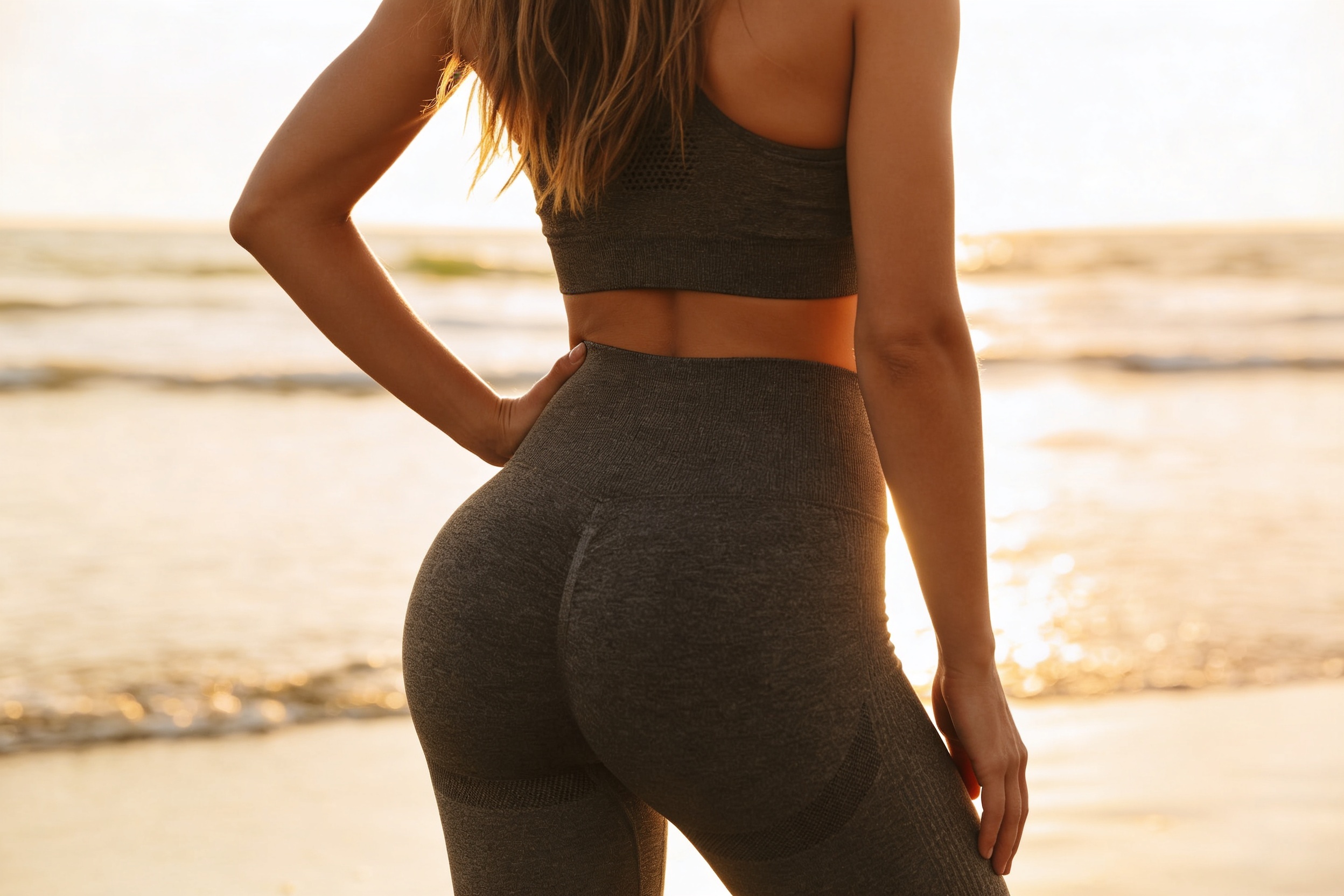
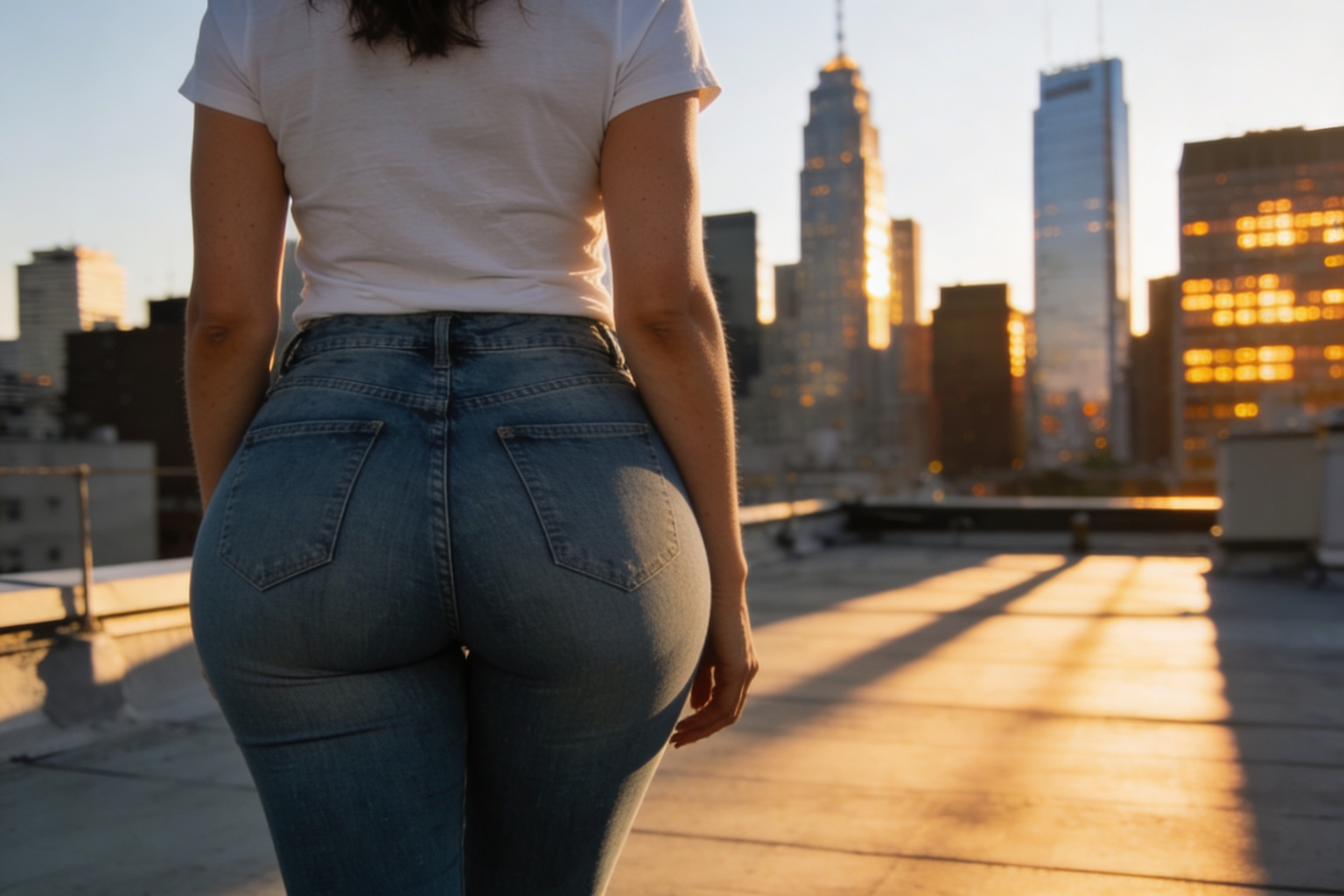
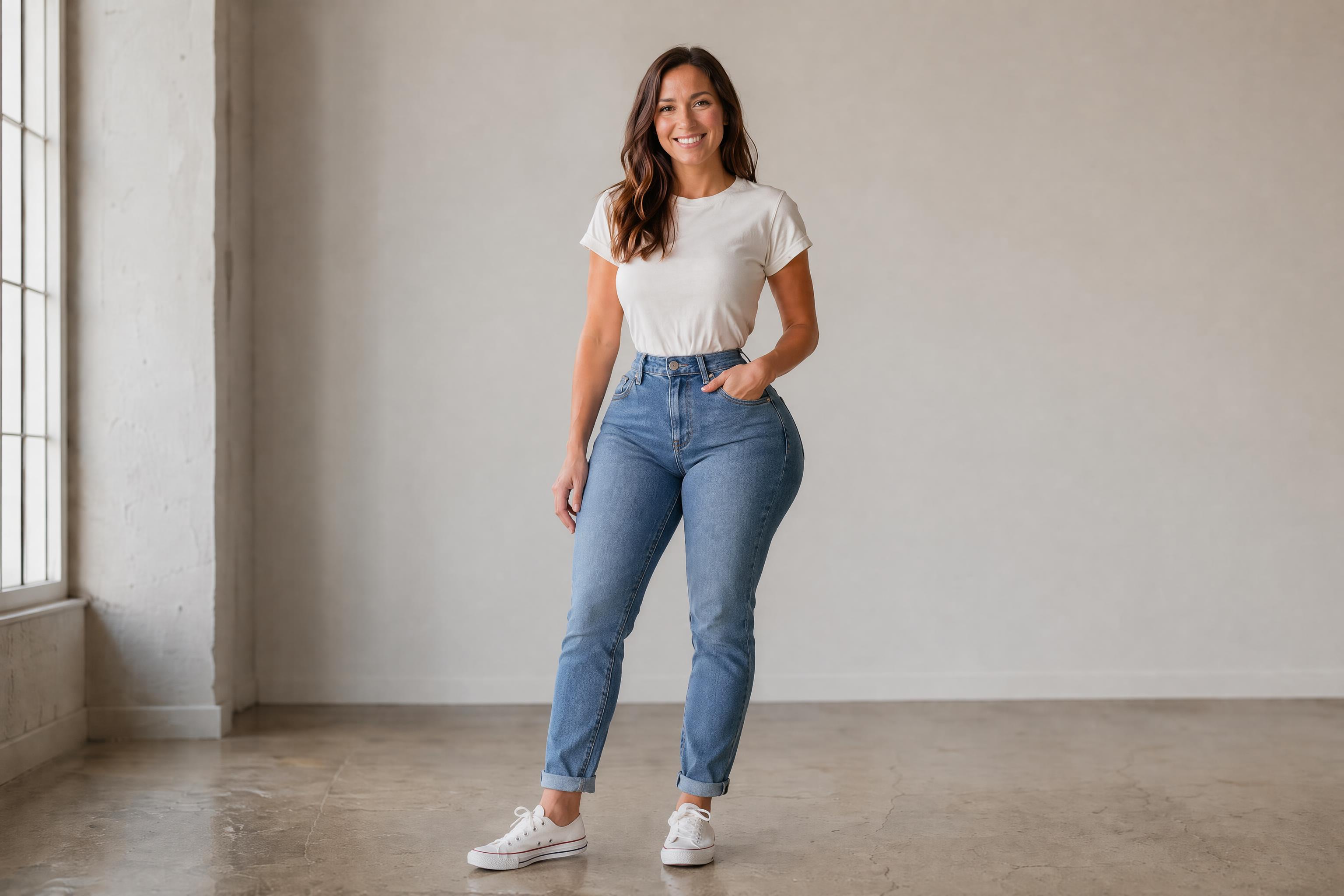
AI Hip Enhancer edits body shape in photos to create a curvier hip and lower-body silhouette. Upload a photo, describe the look you want, and generate a clean before-and-after result while keeping the pose, outfit, and scene consistent.
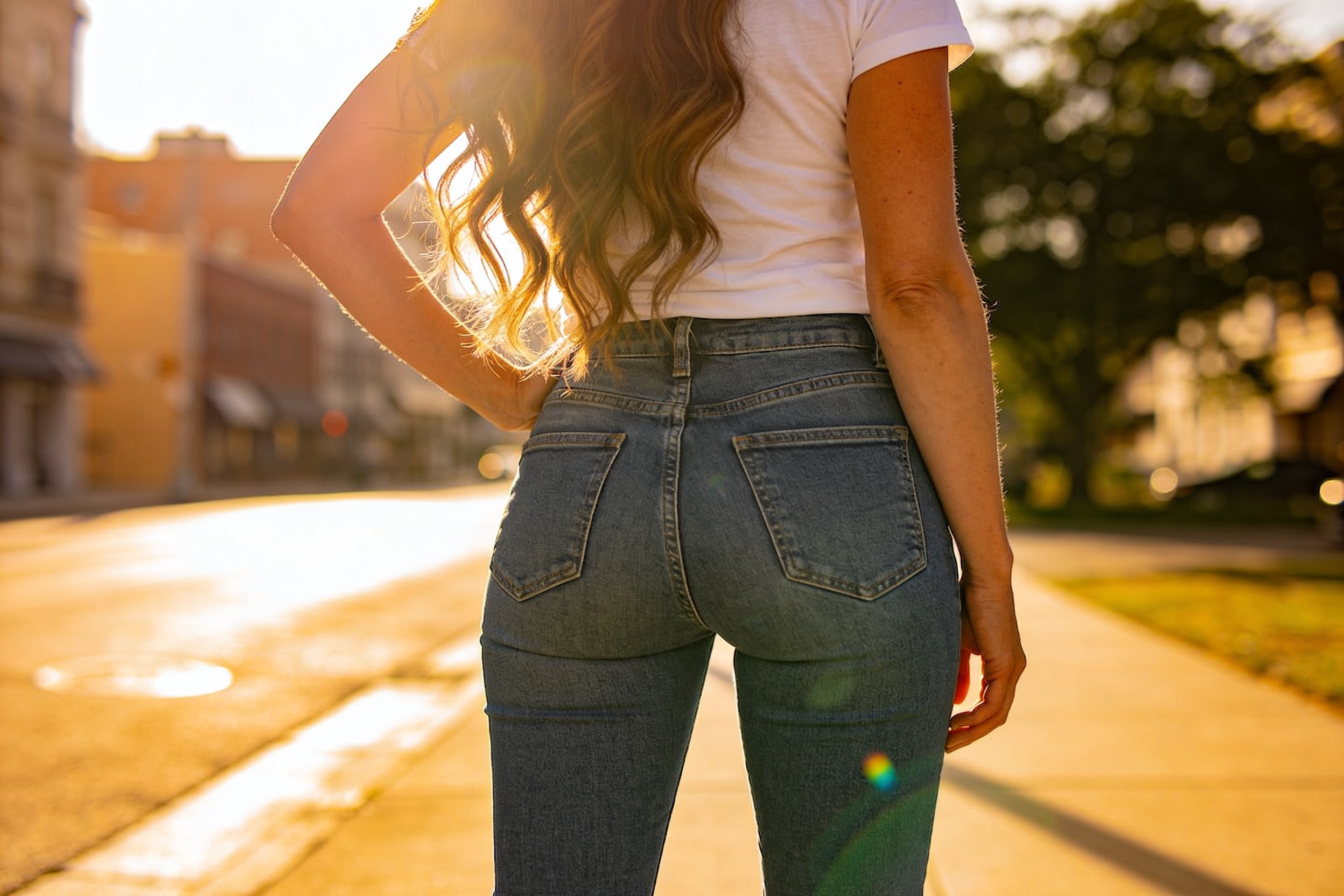
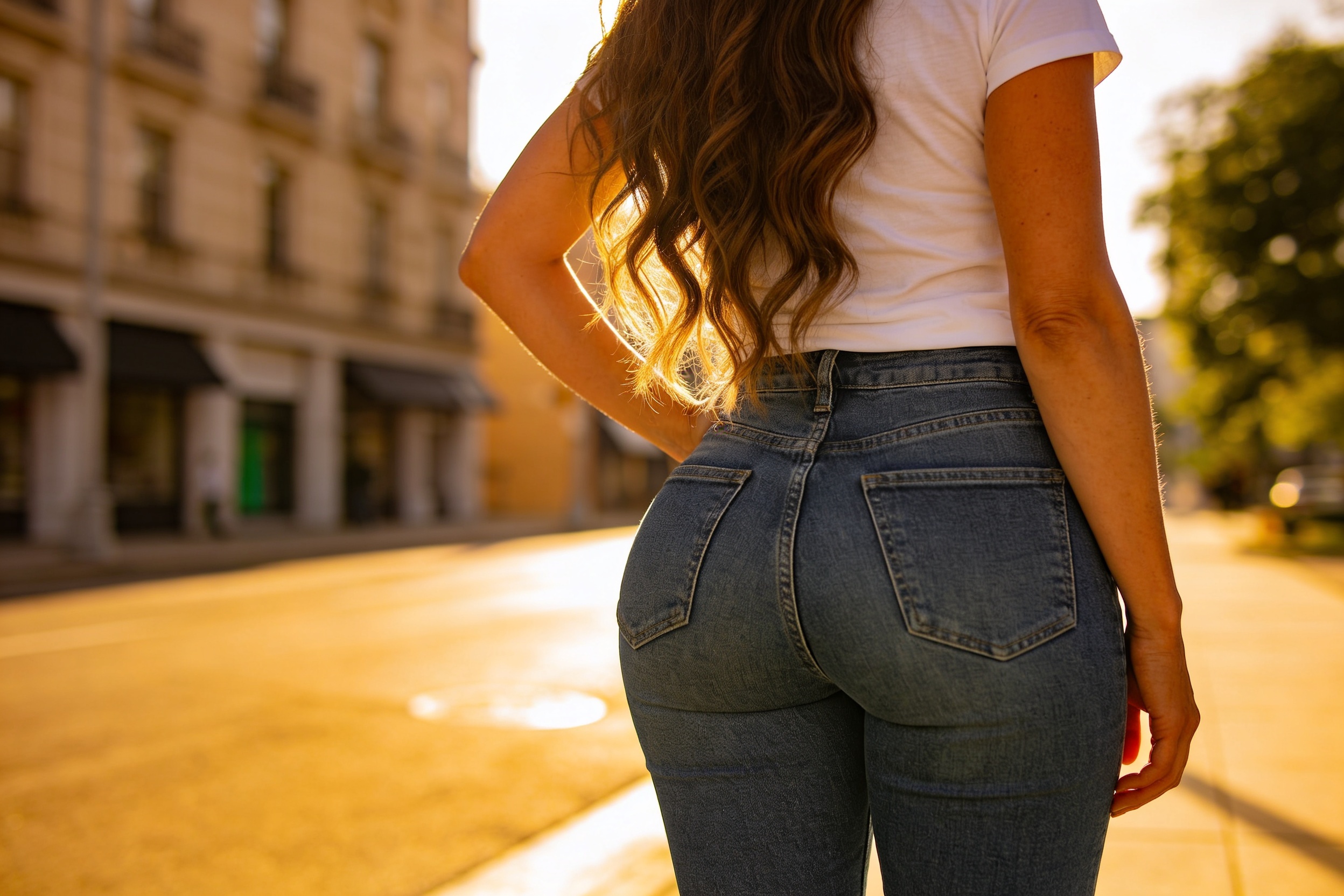
Watch the Transformation
See ai hip enhancer in motion — generated end-to-end by our AI.
See It In Action
Real outputs from ai hip enhancer.
BEFOREAFTER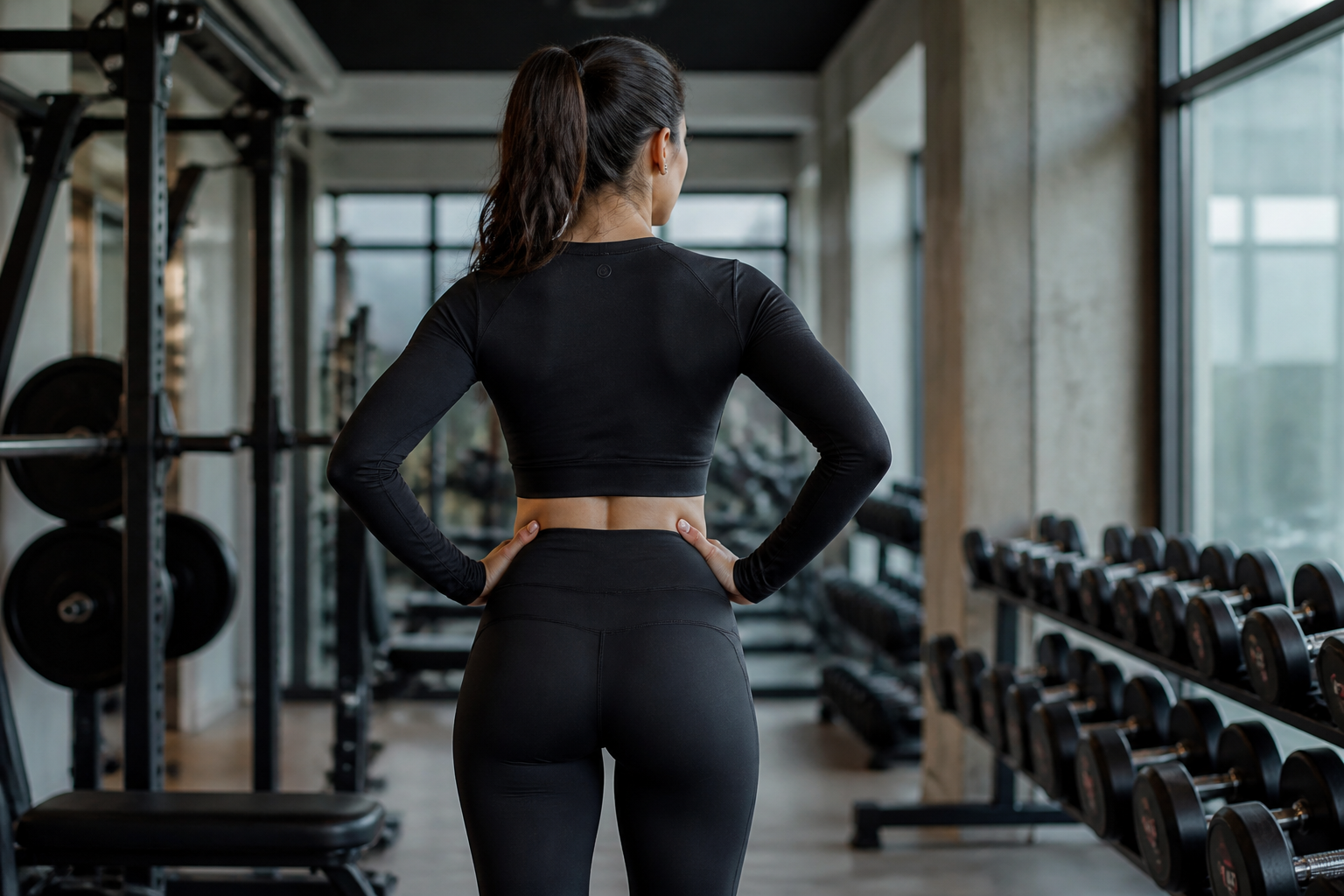 BEFORE
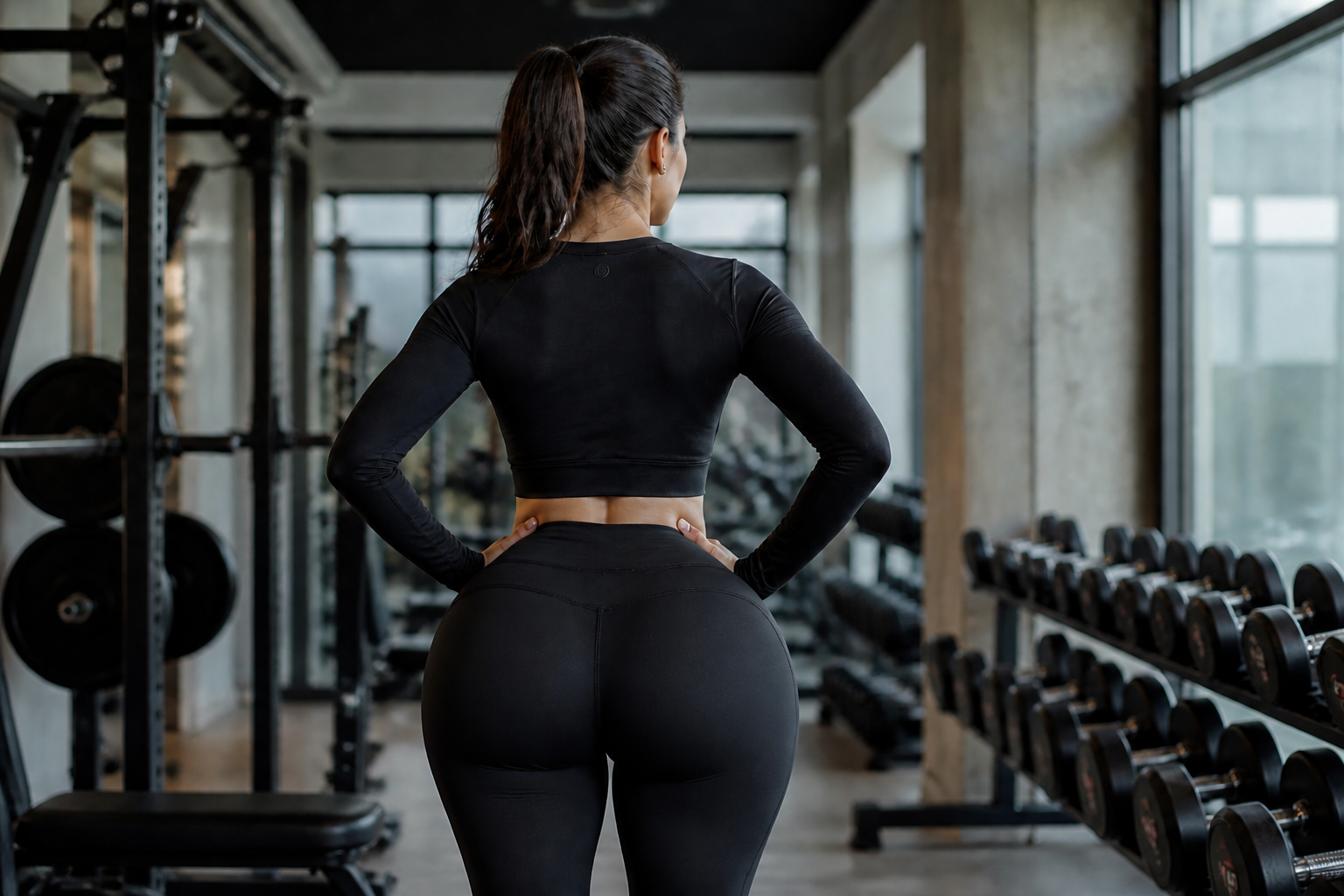 AFTER
AFTER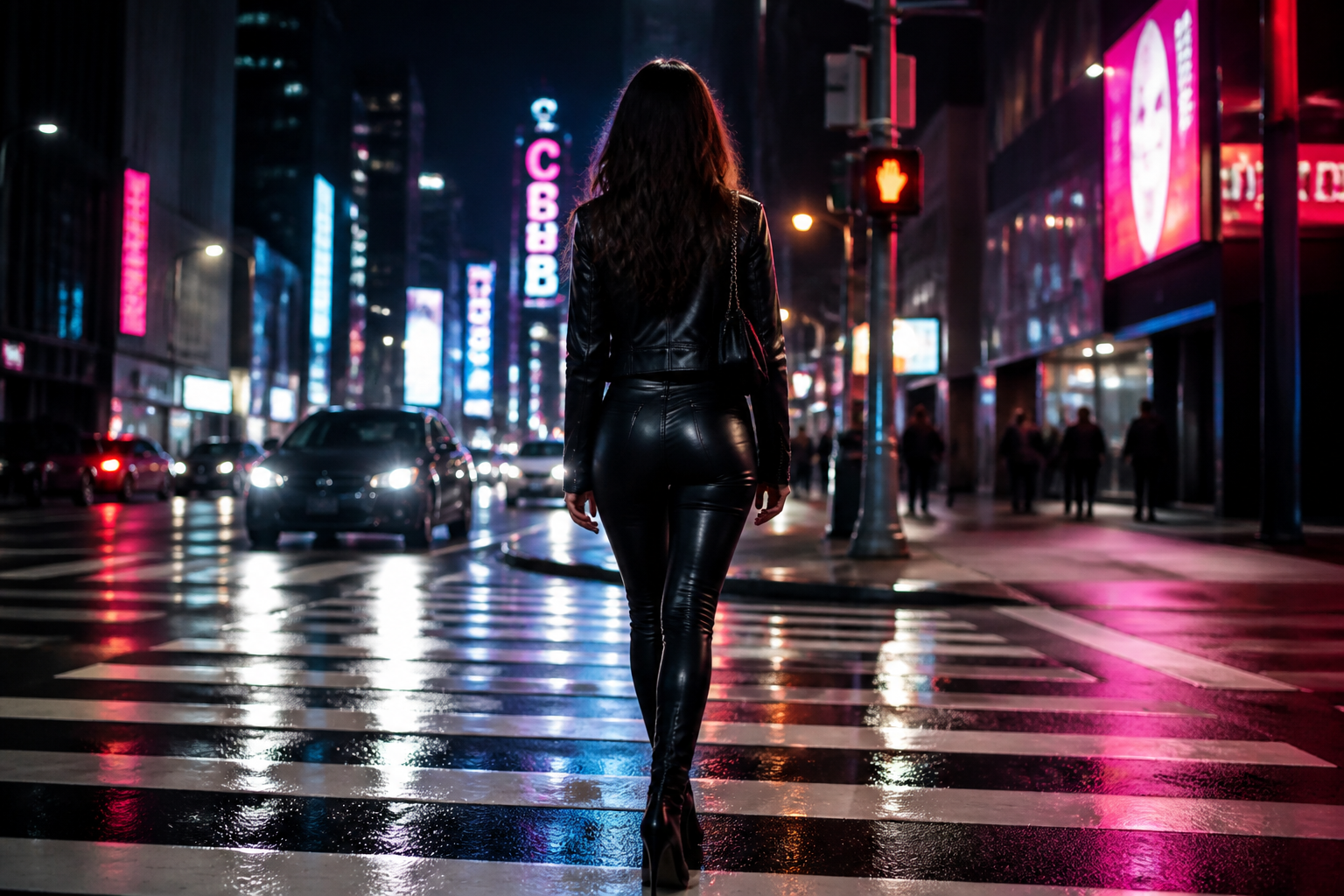 BEFORE
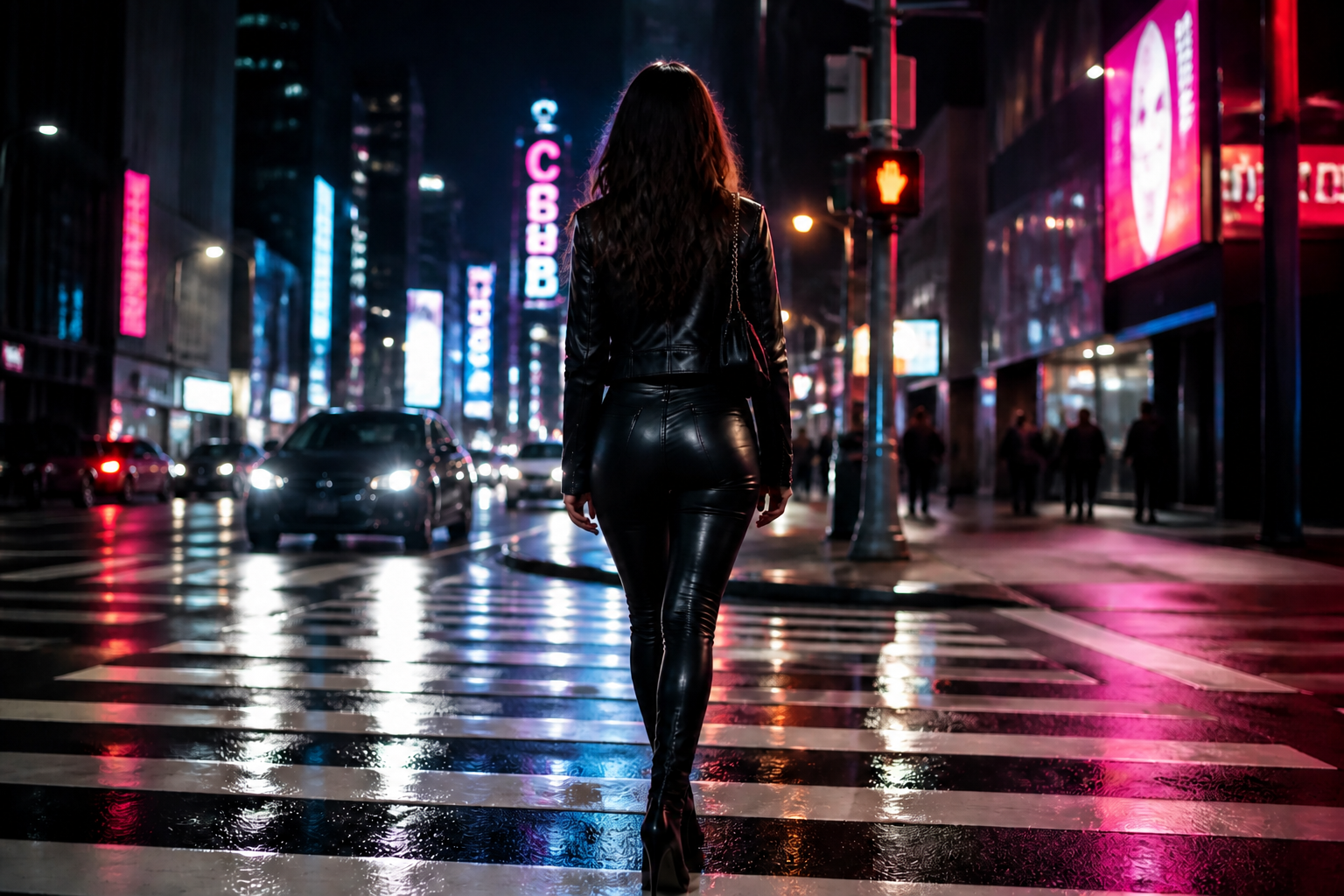 AFTER
AFTER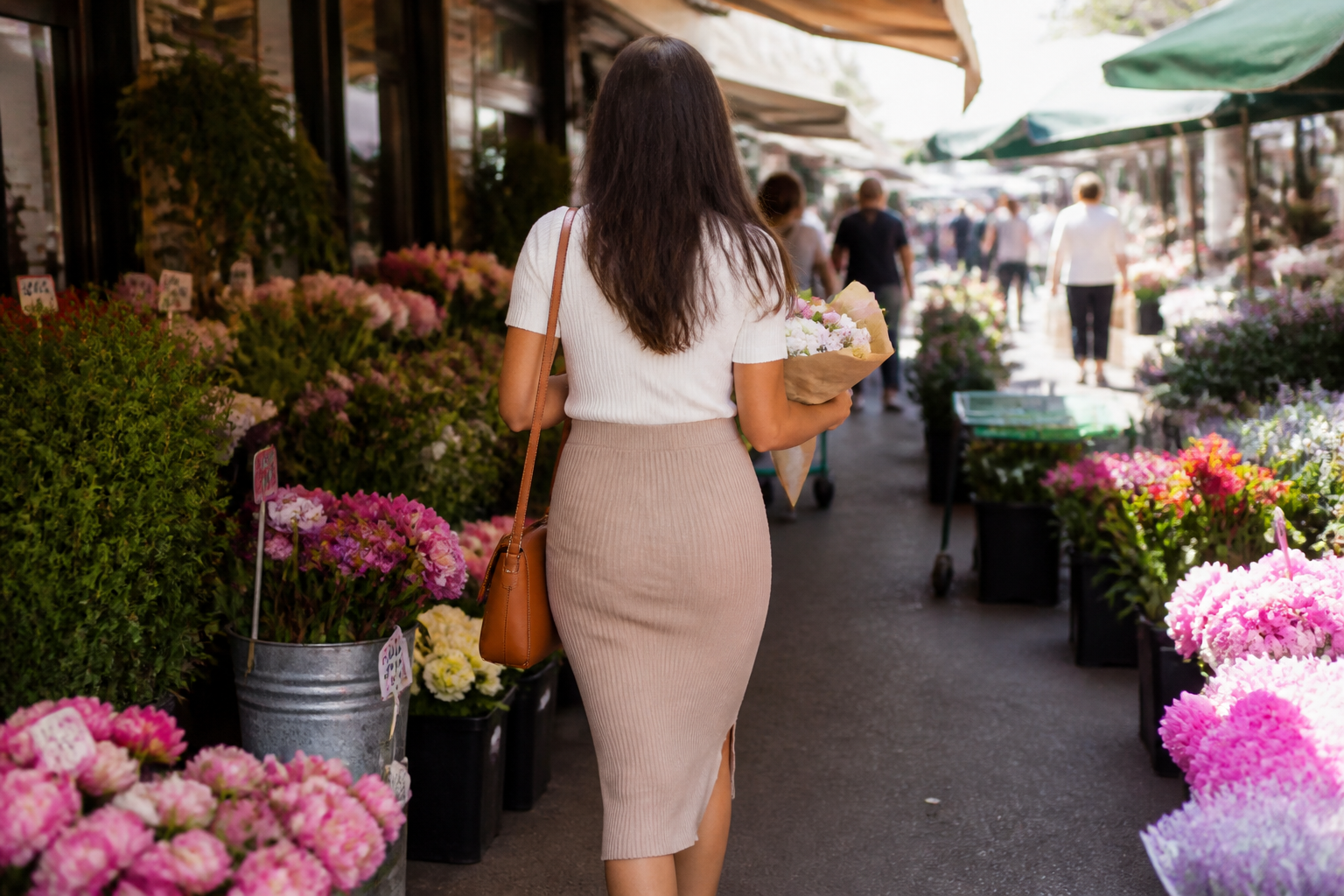 BEFORE
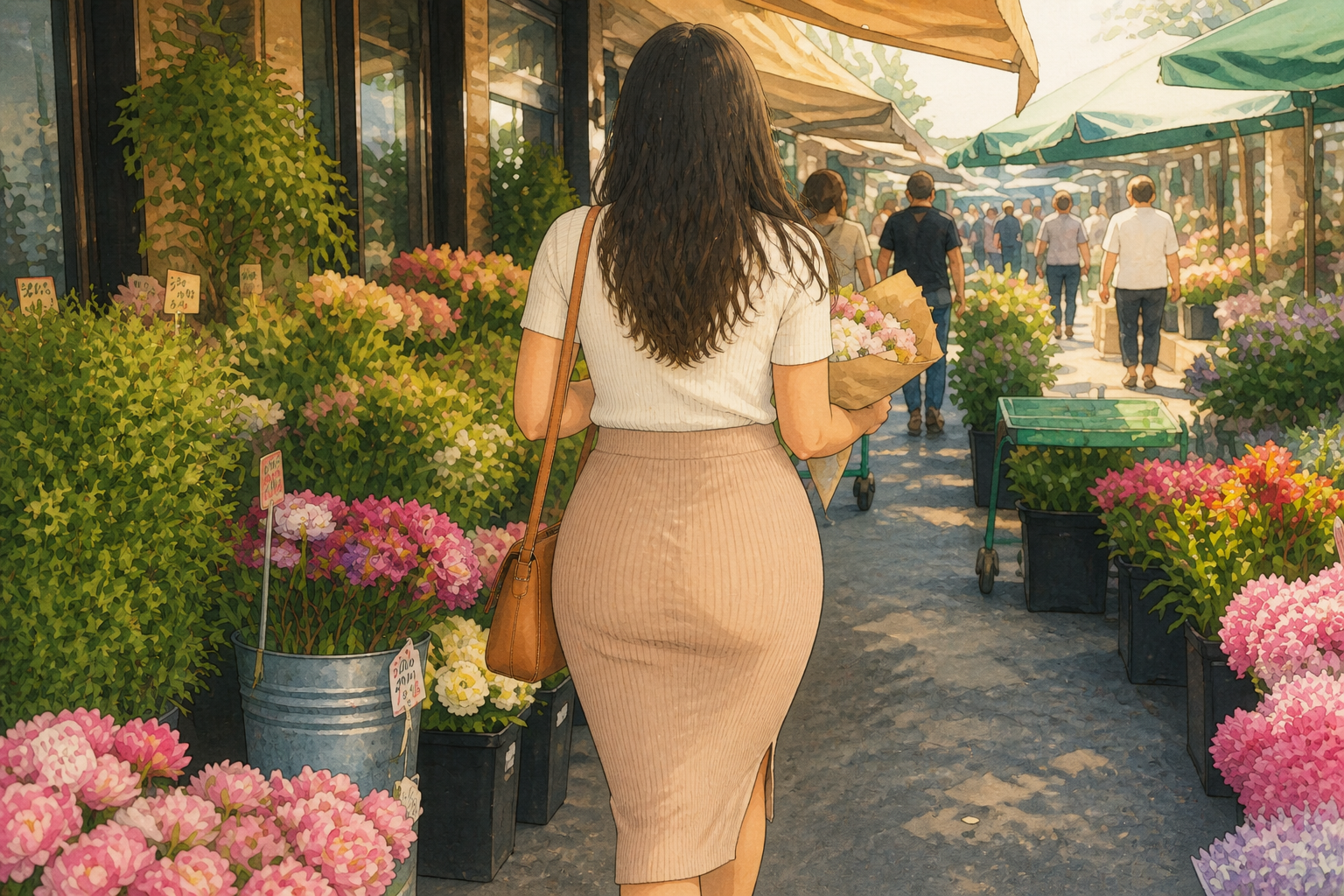 AFTERBEFOREAFTERBEFOREAFTERBEFOREAFTERBEFOREAFTER
Key Features
Clear shape change
This tool makes hip and lower-body edits that are easy to see in a before-and-after view. You can push the silhouette toward a fuller, rounder shape without repainting the whole photo by hand. That matters when you want a quick visual result instead of spending time on manual warping. The edit stays focused on body proportions rather than changing the entire image style.
Keeps outfit and scene
A good body-shape edit should not force you to replace clothing details or rebuild the background. Our AI can target the silhouette while keeping fabric, lighting, and the setting consistent with the original image. That makes the result look more usable for social posts, mockups, and quick concept visuals. You get a focused edit instead of a total rewrite.
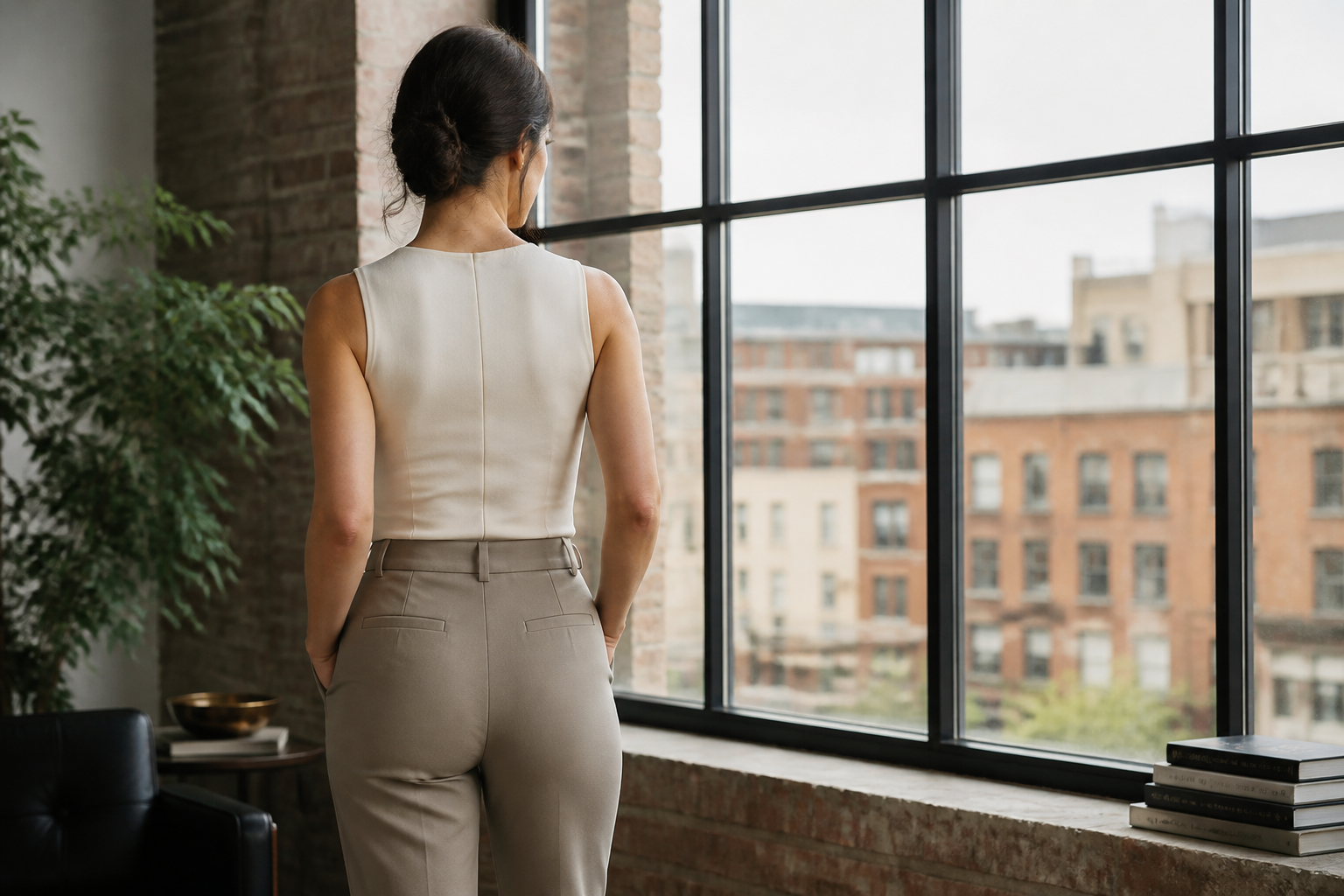
Works across styles
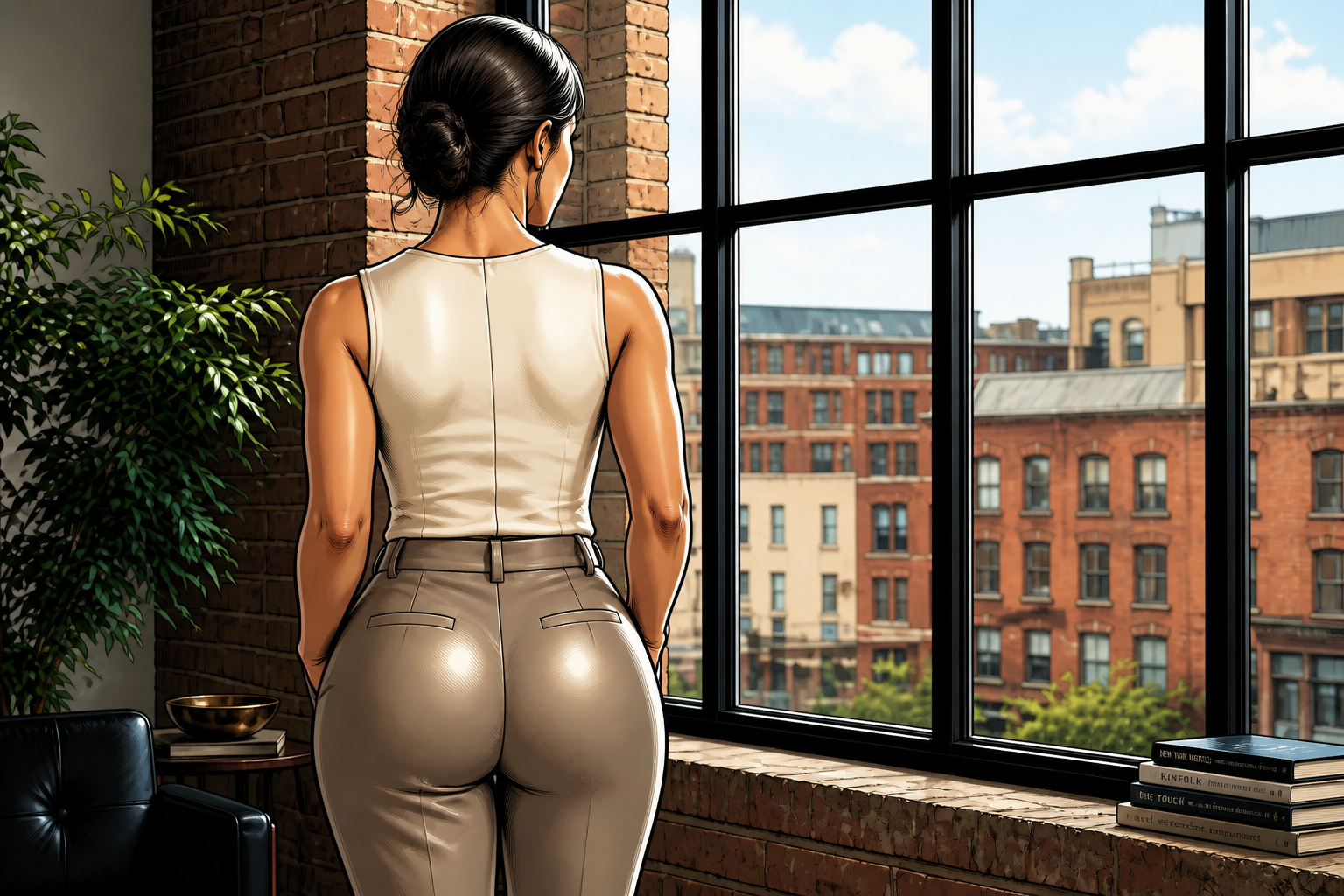
The same hip-enhancing prompt can be used for realistic photos and stylized outputs. That helps when you want both believable edits and more creative visuals for mood boards or social content. Instead of rebuilding the idea from scratch, you can keep the same pose and change the visual treatment. It is a practical way to test multiple directions fast.
Fast concept testing
If you are comparing different body-shape directions, quick iteration matters more than pixel-perfect manual editing. You can generate one version with moderate curves and another with a more dramatic silhouette using the same source photo. That is useful for content drafts, styling previews, and visual brainstorming. It shortens the gap between idea and result.
How It Works
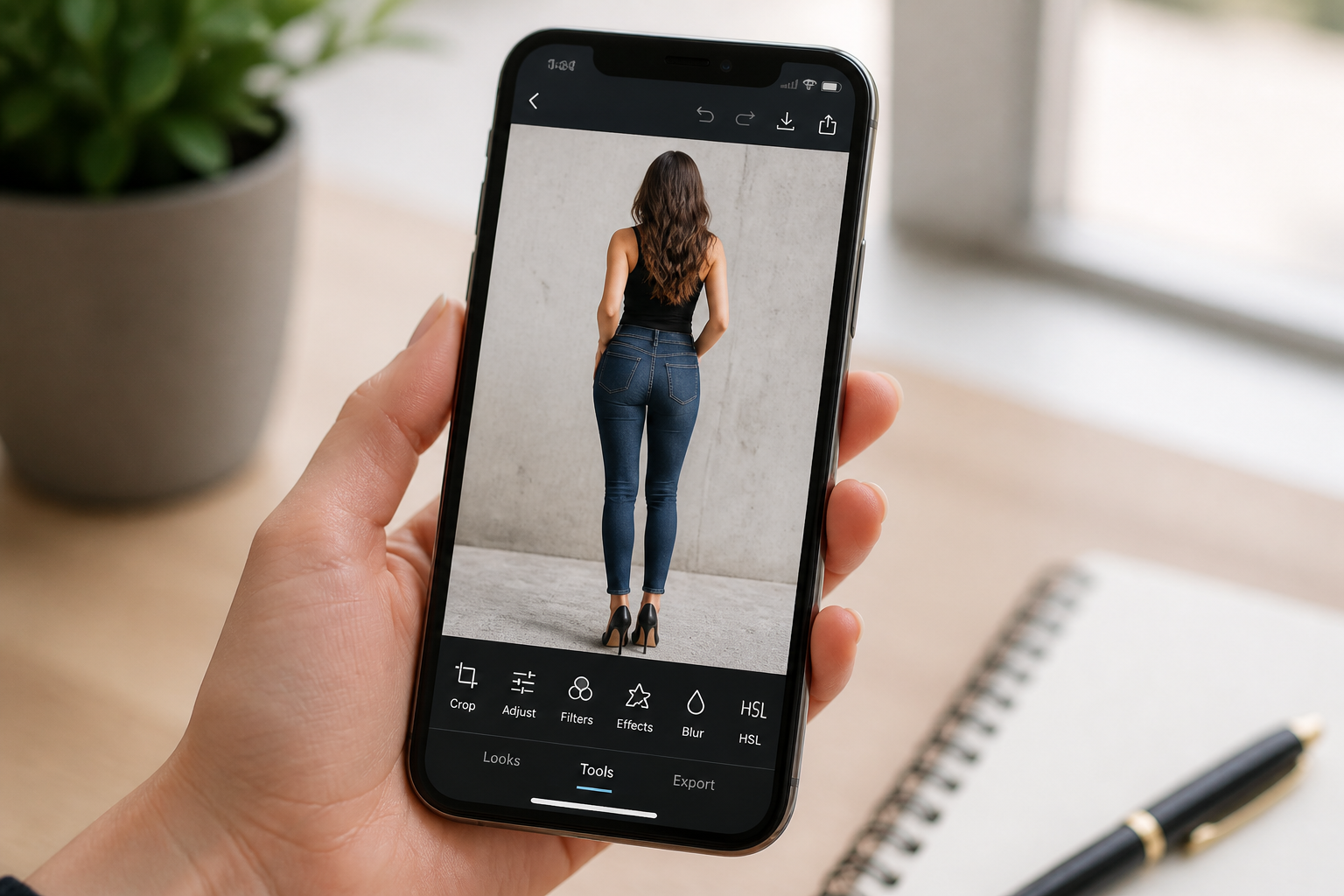
Upload your photo
Start with a clear full-body or three-quarter photo where the lower-body silhouette is visible. Back-view shots in fitted clothing usually make the change easiest to read.
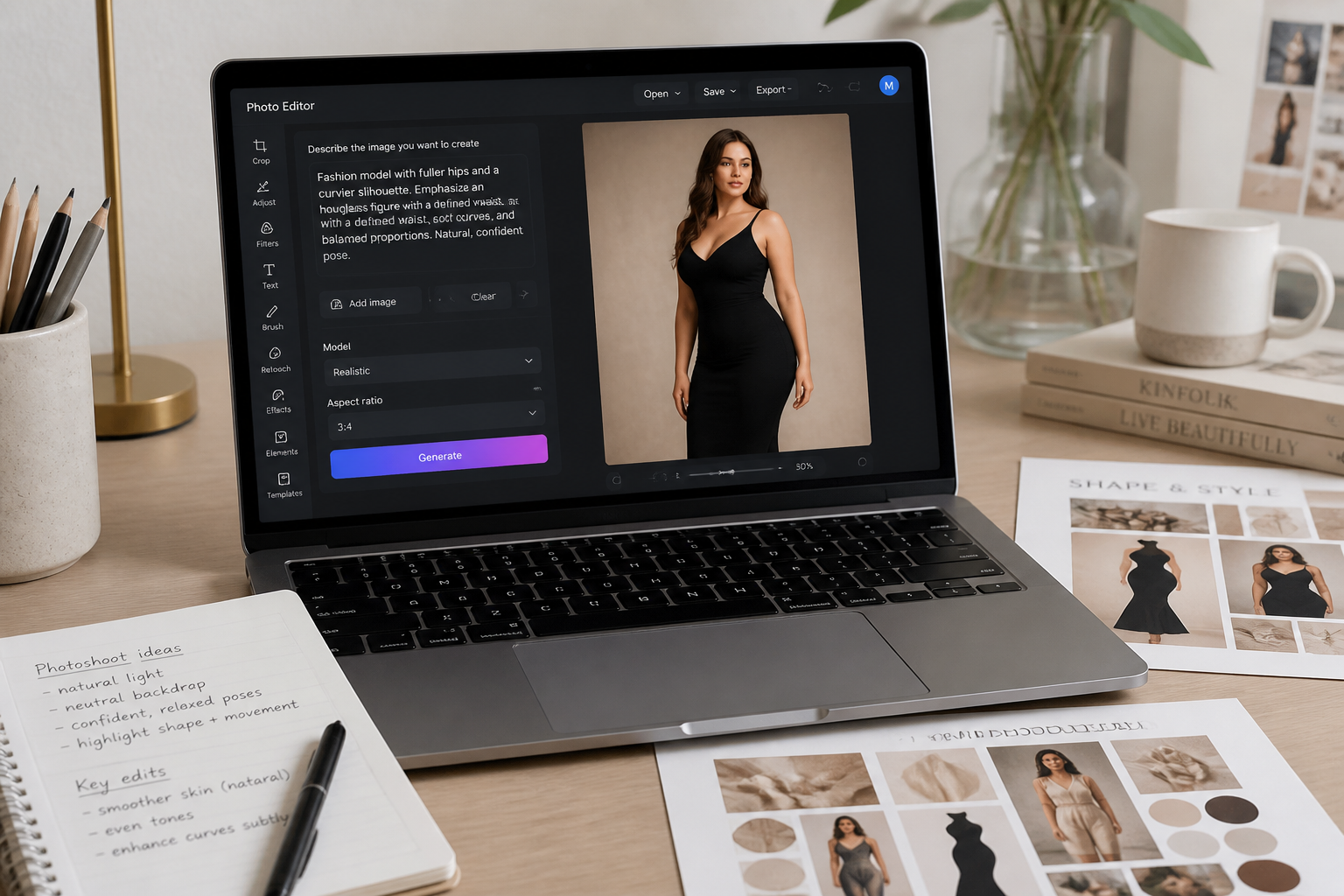
Describe the curve edit
Tell the AI how strong you want the hip enhancement to be. You can ask for fuller hips, a rounder lower-body shape, or a stronger hourglass silhouette while keeping the outfit and background the same.
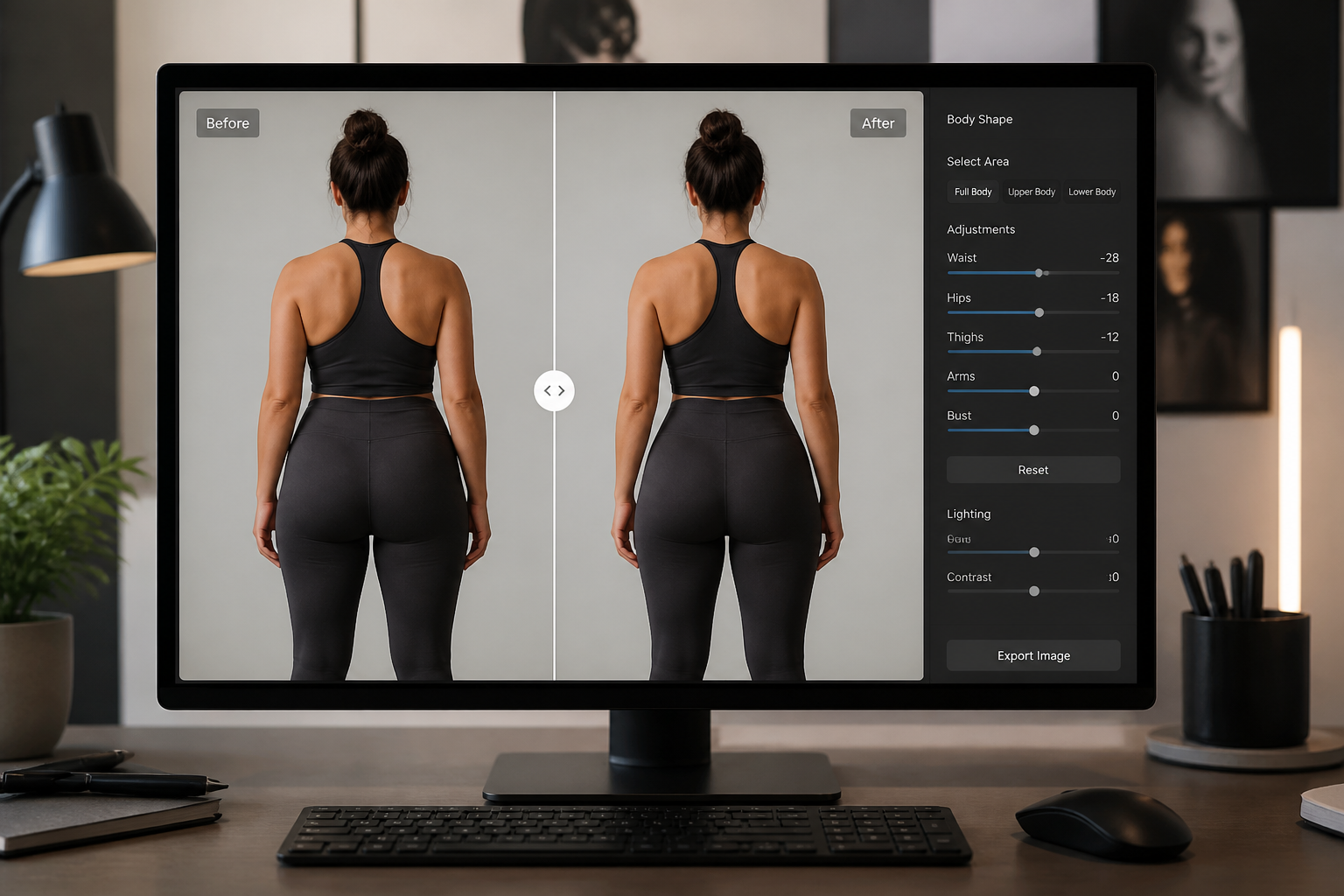
Compare and refine
Review the before and after side by side and adjust the prompt if needed. Generate another pass if you want a more subtle or more dramatic result.
Perfect For
Discover how creators and professionals use ai hip enhancer
Social content mockups
Test a curvier silhouette for lifestyle, fashion, or fitness posts before publishing.
Styling previews
See how jeans, dresses, and activewear read with a fuller hip shape.
Creative concepts
Generate visual references for character looks, mood boards, and body-shape ideas.
Before-and-after demos
Create clear transformation examples for portfolios, tutorials, or product pages.
Built For
Creators and influencers
Quickly test different curvier looks for posts, thumbnails, and visual concepts.
Fashion sellers and stylists
Preview how fitted outfits read with different lower-body proportions.
Casual photo editors
Make a targeted hip enhancement without learning complex retouching tools.
Why use this for hip edits
A quick look at how we compare on the things that matter for this niche.
| Feature | BudgetPixel | Generic AI editors | Manual editing apps |
|---|---|---|---|
| Focused hip enhancement | ✓ | — | ✓ |
| Before/after workflow | ✓ | ✓ | — |
| Keeps pose and outfit | ✓ | — | — |
| Fast concept variations | ✓ | ✓ | — |
| Manual skill required | Low | Low | High |
Frequently Asked Questions
What does AI Hip Enhancer change in a photo?
Do I need a back-view photo for this tool?
Will the AI replace my clothes or background?
Can I control how dramatic the hip enhancement looks?
Can this tool create stylized results too?
Create together.
Share your creations, discover trending AI art, and grow with fellow creators.