AI Head Swap for Clean, Funny Photo Edits
Swap heads between people in a photo without rebuilding the whole scene.
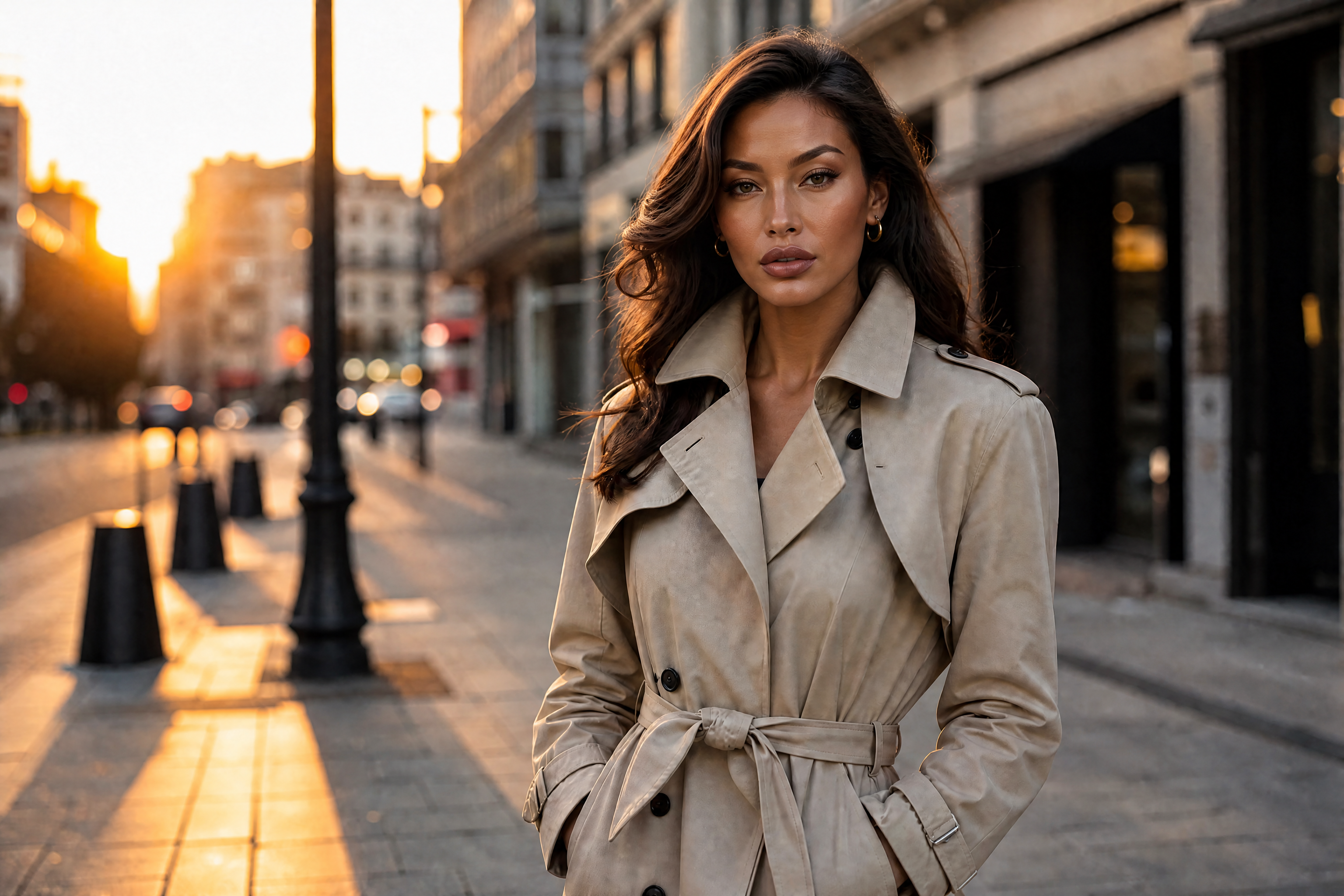
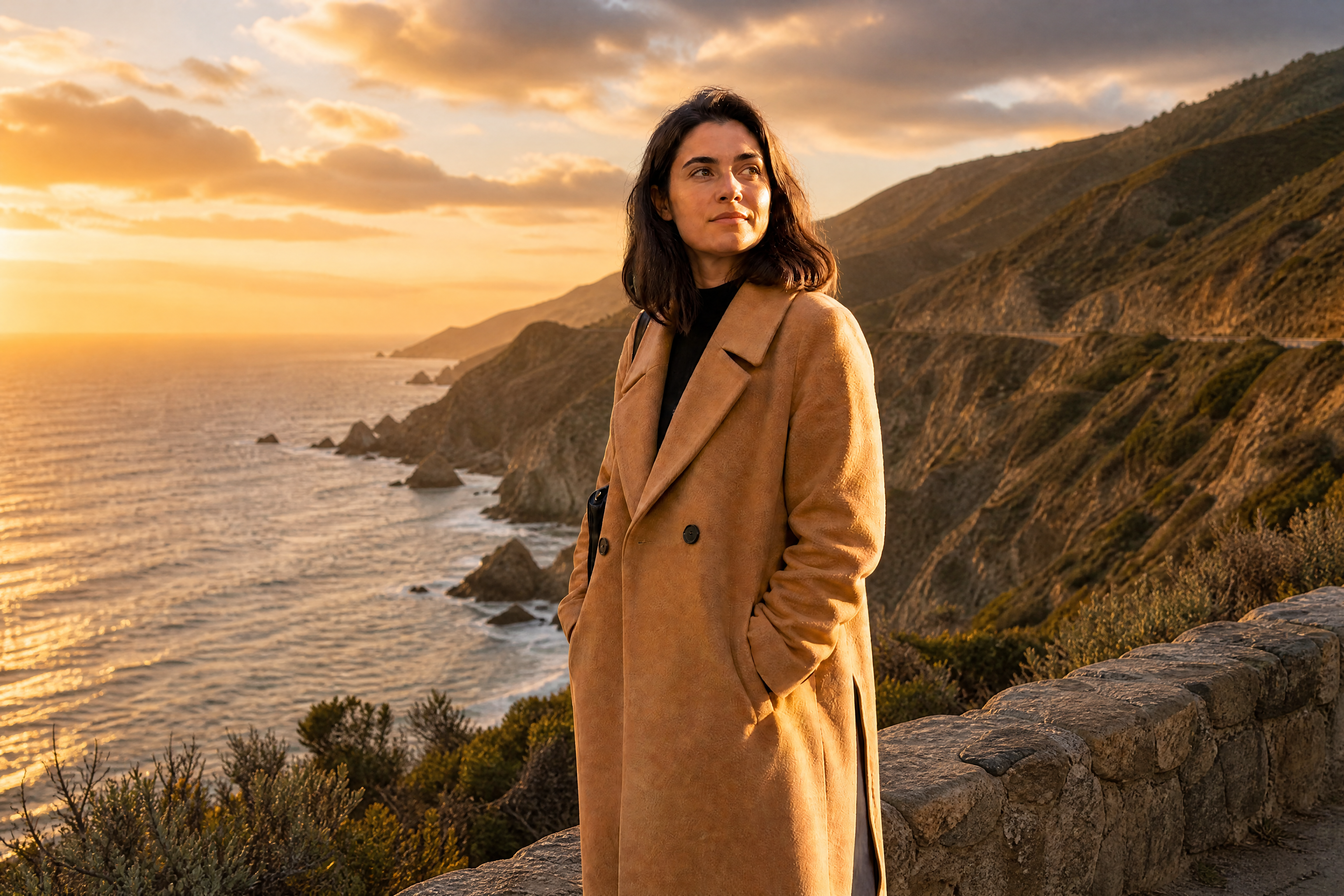
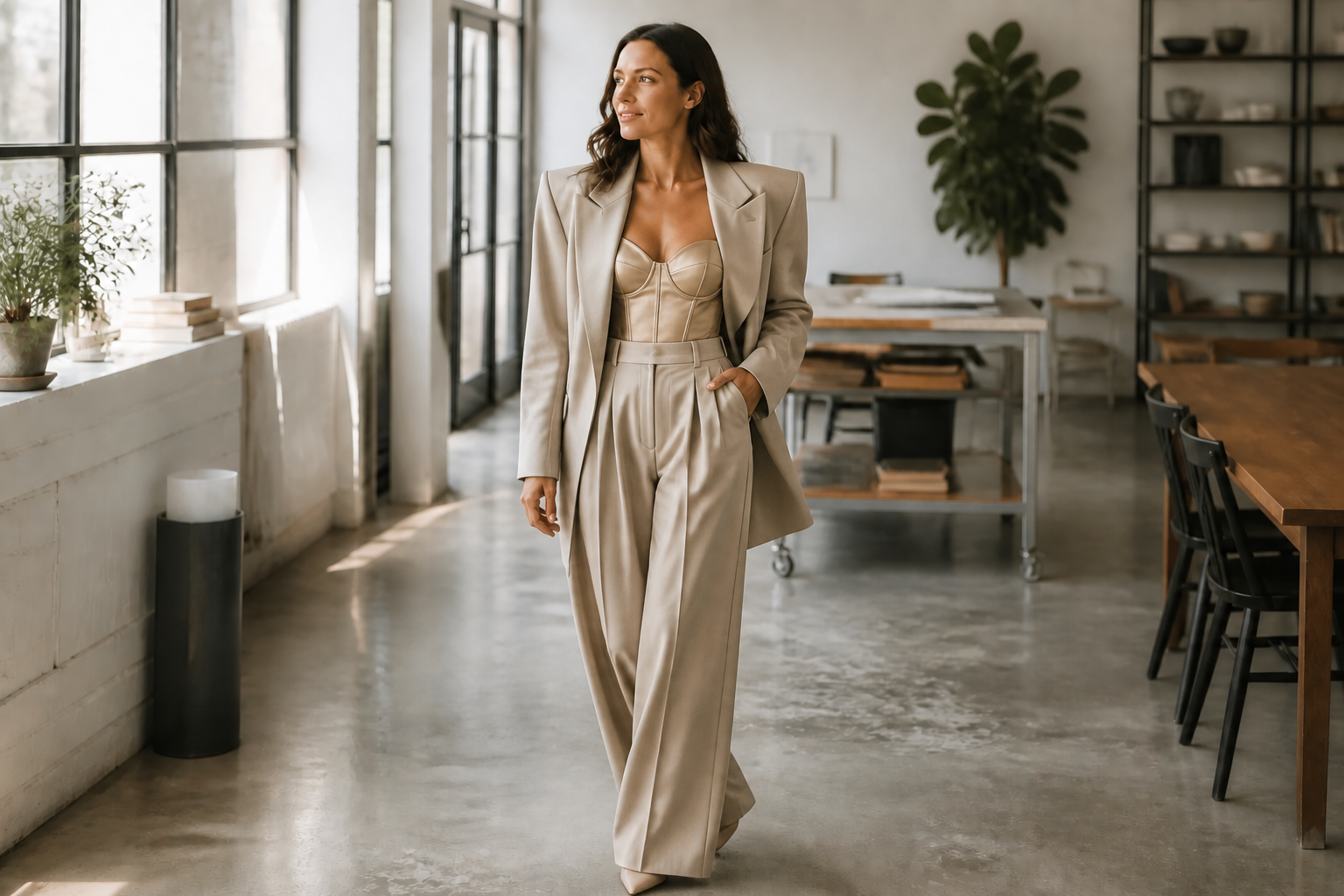
AI Head Swap lets you switch heads between adults in the same image while keeping clothing, pose, lighting, and background consistent. It is useful for group photos, comedy edits, and creative social posts where the change needs to read instantly.
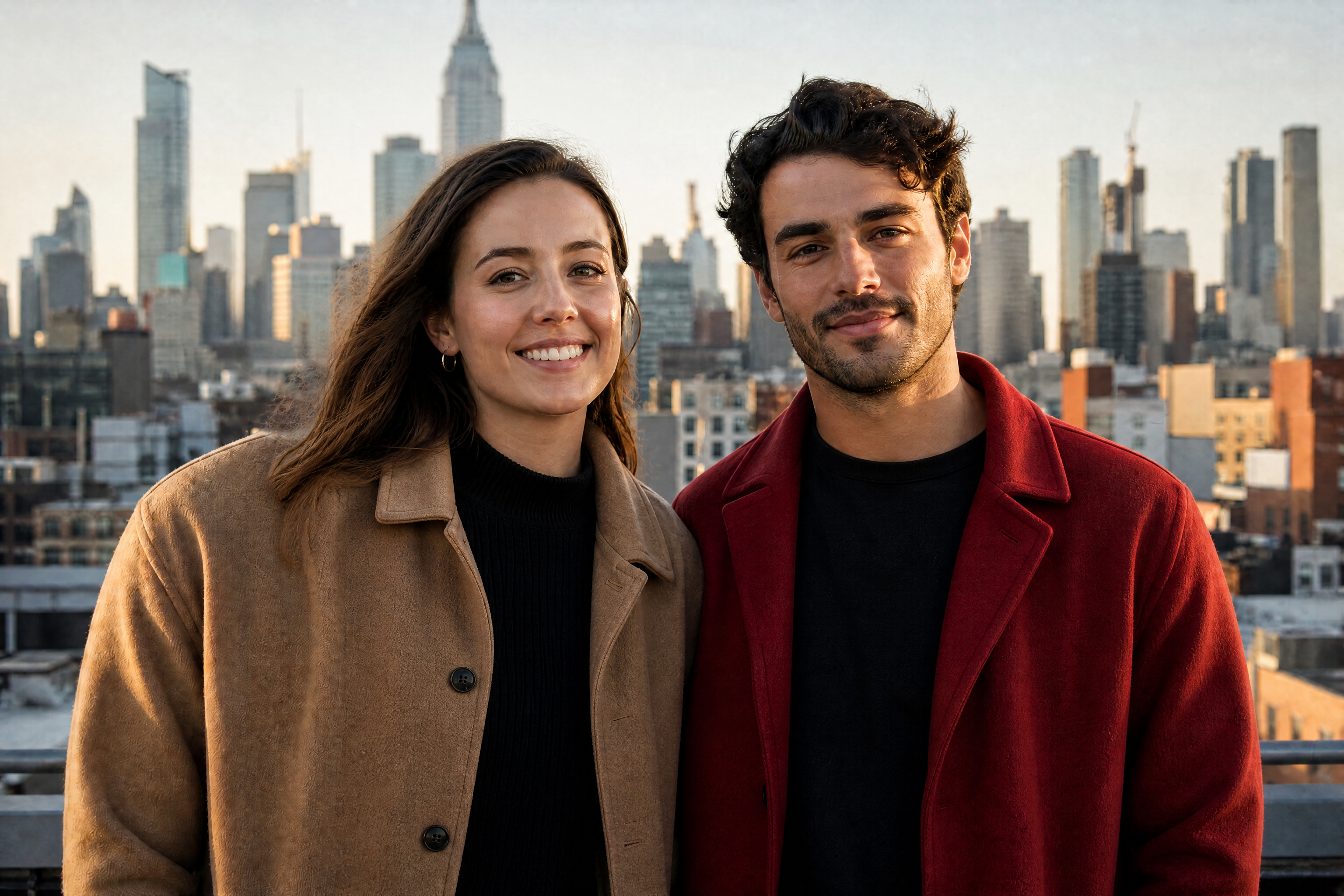
Watch the Transformation
See ai head swap in motion — generated end-to-end by our AI.
See It In Action
Real outputs from ai head swap.
BEFOREAFTER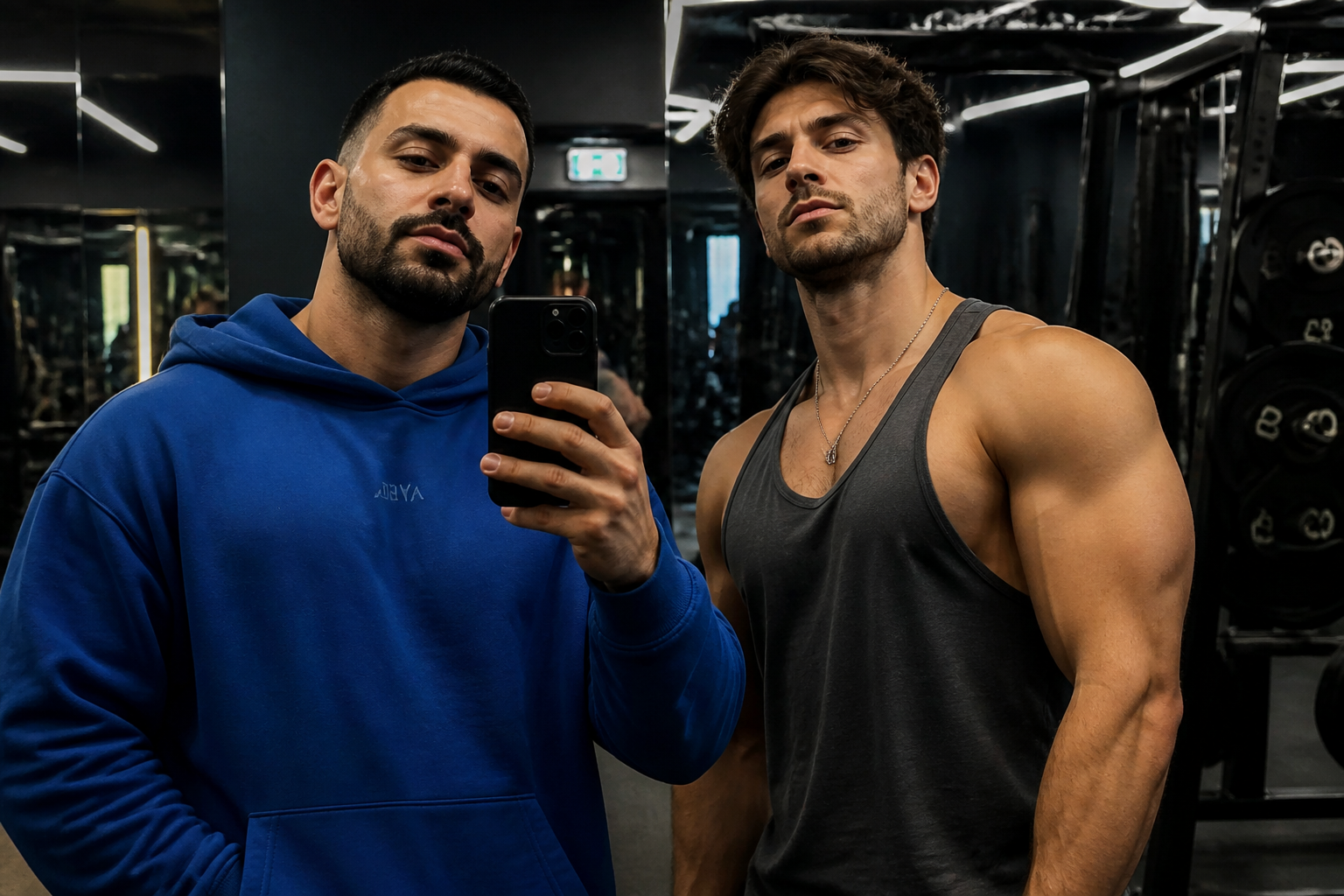 BEFORE
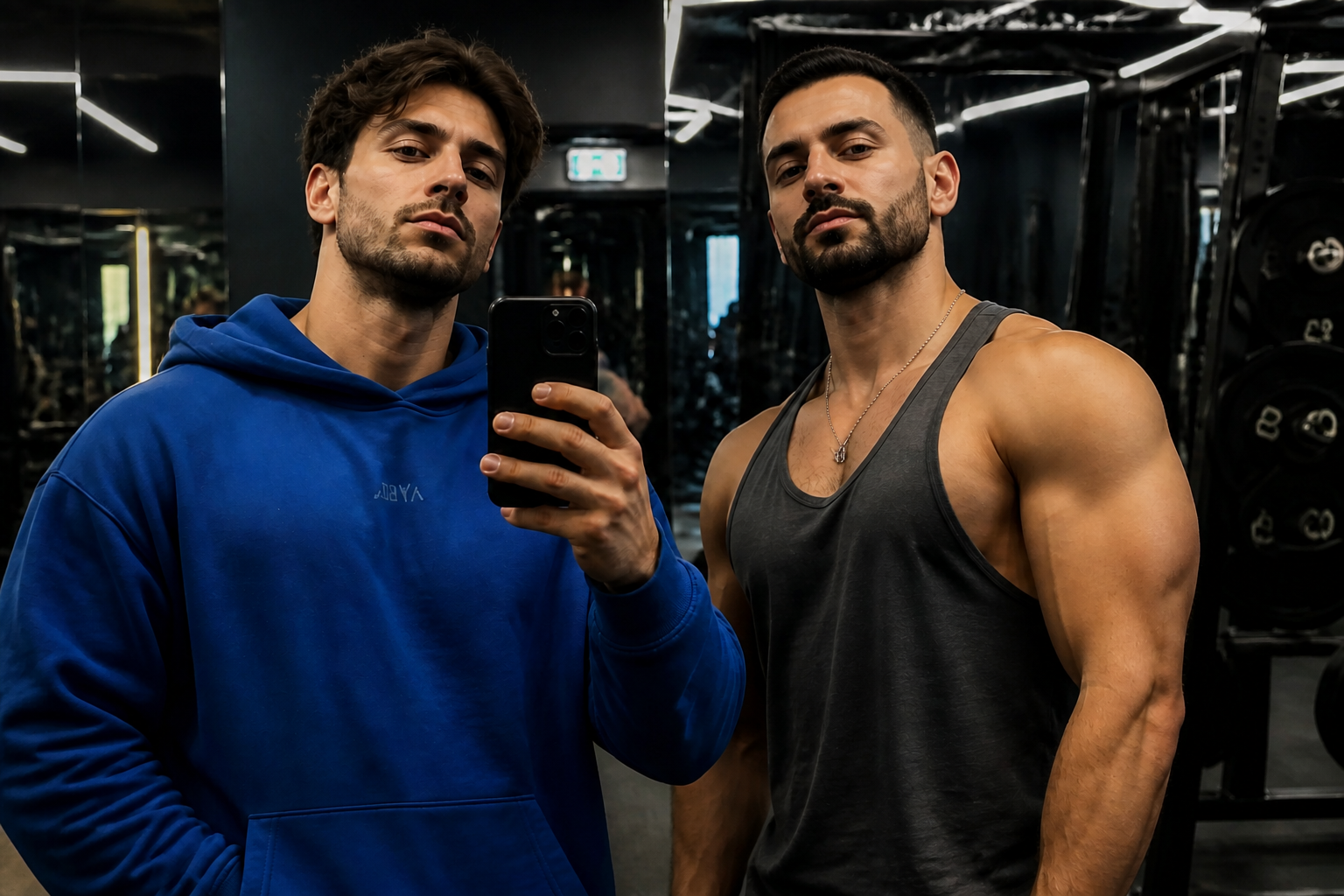 AFTER
AFTER BEFORE
 AFTER
AFTER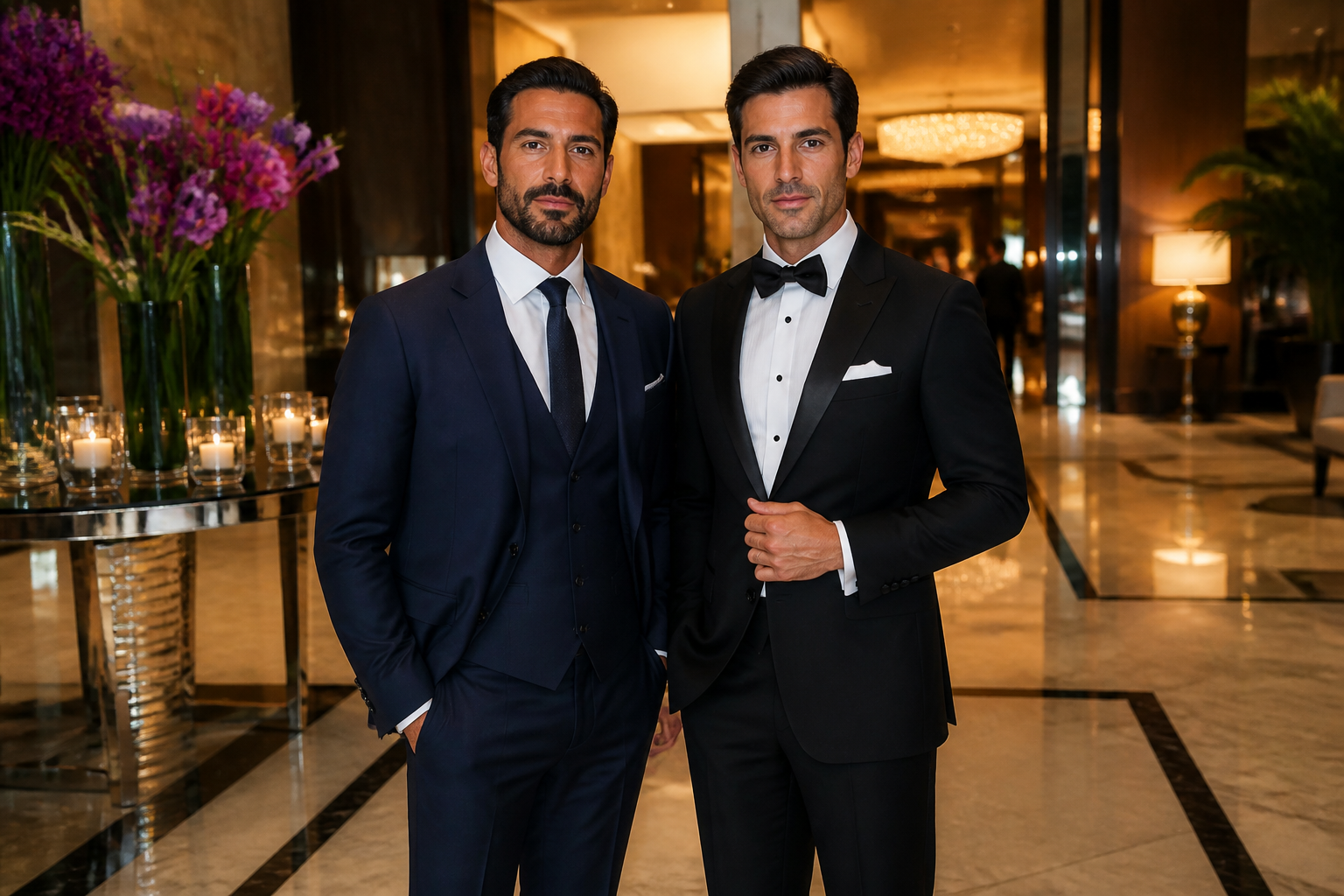 BEFORE
 AFTER
AFTER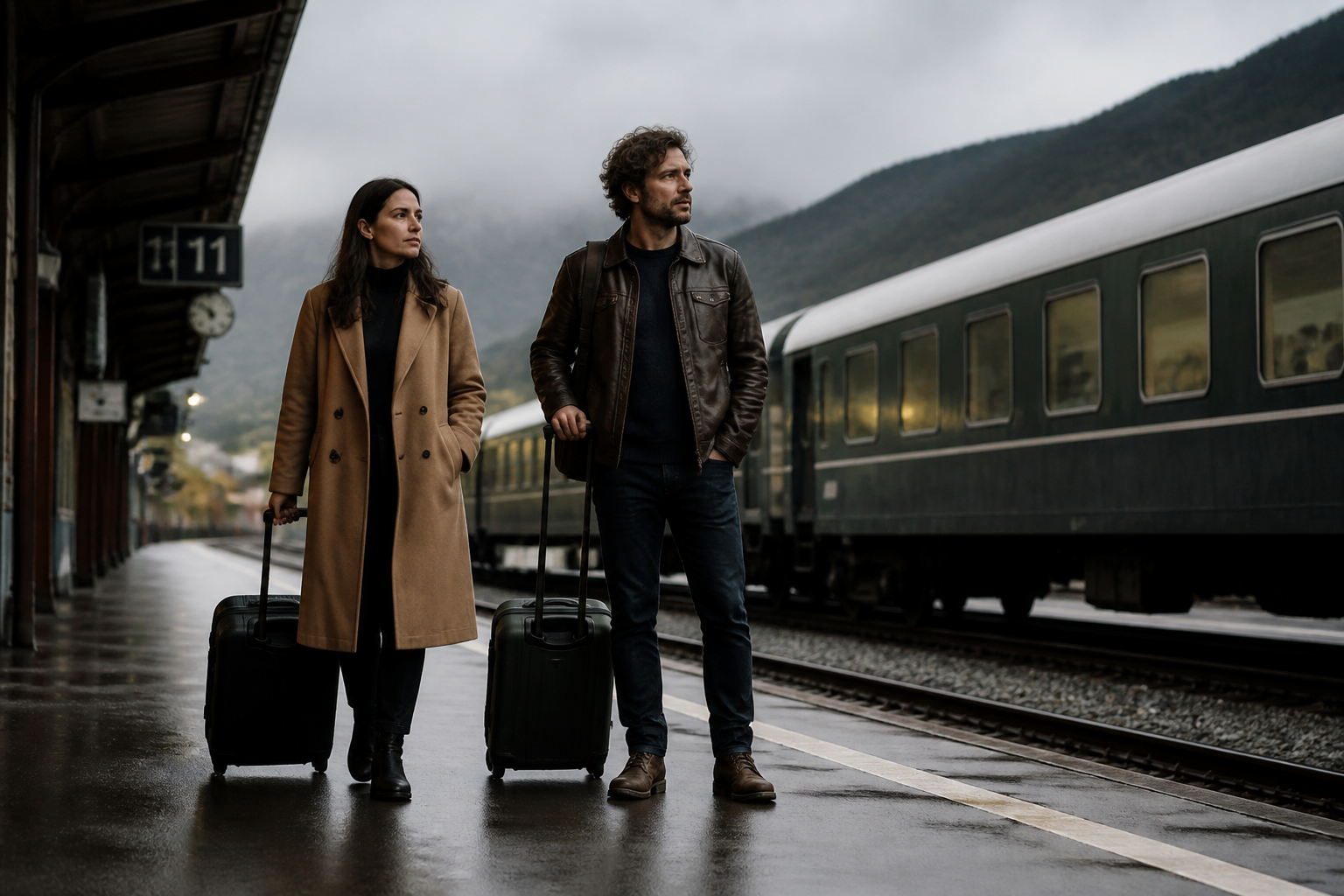 BEFORE
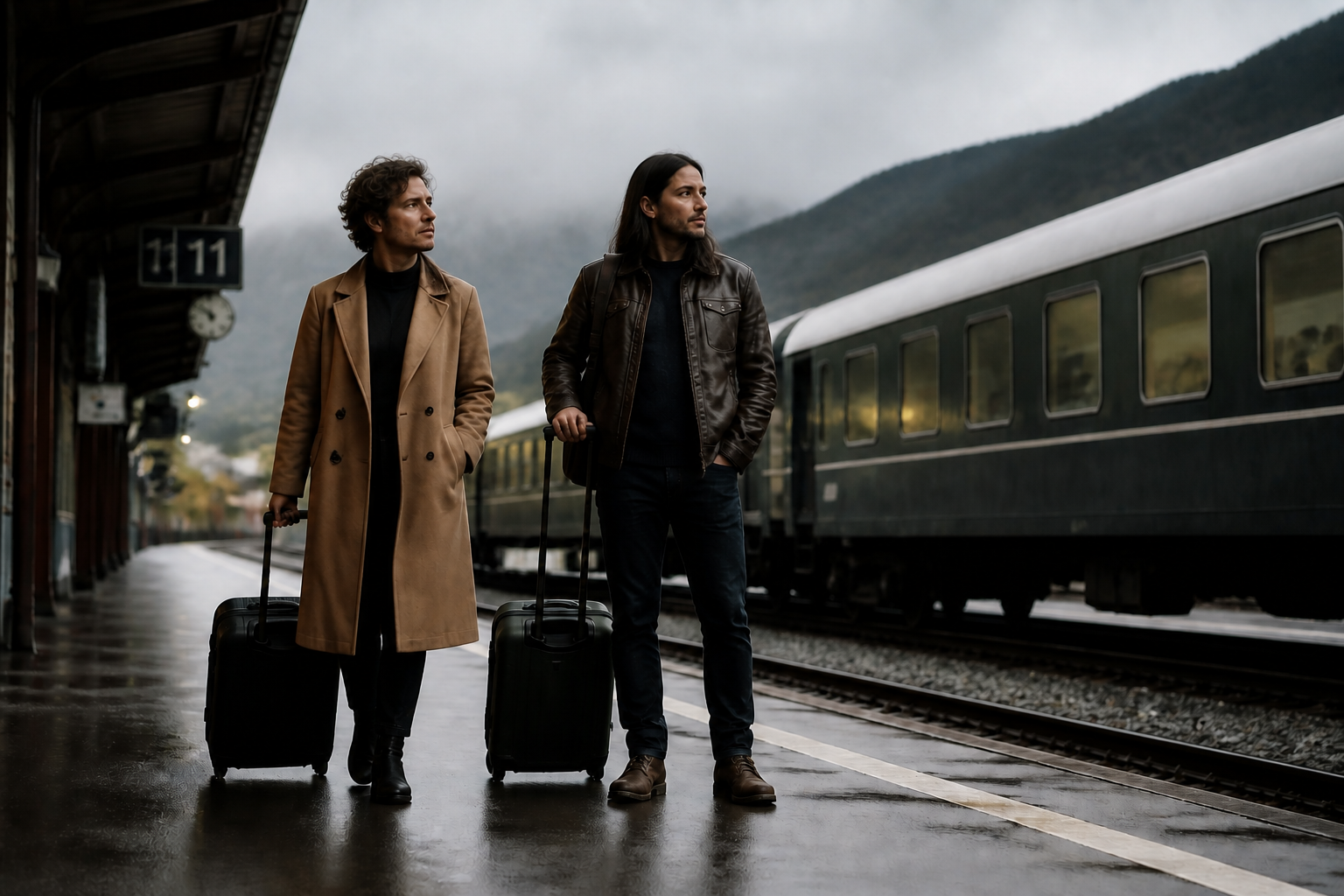 AFTERBEFOREAFTERBEFOREAFTERBEFOREAFTERBEFOREAFTERBEFOREAFTER
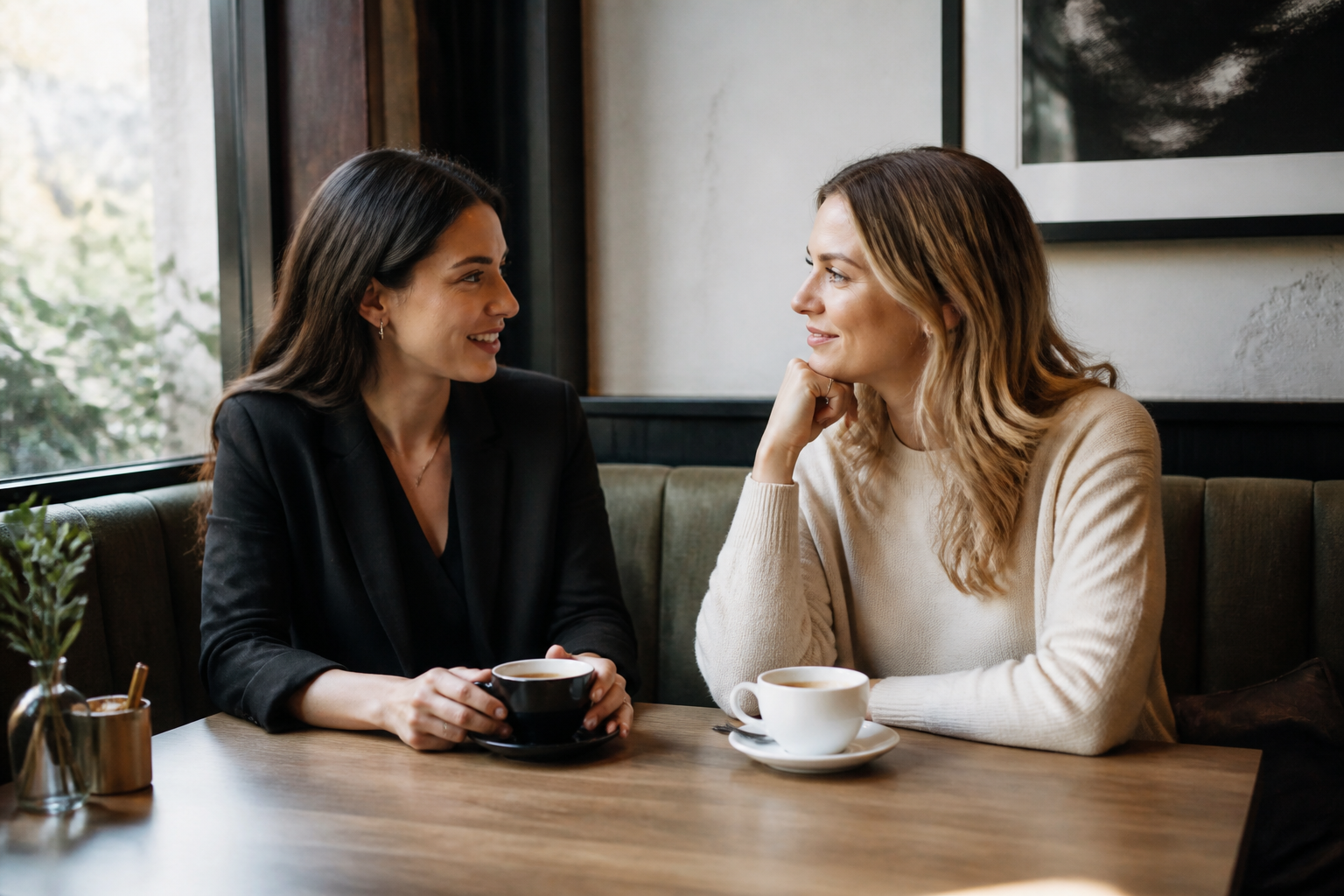 BEFORE
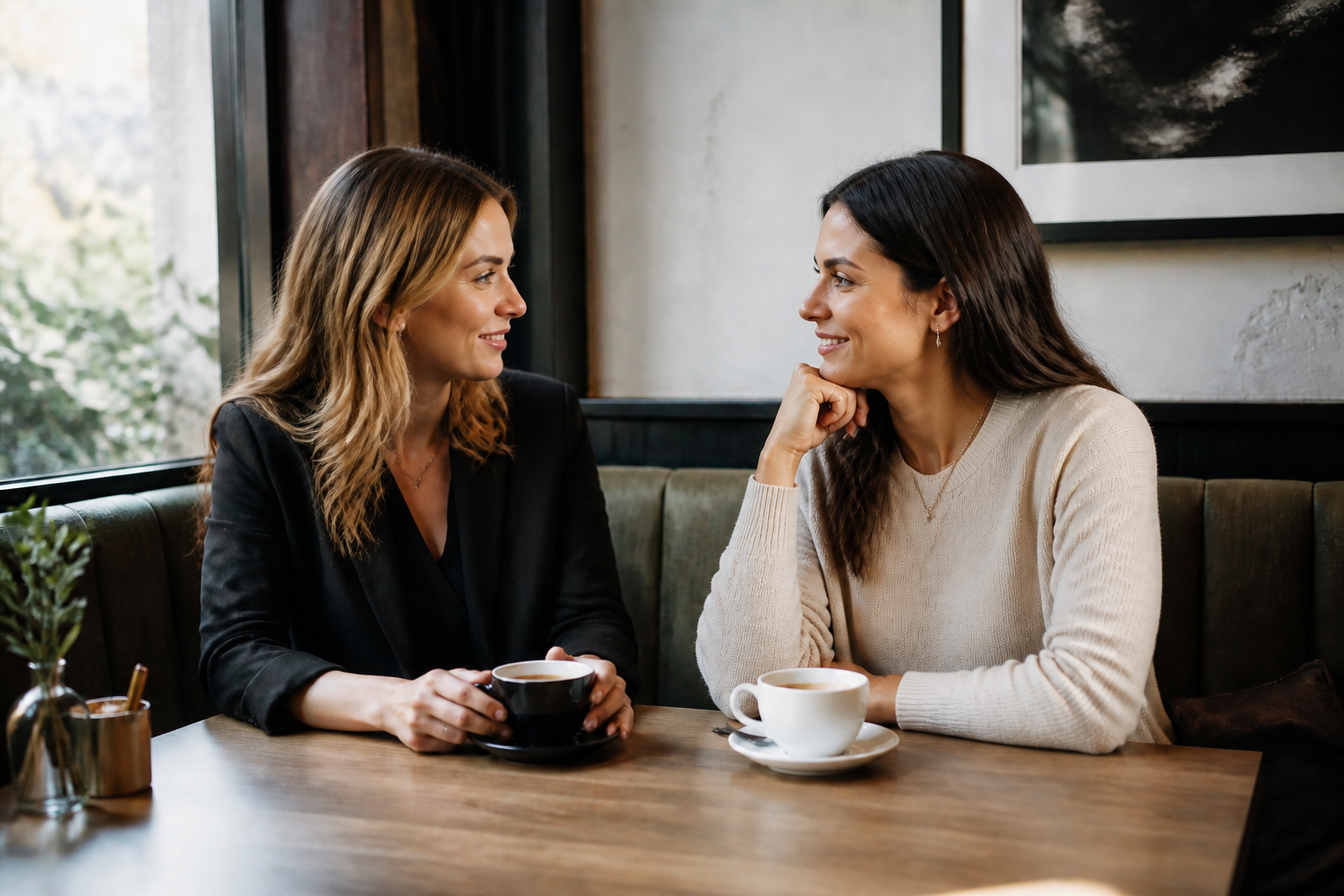 AFTER
AFTER BEFORE
 AFTER
AFTER BEFORE
 AFTER
AFTER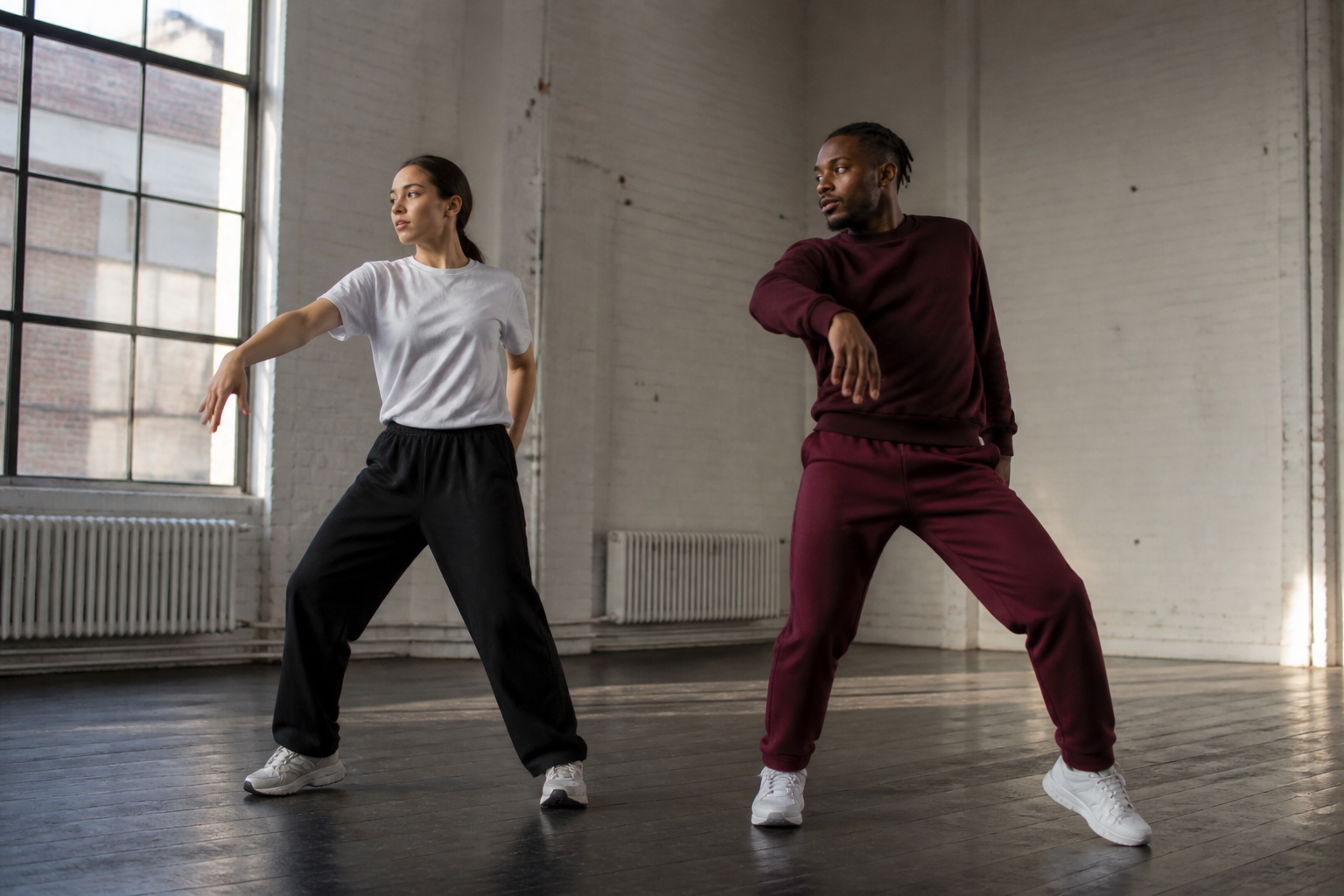 BEFORE
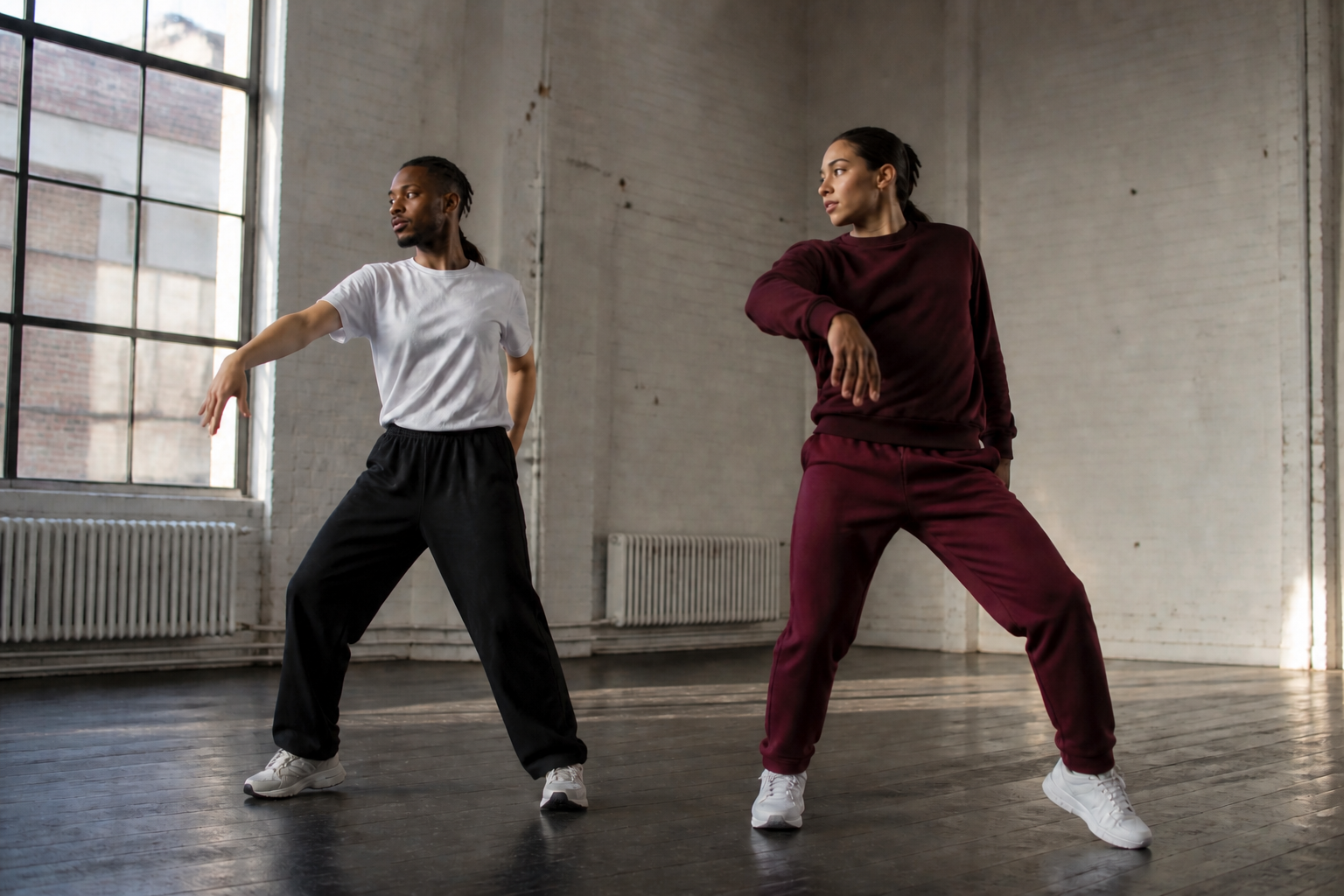 AFTERBEFOREAFTERBEFOREAFTERBEFOREAFTERBEFOREAFTER
Key Features

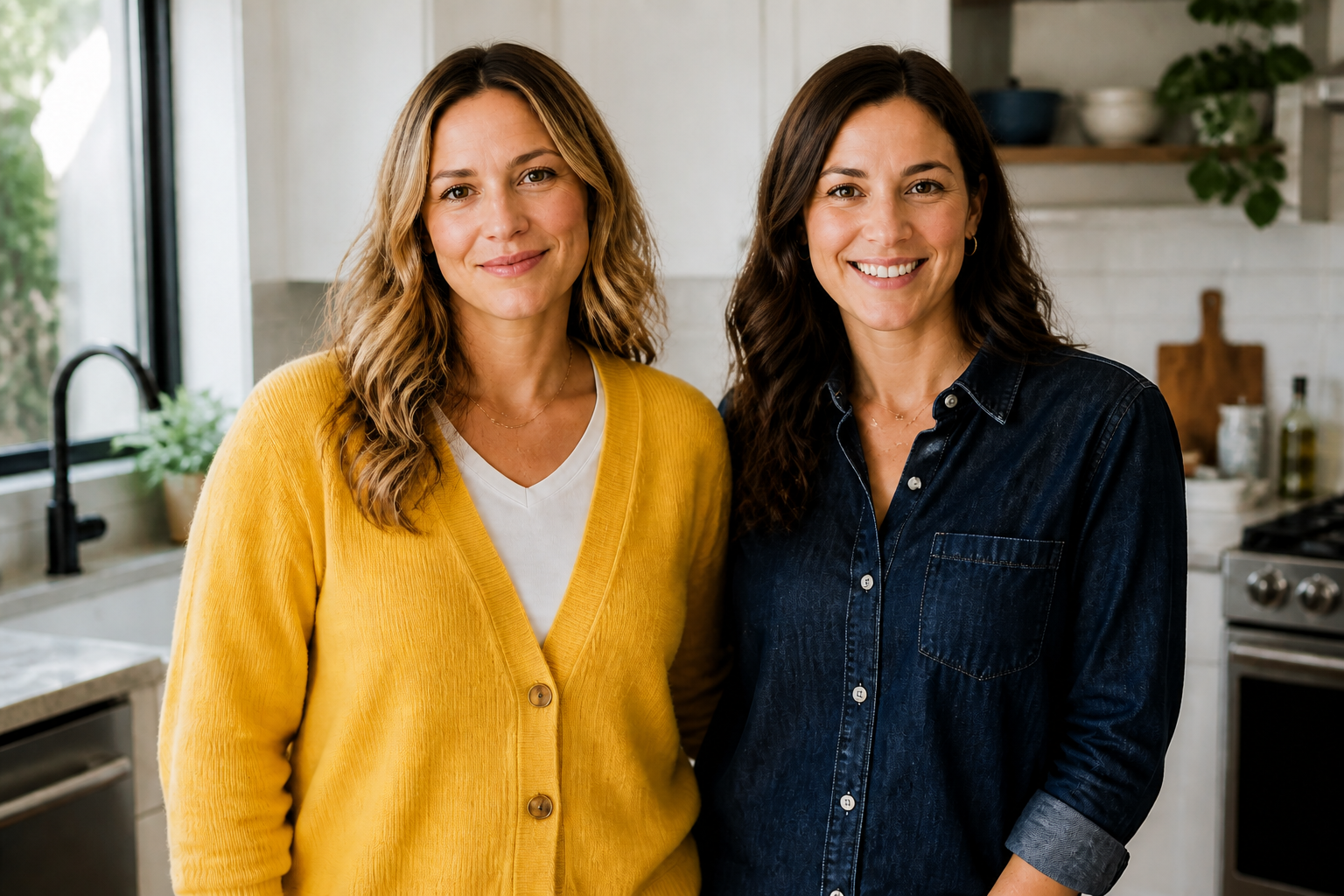
Swap heads, keep the scene
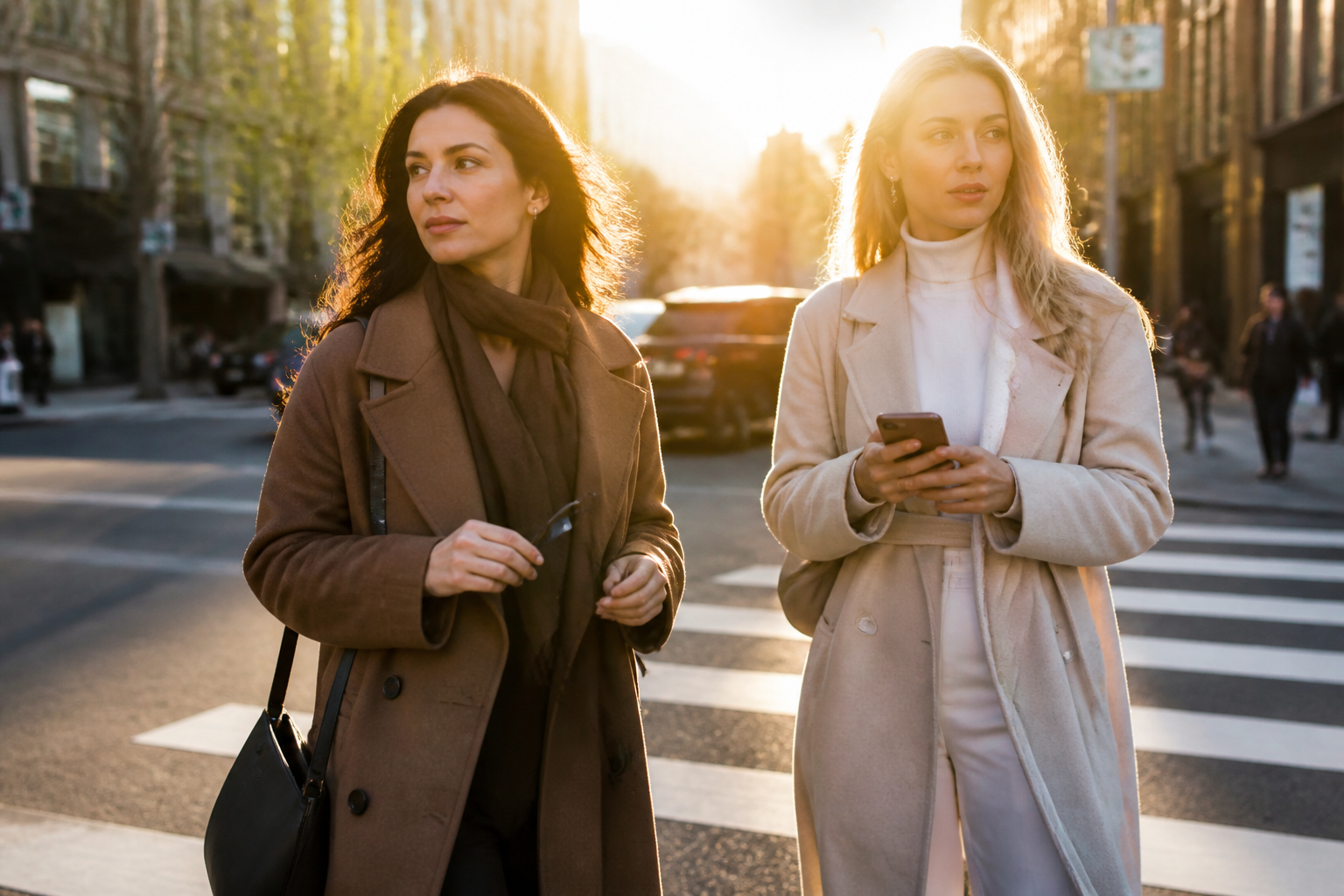
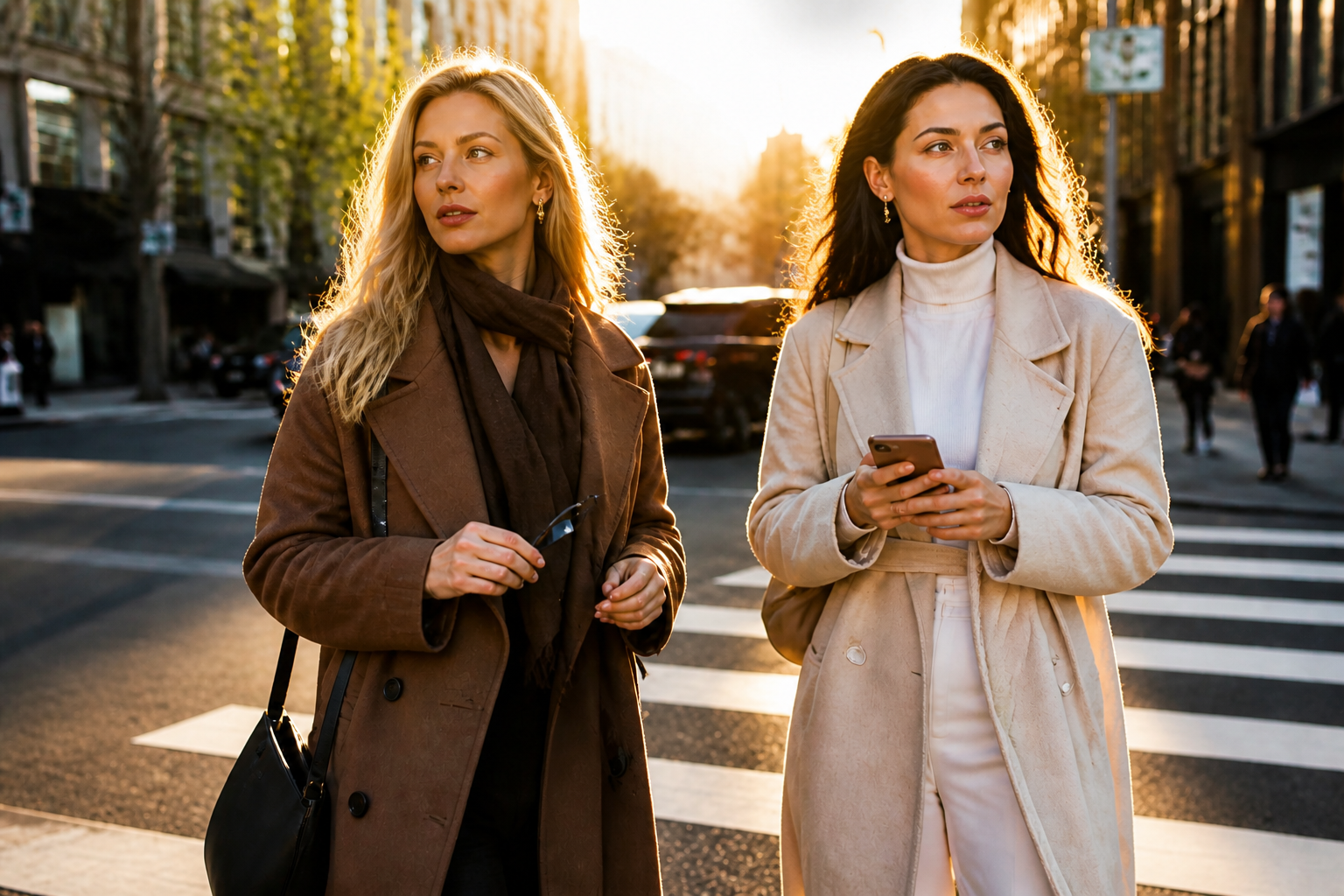
The edit changes the heads while leaving the rest of the image in place. That matters because a head swap only works when clothing, body position, and background still look believable. Instead of cutting, masking, and blending by hand, you can make the switch in one pass and get a result that still reads like the original photo.
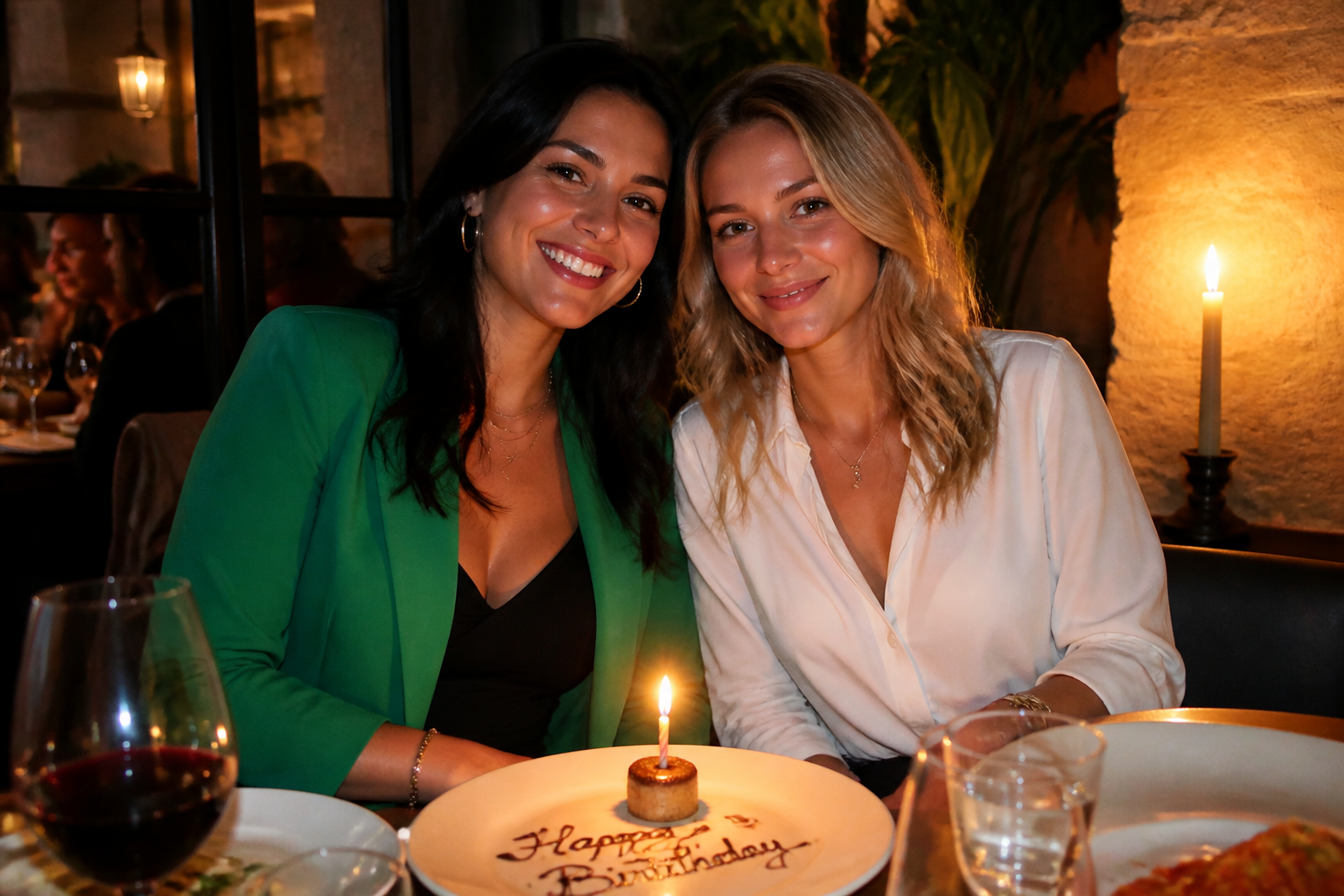

Clear results in group shots
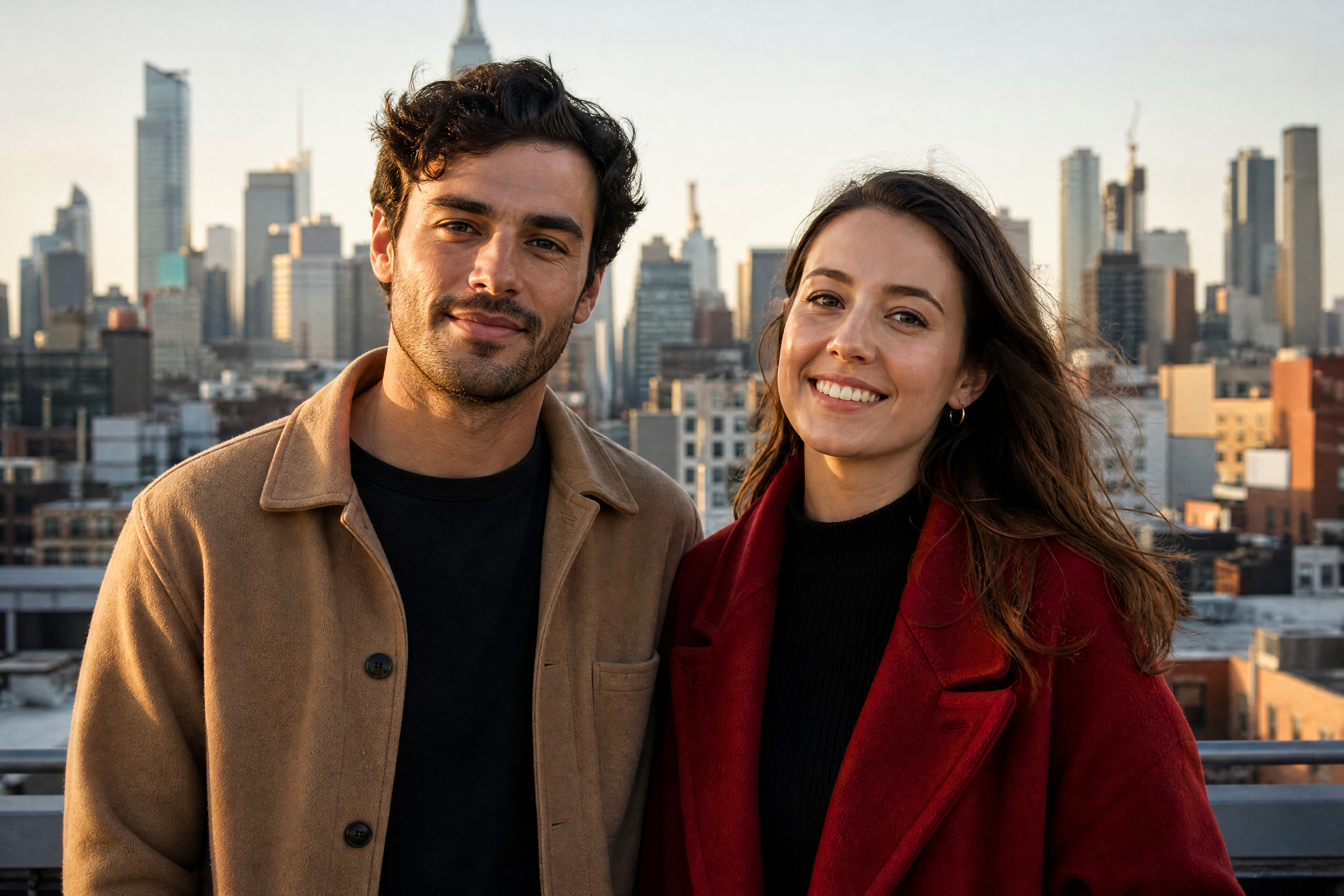
Head swaps are most useful when the people are easy to distinguish and the change is visible at a glance. Our AI handles side-by-side subjects well, so the before and after stay readable even in busy social scenes. You can create playful edits for parties, trips, and friend photos without rebuilding the entire composition manually.
Works across visual styles
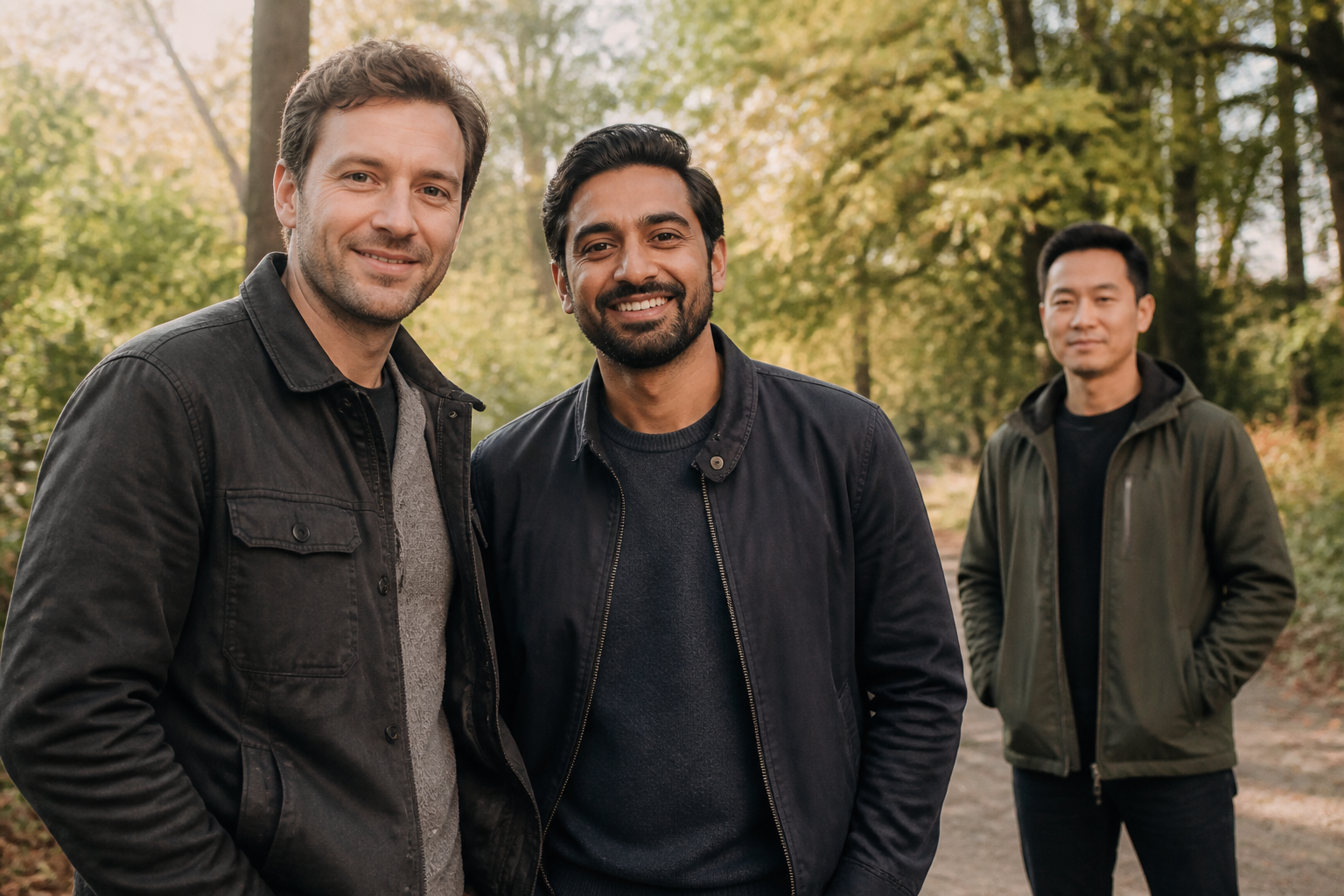
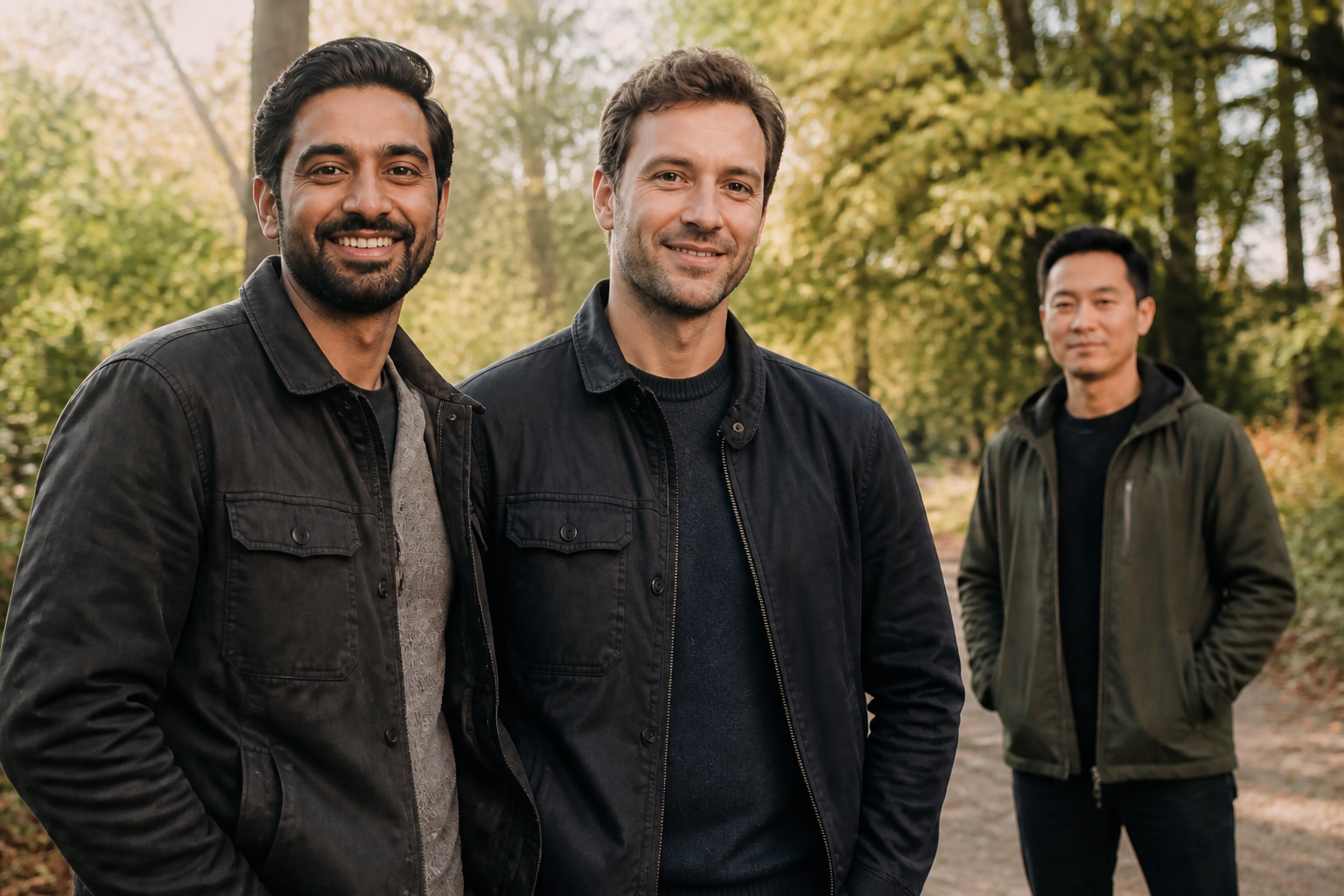
You are not limited to straight photo edits. The same head-swap idea can be pushed into stylized looks for memes, posters, or social content while keeping the pose and composition recognizable. That gives you more range than a manual workflow where every variation would need its own custom cutout and cleanup.
Fast redo with new pairings
If the first swap is not the pairing you want, it is easy to rerun with a clearer instruction. This makes the tool useful for trying several combinations from the same source photo without starting over each time. Compared with manual editing, the process is much faster when you want to test different funny or creative outcomes.
How It Works
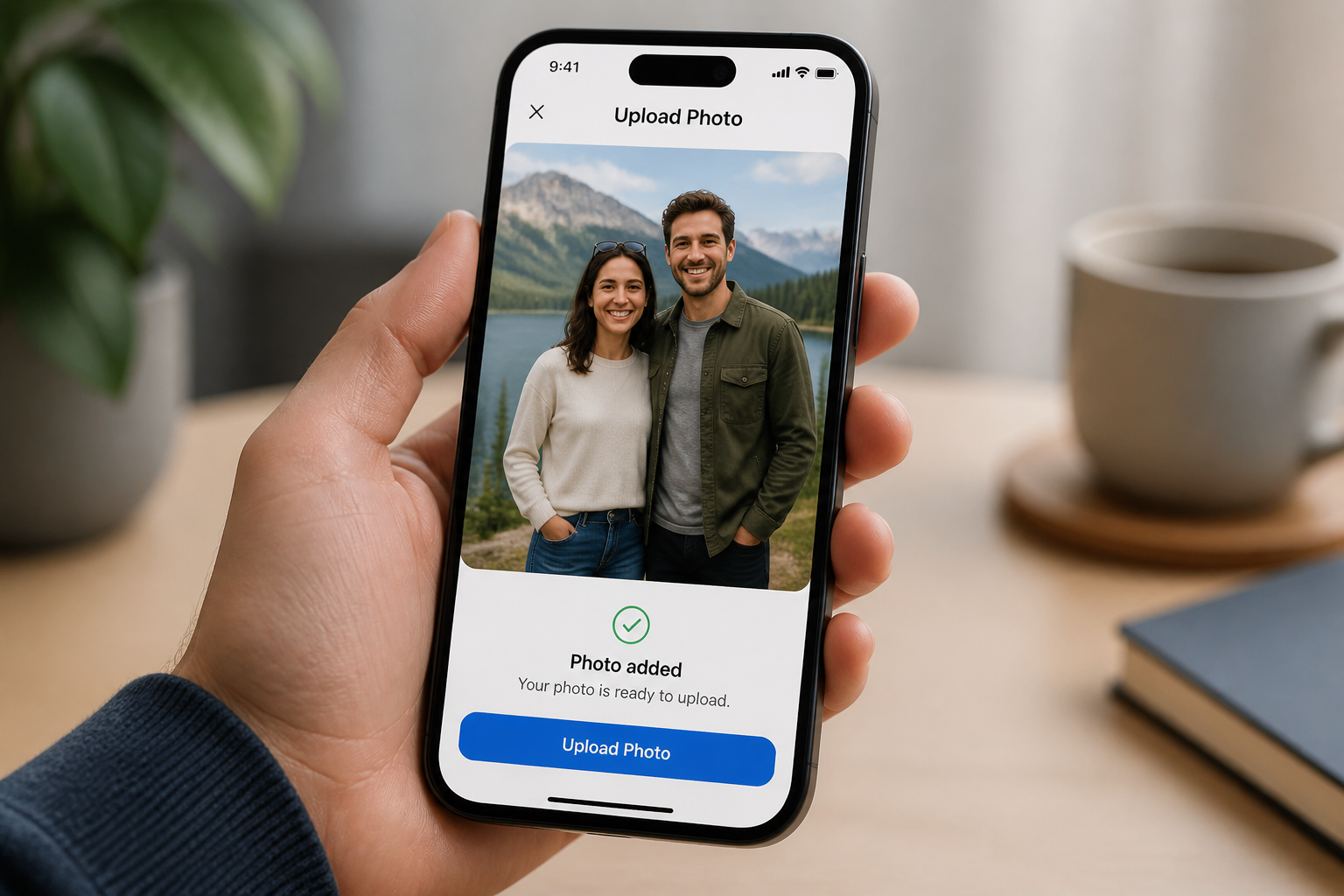
Upload your photo
Start with a clear photo that shows two or more adults in the frame. Images with visible faces, stable lighting, and simple overlap usually give the cleanest swaps.
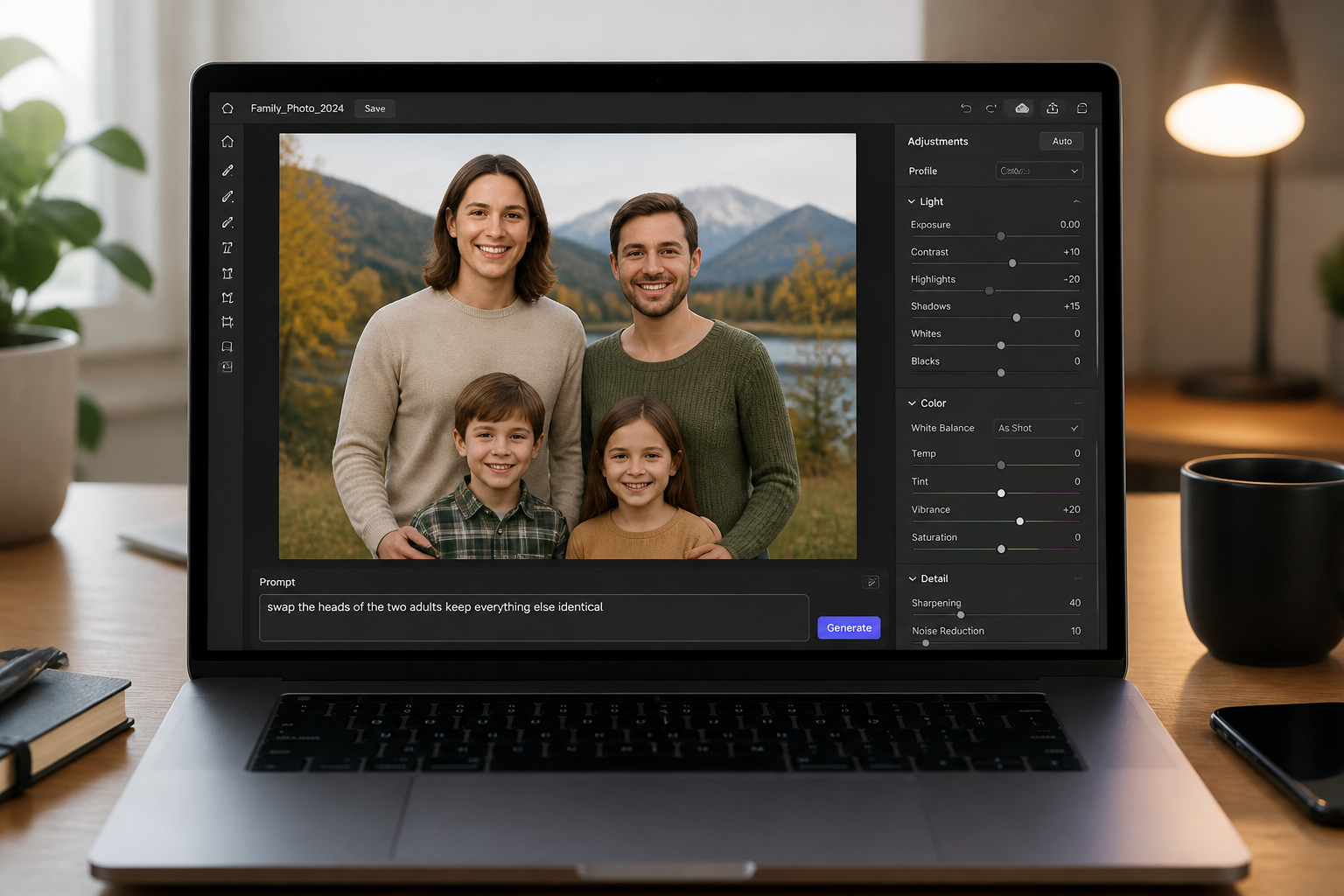
Describe who to swap
Tell the editor which people should trade heads and what should stay unchanged. Short instructions like keep outfits, pose, and background identical help the edit stay controlled.
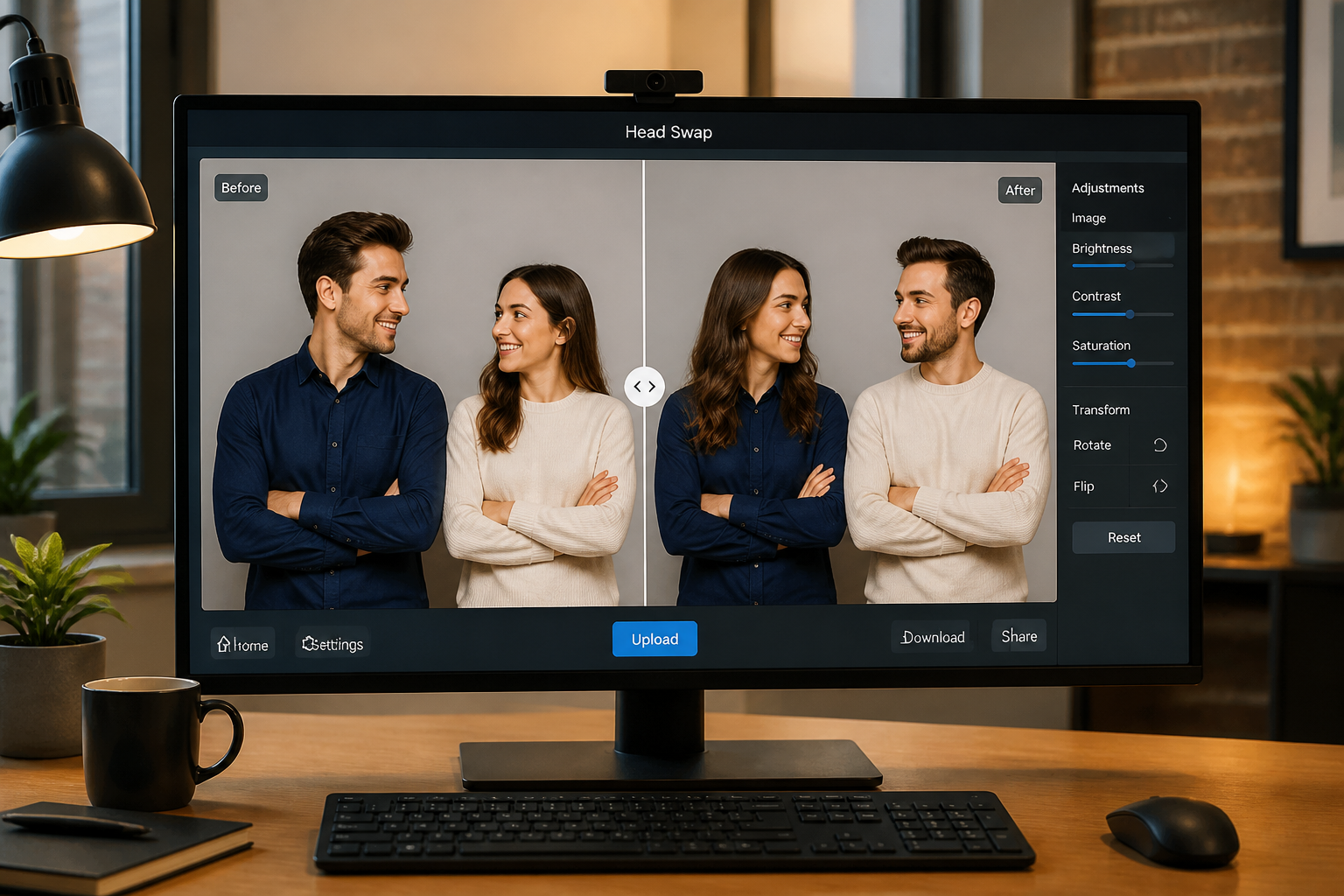
Compare and download
Review the before and after to check that the swap is clear and the scene still looks coherent. If needed, rerun with a tighter prompt, then export the version you want to share.
Perfect For
Discover how creators and professionals use ai head swap
Funny social posts
Create quick head-swap edits for memes, reaction images, and shareable group-photo jokes.
Party and event photos
Make playful versions of birthday, trip, or reunion photos without changing the whole scene.
Creative content drafts
Test visual concepts for thumbnails, posters, or skits where the swapped identity is the point.
Photo booth remixes
Turn simple two-person shots into alternate versions that feel fresh enough to repost.
Built For
Casual creators
People who want a fast, funny edit without learning layered photo software.
Social media managers
Teams making light promotional content, event recaps, or engaging organic posts.
Friends and groups
Anyone remixing vacation, party, or everyday photos for private chats and public sharing.
Why use BudgetPixel for head swaps
A quick look at how we compare on the things that matter for this niche.
| Feature | BudgetPixel | Generic AI editors | Manual editing apps |
|---|---|---|---|
| Head swap instructions | ✓ | Varies | — |
| Keeps original scene layout | ✓ | Varies | Manual work |
| Fast repeat variations | ✓ | Varies | Slow |
| Stylized outputs | ✓ | Varies | Limited |
Frequently Asked Questions
What kind of photos work best for AI Head Swap?
Does the tool keep the body and background the same?
Can I swap heads in group photos?
Can I make stylized head swaps too?
Will every swap look perfect on the first try?
Create together.
Share your creations, discover trending AI art, and grow with fellow creators.