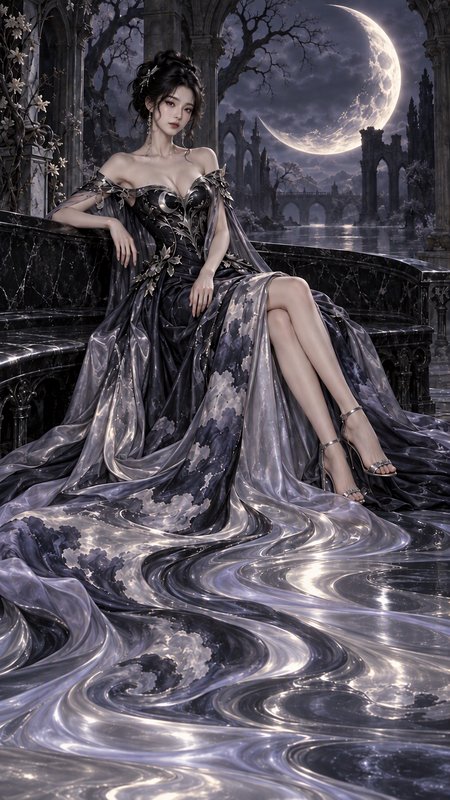
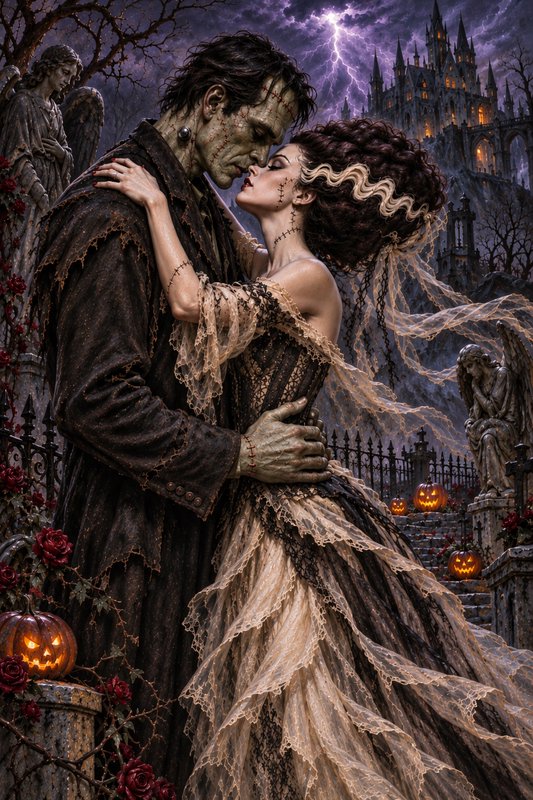
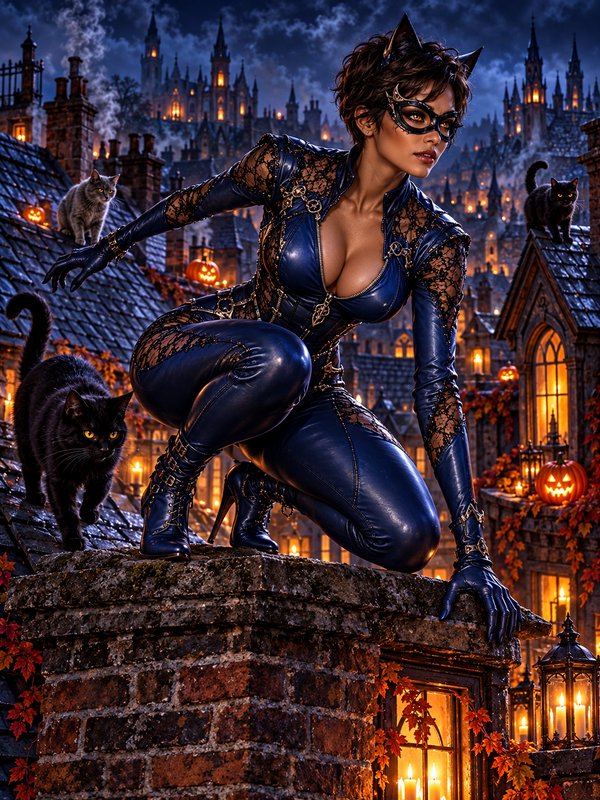
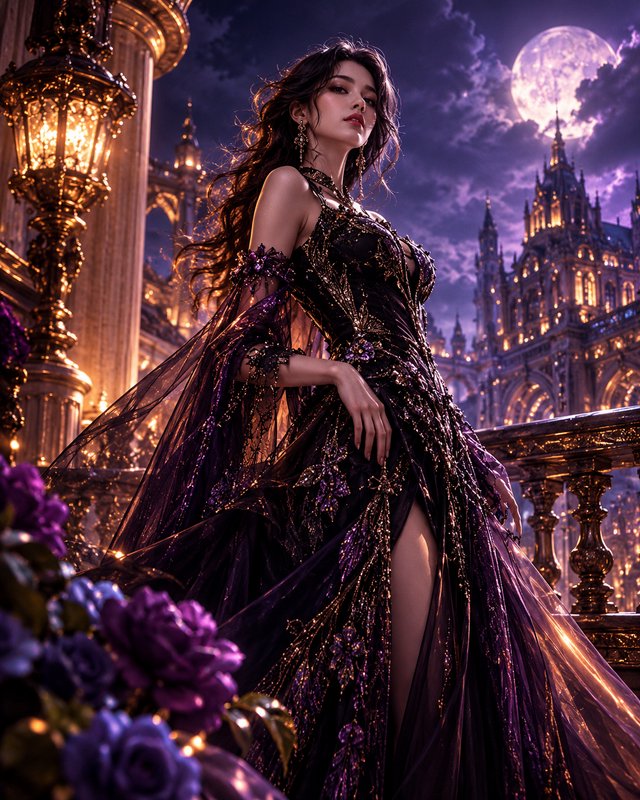
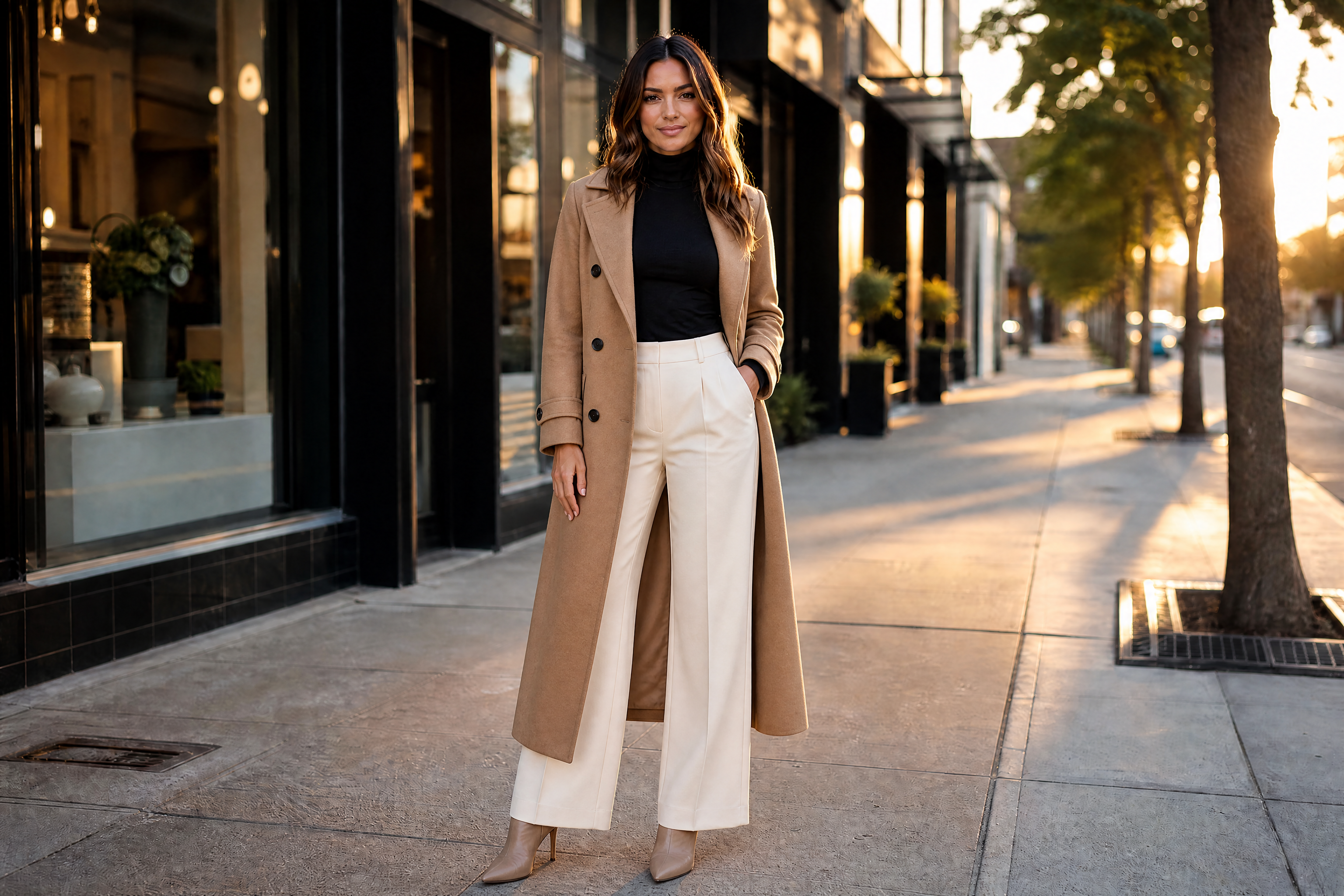
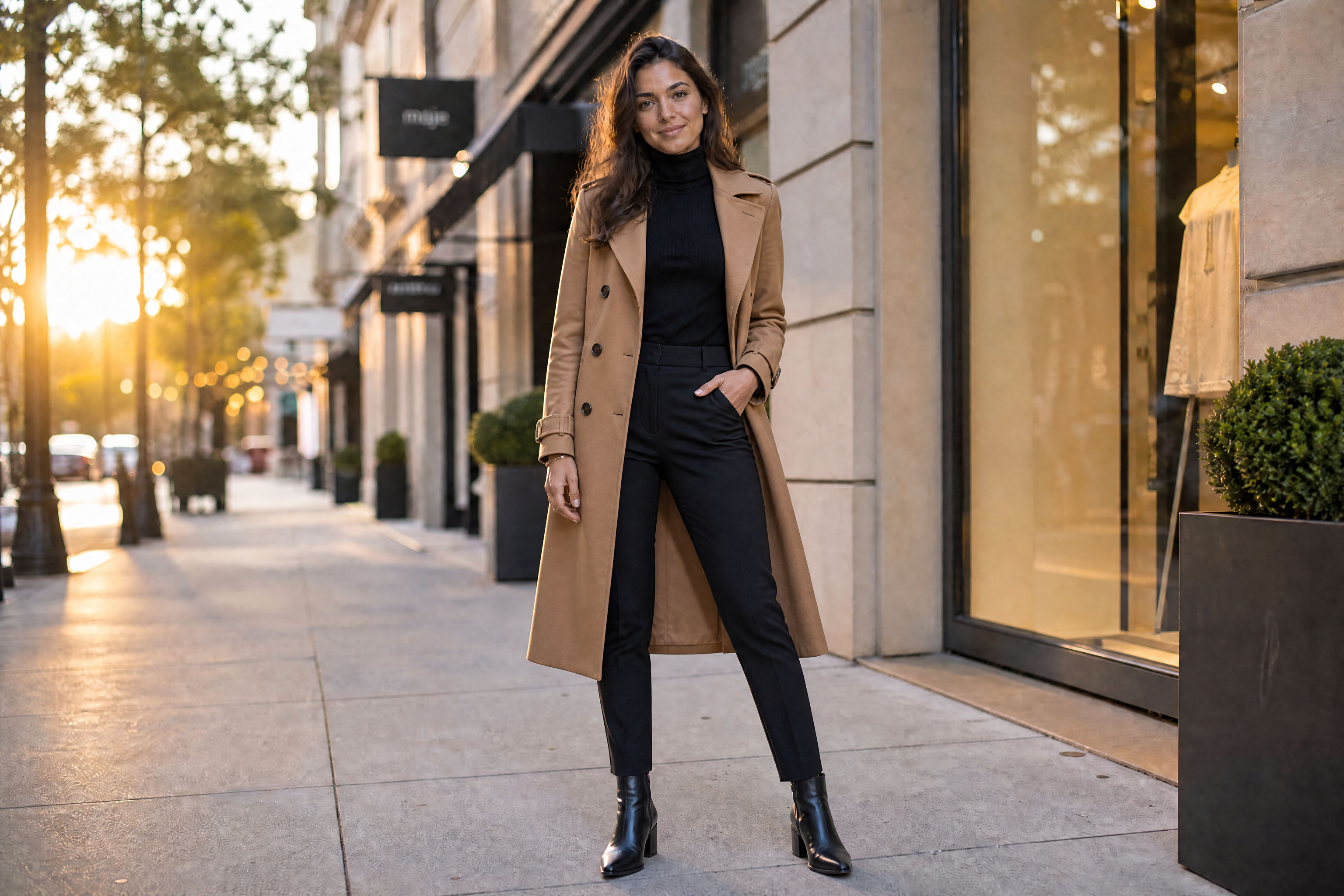
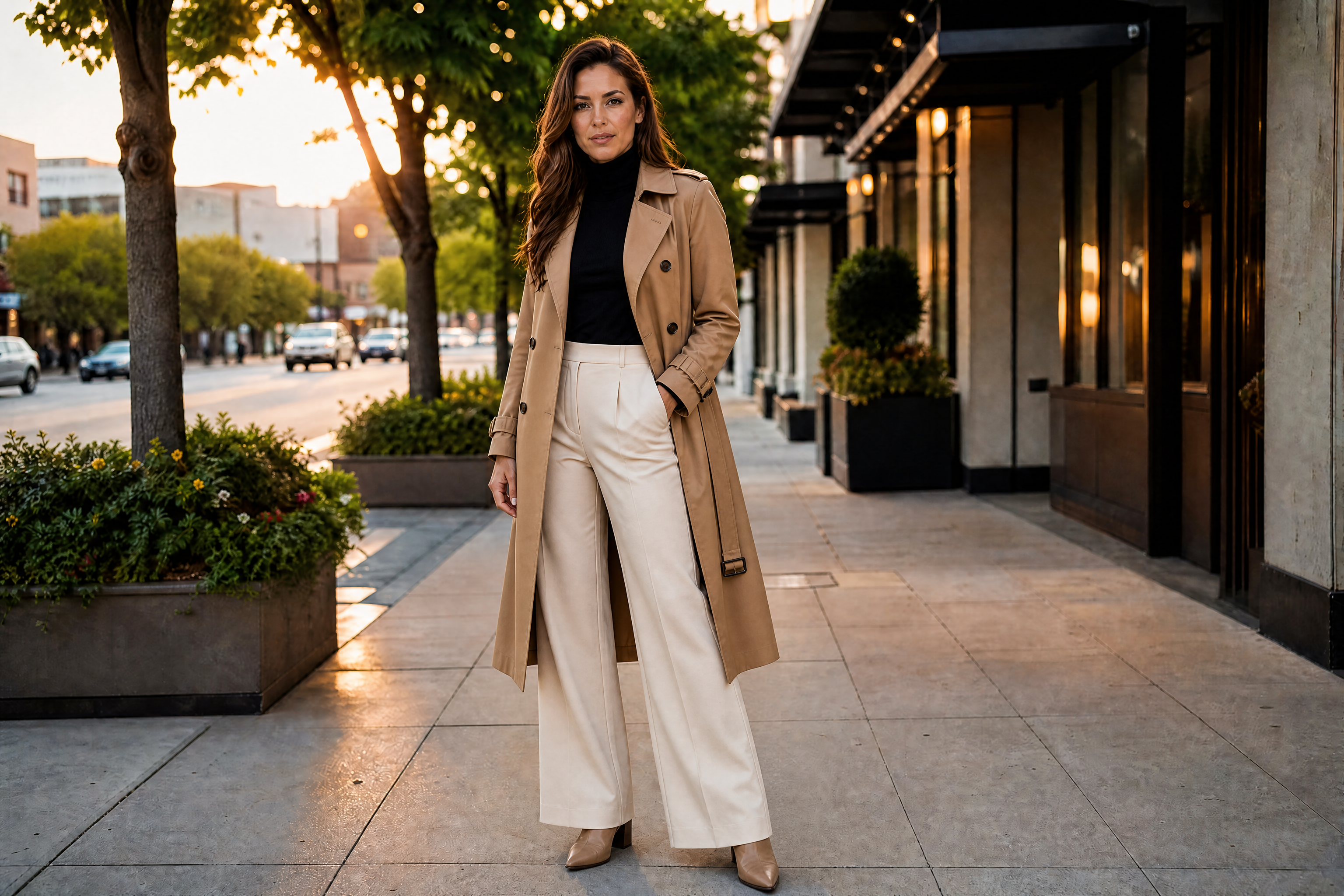
AI Clothes Changer
Swap outfits, explore styles, and preview bold looks from one photo.
Pick an outfit from the free wardrobe and try it on your character: it stays exactly the same in every picture and video you make. For a quick change on one photo, use the image tool.
Outfits are free to use. A try-on shows its price before you start, and you pay only when it's ready.
The image tool: from 55 credits an image, about $0.05 on the Basic plan.
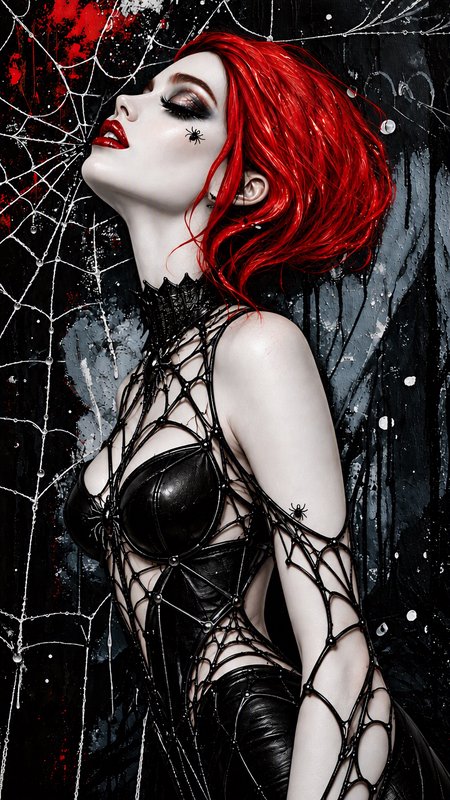
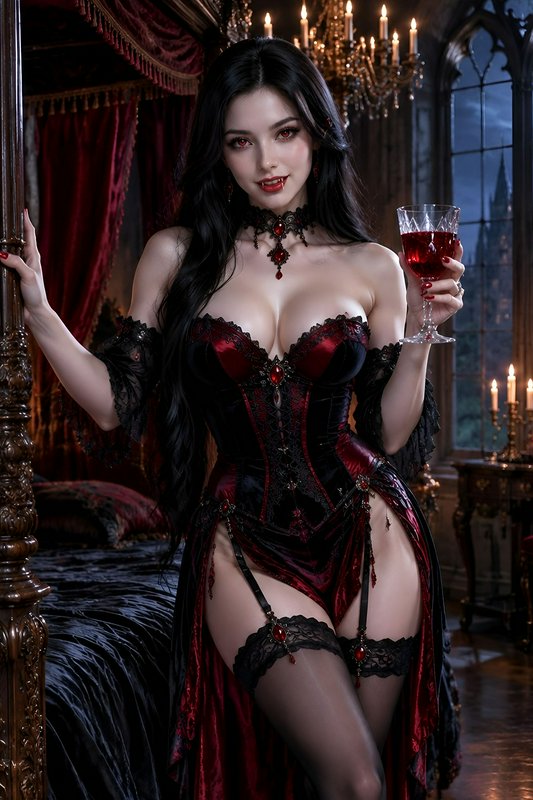
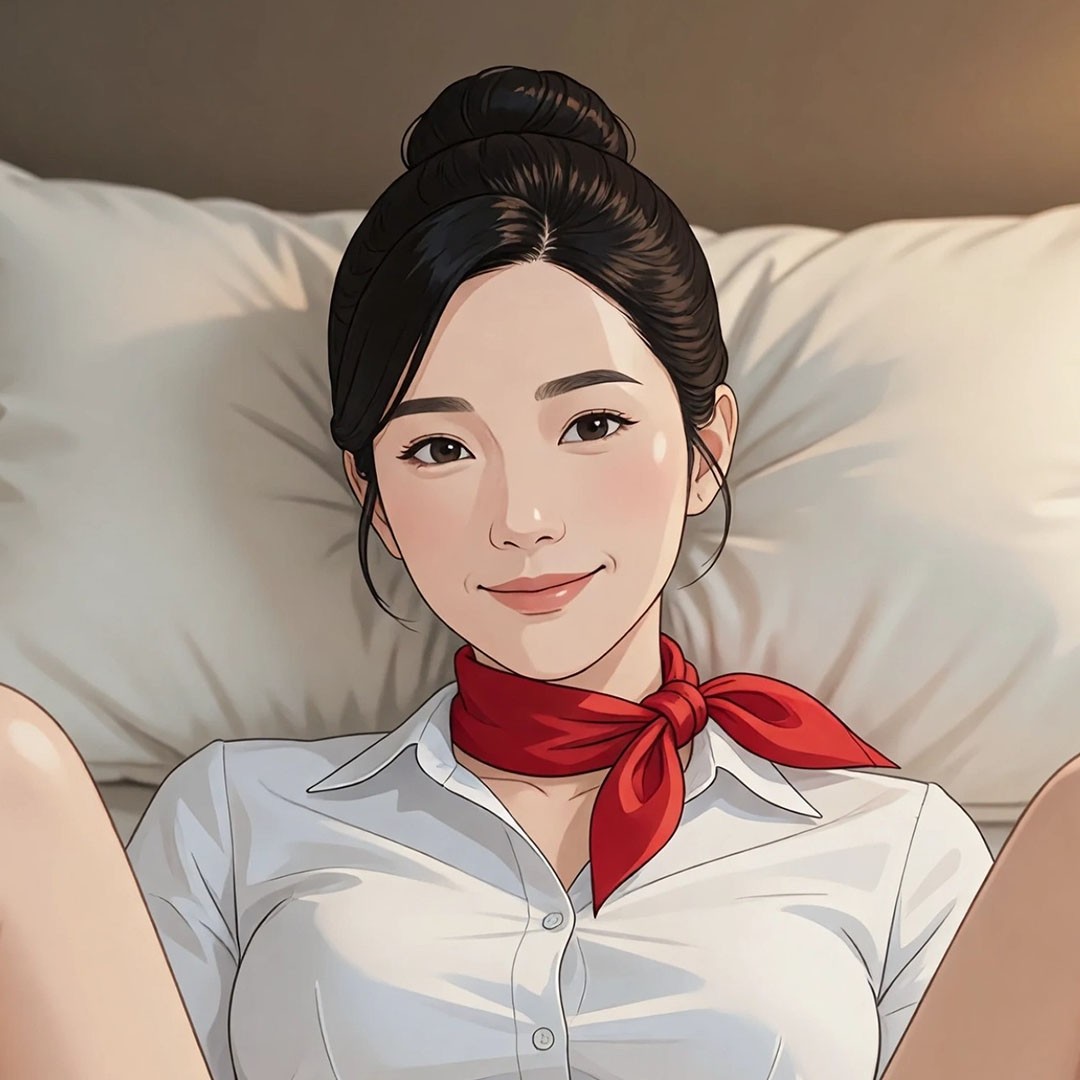
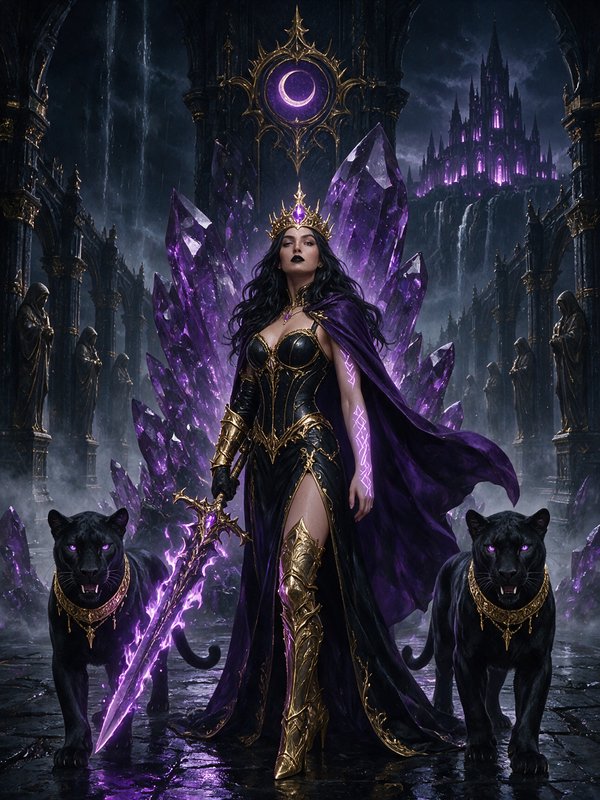
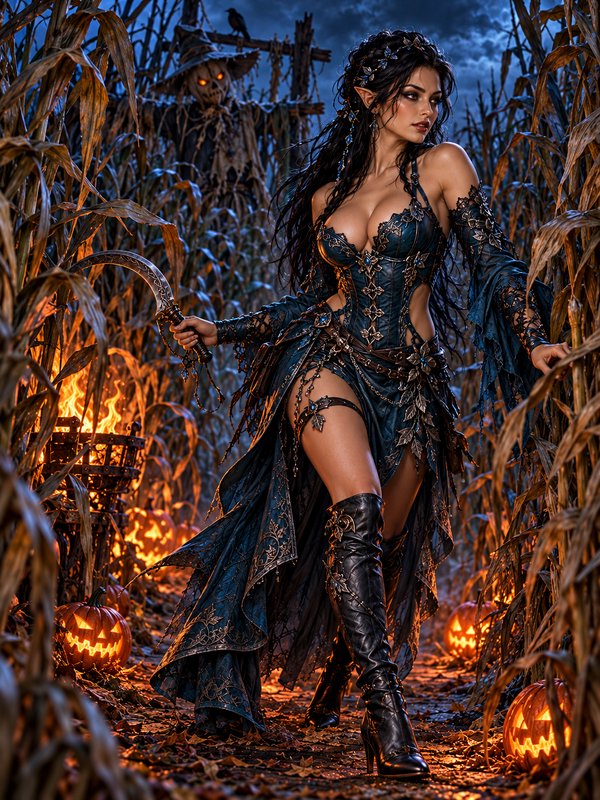
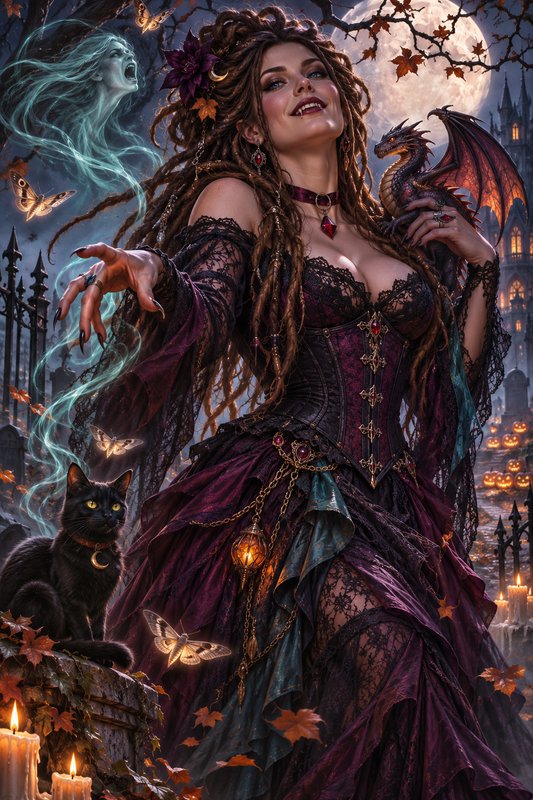
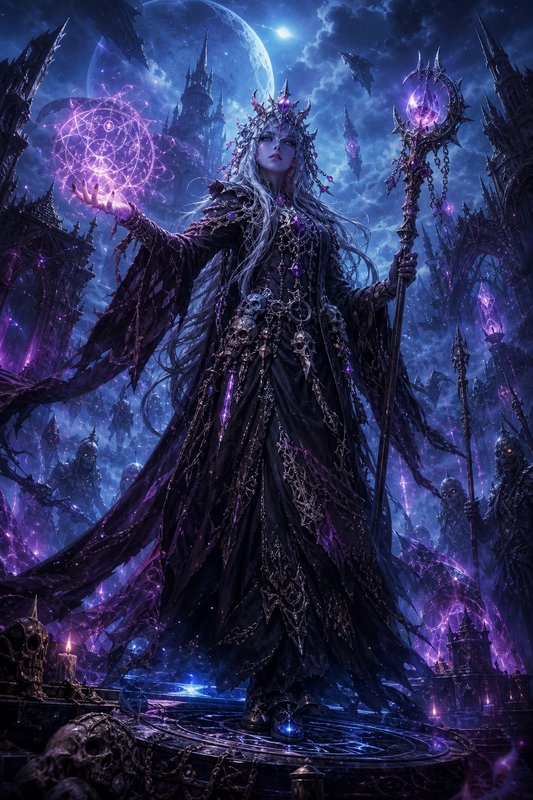
AI Clothes Changer lets you replace clothing in a photo with new outfits, fashion moods, and visual styles while keeping the person recognizable. Use it to test realistic looks, futuristic fashion, surreal concepts, and illustrated styles without reshooting.
Free outfits to try on
Each outfit is a clean picture of the clothes with its own handle. Open one to try it on your character, or write @your_character wearing its handle in any image or video prompt.
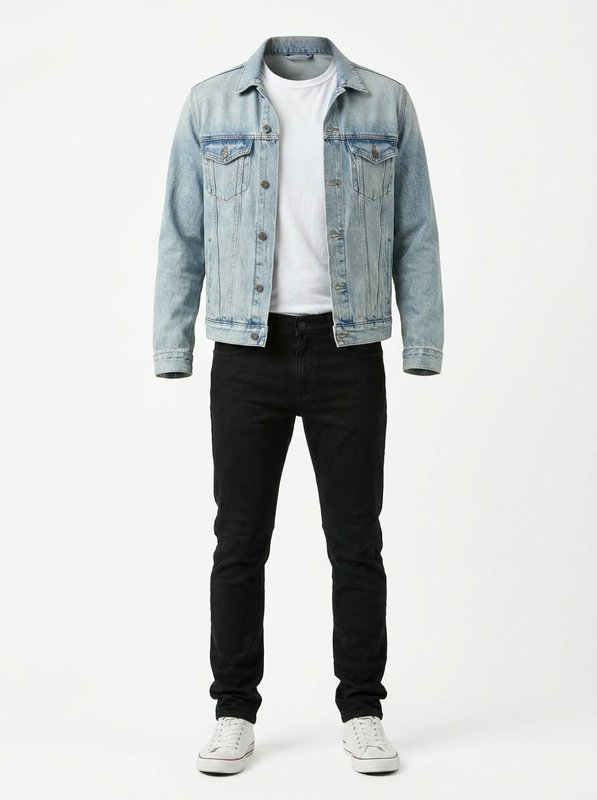 Light Denim Jacket Casual Outfit@light_denim_jacket_casual
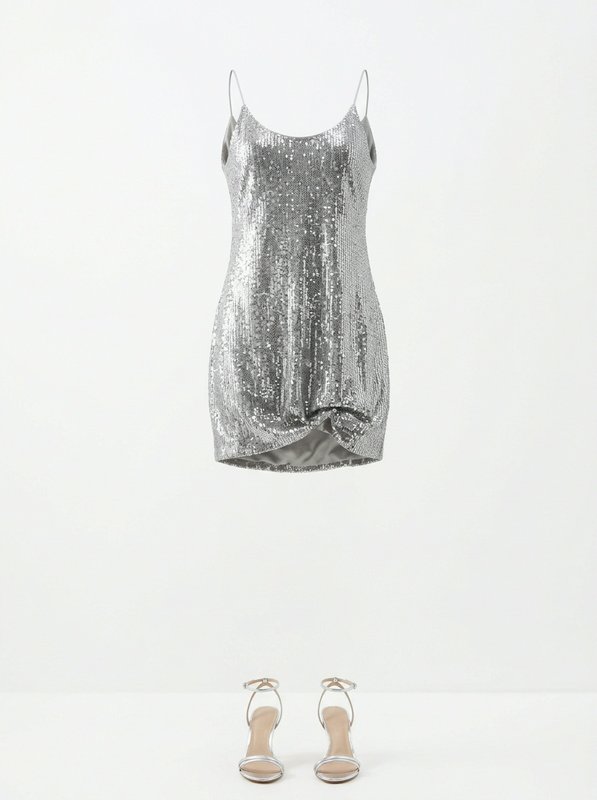 Silver Sequin Mini Dress Set@silver_sequin_mini_dress_set
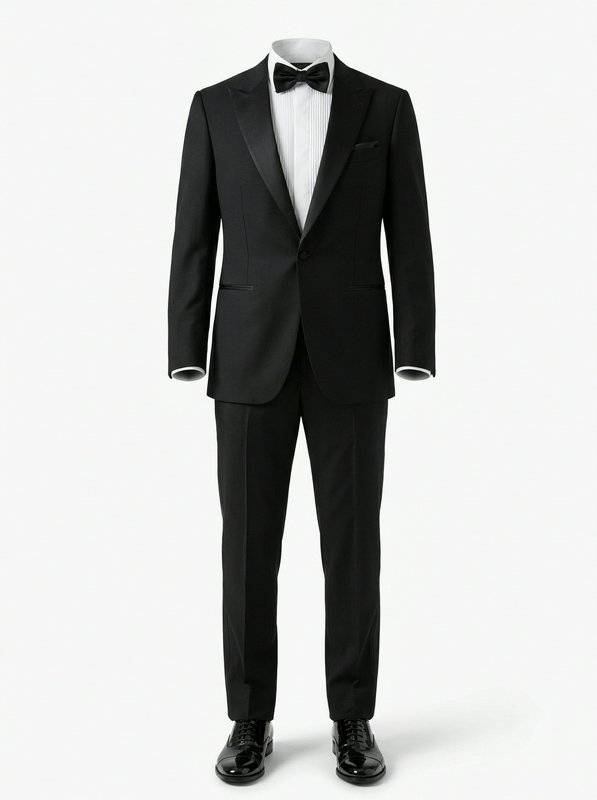 Classic Black Peak Tuxedo Set@classic_black_peak_tuxedo_set
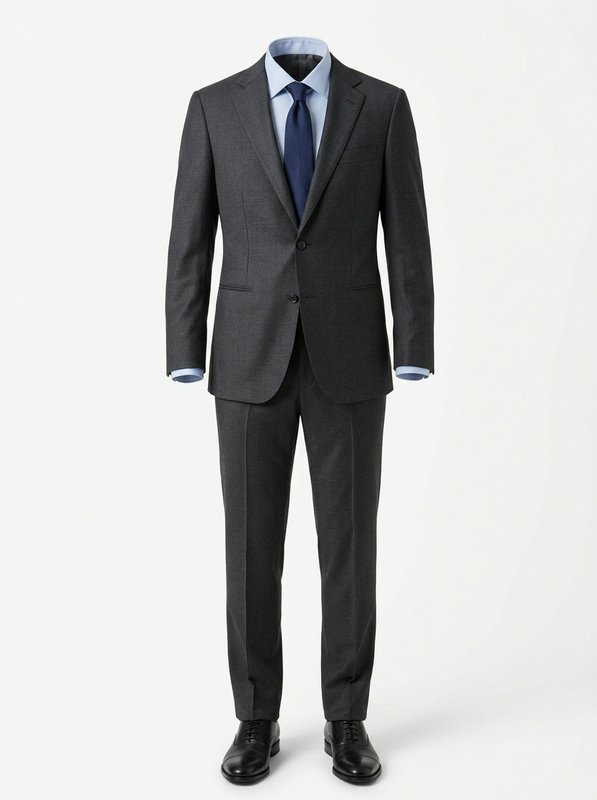 Charcoal Formal Business Suit@charcoal_formal_business_suit
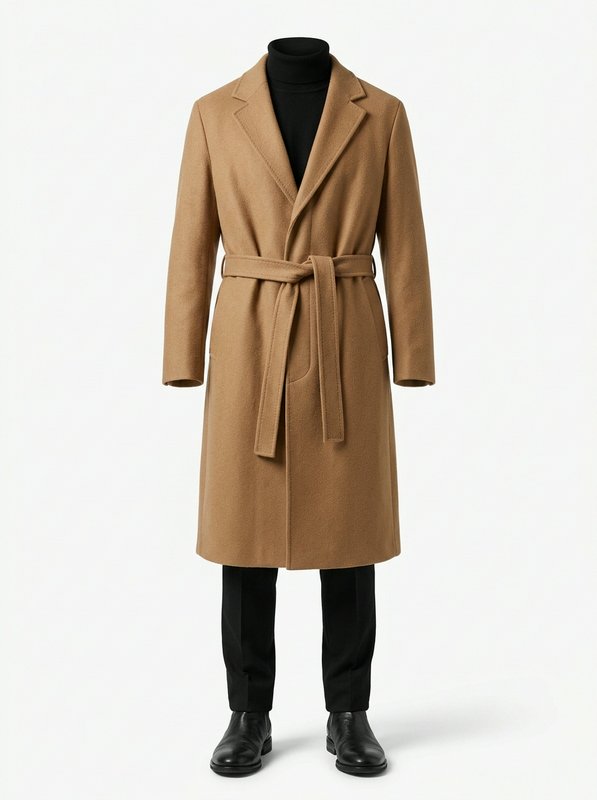 Camel Belted Overcoat Outfit@camel_belted_overcoat_outfit
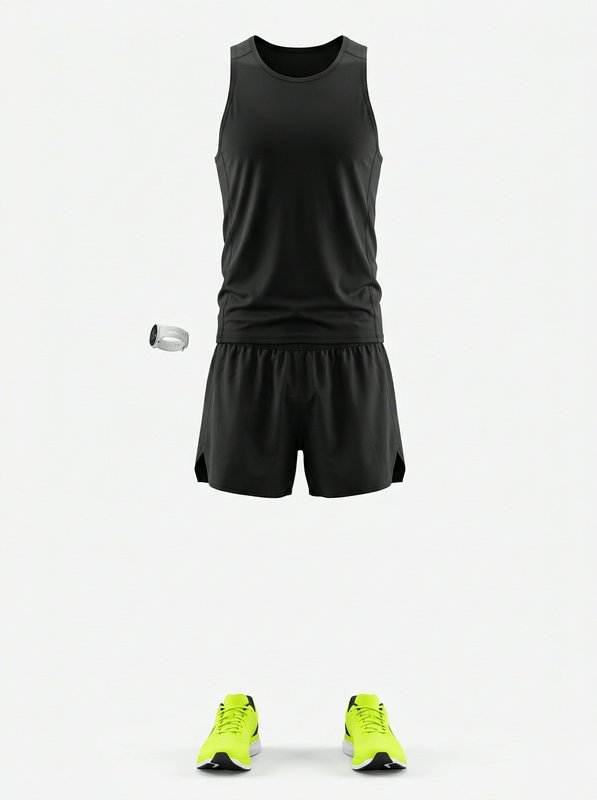 Black Running Outfit Set@black_running_outfit_set
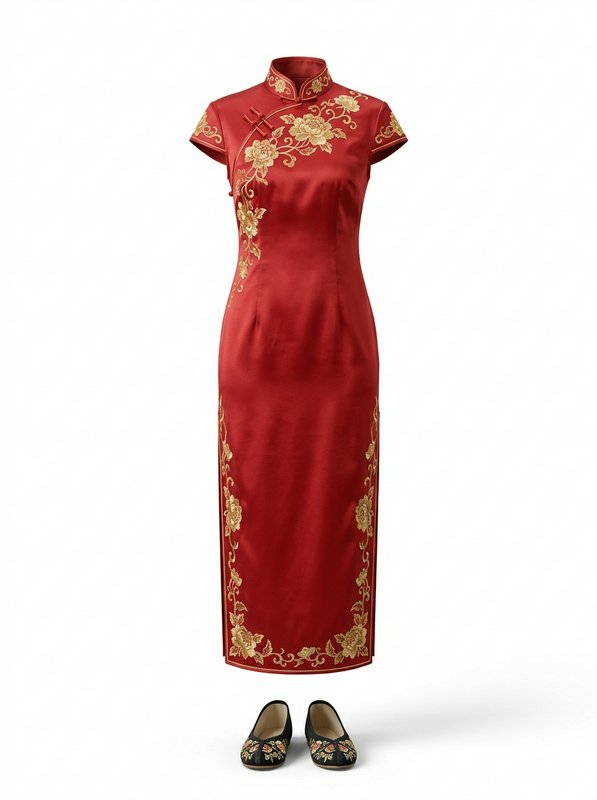 Red Embroidered Qipao Set@red_embroidered_qipao_set
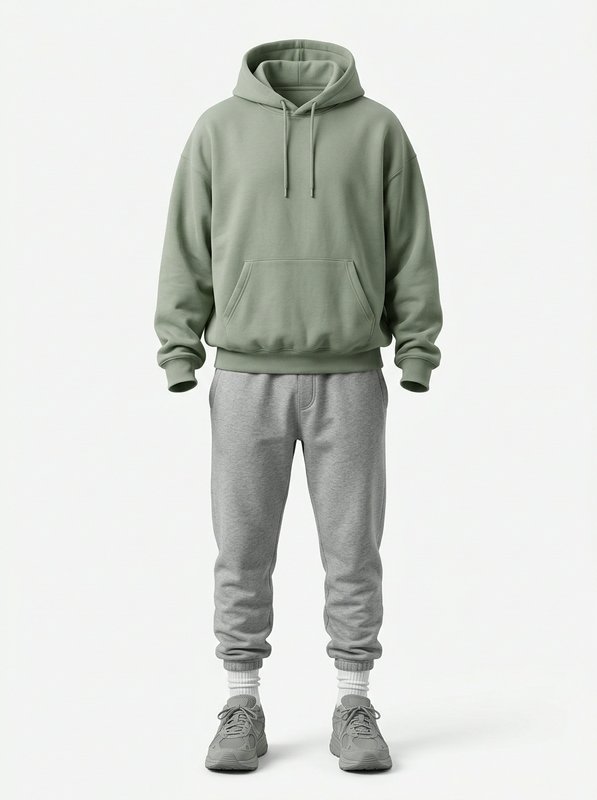 Sage Hoodie Casual Loungewear@sage_hoodie_casual_loungewear
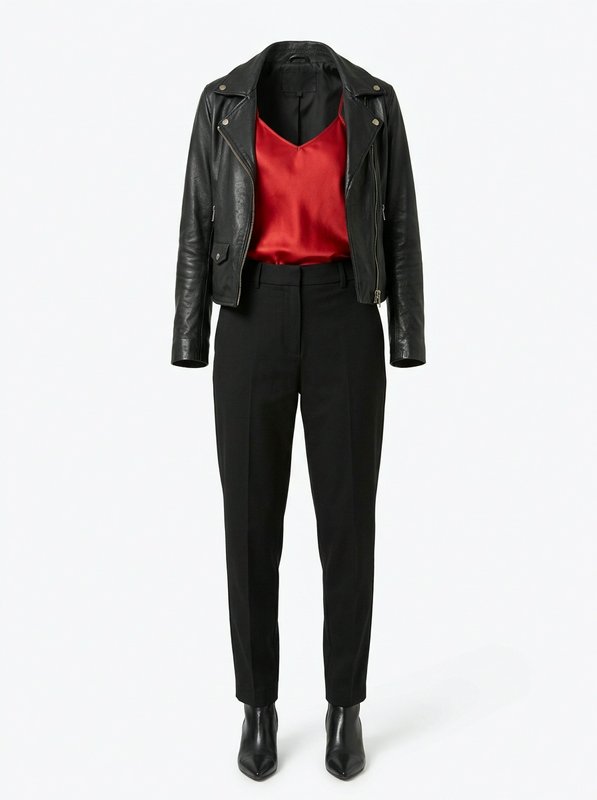 Black Leather Biker Outfit@black_leather_biker_outfit
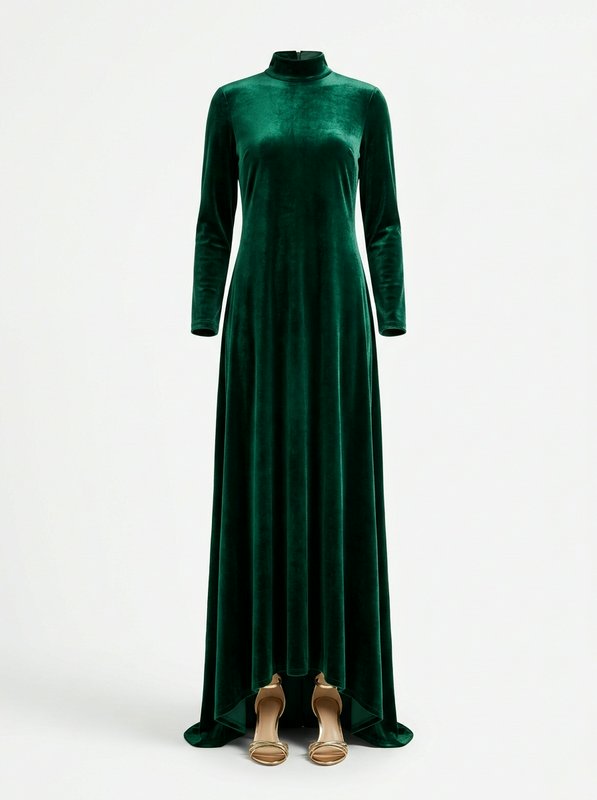 Emerald Velvet Maxi Dress@emerald_velvet_maxi_dress
Watch the Transformation
See ai clothes changer in motion — generated end-to-end by our AI.
See It In Action
Real outputs from ai clothes changer.
 BEFORE
 AFTER
 BEFORE
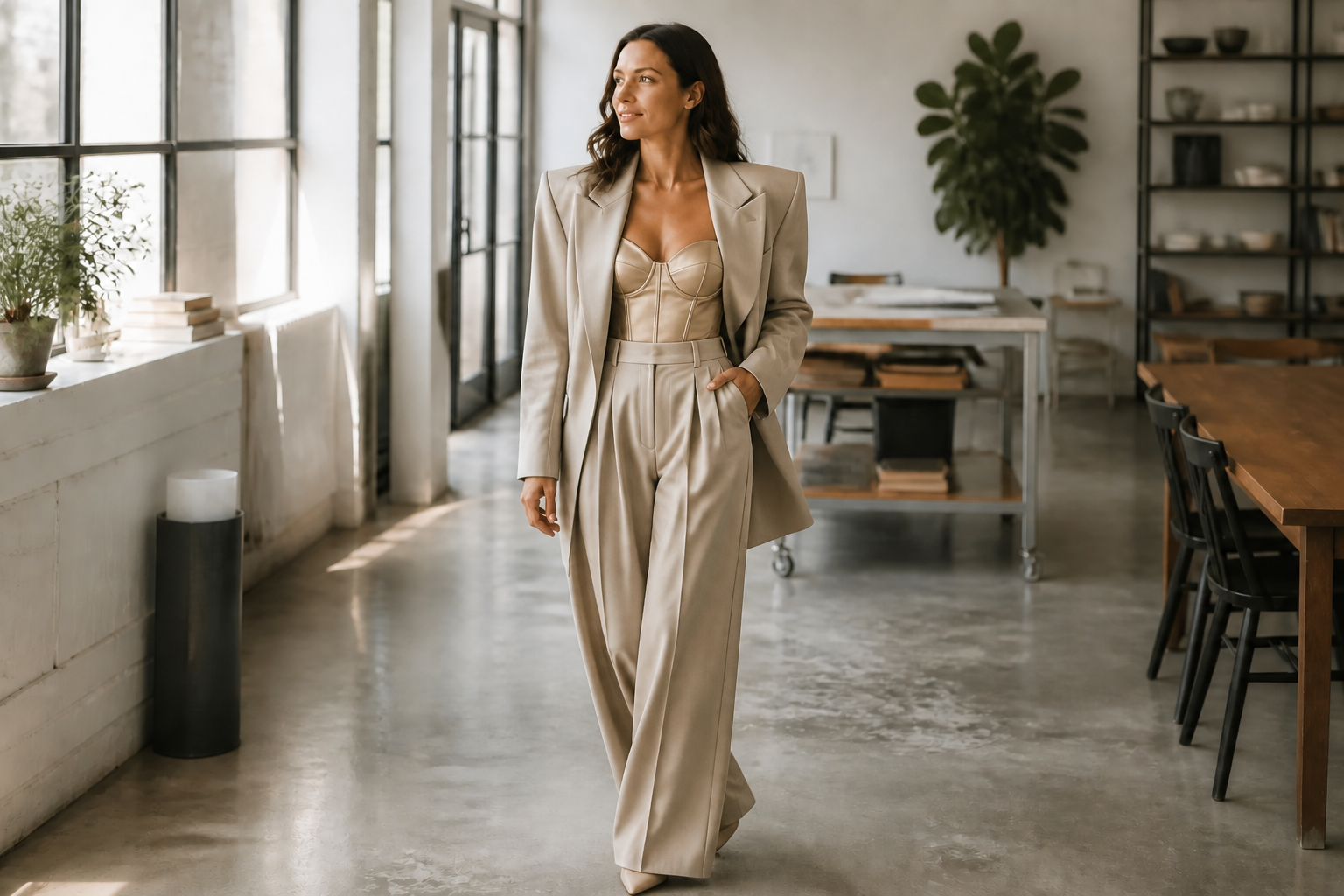 AFTER
 BEFORE
 AFTER
 BEFORE
 AFTER
 BEFORE
 AFTERBEFOREAFTERBEFOREAFTERBEFOREAFTERBEFOREAFTERBEFOREAFTER
 BEFORE
 AFTER
 BEFORE
 AFTER
 BEFORE
 AFTER
 BEFORE
 AFTERBEFOREAFTERBEFOREAFTERBEFOREAFTERBEFOREAFTER
Key Features


Swap outfits fast
Turn one photo into a completely different look without changing the person or the setting. This makes it easy to test casual, formal, seasonal, or trend-driven outfits in seconds. You do not need to mask sleeves, redraw folds, or manually rebuild garments piece by piece. Our AI handles the visual replacement in one edit.


Keep identity consistent
The clothing changes while the face, pose, and overall person stay recognizable. That matters when you are previewing looks for yourself, a client, or a campaign concept. Manual editing often shifts facial features or body proportions by accident. This workflow keeps the subject grounded while the wardrobe does the changing.


Explore bold style ranges
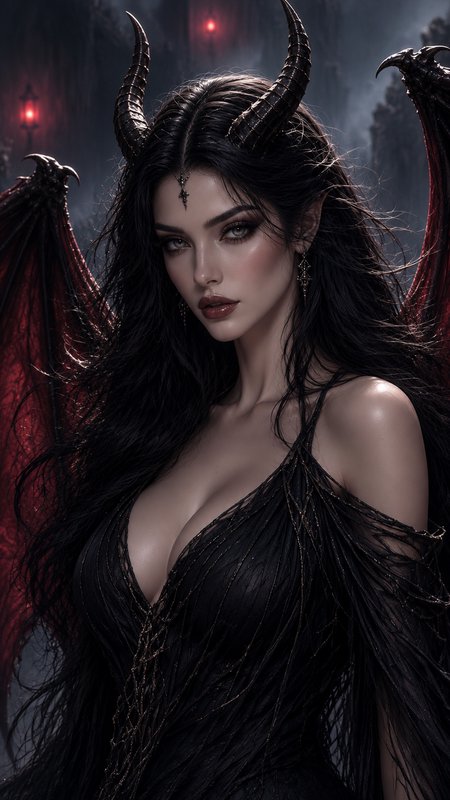
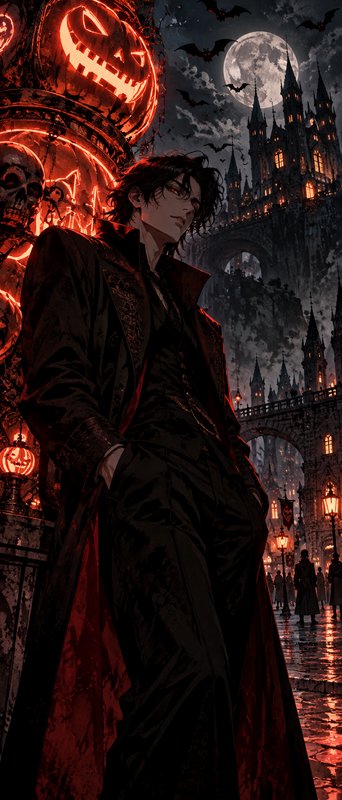
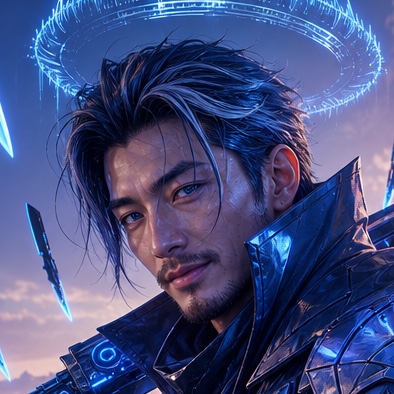
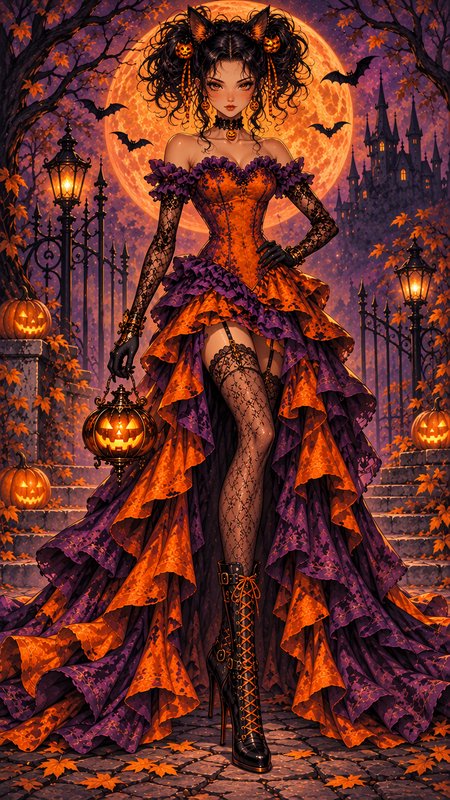
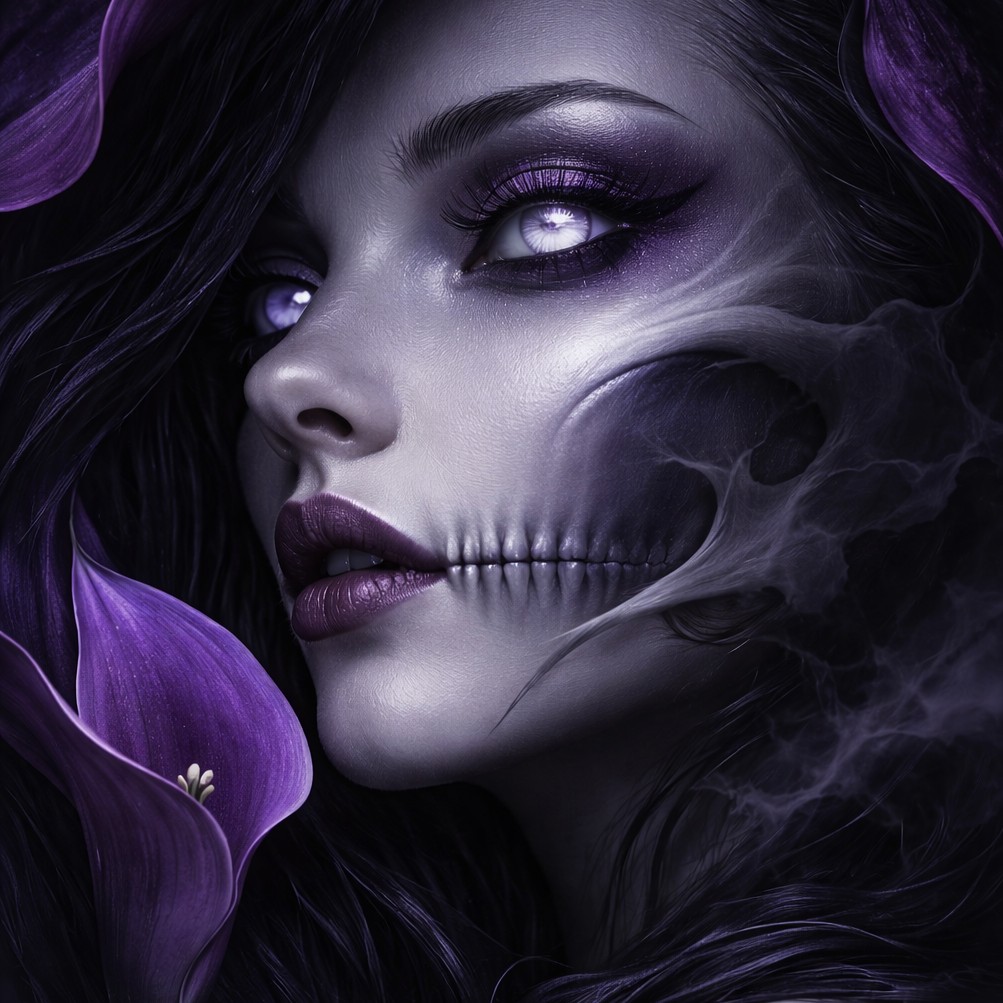
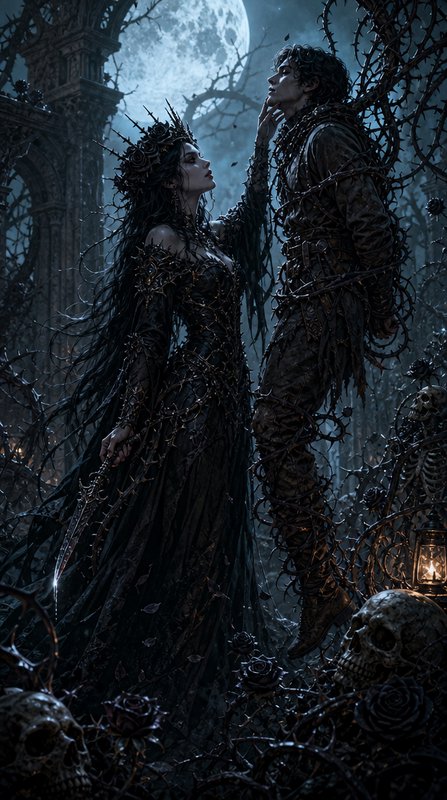
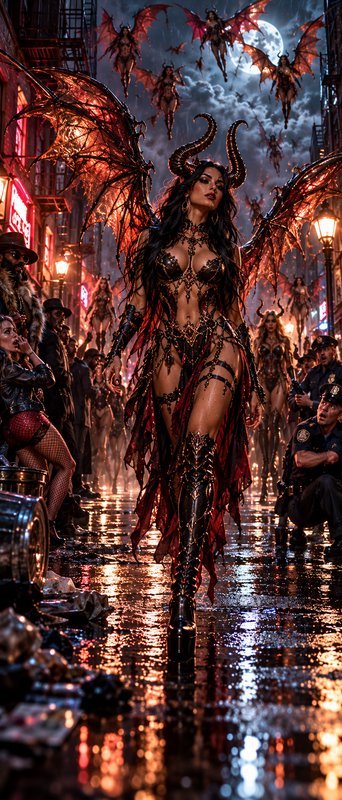
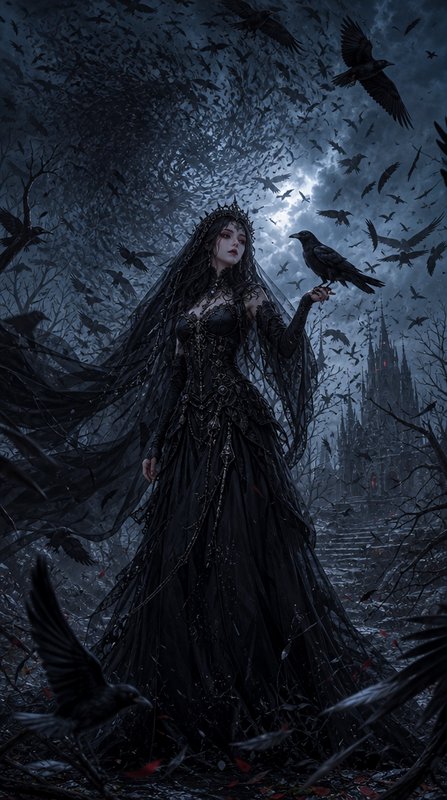
You can move beyond simple wardrobe swaps and test entirely different fashion directions. Try futuristic silhouettes, surreal couture, manga styling, or editorial art looks from the same starting image. That range is useful when you want concepts, moodboards, or social content instead of only realistic alternatives. It gives you more creative coverage from a single upload.


Fashion-ready visual output
The results are designed to read clearly in thumbnails, portfolios, and social posts. Strong silhouettes, visible garment changes, and clean composition make the outfit swap obvious at a glance. That is hard to achieve with manual retouching unless you spend a lot of time refining details. Here, the preview is immediate and easy to compare.
How It Works

Upload your photo
Start with a clear image where the outfit is easy to see. Full-body or three-quarter fashion shots work best because the clothing change is more visible.

Describe the new look
Type the outfit you want in plain language, such as streetwear, formalwear, futuristic fashion, or manga style. Be specific about garments, colors, and overall mood for a stronger result.

Compare and refine
Review the edited image beside your original and see how the outfit changed. If you want another direction, adjust the prompt and generate a new version.
Perfect For
Discover how creators and professionals use ai clothes changer
Outfit preview before buying
Test different fashion directions on a photo before committing to new clothes or planning a shoot.
Social content variations
Create multiple wardrobe looks from one image for posts, thumbnails, and visual storytelling.
Creative moodboards
Generate realistic and stylized outfit concepts for fashion pitches, branding, or personal inspiration.
Character and style concepts
Explore futuristic, surreal, editorial, or manga-inspired wardrobe ideas from a grounded starting photo.
Built For
Fashion creators
Quickly test wardrobe ideas, campaign looks, and aesthetic directions without a full reshoot.
Online sellers and marketers
Mock up fresh outfit concepts for ads, landing pages, and social visuals from existing photos.
Everyday users
See yourself in different styles, from formalwear to fantasy fashion, with simple text prompts.
Why use AI Clothes Changer
A quick look at how we compare on the things that matter for this niche.
| Feature | BudgetPixel | Generic AI editors | Manual editing apps |
|---|---|---|---|
| Outfit-specific photo edits | ✓ | ✓ | — |
| Keeps pose and identity consistent | ✓ | — | ✓ |
| Supports realistic and stylized looks | ✓ | ✓ | — |
| Fast to iterate | ✓ | ✓ | — |
| Manual masking required | — | — | ✓ |
Frequently Asked Questions
What kind of photos work best with AI Clothes Changer?
How much does AI Clothes Changer cost?
Can I change clothes without changing the person?
Can I try different fashion styles, not just realistic outfits?
Do I need editing skills to use it?
Will the background and pose stay the same?
Create together.
Share your creations, discover trending AI art, and grow with fellow creators.