AI Outfit Generator for Fast Clothing Changes
Swap outfits in photos without reshooting the scene.
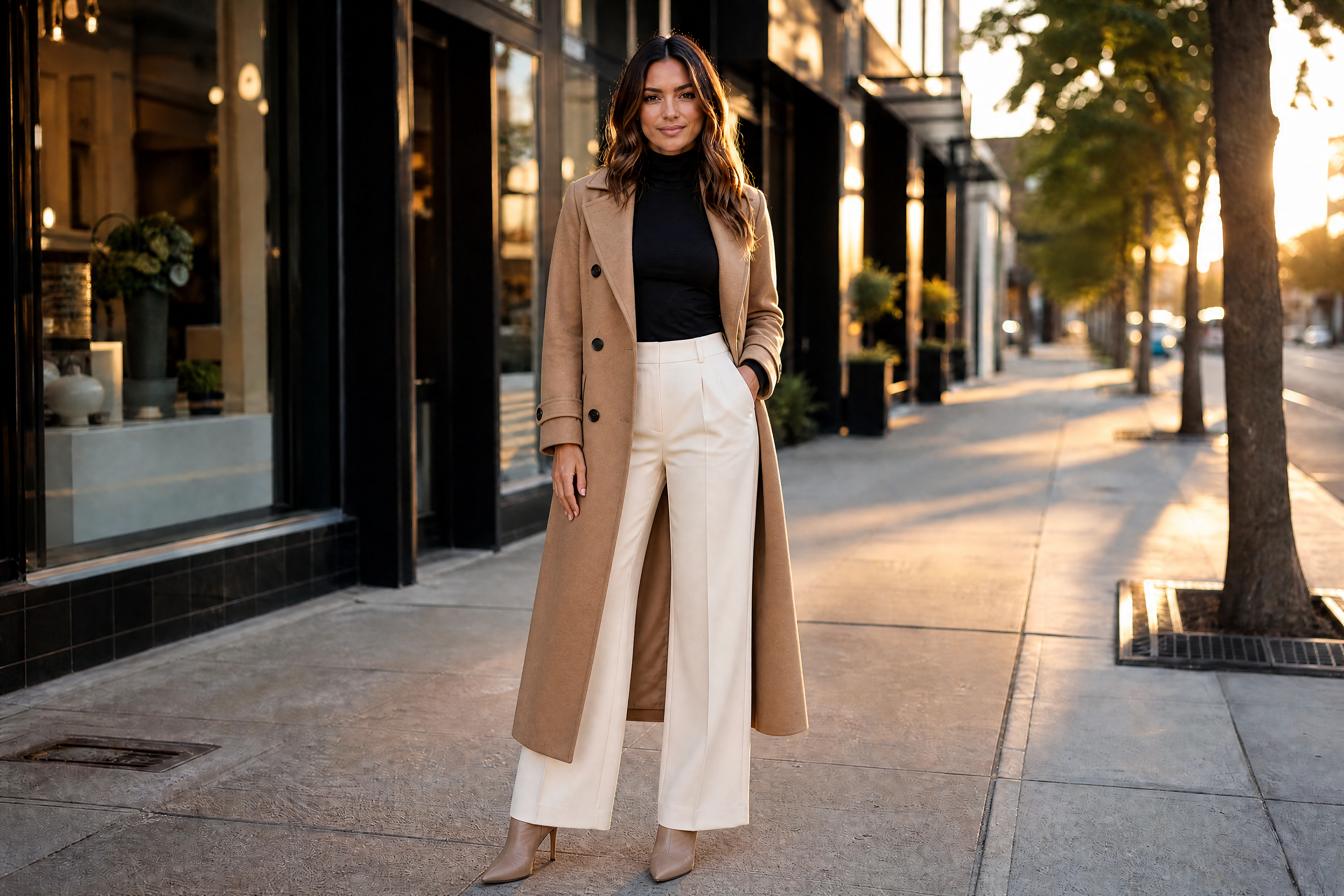
BudgetPixel lets you change clothing in an existing photo with a simple prompt. Generate casual, formal, seasonal, editorial, or branded looks while keeping the person, pose, and setting consistent. It is useful for creators, online sellers, stylists, and anyone testing outfit ideas.
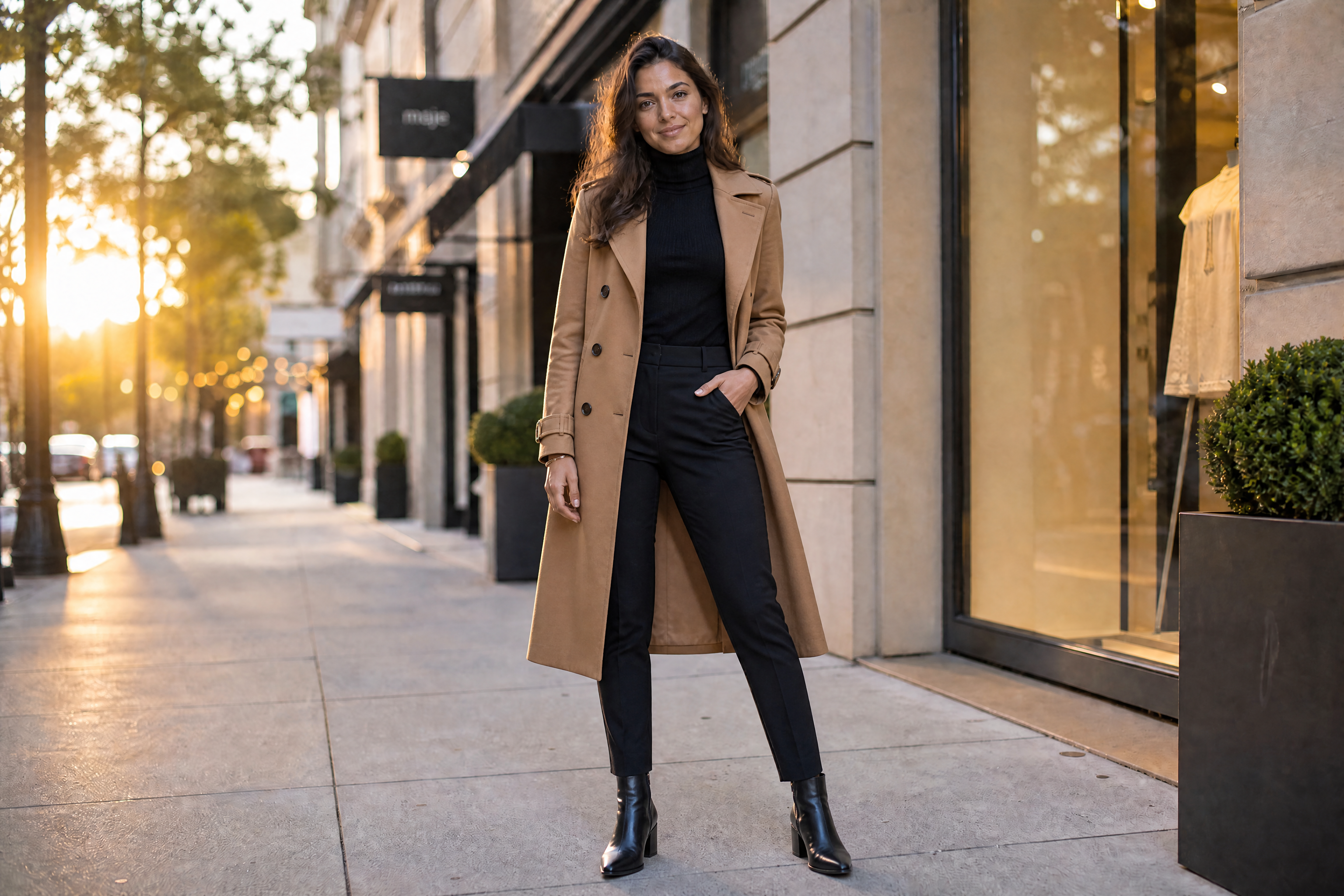
Watch the Transformation
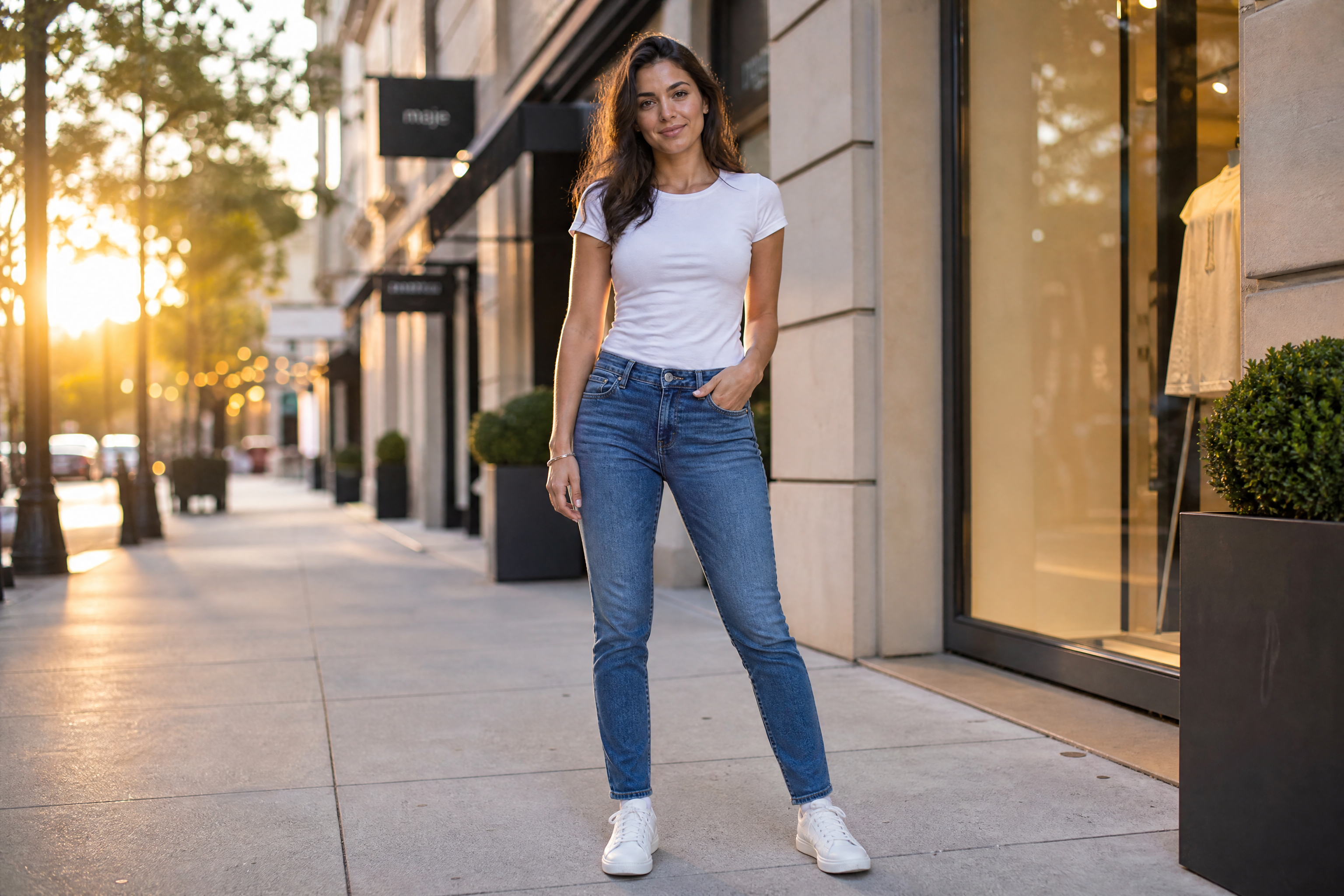
See ai outfit generator in motion — generated end-to-end by our AI.
See It In Action
Real outputs from ai outfit generator.
BEFOREAFTER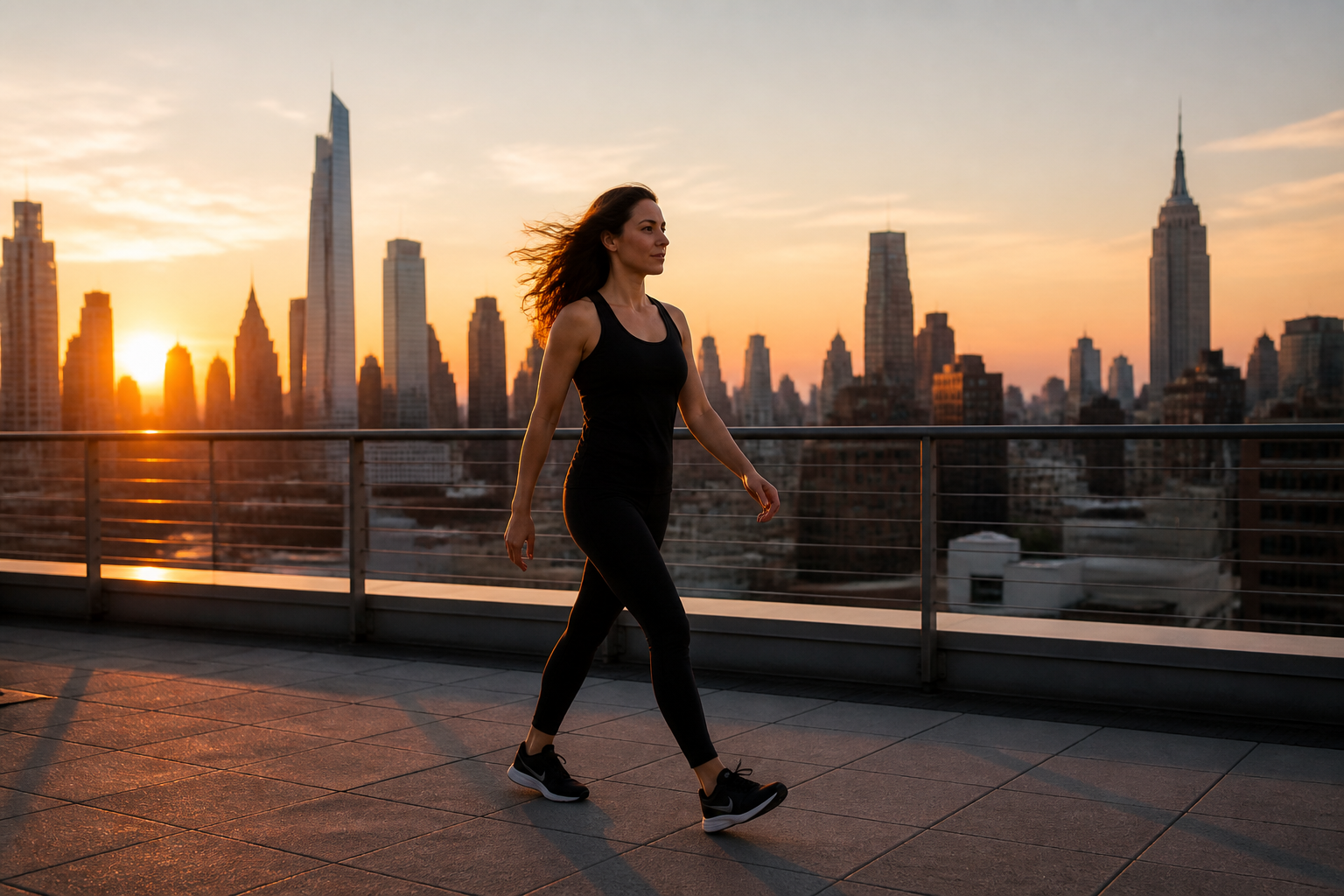 BEFORE
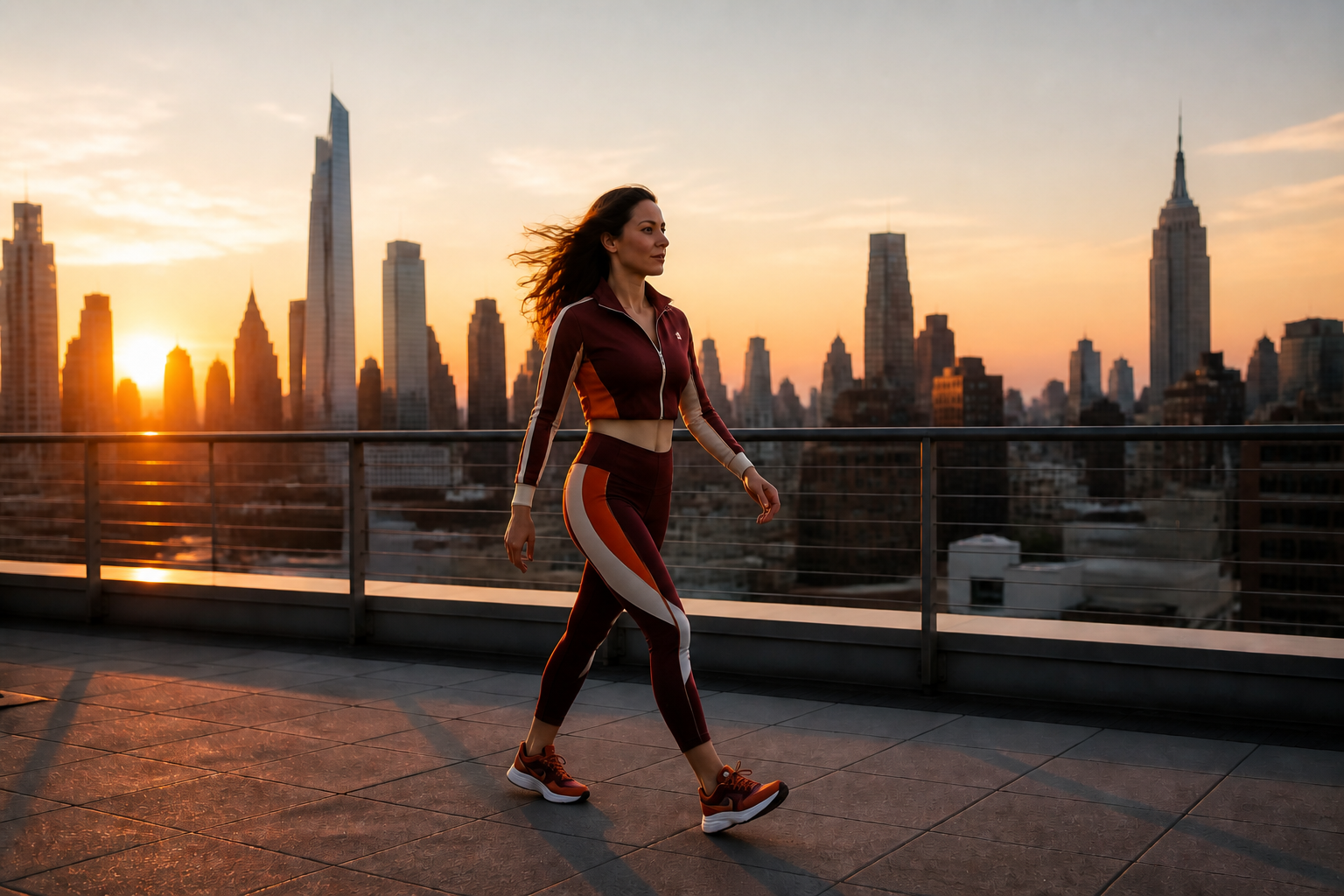 AFTER
AFTER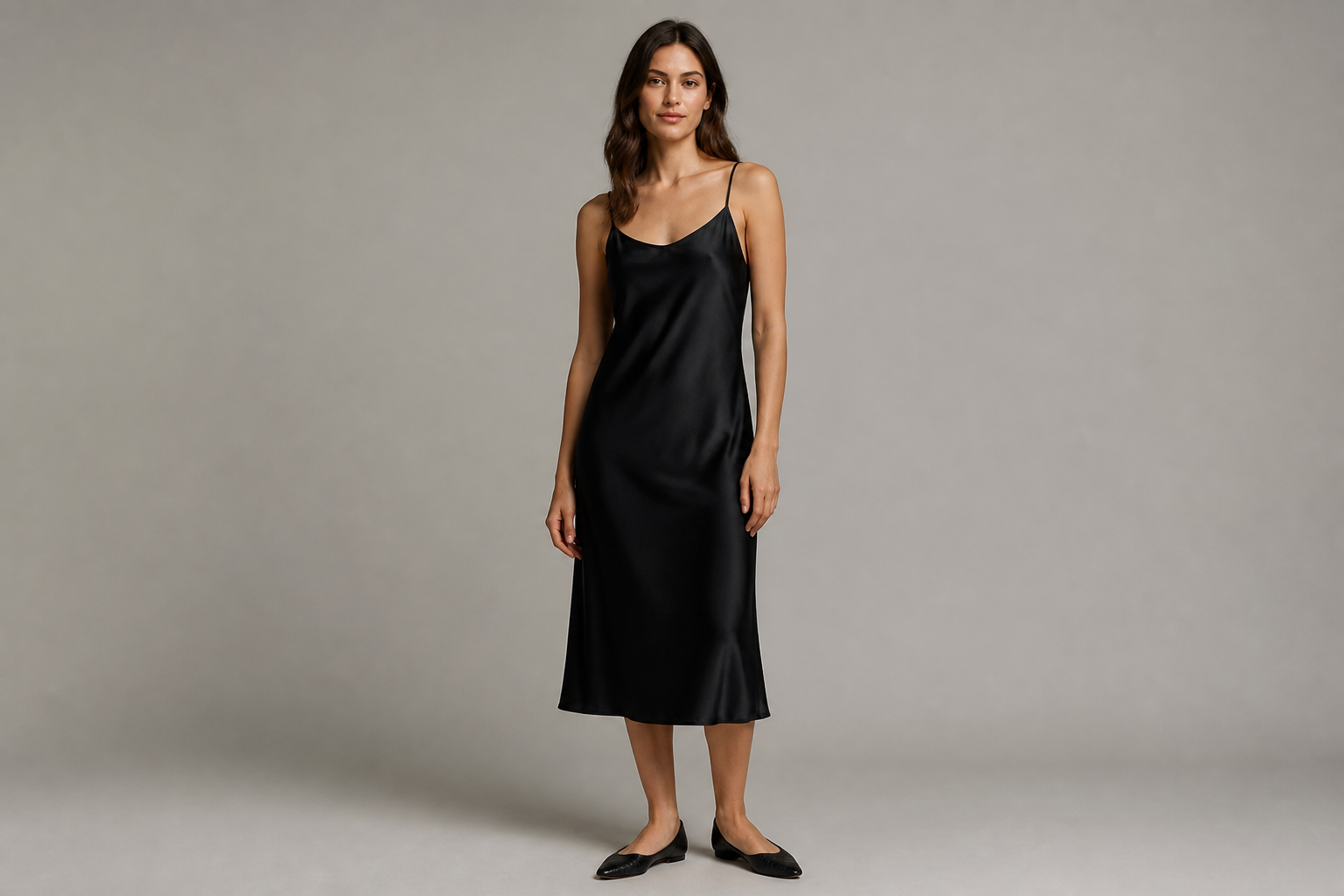 BEFORE
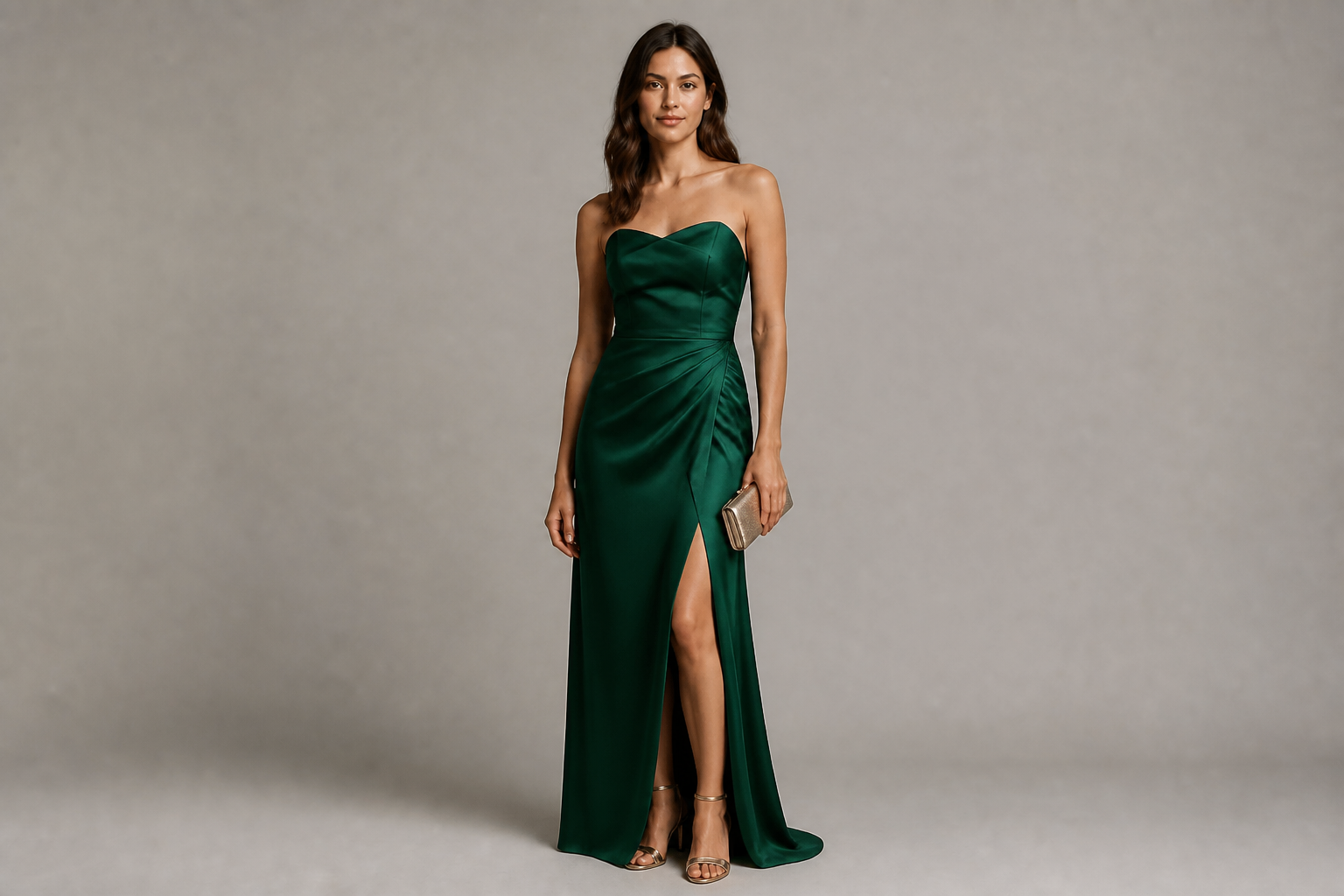 AFTER
AFTER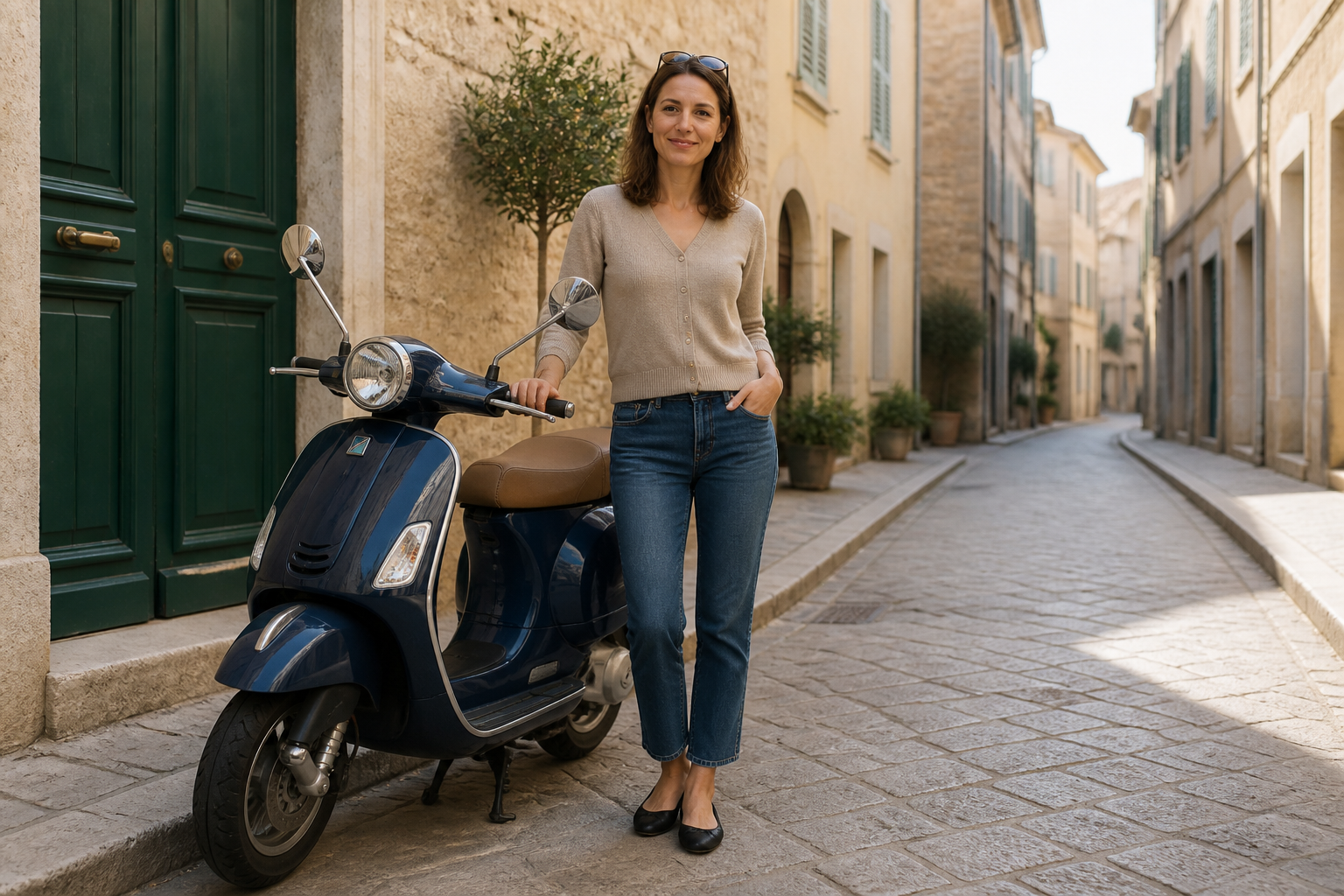 BEFORE
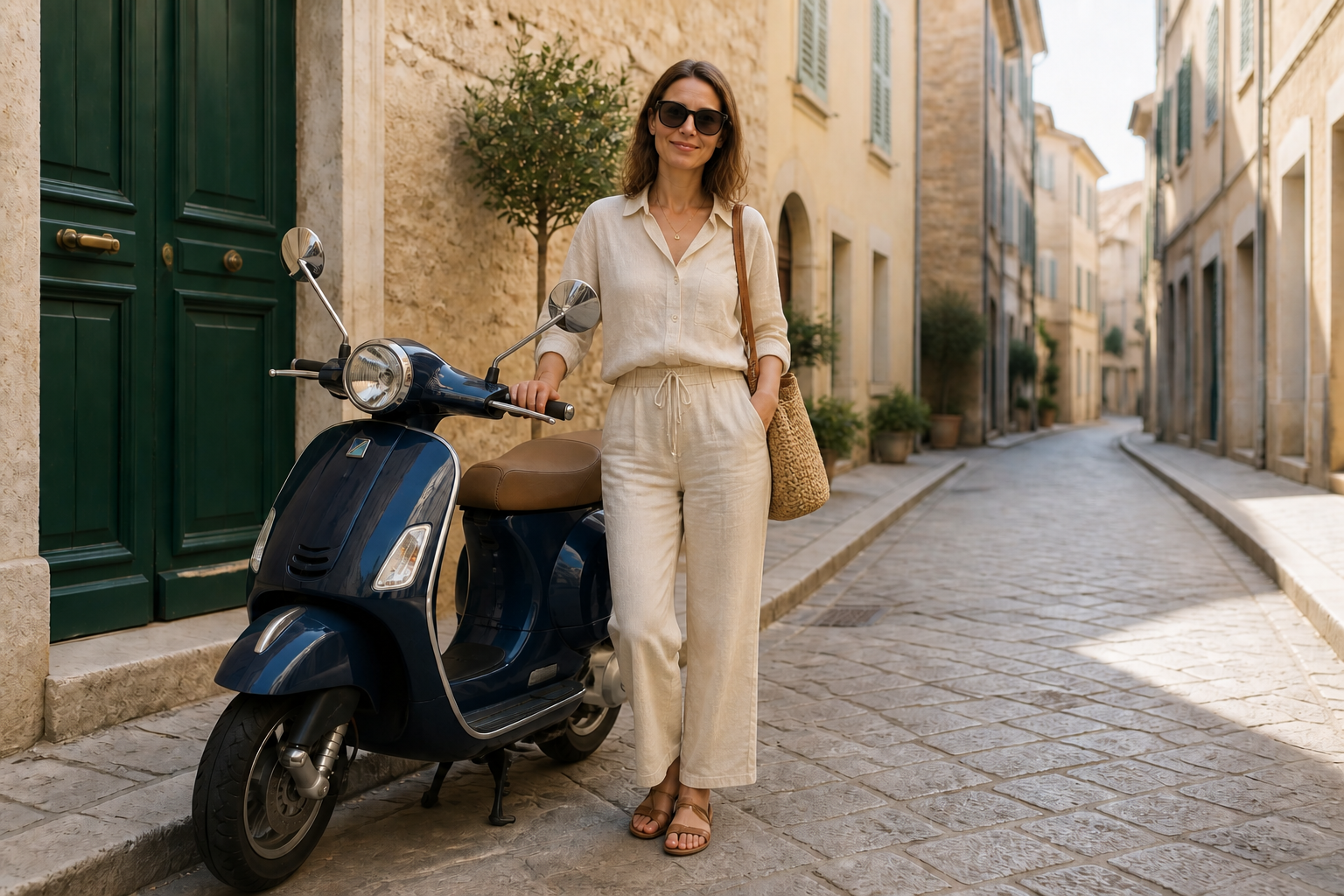 AFTER
AFTER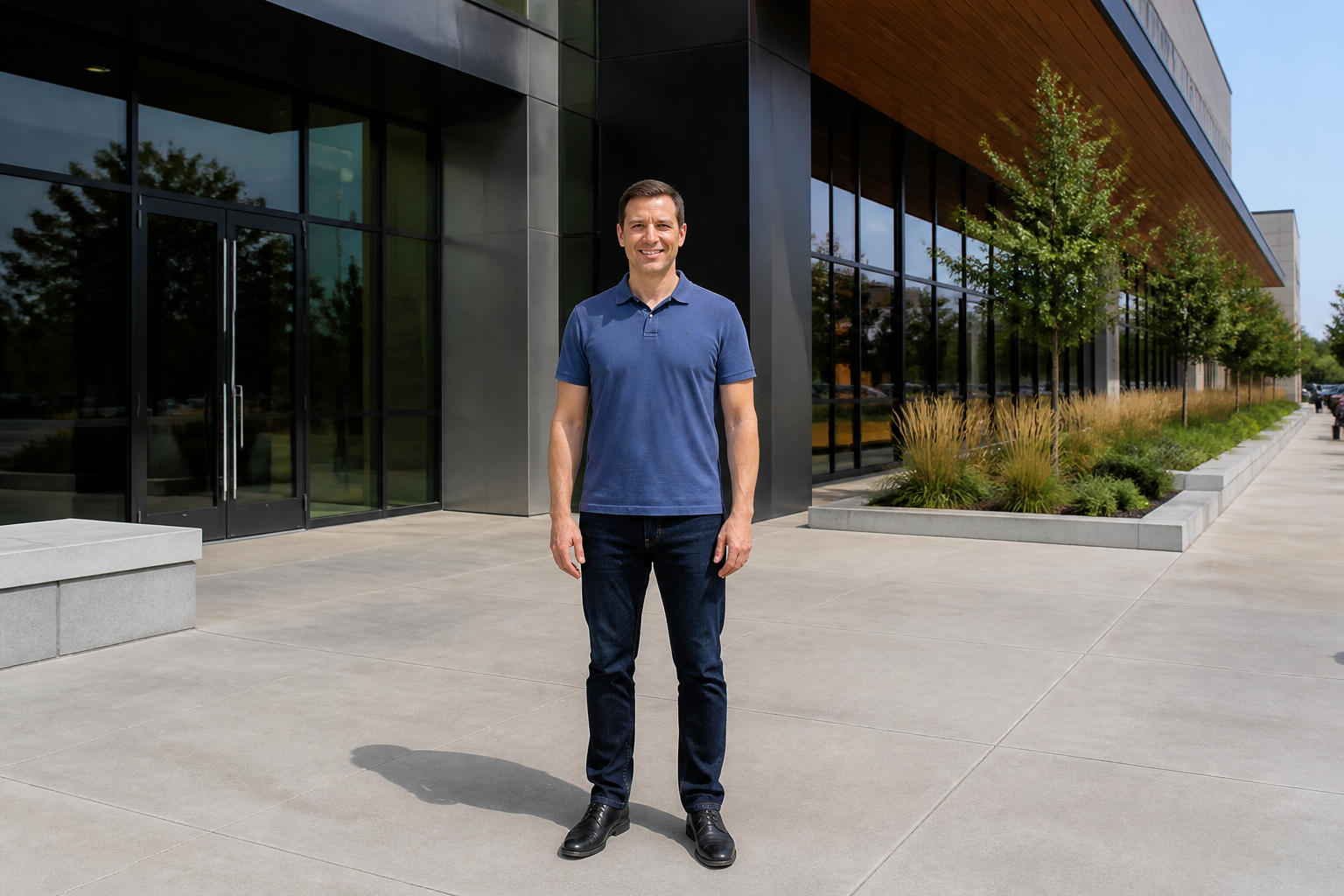 BEFORE
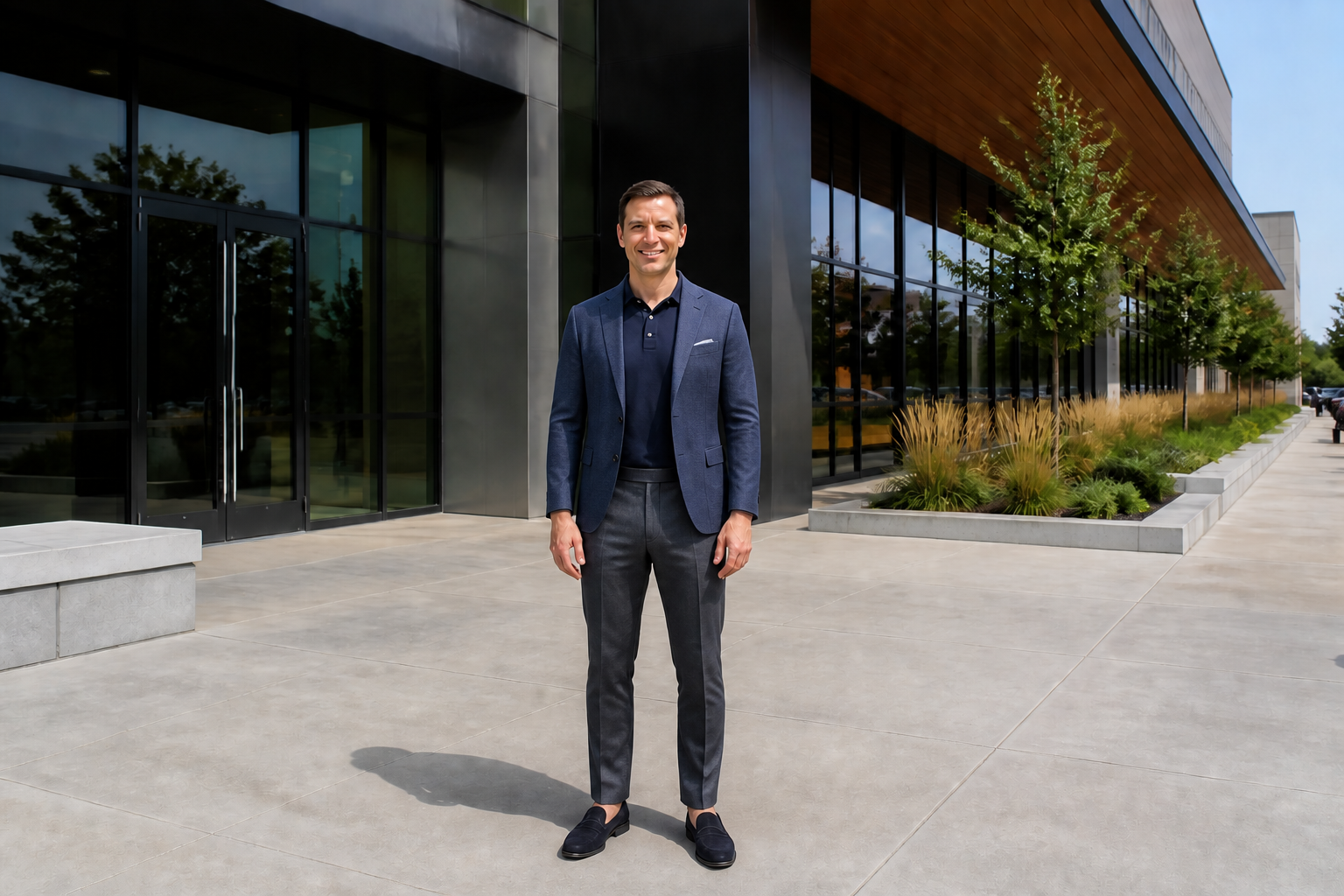 AFTERBEFOREAFTERBEFOREAFTERBEFOREAFTERBEFOREAFTERBEFOREAFTER
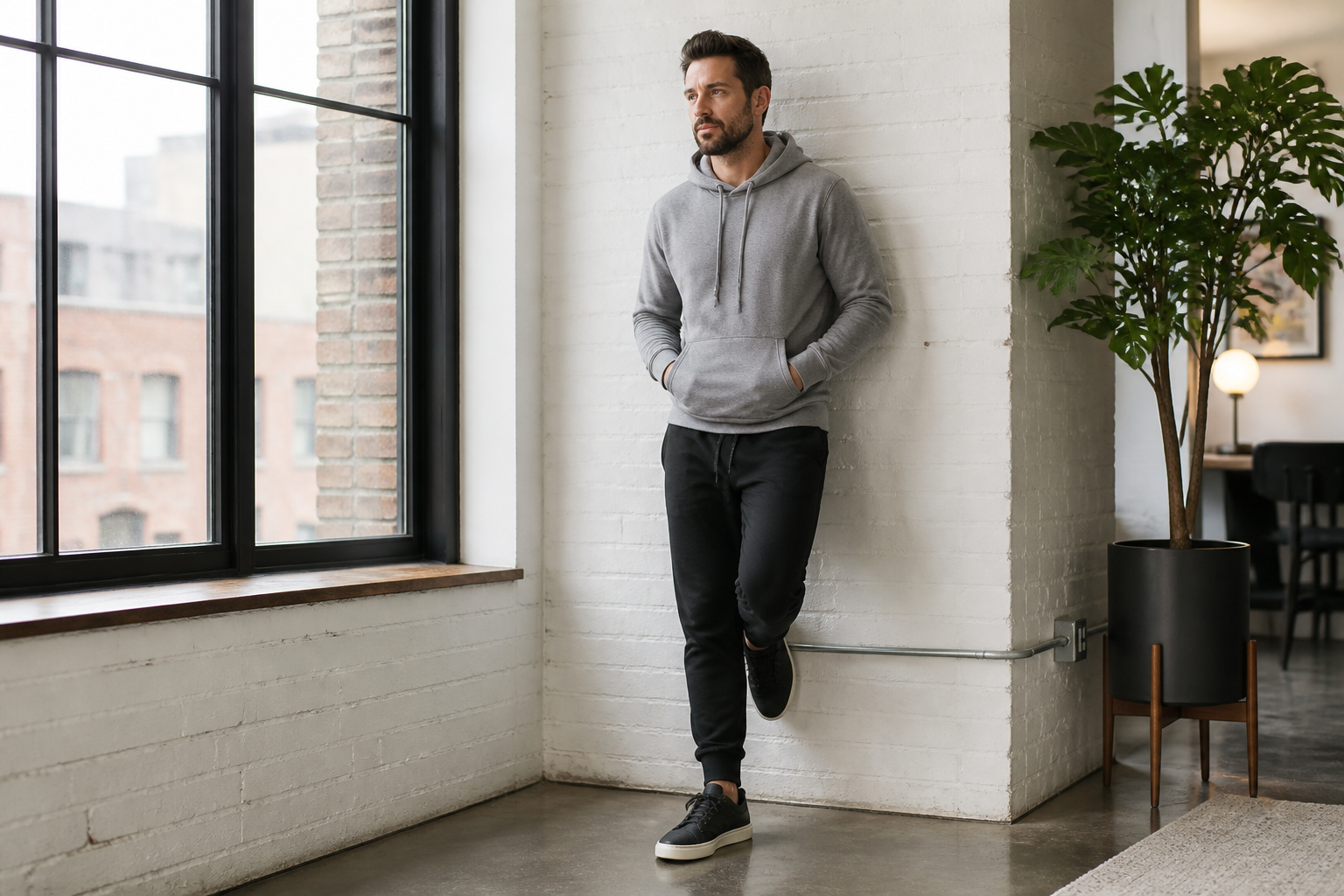 BEFORE
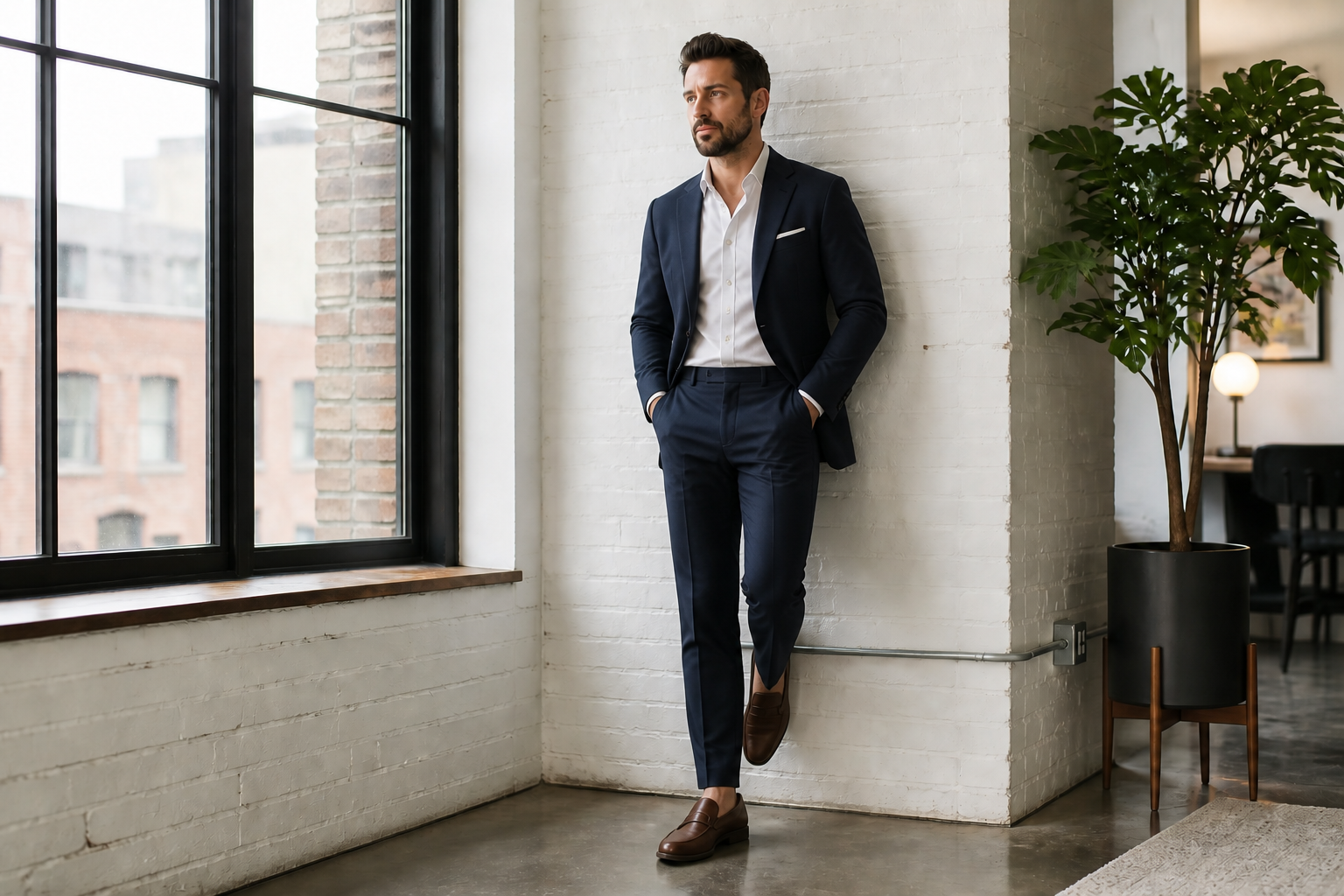 AFTER
AFTER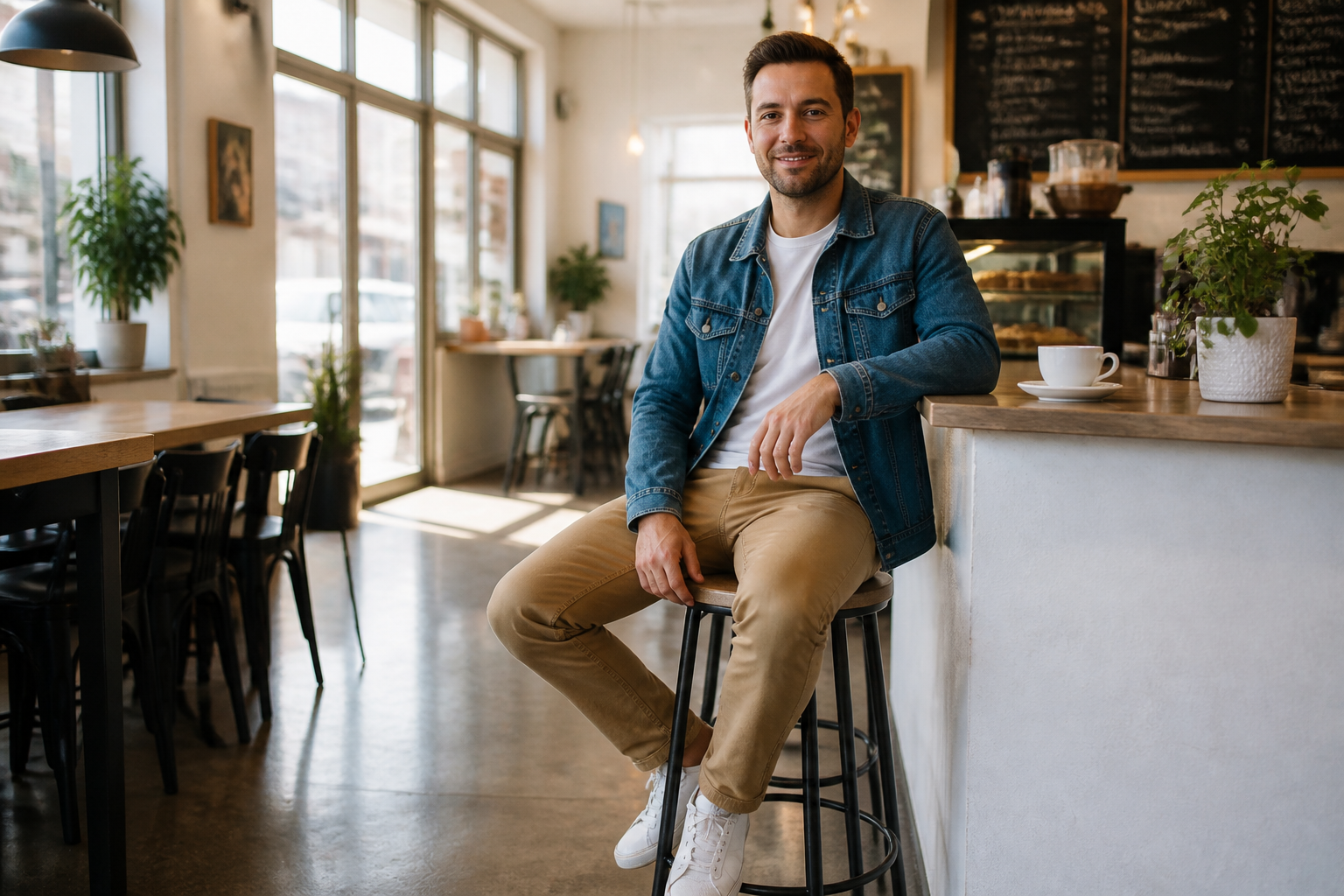 BEFORE
 AFTER
AFTER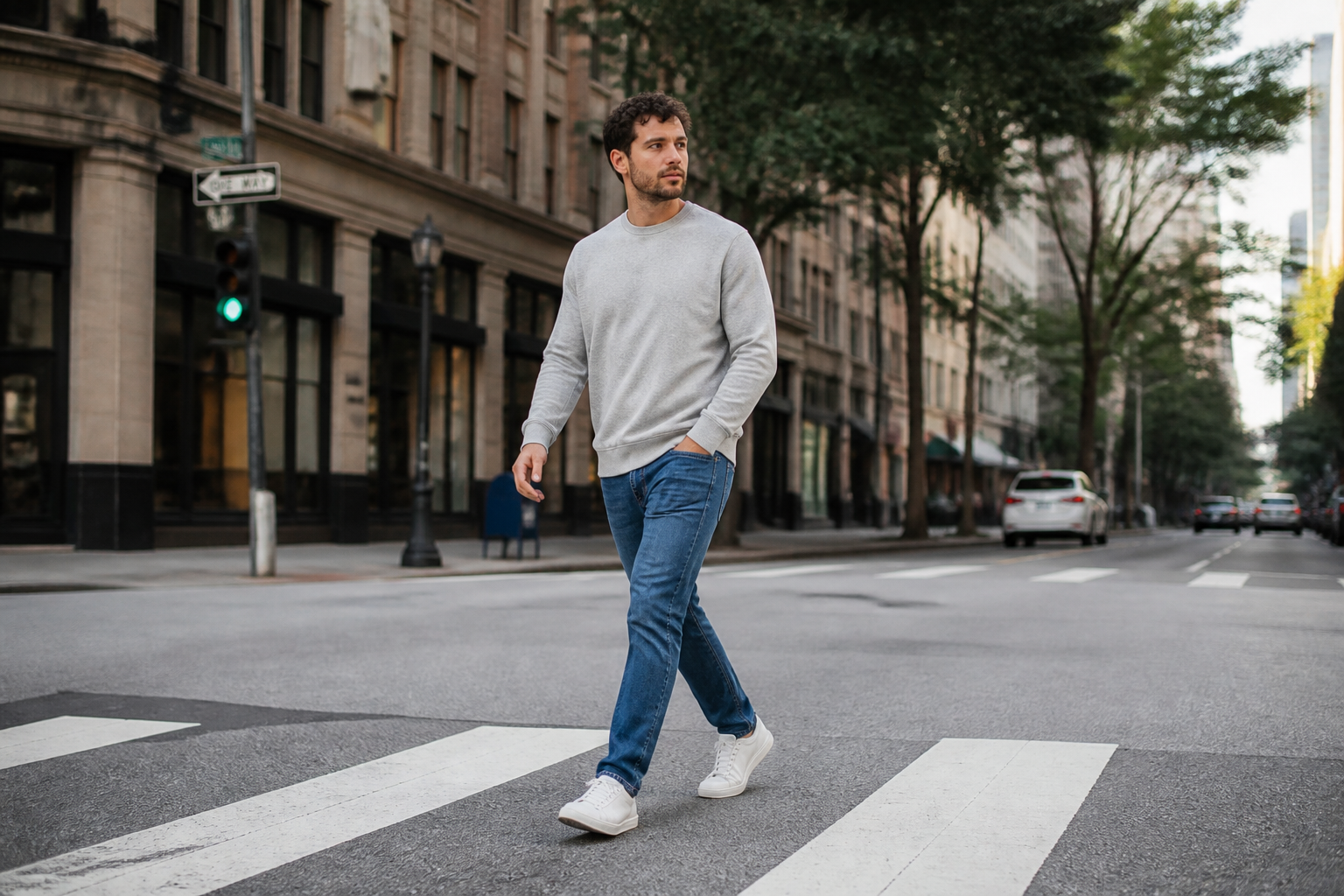 BEFORE
 AFTER
AFTER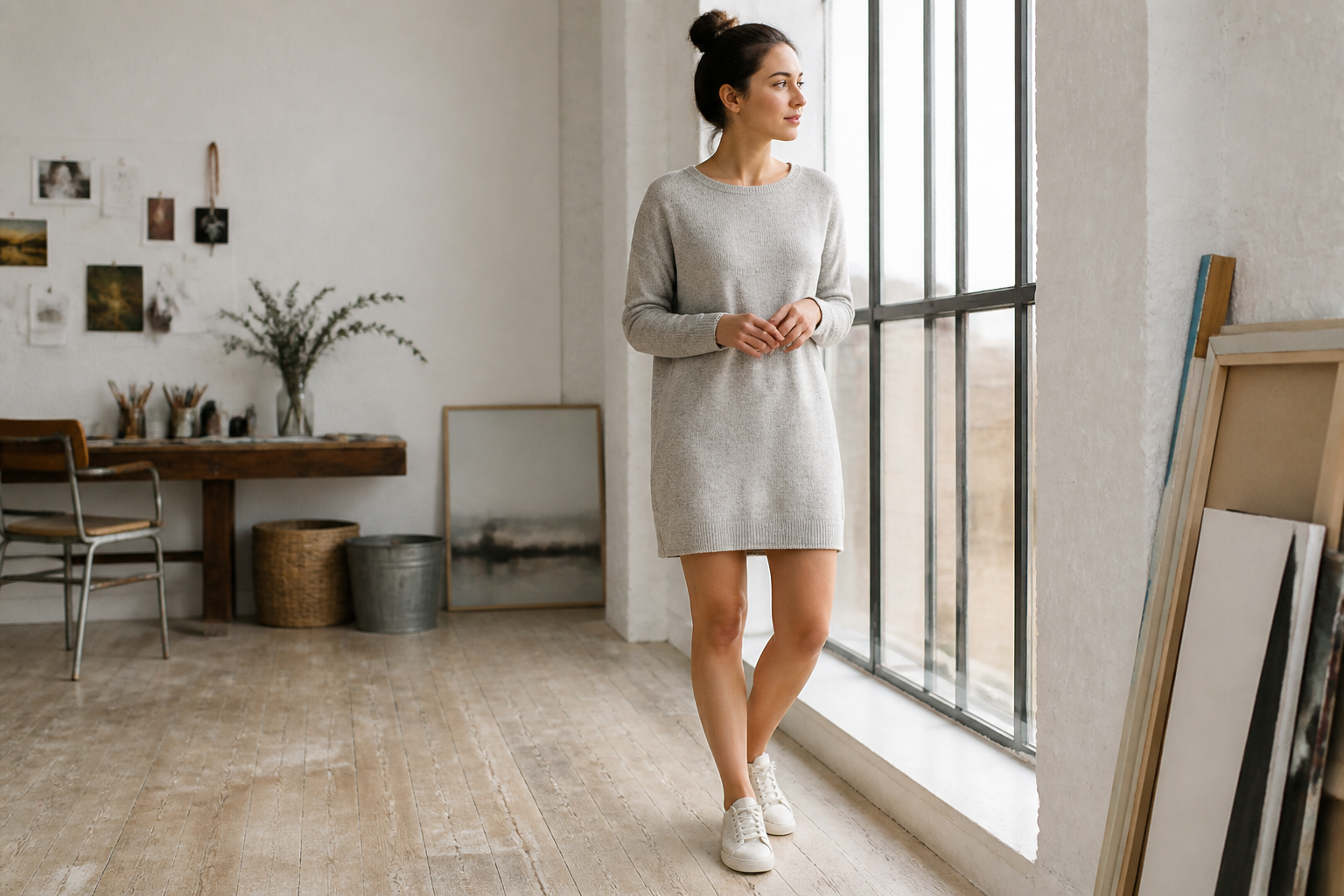 BEFORE
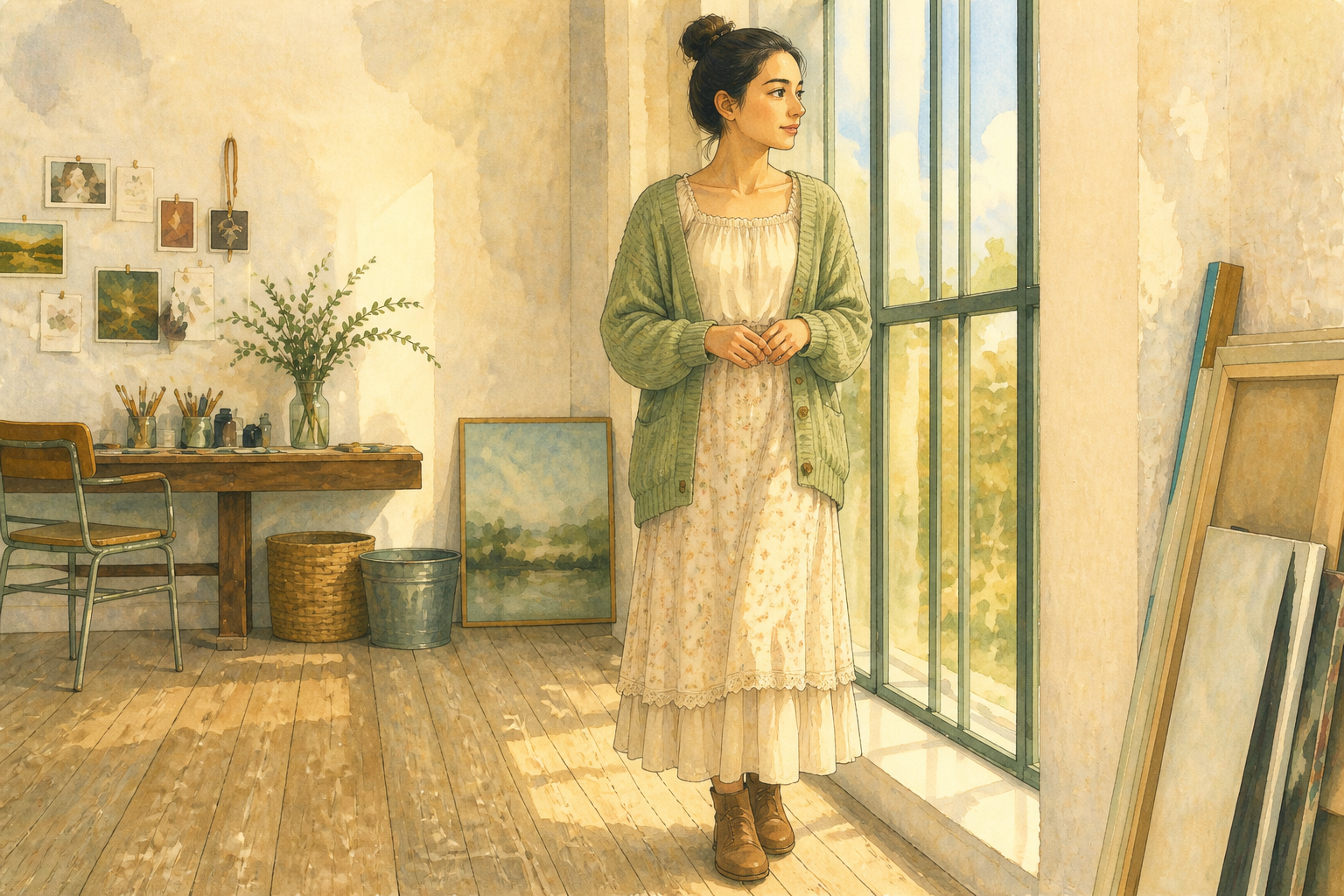 AFTER
AFTER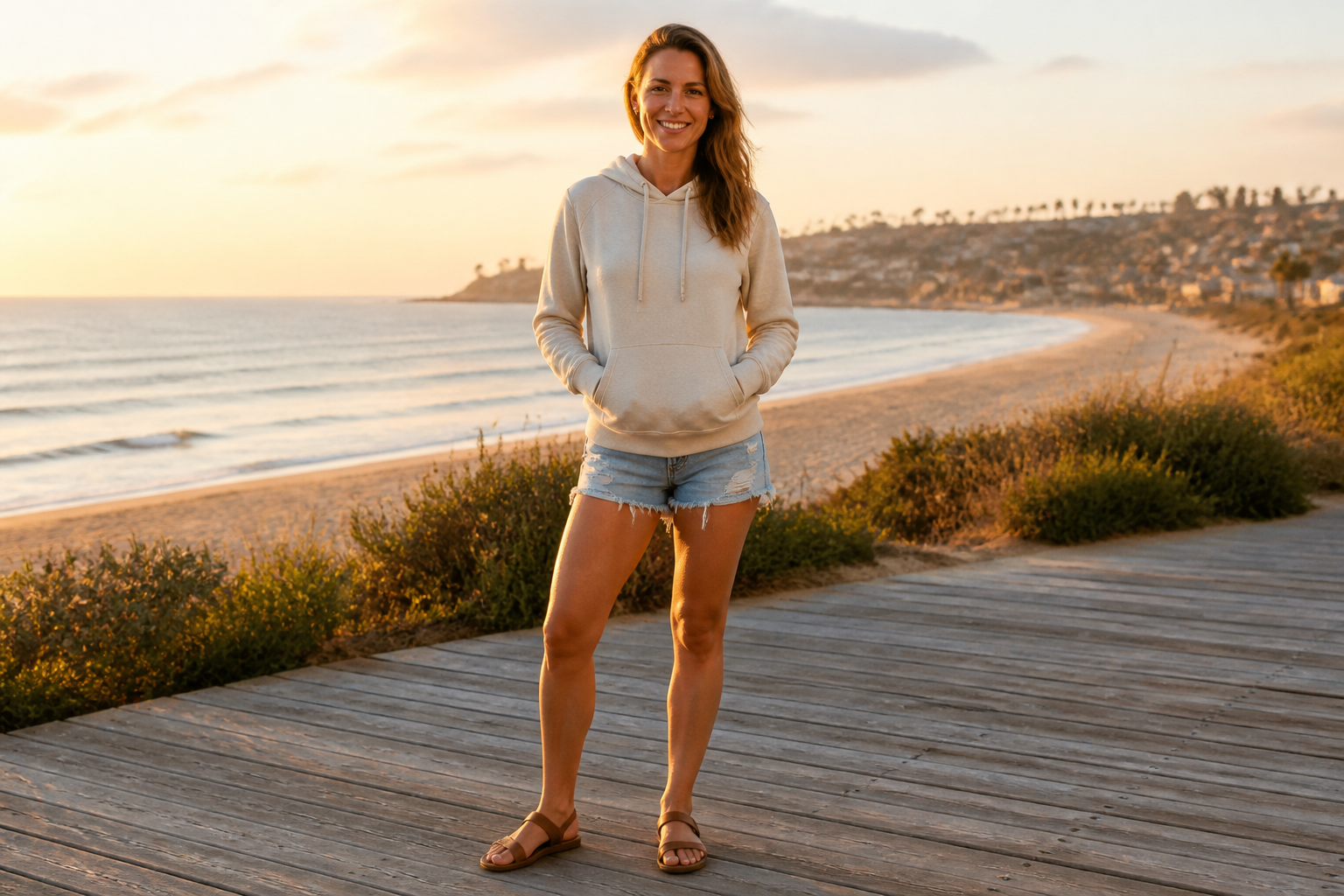 BEFORE
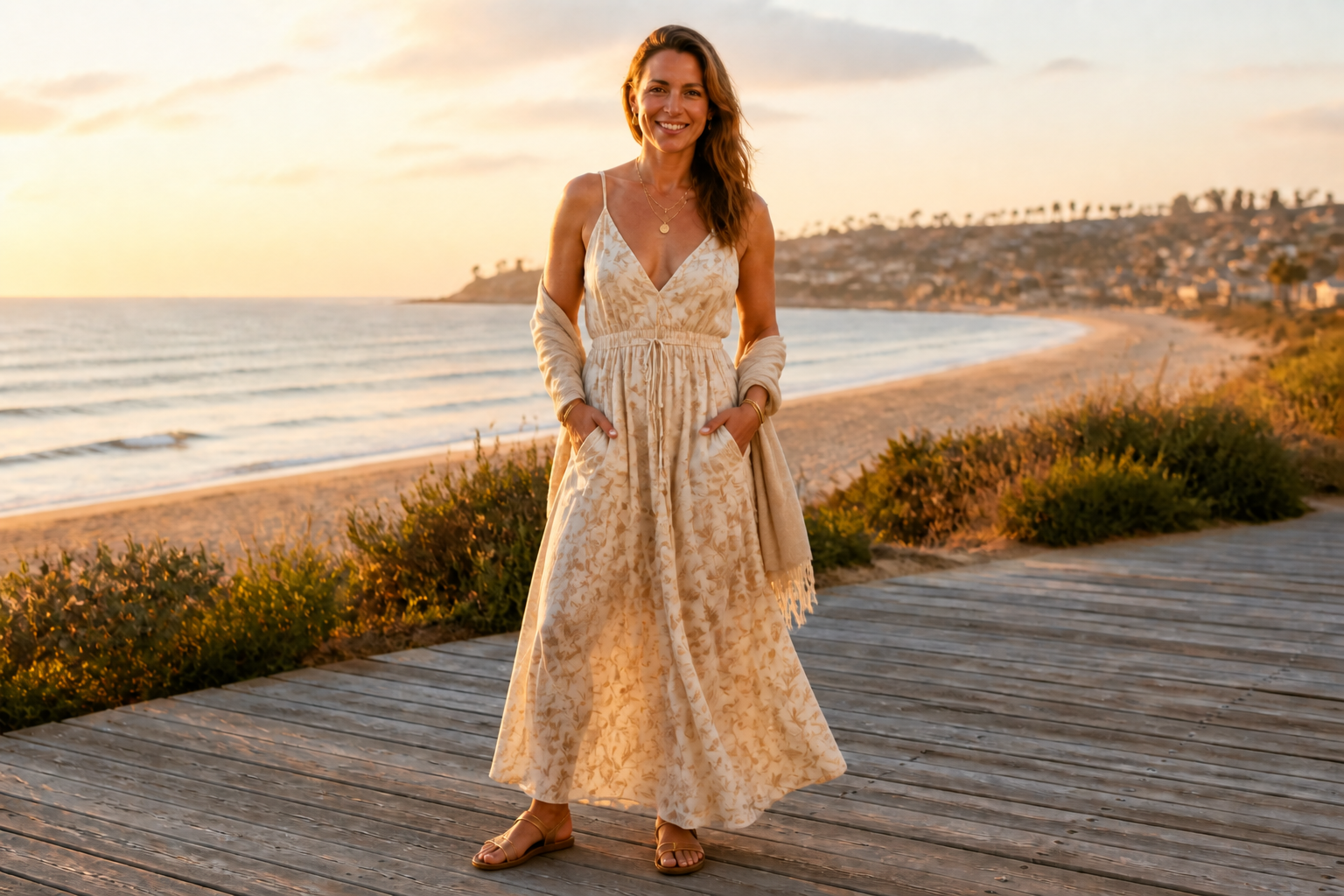 AFTERBEFOREAFTERBEFOREAFTERBEFOREAFTERBEFOREAFTERBEFOREAFTER
Key Features
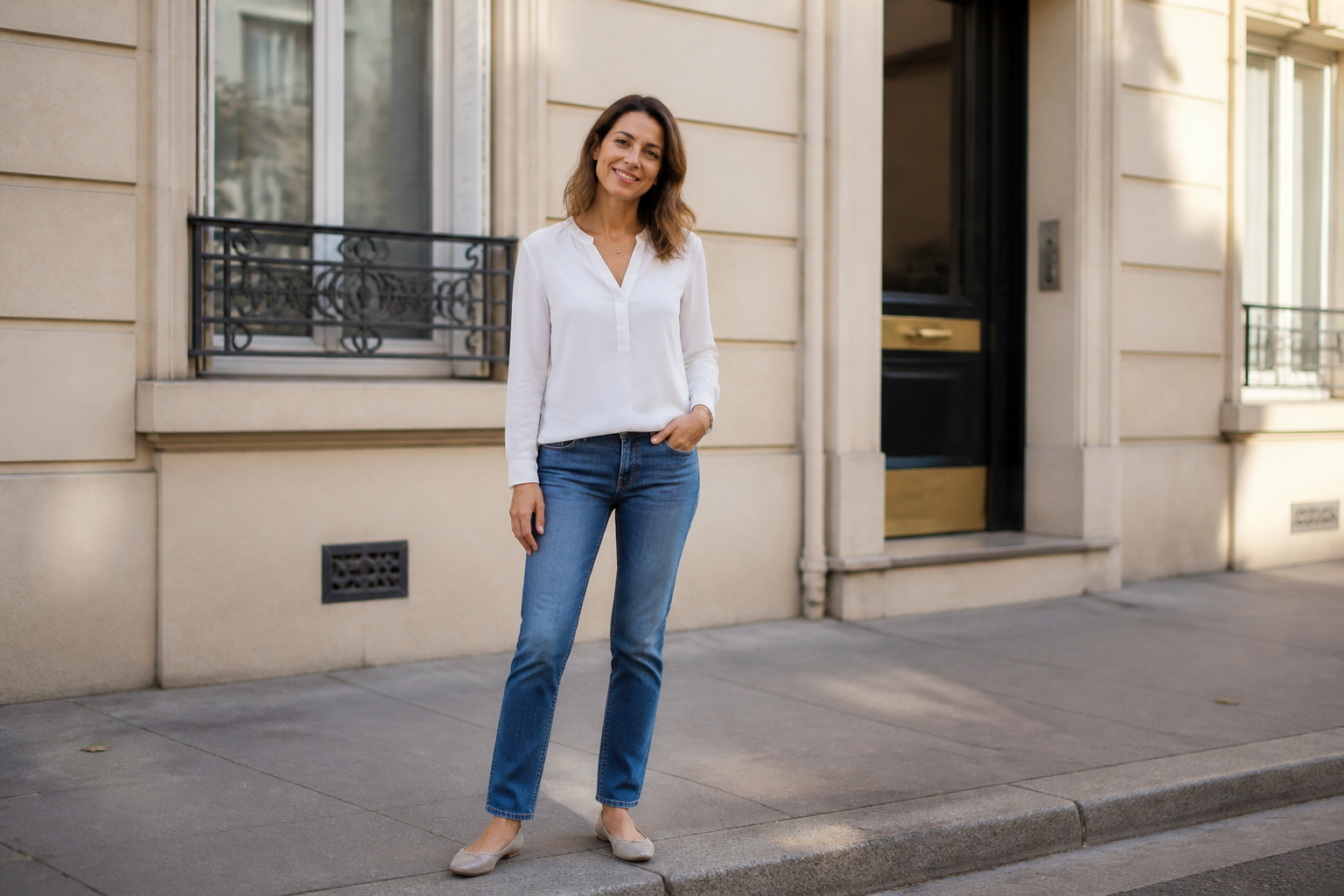
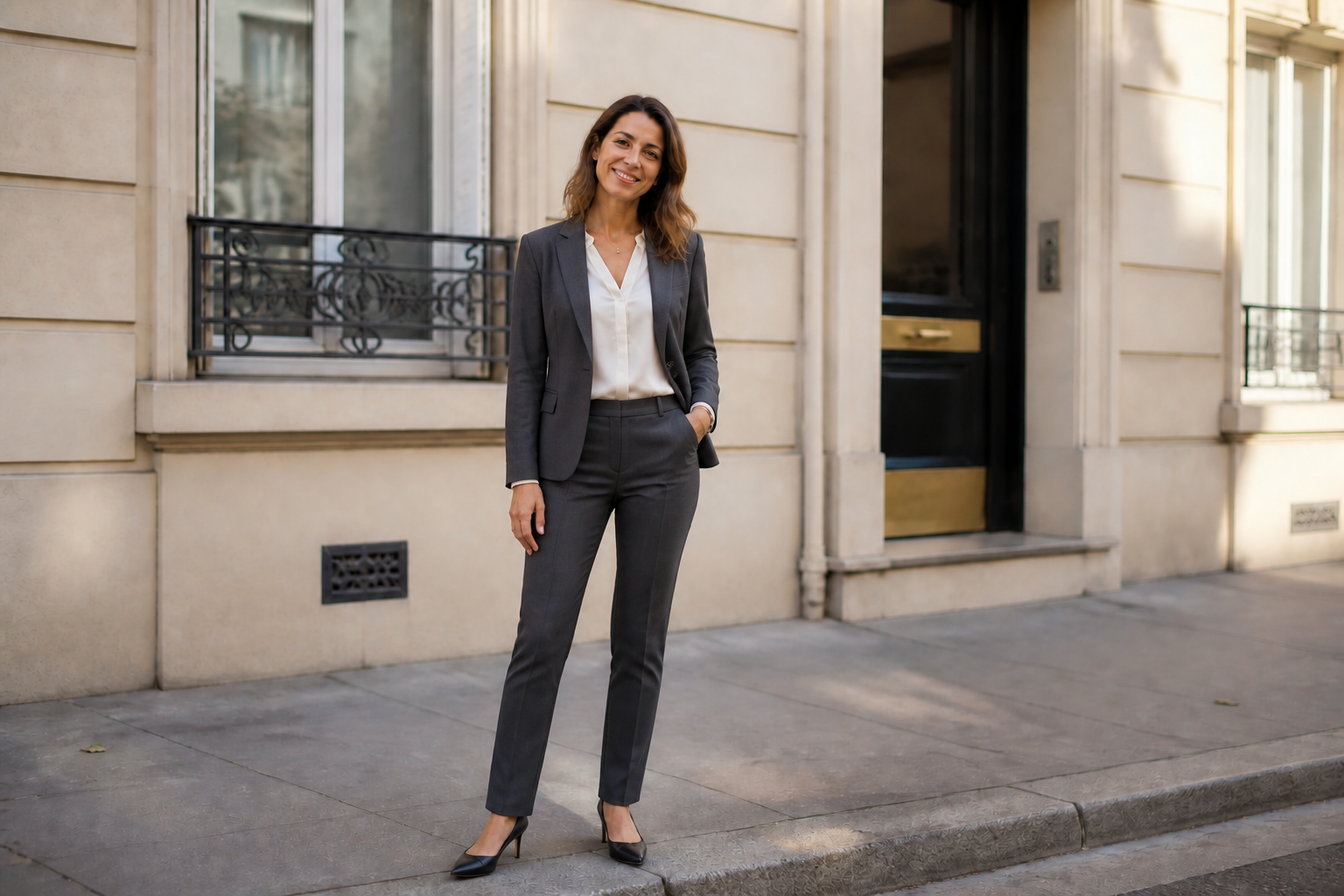
Swap Clothes, Keep Identity
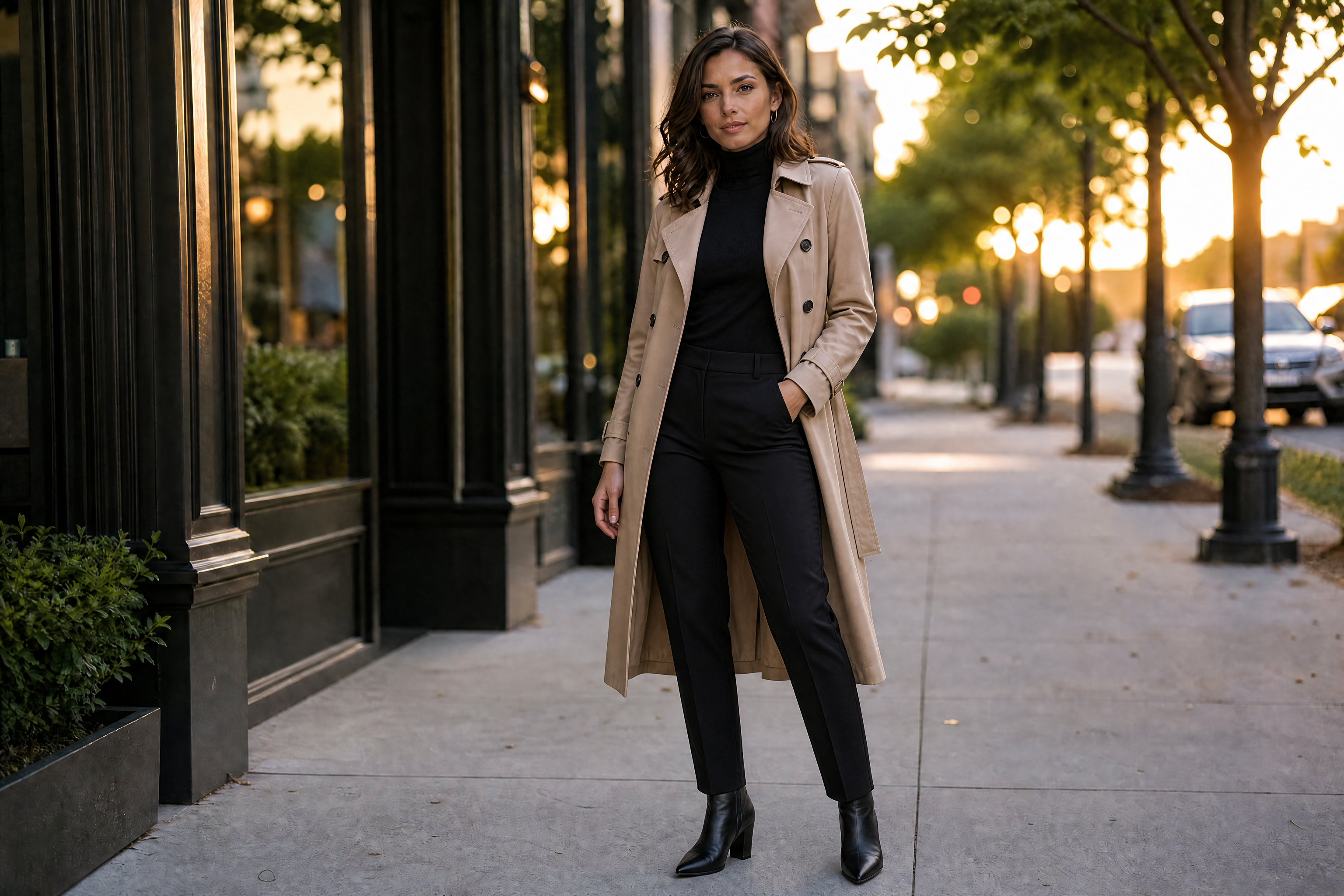
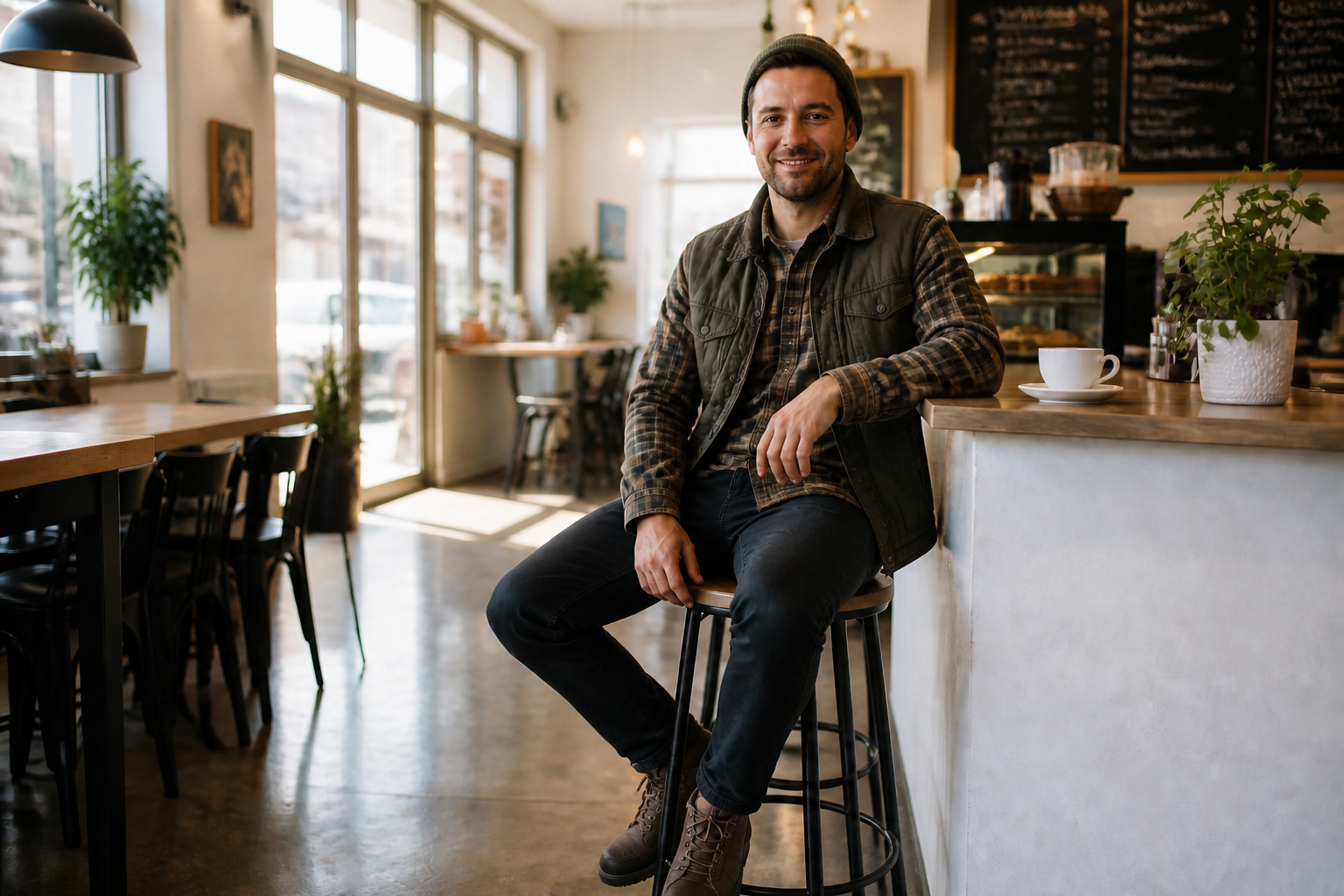
Change the outfit without rebuilding the whole photo from scratch. Our AI preserves the person's face, body shape, pose, and scene so the result still feels like the original shot. That matters when you want believable edits for social posts, mockups, or client previews. It is much faster than masking clothing by hand and trying to match folds, shadows, and fit manually.
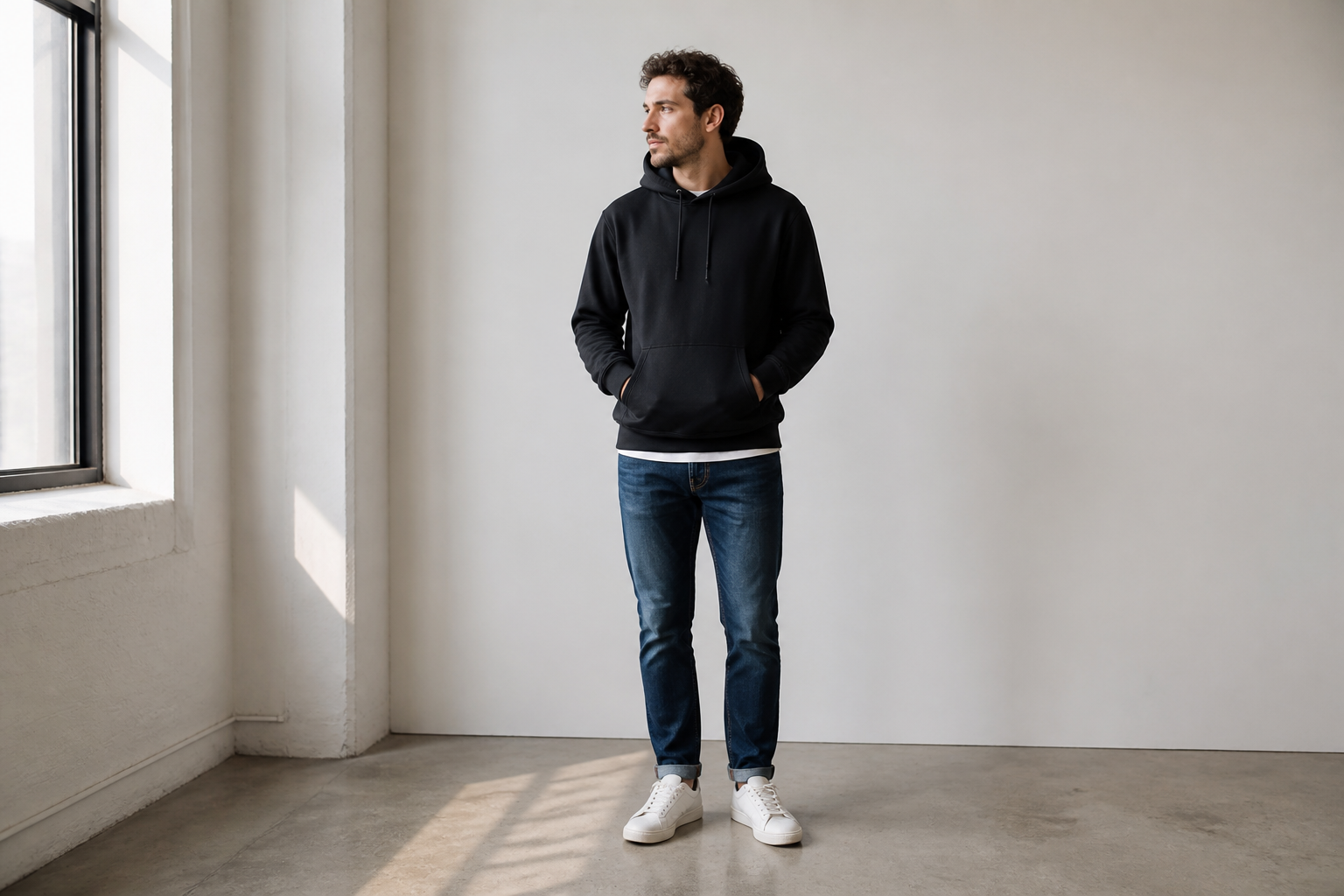
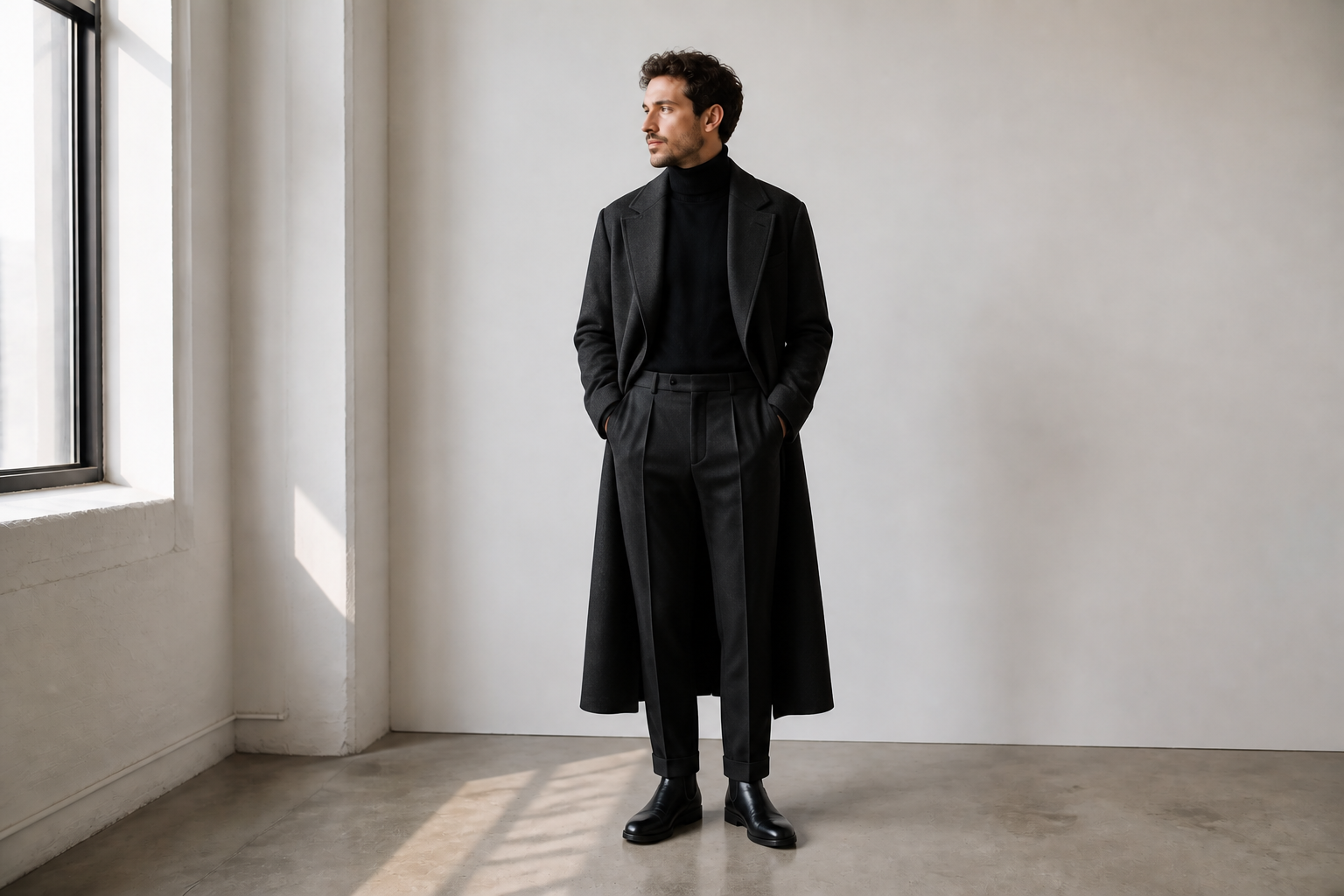
From Casual to Editorial
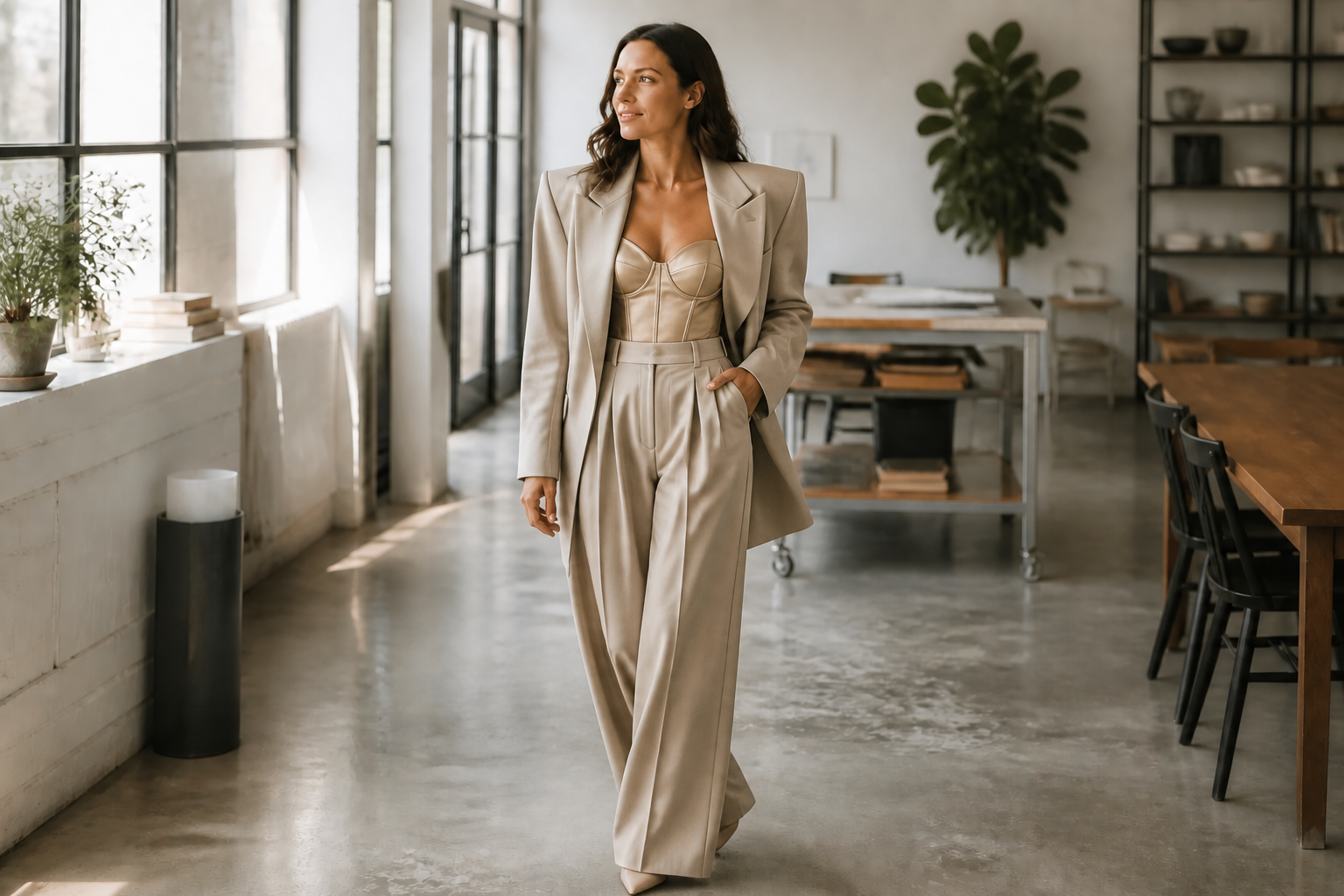
You can test simple everyday clothes, formalwear, branded looks, or fashion-forward styling from the same source photo. This makes it easy to pitch options, build content variations, or explore a stronger visual direction before a shoot. The change is obvious and readable, not buried in tiny details. Compared with manual retouching, you get multiple outfit directions in minutes instead of hours.
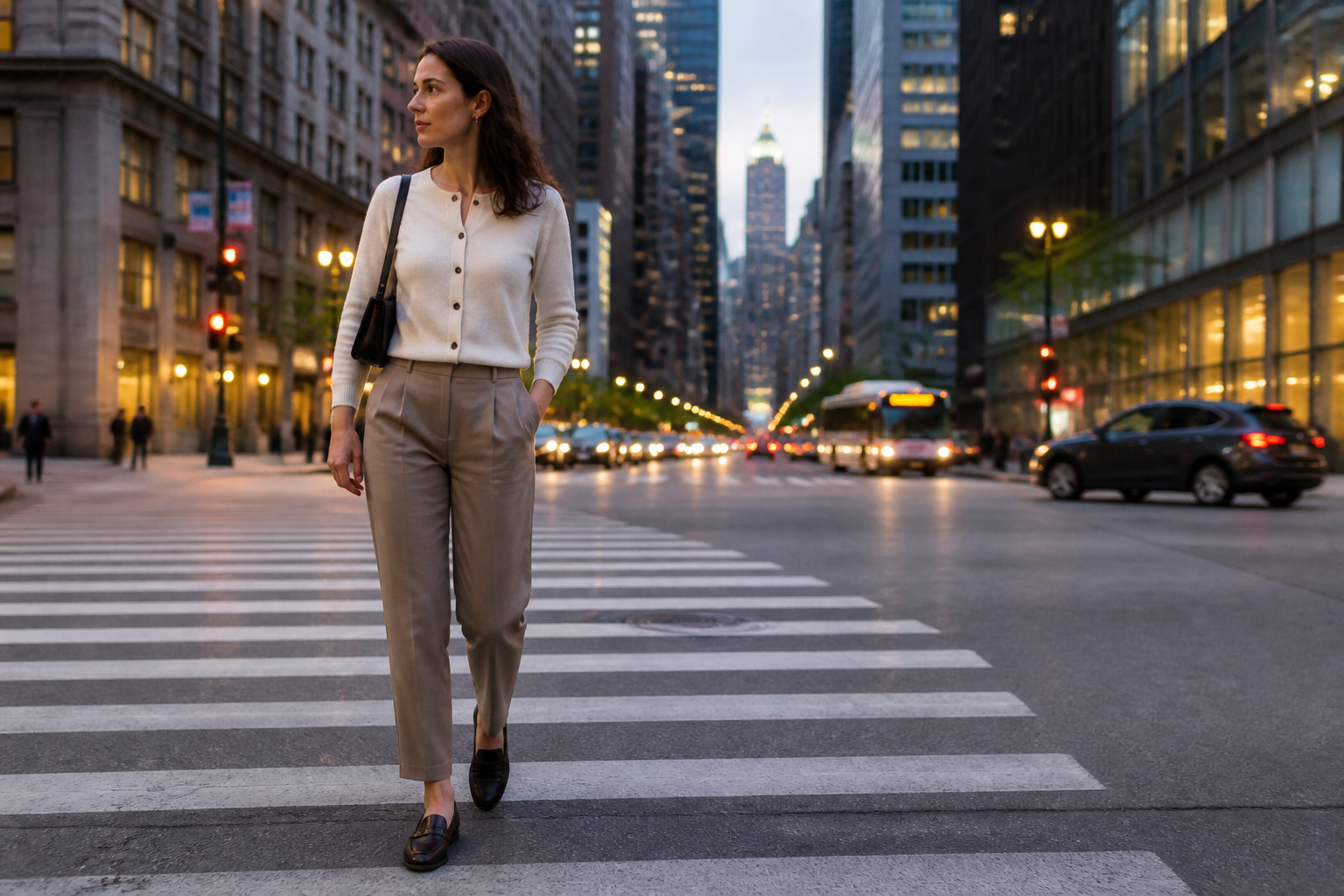
Try Distinct Visual Styles
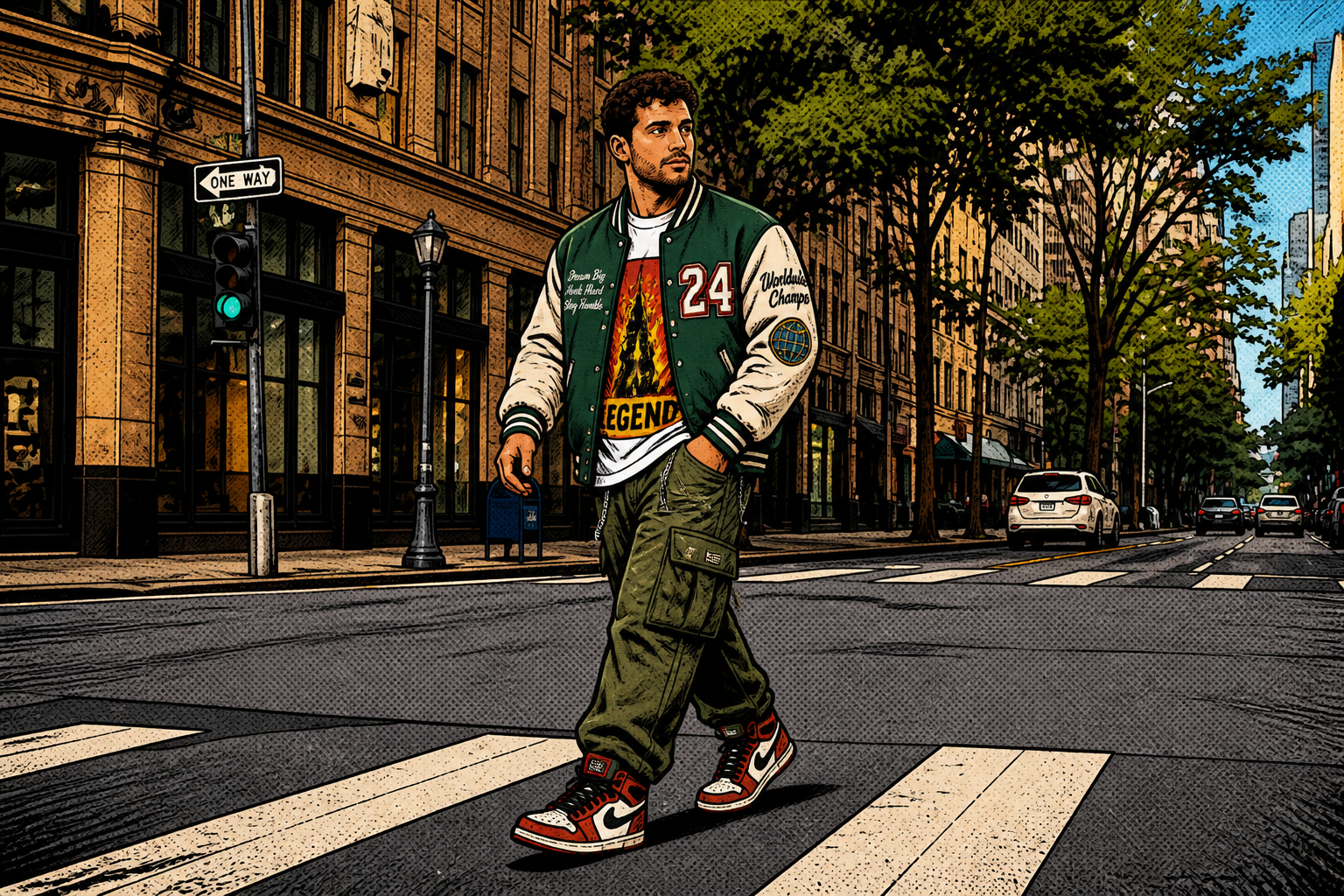
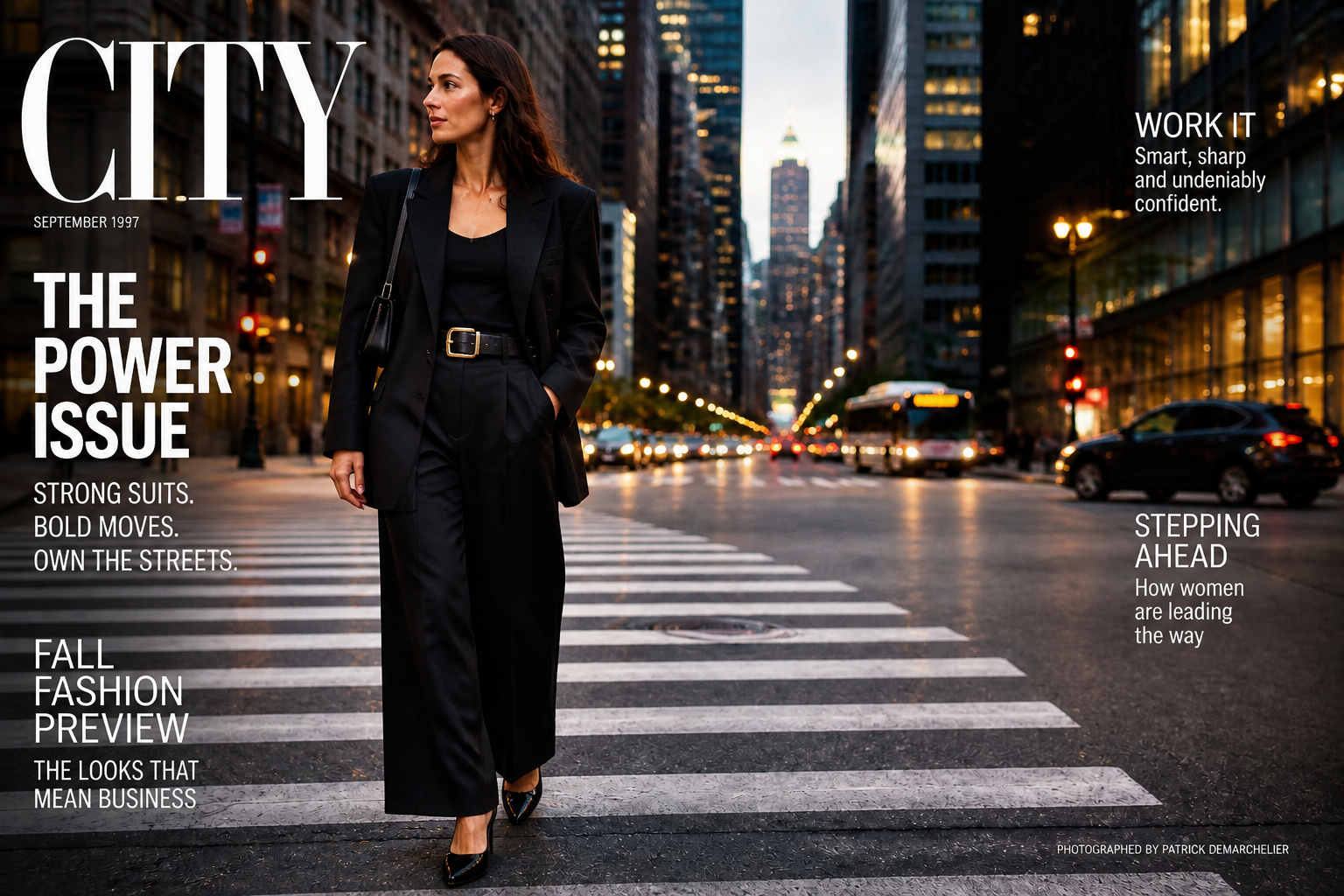
Outfit changes do not have to stay purely photoreal. You can also turn the result into a stylized fashion image for moodboards, campaign concepts, or social experiments. That gives teams a way to test both wardrobe direction and art direction in one pass. Doing this by hand usually means separate workflows across editing and illustration tools.
Consistent Looks for Product Pages
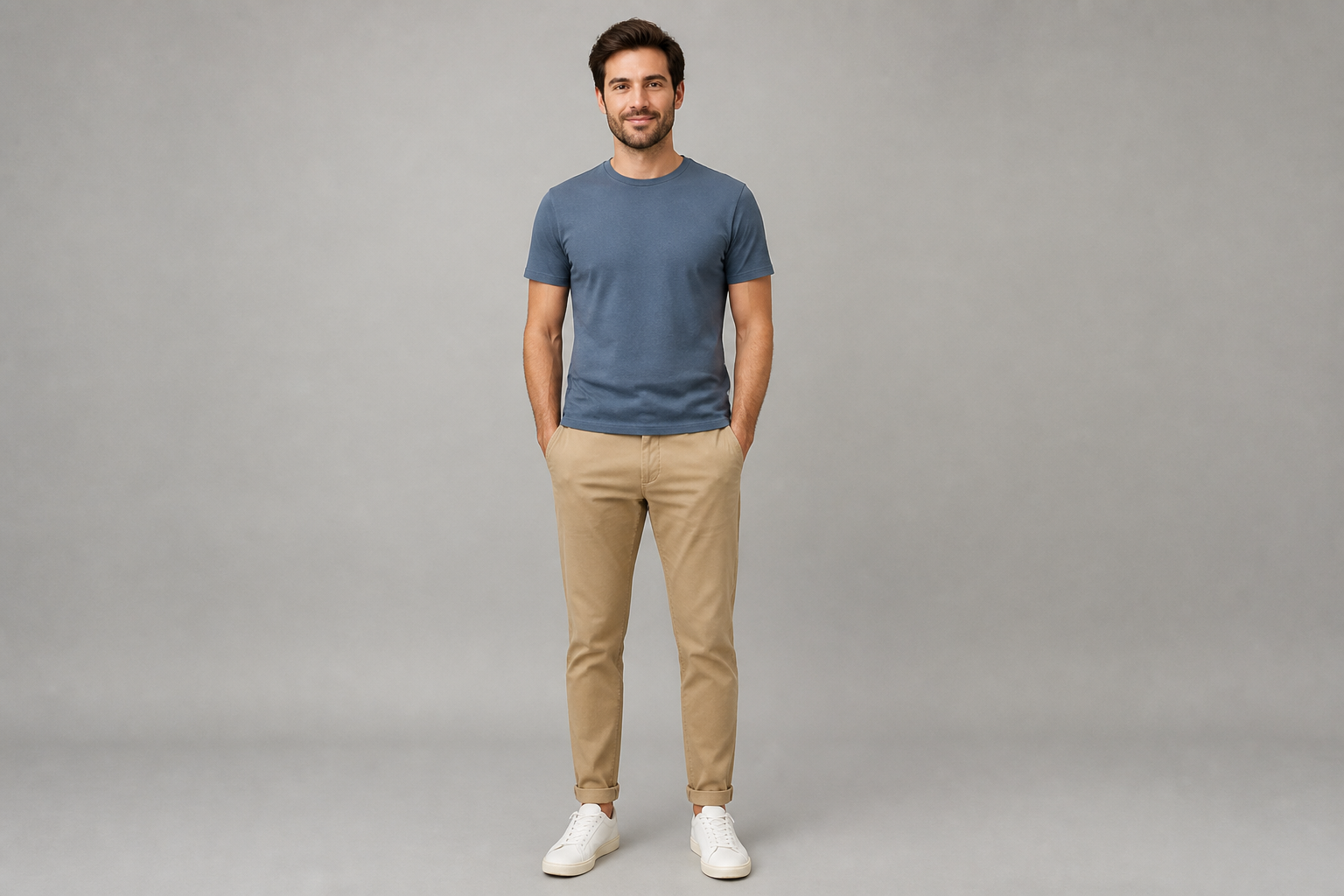
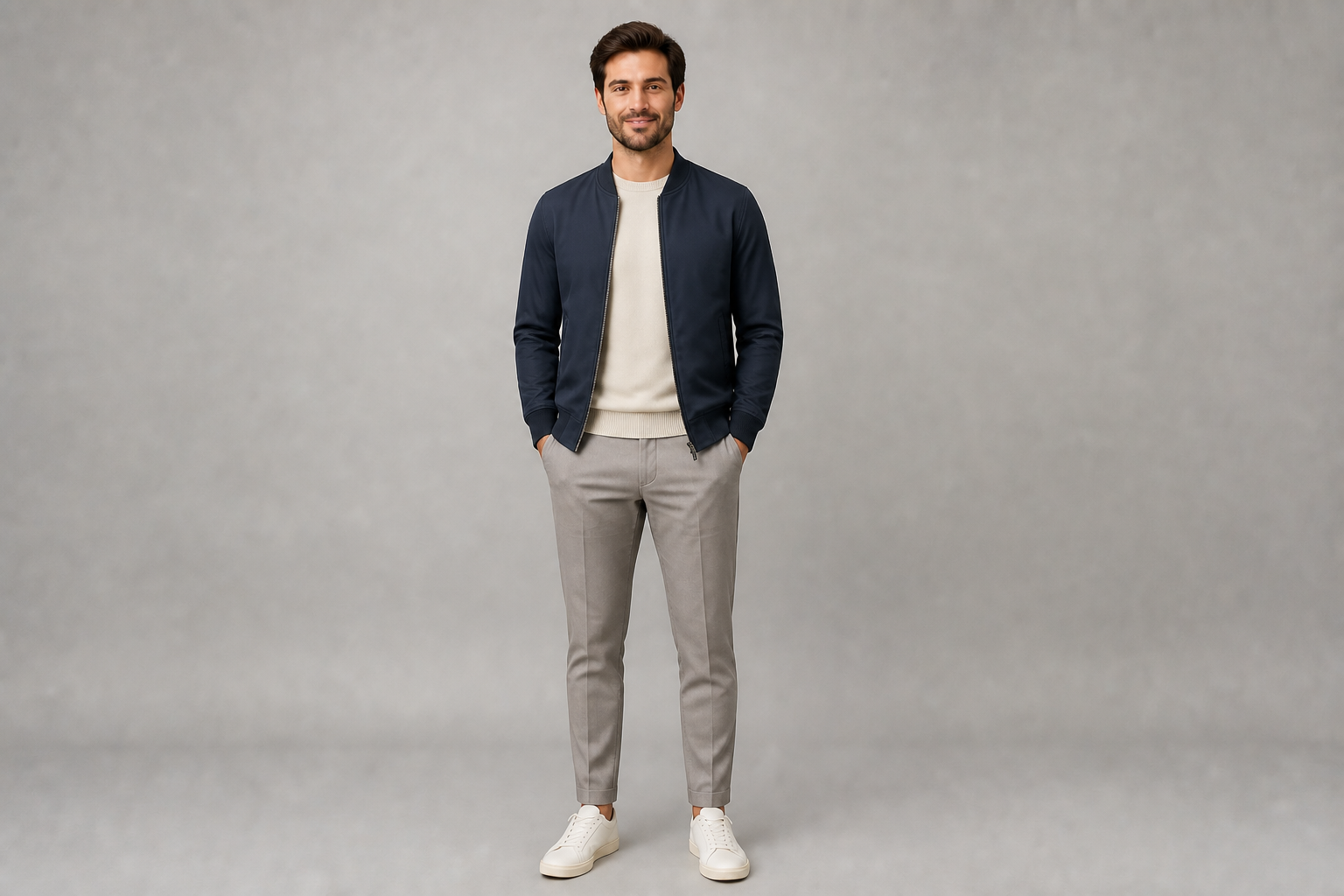
Use one base image to generate several clothing variants while keeping the framing and person consistent. This is useful for catalog planning, ad testing, and concept approval when you need visual continuity across multiple versions. It reduces the need for repeated shoots just to show different styling options. The result is cleaner and quicker than rebuilding each variation manually.
How It Works
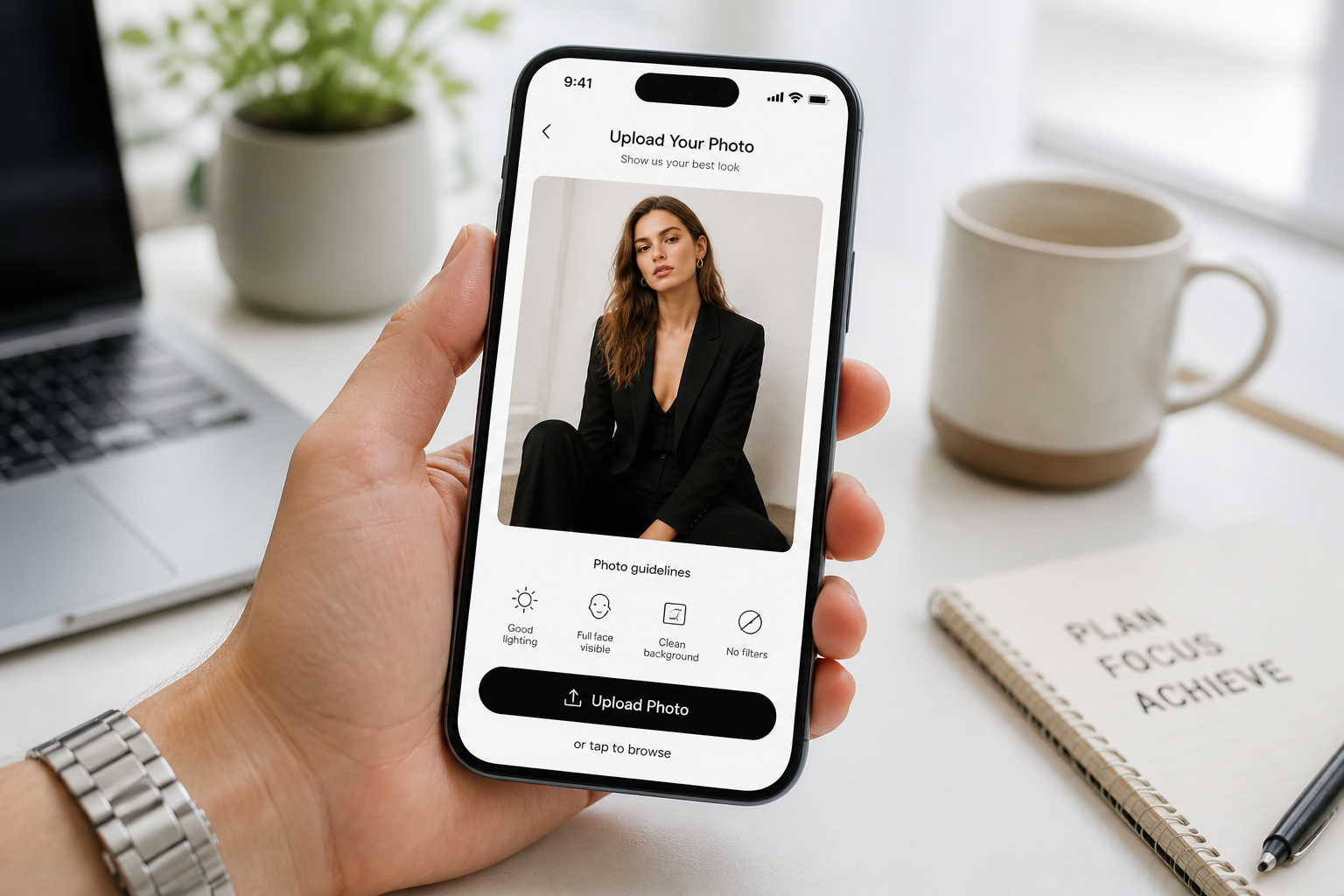
Upload your photo
Start with a clear image of one adult person where the outfit is visible. Full-body or three-quarter shots work best because the clothing change reads clearly in the result.
Describe the new outfit
Type the clothing you want to see, such as formalwear, streetwear, vacation looks, or branded uniforms. Be specific about layers, fabrics, shoes, and overall vibe so the result matches your goal.
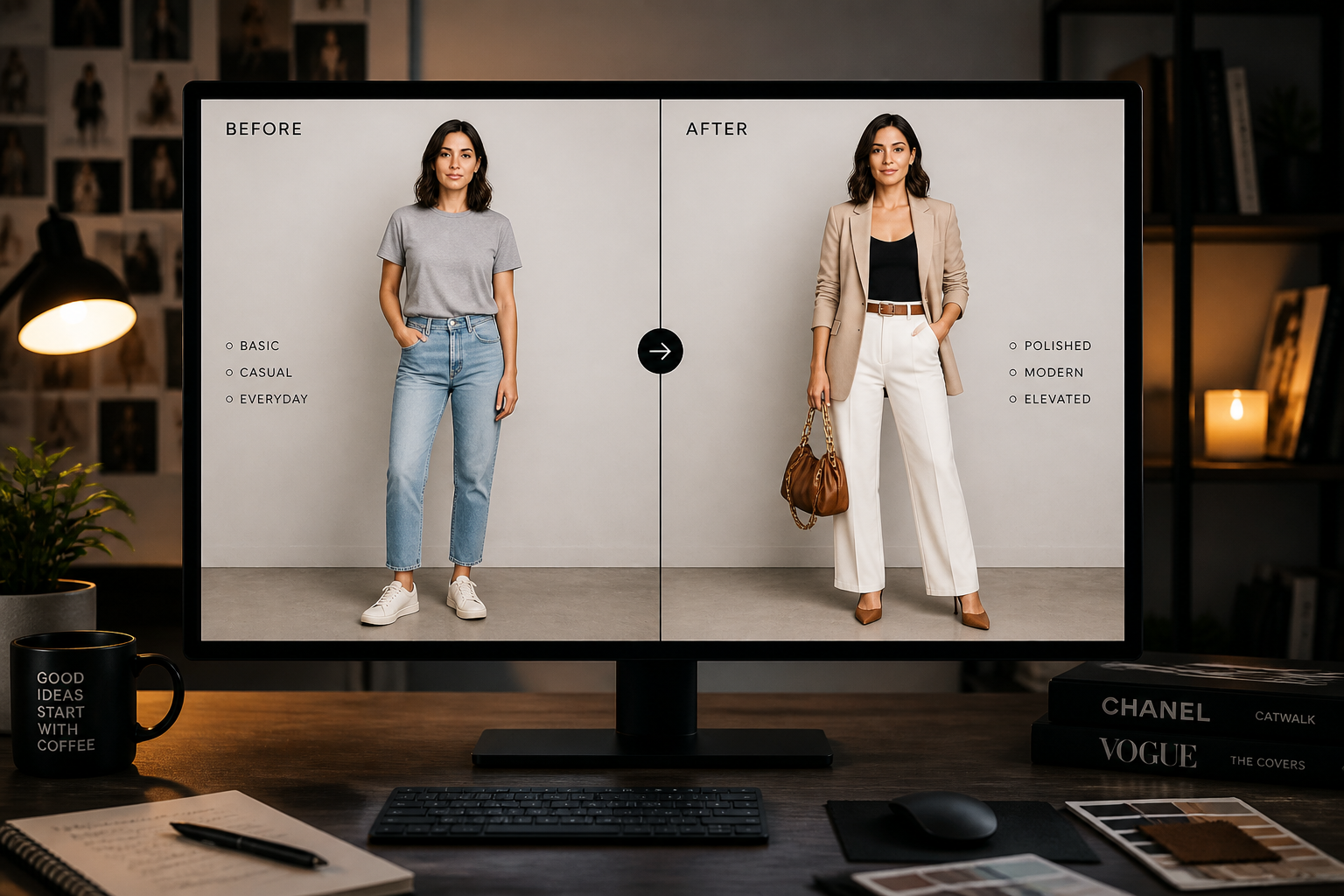
Generate and compare
Create the edit and review the before and after side by side. If needed, adjust the prompt and run another version until the outfit direction feels right.
Perfect For
Discover how creators and professionals use ai outfit generator
Content planning
Create multiple wardrobe options for social posts, thumbnails, and campaigns without organizing a new shoot for each look.
E-commerce concepts
Mock up product styling directions and visual merchandising ideas before investing in full production.
Personal styling tests
Preview outfits on an existing photo to compare aesthetics, occasion fit, and overall mood.
Client approvals
Show quick wardrobe variations to clients, teammates, or talent before finalizing a creative direction.
Built For
Creators and influencers
Generate fresh outfit variations for posts, cover images, and brand pitches while keeping the same pose and setting.
Fashion sellers and marketers
Test styling concepts and ad-ready looks quickly when you need fast visual options for campaigns or product pages.
Stylists and agencies
Use one source image to present several wardrobe directions for approvals, moodboards, and creative reviews.
Why use BudgetPixel for outfit edits
A quick look at how we compare on the things that matter for this niche.
| Feature | BudgetPixel | Generic AI editors | Manual editing apps |
|---|---|---|---|
| Fast outfit swaps | ✓ | ✓ | — |
| Keeps pose consistent | ✓ | Varies | ✓ |
| Prompt-based clothing changes | ✓ | Varies | — |
| Stylized and realistic outputs | ✓ | Varies | — |
| Speed for multiple variations | ✓ | ✓ | Slow |
Frequently Asked Questions
What does the AI Outfit Generator change in a photo?
Do I need a full-body photo?
Can I create different fashion styles from one image?
Will the face and body stay the same?
Is this useful for stores or brand content?
Create together.
Share your creations, discover trending AI art, and grow with fellow creators.