AI Outfit Changer
Swap clothing styles in your photos without reshooting.
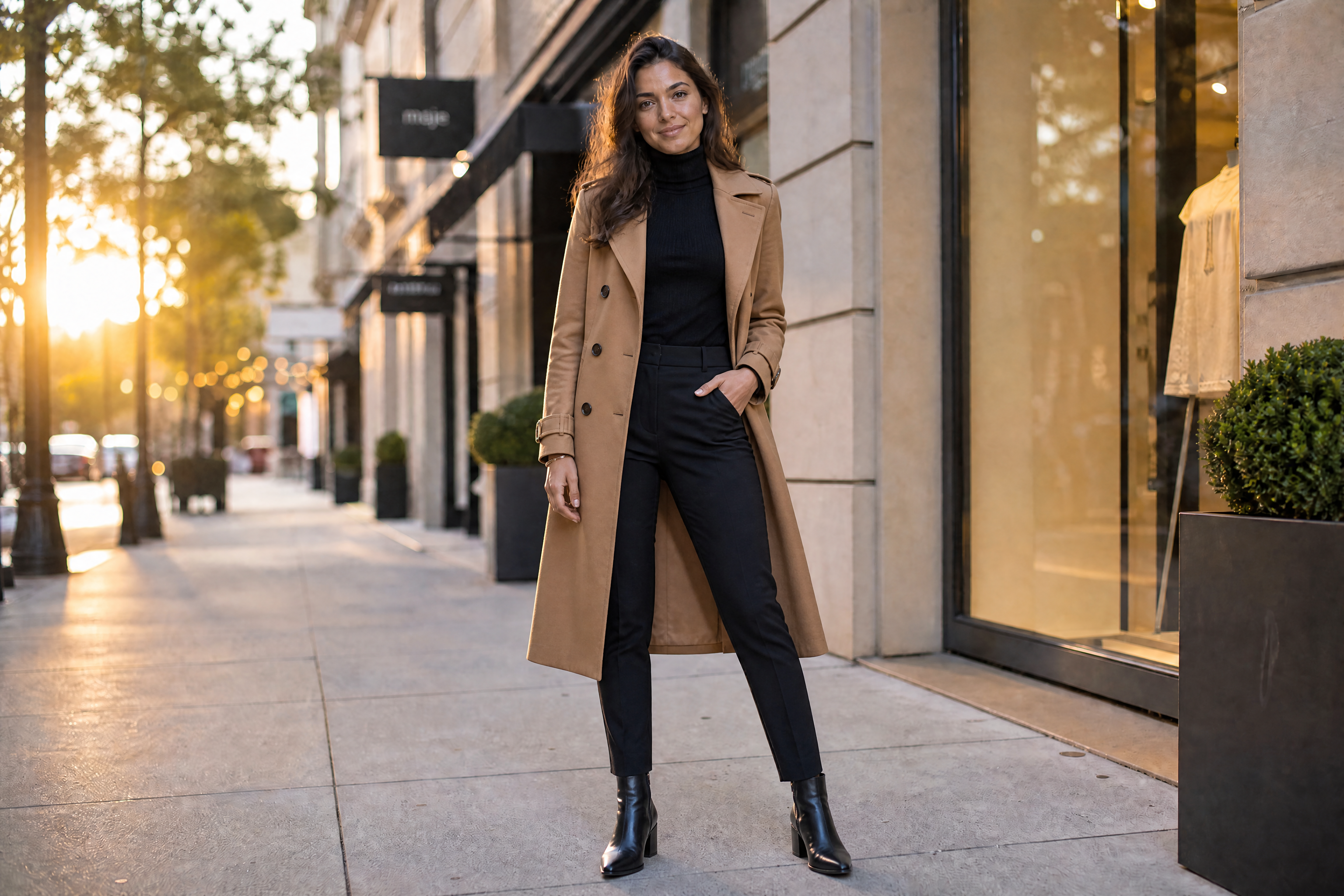
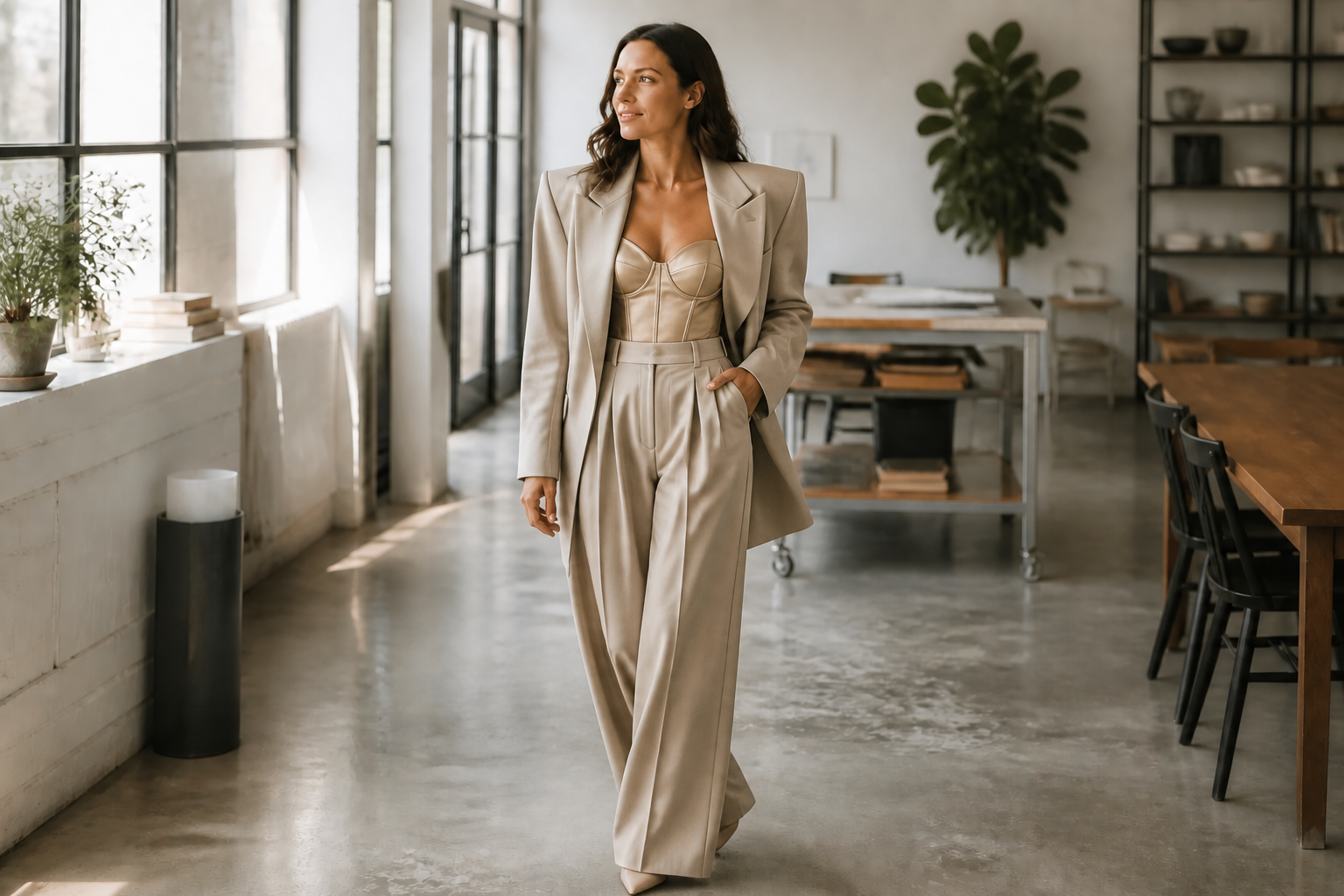
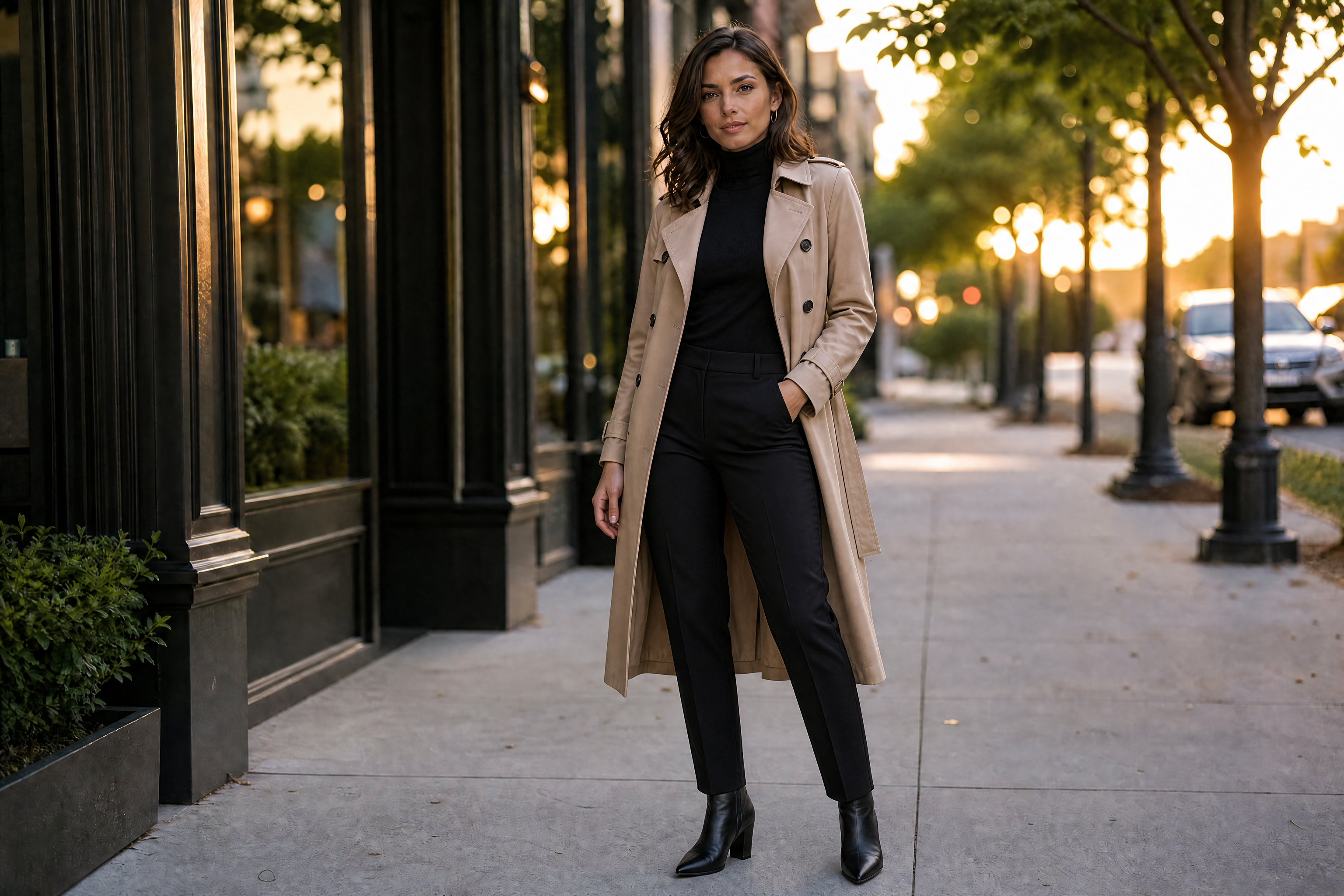
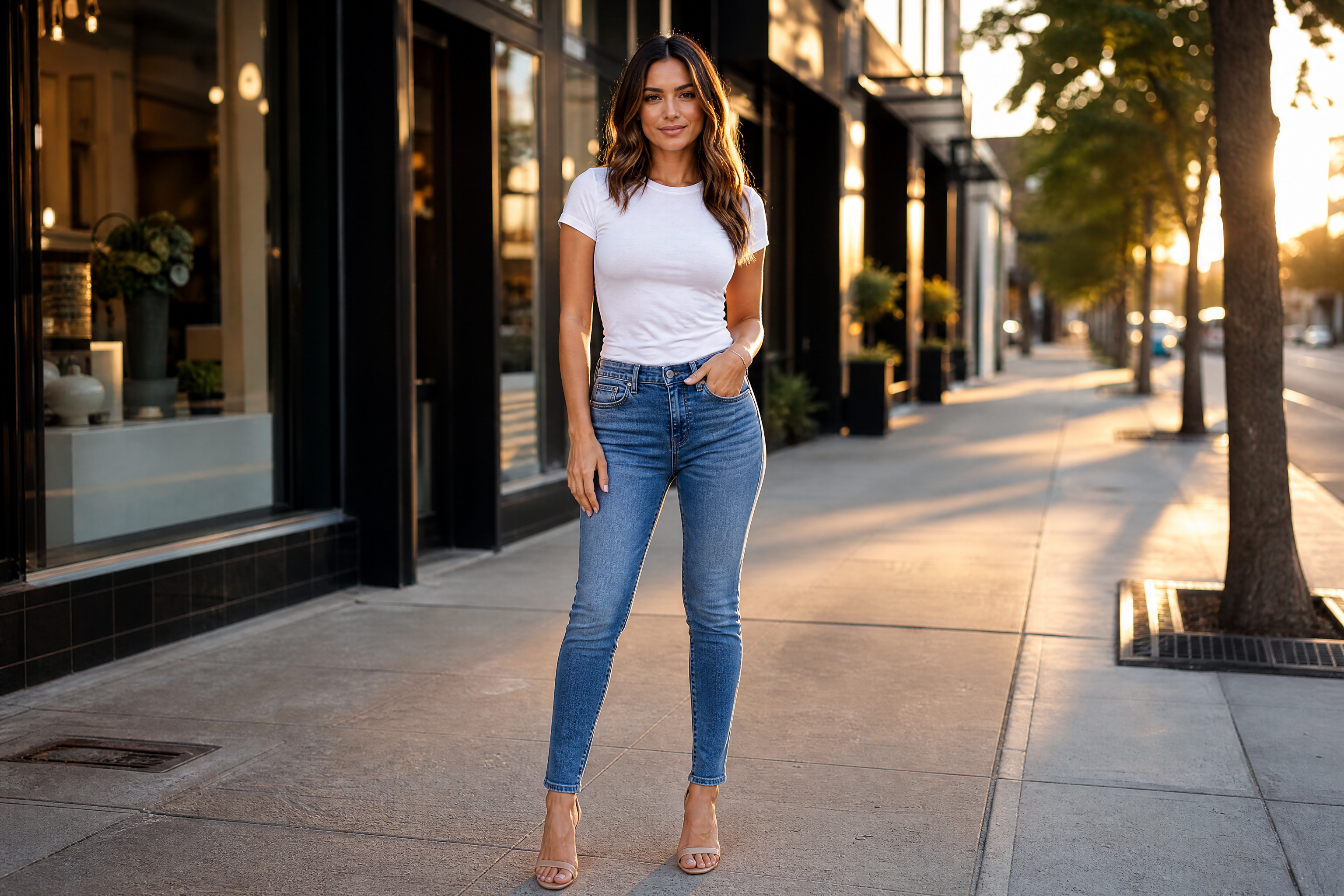
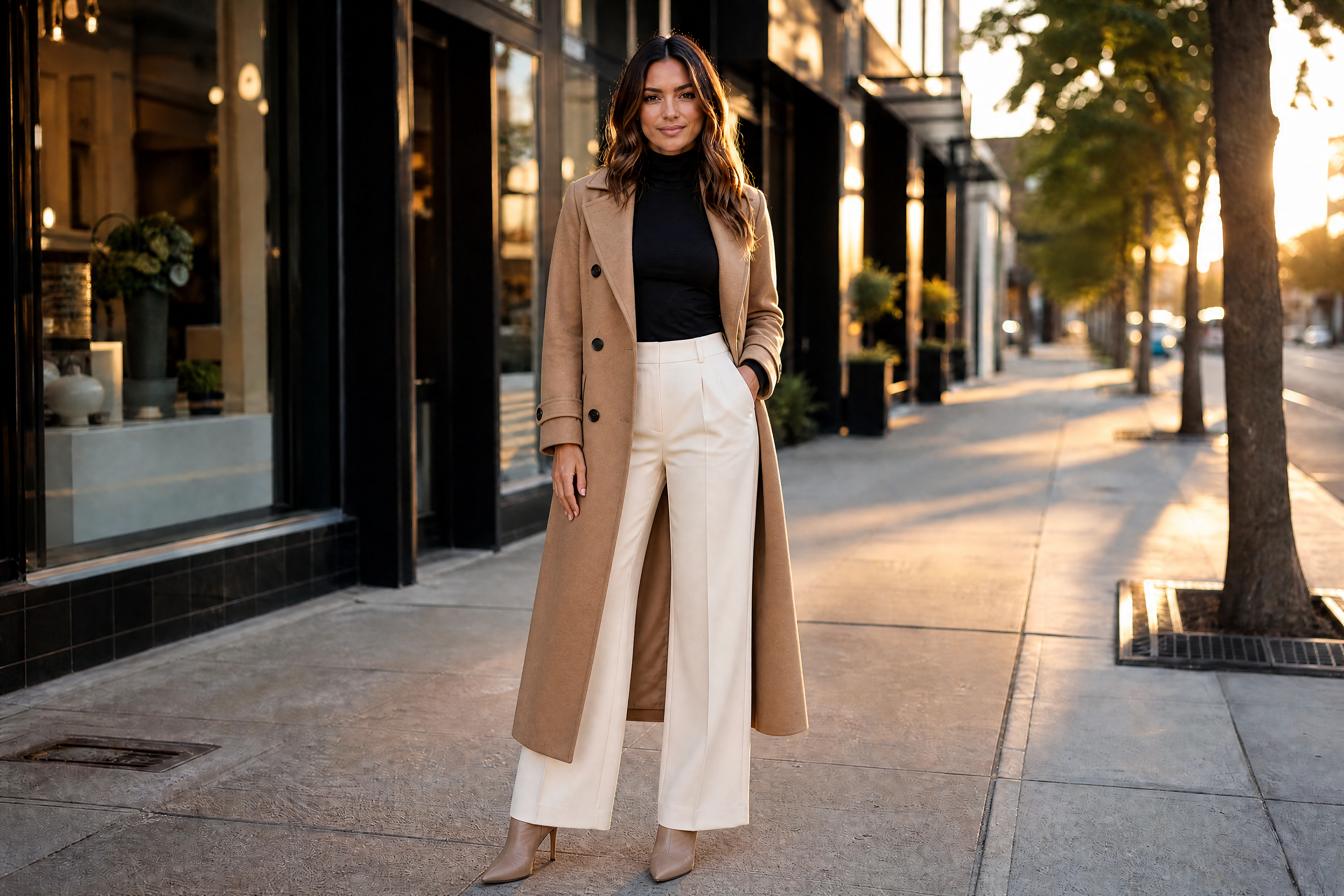
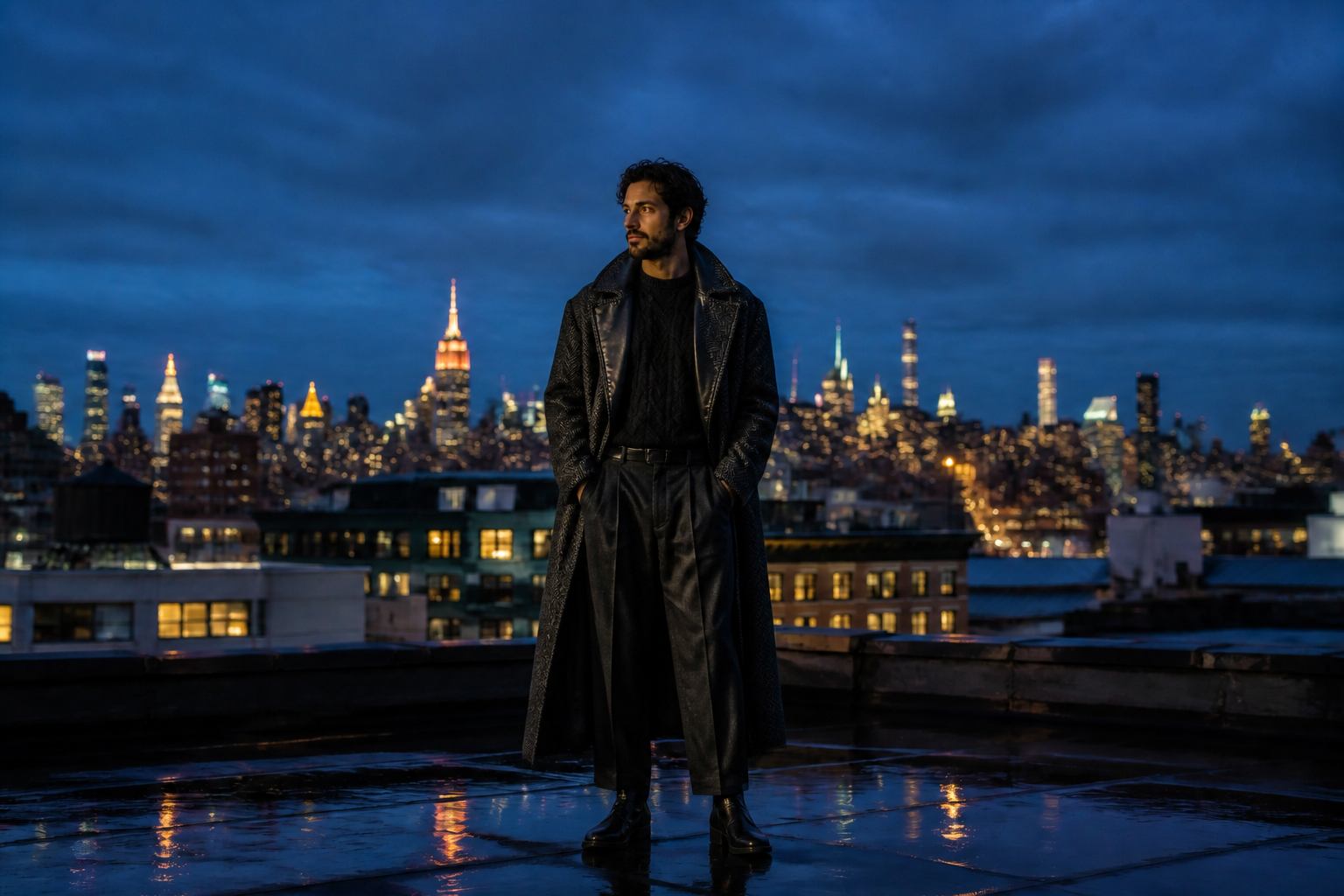
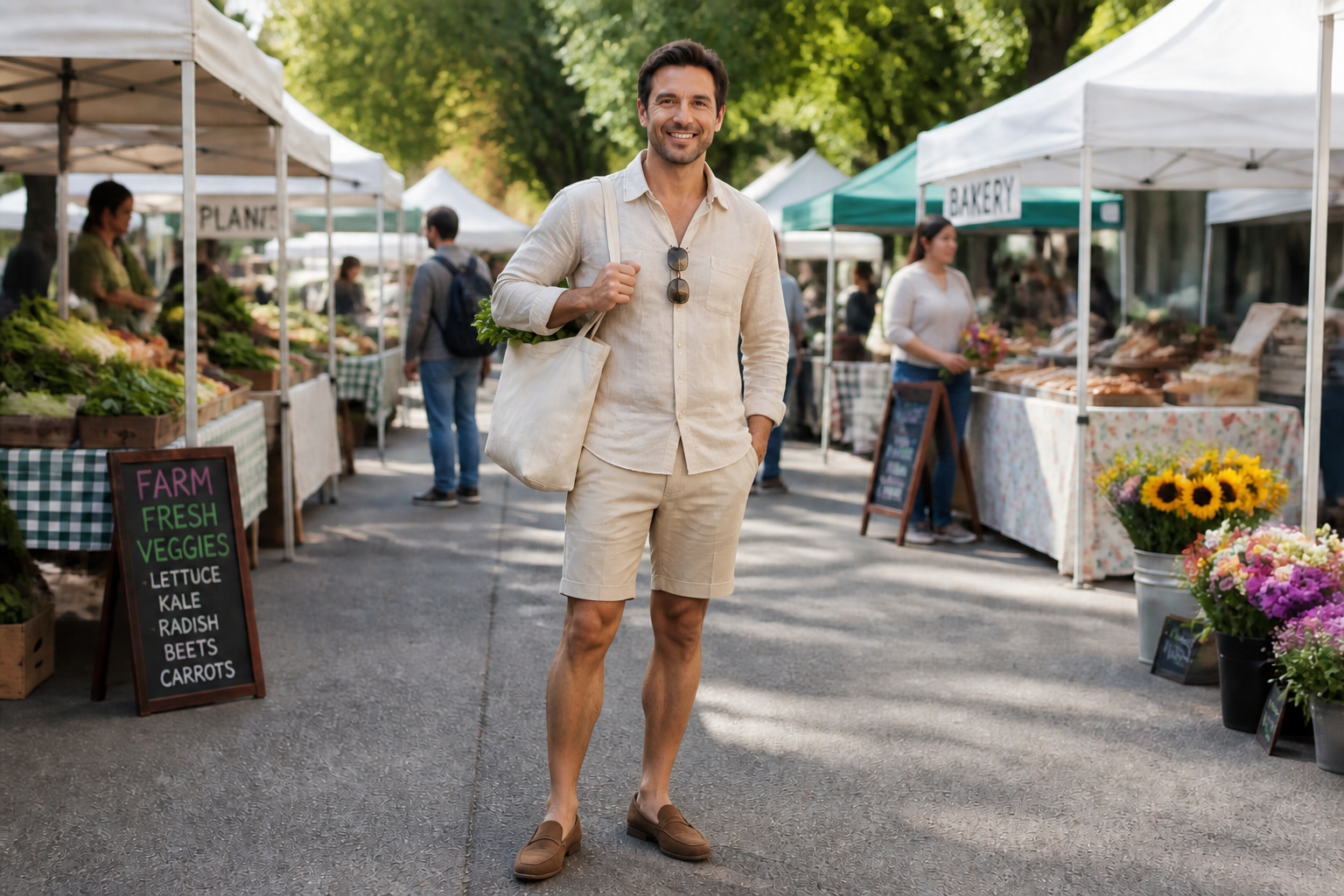
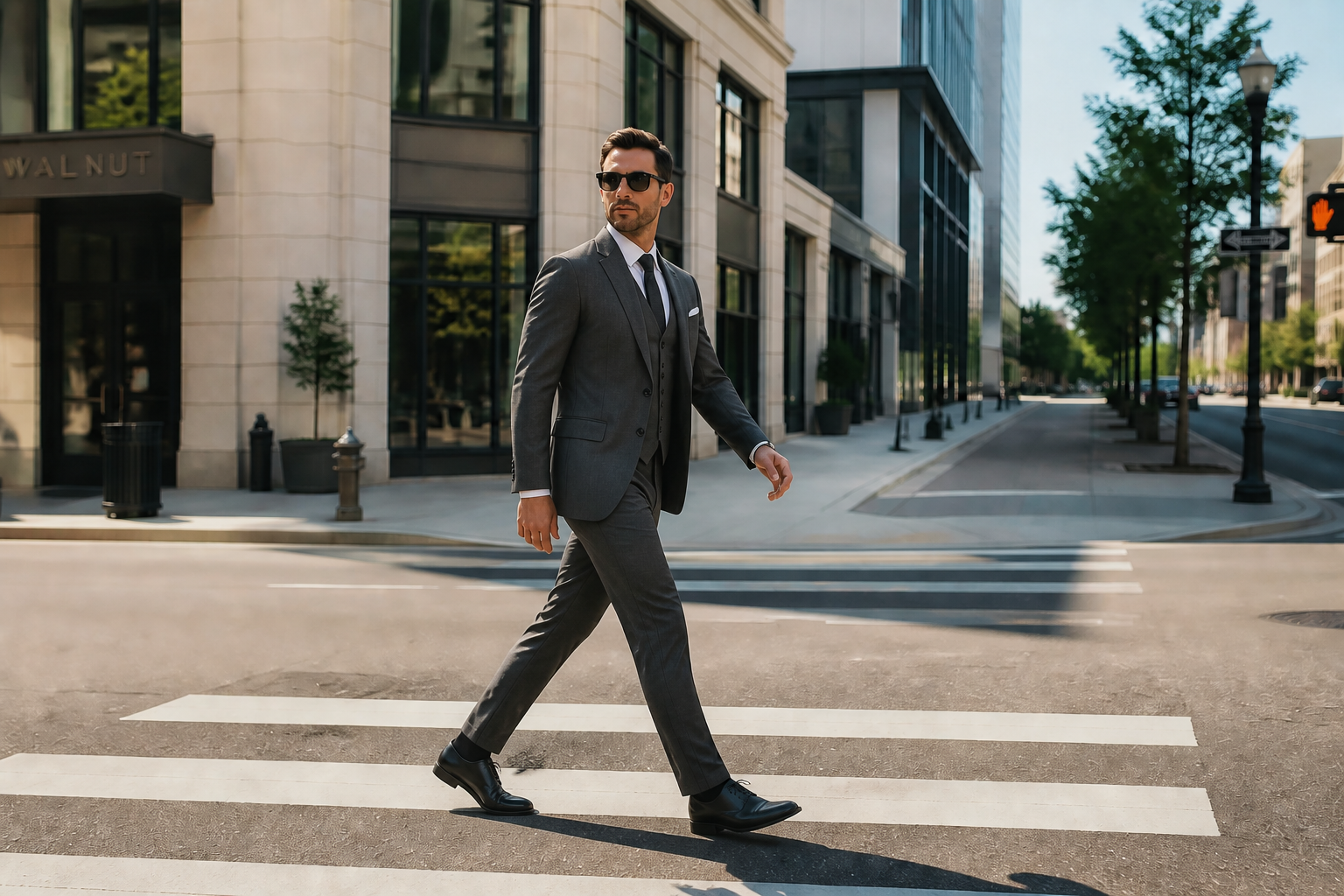
AI Outfit Changer lets you replace outfits in an existing photo while keeping the person, pose, and scene consistent. Try casual, formal, streetwear, editorial, or themed looks in a few seconds. It is useful for creators, shoppers, and anyone exploring style ideas.
Watch the Transformation
See ai outfit changer in motion — generated end-to-end by our AI.
See It In Action
Real outputs from ai outfit changer.
BEFOREAFTER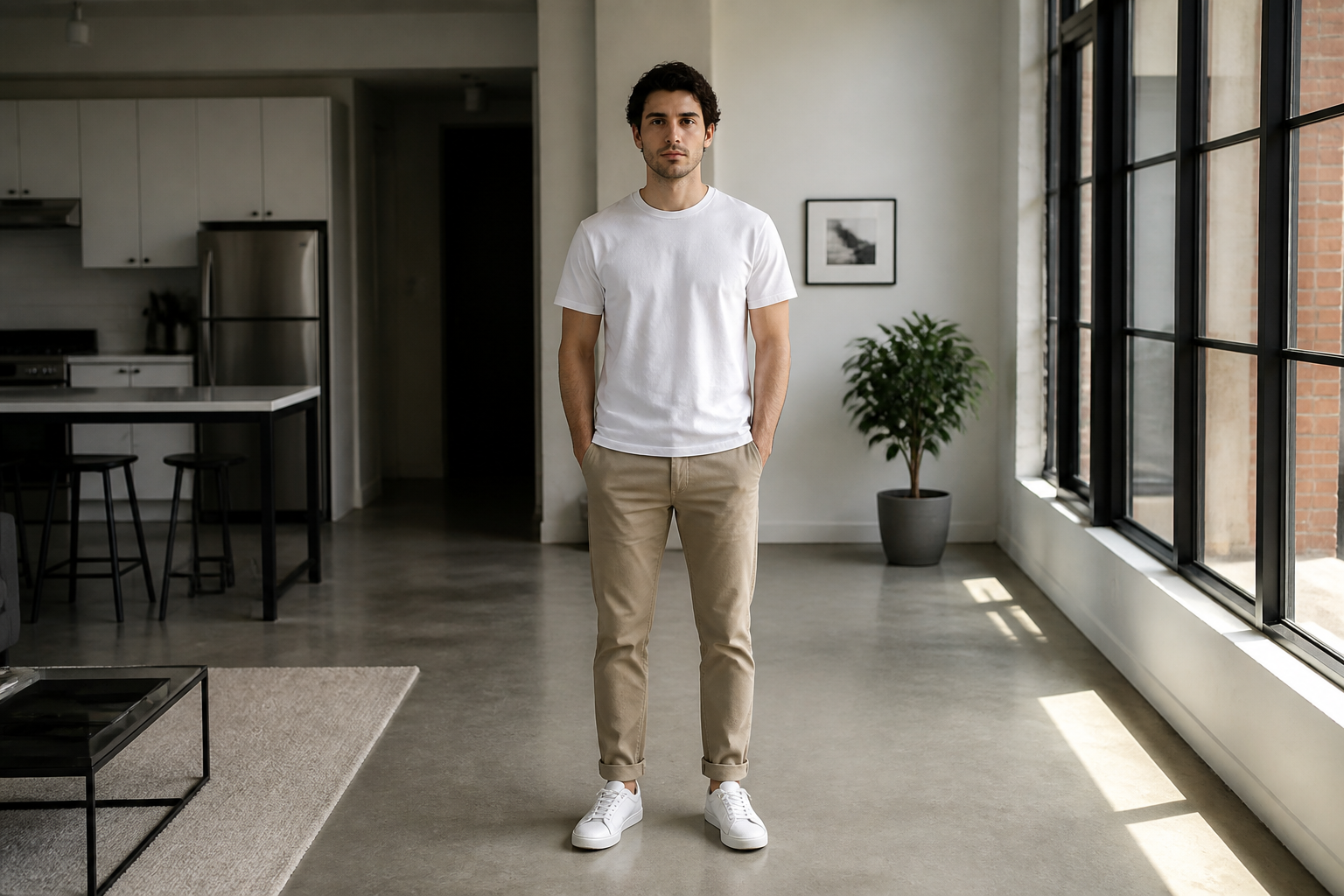 BEFORE
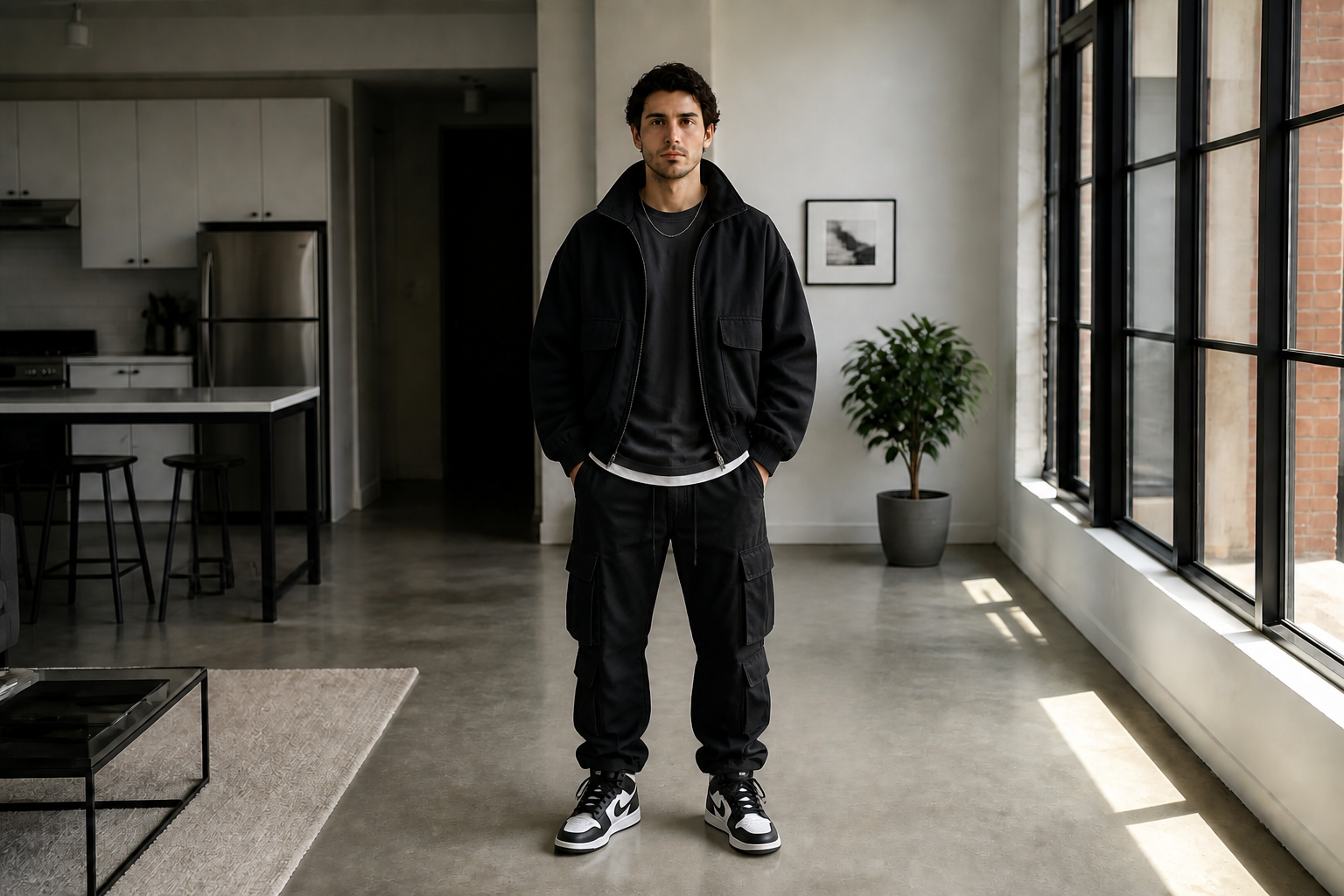 AFTER
AFTER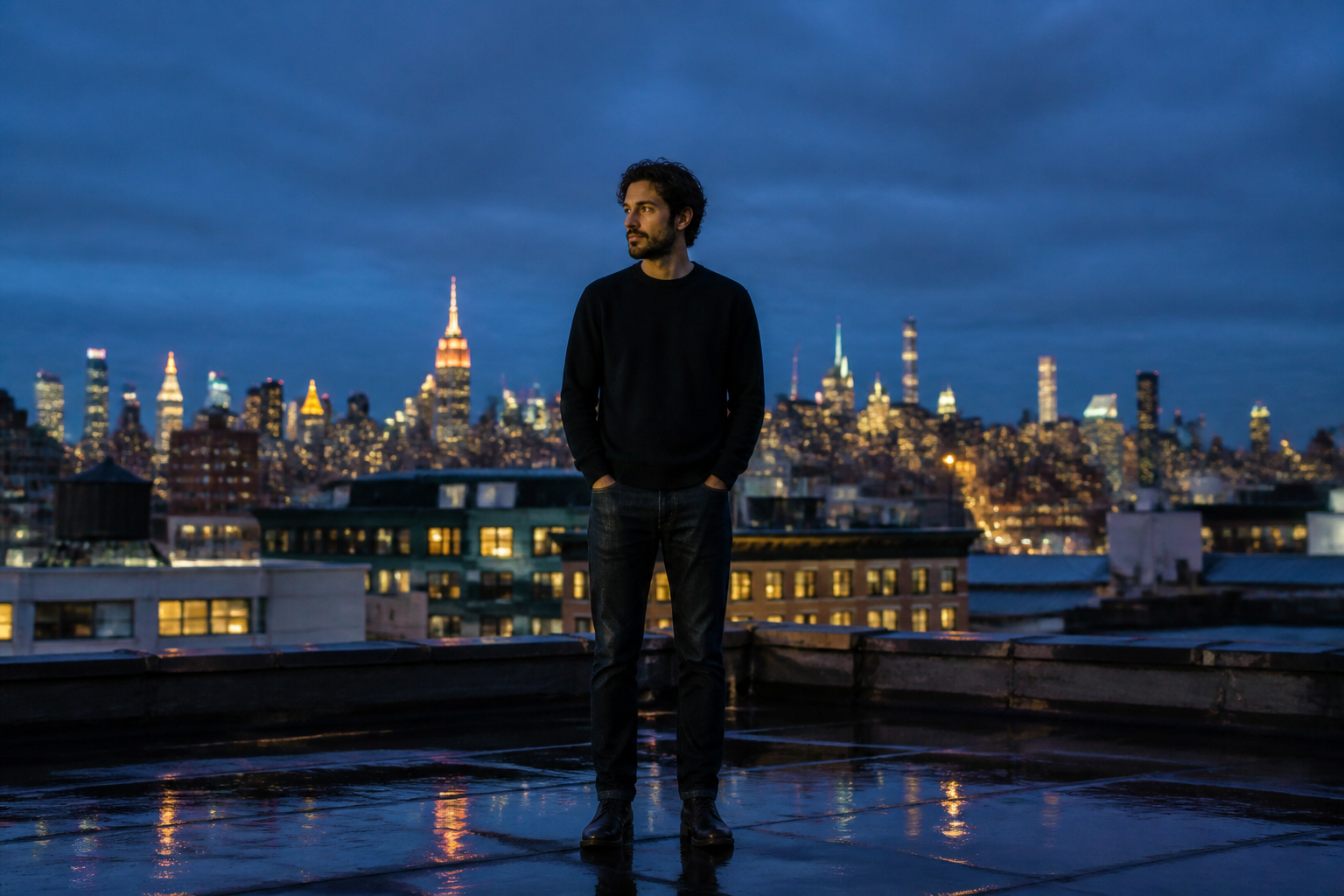 BEFORE
 AFTER
AFTER BEFORE
 AFTER
AFTER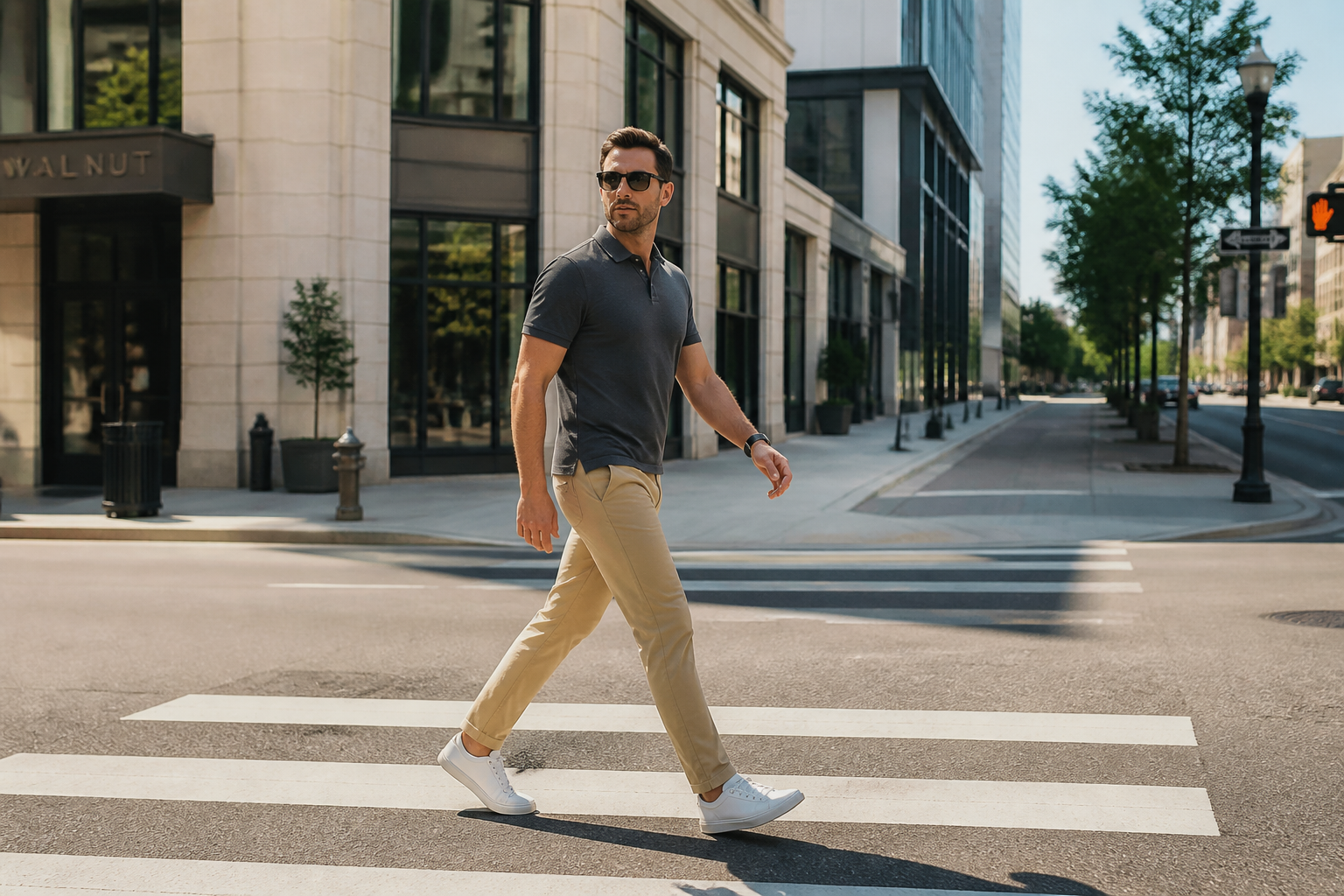 BEFORE
 AFTERBEFOREAFTERBEFOREAFTERBEFOREAFTERBEFOREAFTERBEFOREAFTER
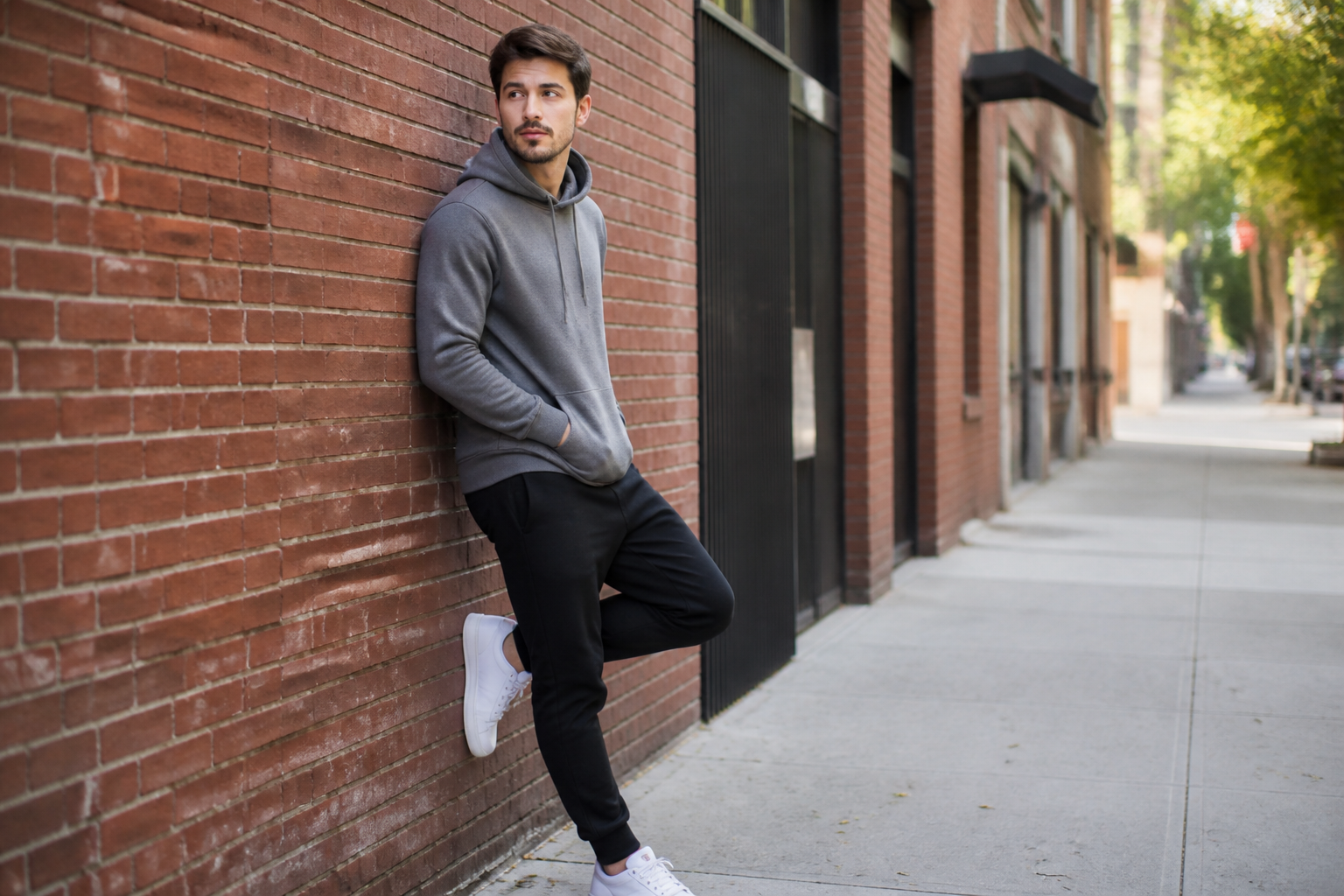 BEFORE
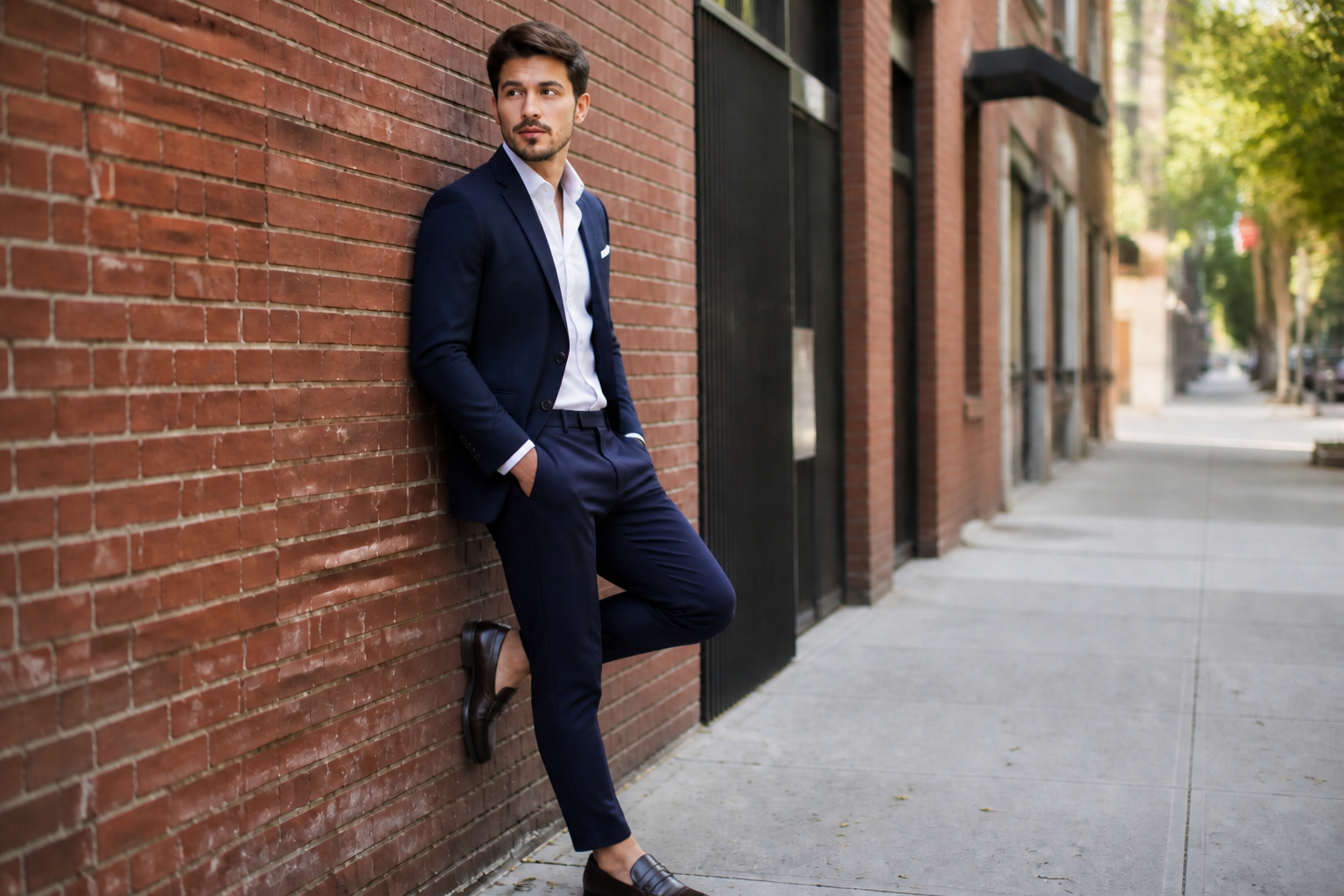 AFTER
AFTER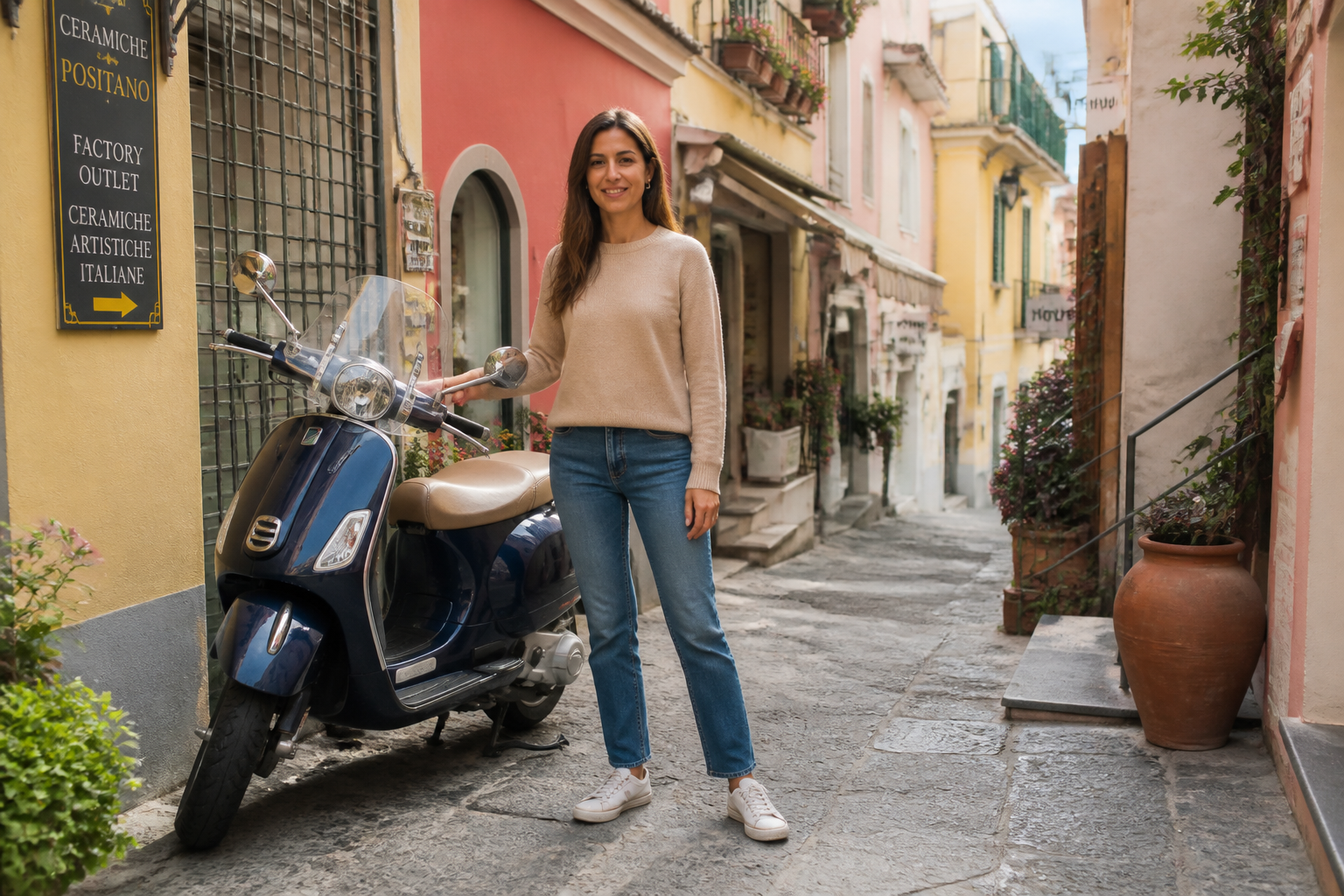 BEFORE
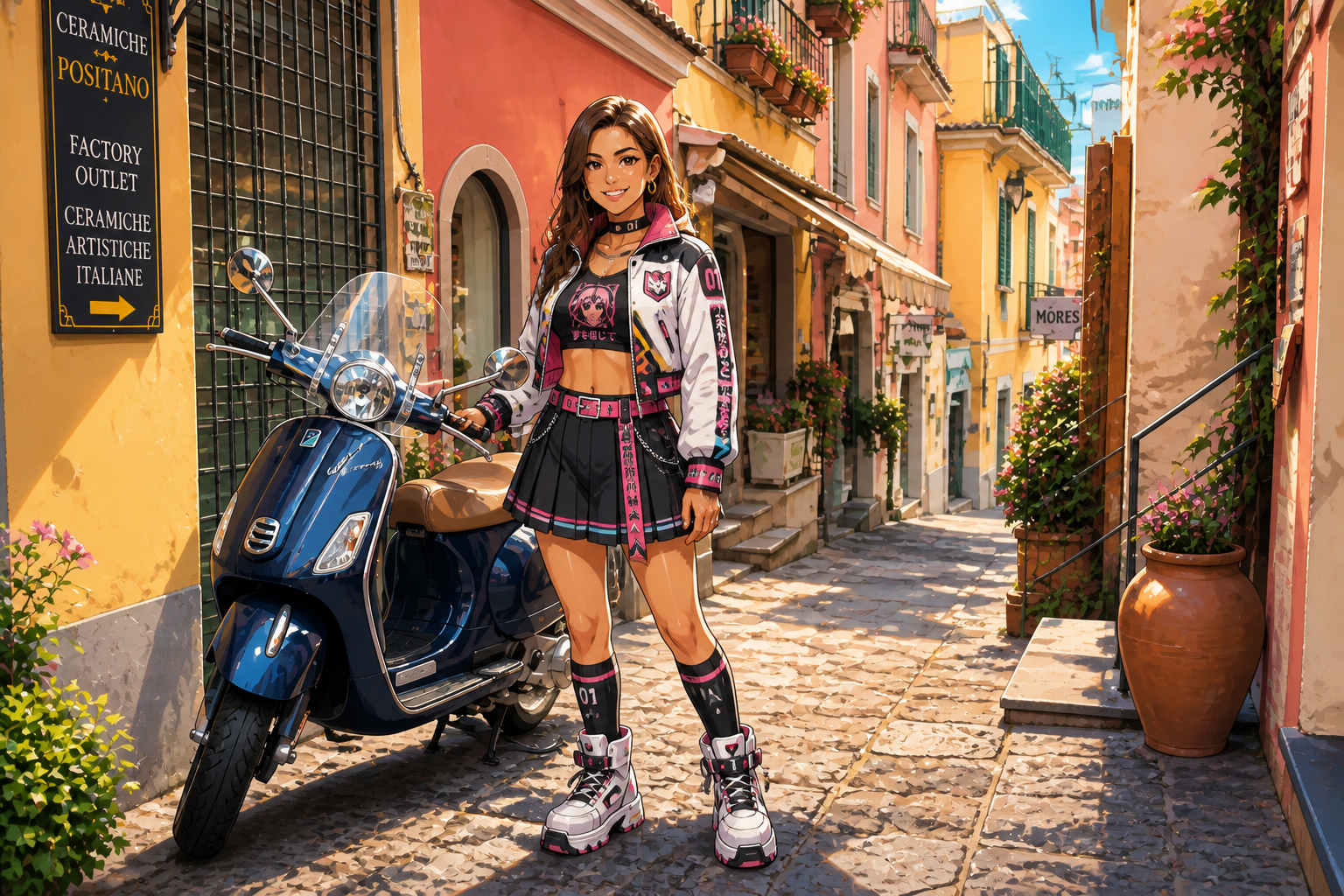 AFTER
AFTER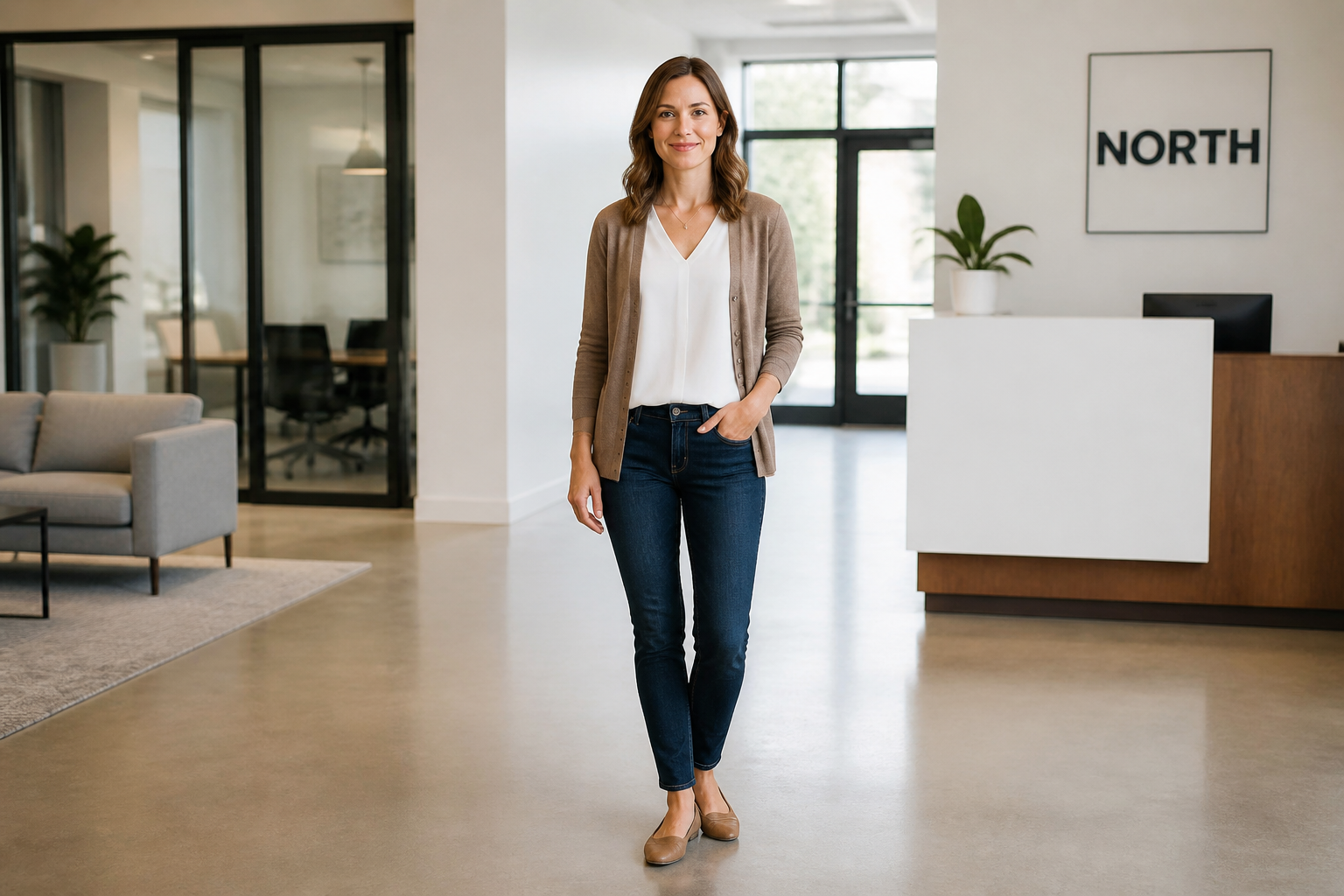 BEFORE
 AFTER
AFTER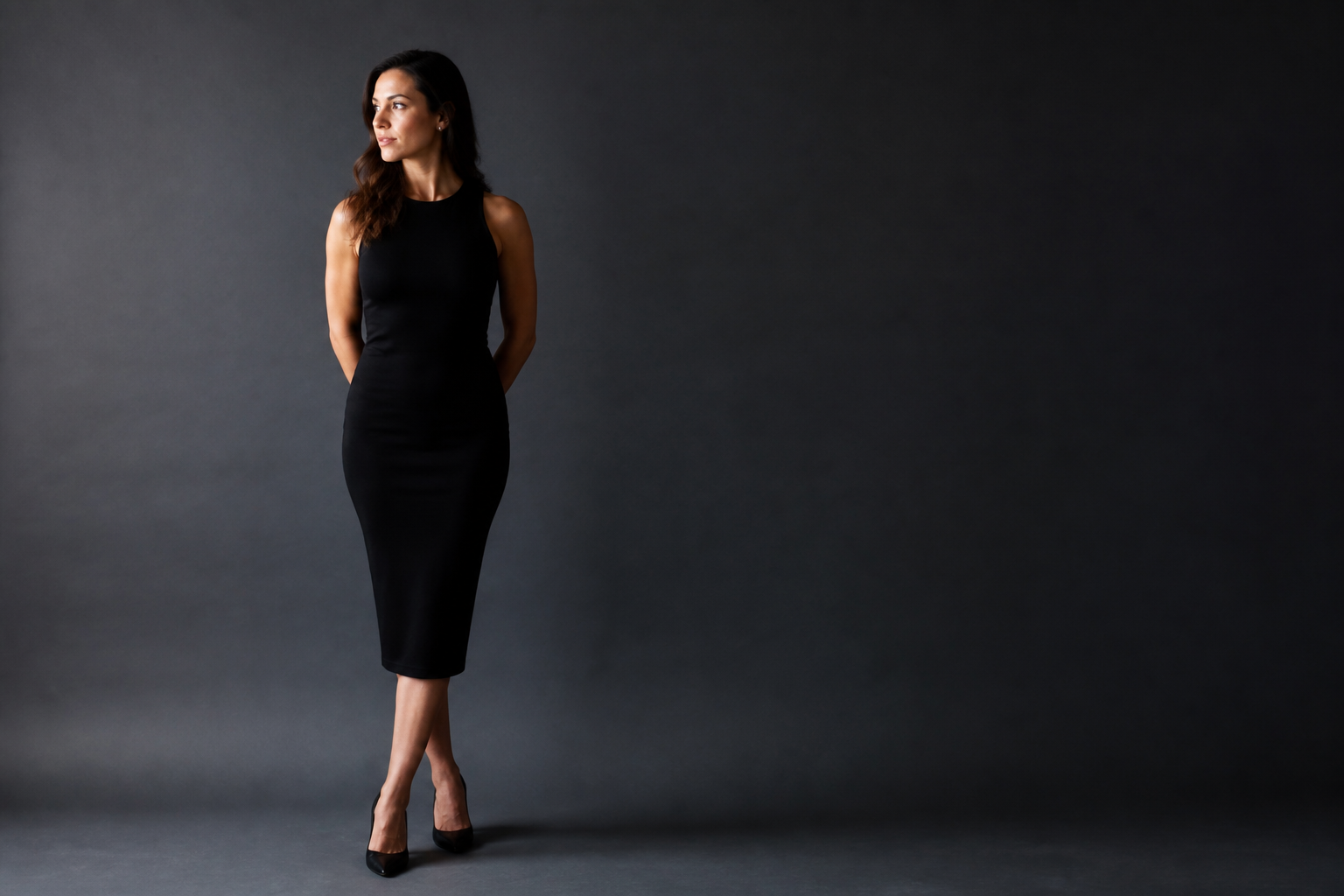 BEFORE
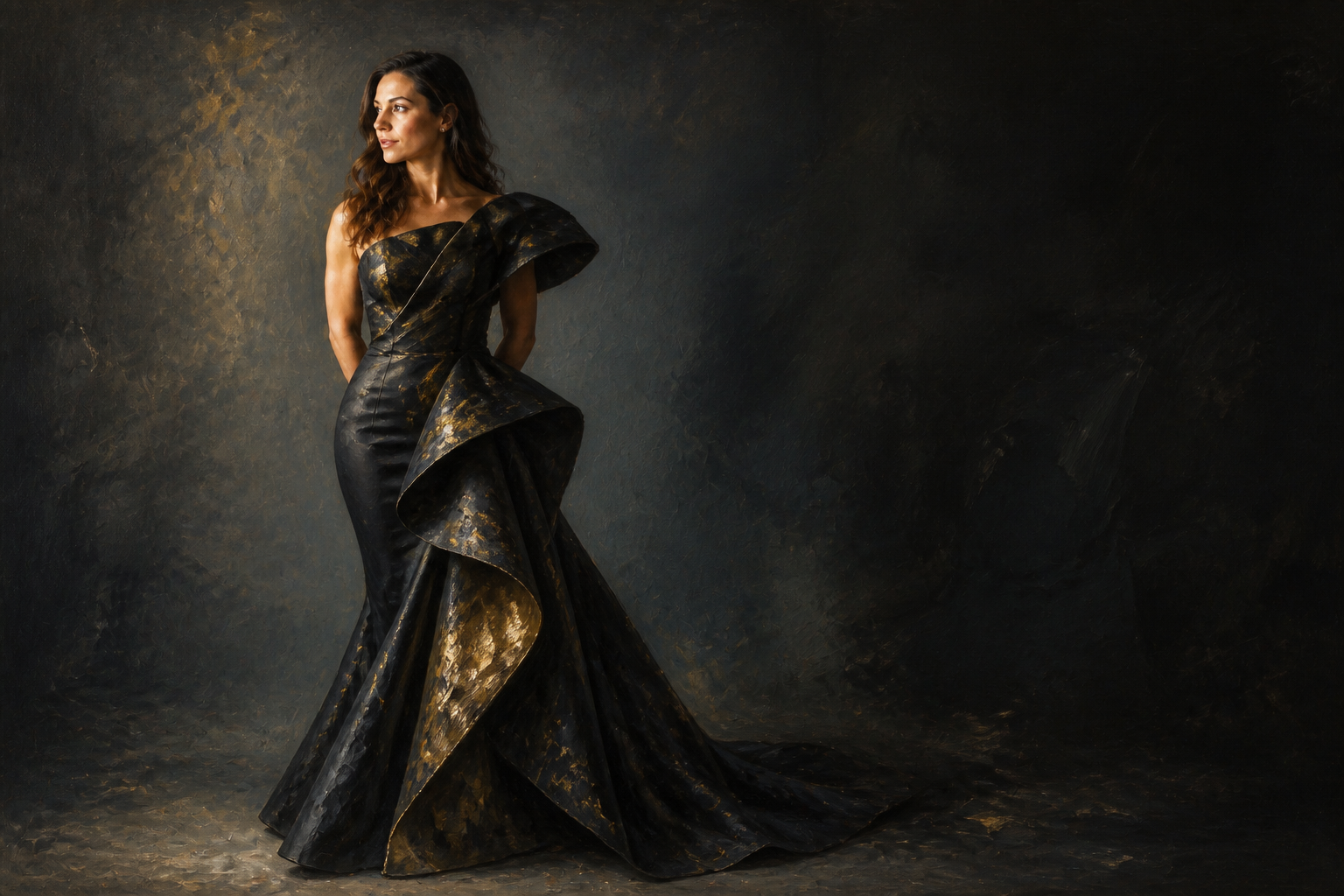 AFTERBEFOREAFTERBEFOREAFTERBEFOREAFTERBEFOREAFTER
Key Features
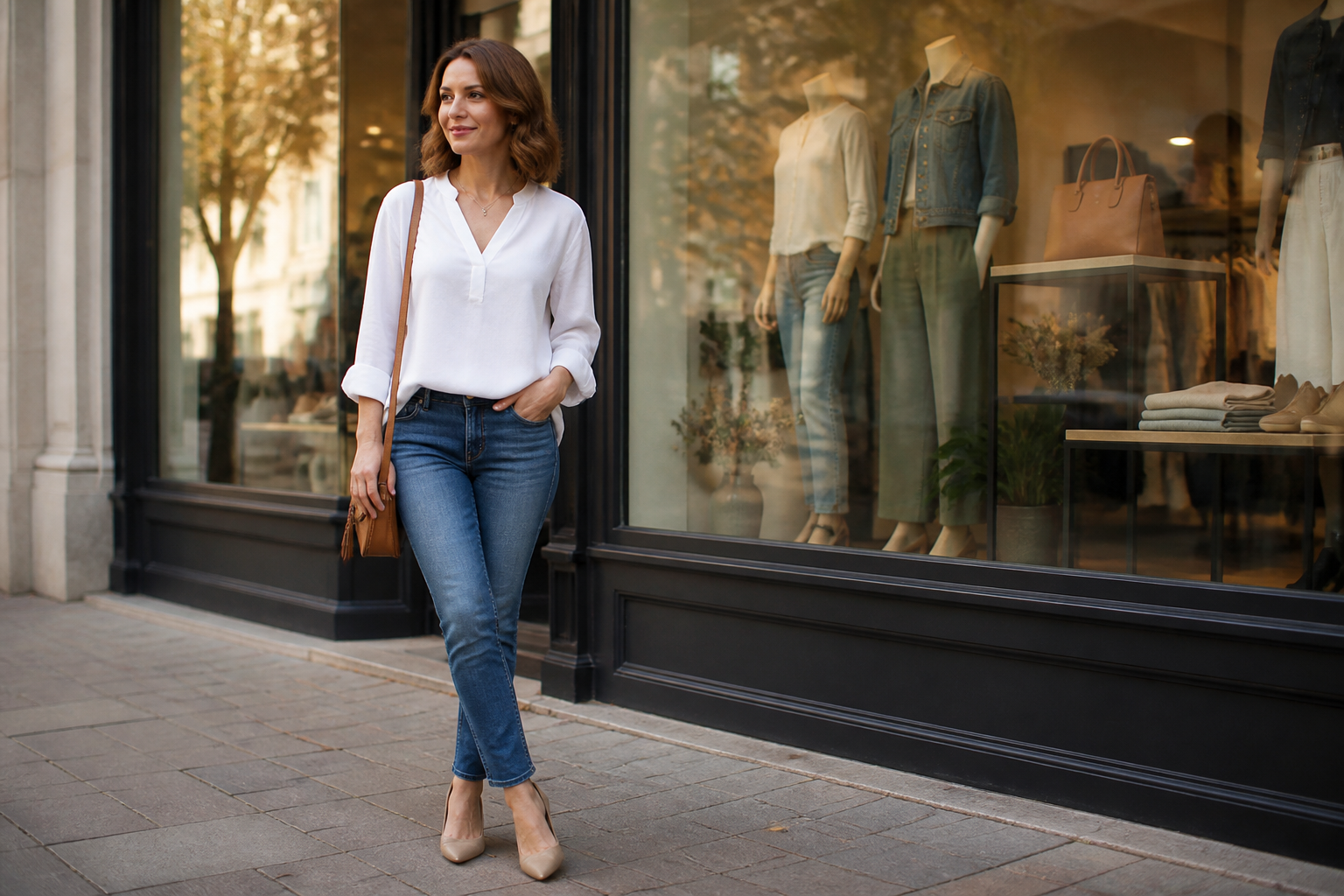
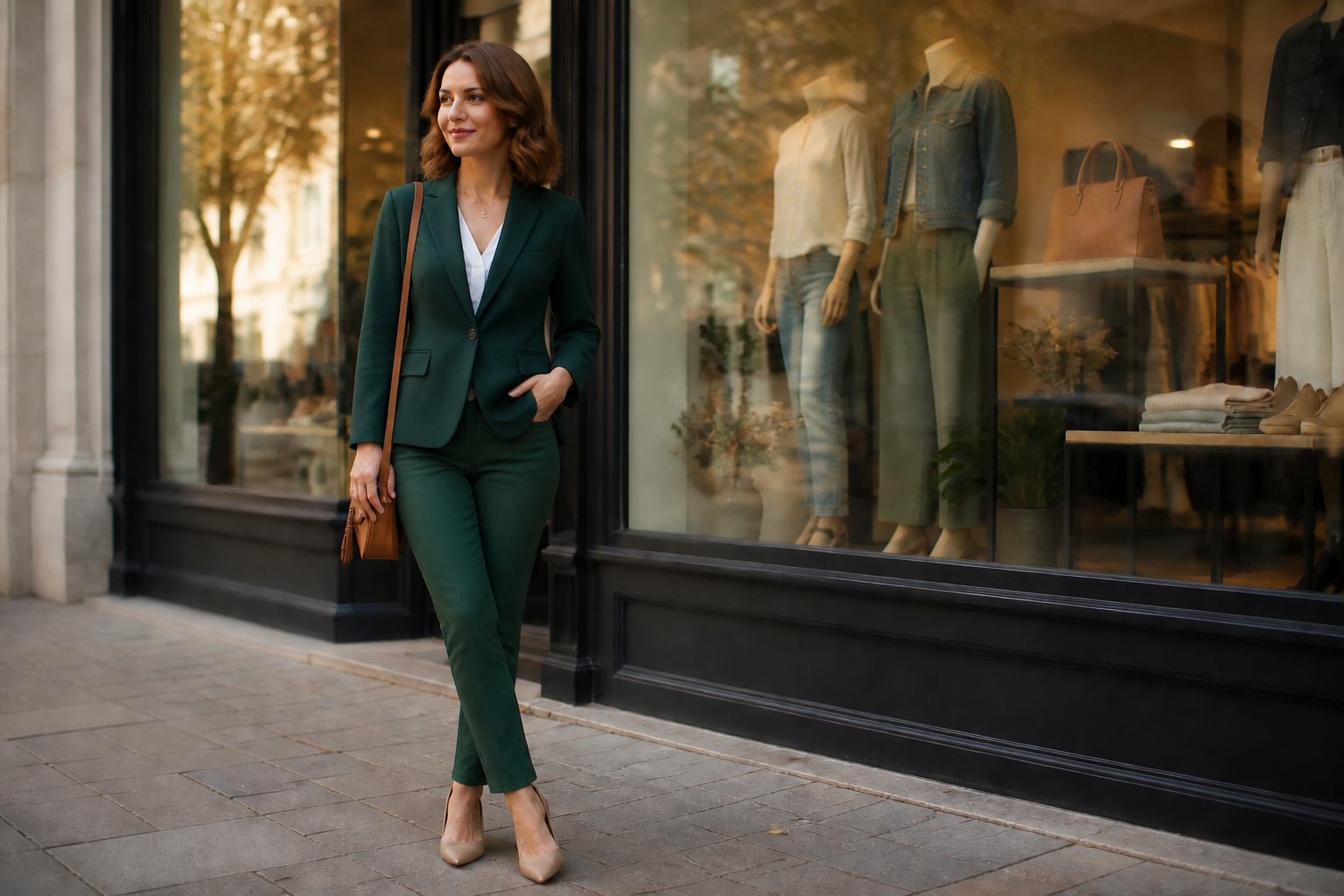
Swap clothes, keep identity
You can change the outfit without replacing the person. Our AI keeps the face, pose, body proportions, and scene consistent so the result still looks like the original photo. That makes it easier to test style ideas without the common problem of identity drift. It is much faster than rebuilding the whole image from scratch.
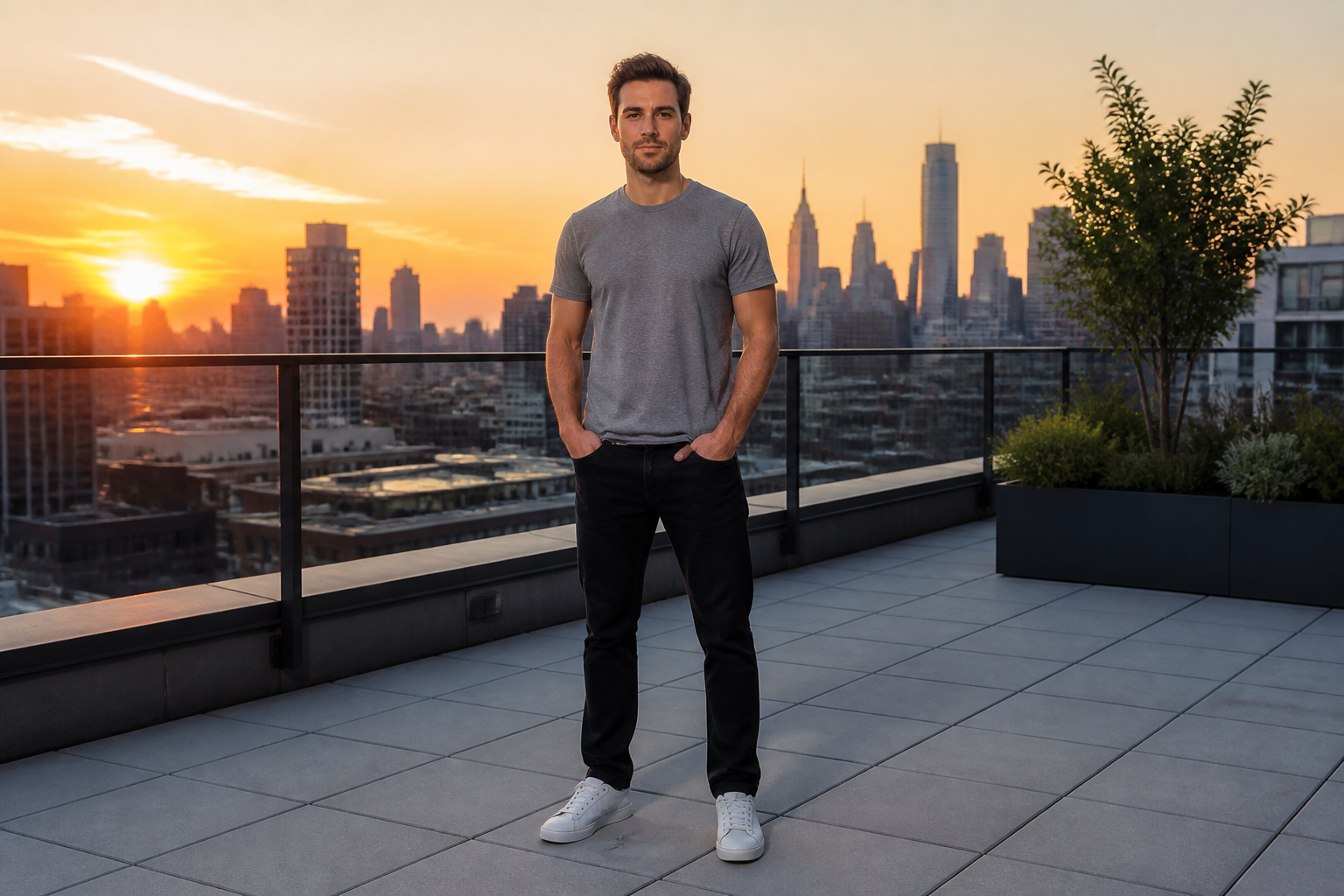
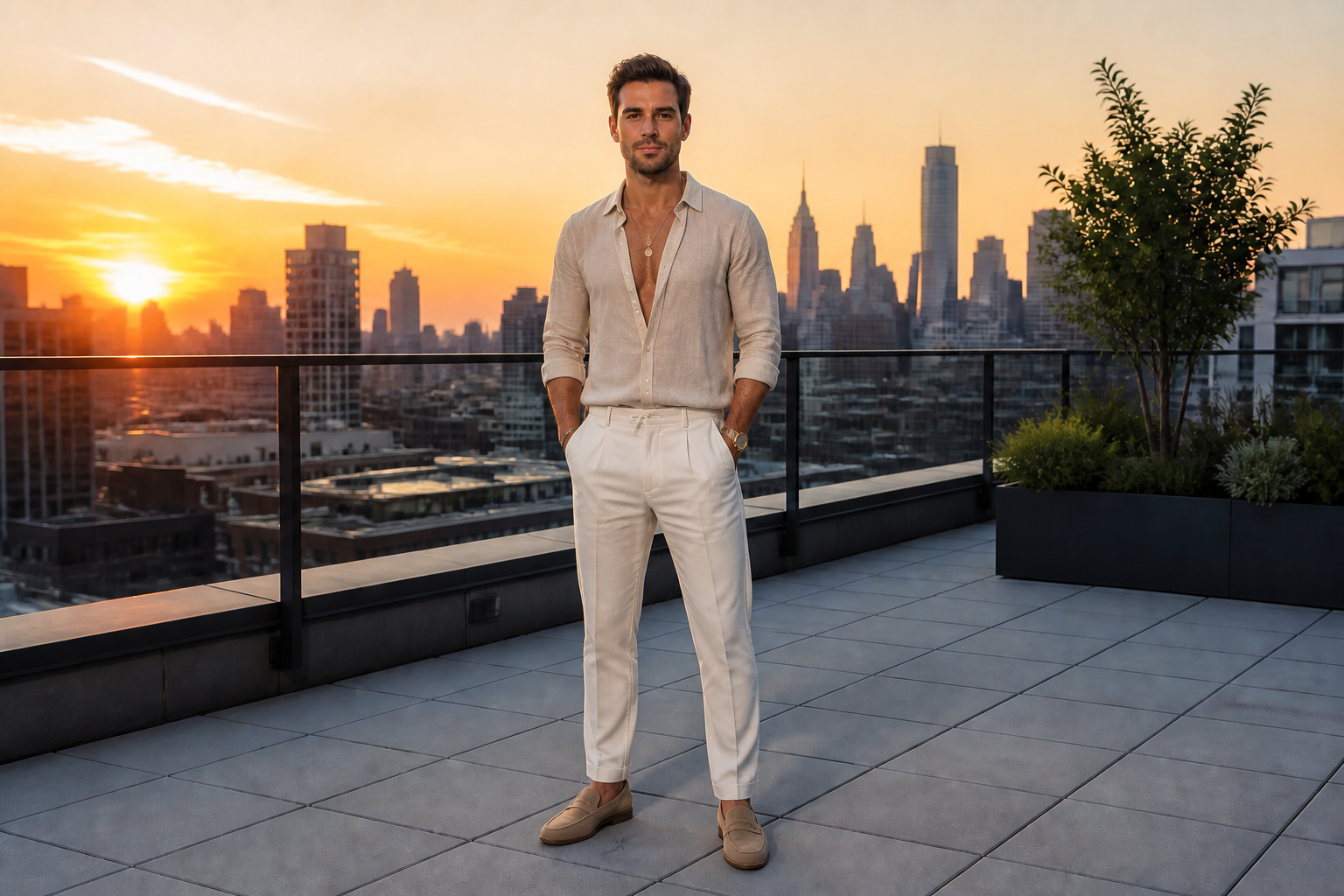
Try many style directions
Use one photo to preview very different fashion categories. You can move from casual basics to officewear, evening looks, resort sets, or streetwear without scheduling a new shoot. This helps creators and shoppers compare options side by side. Manual editing usually means masking each garment piece one by one.
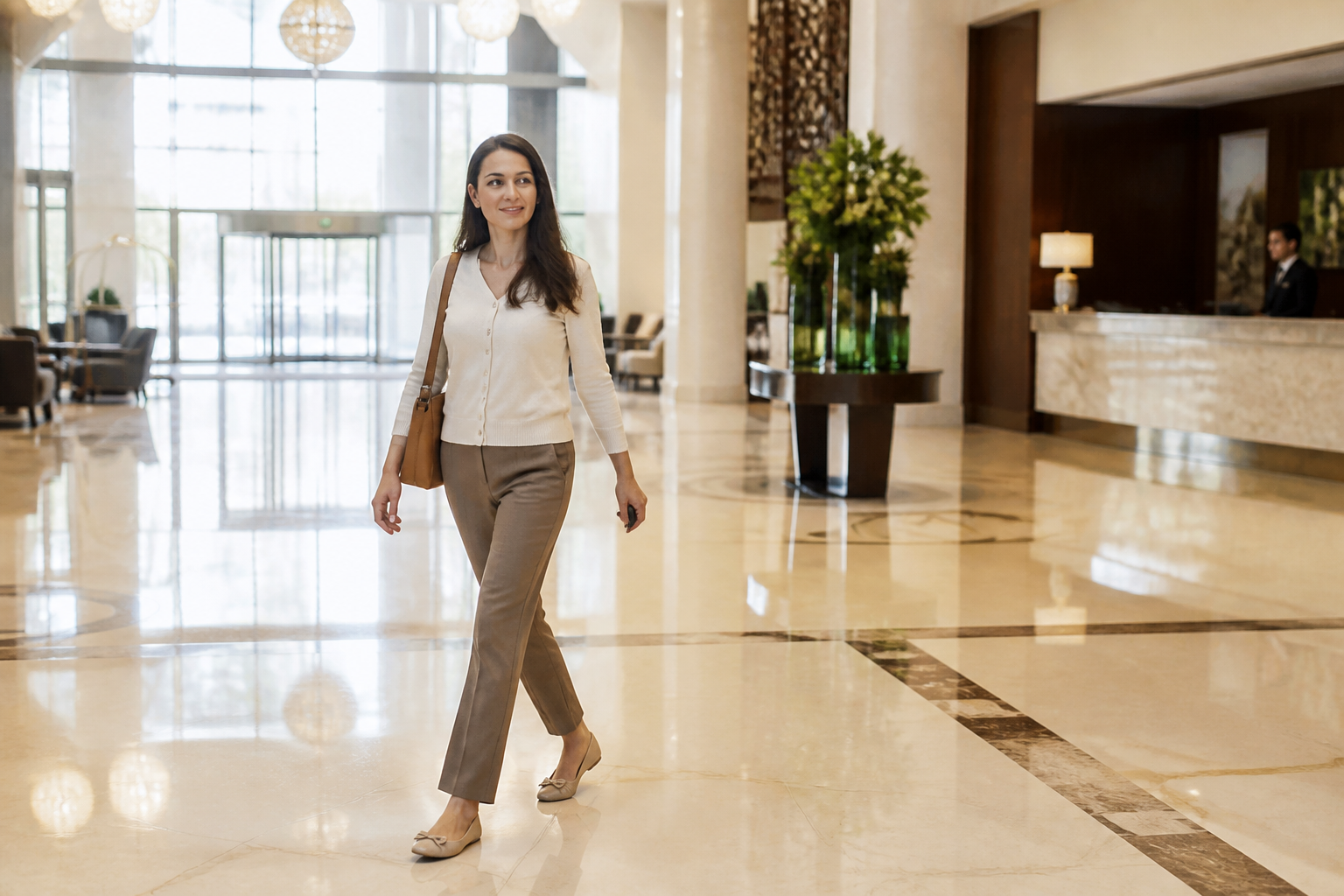
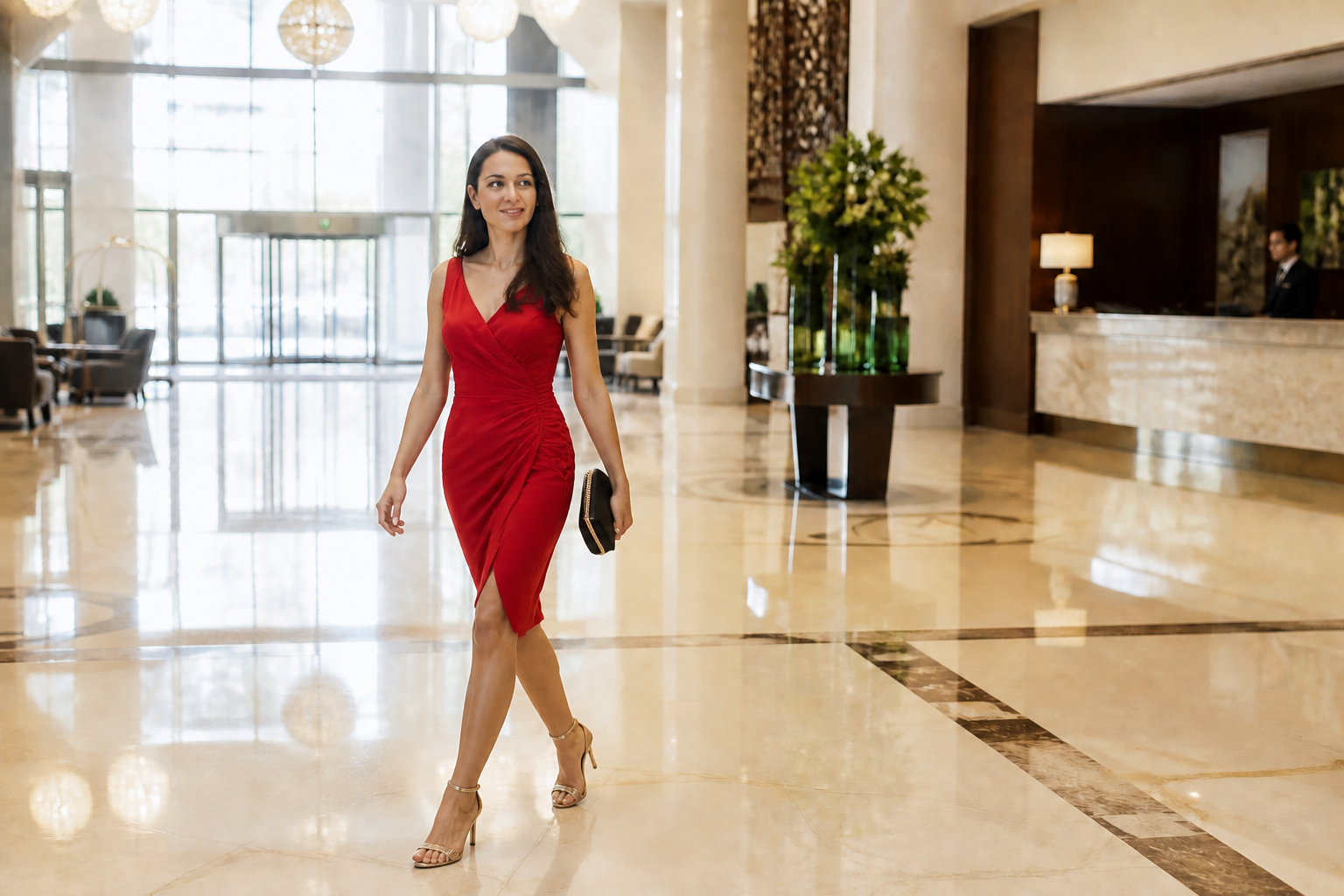
Works on full-body scenes
The tool is built for clothing edits that need room to read clearly. Full-body and three-quarter photos work well because the before and after change is obvious at a glance. You can preserve the setting while updating the wardrobe, which keeps the image useful for social posts, lookbooks, and thumbnails. That is harder to do cleanly with simple overlay apps.
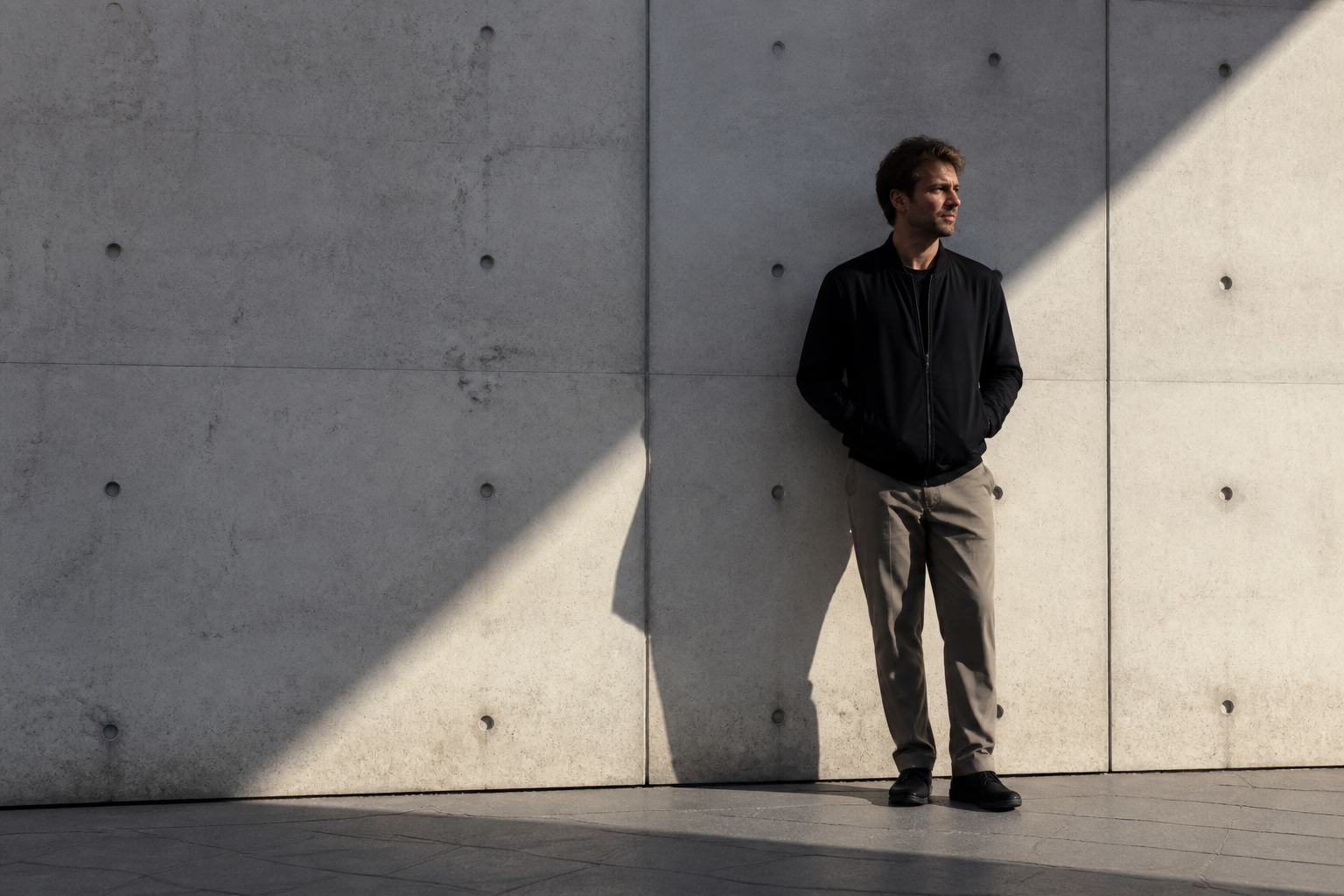
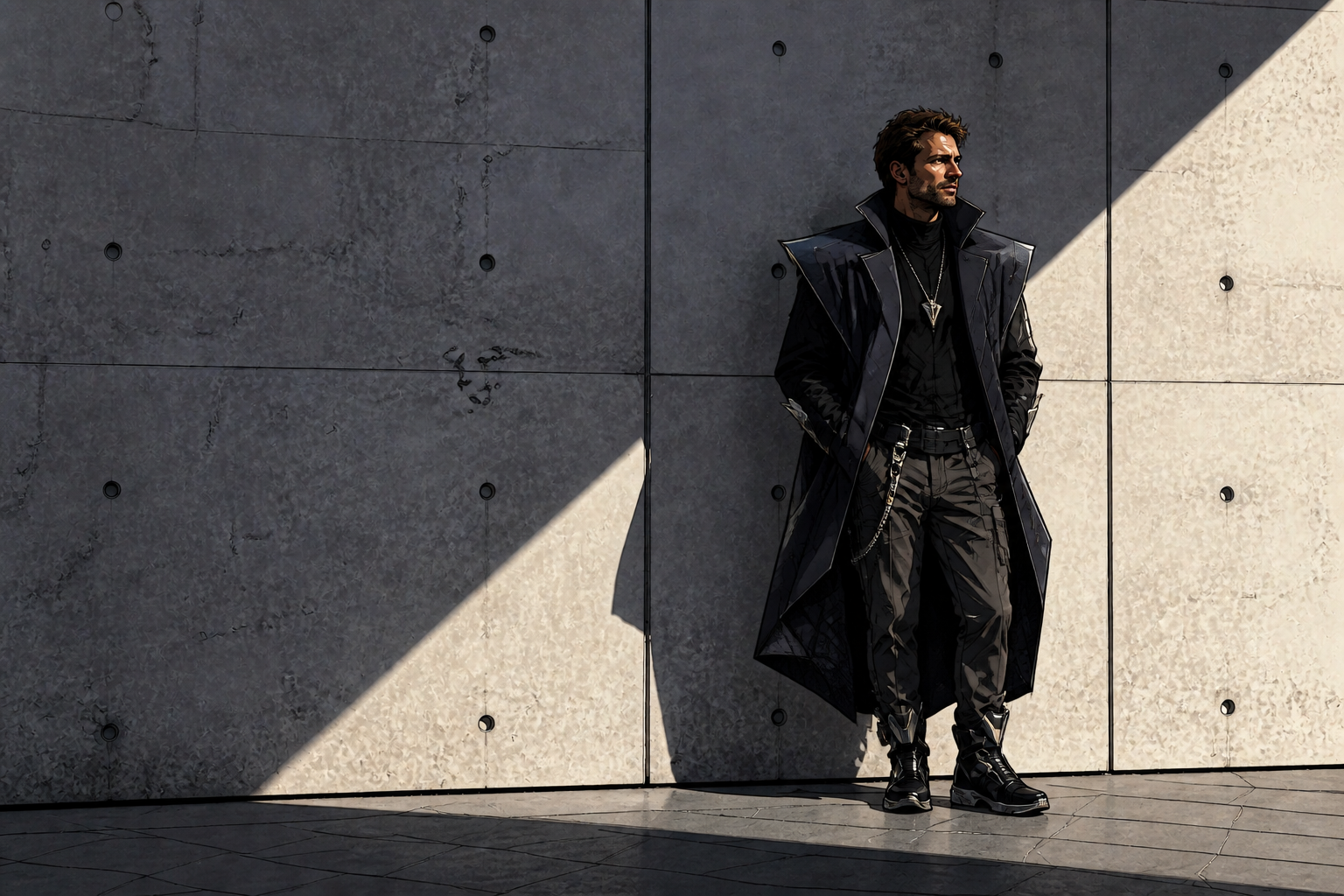
Go realistic or stylized
You are not limited to plain realistic wardrobe swaps. The same source photo can be turned into editorial, illustrated, or painterly fashion concepts while keeping the original composition. This is useful when you want both practical previews and creative content from one image. It gives you more range than a standard catalog editor.
How It Works
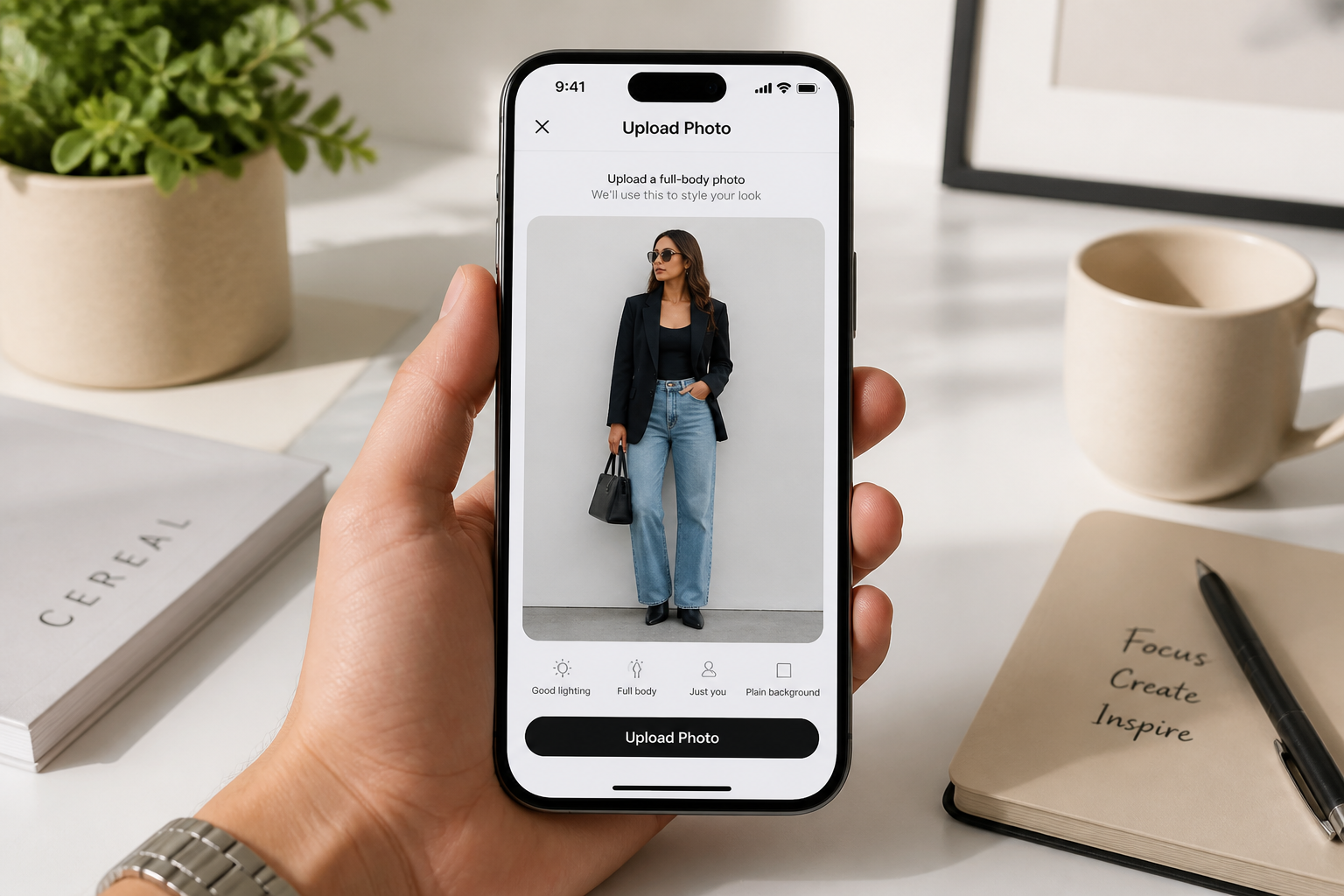
Upload your photo
Start with a clear image where the outfit is visible, ideally full body or three-quarter length. Good lighting and a simple pose help the clothing change read cleanly.
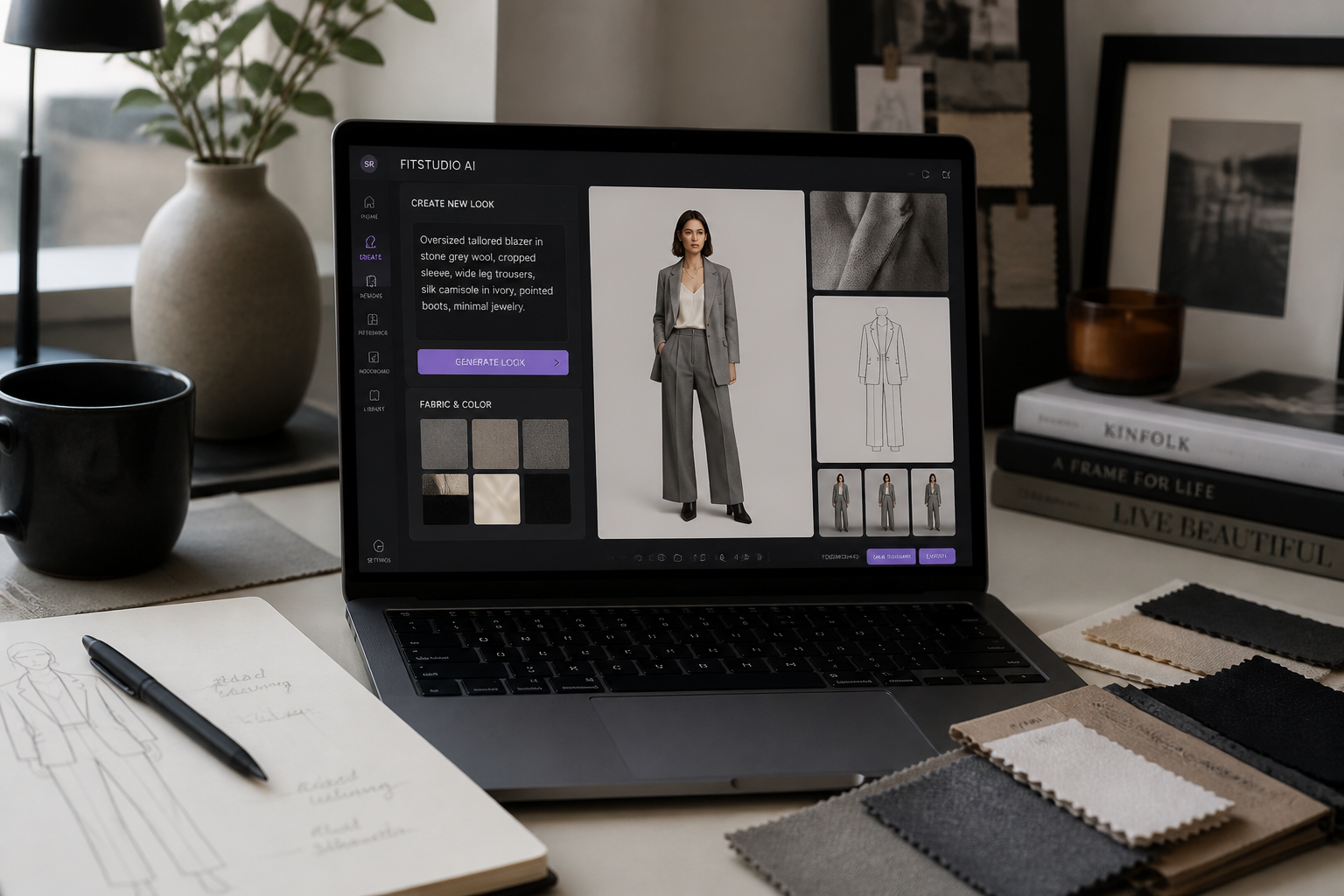
Describe the new look
Type the outfit you want to see, such as streetwear, formalwear, office style, or eveningwear. Be specific about pieces, colors, and overall vibe so the edit is easier to control.
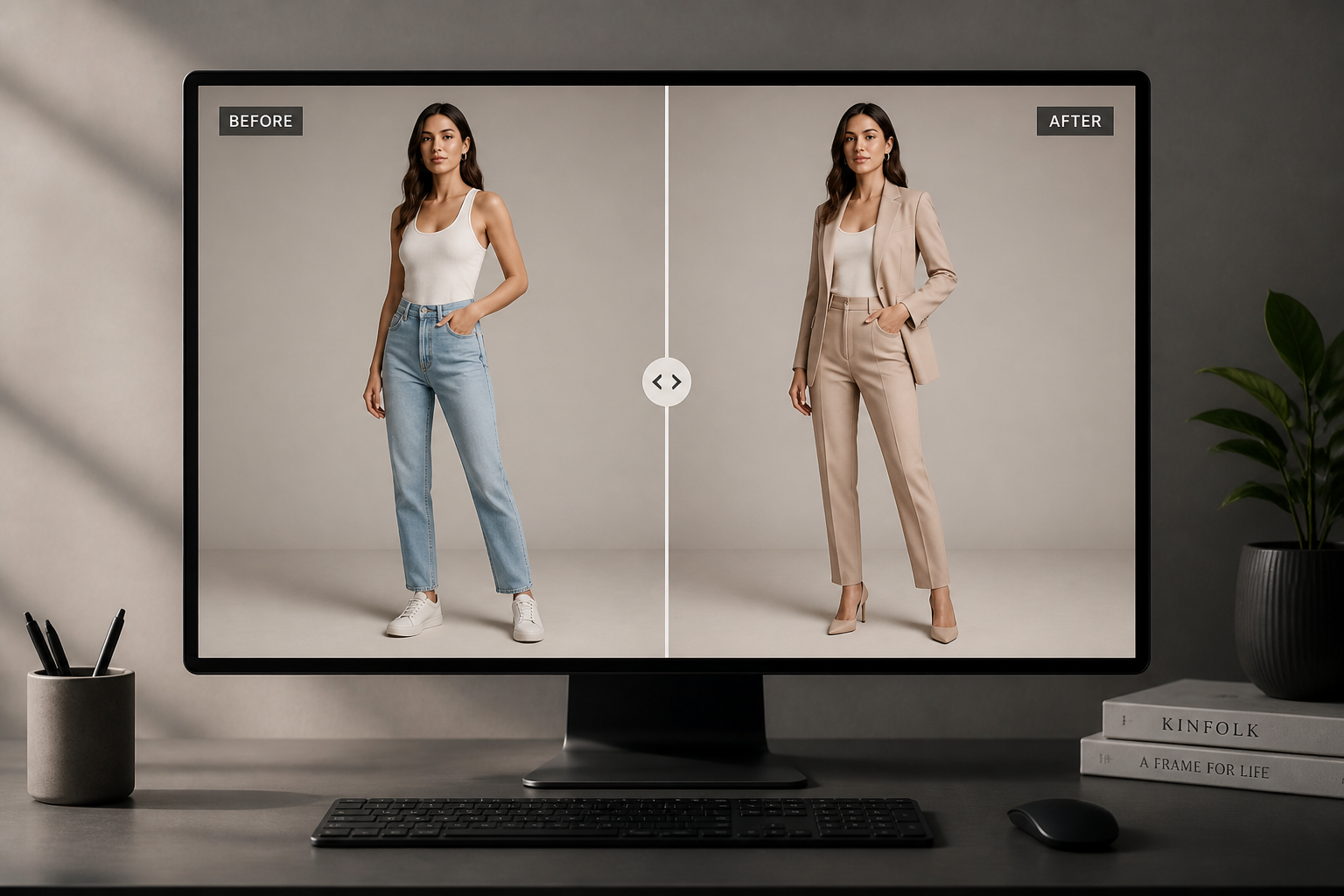
Compare and refine
Review the before and after version, then adjust your prompt if you want a different style direction. You can iterate quickly until the wardrobe feels right for your use case.
Perfect For
Discover how creators and professionals use ai outfit changer
Plan social media looks
Preview several outfit ideas from one photo before you shoot or post. This helps you pick the version that reads best in feeds and thumbnails.
Create fashion concept comps
Build quick wardrobe variations for moodboards, campaign concepts, or styling pitches. It is a fast way to explore direction before committing to production.
Test shopping decisions
Visualize how different clothing styles might feel in your photo without buying everything first. You can compare categories like formal, casual, and resort wear in minutes.
Refresh existing portraits
Reuse a strong photo and give it a new clothing story. This is useful when the original shot works but the outfit no longer matches the purpose.
Built For
Content creators
Generate multiple wardrobe concepts for reels, thumbnails, and posts from a single base image.
Fashion sellers and stylists
Mock up alternate looks for presentations, inspiration boards, and client discussions without a full reshoot.
Everyday users
Try new outfit ideas on your own photos for planning events, personal style exploration, or profile pictures.
Why people use it for outfit swaps
A quick look at how we compare on the things that matter for this niche.
| Feature | BudgetPixel | Generic AI editors | Manual editing apps |
|---|---|---|---|
| Outfit-specific photo edits | ✓ | — | — |
| Keeps pose and scene | ✓ | — | ✓ |
| Fast style variations | ✓ | ✓ | — |
| No manual masking required | ✓ | ✓ | — |
Frequently Asked Questions
What kind of photo works best for AI Outfit Changer?
Will it keep my face and pose the same?
Can I try different fashion styles from one image?
Does it work for stylized outputs too?
Do I need editing skills to use it?
Create together.
Share your creations, discover trending AI art, and grow with fellow creators.