AI Clothes Try On
See new outfits on your photo before you buy or post.
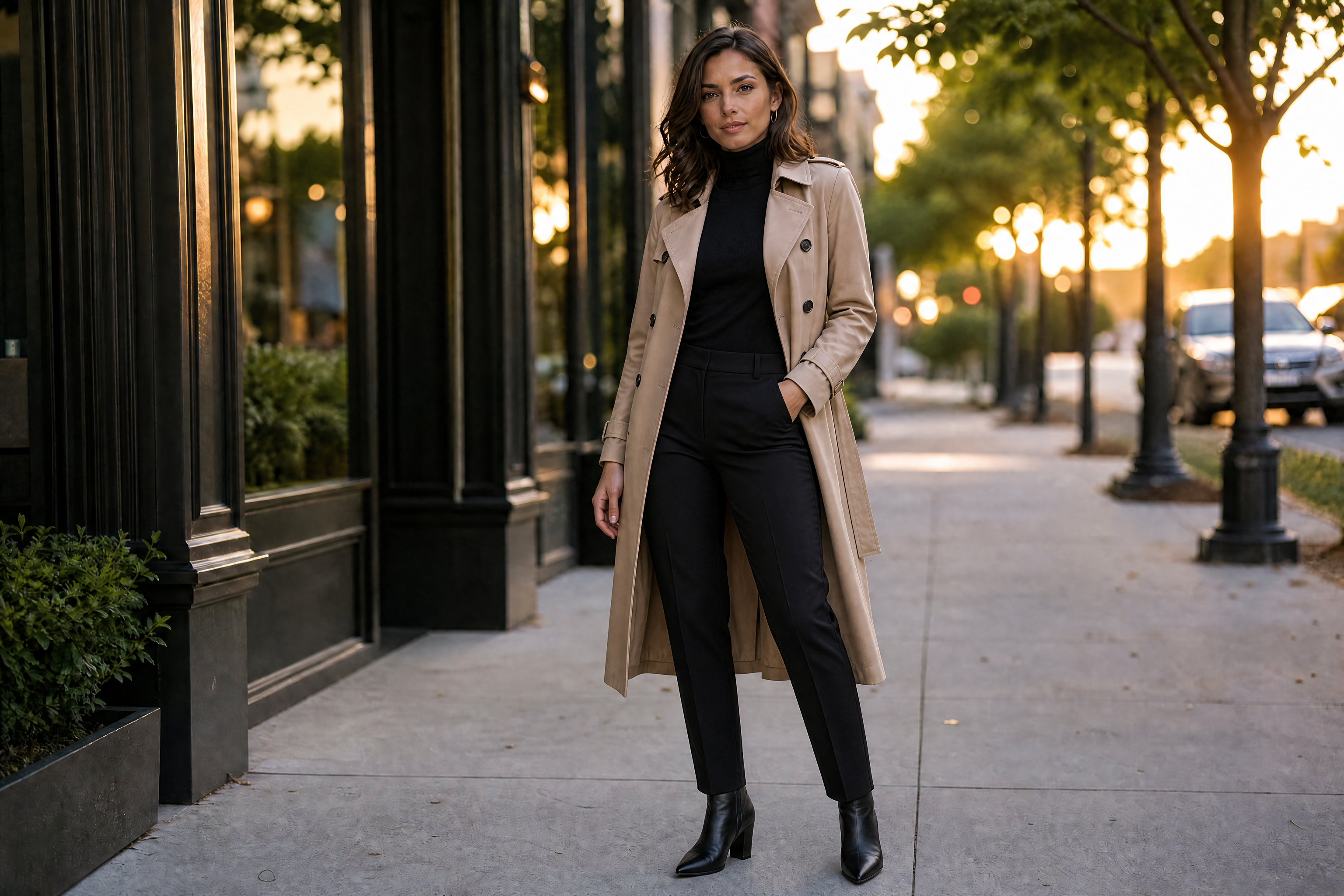
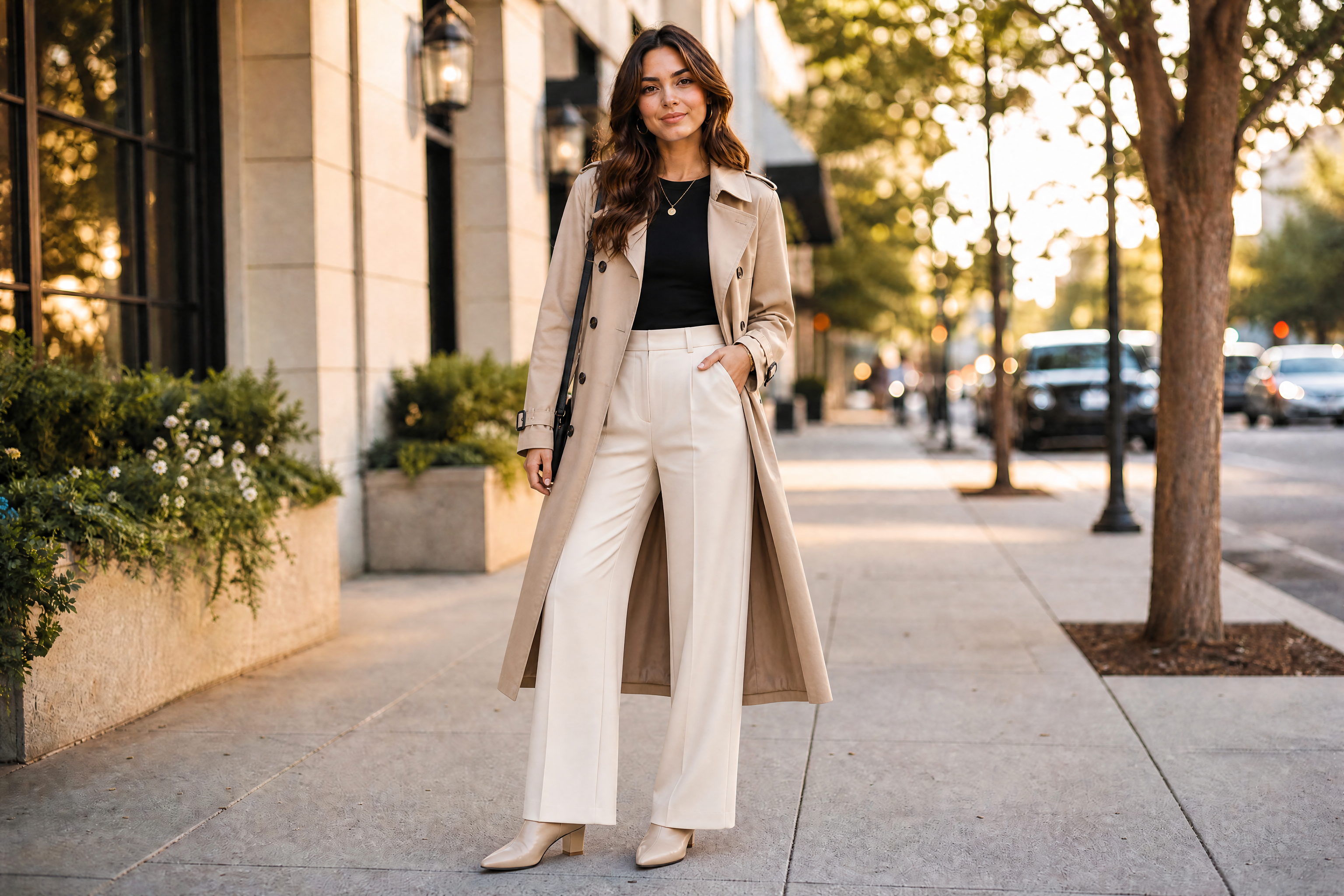
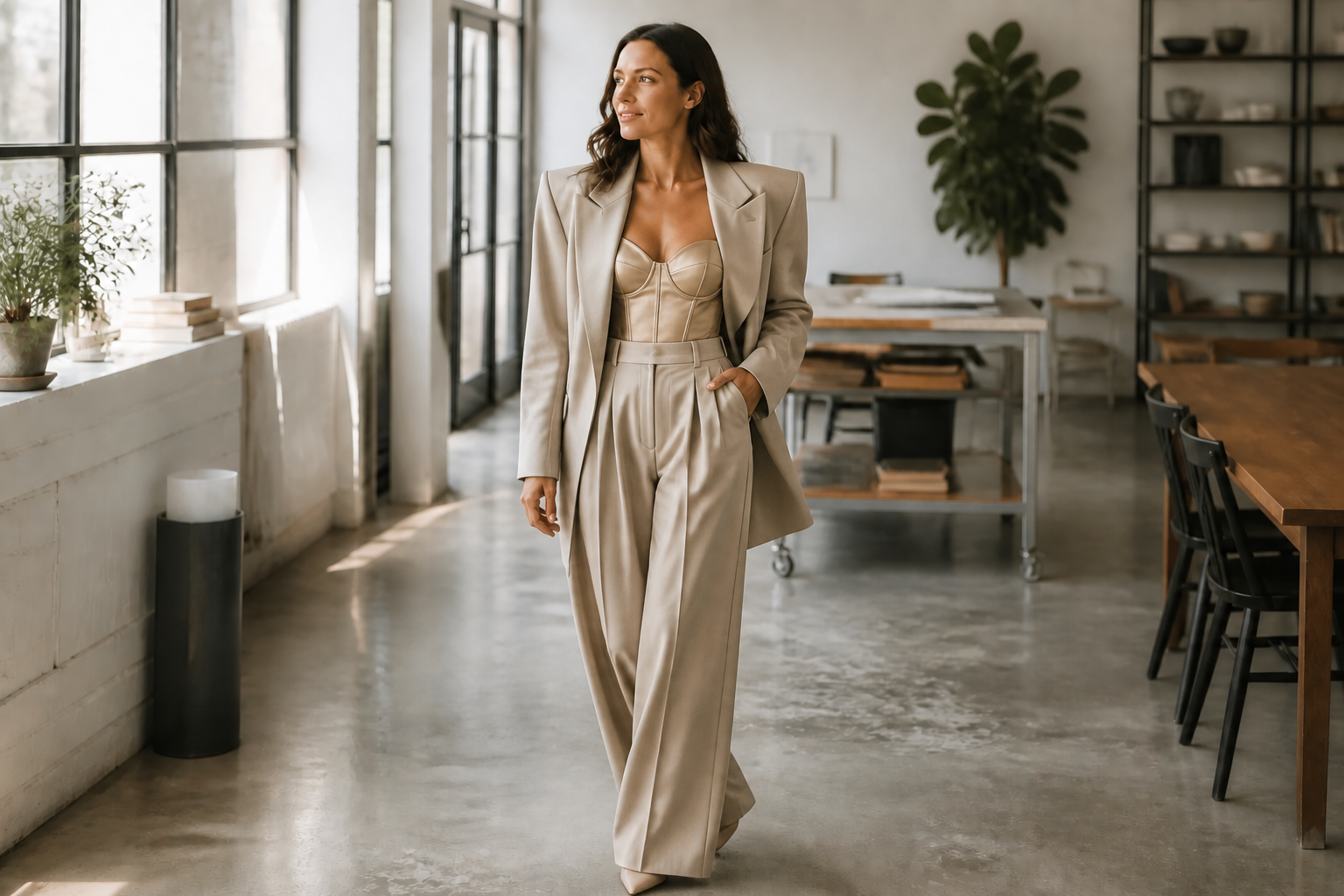
Upload a photo and change what you're wearing in seconds. Our AI can swap outfits, restyle silhouettes, and test different fashion directions while keeping your face, pose, and scene consistent.
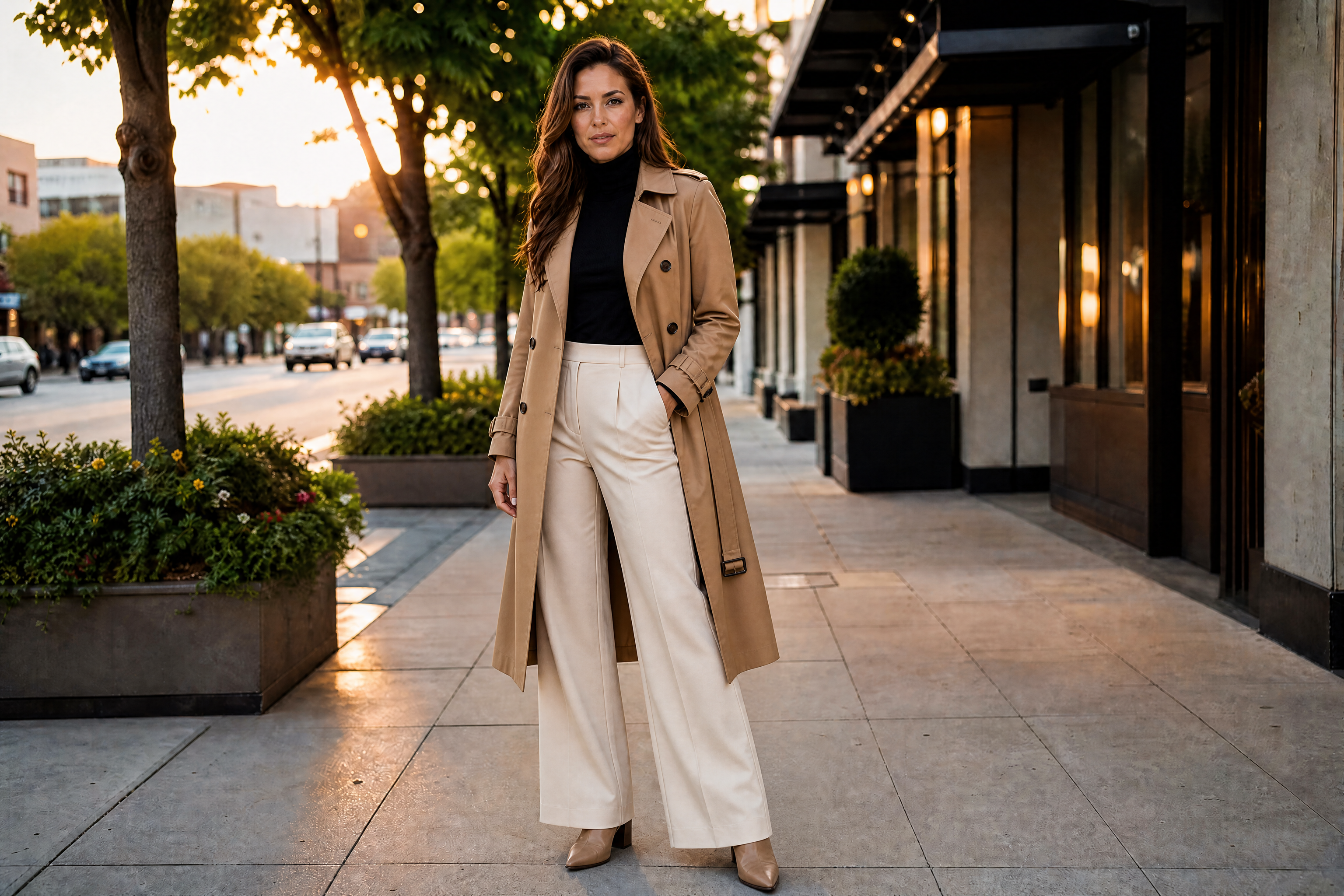
Watch the Transformation
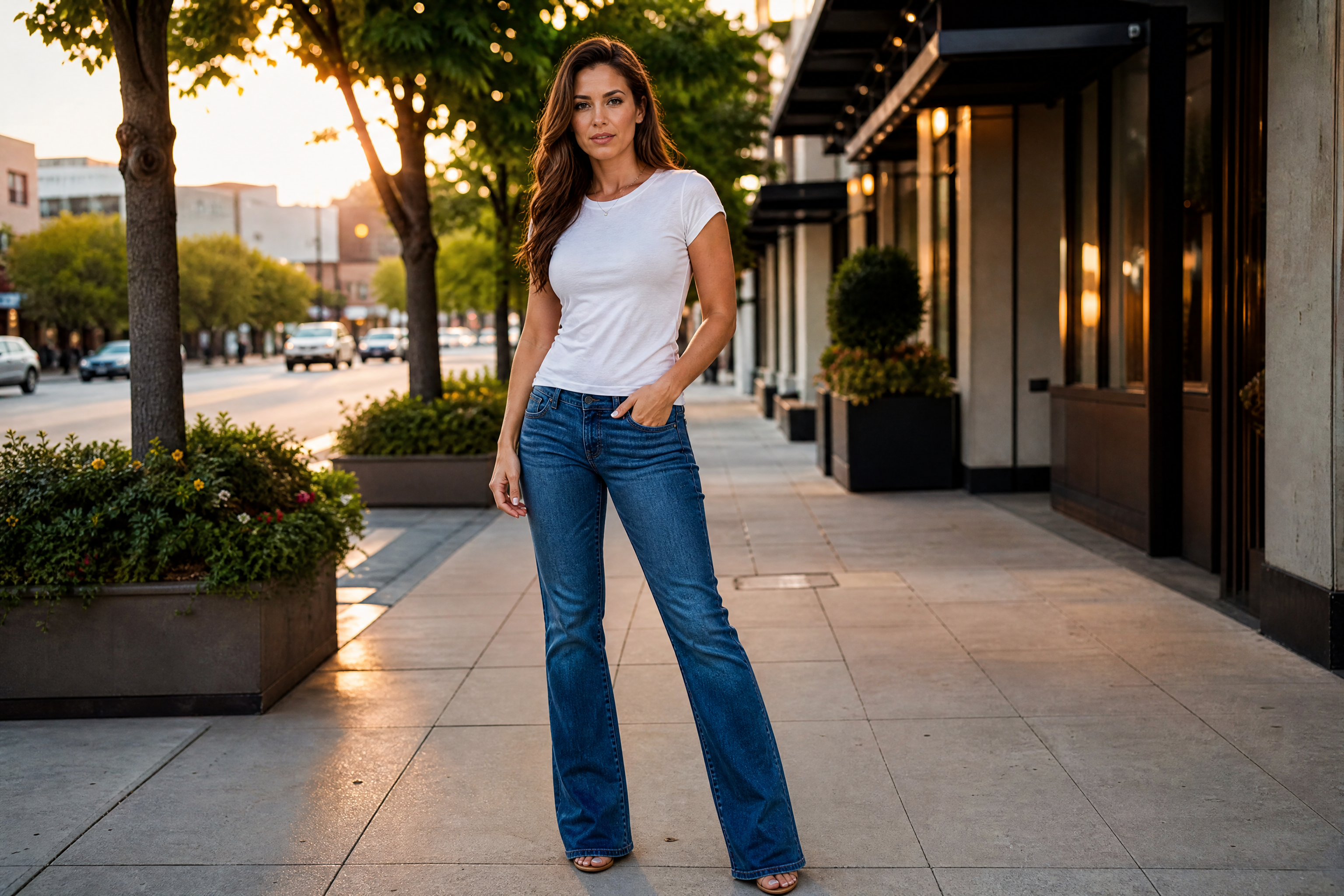
See ai clothes try on in motion — generated end-to-end by our AI.
See It In Action
Real outputs from ai clothes try on.
BEFOREAFTER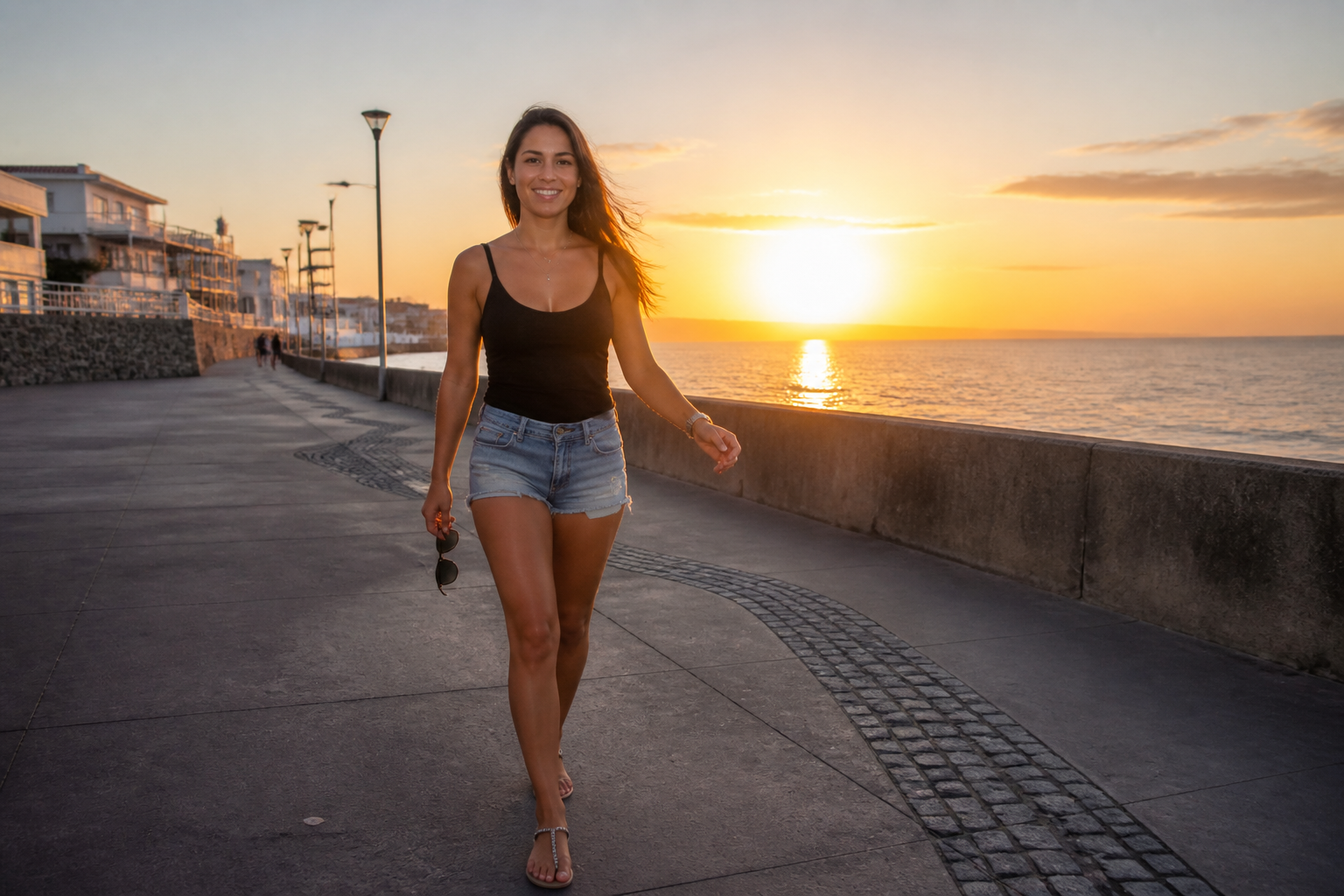 BEFORE
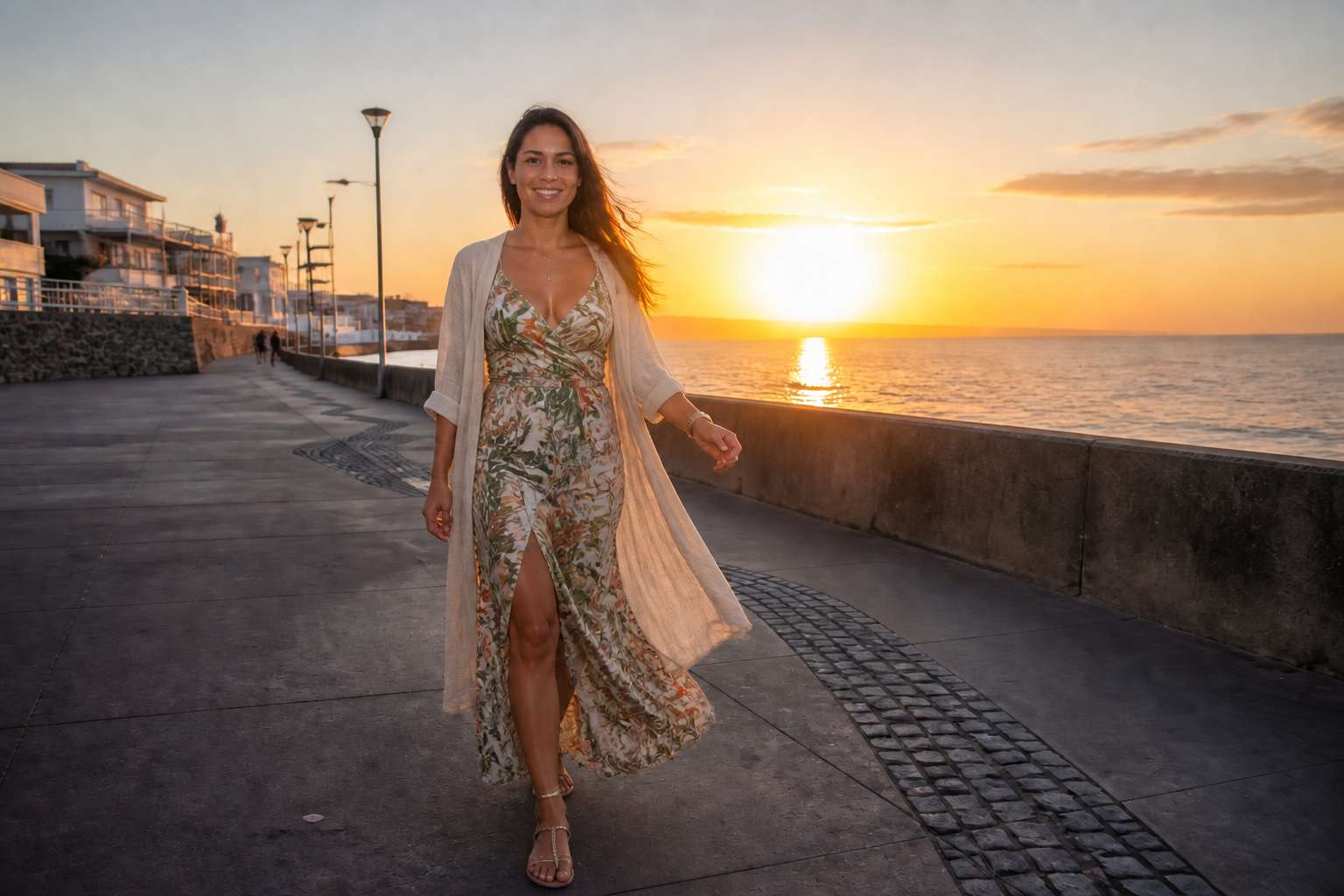 AFTER
AFTER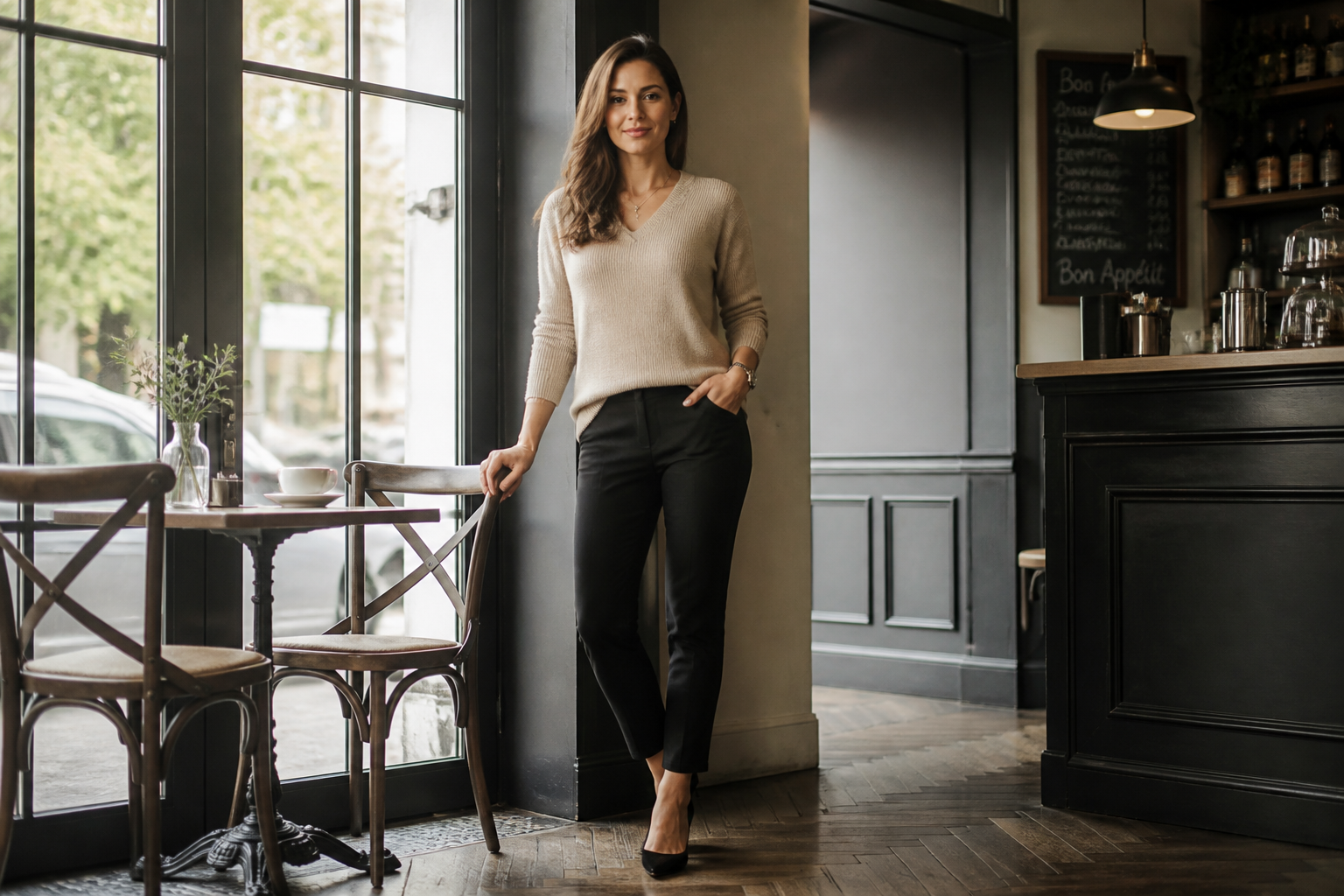 BEFORE
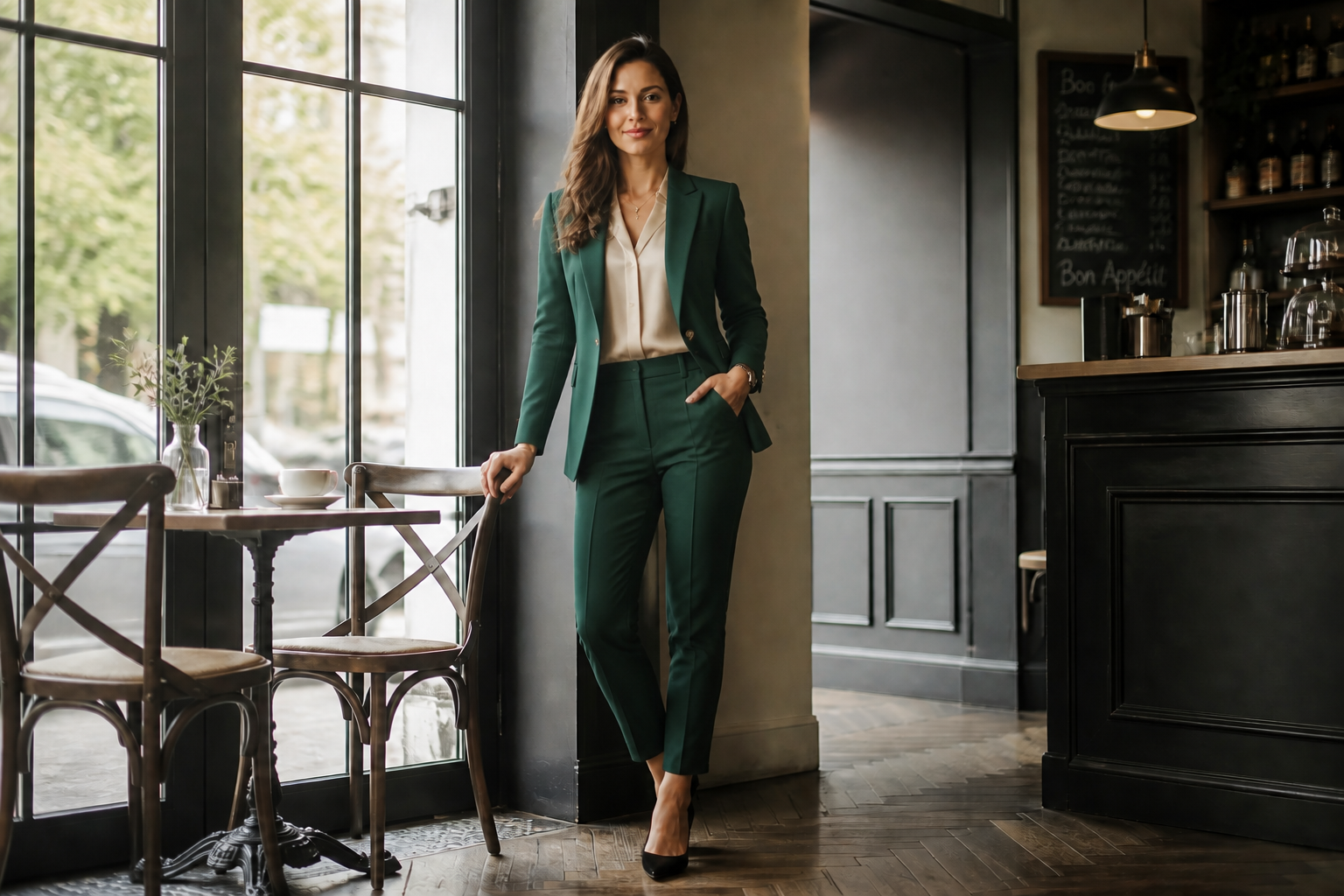 AFTER
AFTER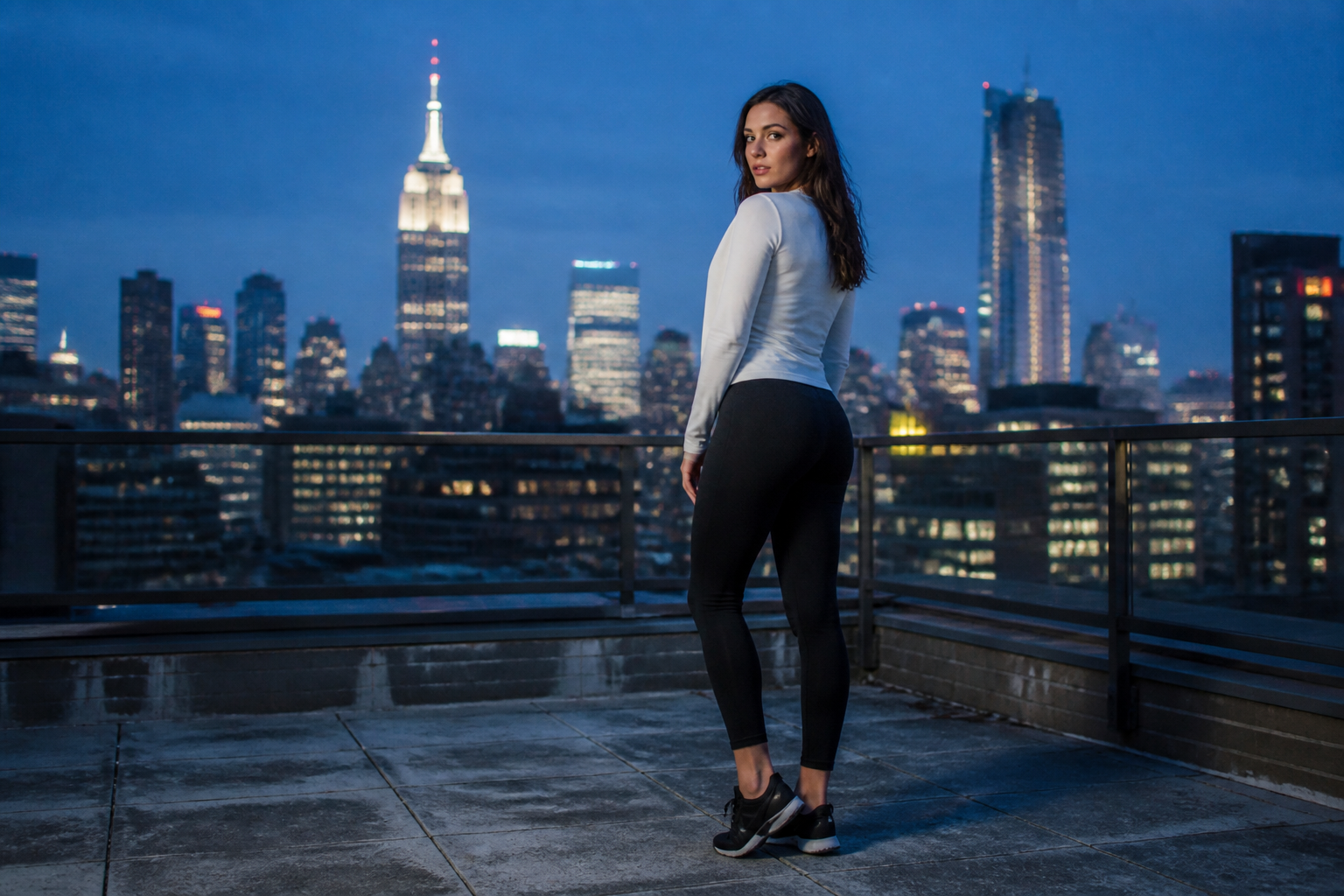 BEFORE
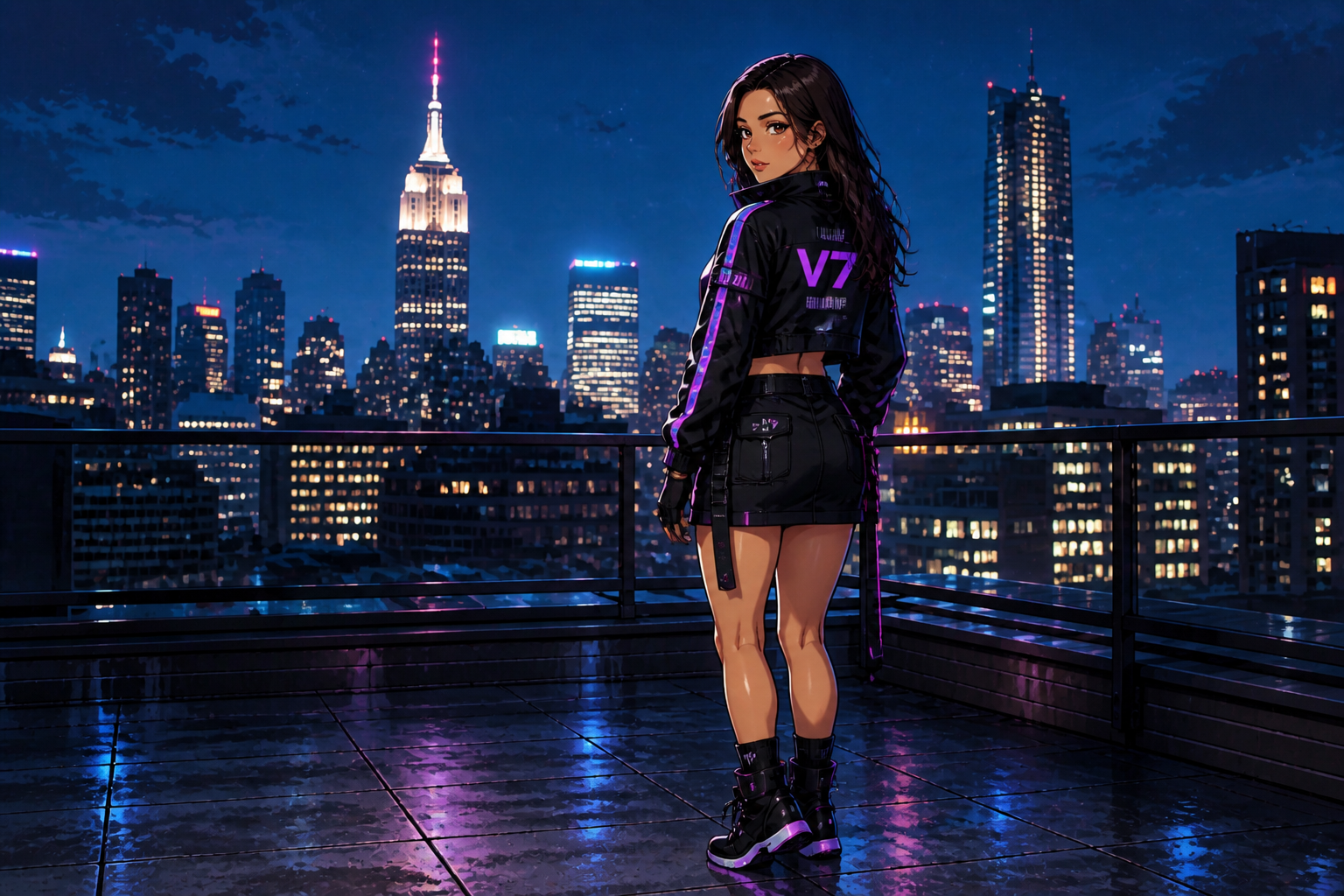 AFTER
AFTER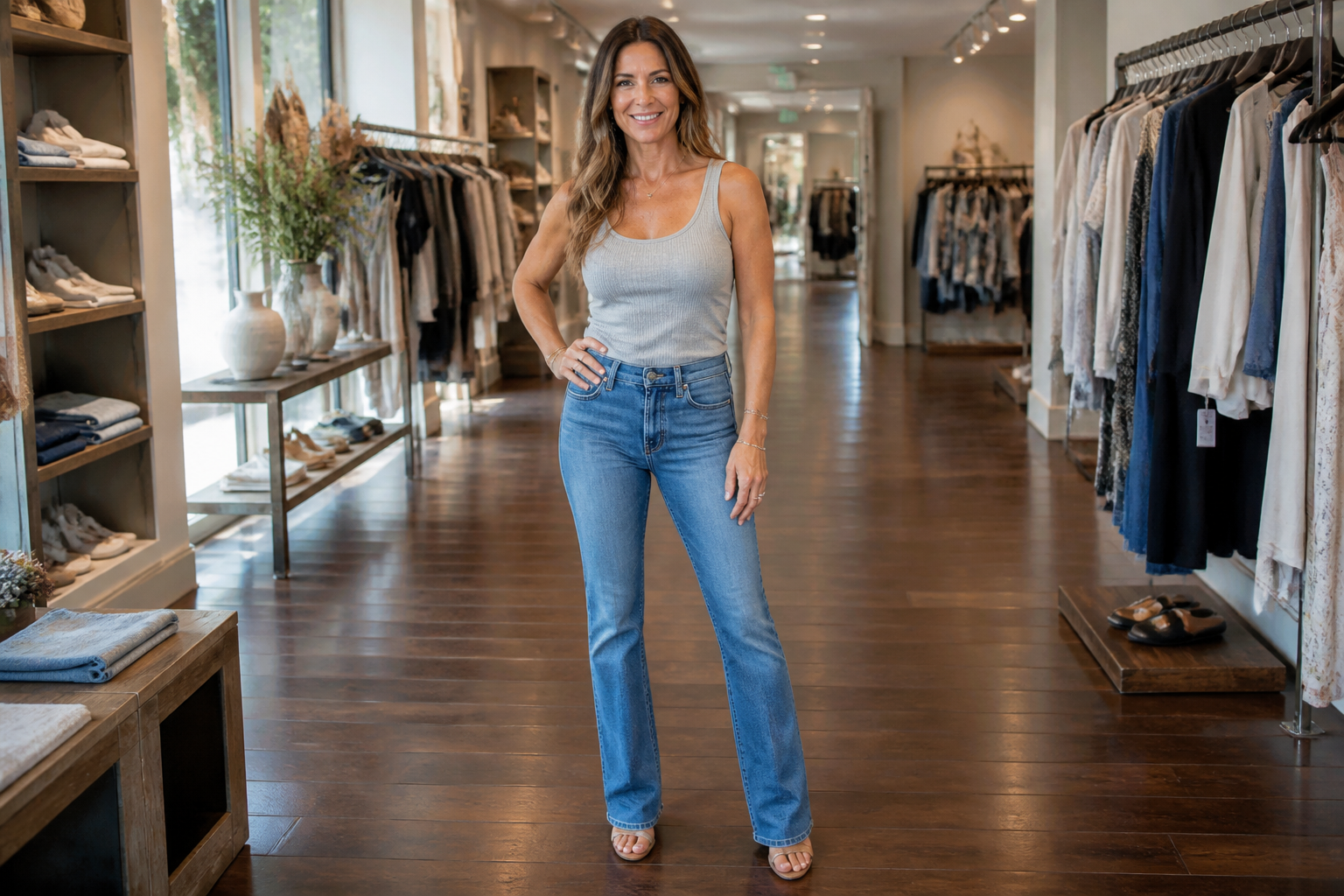 BEFORE
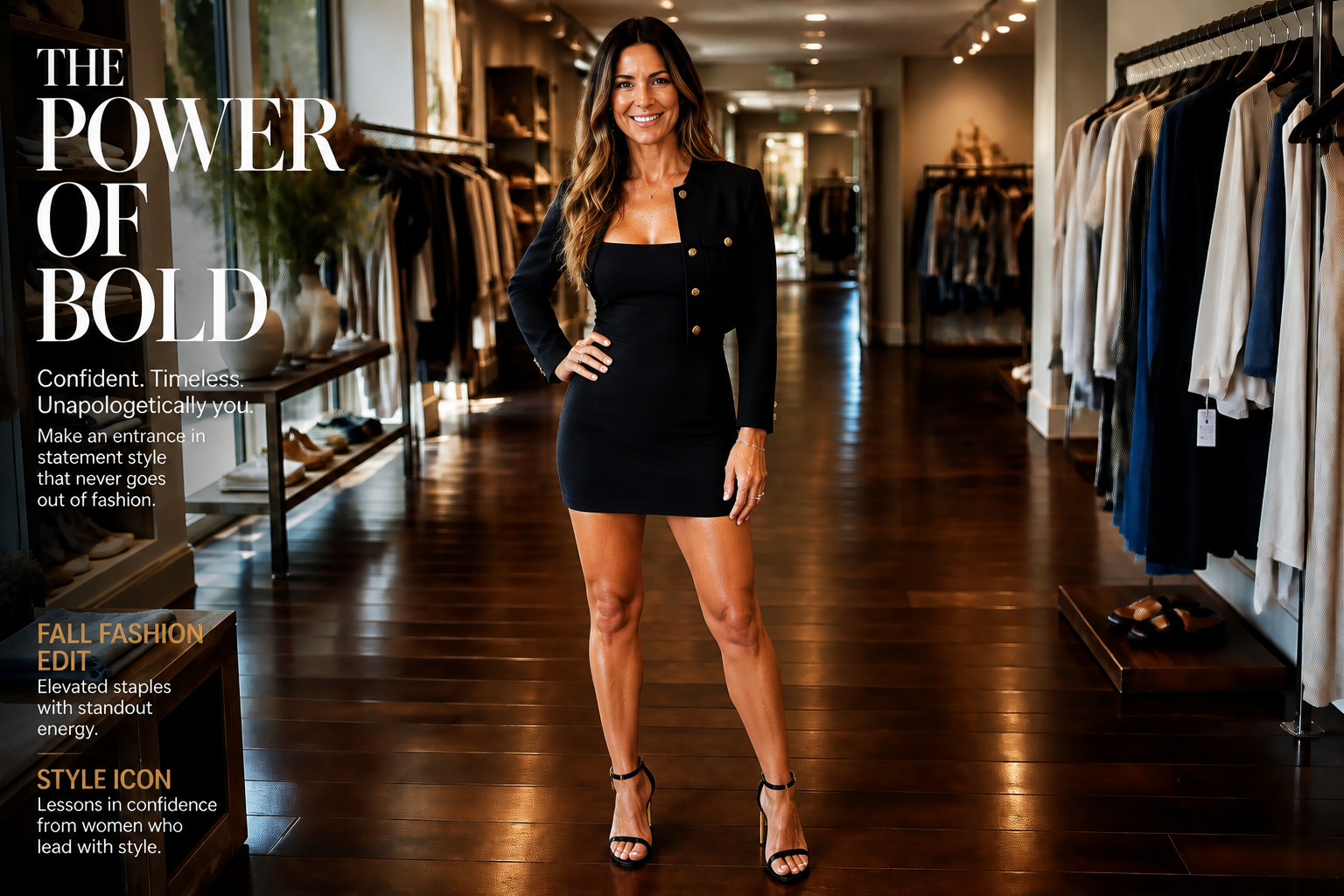 AFTERBEFOREAFTERBEFOREAFTERBEFOREAFTERBEFOREAFTERBEFOREAFTER
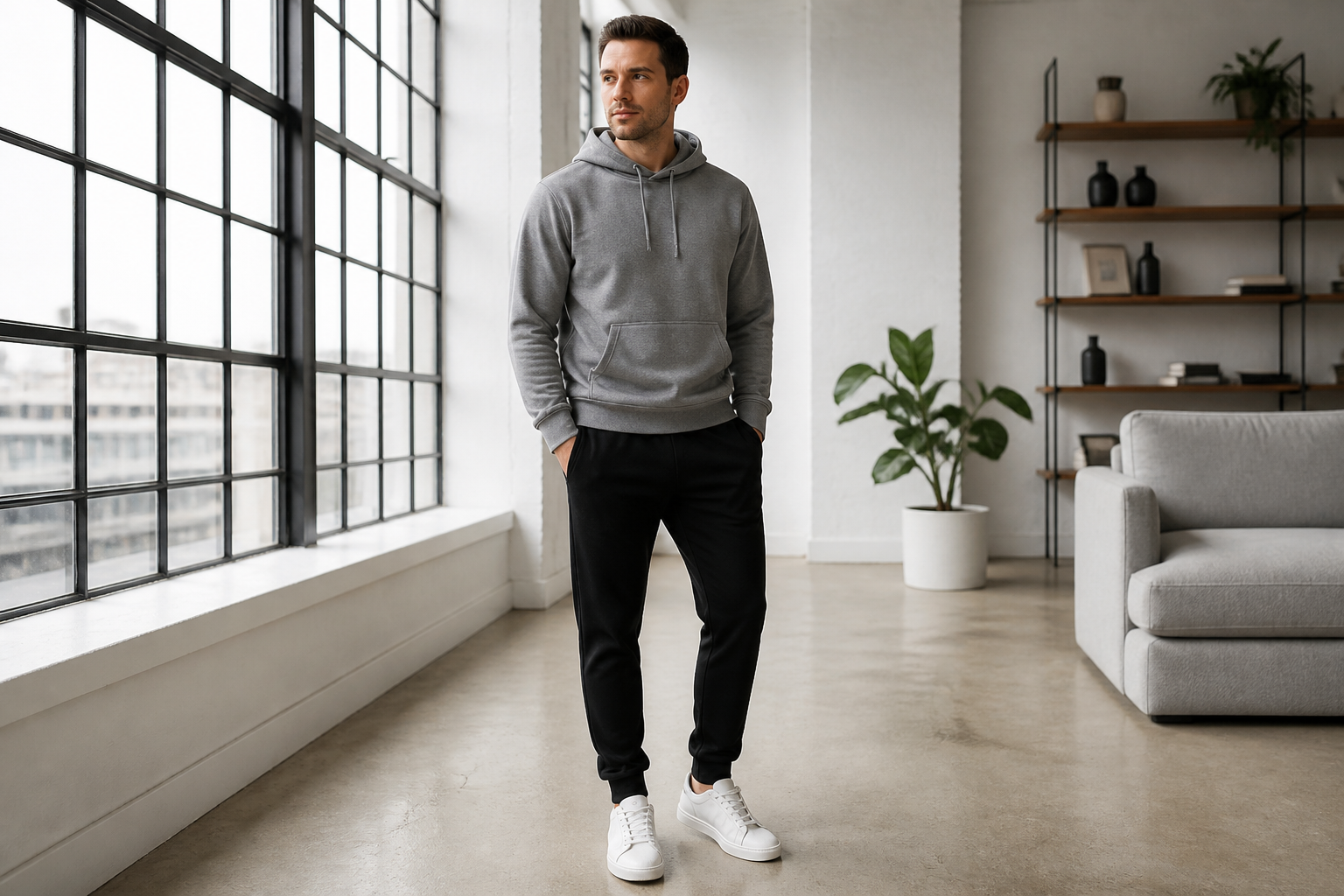 BEFORE
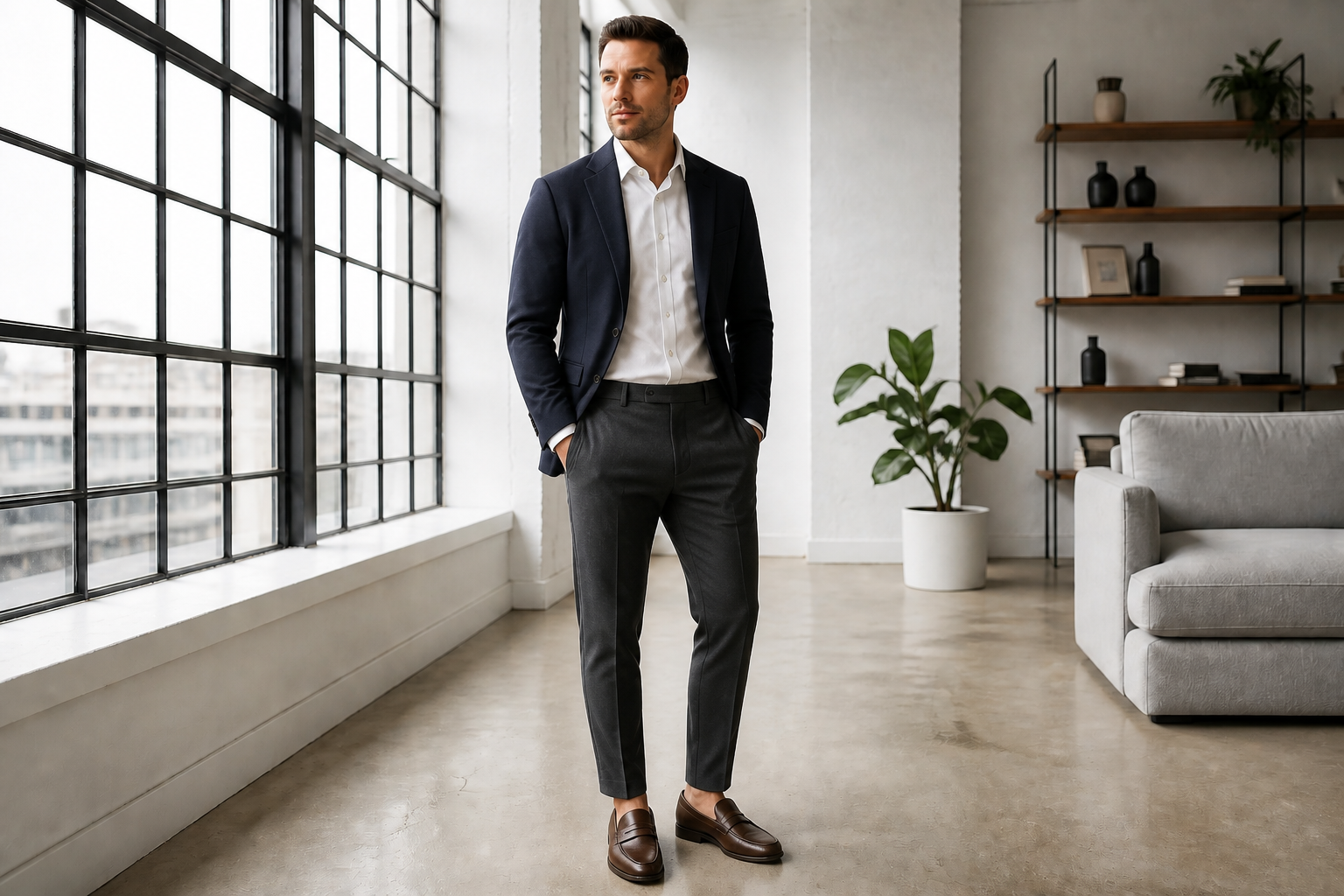 AFTER
AFTER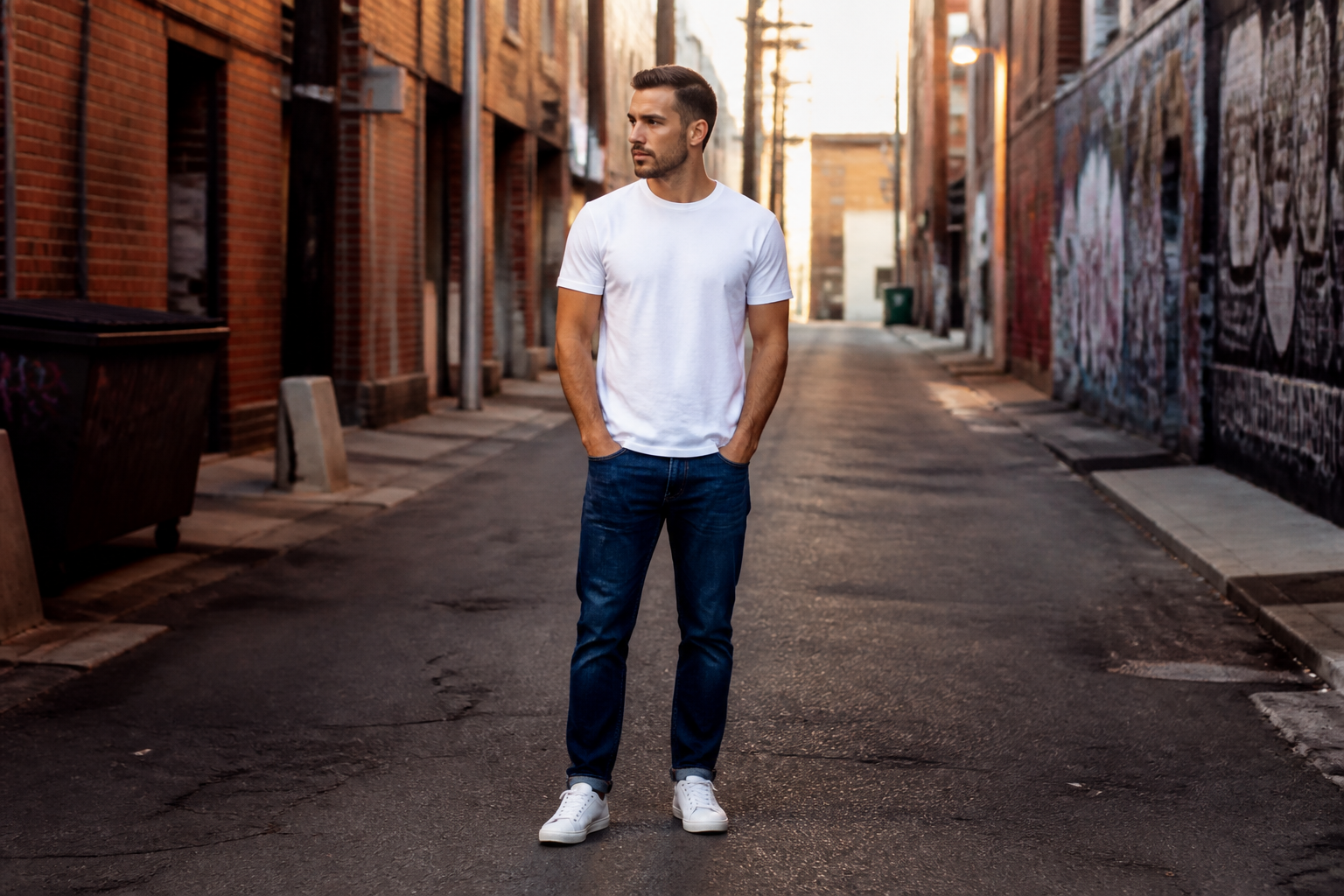 BEFORE
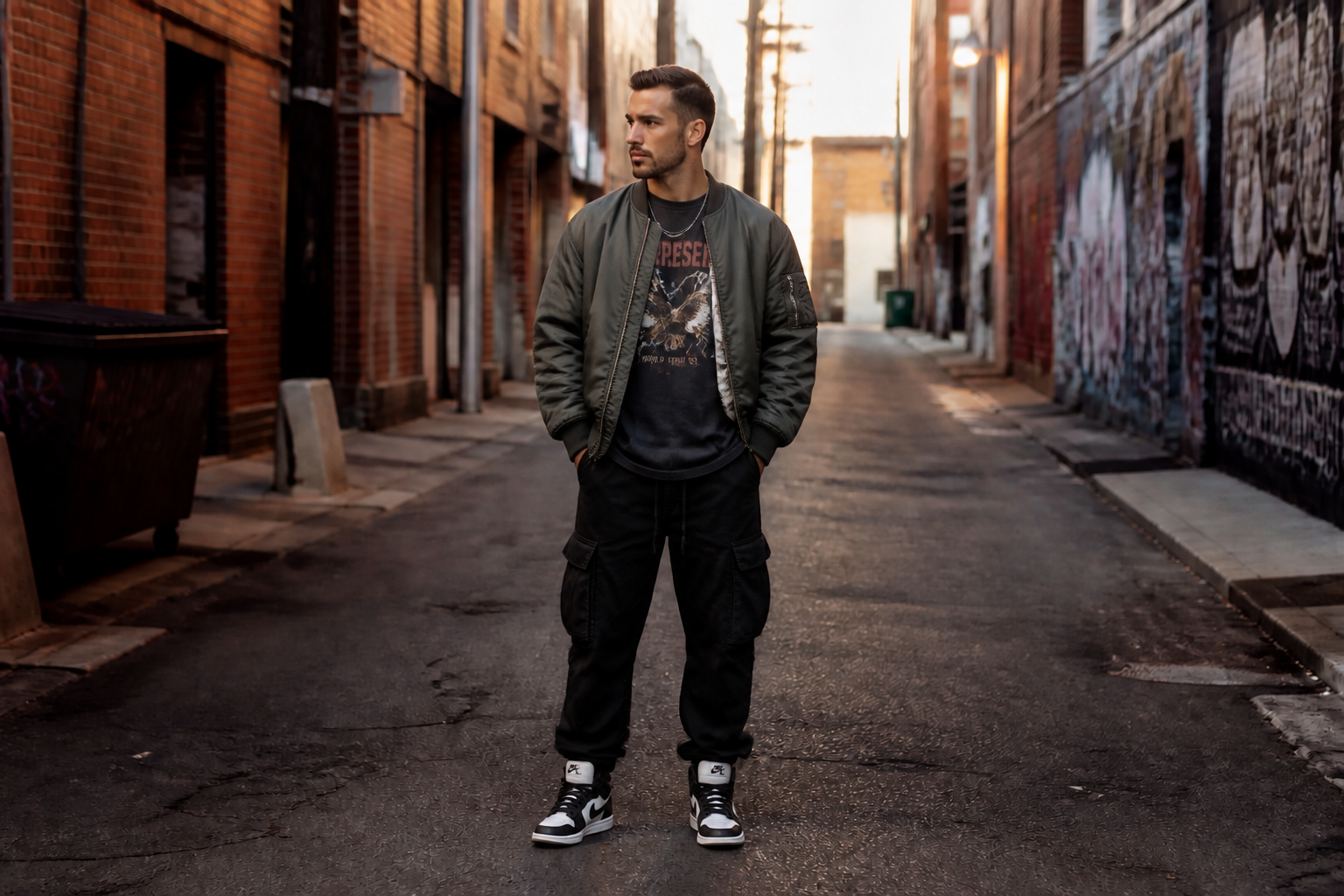 AFTER
AFTER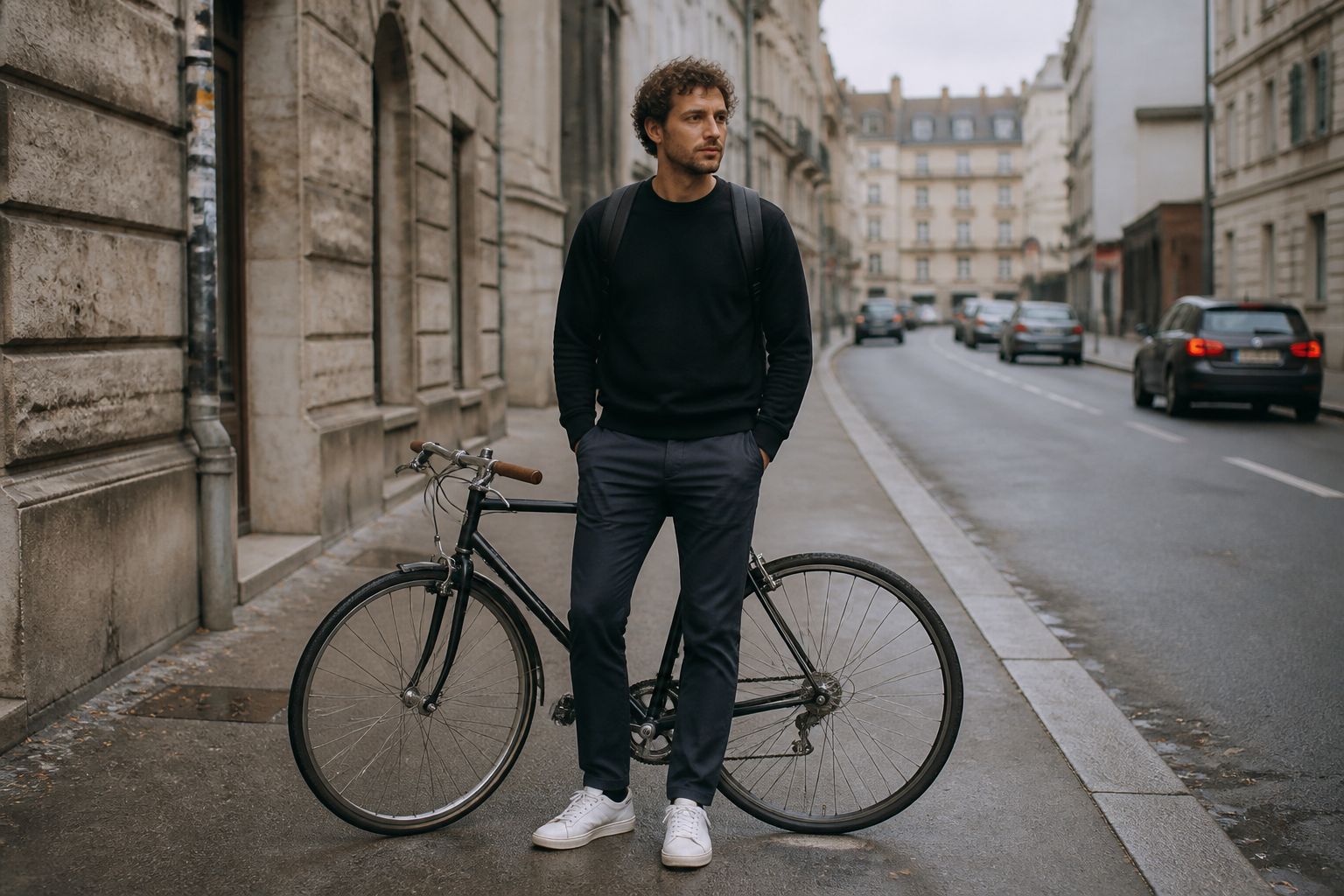 BEFORE
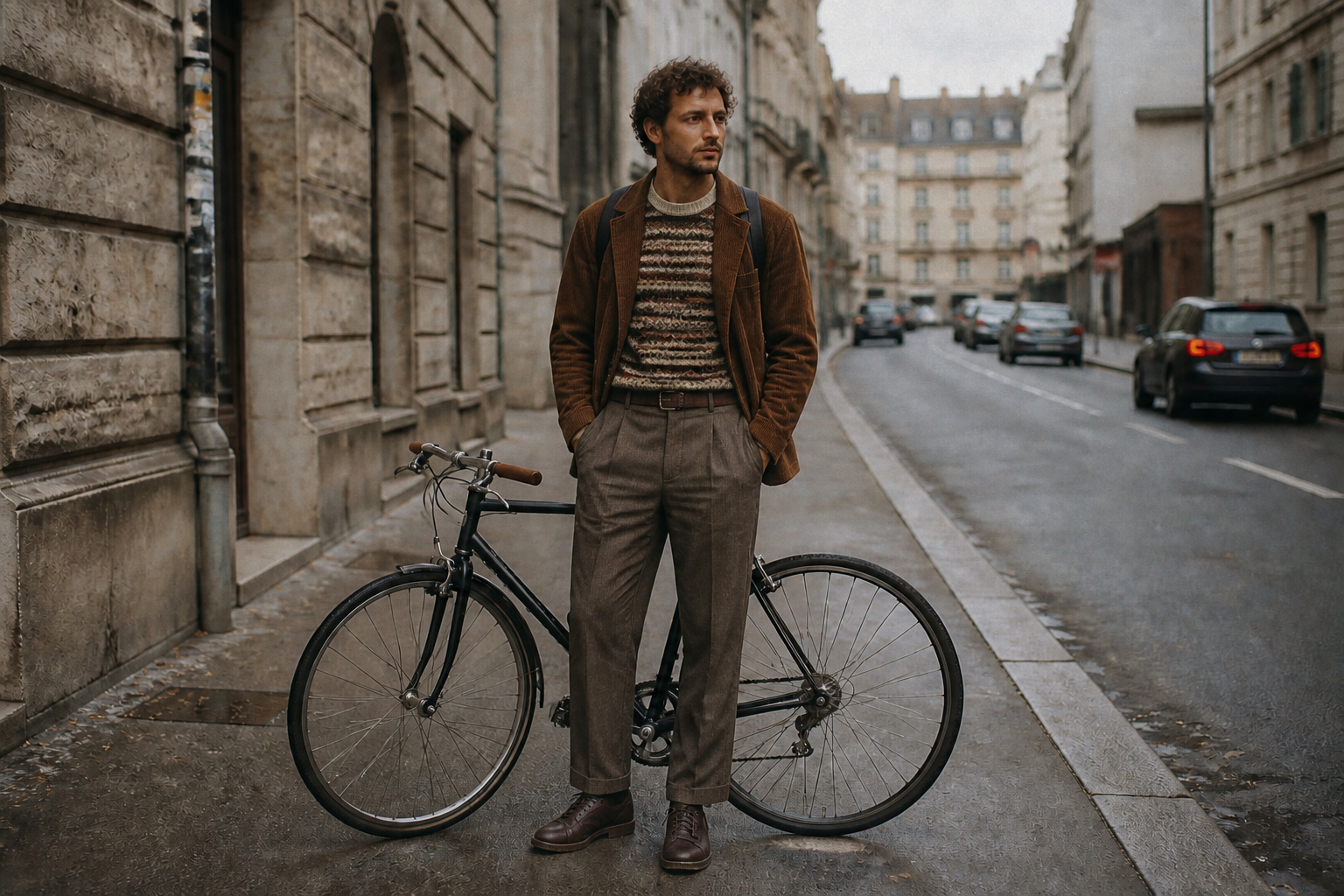 AFTER
AFTER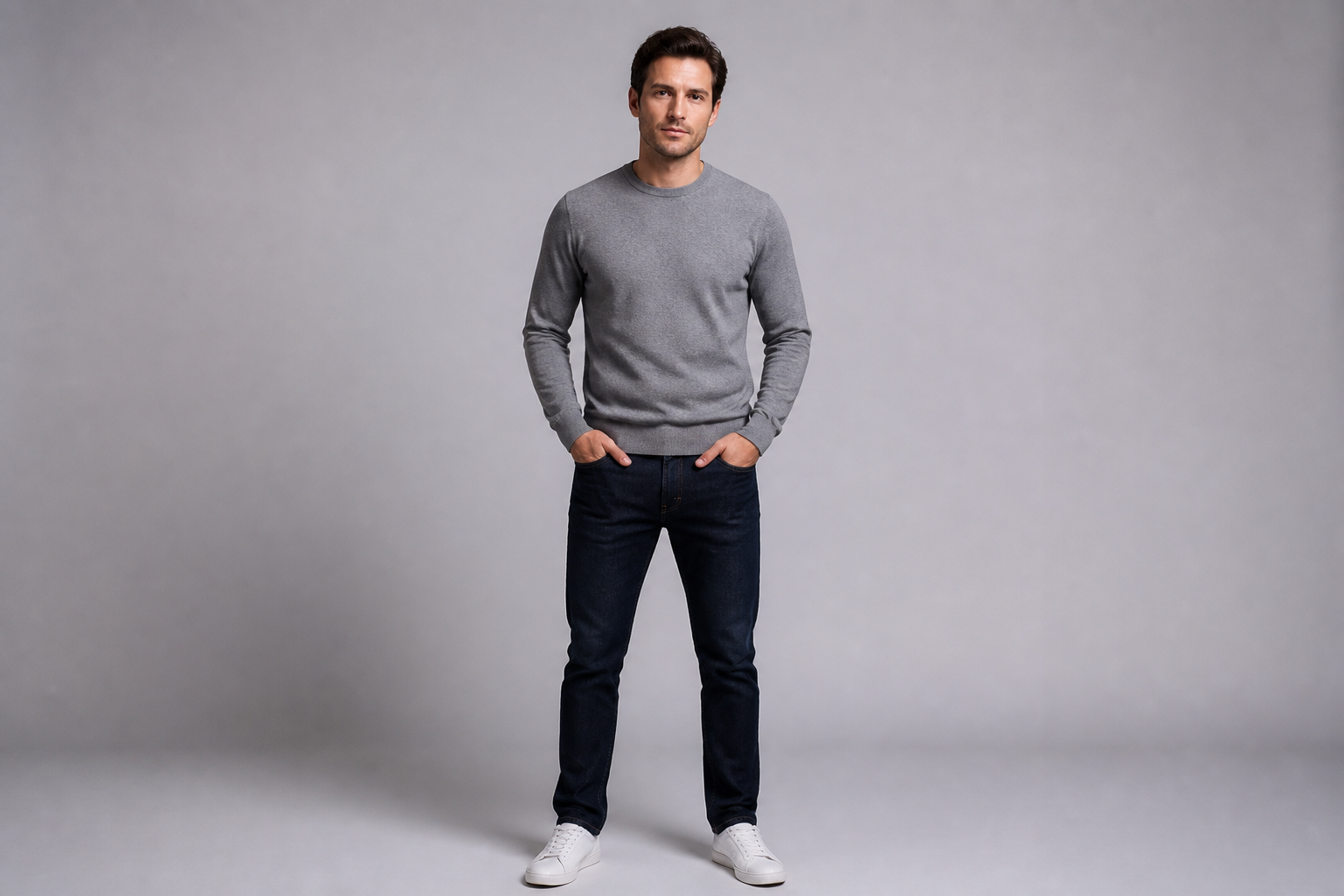 BEFORE
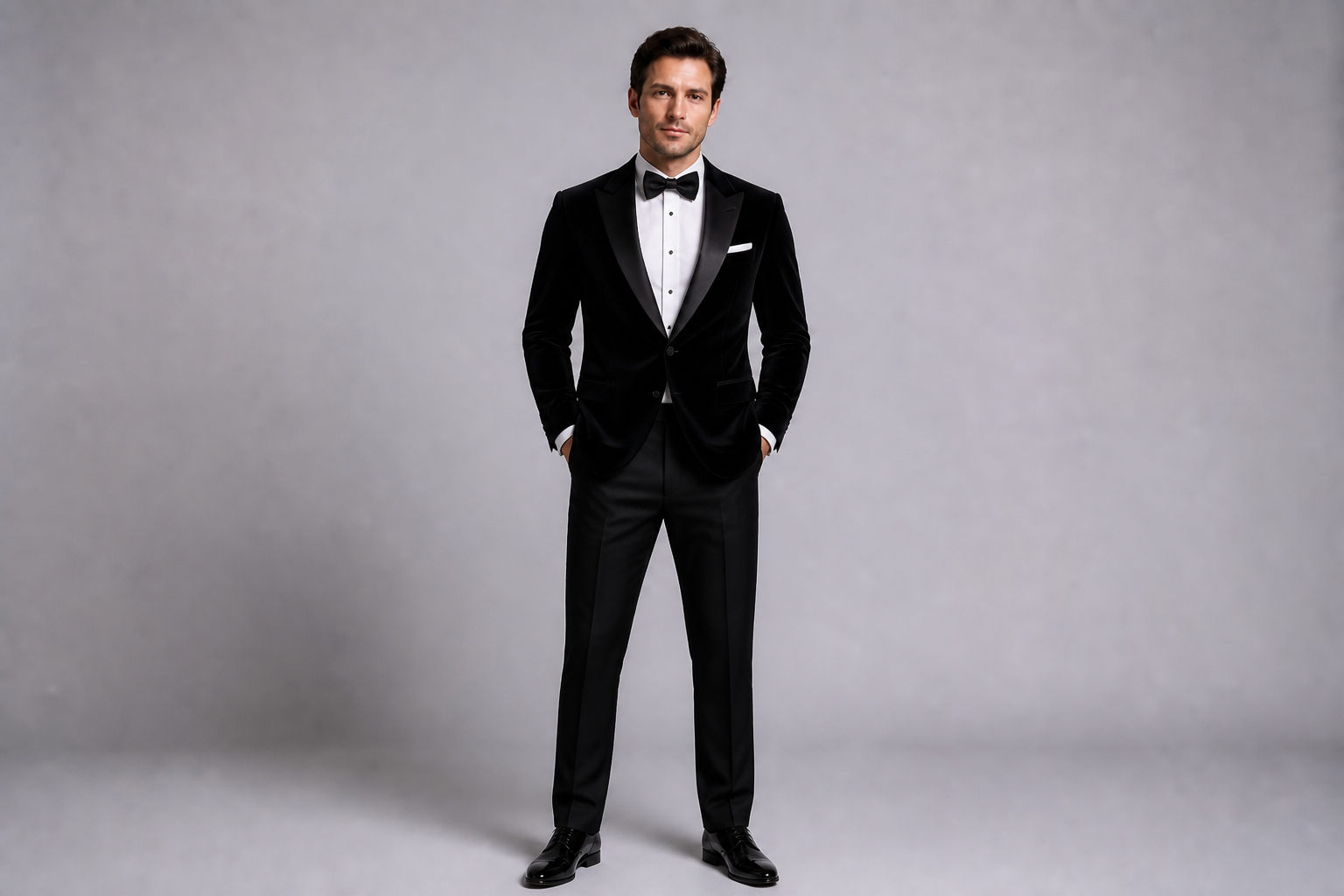 AFTER
AFTER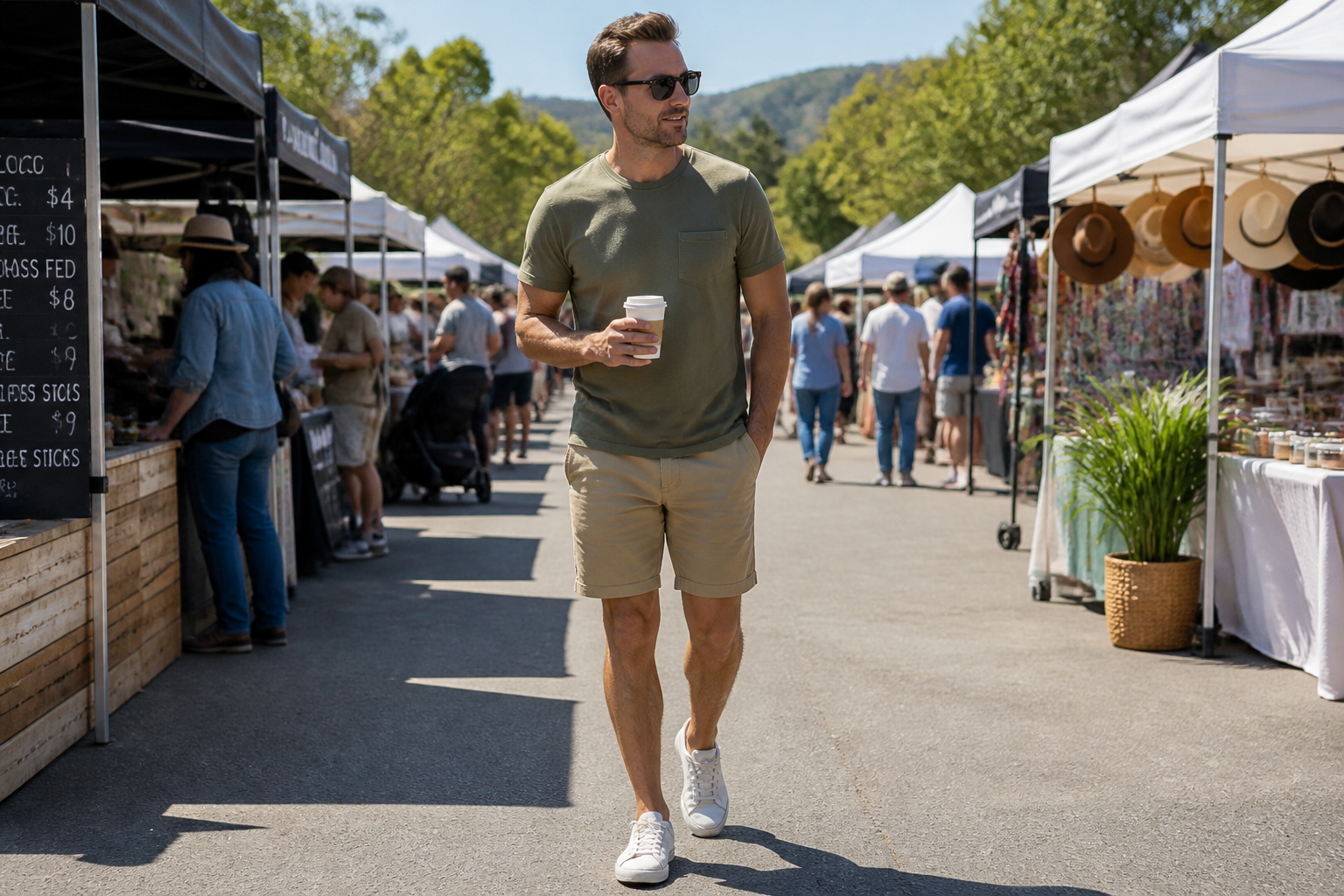 BEFORE
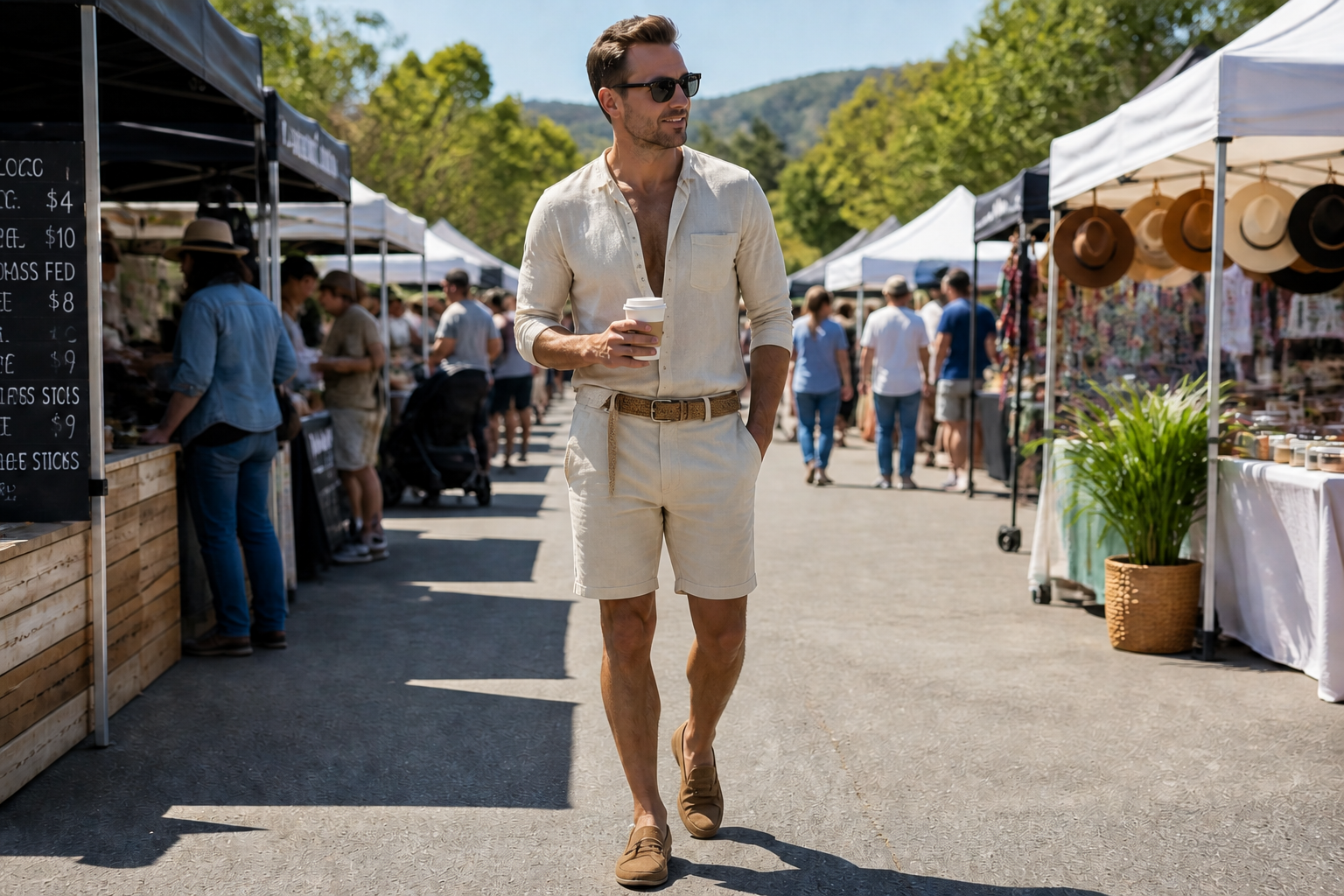 AFTERBEFOREAFTERBEFOREAFTERBEFOREAFTERBEFOREAFTERBEFOREAFTER
Key Features
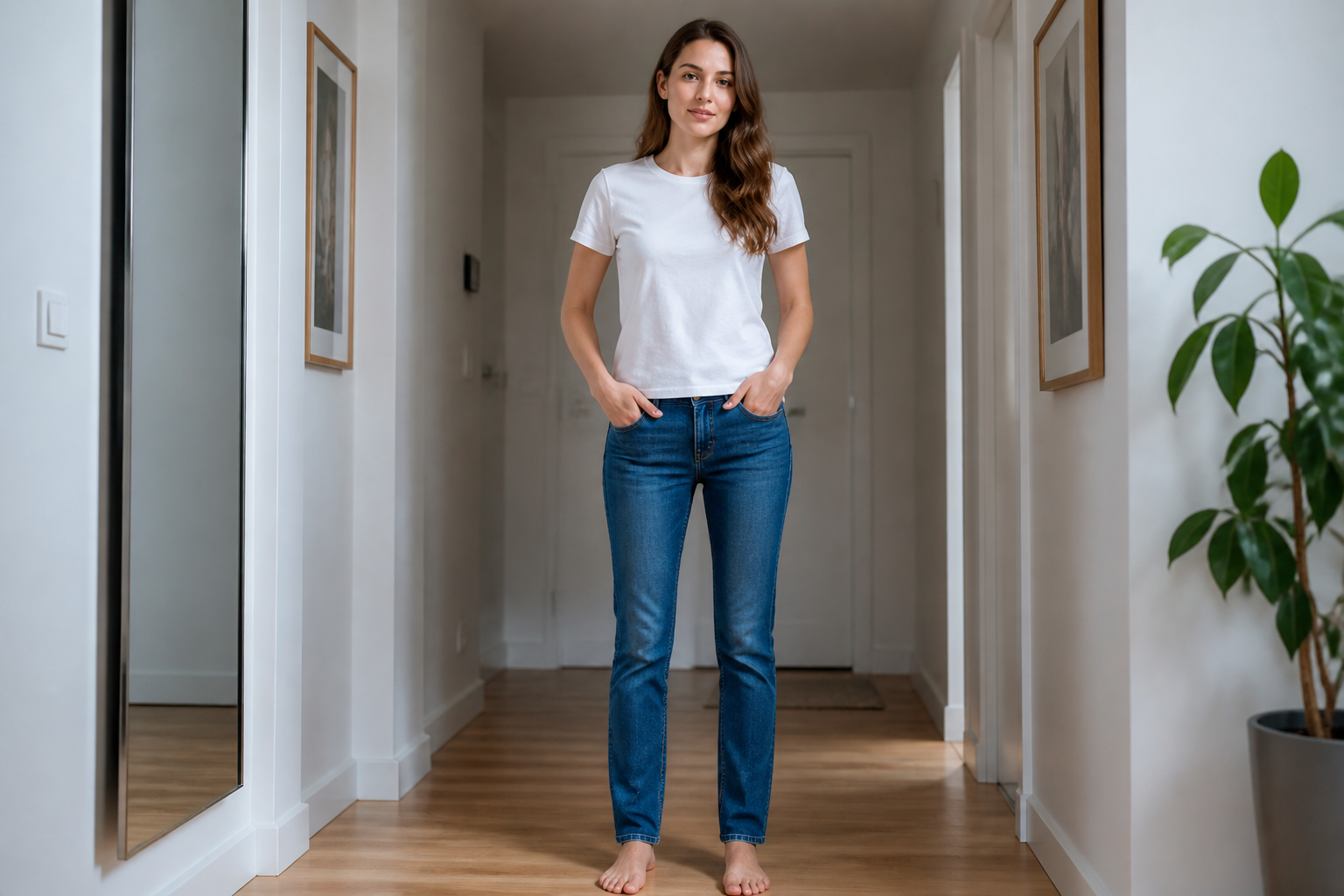
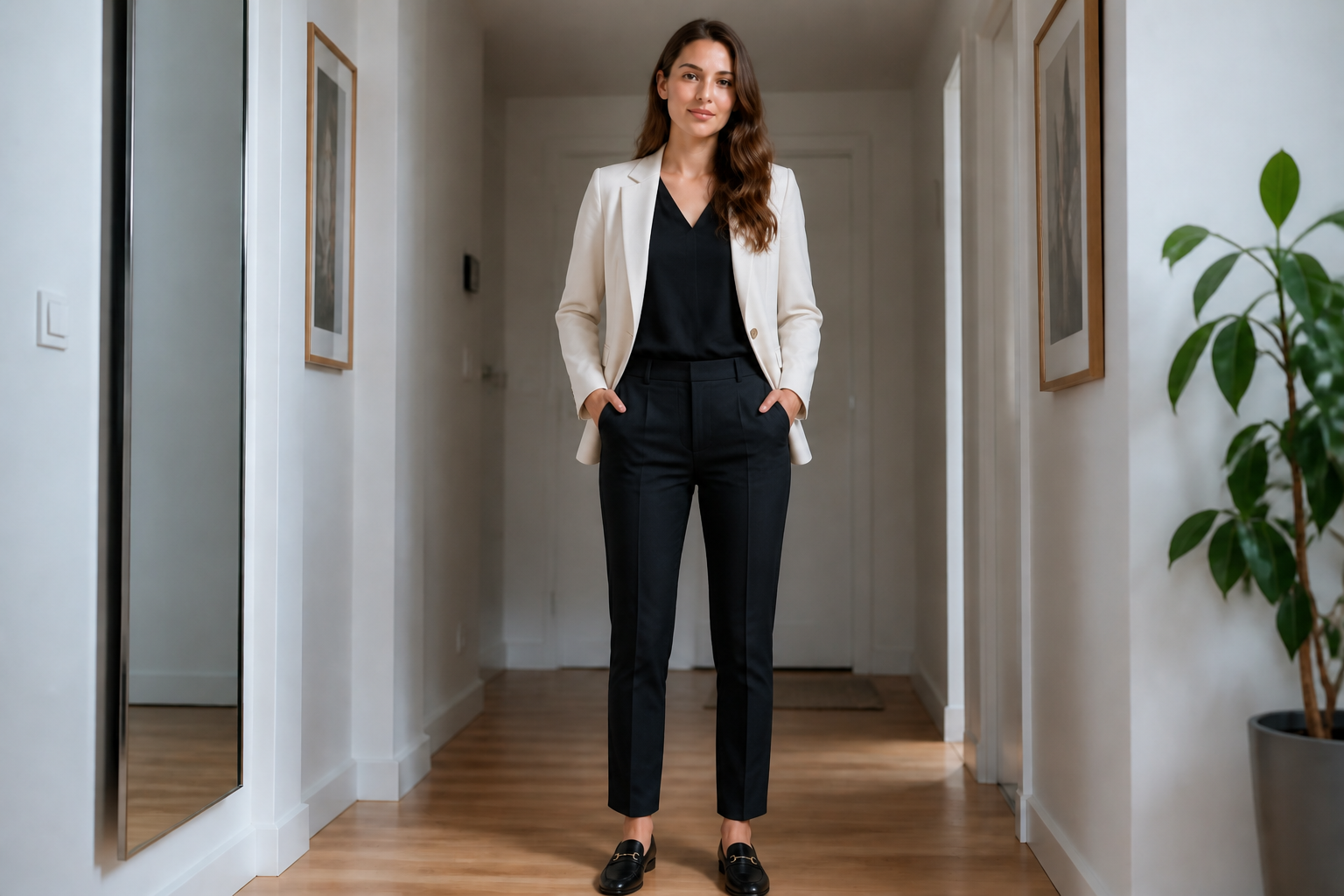
Swap outfits in seconds
Turn a basic photo into a new look without rebuilding the whole scene. You can test formalwear, casual layers, seasonal pieces, or trend-driven outfits from one starting image. That makes it faster to compare options than shopping screenshots or manual mockups. The result is a clearer visual answer to whether a look actually works on you.
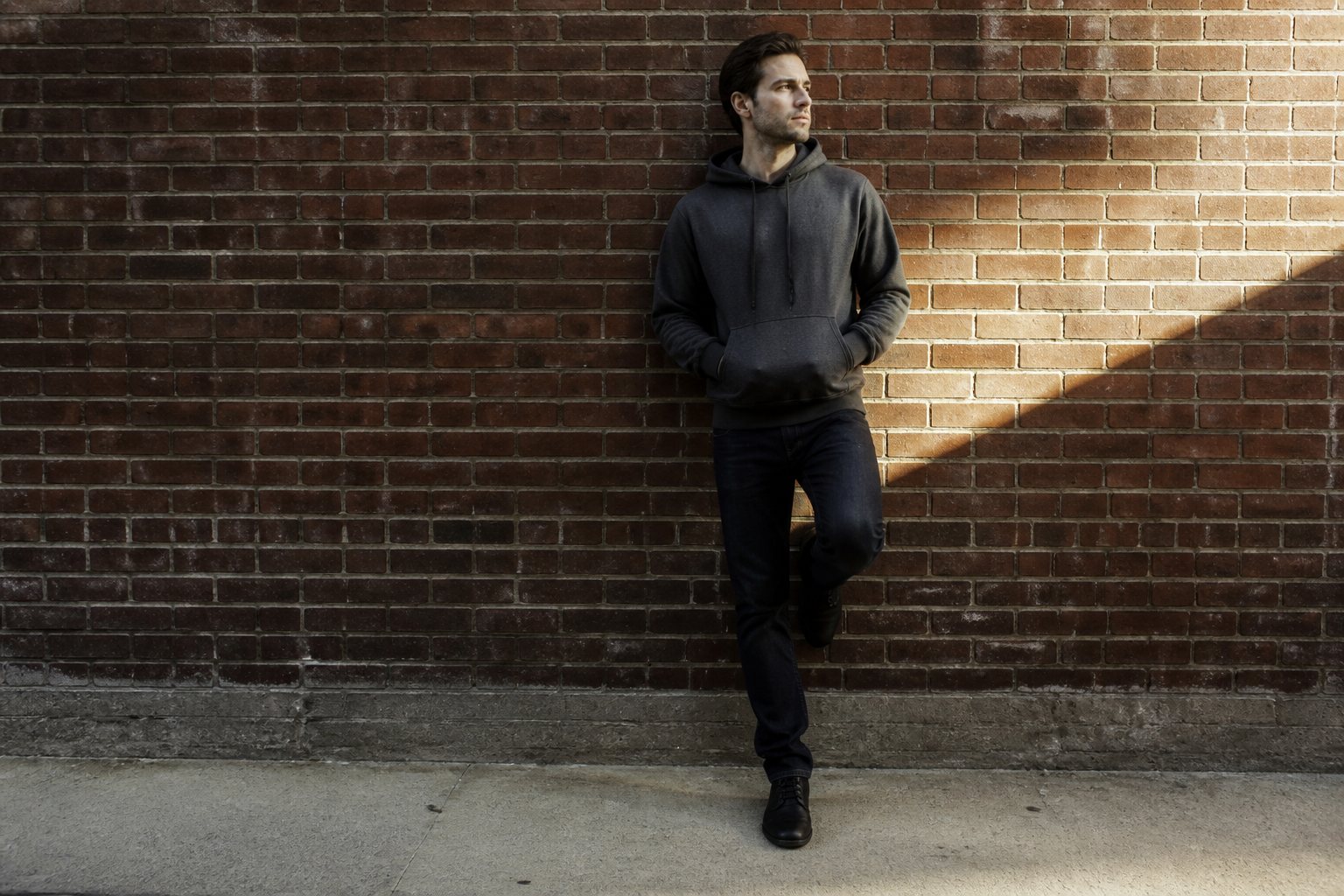
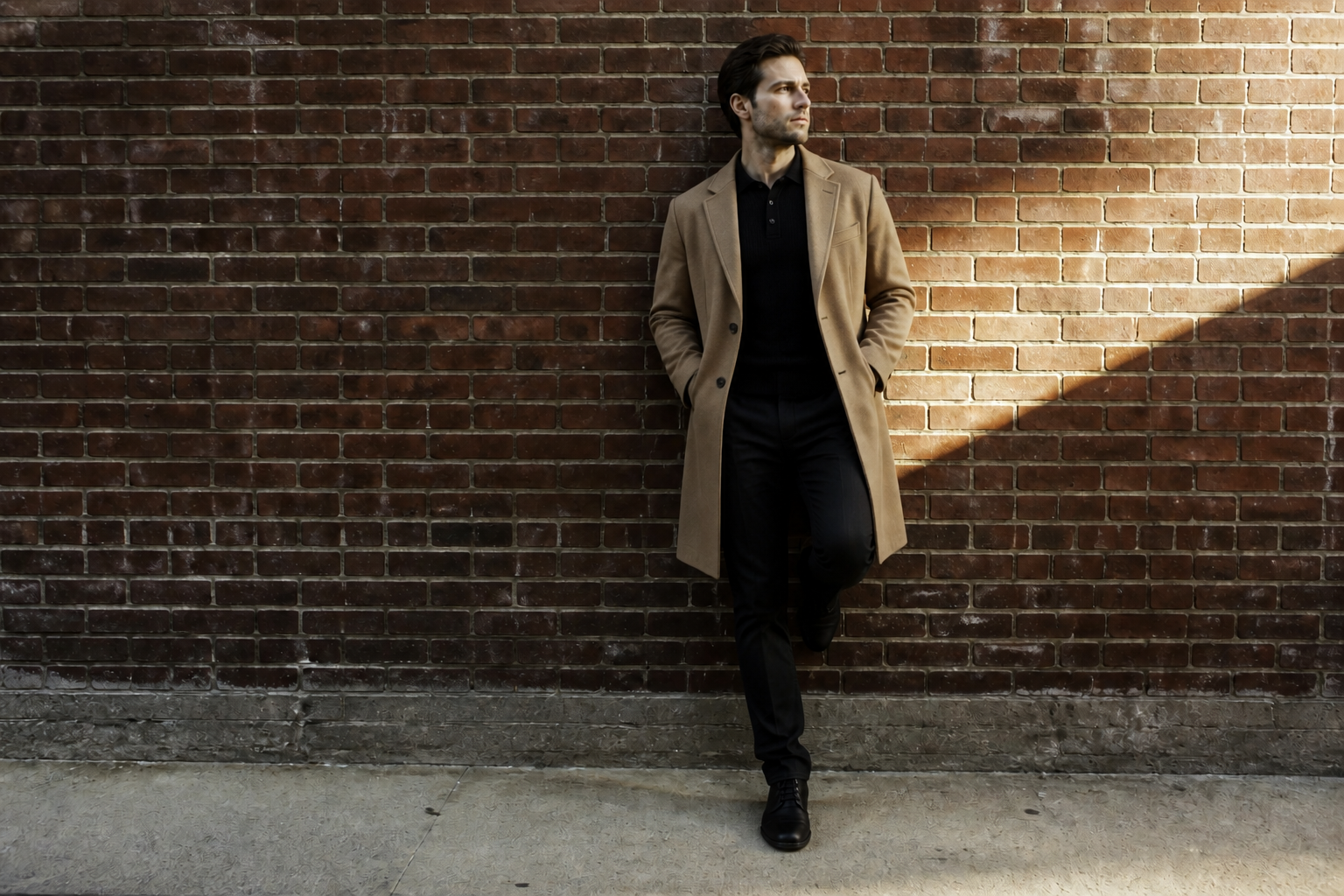
Keep your face consistent
The goal is to change the clothing, not the person. Our AI is built to preserve your identity, pose, and overall composition while updating what you're wearing. That matters when you want believable previews for personal styling, client drafts, or social content. Manual edits often drift into a different face or body shape, which makes outfit decisions less useful.
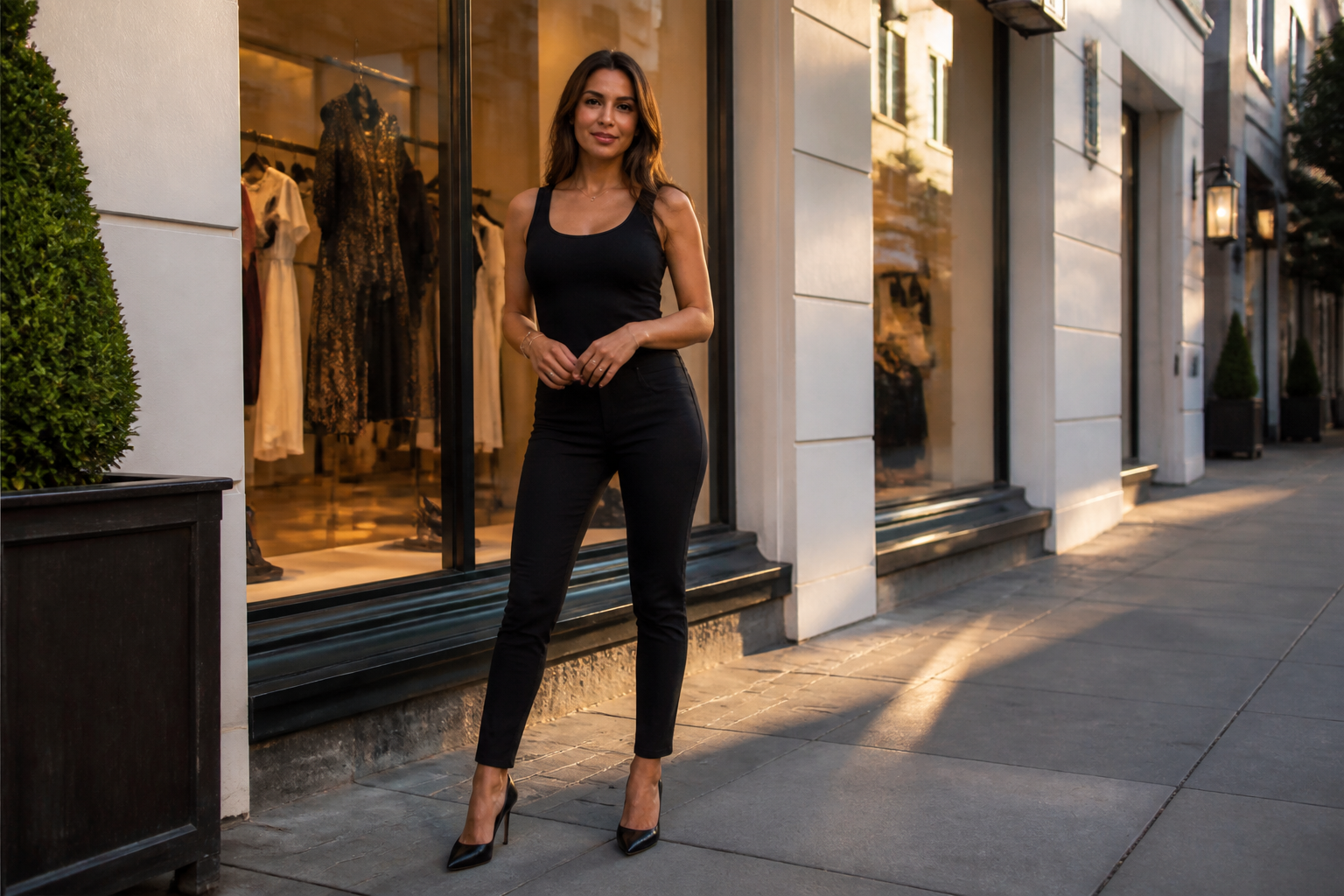
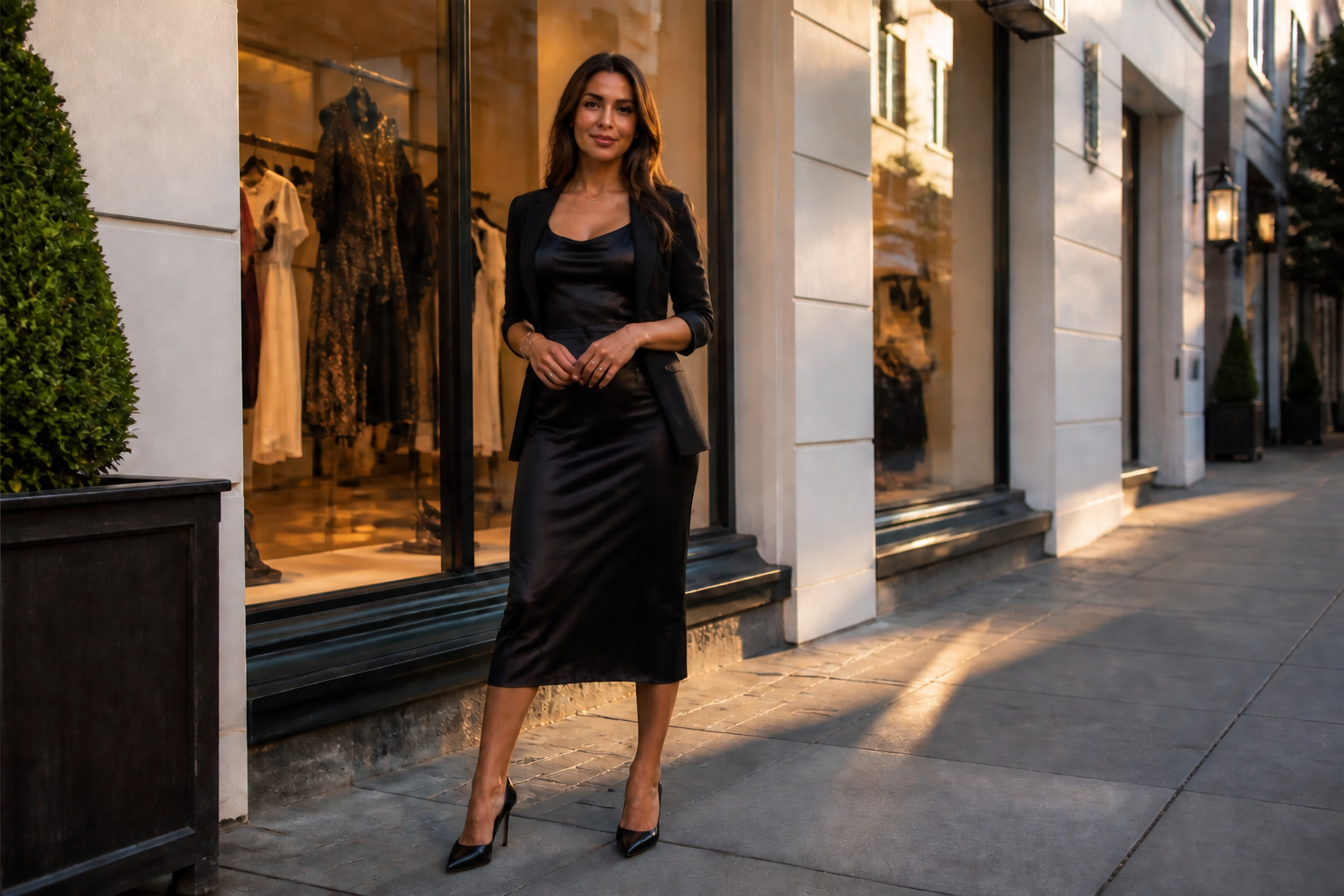
Test styles for any occasion
One photo can become a date-night outfit, office fit, vacation set, or event-ready look. This helps you explore categories instead of only swapping one shirt for another. It is useful when planning capsule wardrobes, trying new aesthetics, or deciding what to pack. You get visual variety without needing a new photo shoot for every idea.
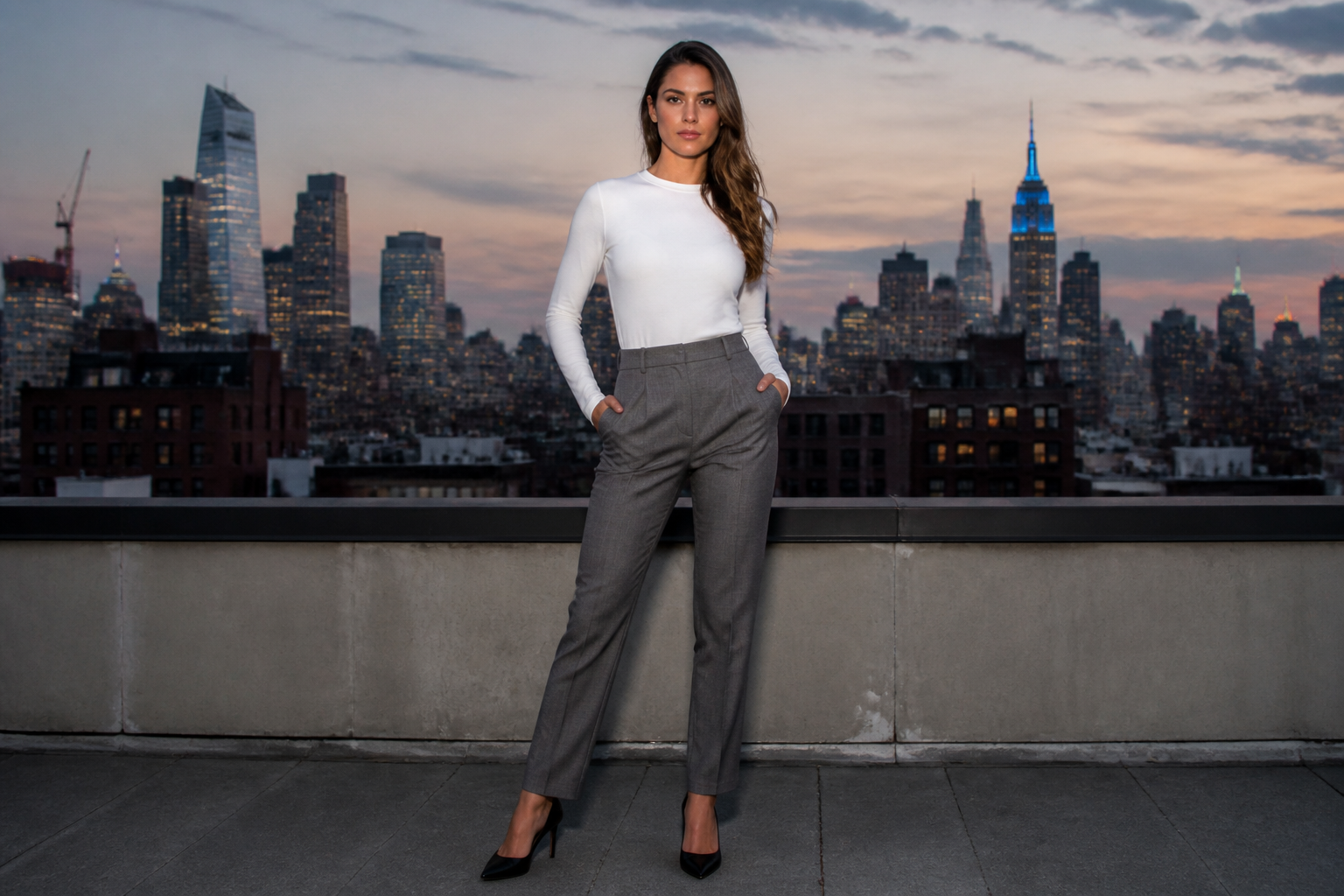
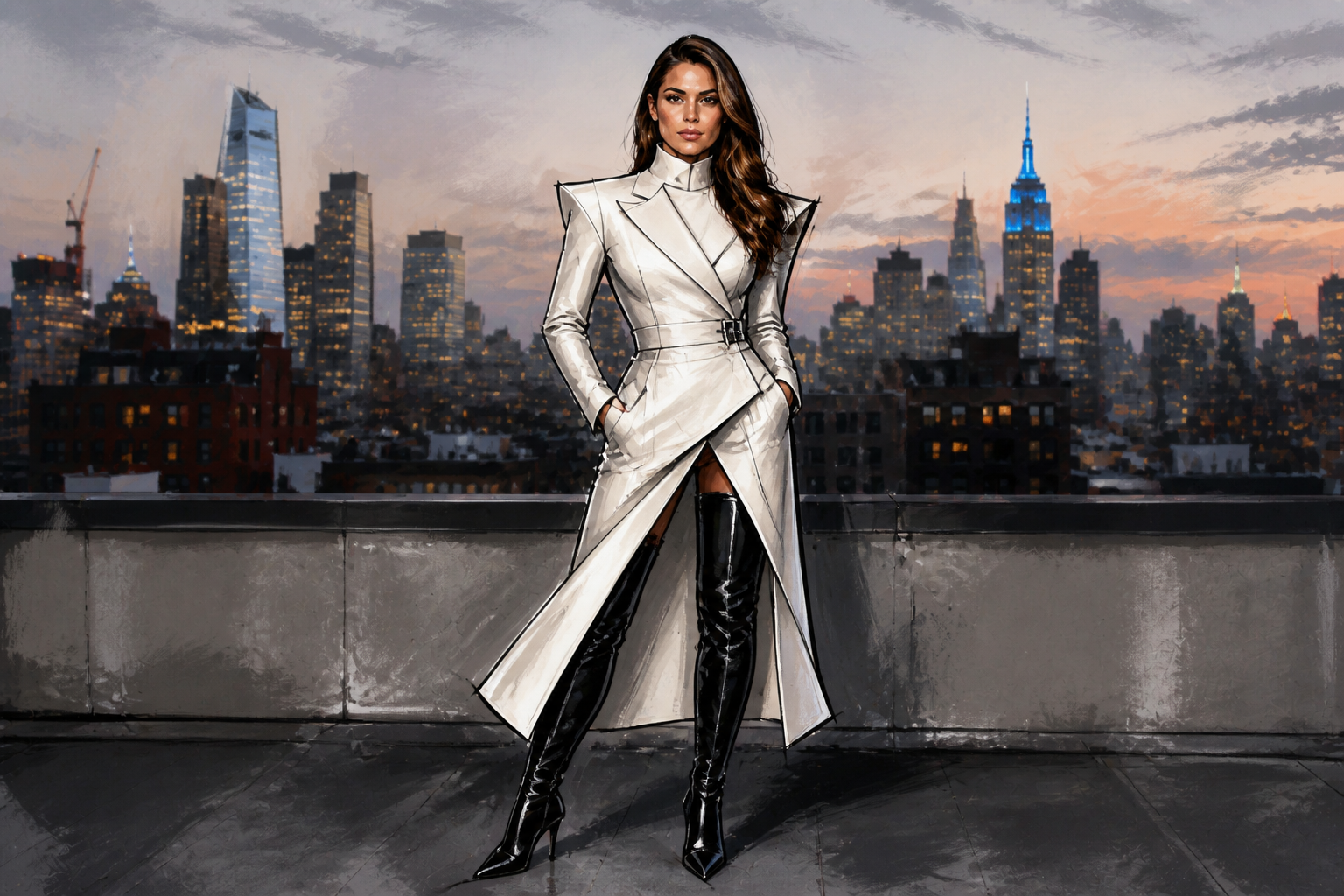
Go realistic or stylized
You can create believable outfit previews or push the image into a more artistic direction for content and moodboards. That range is useful for creators, stylists, and brands that need both practical try-ons and eye-catching visuals. Instead of moving assets between multiple apps, you can generate different fashion treatments from the same source image. It is a quick way to explore both fit and presentation.
How It Works
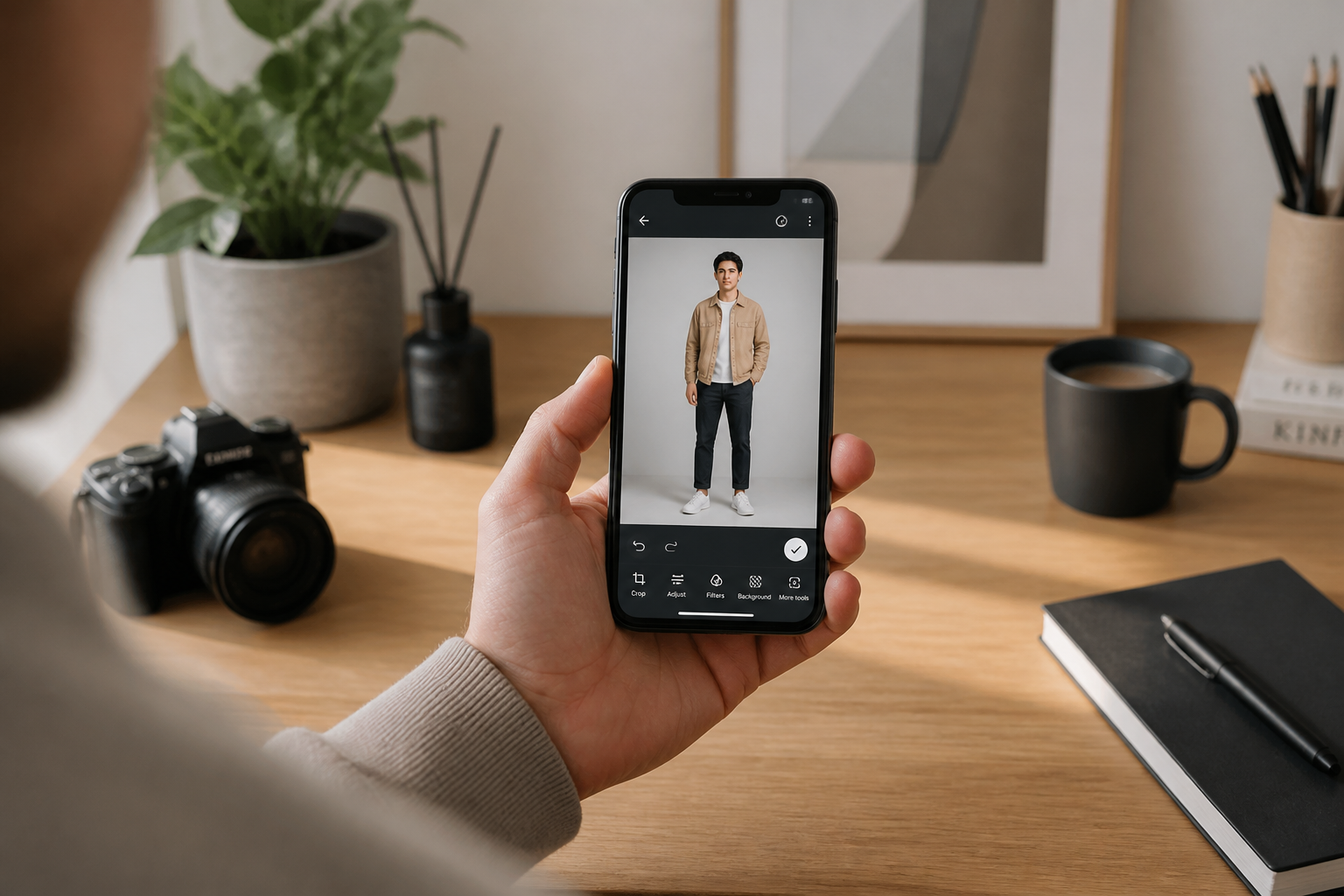
Upload your photo
Start with a clear full-body or three-quarter photo. Good lighting and an unobstructed outfit area help the edit read cleanly.
Describe the outfit
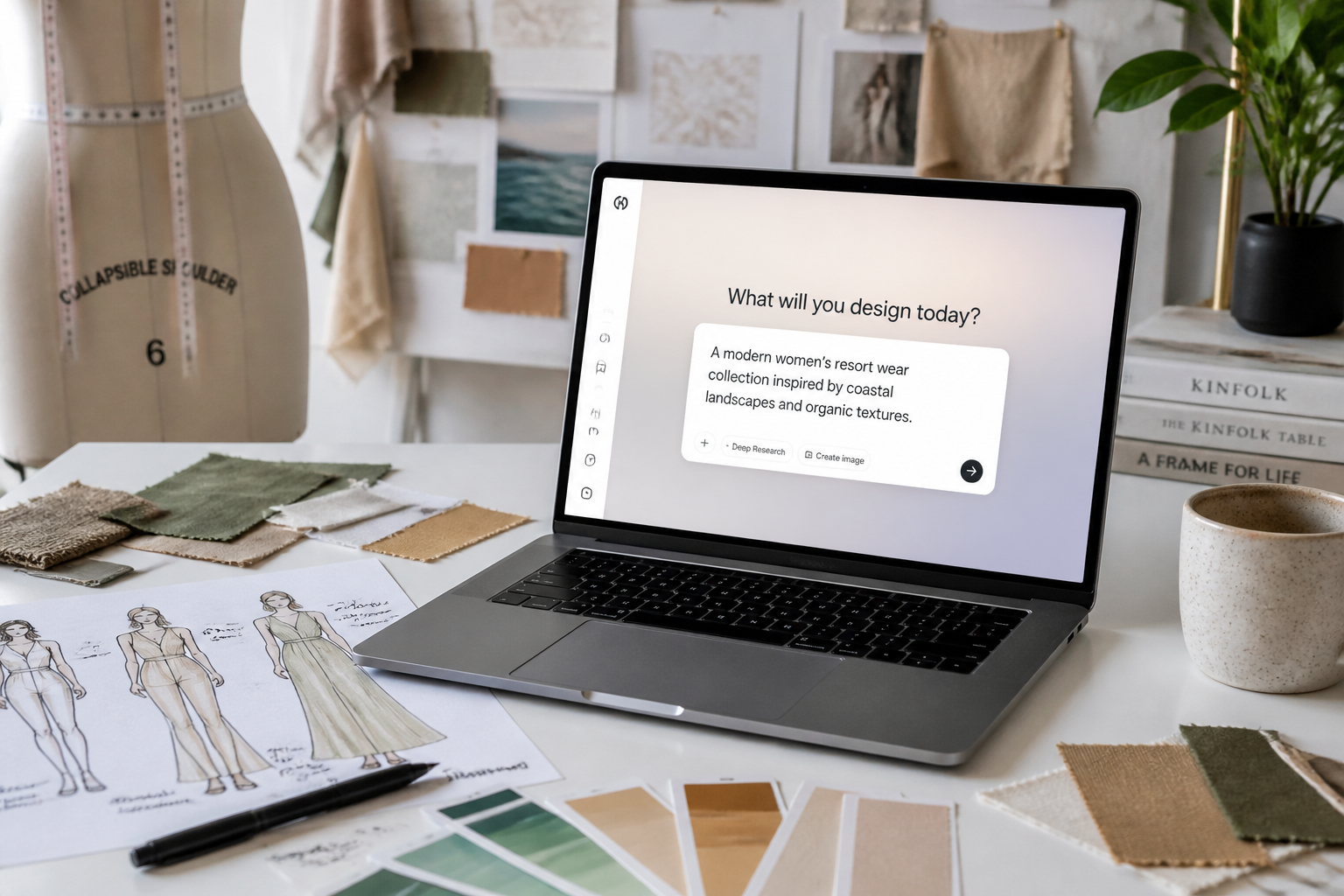
Type the clothing you want to try, such as casual streetwear, office tailoring, or vacation looks. You can mention colors, layers, fabrics, and shoes for a more specific result.
Compare and refine
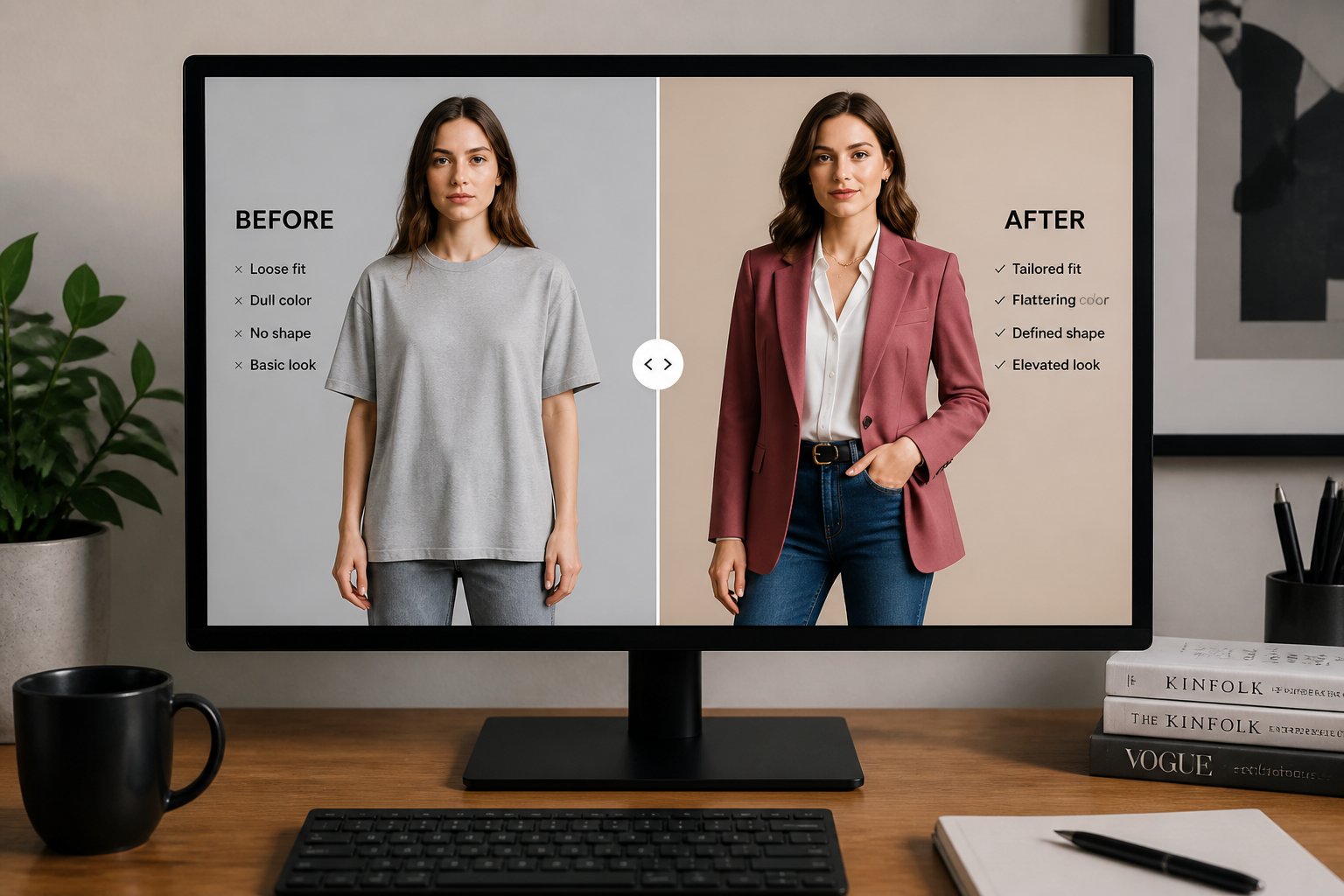
Review the result and see how the new outfit changes the overall look. If needed, adjust the prompt to test different silhouettes, color palettes, or levels of formality.
Perfect For
Discover how creators and professionals use ai clothes try on
Plan outfits before buying
Preview how different clothing styles might look on your photo before you order or commit to a purchase.
Create fashion content faster
Generate multiple outfit concepts from one base image for social posts, thumbnails, or campaign drafts.
Build styling references
Test combinations for workwear, events, travel, or seasonal wardrobes without changing locations or reshooting.
Mock up client looks
Show clients quick visual outfit directions for styling consultations, lookbooks, or personal shopping sessions.
Built For
Everyday shoppers
Try different looks on your own photo to make wardrobe decisions with more confidence.
Creators and influencers
Produce more outfit concepts from fewer shoots and keep your content pipeline moving.
Stylists and fashion sellers
Present outfit ideas, seasonal edits, and concept variations quickly for clients or product marketing.
Why people use BudgetPixel for outfit swaps
A quick look at how we compare on the things that matter for this niche.
| Feature | BudgetPixel | Generic AI editors | Manual editing apps |
|---|---|---|---|
| Clothing-focused edits | ✓ | — | — |
| Keeps pose and scene | ✓ | — | ✓ |
| Fast outfit variations | ✓ | ✓ | — |
| No manual masking | ✓ | — | — |
Frequently Asked Questions
What kind of photos work best for AI Clothes Try On?
Will it keep my face and pose the same?
Can I try different fashion styles?
Does it work for men's and women's outfits?
Can I use it for social media or client previews?
Create together.
Share your creations, discover trending AI art, and grow with fellow creators.