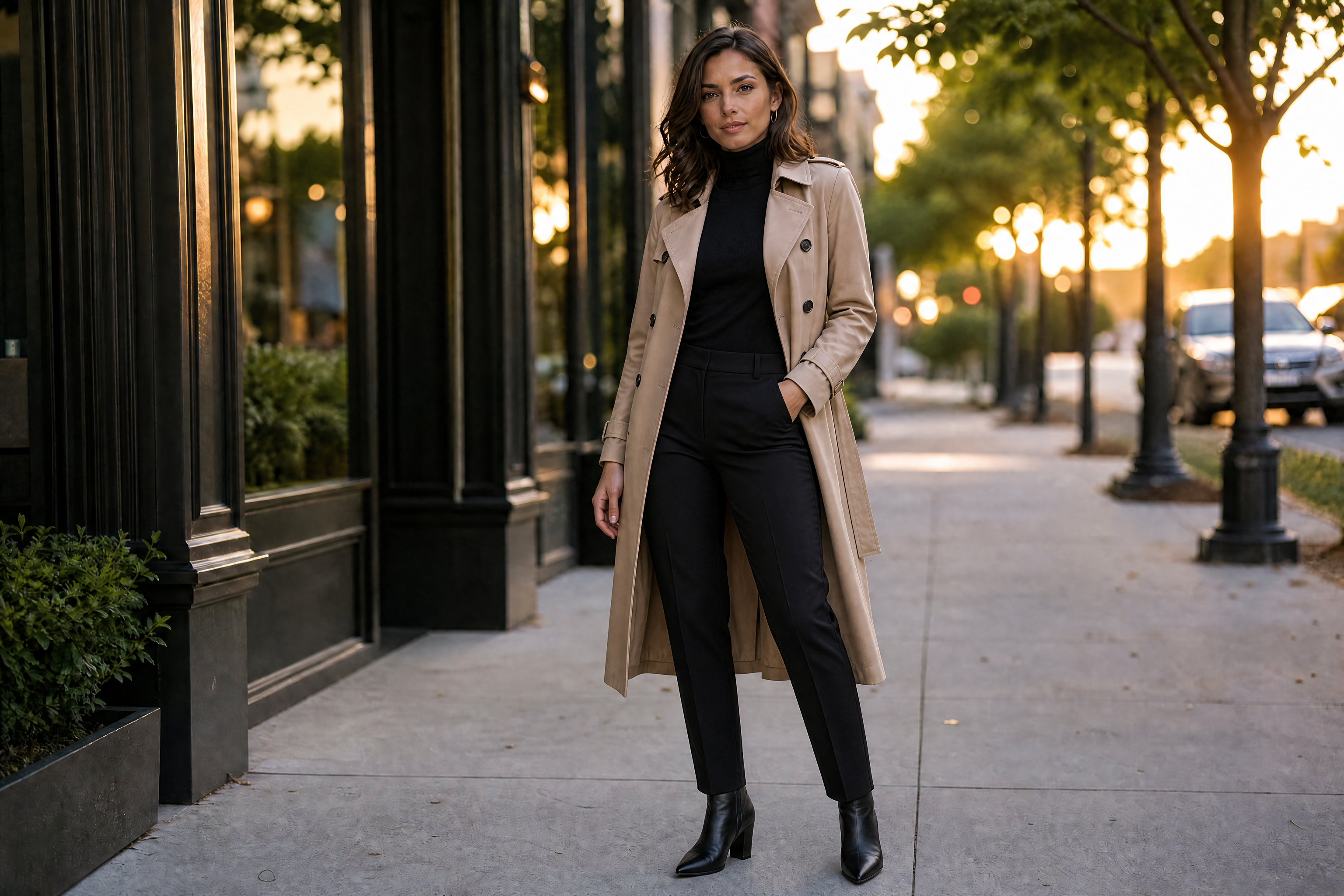
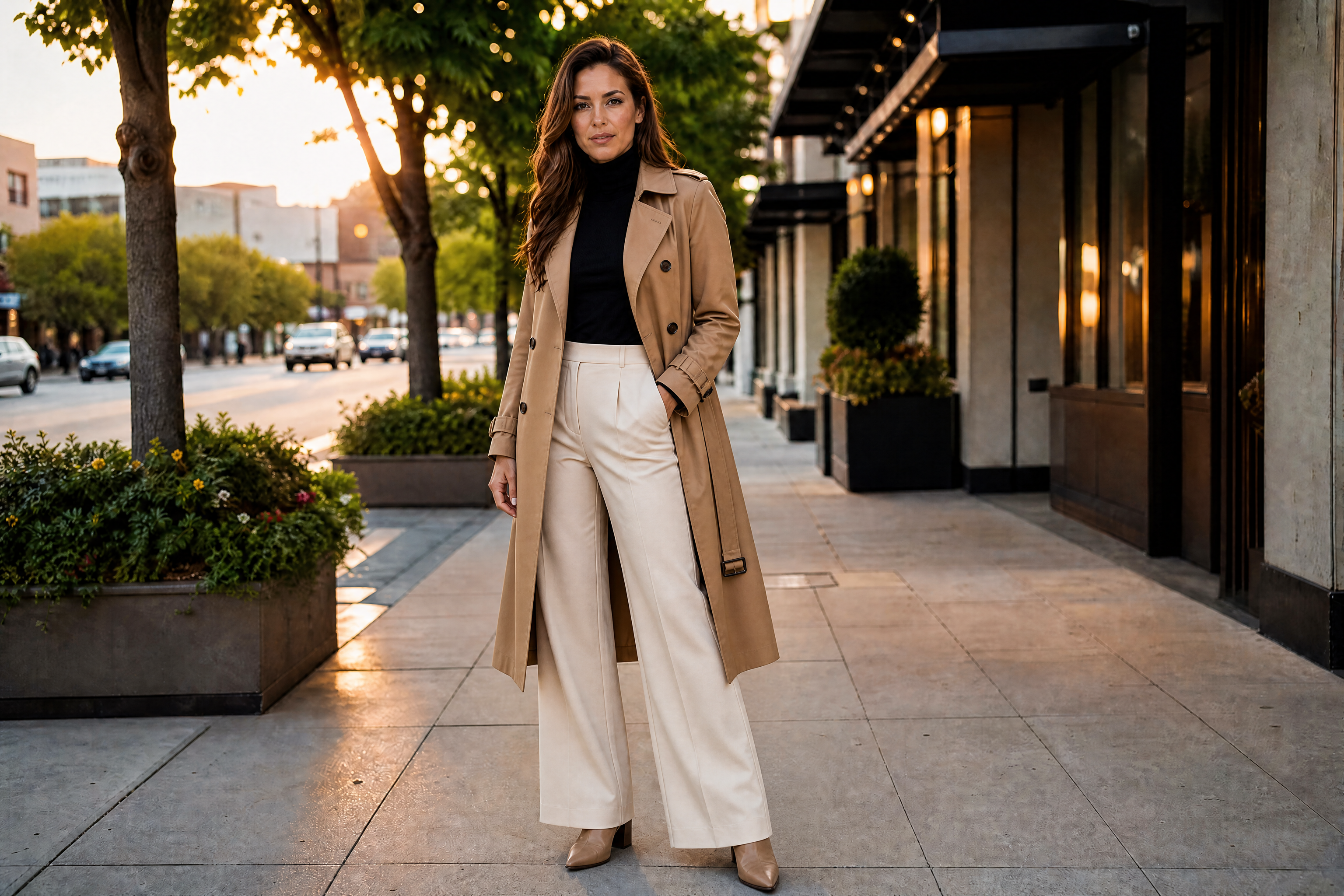
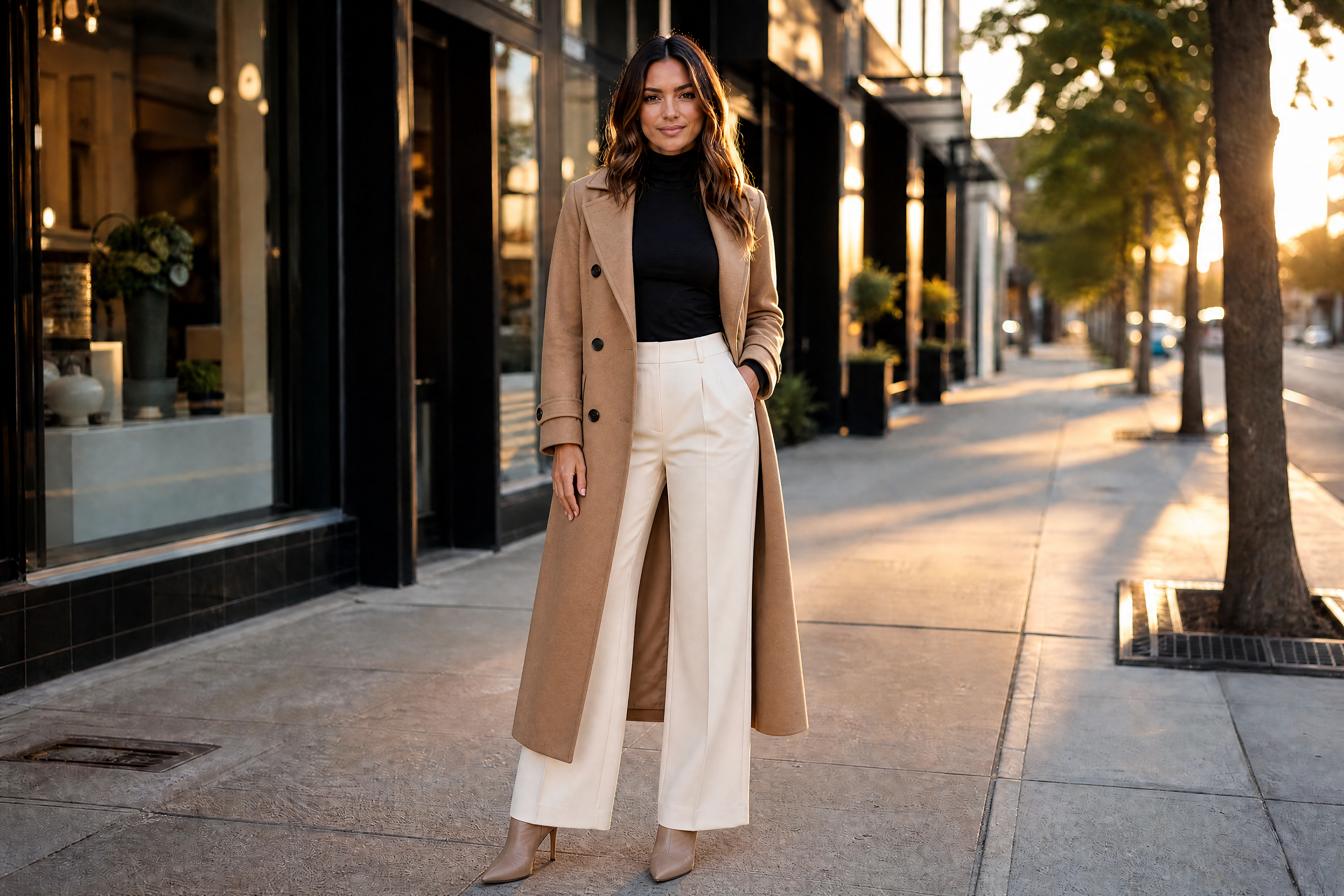
AI Virtual Try On
See new outfits on your photo before you buy, post, or design.
Upload a photo and preview different outfits in seconds. Our AI changes clothing while keeping the person, pose, and overall scene consistent. It works for casual looks, formalwear, streetwear, and stylized fashion concepts.
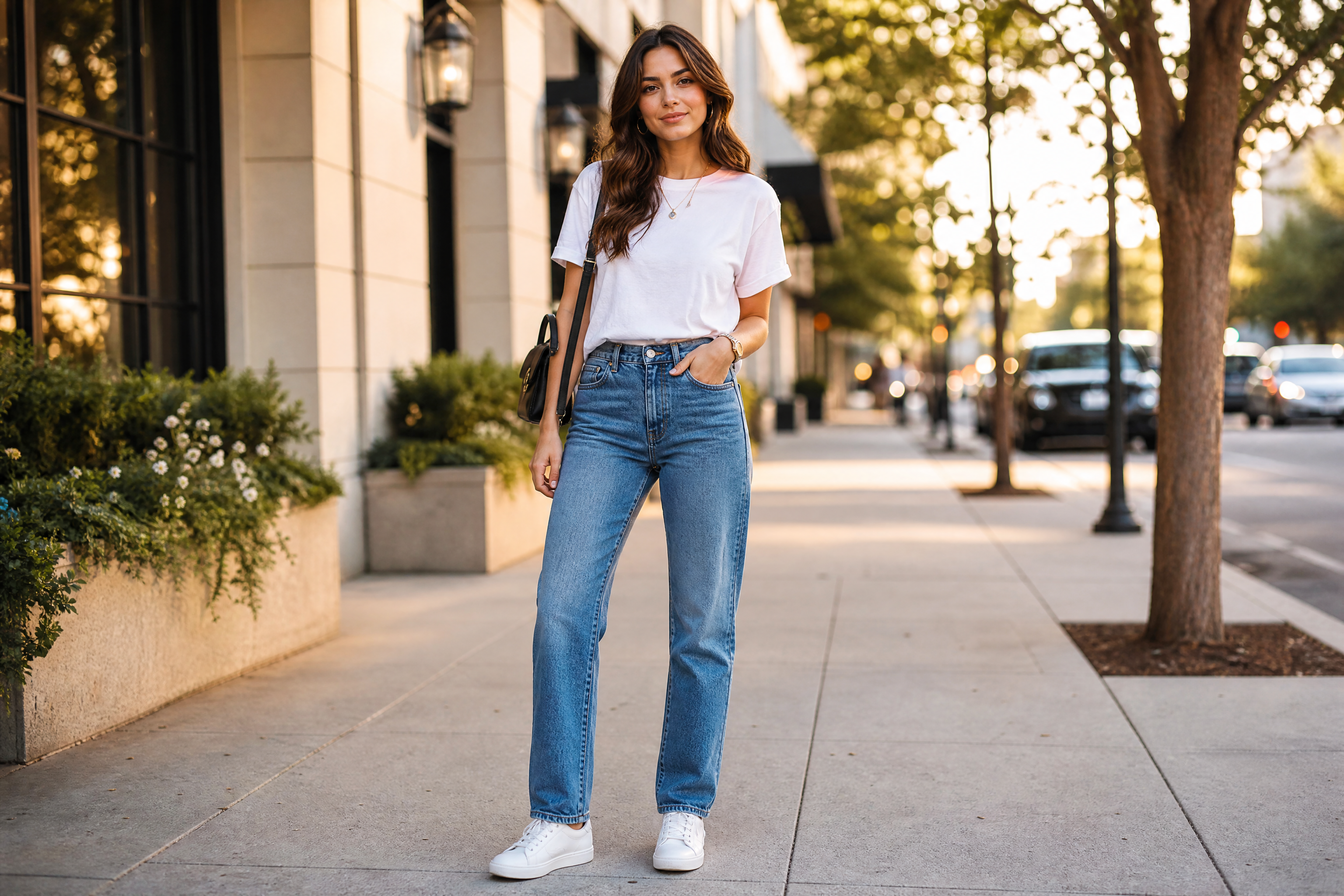
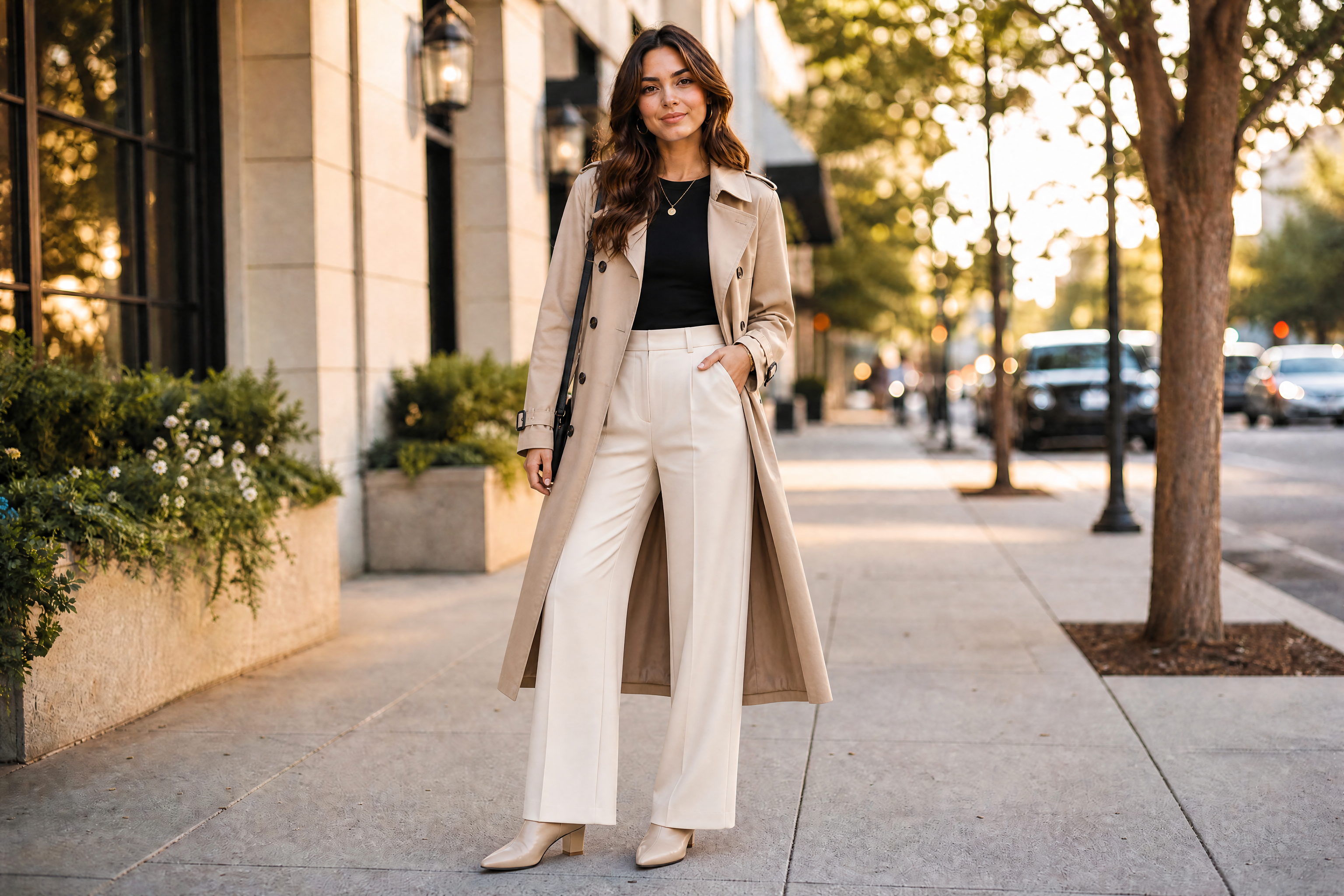
Watch the Transformation
See ai virtual try on in motion — generated end-to-end by our AI.
See It In Action
Real outputs from ai virtual try on.
BEFOREAFTER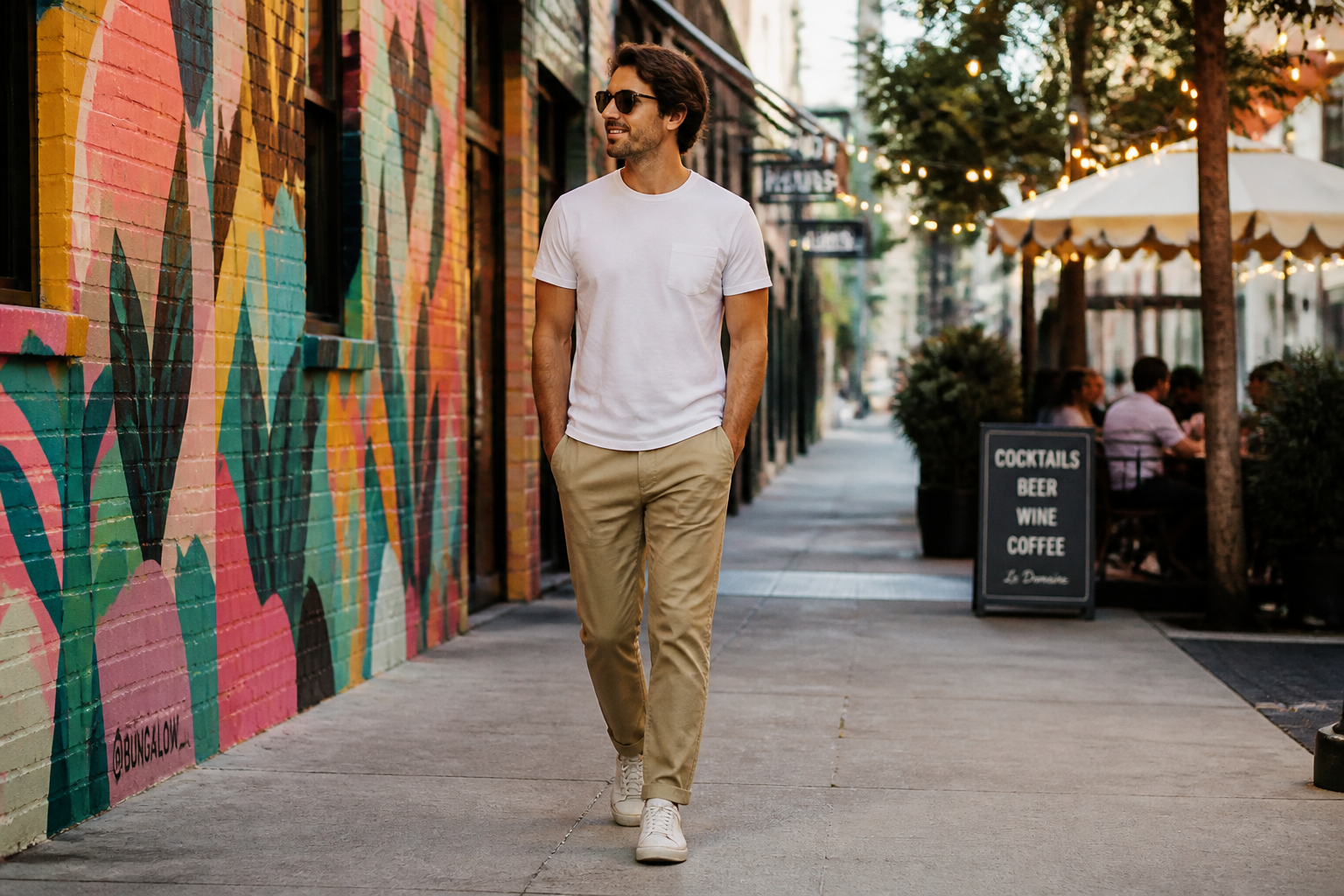 BEFORE
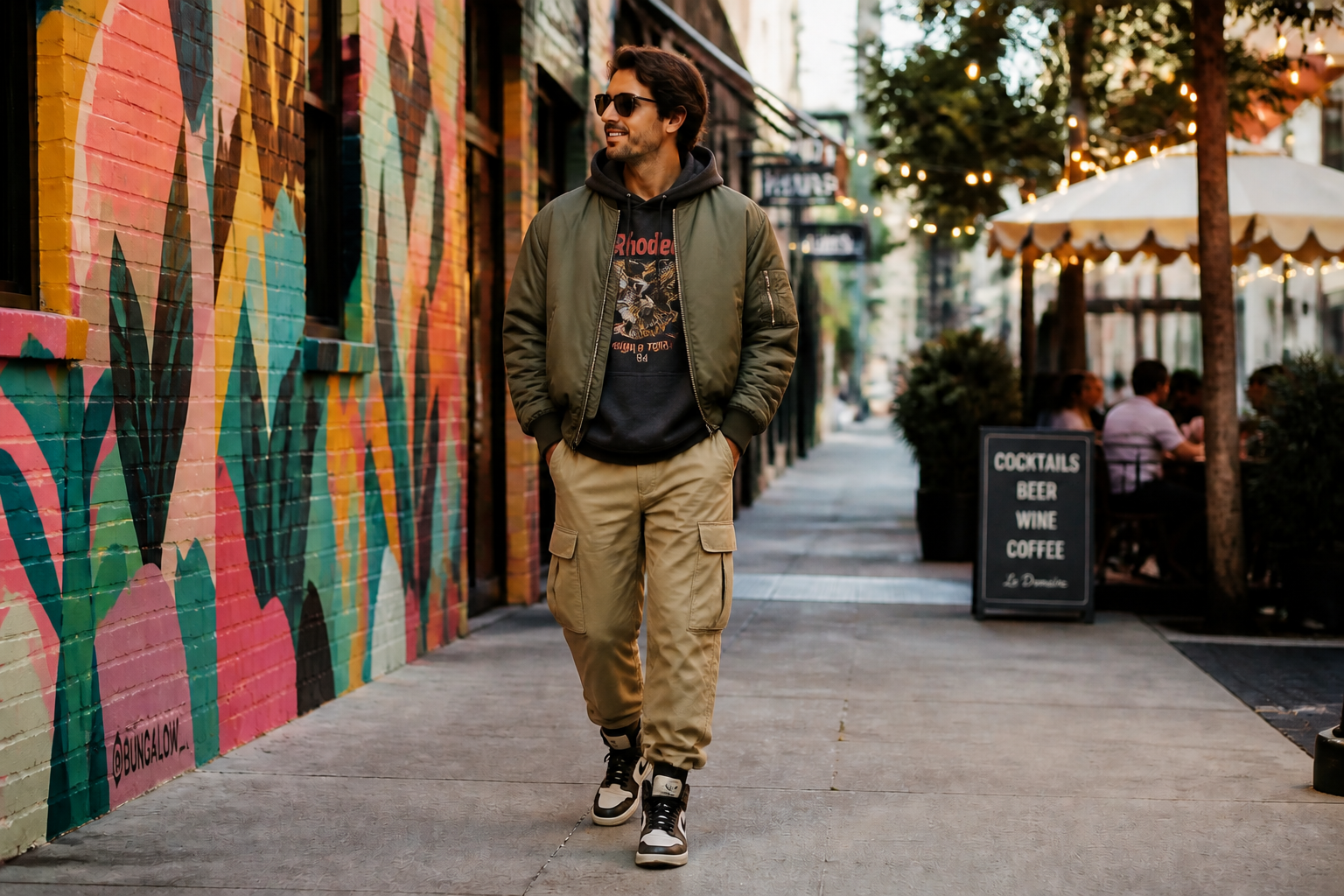 AFTER
AFTER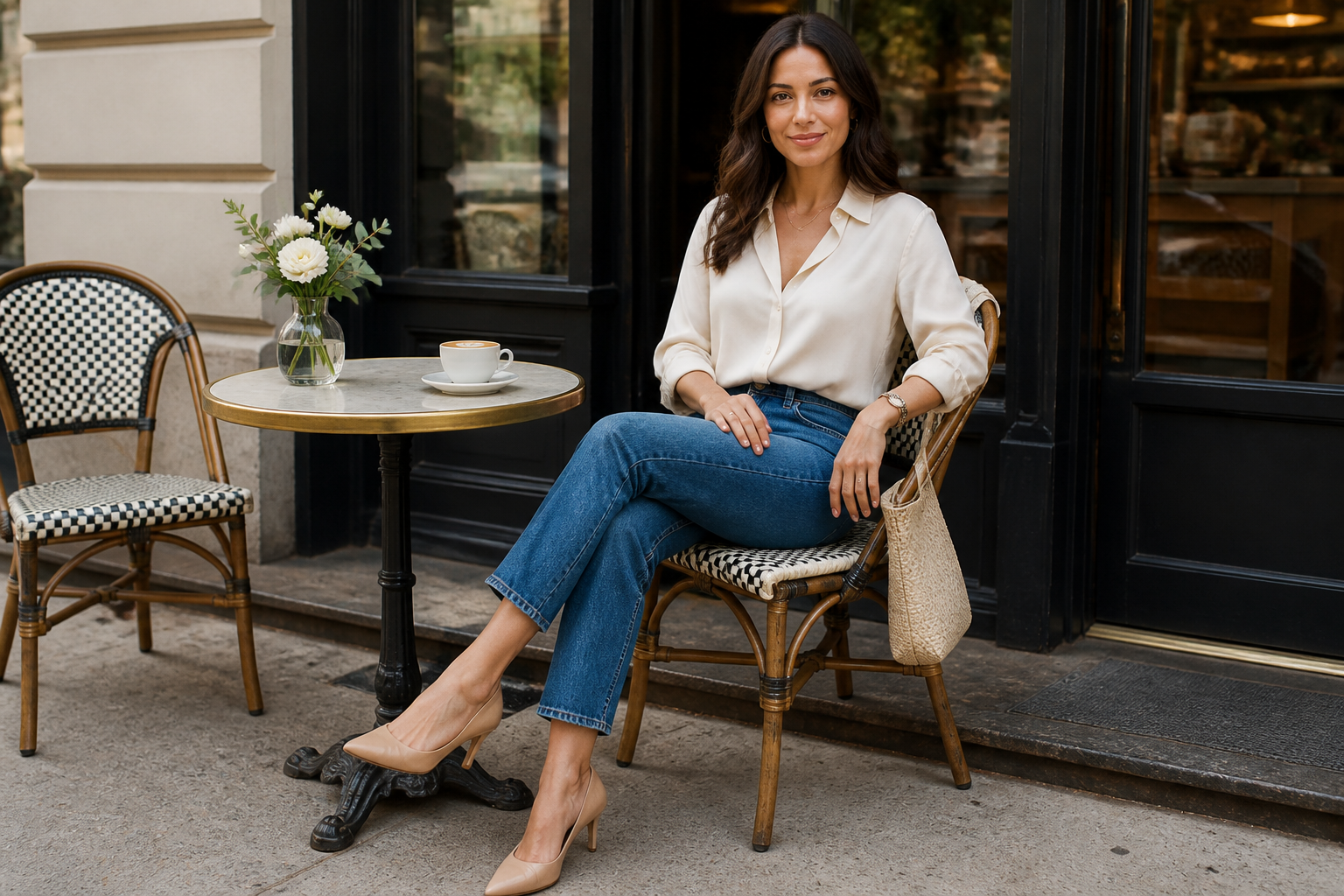 BEFORE
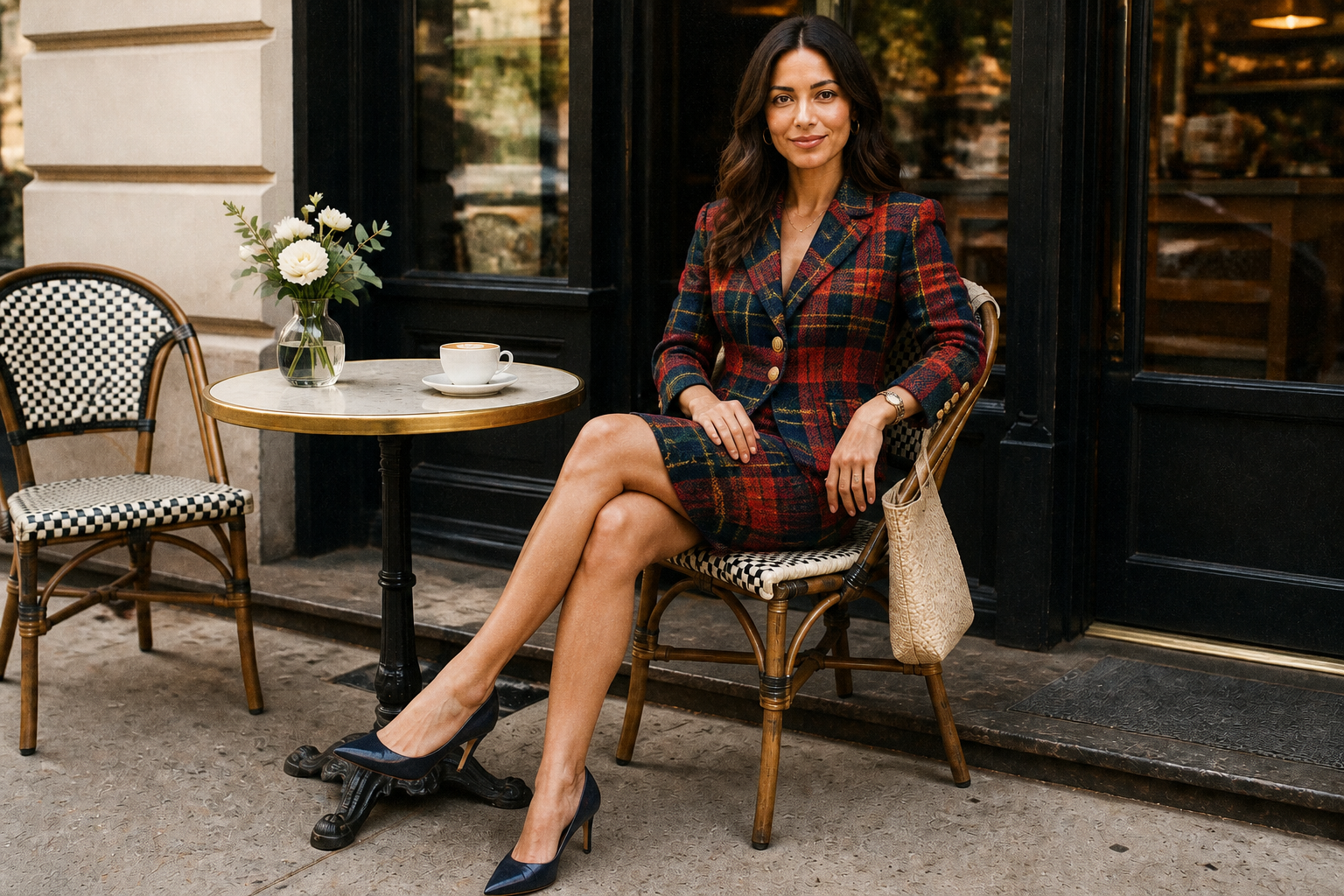 AFTER
AFTER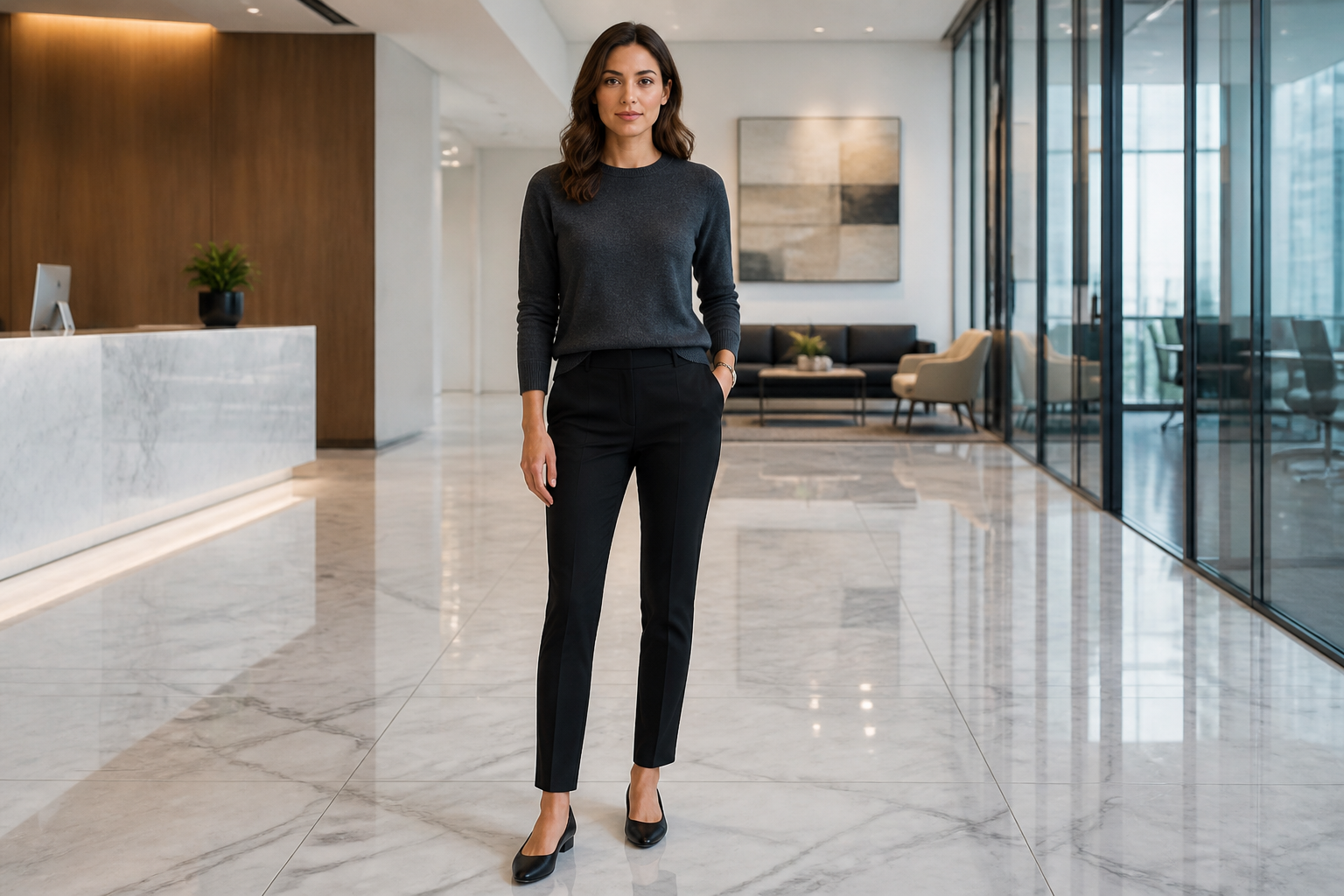 BEFORE
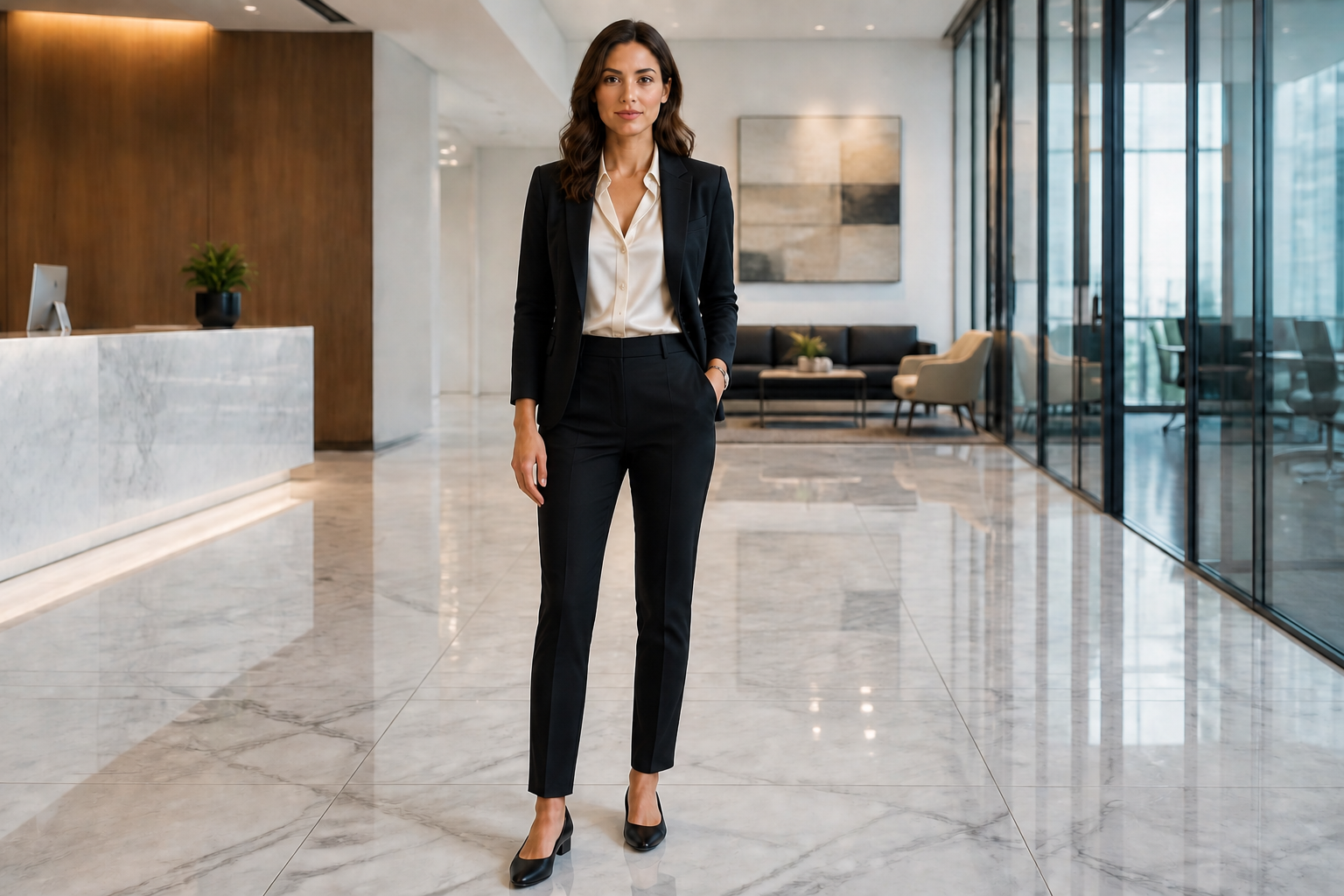 AFTER
AFTER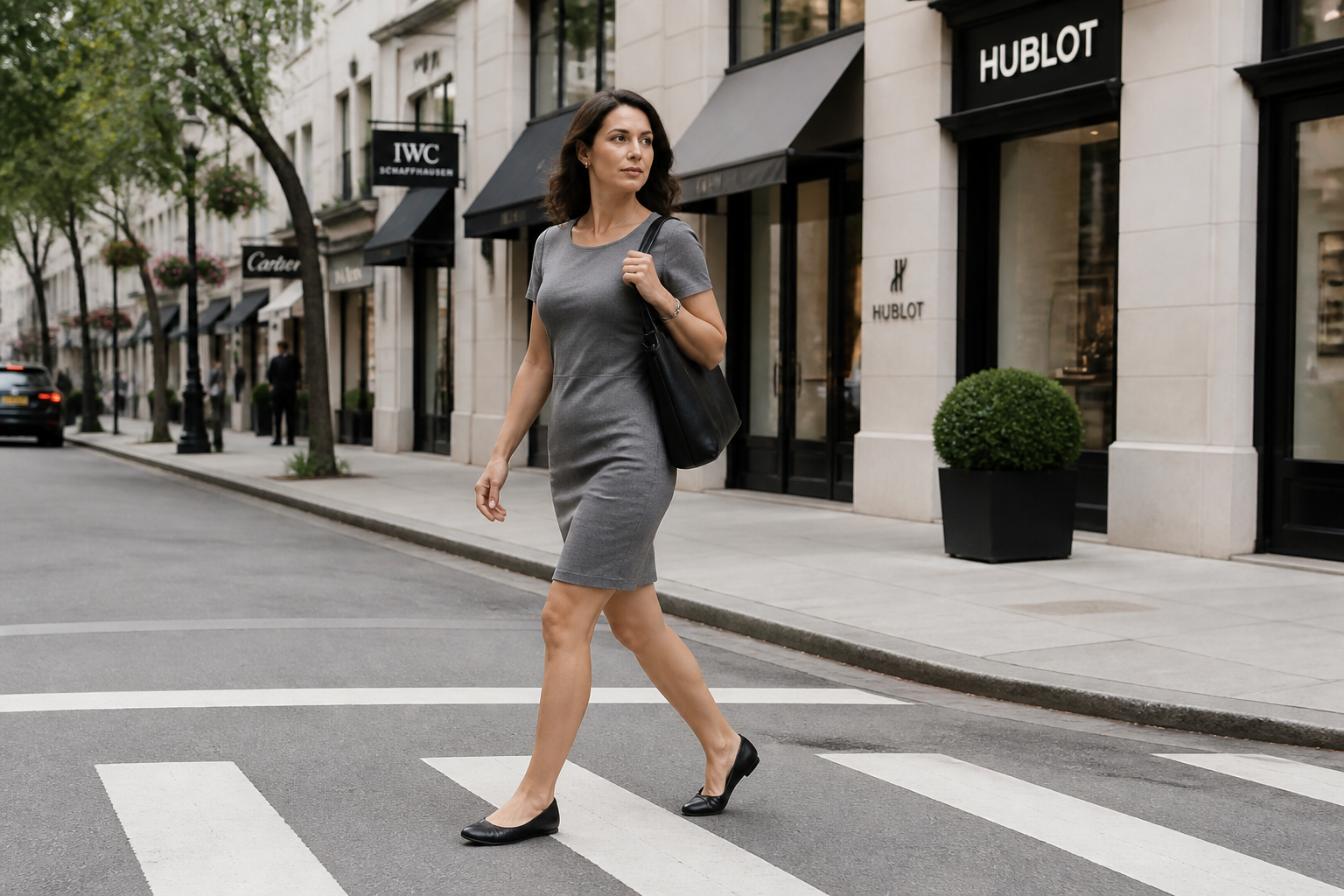 BEFORE
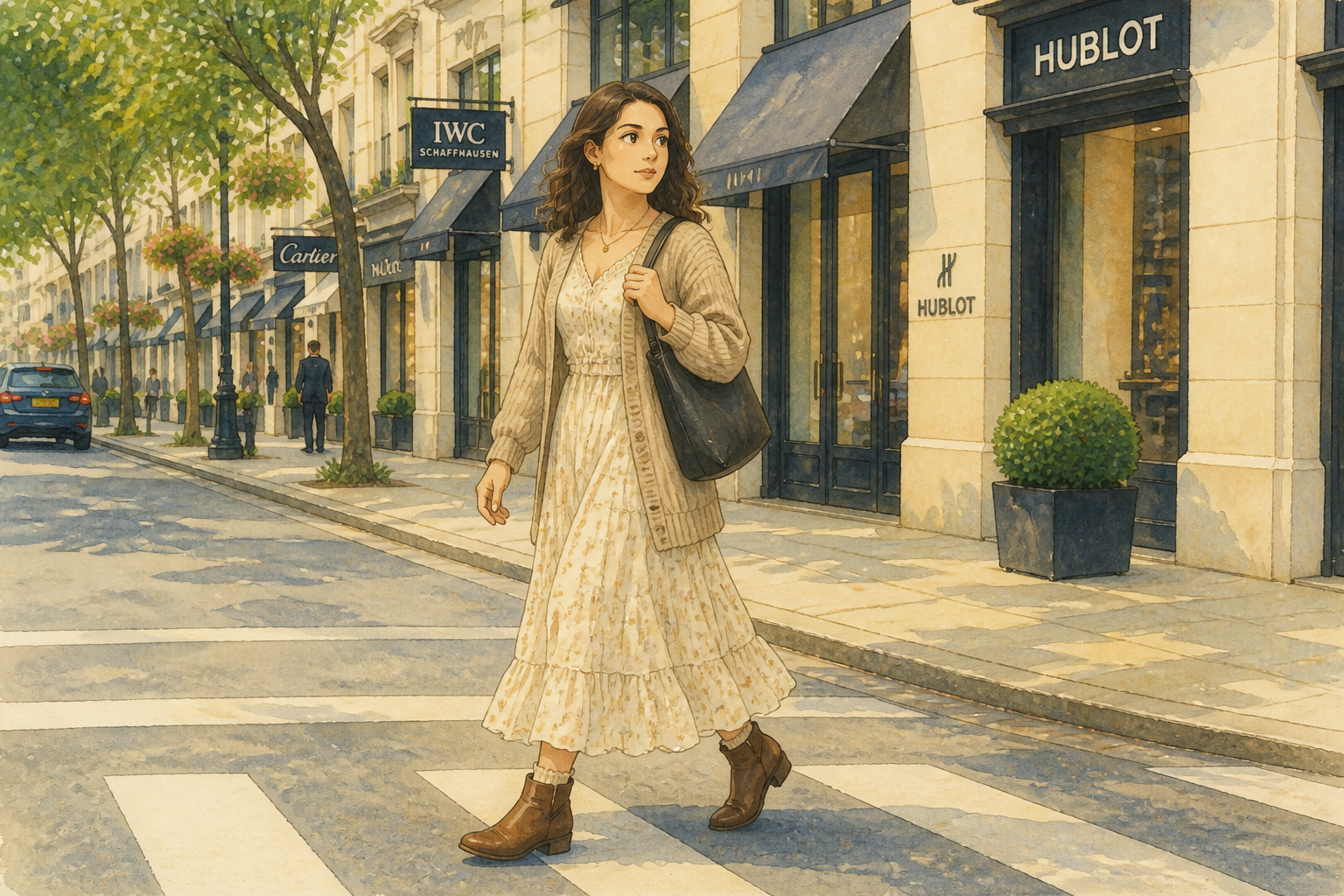 AFTERBEFOREAFTERBEFOREAFTERBEFOREAFTERBEFOREAFTERBEFOREAFTER
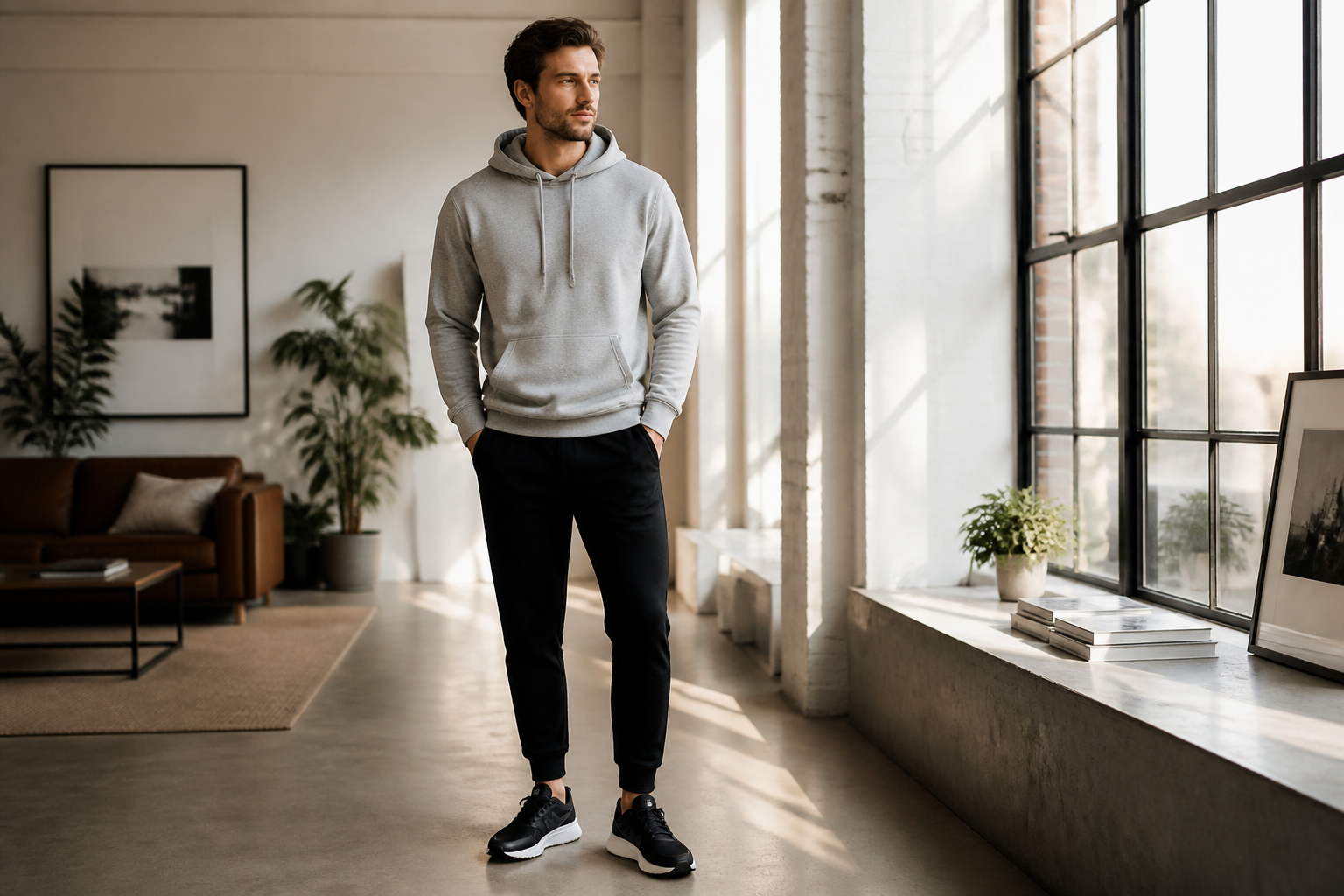 BEFORE
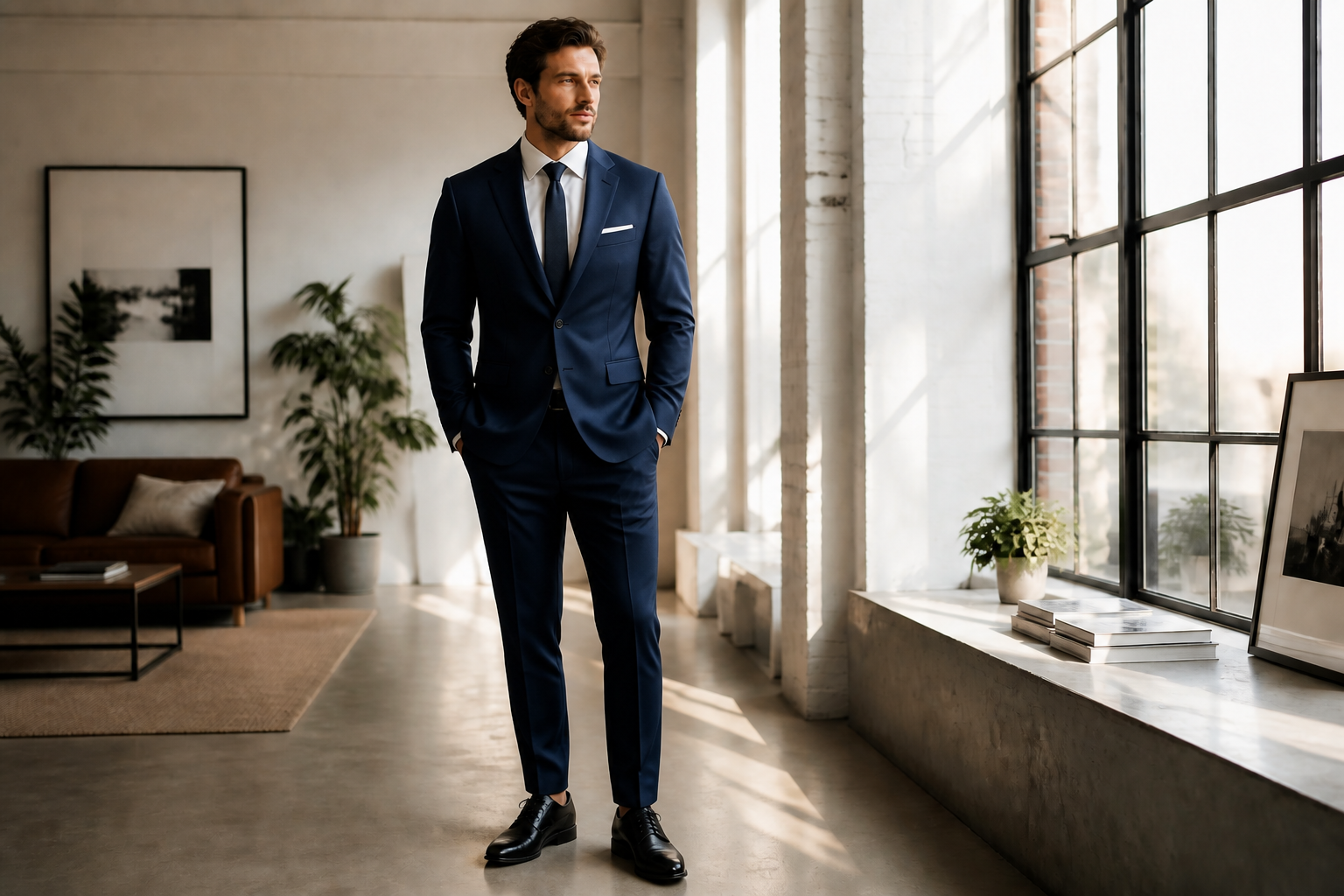 AFTER
AFTER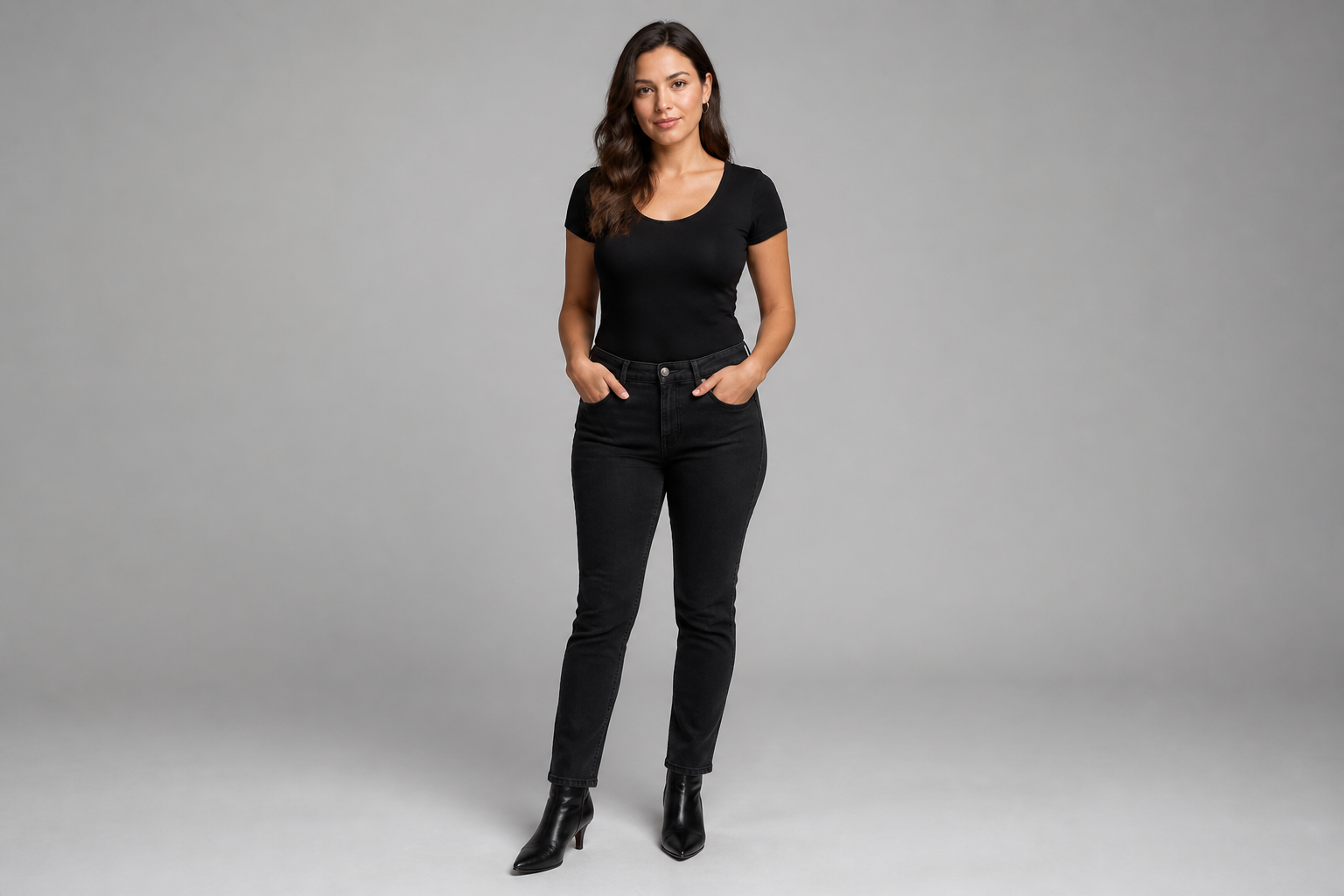 BEFORE
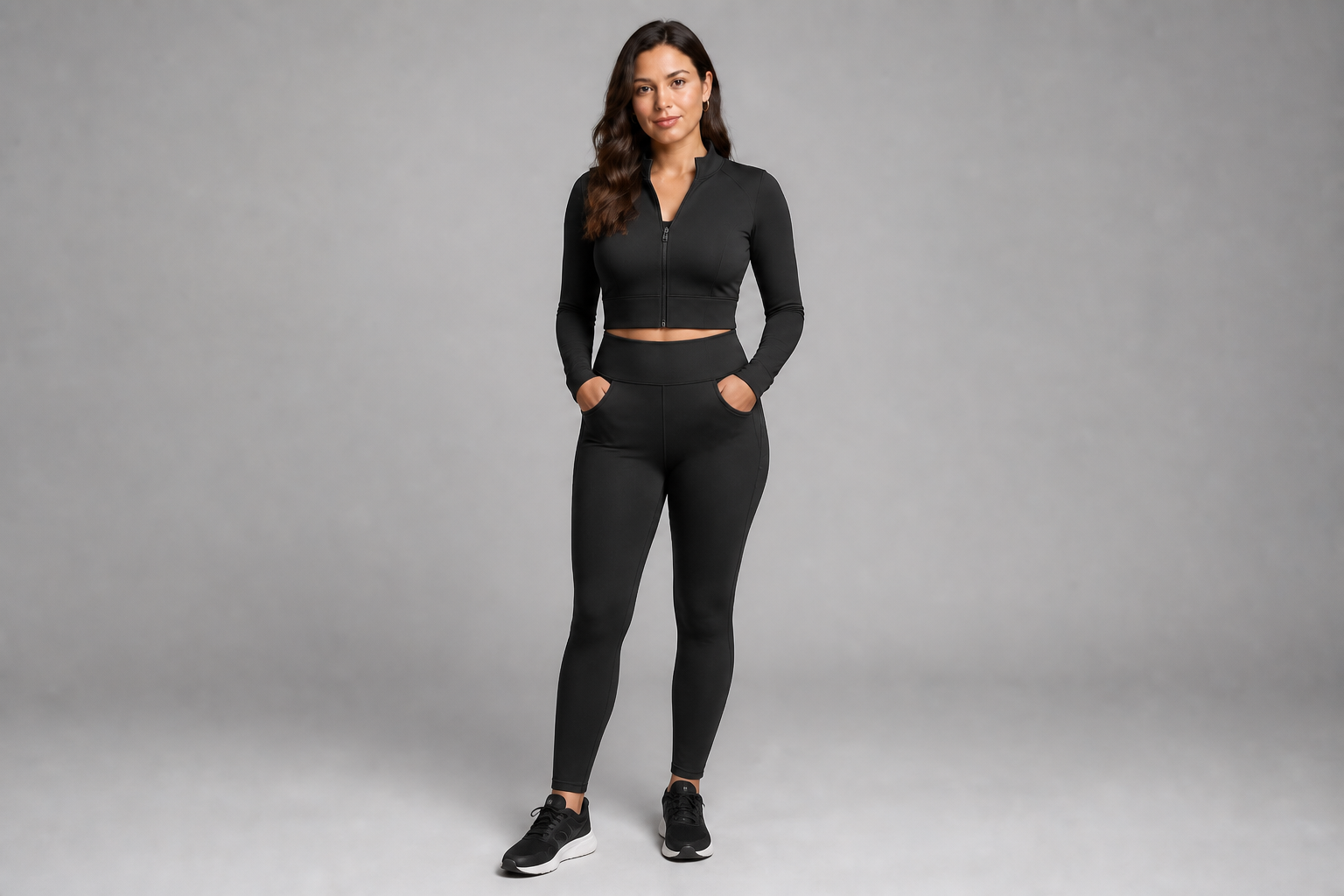 AFTER
AFTER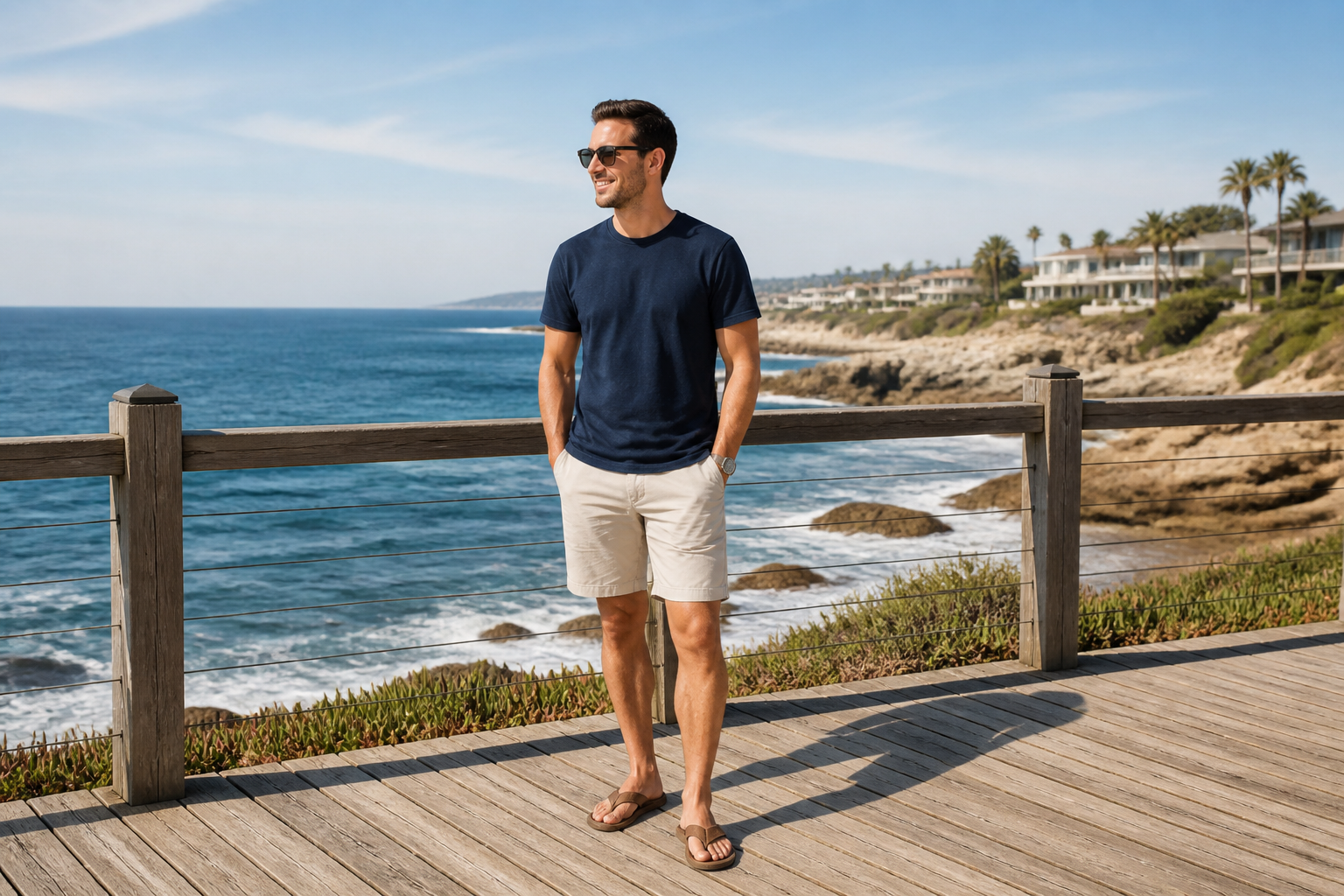 BEFORE
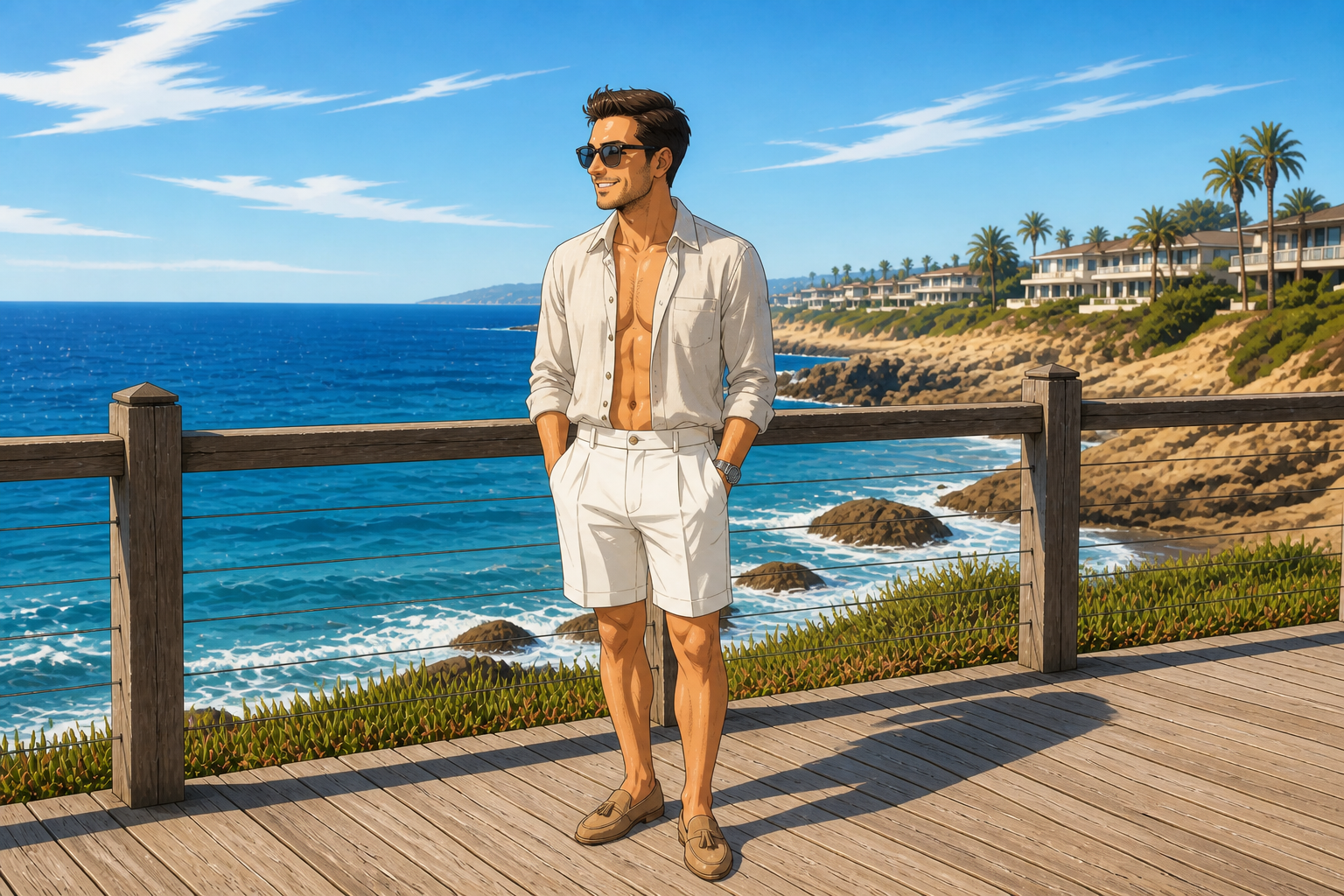 AFTER
AFTER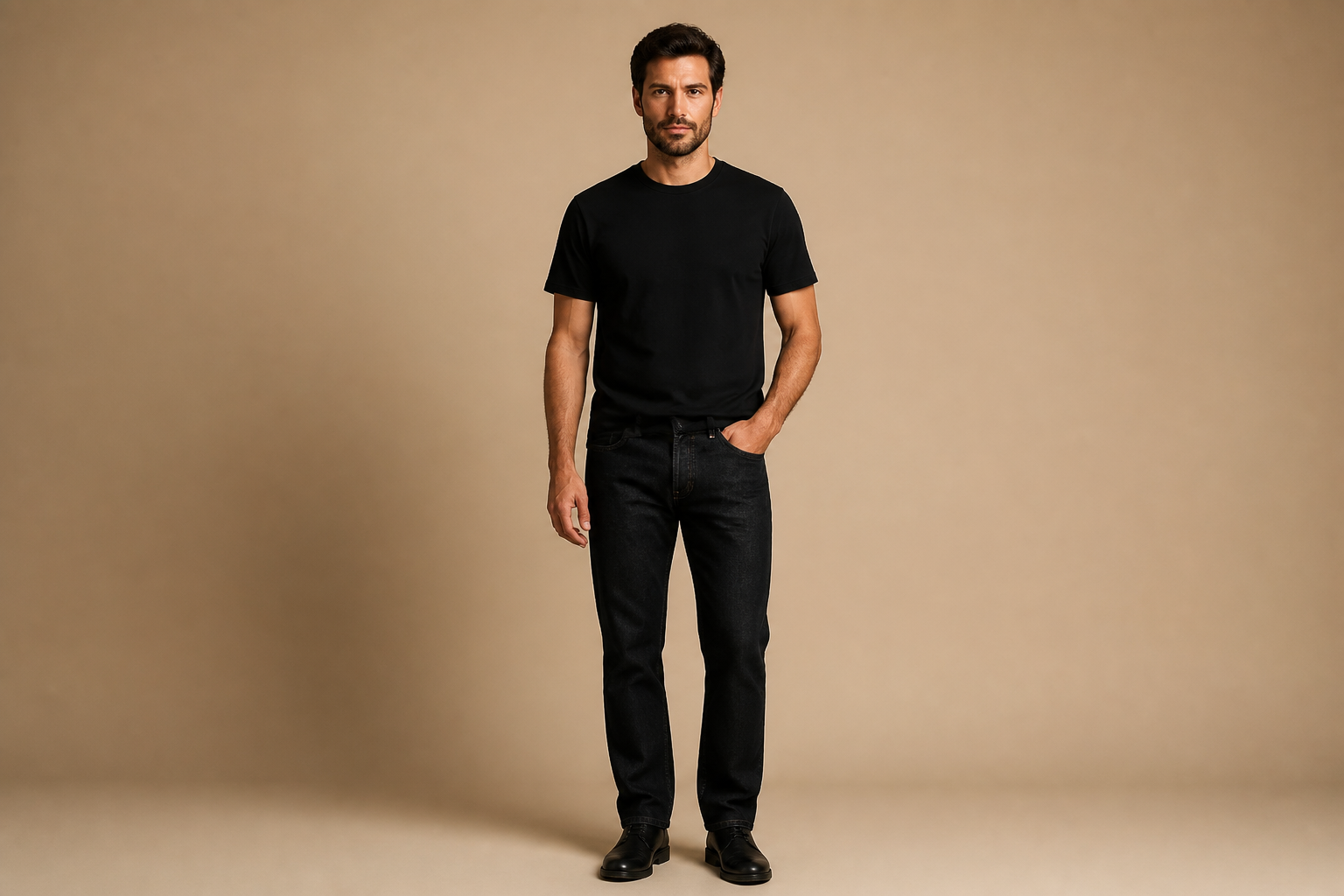 BEFORE
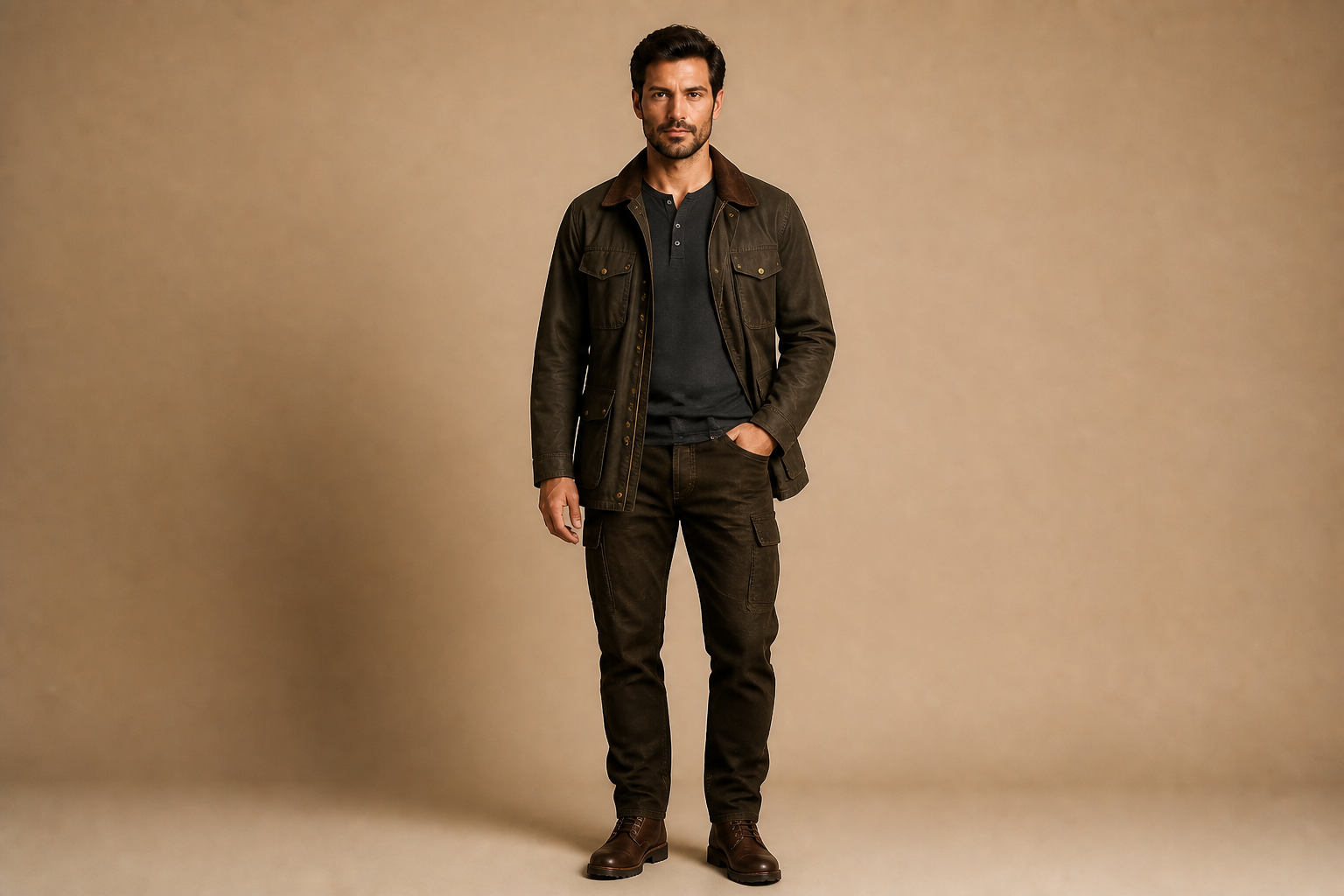 AFTERBEFOREAFTERBEFOREAFTERBEFOREAFTERBEFOREAFTER
Key Features
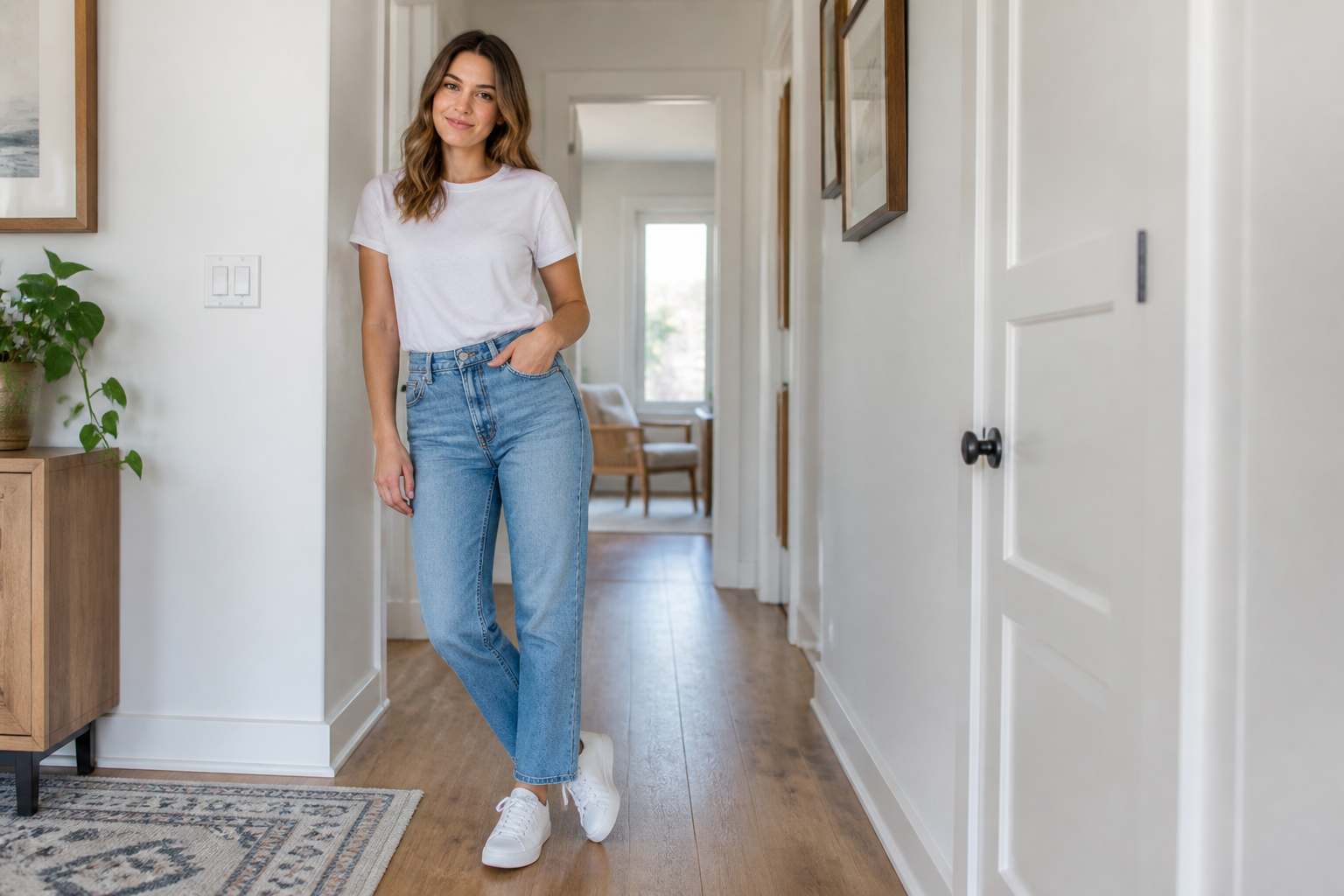
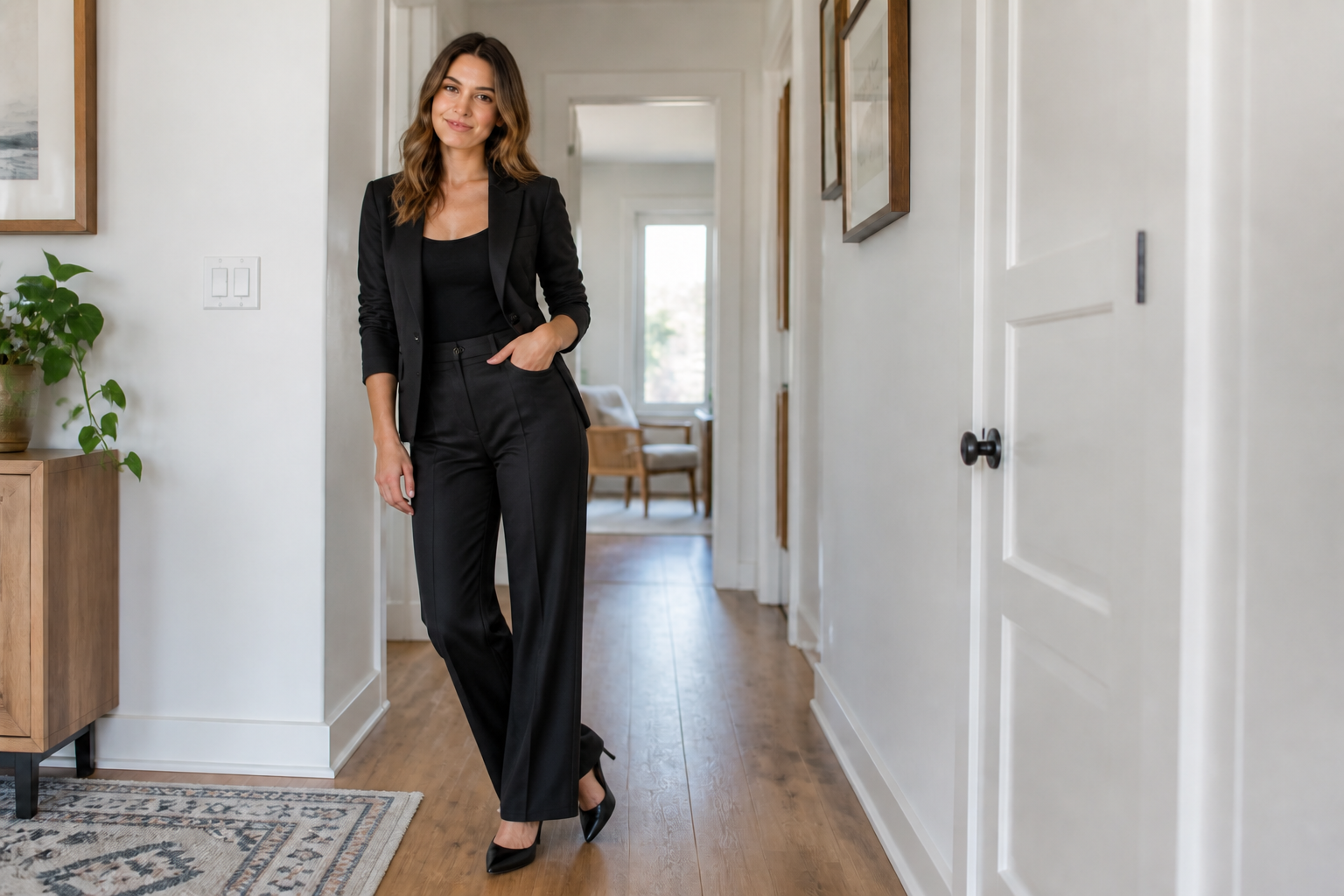
Swap outfits fast
Test a new look without rebuilding the whole image. You can go from casual basics to tailored, formal, or trend-driven outfits in one edit. That makes it much faster than manually masking clothing, finding overlays, and trying to match folds and lighting by hand.
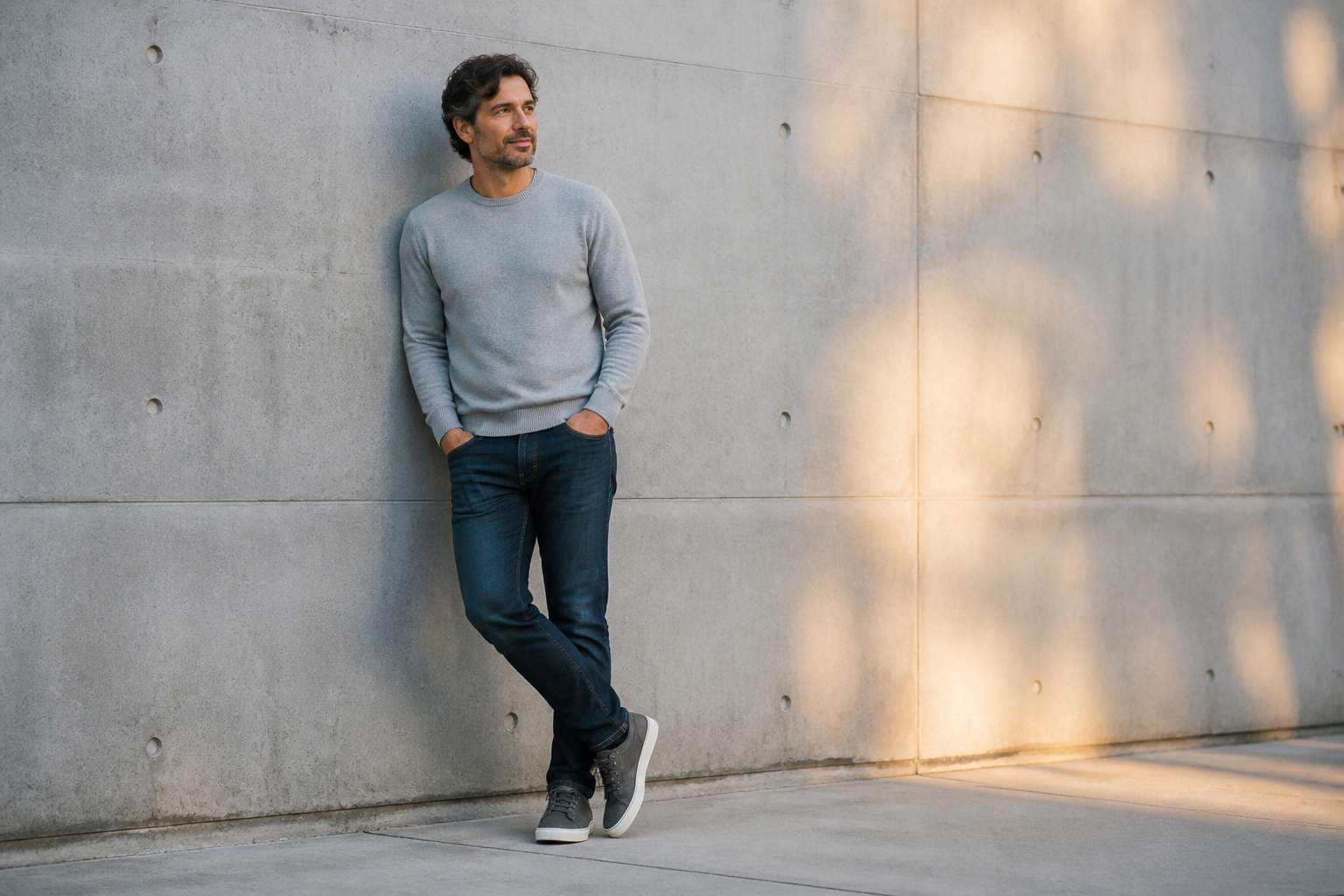
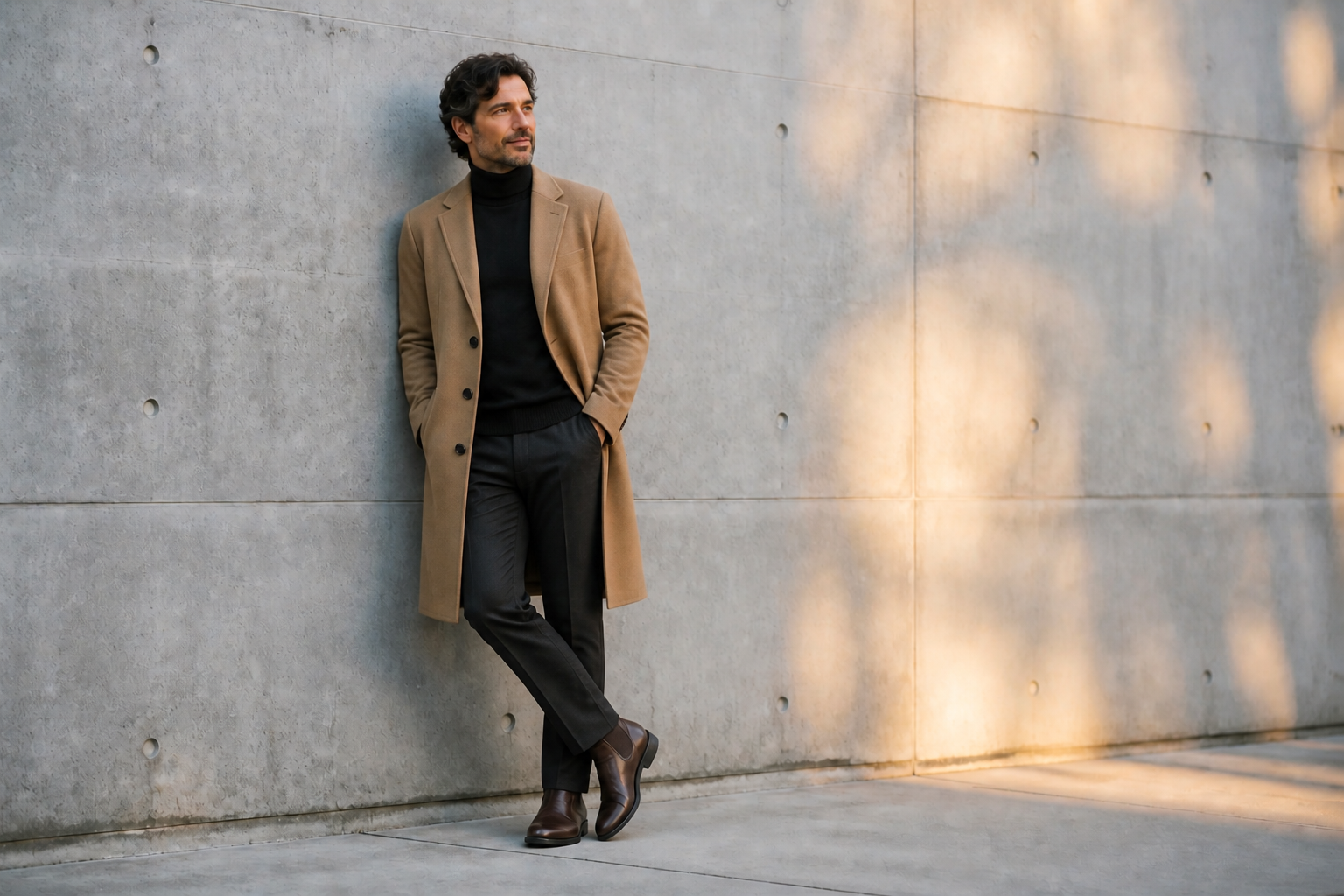
Keep the person recognizable
The goal is to change the outfit, not the person. Our AI keeps the subject's face, body proportions, pose, and overall scene stable so the result still feels like the same photo. That matters when you are previewing clothes for personal use, client reviews, or social content.
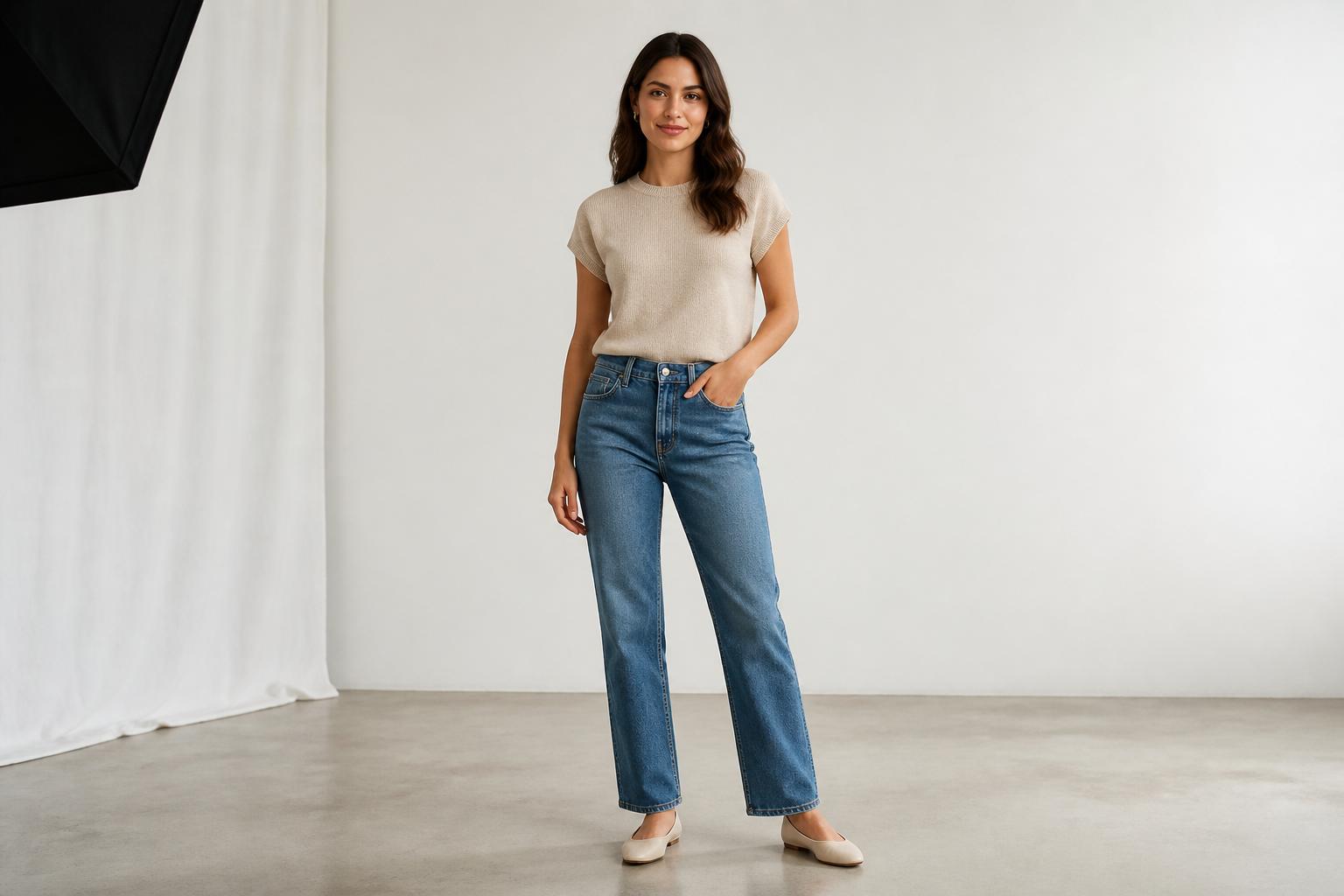
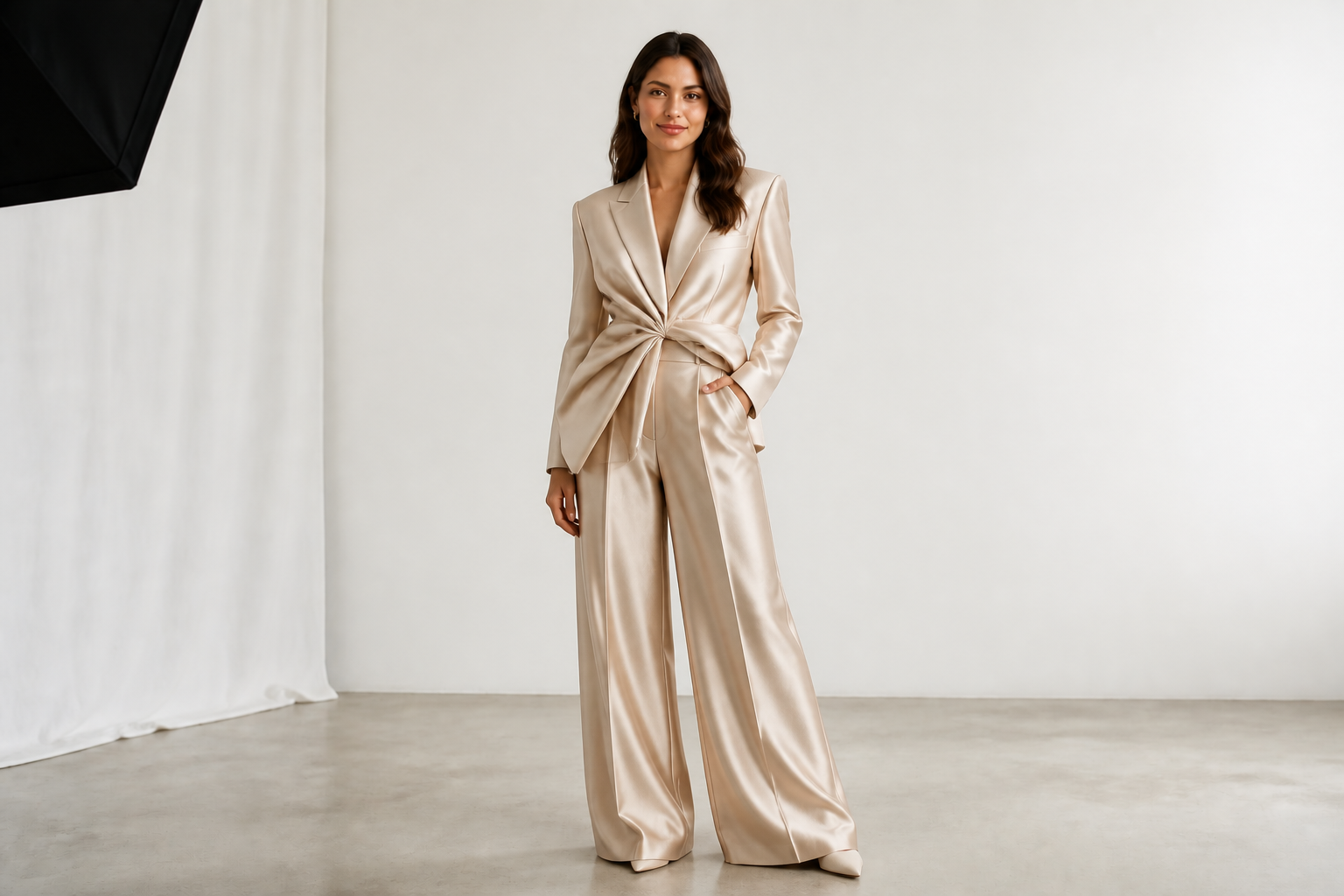
Show many fashion directions
You can use the same starting photo to explore very different aesthetics. Try officewear, streetwear, occasion looks, activewear, or stylized editorial concepts without scheduling a new shoot. It is a practical way to compare options side by side before committing to one direction.
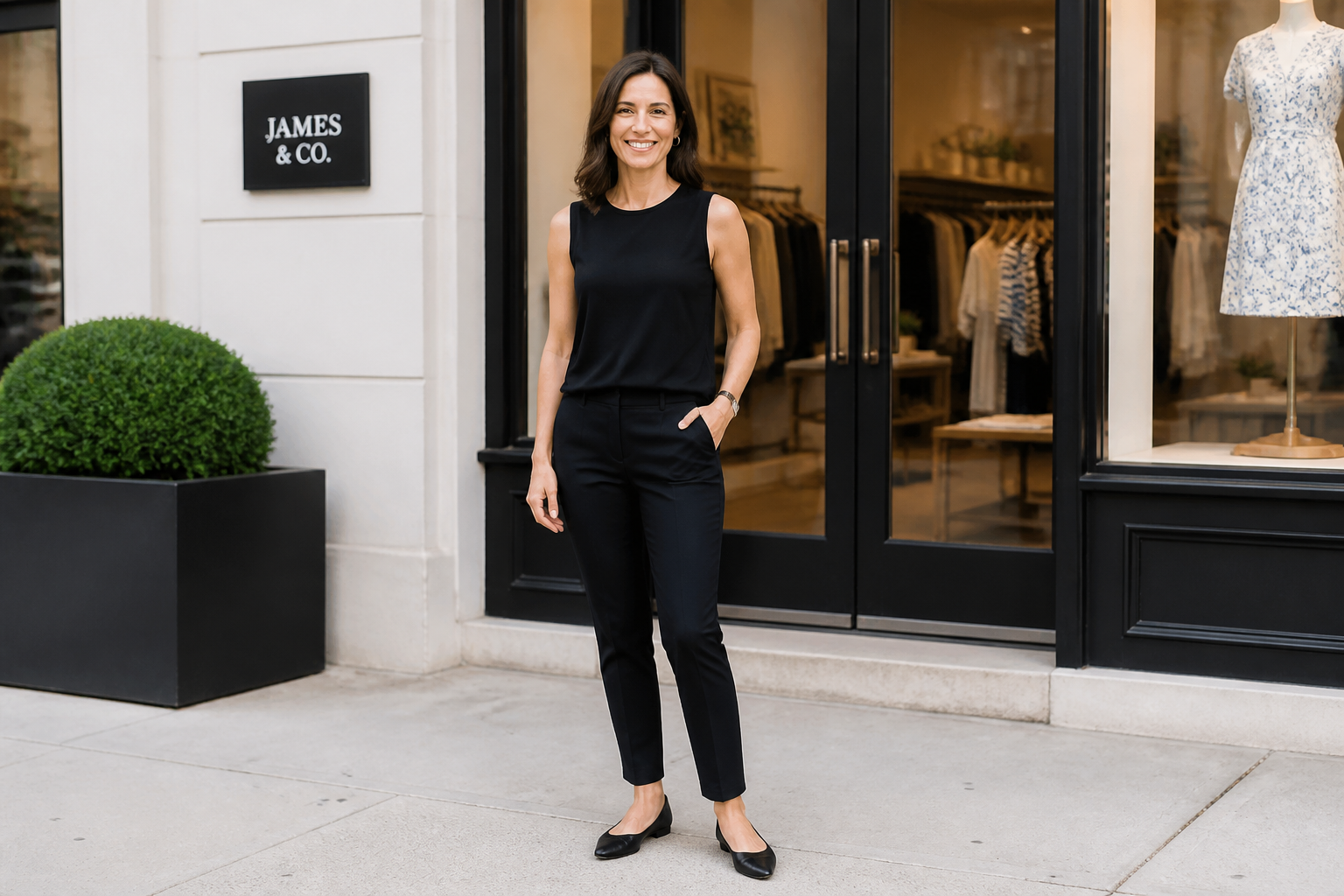
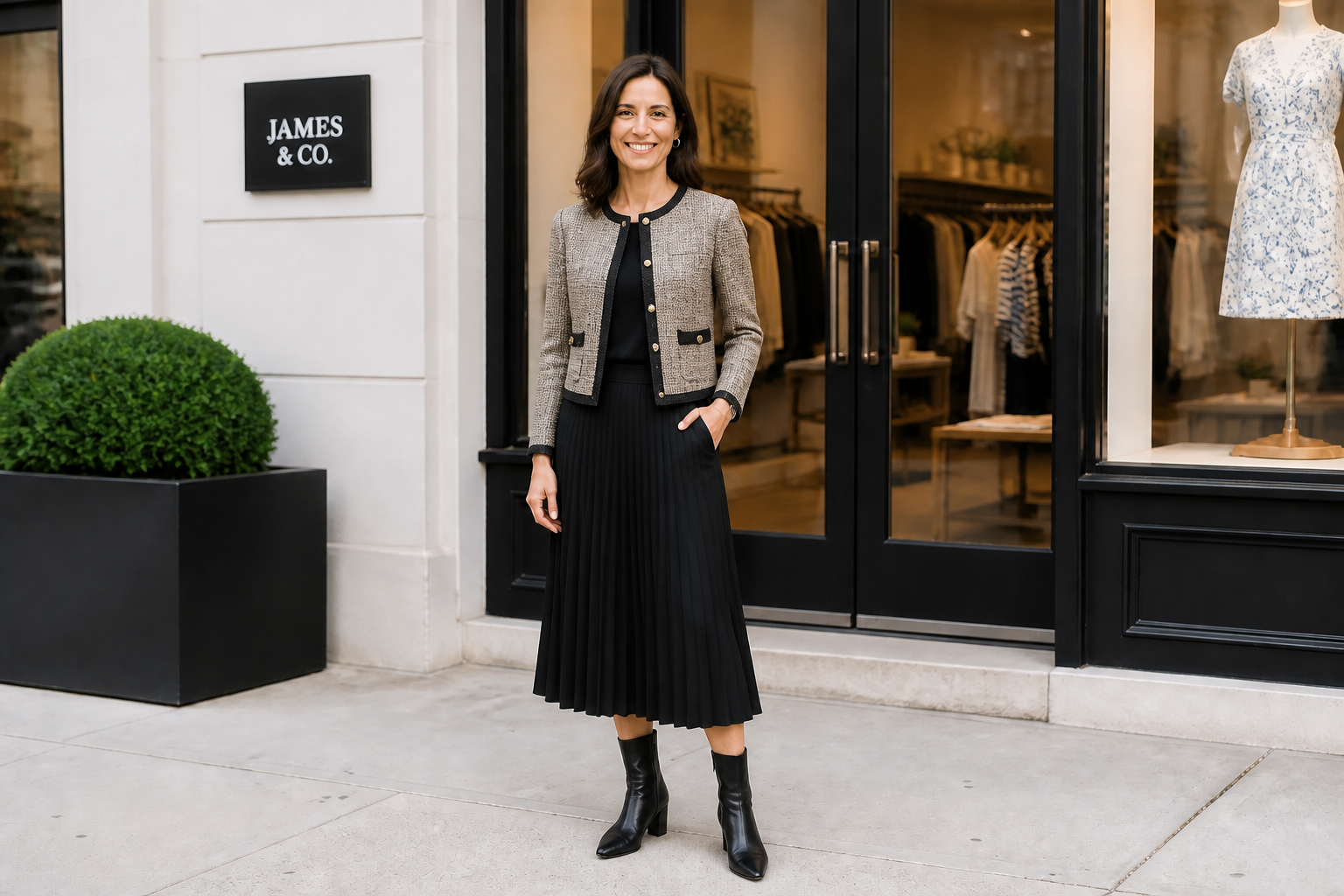
Useful for mockups and content
Virtual try on is not only for shoppers. Creators, stylists, and small brands can generate quick clothing concepts for moodboards, product previews, and social posts. It helps you validate ideas visually before spending time on sourcing, retouching, or a full production workflow.
How It Works
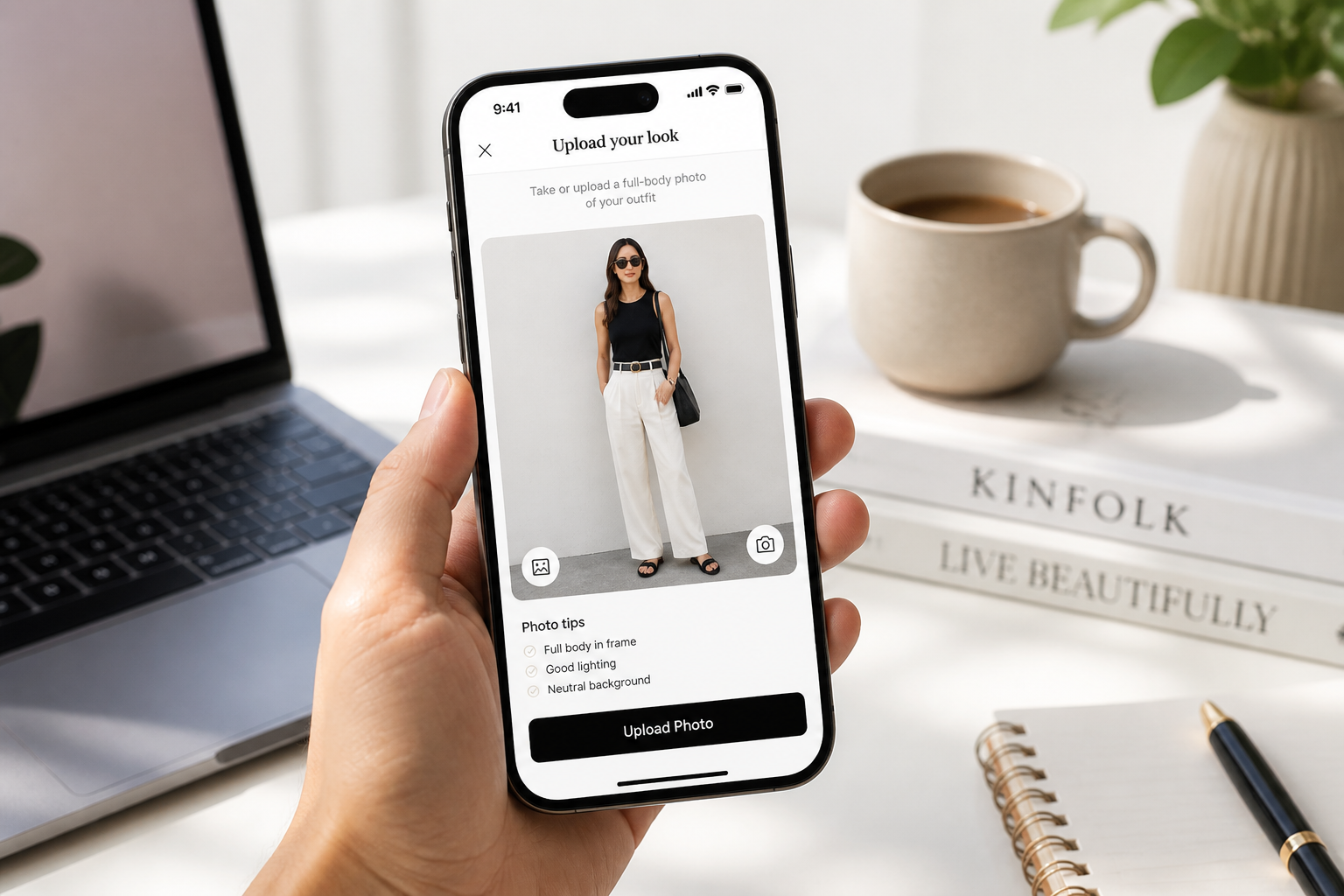
Upload your photo
Start with a clear image where the outfit is easy to see. Full-body or three-quarter shots usually give the best clothing previews and make changes easier to compare.
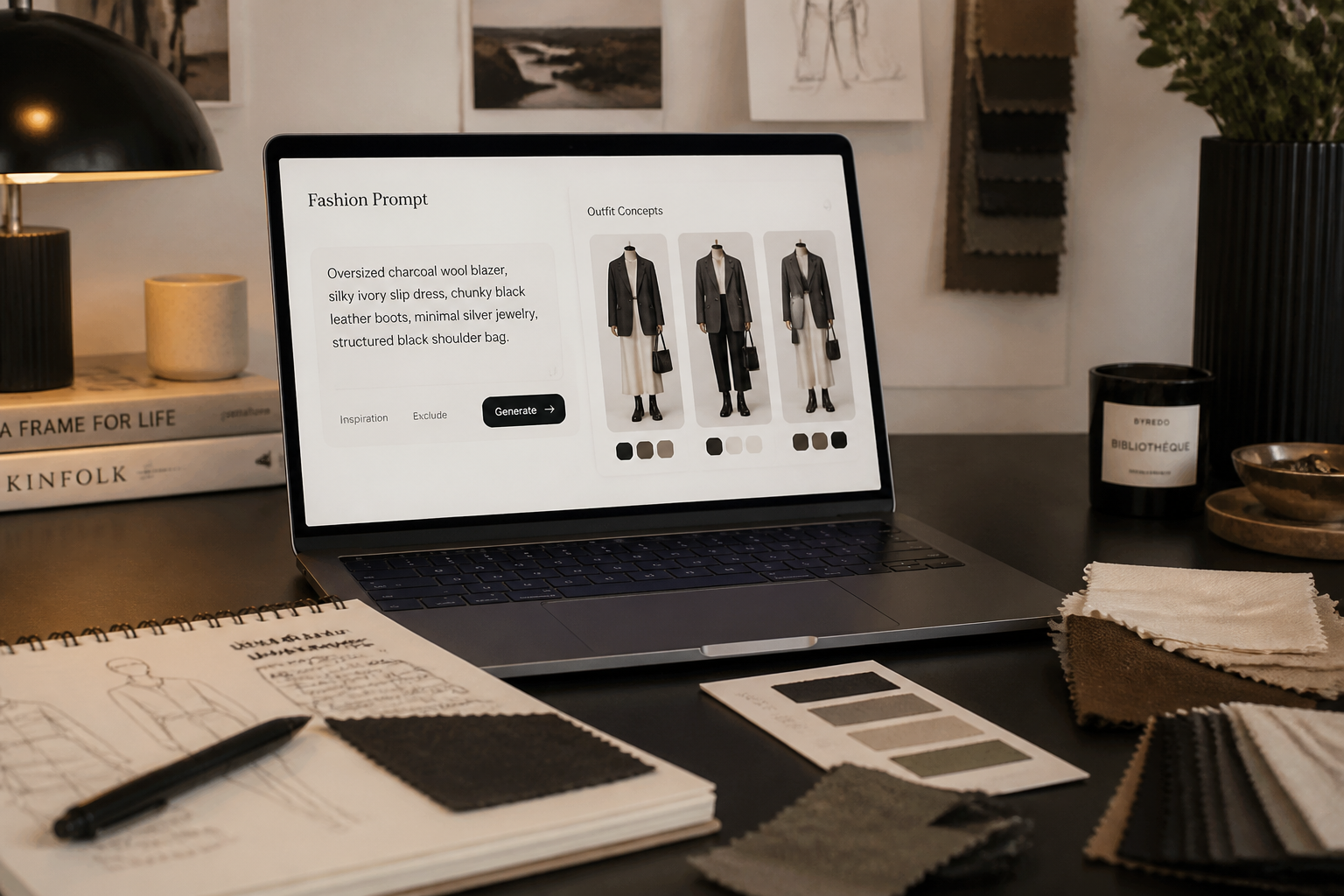
Describe the outfit
Tell our AI what to put on the person. Include key details like garment type, color, material, and vibe, such as relaxed streetwear, tailored officewear, or formal eveningwear.
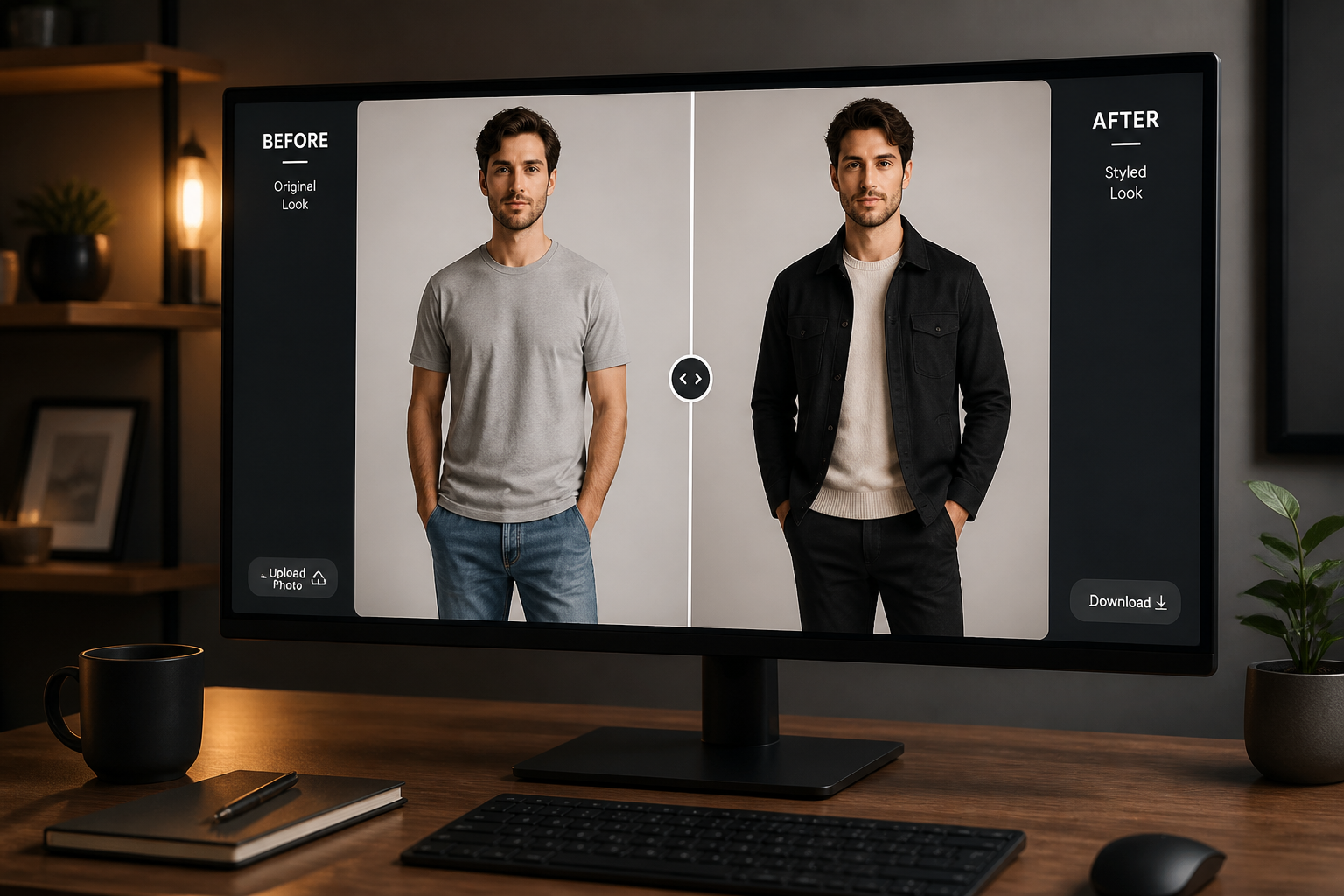
Compare and refine
Review the result and see how the new outfit reads on the original pose and setting. If needed, adjust your prompt and generate another version until the look fits what you want.
Perfect For
Discover how creators and professionals use ai virtual try on
Plan outfits before buying
Preview how different clothing styles may look on a real photo before spending money on new pieces.
Create fashion content
Generate fresh outfit concepts for posts, thumbnails, lookbooks, and campaign mockups from one source image.
Pitch styling ideas
Show clients or collaborators multiple wardrobe directions without organizing a full fitting or reshoot.
Test brand concepts
Visualize apparel ideas quickly for moodboards, ecommerce planning, and internal reviews.
Built For
Creators and influencers
Try new outfit directions for content without needing a closet full of options or a full edit session.
Stylists and fashion teams
Present visual wardrobe ideas faster during planning, reviews, and concept development.
Everyday shoppers
See how a style might look on your own photo before ordering, packing, or choosing what to wear.
Why use it for outfit previews
A quick look at how we compare on the things that matter for this niche.
| Feature | BudgetPixel | Generic AI editors | Manual editing apps |
|---|---|---|---|
| Fast outfit swaps | ✓ | ✓ | — |
| Keeps original scene | ✓ | — | — |
| Good for style comparisons | ✓ | ✓ | — |
| No manual masking required | ✓ | ✓ | — |
Frequently Asked Questions
What kind of photos work best for AI virtual try on?
Can I keep the same face and pose?
Can I try formalwear, casual looks, and streetwear?
Do I need fashion design skills to use it?
Is AI virtual try on accurate enough for shopping decisions?
Create together.
Share your creations, discover trending AI art, and grow with fellow creators.