AI Scene Replacement for Clean, Convincing Background Swaps
Put the same subject into a better setting in seconds.
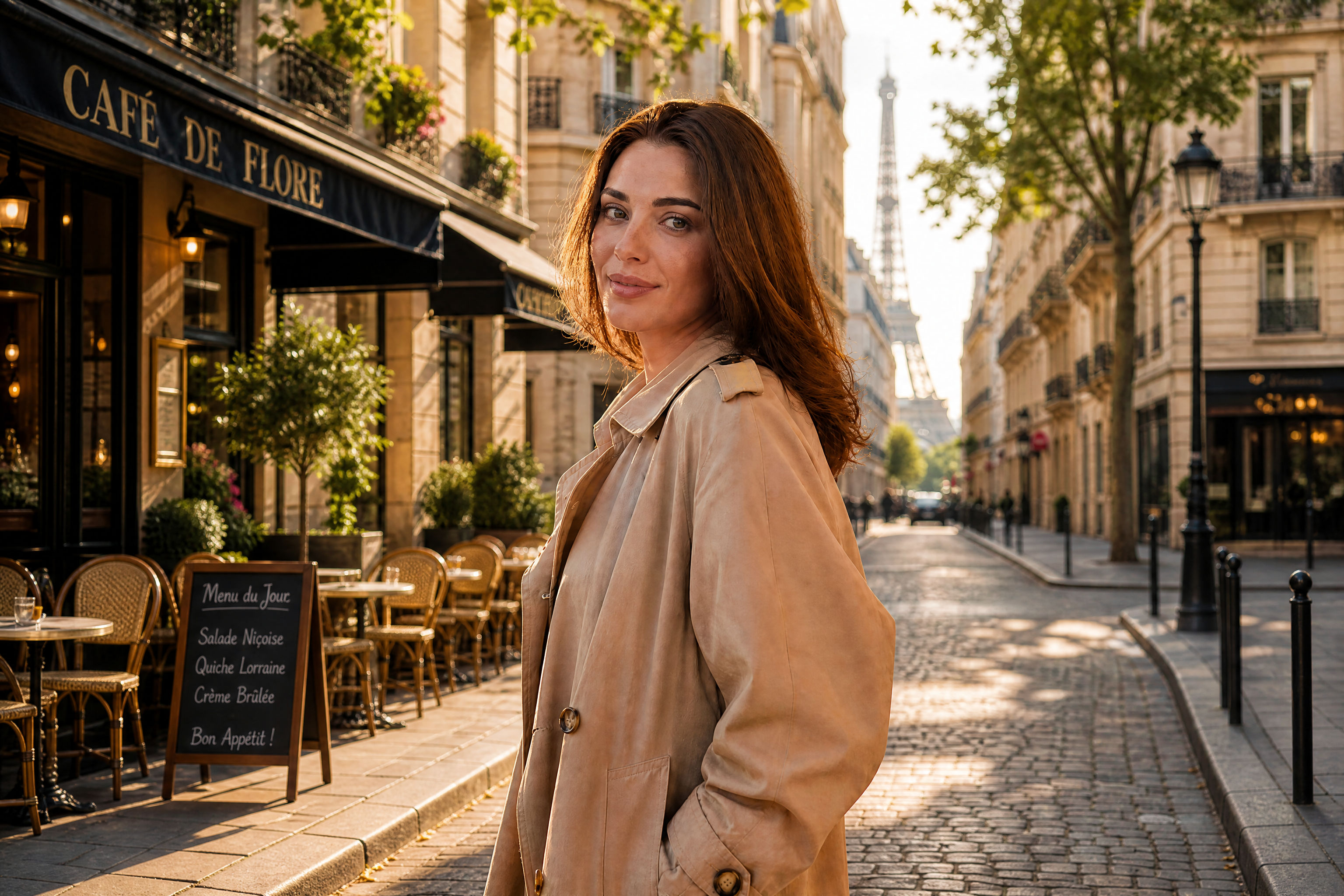
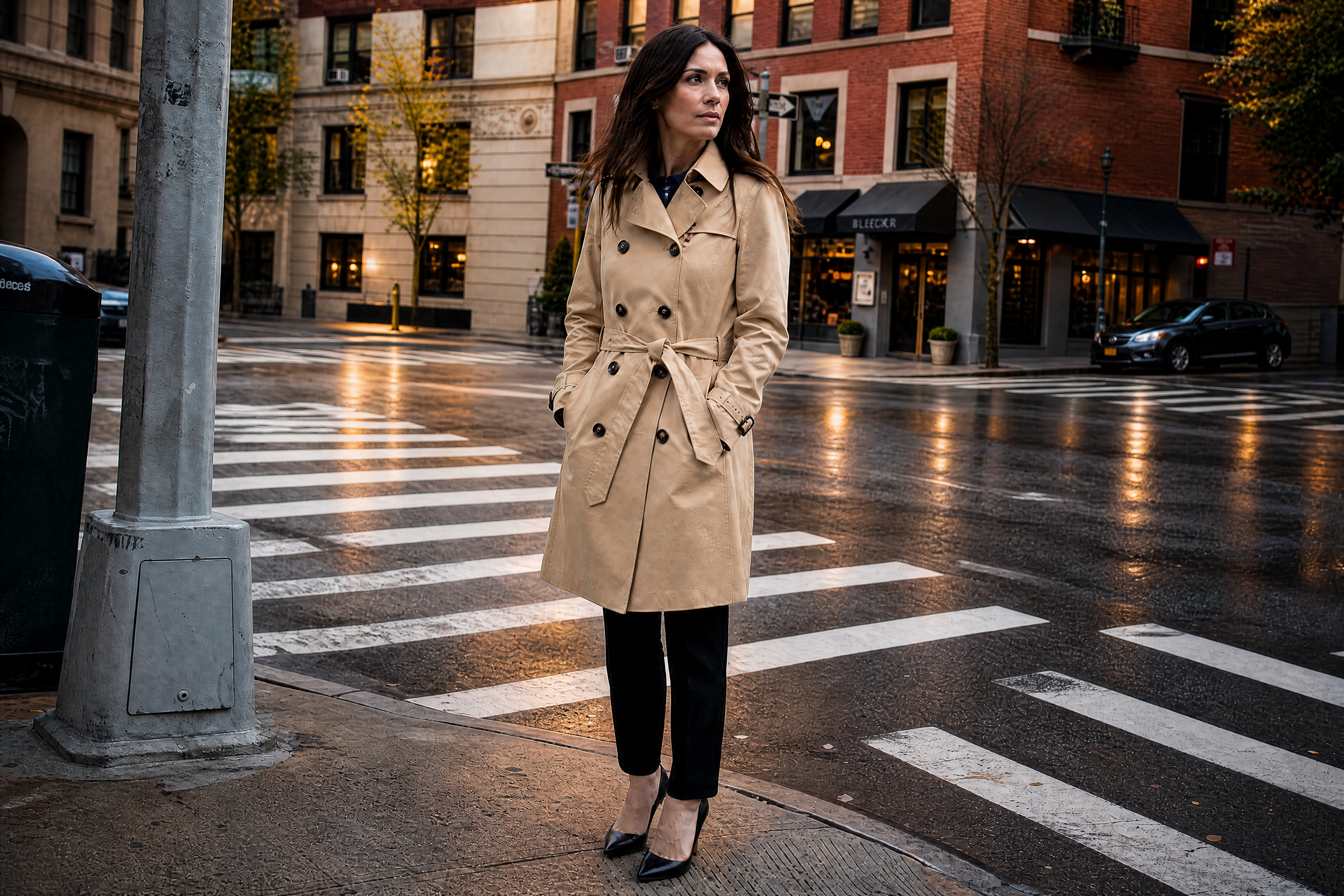
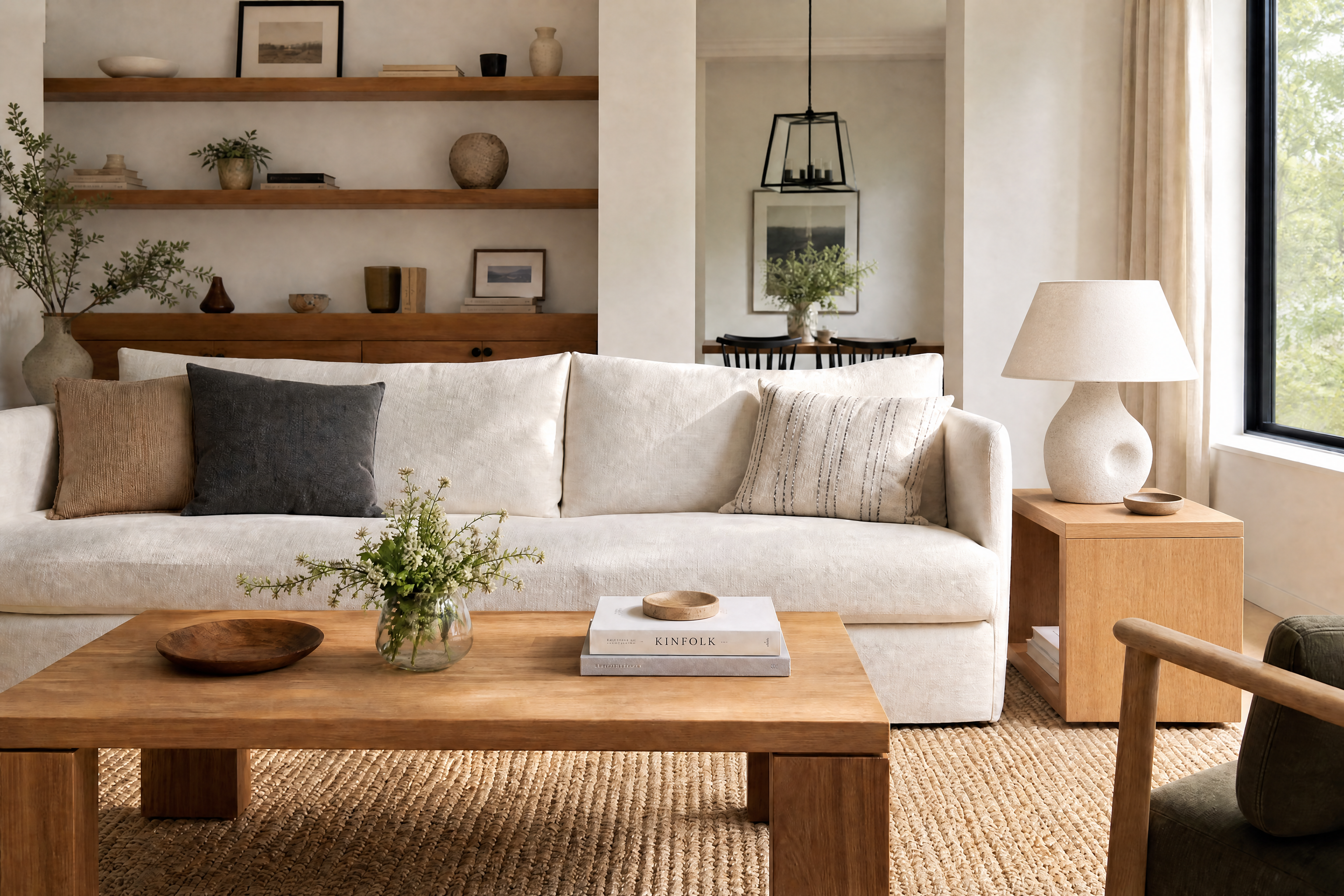
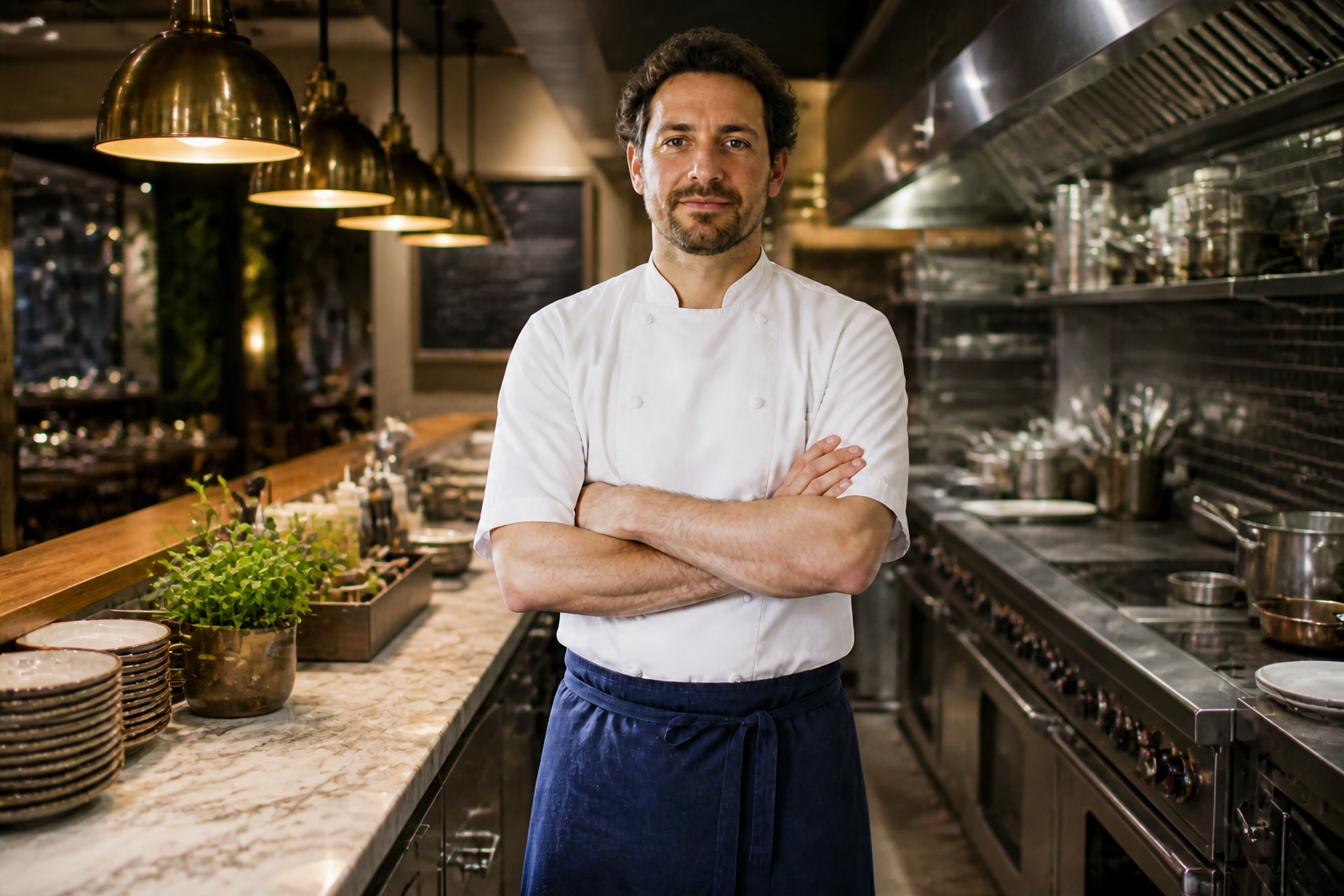
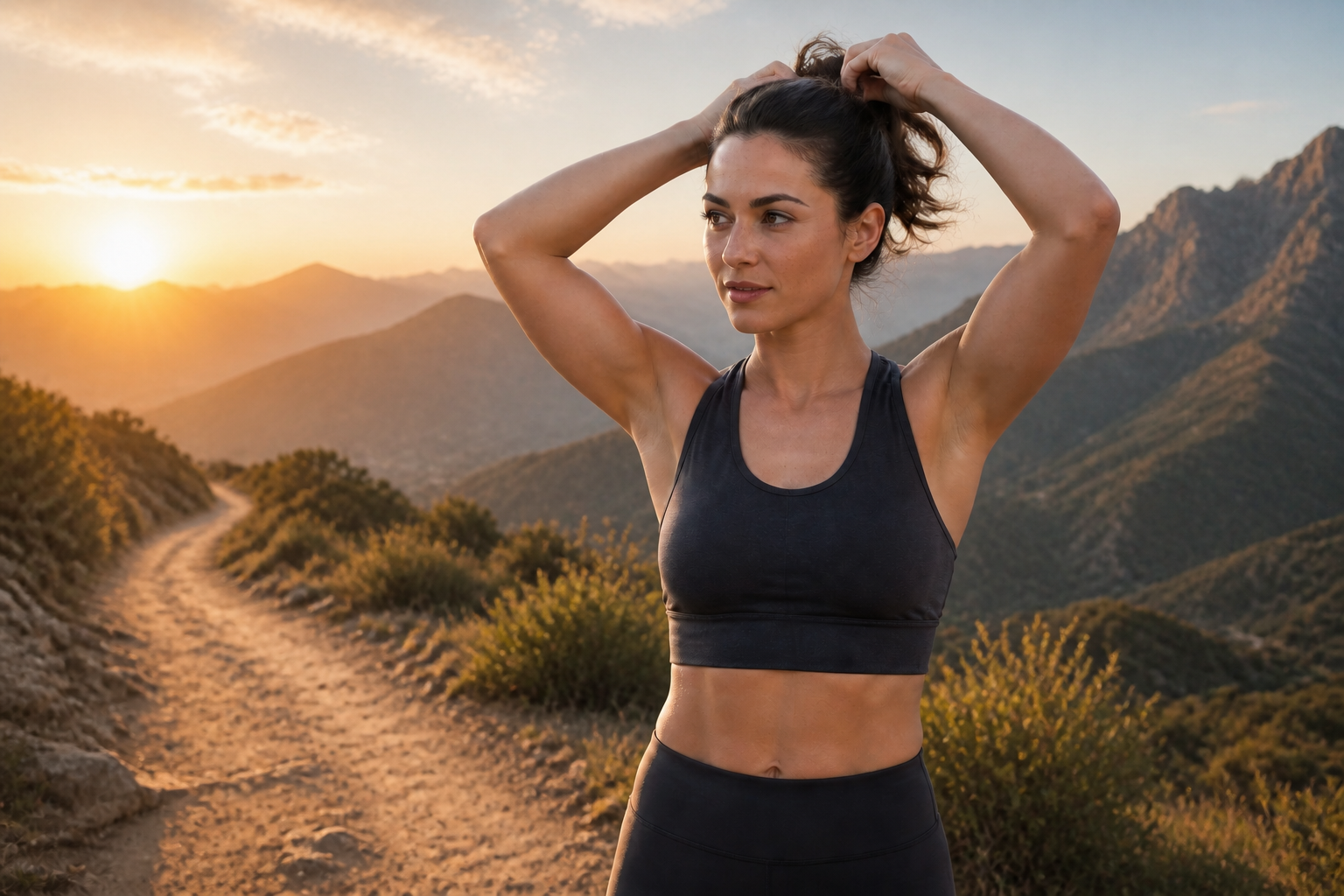
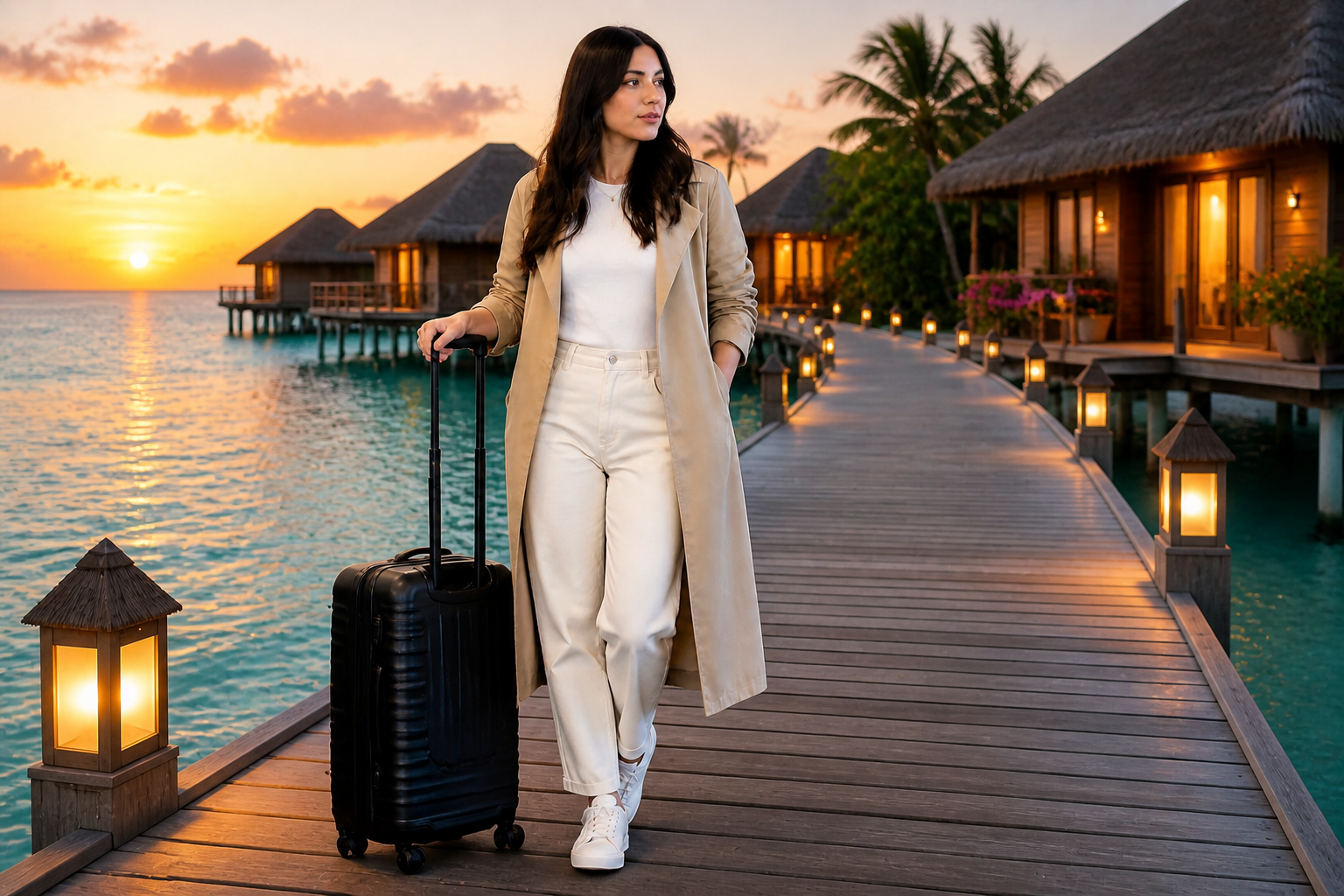
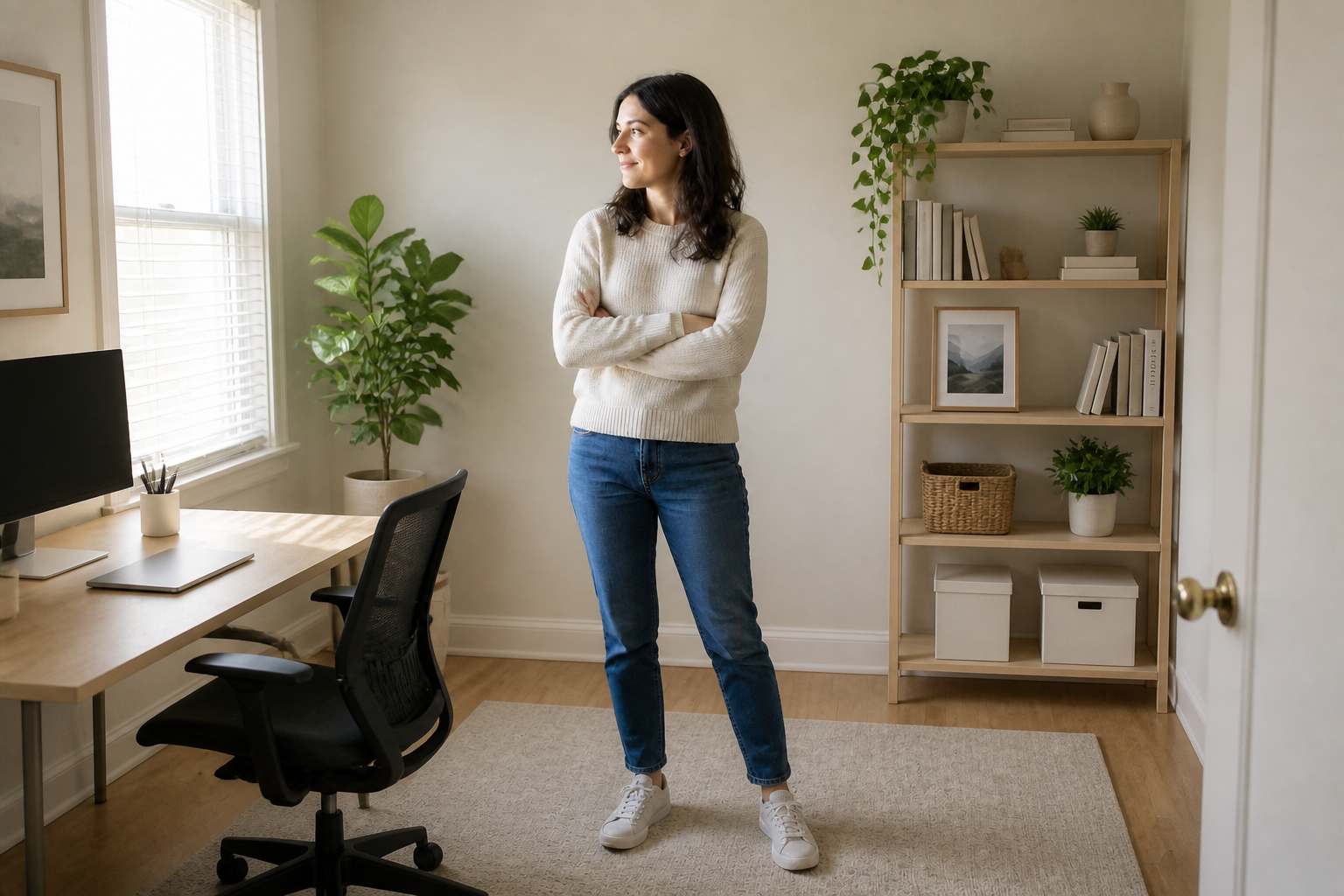
AI Scene Replacement changes the environment around your subject without rebuilding the whole image from scratch. Swap messy rooms, plain walls, or distracting locations for travel scenes, studios, offices, and more while keeping the person, object, or pose recognizable.
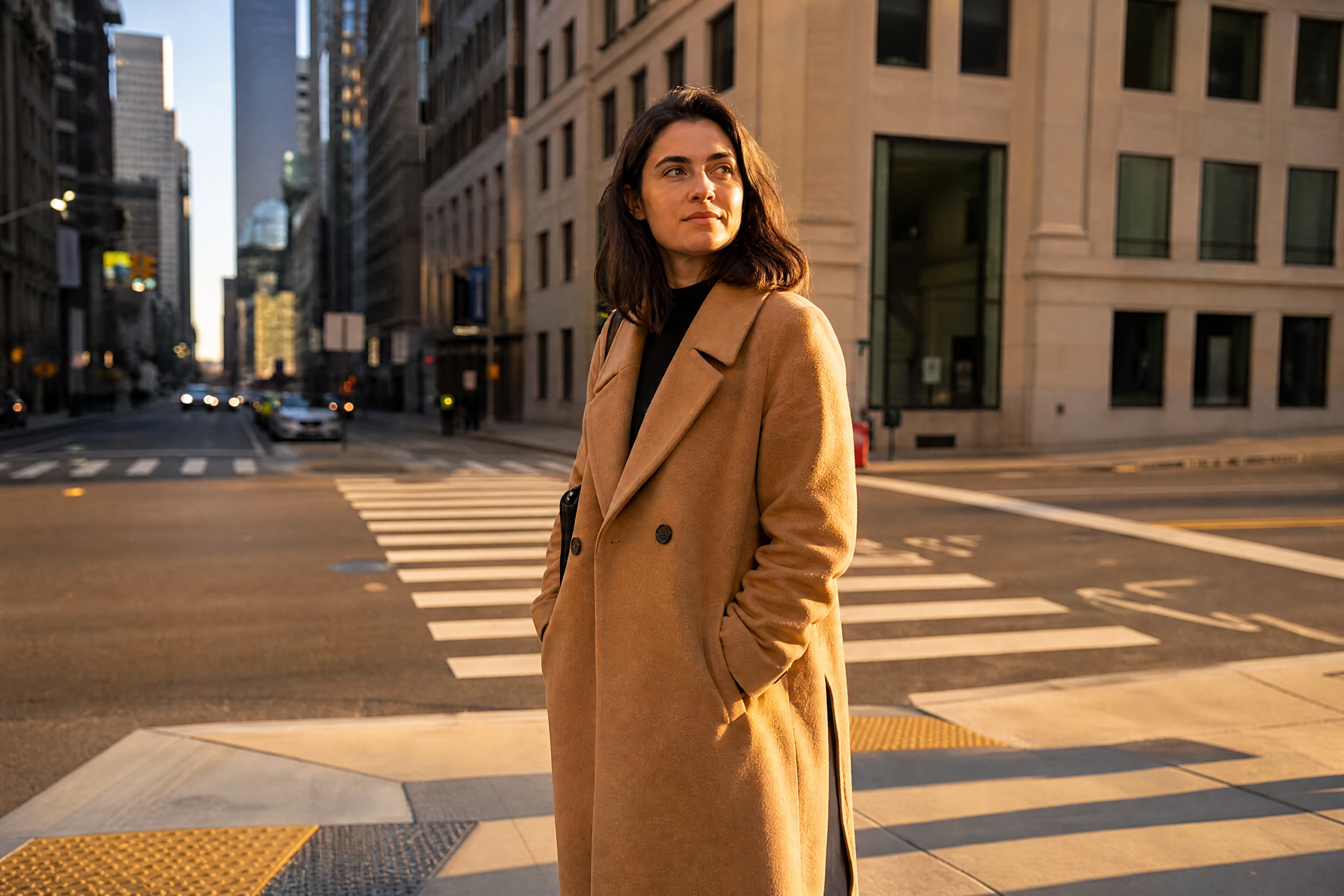
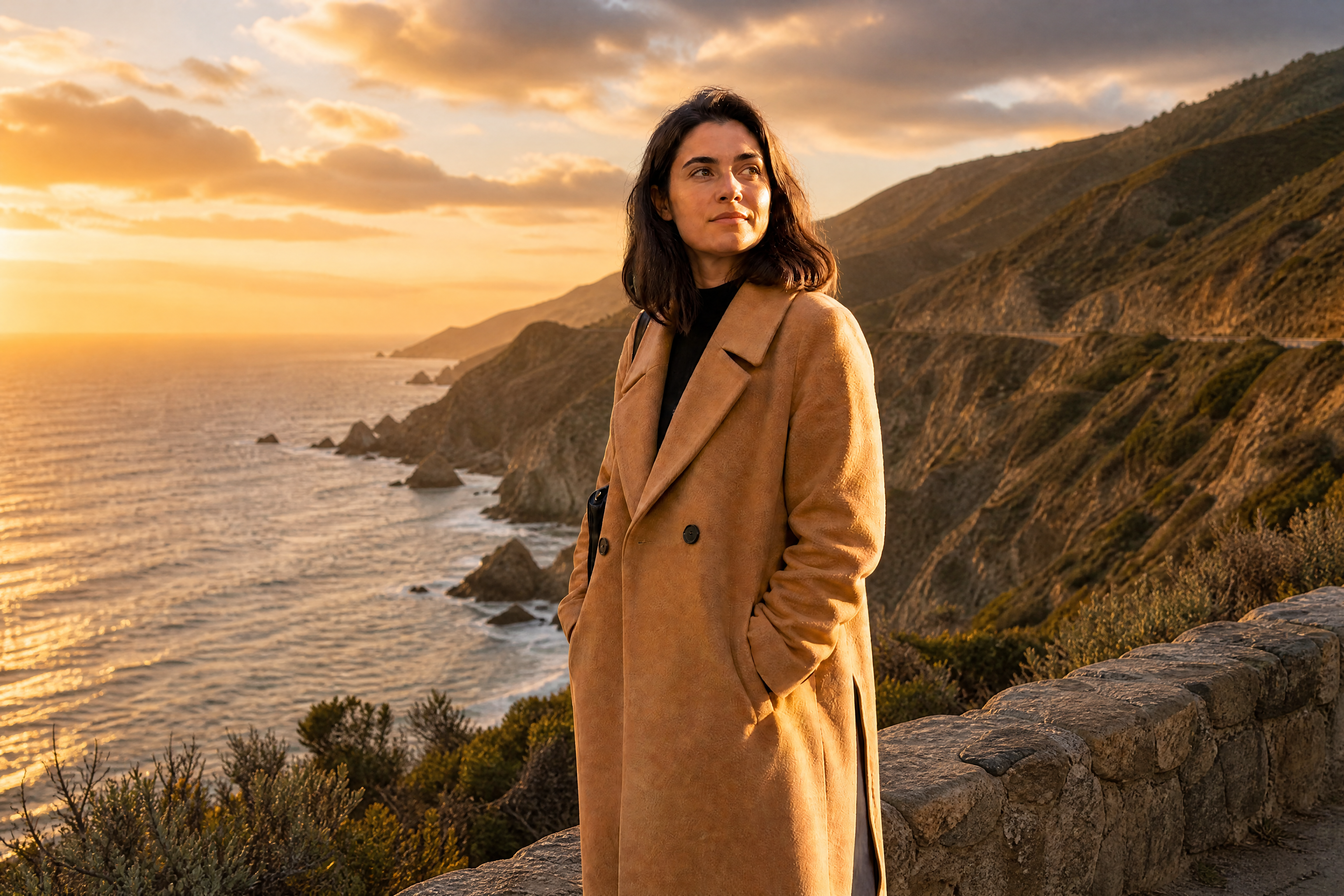
Watch the Transformation
See ai scene replacement in motion — generated end-to-end by our AI.
See It In Action
Real outputs from ai scene replacement.
BEFOREAFTER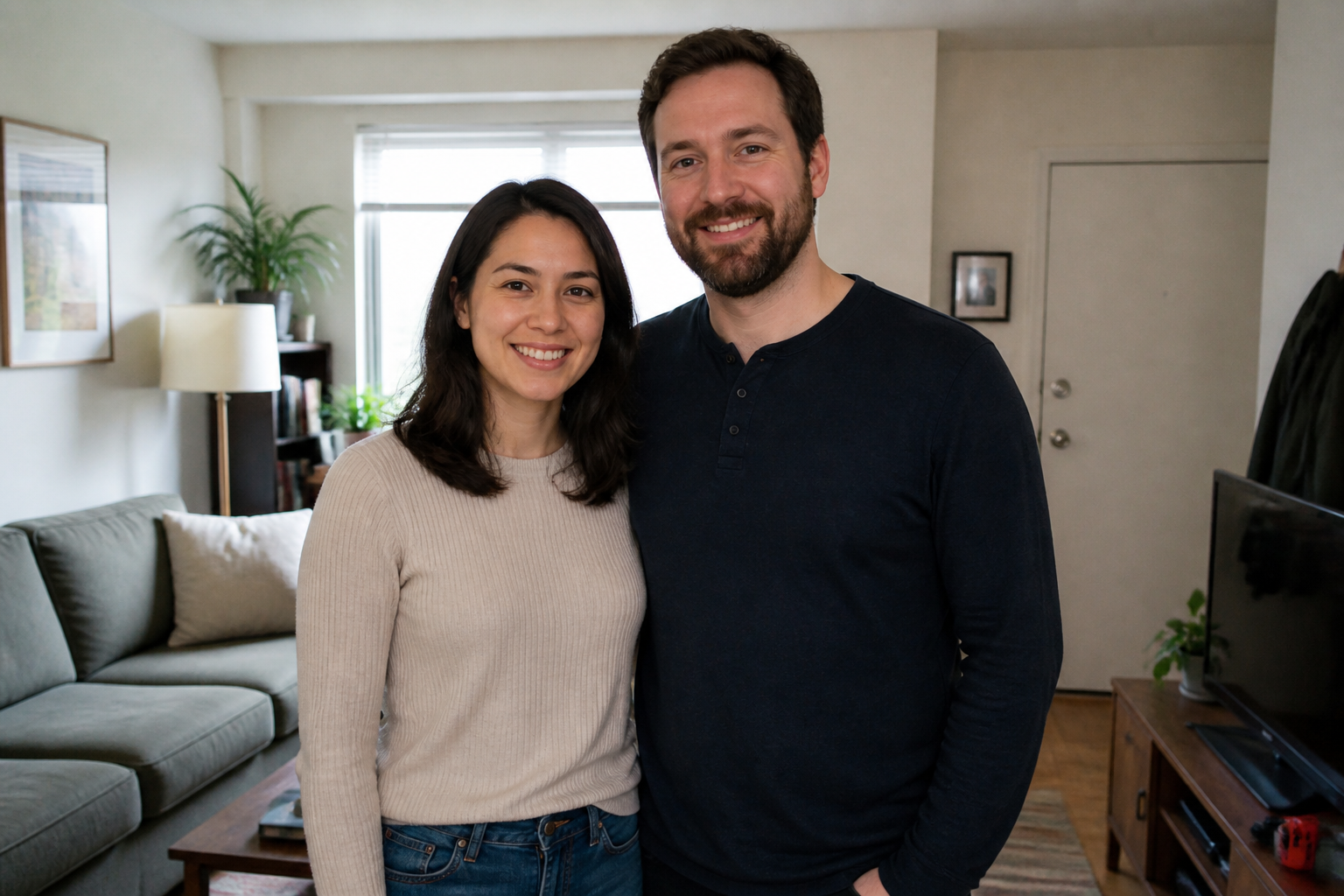 BEFORE
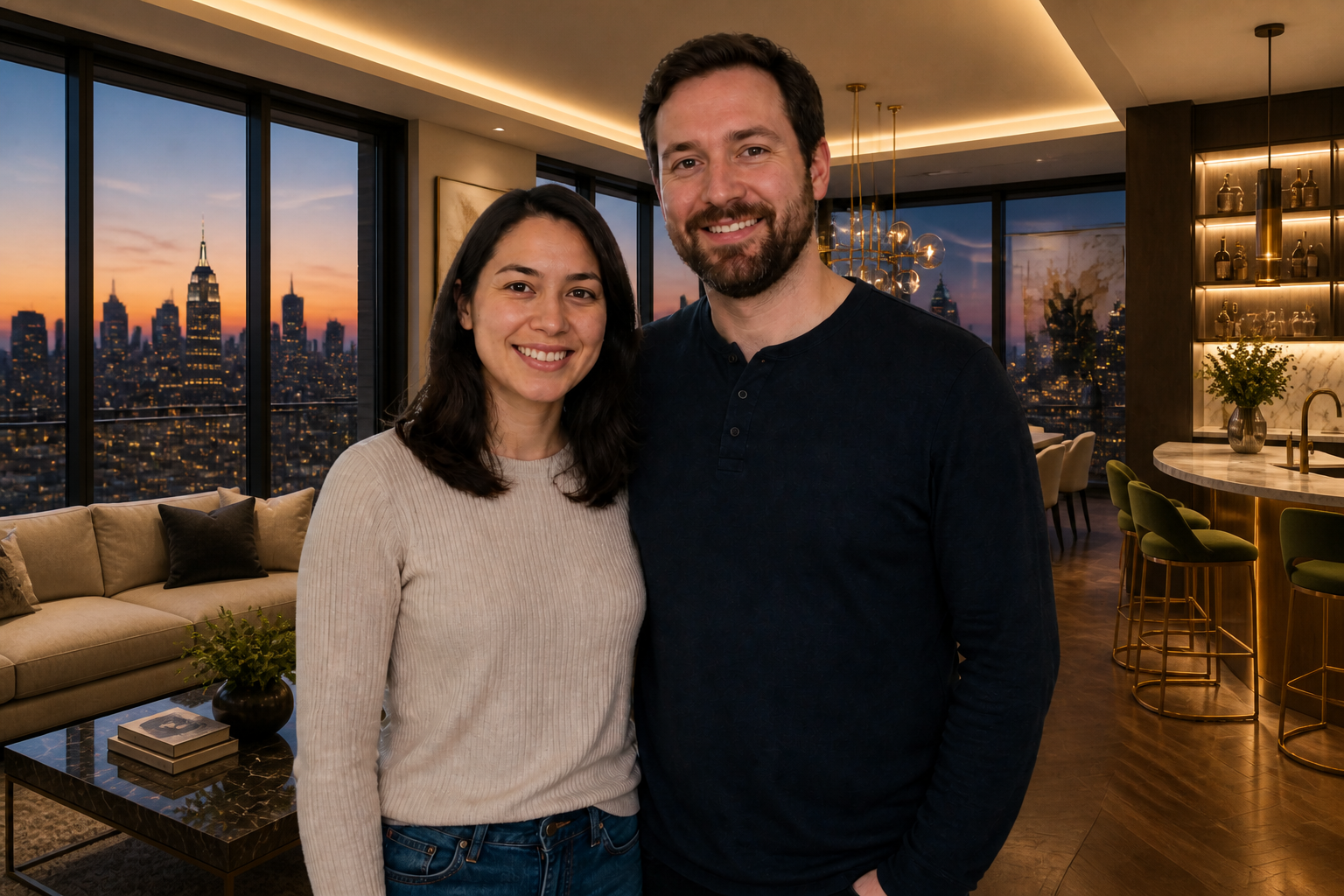 AFTER
AFTER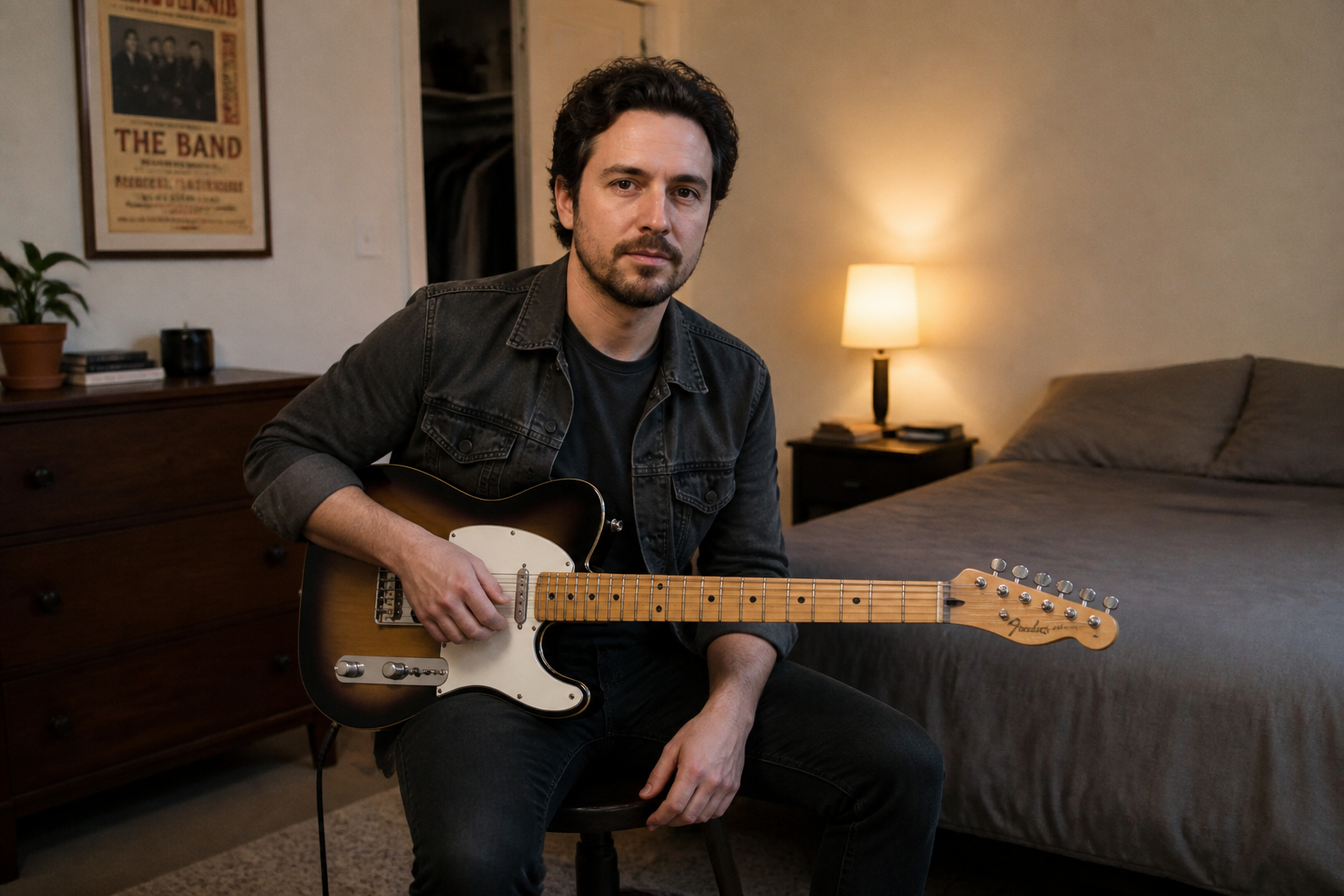 BEFORE
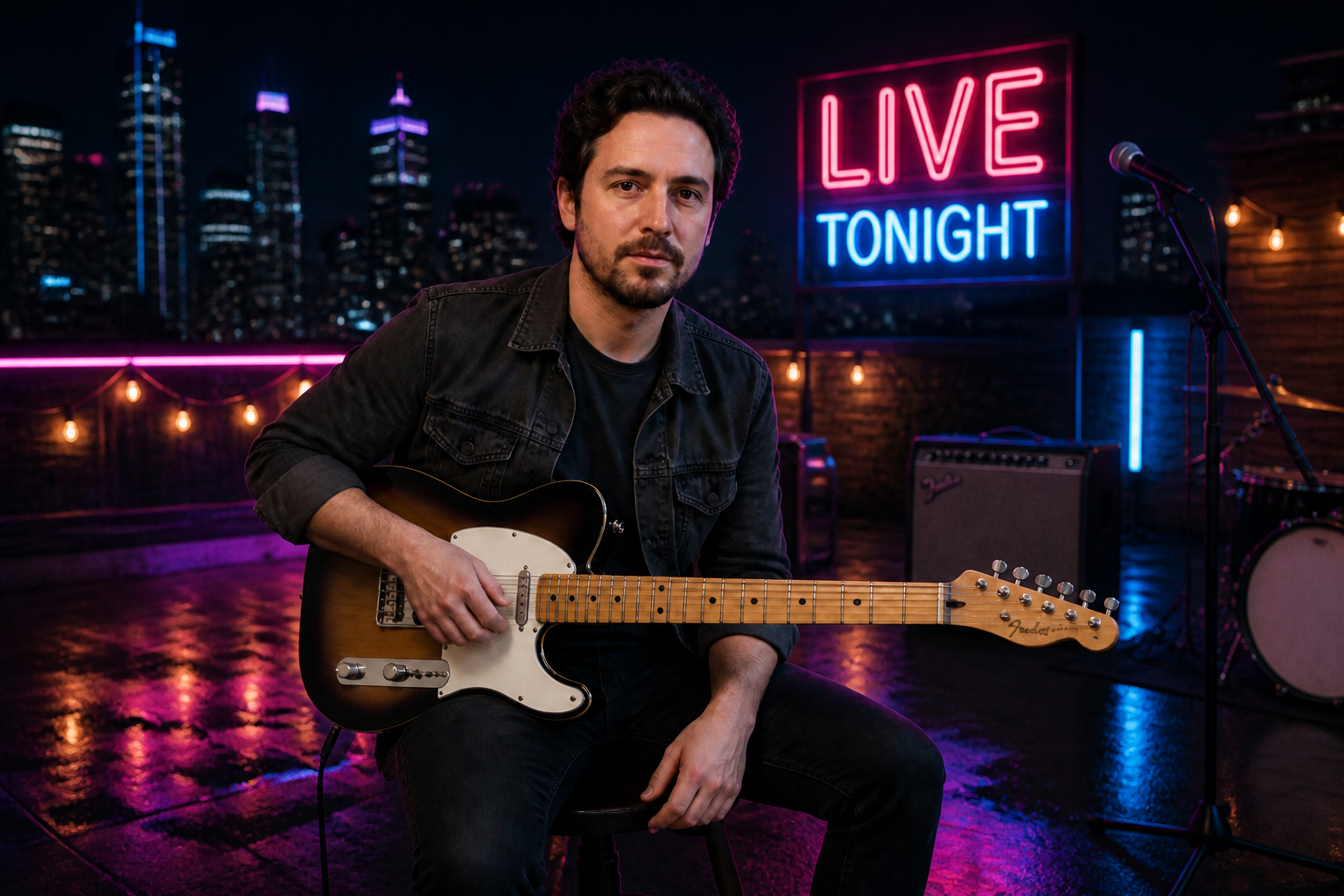 AFTER
AFTER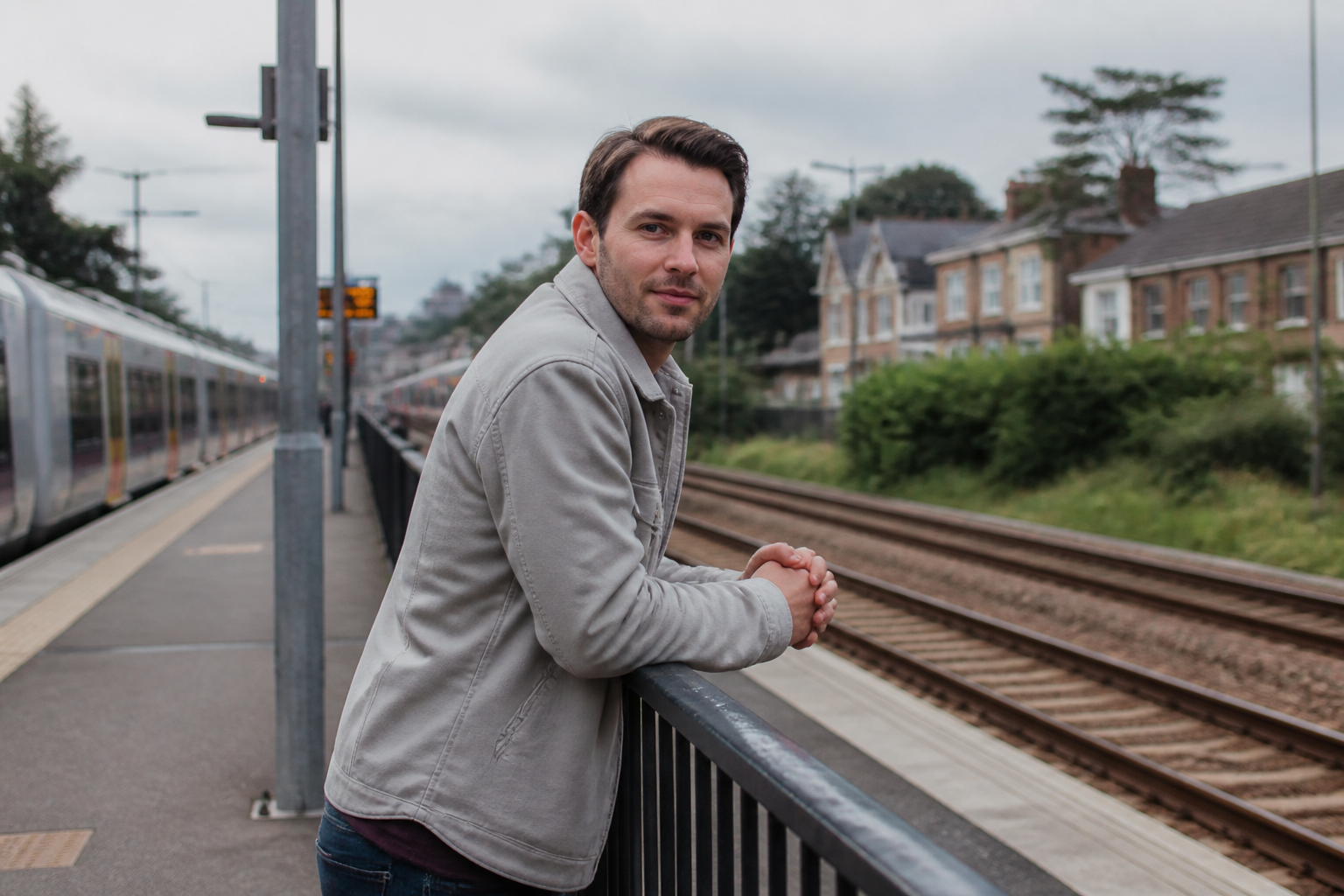 BEFORE
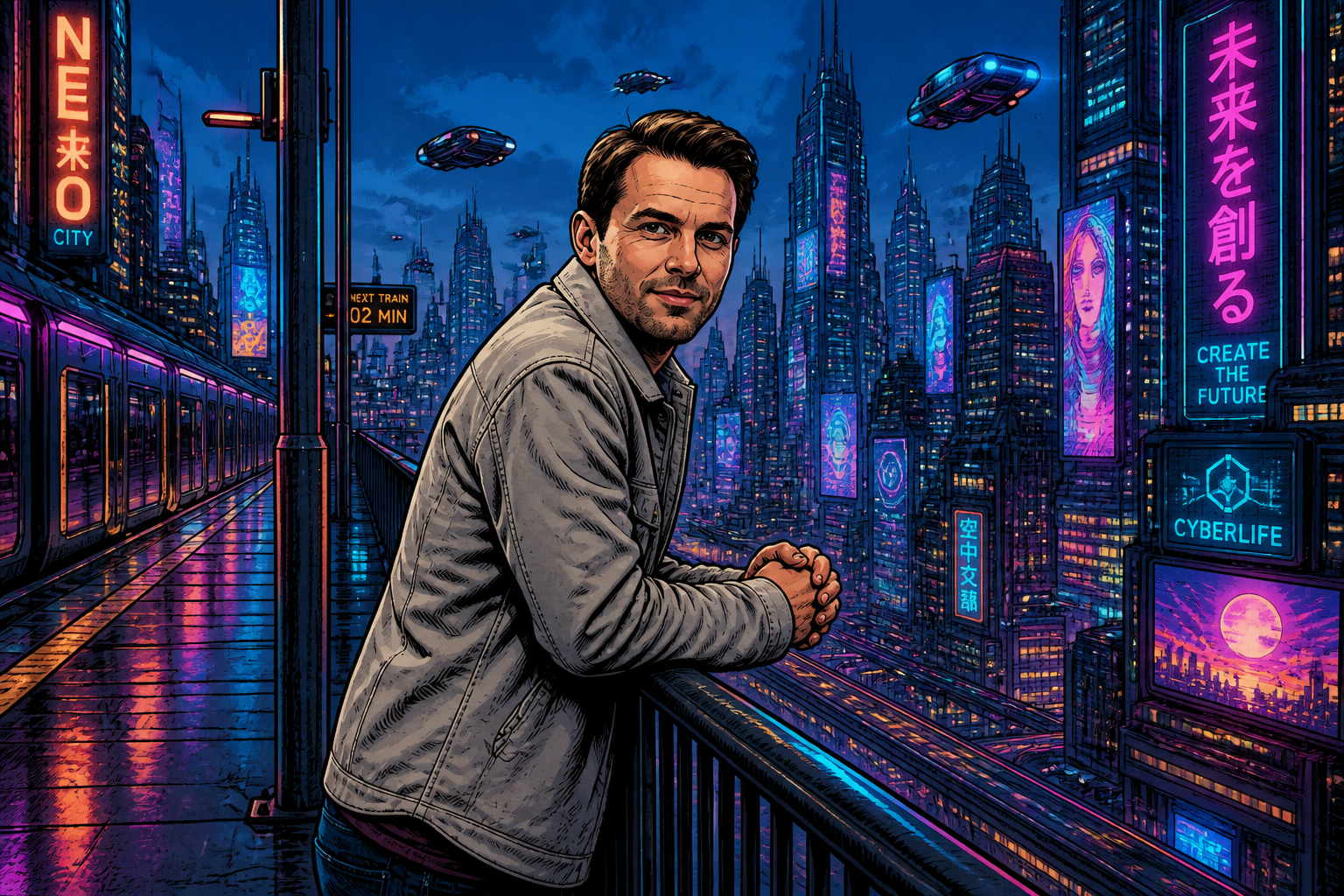 AFTER
AFTER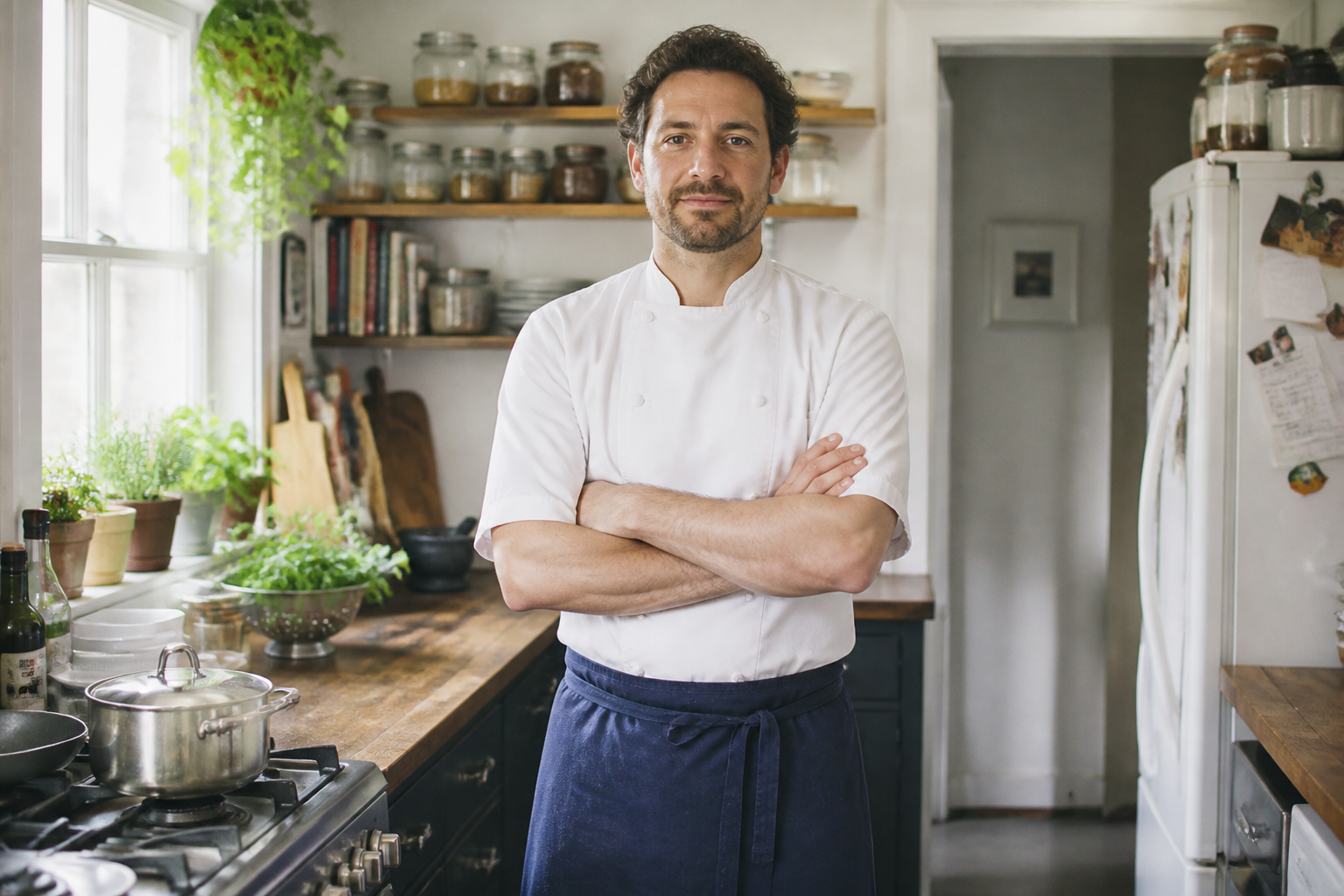 BEFORE
 AFTERBEFOREAFTERBEFOREAFTERBEFOREAFTERBEFOREAFTERBEFOREAFTER
 BEFORE
 AFTER
AFTER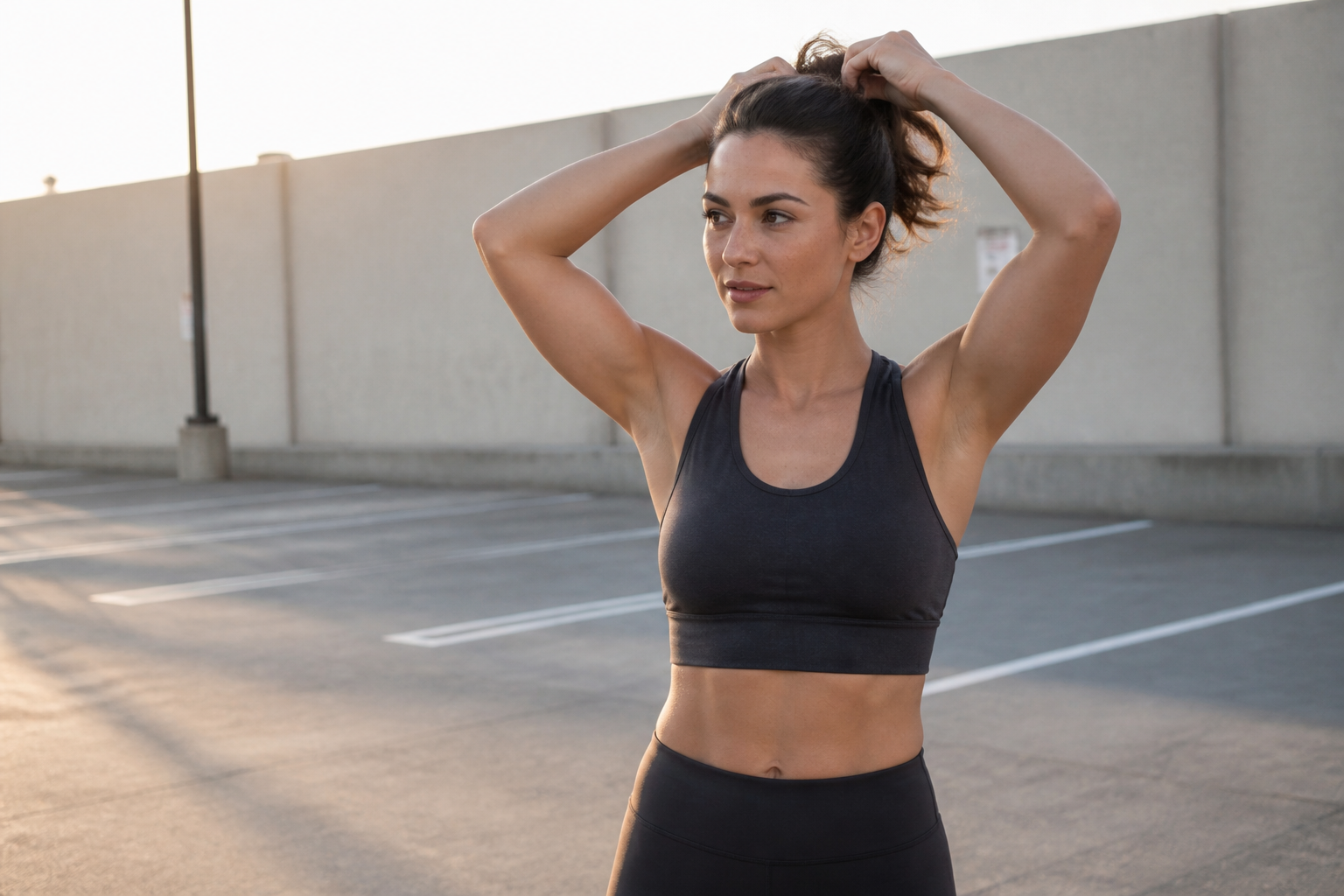 BEFORE
 AFTER
AFTER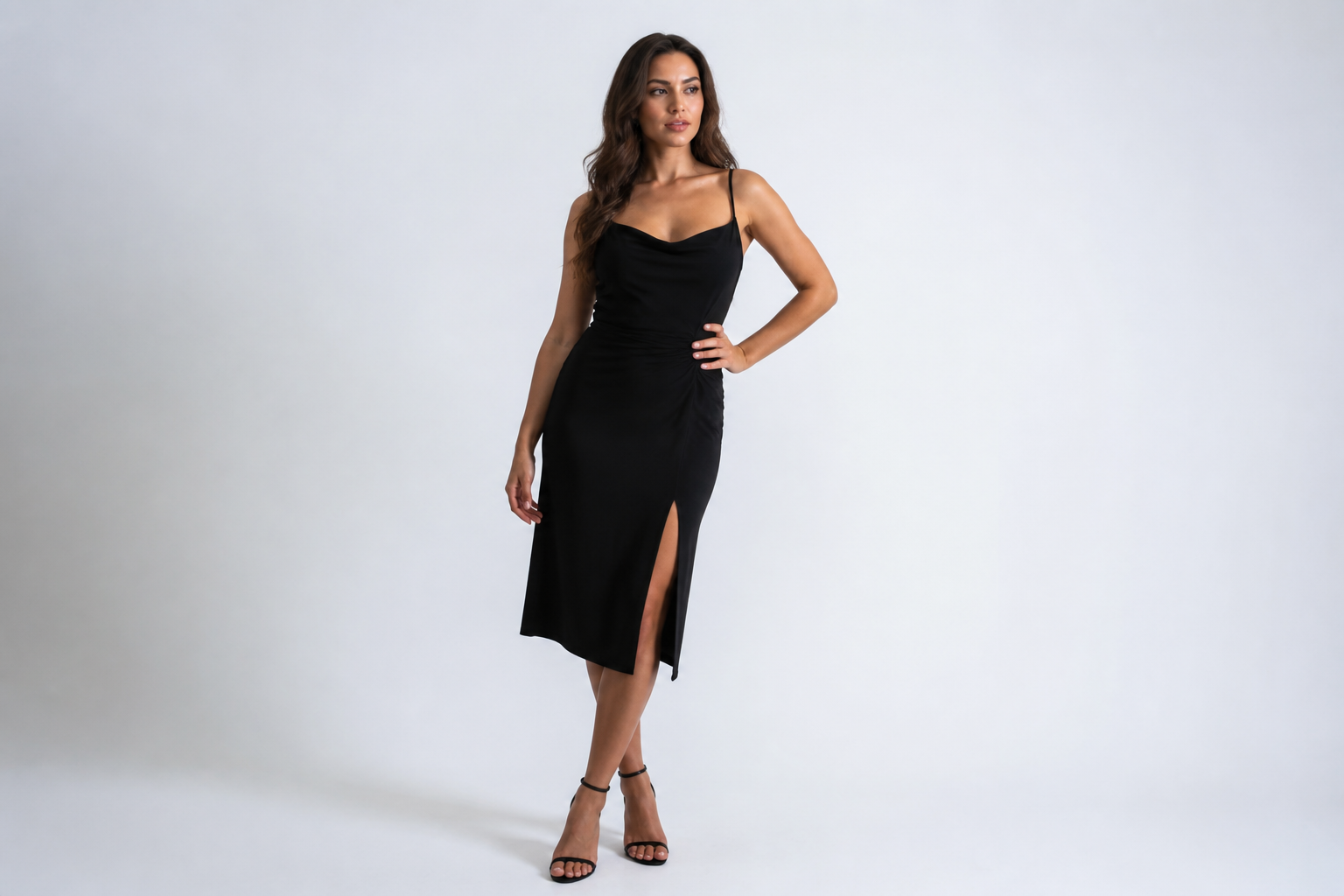 BEFORE
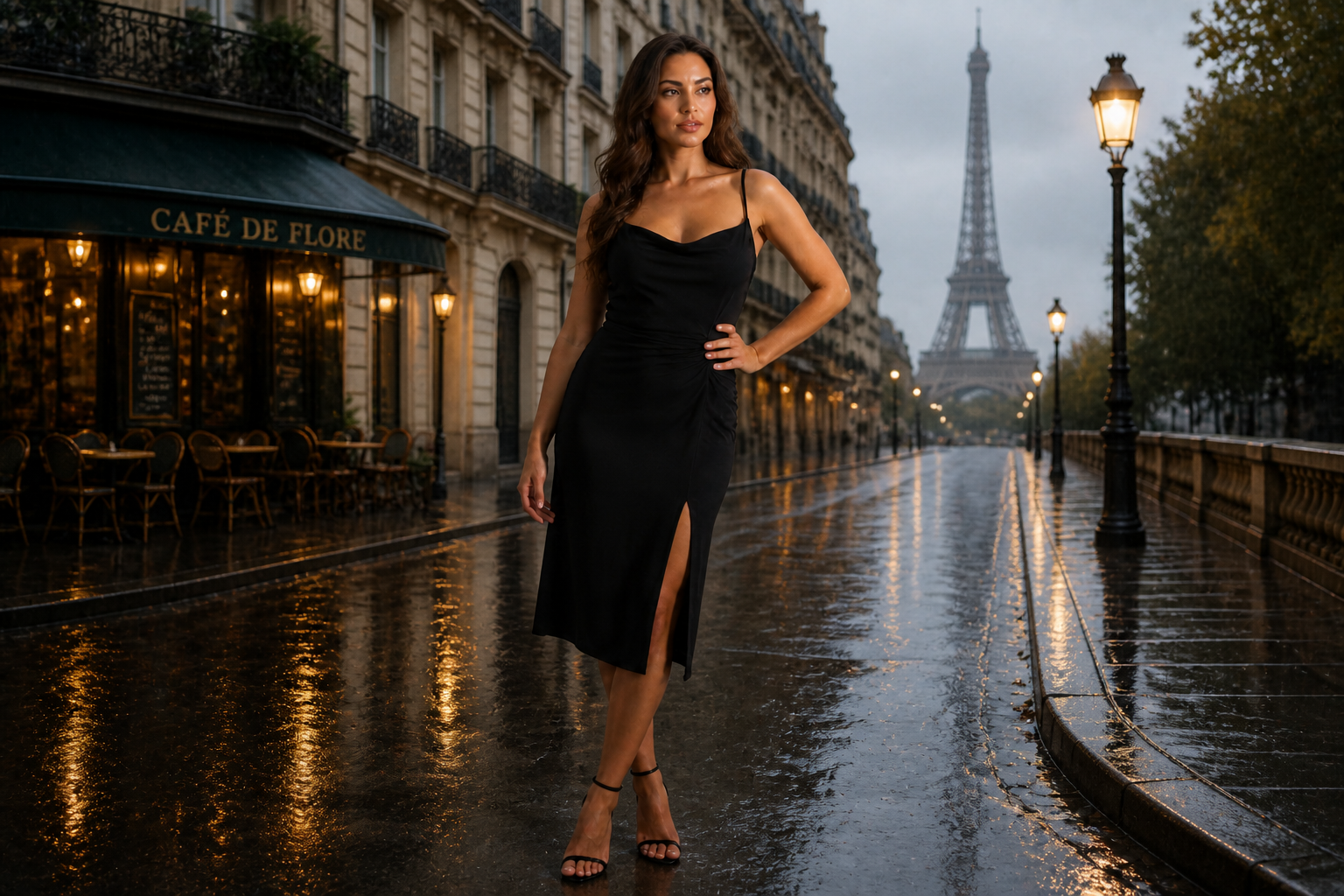 AFTER
AFTER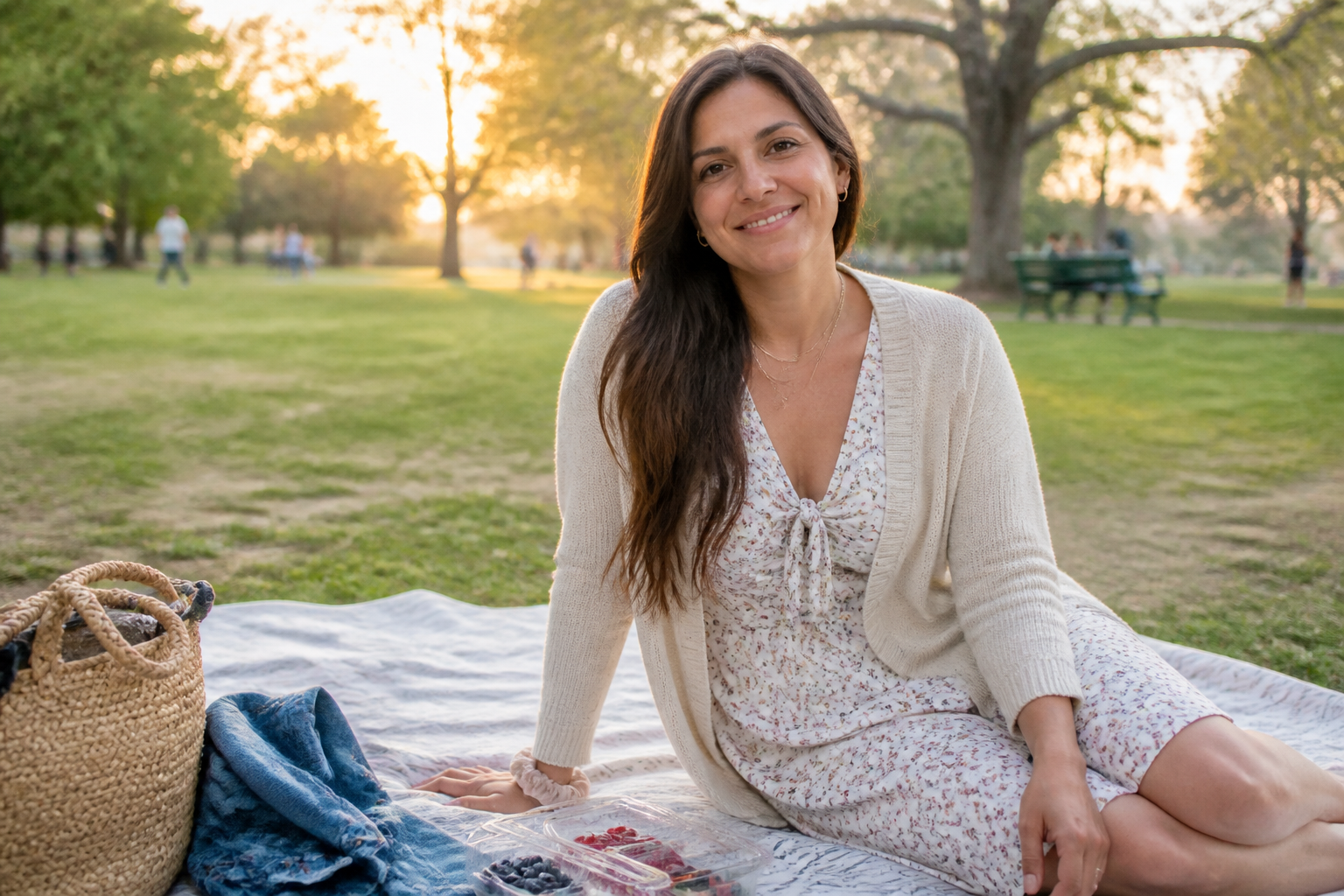 BEFORE
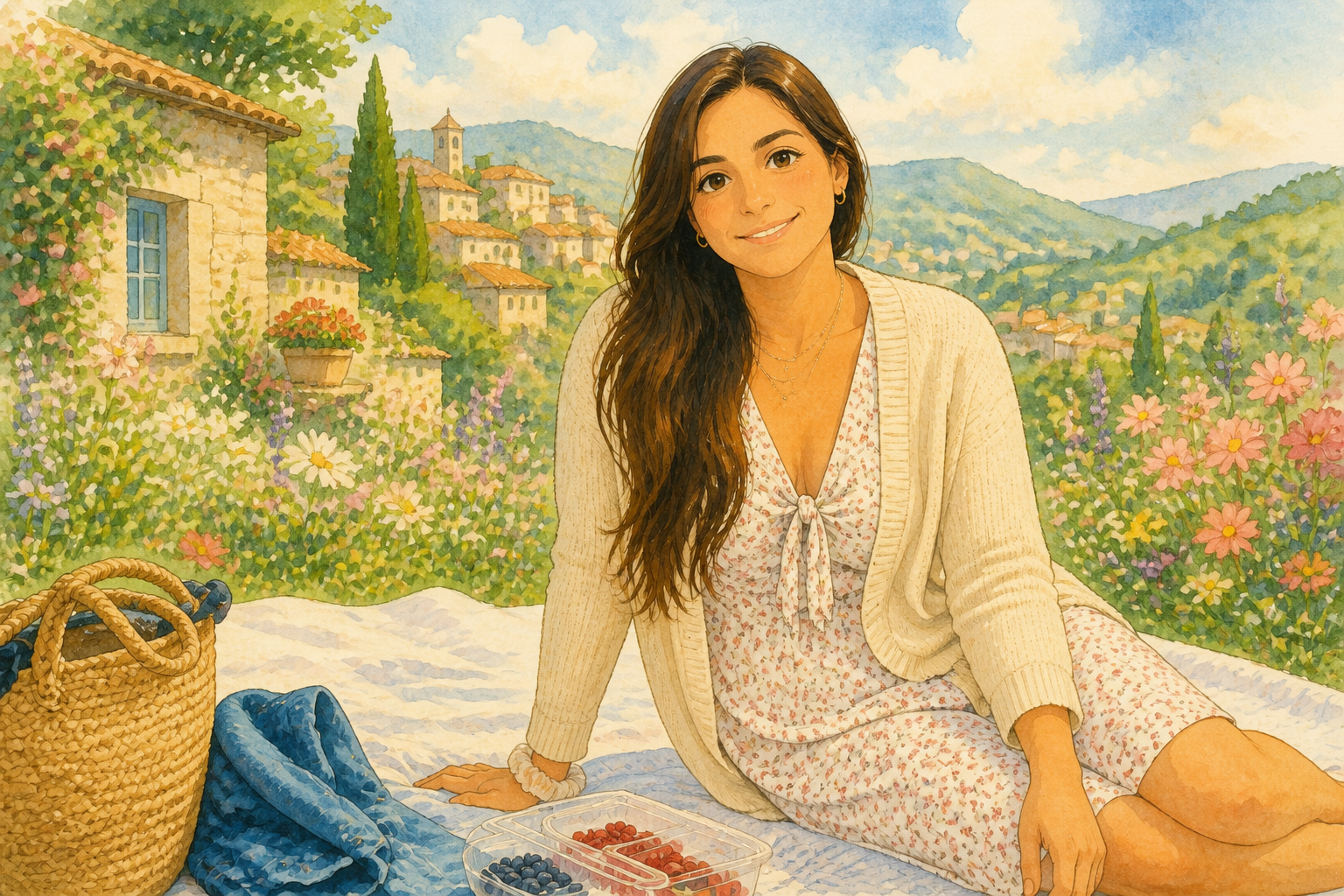 AFTER
AFTER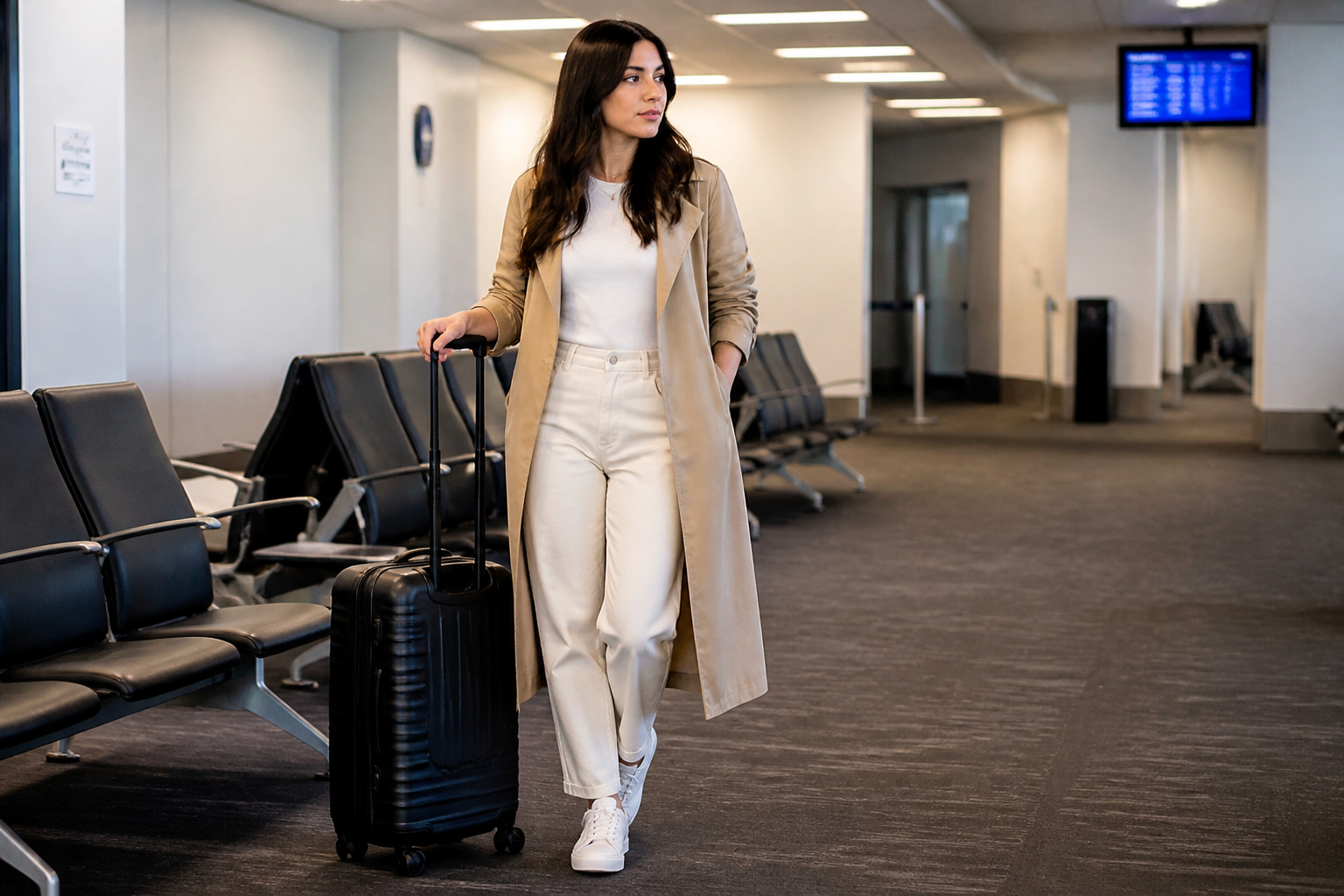 BEFORE
 AFTERBEFOREAFTERBEFOREAFTERBEFOREAFTERBEFOREAFTERBEFOREAFTER
Key Features

Swap scenes, keep focus
Change the entire environment without losing the subject that matters. This is useful when the original location feels cluttered, dull, or off-brand. Instead of masking and rebuilding a background by hand, you can direct our AI to place the same person or object into a cleaner setting with one edit. The result reads like a deliberate photo, not a rough cutout.


Match professional settings fast
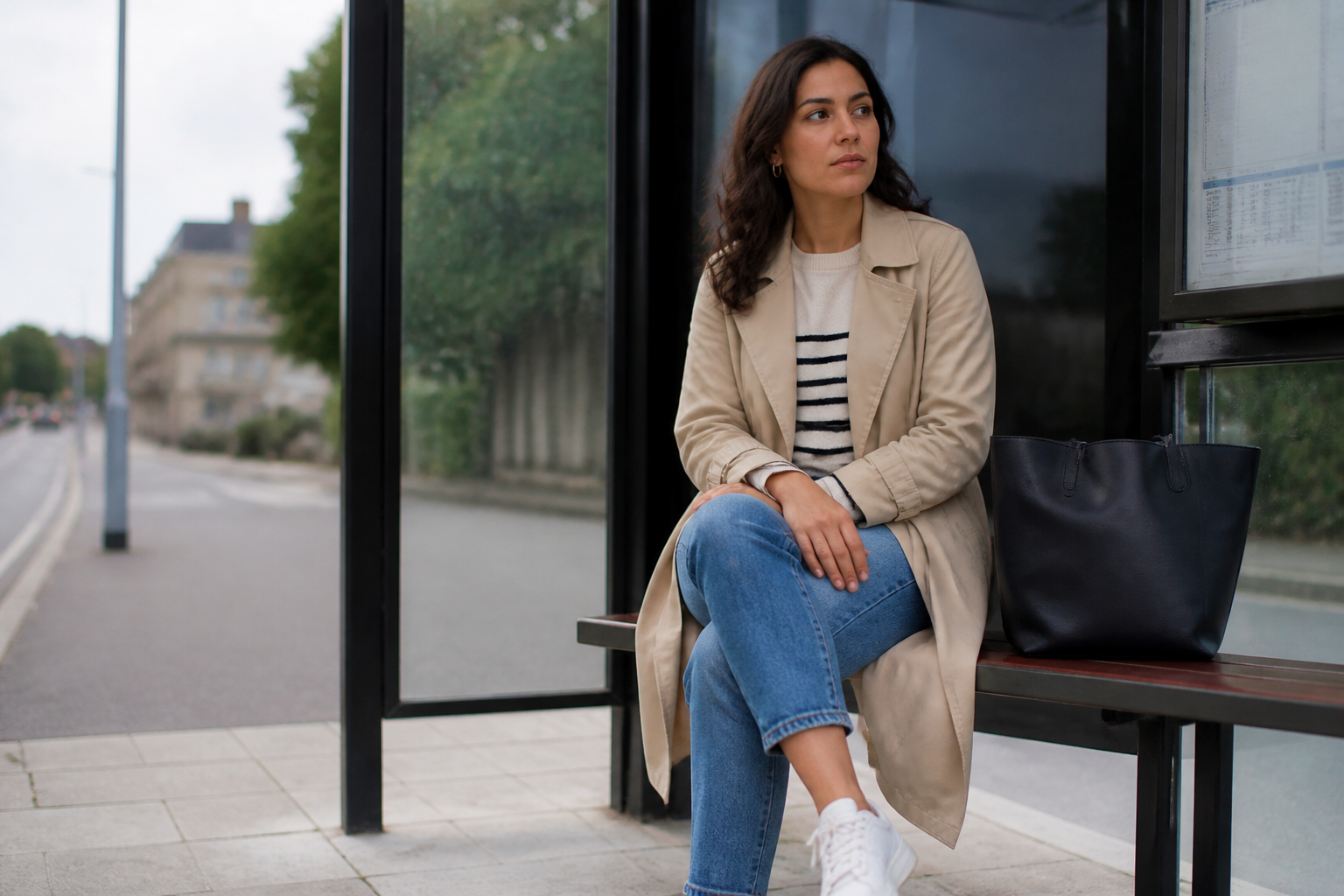
You can place products, portraits, or team photos into more polished environments without organizing a new shoot. That saves time when you need a luxury interior, clean studio, or business setting on short notice. Manual compositing often breaks on perspective, edges, and lighting consistency. Our AI handles the scene change in a single pass that is much quicker to review and refine.
Works across many styles
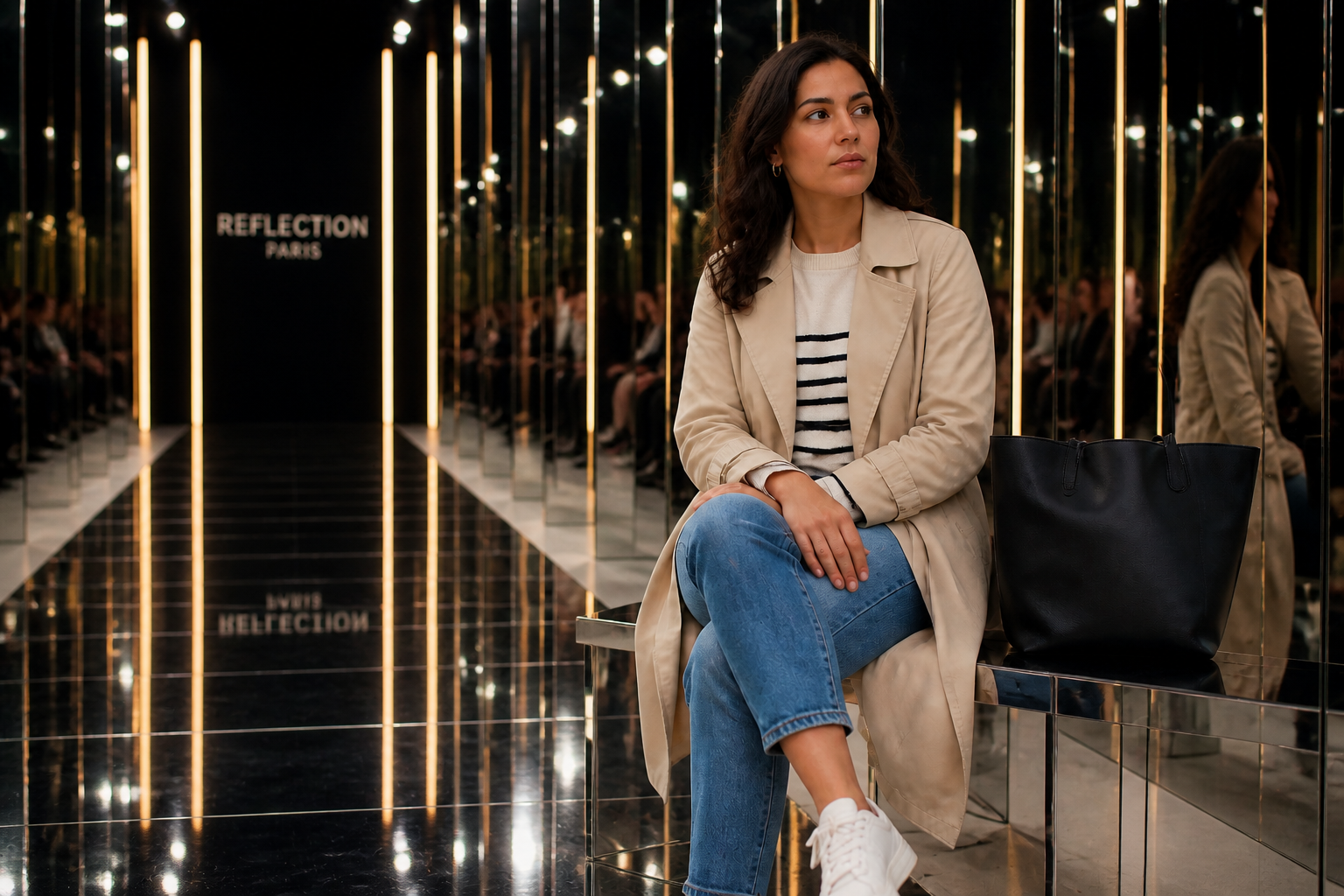
Scene replacement is not limited to photoreal backgrounds. You can turn a plain source photo into something cinematic, illustrated, or editorial while preserving the core subject and composition. This helps when you want concept art, campaign mockups, or social posts with a stronger visual hook. It gives you variety without needing separate design tools for each look.
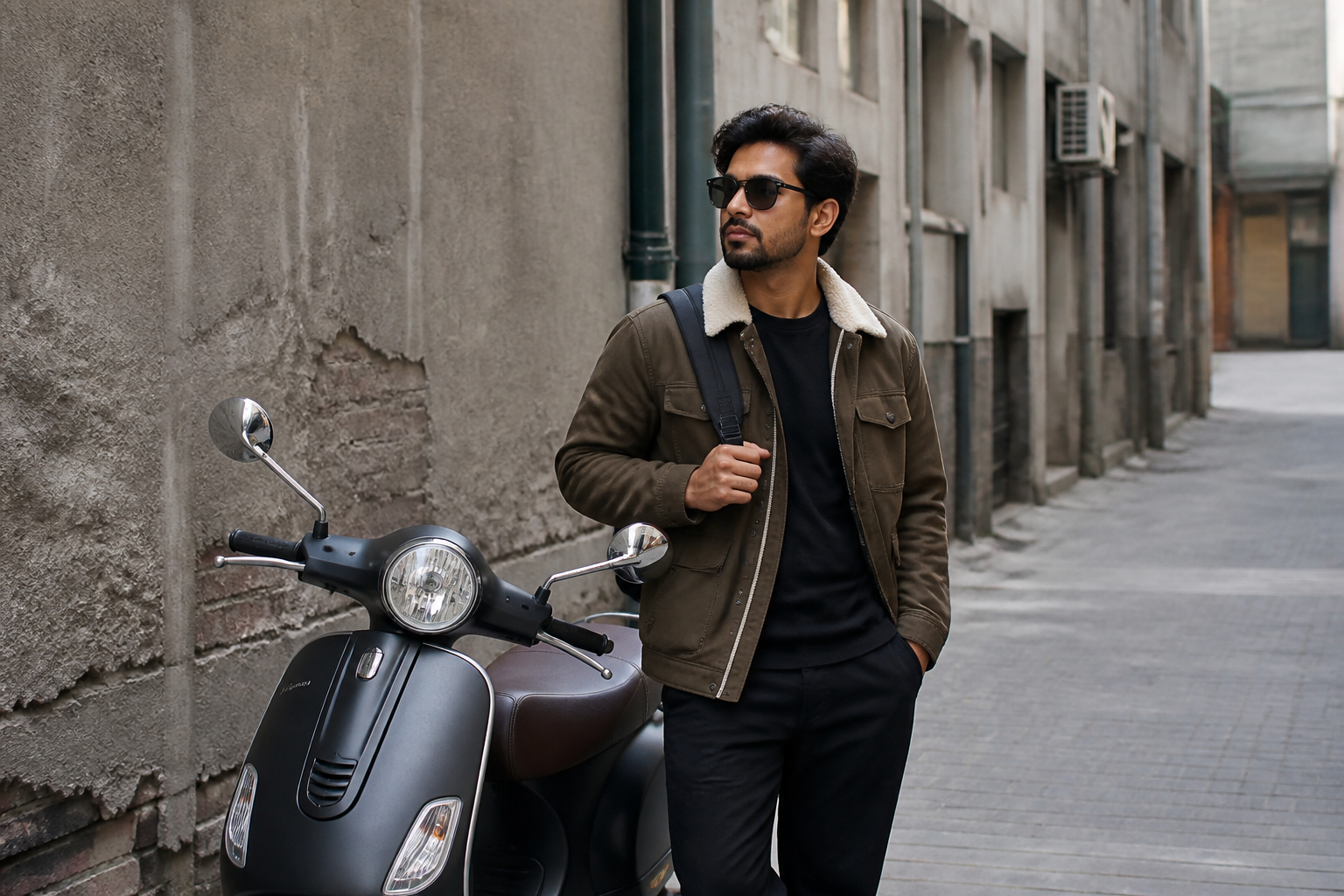
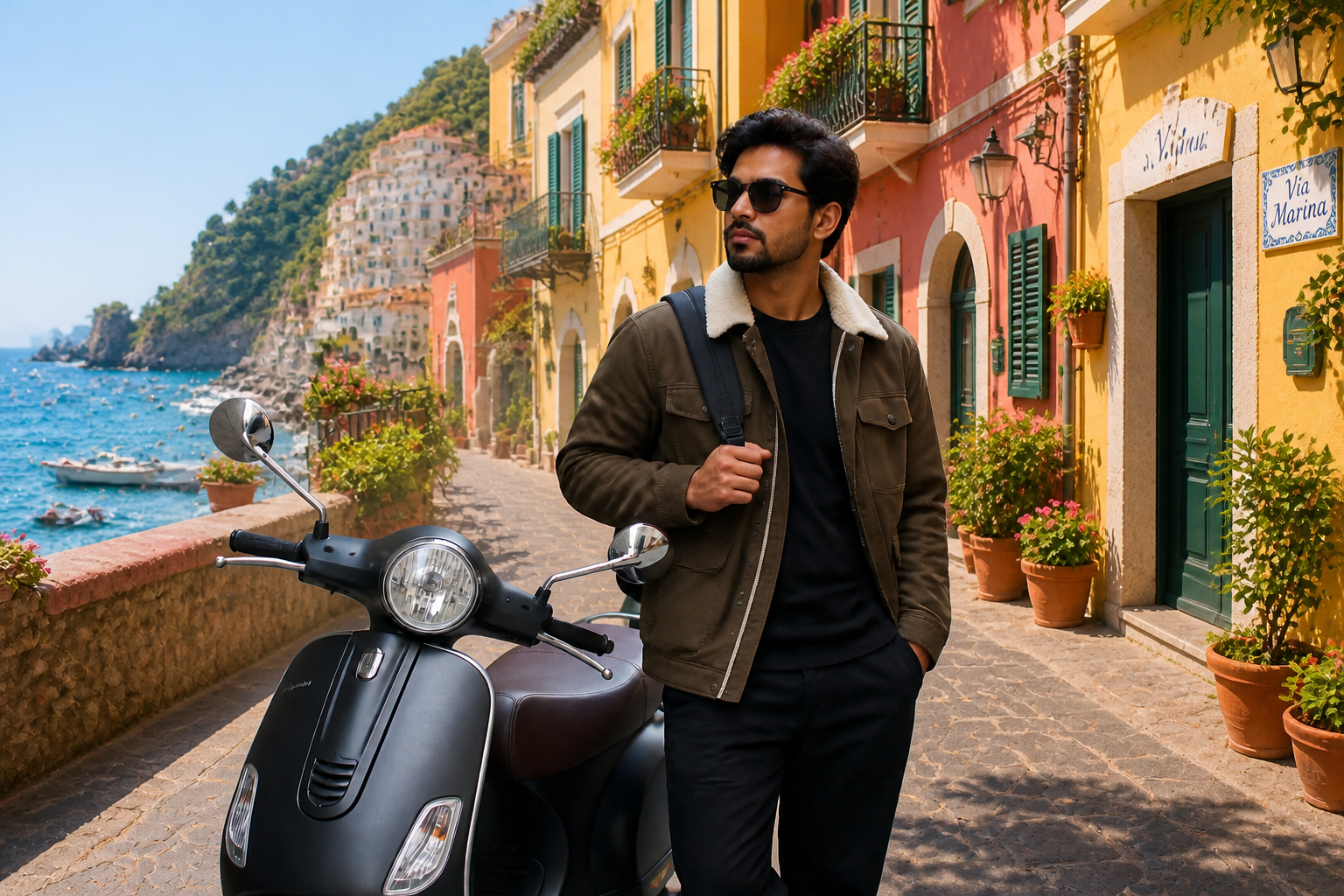
Make stronger thumbnails
A good scene swap should be readable at a glance. Replacing a weak background with a bold location makes the image clearer in galleries, ads, and social feeds where attention is short. Instead of tiny cleanup changes that nobody notices, you get a visible before-and-after difference. That makes the edit easier to evaluate and more useful in real content.
How It Works
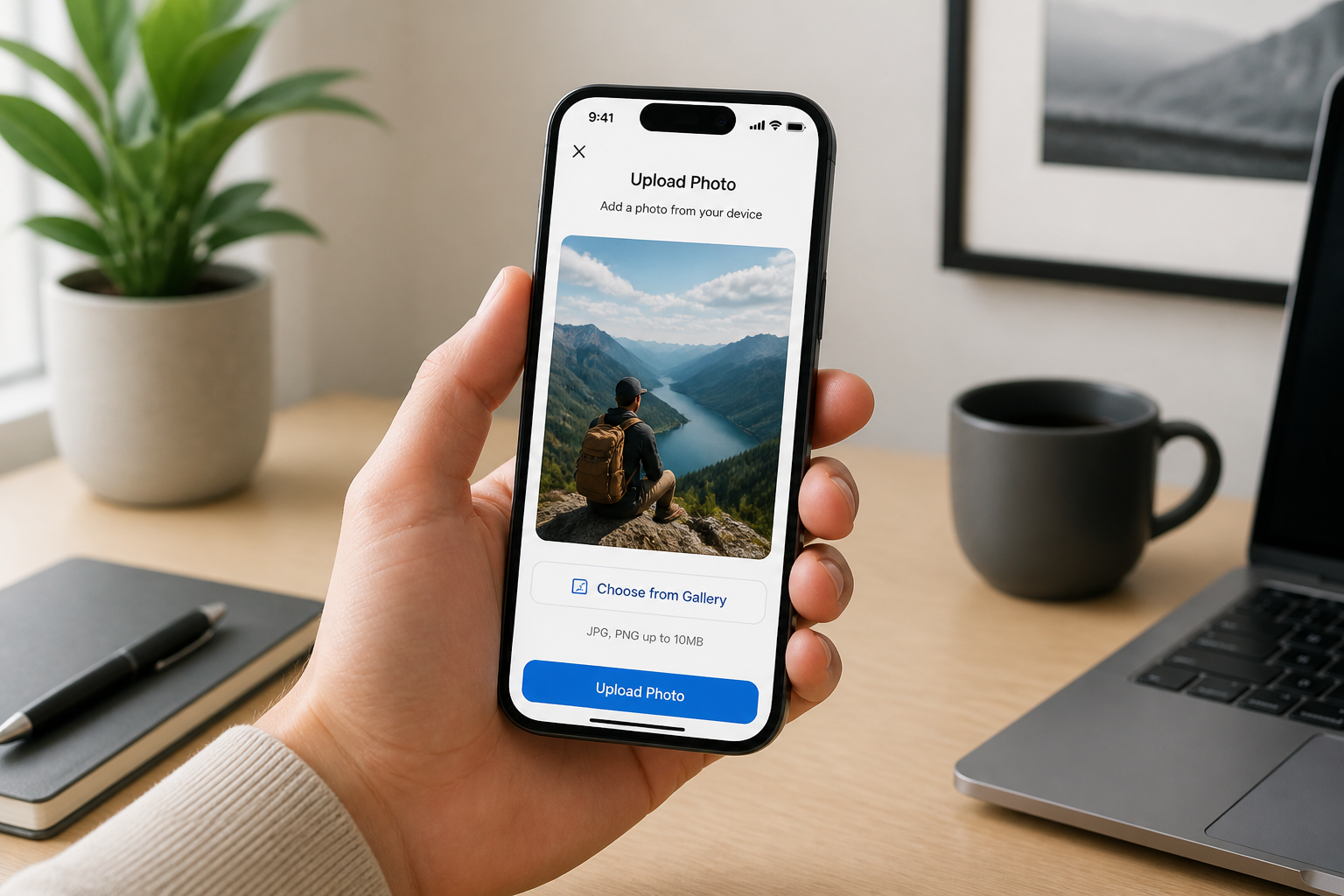
Upload your photo
Start with a clear image where the main subject is easy to see. Full scenes, portraits, products, and lifestyle shots all work well when the framing is strong.
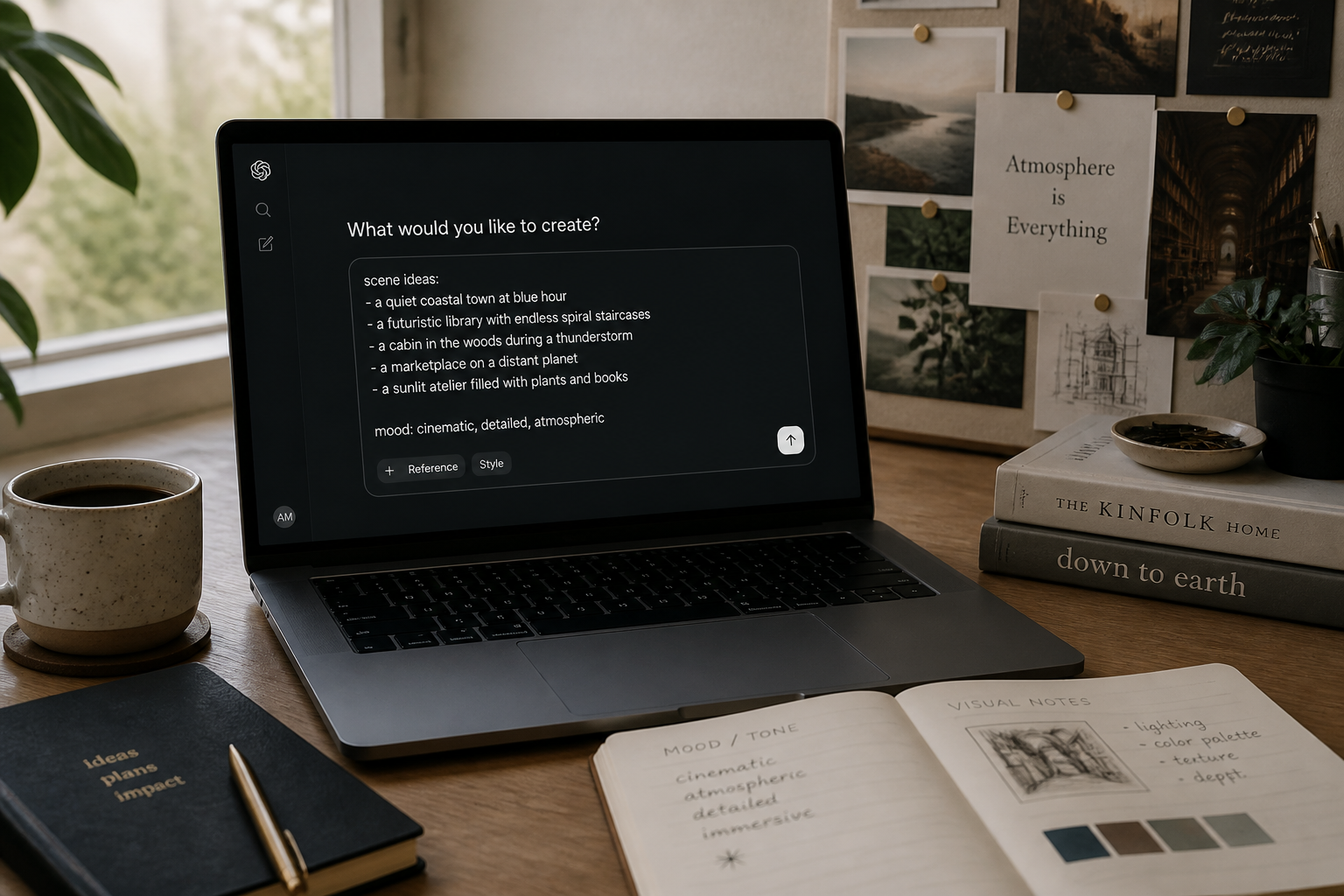
Describe the new scene
Tell the editor what environment you want to place the subject in. Be specific about location, mood, and style, such as rooftop bar, beach resort, mountain trail, or modern studio.
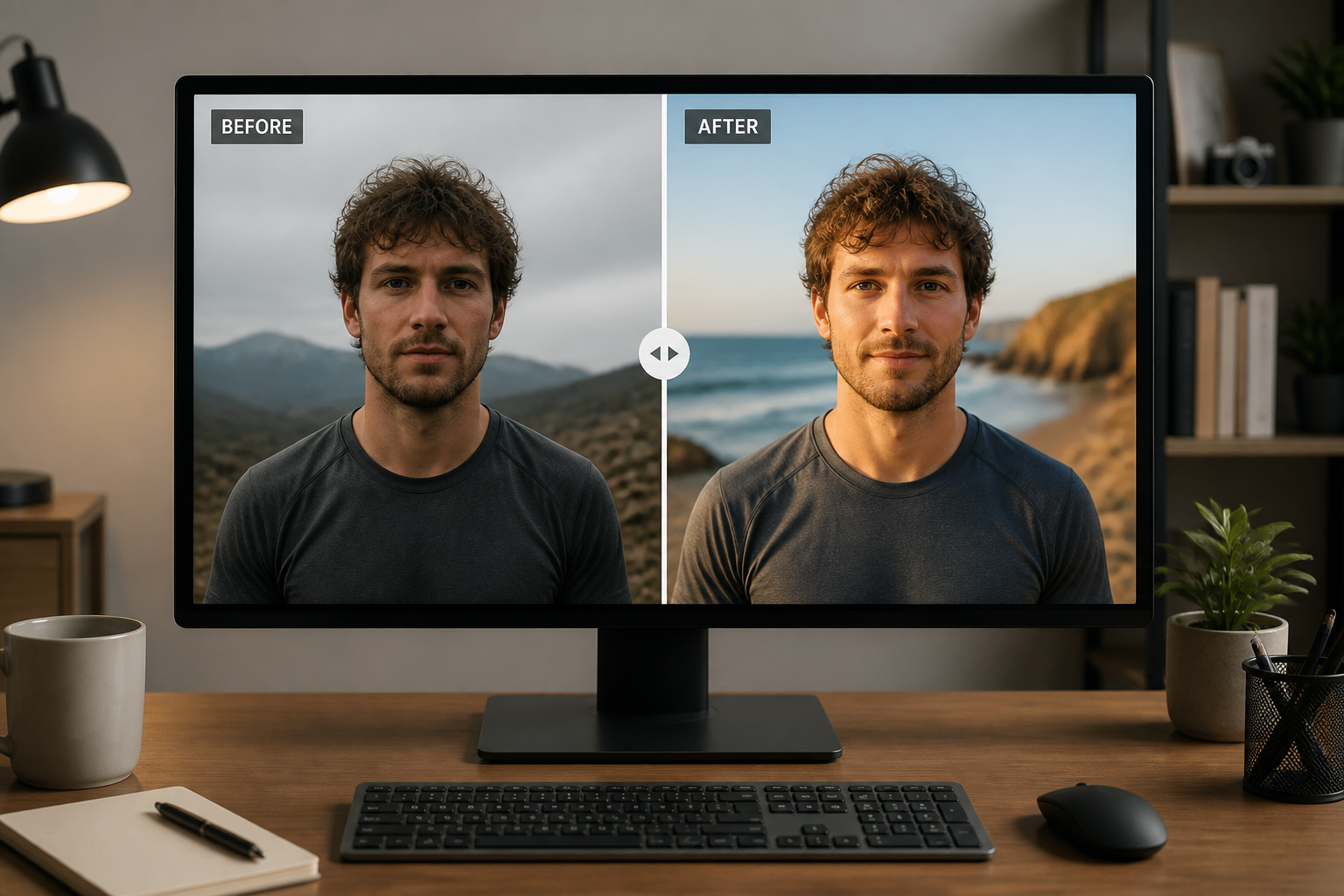
Compare and refine
Review the before and after side by side and check whether the new setting fits your goal. If needed, run another variation with a different environment or stronger direction.
Perfect For
Discover how creators and professionals use ai scene replacement
Upgrade everyday portraits
Move casual photos into cleaner travel, studio, or editorial-style environments without reshooting them.
Improve listing and profile images
Replace distracting rooms or bland locations with polished settings that feel more intentional and professional.
Create campaign mockups
Test how the same subject looks in luxury interiors, outdoor destinations, or brand-style scenes before a full production.
Refresh social content
Turn ordinary source photos into stronger posts with more visual contrast and more interesting backdrops.
Built For
Creators and influencers
Produce more eye-catching content from existing photos without scouting a new location every time.
Small businesses
Create cleaner marketing images for websites, menus, ads, and profiles when the original background is not usable.
Designers and marketers
Mock up campaign ideas quickly by testing the same subject in different settings and moods.
Why use BudgetPixel for scene replacement
A quick look at how we compare on the things that matter for this niche.
| Feature | BudgetPixel | Generic AI editors | Manual editing apps |
|---|---|---|---|
| Scene-specific background swaps | ✓ | ✓ | — |
| Keeps original subject framing | ✓ | — | — |
| Fast concept variations | ✓ | ✓ | — |
| No manual masking required | ✓ | — | — |
| Easy to start from one photo | ✓ | ✓ | ✓ |
Frequently Asked Questions
What does AI Scene Replacement change?
Does it only work for people?
Will the new background look realistic?
Can I keep the pose and outfit the same?
What kind of photos work best?
Create together.
Share your creations, discover trending AI art, and grow with fellow creators.