AI Background Changer for Fast, Clean Scene Swaps
Replace distracting backgrounds without rebuilding the whole photo.
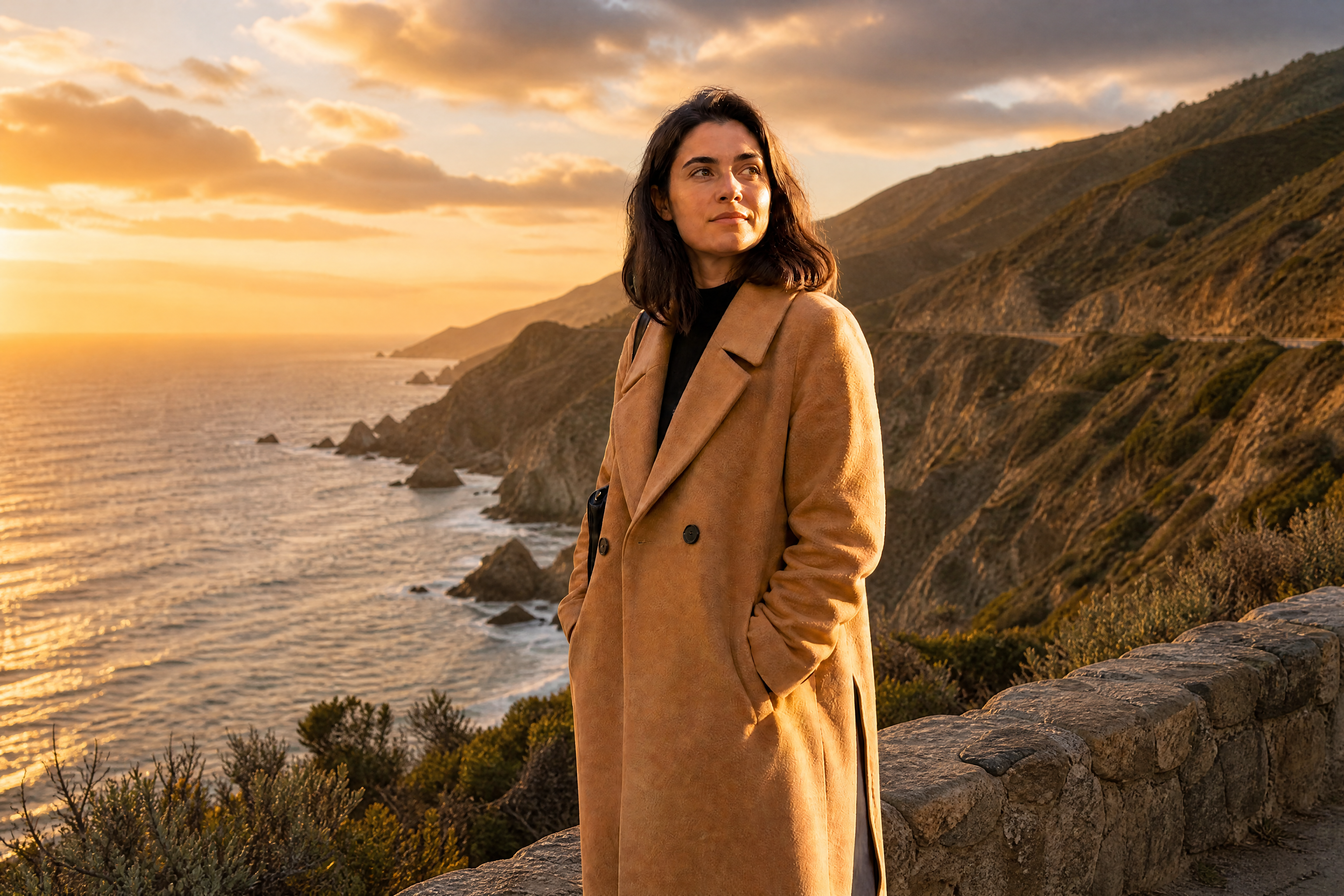
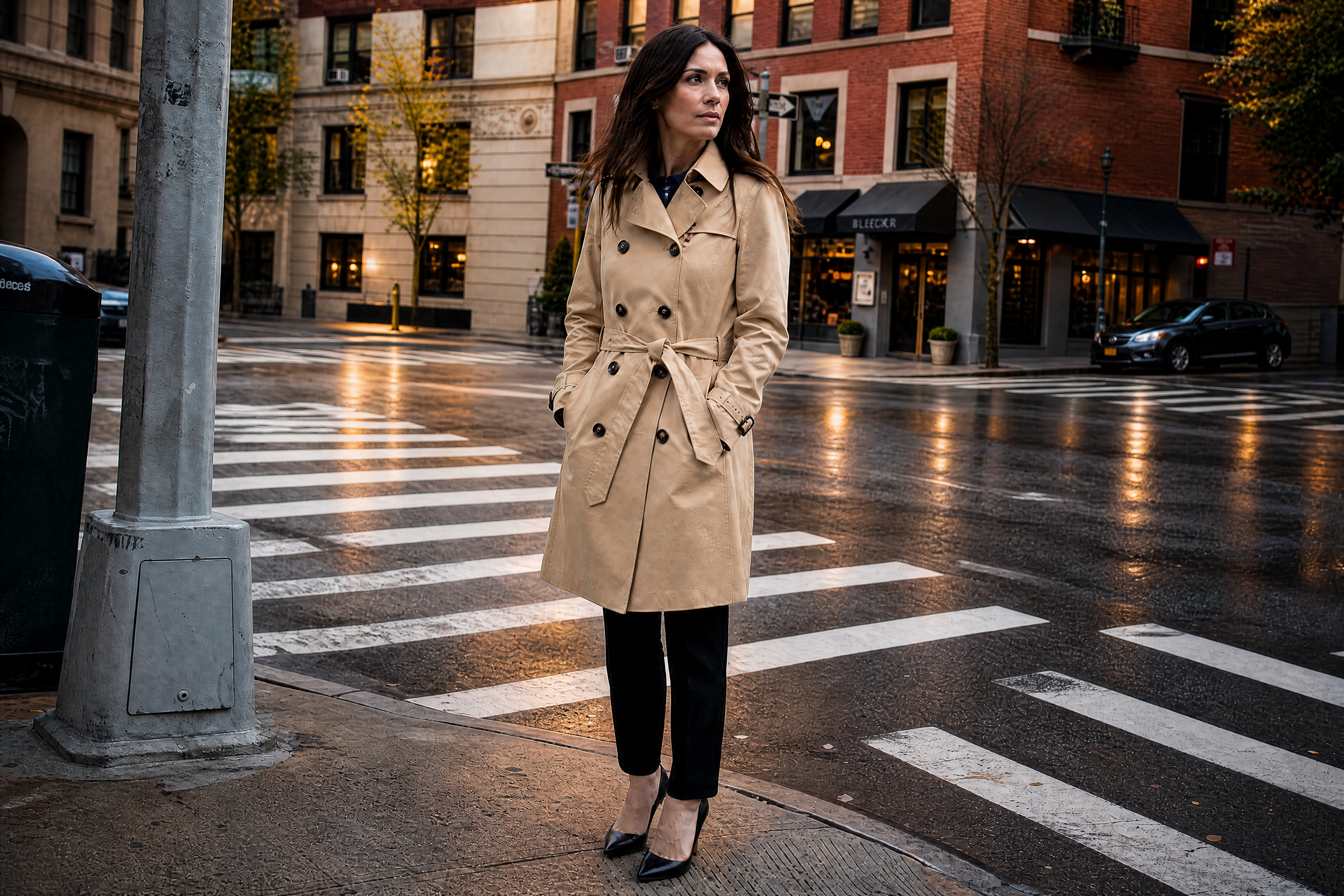
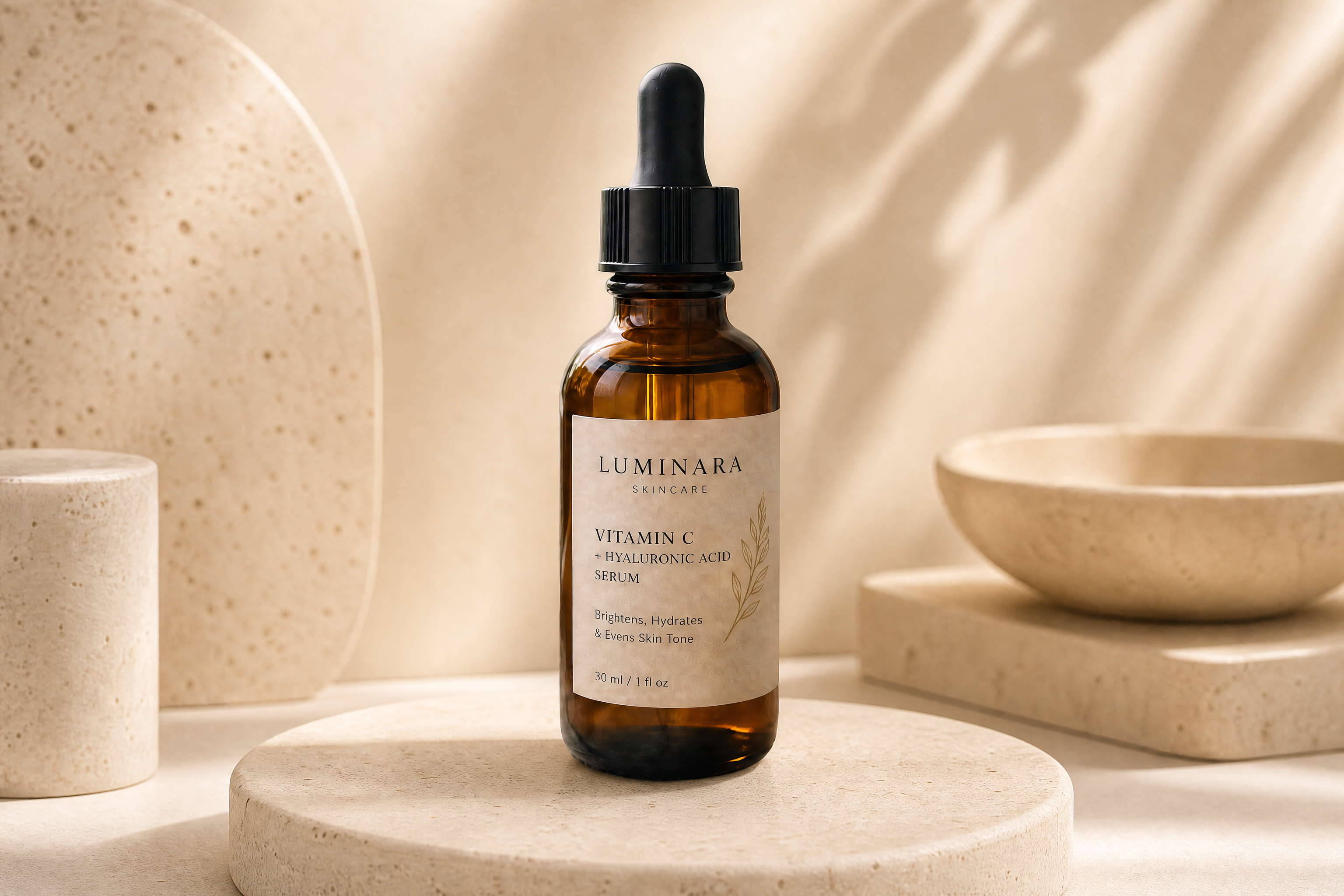
Upload a photo, describe the new setting, and let our AI replace the background while keeping the subject centered and believable. It works for portraits, products, pets, and social content without the usual manual masking.
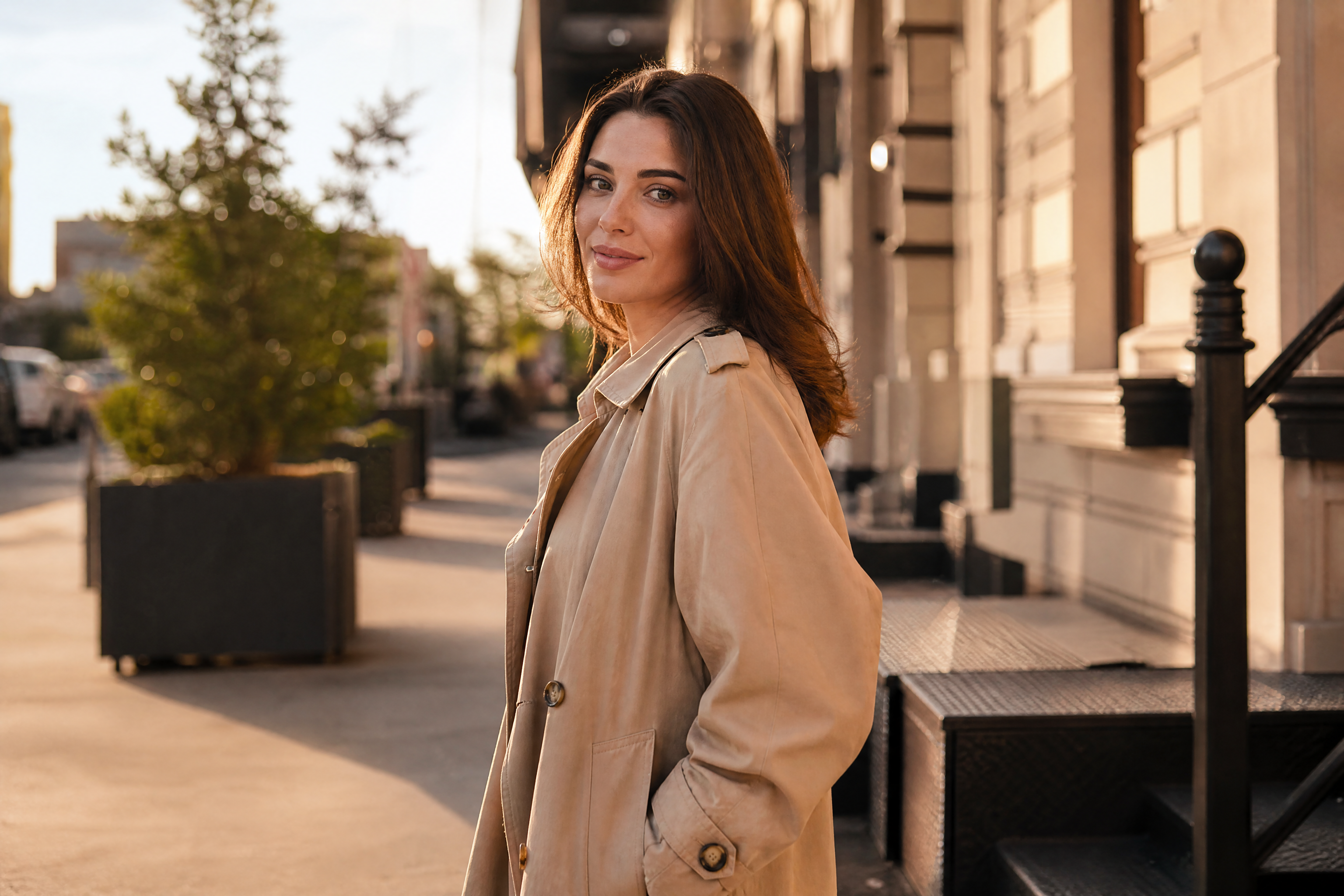
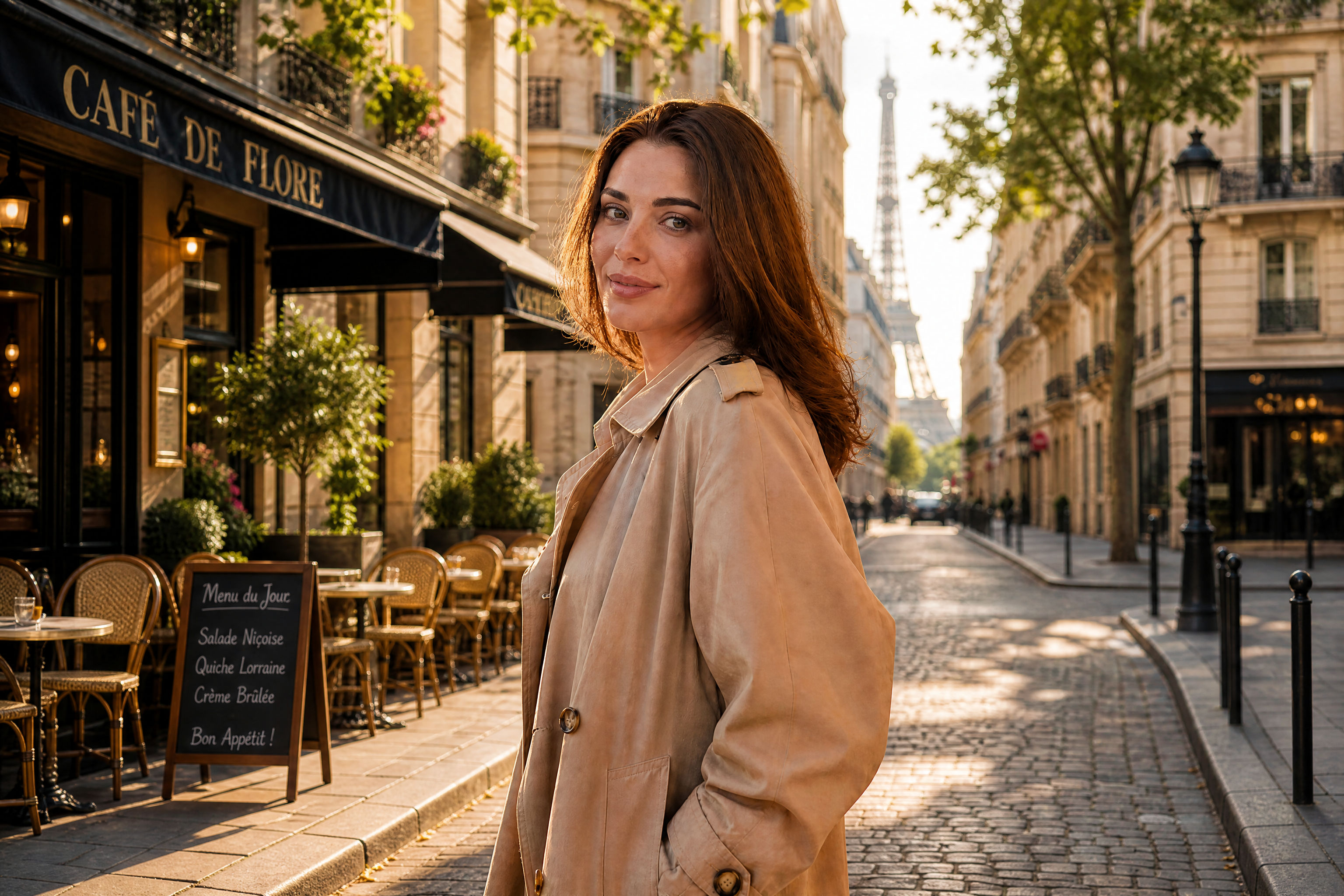
Watch the Transformation
See ai background changer in motion — generated end-to-end by our AI.
See It In Action
Real outputs from ai background changer.
BEFOREAFTER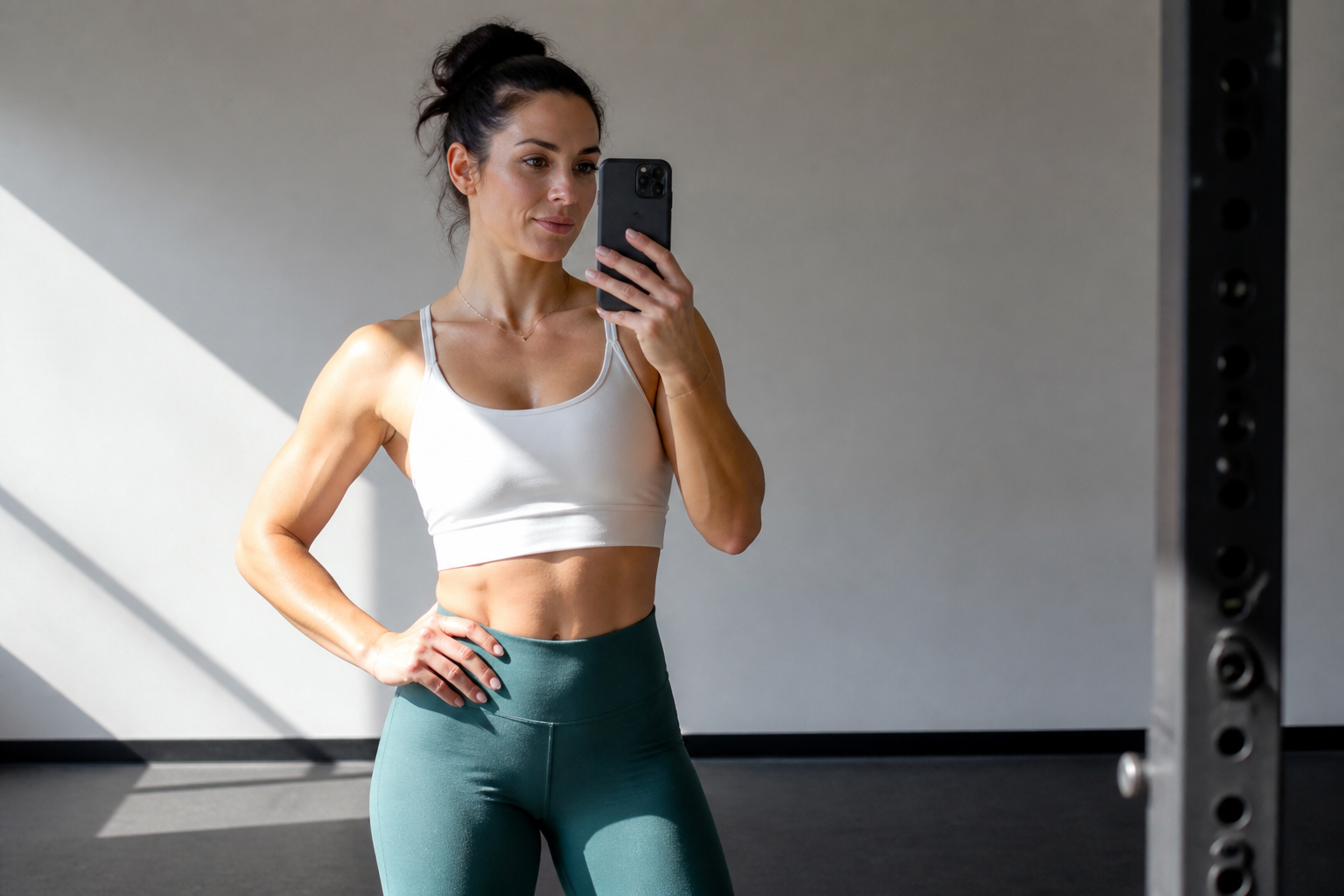 BEFORE
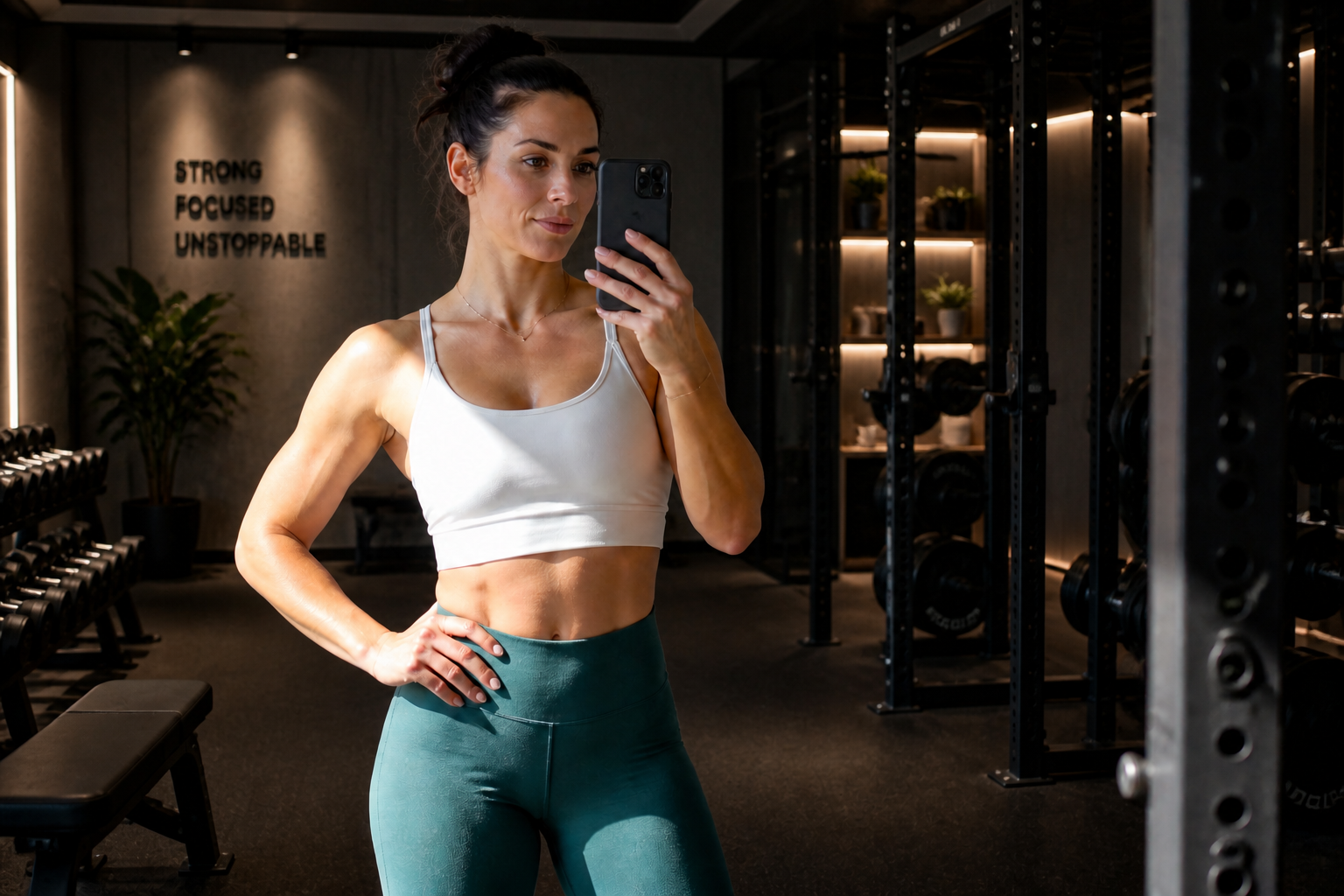 AFTER
AFTER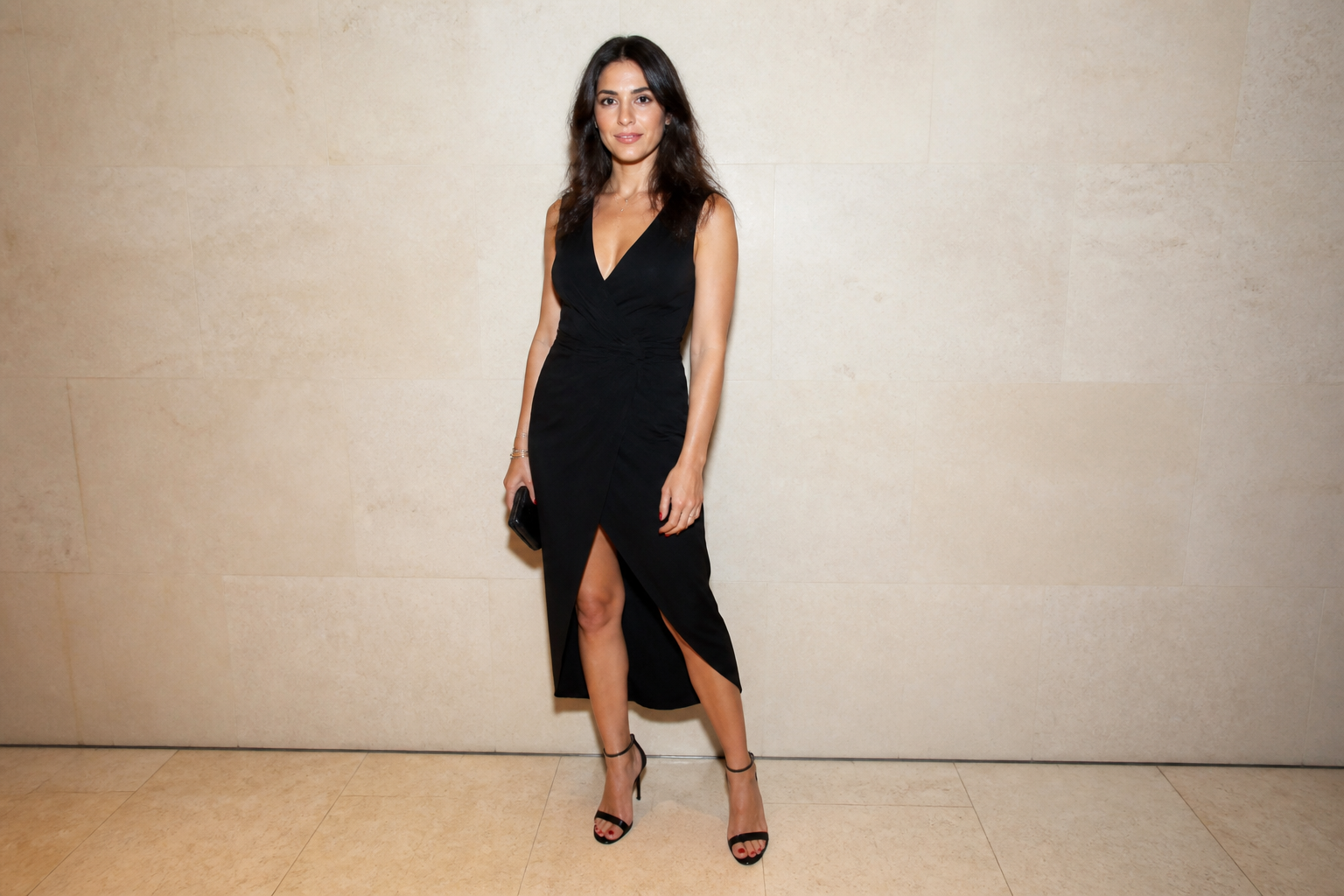 BEFORE
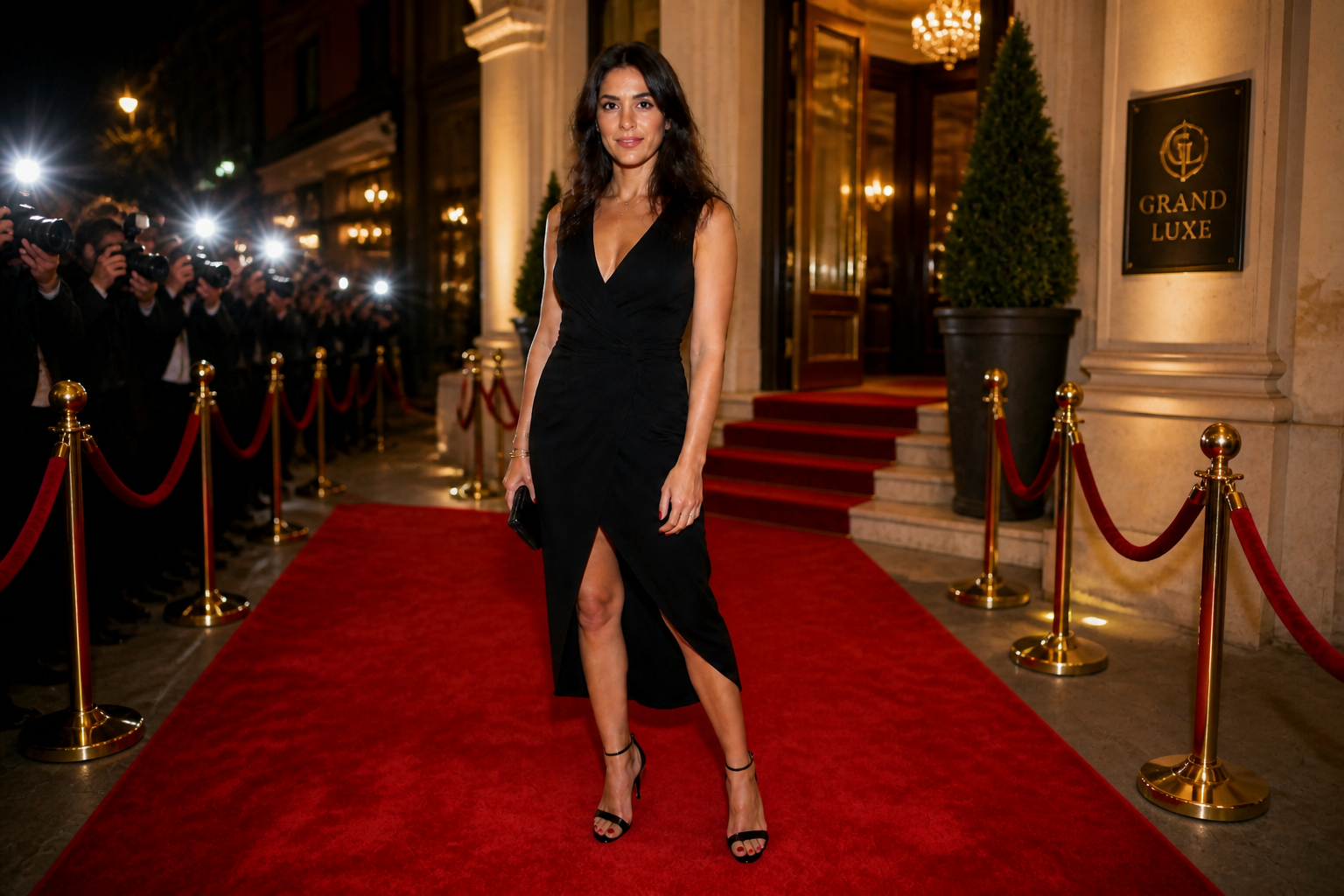 AFTER
AFTER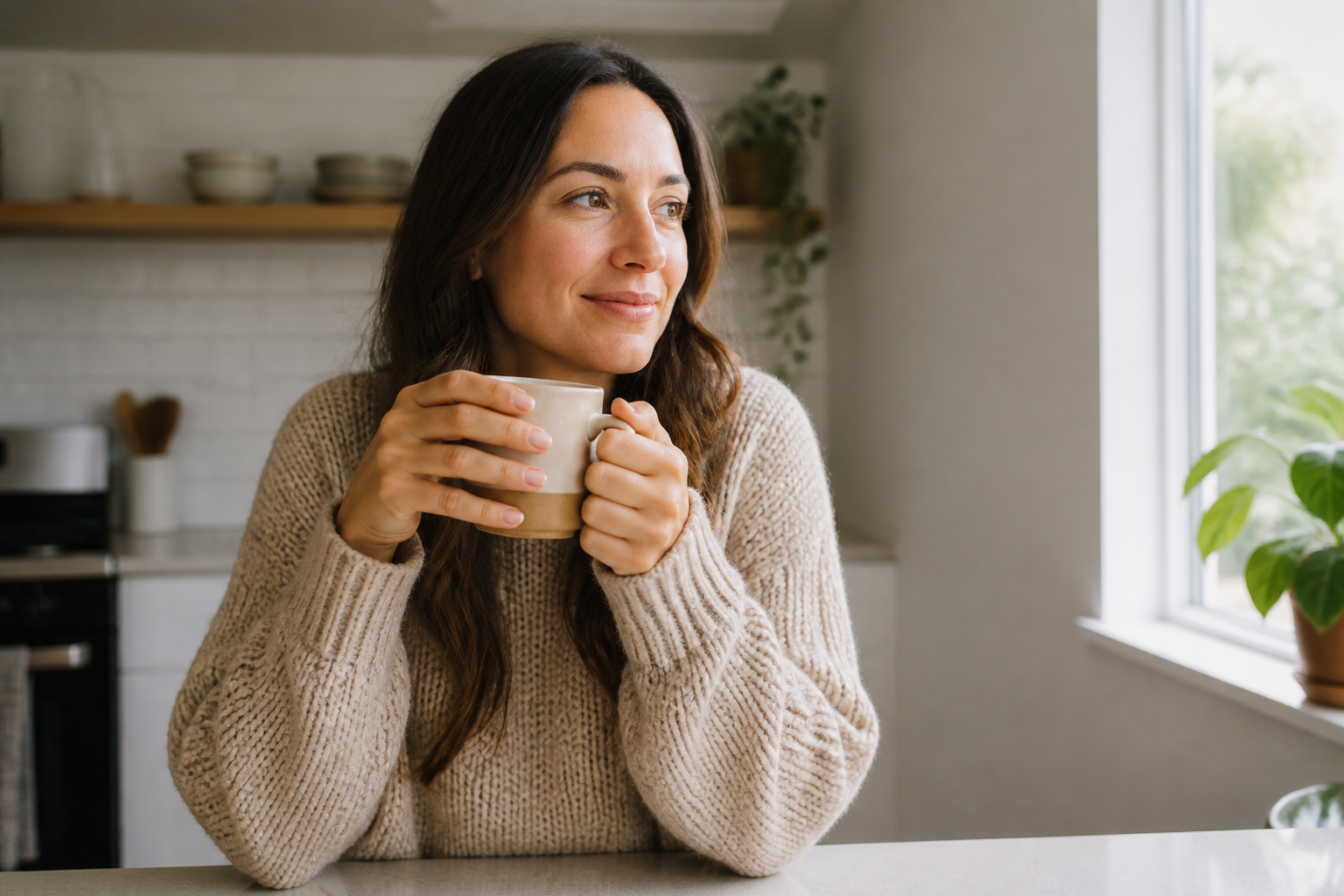 BEFORE
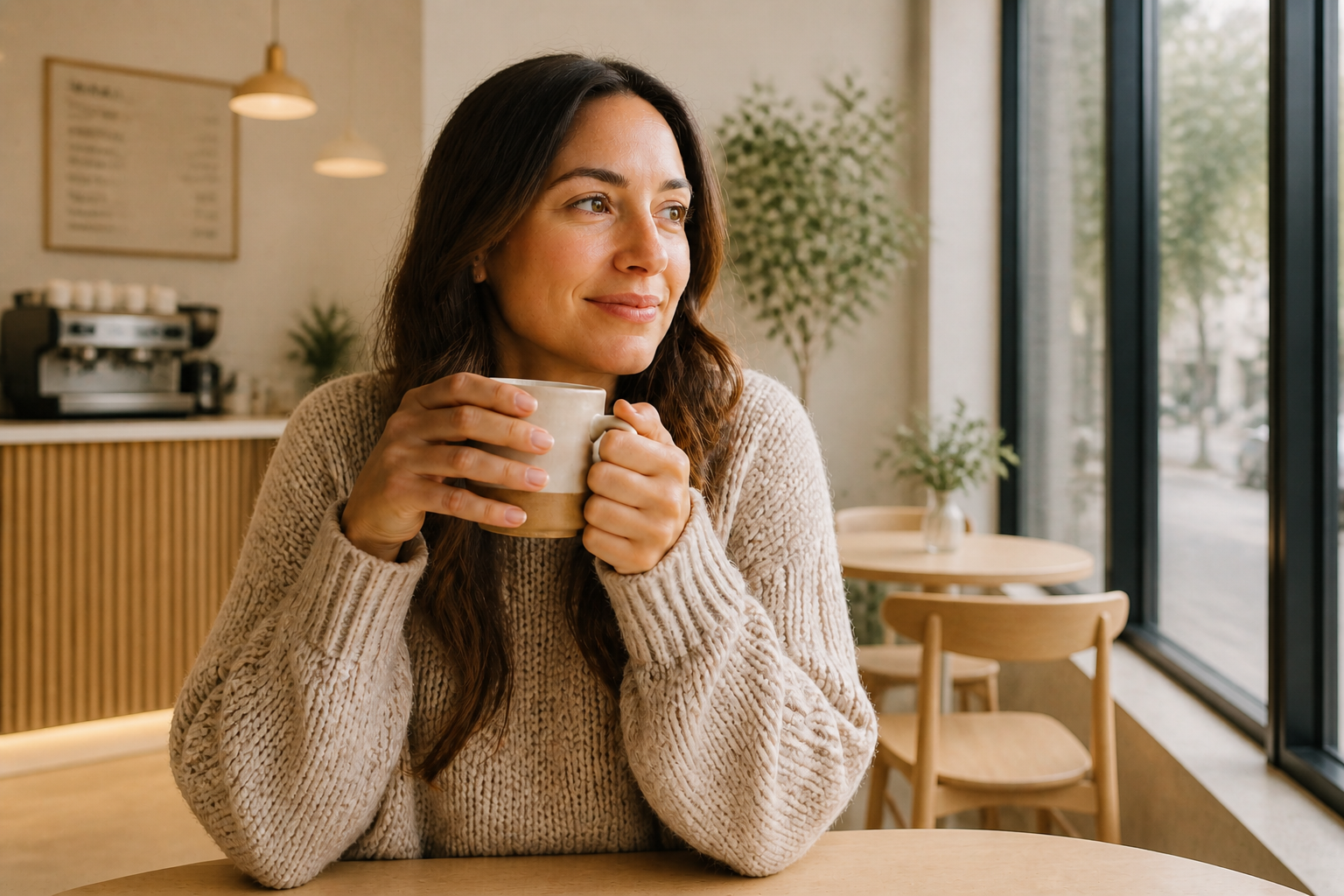 AFTER
AFTER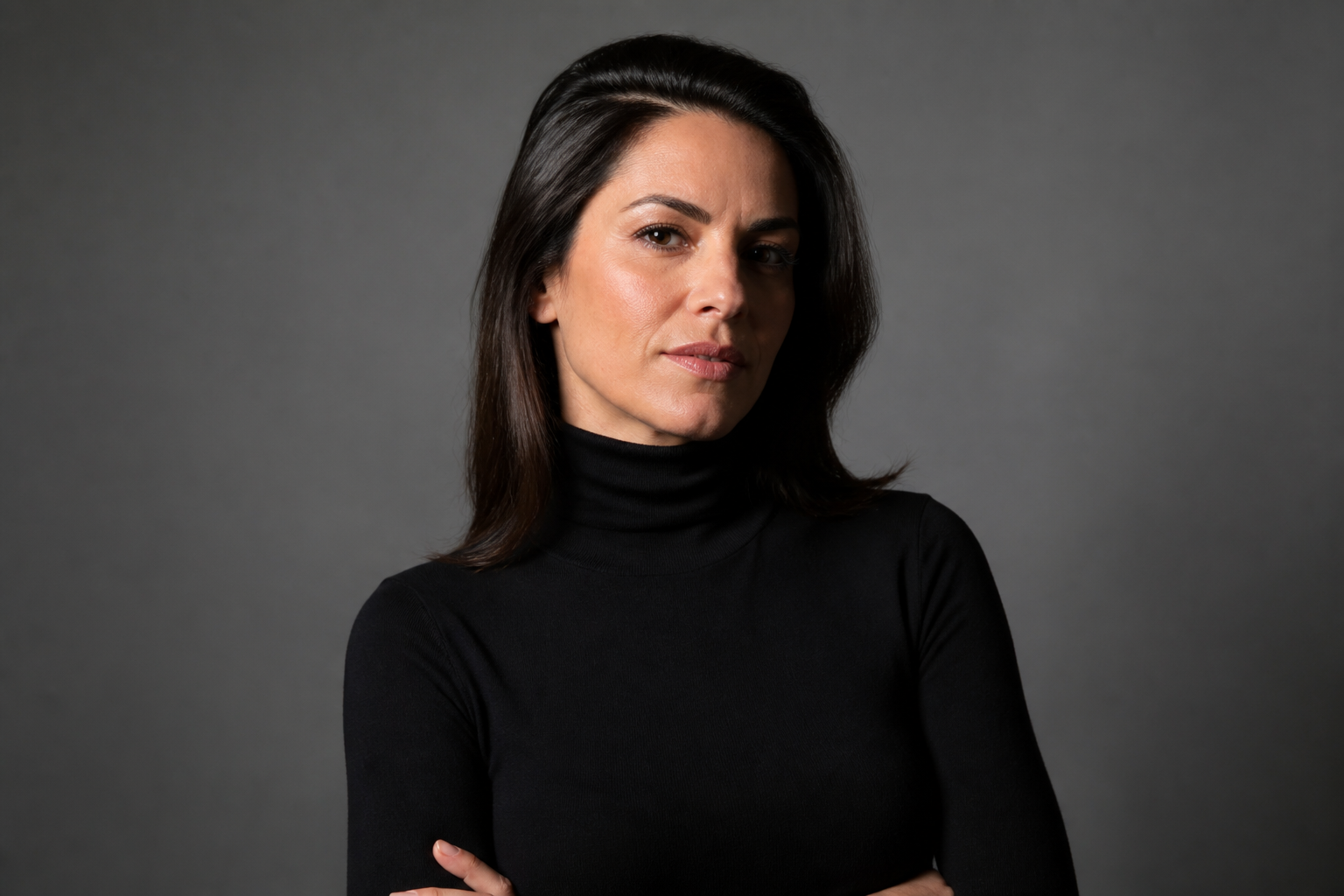 BEFORE
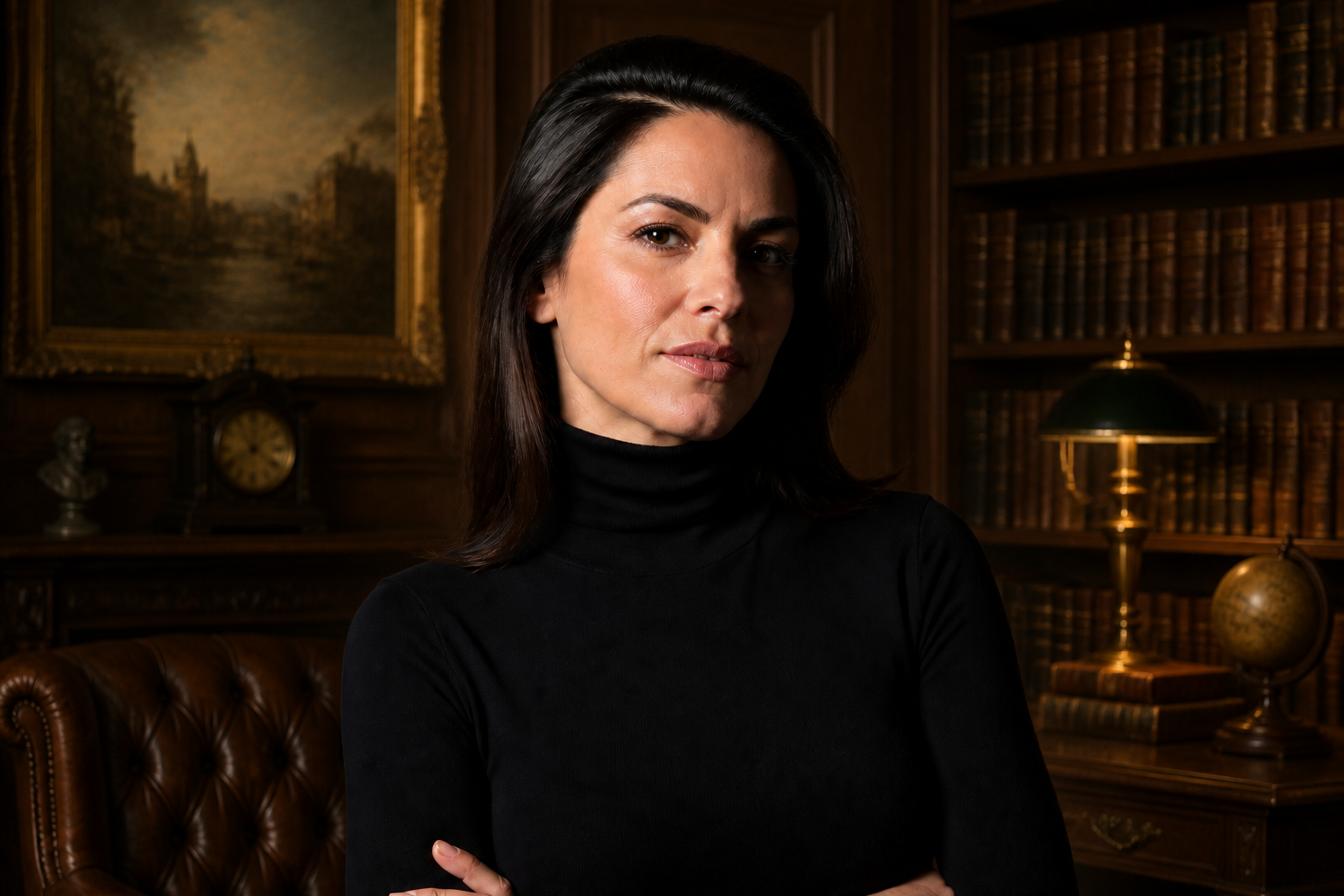 AFTERBEFOREAFTERBEFOREAFTERBEFOREAFTERBEFOREAFTERBEFOREAFTER
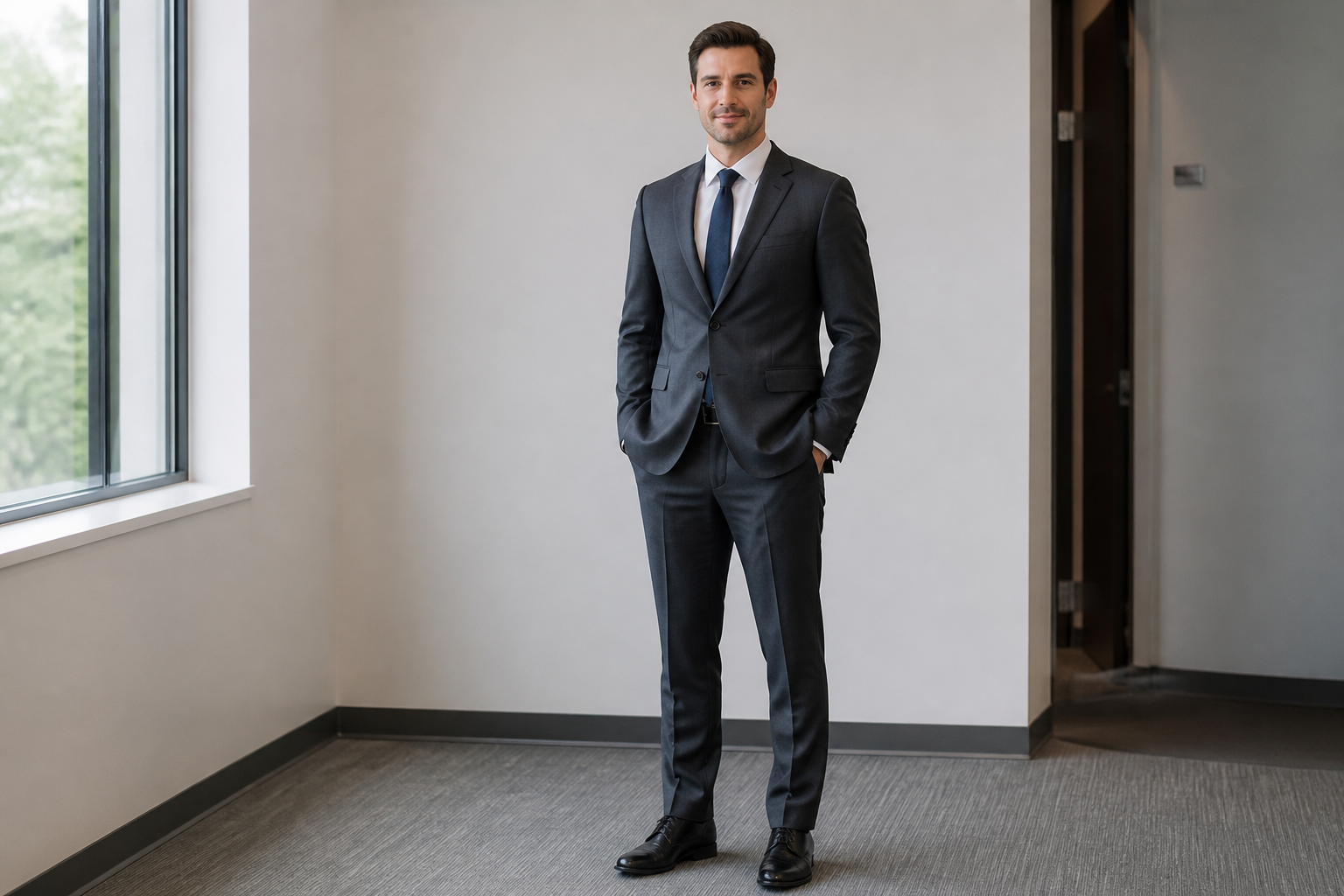 BEFORE
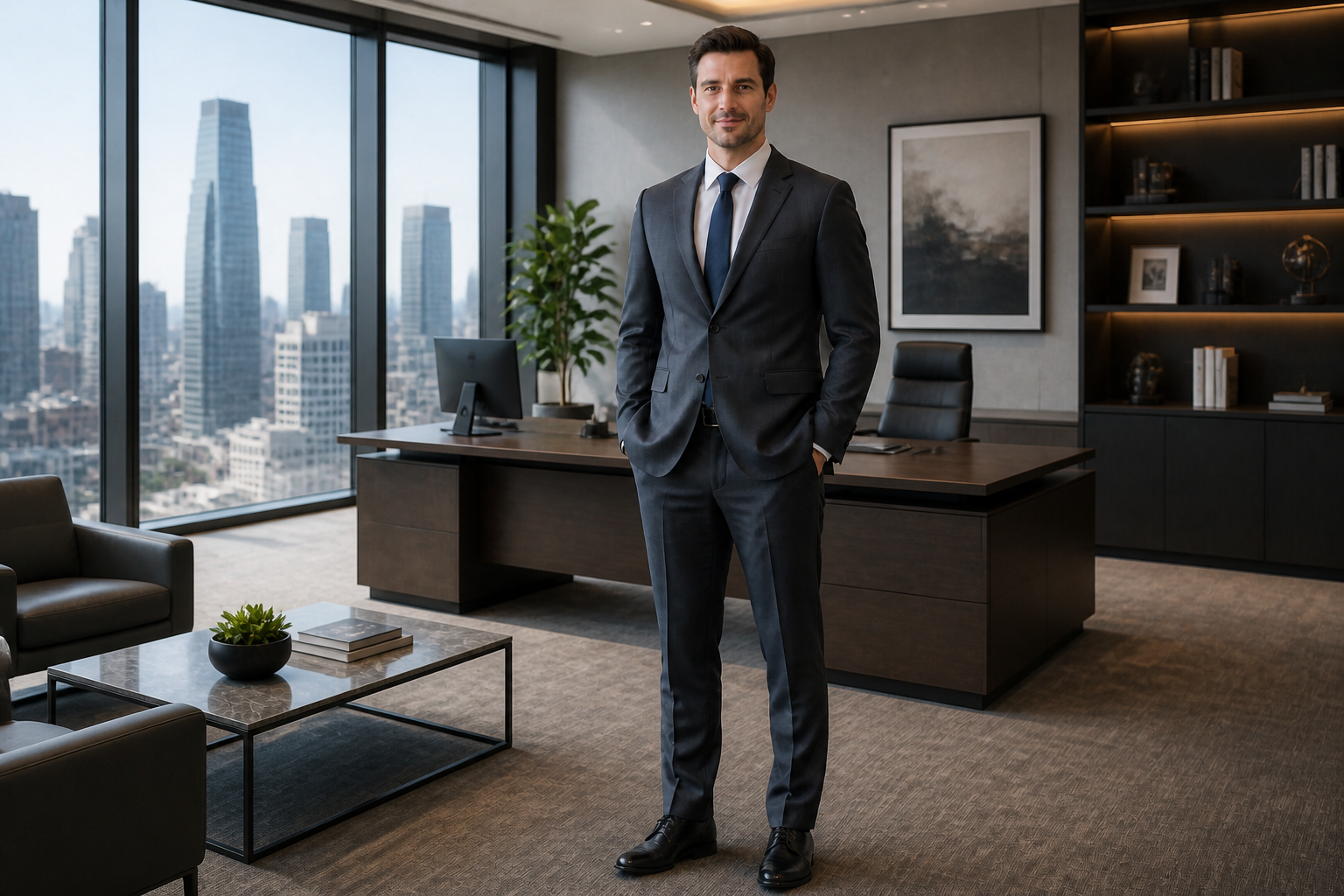 AFTER
AFTER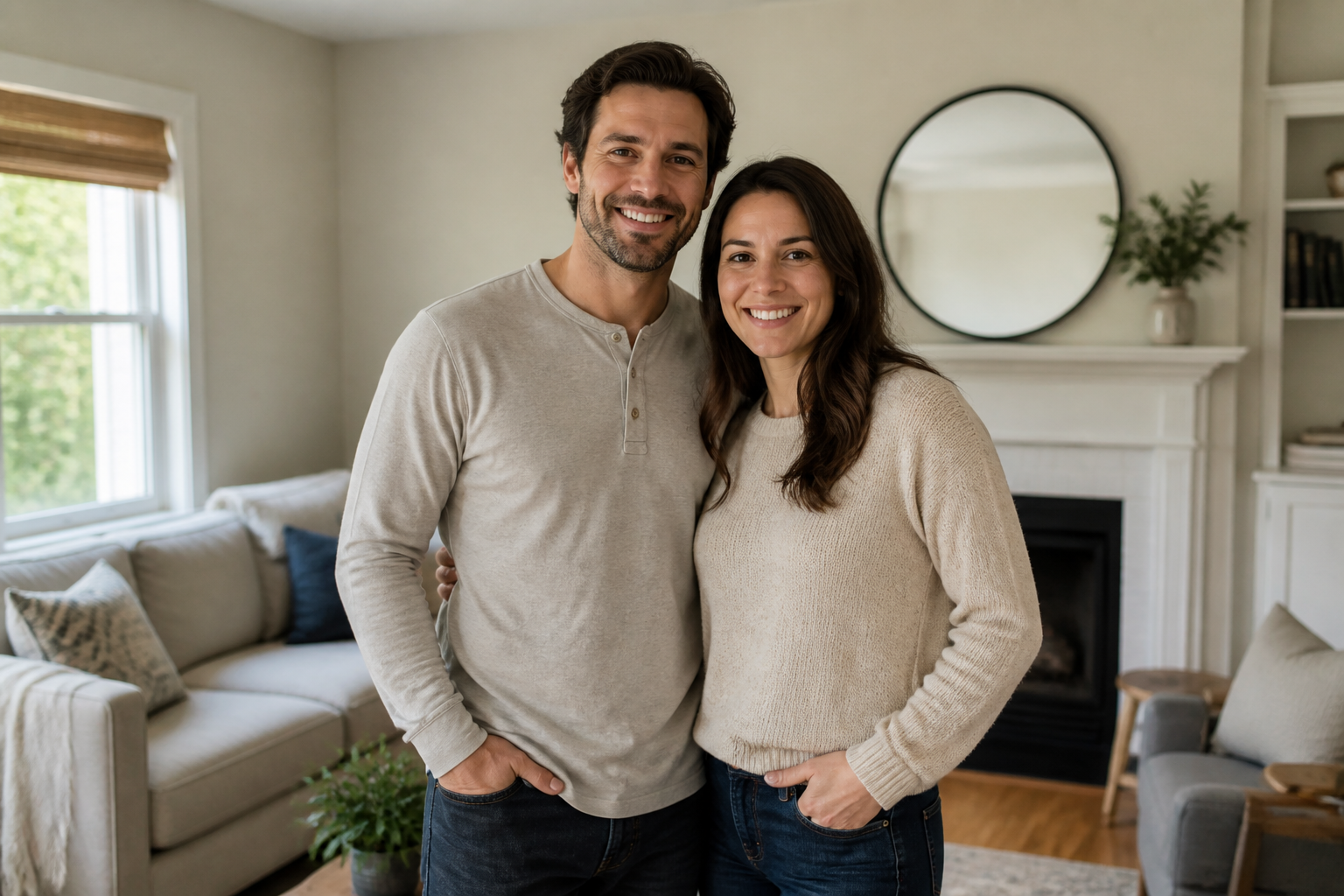 BEFORE
 AFTER
AFTER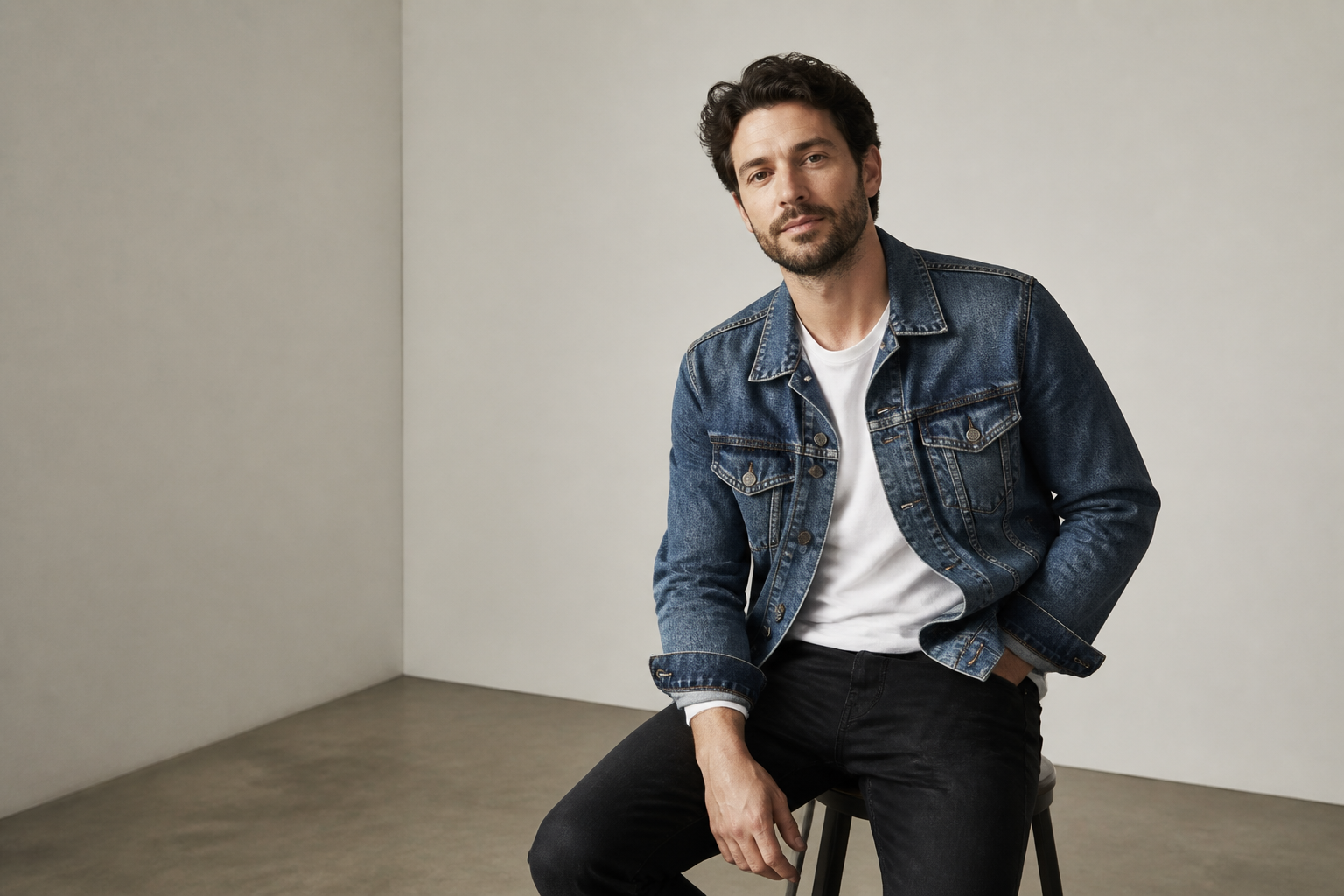 BEFORE
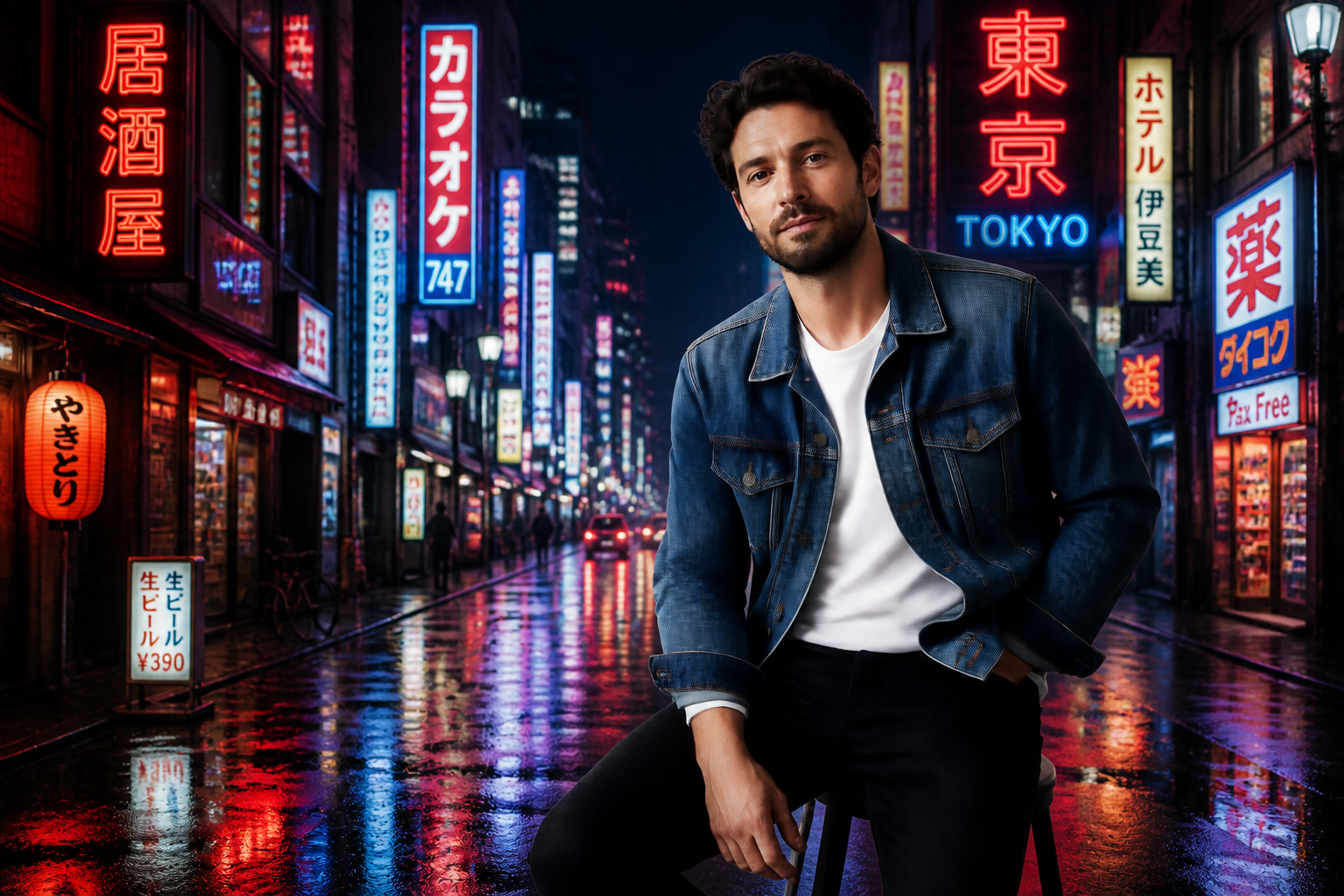 AFTER
AFTER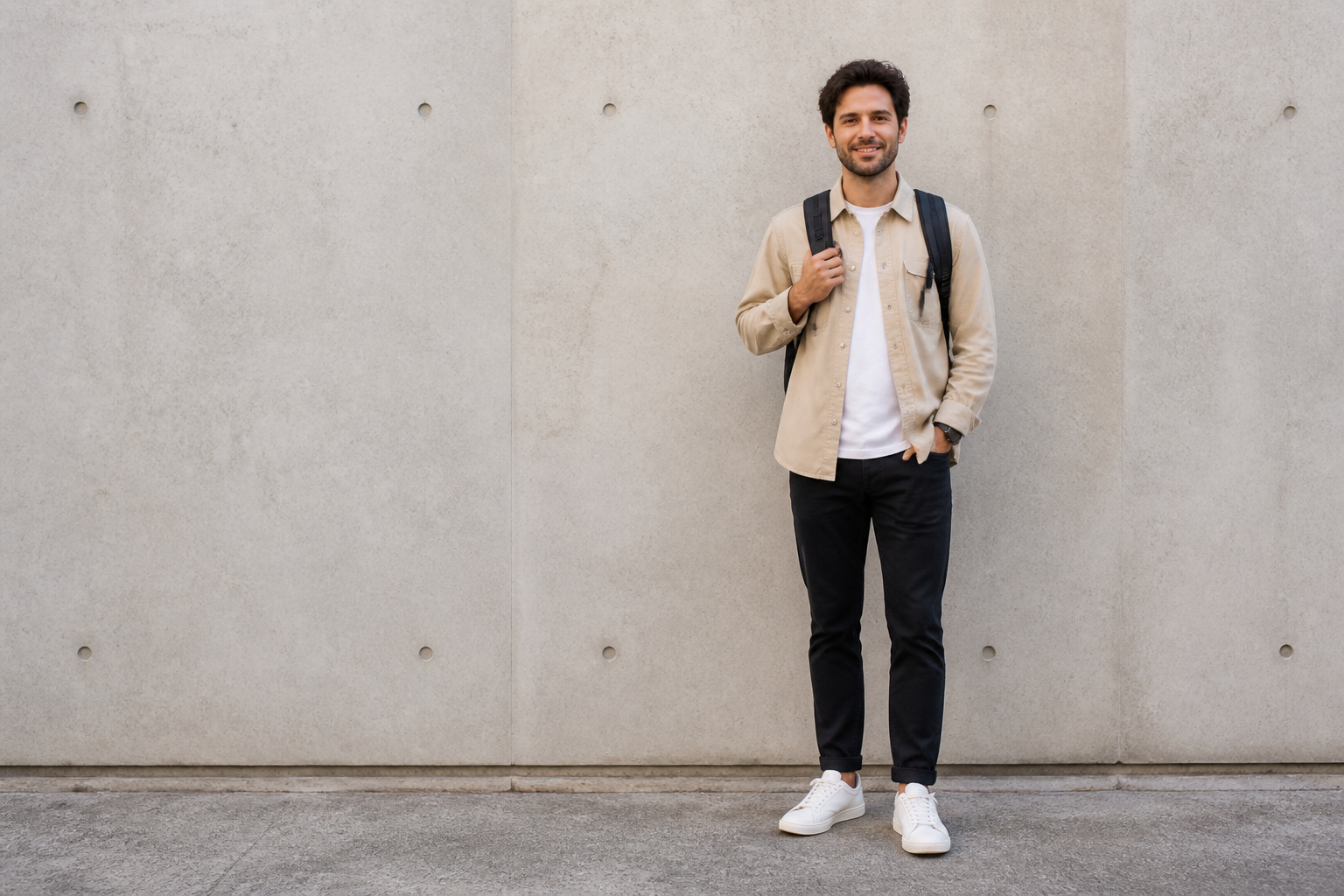 BEFORE
 AFTER
AFTER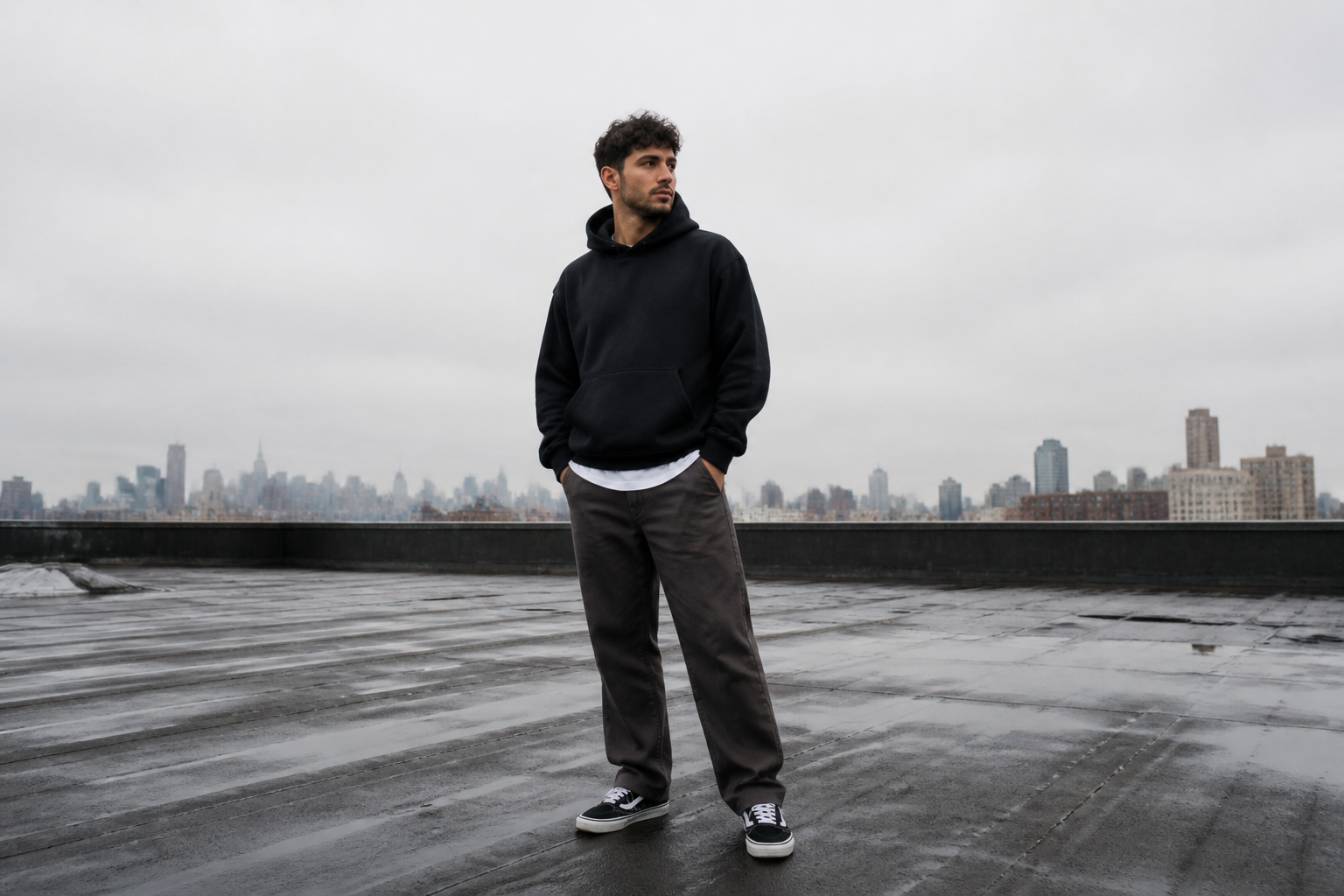 BEFORE
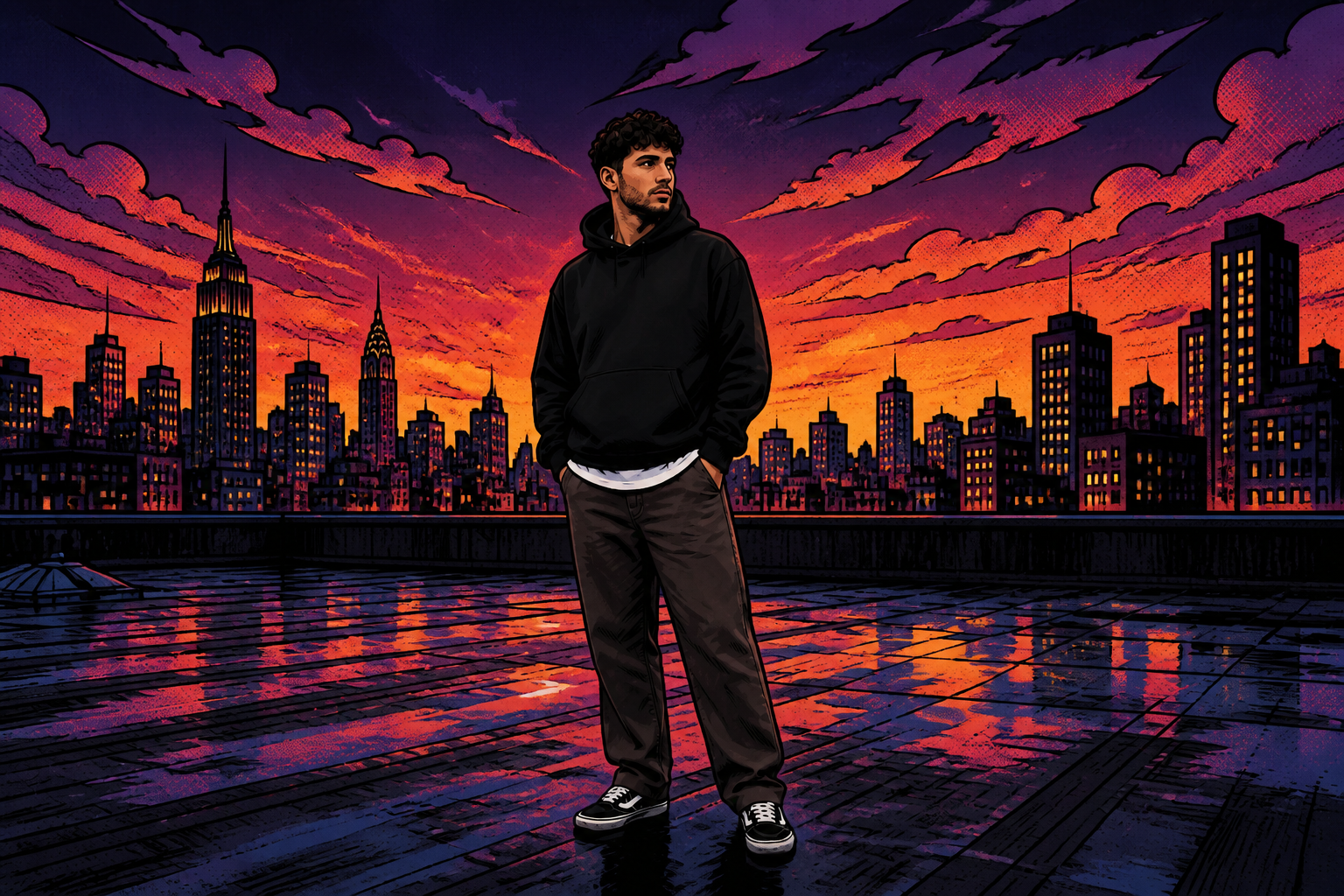 AFTERBEFOREAFTERBEFOREAFTERBEFOREAFTERBEFOREAFTERBEFOREAFTER
Key Features
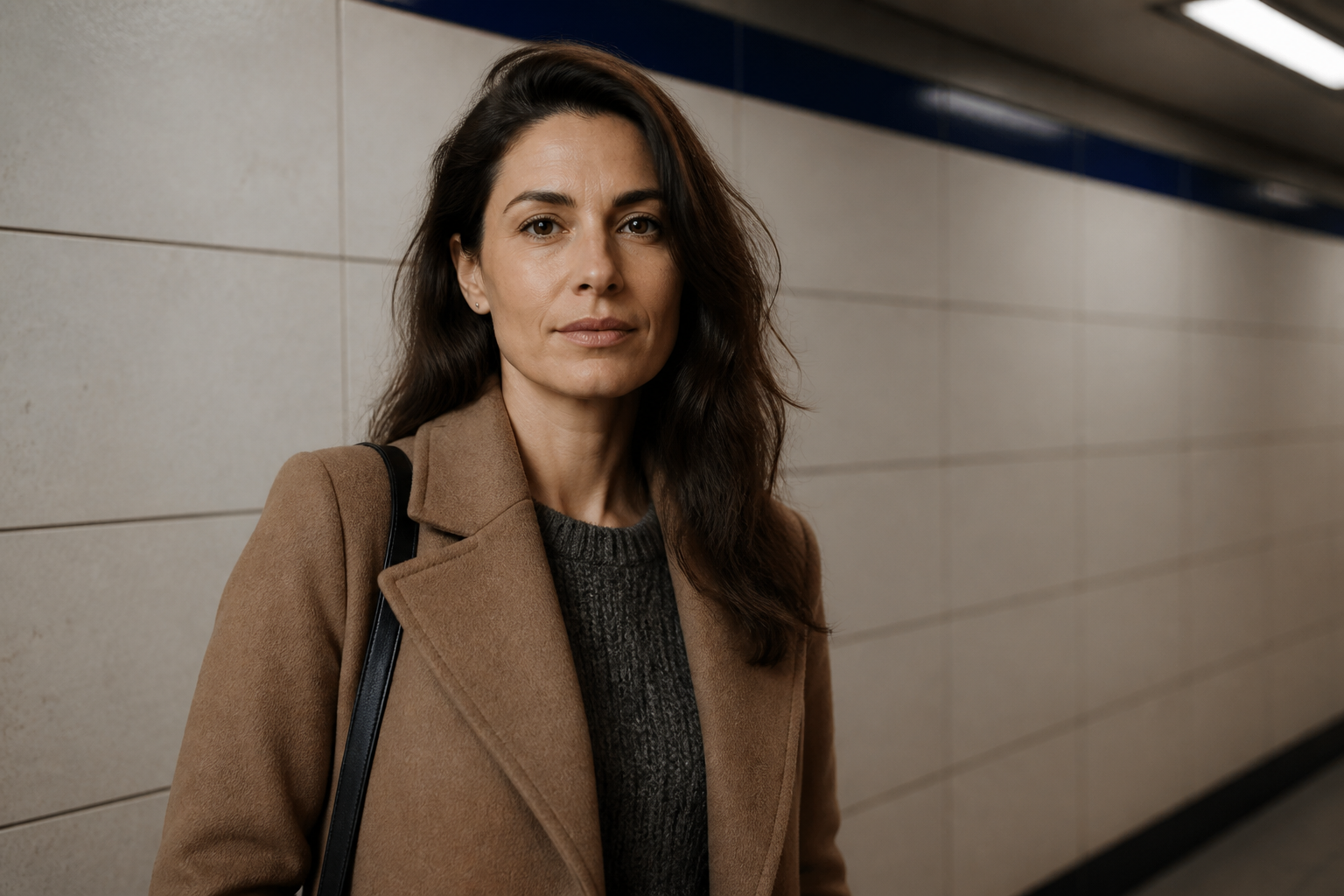
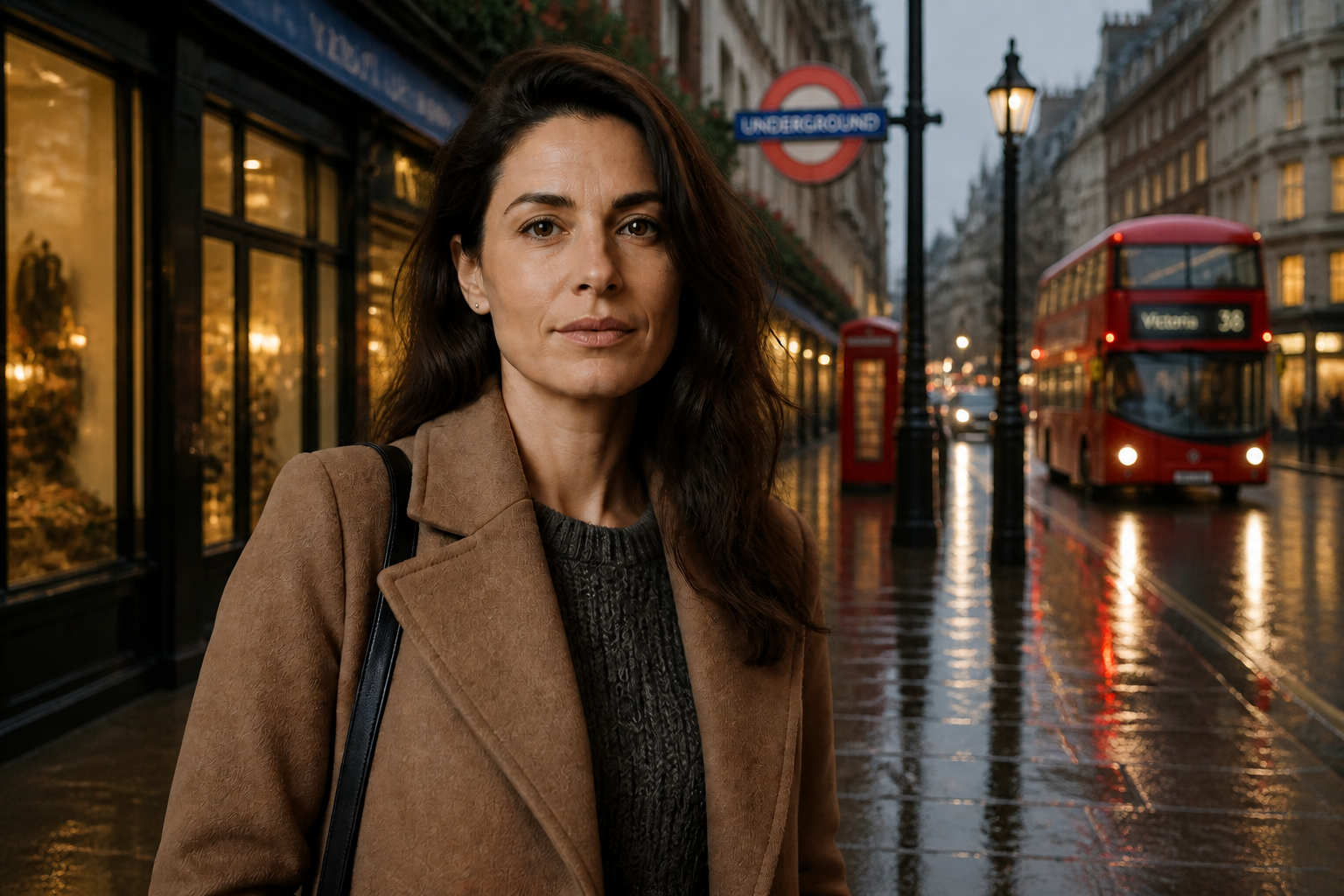
Keep the subject intact
The edit focuses on the scene behind your subject instead of rebuilding the person from scratch. That means faces, clothing, pose, and proportions stay consistent while the setting changes around them. It is a faster way to get believable results than cutting masks by hand. You can test multiple looks without losing the original character of the photo.
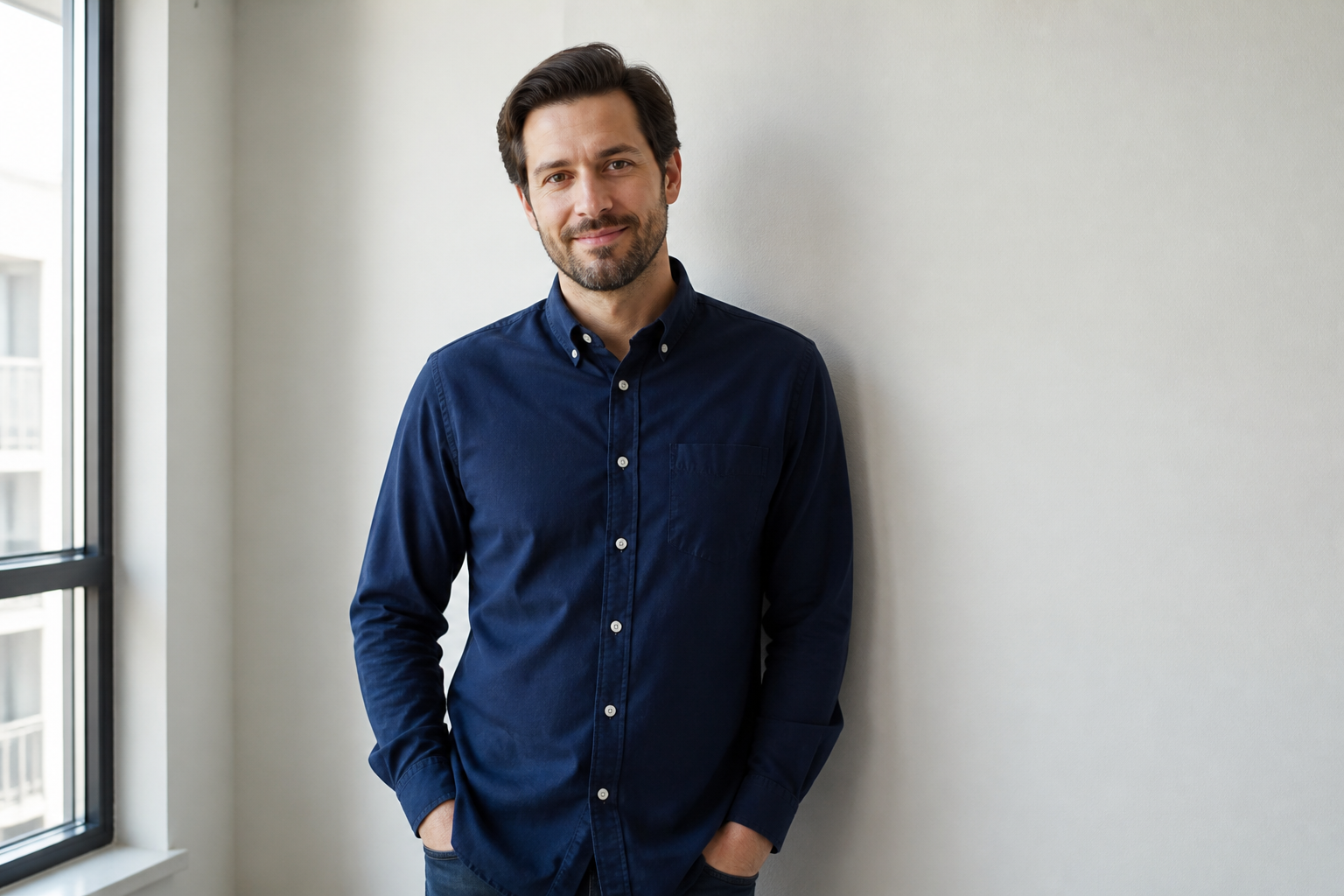

Swap scenes in seconds
You can move a photo from a dull room to a travel scene, office, studio, or outdoor location with one prompt. This helps when the original background is distracting, off-brand, or simply not useful. Manual background replacement usually means selecting edges, matching color, and retouching mistakes. Our AI handles the heavy lifting in one pass.
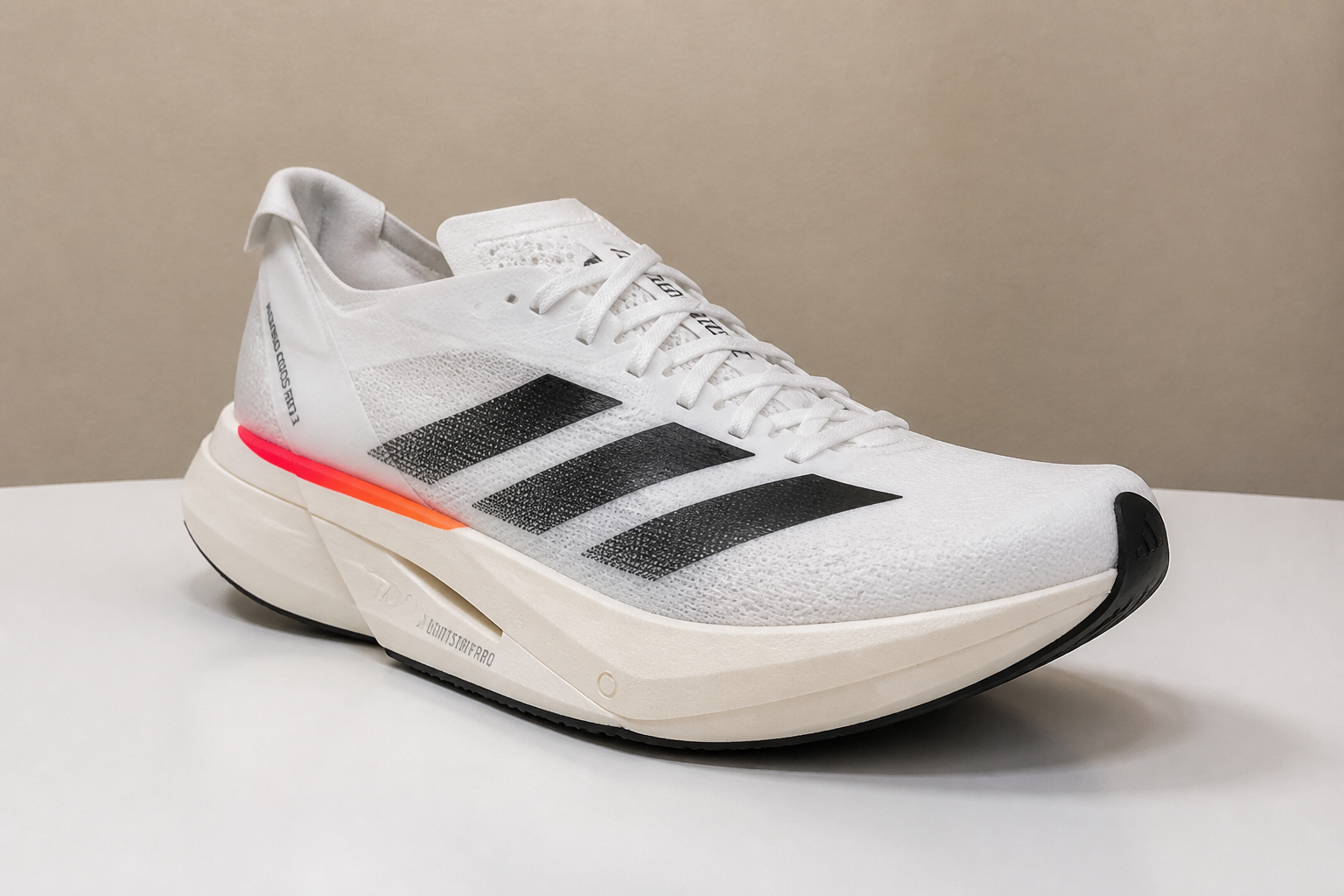
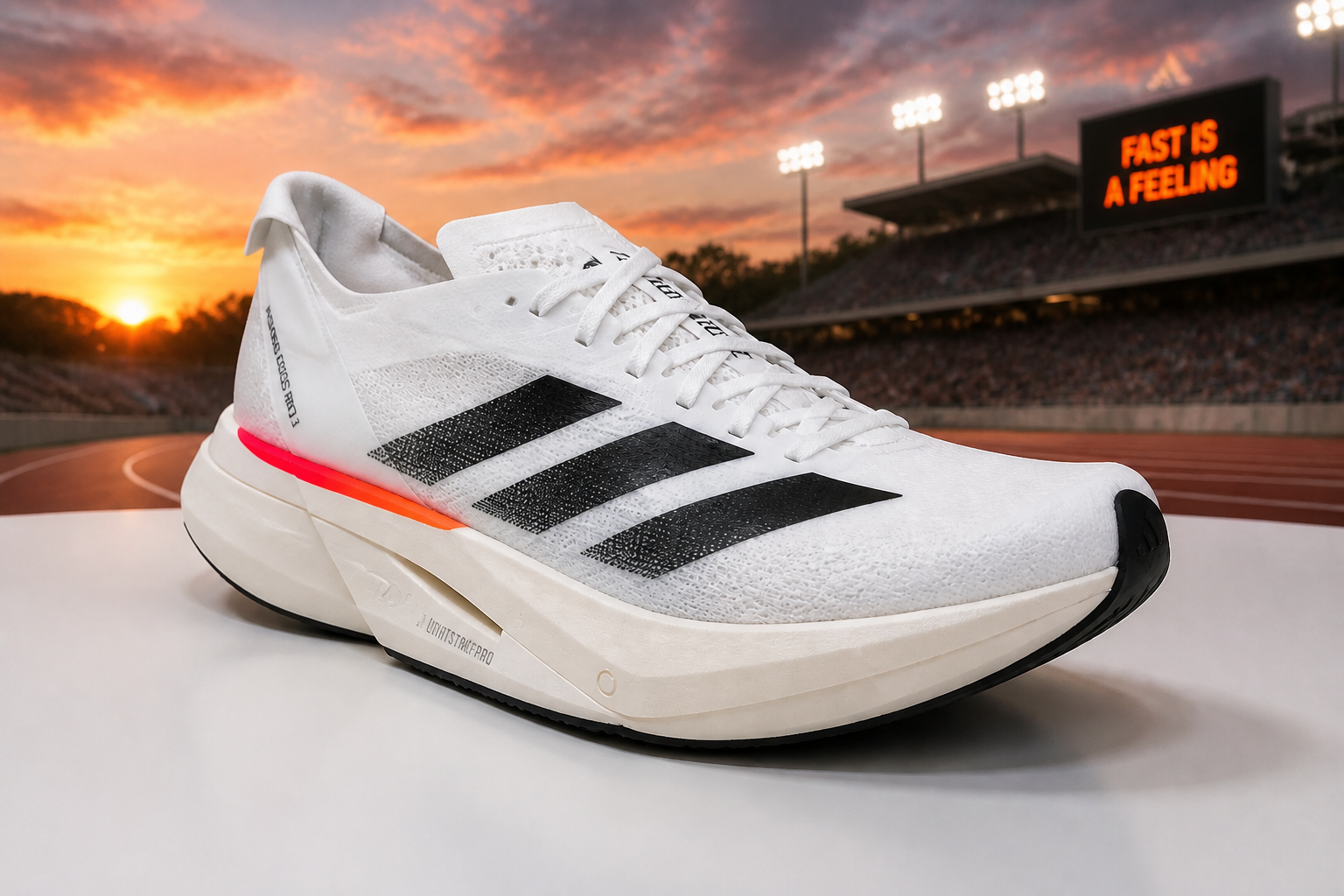
Works for many photo types
Background changes are useful far beyond portraits. You can update product shots, pet photos, creator content, and simple business images with the same workflow. The advantage is flexibility: one original image can support many placements and themes. That saves reshoots when you need a different setting quickly.
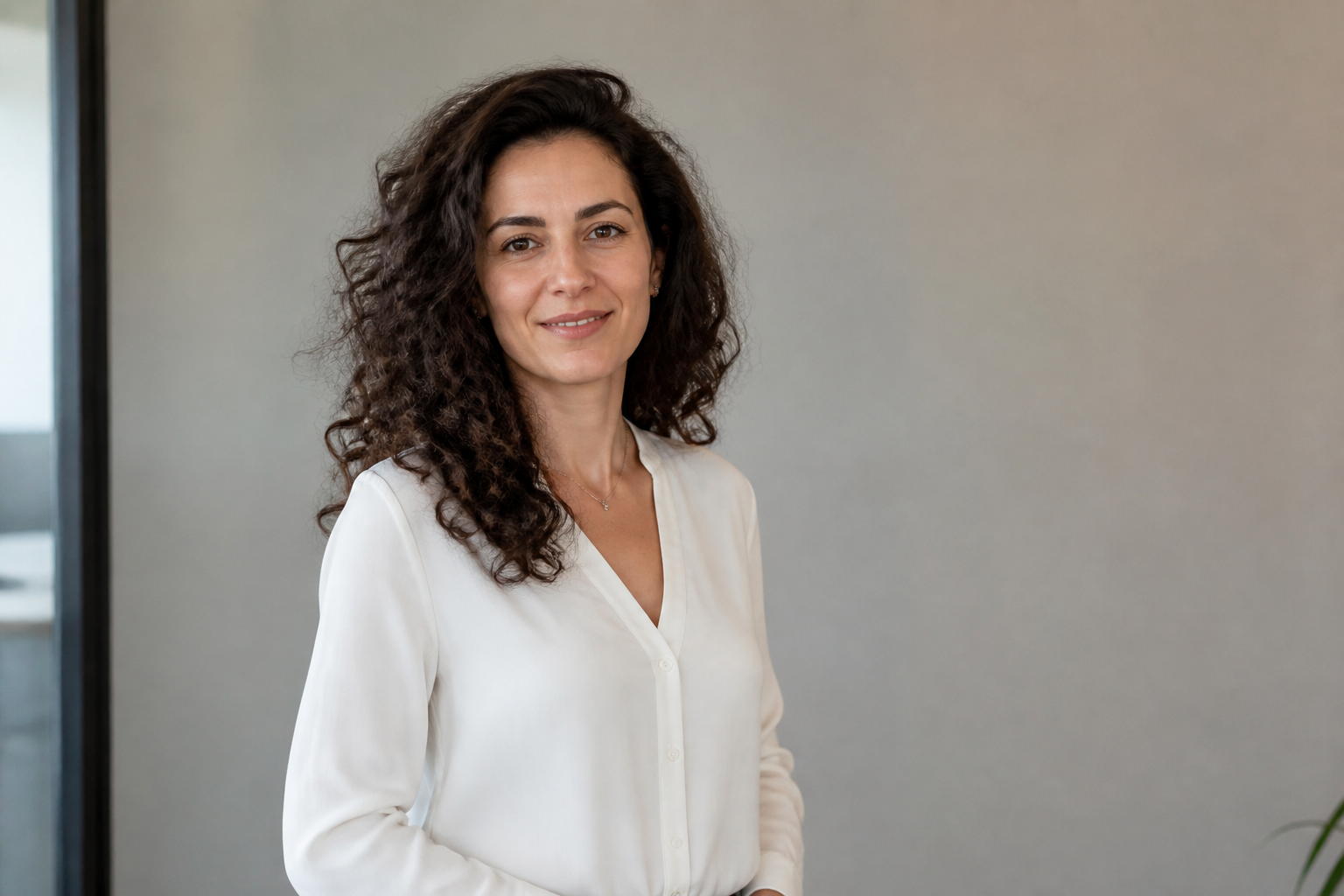
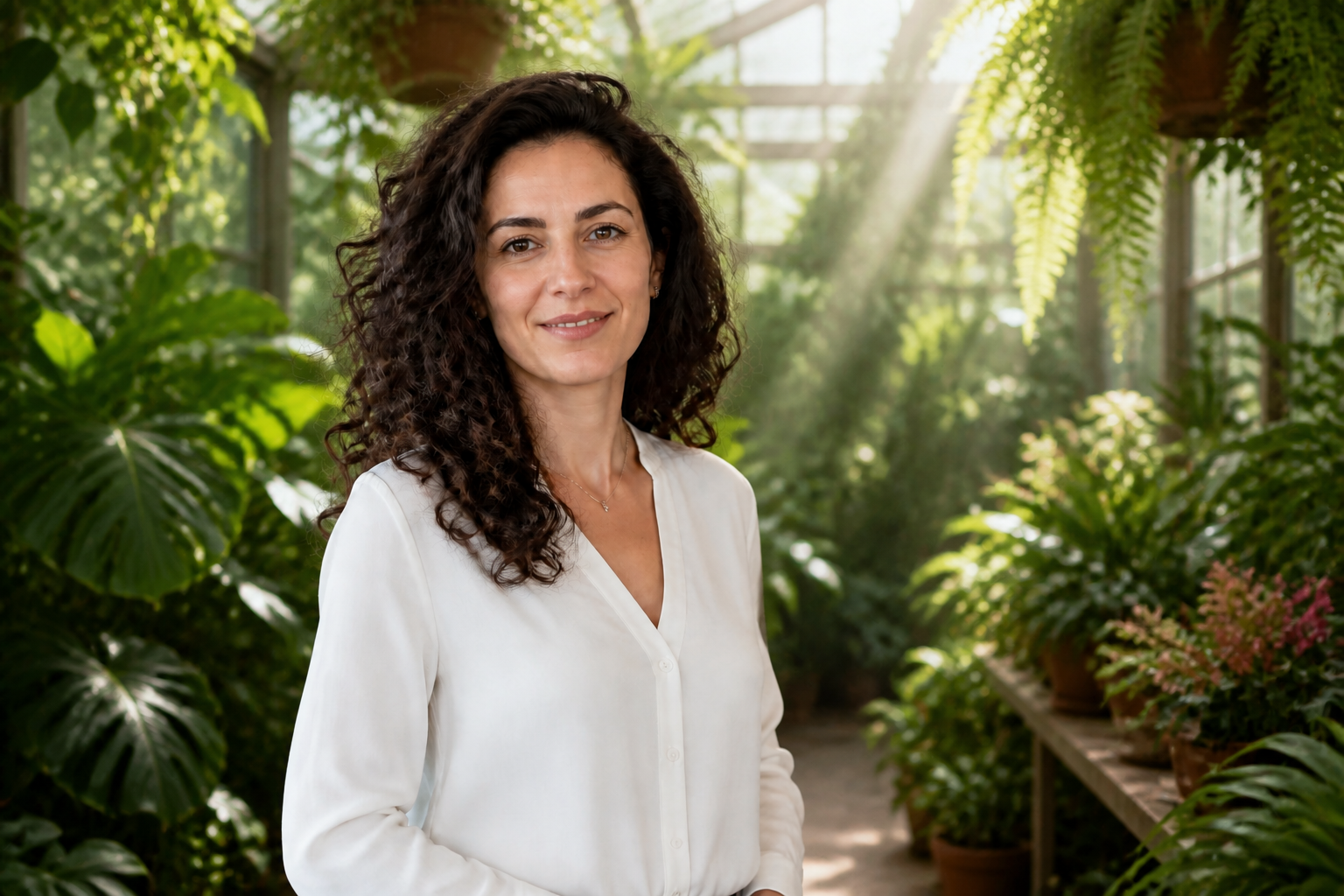
Cleaner than manual masking
Background replacement often fails around hair, sleeves, and thin object edges when done manually. Our AI is built to interpret the whole image and produce a cleaner composite without requiring precise selections from you. That reduces time spent zooming in and fixing halos. You get a usable draft faster, then refine only if needed.
How It Works
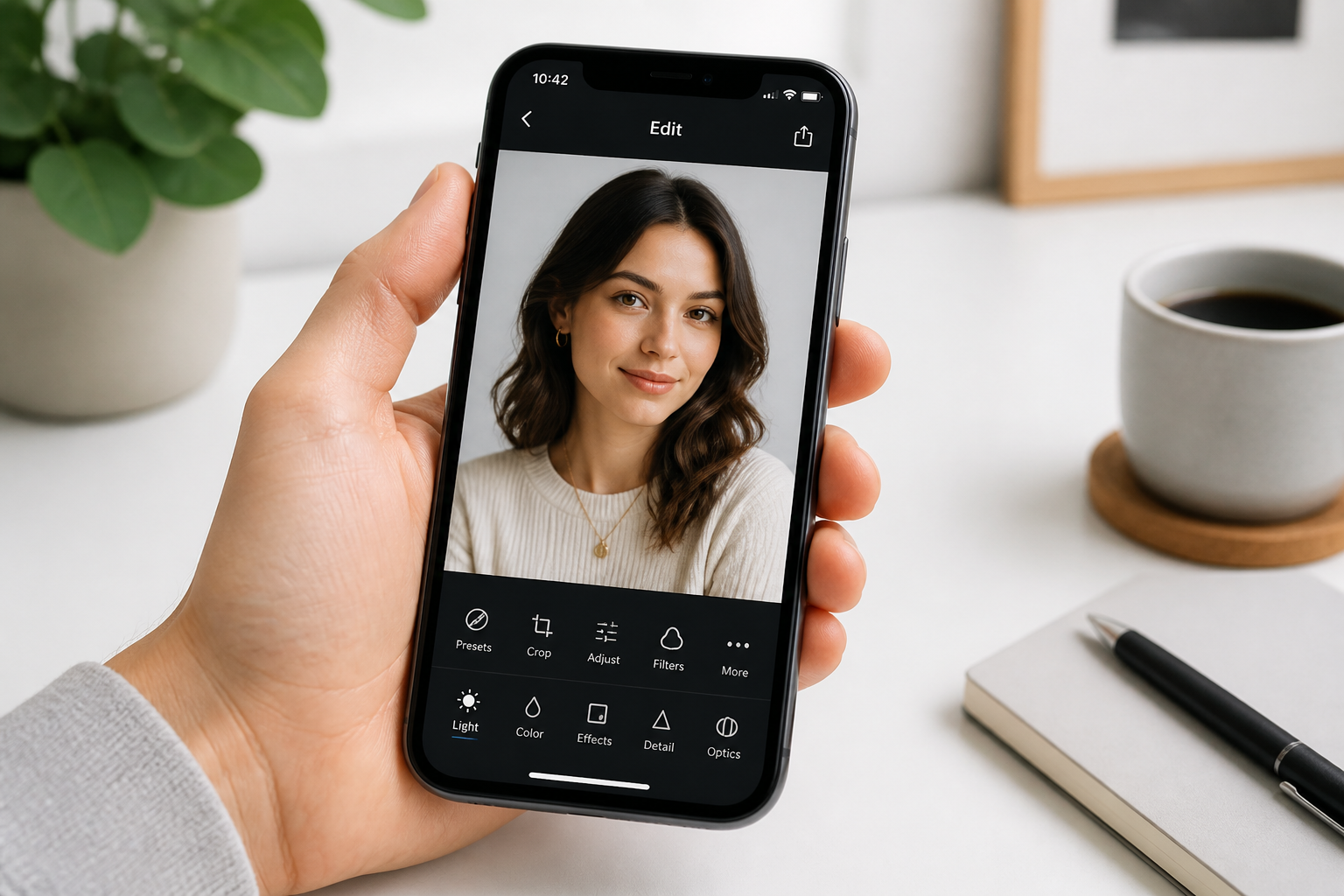
Upload your photo
Start with a clear image where the main subject is easy to see. Portraits, products, pets, and simple lifestyle shots all work well.
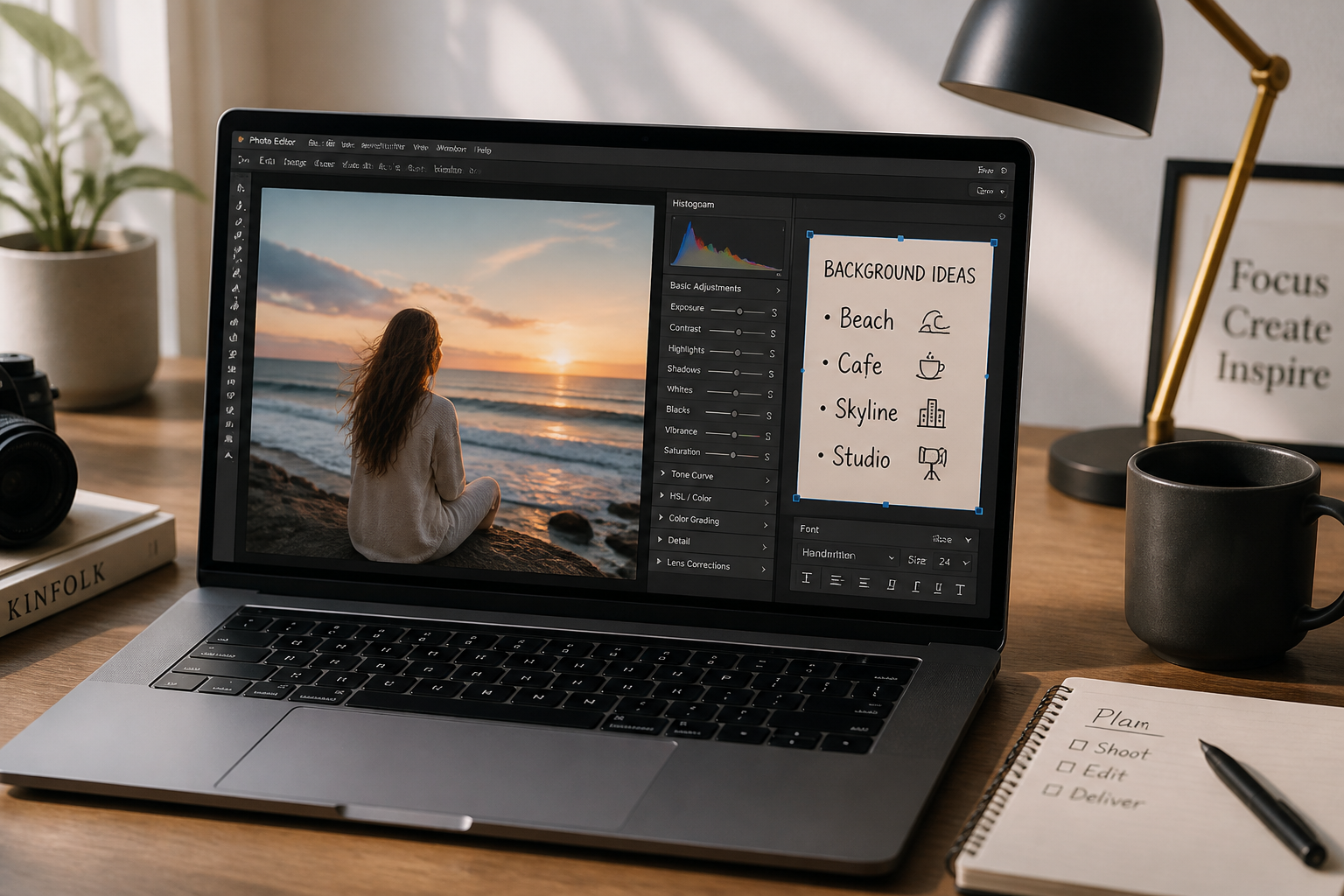
Describe the new background
Tell the AI what setting you want, such as a beach, office, cafe, studio, or city street. The more specific the scene, the easier it is to get a strong match.
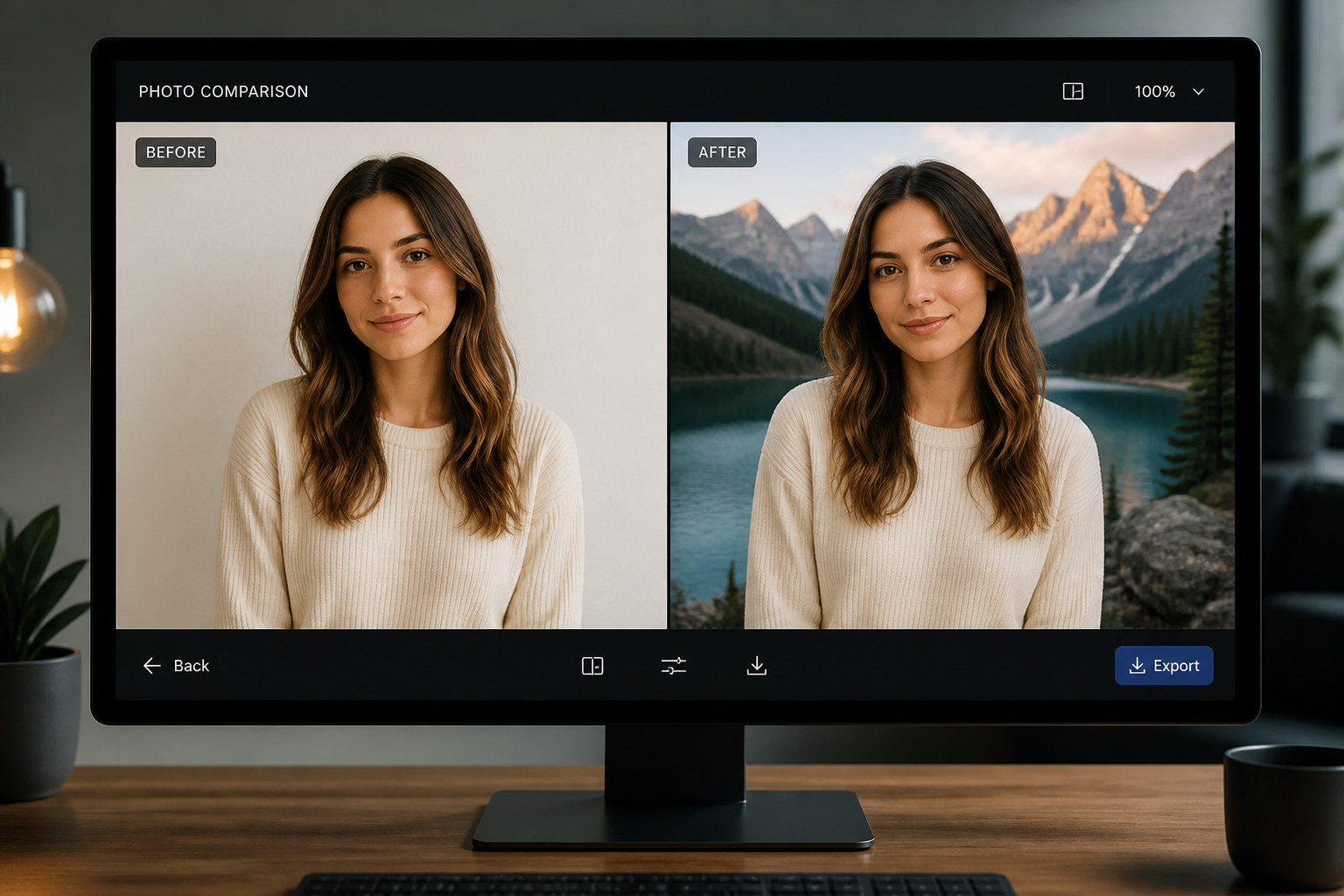
Compare and refine
Review the before and after to see how the subject holds up in the new scene. If needed, adjust the prompt and generate another version for a cleaner fit.
Perfect For
Discover how creators and professionals use ai background changer
Portrait upgrades
Turn flat indoor photos into polished lifestyle or travel portraits without changing the person.
Product marketing
Place products into branded environments, seasonal scenes, or cleaner commercial settings.
Creator content
Make thumbnails, posts, and profile images look more intentional when the original location is weak.
Business headshots
Swap casual or cluttered backgrounds for office, studio, or event-style environments.
Built For
Creators and influencers
Refresh existing photos for social posts, thumbnails, and campaign content without reshooting in new locations.
Online sellers and marketers
Test different backdrops for products and brand visuals while keeping the original item consistent.
Everyday photo editors
Clean up vacation shots, portraits, and casual pictures when the background ruins an otherwise good image.
Why use AI for background changes
A quick look at how we compare on the things that matter for this niche.
| Feature | BudgetPixel | Generic AI editors | Manual editing apps |
|---|---|---|---|
| Fast background swaps | ✓ | ✓ | — |
| Keeps subject framing | ✓ | ✓ | — |
| No manual masking required | ✓ | ✓ | — |
| Good for portraits and products | ✓ | — | ✓ |
| Free to start | ✓ | — | — |
Frequently Asked Questions
Does the AI keep the person the same?
Can I use it for products too?
What kinds of backgrounds can I request?
Will it remove clutter from the original scene?
Do I need editing skills to use it?
Create together.
Share your creations, discover trending AI art, and grow with fellow creators.