AI Change Background of Product
Swap product backdrops fast without reshooting.
Change the background of any product photo while keeping the item itself clear and centered. Use our AI to place products on clean studio sets, branded scenes, or lifestyle environments in a few clicks.
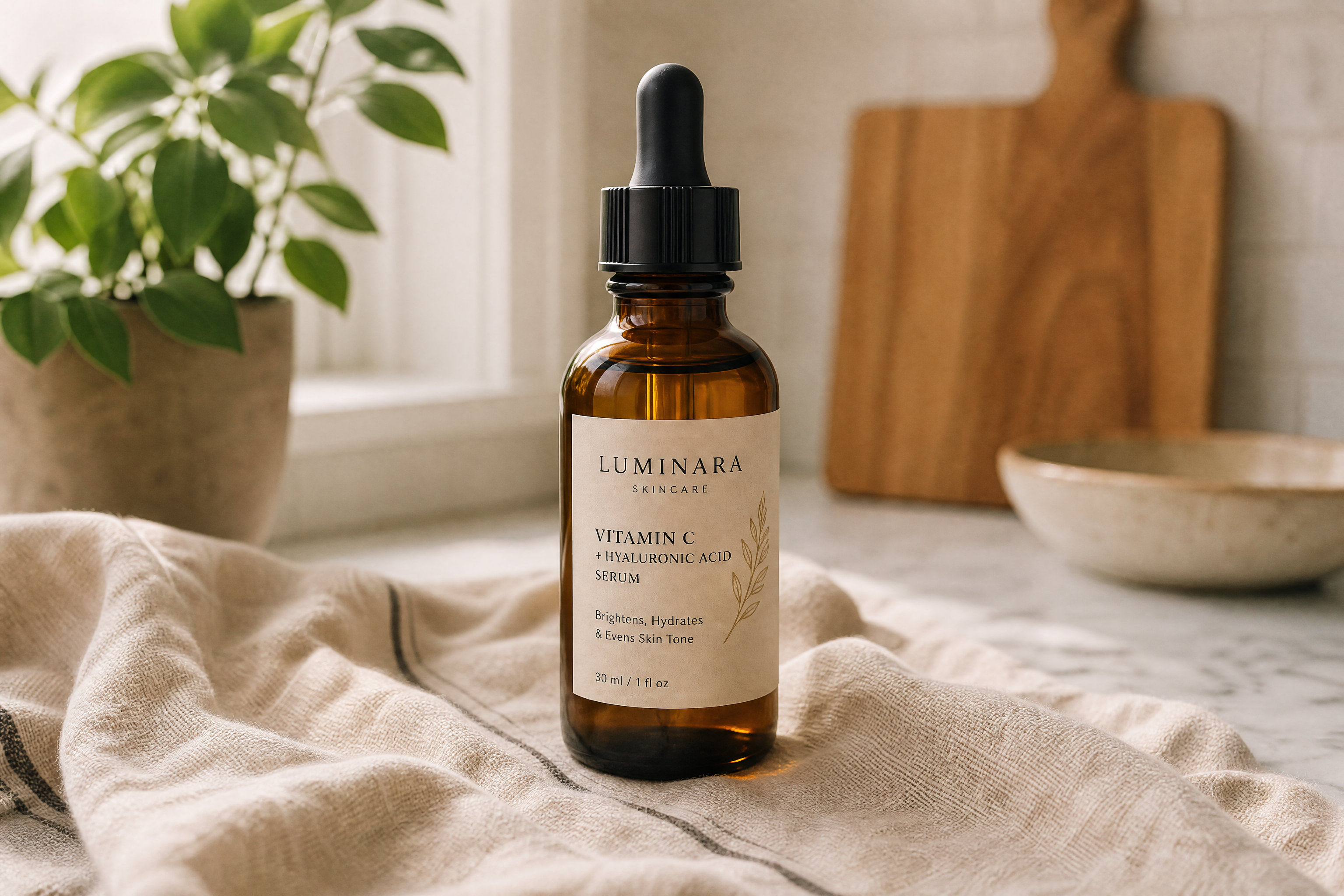
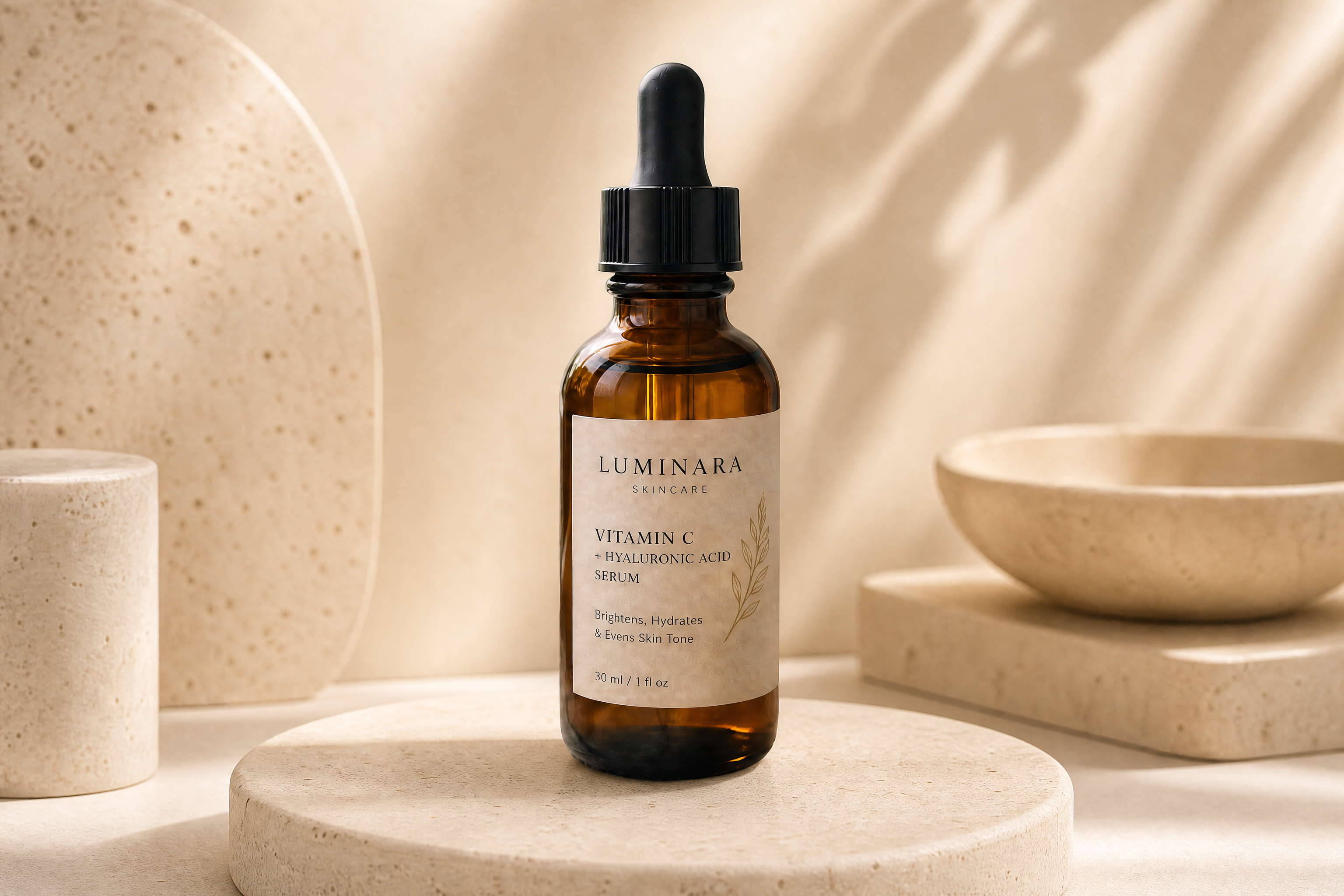
Watch the Transformation
See ai change background of product in motion — generated end-to-end by our AI.
See It In Action
Real outputs from ai change background of product.
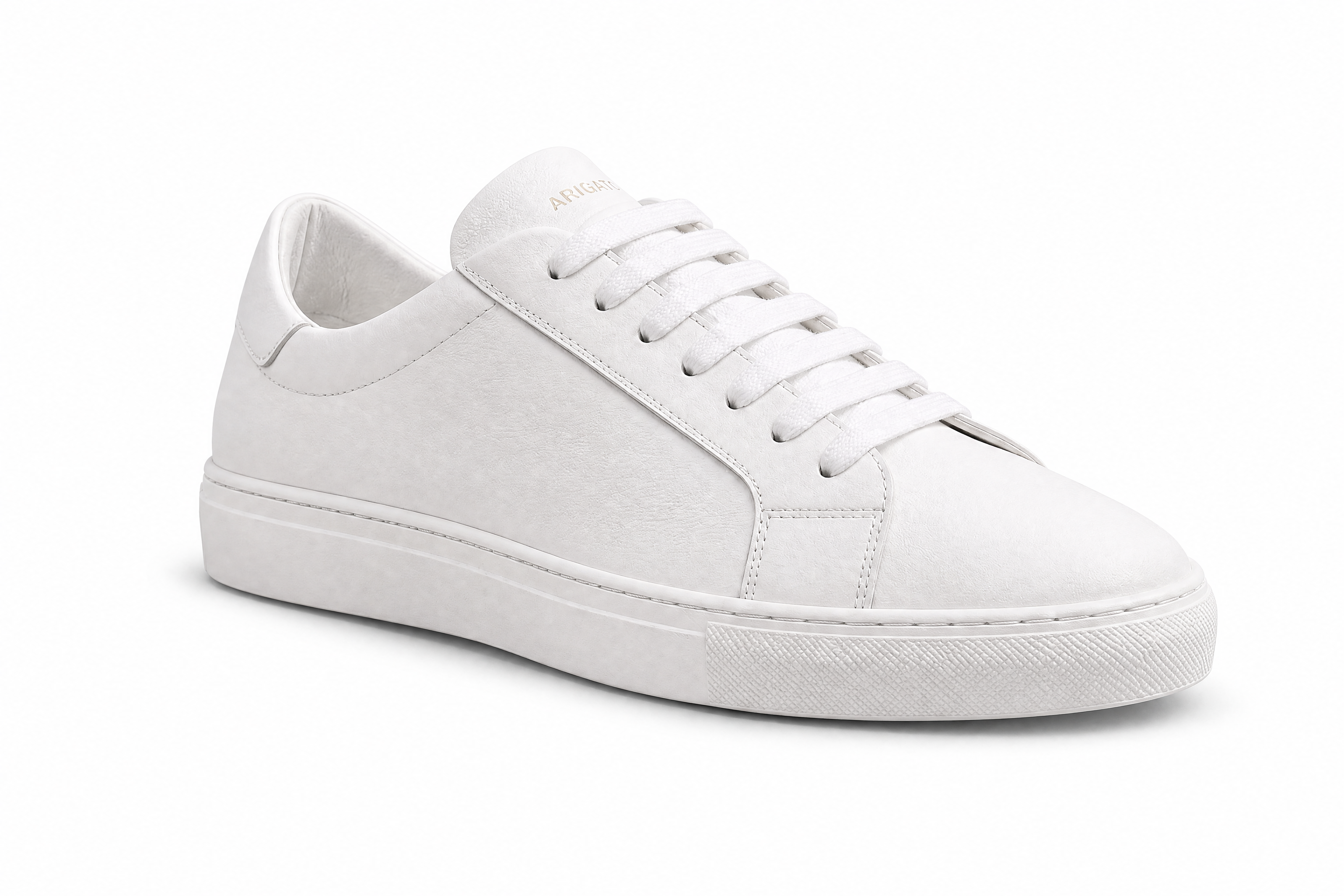
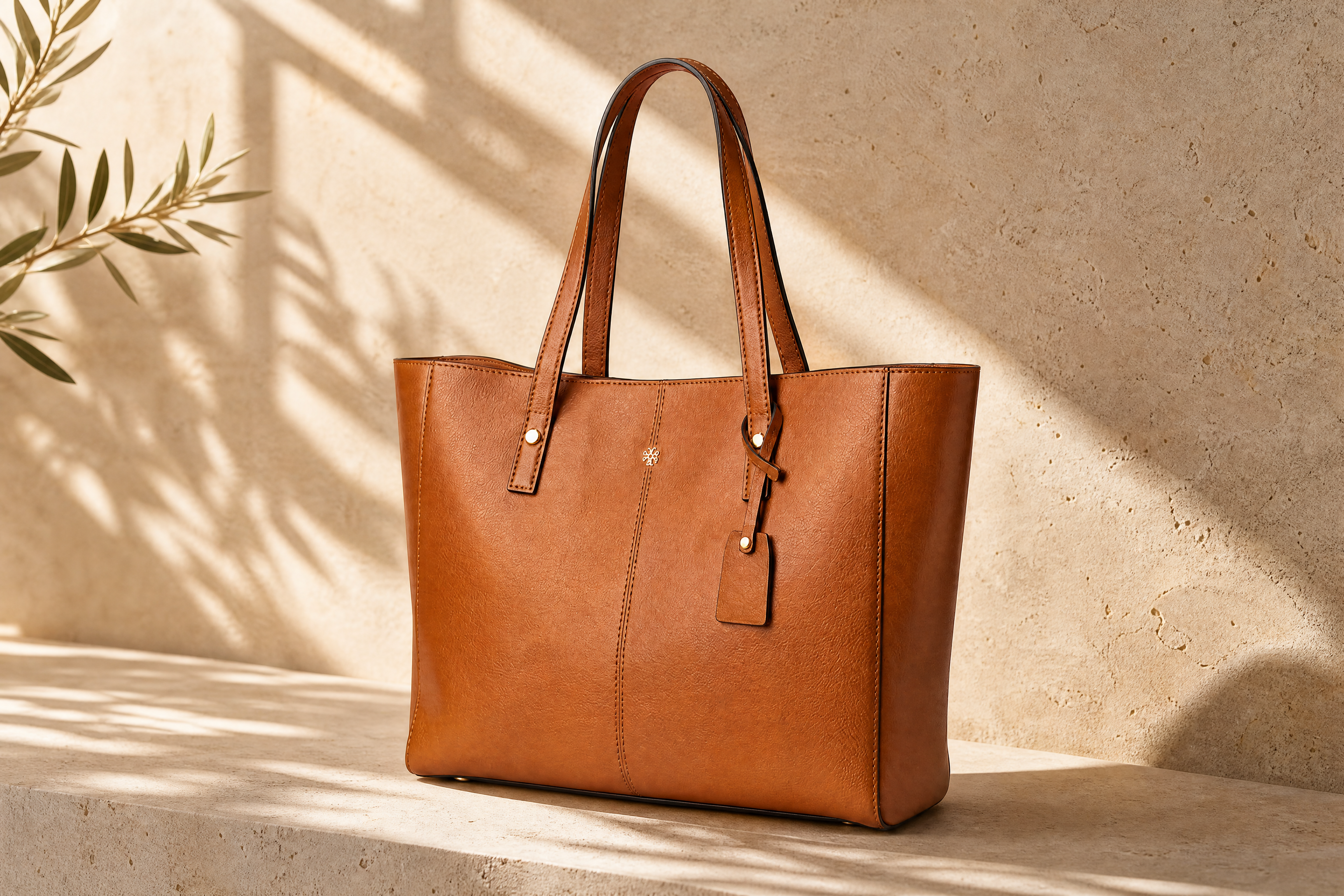
BEFOREAFTER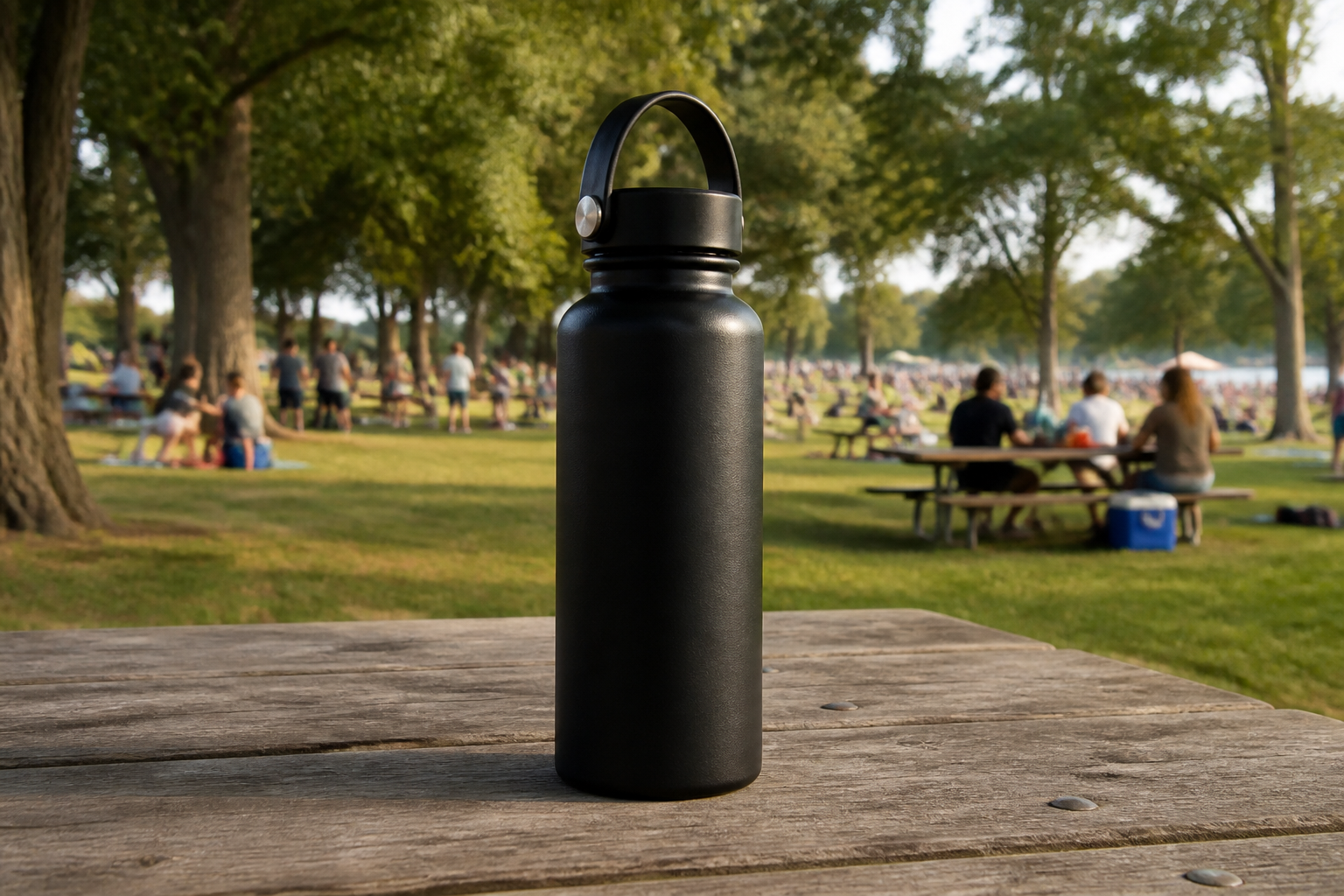 BEFORE
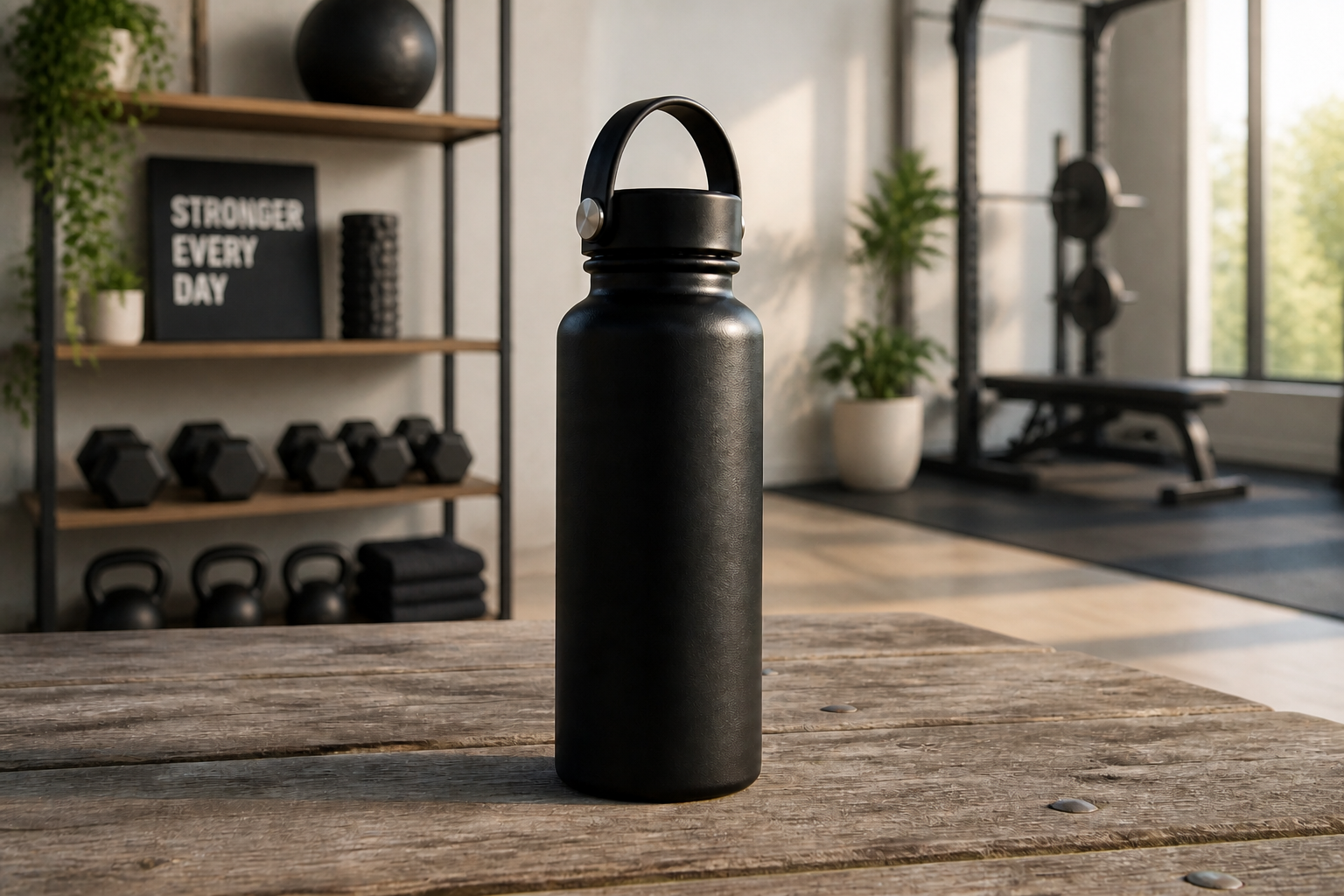 AFTER
AFTER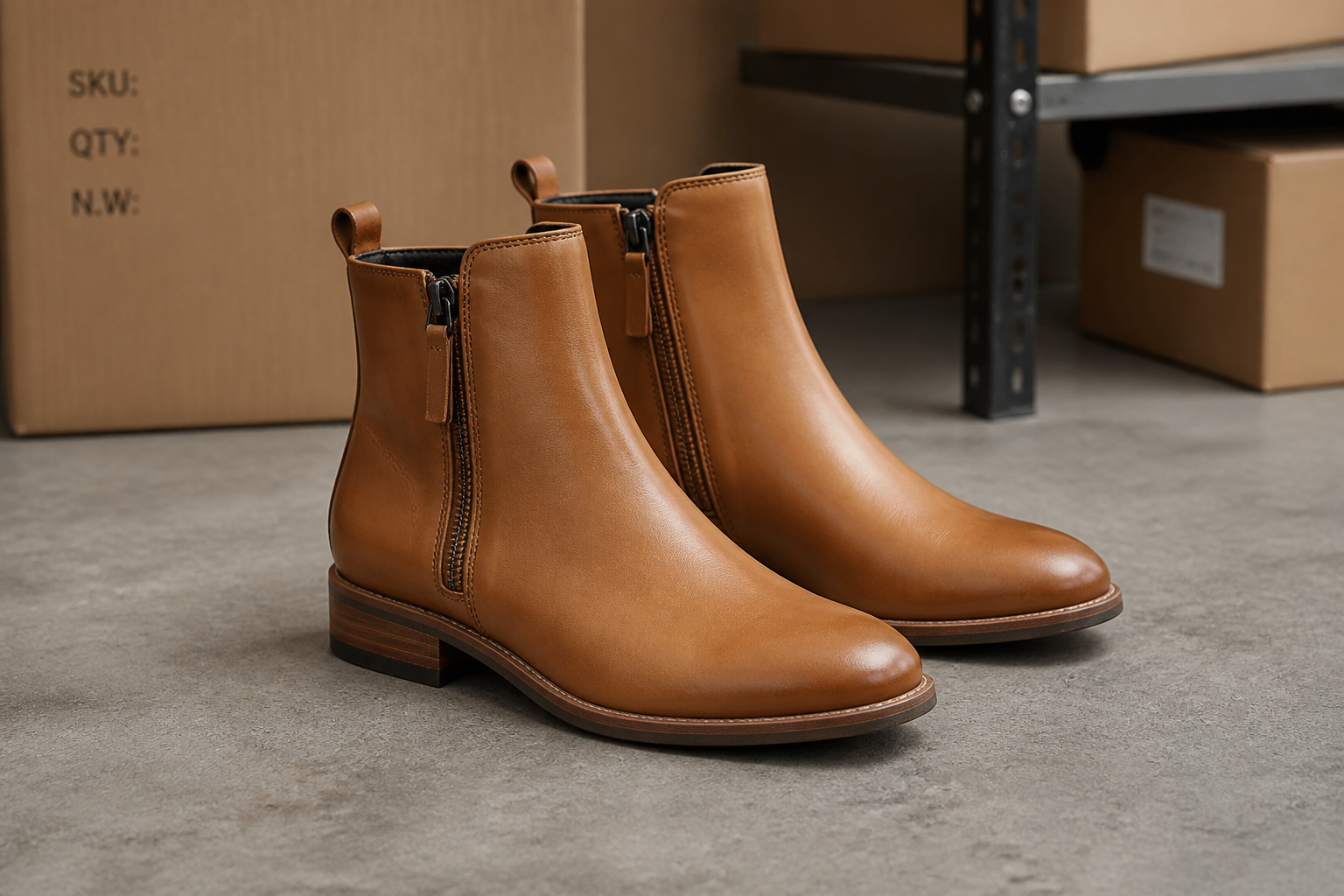 BEFORE
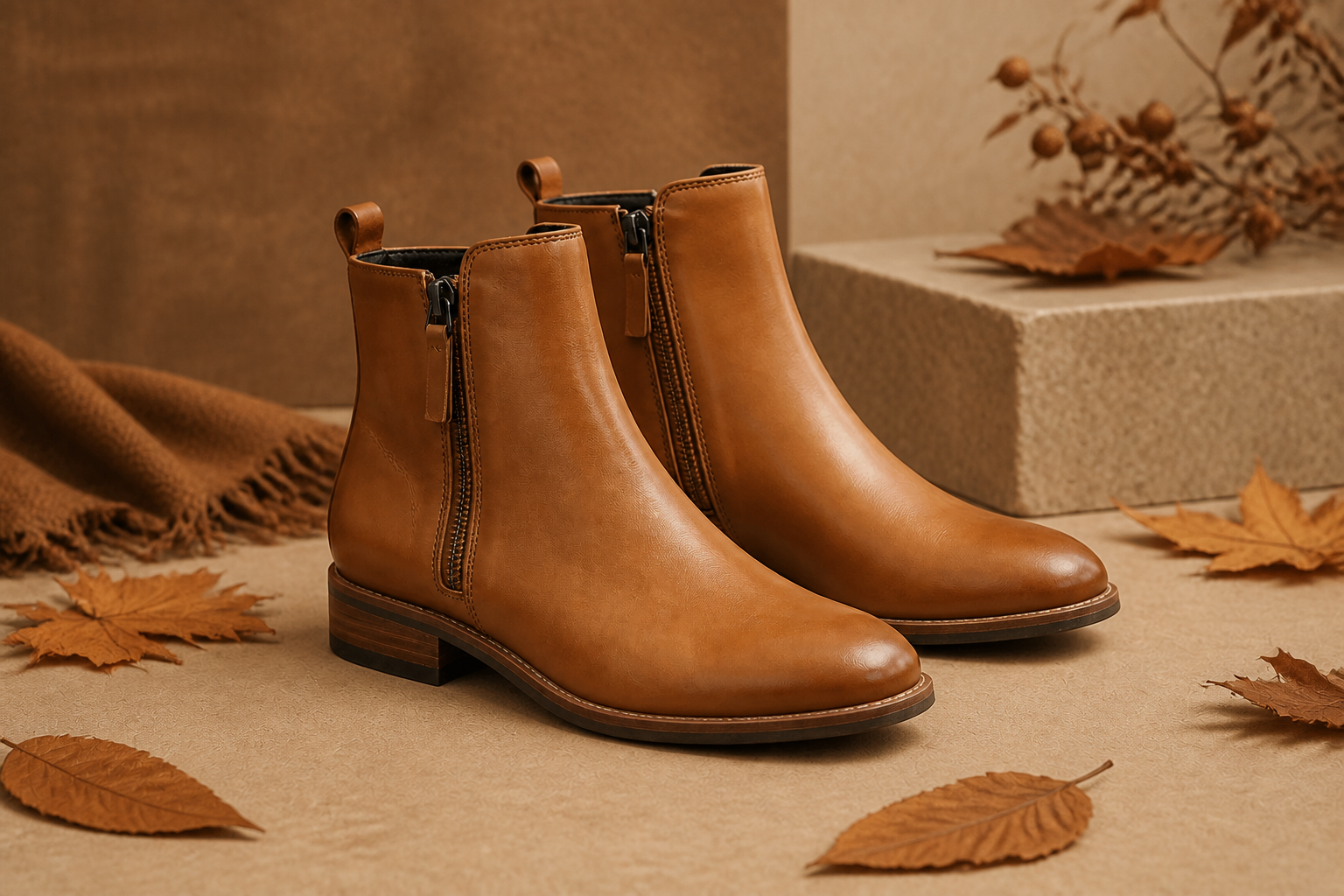 AFTER
AFTER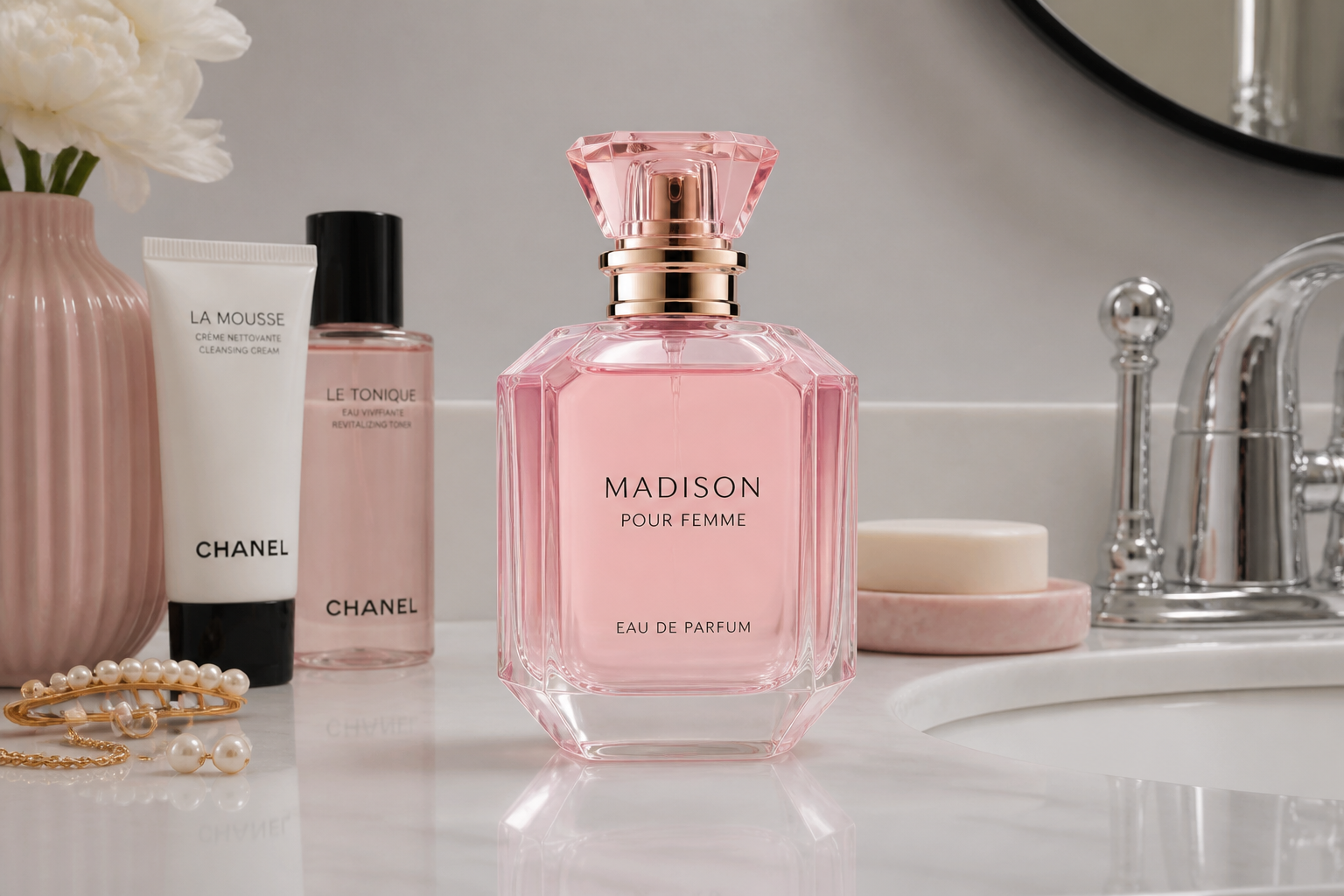 BEFORE
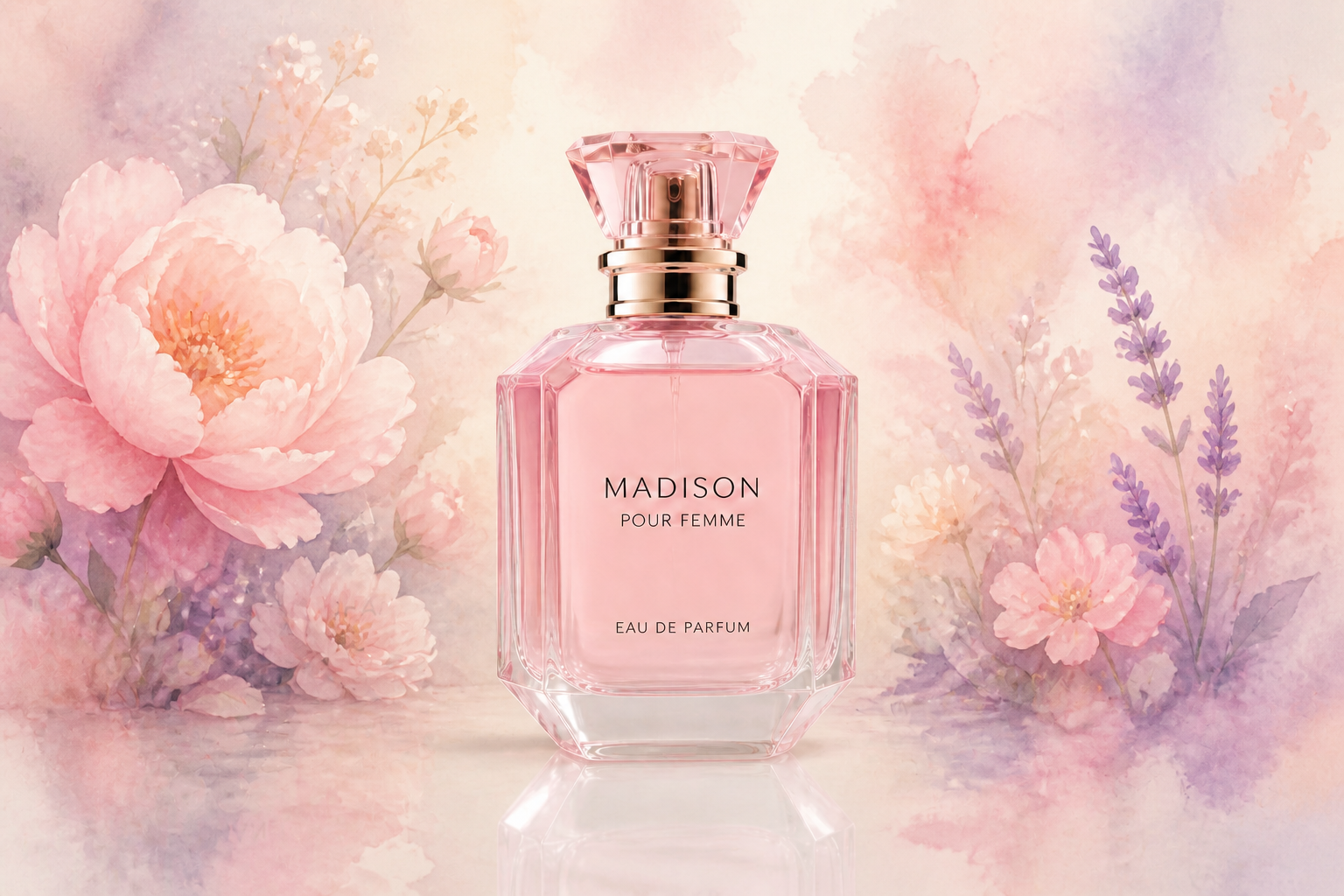 AFTER
AFTER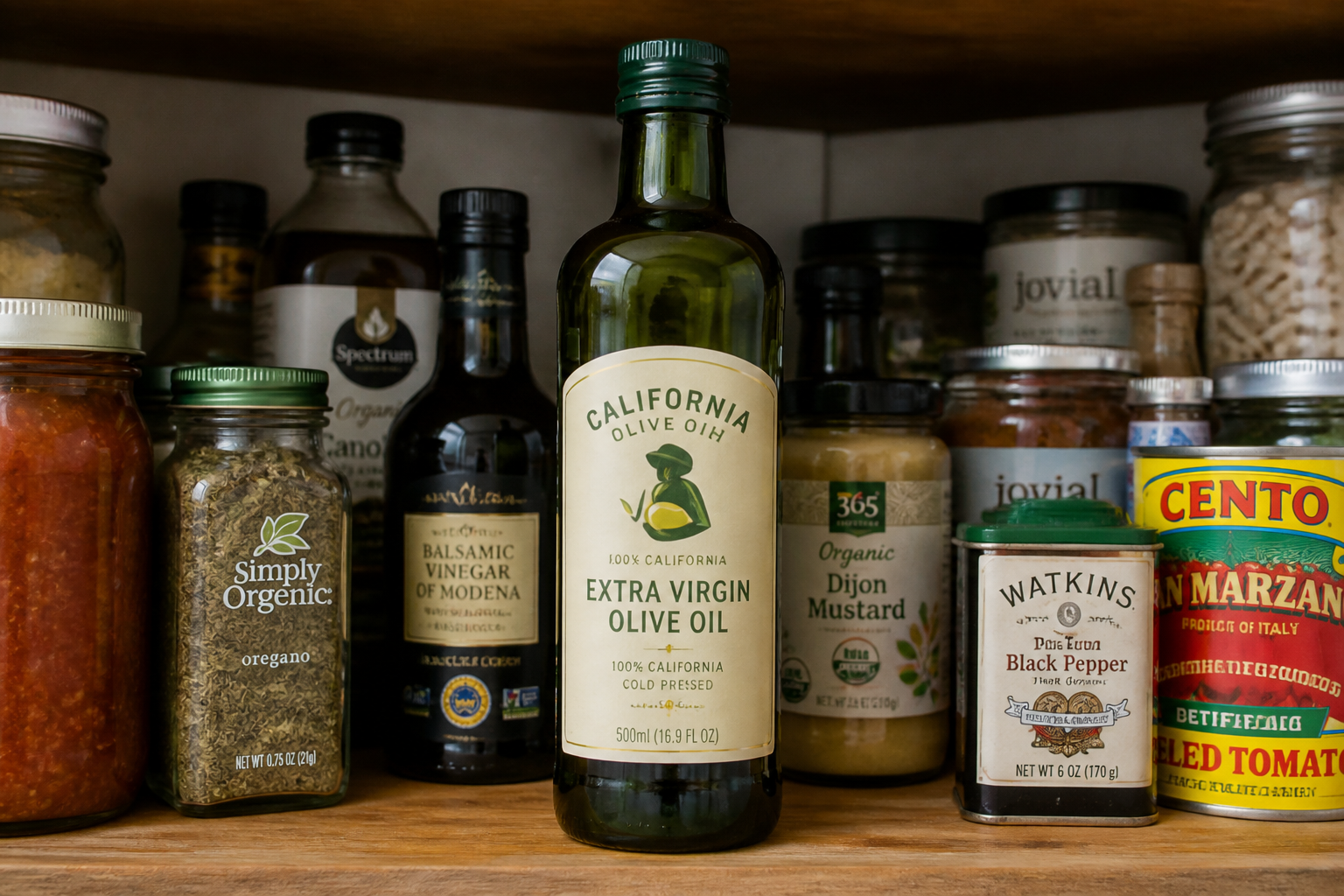 BEFORE
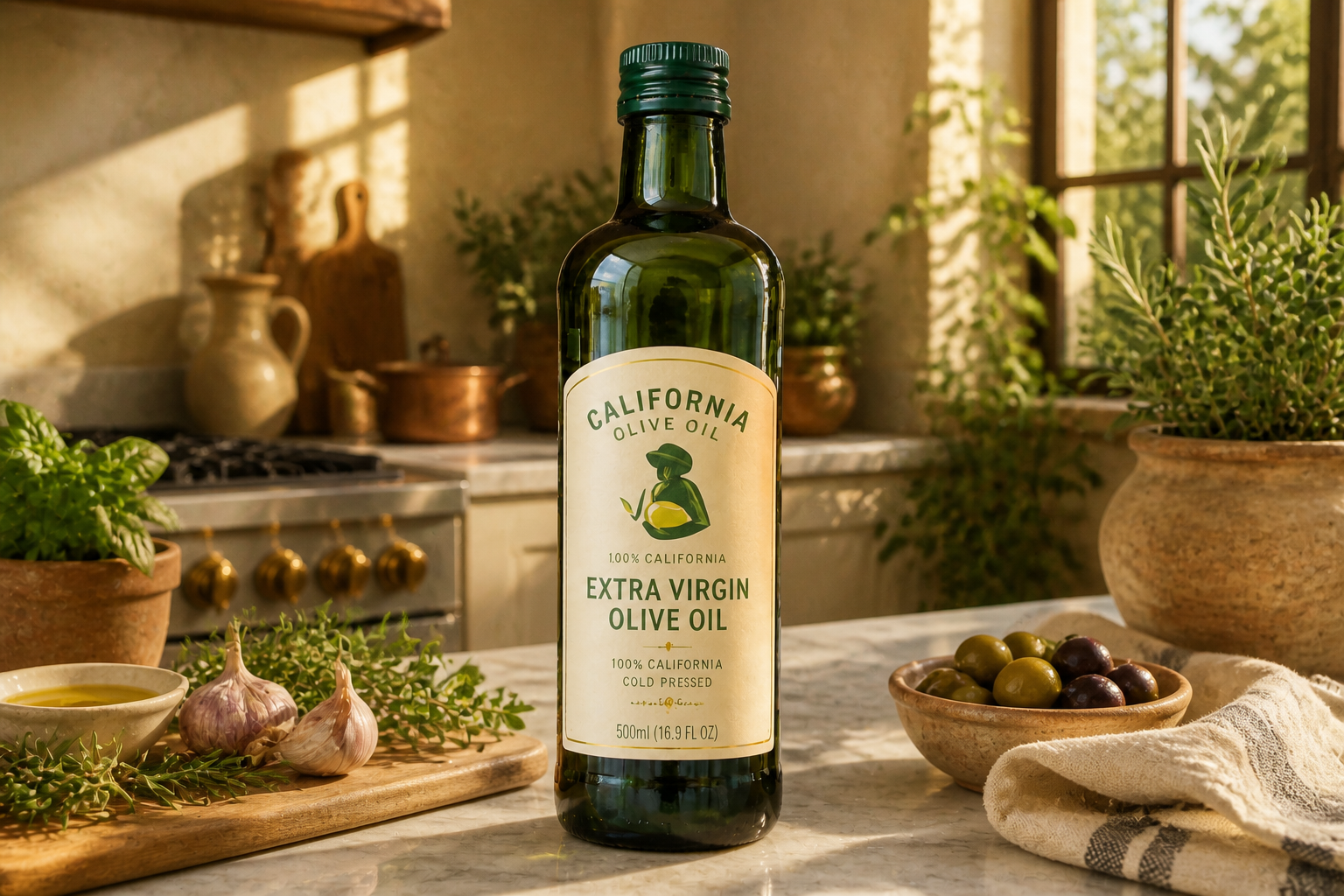 AFTERBEFOREAFTERBEFOREAFTERBEFOREAFTERBEFOREAFTERBEFOREAFTER
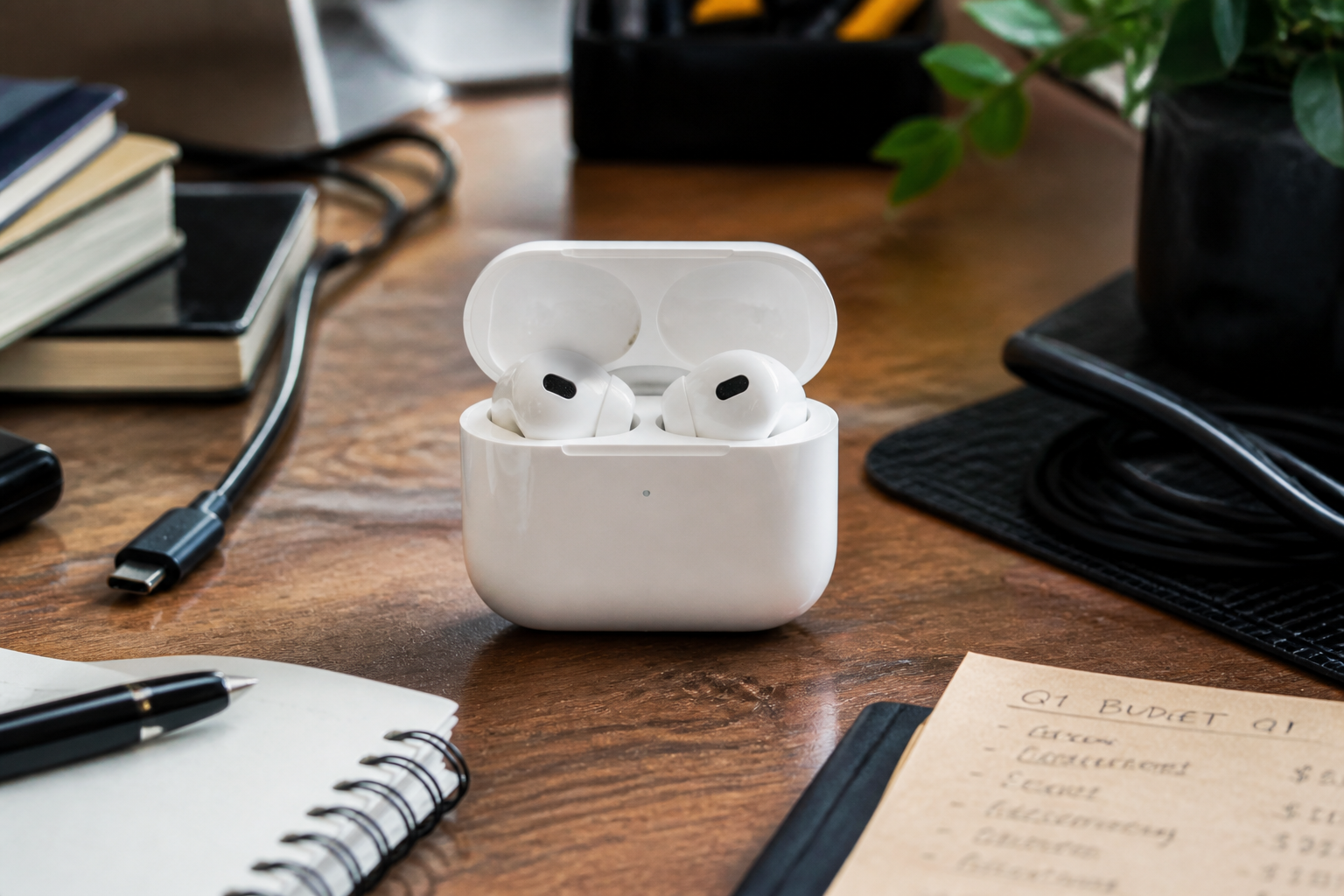 BEFORE
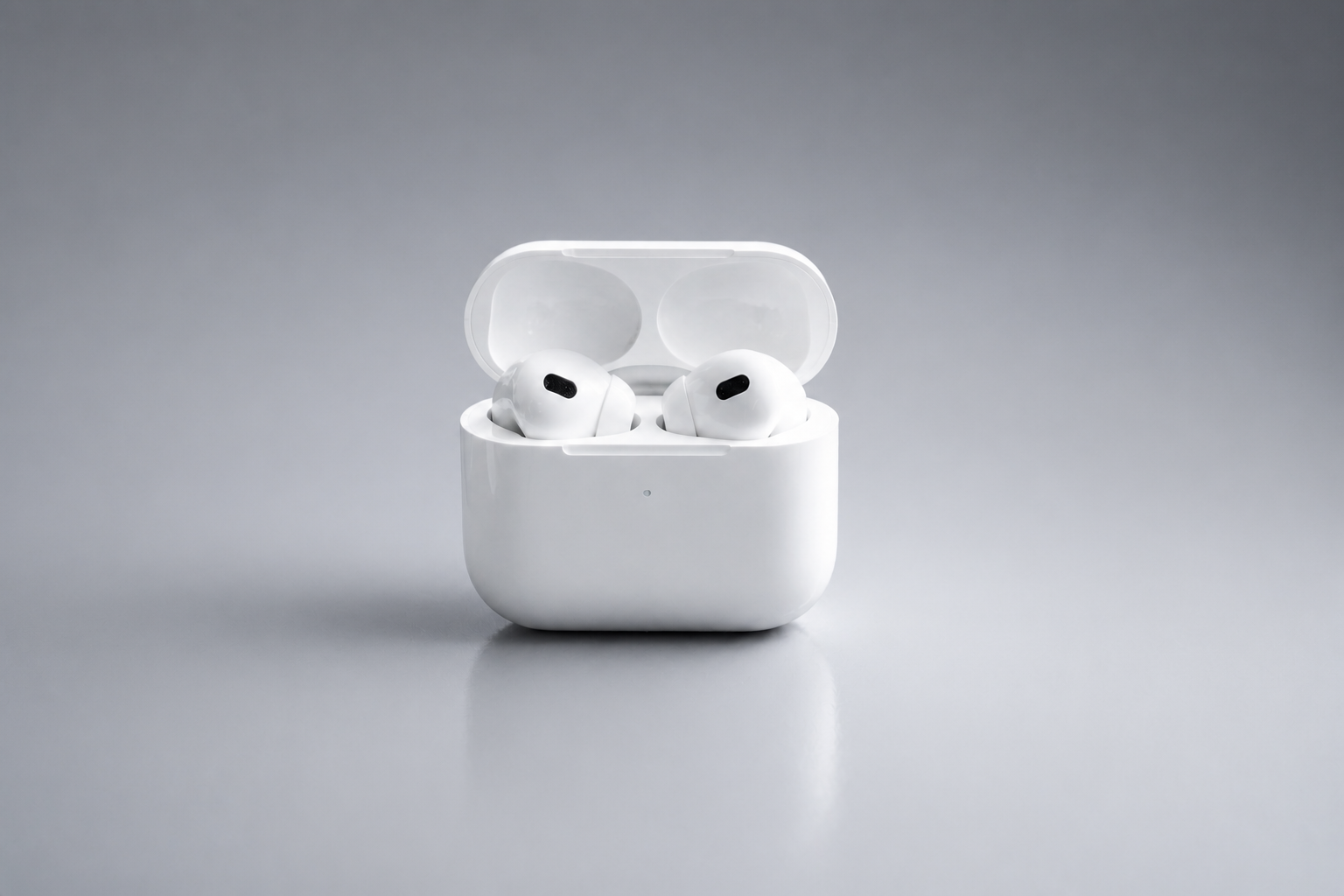 AFTER
AFTER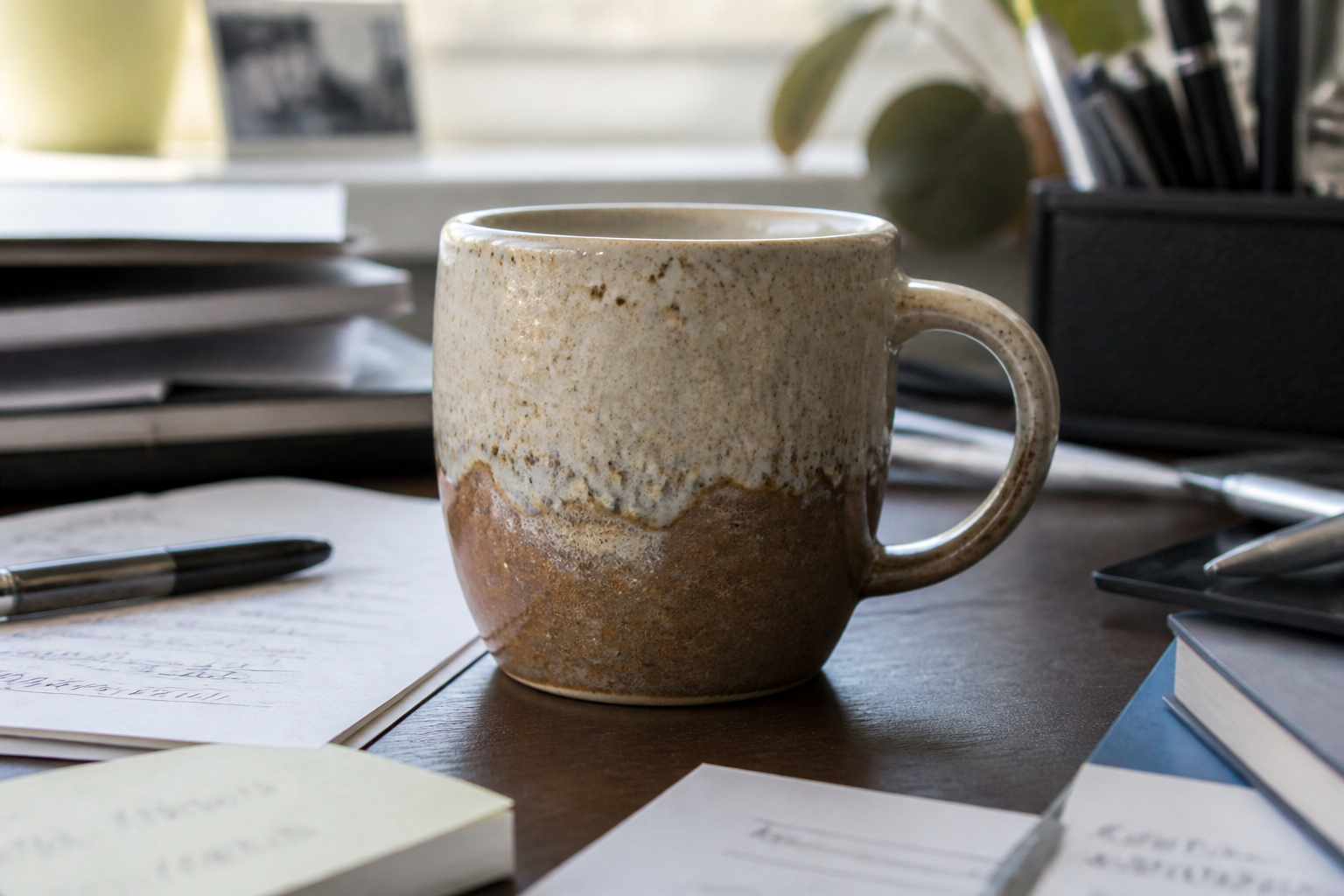 BEFORE
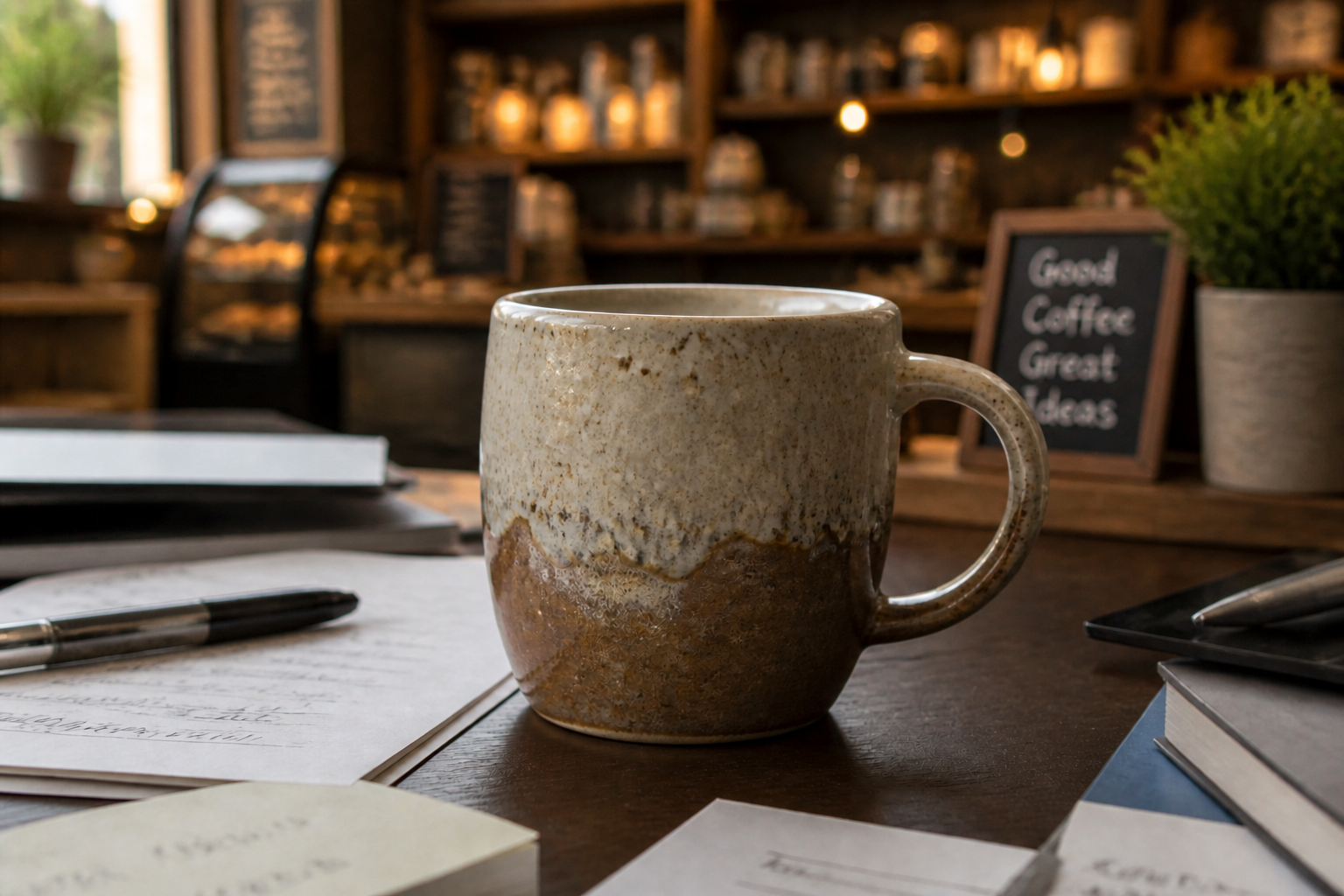 AFTER
AFTER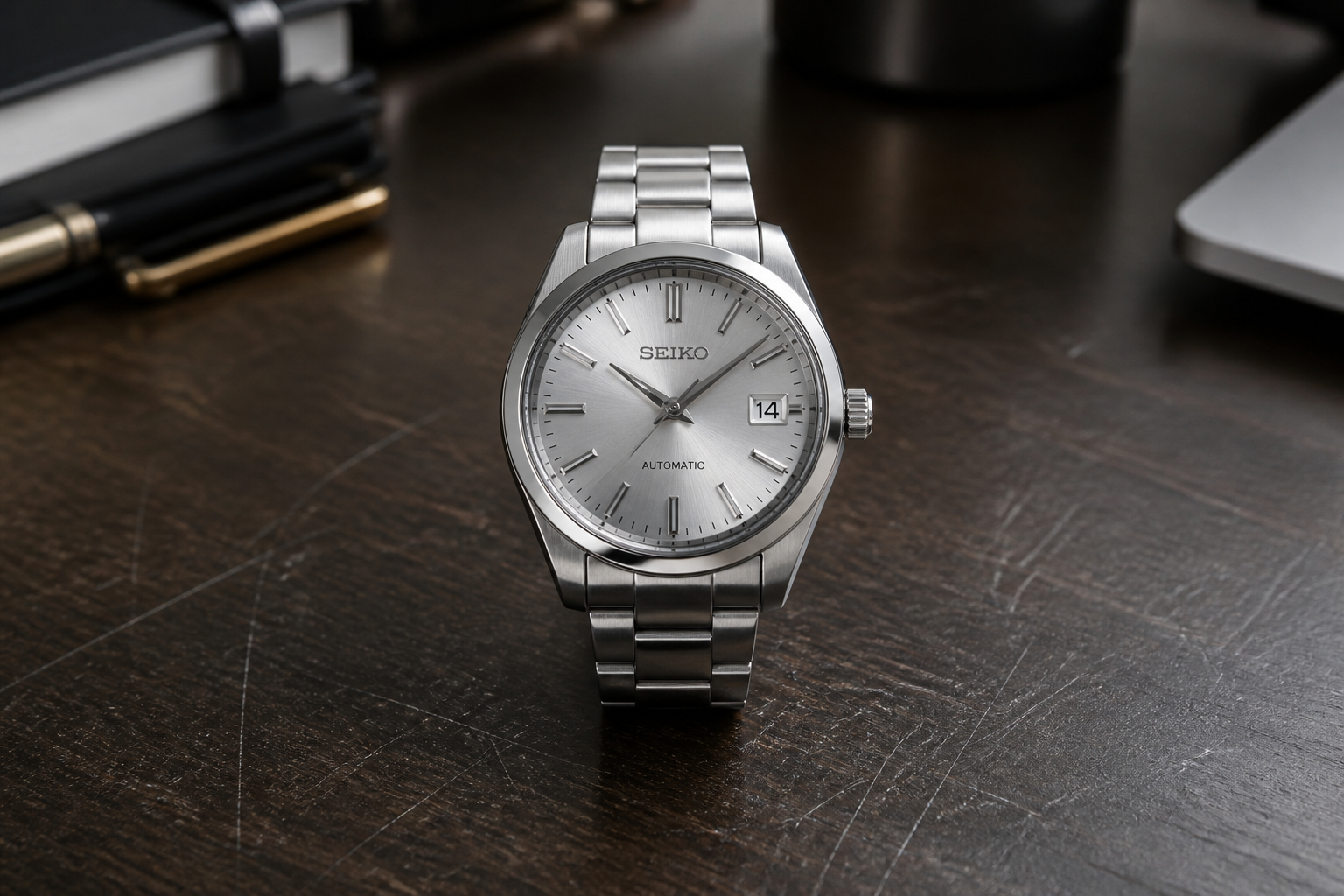 BEFORE
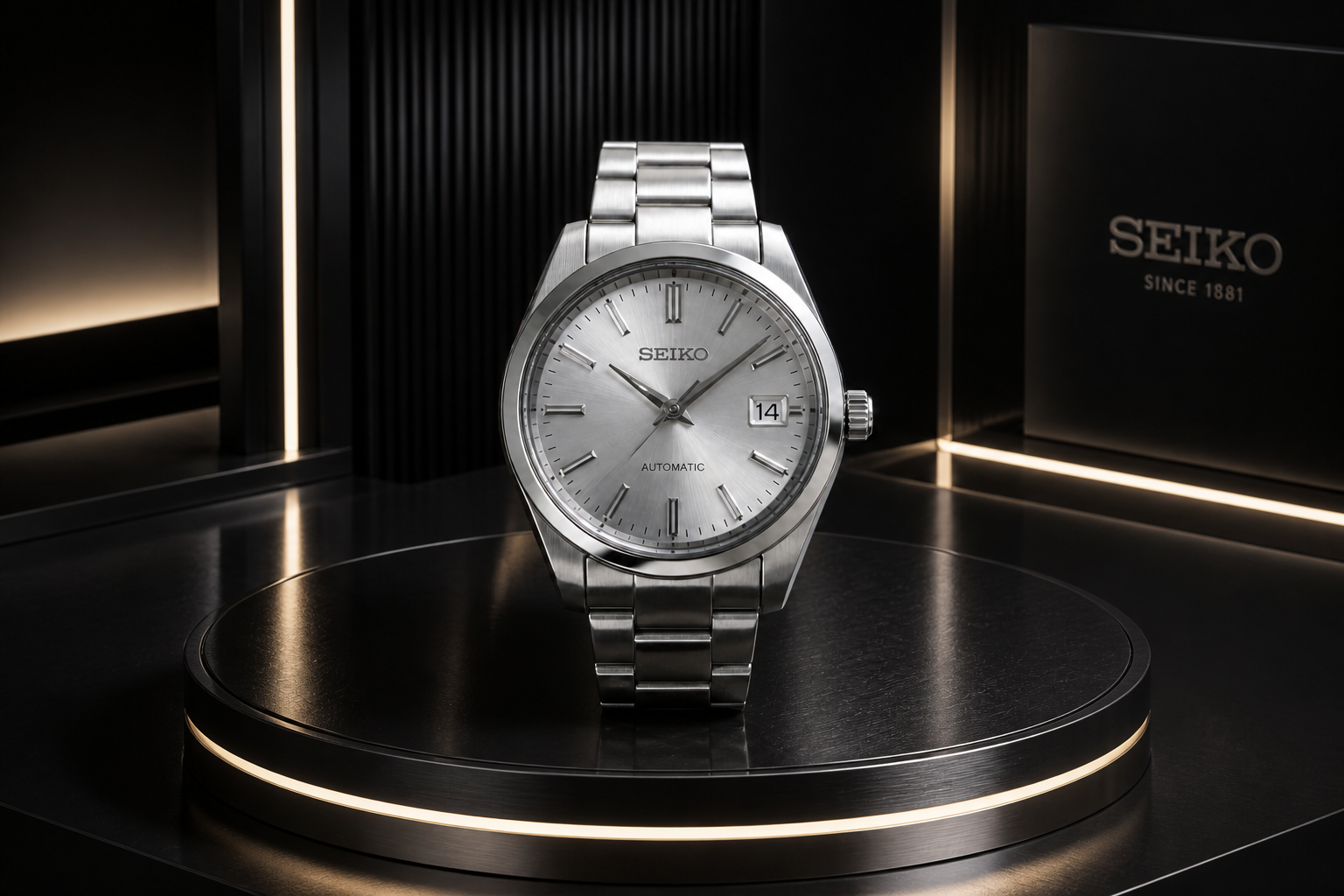 AFTER
AFTER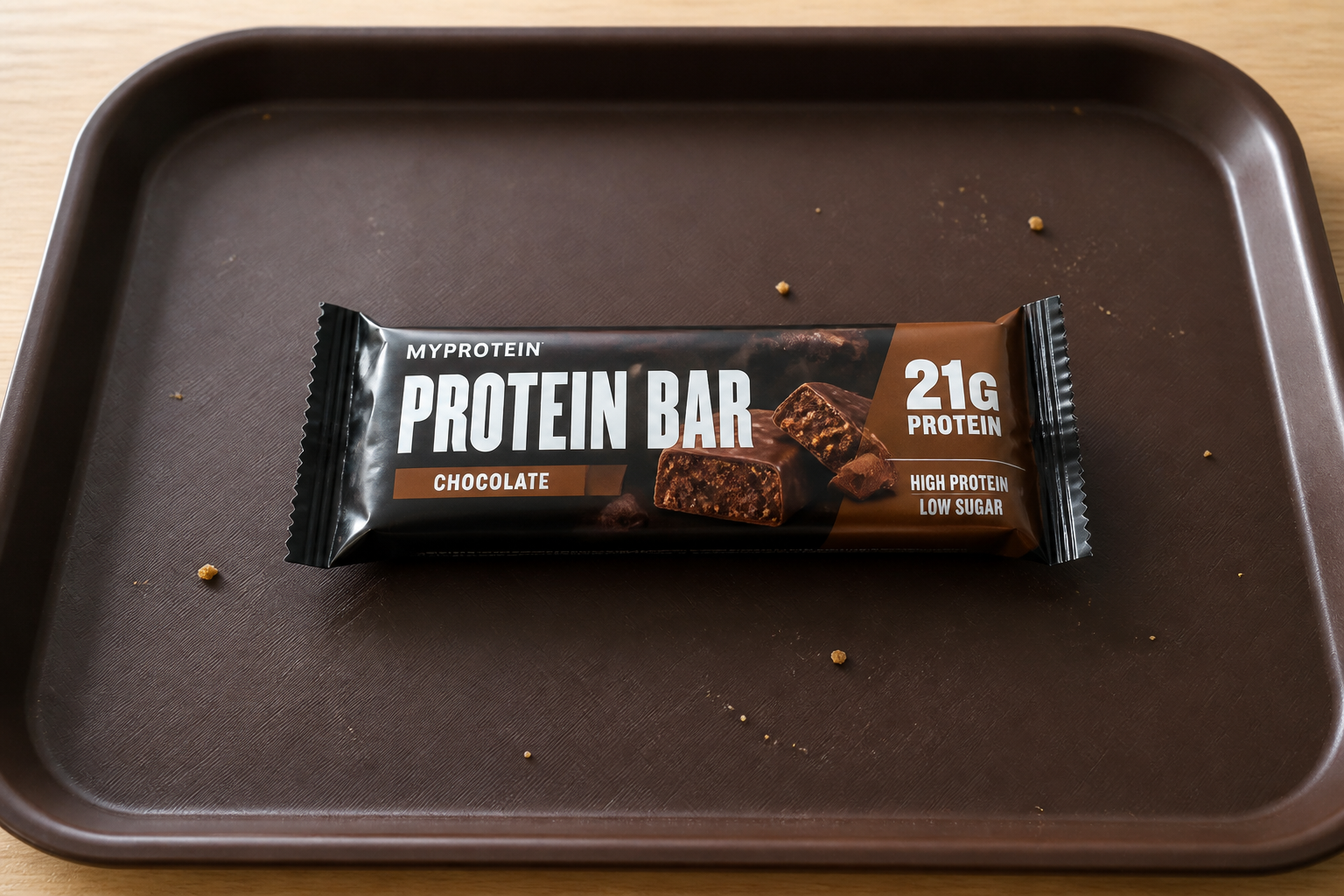 BEFORE
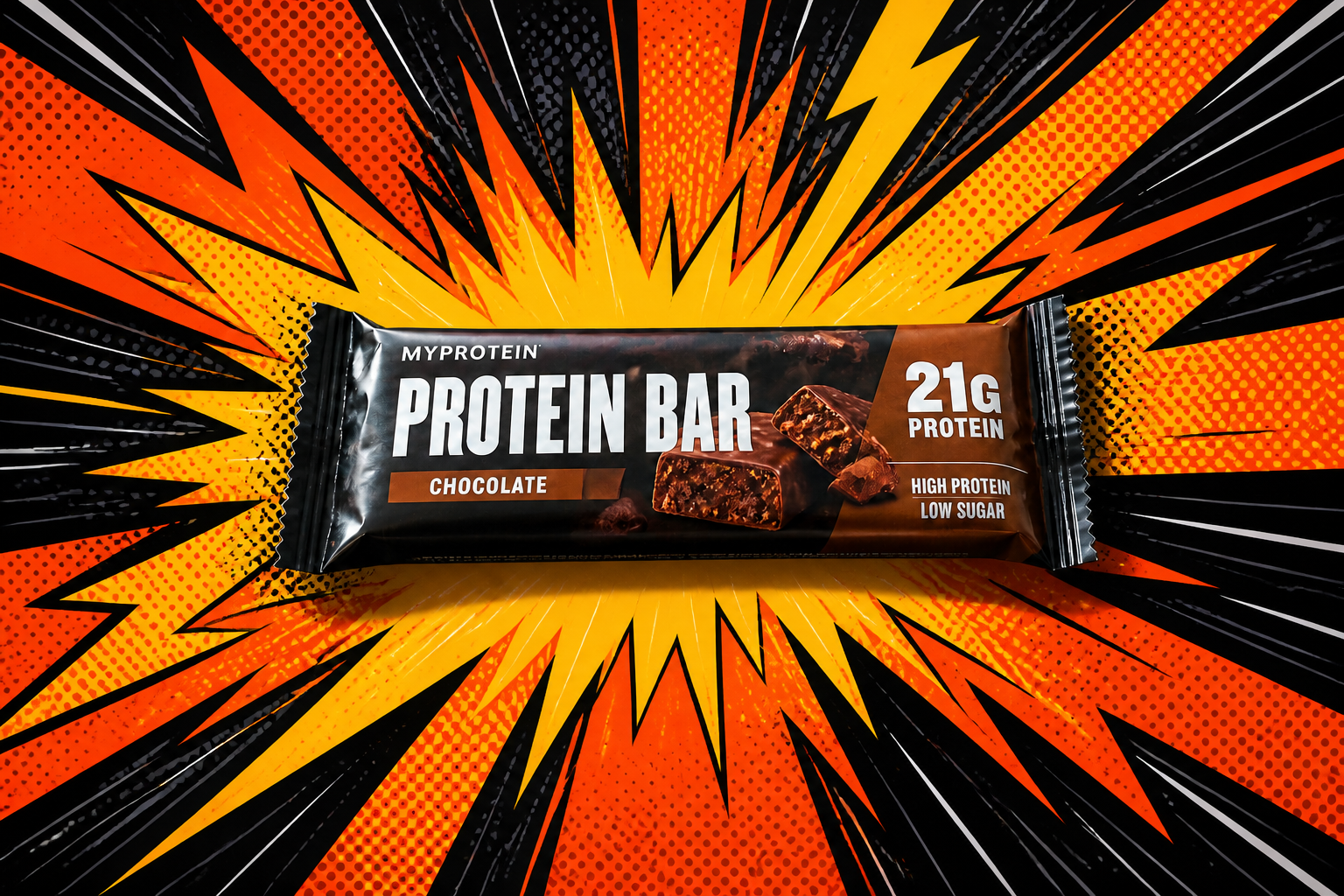 AFTER
AFTER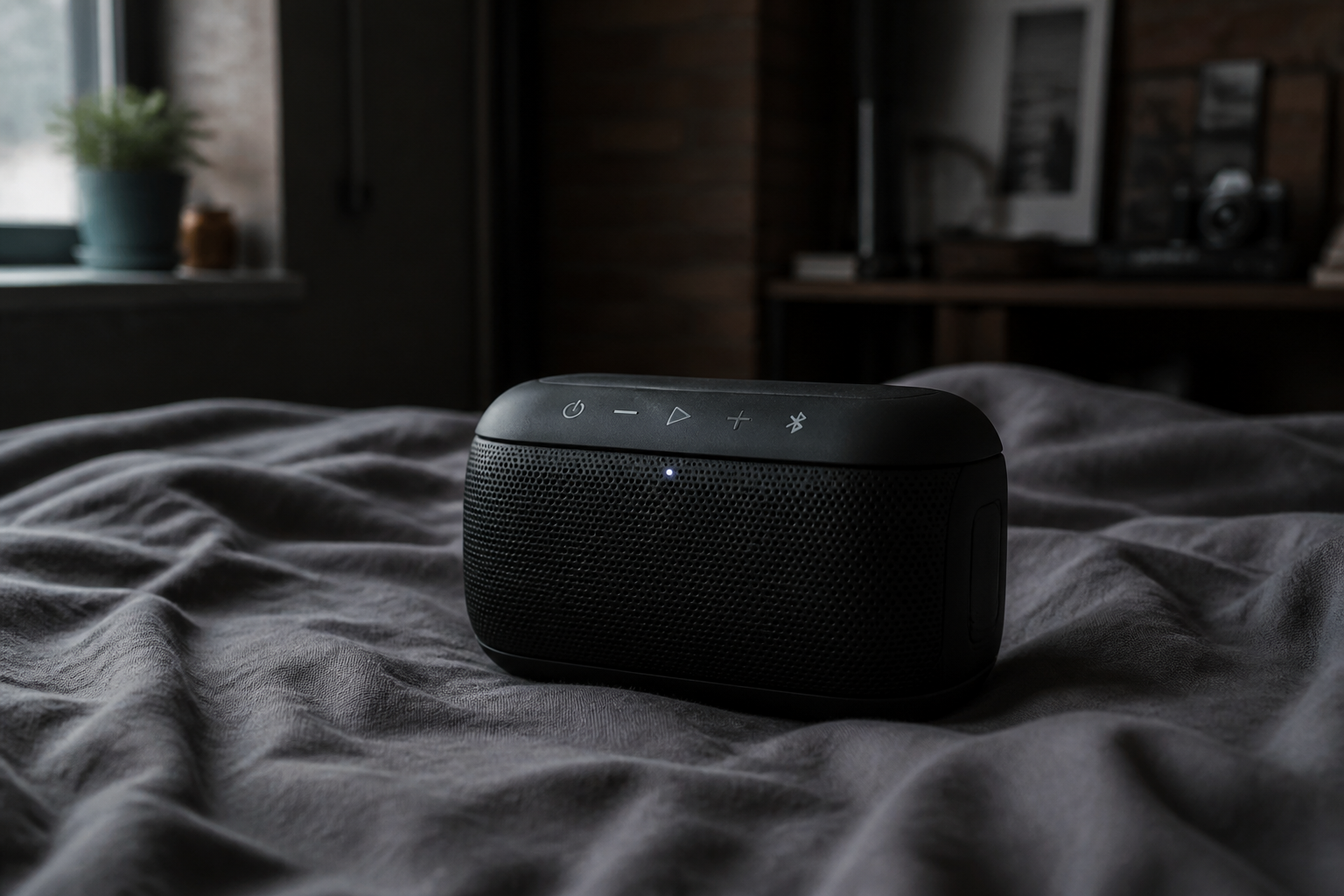 BEFORE
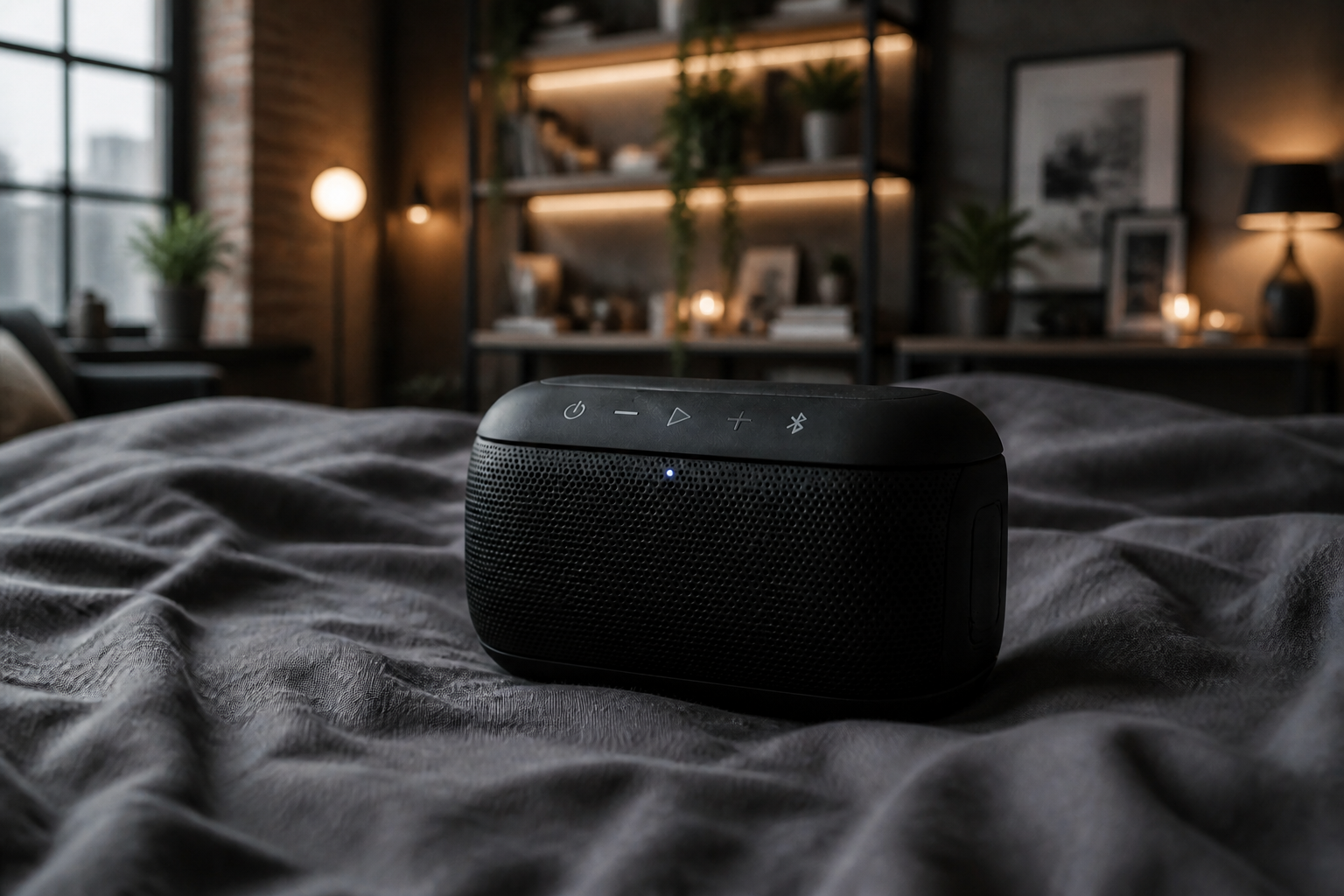 AFTERBEFOREAFTERBEFOREAFTERBEFOREAFTERBEFOREAFTERBEFOREAFTER
Key Features
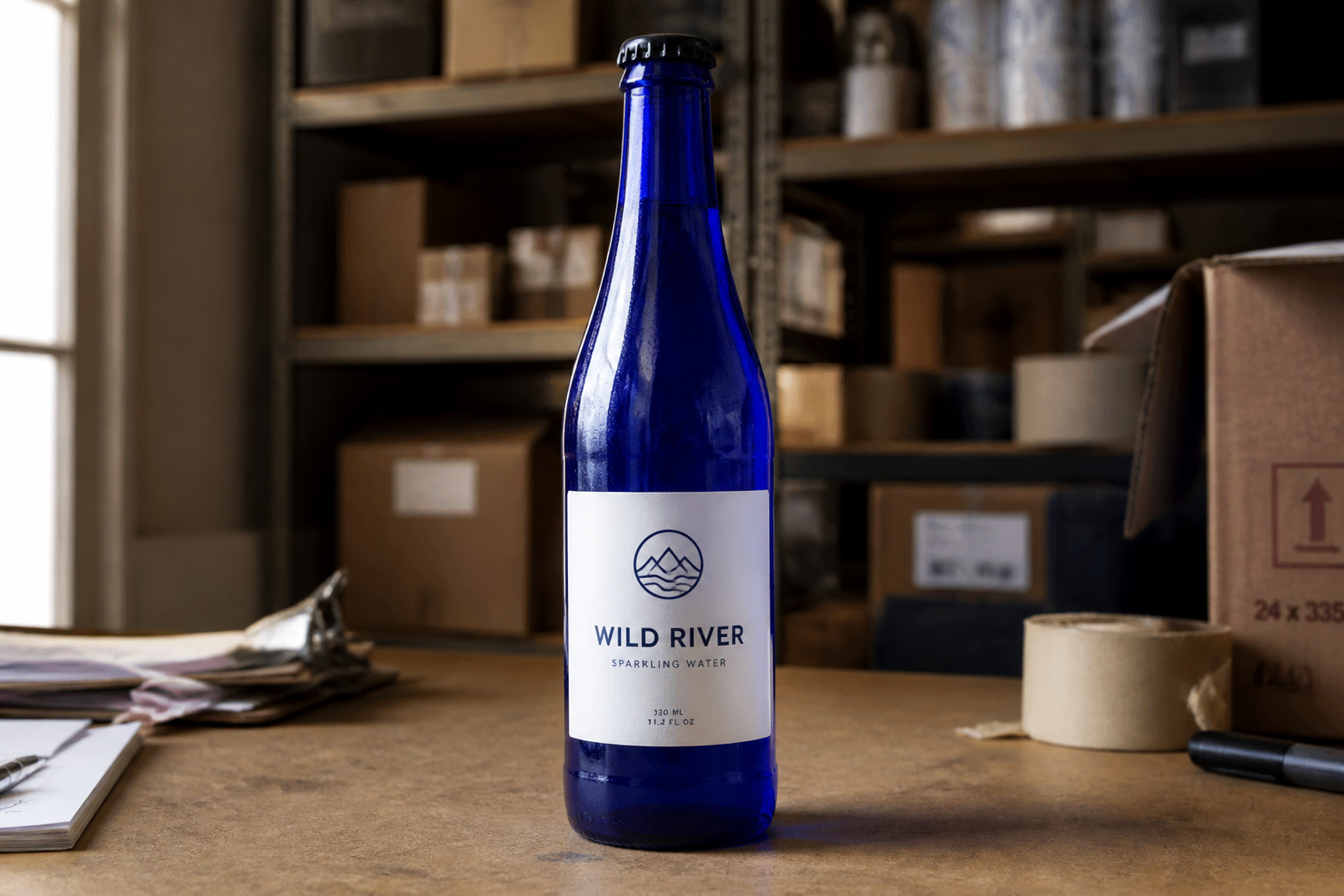
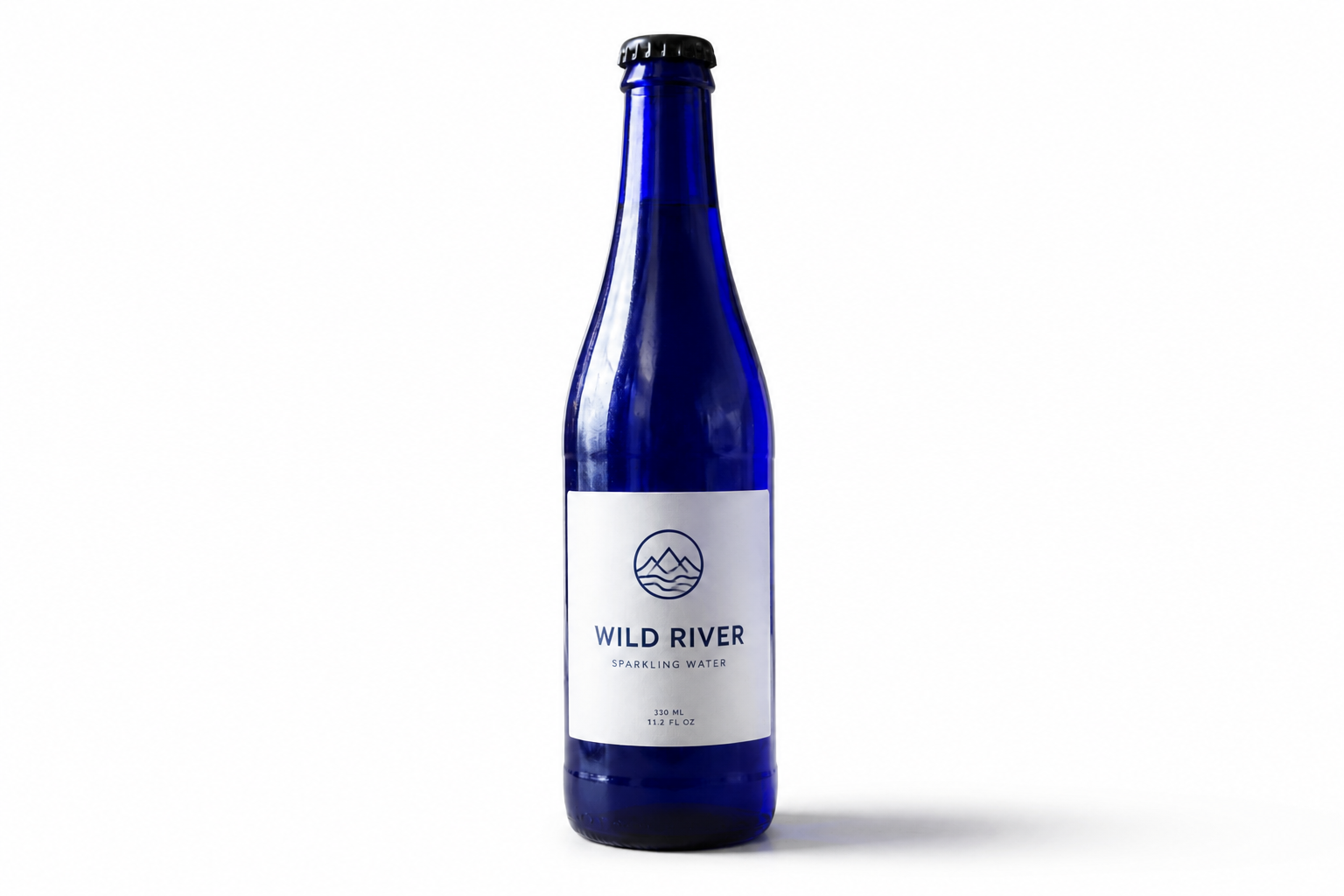
Keep the product intact
The goal is to change the setting, not the item you're selling. Our AI swaps the backdrop while preserving the product's shape, label placement, texture, and viewing angle. That matters for ecommerce, where even small changes can make listings look inaccurate. It is much faster than masking by hand and safer than broad edits that accidentally alter packaging details.
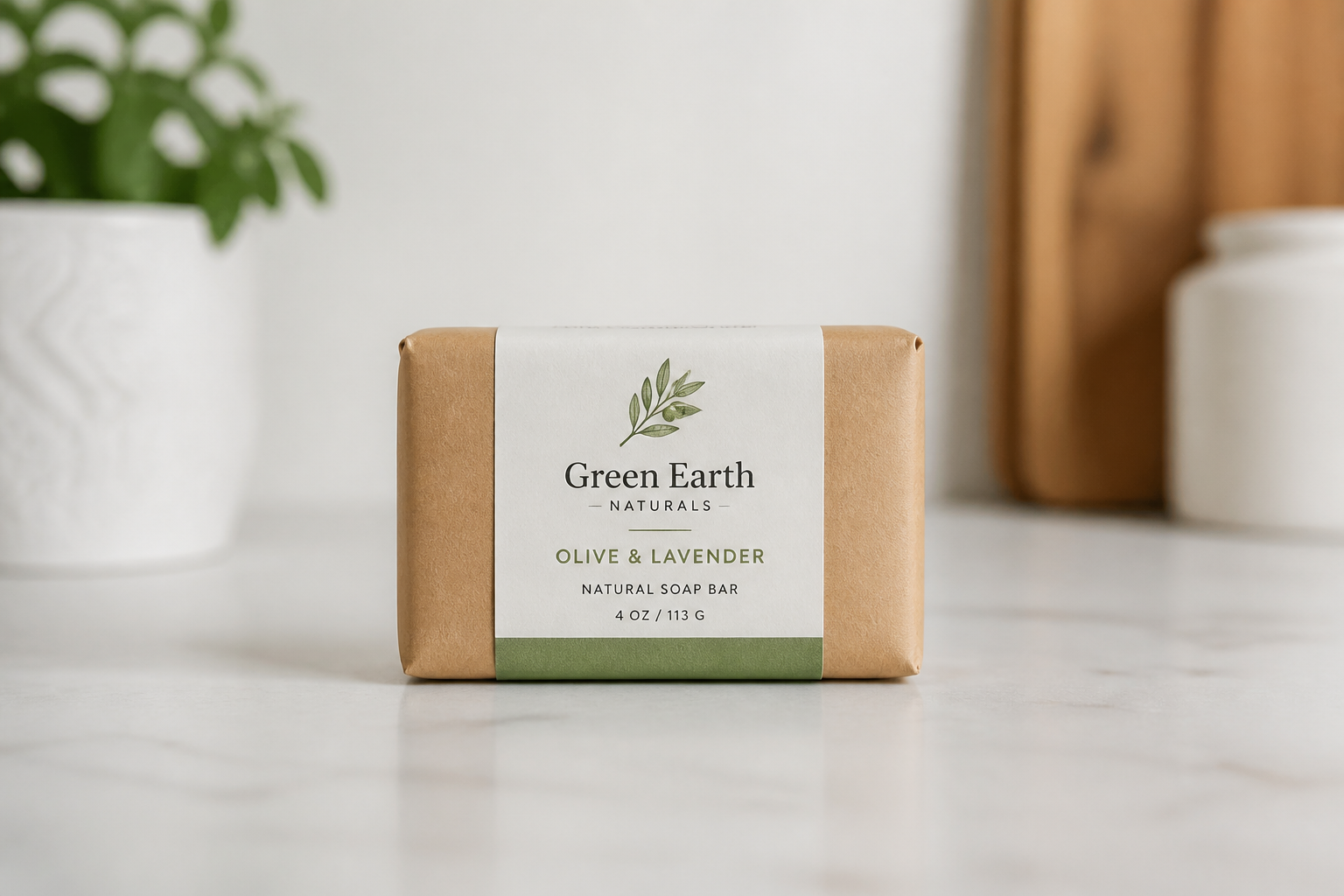
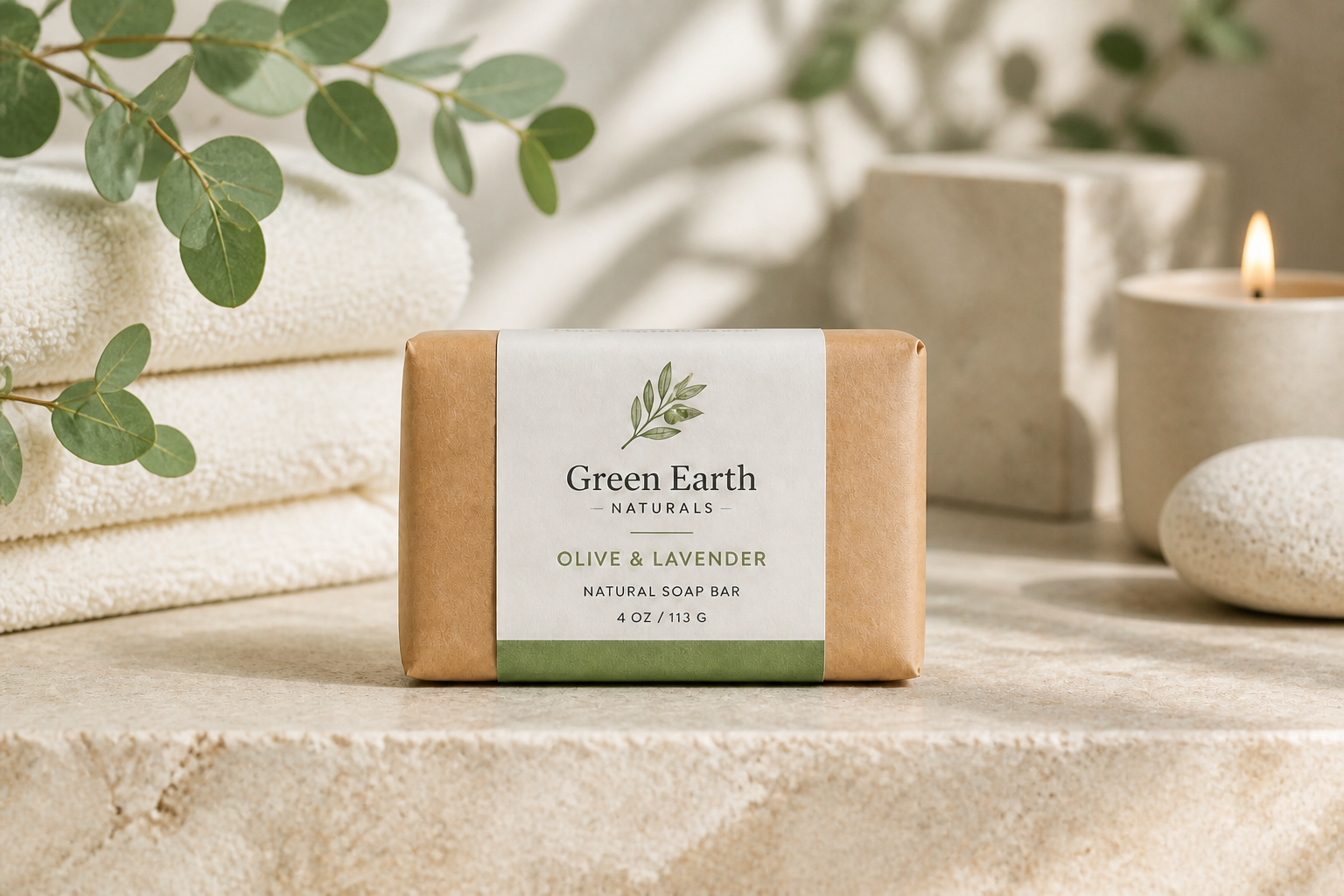
Match your sales channel
Different channels need different image styles. You can move the same product from a simple catalog background to a richer lifestyle scene without setting up multiple shoots. This helps you create marketplace images, ad creatives, and social visuals from one starting photo. It cuts down the back-and-forth of rebuilding scenes for every platform.
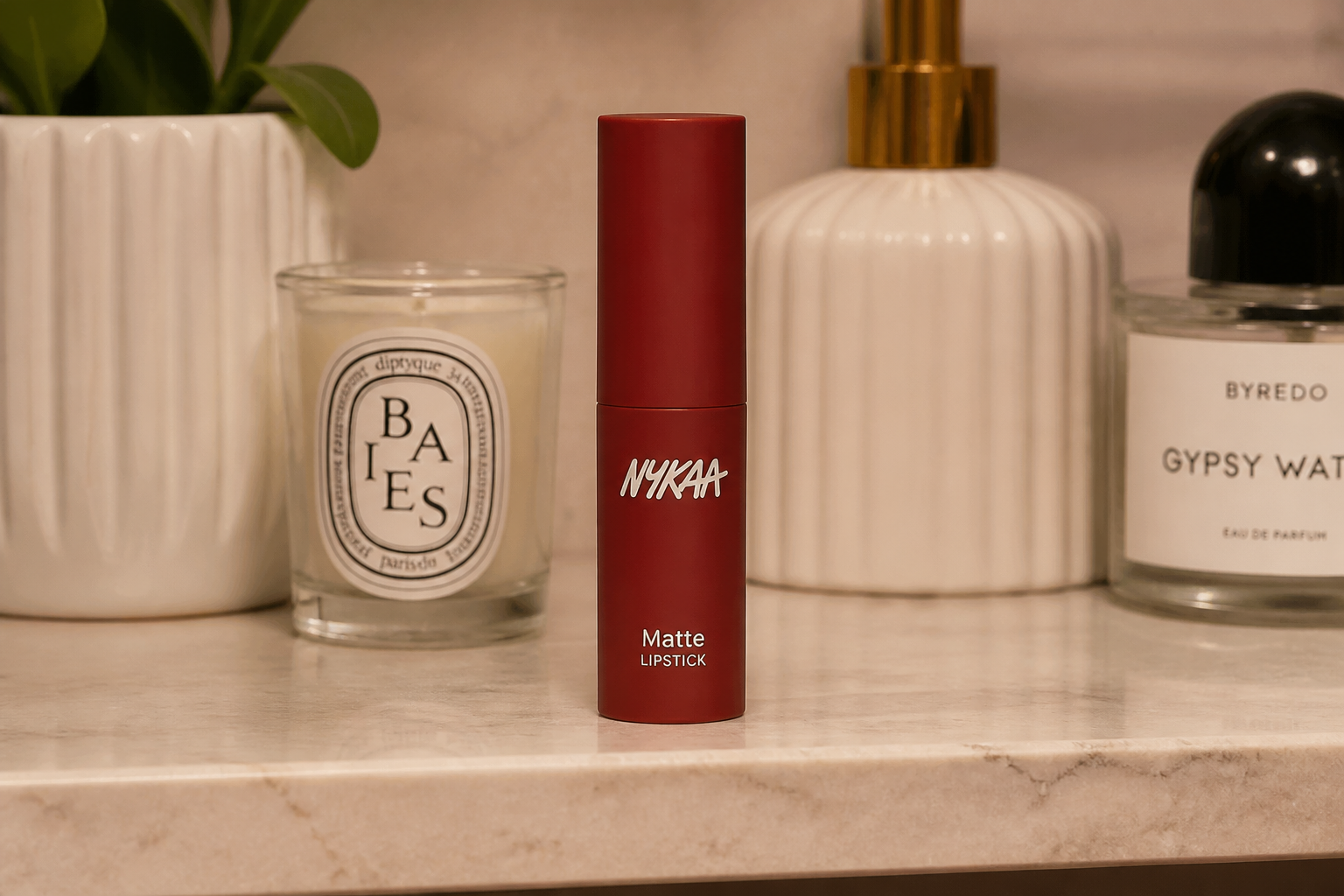
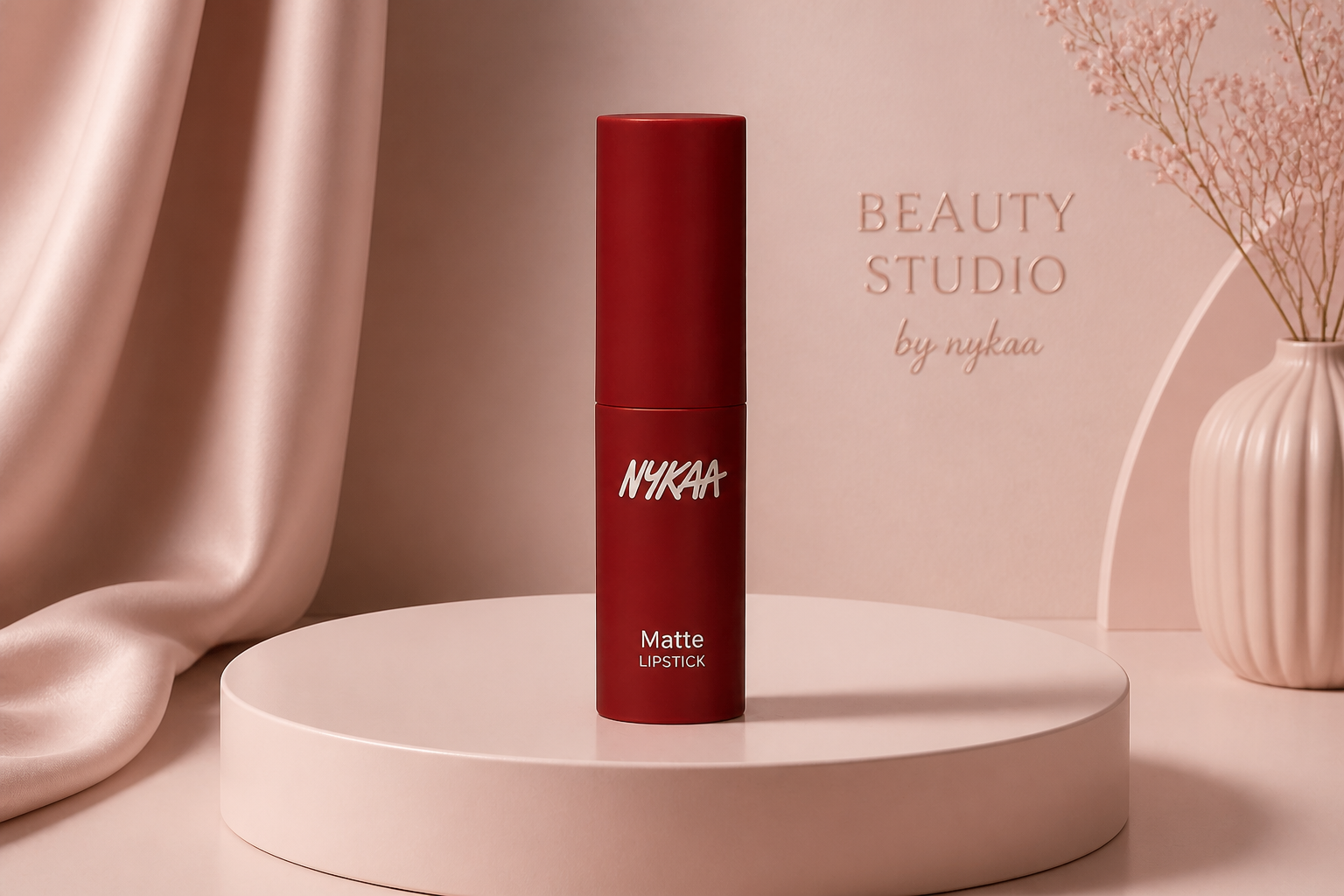
Create polished studio looks
Not every product photo starts in a perfect setup. Our AI can turn casual snapshots into clean studio-style images with smoother surfaces, controlled shadows, and a more premium feel. That makes small brands look more consistent without renting gear or learning complex masking tools. The result is easier to use across storefronts and product pages.
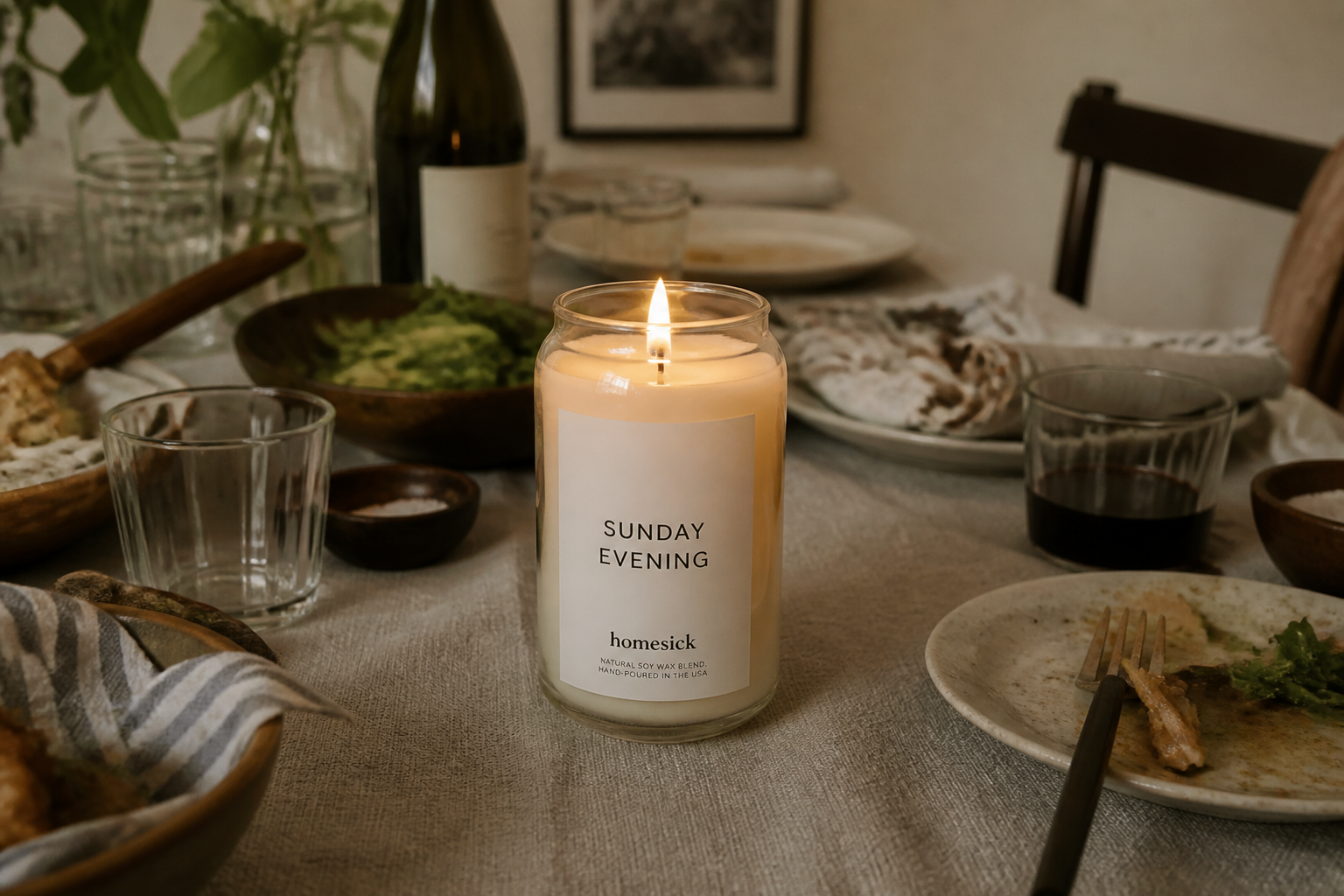
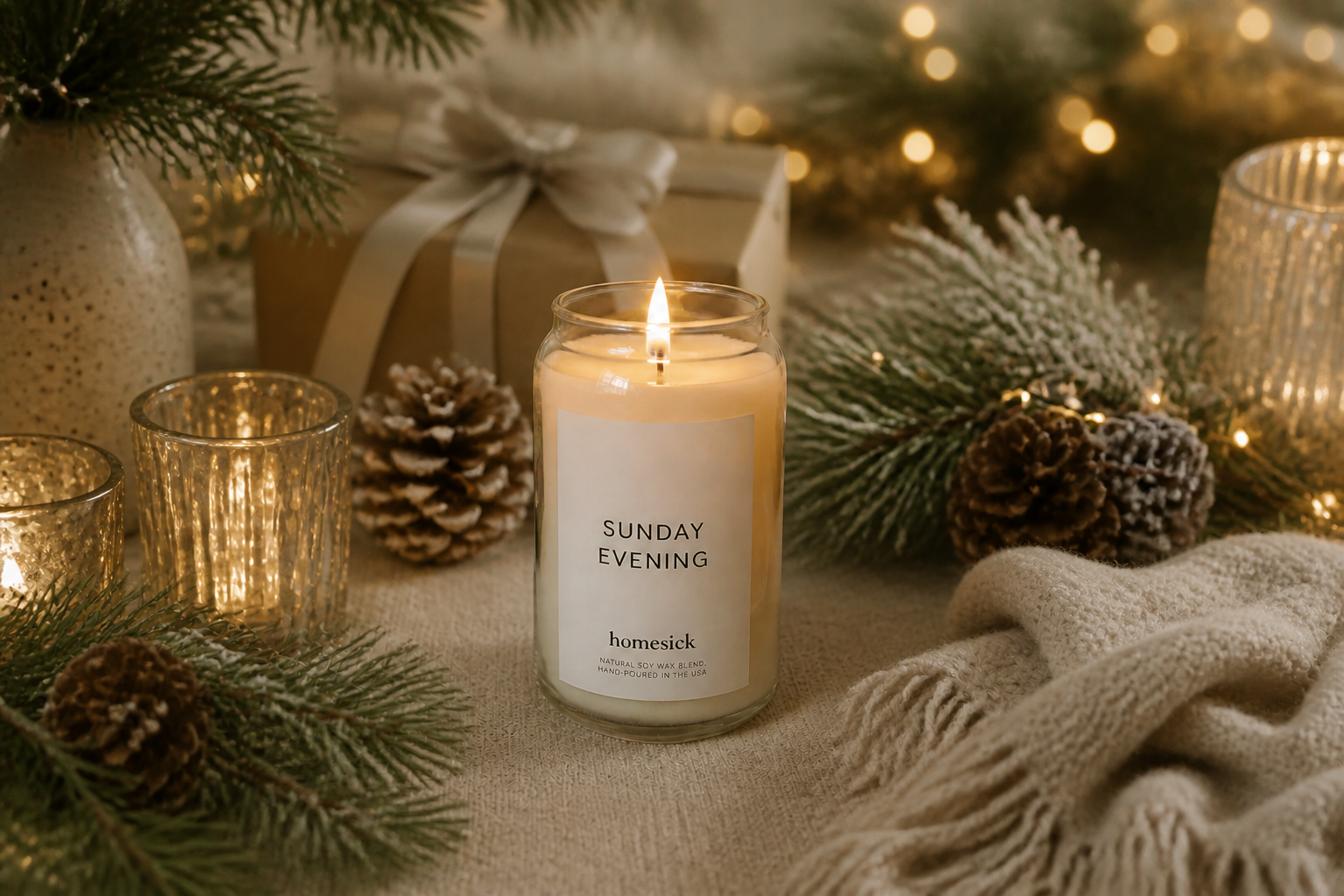
Explore creative branded scenes
Background swaps are not limited to plain white. You can test seasonal, editorial, or branded environments that make the product feel more on-brand while keeping the item itself consistent. This is useful when you want variation for campaigns but do not want to reshoot every SKU. It gives you more visual range with much less production work.
How It Works
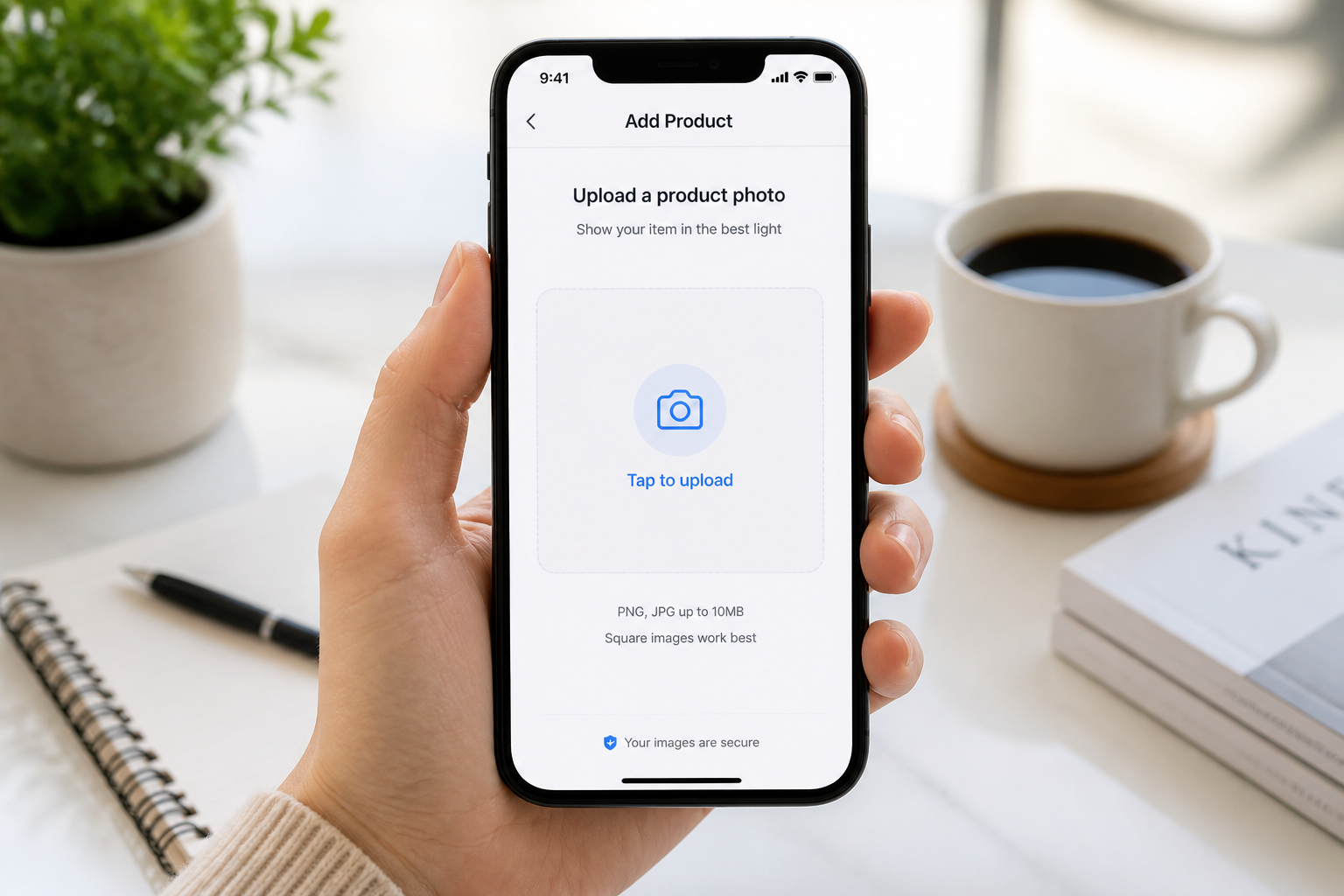
Upload your product photo
Start with a clear image of the item you want to keep. Centered product shots with good lighting usually give the cleanest background swaps.
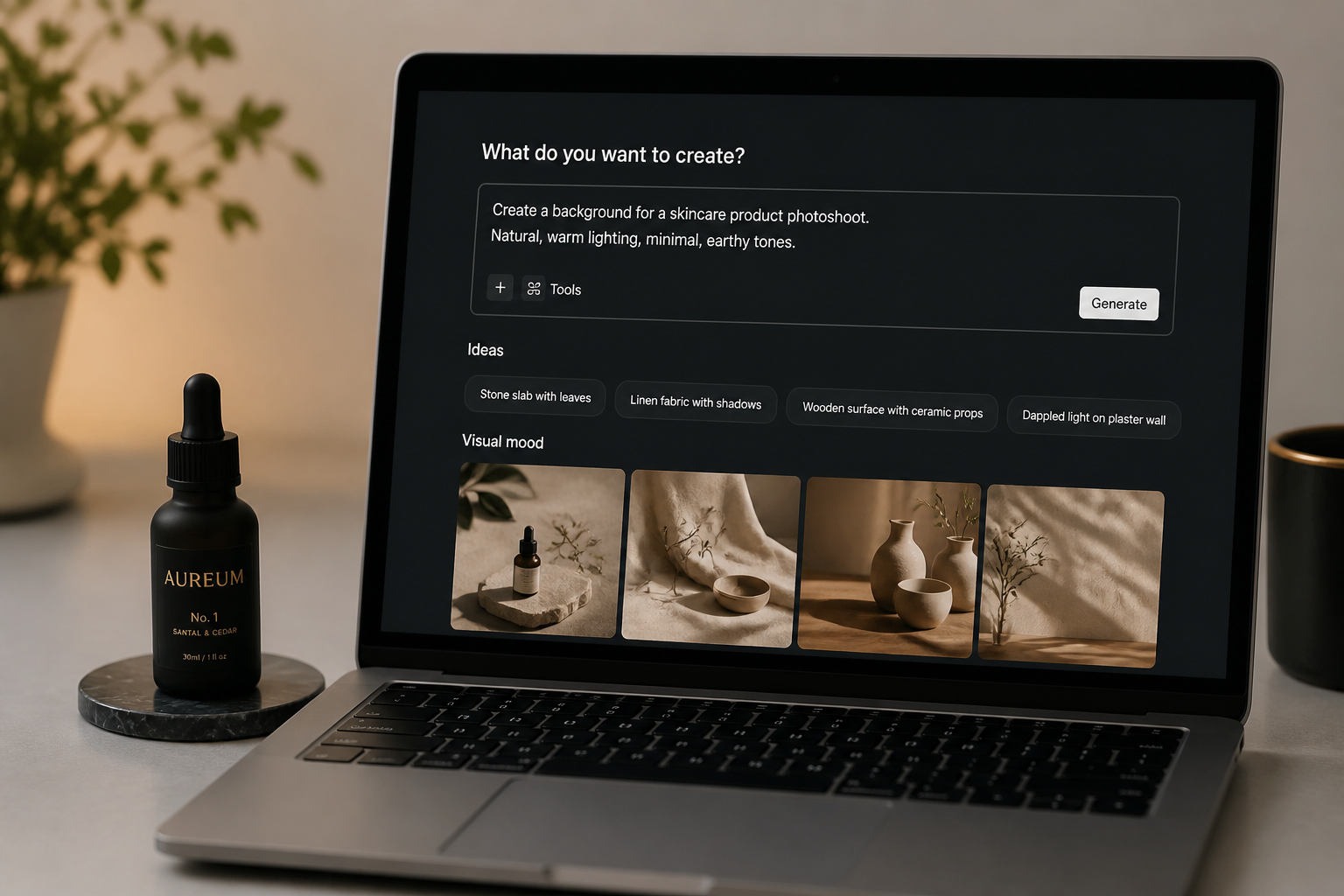
Describe the new setting
Tell our AI what kind of background you want, such as white studio, luxury skincare set, or cozy cafe shelf. Be specific about mood, colors, and scene type so the result fits your brand.
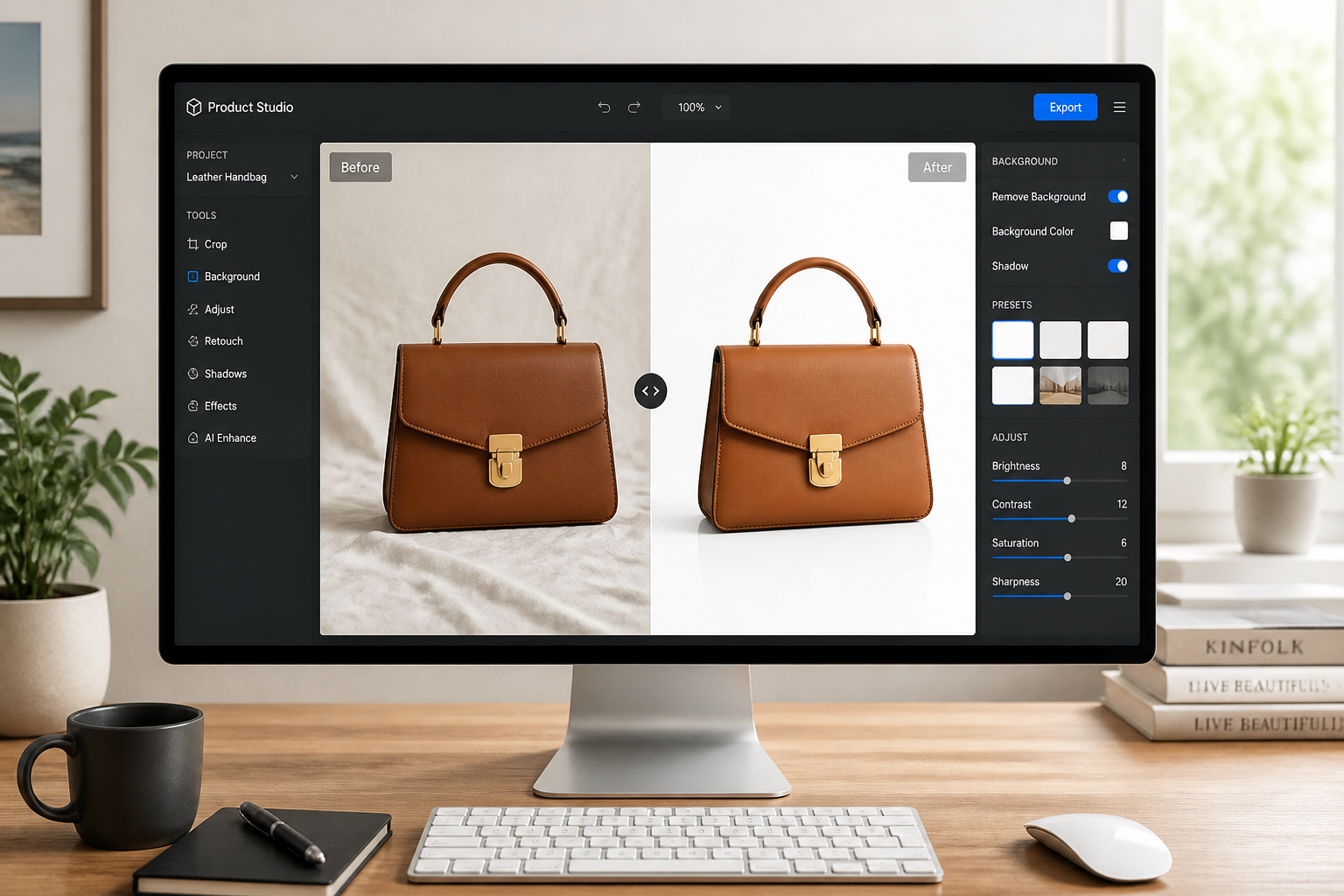
Compare and download
Review the before and after to make sure the product stayed true while the backdrop changed. Then download the version that fits your store, ad, or social post.
Perfect For
Discover how creators and professionals use ai change background of product
Ecommerce listings
Turn casual product photos into cleaner images for marketplaces, product pages, and storefront grids.
Ad creatives
Place the same product into multiple branded scenes for paid social, display ads, and seasonal campaigns.
Catalog cleanup
Standardize mixed product shots so your catalog looks more consistent without re-photographing everything.
Social content
Create more eye-catching lifestyle backdrops for launches, promos, and short-form content thumbnails.
Built For
Ecommerce sellers
Make product photos look cleaner and more consistent across listings without spending on new shoots.
Small brands
Build studio and lifestyle variations from limited source photos while keeping packaging details accurate.
Marketers and designers
Generate multiple backdrop options fast for campaigns, A/B tests, and seasonal promotions.
Why use it for product background edits
A quick look at how we compare on the things that matter for this niche.
| Feature | BudgetPixel | Generic AI editors | Manual editing apps |
|---|---|---|---|
| Product-focused background swap | ✓ | ✓ | — |
| Preserves item angle and details | ✓ | — | ✓ |
| Fast scene variations | ✓ | ✓ | — |
| No manual masking required | ✓ | ✓ | — |
| Useful for listings and ads | ✓ | ✓ | ✓ |
Frequently Asked Questions
Will the product itself change when I swap the background?
Can I create plain white backgrounds for marketplaces?
Can I place products into lifestyle scenes too?
What kinds of product photos work best?
Do I need manual masking skills?
Create together.
Share your creations, discover trending AI art, and grow with fellow creators.



























Ready to Try AI Change Background of Product?
Get started for free. No credit card required.
Try it Free