AI Remove Background from Product
Turn product shots into clean cutouts ready for listings, ads, and catalogs.
Remove distracting backgrounds from product photos with a clean, studio-style result. Our AI isolates the item, keeps edges sharp, and makes it easy to create consistent images for ecommerce, marketplaces, and social posts.
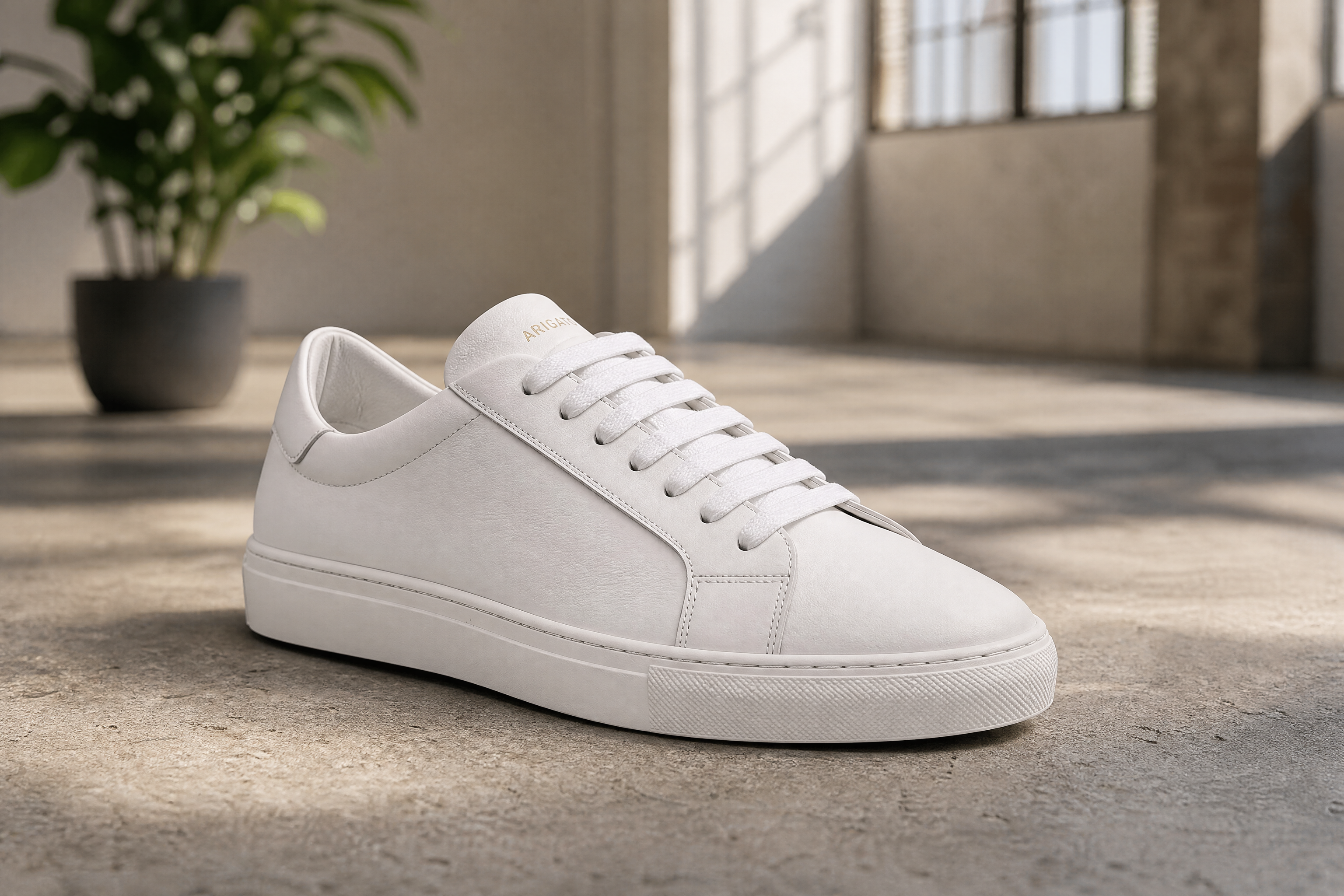
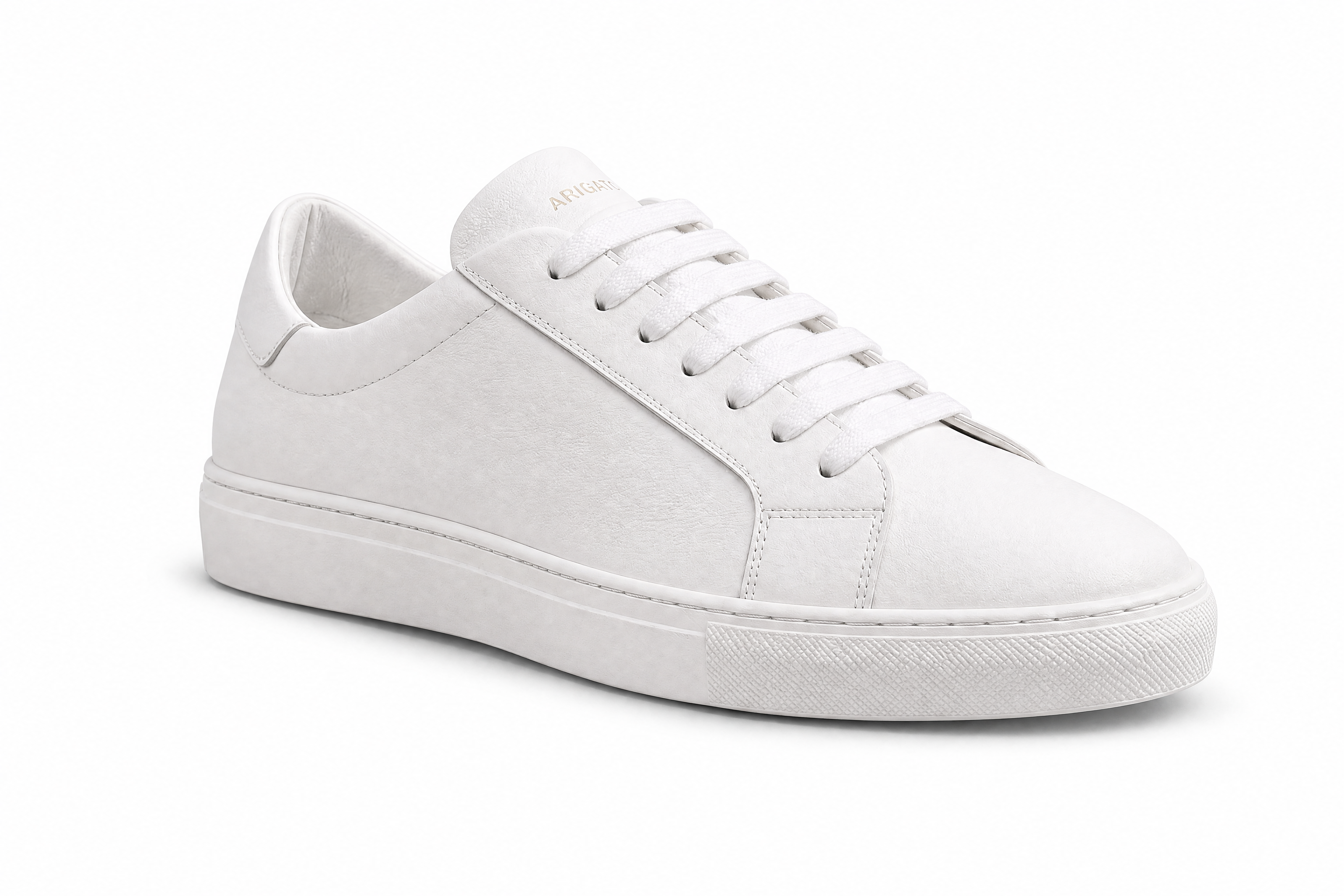
Watch the Transformation
See ai remove background from product in motion — generated end-to-end by our AI.
See It In Action
Real outputs from ai remove background from product.
BEFOREAFTER BEFORE
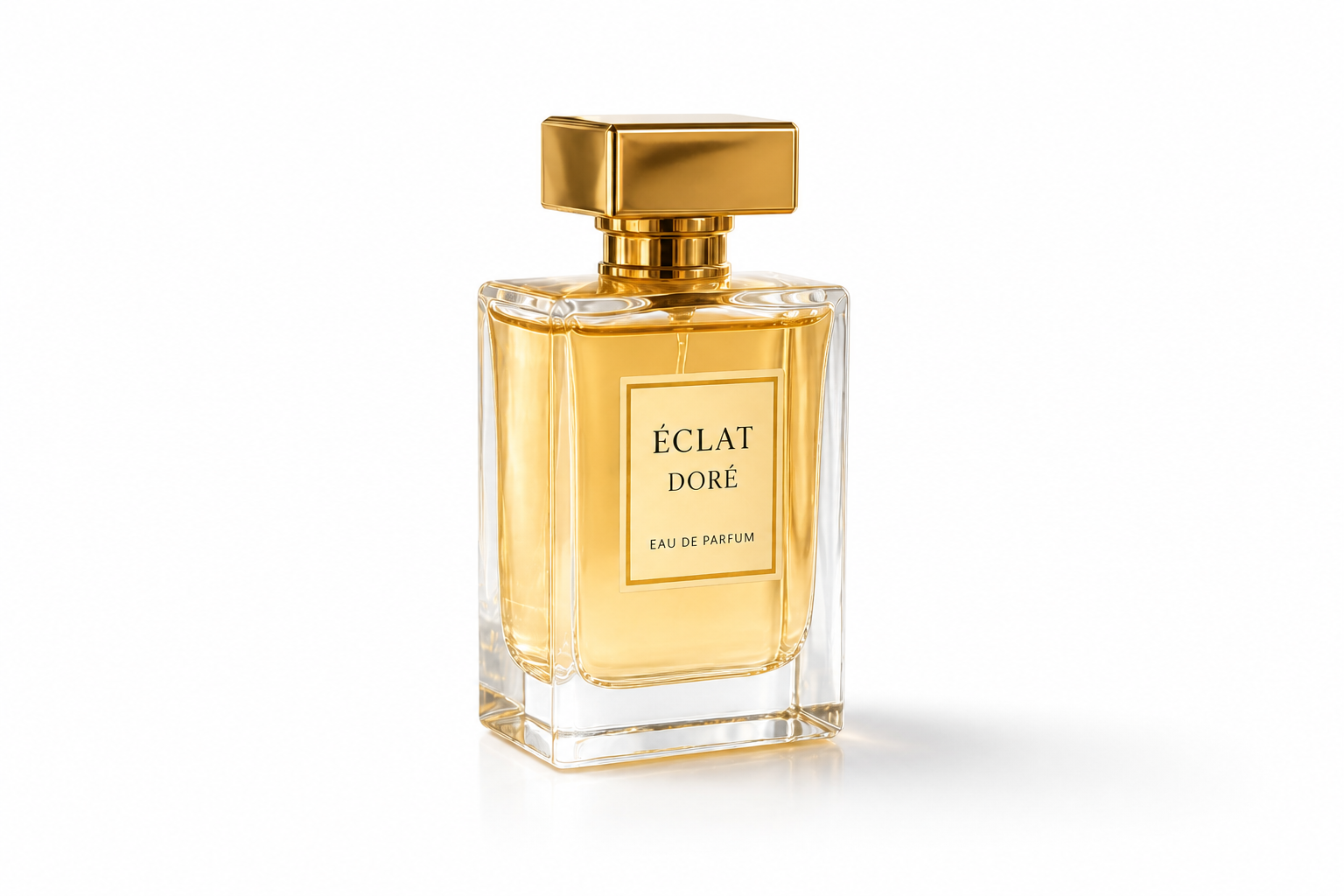 AFTER
AFTER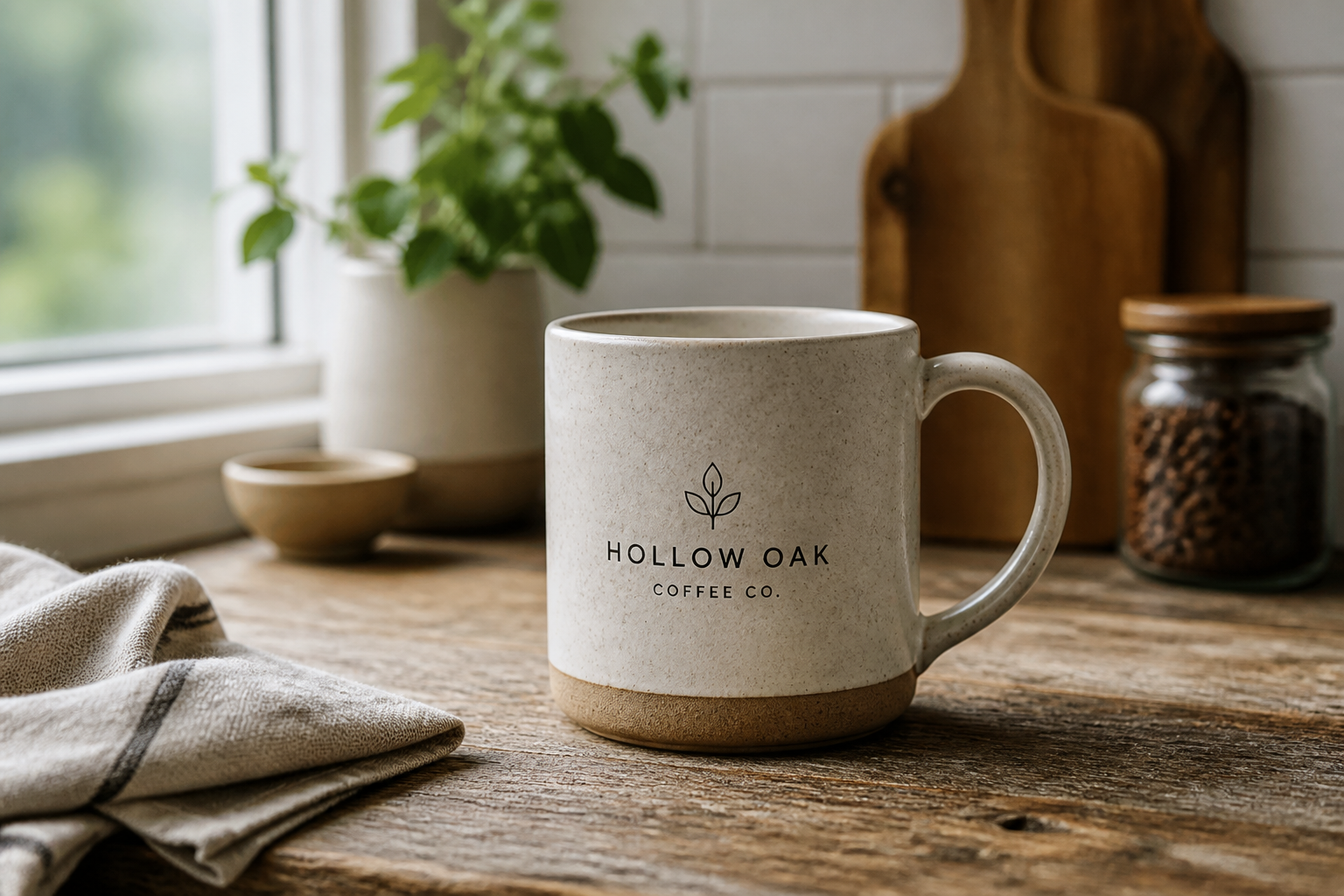 BEFORE
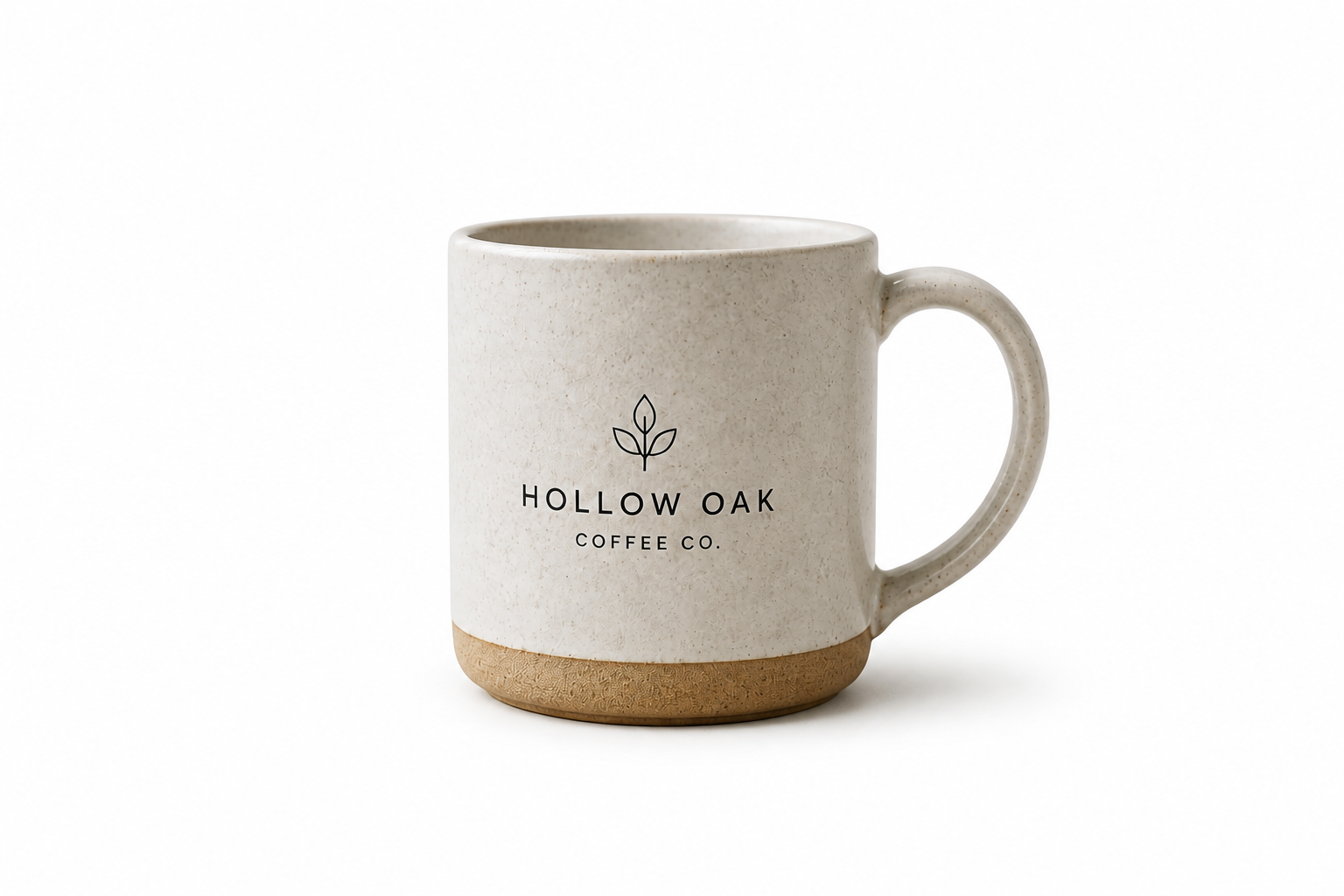 AFTER
AFTER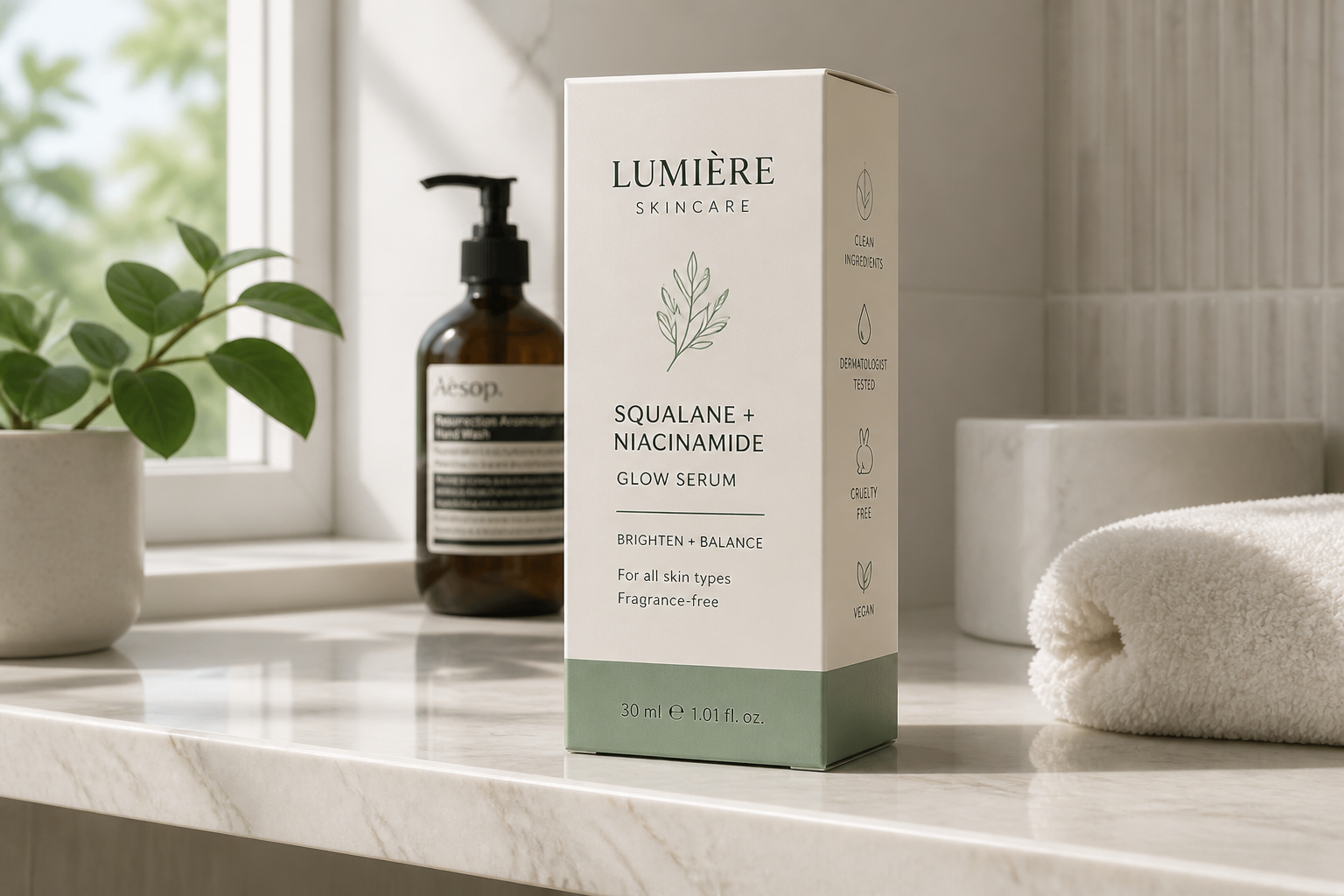 BEFORE
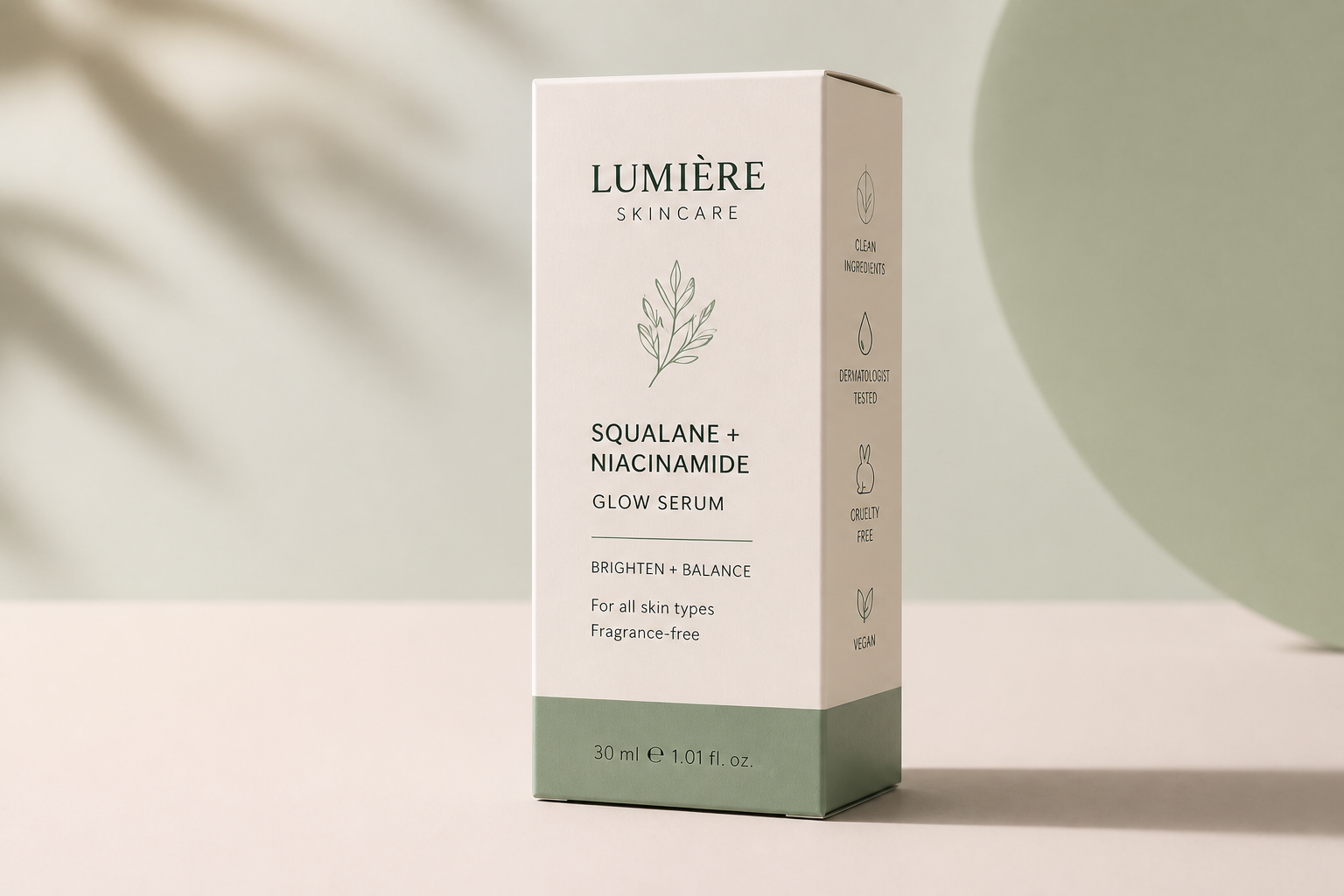 AFTER
AFTER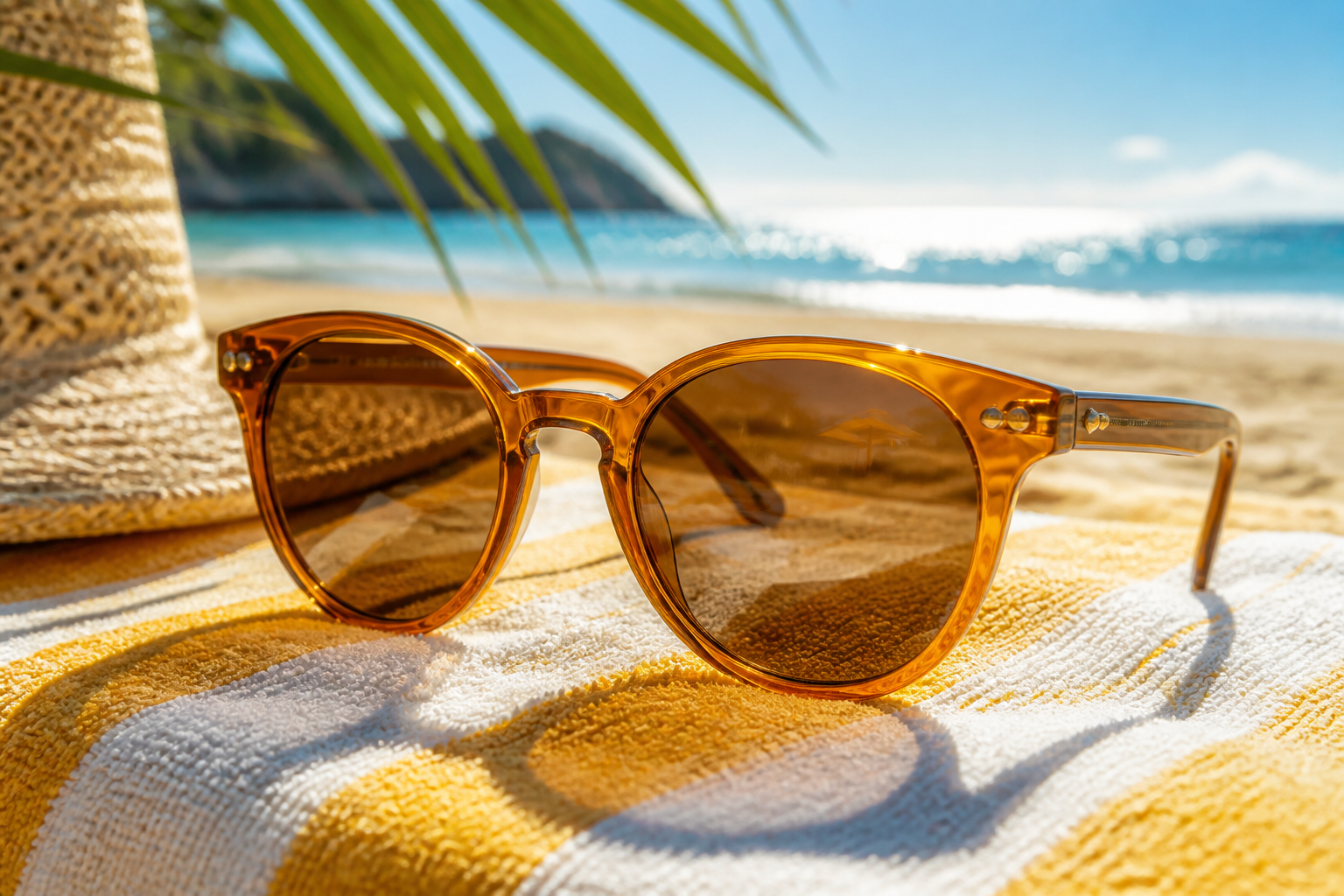 BEFORE
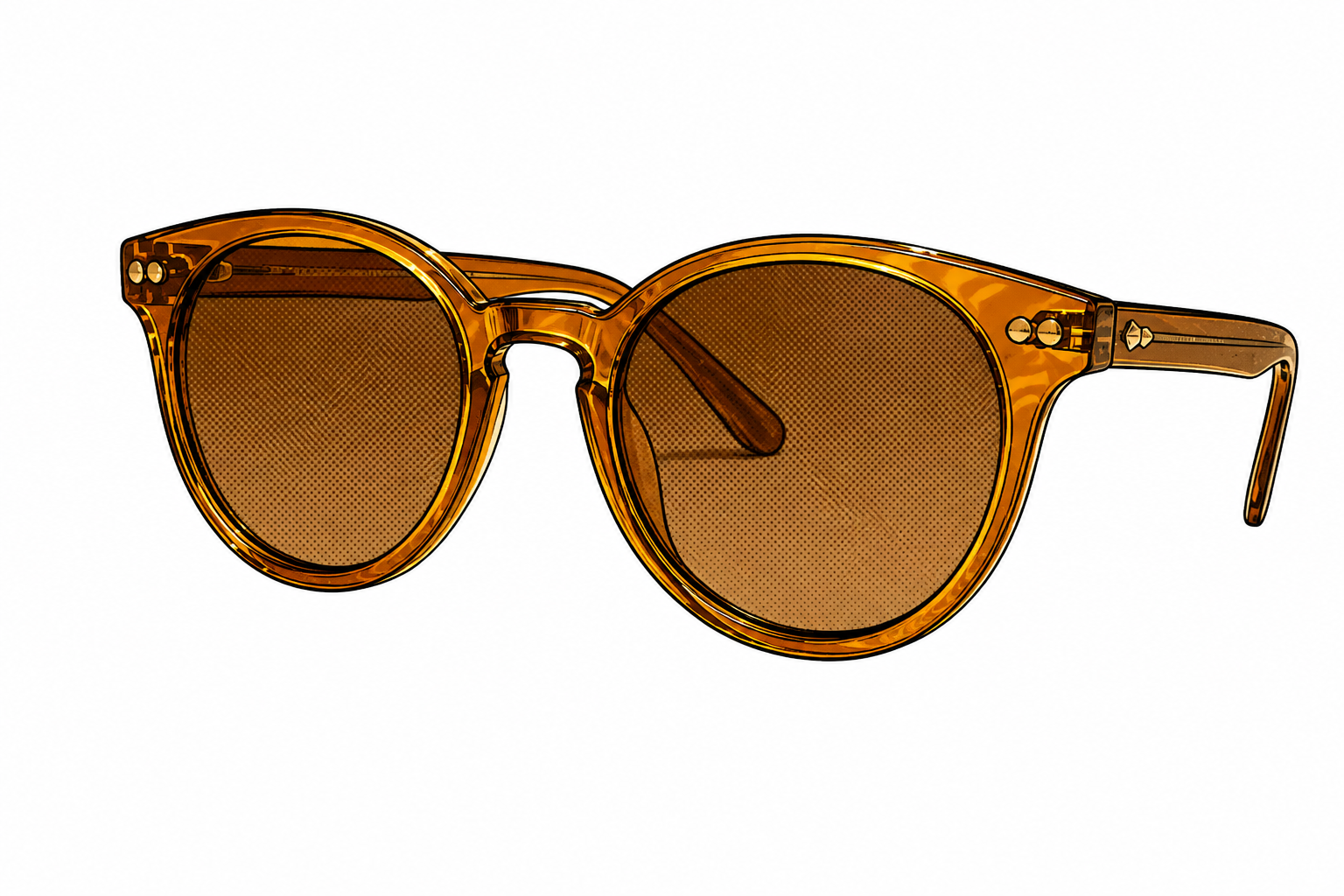 AFTERBEFOREAFTERBEFOREAFTERBEFOREAFTERBEFOREAFTERBEFOREAFTER
 BEFORE
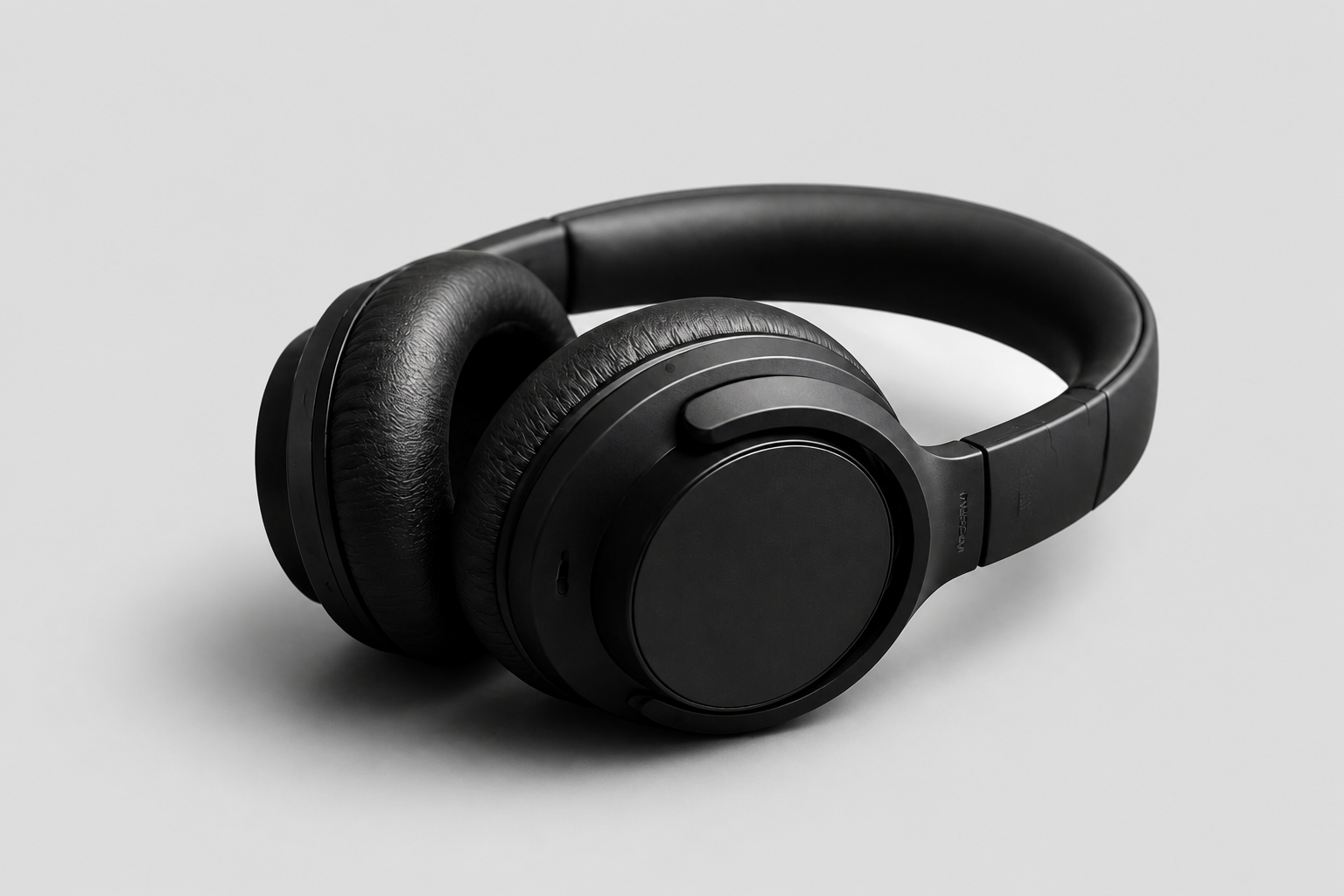 AFTER
AFTER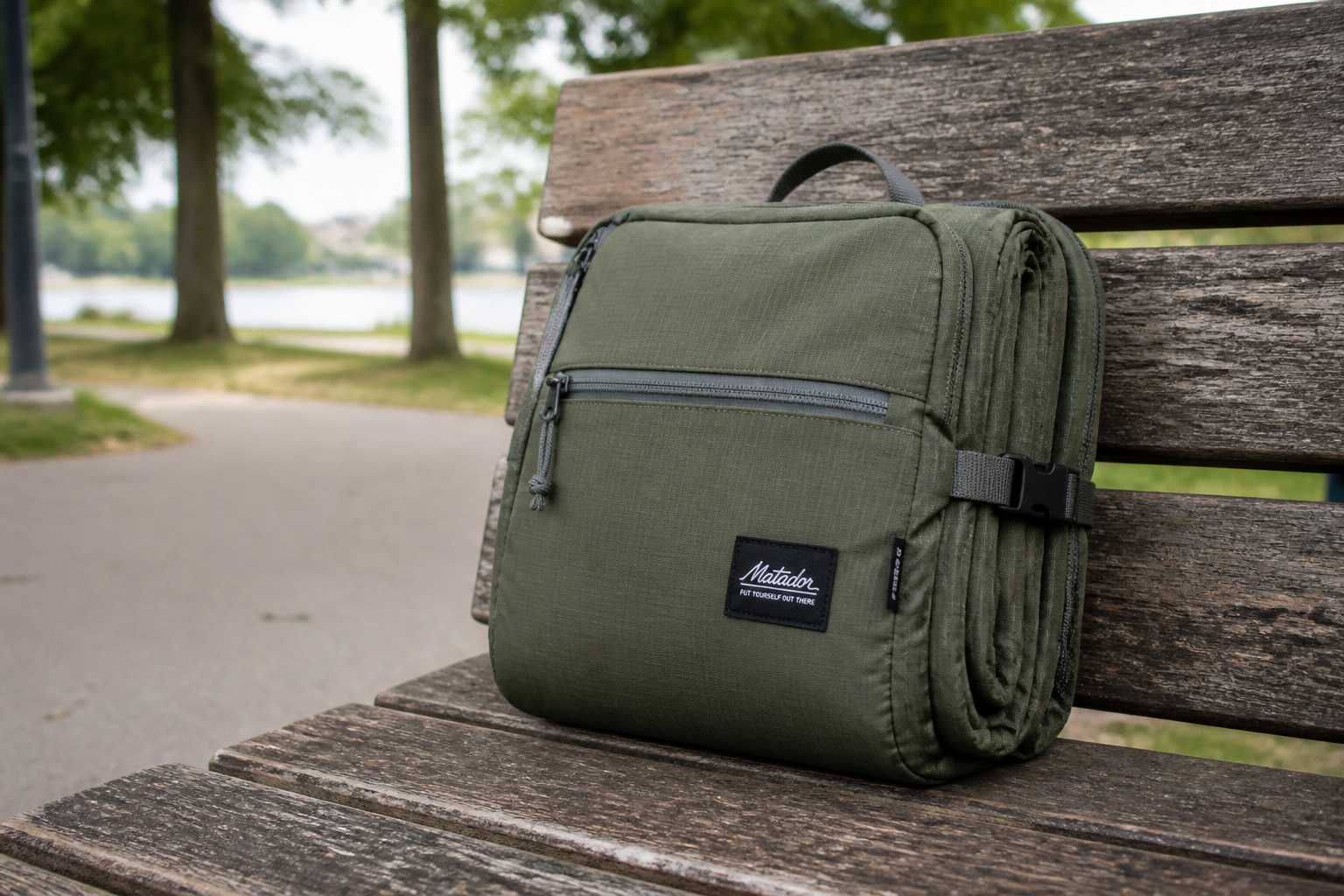 BEFORE
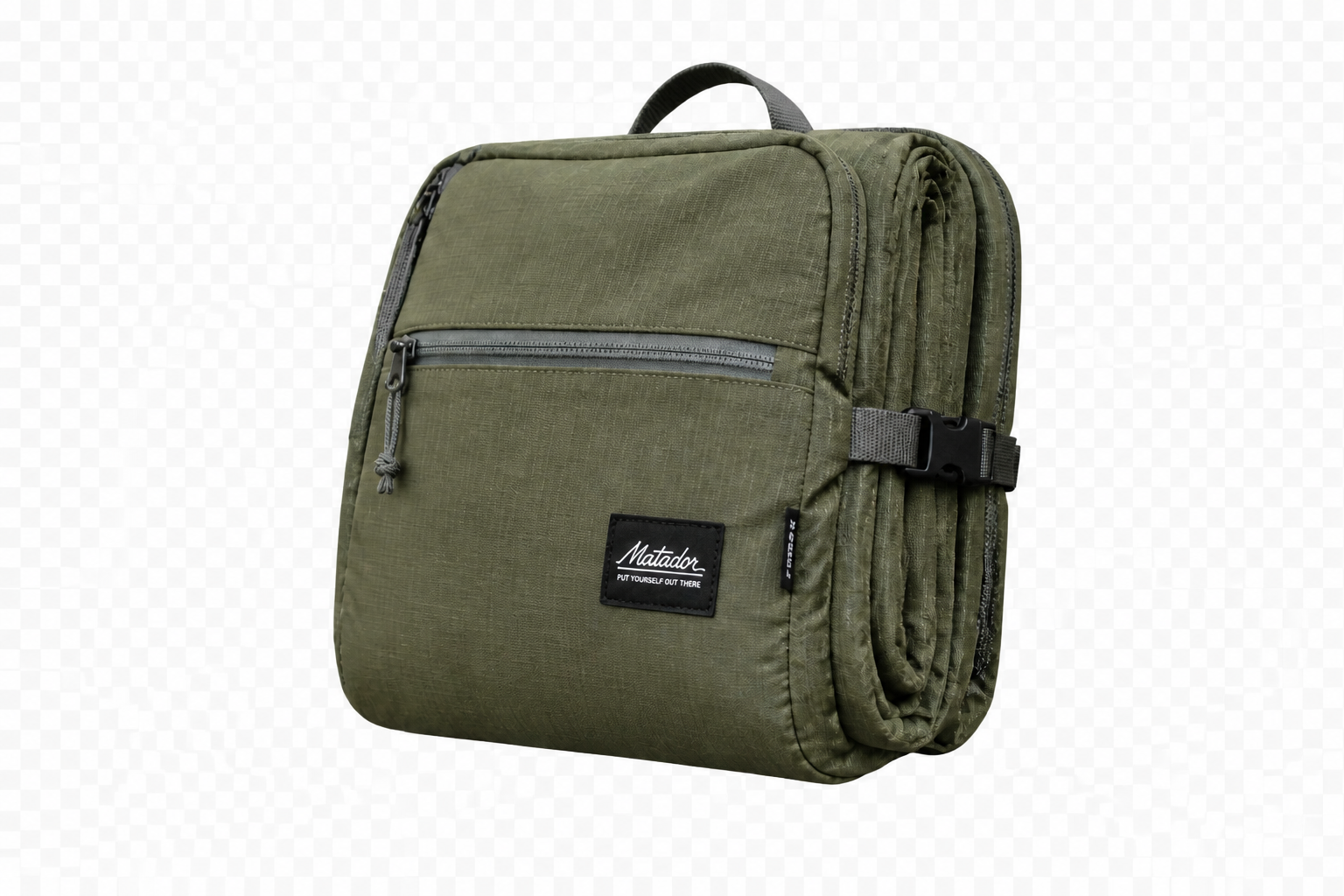 AFTER
AFTER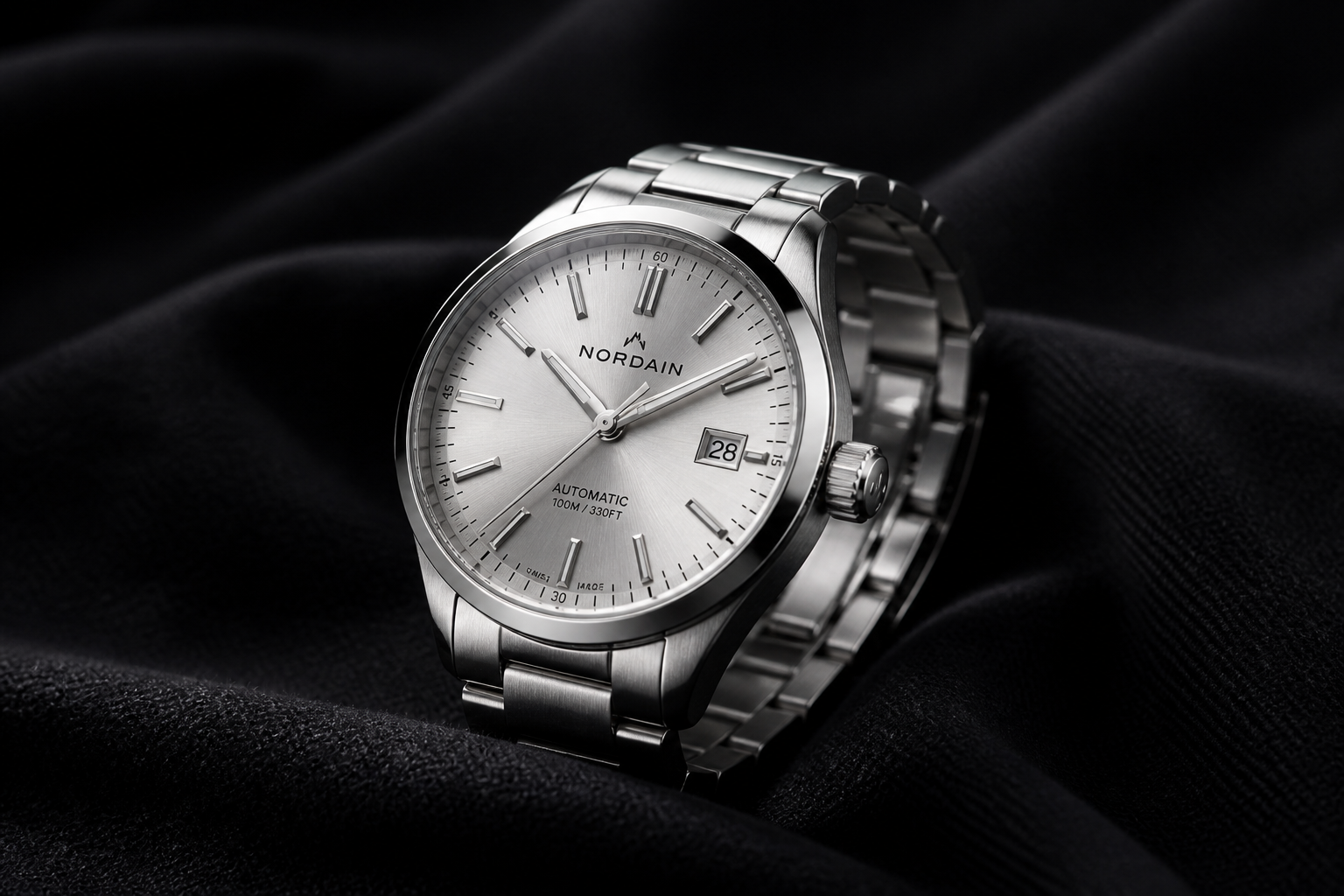 BEFORE
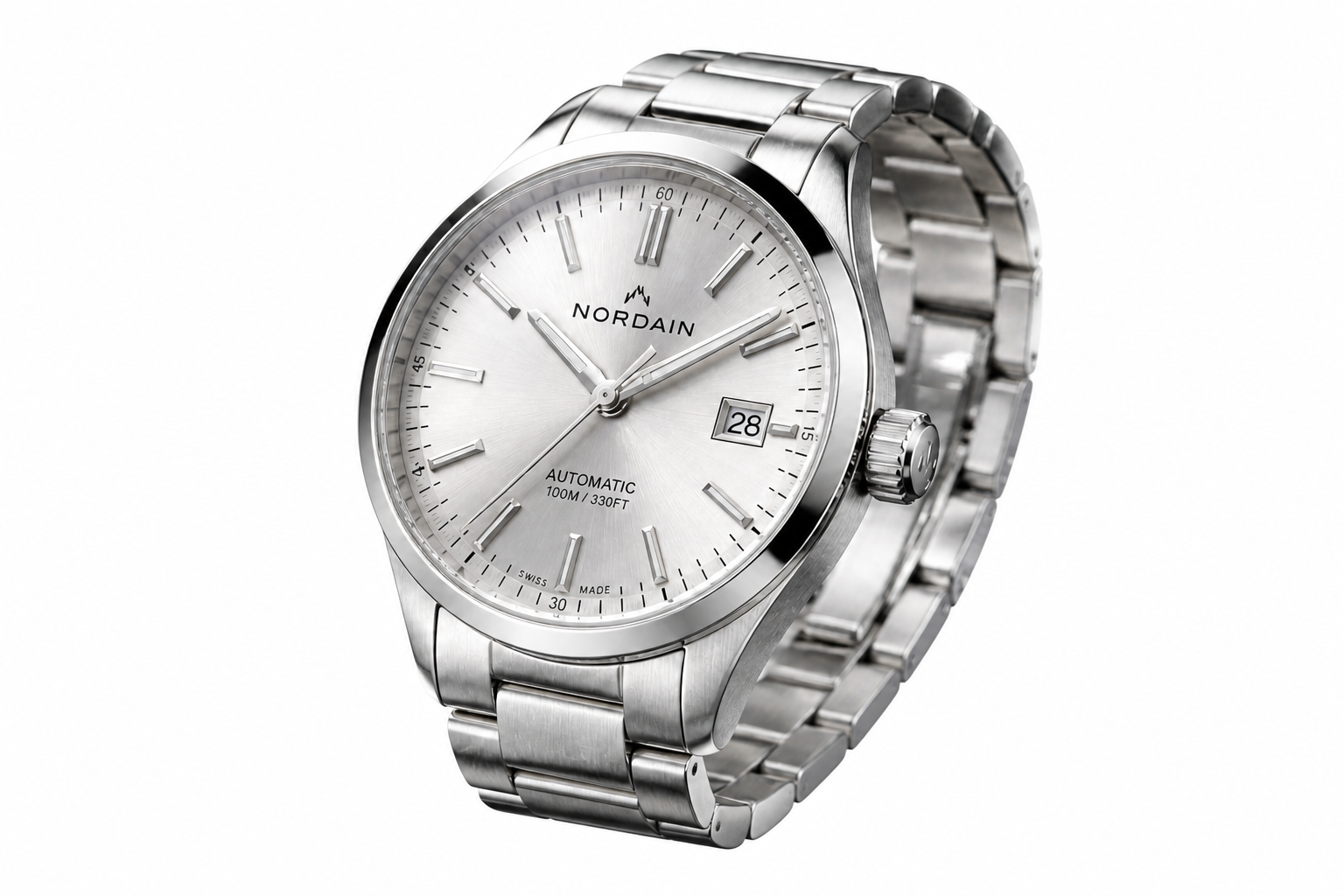 AFTER
AFTER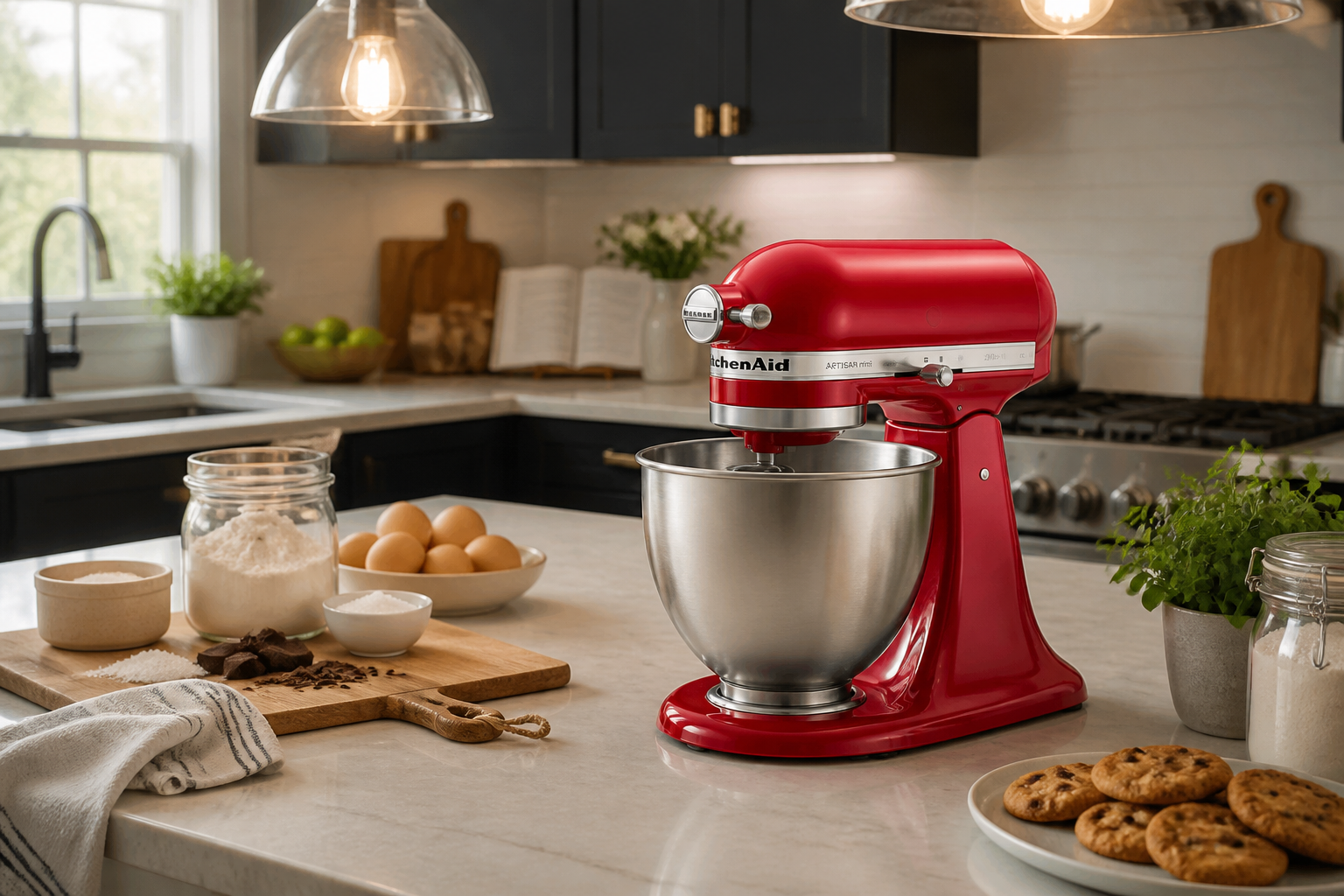 BEFORE
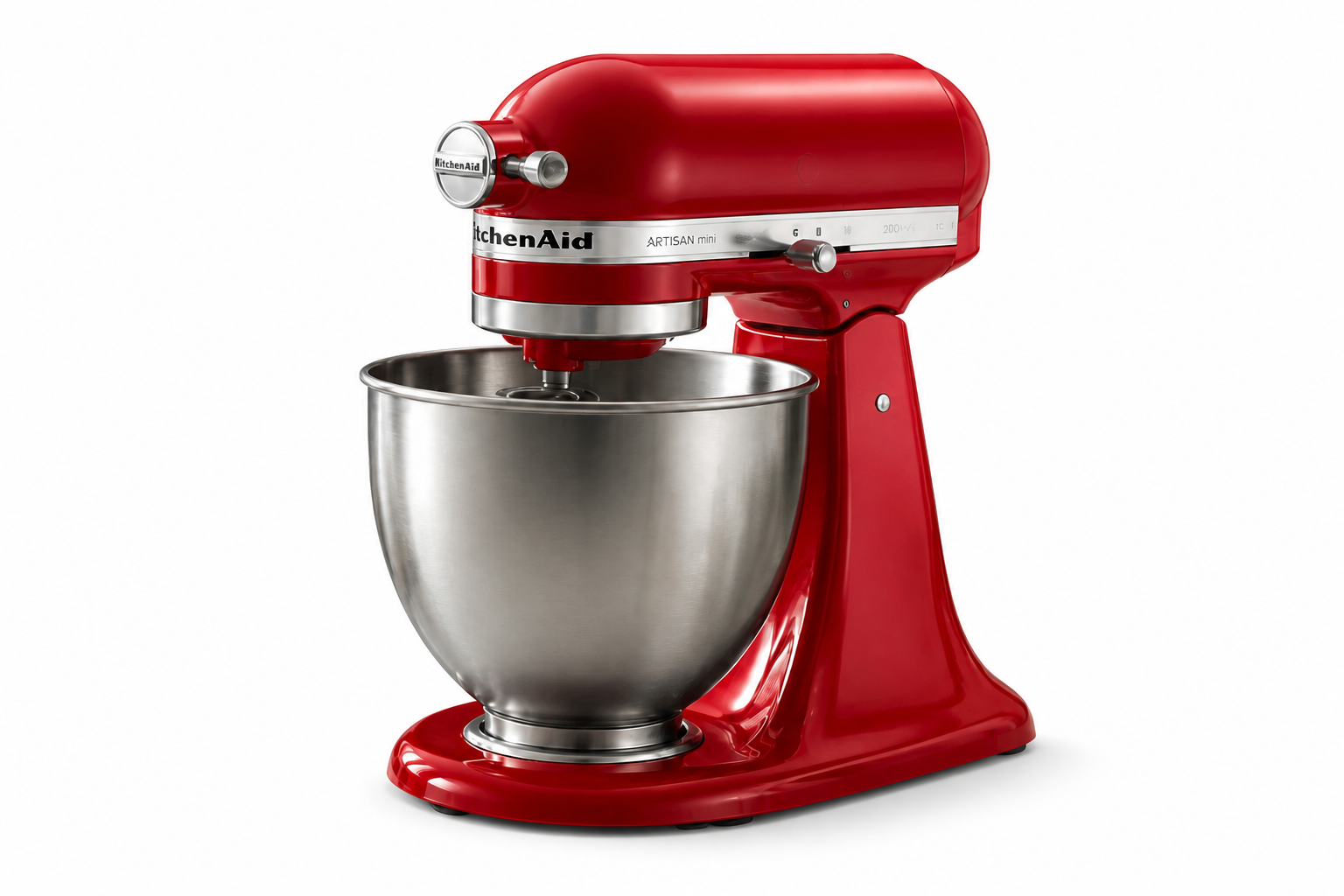 AFTER
AFTER BEFORE
 AFTERBEFOREAFTERBEFOREAFTERBEFOREAFTERBEFOREAFTERBEFOREAFTER
Key Features
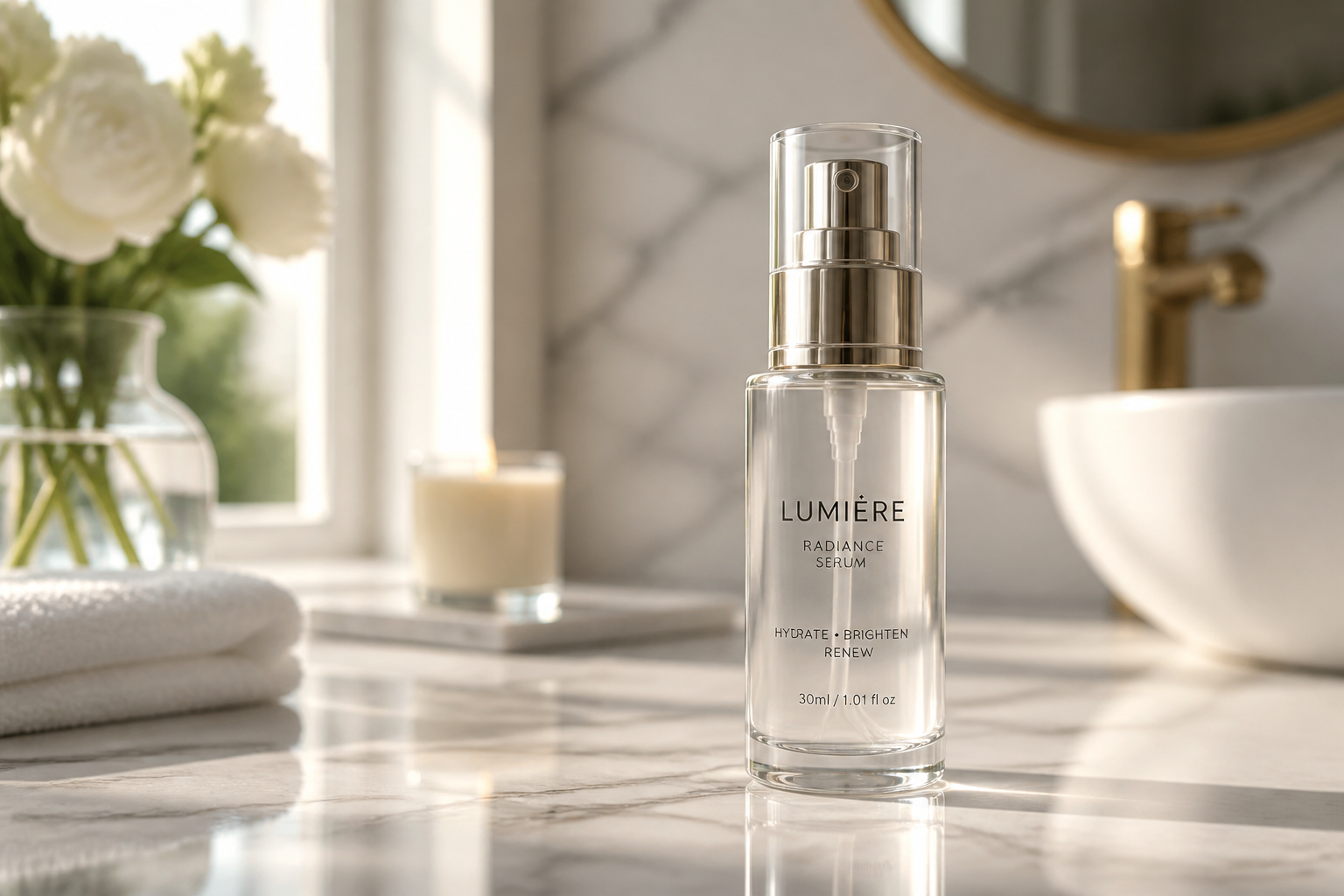
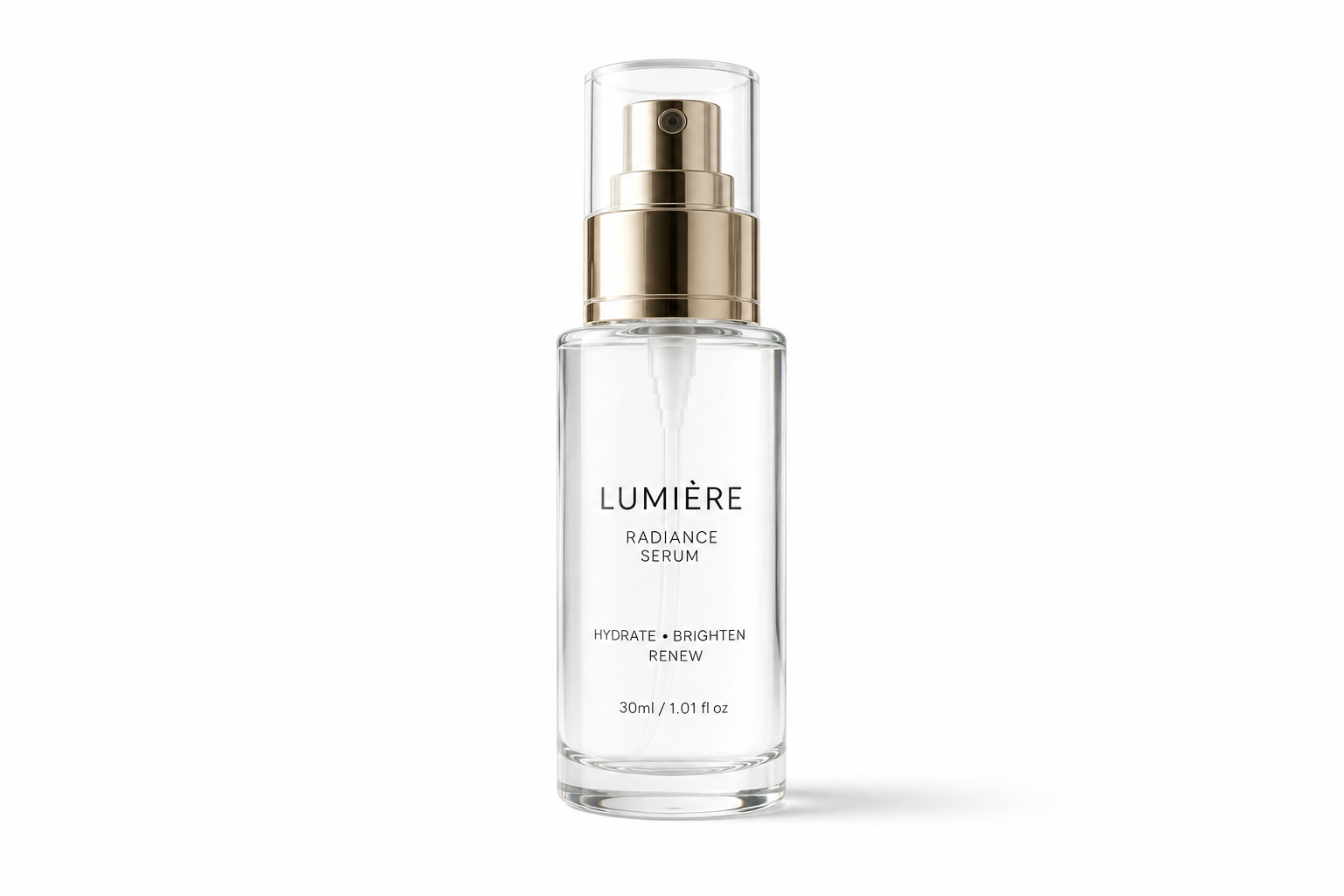
Clean edges around details
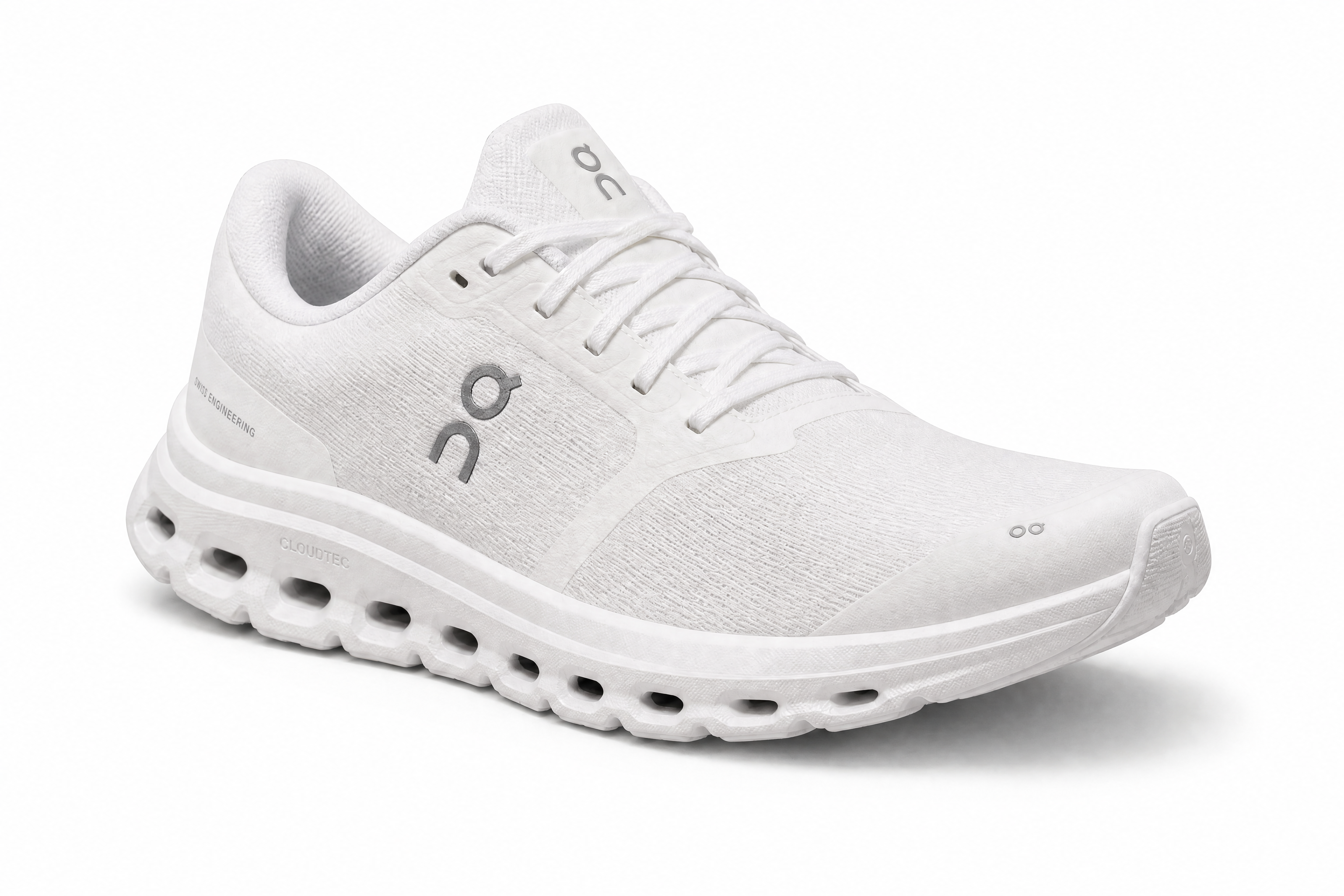
Products often have tricky outlines like laces, handles, transparent glass, or thin straps. Our AI is built to separate the item from the scene without turning the edges muddy or jagged. That matters when your images are viewed up close on product pages and marketplaces. It saves time compared with tracing masks by hand in a design app.
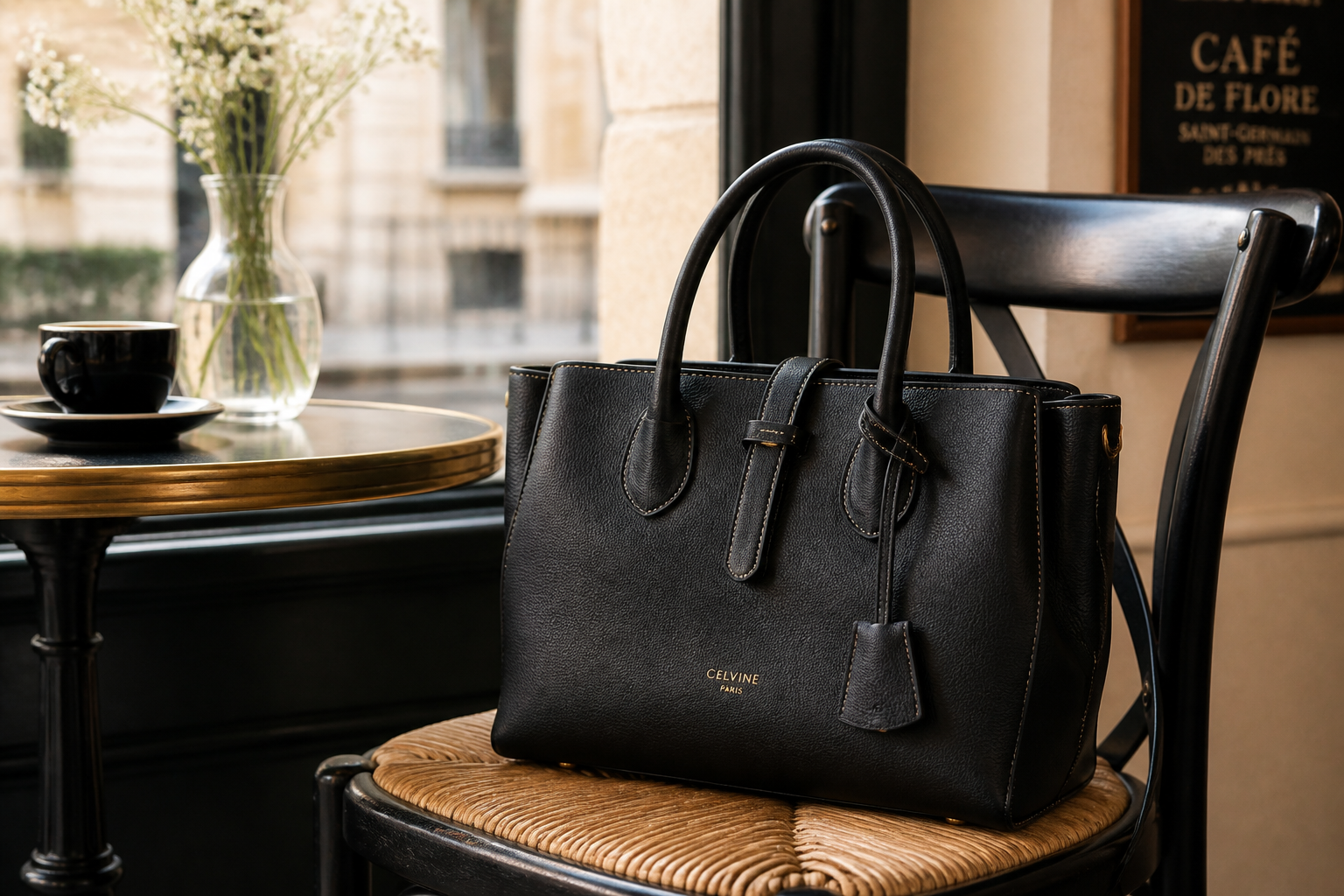
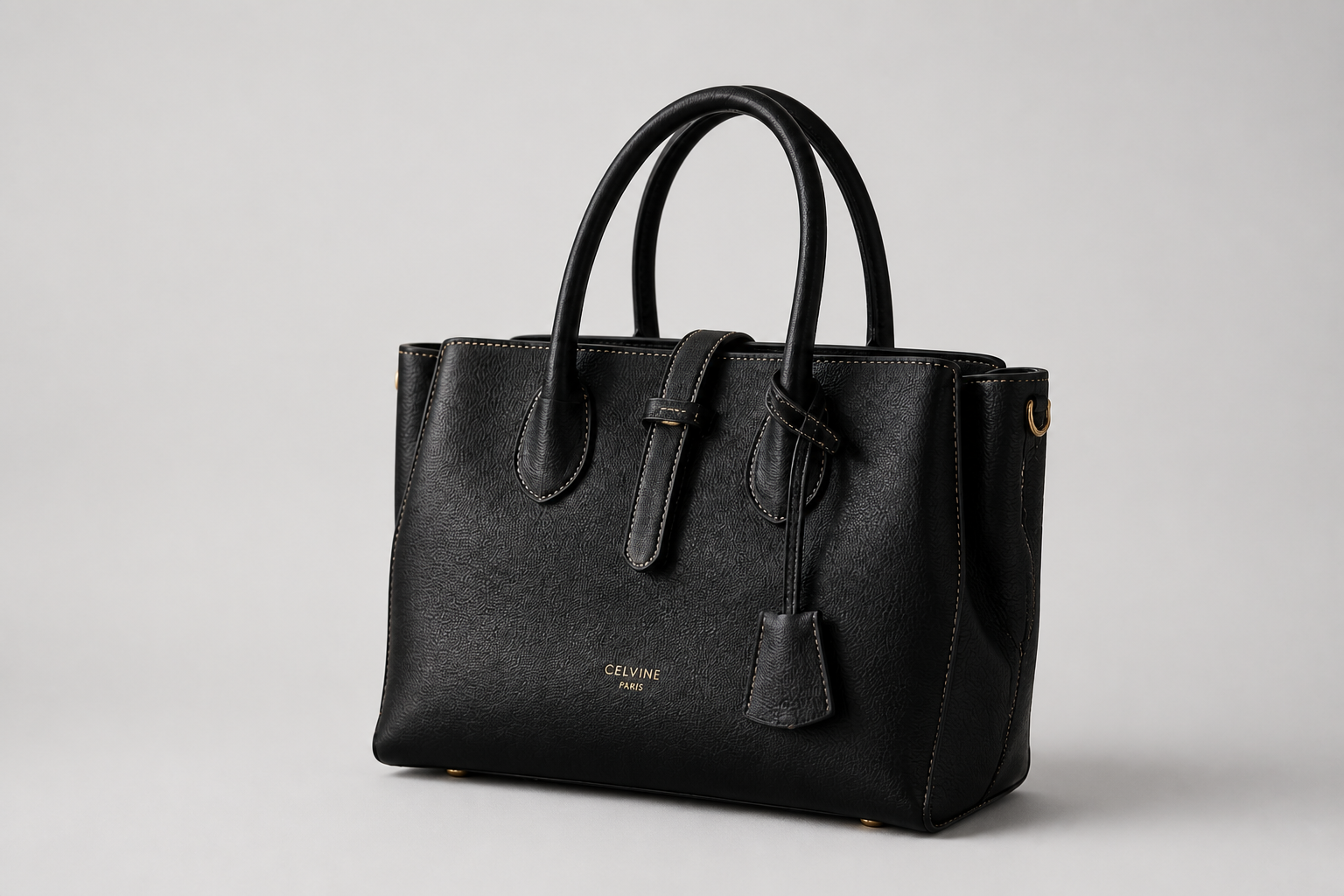
Ready for store backgrounds
Many sellers need the same product photo on white, light gray, or another simple backdrop for different channels. This tool makes that switch fast while keeping the product centered and consistent. You get a cleaner catalog look without rebuilding every image from scratch. It is especially useful for ecommerce listings that require a plain background.
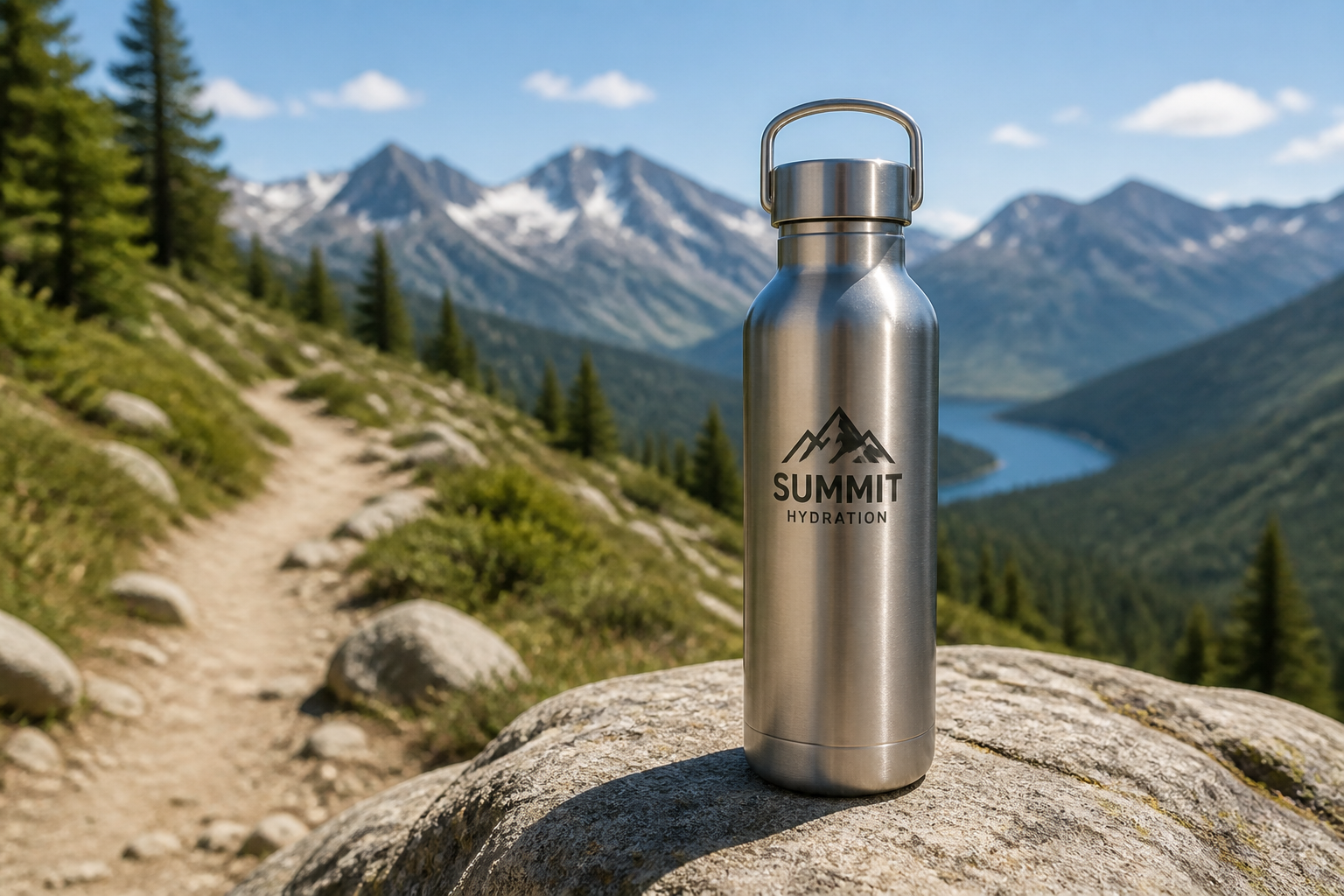
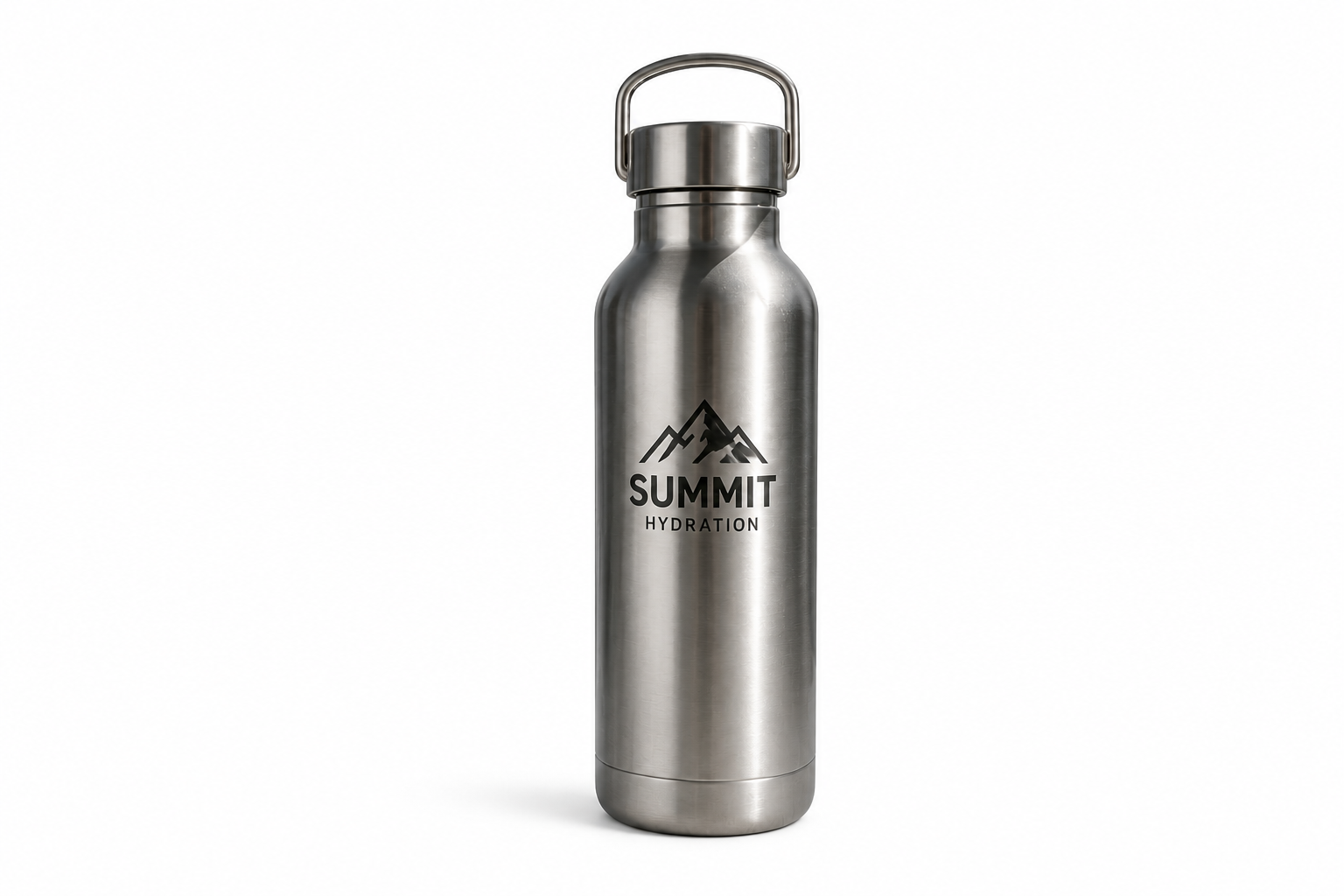
Keeps product details intact
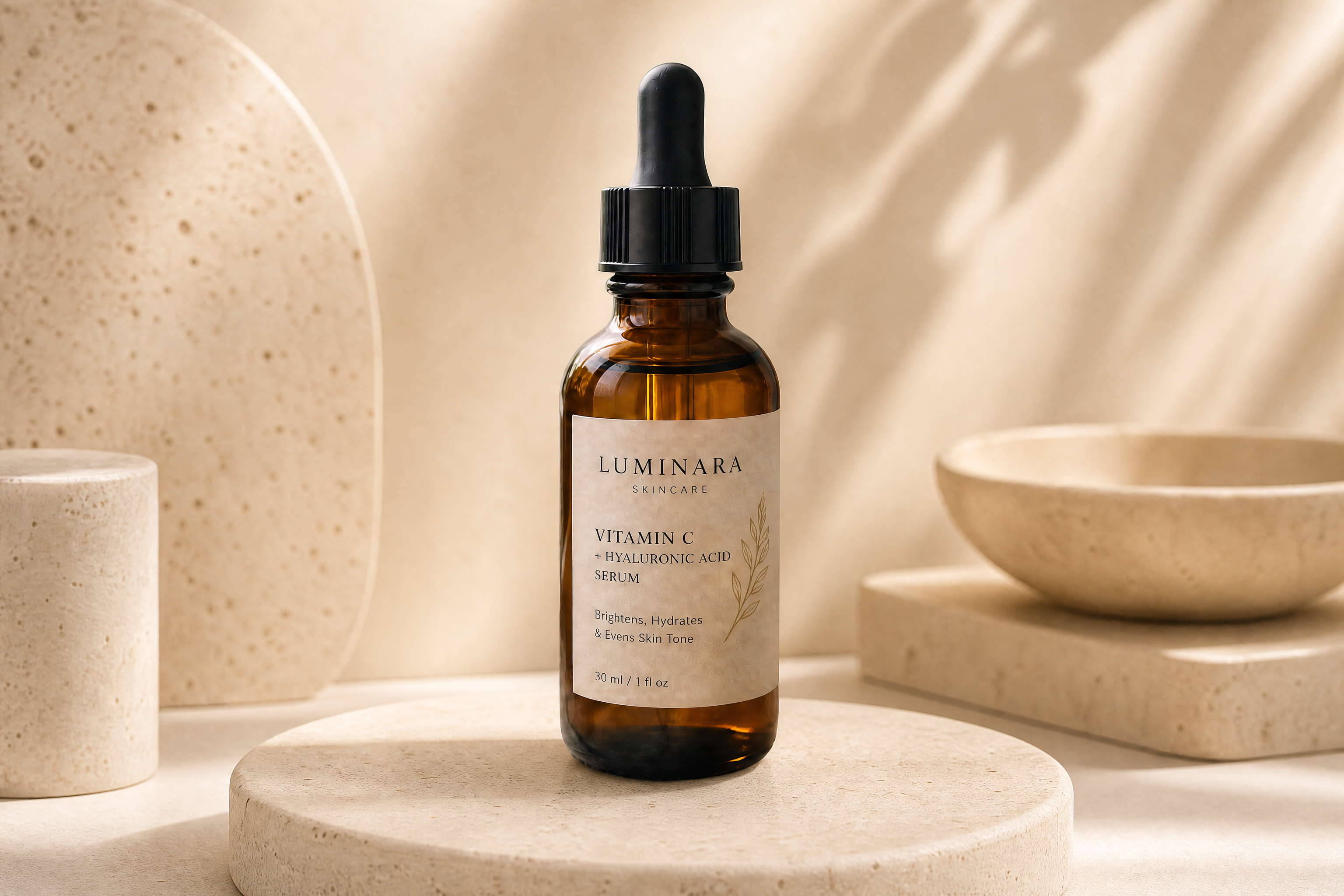
Background removal should not flatten colors, erase reflections, or distort the item itself. Our AI focuses on preserving the design details that help buyers judge quality. That includes labels, material texture, and natural shadowing at the base. It reduces the cleanup work that usually follows automatic cutouts.
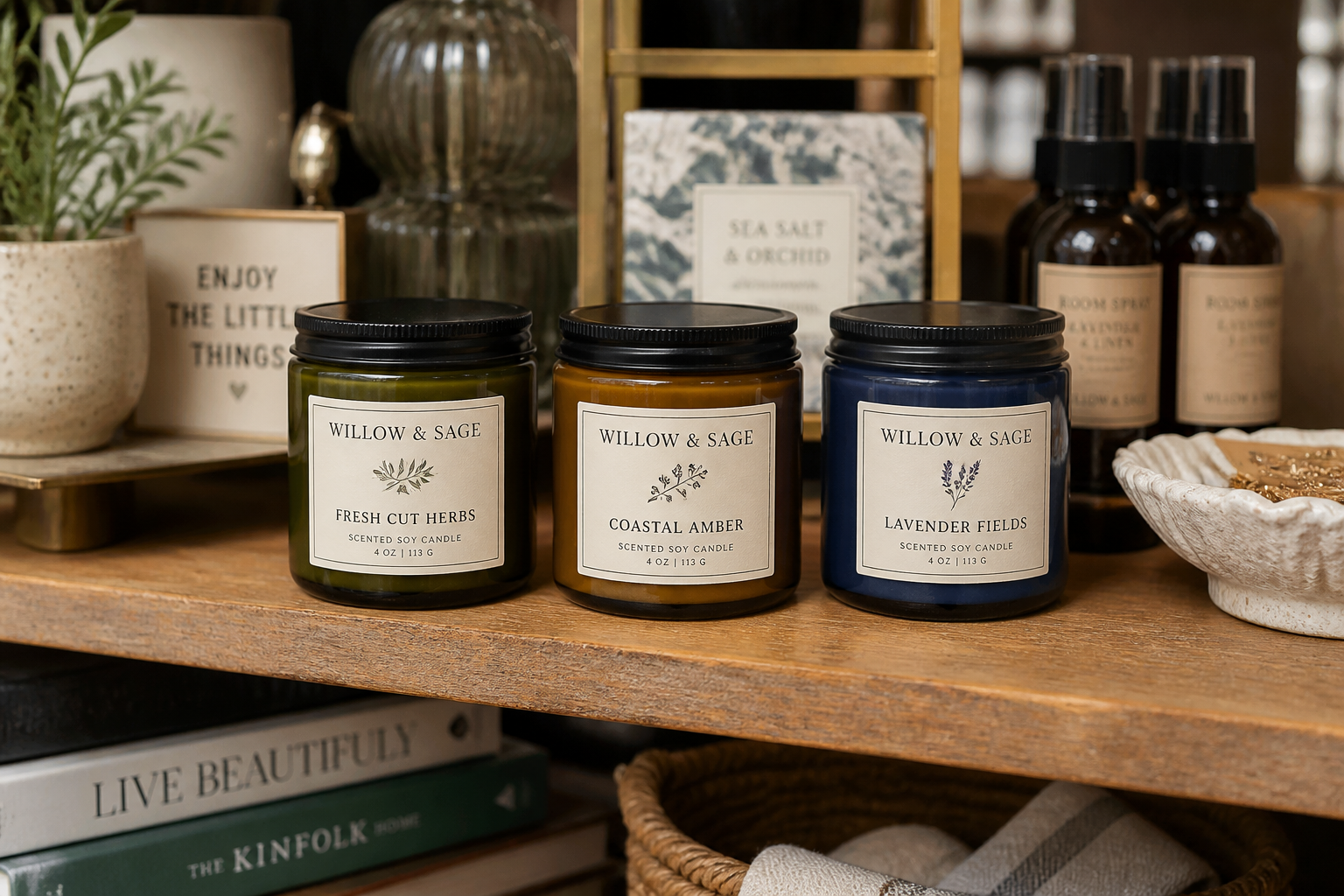
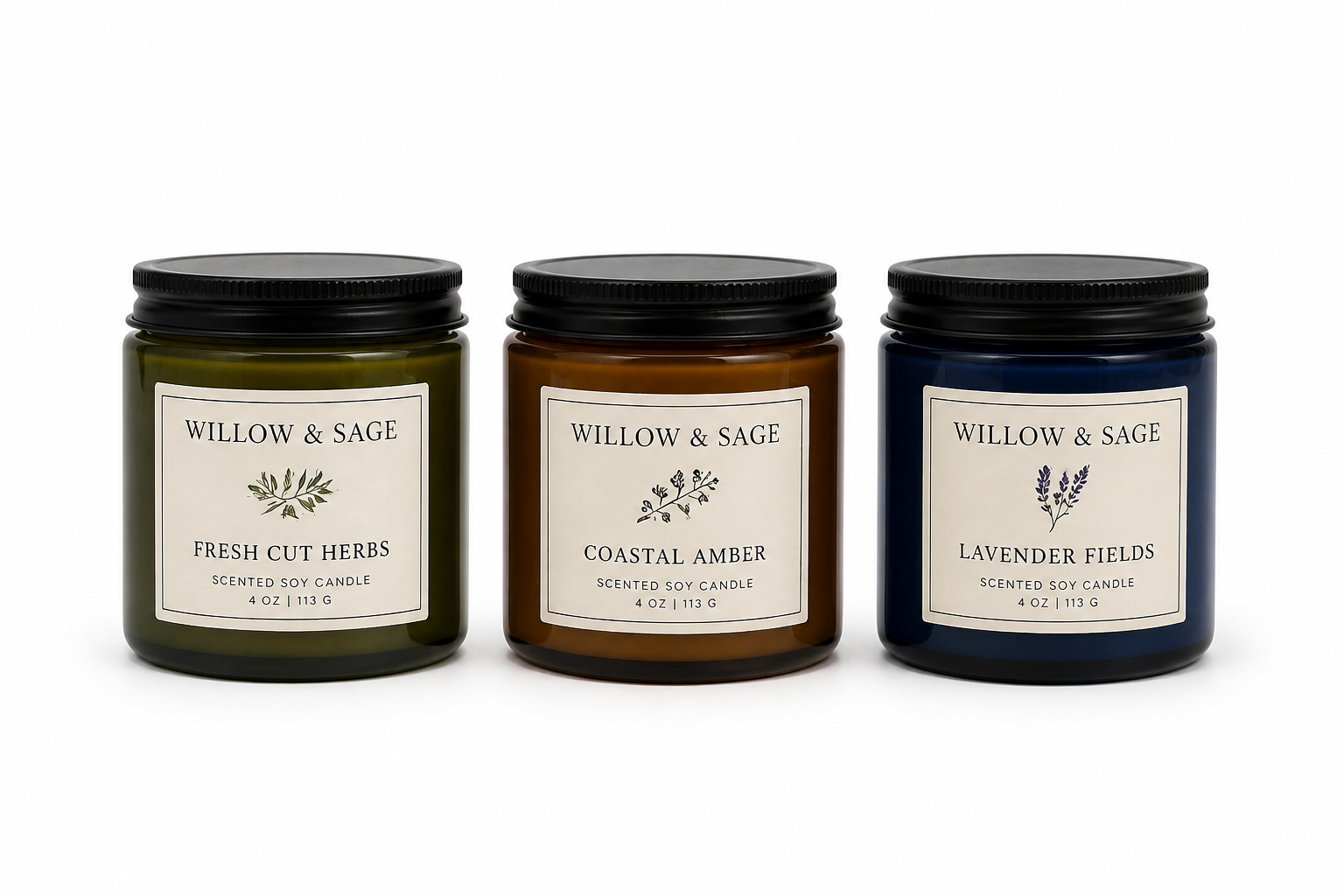
Consistent images at scale
A product set looks more professional when every item shares the same framing and background style. Use the tool to standardize mixed source photos into one cleaner visual system. That helps catalogs, ads, and comparison pages feel more trustworthy. It is faster than manually editing each SKU one by one.
How It Works
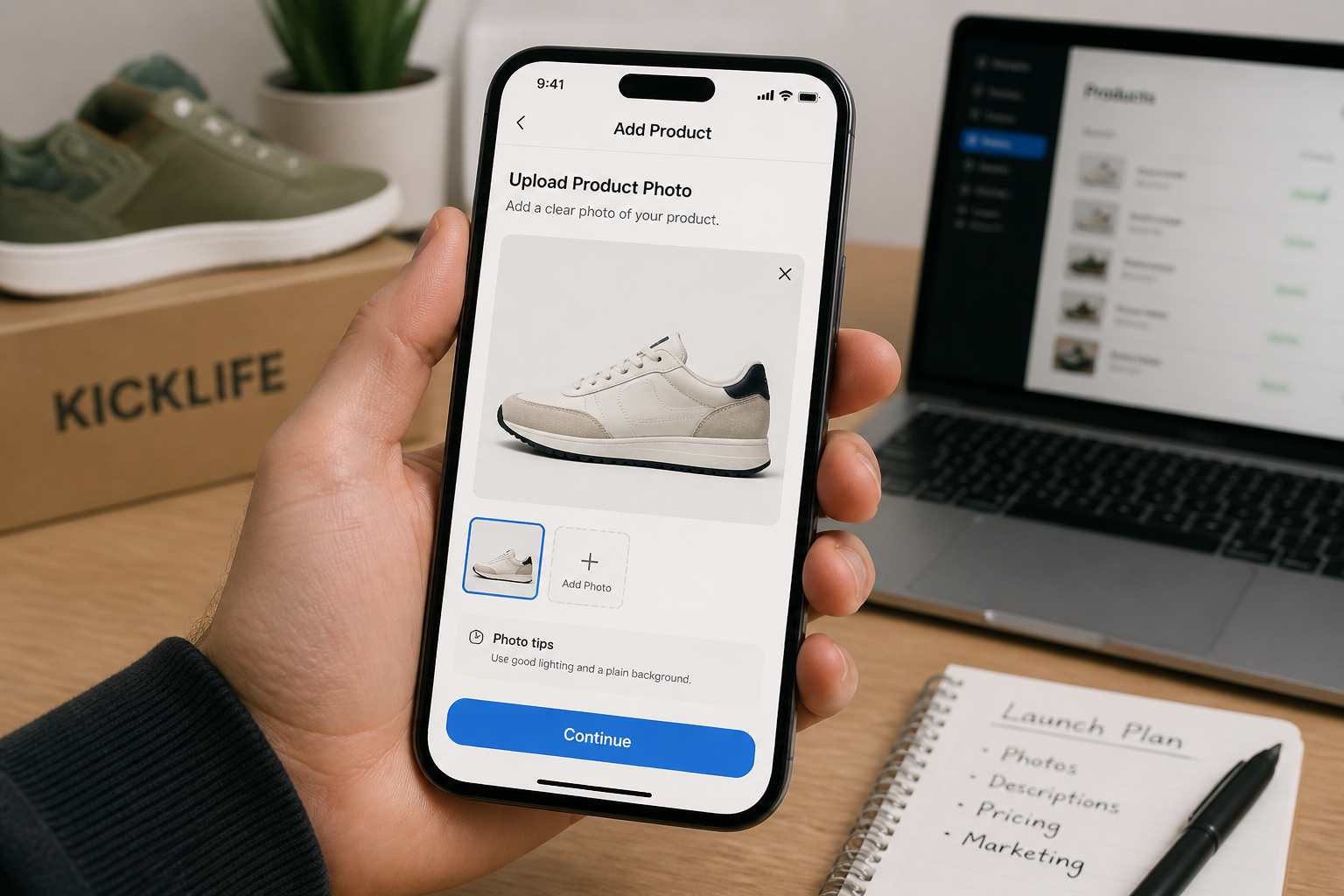
Upload your product photo
Start with a clear image of the item you want to isolate. Photos with good lighting and visible edges usually produce the cleanest cutouts.
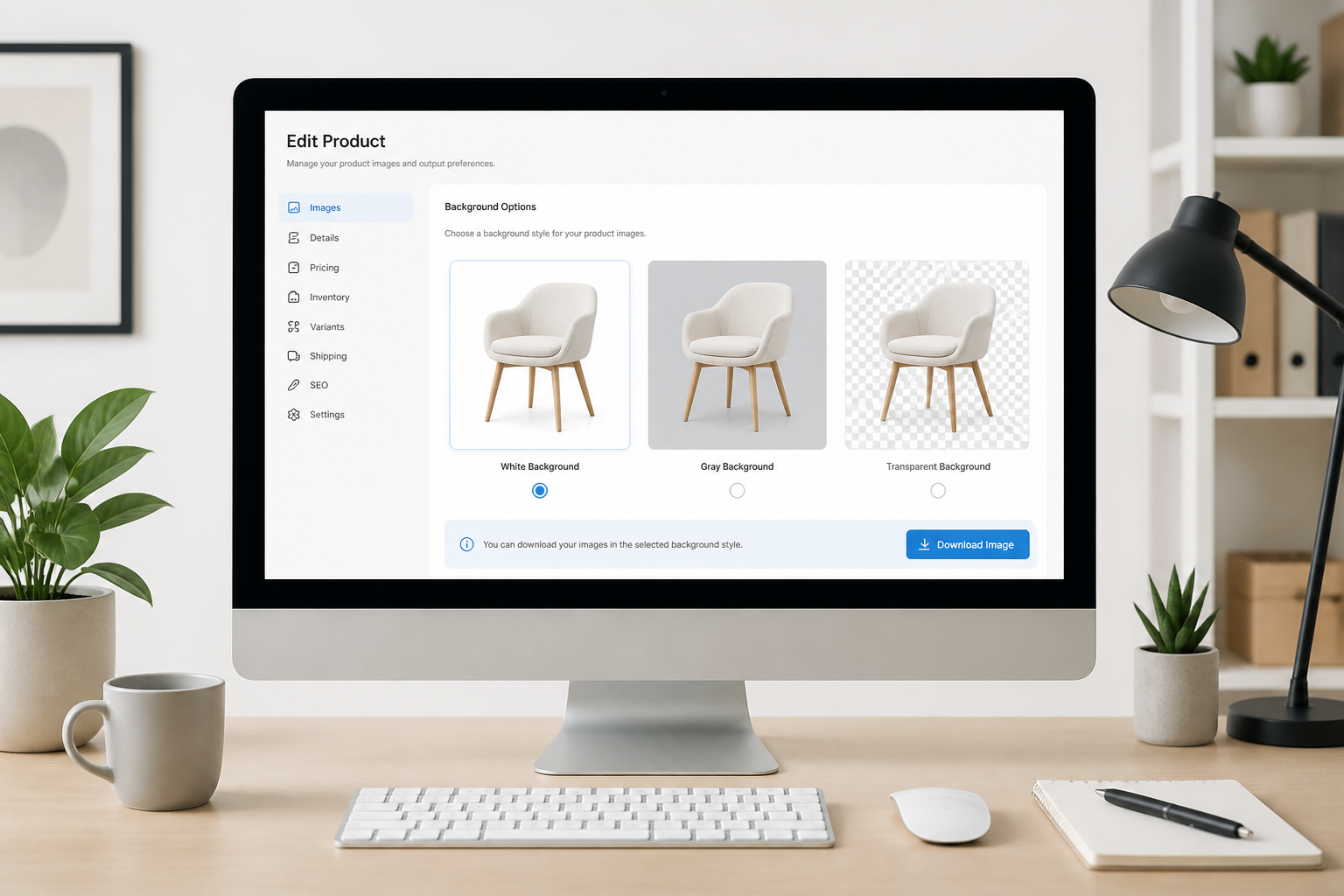
Choose the background result
Tell the tool whether you want a white, neutral, or transparent-style background. You can also describe a simple studio look to match your store style.
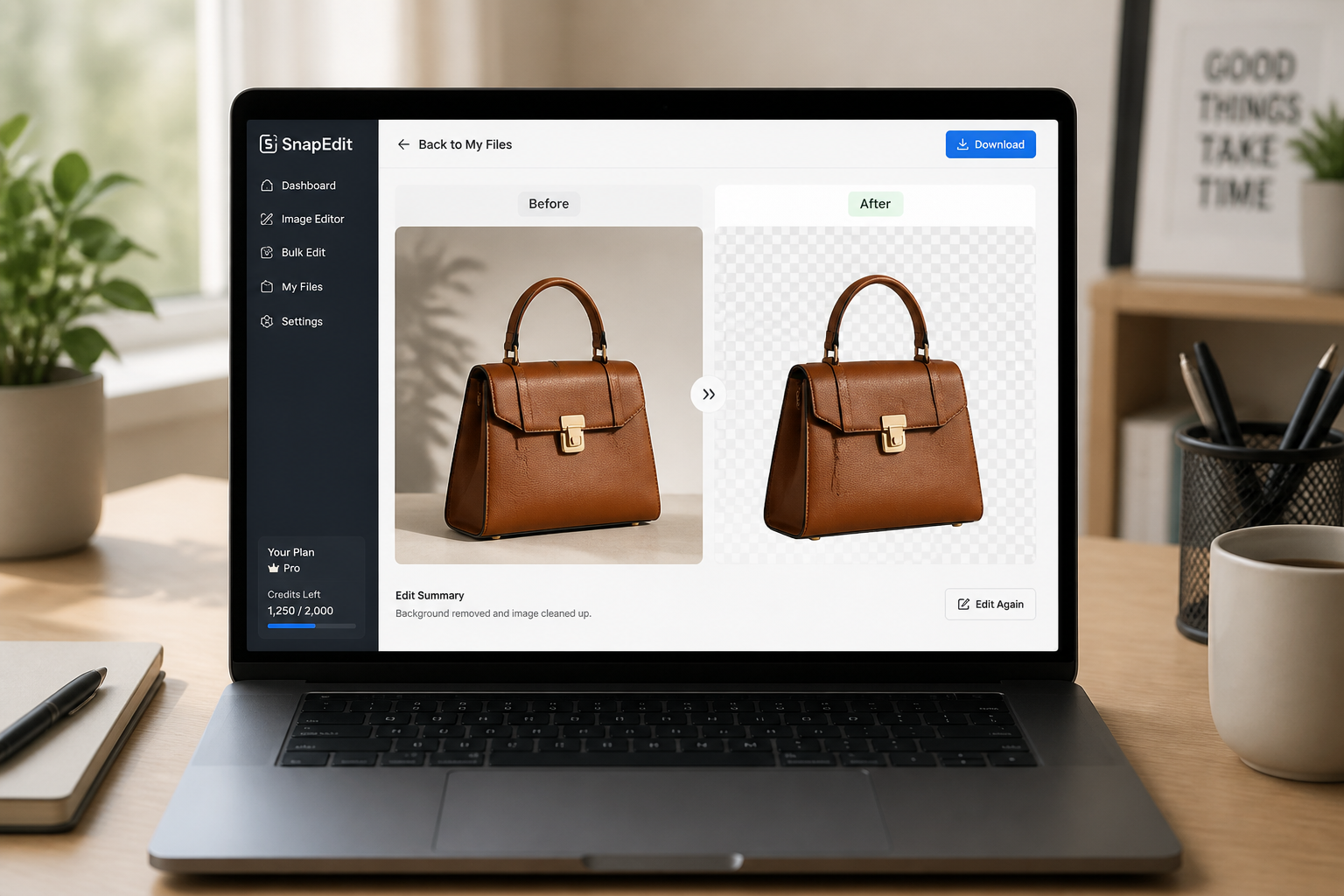
Download the cleaned image
Review the result and compare it with the original photo. If it looks right, export it for your product page, marketplace listing, catalog, or ad creative.
Perfect For
Discover how creators and professionals use ai remove background from product
Ecommerce listings
Create plain-background product images for Shopify stores, Amazon-style listings, and direct-to-consumer product pages.
Marketplace compliance
Meet common marketplace image requirements that prefer or require clean white product backgrounds.
Ad creative prep
Isolate products quickly so your design team can place them into banners, social ads, and promotional layouts.
Catalog cleanup
Standardize older product photos taken in mixed environments into a more consistent catalog presentation.
Built For
Ecommerce teams
For stores that need clean, consistent product photos across many listings without spending hours on manual masking.
Marketplace sellers
For sellers preparing compliant images for large retail platforms and resale marketplaces.
Design and content teams
For teams who want product cutouts ready for ads, landing pages, emails, and seasonal campaigns.
Why use it for product background removal
A quick look at how we compare on the things that matter for this niche.
| Feature | BudgetPixel | Generic AI editors | Manual editing apps |
|---|---|---|---|
| Product-focused cutouts | ✓ | — | ✓ |
| Fast white background output | ✓ | ✓ | — |
| Preserves product details | ✓ | — | ✓ |
| Manual masking required | — | — | ✓ |
| Easy to start | ✓ | ✓ | — |
Frequently Asked Questions
What kinds of product photos work best?
Can I make the background white for ecommerce?
Will the product itself change?
Does it work on reflective or transparent items?
Can I use the result for ads and social posts too?
Create together.
Share your creations, discover trending AI art, and grow with fellow creators.



























Ready to Try AI Remove Background from Product?
Get started for free. No credit card required.
Try it Free