AI Transparent Background Maker
Turn cluttered photos into clean cutouts fast.
Remove distracting backgrounds from photos with a single edit. Our AI isolates the main subject and outputs a clean transparent-background cutout that is ready for stores, ads, social posts, and design work.
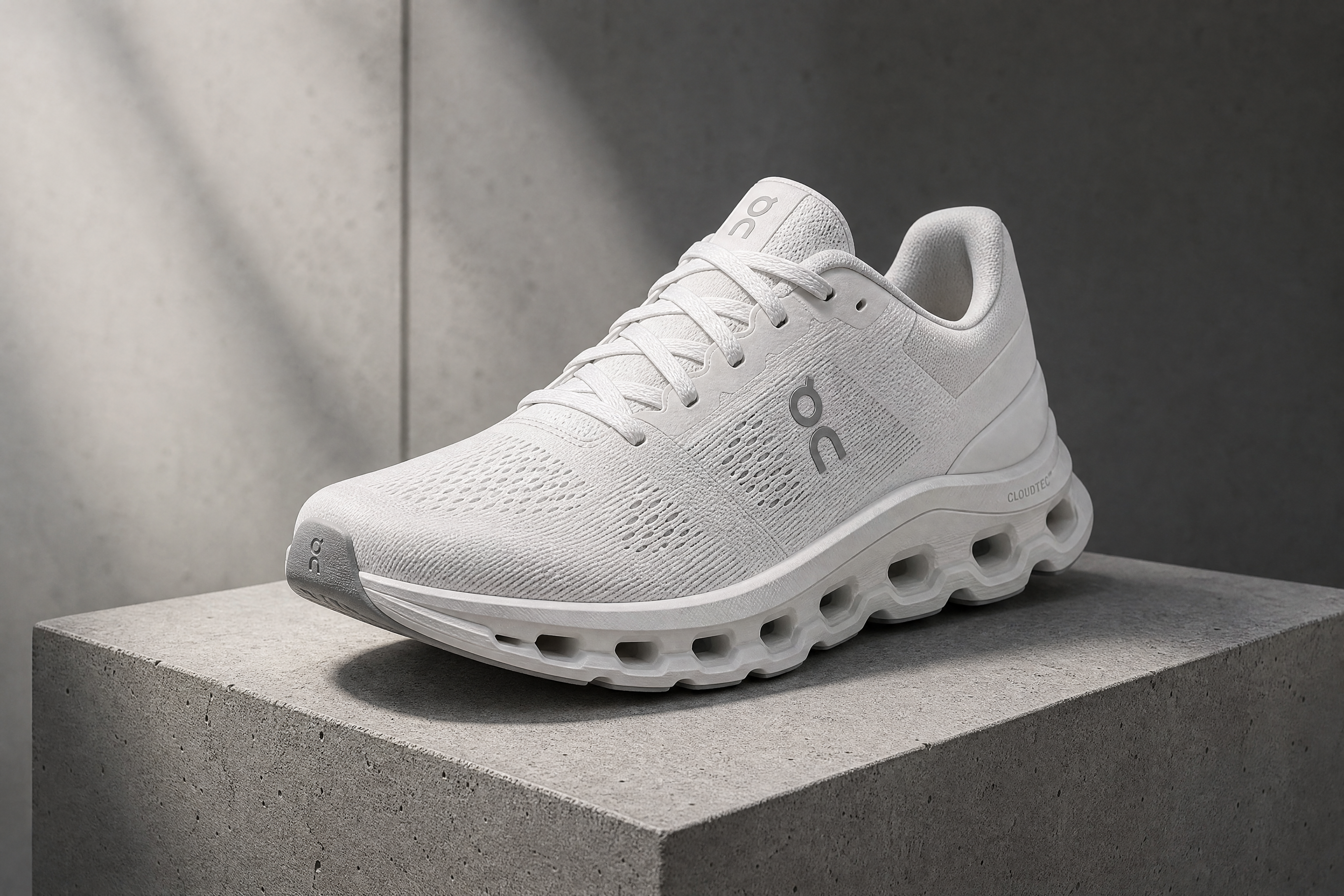
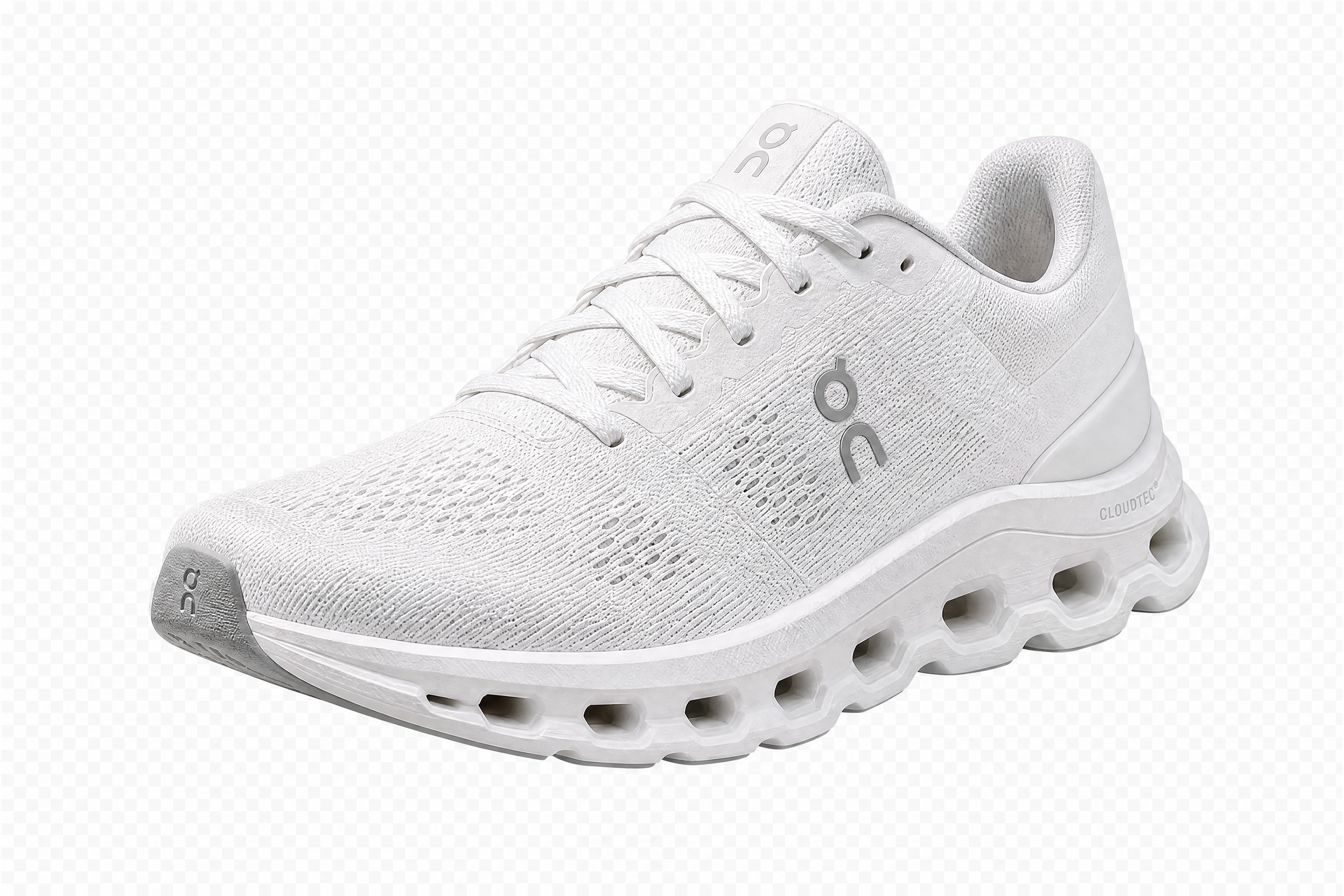
Watch the Transformation
See ai transparent background maker in motion — generated end-to-end by our AI.
See It In Action
Real outputs from ai transparent background maker.
BEFOREAFTER BEFORE
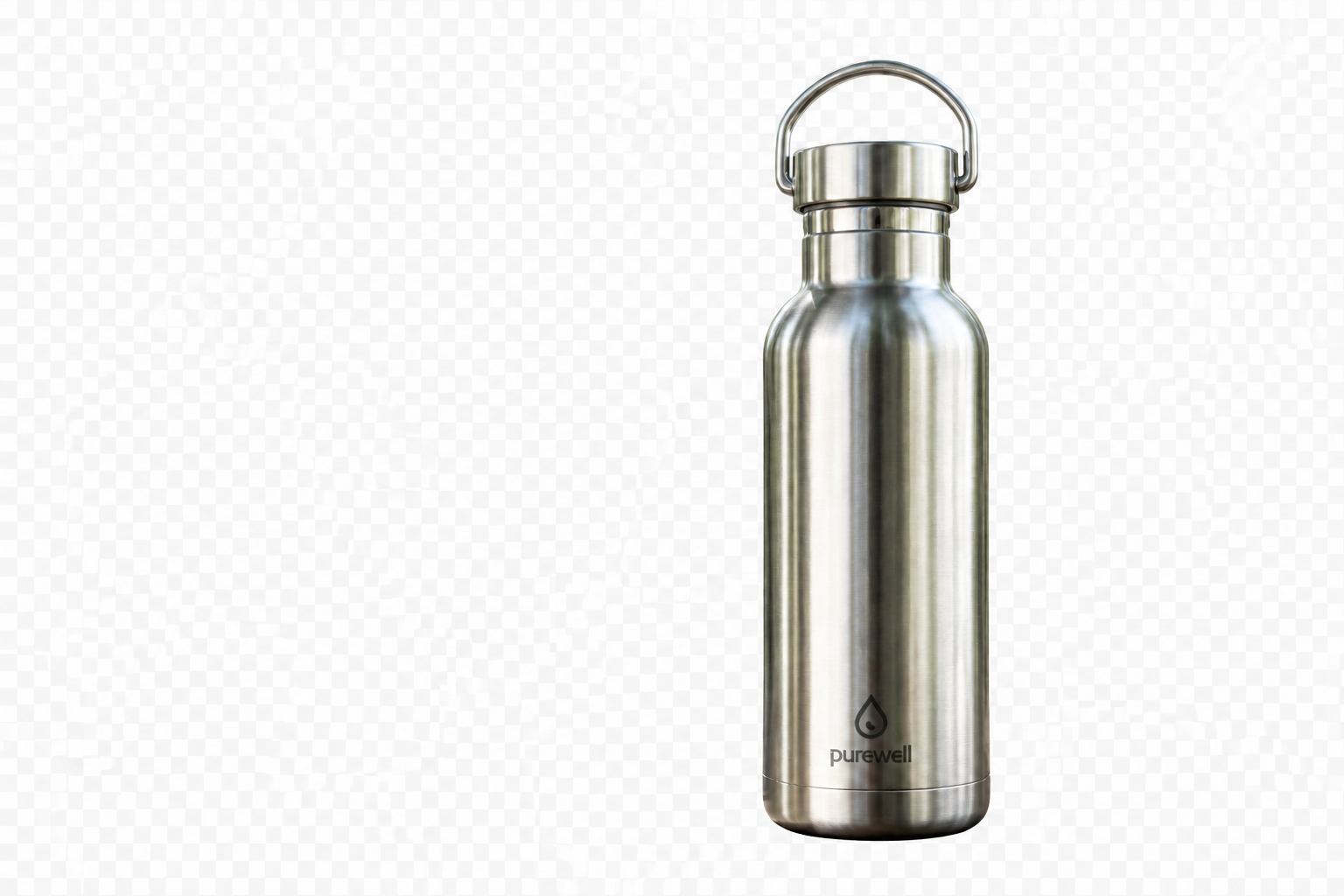 AFTER
AFTER BEFORE
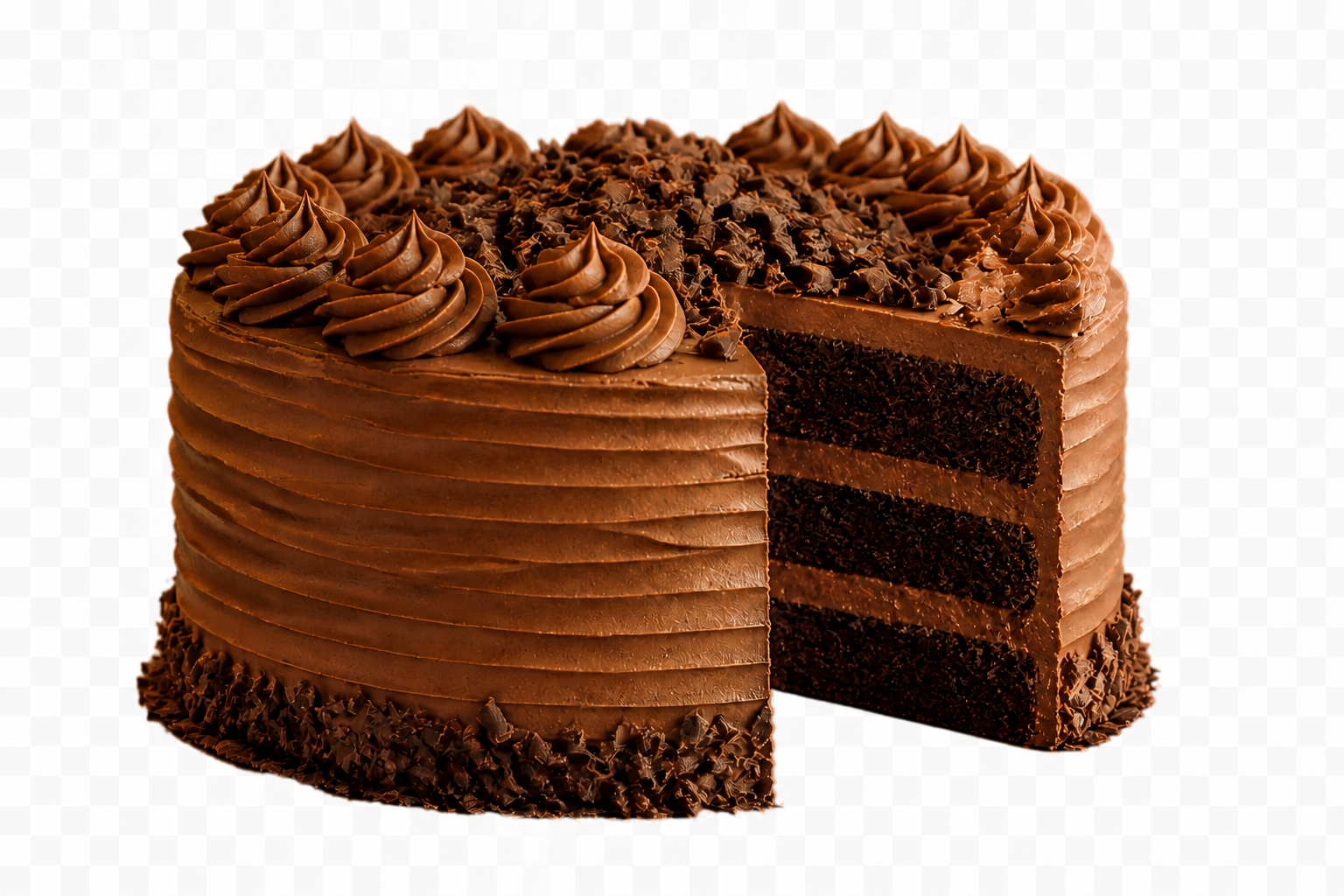 AFTER
AFTER BEFORE
 AFTER
AFTER BEFORE
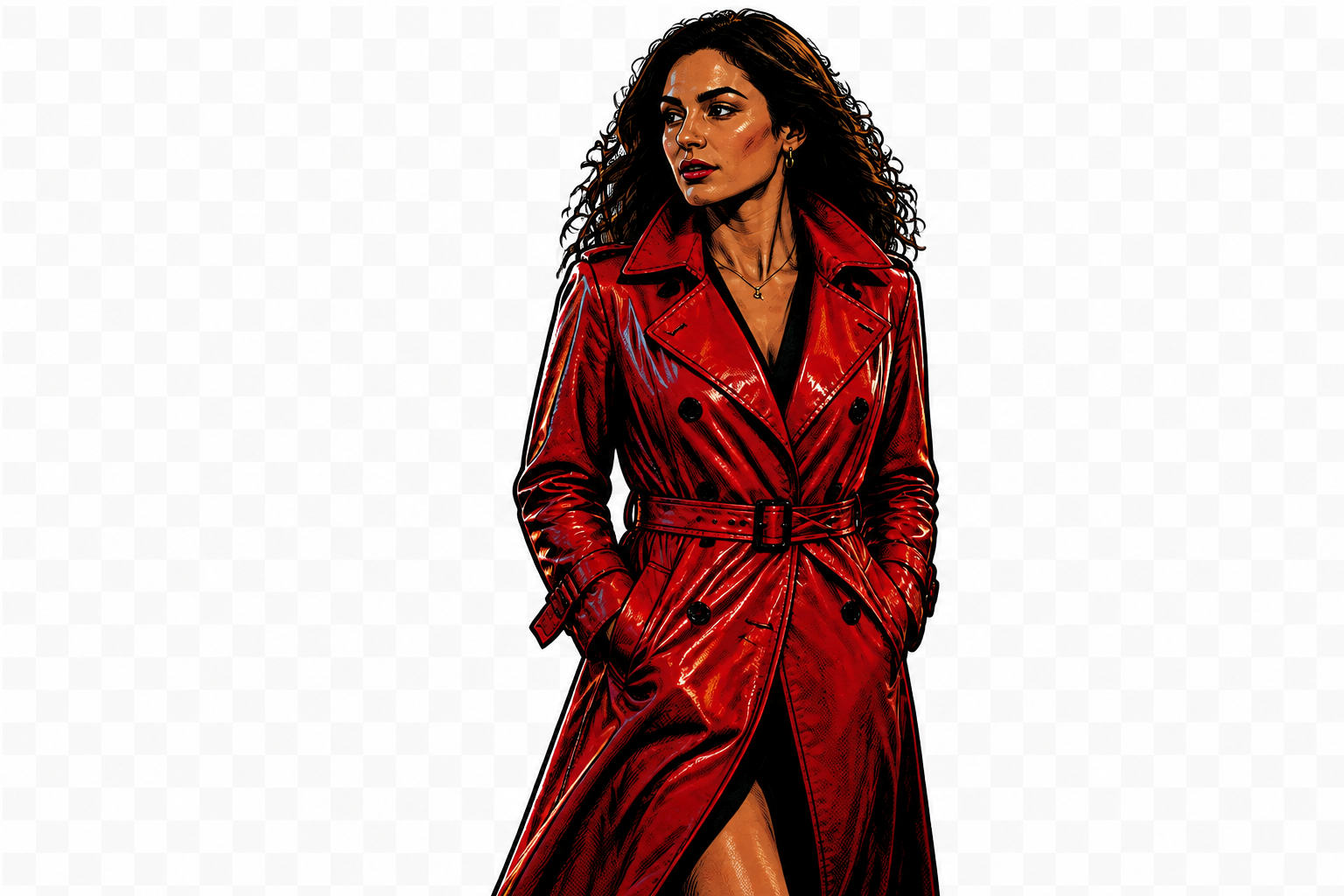 AFTERBEFOREAFTERBEFOREAFTERBEFOREAFTERBEFOREAFTERBEFOREAFTER
 BEFORE
 AFTER
AFTER BEFORE
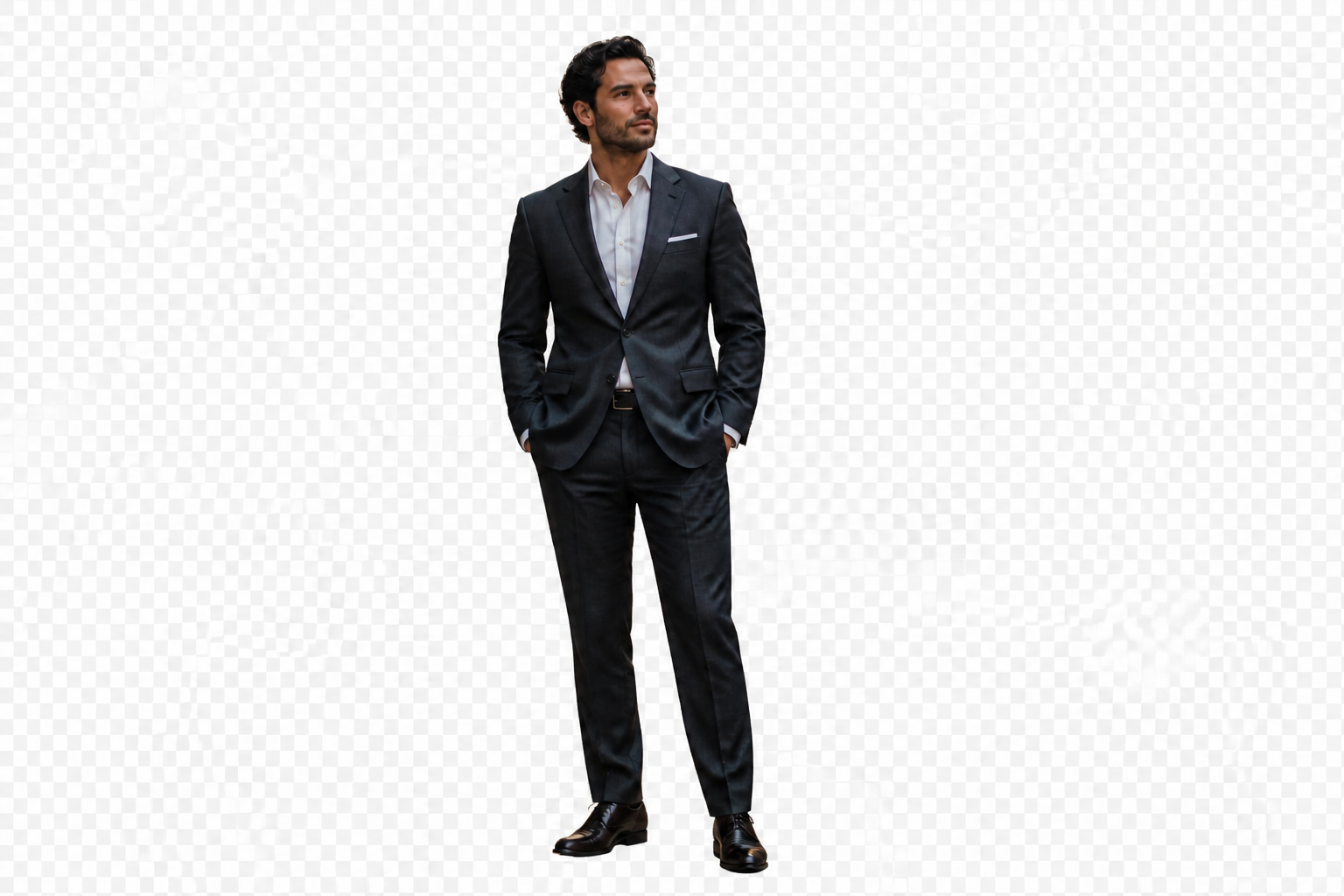 AFTER
AFTER BEFORE
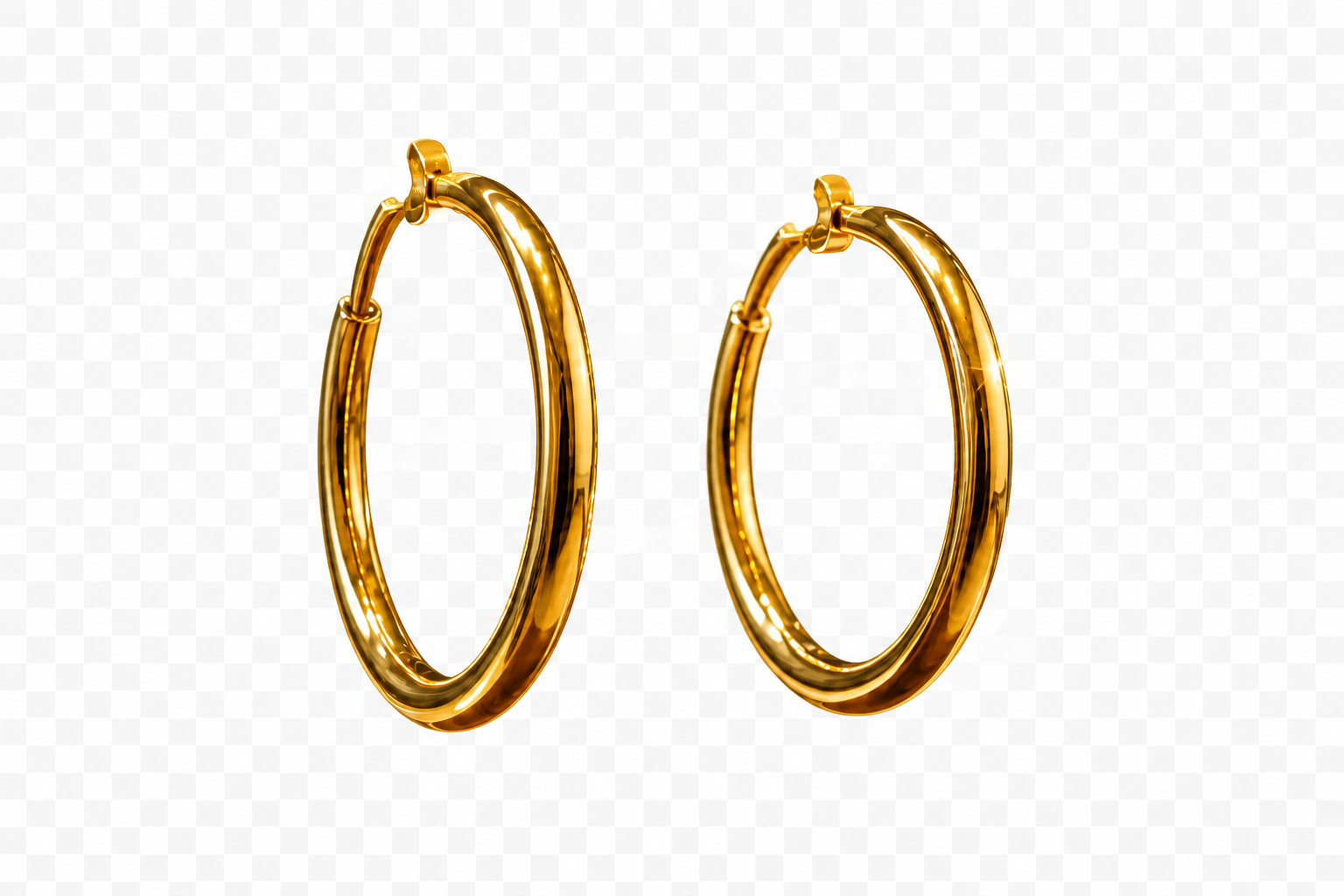 AFTER
AFTER BEFORE
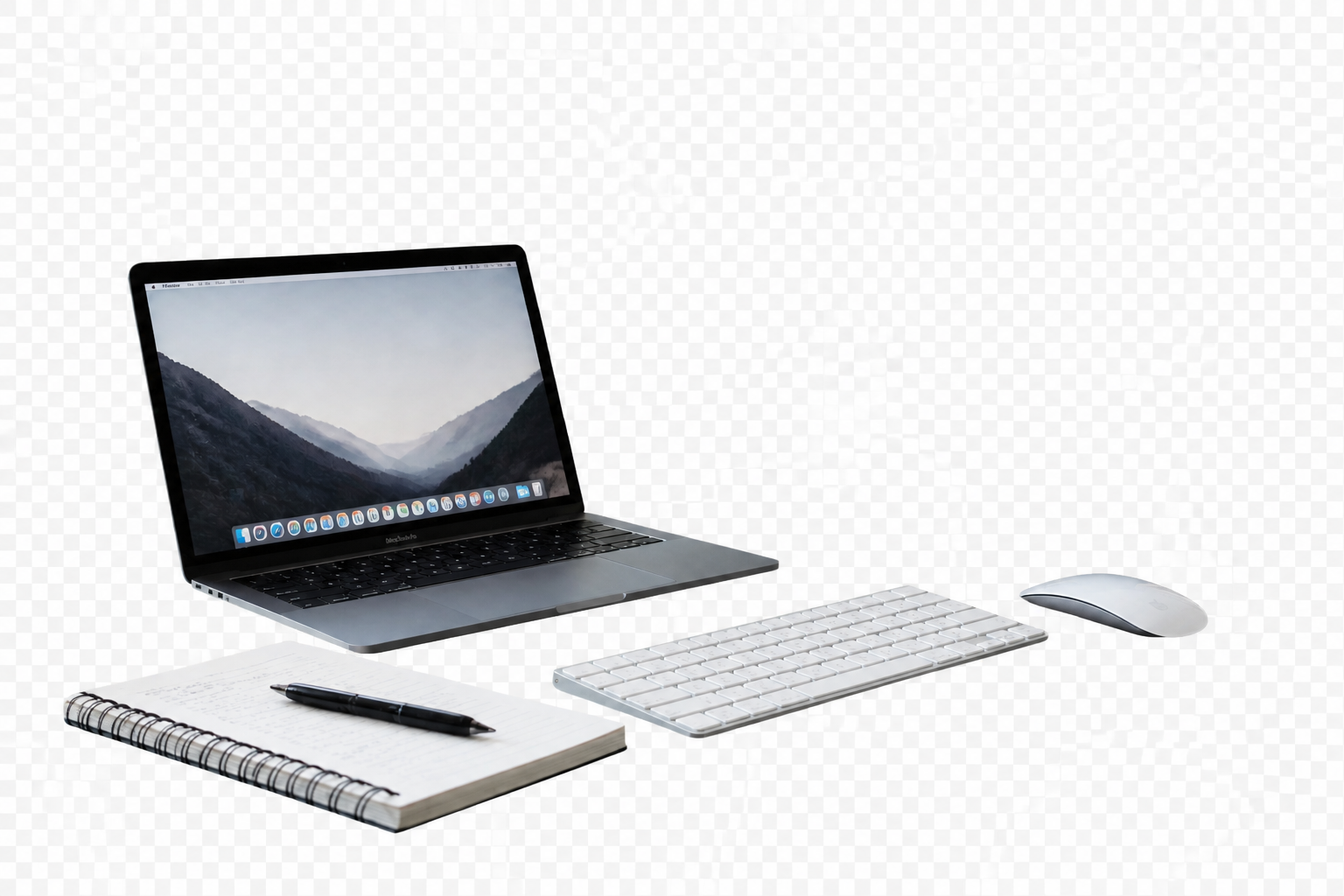 AFTER
AFTER BEFORE
 AFTERBEFOREAFTERBEFOREAFTERBEFOREAFTERBEFOREAFTERBEFOREAFTER
Key Features


Clean edges on tricky details
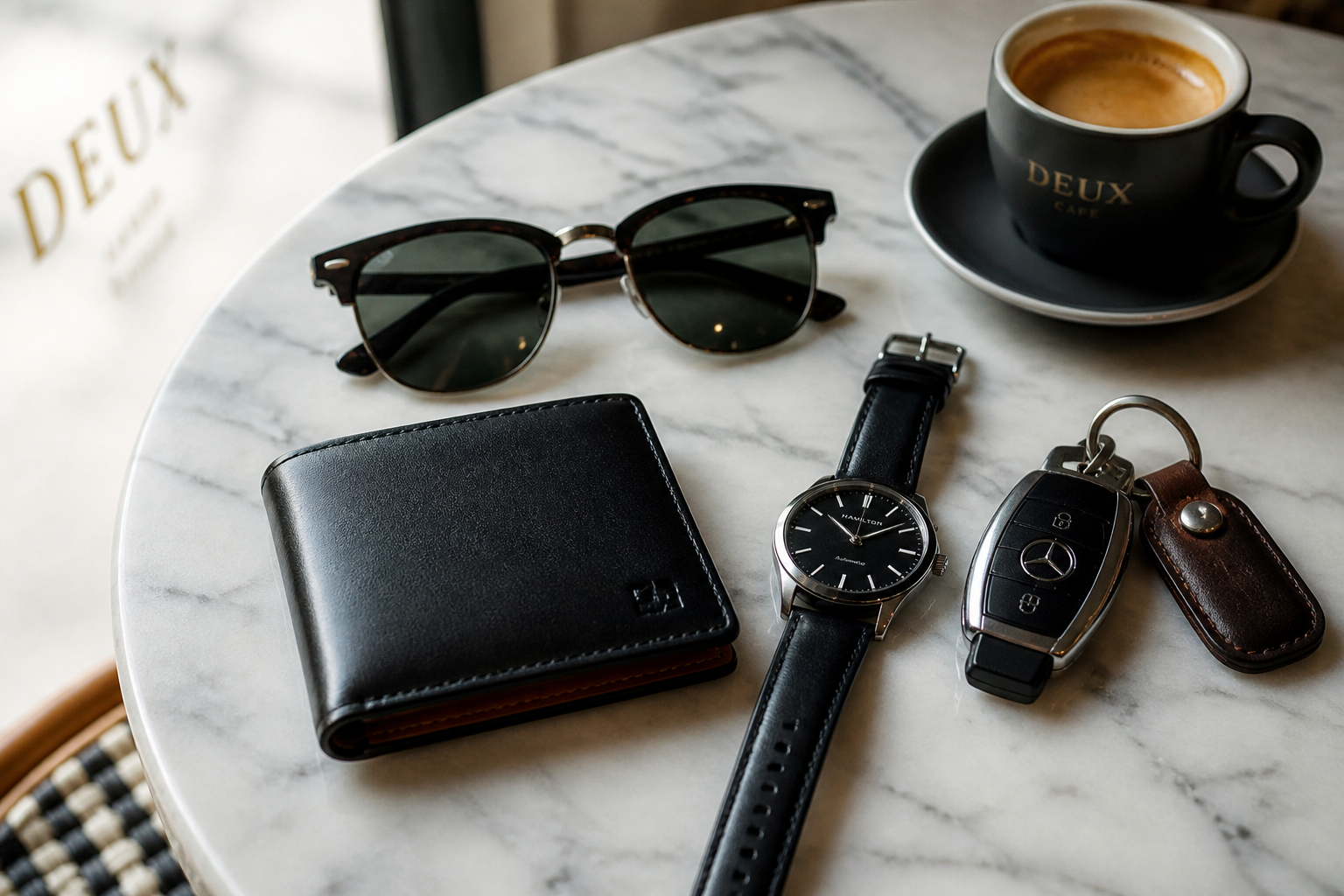
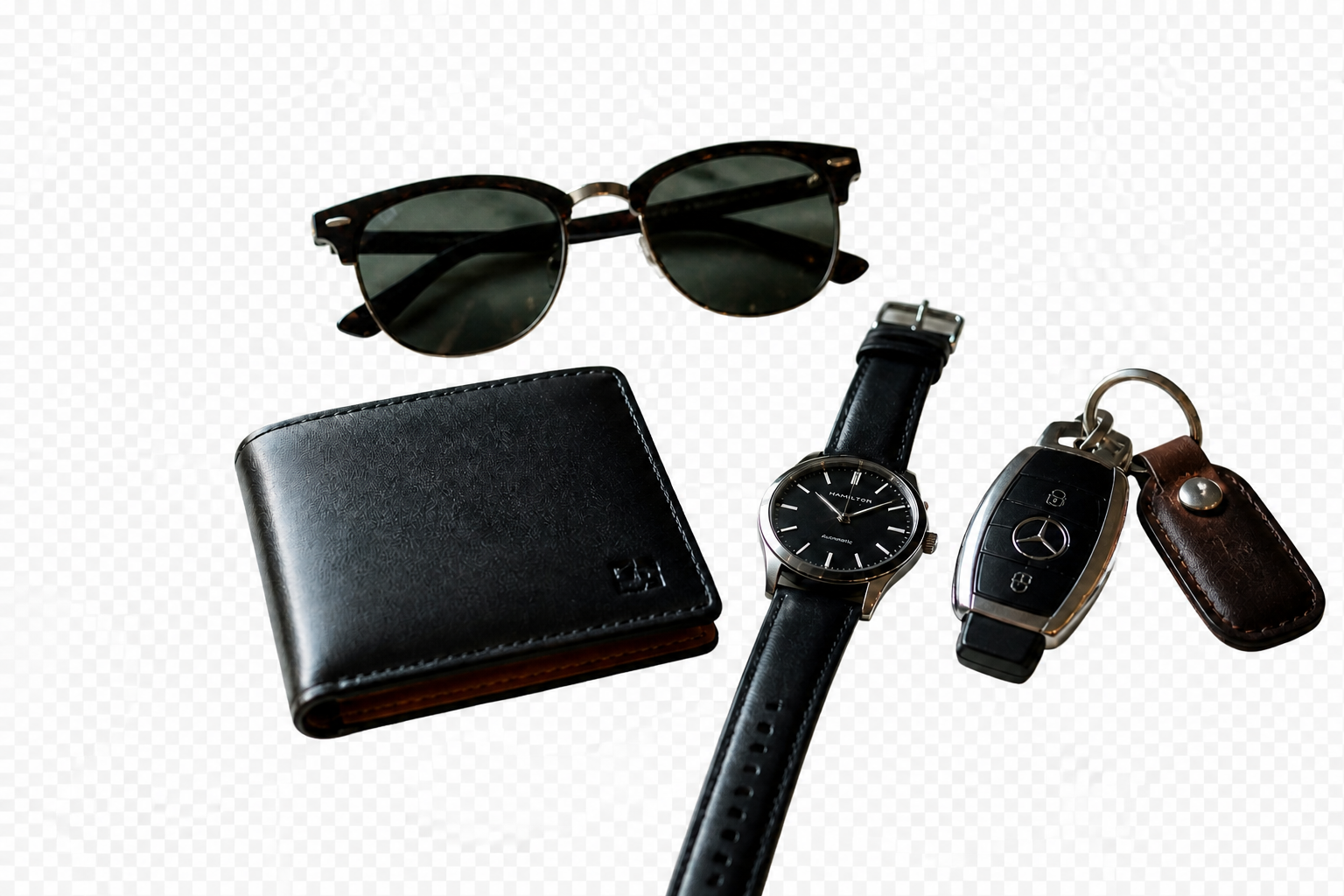
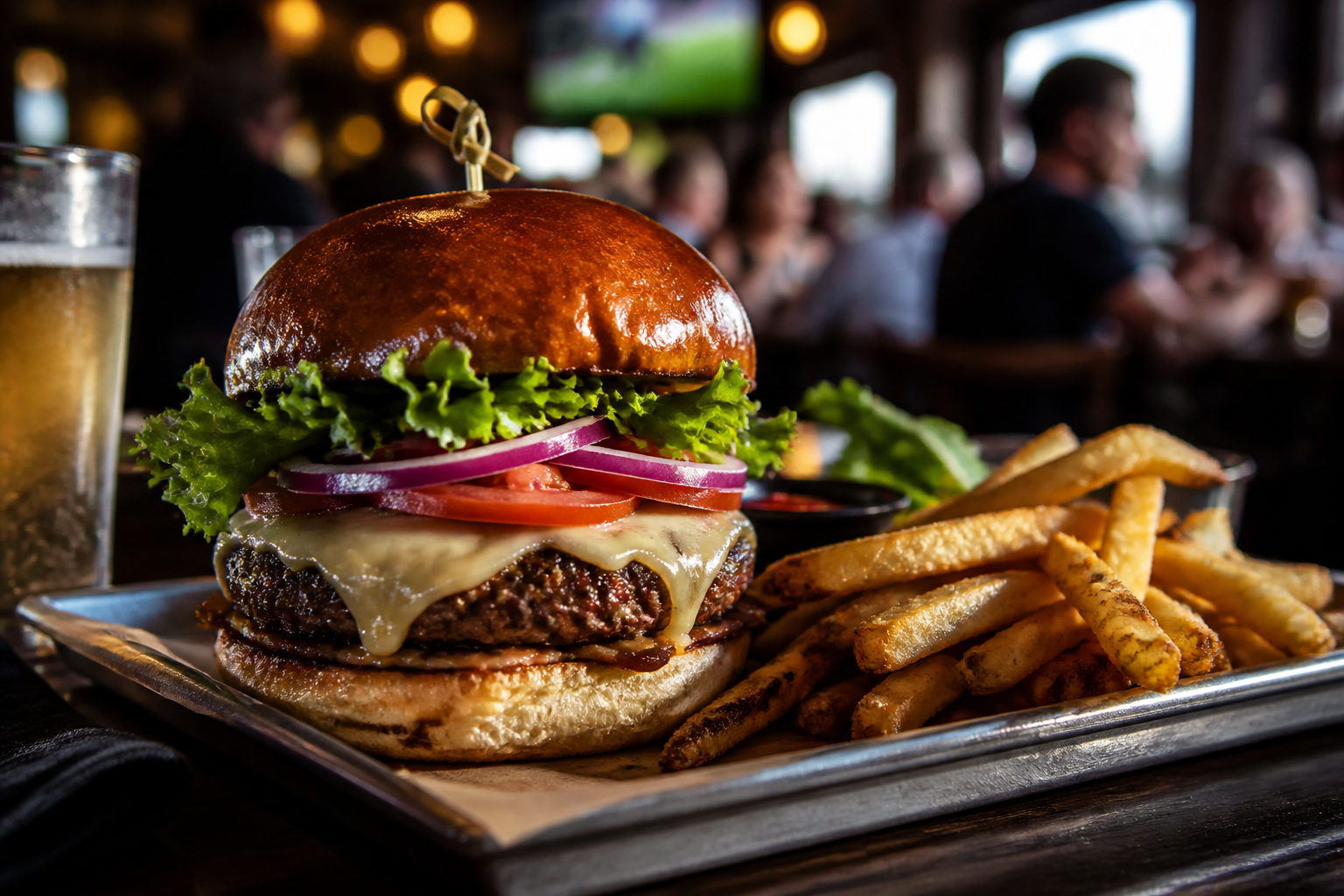
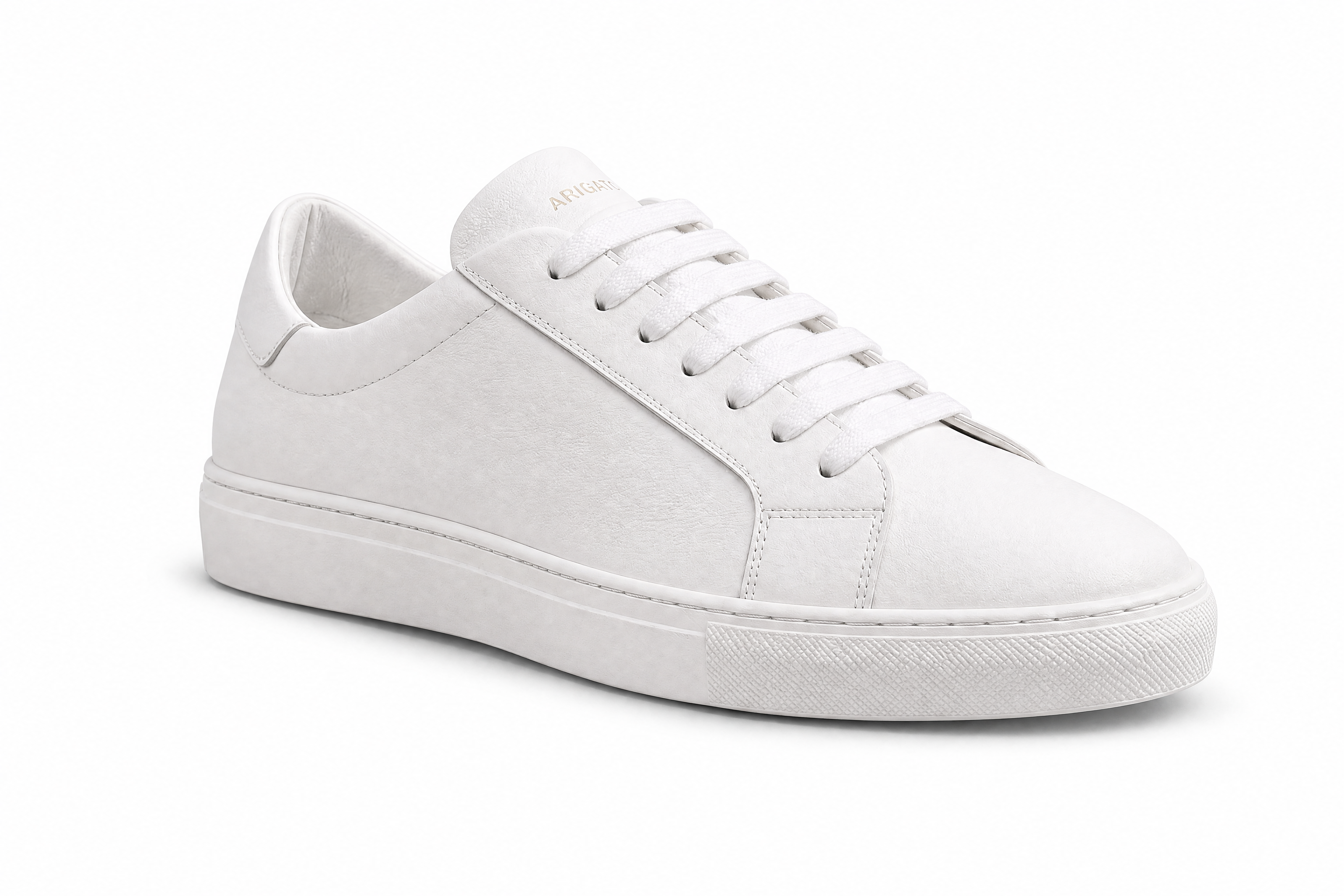
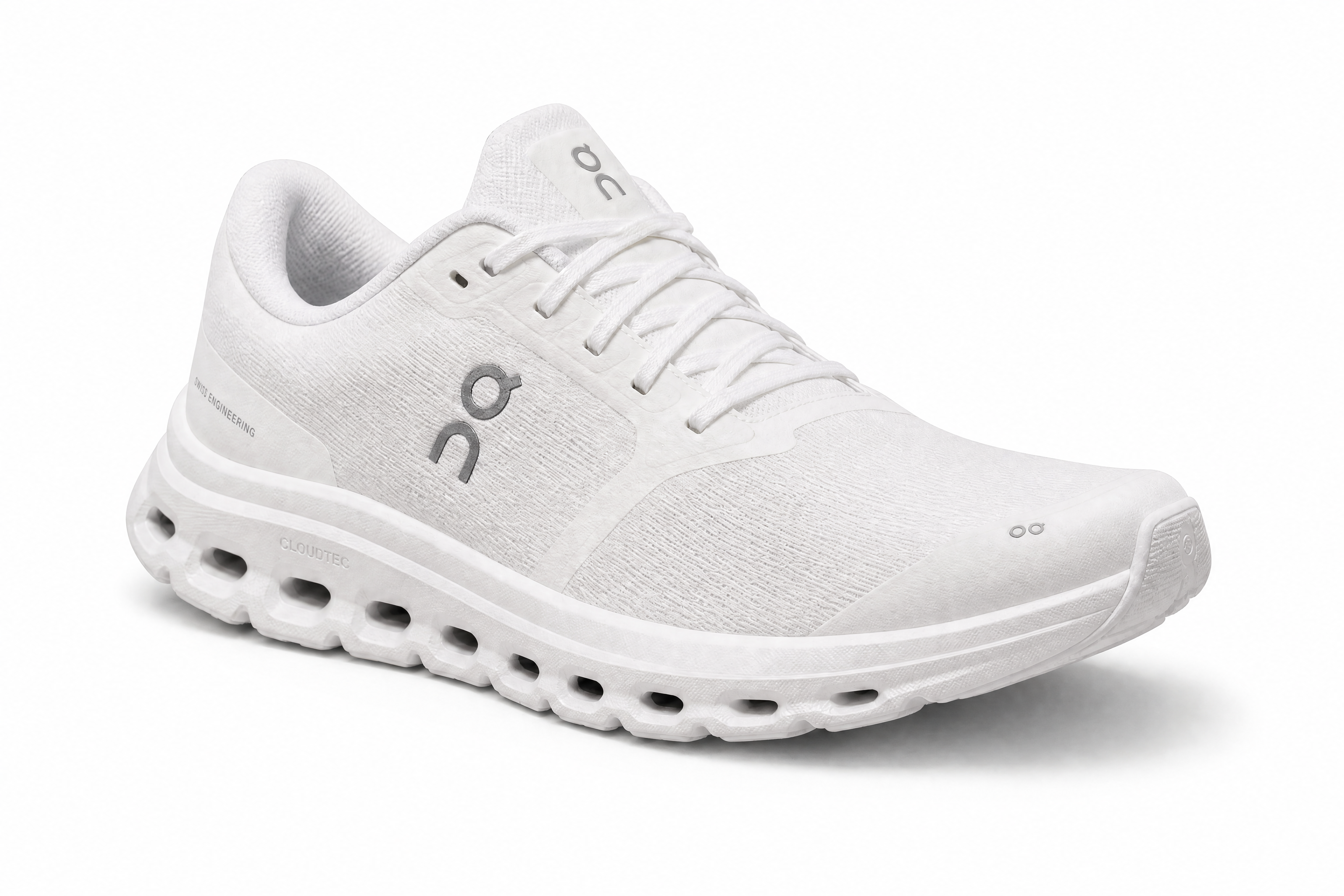
Fine edges are usually the first thing that breaks in background removal. This tool is designed to keep hair, laces, petals, and thin product contours readable instead of turning them into rough blobs. That matters when you need a cutout to hold up on store pages, ad creatives, or layered designs. It saves the time you would normally spend zoomed in with a manual eraser fixing small edge mistakes.
Works for products and people
You can use the same workflow for catalog items, portraits, food, accessories, and simple multi-object shots. The AI identifies the main subject and separates it from distracting surroundings without requiring a different setup for every category. That makes it practical for sellers, designers, and marketers handling mixed image libraries. Instead of learning separate tools, you can process many photo types in one place.
Ready for layered design work
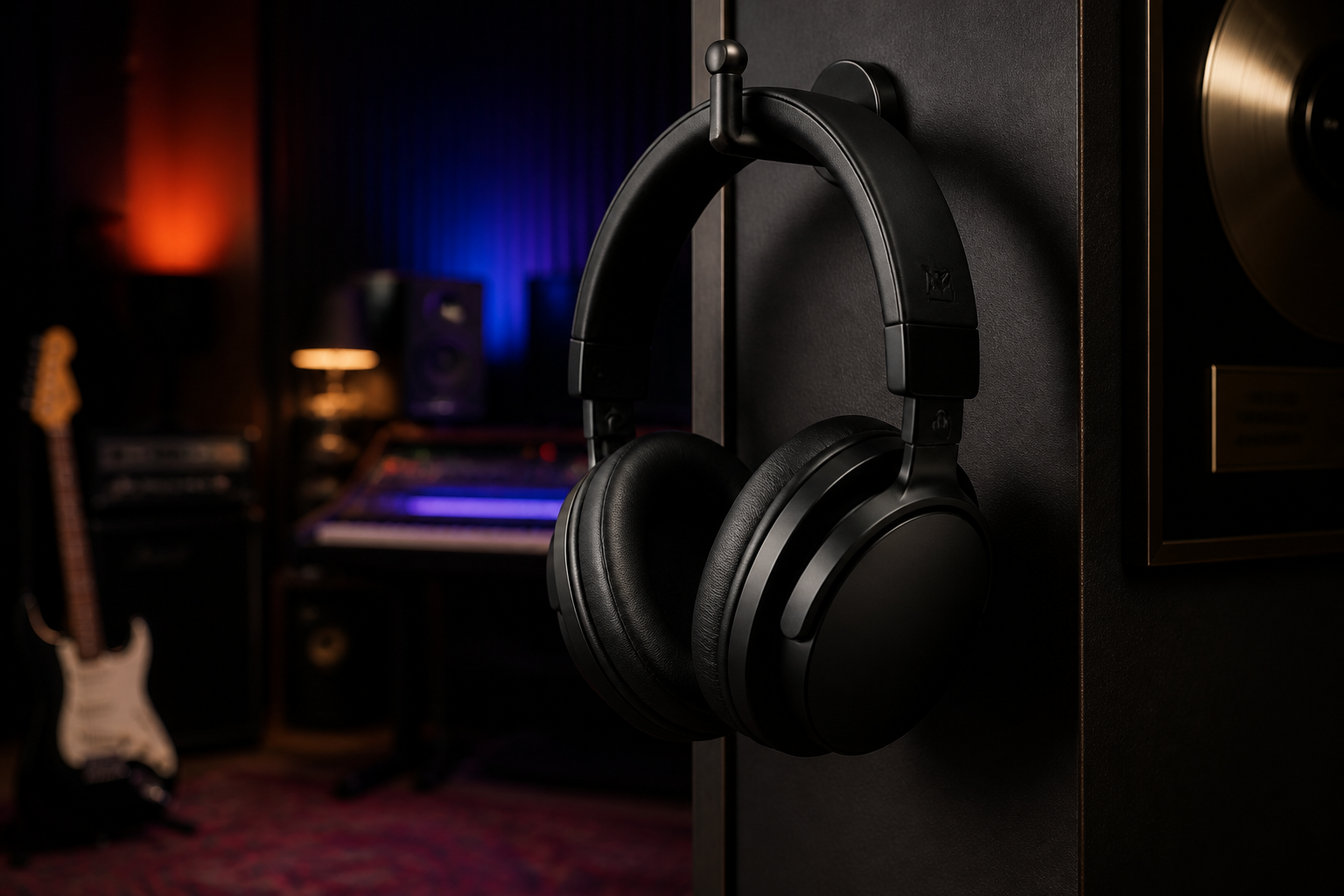
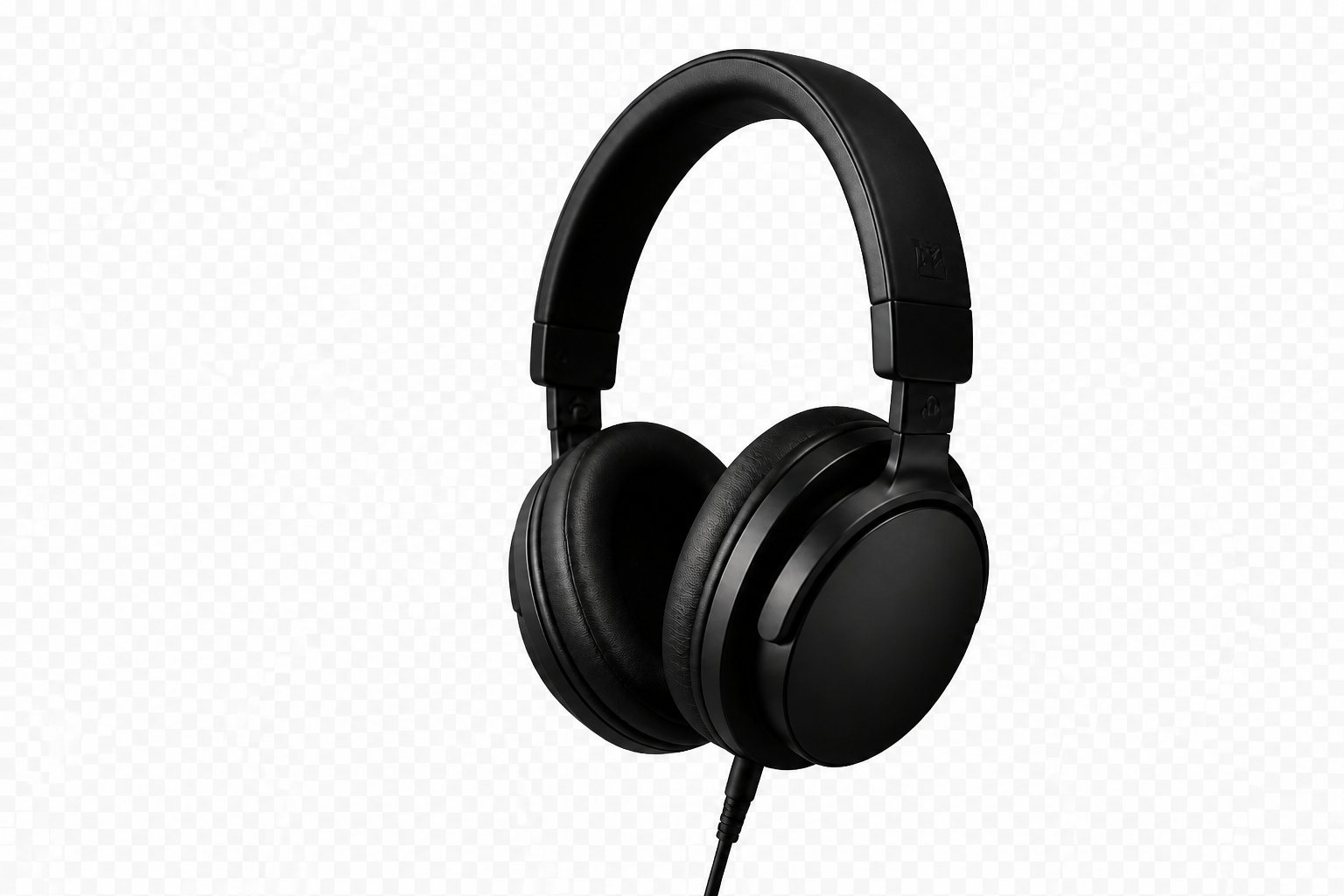
Transparent-background cutouts are useful because they drop straight into banners, collages, mockups, and product pages. You get a subject that can be placed over any color, gradient, or scene without carrying the old background with it. That is much more flexible than trying to crop around the subject again in every design tool. It streamlines ad creation and makes quick visual testing easier.
Fast results without masking
Manual masking is slow, repetitive, and hard to get consistent across a batch of images. This tool gives you a strong starting result in one step, which is often enough for daily creative and ecommerce work. Even when you want to refine later, beginning with an automatic clean cutout is much faster than tracing from scratch. It reduces the tedious part of image prep so you can focus on layout and content.
How It Works

Upload your image
Start with a photo that has a clear subject and enough detail around the edges. Product shots, portraits, food, and accessories all work well.
Choose transparent background
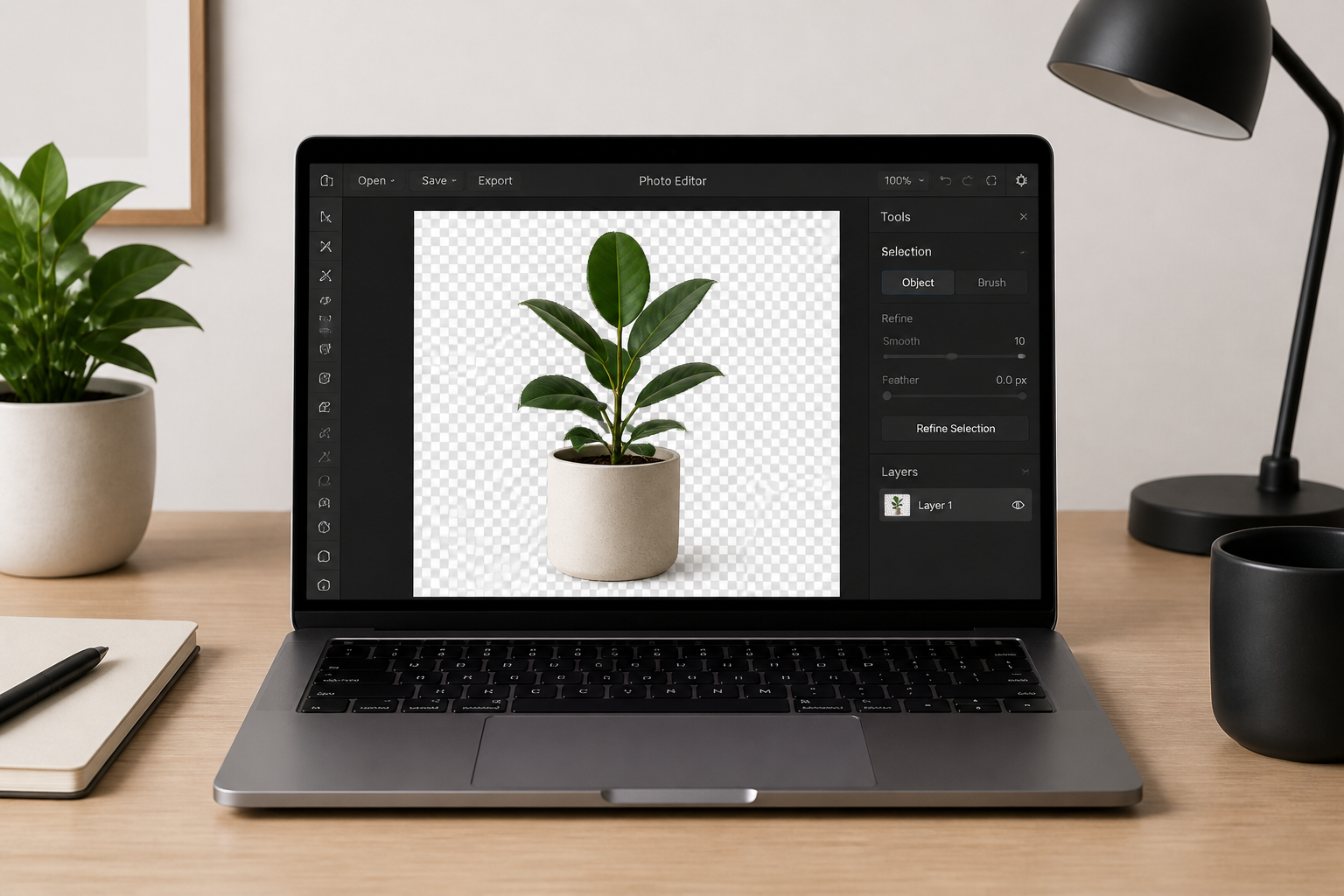
Tell the editor to remove the background and keep only the subject. You can keep the prompt simple, or mention edge quality if the image has hair, fabric, or fine details.
Download the cutout
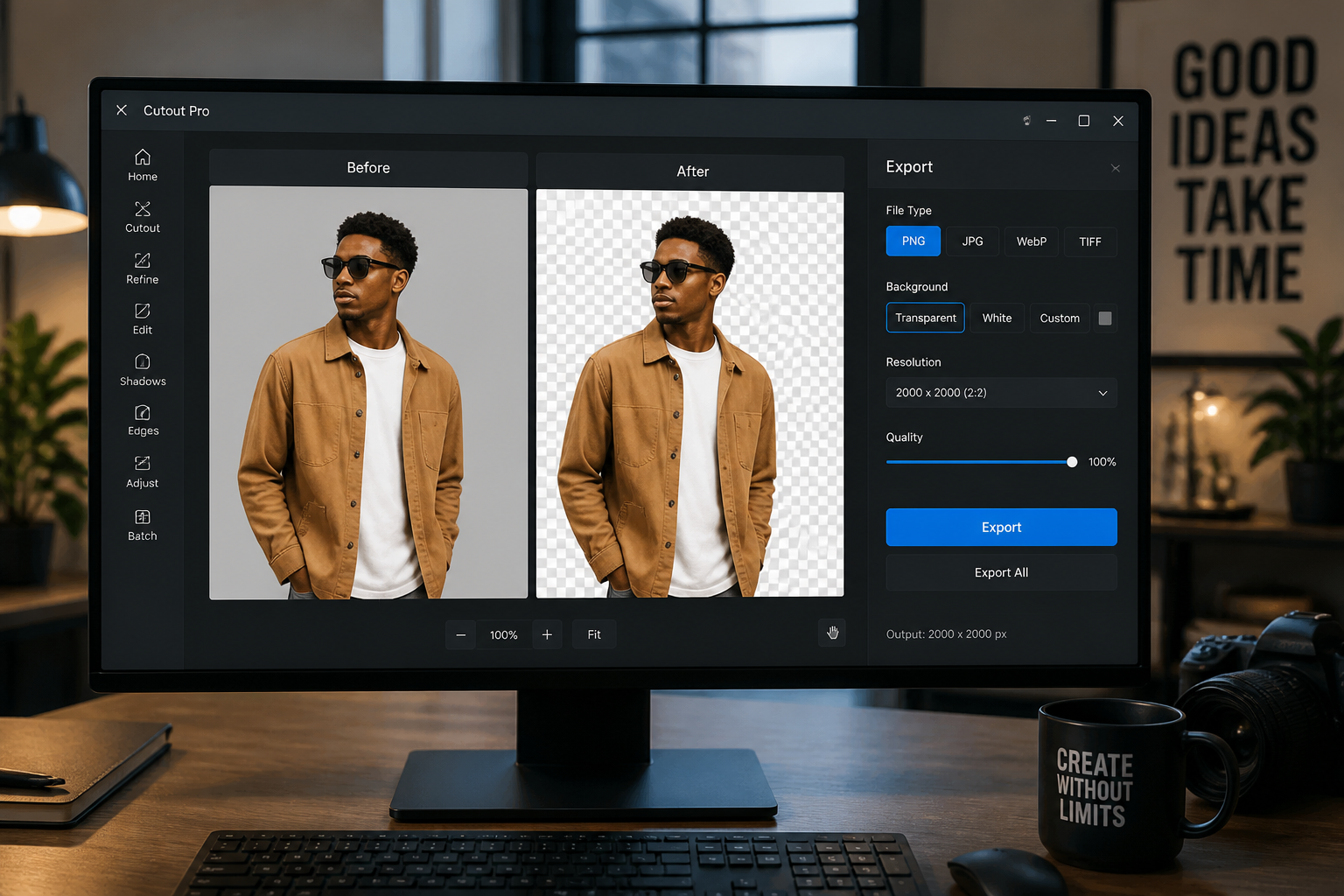
Review the result and save the clean cutout for your next design, listing, or ad. The finished image is ready to place on new backgrounds or use as a standalone graphic.
Perfect For
Discover how creators and professionals use ai transparent background maker
Ecommerce product listings
Create clean cutouts for marketplaces, store pages, and comparison graphics without reshooting every product in a studio.
Ad and social creatives
Drop isolated products or people onto bold color backgrounds, collages, and promotional layouts faster.
Presentations and documents
Remove distracting surroundings so photos fit neatly into slides, reports, and branded internal materials.
Design mockups and composites
Place subjects into new scenes, posters, and layered compositions without carrying over the original background.
Built For
Online sellers
Clean up catalog photos for marketplaces, product pages, and promotional banners.
Designers and marketers
Produce isolated assets for ads, landing pages, social posts, and quick campaign mockups.
Small business teams
Make polished graphics without spending hours on manual masking in complex editing software.
Why use it for transparent cutouts
A quick look at how we compare on the things that matter for this niche.
| Feature | BudgetPixel | Generic AI editors | Manual editing apps |
|---|---|---|---|
| Transparent background cutouts | ✓ | ✓ | ✓ |
| Handles products and portraits | ✓ | ✓ | ✓ |
| Useful without manual masking | ✓ | — | — |
| Fast for everyday image prep | ✓ | ✓ | — |
| Beginner-friendly workflow | ✓ | ✓ | — |
Frequently Asked Questions
What does the AI Transparent Background Maker do?
Does it work for both products and people?
Will it keep fine edges like hair or laces?
Do I need to write a long prompt?
What kinds of images work best?
Create together.
Share your creations, discover trending AI art, and grow with fellow creators.




























Ready to Try AI Transparent Background Maker?
Get started for free. No credit card required.
Try it Free