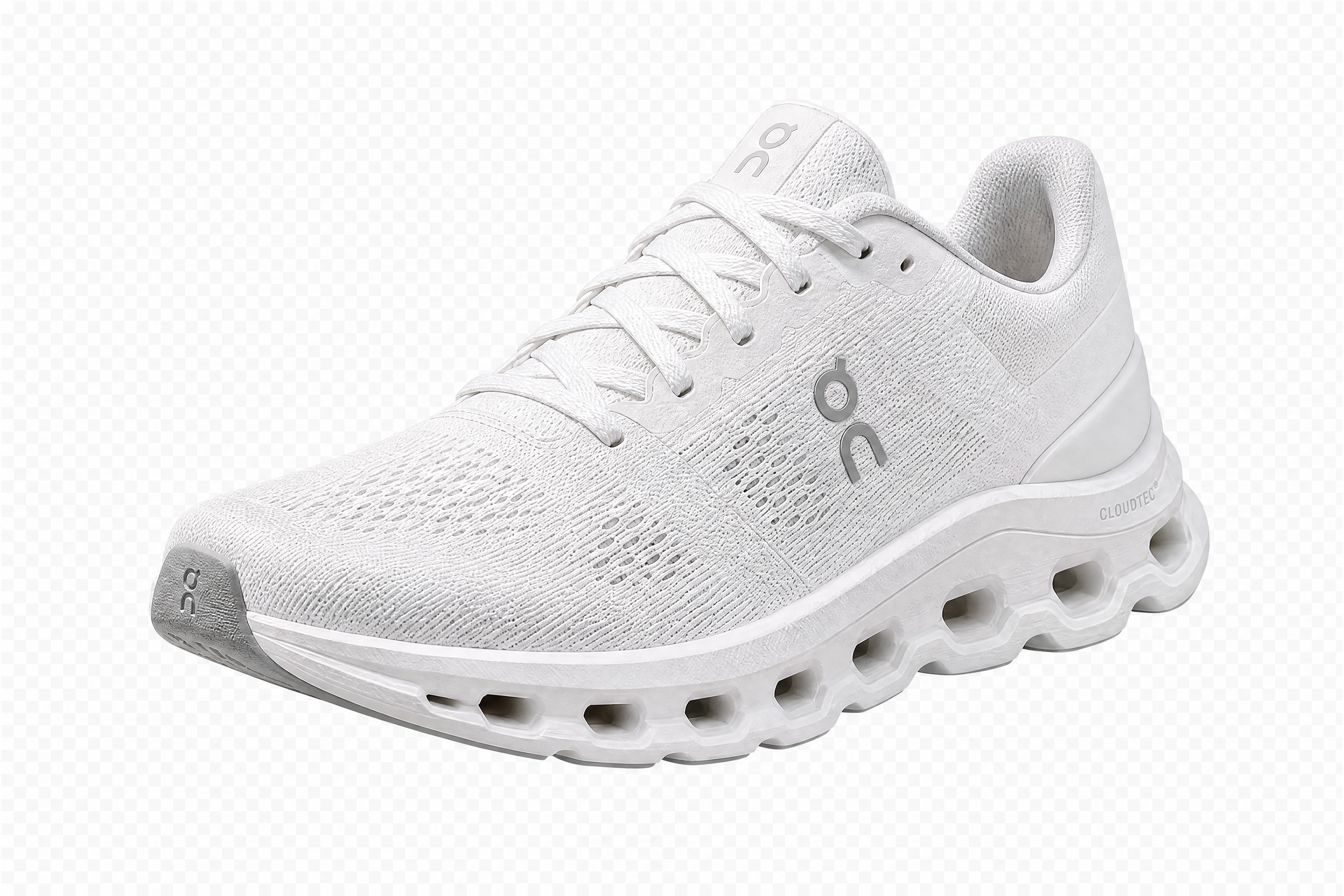
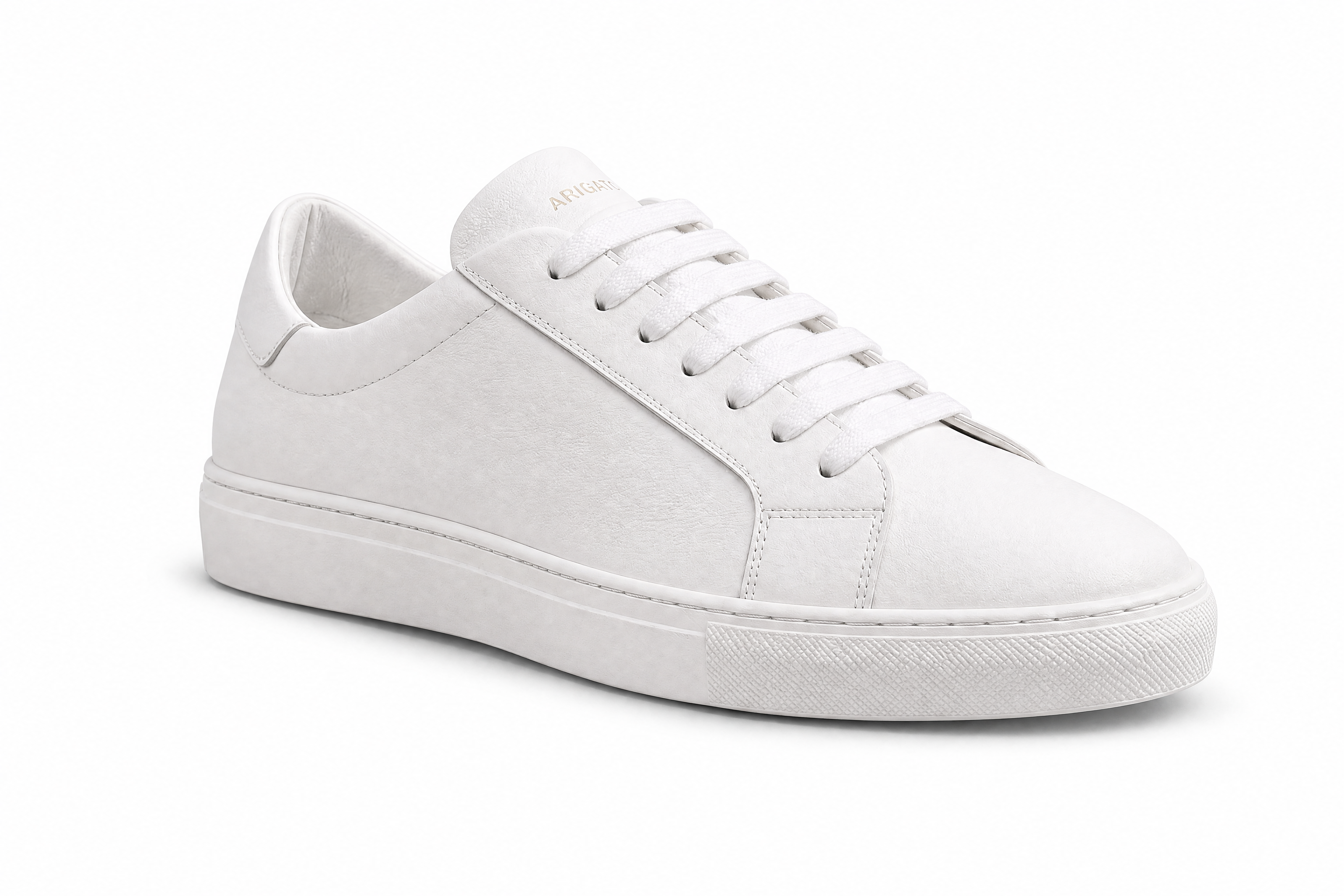
AI Background Remover for fast, clean cutouts
Delete distracting backgrounds and keep the subject sharp.
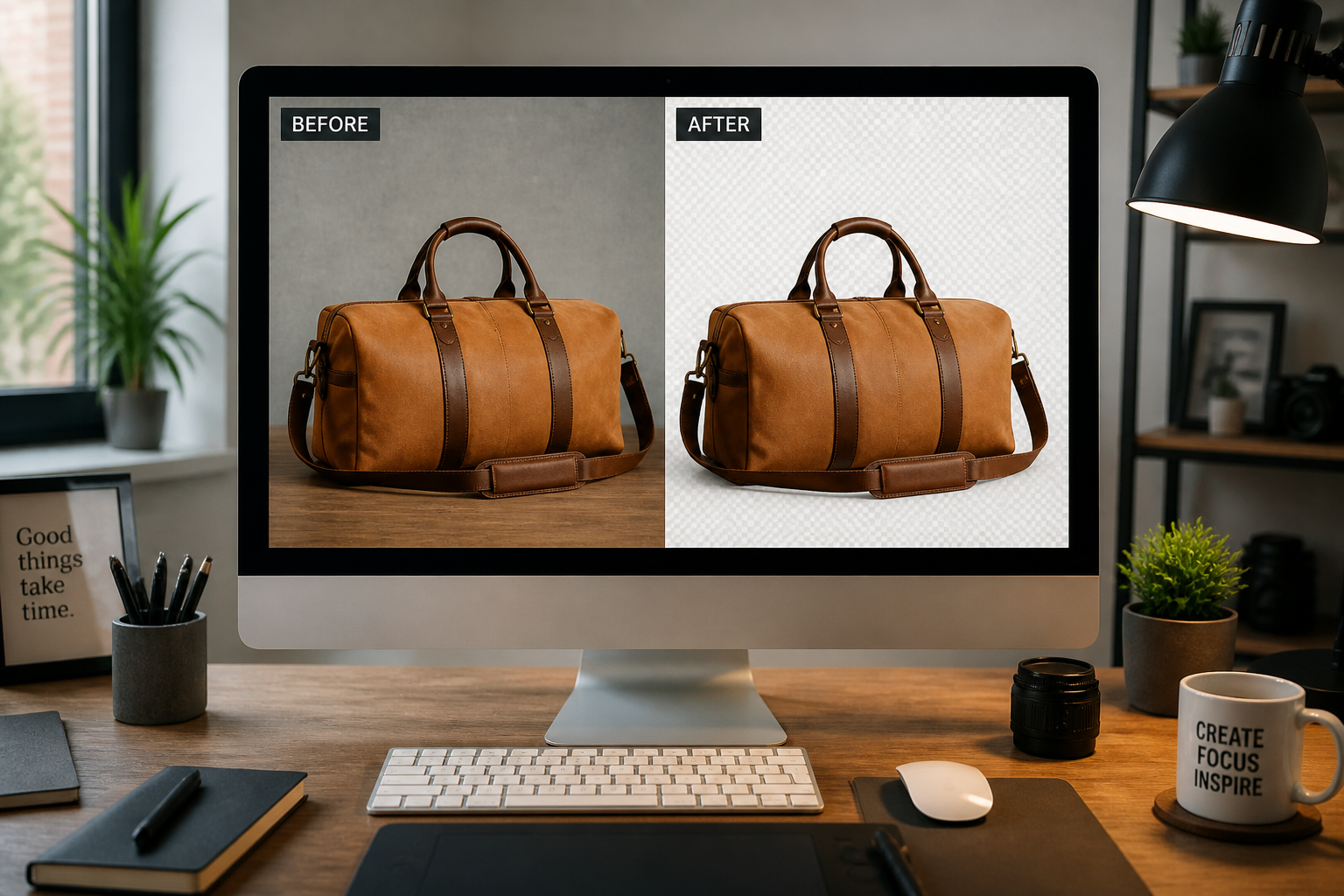
Upload any photo and use our AI Background Remover to isolate the main subject in one step. It works for people, products, pets, and objects, giving you a clean result that is ready for listings, ads, profiles, or design work.
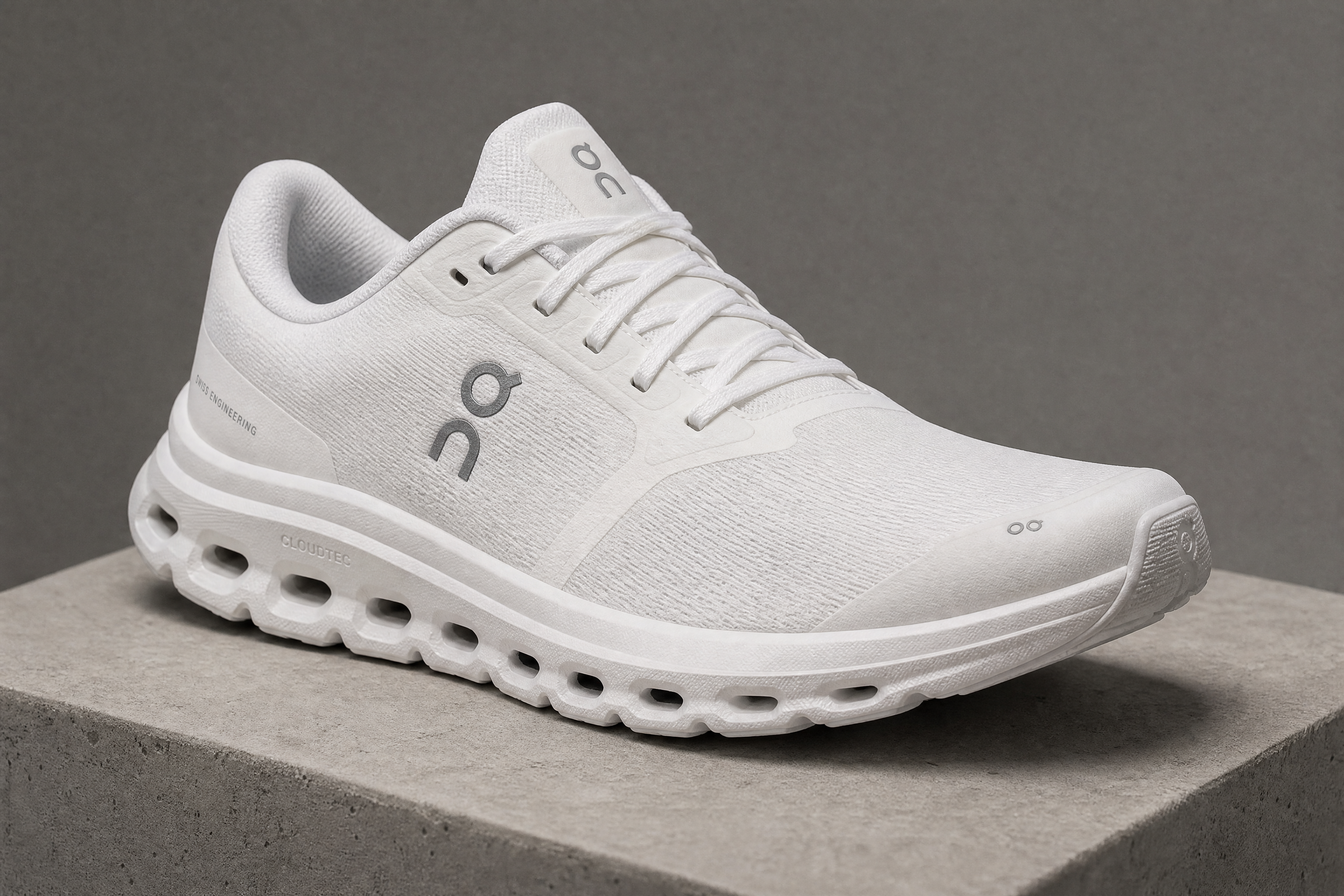
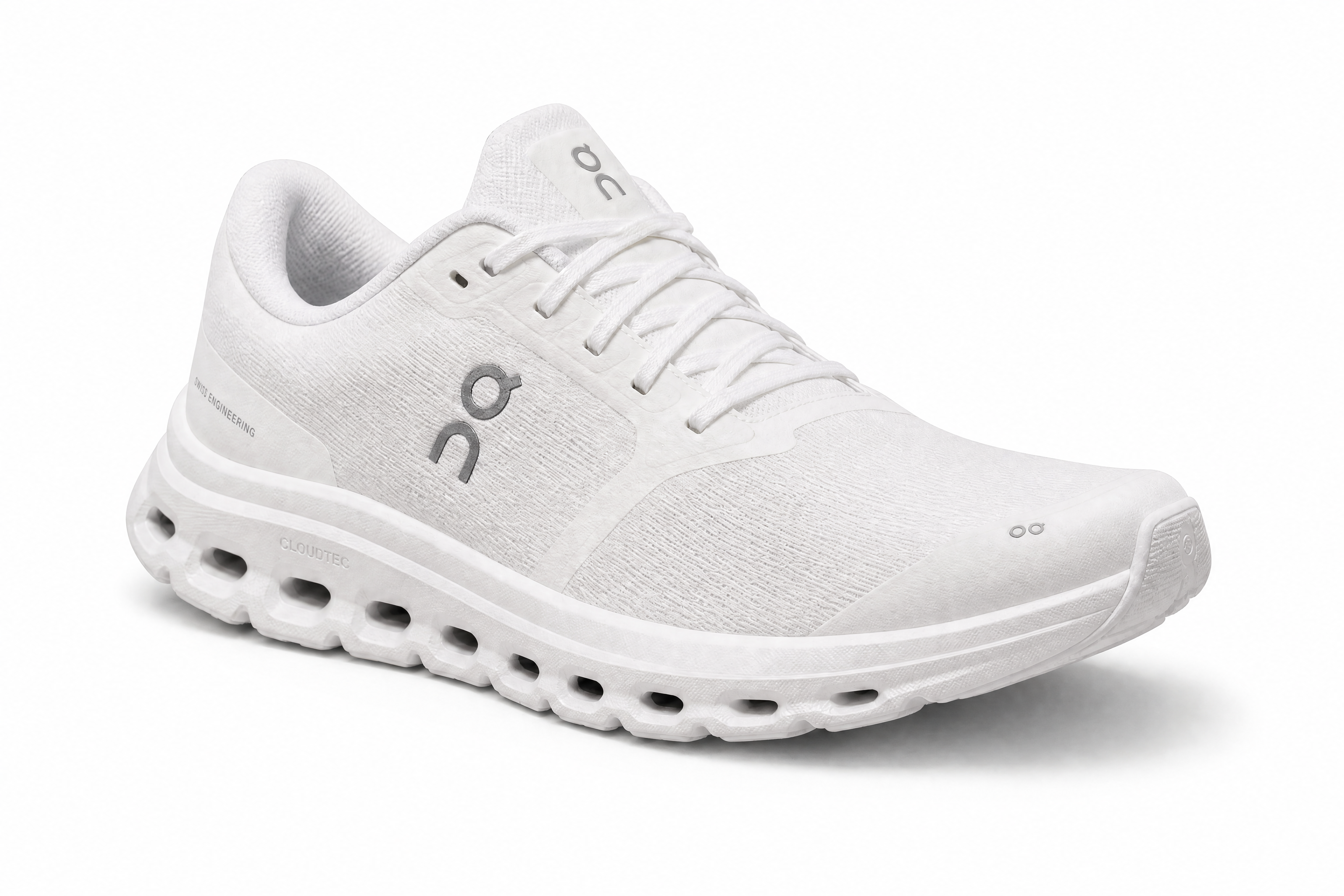
Watch the Transformation
See ai background remover in motion — generated end-to-end by our AI.
See It In Action
Real outputs from ai background remover.
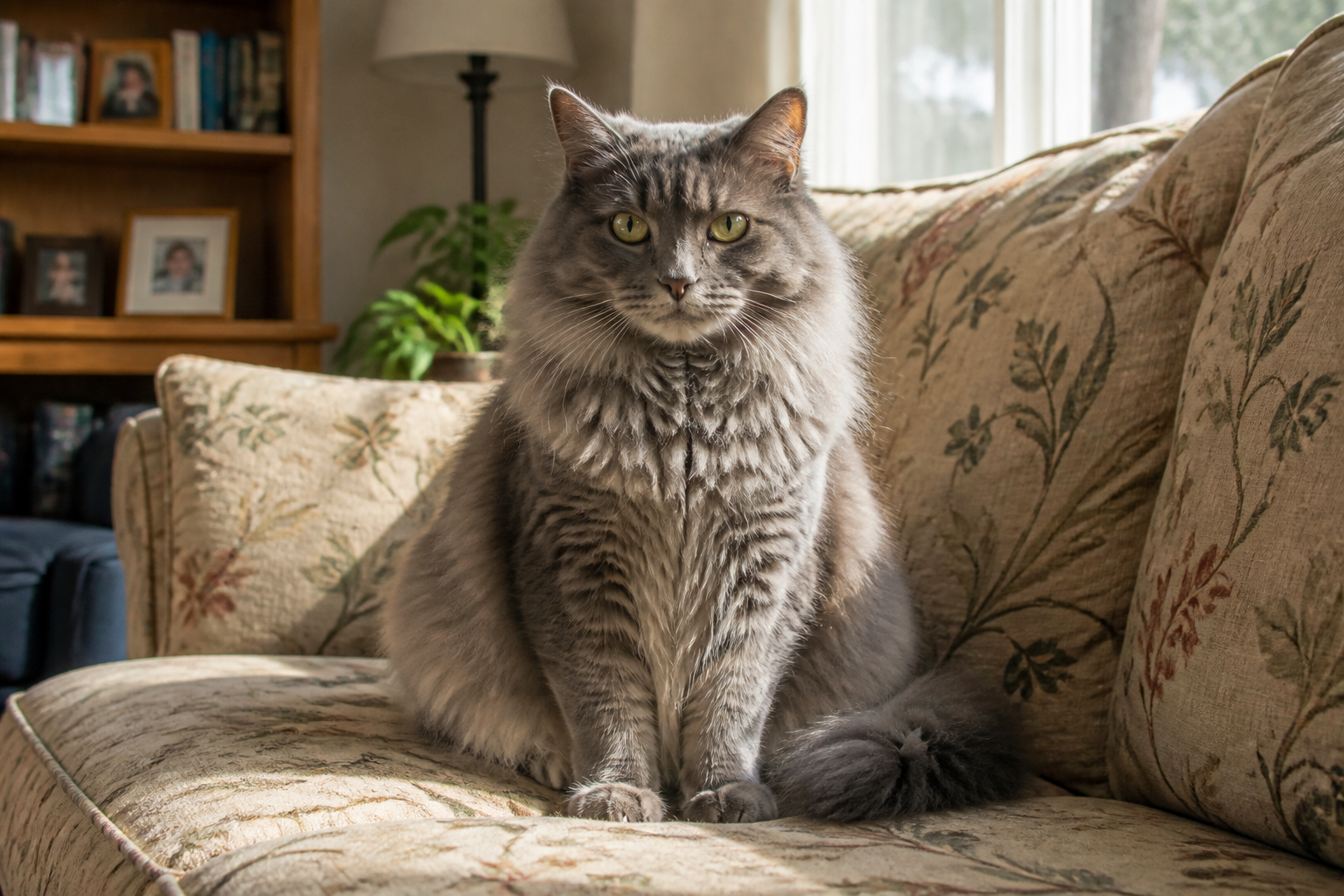
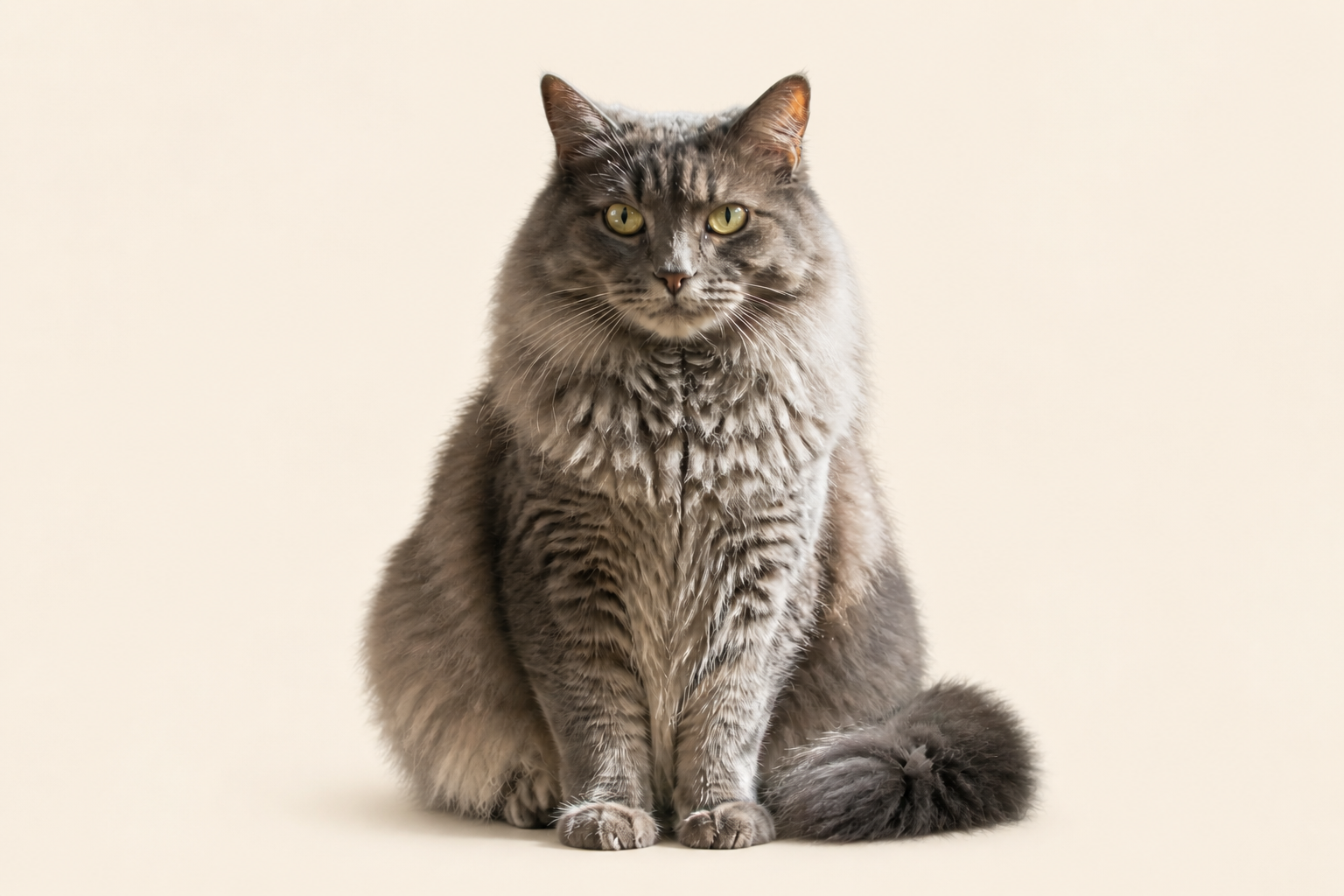
BEFOREAFTER BEFORE
 AFTER
AFTER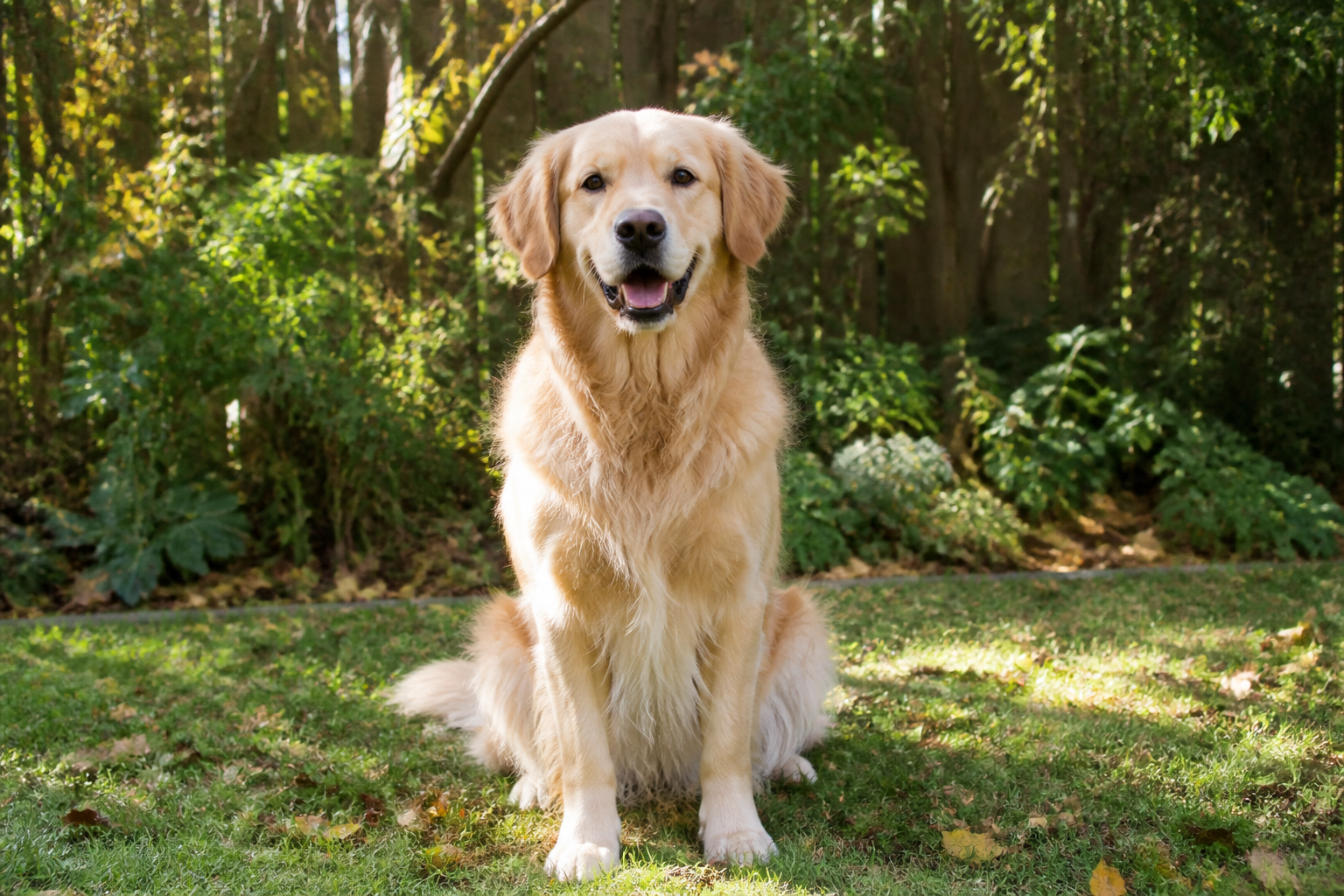 BEFORE
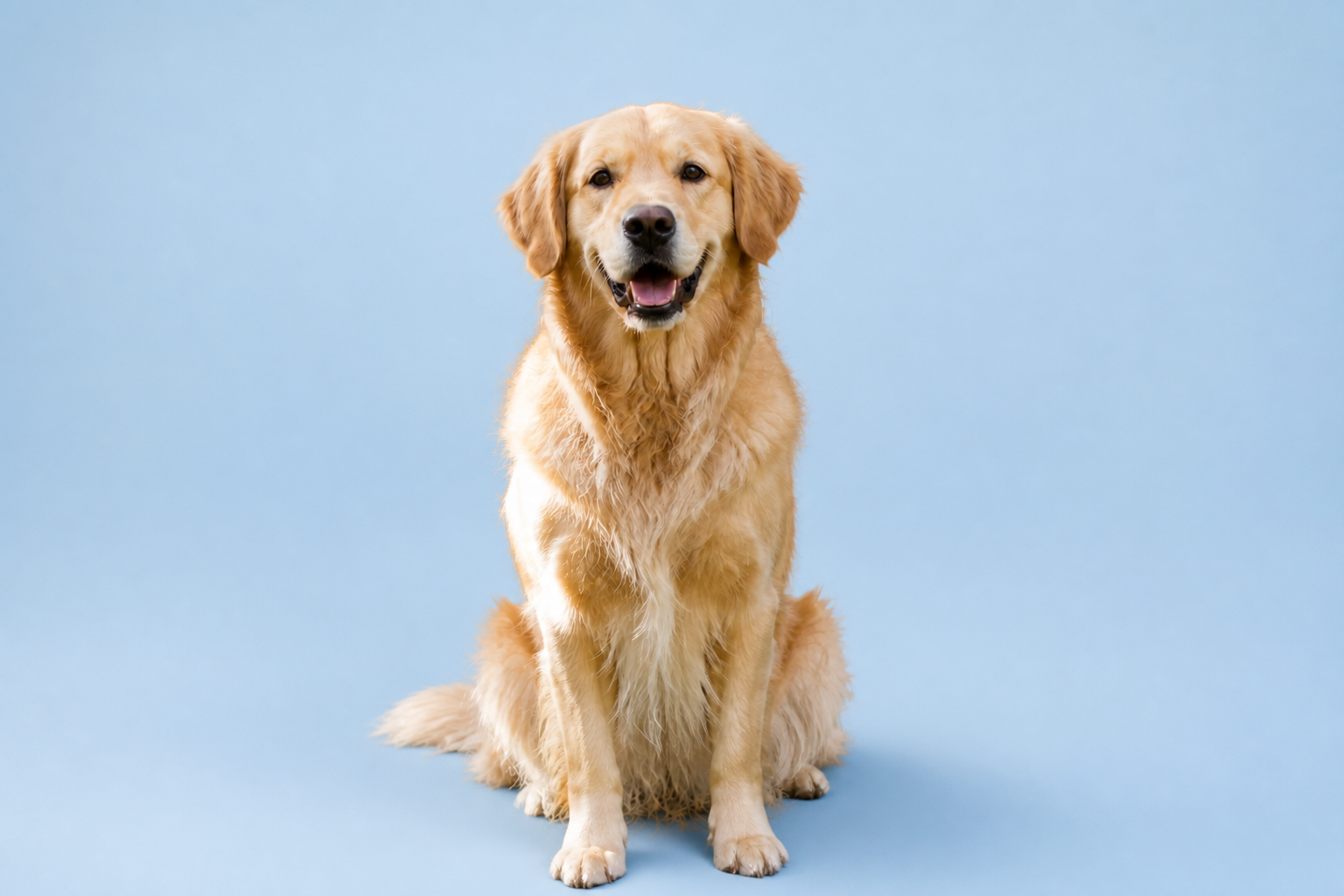 AFTER
AFTER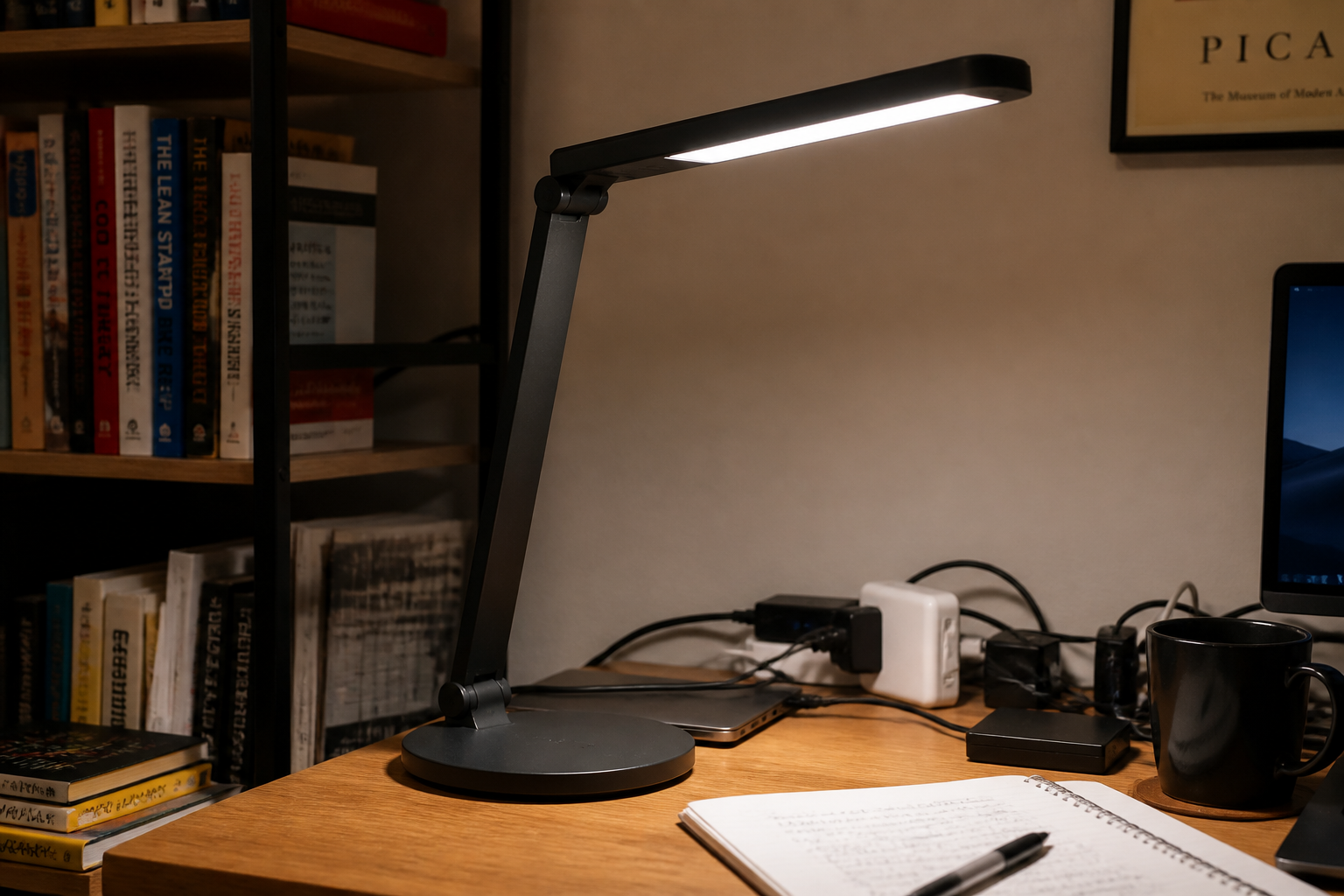 BEFORE
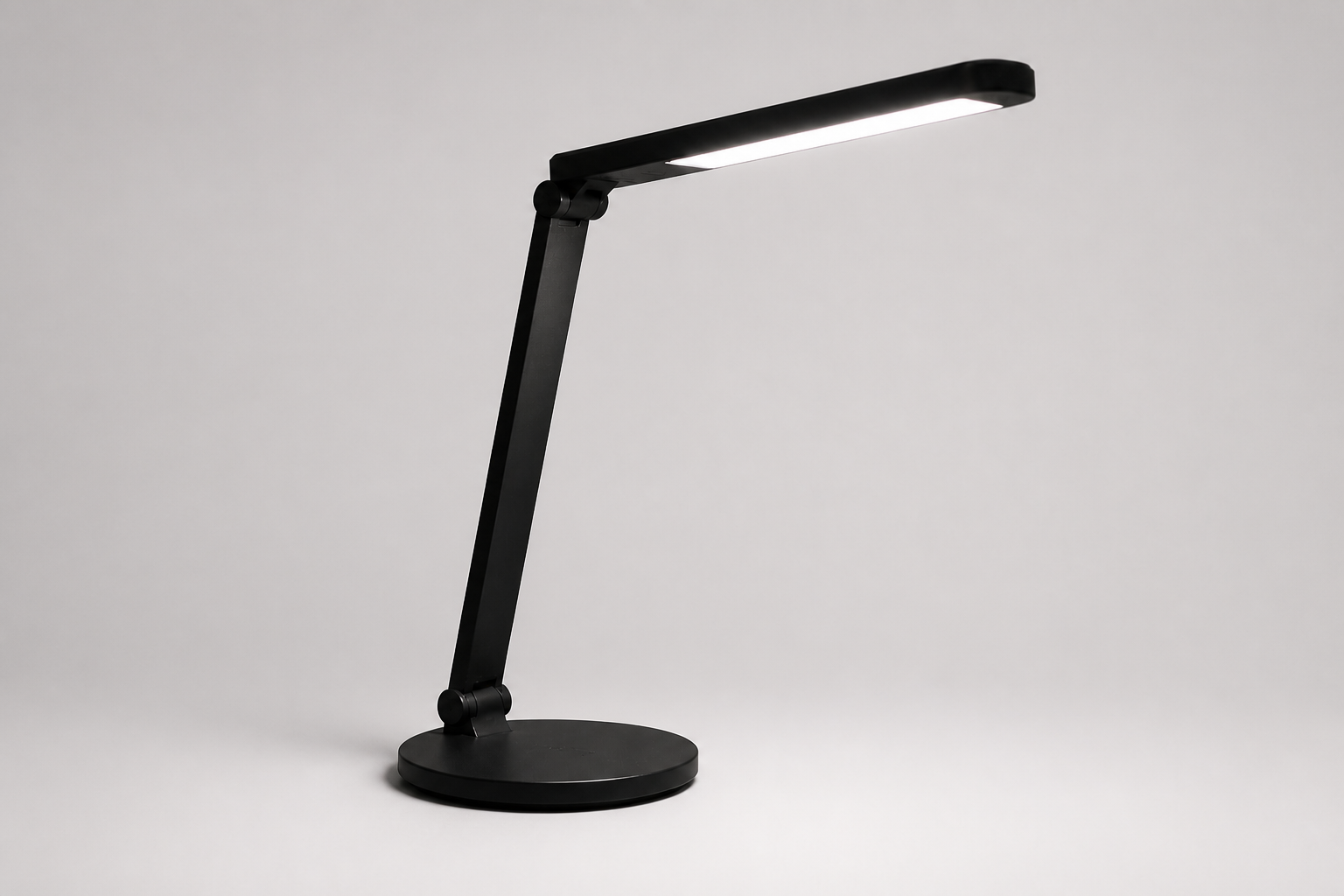 AFTER
AFTER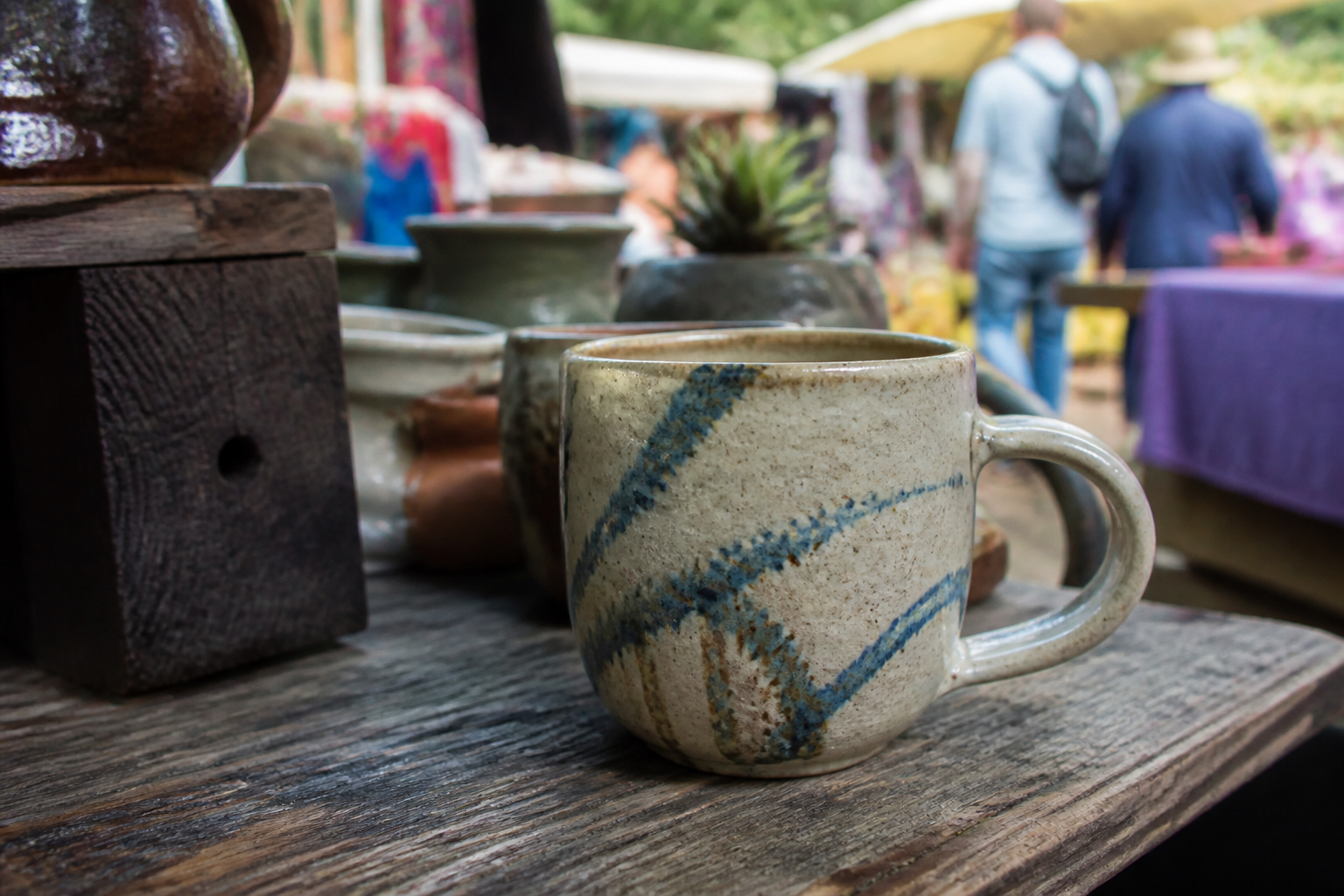 BEFORE
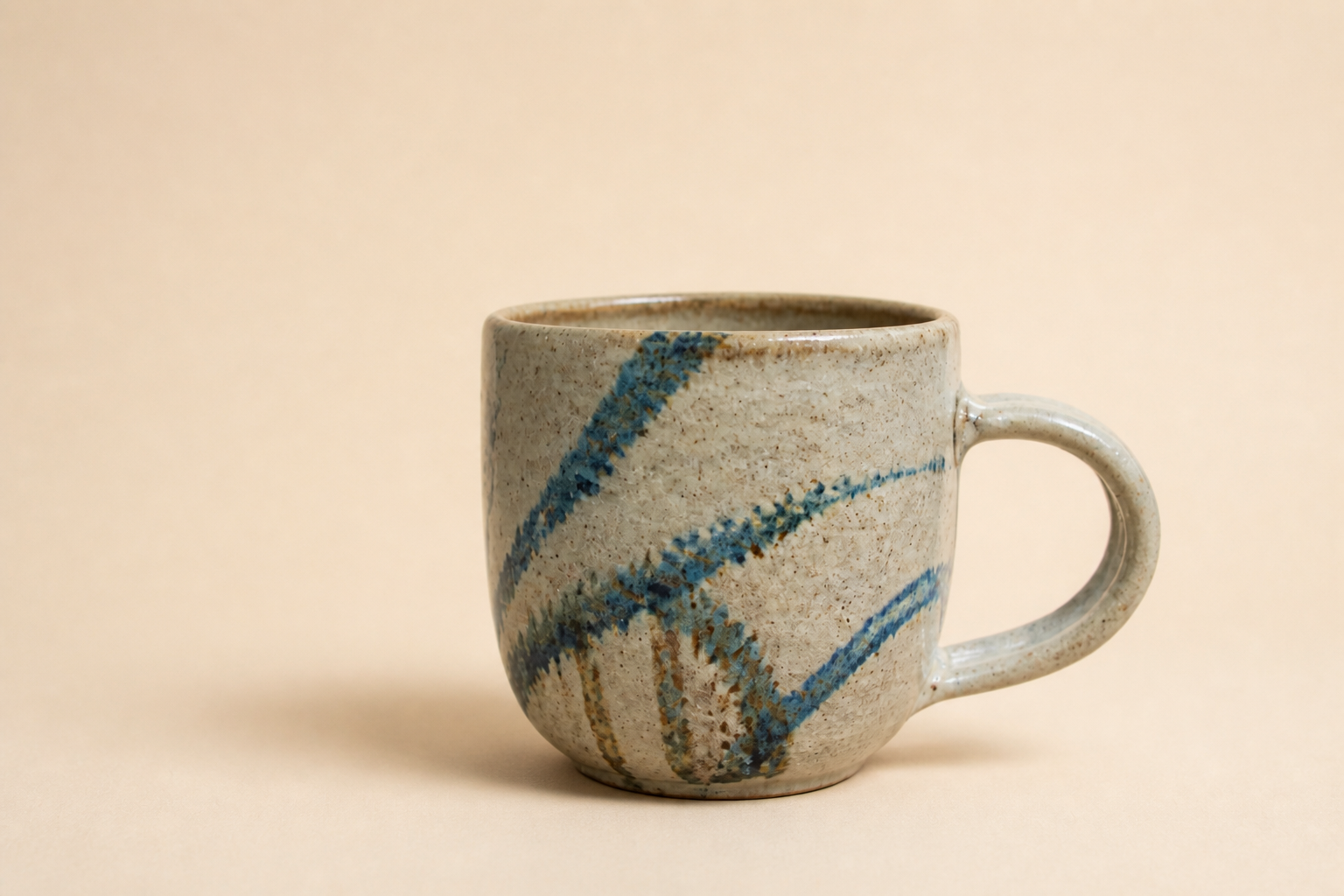 AFTERBEFOREAFTERBEFOREAFTERBEFOREAFTERBEFOREAFTERBEFOREAFTER
 BEFORE
 AFTER
AFTER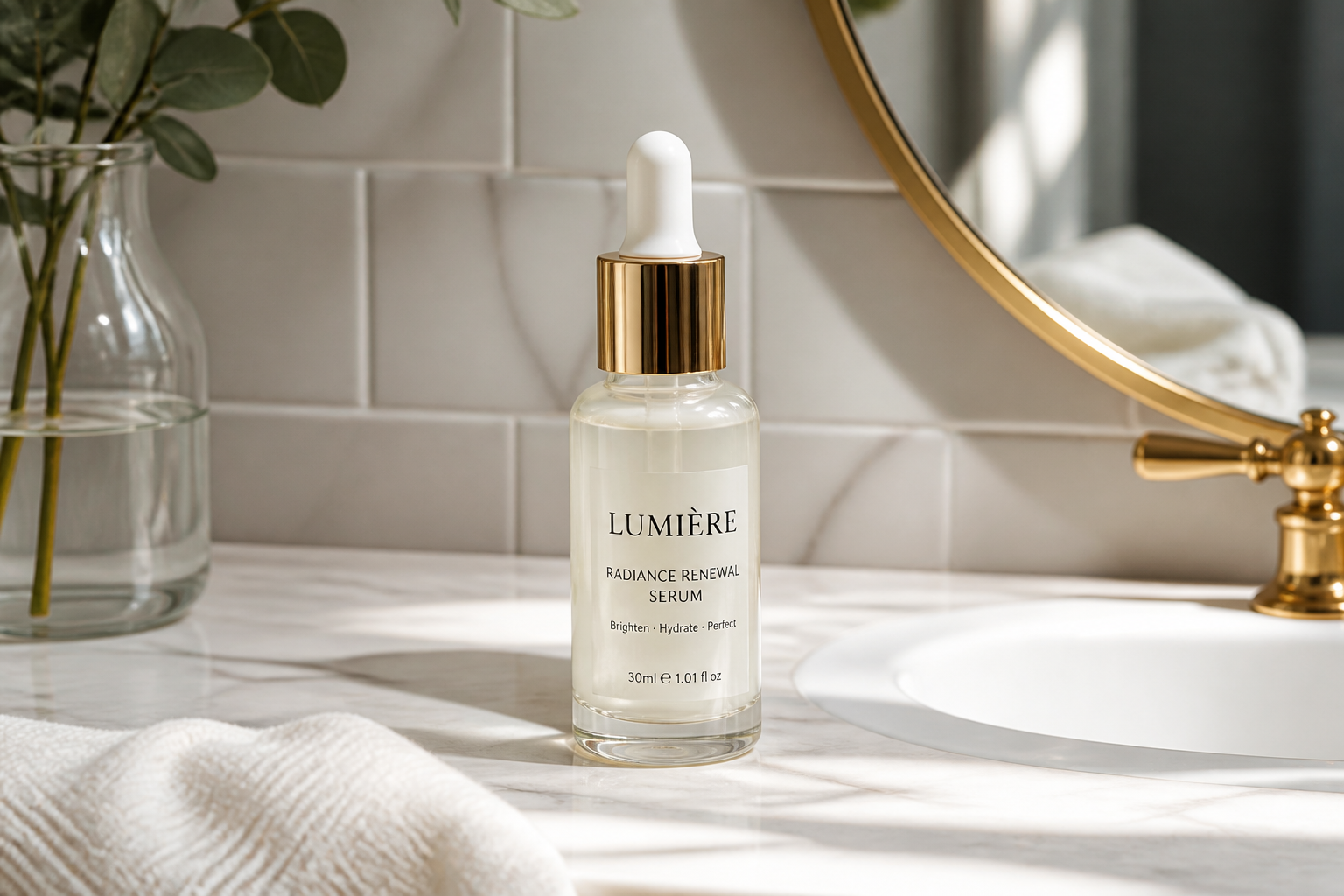 BEFORE
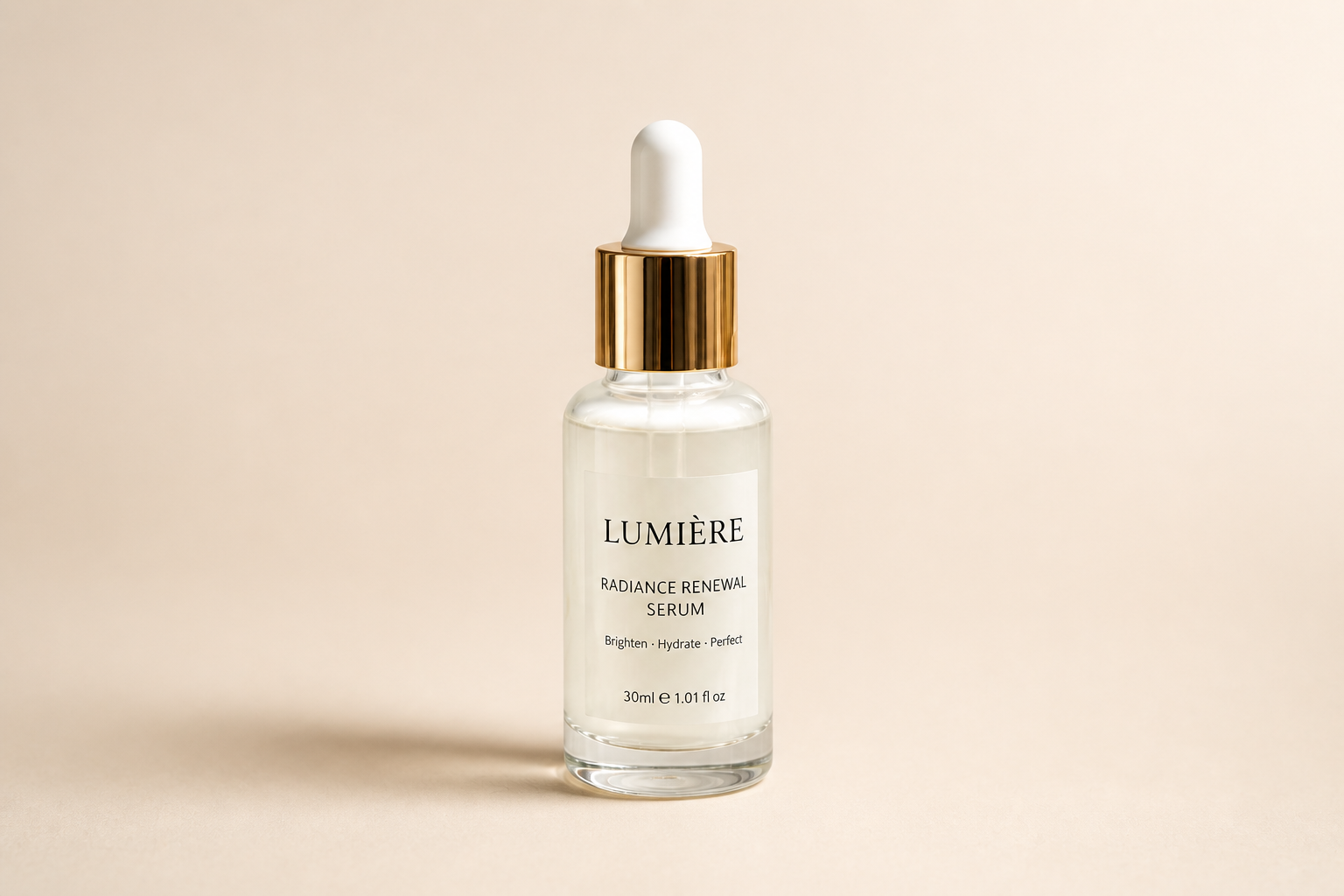 AFTER
AFTER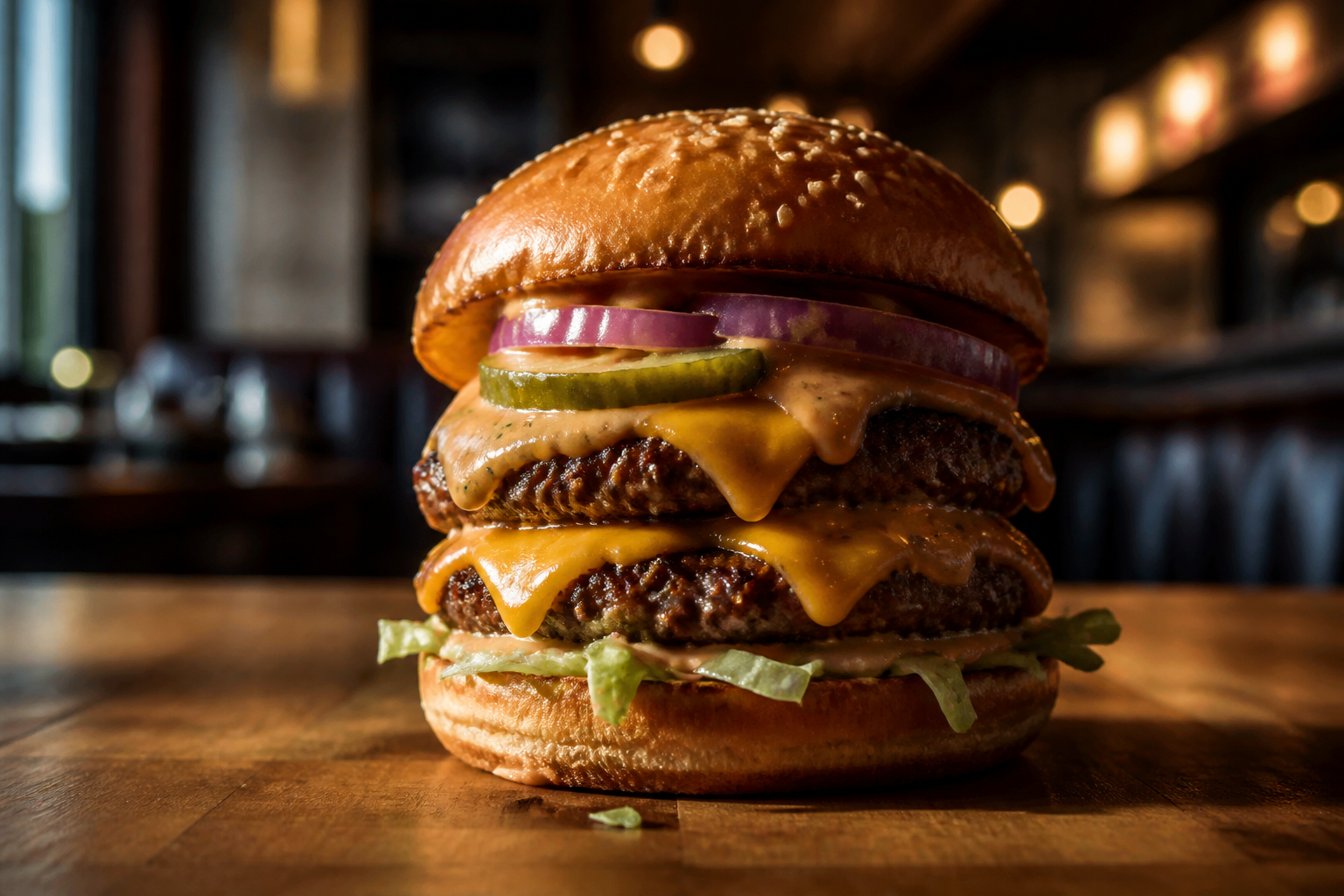 BEFORE
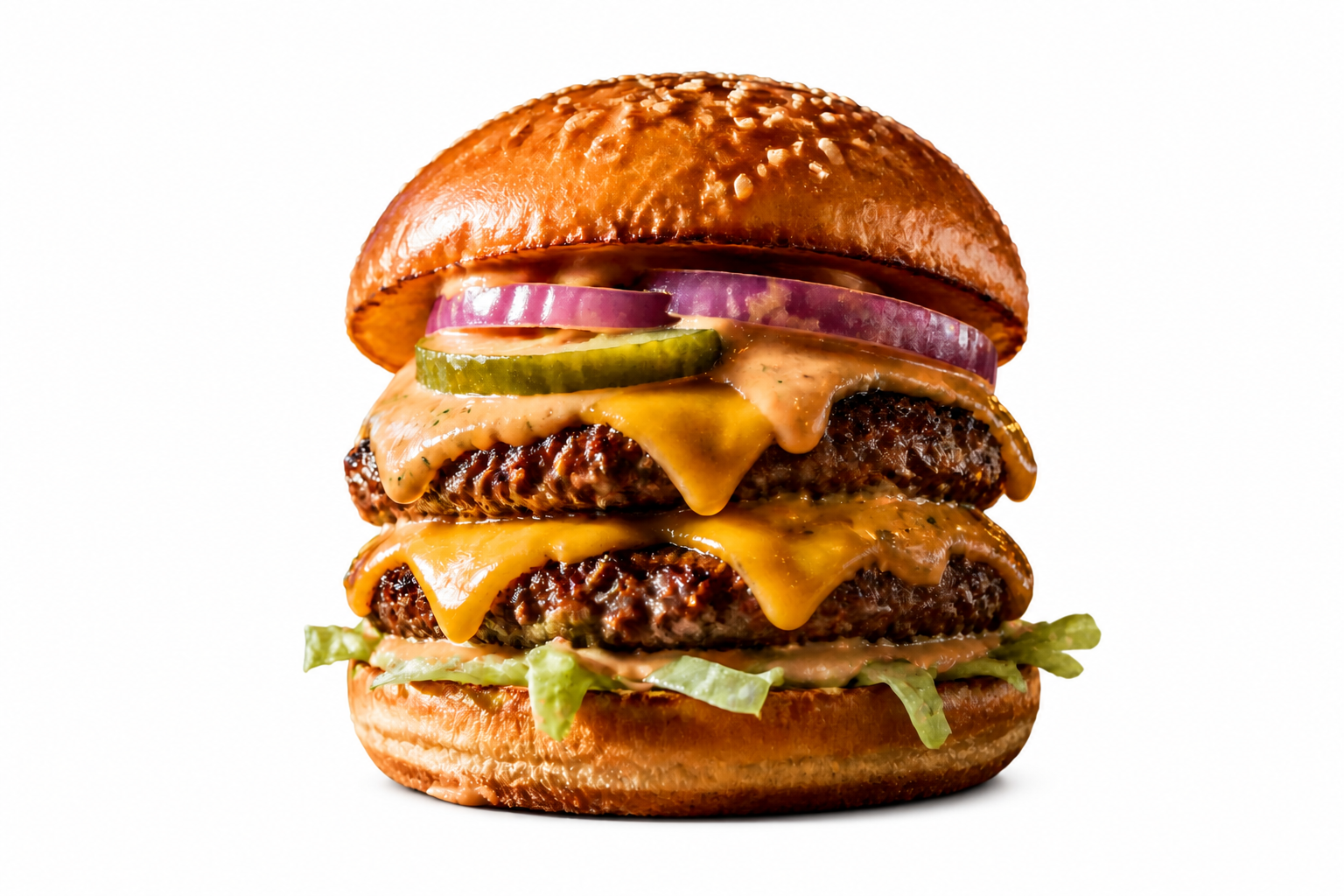 AFTER
AFTER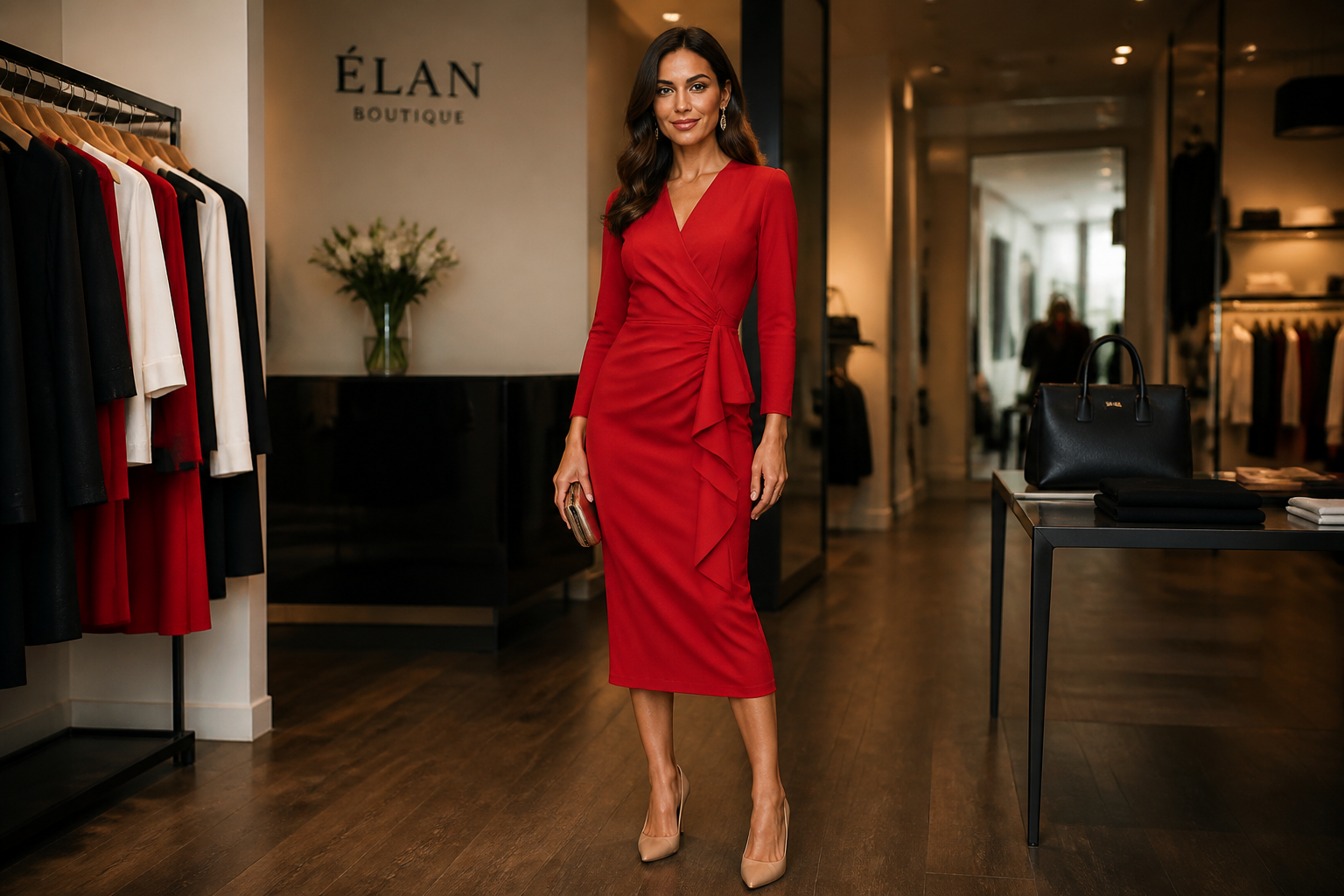 BEFORE
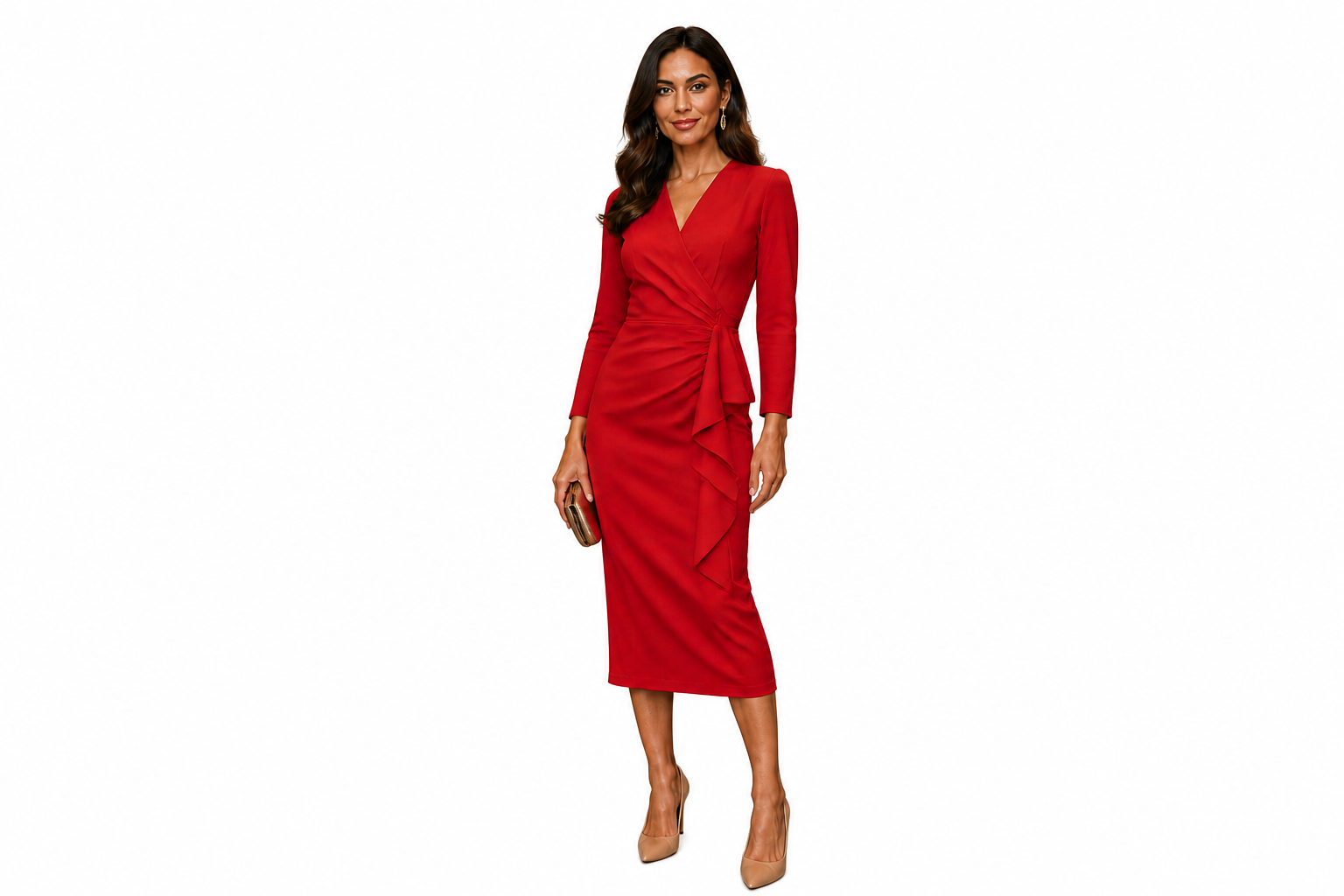 AFTER
AFTER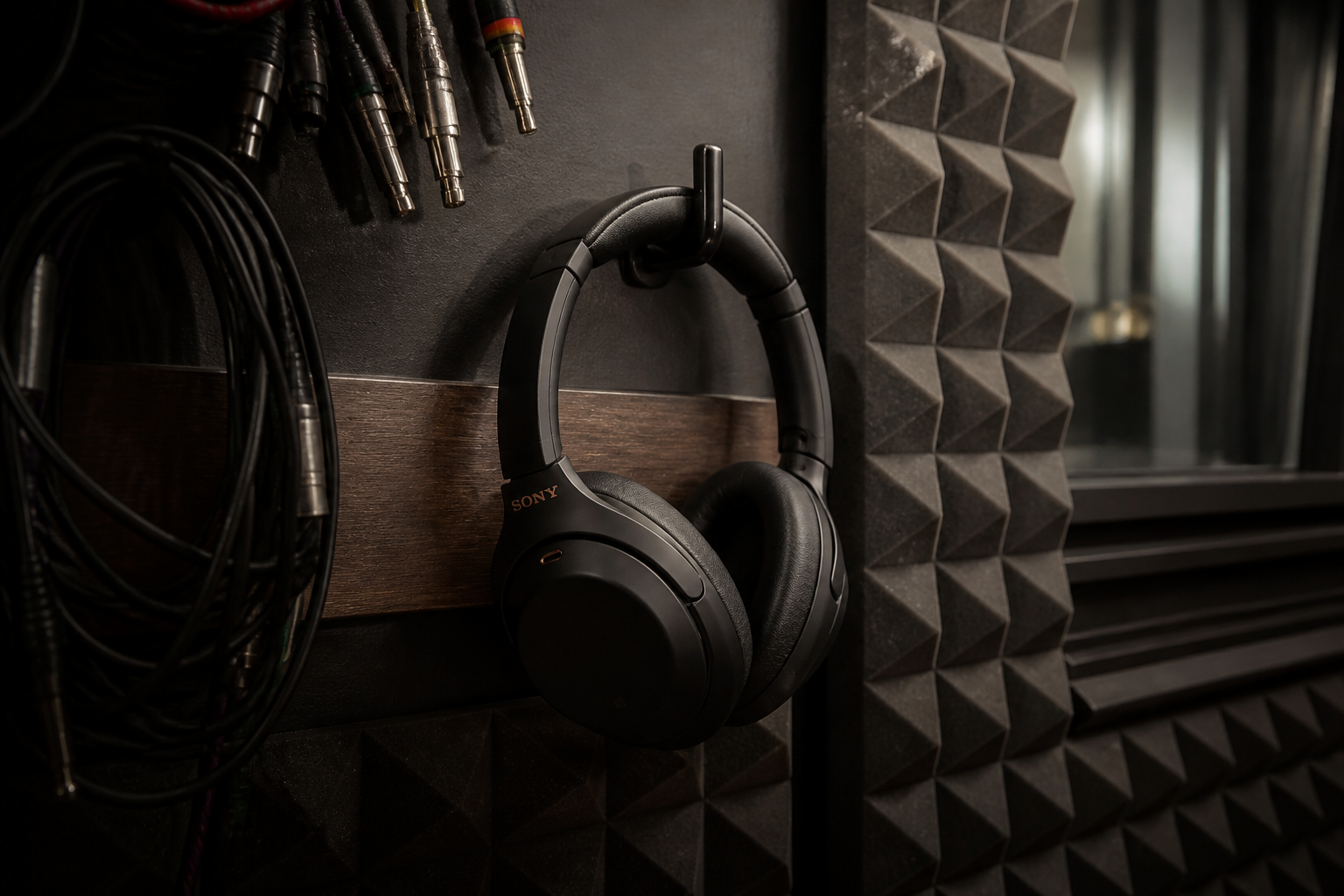 BEFORE
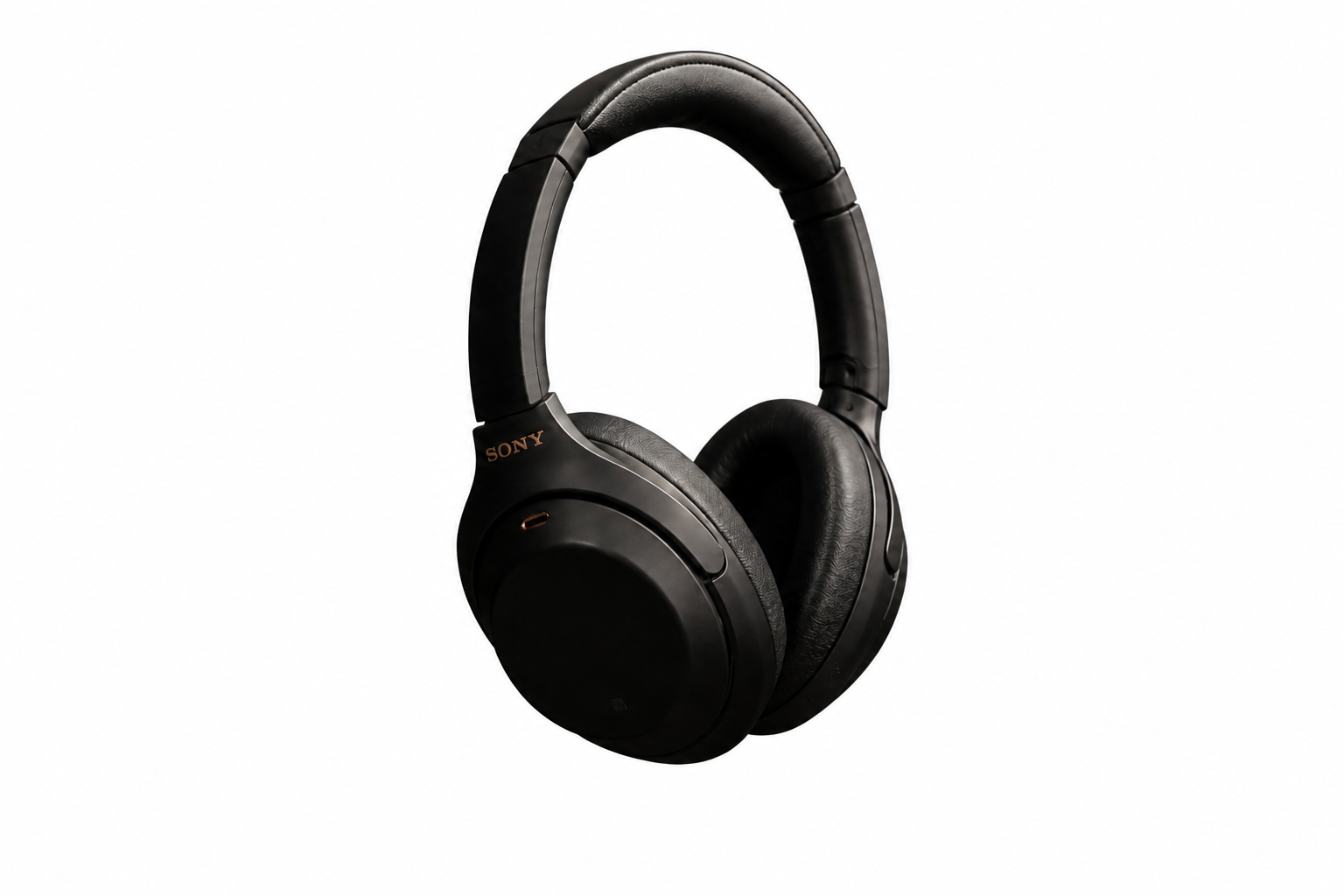 AFTERBEFOREAFTERBEFOREAFTERBEFOREAFTERBEFOREAFTERBEFOREAFTER
Key Features


Clean edges on tricky subjects
Hair, fur, glass, and thin product details are usually where background removal falls apart. This tool is built to keep those edges readable instead of turning them into rough halos or missing chunks. That matters when you need a cutout that still looks usable at thumbnail size and full size. It saves the time you would normally spend zooming in and masking by hand.
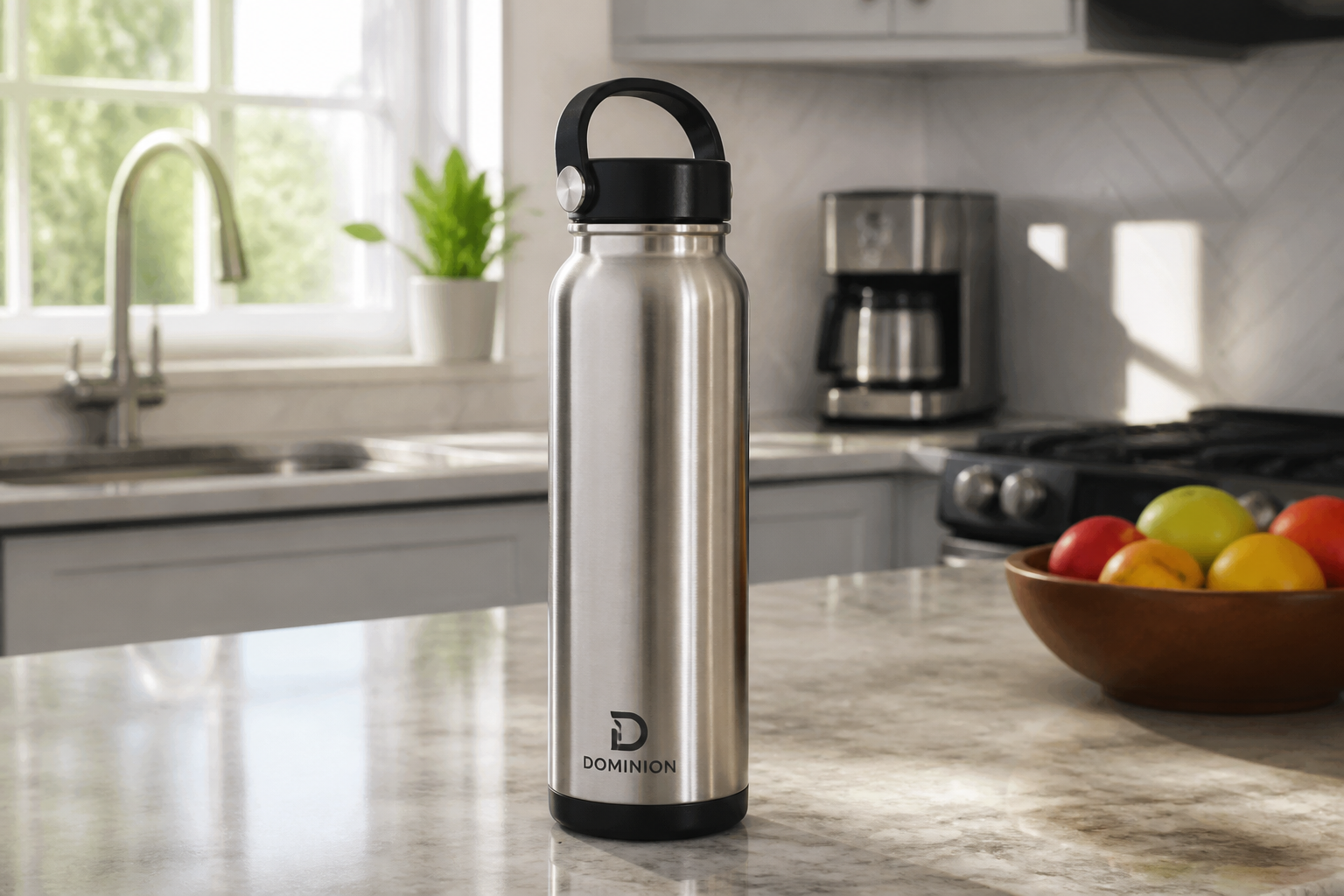
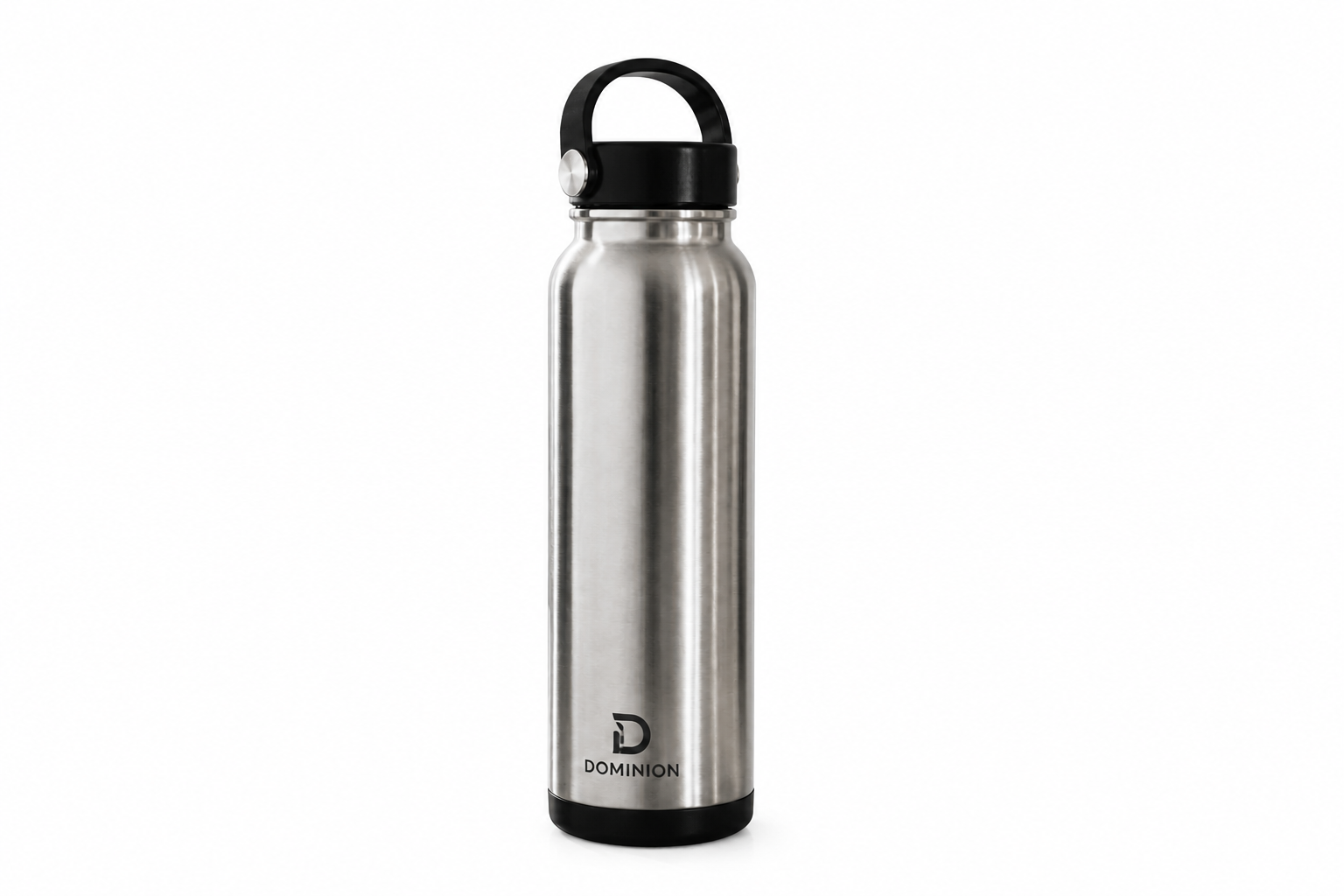
Ready for product listings
Marketplace photos often need a plain background before you can publish them. Instead of rebuilding the shot in a studio, you can turn a normal room photo into a clean listing image in one edit. The subject stays centered and readable, which helps products look more consistent across a catalog. It is a faster path than masking every item manually.
Works across many photo types
You can use the same workflow for portraits, pets, objects, food, and branded products. That makes it useful when your image library is mixed and you do not want a separate process for every category. The edit focuses on isolating the main subject while keeping the original look intact. That gives you more predictable results from one photo type to the next.

Consistent backgrounds for teams
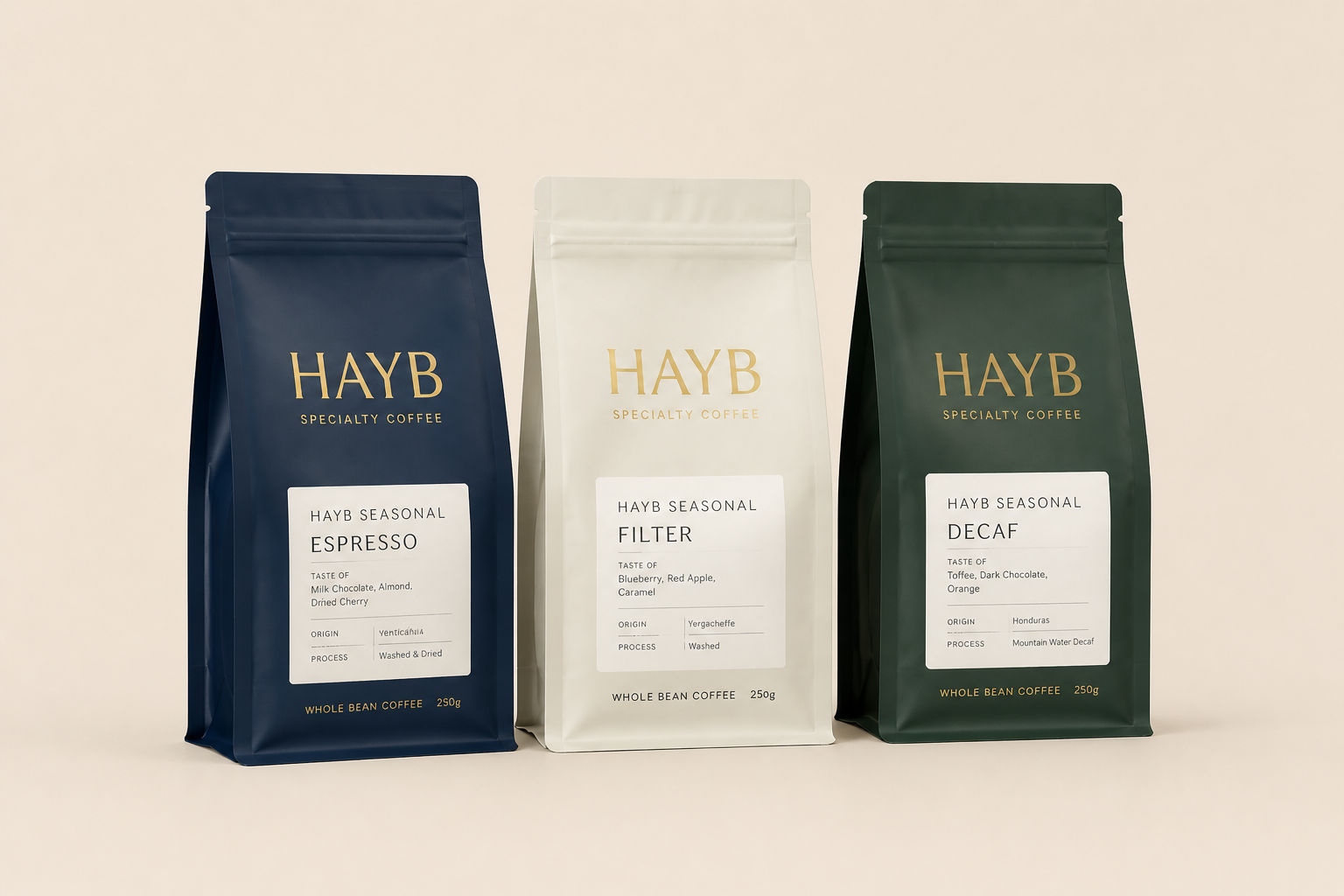
When several people create images for the same brand, backgrounds often end up looking inconsistent. This tool helps standardize them quickly by replacing busy scenes with a plain, repeatable backdrop. That makes product pages, internal decks, and ad creatives feel more uniform without a long editing process. It is especially useful when you need a large batch to match visually.
How It Works

Upload your photo
Start with any clear image that has a person, pet, product, or object you want to isolate. Busy rooms, outdoor scenes, and casual phone photos can all work.
Choose the background result
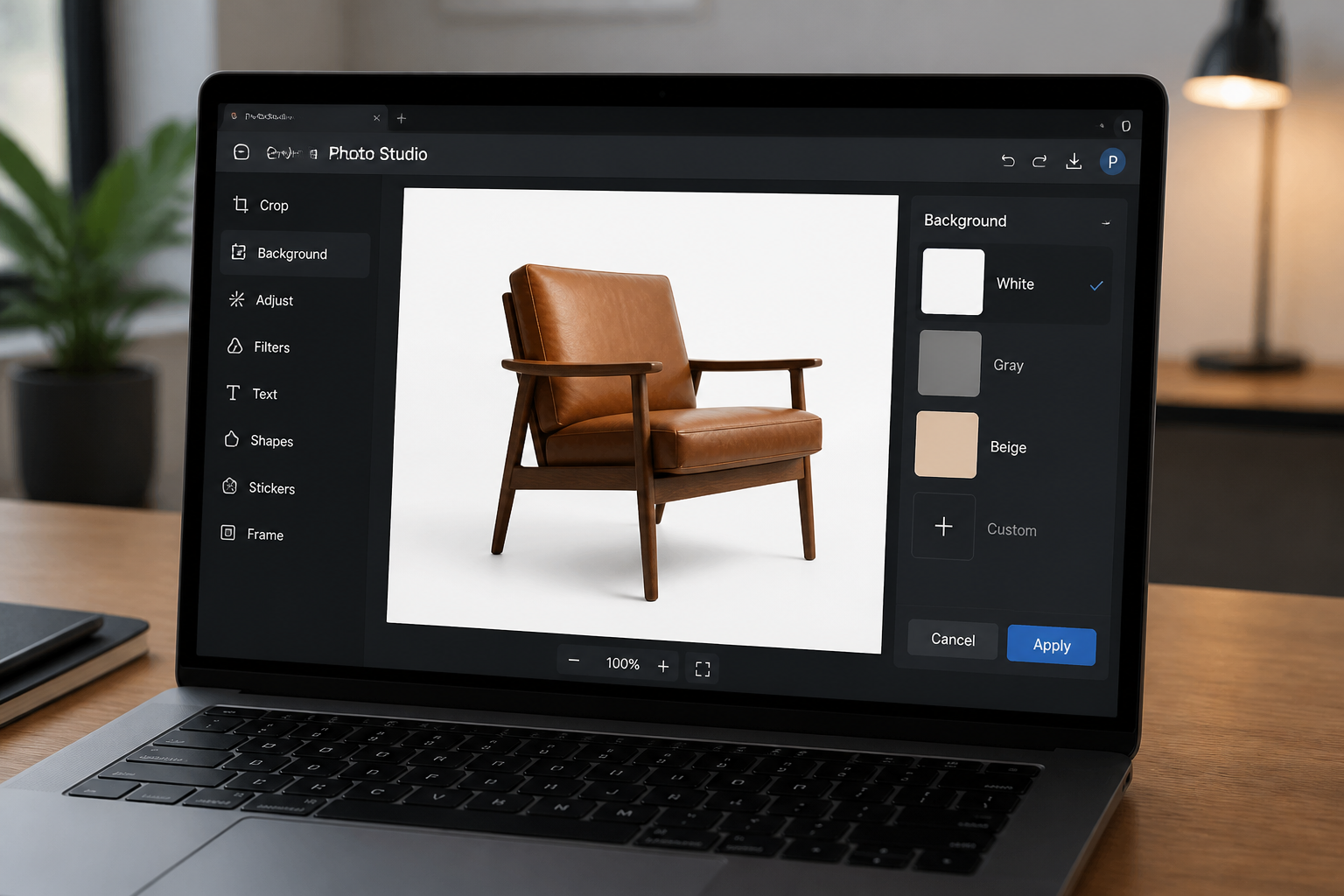
Tell the editor to remove the background and, if needed, place the subject on a plain color like white, gray, or beige. This gives you a cleaner output for listings, ads, and profile images.
Download the clean cutout
Review the result and compare it with the original. If it looks right, save it and use it in your store, presentation, social post, or design file.
Perfect For
Discover how creators and professionals use ai background remover
Product listing photos
Turn everyday product shots into clean catalog images with plain backgrounds that fit marketplaces and ecommerce stores.
Profile and team headshots
Remove distracting office, street, or home backgrounds and replace them with a simple backdrop for a more polished look.
Pet and personal photos
Isolate a pet or person from a busy scene so the subject stands out better in prints, posts, and custom designs.
Marketing assets
Create cutouts for ads, flyers, slides, and landing pages without spending time on manual masking.
Built For
Online sellers
Make product images cleaner and more consistent before uploading them to your store or marketplace.
Designers and marketers
Get fast cutouts for ads, layouts, presentations, and social assets without a long retouching workflow.
Everyday creators
Clean up portraits, pet photos, and personal images for resumes, gifts, posts, and side projects.
Why use it for background removal
A quick look at how we compare on the things that matter for this niche.
| Feature | BudgetPixel | Generic AI editors | Manual editing apps |
|---|---|---|---|
| Fast one-step cutouts | ✓ | ✓ | — |
| Plain studio backgrounds | ✓ | ✓ | ✓ |
| Useful for products and portraits | ✓ | ✓ | ✓ |
| Manual masking required | — | — | ✓ |
| Beginner-friendly workflow | ✓ | ✓ | — |
Frequently Asked Questions
What kinds of images work best with the AI Background Remover?
Can I use it for product photos?
Will it keep details like hair or fur?
Can I choose a new background color after removing the original one?
Do I need editing experience to use it?
Create together.
Share your creations, discover trending AI art, and grow with fellow creators.