AI Bag Product Image Generator for Better Product Photos
Turn a plain bag photo into a polished product image in minutes.
Upload a photo of any bag and generate cleaner, more sellable product images with our AI. Change the background, lighting, surface, and styling while keeping the bag itself consistent. It works for ecommerce listings, ads, lookbooks, and social content.
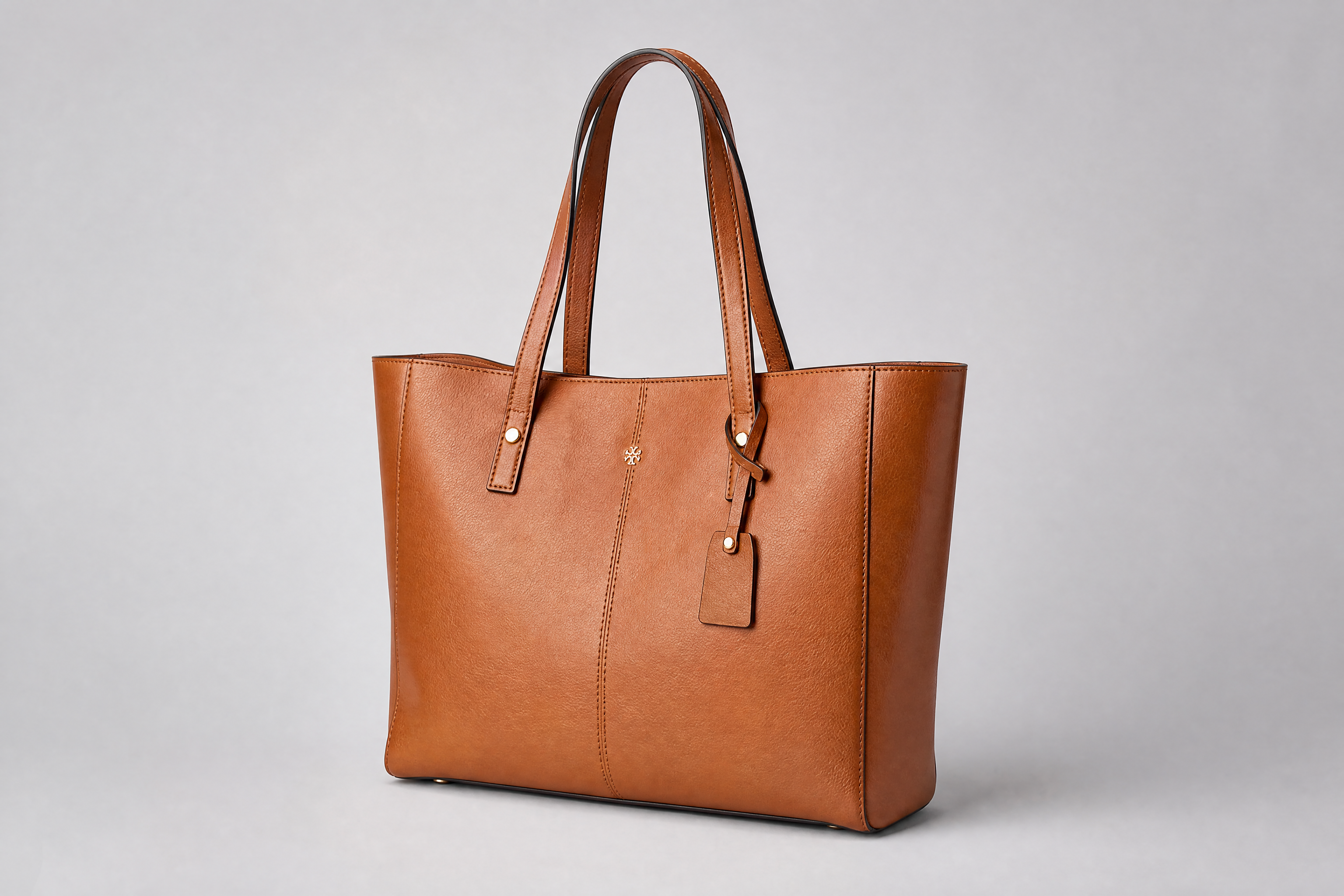
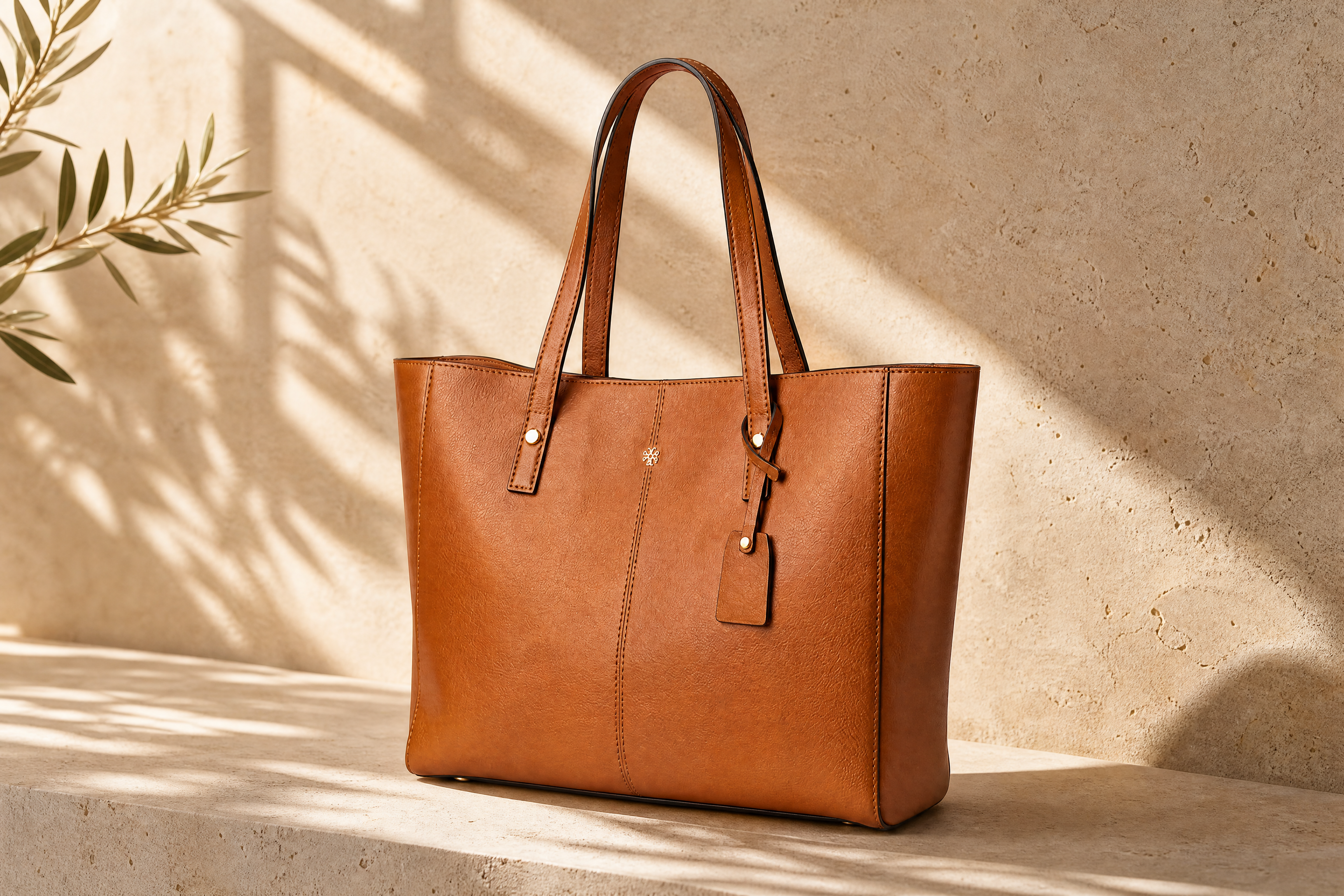
Watch the Transformation
See ai bag product image generator in motion — generated end-to-end by our AI.
See It In Action
Real outputs from ai bag product image generator.
BEFOREAFTER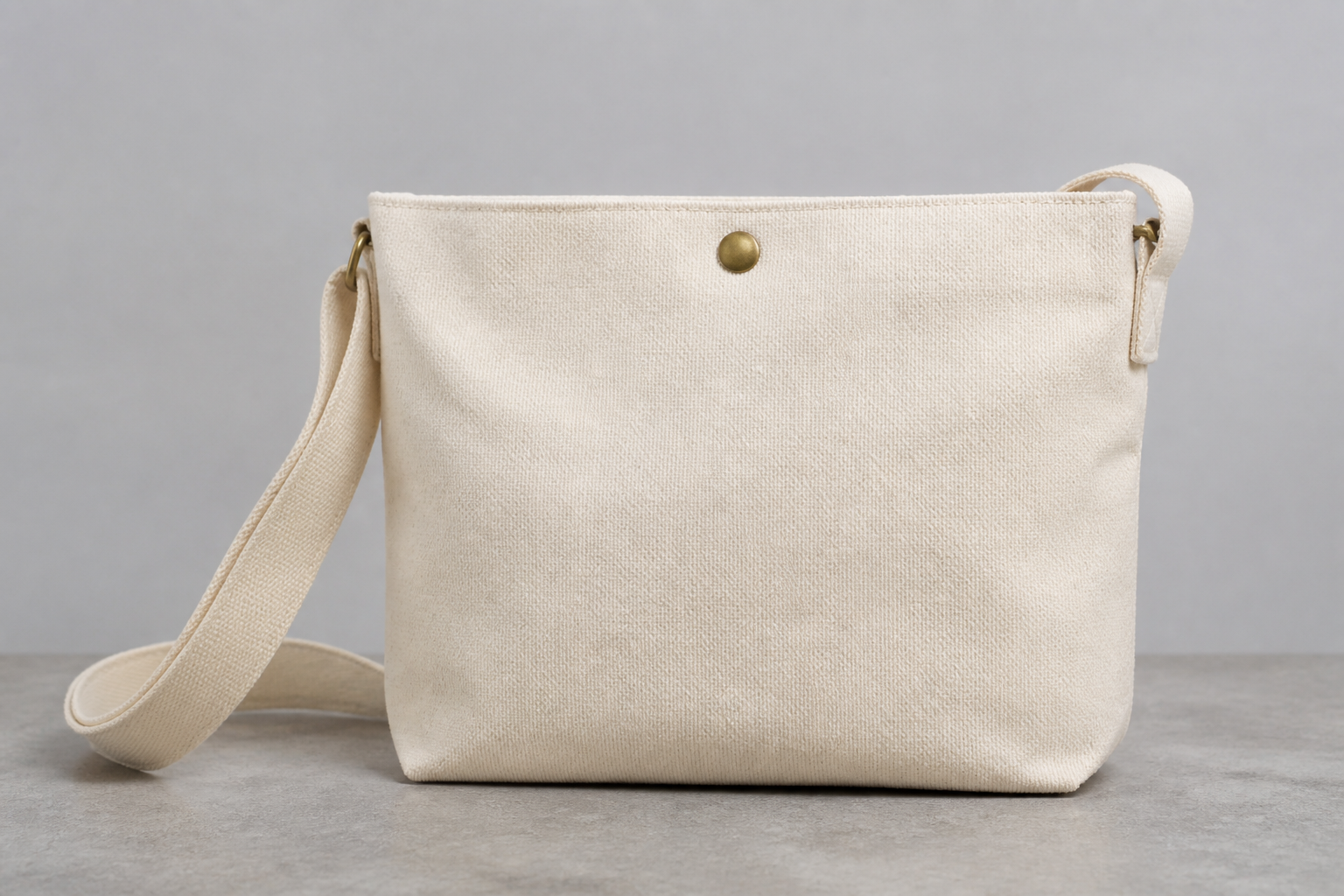 BEFORE
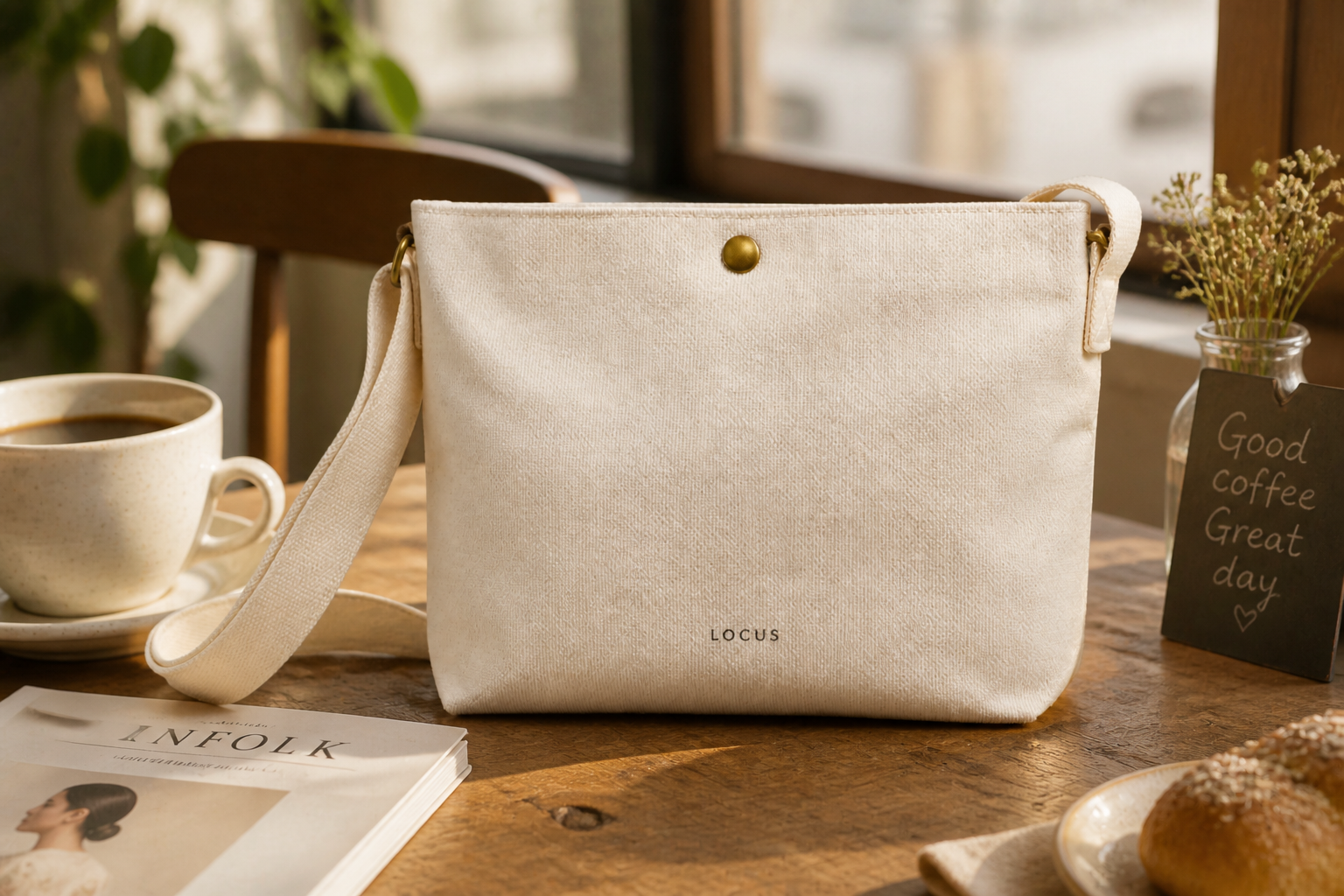 AFTER
AFTER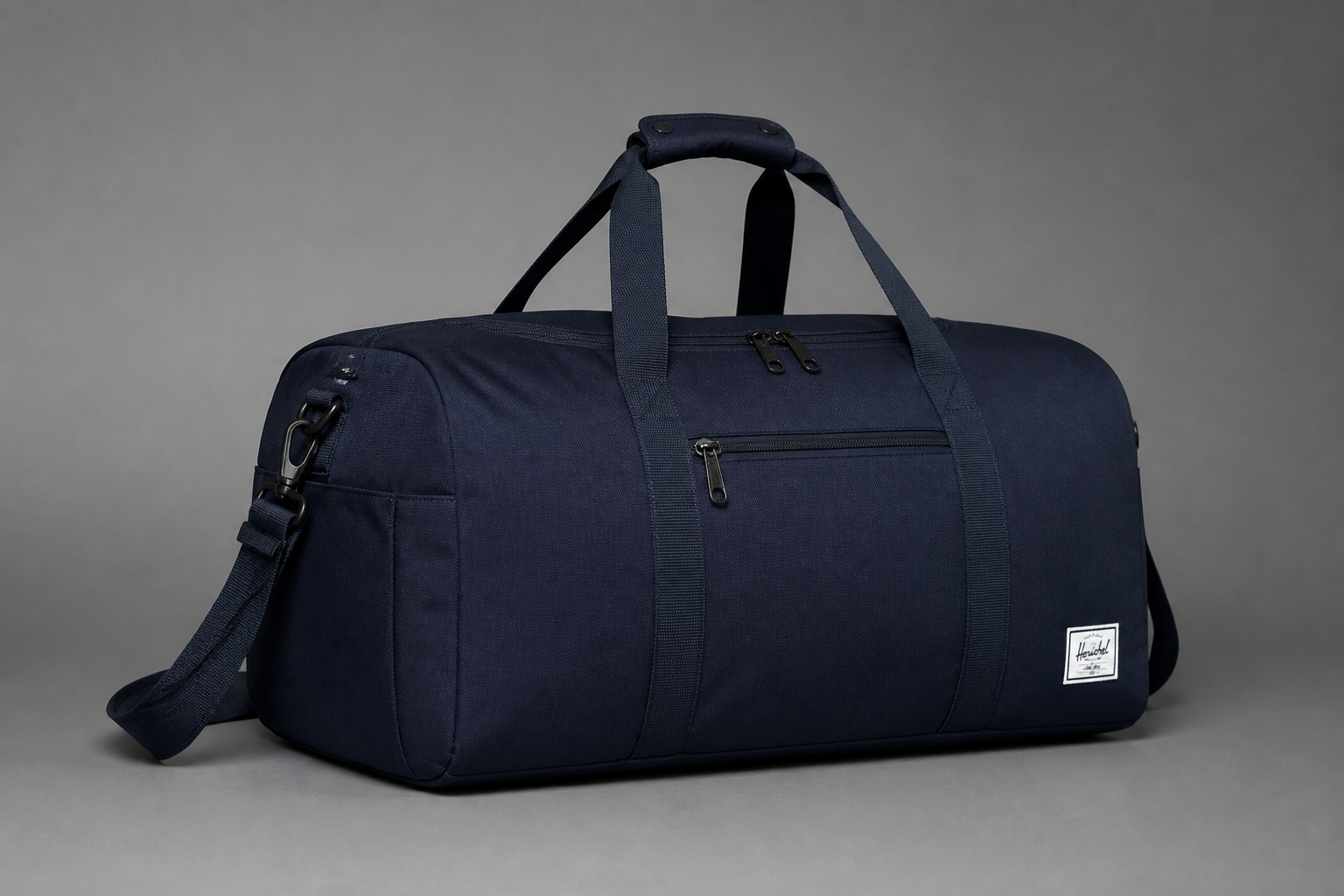 BEFORE
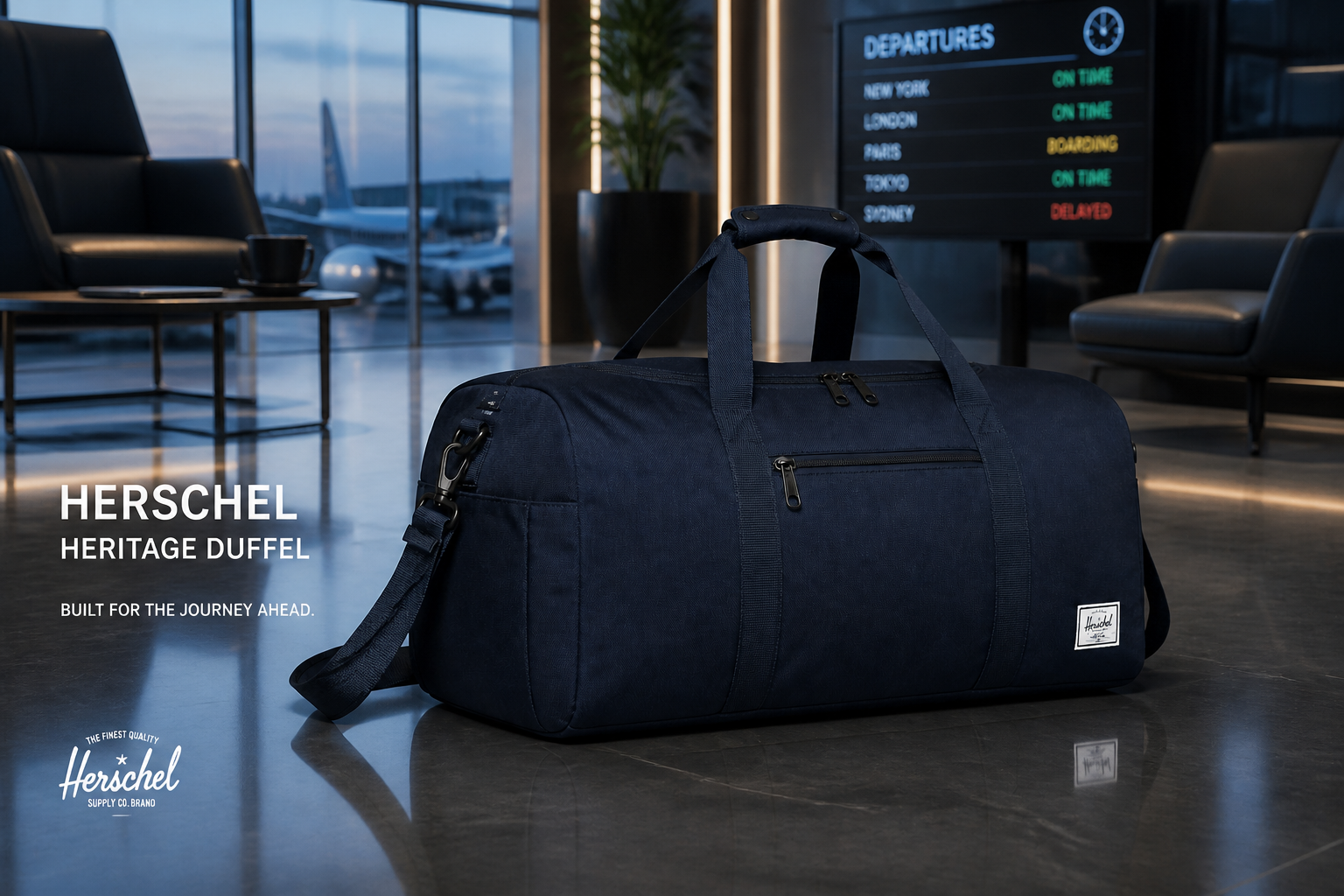 AFTER
AFTER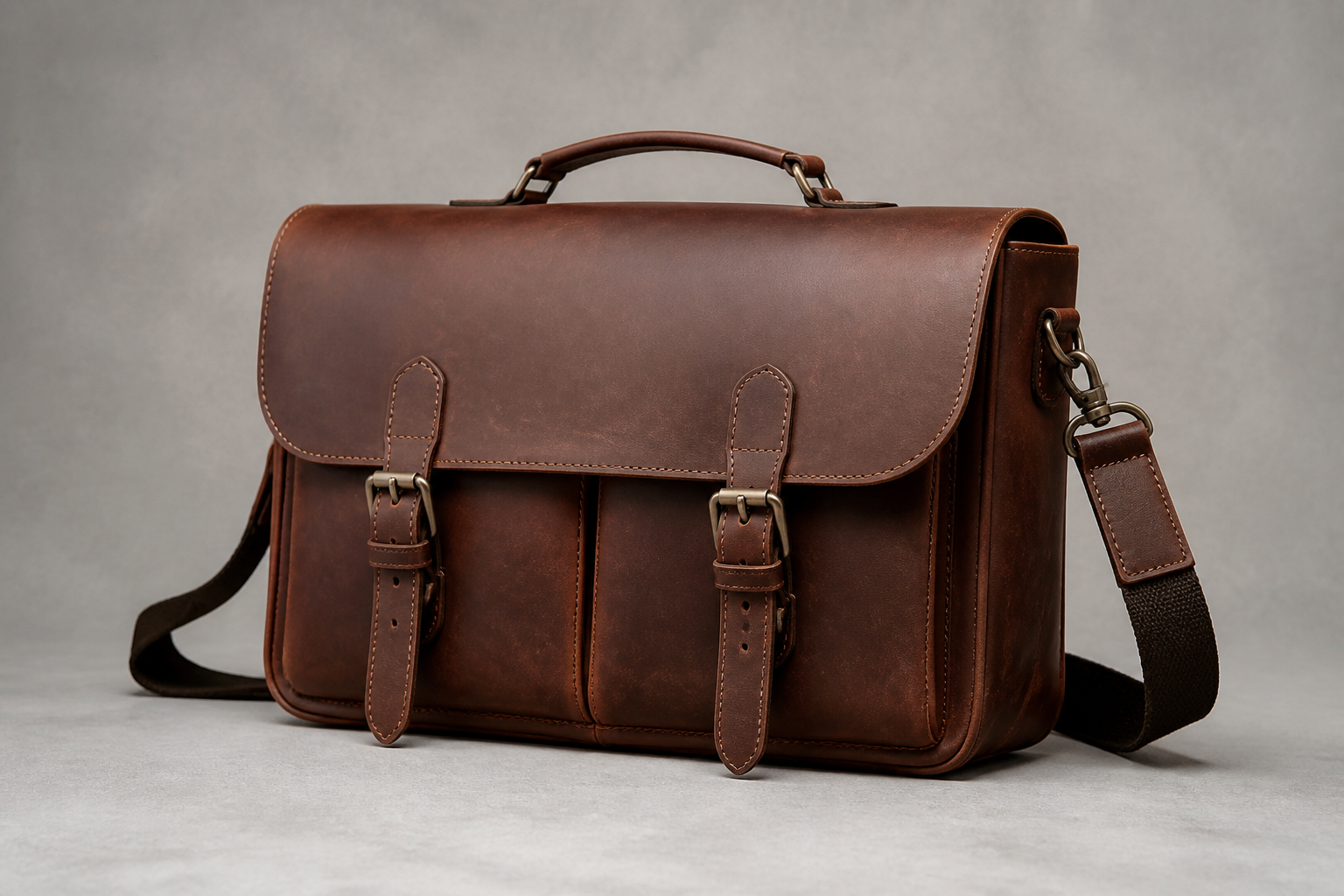 BEFORE
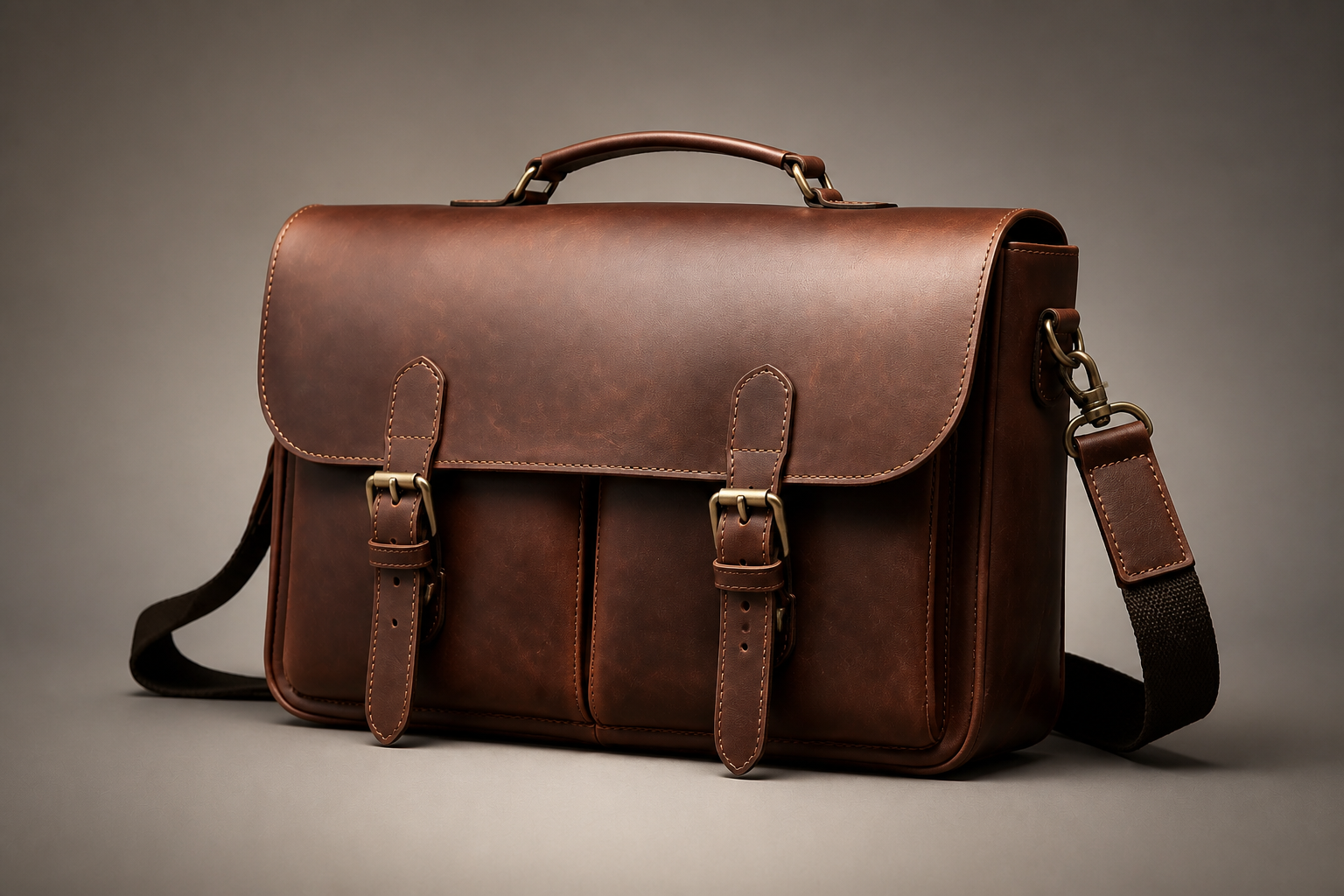 AFTER
AFTER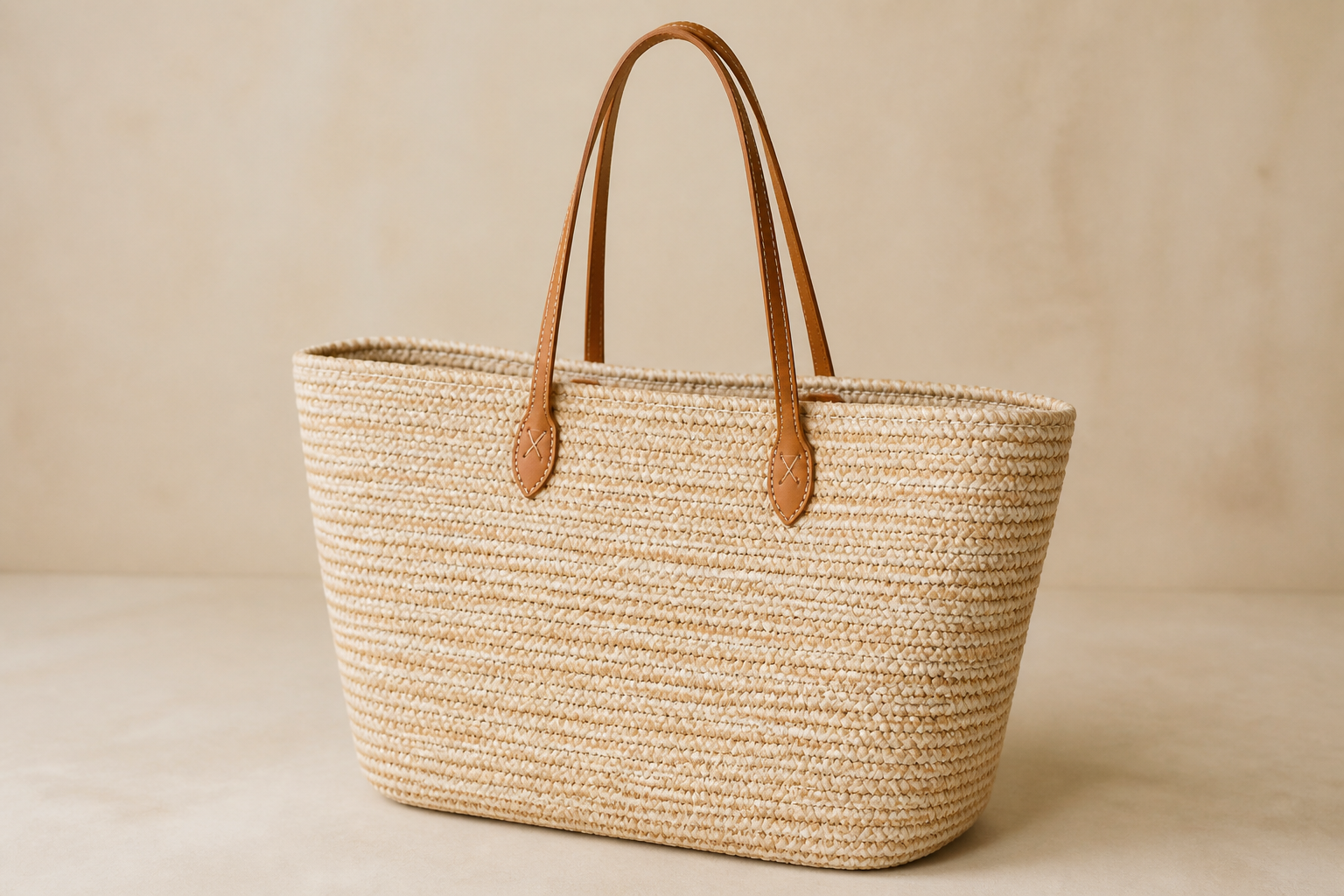 BEFORE
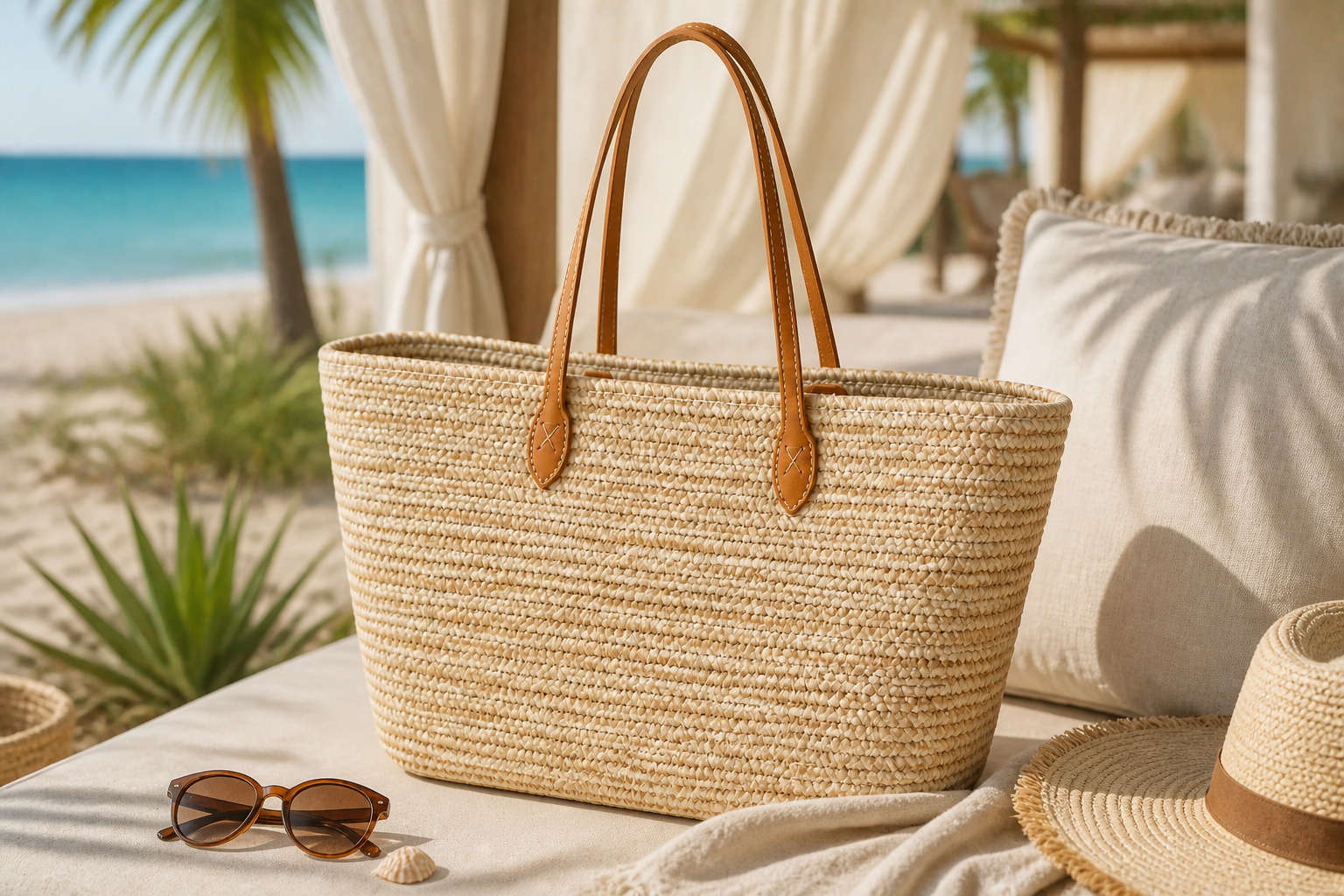 AFTERBEFOREAFTERBEFOREAFTERBEFOREAFTERBEFOREAFTERBEFOREAFTER
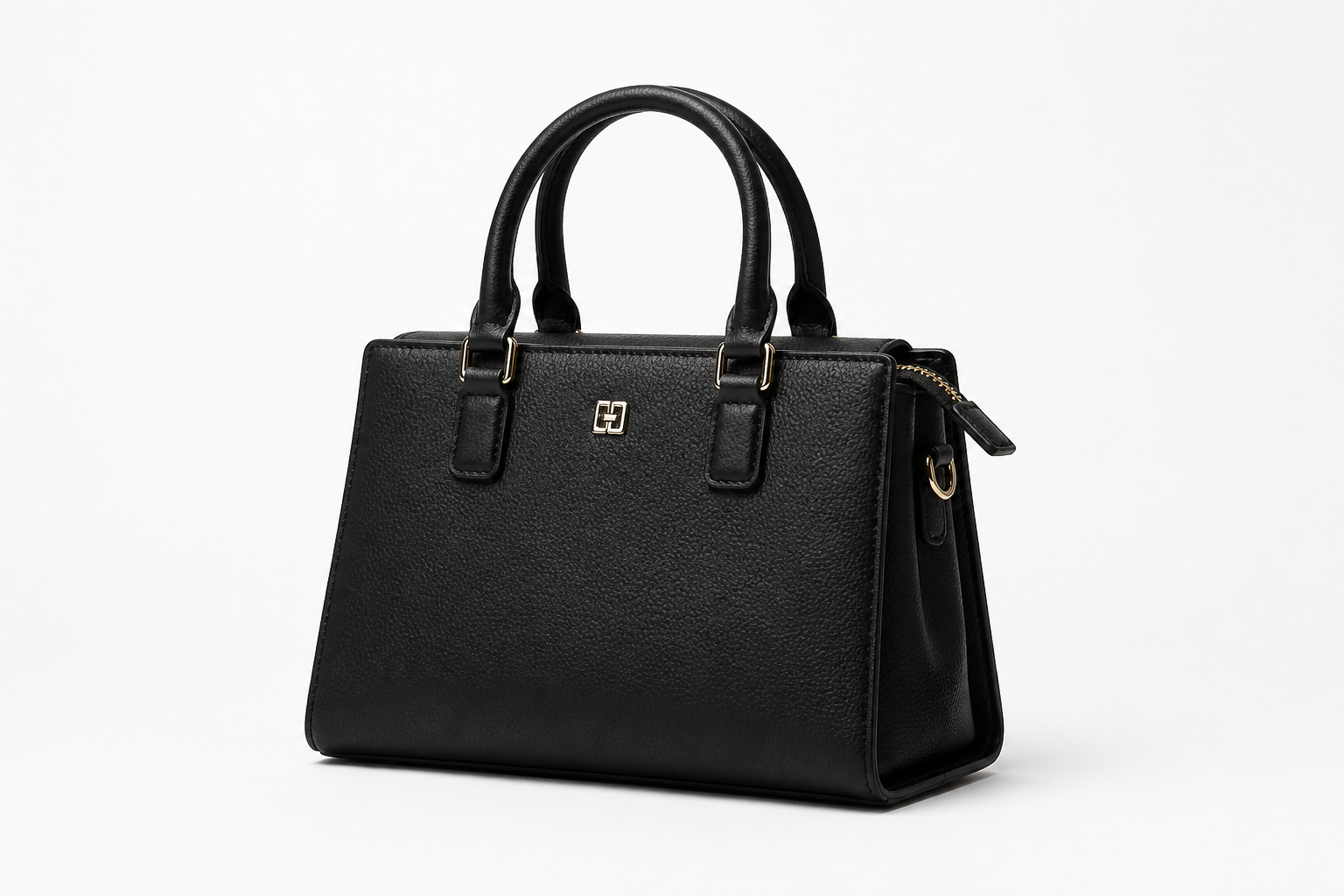 BEFORE
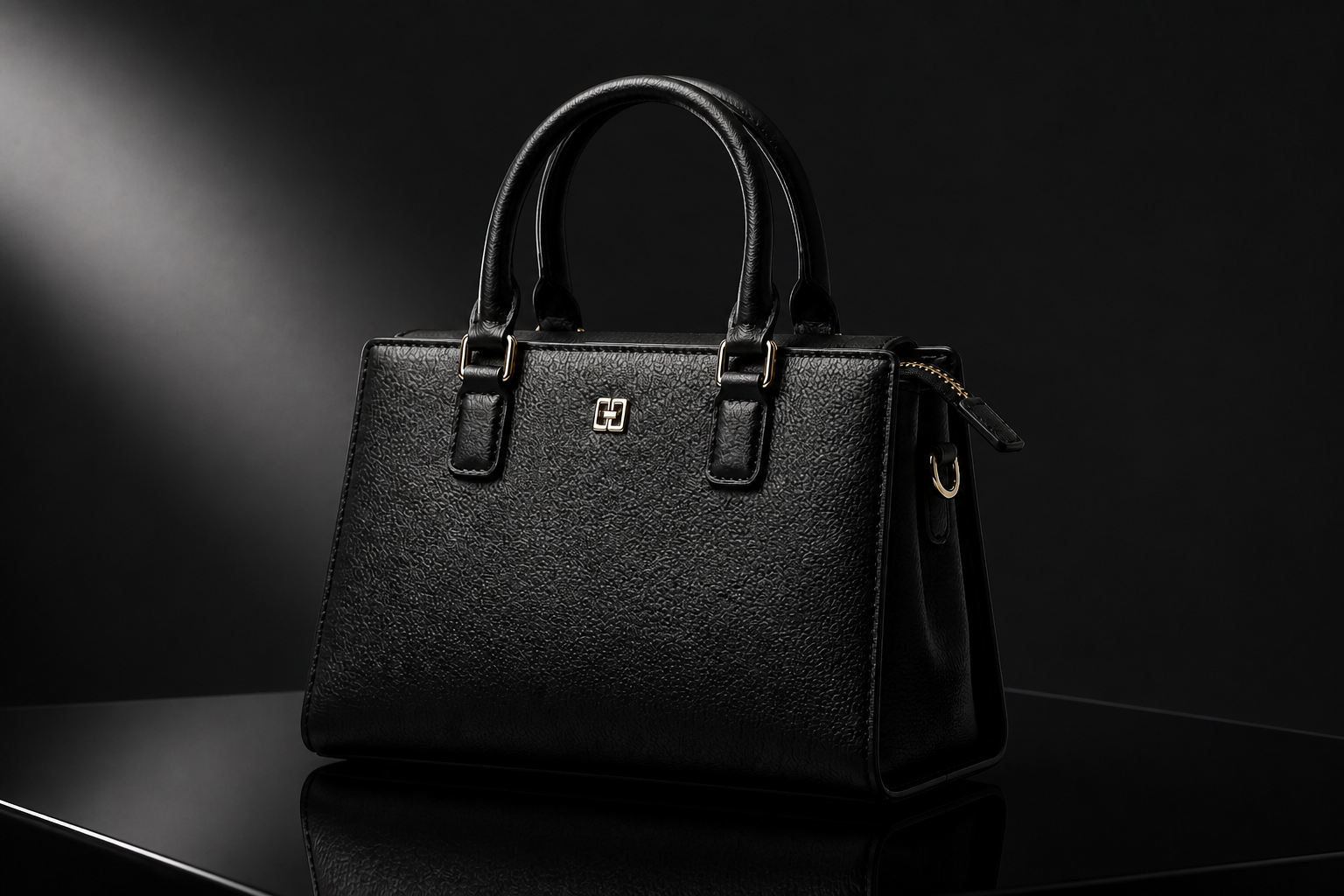 AFTER
AFTER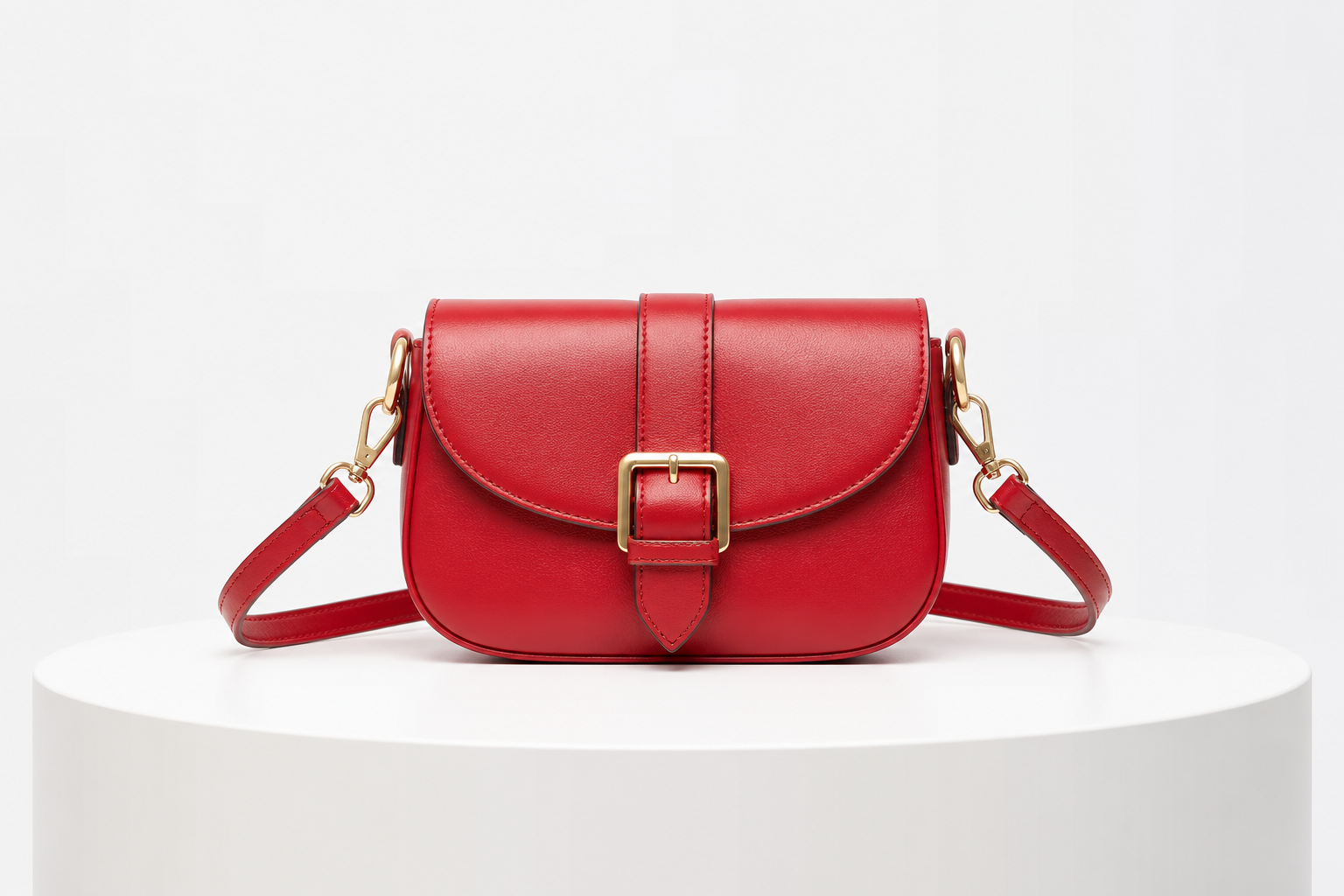 BEFORE
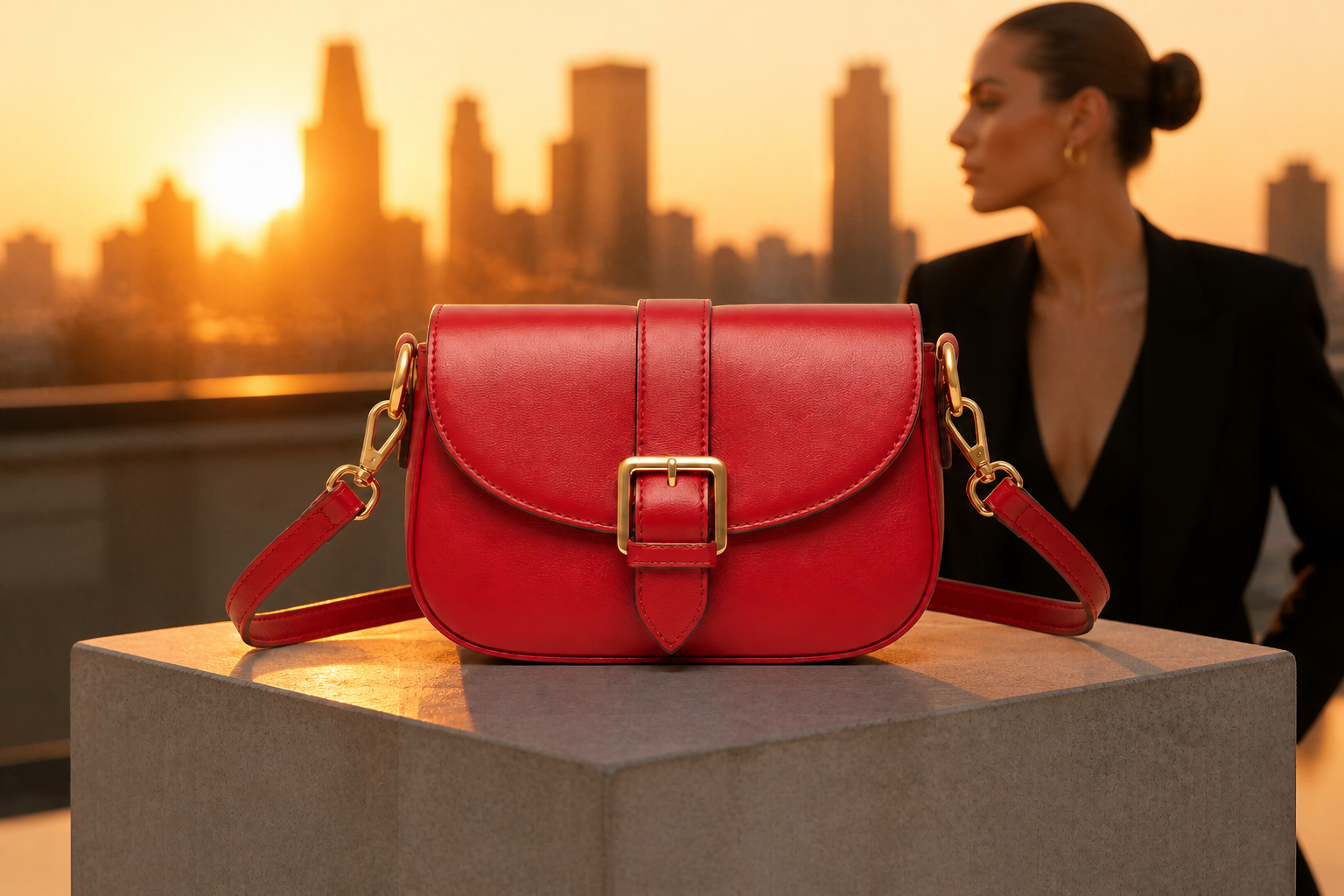 AFTER
AFTER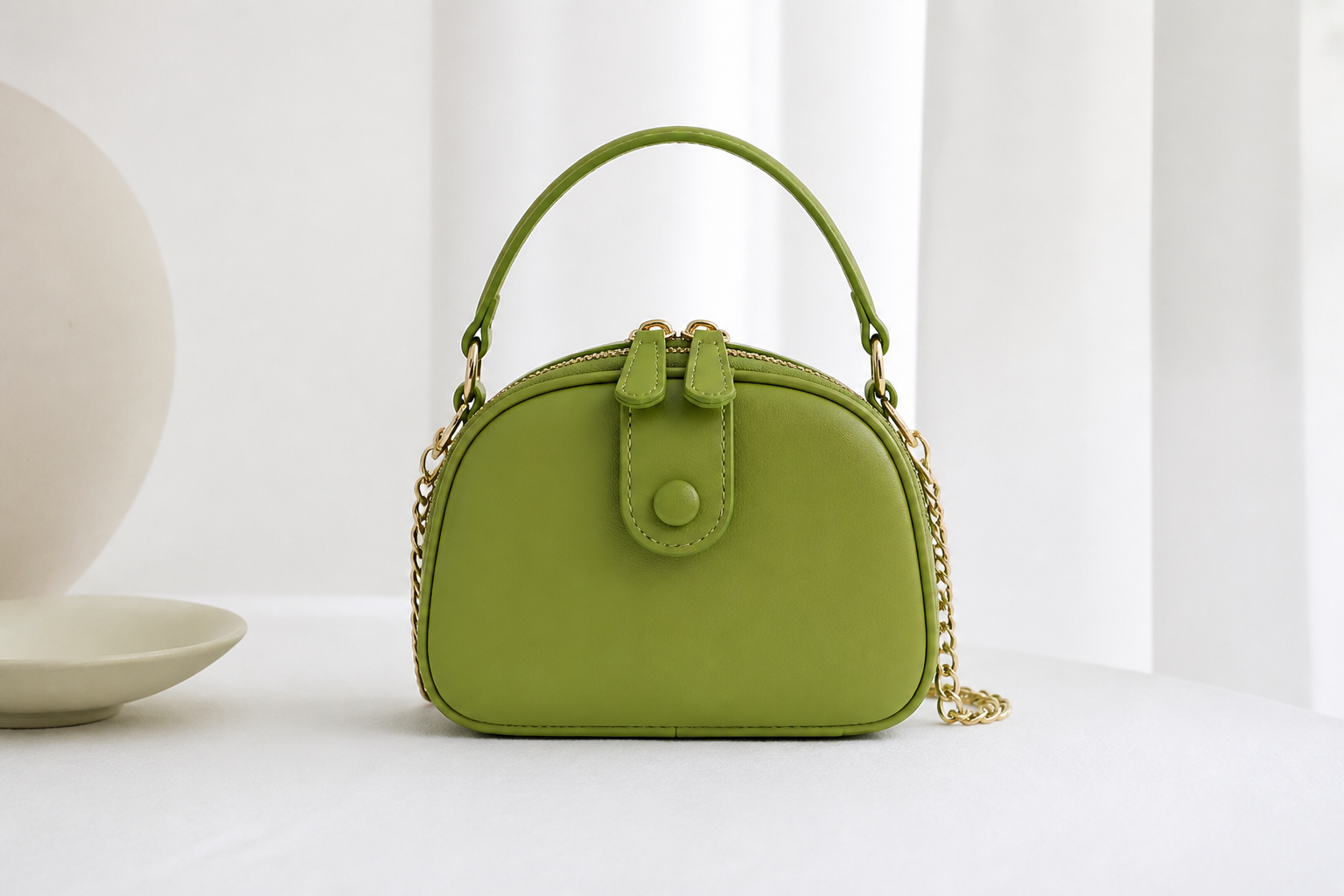 BEFORE
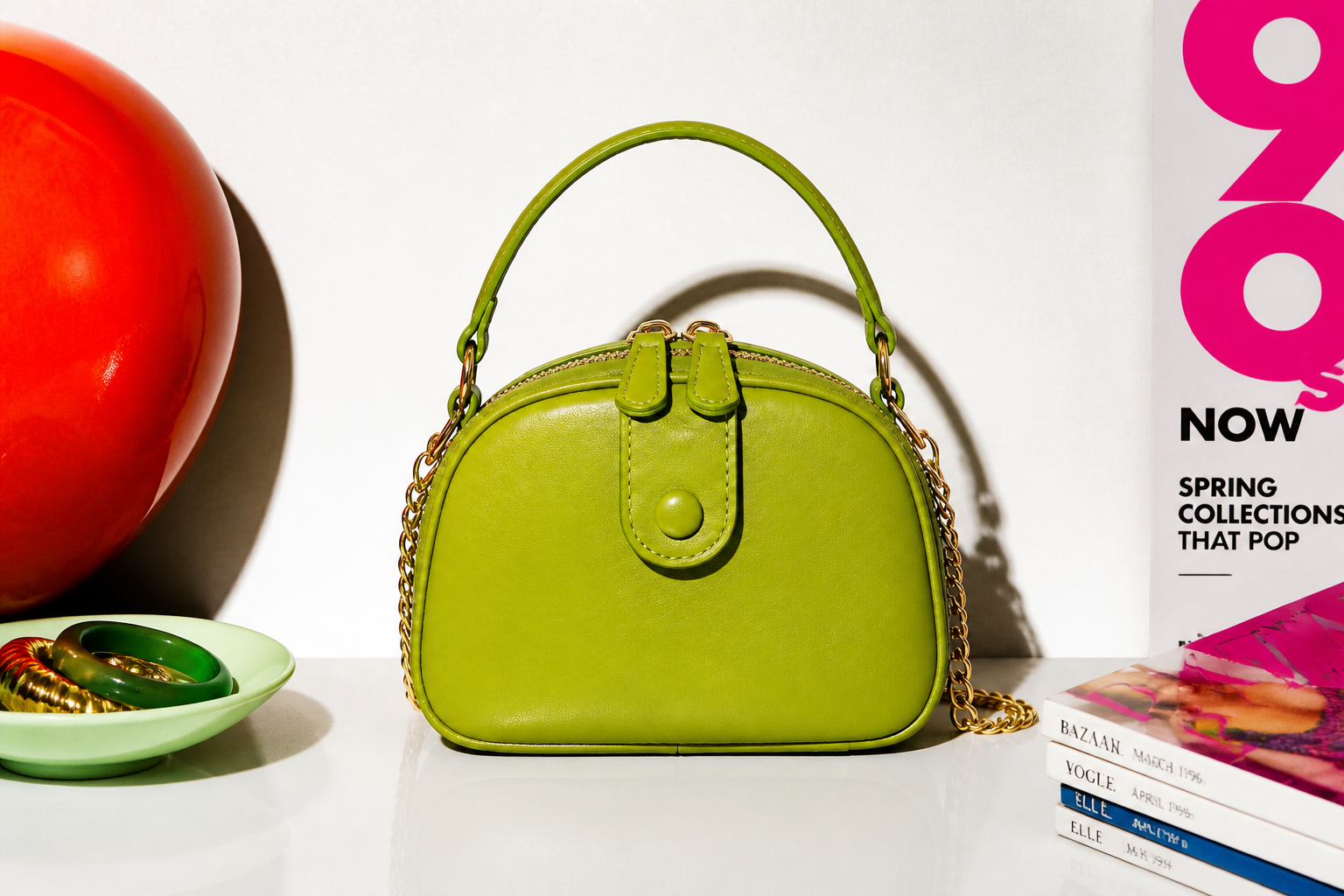 AFTER
AFTER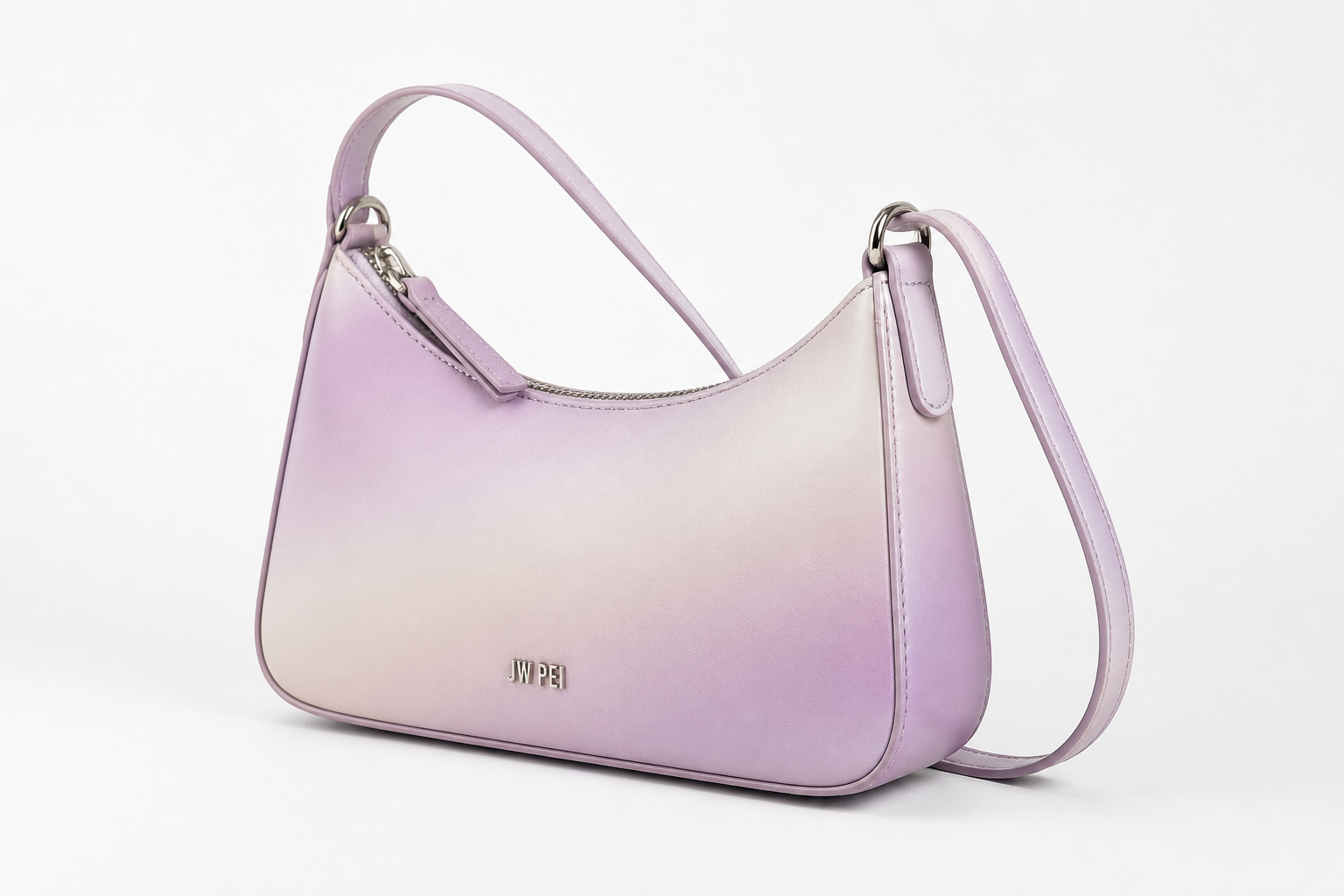 BEFORE
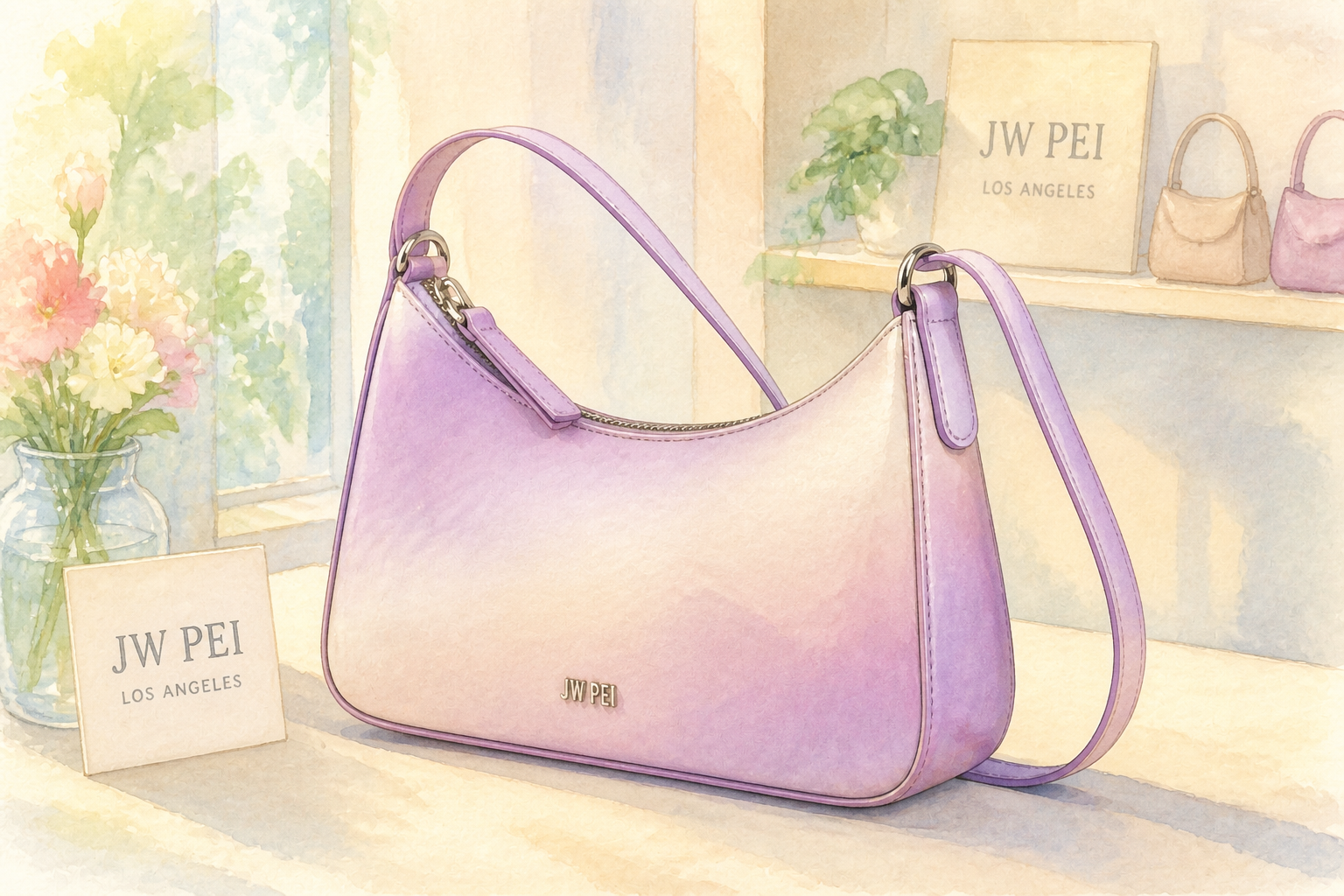 AFTER
AFTER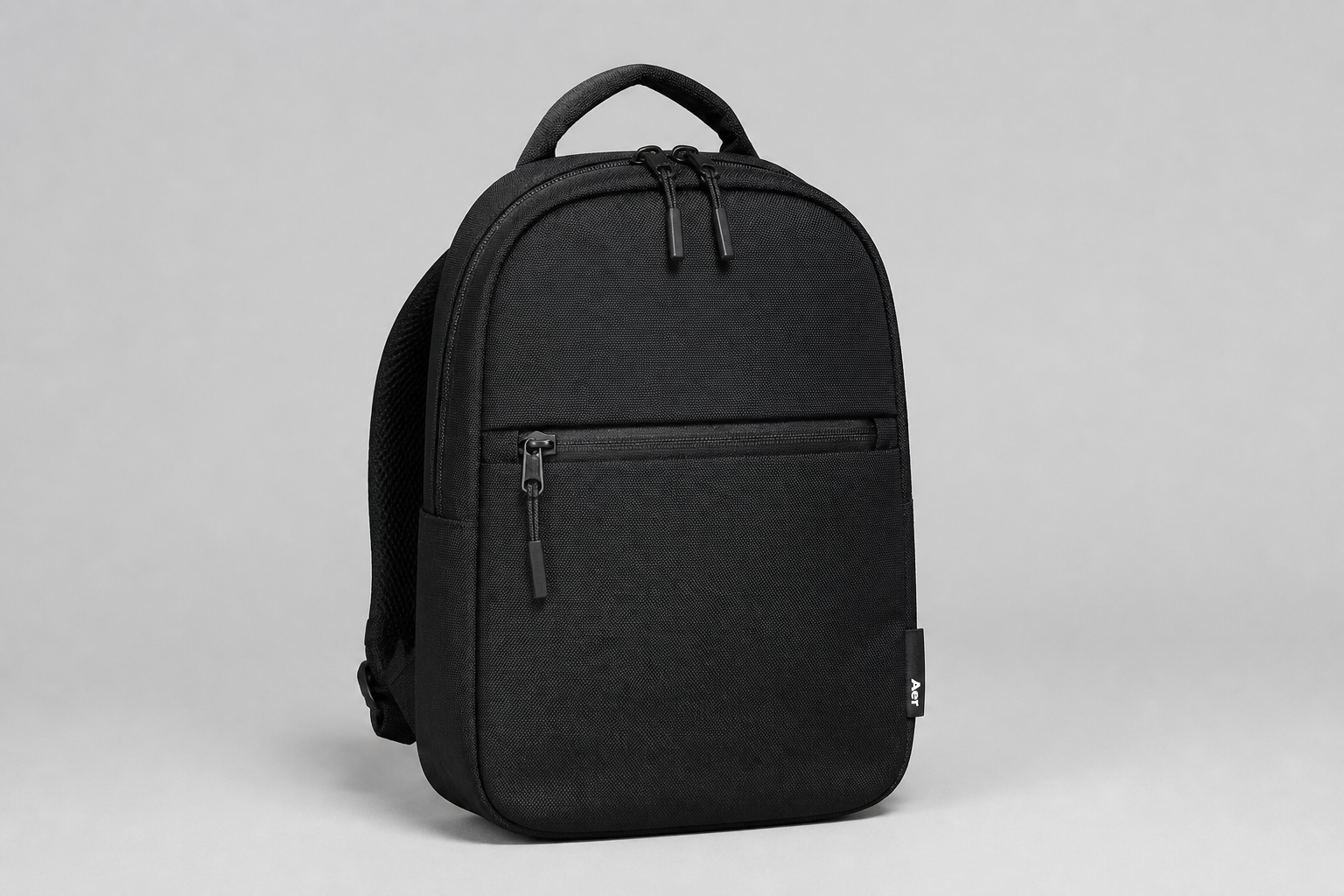 BEFORE
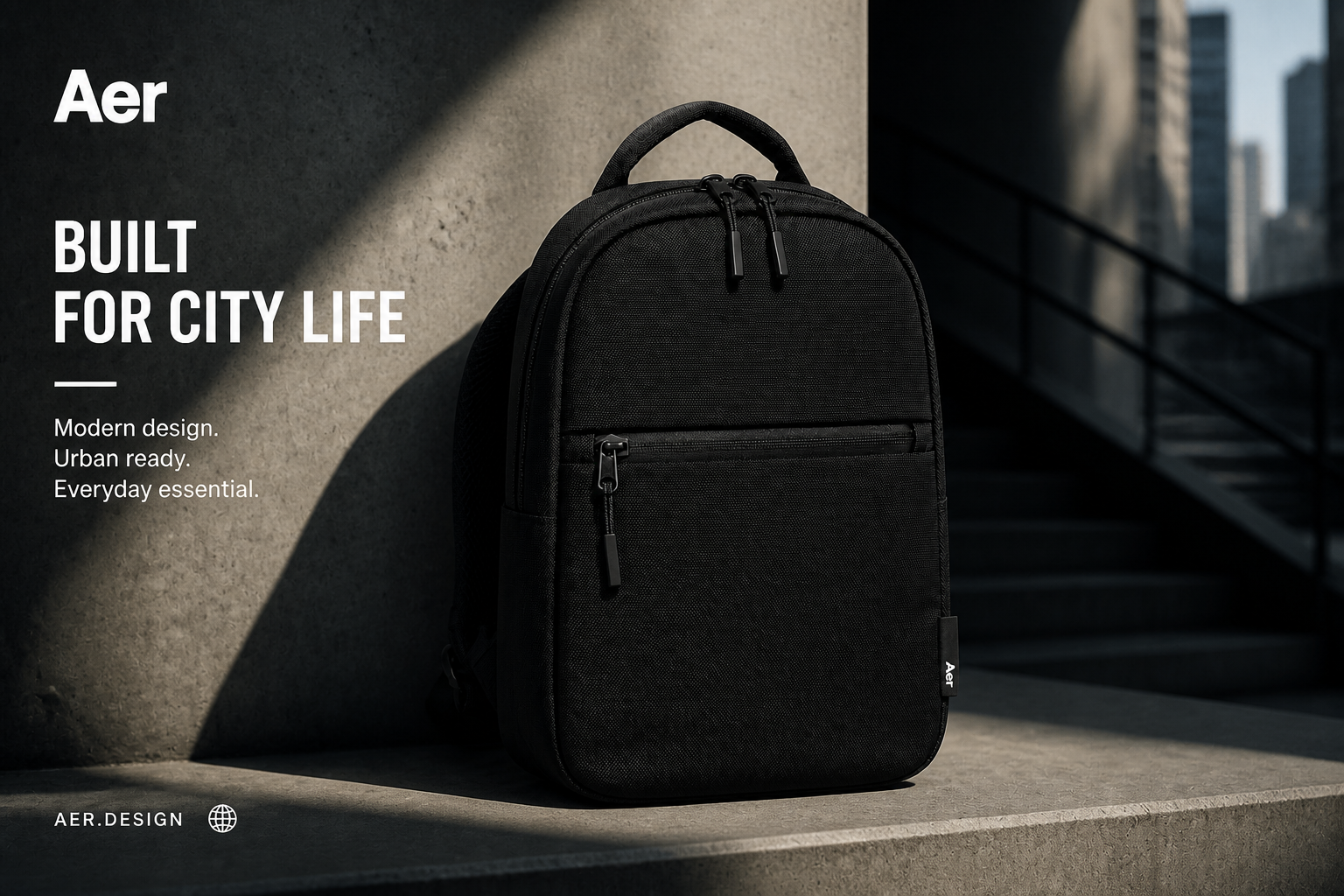 AFTERBEFOREAFTERBEFOREAFTERBEFOREAFTERBEFOREAFTERBEFOREAFTER
Key Features
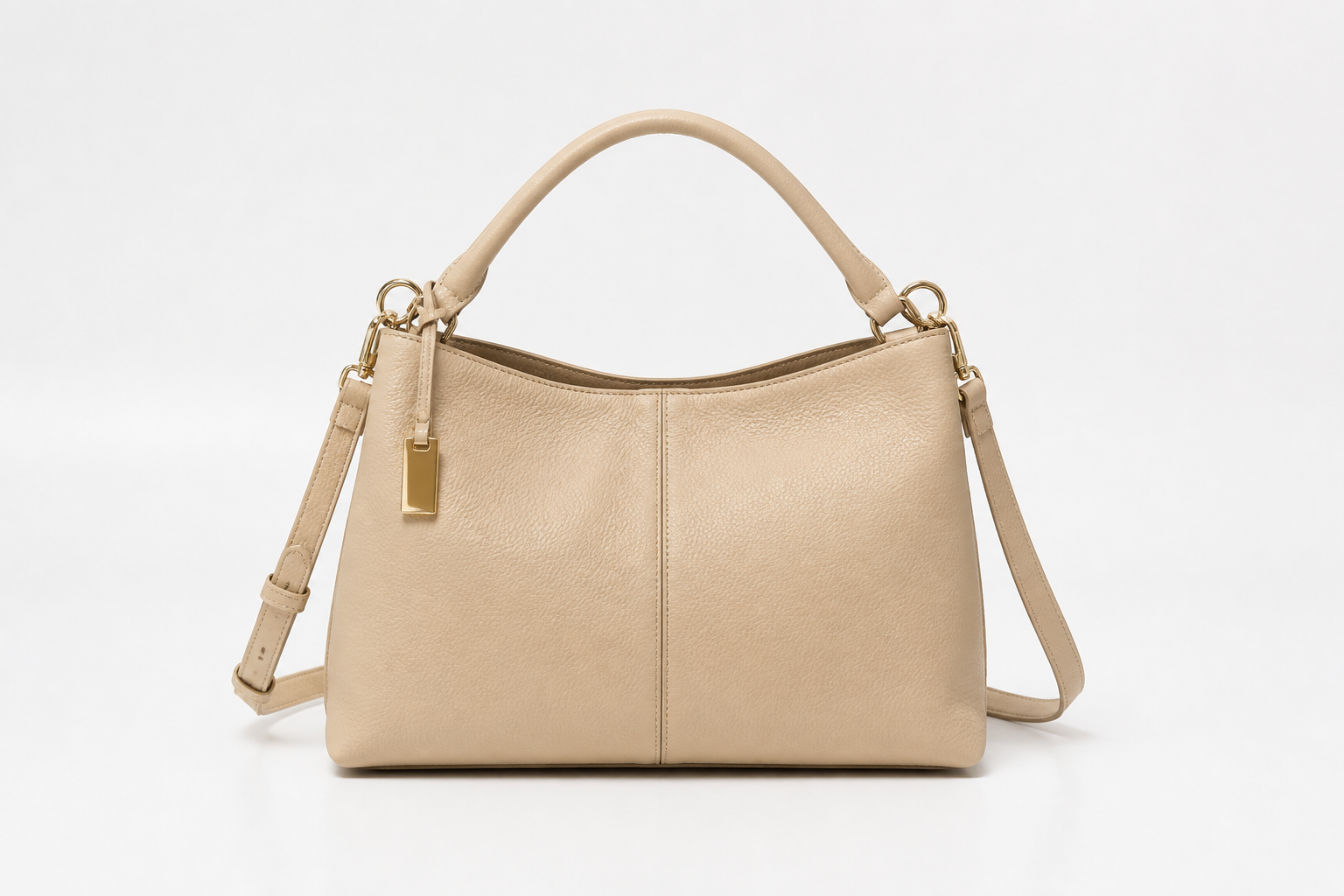
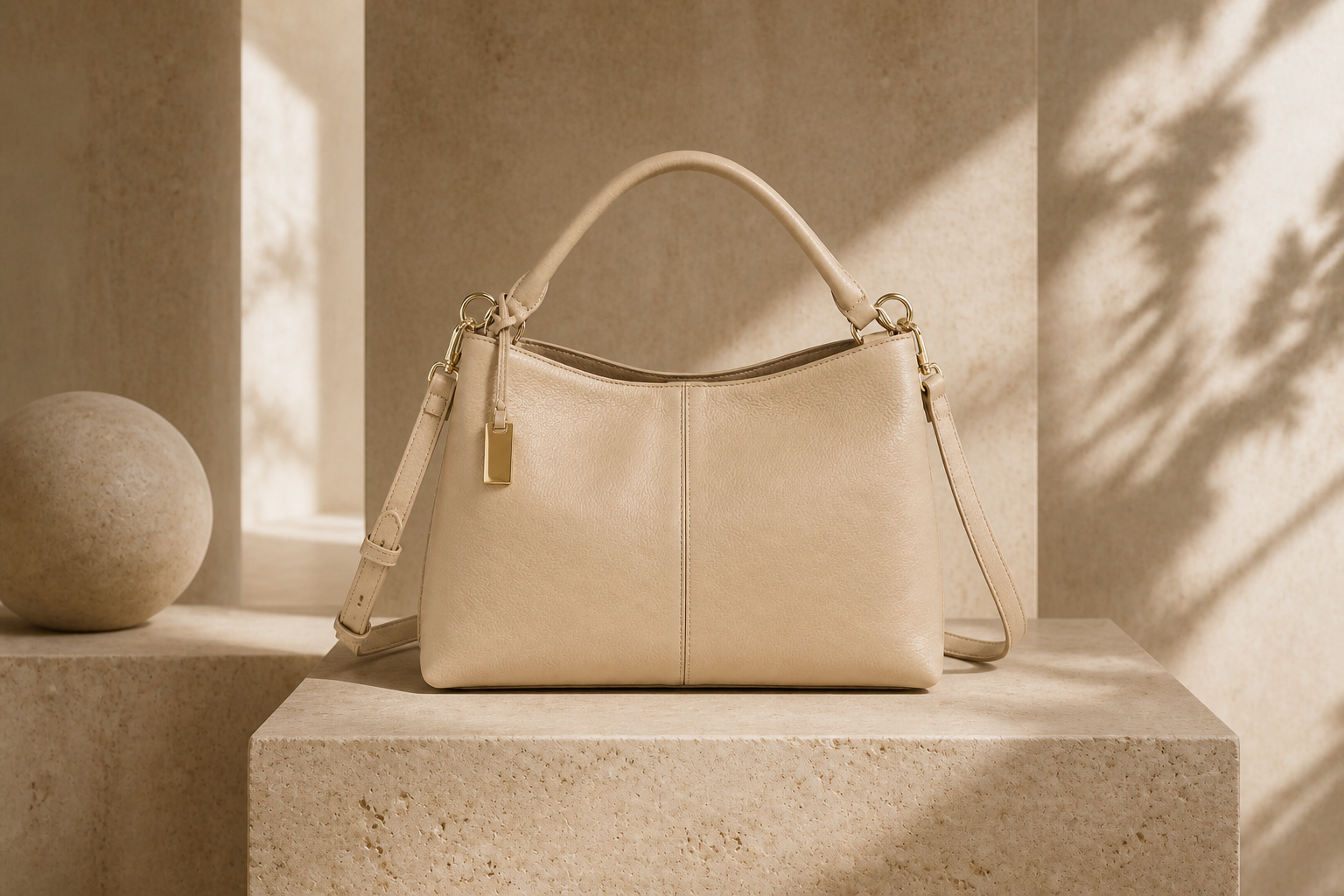
Replace plain backgrounds fast
Start with a basic bag photo and turn it into a polished product shot without reshooting. Our AI can place the bag into clean studio scenes, retail-style layouts, or lifestyle settings that better fit your brand. That saves time compared with masking, compositing, and lighting every image by hand. It is especially useful when you need fresh visuals from the same source photo.
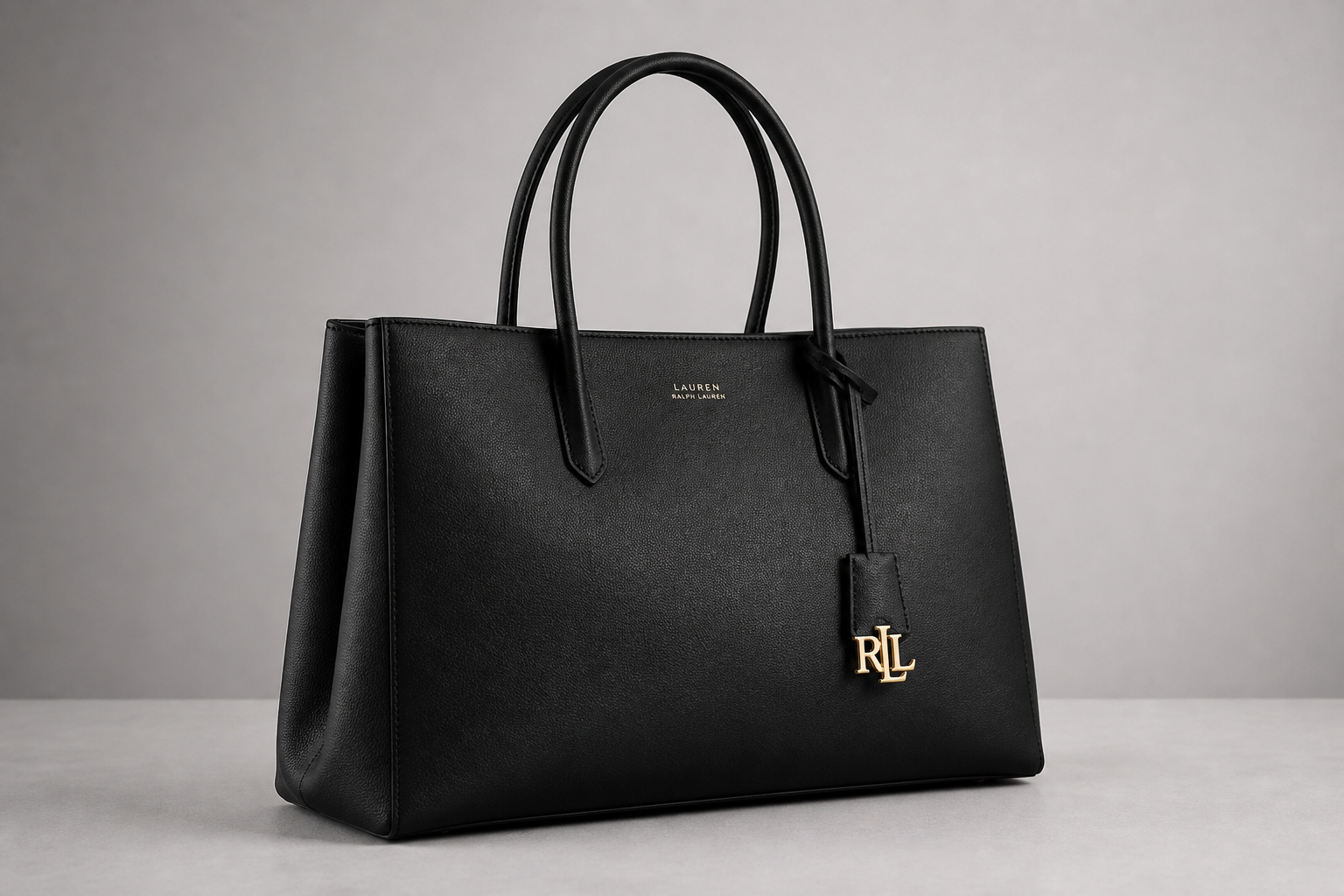
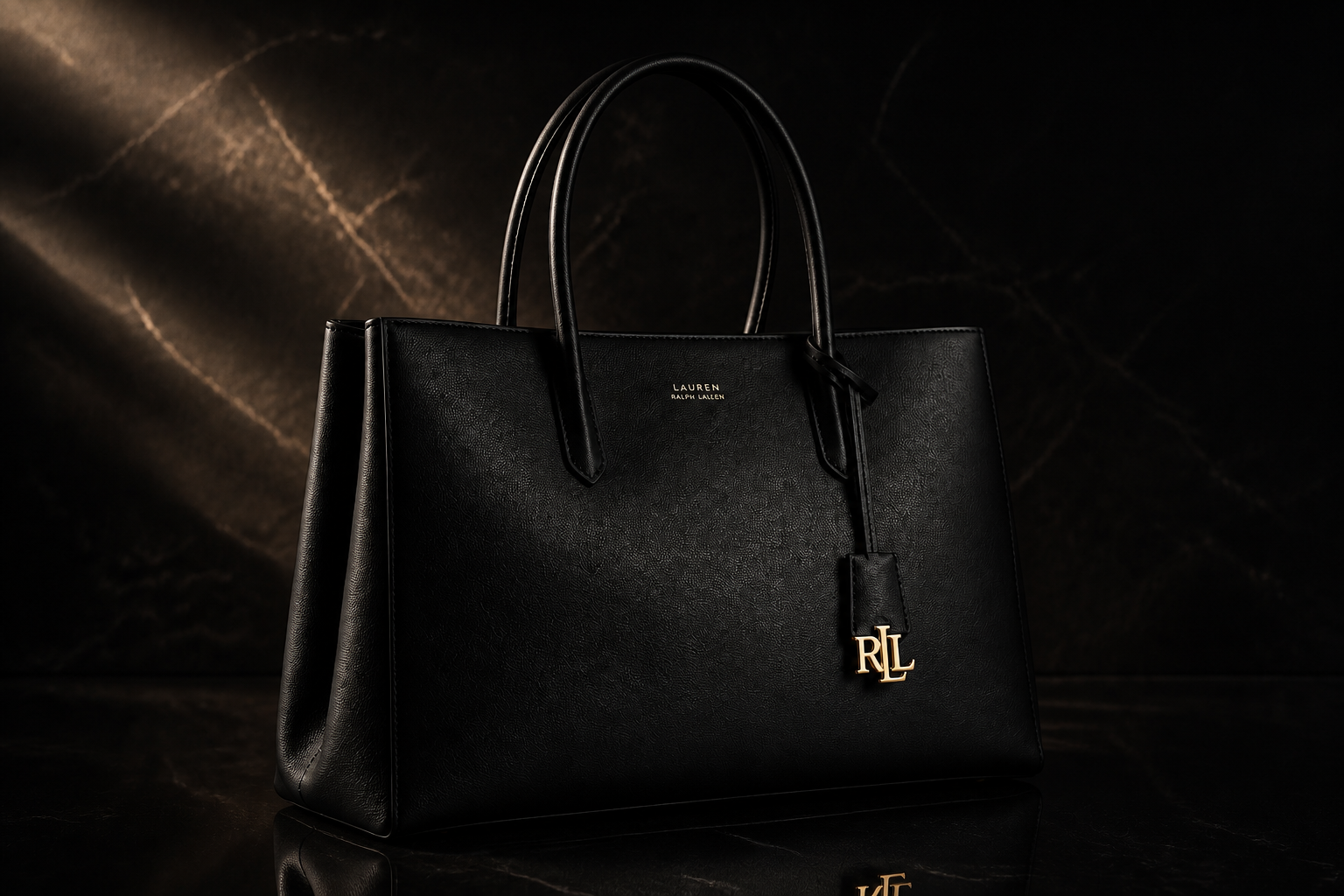
Keep product details consistent
Bag images only work if the product still looks like the product you sell. Our AI is tuned to preserve the shape, materials, hardware placement, and key design details while changing the presentation around it. That gives you more usable outputs than rebuilding the image manually in a general editor. You can explore multiple looks without losing the original item identity.
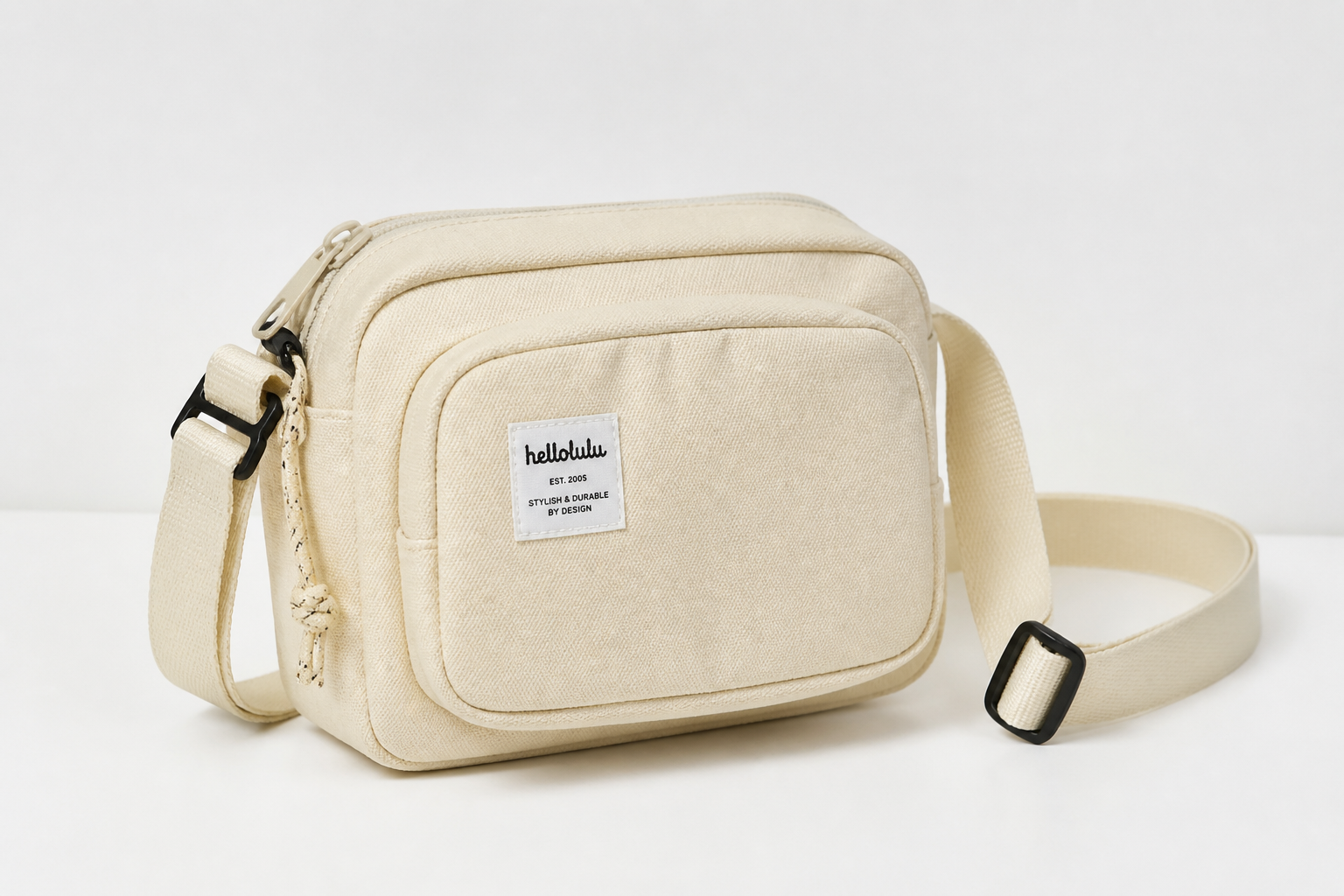
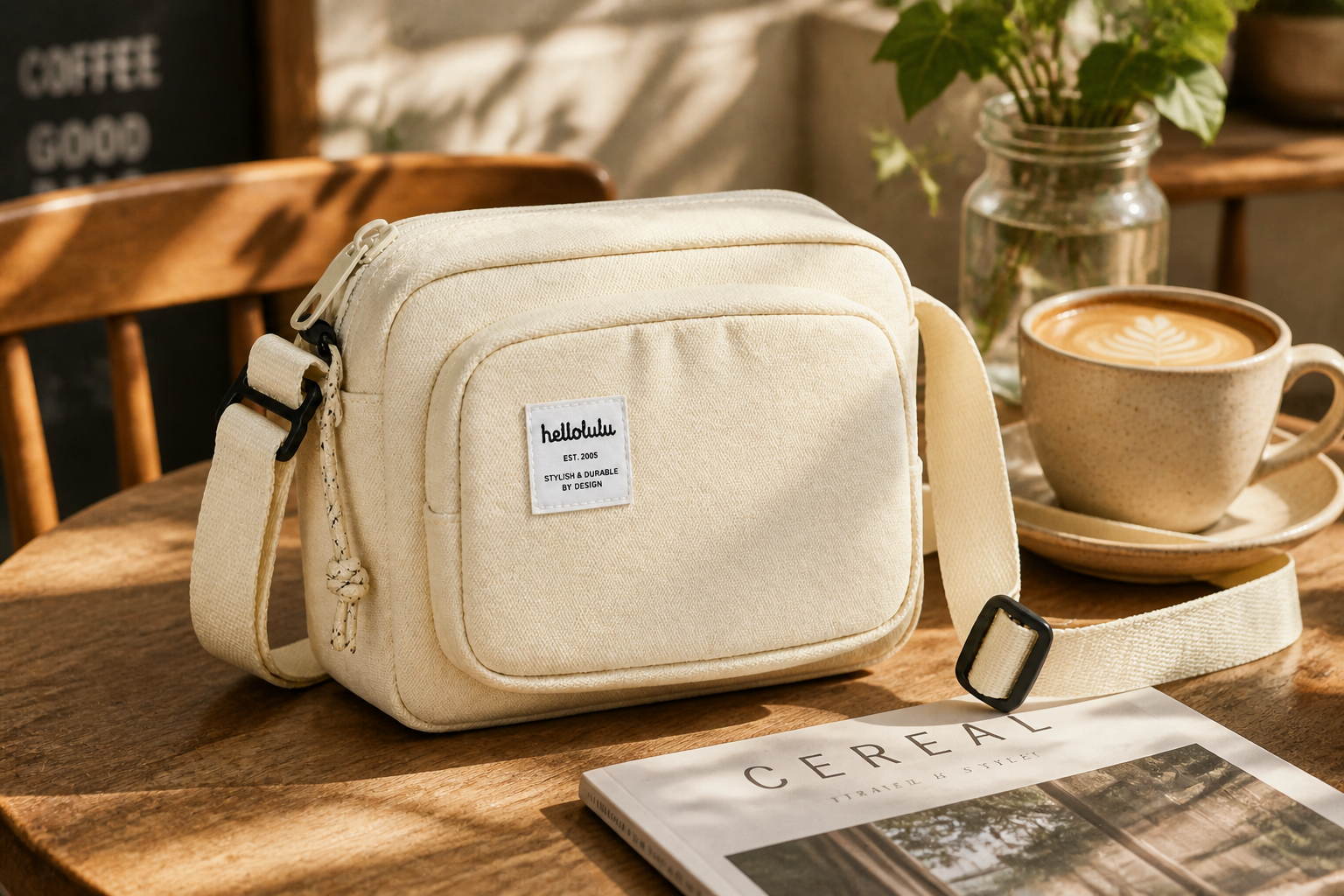
Create lifestyle scenes instantly
Static catalog shots are useful, but lifestyle images often sell the product better. Use the same bag photo to generate cafe, travel, office, resort, or street-style scenes that feel more contextual and aspirational. This helps you produce campaign-style assets without arranging props, locations, or a new shoot. It is a faster way to expand your content library for ads and social posts.
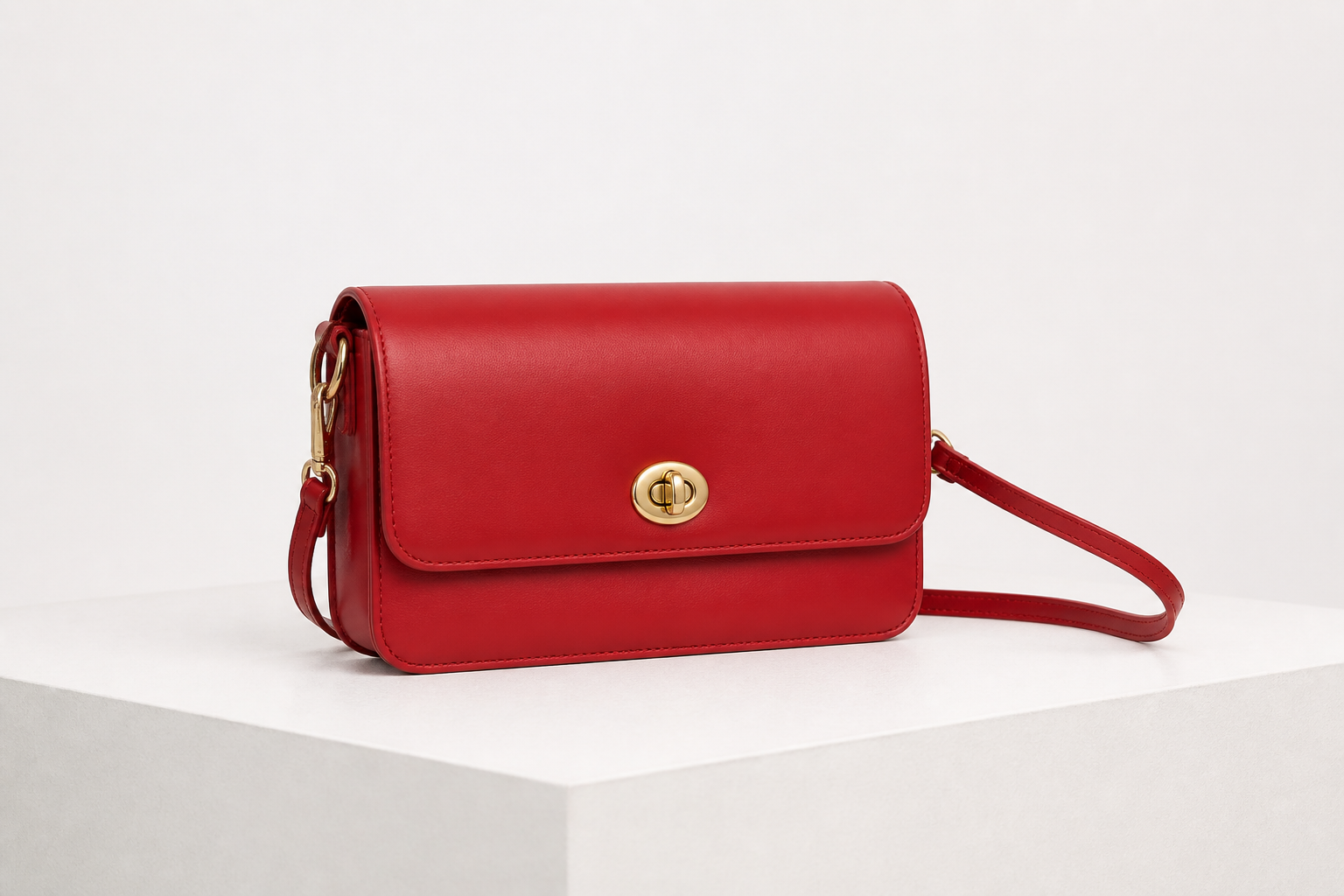
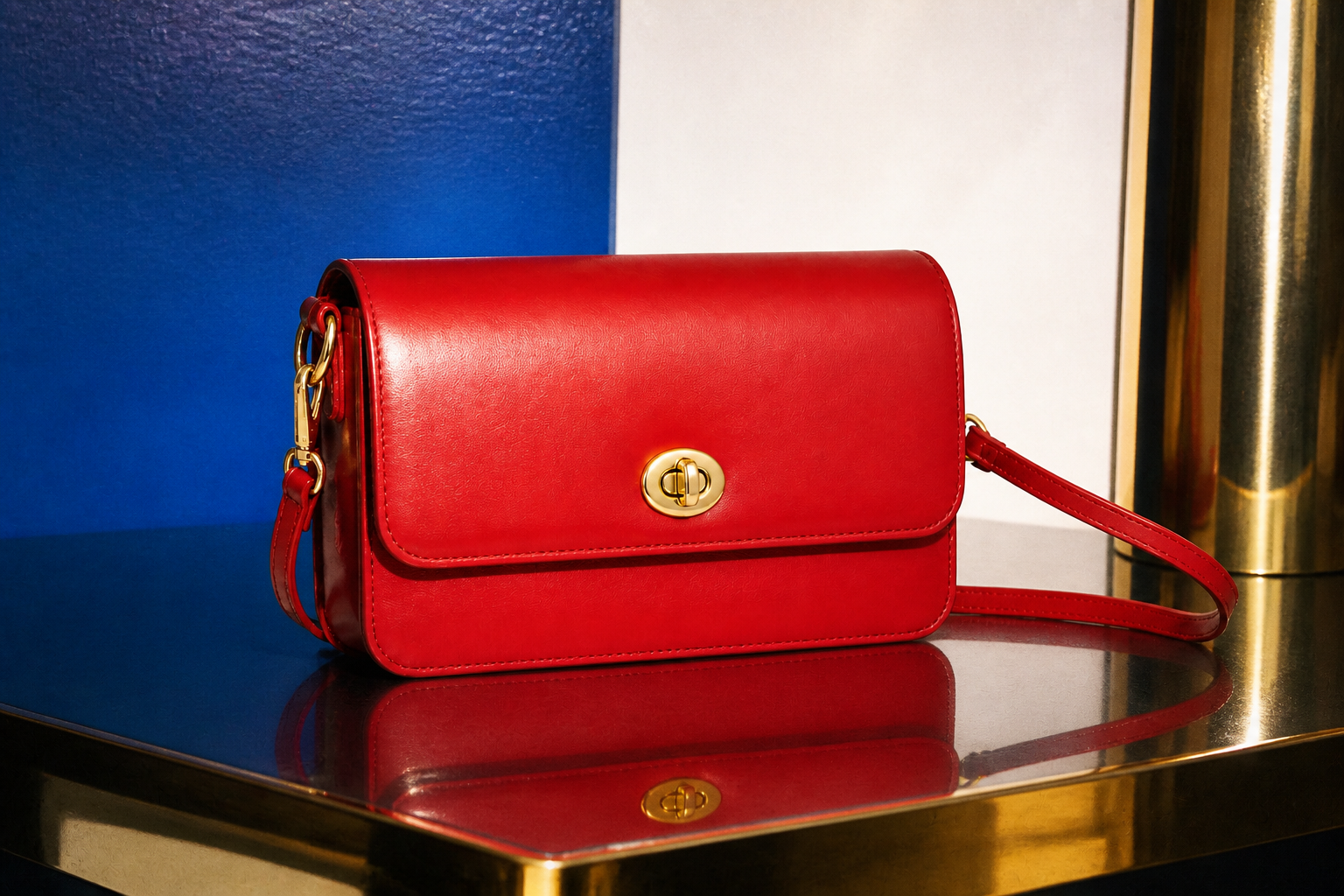
Explore multiple visual styles
You are not limited to one look for every listing or campaign. Our AI can generate polished commercial photos, high-fashion editorials, or stylized creative treatments from the same source image. That makes it easier to test what fits your store, marketplace, or social feed before investing in more production. It is much quicker than building separate versions from scratch.
How It Works
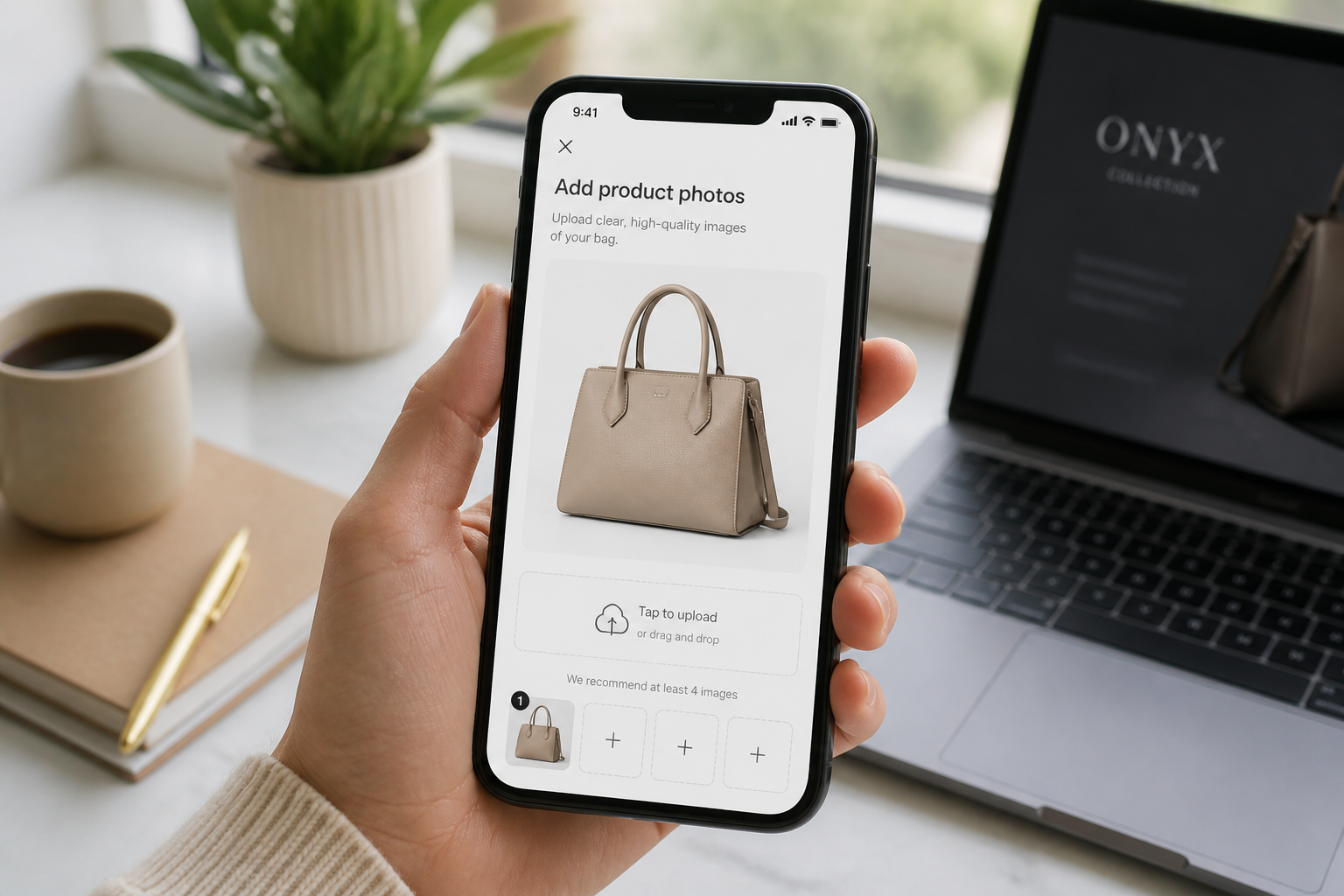
Upload your bag photo
Start with a clear image of the bag you want to edit. Simple product shots on plain backgrounds work best, but you can also begin with a basic handheld or tabletop photo.
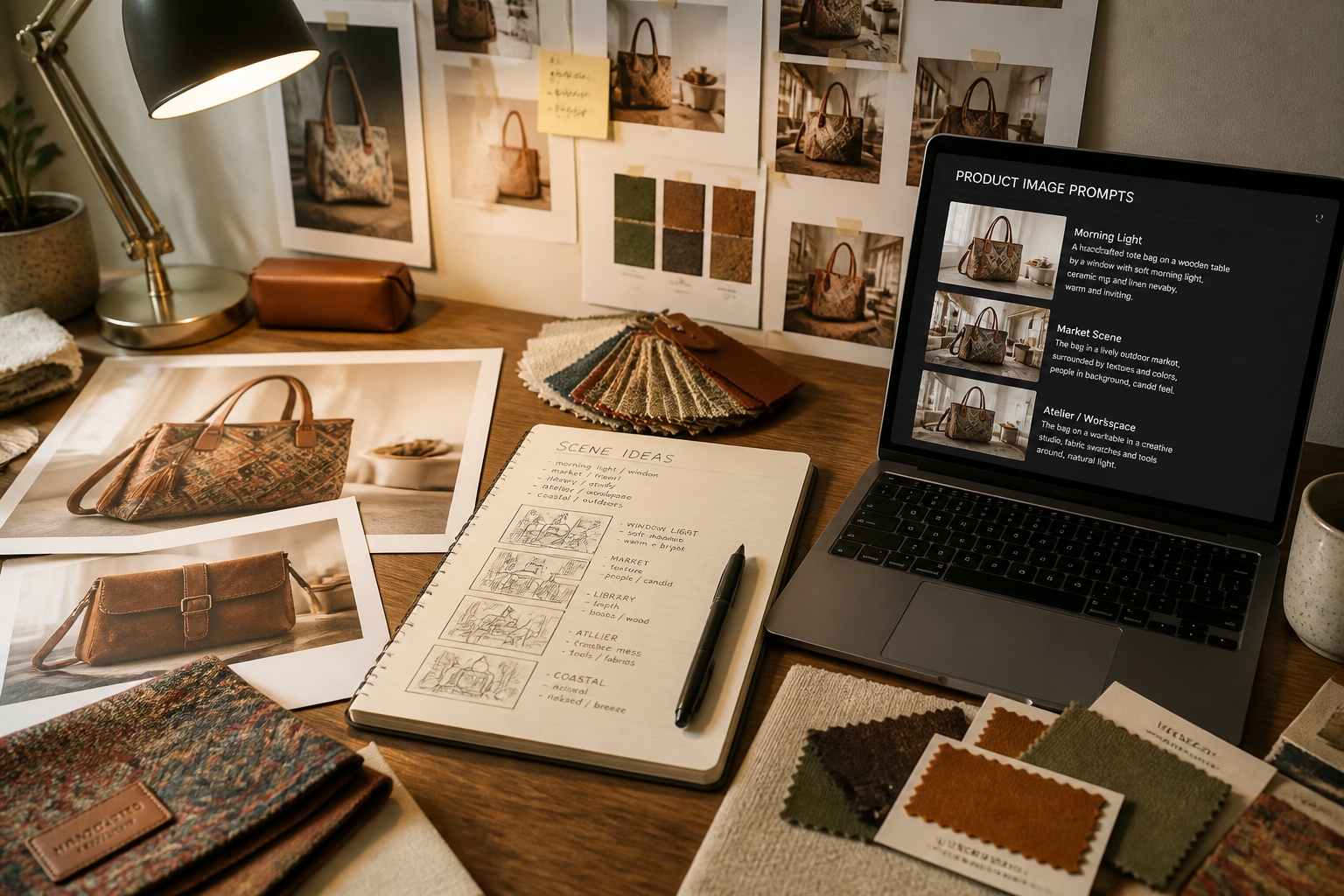
Describe the final scene
Tell our AI what kind of product image you want to create. You can specify a studio setup, a lifestyle environment, lighting direction, surface materials, or a campaign-style mood.
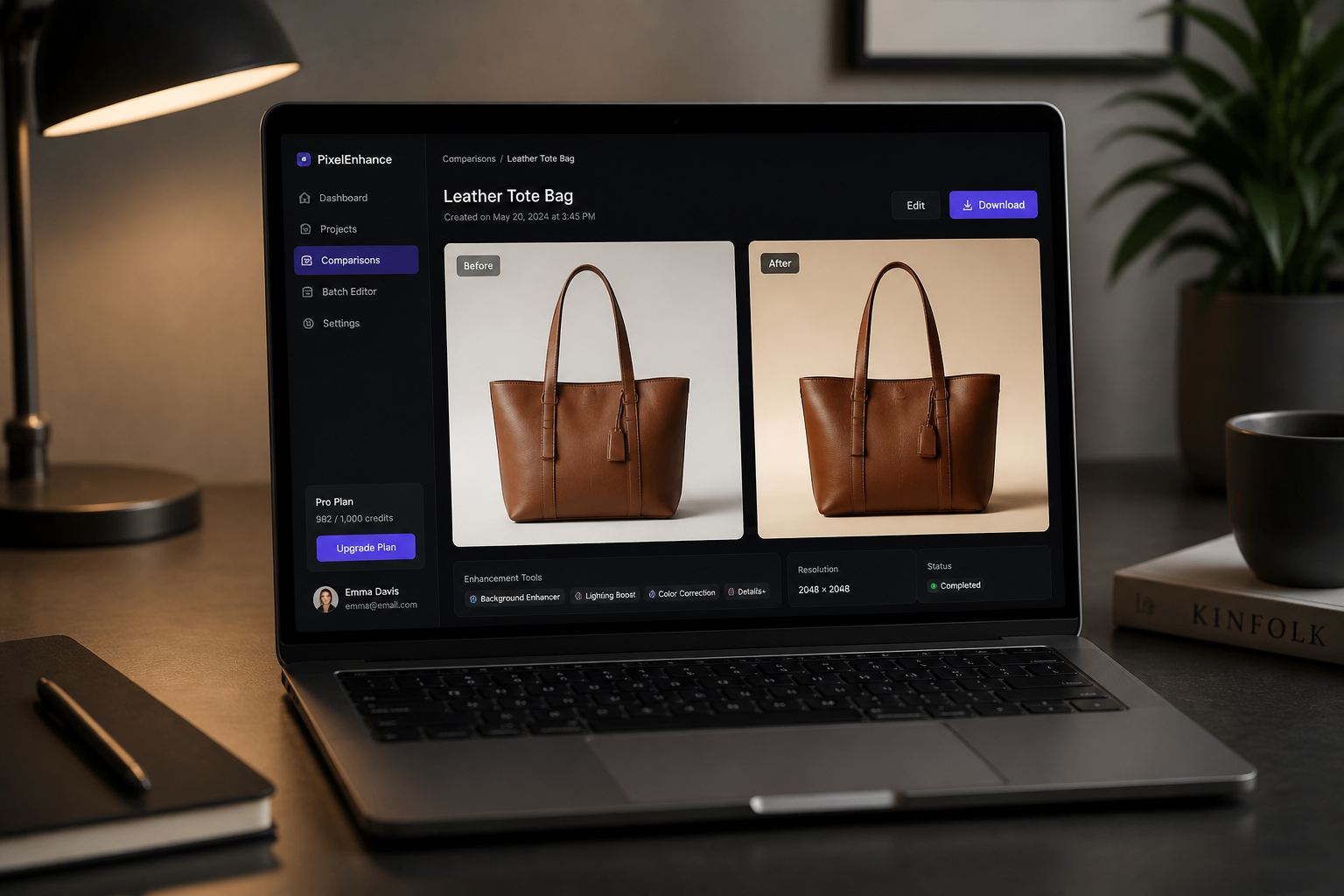
Generate and compare results
Review the edited product images and choose the versions that best fit your store or ad creative. You can iterate with new prompts to get cleaner, bolder, or more premium looks from the same bag.
Perfect For
Discover how creators and professionals use ai bag product image generator
Ecommerce listing photos
Create cleaner marketplace and storefront images from basic bag photos without reshooting every SKU.
Paid social creatives
Generate more eye-catching campaign visuals for ads by placing bags into premium styled scenes.
Lookbooks and brand decks
Produce consistent bag imagery for seasonal launches, pitch decks, and collection previews.
A/B testing visual direction
Try multiple lighting, background, and styling concepts before committing to one creative approach.
Built For
Ecommerce sellers
Refresh product listings fast when you need cleaner visuals across many bags and colorways.
Fashion brands
Create campaign-ready bag imagery for launches, catalogs, and social content with less production overhead.
Creative teams and agencies
Mock up presentation-worthy bag concepts quickly for client reviews, testing, and art direction.
Why use BudgetPixel for bag images
A quick look at how we compare on the things that matter for this niche.
| Feature | BudgetPixel | Generic AI editors | Manual editing apps |
|---|---|---|---|
| Product-focused bag scenes | ✓ | ✓ | — |
| Keeps bag details consistent | ✓ | — | ✓ |
| Fast background restyling | ✓ | ✓ | — |
| Lifestyle and studio variants | ✓ | ✓ | — |
| No manual compositing needed | ✓ | ✓ | — |
Frequently Asked Questions
What kinds of bag photos work best?
Can it keep the bag design accurate?
Can I make both studio and lifestyle images?
Is this useful for marketplaces and ads?
Do I need editing experience?
Create together.
Share your creations, discover trending AI art, and grow with fellow creators.
























Ready to Try AI Bag Product Image Generator?
Get started for free. No credit card required.
Try it Free