AI Product on Model Generator
Turn product photos into realistic model mockups without a full photoshoot.
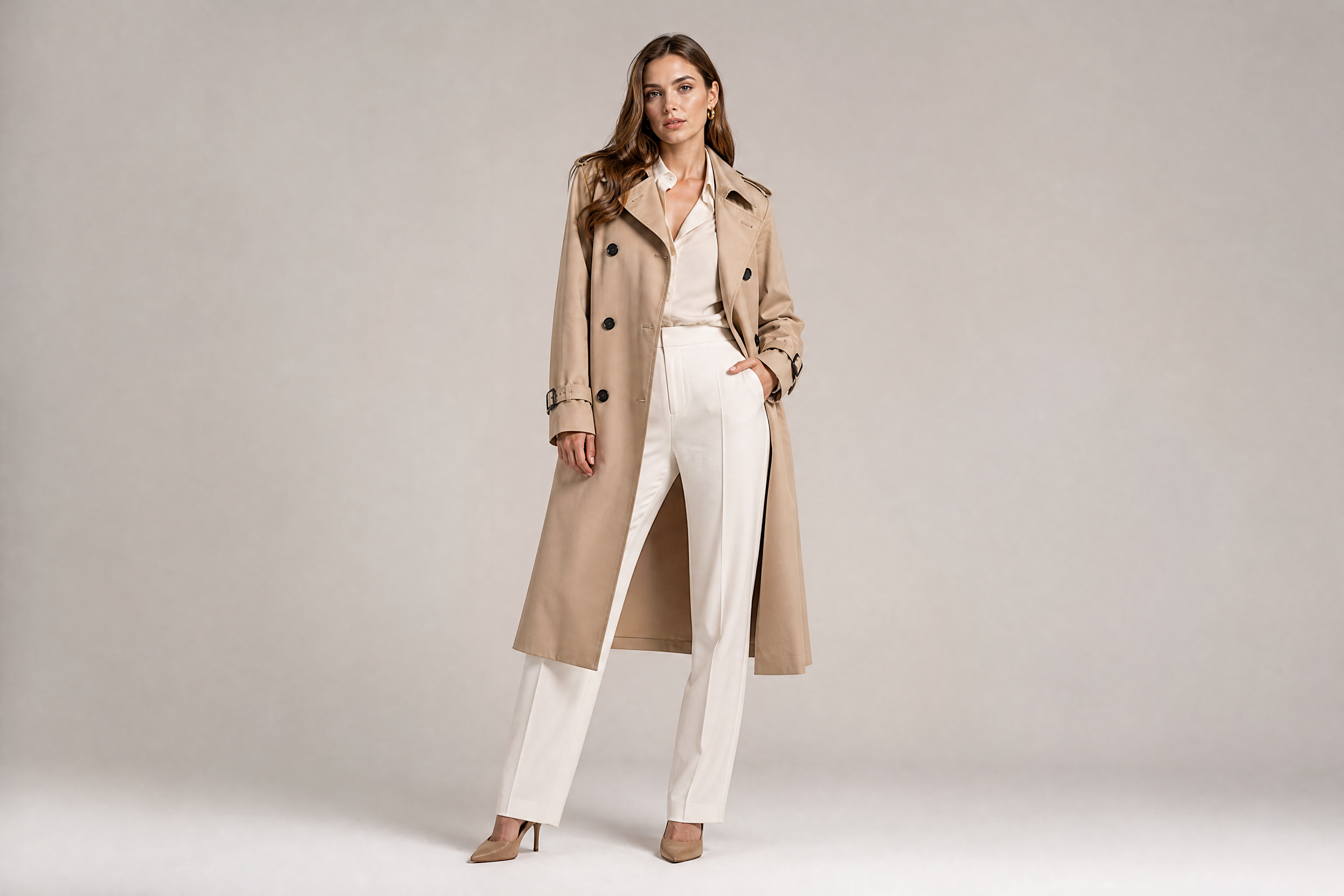
Upload a product image and place it on a model in a clean, believable scene. Our AI helps you create apparel, accessory, and beauty mockups that look ready for ads, social posts, and storefronts.
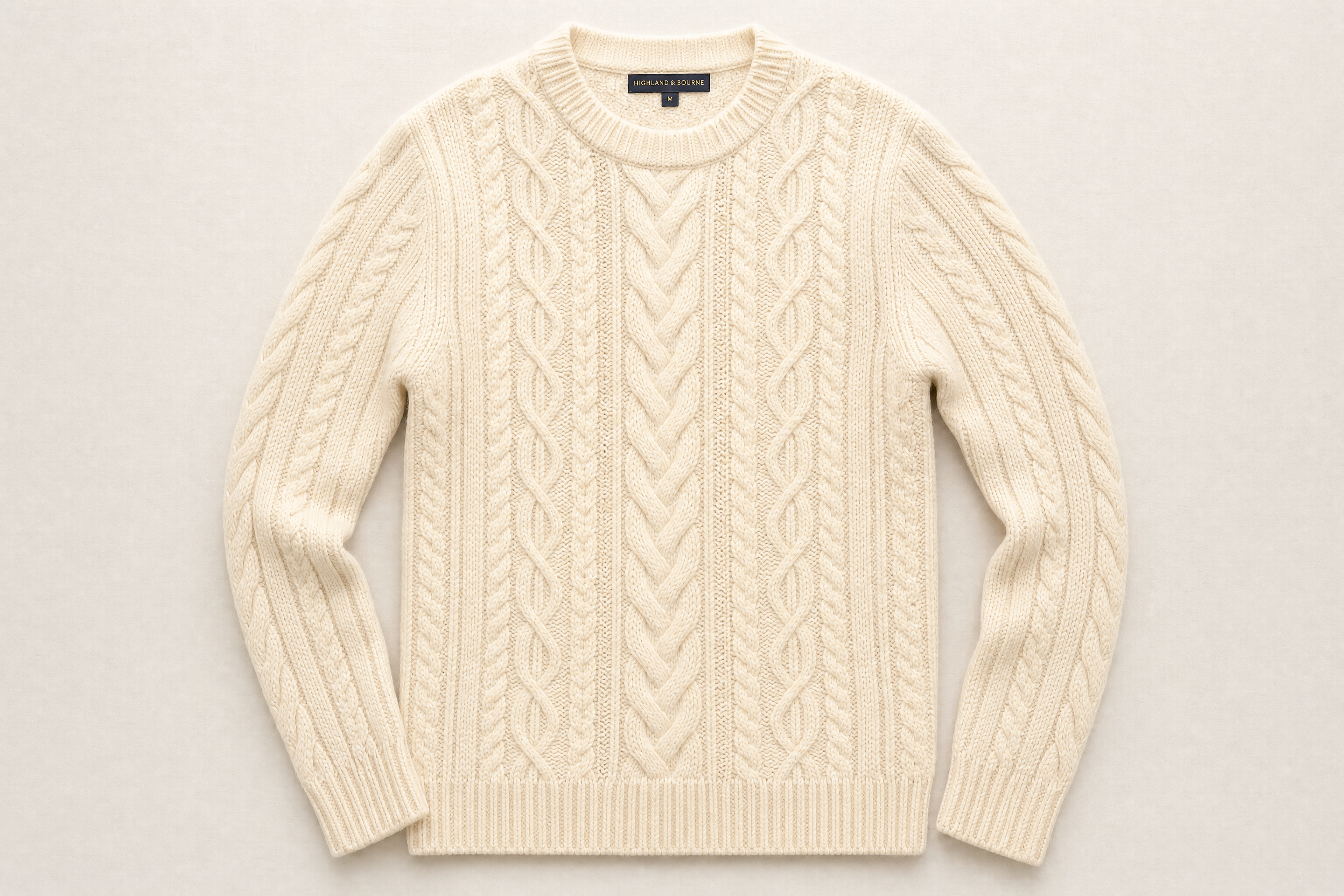
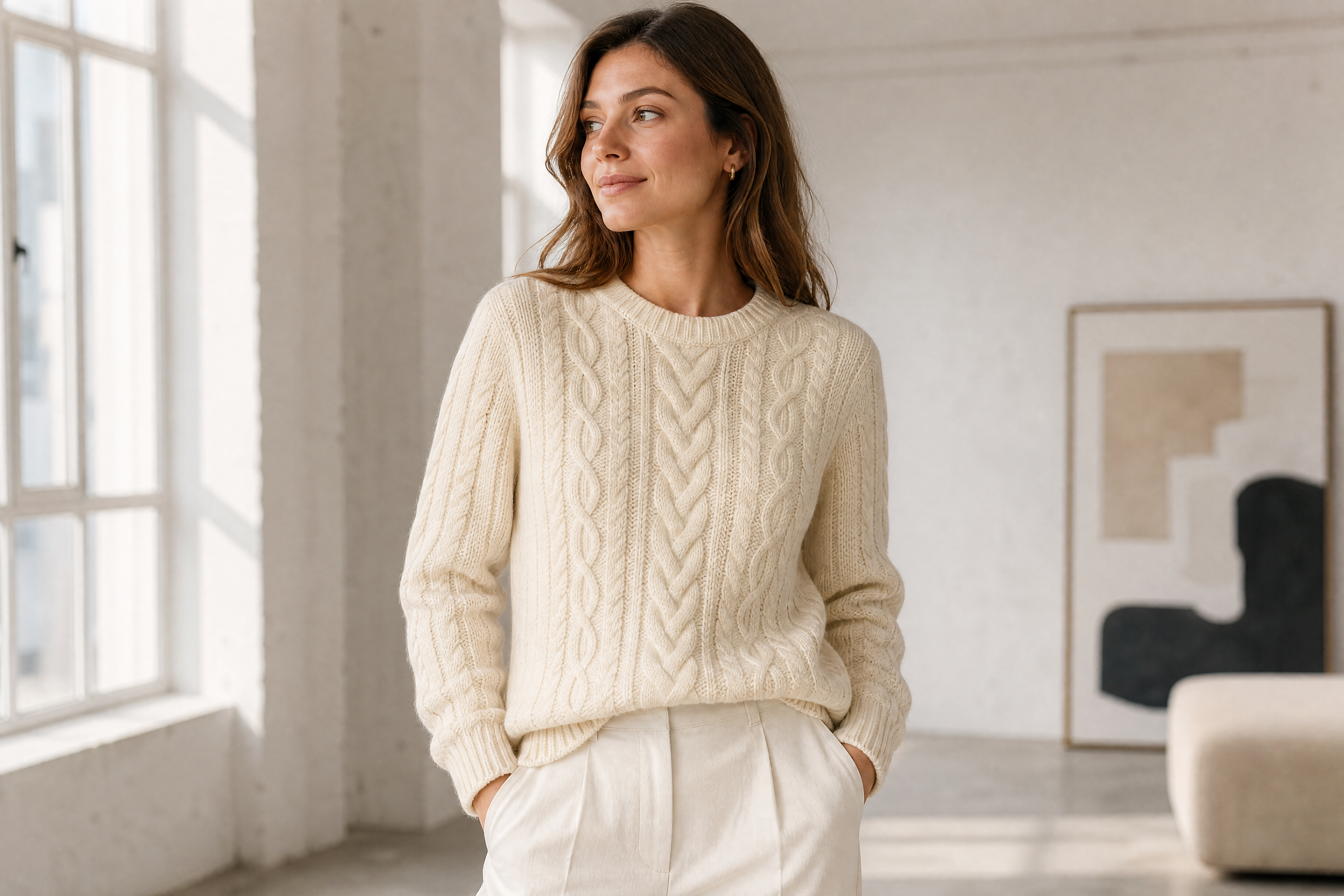
Watch the Transformation
See ai product on model generator in motion — generated end-to-end by our AI.
See It In Action
Real outputs from ai product on model generator.
BEFOREAFTER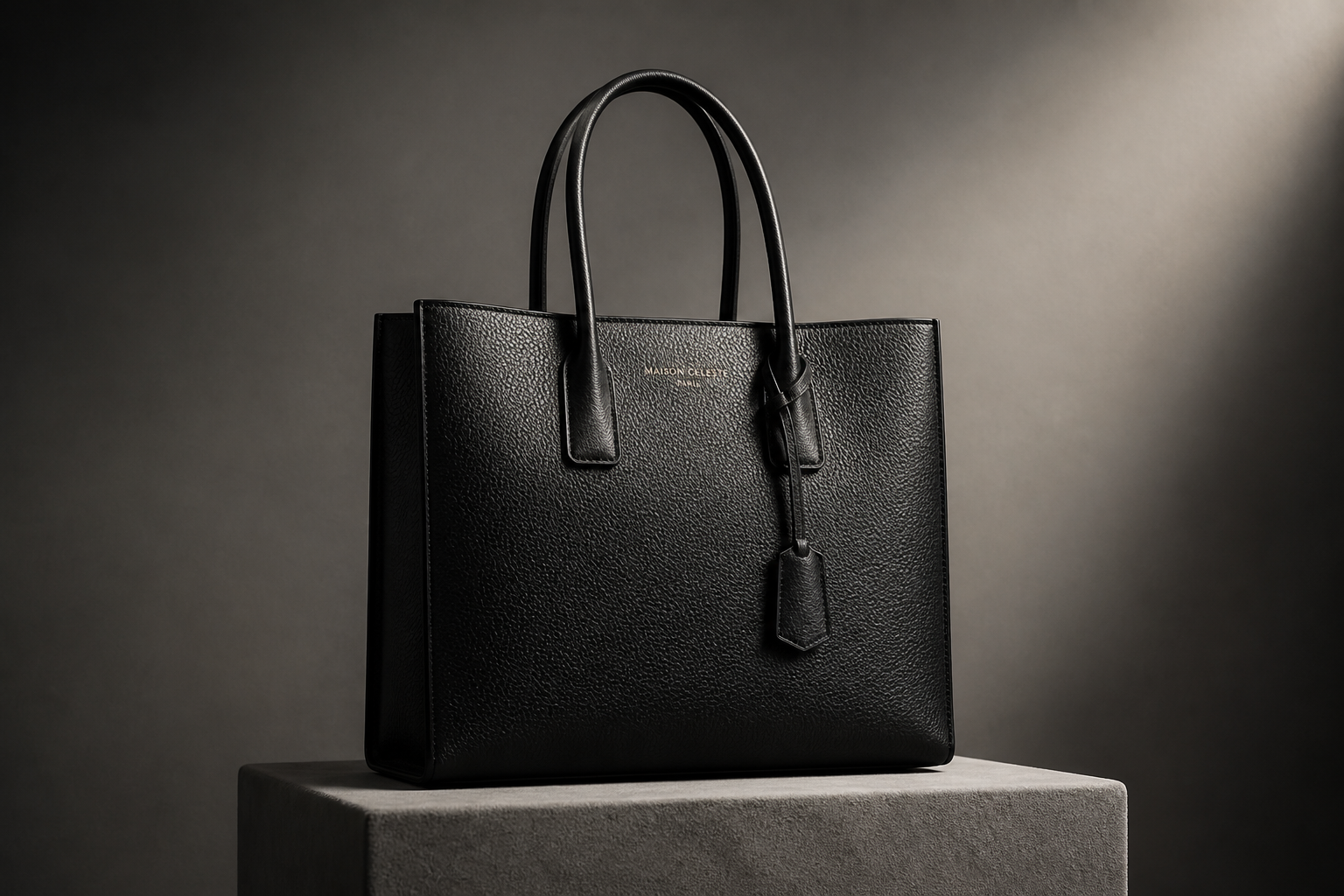 BEFORE
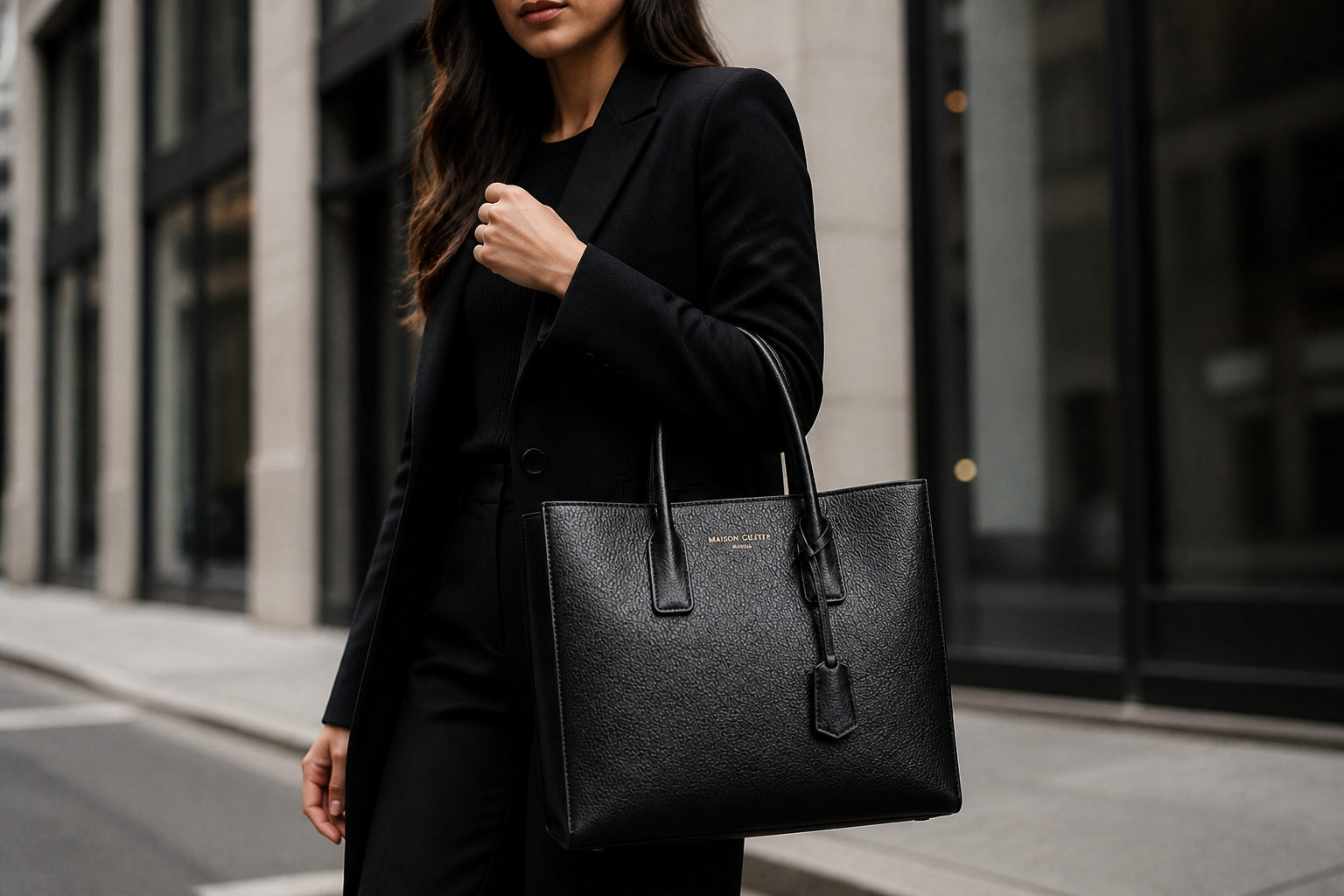 AFTER
AFTER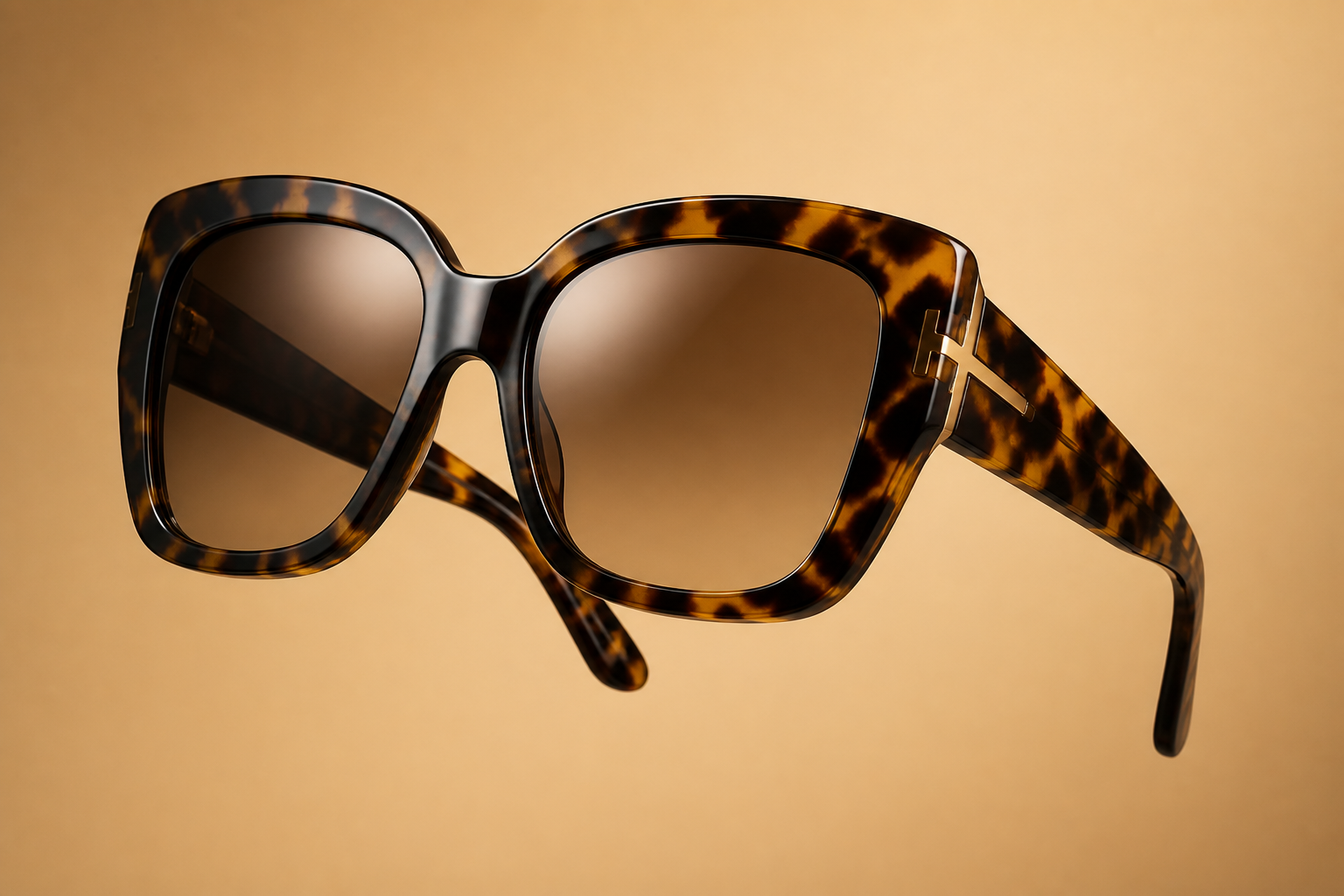 BEFORE
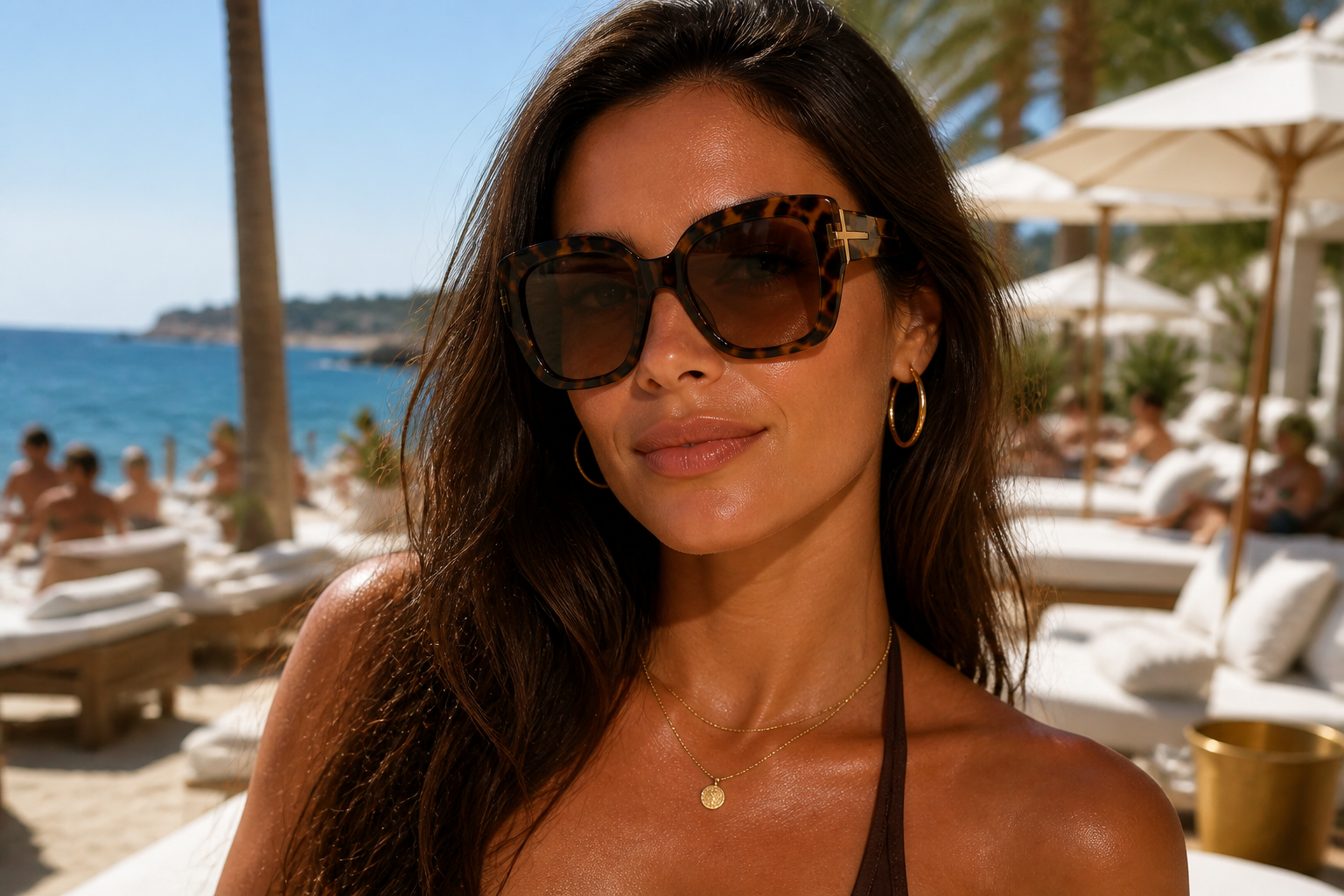 AFTER
AFTER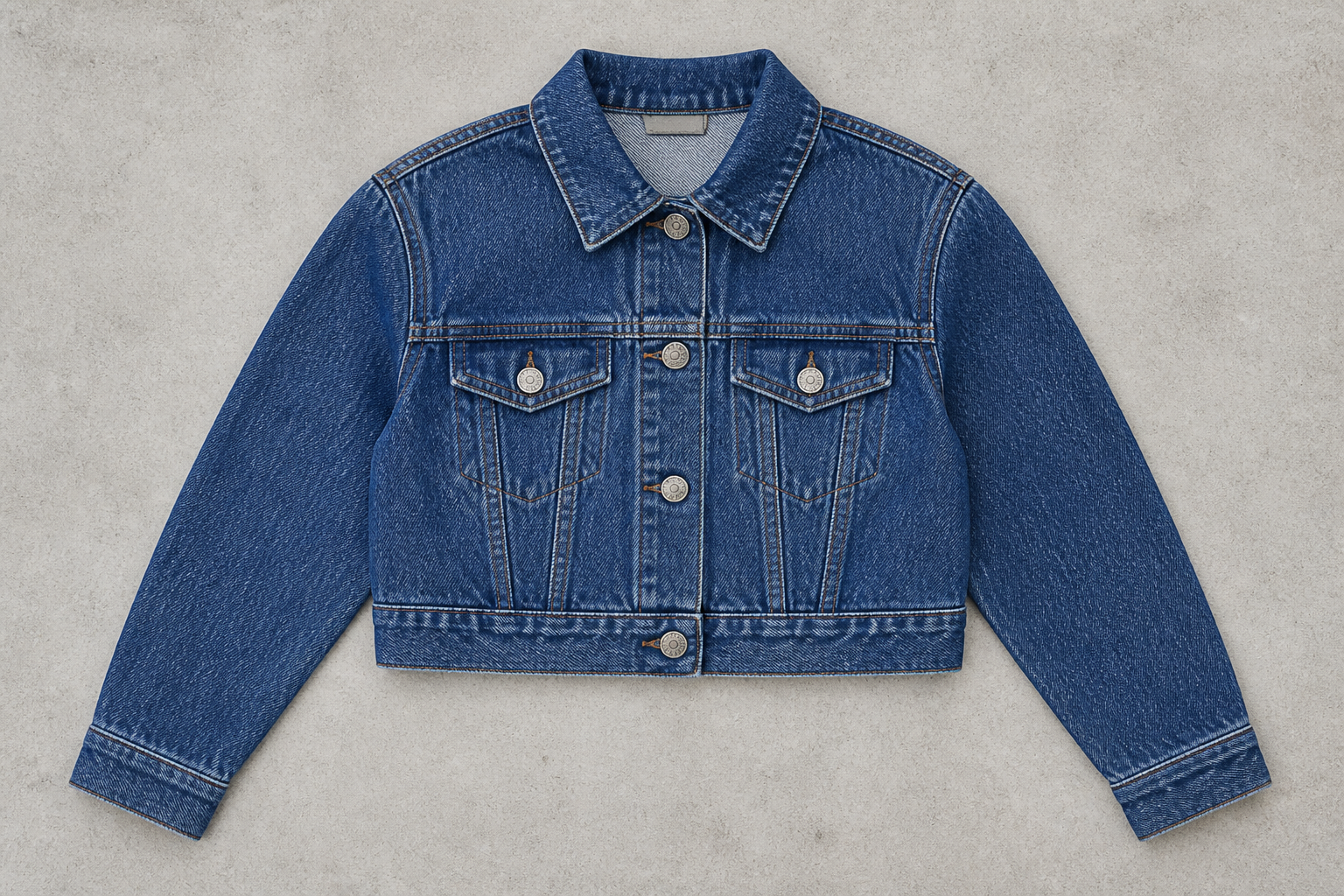 BEFORE
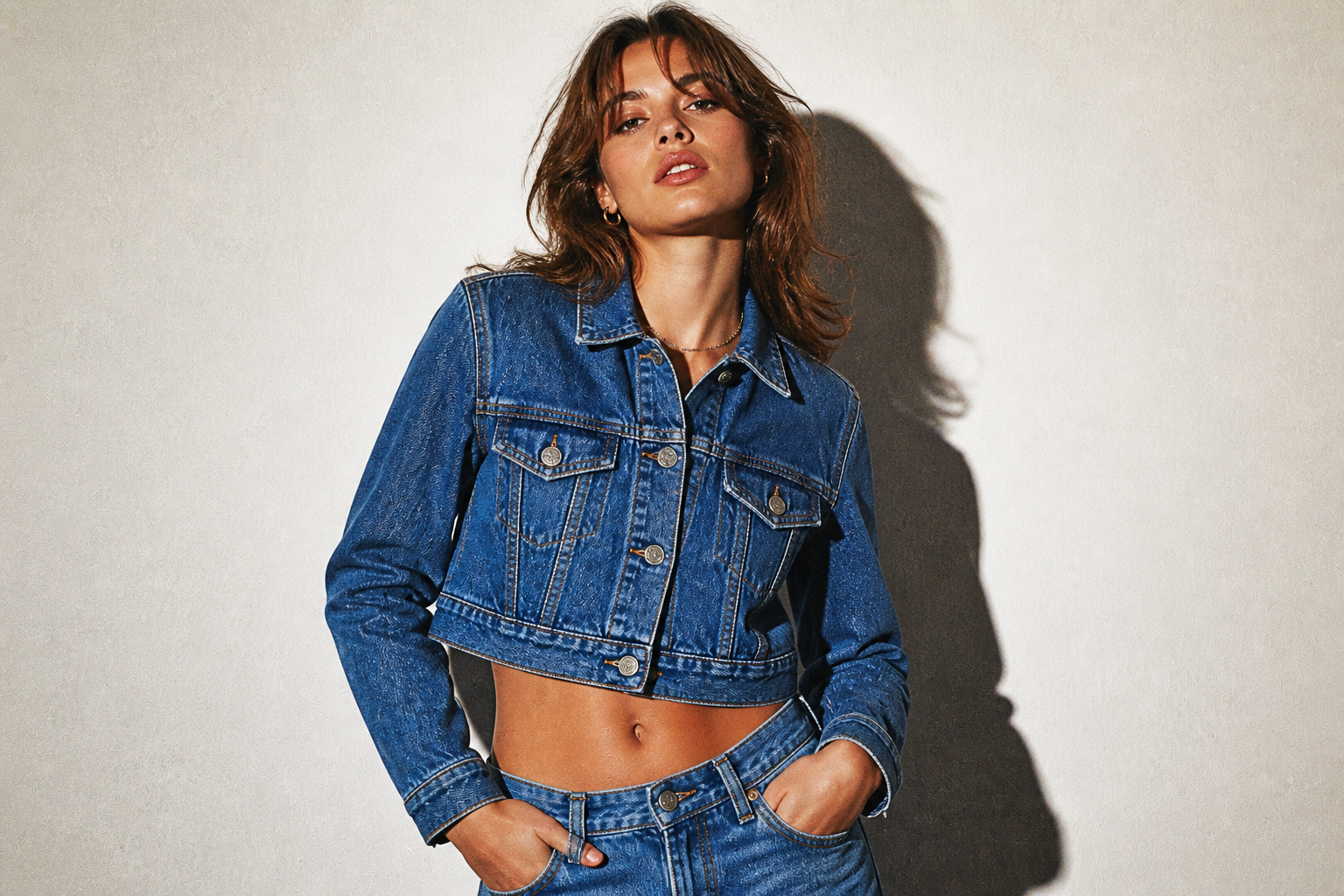 AFTER
AFTER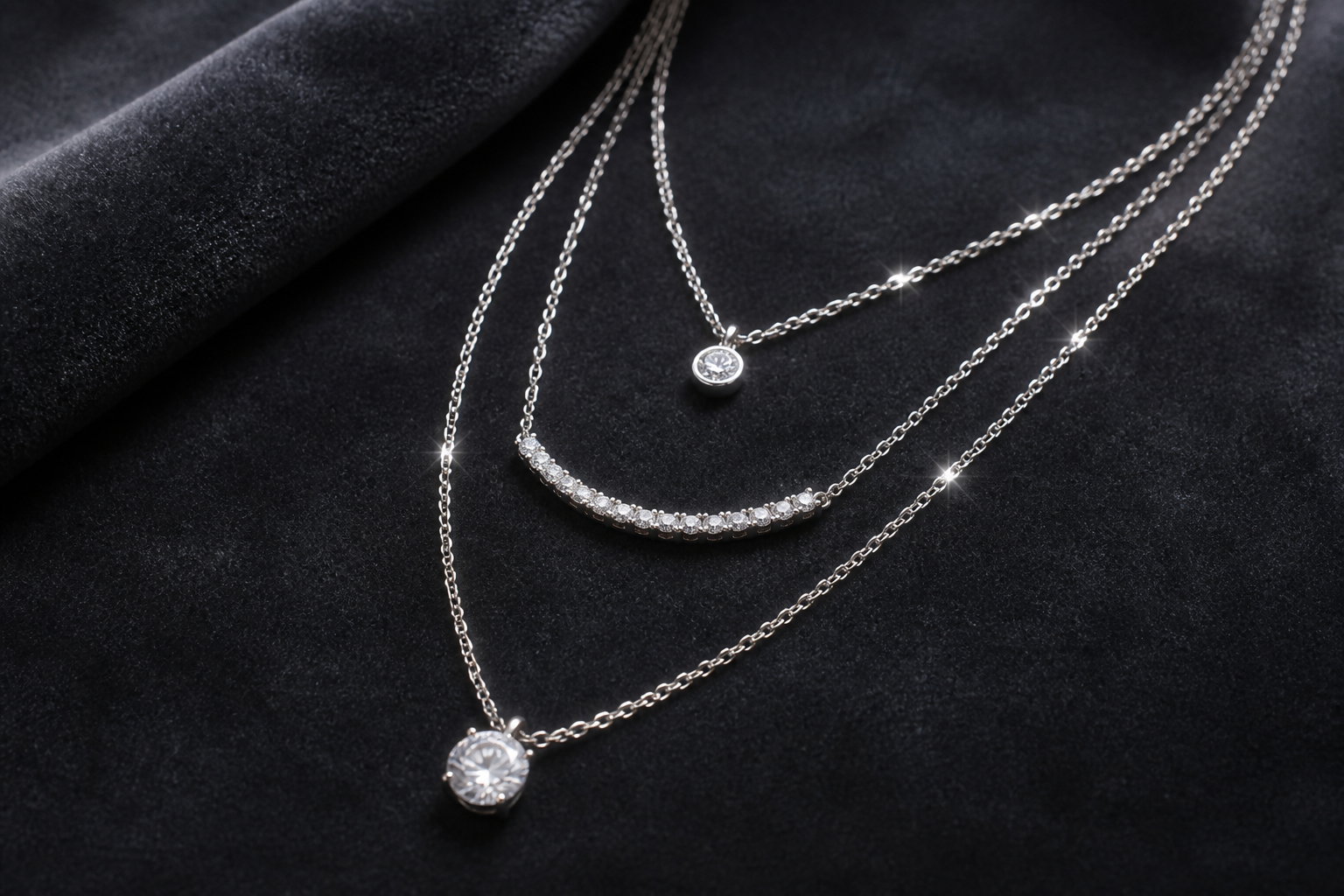 BEFORE
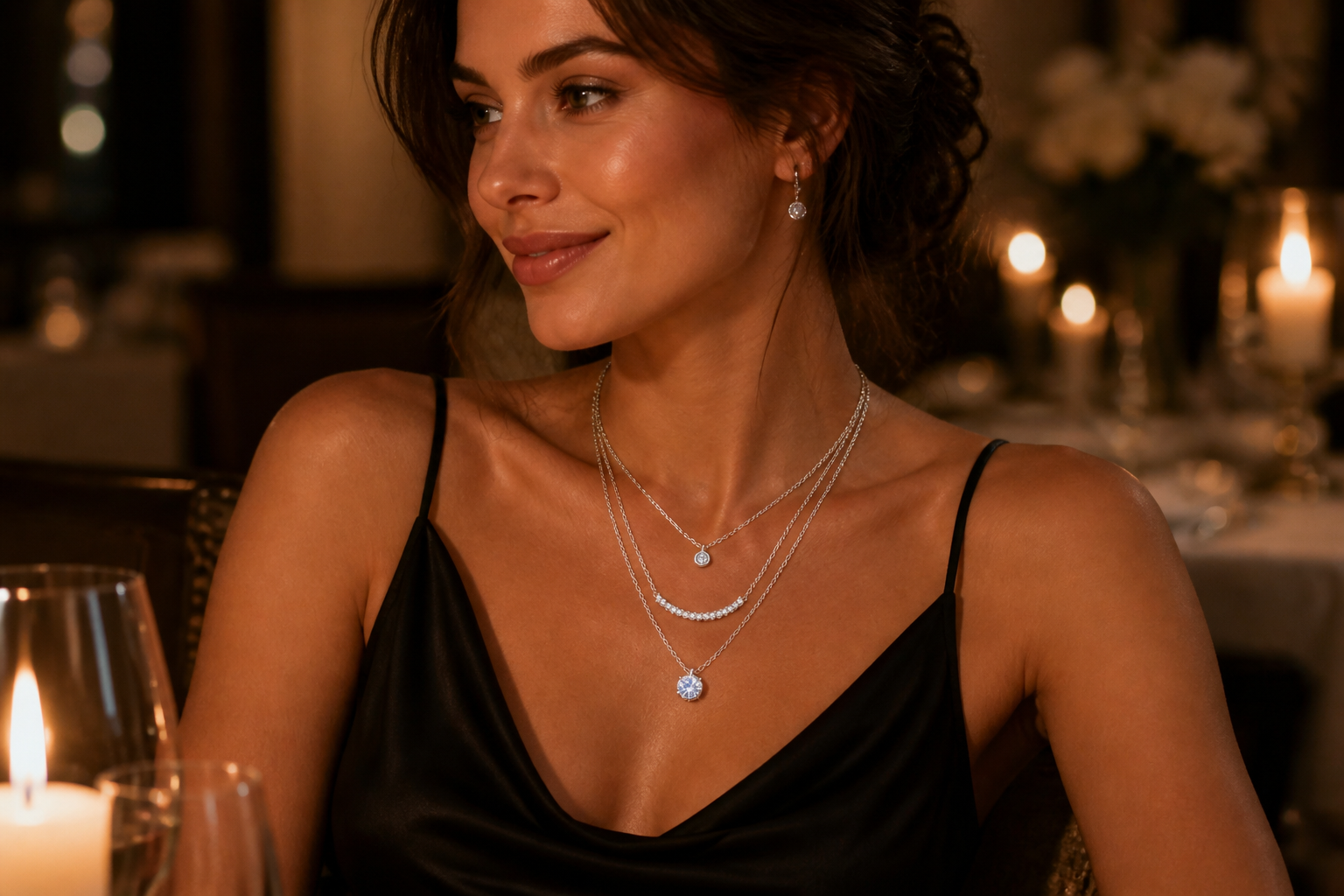 AFTERBEFOREAFTERBEFOREAFTERBEFOREAFTERBEFOREAFTERBEFOREAFTER
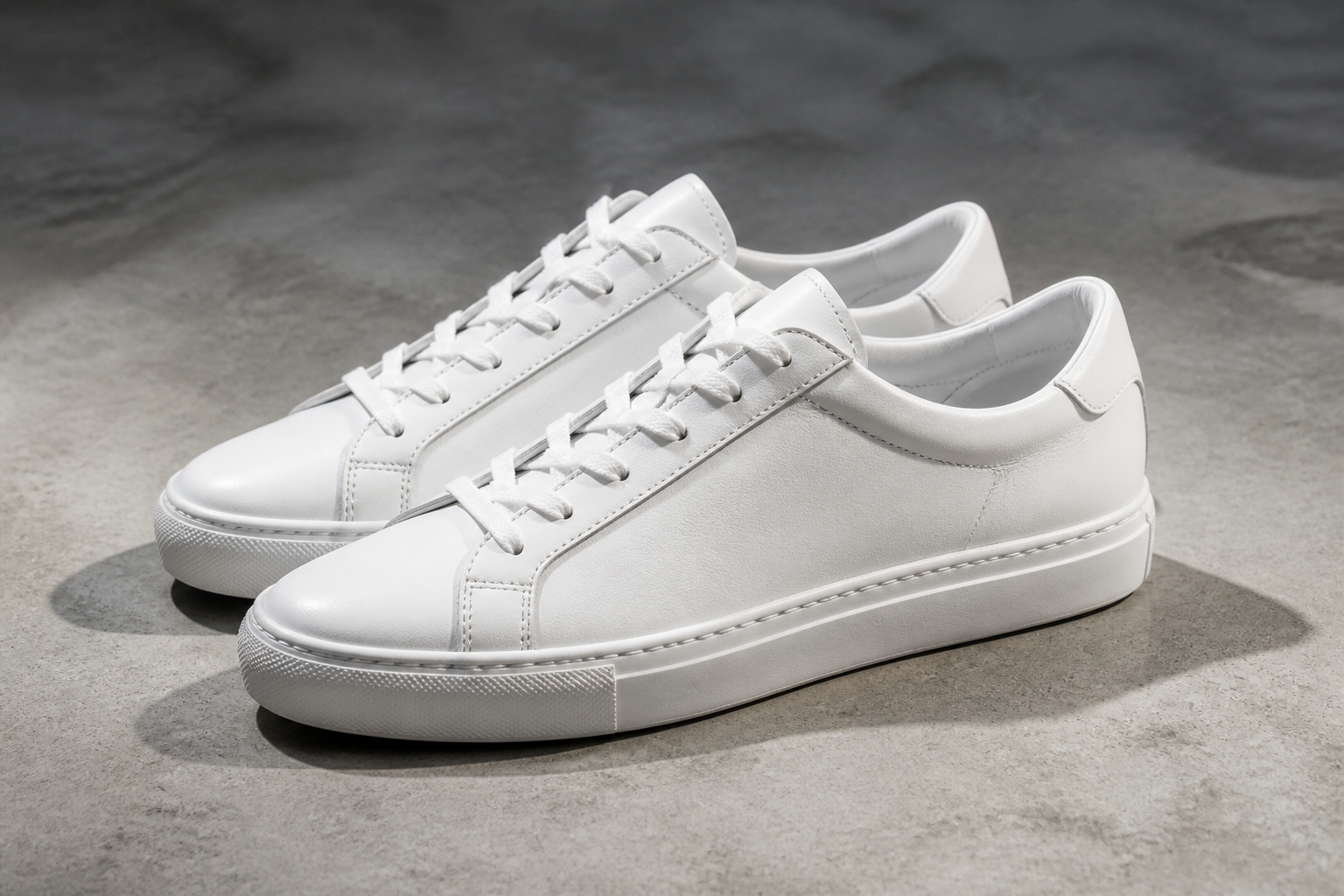 BEFORE
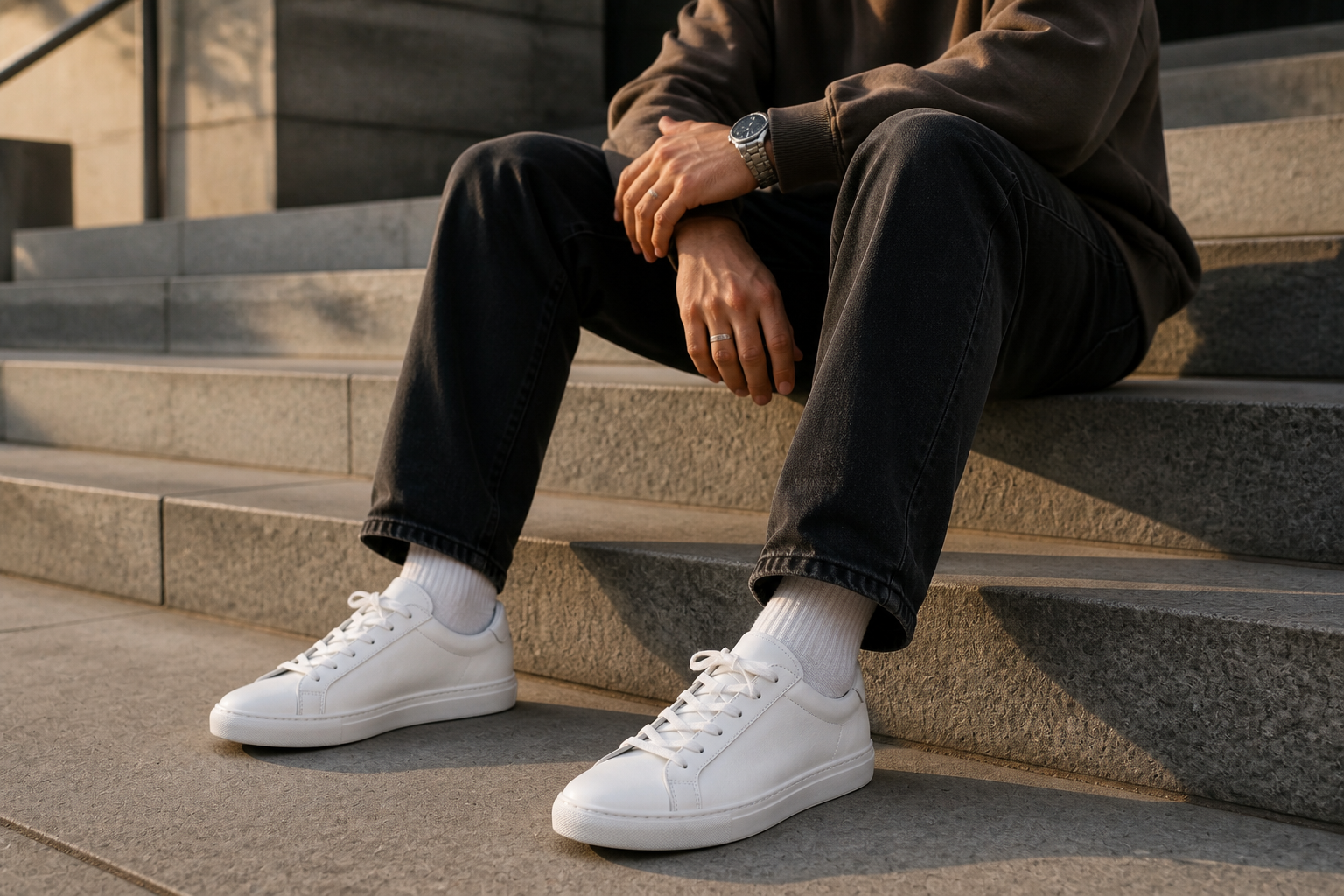 AFTER
AFTER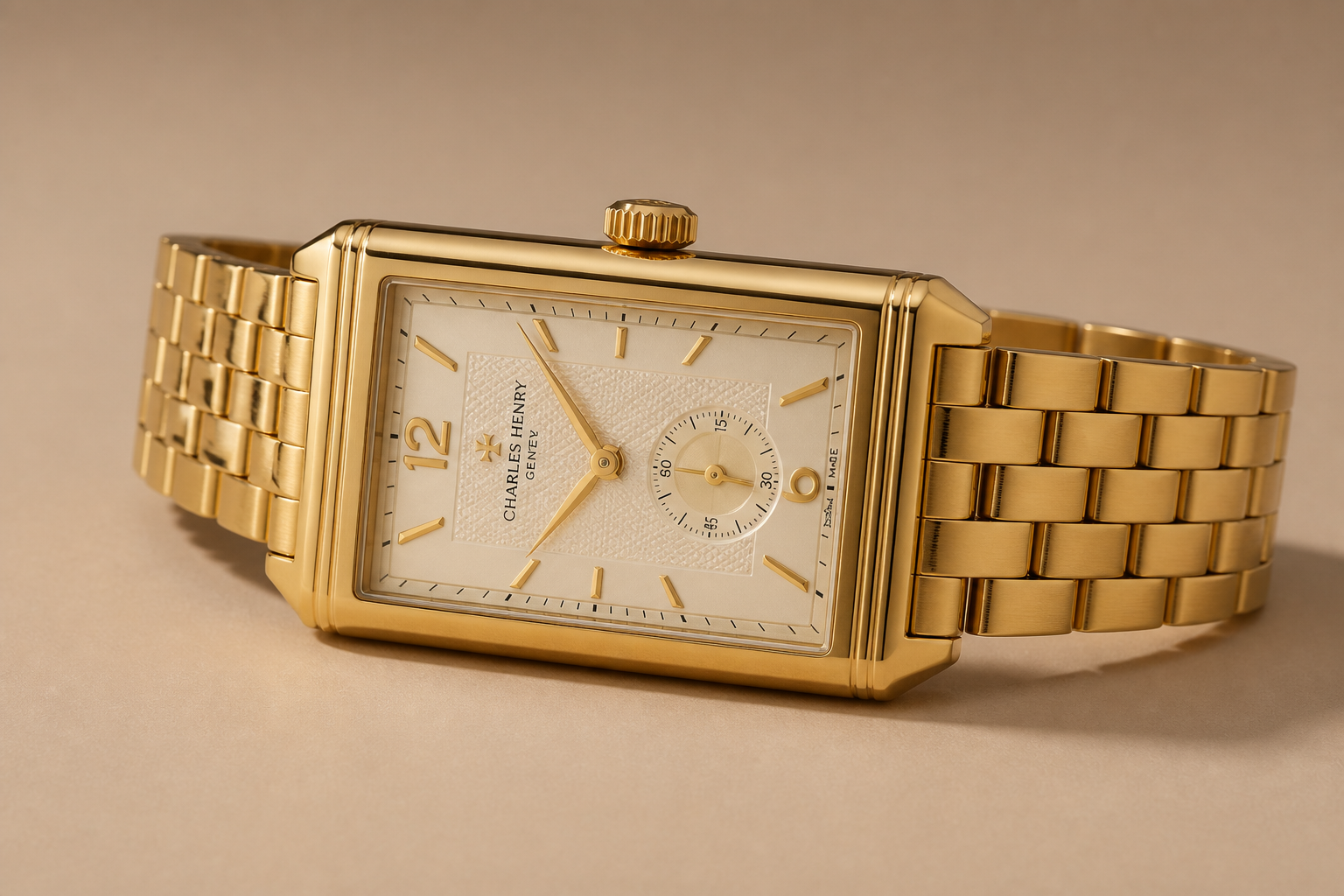 BEFORE
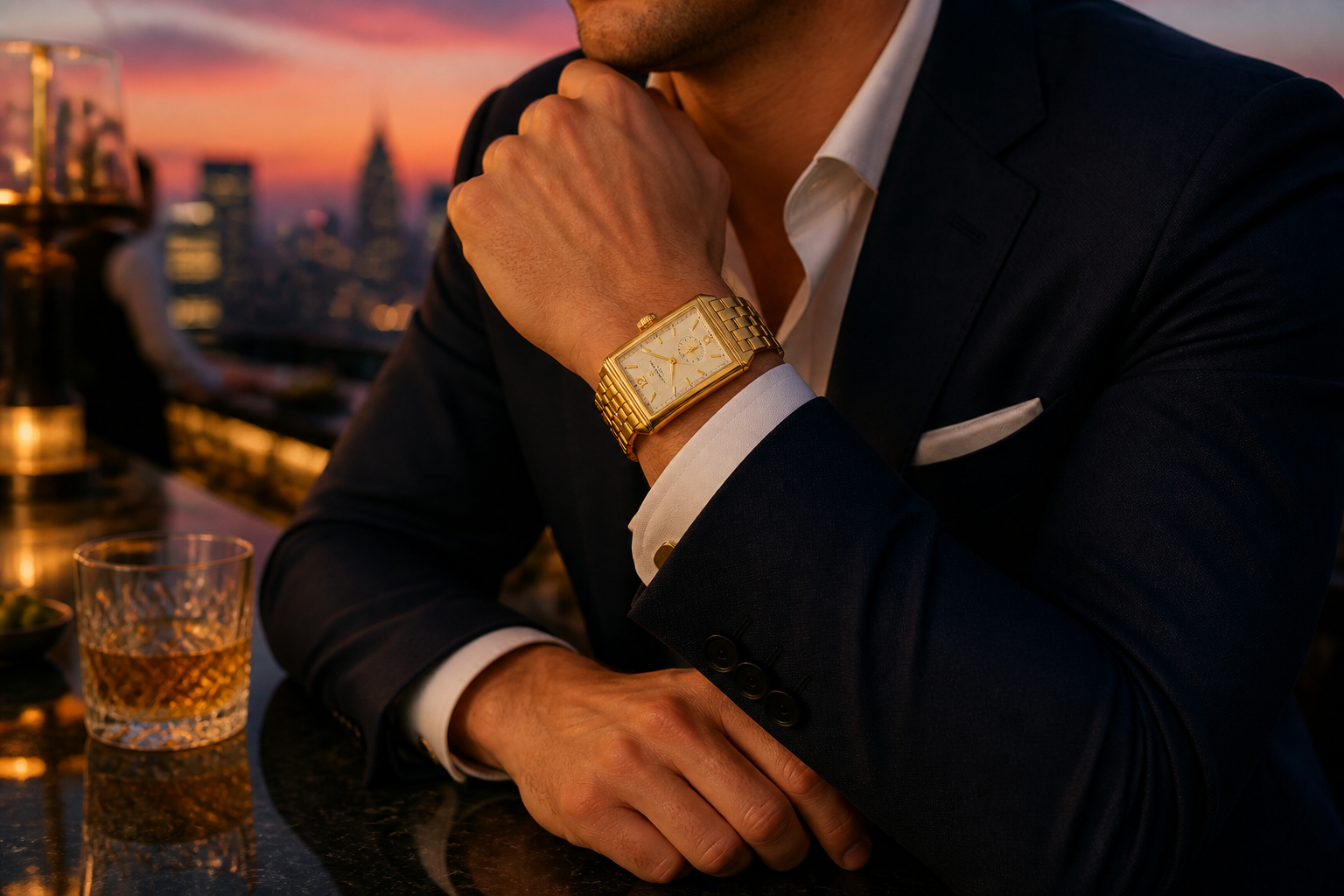 AFTER
AFTER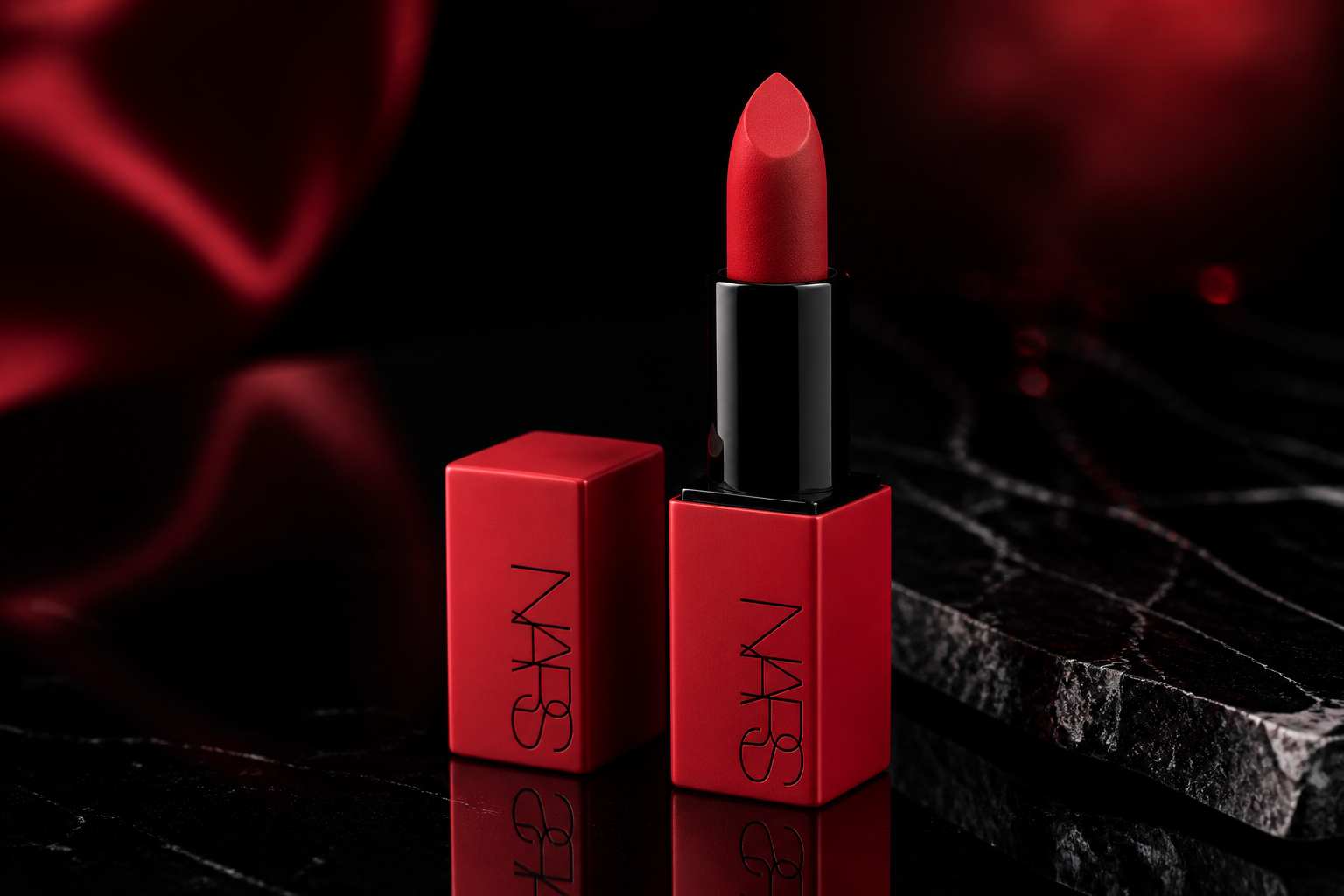 BEFORE
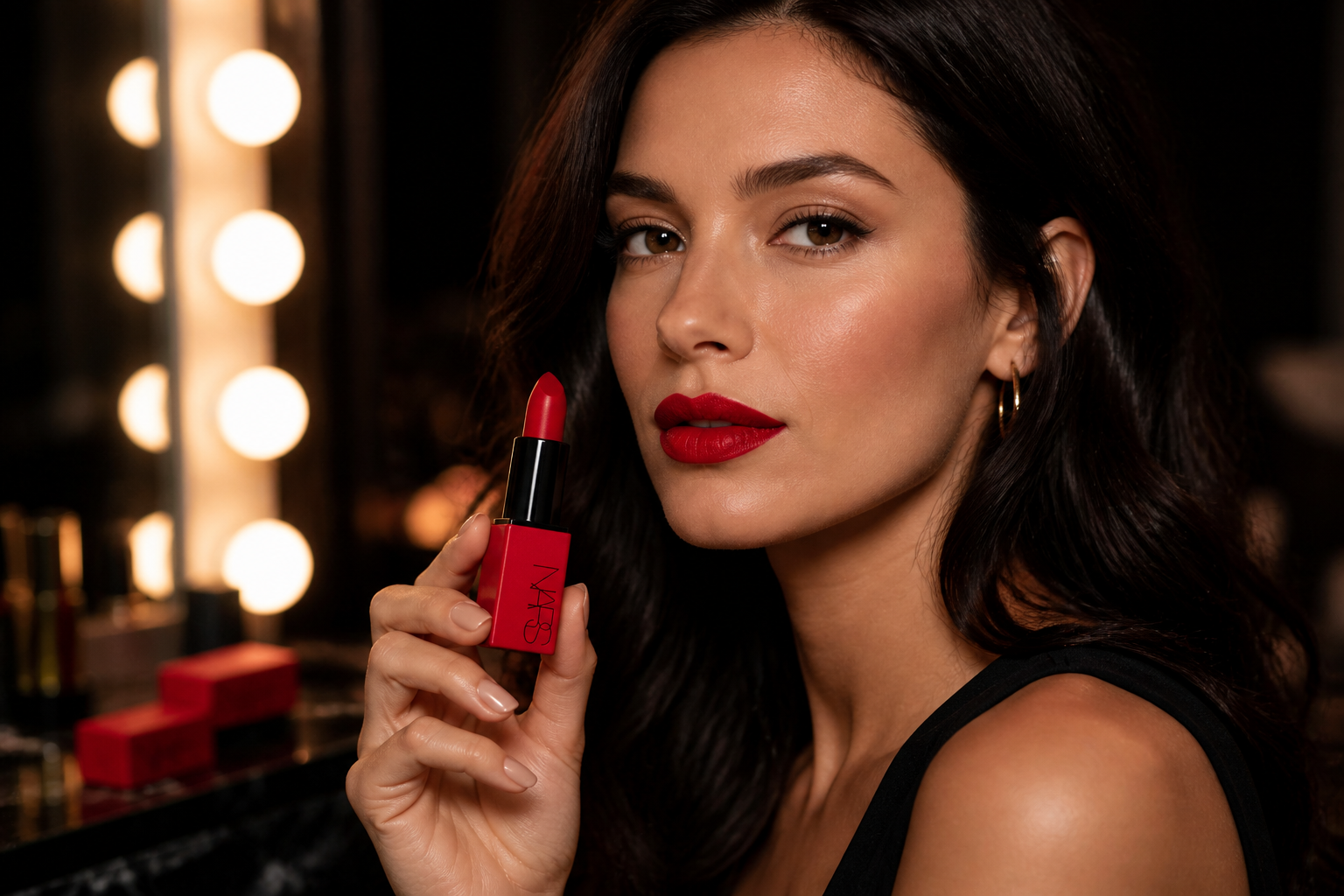 AFTER
AFTER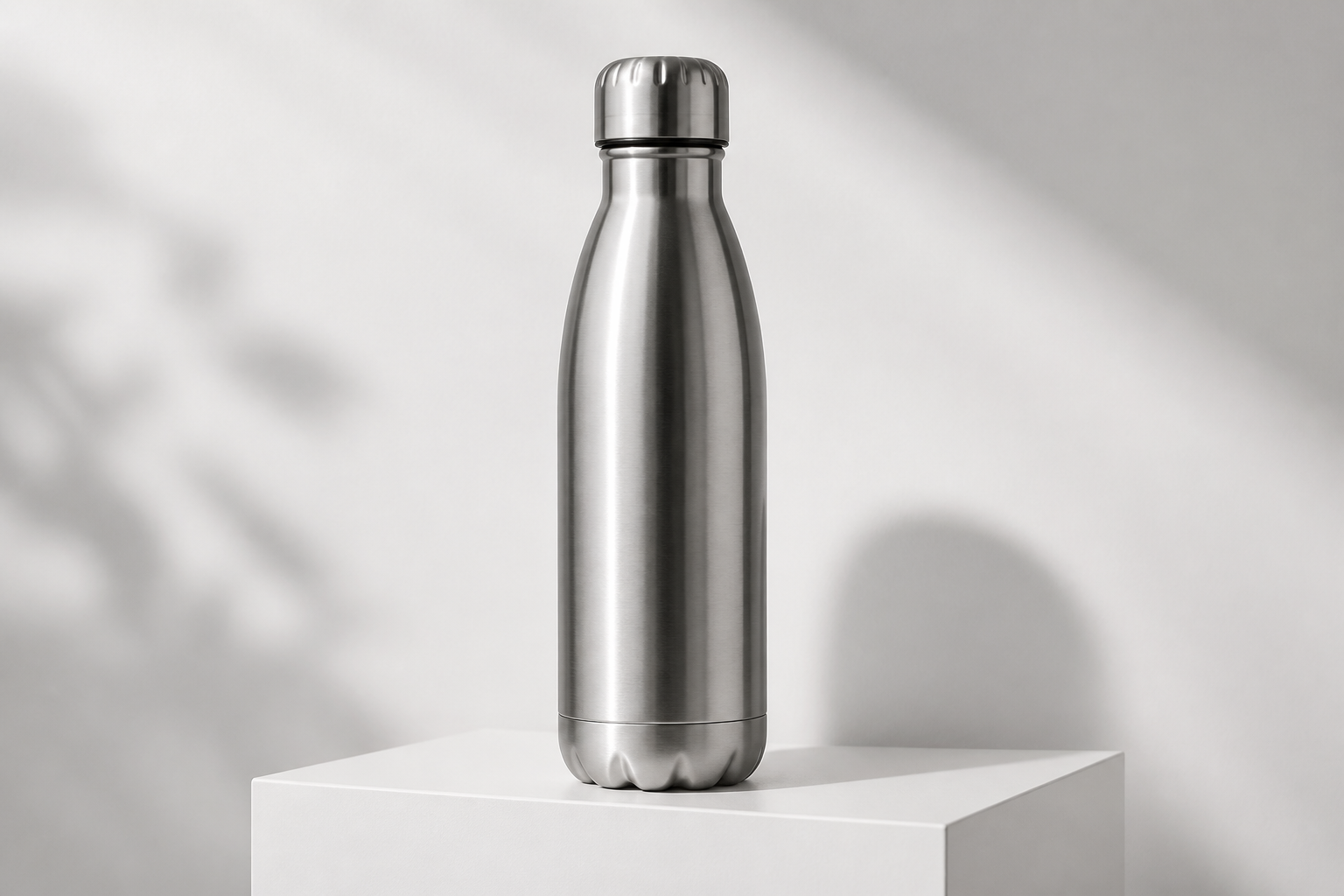 BEFORE
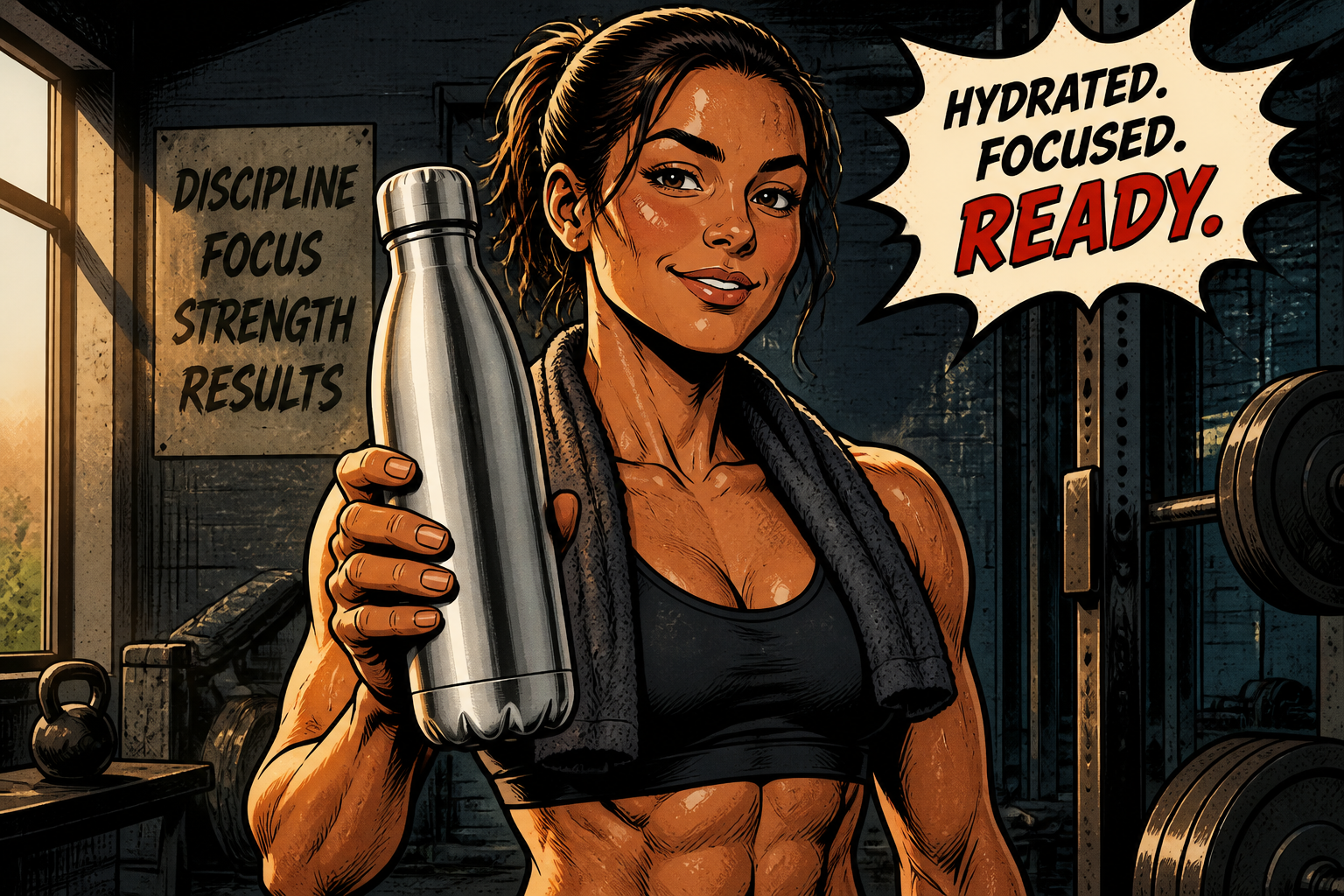 AFTER
AFTER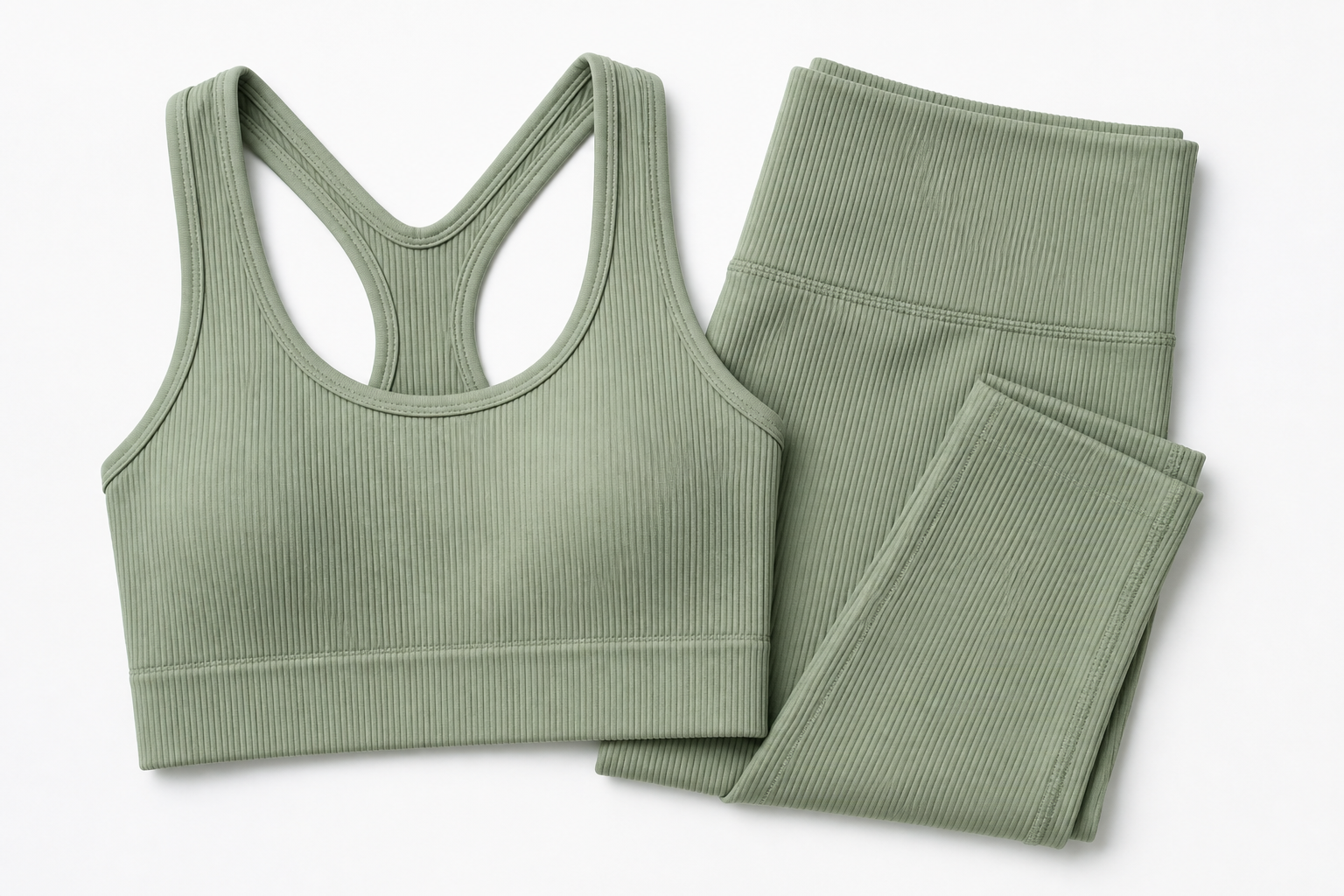 BEFORE
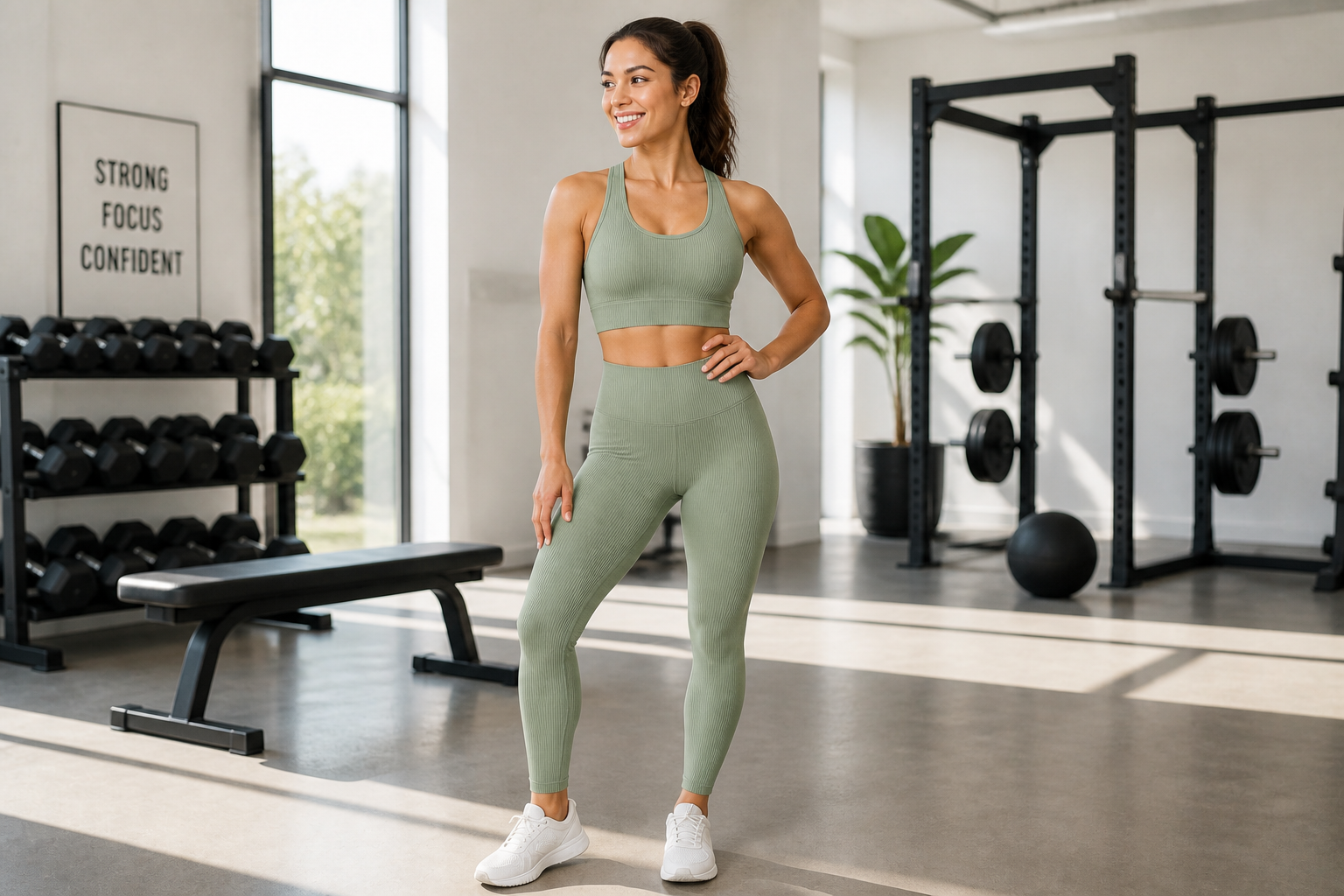 AFTERBEFOREAFTERBEFOREAFTERBEFOREAFTERBEFOREAFTERBEFOREAFTER
Key Features
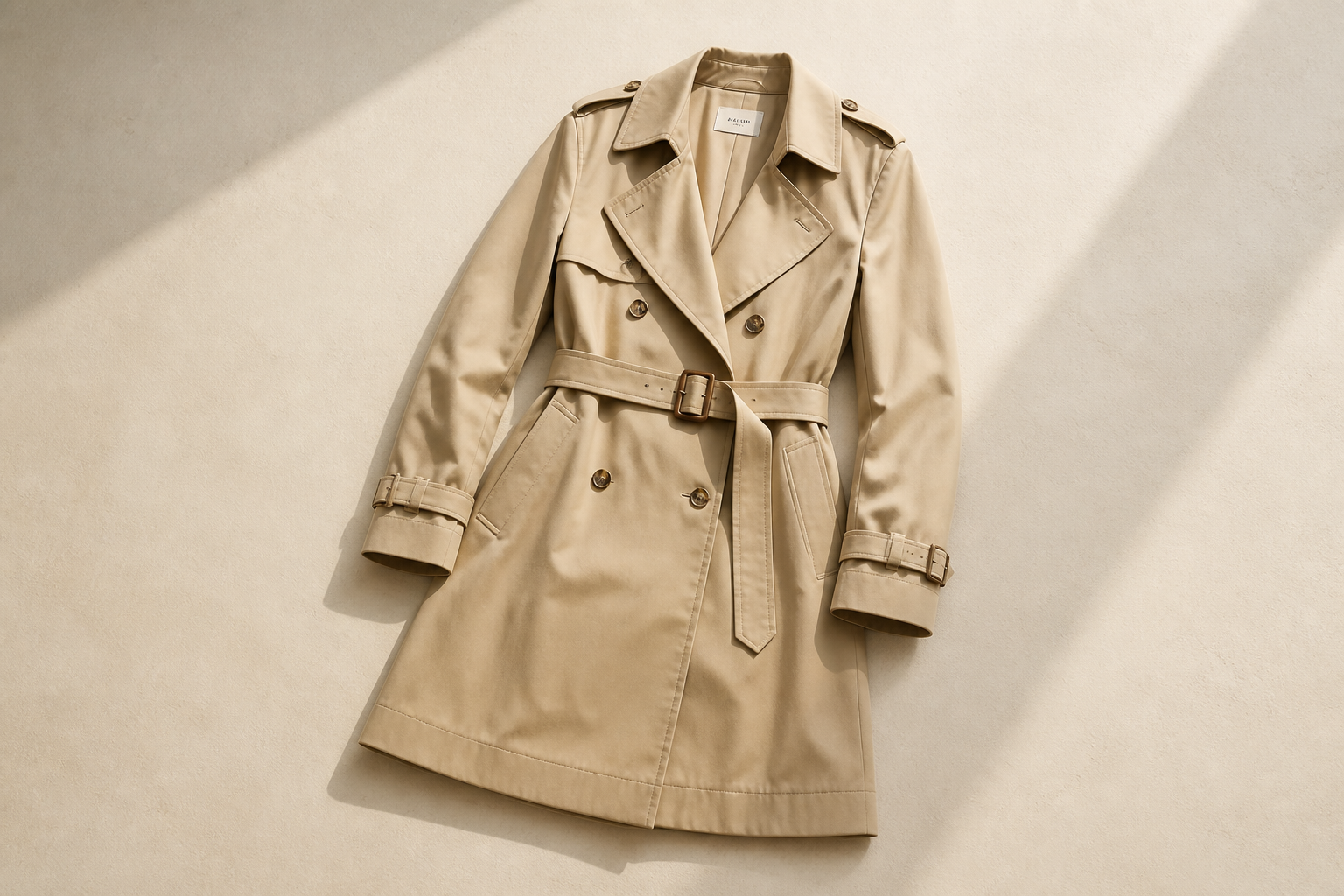
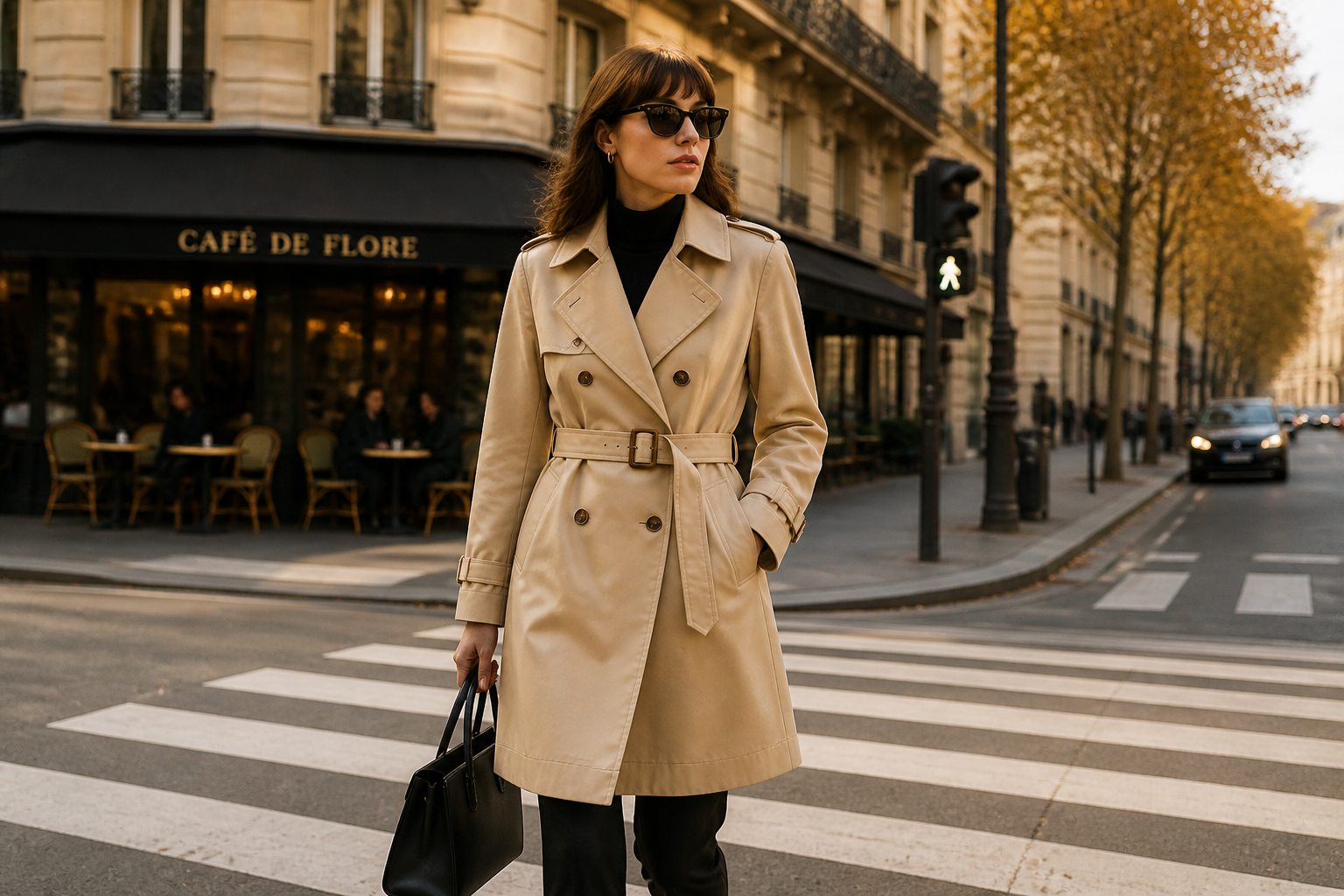
From flat lay to lifestyle
Start with a simple product shot and turn it into a scene with a believable model wearing or holding the item. That gives you the kind of image people expect on ads, landing pages, and social posts. You do not need to cast talent, rent a studio, or coordinate a shoot. It is a faster way to test how a product looks in context.
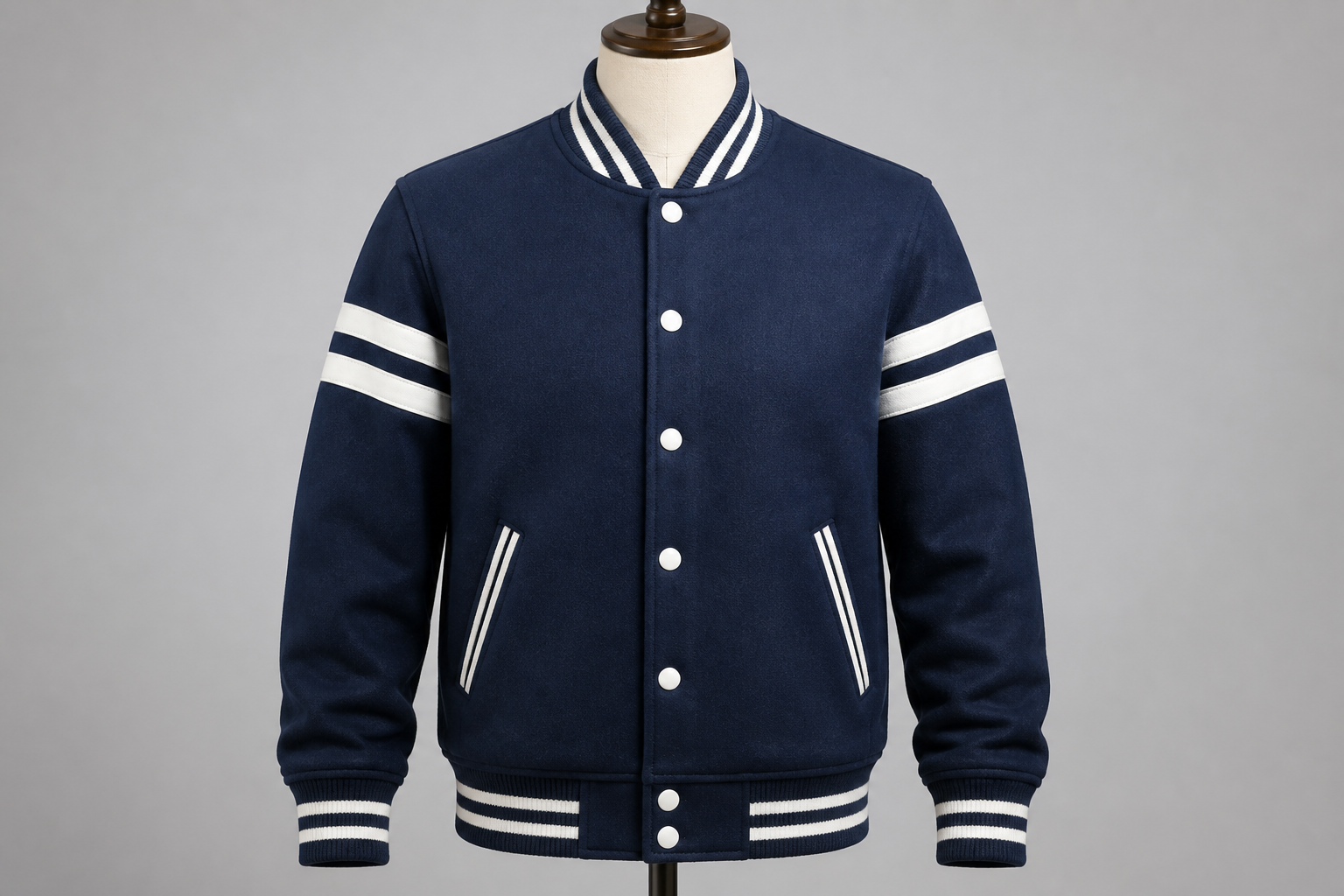
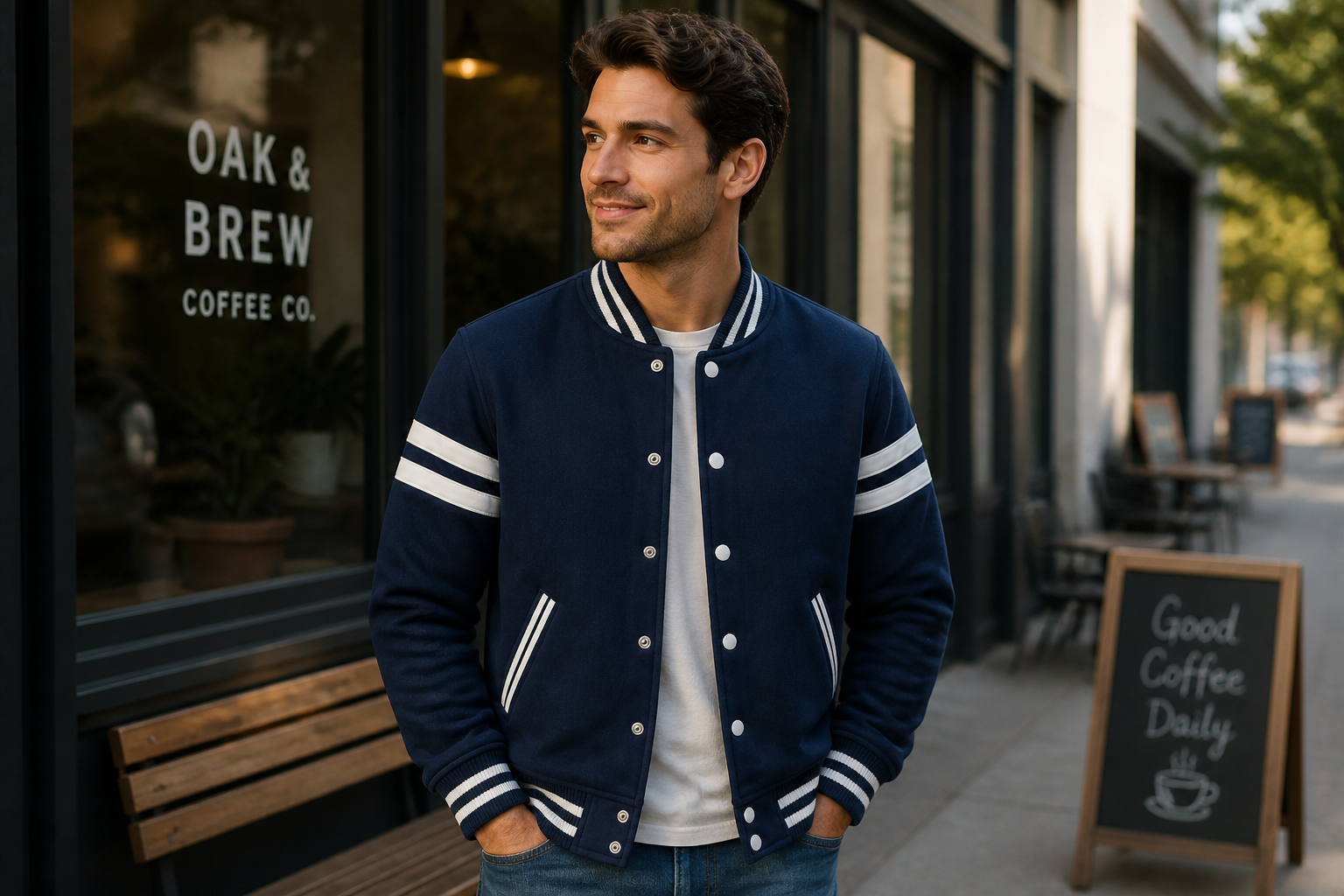
Keeps product details visible
A good mockup should still look like your product, not a generic substitute. Our AI aims to preserve key details like color, silhouette, closures, prints, and textures so shoppers see what matters. That makes the image more useful for merchandising and creative review. Manual compositing often takes much longer to achieve the same clarity.
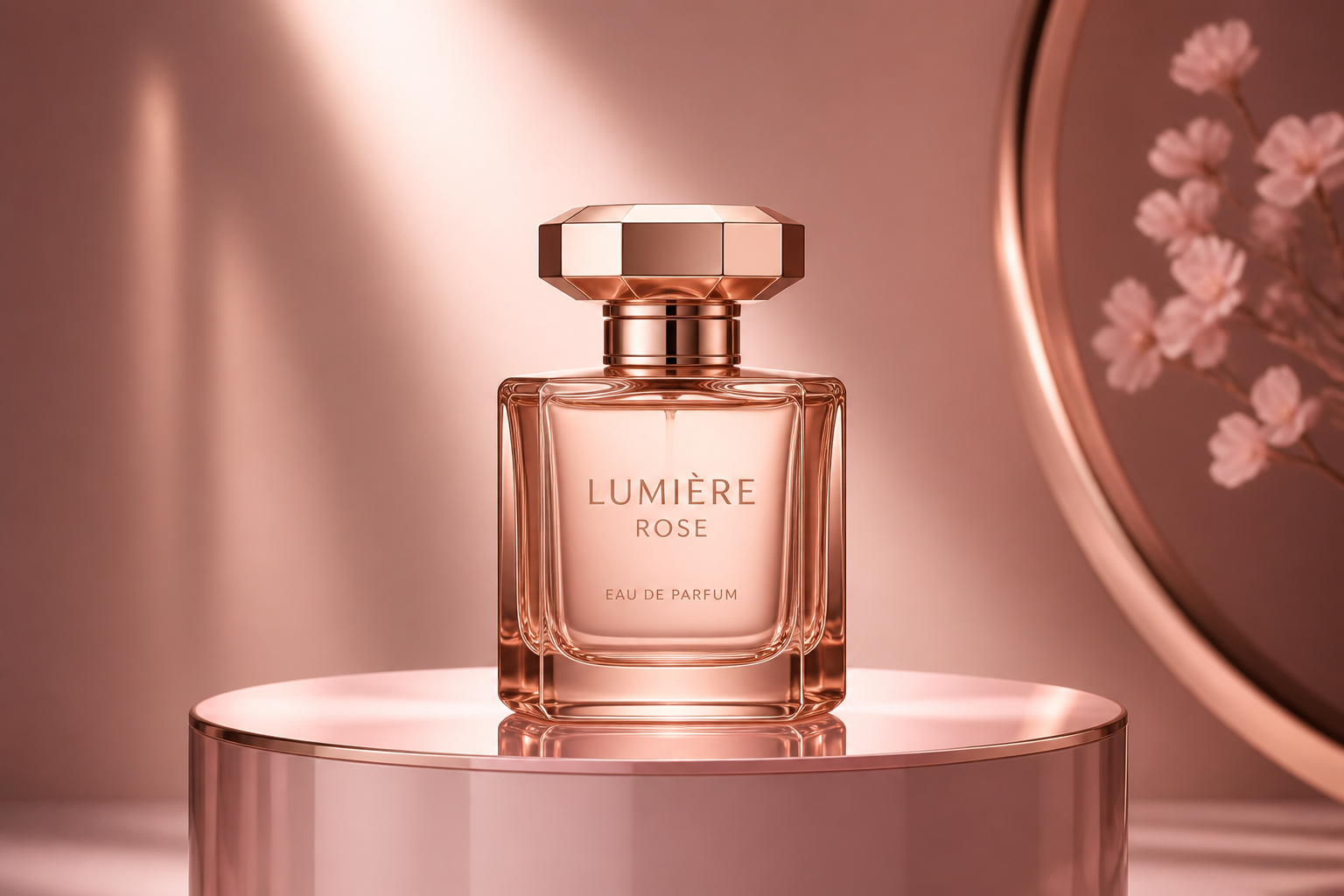
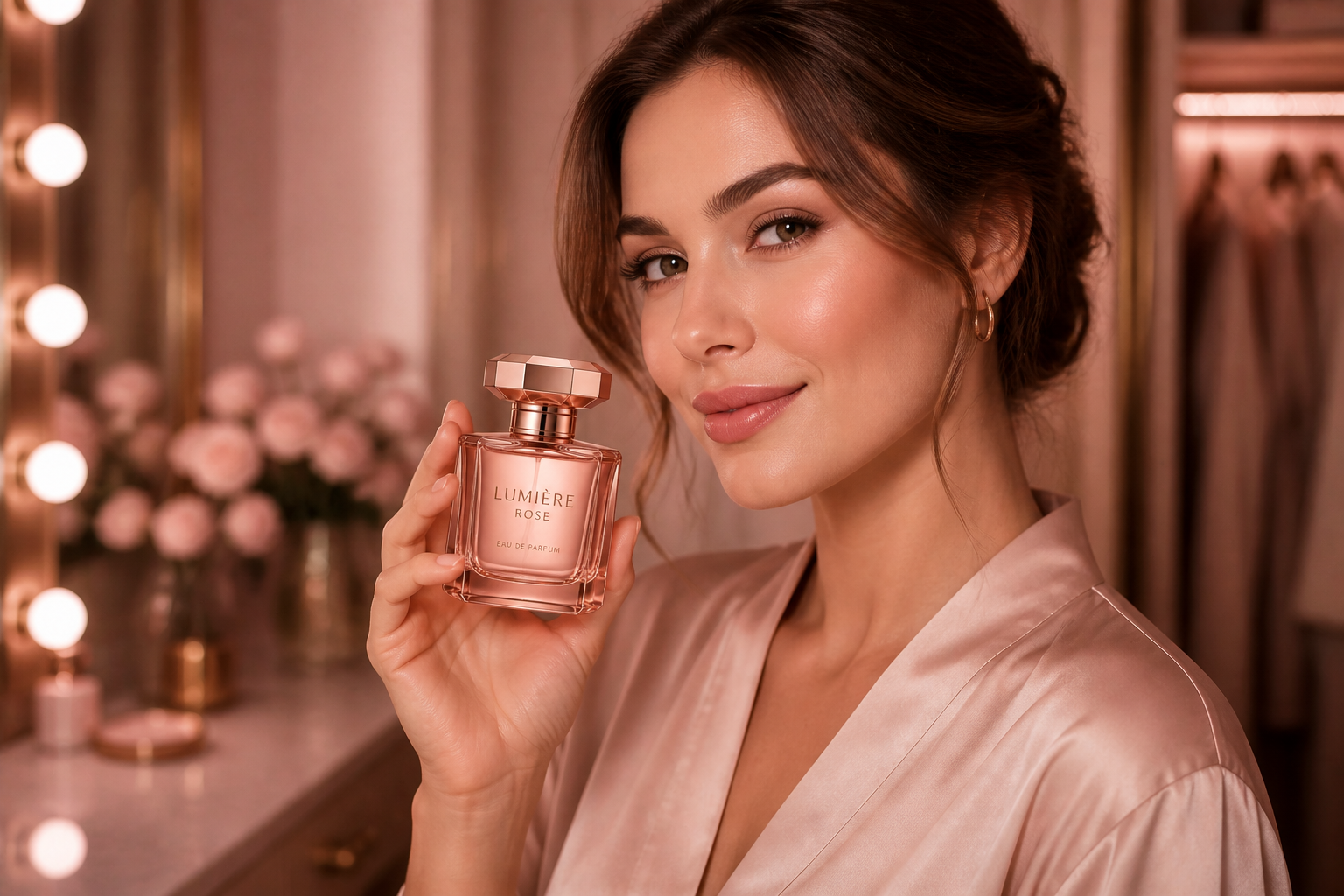
Works across product types
You can create mockups for clothing, accessories, beauty, and handheld items without switching tools. That helps teams keep a consistent workflow while testing different catalog categories. It is useful when you want fast first-pass visuals before committing to a full campaign. You can move from product image to contextual model shot in the same editor.
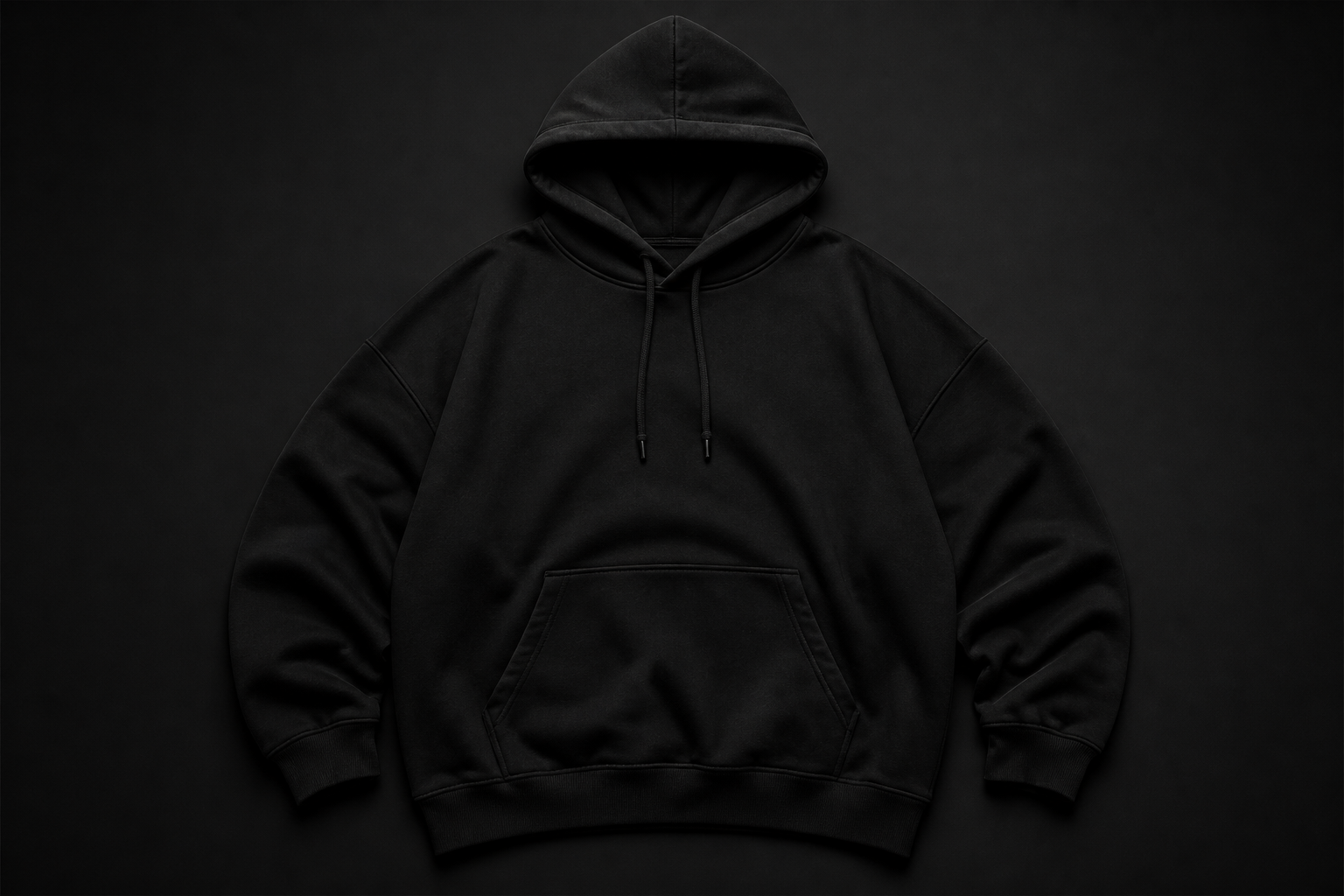
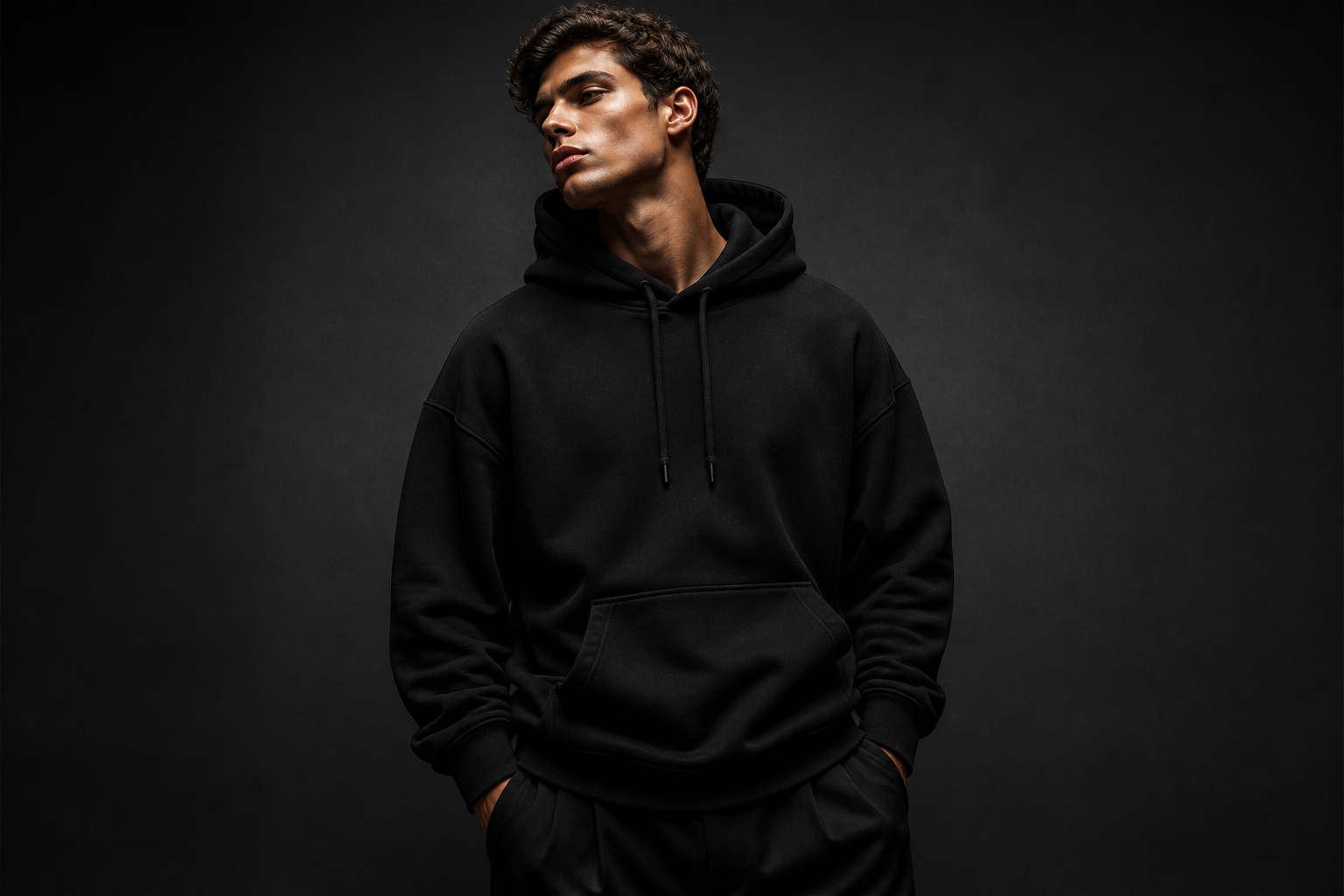
Supports styled campaign looks
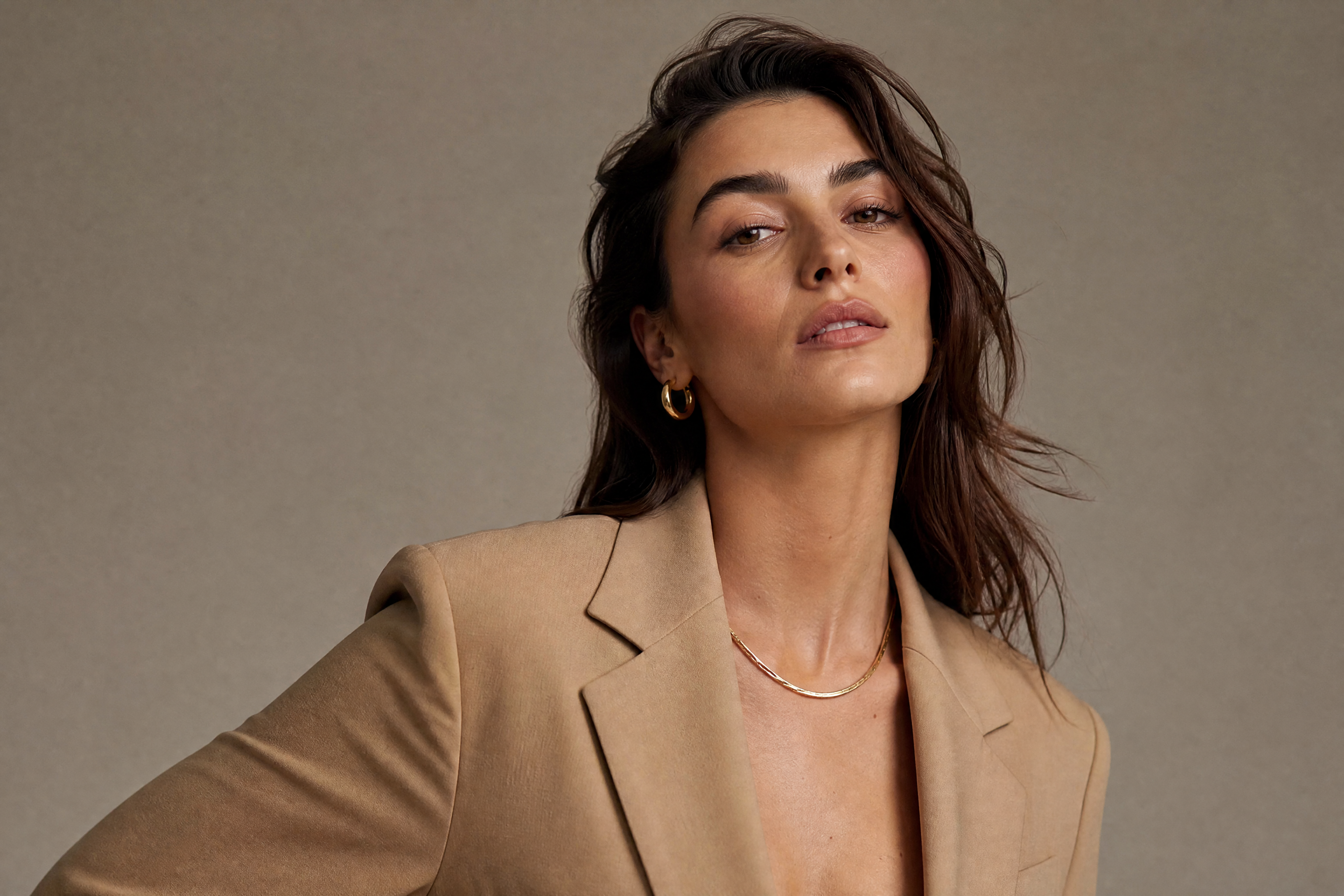
You can go beyond plain ecommerce and create branded visuals with a clear mood. This is helpful for seasonal drops, social creatives, and concept testing when you want more than a white-background mockup. The same product can be shown in different visual directions without another shoot. That makes creative iteration much quicker.
How It Works
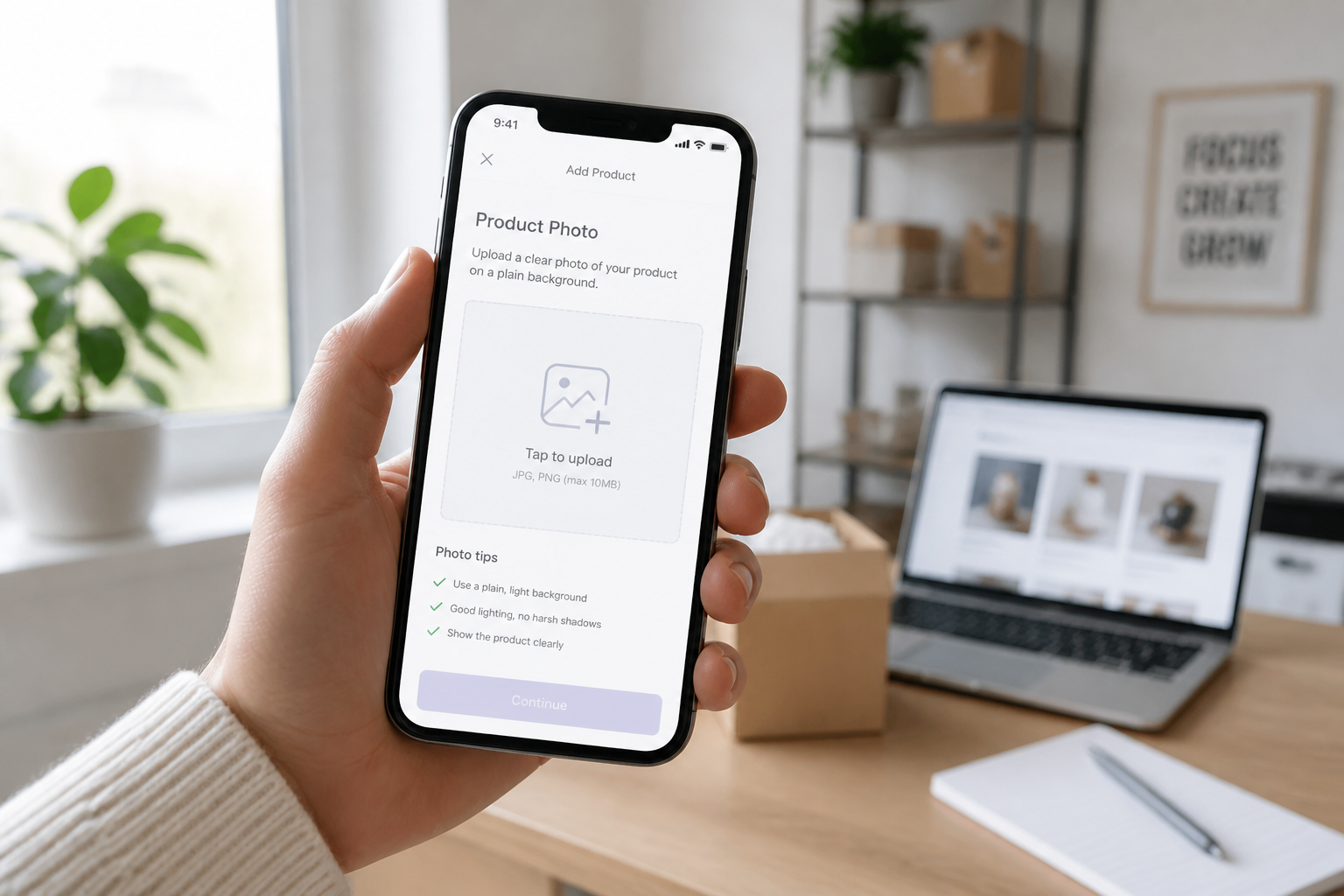
Upload your product image
Start with a clear product photo on a simple background. Clean lighting and visible details usually lead to more convincing mockups.
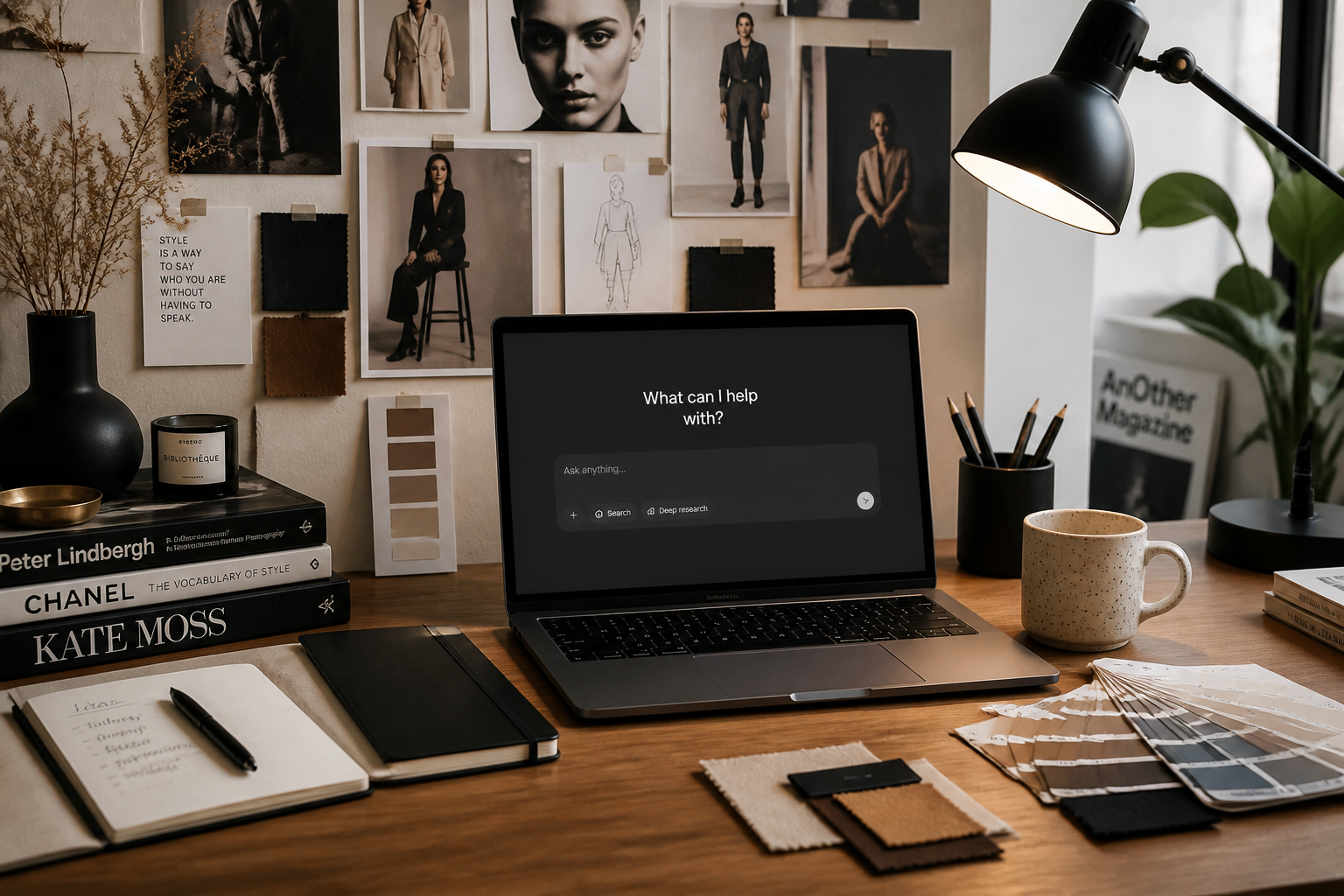
Describe the model scene
Tell the AI who should wear or hold the product and where the scene should happen. You can specify wardrobe vibe, setting, framing, and lighting in plain English.
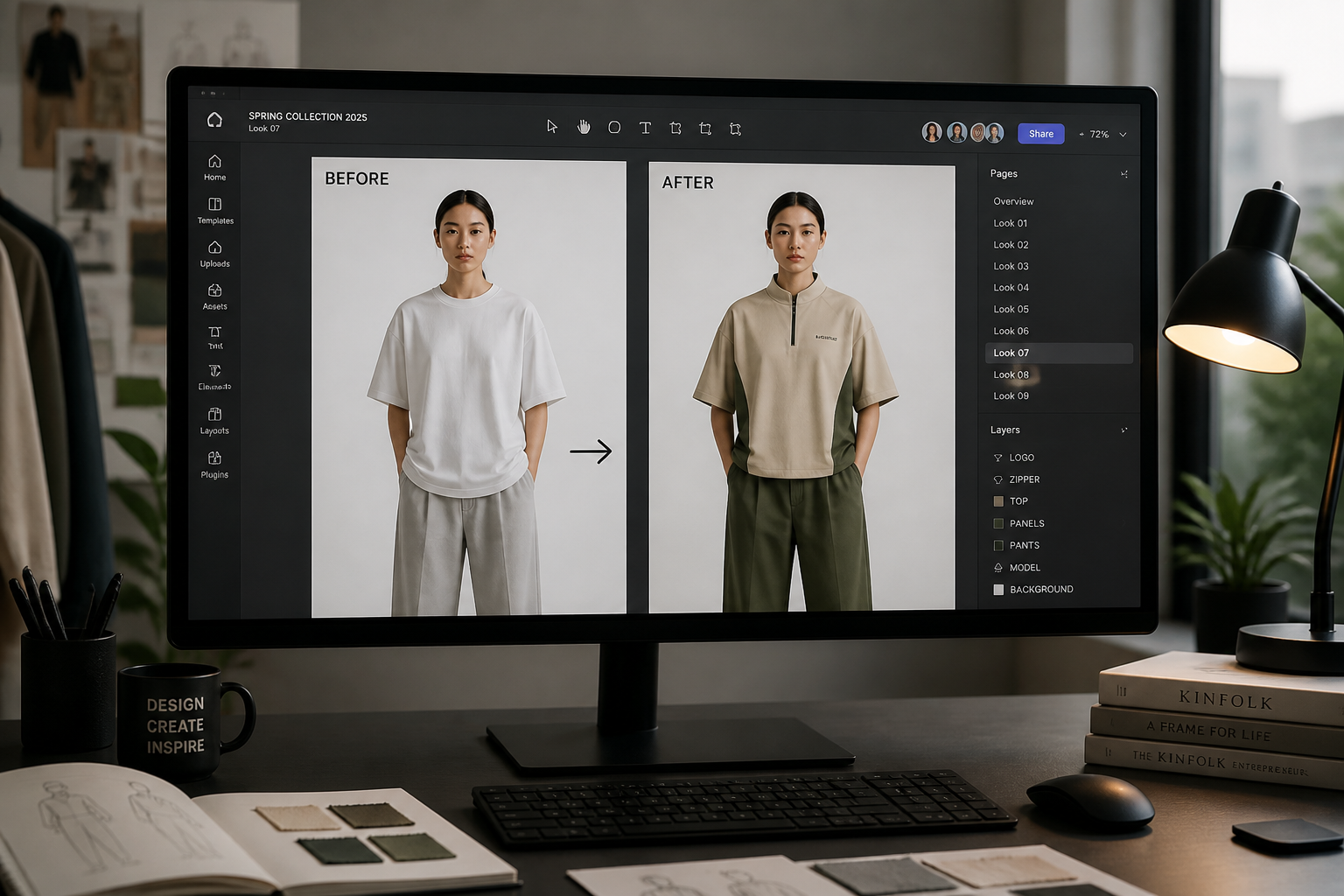
Review and refine
Compare the result and run variations until the product placement feels right. Adjust the model type, scene, or art direction to match your campaign.
Perfect For
Discover how creators and professionals use ai product on model generator
Ecommerce listings
Show products on people instead of only flat lays or packshots.
Paid social creatives
Generate fast lifestyle visuals for ads, launches, and creative testing.
Lookbook concepts
Preview how a product line could appear across different model scenes.
Client mockups
Create quick presentation visuals before investing in production.
Built For
Shop owners
Create model imagery for product pages without organizing a photoshoot.
Design and marketing teams
Test multiple creative directions quickly for campaigns, emails, and ads.
Agencies and freelancers
Produce polished mockups for pitches, previews, and client approvals.
Why use it for product-on-model mockups
A quick look at how we compare on the things that matter for this niche.
| Feature | BudgetPixel | Generic AI editors | Manual editing apps |
|---|---|---|---|
| Starts from a product photo | ✓ | ✓ | ✓ |
| Realistic model context | ✓ | — | — |
| Fast concept variations | ✓ | ✓ | — |
| Low manual masking work | ✓ | — | — |
| Useful for ecommerce mockups | ✓ | ✓ | ✓ |
Frequently Asked Questions
What kinds of products work best?
Do I need a model photo first?
Will the product still look like my item?
Can I make lifestyle scenes instead of studio shots?
Is this good for ad testing and mockups?
Create together.
Share your creations, discover trending AI art, and grow with fellow creators.

























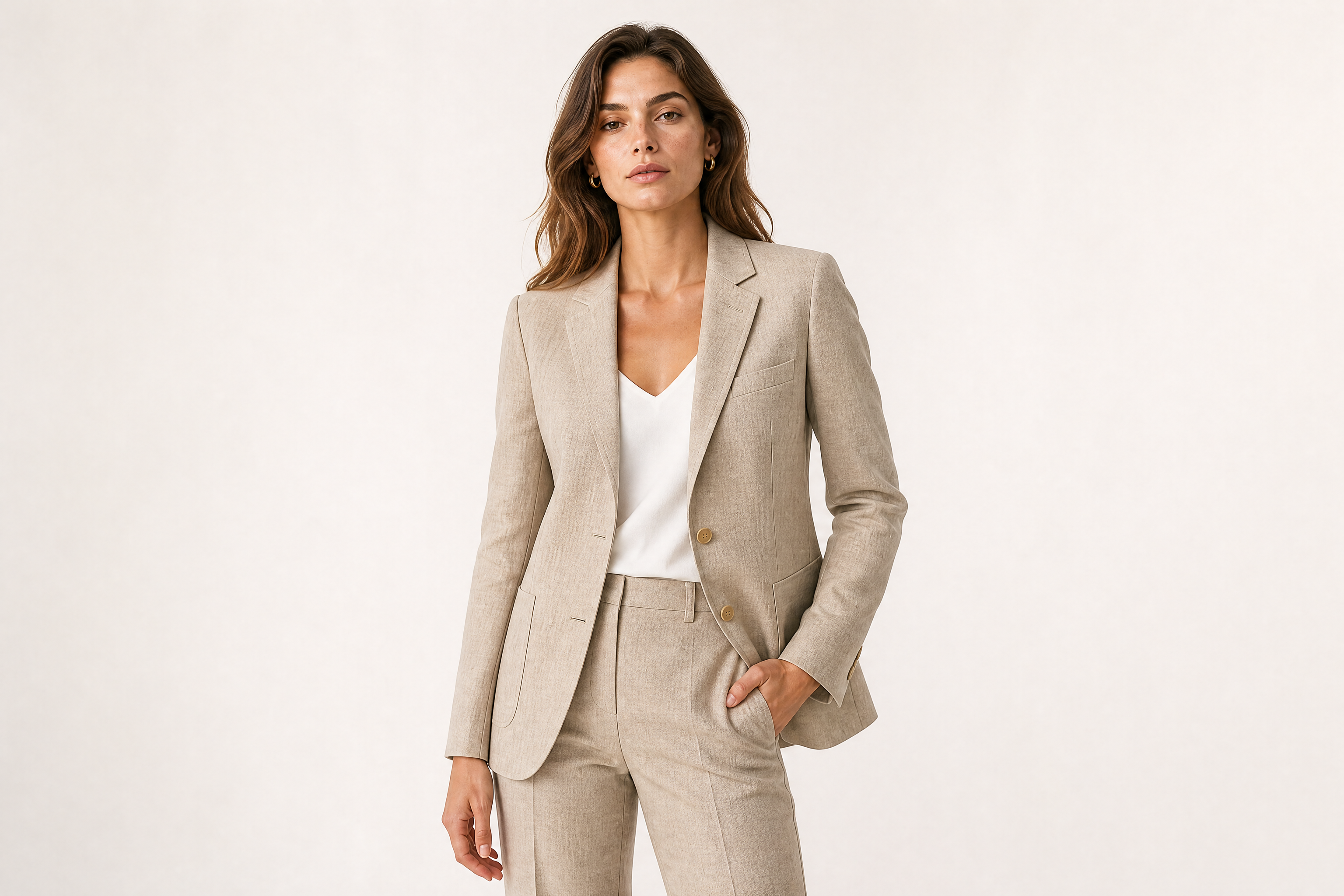
Ready to Try AI Product on Model Generator?
Get started for free. No credit card required.
Try it Free