AI Model Photo Generator
Generate polished fashion-style model photos from text prompts
Create realistic AI model photos for fashion concepts, beauty campaigns, lookbooks, and social content without organizing a shoot. Describe the model, styling, setting, and lighting, then generate multiple polished images in seconds.
See It In Action
Real outputs from ai model photo generator.
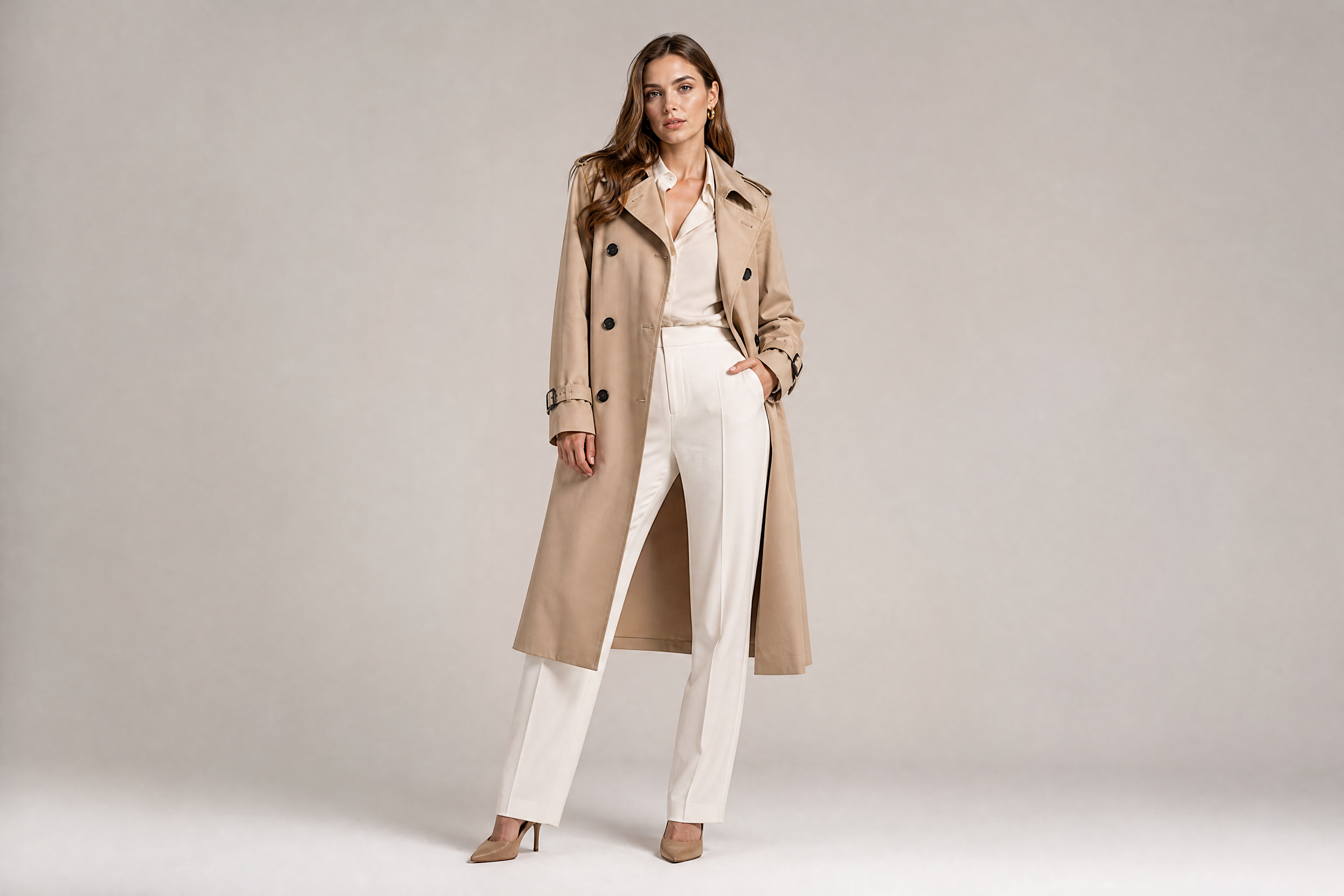
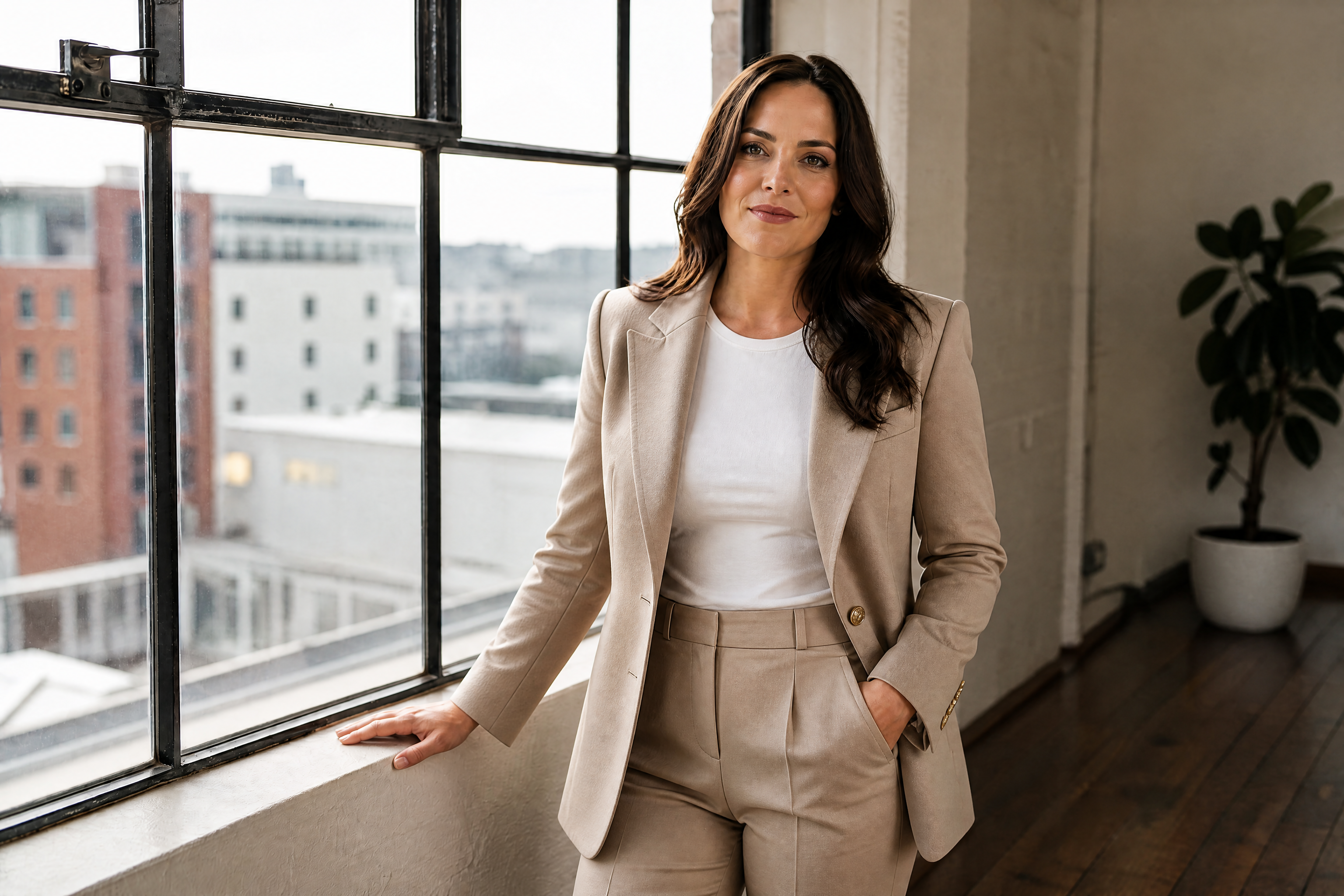
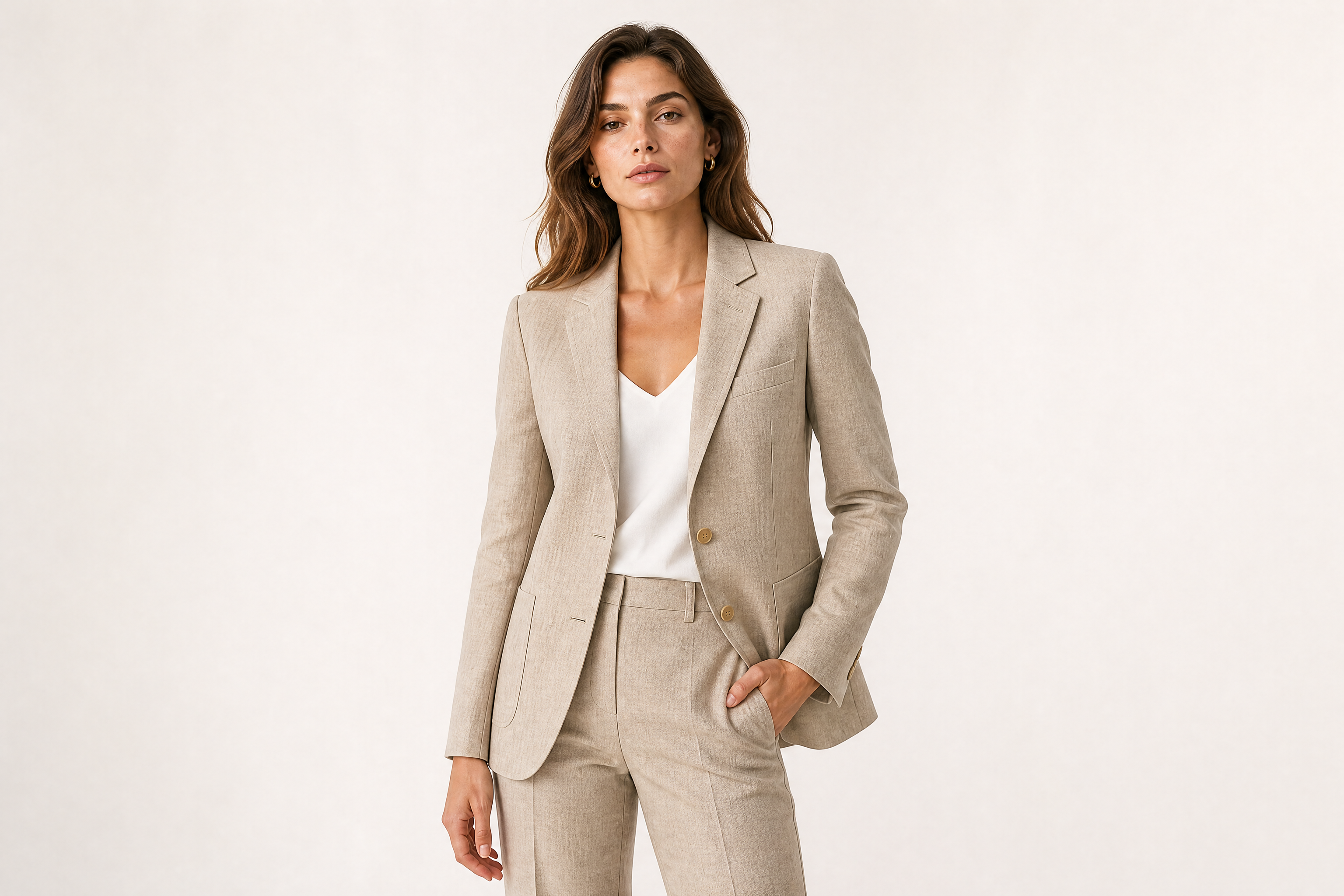
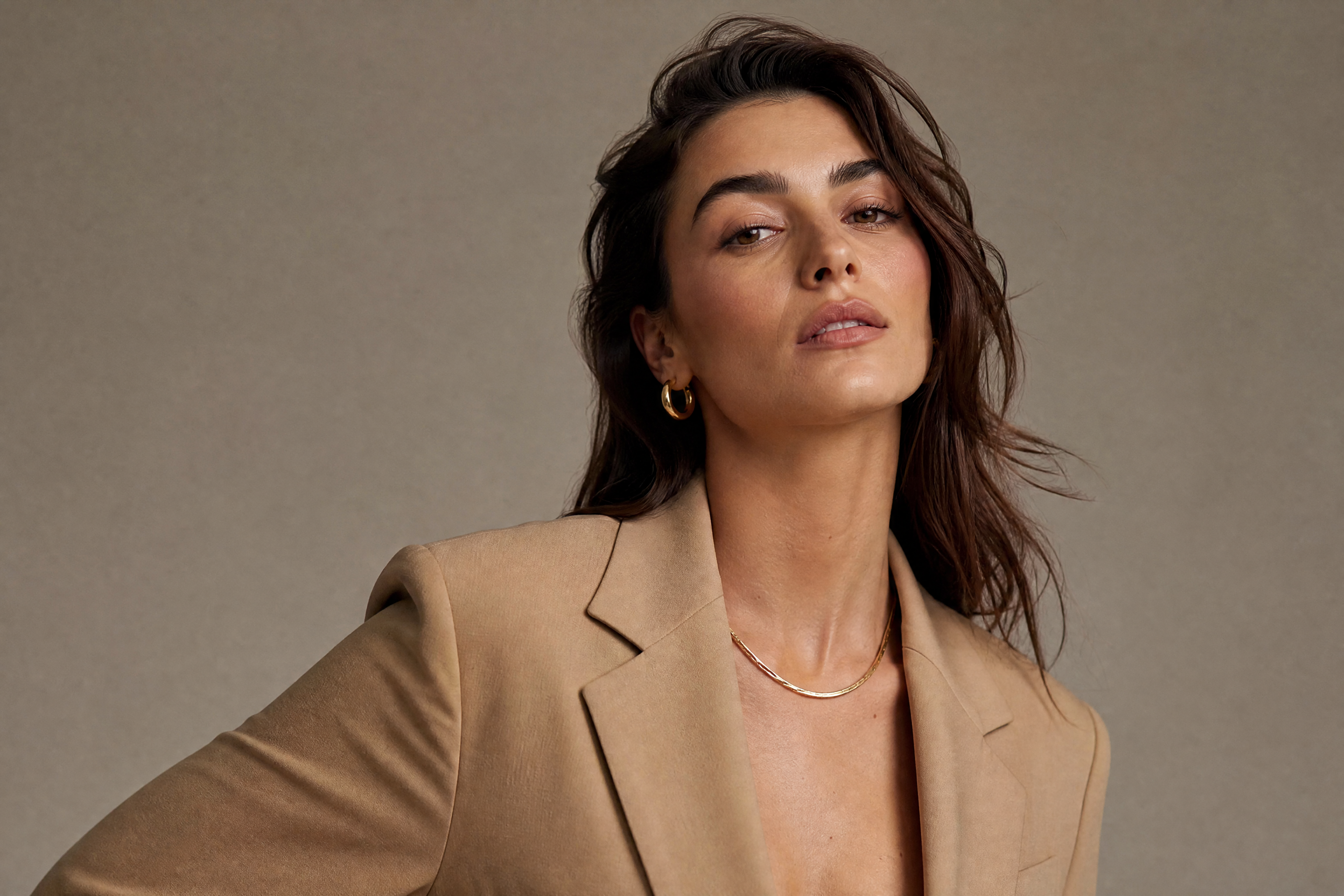
adult female fashion model in a clean studio editorial shoot, tailored beige blazer, minimal gold jewelry, confident pose, softbox lighting, realistic skin texture, luxury magazine photography, 85mm lens, shallow depth of field
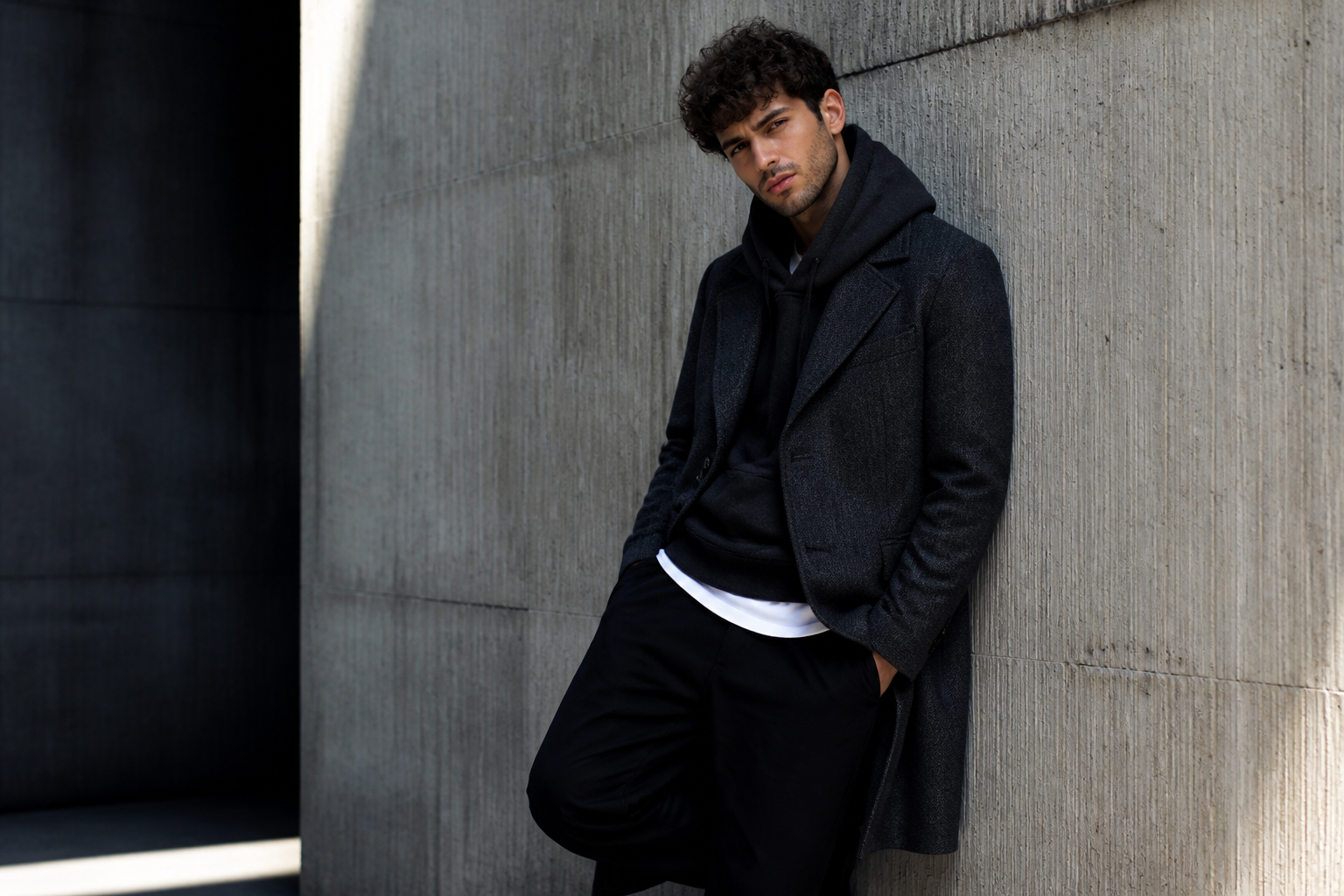
adult male fashion model leaning against a textured concrete wall, modern streetwear layering, charcoal overcoat, black trousers, dramatic side lighting, realistic photography, urban editorial style, 50mm lens, crisp detail
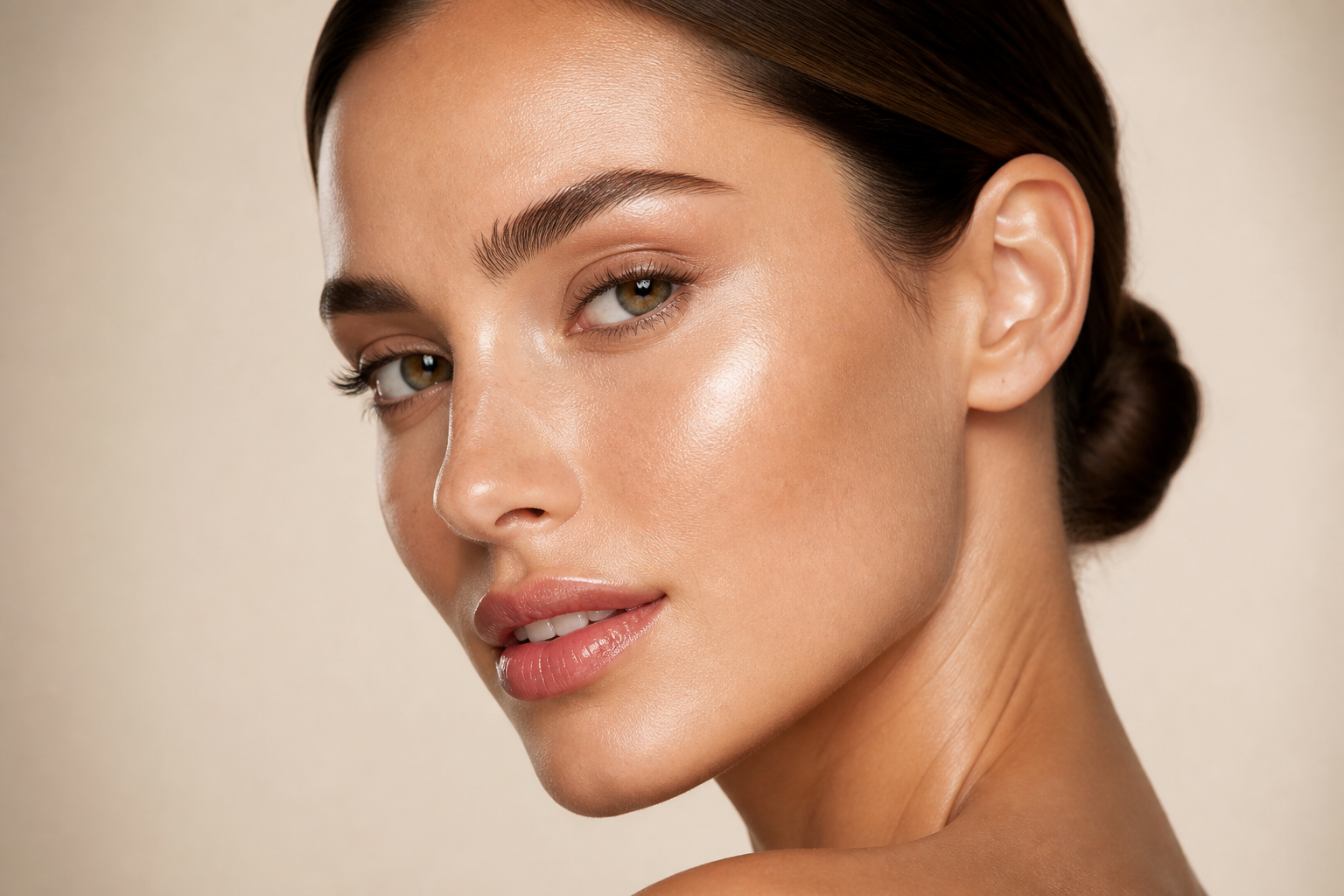
adult female beauty model close-up portrait, glowing skin, sleek low bun, glossy neutral makeup, cream backdrop, soft diffused studio lighting, high-end beauty campaign photography, macro facial detail, elegant composition
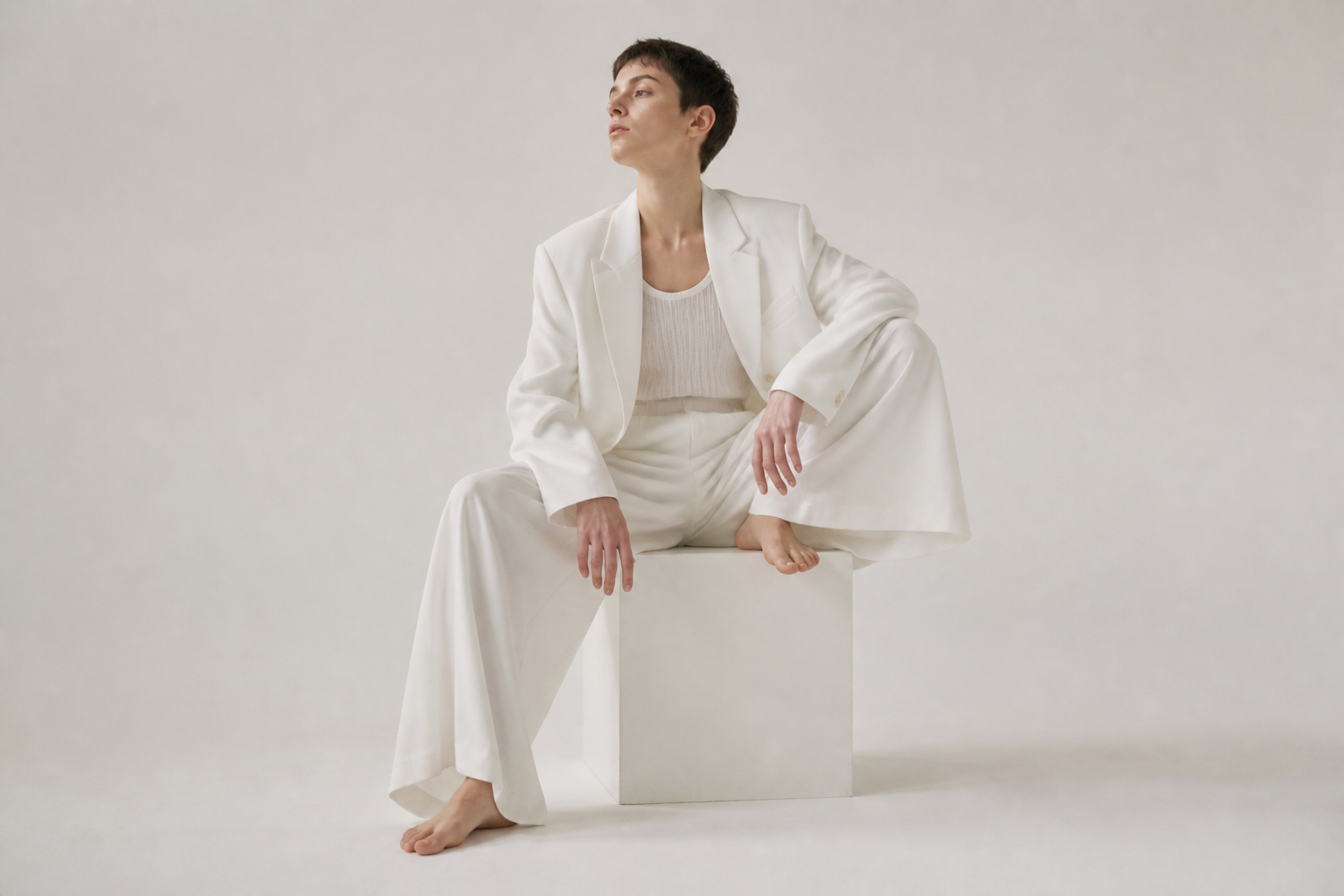
adult androgynous model seated on a minimalist cube, monochrome white outfit, clean studio set, sculptural pose, bright seamless backdrop, modern fashion magazine photography, soft shadows, 70mm lens
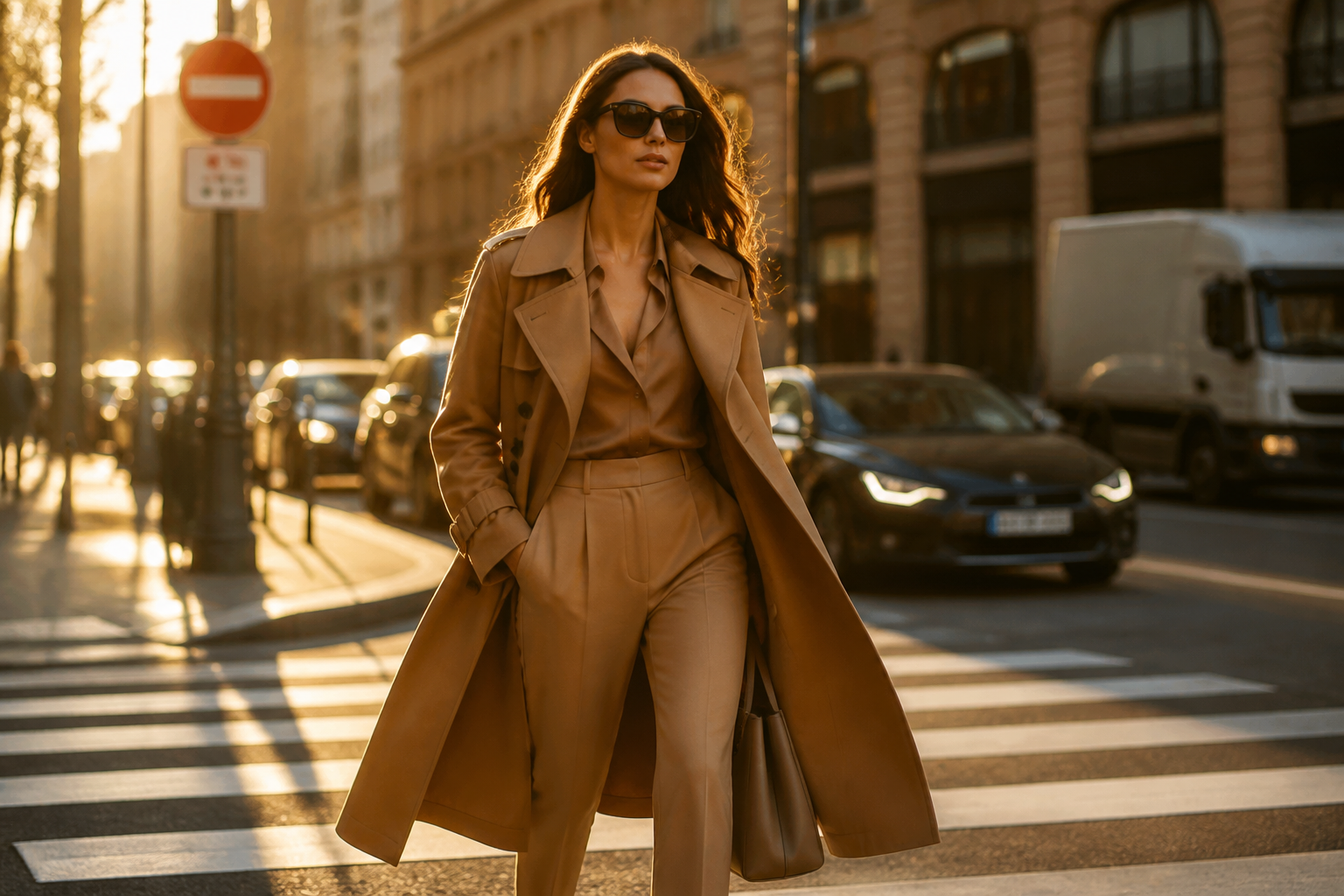
adult female model walking through a city crosswalk at golden hour, camel trench coat, sunglasses, confident stride, candid luxury fashion photography, warm natural light, shallow depth of field, editorial street style

adult male beauty model in a premium skincare campaign, fresh natural complexion, white button-down shirt, pale gray background, soft front lighting, clean commercial photography, refined grooming, upscale brand aesthetic
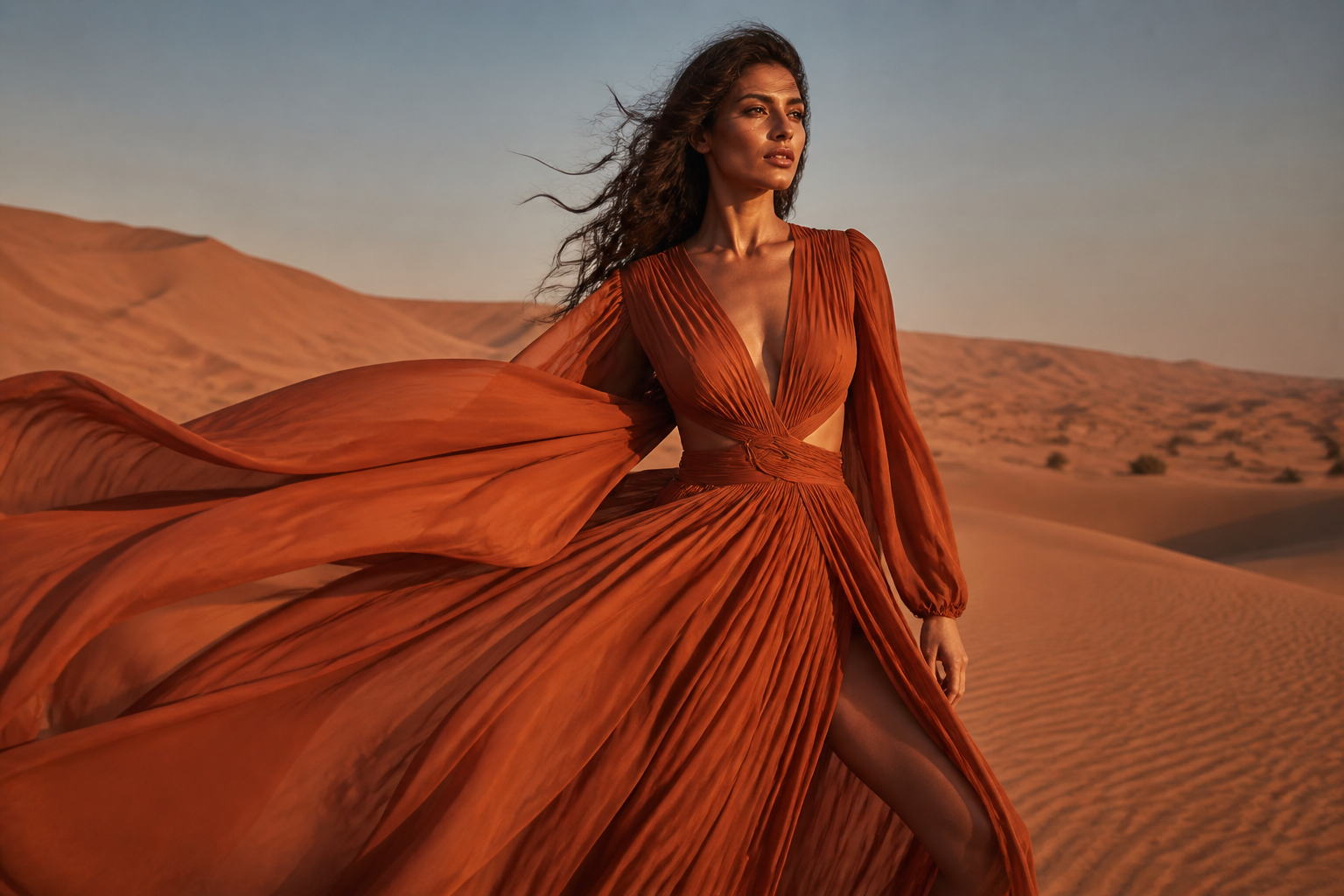
adult female model in a desert fashion shoot, flowing rust-colored dress, wind movement, sunlit sand dunes, cinematic editorial photography, rich earth tones, dramatic composition, realistic high-fashion look
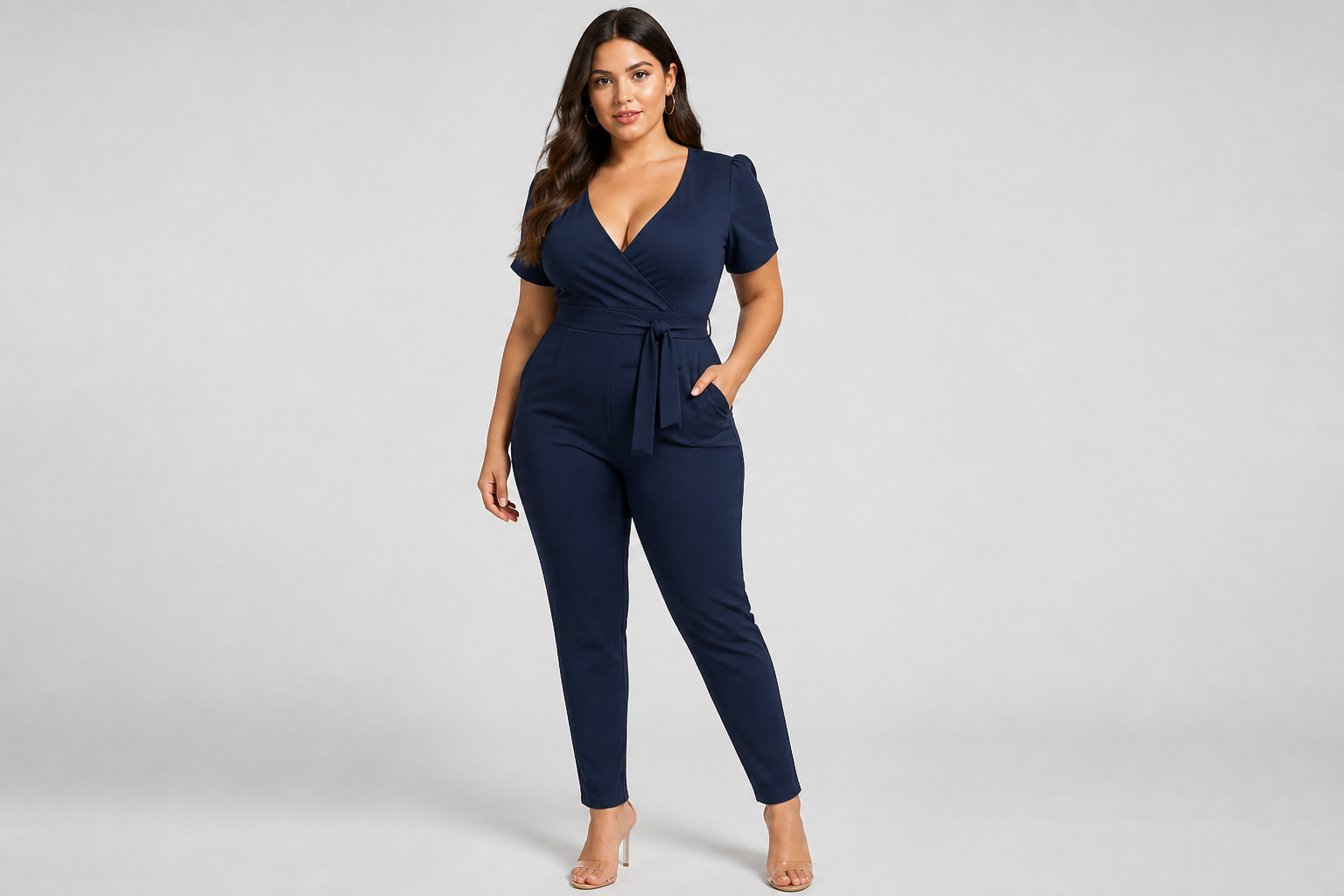
adult curvy female model in a modern e-commerce apparel shoot, fitted navy jumpsuit, full-body pose, seamless light gray backdrop, even studio lighting, realistic catalog photography, sharp garment detail
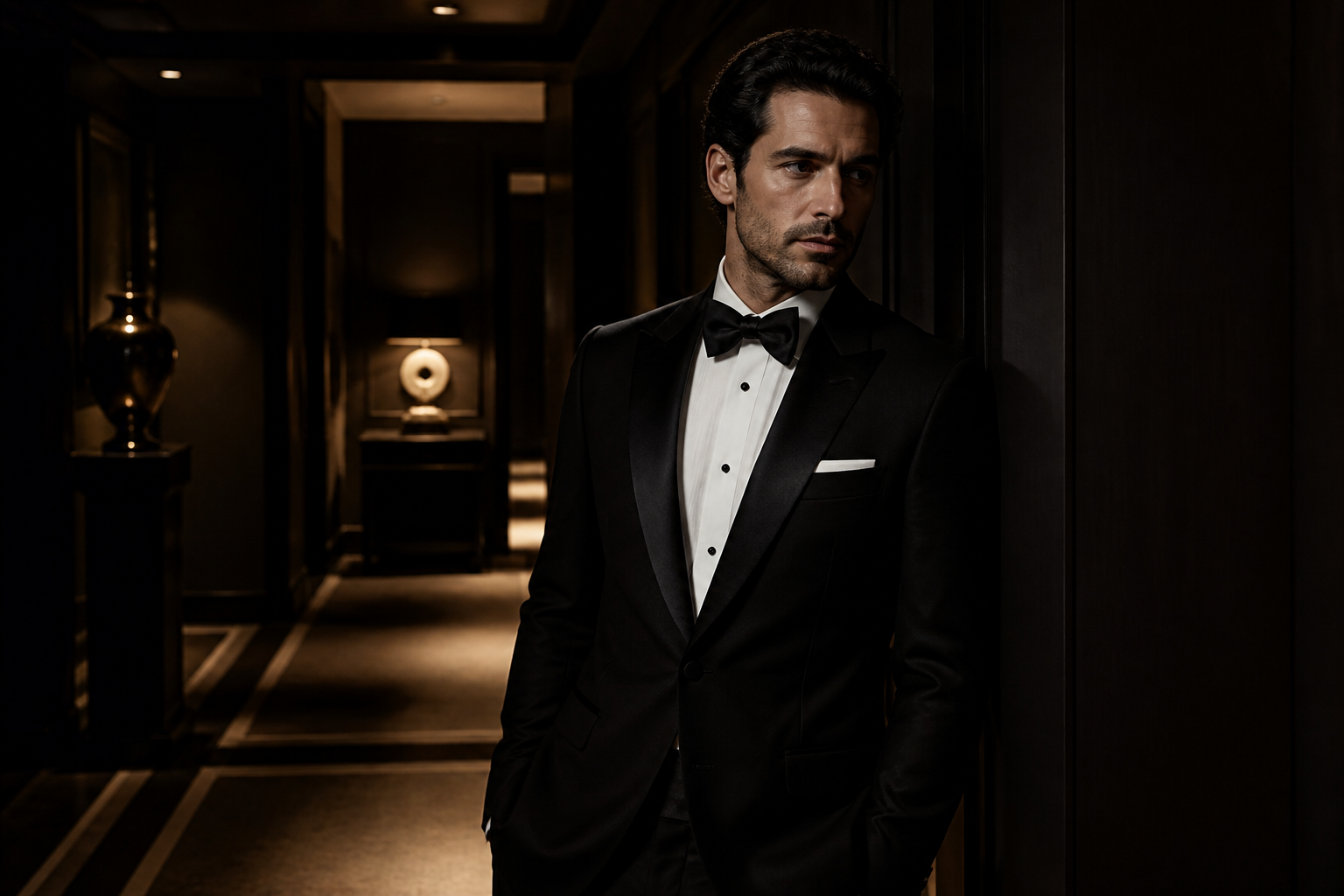
adult male model in formalwear, black tuxedo with satin lapels, moody hotel hallway, cinematic low-key lighting, luxury magazine photography, poised expression, polished editorial composition

adult female swimwear model by a modern poolside setting, elegant one-piece swimsuit with full coverage, sun hat, bright resort lighting, upscale travel campaign photography, clean composition, sophisticated summer mood
Key Features
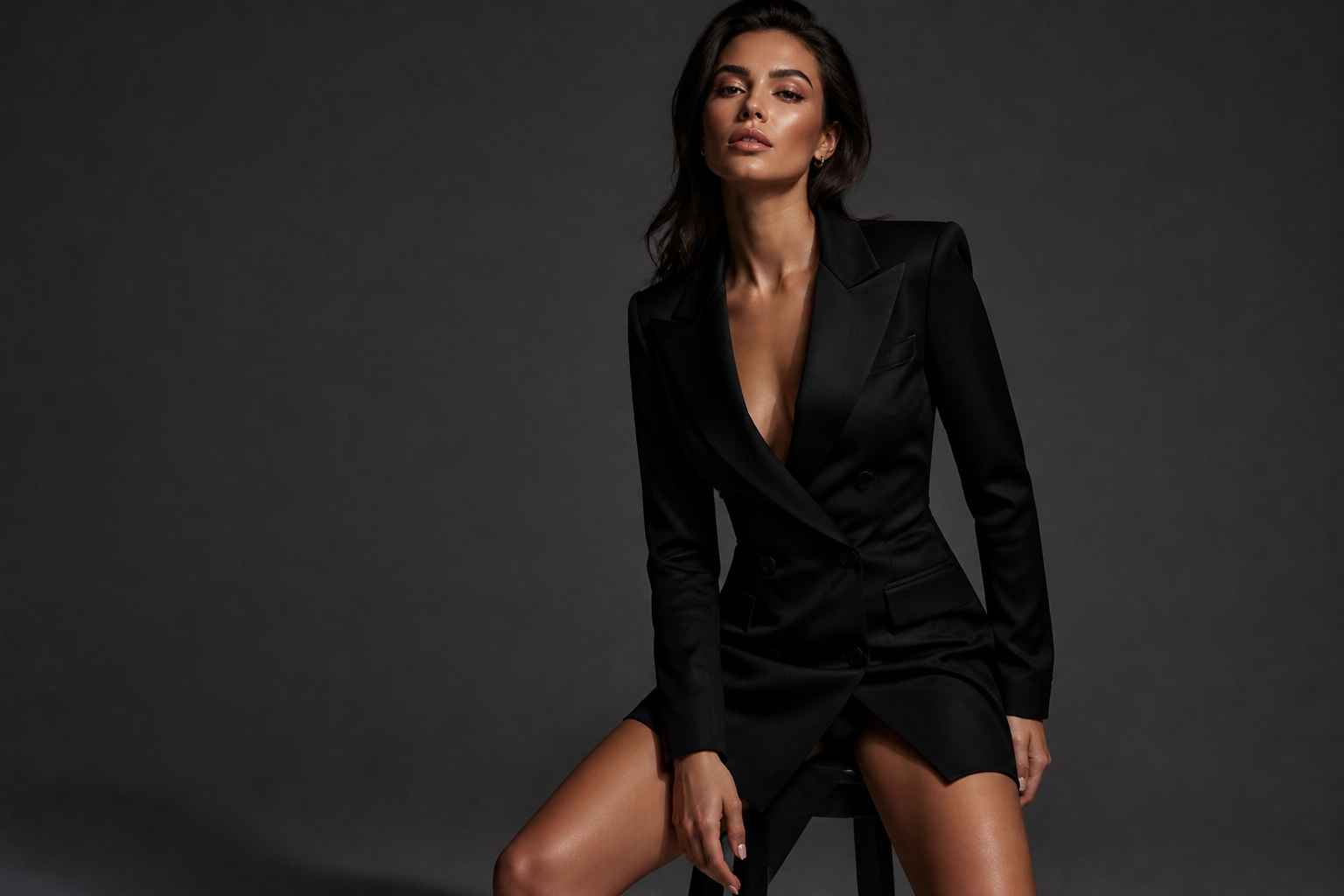
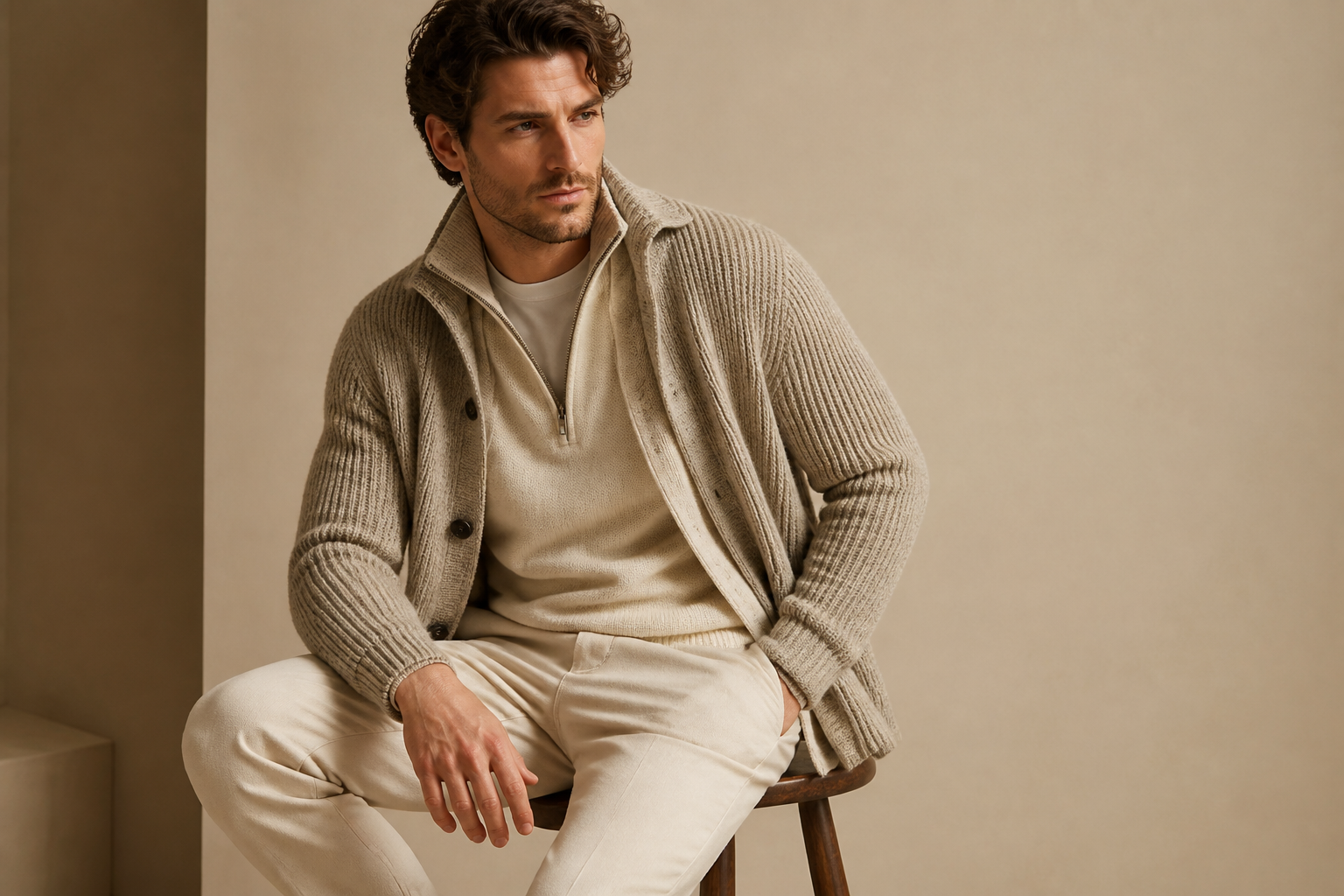
Editorial Looks From Text
Turn a short prompt into model photos that feel like studio editorials, campaign images, or lookbook shots. You can specify wardrobe, pose, setting, lens feel, and lighting in plain English. That gives you far more control than relying on generic image prompts with no fashion context. It is a practical way to visualize concepts before a shoot or create usable mock campaign imagery quickly.
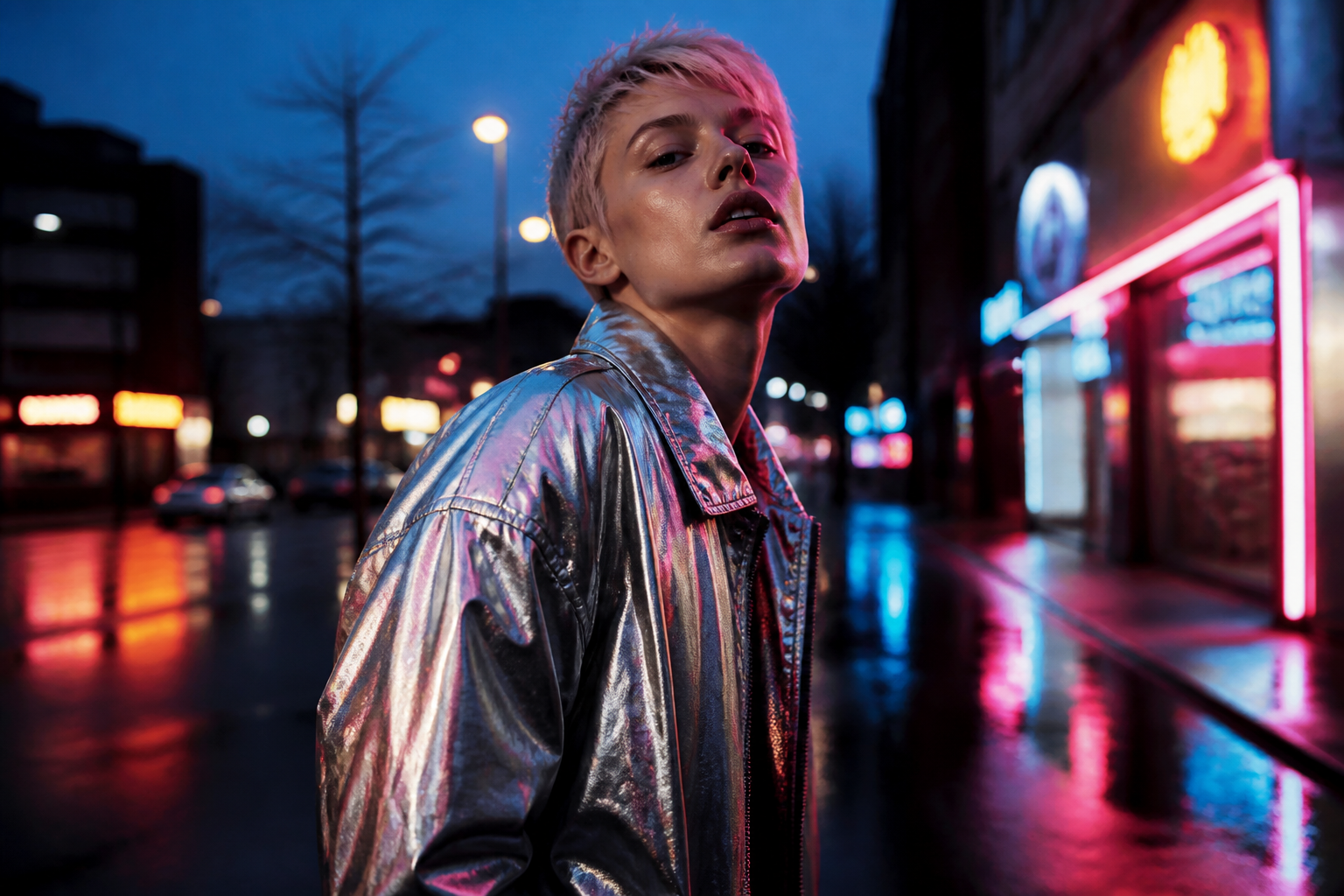
Consistent Fashion Styling
The generator handles common fashion-photo details such as garment focus, polished grooming, and intentional posing. That matters when you need images that read as commercial rather than random portraits. Instead of manually assembling references for every concept, you can describe the styling direction once and generate on-theme variations. It helps marketers and designers move from idea to visual draft faster.
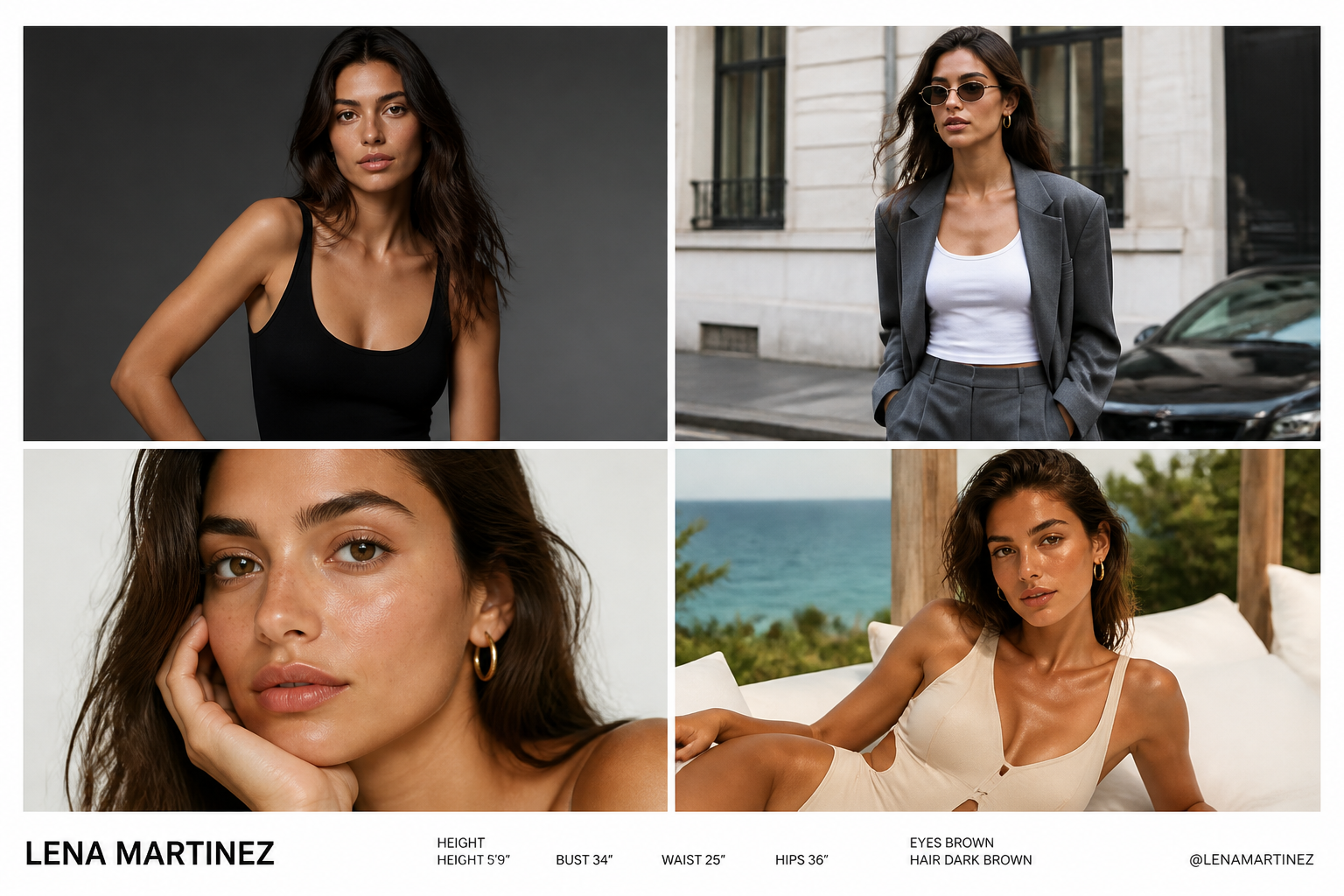
Multiple Photo Moods
Create studio, street-style, beauty, resort, or cinematic fashion images using the same workflow. This makes it easy to test different campaign moods without booking locations or changing production setups. Generic generators often produce inconsistent vibes across prompts, while a niche page like this starts from model-photo examples people actually want. You spend less time guessing and more time refining direction.
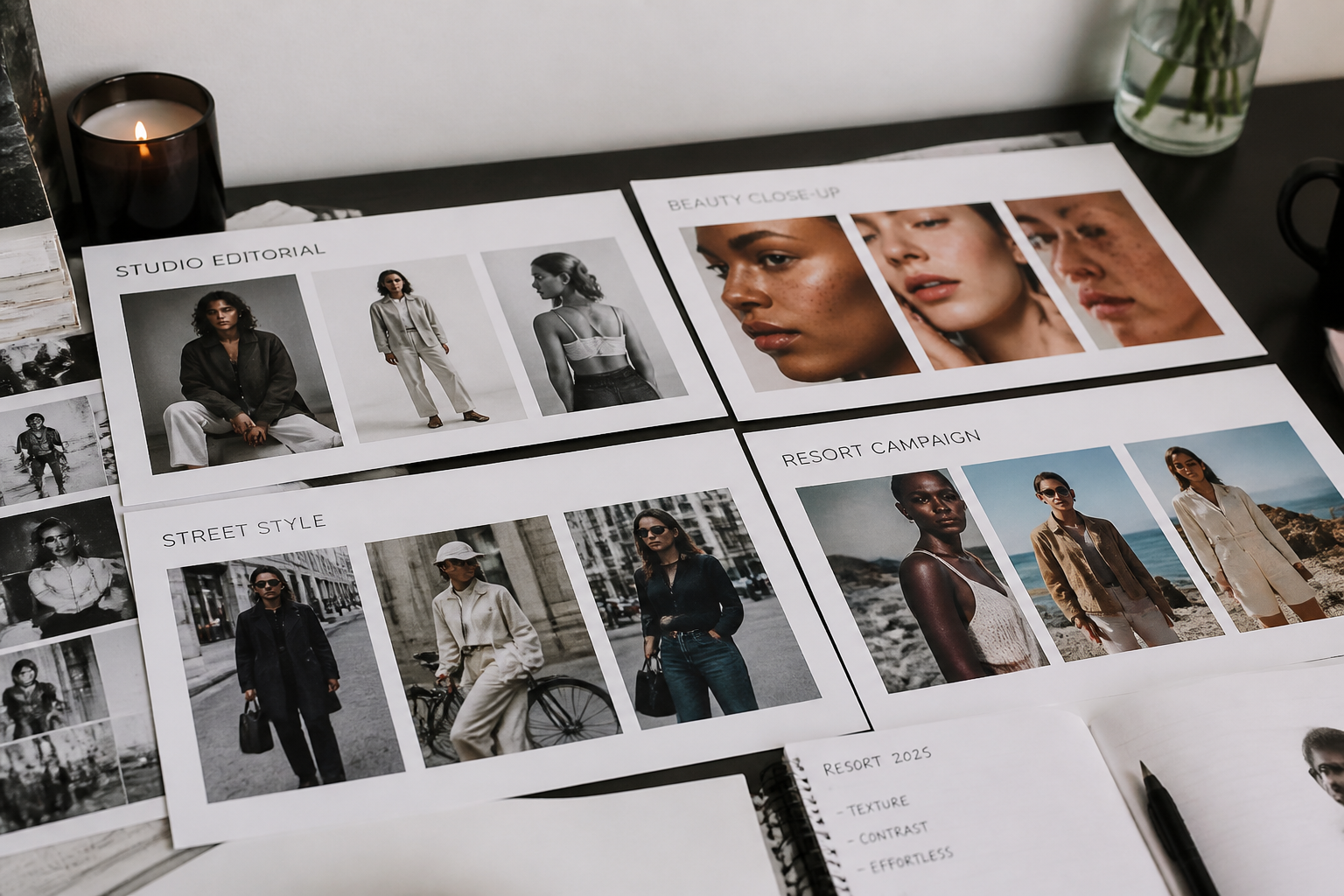
Ready-To-Remix Prompt Library
Each example prompt is built to be reused, not just viewed. You can start from a beauty close-up, a runway-style portrait, or a clean e-commerce shot, then swap the wardrobe, backdrop, or lighting. That is faster than building every prompt from scratch and more useful than a generic image gallery with no editable starting point. It gives new users a reliable path to strong results on the first try.
How It Works
Pick a photo style
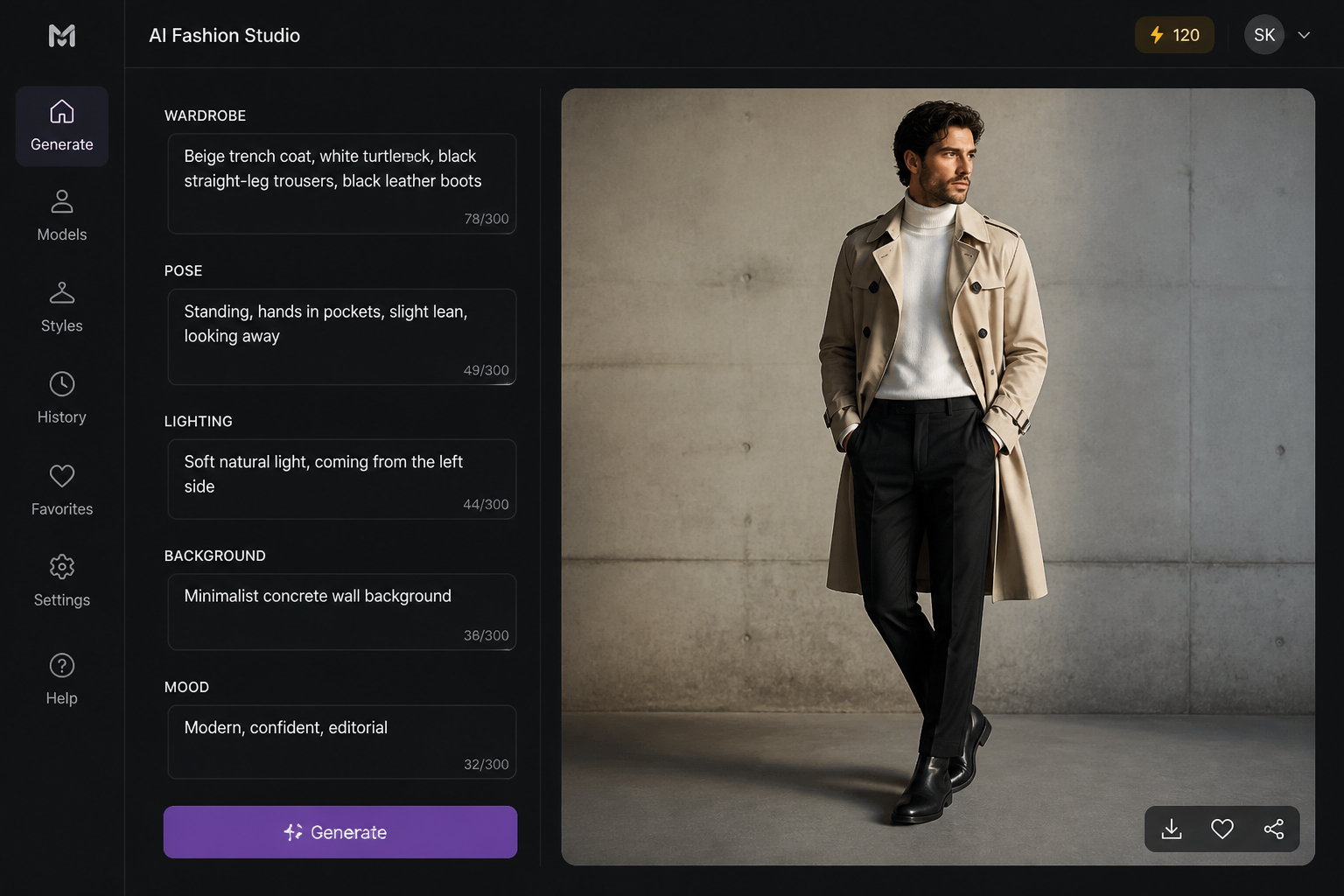
Start with a prompt for a studio editorial, beauty campaign, street-style image, or e-commerce photo. The preset gives you a strong base structure so you are not starting from a blank page.
Describe the model details
Add the look you want, such as wardrobe, pose, expression, backdrop, and lighting. You can also define the photo mood, from clean commercial to cinematic editorial.
Generate and refine variations
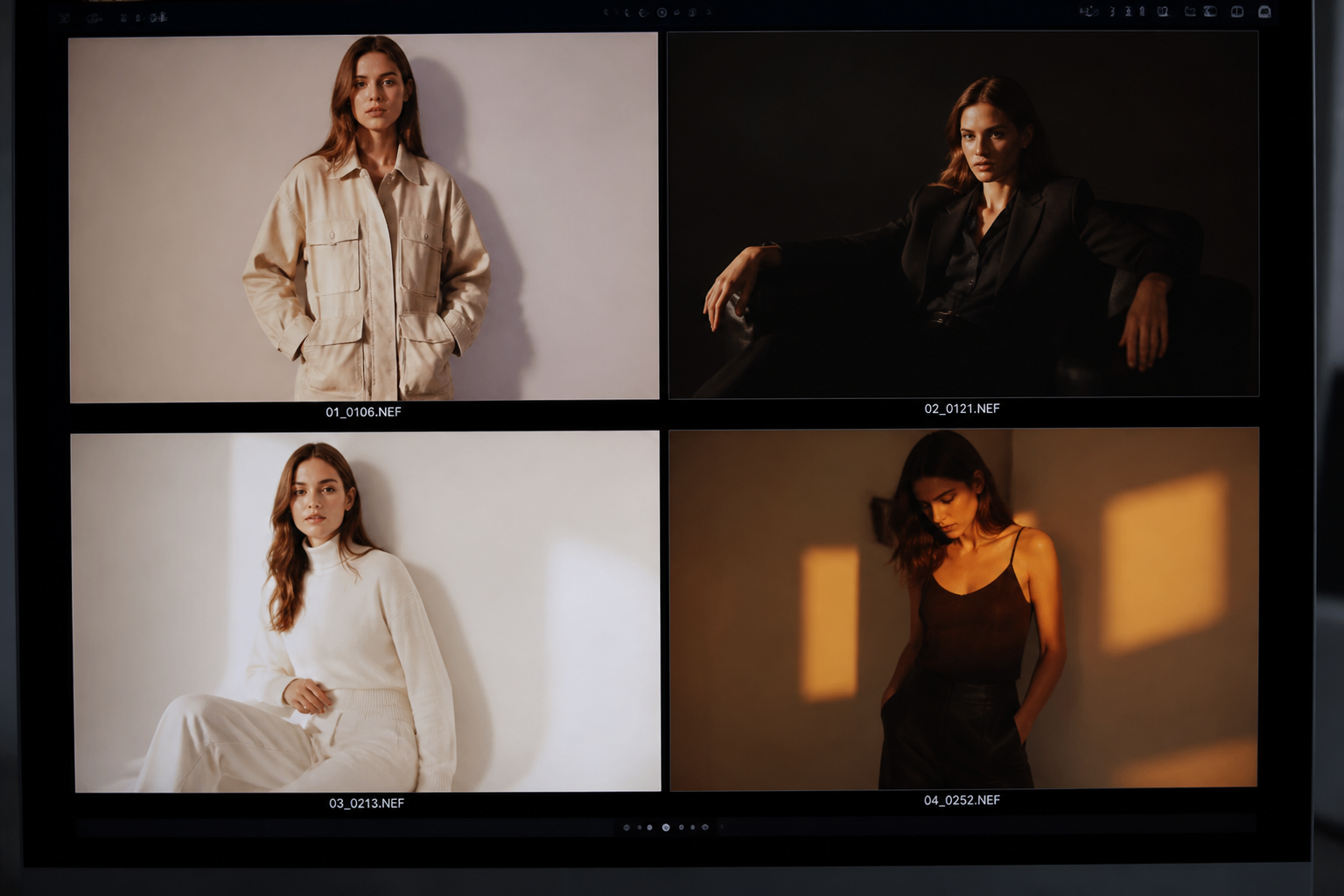
Create several versions, compare compositions, and keep the one that best matches your concept. Small prompt edits can quickly shift the styling, angle, or atmosphere.
Perfect For
Discover how creators and professionals use ai model photo generator
Fashion concept mockups
Visualize campaign directions, wardrobe ideas, and photo moods before investing in production.
Beauty and skincare creatives
Generate clean close-up portraits for pitch decks, ad concepts, and brand moodboards.
E-commerce planning
Test garment presentation, backdrop ideas, and model posing styles for product pages.
Social content ideation
Create polished model-photo concepts for posts, lookbooks, and promotional layouts.
Built For
Fashion marketers
Build quick visual directions for launches, seasonal campaigns, and ad testing.
Designers and creative teams
Explore styling, set design, and editorial mood without scheduling a full shoot.
Small brands and founders
Create polished concept images when budget, time, or production access is limited.
Frequently Asked Questions
What is an AI model photo generator?
Can I create different fashion photography styles?
Do I need a reference photo to use this tool?
Can I use it for commercial concepts and mockups?
How do I get more realistic AI model photos?
Create together.
Share your creations, discover trending AI art, and grow with fellow creators.