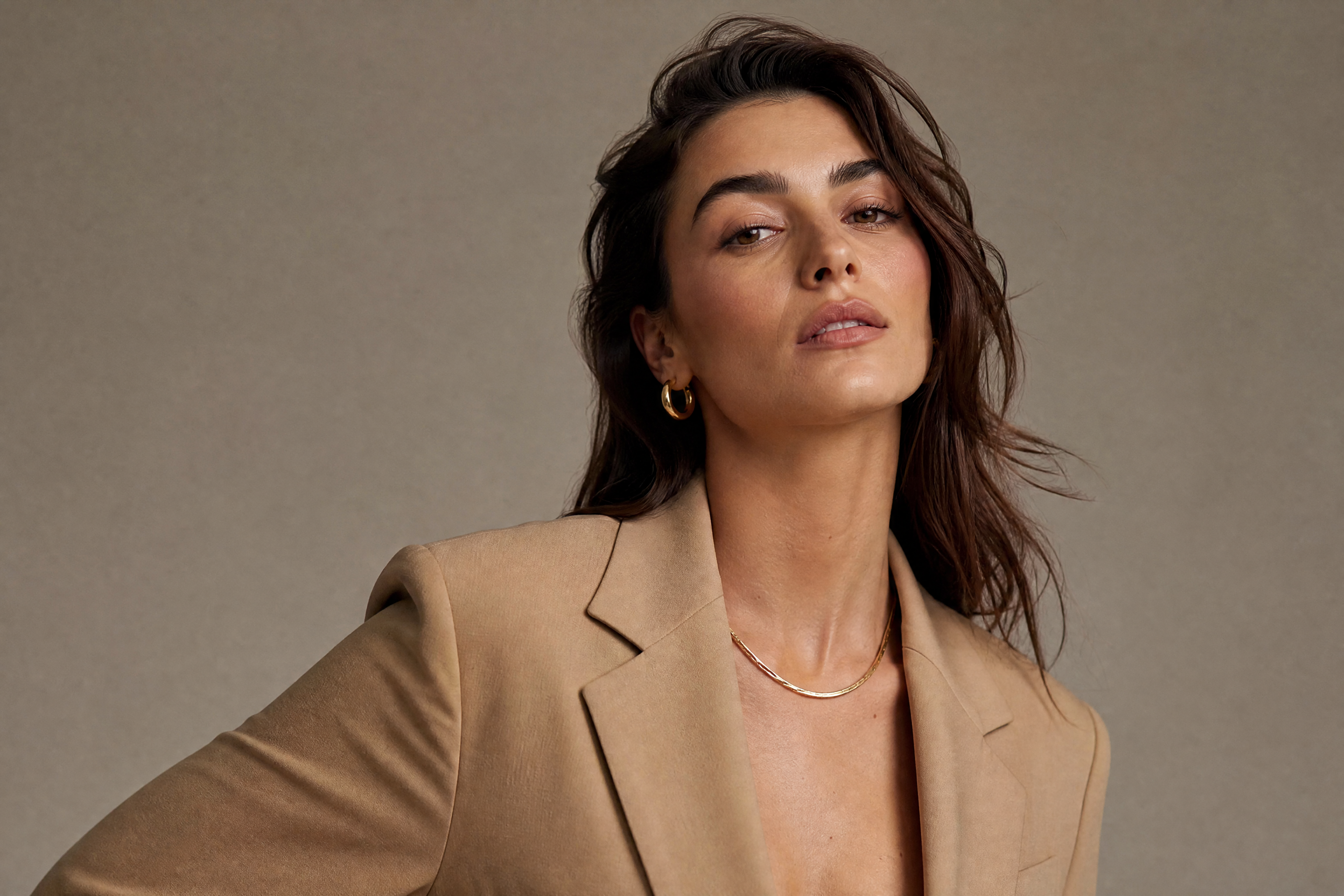
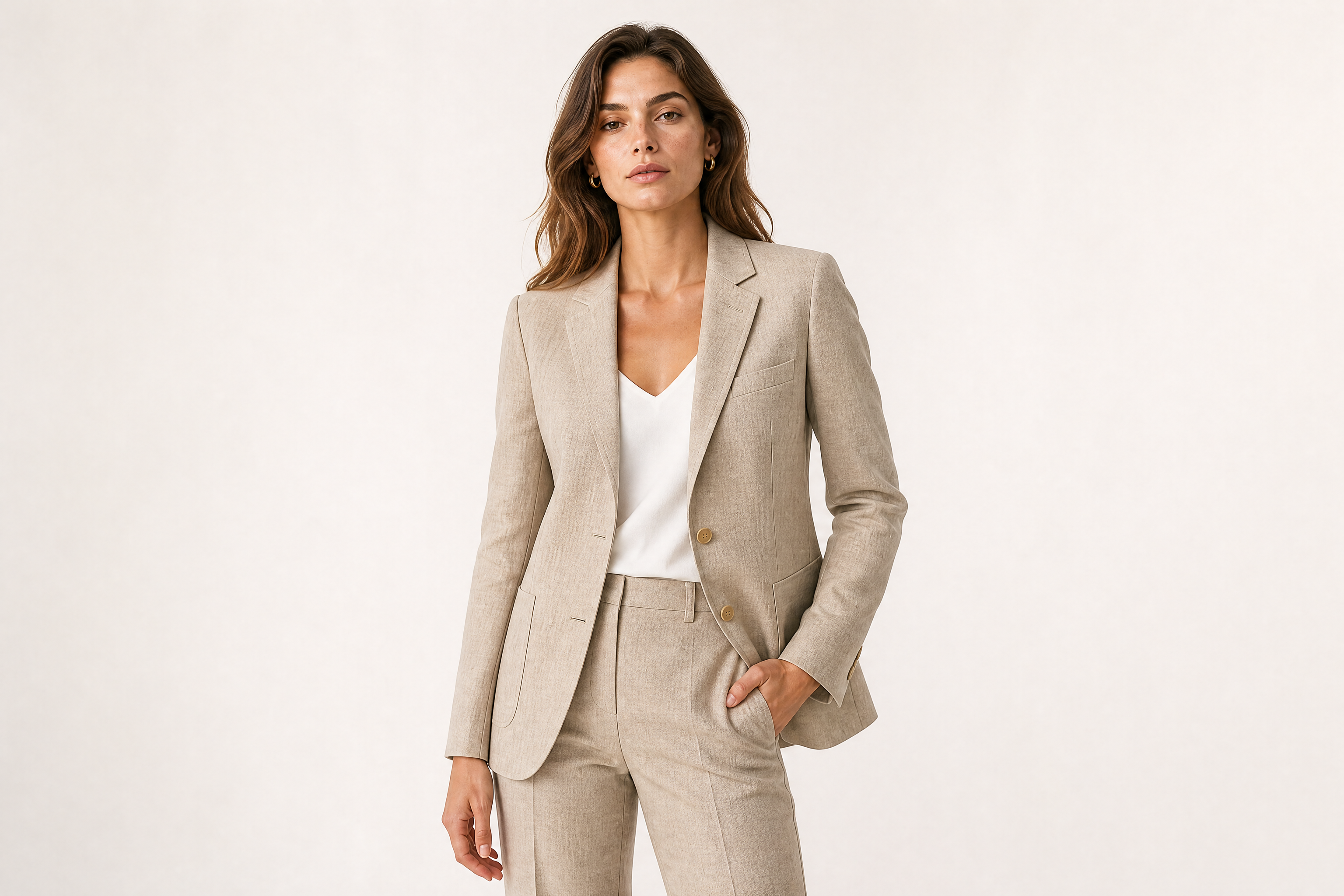
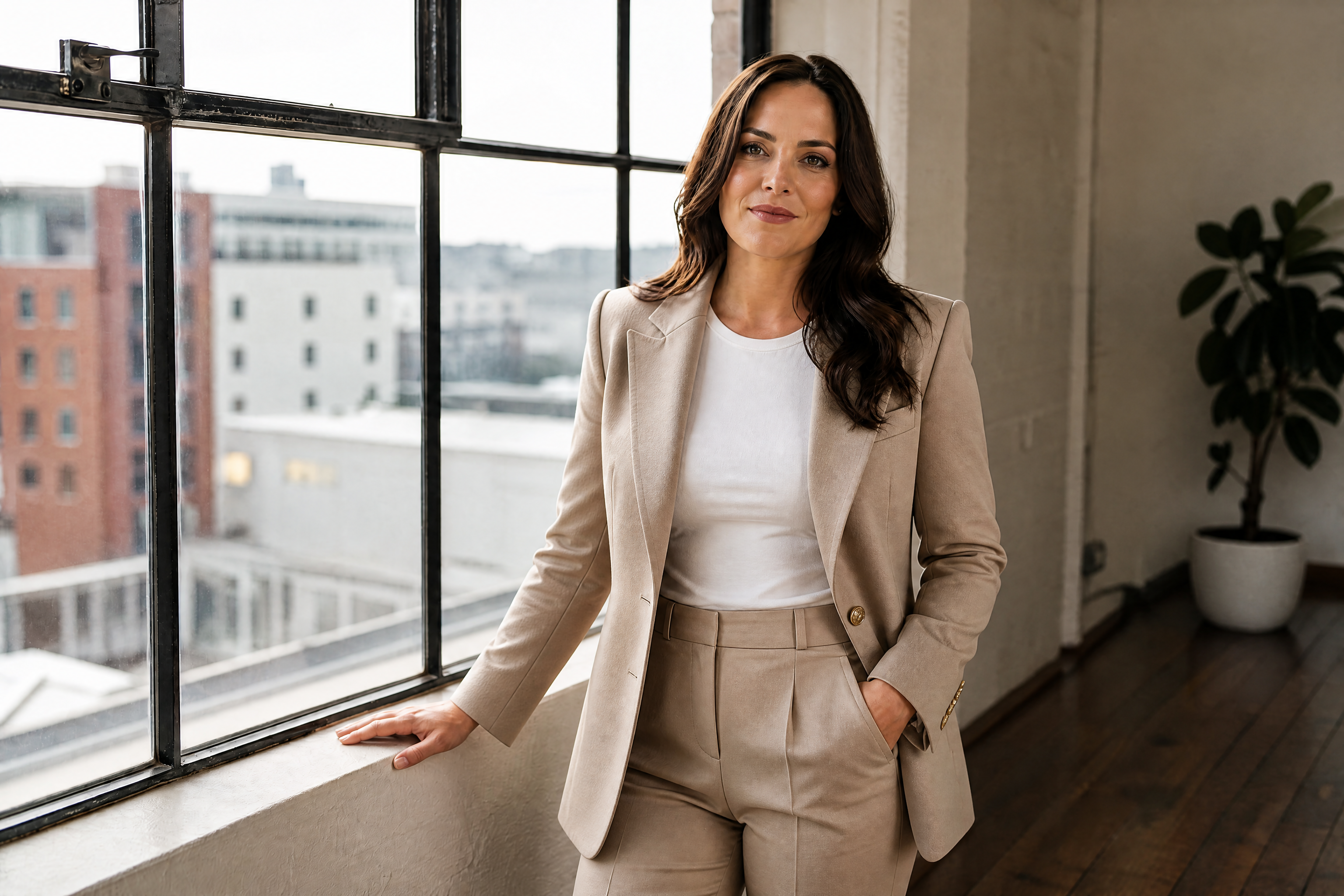
AI Fashion Model Generator
Create editorial-style fashion visuals from a simple prompt
Generate studio, street, and campaign-style fashion images from text. This tool is built for brands, marketers, designers, and creators who need polished model visuals without planning a full photo shoot.
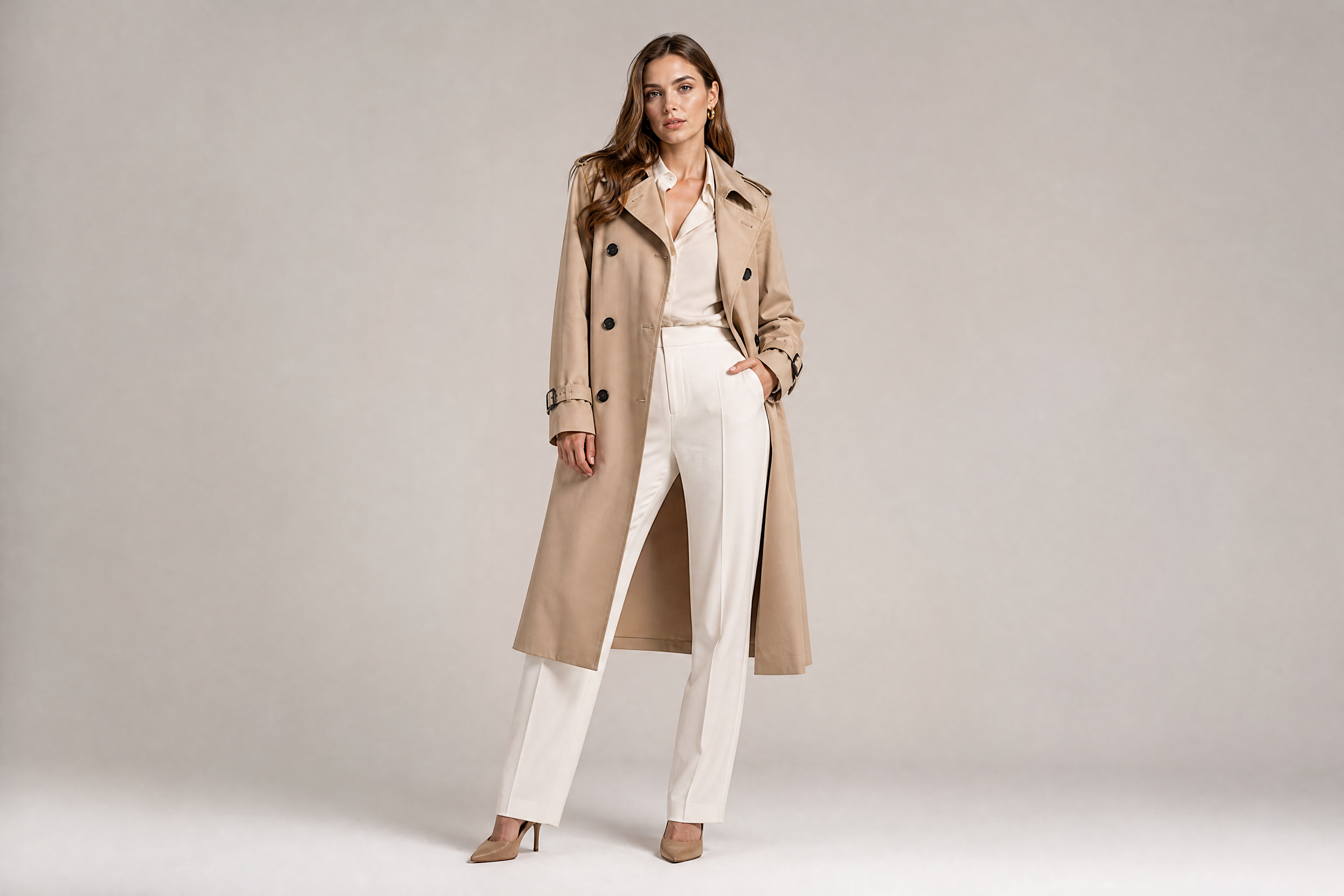
See It In Action
Real outputs from ai fashion model generator.
adult fashion model in a minimalist studio, tailored beige trench coat over monochrome outfit, confident full-body pose, clean seamless backdrop, softbox lighting, luxury editorial photography, crisp fabric detail, subtle shadows
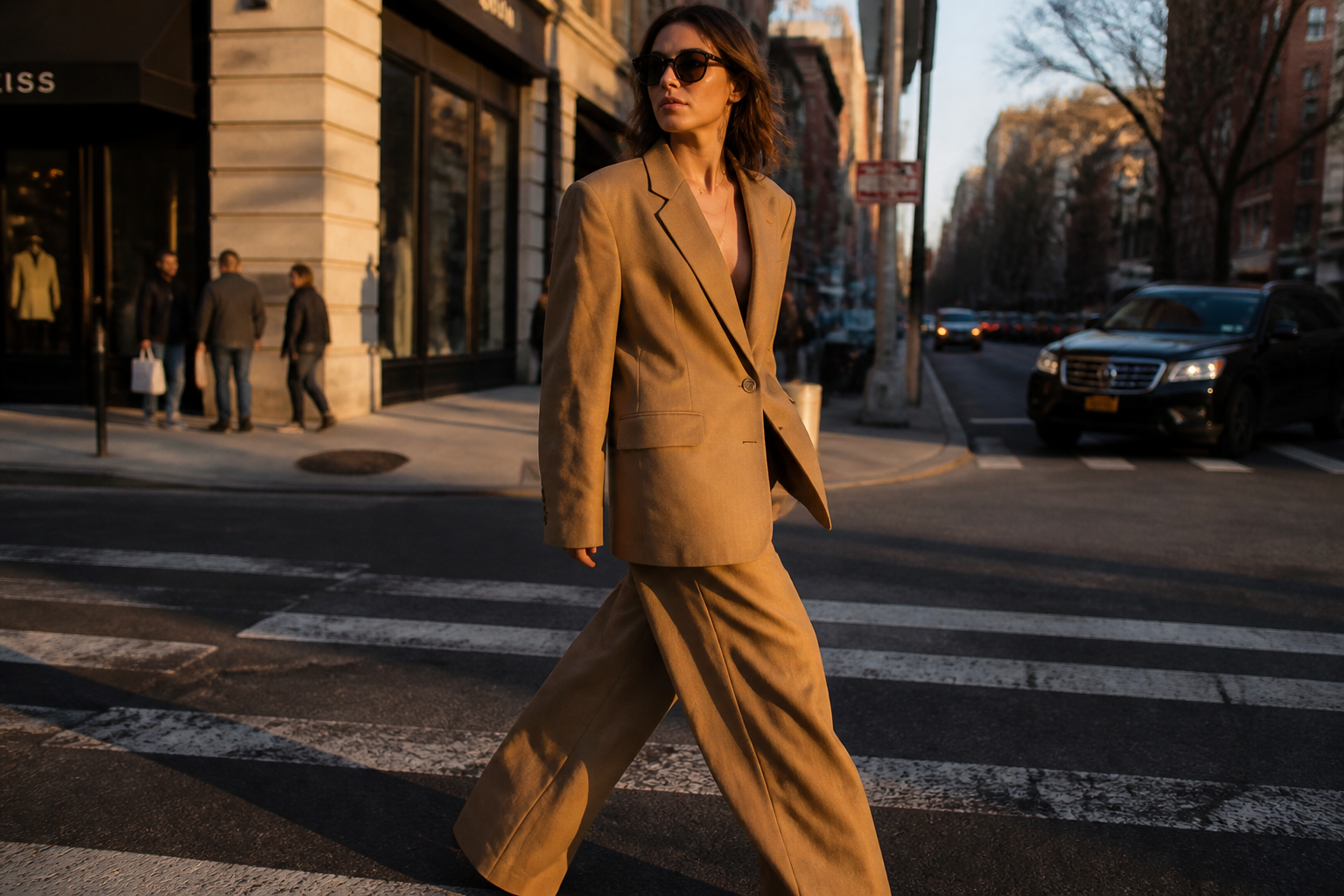
adult fashion model walking across a city crosswalk at golden hour, oversized camel blazer, wide-leg trousers, sunglasses, candid runway energy, street style photography, shallow depth of field, warm light
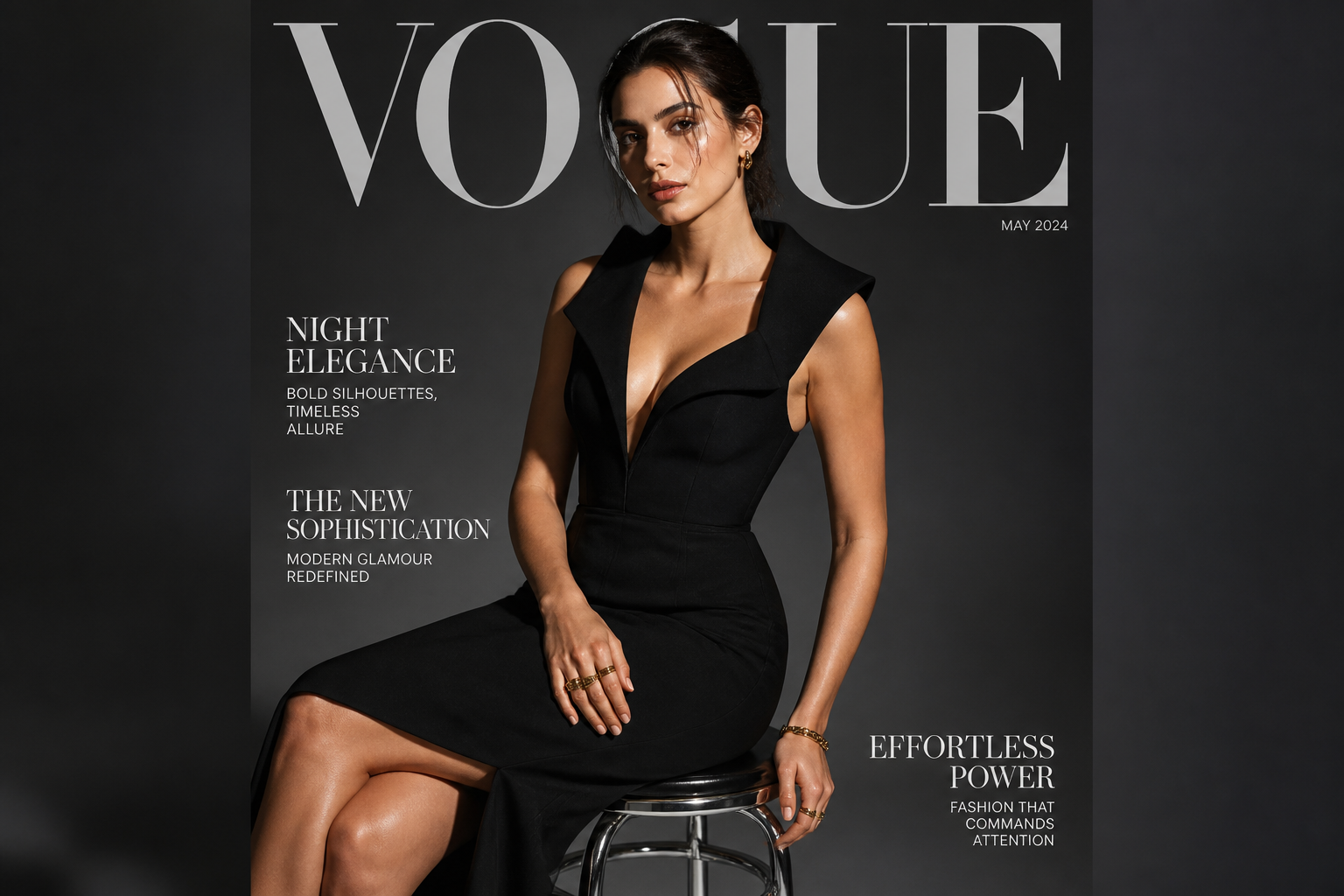
adult fashion model seated on a chrome stool, structured black evening dress, dramatic side lighting, dark gray studio backdrop, high-fashion magazine cover composition, elegant posture, photographic realism
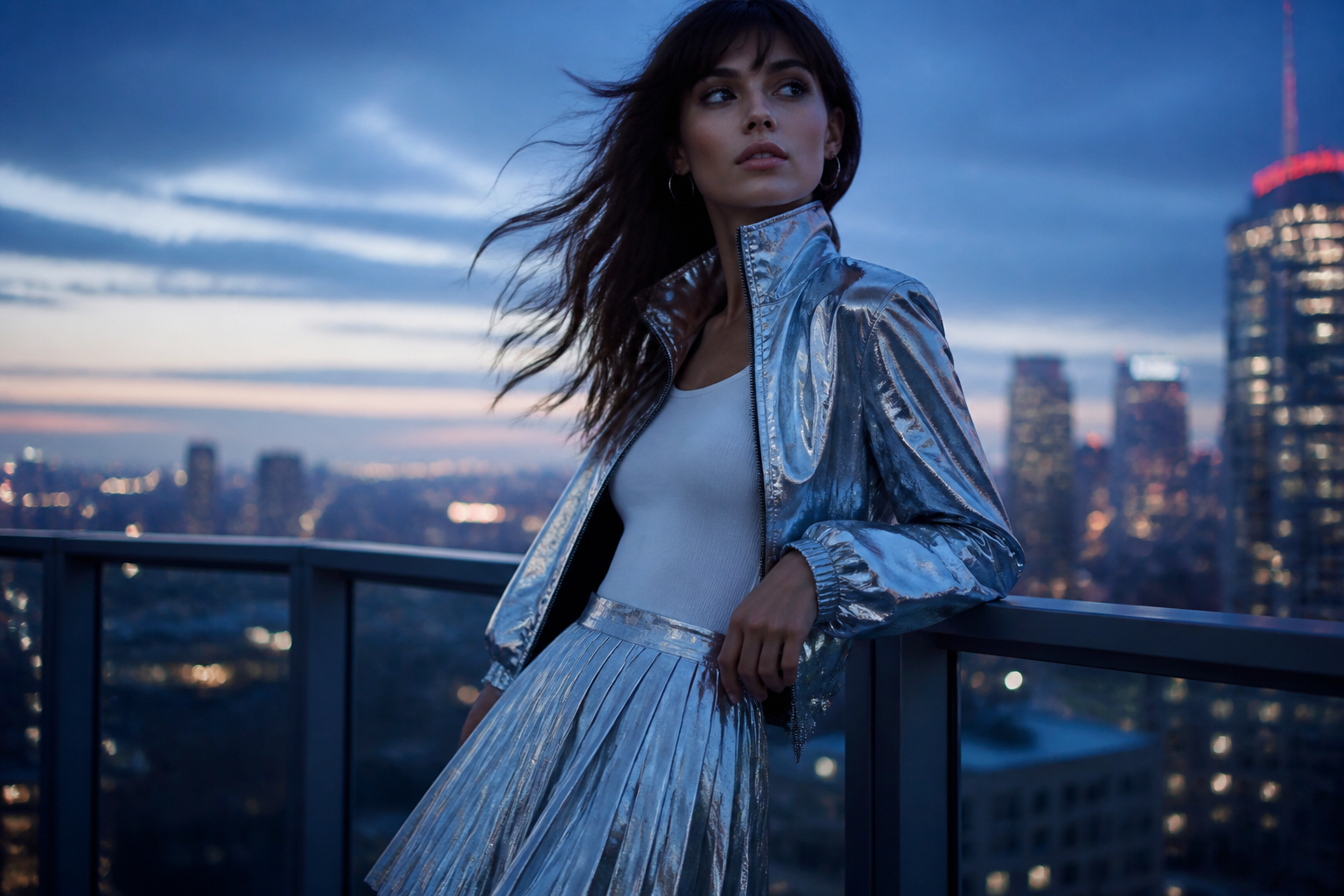
adult fashion model on a rooftop at dusk, metallic silver jacket, pleated skirt, wind in hair, skyline bokeh, cool blue tones, contemporary fashion campaign photography, dynamic three-quarter pose
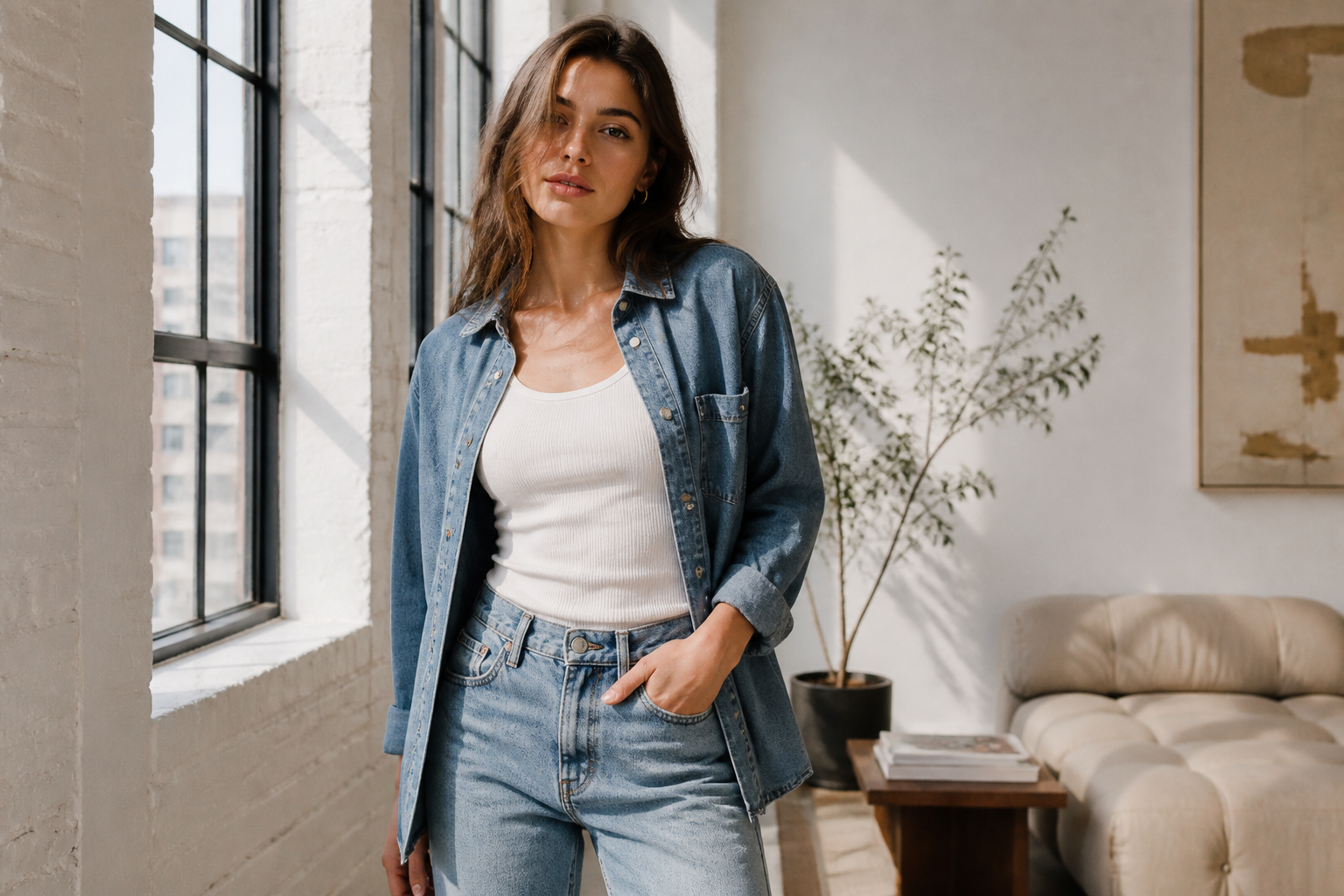
adult fashion model in a bright daylight loft, relaxed denim set with white tank, natural pose near large windows, soft shadows, clean lifestyle editorial photography, airy neutral palette
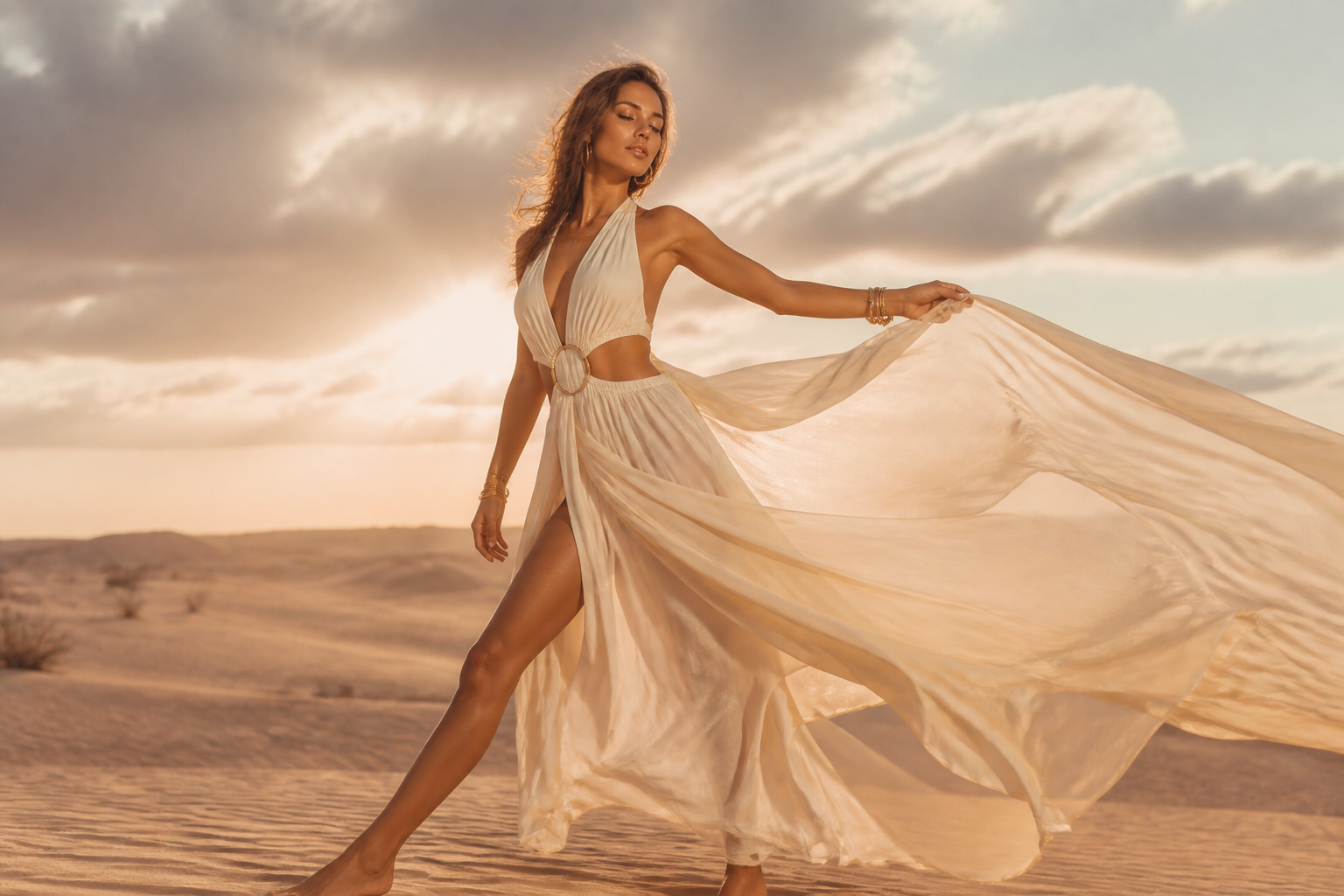
adult fashion model in a desert landscape, flowing cream resort wear, windblown fabric, low sun, expansive horizon, luxury resort campaign photography, warm sand tones, elegant movement
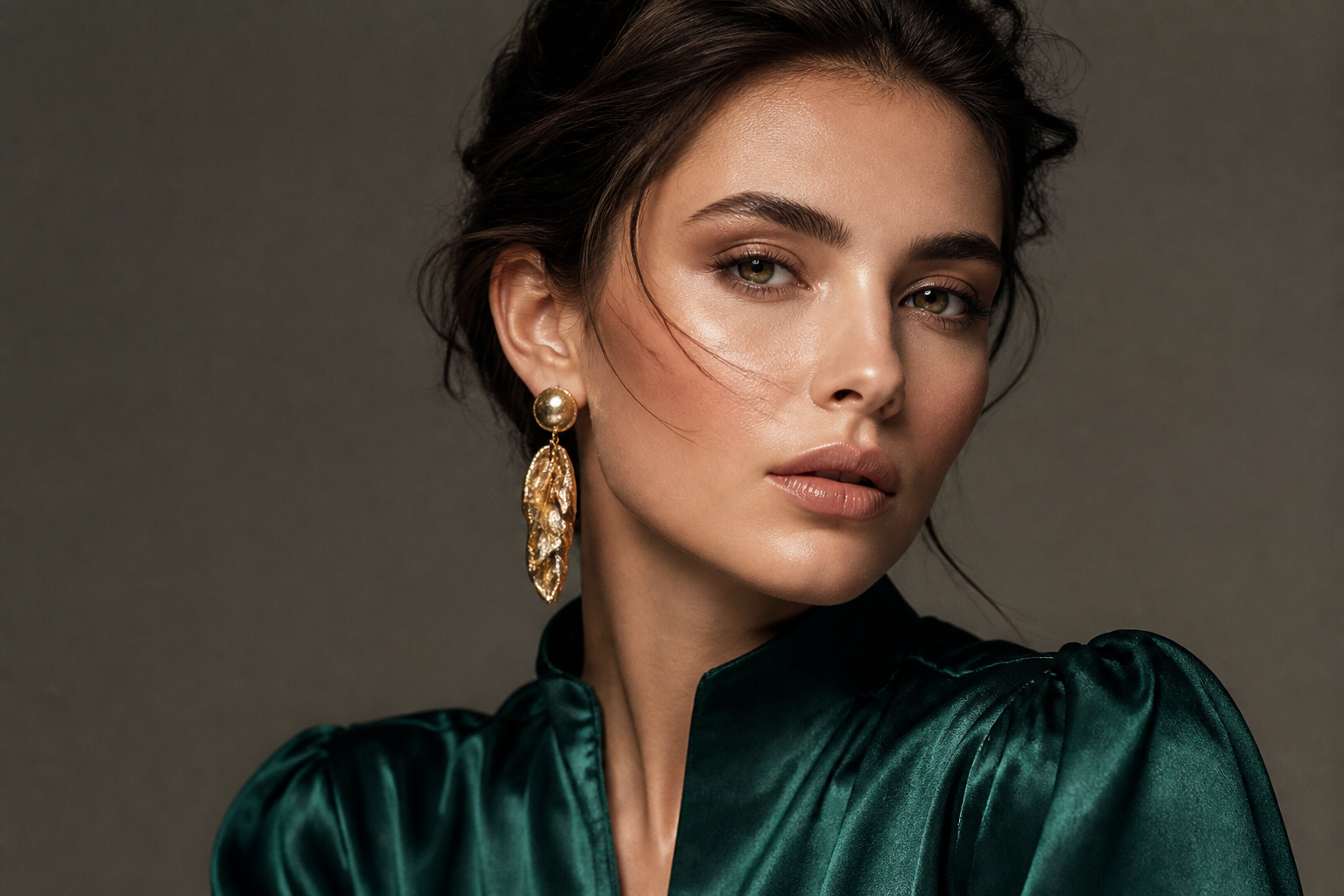
adult fashion model close to camera in a beauty-fashion portrait, emerald satin blouse, sculptural earrings, flawless studio lighting, clean skin texture, premium magazine editorial style, refined color grading
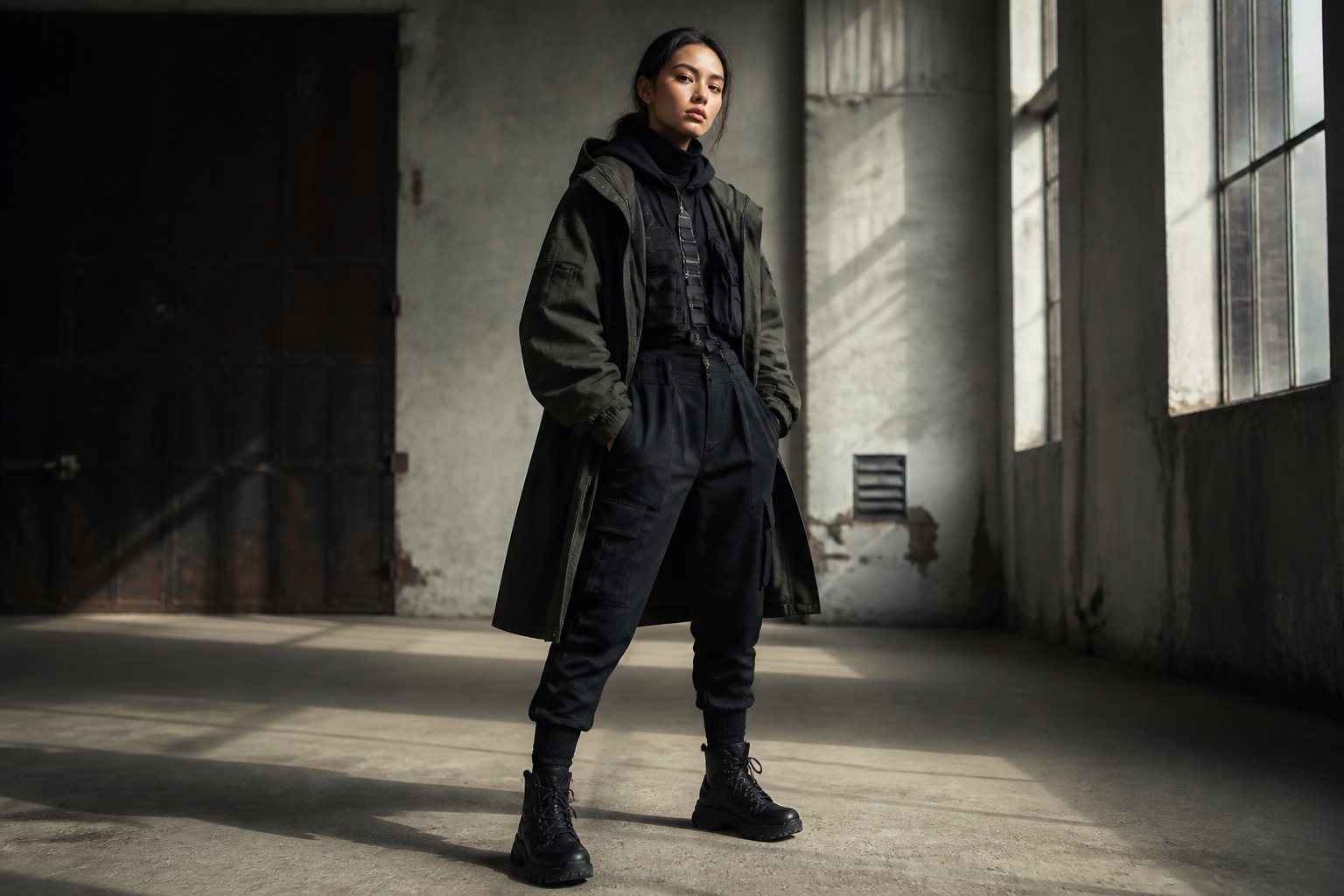
adult fashion model in an industrial warehouse, layered utilitarian outerwear, boots, strong stance, directional window light, modern streetwear editorial photography, textured concrete background
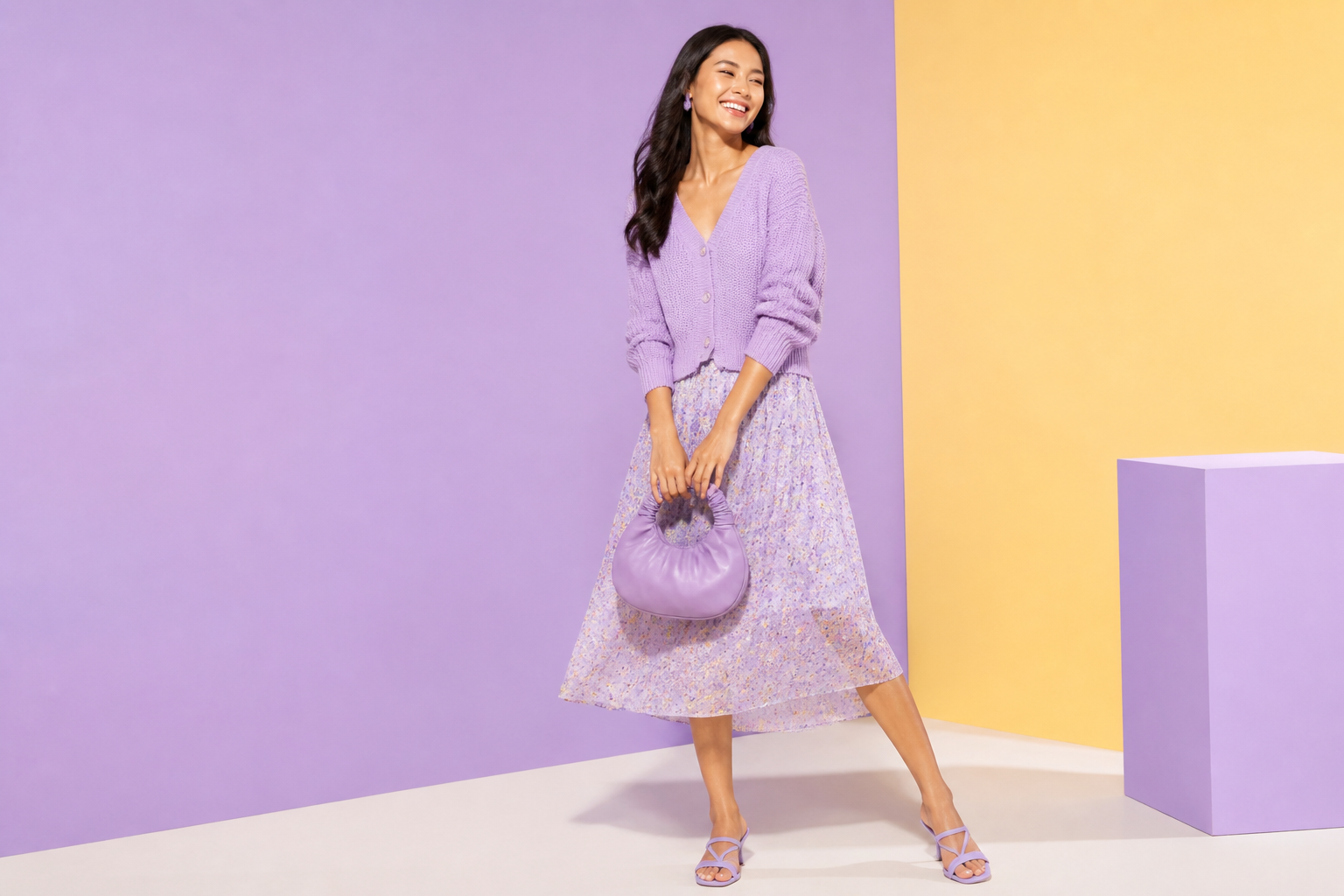
adult fashion model on a pastel set, playful spring fashion in lavender knitwear and midi skirt, color-block backdrop, soft even lighting, polished catalog-editorial hybrid photography, upbeat mood
Key Features
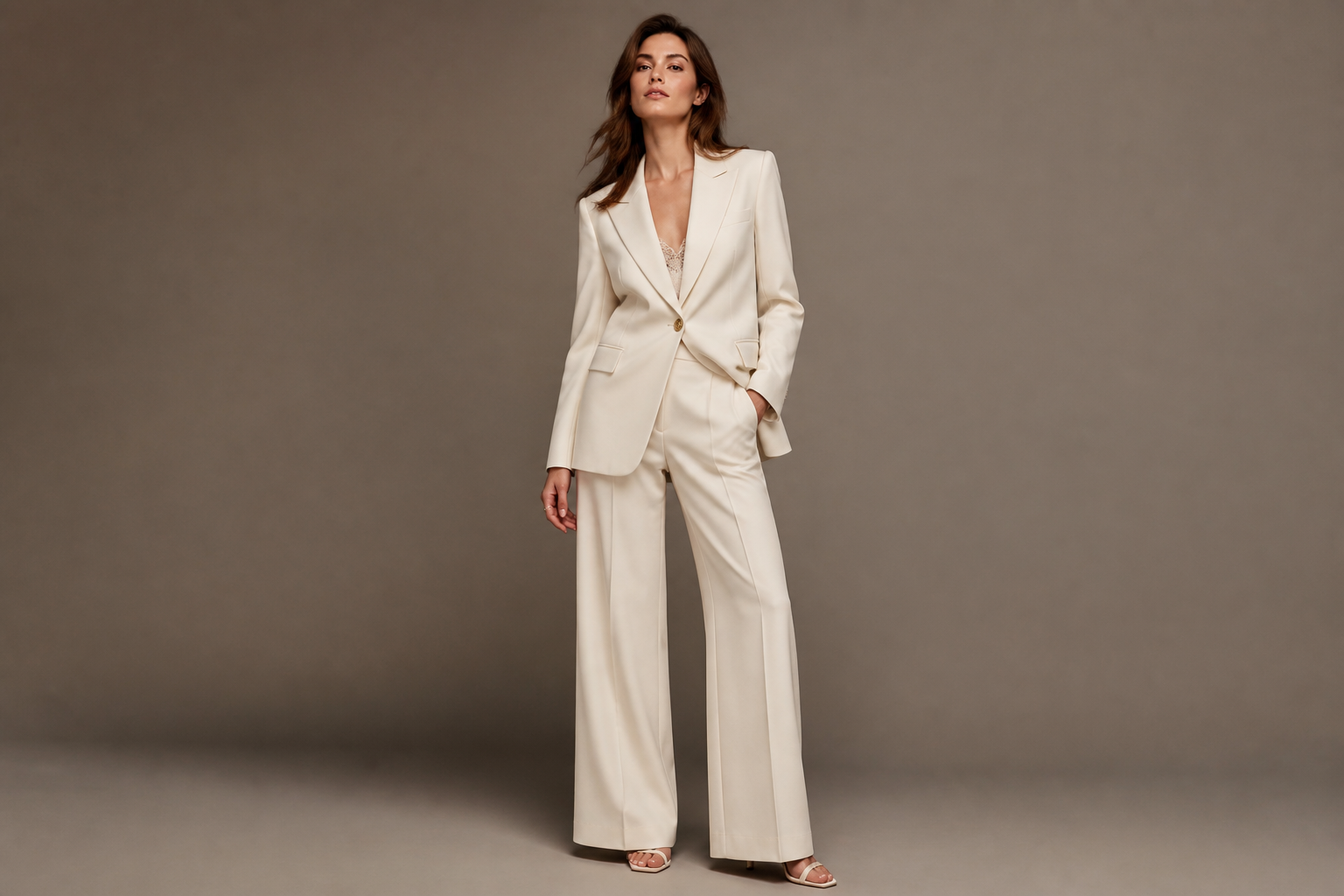
Editorial Looks From Text
Describe the outfit, pose, setting, and mood you want, and the tool turns that into polished fashion imagery. It works well for campaign concepts, social visuals, and lookbook drafts. That saves time compared with planning a full shoot just to test an idea. It also gives you more control than a generic image generator that is not tuned for fashion language.
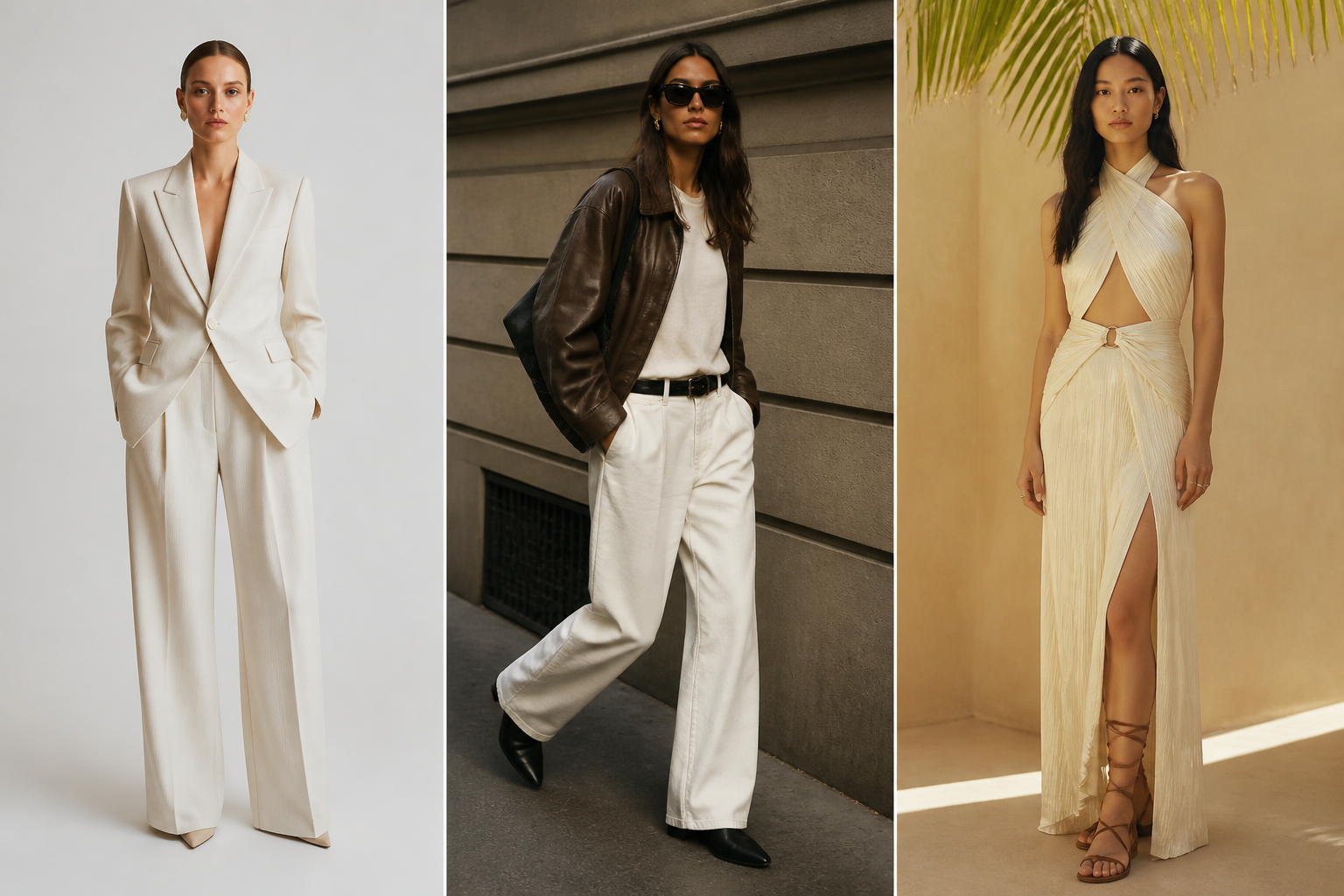
Wide Range of Styles
You can generate studio editorials, street style, catalog images, beauty portraits, and seasonal campaigns from the same starting workflow. This makes it easier to explore different directions before committing to one. Instead of rewriting everything from scratch, you can swap style cues in the prompt and compare results. That is especially useful for teams testing multiple creative routes quickly.
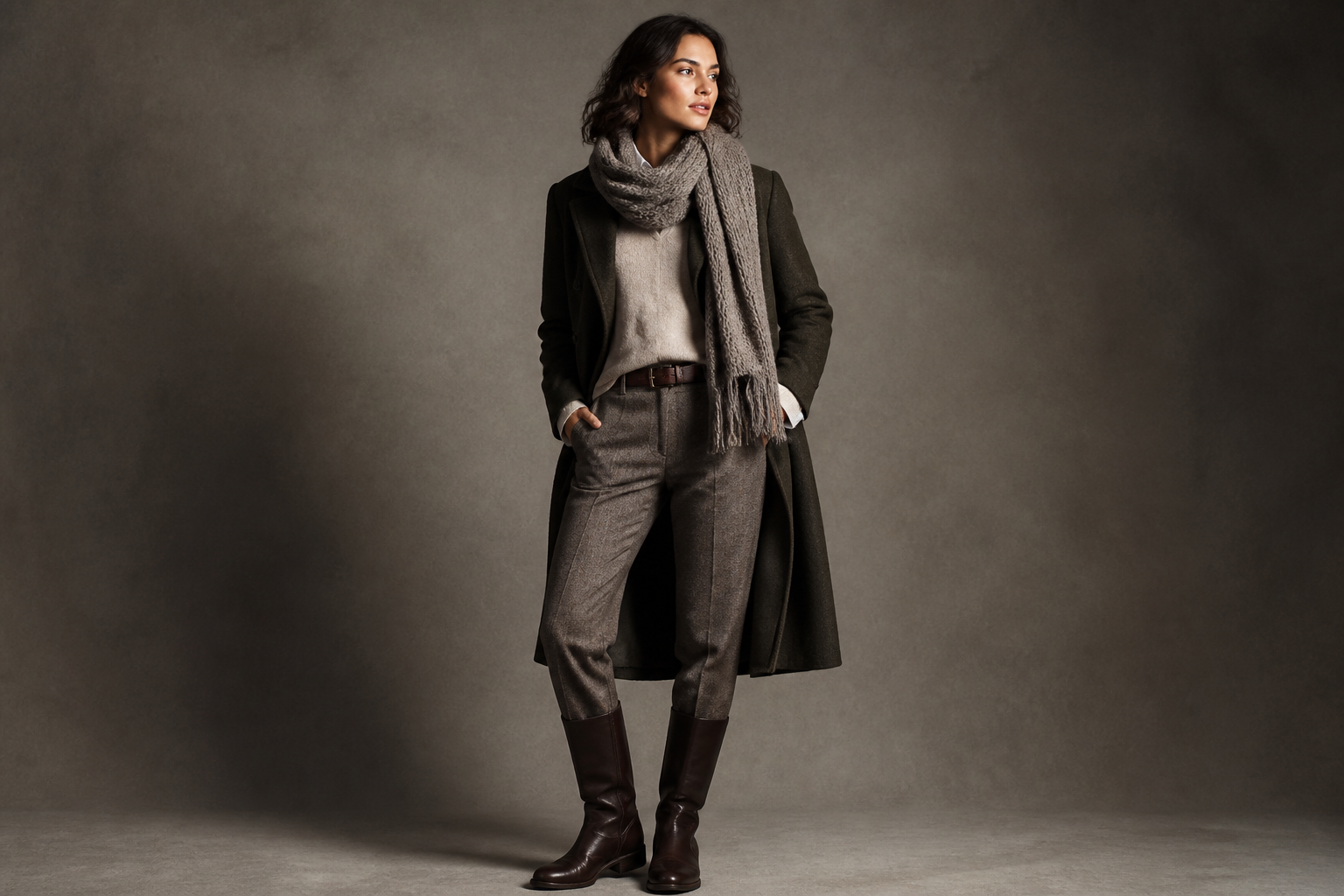
Better Outfit Visualization
The generator handles garment silhouettes, layering, accessories, and lighting in a way that helps fashion ideas read clearly. That matters when you are presenting a collection, mood board, or ad concept. Manual mockups can look flat and stock photos rarely match your exact styling brief. With detailed prompts, you can get closer to the look you have in mind.
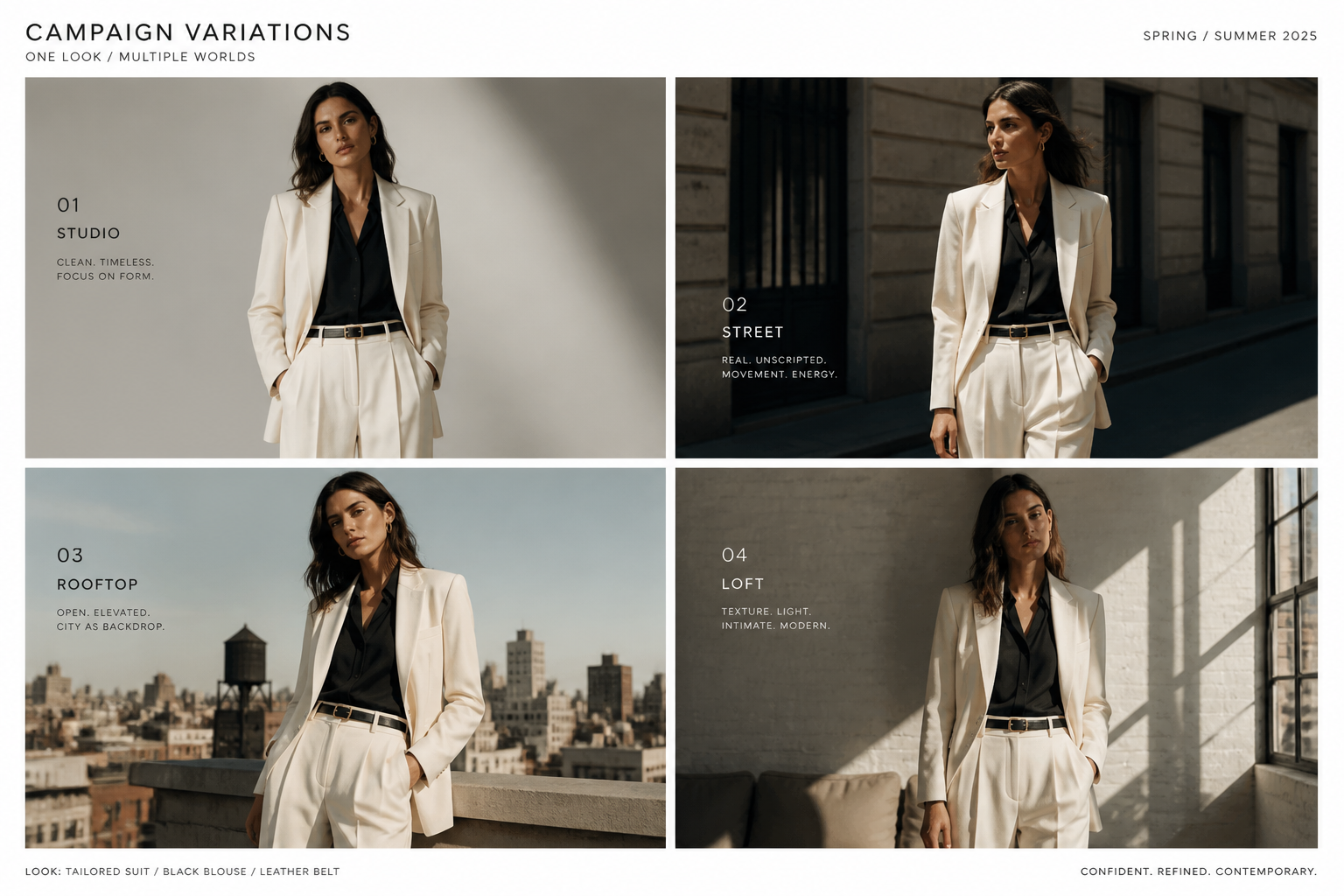
Fast Variations for Teams
Small prompt edits can produce new poses, locations, color palettes, or wardrobe directions in minutes. This is helpful for marketing teams, designers, and founders who need options fast. It reduces the back-and-forth of sourcing references from many places. You get a prompt-driven way to iterate and keep visual exploration organized.
How It Works
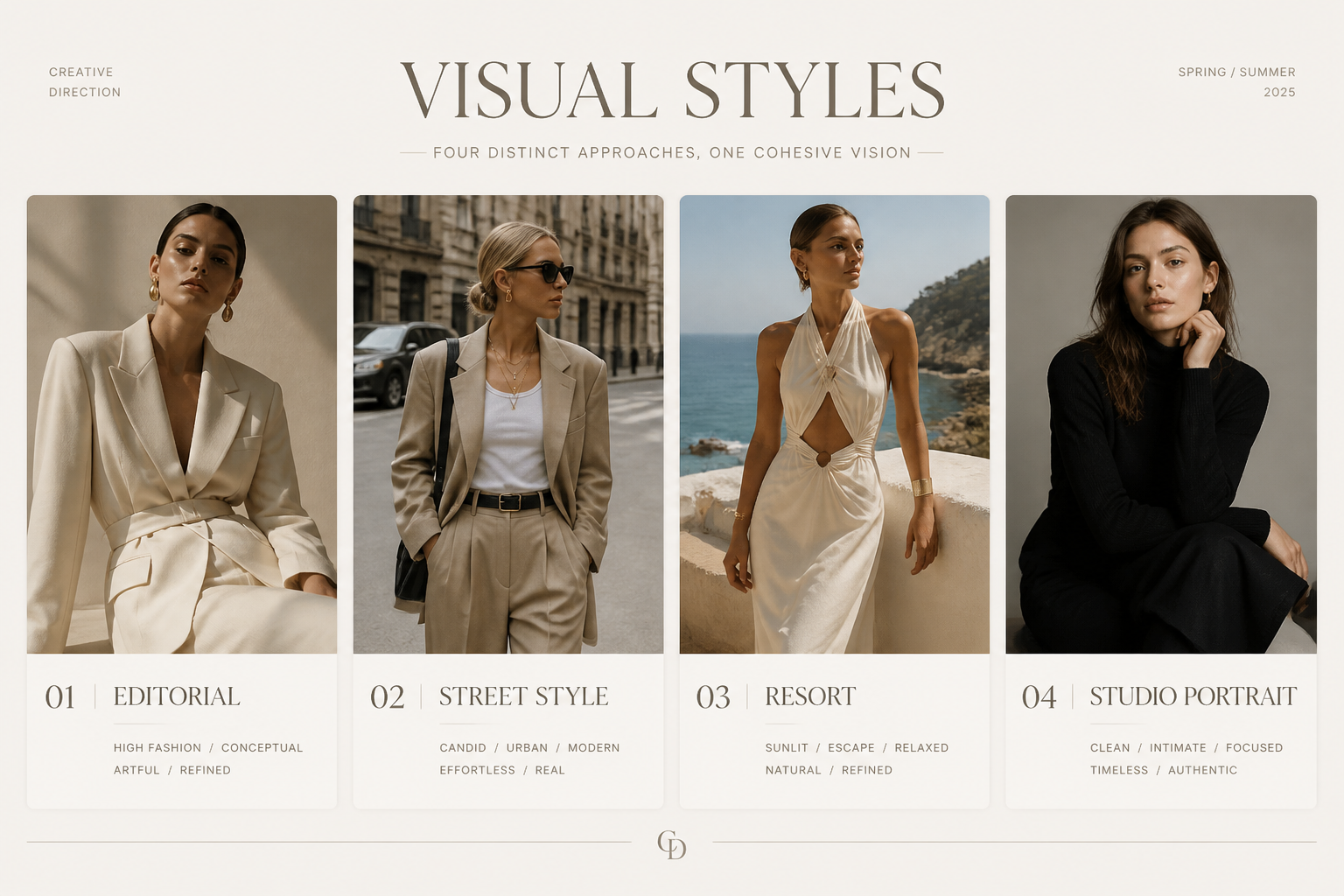
Pick a fashion style
Start with a preset prompt for an editorial, streetwear, catalog, or campaign look. This gives you a strong base image direction before you customize the details.
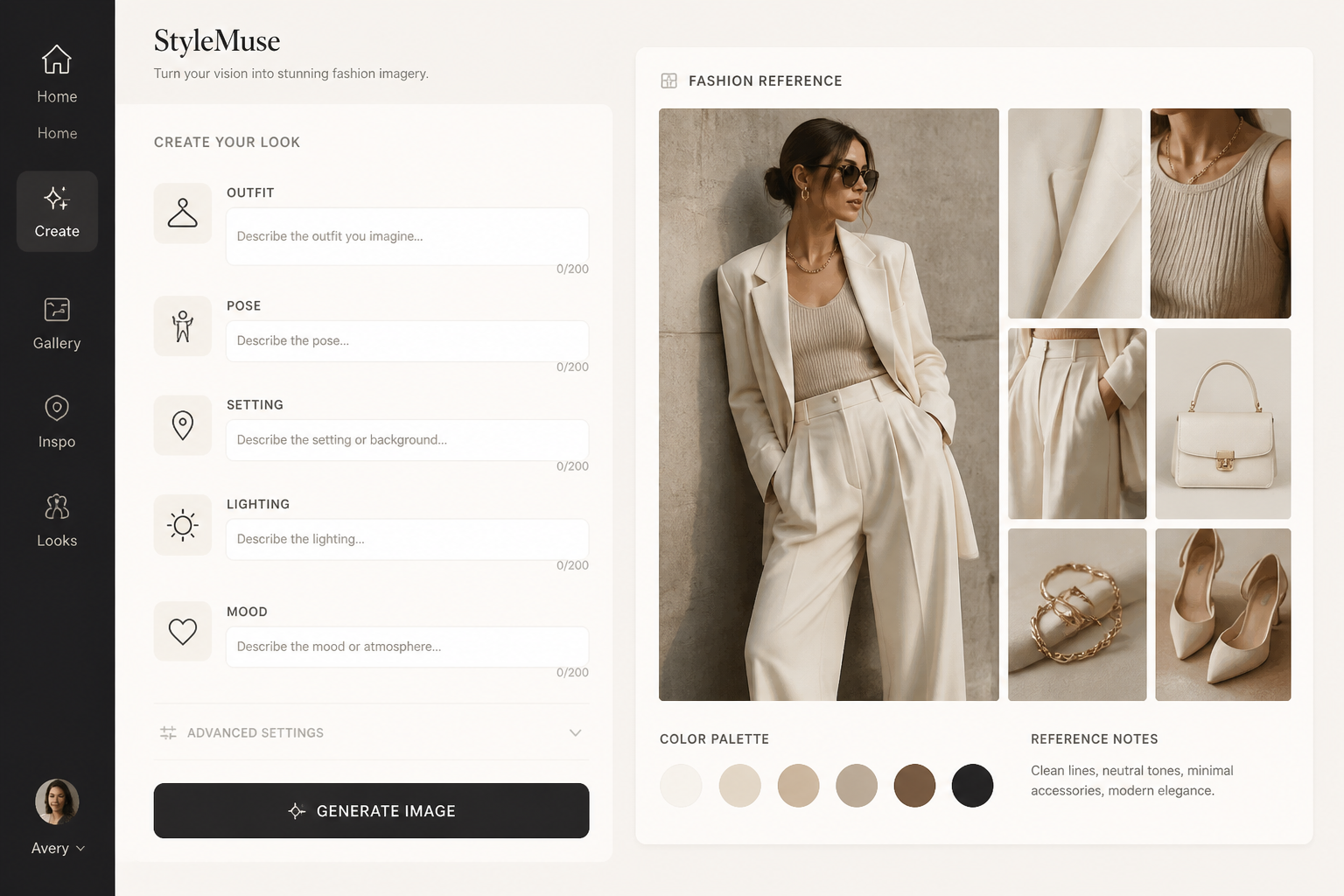
Describe the look
Add the outfit, setting, pose, lighting, and mood you want. The more specific your fashion language is, the more aligned the generated image will feel.
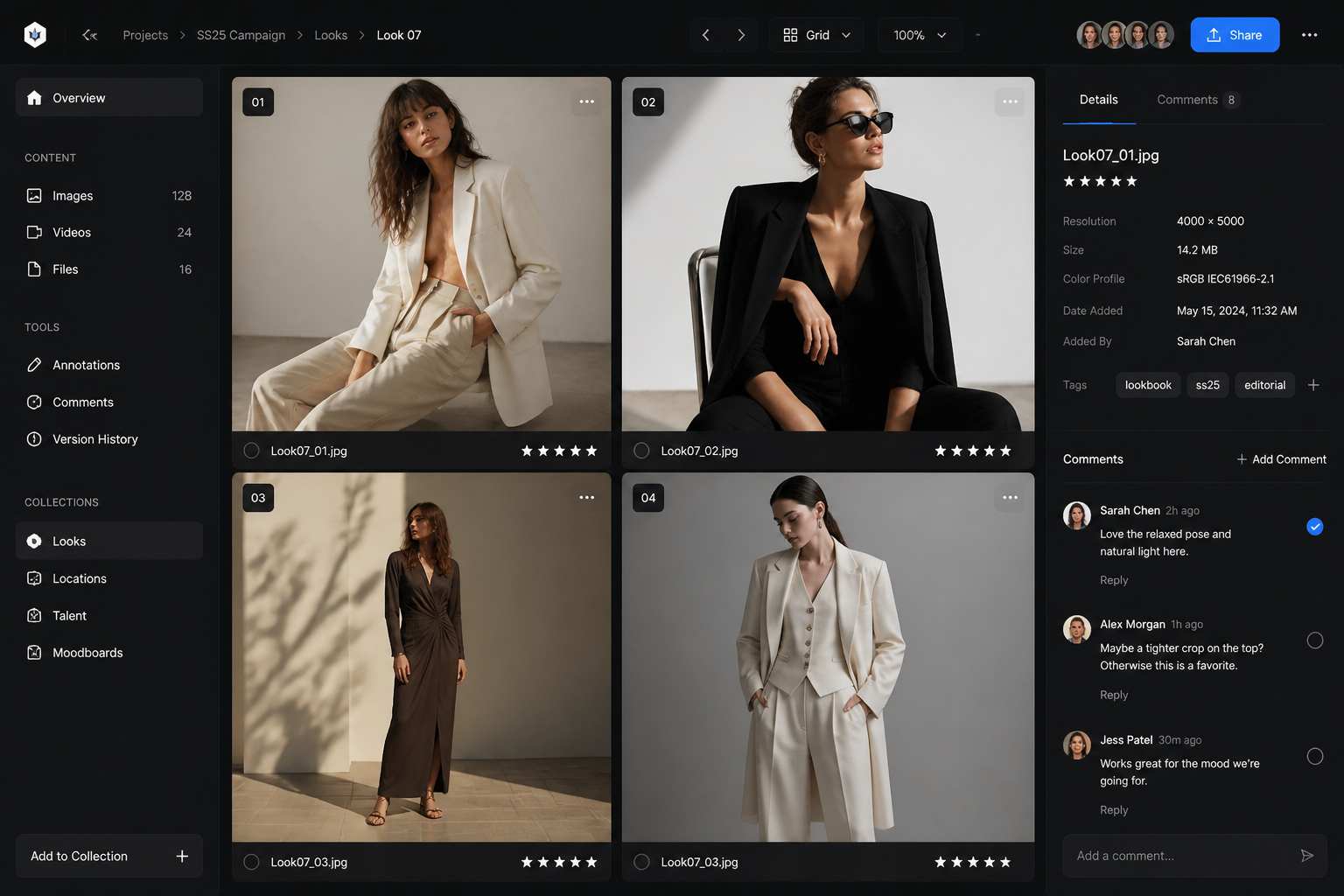
Generate and refine
Create multiple variations, compare compositions, and keep the strongest result. Then download the image that fits your campaign, post, or concept board.
Perfect For
Discover how creators and professionals use ai fashion model generator
Lookbook Concepts
Draft polished fashion visuals for seasonal collections, outfit stories, and styling directions before a shoot.
Social Campaign Creative
Generate attention-grabbing fashion images for Instagram, ads, mood posts, and launch teasers.
Brand Mood Boards
Explore color palettes, silhouettes, and visual tone for a campaign or collection presentation.
Ecommerce Visual Testing
Test different styling angles and model presentation ideas before investing in production.
Built For
Fashion marketers
Create campaign concepts, ad visuals, and content ideas quickly when timelines are tight.
Clothing brands
Visualize collections, experiment with styling, and build lookbook directions without a full shoot.
Designers and creators
Turn mood-board ideas into polished fashion images for pitches, portfolios, and concept development.
Frequently Asked Questions
What is an AI fashion model generator?
Can I create different fashion photography styles?
Do I need a reference photo to use it?
Is this useful for brands and marketing teams?
Can I use the generated images for lookbooks or social posts?
Create together.
Share your creations, discover trending AI art, and grow with fellow creators.