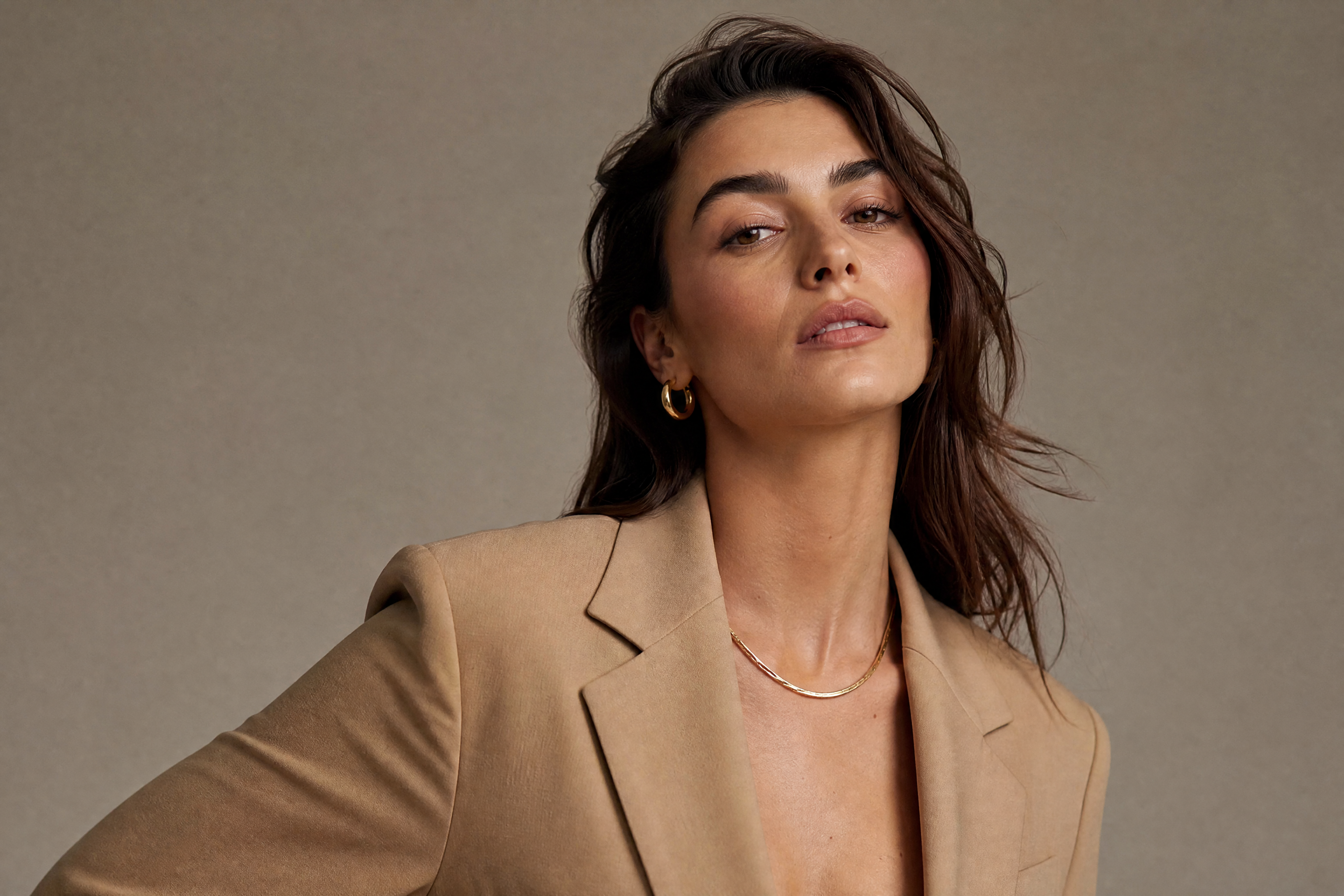
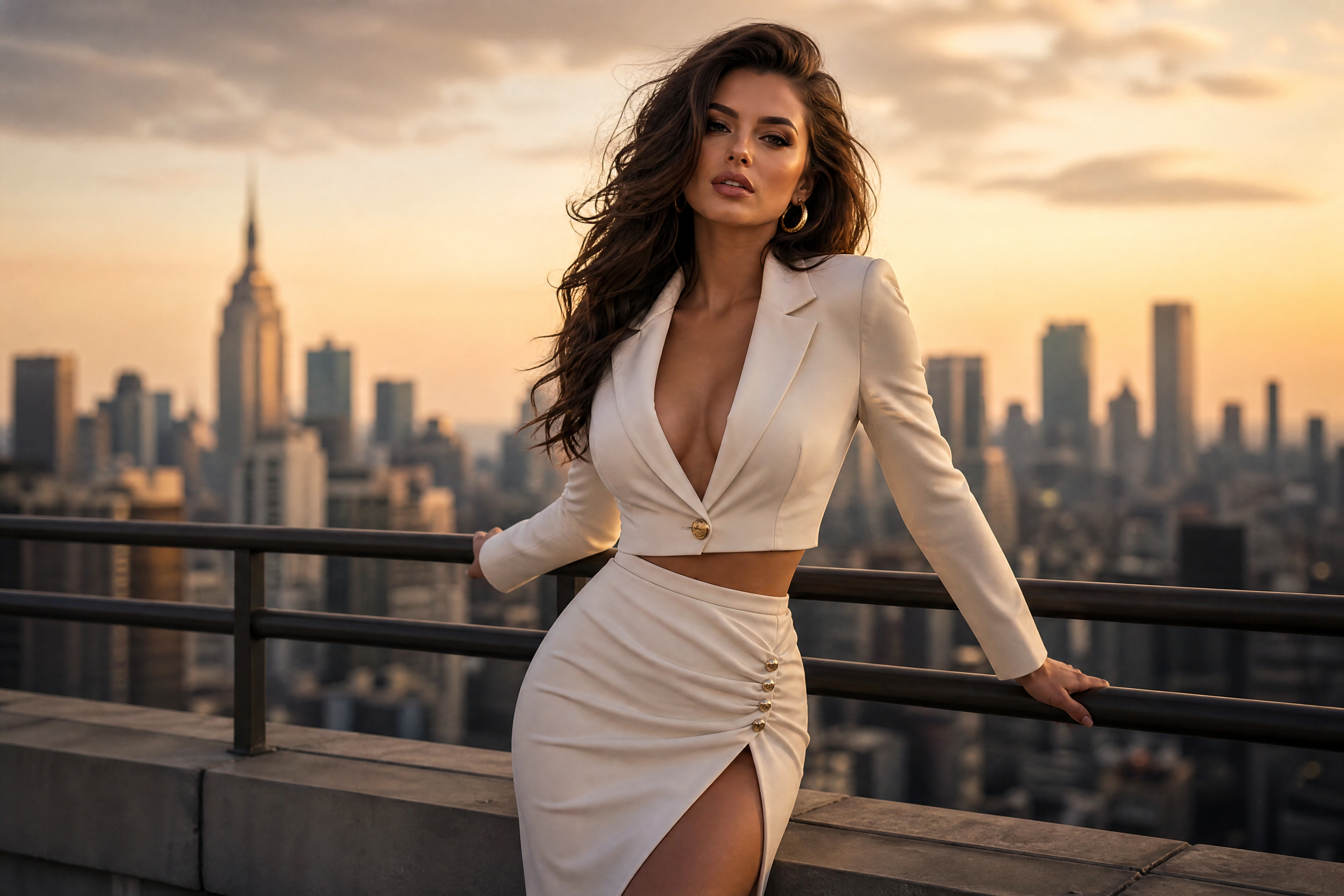
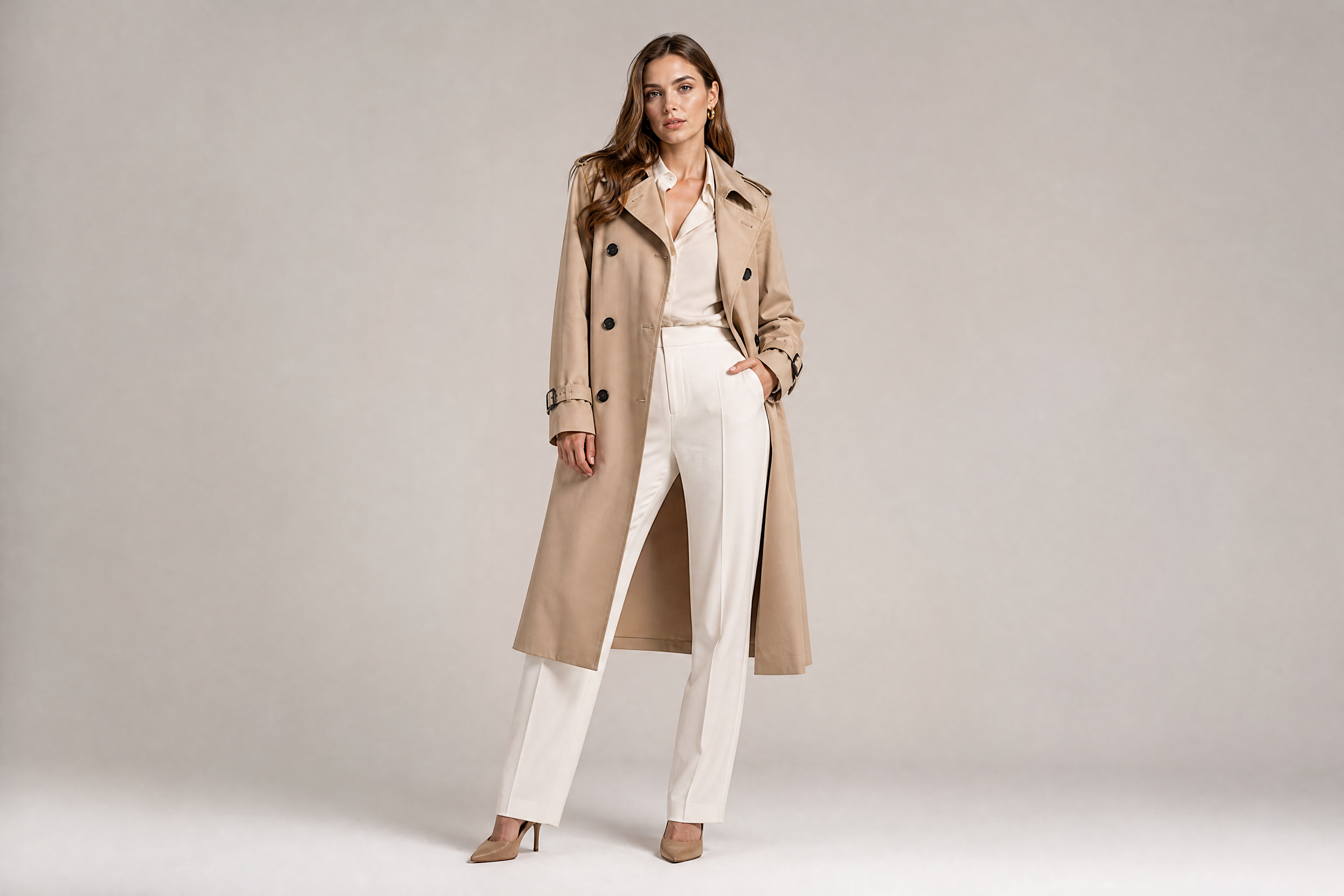
AI Female Model Generator for polished portraits
Turn simple photos into clean, styled model images
Create fashion-forward female model images from ordinary source photos with our AI. Refine pose styling, wardrobe, lighting, and overall polish while keeping the scene coherent. It works well for portfolio mockups, brand visuals, and creative concepts.
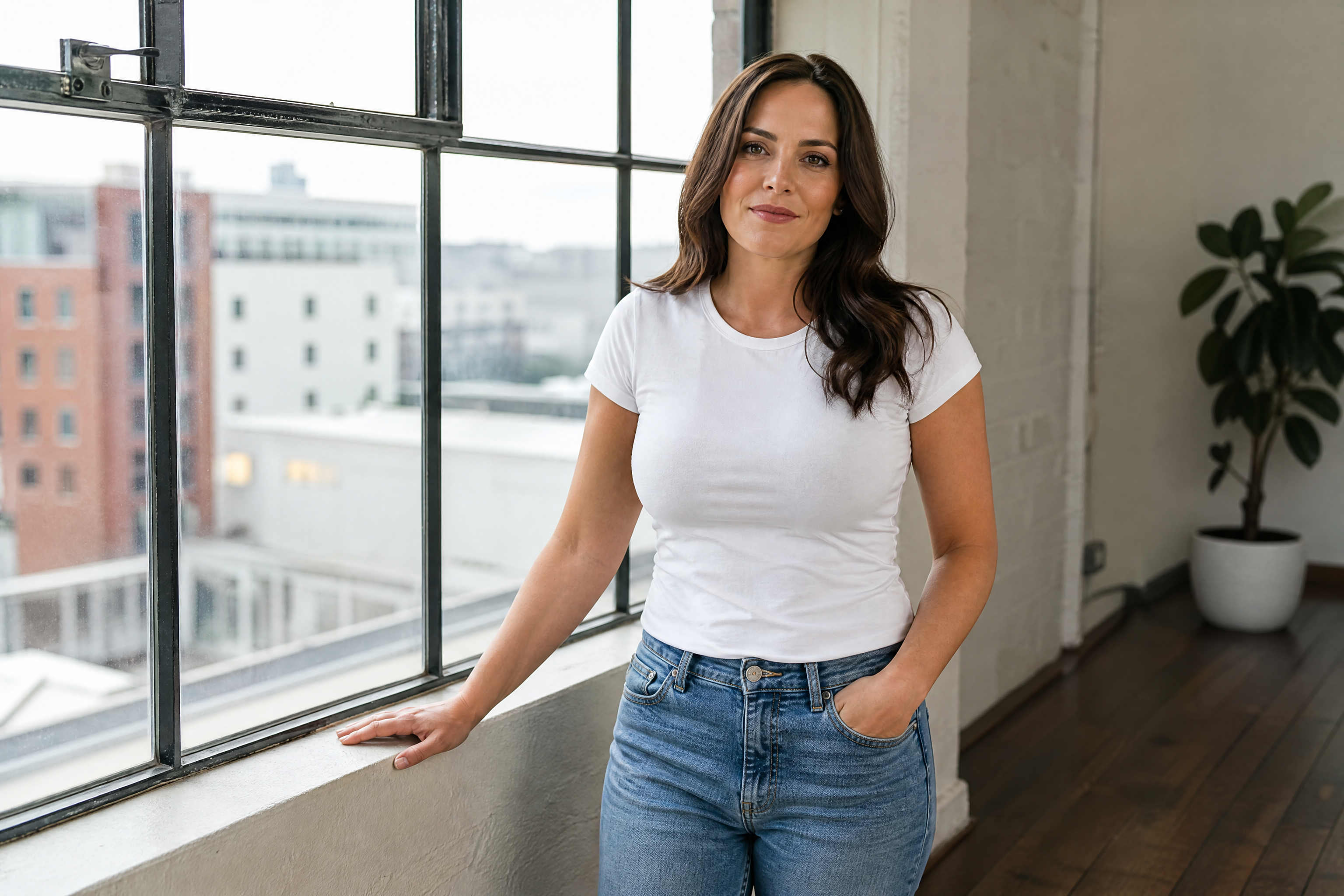
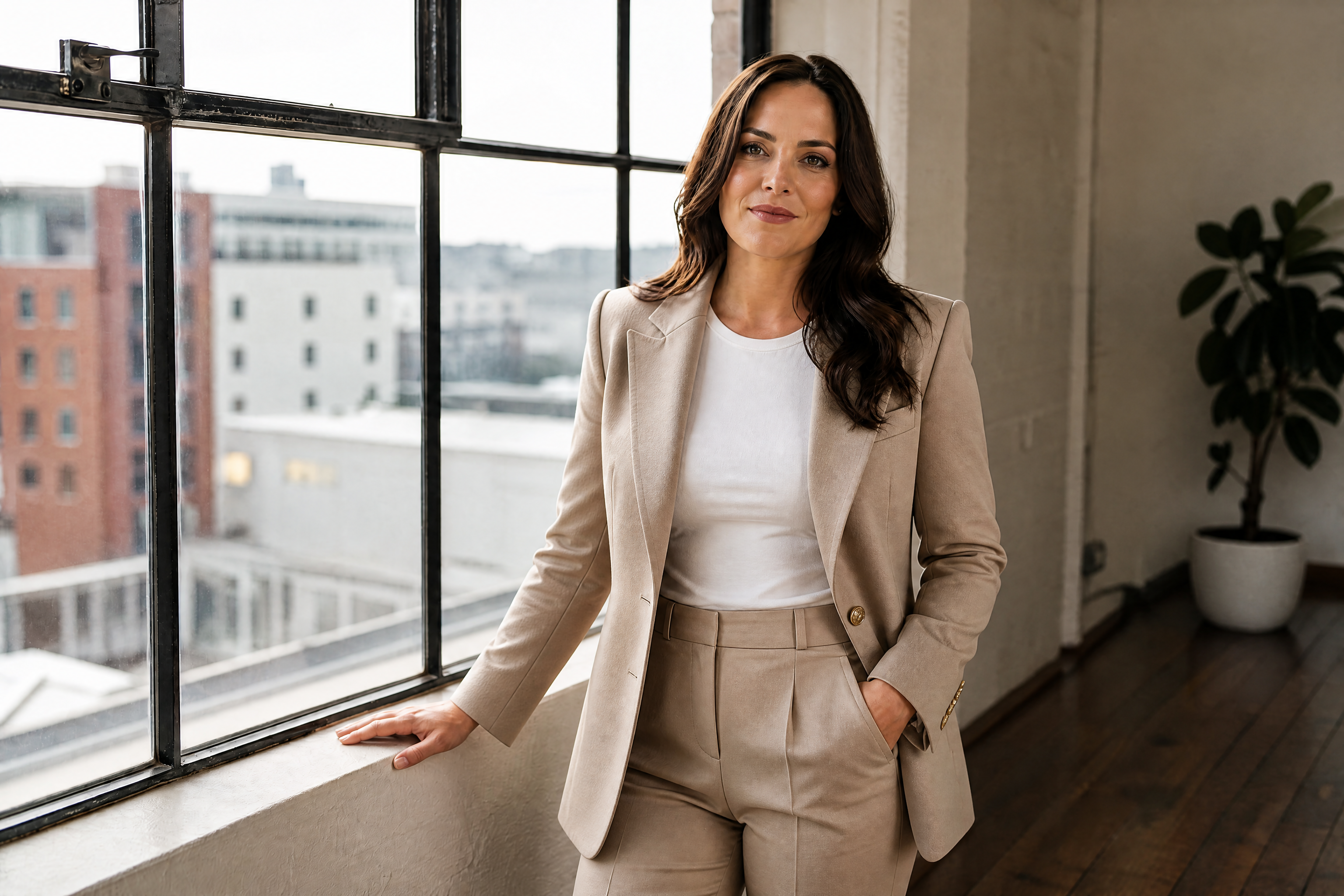
Watch the Transformation
See ai female model generator in motion — generated end-to-end by our AI.
See It In Action
Real outputs from ai female model generator.
BEFOREAFTER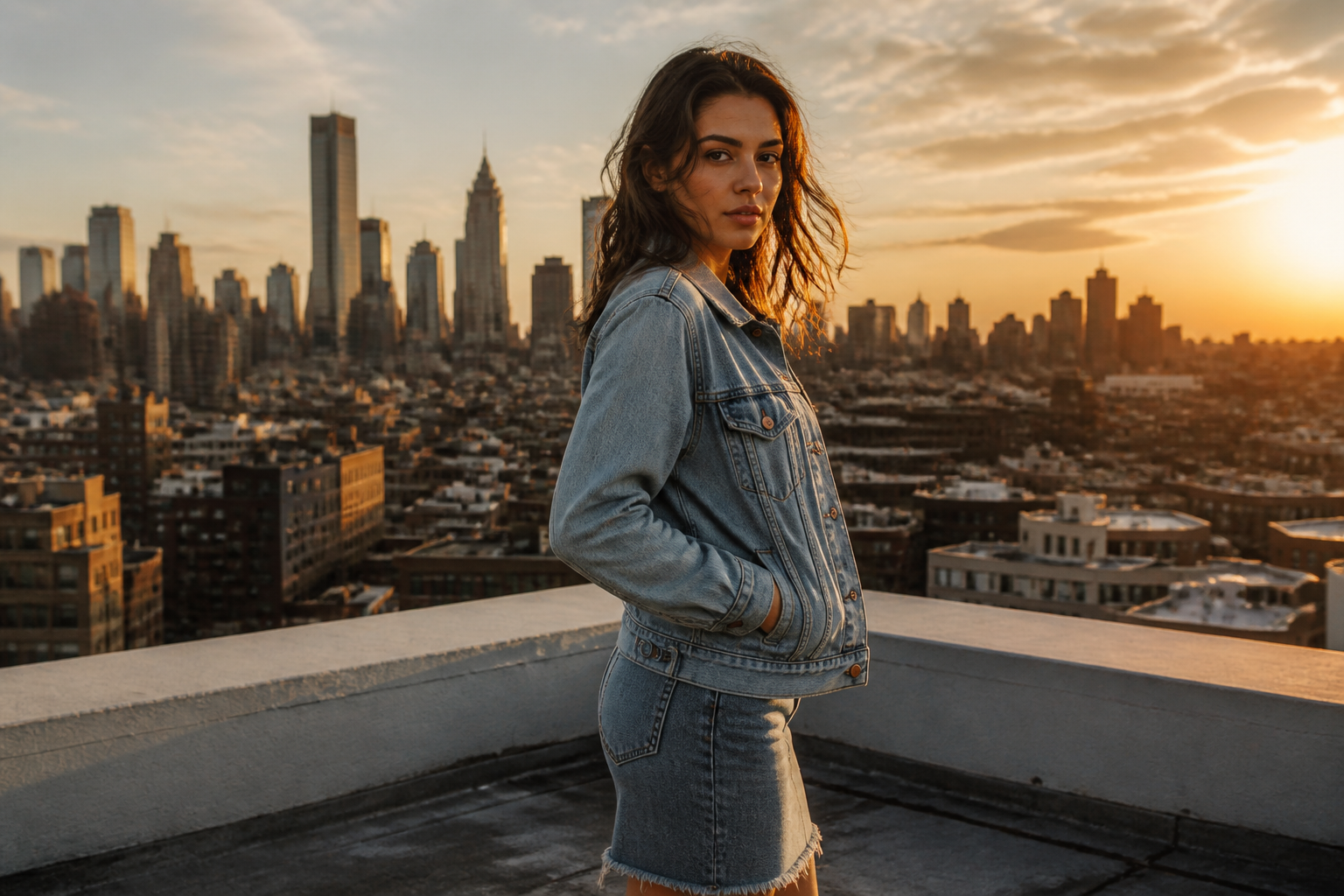 BEFORE
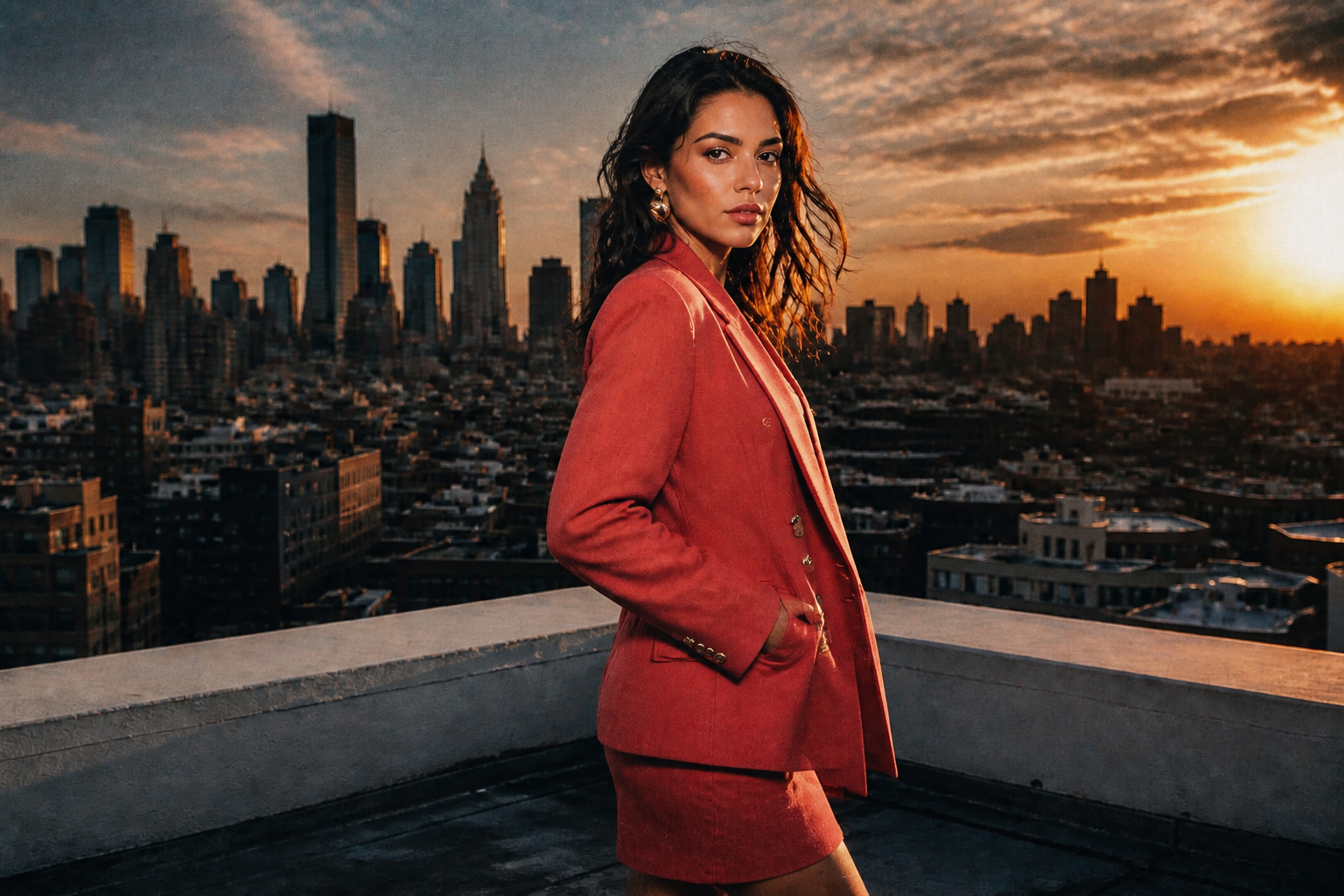 AFTER
AFTER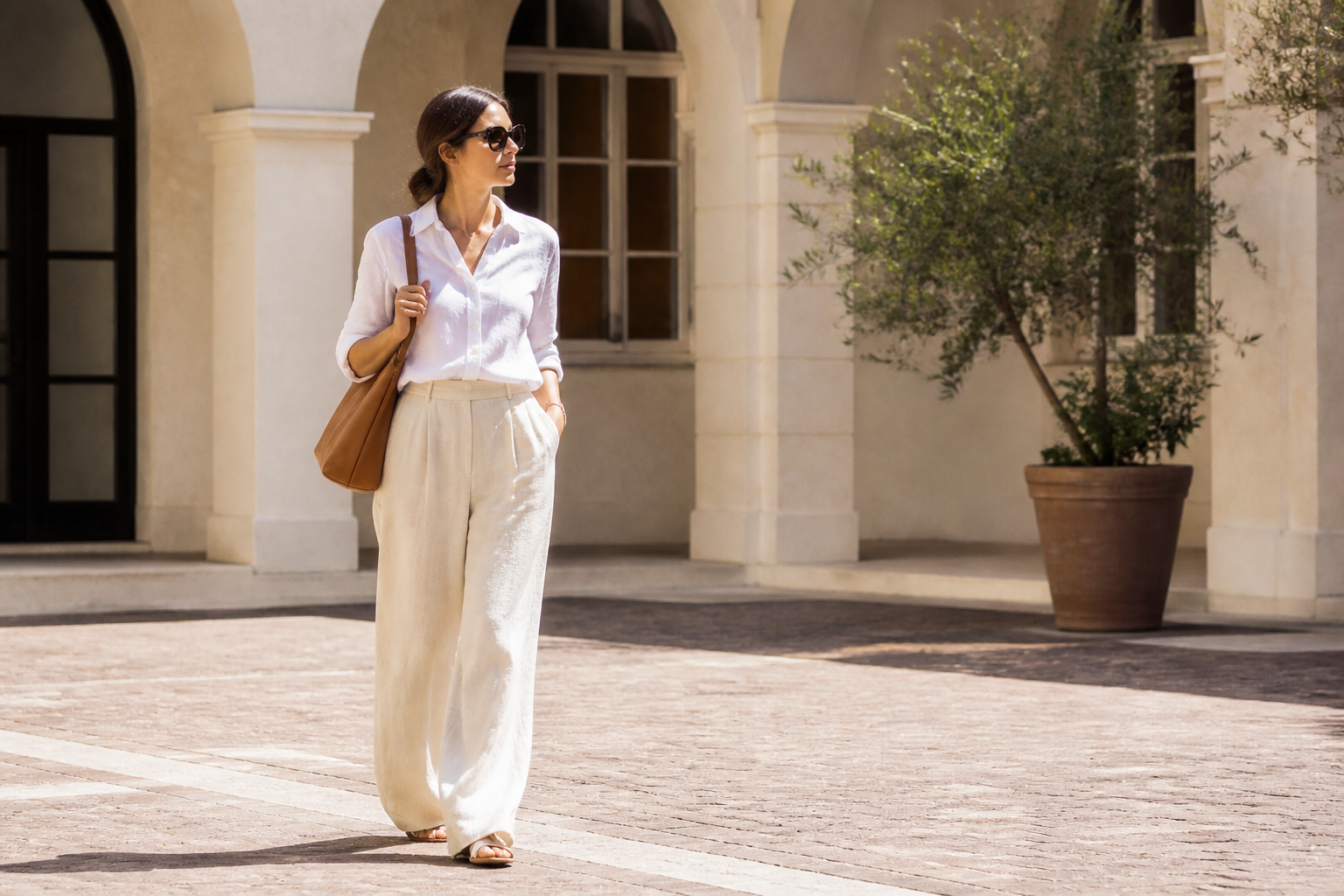 BEFORE
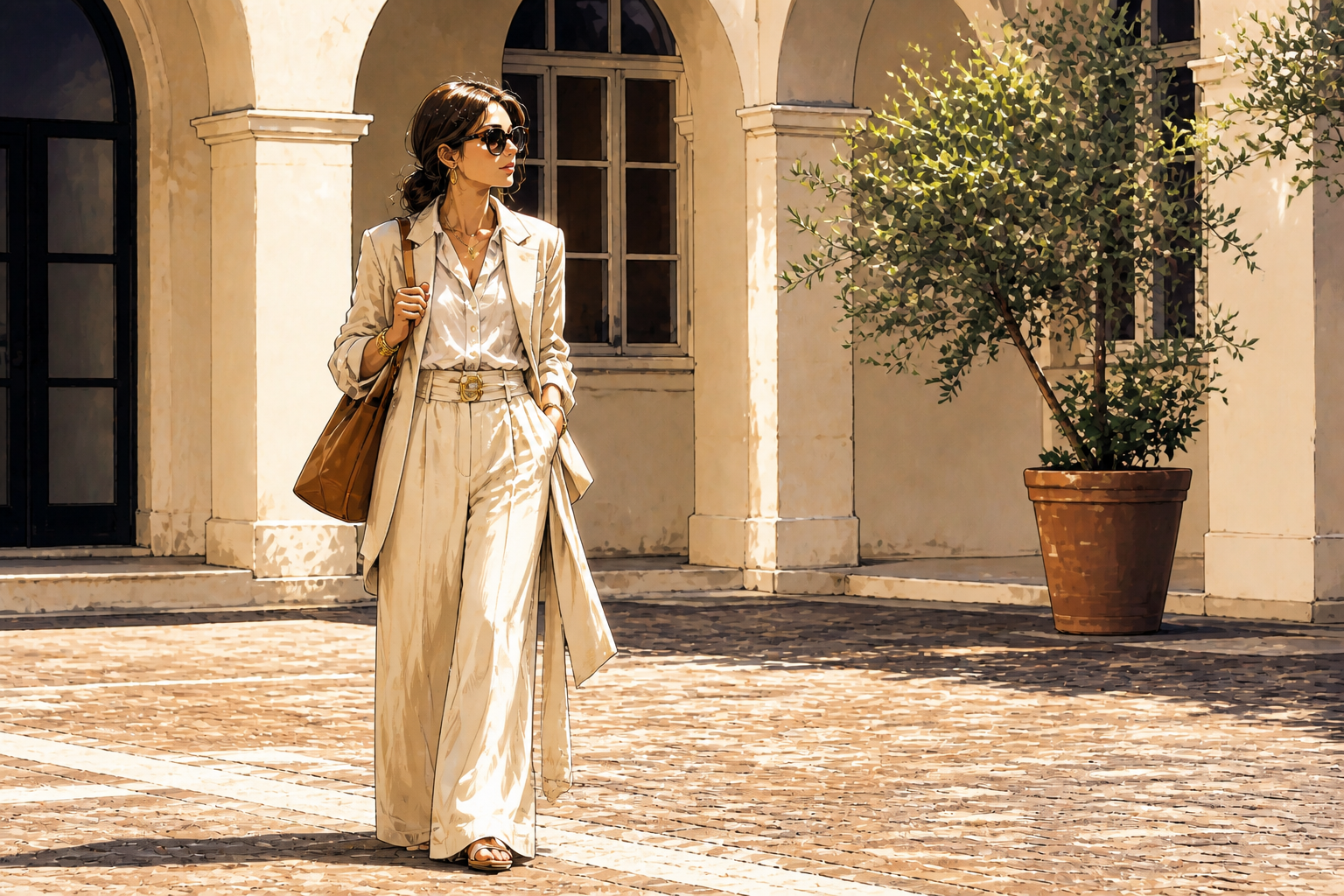 AFTER
AFTER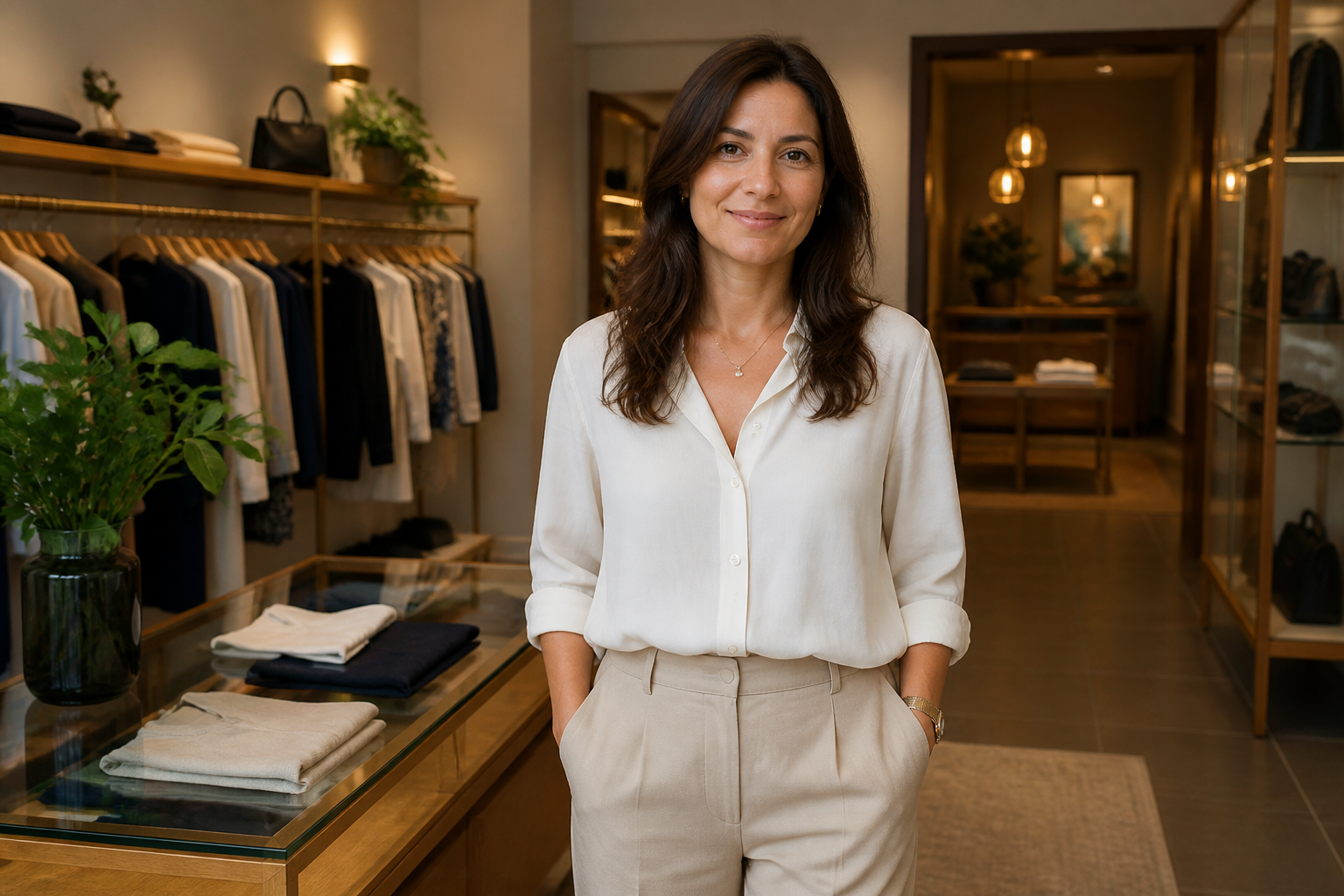 BEFORE
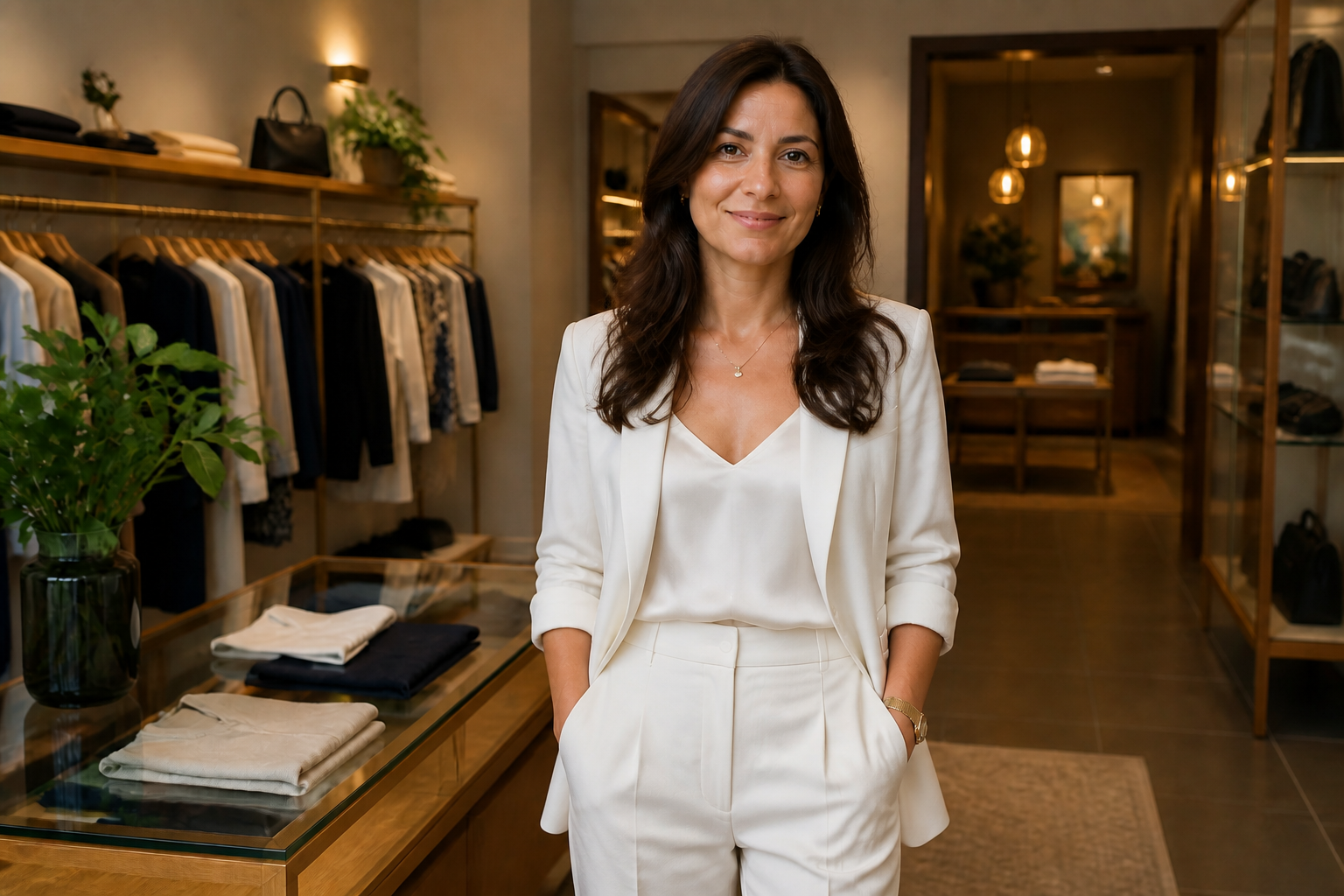 AFTERBEFOREAFTERBEFOREAFTERBEFOREAFTERBEFOREAFTER
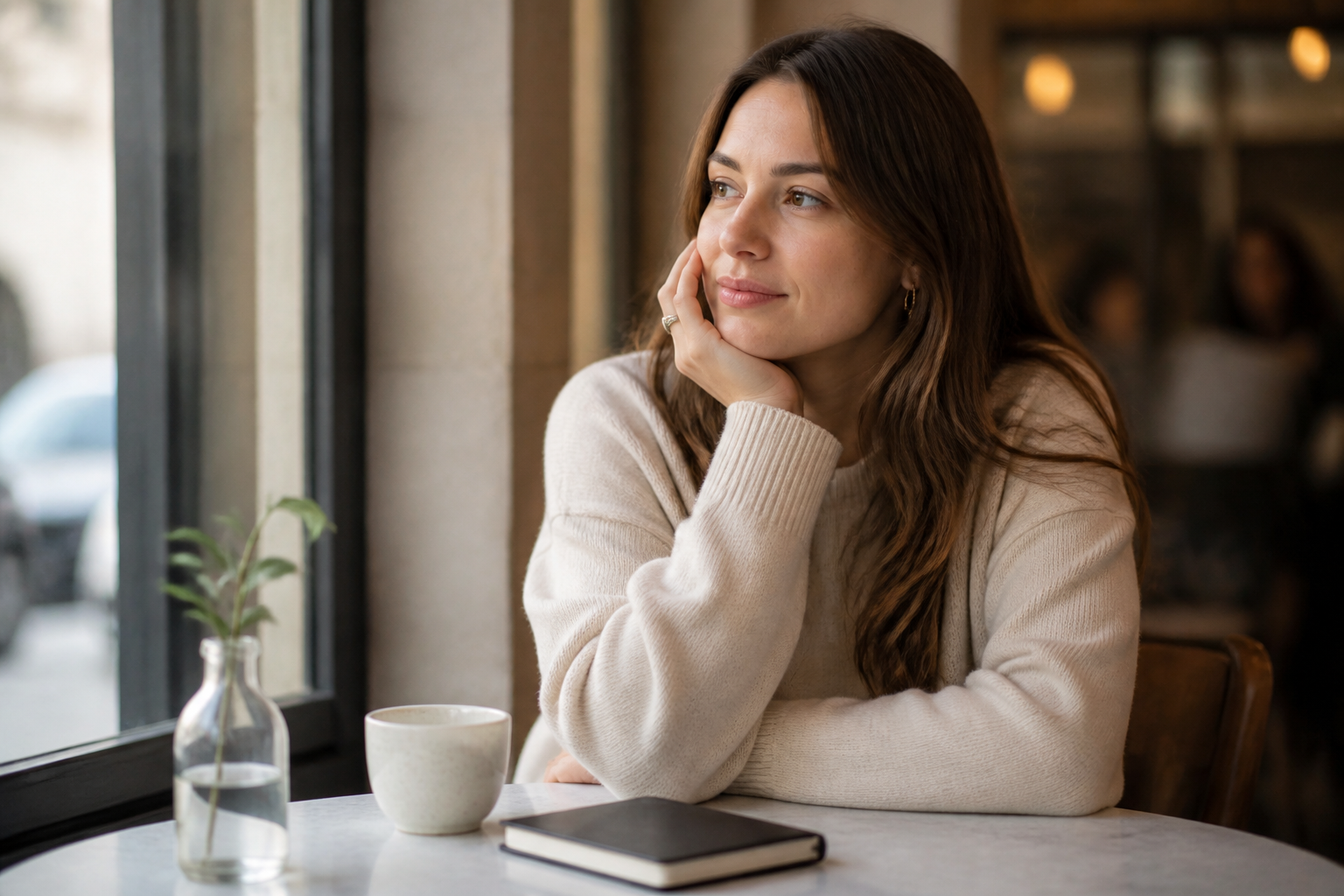 BEFORE
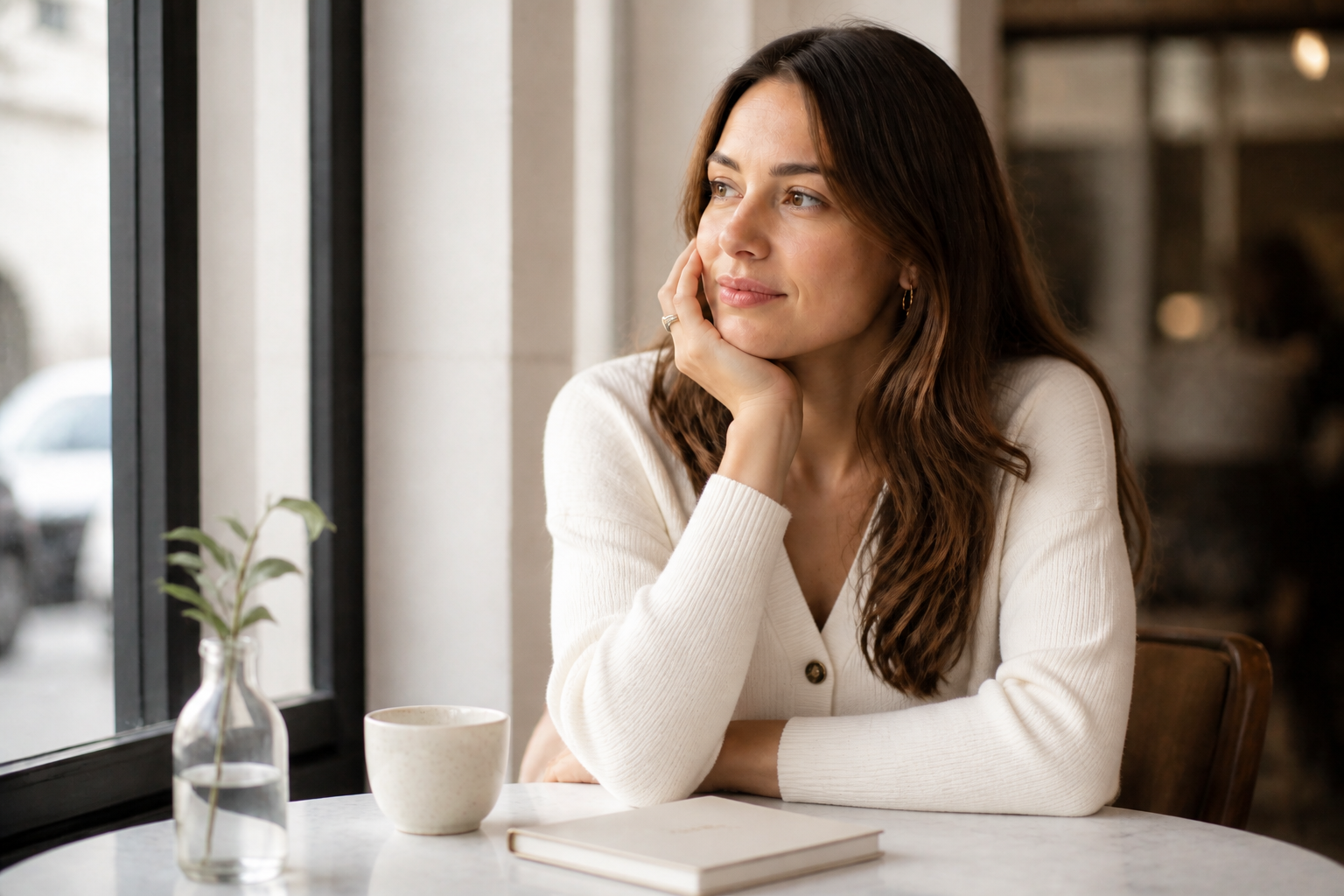 AFTER
AFTER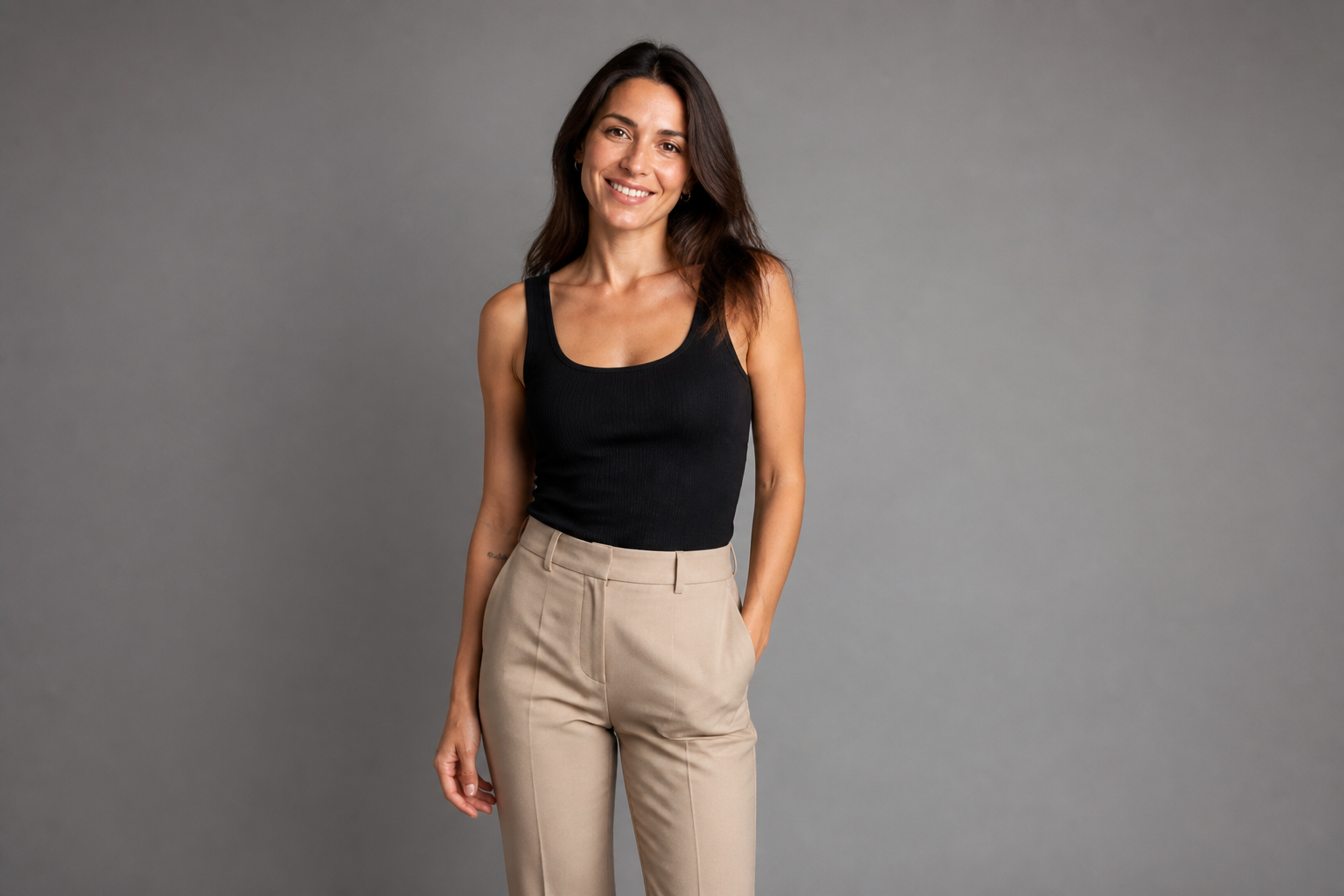 BEFORE
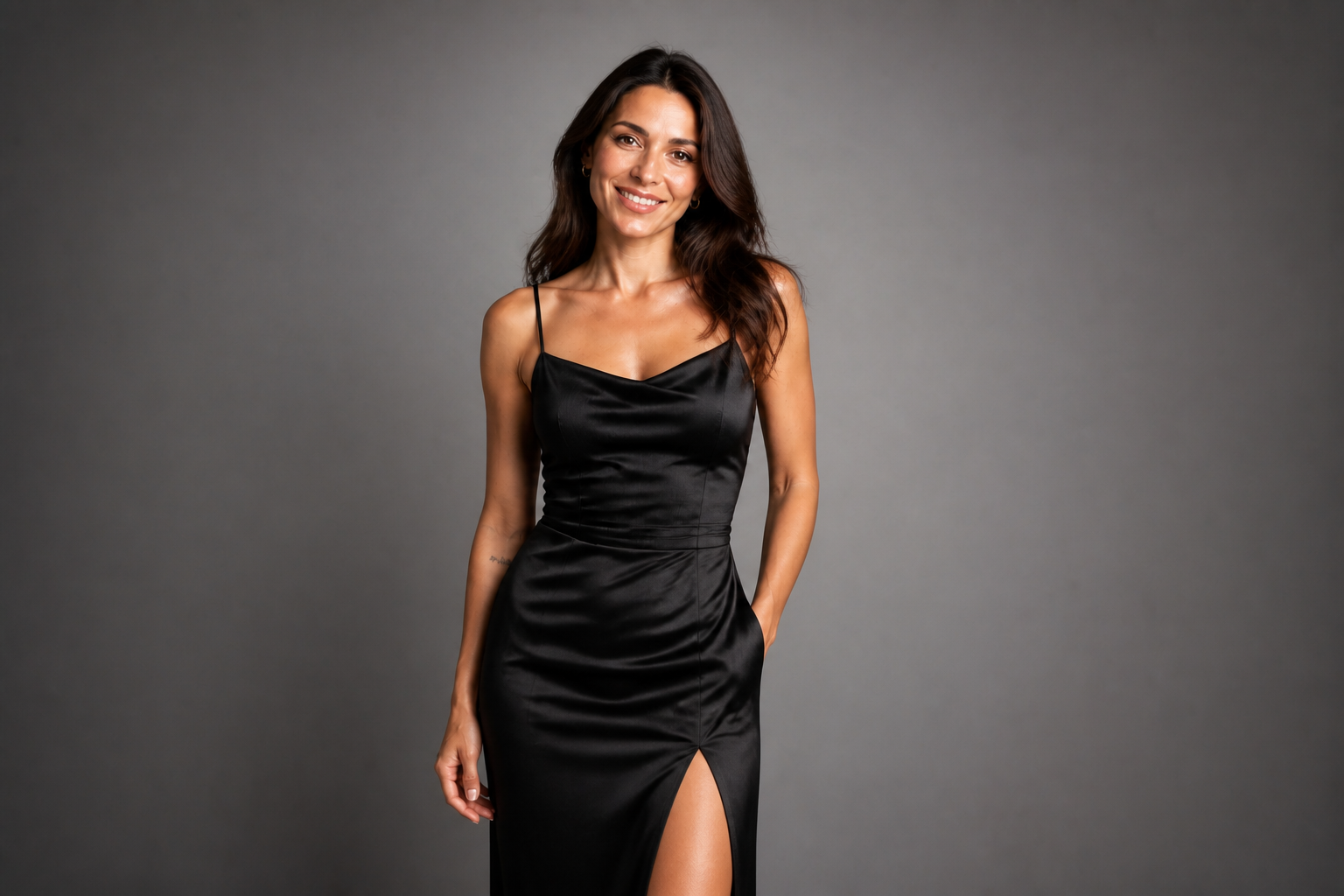 AFTER
AFTER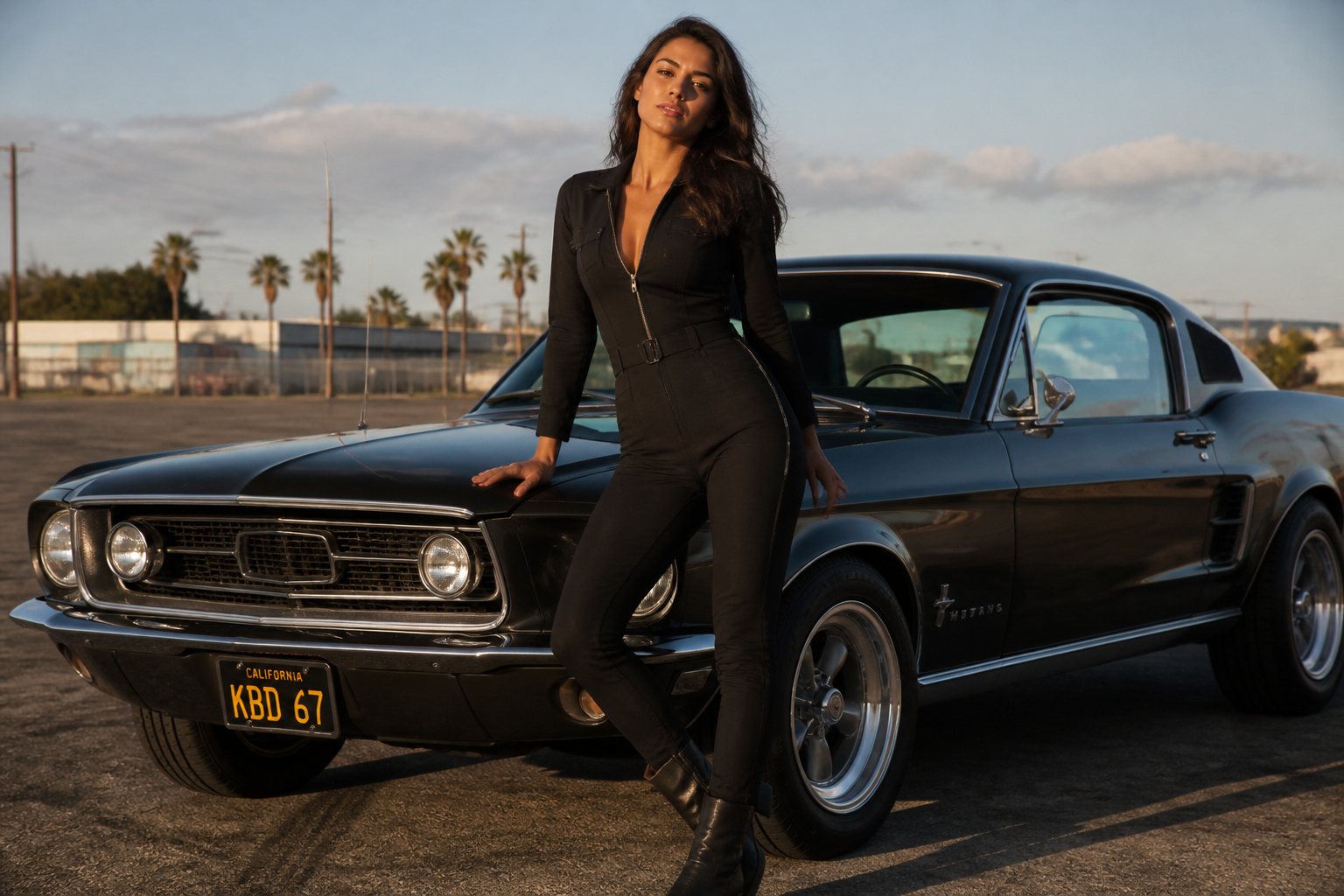 BEFORE
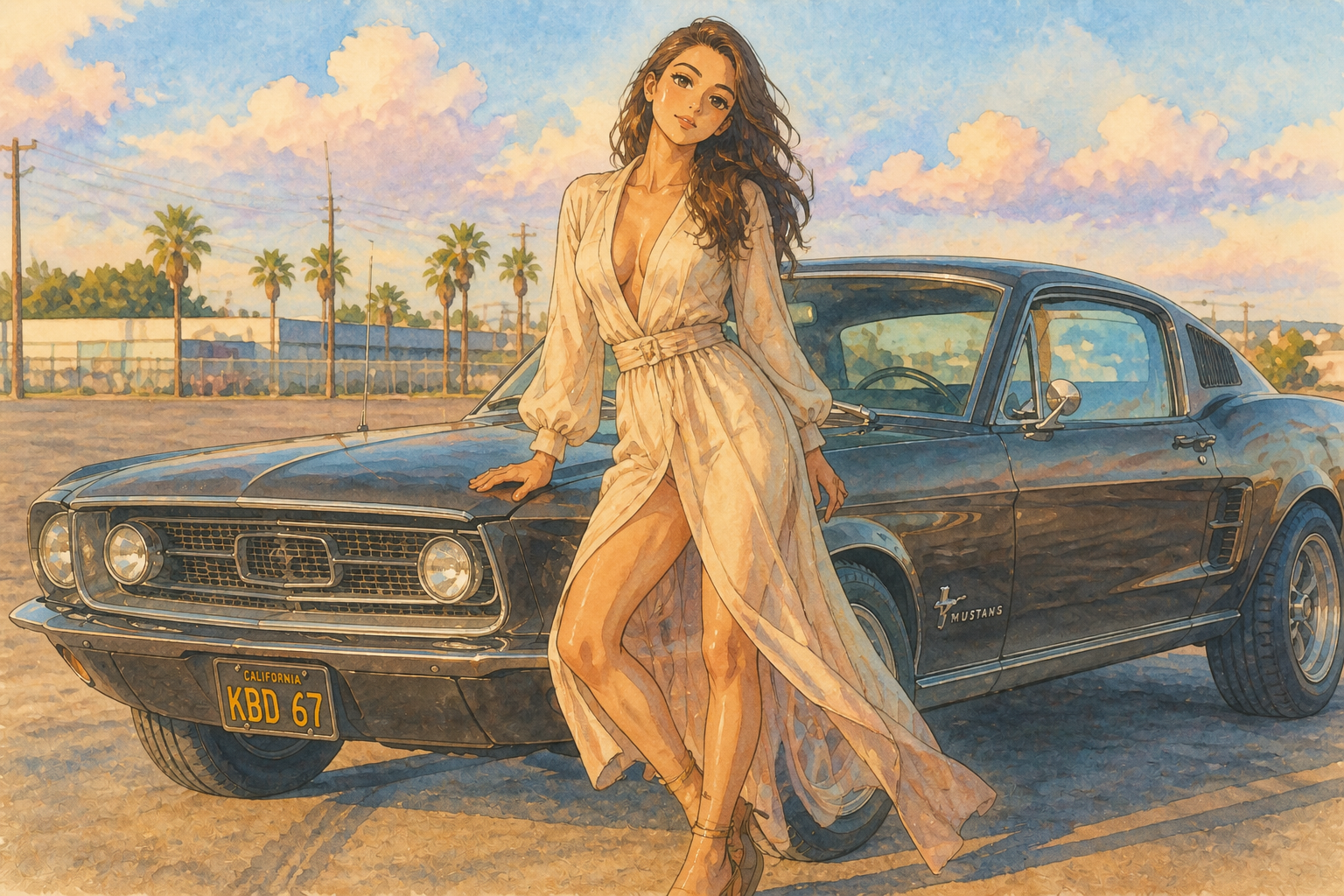 AFTER
AFTER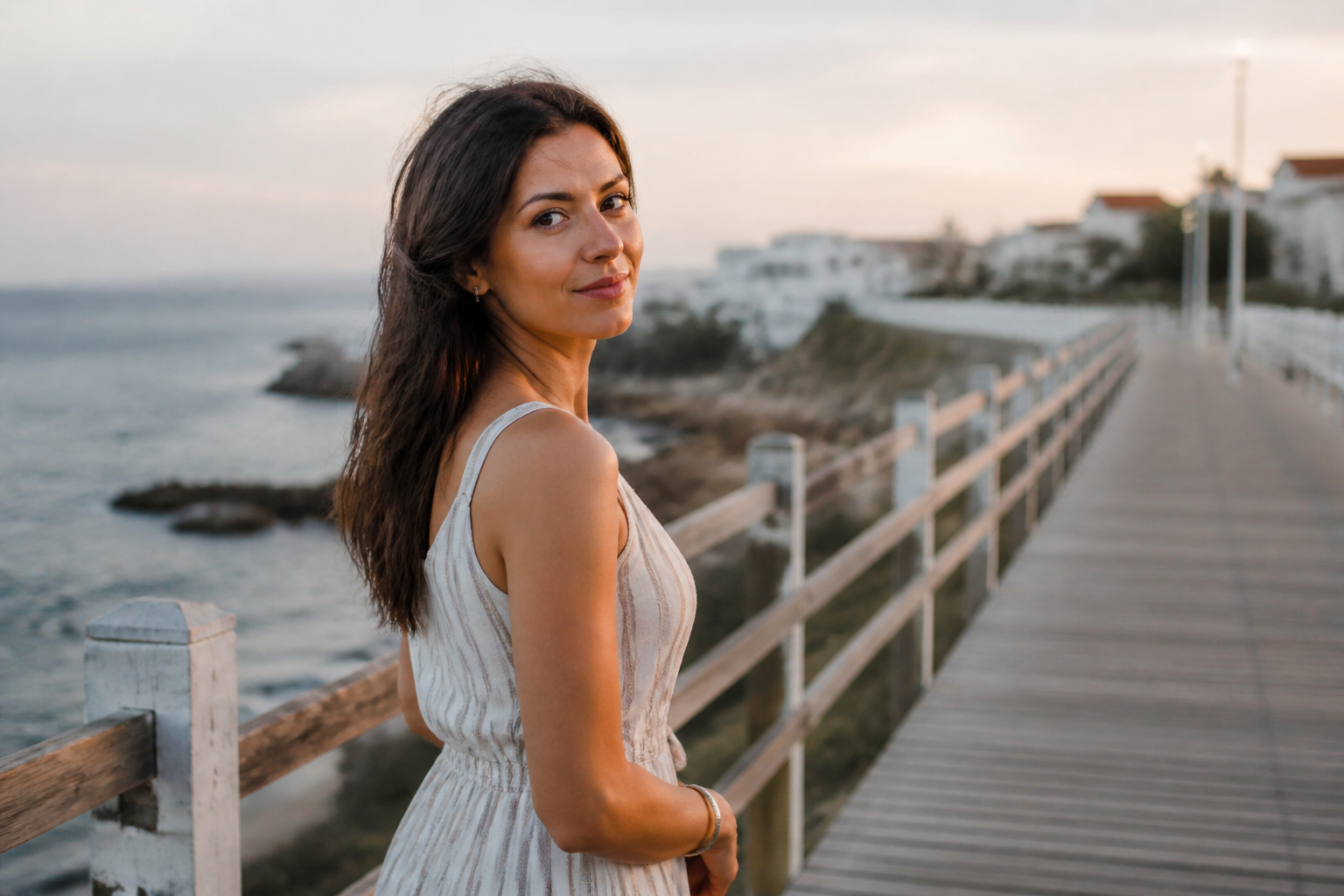 BEFORE
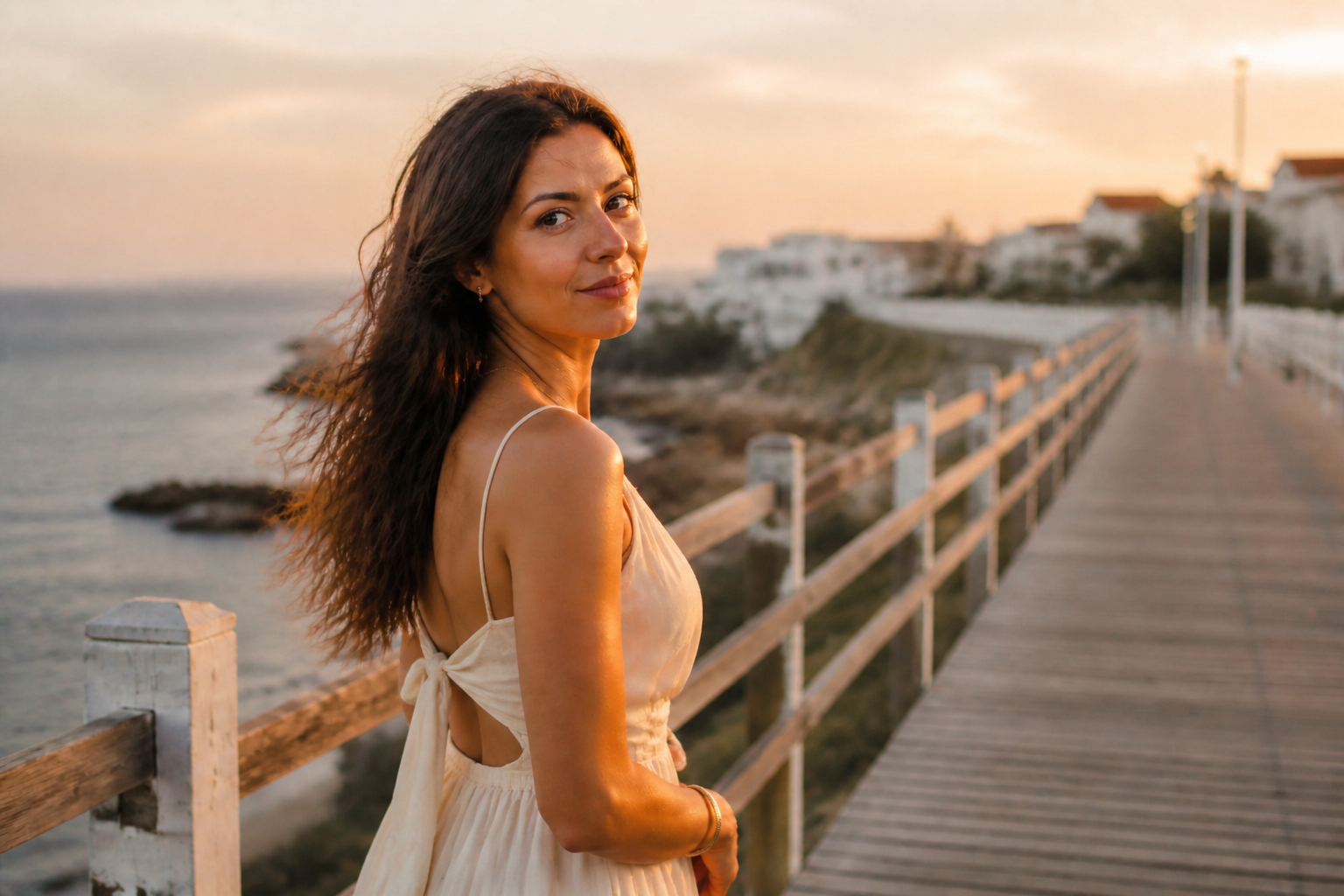 AFTERBEFOREAFTERBEFOREAFTERBEFOREAFTERBEFOREAFTER
Key Features
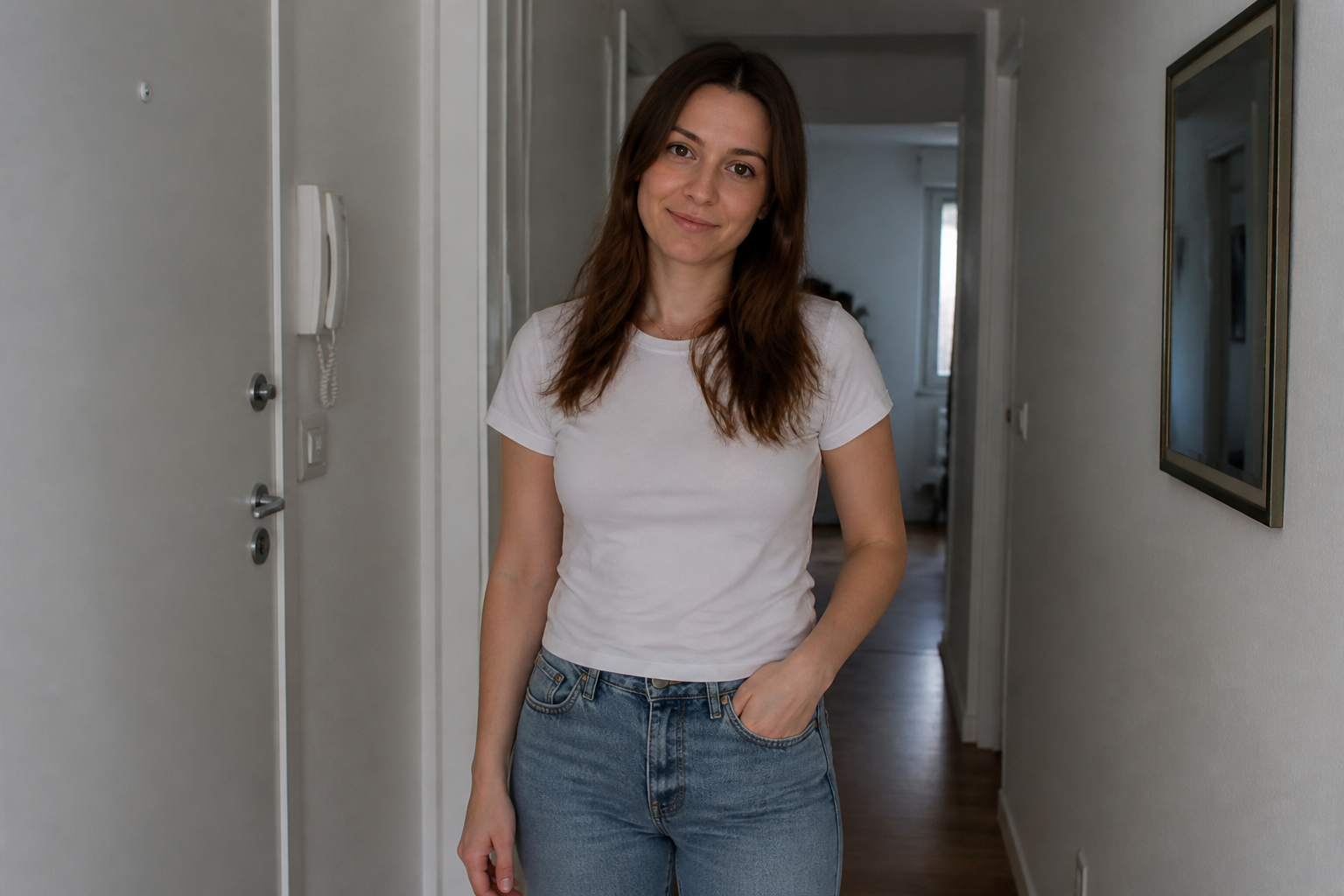
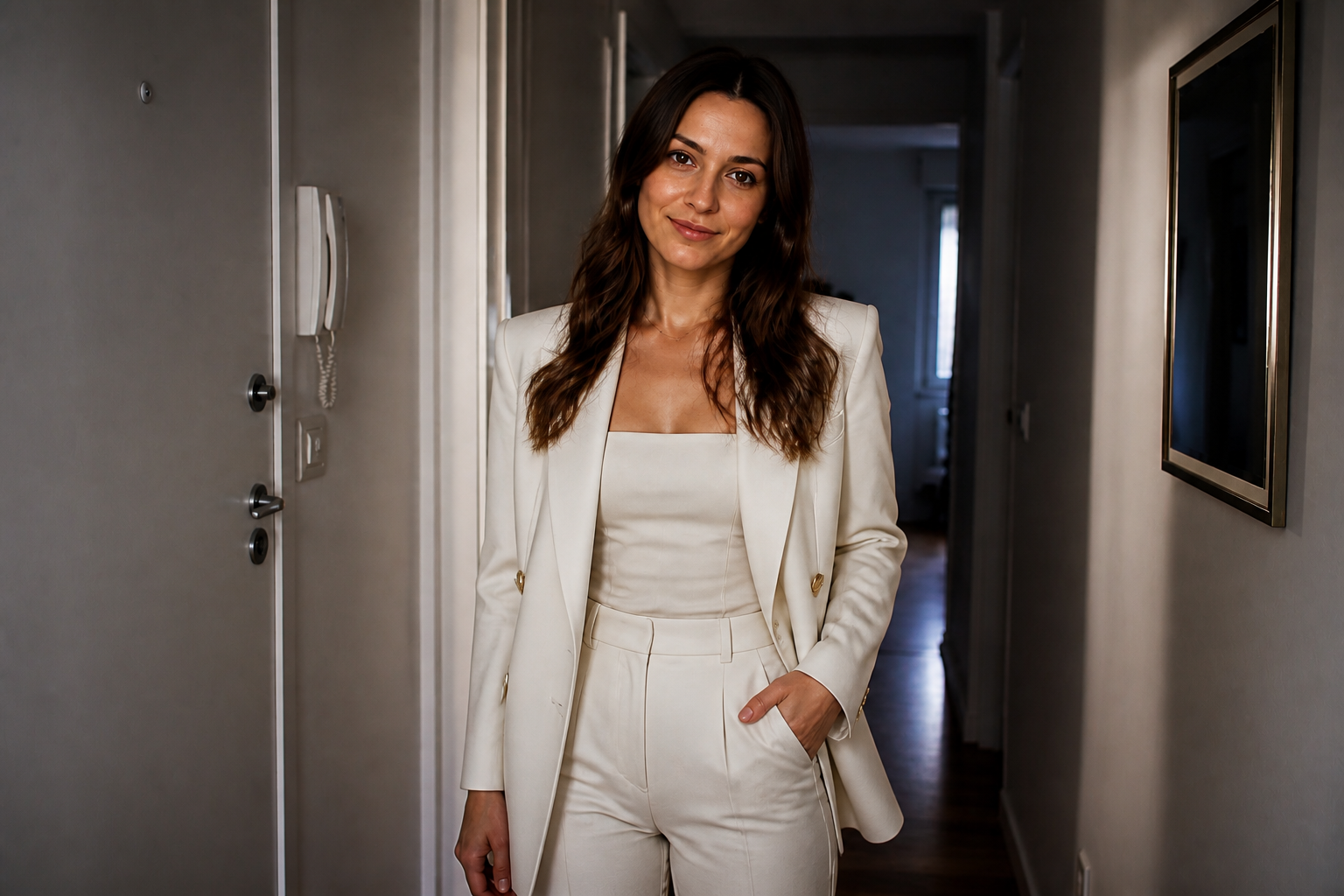
Editorial polish from simple photos
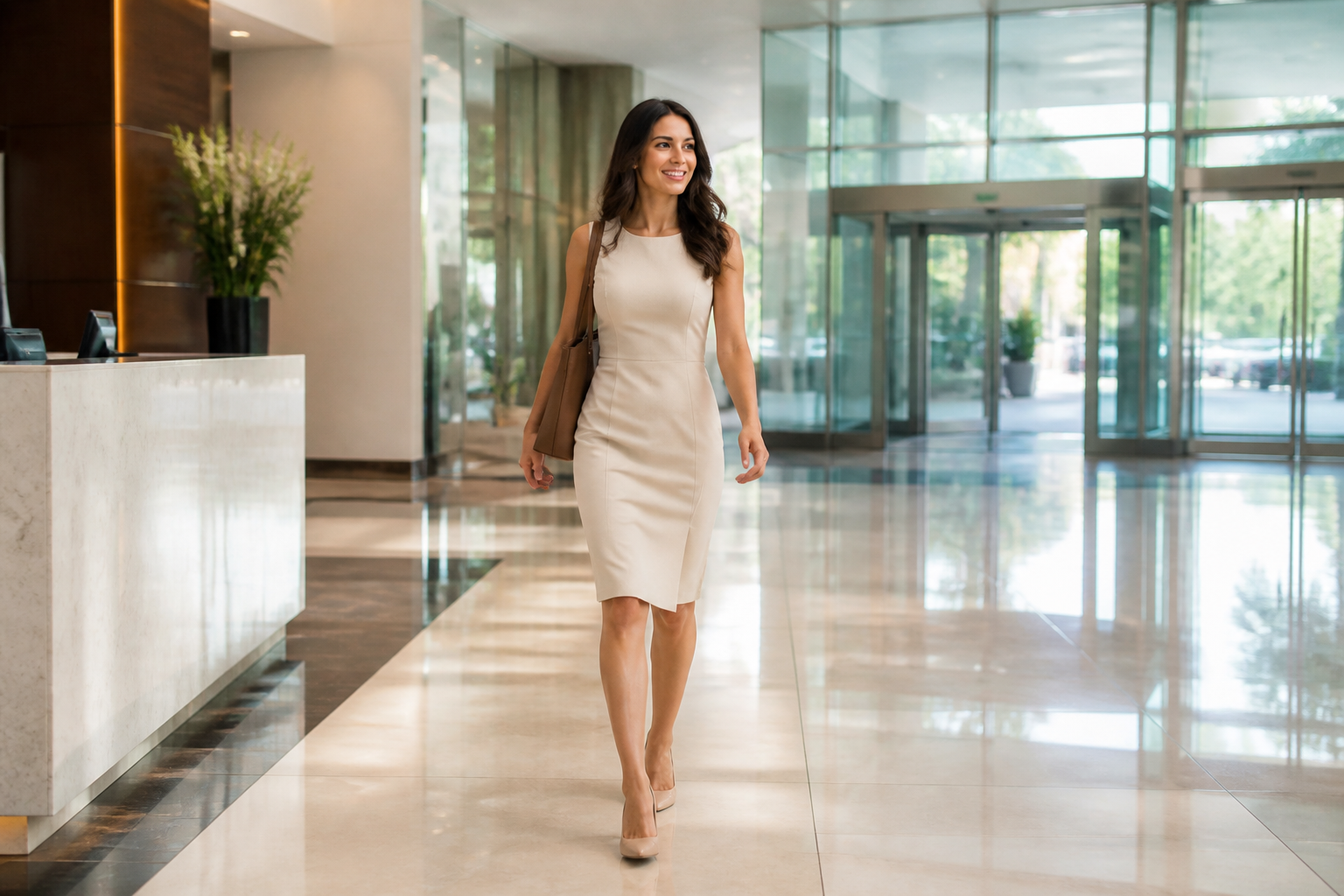
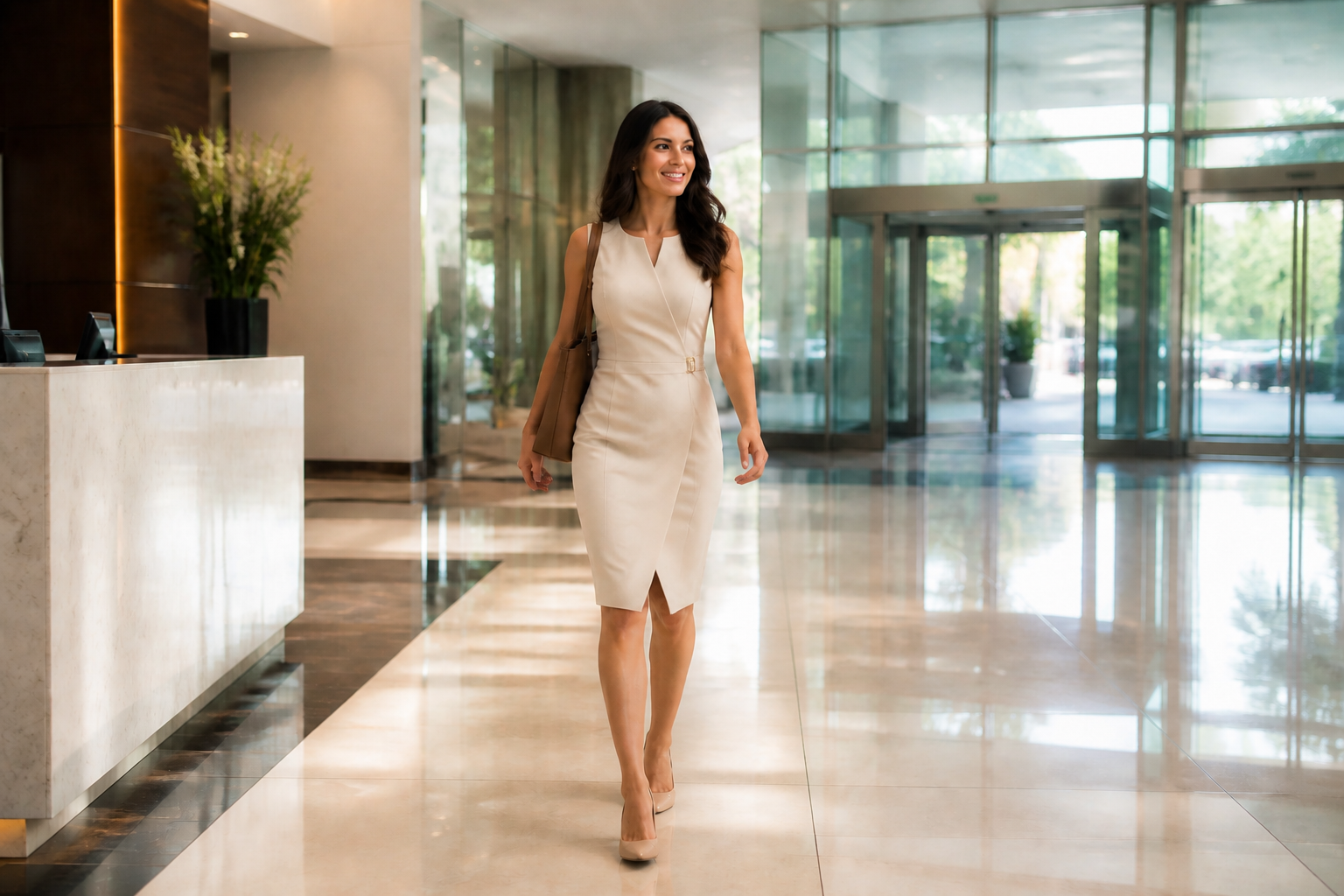
Start with an ordinary image and turn it into something that reads like a styled campaign shot. Our AI can upgrade wardrobe, lighting, grooming, and overall presentation in one pass. That saves time compared with manually compositing outfits, retouching skin, and grading the image piece by piece. The result is a cleaner, more professional model-style photo with less setup.
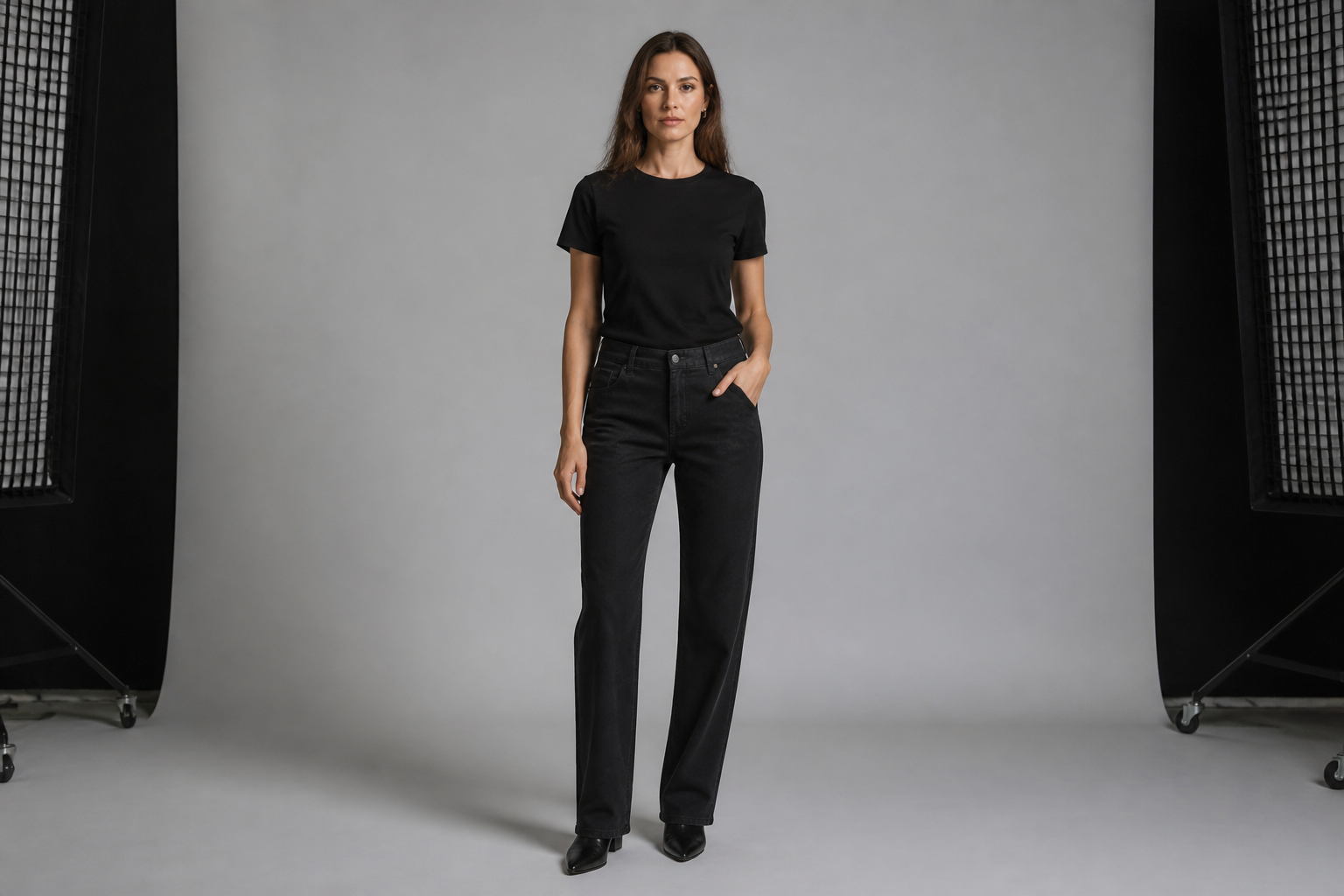
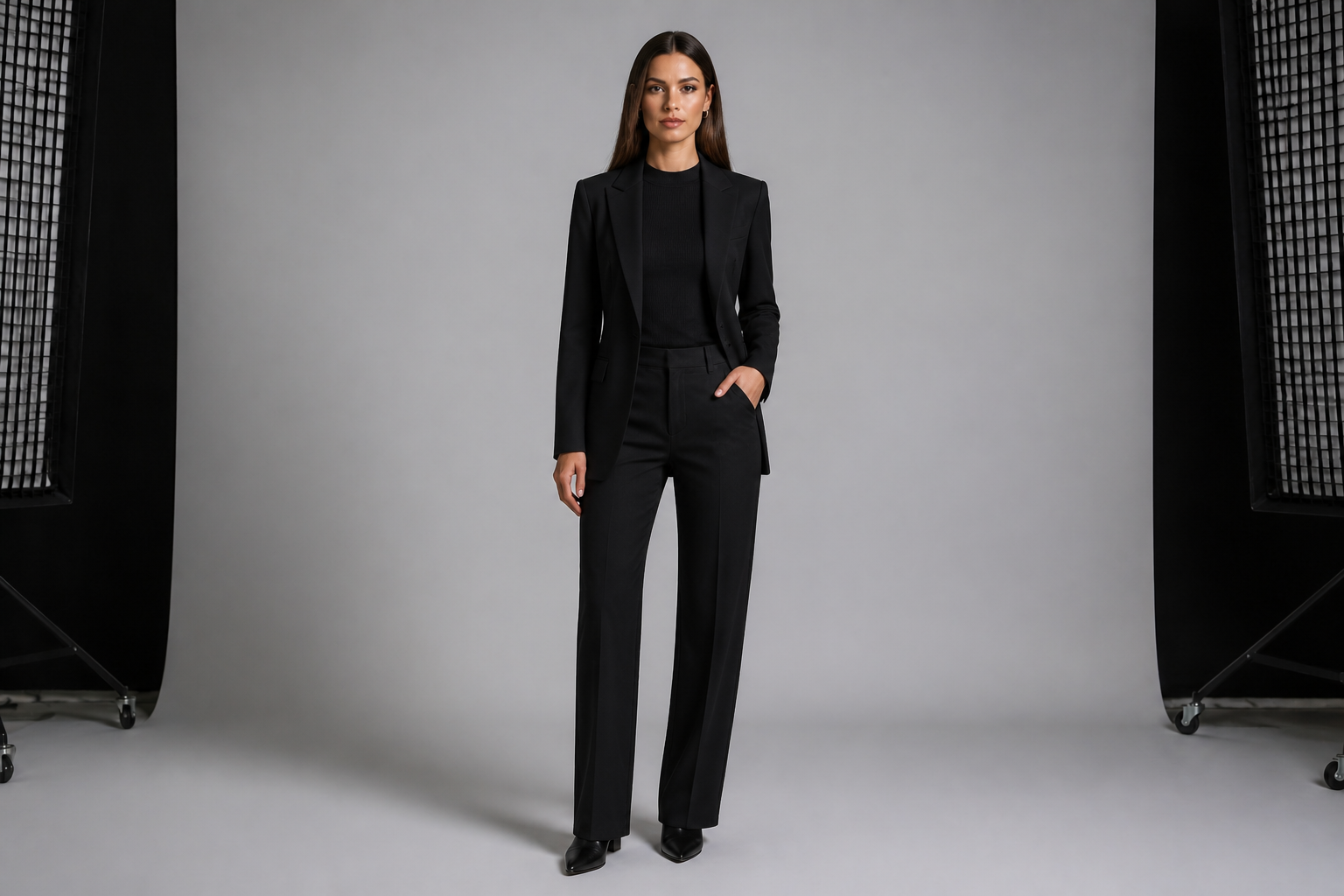
Consistent fashion-ready styling
You can push the photo toward a specific fashion mood without rebuilding the whole scene. This helps when you want a campaign, catalog, or social ad look that feels intentional and cohesive. Instead of juggling multiple apps for outfit swaps and retouching, you can describe the look in one instruction. The visual change is clear enough to review quickly and iterate fast.
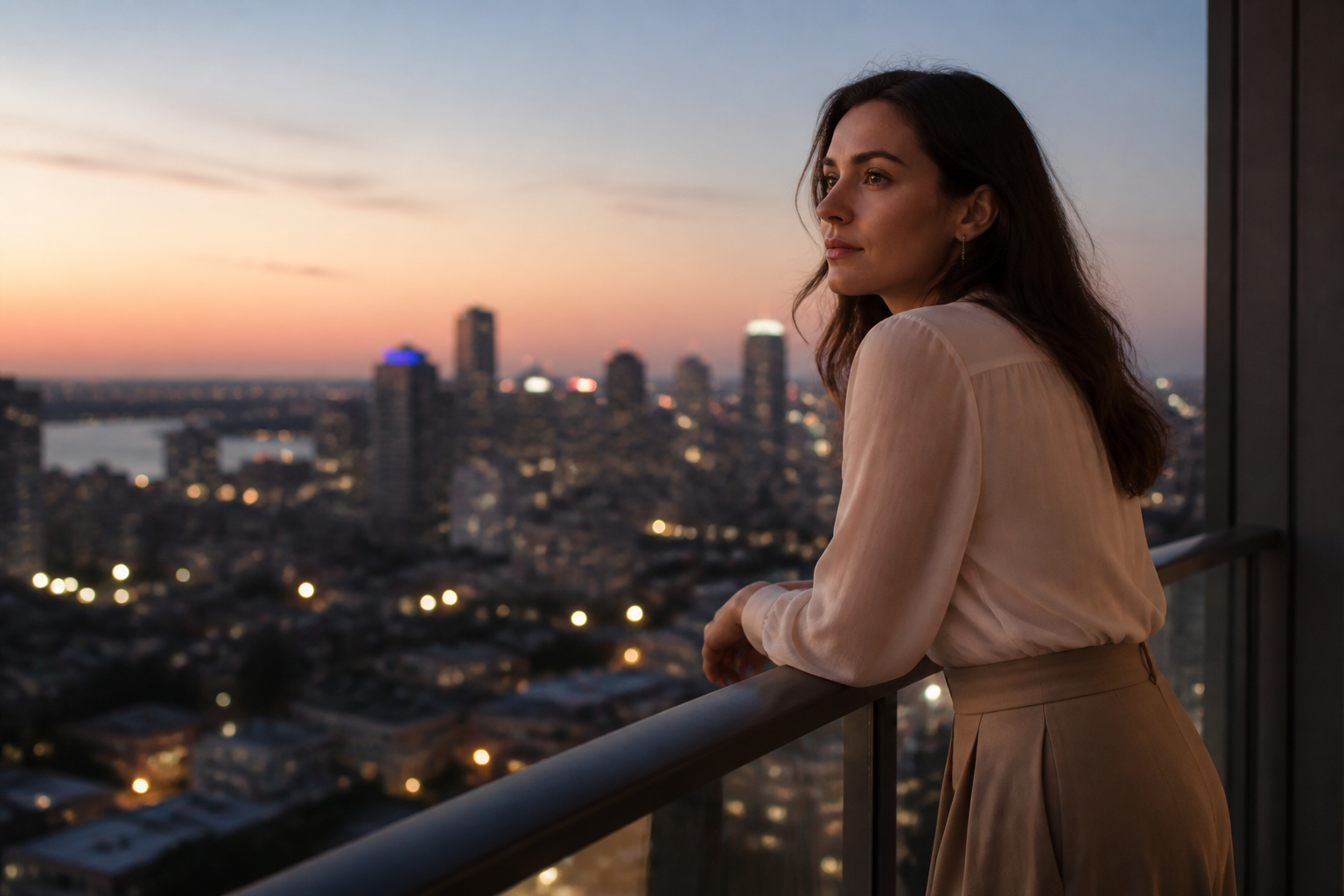
Works across visual styles
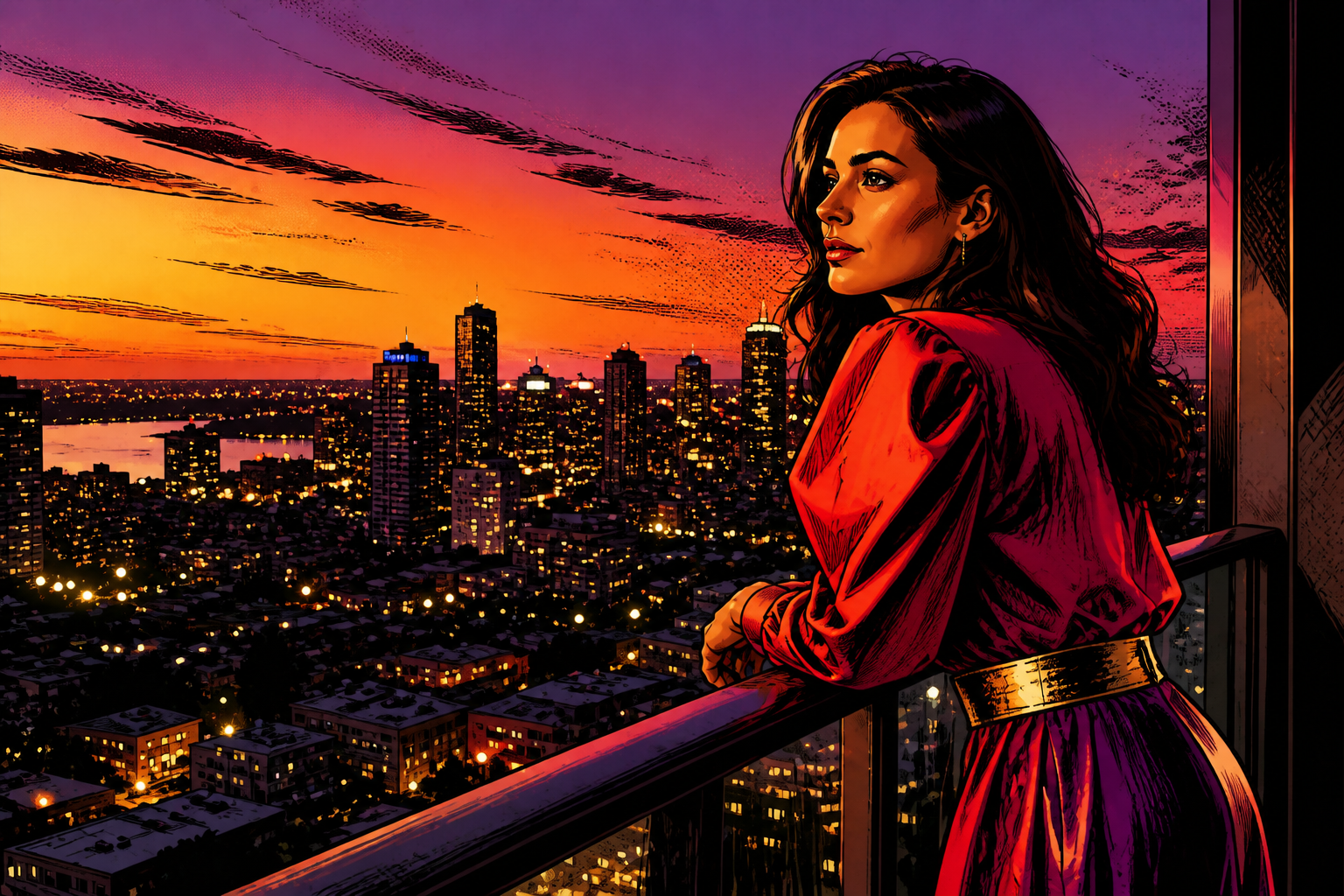
The same source image can be pushed into different creative directions, from photoreal editorial to stylized campaign art. That makes it useful for moodboards, concept testing, and content variations without arranging new shoots. Manual restyling usually means separate design work for every direction. Here, you can explore multiple looks from one base photo while keeping the subject readable.
Fast concept testing for campaigns
When you need options, speed matters more than perfect manual control. Our AI helps you test different model looks, fashion directions, and brand moods from the same starting image. That is useful for pitching, pre-visualization, and content planning before spending on a full production. You get a strong visual draft quickly, then refine the best direction further.
How It Works
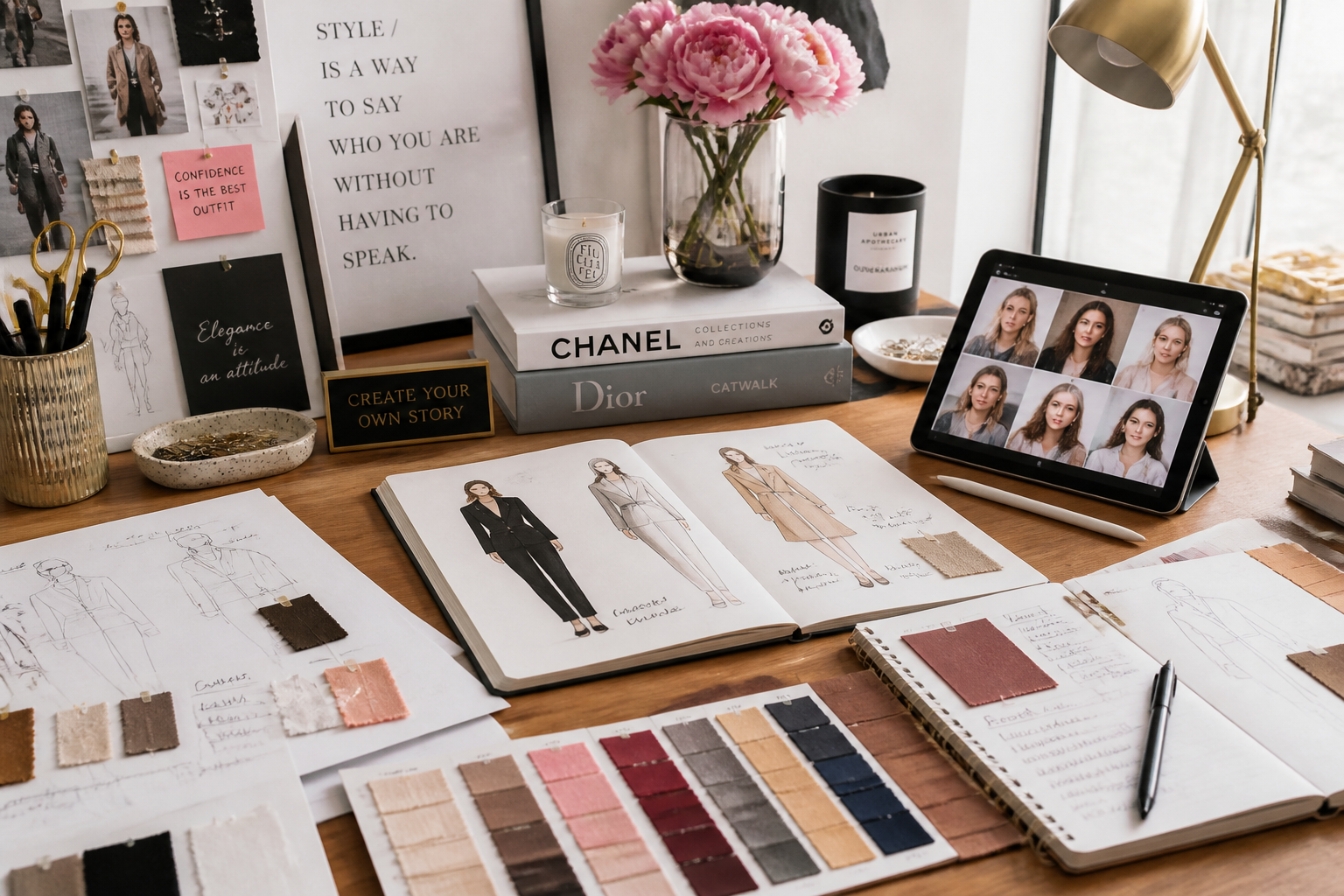
Upload your photo
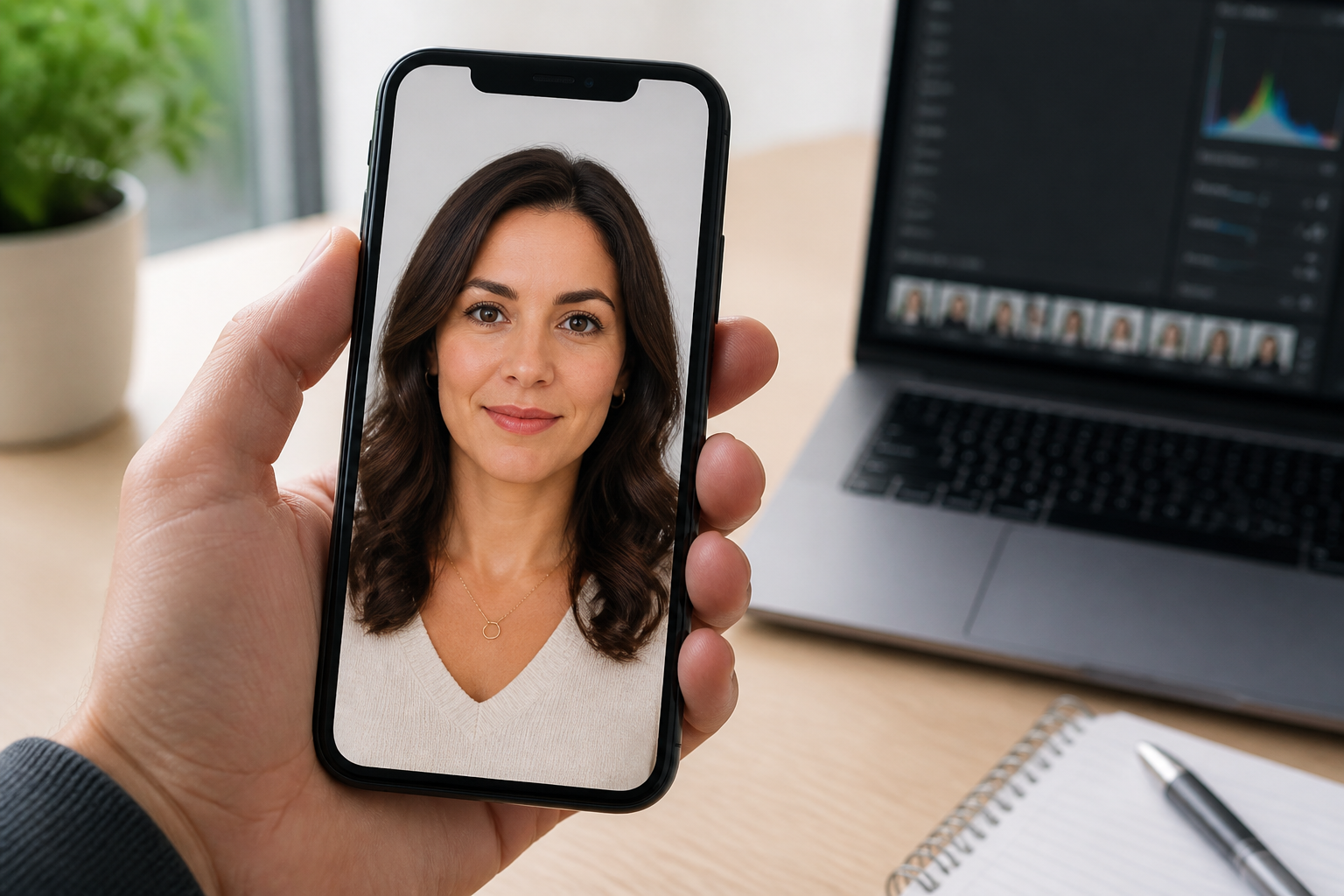
Choose a clear image with good lighting and a visible adult subject. Full-body or three-quarter shots usually work best for fashion-style edits.
Describe the model look
Tell our AI what kind of female model image you want, such as editorial, catalog, beauty, or resort style. Mention wardrobe, lighting, and overall mood so the edit has a clear direction.
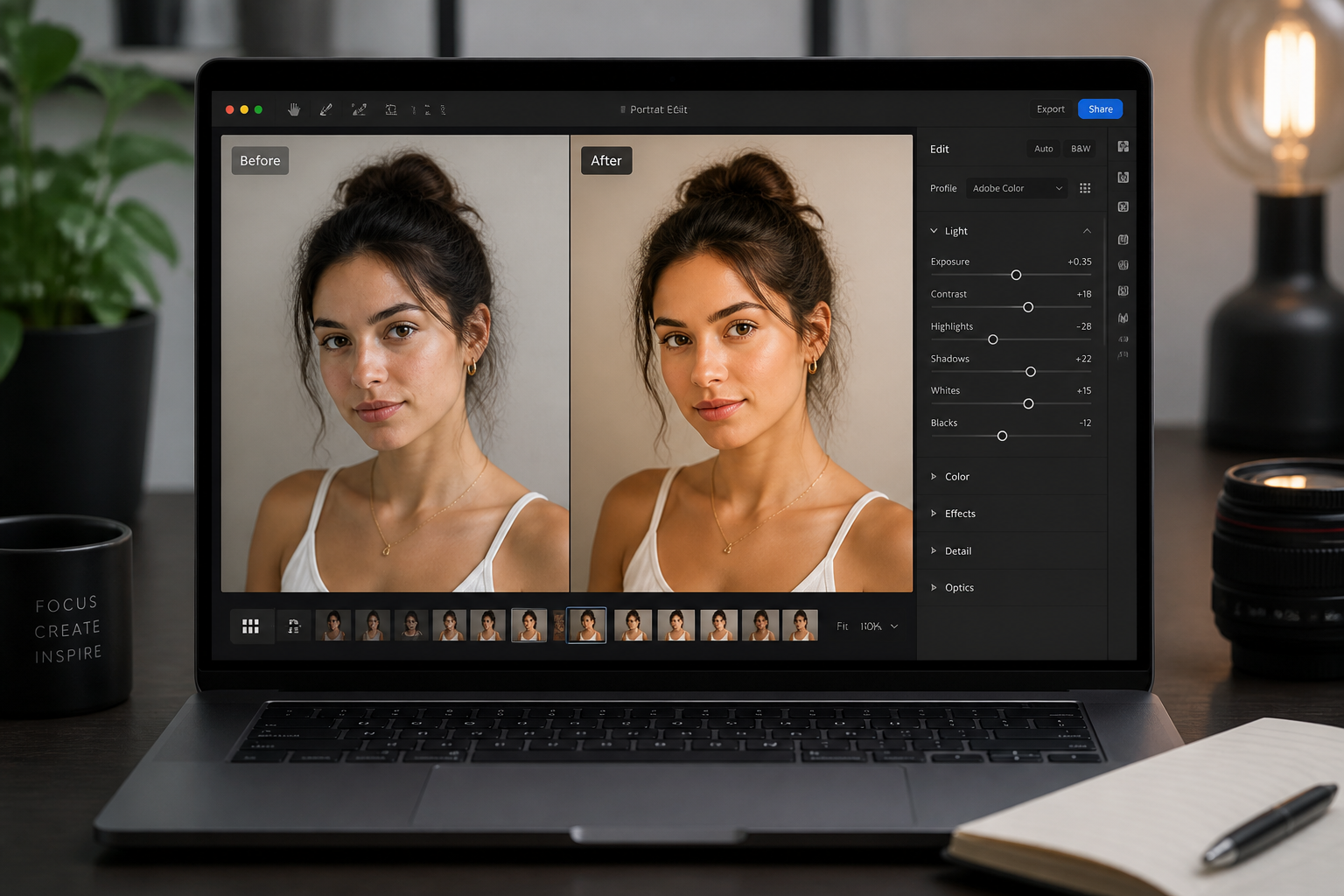
Review and refine
Compare the before and after, then adjust your prompt if you want a different styling direction. Small wording changes can quickly give you a cleaner campaign look or a bolder fashion concept.
Perfect For
Discover how creators and professionals use ai female model generator
Fashion concept mockups
Draft campaign visuals and outfit directions before booking a full shoot.
Portfolio experiments
Create polished model-style images from casual source photos for creative exploration.
Brand moodboards
Generate consistent female model concepts for pitch decks, ads, and seasonal planning.
Social content variations
Test multiple fashion aesthetics from one image for posts, thumbnails, and promos.
Built For
Designers and art directors
Explore campaign directions and visual references without starting from scratch every time.
Fashion and beauty marketers
Produce clean concept images for ads, landing pages, and social planning.
Creators and photographers
Turn everyday portraits into styled female model edits for mockups, pitches, and experiments.
Why use it for model-style edits
A quick look at how we compare on the things that matter for this niche.
| Feature | BudgetPixel | Generic AI editors | Manual editing apps |
|---|---|---|---|
| Clear fashion-style transformations | ✓ | — | — |
| Before/after workflow | ✓ | ✓ | ✓ |
| Fast concept iteration | ✓ | — | — |
| Prompt-based styling control | ✓ | ✓ | — |
| Free to start | ✓ | — | — |
Frequently Asked Questions
What does an AI Female Model Generator do?
Do I need studio photos to get good results?
Can I create editorial and commercial looks?
Will the pose and scene stay similar?
Is this useful for moodboards and mockups?
Create together.
Share your creations, discover trending AI art, and grow with fellow creators.