AI Model Wearing Clothes Generator
Turn clothing photos into ready-to-share model shots
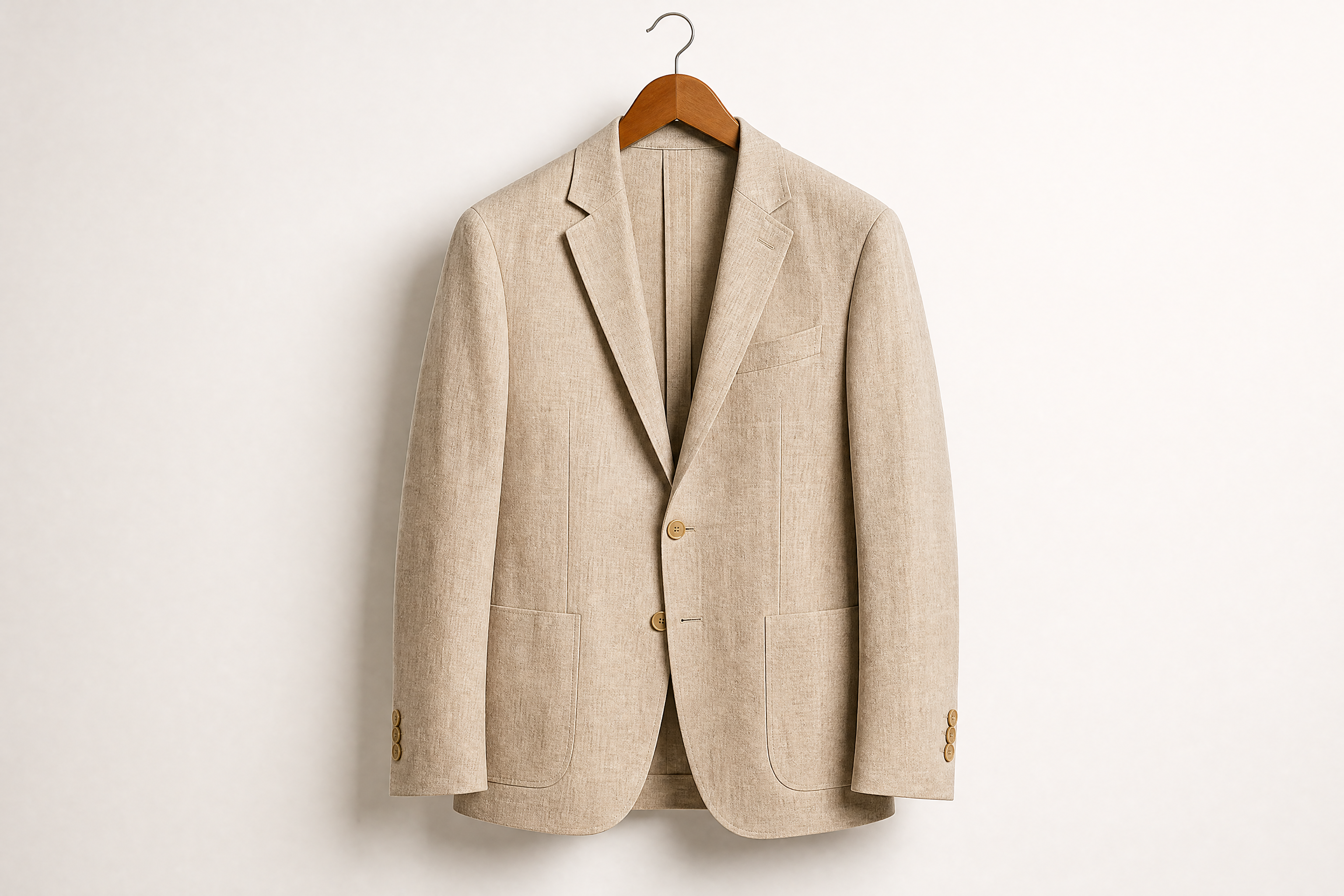
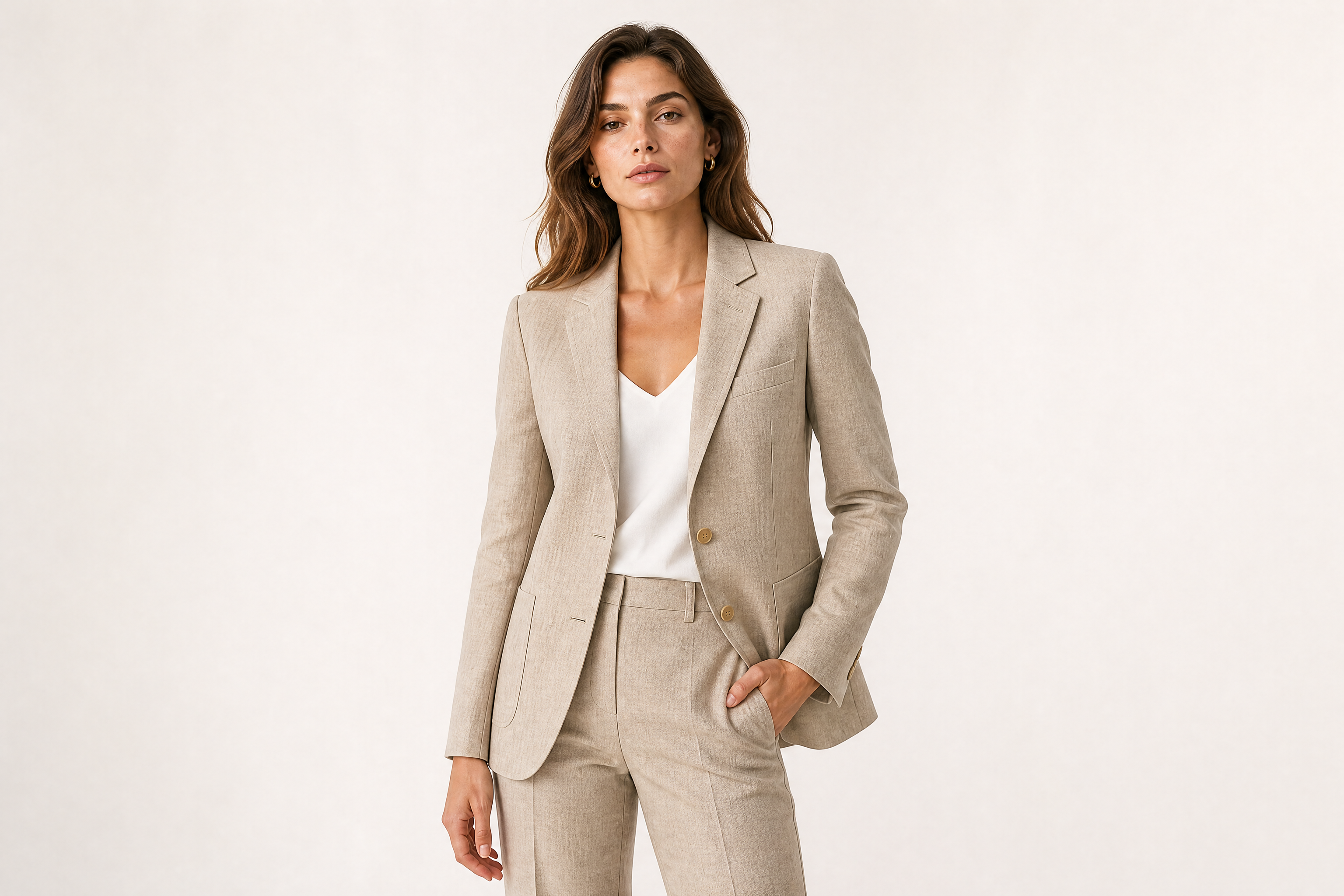
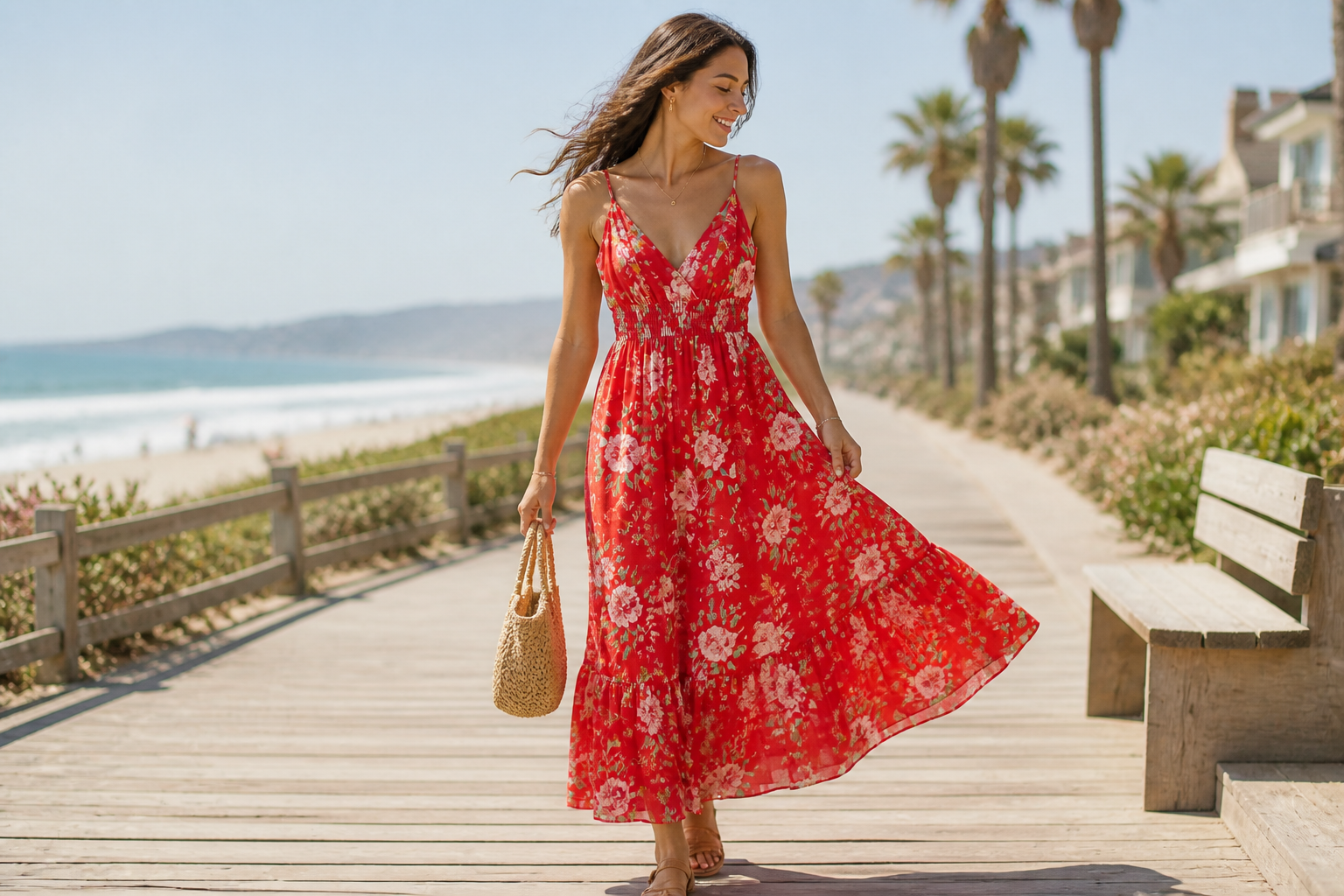
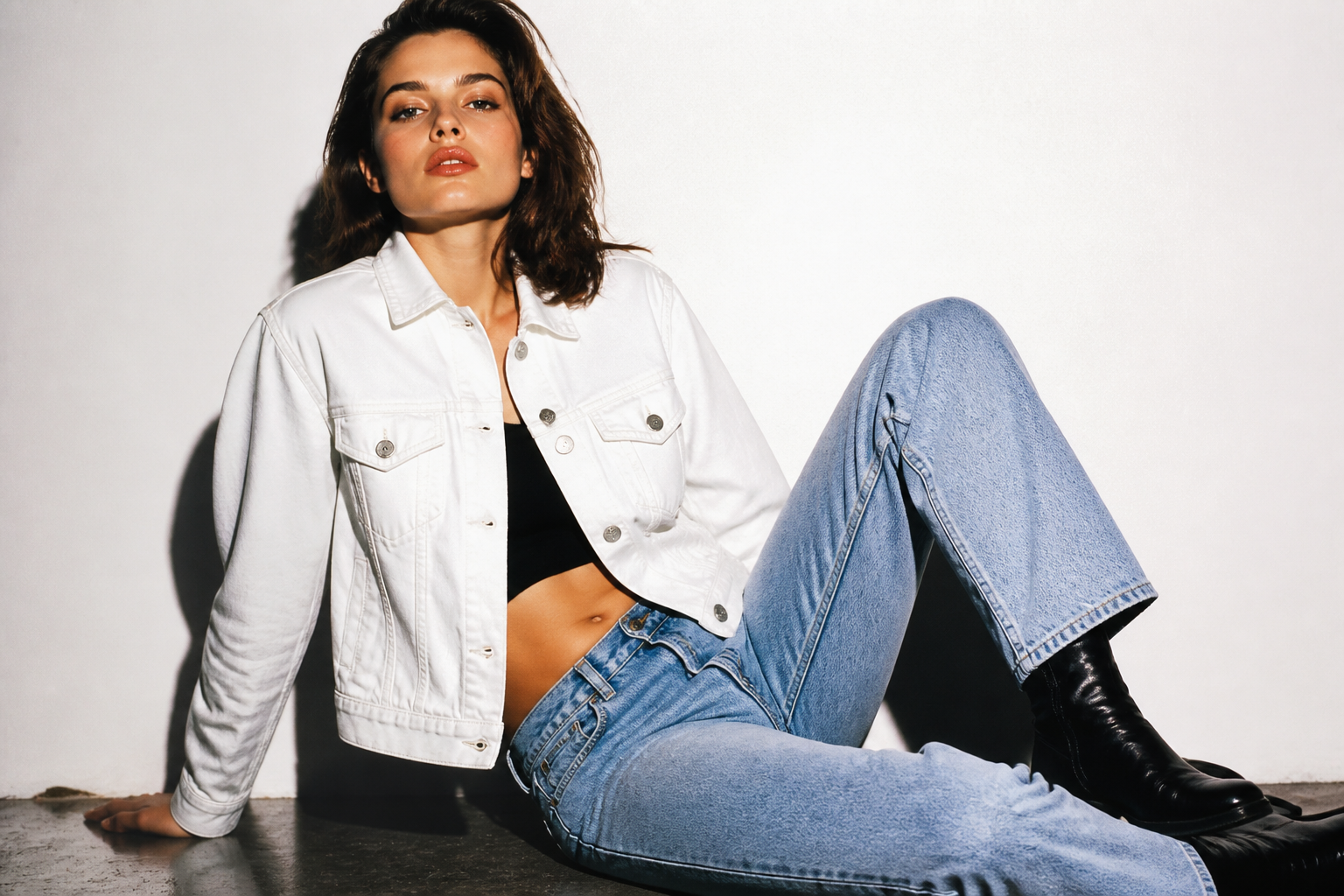
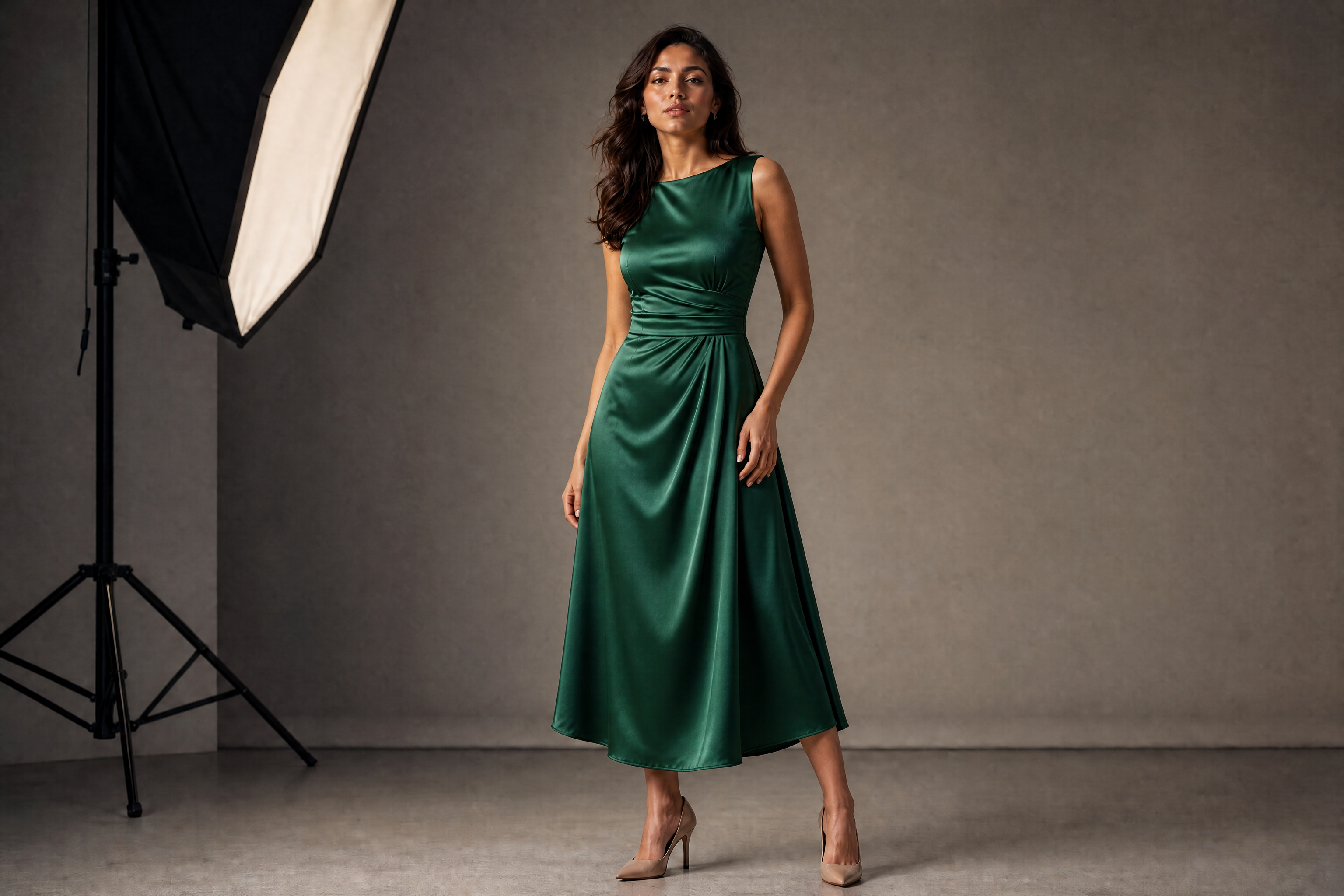
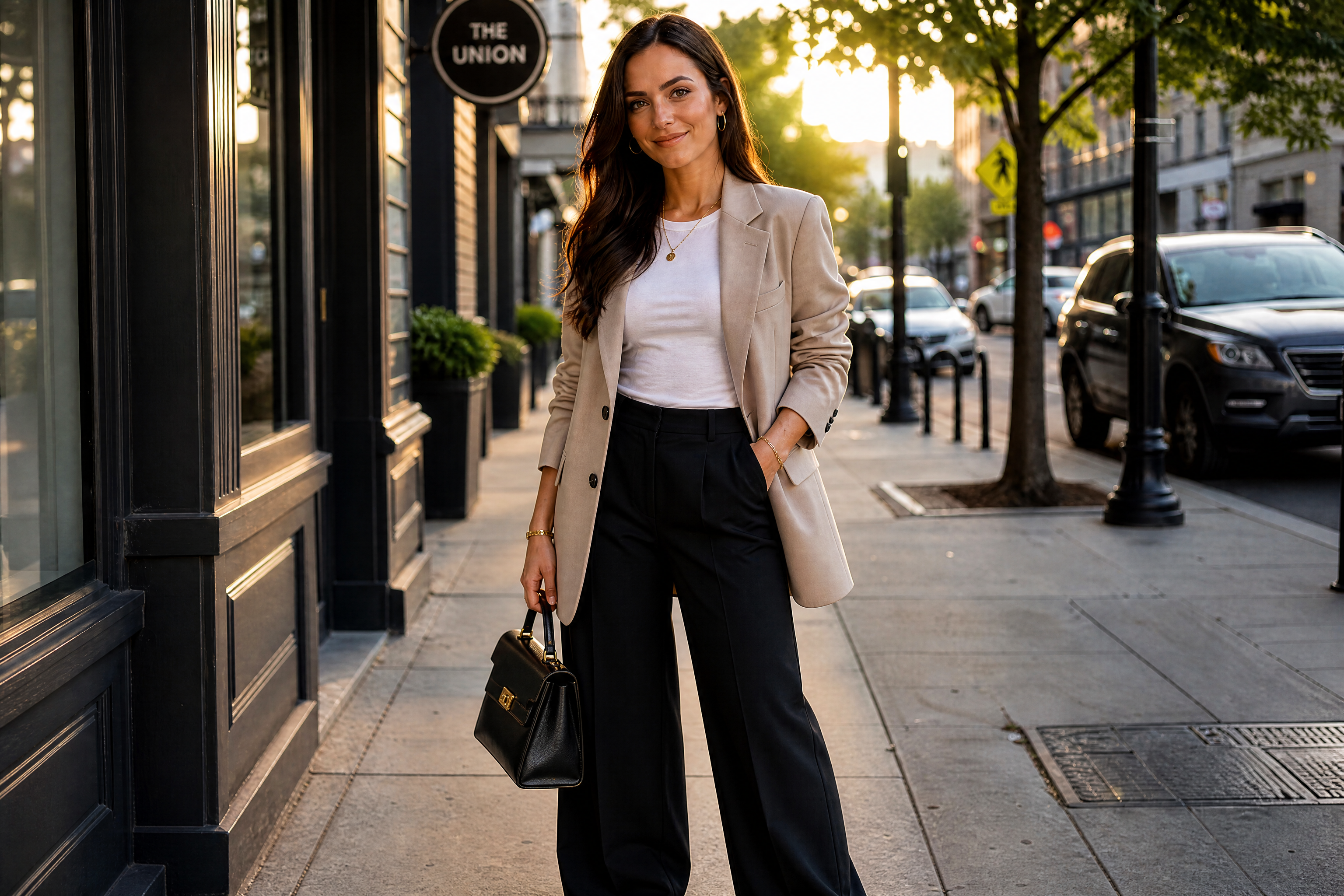
Upload a garment image and generate a polished fashion photo with an AI model wearing it. You can test different model types, poses, and visual styles without organizing a full shoot. It is a quick way to create catalog images, ads, and social content from the same clothing item.
Watch the Transformation
See ai model wearing clothes generator in motion — generated end-to-end by our AI.
See It In Action
Real outputs from ai model wearing clothes generator.
BEFOREAFTER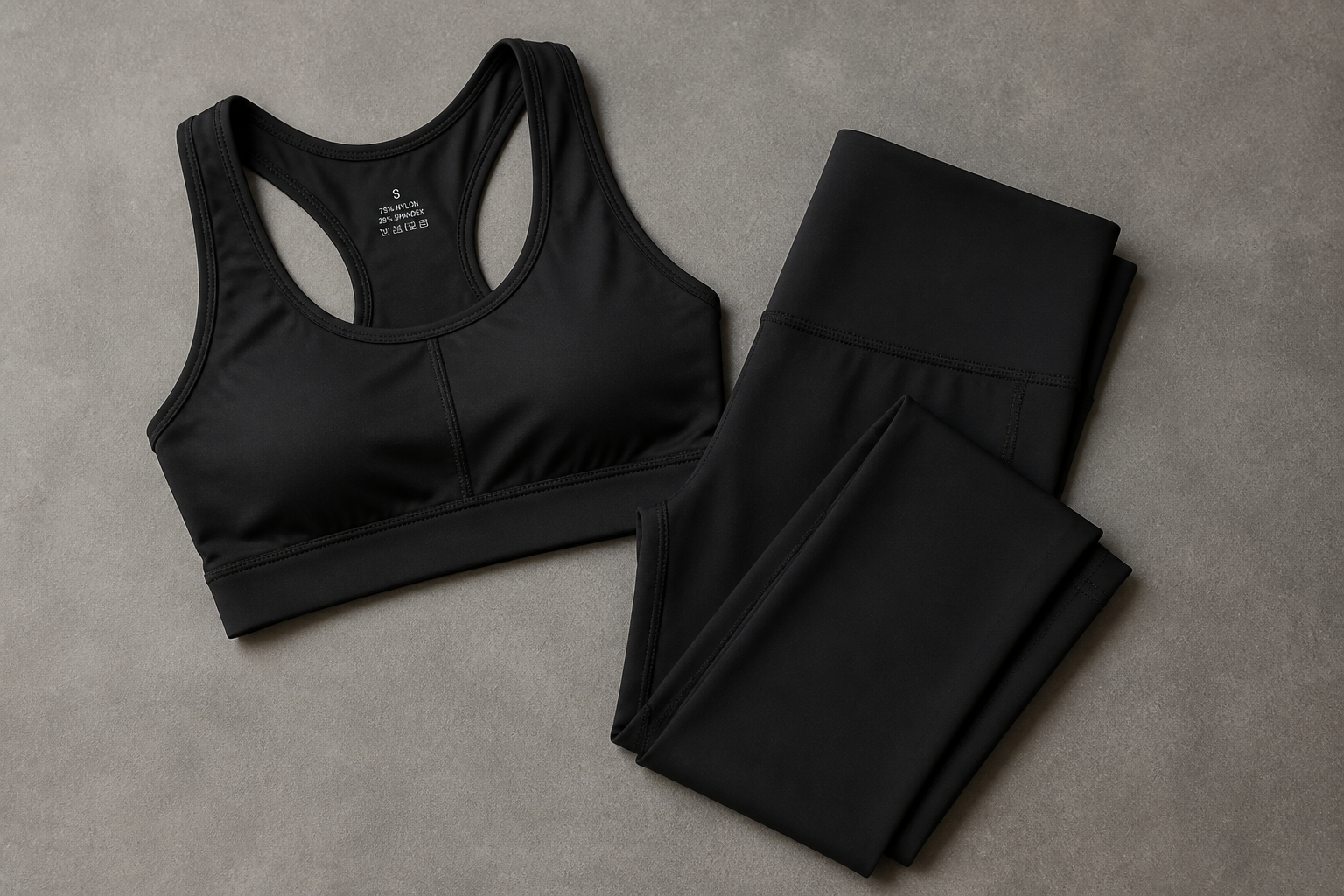 BEFORE
 AFTER
AFTER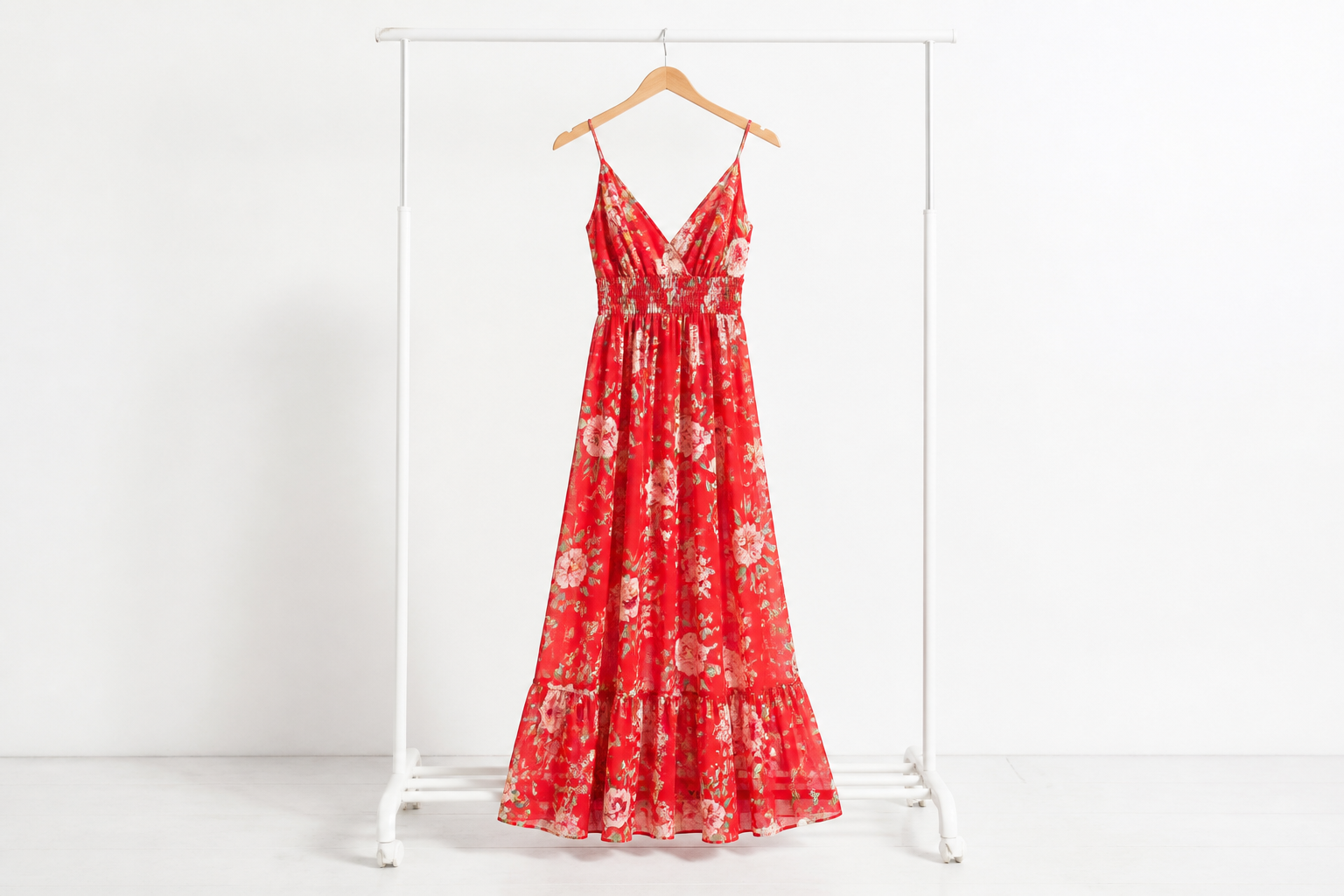 BEFORE
 AFTER
AFTER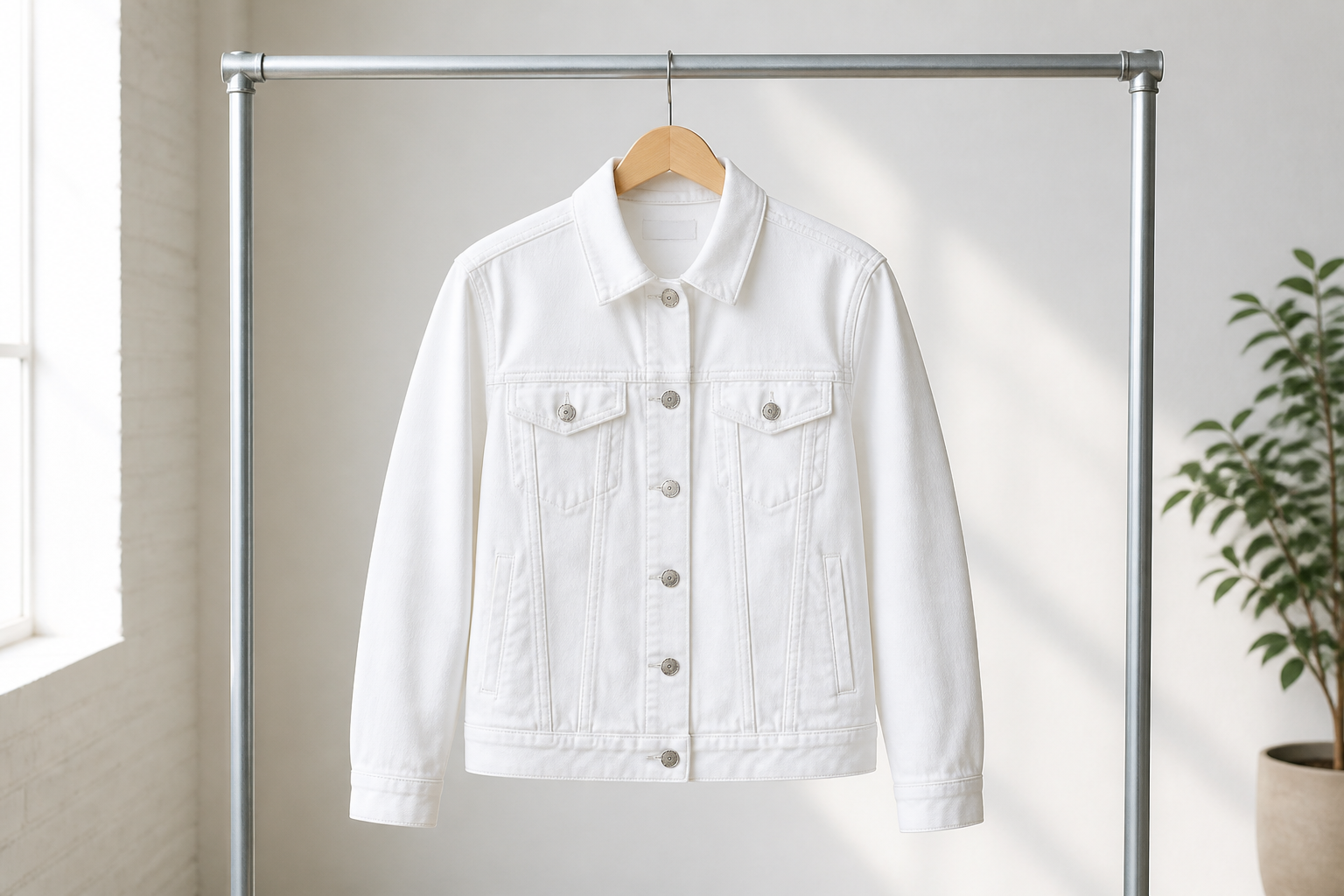 BEFORE
 AFTER
AFTER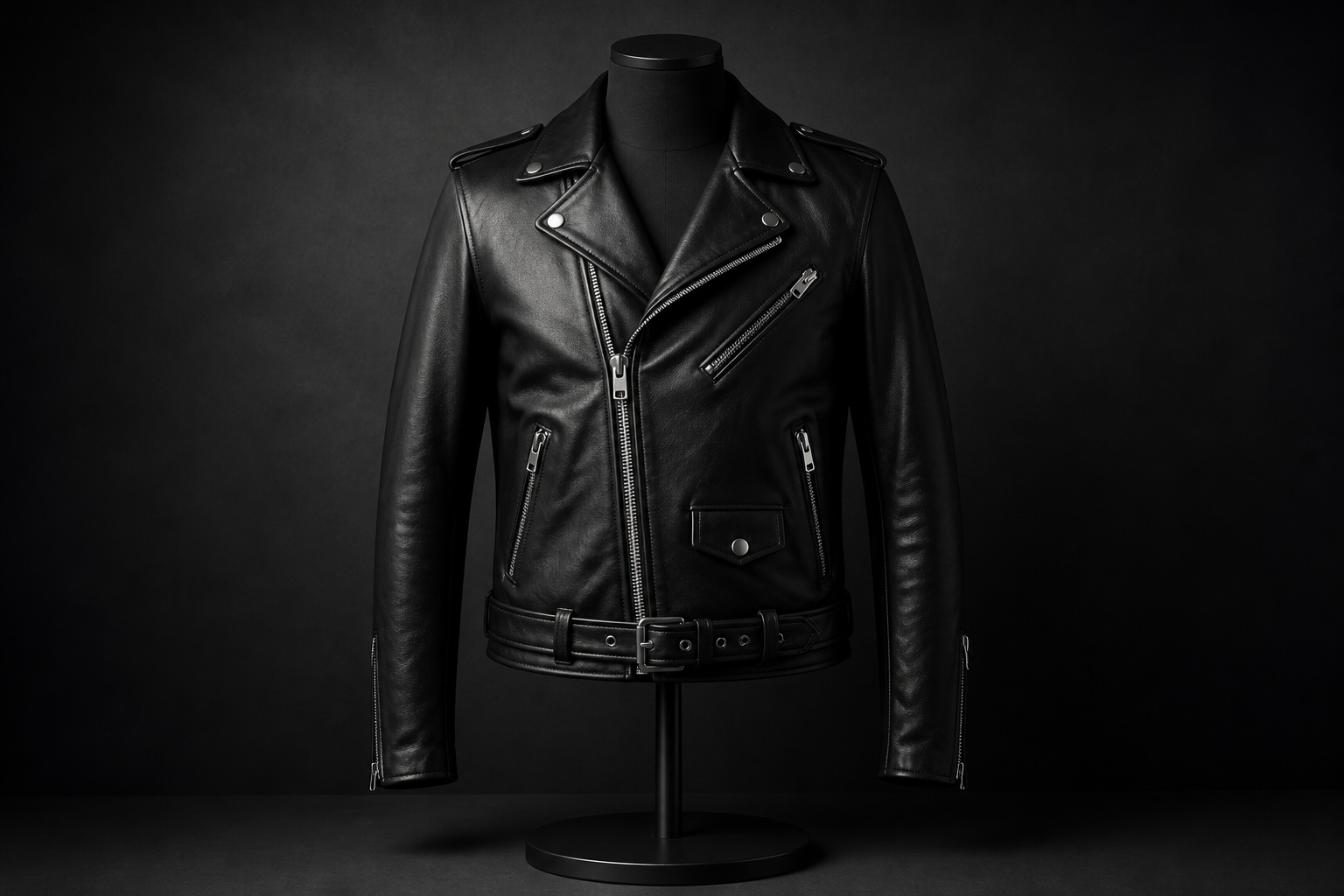 BEFORE
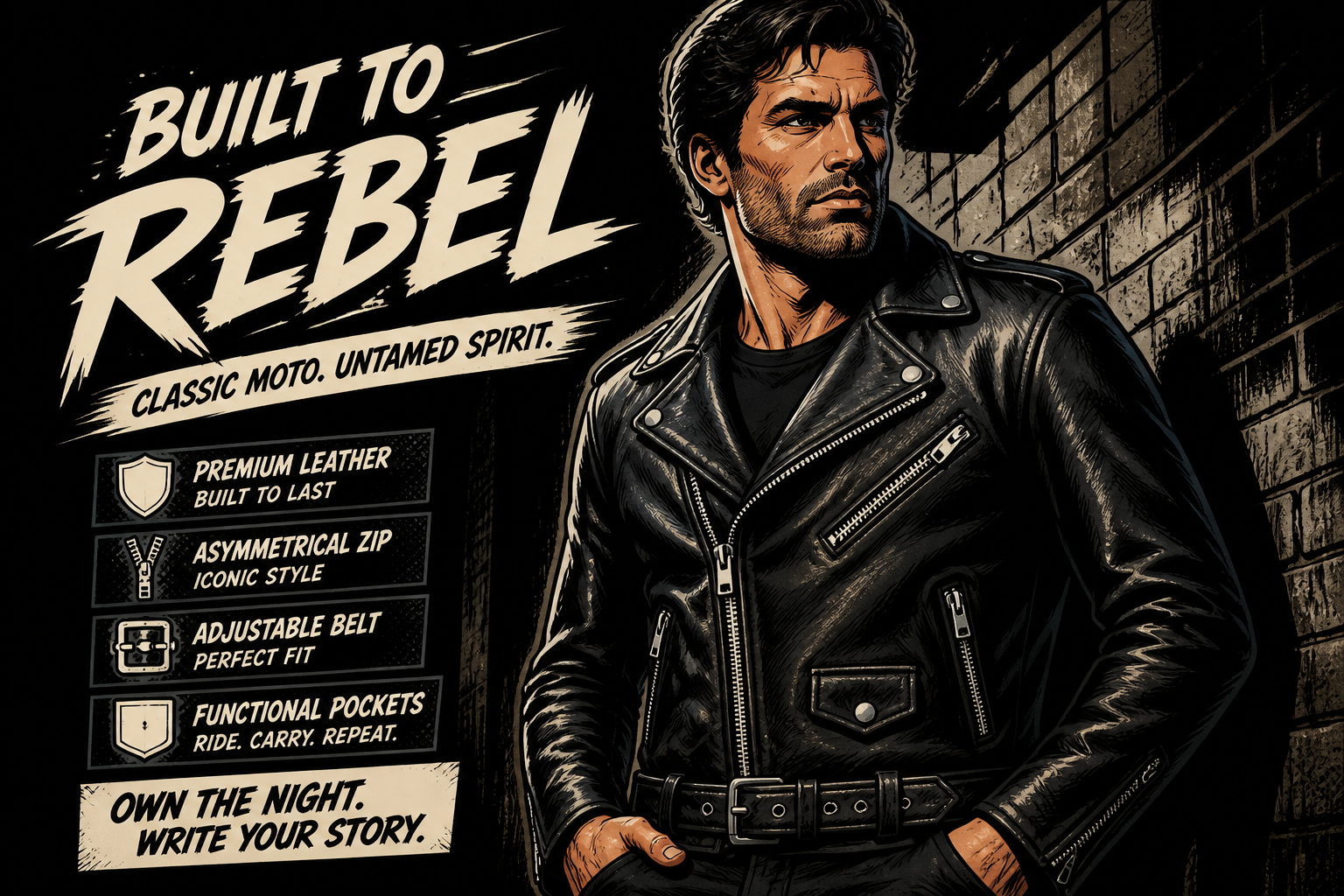 AFTERBEFOREAFTERBEFOREAFTERBEFOREAFTERBEFOREAFTERBEFOREAFTER
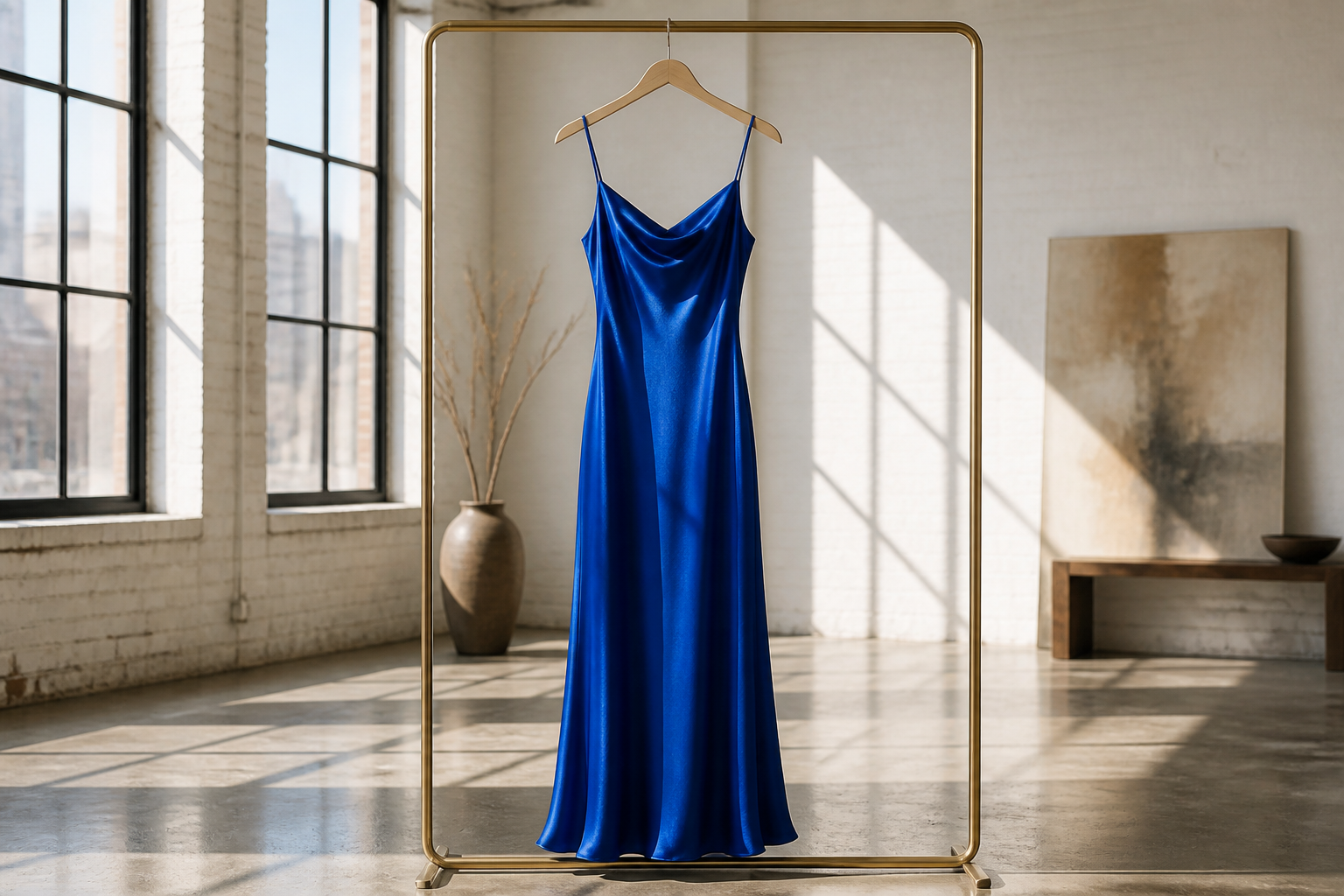 BEFORE
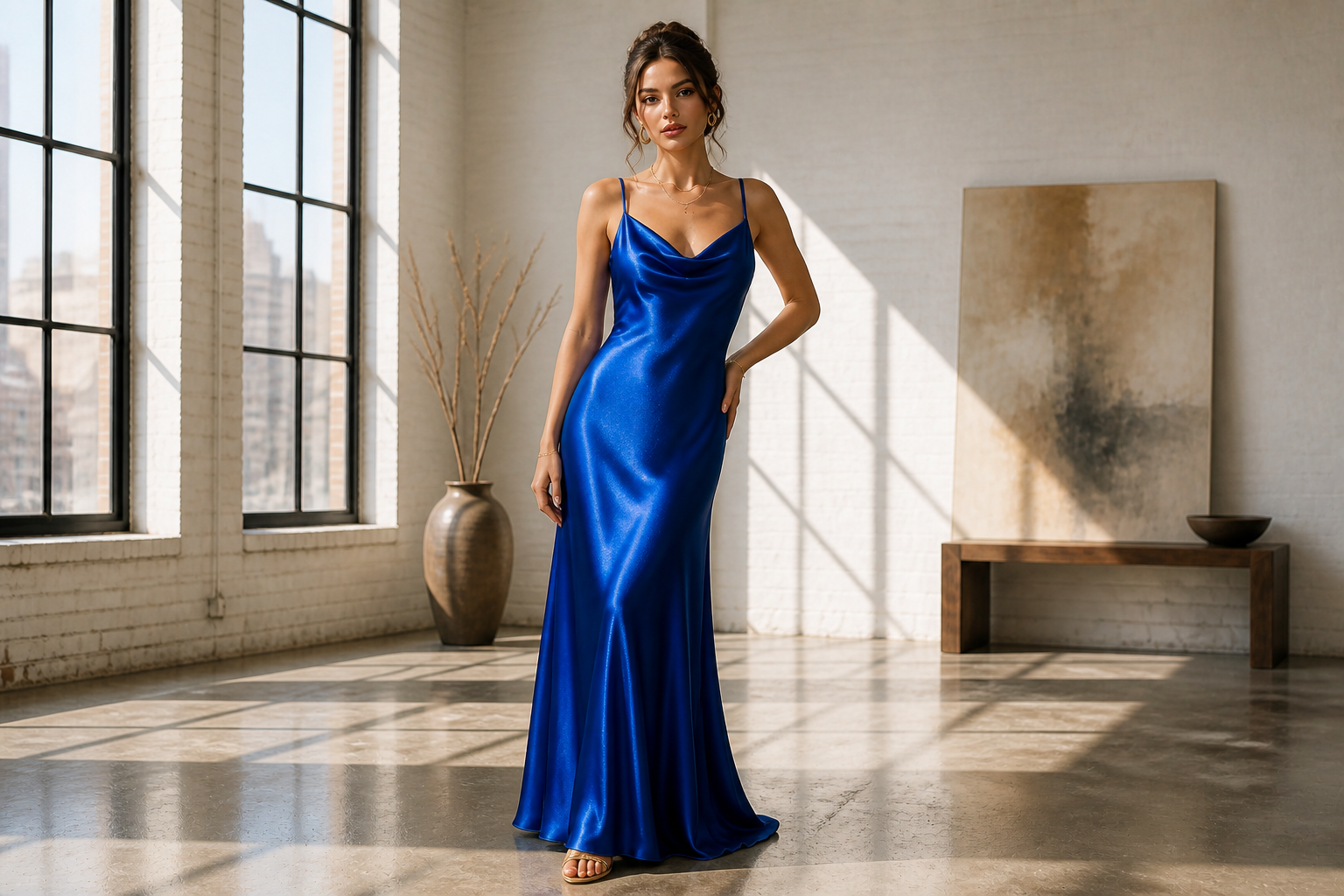 AFTER
AFTER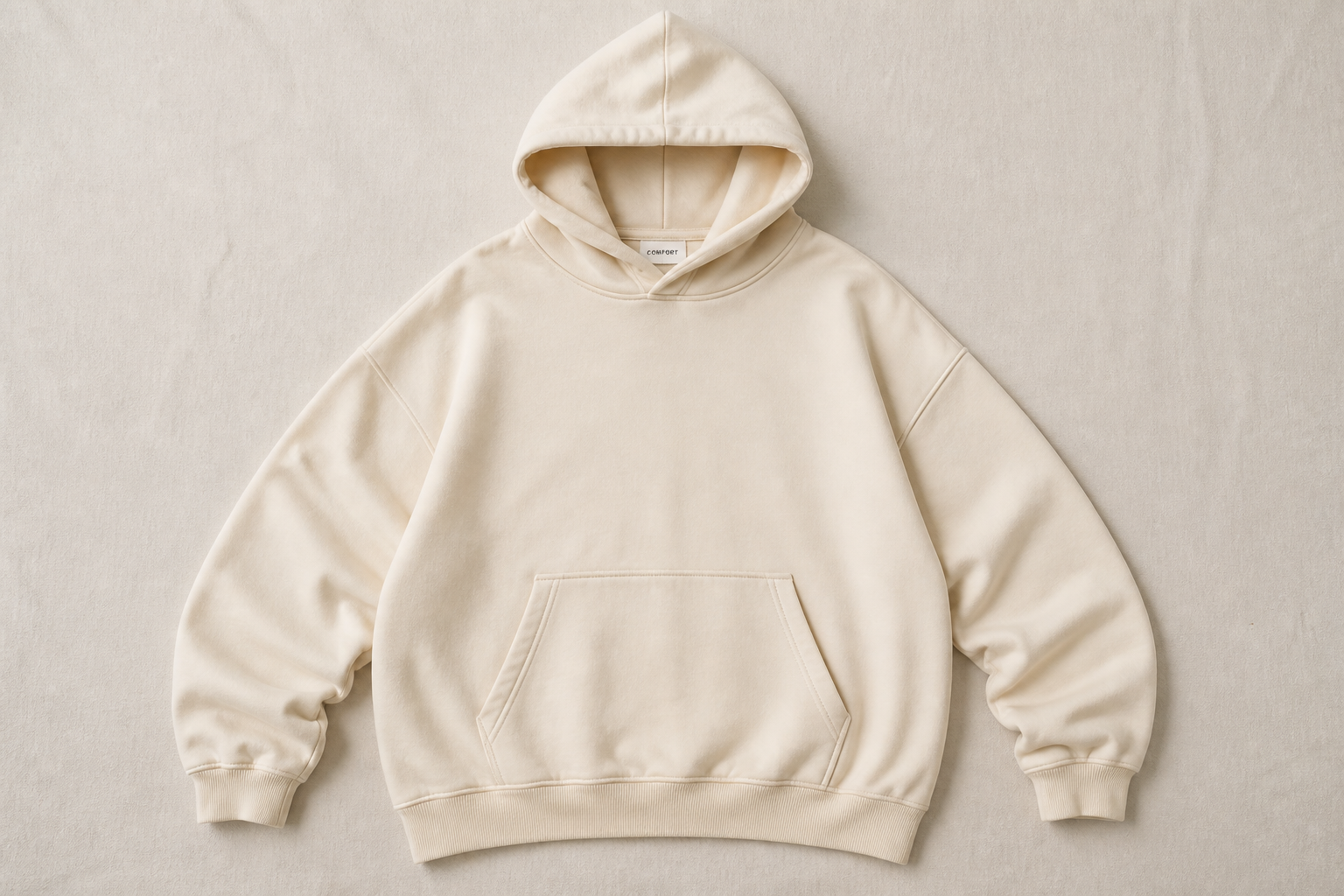 BEFORE
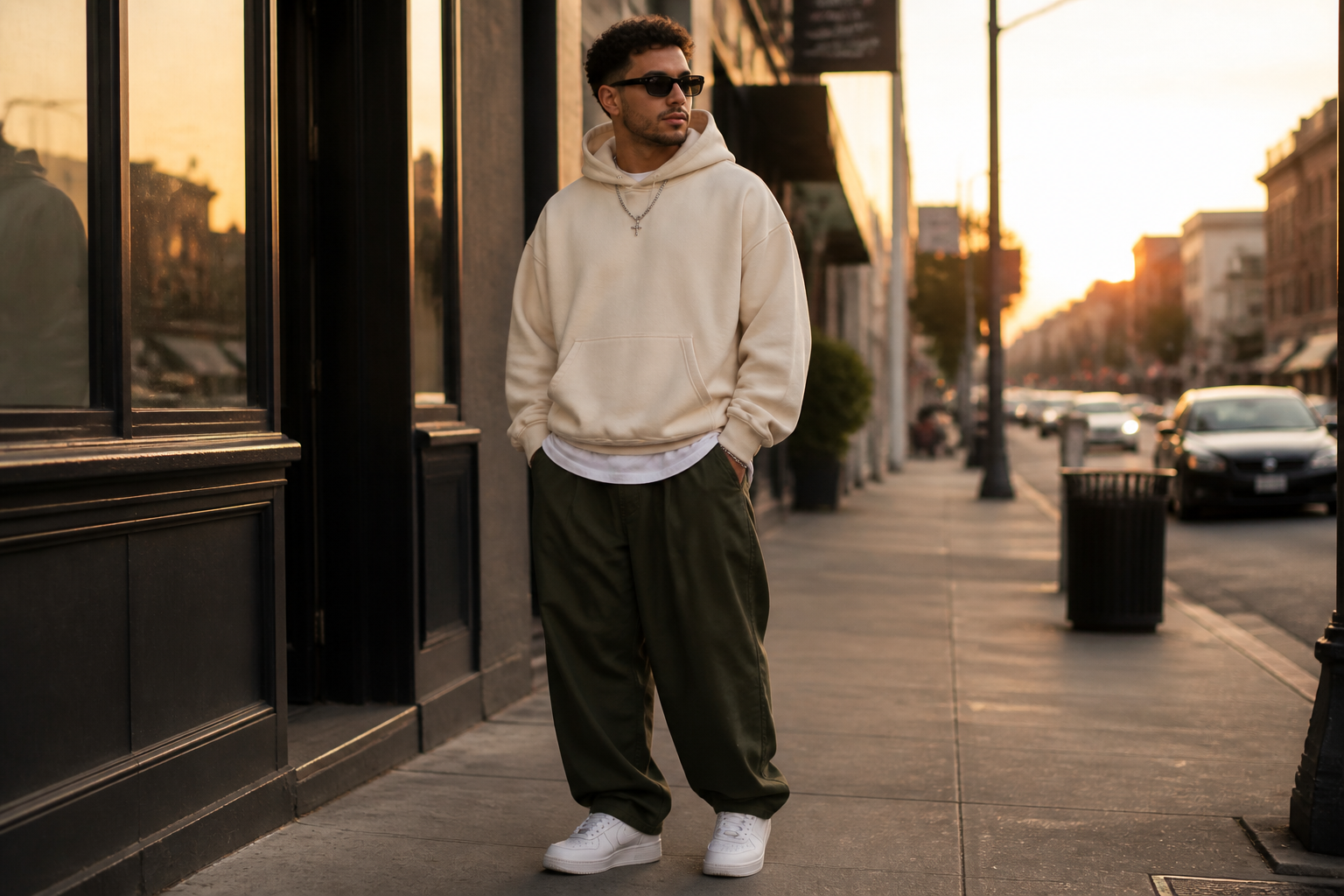 AFTER
AFTER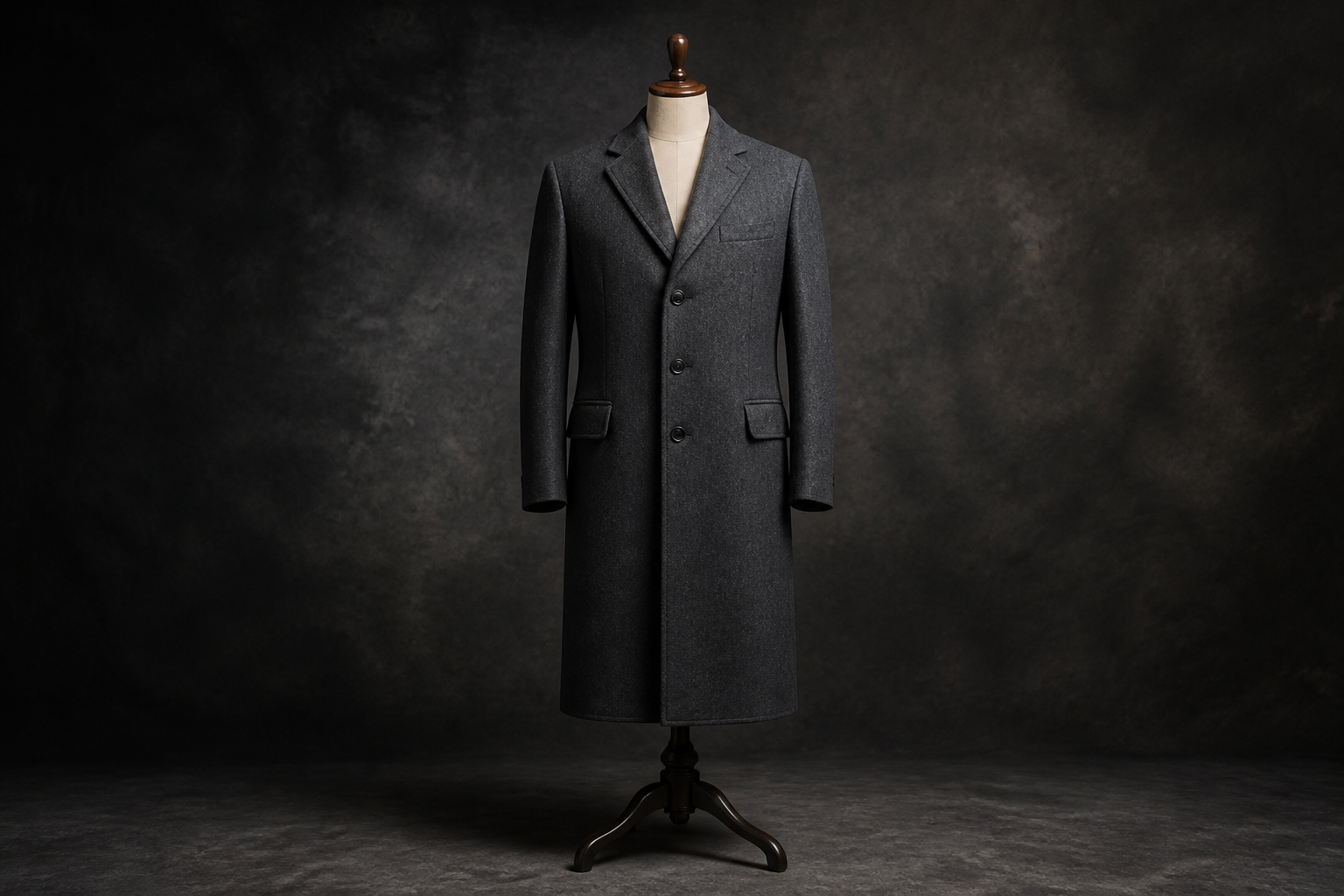 BEFORE
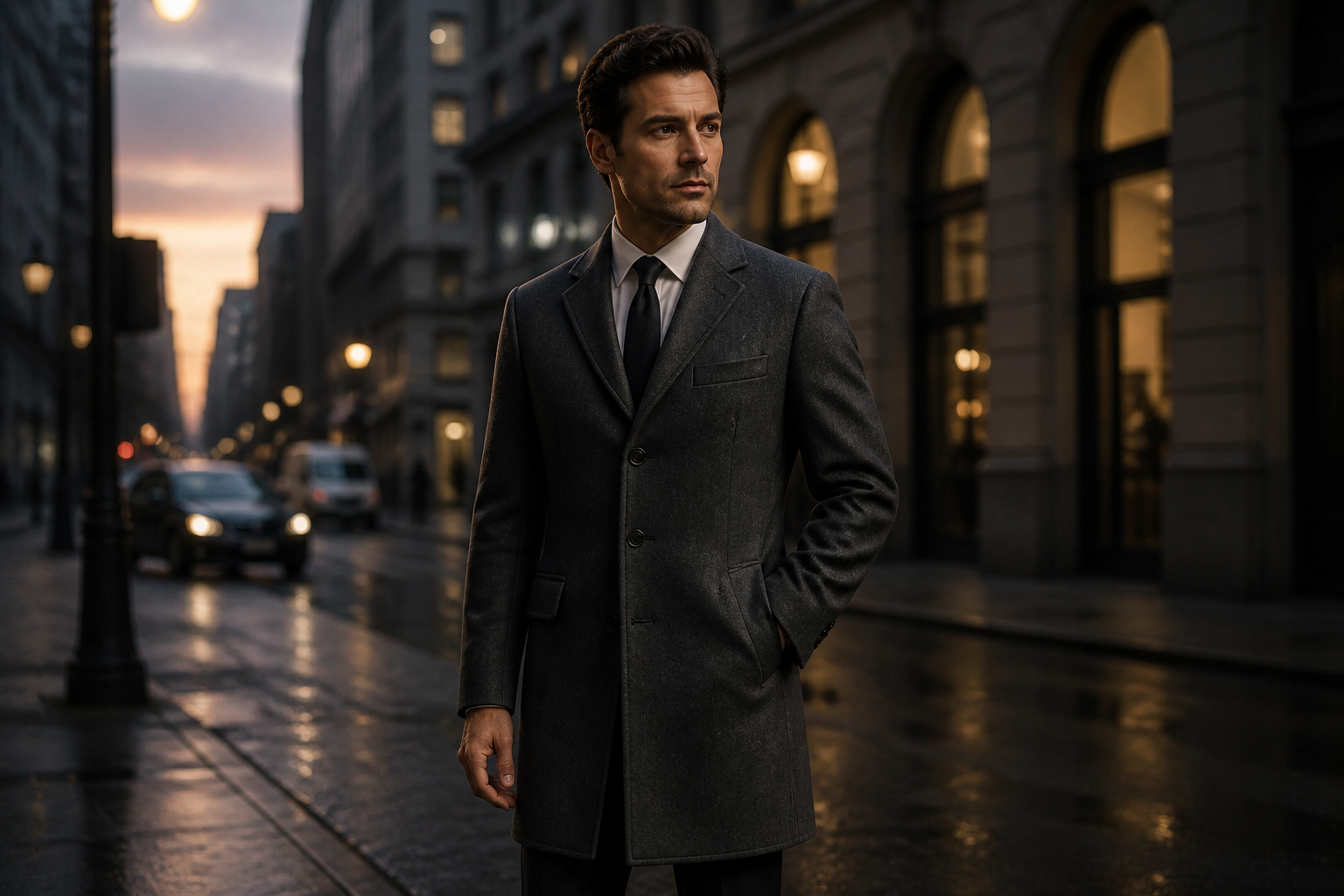 AFTER
AFTER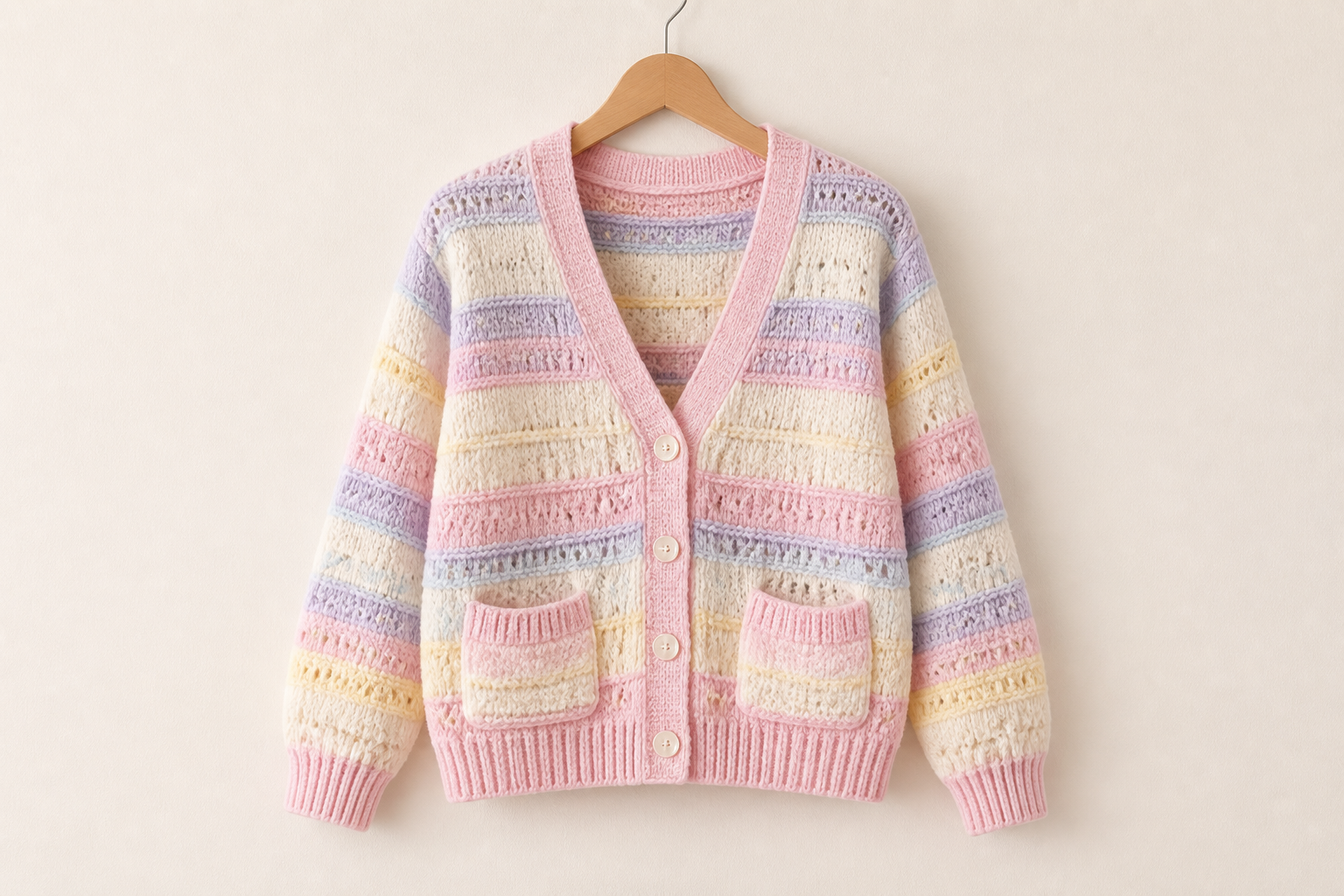 BEFORE
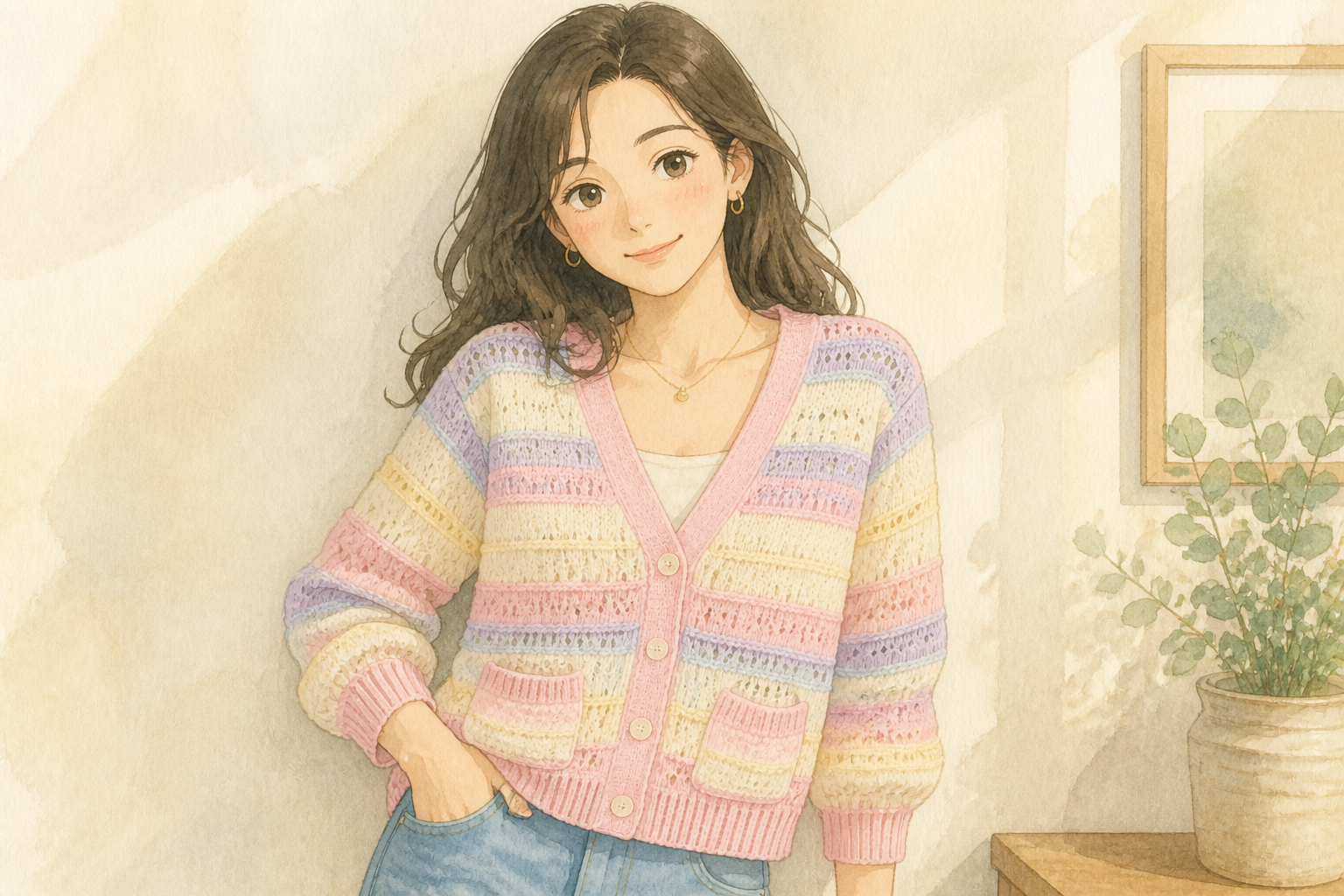 AFTER
AFTER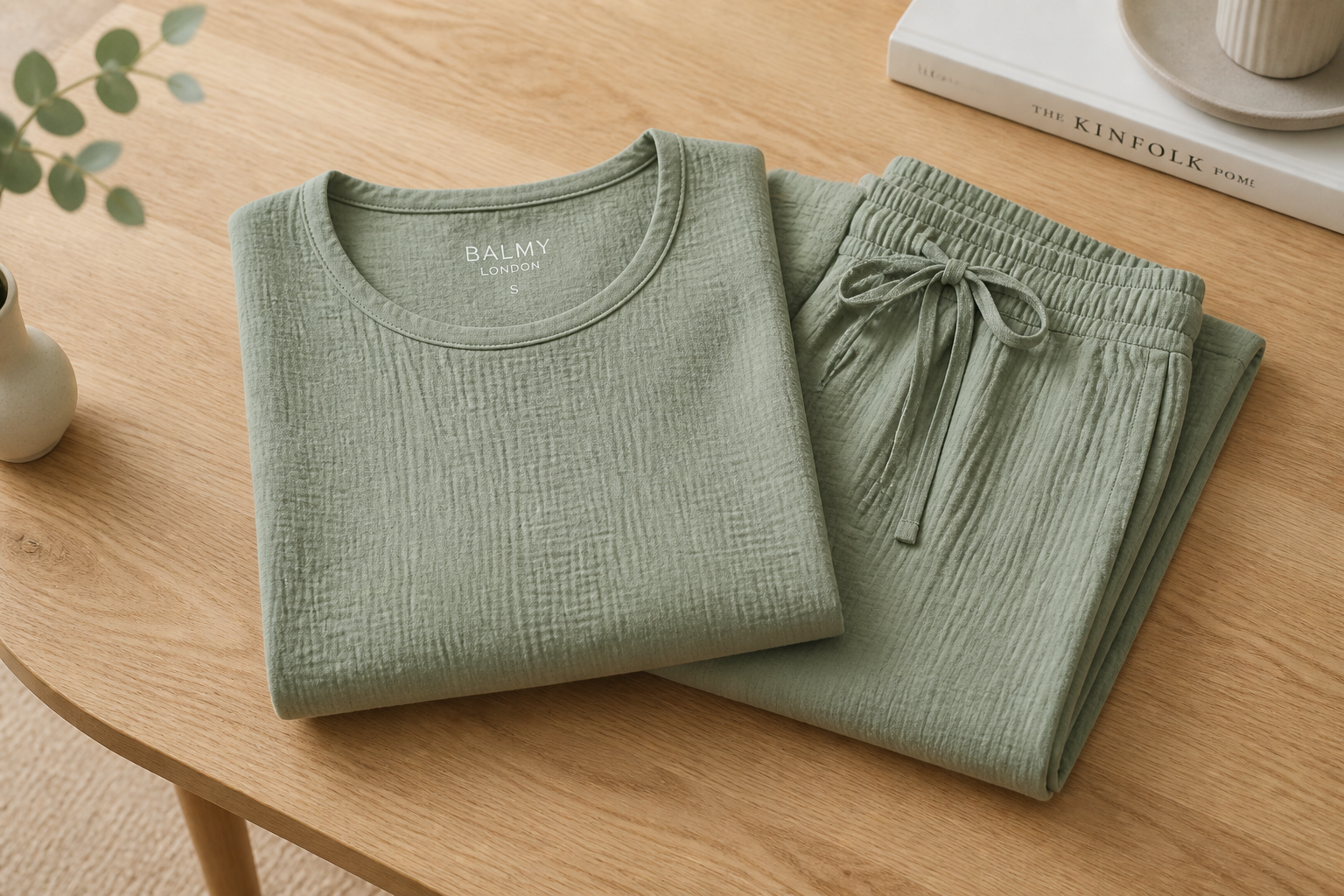 BEFORE
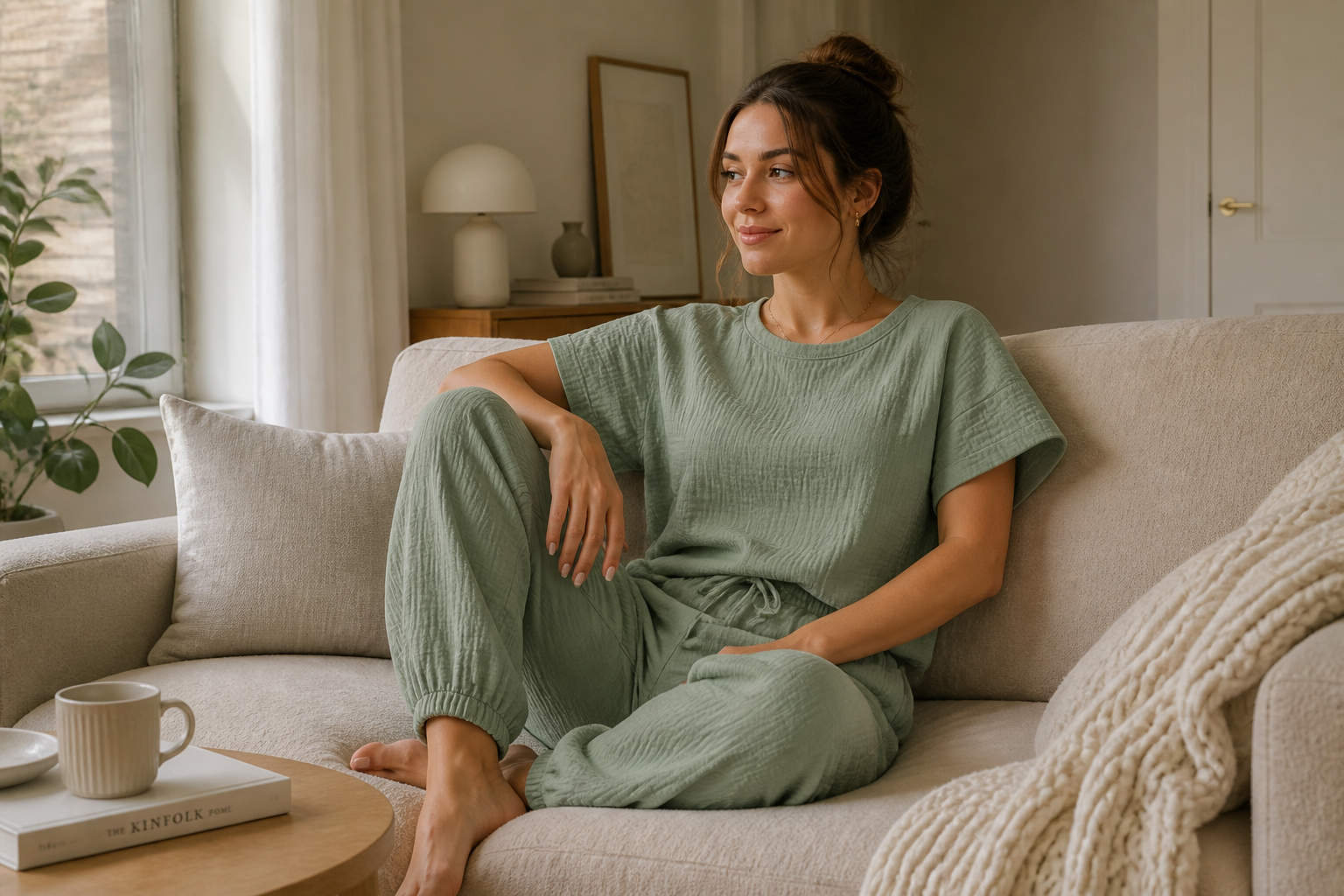 AFTERBEFOREAFTERBEFOREAFTERBEFOREAFTERBEFOREAFTERBEFOREAFTER
Key Features
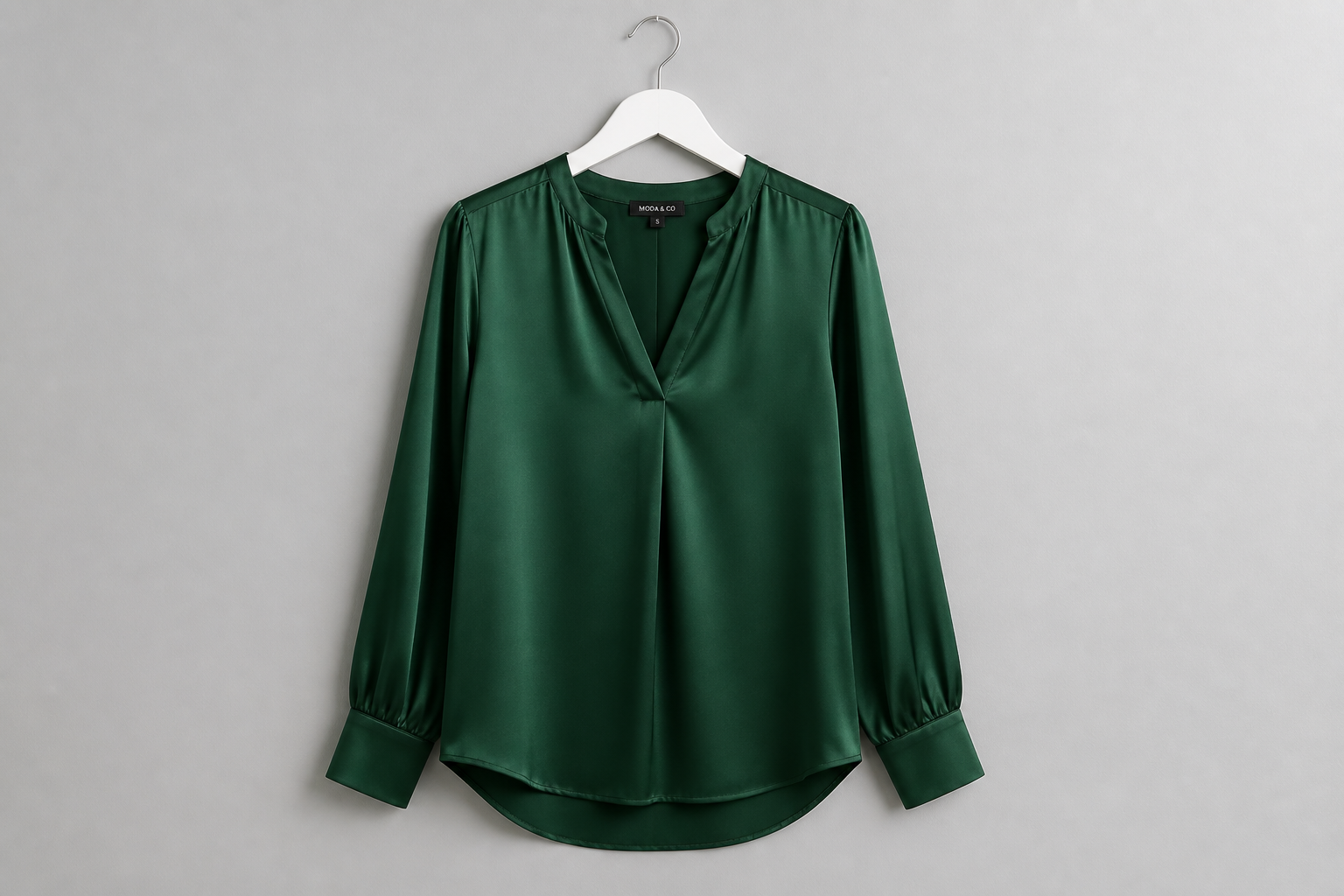
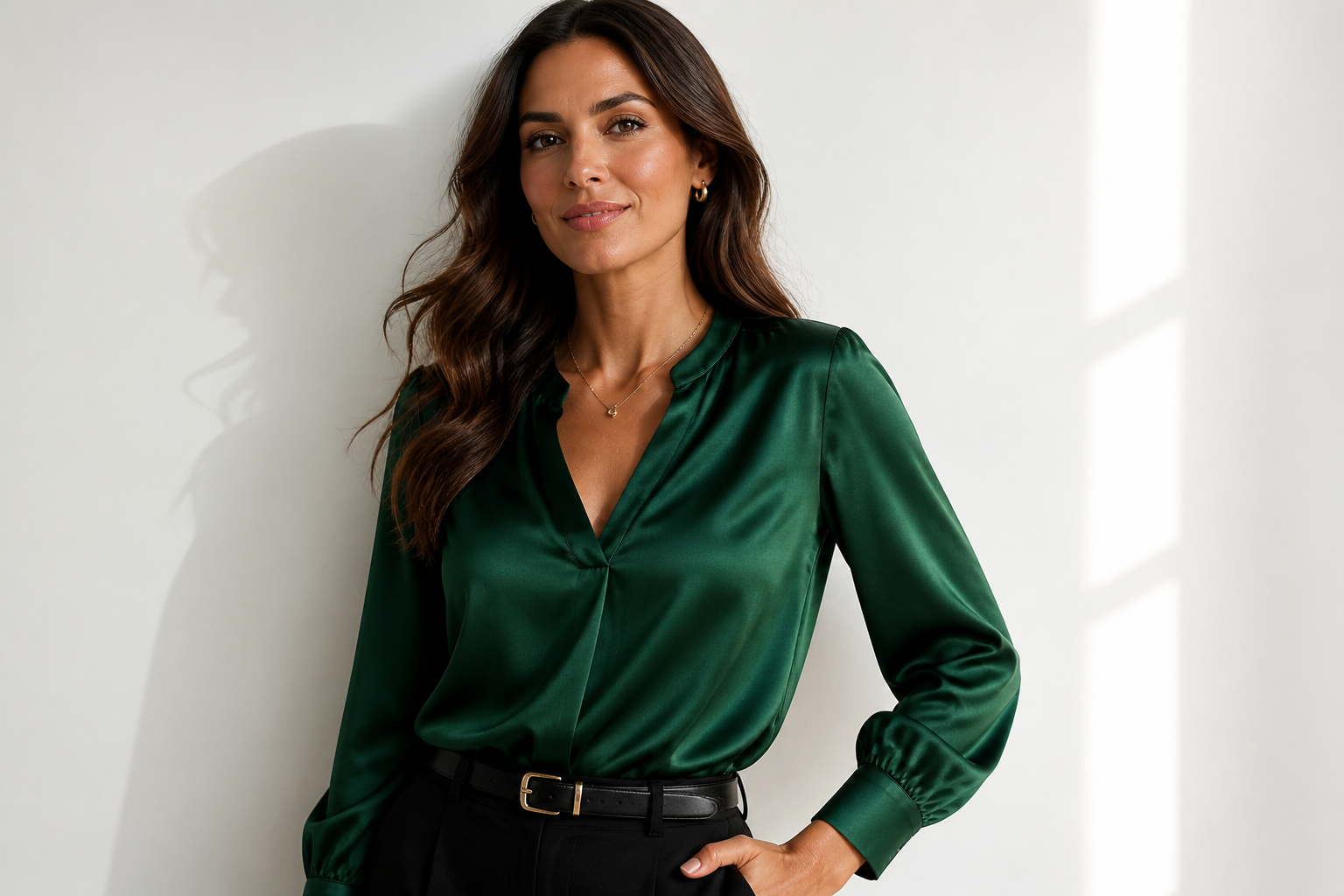
Show garments on real-looking models
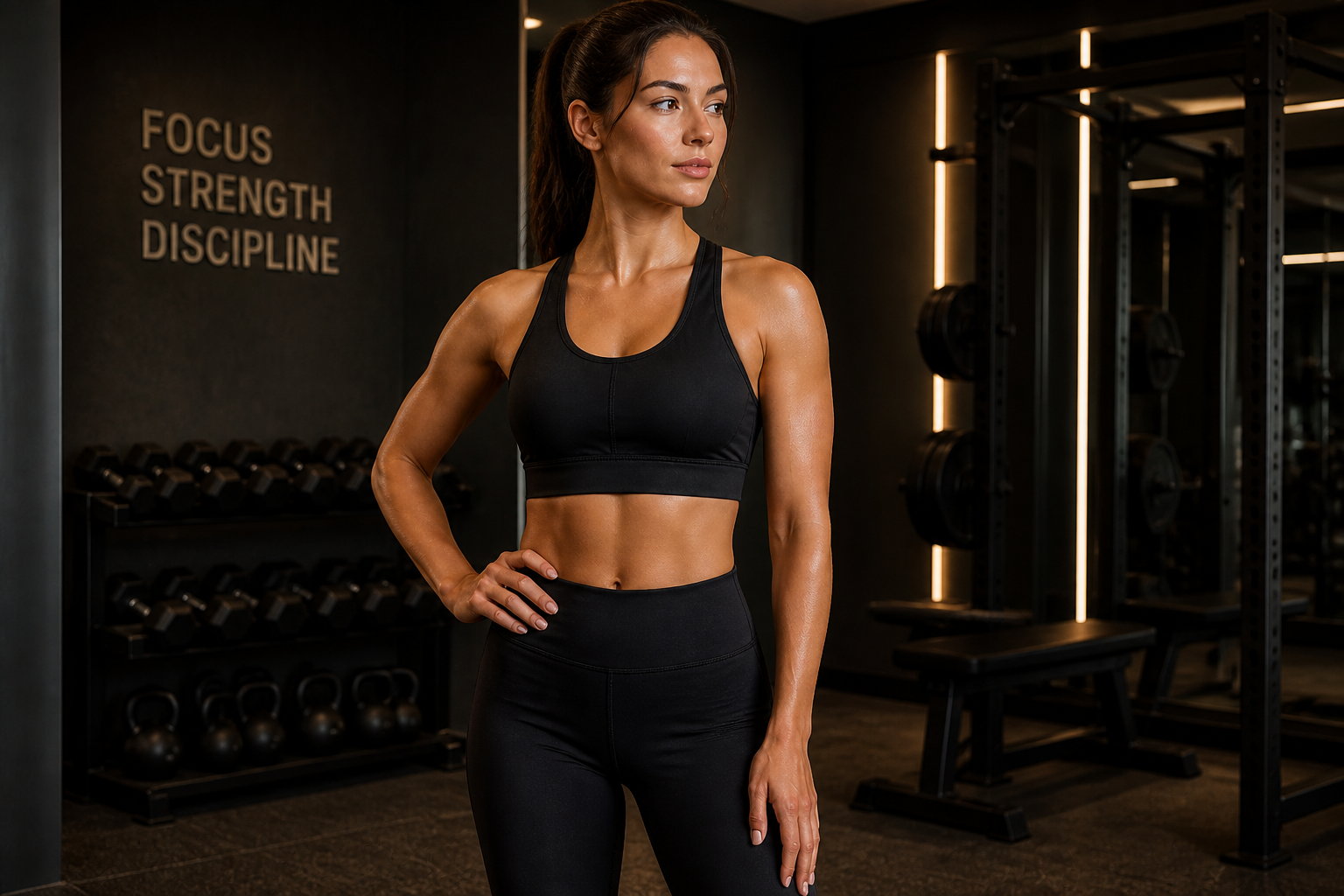
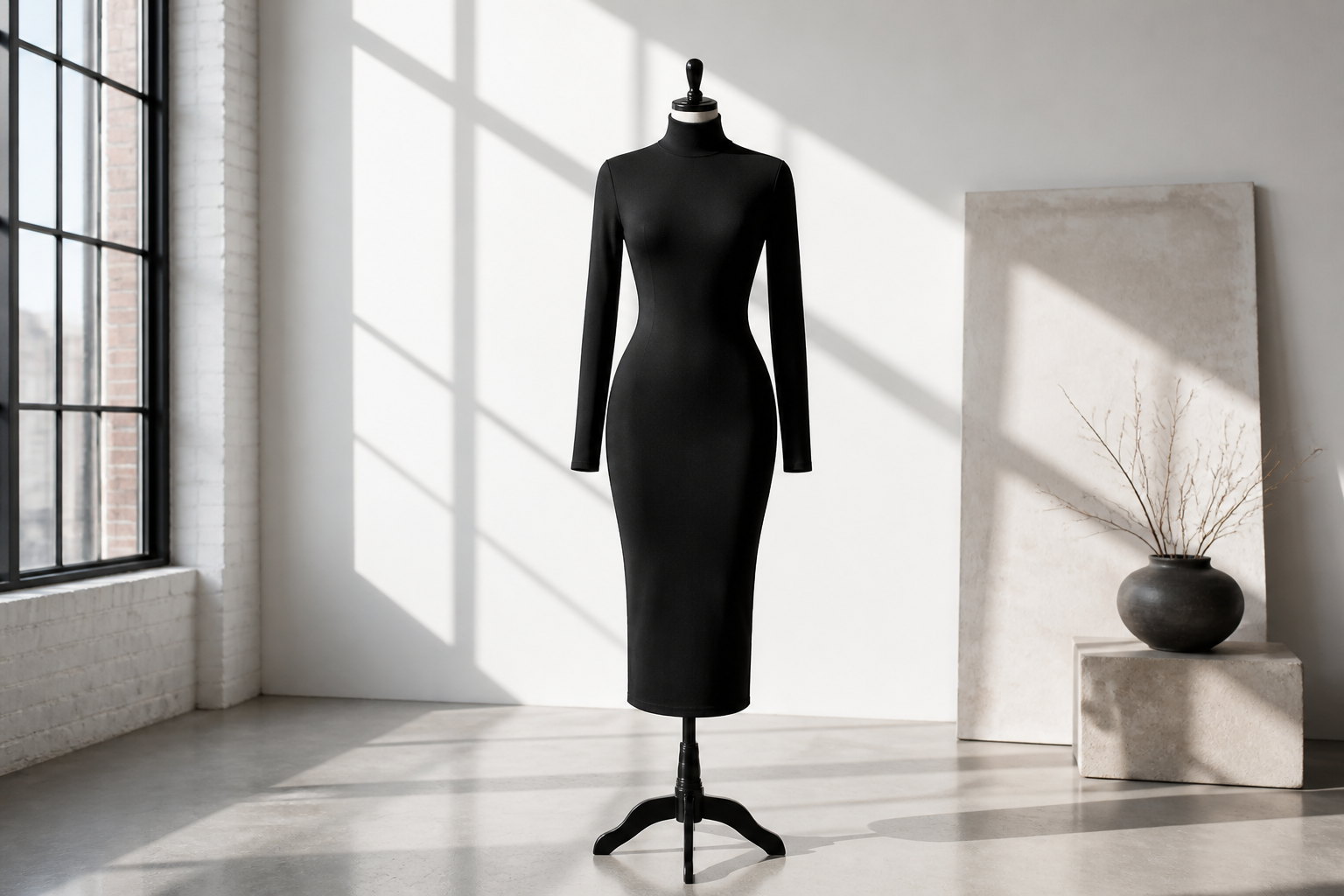
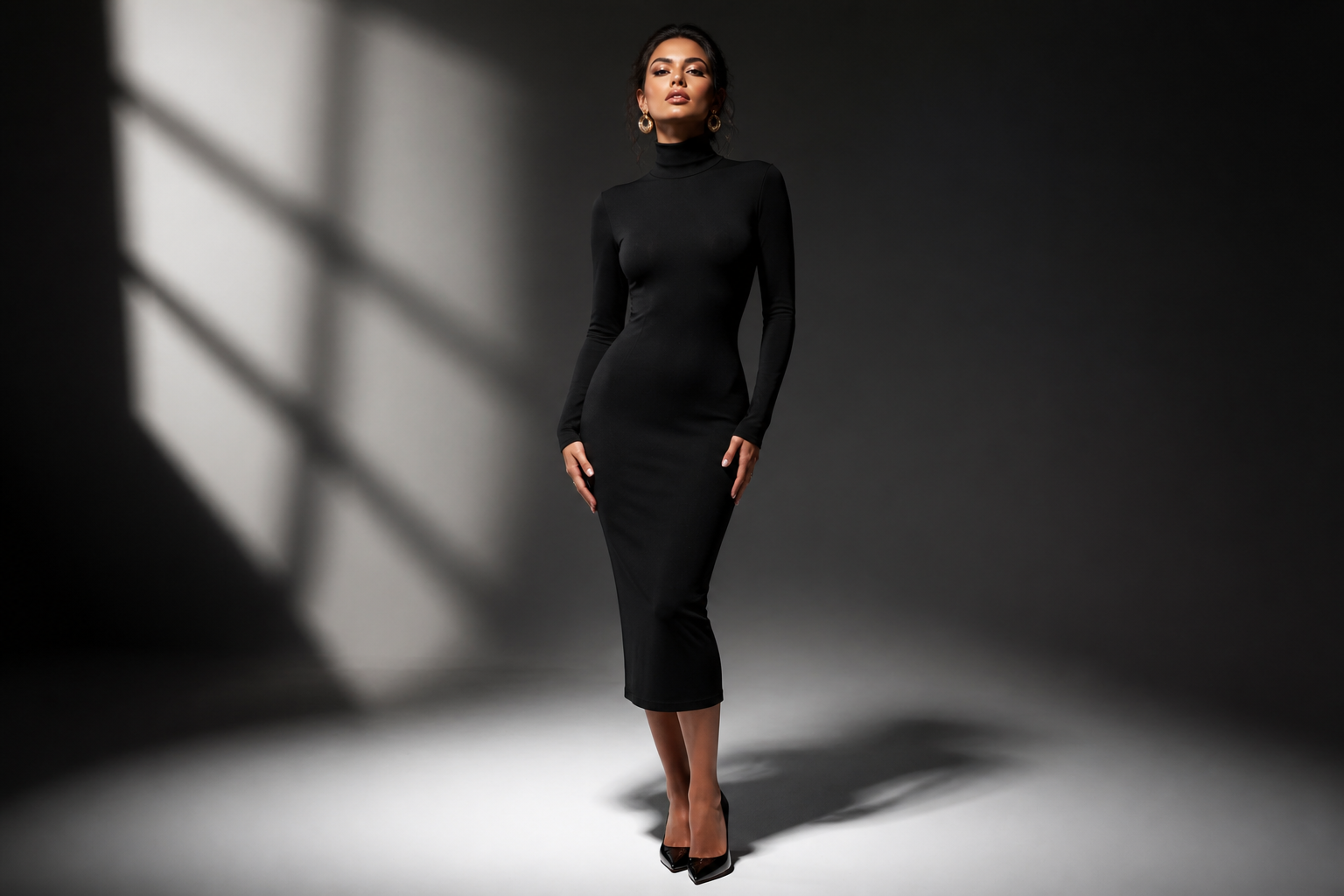
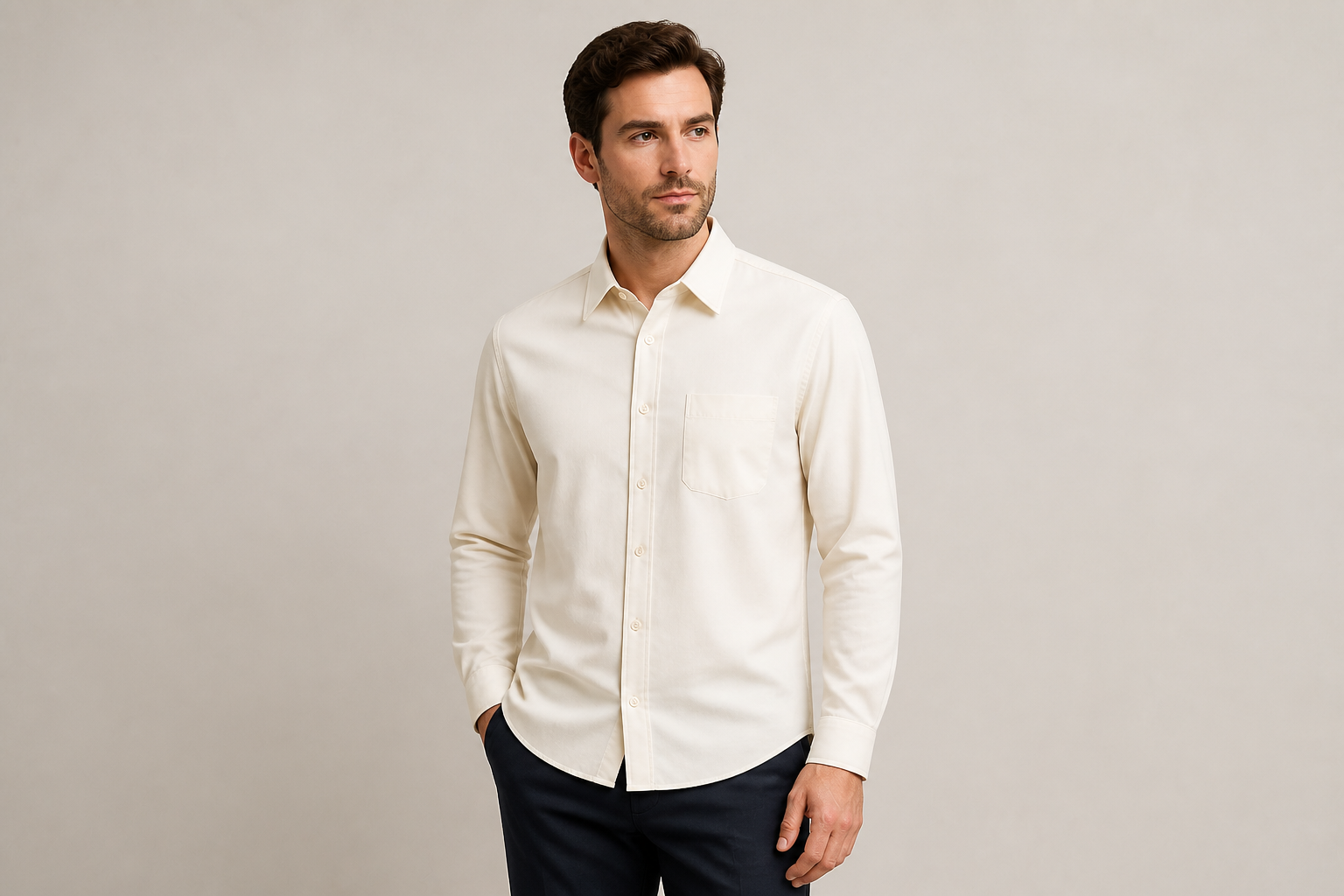
Turn a flat lay, hanger shot, or simple product photo into a styled image with an adult AI model wearing the piece. This helps shoppers understand fit, silhouette, and overall look faster than isolated product shots. You do not need to cast talent or book a studio just to preview an outfit. It is a practical way to create sales-ready visuals from the clothing image you already have.
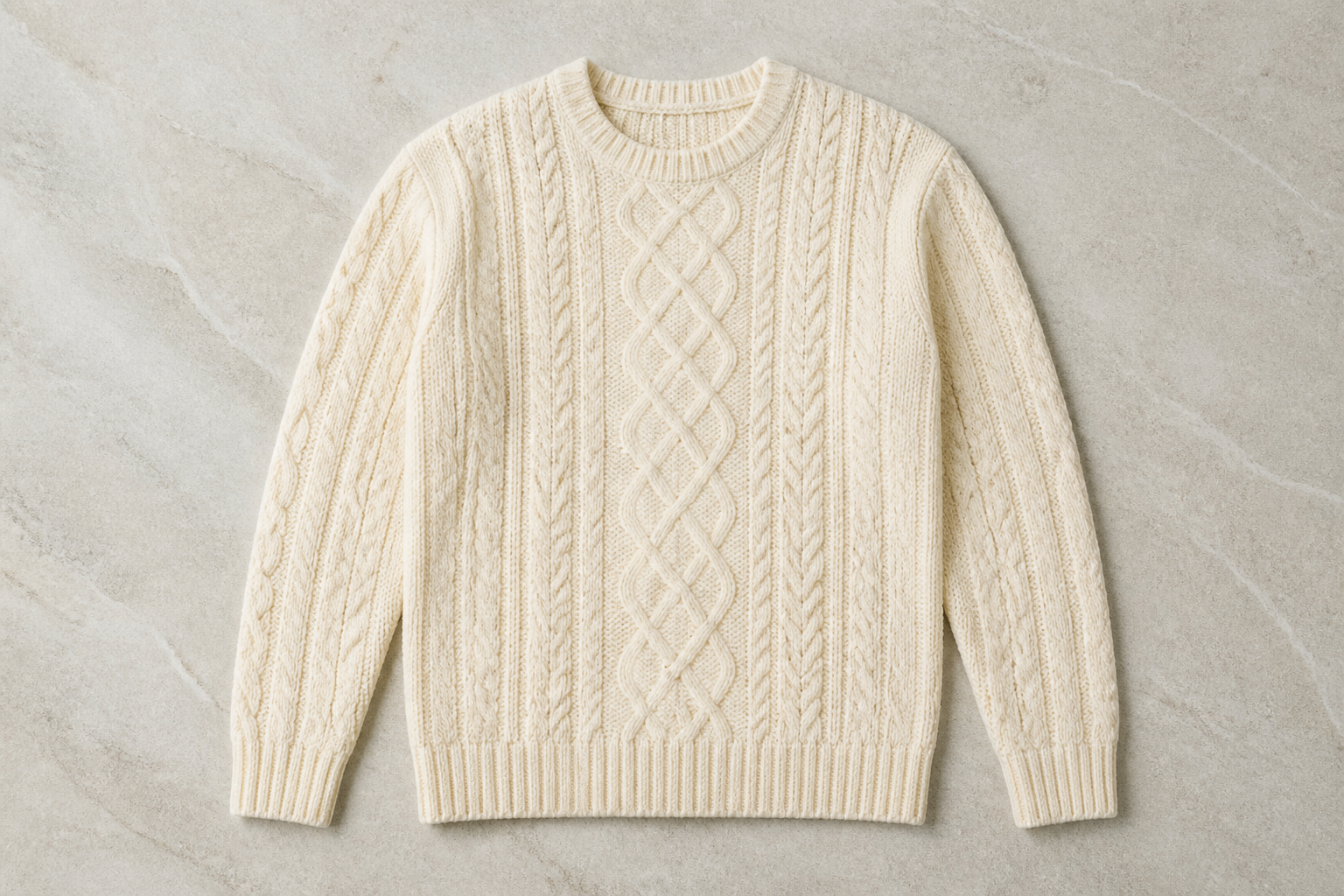
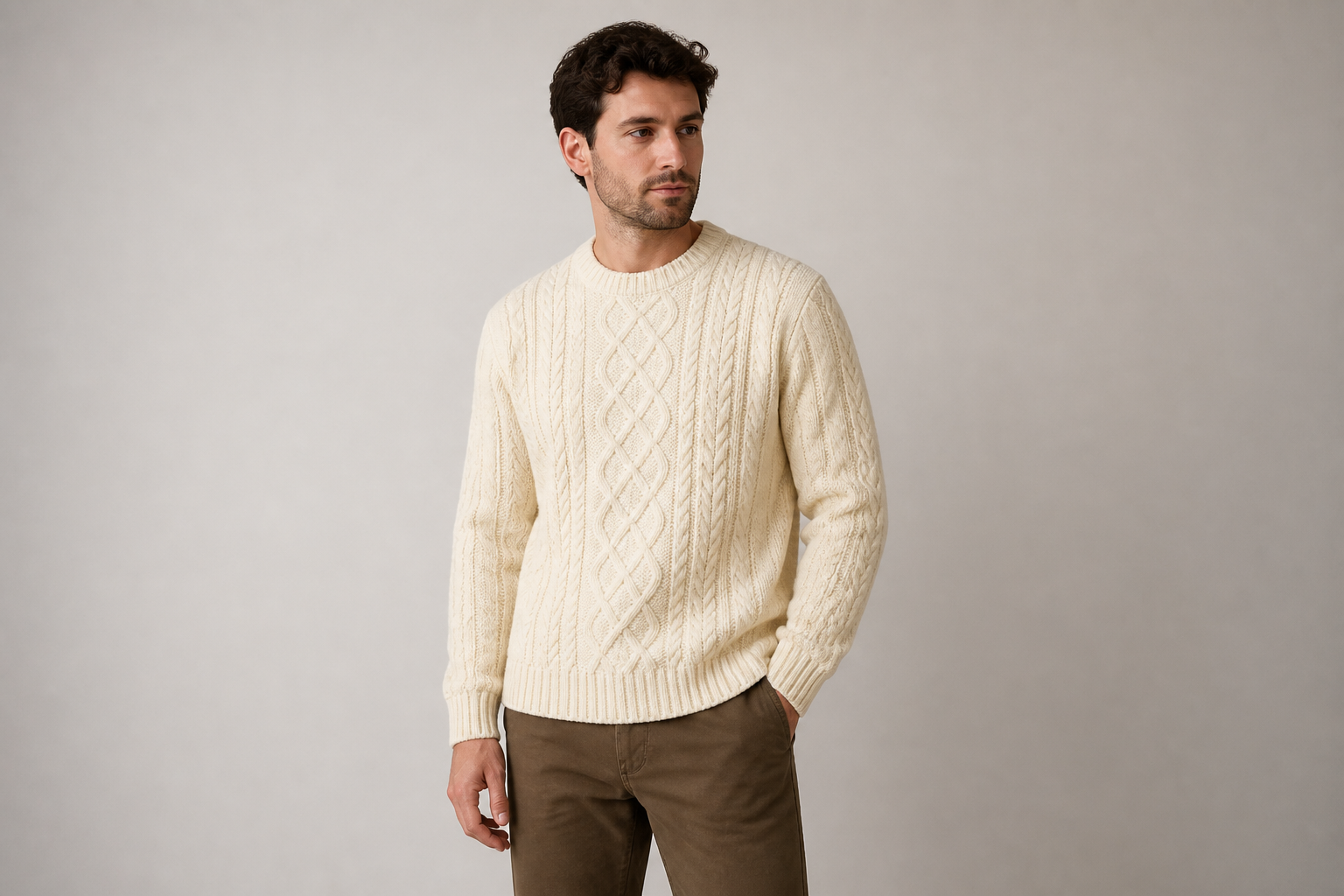
Keep product details readable
Our AI aims to preserve the garment's important visual features like color, seams, collars, prints, and overall cut. That matters when you are making marketing images from a real product and cannot afford a generic rewrite of the design. Manual compositing often takes careful masking and retouching to keep those details clean. Here, you can get a polished first pass much faster.
Test multiple fashion aesthetics
Generate the same clothing item in different settings and visual directions without reshooting it. You can explore clean catalog looks, streetwear scenes, editorial lighting, or stylized campaign art from one source image. That makes it easier to test creative directions for product pages, paid ads, and social posts. It is faster than building separate shoots for every concept.
Create content at catalog speed
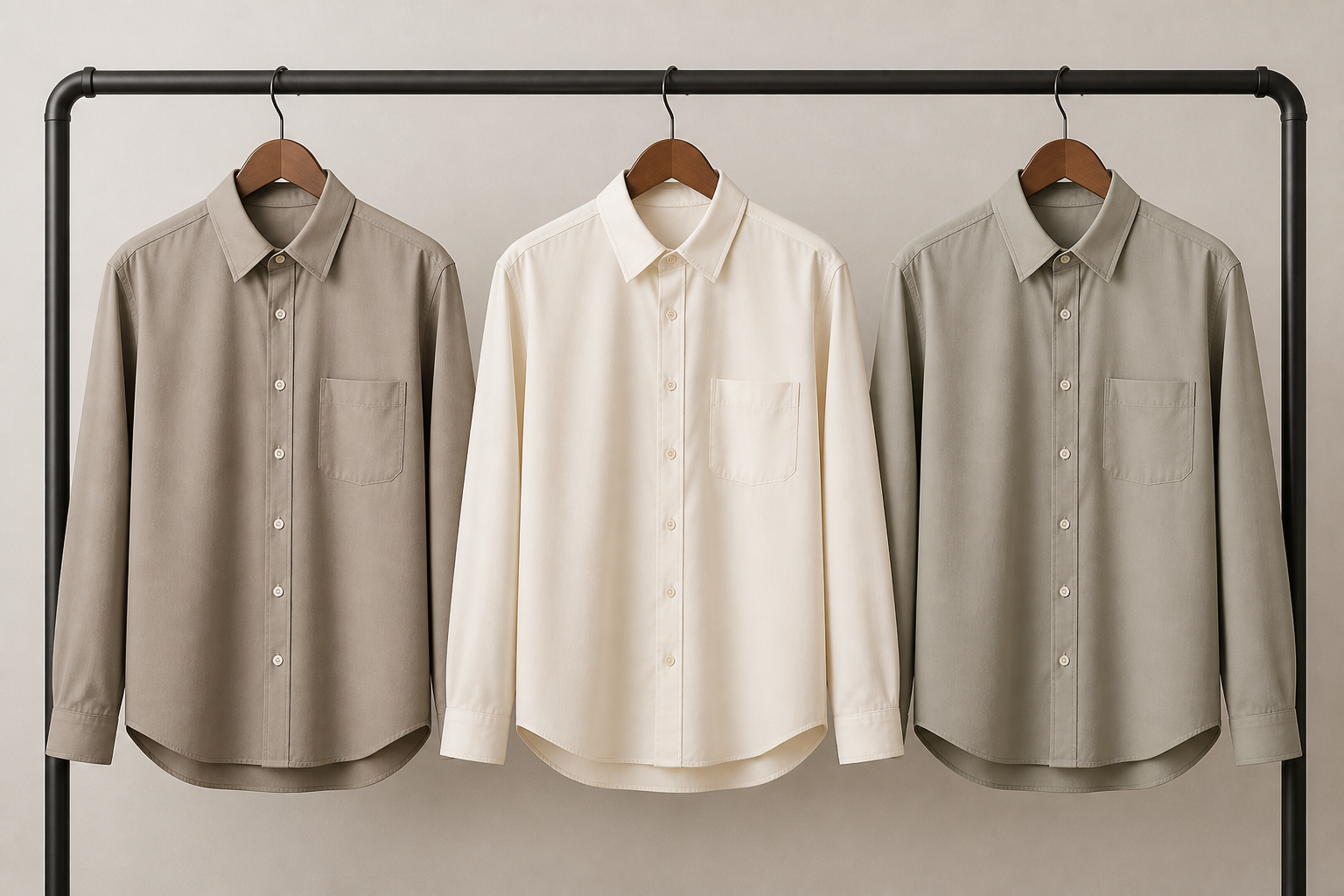
Large apparel sets often need many variations for stores, marketplaces, and campaigns. This tool helps you turn single garment images into multiple model-led outputs quickly, so your team can move faster on launches and refreshes. It reduces the need for repetitive manual mockups and reshoots. That is useful when you need volume without making every image from scratch.
How It Works
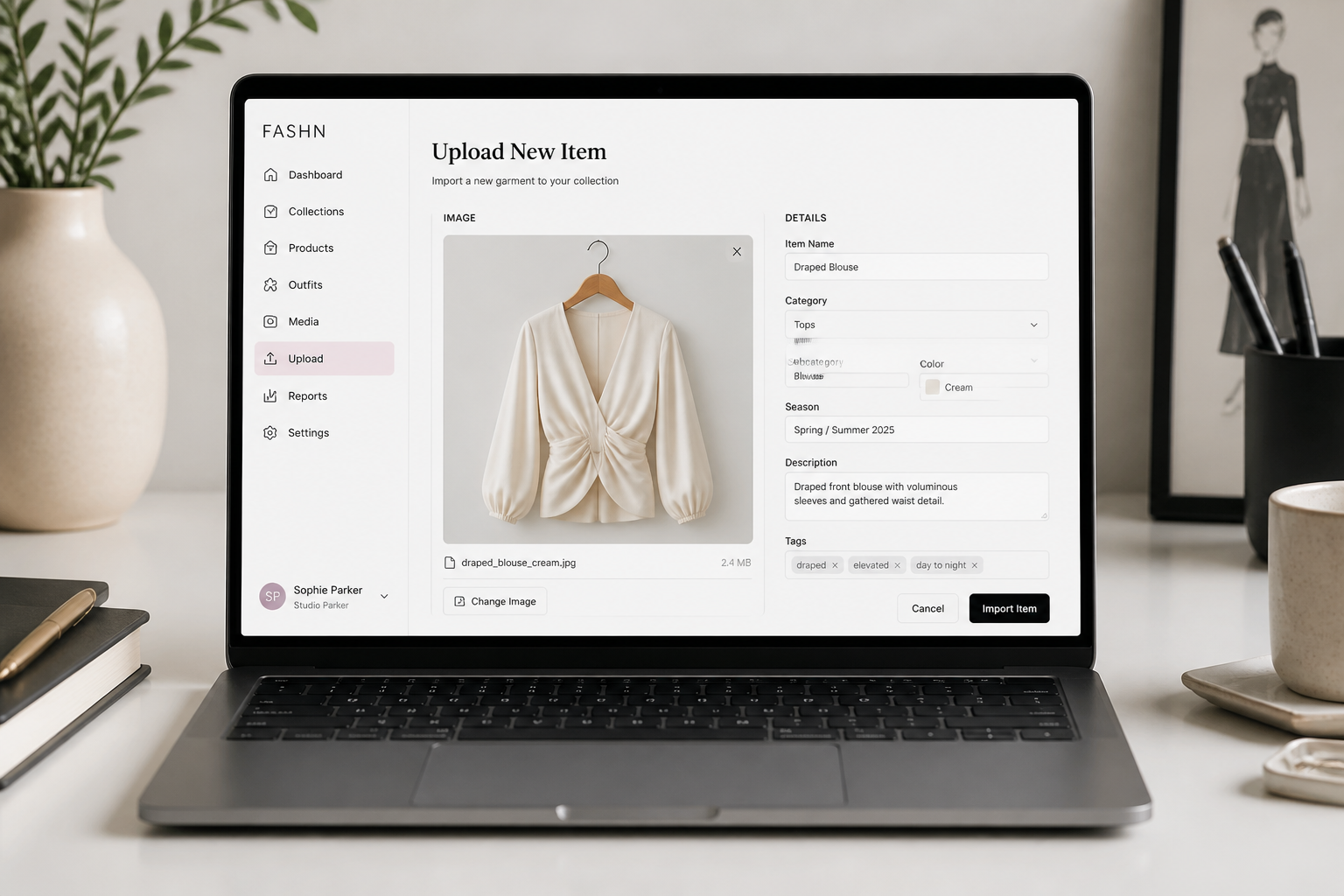
Upload the clothing image
Start with a clear photo of the garment. Flat lays, hanger shots, mannequin images, and clean product photos usually work best because the item is easy to read.
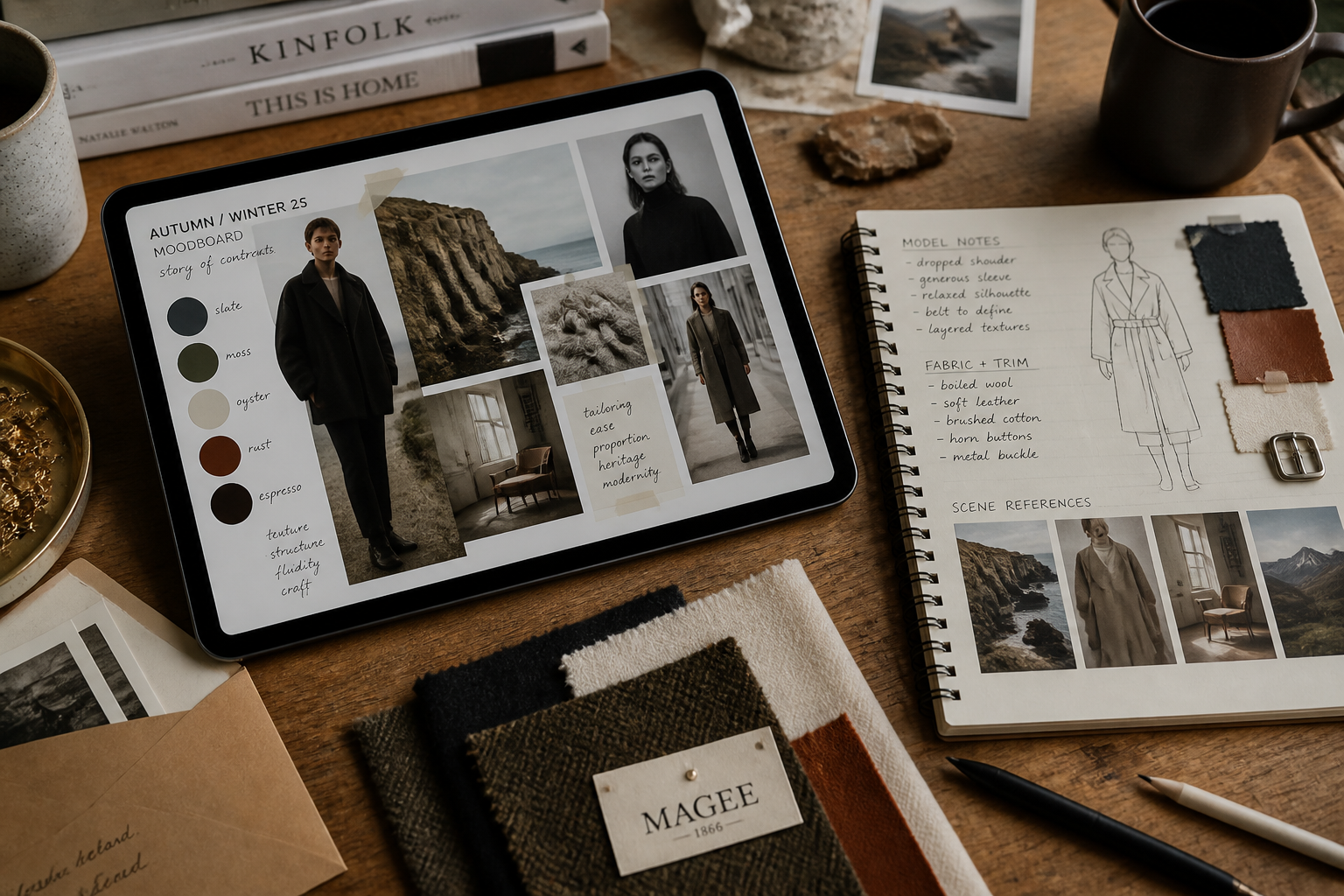
Describe the model and scene
Tell the AI what kind of adult model, pose, and setting you want. You can keep it simple with catalog studio language or ask for a more editorial fashion mood.
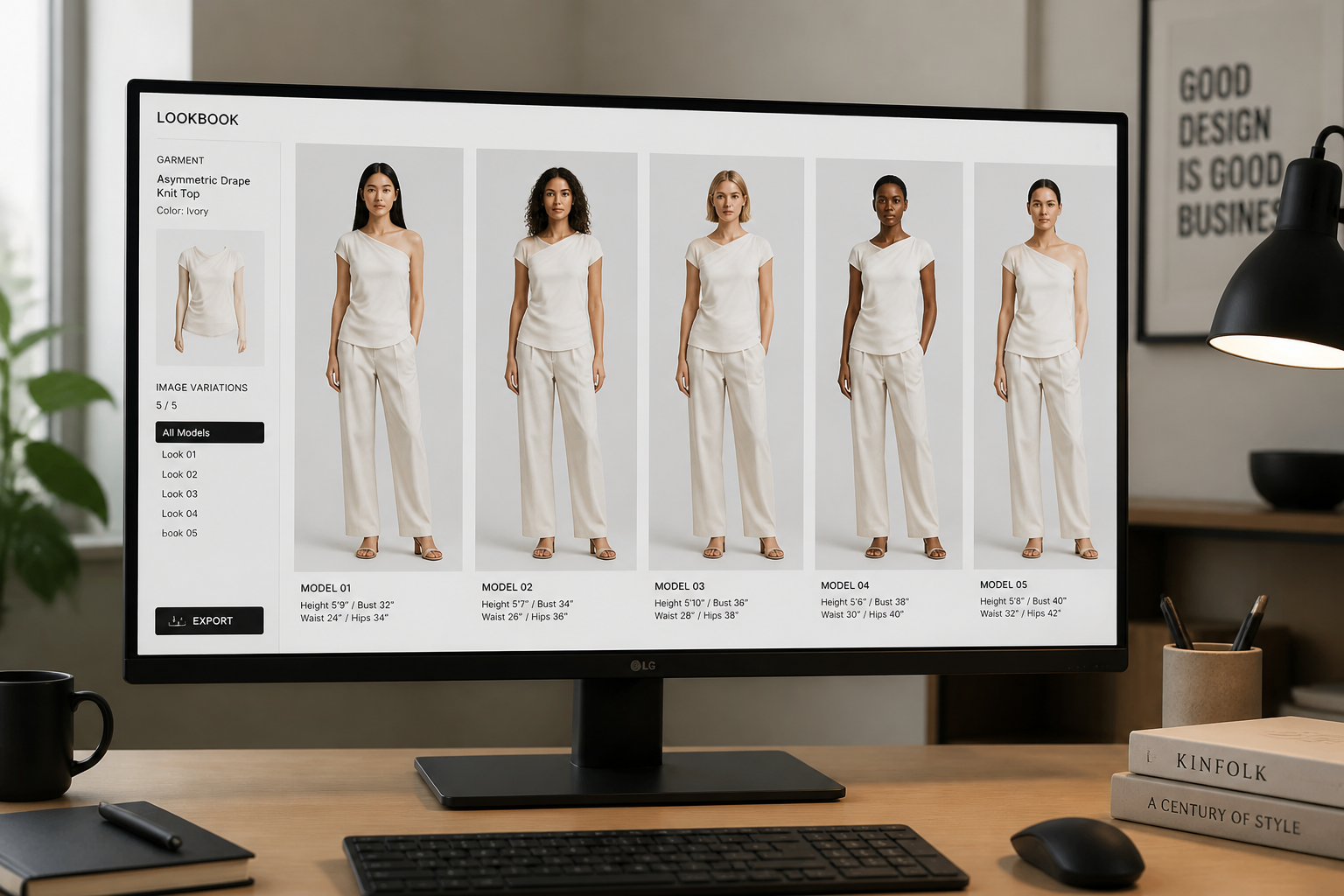
Generate and compare looks
Create multiple outputs and review how the clothing appears on different models or in different styles. Pick the version that best fits your store, campaign, or social post.
Perfect For
Discover how creators and professionals use ai model wearing clothes generator
Ecommerce product imagery
Turn isolated clothing photos into model-worn images for product pages, collections, and lookbooks.
Paid social creatives
Test different model types, scenes, and fashion moods for ads without scheduling multiple shoots.
Marketplace listings
Create cleaner, more informative apparel visuals for marketplaces that perform better than garment-only photos.
Concept validation
Preview how new pieces may look on models before investing in full production photography.
Built For
Clothing brands
Useful for brands that need more model imagery from existing product photos.
Ecommerce teams
Helpful for teams updating large catalogs and creating quick visual variations for listings.
Creative marketers
Good for marketers who need fresh fashion assets for campaigns, launches, and social tests.
Why use it for clothing-on-model images
A quick look at how we compare on the things that matter for this niche.
| Feature | BudgetPixel | Generic AI editors | Manual editing apps |
|---|---|---|---|
| Garment-to-model transformations | ✓ | ✓ | — |
| Fast visual variations | ✓ | ✓ | — |
| Manual masking required | — | Sometimes | ✓ |
| Useful for catalog mockups | ✓ | Sometimes | Sometimes |
Frequently Asked Questions
What kind of clothing image works best?
Can I choose the type of model?
Will the clothing details stay accurate?
Is this only for realistic photos?
Do I need editing experience to use it?
Create together.
Share your creations, discover trending AI art, and grow with fellow creators.

























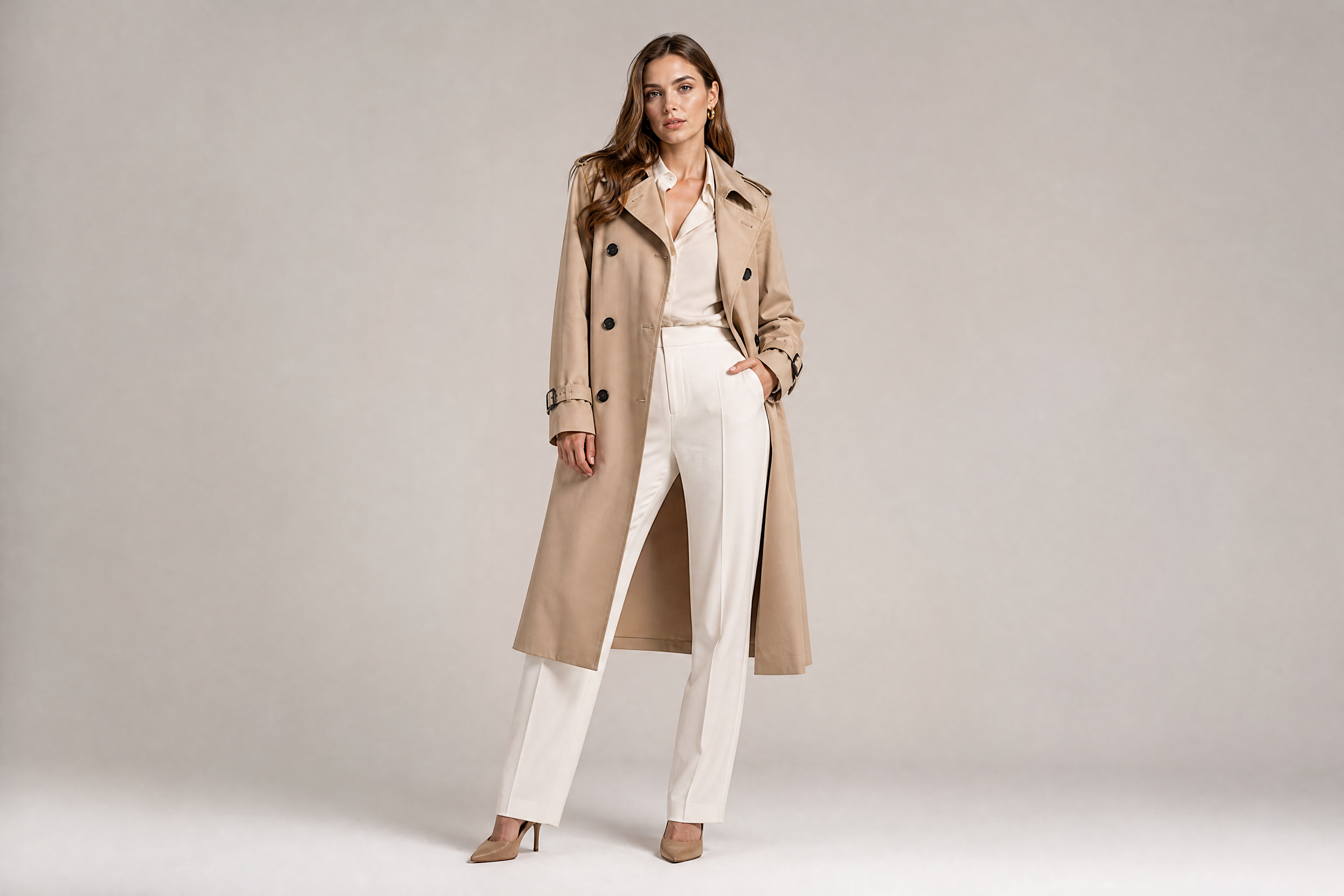
Ready to Try AI Model Wearing Clothes Generator?
Get started for free. No credit card required.
Try it Free