AI Fashion Generator for outfit mockups and style ideas
Turn everyday photos into polished fashion concepts in a few clicks.
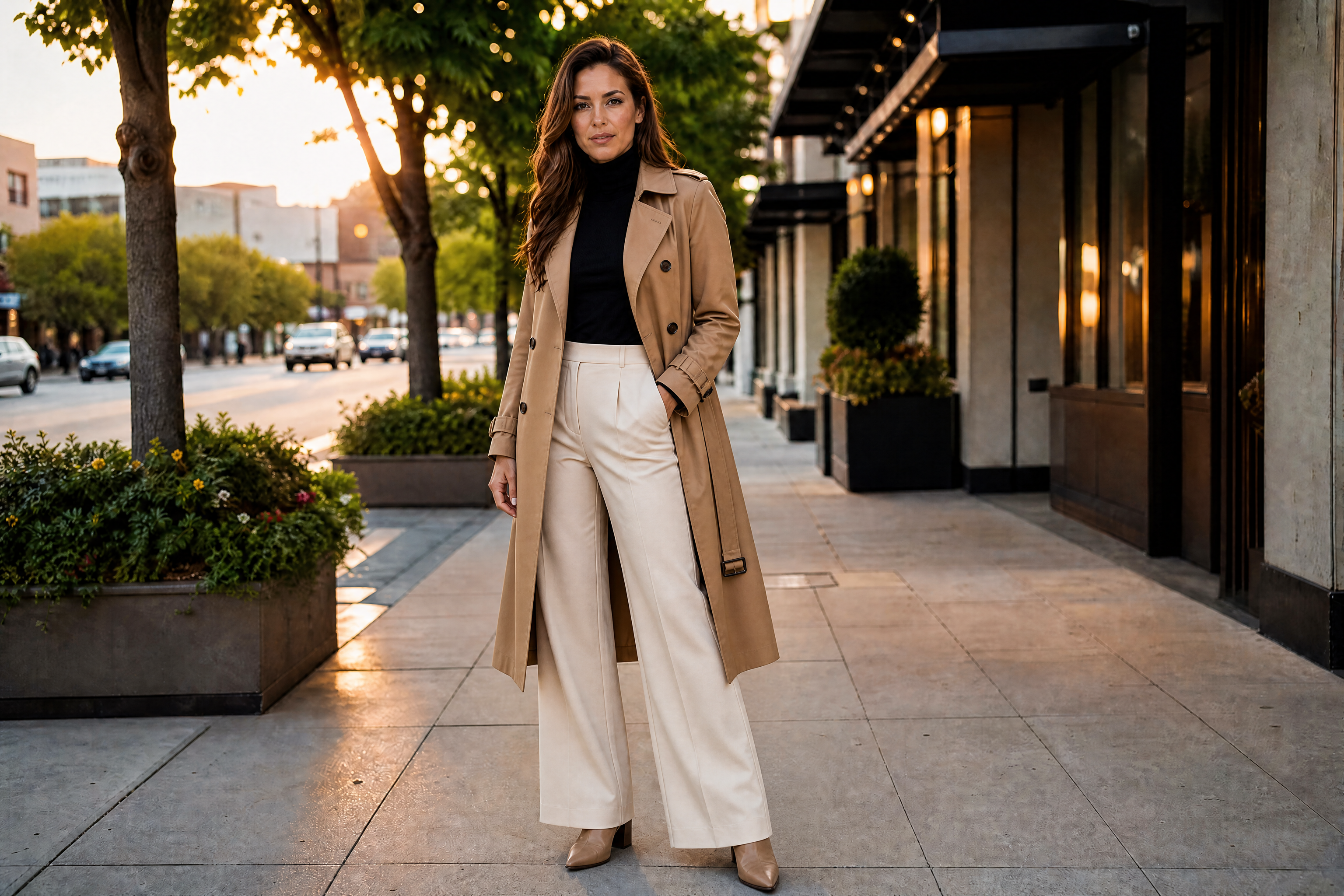
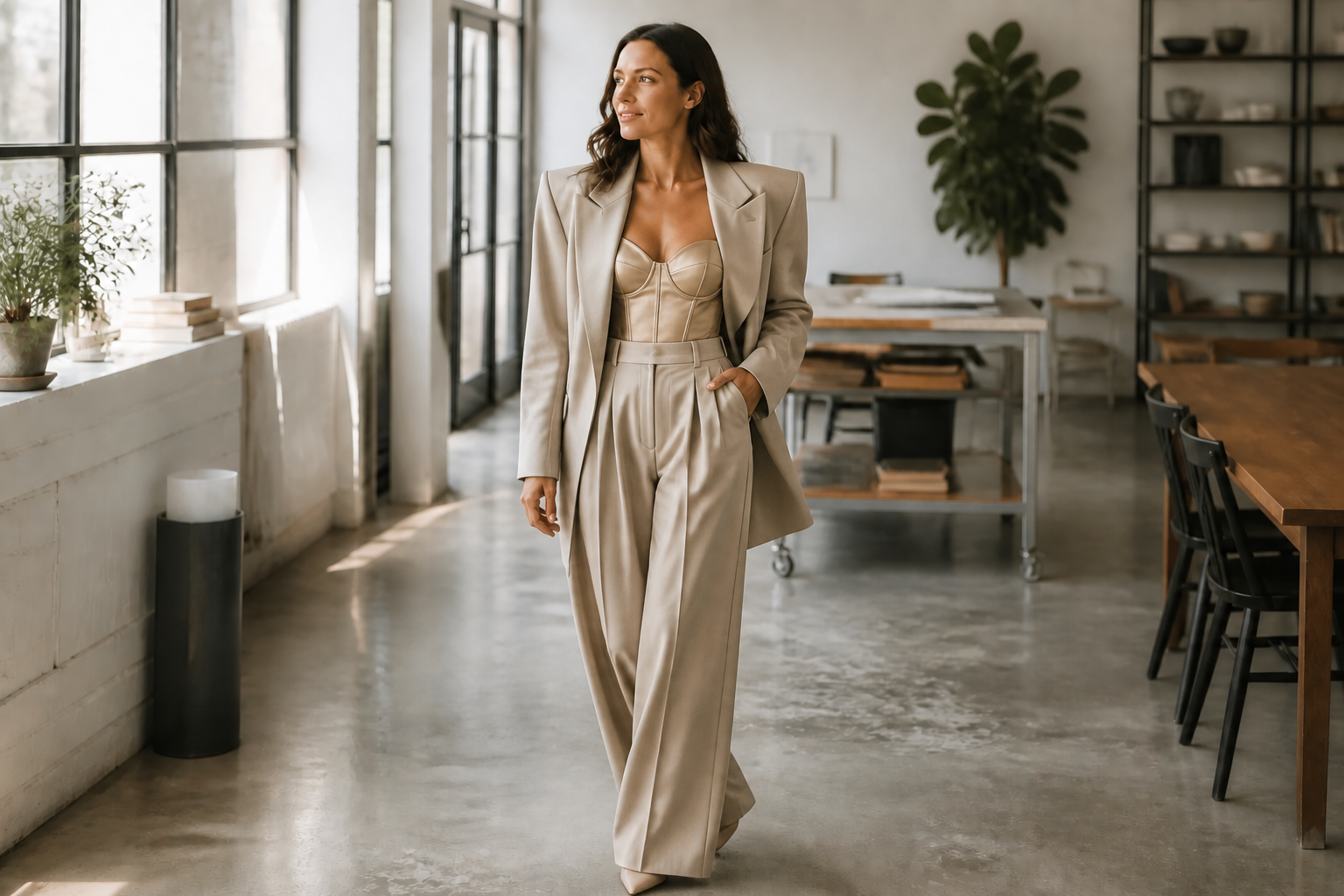
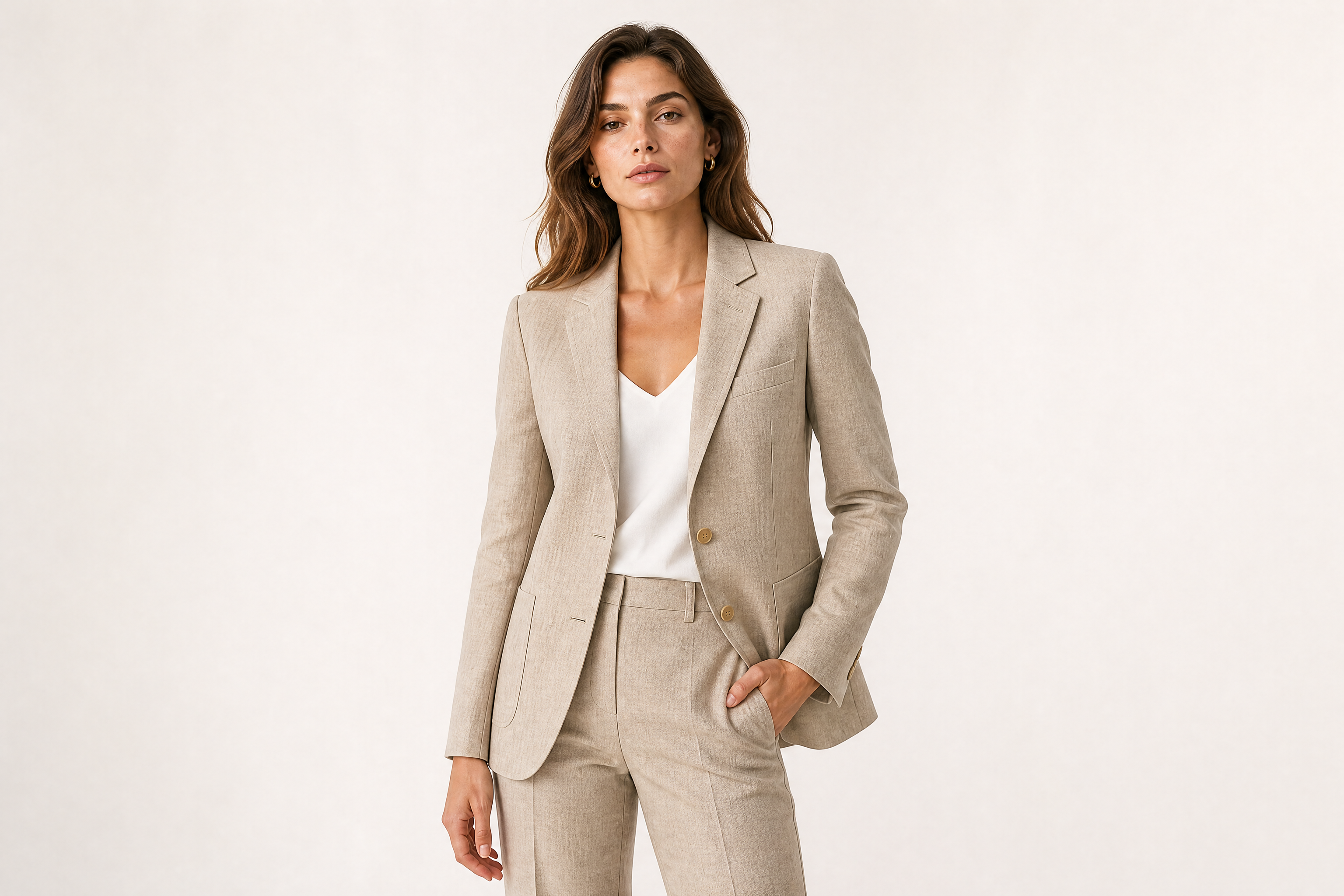
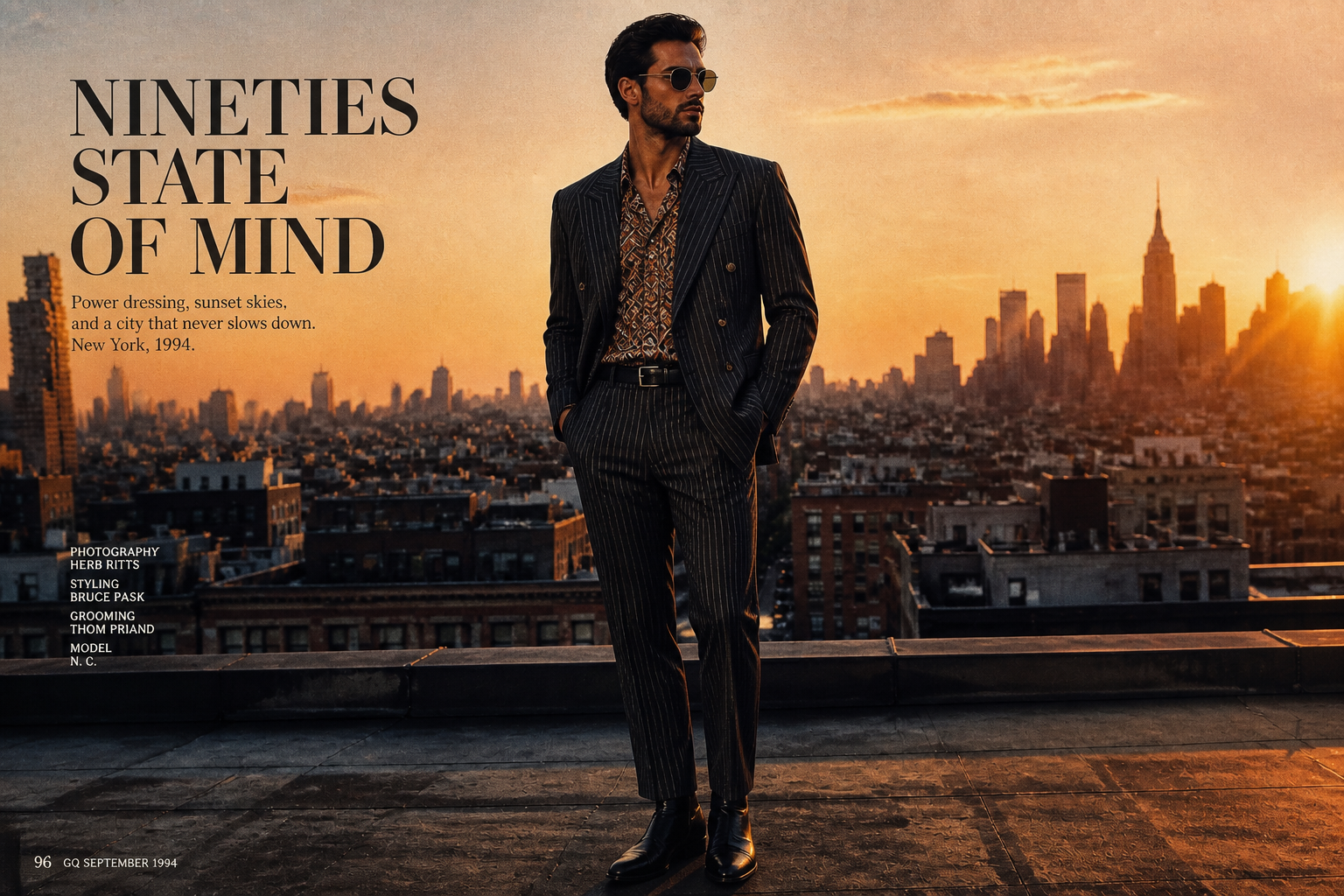
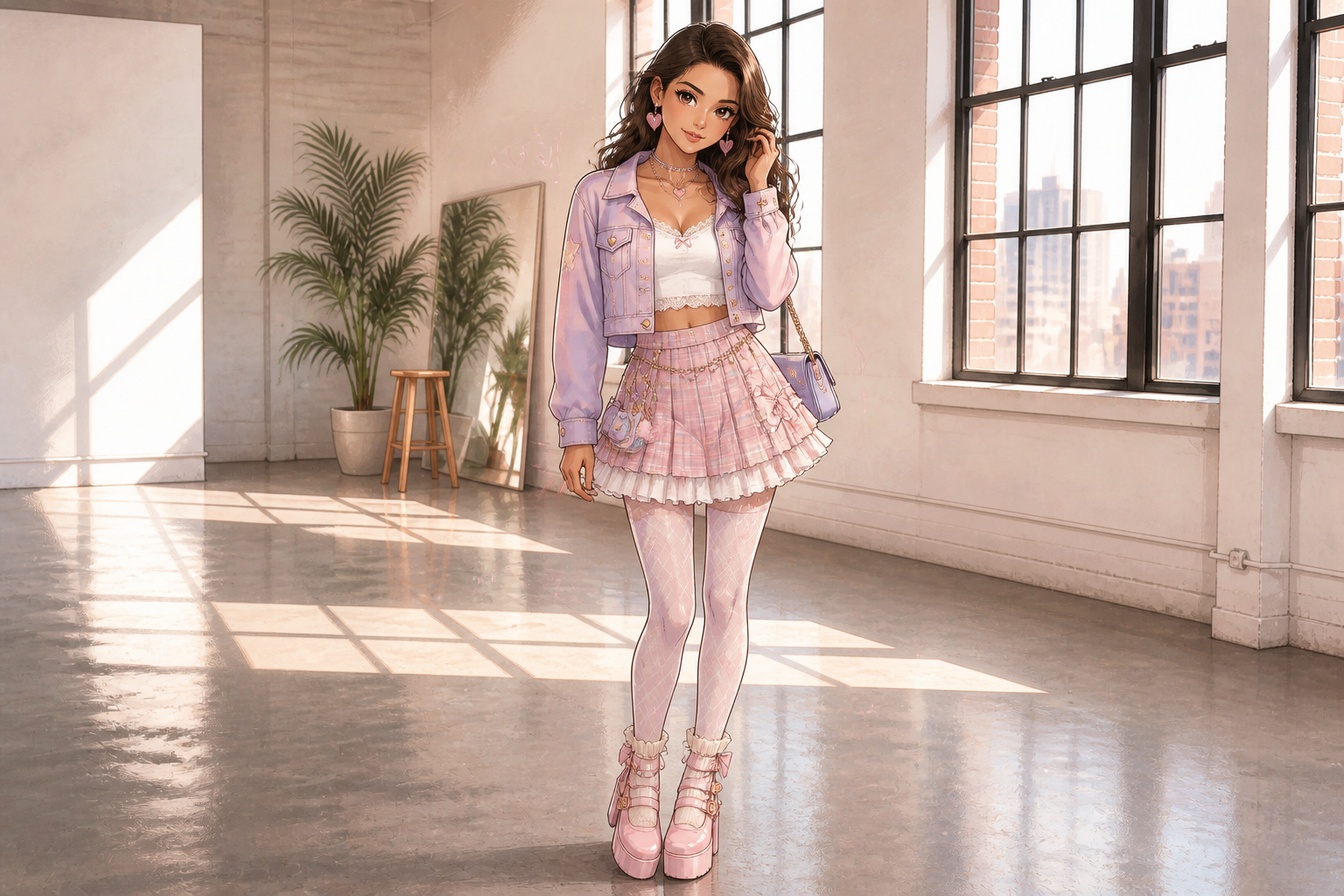
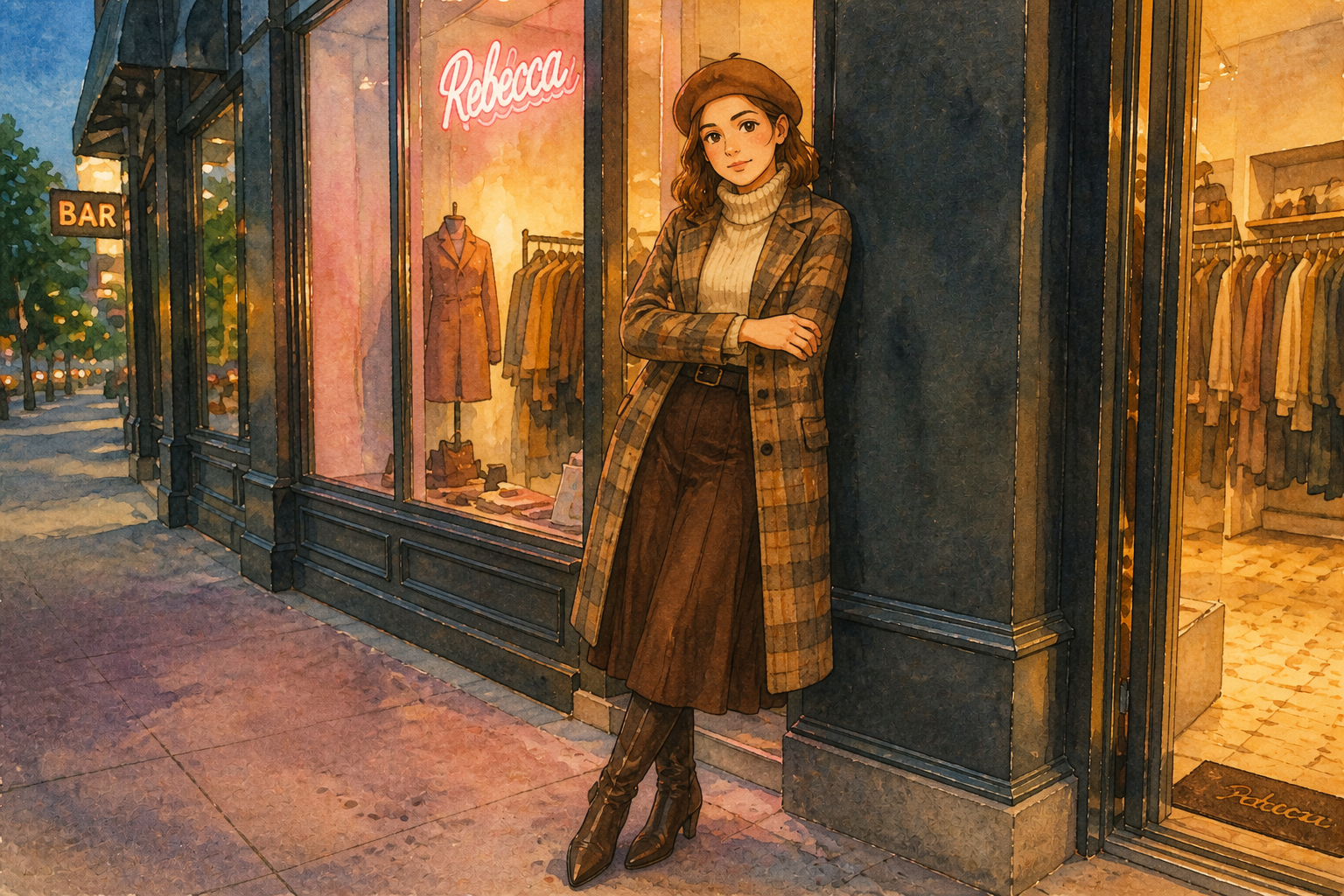
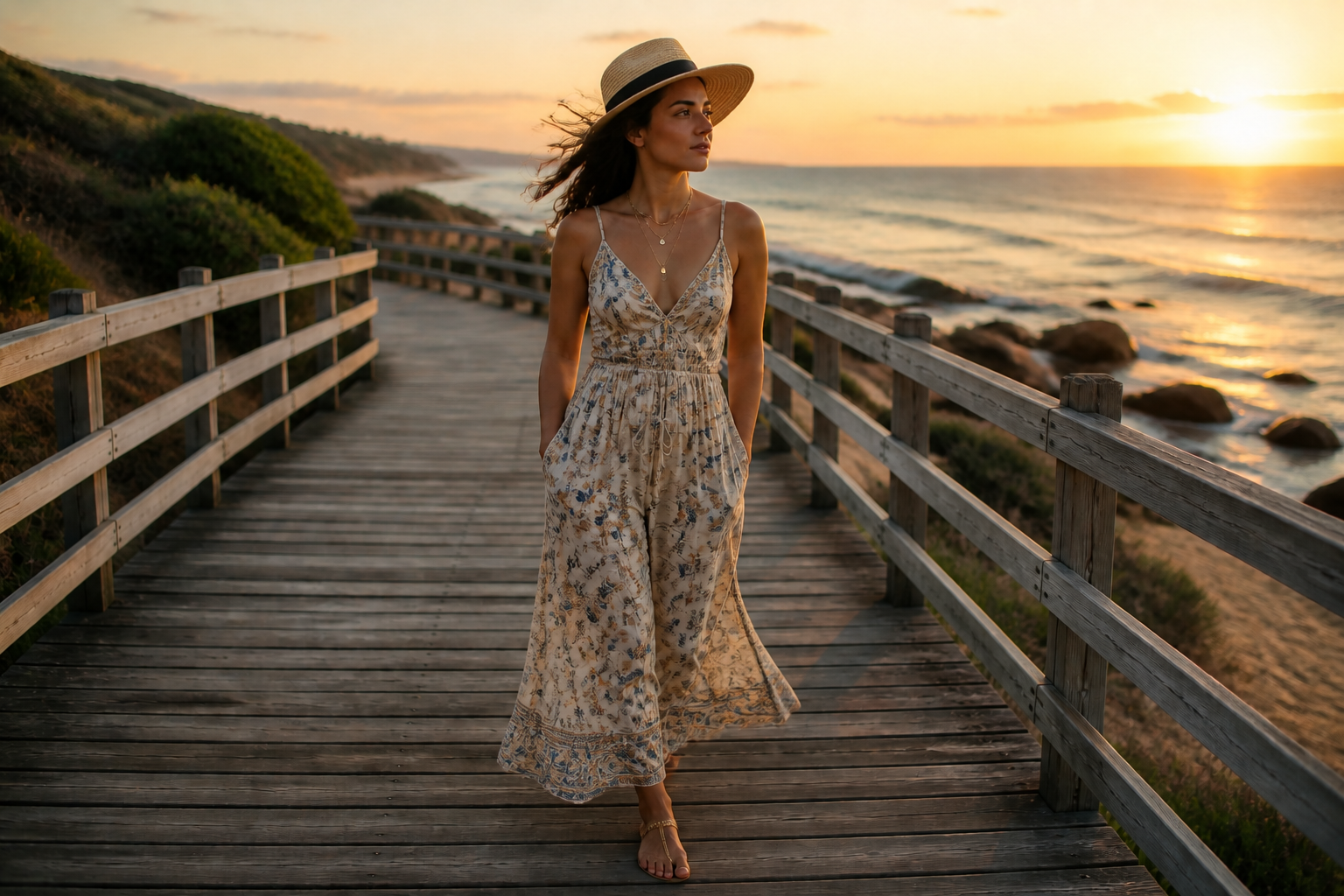
AI Fashion Generator lets you preview new outfits, aesthetics, and fashion-forward edits from a single image. Upload a photo, describe the look you want, and get styled results that keep the subject and pose consistent.
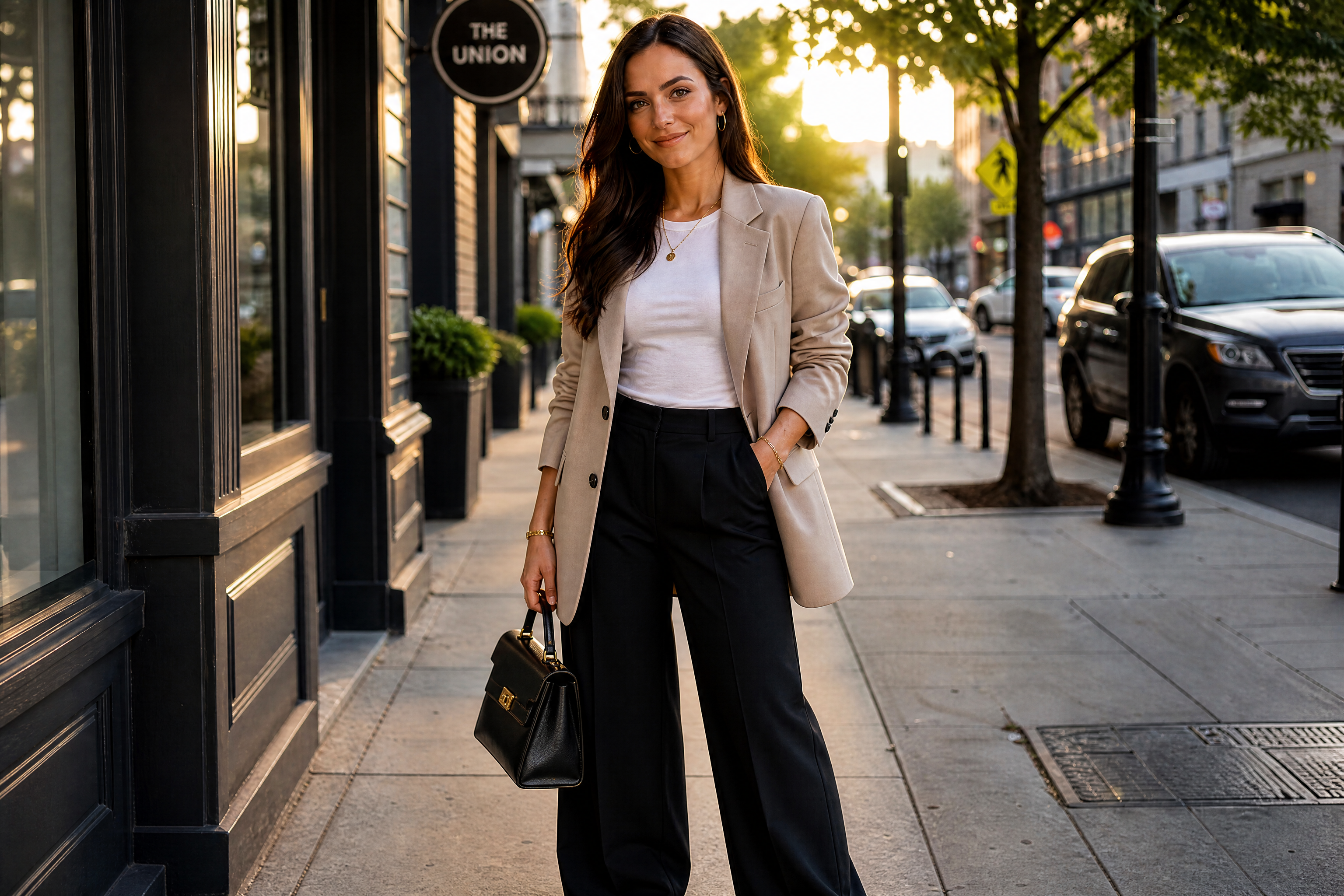
Watch the Transformation
See ai fashion generator in motion — generated end-to-end by our AI.
See It In Action
Real outputs from ai fashion generator.
BEFOREAFTER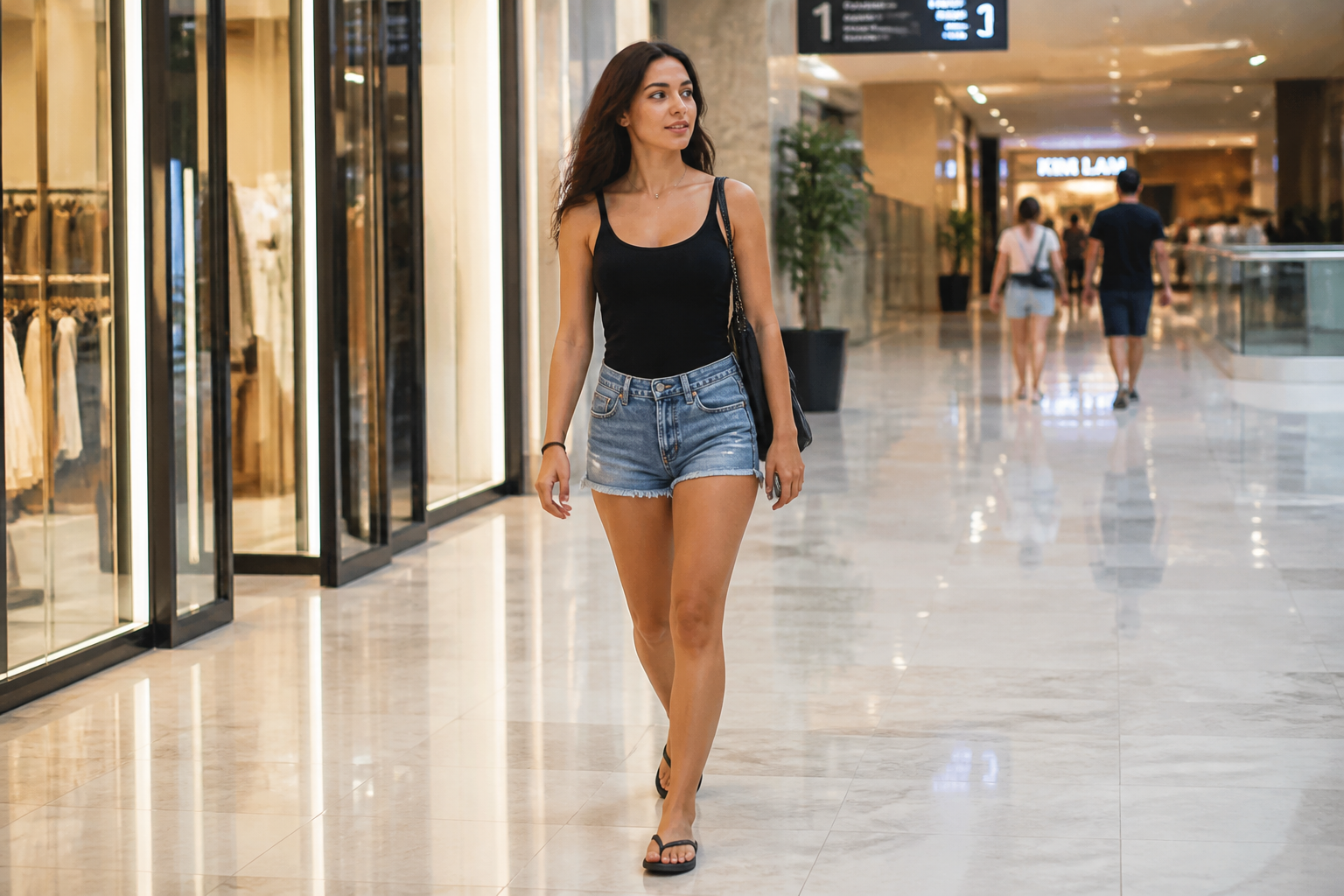 BEFORE
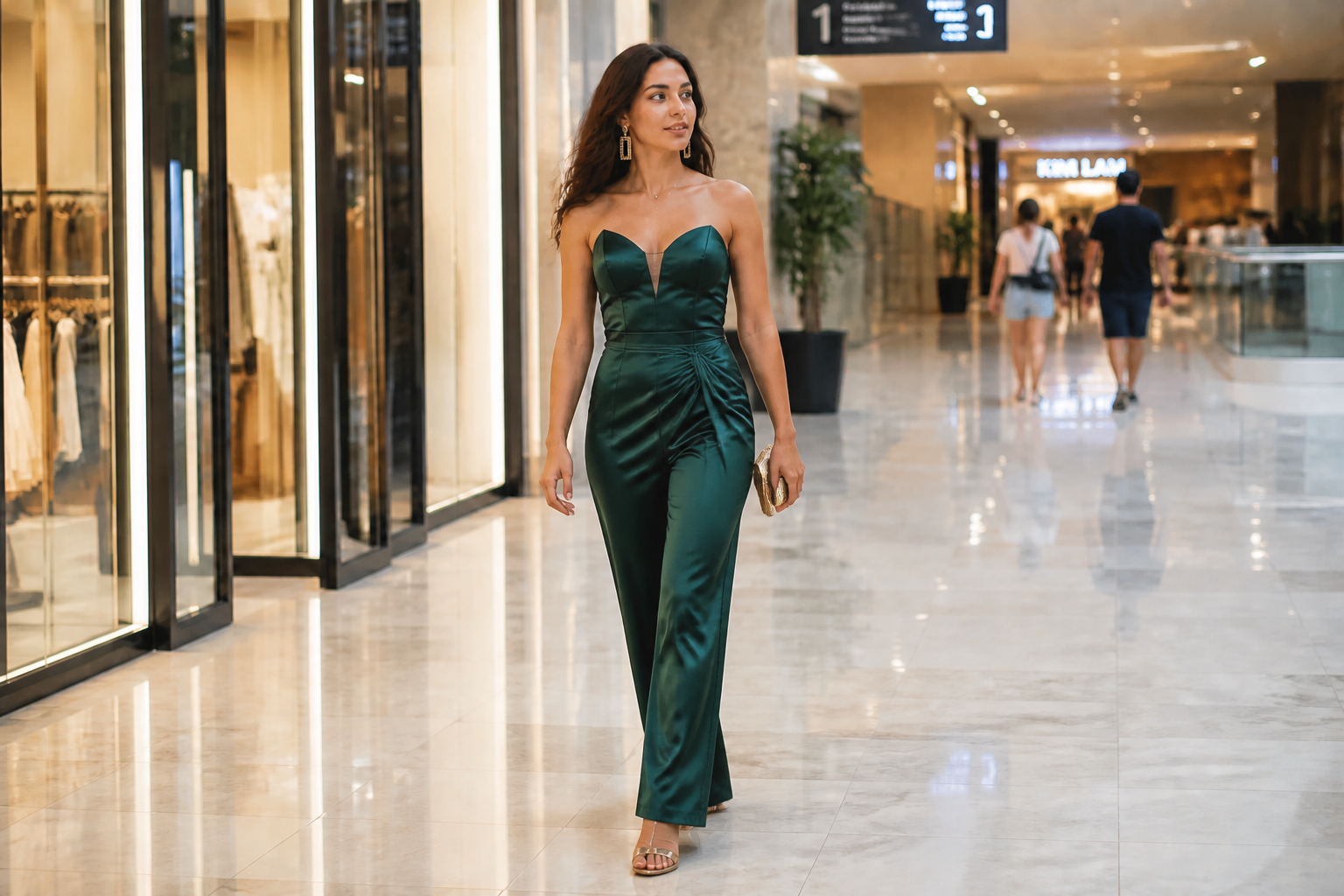 AFTER
AFTER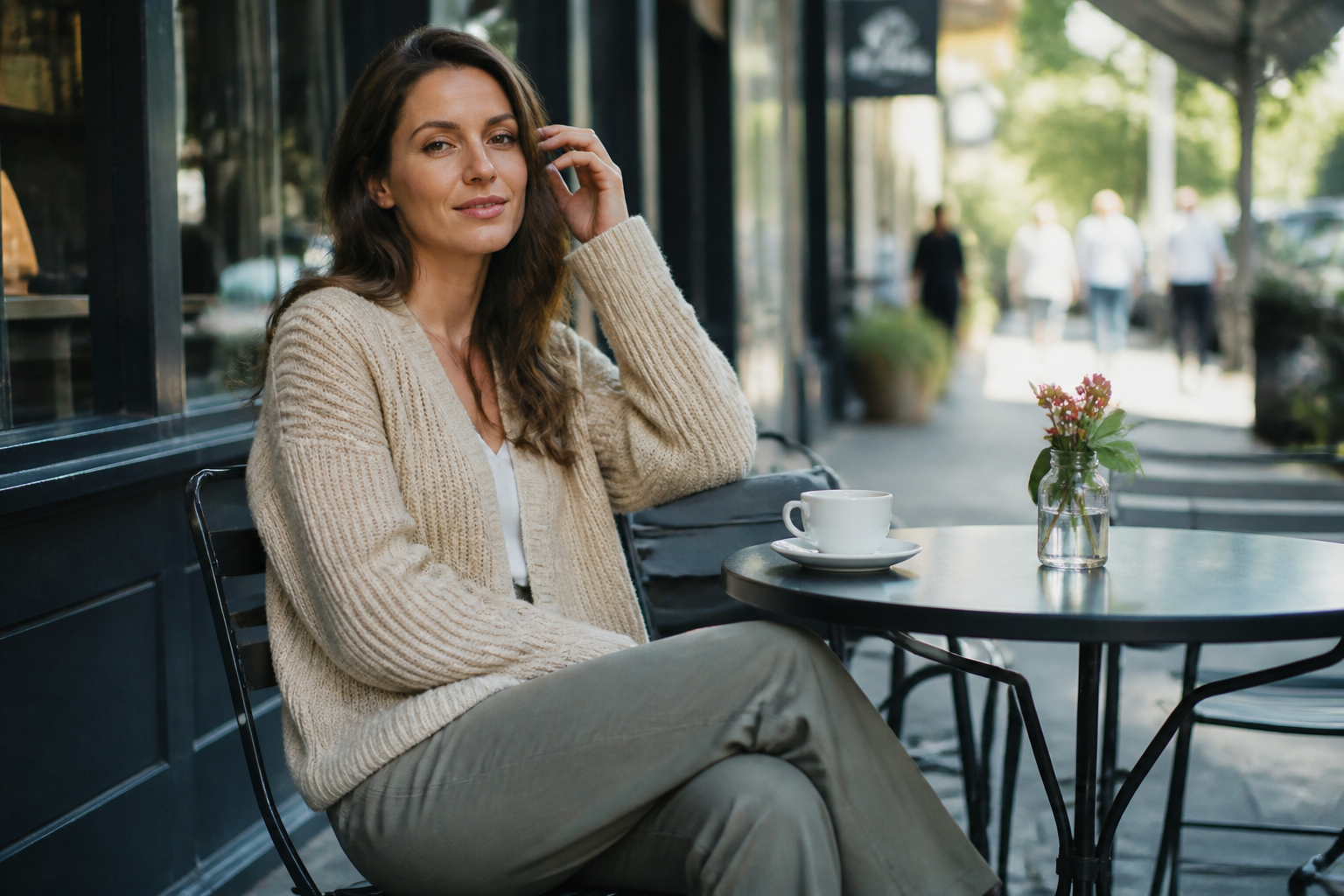 BEFORE
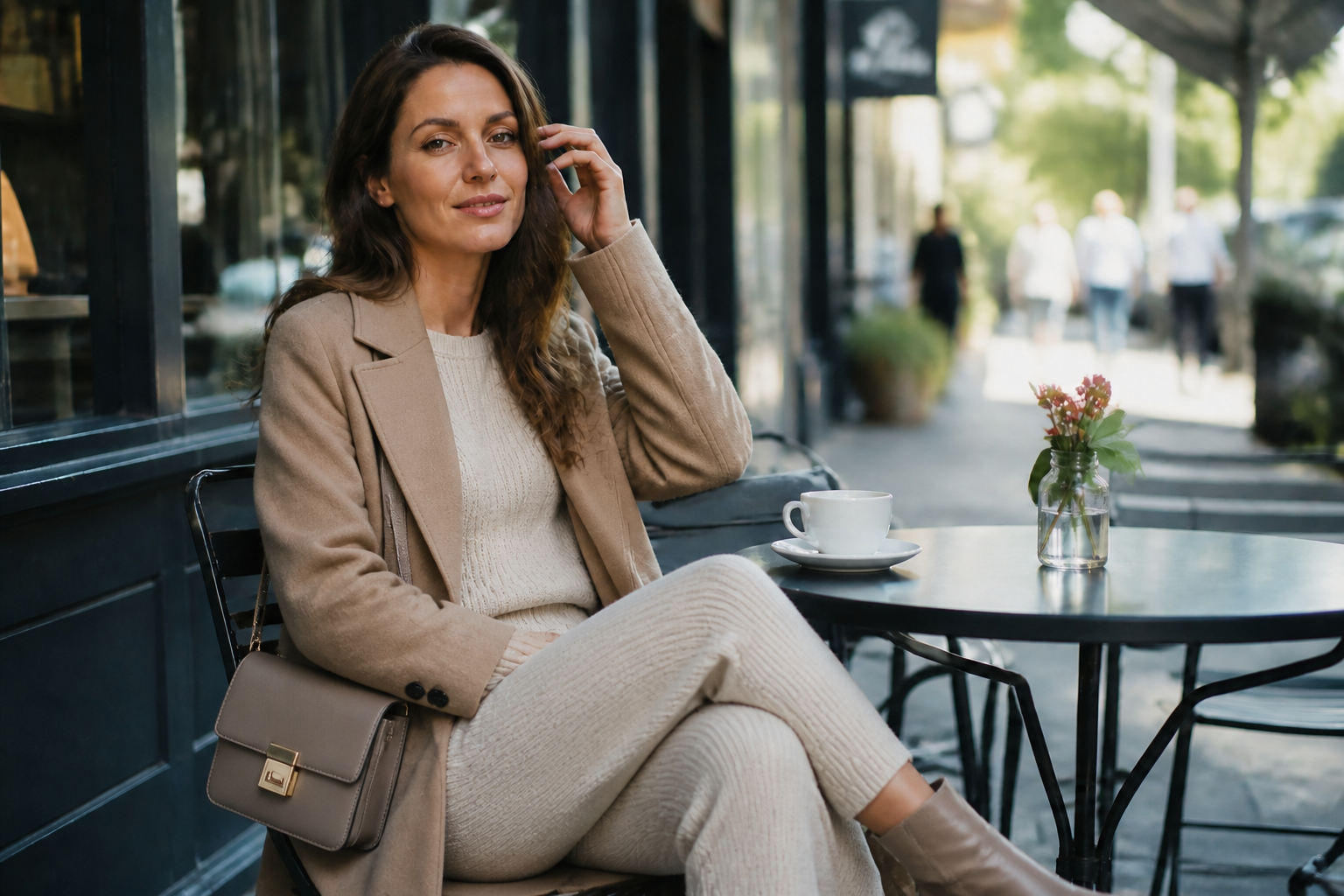 AFTER
AFTER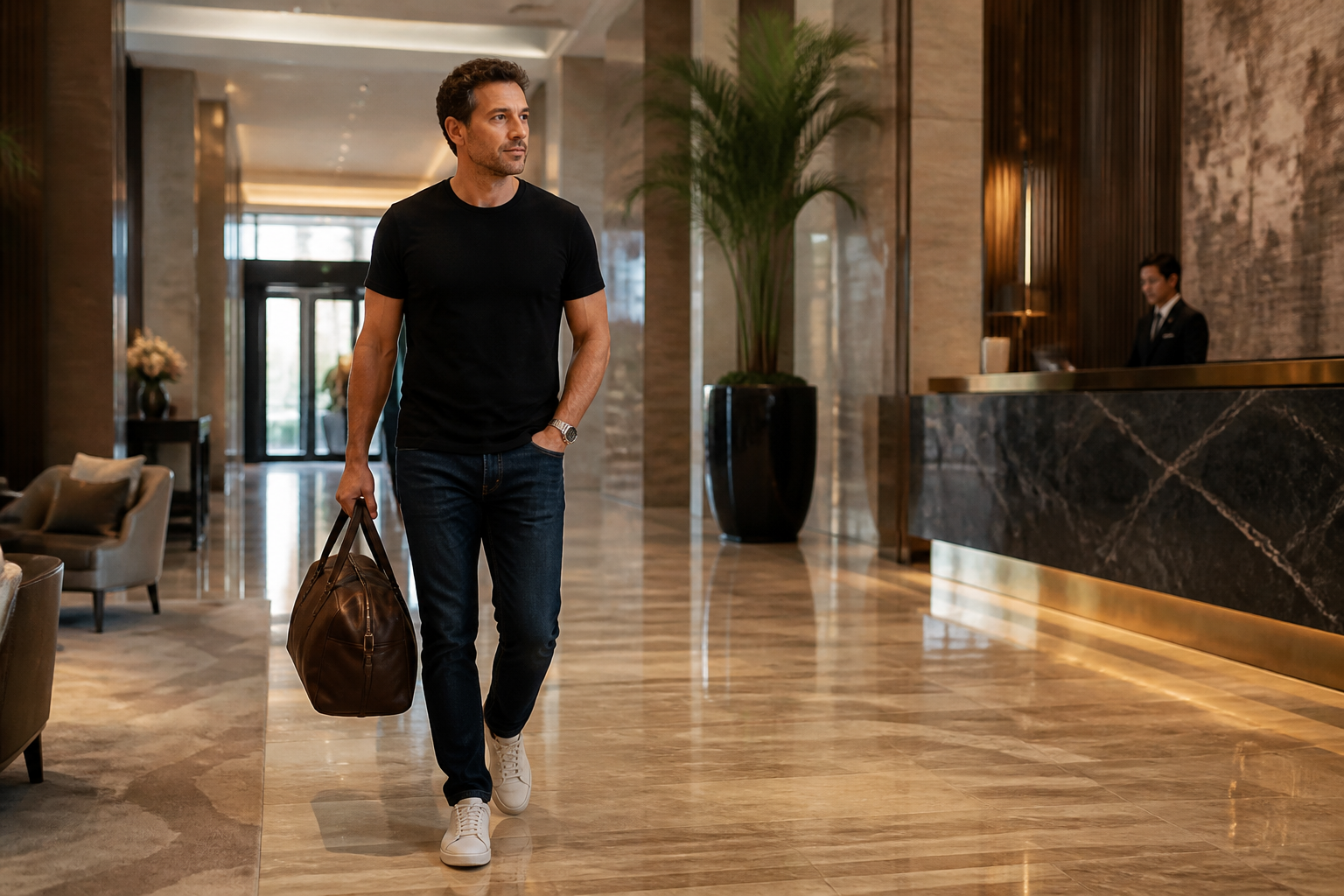 BEFORE
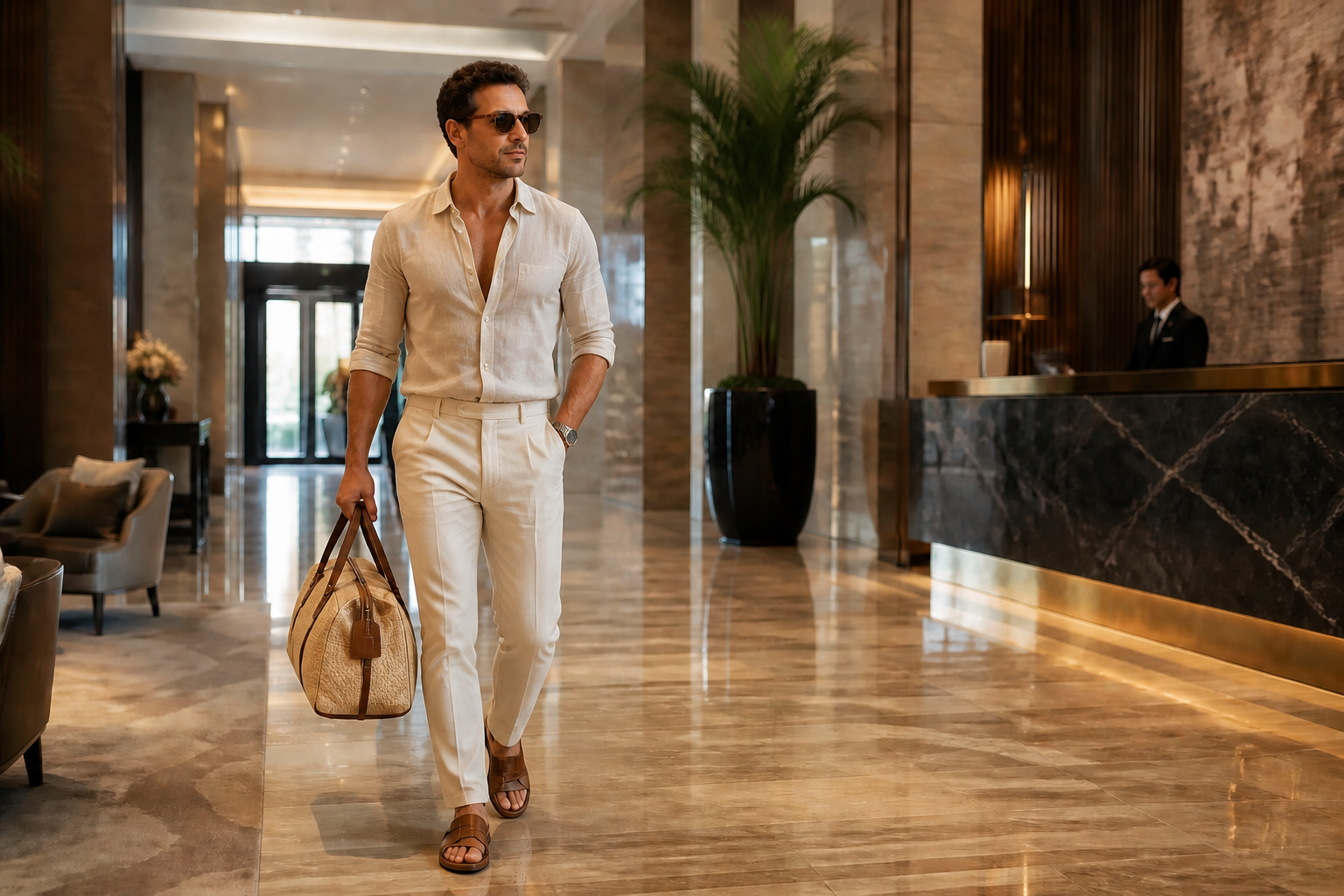 AFTER
AFTER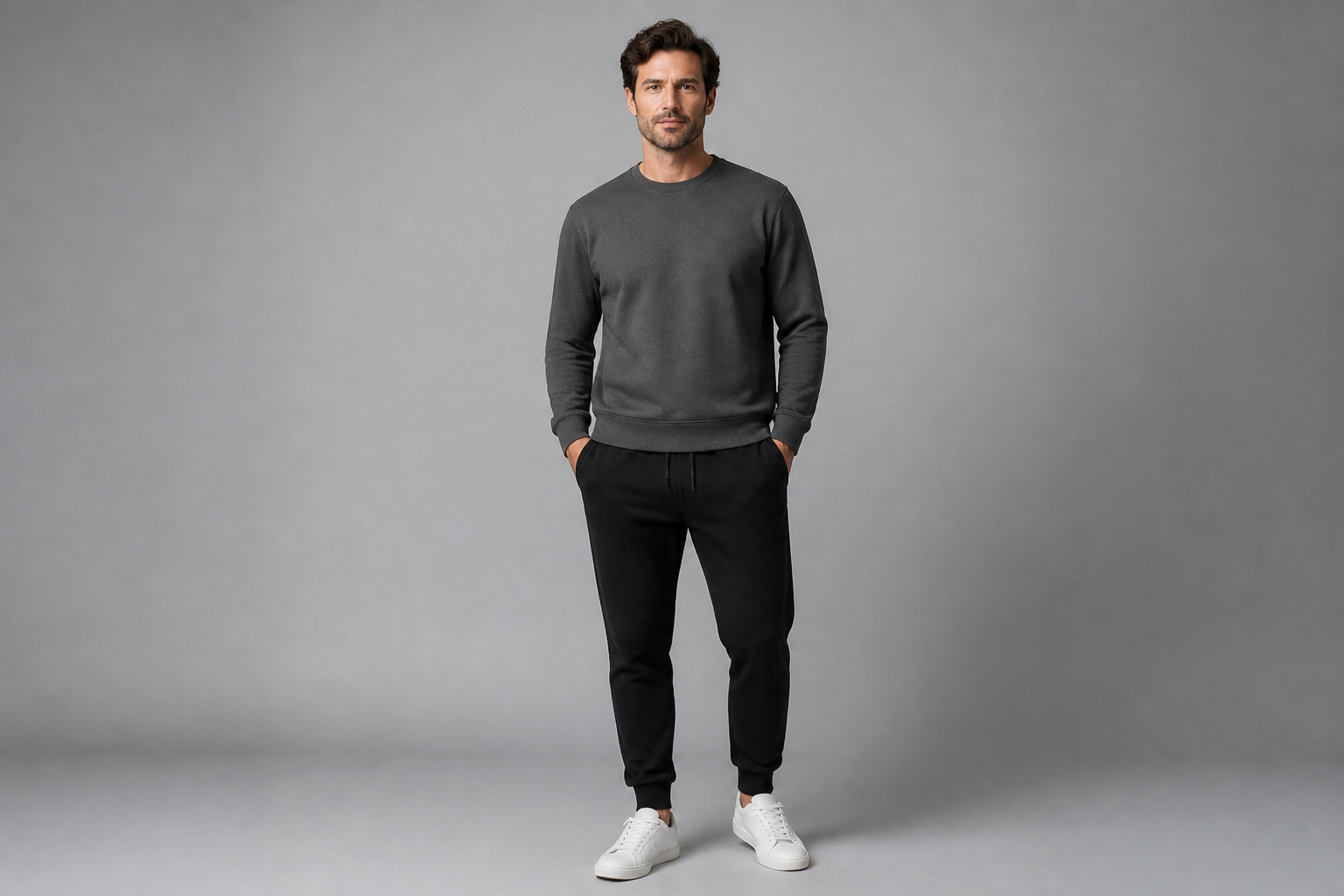 BEFORE
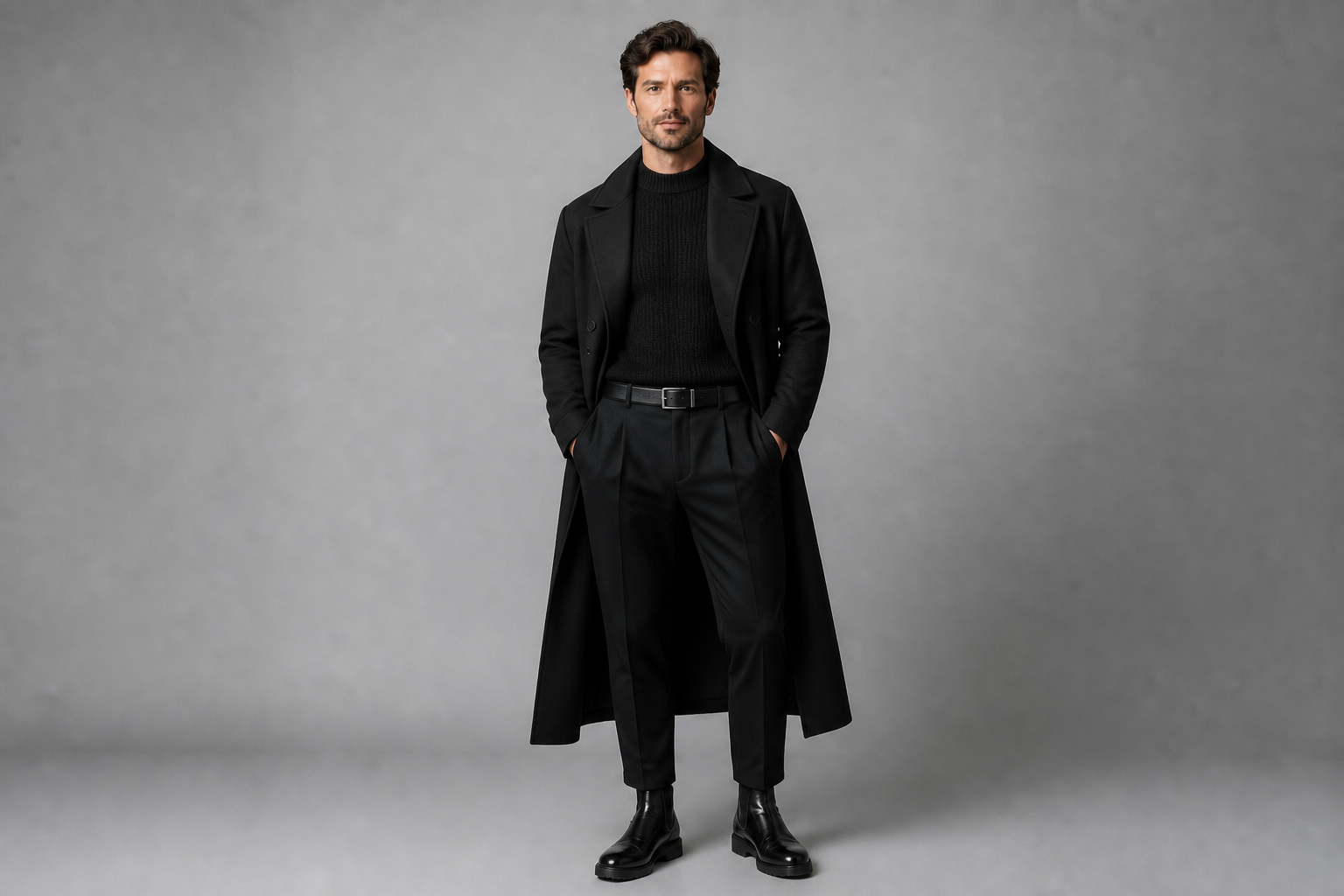 AFTERBEFOREAFTERBEFOREAFTERBEFOREAFTERBEFOREAFTERBEFOREAFTER
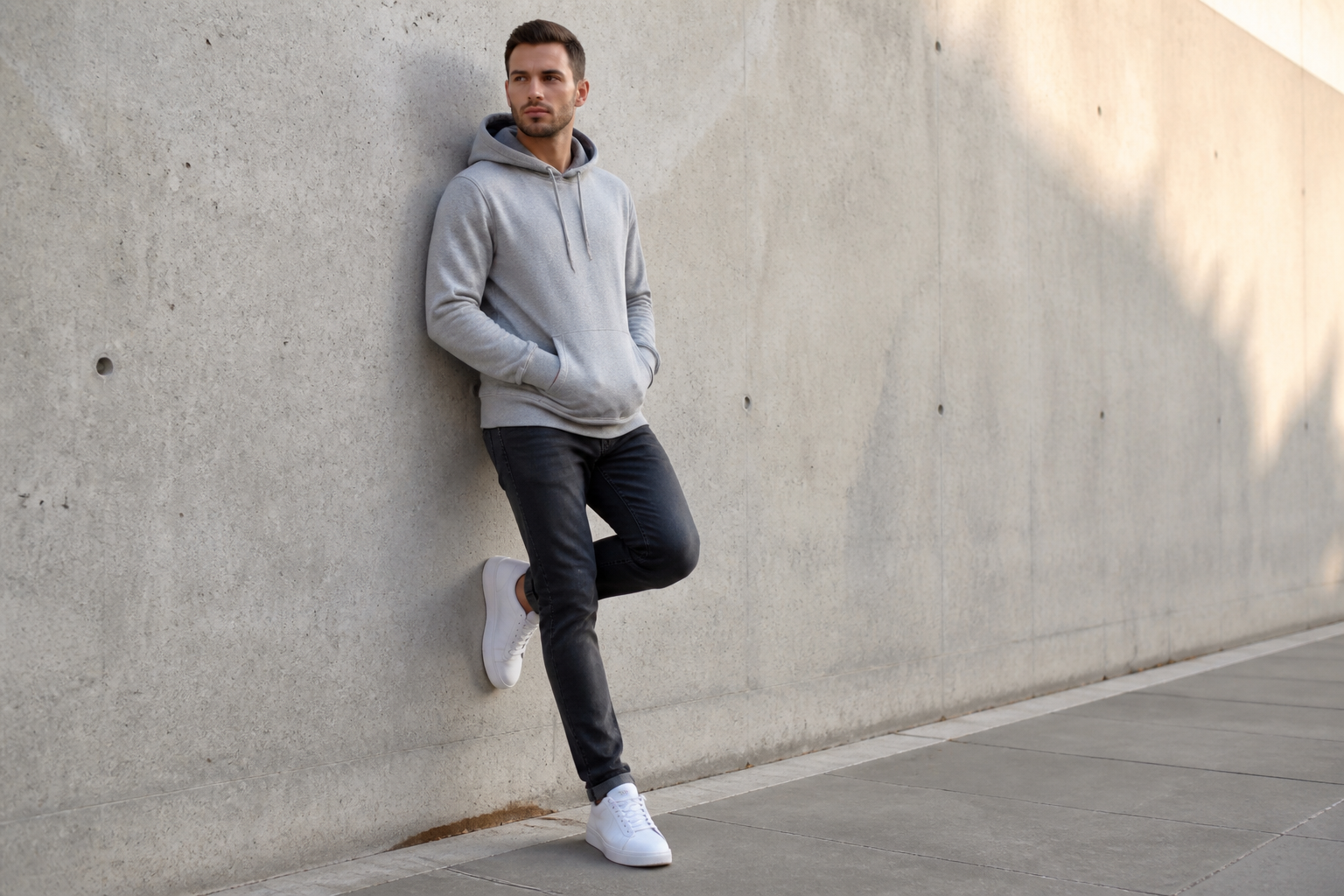 BEFORE
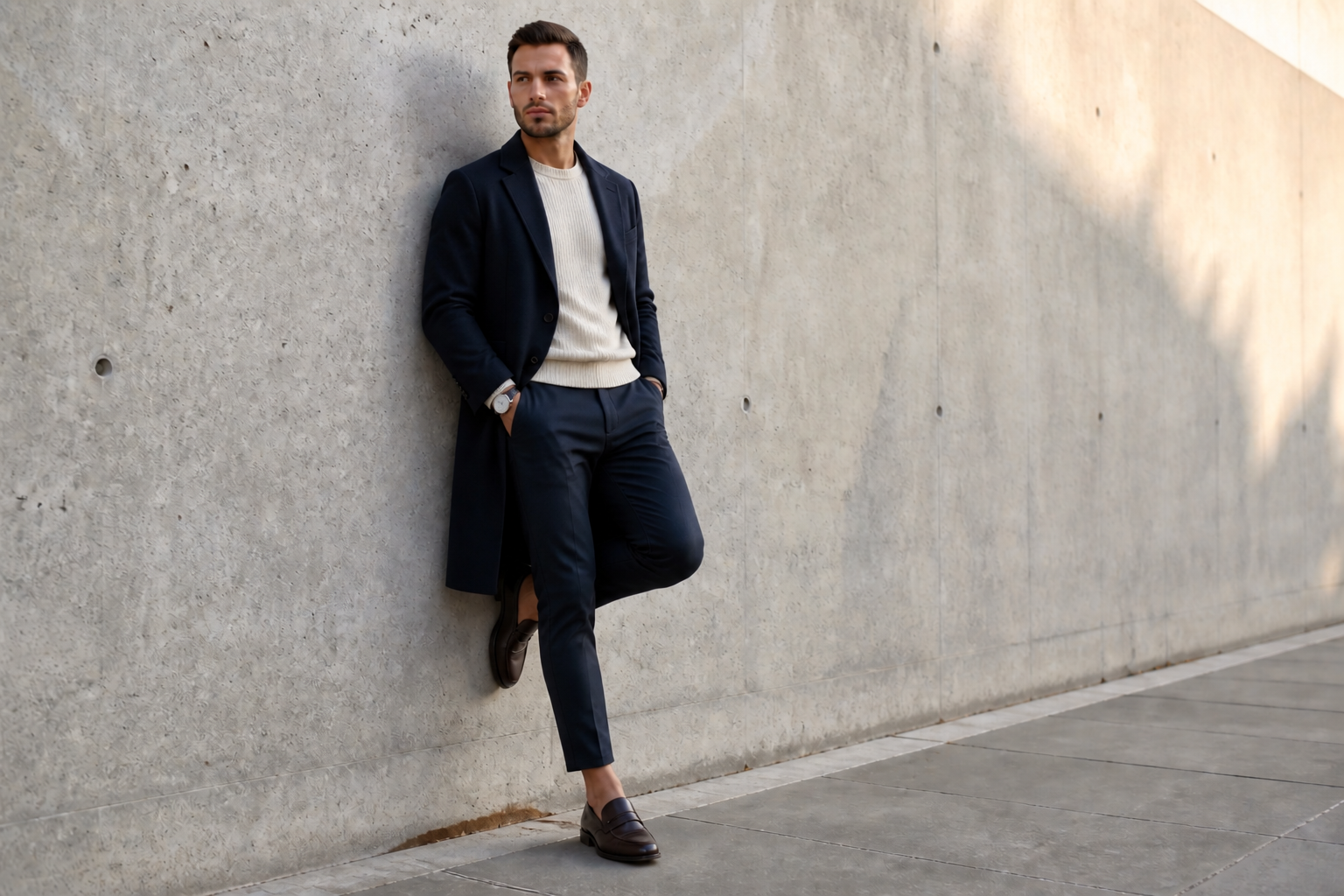 AFTER
AFTER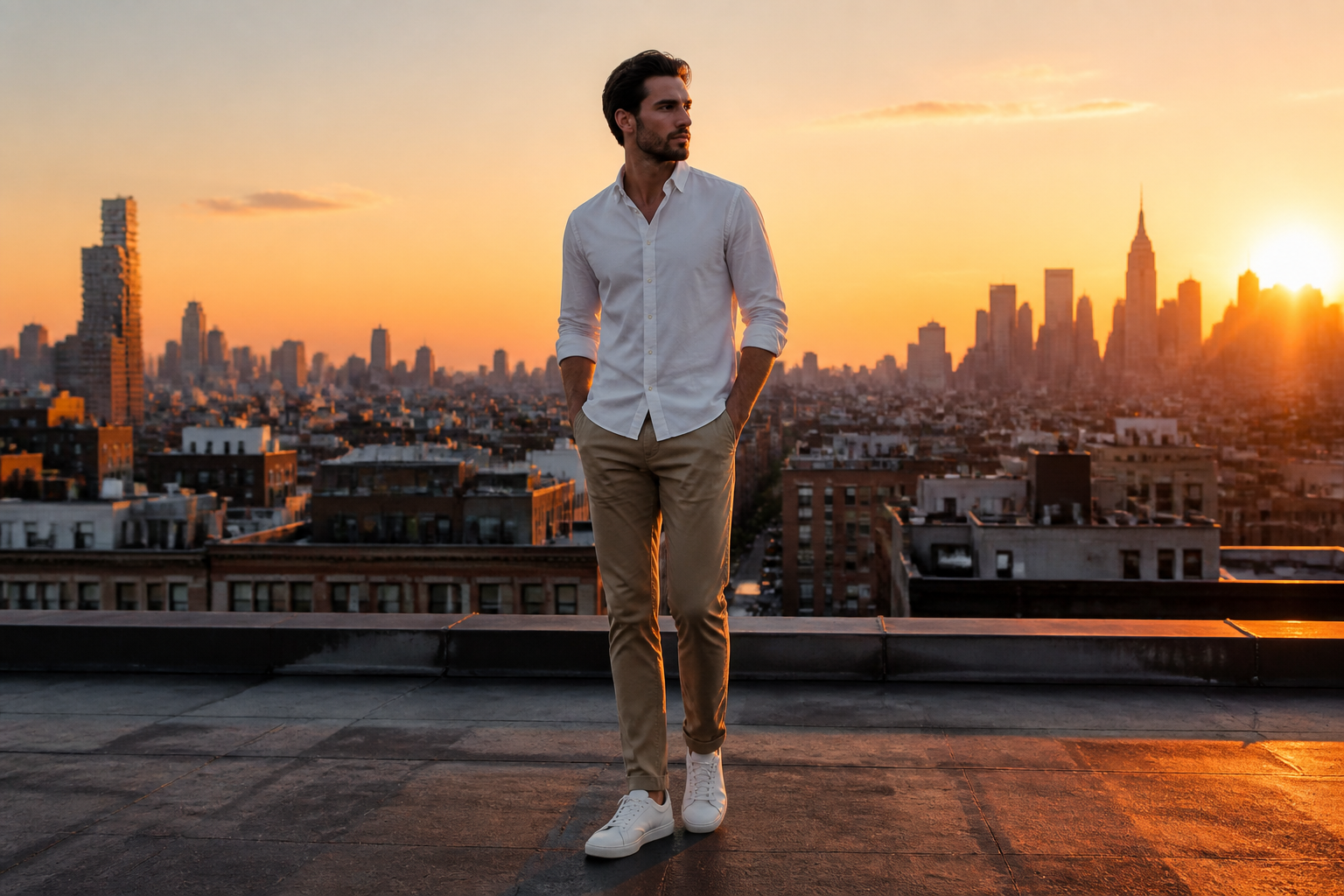 BEFORE
 AFTER
AFTER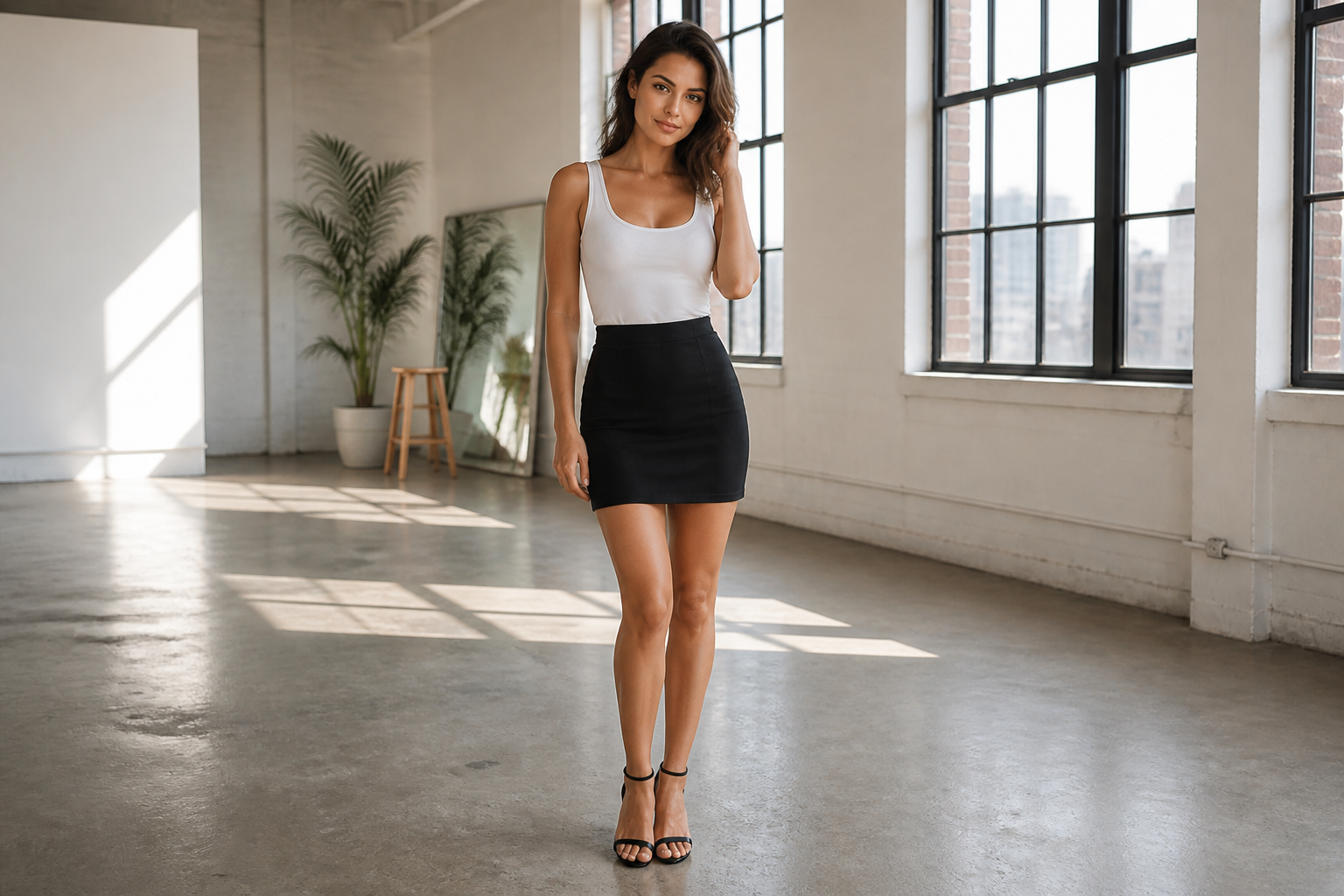 BEFORE
 AFTER
AFTER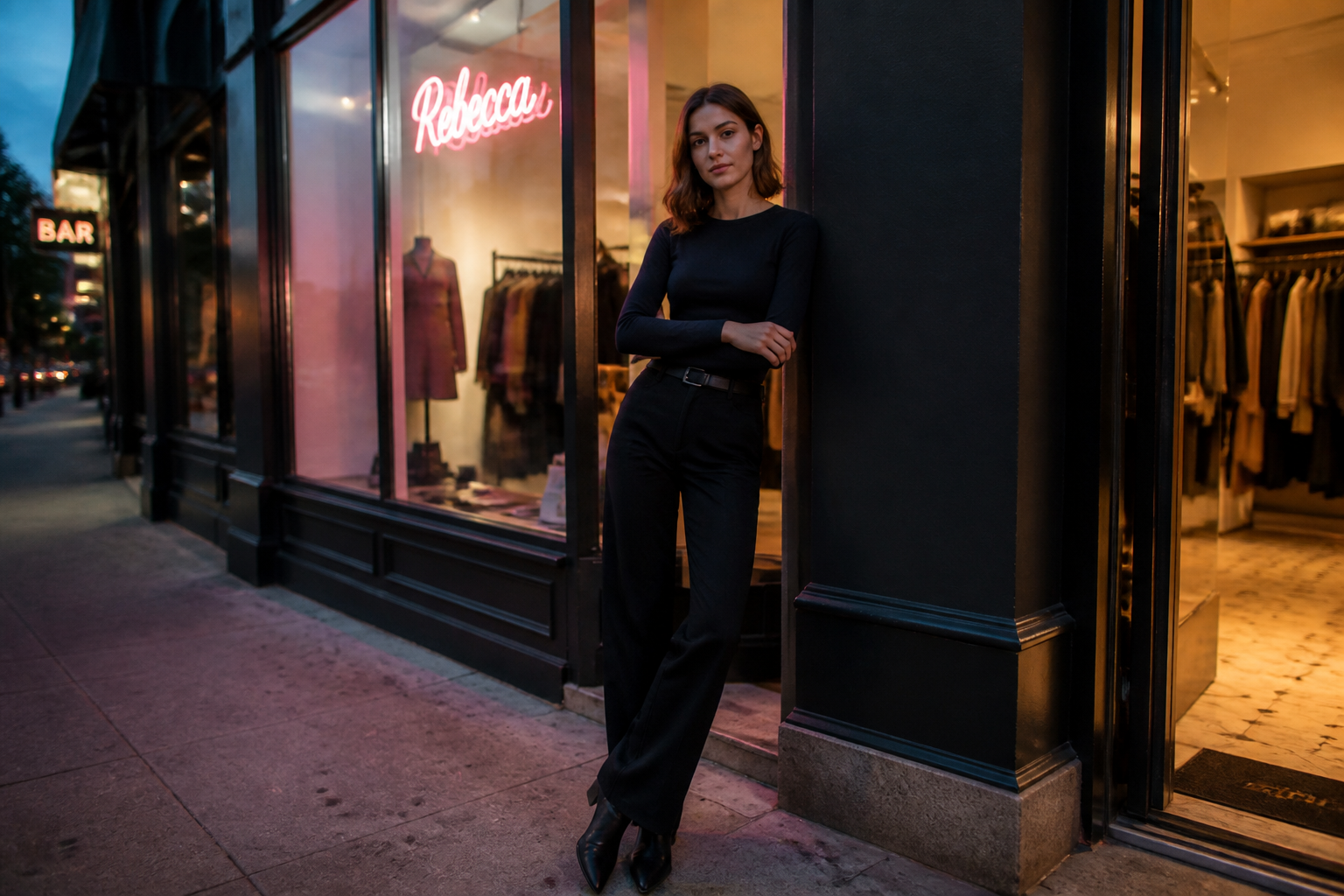 BEFORE
 AFTER
AFTER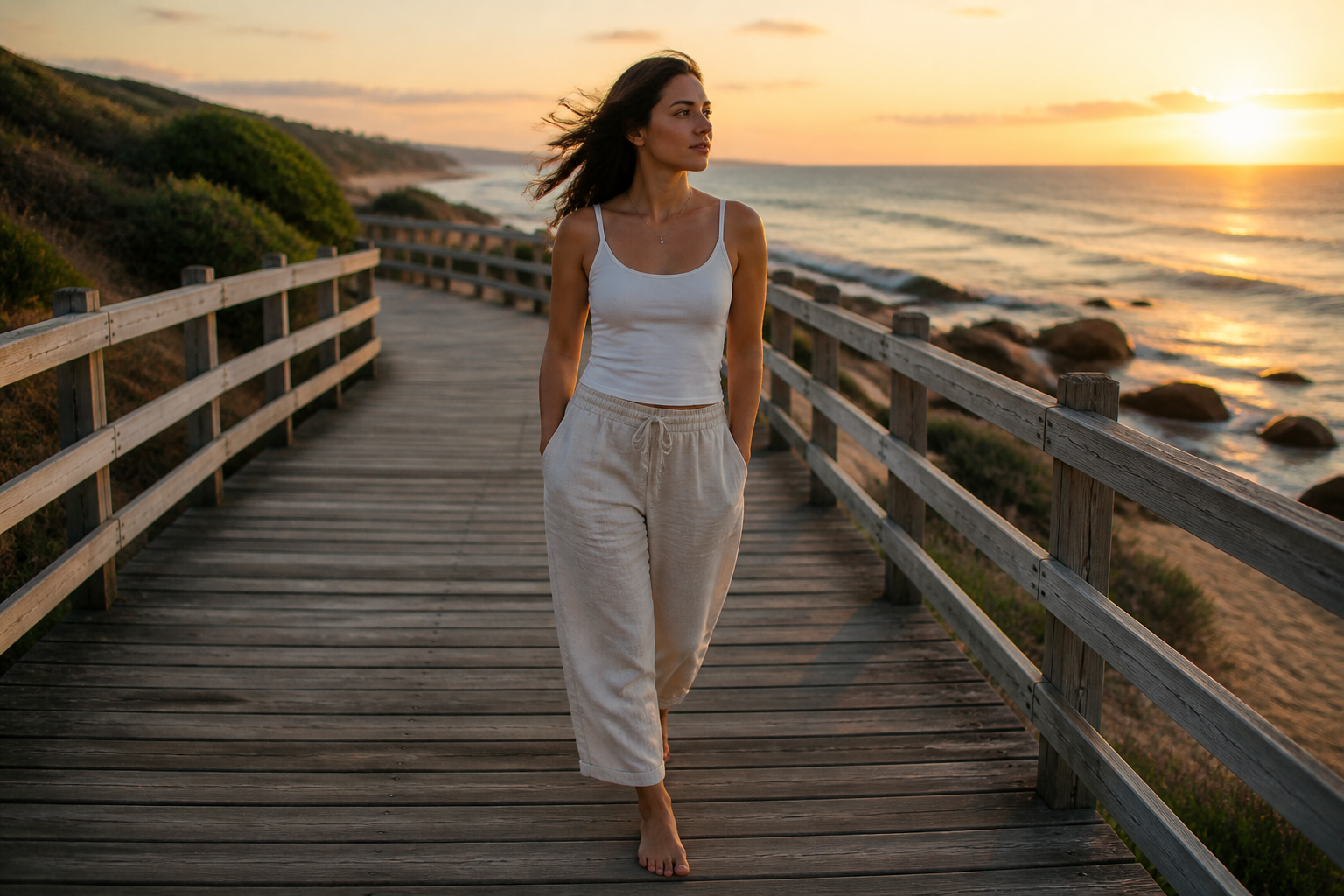 BEFORE
 AFTERBEFOREAFTERBEFOREAFTERBEFOREAFTERBEFOREAFTERBEFOREAFTER
Key Features
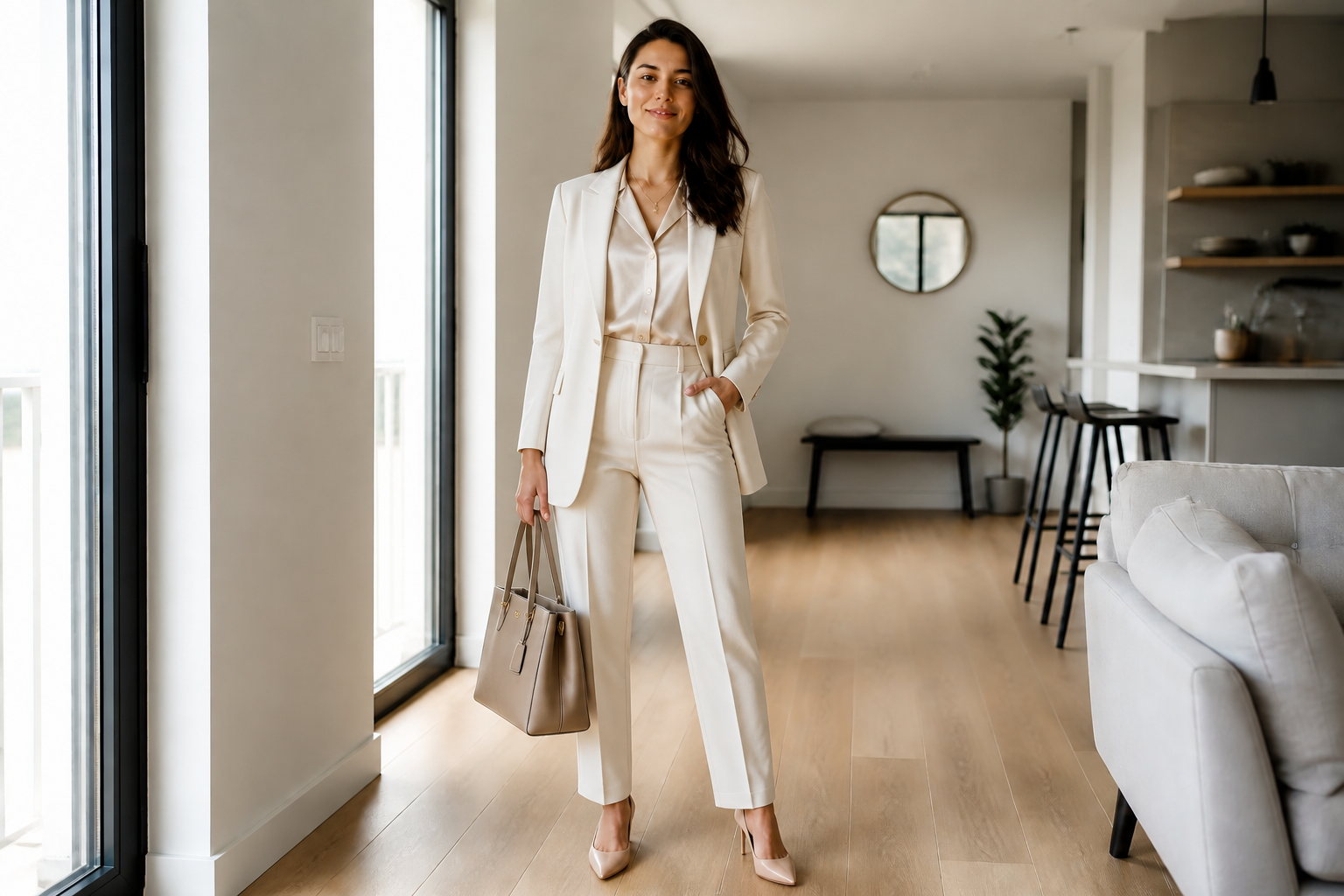
Try full outfit swaps
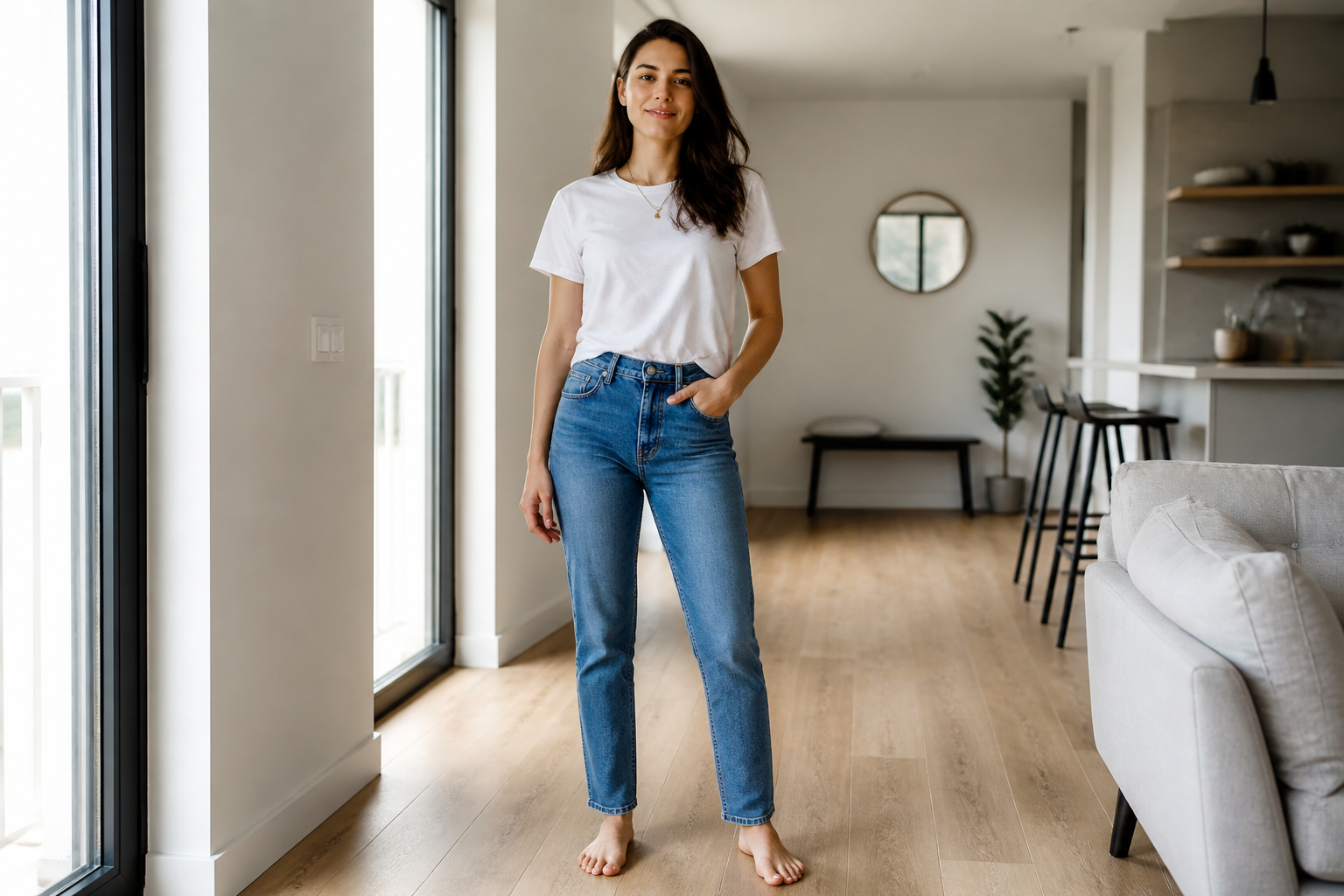
Replace a simple look with a complete styled outfit in one step. This makes it easy to test silhouettes, layers, and accessories without manually masking each clothing item. It is useful for moodboards, styling pitches, and quick visual concepts when you want a clear before-and-after result.
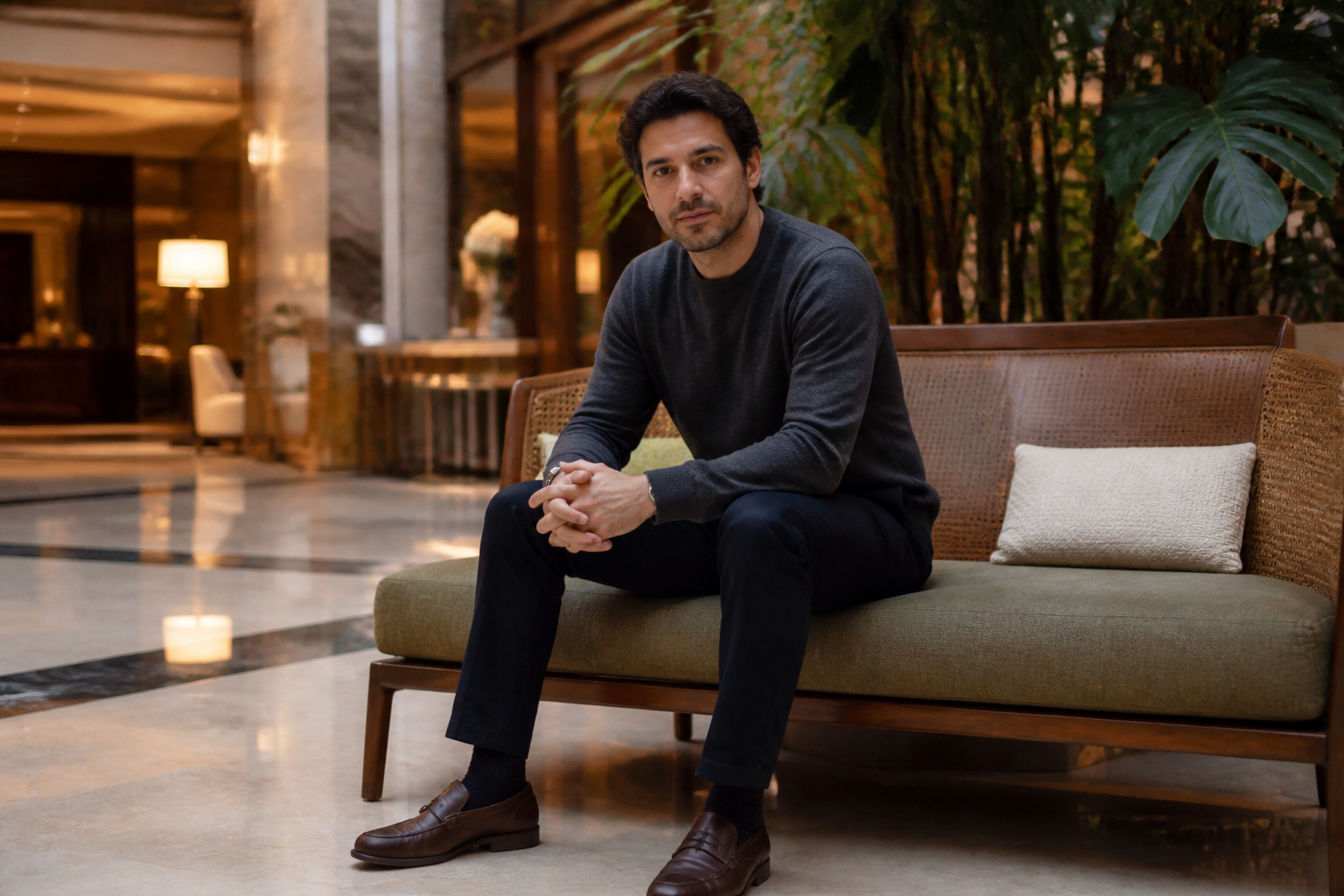
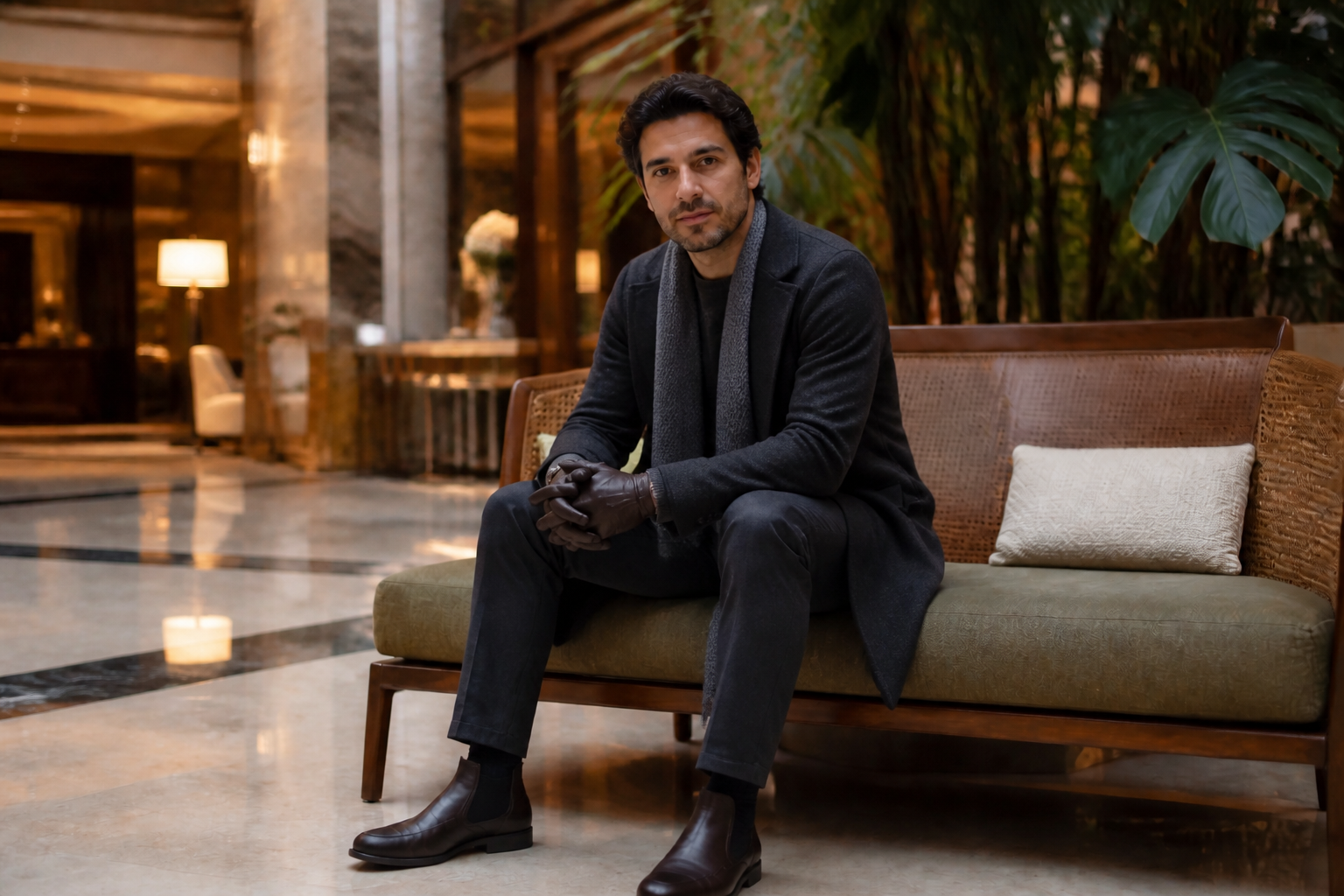
Keep the person recognizable
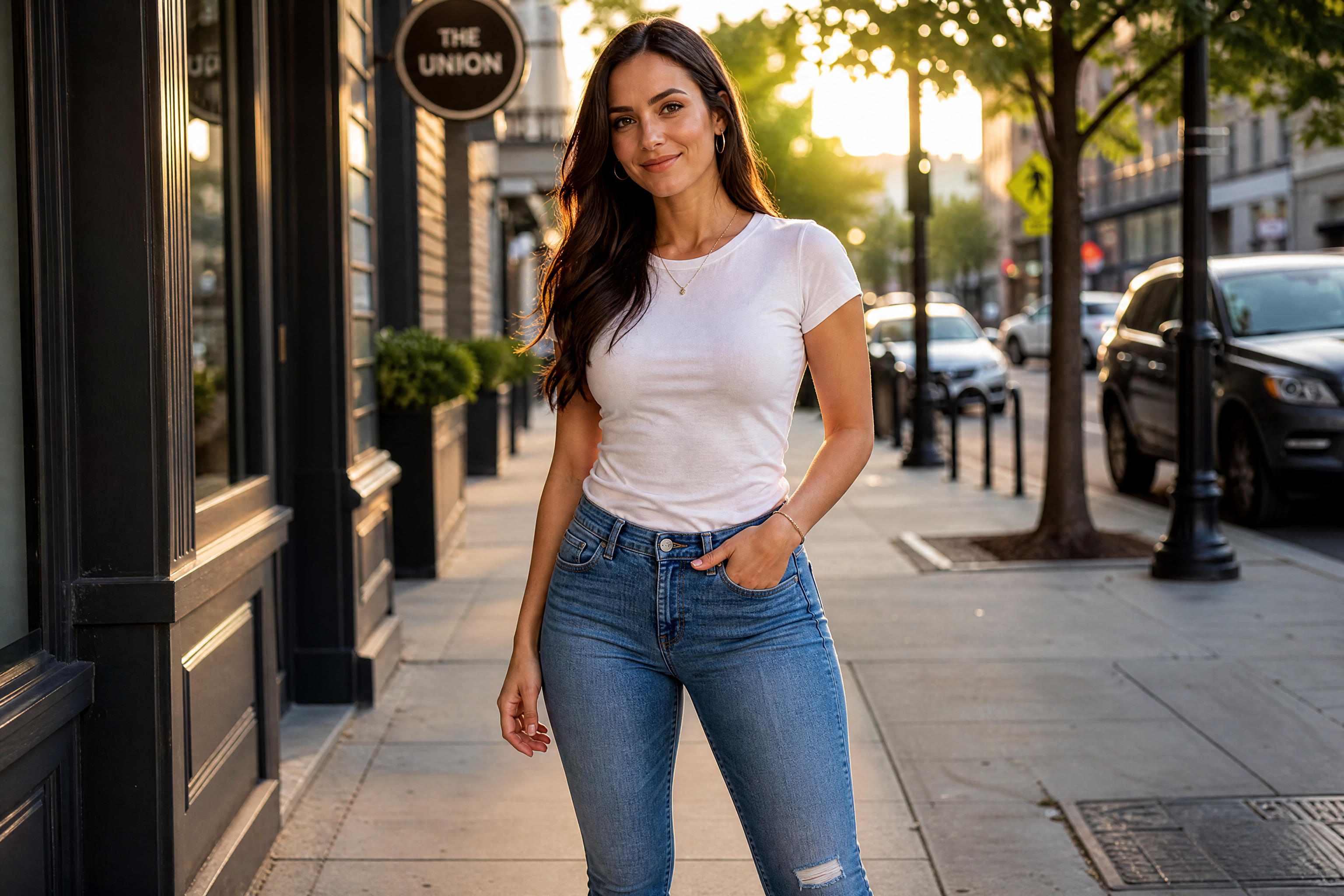
The edit changes the clothing while holding onto the person's face, pose, and overall scene. That matters when you're testing fashion ideas on the same subject instead of generating a different model every time. It saves time compared with rebuilding the image from scratch and makes comparisons easier.
Explore multiple aesthetics
You can move from casual basics to editorial, resort, streetwear, or stylized fashion concepts with the same source image. This helps teams compare directions fast without planning separate shoots. It is a practical way to test visual identity before investing in production.
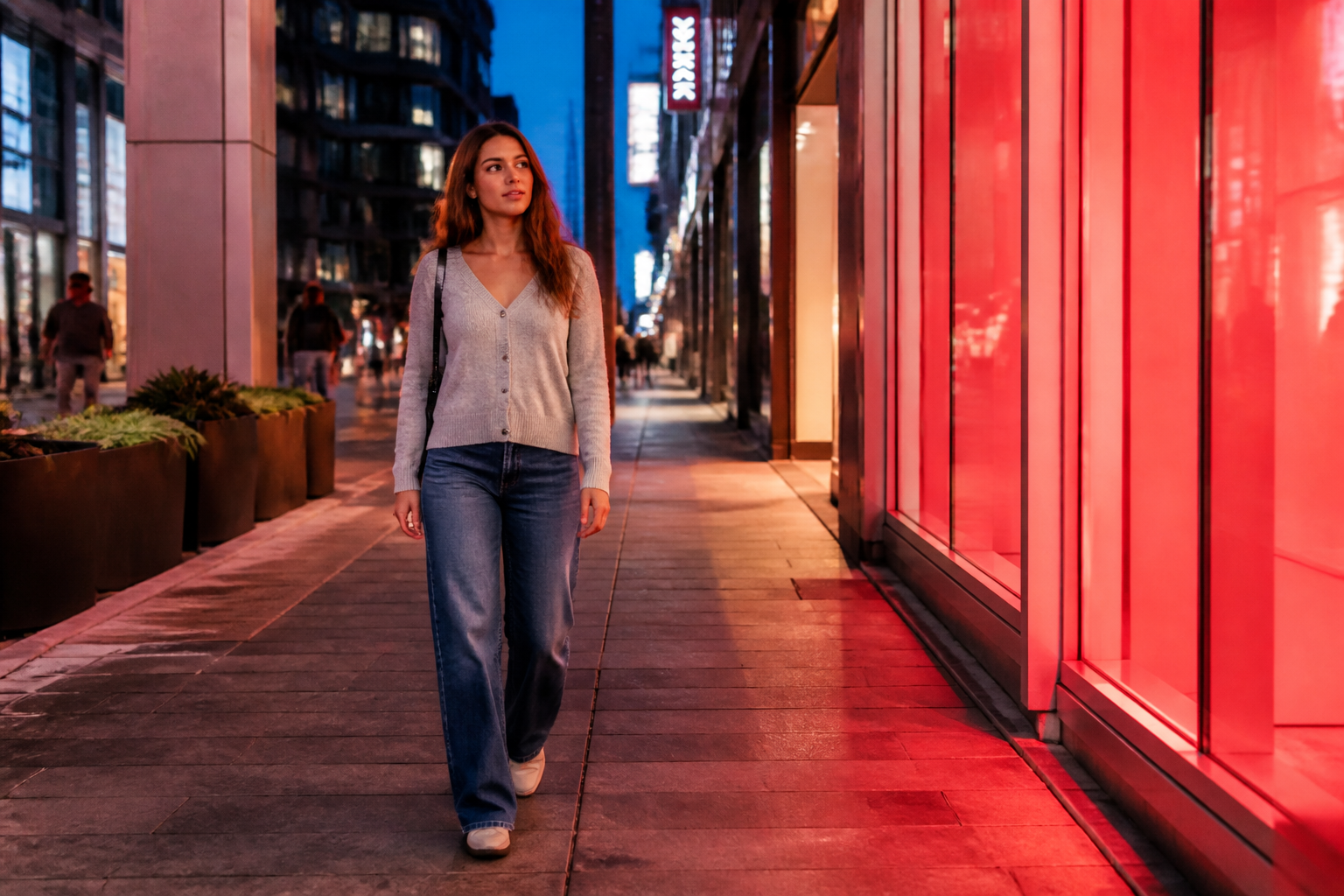
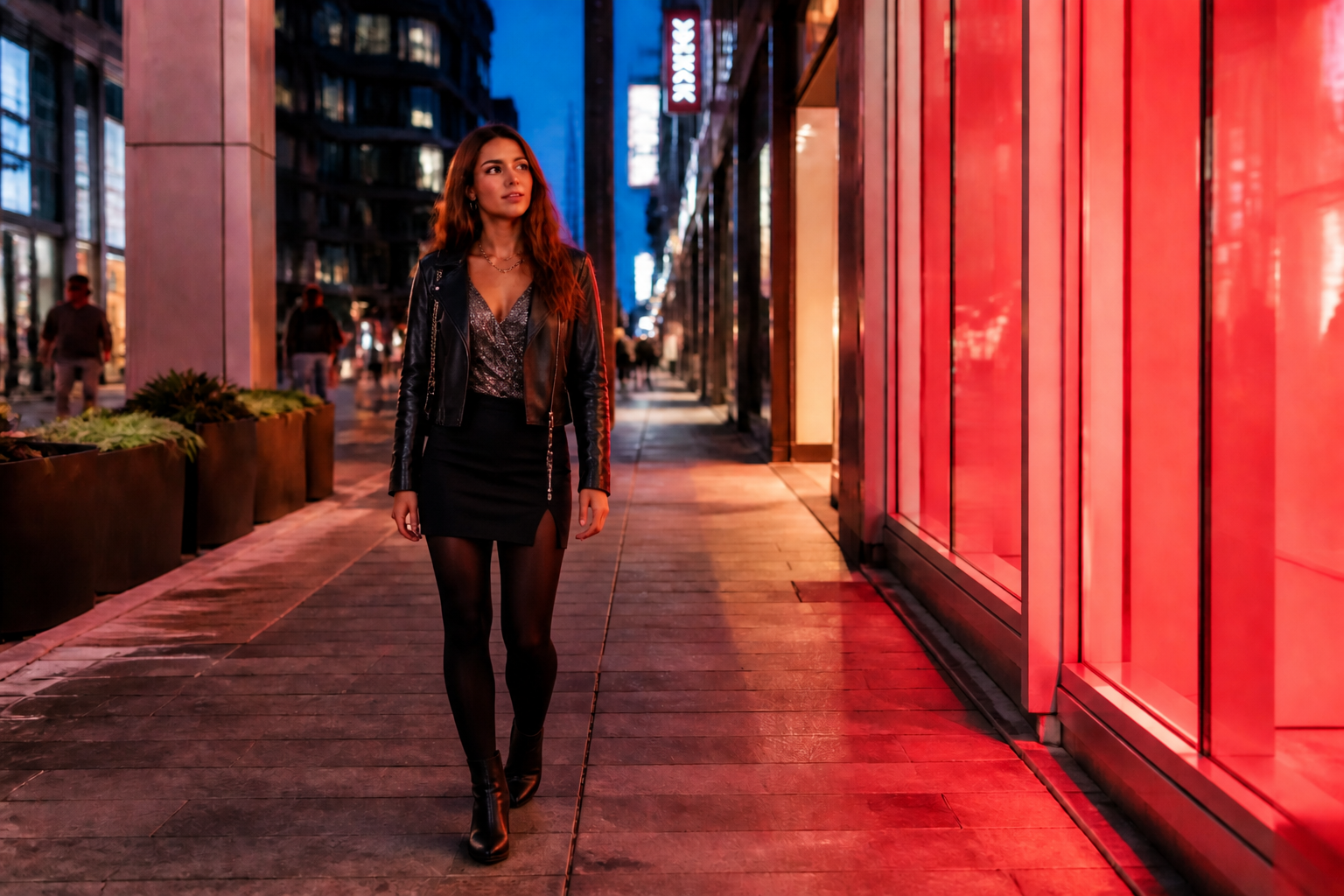
Create content-ready visuals
The generated edits are designed to read clearly in thumbnails, carousels, and concept decks. That makes them useful for social posts, creative reviews, and client approvals where the outfit change needs to be obvious at a glance. It is much faster than assembling mockups by hand across several editing tools.
How It Works
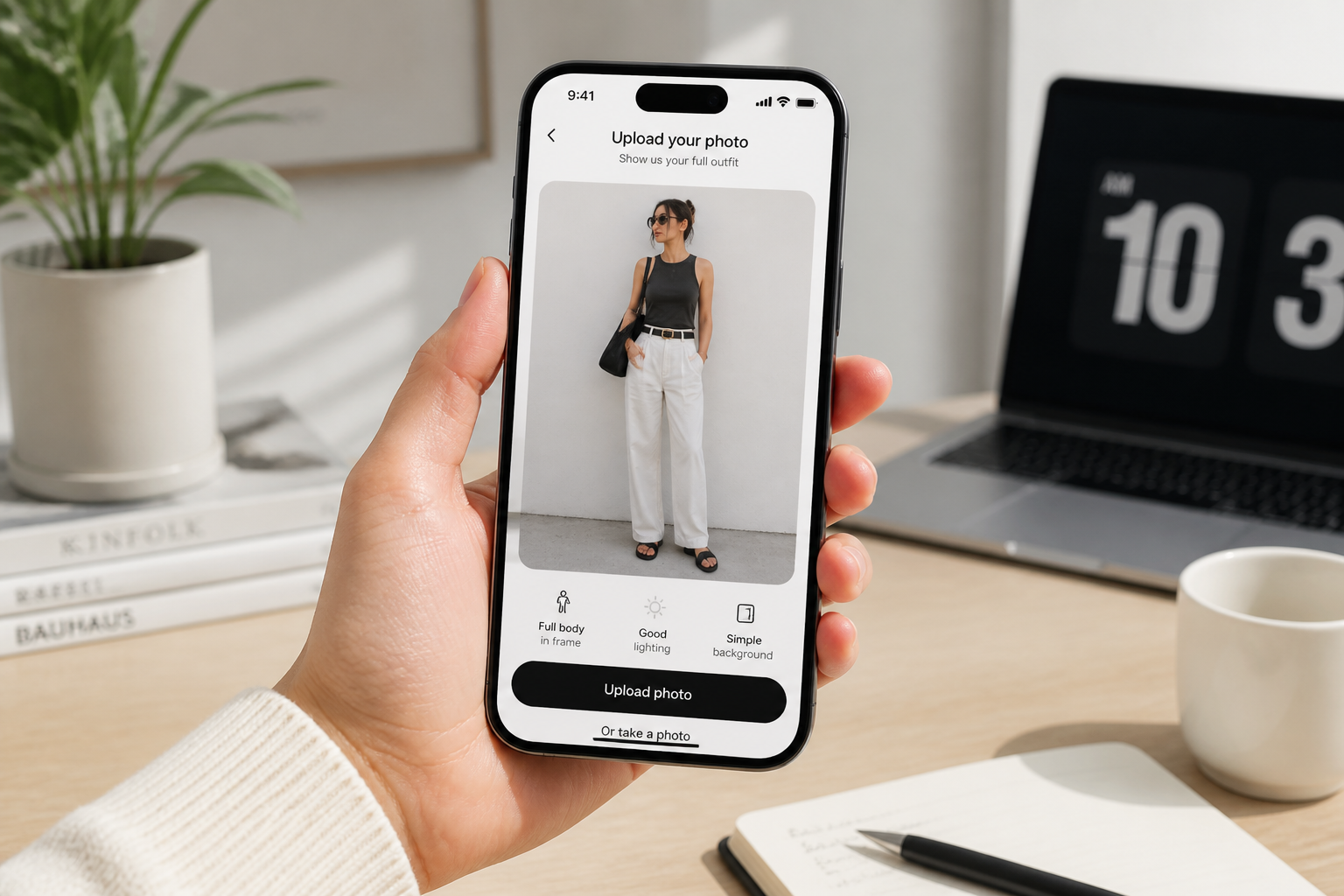
Upload your photo
Start with a clear photo that shows the outfit area well. Full-body or three-quarter shots work best for fashion edits because the clothing silhouette is easy to read.
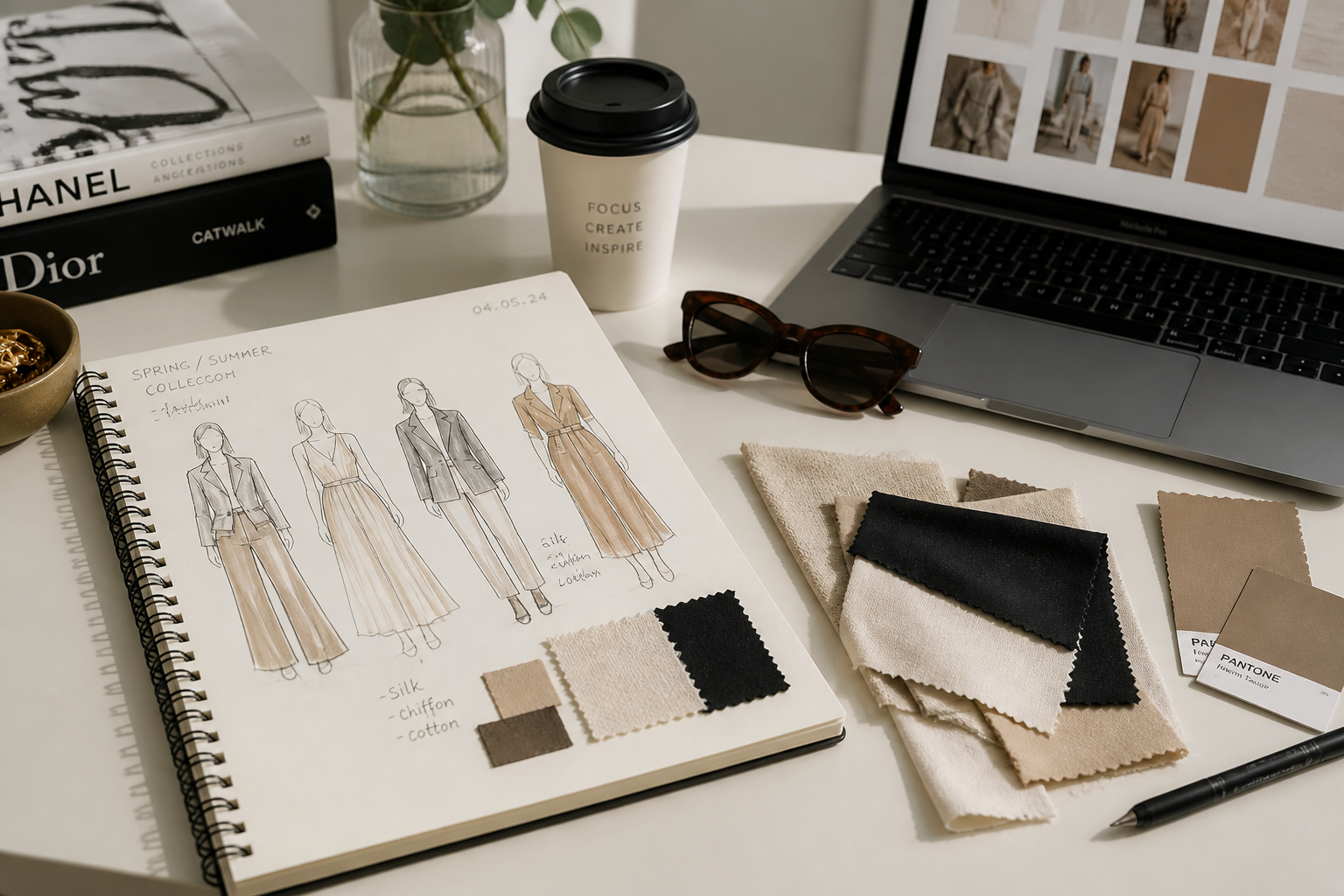
Describe the look
Type the outfit you want to see, such as streetwear, formalwear, resort, or editorial. Include key pieces, colors, and accessories so the result matches your idea more closely.
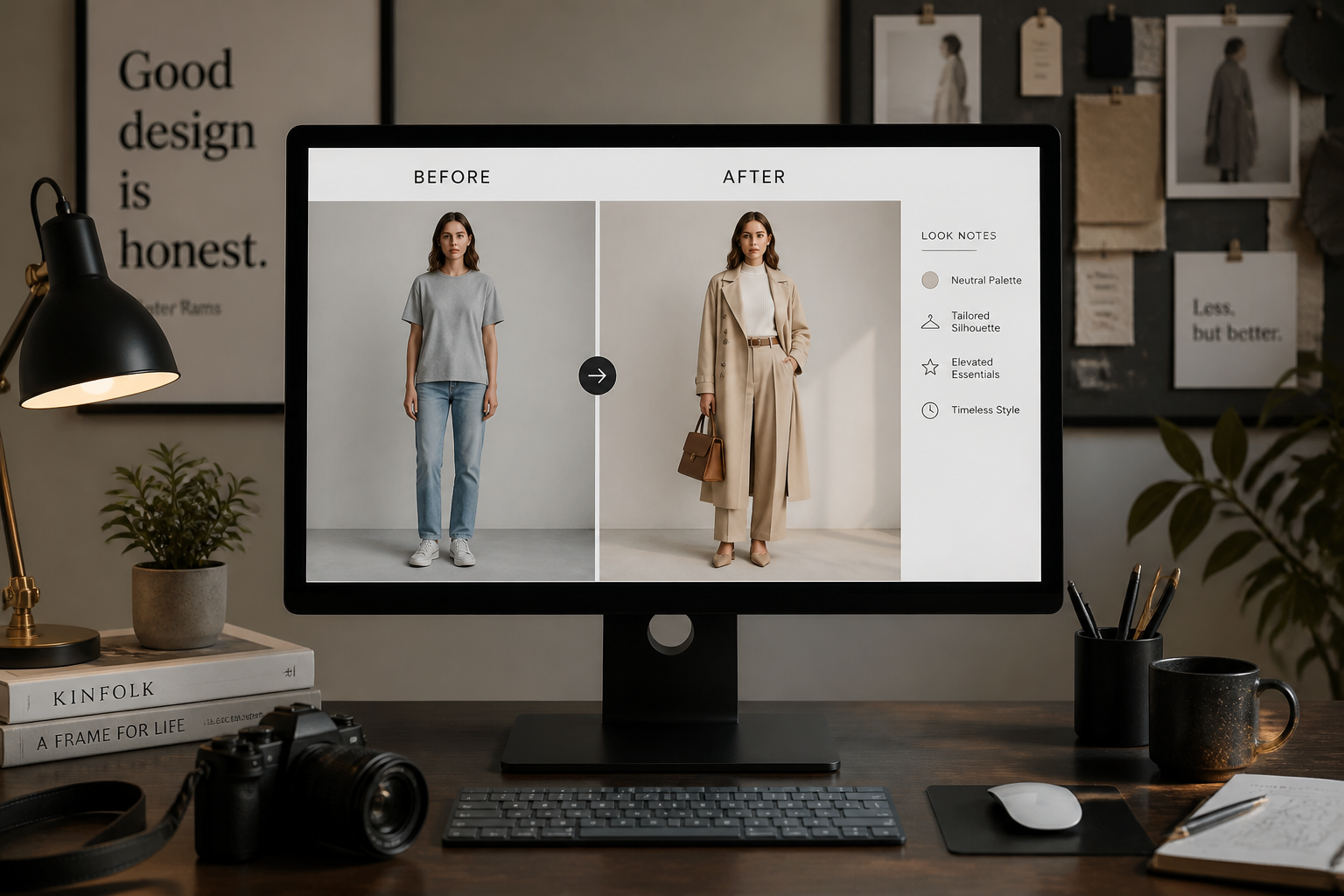
Compare and refine
Review the new outfit against the original image and adjust the prompt if needed. You can quickly test different aesthetics until the styling direction feels right.
Perfect For
Discover how creators and professionals use ai fashion generator
Outfit concept testing
Preview several fashion directions on the same photo before choosing a final look.
Social content planning
Mock up fresh outfits for posts, thumbnails, and campaign ideas without arranging a full shoot.
Stylist collaboration
Share quick visual drafts with clients or teammates to align on wardrobe choices faster.
Personal style exploration
Try aesthetics you are curious about before buying new clothes or building a capsule wardrobe.
Built For
Creators and influencers
Generate outfit variations for content planning, brand pitches, and consistent visual storytelling.
Stylists and fashion marketers
Create fast wardrobe concepts for reviews, moodboards, and campaign direction without manual compositing.
Everyday shoppers
Explore new looks on your own photos to test styles before making purchase decisions.
Why use BudgetPixel for fashion edits
A quick look at how we compare on the things that matter for this niche.
| Feature | BudgetPixel | Generic AI editors | Manual editing apps |
|---|---|---|---|
| Outfit-focused transformations | ✓ | ✓ | — |
| Keeps pose for comparison | ✓ | — | ✓ |
| Fast concept iteration | ✓ | ✓ | — |
| Prompt-based style variety | ✓ | ✓ | — |
| Manual masking required | — | — | ✓ |
Frequently Asked Questions
What does the AI Fashion Generator do?
Do I need a full-body photo?
Will it keep the person's face the same?
Can I generate stylized fashion looks too?
Is this useful for professional moodboards?
Create together.
Share your creations, discover trending AI art, and grow with fellow creators.