AI Background Enhancer
Make ordinary photo backgrounds look cleaner, richer, and more polished.
AI Background Enhancer improves the setting around your subject without changing who or what is in focus. Add depth, cleaner light, sharper details, and a more premium look in one edit.
Watch the Transformation
See ai background enhancer in motion — generated end-to-end by our AI.
See It In Action
Real outputs from ai background enhancer.
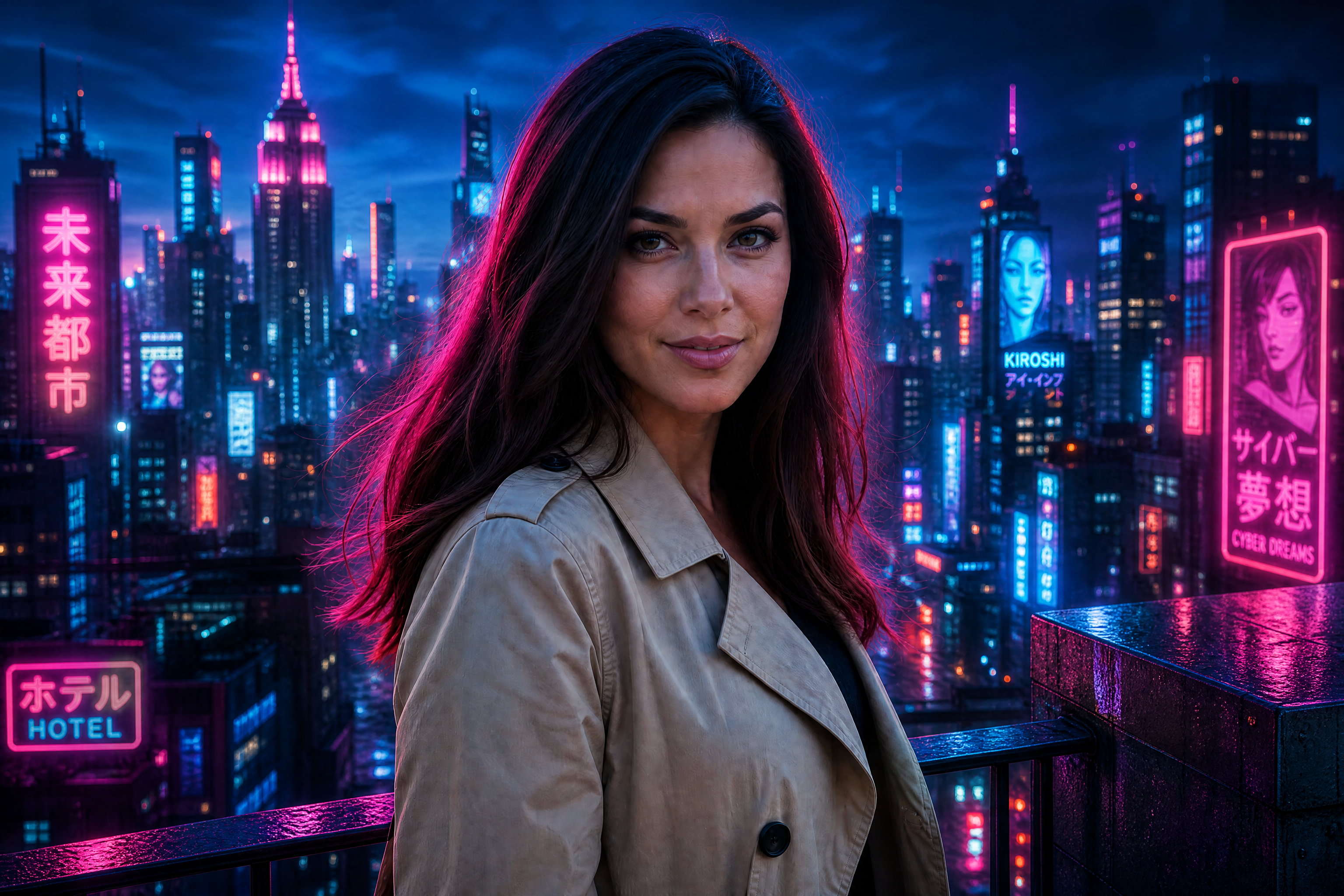
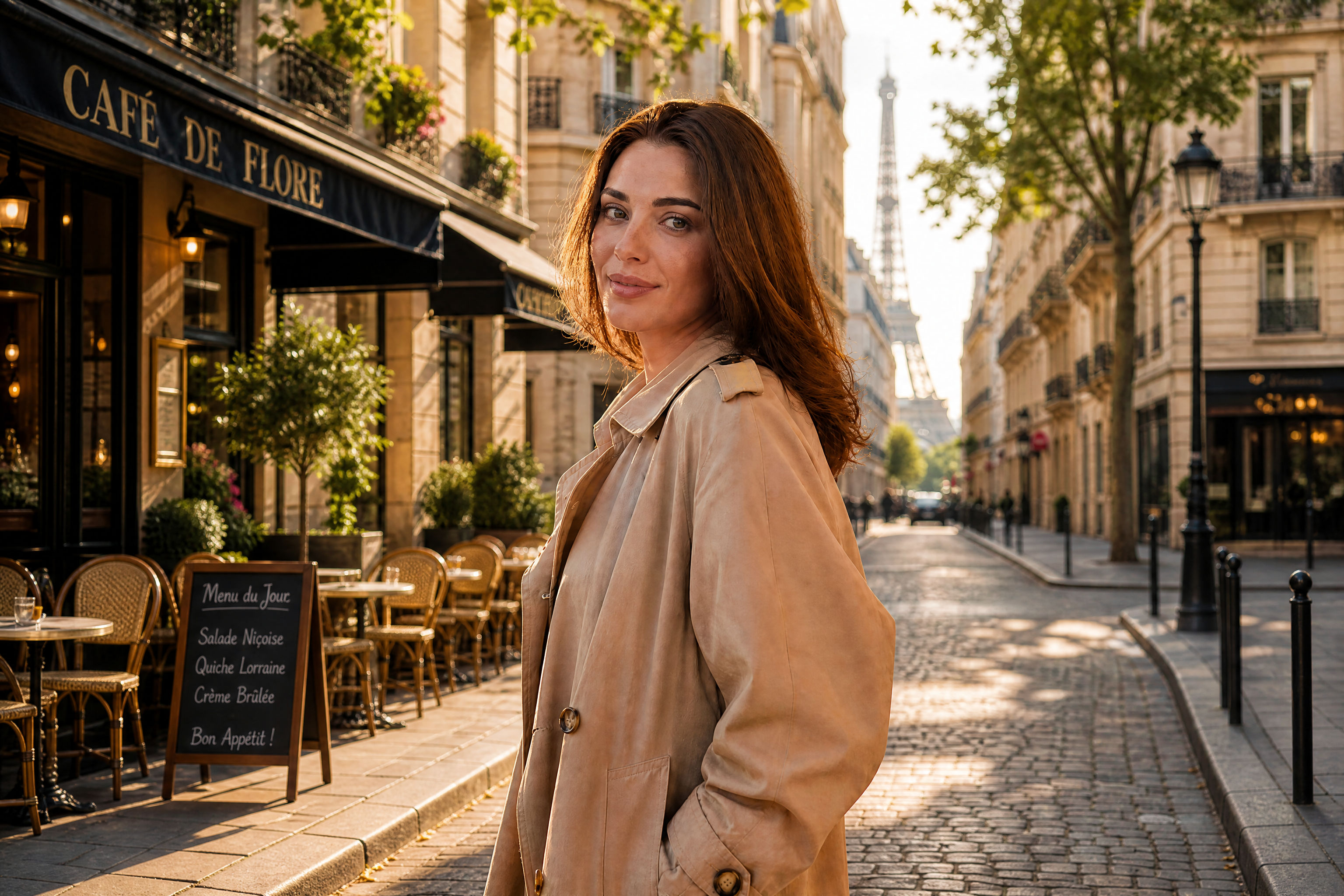
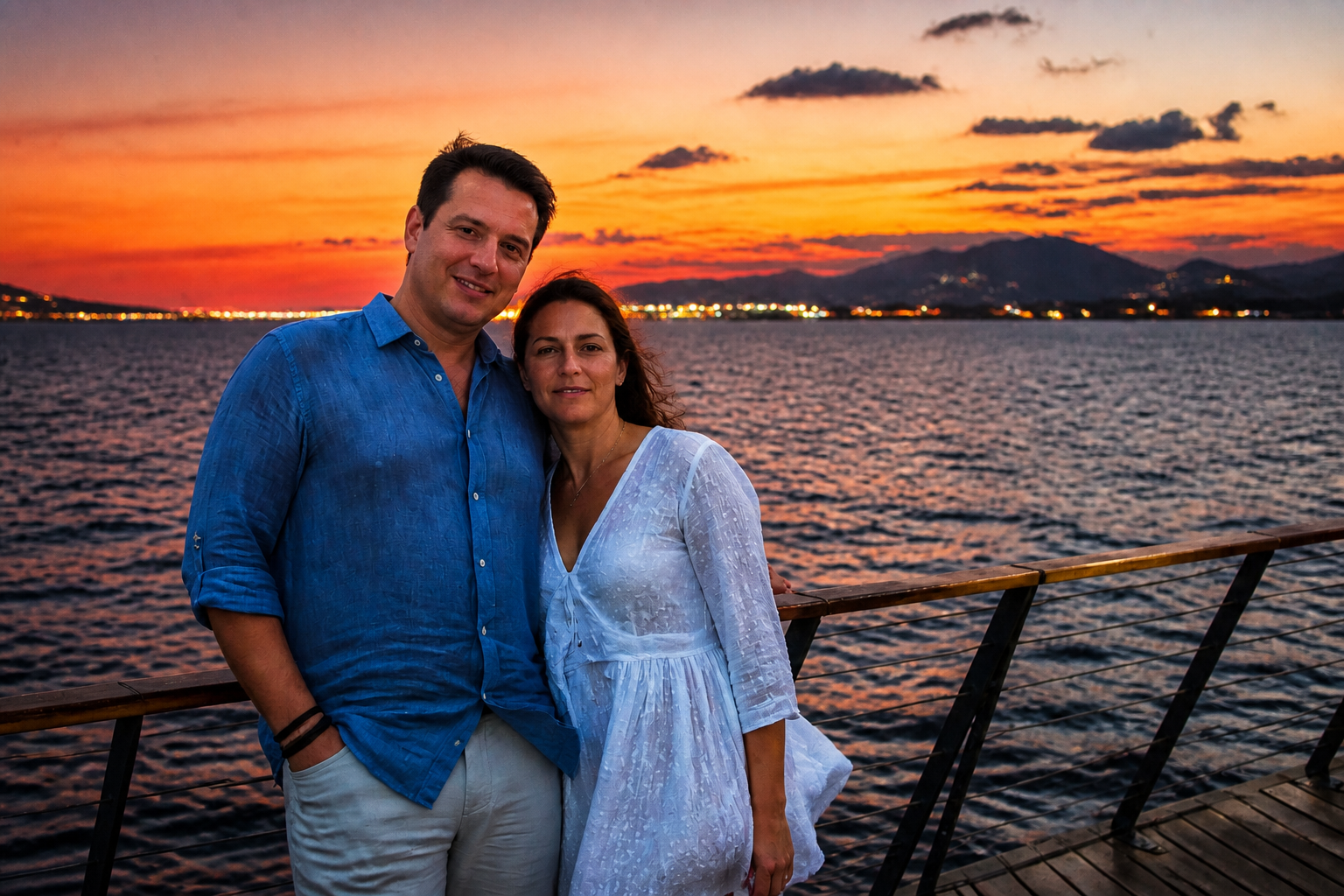
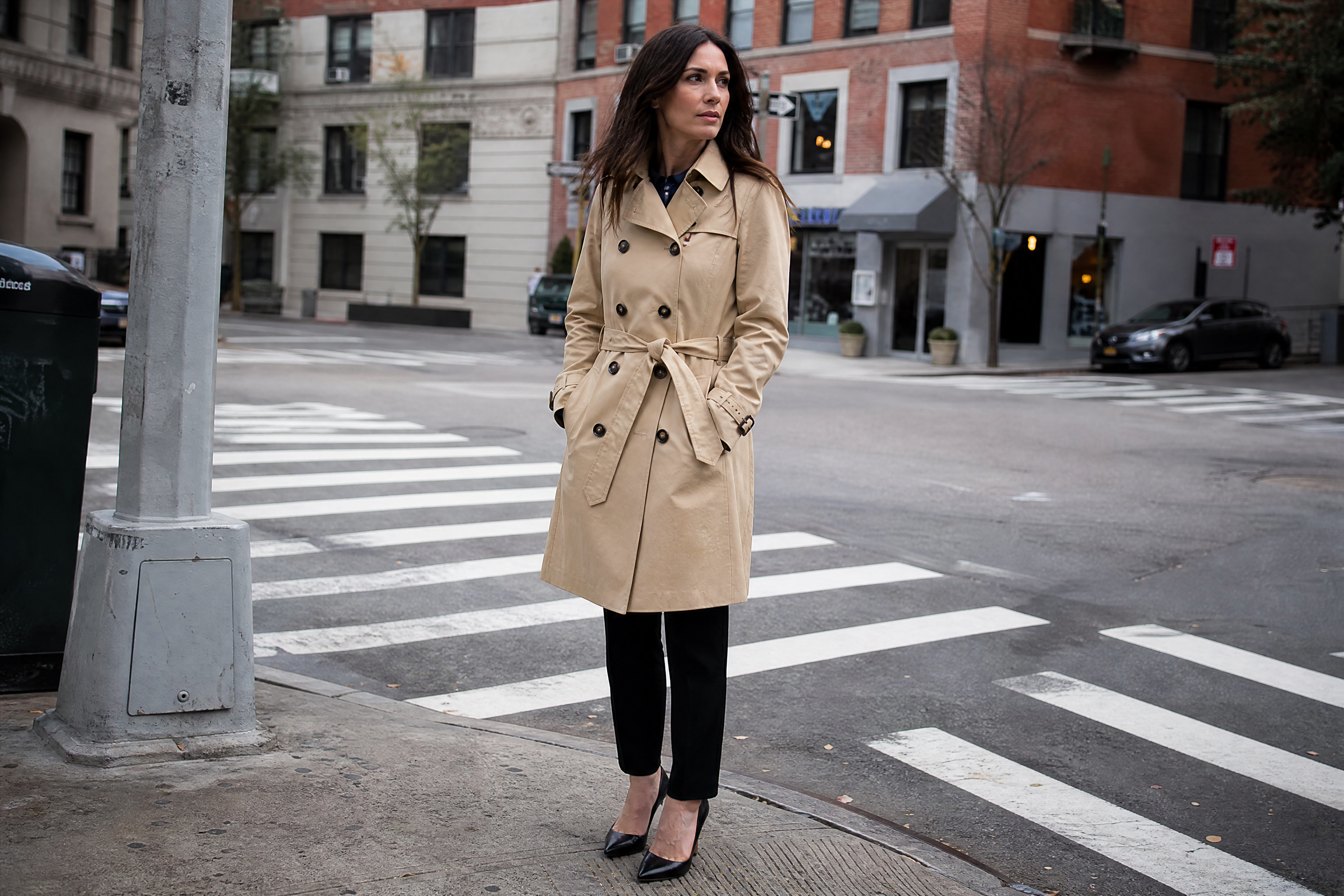
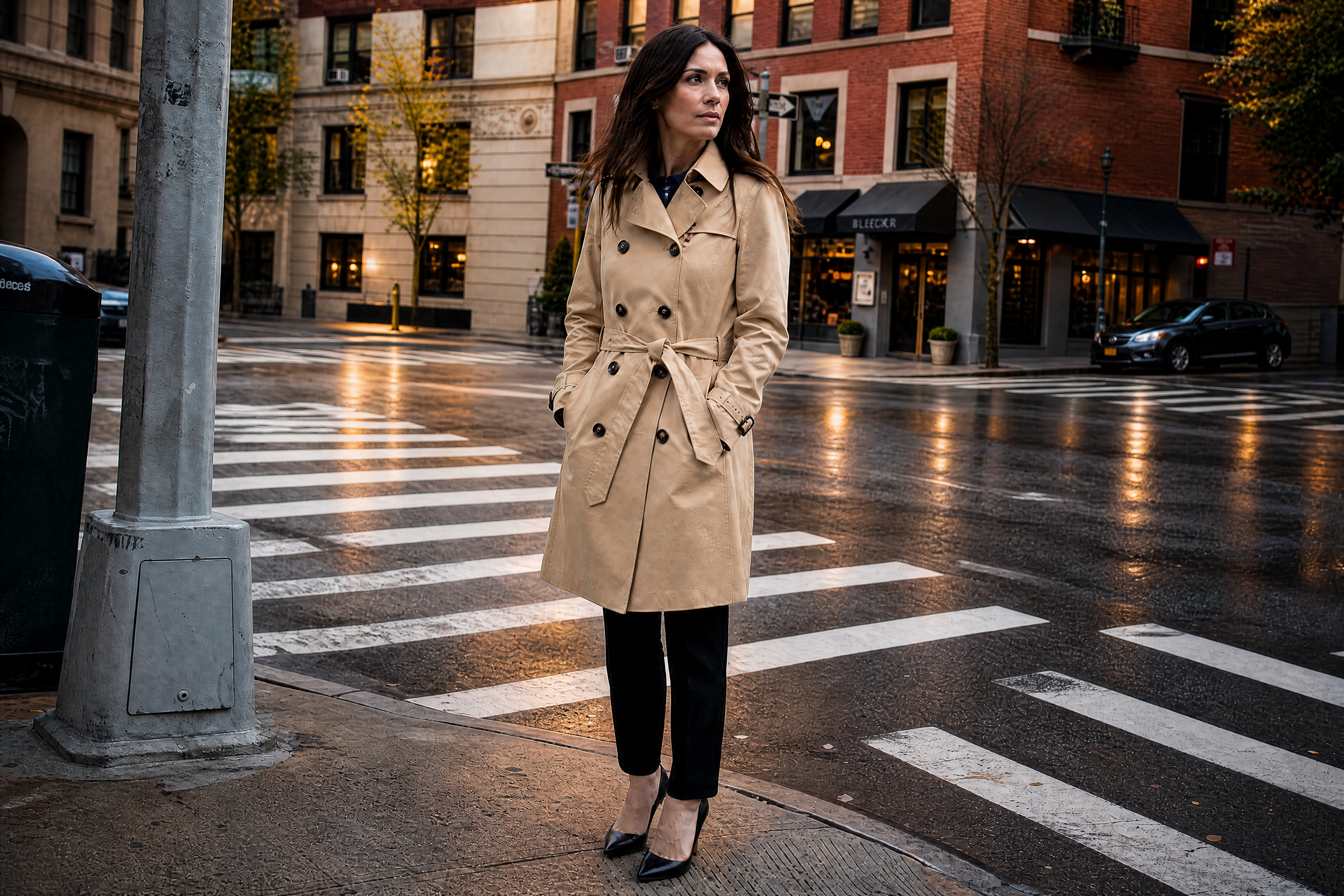
BEFOREAFTER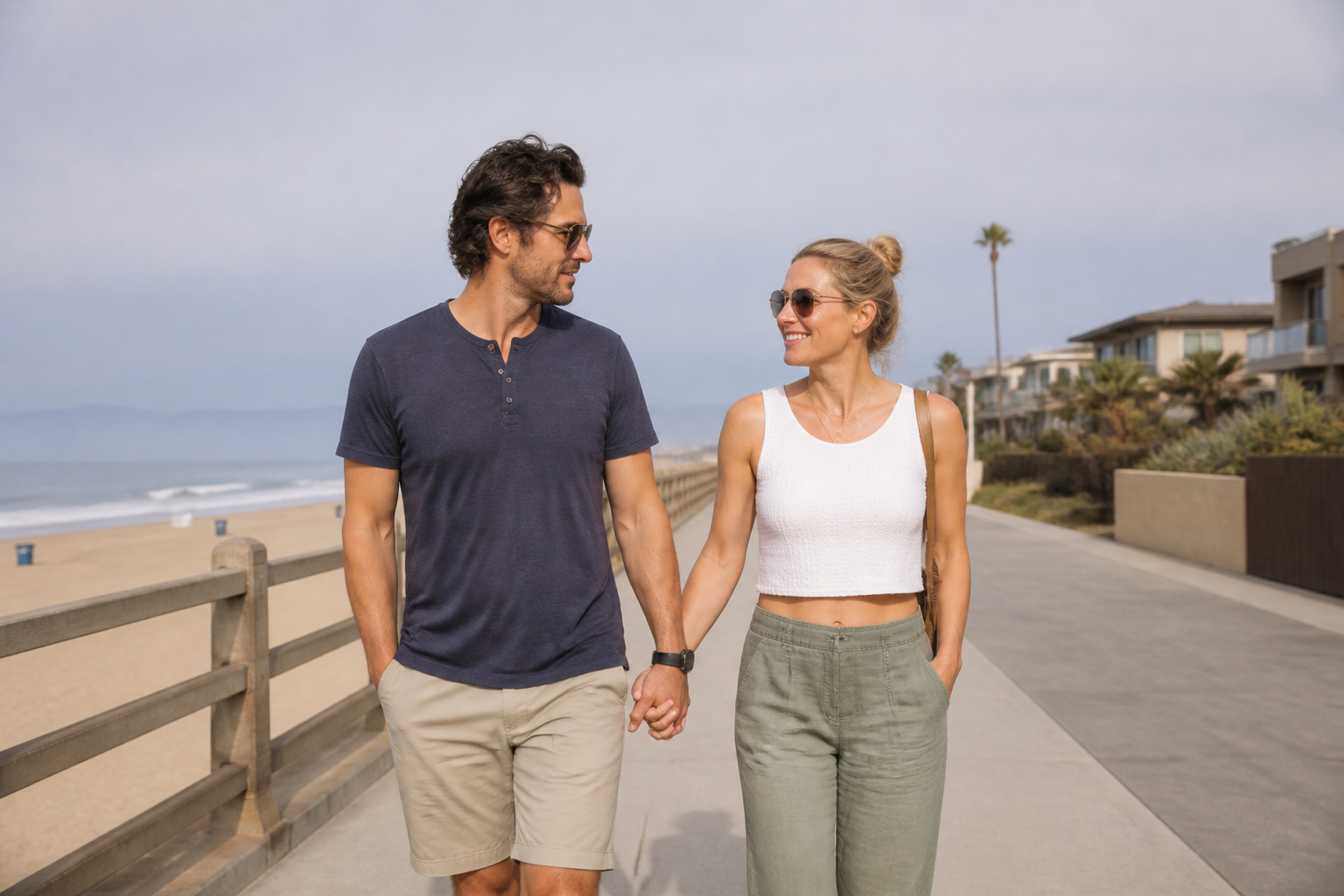 BEFORE
 AFTER
AFTER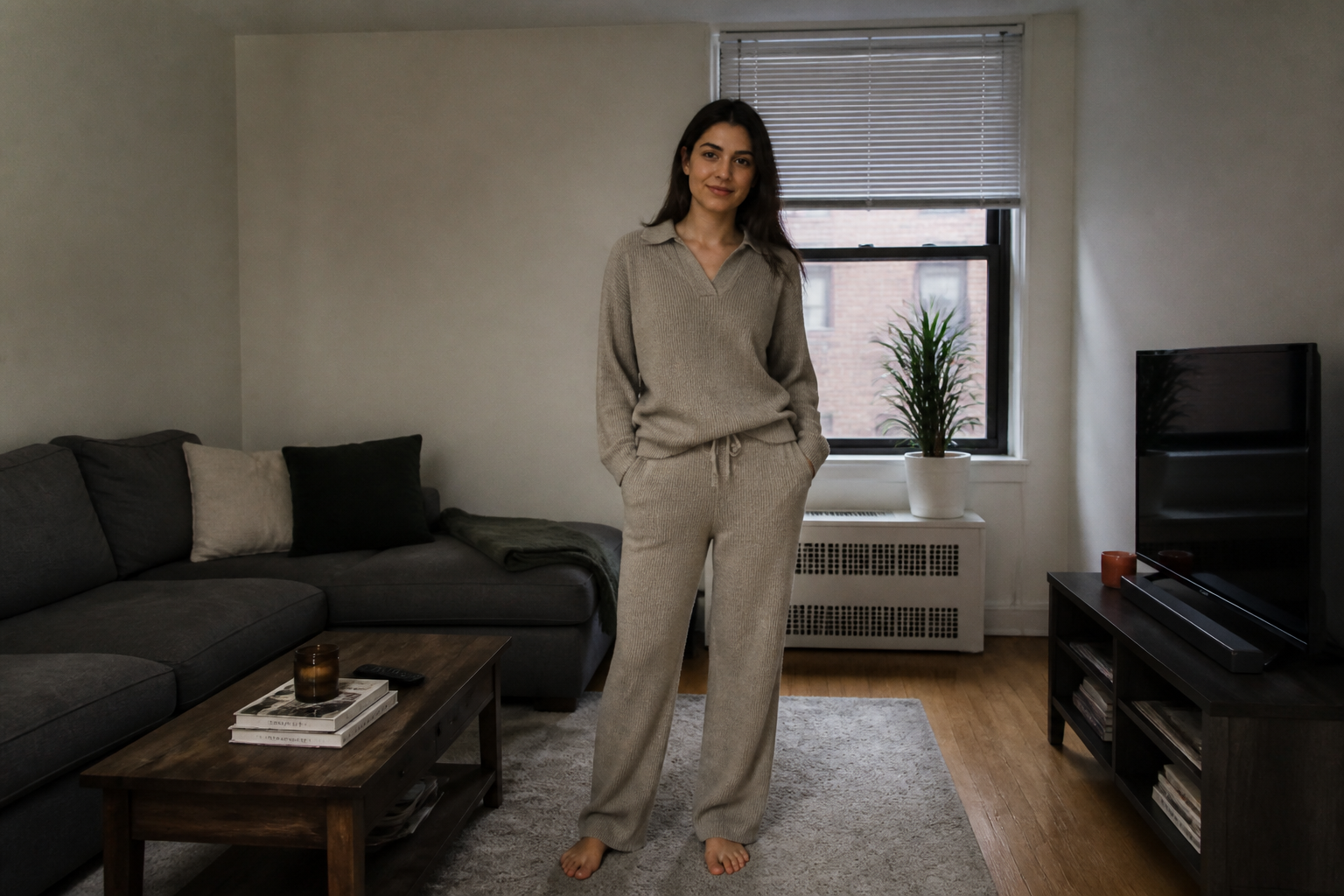 BEFORE
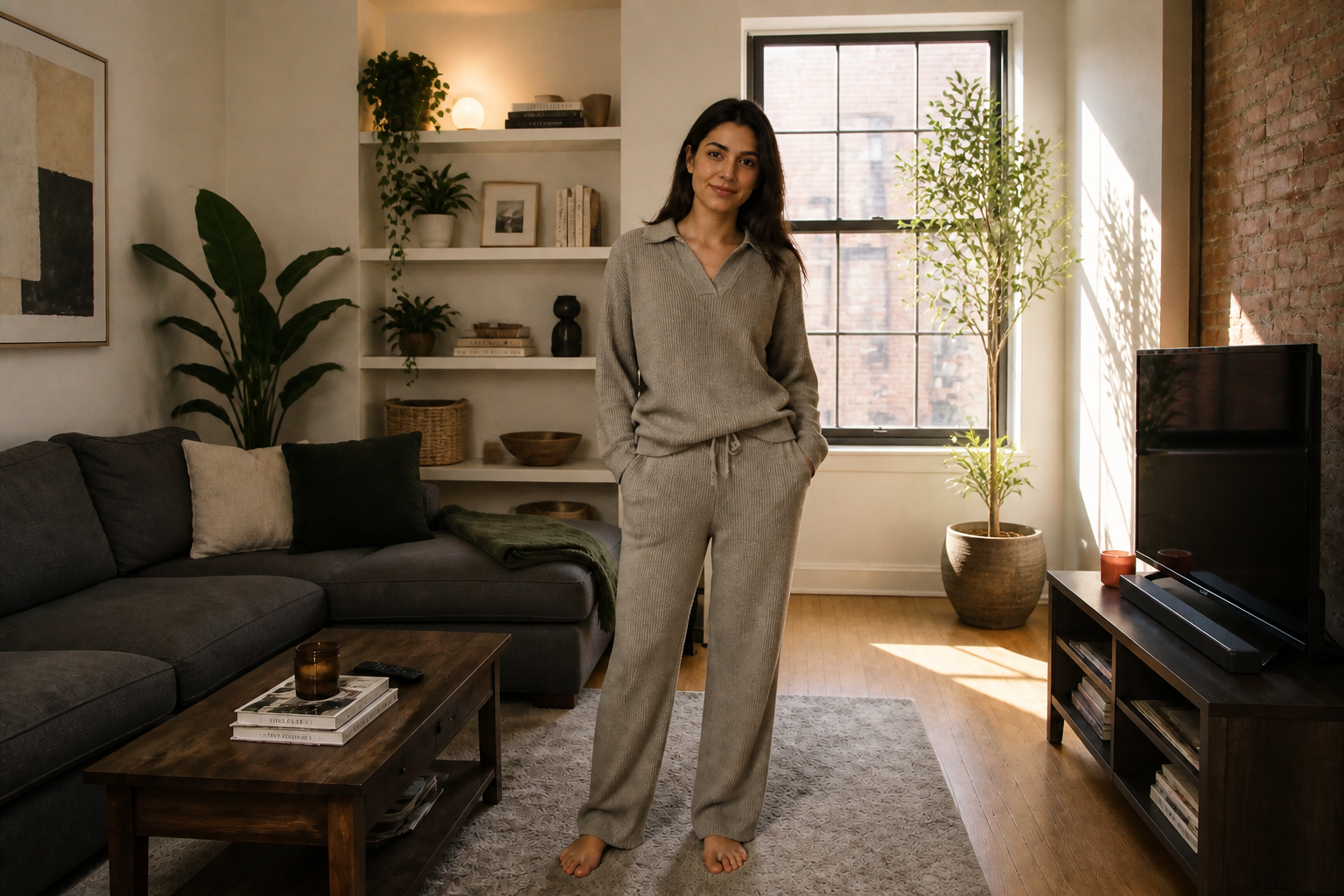 AFTER
AFTER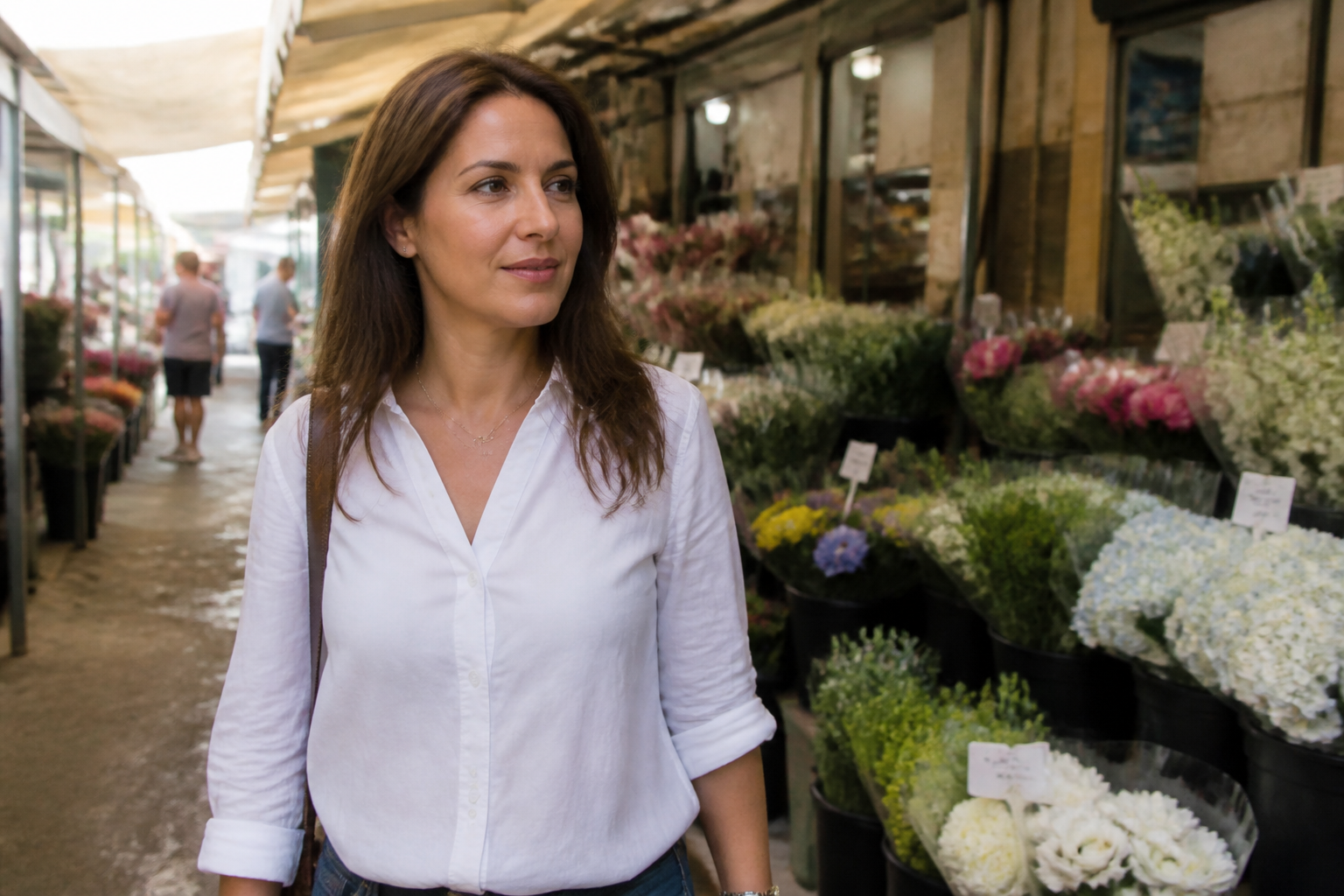 BEFORE
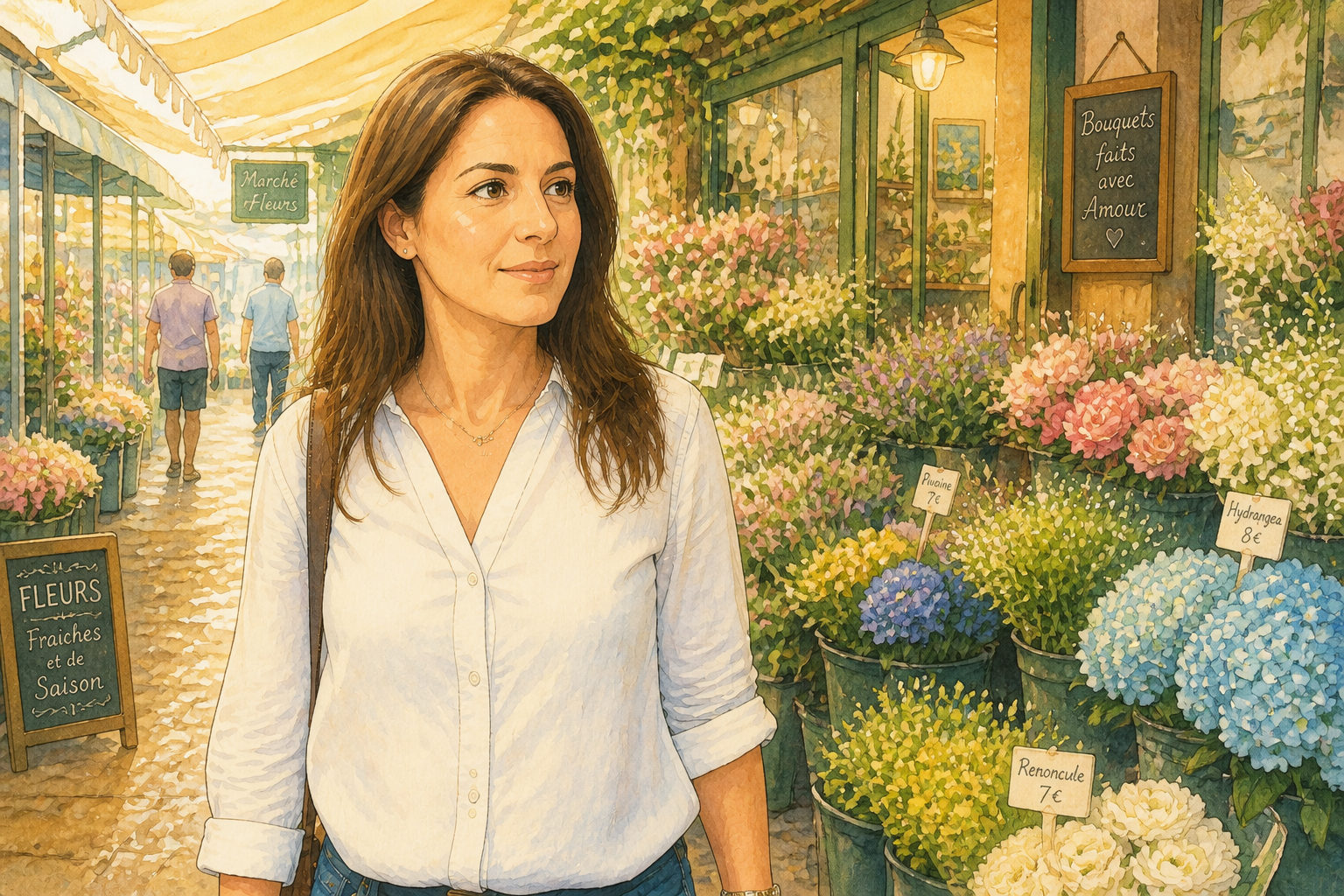 AFTER
AFTER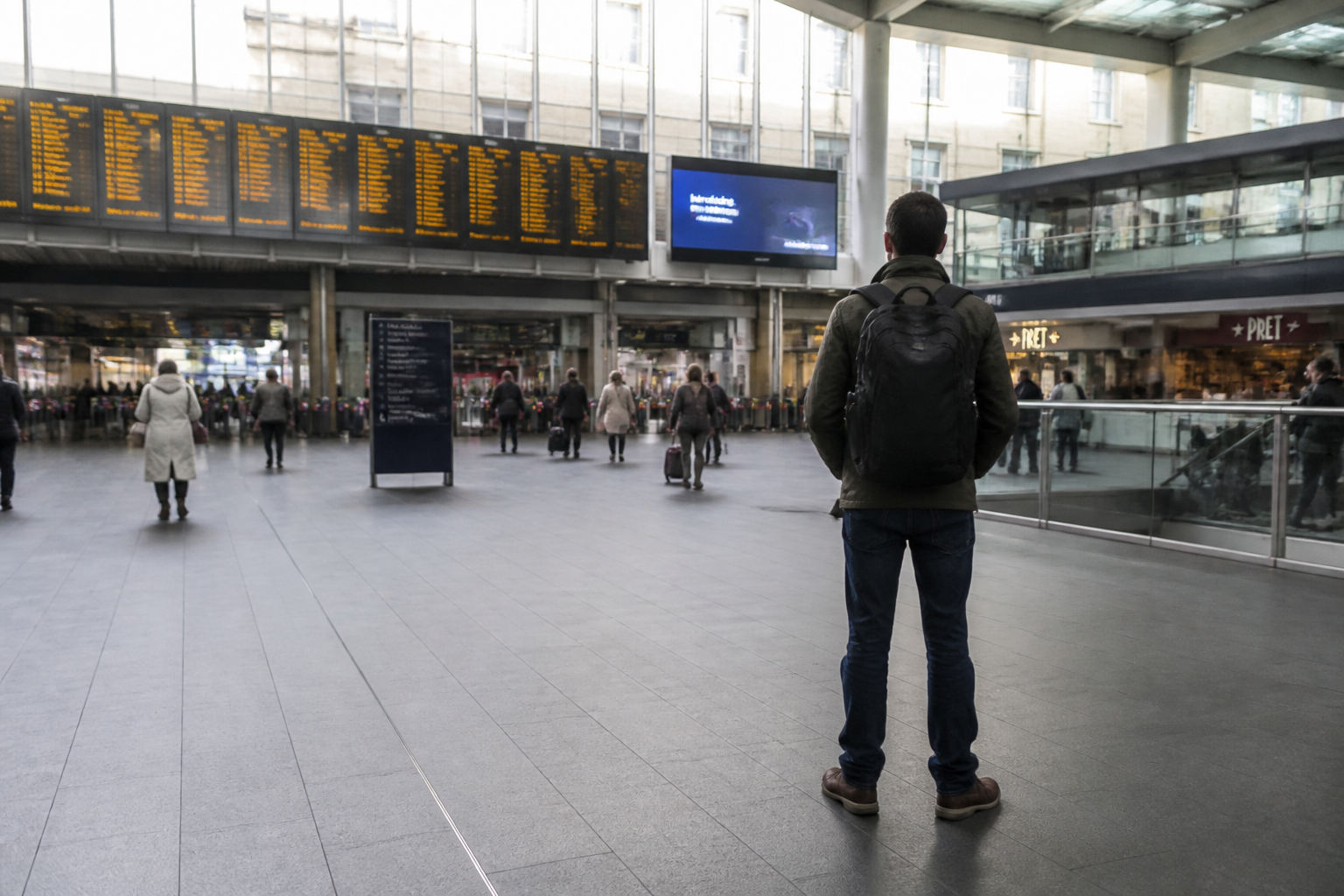 BEFORE
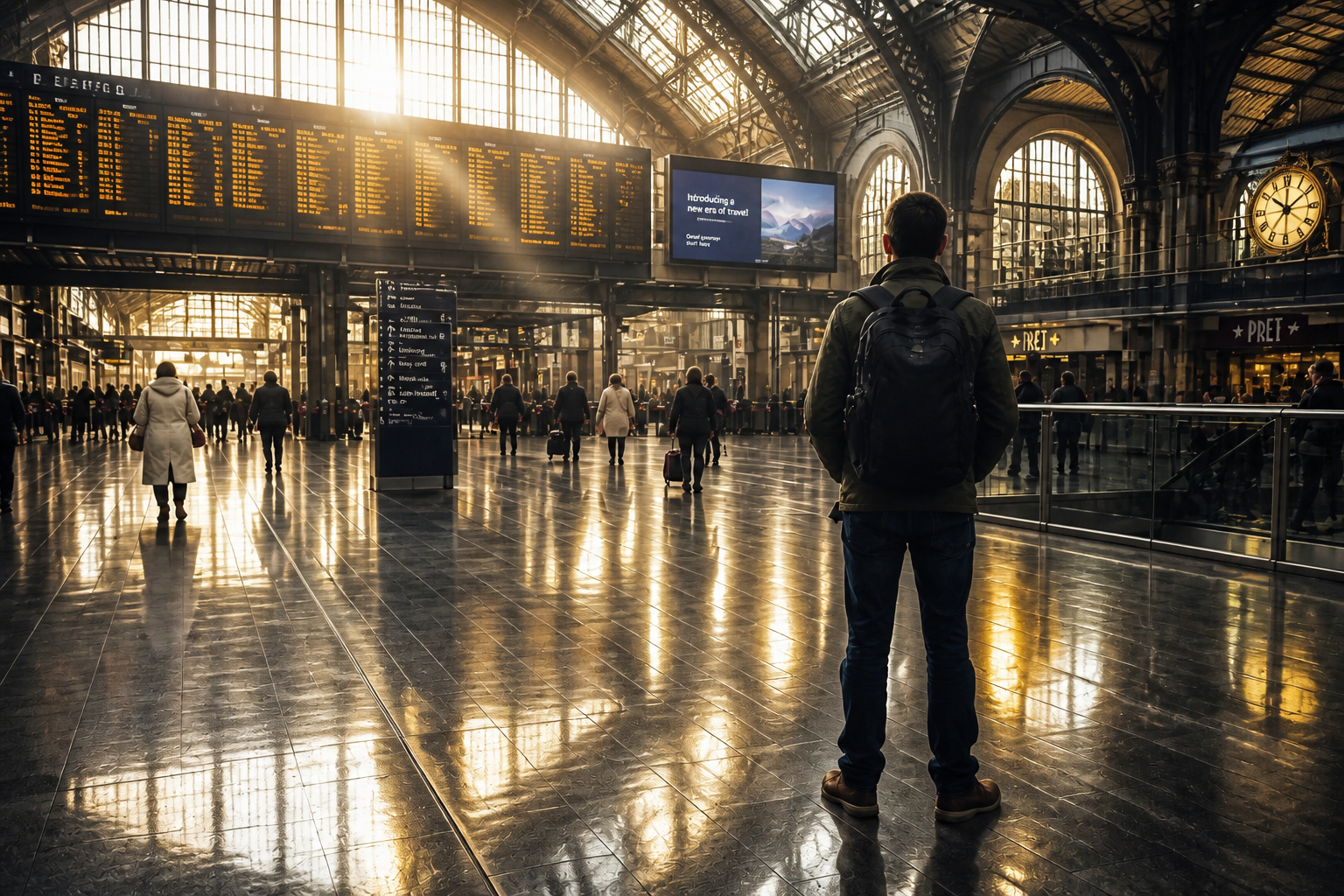 AFTERBEFOREAFTERBEFOREAFTERBEFOREAFTERBEFOREAFTERBEFOREAFTER
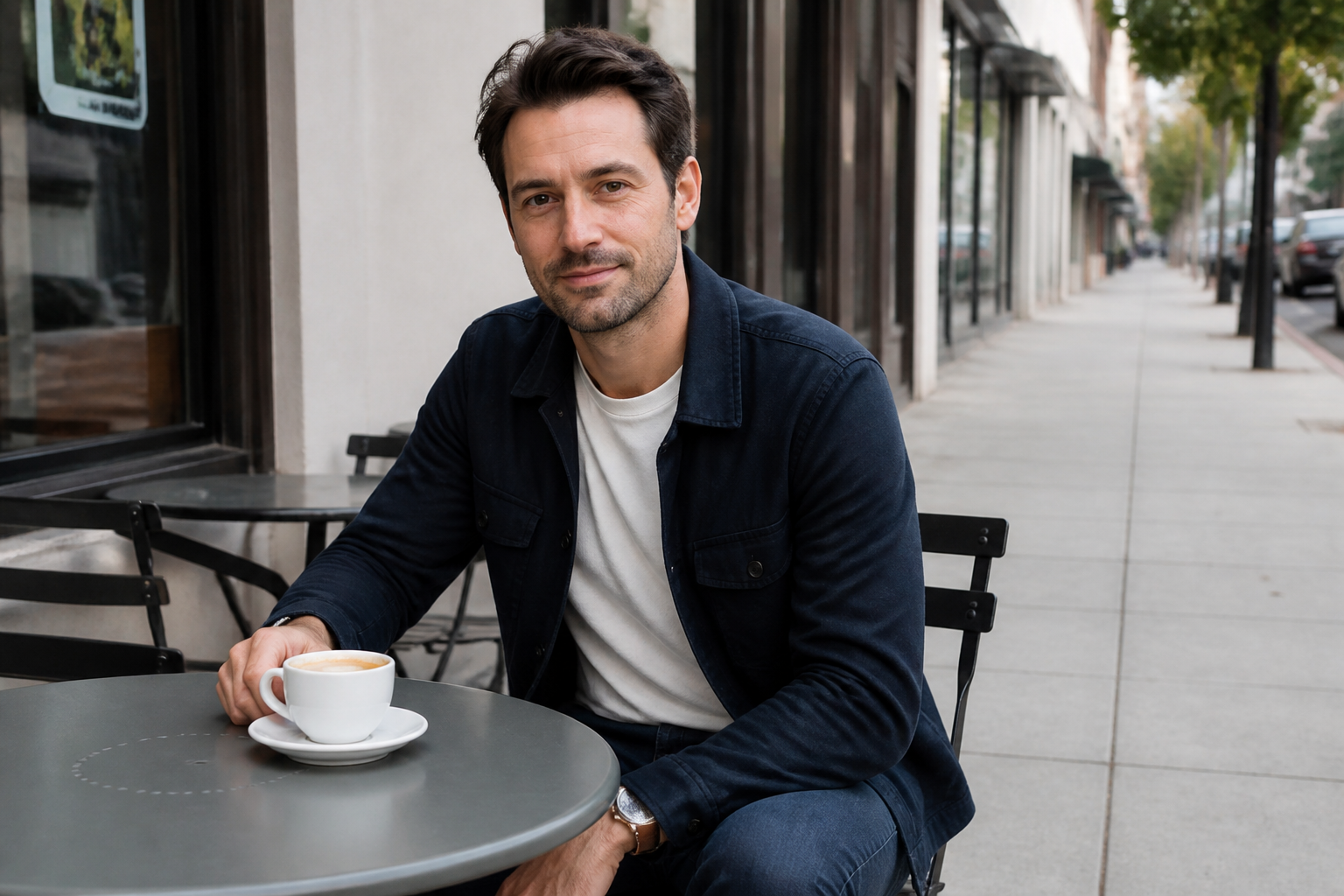 BEFORE
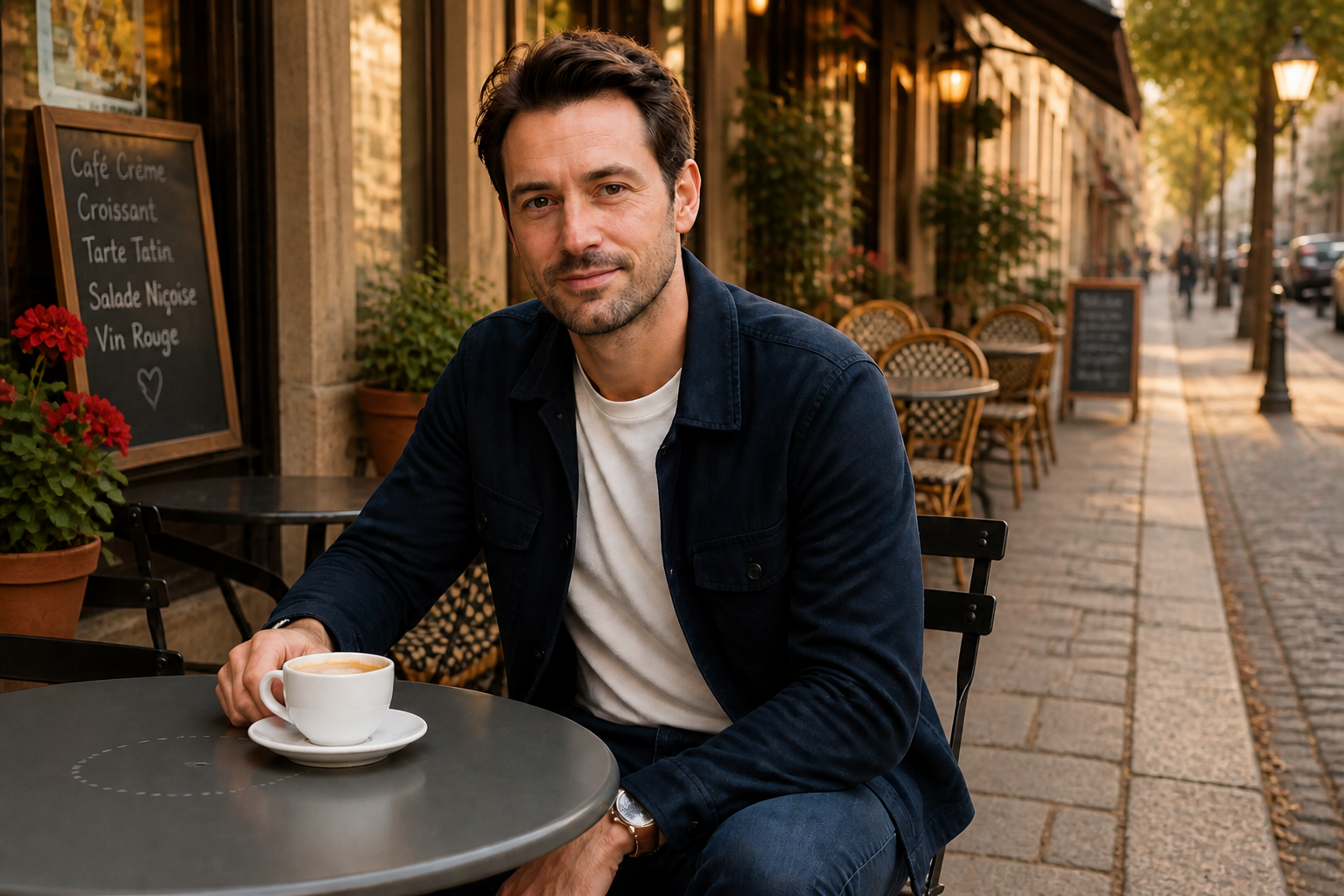 AFTER
AFTER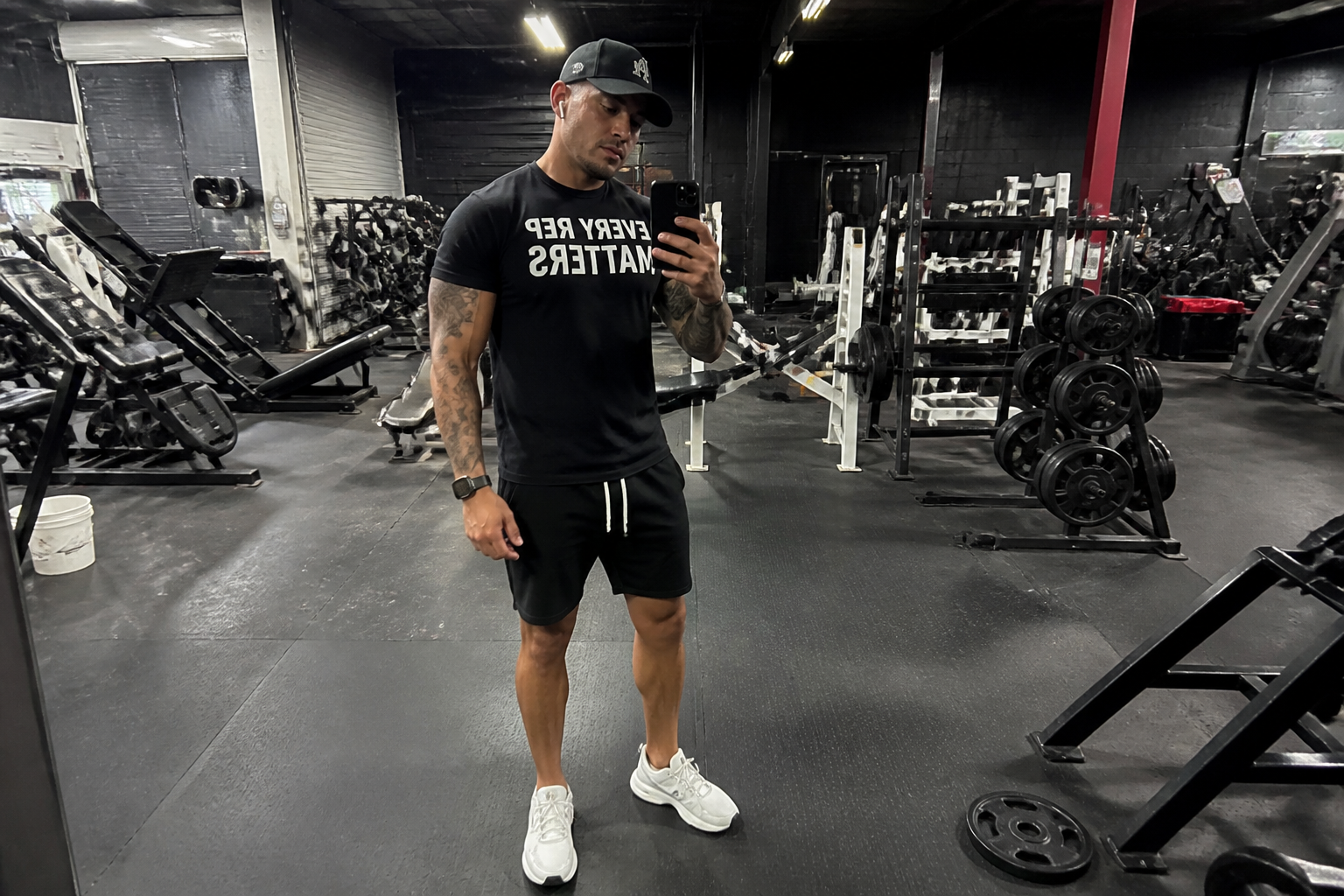 BEFORE
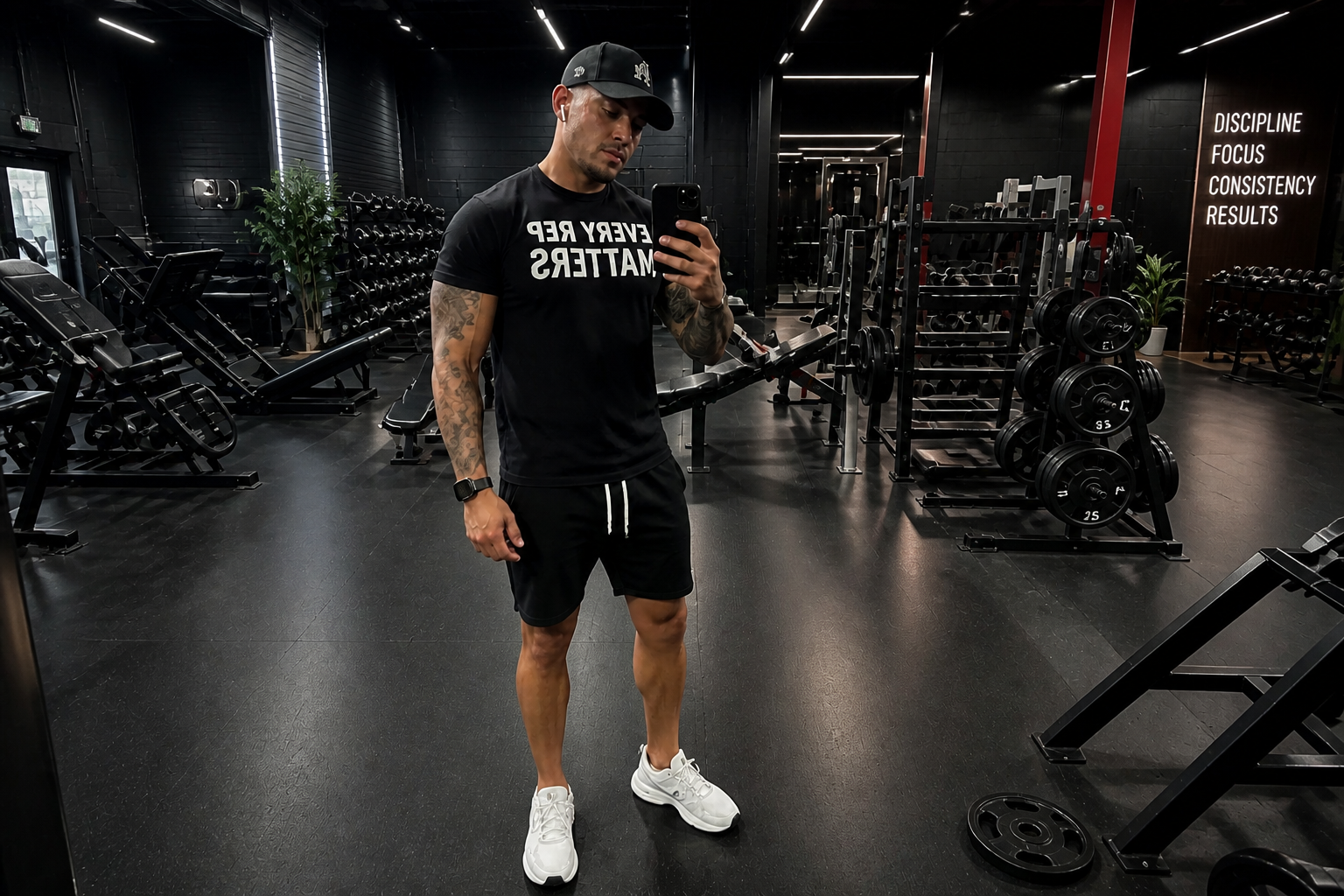 AFTER
AFTER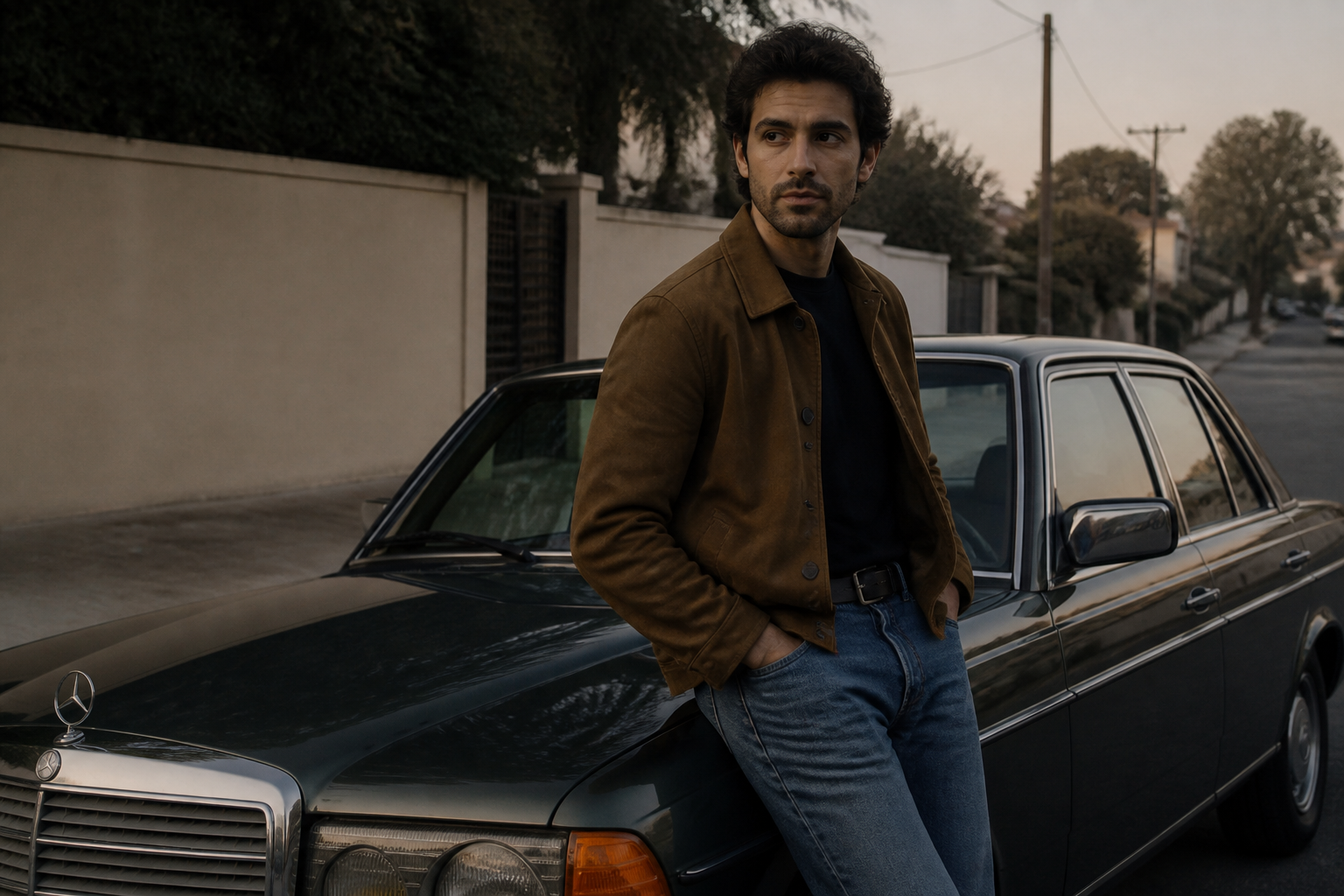 BEFORE
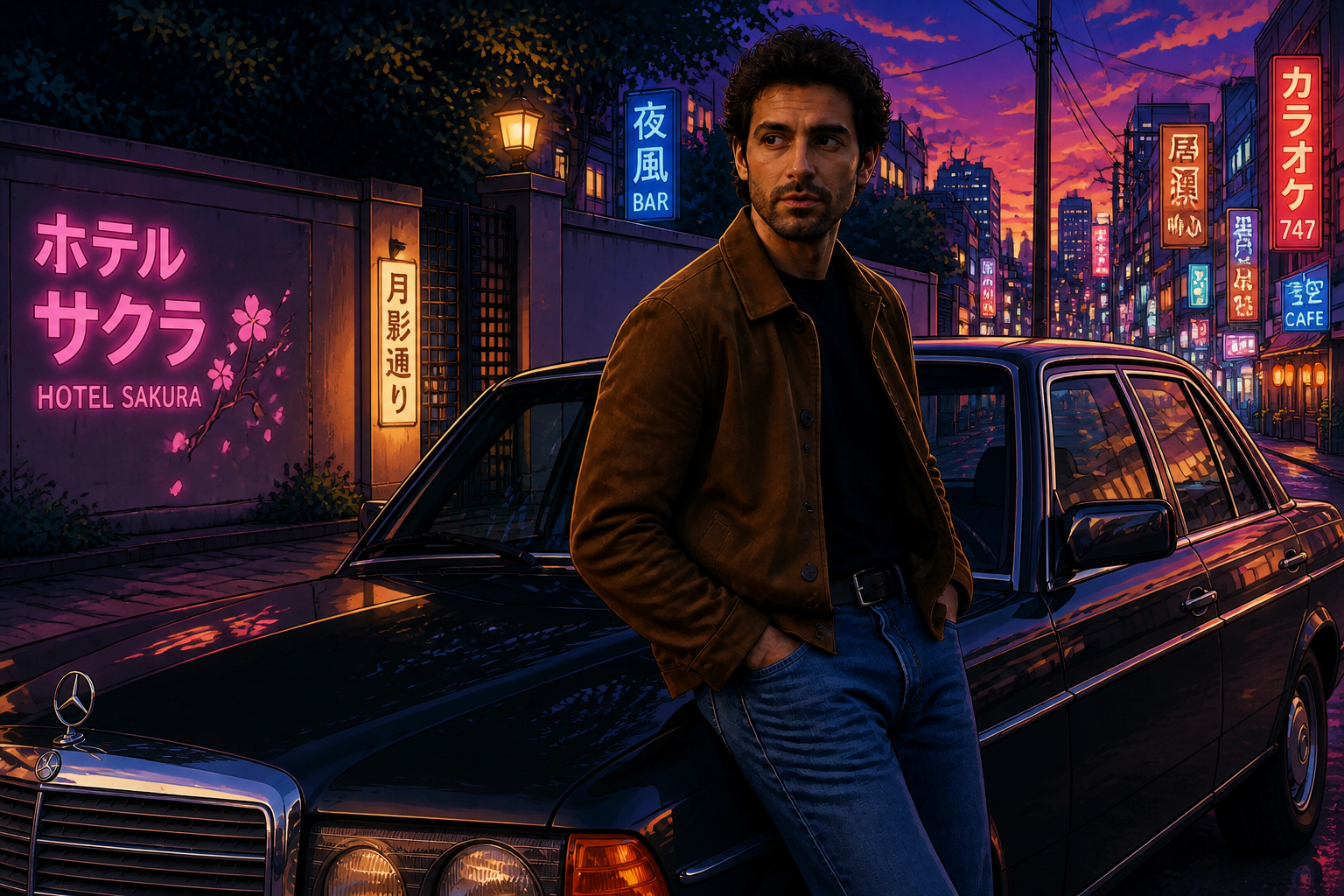 AFTER
AFTER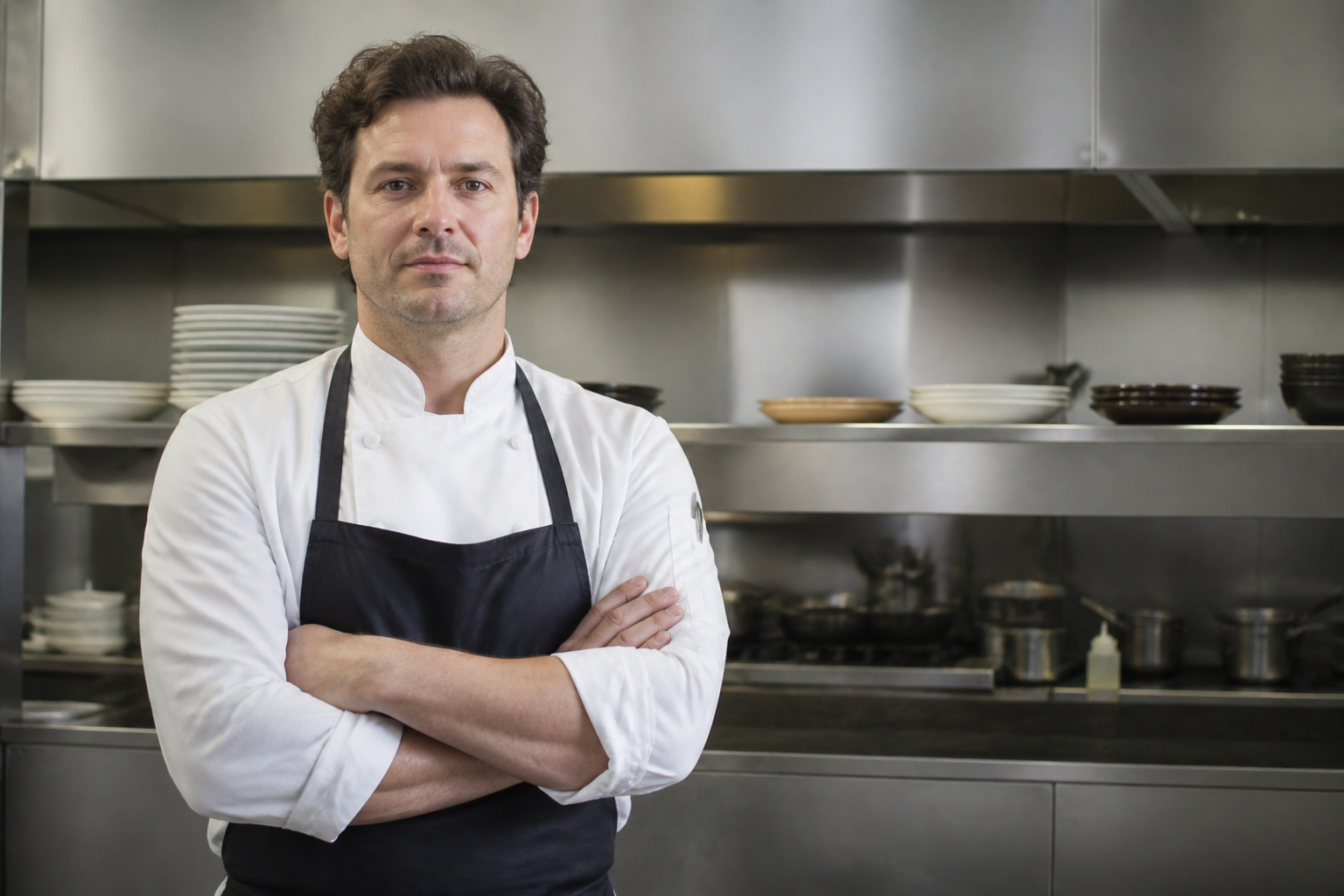 BEFORE
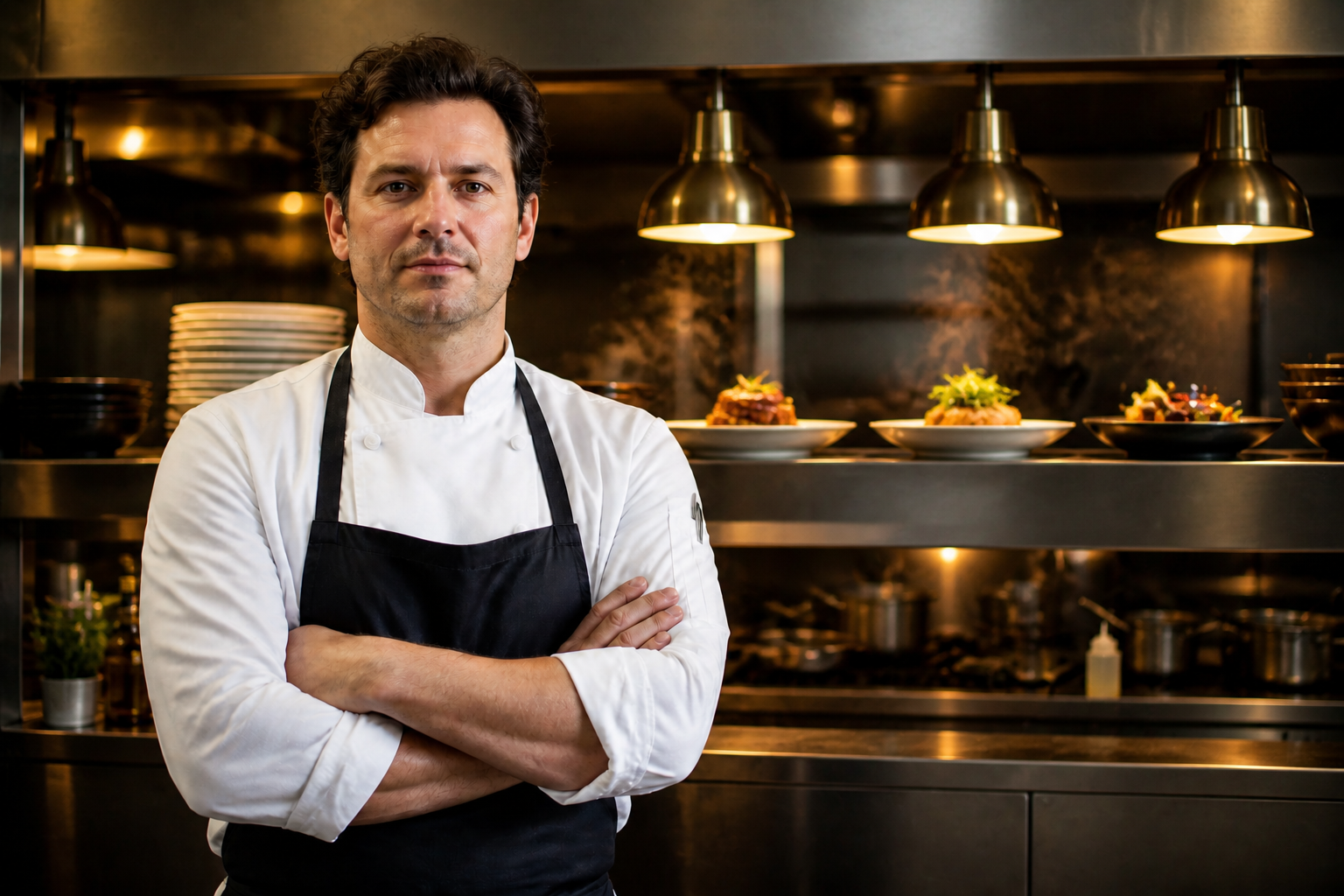 AFTER
AFTER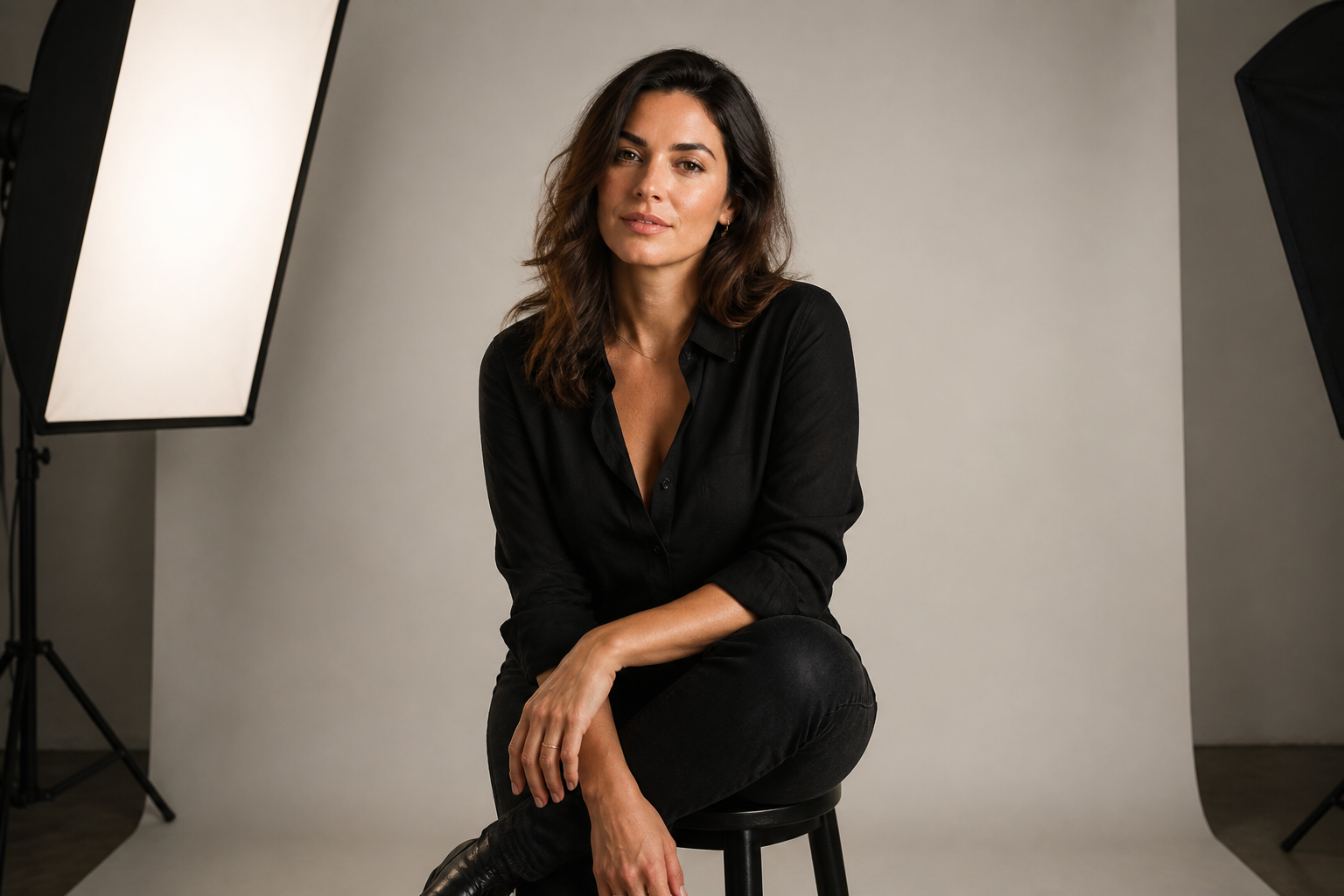 BEFORE
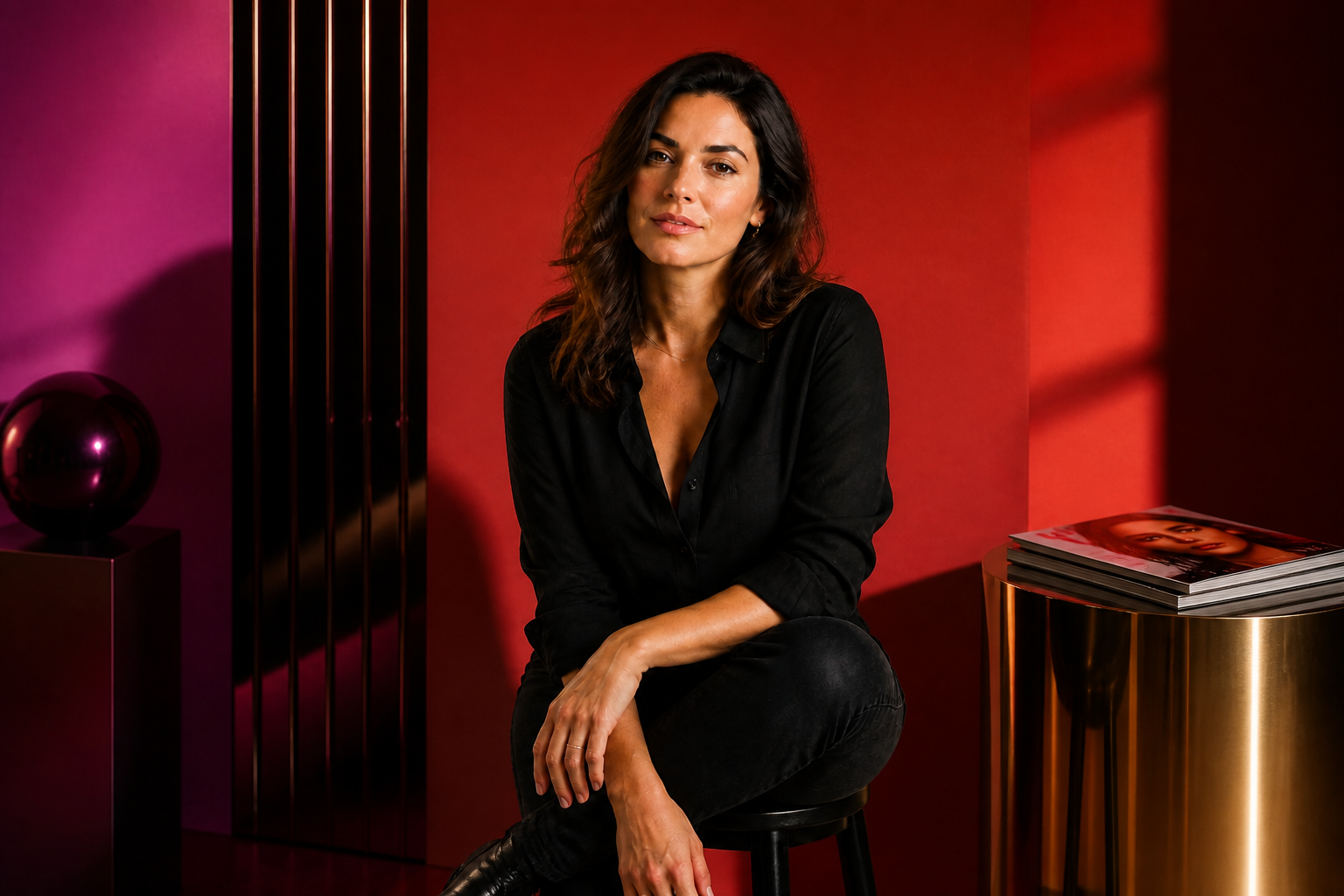 AFTERBEFOREAFTERBEFOREAFTERBEFOREAFTERBEFOREAFTERBEFOREAFTER
Key Features
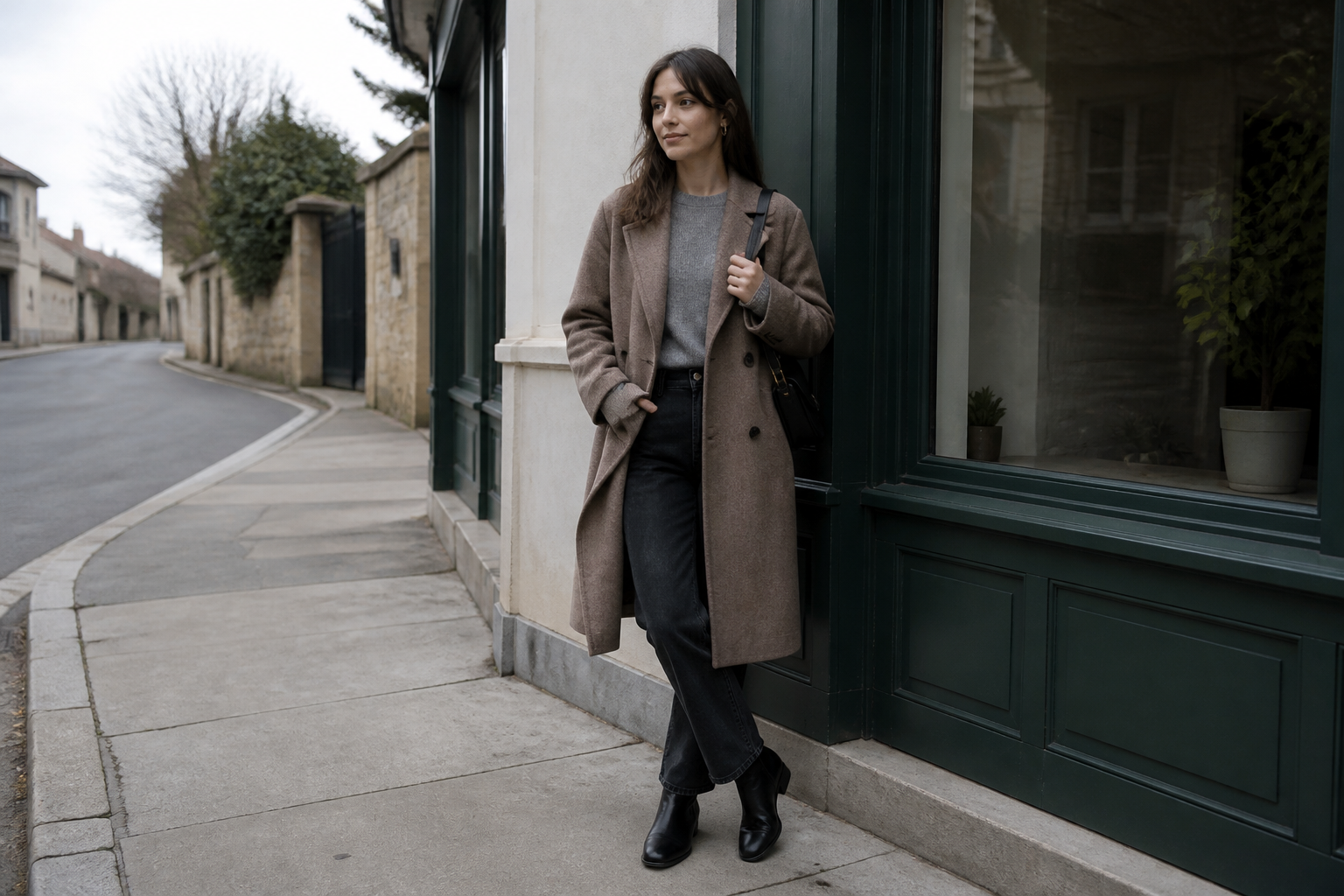
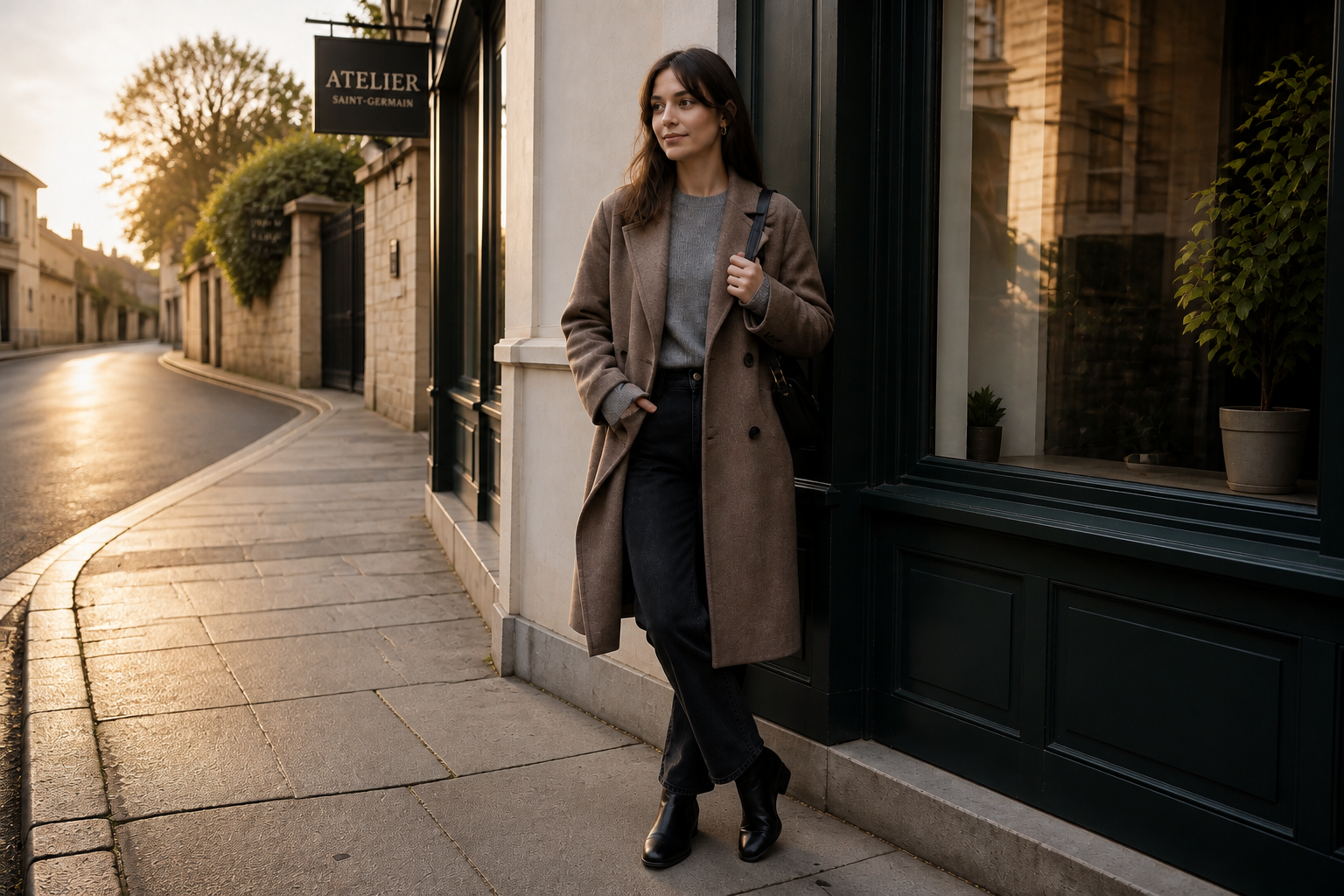
Upgrade dull locations fast
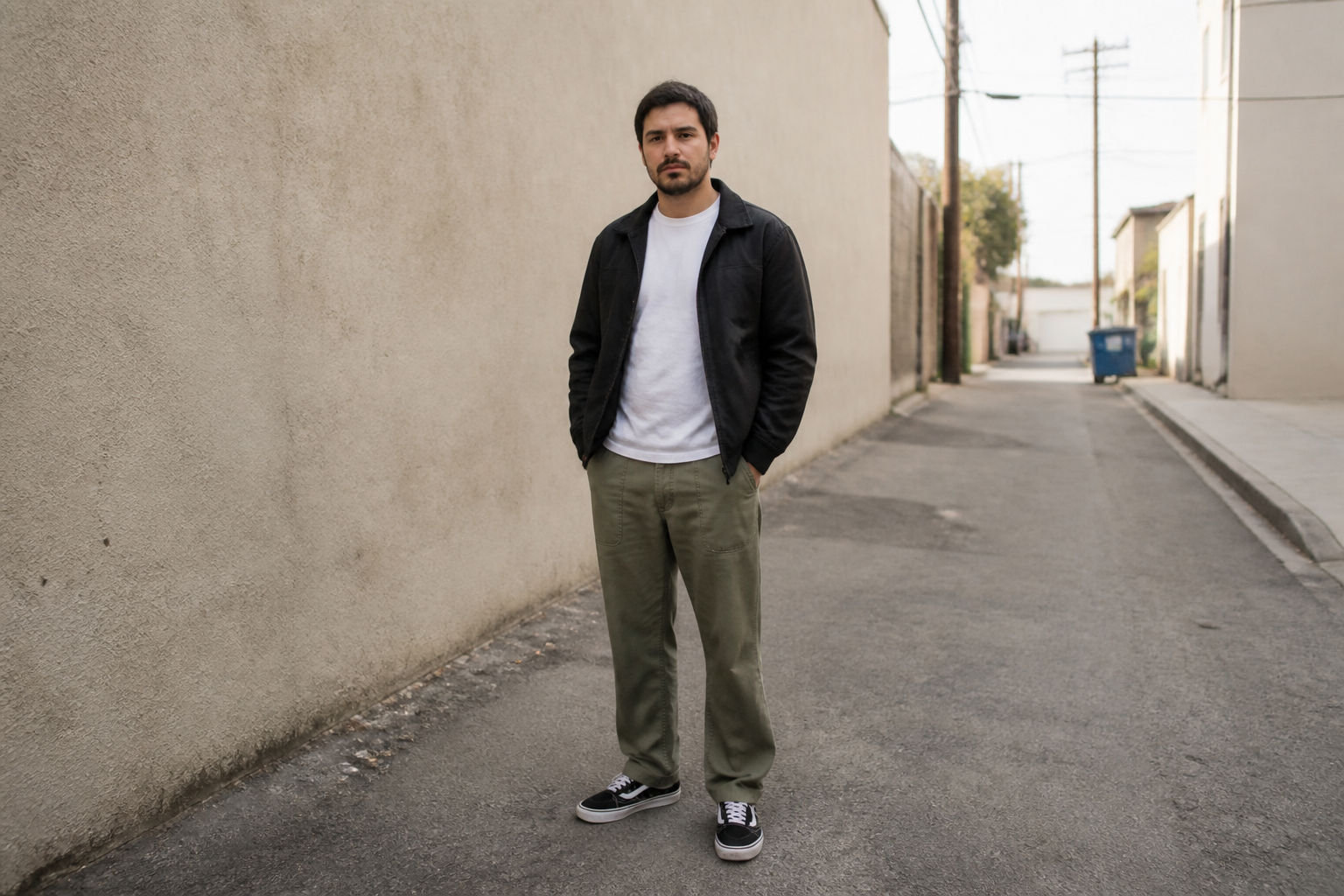
You can take a flat or unremarkable setting and turn it into something more polished in one pass. Our AI improves light, depth, texture, and scene detail around the subject instead of forcing a full manual rebuild. That makes casual phone photos, quick brand shoots, and everyday portraits look more intentional. It is a faster way to get a cleaner visual result than masking and retouching each area by hand.
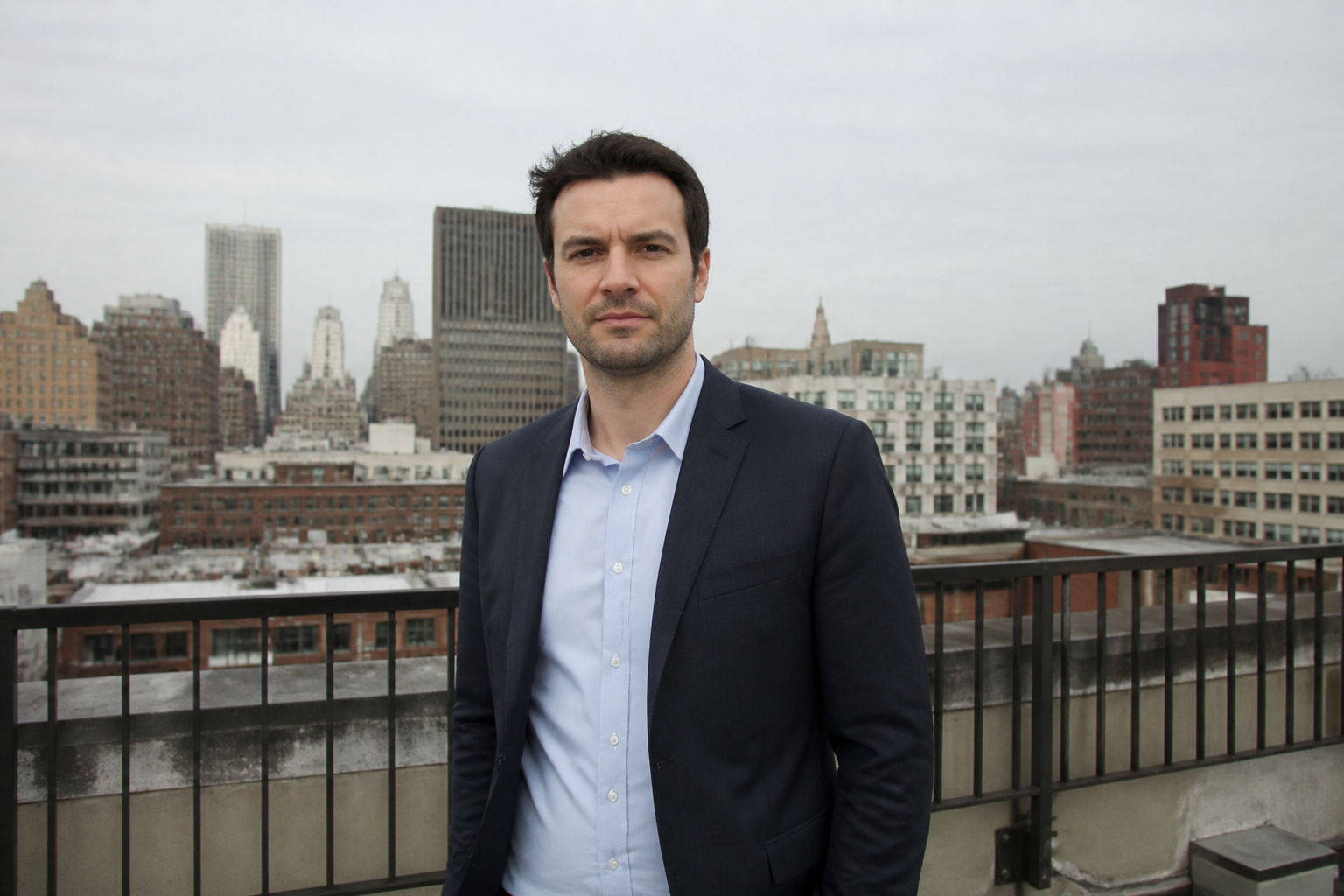
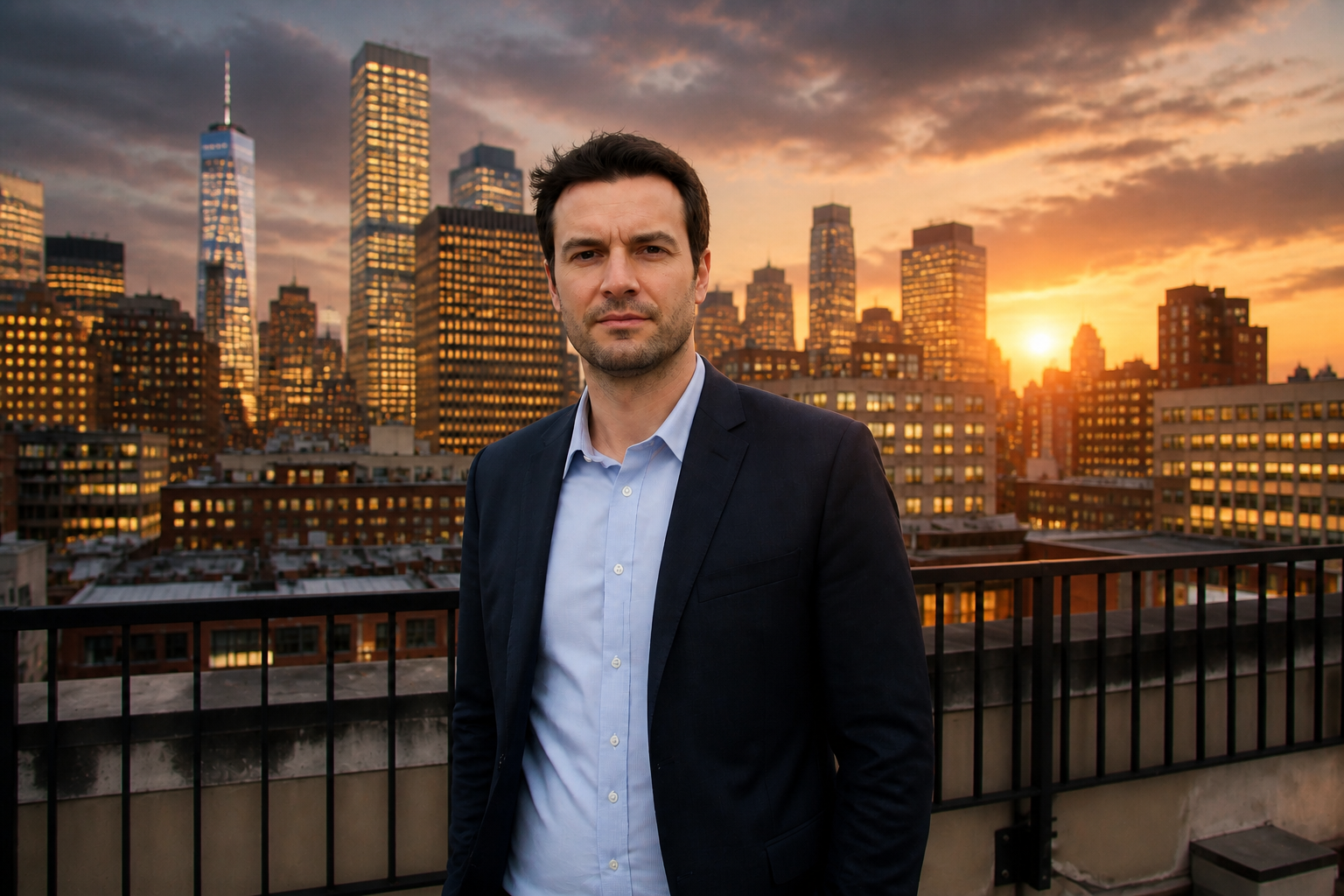
Keep the subject consistent
Background edits work best when the person or product still looks like the original photo. Our AI focuses the change on the surrounding environment while preserving the subject's pose, identity, clothing, and framing. That matters when you need believable before-and-after comparisons or want to keep a branded shoot consistent. You get a stronger scene without making the main subject drift.
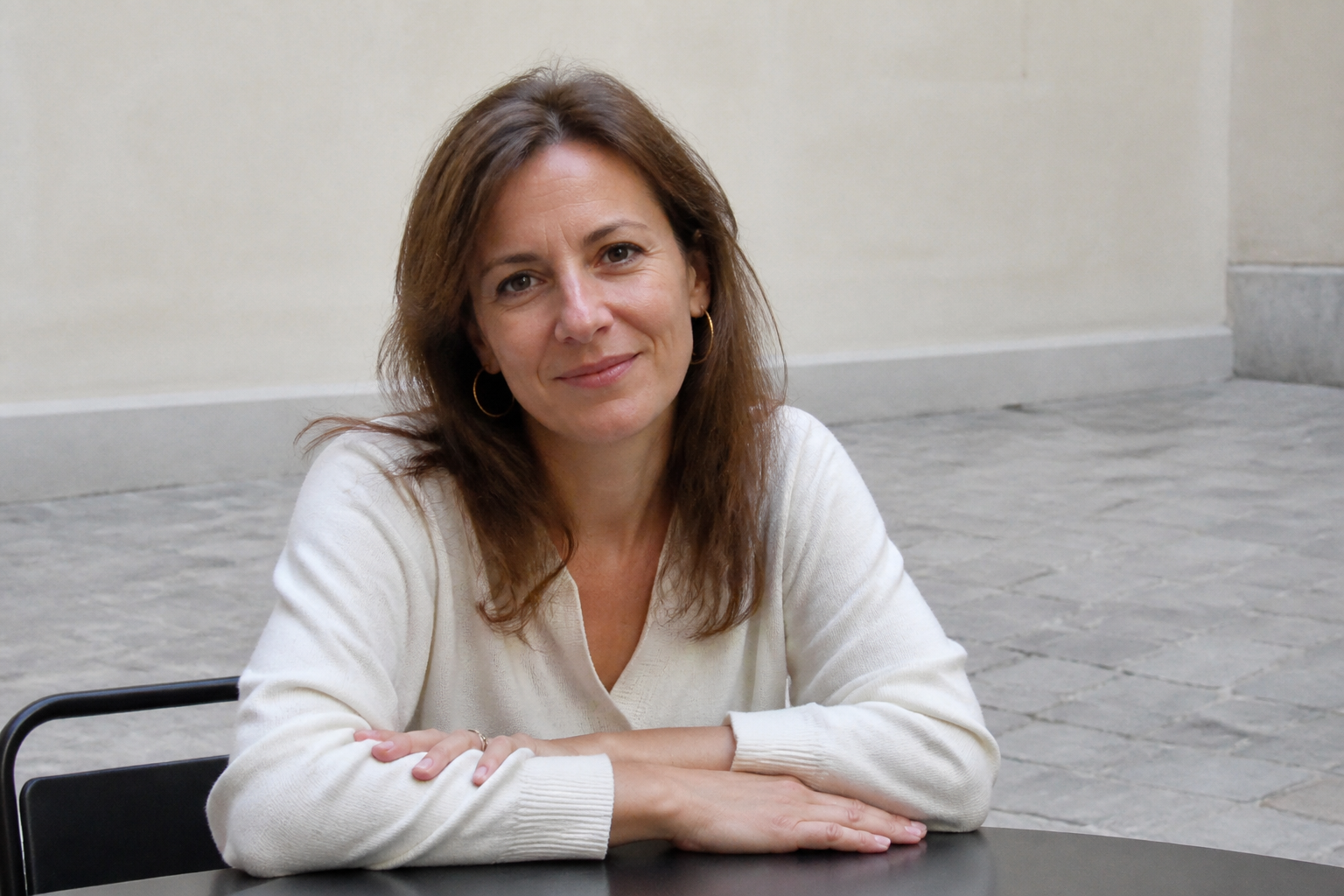
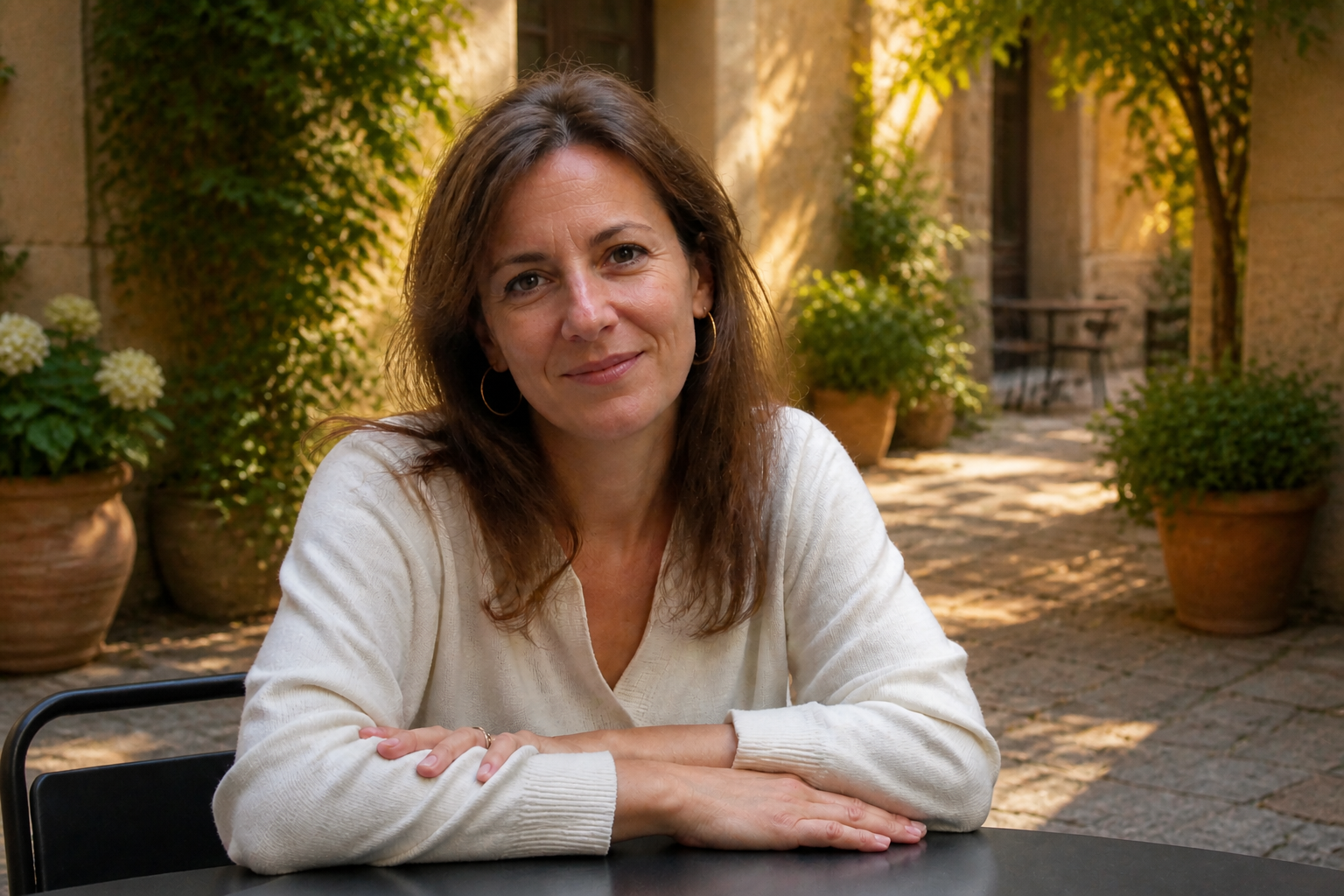
Add depth and atmosphere
Many photos feel weak because the background has no separation, light direction, or texture. Our AI can add stronger perspective, cleaner contrast, and a more intentional mood so the entire image reads better at a glance. This helps portraits feel more premium and makes product or lifestyle images stand out in feeds. You get a clearer visual hierarchy without rebuilding the whole shot from scratch.
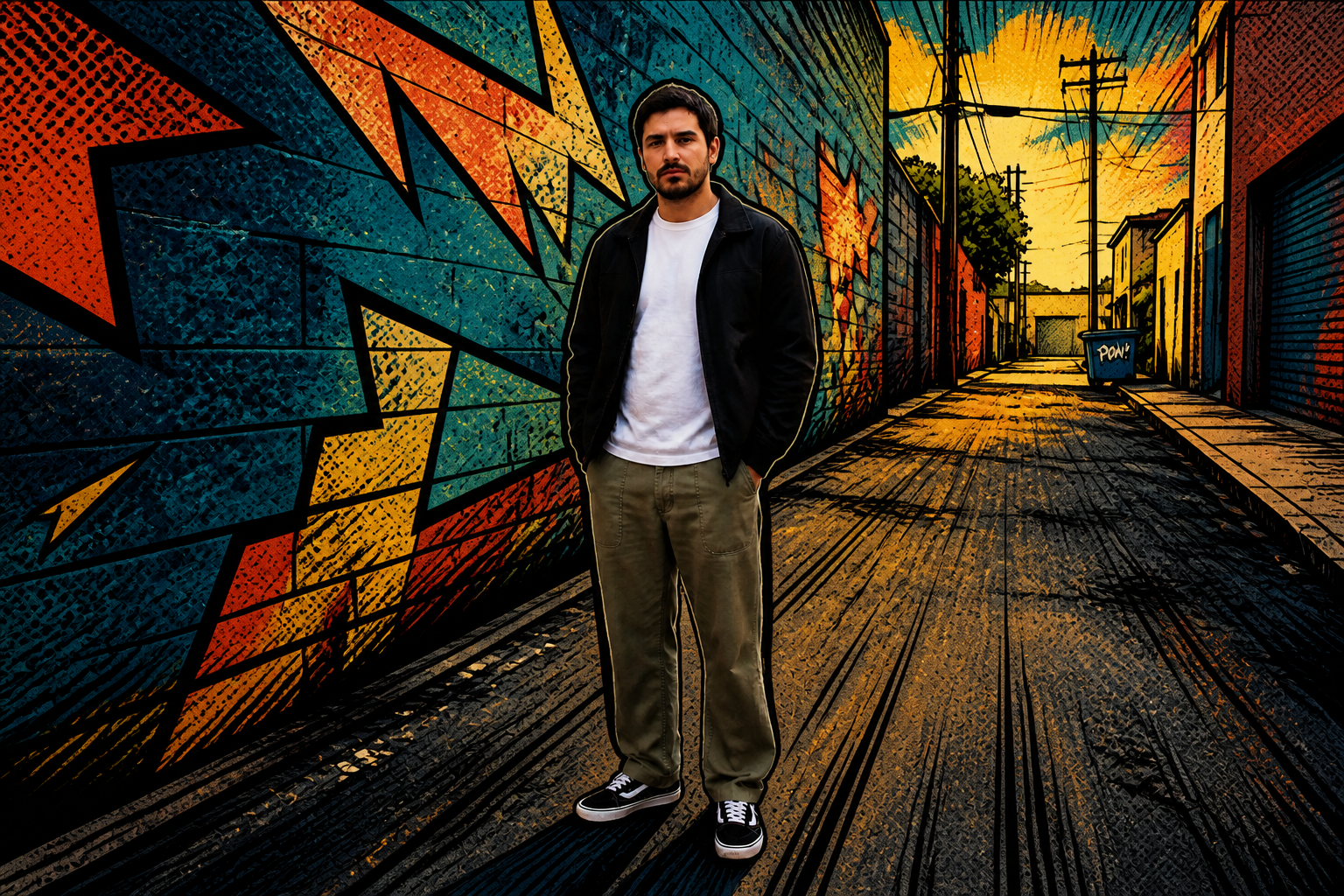
Works across visual styles
Not every project needs a photorealistic upgrade. Our AI can also restyle the background into illustrated, editorial, or stylized looks while keeping the subject locked in place. That makes it useful for social content, campaign mockups, and concept visuals where you want the same photo to fit multiple creative directions. Doing that manually usually means separate composites for every version.
How It Works
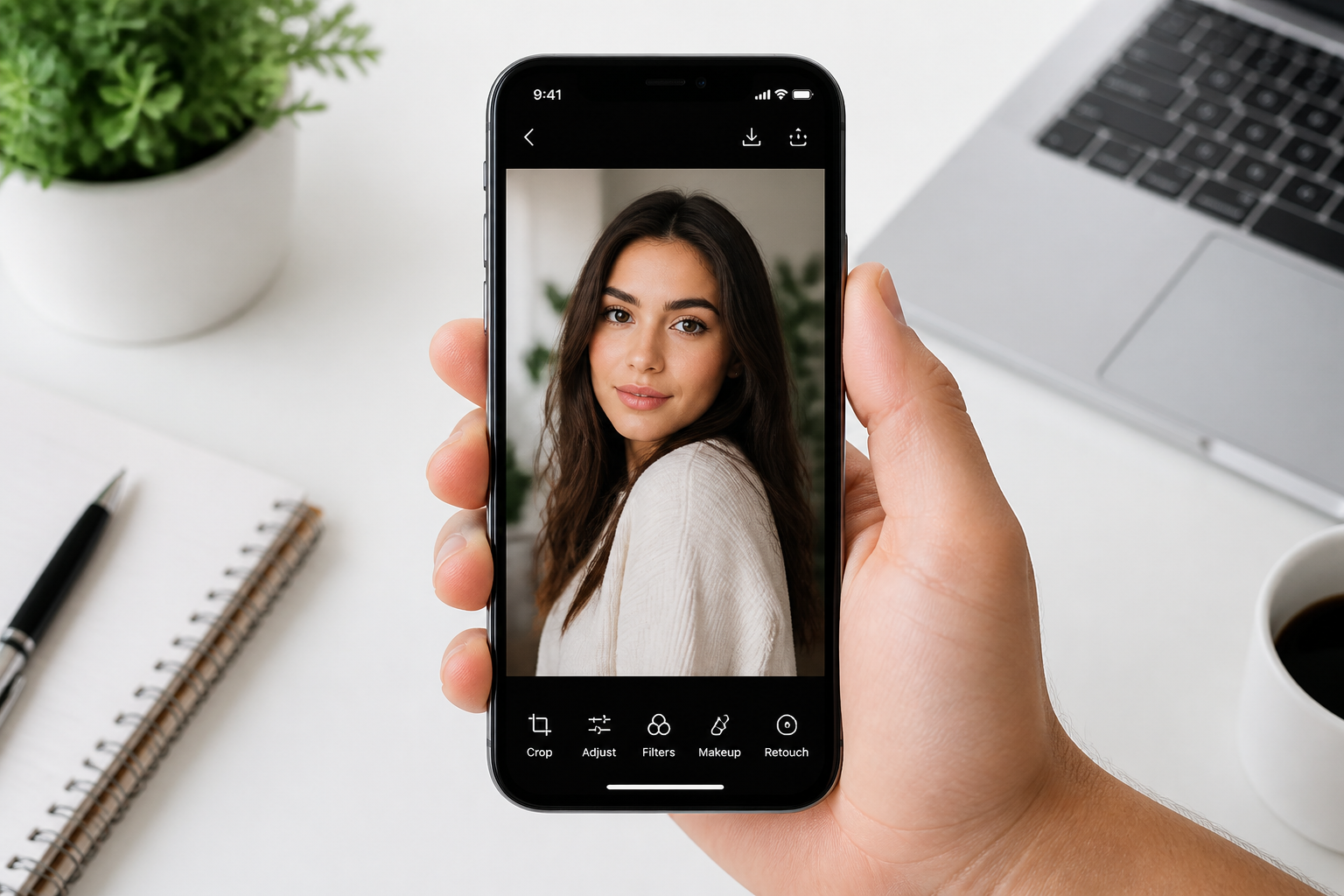
Upload your photo
Start with any image where the subject is already clear and well framed. Wide portraits, lifestyle shots, interiors, and product scenes all work well for background enhancement.
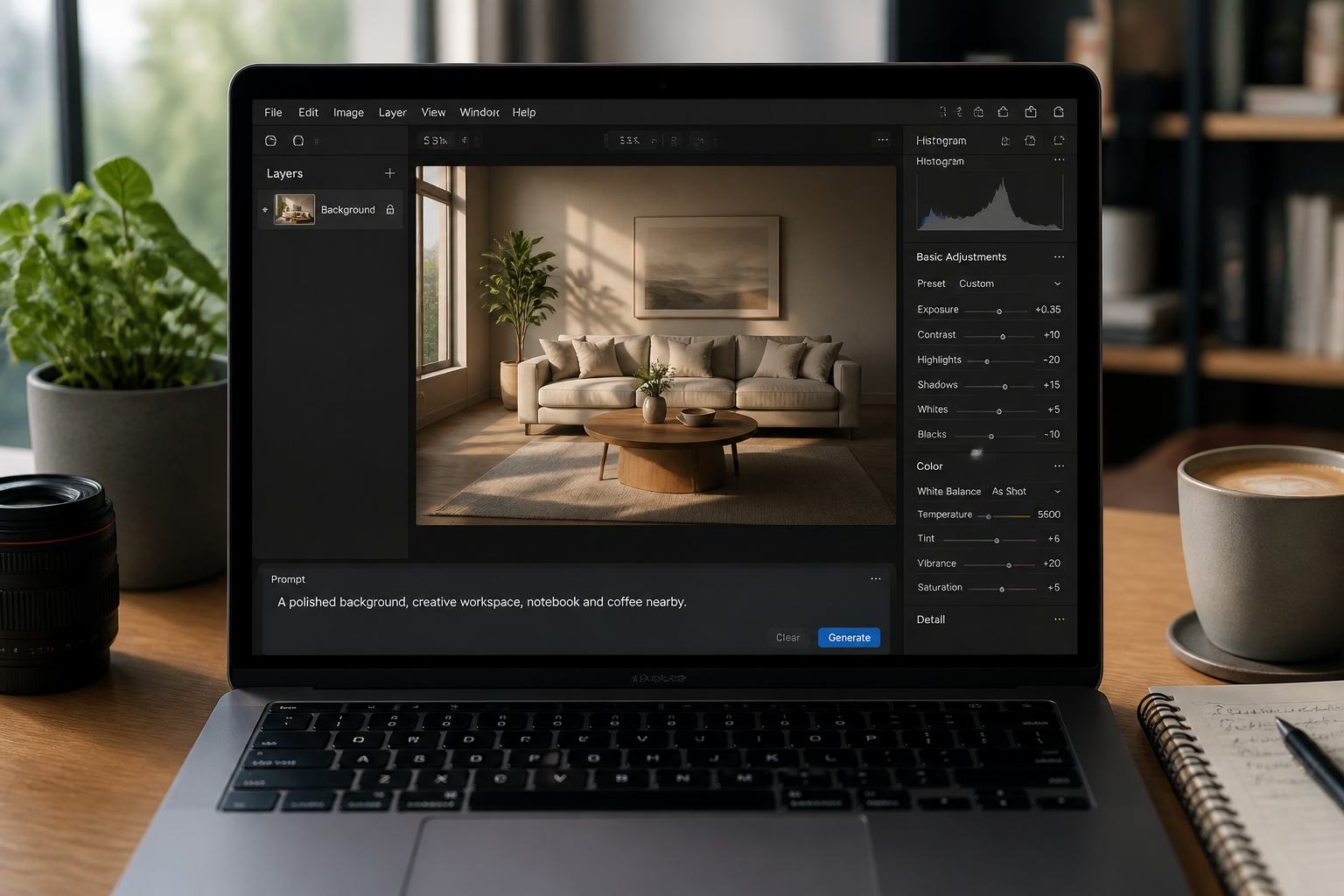
Describe the background you want
Tell the AI how the scene should feel or what should improve. You can ask for cleaner lighting, richer depth, a premium interior, a cinematic street, or a stylized backdrop.
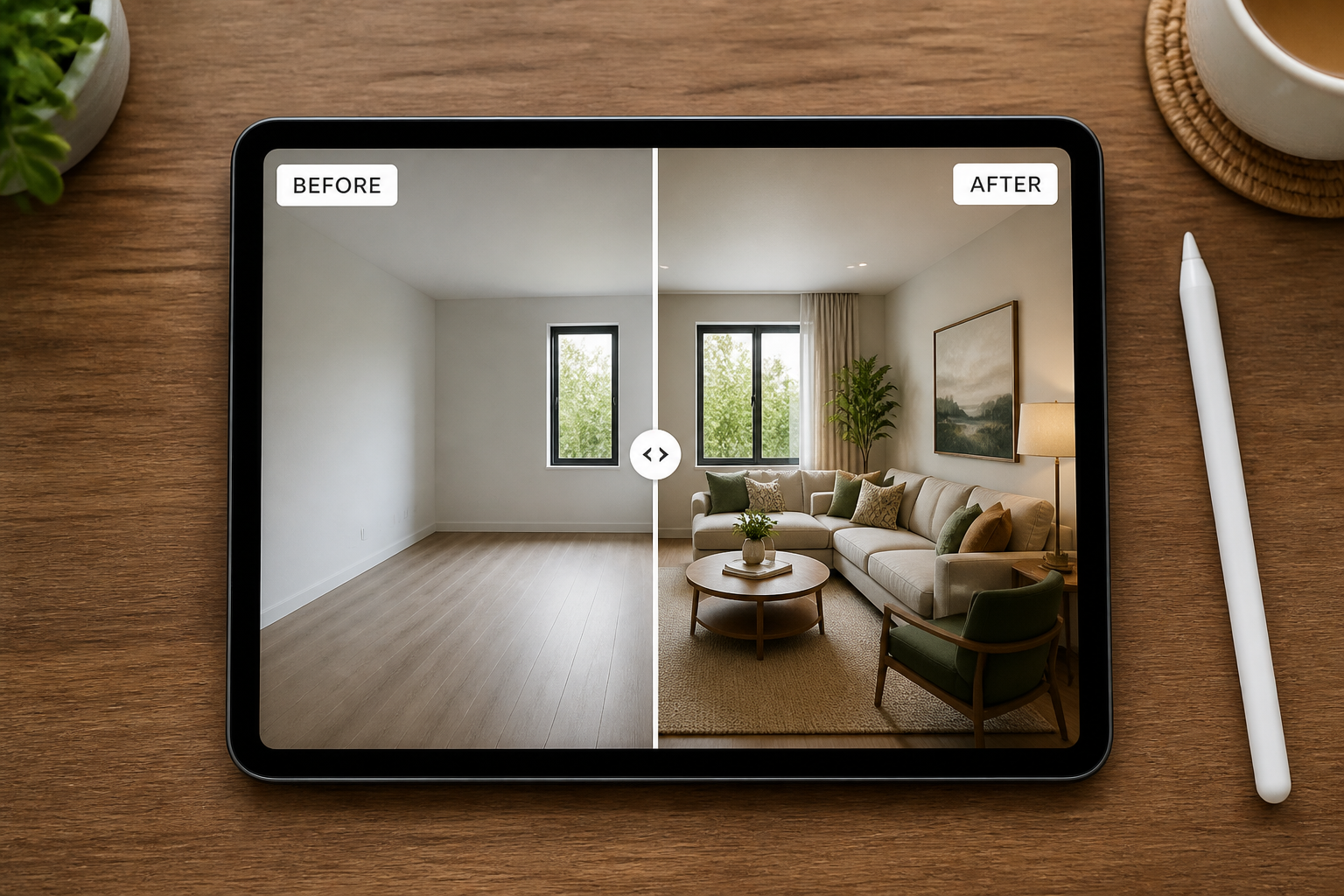
Compare and refine
Review the enhanced version and check that the subject still looks right. If needed, rerun with a more specific prompt to push the mood, detail, or style further.
Perfect For
Discover how creators and professionals use ai background enhancer
Portrait polishing
Make everyday portraits look more intentional by upgrading weak streets, rooms, or outdoor locations.
Social media content
Give creator photos stronger backgrounds that read better in thumbnails and short-form feeds.
Brand and ecommerce visuals
Improve environmental product and lifestyle shots without organizing a full reshoot.
Creative concepting
Test different scene moods and stylized backdrops from the same source image.
Built For
Creators and influencers
Turn simple captures into cleaner, more scroll-stopping content without a full editing workflow.
Small brands and marketers
Upgrade campaign, website, and social visuals when the original location looks too plain.
Photographers and editors
Quickly explore polished environmental looks before spending time on manual compositing.
How it compares
A quick look at how we compare on the things that matter for this niche.
| Feature | BudgetPixel | Generic AI editors | Manual editing apps |
|---|---|---|---|
| Background-specific edits | ✓ | — | ✓ |
| Preserves main subject | ✓ | — | ✓ |
| Fast visual variations | ✓ | ✓ | — |
| Manual masking required | — | — | ✓ |
| Beginner-friendly workflow | ✓ | ✓ | — |
Frequently Asked Questions
What does AI Background Enhancer change?
Will it replace the whole background?
Does it keep the person or product the same?
What kinds of photos work best?
Can I create stylized backgrounds too?
Create together.
Share your creations, discover trending AI art, and grow with fellow creators.