AI Image Enhancer
Make blurry, flat, or low-detail images look clearer and more polished.
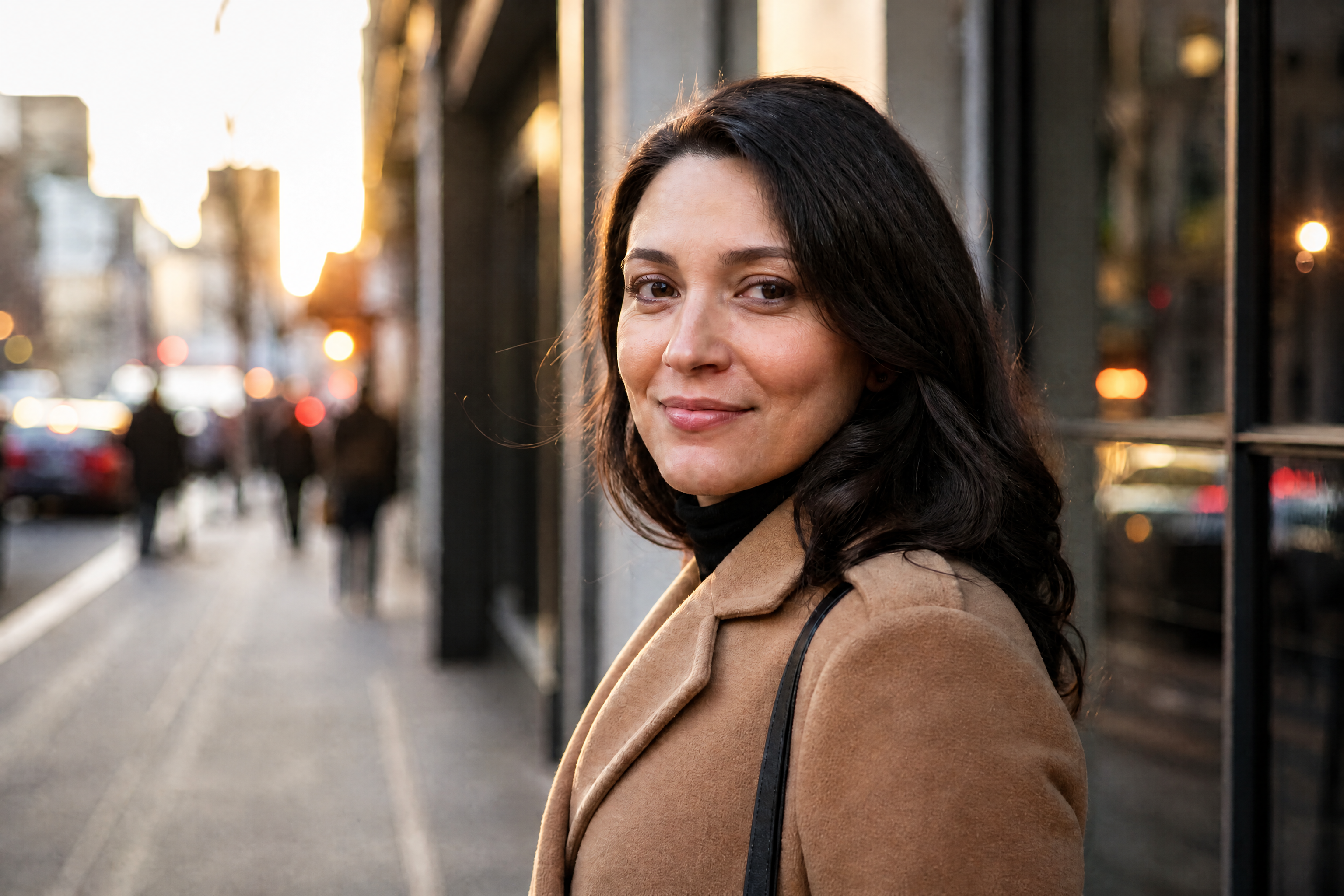
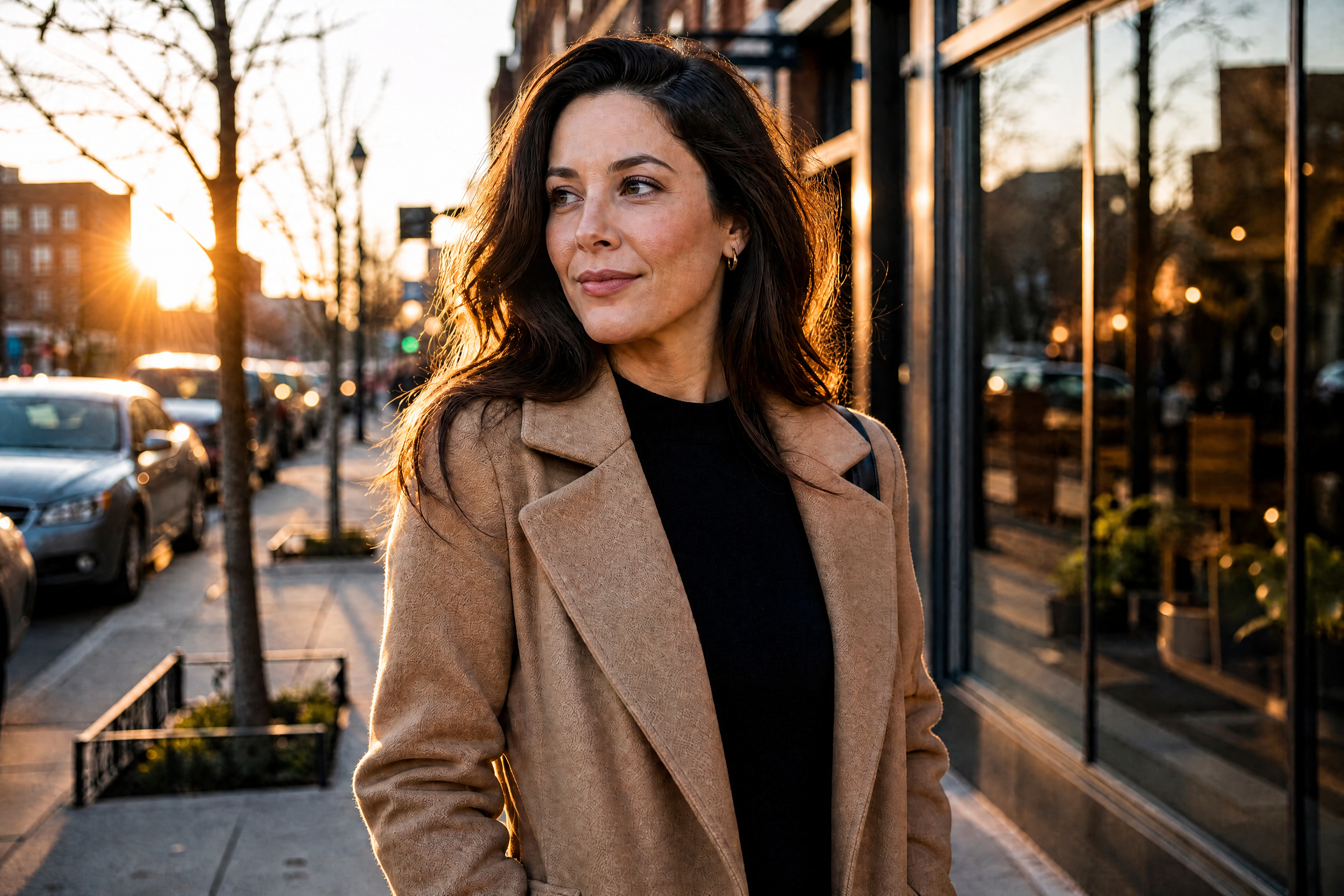
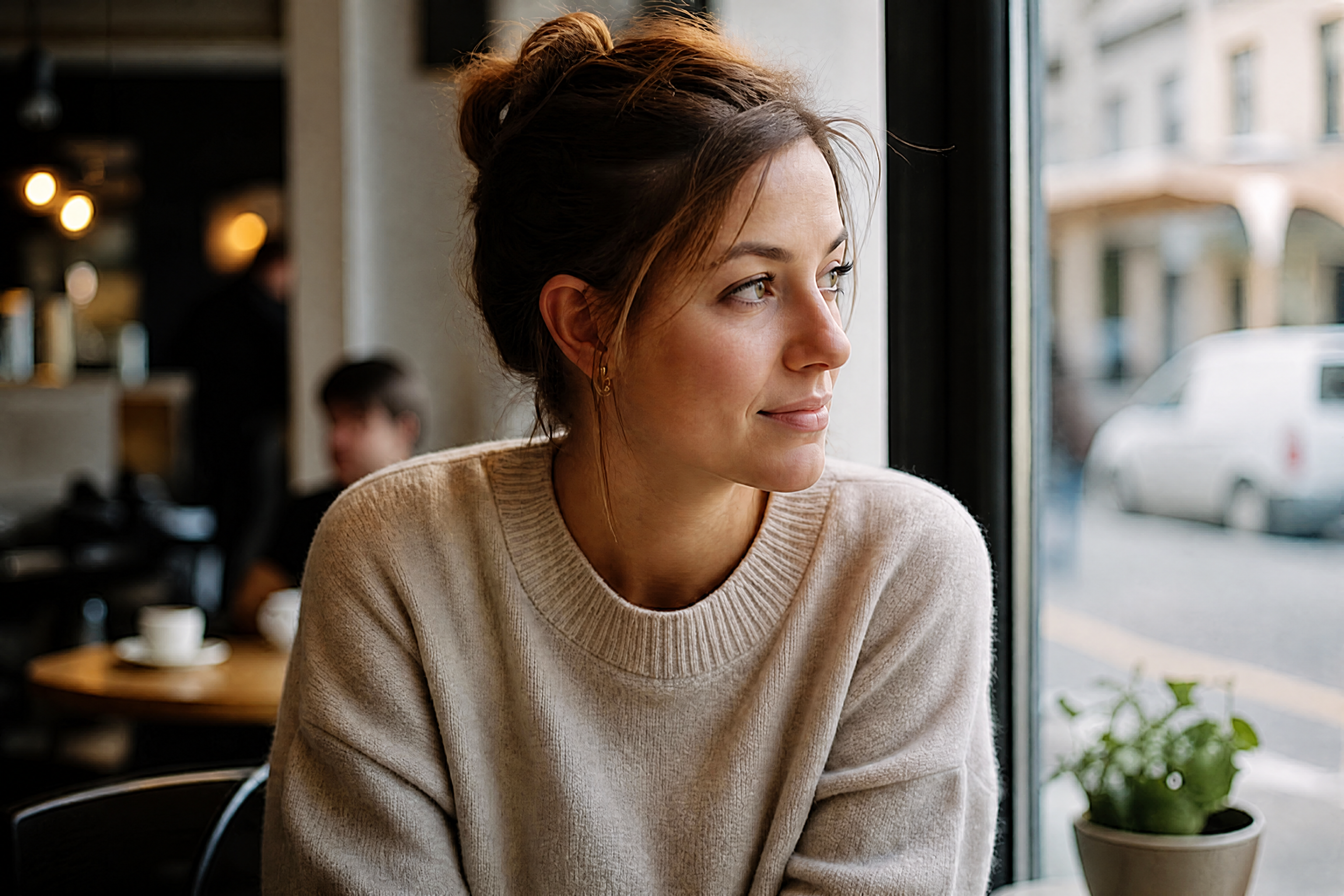
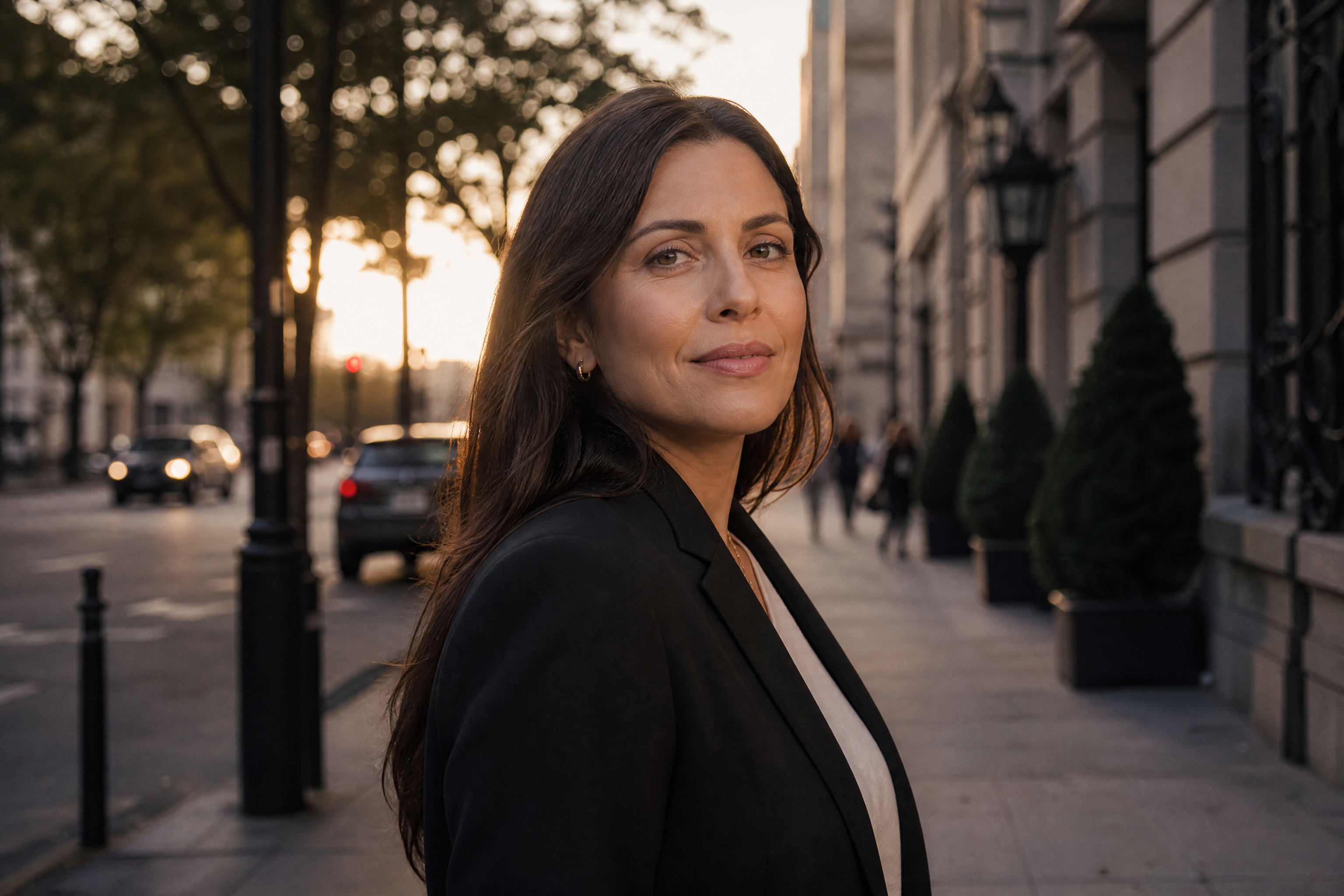
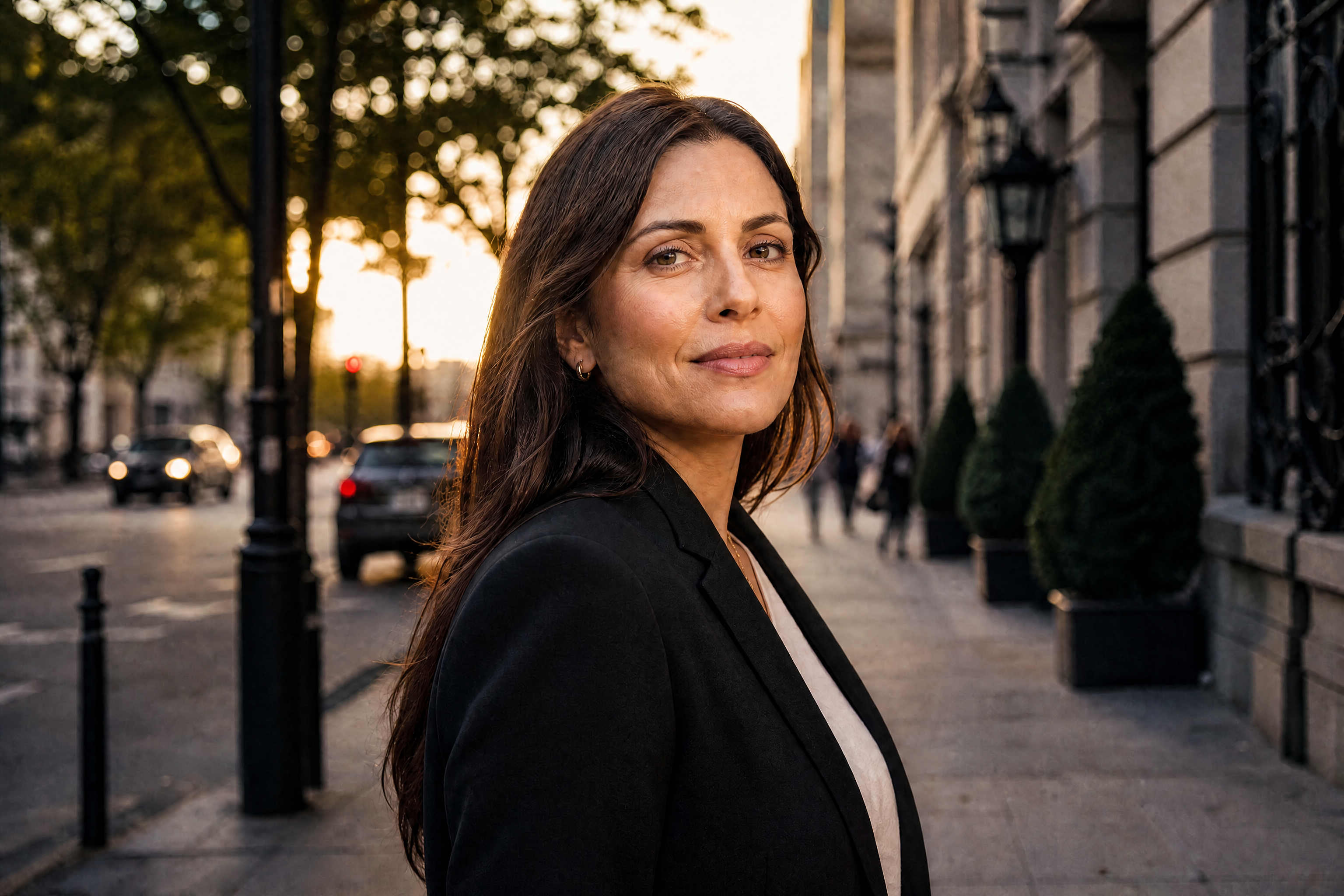
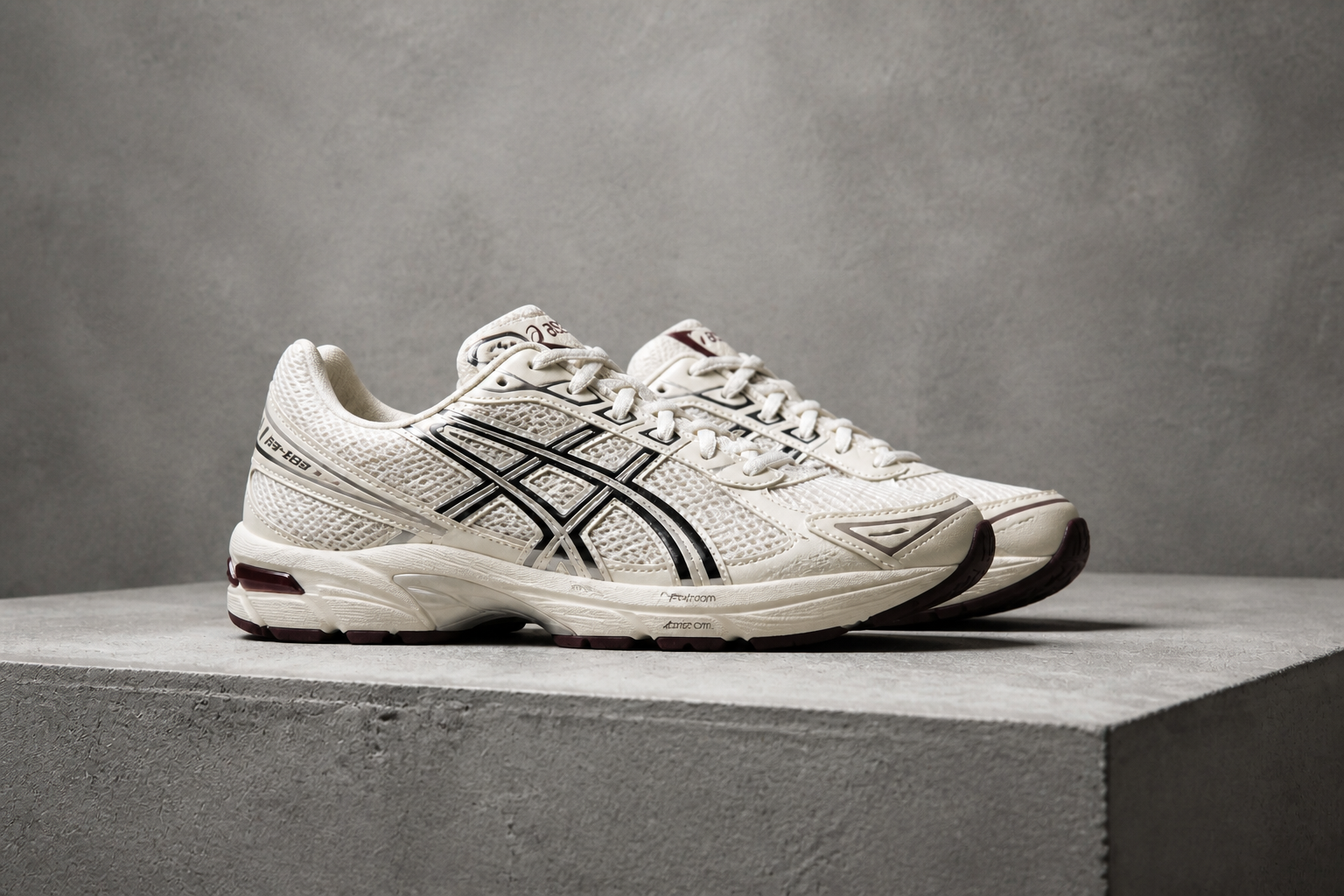
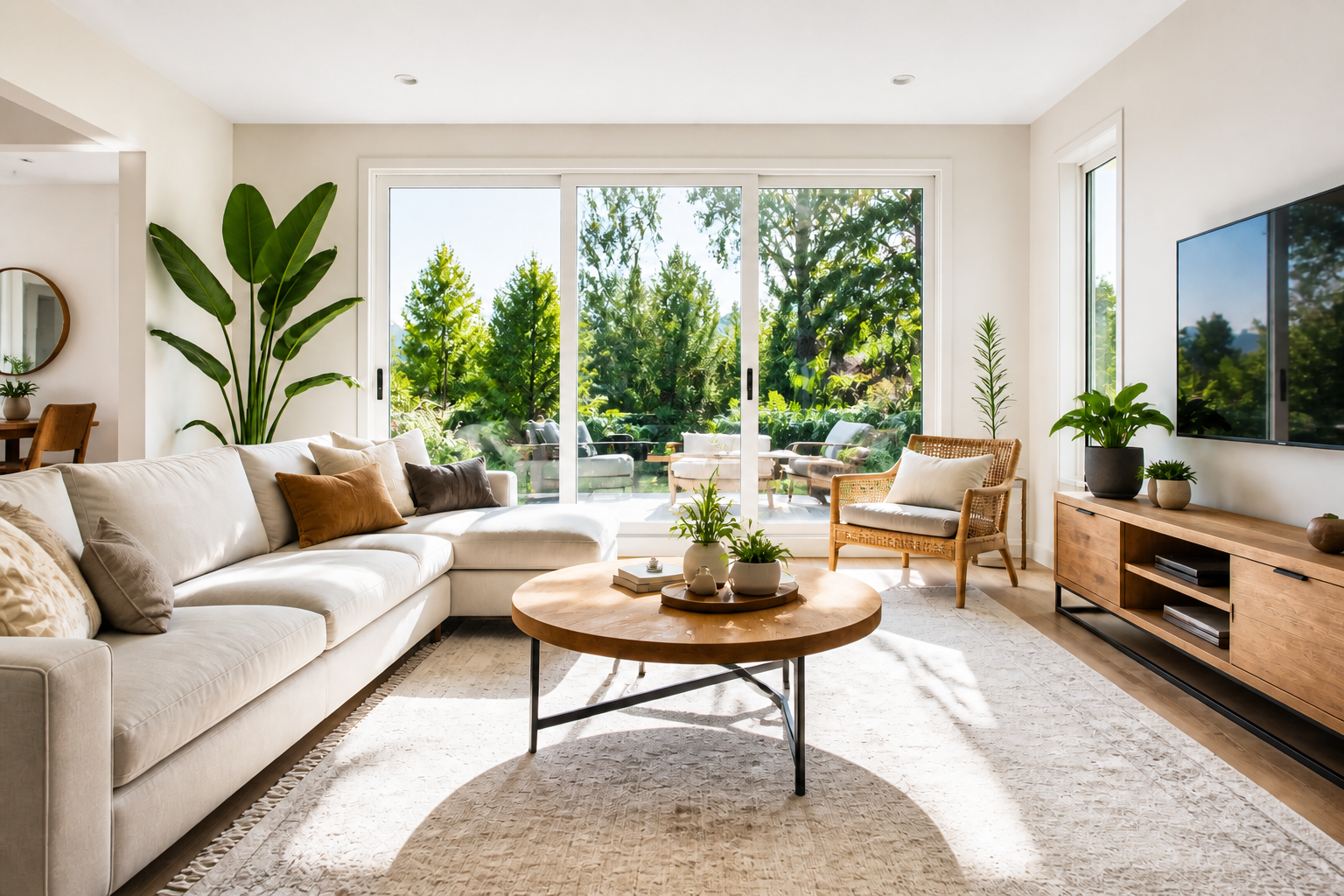
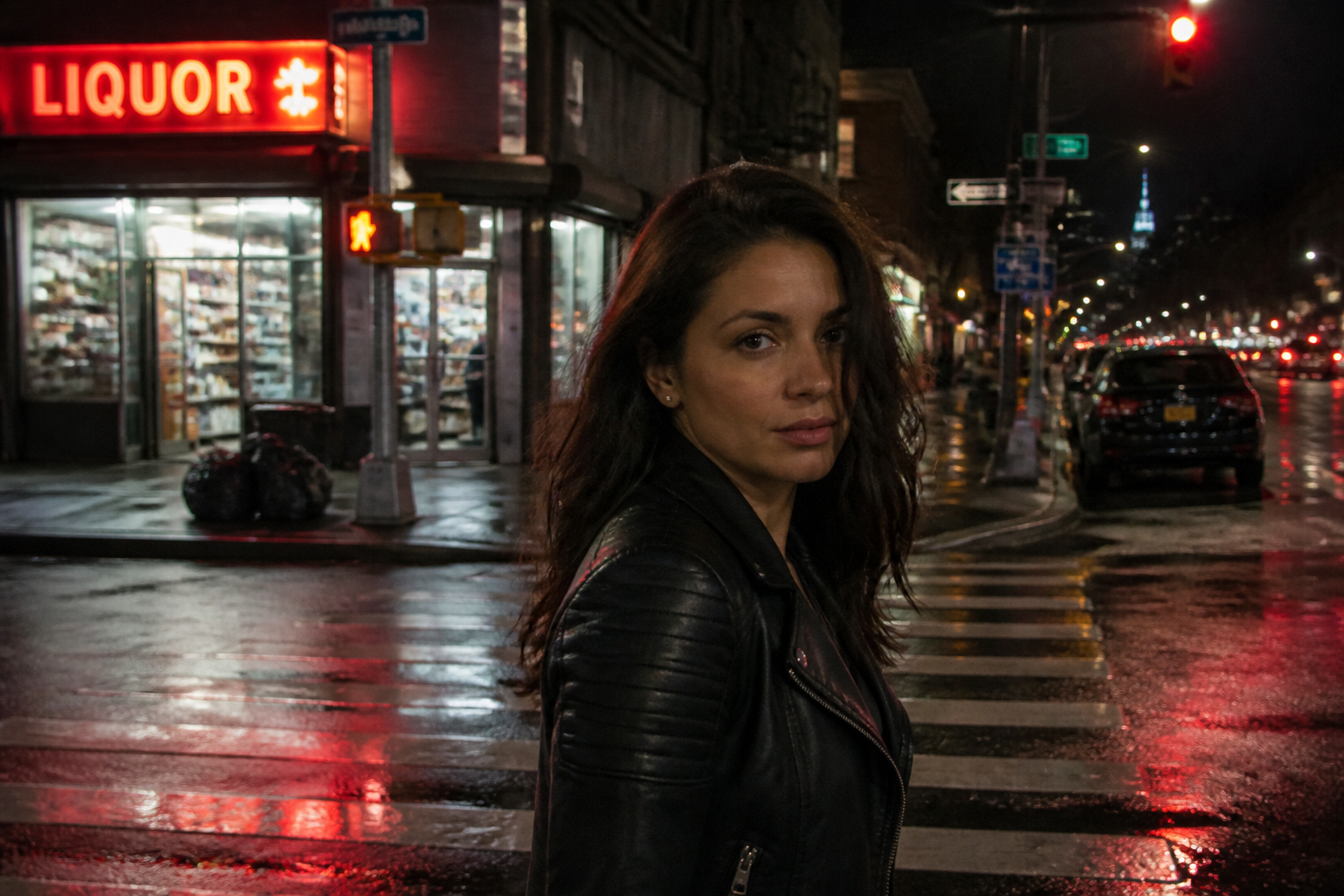
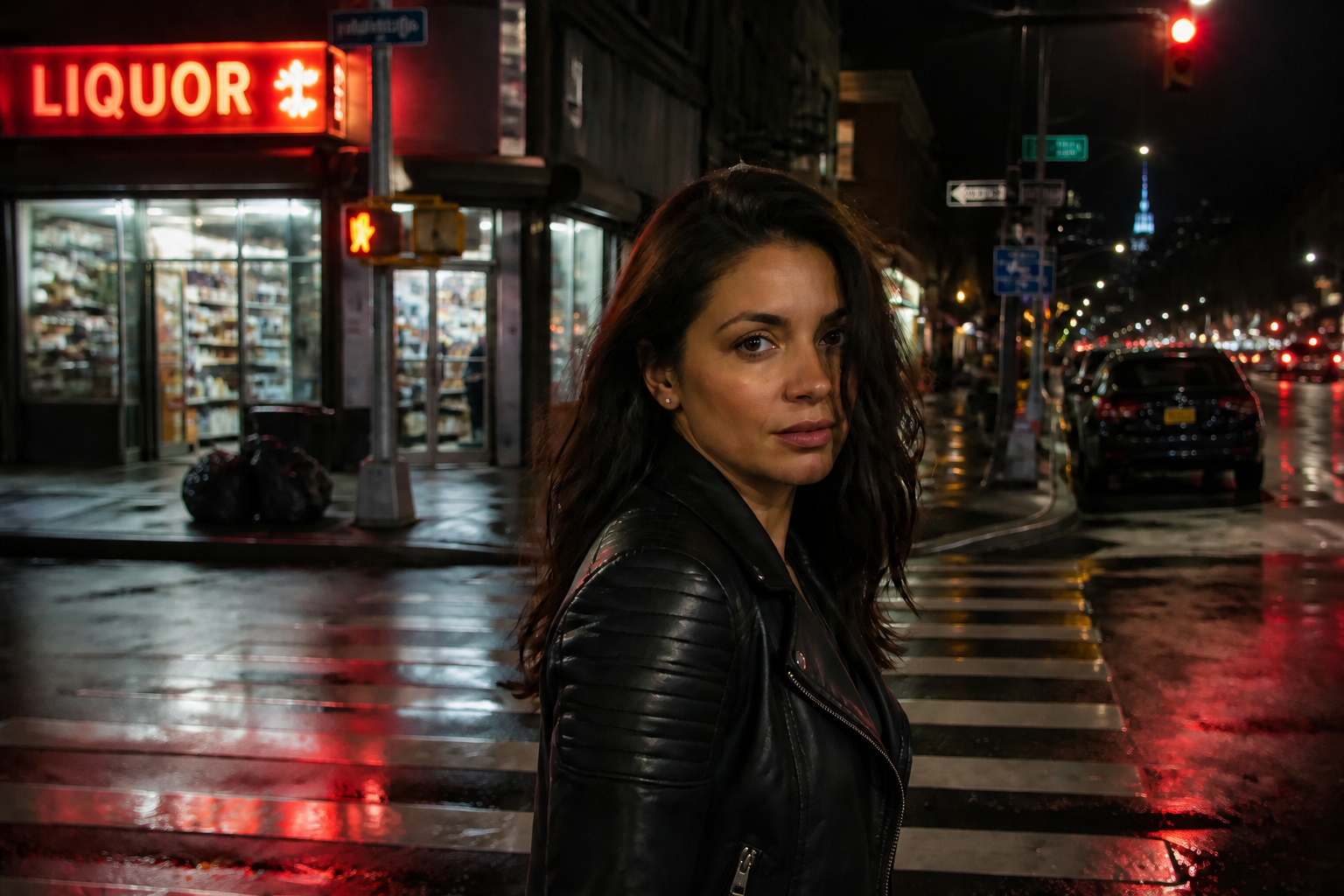
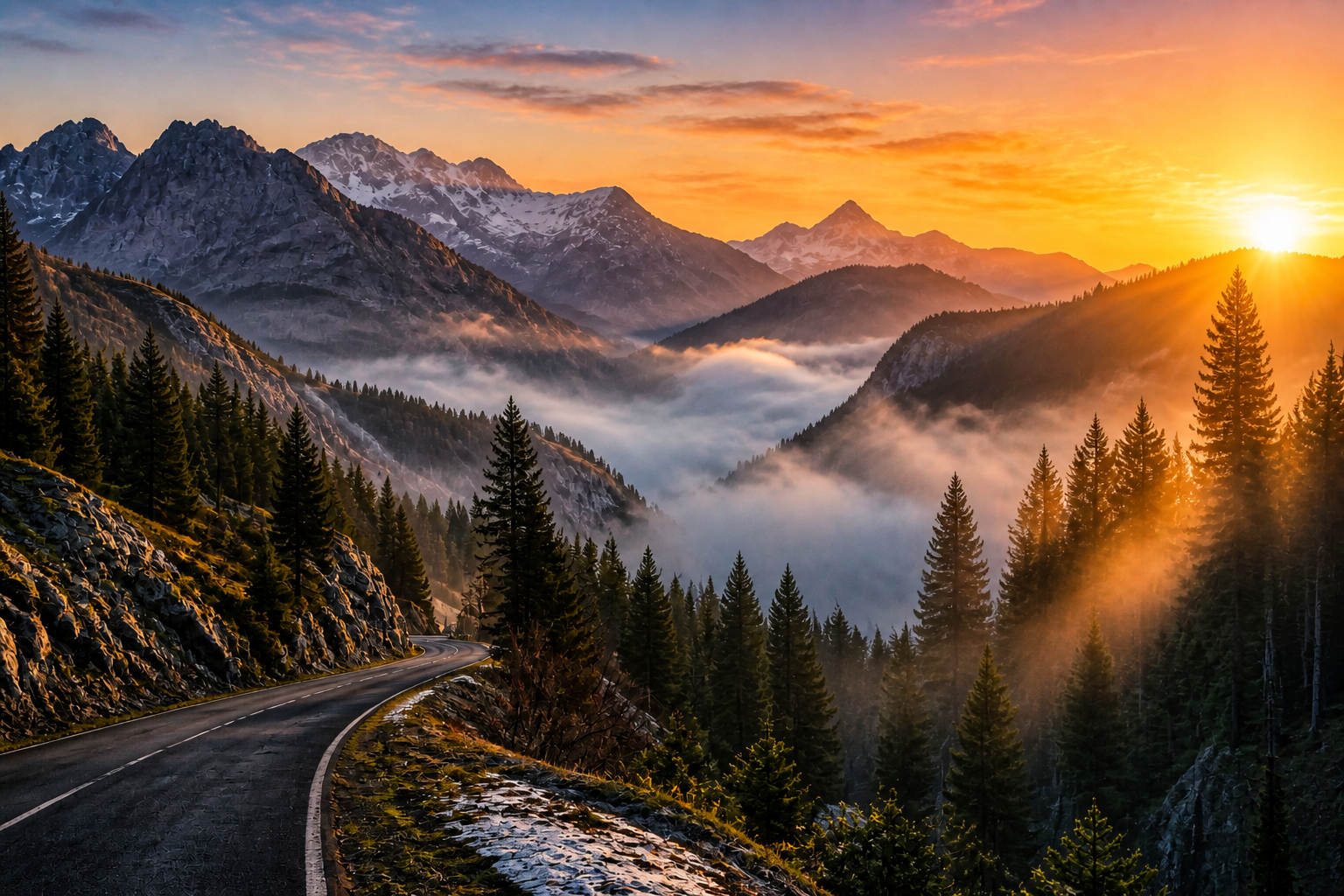
AI Image Enhancer improves photo clarity, sharpness, lighting, and detail while keeping the original composition intact. Use it to clean up portraits, product shots, interiors, food photos, and more. Upload an image, describe the fix, and get a stronger version in seconds.


Watch the Transformation
See ai image enhancer in motion — generated end-to-end by our AI.
See It In Action
Real outputs from ai image enhancer.
 BEFORE
 AFTER
AFTER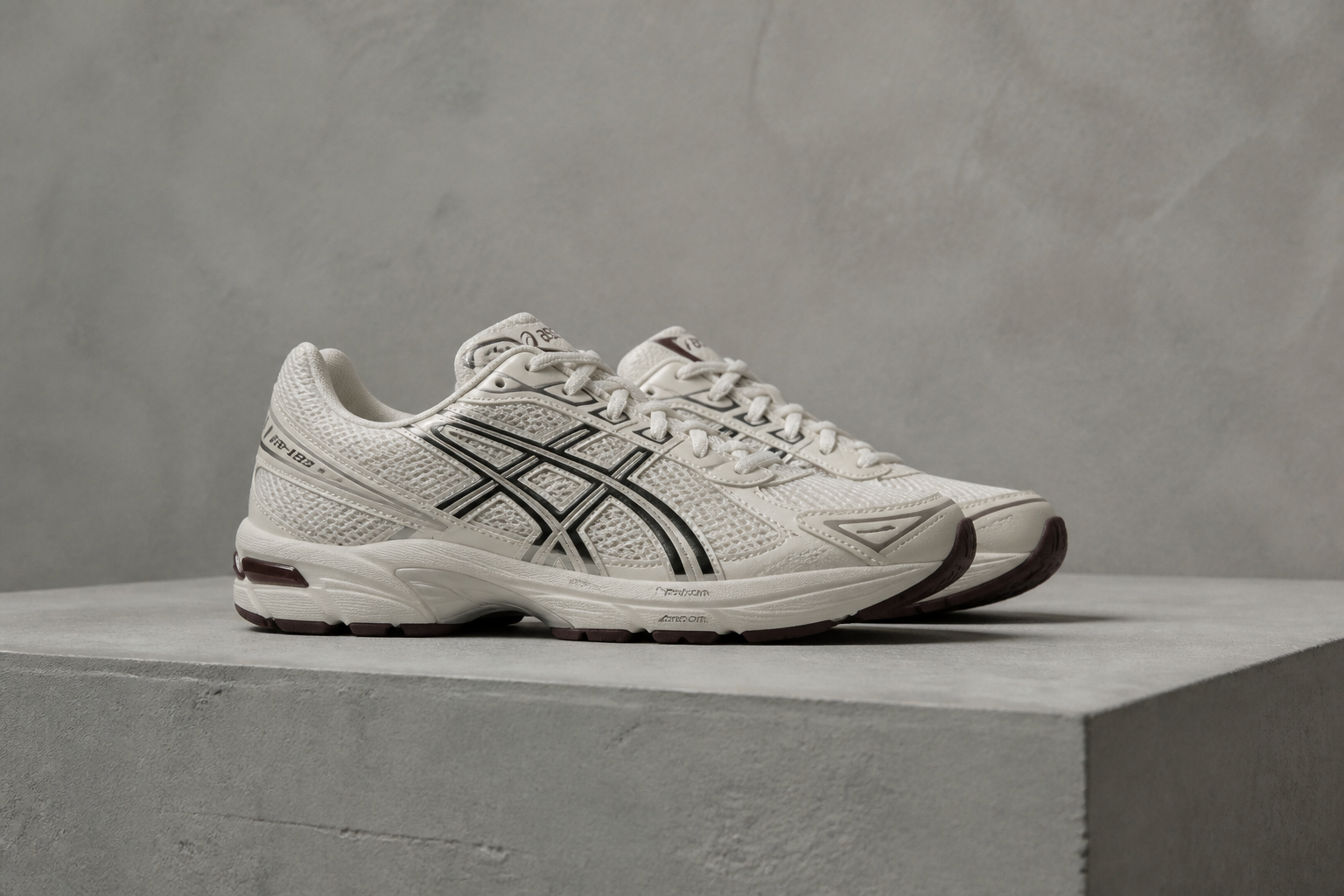 BEFORE
 AFTER
AFTER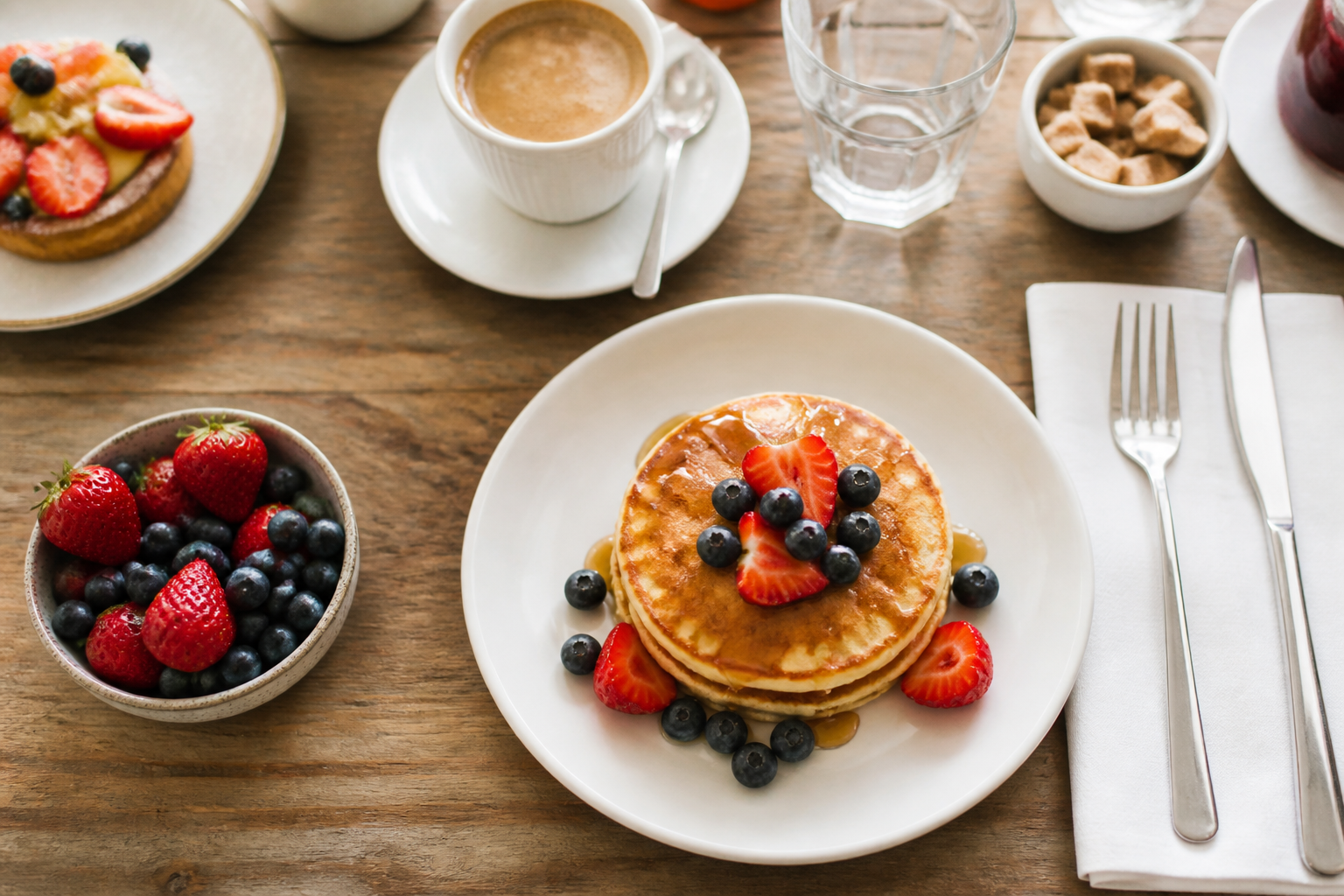 BEFORE
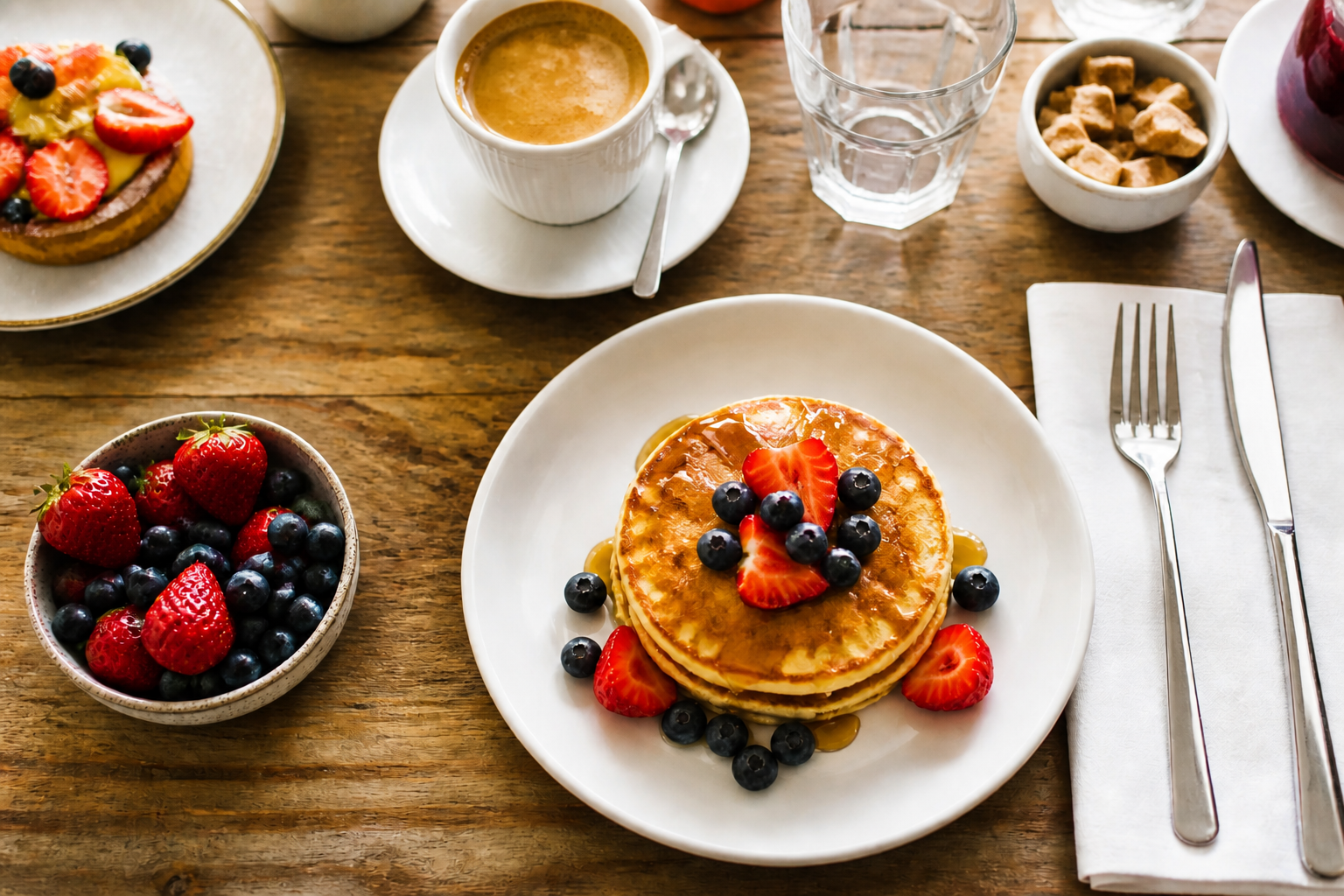 AFTER
AFTER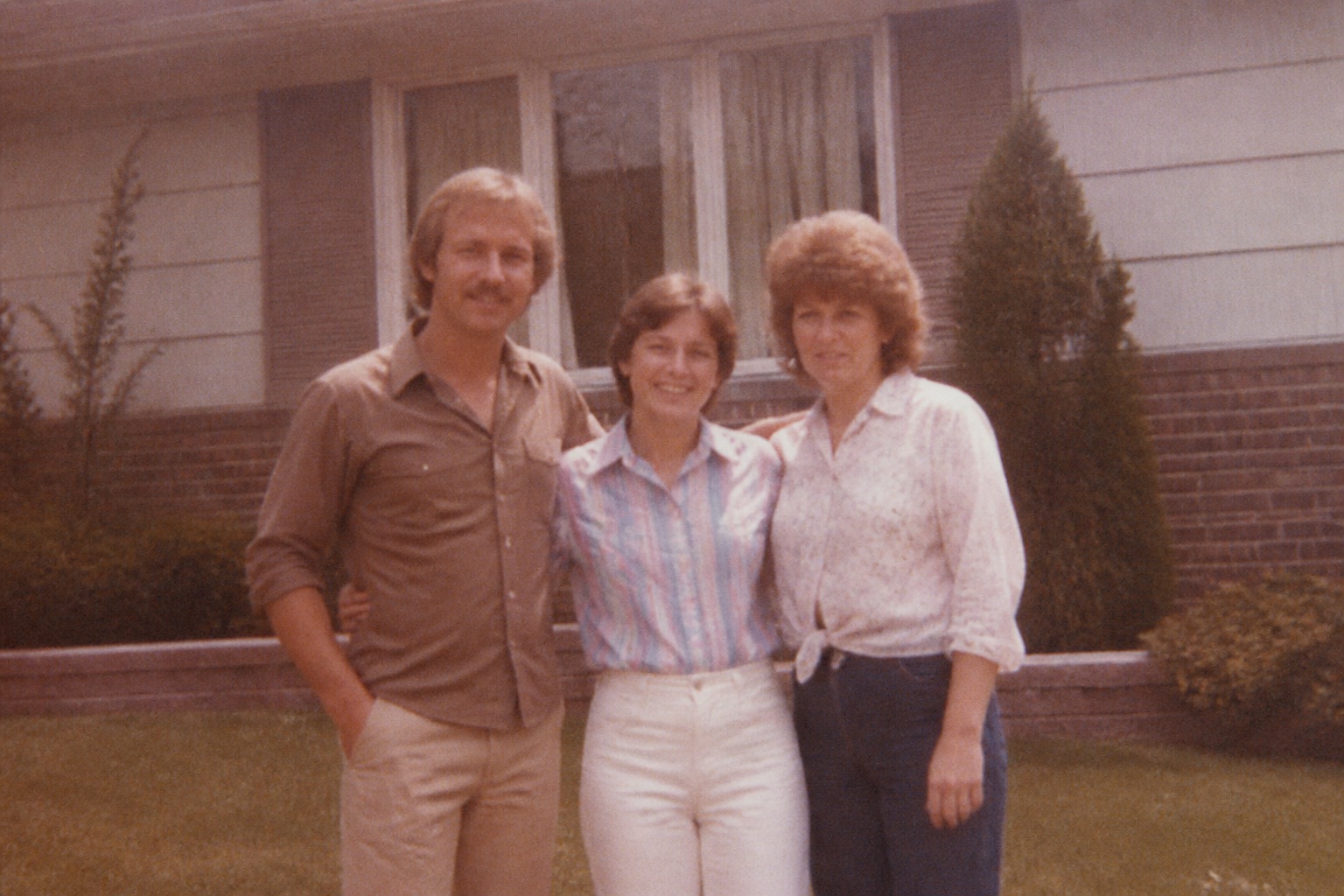 BEFORE
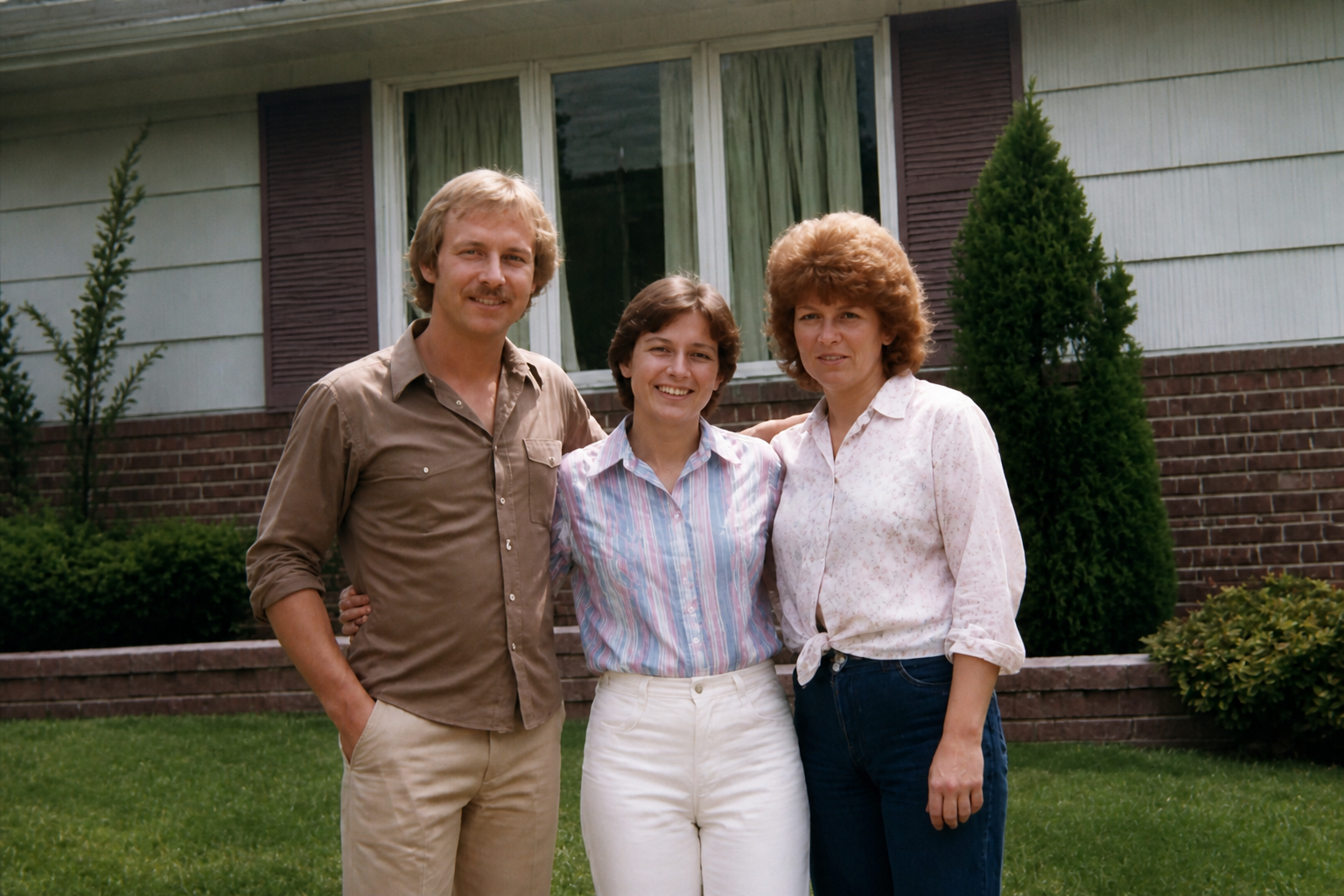 AFTER
AFTER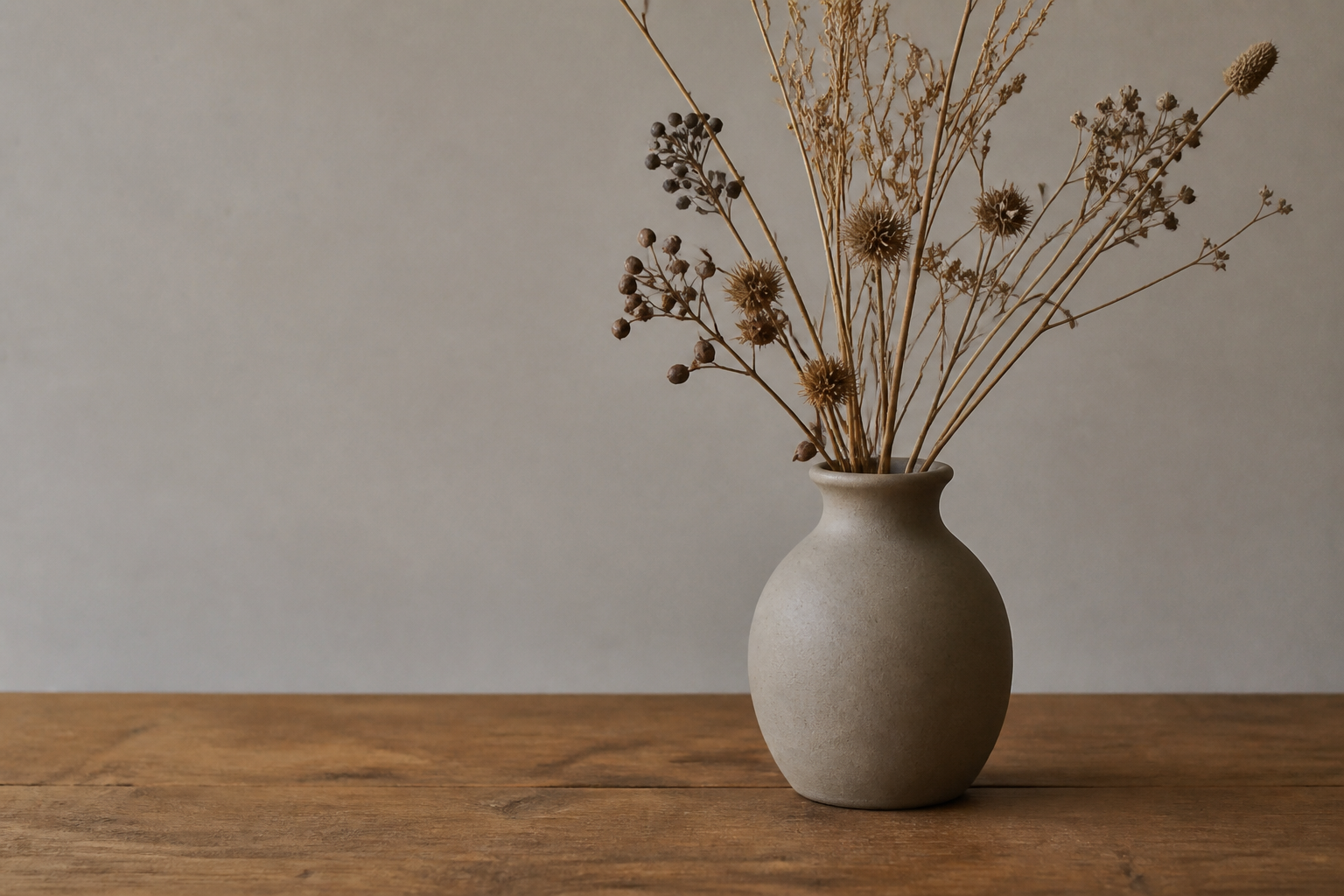 BEFORE
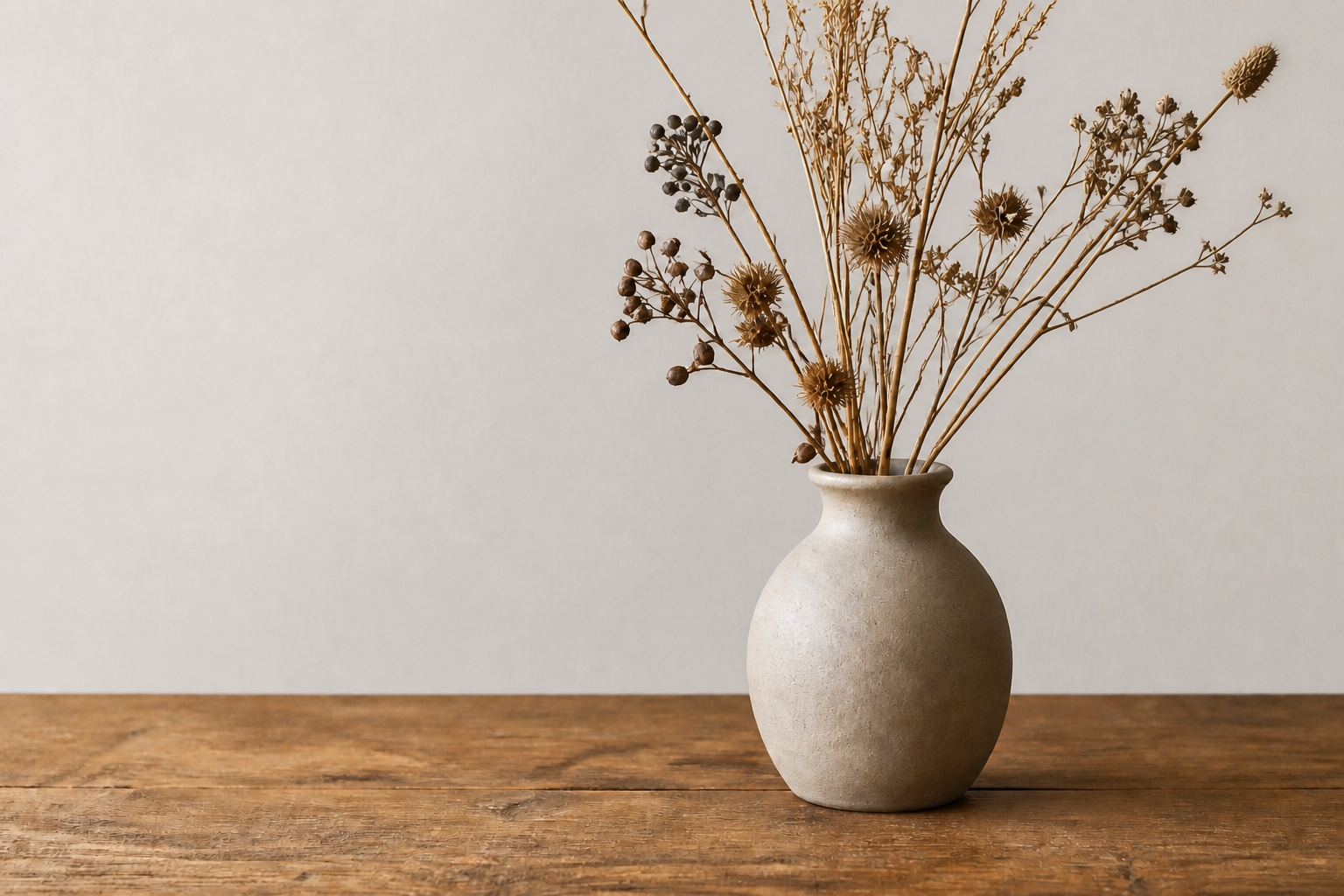 AFTERBEFOREAFTERBEFOREAFTERBEFOREAFTERBEFOREAFTERBEFOREAFTER
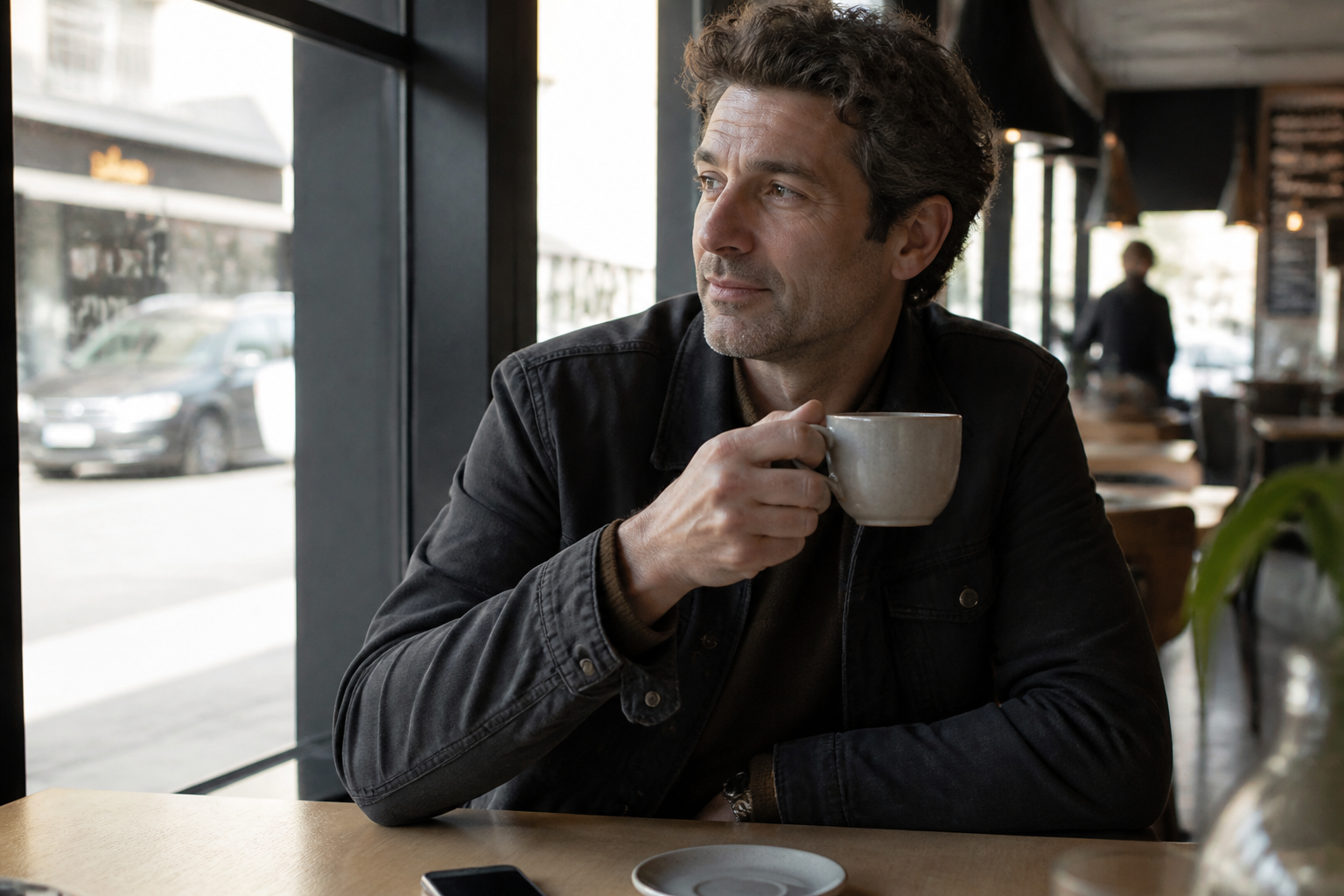 BEFORE
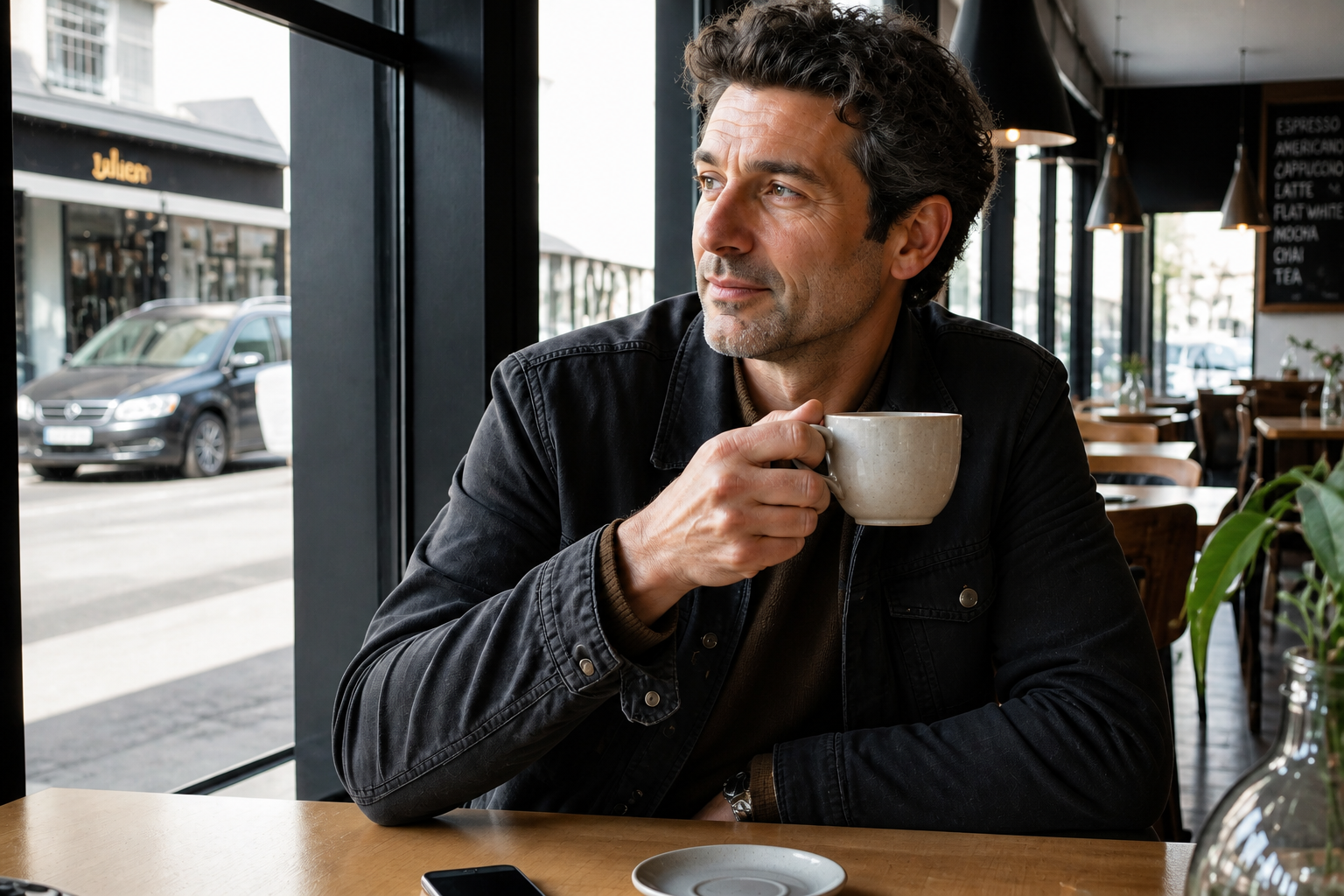 AFTER
AFTER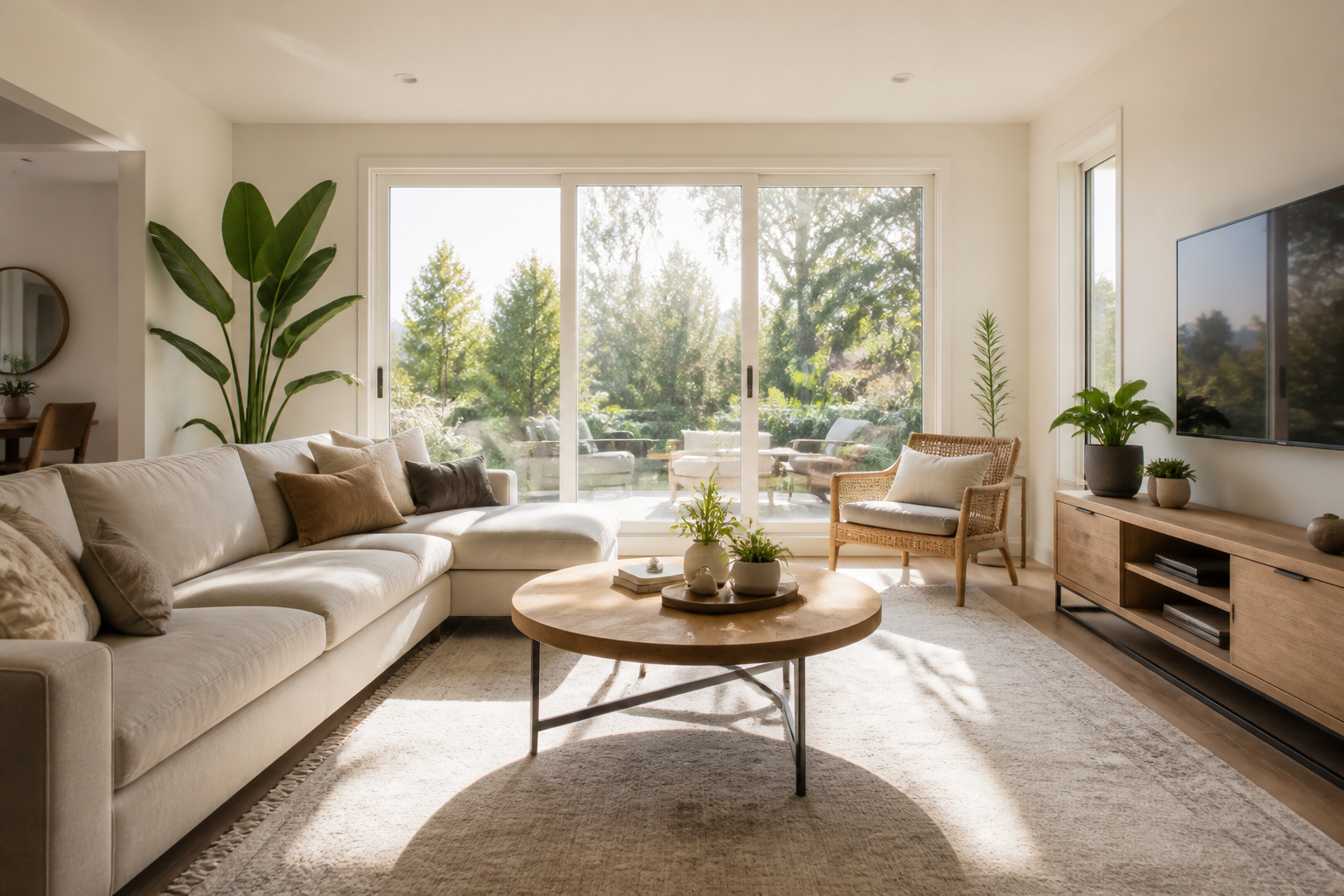 BEFORE
 AFTERBEFOREAFTER
 BEFORE
 AFTER
AFTER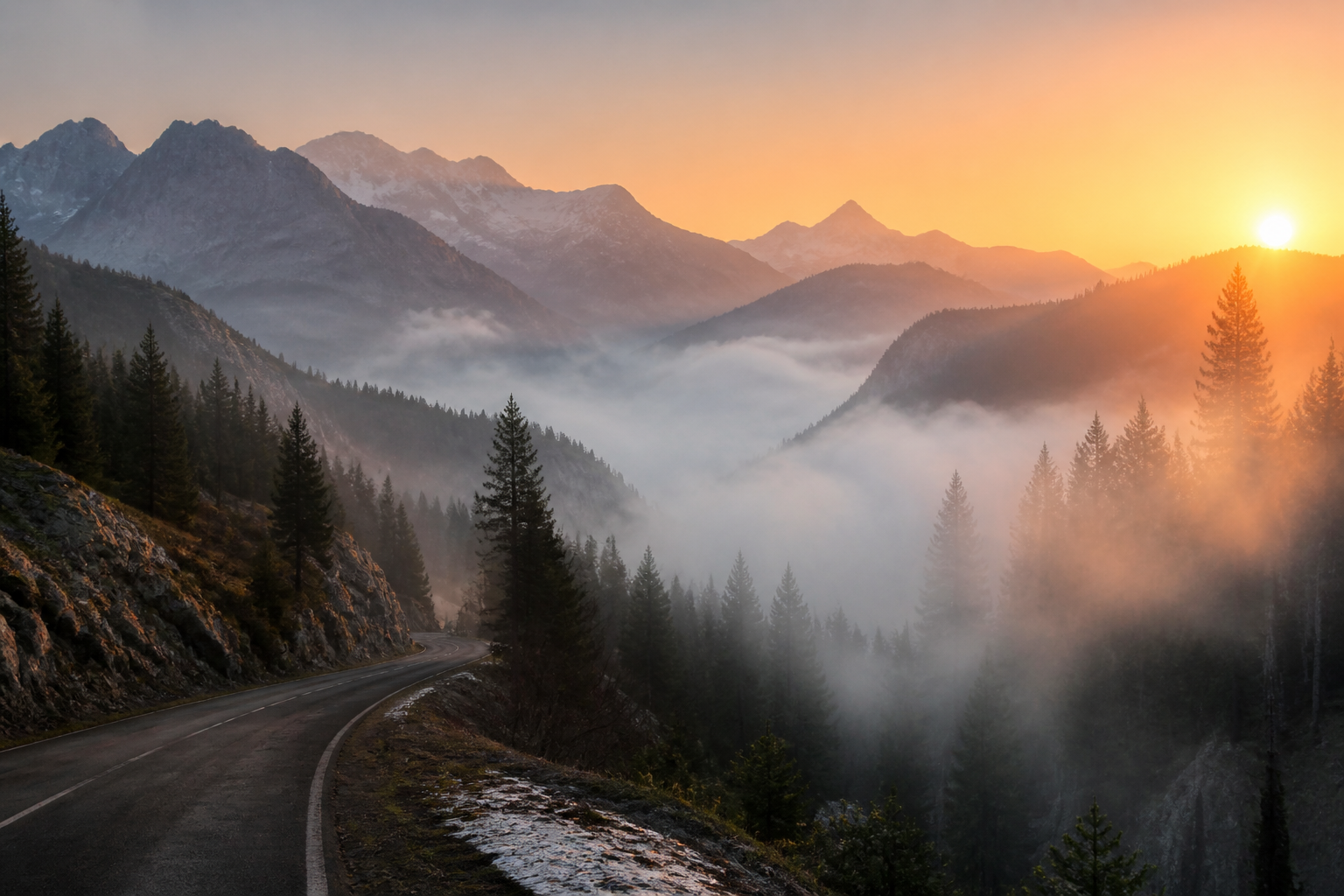 BEFORE
 AFTERBEFOREAFTERBEFOREAFTERBEFOREAFTERBEFOREAFTERBEFOREAFTER
Key Features
Sharpen Soft Photos Fast
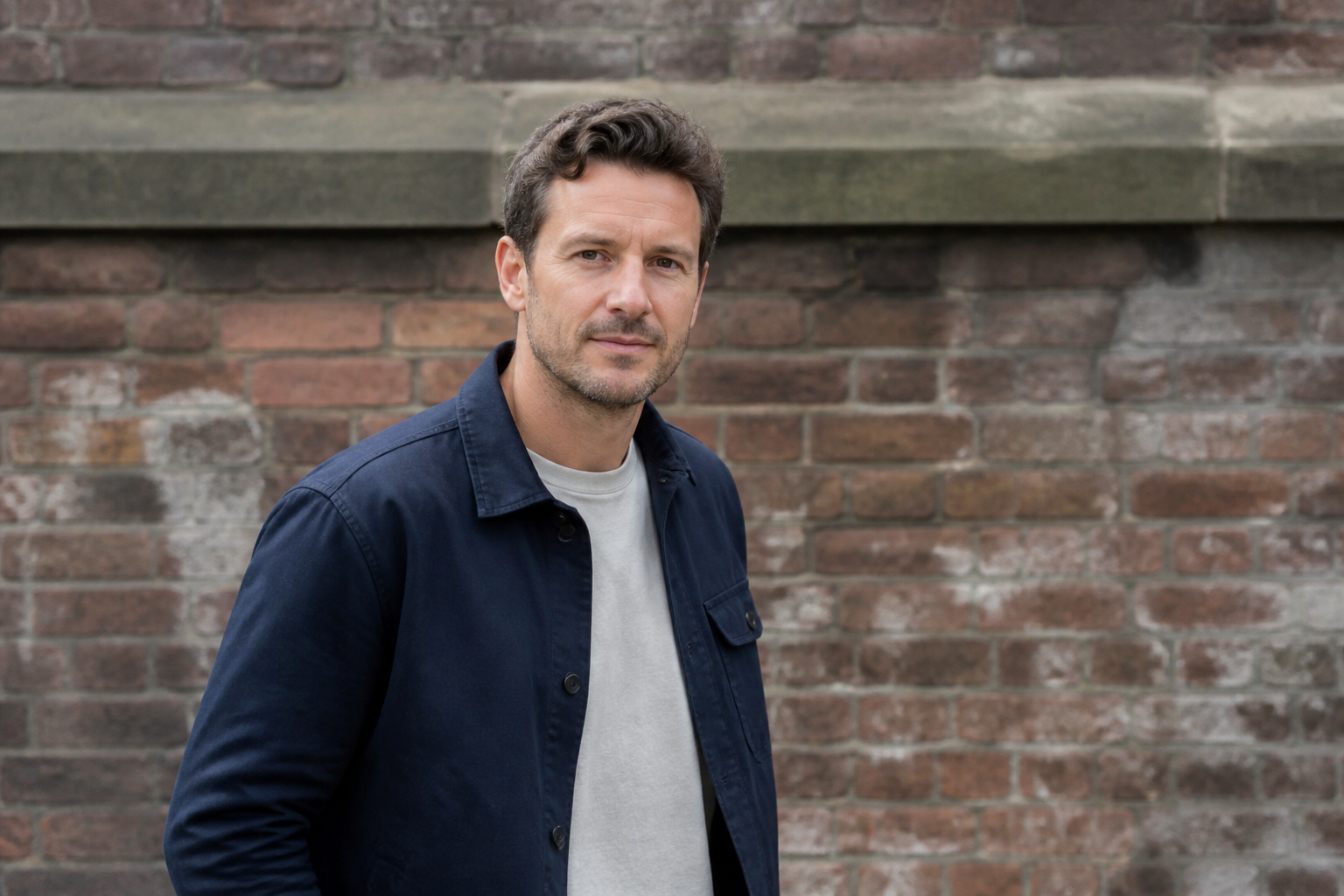
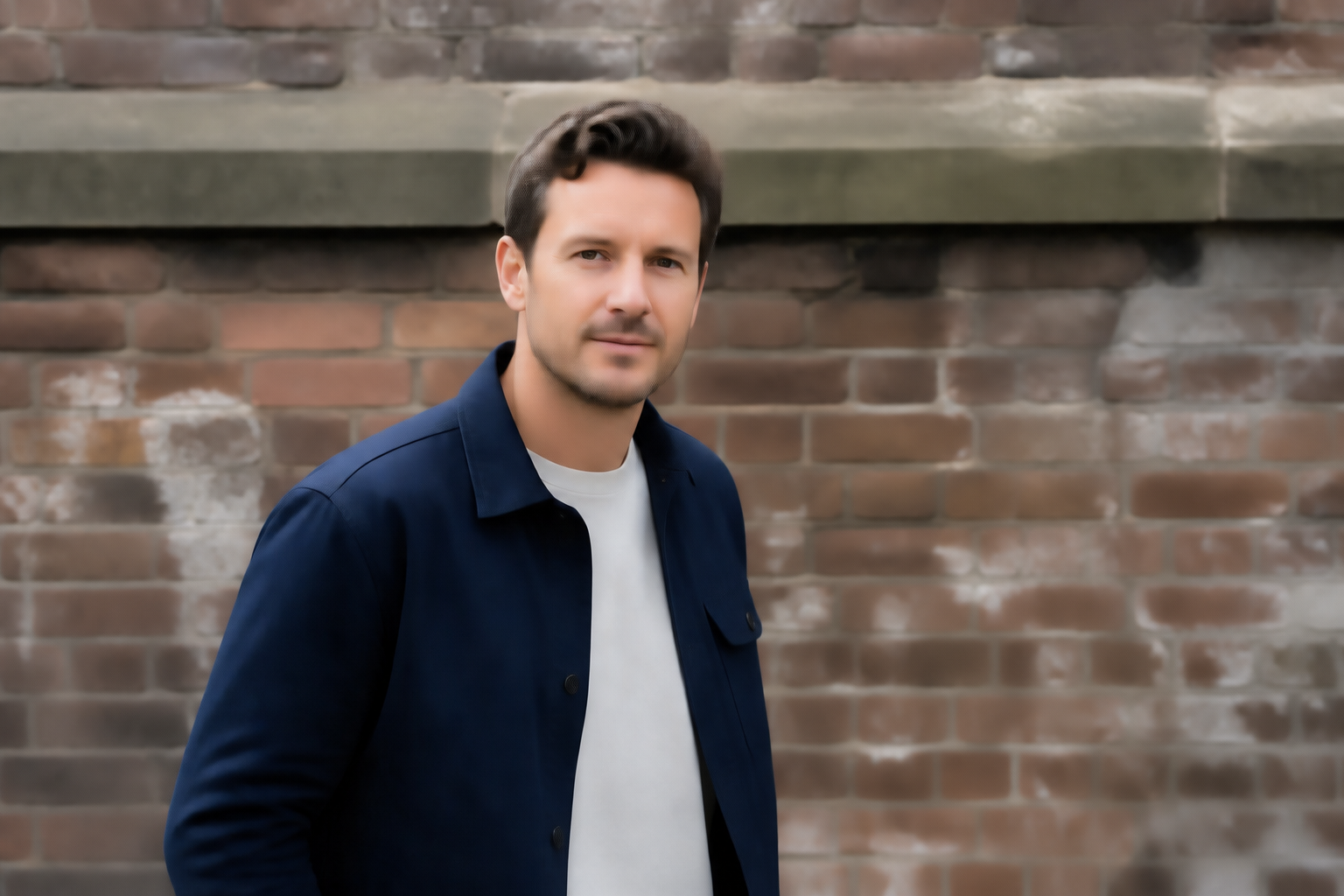
Turn soft, slightly blurry images into cleaner, more readable photos in one step. Our AI strengthens facial features, textures, and edges without forcing you into manual masking or selective sharpening tools. It is useful when a shot is almost good enough but lacks the crispness you need for sharing or publishing. You keep the same framing and subject while getting a more polished result.
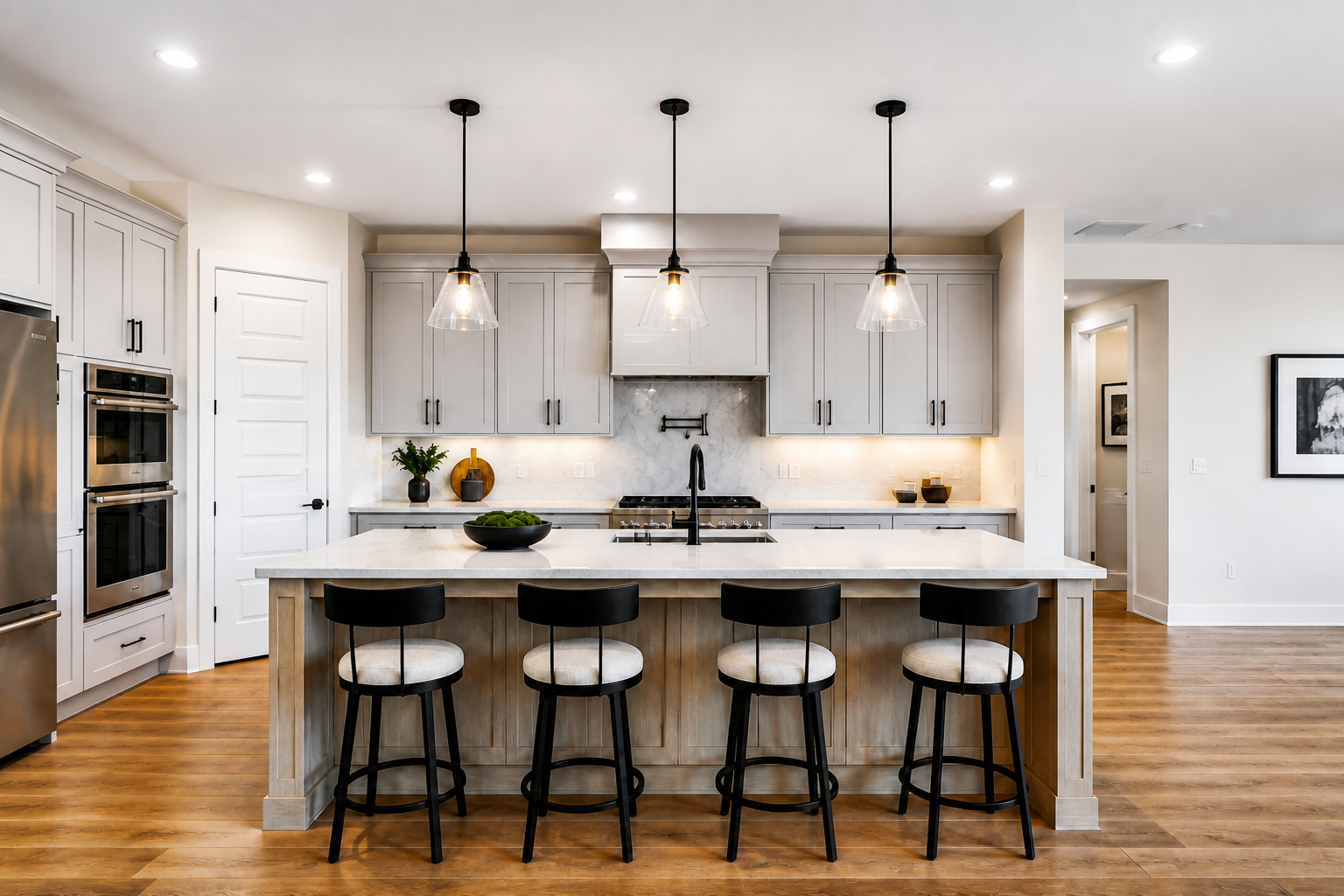
Fix Flat Lighting
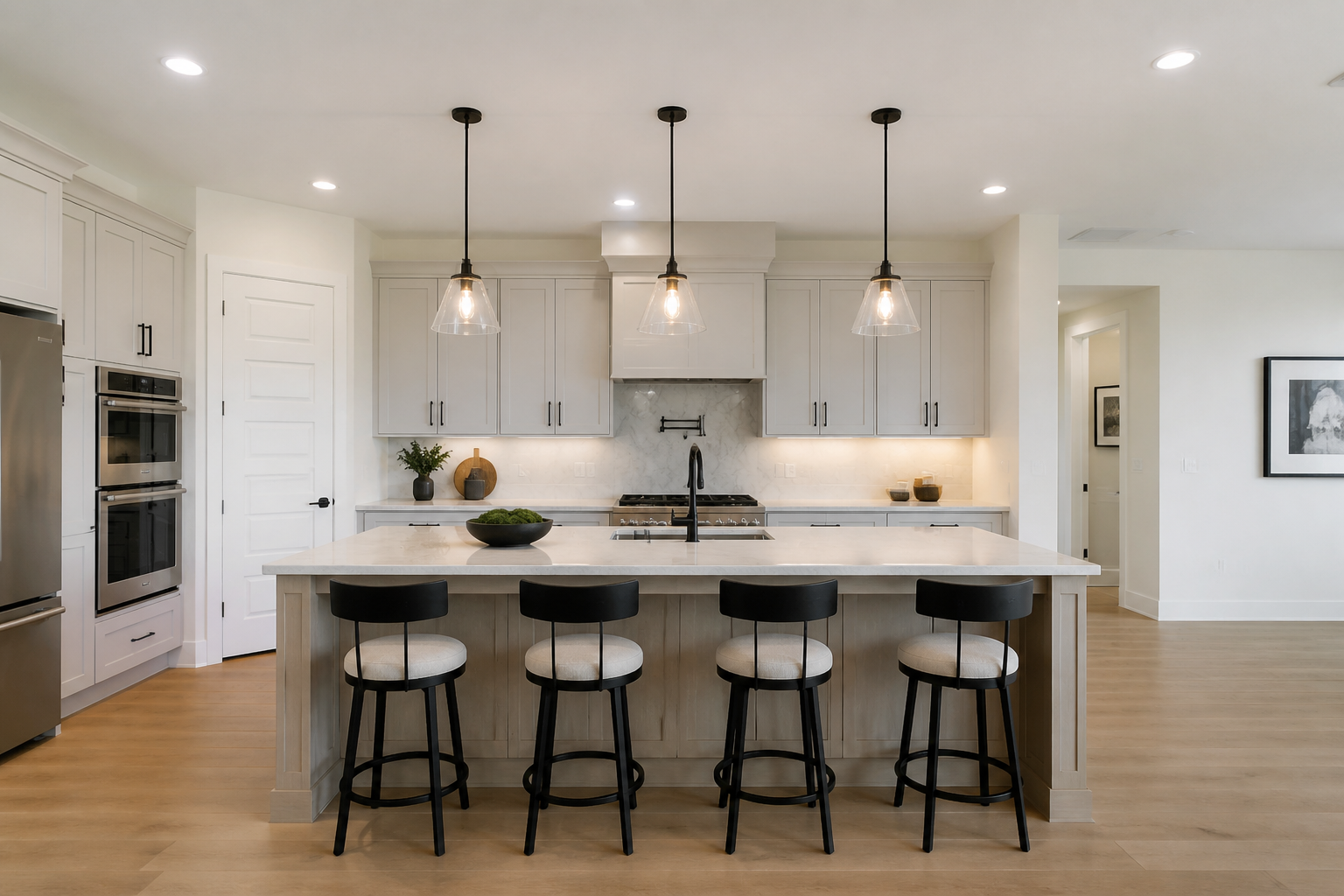
Some photos are exposed well enough but still look dull because the light lacks shape and contrast. This feature improves tonal separation, brightens key areas, and gives the image more depth without changing the scene itself. It helps portraits, interiors, and product images look more intentional. You get a stronger final image without spending time adjusting curves and local exposure by hand.
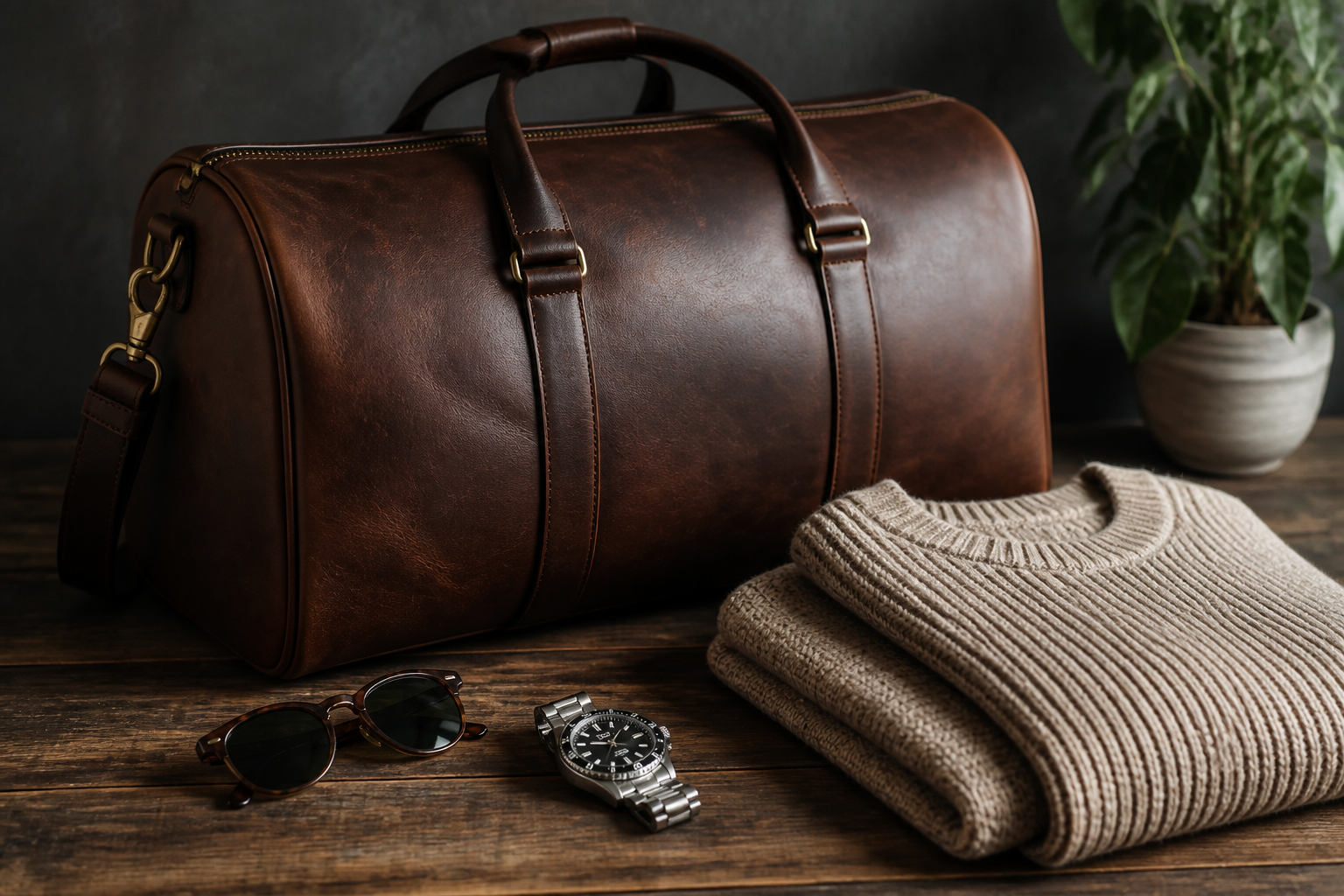
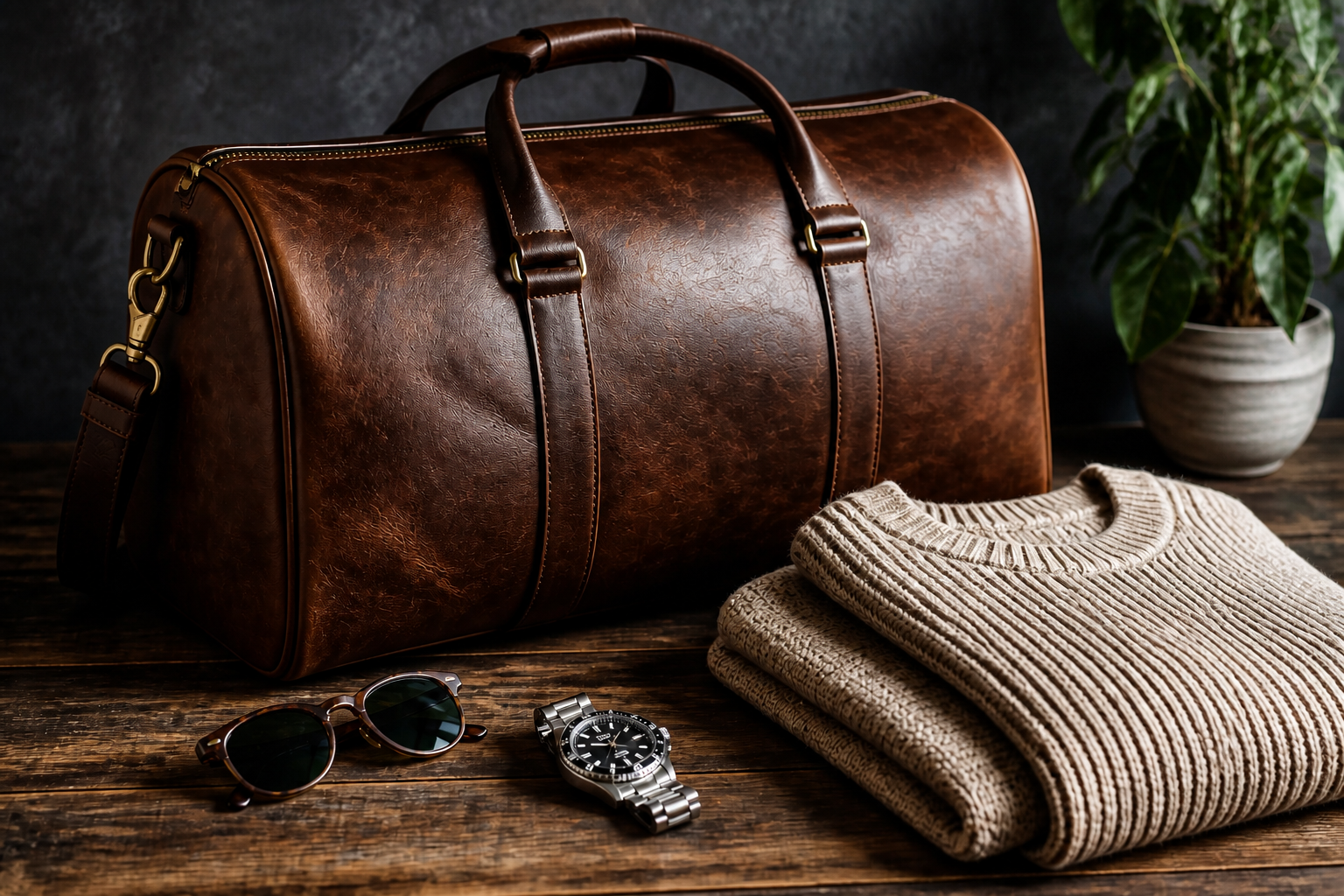
Recover Detail in Texture
Images often lose impact when surfaces like fabric, wood, metal, or food look muddy. Our AI pulls out texture and surface detail so materials read clearly at a glance. That matters for online stores, menus, and social posts where viewers decide quickly. It gives you a refined look without the crunchy artifacts common in aggressive manual edits.
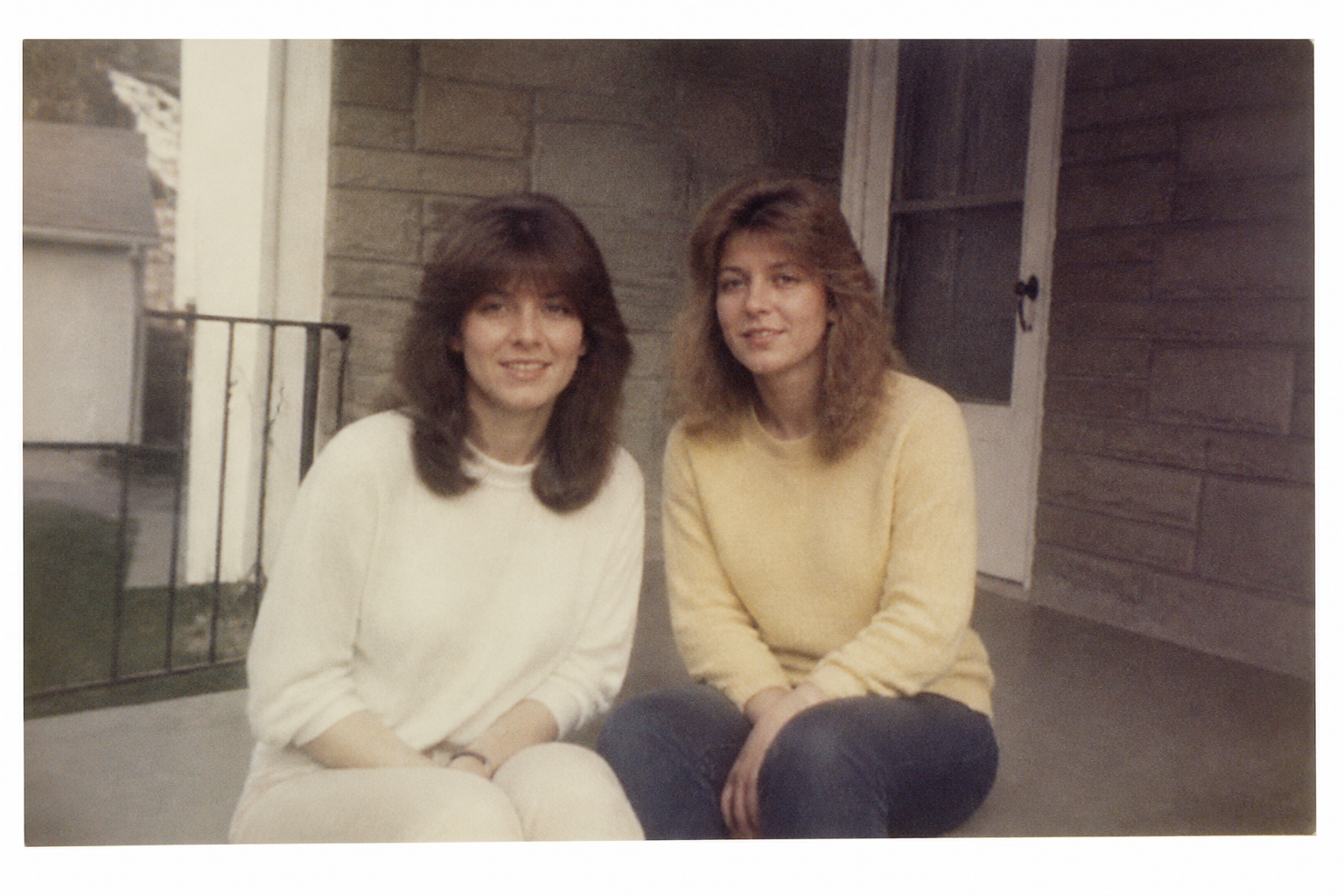
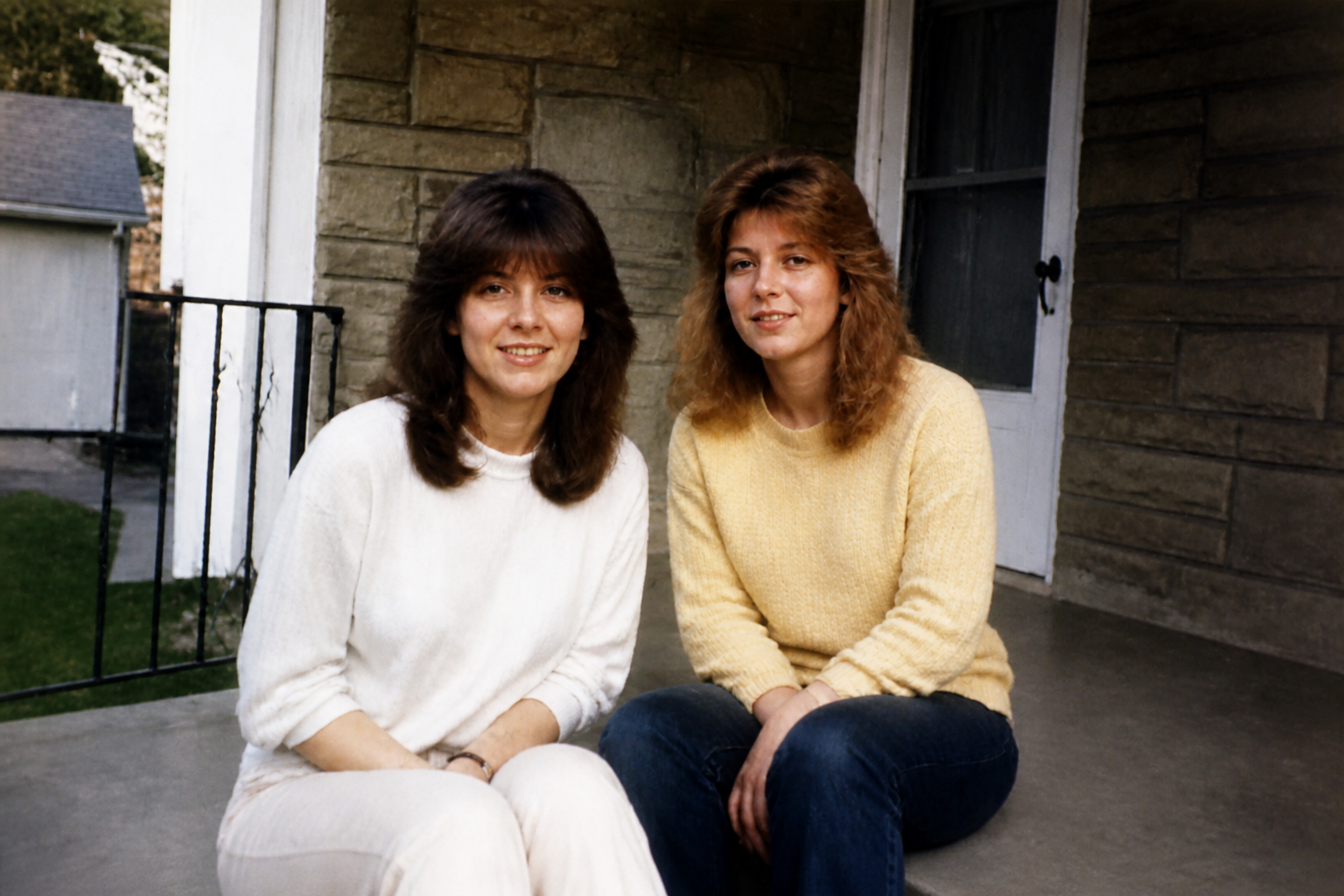
Clean Up Old Images
Scanned prints and older digital images often have fading, grain, and weak contrast that make them harder to use. This feature restores clarity and color while respecting the original photo instead of making it look brand new and artificial. It is a fast way to make archives, family photos, and older marketing images usable again. You get a cleaner version without hours of manual repair work.
How It Works
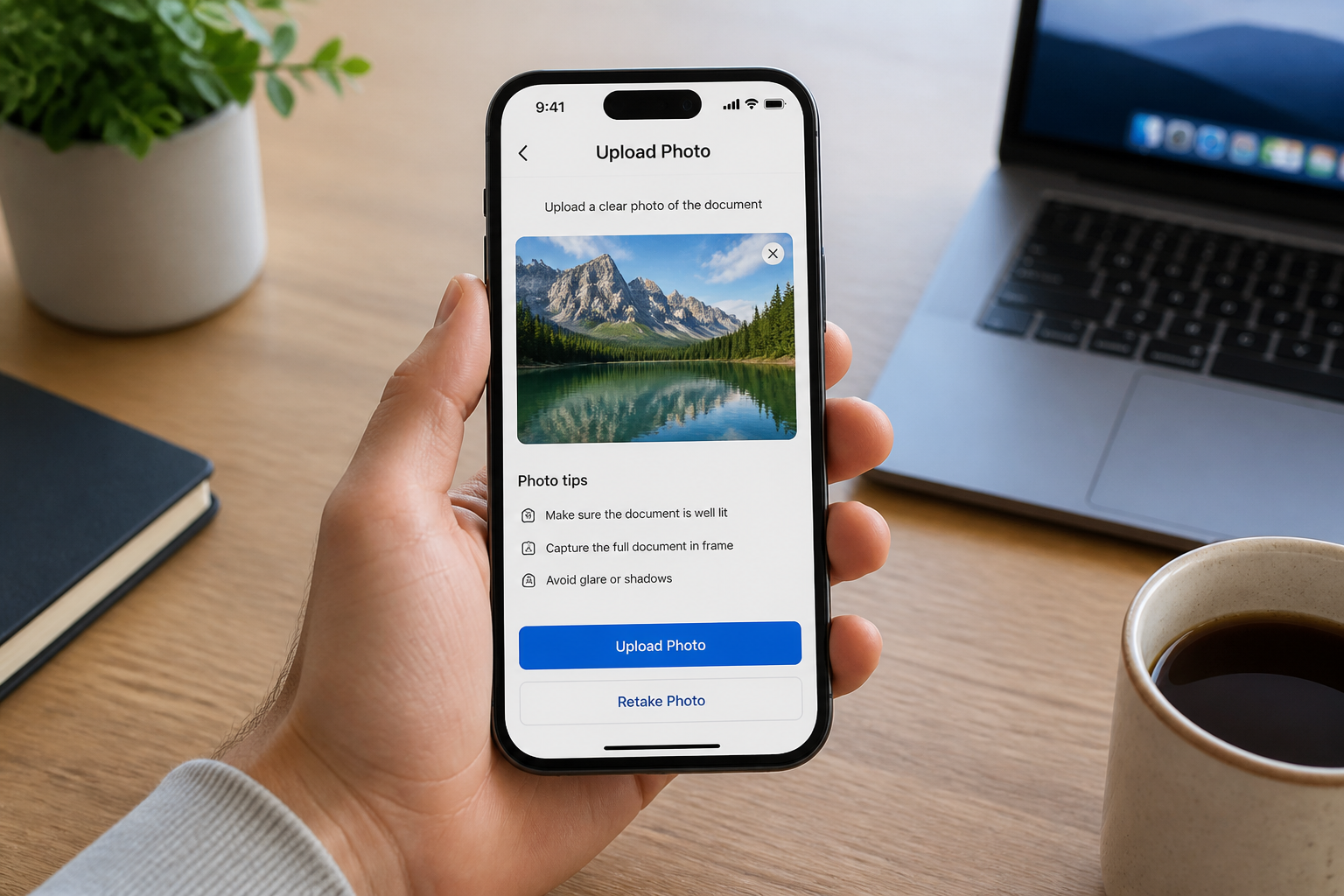
Upload your image
Start with a photo that needs more clarity, better lighting, or cleaner detail. Portraits, products, interiors, food shots, and older photos all work well.
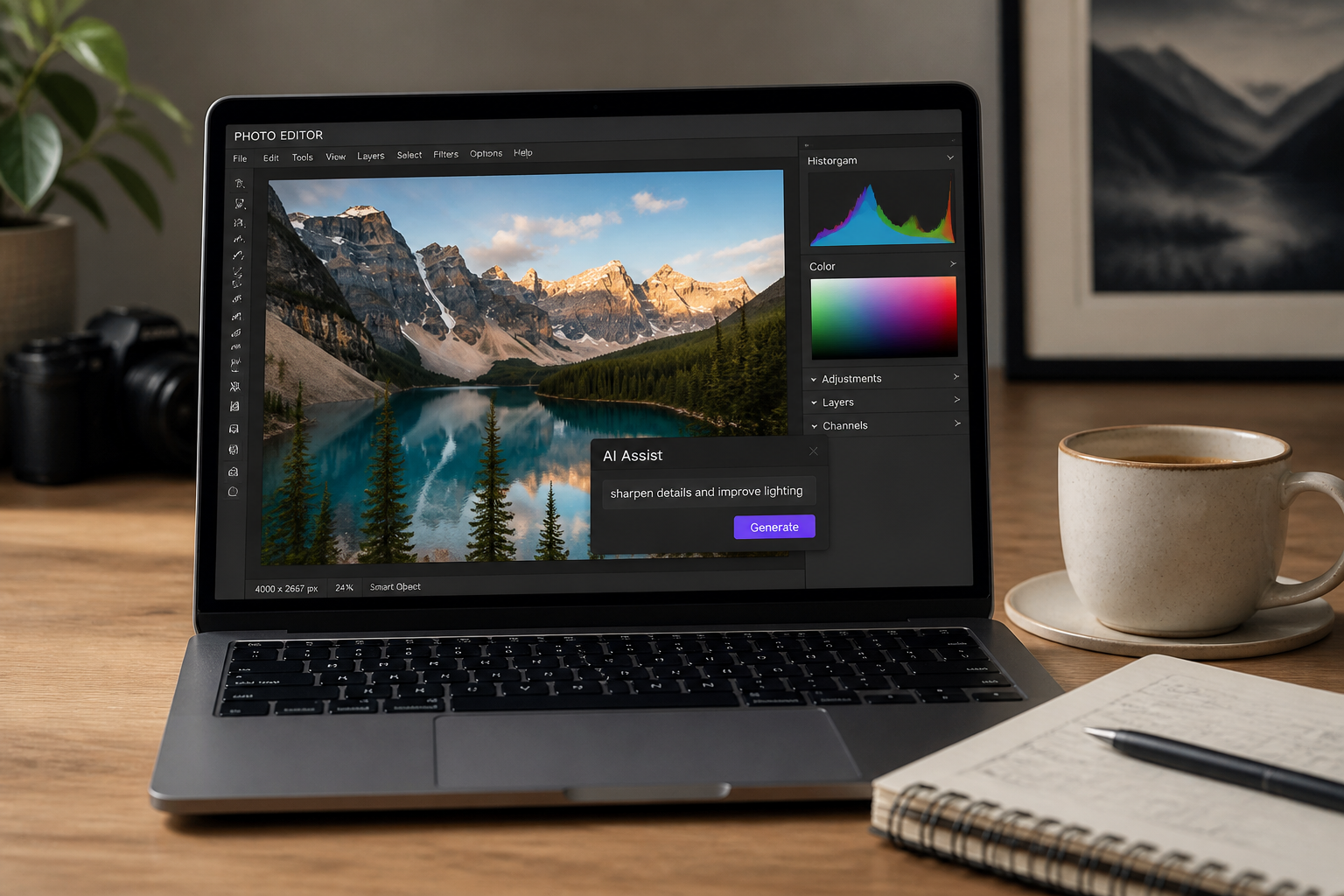
Describe the improvement
Tell the AI what you want to fix, such as sharpen details, reduce blur, brighten the scene, or restore an old photo. Short, direct instructions usually work best.
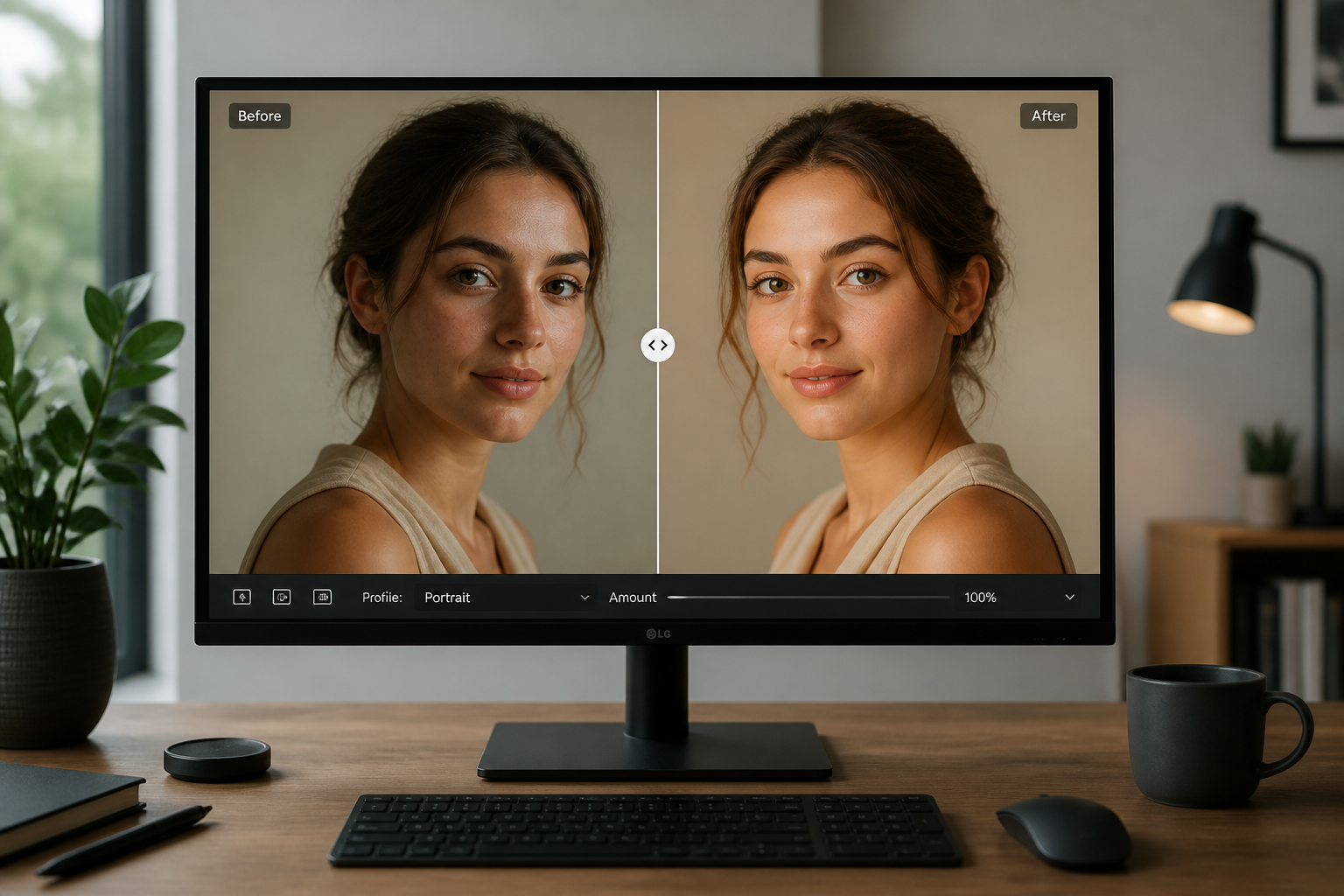
Compare and download
Review the before and after result to check clarity, texture, and exposure. If needed, refine the prompt and generate again, then save the version you like best.
Perfect For
Discover how creators and professionals use ai image enhancer
Social media photos
Make portraits, travel shots, and lifestyle photos look cleaner and more polished before posting.
Product listings
Improve texture, edges, and lighting so items look more premium in stores, marketplaces, and ads.
Real estate images
Brighten interiors and recover room detail to create clearer, more appealing listing photos.
Old photo restoration
Refresh faded scans and older digital images with better contrast, color, and readability.
Built For
Creators and influencers
Upgrade everyday images quickly when a photo is good but not quite polished enough to post.
Online sellers and marketers
Clean up product, food, and promotional images without spending extra time in manual editing apps.
Anyone organizing personal photos
Improve travel shots, family pictures, and older scans so they look clearer and easier to share.
Why use BudgetPixel for image enhancement
A quick look at how we compare on the things that matter for this niche.
| Feature | BudgetPixel | Generic AI editors | Manual editing apps |
|---|---|---|---|
| Simple text-guided edits | ✓ | ✓ | — |
| Preserves original composition | ✓ | — | ✓ |
| Fast quality improvement | ✓ | ✓ | — |
| Good for portraits and products | ✓ | — | ✓ |
| Manual skill required | Low | Low | High |
Frequently Asked Questions
What does AI Image Enhancer actually improve?
Can it fix blurry photos?
Will it change the content of my photo?
Is this useful for product and business photos?
Can I enhance old scanned photos?
Create together.
Share your creations, discover trending AI art, and grow with fellow creators.