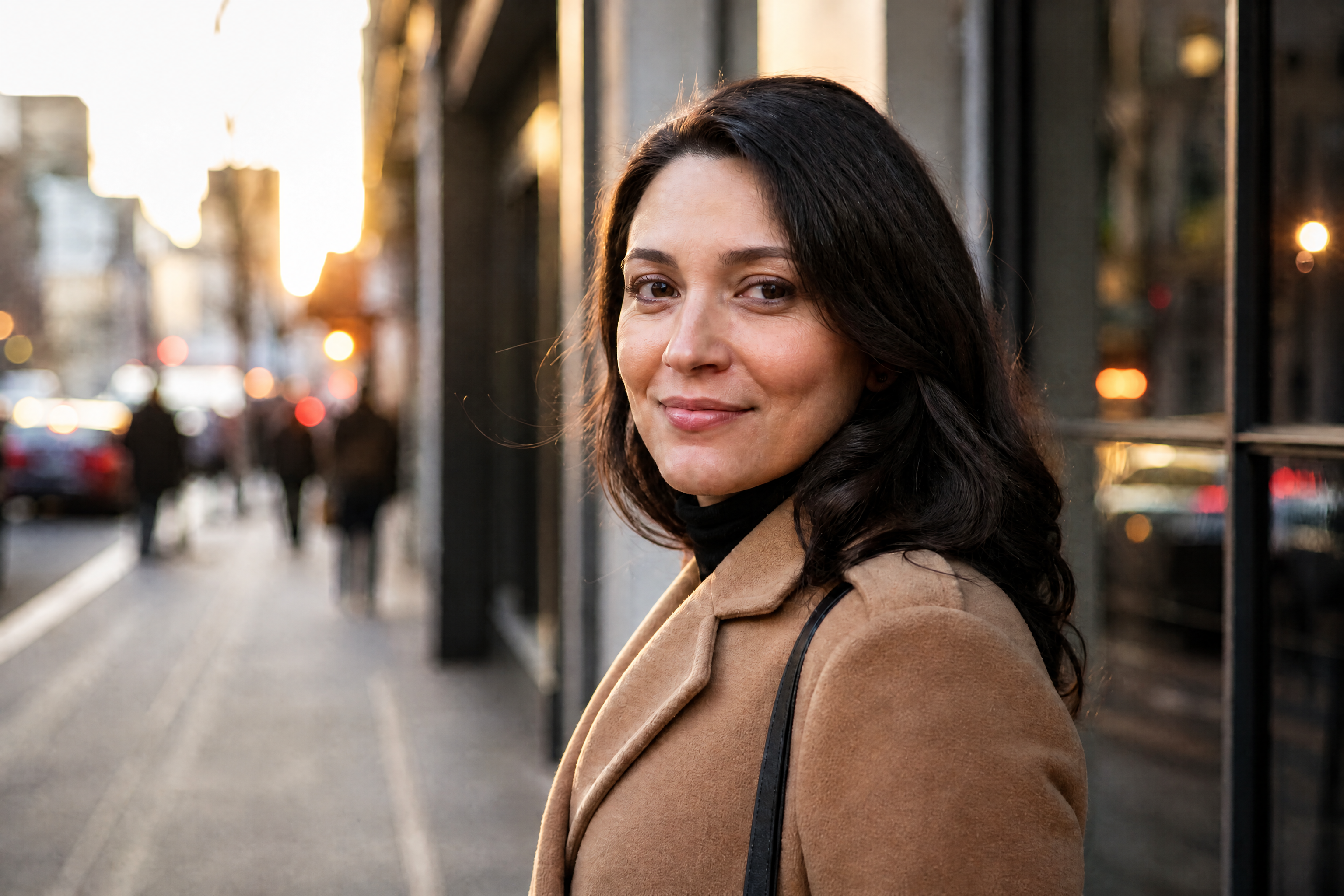
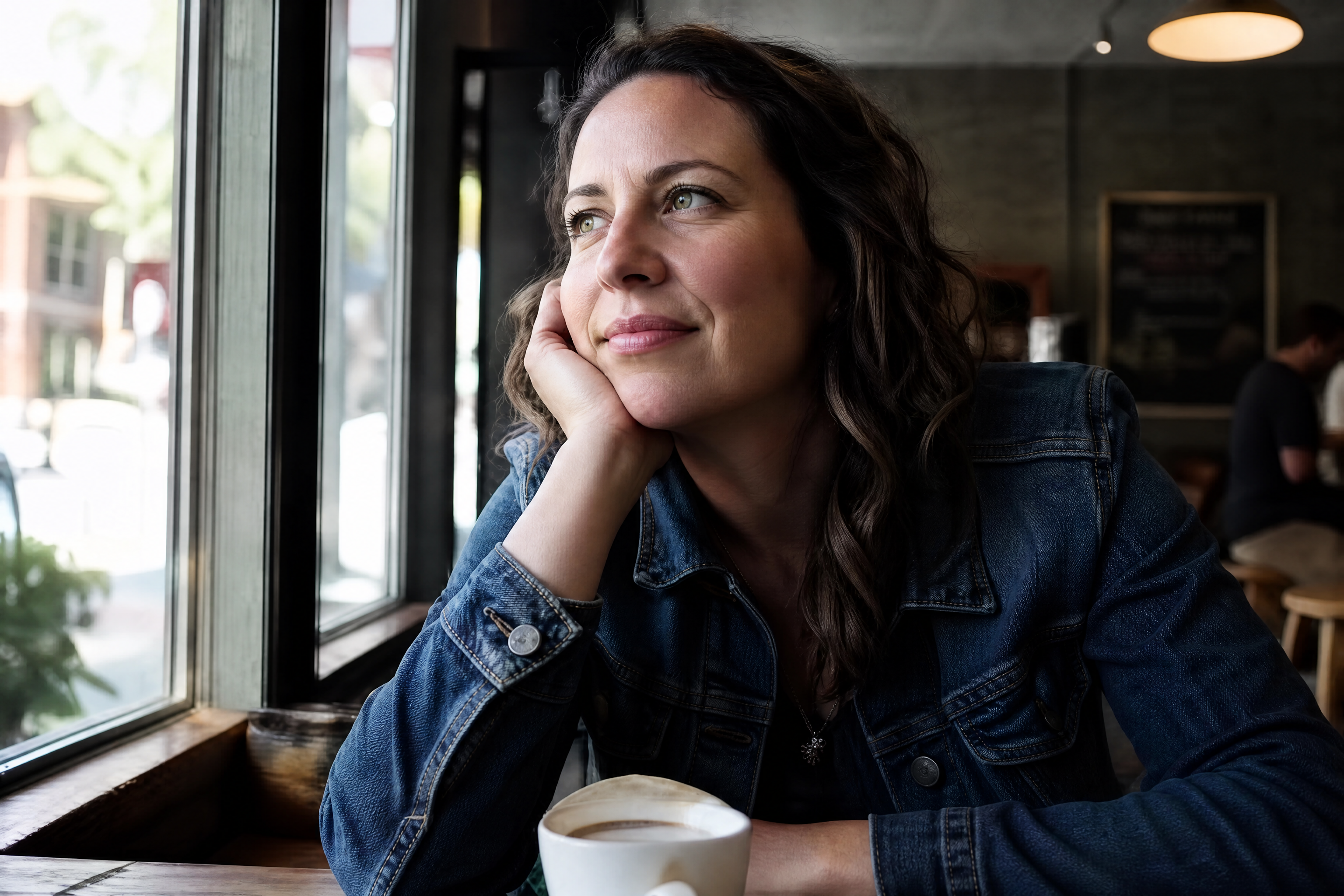
AI Detail Enhancer for Sharper Images
Bring out texture, edges, and clarity without re-editing from scratch.
AI Detail Enhancer upgrades soft, flat, or low-detail images into cleaner, sharper results. Use it to recover texture in faces, products, food, interiors, and artwork while keeping the original composition intact.
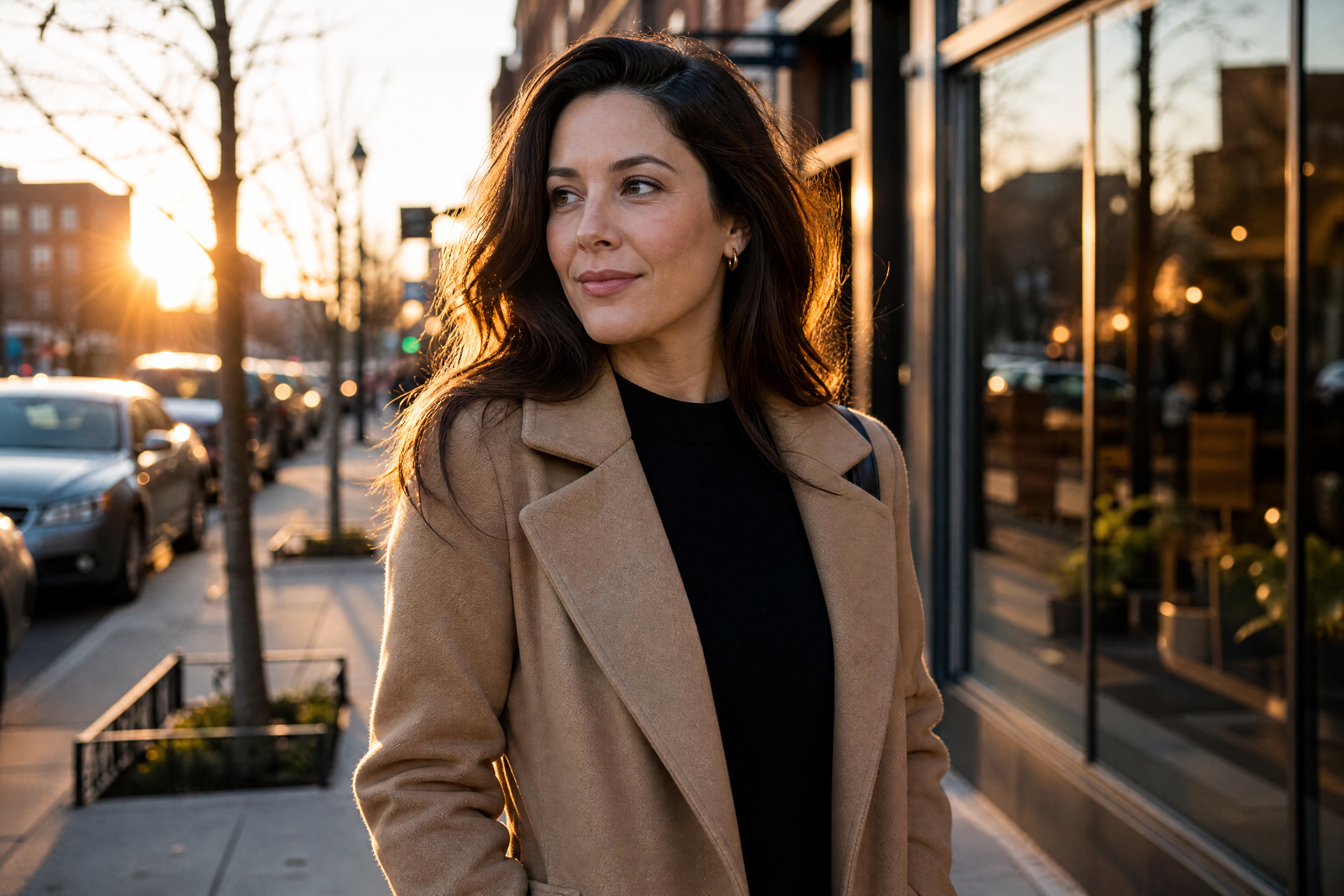
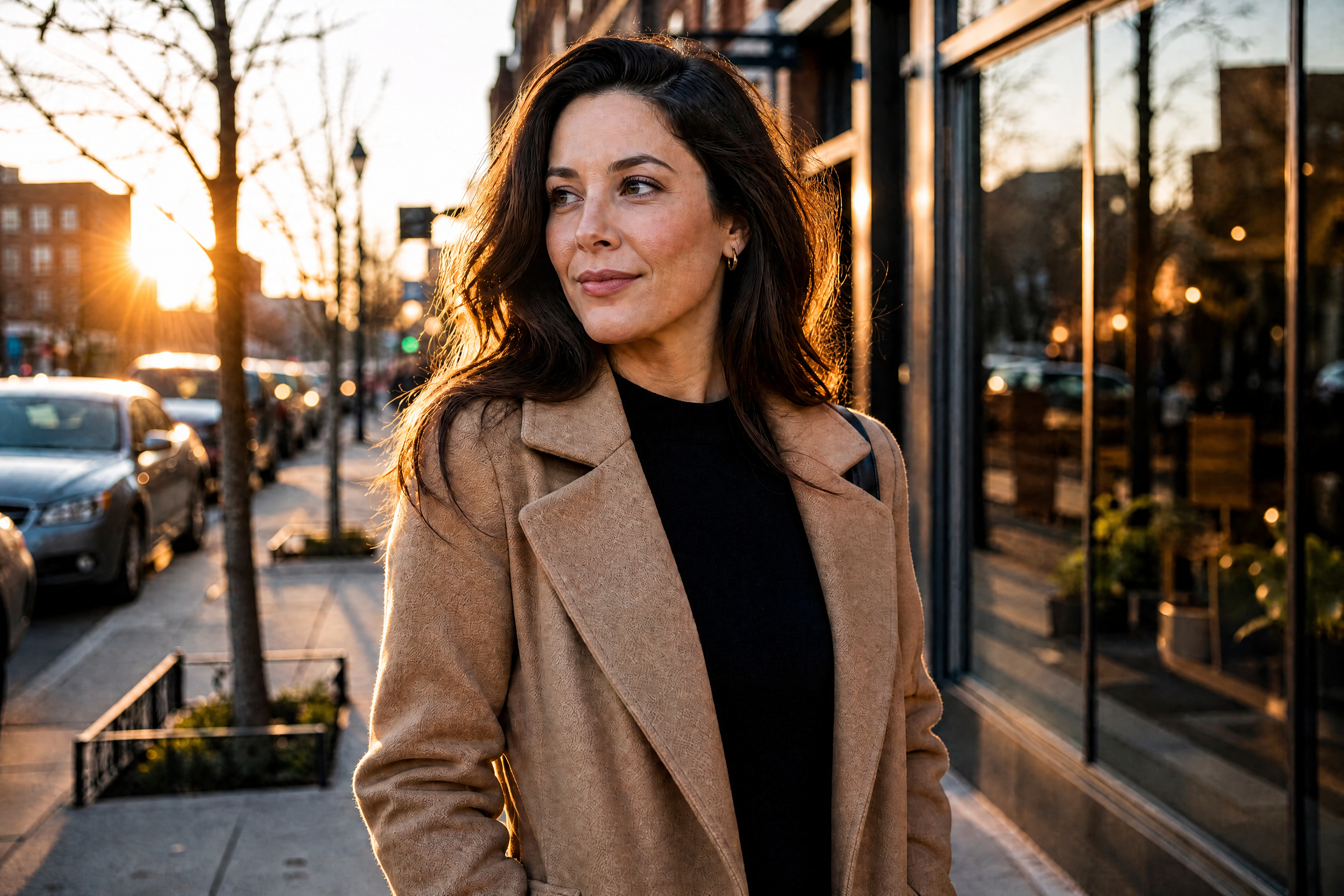
Watch the Transformation
See ai detail enhancer in motion — generated end-to-end by our AI.
See It In Action
Real outputs from ai detail enhancer.
BEFOREAFTER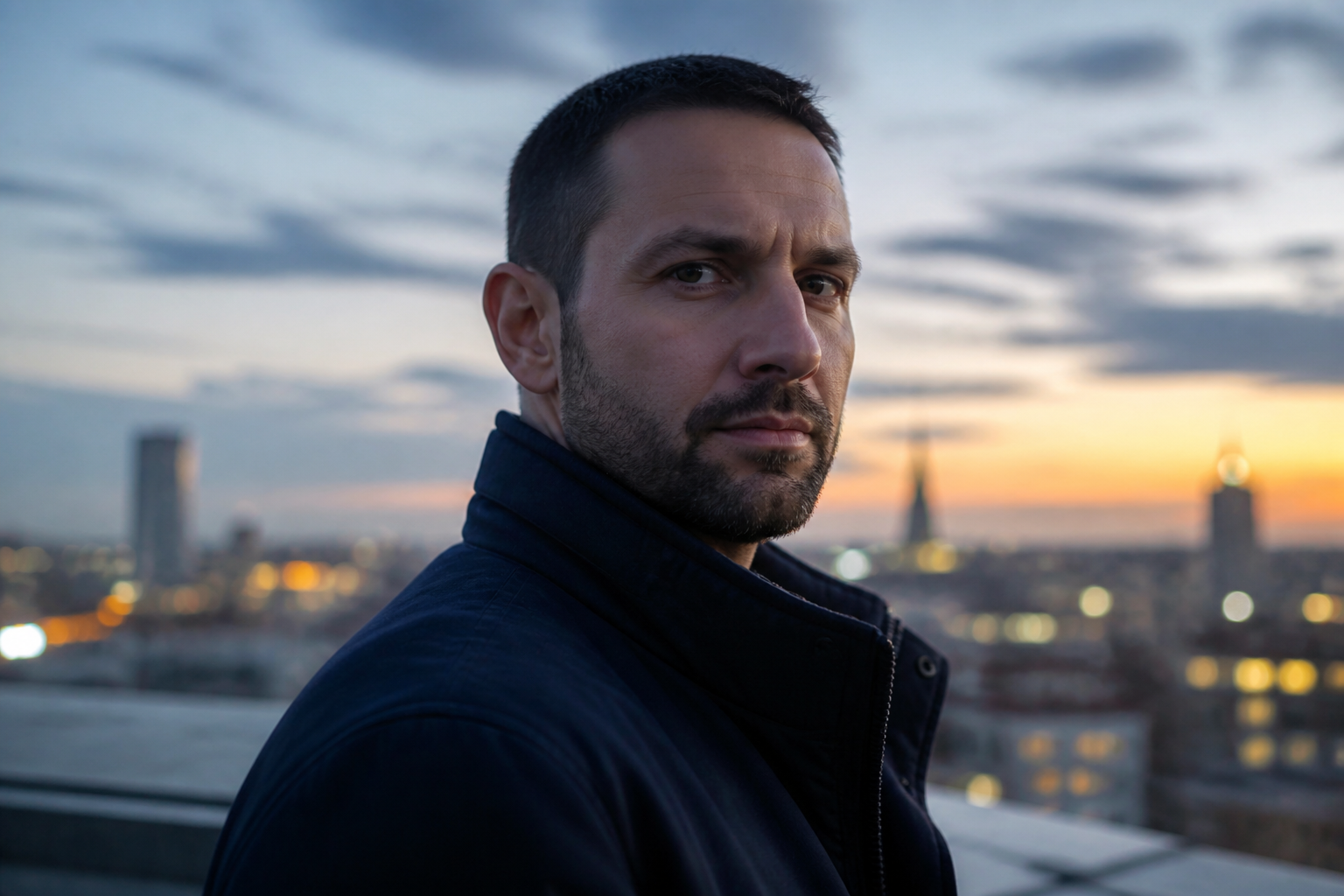 BEFORE
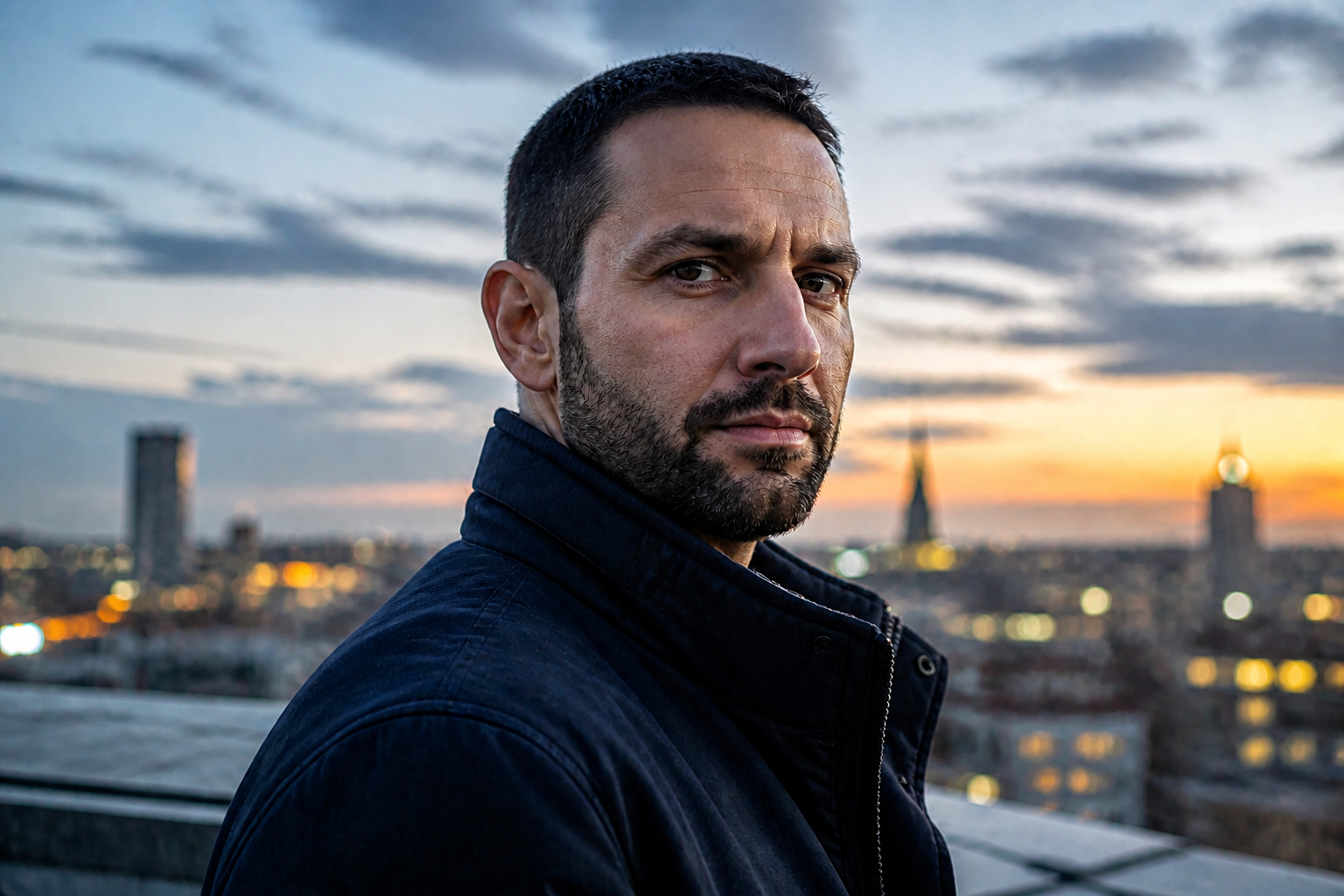 AFTER
AFTER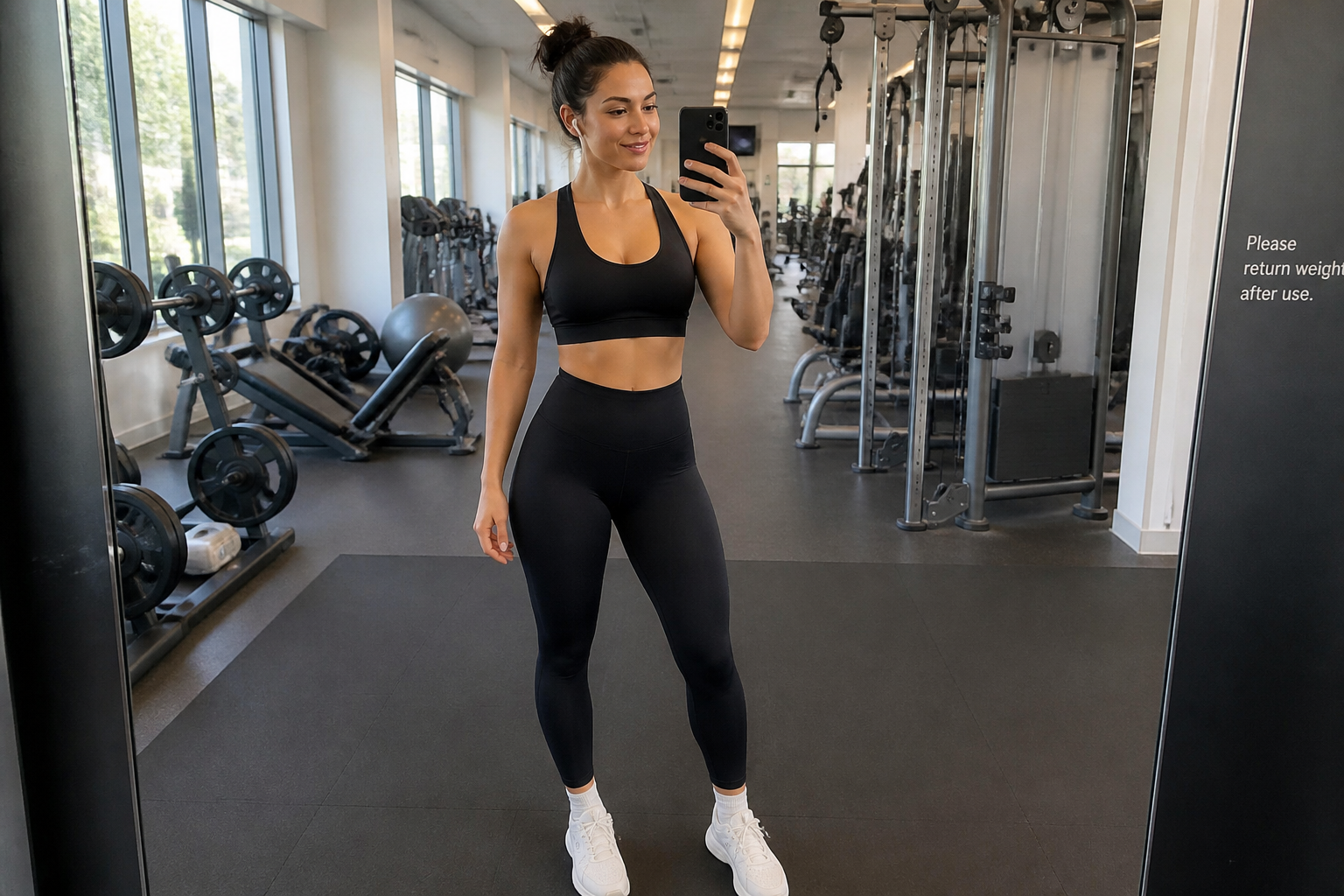 BEFORE
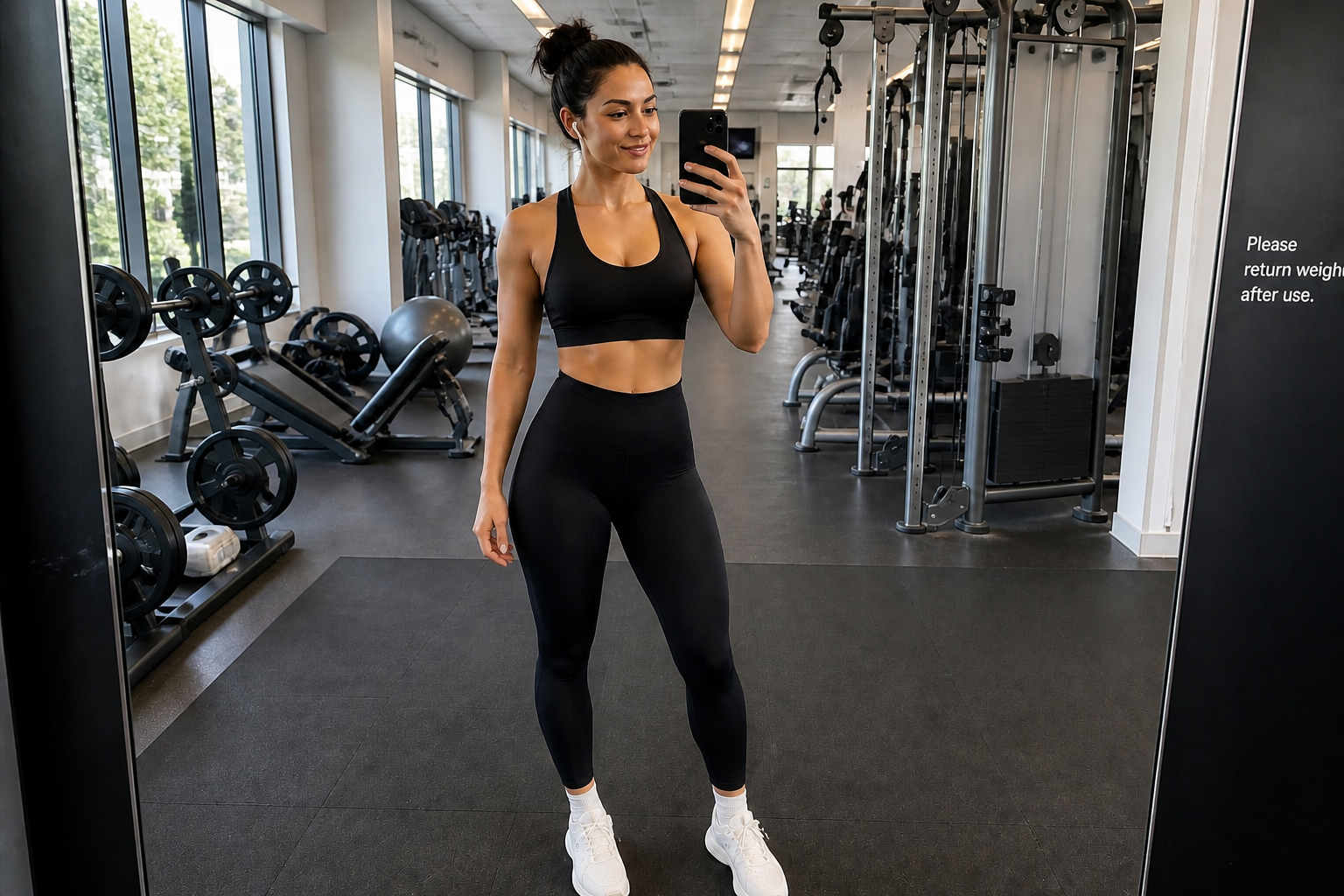 AFTER
AFTER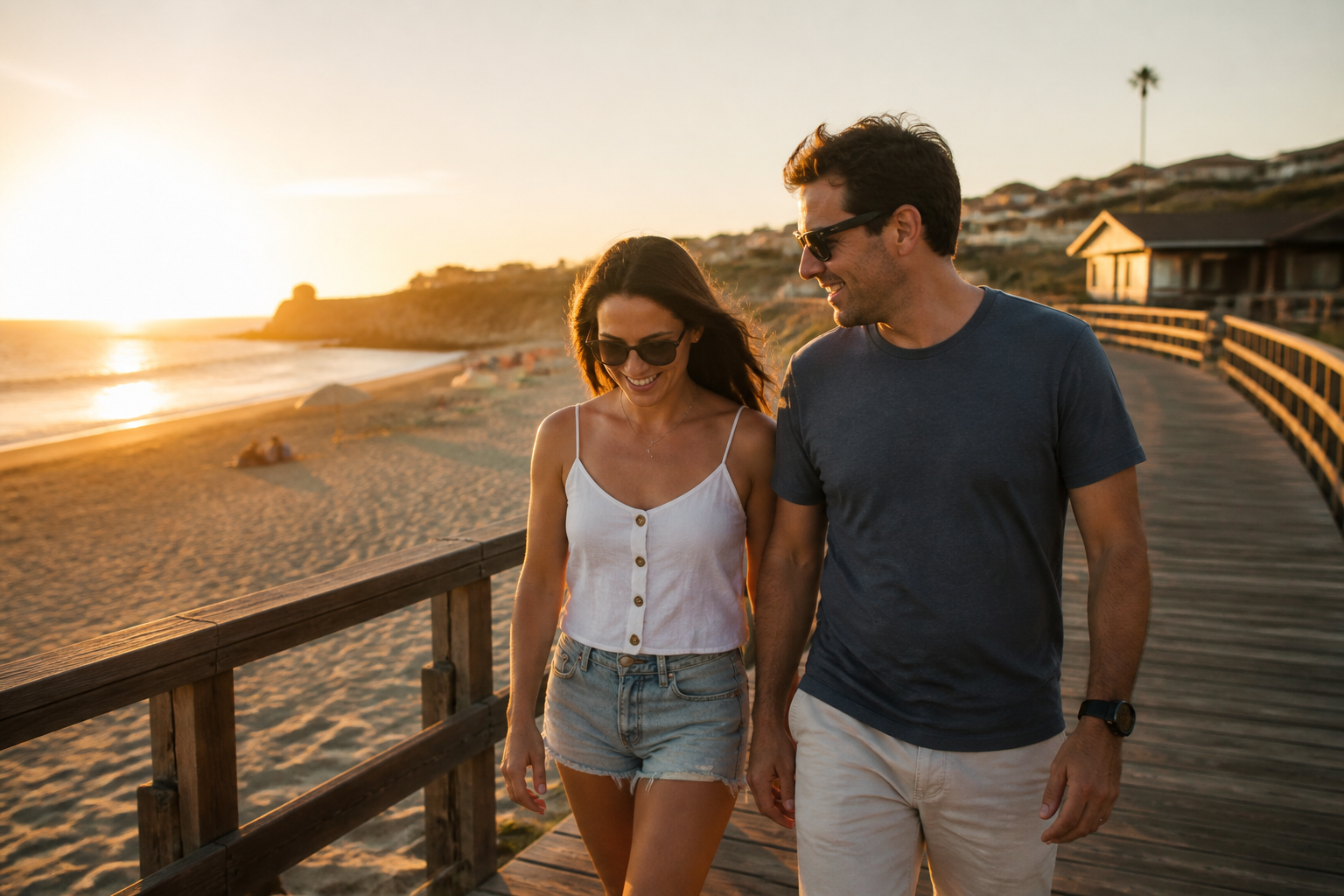 BEFORE
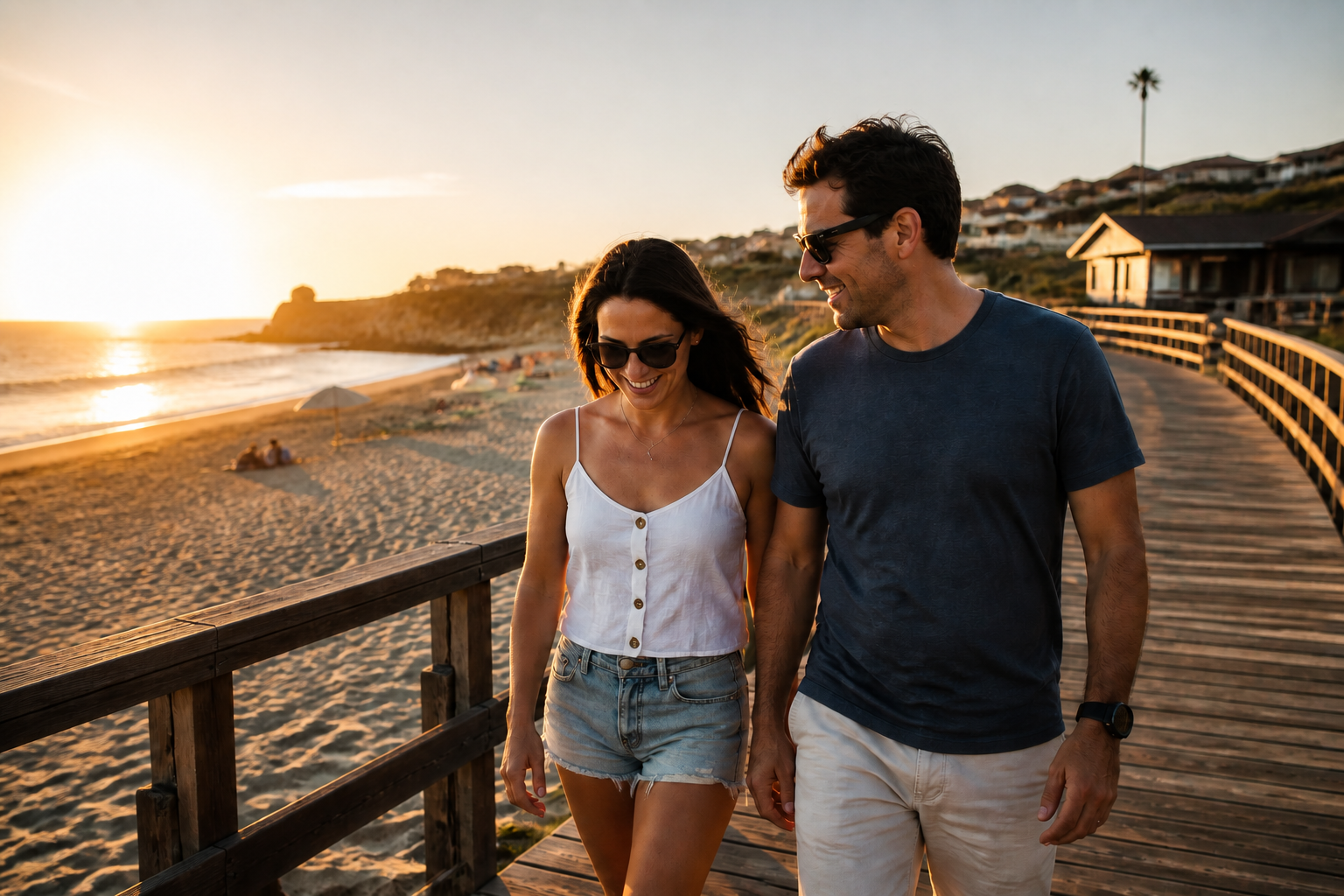 AFTER
AFTER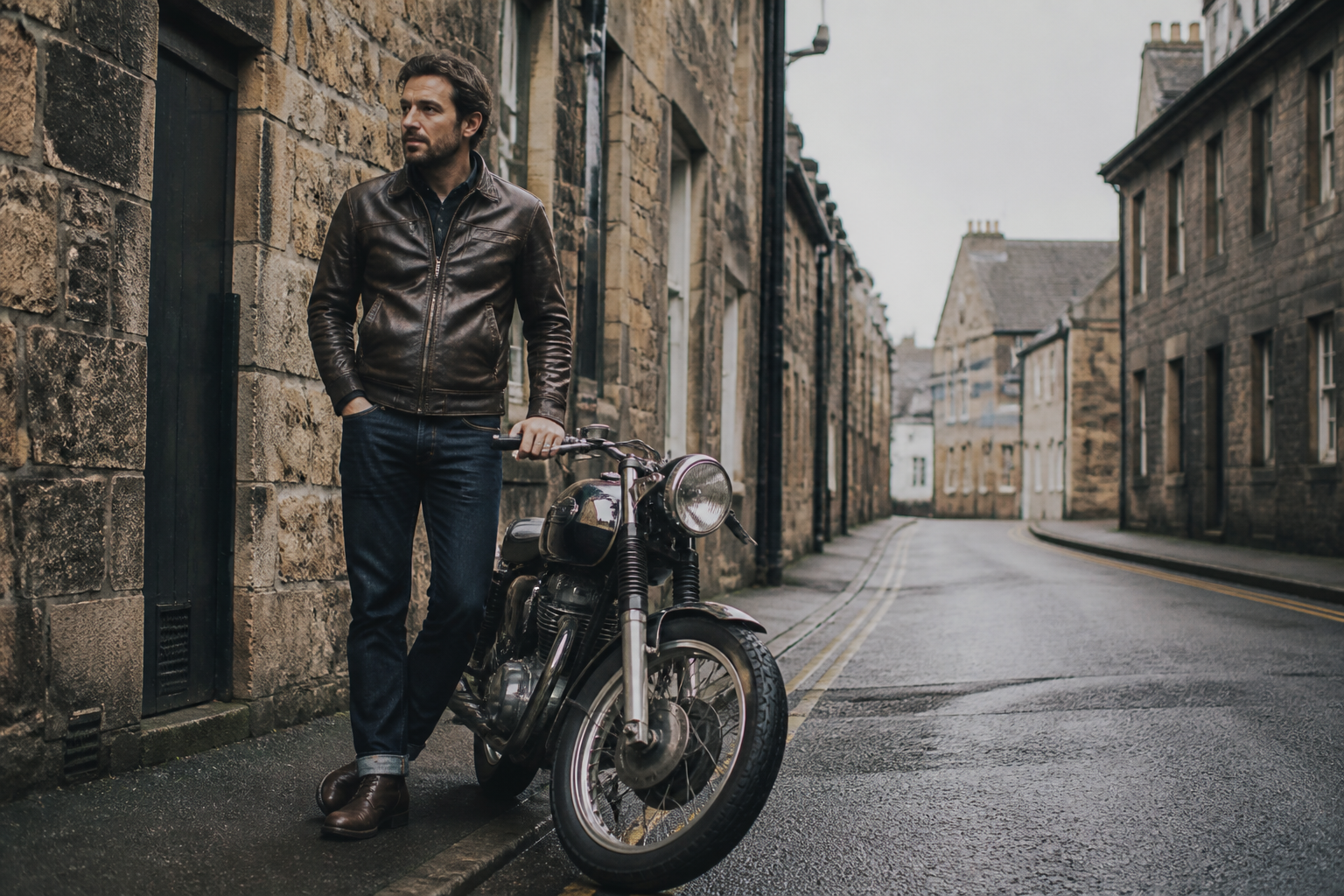 BEFORE
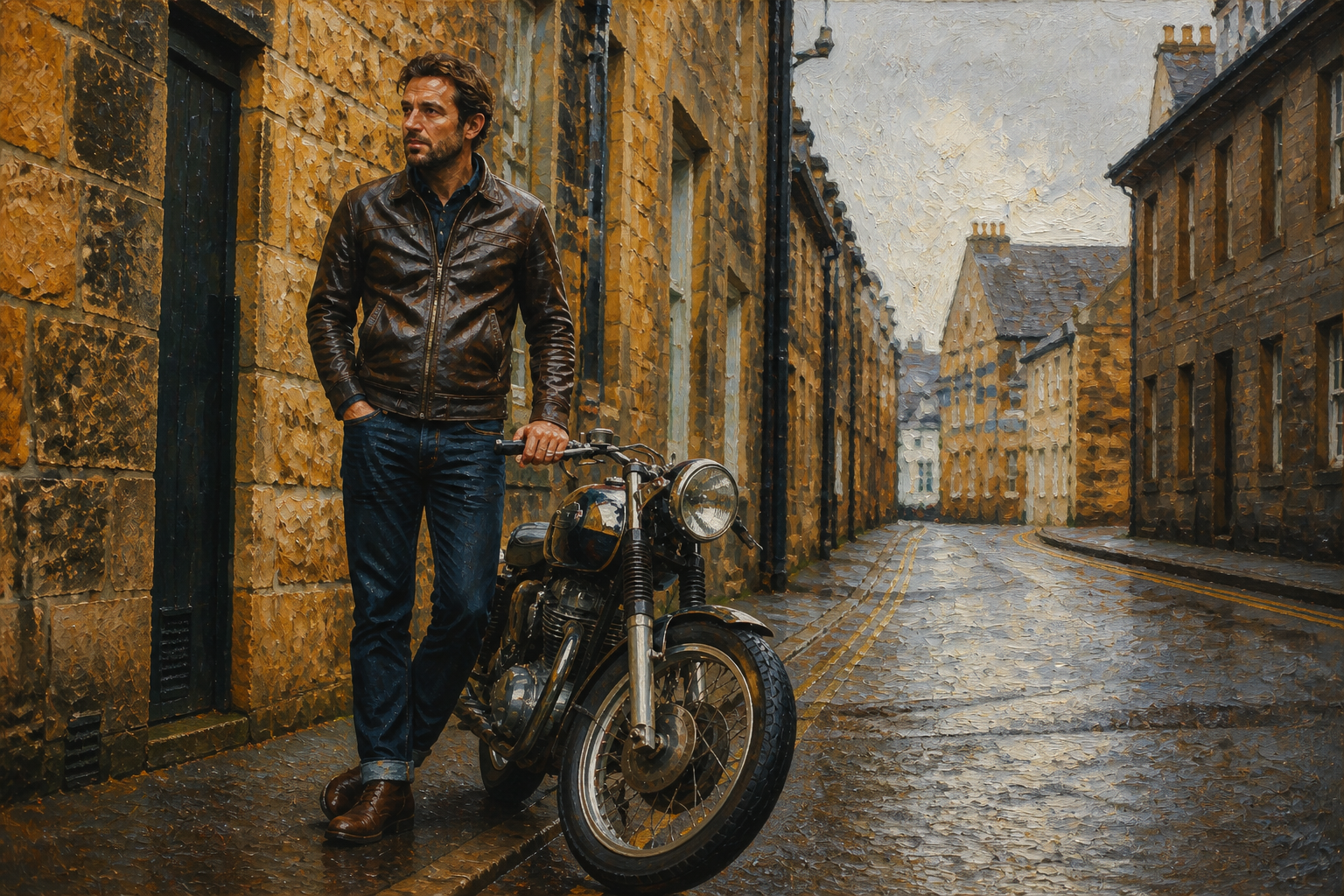 AFTERBEFOREAFTERBEFOREAFTERBEFOREAFTERBEFOREAFTERBEFOREAFTER
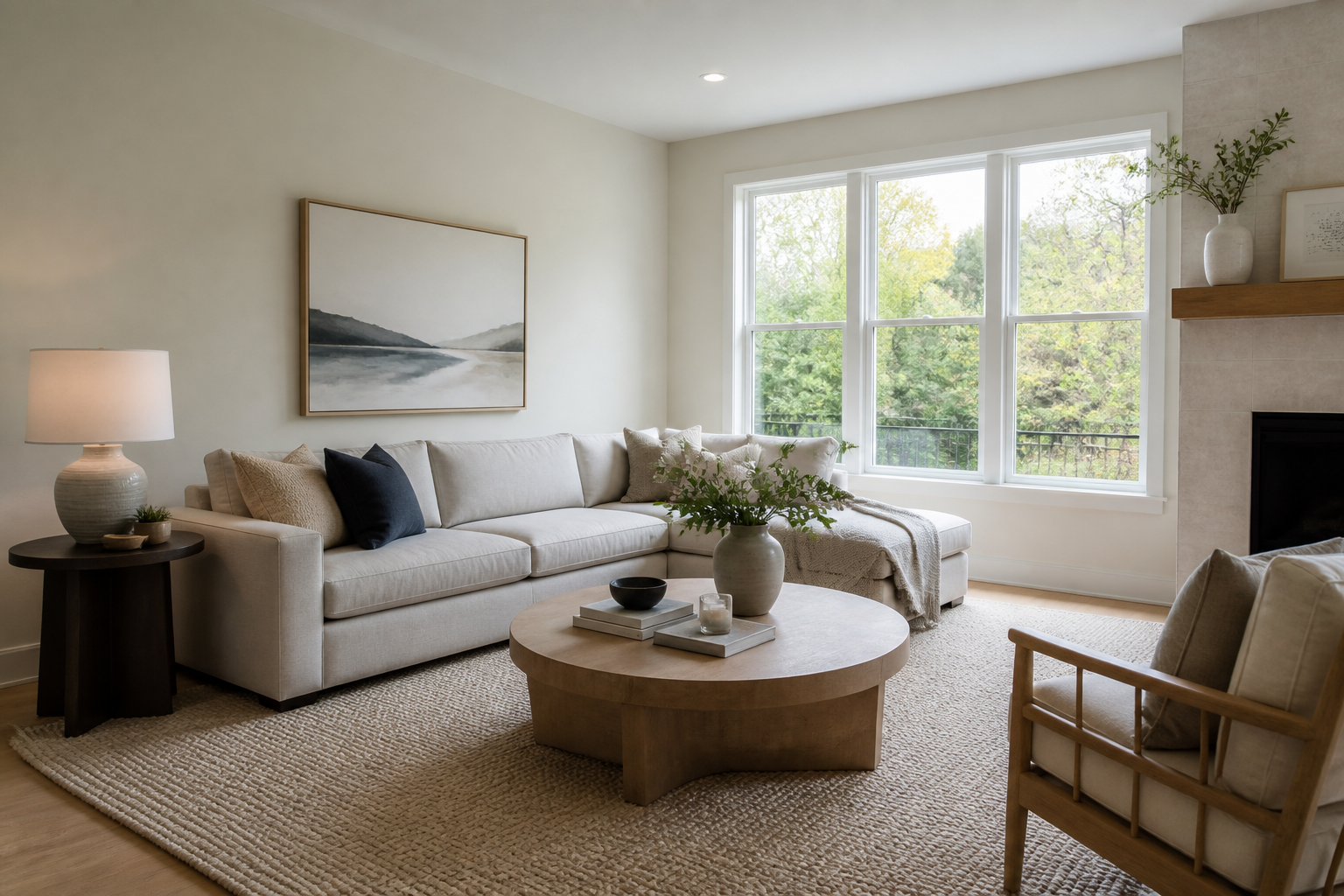 BEFORE
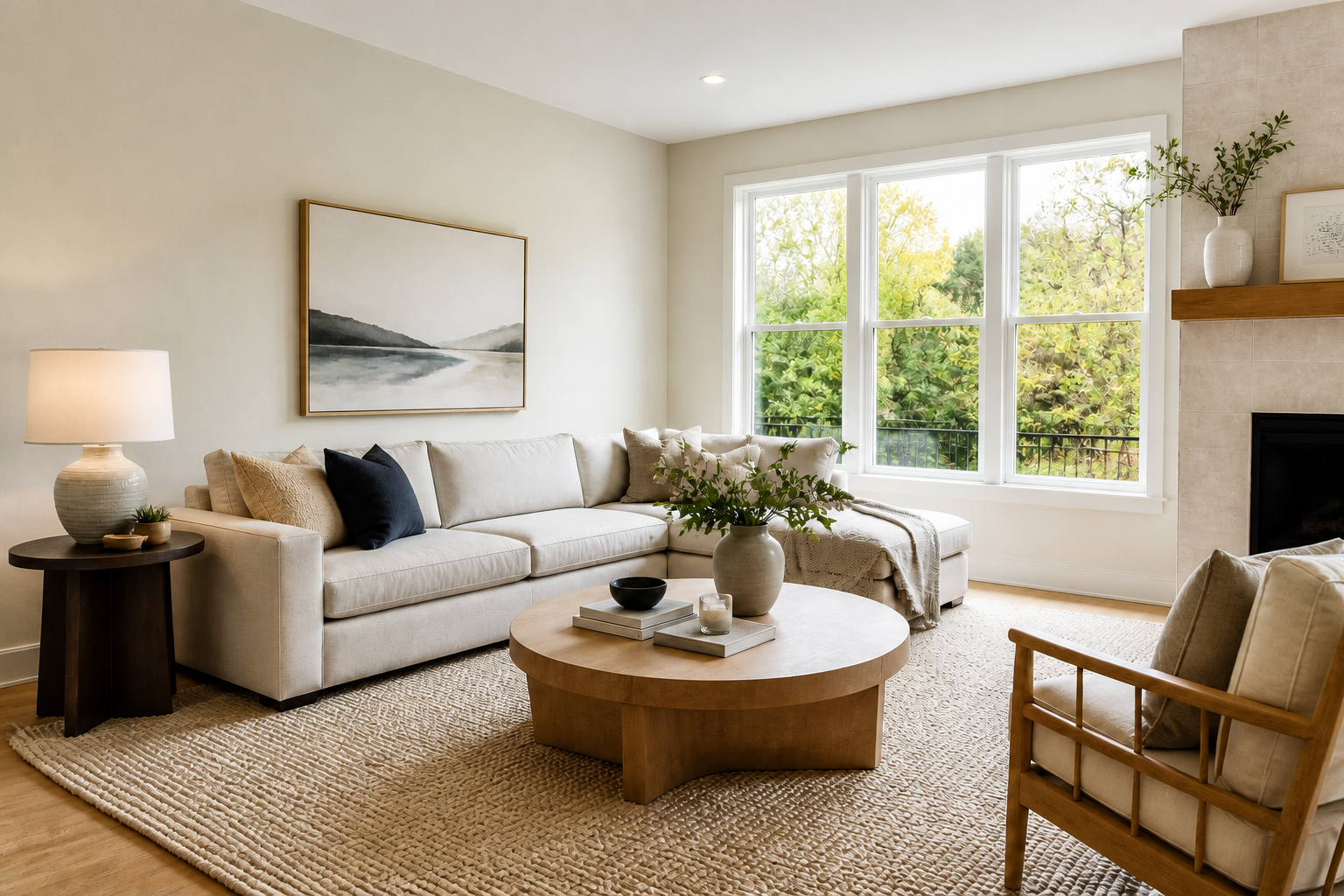 AFTER
AFTER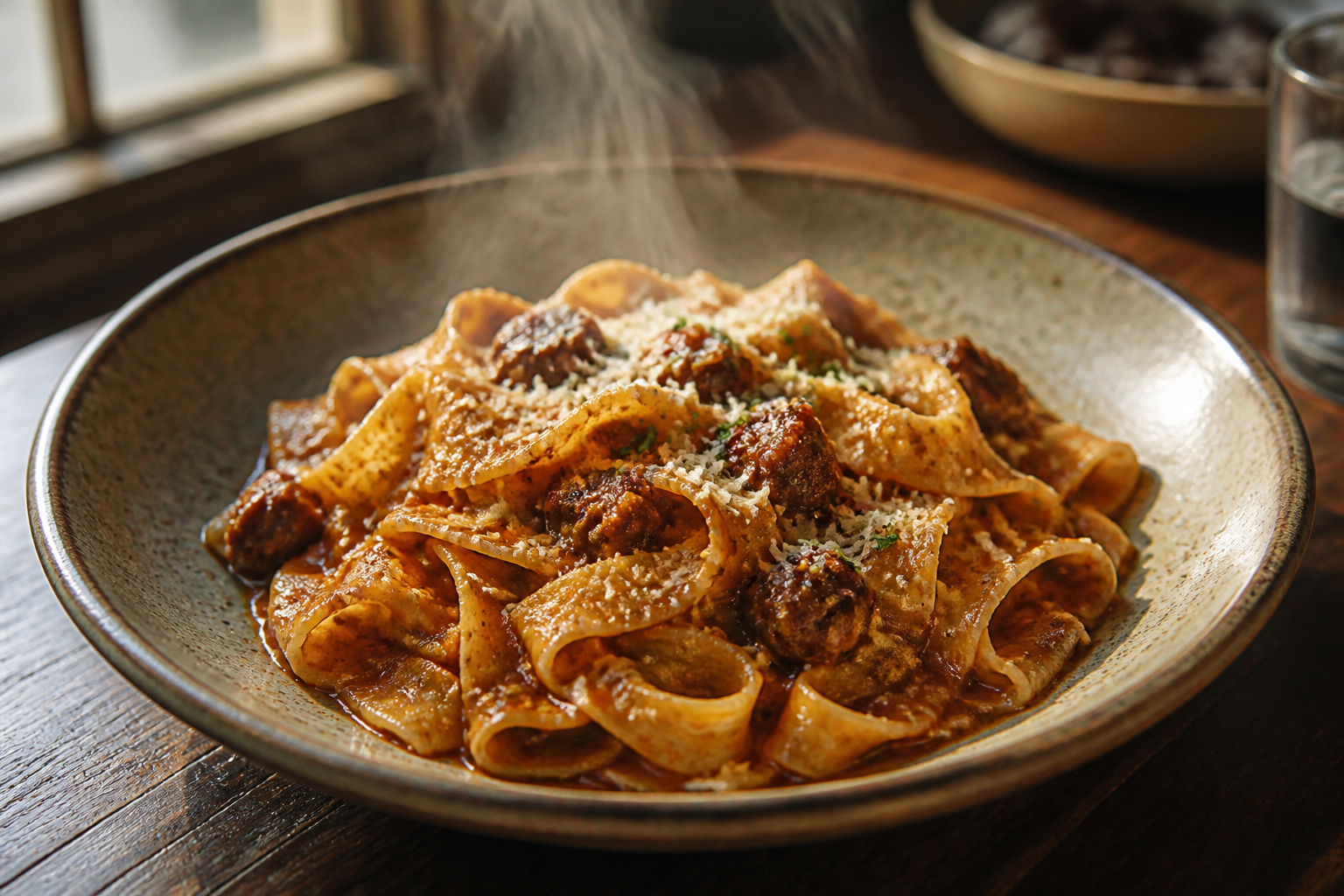 BEFORE
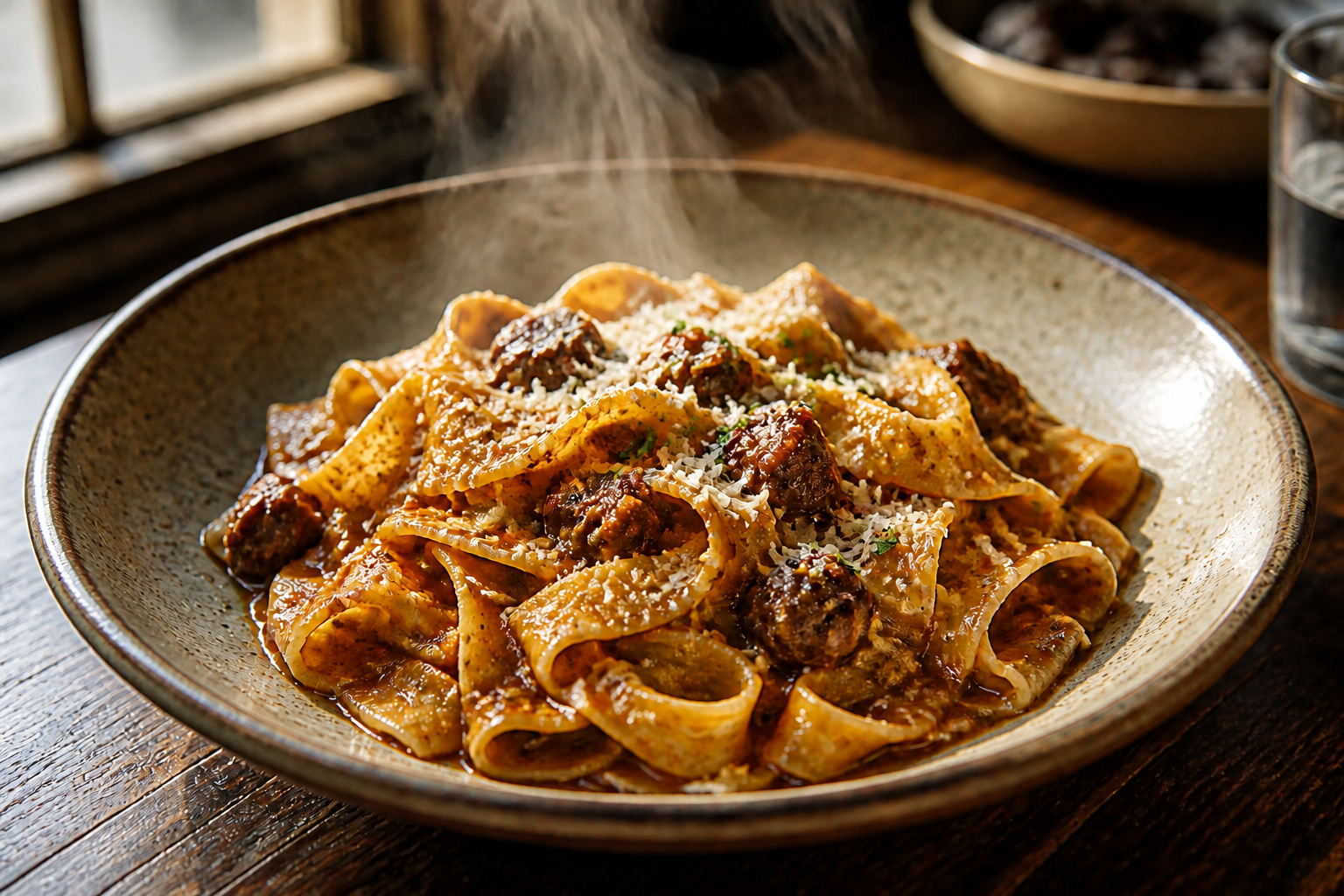 AFTER
AFTER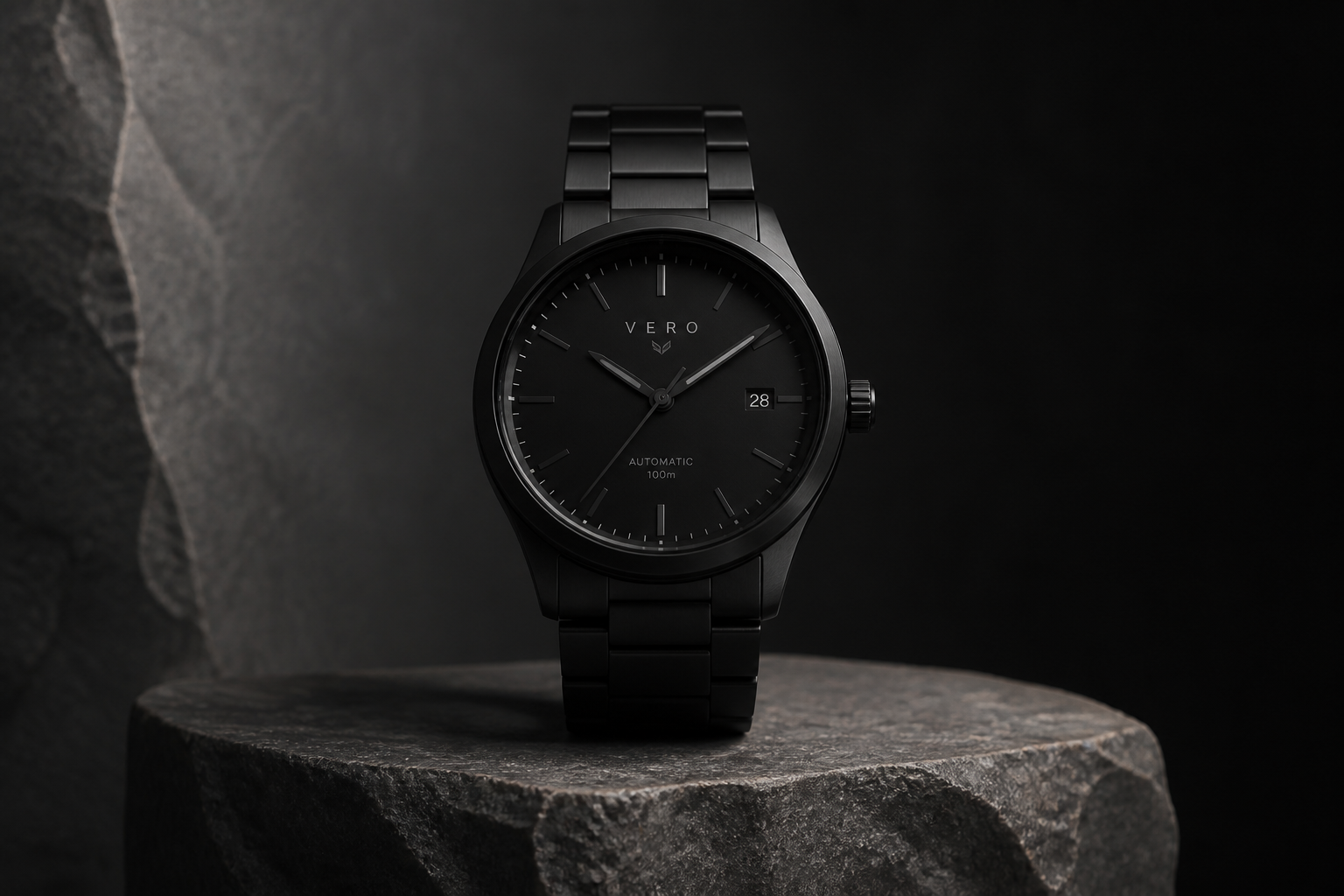 BEFORE
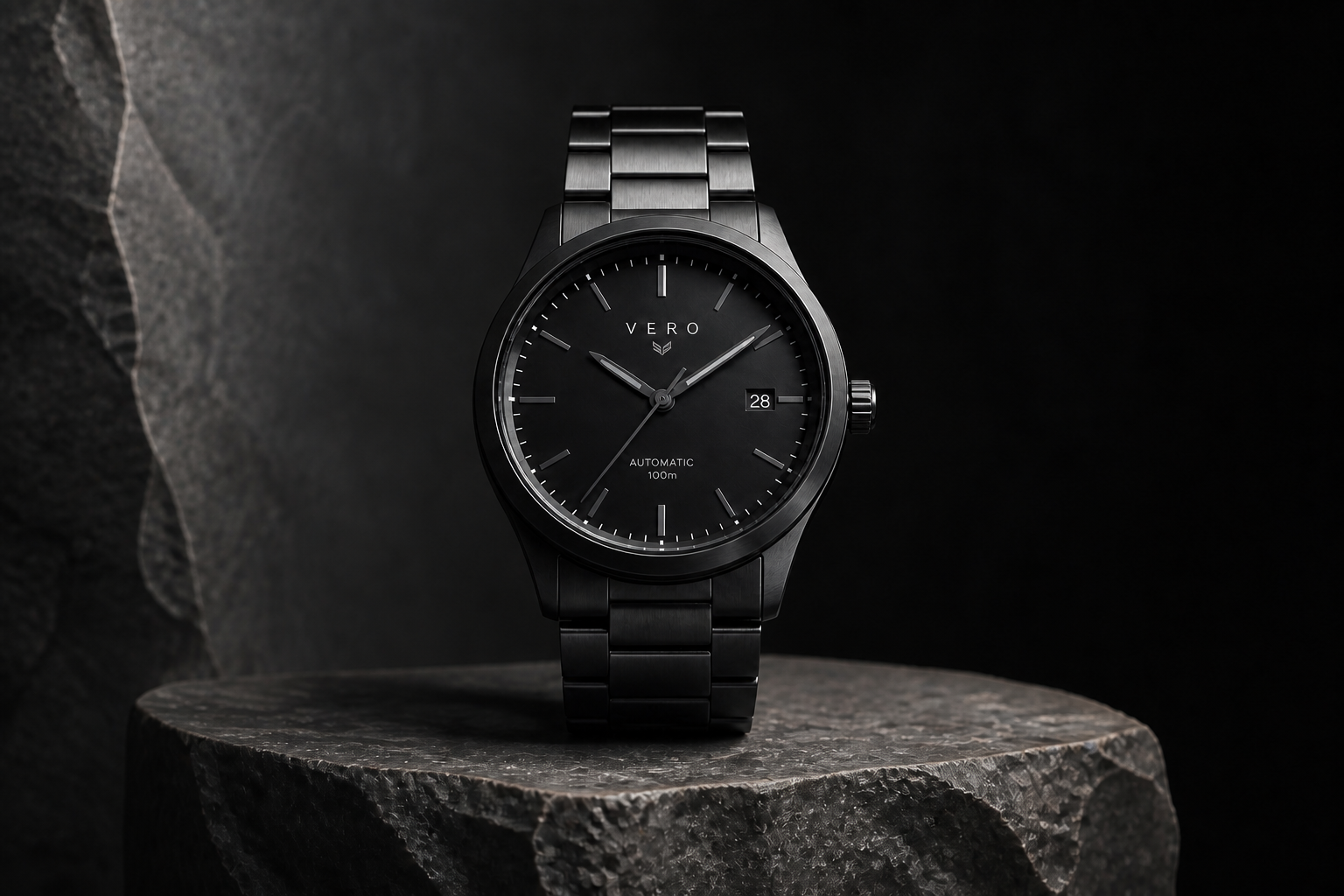 AFTER
AFTER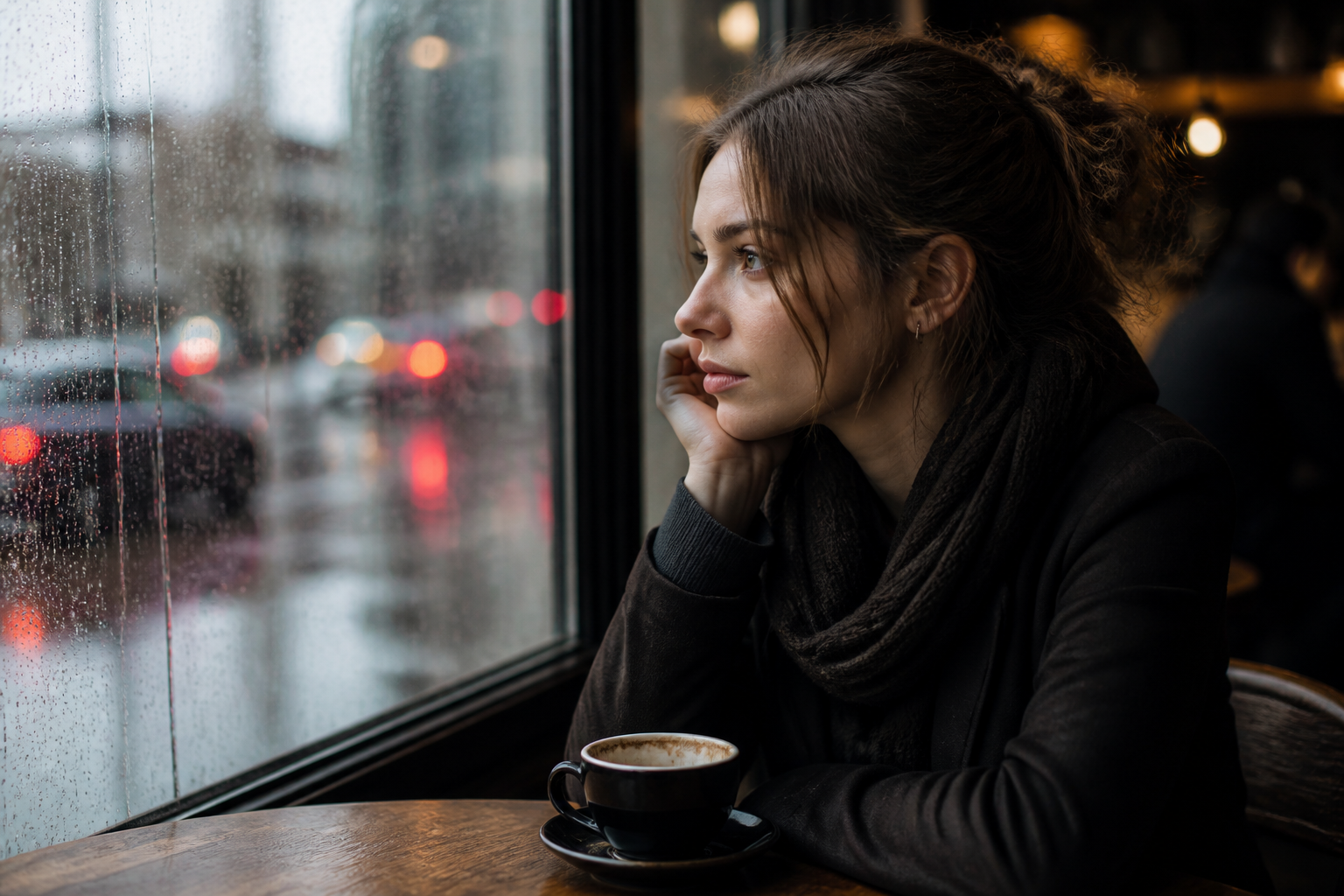 BEFORE
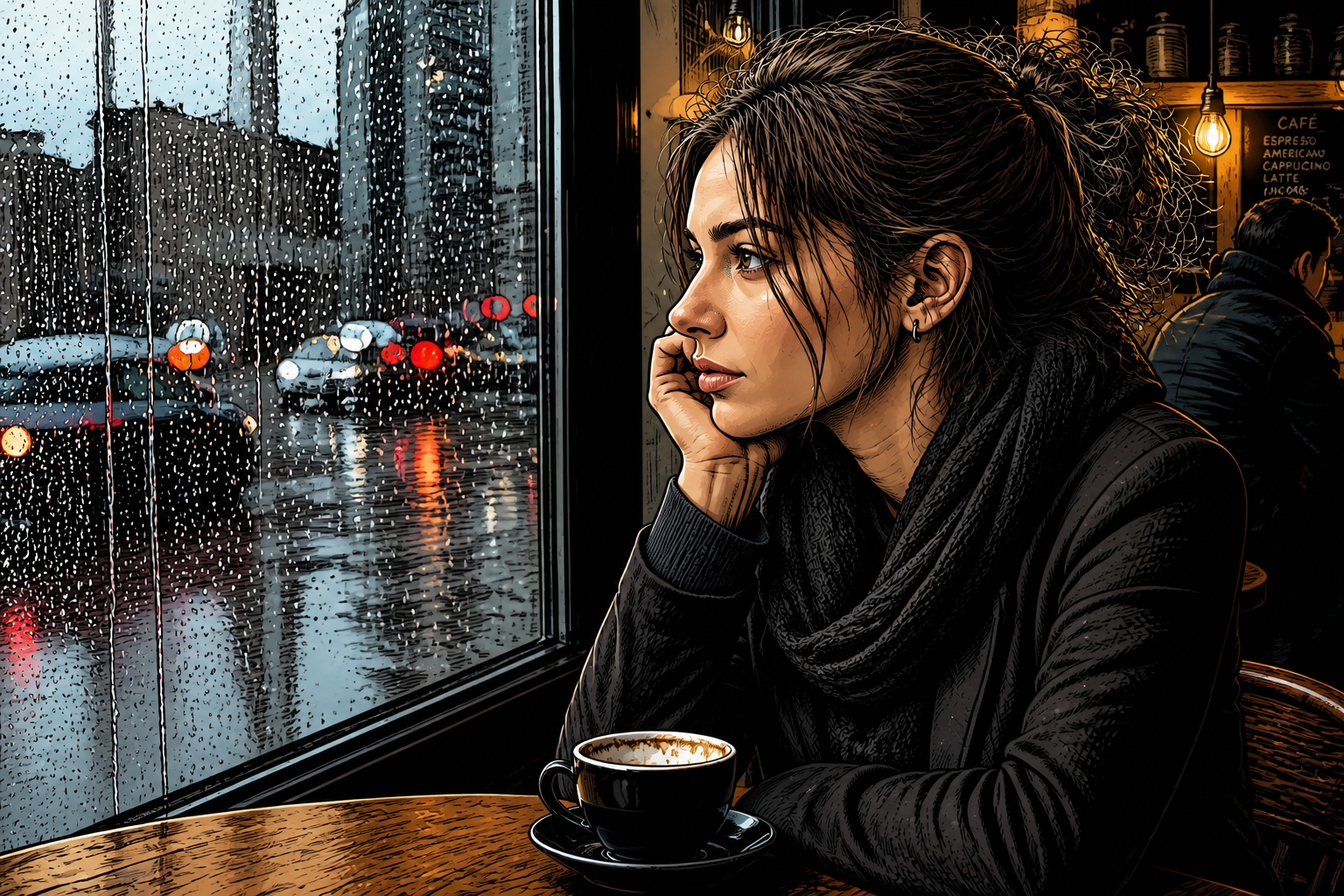 AFTER
AFTER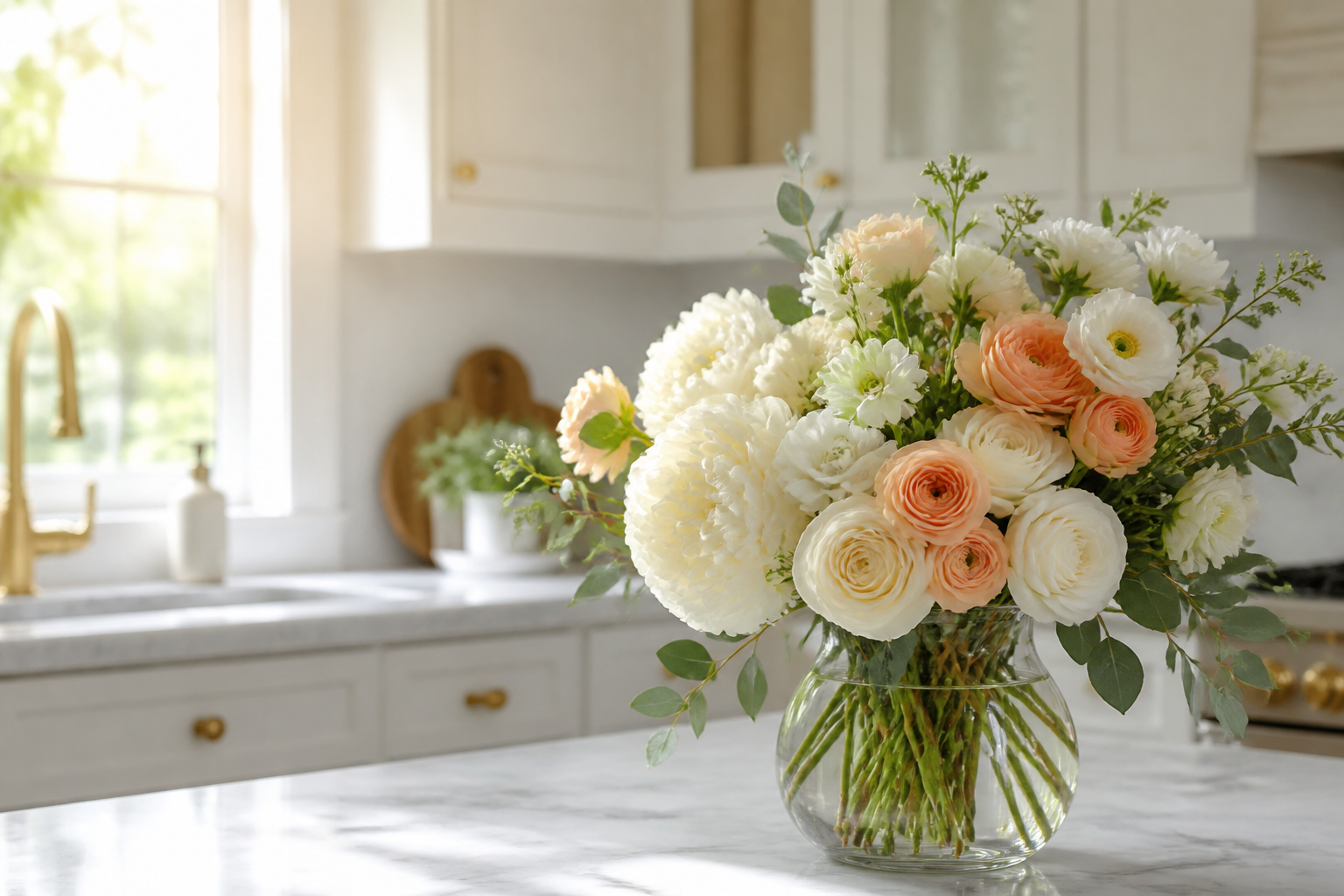 BEFORE
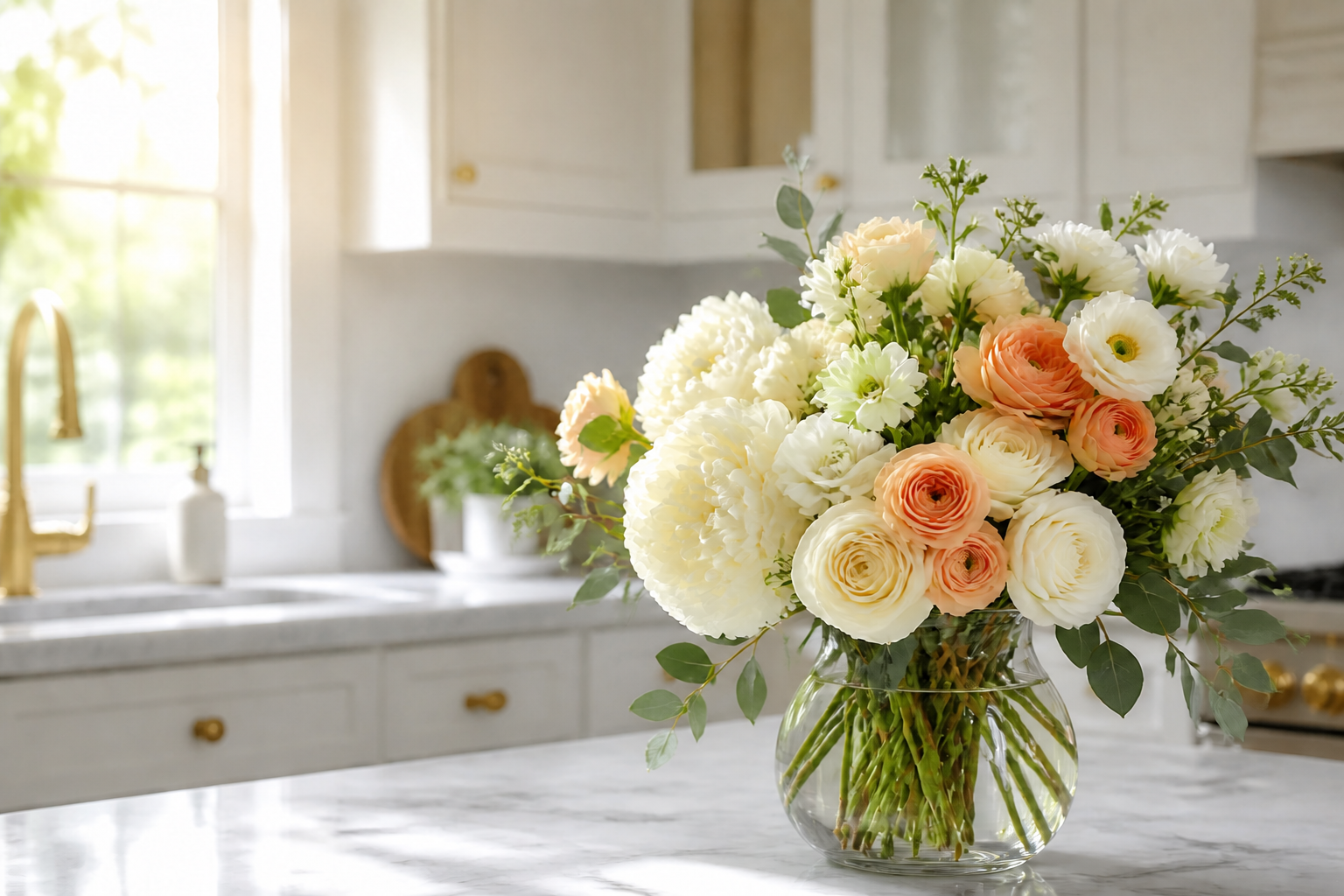 AFTERBEFOREAFTERBEFOREAFTERBEFOREAFTERBEFOREAFTERBEFOREAFTER
Key Features
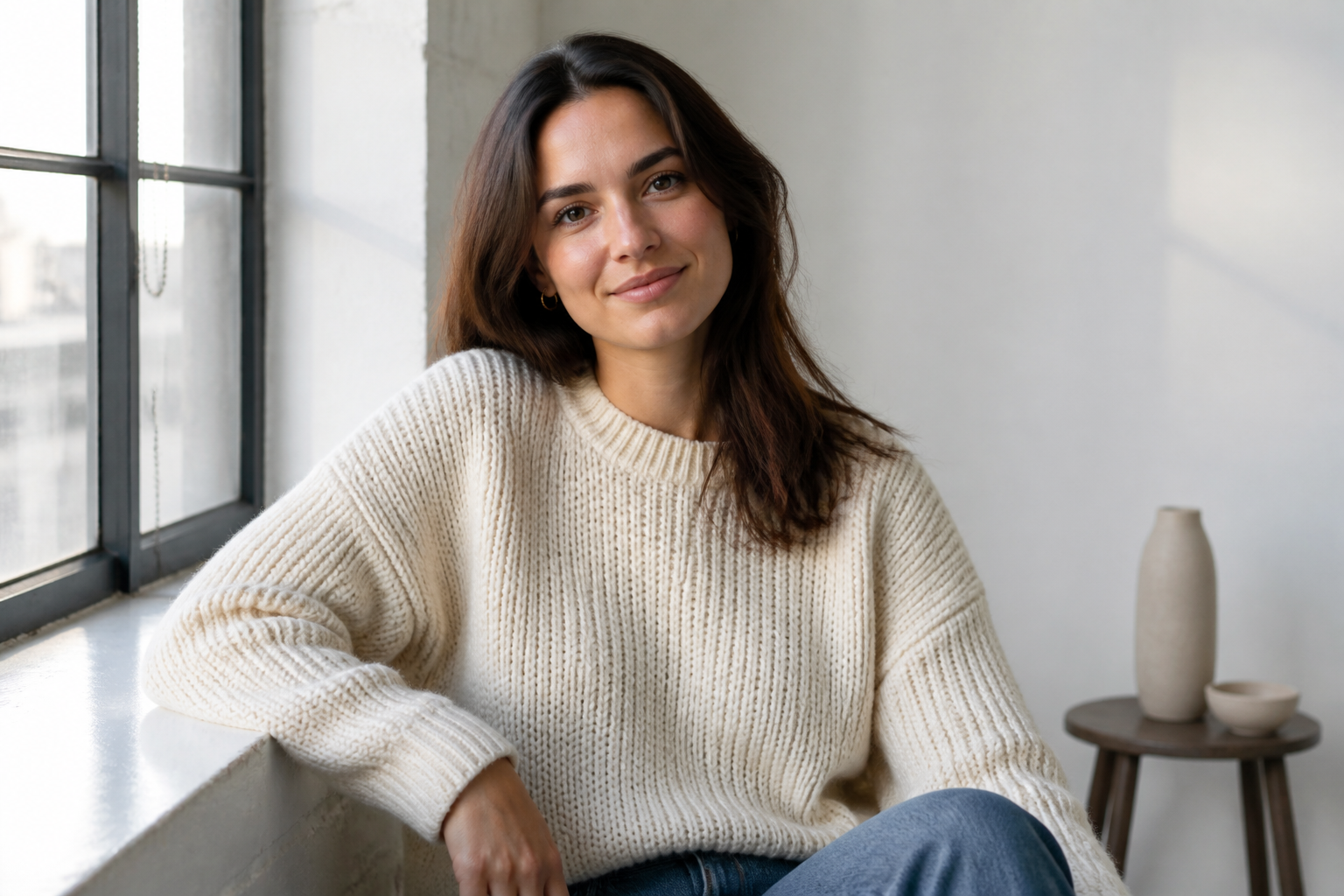
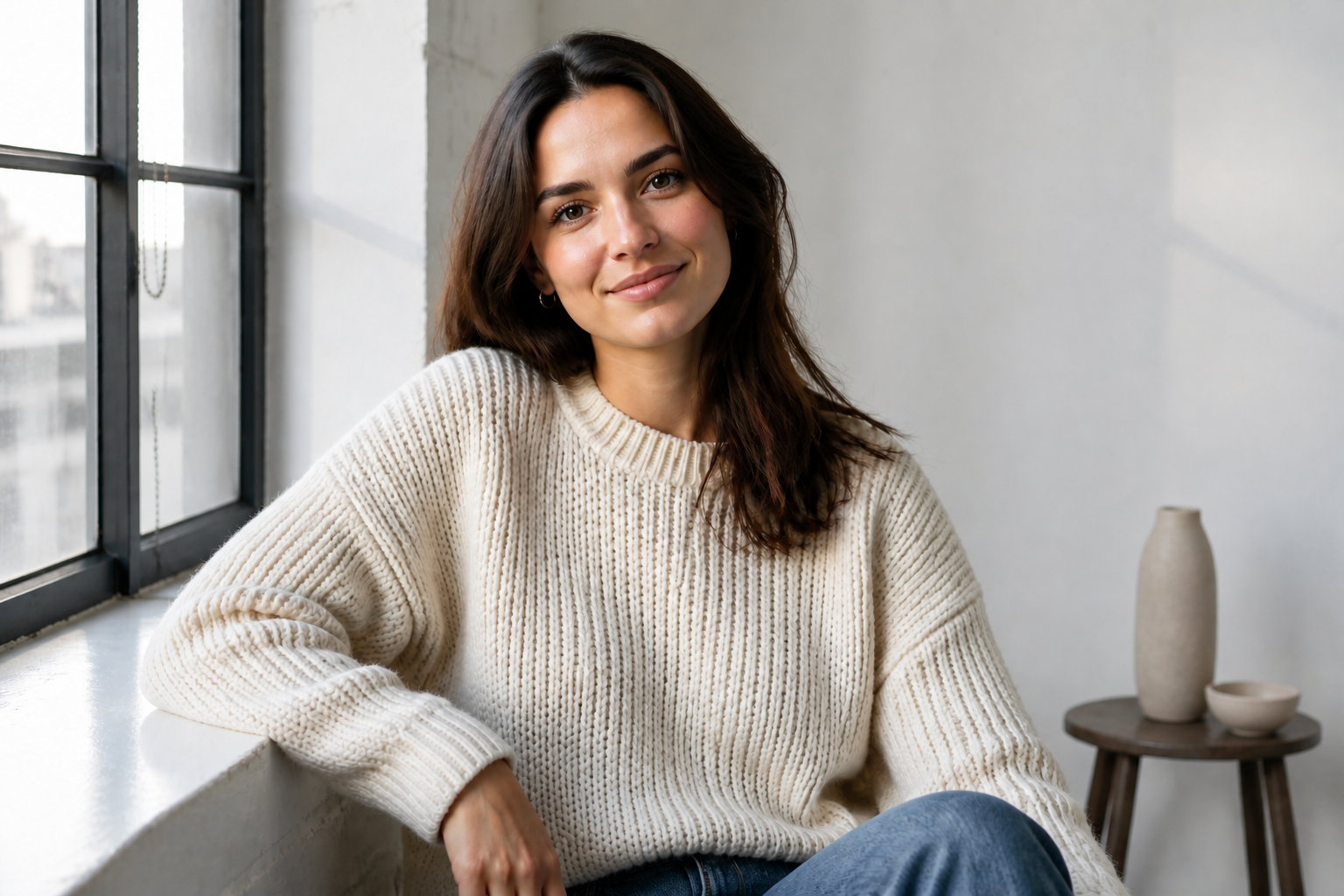
Recover texture fast
Bring back the small visual cues that make an image feel finished. Our AI can improve fabric weave, hair strands, skin texture, product surfaces, and background elements in one pass. That matters when a photo looks soft or compressed but you do not want to rebuild it manually. Instead of masking and sharpening section by section, you can enhance the whole frame while keeping the original scene intact.
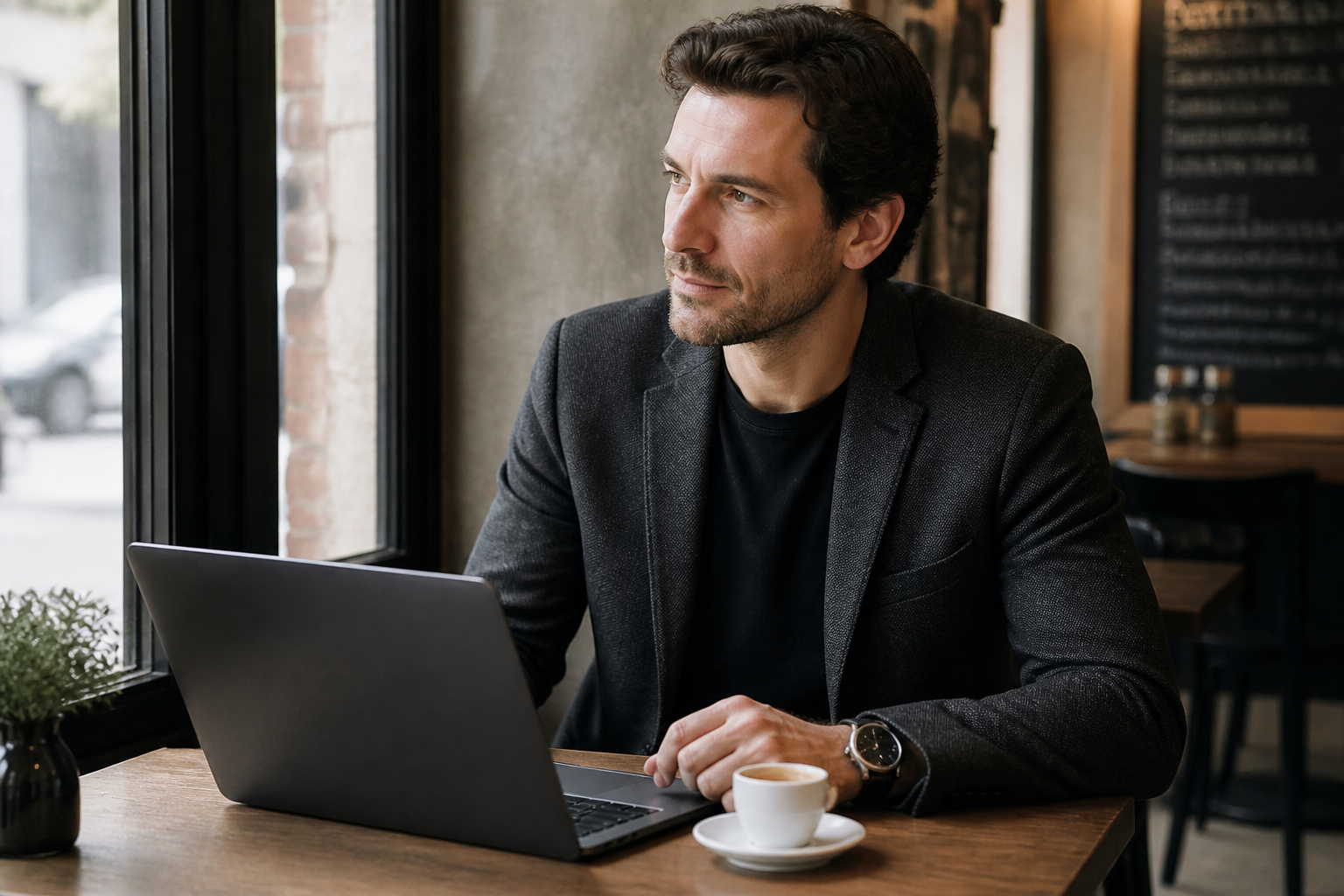
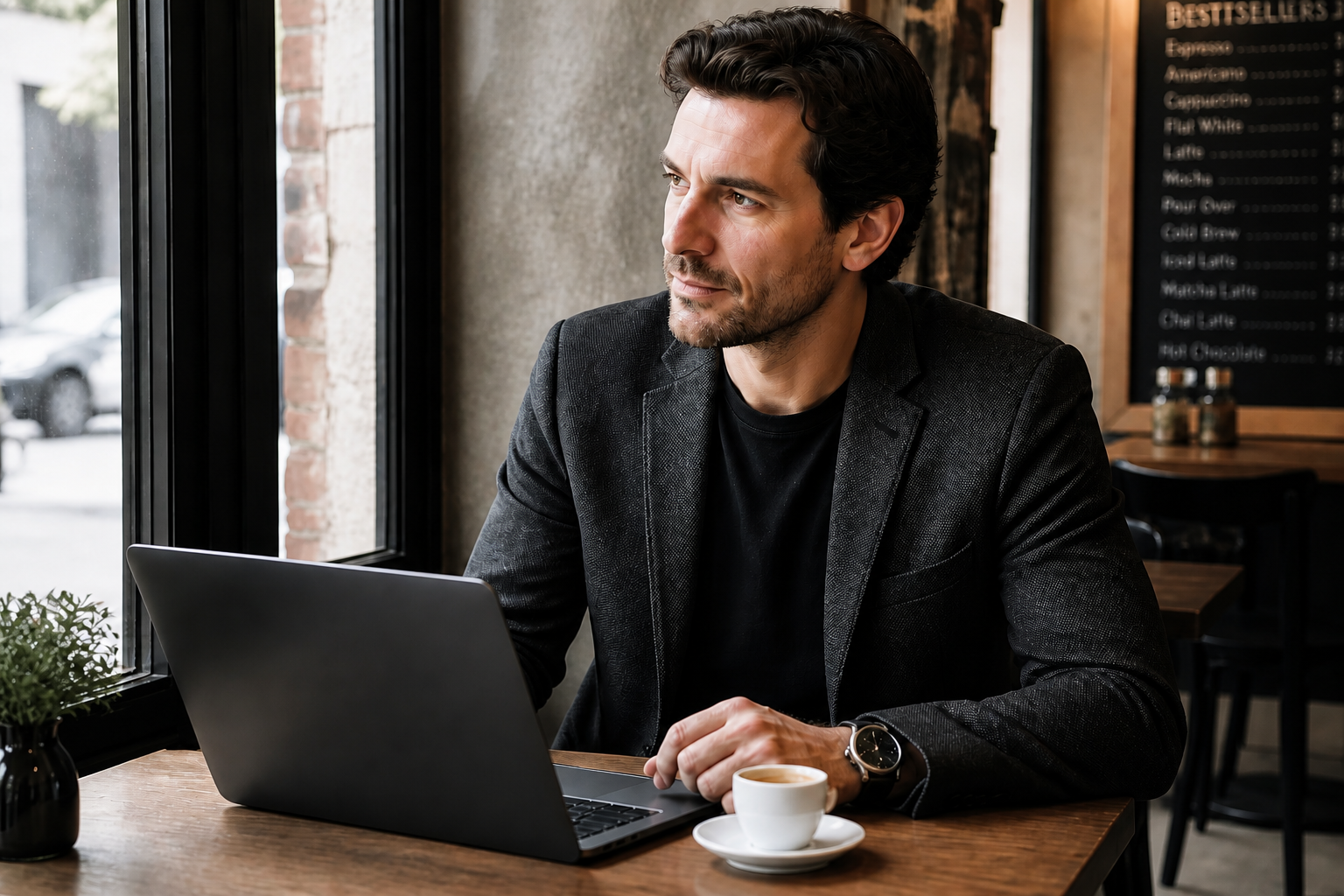
Keep the original look
A detail pass should improve clarity without changing the photo into something else. This tool is designed to preserve framing, subject identity, color mood, and overall composition while making the image read more clearly. That makes it useful for client work, listings, social posts, and product shots where consistency matters. You get a more polished version of the same image, not a surprise reinterpretation.
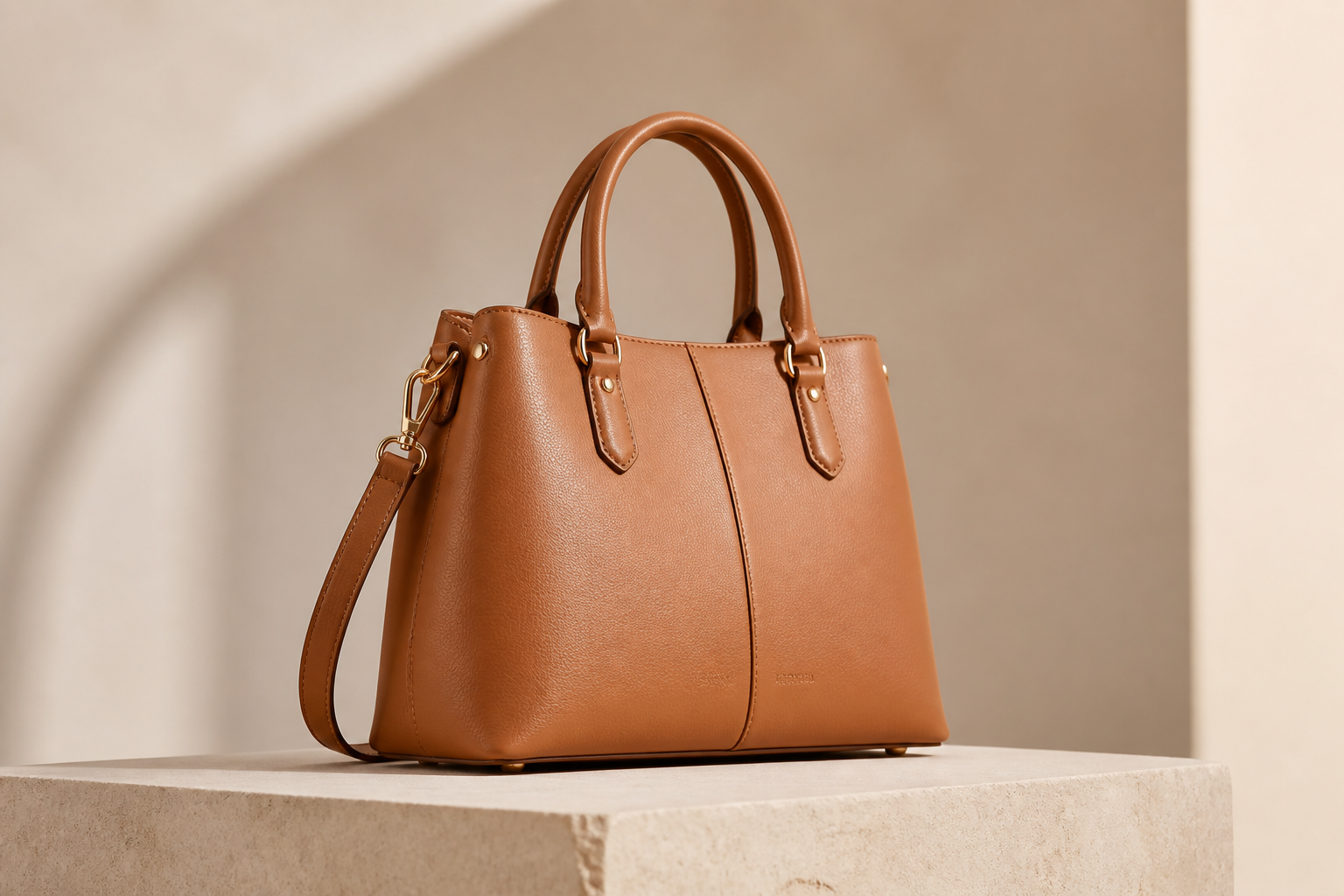
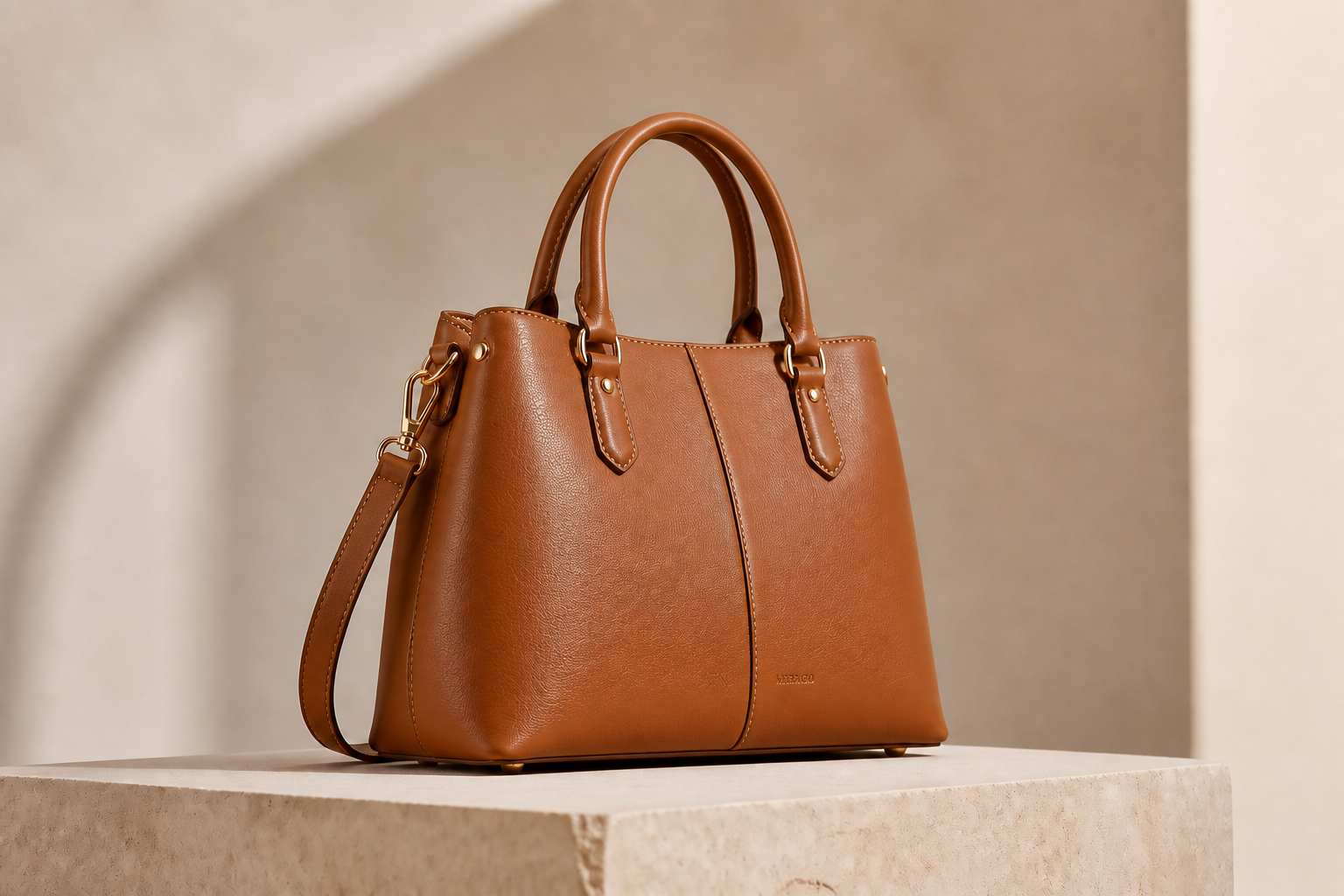
Improve low-detail products
Product photos often lose their premium feel when edges look soft or materials read as flat. Our AI can make stitching, metal finishes, embossed marks, and surface texture more visible without needing a full reshoot. That helps ecommerce listings look cleaner and easier to trust. It is much faster than manually painting in detail or stacking multiple correction layers.
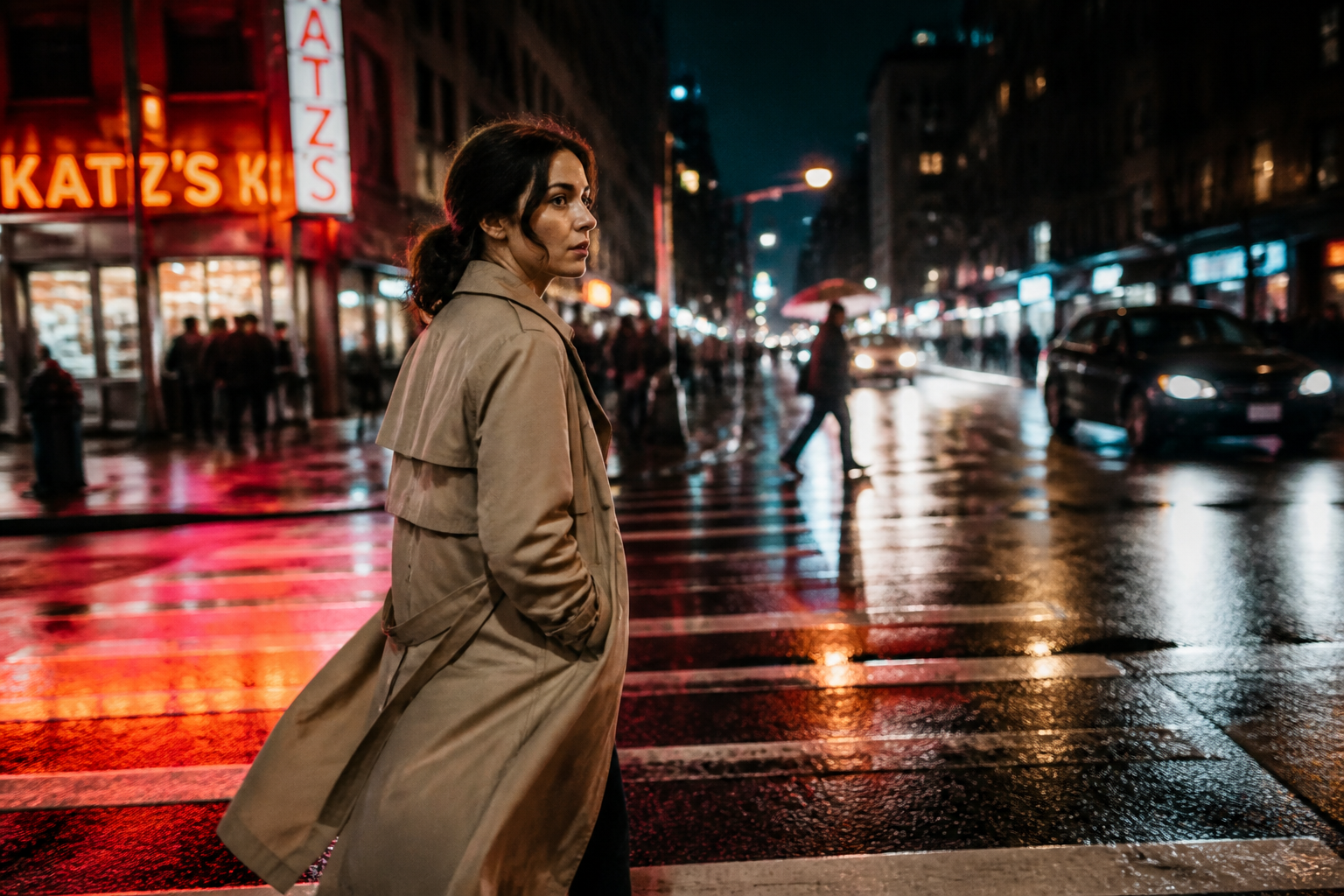
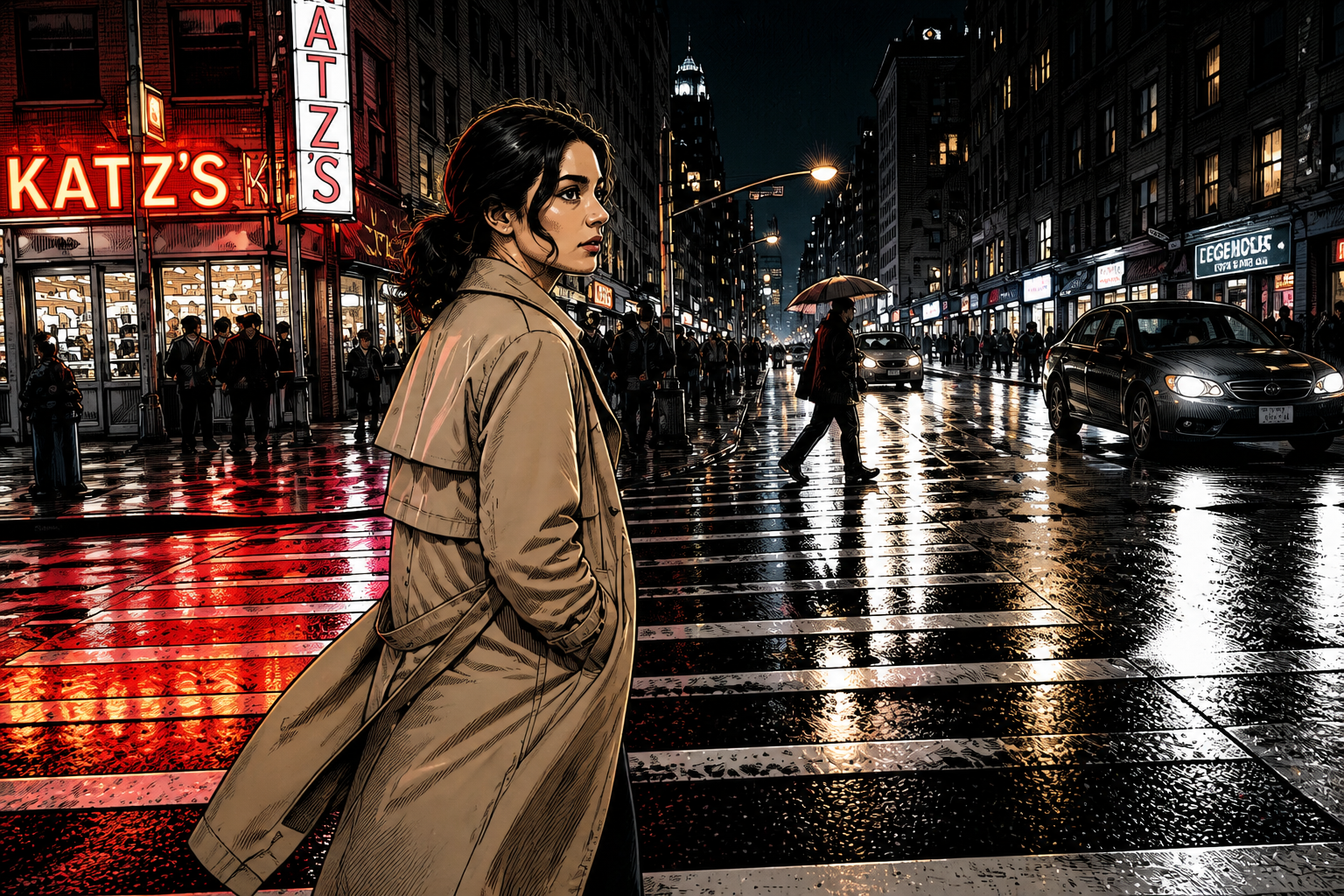
Works across visual styles
Detail enhancement is not limited to standard photos. You can also use it to create cleaner, richer outputs for stylized visuals when you want more readable textures and edges. This gives you one workflow for realistic shots, illustrations, and editorial-style content. It is a practical way to test polished variations without switching tools.
How It Works
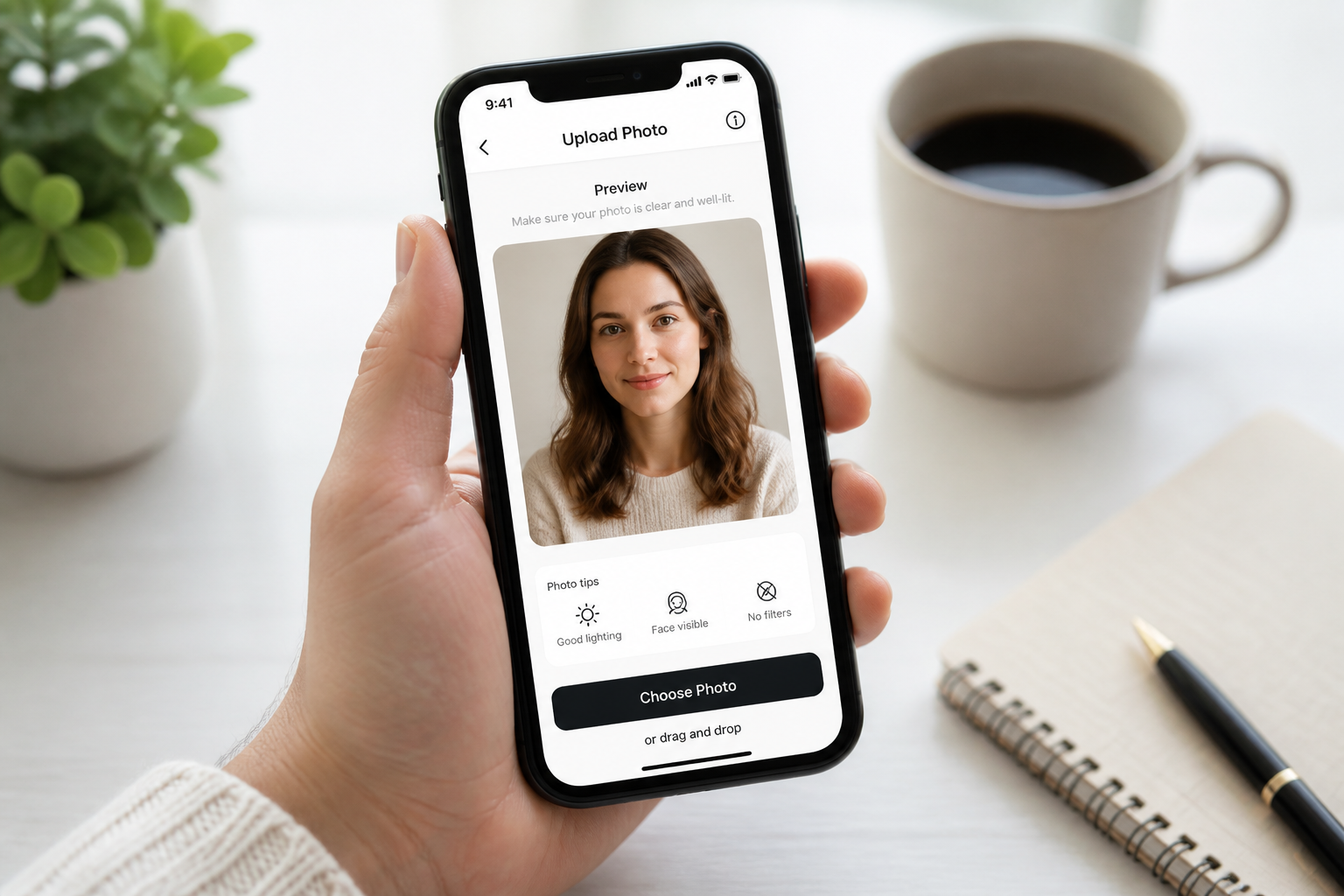
Upload your image
Start with any photo that feels soft, flat, or missing texture. Portraits, products, interiors, food, and social images all work well.
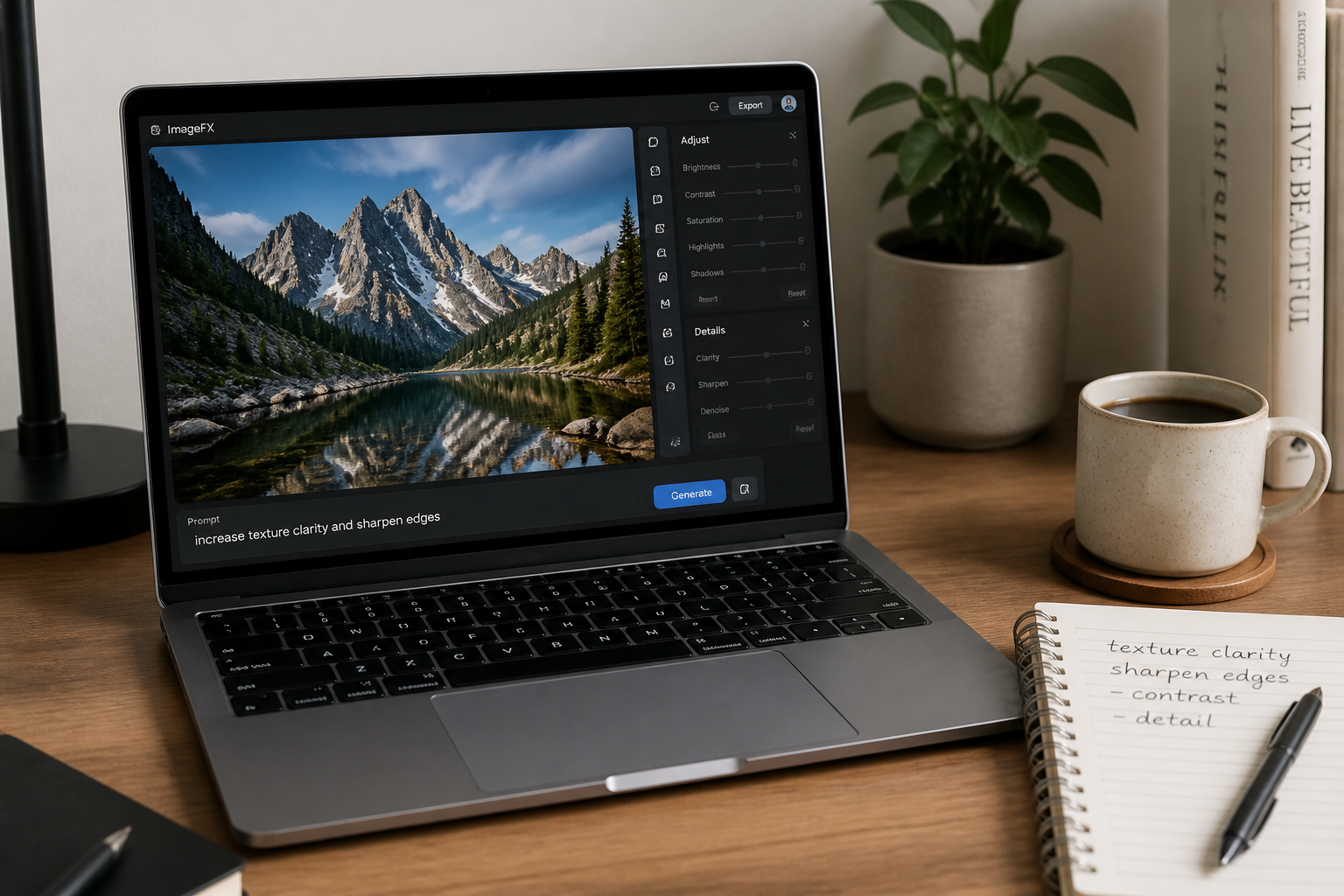
Describe what to enhance
Tell the editor what matters most, such as hair detail, fabric texture, product edges, or overall clarity. A short instruction is usually enough to guide the result.
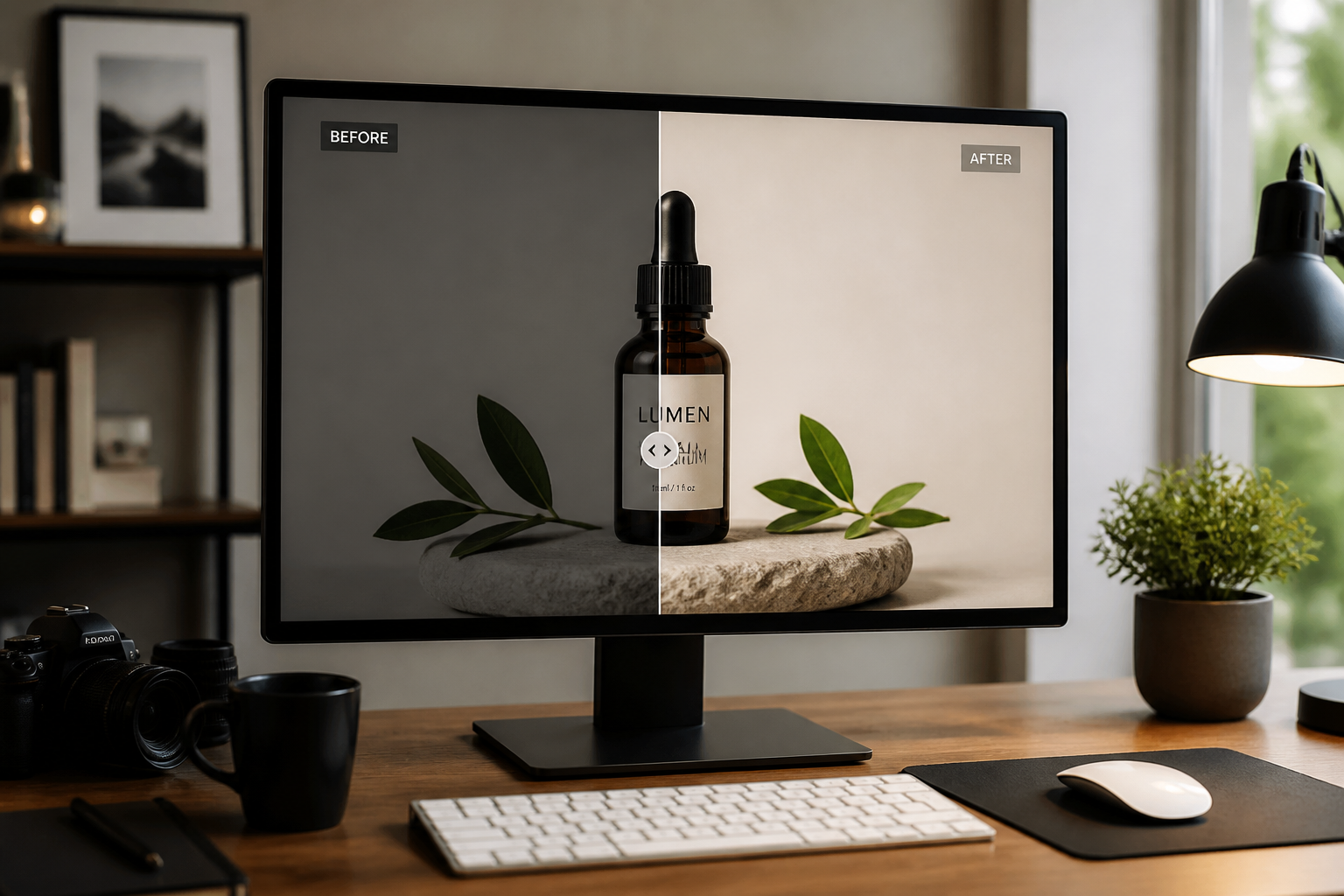
Compare and export
Review the before and after to see how much clarity was added. If needed, adjust the prompt and run another pass before saving the version you prefer.
Perfect For
Discover how creators and professionals use ai detail enhancer
Sharpen portrait photos
Improve eyes, hair, facial texture, and clothing detail while keeping the person recognizable.
Clean up ecommerce images
Make product surfaces, stitching, labels, and edges more defined for listings and ads.
Enhance interiors and real estate
Recover texture in fabrics, wood, stone, and architectural lines so spaces look clearer.
Upgrade social content
Turn soft phone photos into more polished posts with better texture and stronger readability.
Built For
Online sellers
Improve catalog and marketplace photos without setting up a new product shoot.
Photographers and creators
Add a quick detail pass before delivery, publishing, or client review.
Casual users
Make everyday photos look sharper and cleaner with a simple edit prompt.
Why use this for detail enhancement
A quick look at how we compare on the things that matter for this niche.
| Feature | BudgetPixel | Generic AI editors | Manual editing apps |
|---|---|---|---|
| Before/after editing workflow | ✓ | ✓ | ✓ |
| Prompted detail control | ✓ | — | — |
| Keeps original composition | ✓ | ✓ | ✓ |
| Fast texture enhancement | ✓ | ✓ | — |
| No manual masking required | ✓ | ✓ | — |
Frequently Asked Questions
What does AI Detail Enhancer do?
Can it fix a blurry photo?
Will it change the subject or composition?
What types of images work best?
Can I enhance stylized images too?
Create together.
Share your creations, discover trending AI art, and grow with fellow creators.