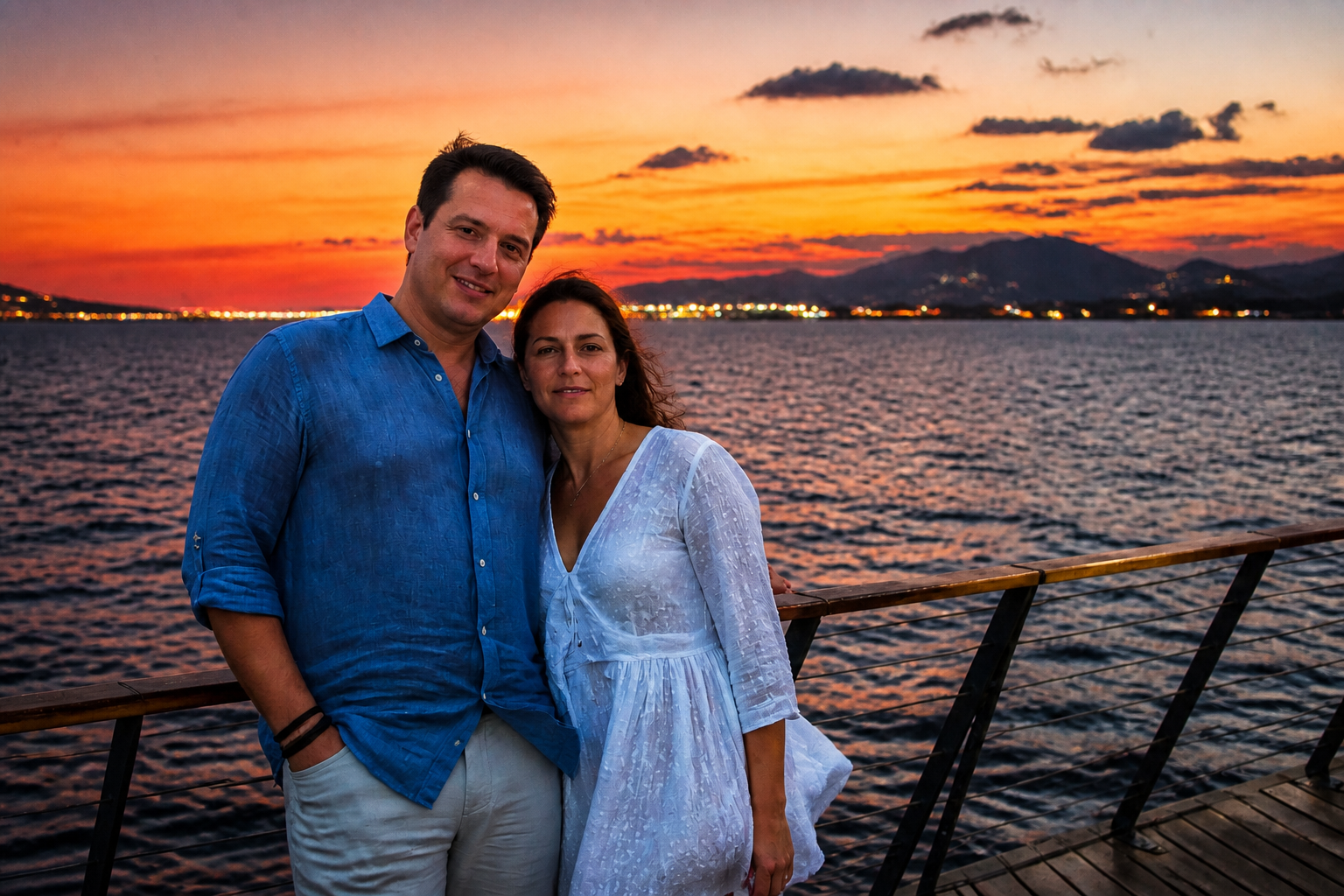
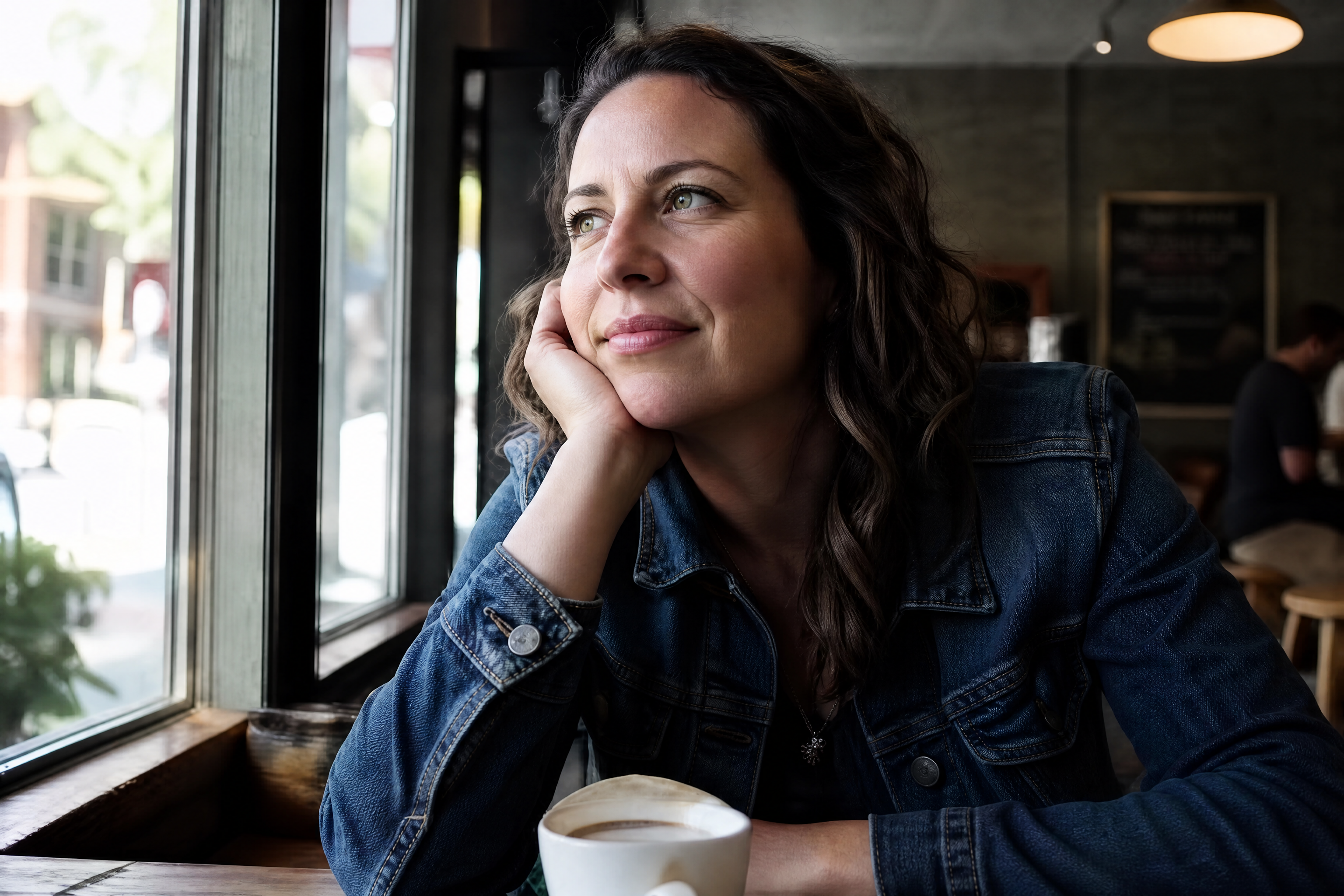
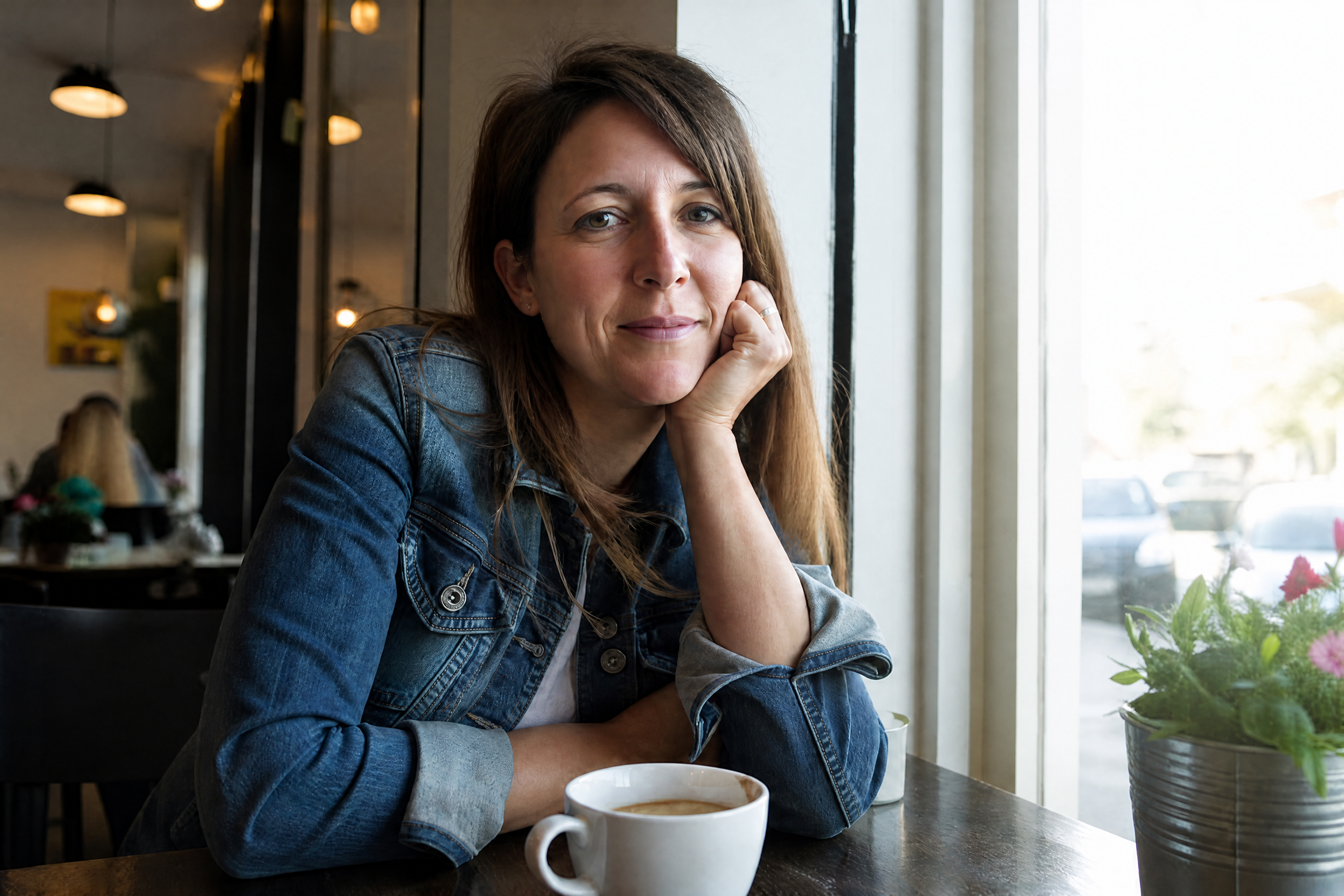
AI HD Photo Converter for Clearer, Sharper Images
Turn soft, noisy, low-resolution photos into clean HD results.
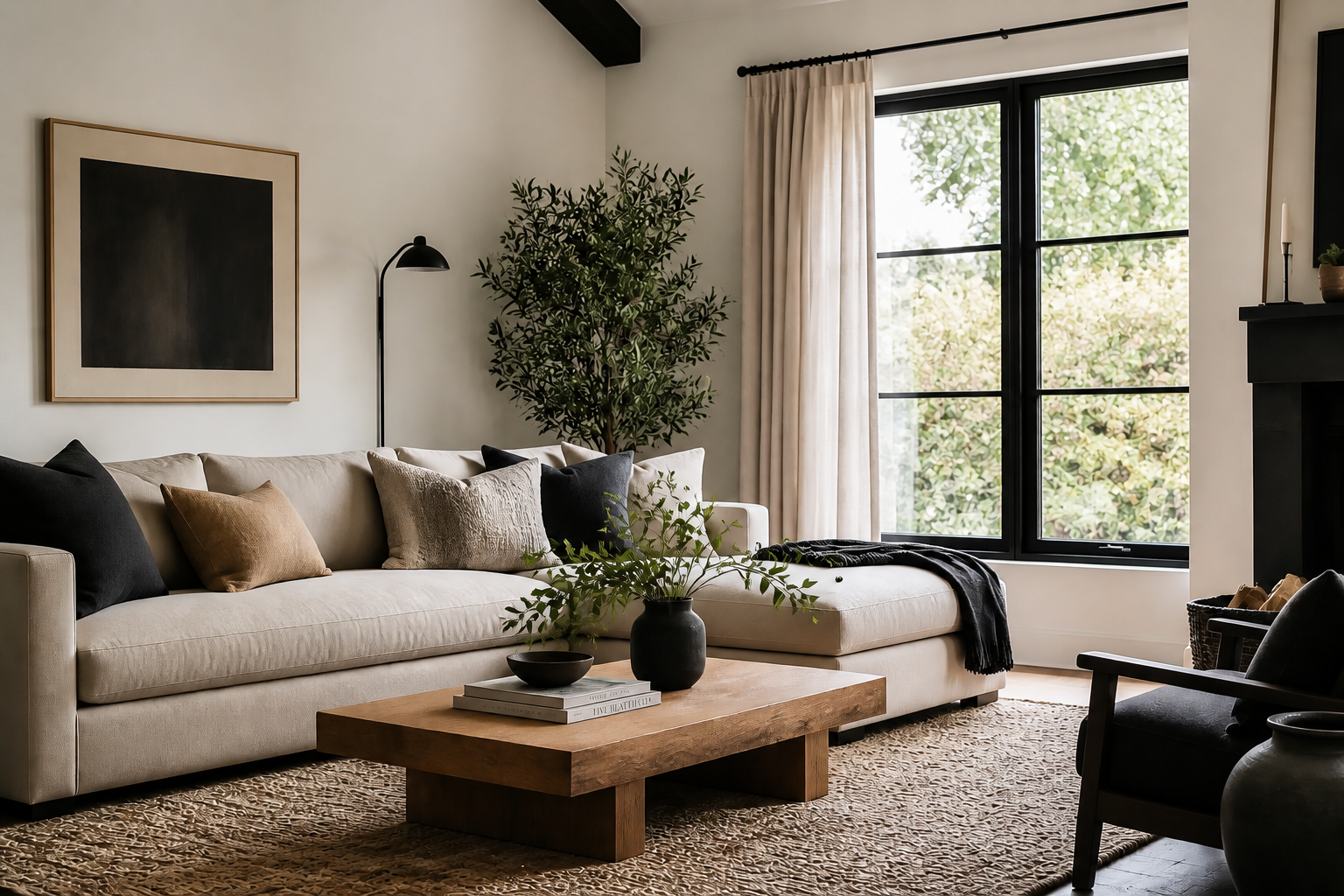
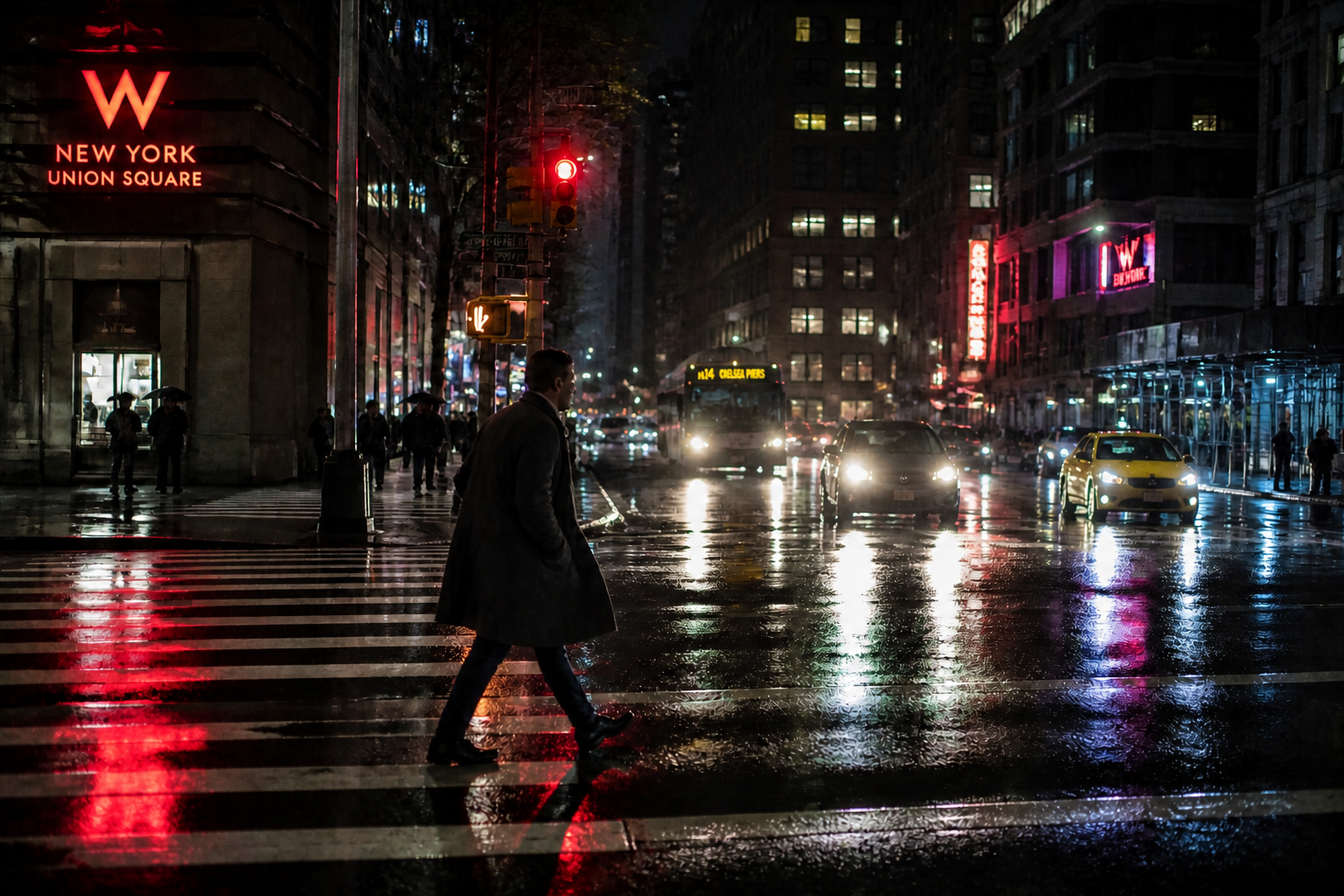
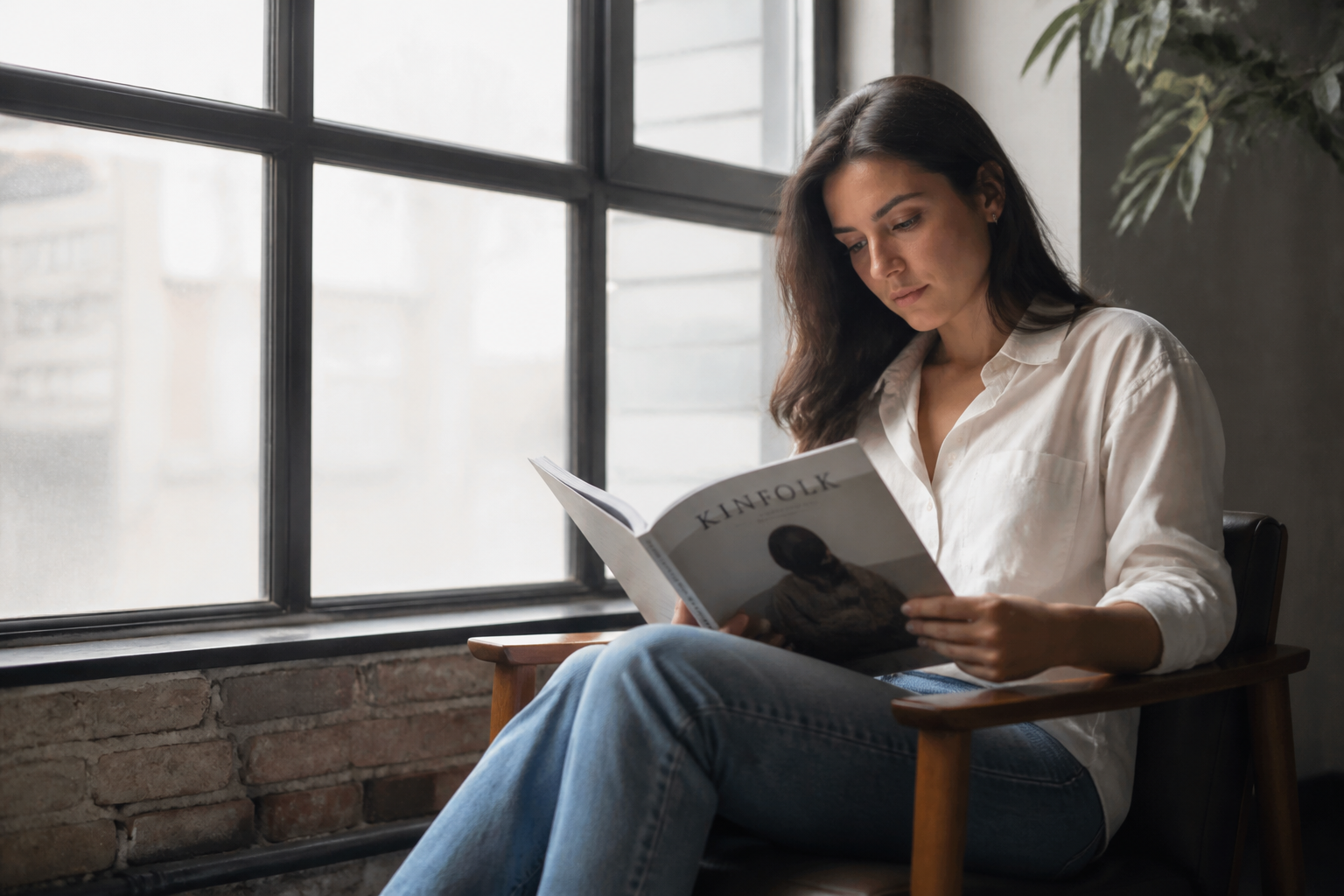
AI HD Photo Converter upgrades blurry or low-quality images with sharper detail, cleaner edges, and better overall clarity. Use it on portraits, products, interiors, pets, and everyday snapshots without rebuilding the image by hand.
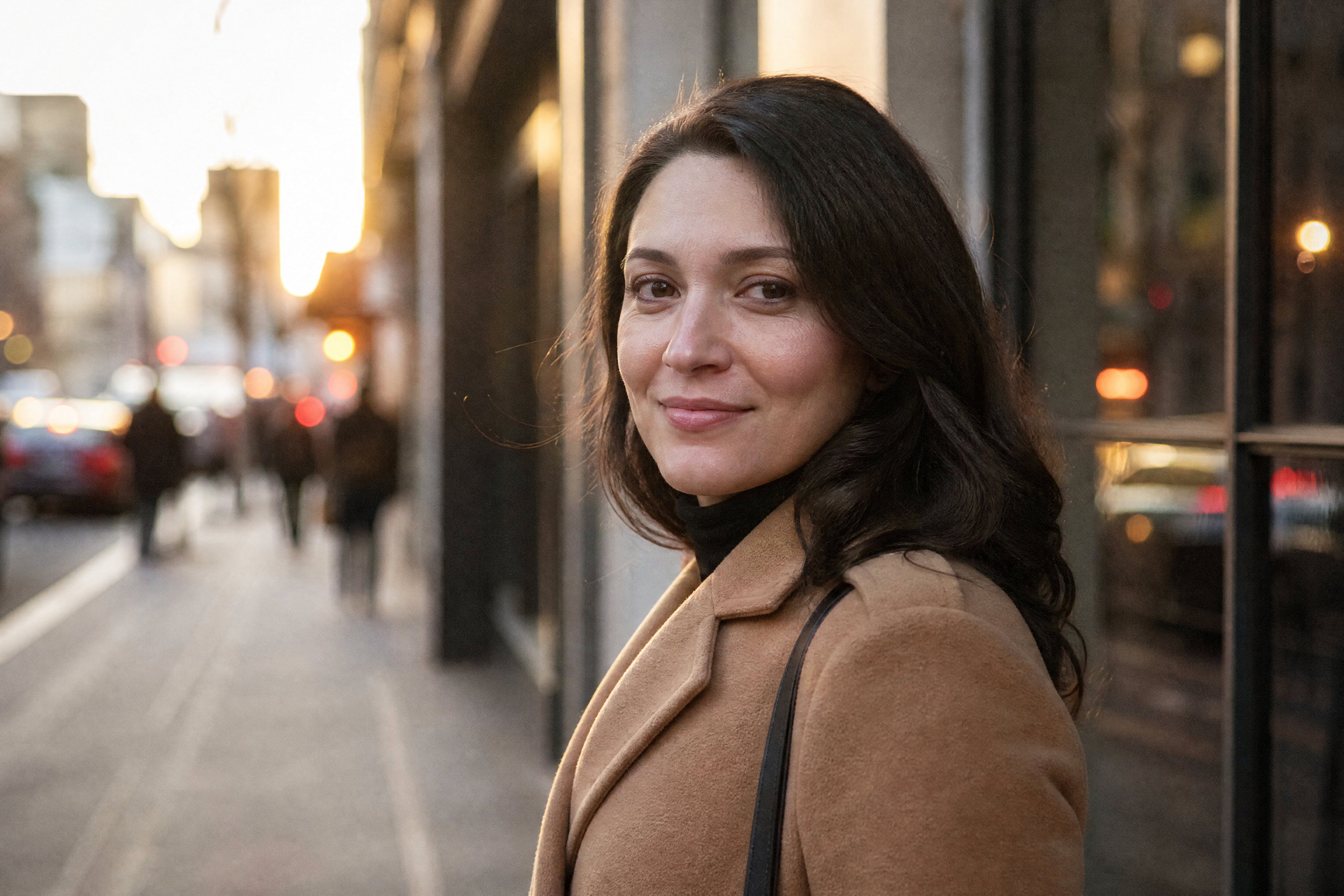
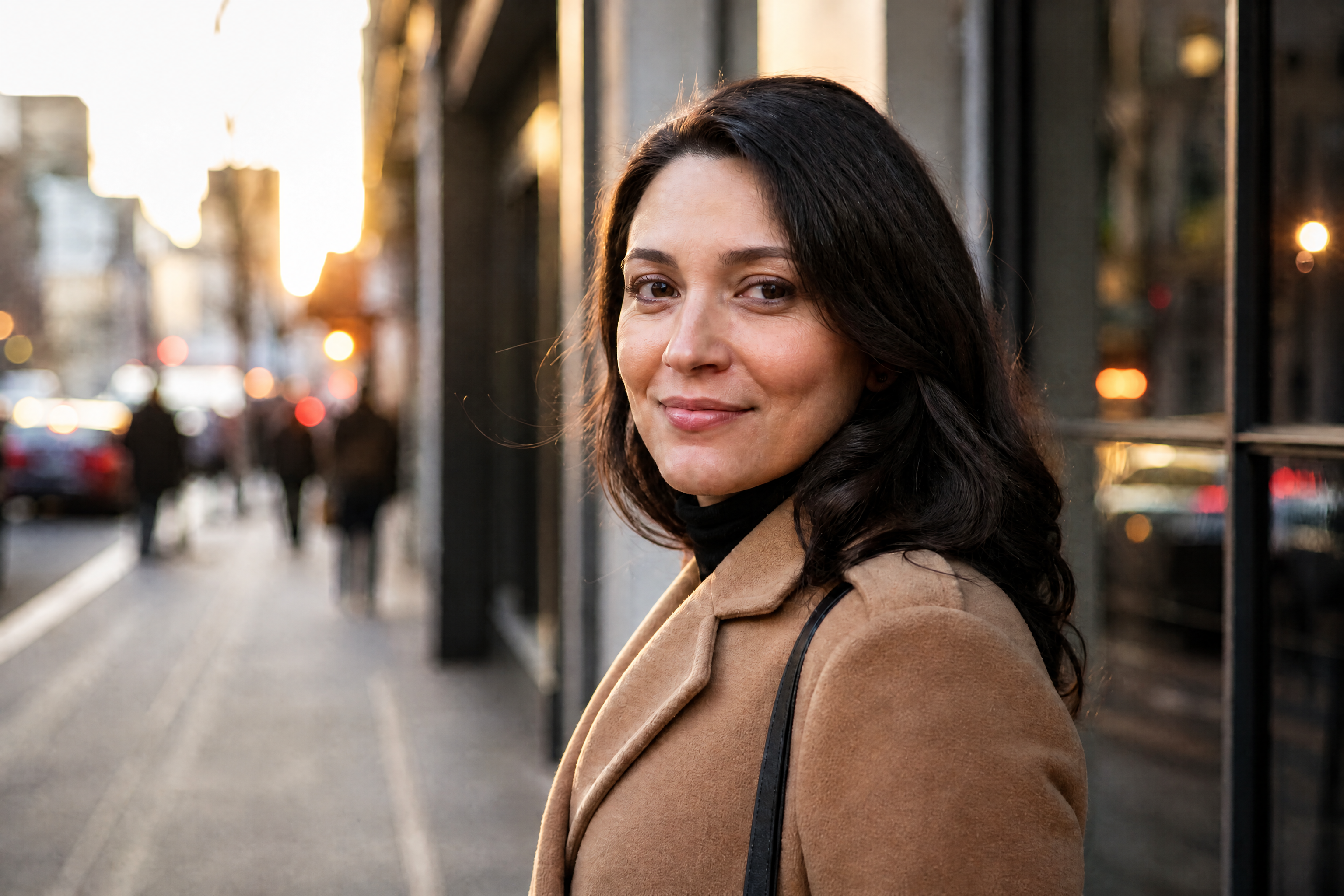
Watch the Transformation
See ai hd photo converter in motion — generated end-to-end by our AI.
See It In Action
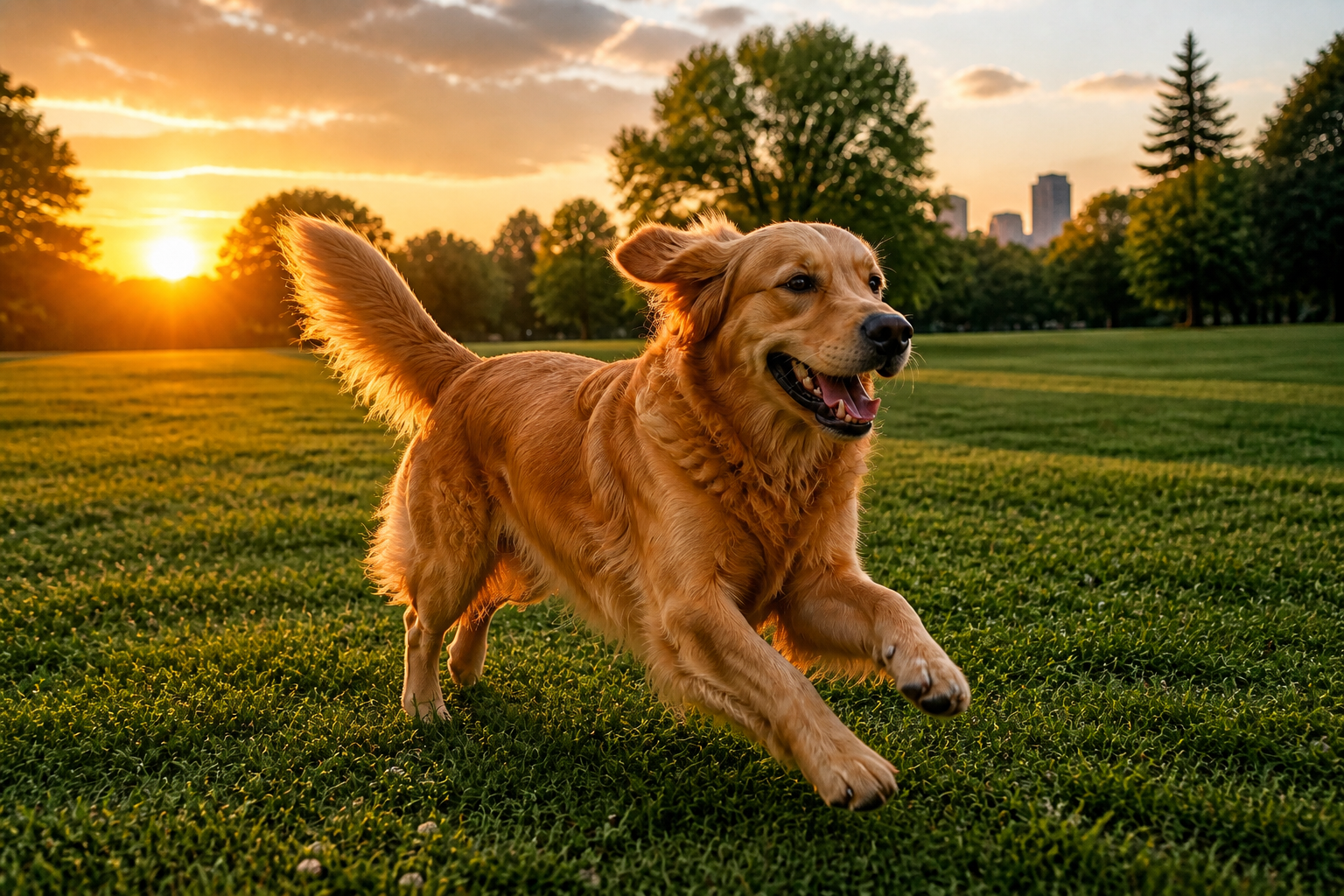
Real outputs from ai hd photo converter.
BEFOREAFTER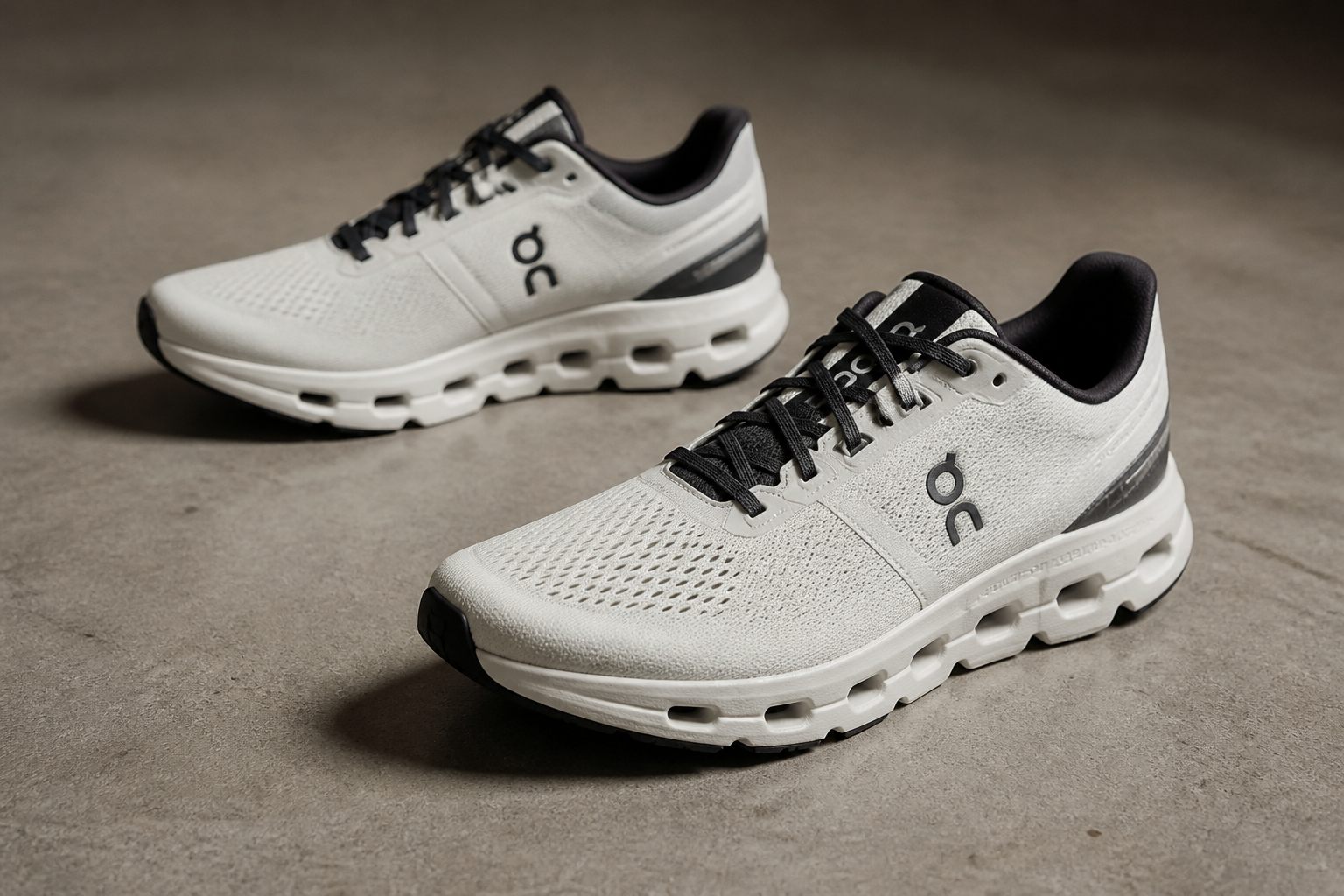 BEFORE
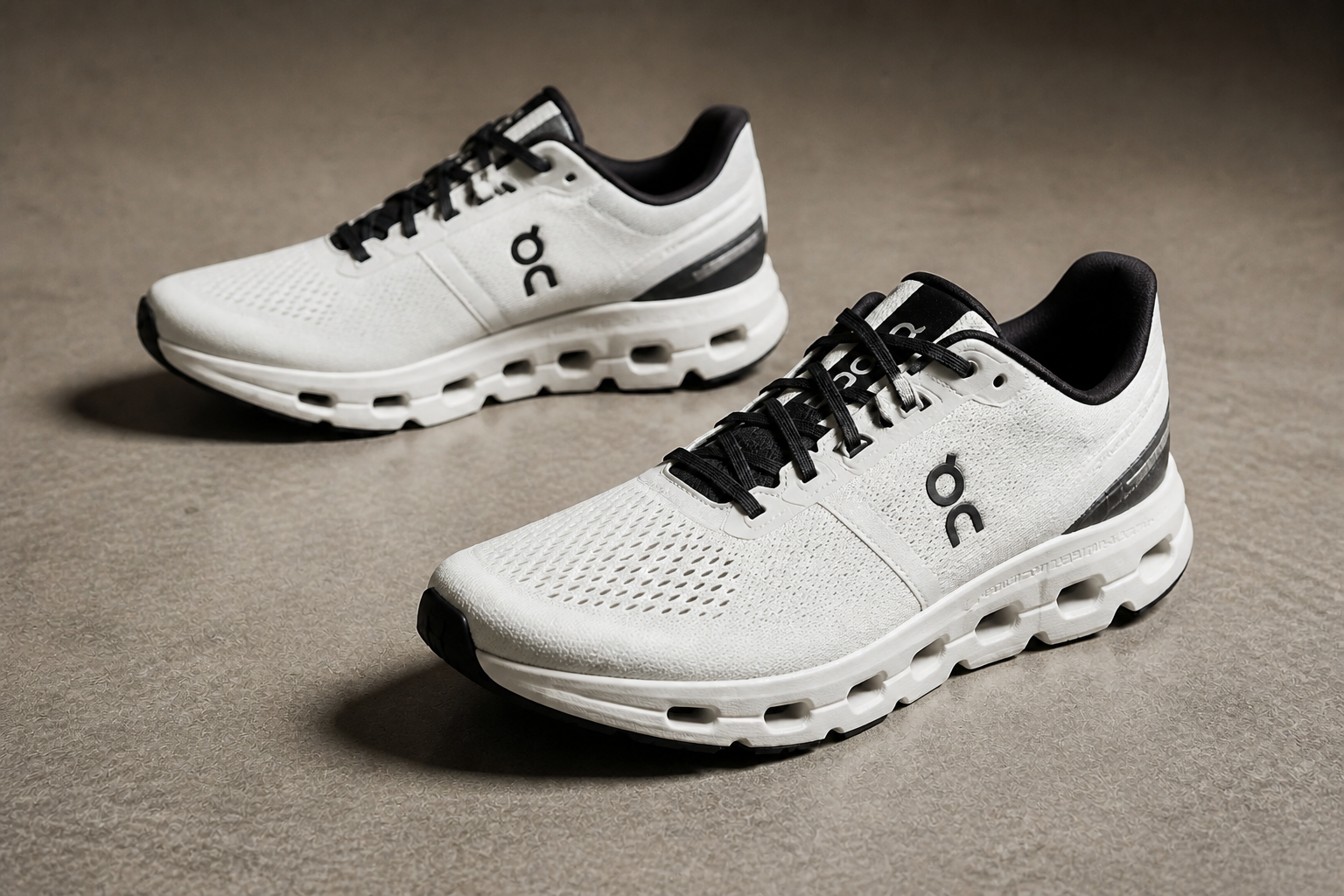 AFTER
AFTER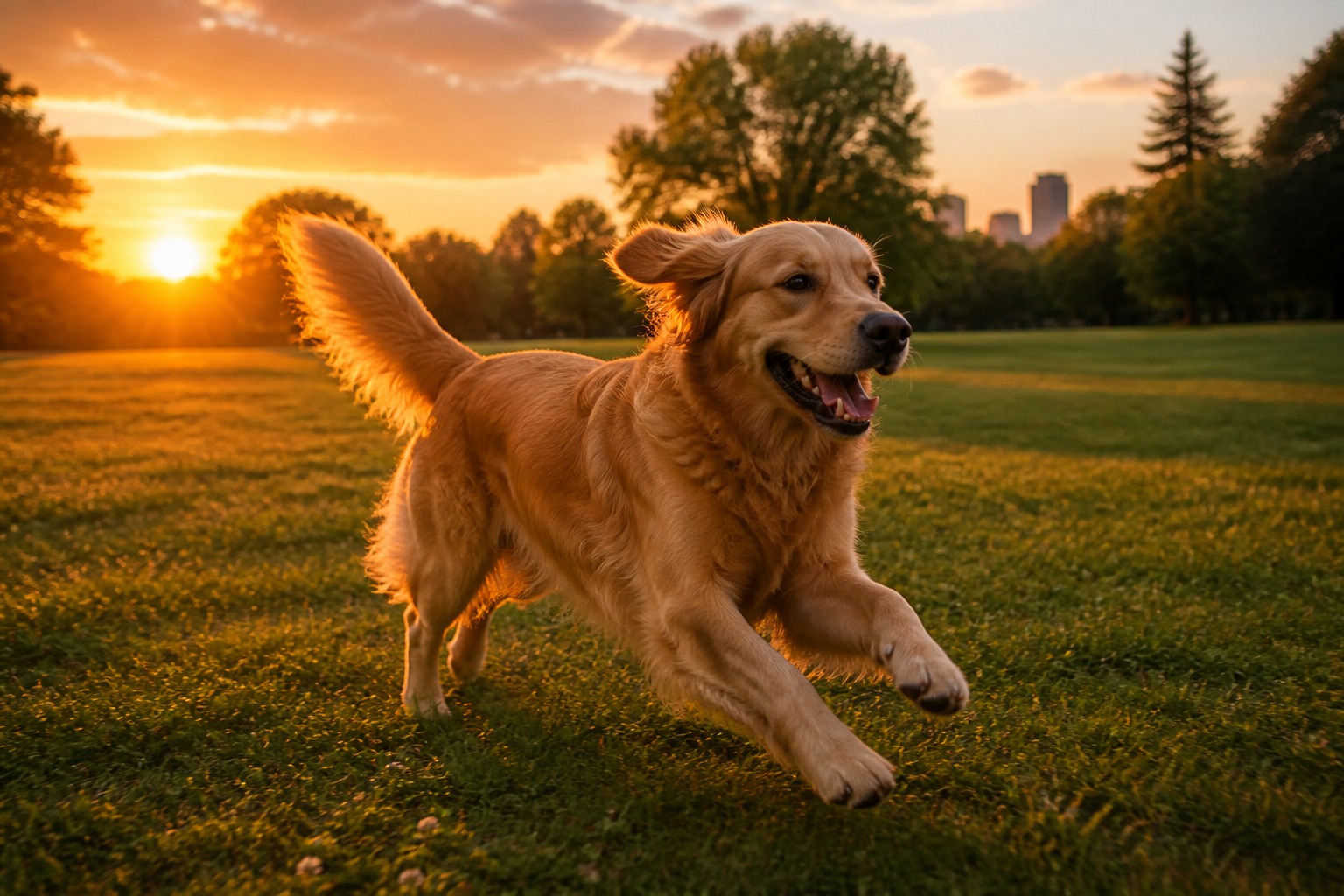 BEFORE
 AFTER
AFTER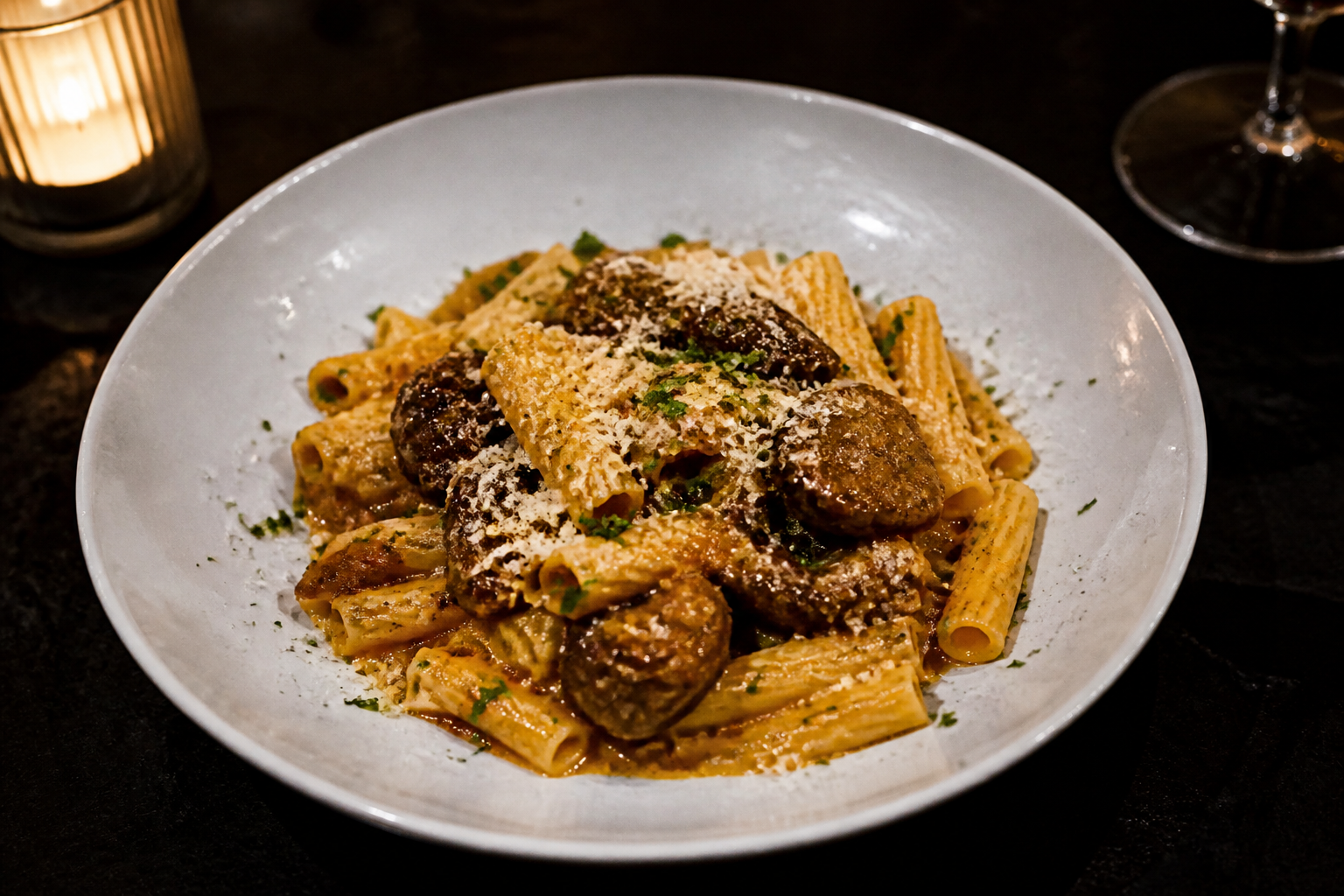 BEFORE
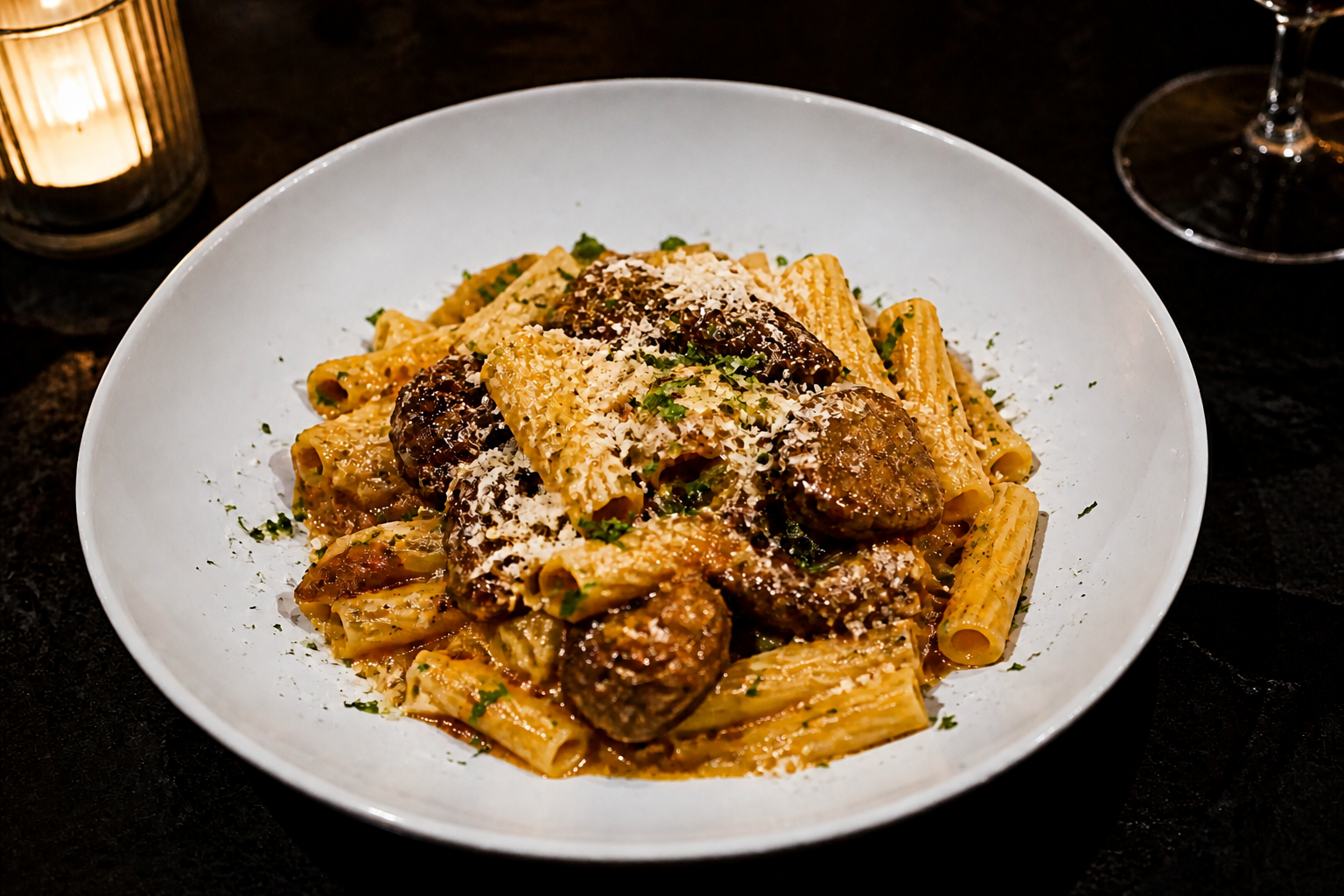 AFTER
AFTER BEFORE
 AFTERBEFOREAFTERBEFOREAFTERBEFOREAFTERBEFOREAFTERBEFOREAFTER
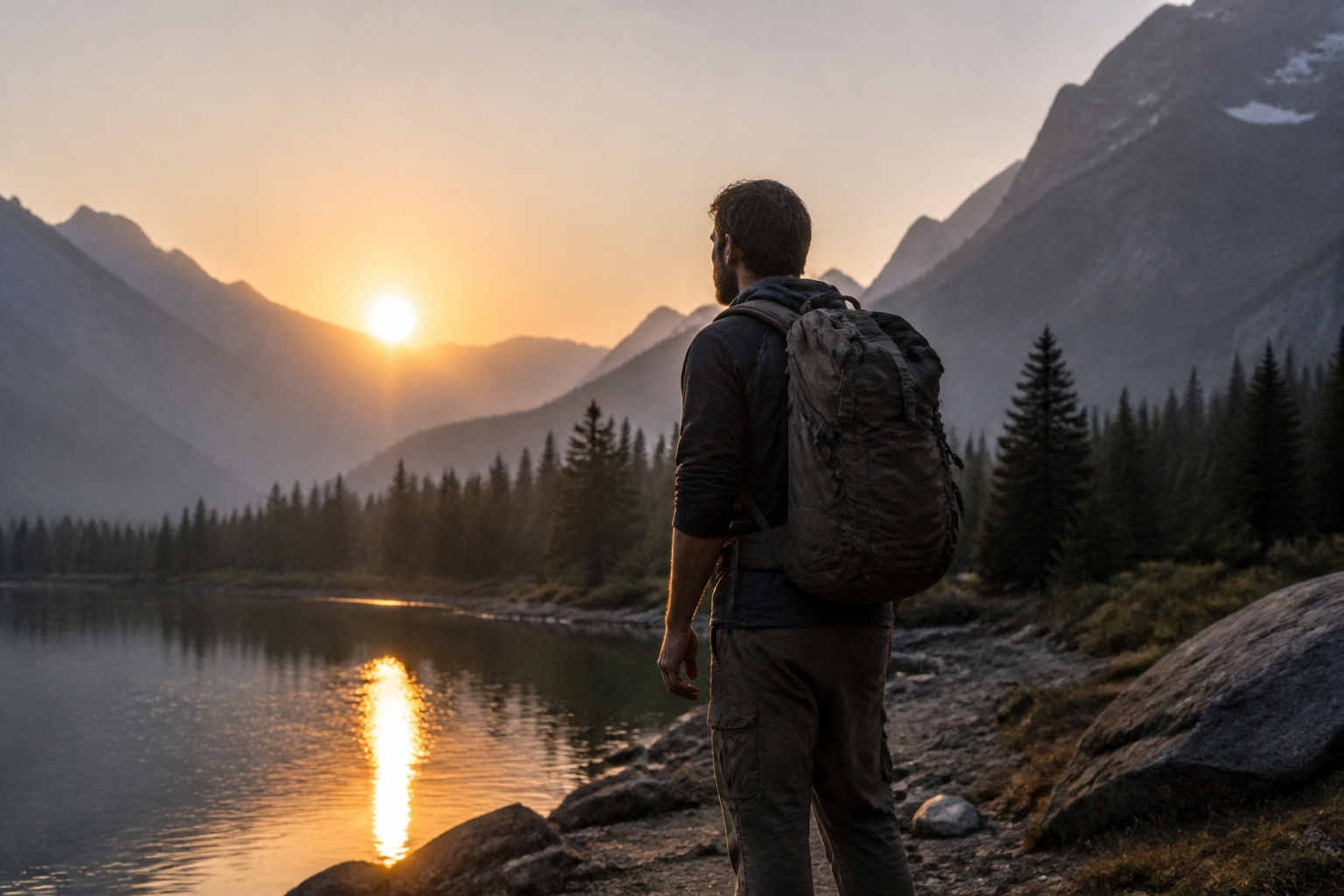 BEFORE
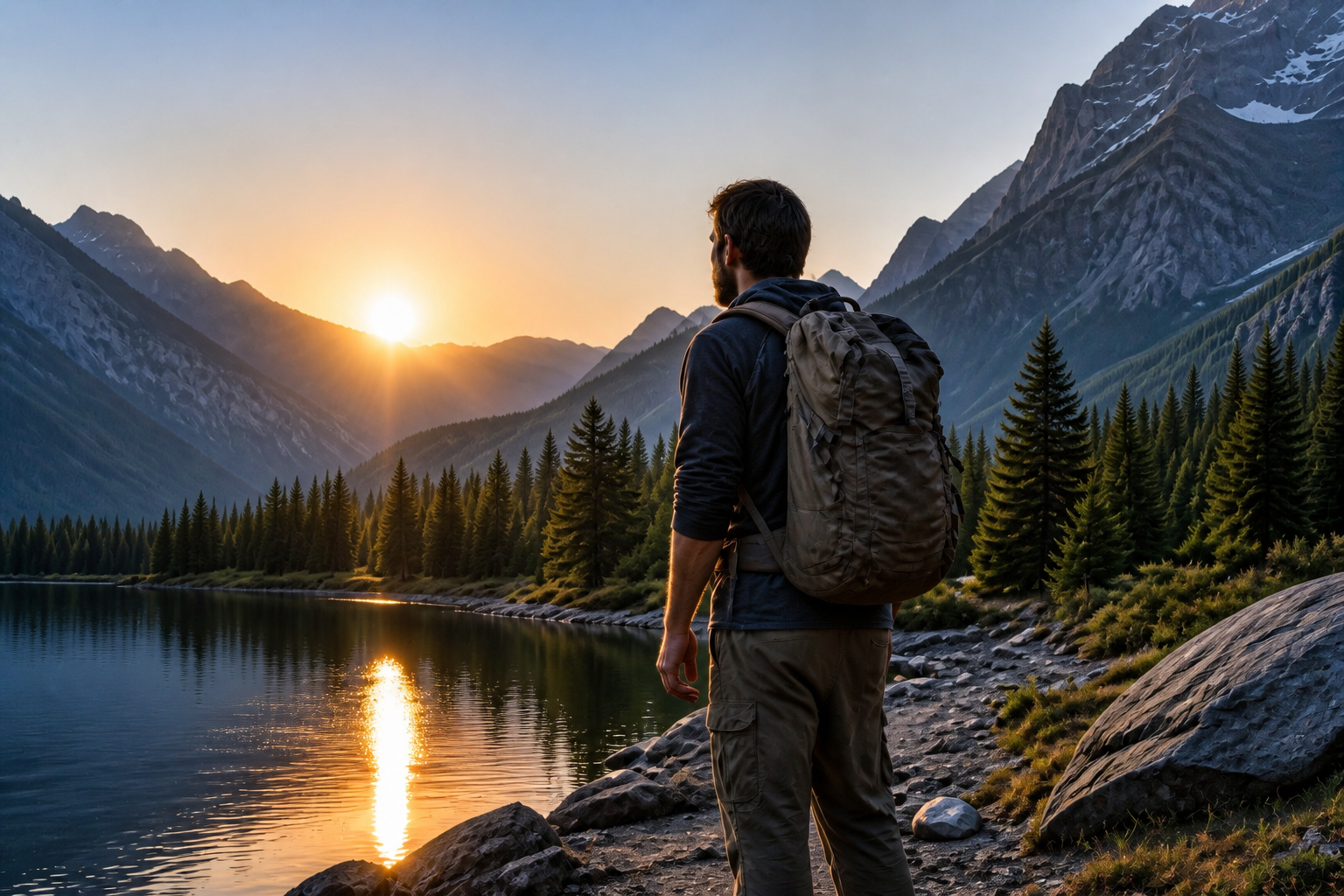 AFTER
AFTER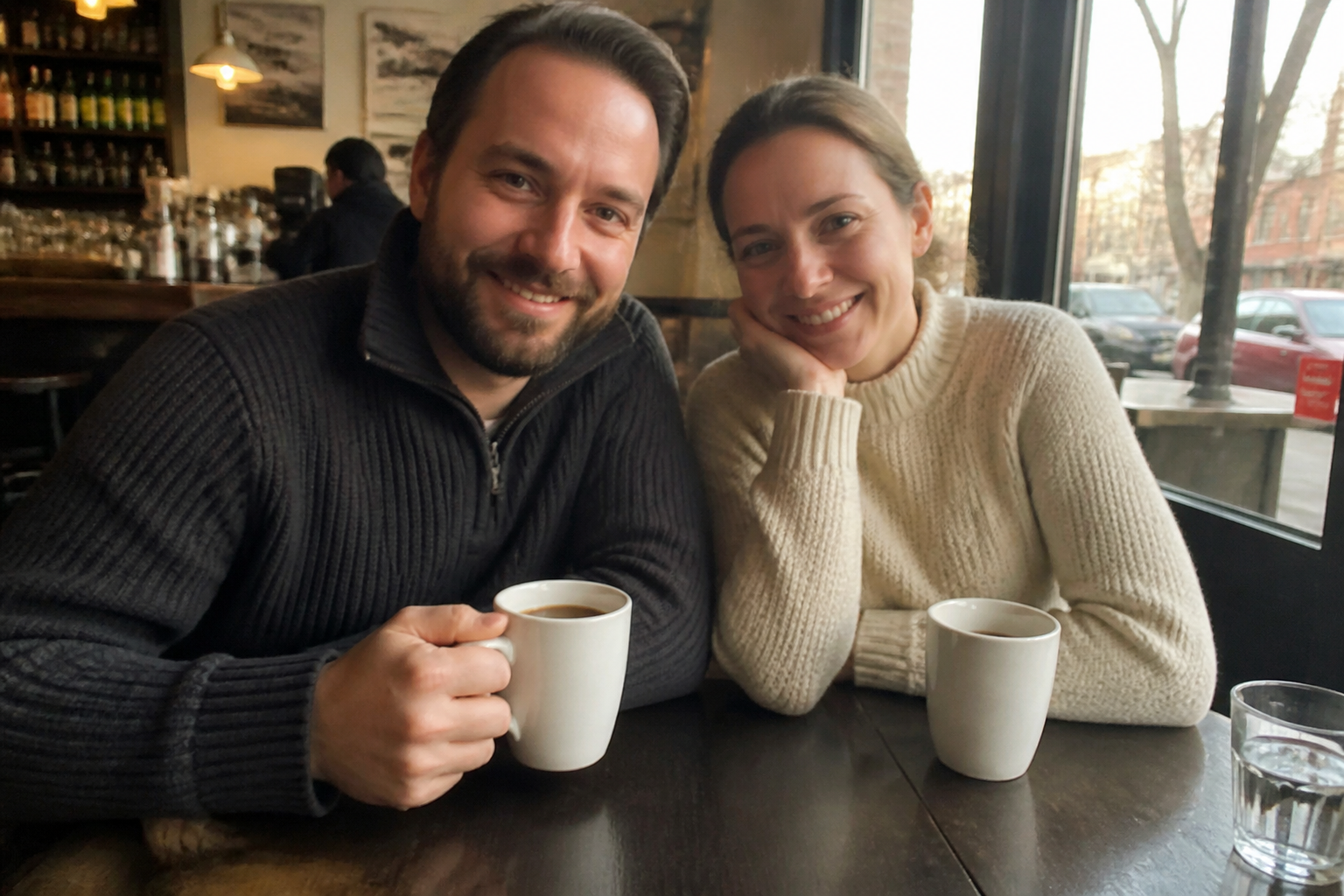 BEFORE
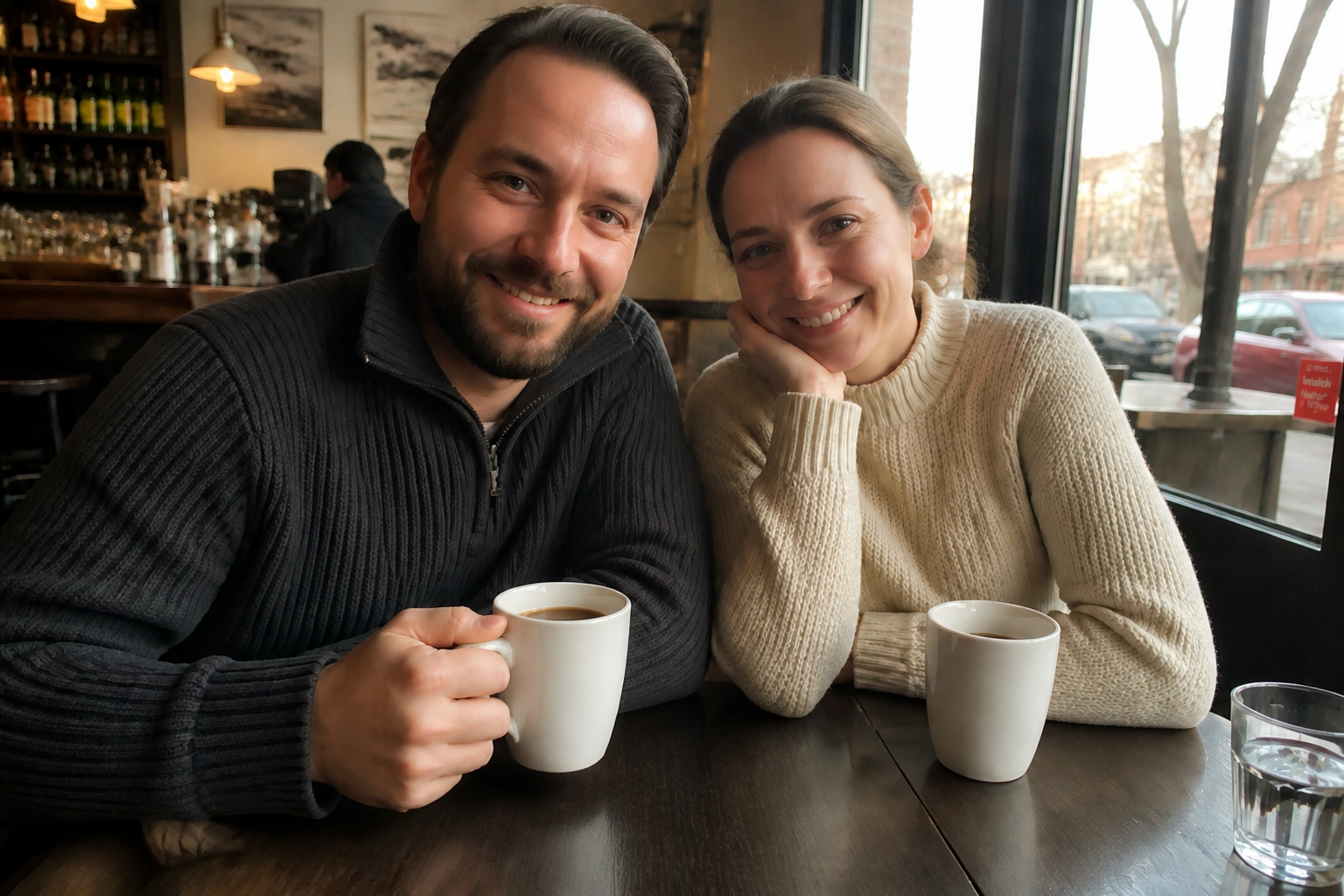 AFTER
AFTER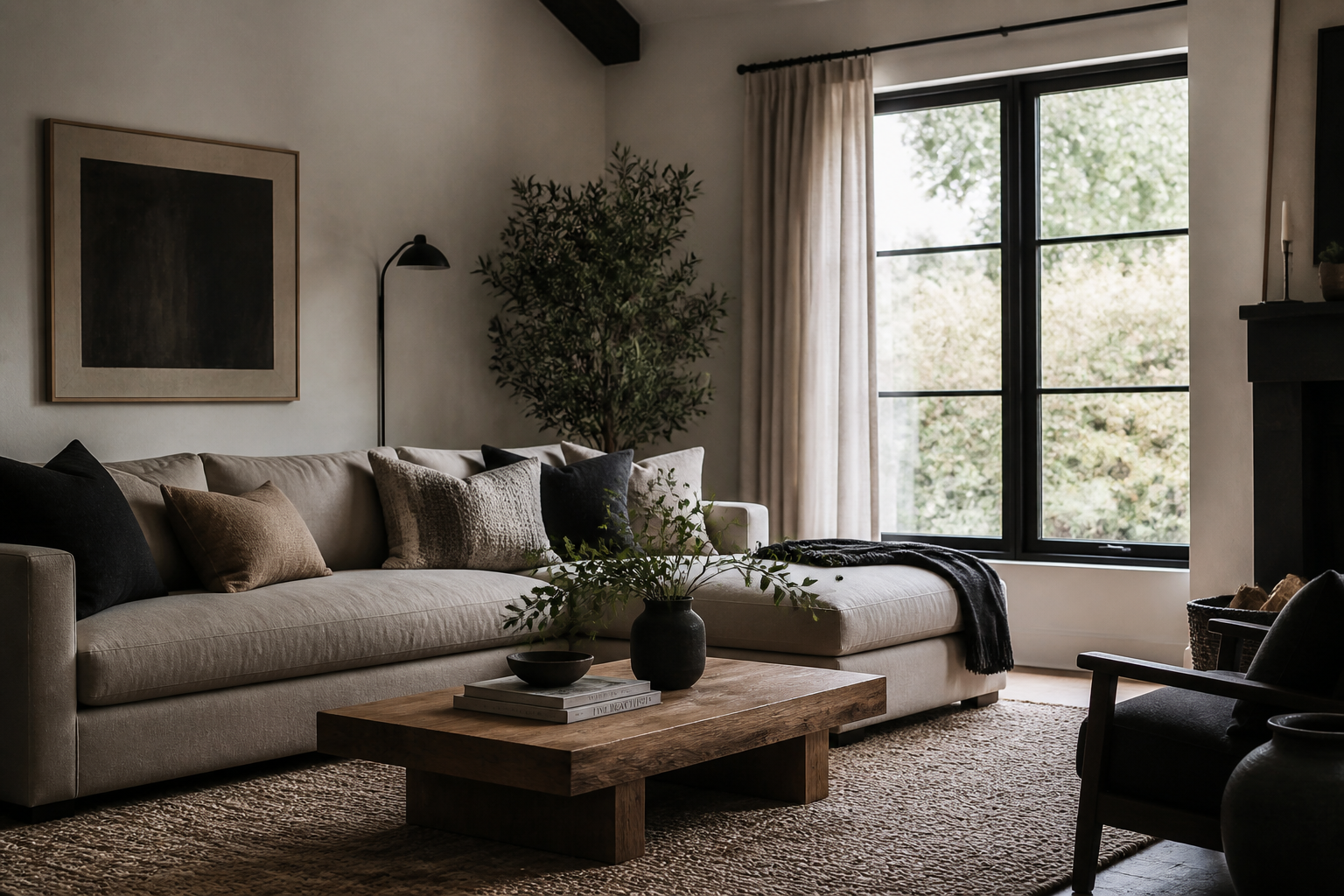 BEFORE
 AFTER
AFTER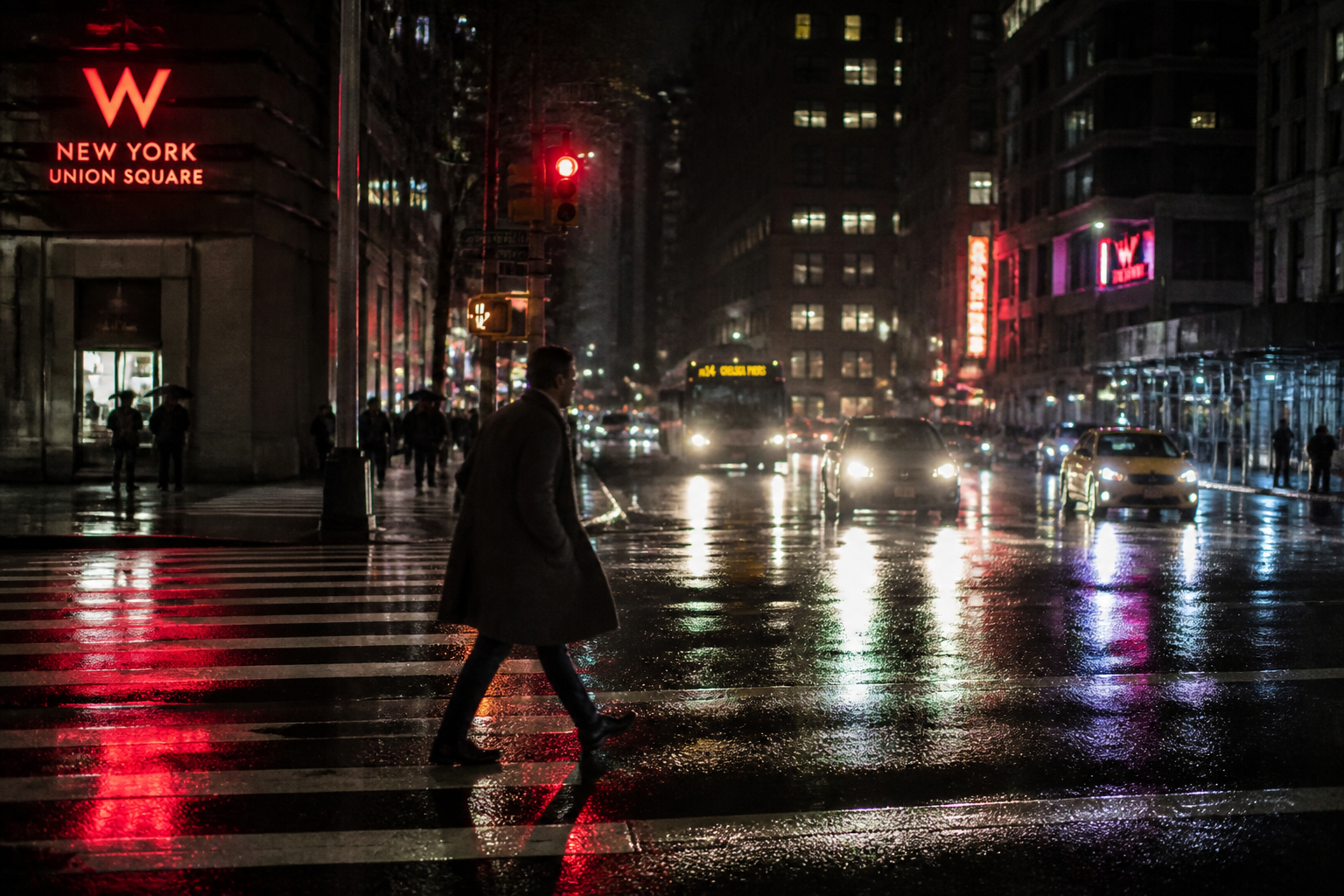 BEFORE
 AFTERBEFOREAFTERBEFOREAFTERBEFOREAFTERBEFOREAFTER
Key Features
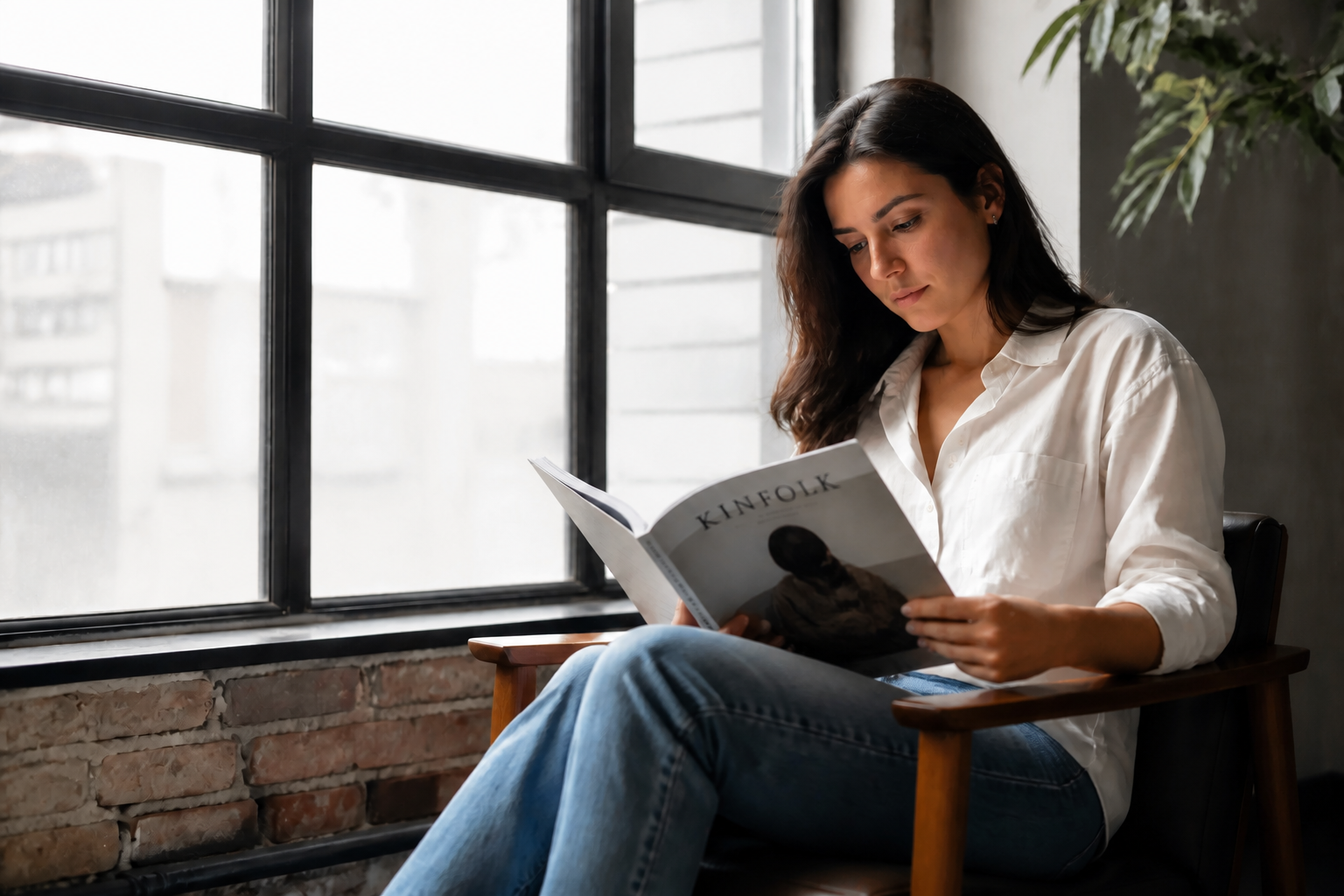
Sharper Detail Without Reframing
Our AI improves clarity while keeping the original composition intact. That matters when you already have the right crop, angle, and expression and only need better image quality. Instead of rebuilding the scene, it strengthens edges, textures, and fine detail in place. It is faster than trying to rescue a soft image with multiple manual sharpen and clarity tools.
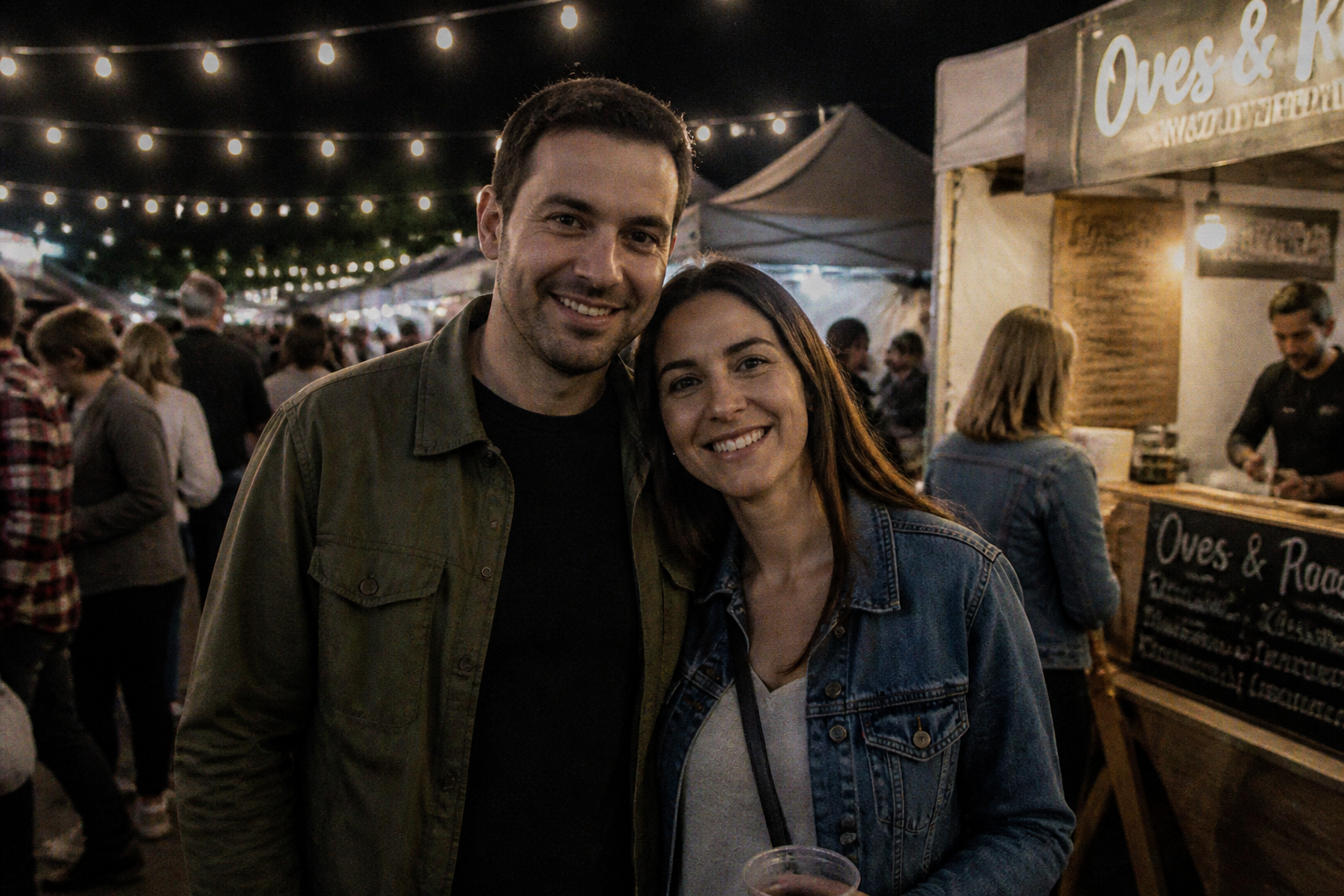
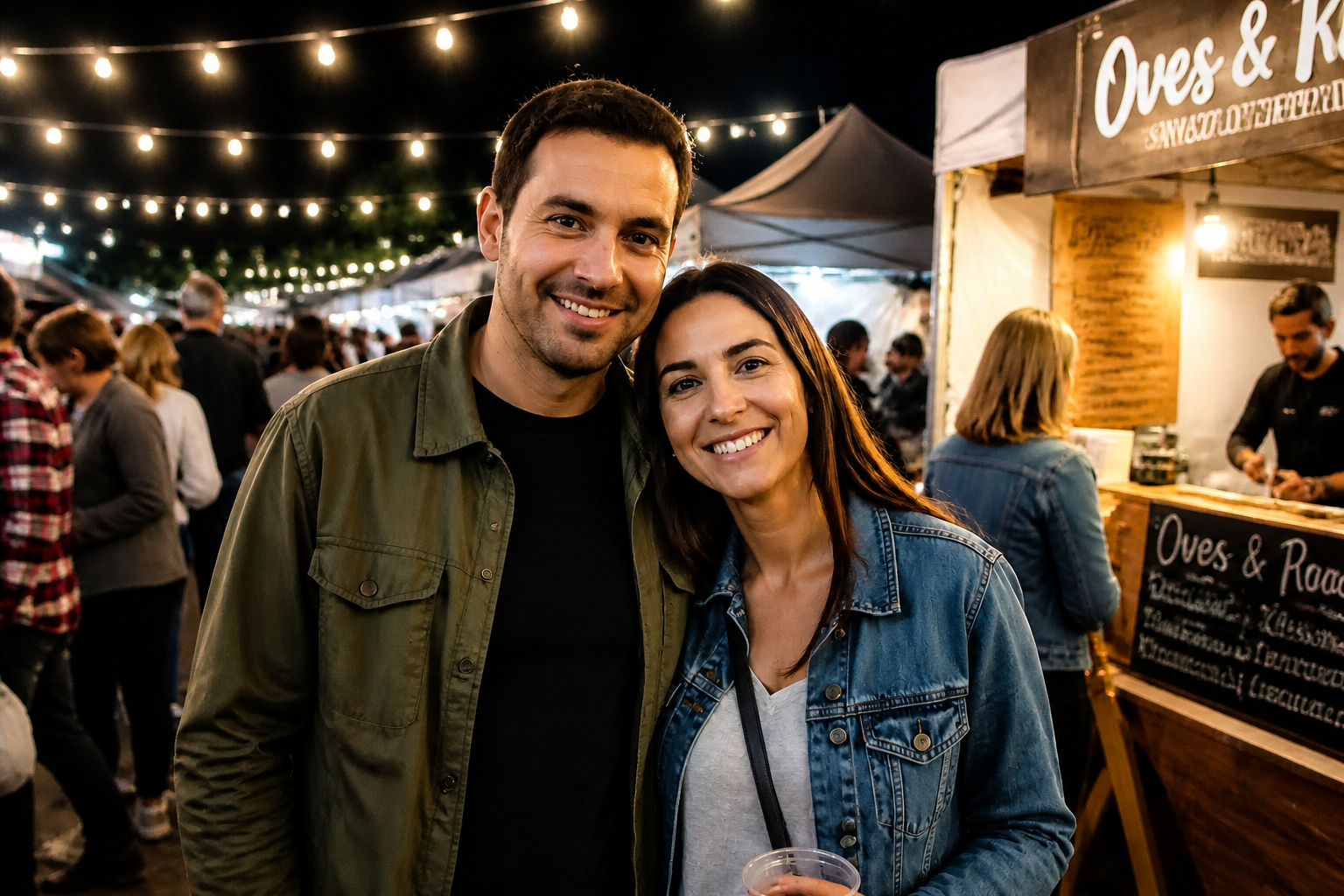
Cleaner Low-Light Photos
Dim images often fall apart because noise and softness build up at the same time. This feature reduces grain while restoring useful detail in faces, clothing, and backgrounds so the photo looks cleaner rather than overprocessed. It helps with indoor events, restaurants, street scenes, and phone photos taken at night. Doing that manually usually means balancing denoise and sharpness across several sliders and layers.
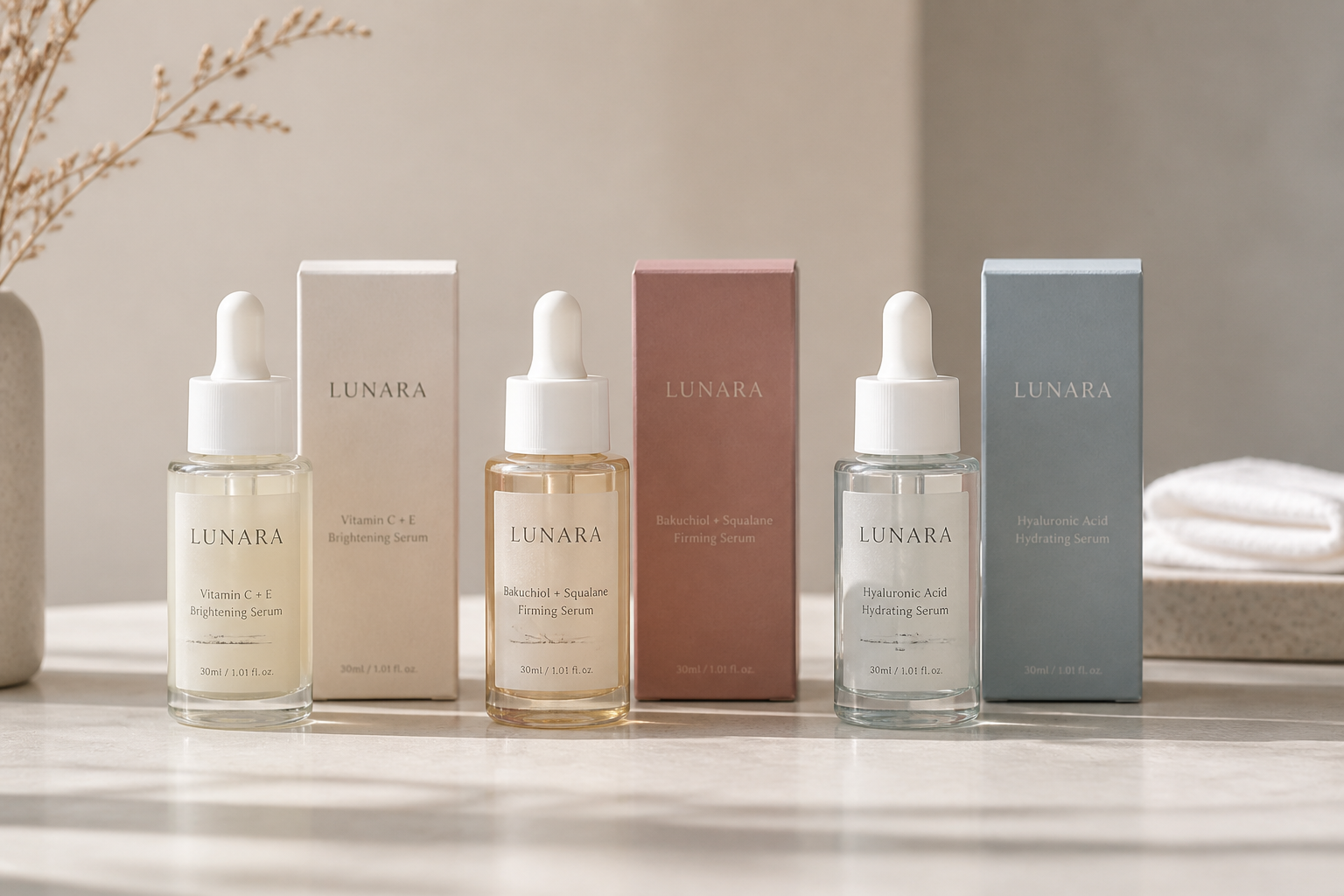
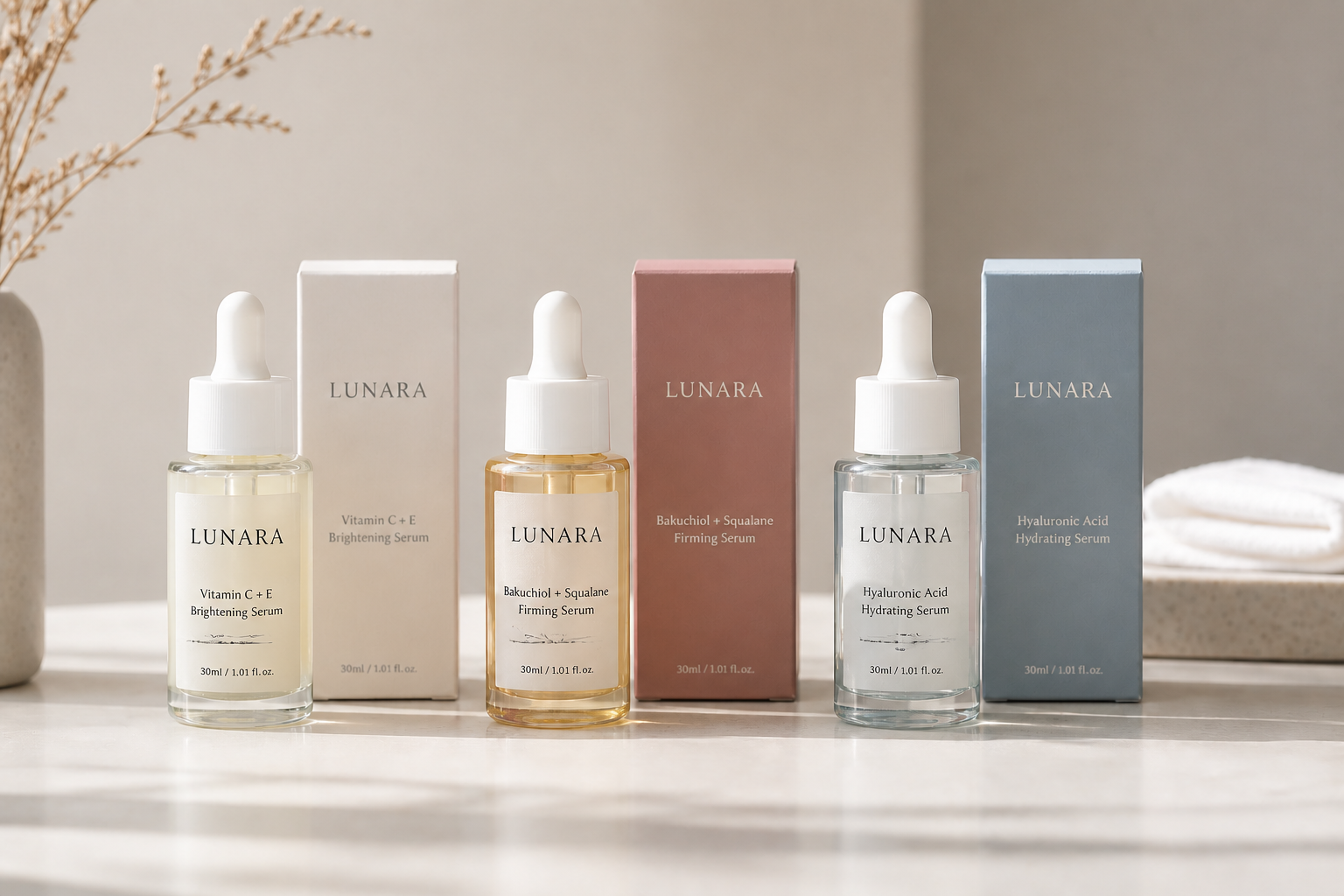
Better Texture for Products
Small textures are what make product images look premium. Our AI brings back stitching, material grain, labels, and edge definition so listings and promos read clearly even in thumbnails. That makes a real difference for ecommerce, social posts, and marketplace images. It saves time compared with reshooting or doing selective sharpening by hand.


Works Across Everyday Subjects
You can use the same workflow on portraits, pets, interiors, food, and travel photos. The tool is built to improve clarity without changing who or what is in the frame, so results stay useful for real projects. That consistency is hard to get from generic filters that may oversharpen one image and flatten another. It gives you a simple way to lift mixed photo sets to a more polished standard.
How It Works

Upload your photo
Start with a portrait, product shot, interior, pet photo, or any image that looks soft or low resolution. A clear original helps, but the tool also works on noisy phone photos and compressed images.
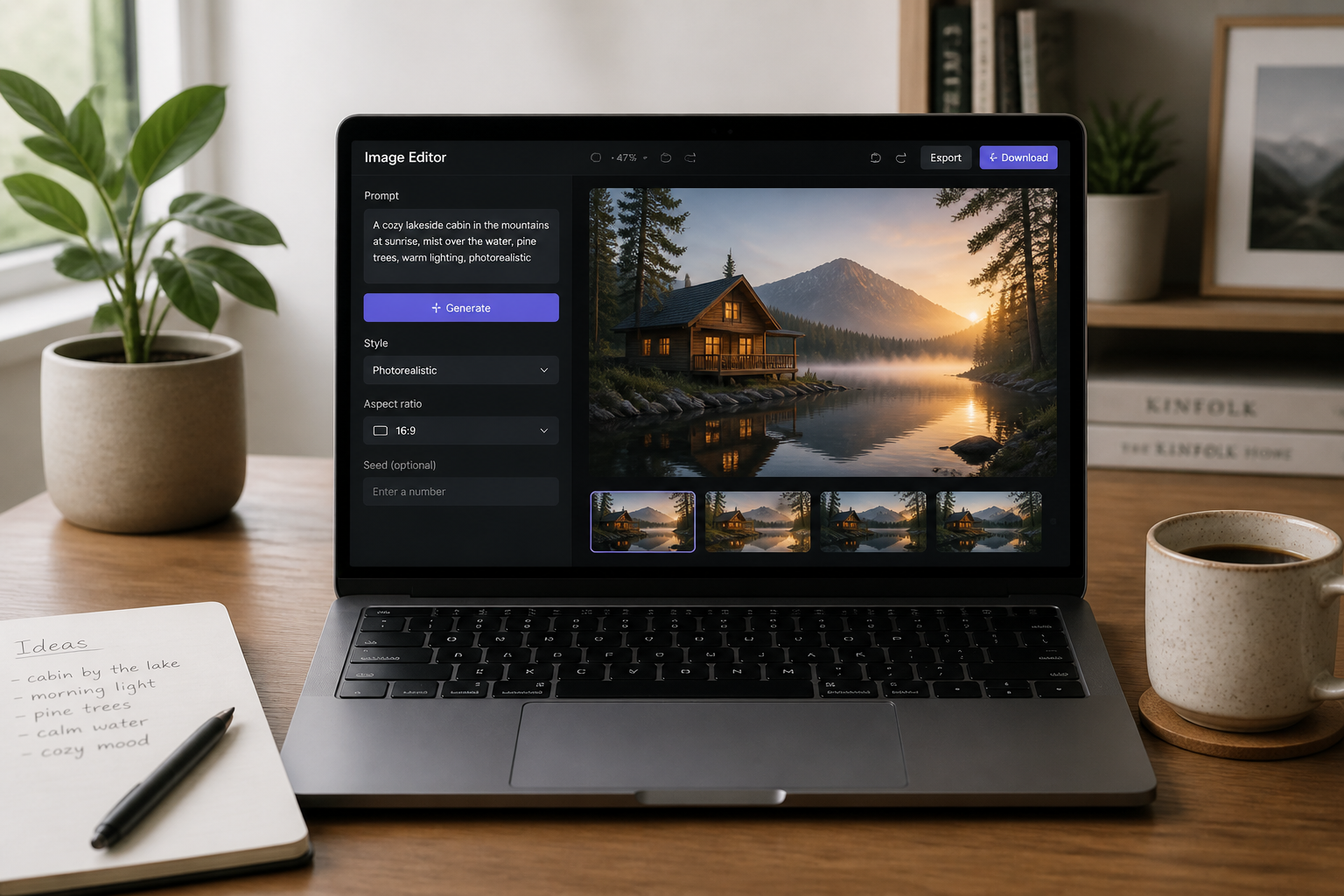
Choose an HD enhancement
Tell the editor you want a sharper, cleaner, higher-definition result. You can keep the request simple or mention issues like blur, noise, or weak detail.
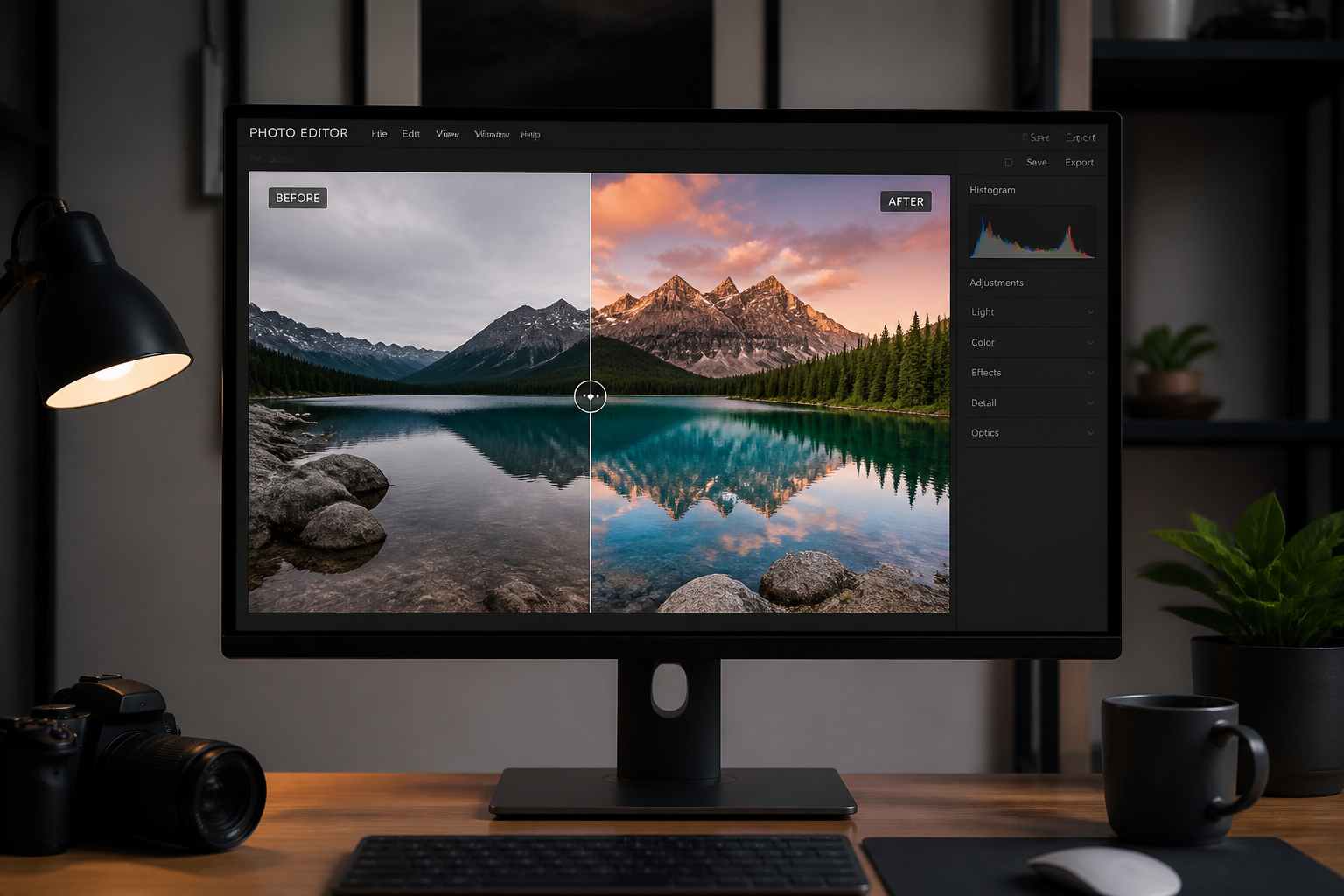
Compare and download
Review the before and after side by side to check sharpness, texture, and overall clarity. If the result looks right, download it and use it for social posts, listings, presentations, or personal keepsakes.
Perfect For
Discover how creators and professionals use ai hd photo converter
Fix blurry phone photos
Improve everyday snapshots that came out soft, noisy, or compressed without changing the original scene.
Upgrade ecommerce images
Make product photos look cleaner and more detailed for listings, ads, catalogs, and social content.
Polish travel and lifestyle shots
Bring back texture and clarity in scenic photos, cafe moments, and street shots that deserve a stronger final image.
Improve low-light captures
Clean up grainy evening photos and indoor images so faces and environments read more clearly.
Built For
Online sellers
Sharpen product photos quickly for storefronts, marketplace listings, and promo graphics.
Content creators
Upgrade photos for reels, thumbnails, posts, and brand content without a full retouching workflow.
Everyday photo editors
Rescue favorite portraits, pet photos, and travel images that looked too soft to share.
Why choose this for HD photo enhancement
A quick look at how we compare on the things that matter for this niche.
| Feature | BudgetPixel | Generic AI editors | Manual editing apps |
|---|---|---|---|
| Photo-specific HD enhancement | ✓ | ✓ | — |
| Before/after edit workflow | ✓ | ✓ | — |
| Keeps original composition | ✓ | ✓ | ✓ |
| Fast results without layer work | ✓ | ✓ | — |
| Simple prompt-based editing | ✓ | — | — |
Frequently Asked Questions
What does AI HD Photo Converter do?
Can it fix blurry photos?
Will it change faces or the background?
What kinds of photos work best?
Do I need editing skills to use it?
Create together.
Share your creations, discover trending AI art, and grow with fellow creators.