AI Resolution Enhancer for Low-Res Images
Turn blurry, pixelated images into clean high-resolution results.
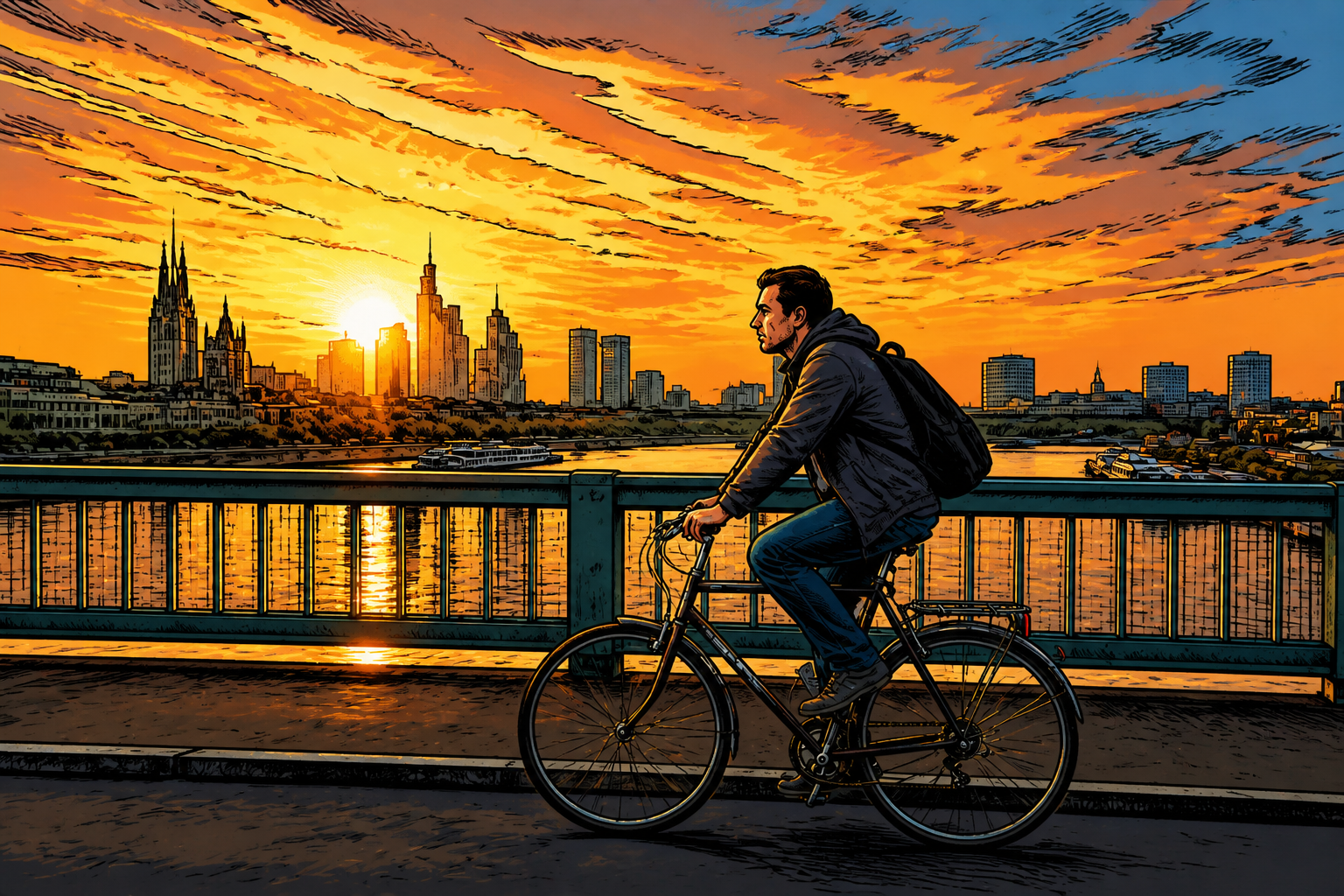
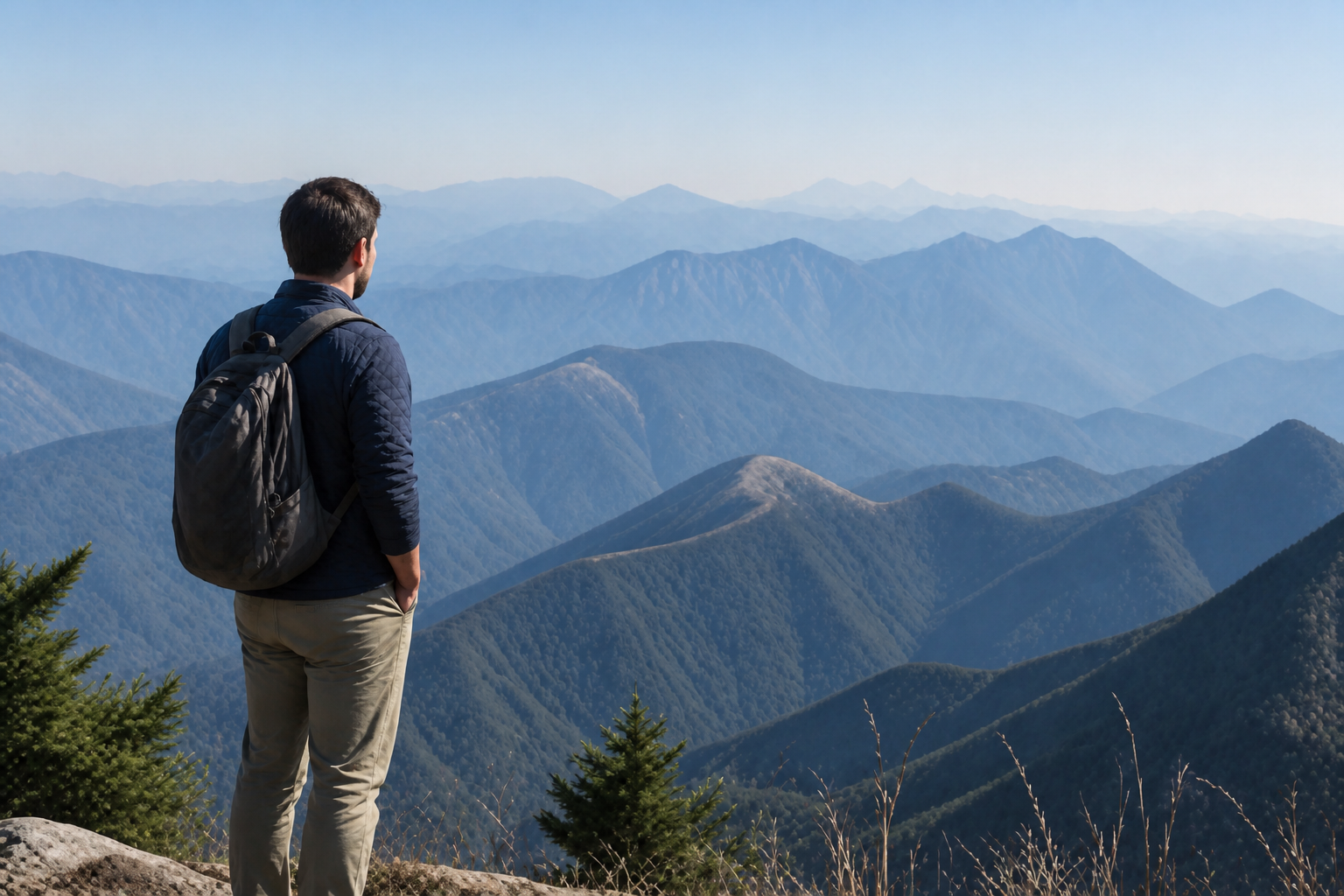
Upload a low-resolution image and let our AI increase clarity, detail, and sharpness. It enhances textures, edges, and fine features while keeping the original composition intact.
Watch the Transformation
See ai resolution enhancer in motion — generated end-to-end by our AI.
See It In Action
Real outputs from ai resolution enhancer.
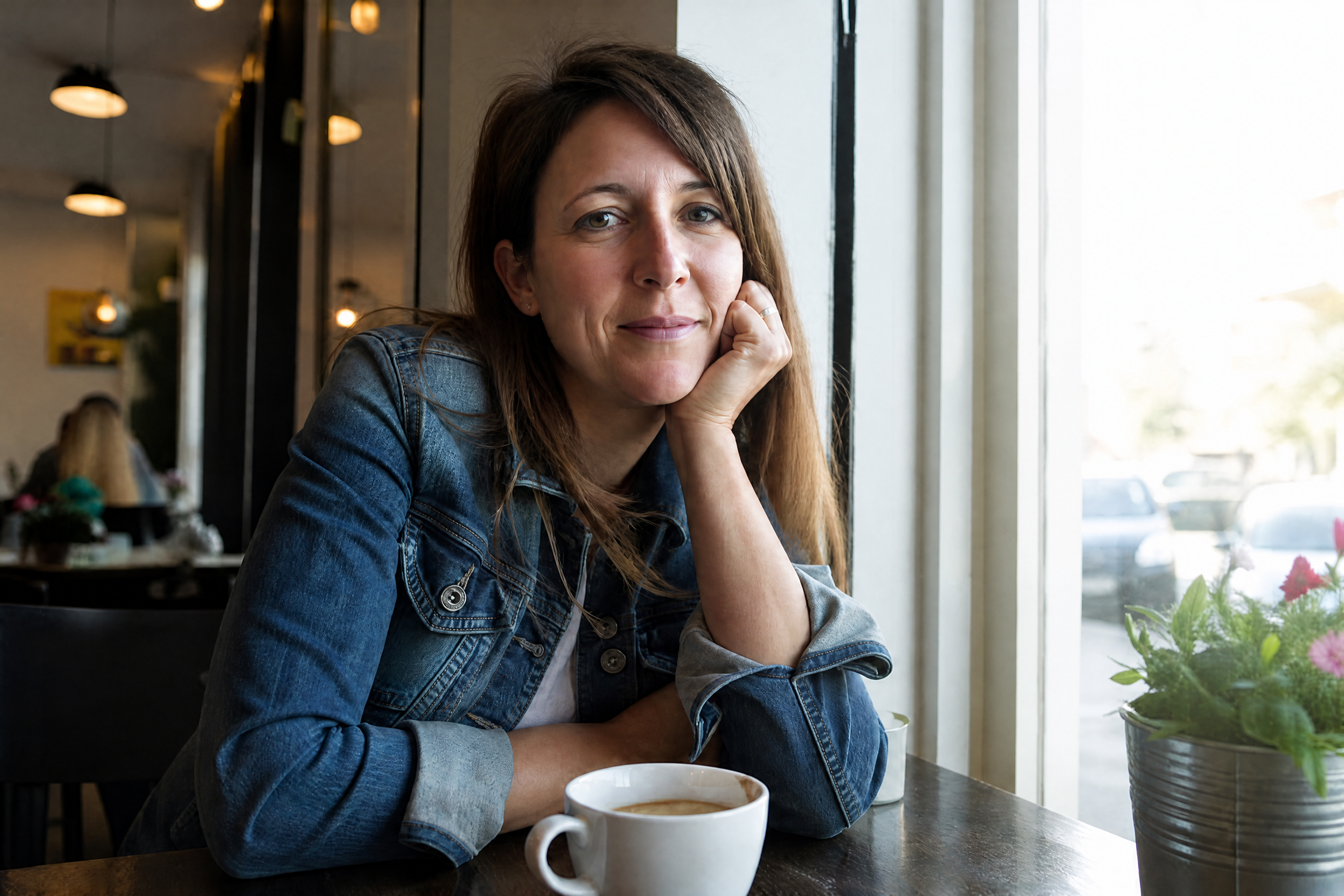
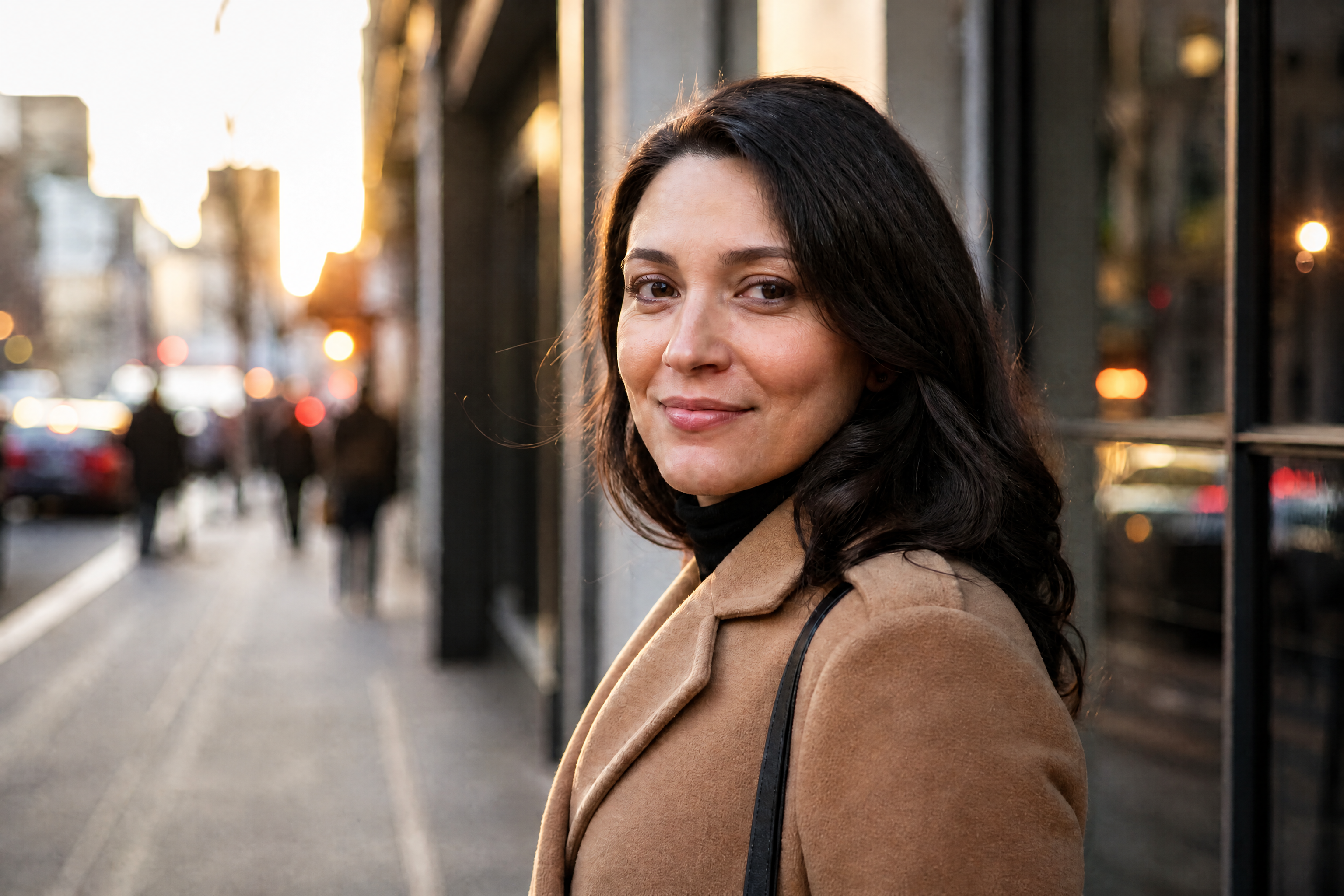
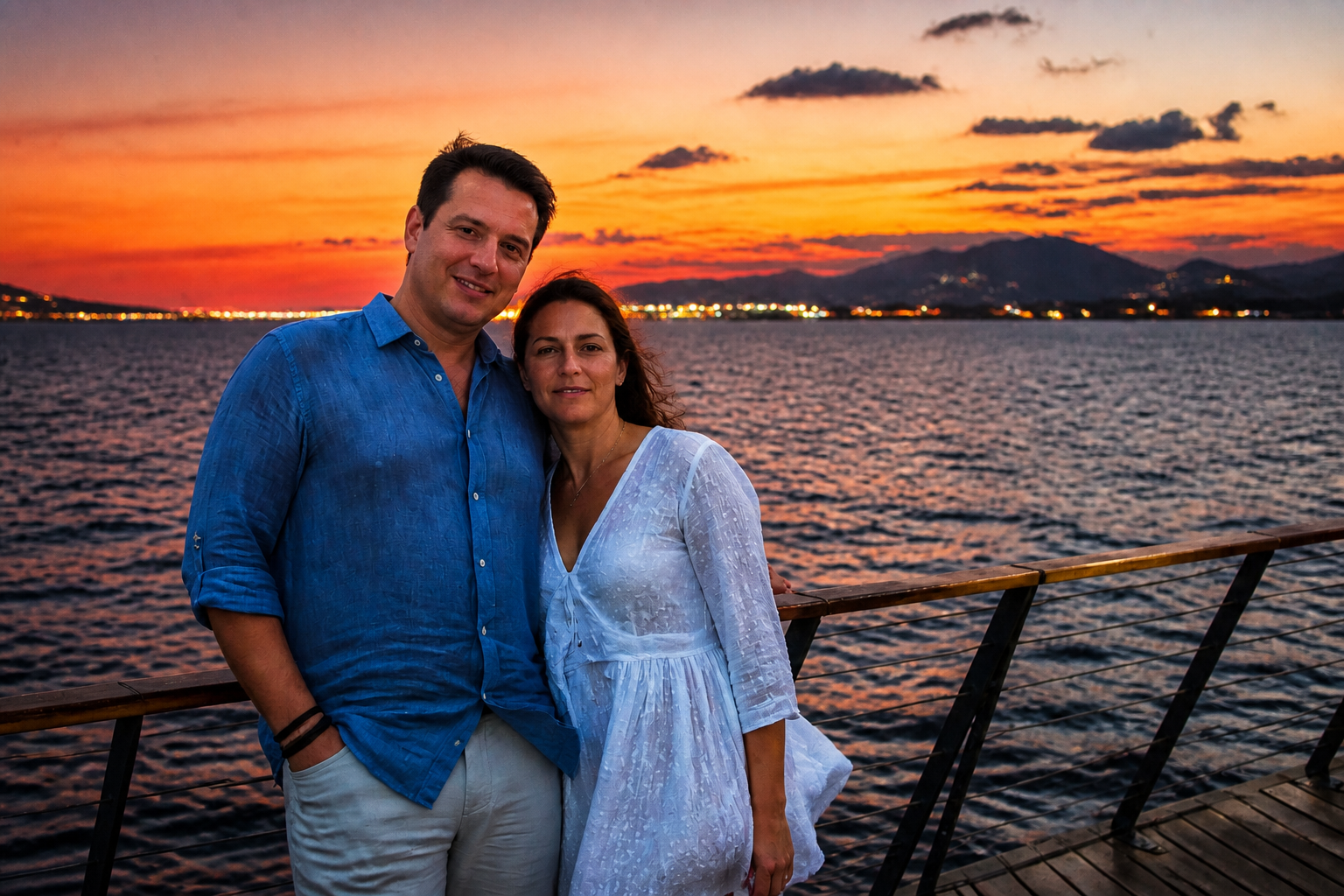
BEFOREAFTER BEFORE
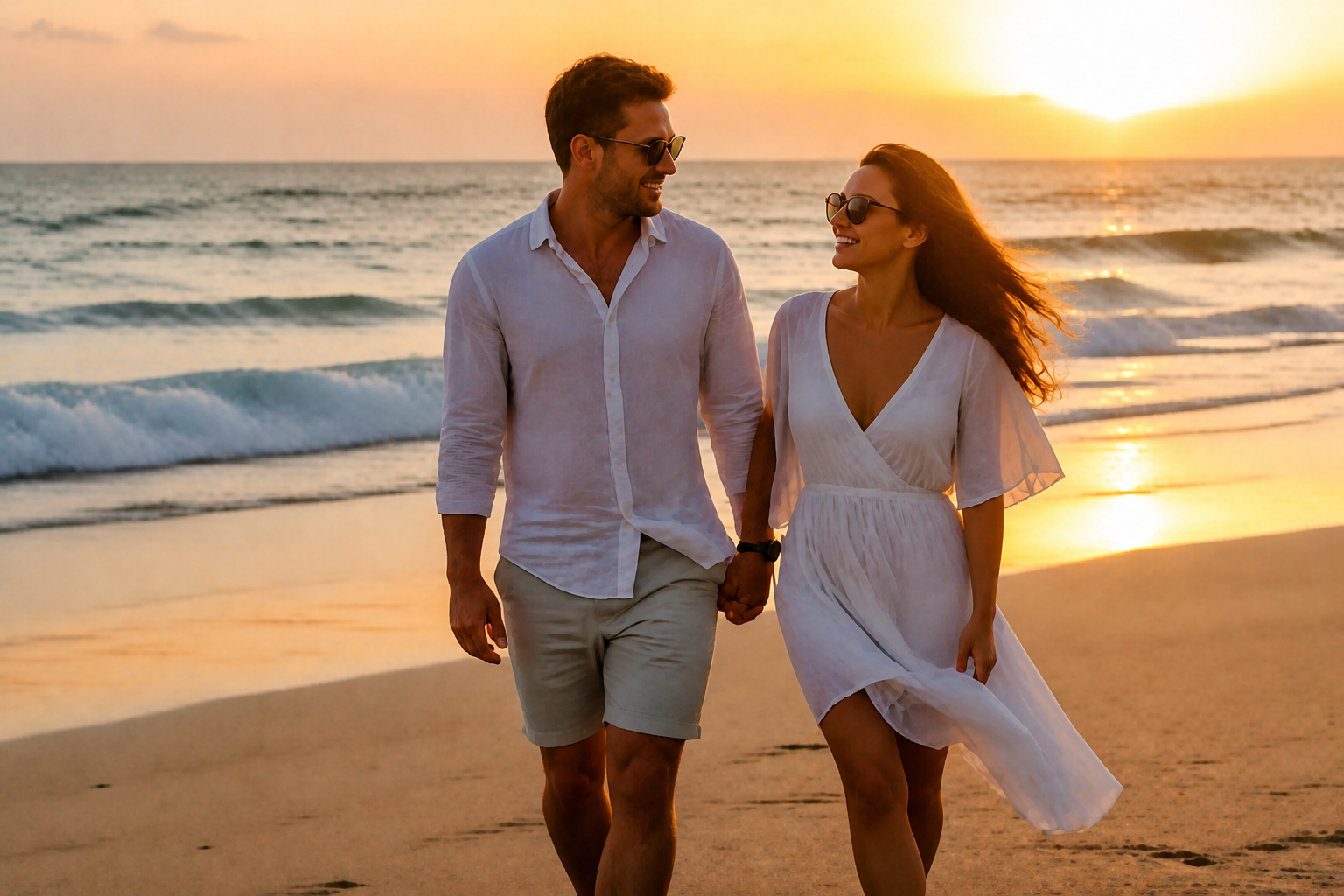 AFTER
AFTER BEFORE
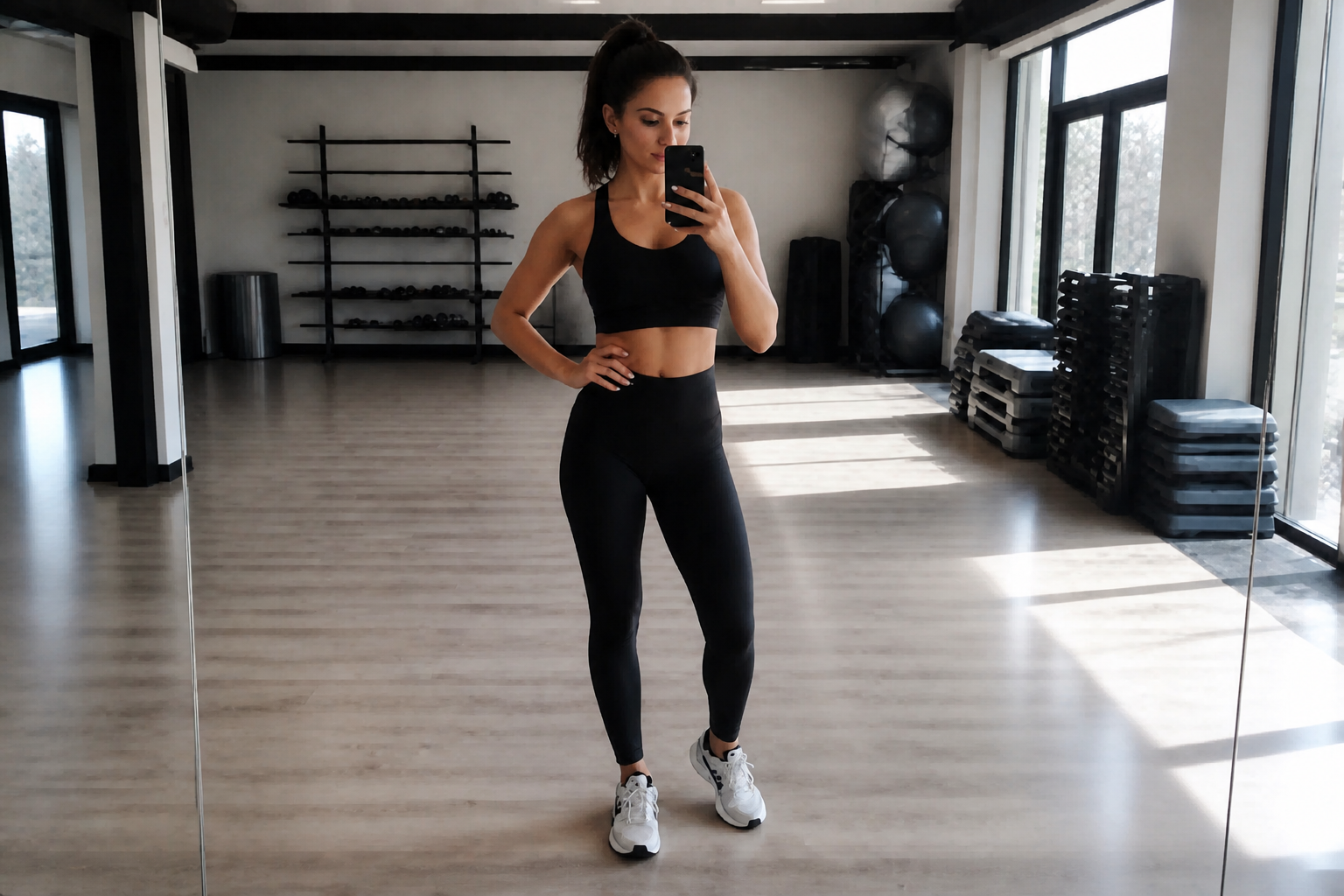 AFTER
AFTER BEFORE
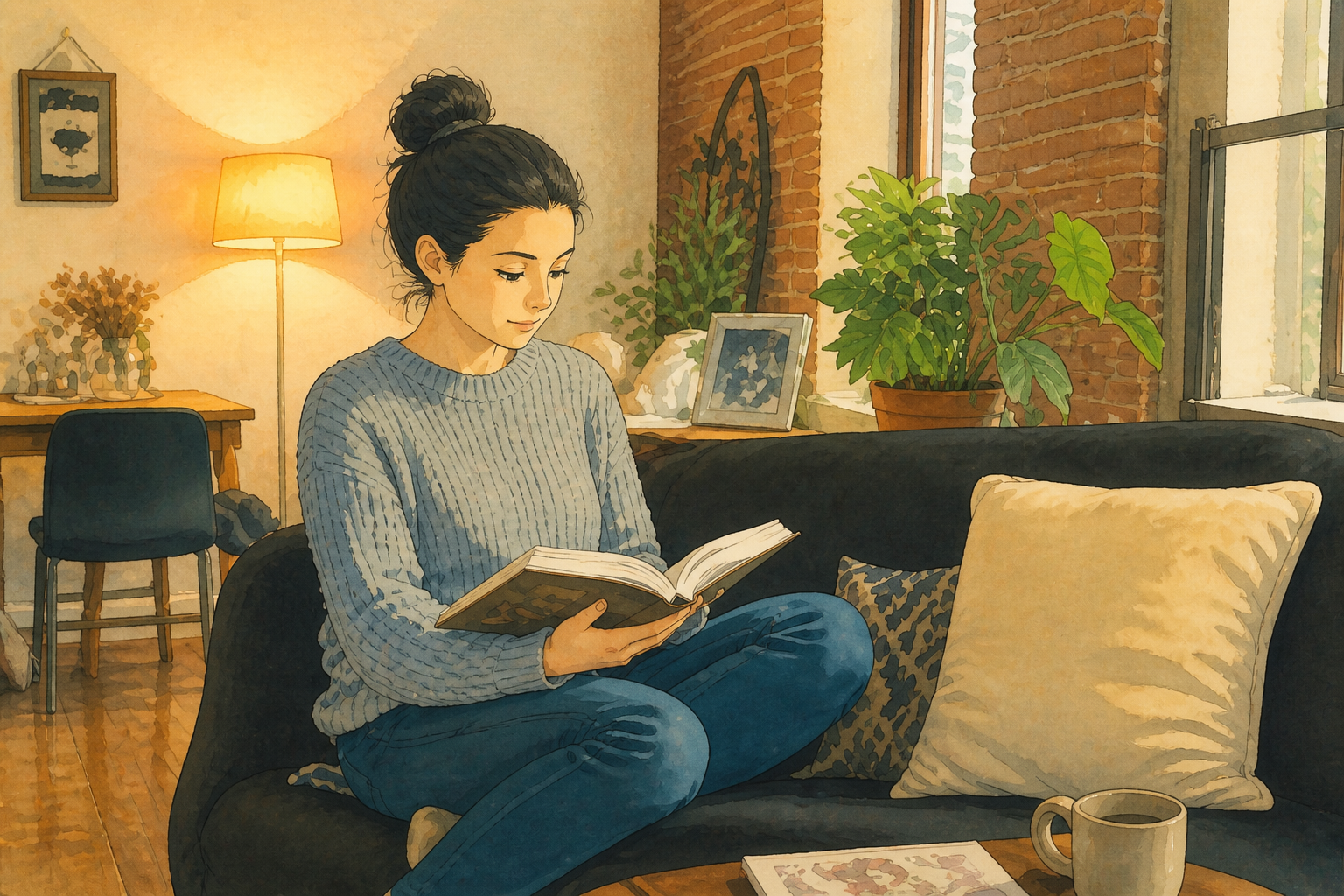 AFTER
AFTER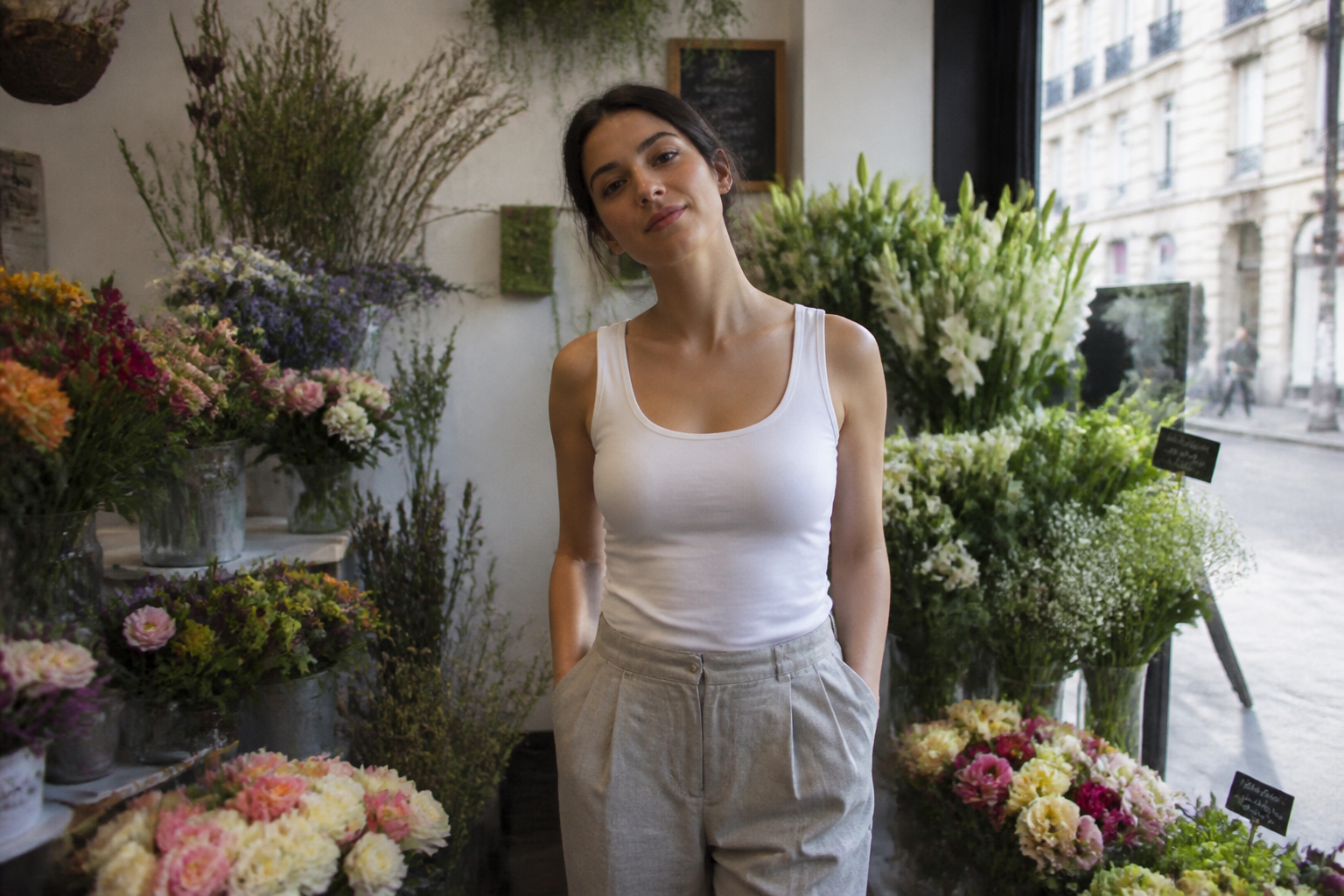 BEFORE
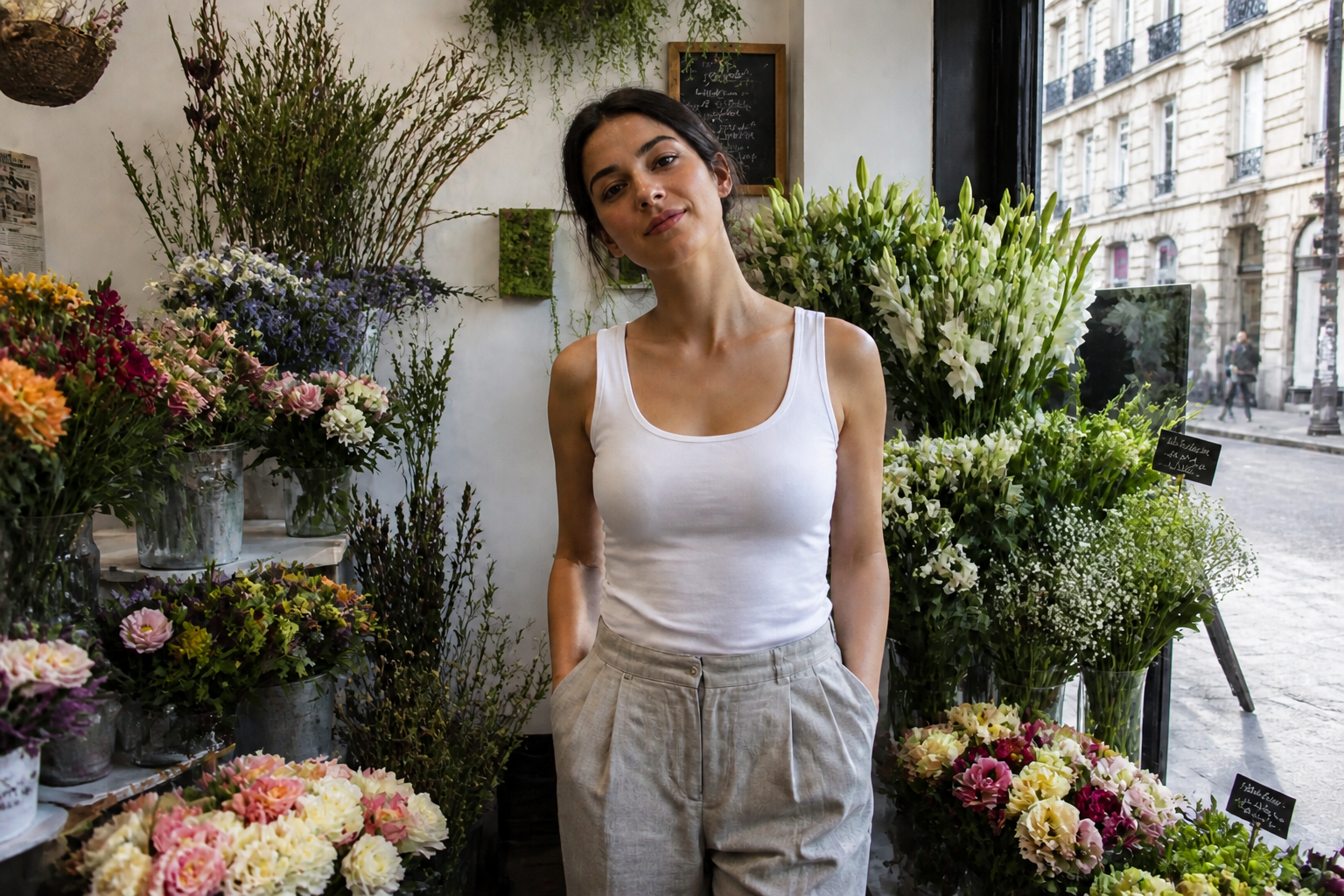 AFTERBEFOREAFTERBEFOREAFTERBEFOREAFTERBEFOREAFTERBEFOREAFTER
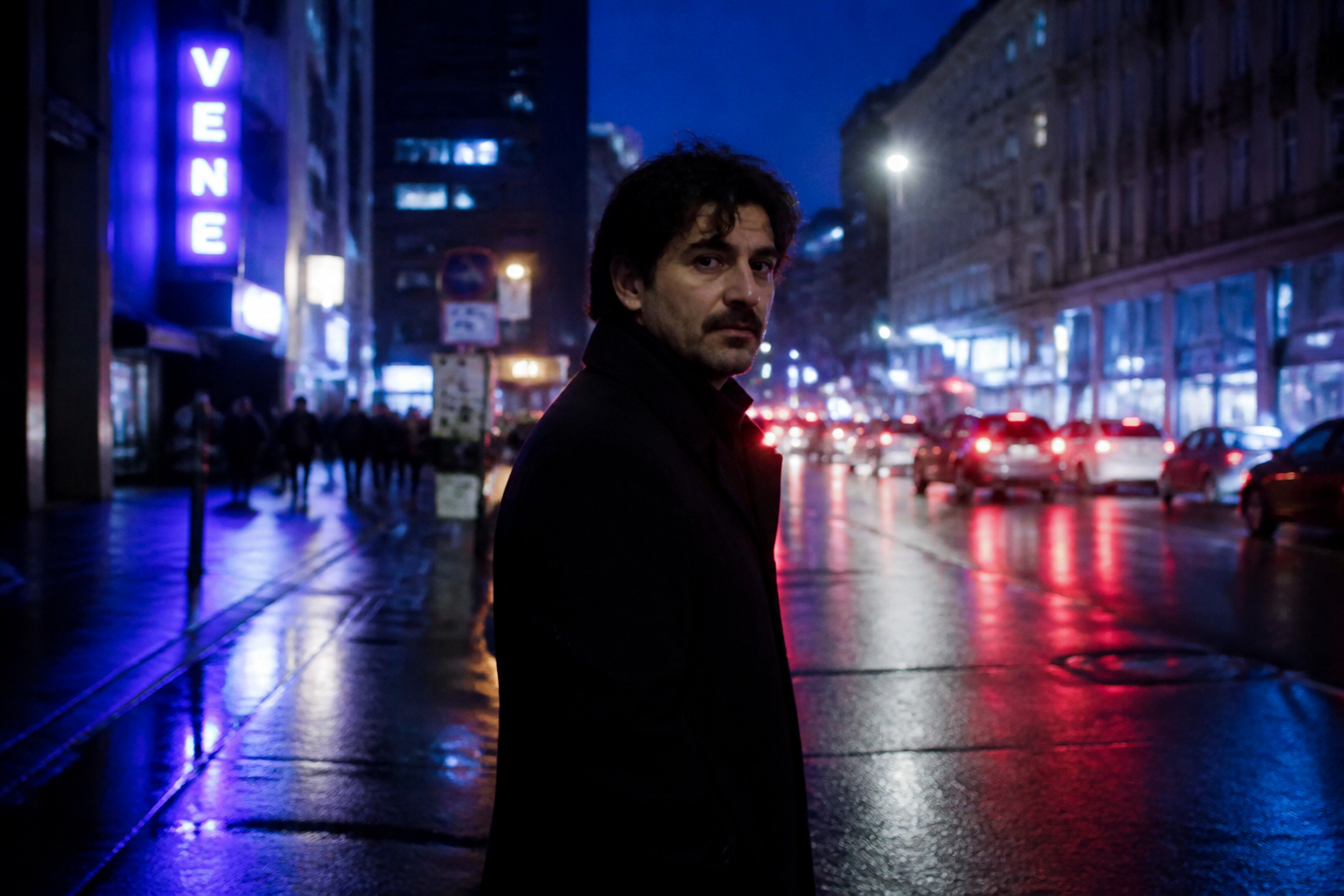 BEFORE
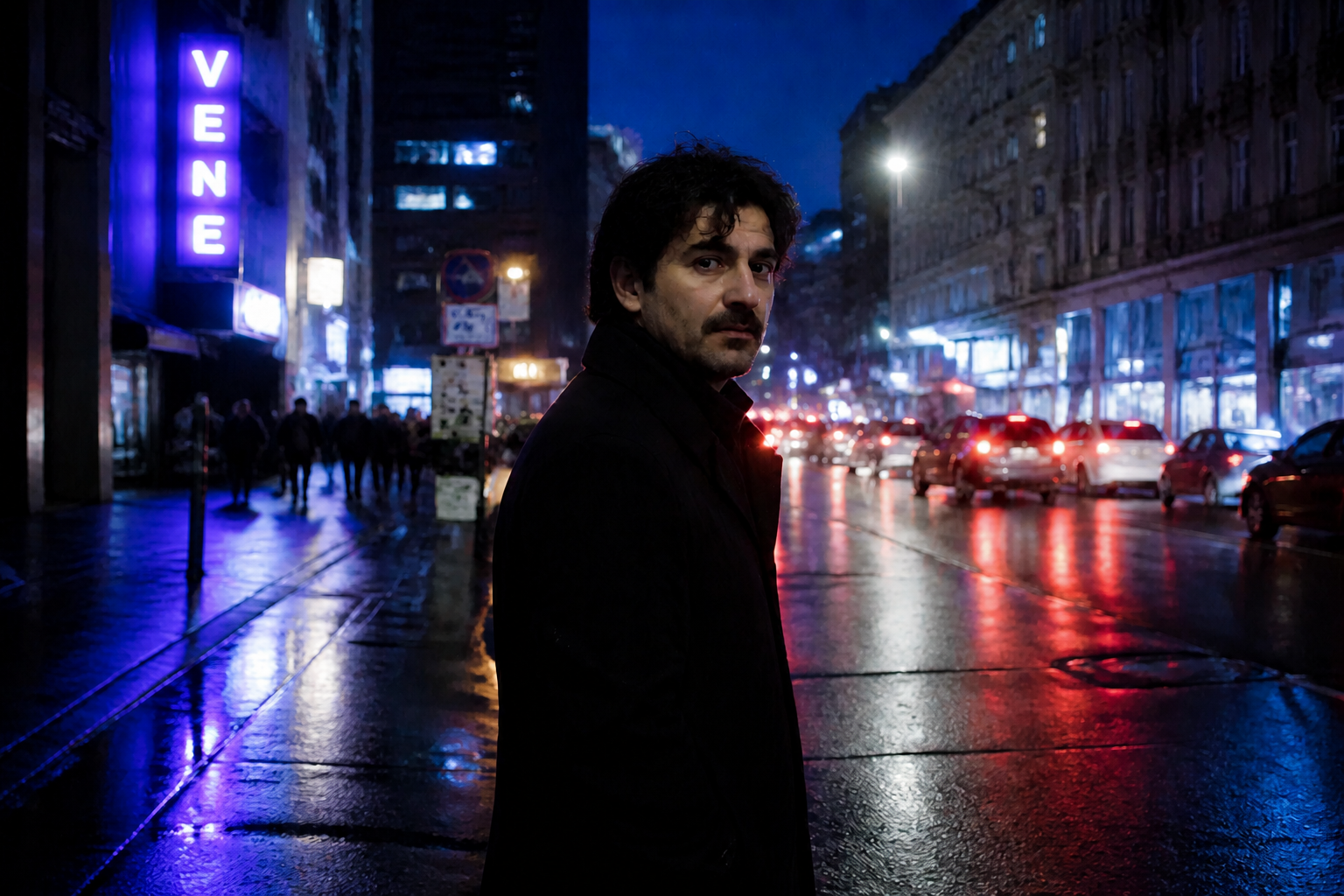 AFTER
AFTER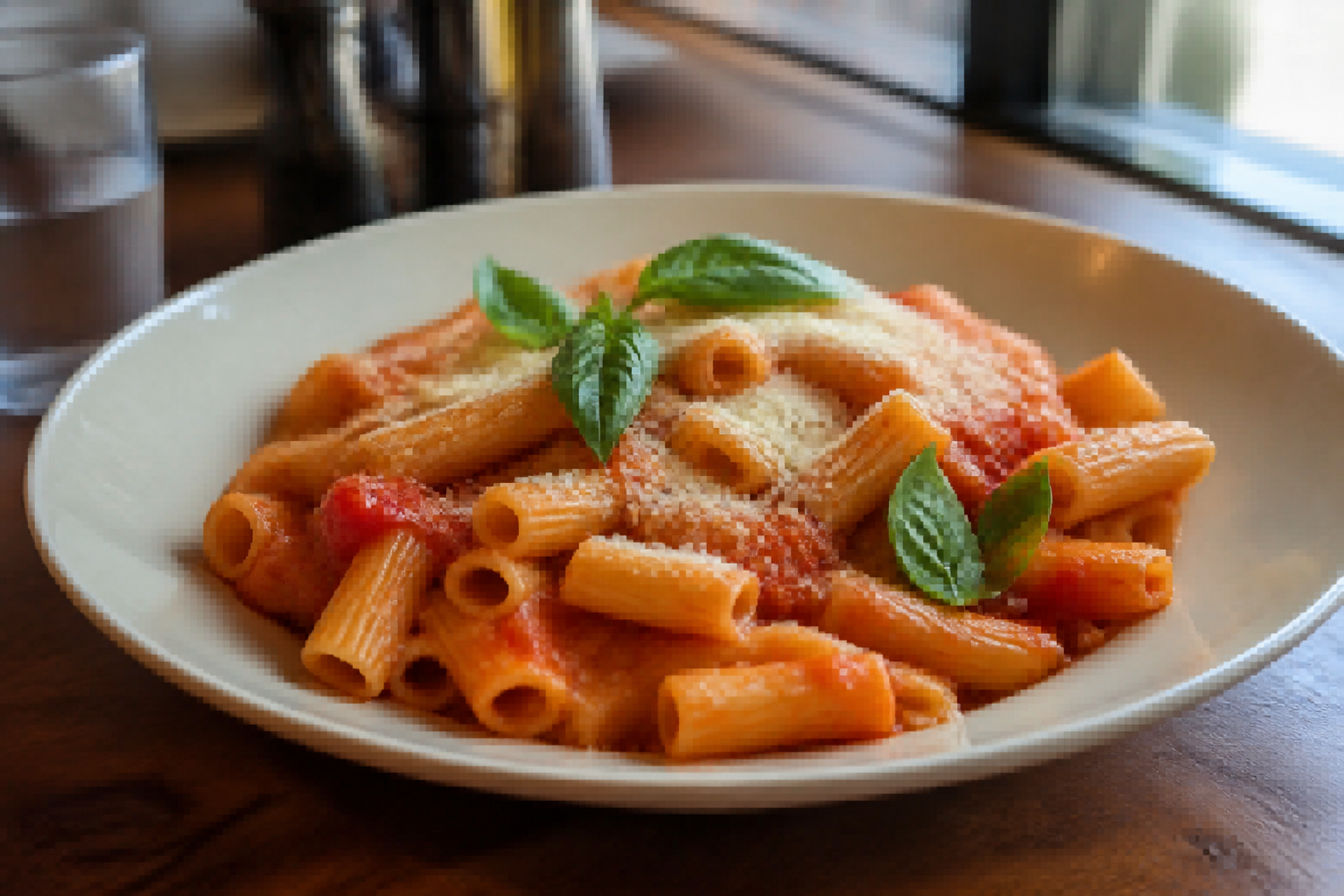 BEFORE
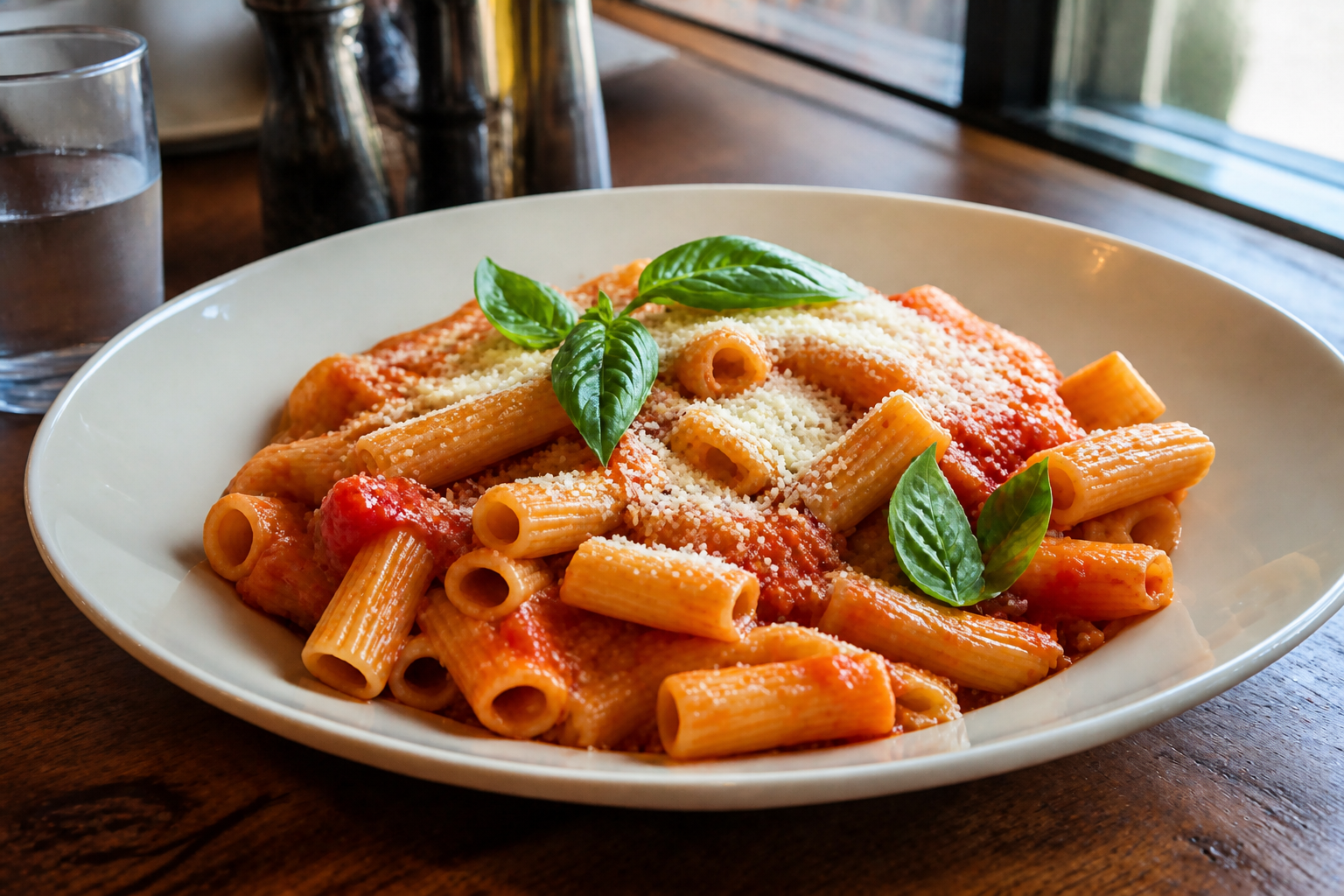 AFTER
AFTER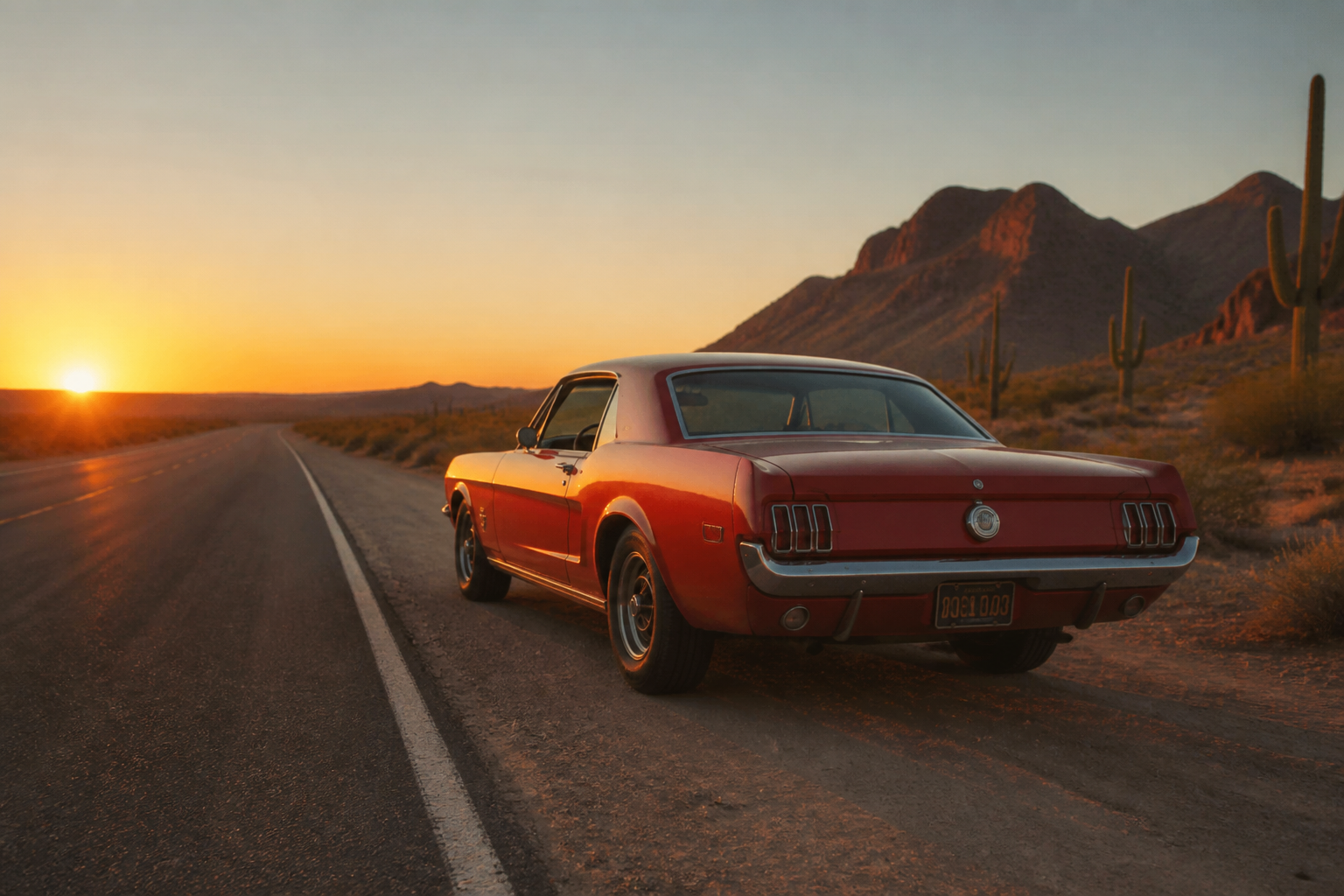 BEFORE
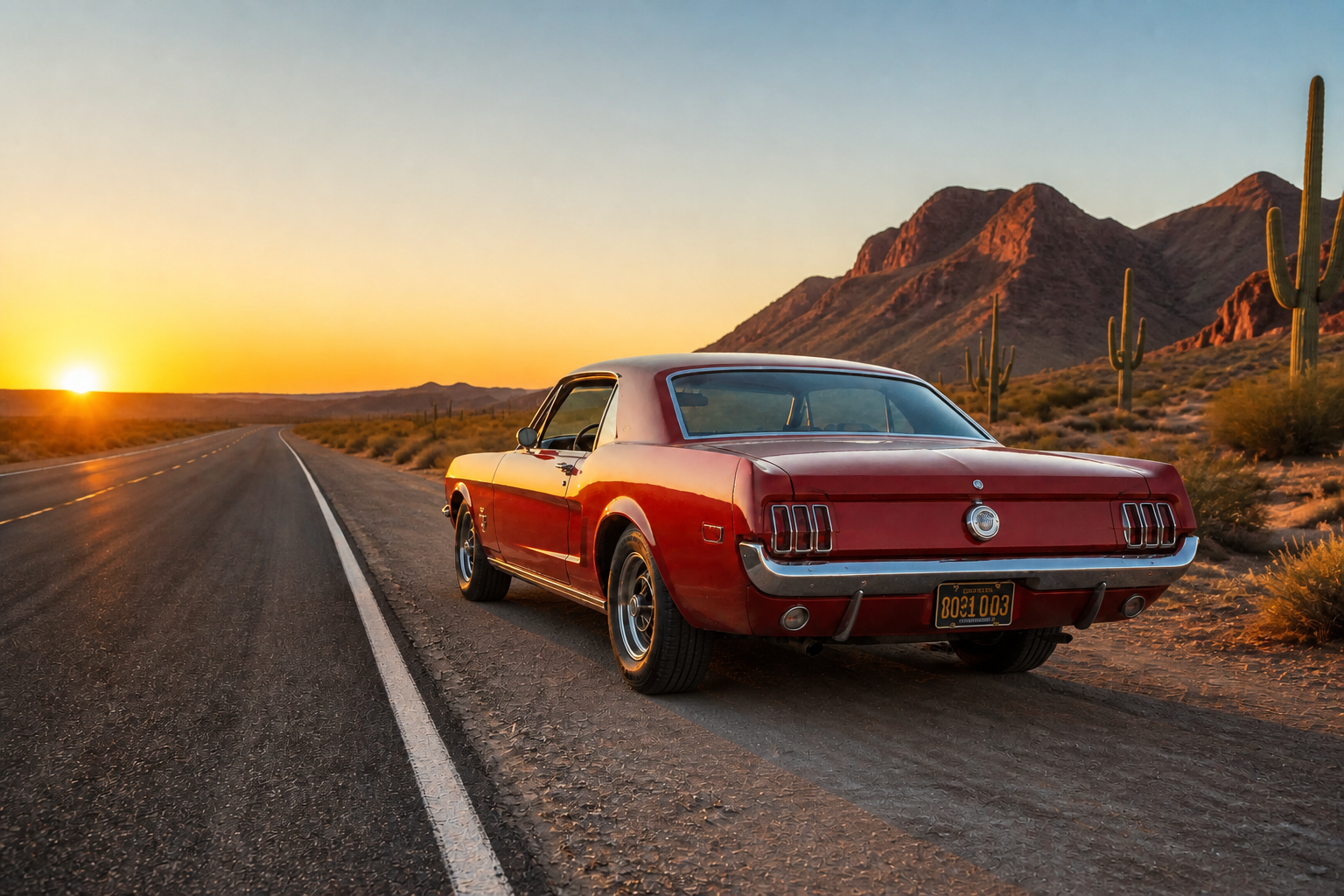 AFTER
AFTER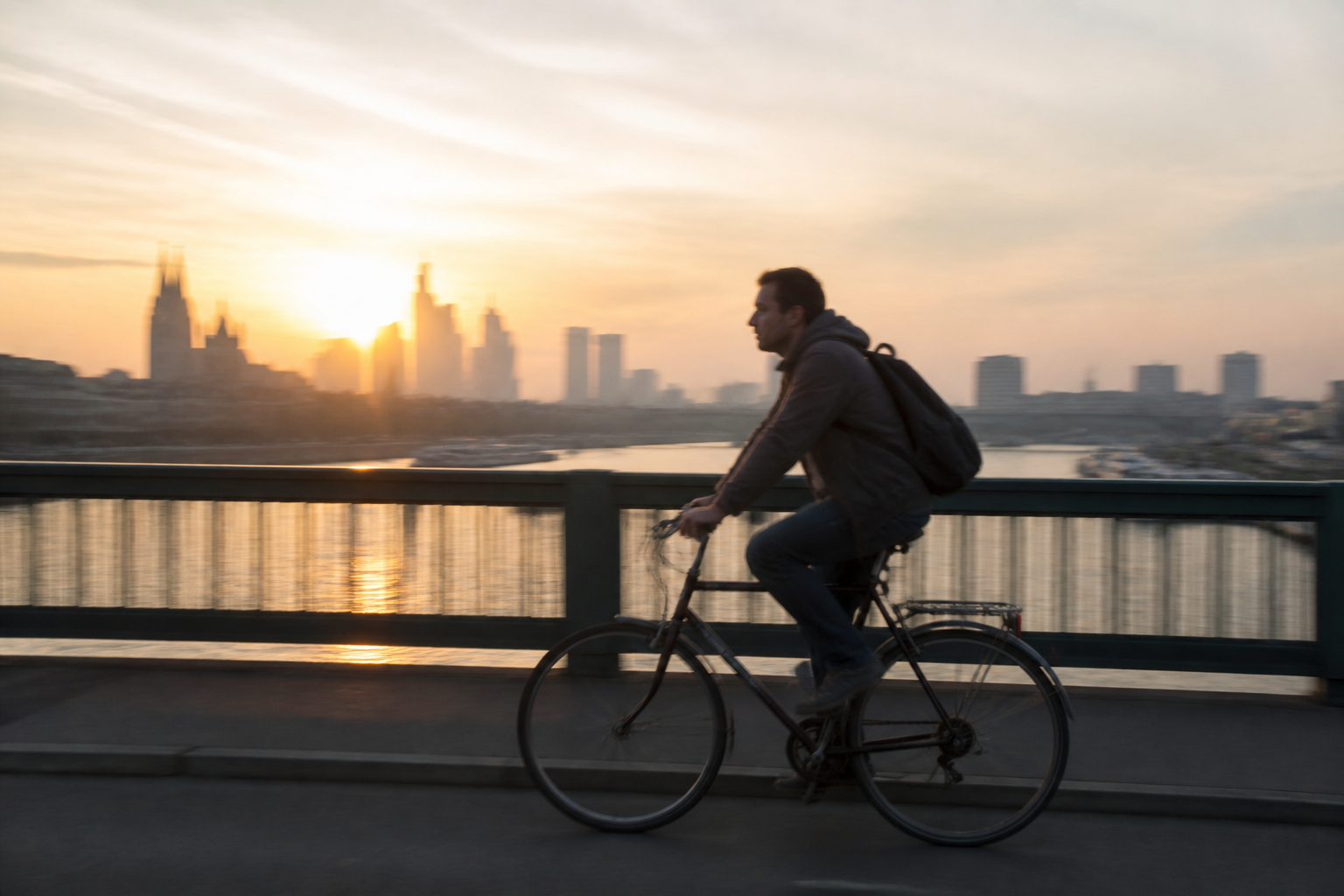 BEFORE
 AFTER
AFTER BEFORE
 AFTERBEFOREAFTERBEFOREAFTERBEFOREAFTERBEFOREAFTERBEFOREAFTER
Key Features
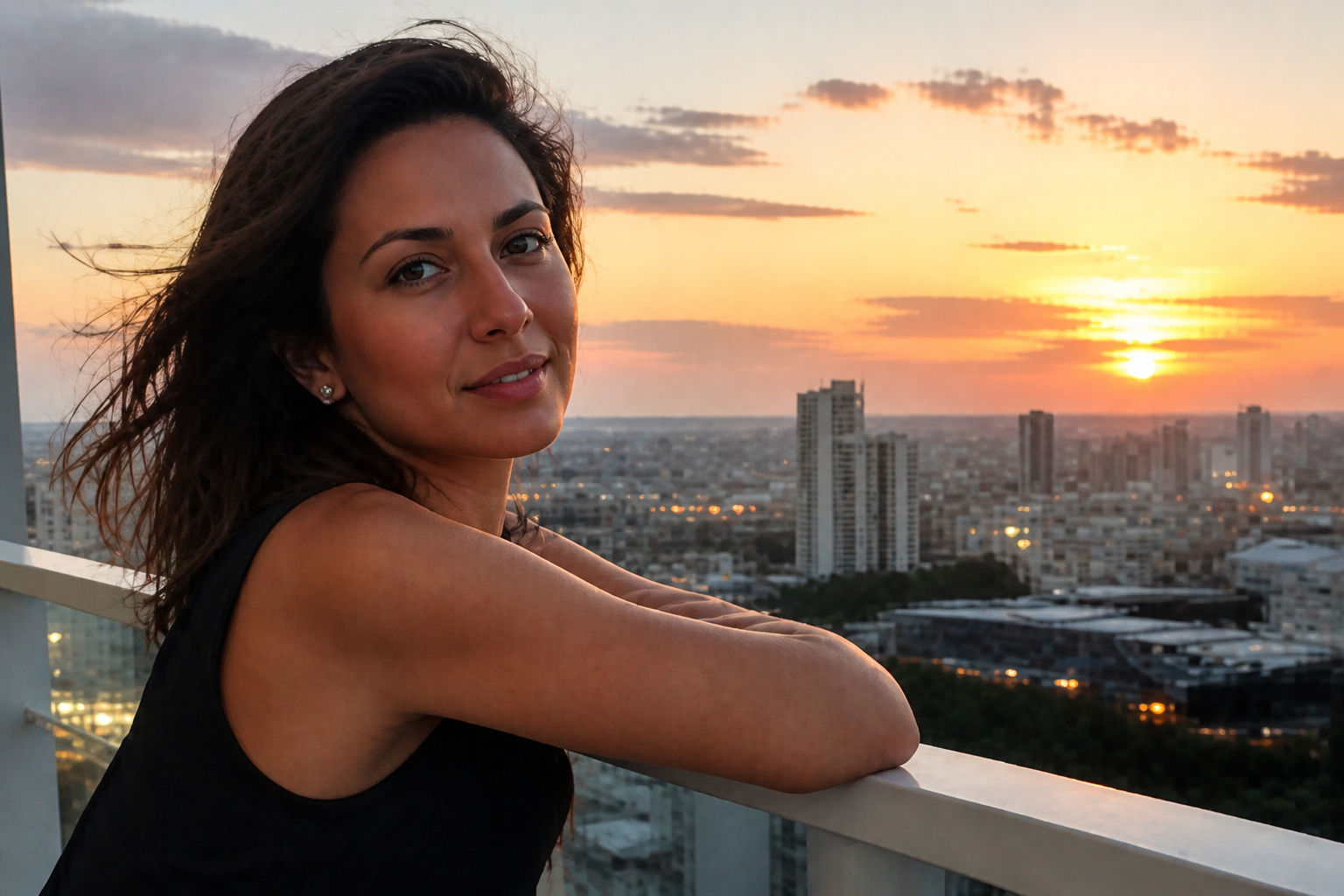
Fix Blur and Pixelation
Low-resolution images often break apart around faces, edges, and textured surfaces. This tool rebuilds those weak areas into cleaner high-resolution detail so the image looks usable again. It is faster than manually sharpening, denoising, and resizing in separate apps. You get a clearer result without changing the original scene.
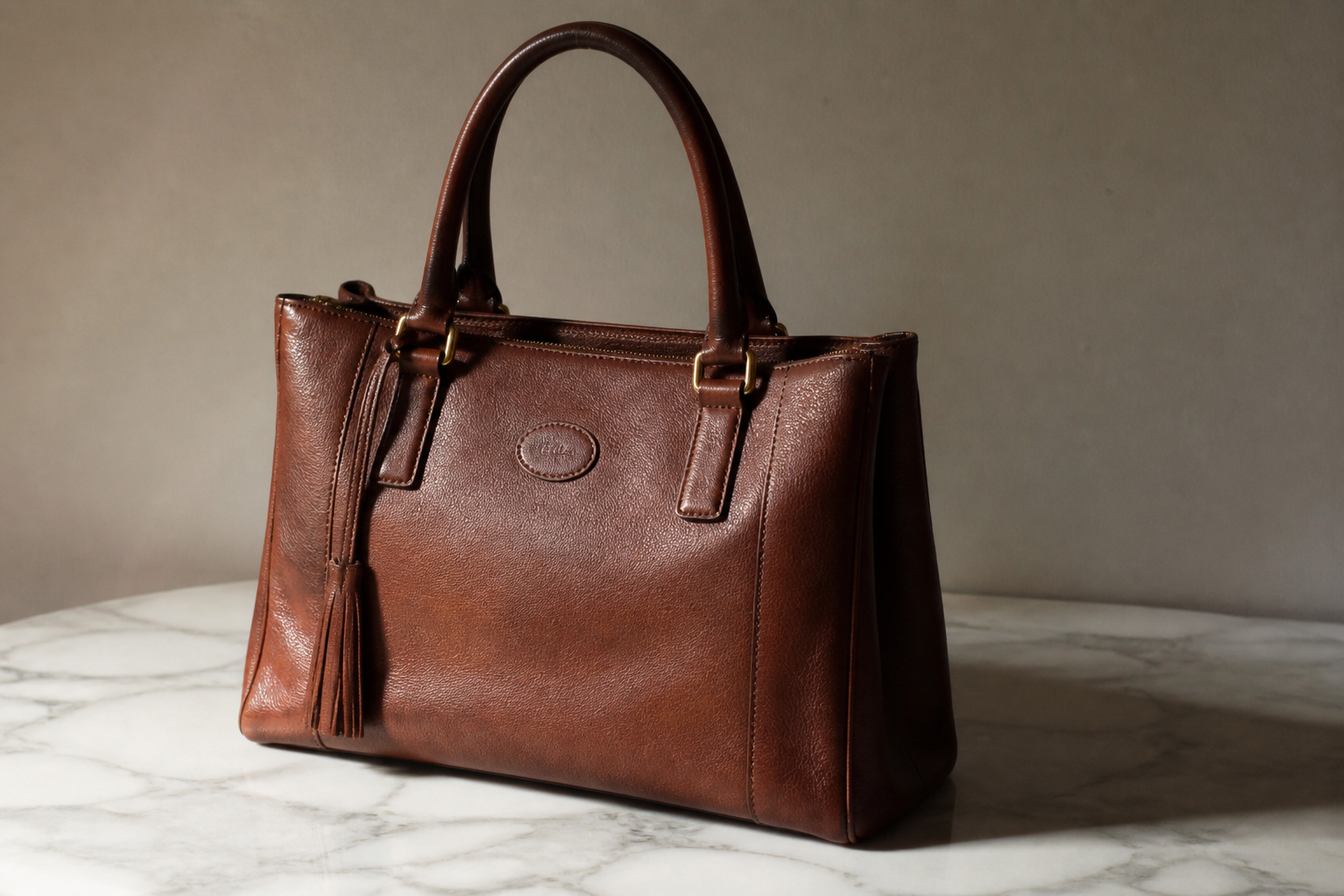
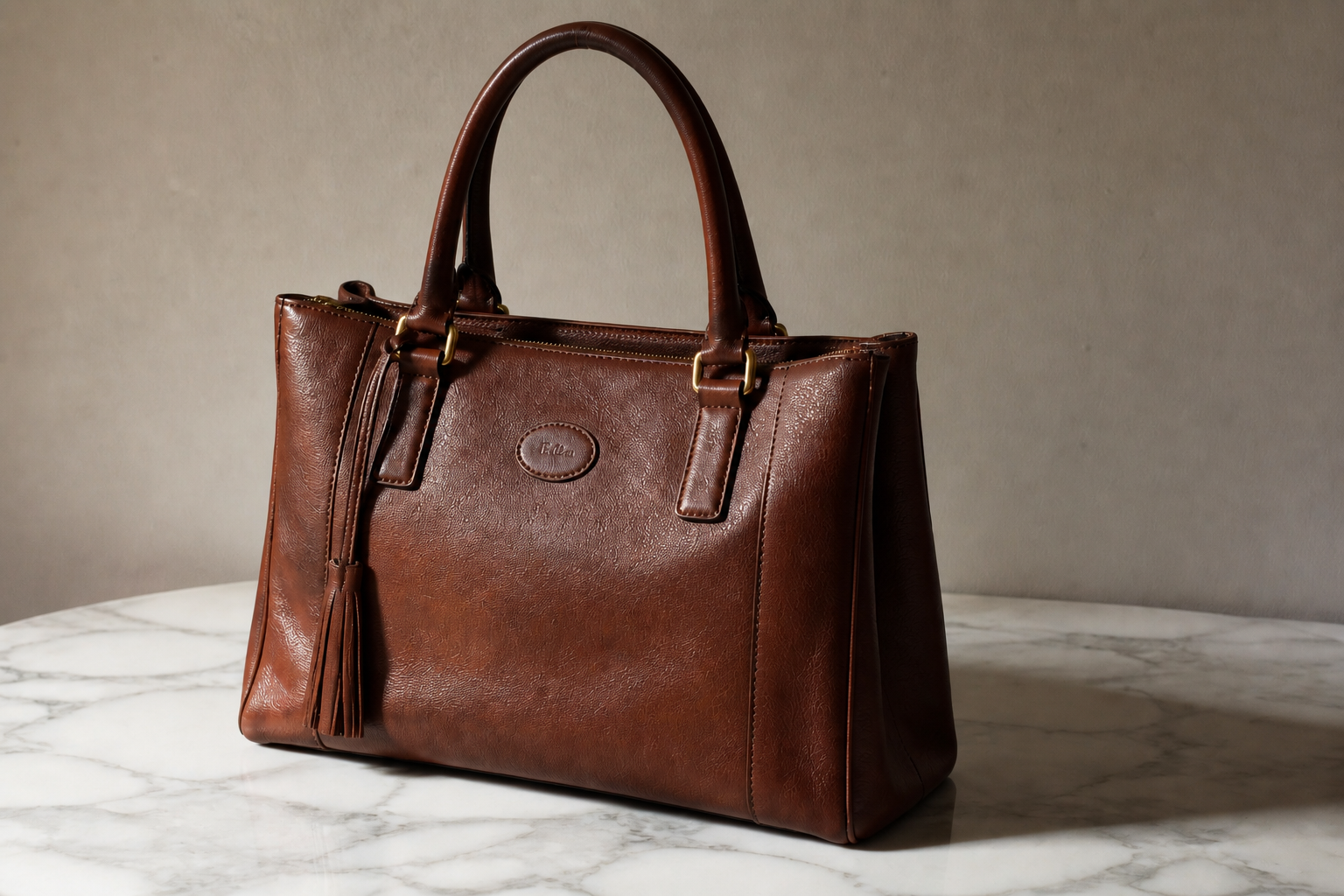
Keep the Same Composition
When you enhance an image, you usually want better quality, not a different photo. Our AI preserves the framing, subject position, and overall scene while improving resolution. That makes it practical for product shots, travel photos, and old social posts. You can upscale without rebuilding the image from scratch.
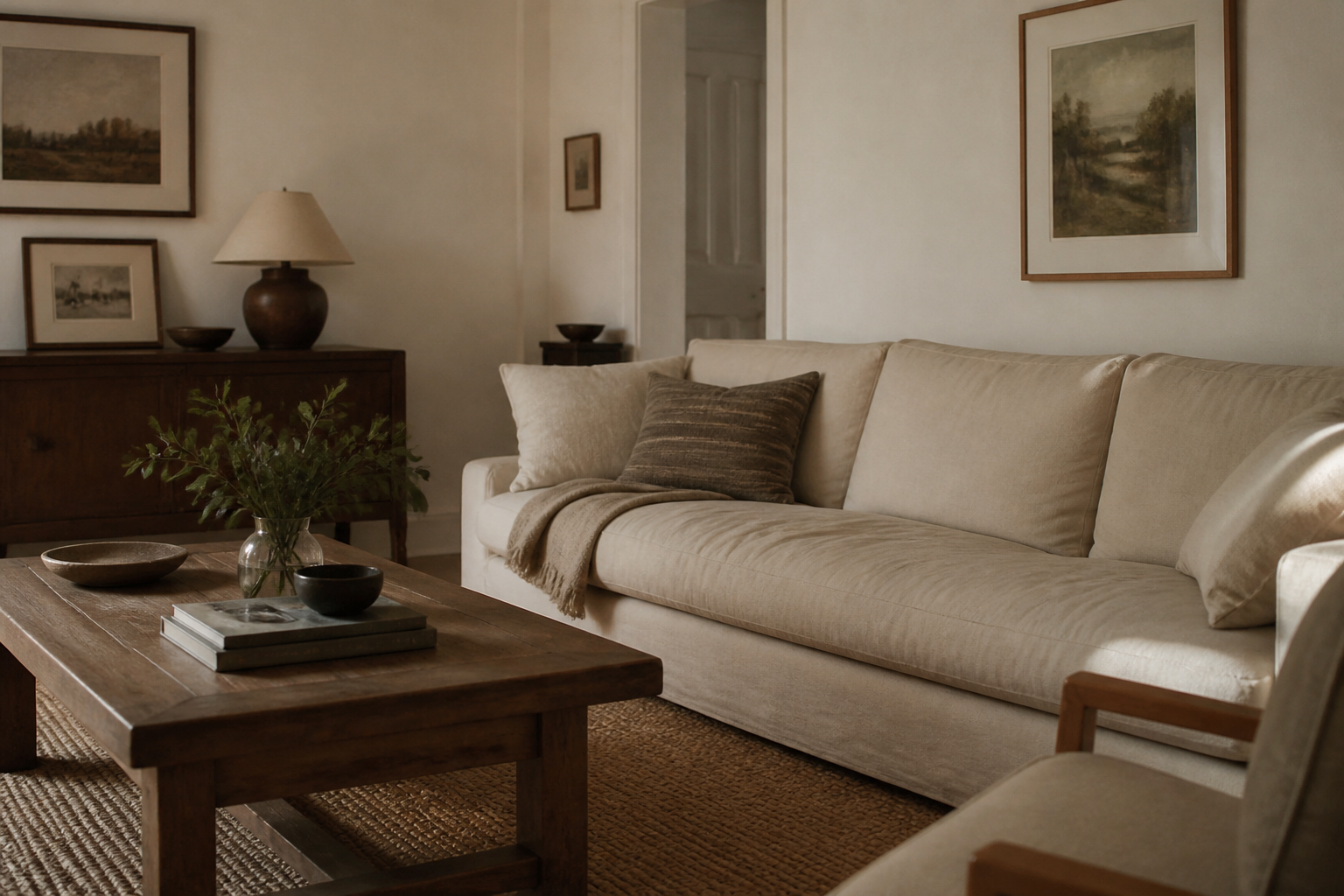
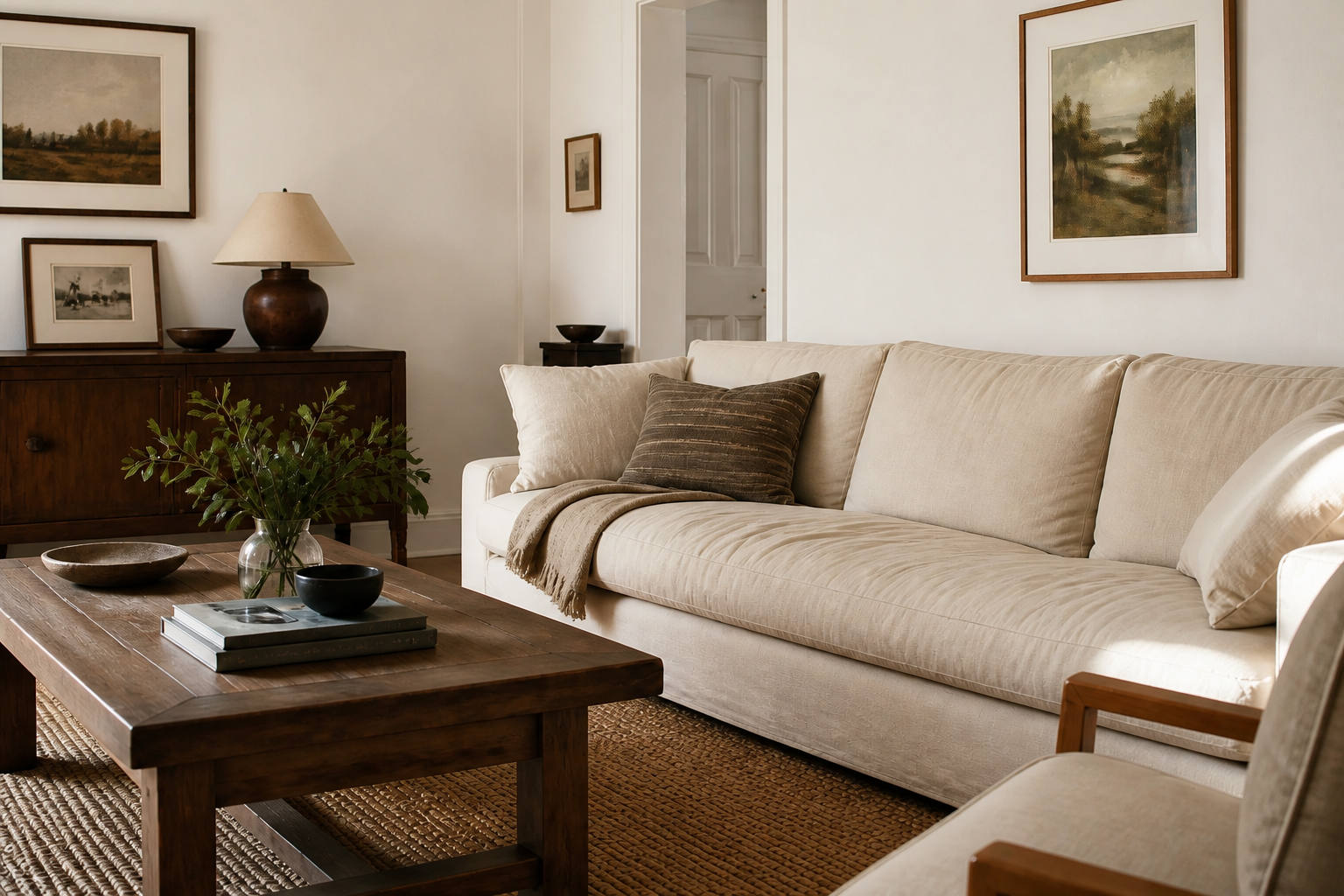
Restore Fine Texture
Flat low-res images lose the small details that make a photo feel real. This feature brings back texture in hair, fabric, surfaces, and backgrounds so the result feels more polished. It is especially useful for portraits, interiors, and food photography. Manual sharpening often adds harsh halos, while the AI aims for cleaner detail recovery.
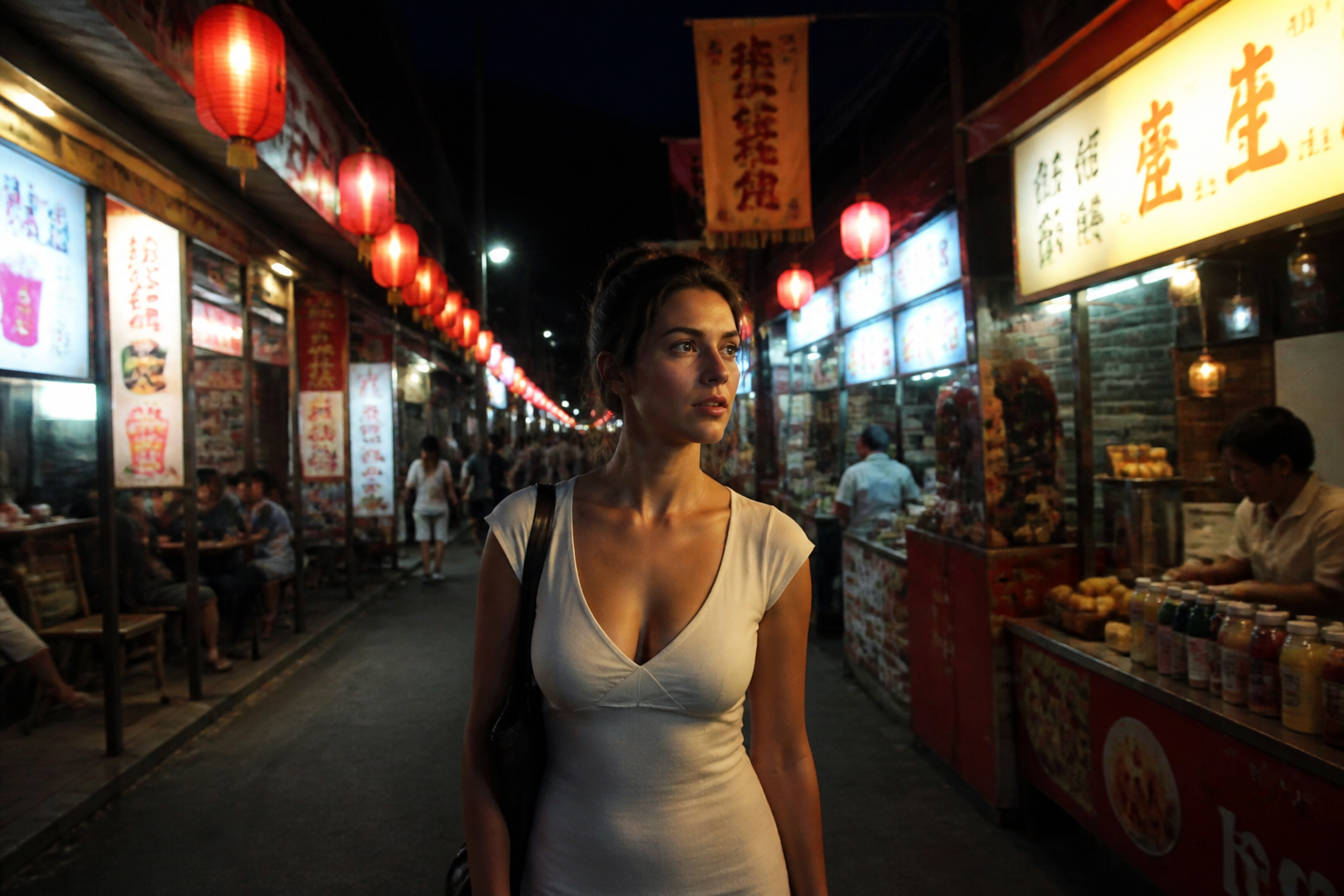
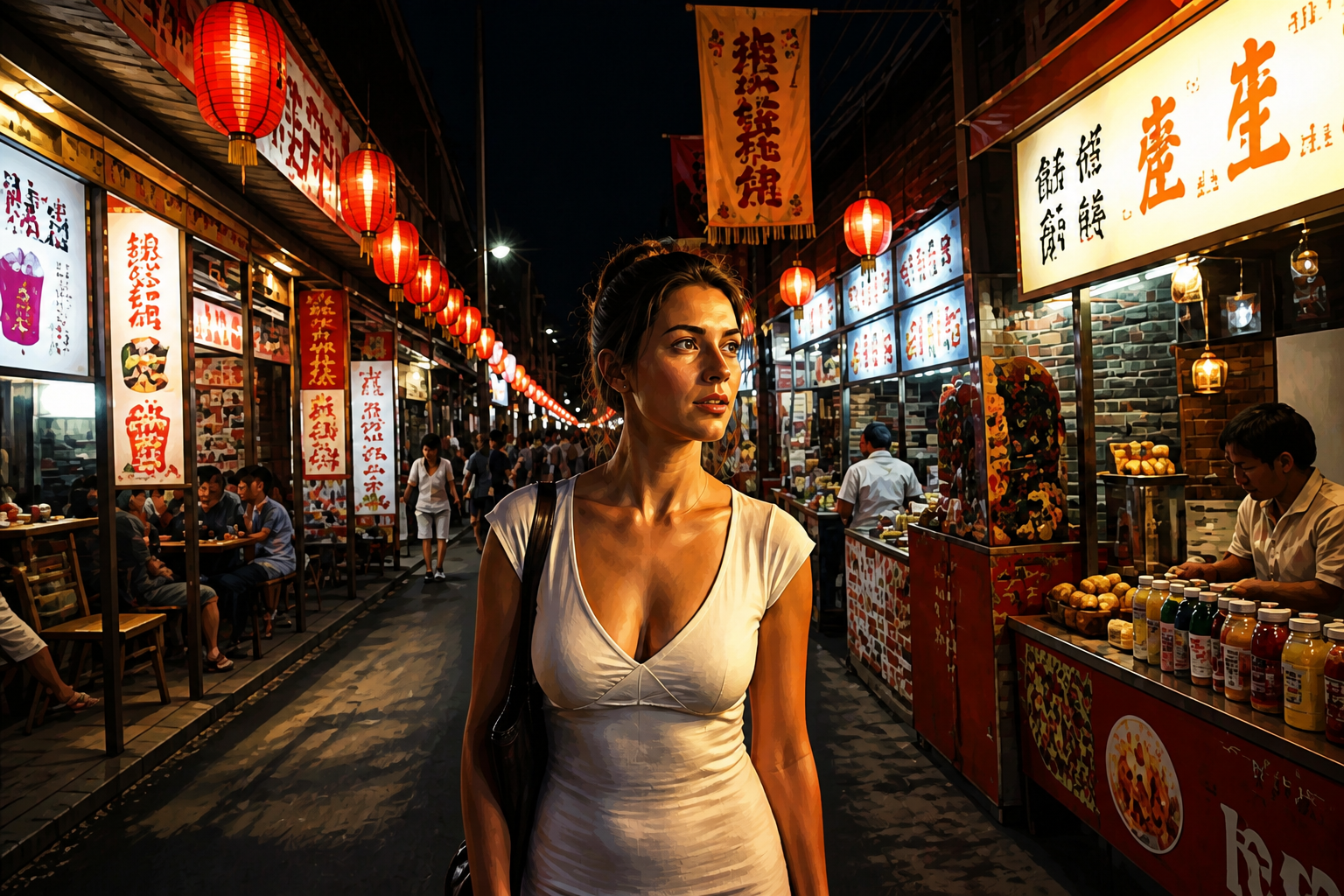
Works Across Visual Styles
Resolution problems are not limited to standard photos. You can improve clarity on stylized art, illustrated scenes, and graphic images too. That helps when you have older exports, compressed downloads, or low-quality renders. One workflow can handle both realistic and creative visuals.
How It Works
Upload your image
Start with a blurry, compressed, or small image that needs better quality. Landscape photos, portraits, products, and stylized artwork all work well.
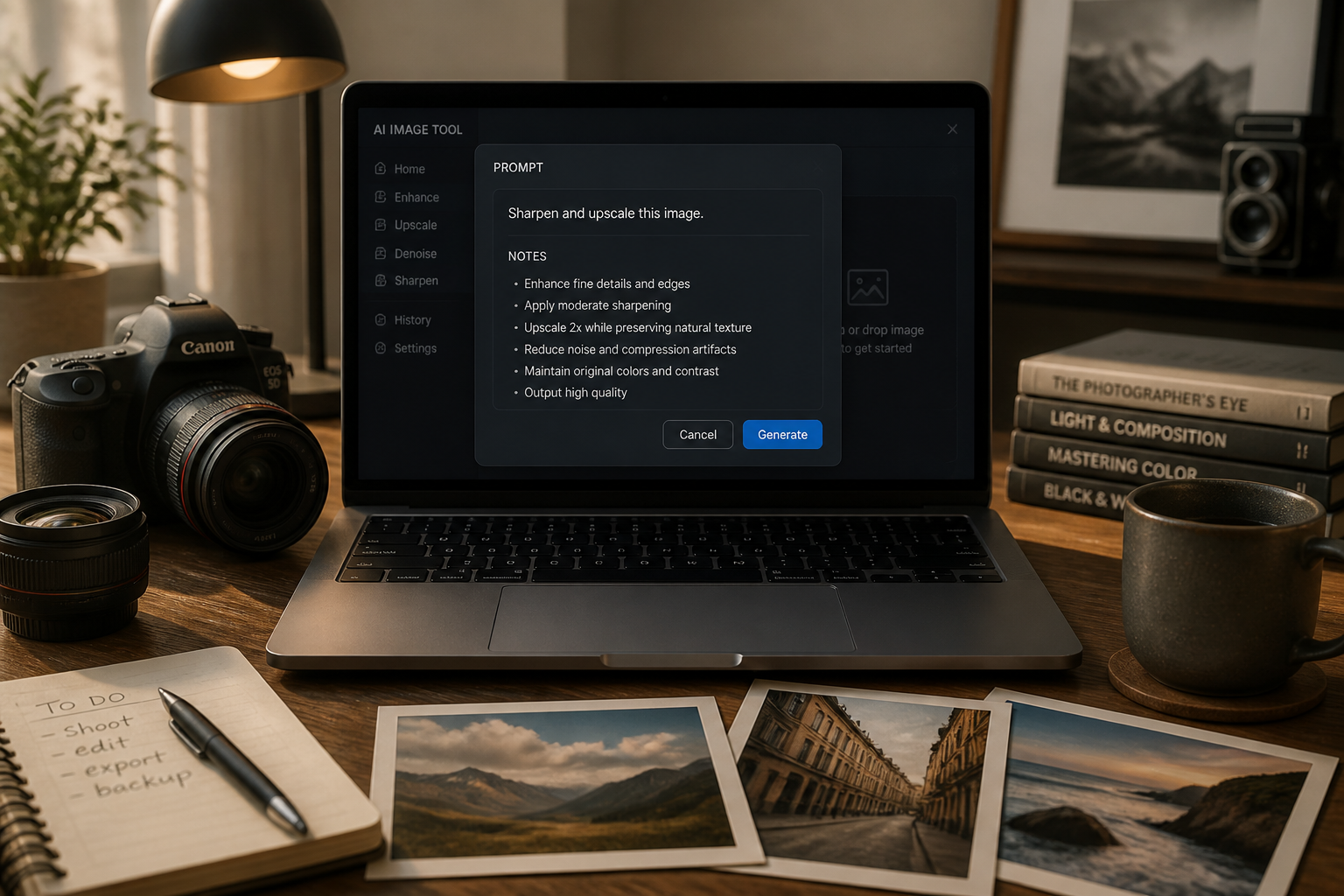
Describe the improvement
Tell the AI what you want, such as higher resolution, less blur, sharper edges, or cleaner textures. You can keep the request simple and focus on image quality.
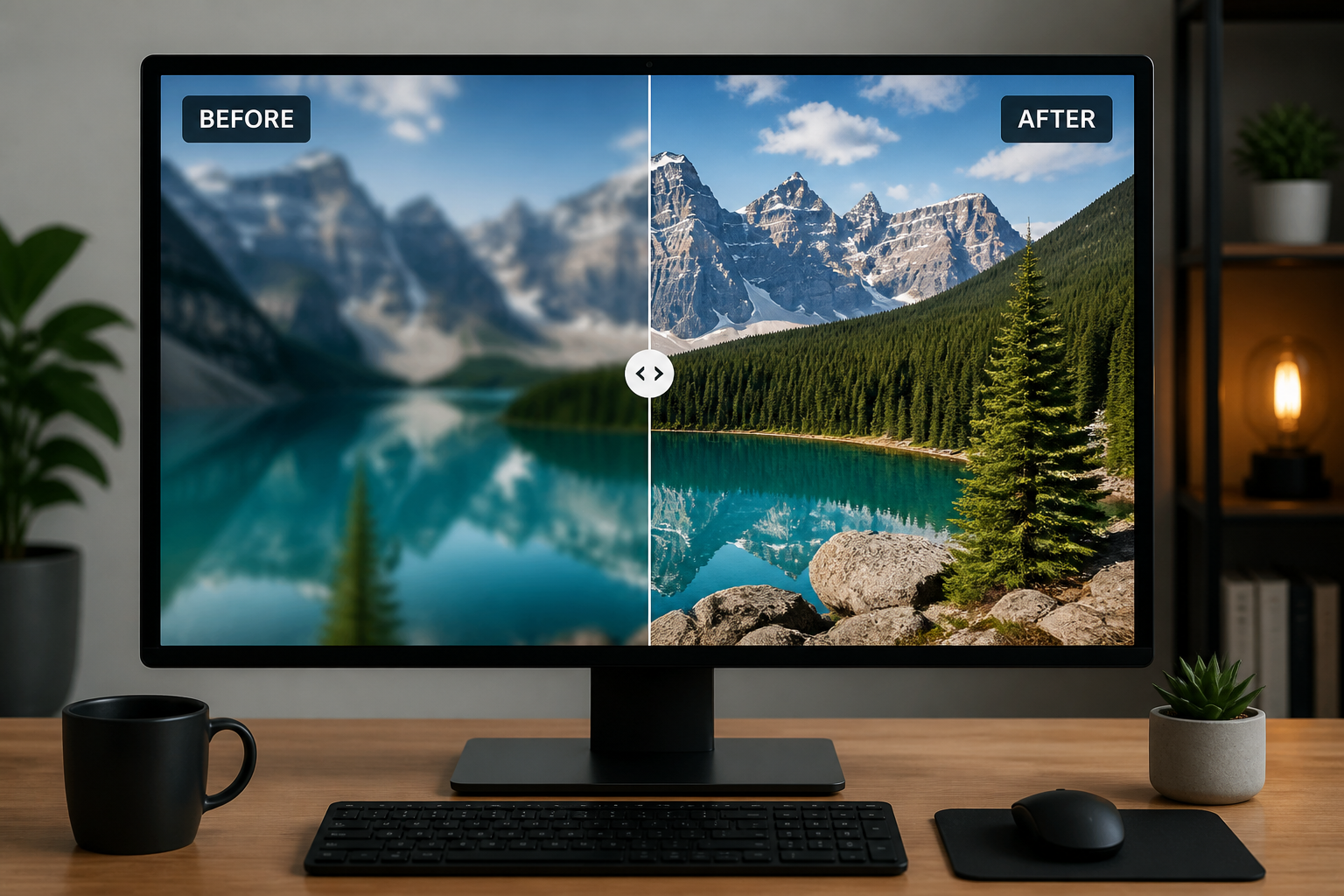
Download the enhanced result
Review the before and after, then save the sharper high-resolution version. Use it for social posts, listings, print drafts, or personal archives.
Perfect For
Discover how creators and professionals use ai resolution enhancer
Upgrade old photos
Improve clarity on older digital images that look soft, small, or compressed on modern screens.
Sharpen social media content
Clean up blurry portraits, mirror selfies, and travel shots before reposting or reusing them.
Improve product images
Make low-quality listing photos look cleaner and more detailed without changing the product itself.
Enhance stylized artwork
Increase clarity on illustrations, editorial graphics, and creative renders that were exported at low quality.
Built For
Online sellers
Refresh listing images so products look sharper and more trustworthy across marketplaces and storefronts.
Creators and marketers
Reuse older campaign assets and social content without the soft, compressed look of the original files.
Everyday users
Fix favorite personal photos that were saved in low quality or sent through apps that reduced resolution.
How it compares
A quick look at how we compare on the things that matter for this niche.
| Feature | BudgetPixel | Generic AI editors | Manual editing apps |
|---|---|---|---|
| Built for low-res image repair | ✓ | — | — |
| Keeps original composition | ✓ | — | ✓ |
| One-step quality enhancement | ✓ | — | — |
| Works on stylized images | ✓ | ✓ | ✓ |
| Fast to try | ✓ | ✓ | — |
Frequently Asked Questions
What does the AI Resolution Enhancer do?
Will it change my photo composition?
Can it fix blurry images?
Does it work on illustrations and stylized images too?
What kind of images work best?
Create together.
Share your creations, discover trending AI art, and grow with fellow creators.