AI Image Upscaler for blurry photos
Make soft, low-res images look clearer in seconds.
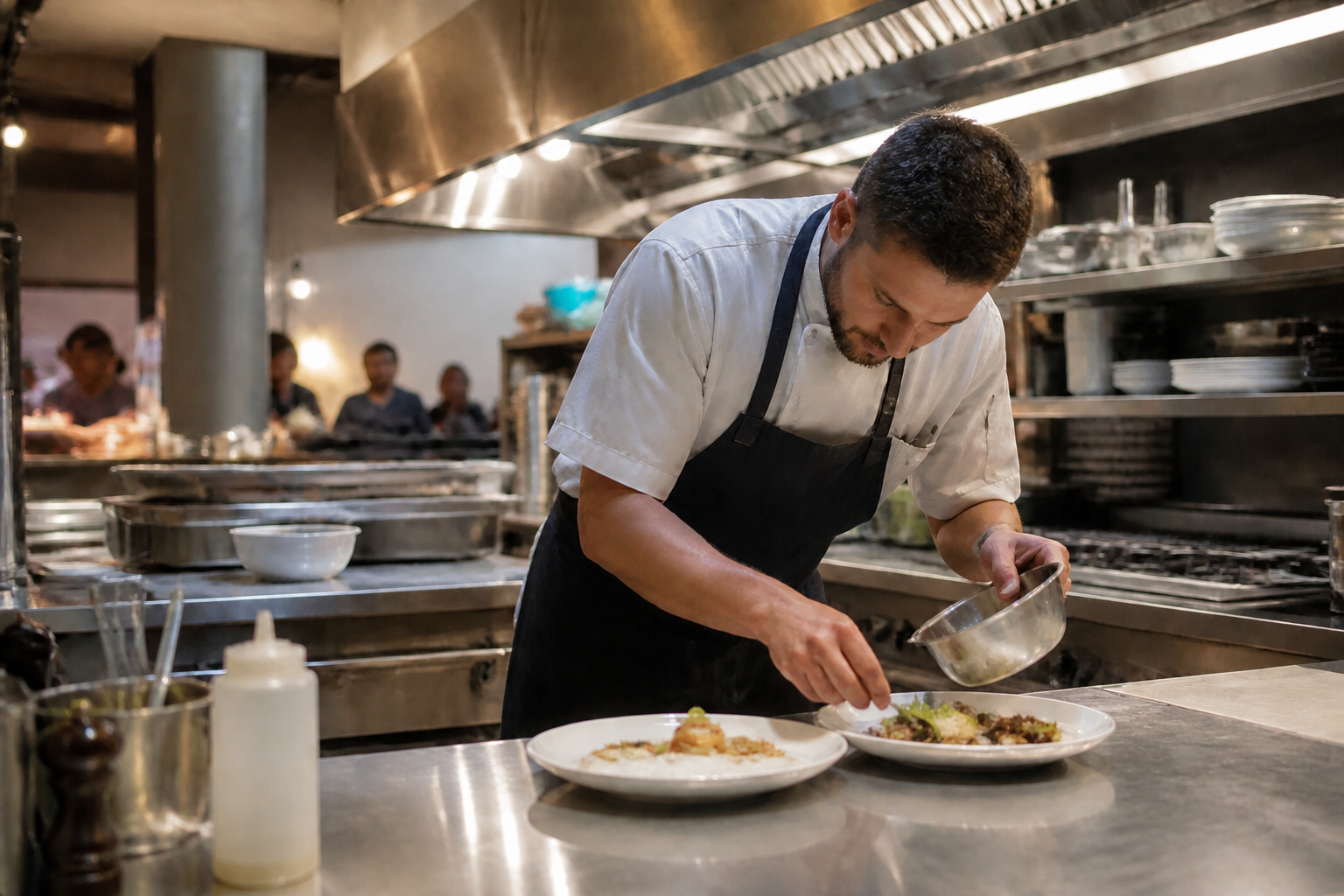
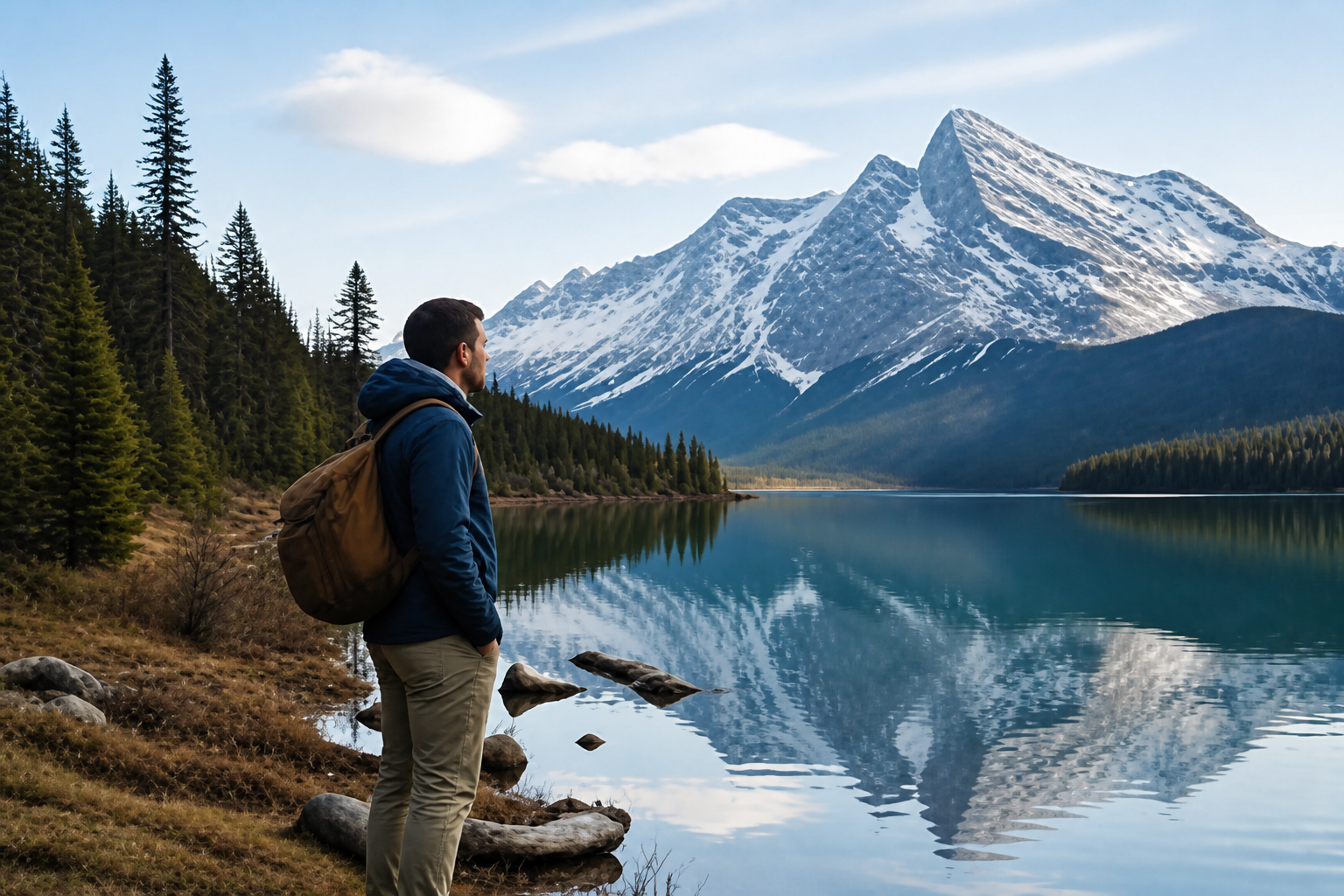
Upload a blurry photo and let our AI increase resolution, improve detail, and clean up softness. It is built for quick before-and-after results that keep the original framing and subject intact.
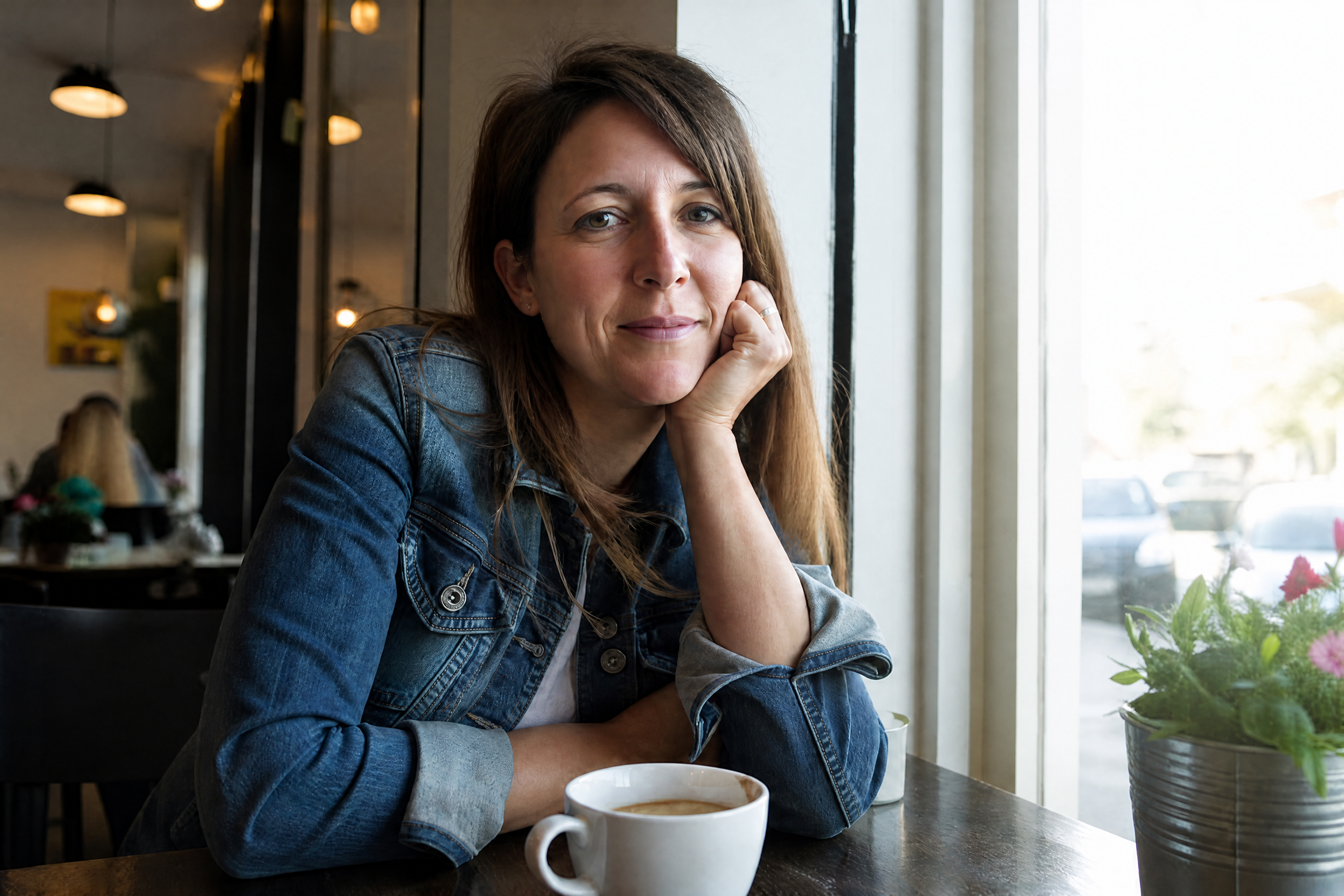
Watch the Transformation
See ai image upscaler in motion — generated end-to-end by our AI.
See It In Action
Real outputs from ai image upscaler.
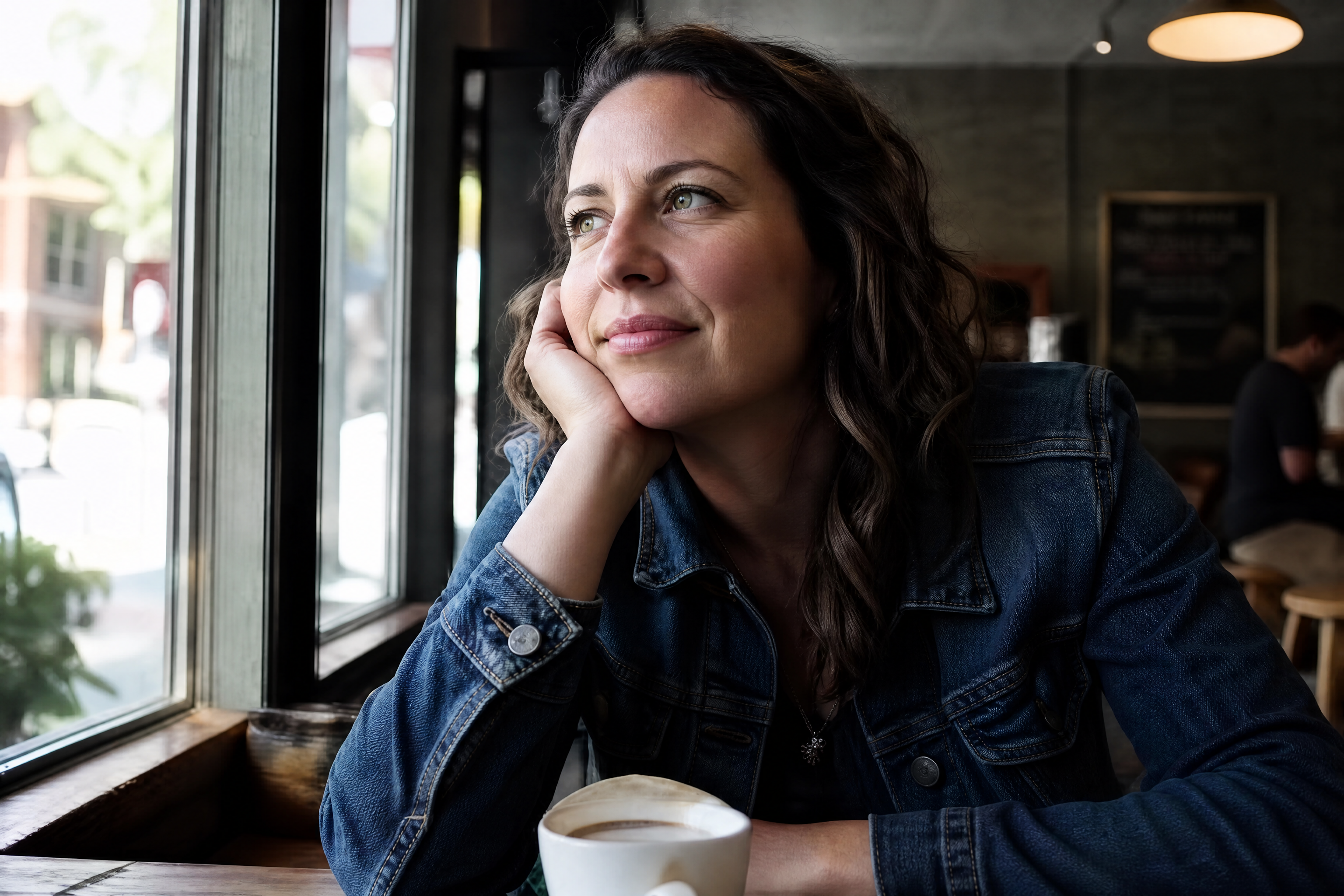
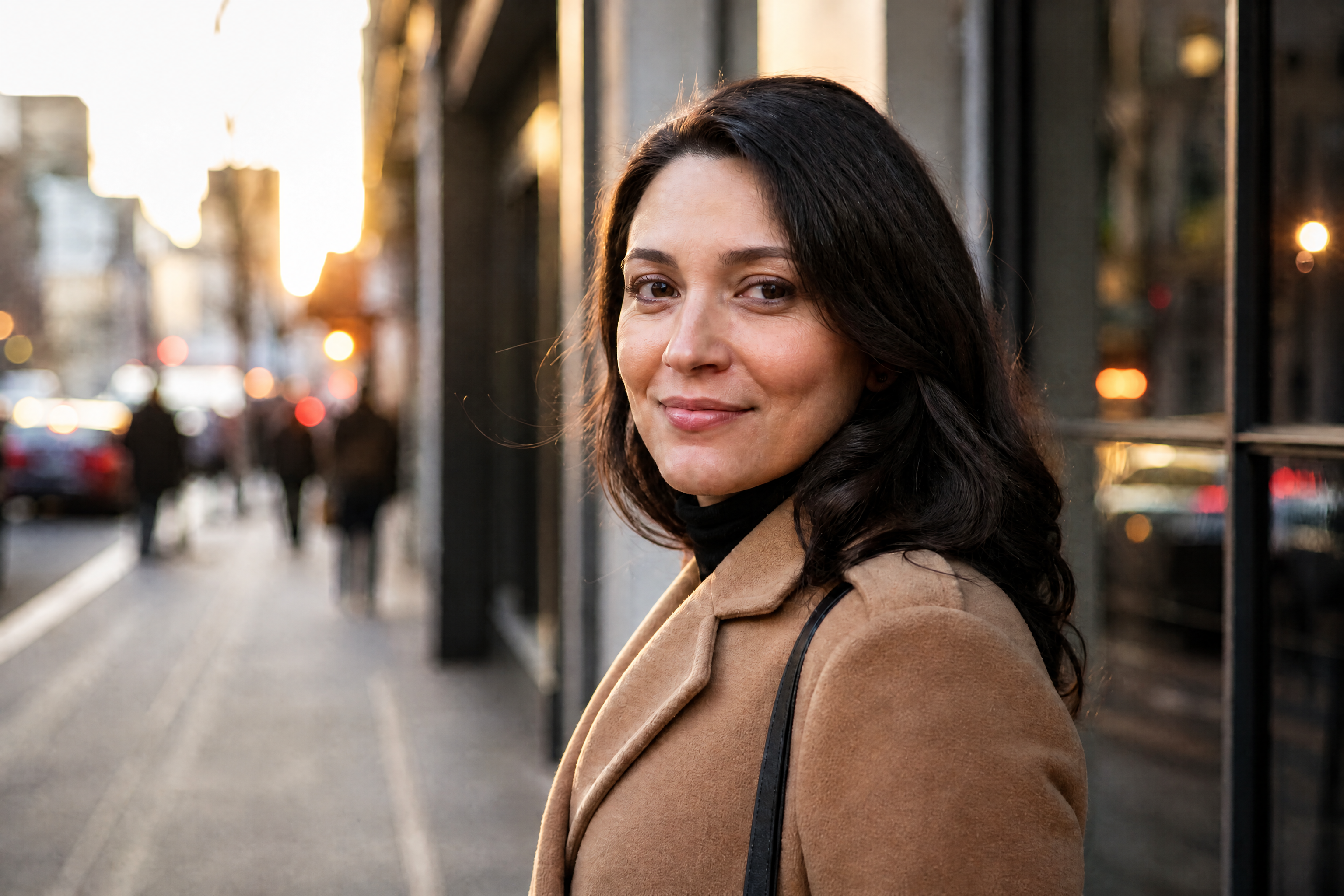
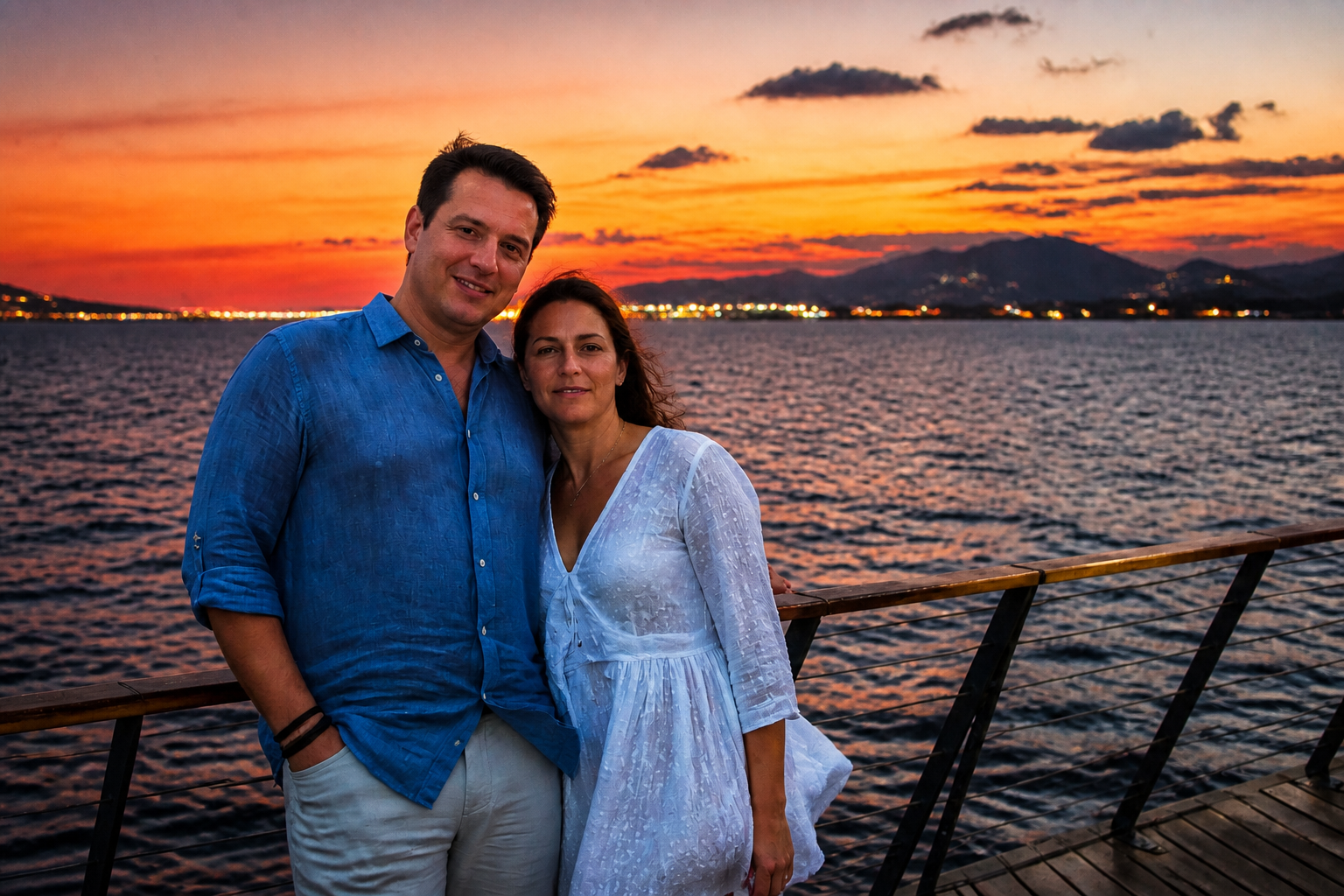
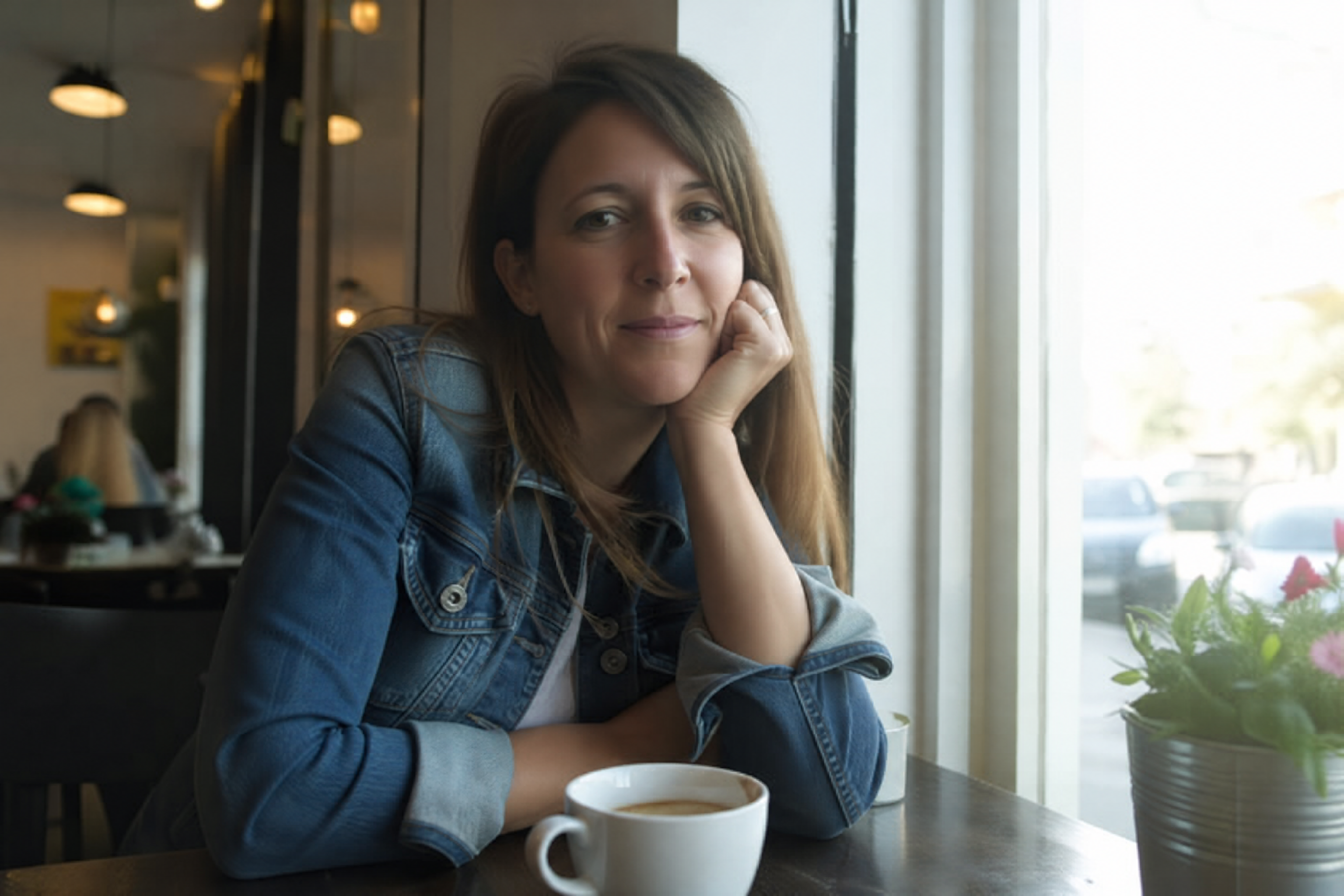
BEFOREAFTER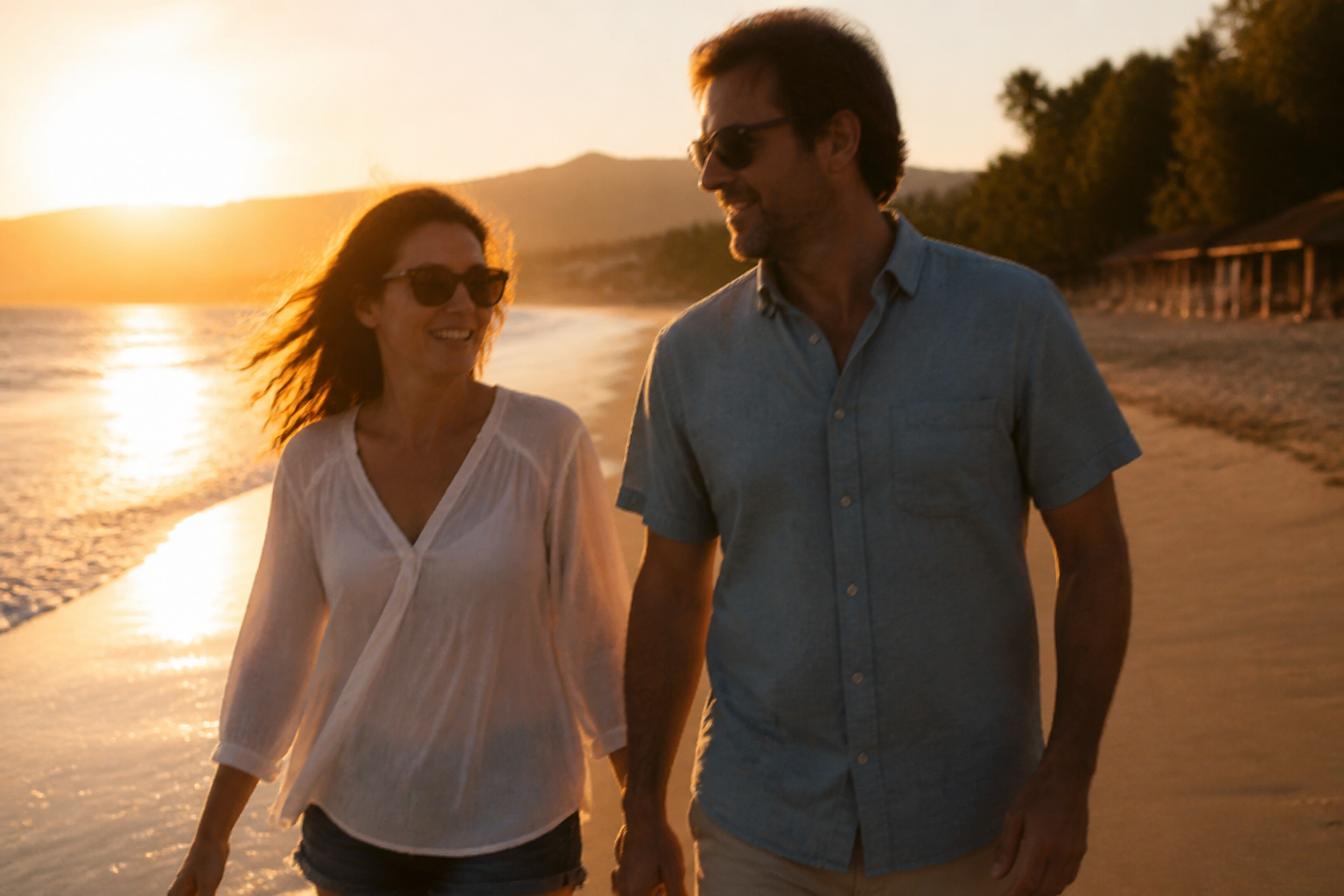 BEFORE
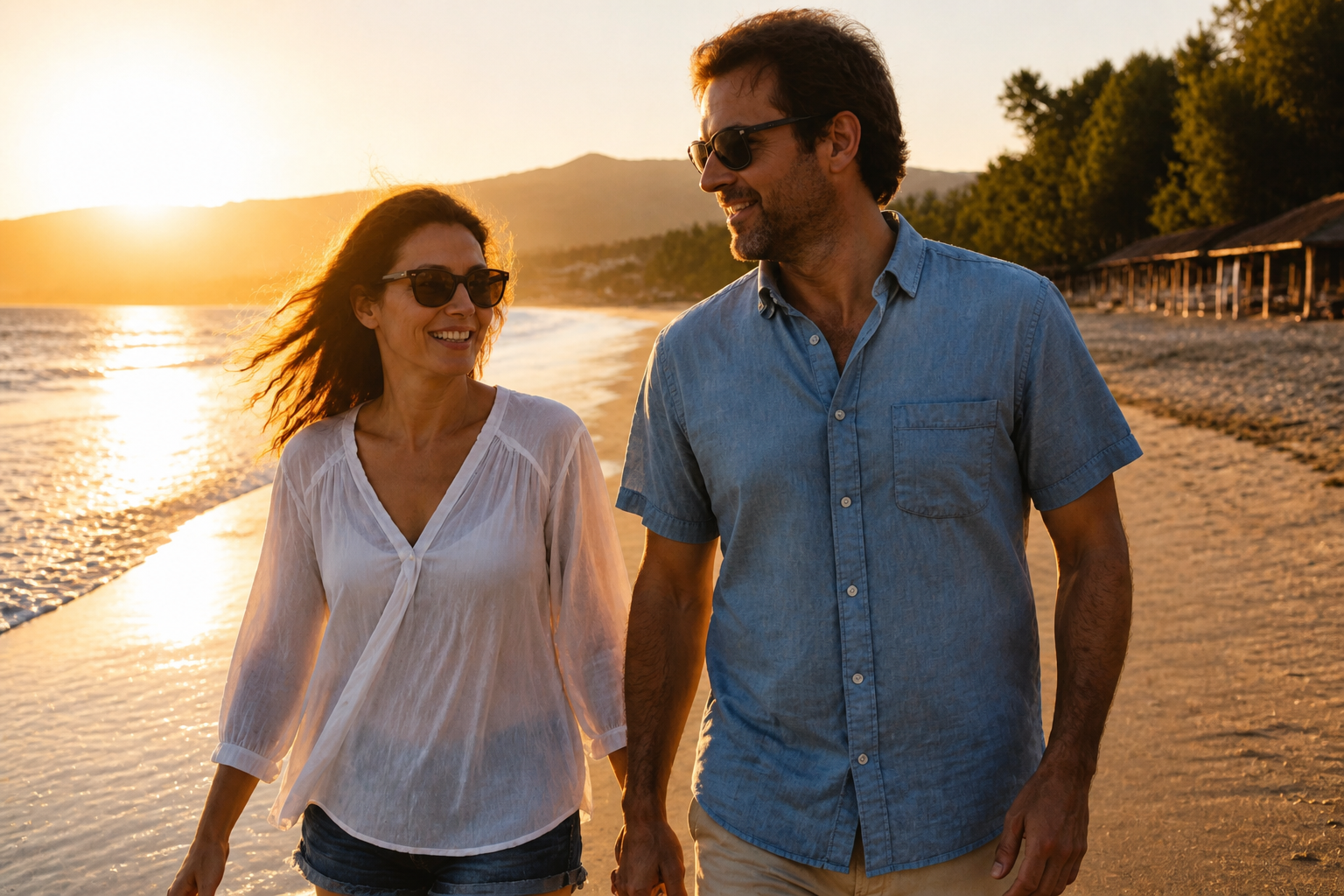 AFTER
AFTER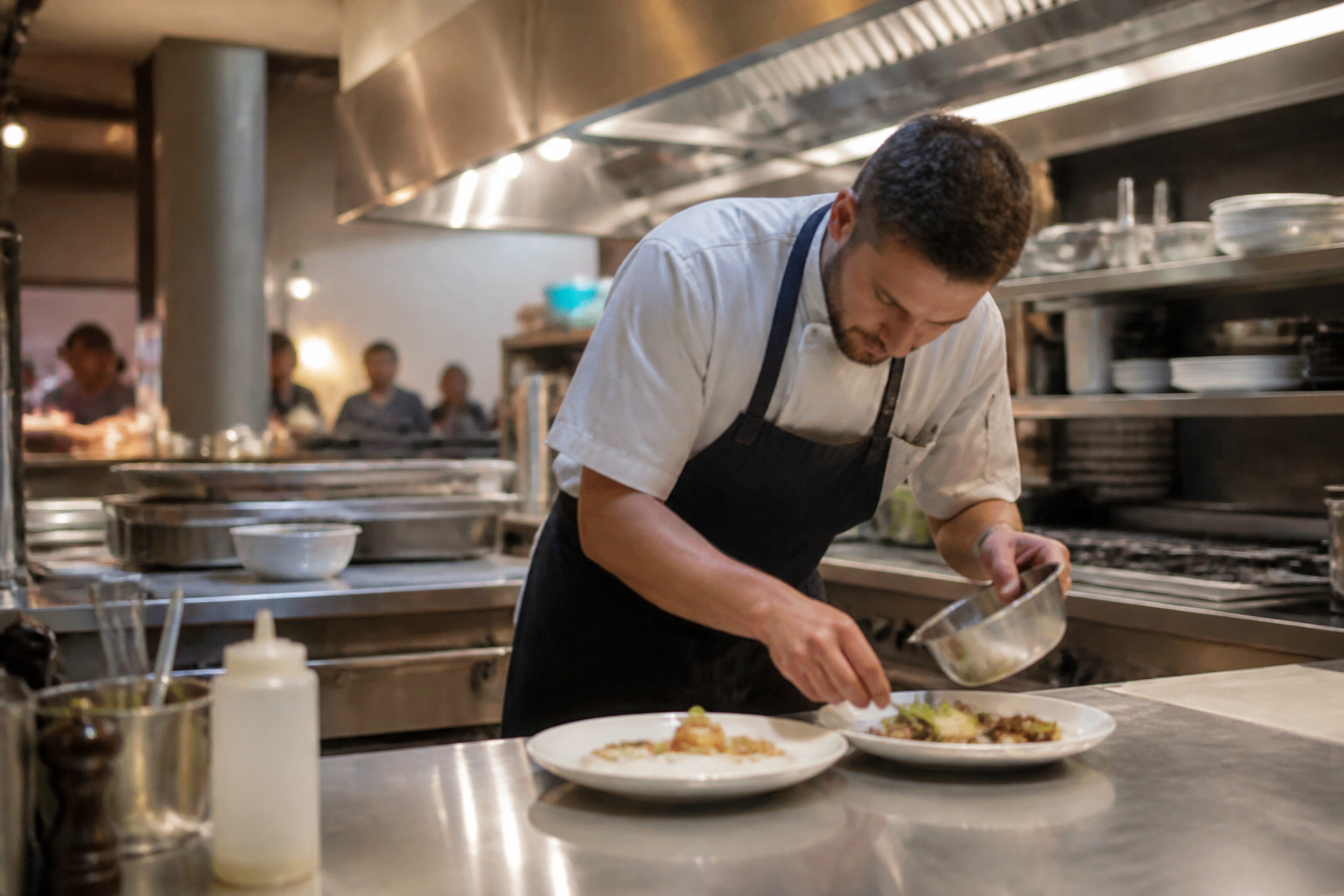 BEFORE
 AFTER
AFTER BEFORE
 AFTER
AFTER BEFORE
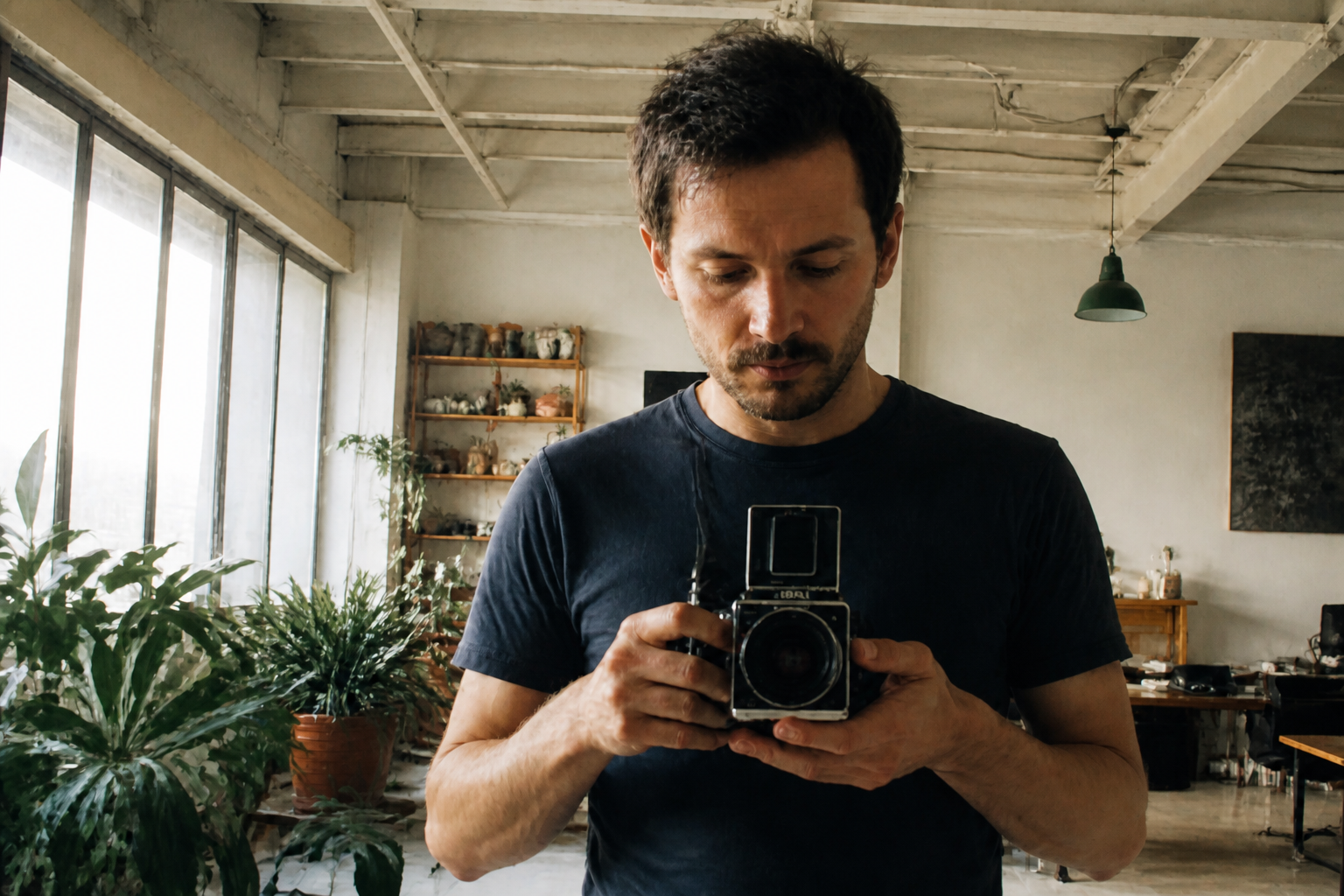 AFTERBEFOREAFTERBEFOREAFTERBEFOREAFTERBEFOREAFTERBEFOREAFTER
 BEFORE
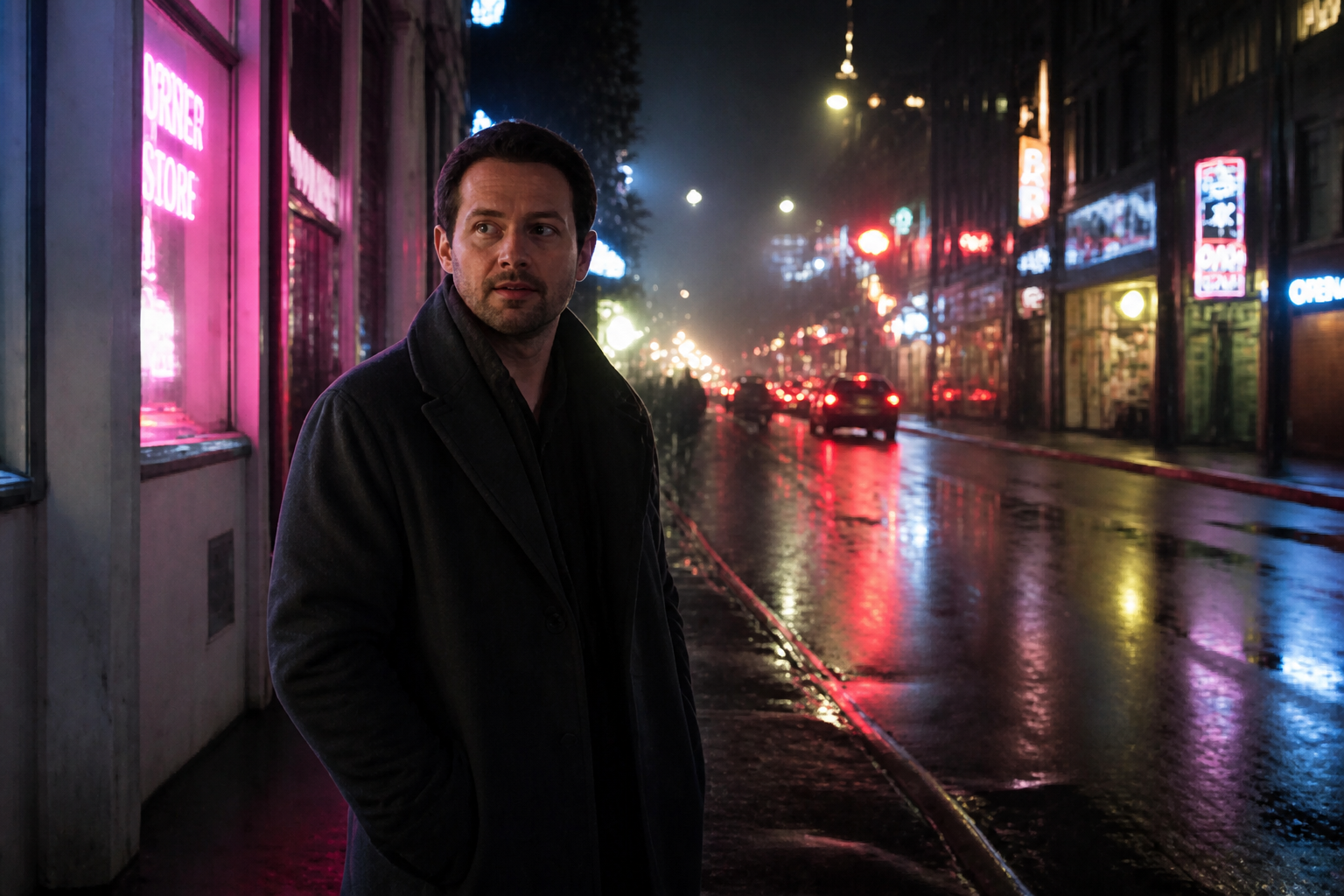 AFTER
AFTER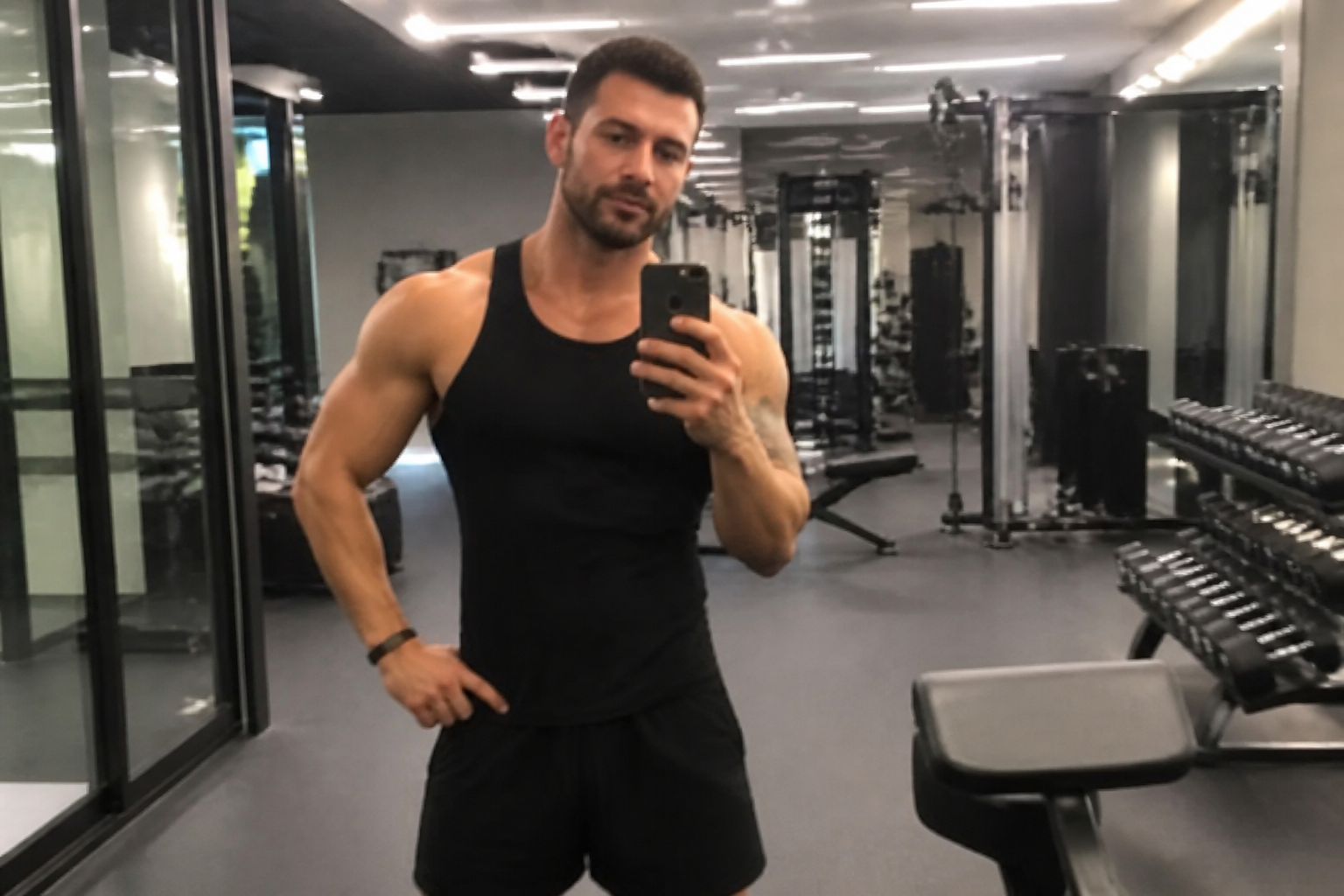 BEFORE
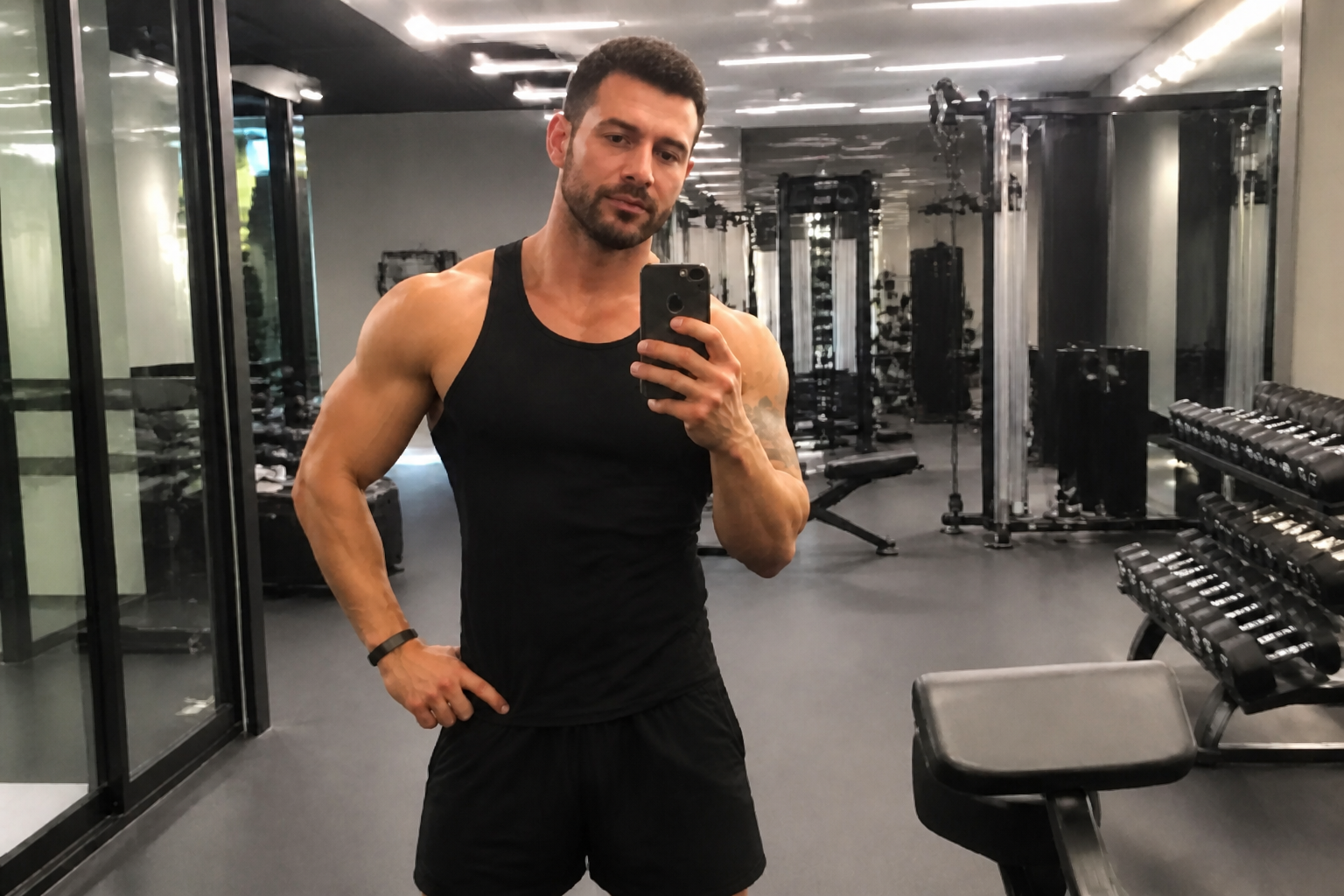 AFTER
AFTER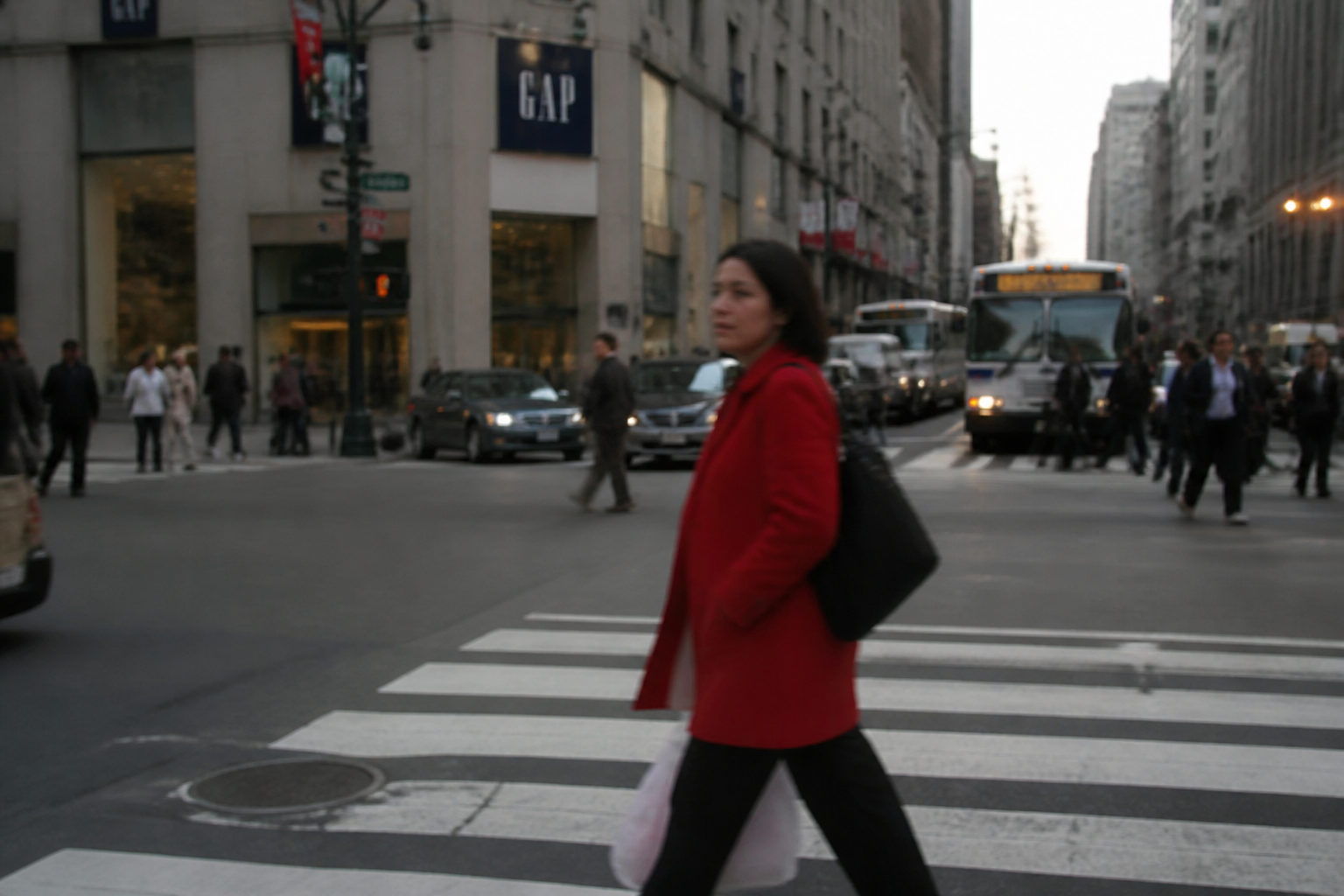 BEFORE
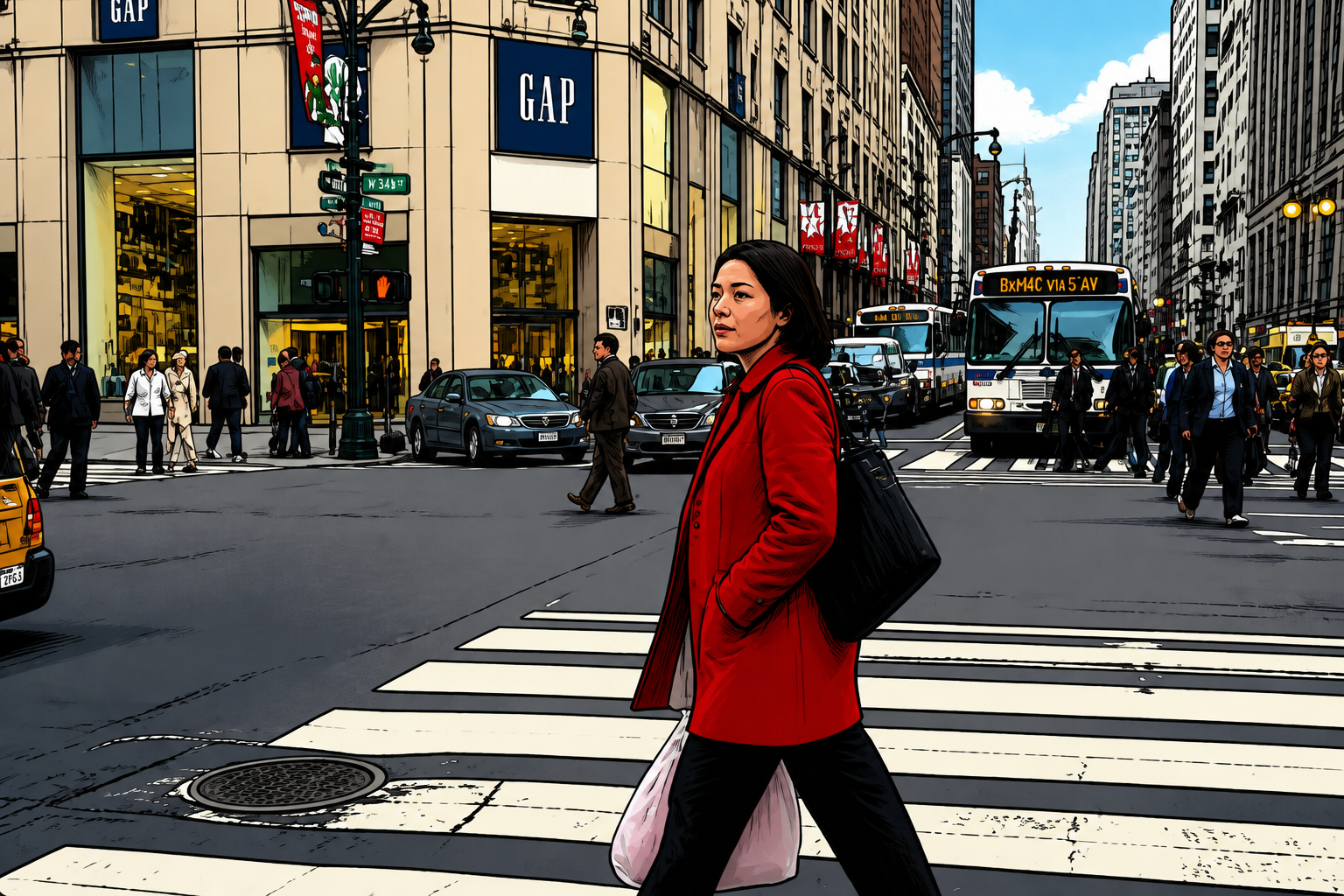 AFTER
AFTER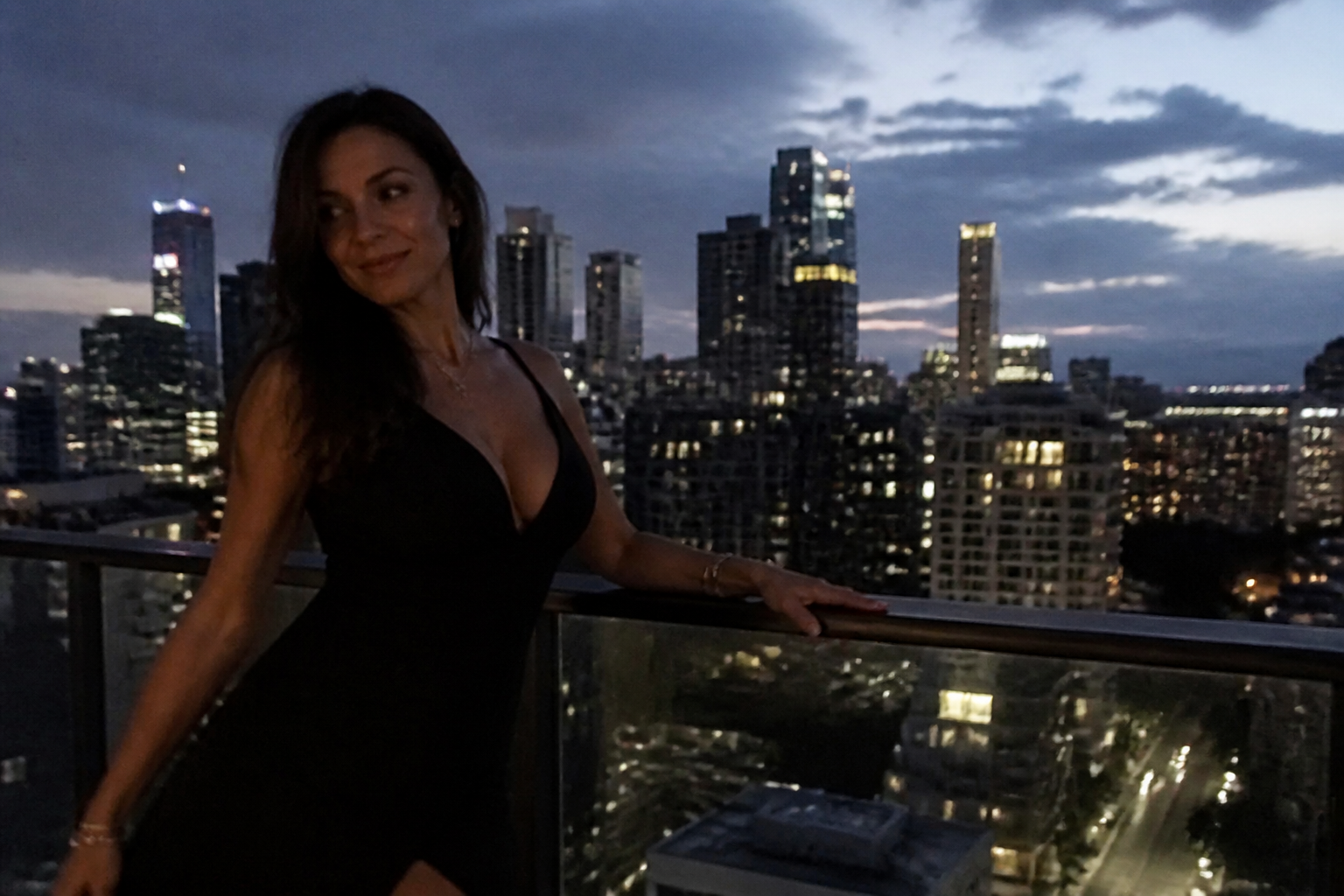 BEFORE
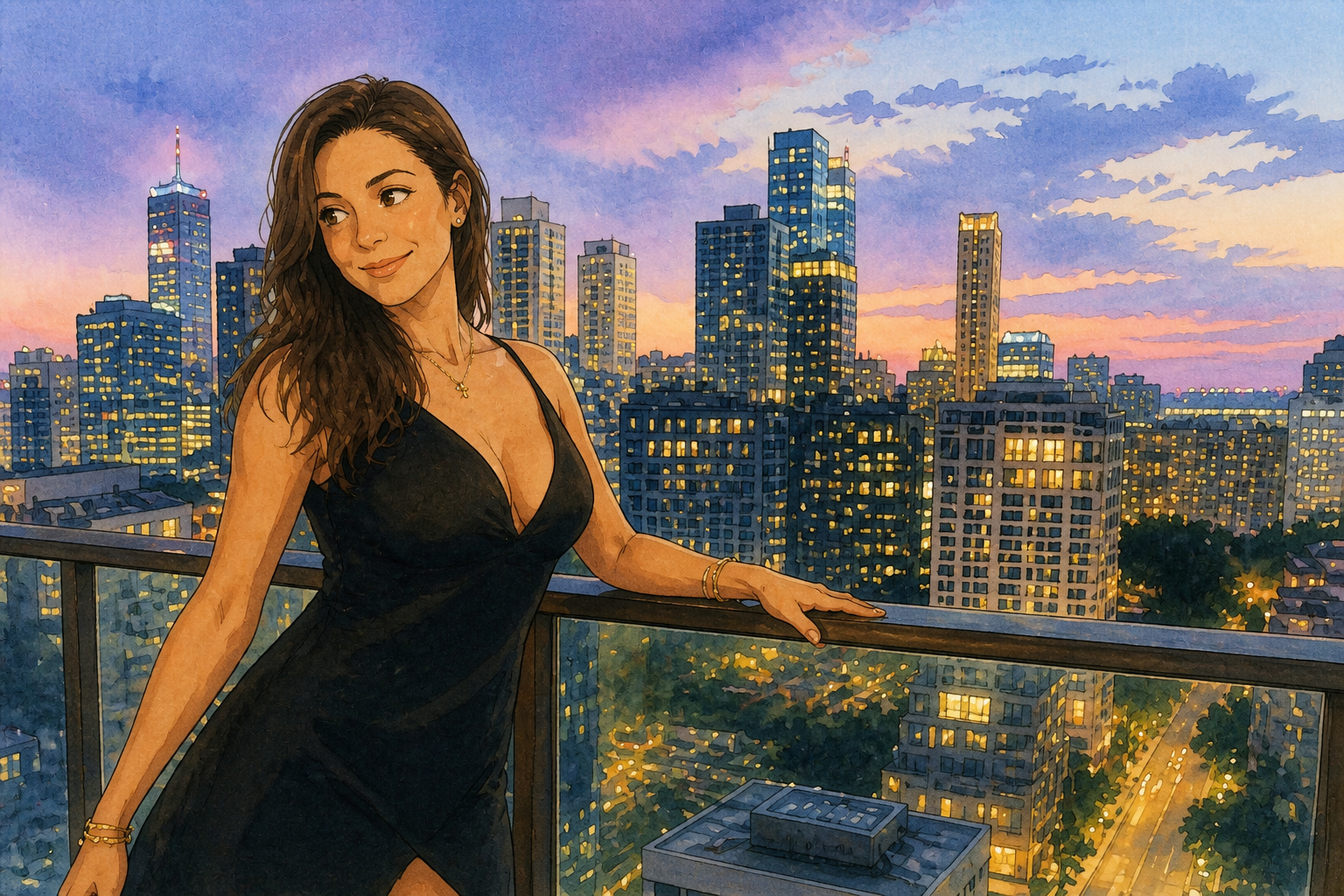 AFTER
AFTER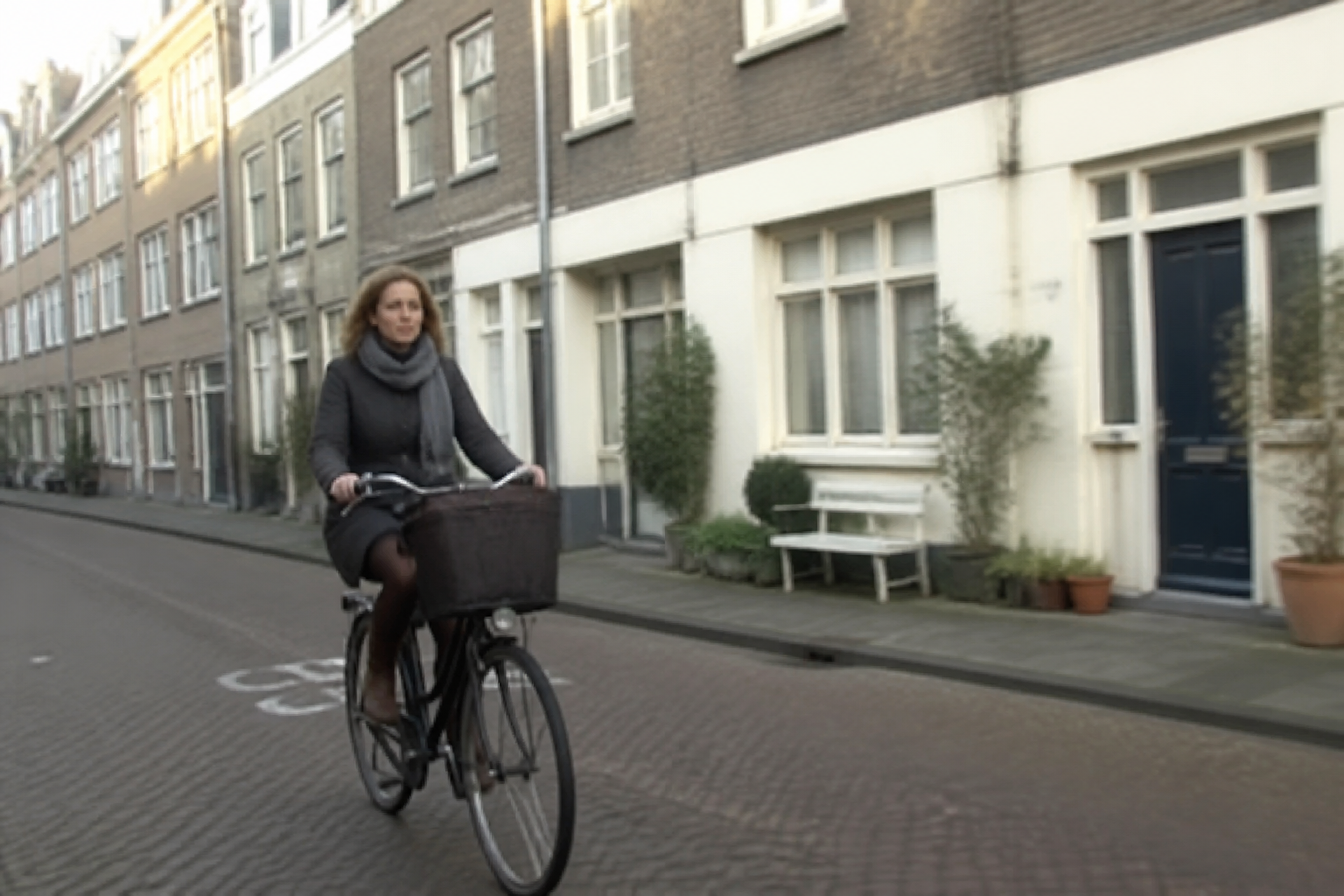 BEFORE
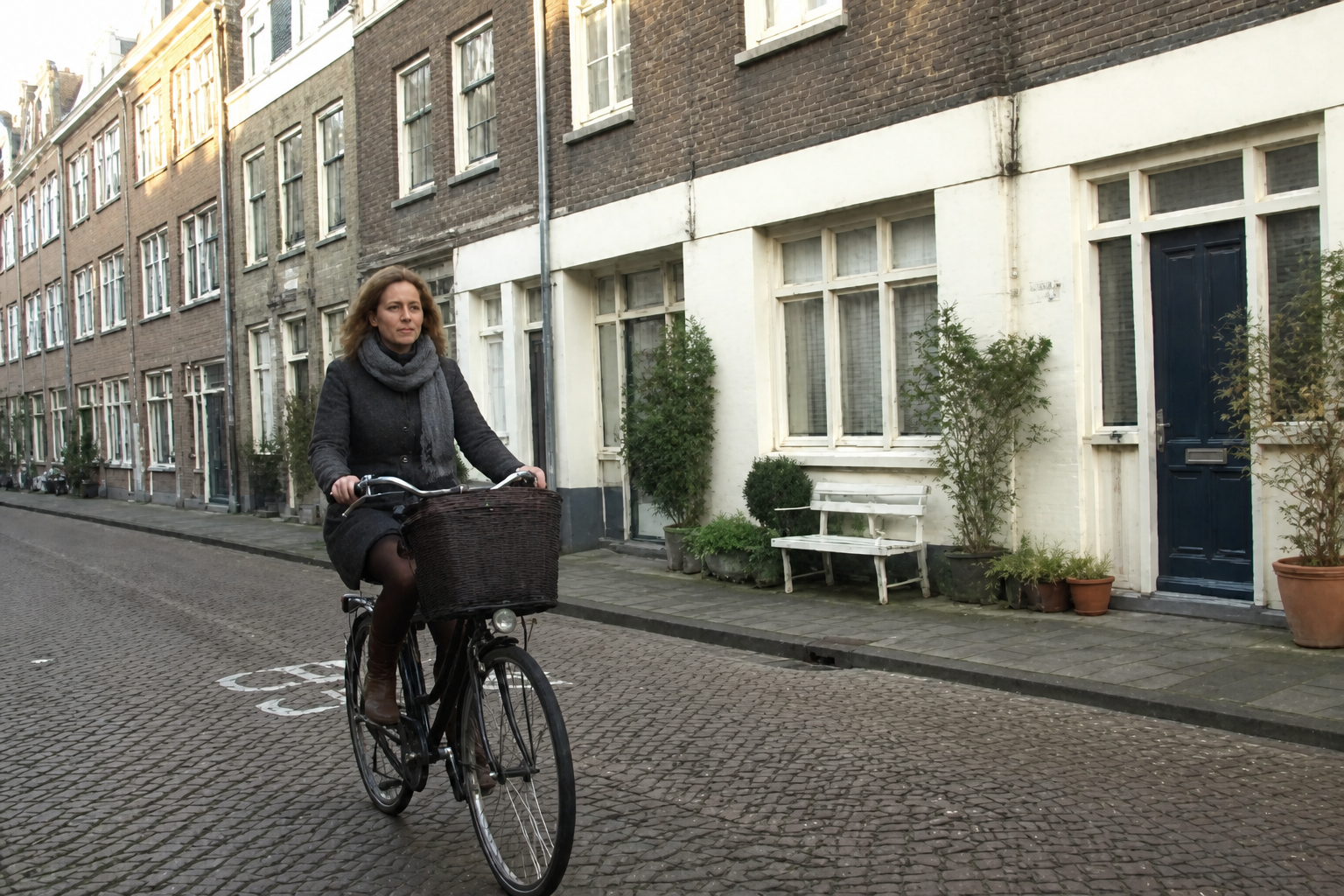 AFTERBEFOREAFTERBEFOREAFTERBEFOREAFTERBEFOREAFTERBEFOREAFTER
Key Features

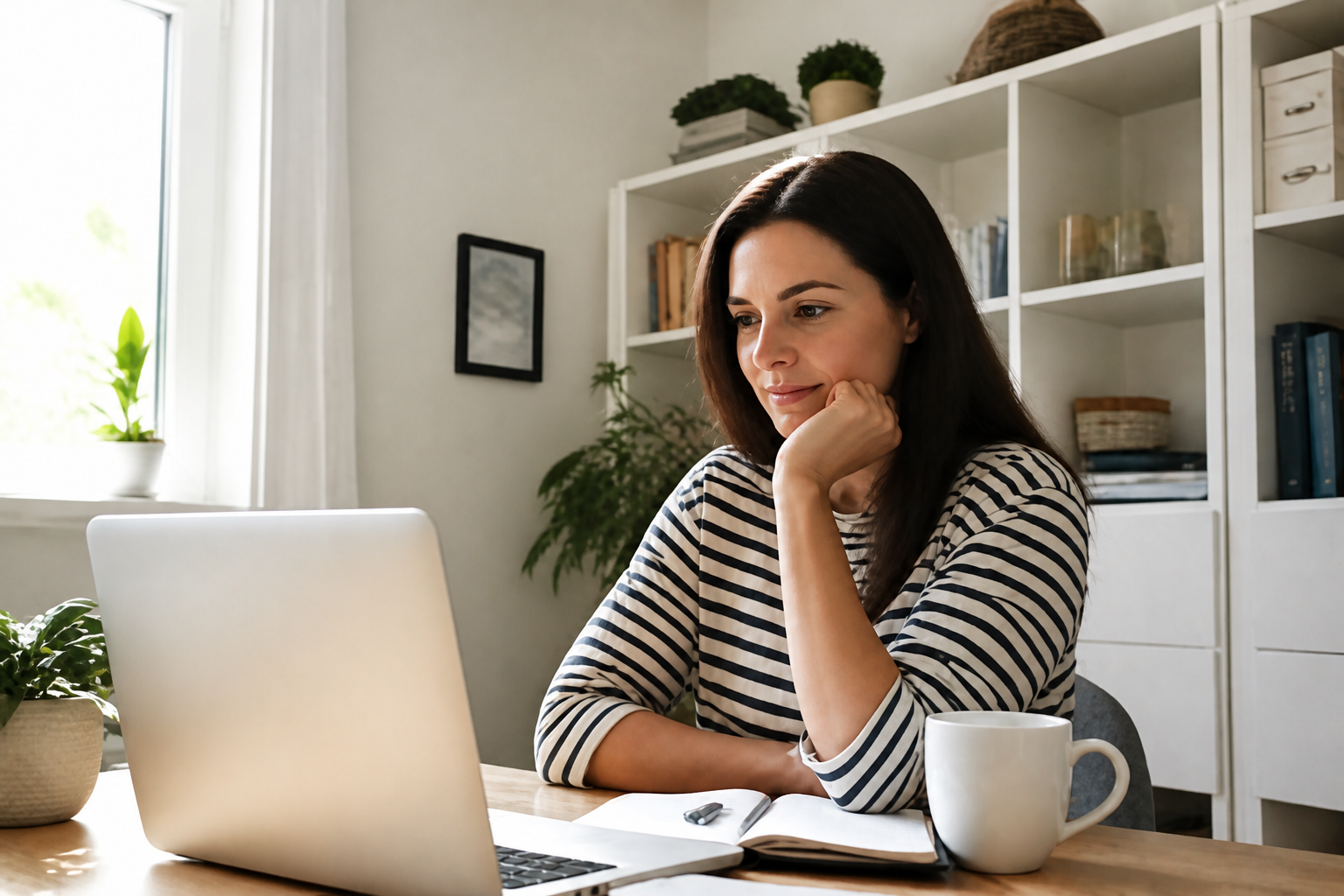
Restore lost detail fast
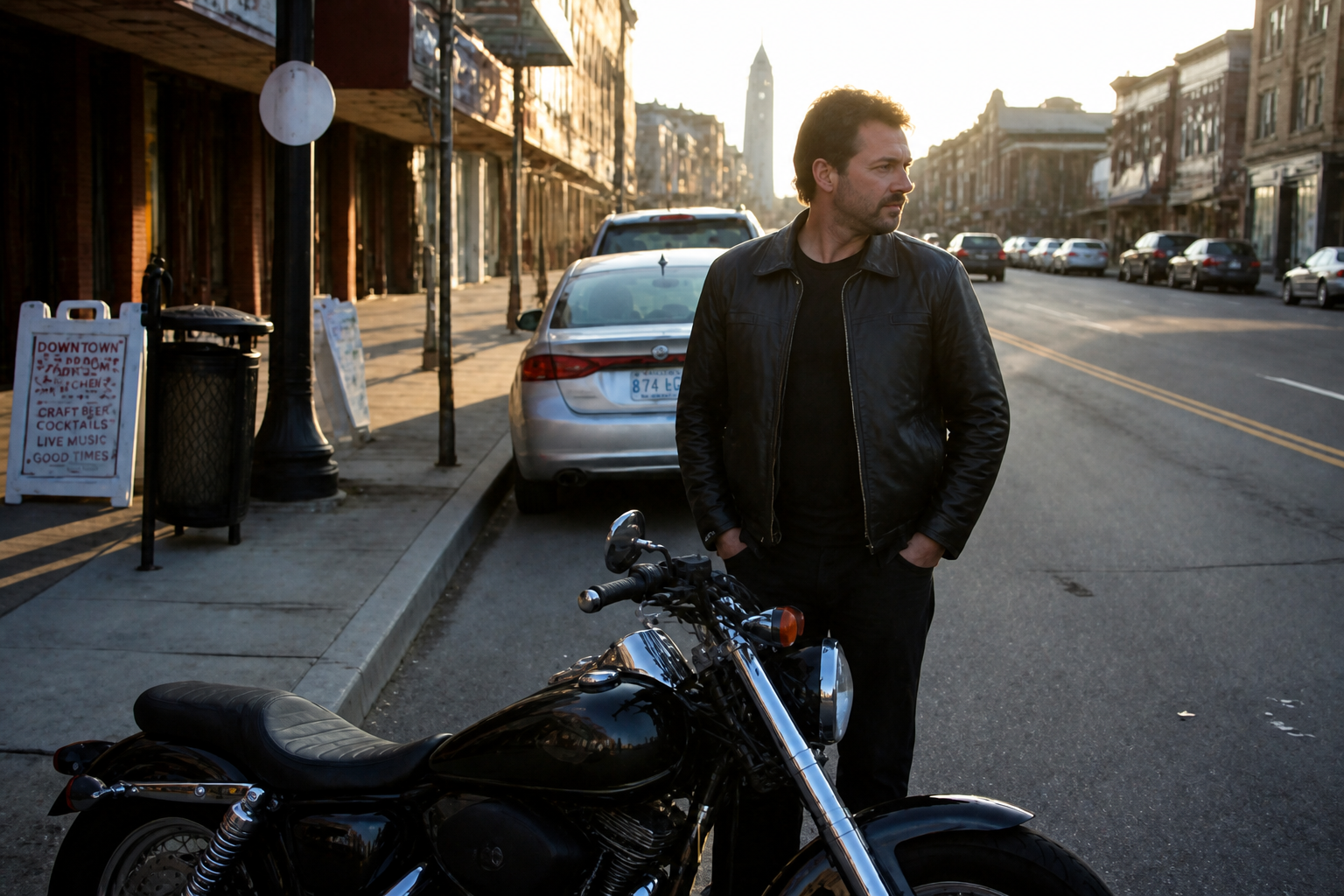
Turn soft, low-resolution photos into cleaner, sharper images in one step. Our AI fills in missing detail across faces, clothing, edges, and backgrounds without forcing you to edit each area by hand. That makes it useful for quick fixes on old uploads, compressed images, and casual phone shots. You get a result that looks clearer while still matching the original photo.
Keep the original scene
Upscaling should improve quality, not change the photo into something else. Our AI is designed to preserve the same subject, framing, lighting, and overall look while increasing resolution and clarity. That matters when you are fixing client proofs, archive shots, or product images that need to stay consistent. It saves time compared with rebuilding the image manually.
Improve noisy low-light shots
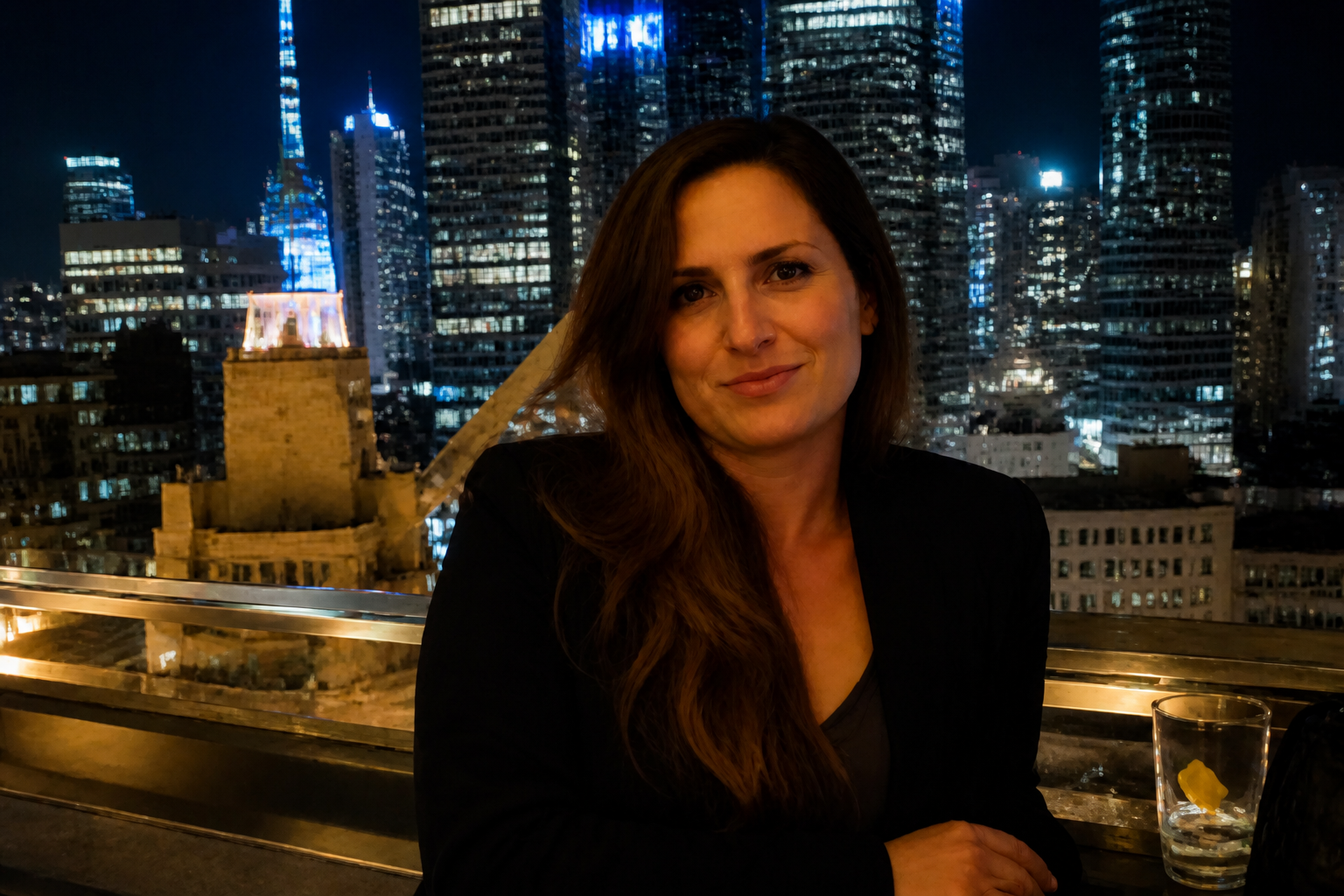
Many blurry photos are also full of grain, muddy shadows, and smeared details. Our AI can clean up that low-light softness while preserving the mood of the scene. This is especially helpful for nightlife, restaurant, event, and indoor images that were captured on a phone. You get a more usable image without spending time on separate sharpening and denoise passes.
Works across visual styles
The same blurry source image can be enhanced for realistic output or turned into a clean stylized version. That gives you more flexibility when you want clarity for social posts, mockups, creative concepts, or polished drafts. Instead of starting over from scratch, you can keep the original composition and upgrade the finish. It is a practical way to reuse photos that were too soft to share.
How It Works
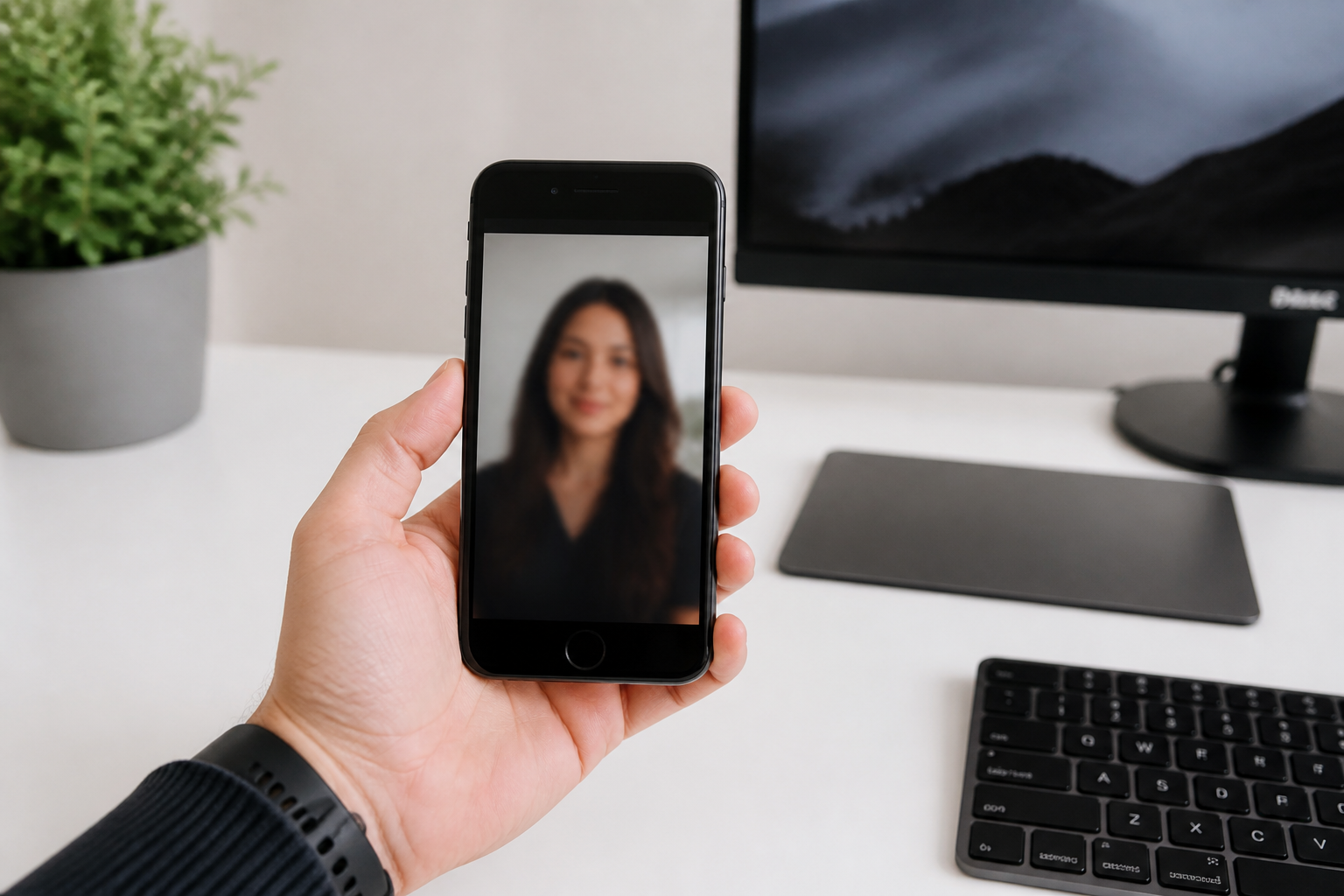
Upload your blurry image
Start with the photo you want to improve. Blurry, compressed, or low-resolution images work well because the change is easy to compare.
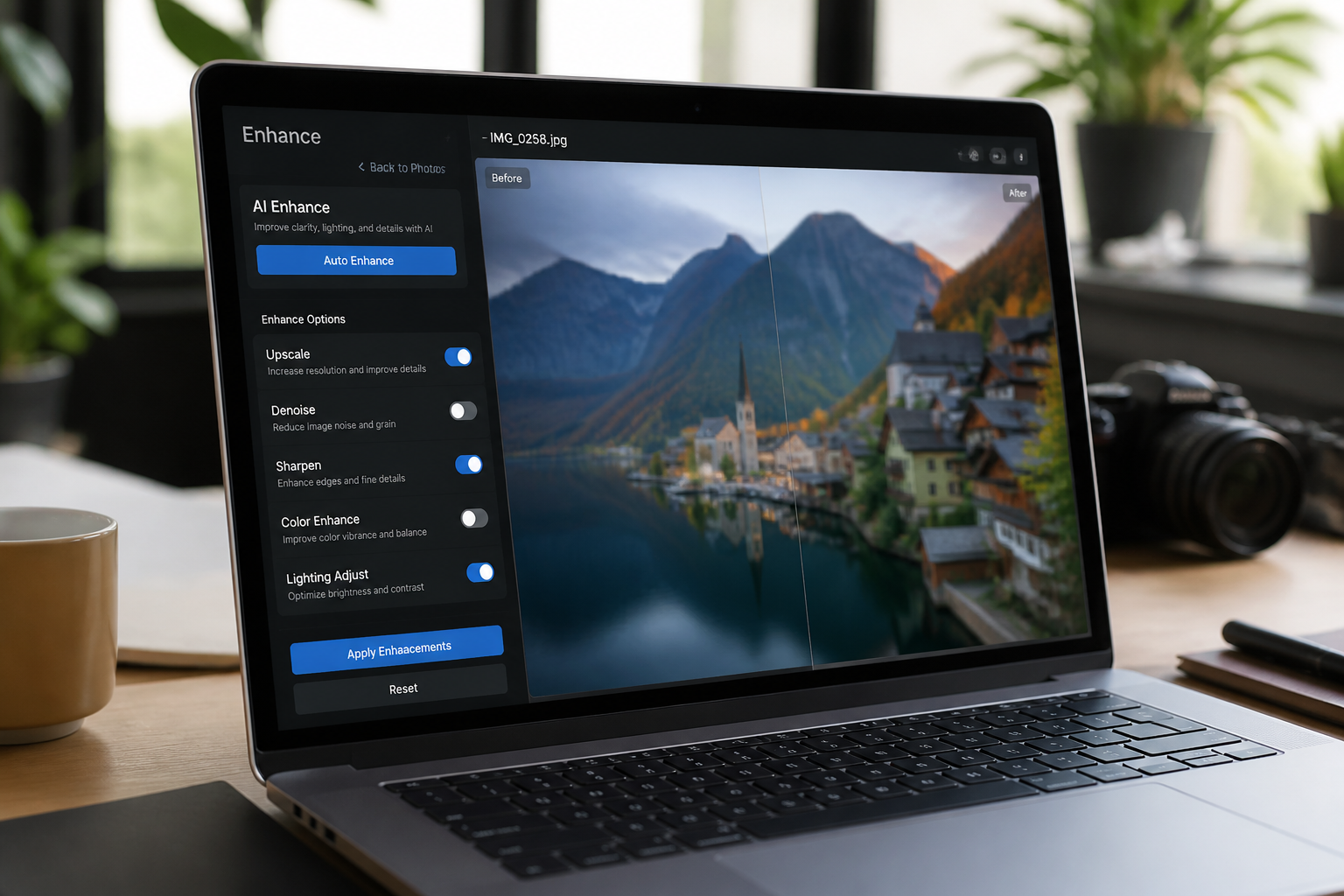
Choose the enhancement
Tell the tool to upscale, sharpen, or clean up the image. You can keep it realistic or use a stylized finish if that fits your project better.
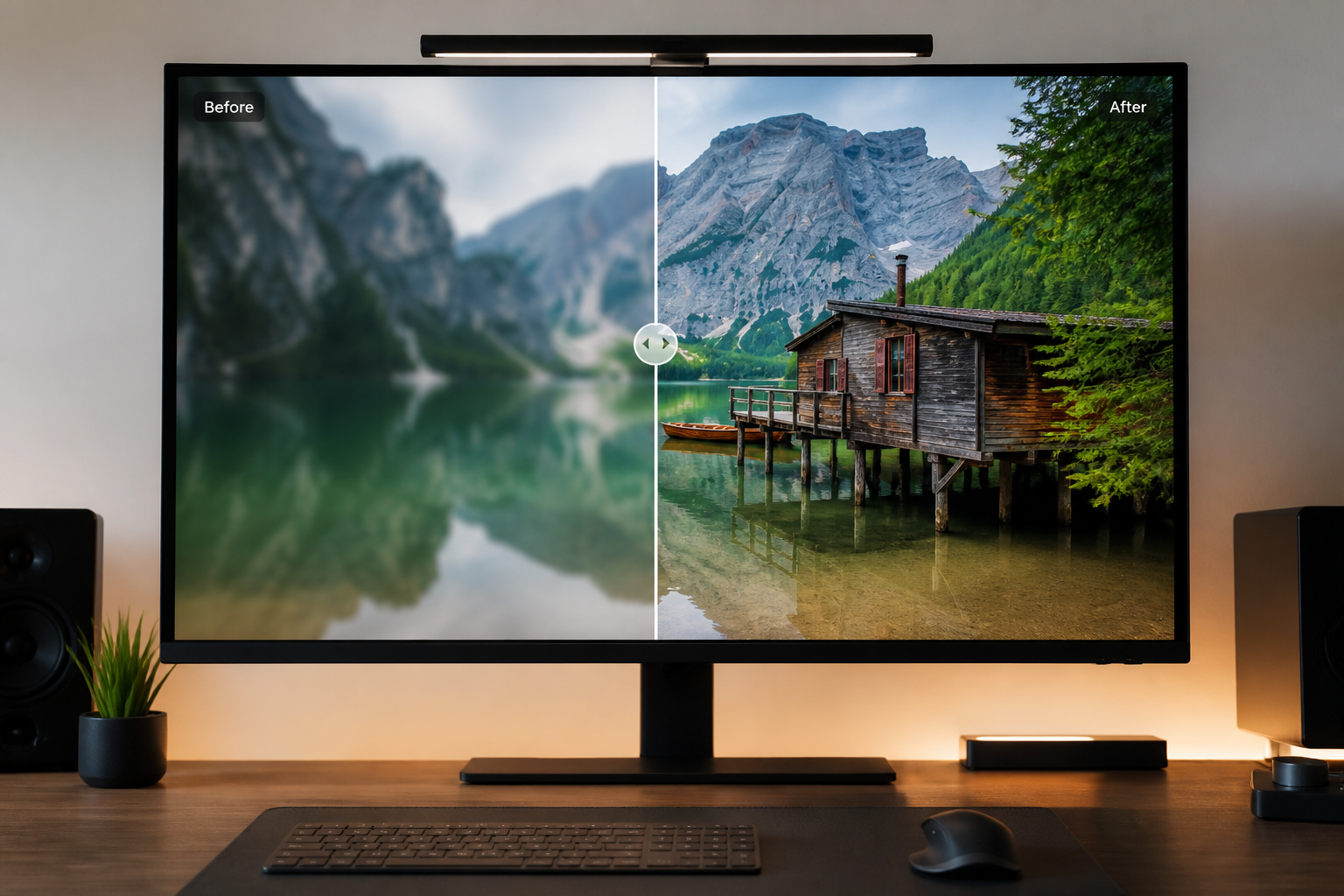
Compare and download
Review the before and after side by side to check detail, sharpness, and overall quality. When it looks right, download the clearer version and use it anywhere you need.
Perfect For
Discover how creators and professionals use ai image upscaler
Fix old phone photos
Improve soft, compressed images from older devices so they look cleaner on modern screens.
Upgrade social content
Make blurry posts, thumbnails, and profile images sharper before publishing.
Rescue client proofs
Clean up low-res previews and drafts without changing the original composition.
Refresh product shots
Increase detail on blurry catalog and marketplace images so items look more presentable.
Built For
Creators and marketers
Sharpen social assets, blog images, ads, and thumbnails without opening a full editing app.
Photographers and freelancers
Improve soft client selects, old archives, and compressed proofs while keeping the original shot intact.
Everyday users
Fix personal photos from phones, messaging apps, and old backups in a few clicks.
Why use an AI image upscaler
A quick look at how we compare on the things that matter for this niche.
| Feature | BudgetPixel | Generic AI editors | Manual editing apps |
|---|---|---|---|
| Built for blurry photo cleanup | ✓ | ✓ | — |
| Keeps original composition | ✓ | — | ✓ |
| Fast before/after preview | ✓ | — | — |
| No manual masking needed | ✓ | ✓ | — |
| Stylized enhancement options | ✓ | ✓ | — |
Frequently Asked Questions
What does the AI Image Upscaler do?
Can it fix very blurry images?
Will the upscaled photo still look like my original image?
Is this only for portraits?
Do I need editing skills to use it?
Create together.
Share your creations, discover trending AI art, and grow with fellow creators.