AI Image Editor for Quick, Visual Changes
Upload a photo, describe the edit, and get a clean before-and-after result.
BudgetPixel's AI Image Editor lets you transform photos without complex manual tools. Change backgrounds, restyle images, enhance lighting, or swap visual details while keeping the main subject clear and recognizable. It is built for fast edits that are easy to compare and refine.
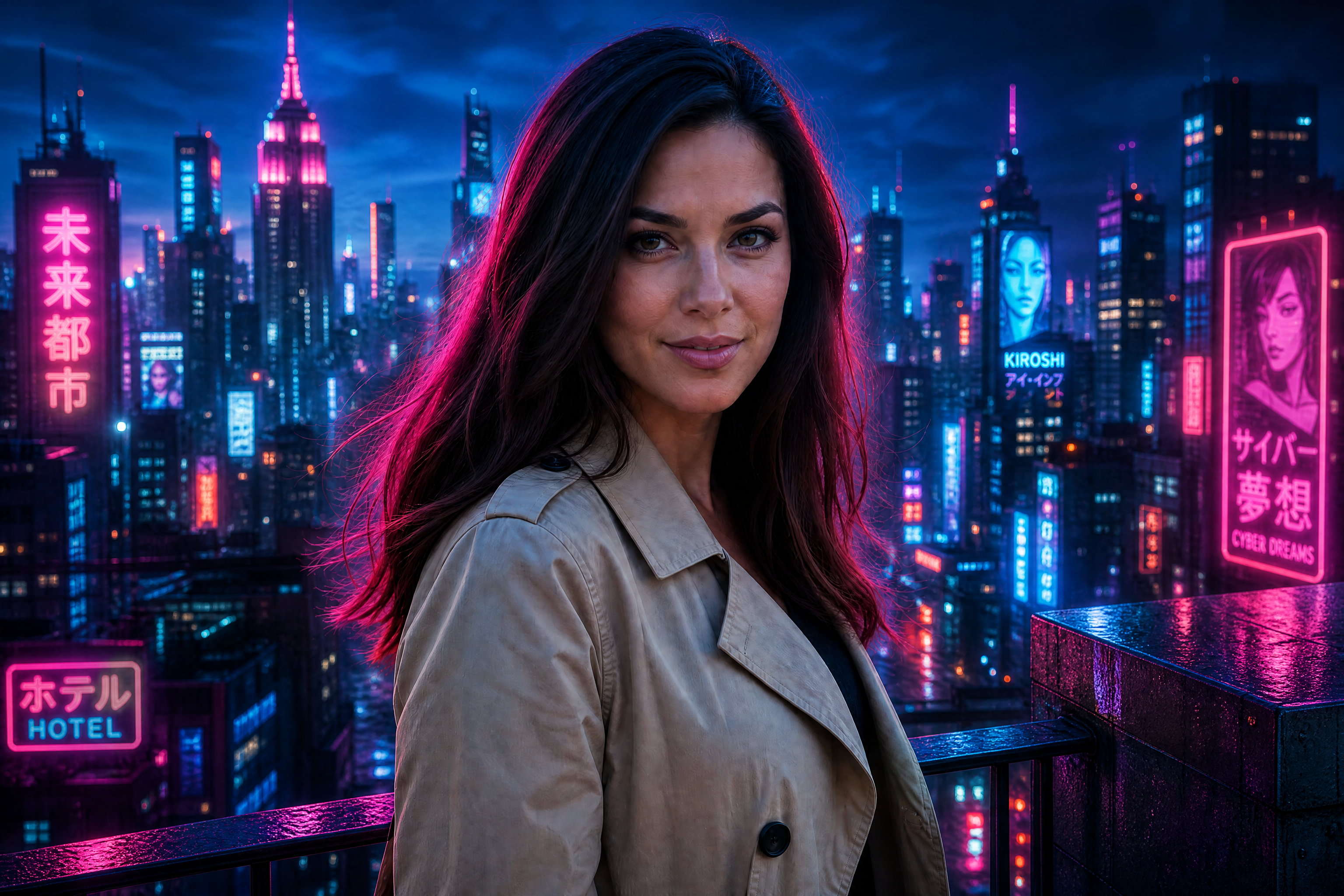
Watch the Transformation
See ai image editor in motion — generated end-to-end by our AI.
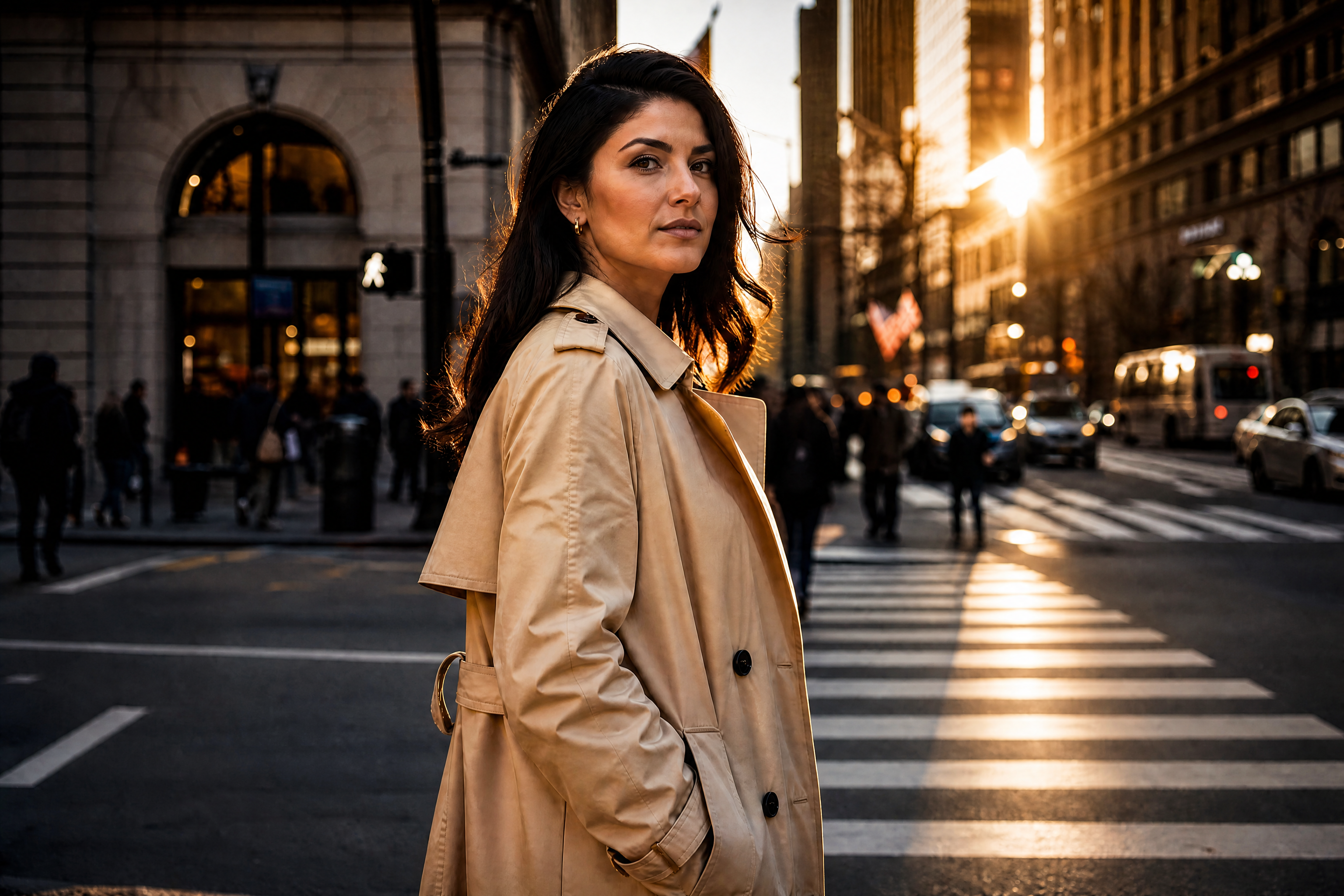
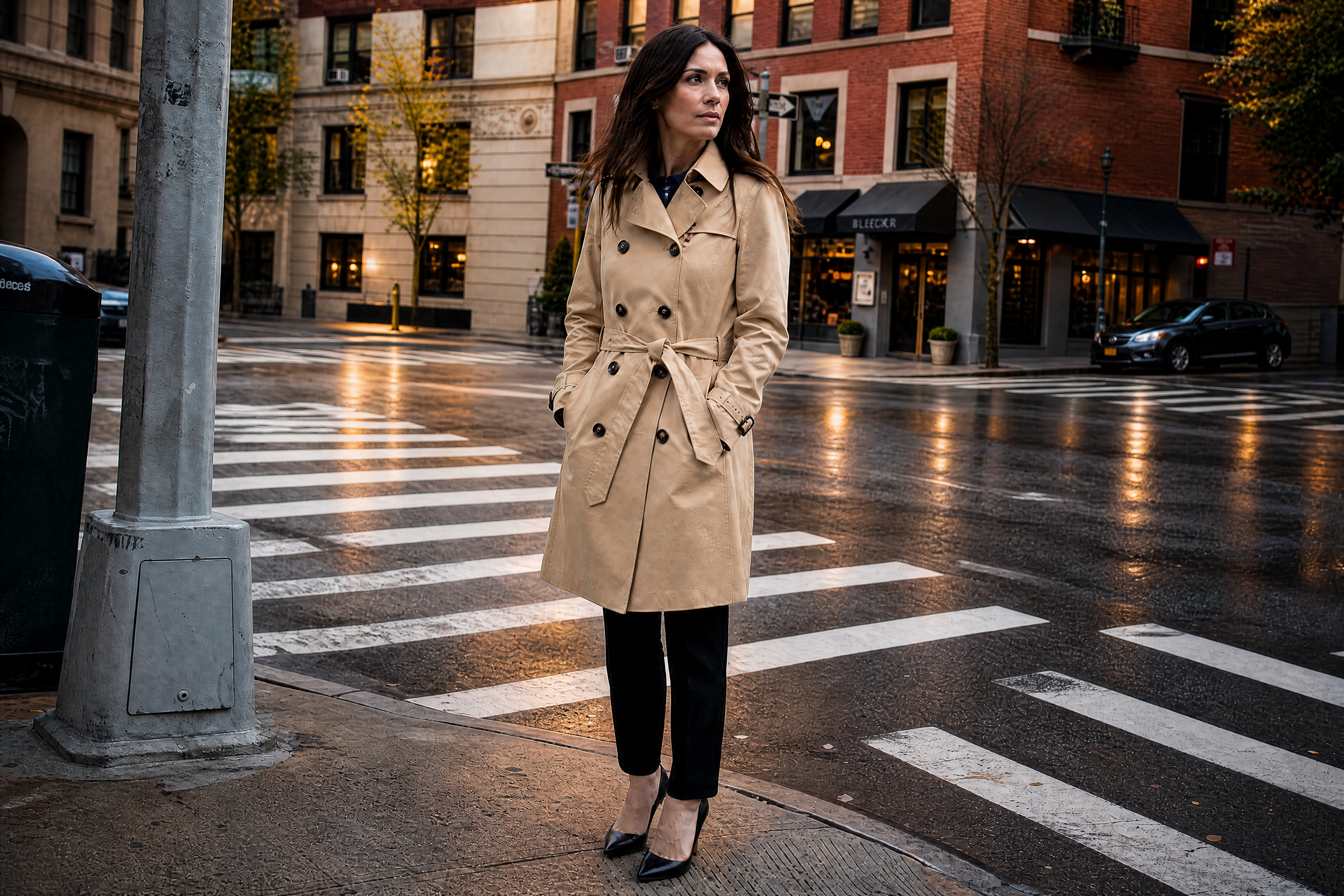
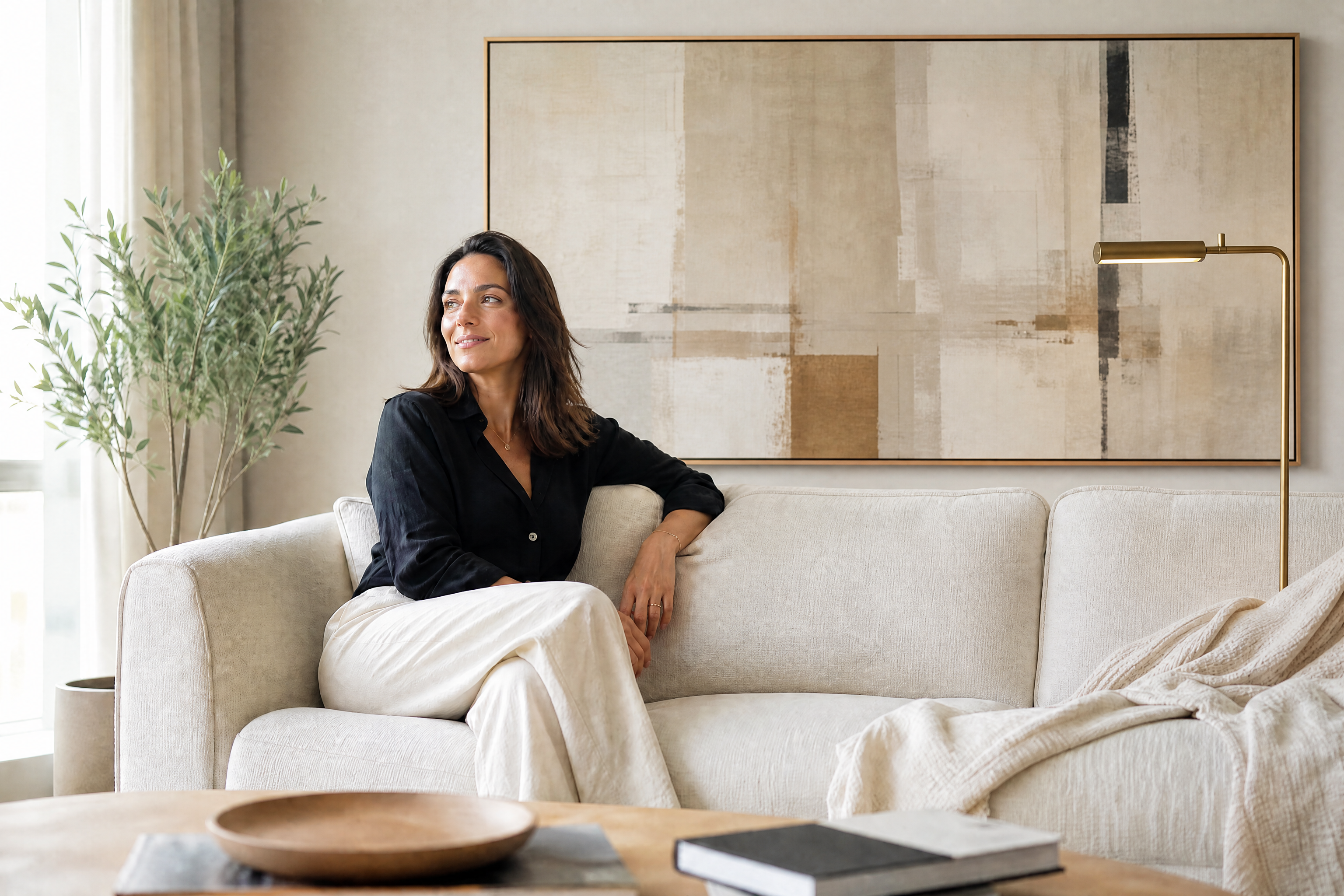
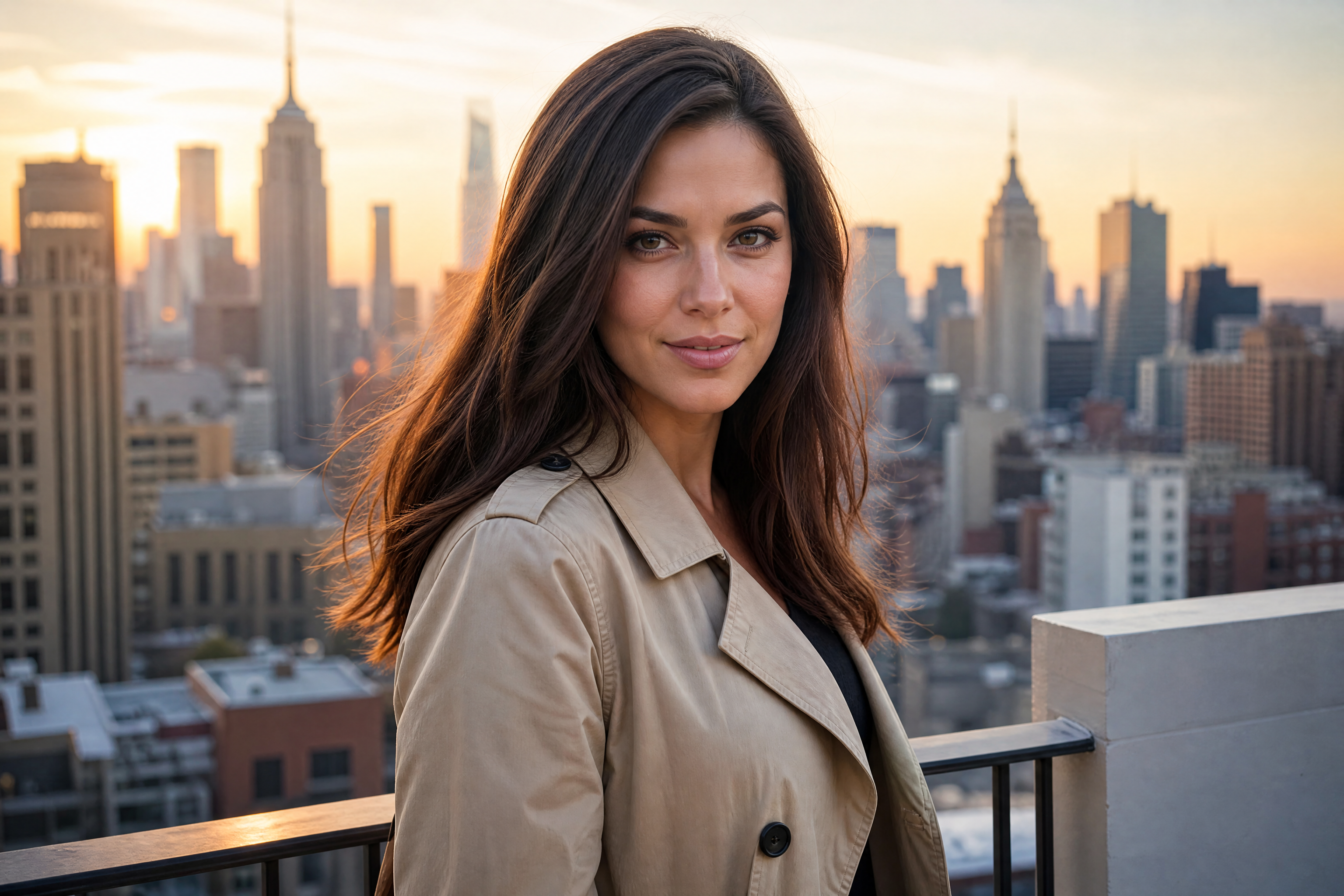
See It In Action
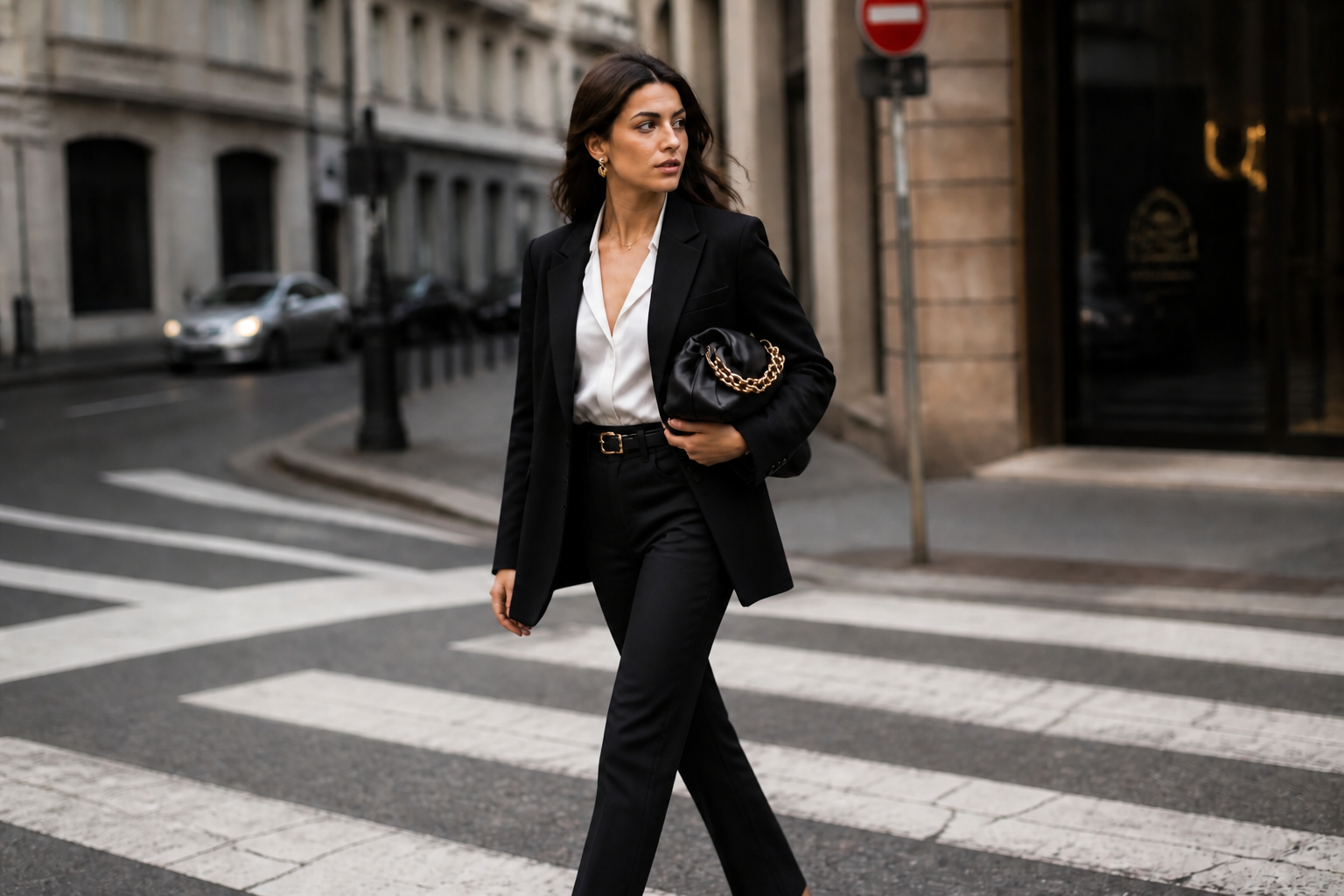
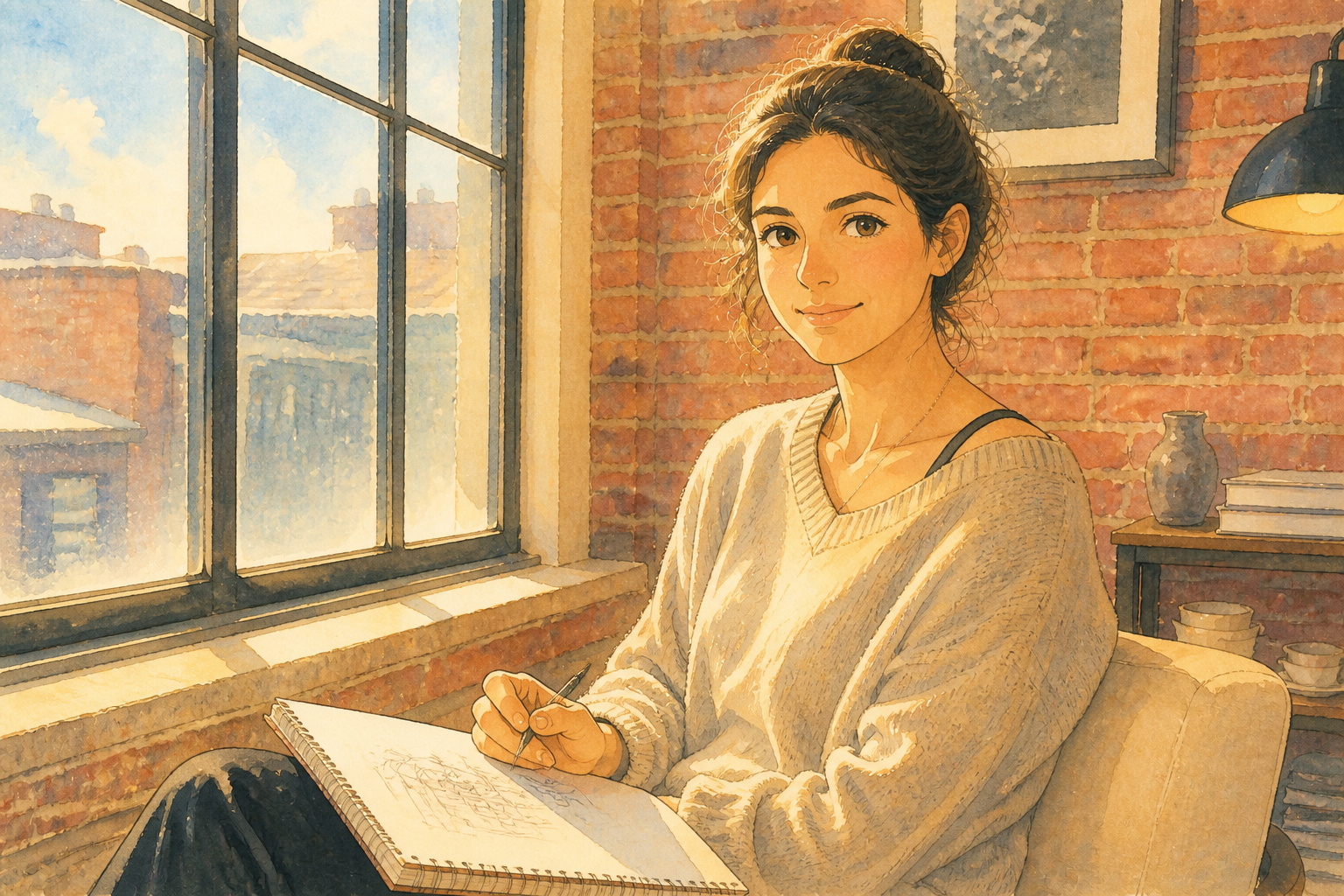
Real outputs from ai image editor.
BEFOREAFTER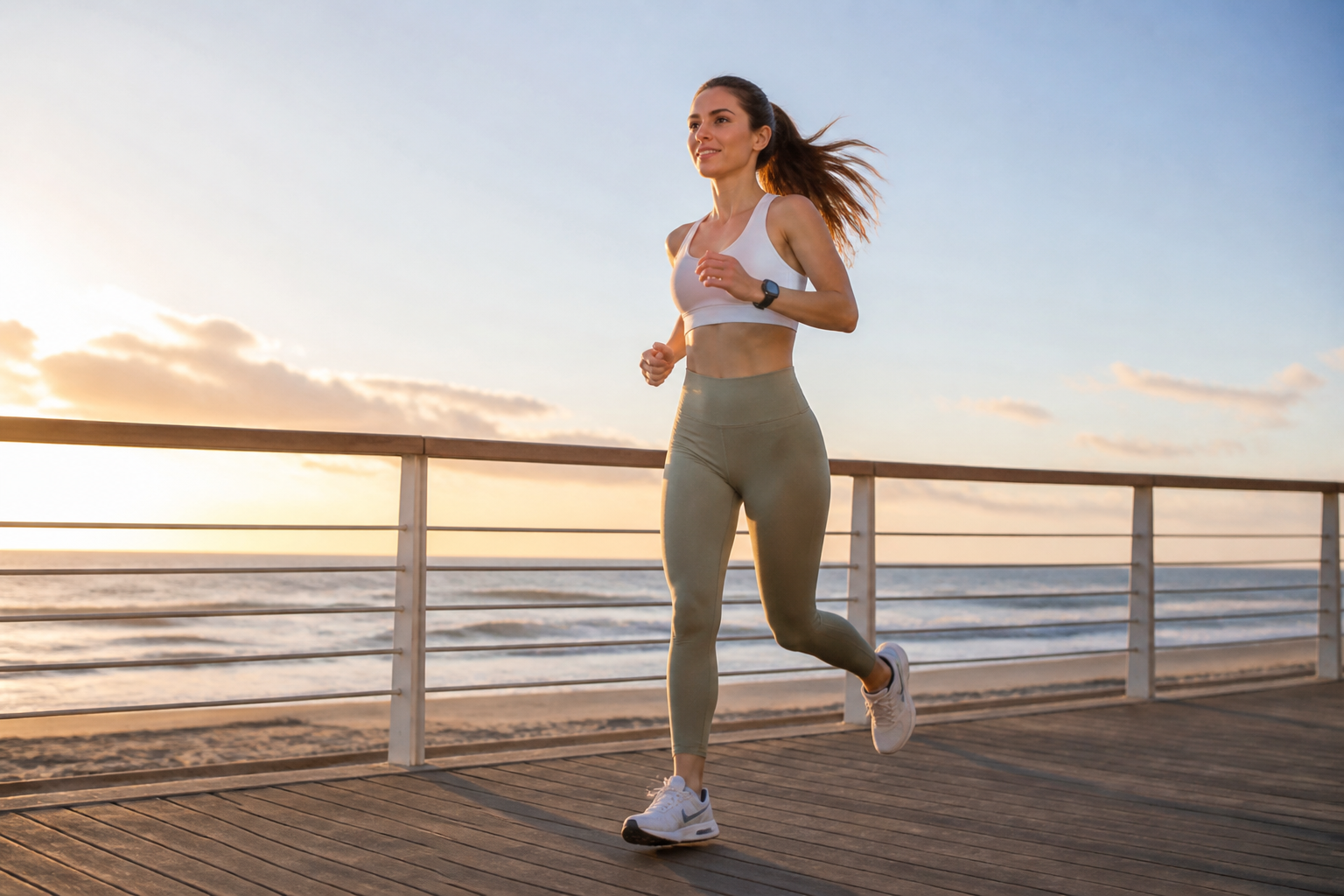 BEFORE
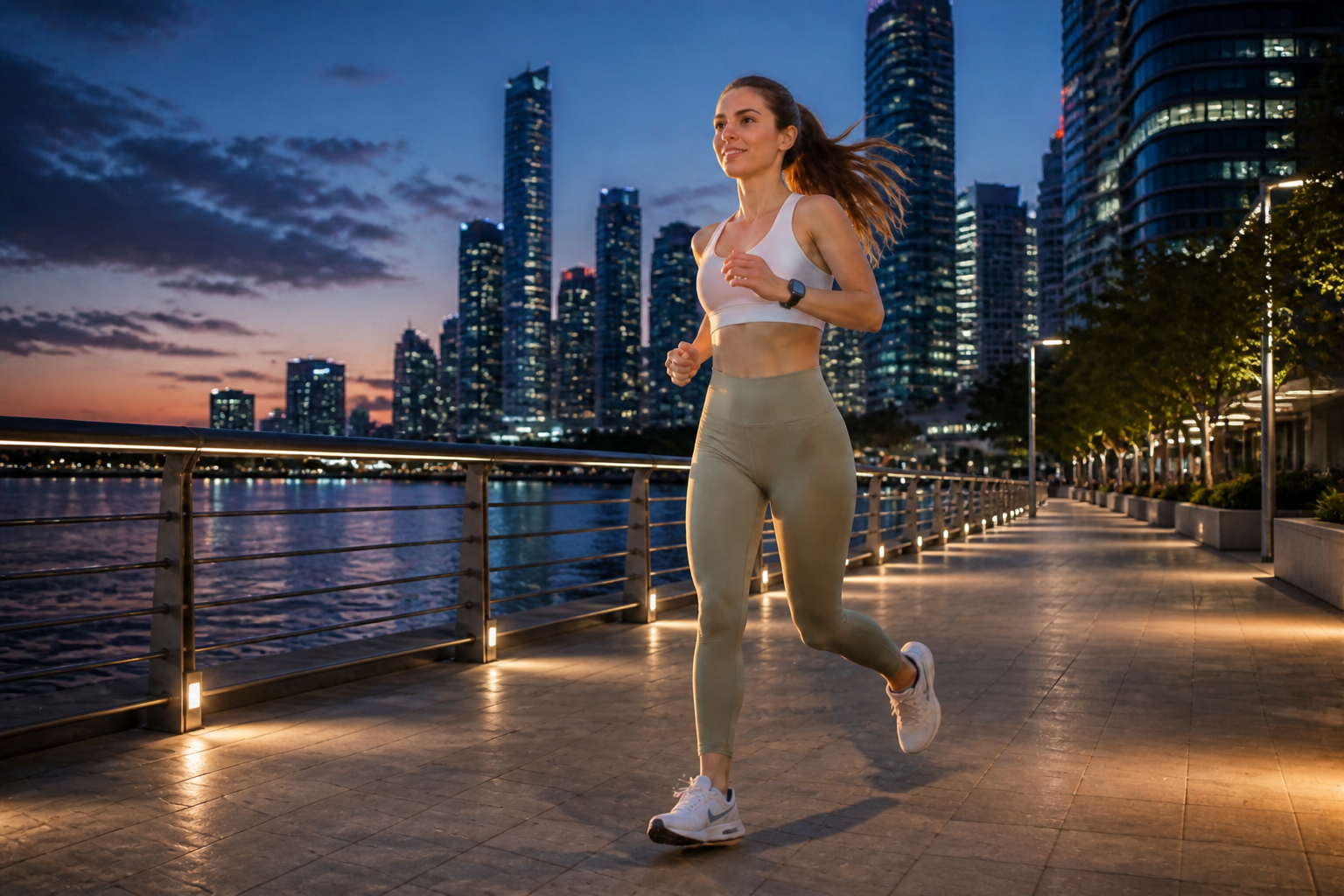 AFTER
AFTER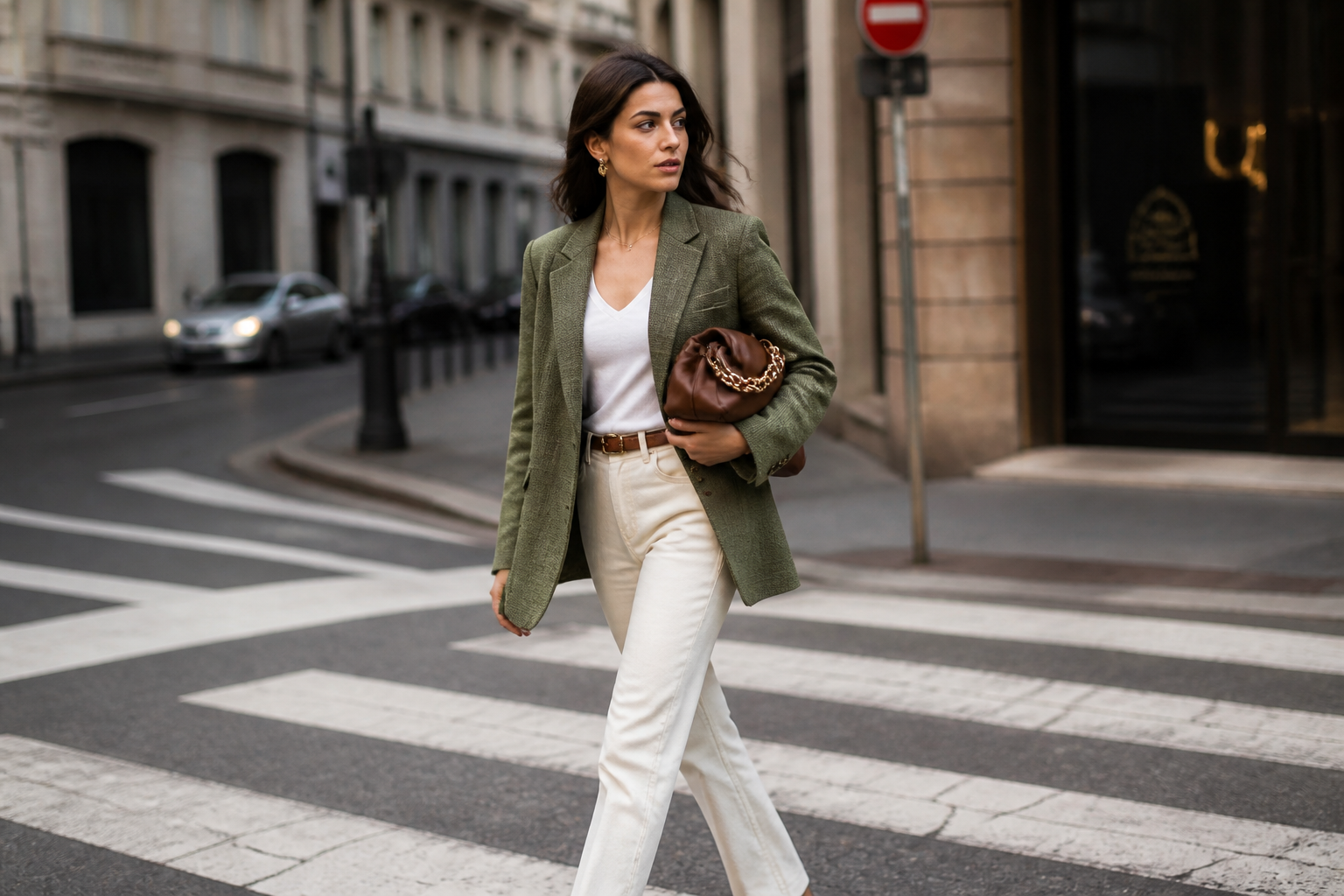 BEFORE
 AFTER
AFTER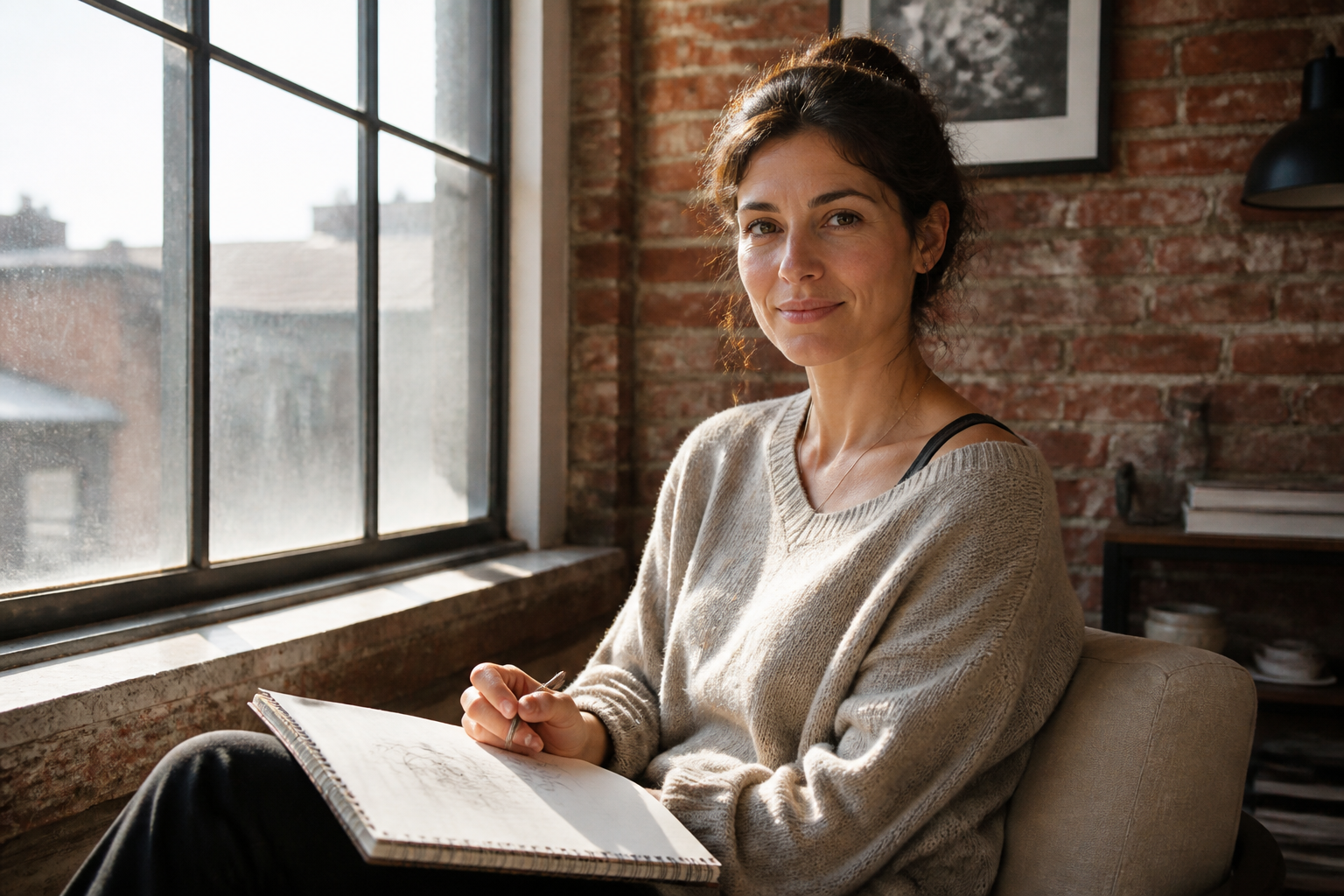 BEFORE
 AFTER
AFTER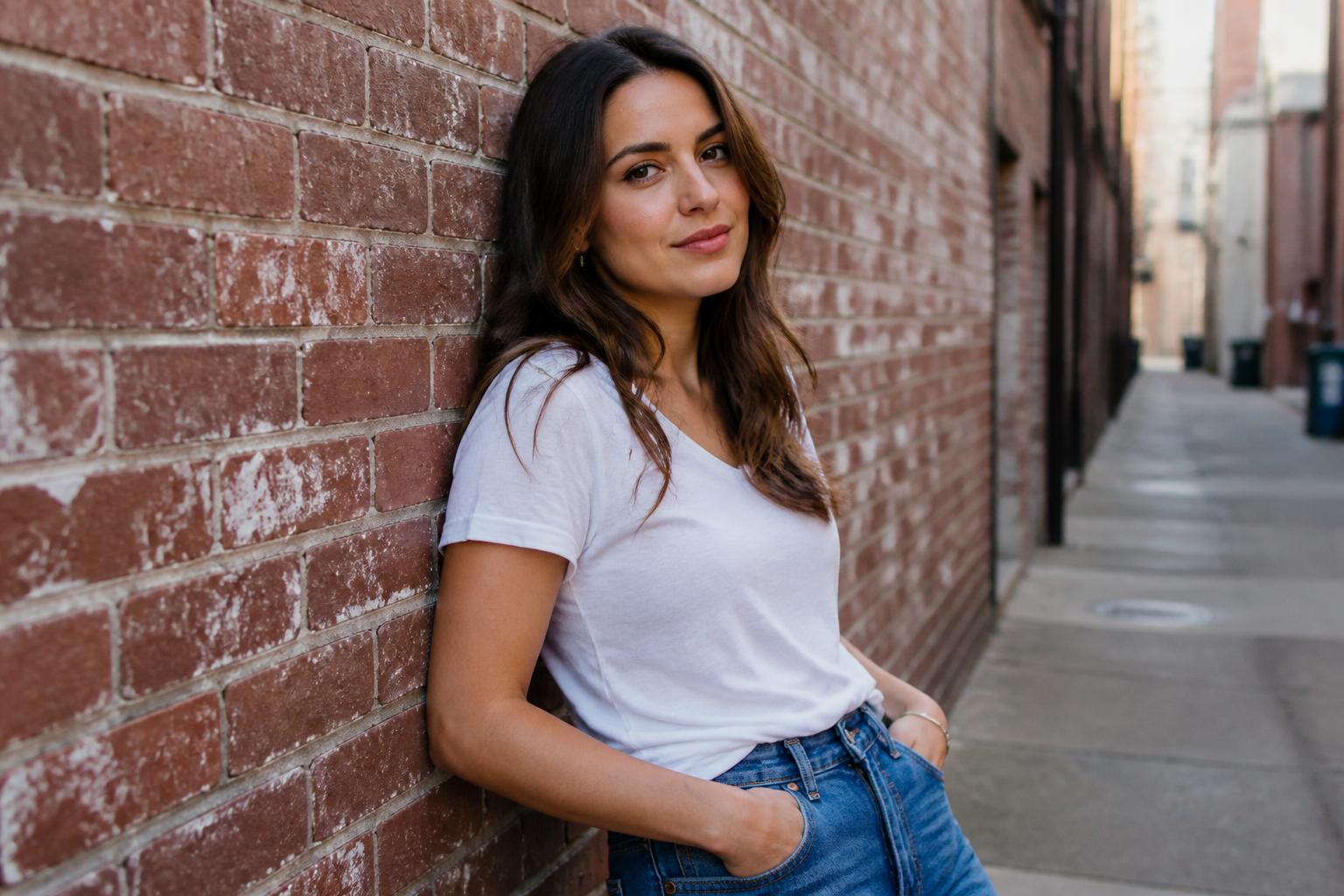 BEFORE
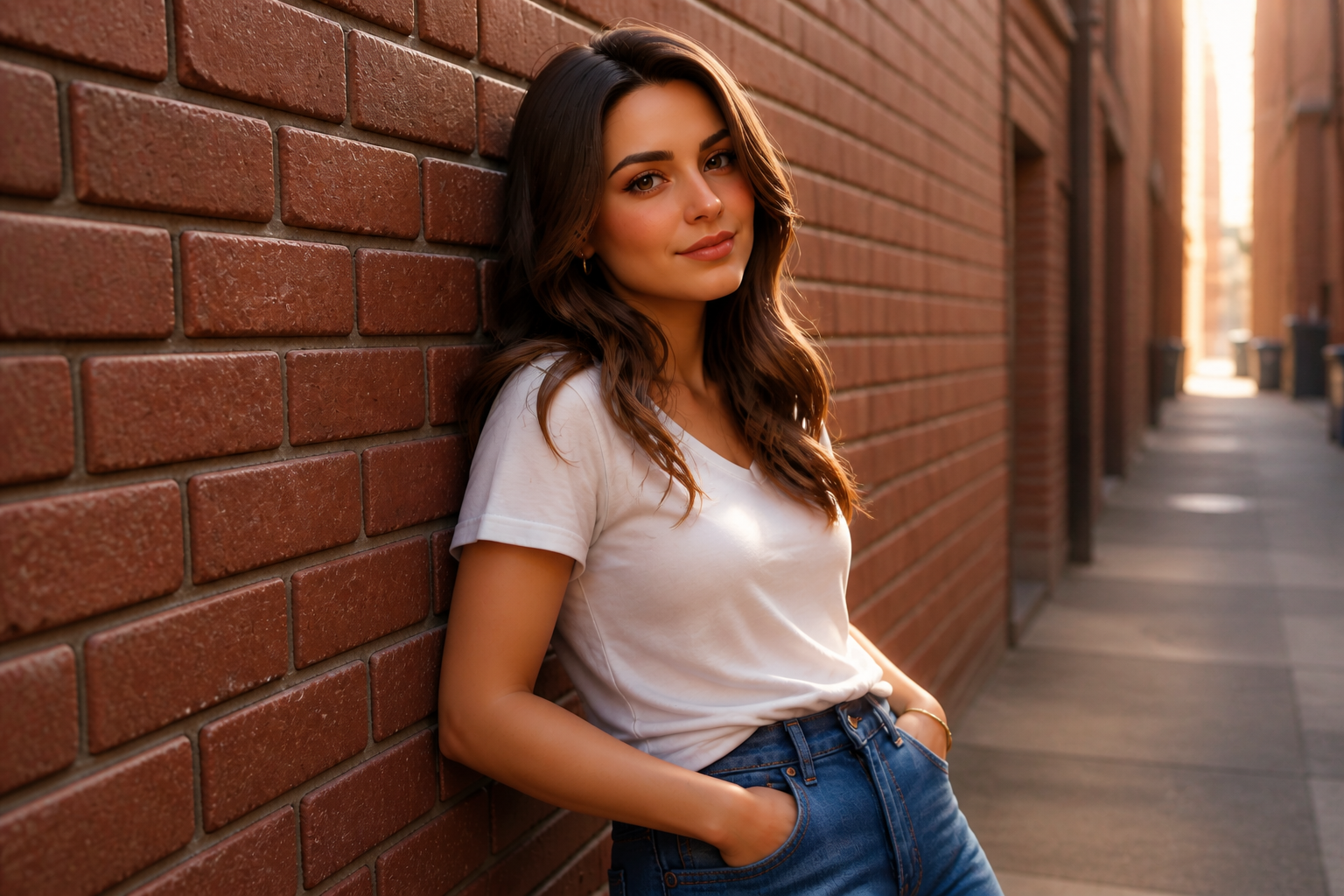 AFTERBEFOREAFTERBEFOREAFTERBEFOREAFTERBEFOREAFTERBEFOREAFTER
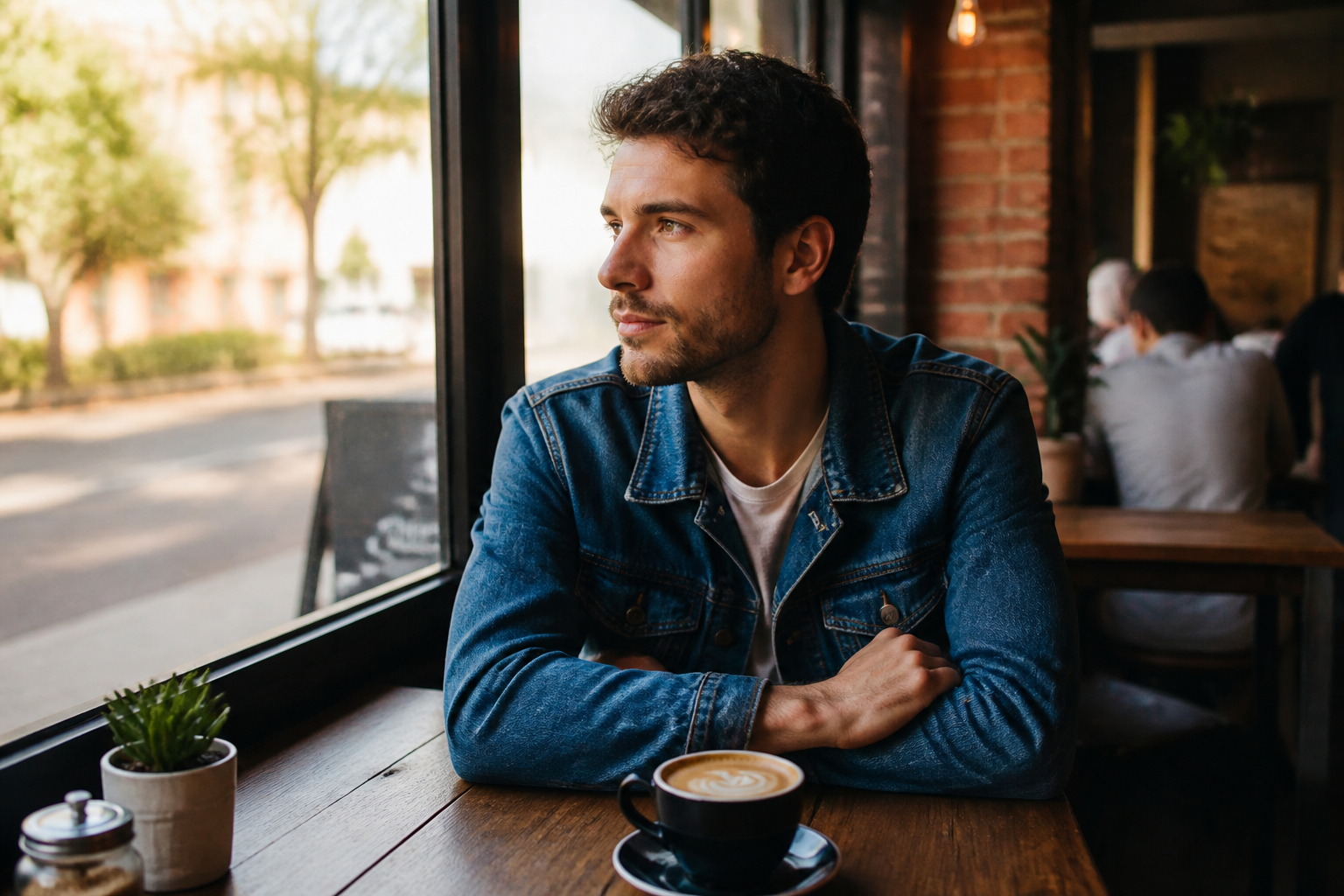 BEFORE
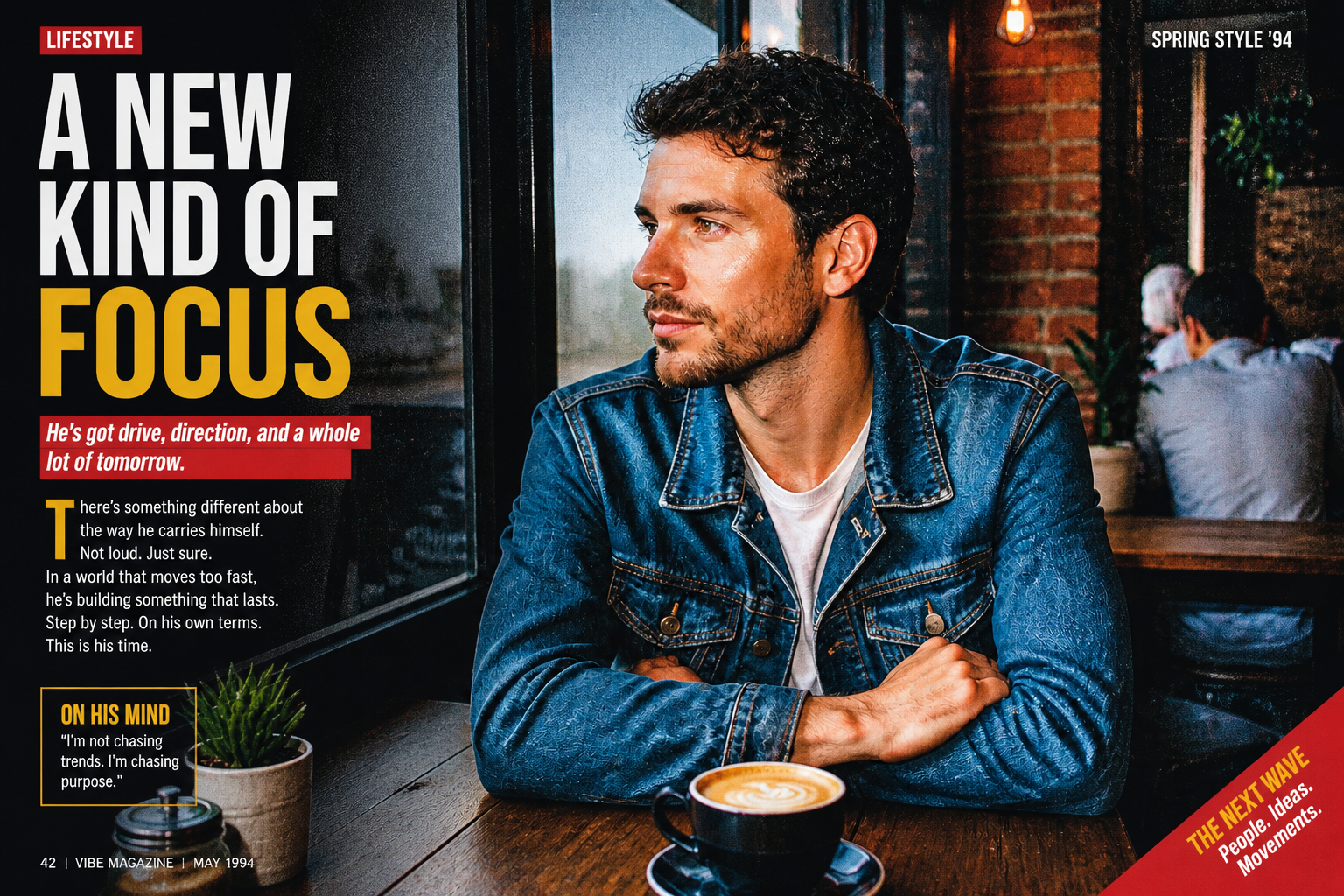 AFTER
AFTER BEFORE
 AFTER
AFTER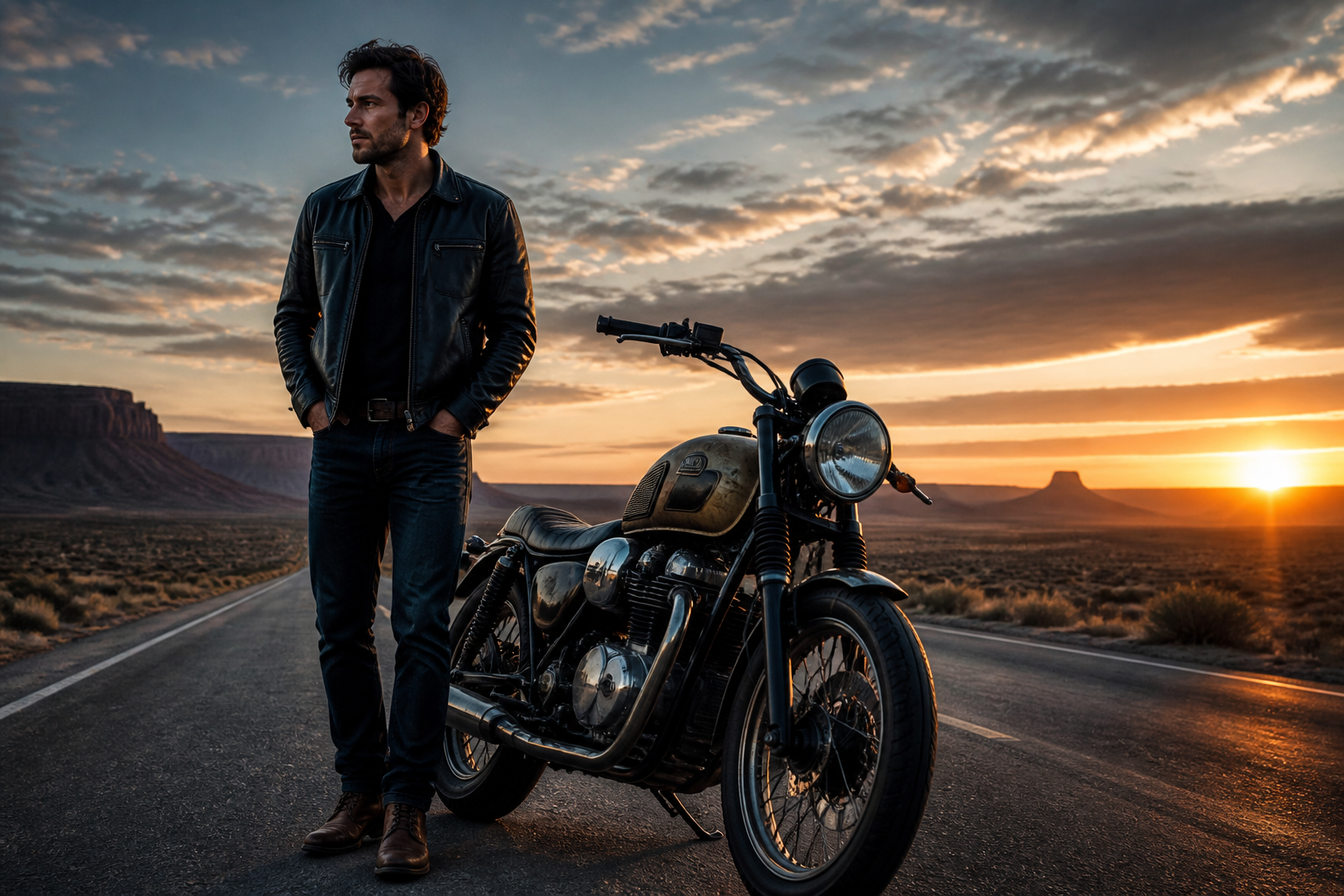 BEFORE
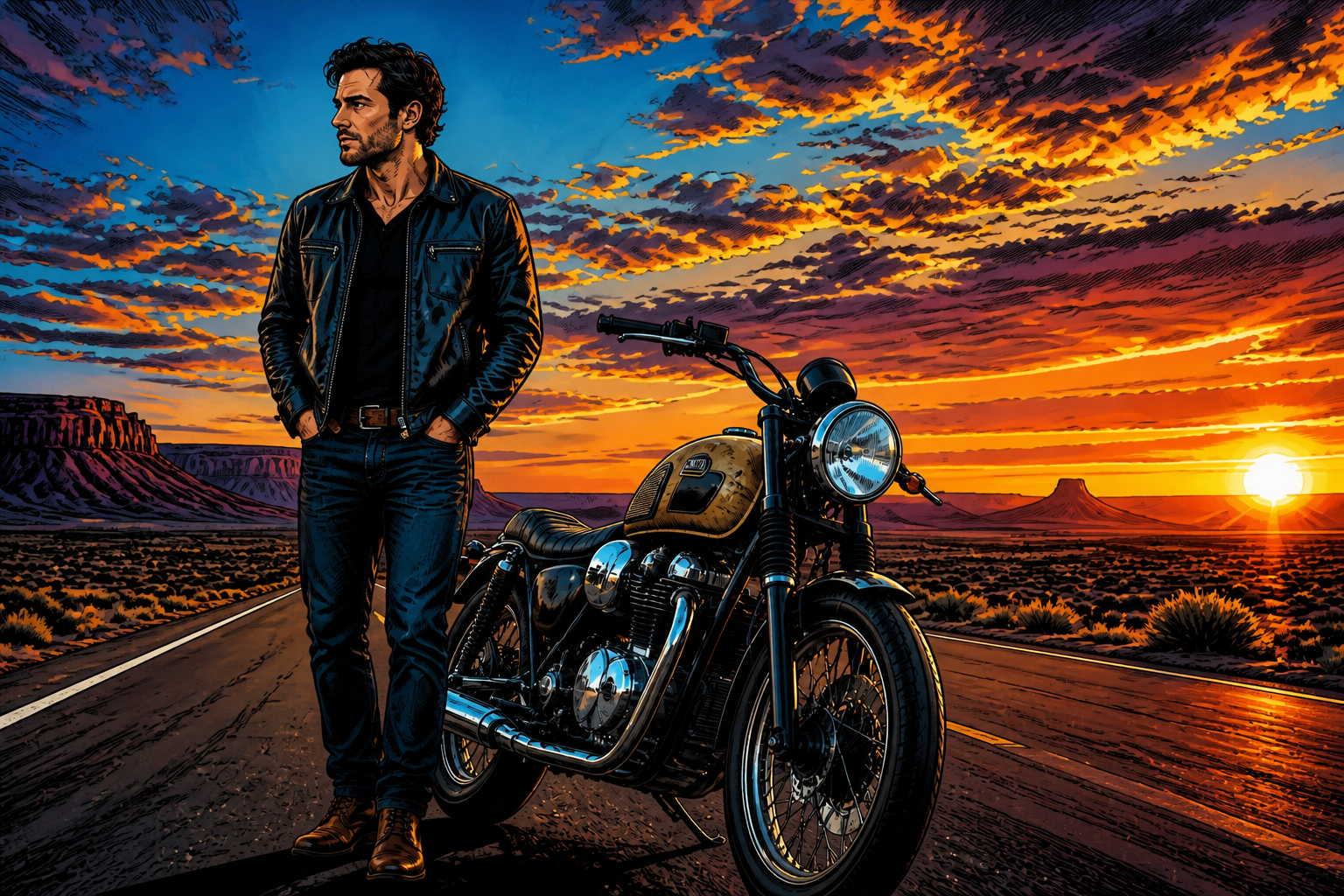 AFTER
AFTER BEFORE
 AFTER
AFTER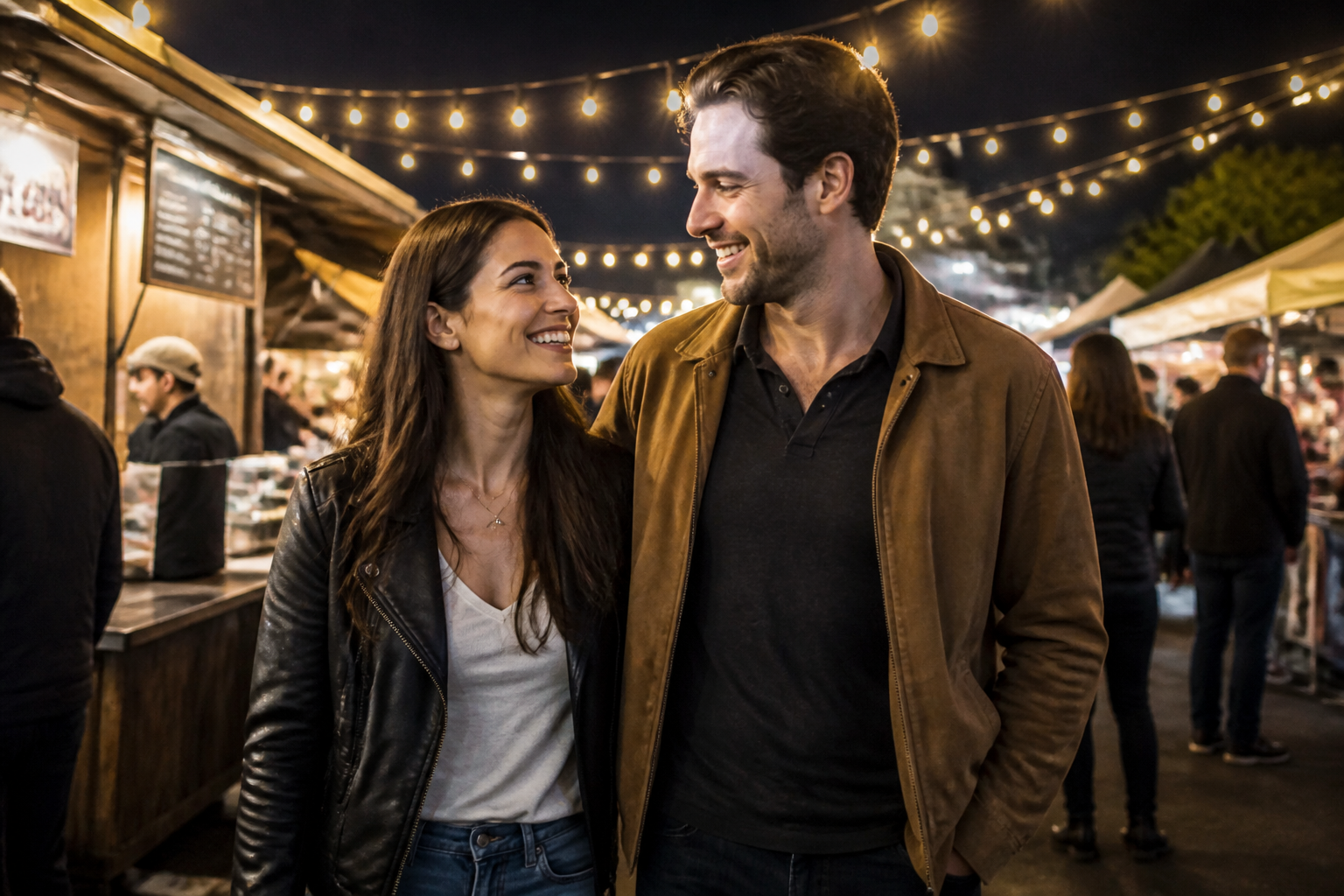 BEFORE
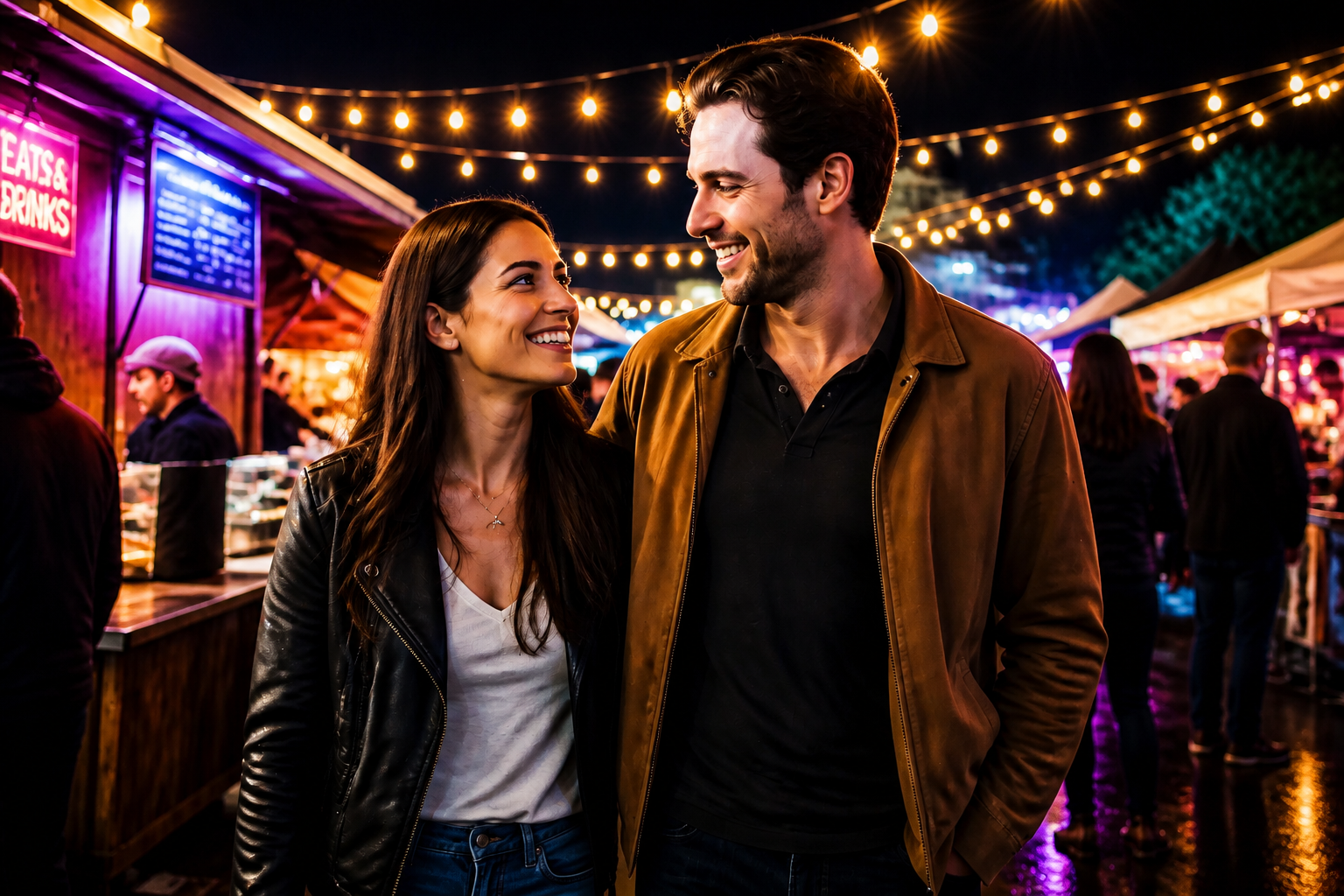 AFTERBEFOREAFTERBEFOREAFTERBEFOREAFTERBEFOREAFTERBEFOREAFTER
Key Features
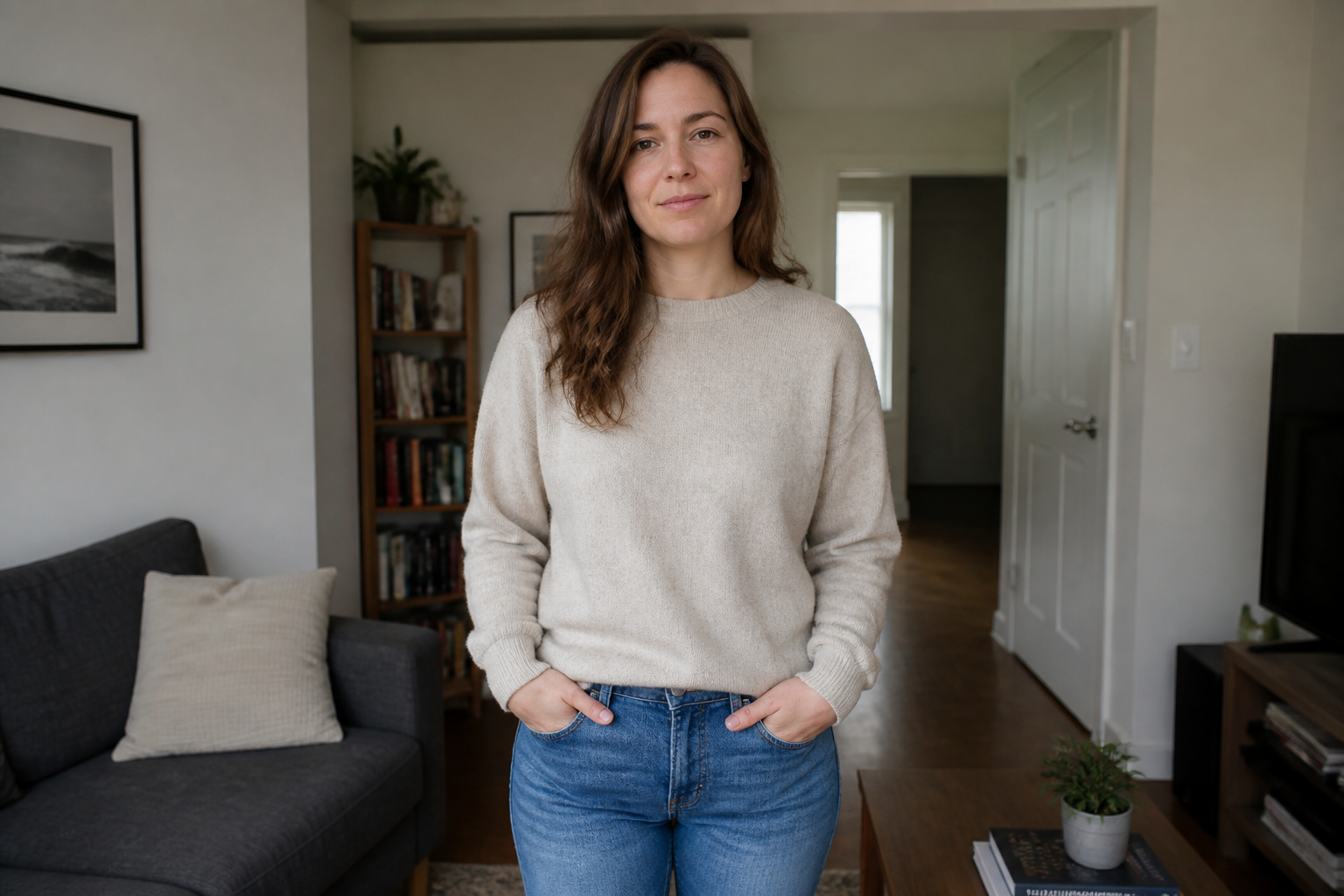
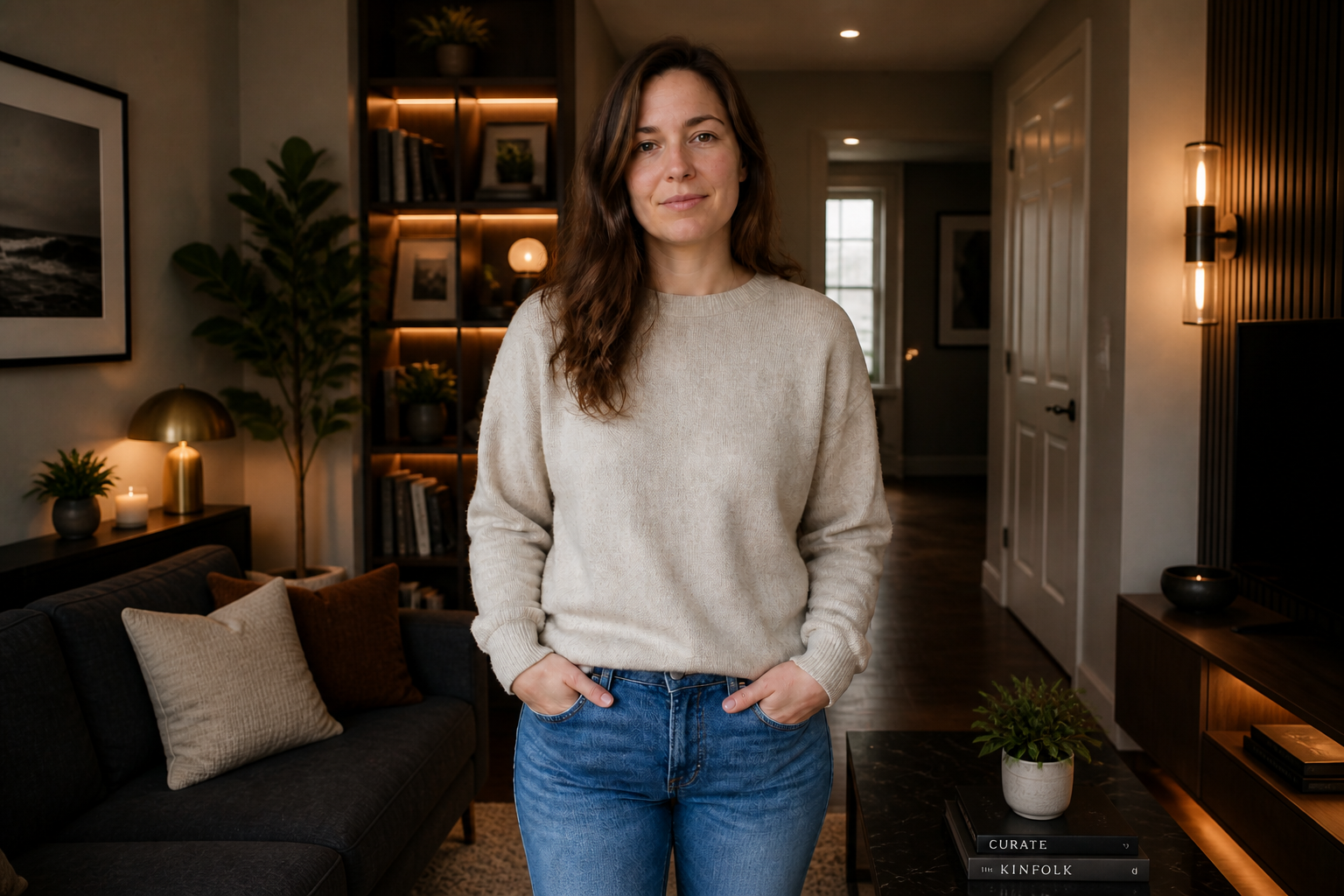
Make visible edits fast
Turn a plain photo into something noticeably different without rebuilding it from scratch. You can change style, lighting, backgrounds, or wardrobe in one step and see the result side by side. That makes it easier to test ideas quickly than doing layered edits manually. It is useful when you want a clear transformation, not tiny adjustments.
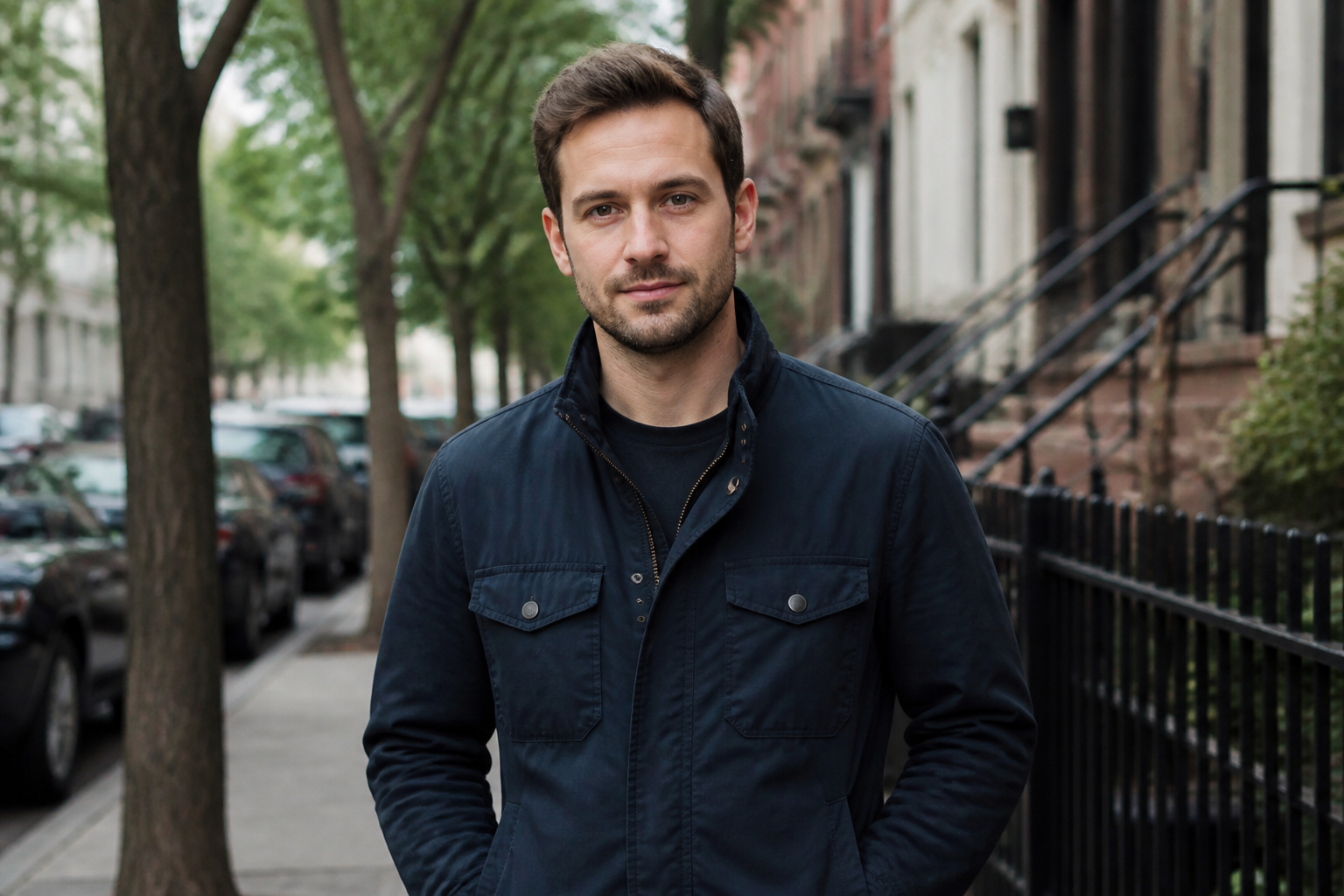
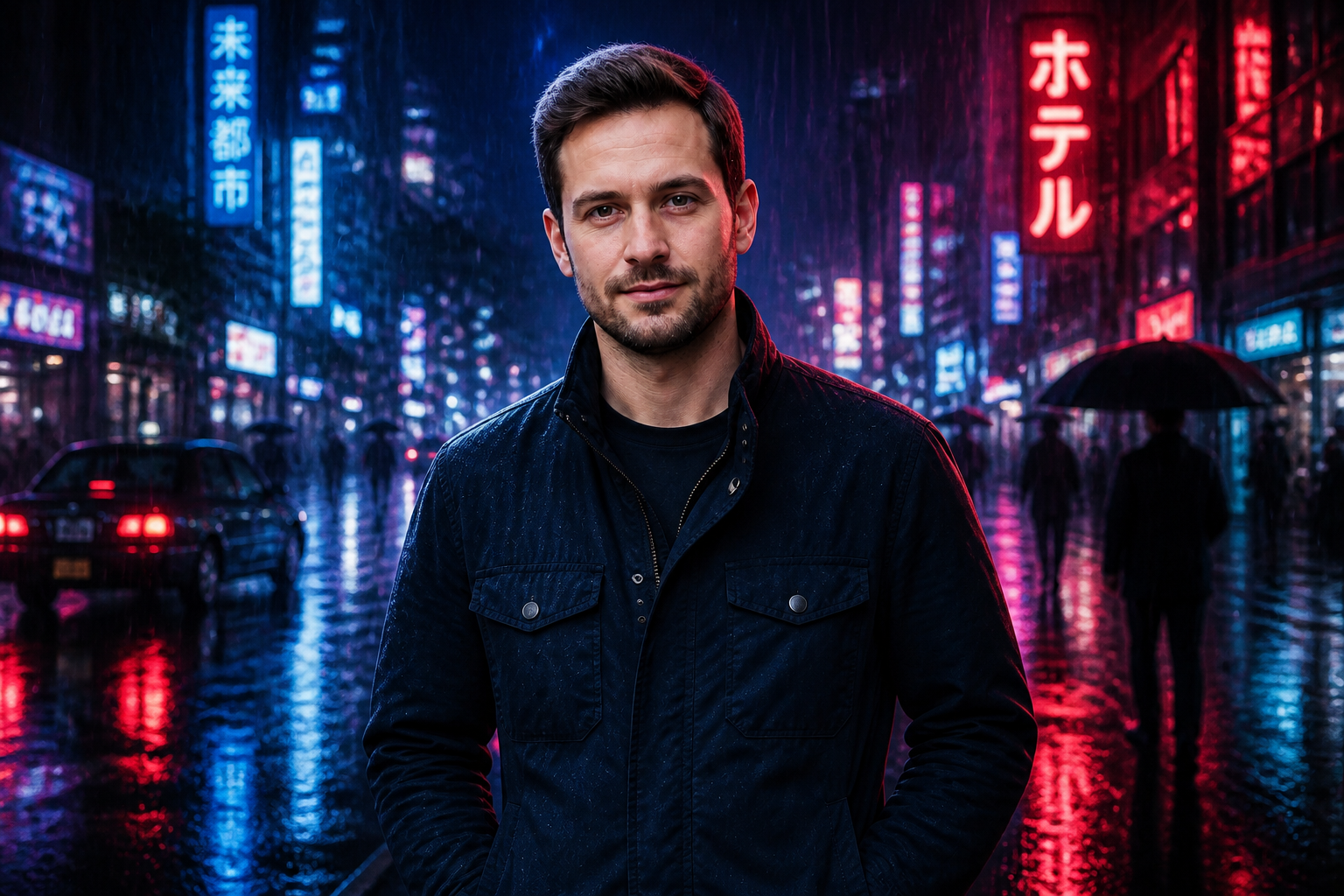
Keep the subject recognizable
A strong edit should change the look without replacing the person or main object. Our AI is tuned for before-and-after results that preserve the subject's core identity, pose, and composition while updating the surrounding visual treatment. That matters for profile photos, product shots, and client previews. It reduces the need to keep retrying until the image still feels like the original.
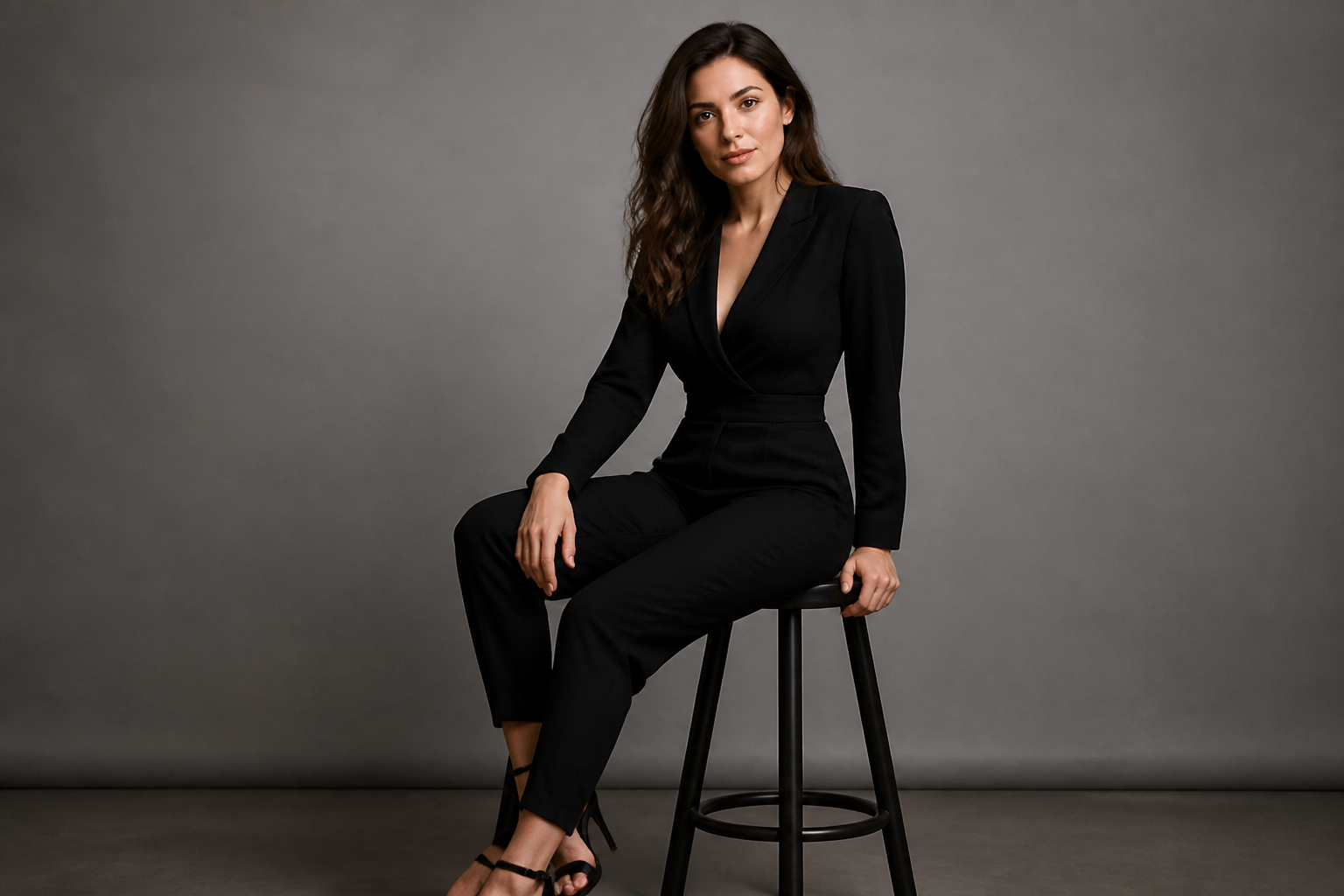
Switch styles on demand
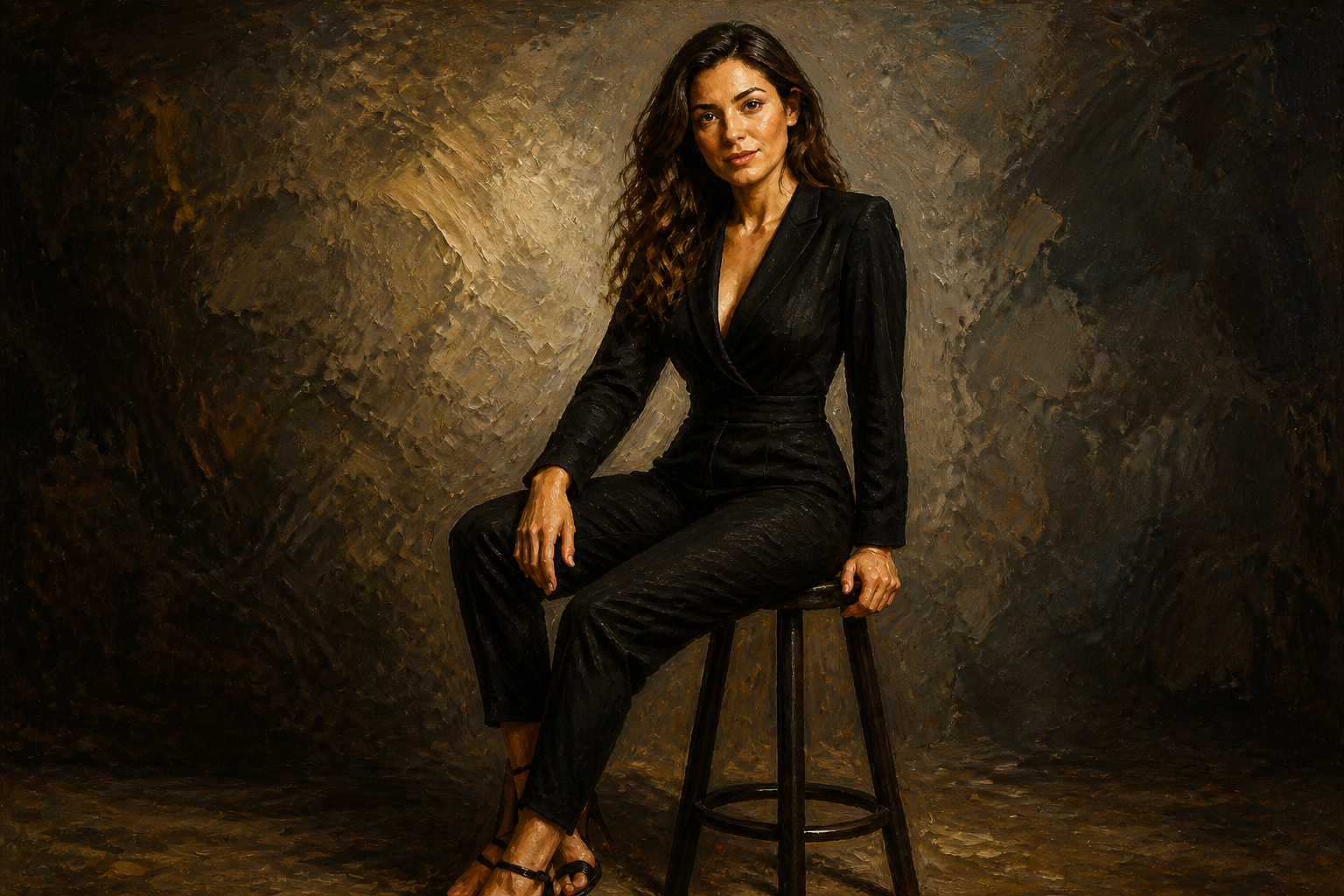
The same source image can be pushed into very different visual directions. You can turn a photo into illustration, editorial, painterly, or 3D-inspired output without changing the layout of the scene. This is faster than recreating the shot in separate apps or building multiple versions by hand. It works well when you need options for social posts, moodboards, or campaign concepts.
Refine scenes without masking
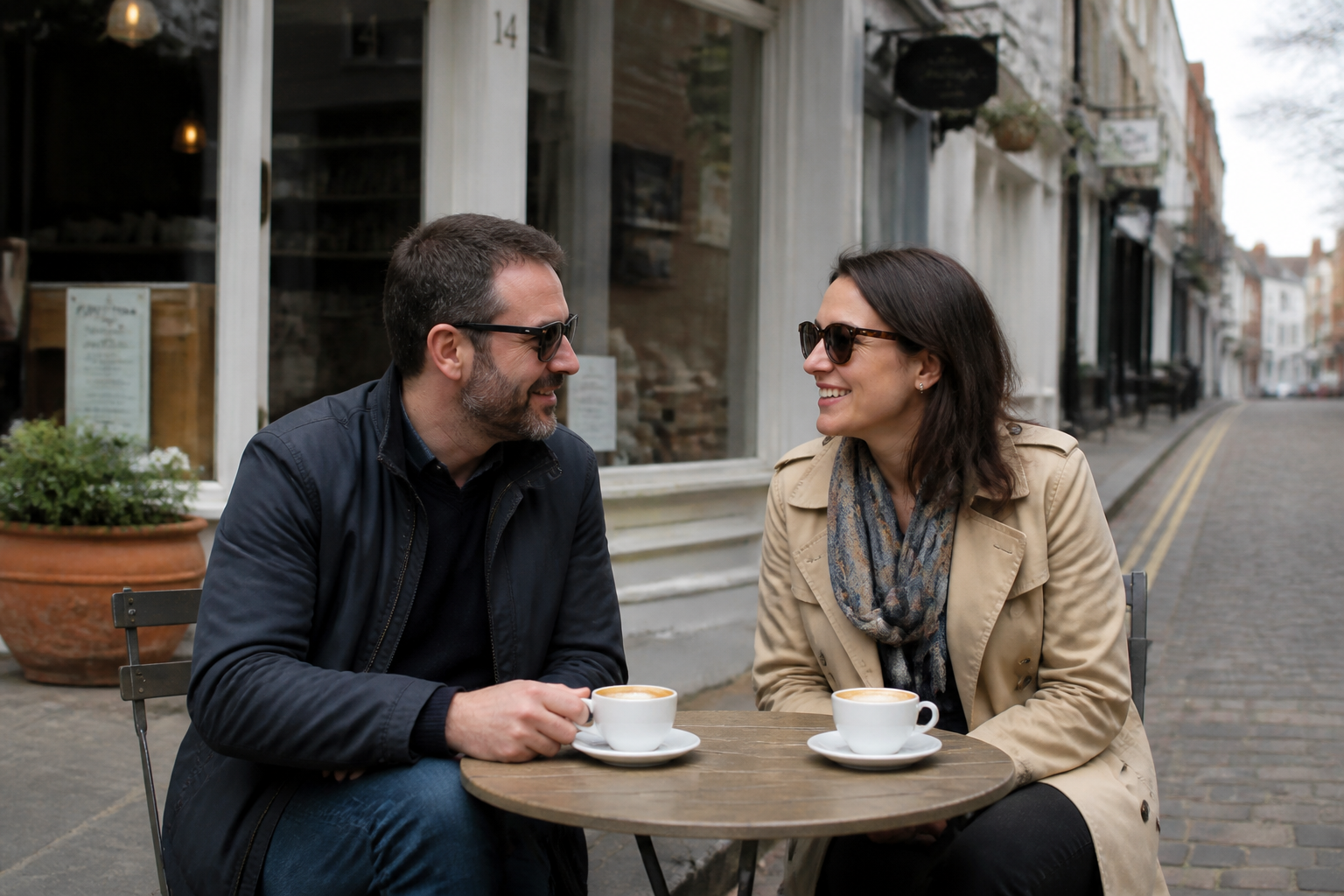
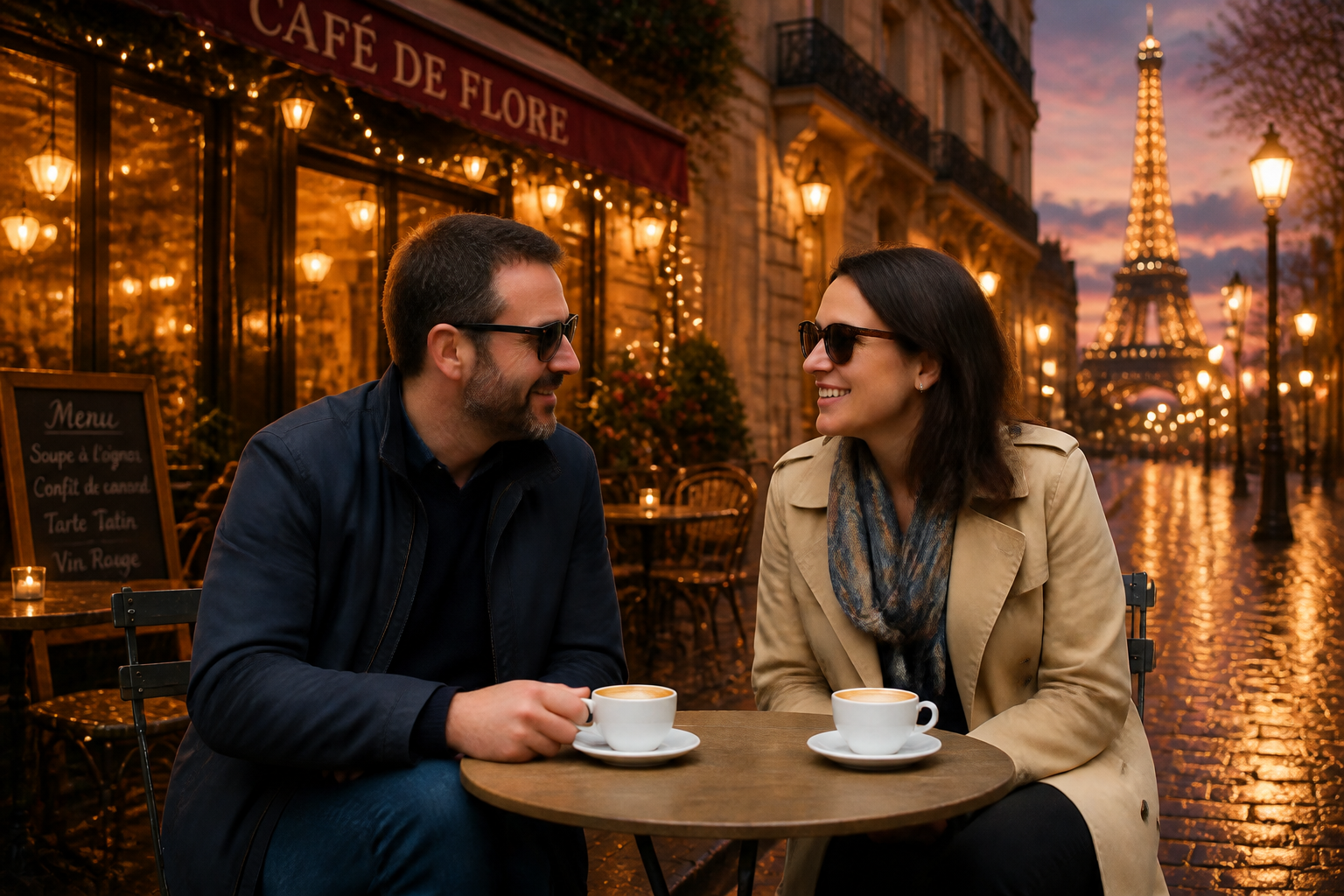
Complex software often requires selections, masks, and careful cleanup before a change looks usable. Here, you can describe the change in plain language and let the edit focus on the major visual difference. That makes routine tasks like background swaps, mood changes, and environment upgrades much quicker. It is especially helpful when speed matters more than manual precision.
How It Works
Upload your image
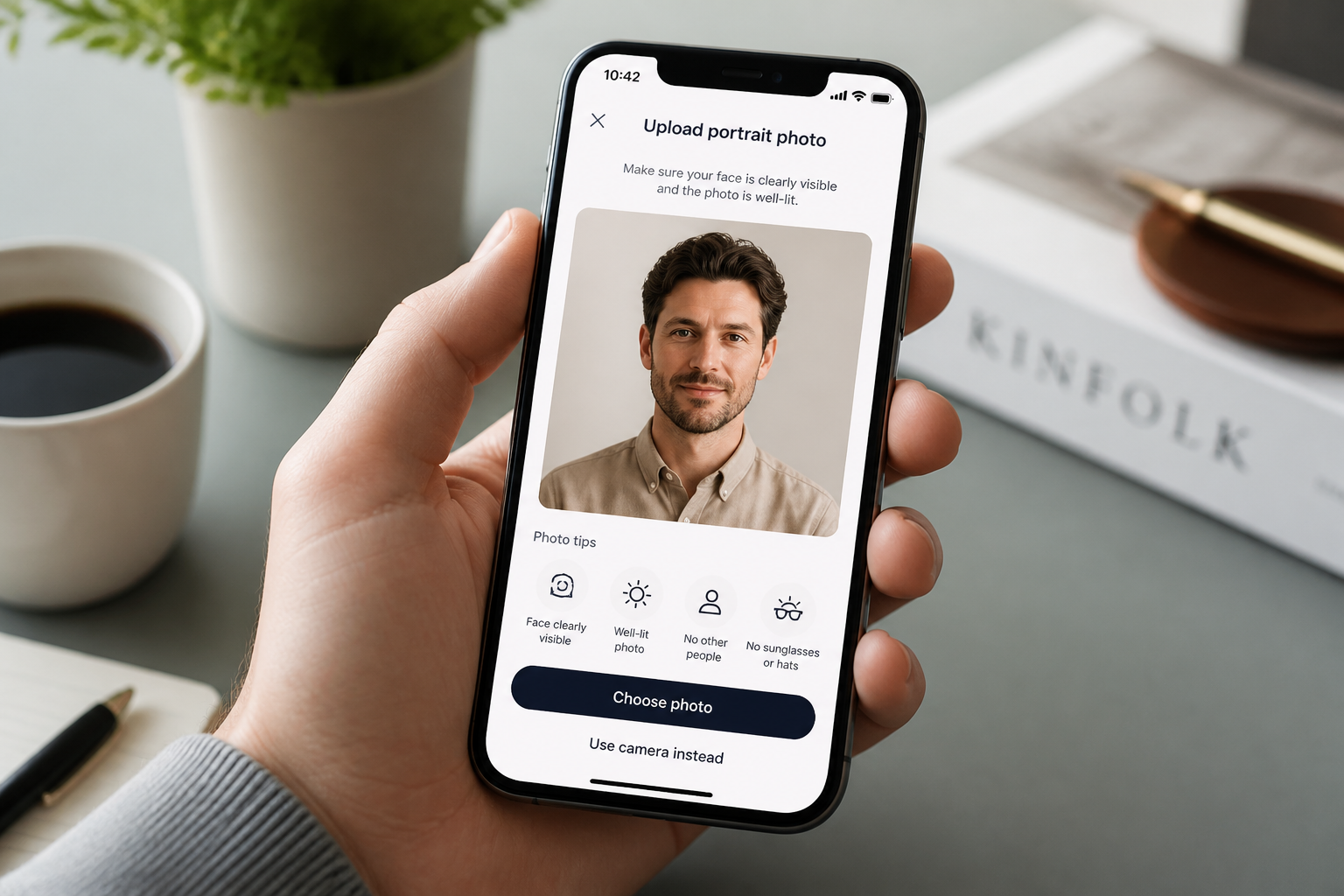
Start with a photo you want to change. Clear subjects and good lighting usually produce the most readable edits.
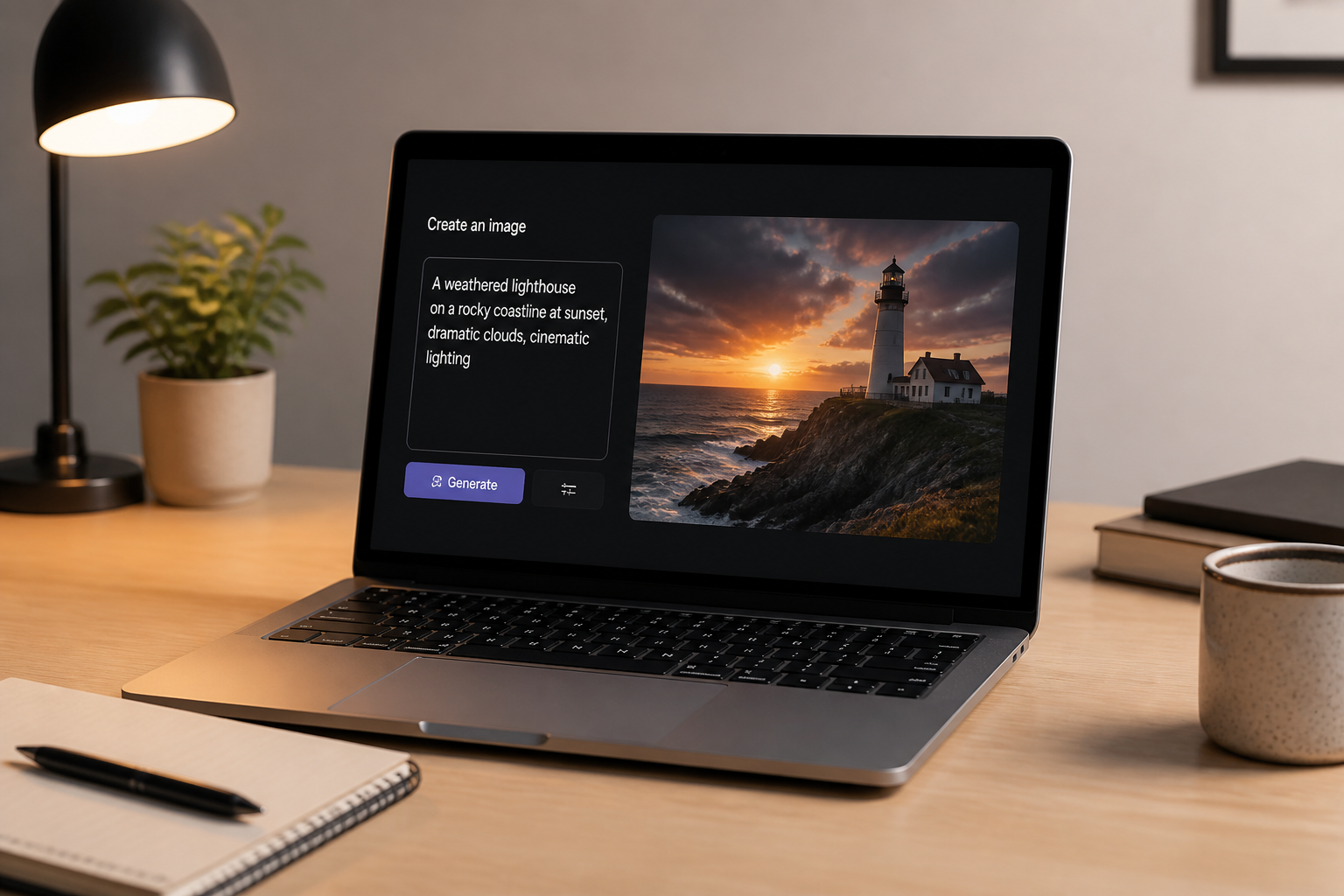
Describe the edit
Type the change you want in plain English, such as a new background, stronger lighting, or a different visual style. Keep the instruction direct so the result is easier to control.
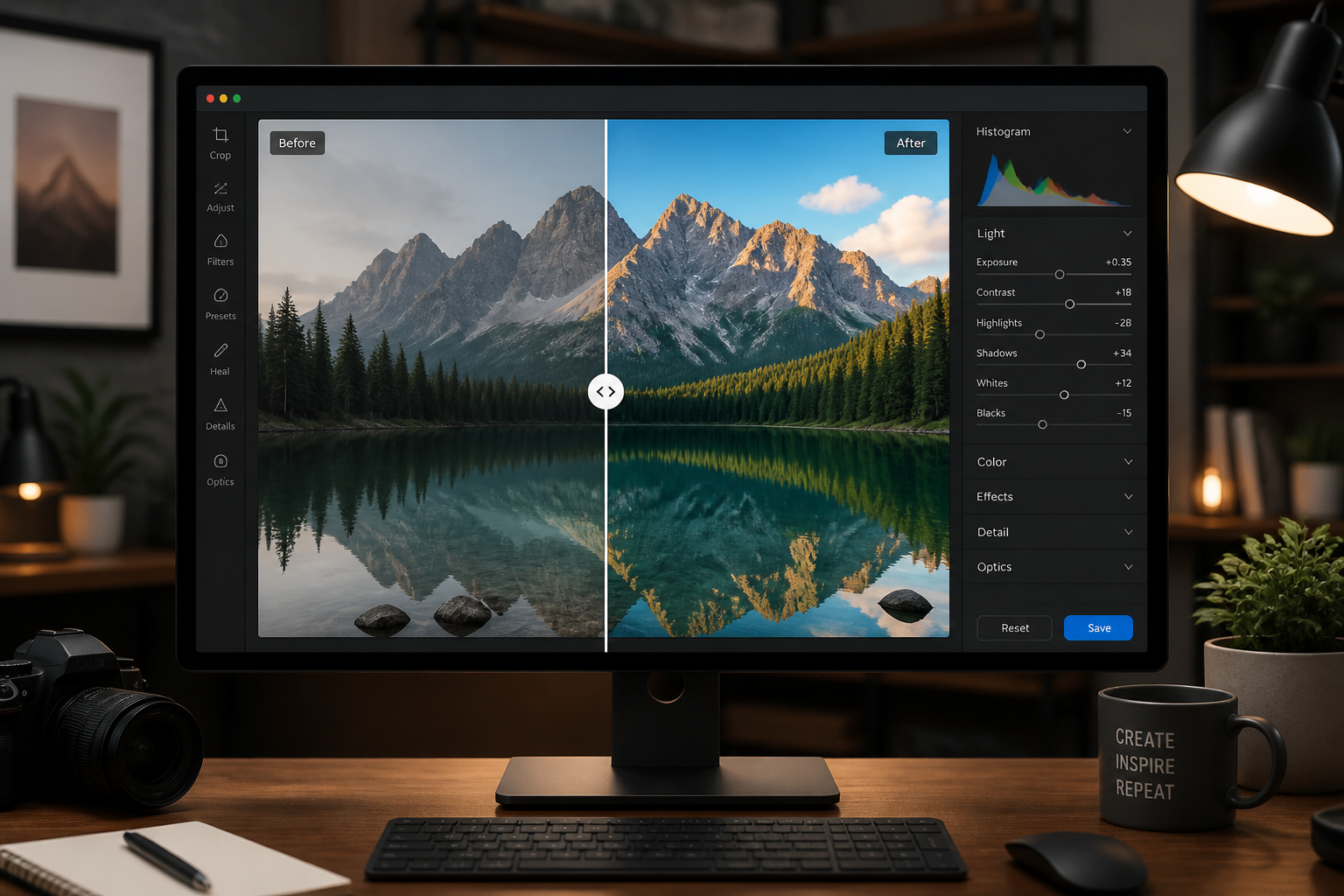
Compare and refine
Review the before and after, then adjust your prompt if you want a different direction. Small wording changes can help you steer the image toward a better result.
Perfect For
Discover how creators and professionals use ai image editor
Social media visuals
Create stronger, more polished images for posts, thumbnails, and profile content without spending hours in manual editors.
Productive concept testing
Try multiple moods, styles, or environments on the same source image before choosing a final direction.
Marketing refreshes
Update ordinary photos with cleaner lighting, better backgrounds, or sharper visual style for ads and landing pages.
Creative style transfer
Turn realistic photos into illustrated, painterly, or editorial variants while preserving the original scene structure.
Built For
Creators and influencers
Make eye-catching variations for posts, covers, and campaign ideas without advanced retouching skills.
Marketers and small teams
Refresh visuals quickly for ads, emails, and web pages when timelines are short and design resources are limited.
Designers and hobbyists
Explore alternate looks, moods, and art styles from a single image as part of ideation or personal projects.
Why use this AI image editor
A quick look at how we compare on the things that matter for this niche.
| Feature | BudgetPixel | Generic AI editors | Manual editing apps |
|---|---|---|---|
| Natural-language edits | ✓ | ✓ | — |
| Clear before/after workflow | ✓ | — | — |
| Fast style variations | ✓ | ✓ | — |
| Manual masking required | — | — | Often |
| Easy for non-designers | ✓ | ✓ | — |
Frequently Asked Questions
What can this AI image editor change?
Does it keep the original subject?
Do I need editing experience?
Can I create artistic versions from real photos?
What kind of photos work best?
Create together.
Share your creations, discover trending AI art, and grow with fellow creators.