AI Style Transfer for Photos
Change the visual style of any image while keeping the core scene intact.
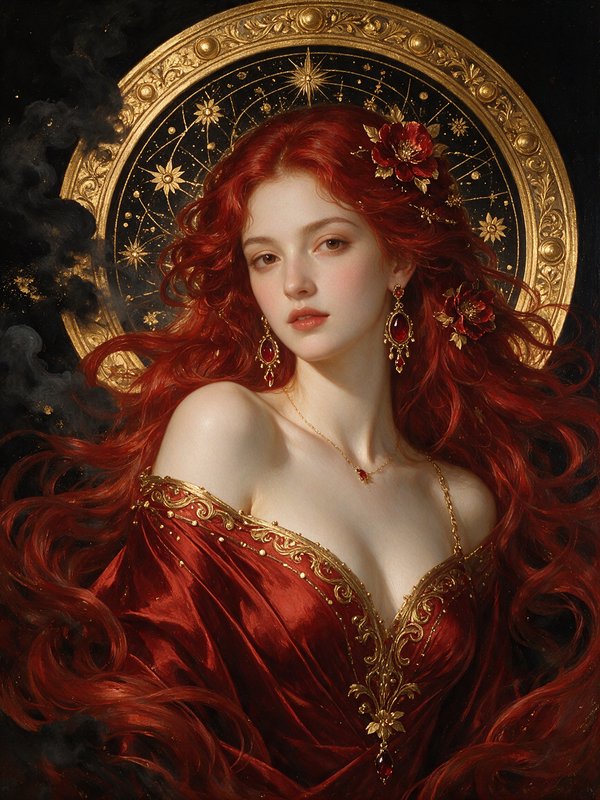
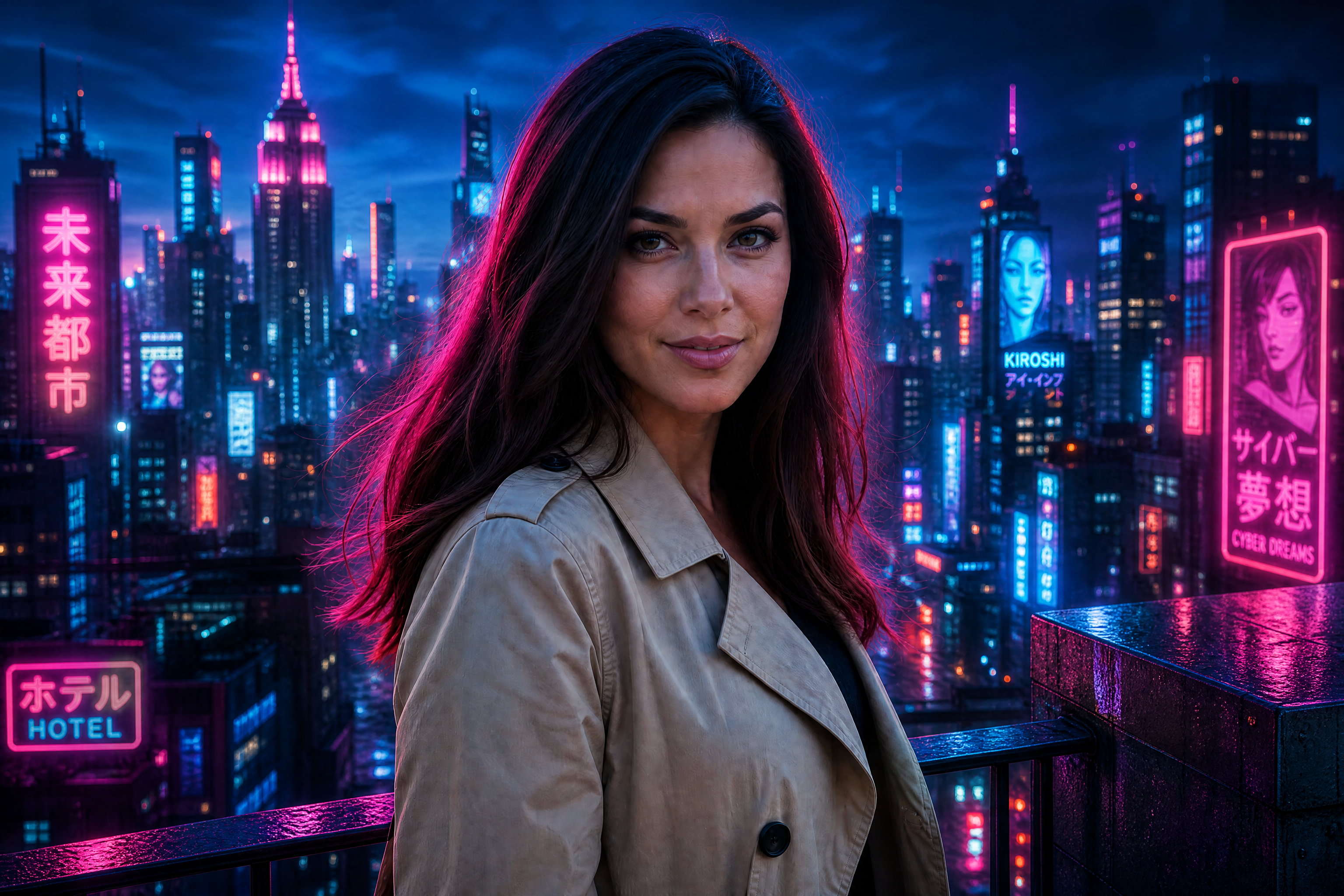
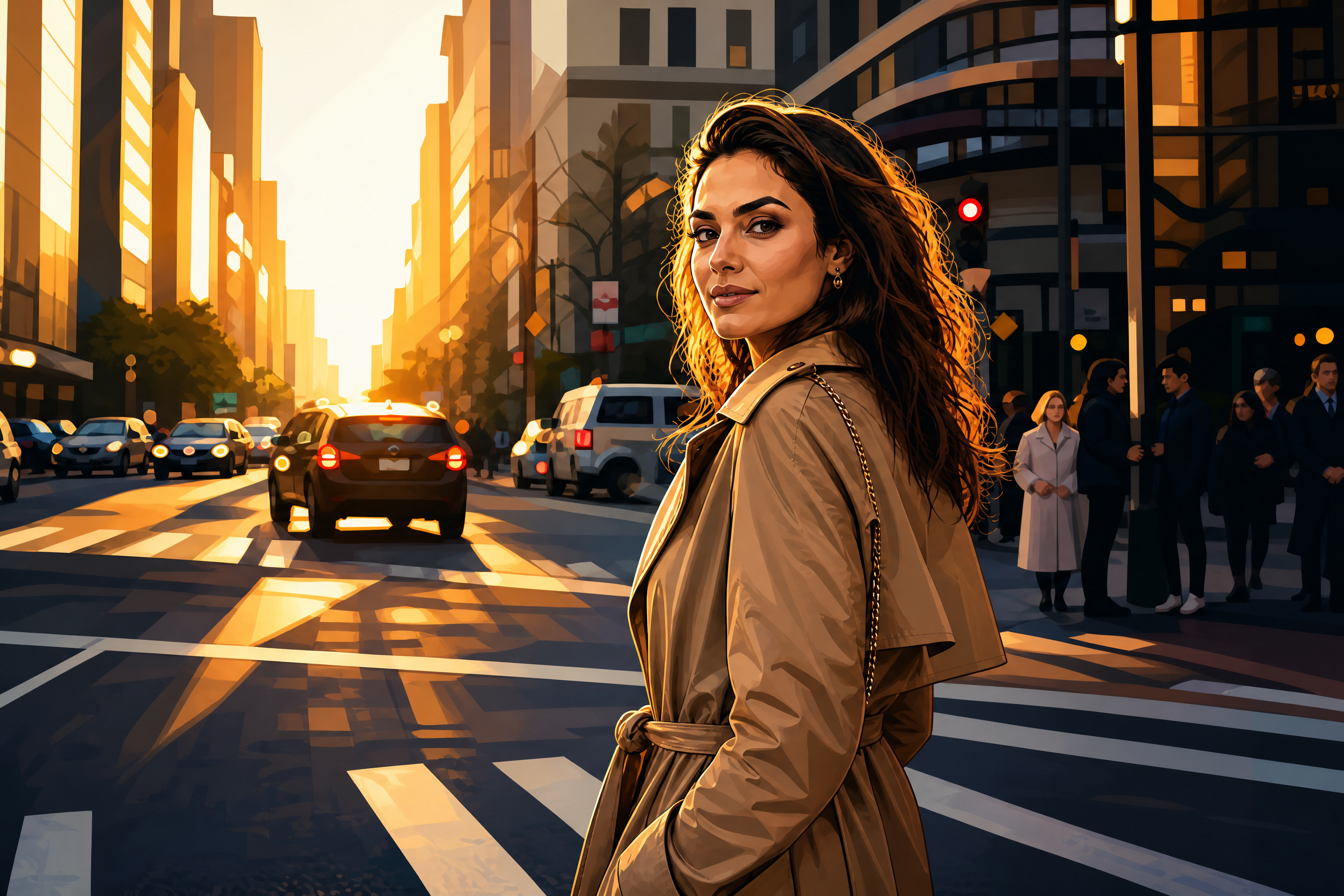
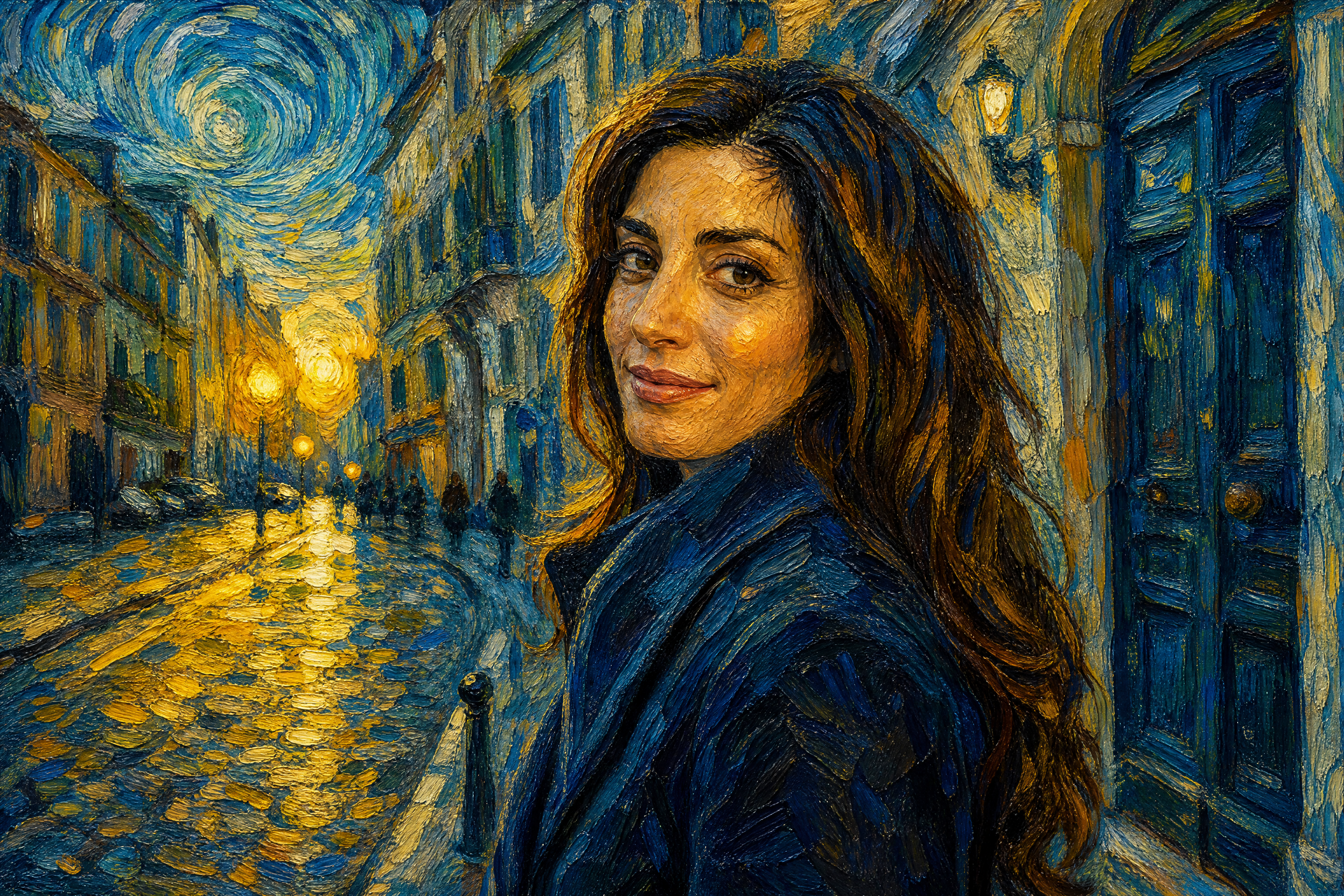
AI Style Transfer lets you transform a photo into a new artistic or editorial look without rebuilding the image from scratch. Upload a picture, describe the style you want, and our AI redraws the image with the same composition and subject. It works well for both realistic restyling and bold artistic effects.
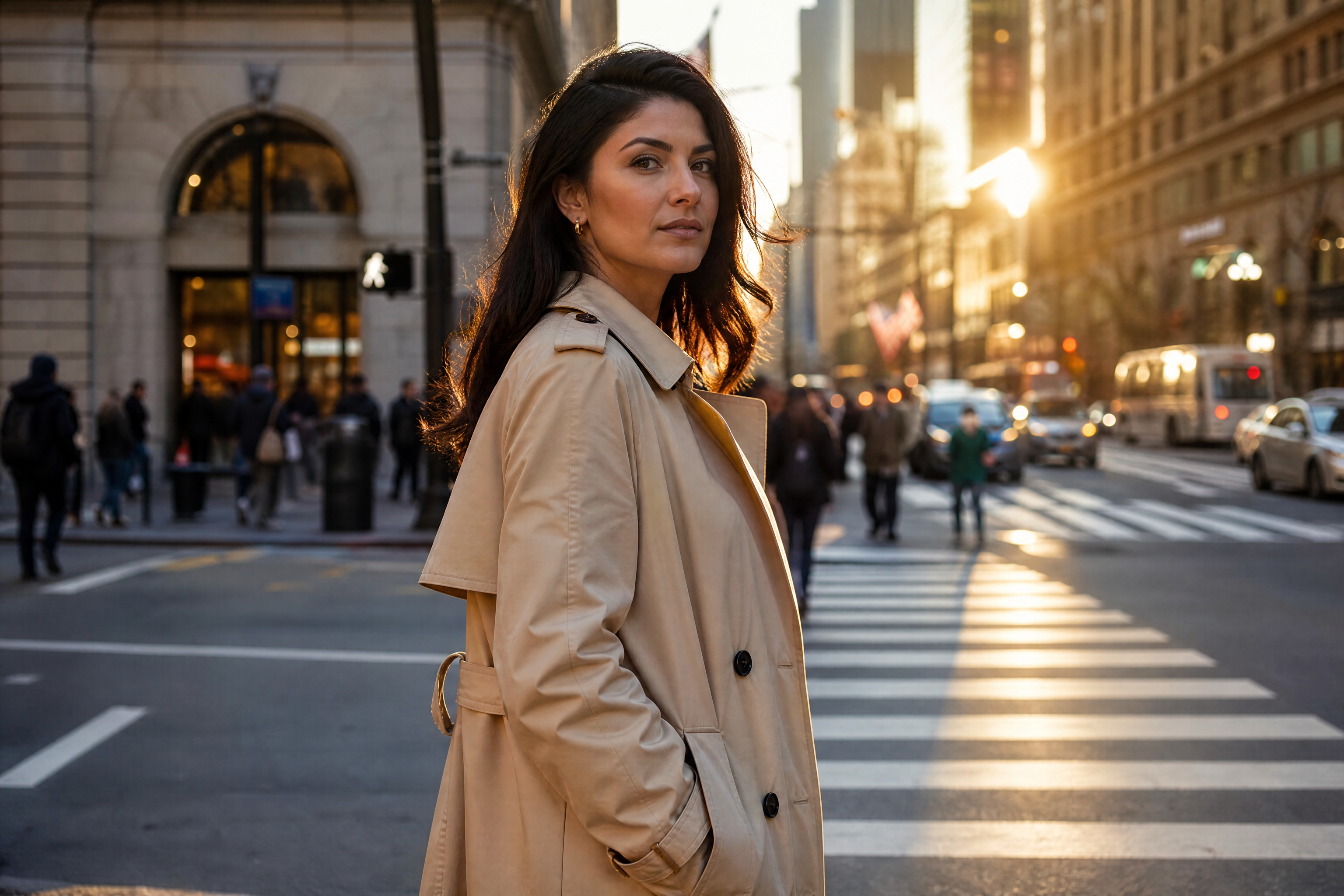
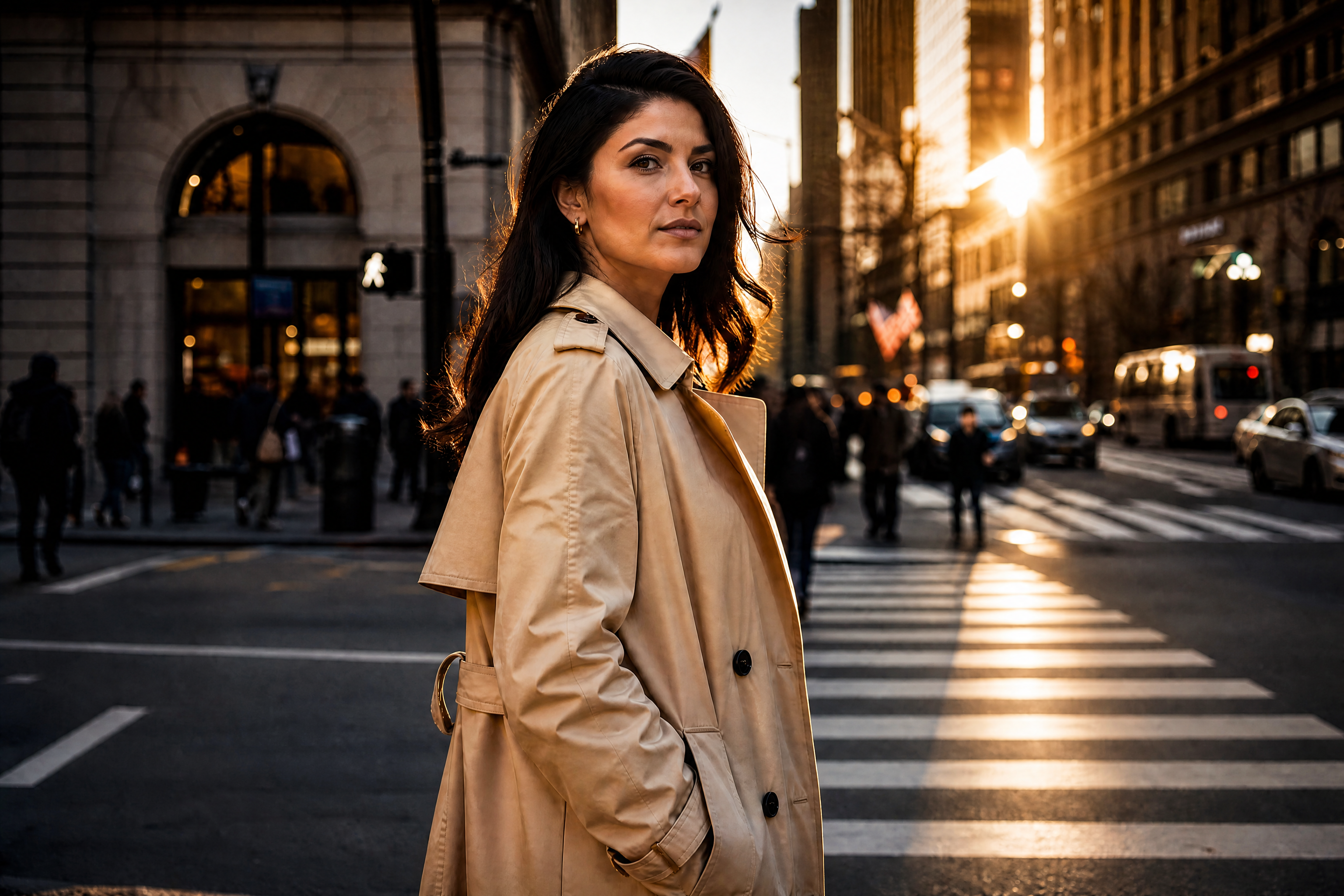
Watch the Transformation
See ai style transfer in motion — generated end-to-end by our AI.
See It In Action
Real outputs from ai style transfer.
BEFOREAFTER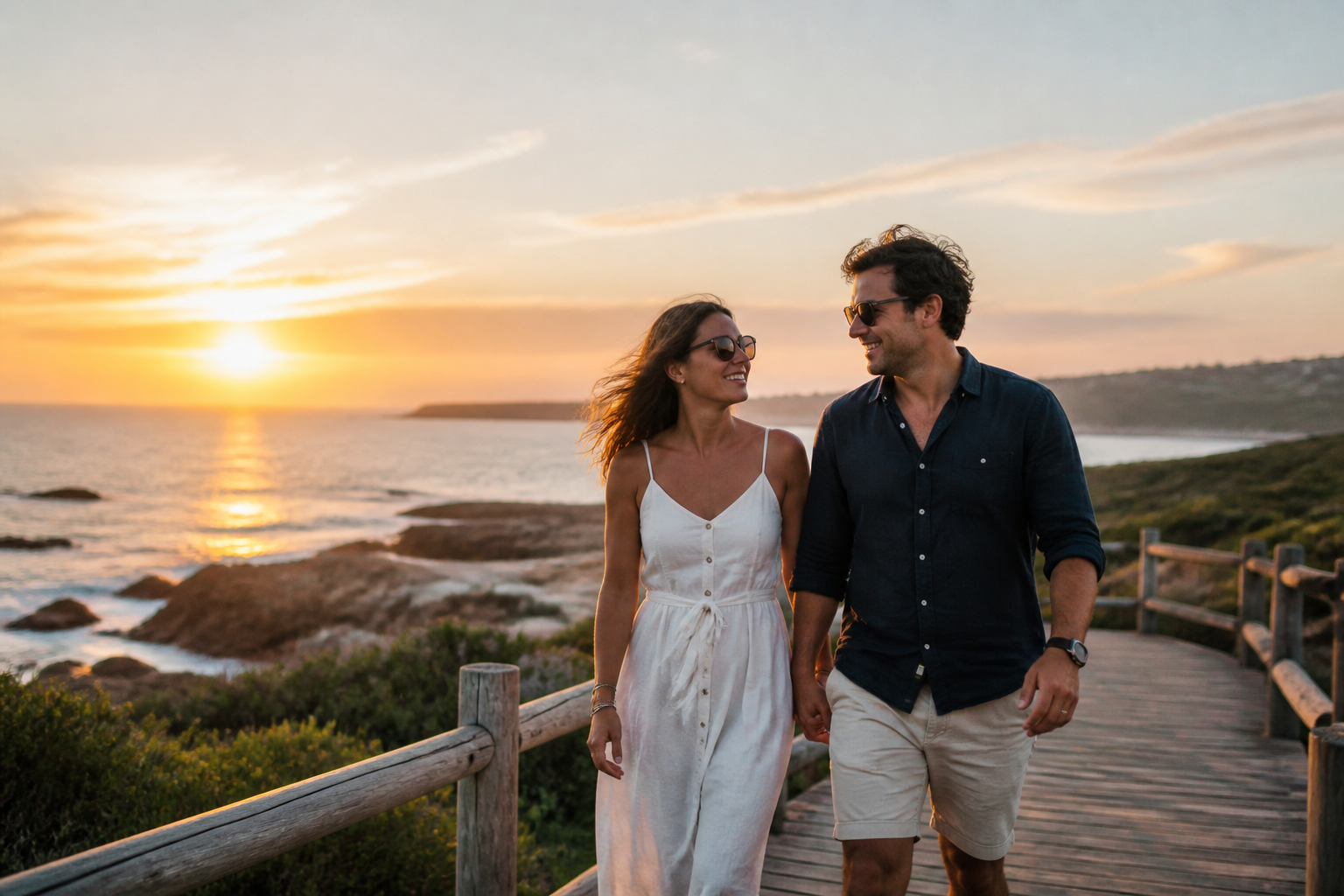 BEFORE
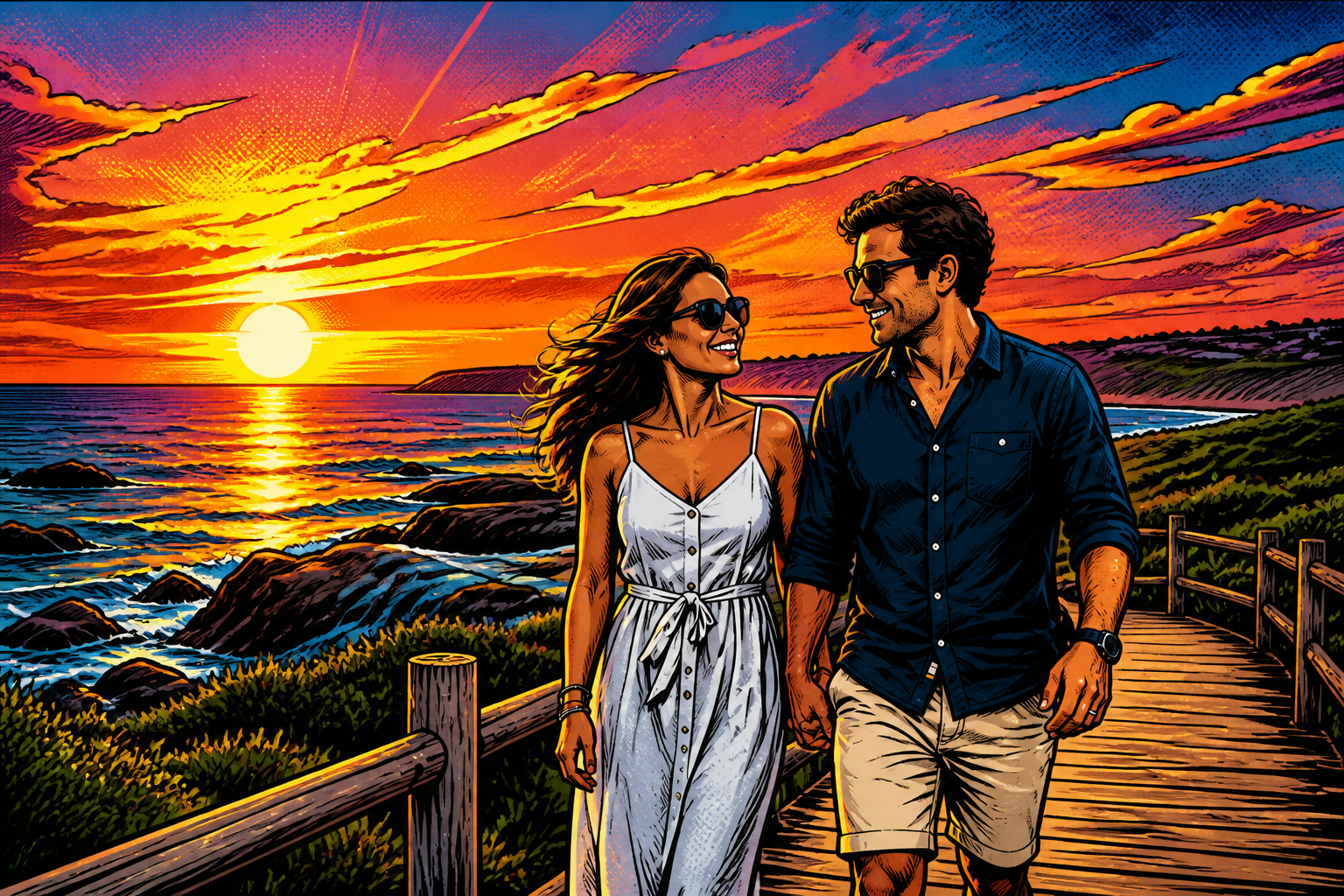 AFTER
AFTER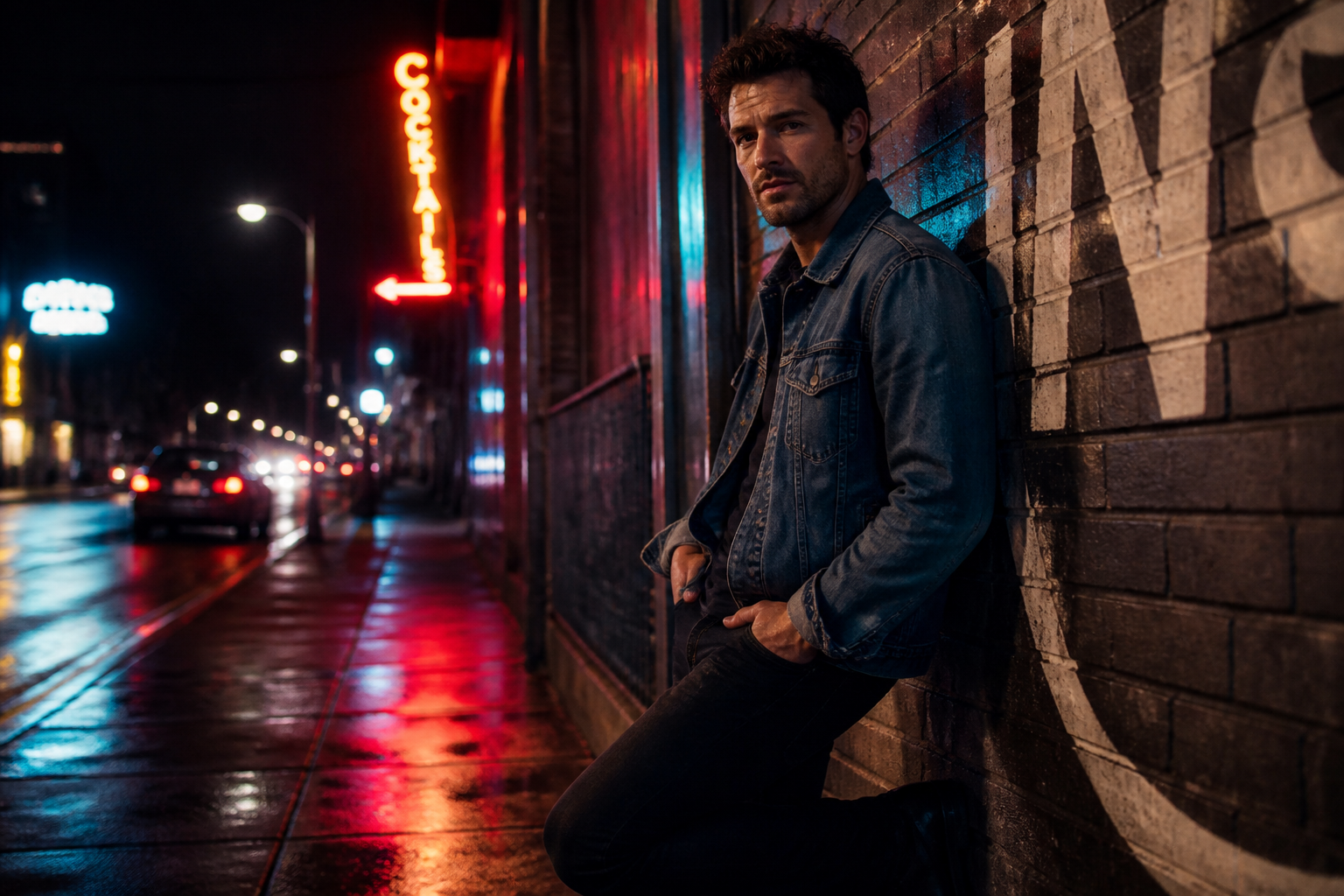 BEFORE
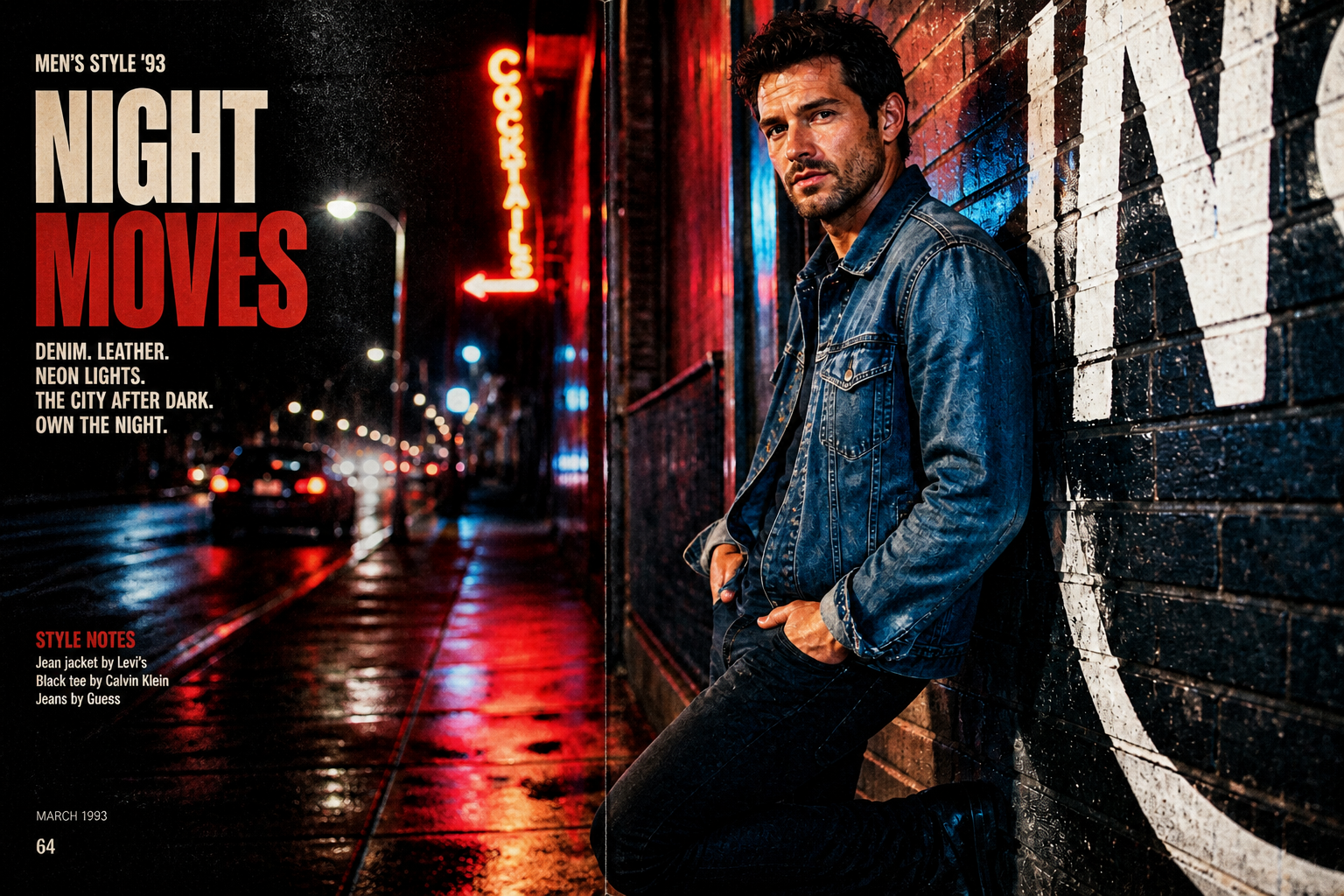 AFTER
AFTER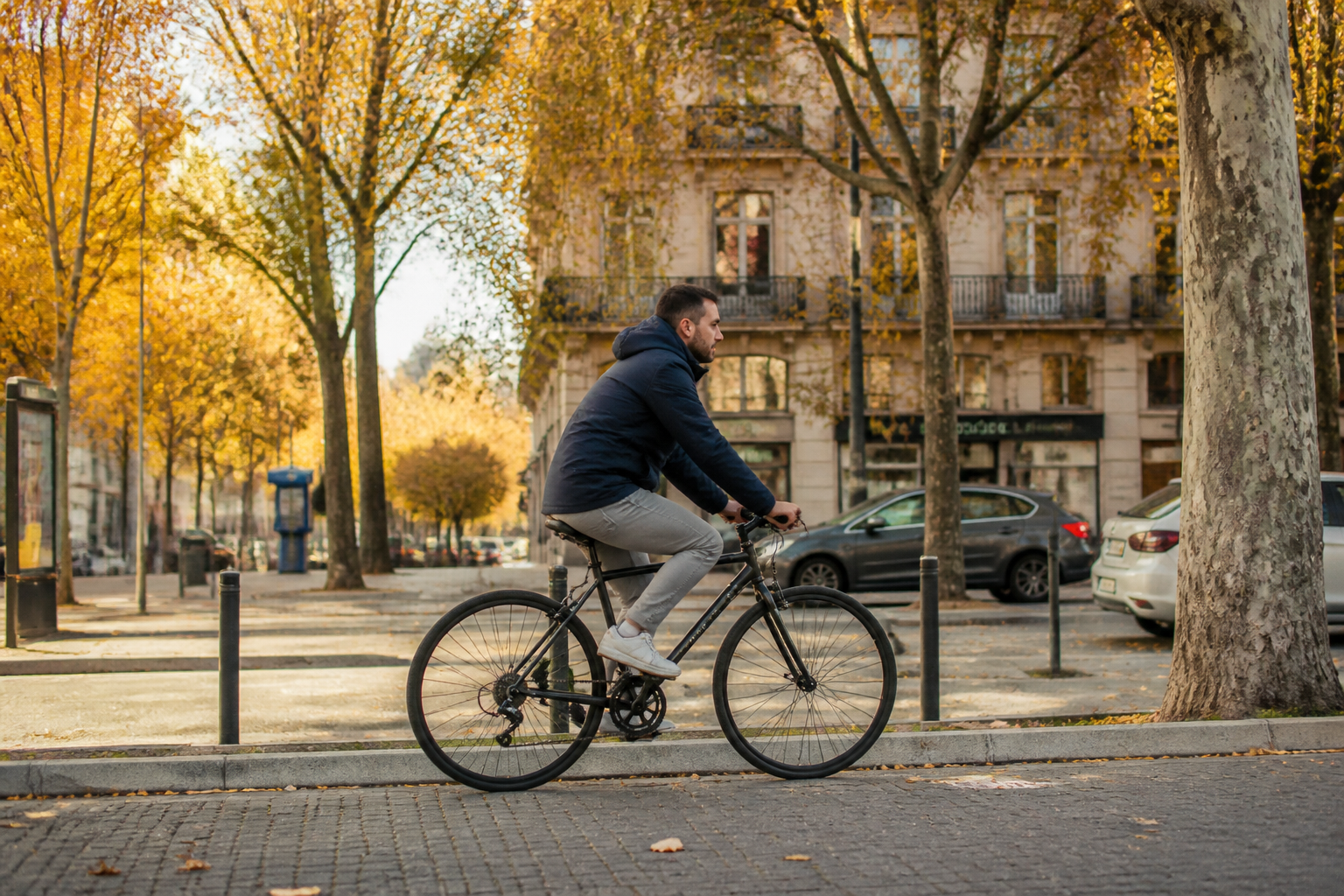 BEFORE
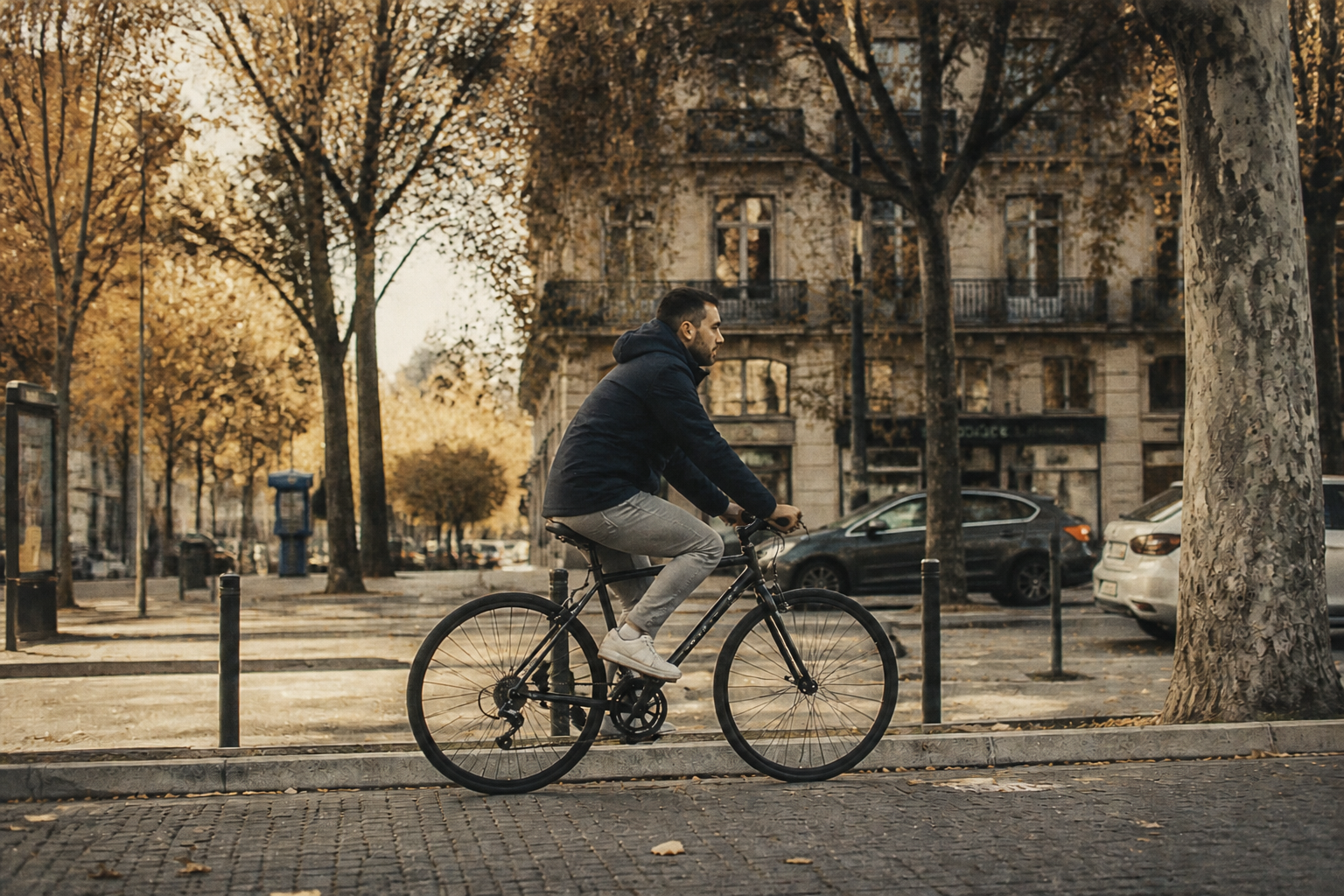 AFTER
AFTER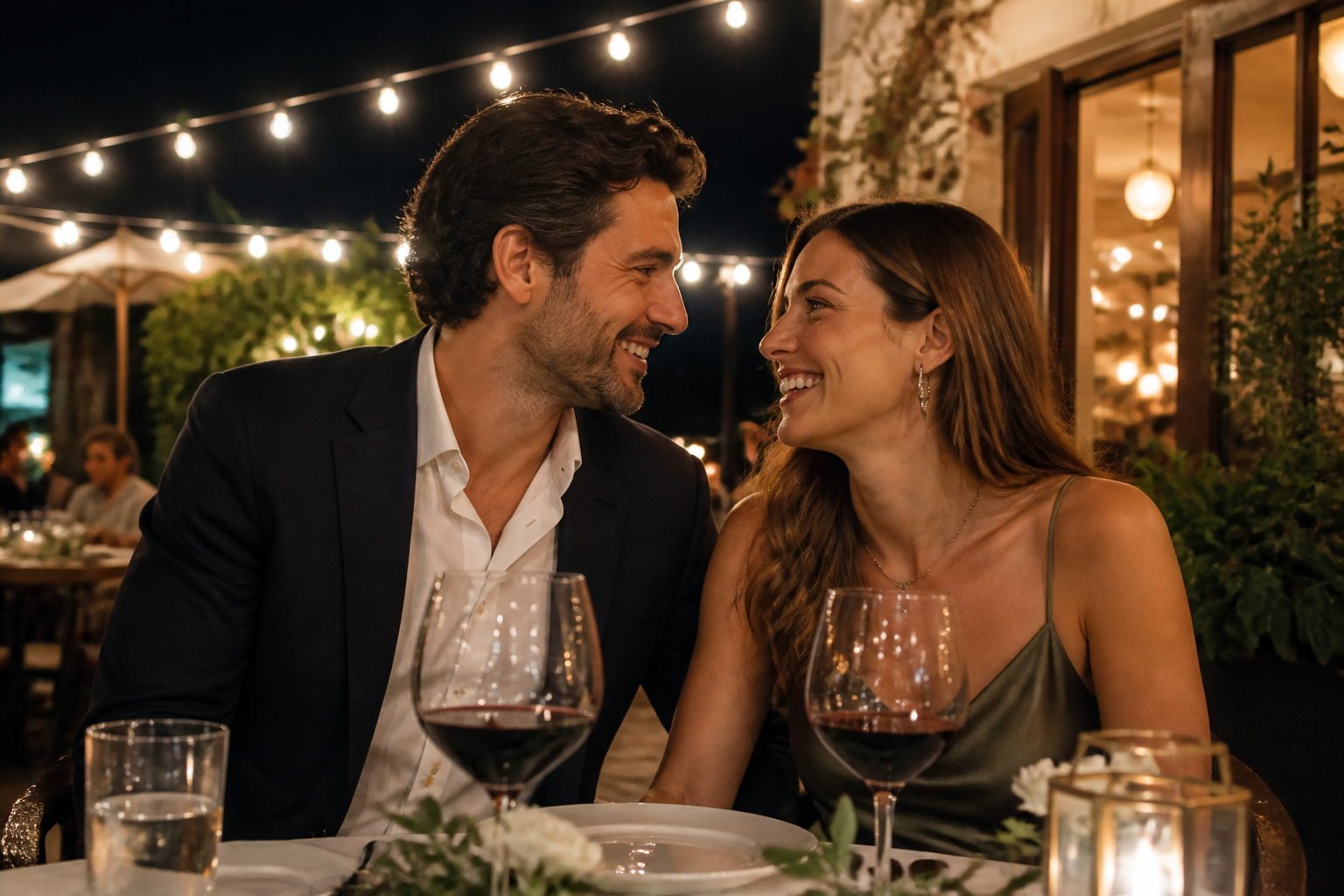 BEFORE
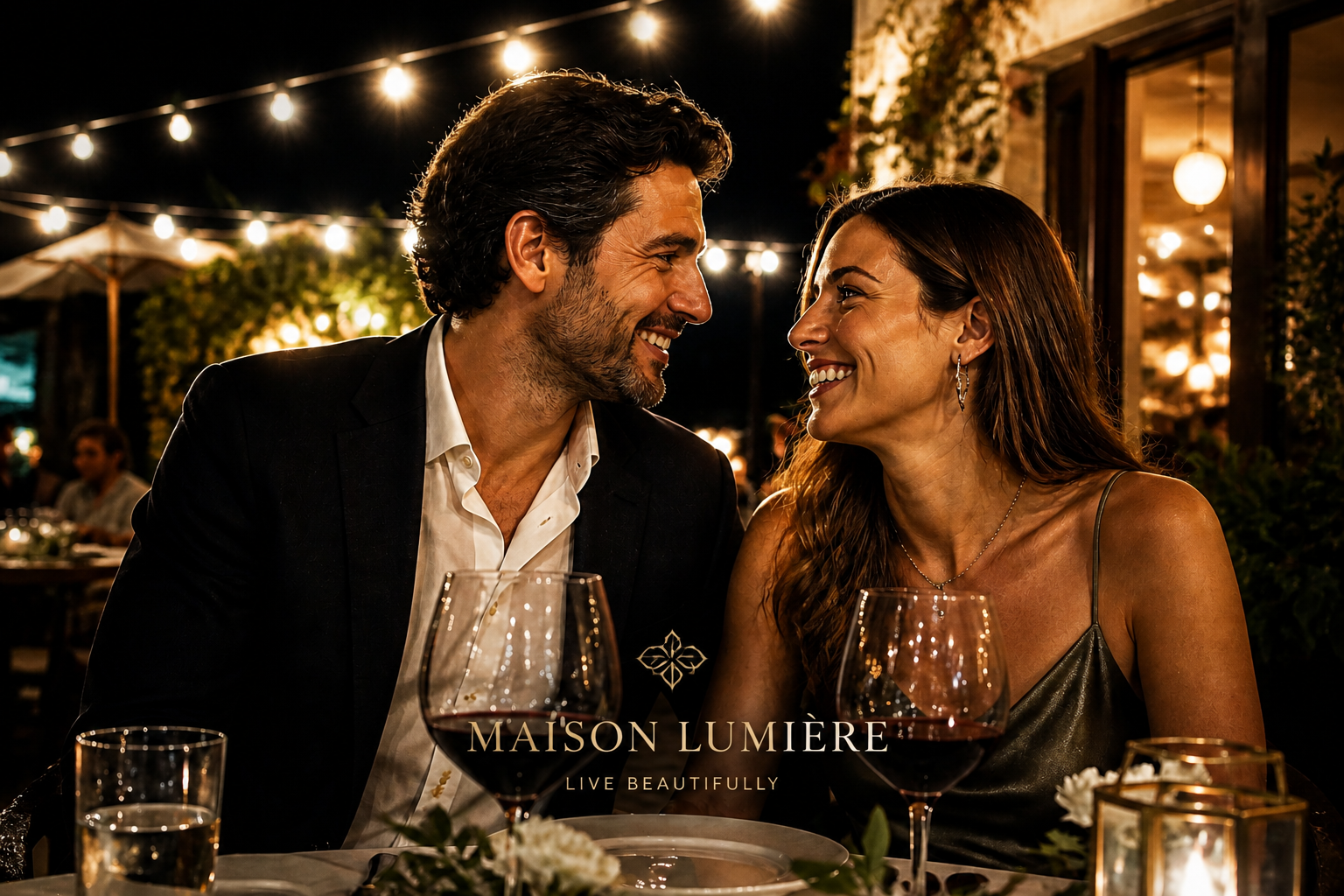 AFTERBEFOREAFTERBEFOREAFTERBEFOREAFTERBEFOREAFTERBEFOREAFTER
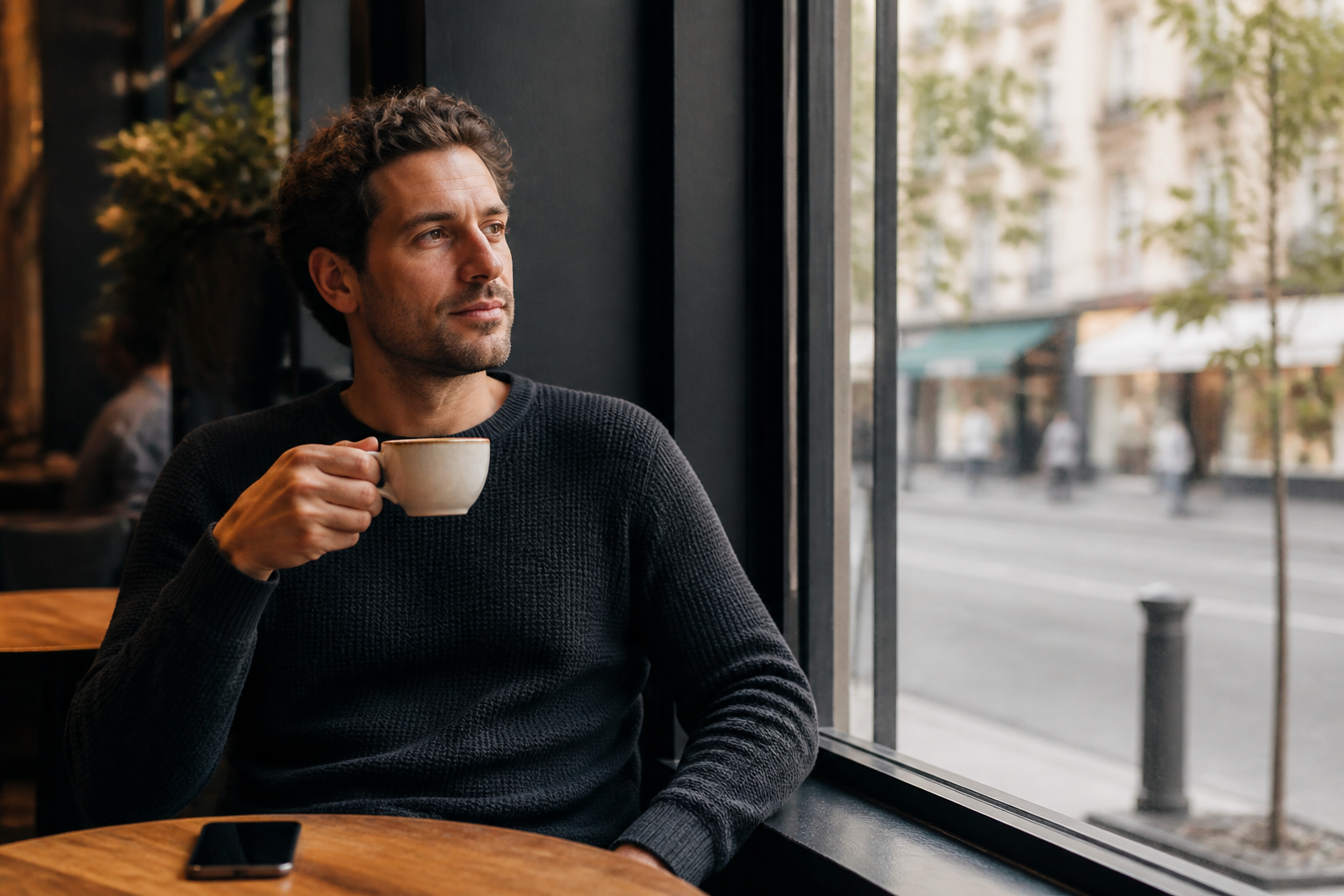 BEFORE
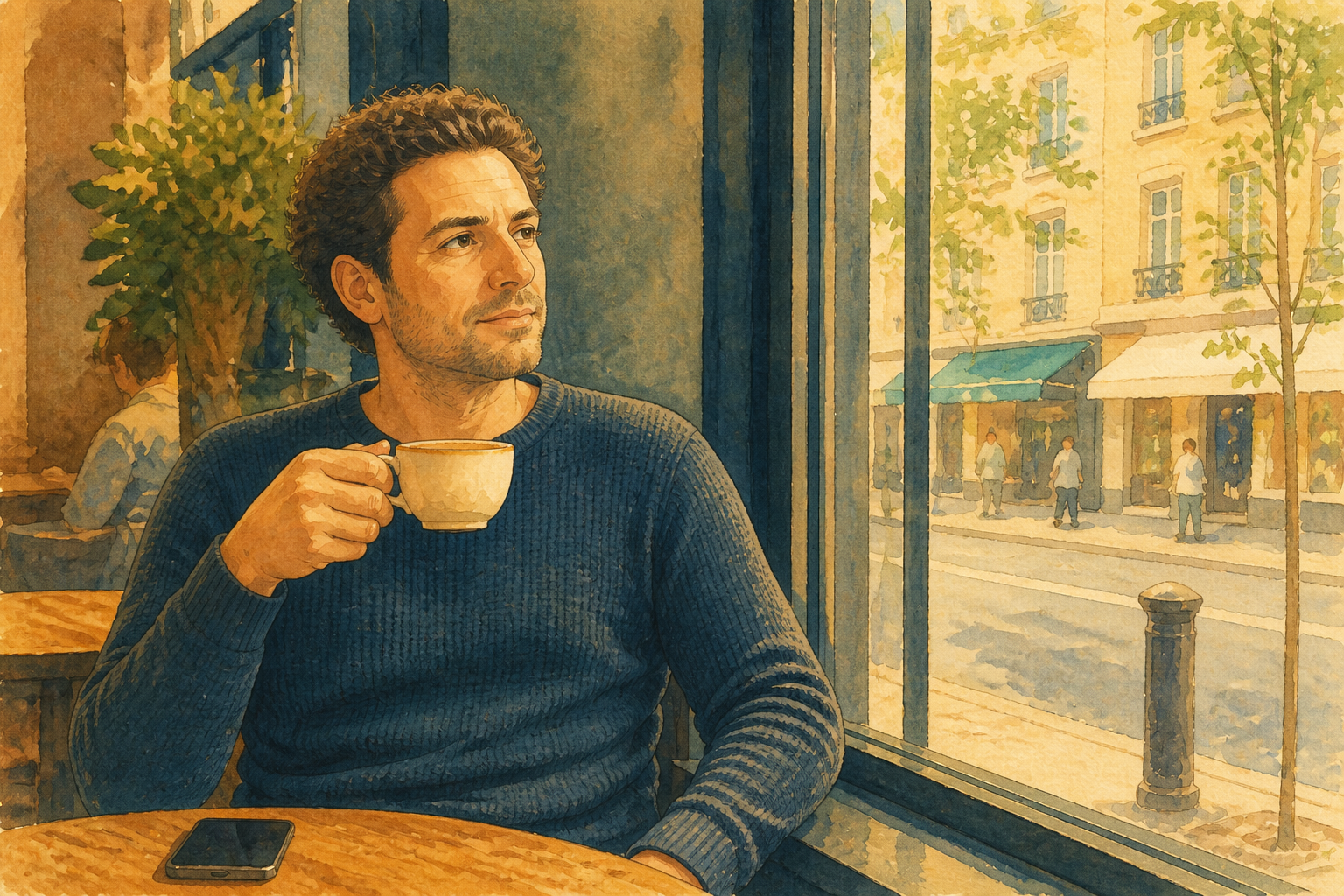 AFTER
AFTER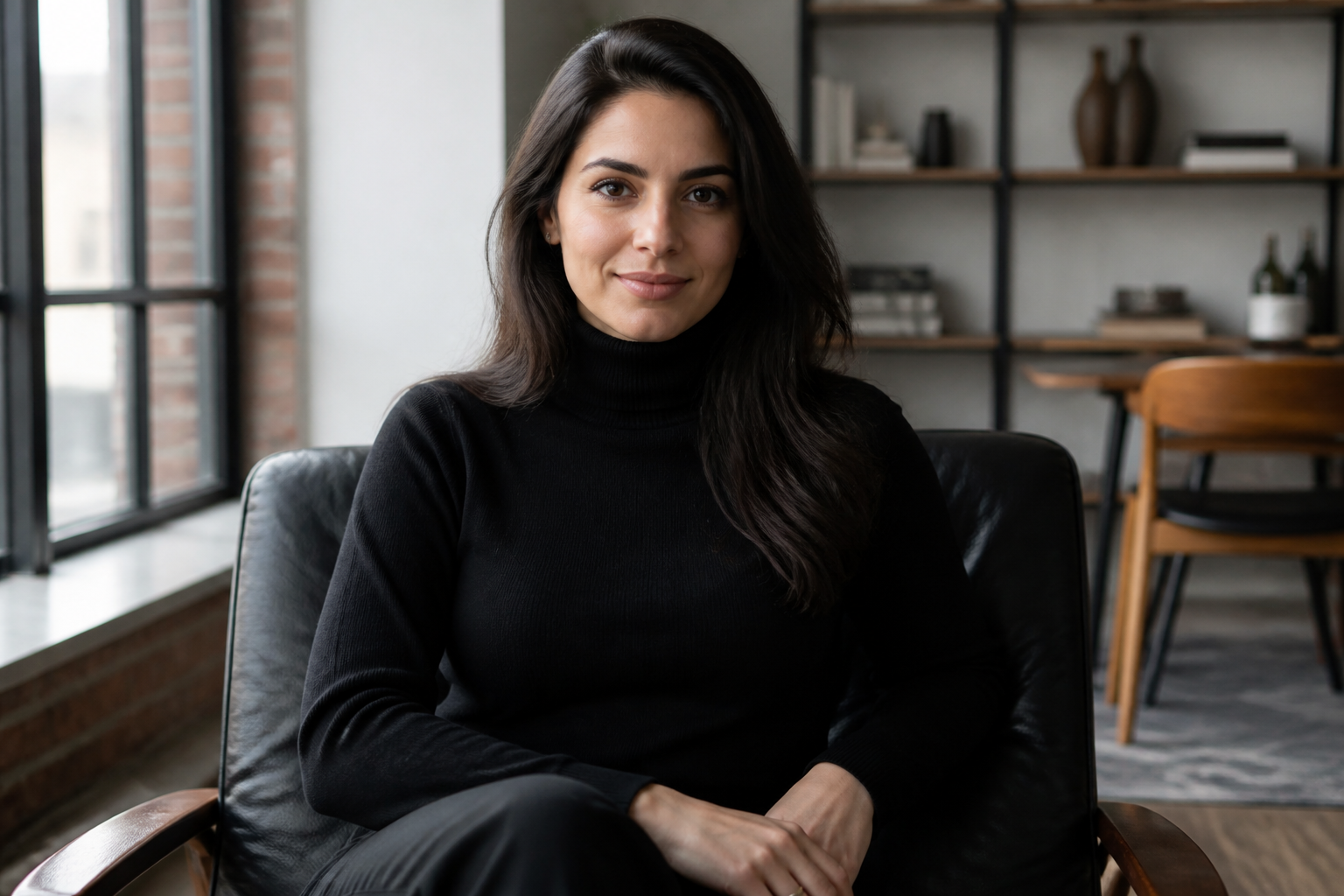 BEFORE
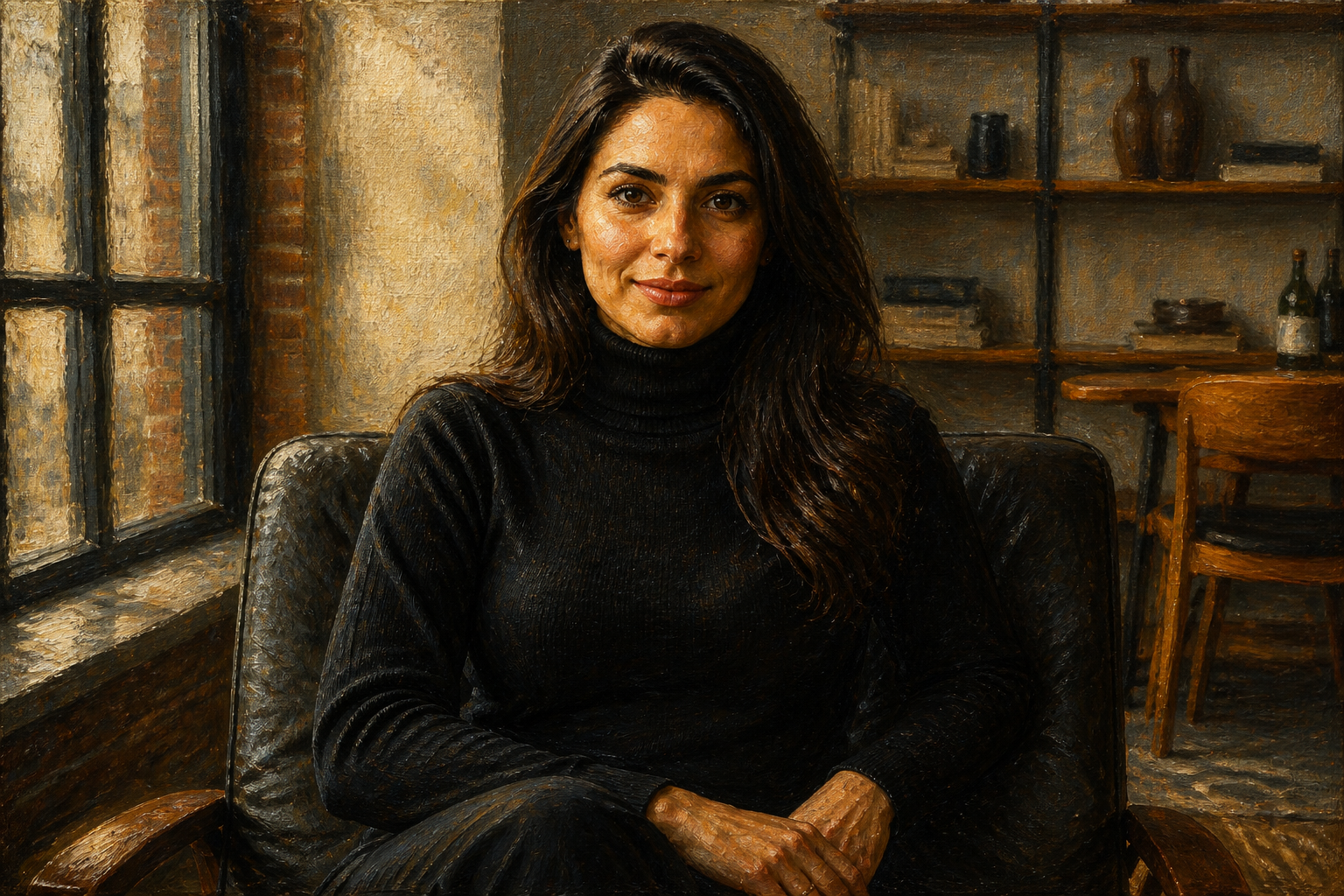 AFTER
AFTER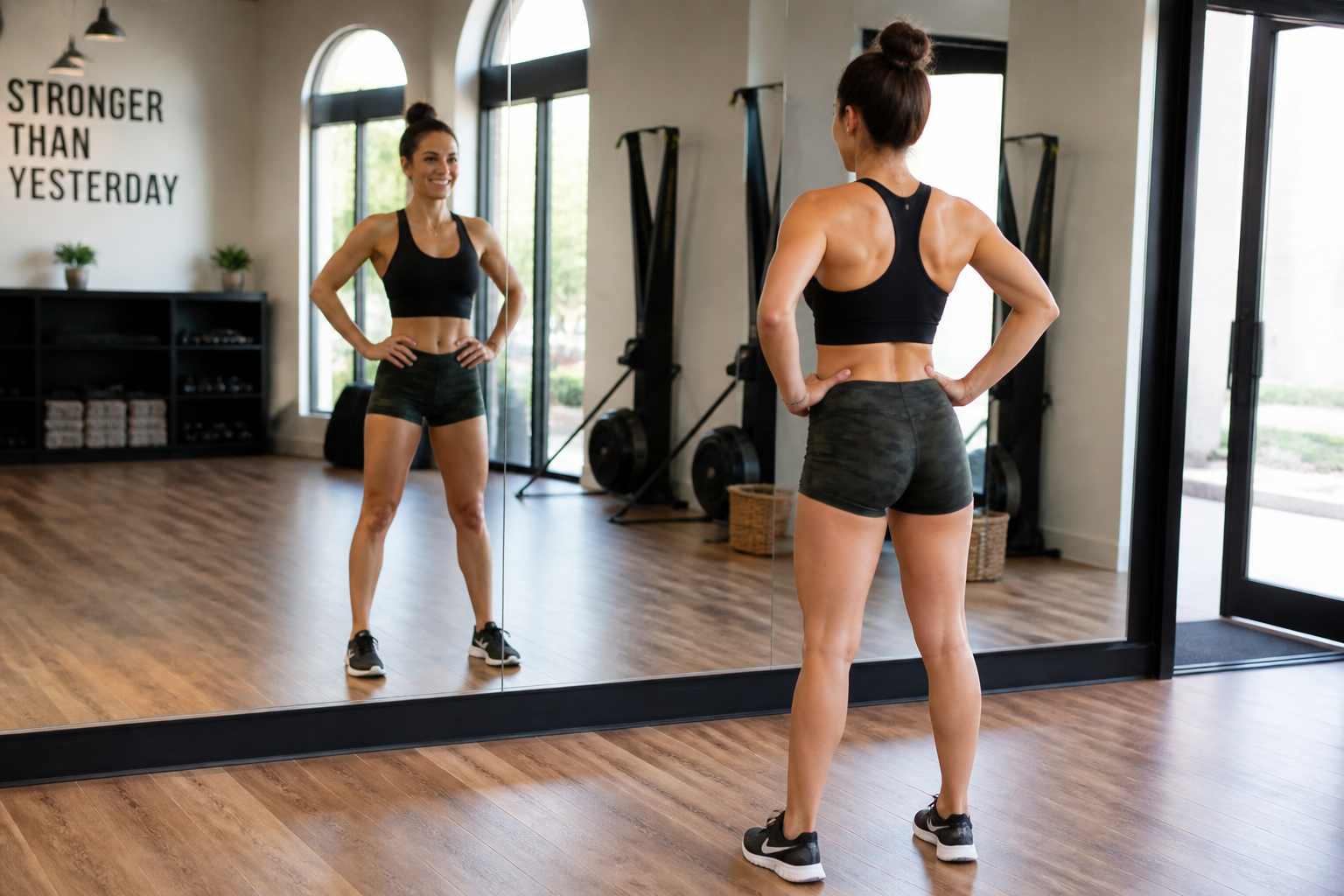 BEFORE
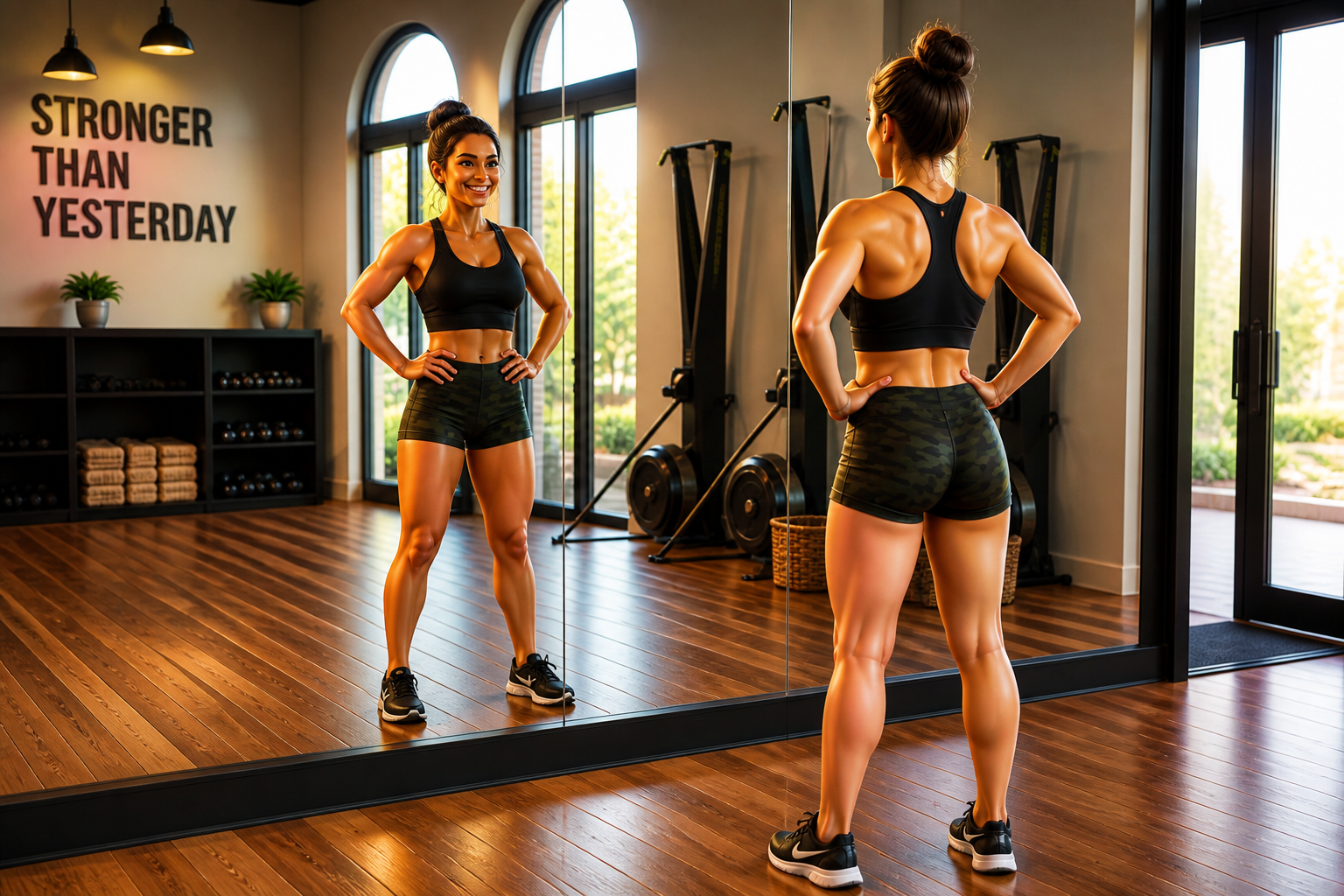 AFTER
AFTER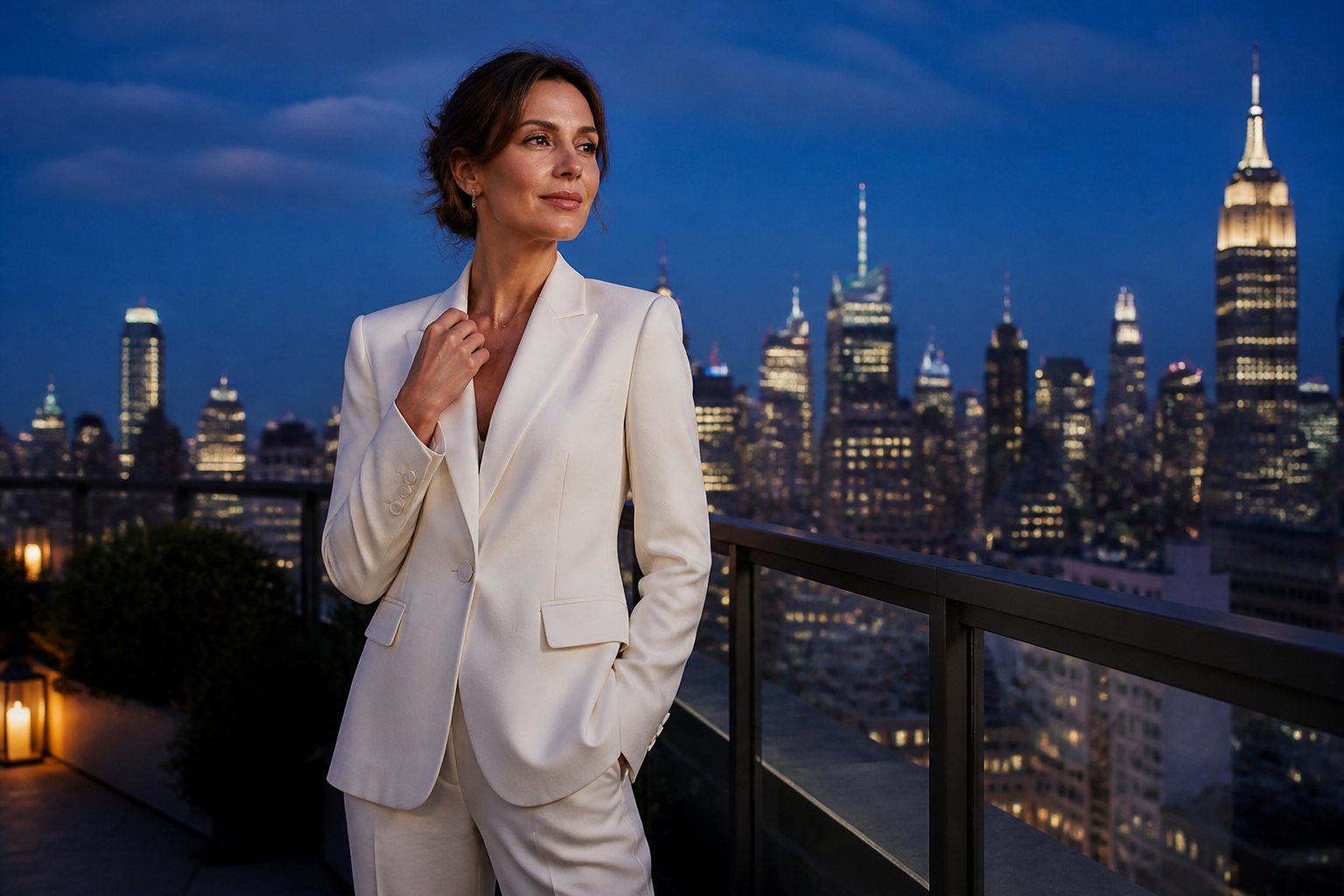 BEFORE
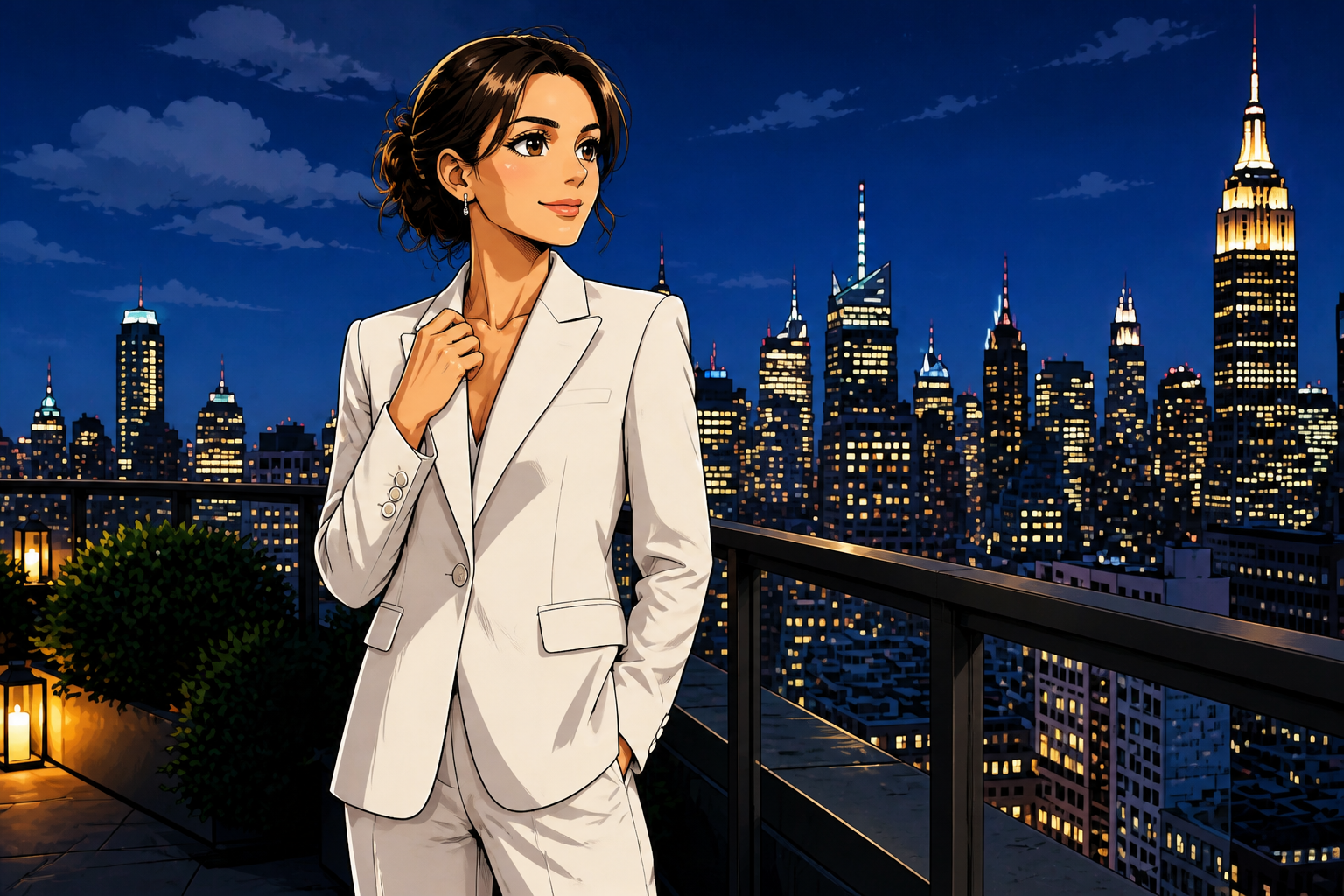 AFTER
AFTER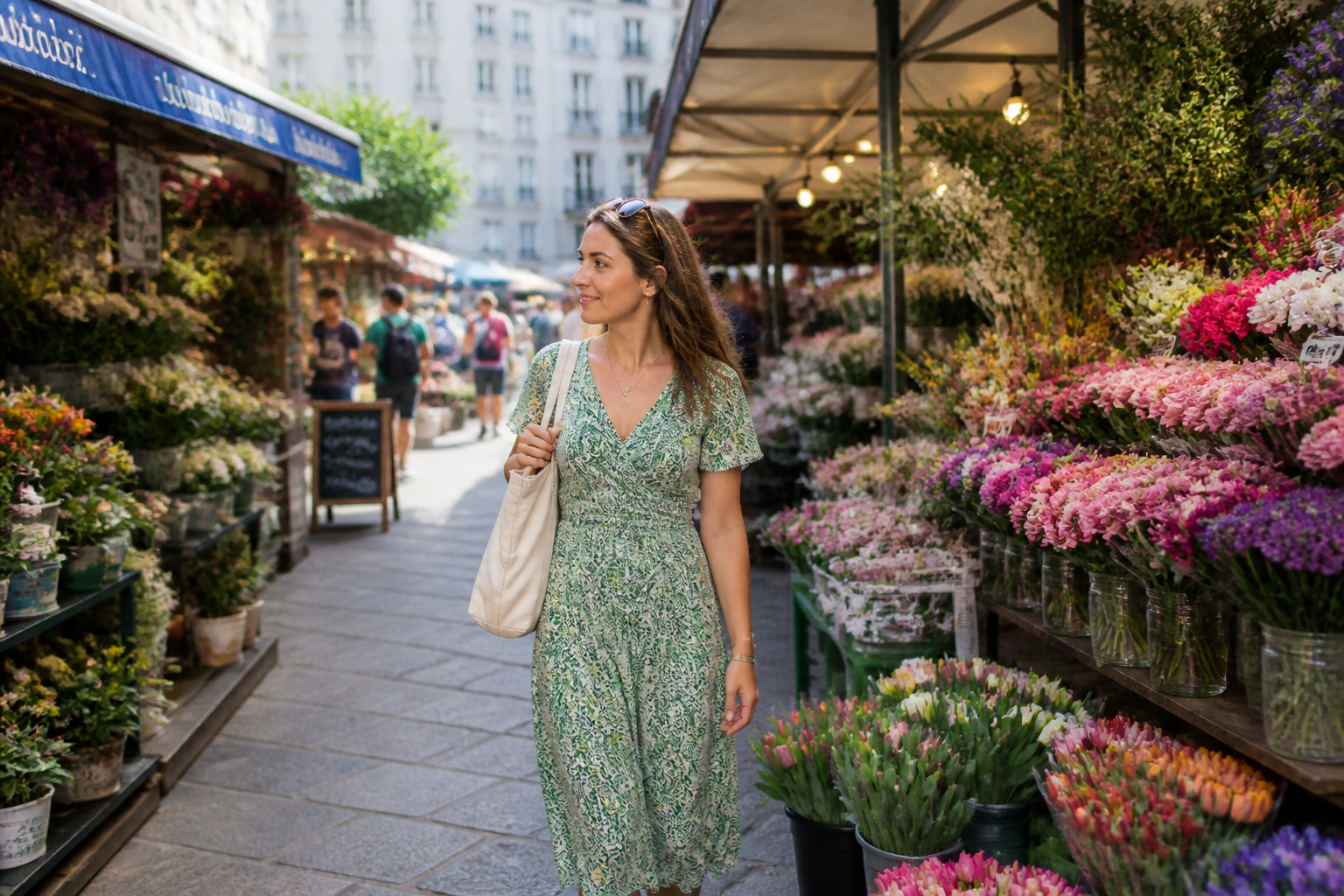 BEFORE
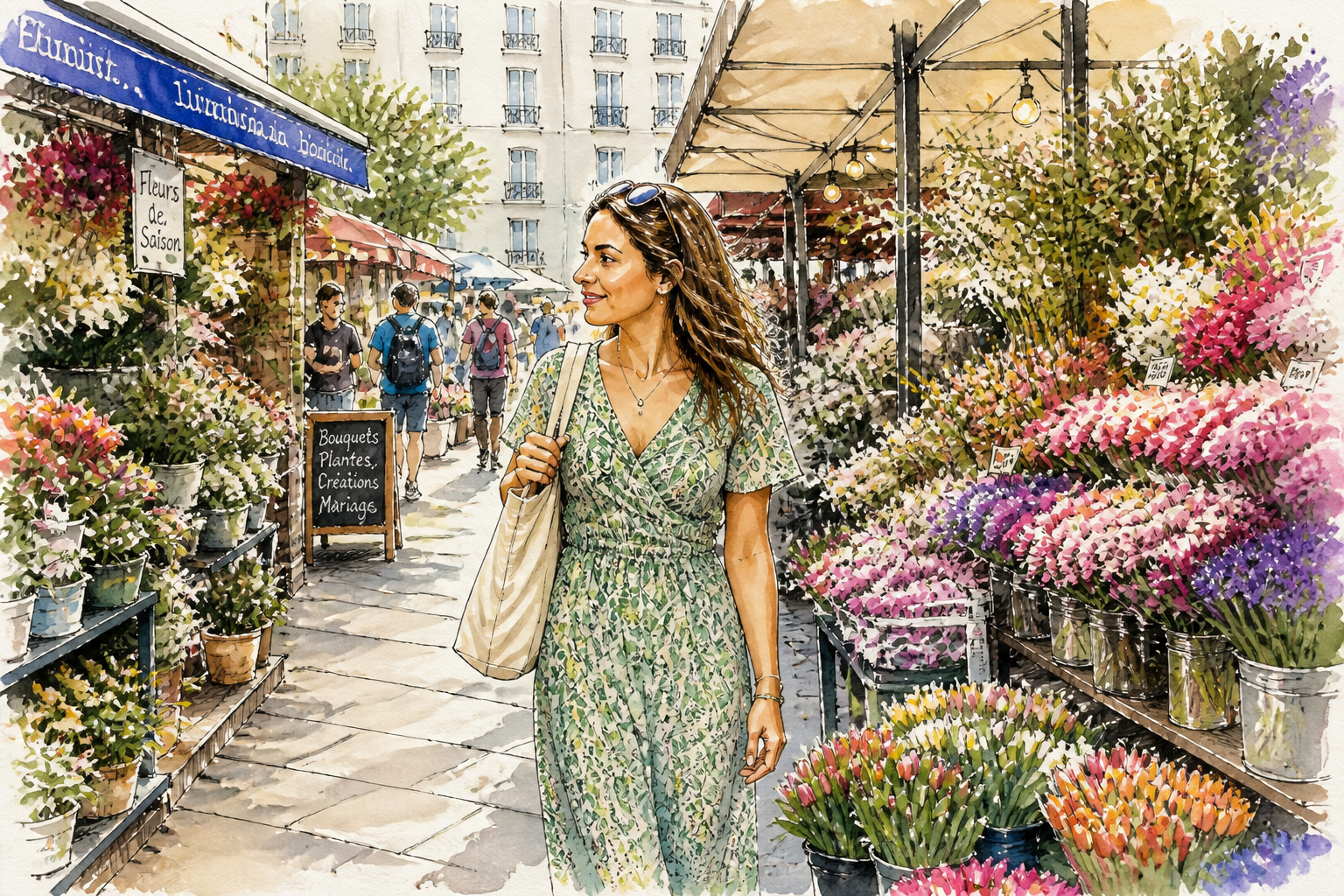 AFTERBEFOREAFTERBEFOREAFTERBEFOREAFTERBEFOREAFTERBEFOREAFTER
Key Features
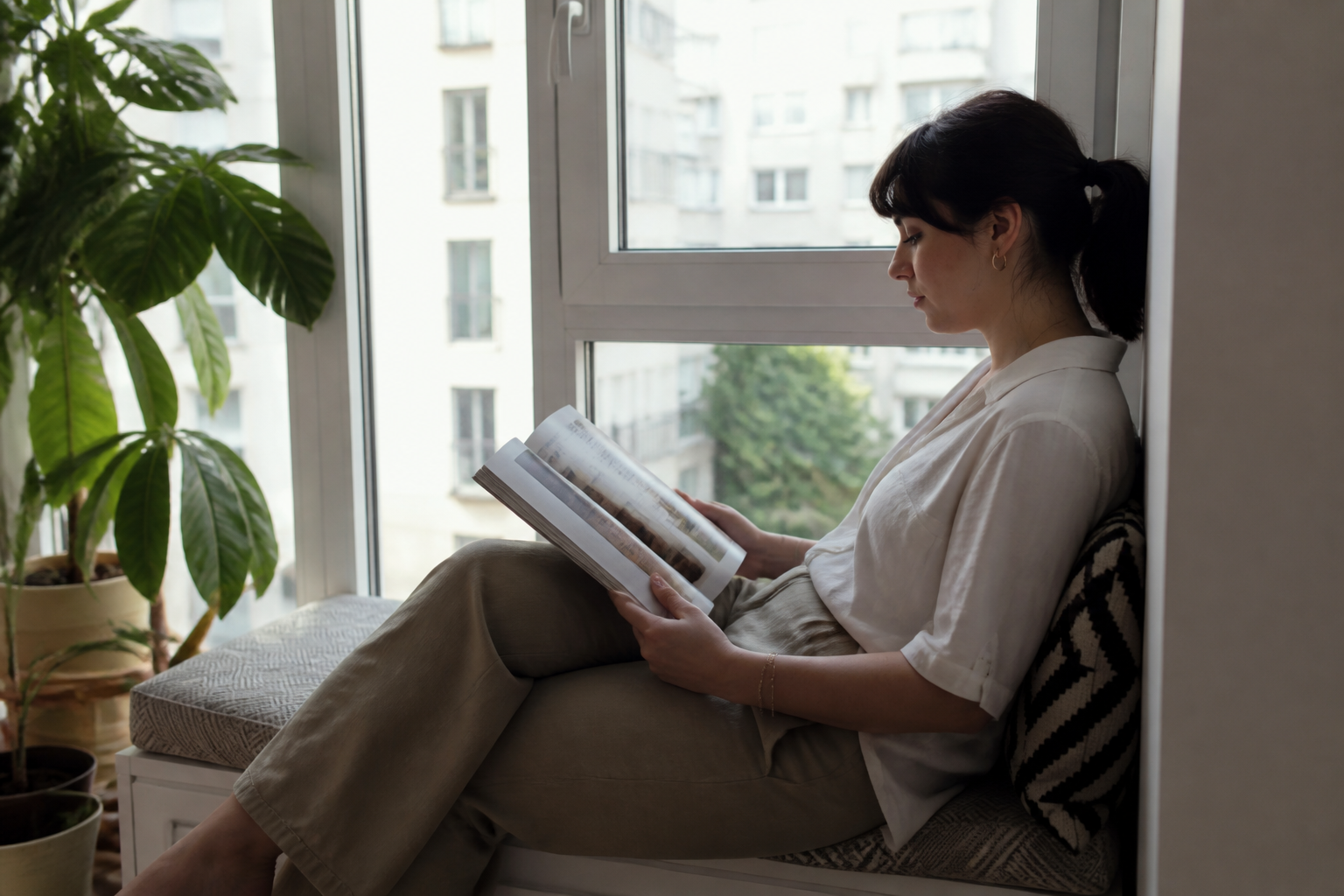
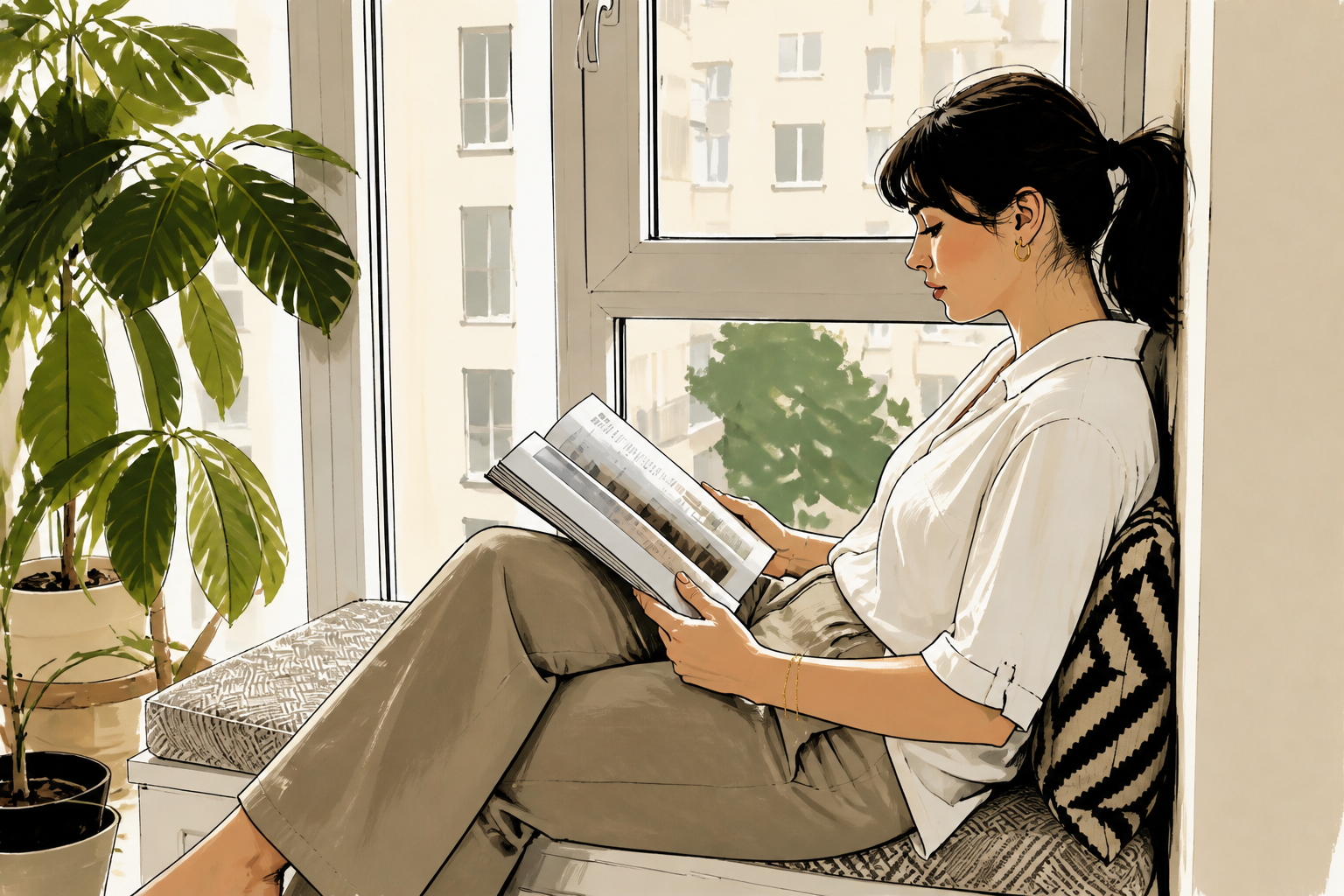
Keep the original composition
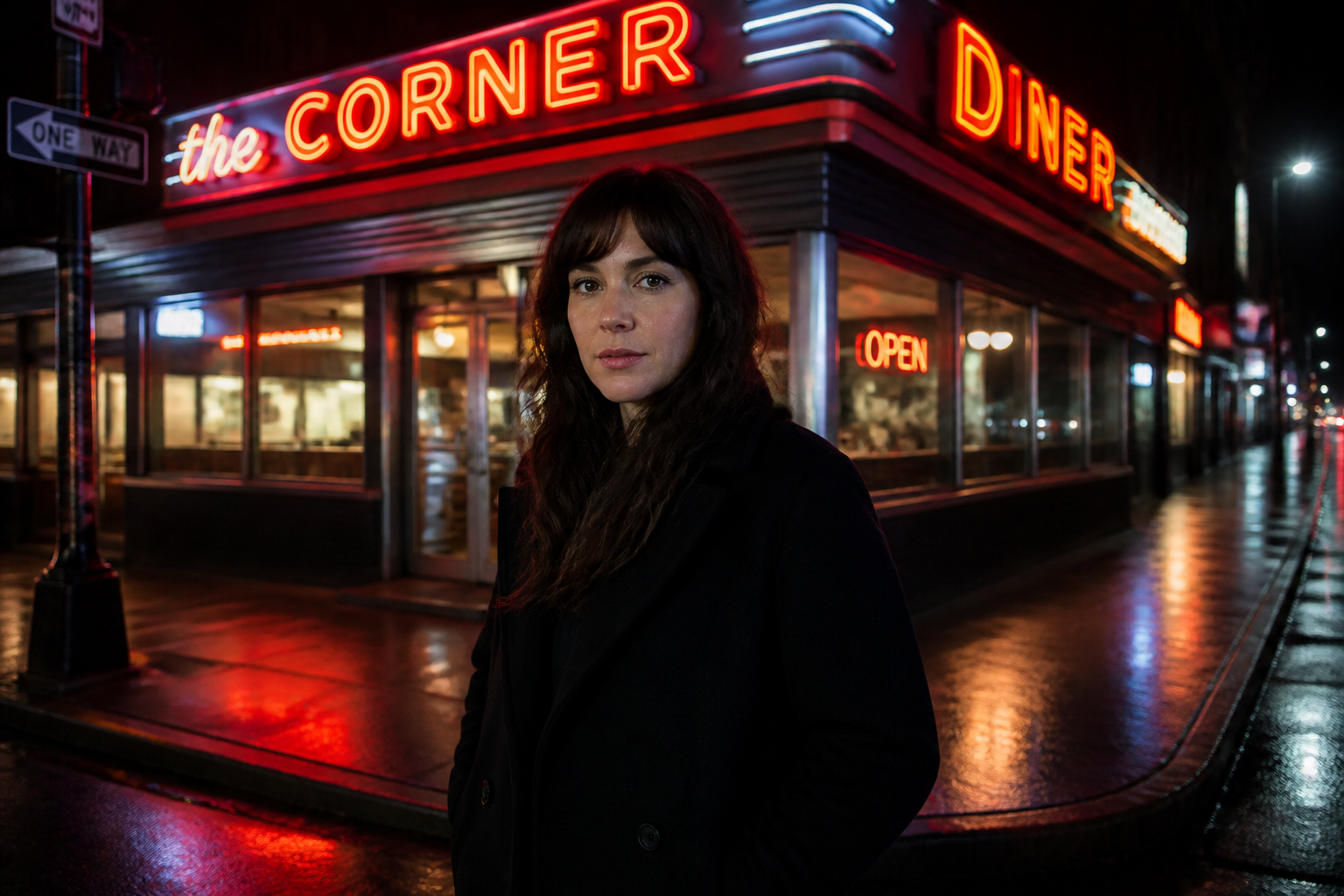
You can change the visual language of a photo without losing the framing that made it work. Our AI follows the existing pose, camera angle, and scene layout so the result still feels like your image. That matters when you already like the shot and only want a different finish. It is much faster than trying to rebuild the same composition manually in another tool.
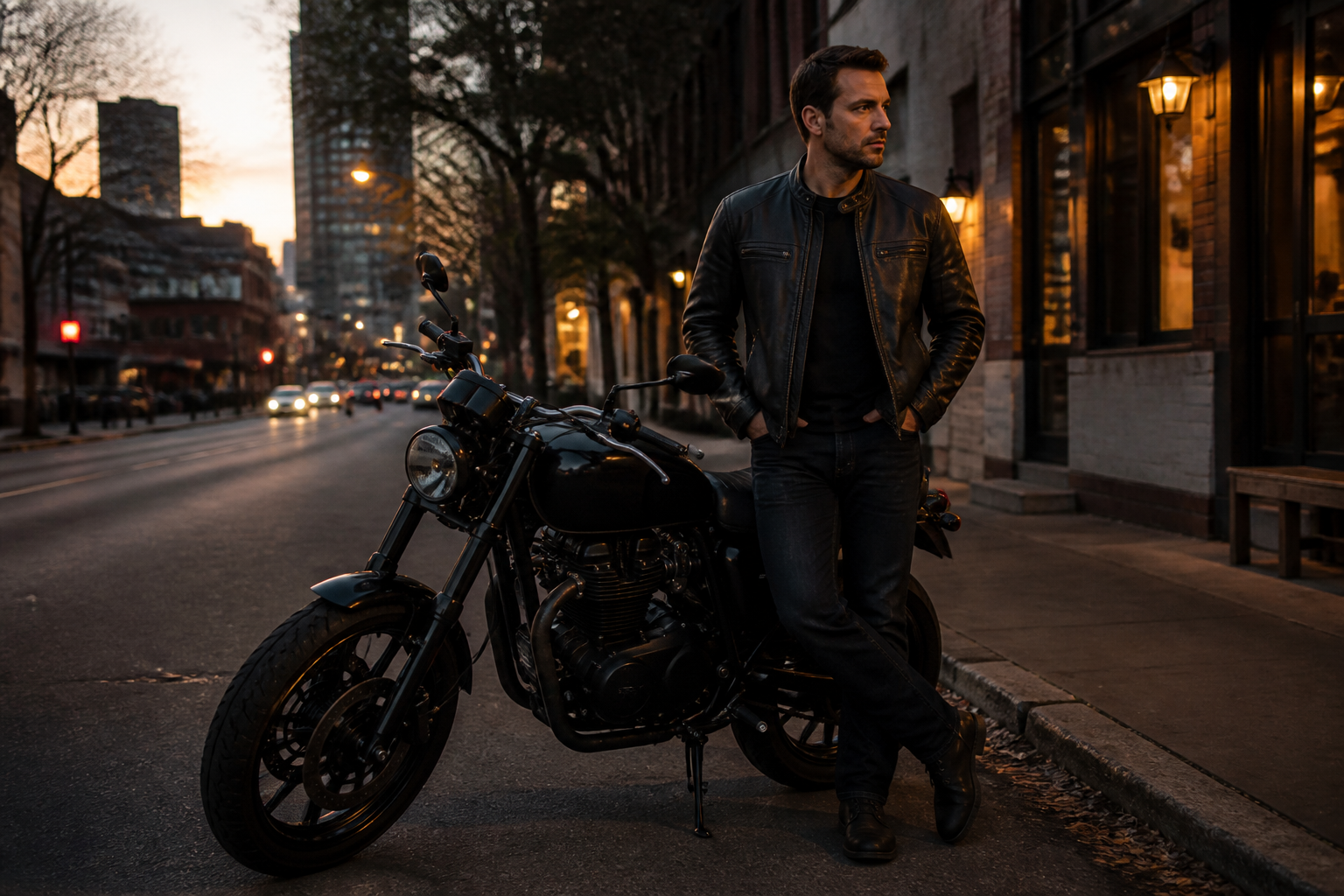
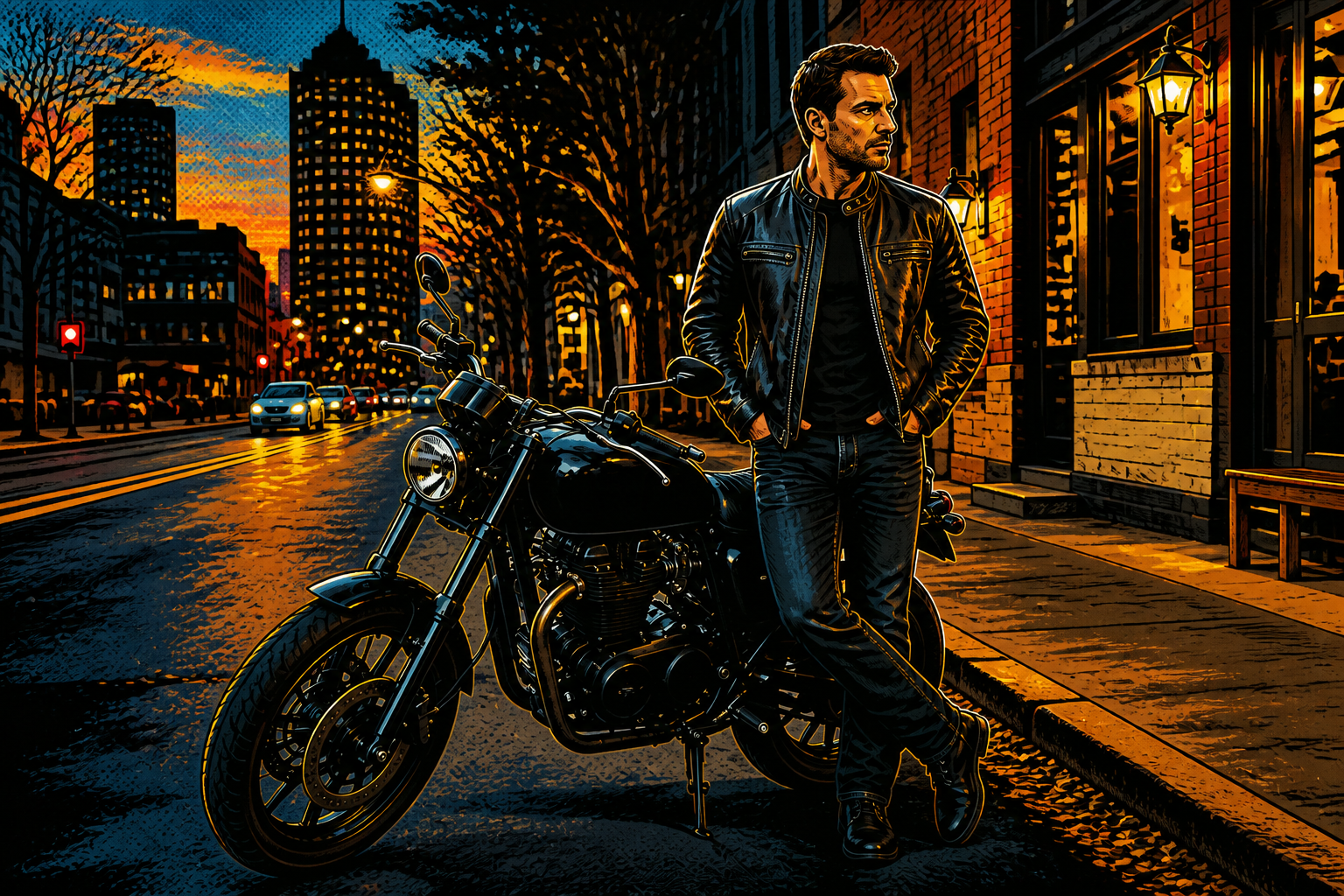
Switch between bold art styles
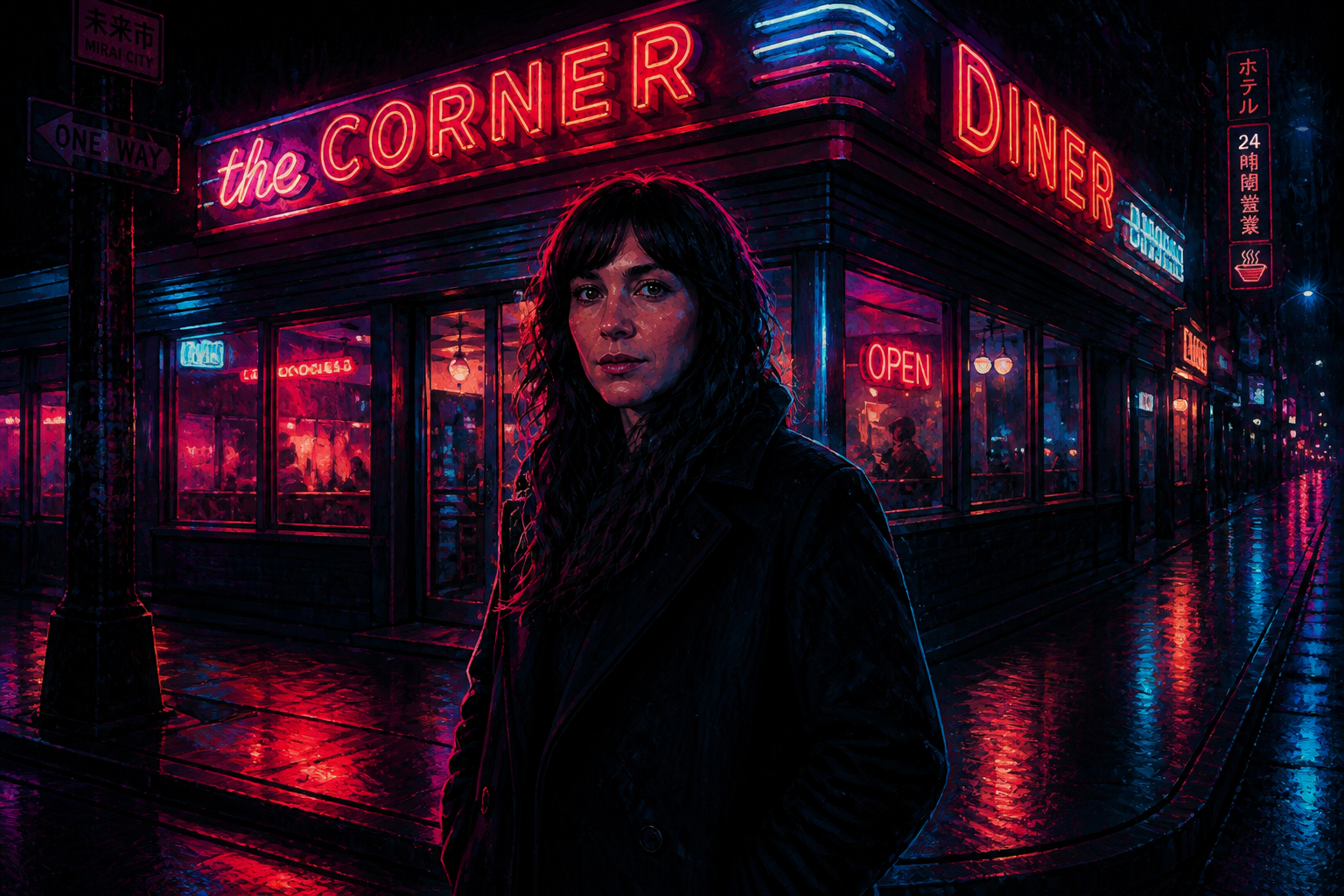
The tool is useful for more than one look. You can test painterly, illustrated, cinematic, vintage, or glossy editorial styles from the same source image and compare what fits best. That range helps creators explore directions quickly without reshooting or rebuilding assets. It also makes one photo useful across multiple channels and moods.
Readable changes in one pass
Style transfer should look different at a glance, not require close inspection. Our AI applies a clear visual shift so the before and after are easy to compare in thumbnails, galleries, or client proofs. This is especially helpful when you need quick iterations and fast decisions. You spend less time nudging tiny settings and more time picking a direction that works.

Useful for polished mockups
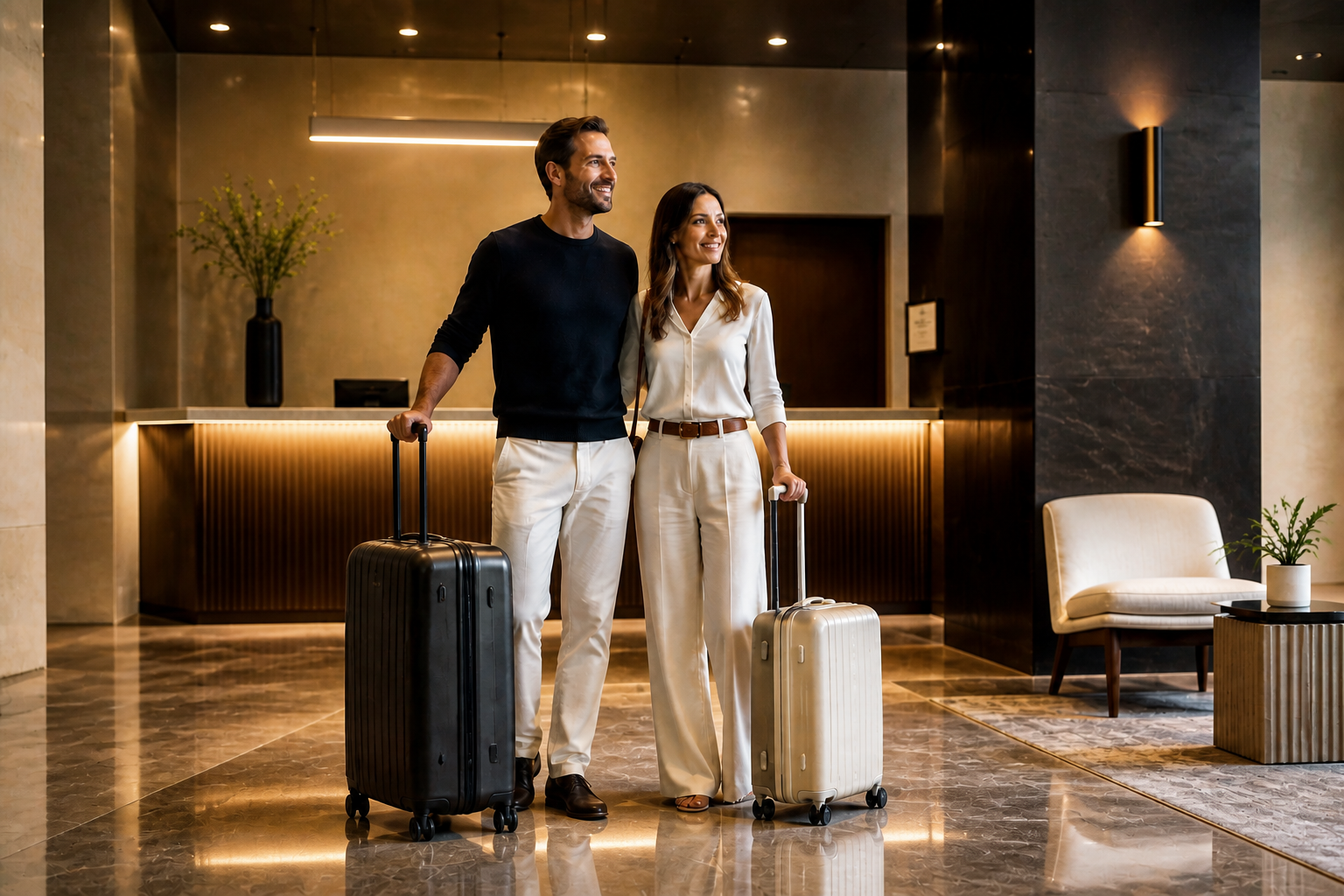
Restyled images are handy when you need a concept to look finished before committing to a full production workflow. You can turn a plain photo into something that feels like a campaign visual, poster draft, or social creative in seconds. That gives marketers and designers a faster way to test presentation styles. It is a practical shortcut when the goal is speed, not manual perfection.
How It Works
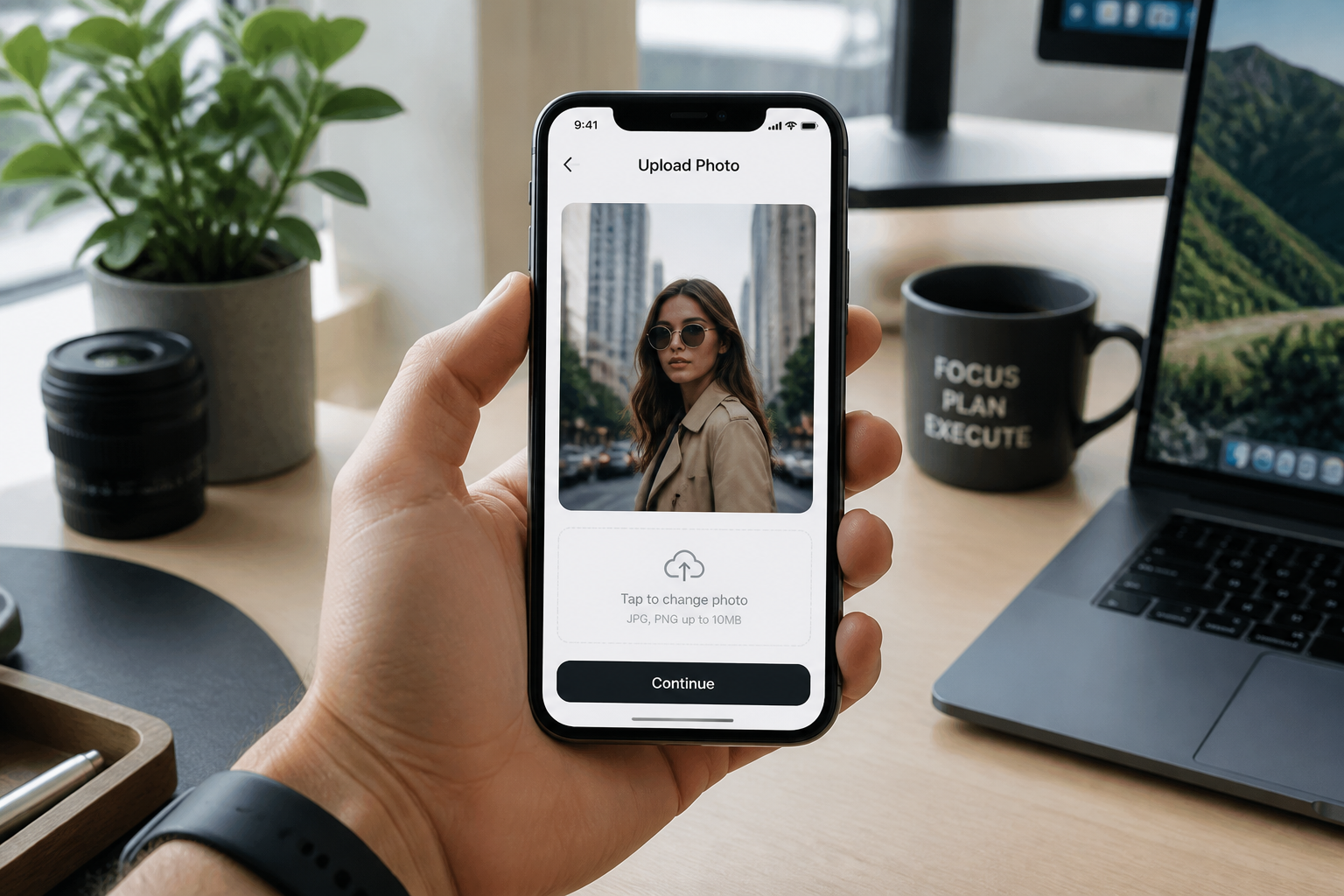
Upload your photo
Start with any clear image that has a strong subject and readable lighting. Wider shots, portraits, interiors, and travel scenes all work well for style transfer.
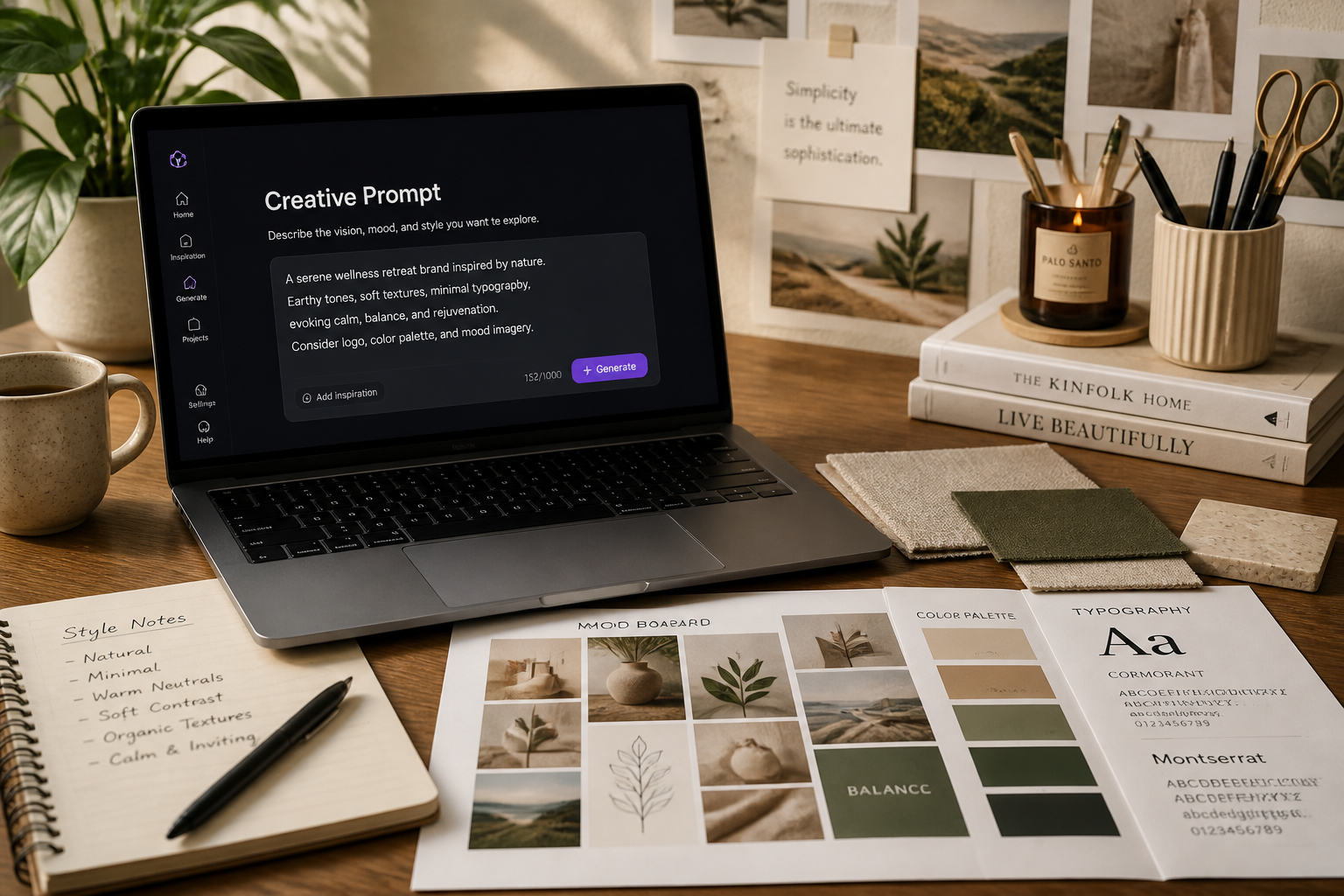
Describe the style
Type the visual direction you want, such as oil painting, fashion editorial, manga, or vintage film. The more specific the style language, the easier it is to guide the result.
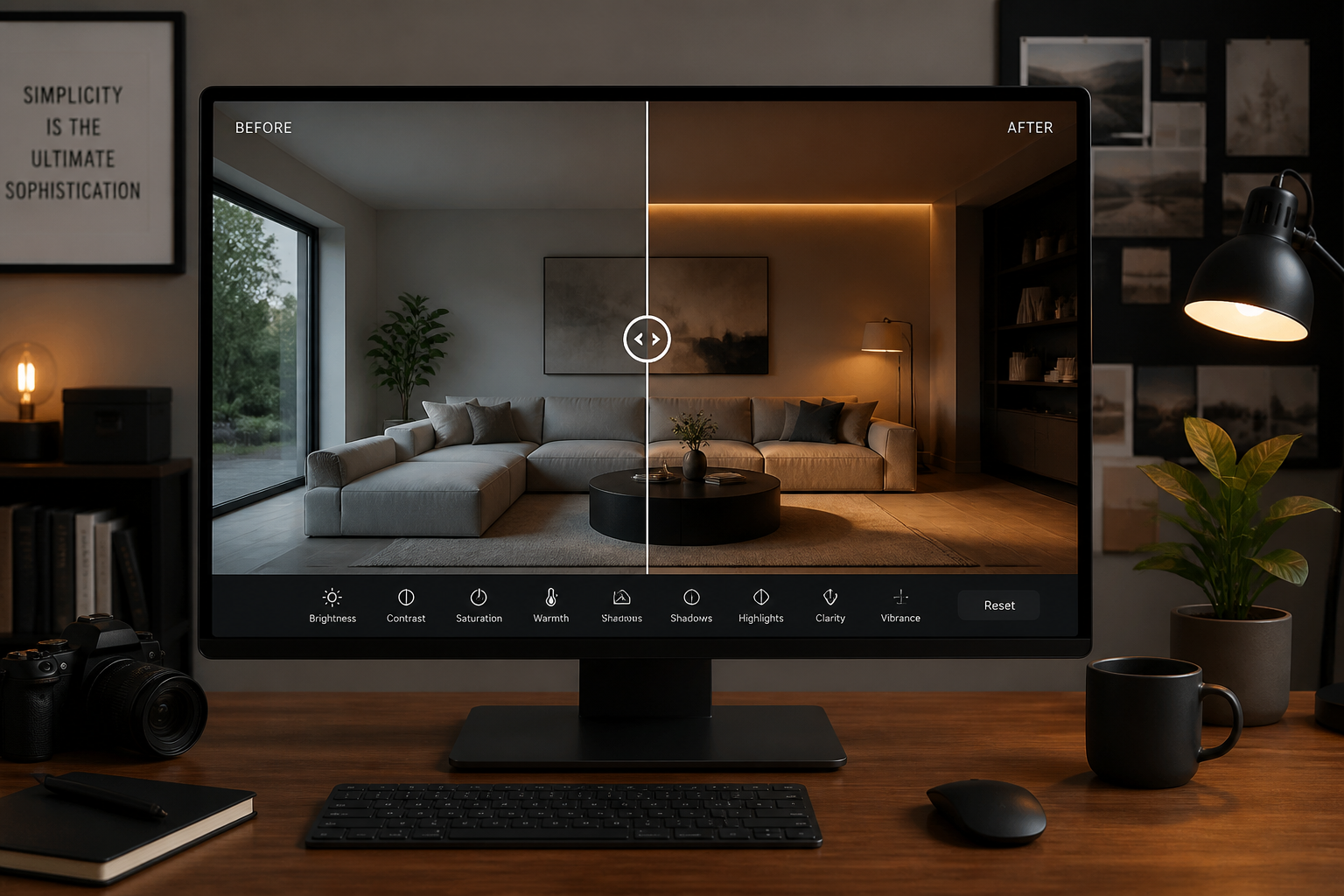
Compare and refine
Review the new version next to your original image and see how the style changed the feel. If needed, adjust your prompt and generate another variation with a different finish.
Perfect For
Discover how creators and professionals use ai style transfer
Concept art from real photos
Turn everyday photos into painterly, illustrated, or cinematic drafts for pitches, treatments, and mood boards.
Social content restyling
Create alternate looks for the same image so posts feel fresh across platforms without another shoot.
Campaign visual exploration
Test premium editorial, vintage, or stylized ad aesthetics before investing in a full creative production.
Personal photo experiments
Restyle portraits, travel shots, and lifestyle photos into artistic versions worth sharing or printing.
Built For
Creators and designers
Useful for fast visual exploration, pitch decks, cover art, and mood-board driven concepts.
Marketers and social teams
Helps teams make one source photo work across multiple aesthetics and campaign directions.
Everyday users
A simple way to turn regular photos into stylized images without learning manual editing tools.
Why use BudgetPixel for style transfer
A quick look at how we compare on the things that matter for this niche.
| Feature | BudgetPixel | Generic AI editors | Manual editing apps |
|---|---|---|---|
| Before/after restyling | ✓ | ✓ | — |
| Keeps source composition | ✓ | — | — |
| Fast style iteration | ✓ | — | — |
| No manual masking required | ✓ | ✓ | — |
Frequently Asked Questions
What is AI Style Transfer?
Will it keep my original photo layout?
What kinds of styles can I try?
Does this work better than adding a simple filter?
Do I need editing experience to use it?
Create together.
Share your creations, discover trending AI art, and grow with fellow creators.