Photo to Illustration
Turn ordinary photos into polished illustrated artwork.
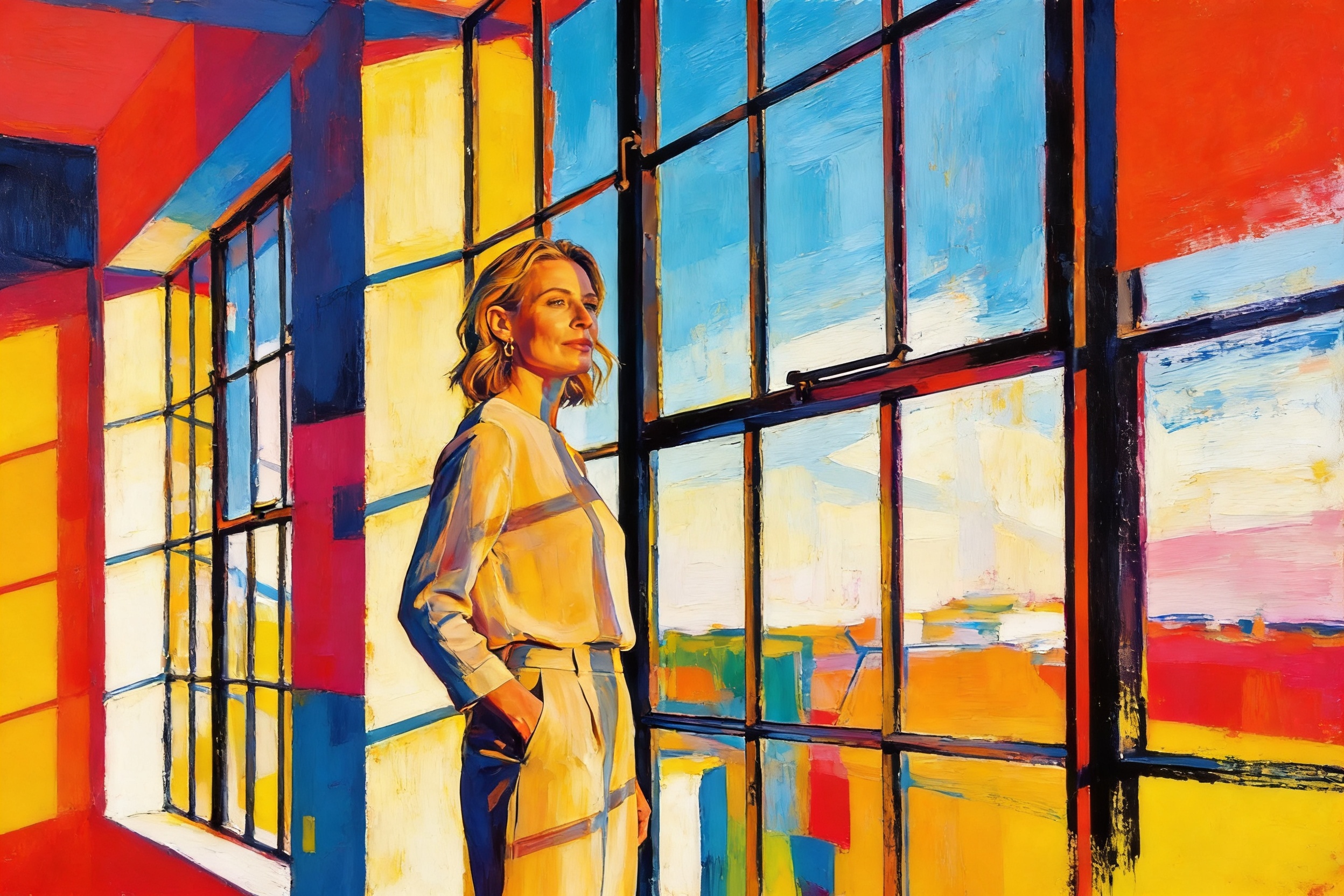
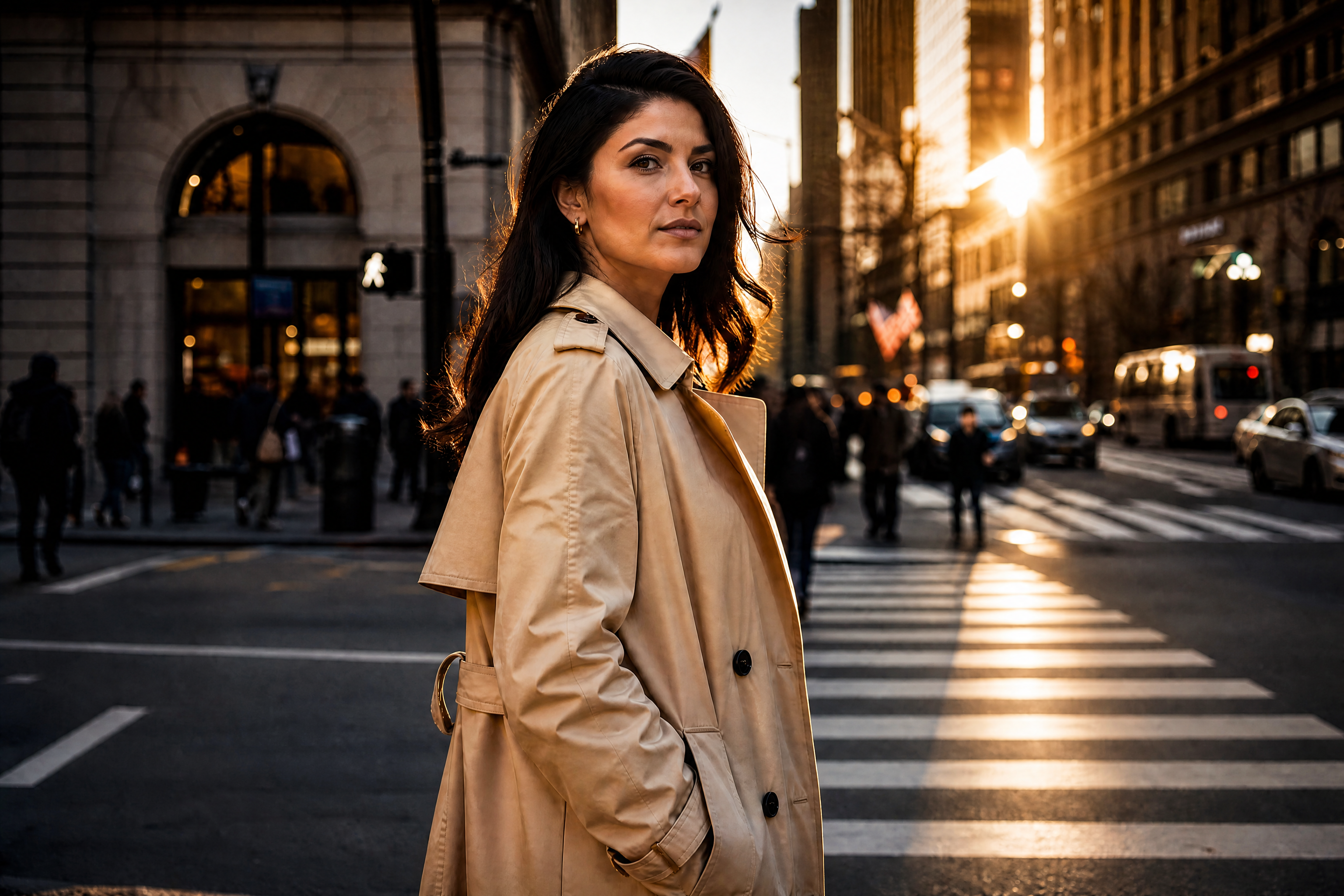
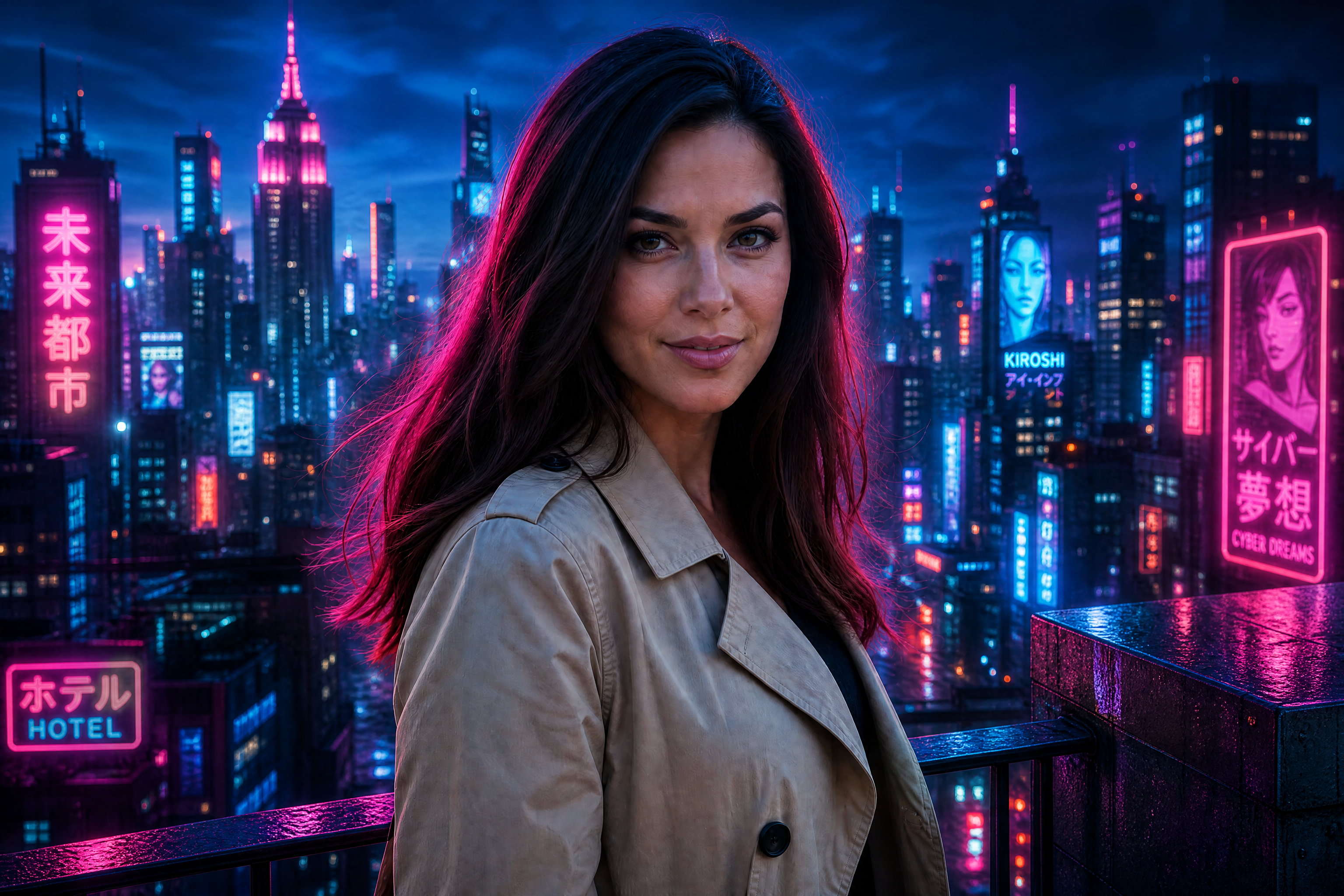
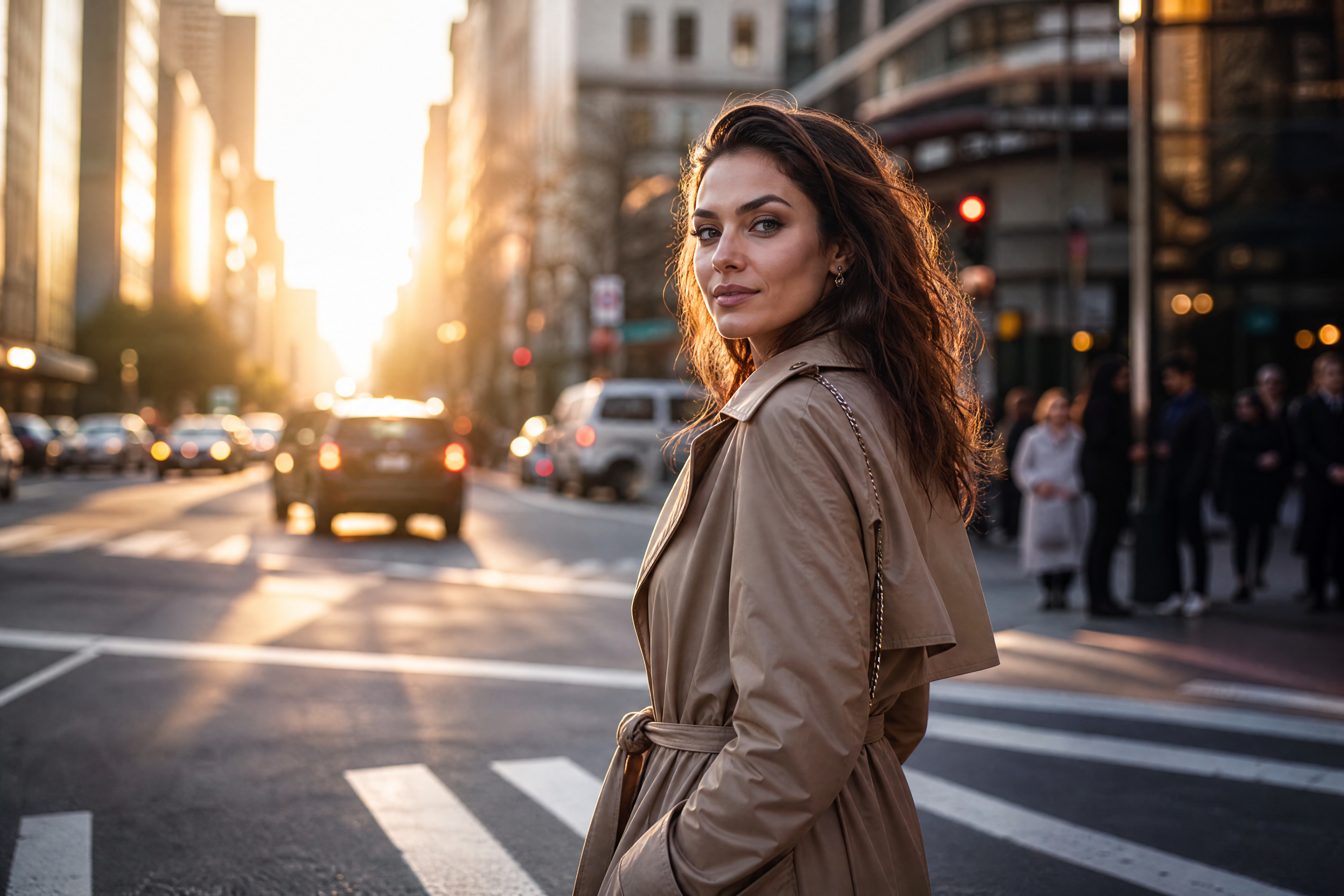
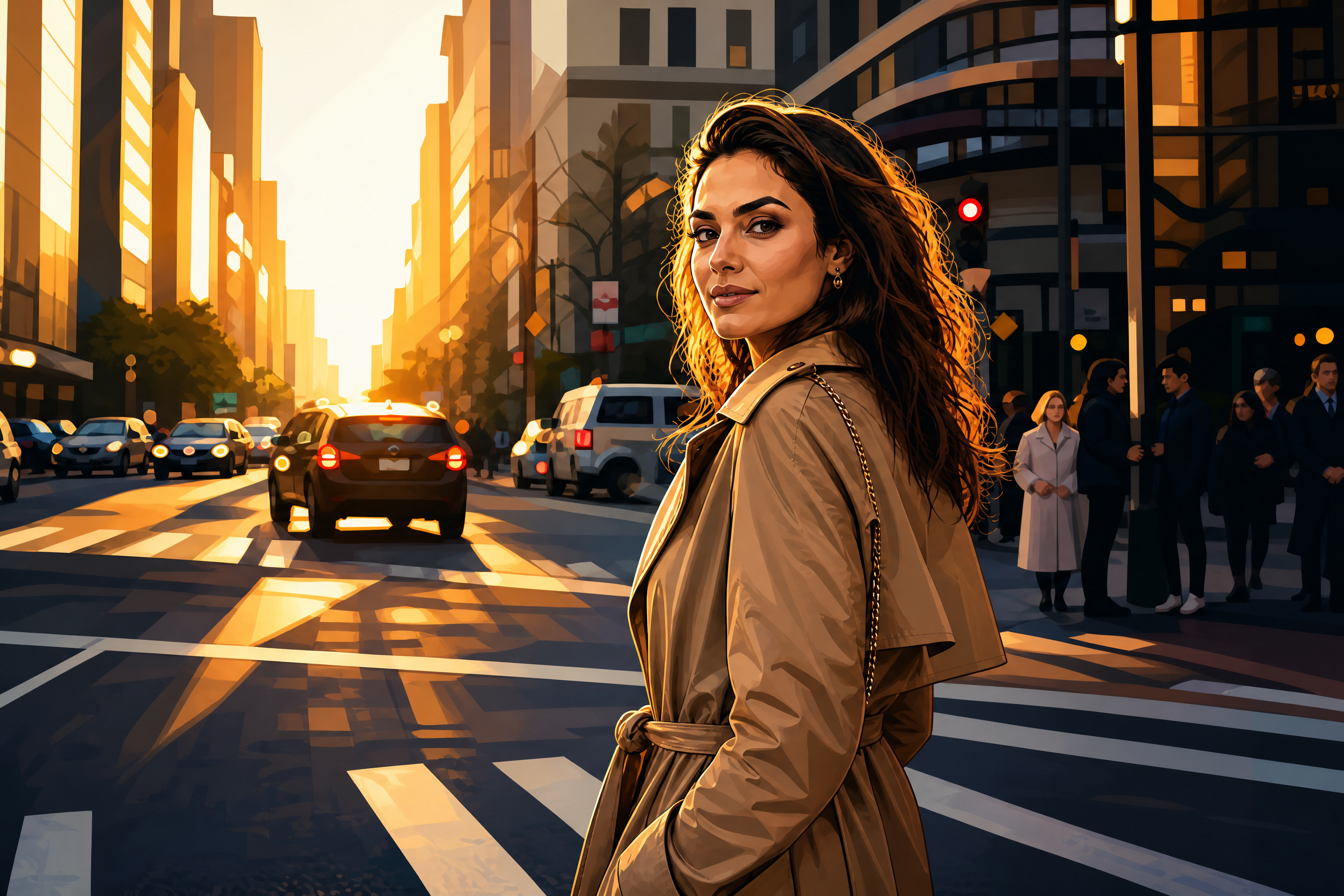
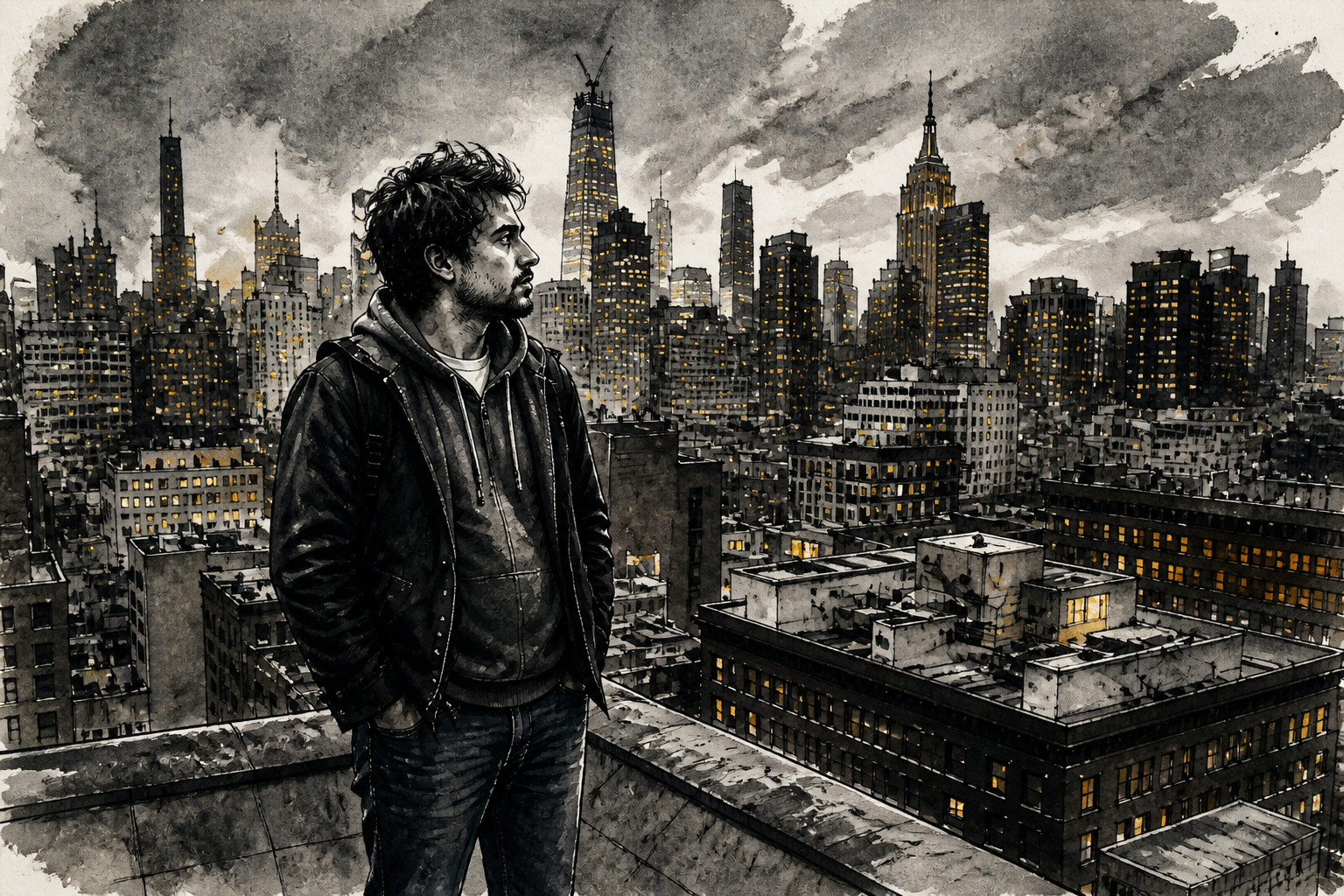
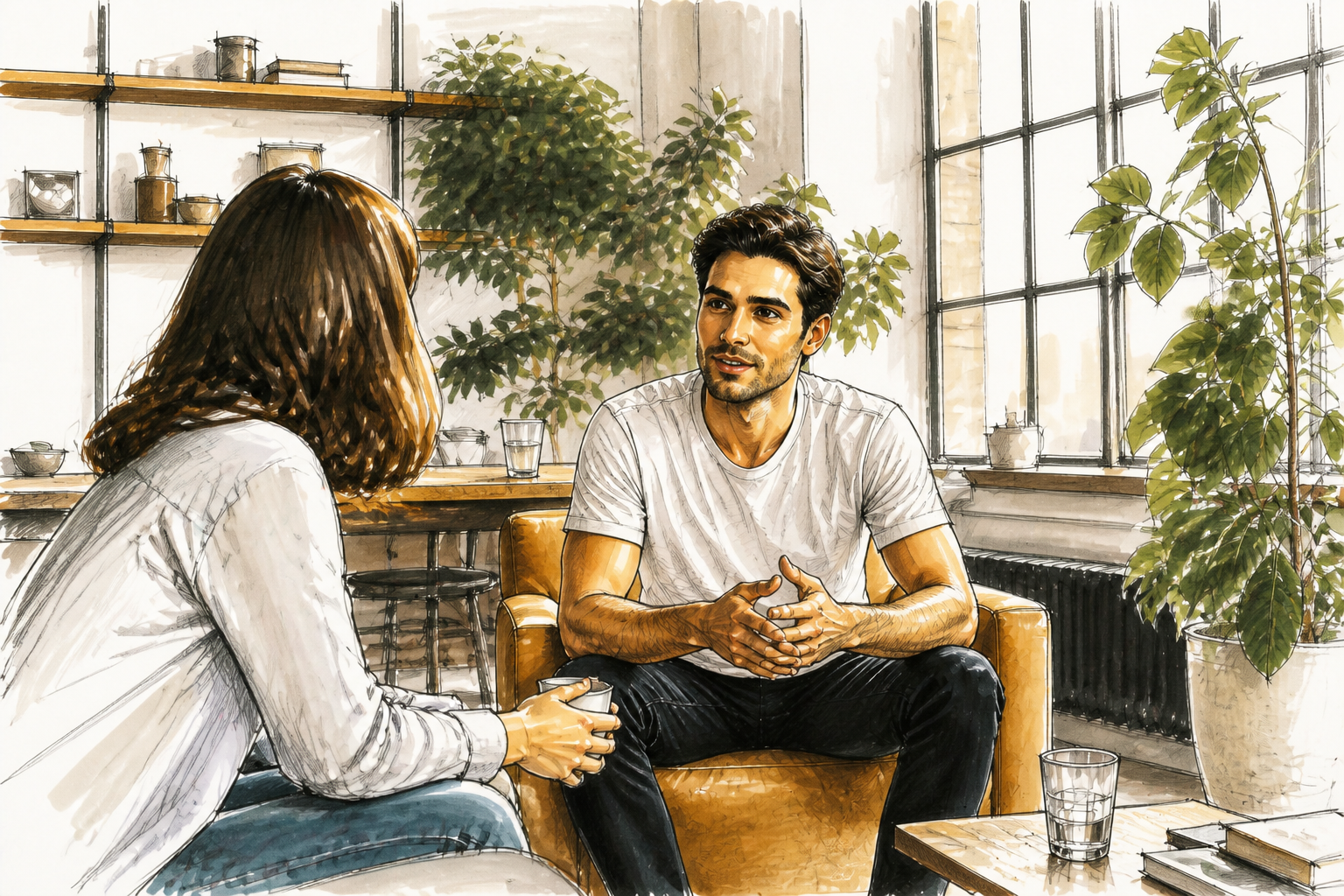
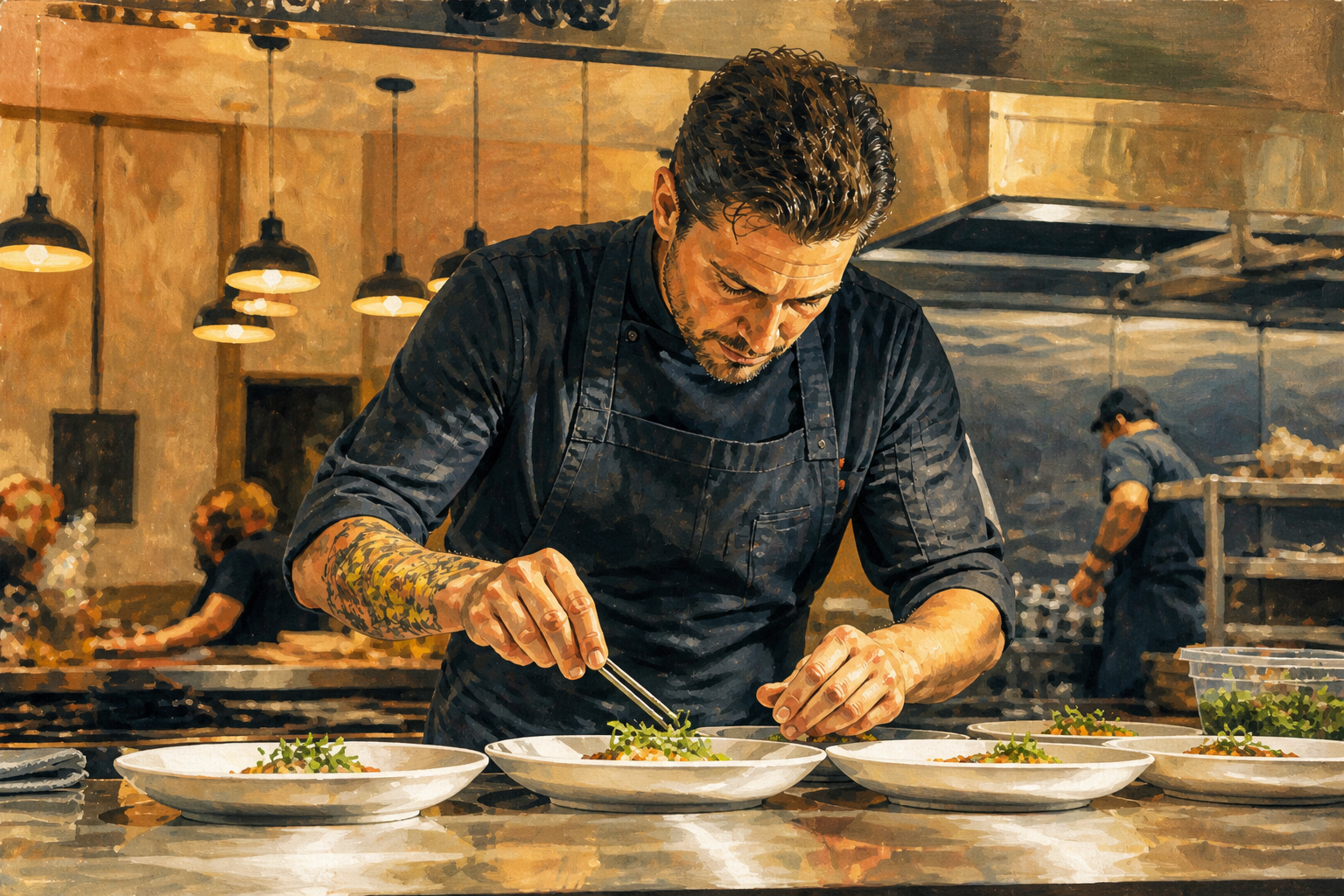
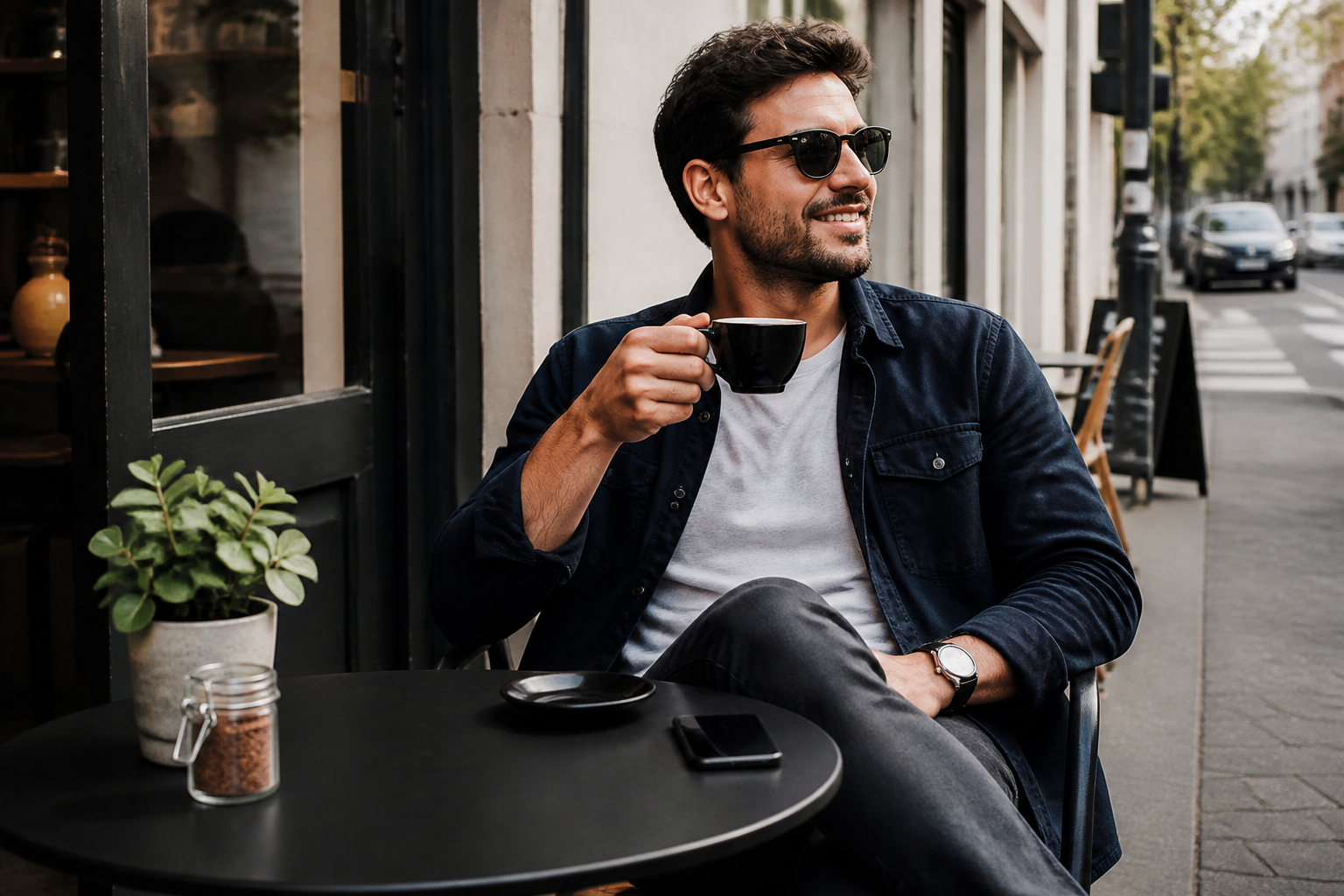
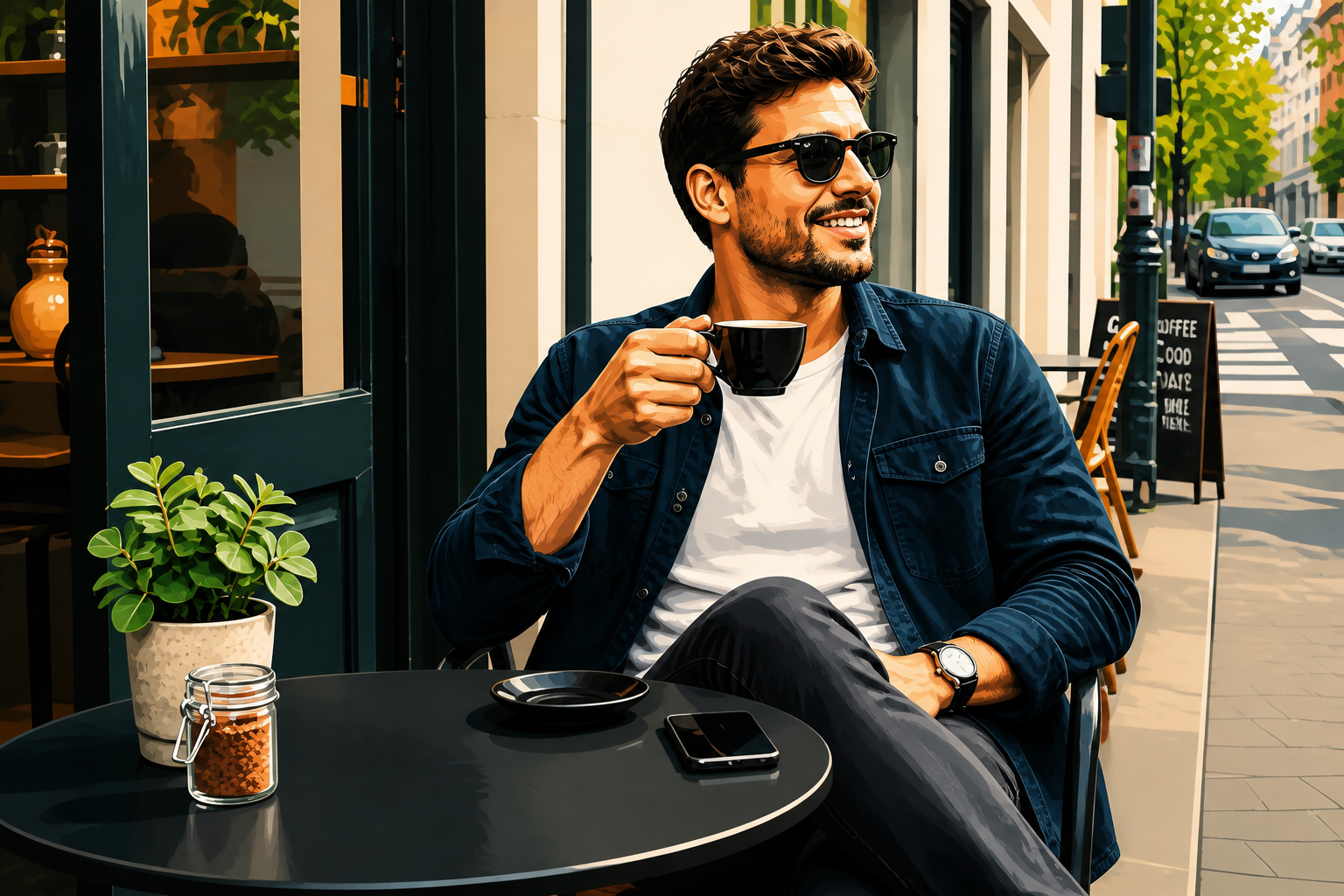
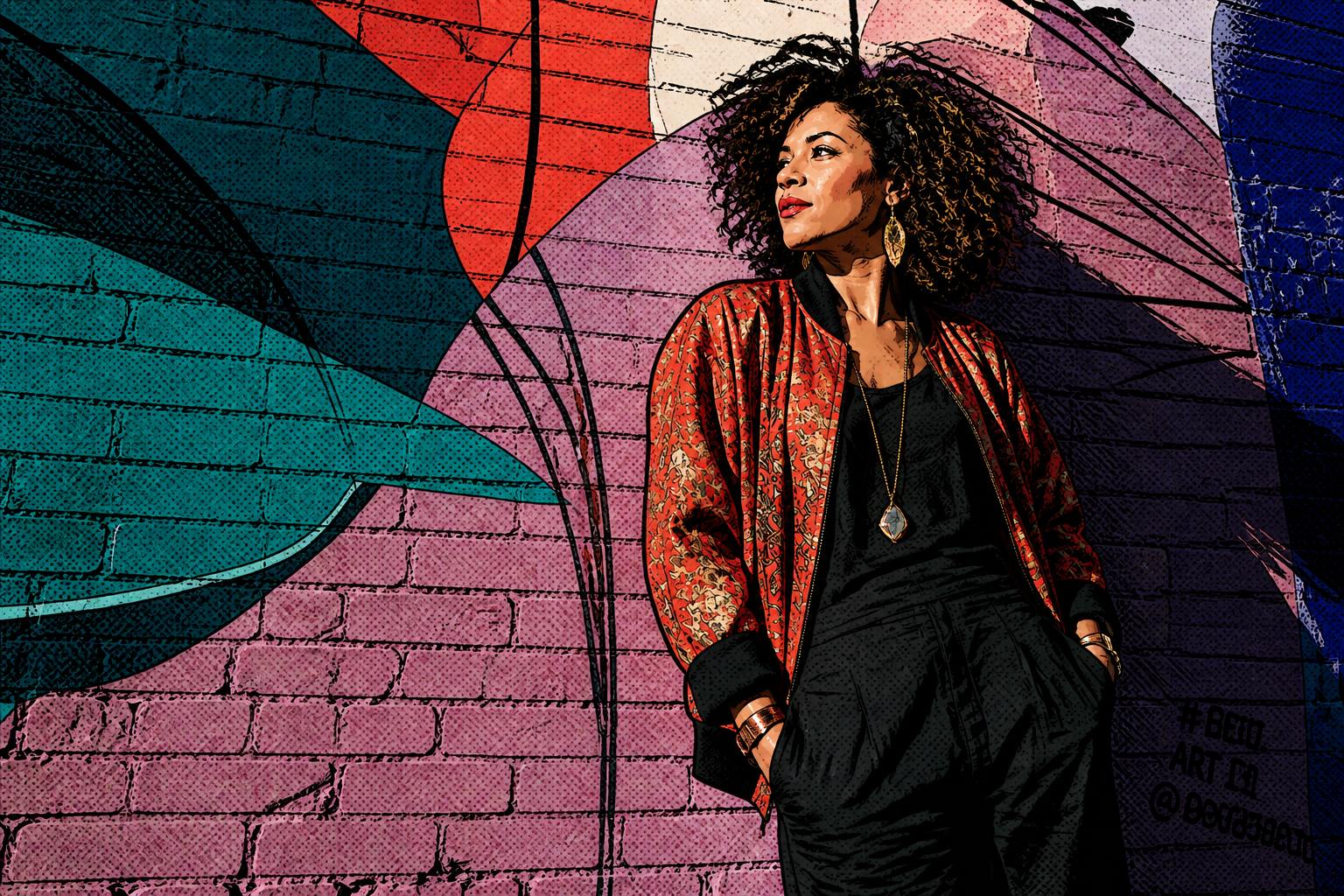
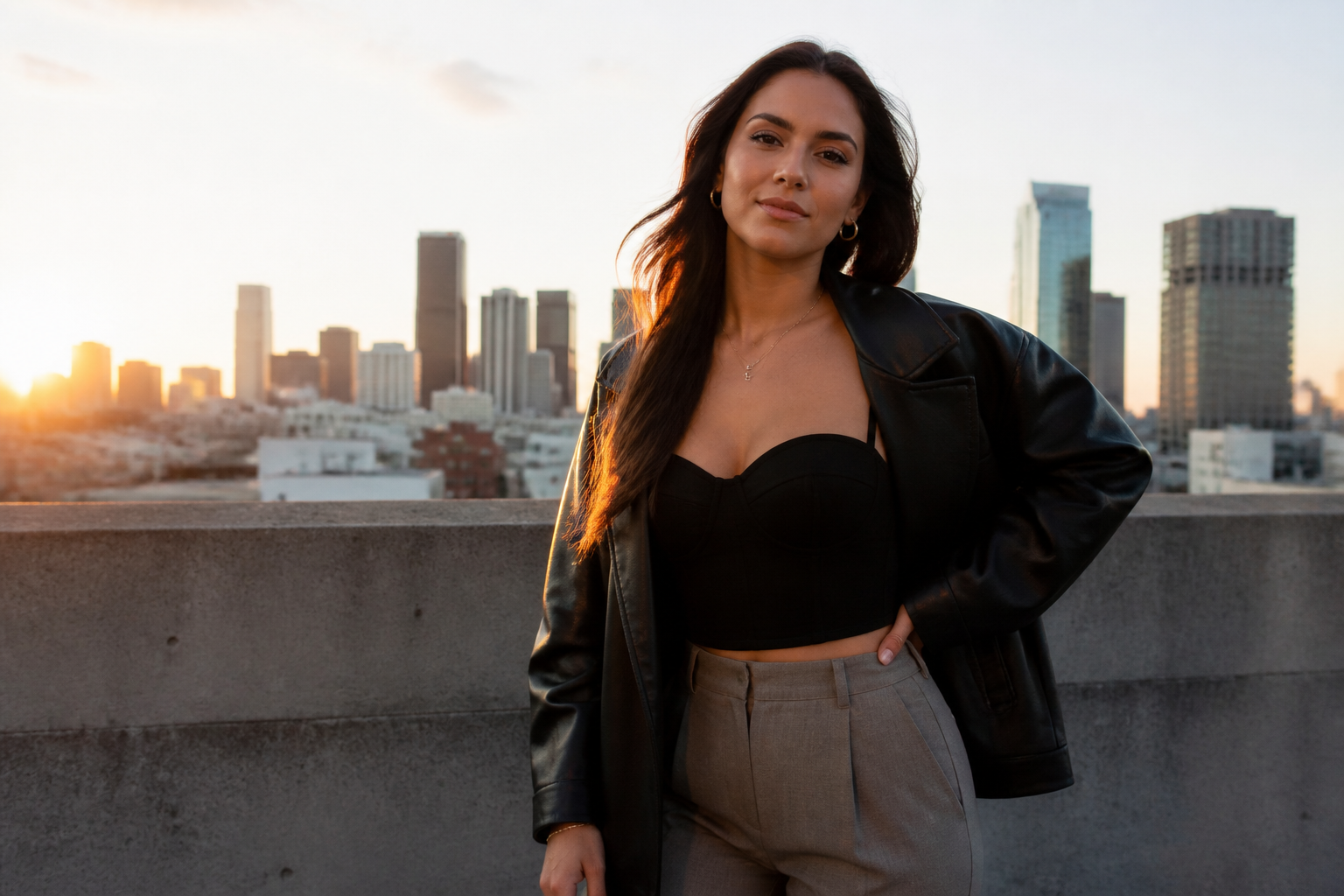
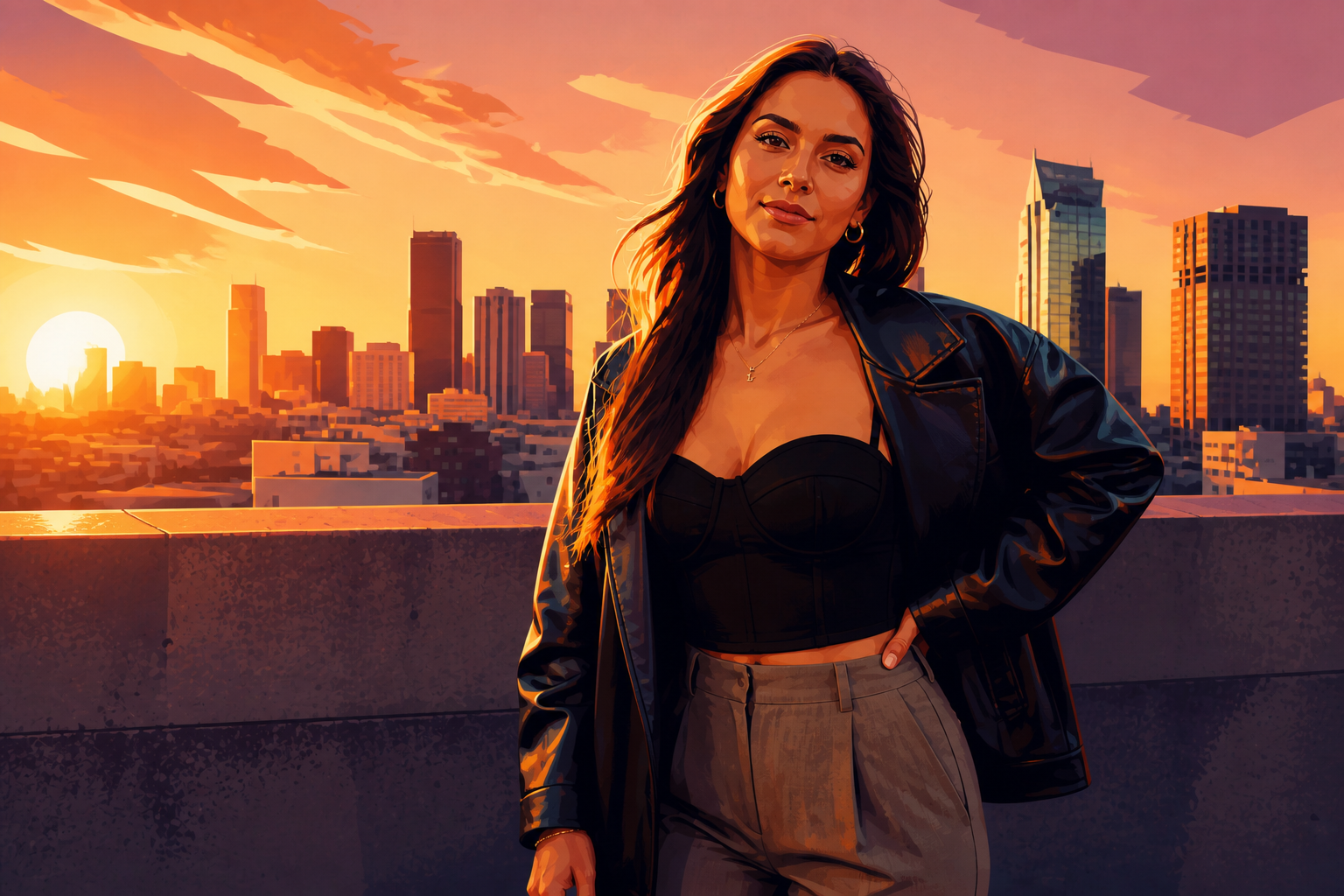
Upload a photo and transform it into an illustration without redrawing anything by hand. Our AI can convert portraits, travel shots, fashion photos, and lifestyle scenes into clean artistic styles while keeping the main subject recognizable.
Watch the Transformation
See photo to illustration in motion — generated end-to-end by our AI.
See It In Action
Real outputs from photo to illustration.
BEFOREAFTER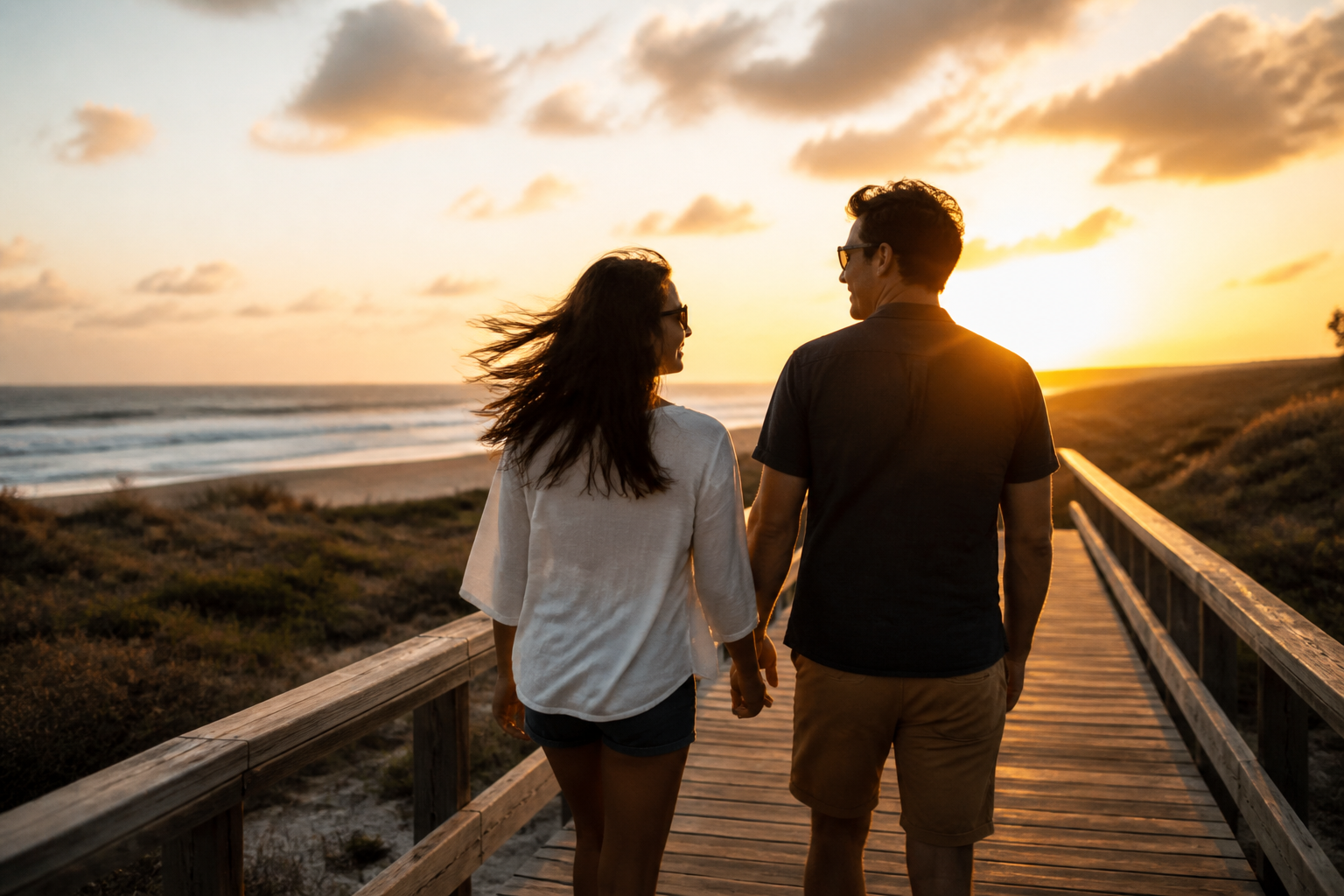 BEFORE
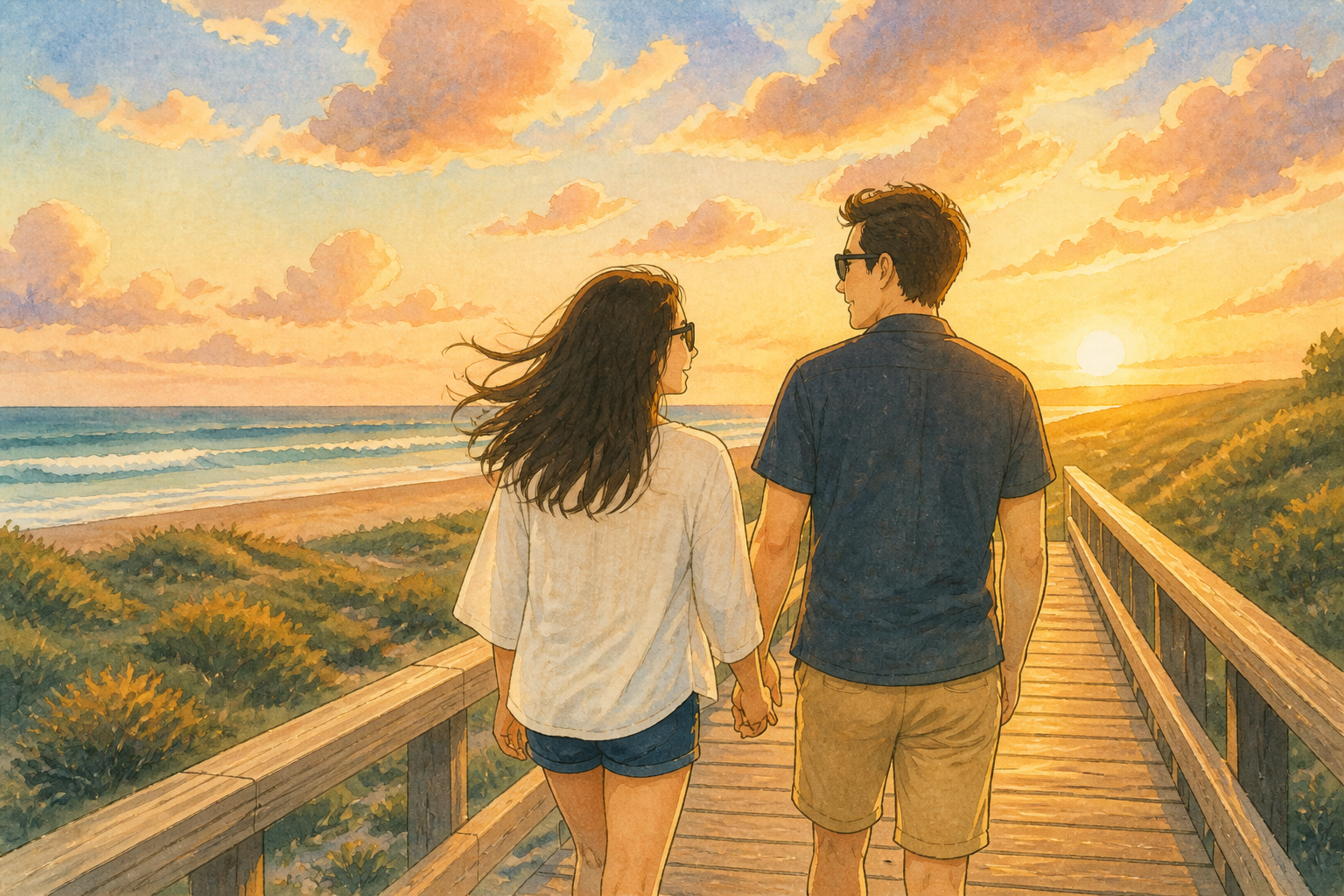 AFTER
AFTER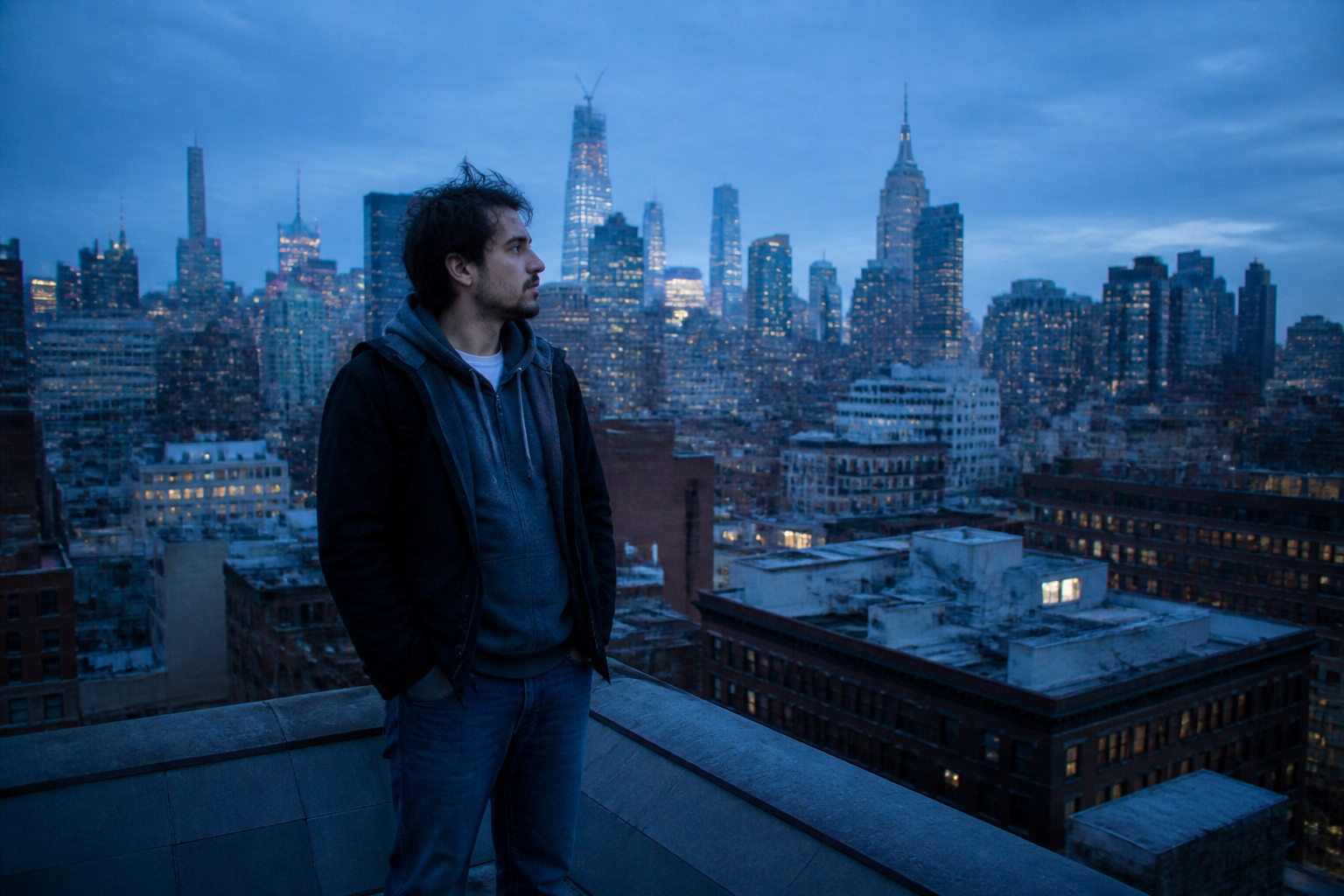 BEFORE
 AFTER
AFTER BEFORE
 AFTER
AFTER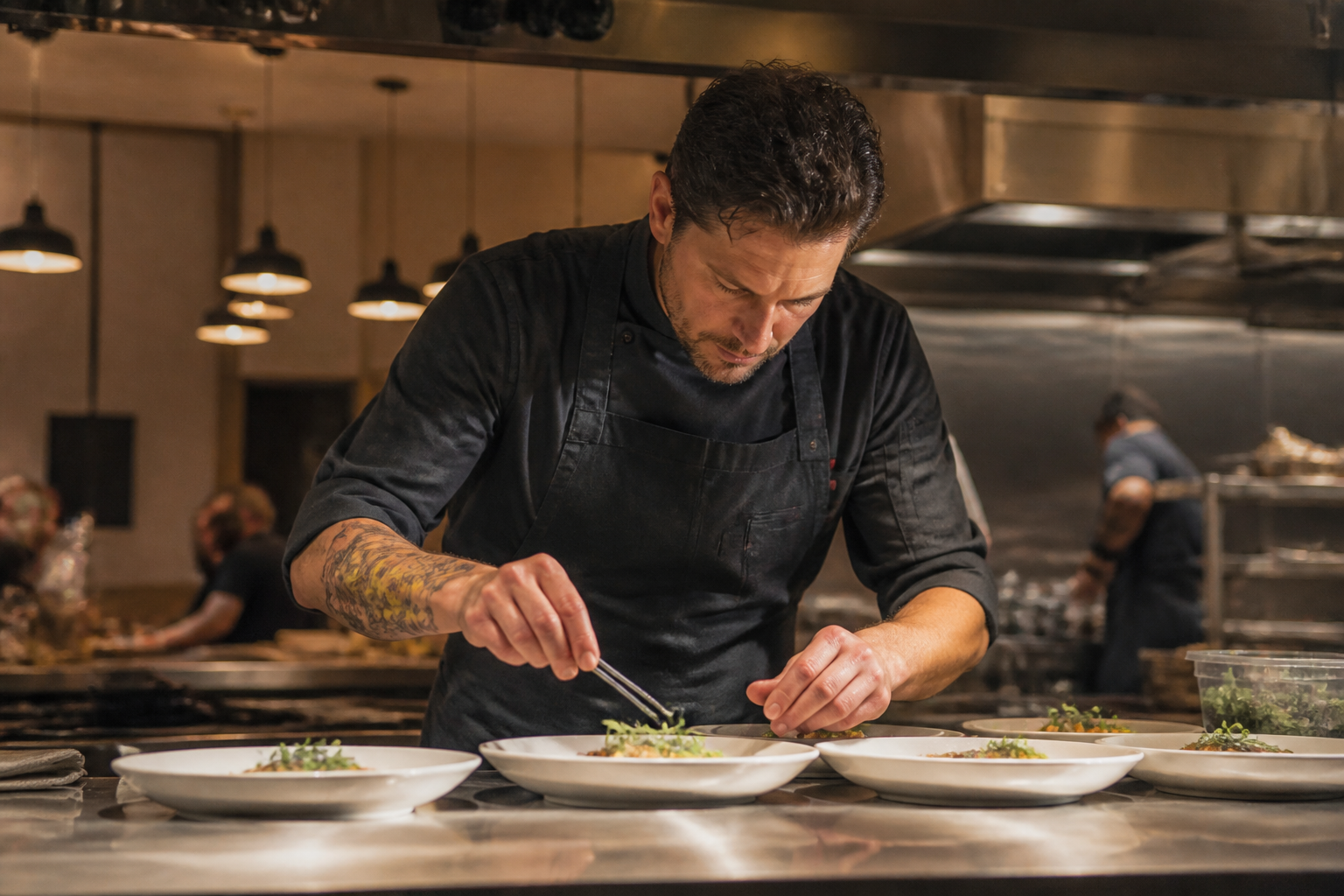 BEFORE
 AFTERBEFOREAFTERBEFOREAFTERBEFOREAFTERBEFOREAFTERBEFOREAFTER
 BEFORE
 AFTER
AFTER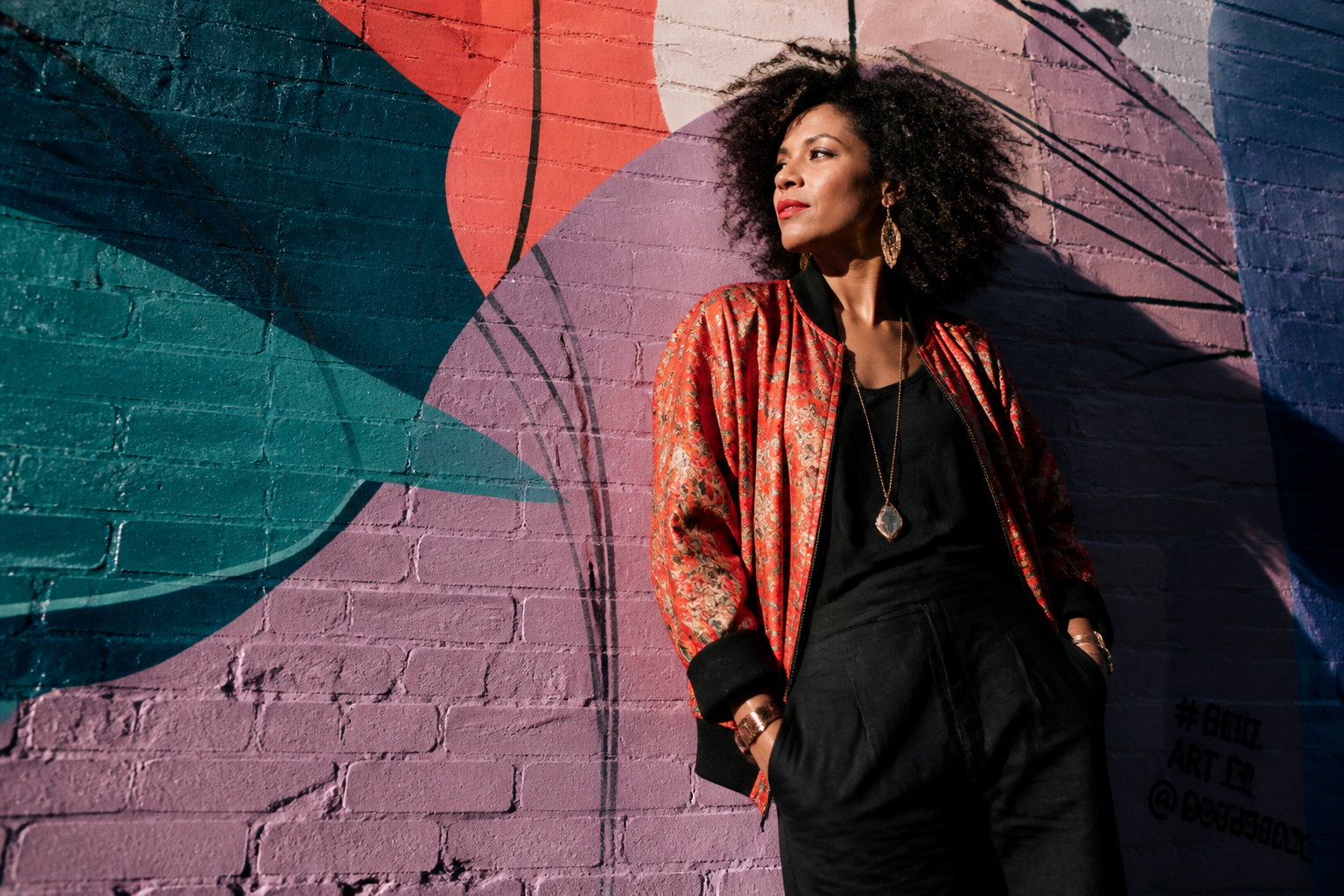 BEFORE
 AFTER
AFTER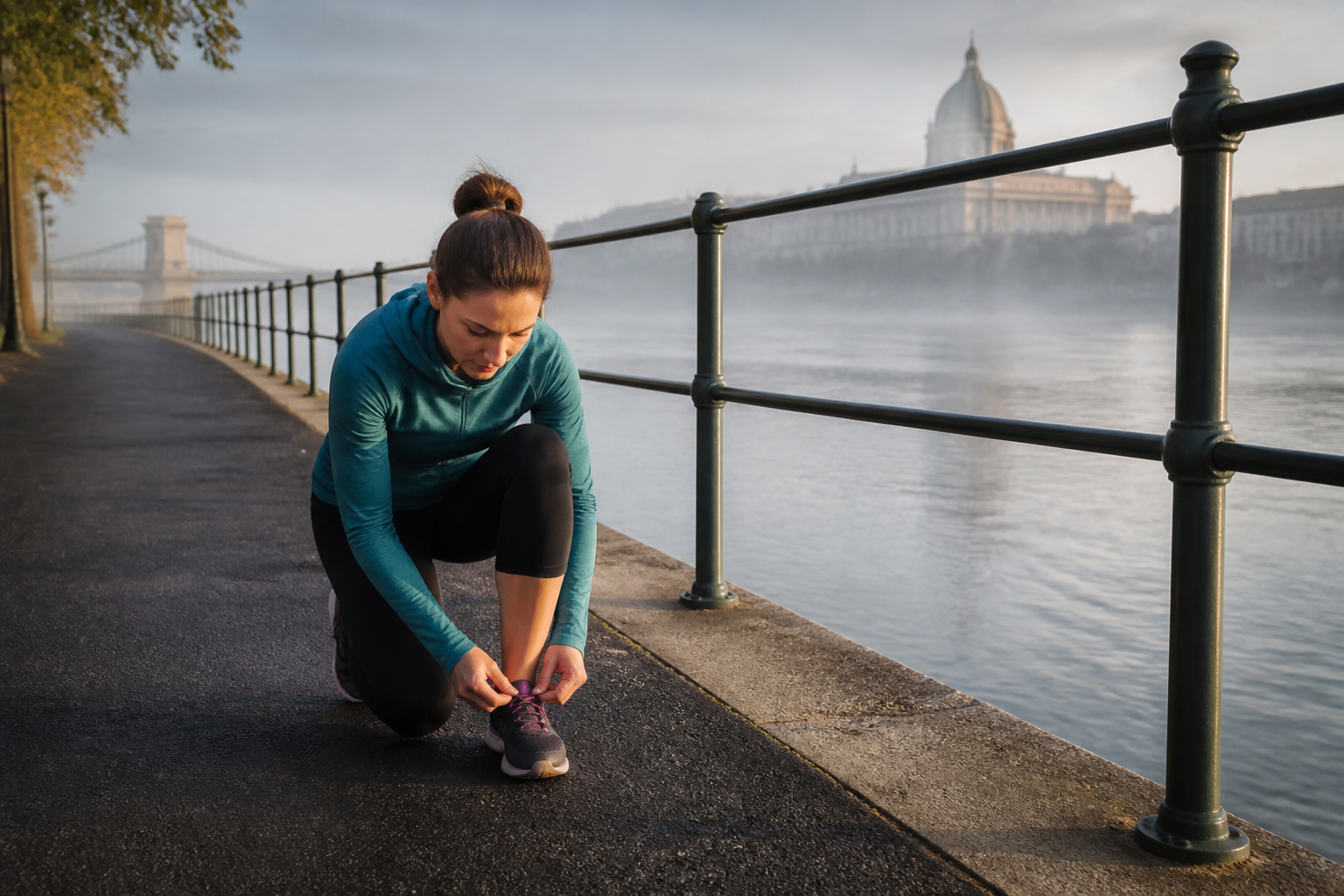 BEFORE
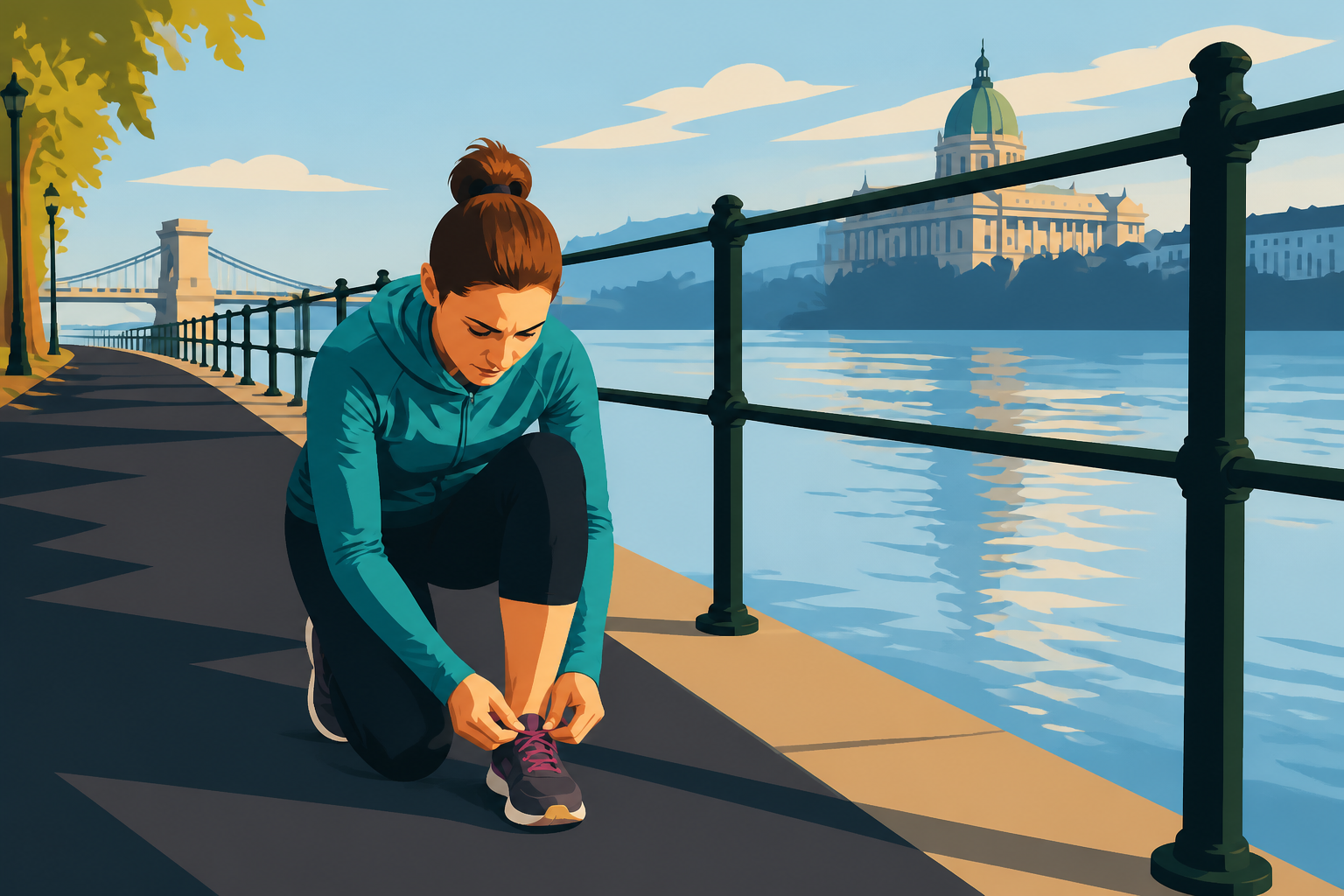 AFTER
AFTER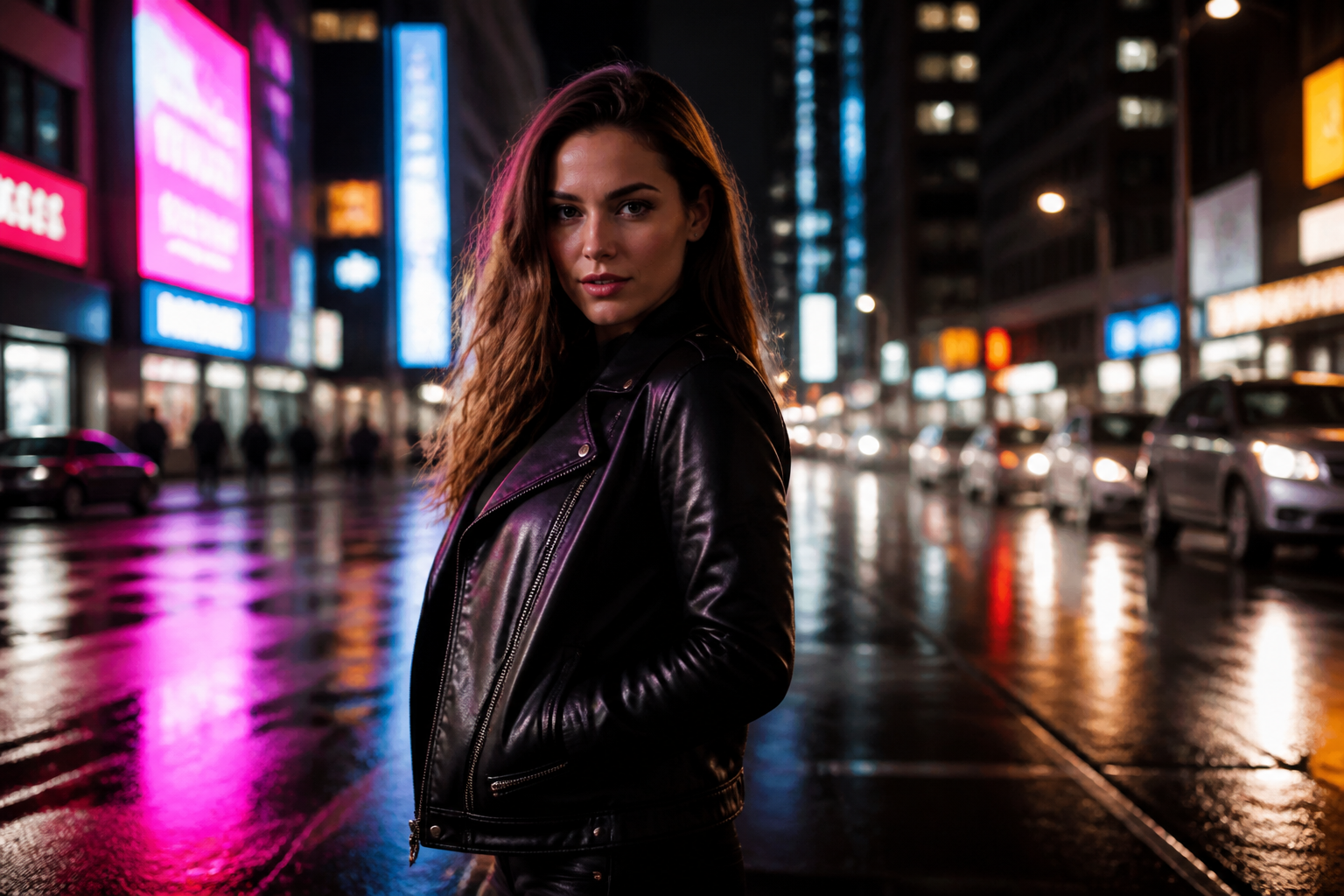 BEFORE
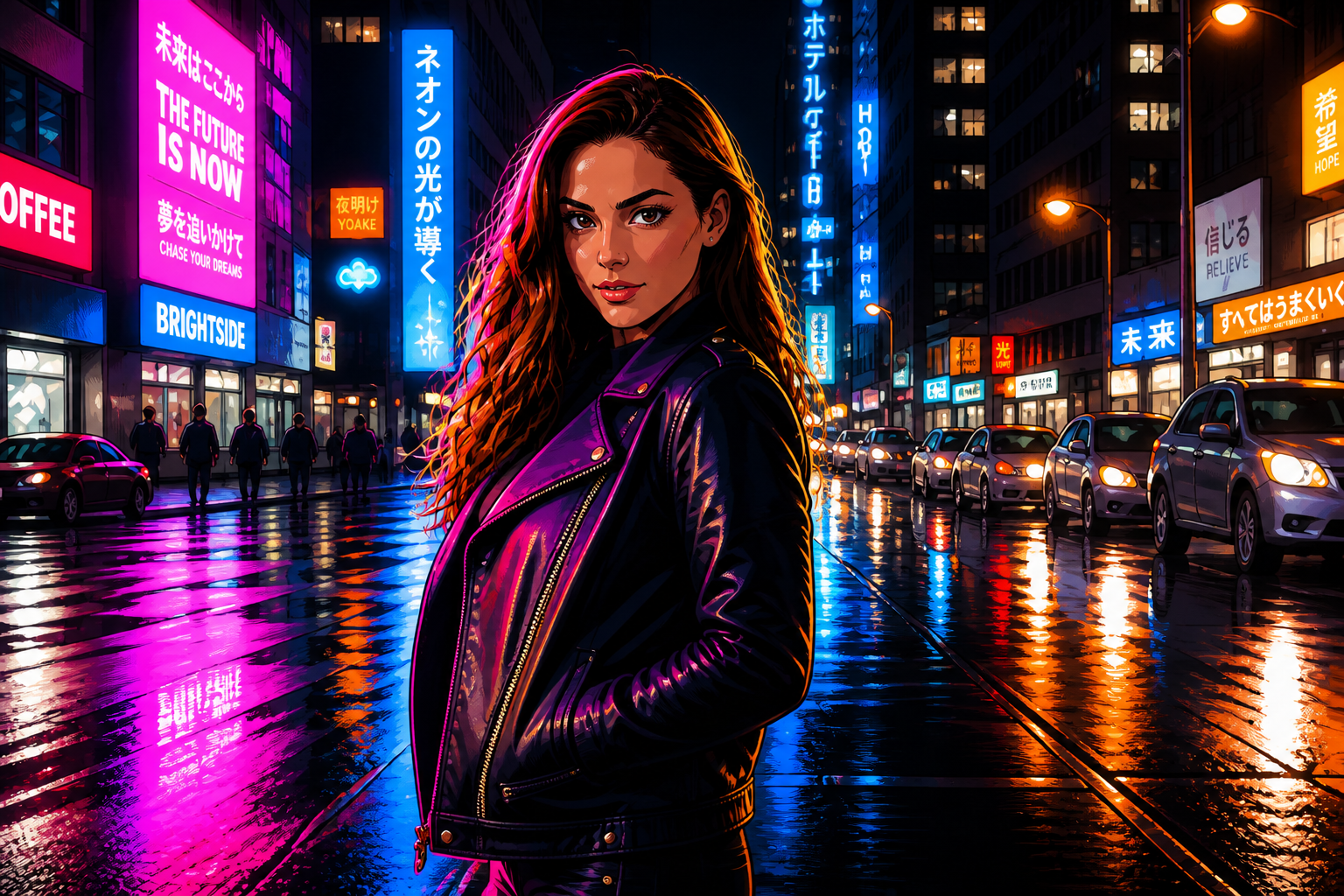 AFTER
AFTER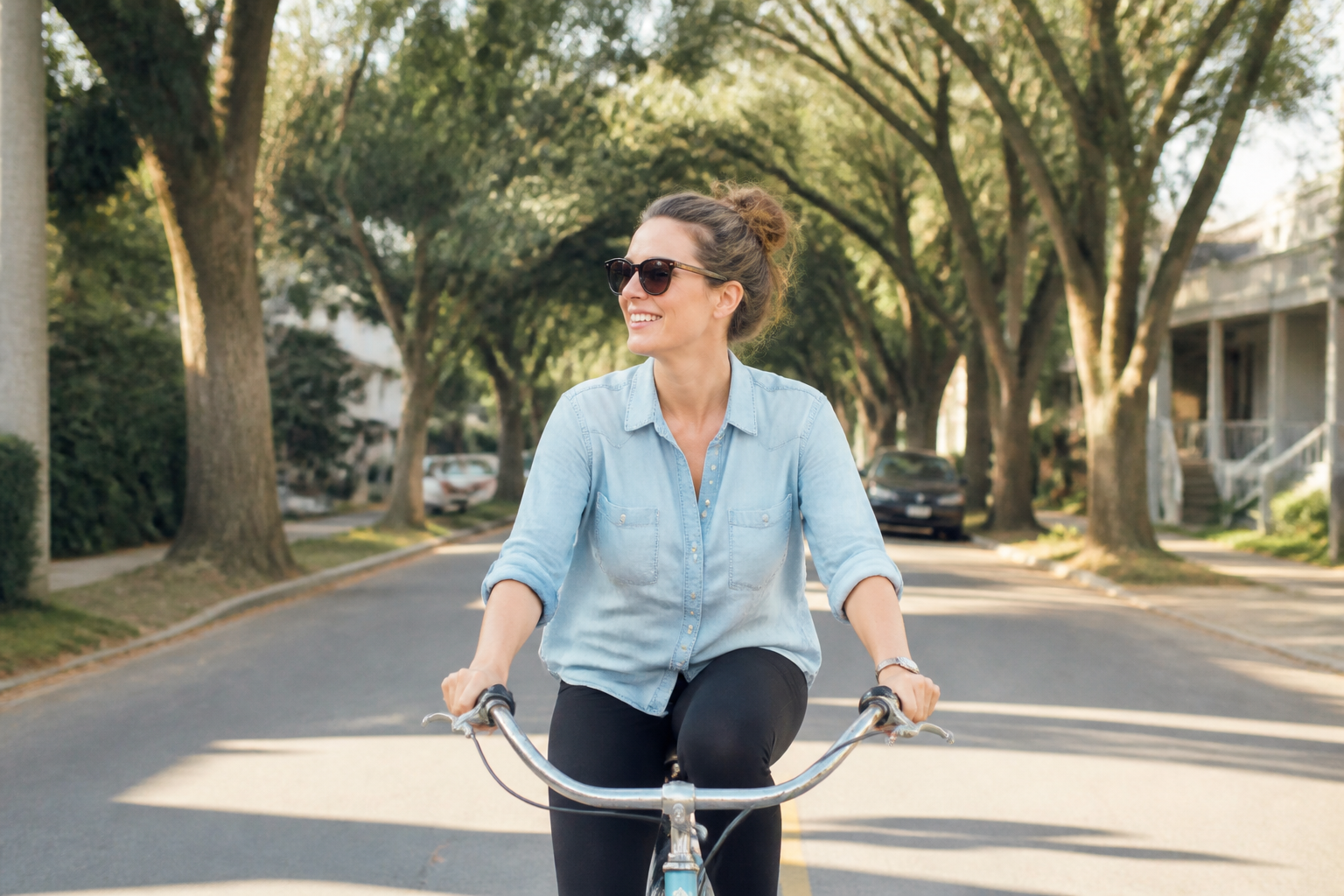 BEFORE
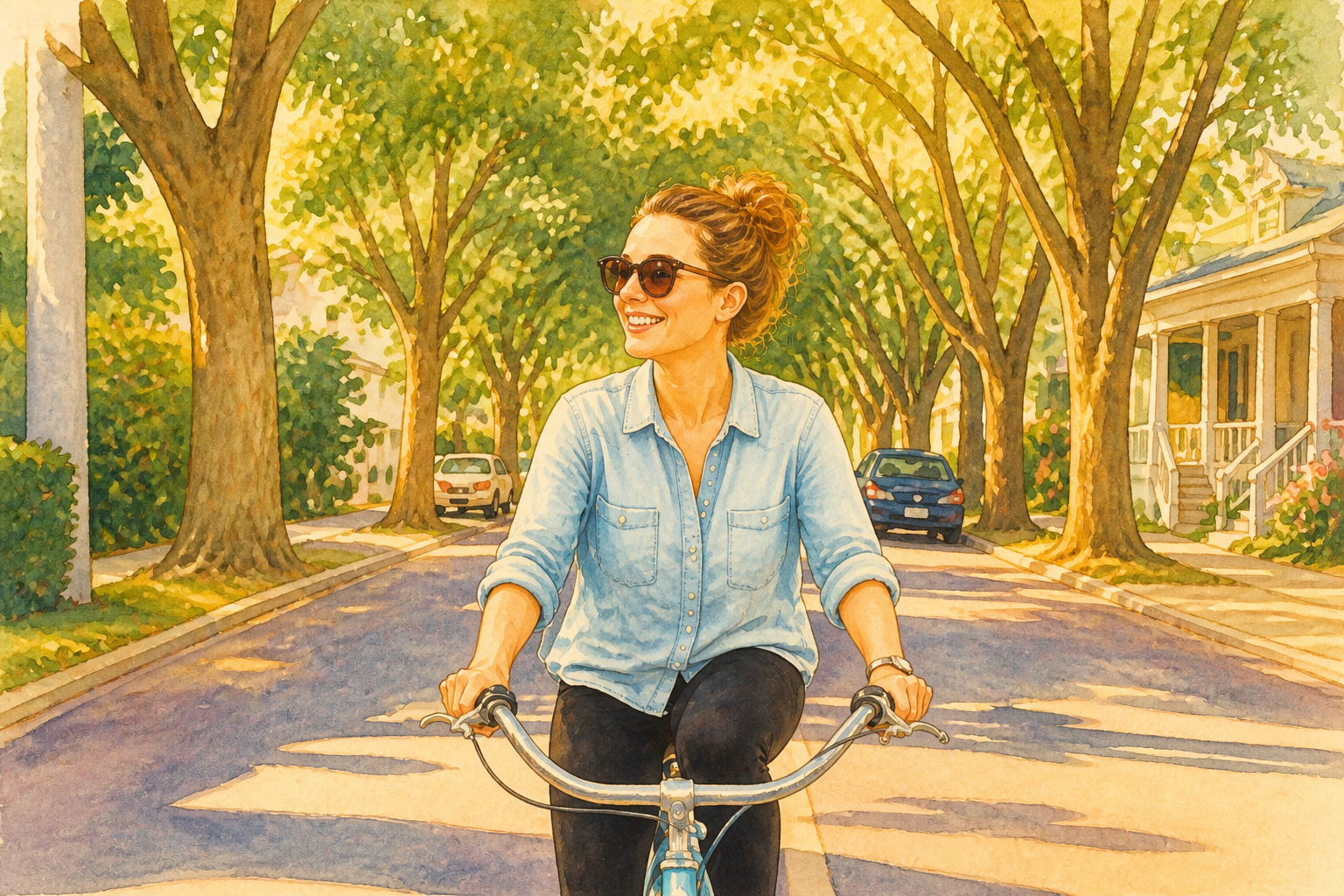 AFTERBEFOREAFTERBEFOREAFTERBEFOREAFTERBEFOREAFTERBEFOREAFTER
Key Features
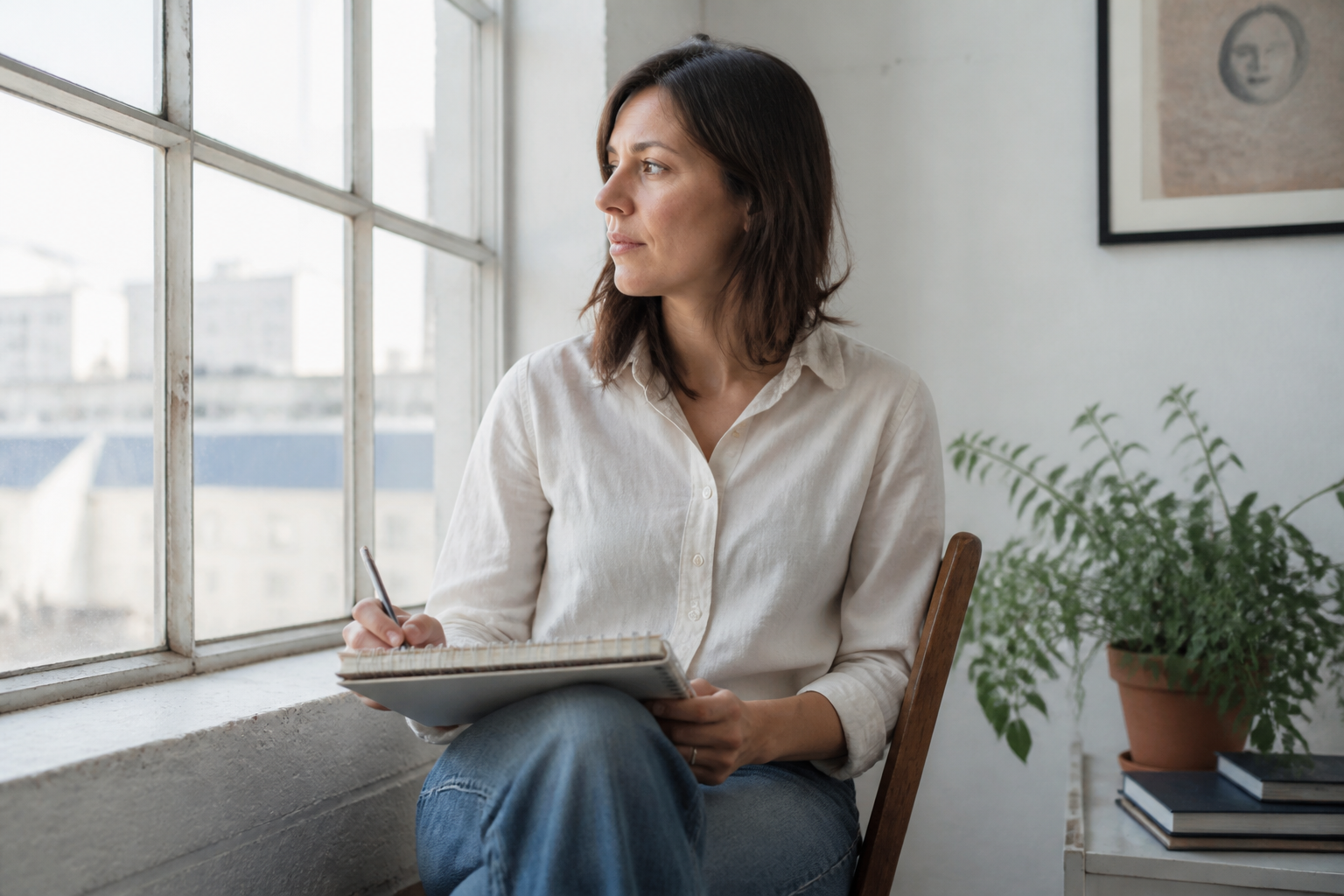
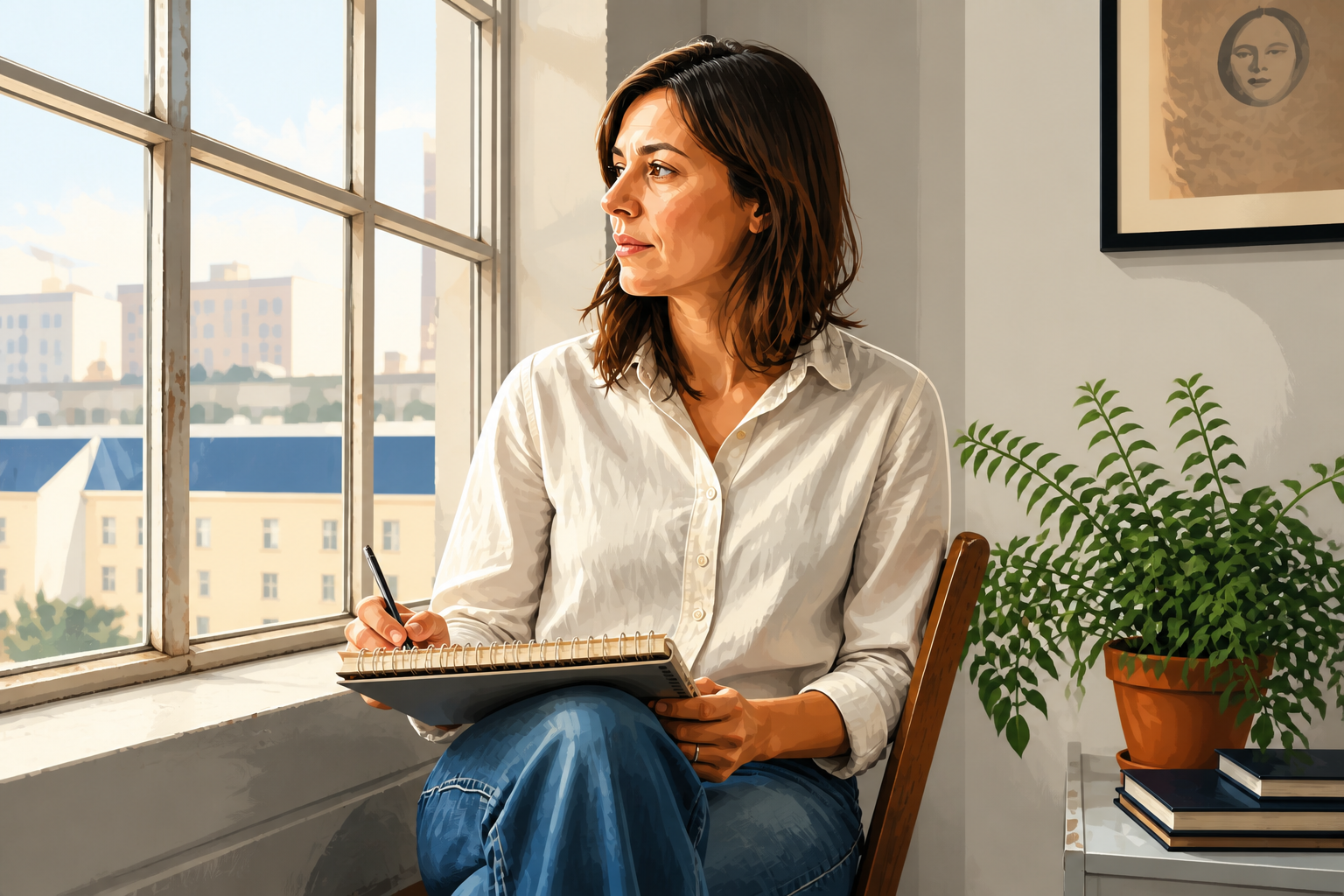
Recognizable subject, illustrated finish
You can stylize a photo heavily without losing the person, pose, or scene that made the original work. That matters when you want art that still feels connected to your own image instead of a totally new generation. Our AI keeps the main structure intact while changing the visual treatment. It is much faster than repainting a photo manually in drawing software.
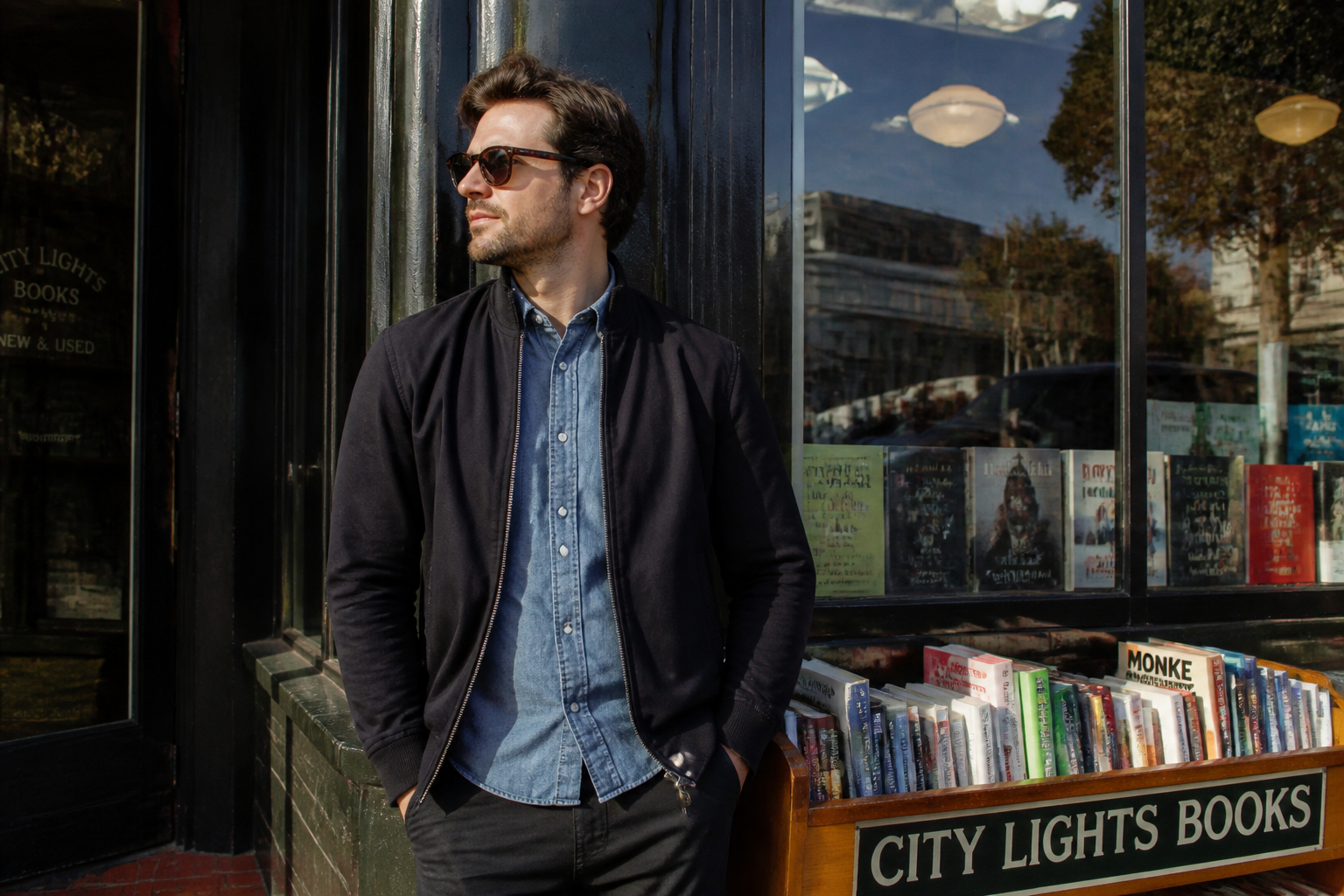
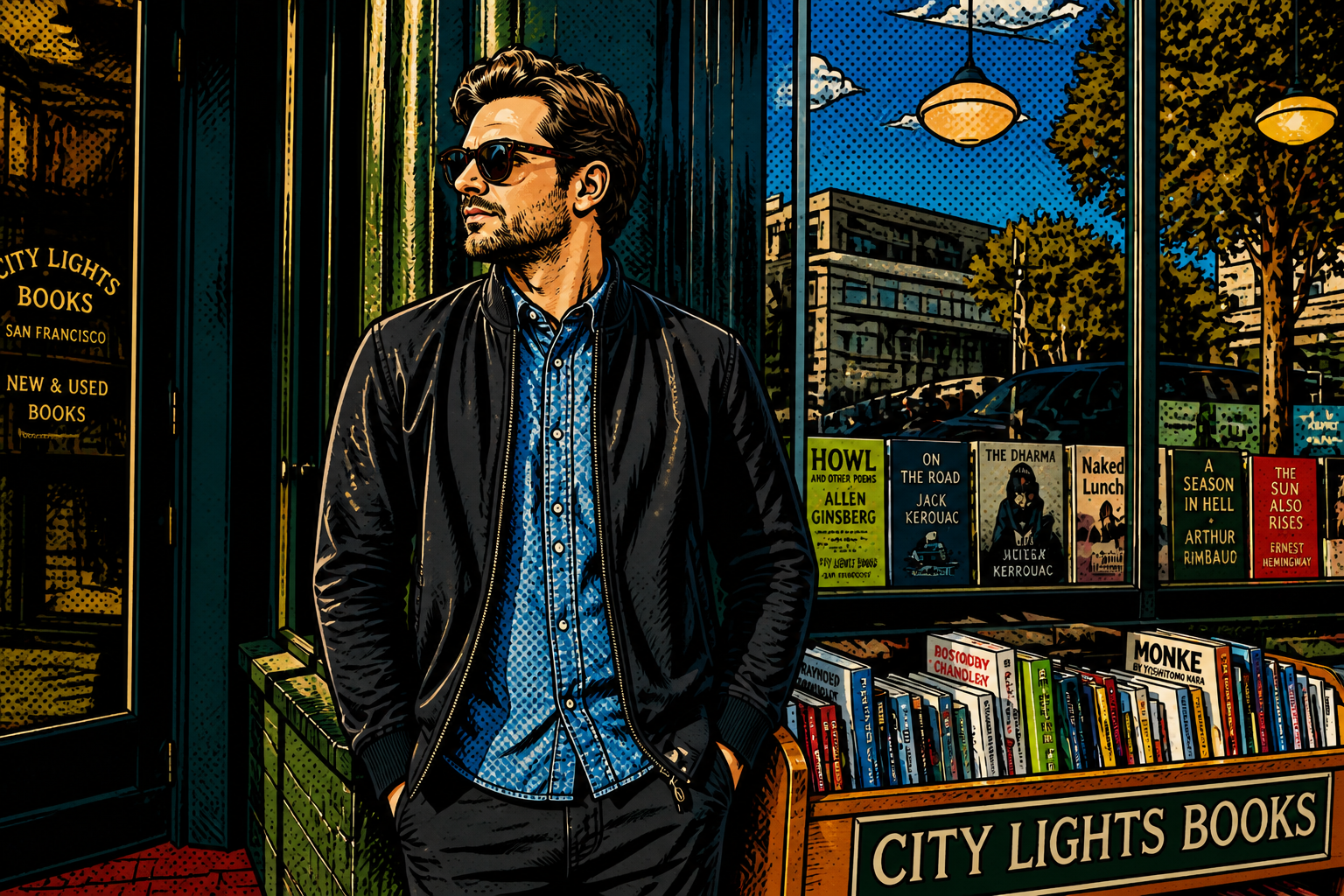
Try multiple art directions
A single photo can support very different illustration looks depending on where you want to use it. You can test editorial, comic, watercolor, or anime-inspired styles without rebuilding the image from scratch each time. That makes concepting much quicker for creators and marketers. It also helps you find a style that fits your audience before committing to a full set.
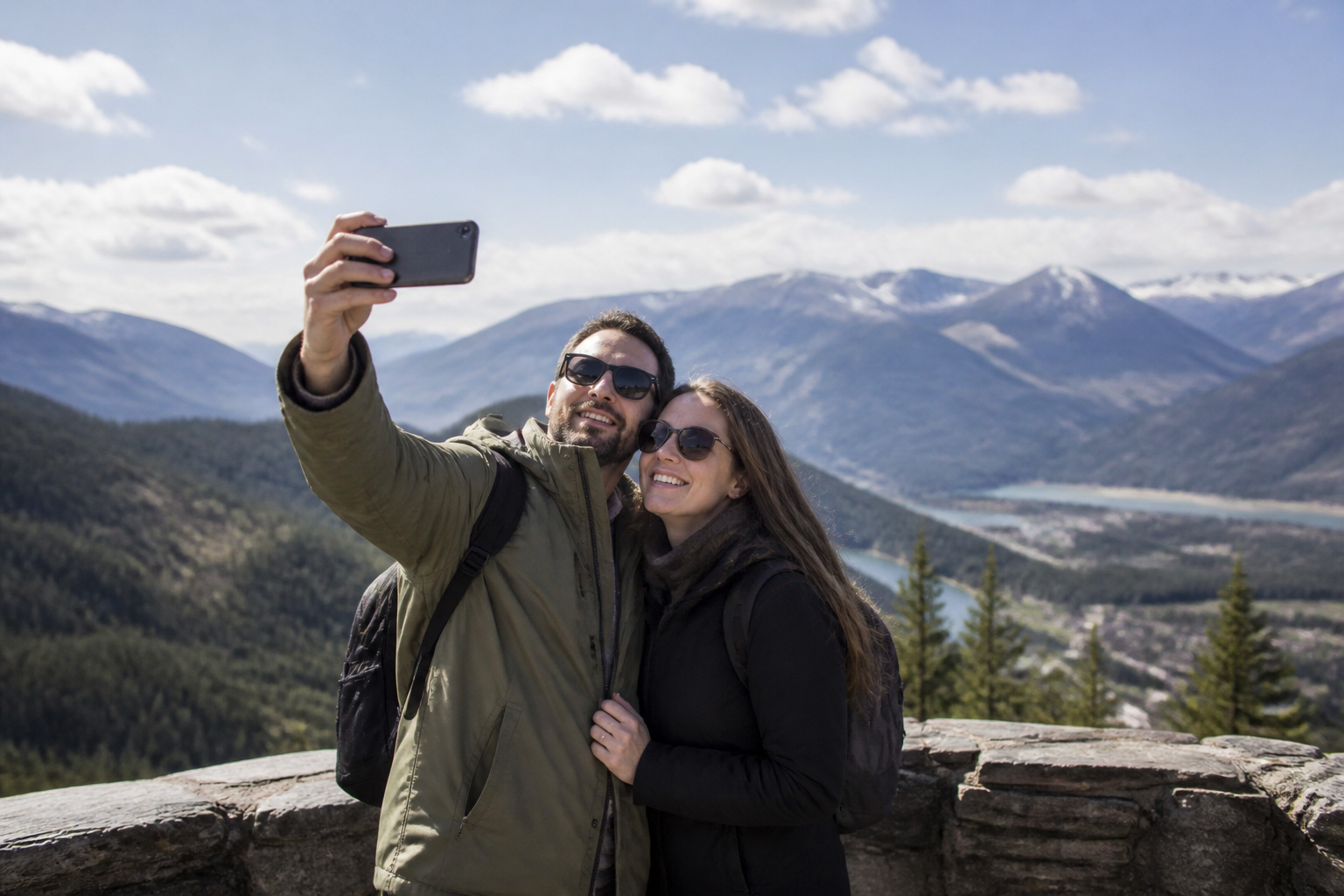
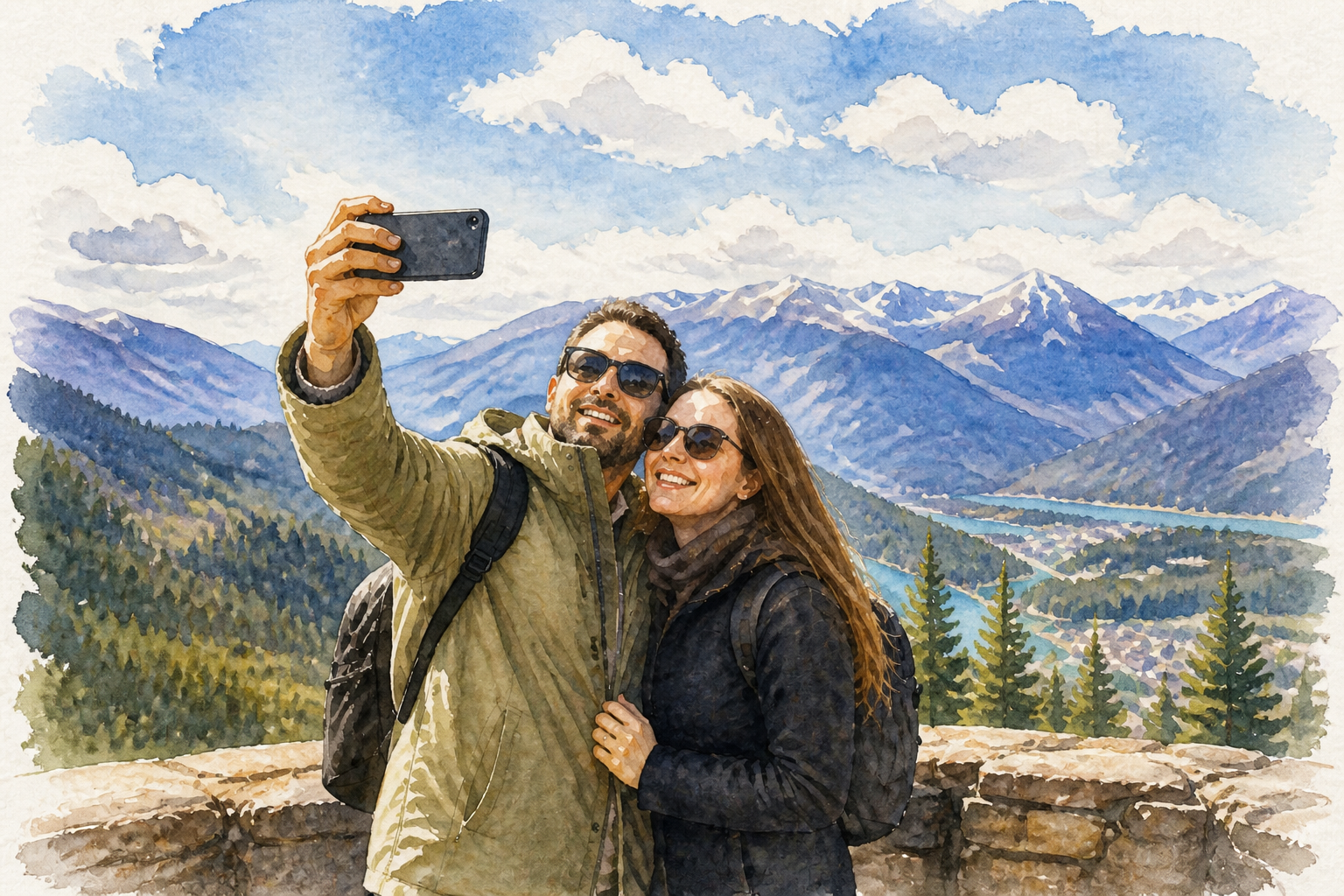
Clean results from everyday photos
You do not need a studio shot to get an illustration that looks intentional and polished. Everyday travel, street, and lifestyle photos can be turned into artwork with stronger shapes, cleaner color, and clearer visual focus. This saves time compared with tracing, masking, and painting over the image by hand. It is a practical way to upgrade casual photos for posts, covers, and mood boards.
Made for shareable visuals
Illustrated photos stand out in feeds because the change is visible at a glance. Strong linework, stylized shading, and deliberate color treatment make the final image feel designed rather than just filtered. That is useful for social content, thumbnails, profile banners, and campaign art. You get a look that reads clearly even at small sizes.
How It Works
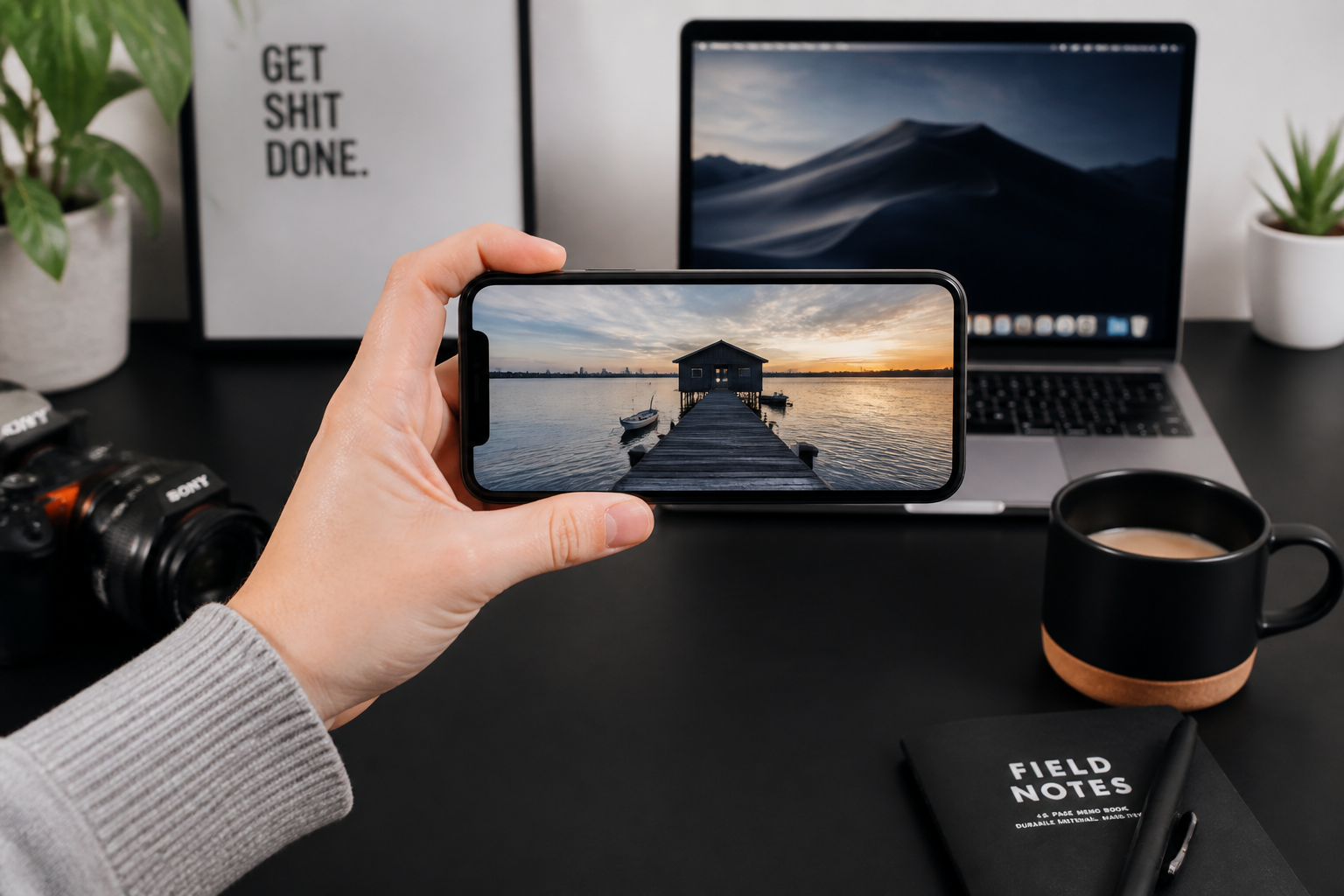
Upload your photo
Start with a clear image of a person, place, or scene you want to stylize. Well-lit photos with a strong subject usually give the best illustration results.
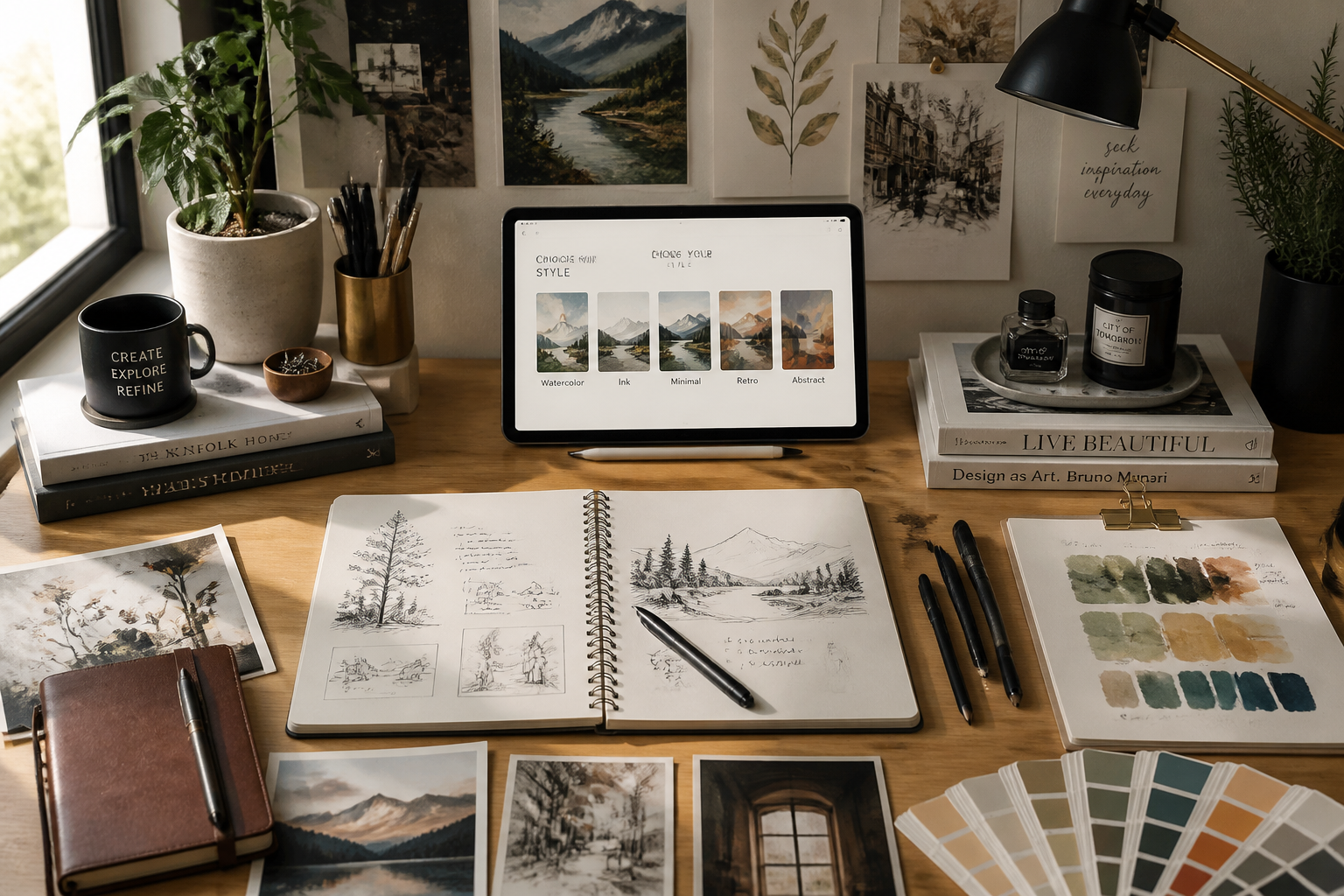
Pick the illustration style
Describe the look you want, such as editorial illustration, watercolor, comic, or anime-inspired art. You can keep it broad or add details about linework, color, and texture.
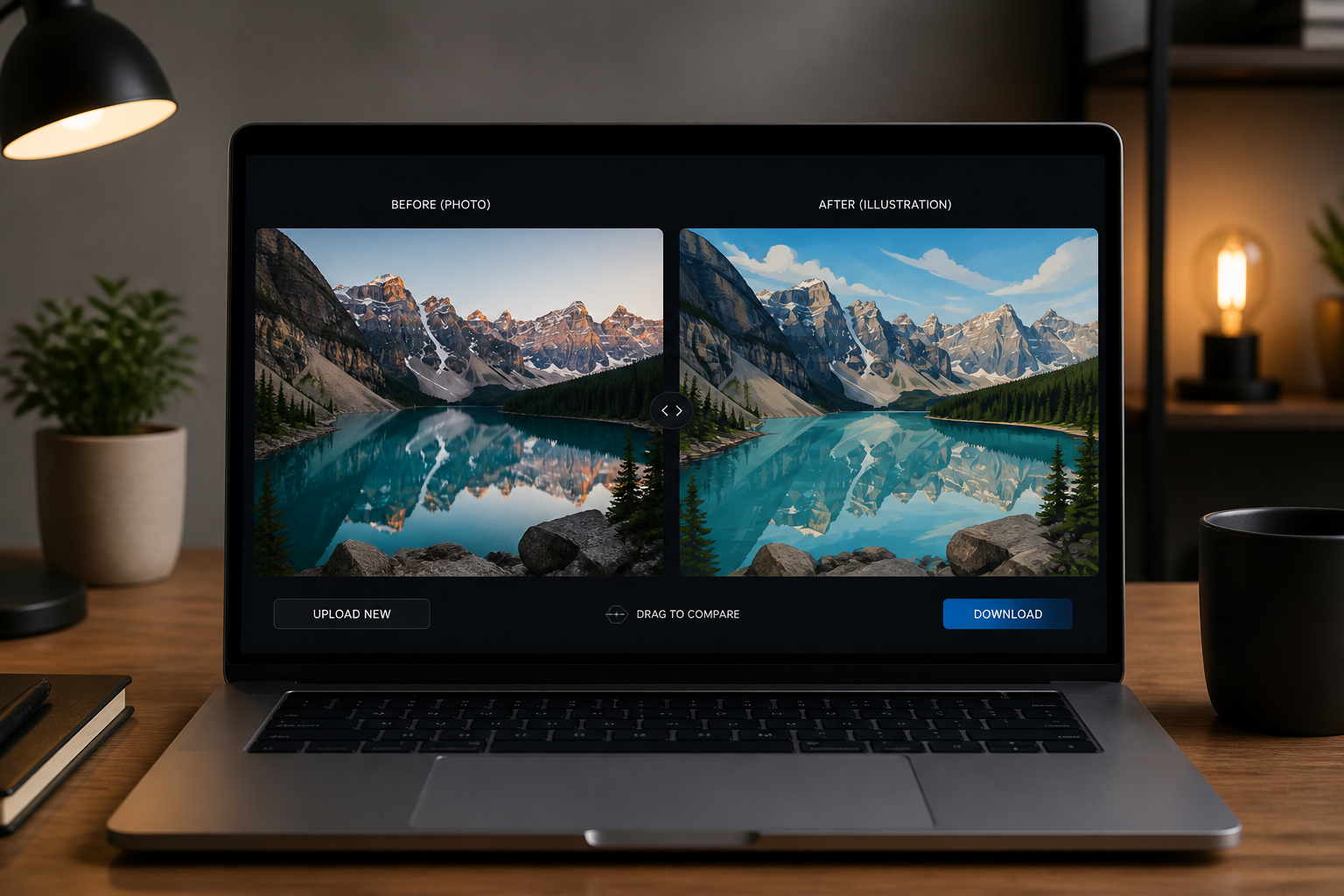
Review and refine
Compare the illustrated version with your original and decide if you want another variation. Small prompt changes can quickly push the result toward cleaner lines, bolder color, or a softer painted look.
Perfect For
Discover how creators and professionals use photo to illustration
Social media posts
Turn personal or brand photos into illustrated images that stand out in crowded feeds and thumbnail previews.
Profile and cover art
Create a stylized version of your portrait for avatars, banners, channel art, or portfolio headers.
Campaign mockups
Test illustrated directions for ads, posters, and editorials before investing in full custom artwork.
Creative mood boards
Convert reference photos into a consistent illustrated look for pitch decks, concepts, and visual planning.
Built For
Creators and influencers
Make photos feel more designed and more distinctive for social posts, covers, and personal branding.
Designers and marketers
Prototype illustration-led campaign visuals quickly from existing photos without a full manual redraw.
Anyone exploring visual styles
Try different illustration looks on your own images before choosing a direction for print, web, or content.
Why use BudgetPixel for photo-to-illustration edits
A quick look at how we compare on the things that matter for this niche.
| Feature | BudgetPixel | Generic AI editors | Manual editing apps |
|---|---|---|---|
| Built for photo-to-style edits | ✓ | — | — |
| Keeps original composition recognizable | ✓ | — | ✓ |
| Multiple illustration looks | ✓ | ✓ | — |
| Fast to iterate | ✓ | ✓ | — |
| Manual drawing required | — | — | ✓ |
Frequently Asked Questions
What does the Photo to Illustration tool do?
Can I choose different illustration styles?
Will the final image still look like my original photo?
Do I need design skills to use it?
What kinds of photos work best?
Create together.
Share your creations, discover trending AI art, and grow with fellow creators.