AI Abstract Art Generator
Turn ordinary photos into bold abstract visuals.
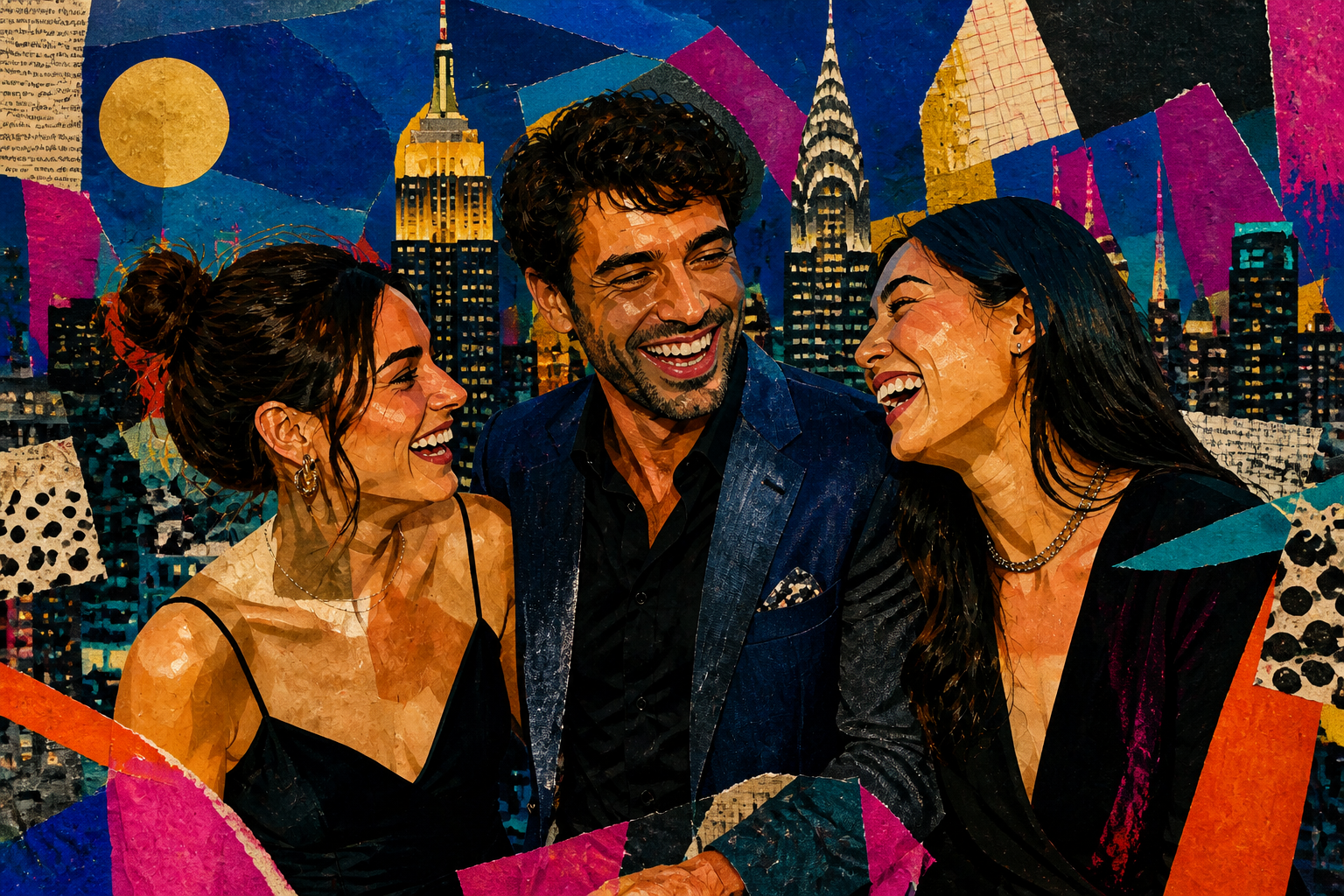
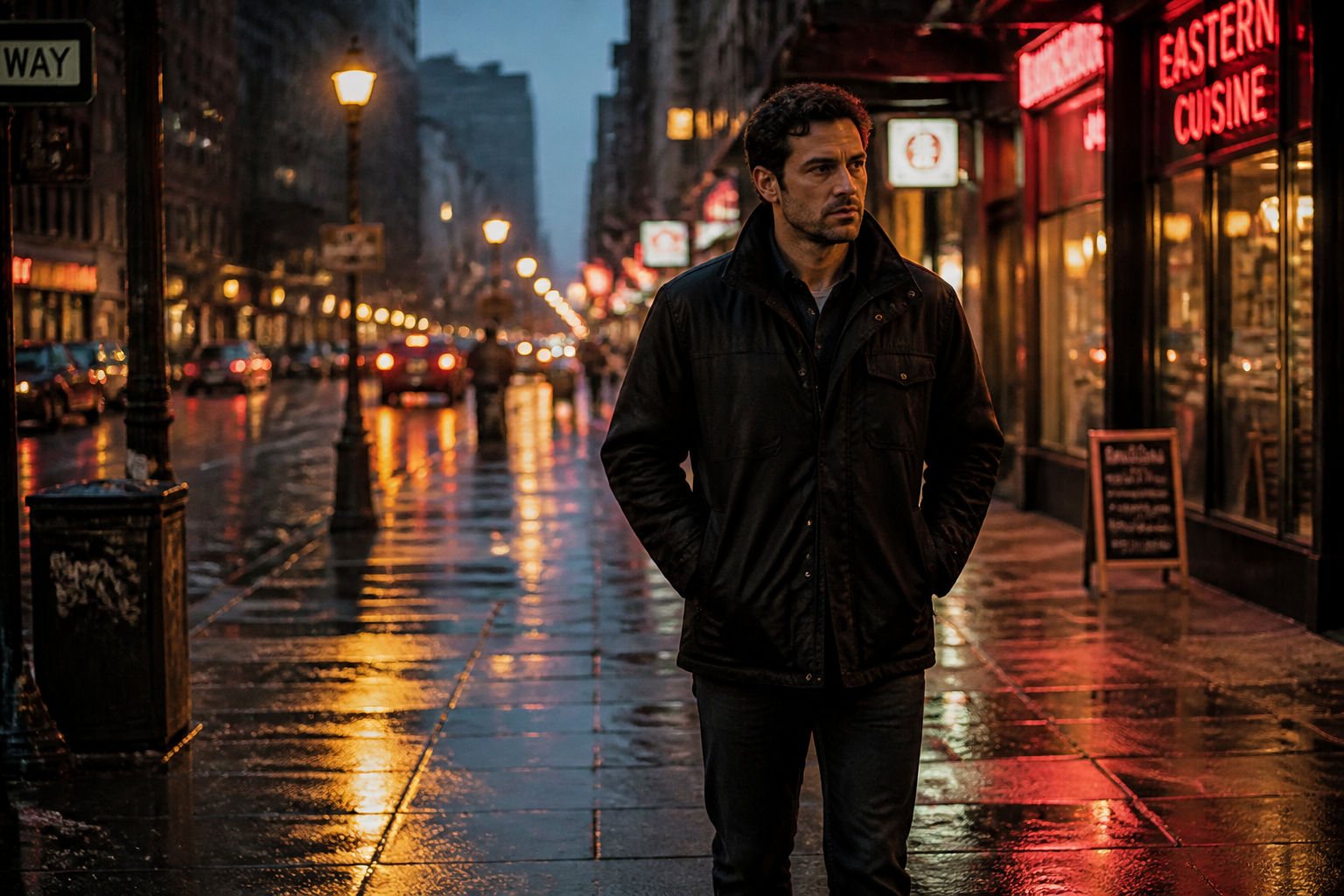
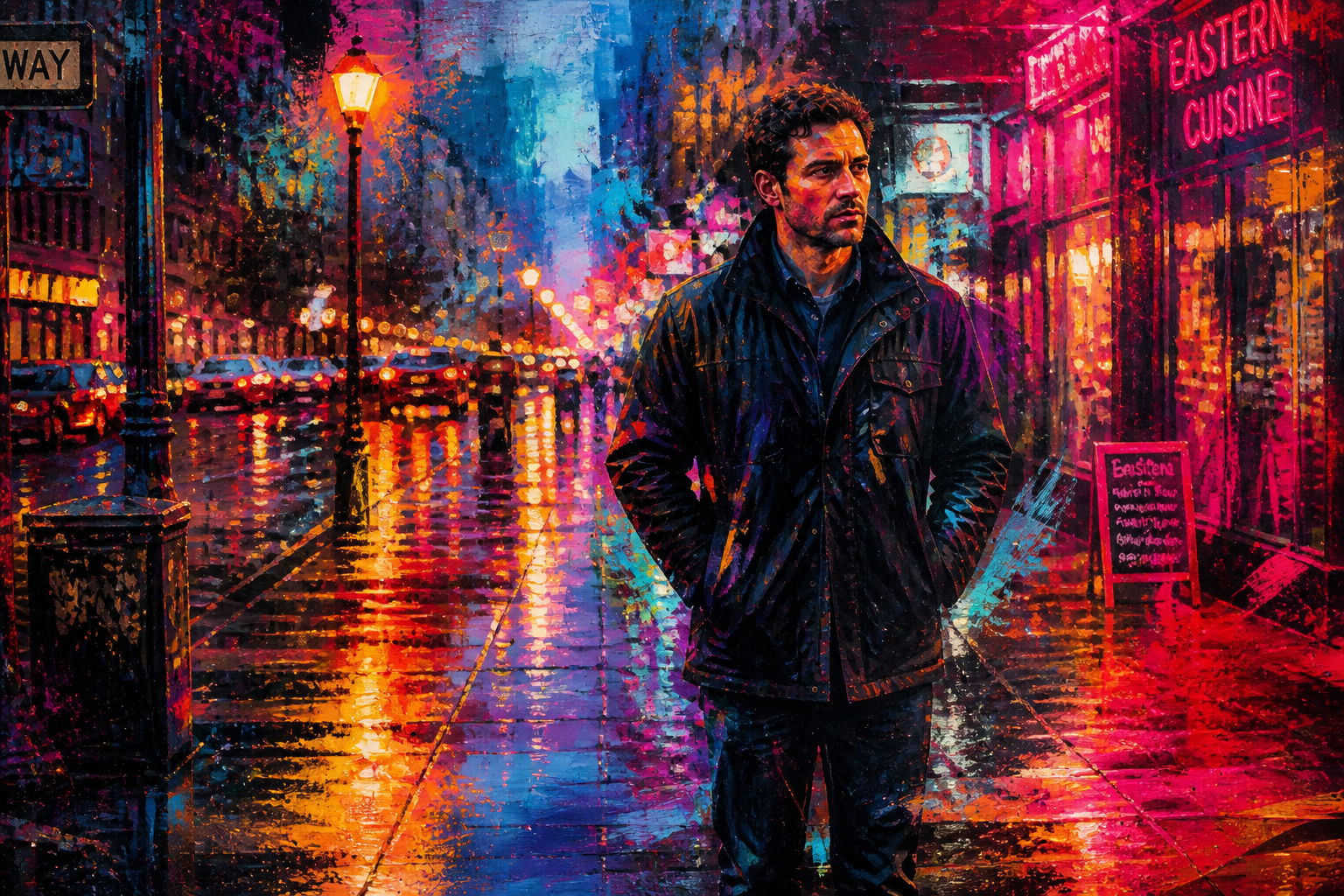
Upload a photo and transform it into abstract art with strong color, texture, and shape. Keep the core subject or scene recognizable, or push it toward a more expressive, gallery-style result. It is a fast way to create eye-catching artwork from images you already have.
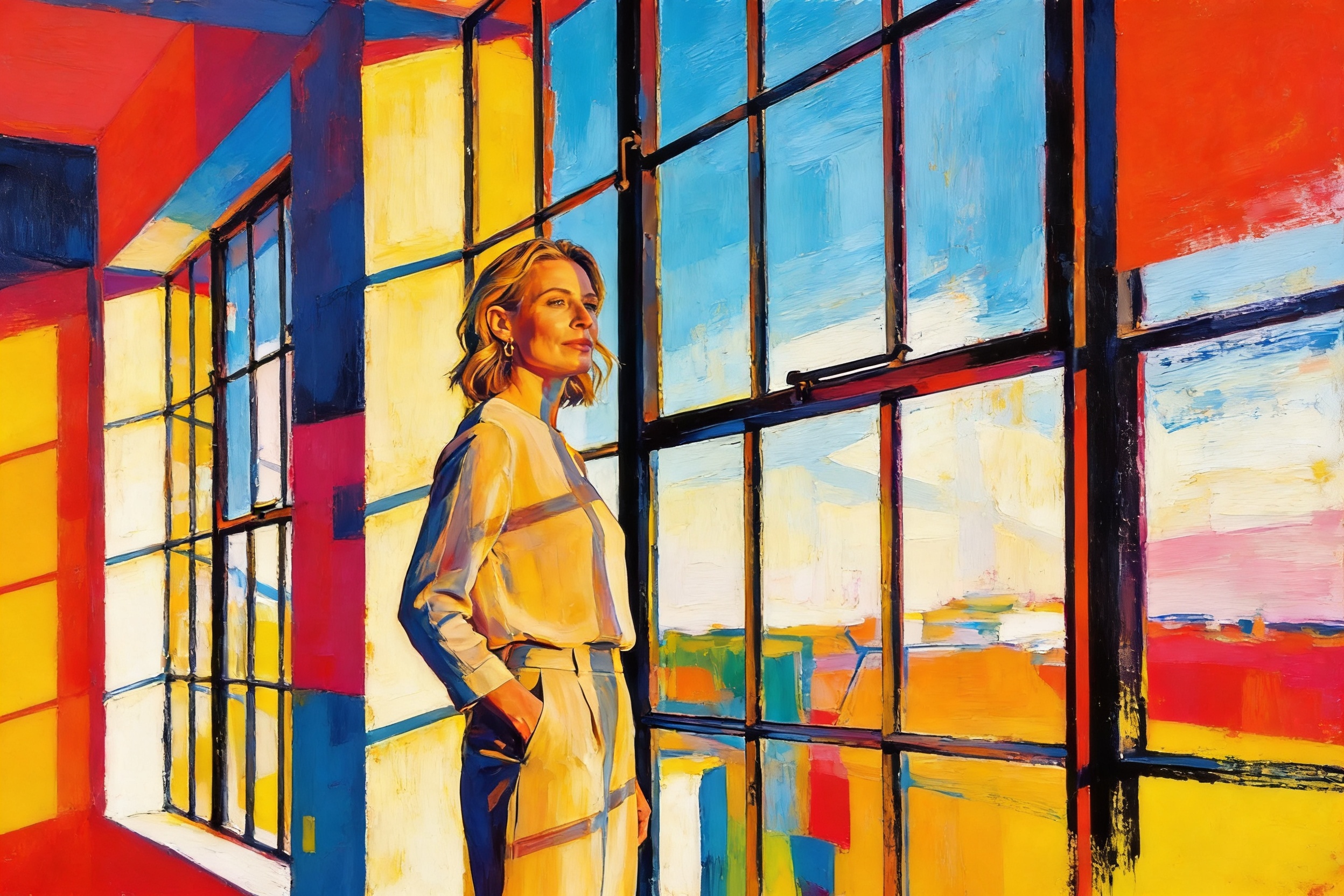
Watch the Transformation
See ai abstract art generator in motion — generated end-to-end by our AI.
See It In Action
Real outputs from ai abstract art generator.
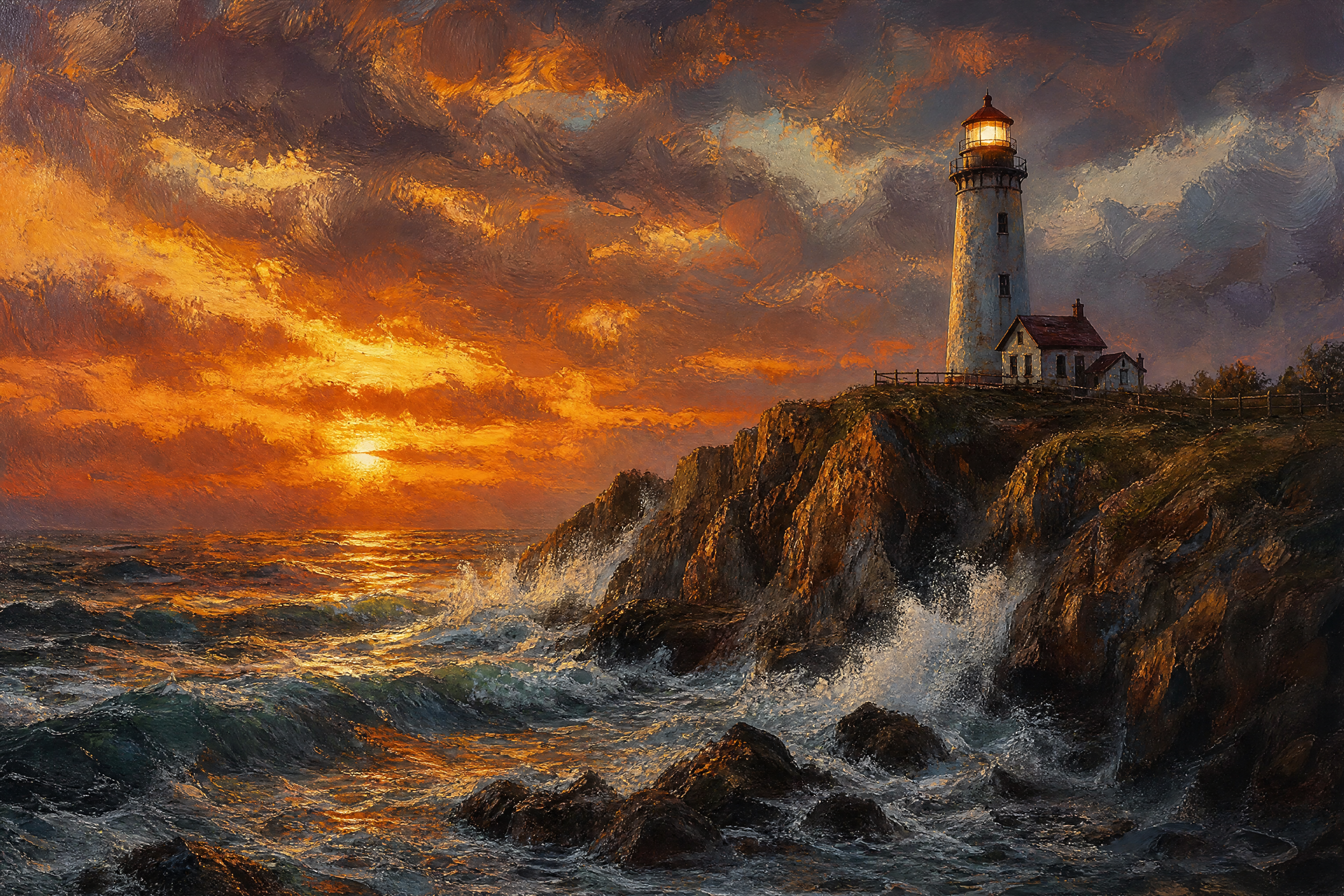
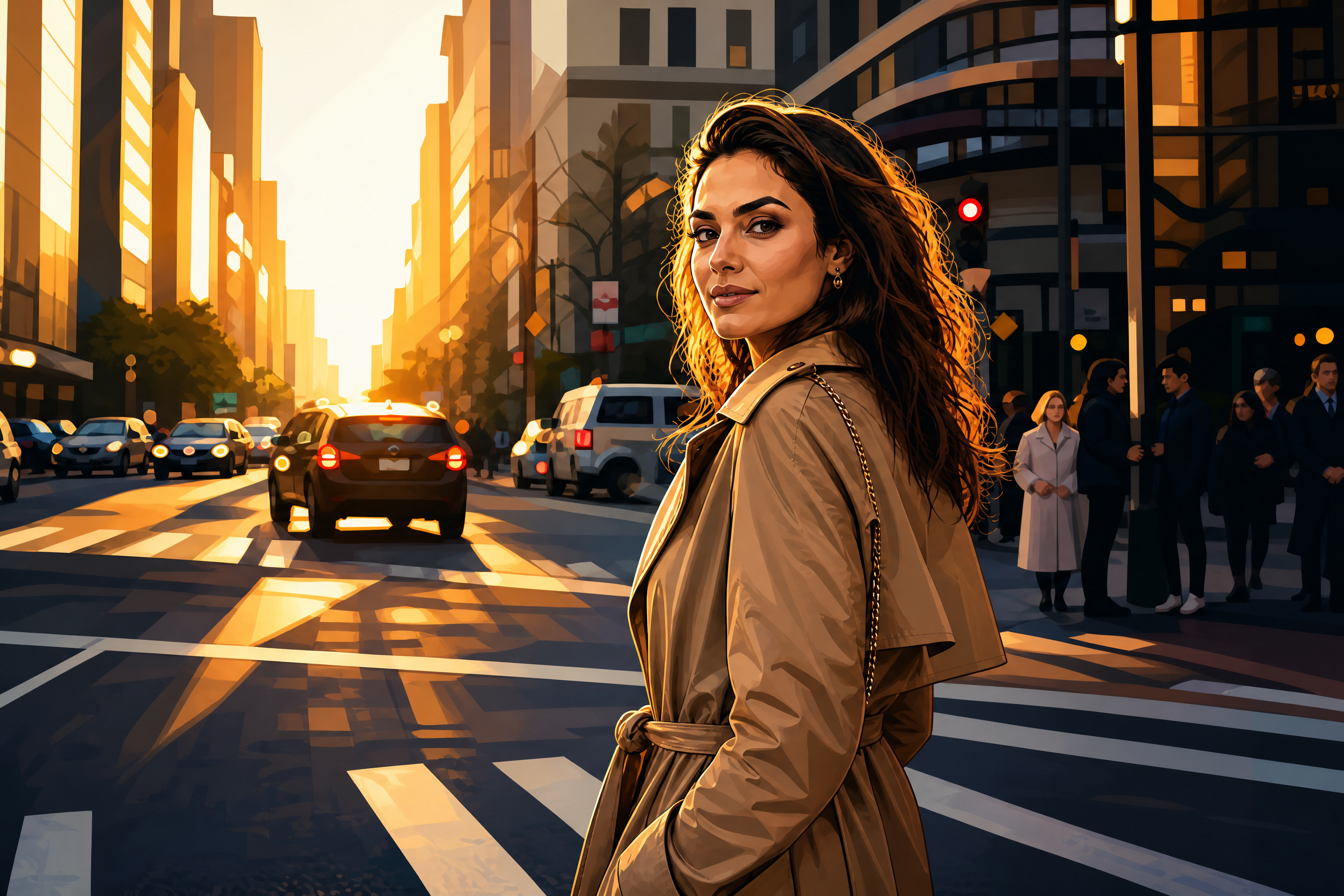
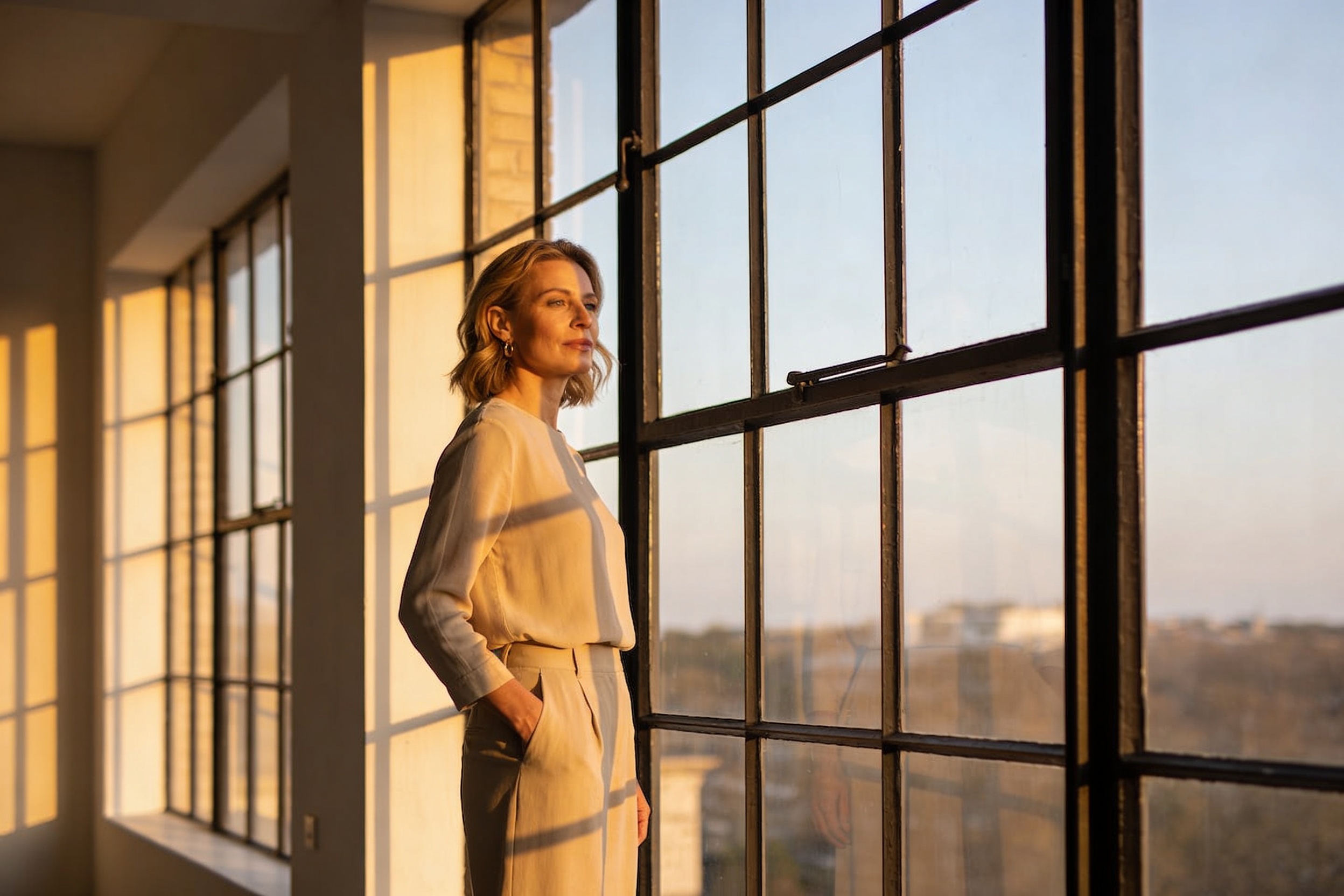
BEFOREAFTER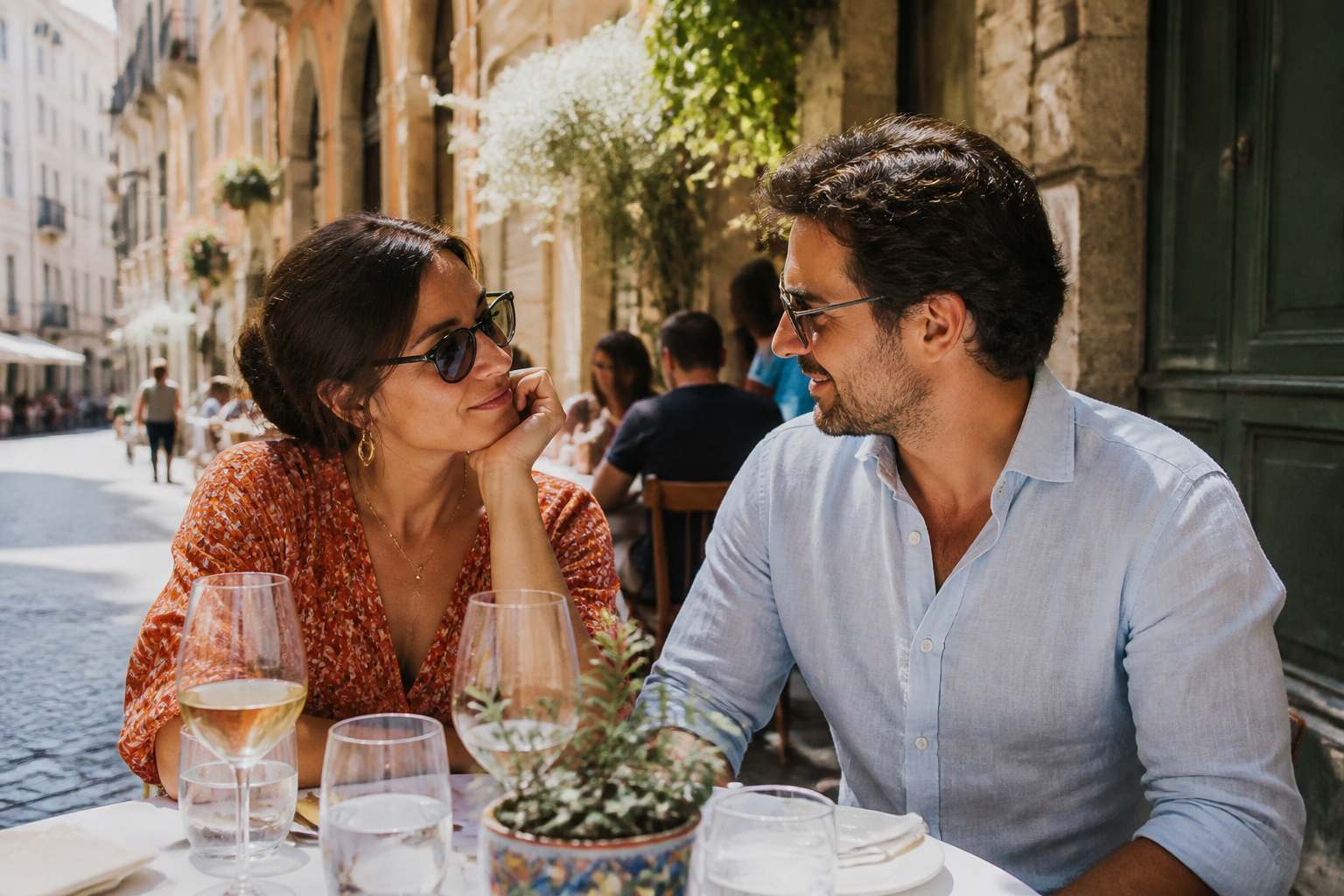 BEFORE
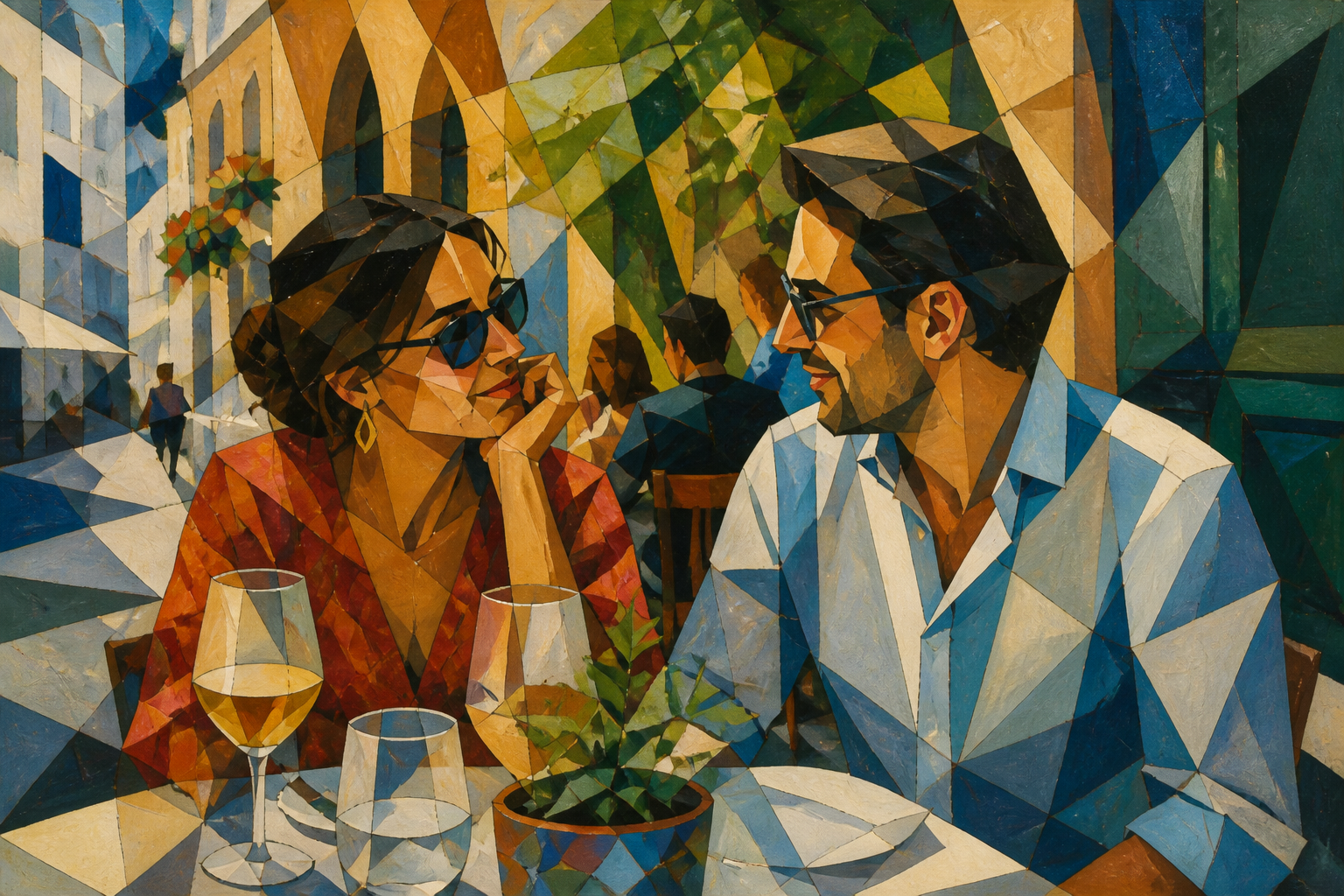 AFTER
AFTER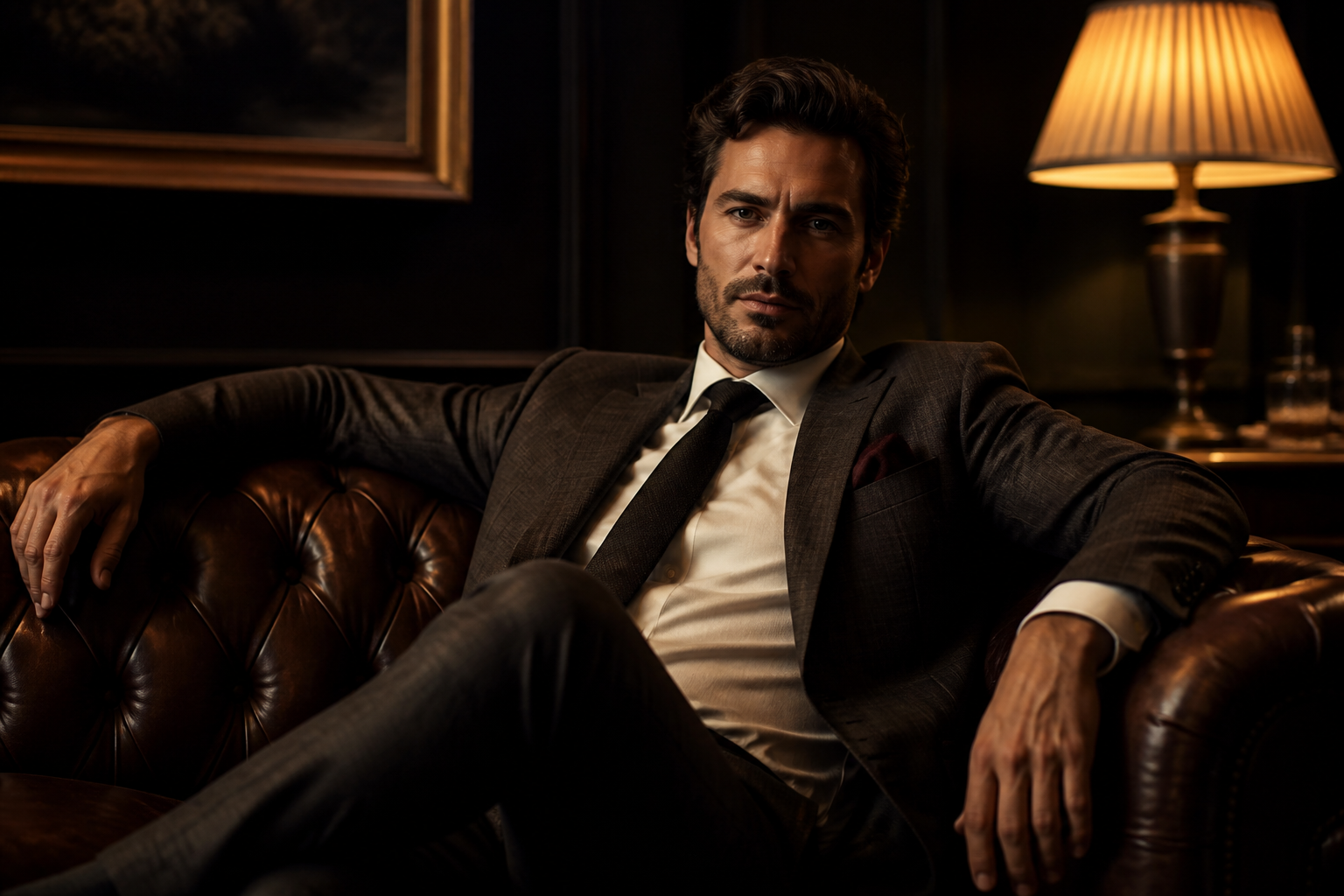 BEFORE
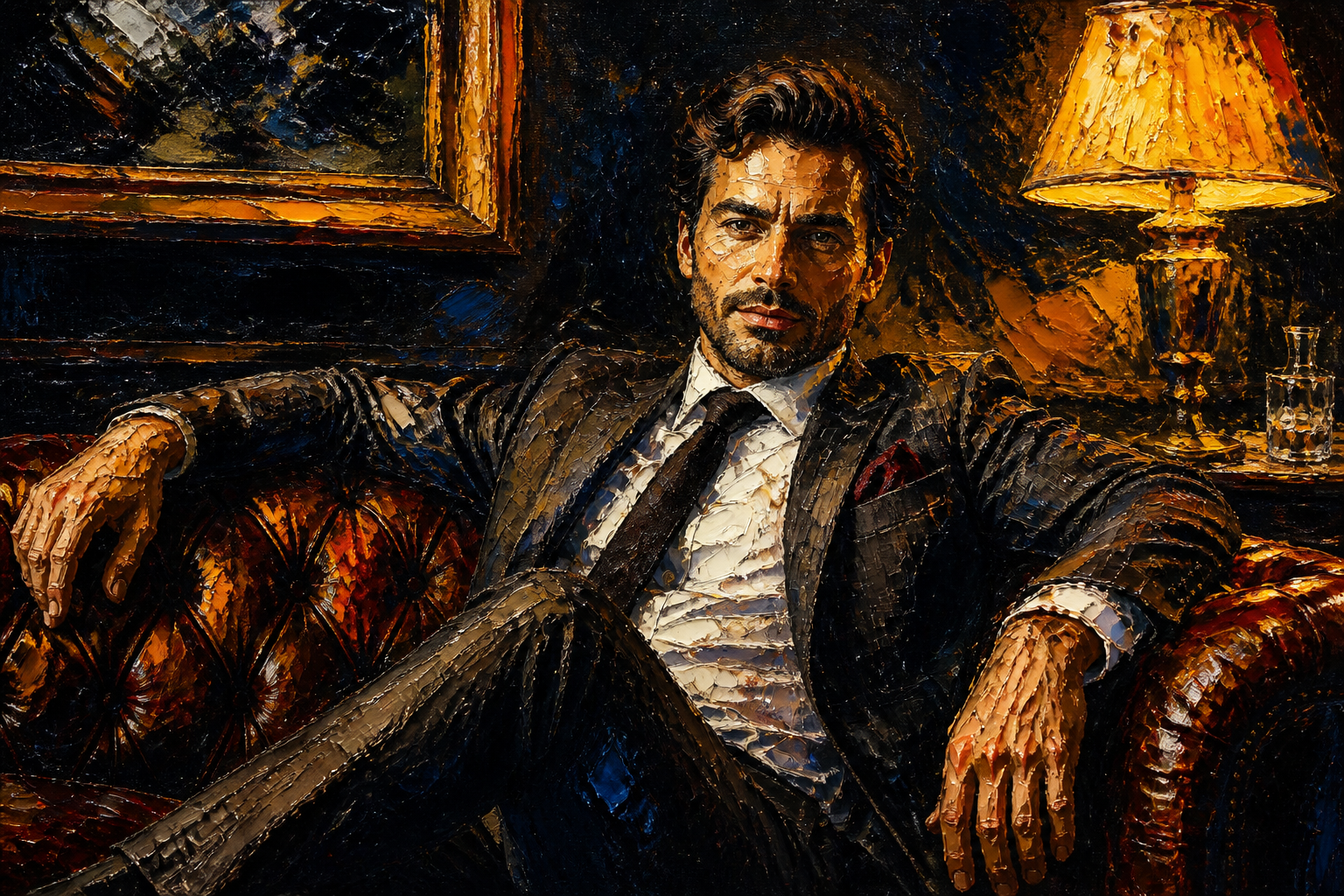 AFTER
AFTER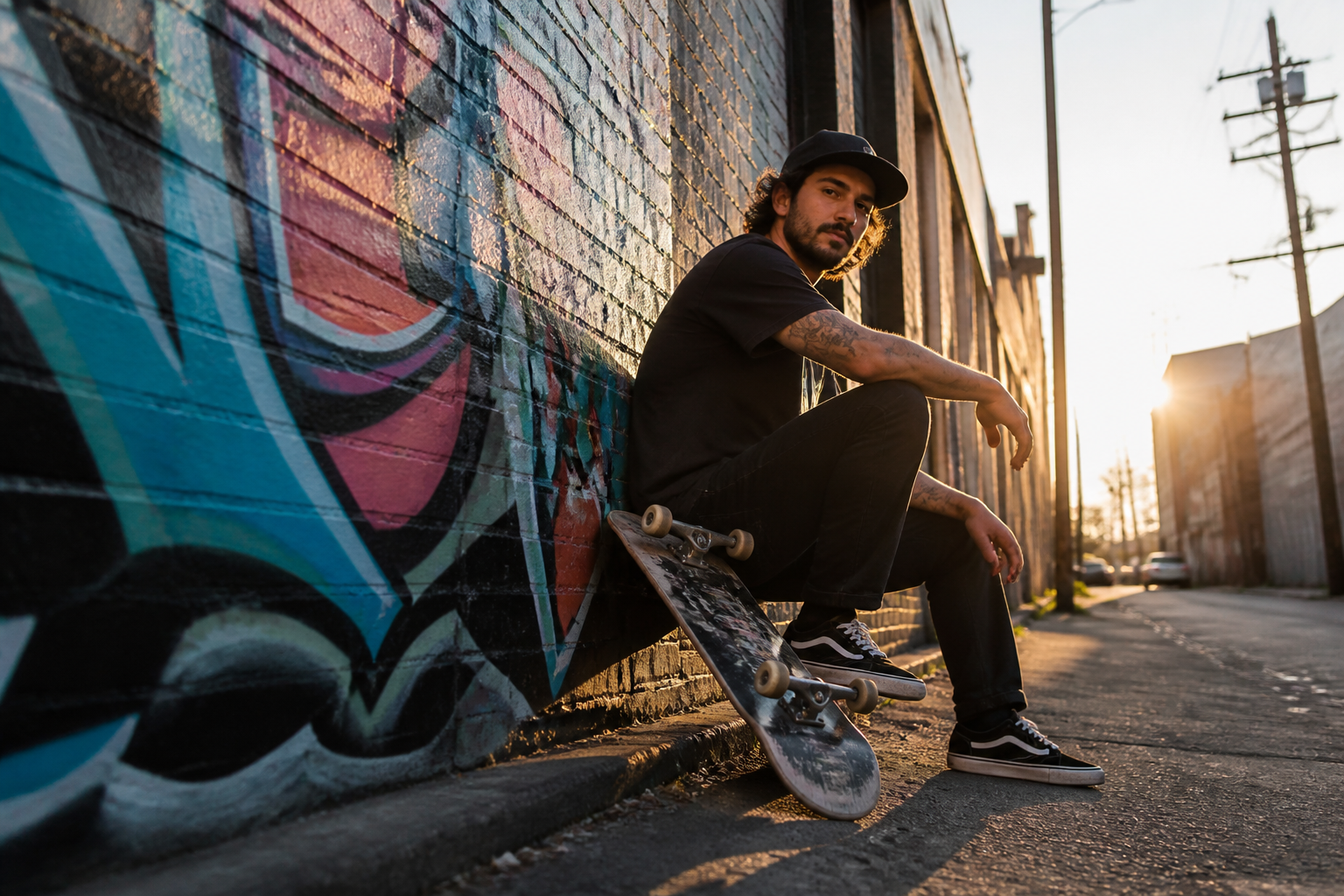 BEFORE
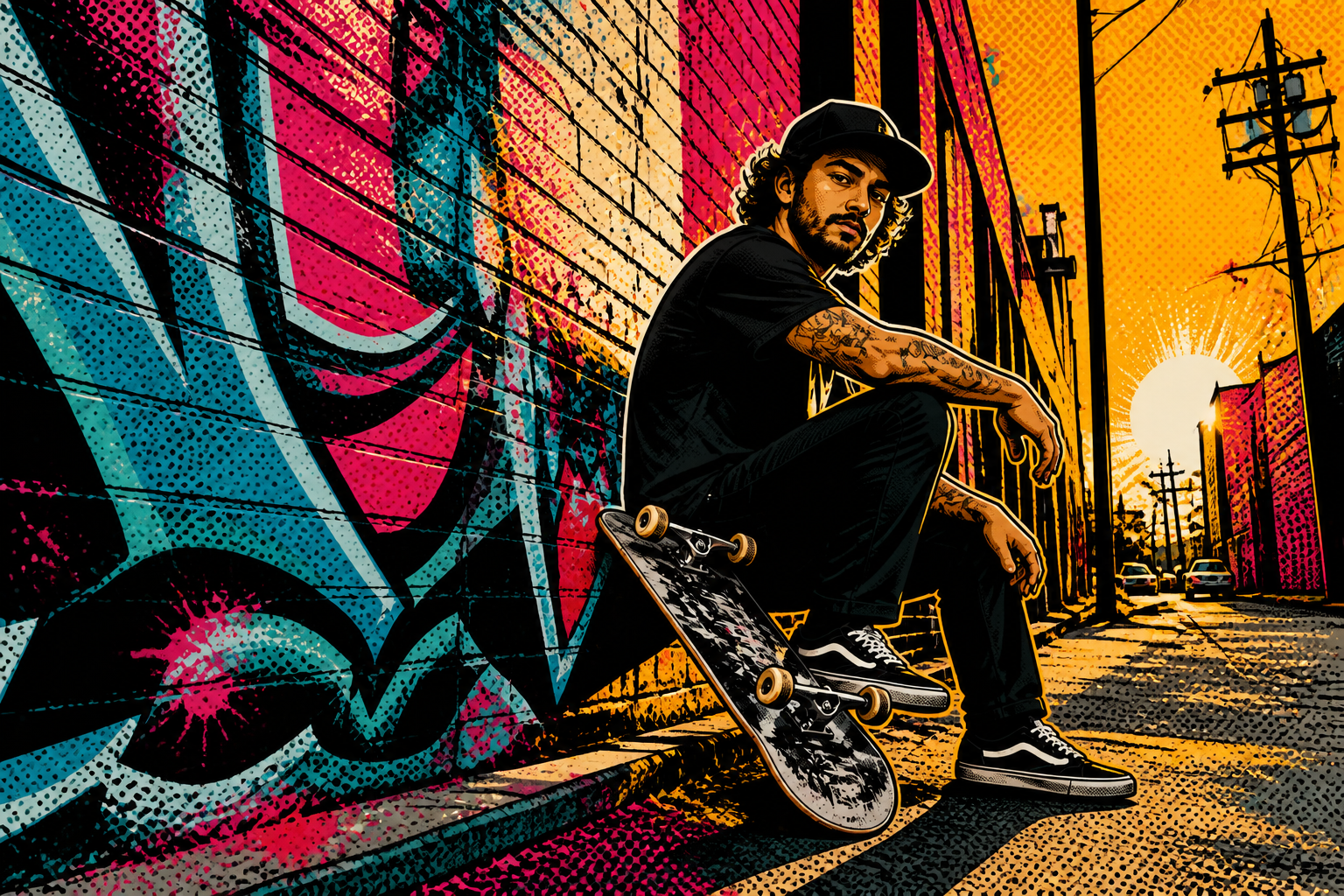 AFTER
AFTER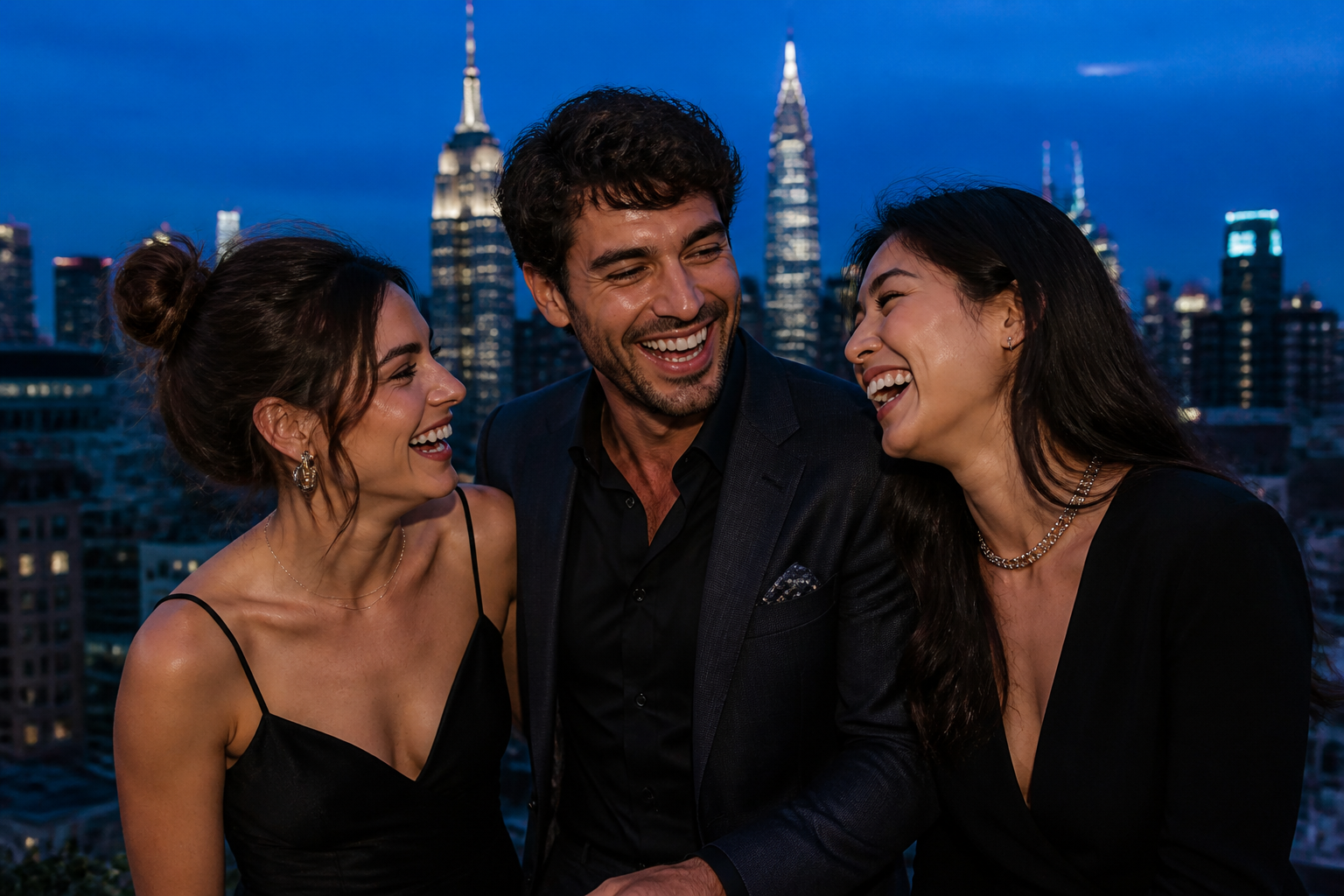 BEFORE
 AFTERBEFOREAFTERBEFOREAFTERBEFOREAFTERBEFOREAFTERBEFOREAFTER
 BEFORE
 AFTER
AFTER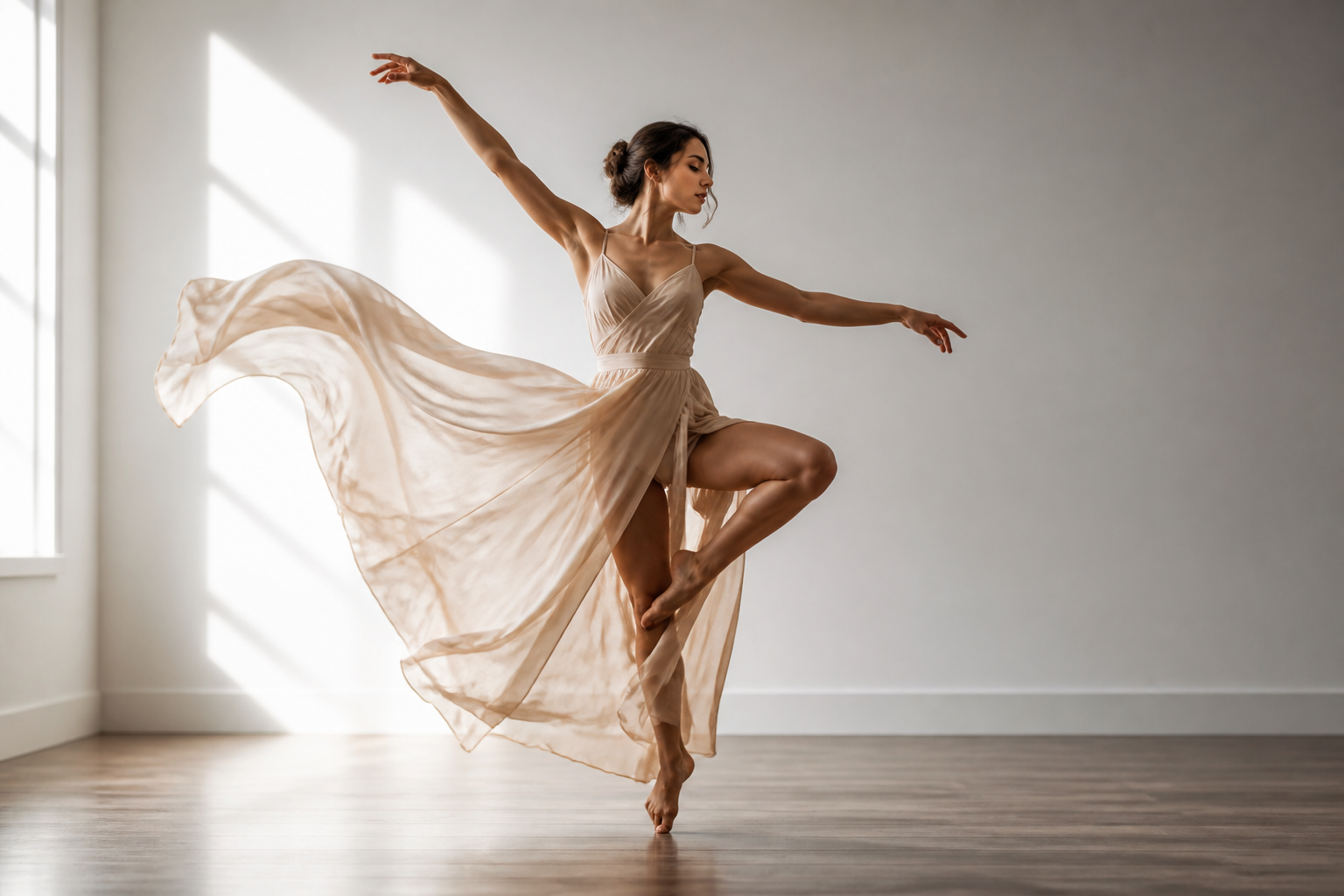 BEFORE
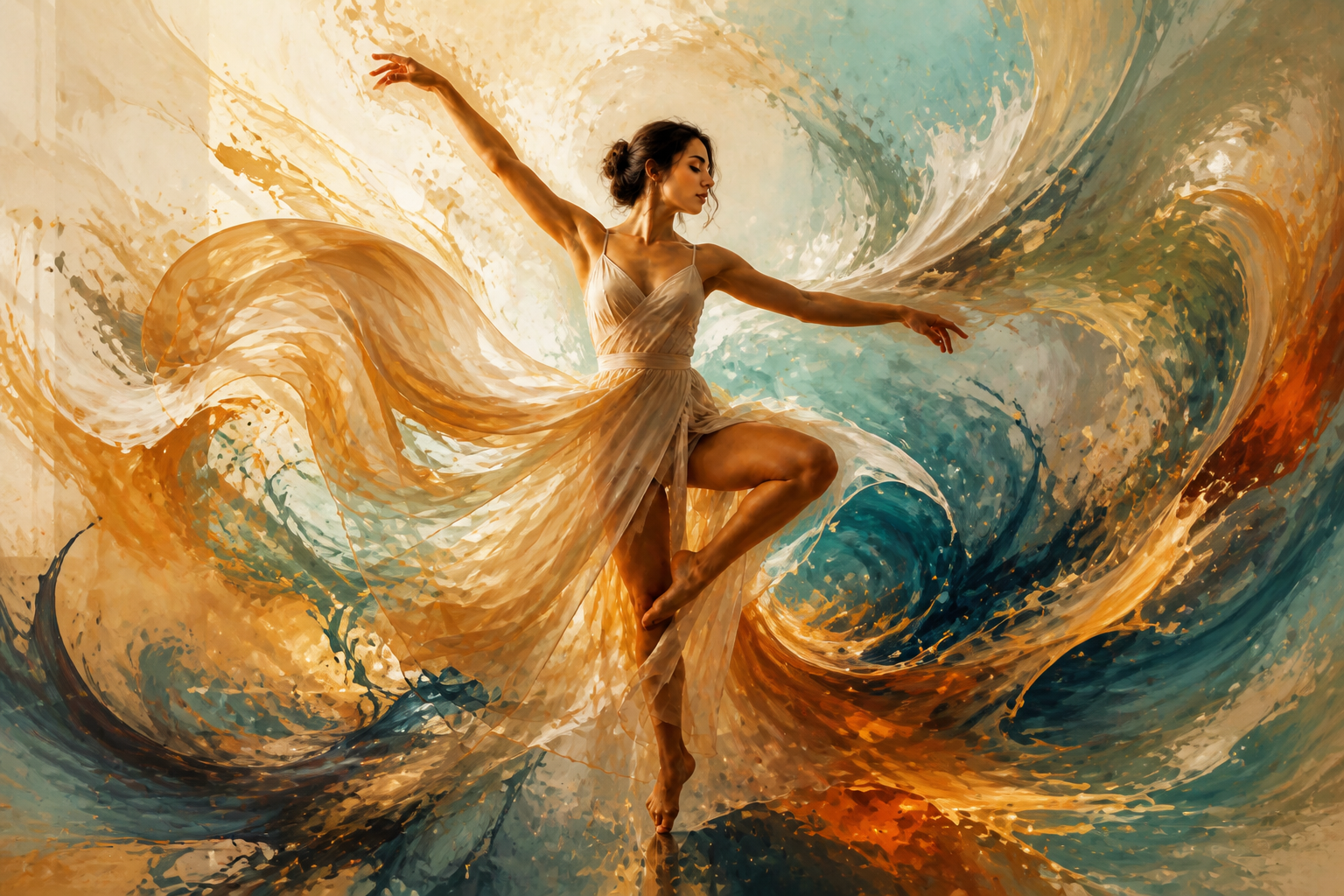 AFTER
AFTER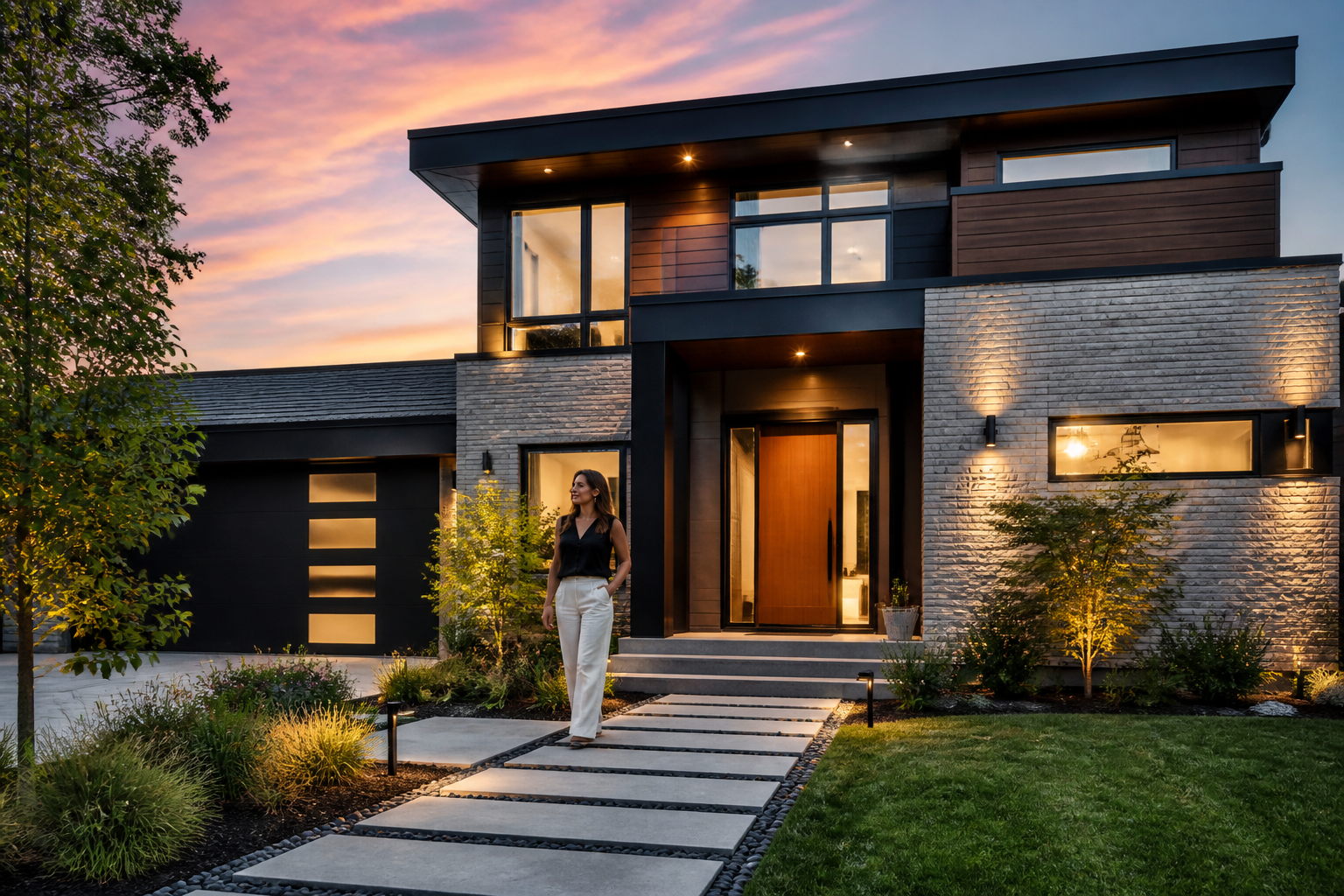 BEFORE
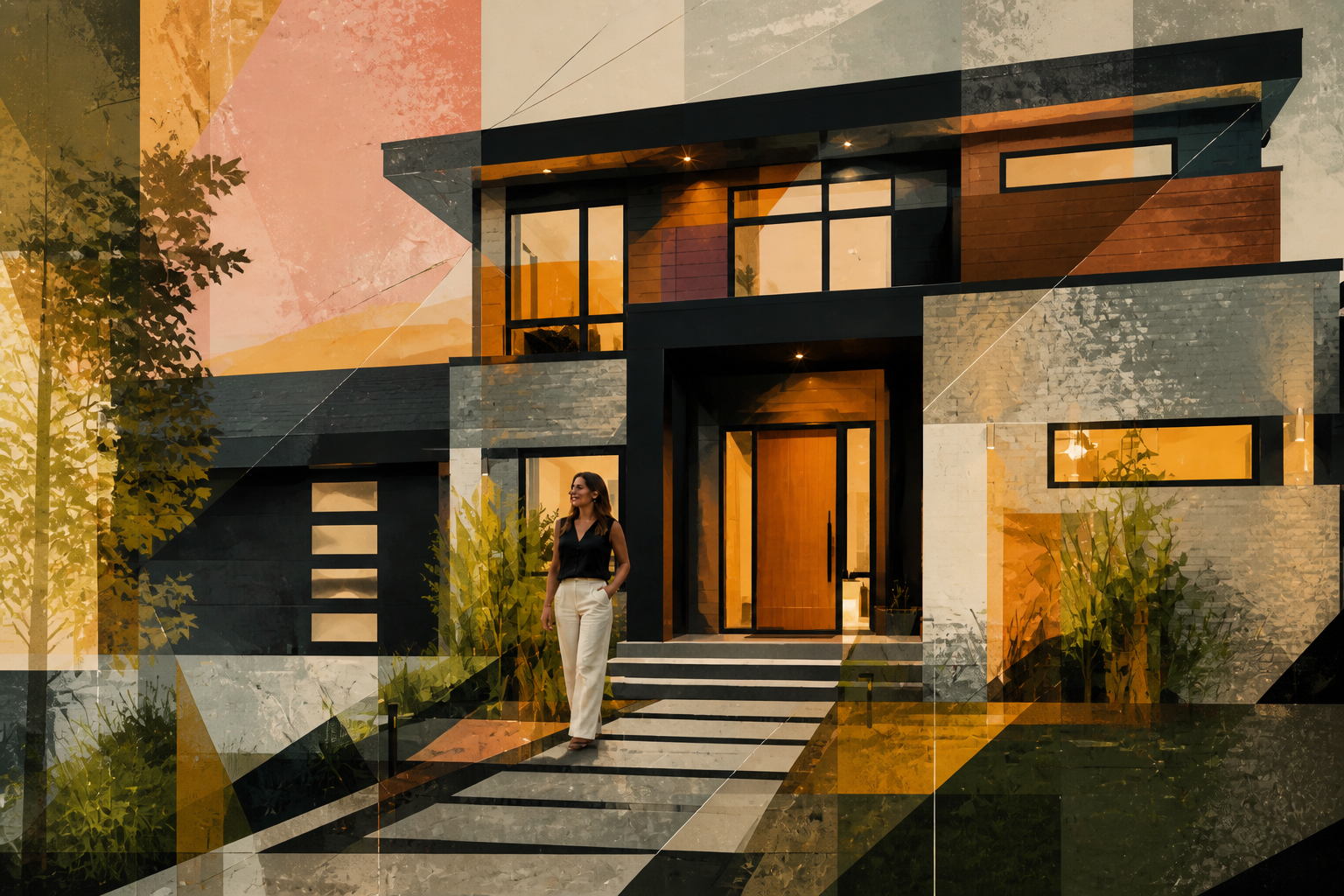 AFTER
AFTER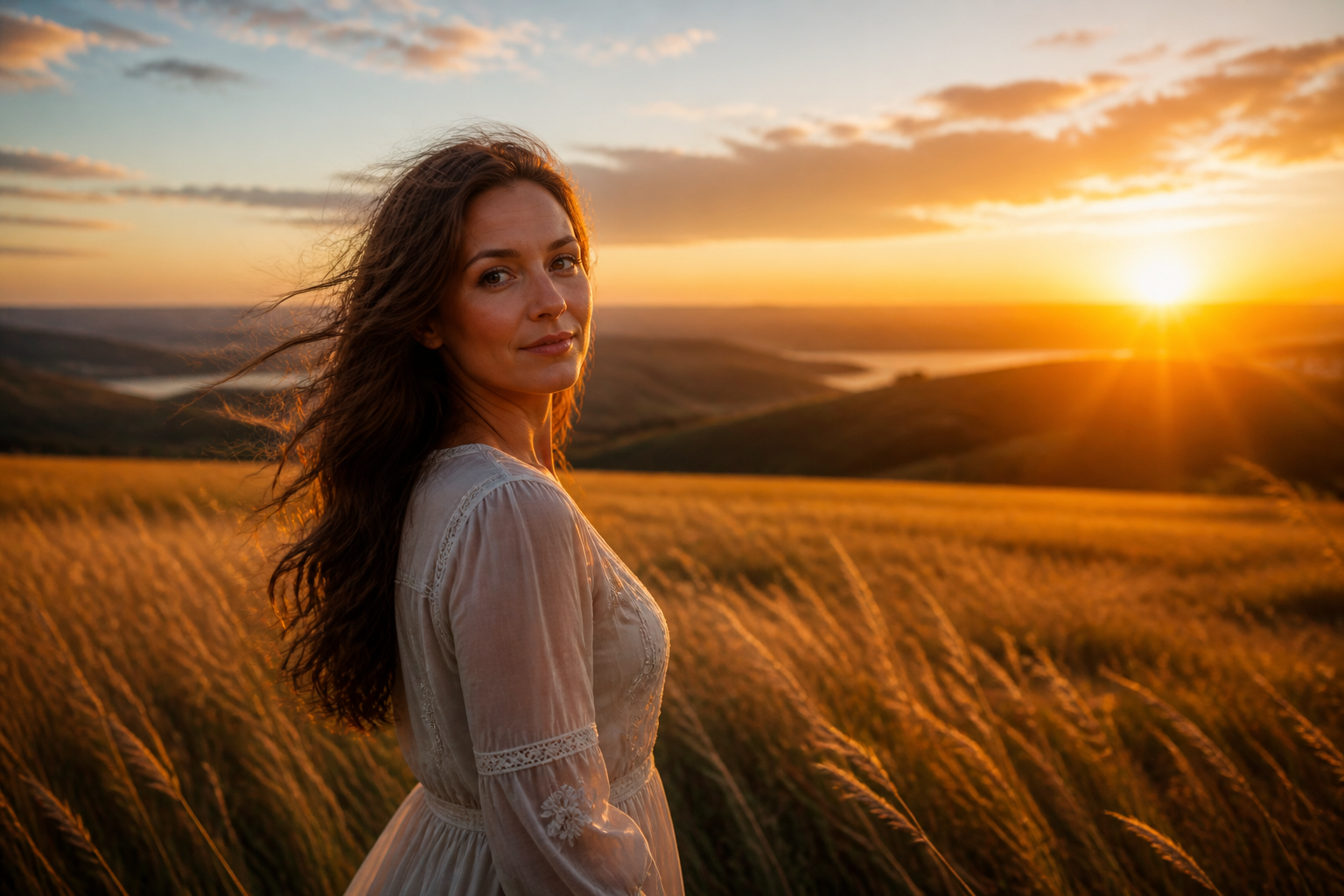 BEFORE
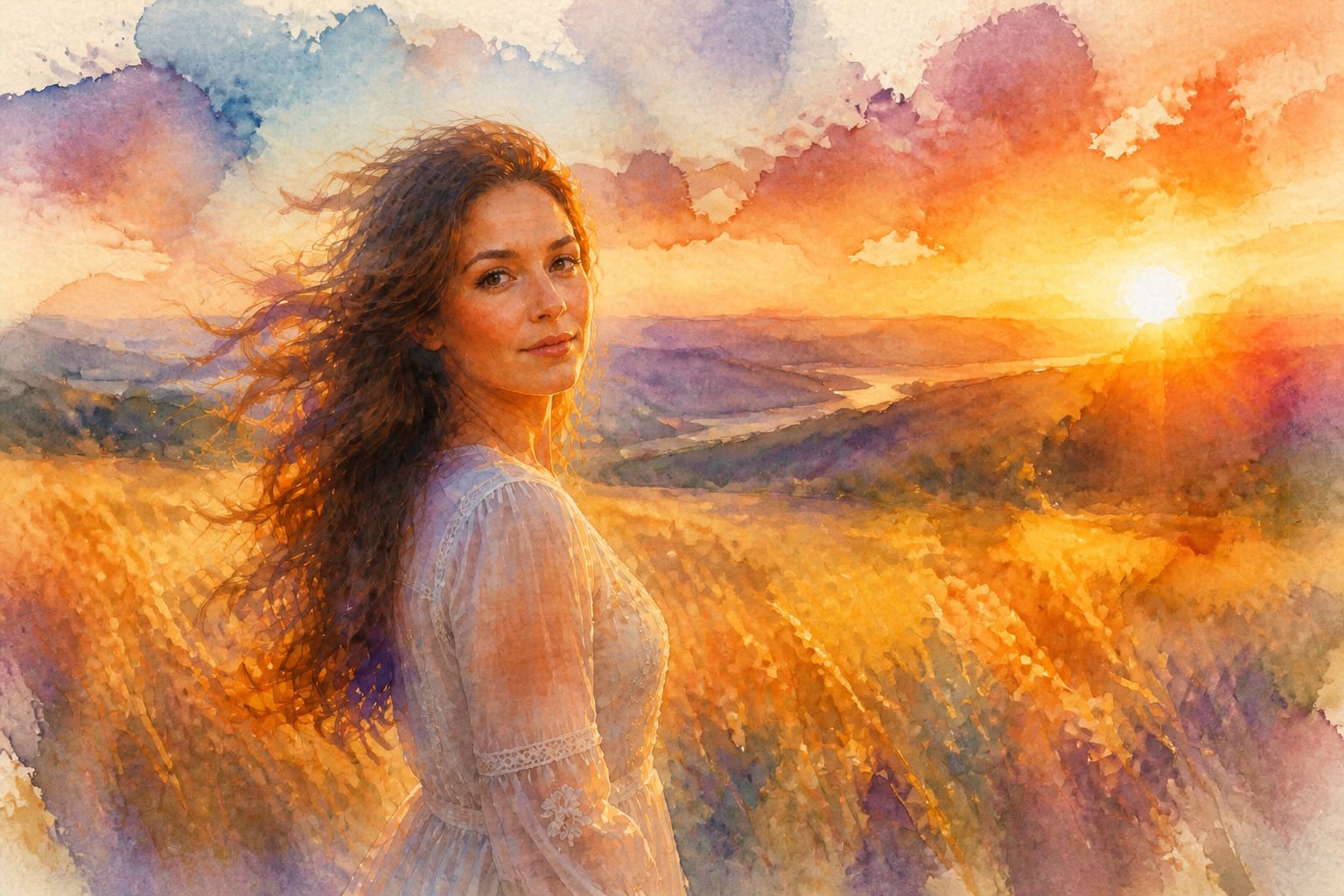 AFTER
AFTER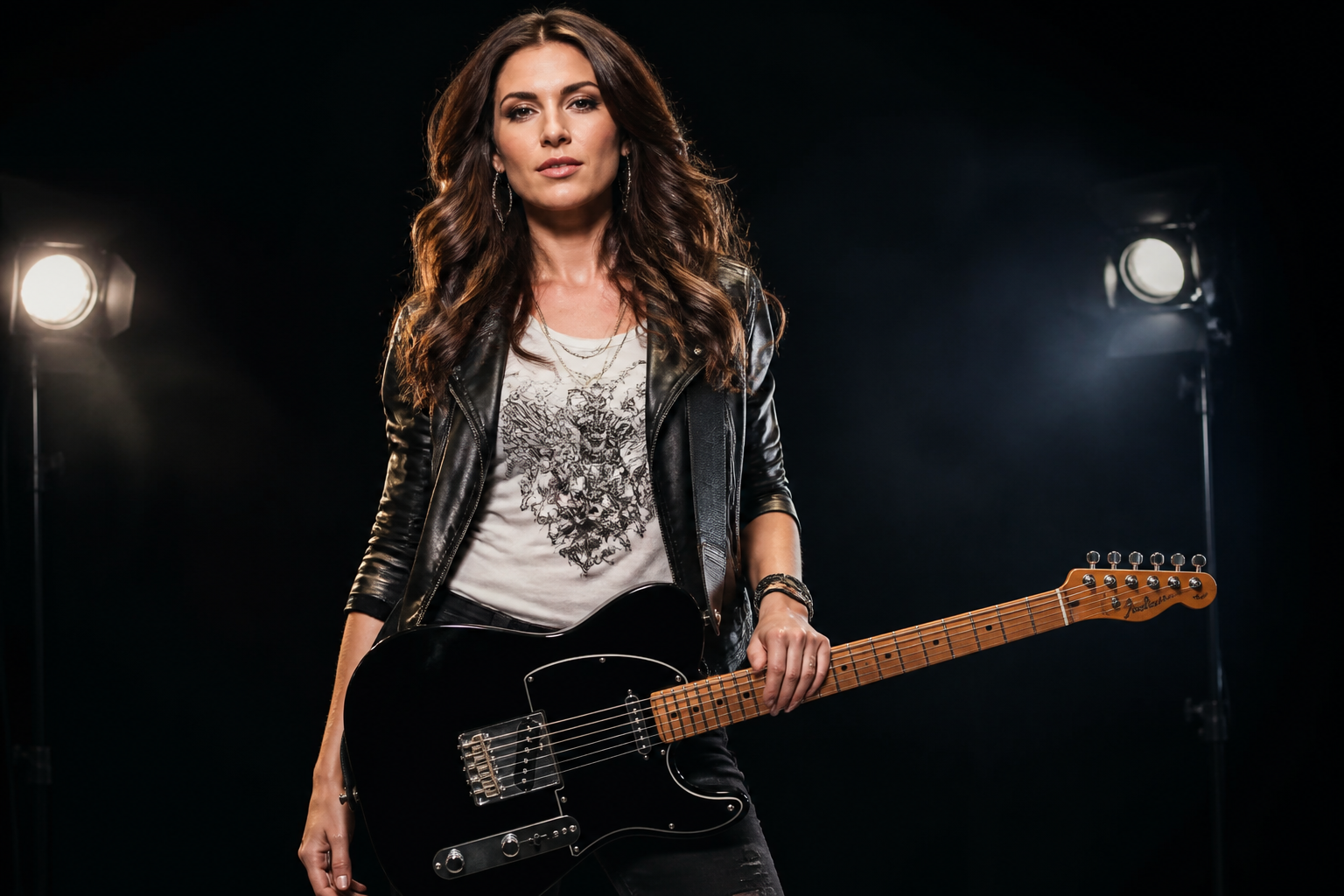 BEFORE
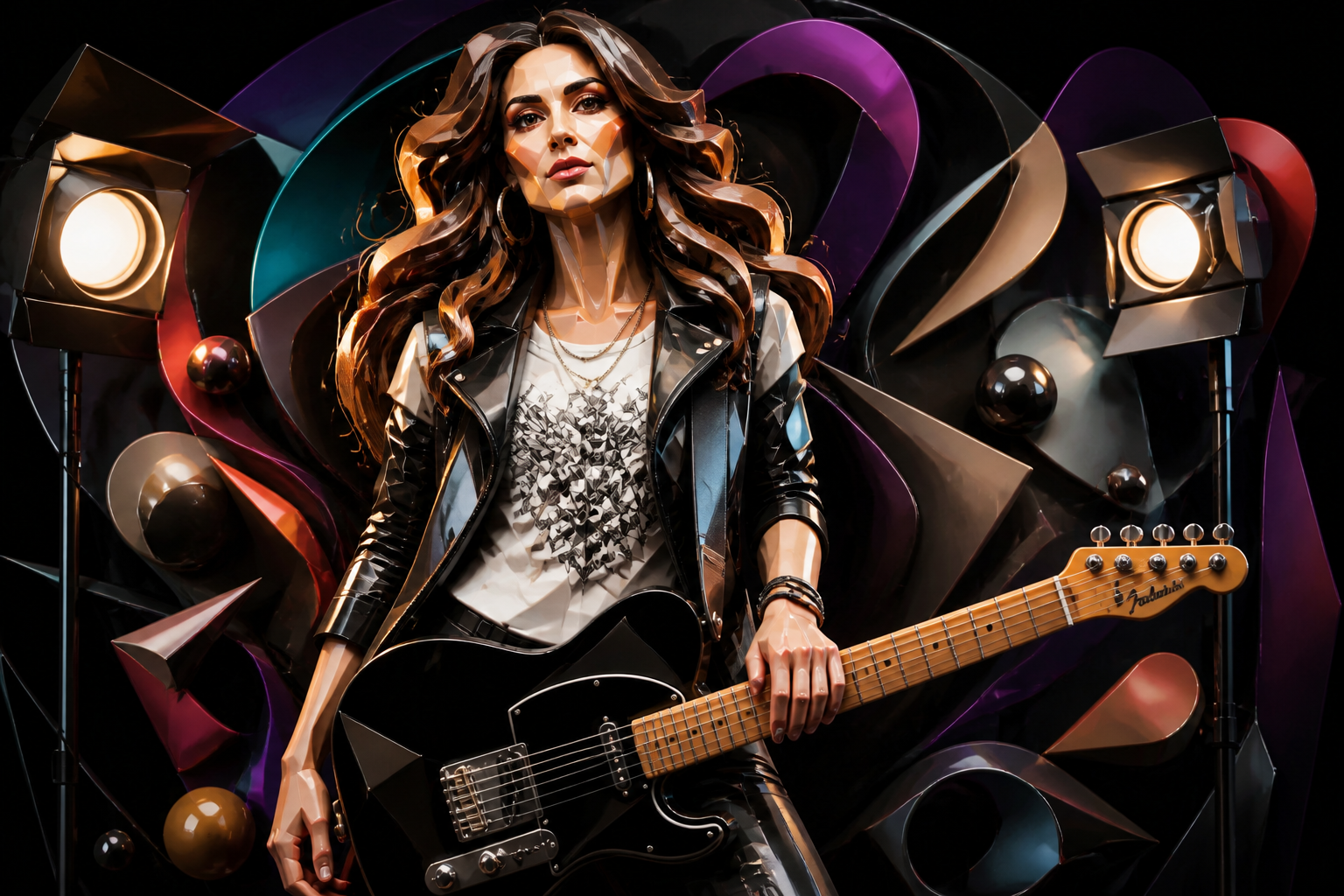 AFTERBEFOREAFTERBEFOREAFTERBEFOREAFTERBEFOREAFTERBEFOREAFTER
Key Features
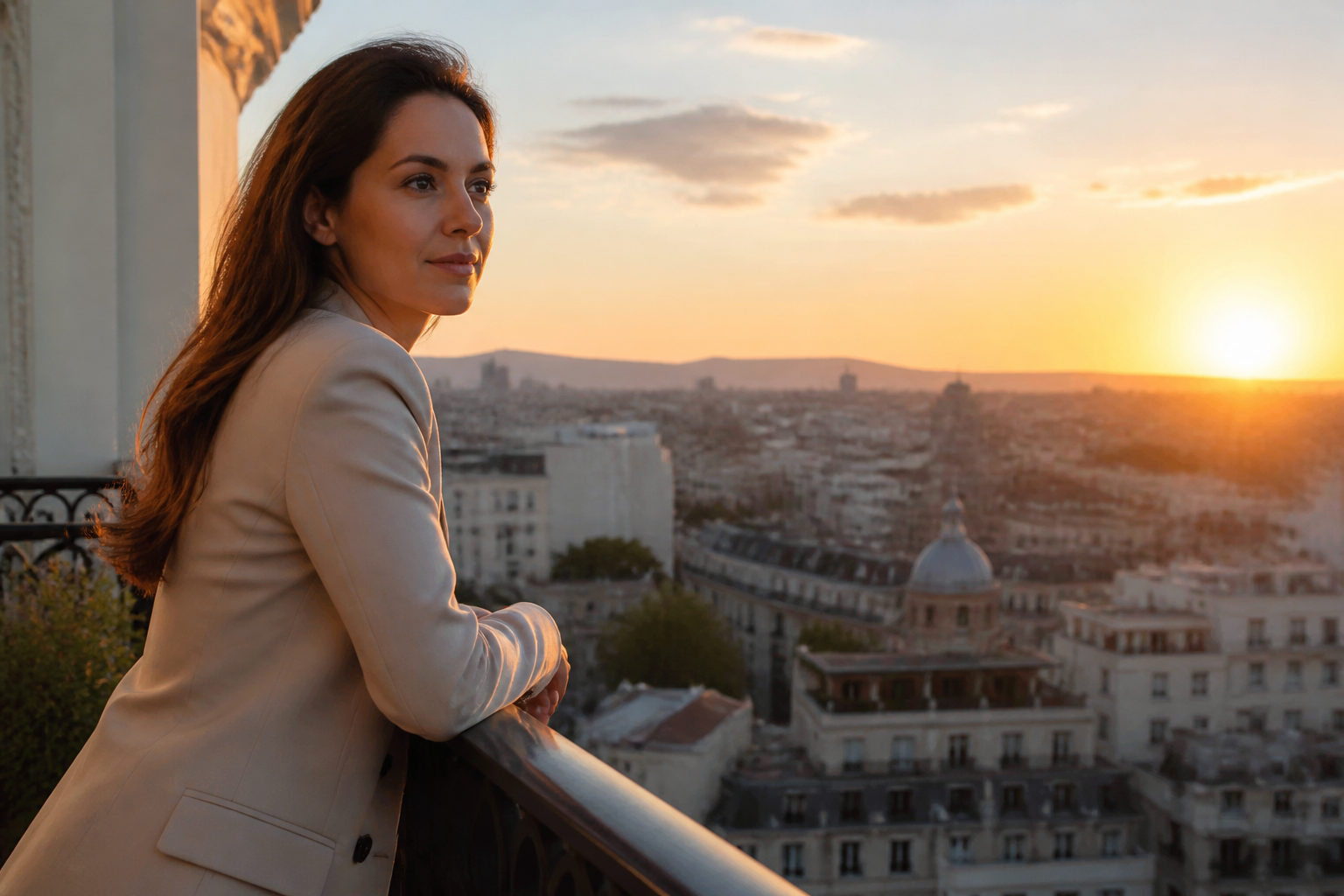
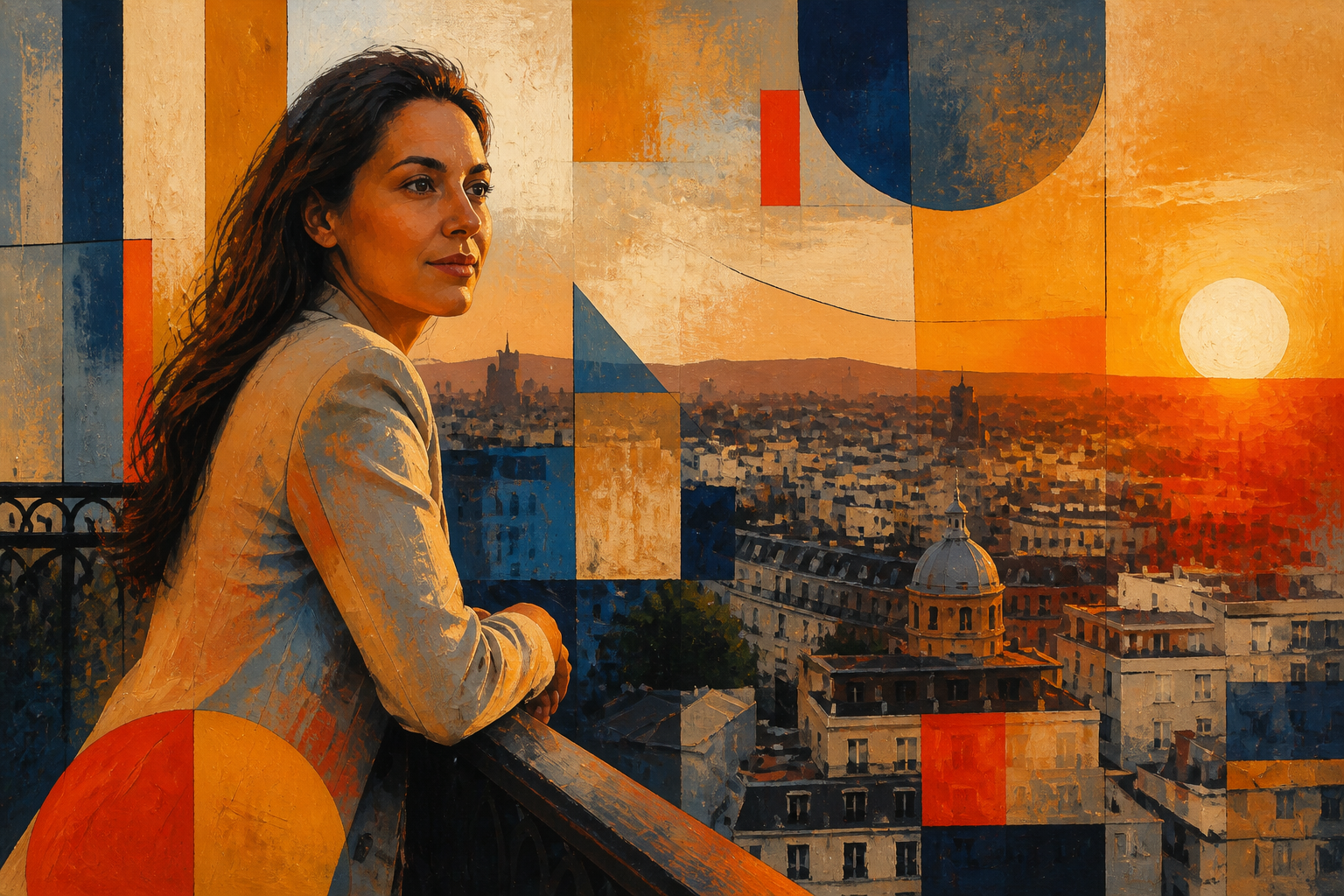
Keep the scene readable
You can push an image into abstraction without losing the subject completely. That matters when you want artwork that still feels connected to the original photo. Instead of repainting everything from scratch, the edit can preserve the pose, framing, and main forms while changing the visual language around them. It is useful for posters, covers, and social content that need both clarity and style.
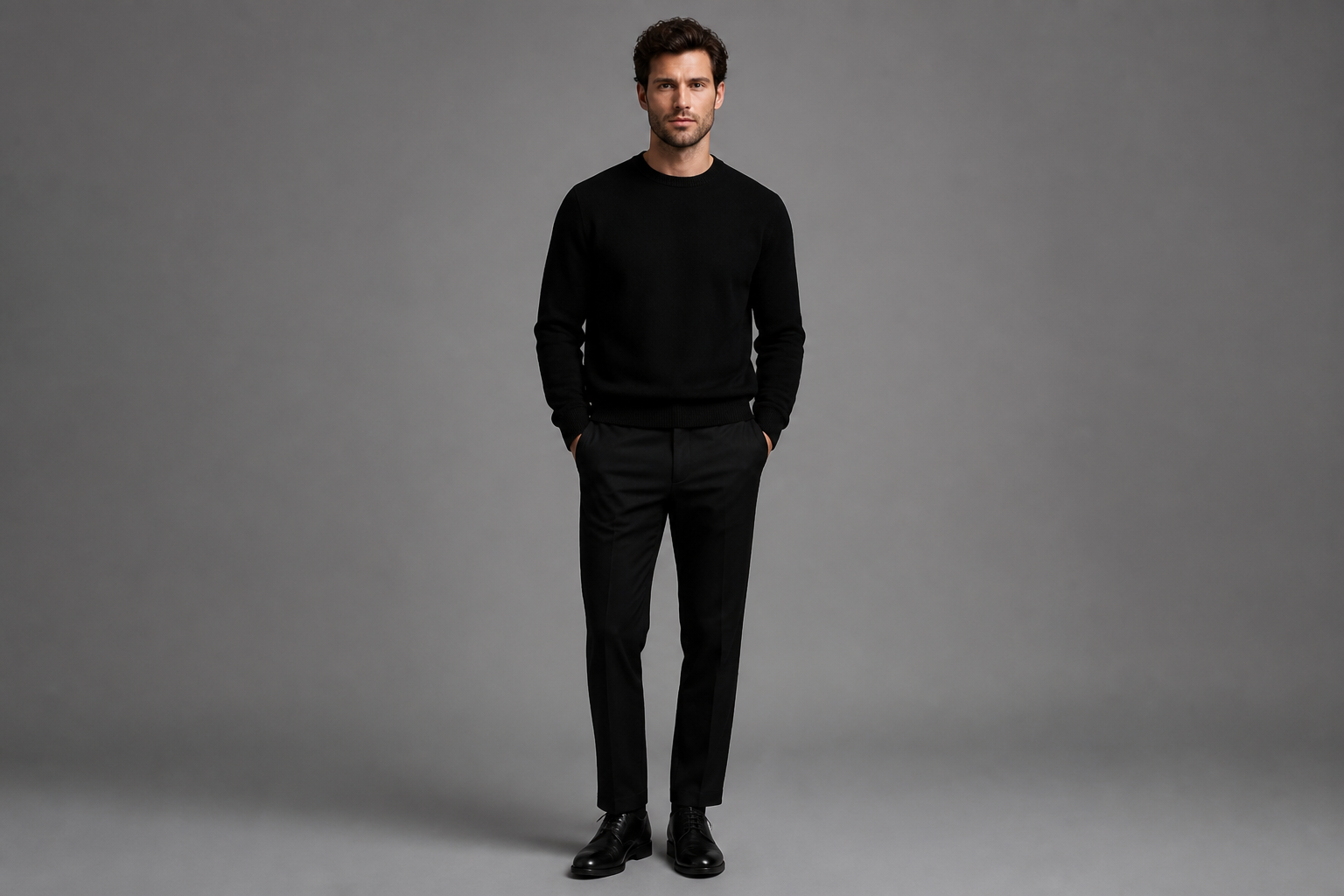
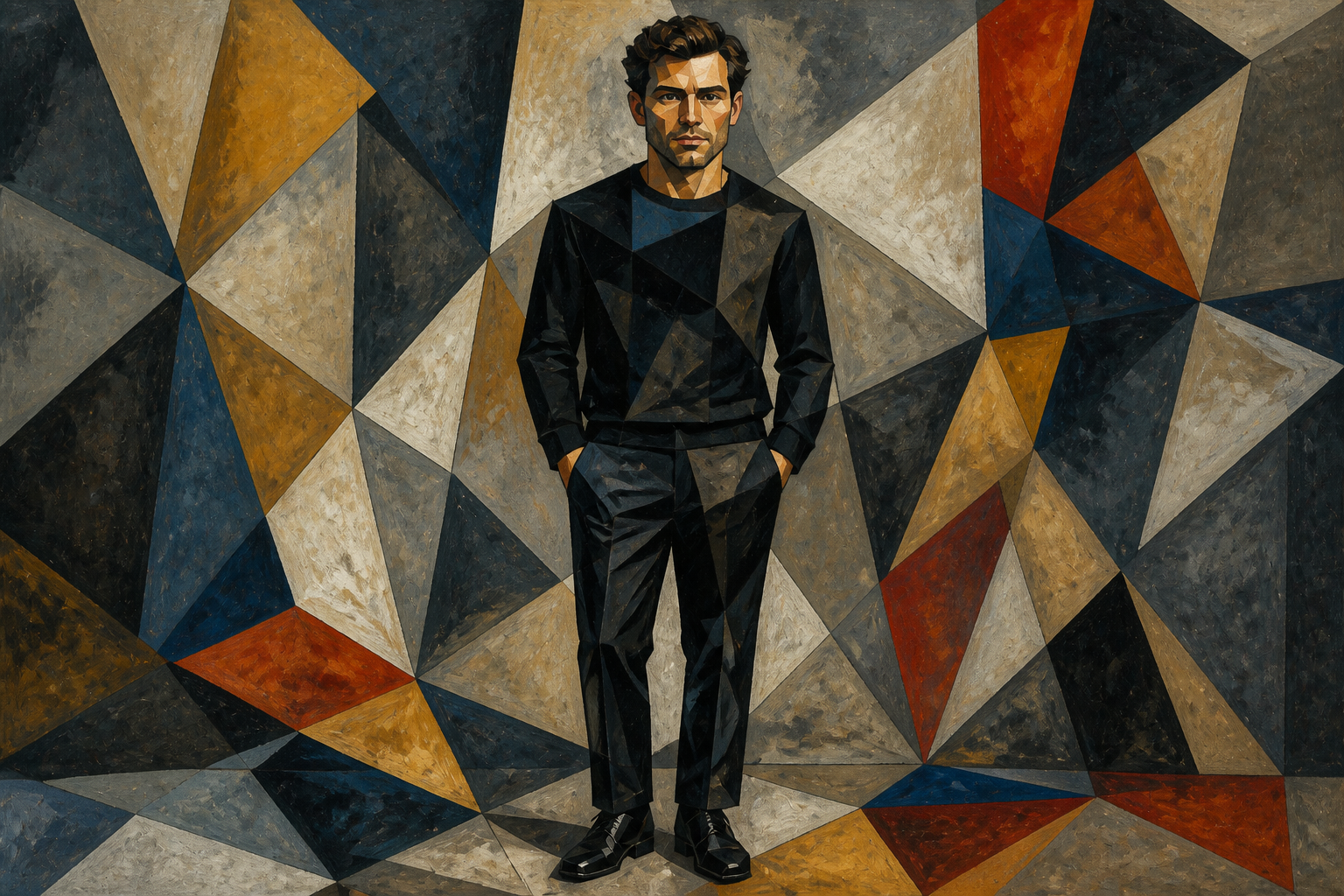
Explore multiple abstract styles
Abstract art is not one look. You can move from geometric and minimal to painterly, collage-like, or highly expressive without changing tools. This saves time compared with manually trying different filters or rebuilding the image layer by layer. It also makes it easier to test several directions for a campaign, print, or personal project.
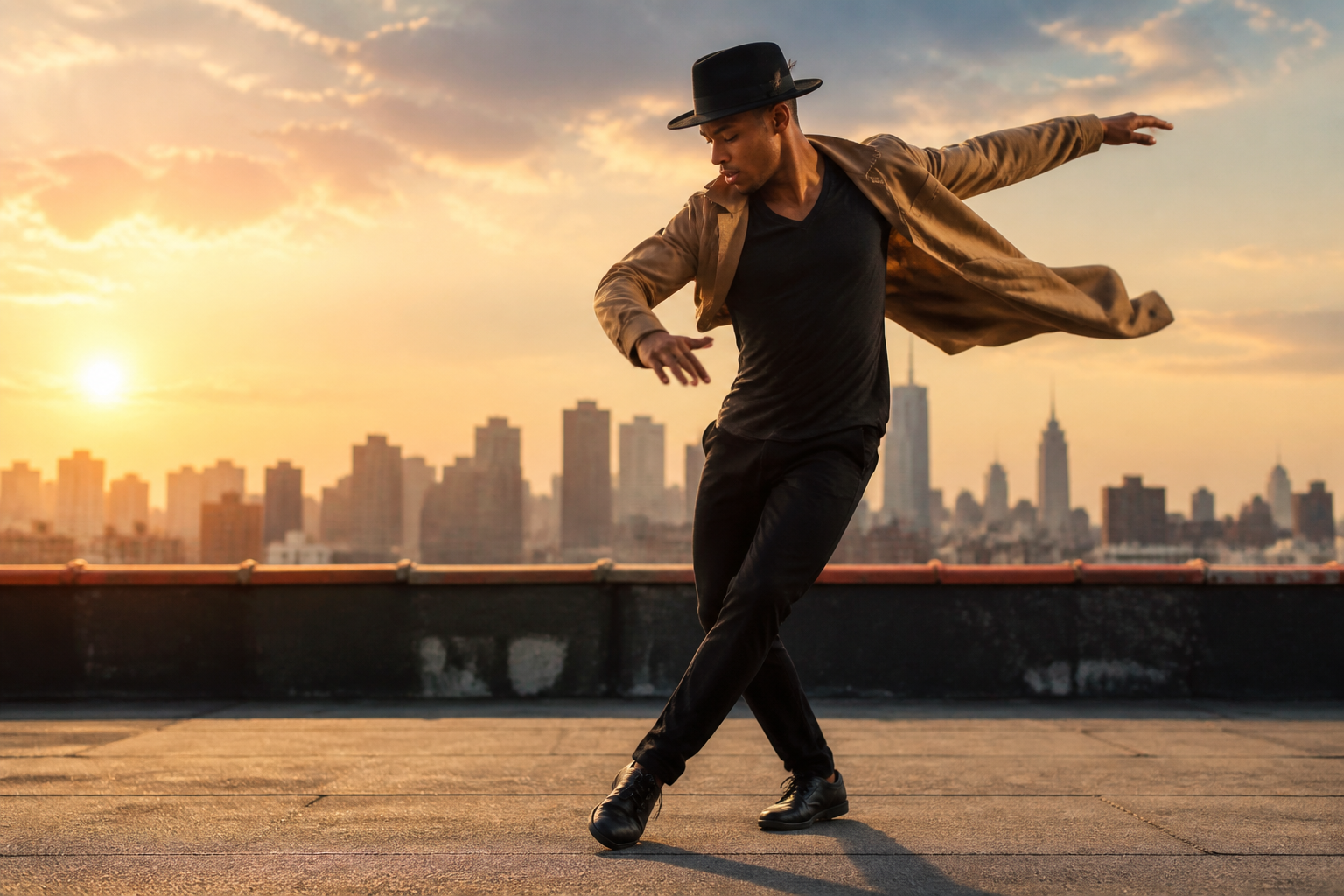
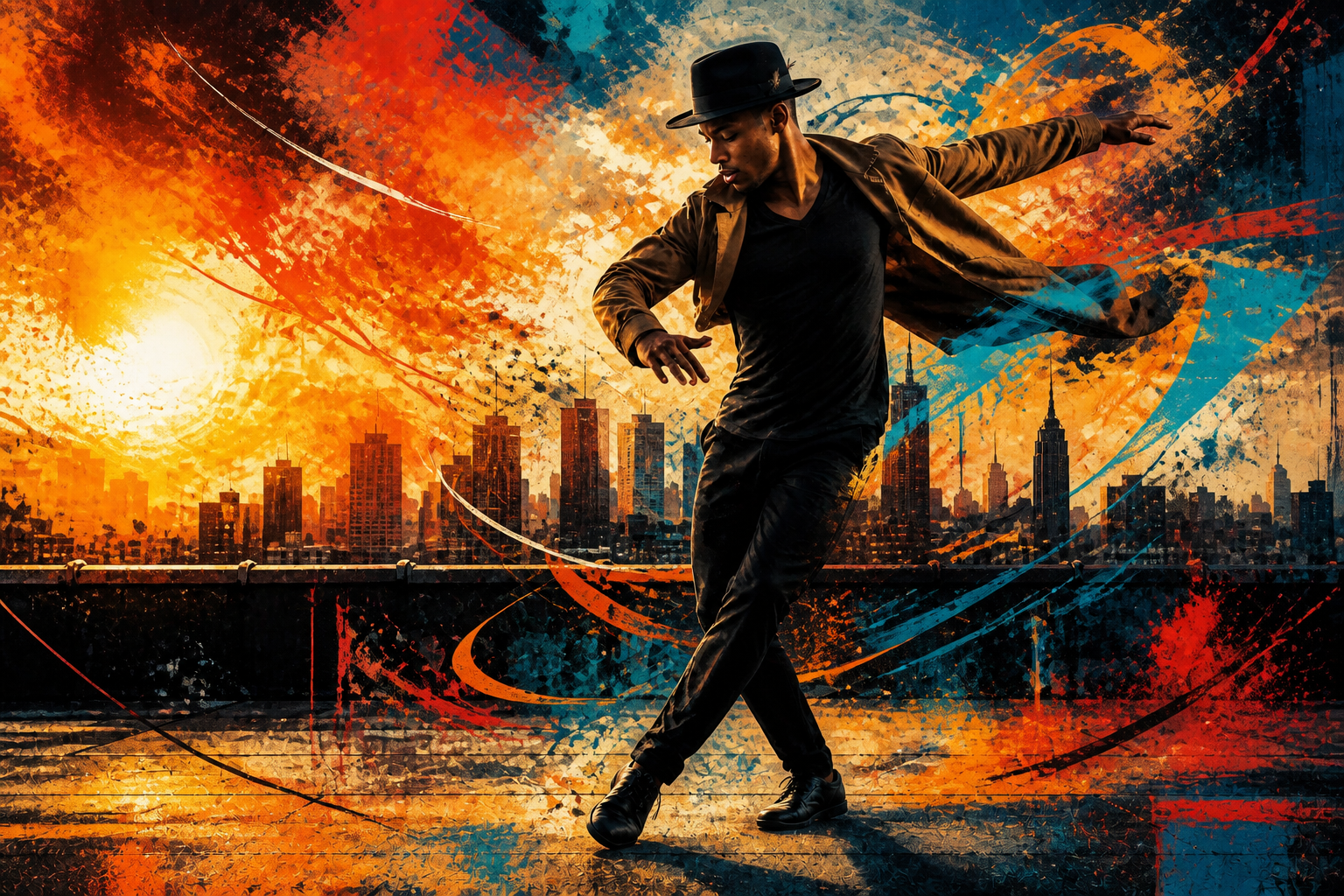
Create strong thumbnail impact
Good abstract edits need to read quickly, even at small sizes. Our AI can produce visible changes in color, texture, and shape that stand out in feeds, galleries, and cover images. That is hard to achieve with subtle edits or generic presets. The result is artwork with clearer visual payoff from the first glance.
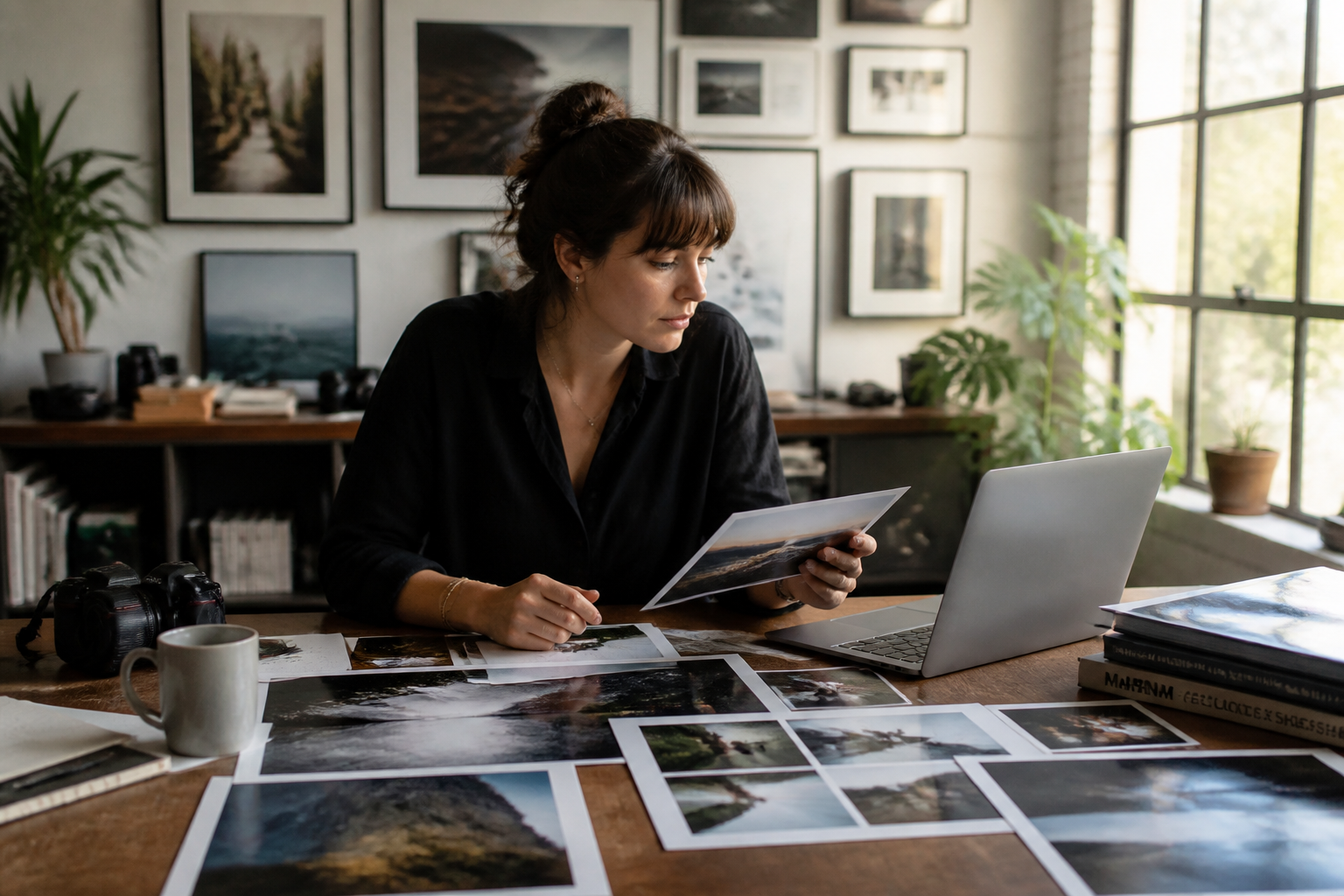
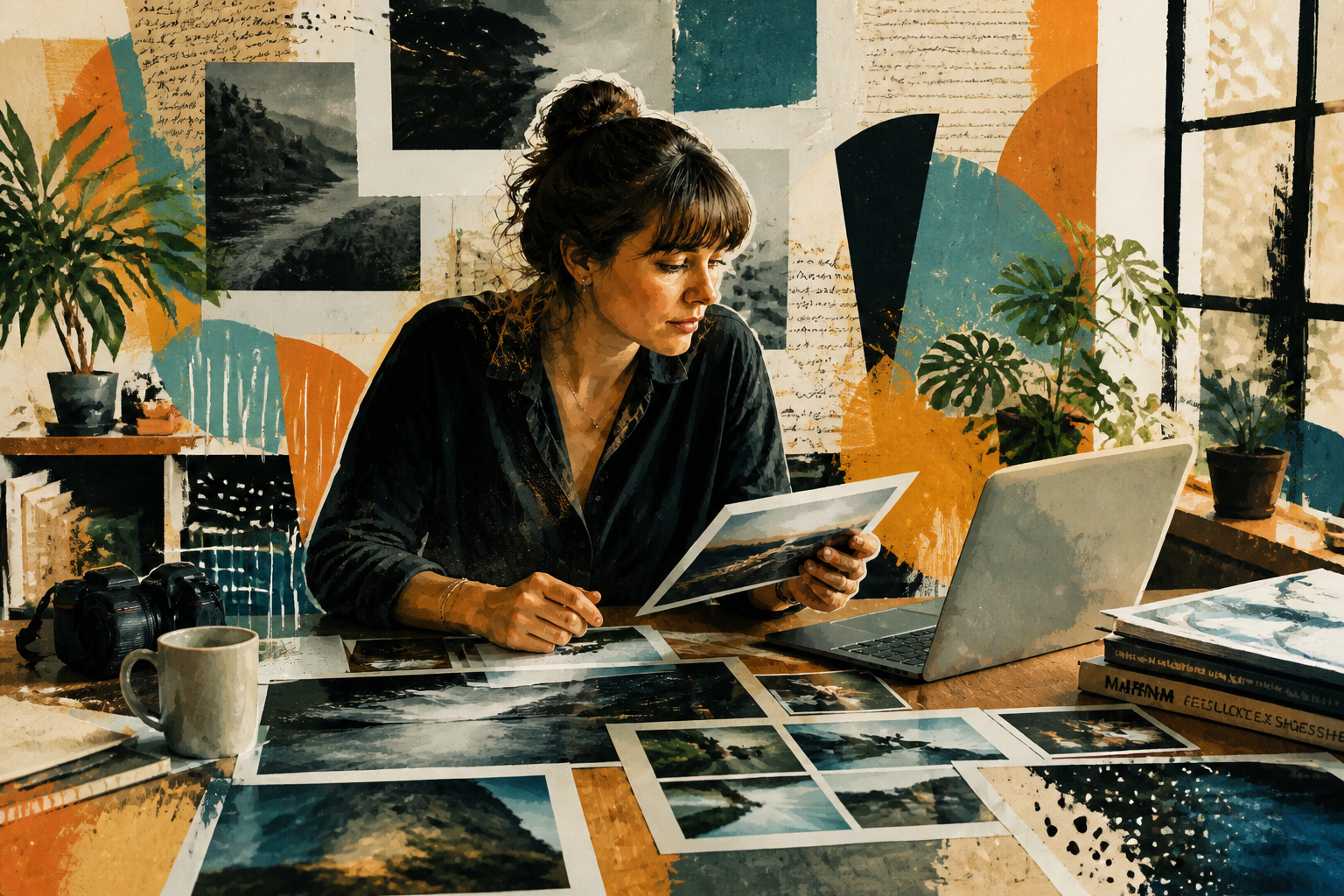
Faster than manual editing
Building abstract artwork by hand often means masking, blending, painting, and repeating the process many times. Here, you can describe the direction and get a polished variation in seconds. That makes the tool practical for brainstorming, client previews, and rapid creative iteration. It lowers the effort needed to turn one source photo into several distinct art pieces.
How It Works
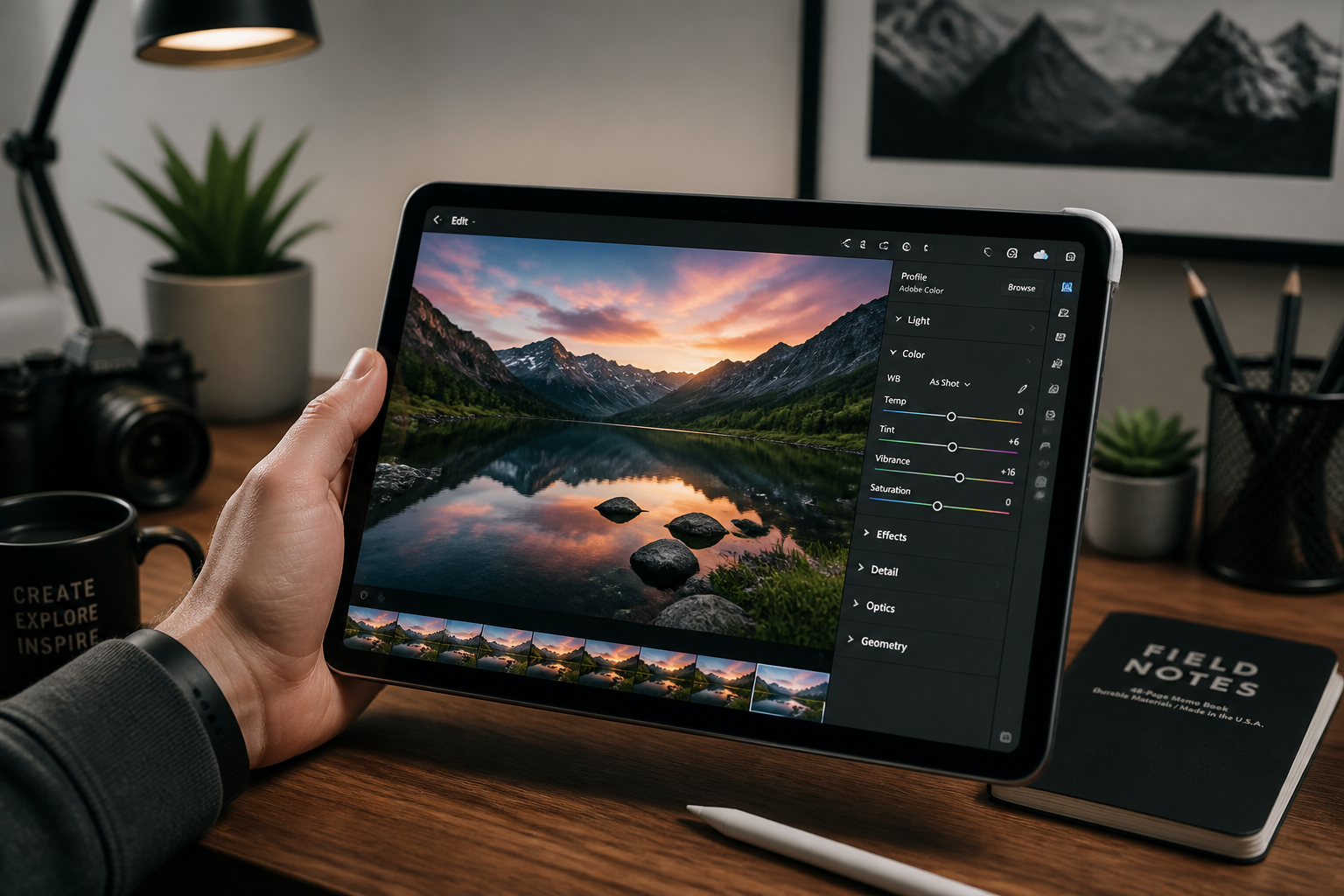
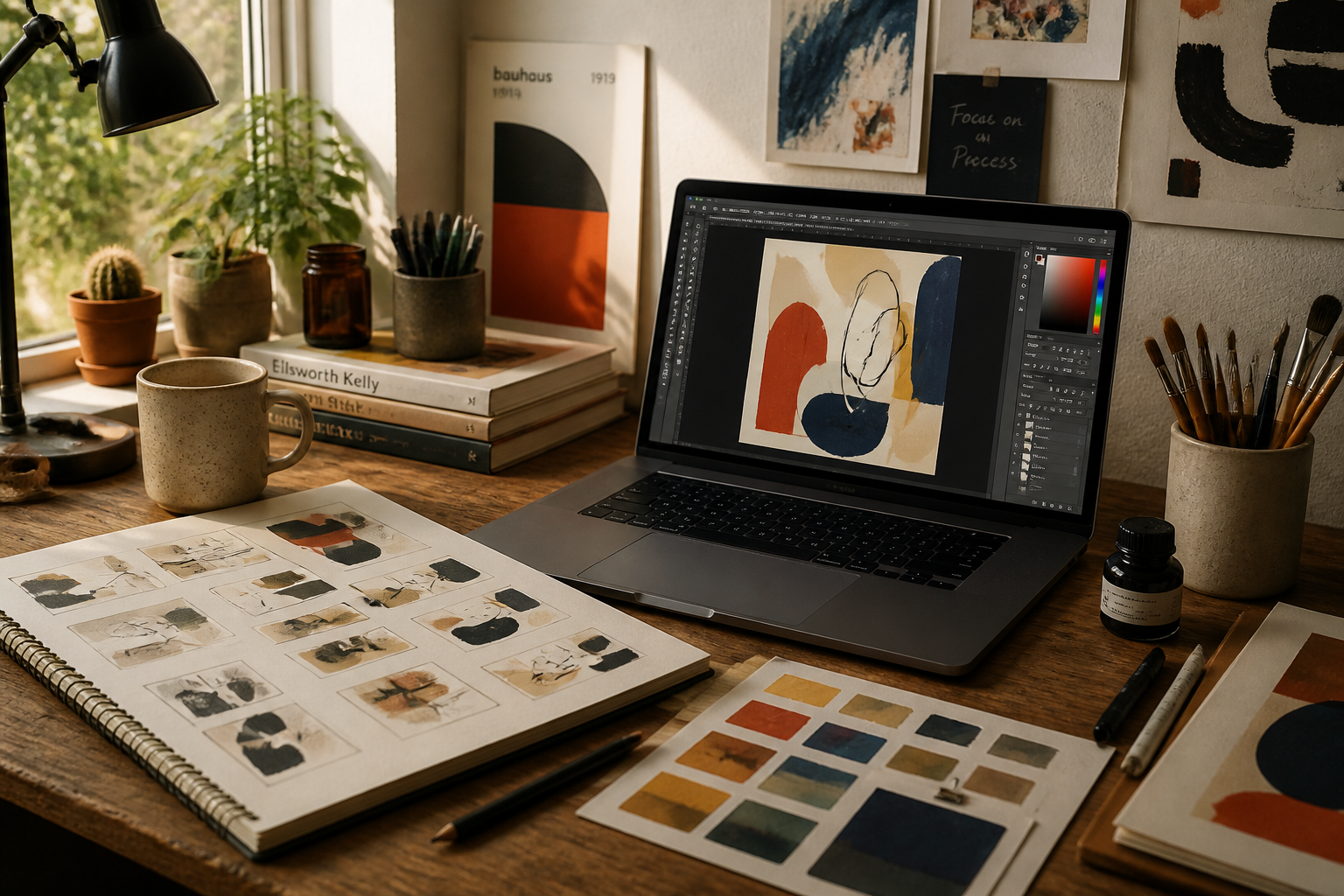
Upload your photo
Start with a clear image that has a strong subject, interesting lighting, or a scene you want to reinterpret. Wider compositions work especially well for posters, banners, and social graphics.
Describe the abstract direction
Tell the AI what kind of abstract result you want, such as geometric, painterly, collage, cubist, or color-driven. The clearer your prompt, the easier it is to steer the mood and intensity of the transformation.
Review and refine
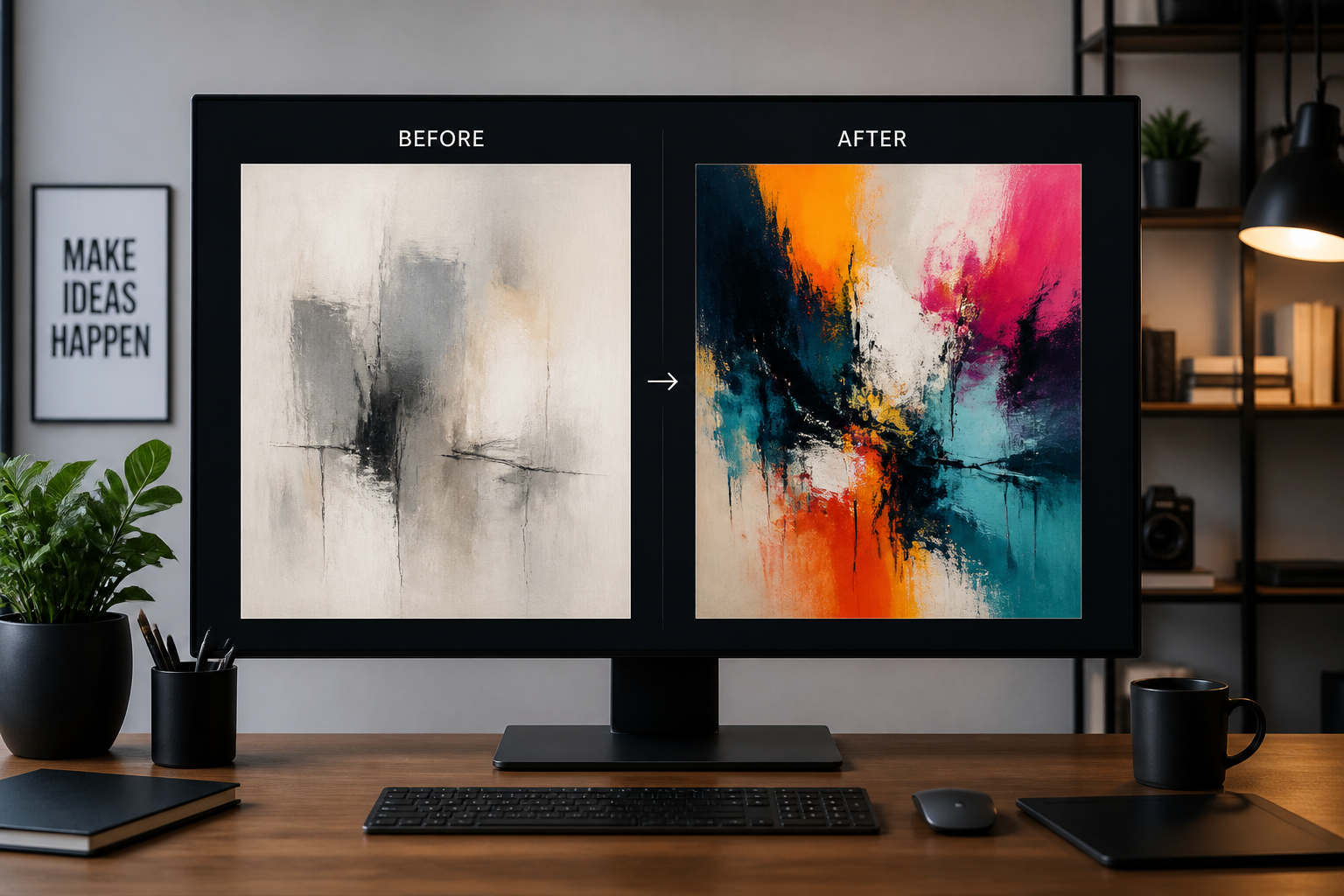
Compare the original and edited versions to see how much of the subject and composition you want to keep. Then rerun the edit with a different abstract style or stronger direction until it fits your project.
Perfect For
Discover how creators and professionals use ai abstract art generator
Posters and wall art
Turn photos into abstract prints for home decor, studio walls, event posters, or gallery-style pieces.
Album and book covers
Create visually striking artwork from portraits or scenes for covers that need mood, texture, and a clear identity.
Social media content
Make scroll-stopping visuals for posts, story backgrounds, thumbnails, and profile banners.
Creative concept exploration
Test multiple abstract directions from one source image when developing ideas for branding, campaigns, or personal art projects.
Built For
Designers and art directors
Quickly explore abstract treatments for campaigns, cover art, mood boards, and visual pitches.
Creators and marketers
Make bold visuals from existing photos for posts, ads, headers, and branded content.
Artists and hobbyists
Experiment with new abstract looks without needing advanced manual editing skills.
Why use this for abstract edits
A quick look at how we compare on the things that matter for this niche.
| Feature | BudgetPixel | Generic AI editors | Manual editing apps |
|---|---|---|---|
| Photo-to-abstract workflow | ✓ | ✓ | — |
| Keeps core composition | ✓ | — | ✓ |
| Fast style exploration | ✓ | — | — |
| Prompt-based control | ✓ | ✓ | — |
| Free to start | ✓ | — | — |
Frequently Asked Questions
What does an AI Abstract Art Generator do?
Can I keep the subject recognizable?
What kinds of photos work best?
Can I generate different abstract styles from the same photo?
Do I need editing experience?
Create together.
Share your creations, discover trending AI art, and grow with fellow creators.