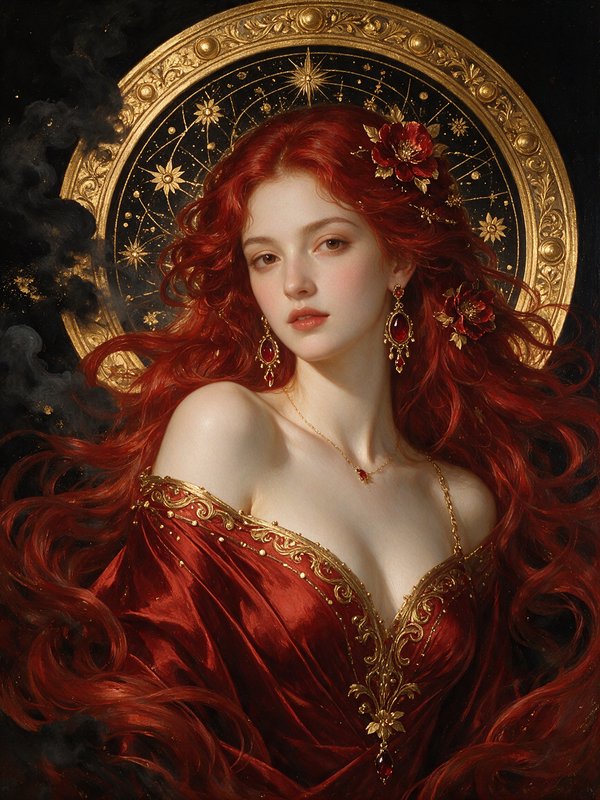
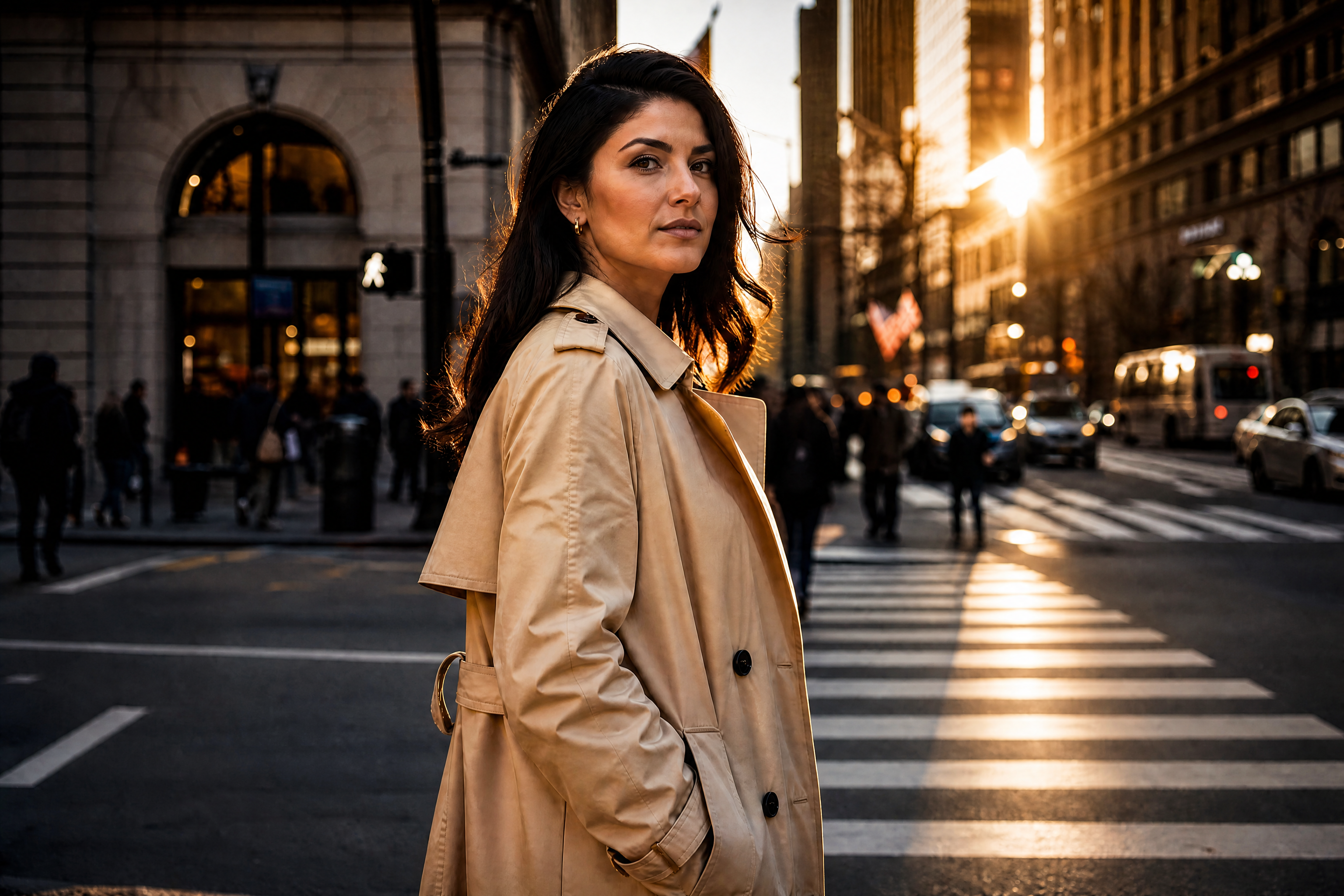
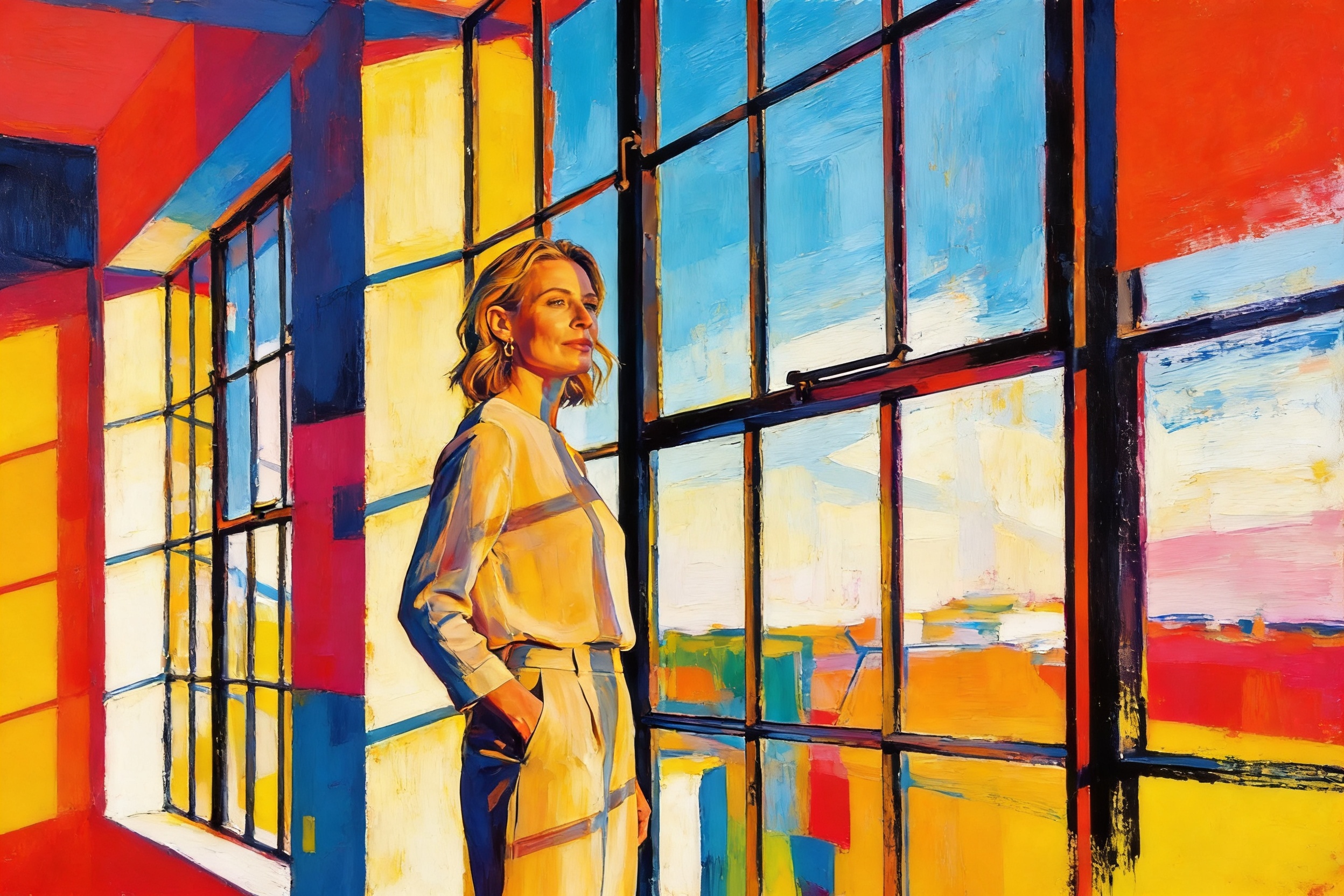
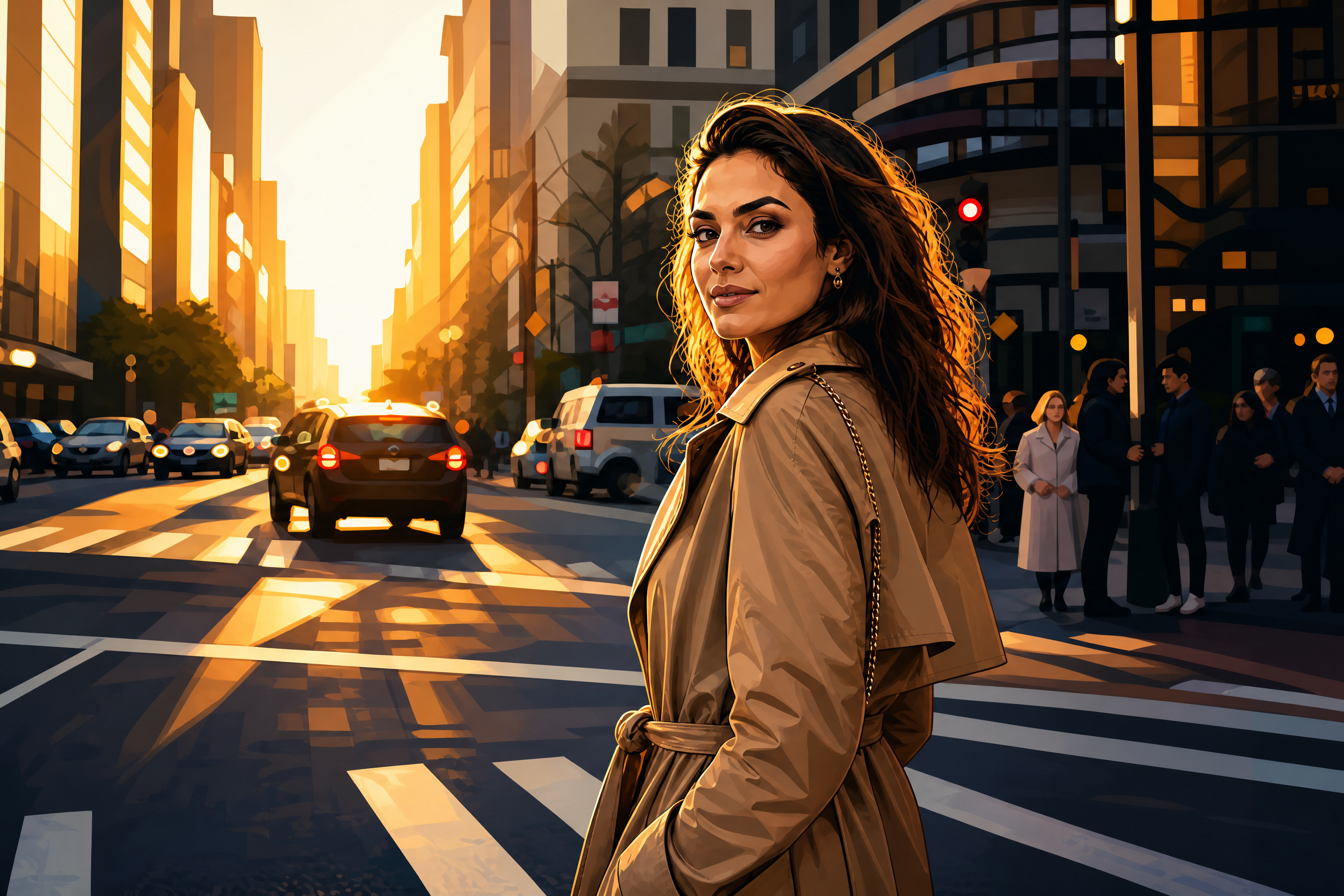
Van Gogh Filter for Any Image
Transform photos into painterly scenes with bold strokes and swirling light.
Apply a Van Gogh-inspired look to portraits, streets, landscapes, pets, and interiors in seconds. Our AI restyles your image with expressive brushwork, rich texture, and dramatic color while keeping the main subject recognizable.
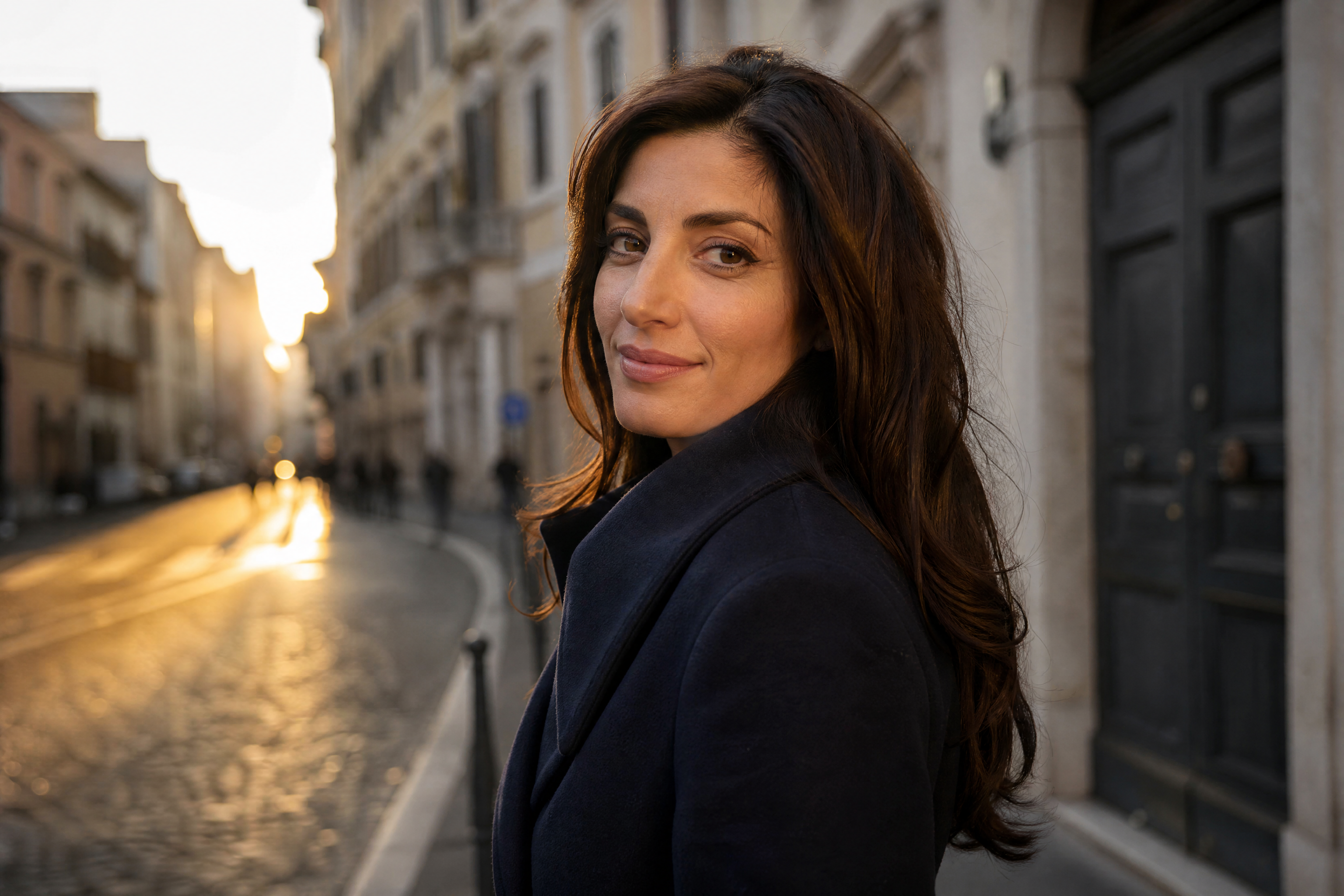
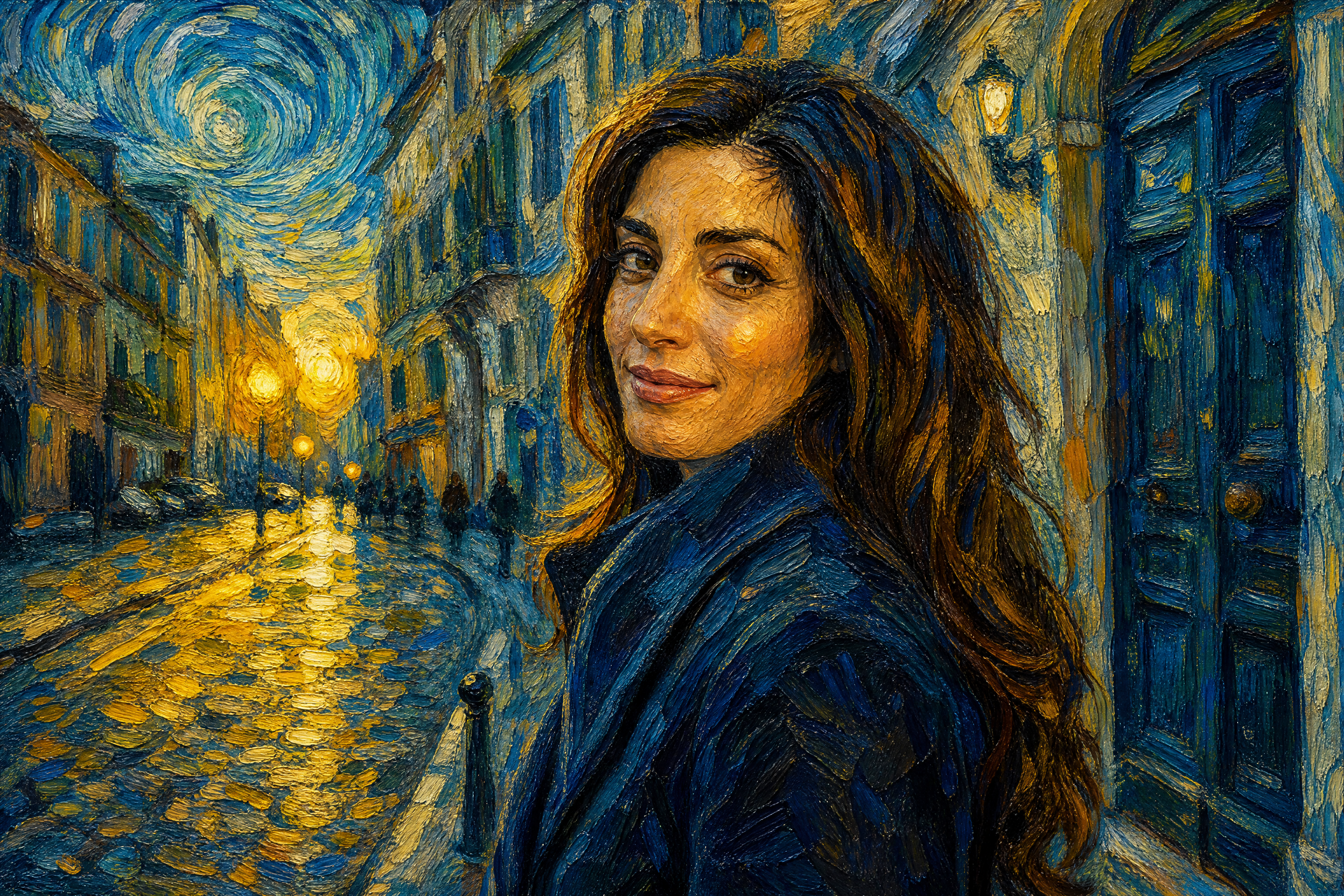
Watch the Transformation
See van gogh filter in motion — generated end-to-end by our AI.
See It In Action
Real outputs from van gogh filter.
BEFOREAFTER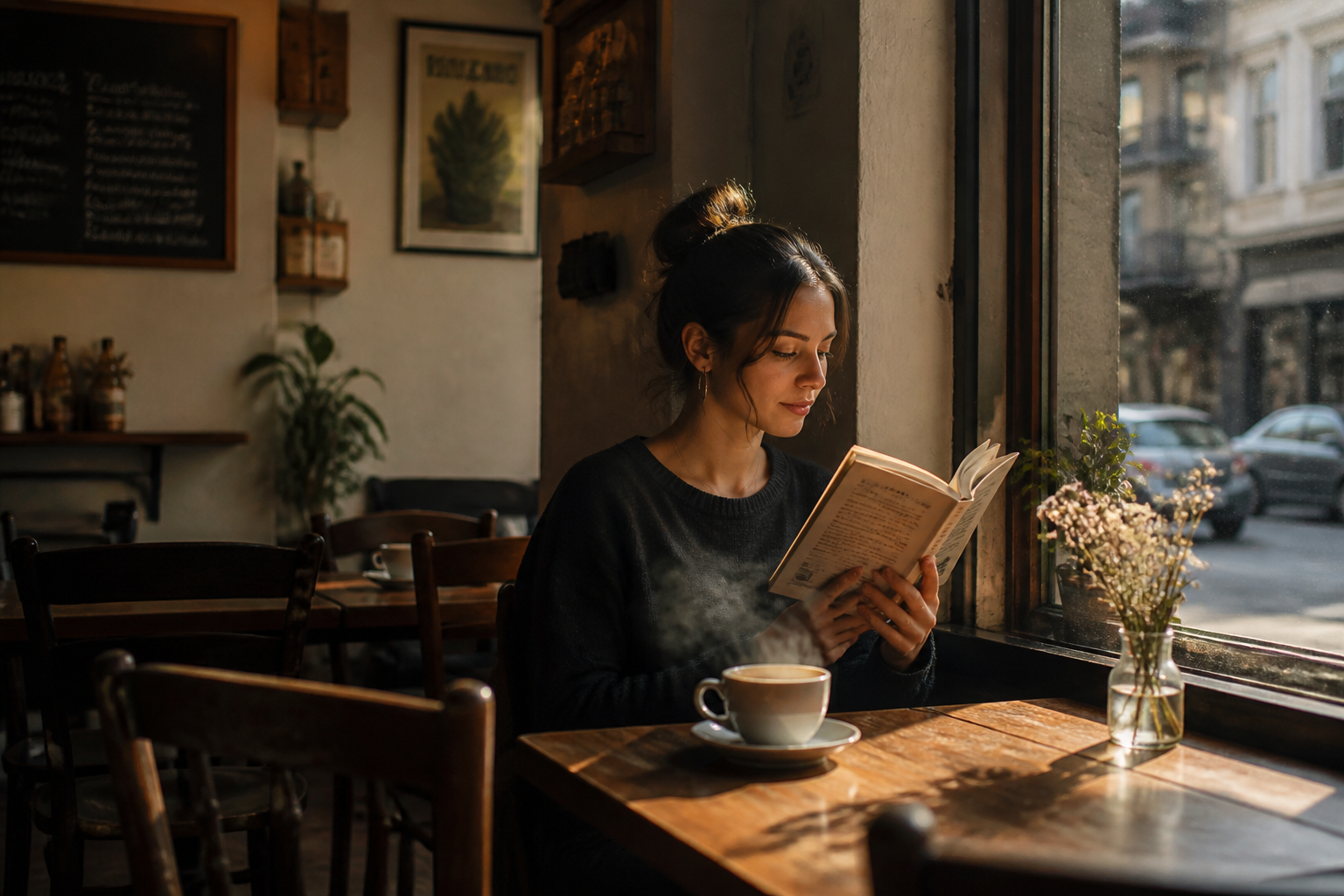 BEFORE
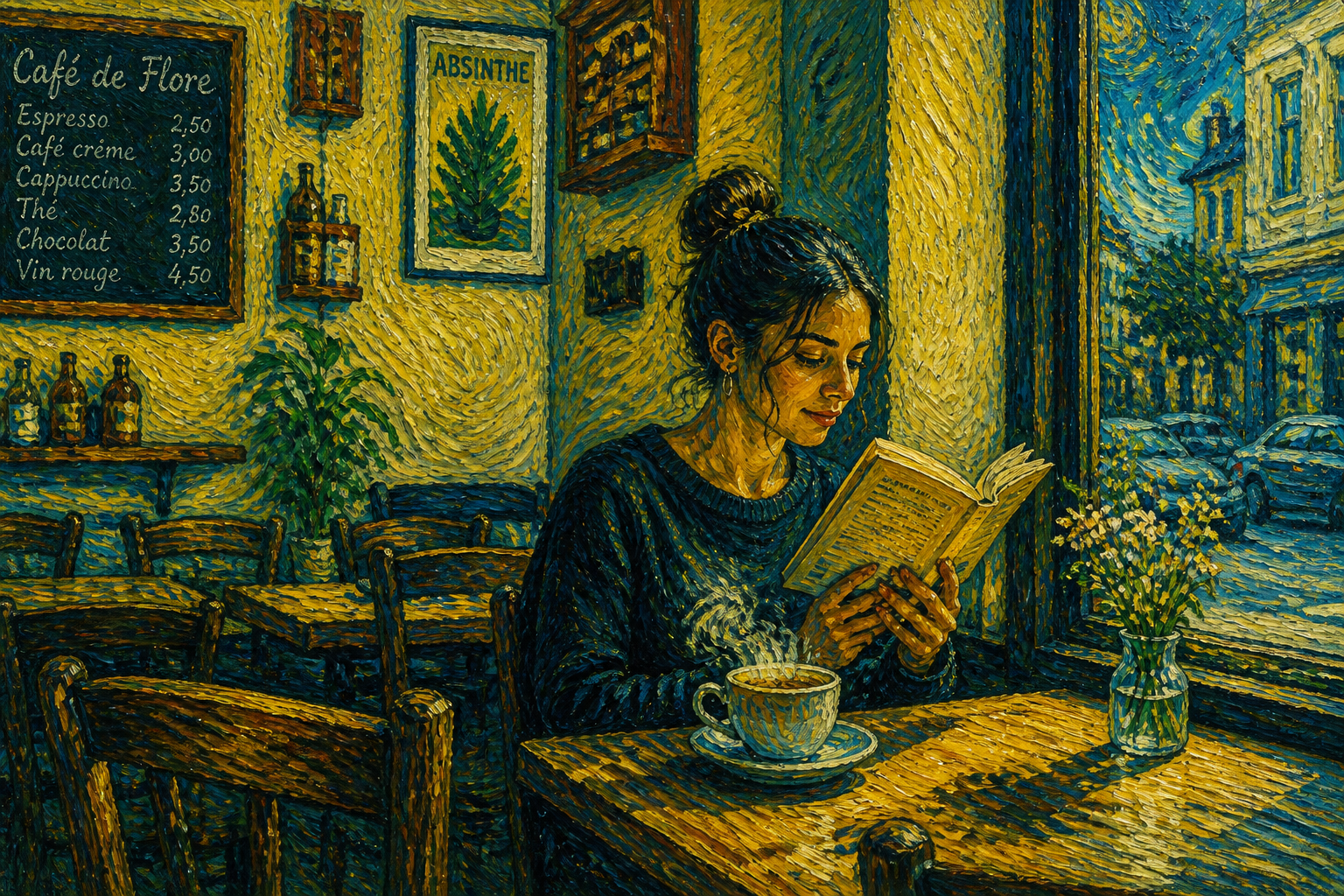 AFTER
AFTER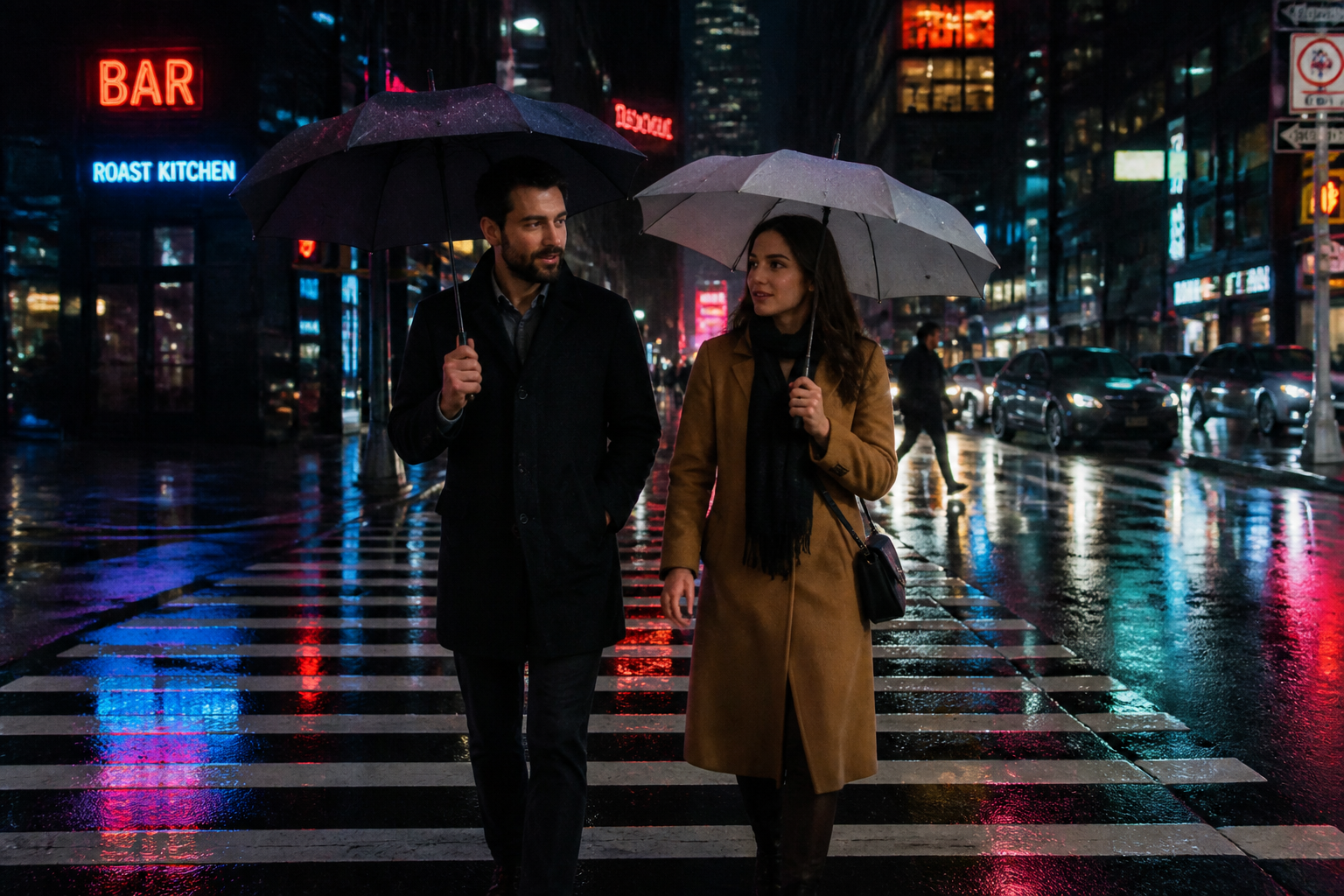 BEFORE
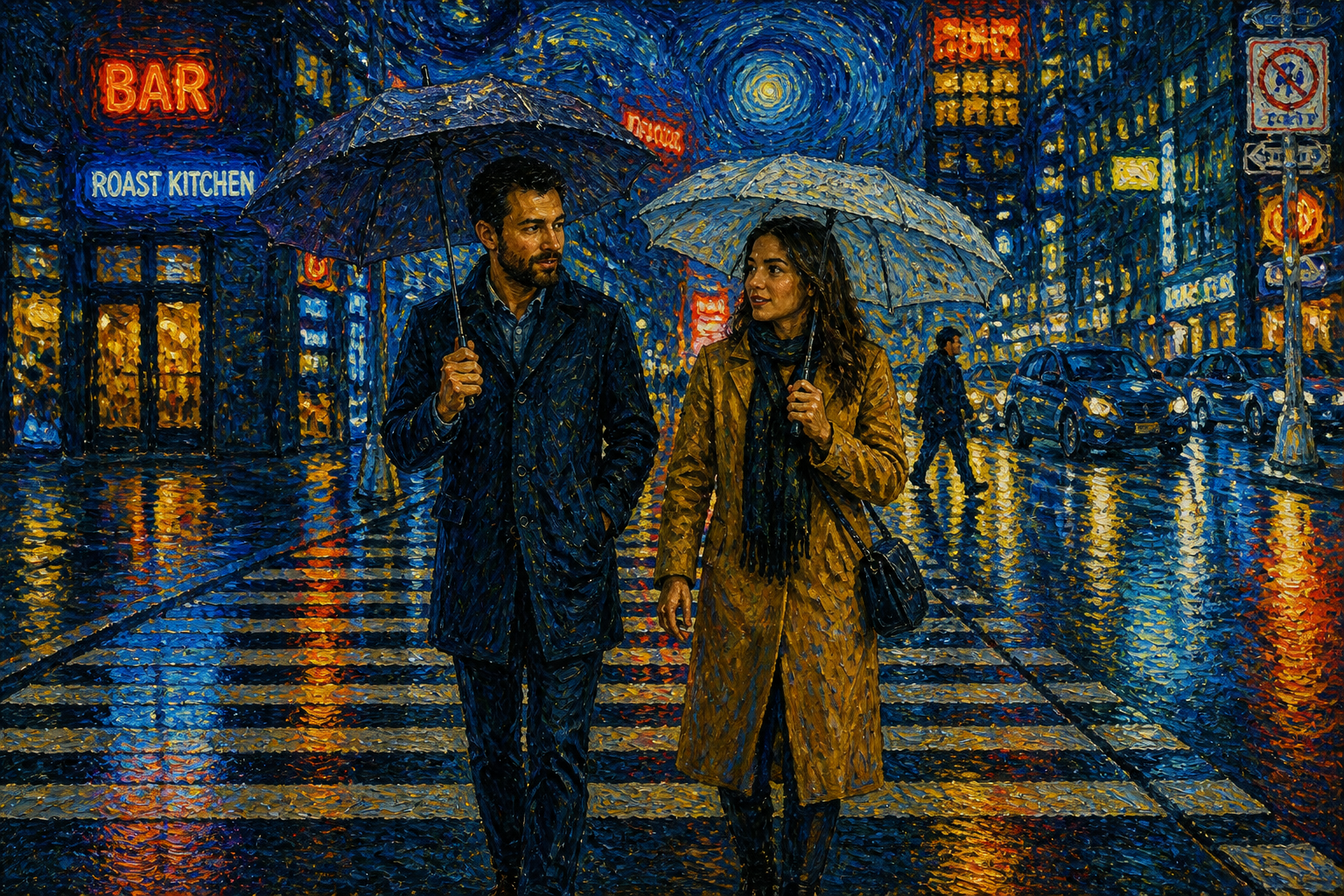 AFTER
AFTER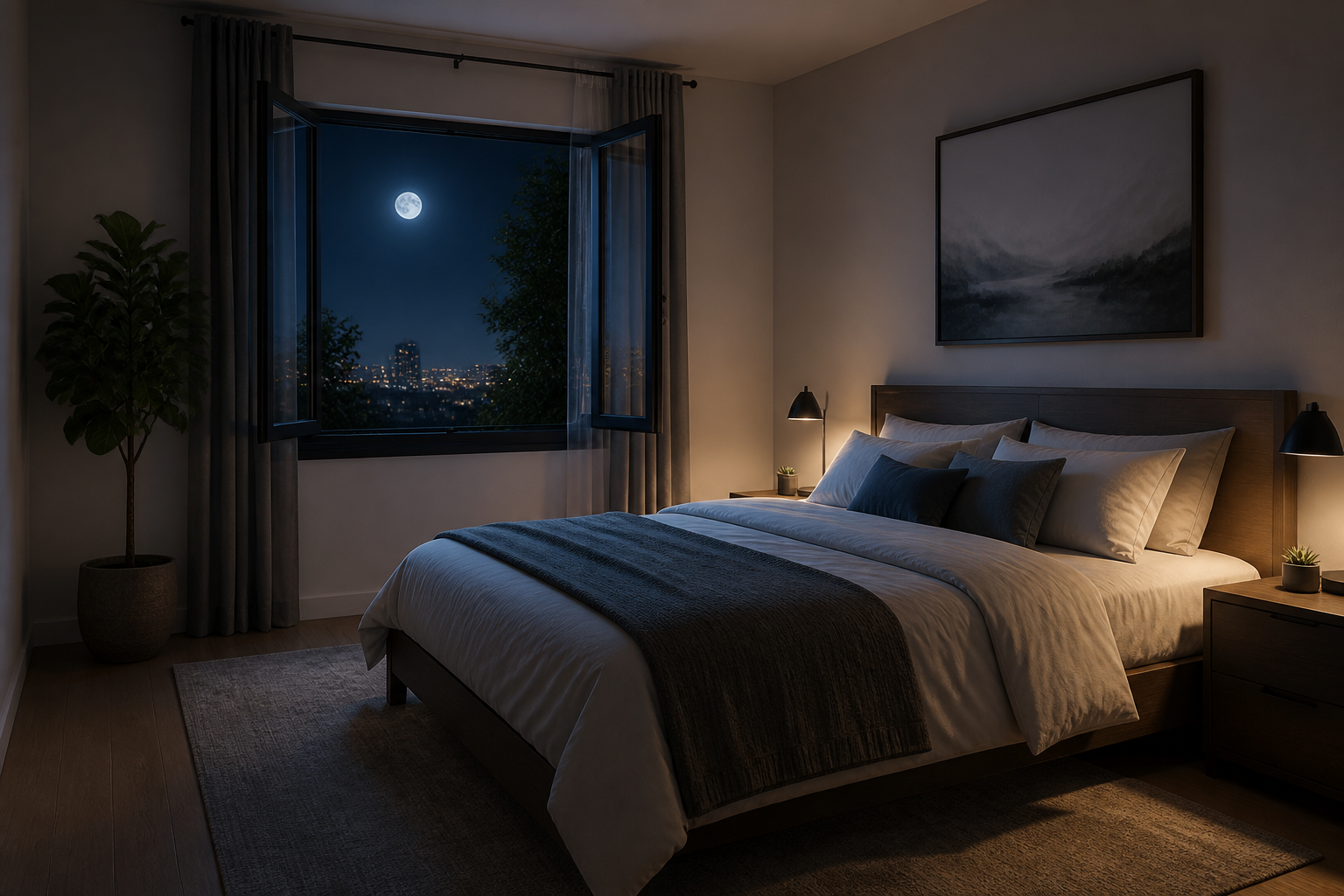 BEFORE
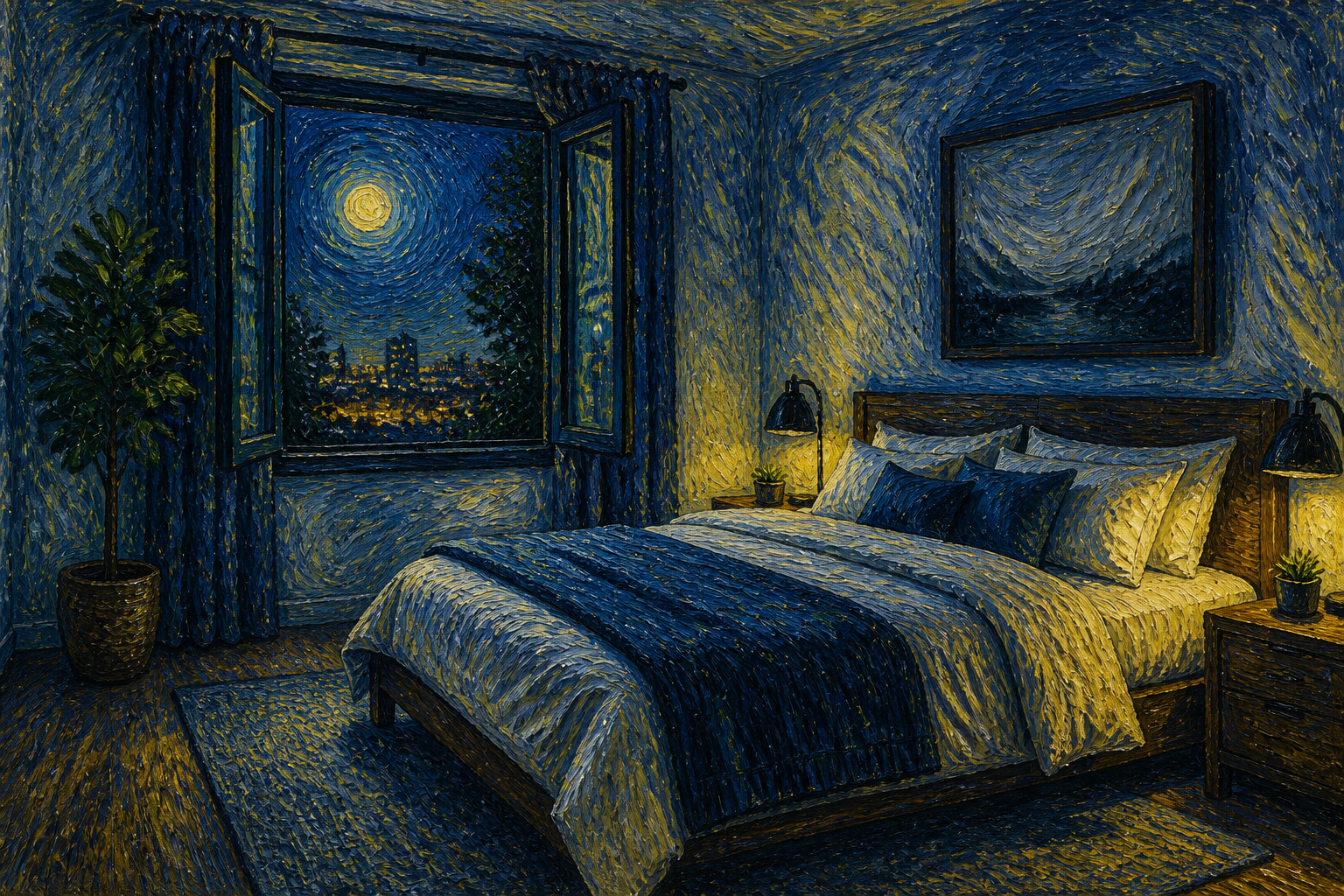 AFTER
AFTER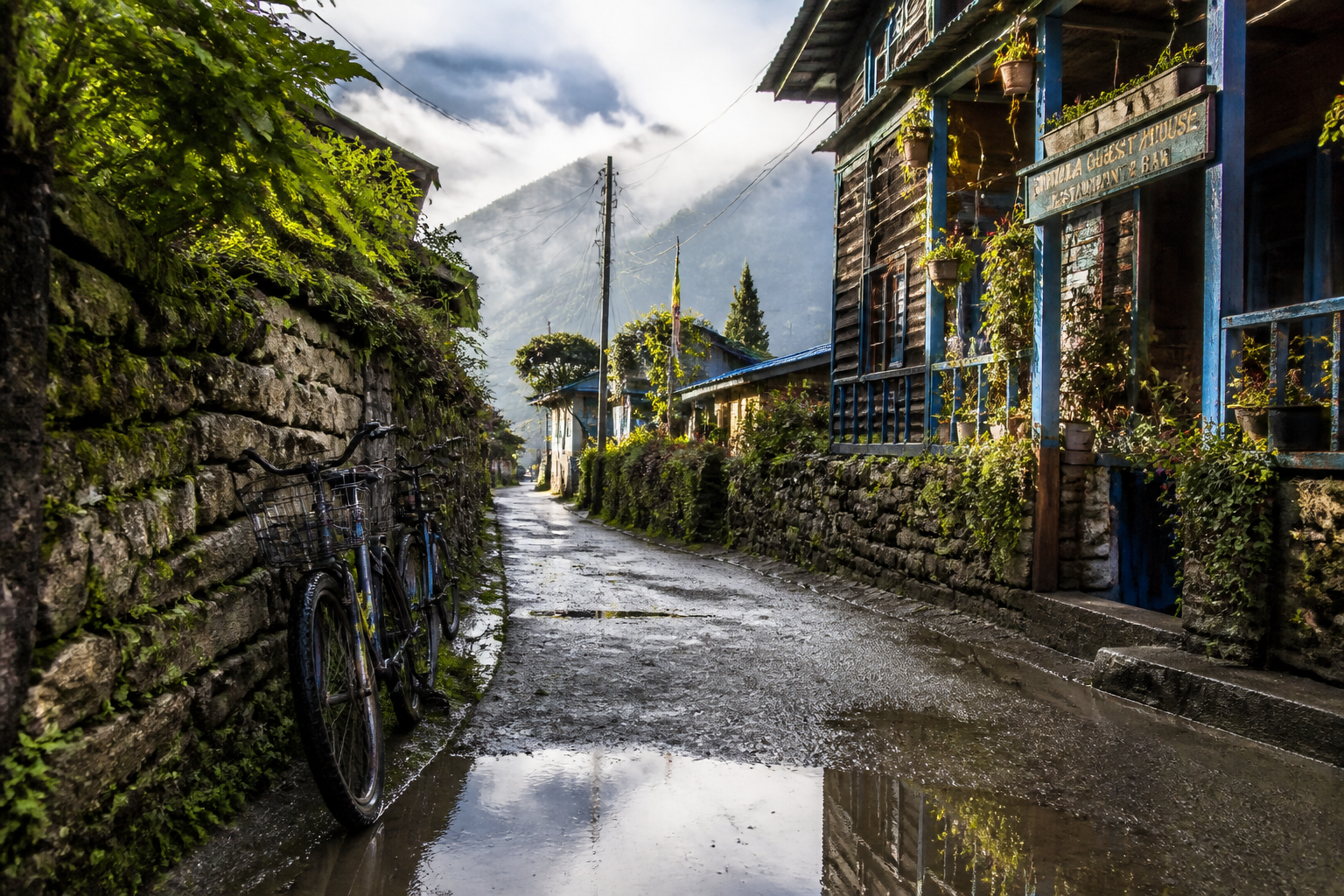 BEFORE
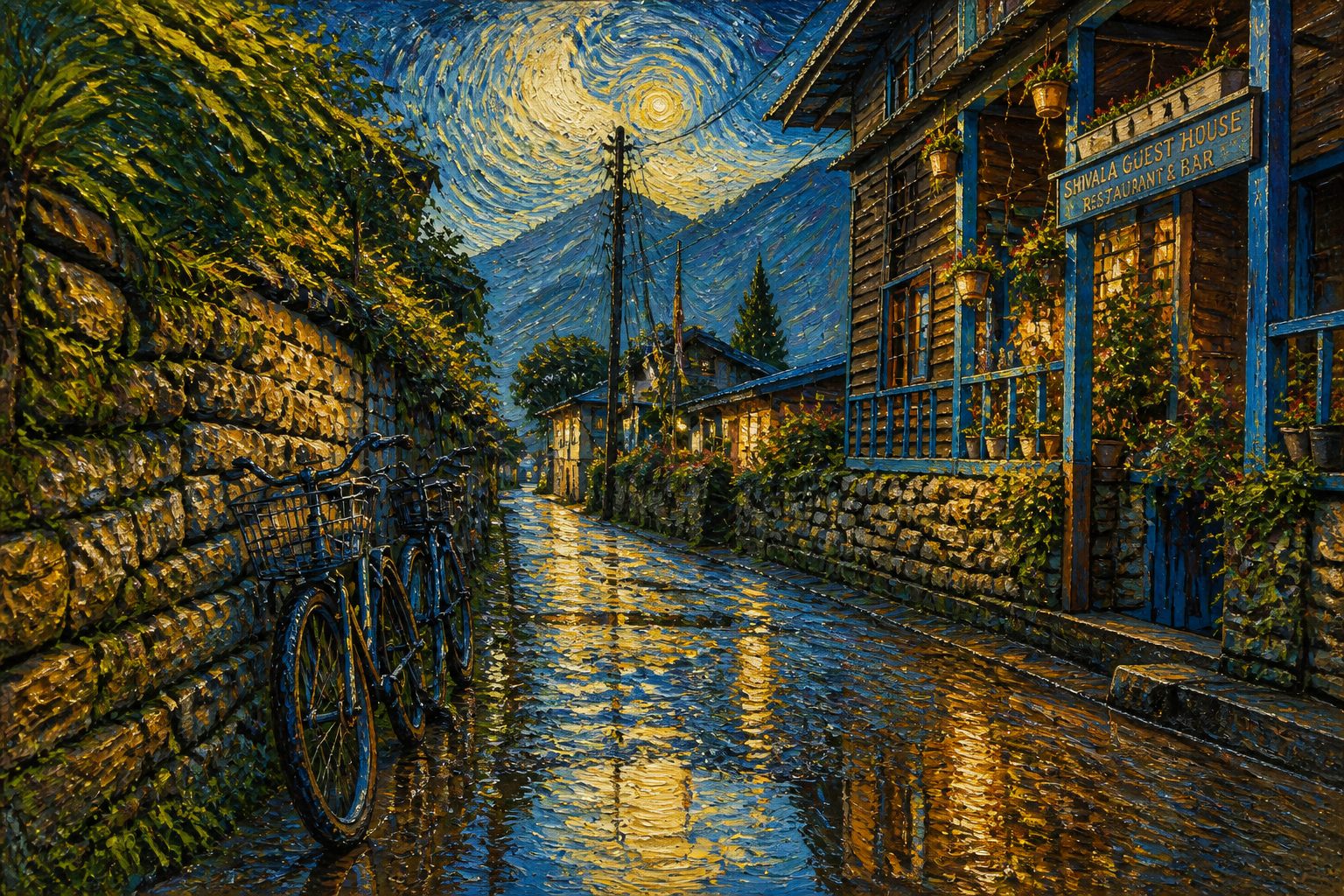 AFTERBEFOREAFTERBEFOREAFTERBEFOREAFTERBEFOREAFTERBEFOREAFTER
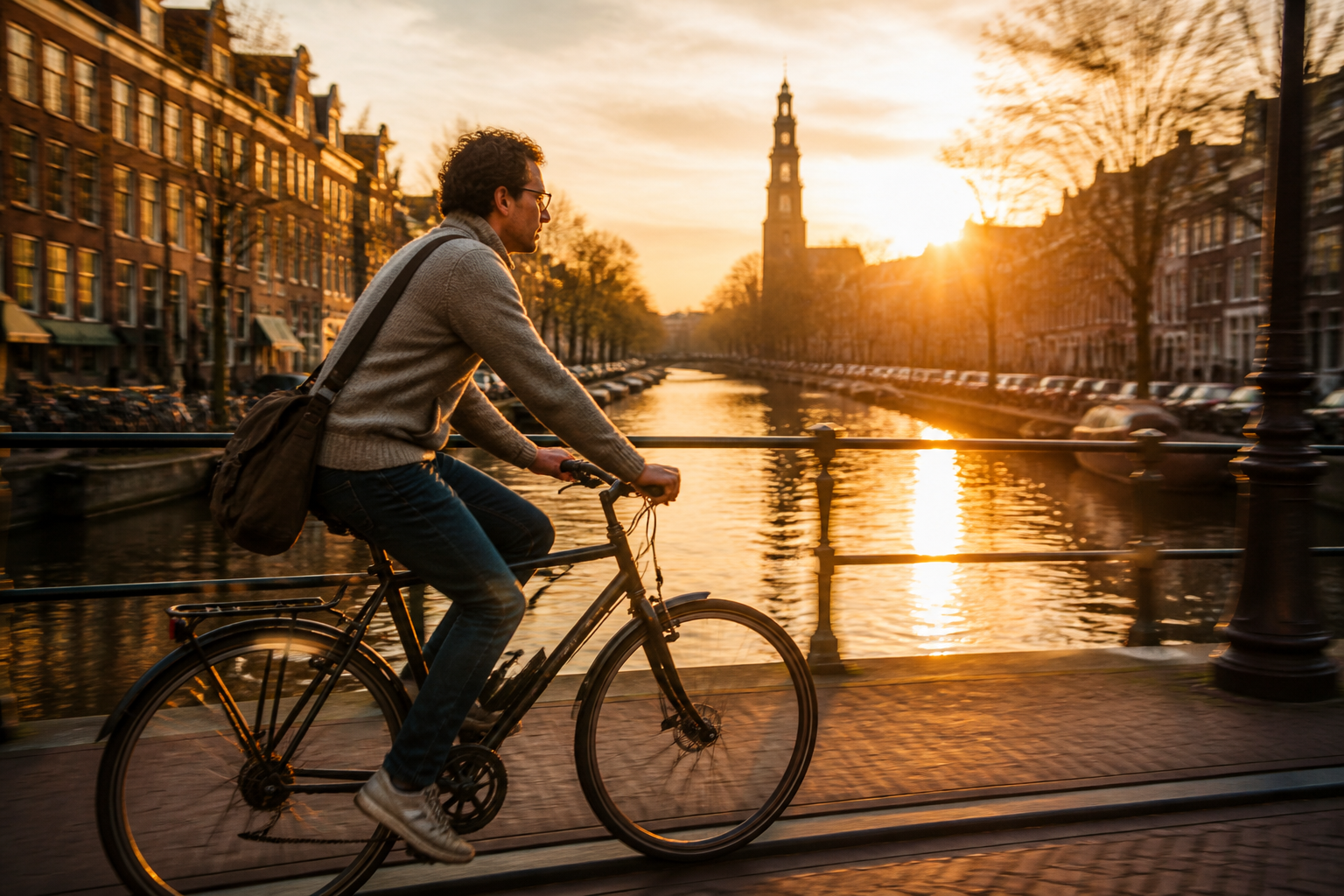 BEFORE
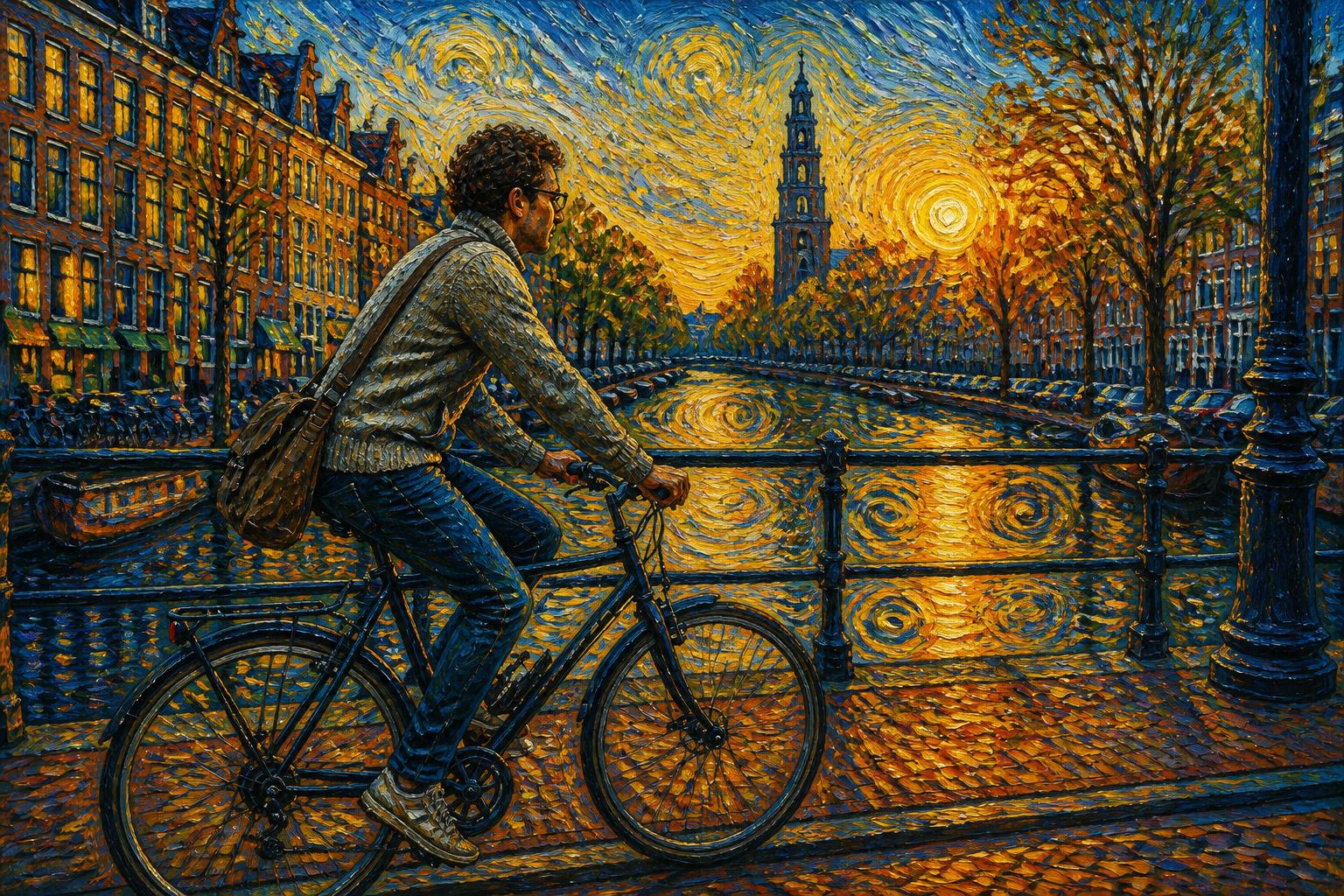 AFTER
AFTER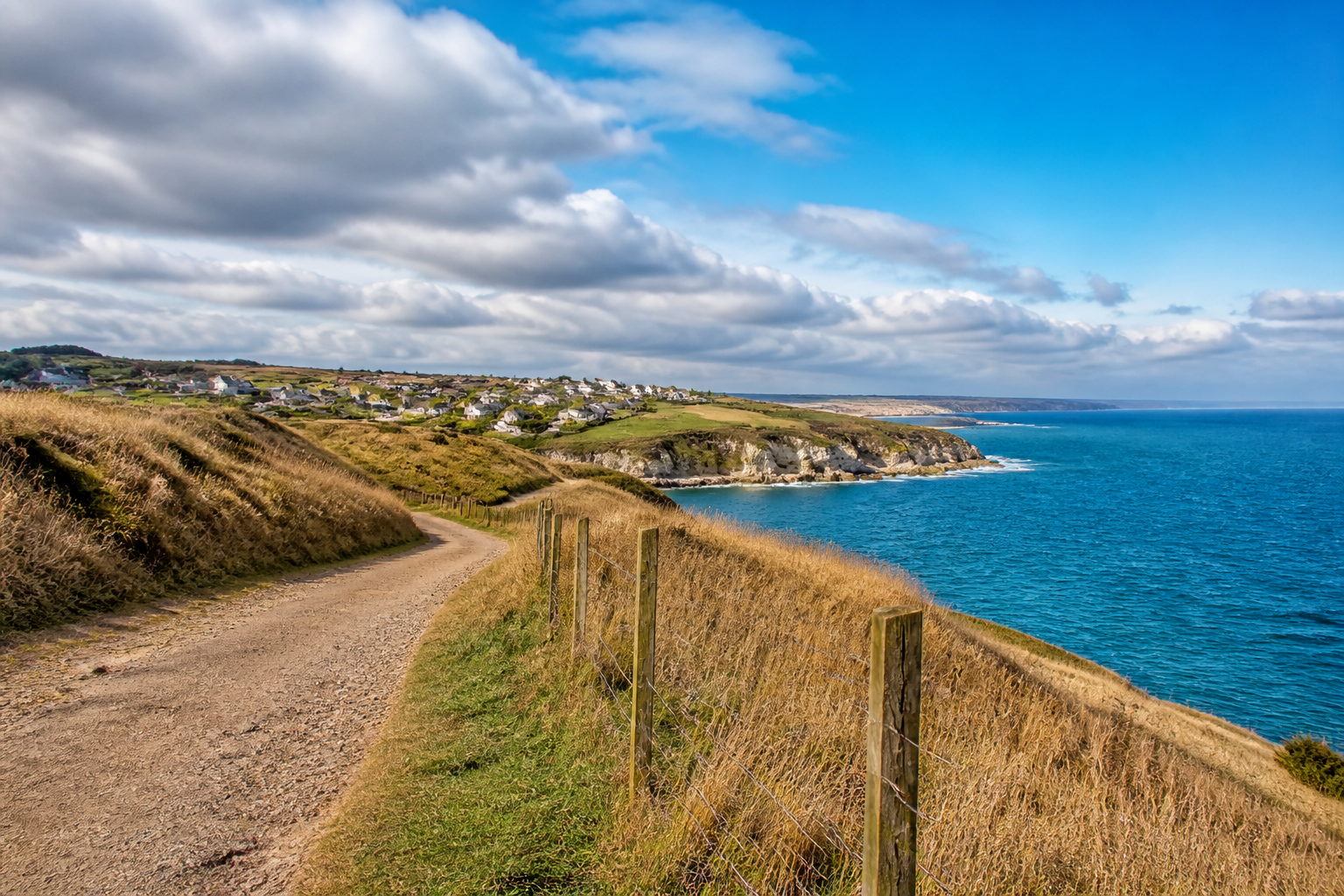 BEFORE
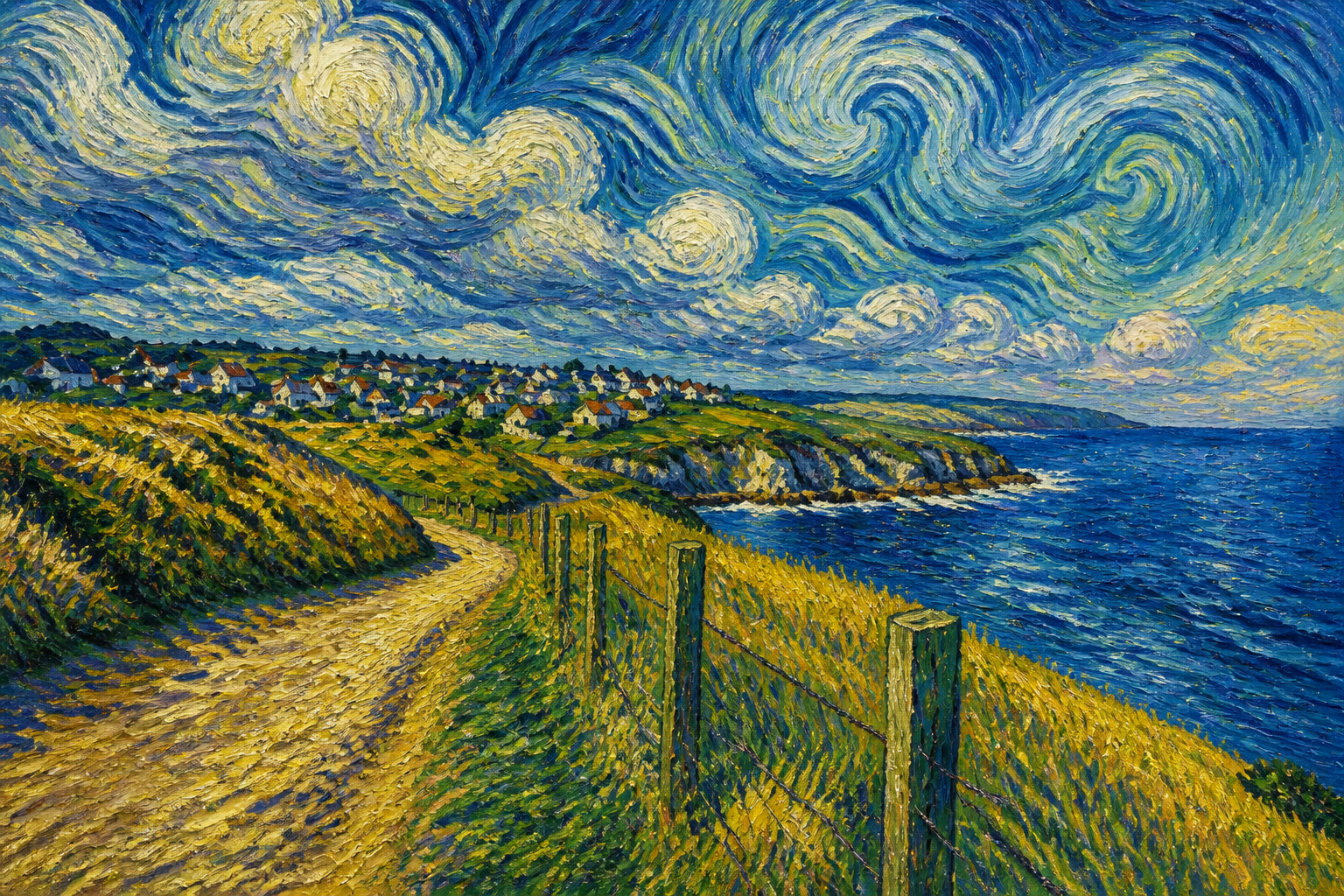 AFTER
AFTER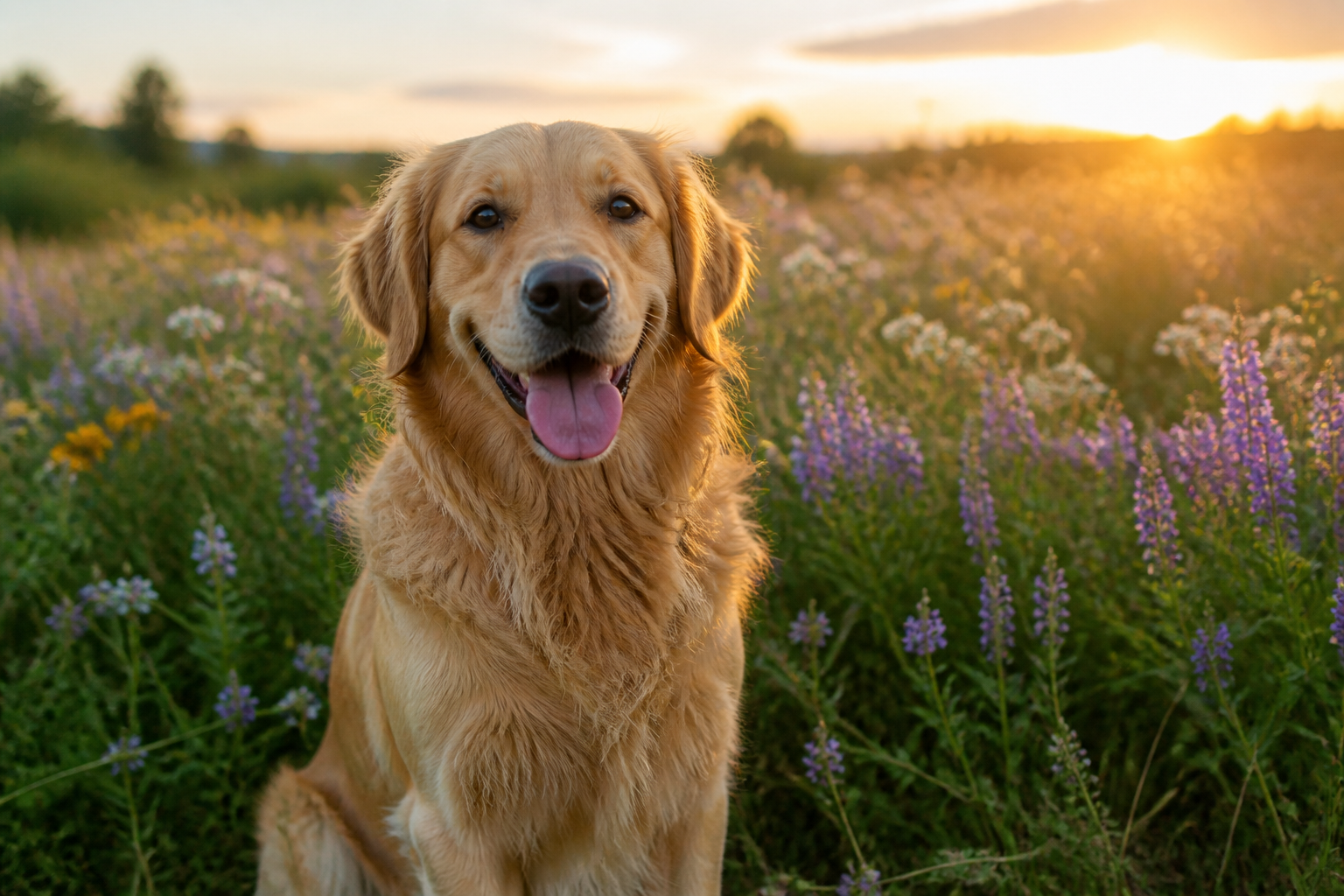 BEFORE
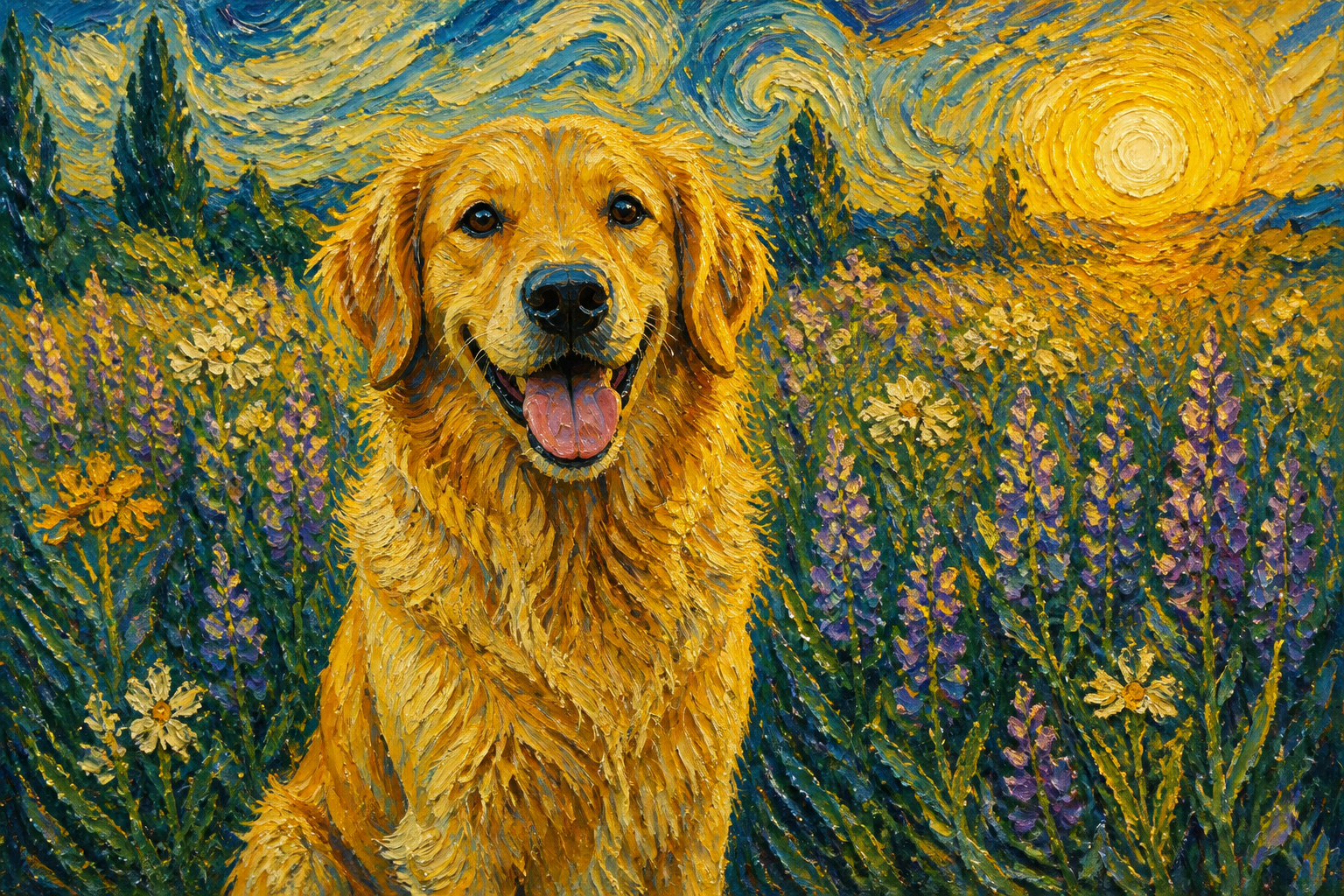 AFTER
AFTER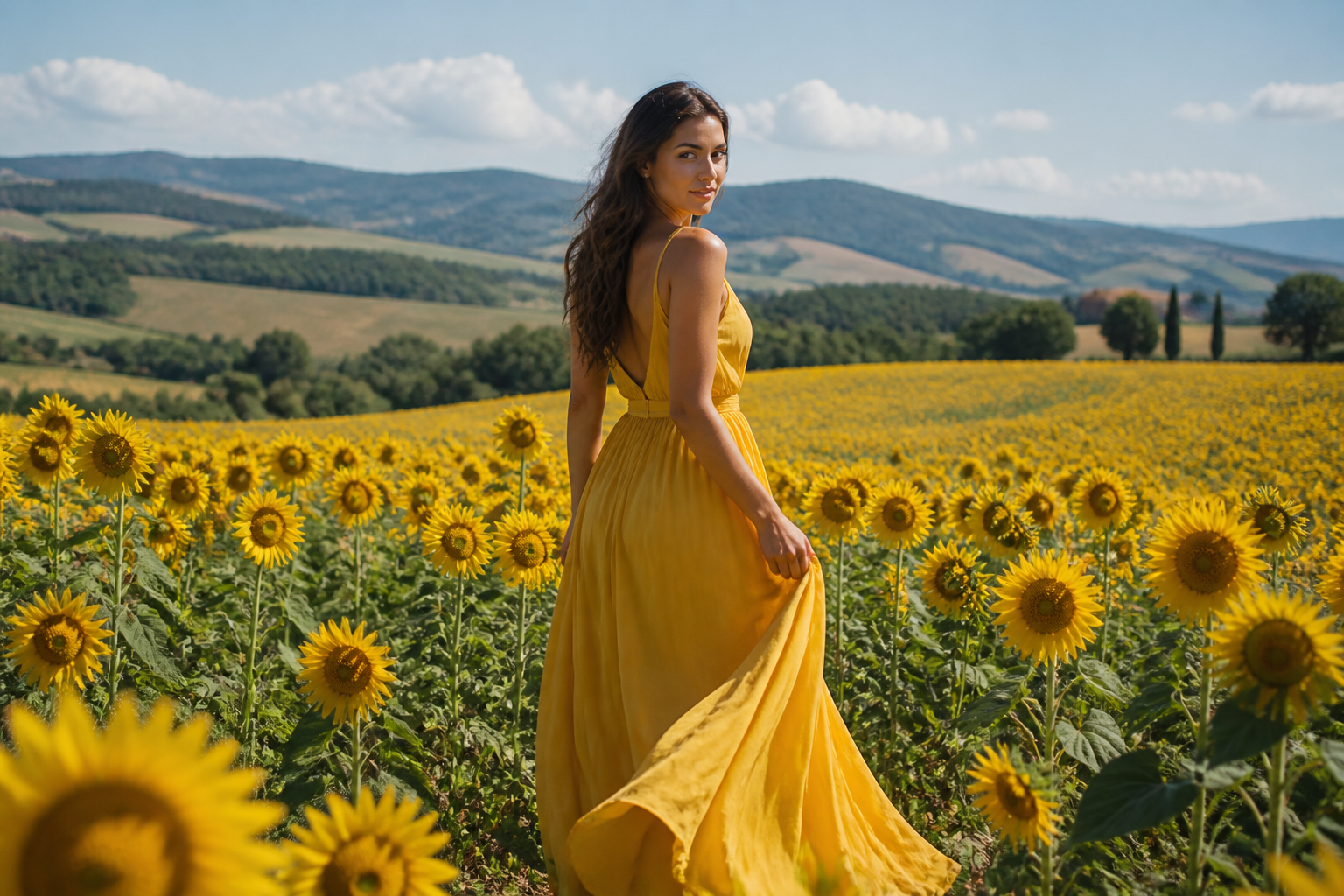 BEFORE
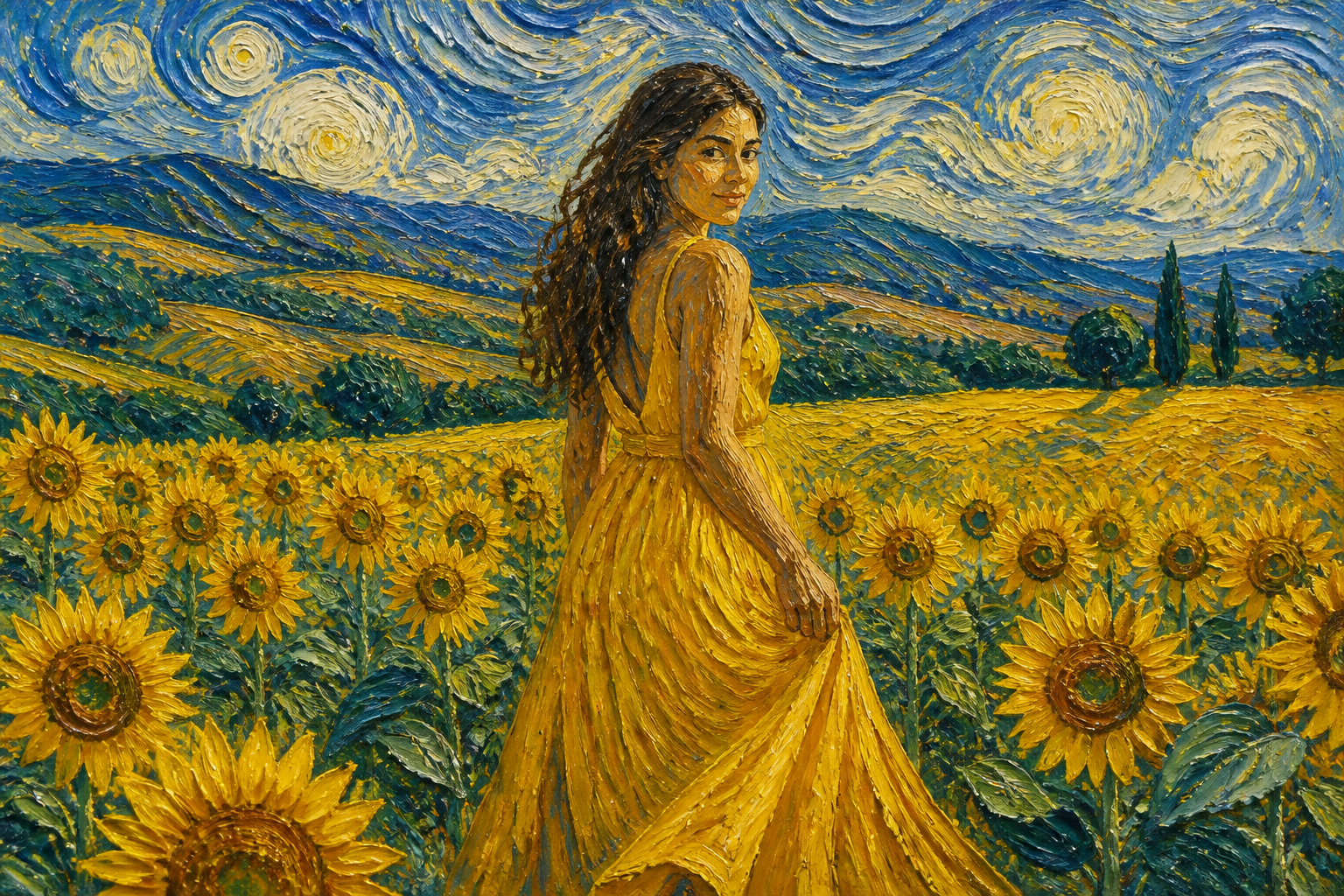 AFTER
AFTER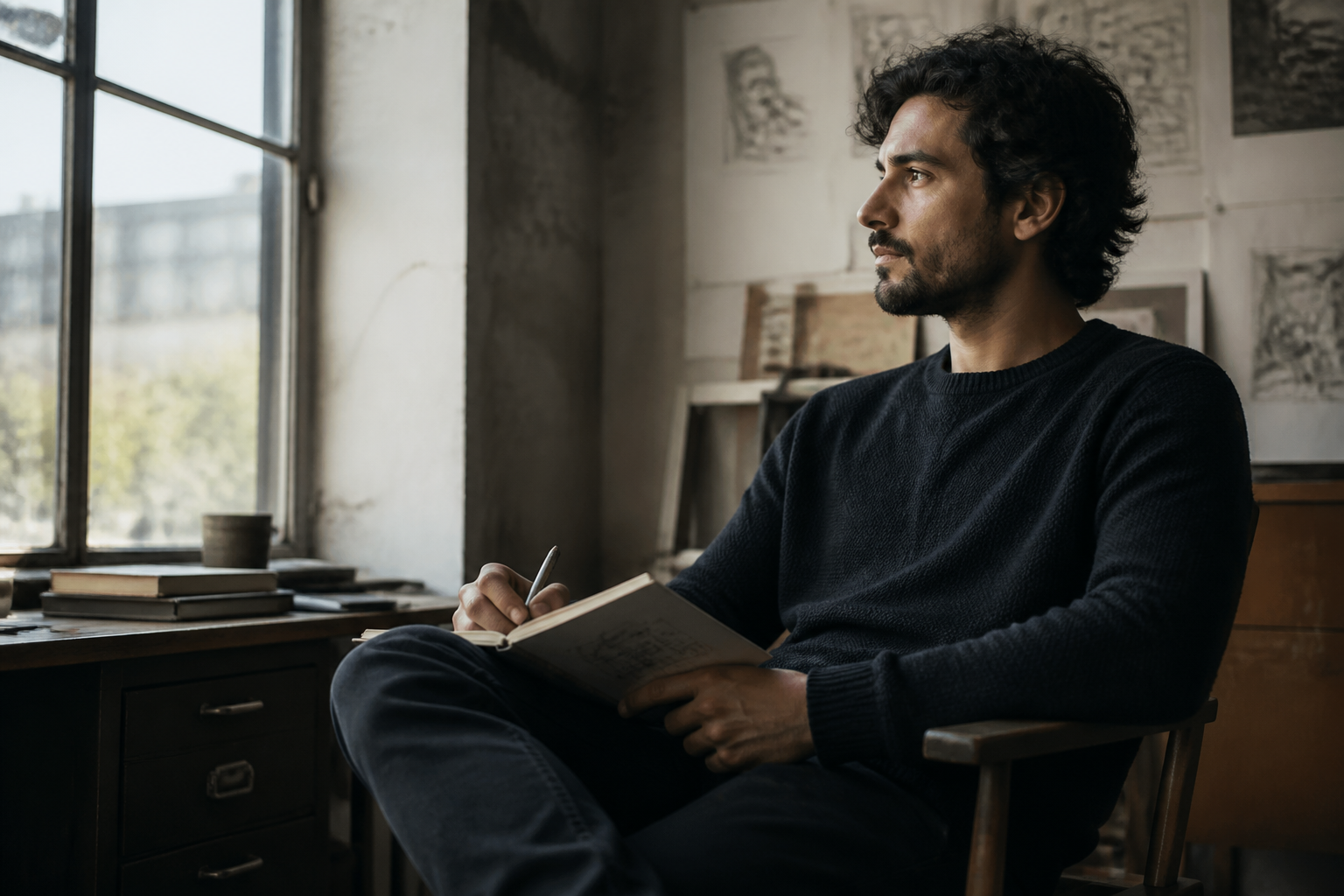 BEFORE
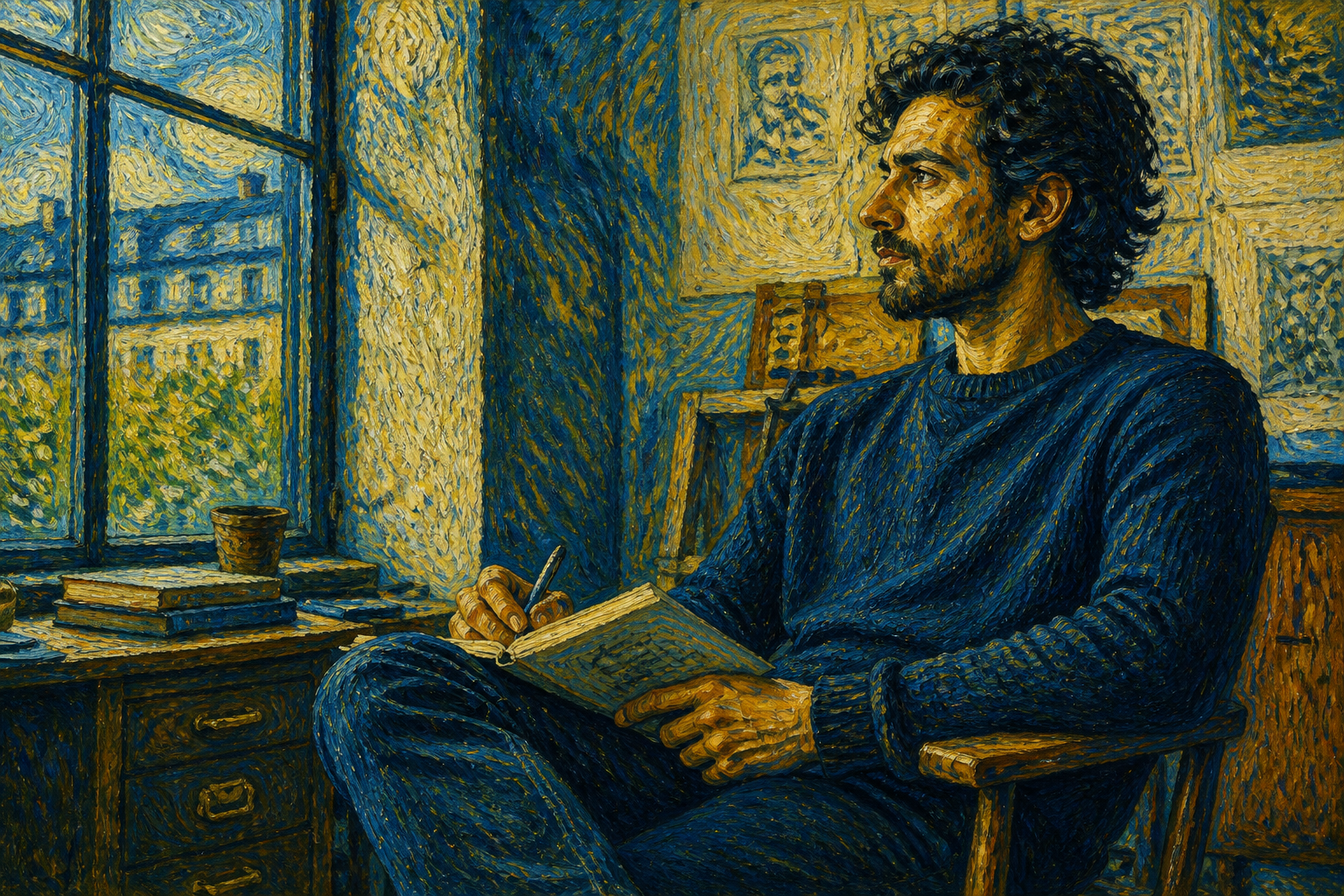 AFTERBEFOREAFTERBEFOREAFTERBEFOREAFTERBEFOREAFTERBEFOREAFTER
Key Features
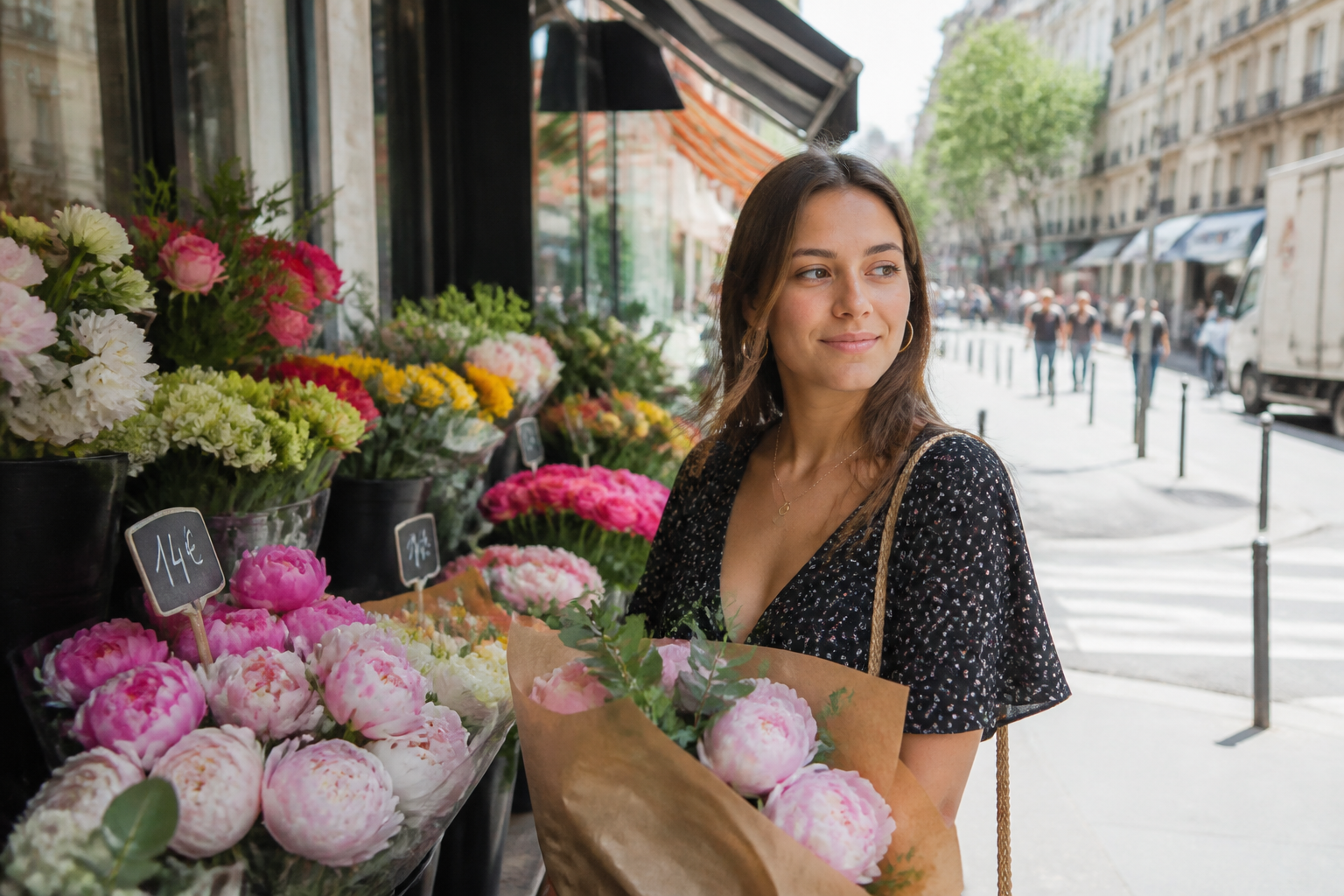
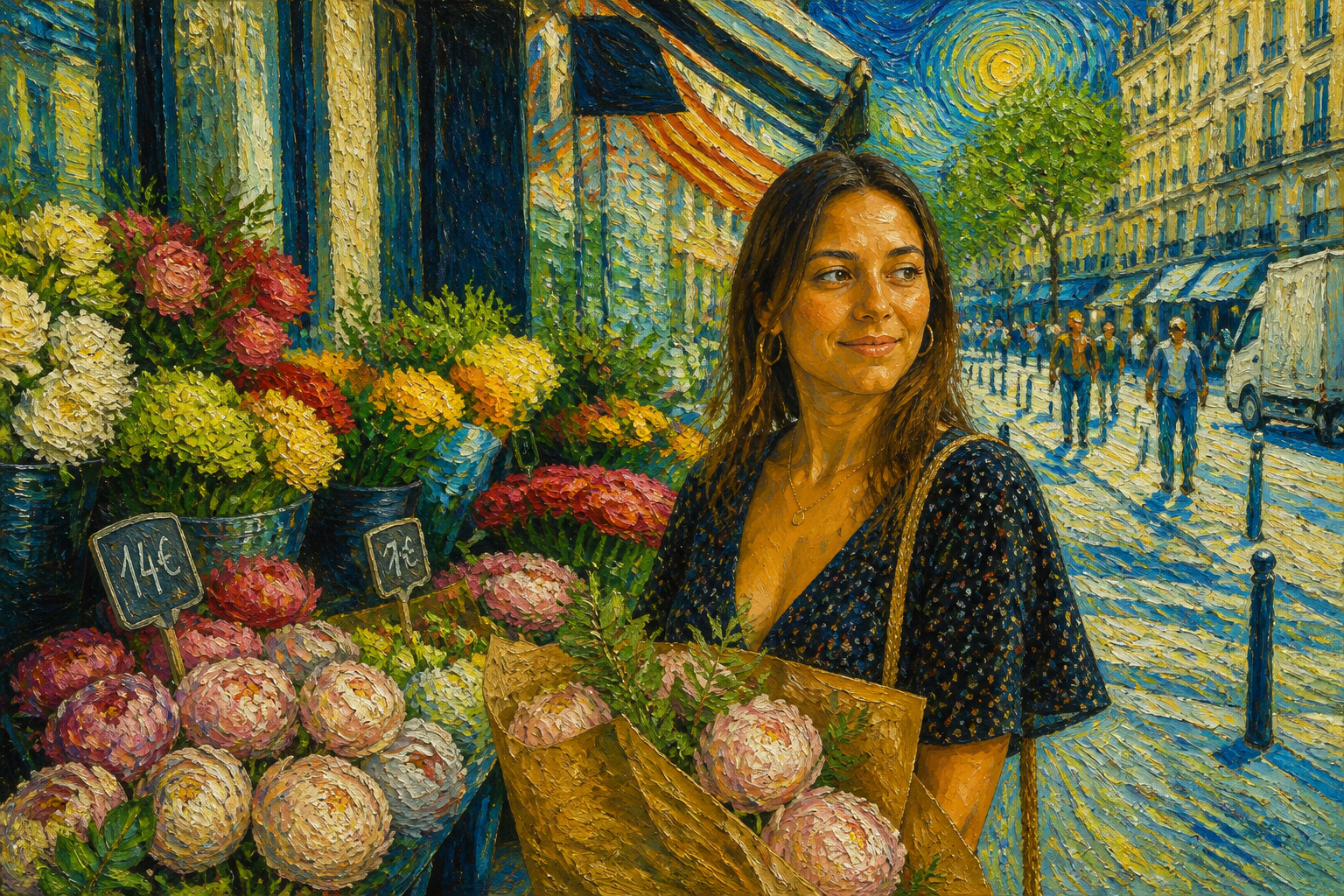
Strong painterly transformation
The edit pushes your image into a clear Van Gogh-inspired look instead of a barely changed filter. Thick brushwork, textured paint, and vivid color make the result readable at a glance. That matters on social posts, thumbnails, and prints where subtle edits often disappear. You get a visible style change without manually painting every detail.
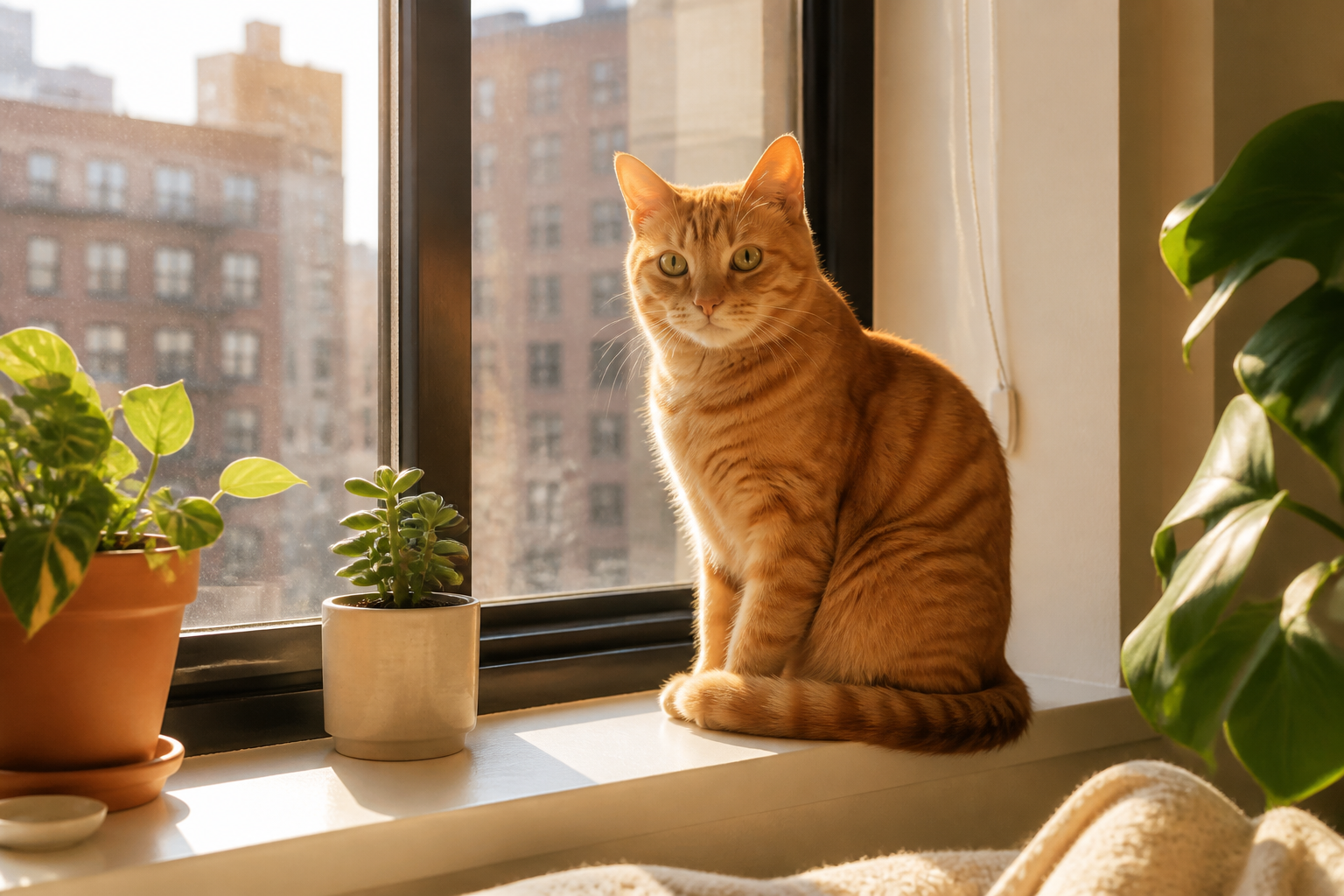
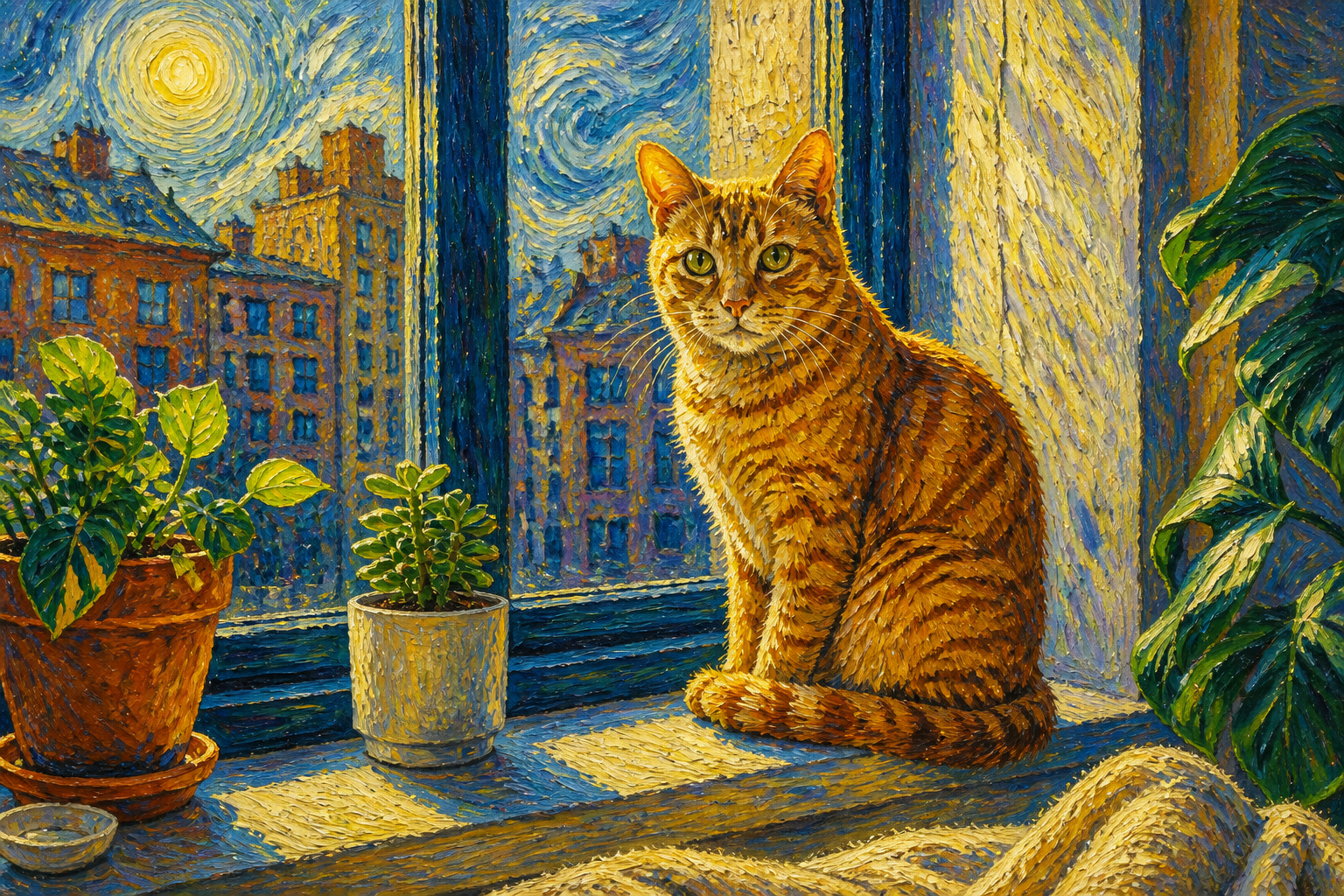
Works on many subjects
You can apply the same Van Gogh-style treatment to portraits, rooms, pets, streets, and open landscapes. The tool adapts the brushwork to the scene instead of flattening everything into one generic pattern. That makes it useful whether you are editing a selfie, travel photo, or product mood shot. It is faster than building separate style workflows for each image type.
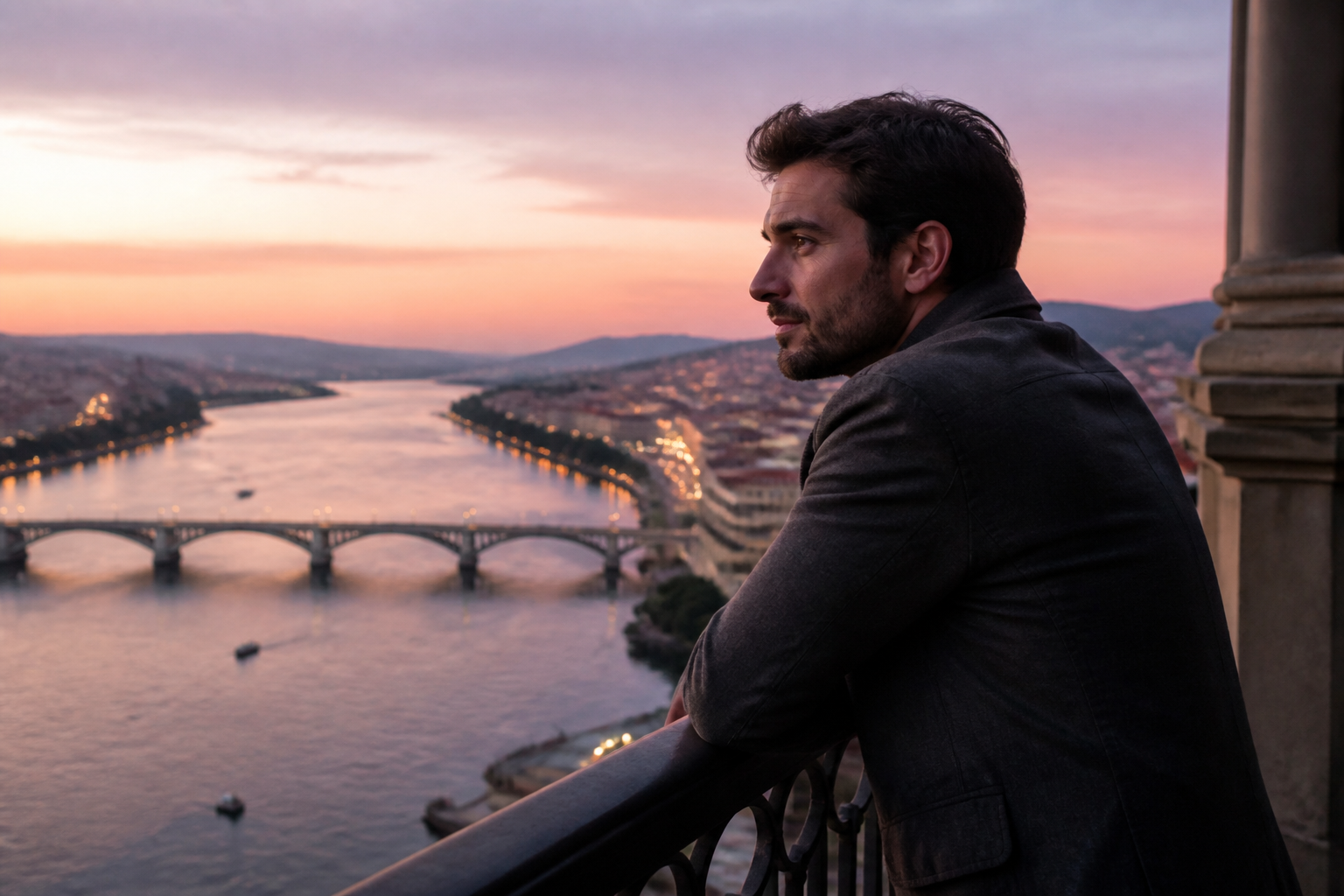
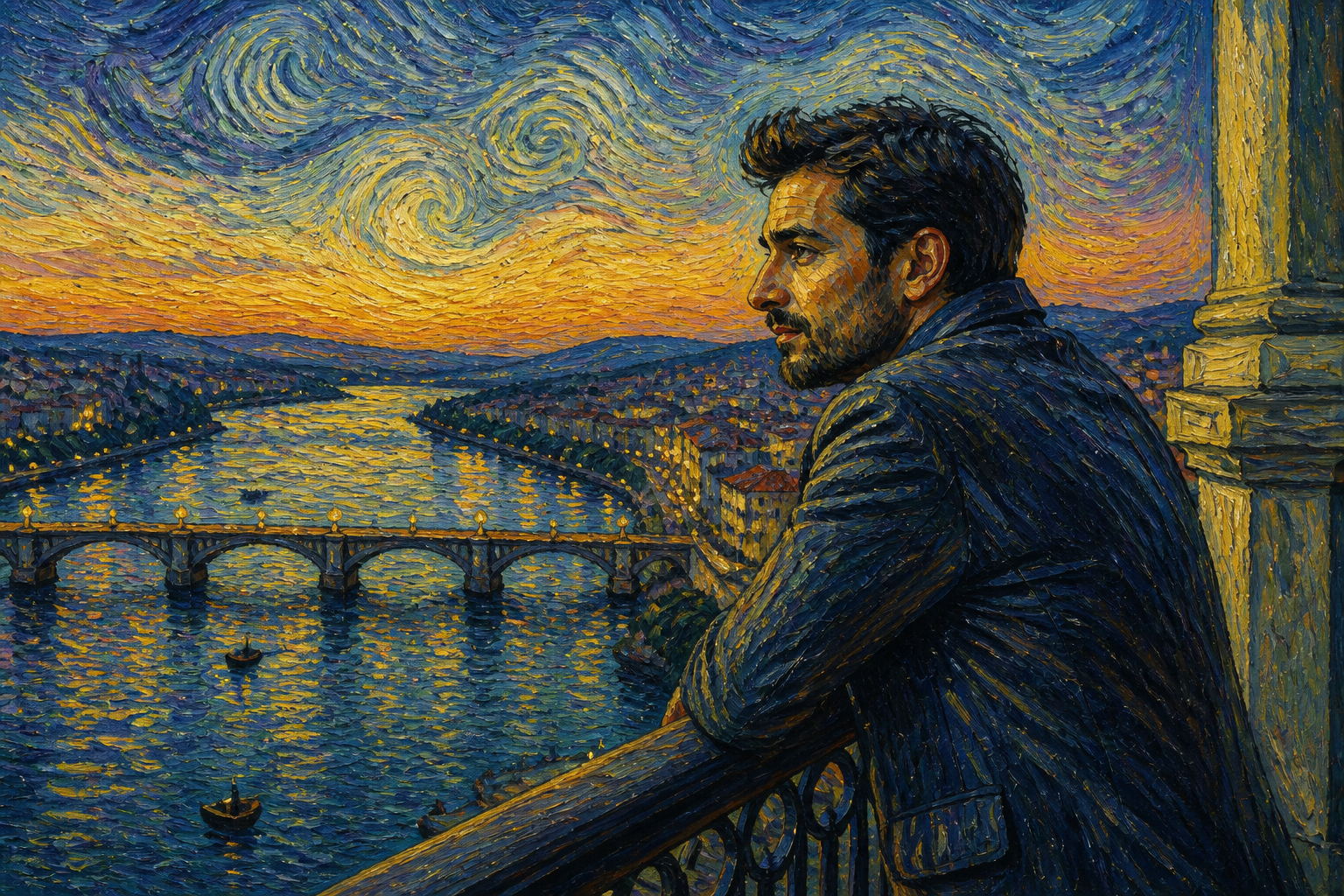
Keeps composition recognizable
A good style transfer should change the surface look without losing the original shot. This edit keeps the subject placement, pose, and overall framing intact while changing color and texture dramatically. That is helpful when you already like the photo and only want a new artistic finish. It also saves time compared with recreating the whole scene from scratch.
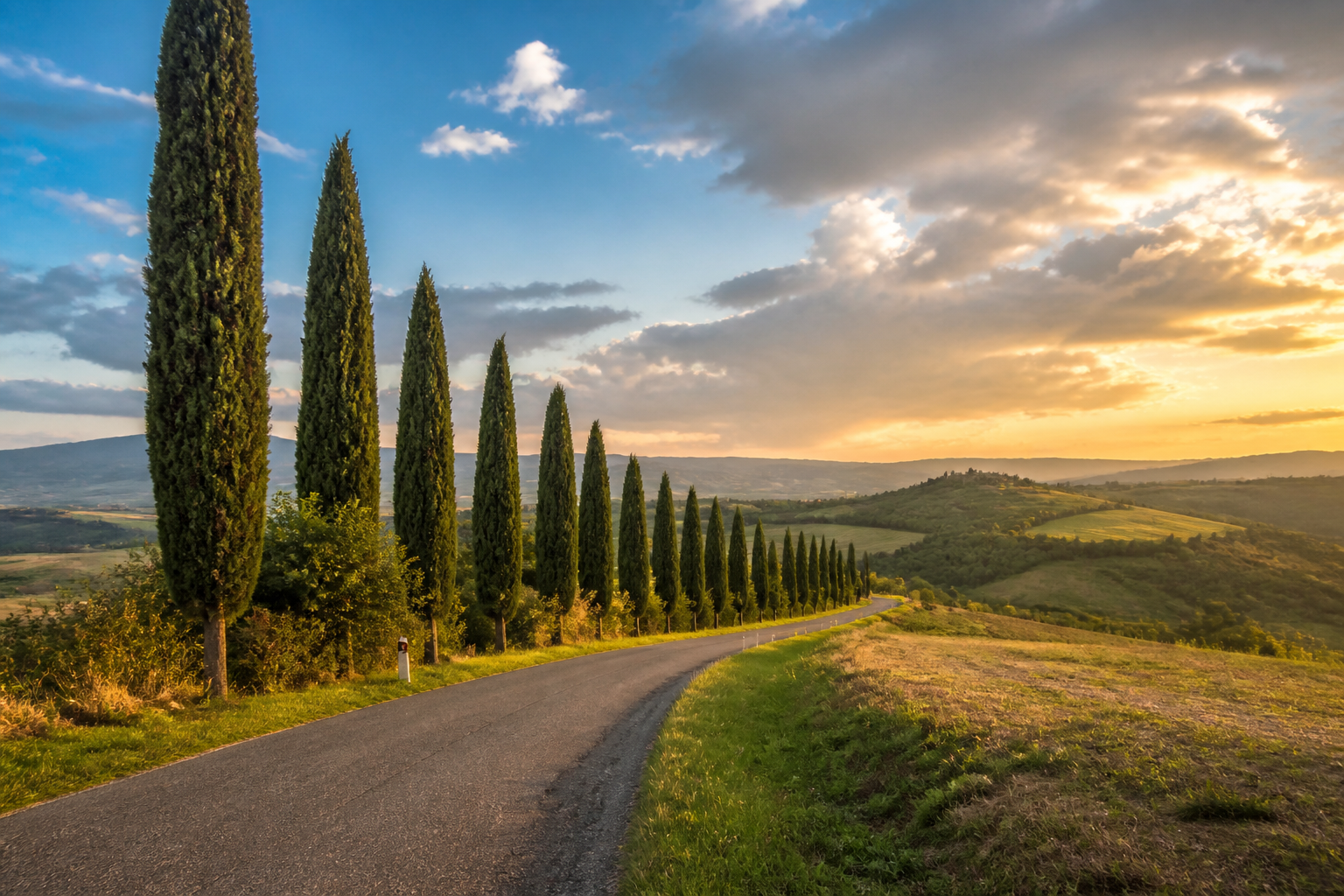
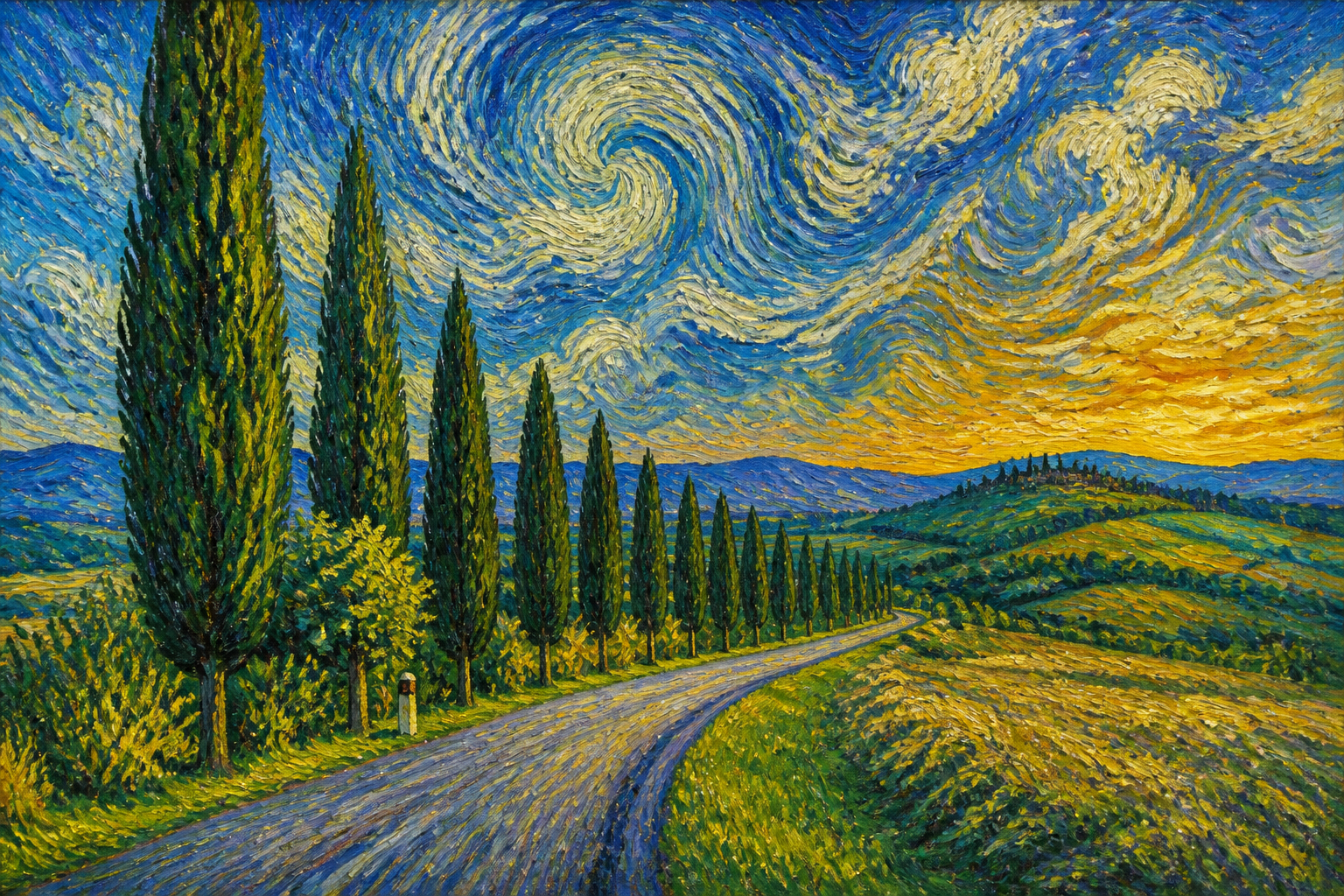
Fast creative variations
It is easy to try different source photos and generate multiple painterly versions for the same project. That helps when you need options for thumbnails, posters, profile banners, or mood boards. Instead of manually experimenting with brush textures and color grading, you can move from idea to usable draft quickly. The result is a faster creative loop with a consistent art direction.
How It Works
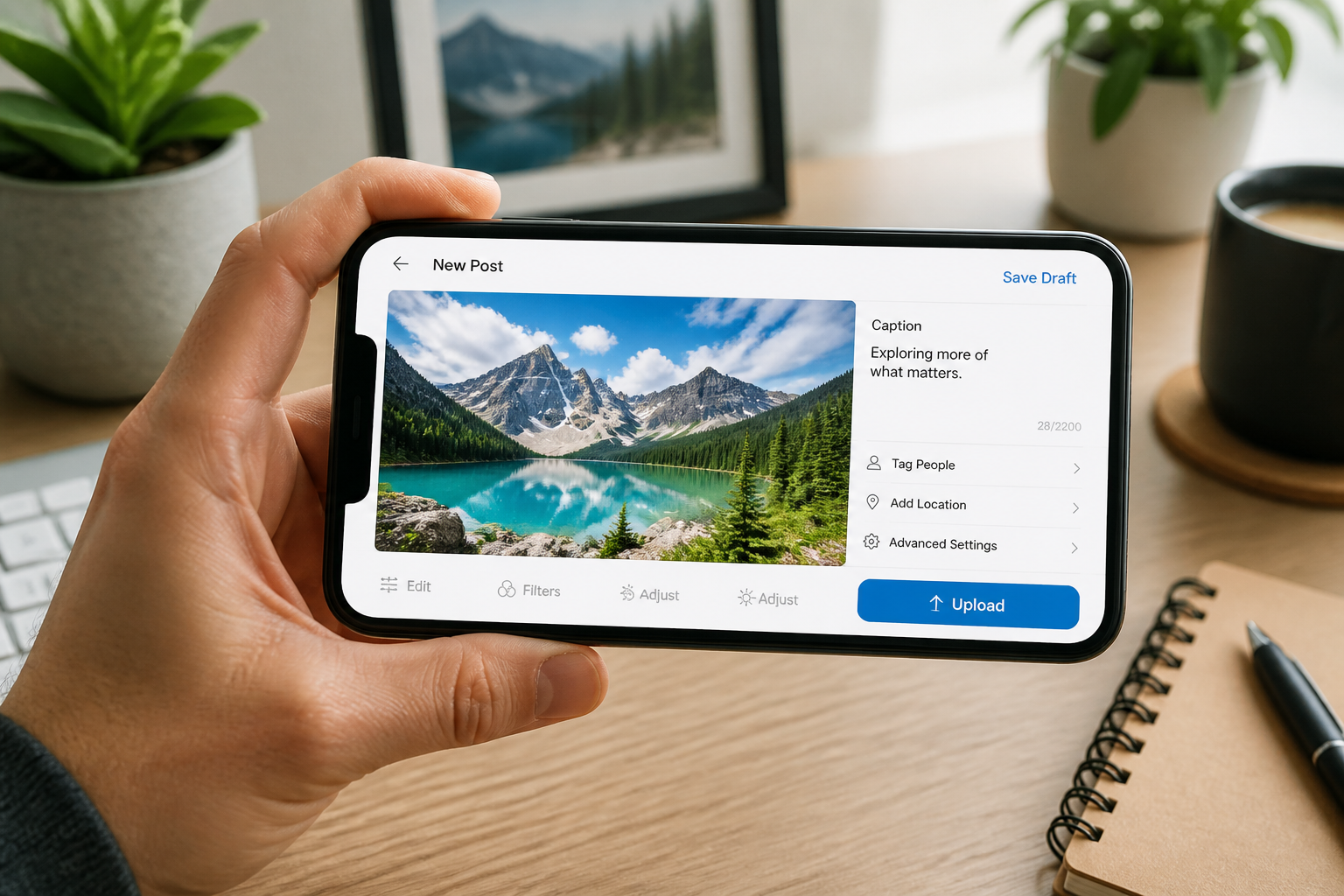
Upload your image
Start with a portrait, landscape, pet photo, or interior shot. Clear subjects and strong lighting usually create the most striking painterly results.
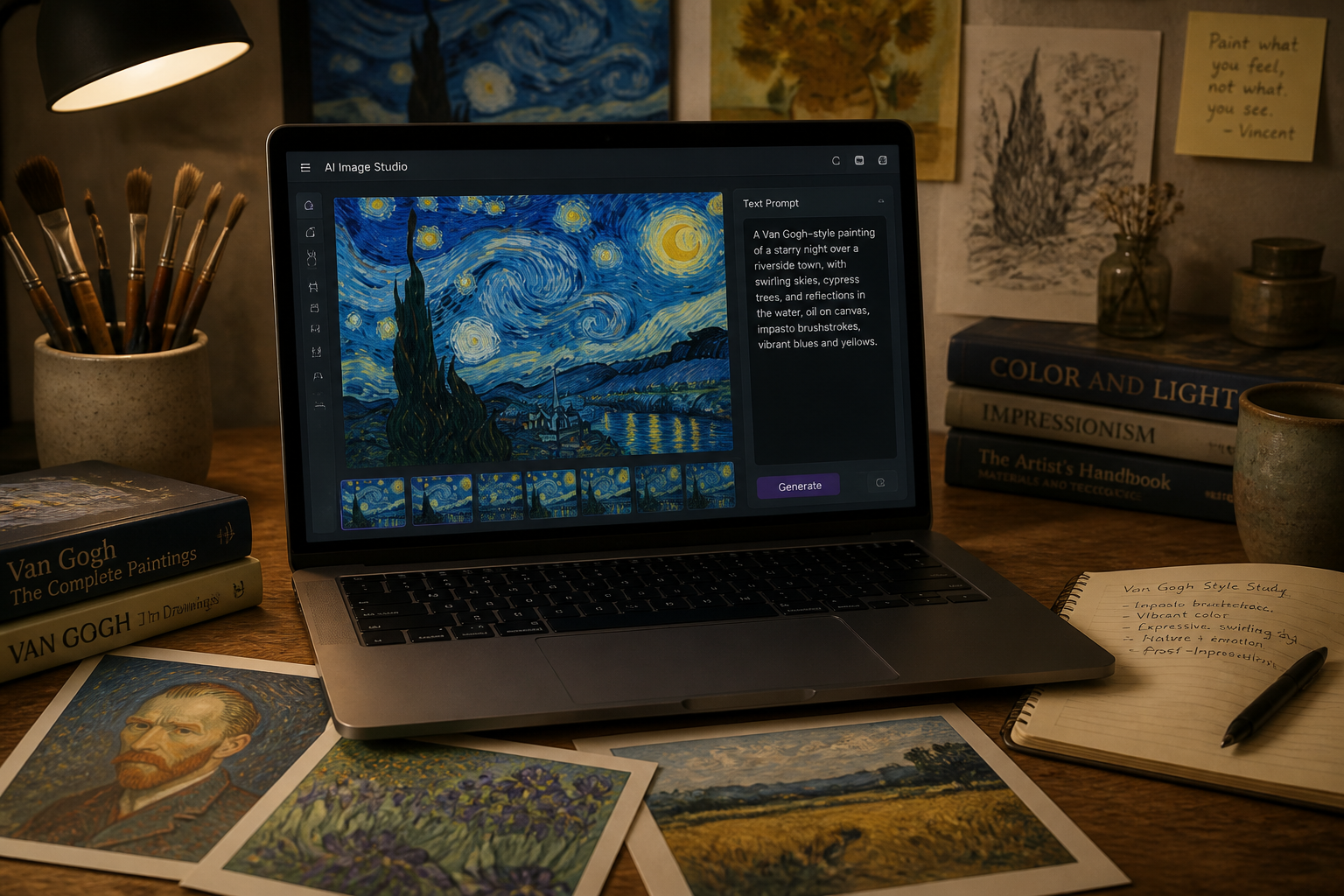
Choose the Van Gogh look
Apply the Van Gogh filter and refine your prompt if you want a stronger painterly effect. Focus on brushwork, color intensity, and swirling texture in your description.
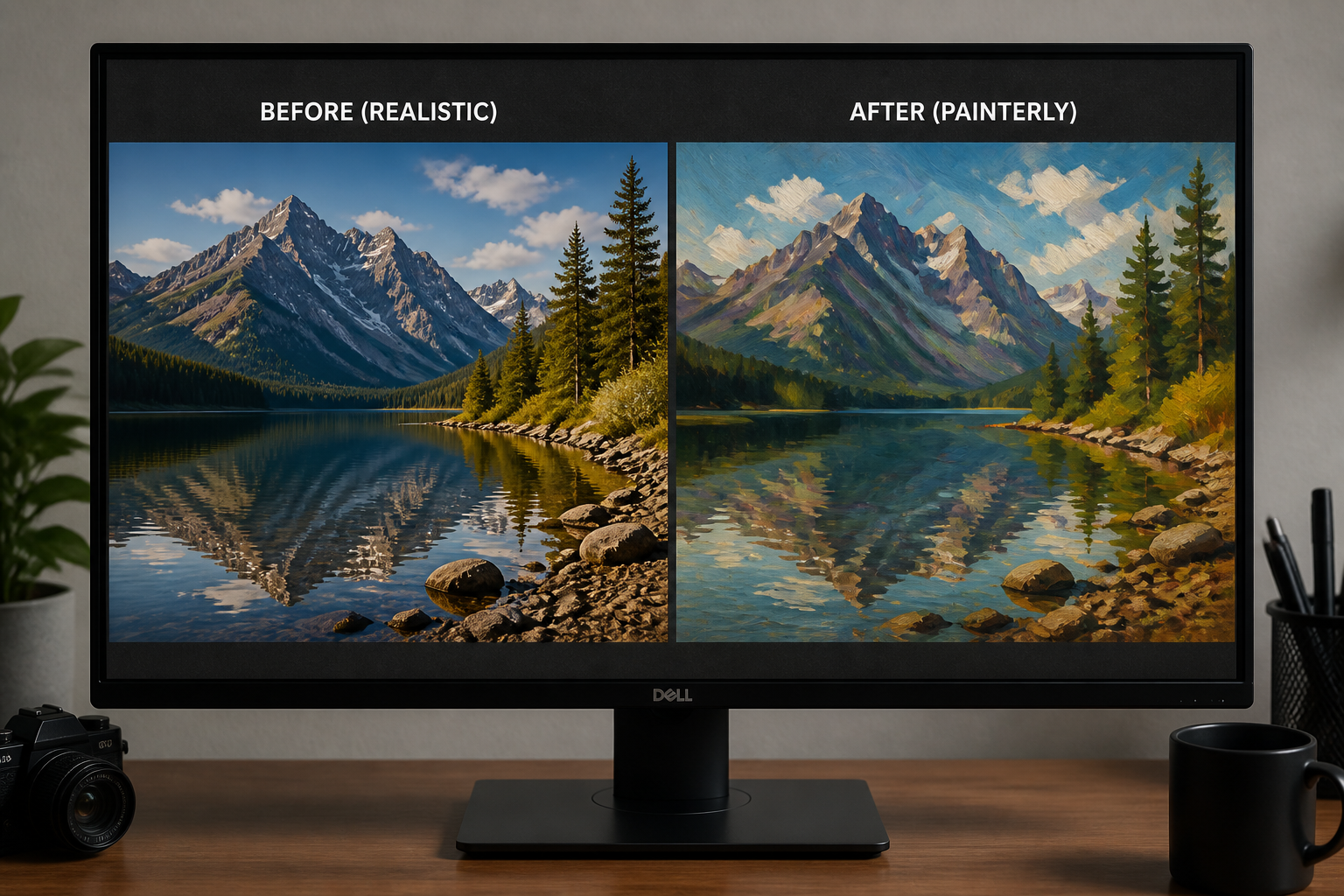
Preview and download
Compare the original and the stylized version side by side. When the composition and texture look right, save the version you want to share or print.
Perfect For
Discover how creators and professionals use van gogh filter
Social media posts
Turn everyday photos into bold painterly images that stand out in feeds, thumbnails, and stories.
Wall art and prints
Convert personal photos into Van Gogh-style artwork for framed prints, gifts, or home decor.
Creative mood boards
Use stylized images to build visual direction for campaigns, shoots, and brand presentations.
Travel photo restyling
Give city scenes, villages, and landscapes a vivid post-impressionist look without repainting them by hand.
Built For
Creators and influencers
Make eye-catching painterly visuals for posts, thumbnails, banners, and profile content.
Designers and marketers
Generate stylized campaign drafts and visual concepts from existing photos quickly.
Anyone editing personal photos
Turn portraits, pets, homes, and travel shots into expressive artwork in a few steps.
Why use this Van Gogh filter
A quick look at how we compare on the things that matter for this niche.
| Feature | BudgetPixel | Generic AI editors | Manual editing apps |
|---|---|---|---|
| Clear Van Gogh-style transformation | ✓ | — | — |
| Keeps original composition | ✓ | — | ✓ |
| Fast from one photo | ✓ | ✓ | — |
| No painting skills required | ✓ | ✓ | — |
Frequently Asked Questions
What does the Van Gogh filter do?
Can I use it on portraits and selfies?
Does it only work on landscapes?
Will my photo still look like the original composition?
What kind of source image works best?
Create together.
Share your creations, discover trending AI art, and grow with fellow creators.