AI Face Swap
Replace a face in any photo with a bold, clear new look
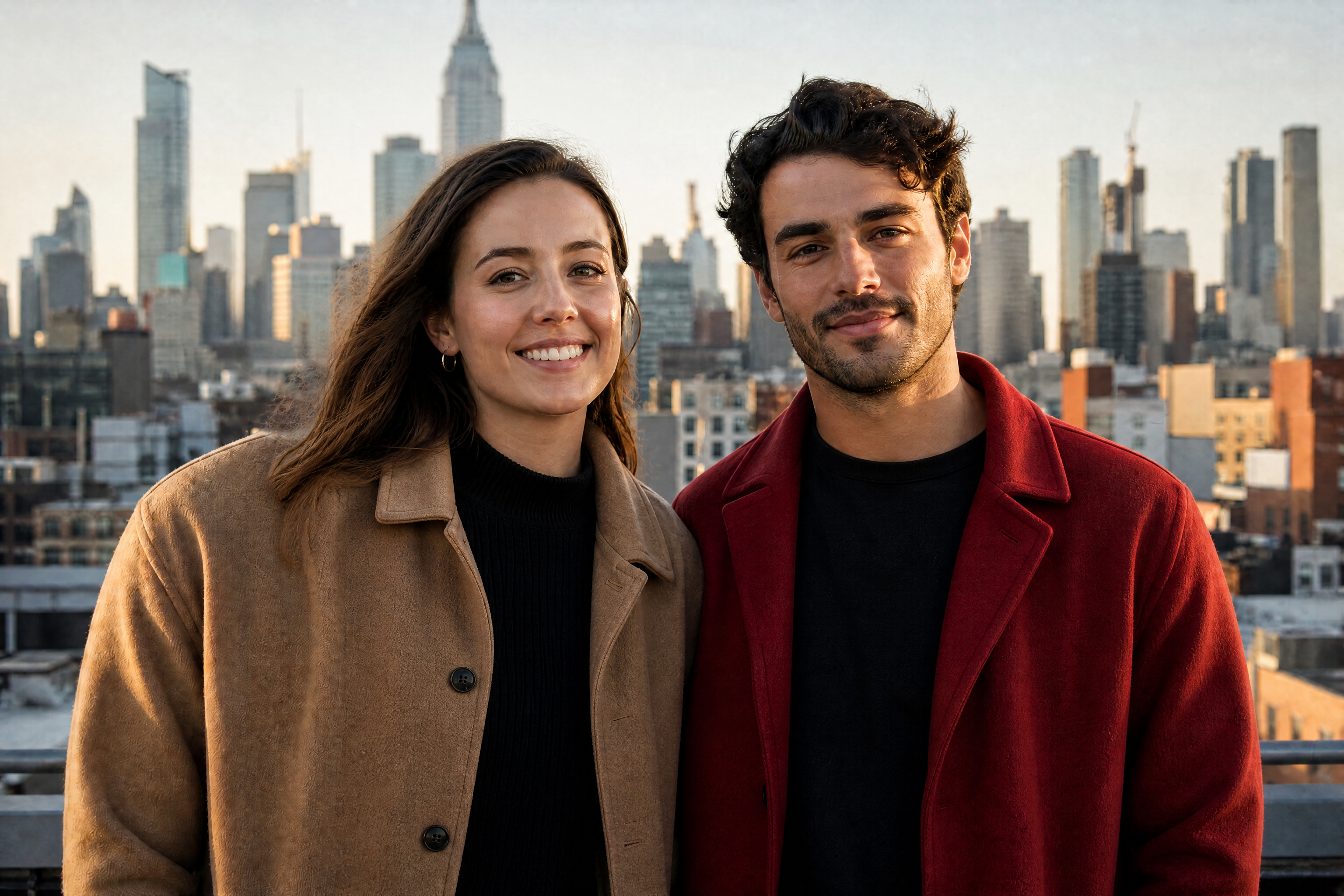
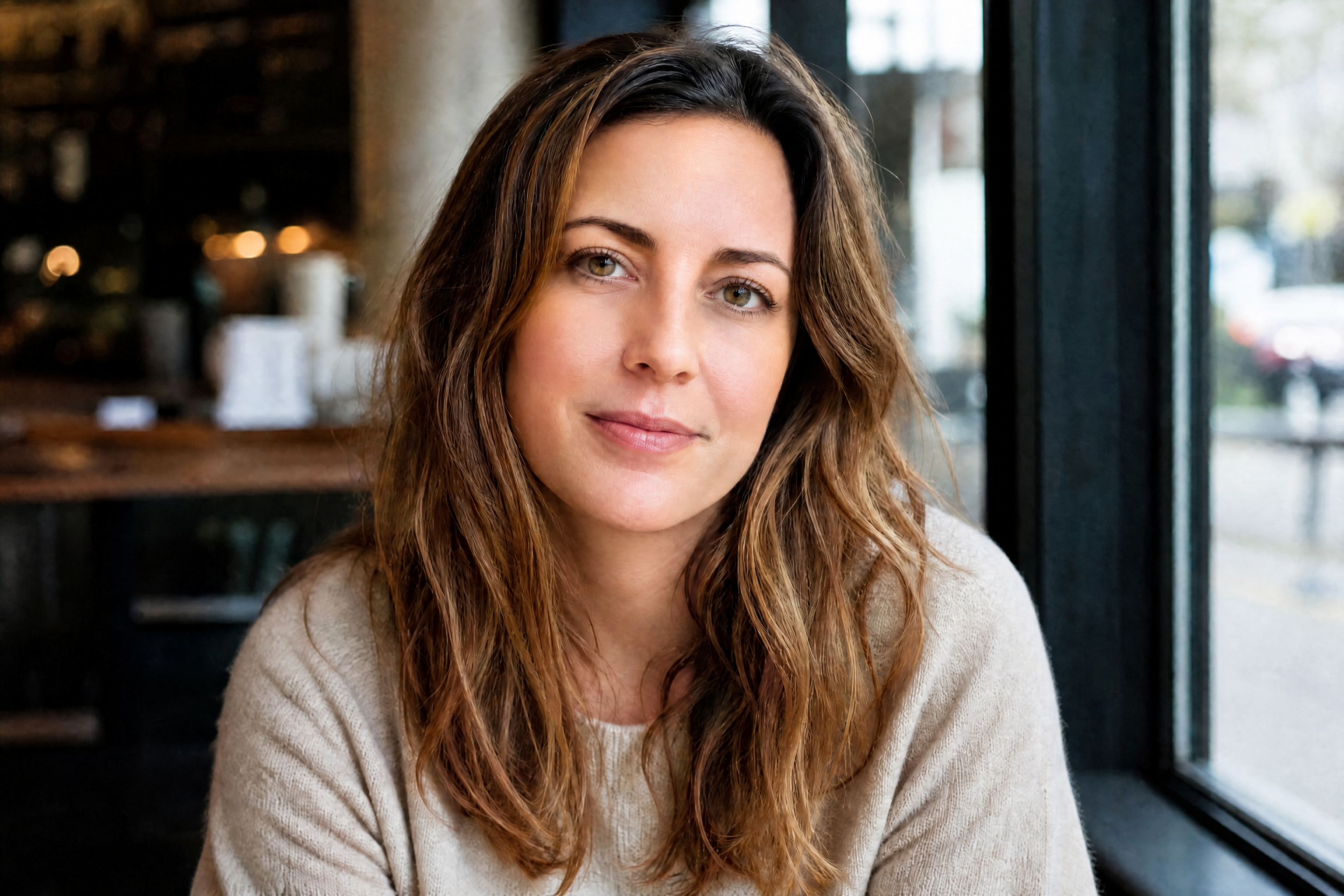
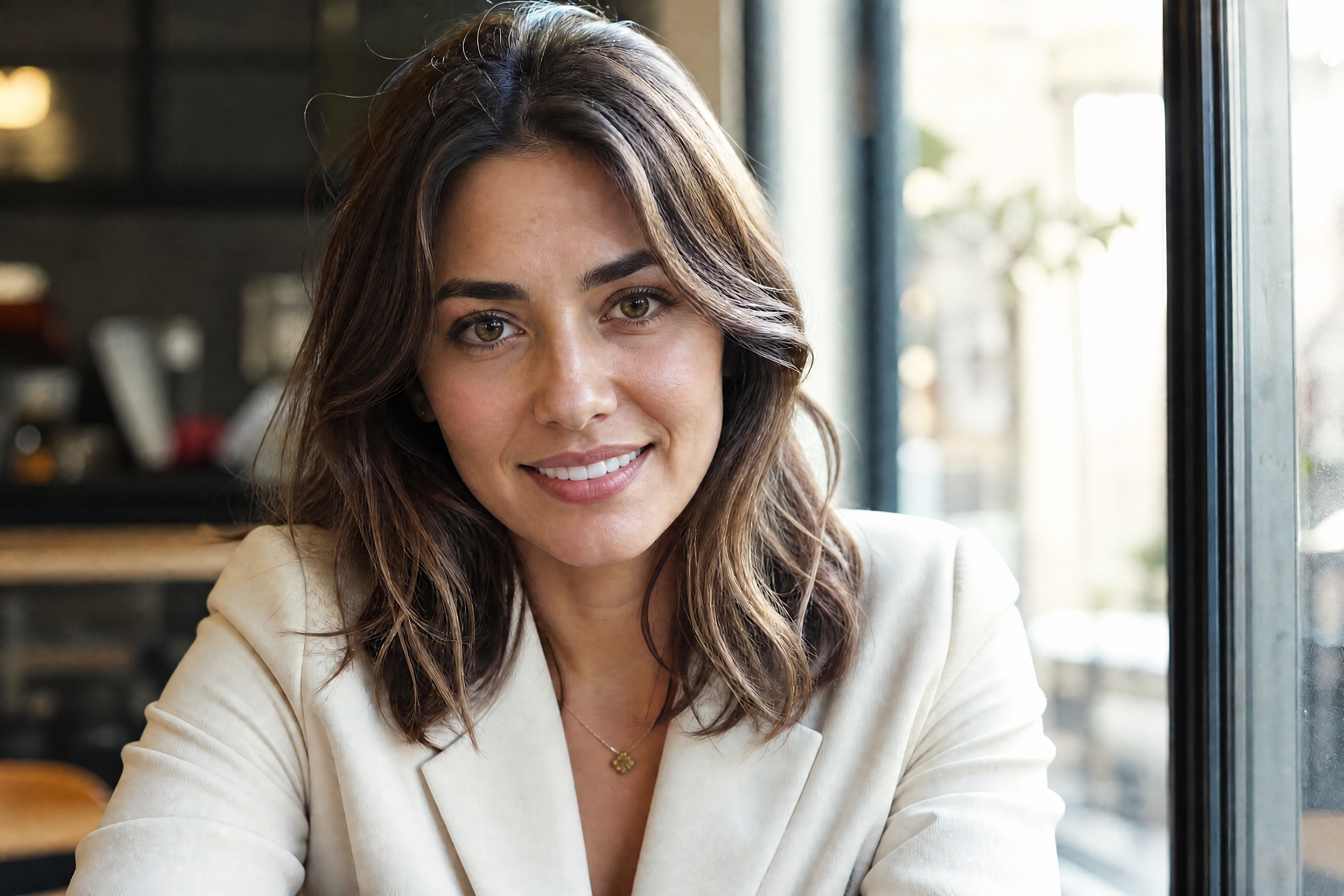
BudgetPixel's AI Face Swap lets you dramatically swap a subject's face while preserving the original pose, outfit, lighting, and scene. Use it for realistic edits, stylized portraits, social content, and fast concept mockups without manual masking.
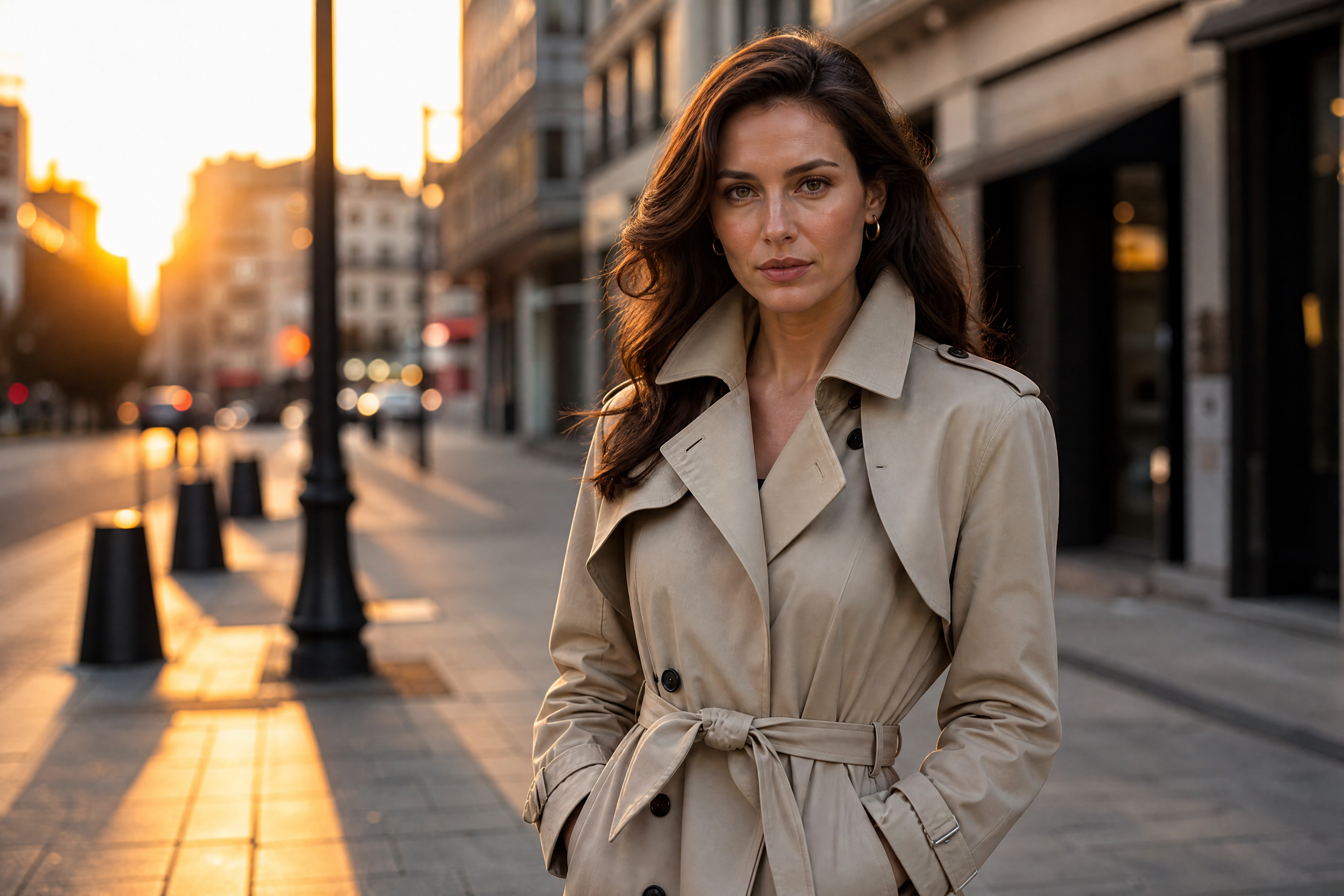
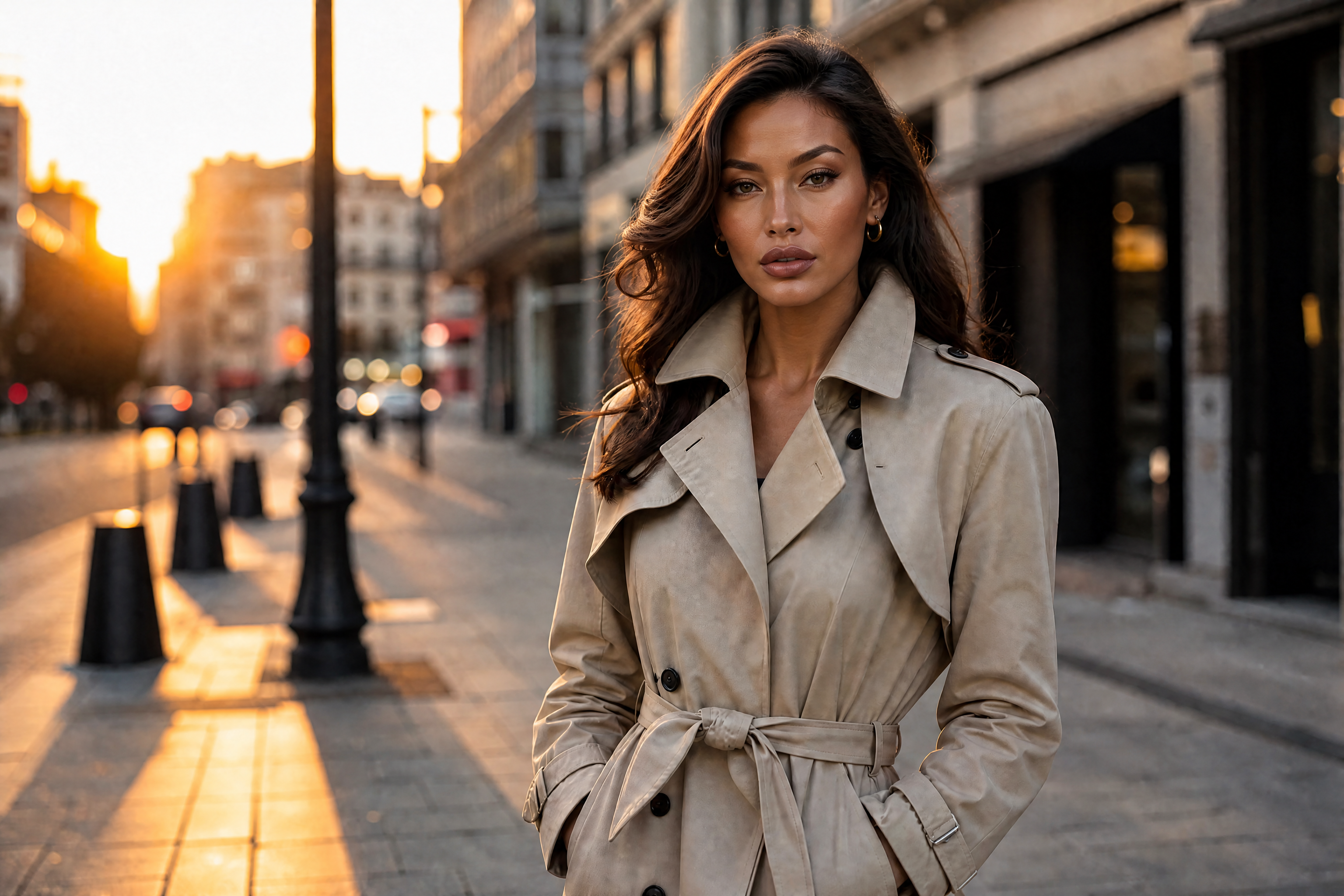
Watch the Transformation
See ai face swap in motion — generated end-to-end by our AI.
See It In Action
Real outputs from ai face swap.
BEFOREAFTER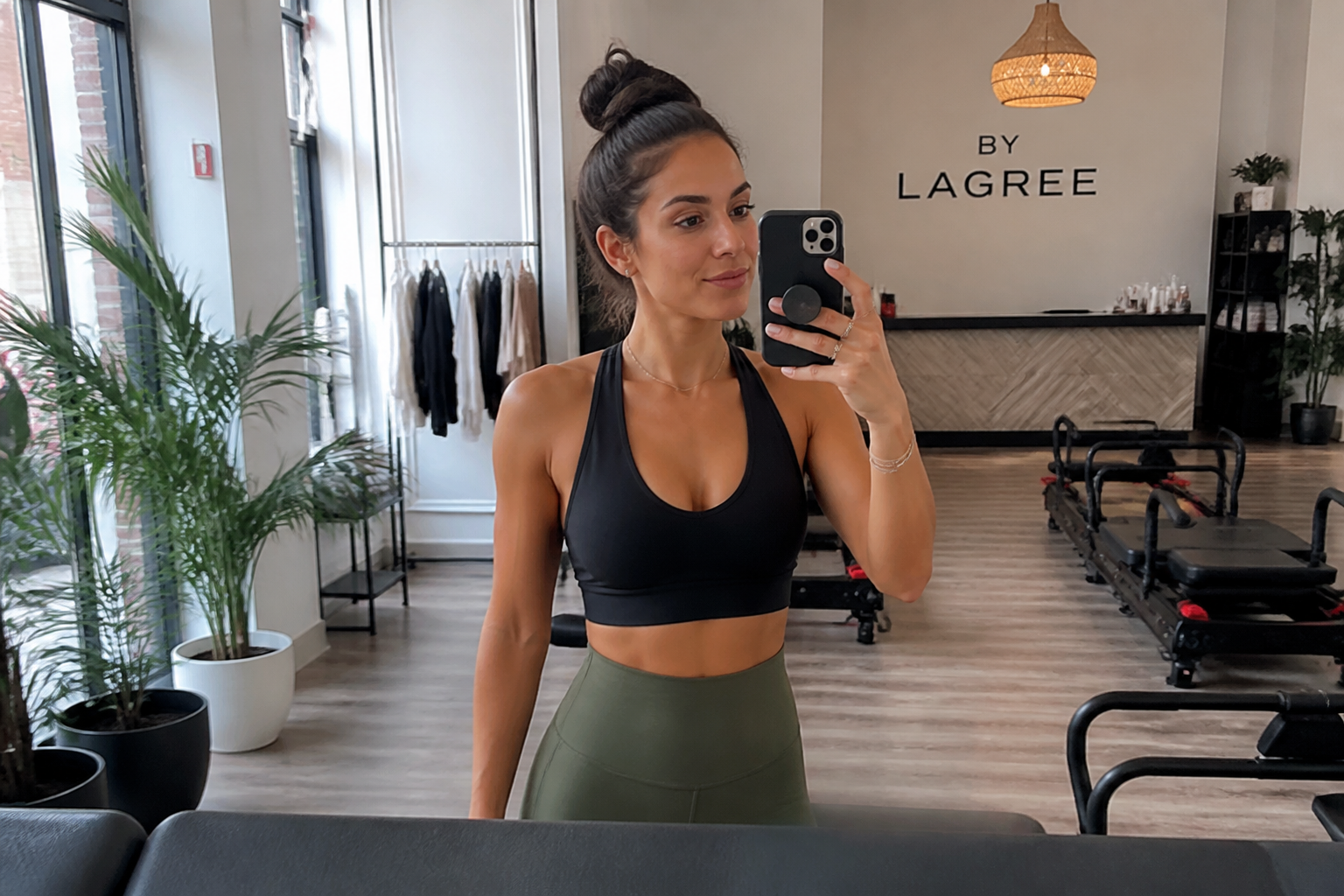 BEFORE
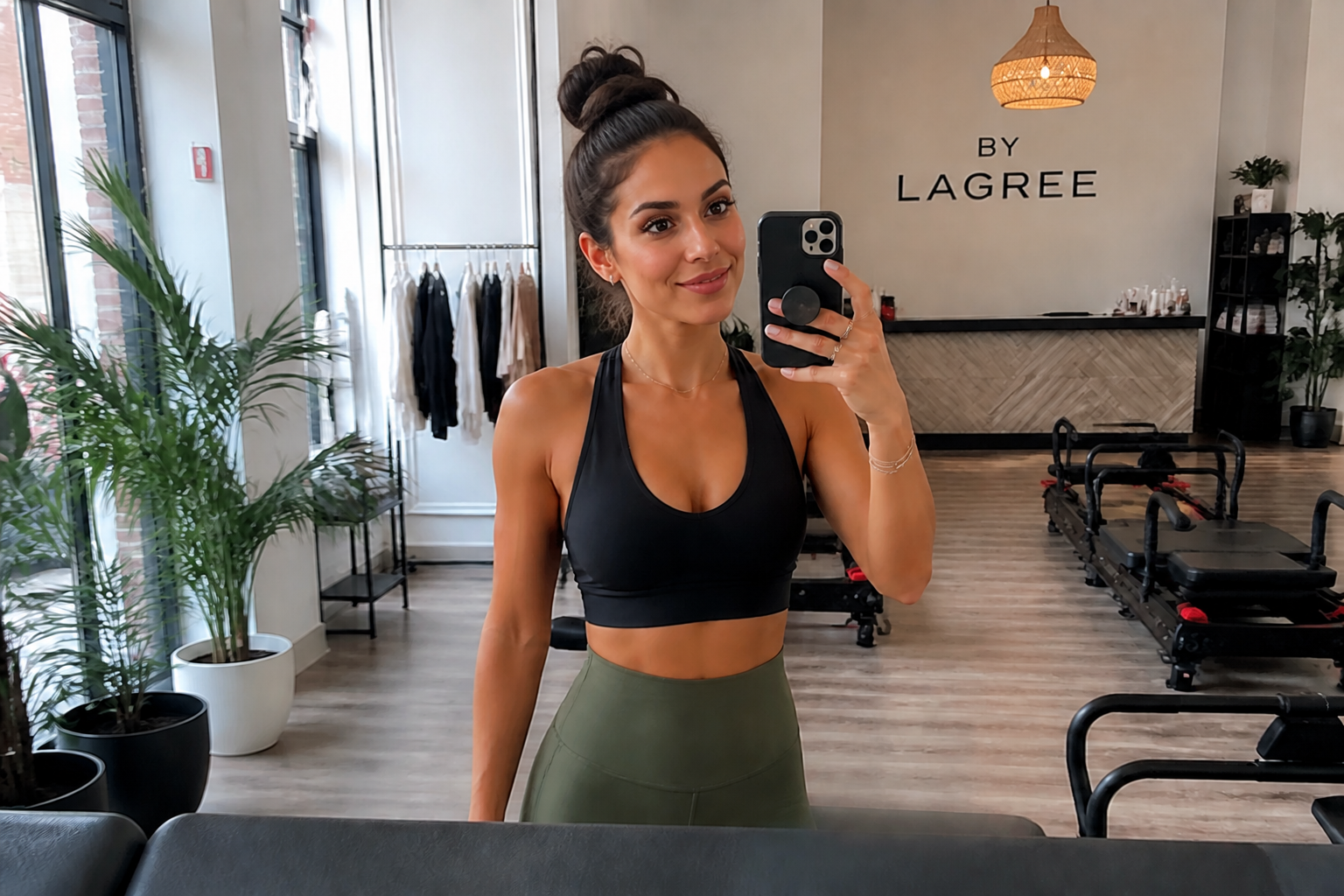 AFTER
AFTER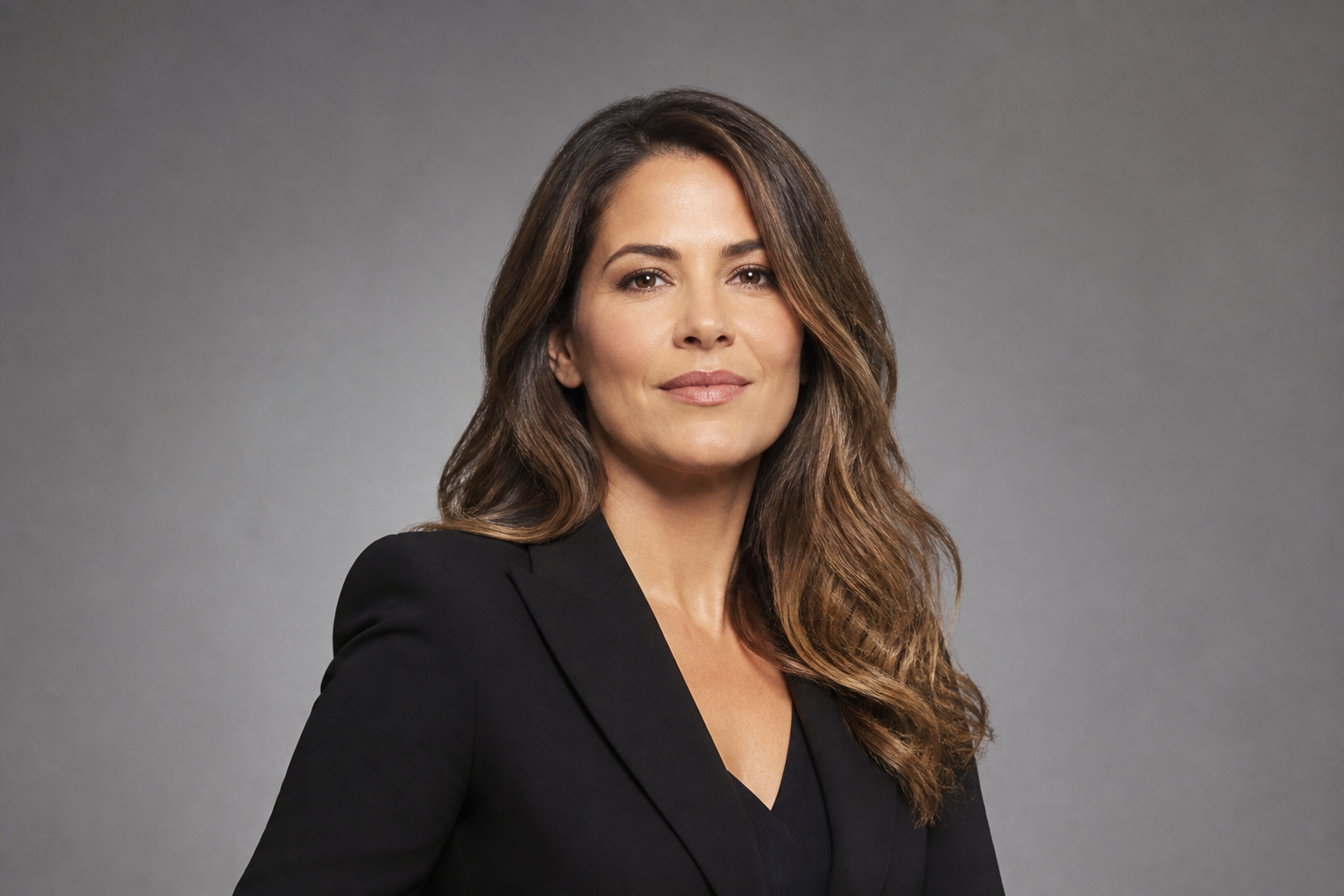 BEFORE
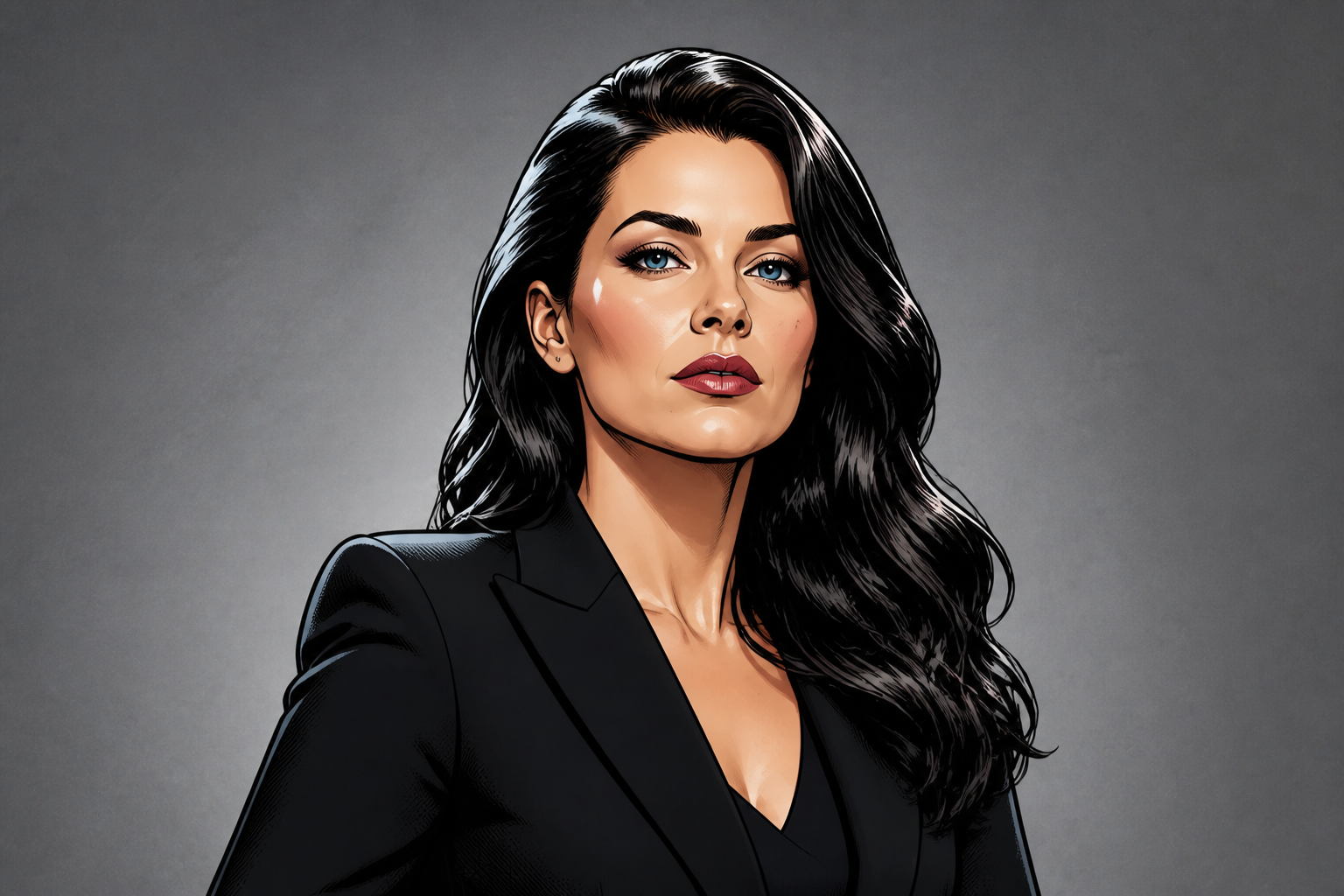 AFTER
AFTER BEFORE
 AFTER
AFTER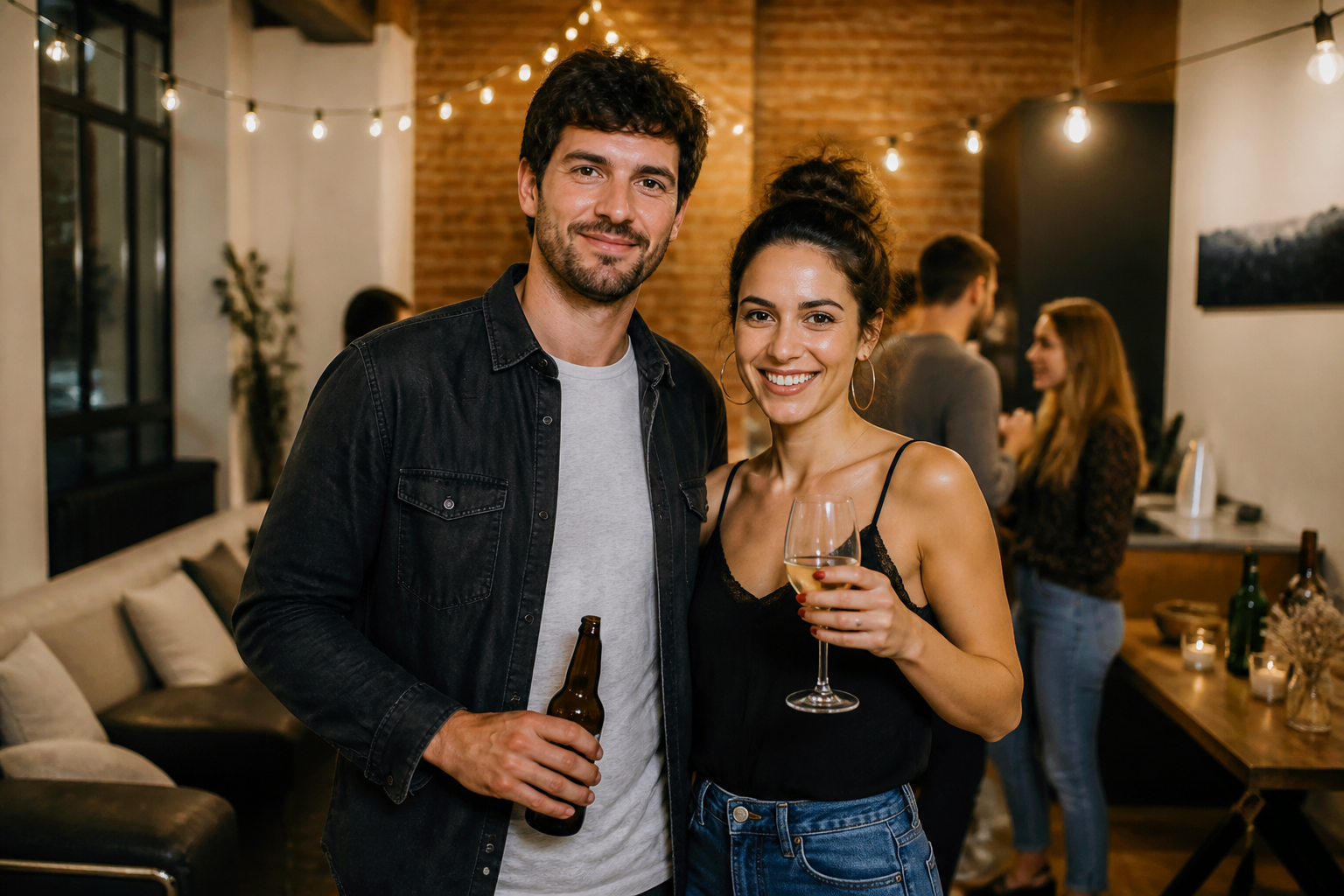 BEFORE
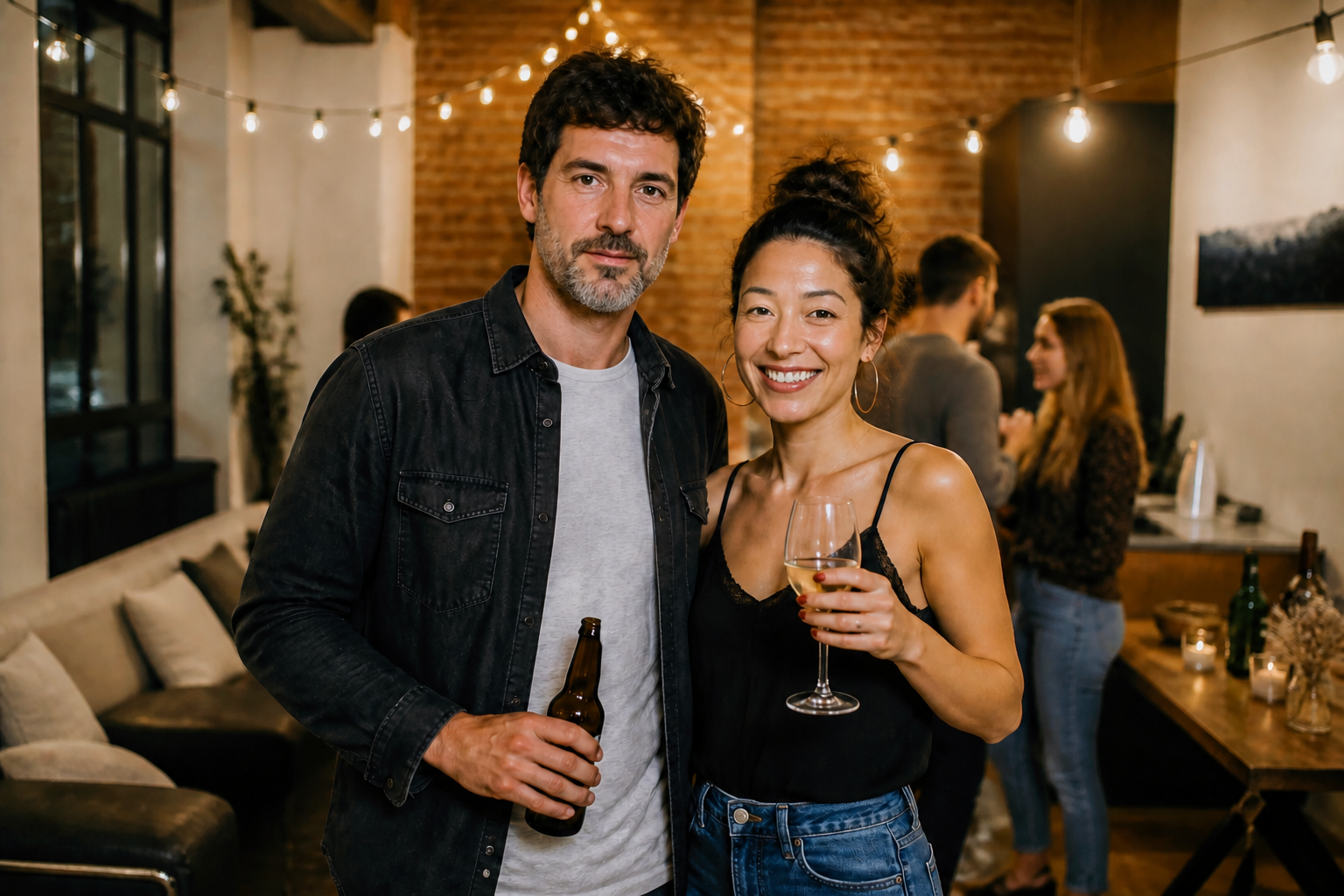 AFTERBEFOREAFTERBEFOREAFTERBEFOREAFTERBEFOREAFTERBEFOREAFTER
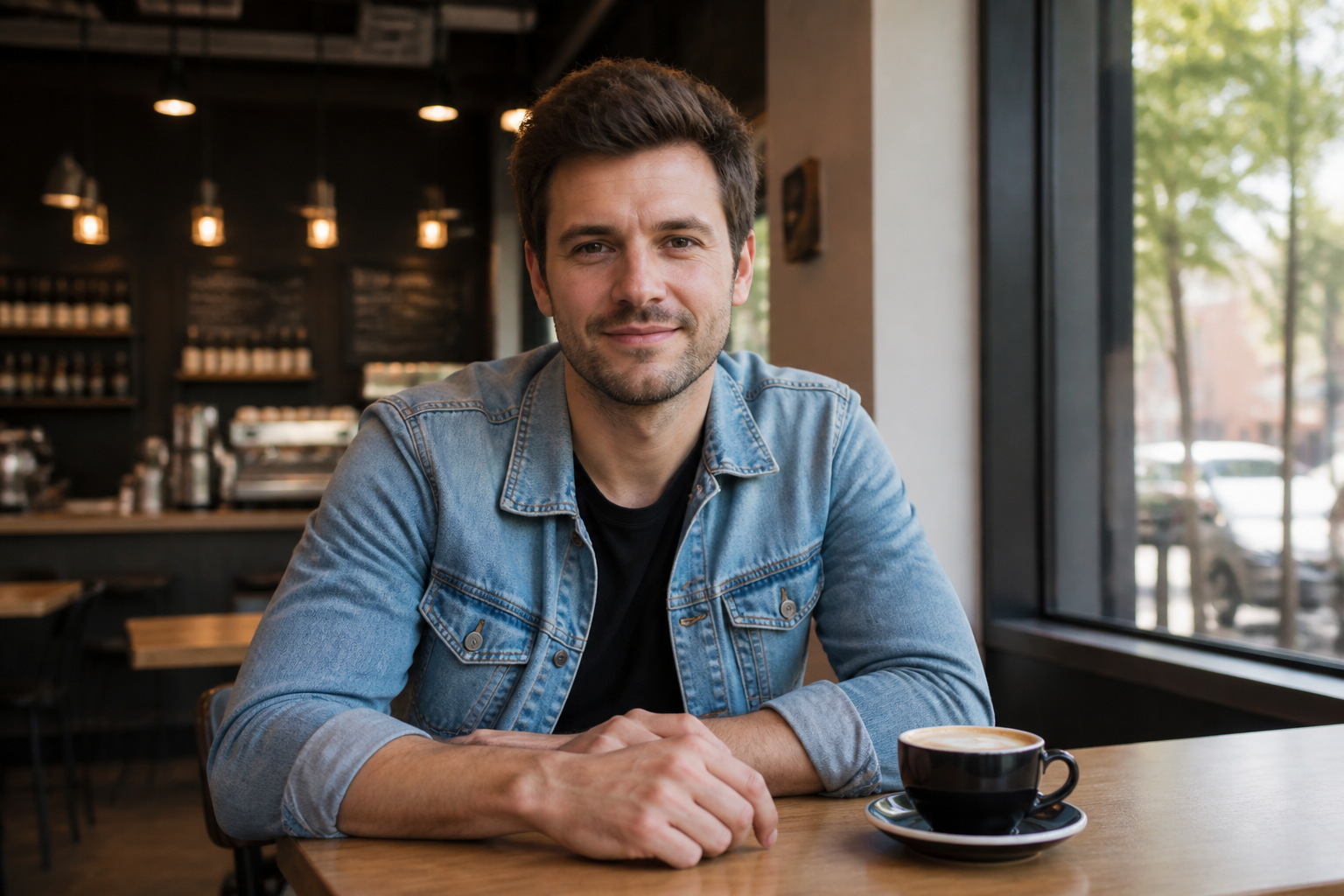 BEFORE
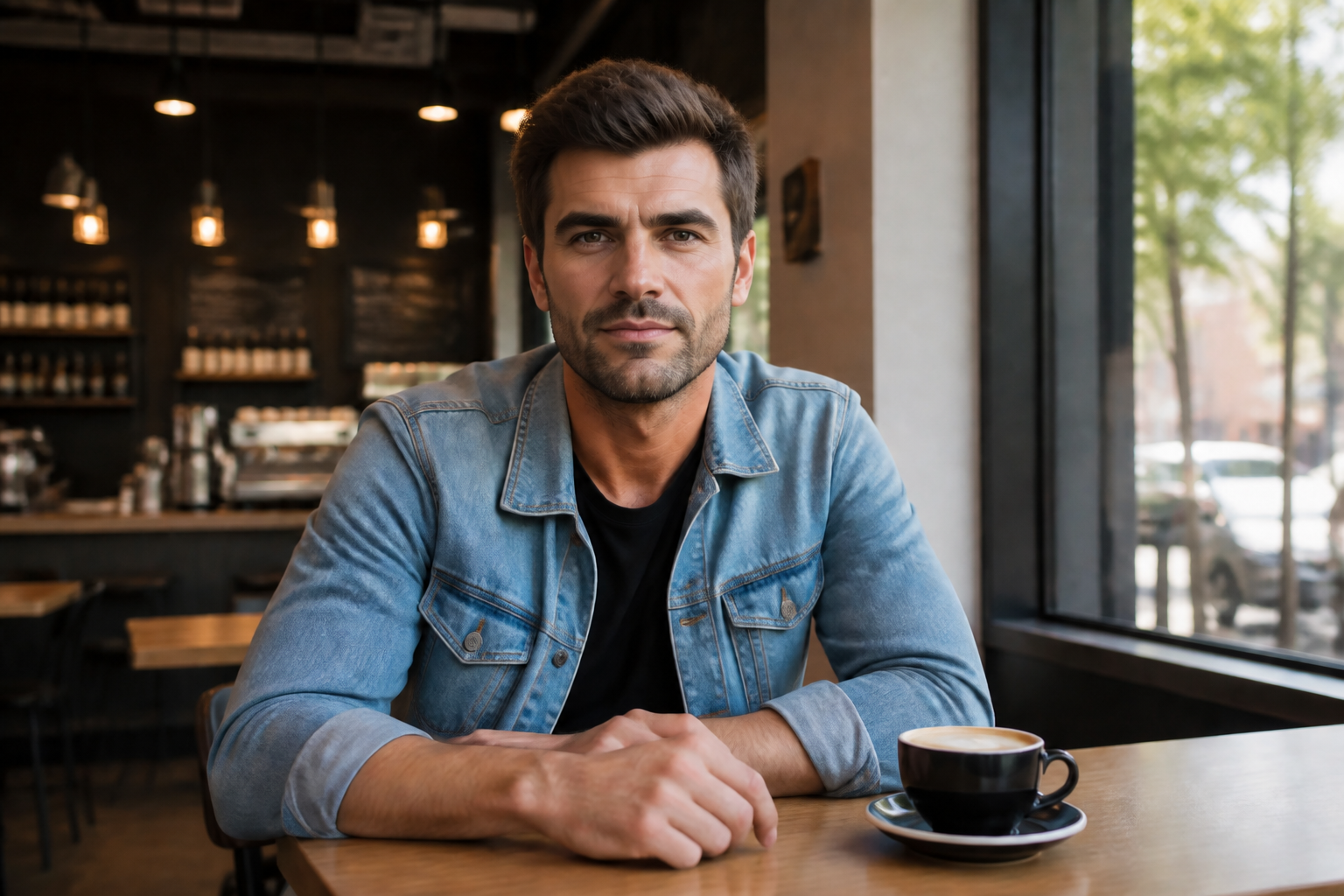 AFTER
AFTER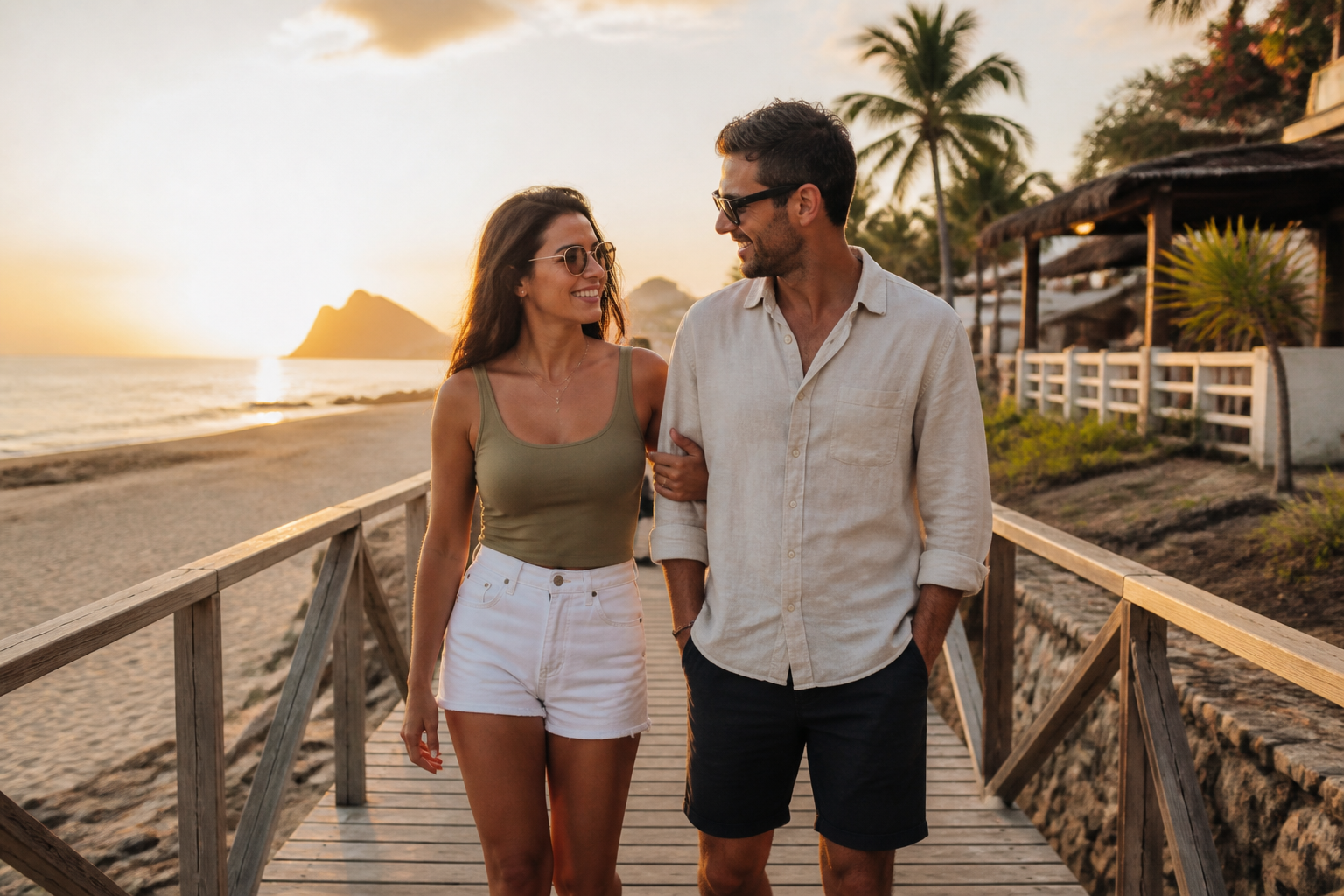 BEFORE
 AFTER
AFTER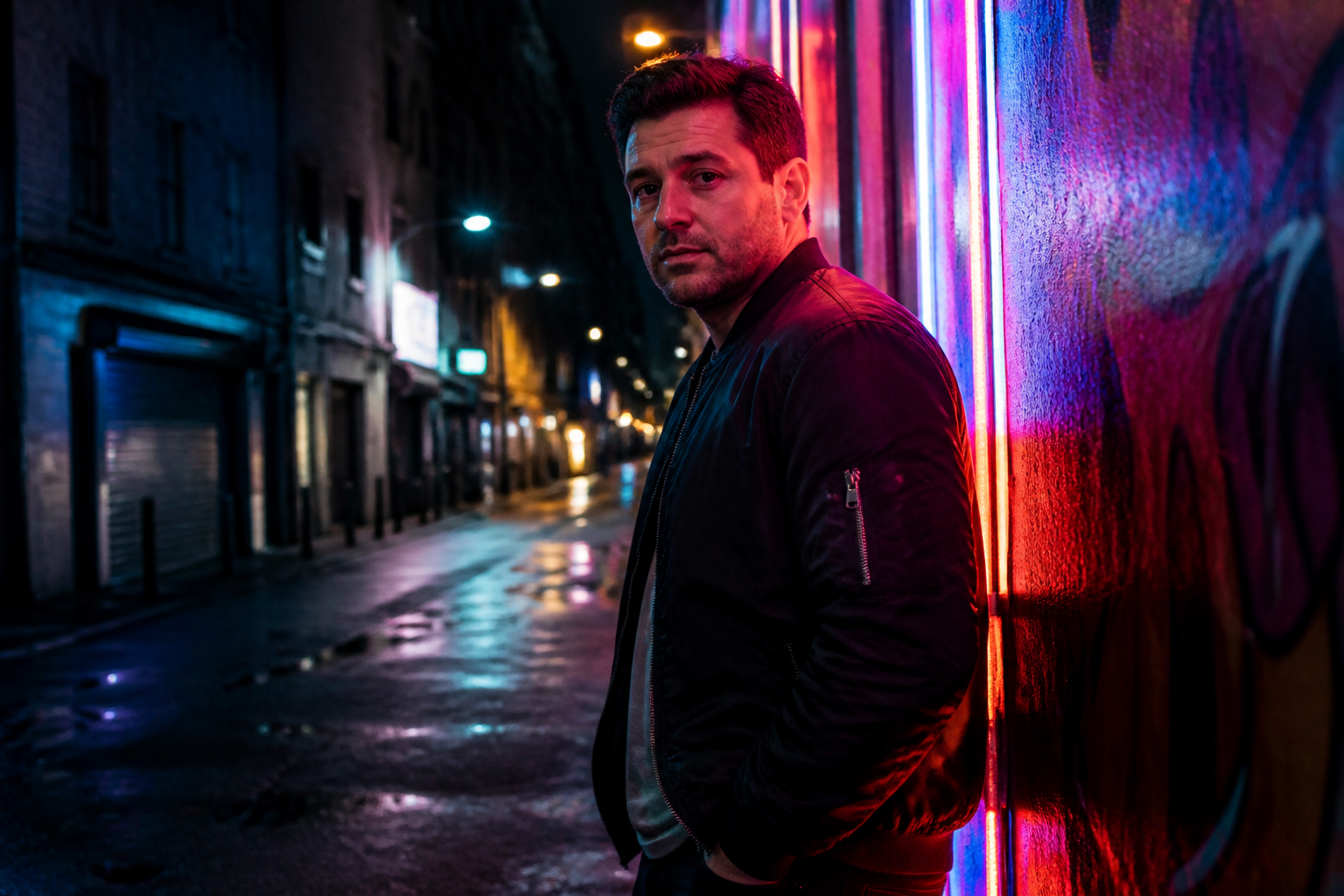 BEFORE
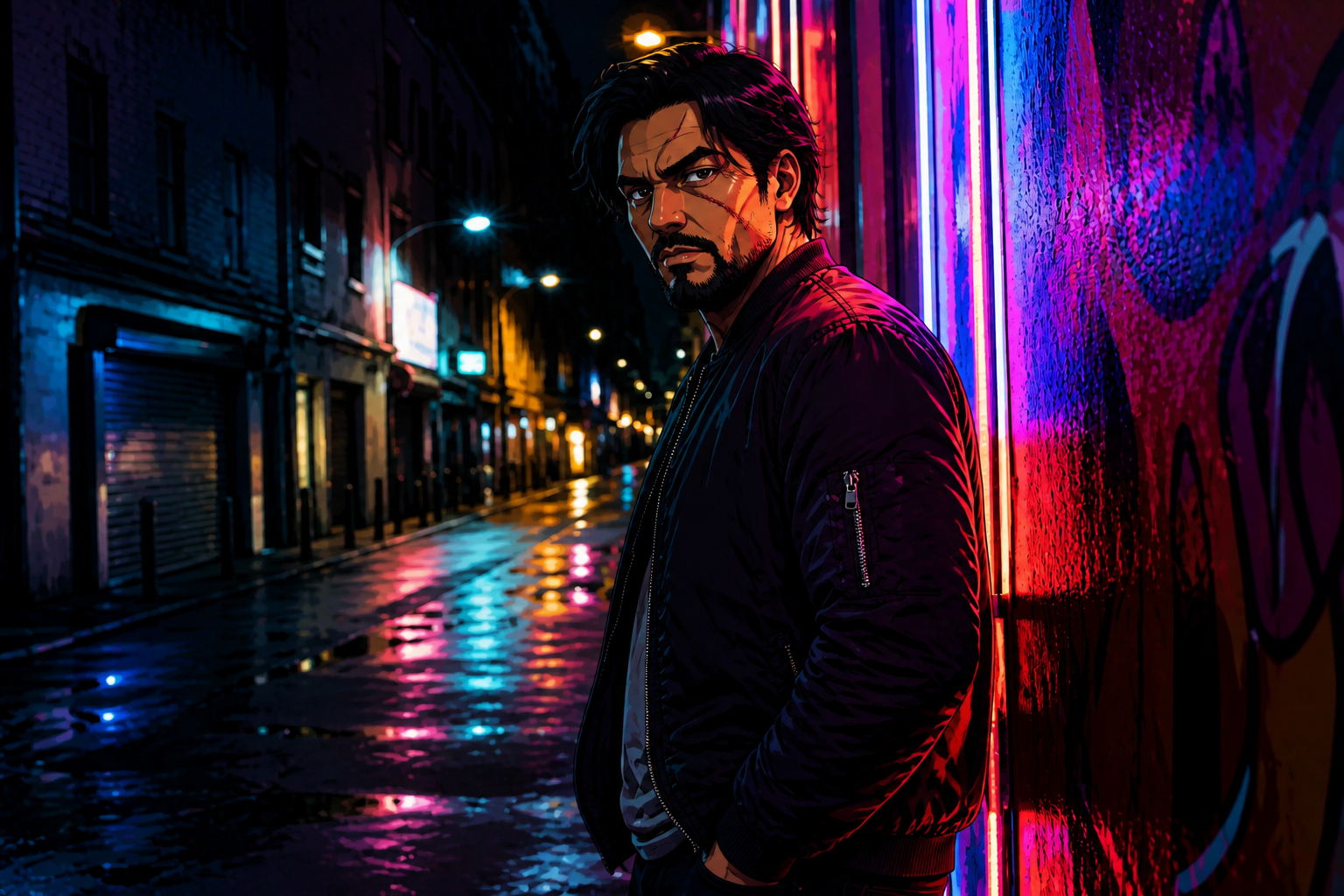 AFTER
AFTER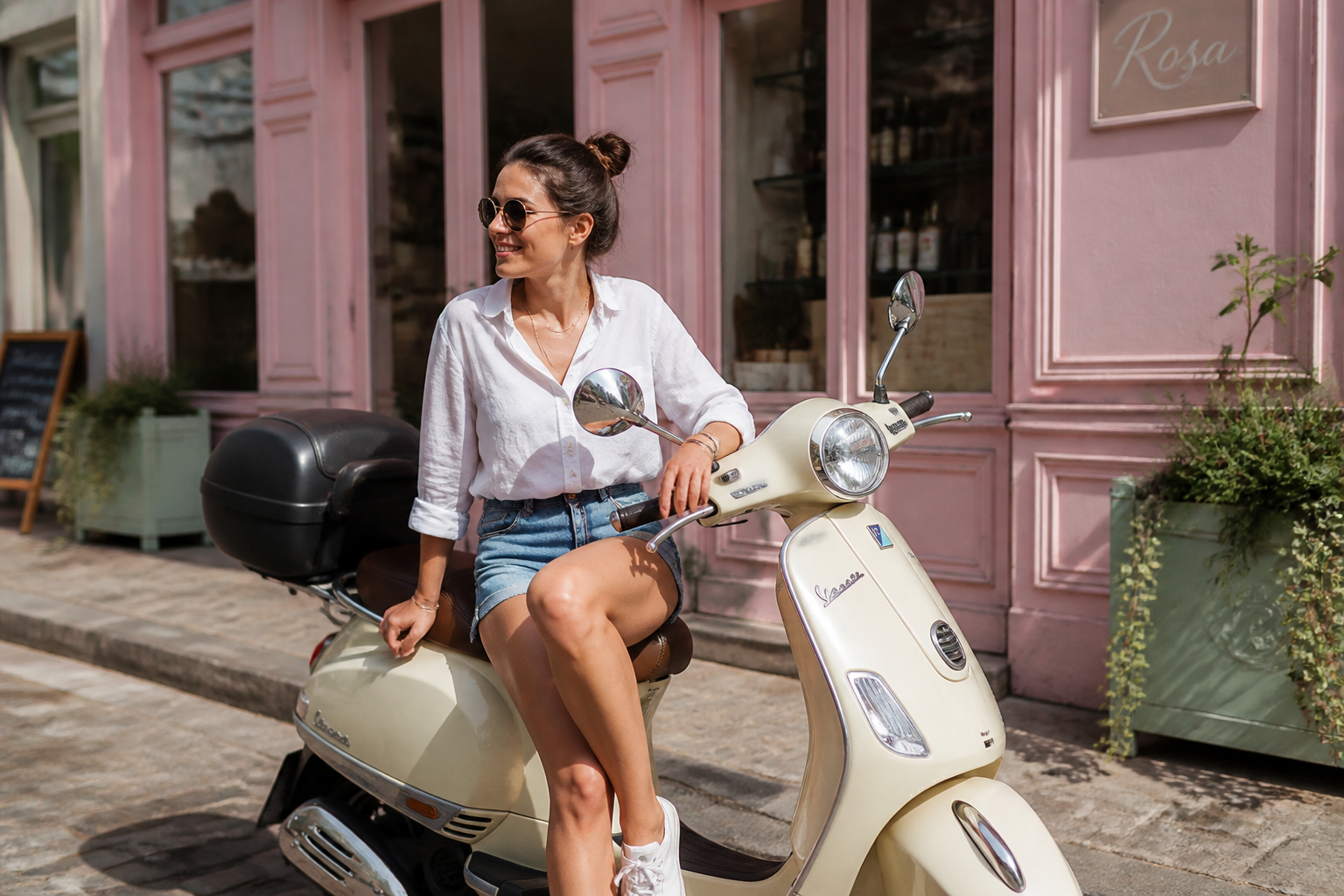 BEFORE
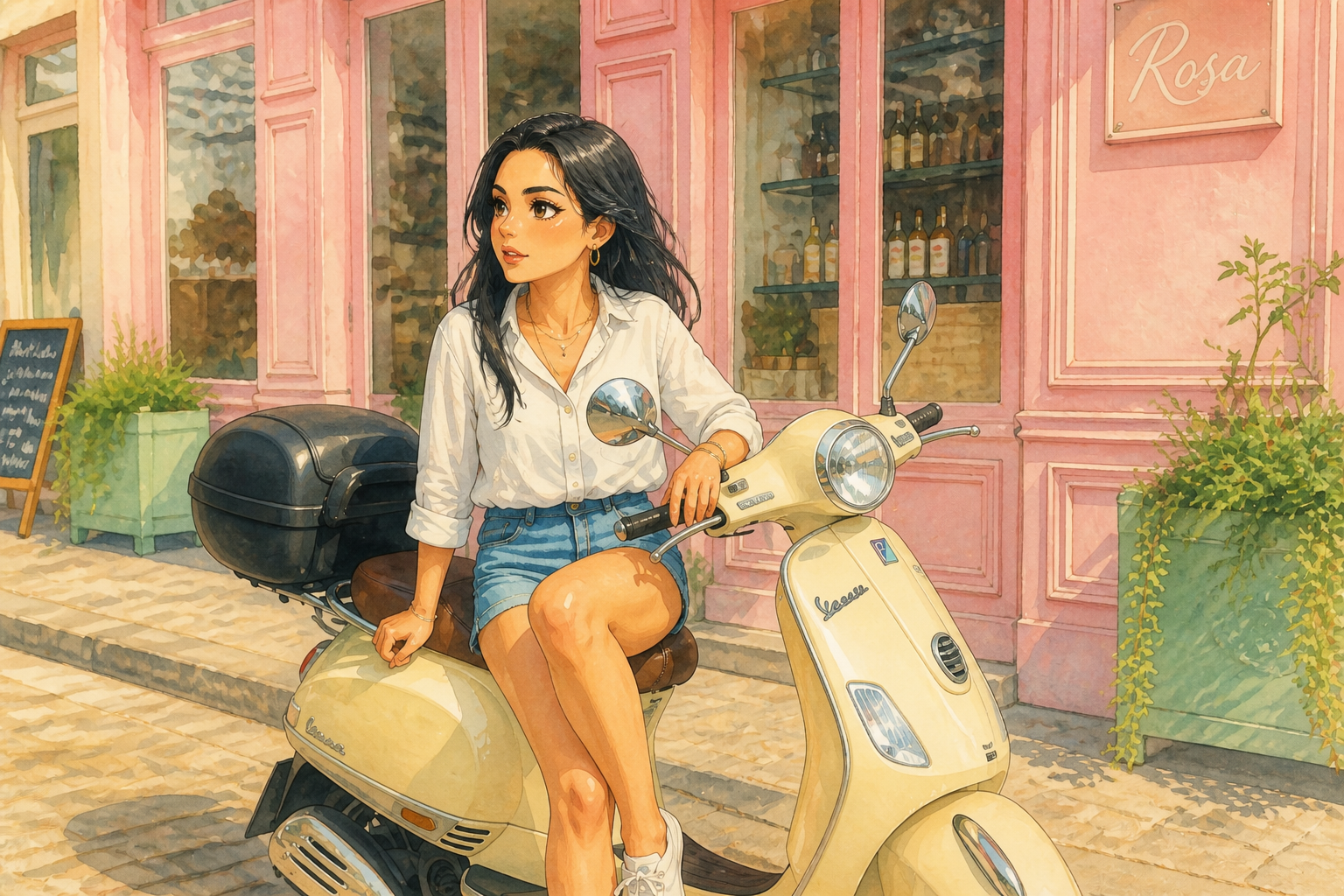 AFTERBEFOREAFTERBEFOREAFTERBEFOREAFTERBEFOREAFTER
Key Features
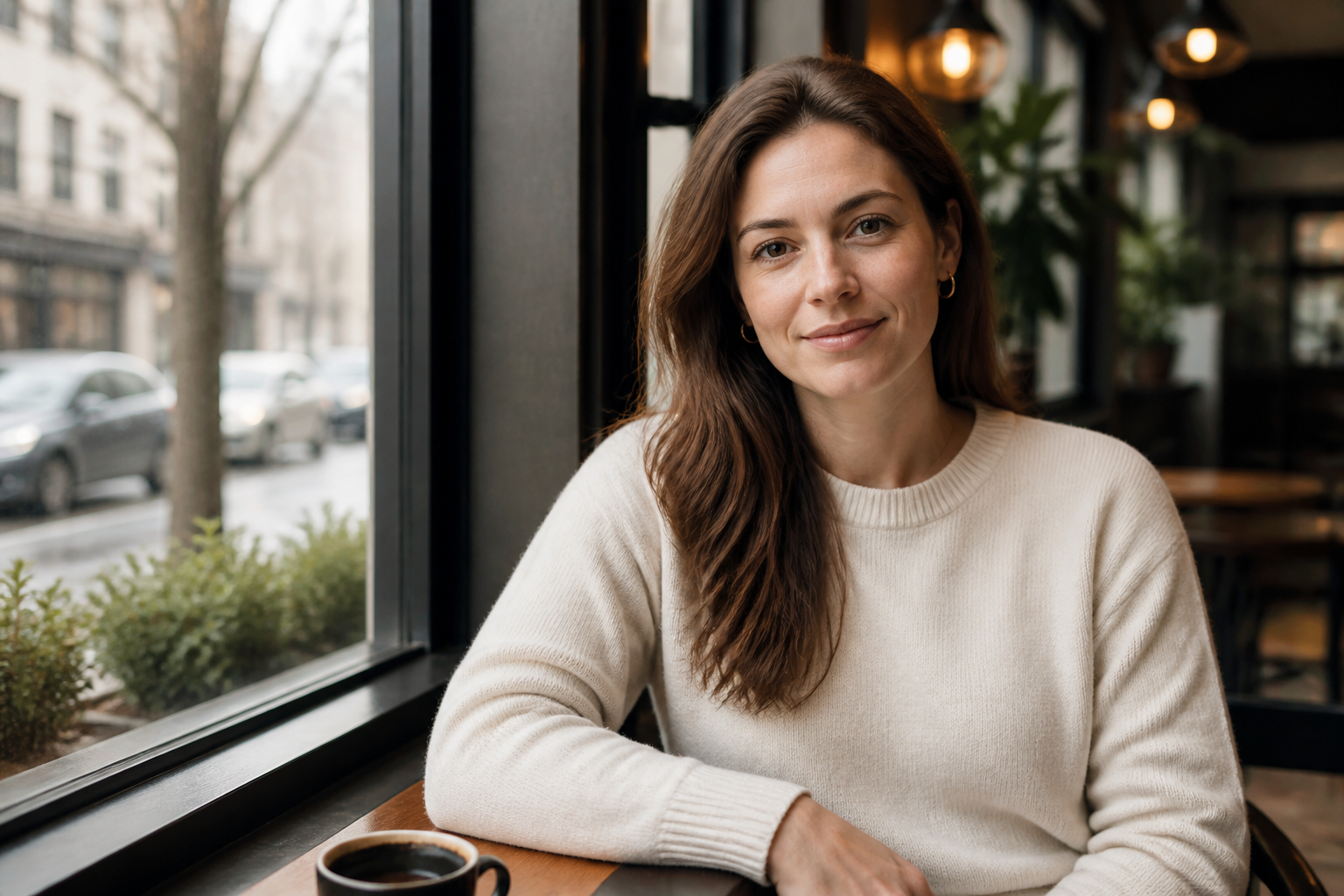
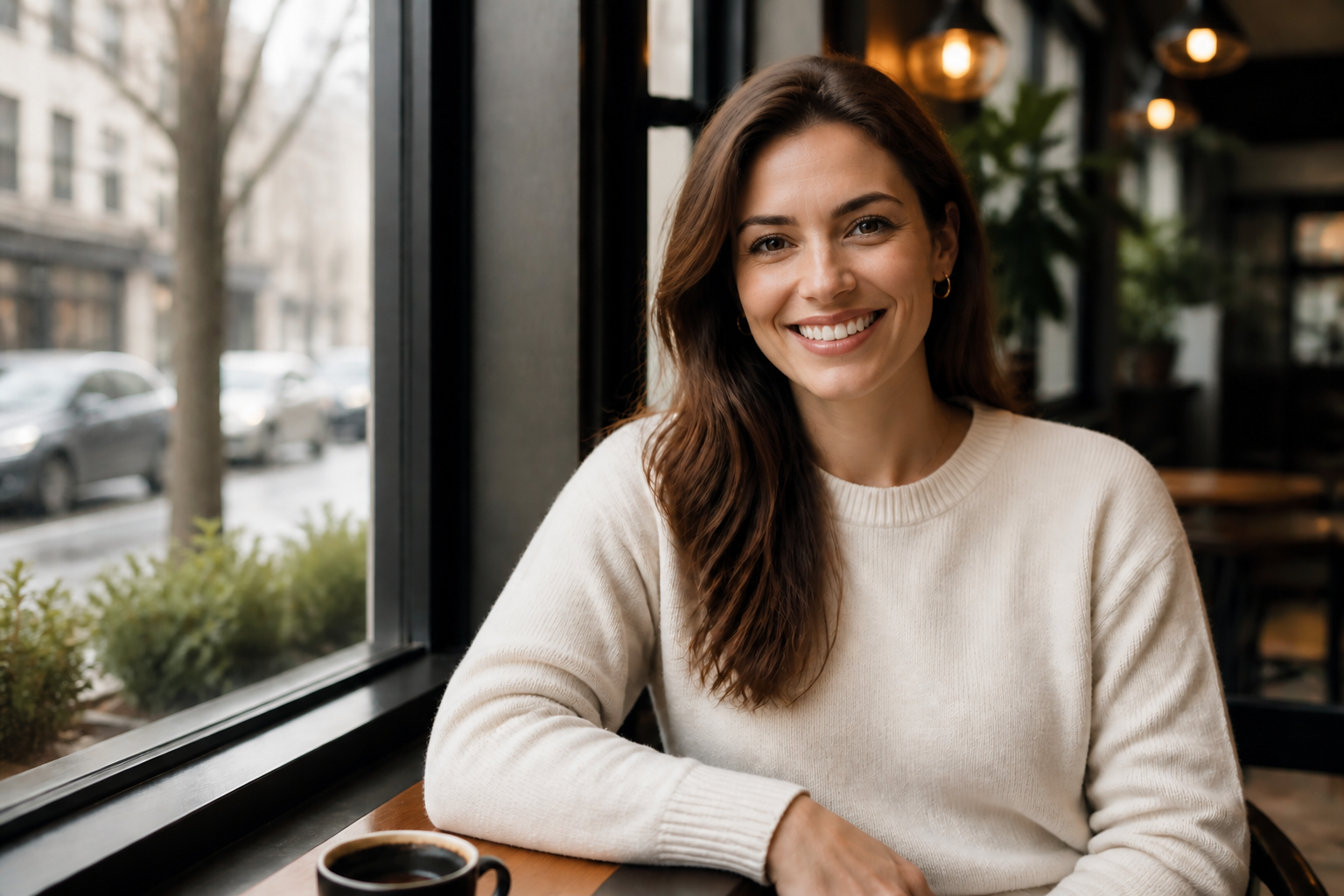
Clear swaps, same scene
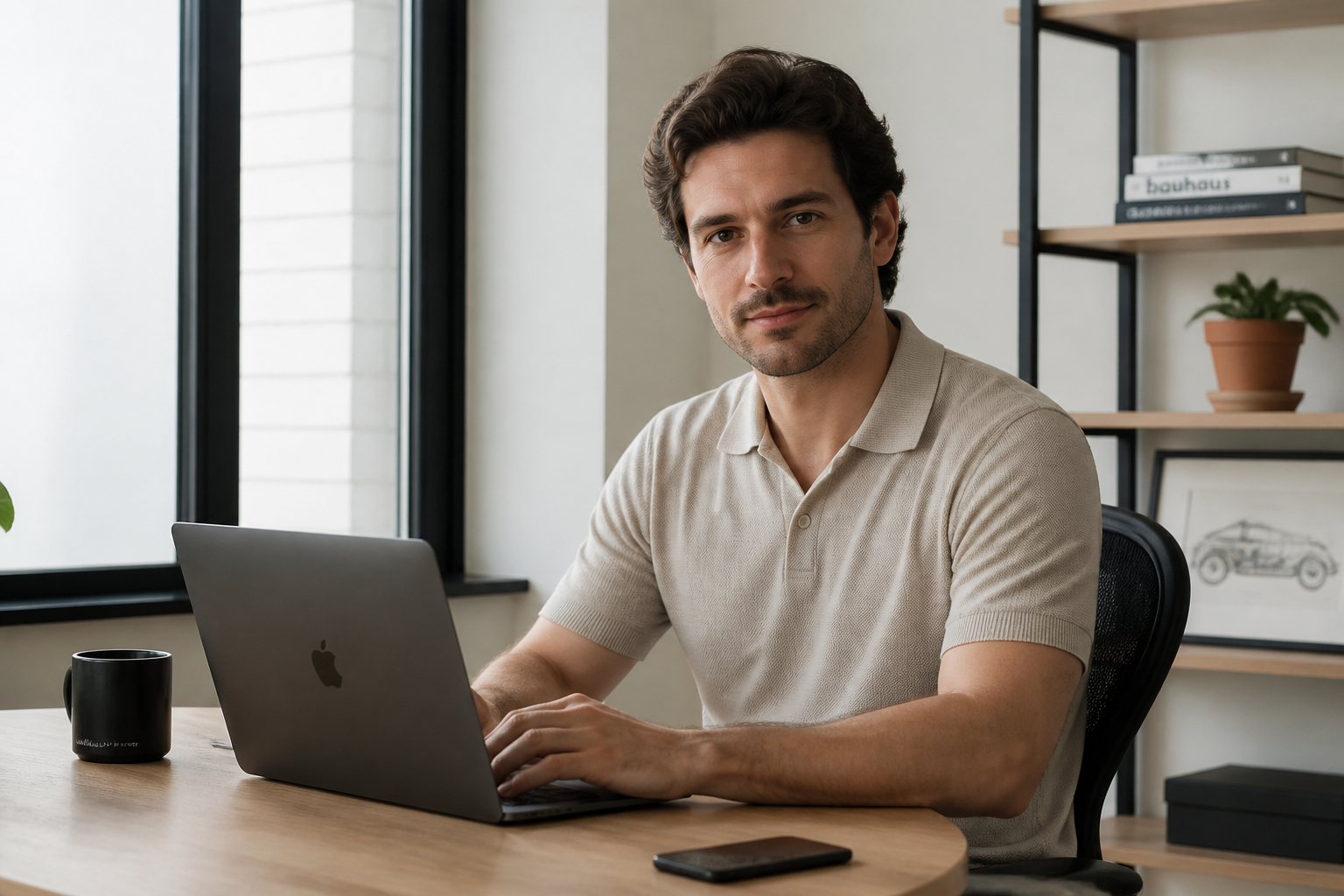
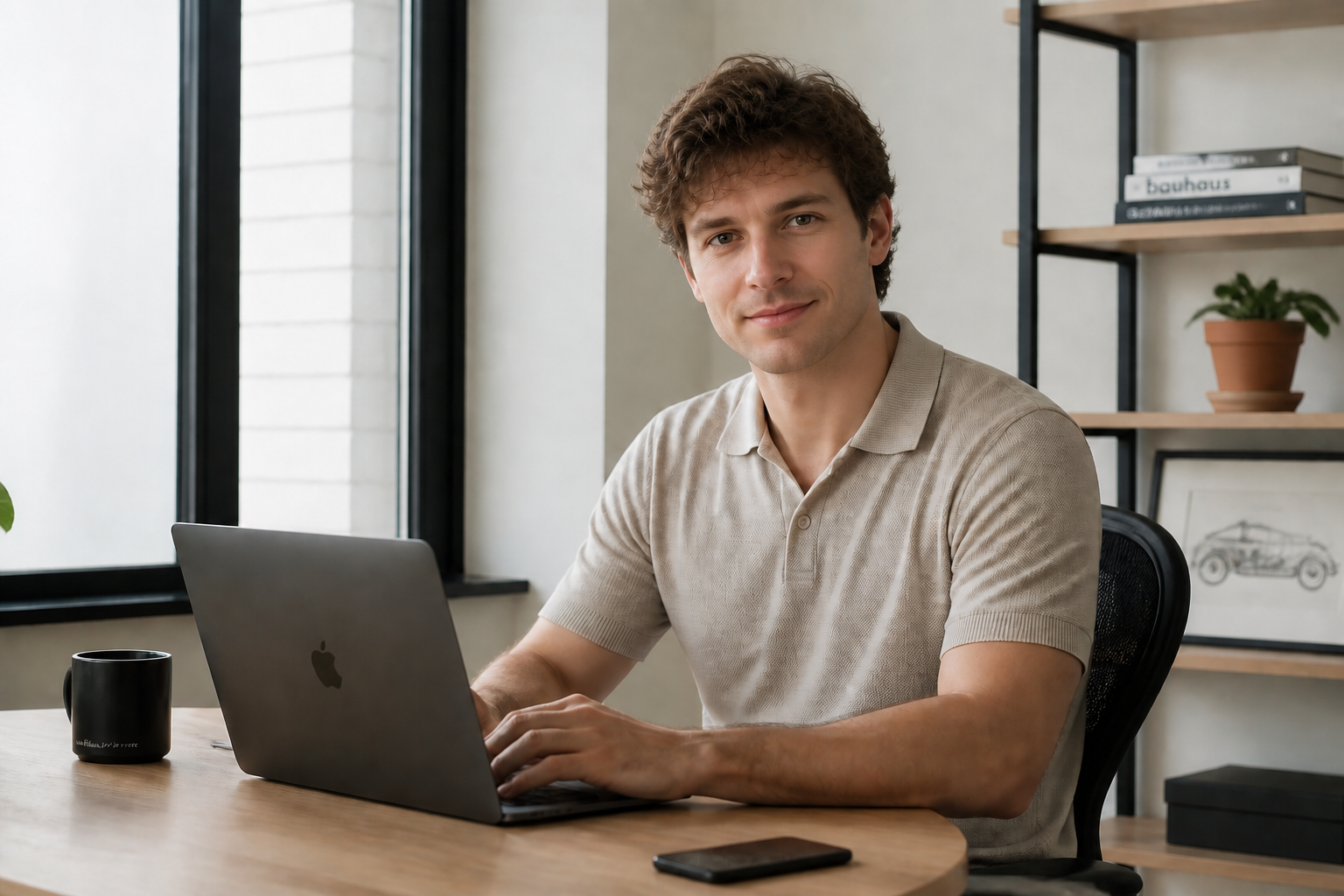
Swap the face without rebuilding the whole photo. Our AI keeps the original body position, outfit, lighting, and background so the result reads like one coherent image. That makes the edit look intentional instead of pasted together. It is much faster than cutting, masking, and blending by hand.
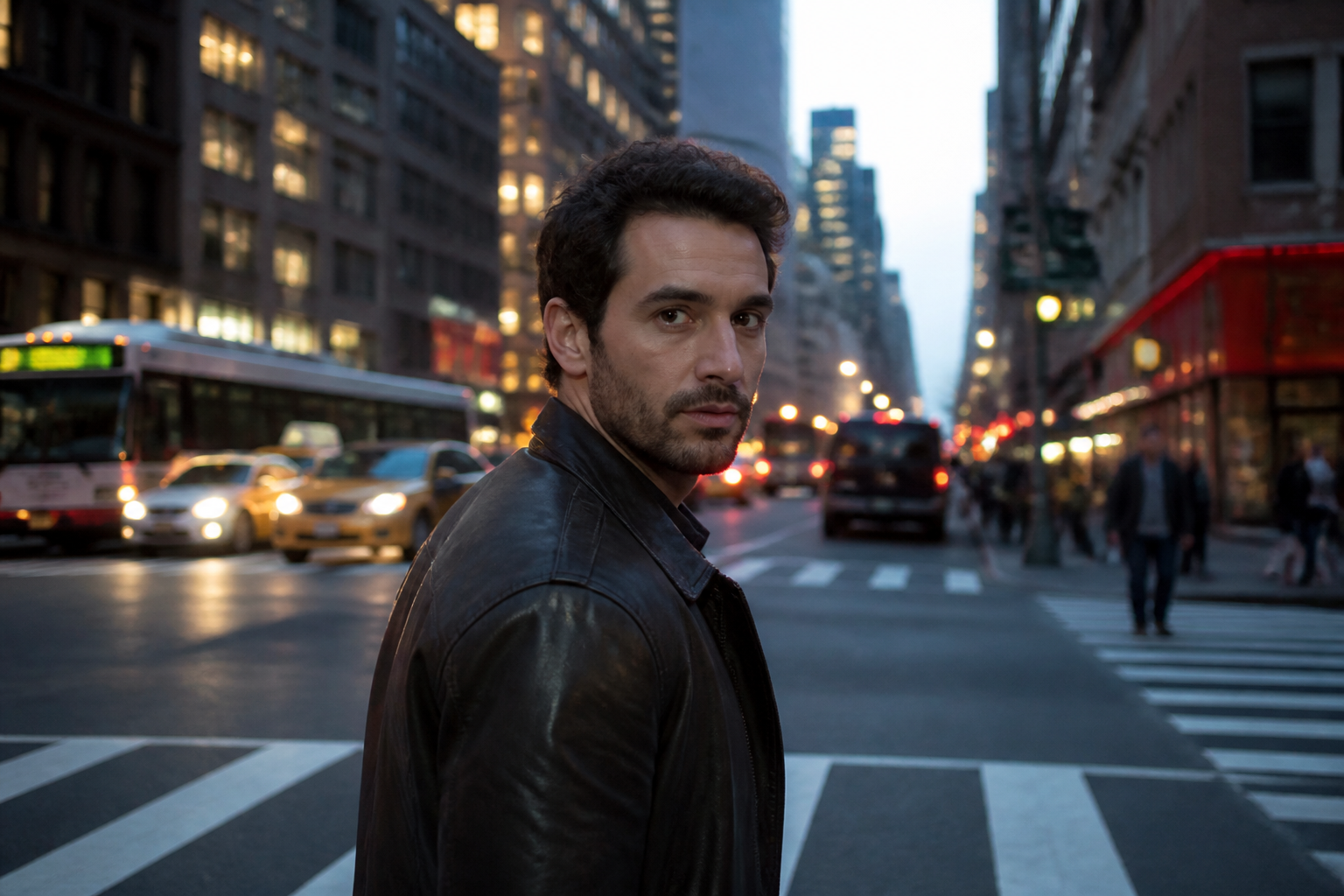
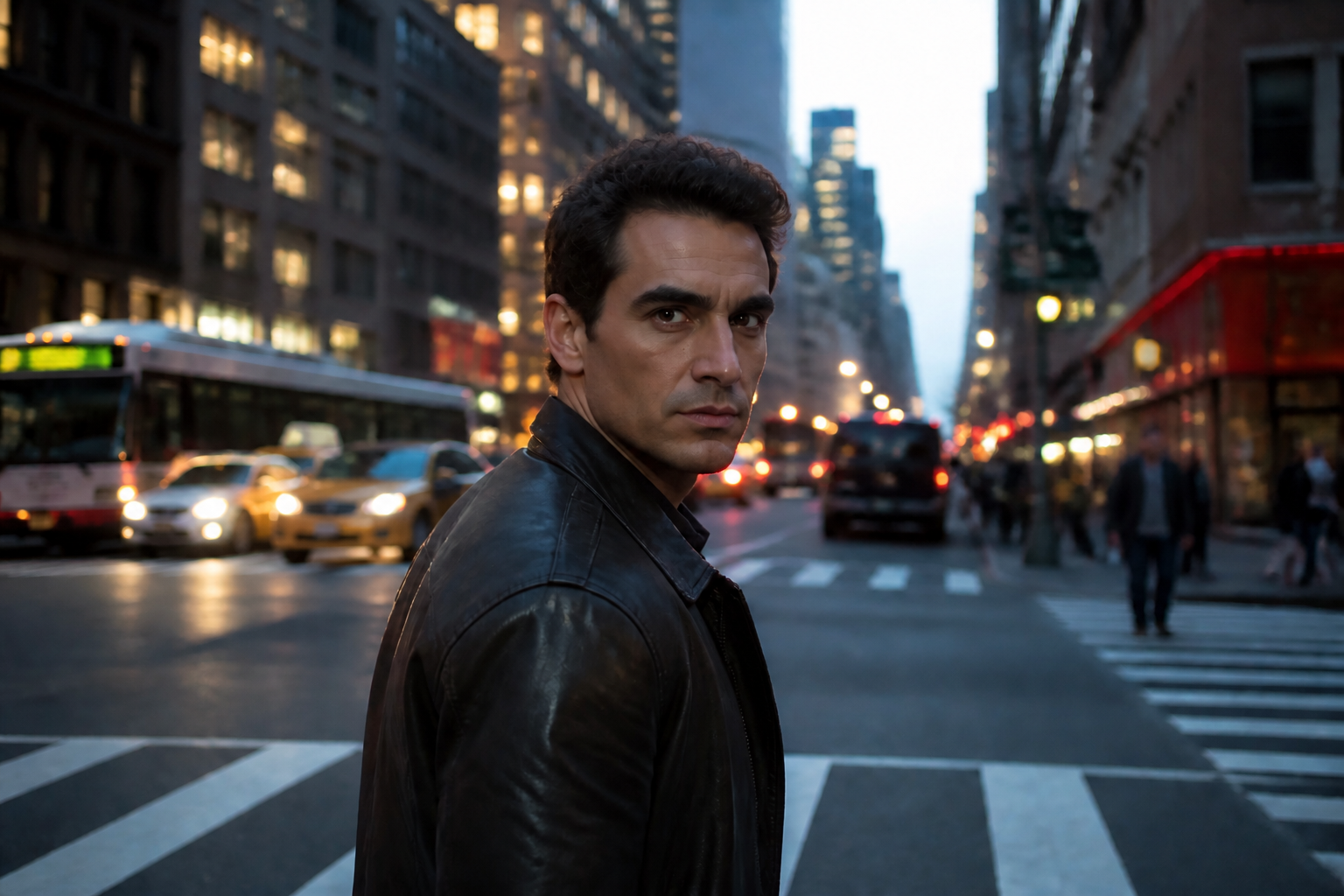
Strong identity change
This tool is built for obvious face replacement, not tiny cosmetic tweaks. You can create a new identity in the same frame while preserving the rest of the photo. That makes previews easier to judge at a glance and gives your before-and-after samples real impact. It is useful when the face change is the entire point of the edit.
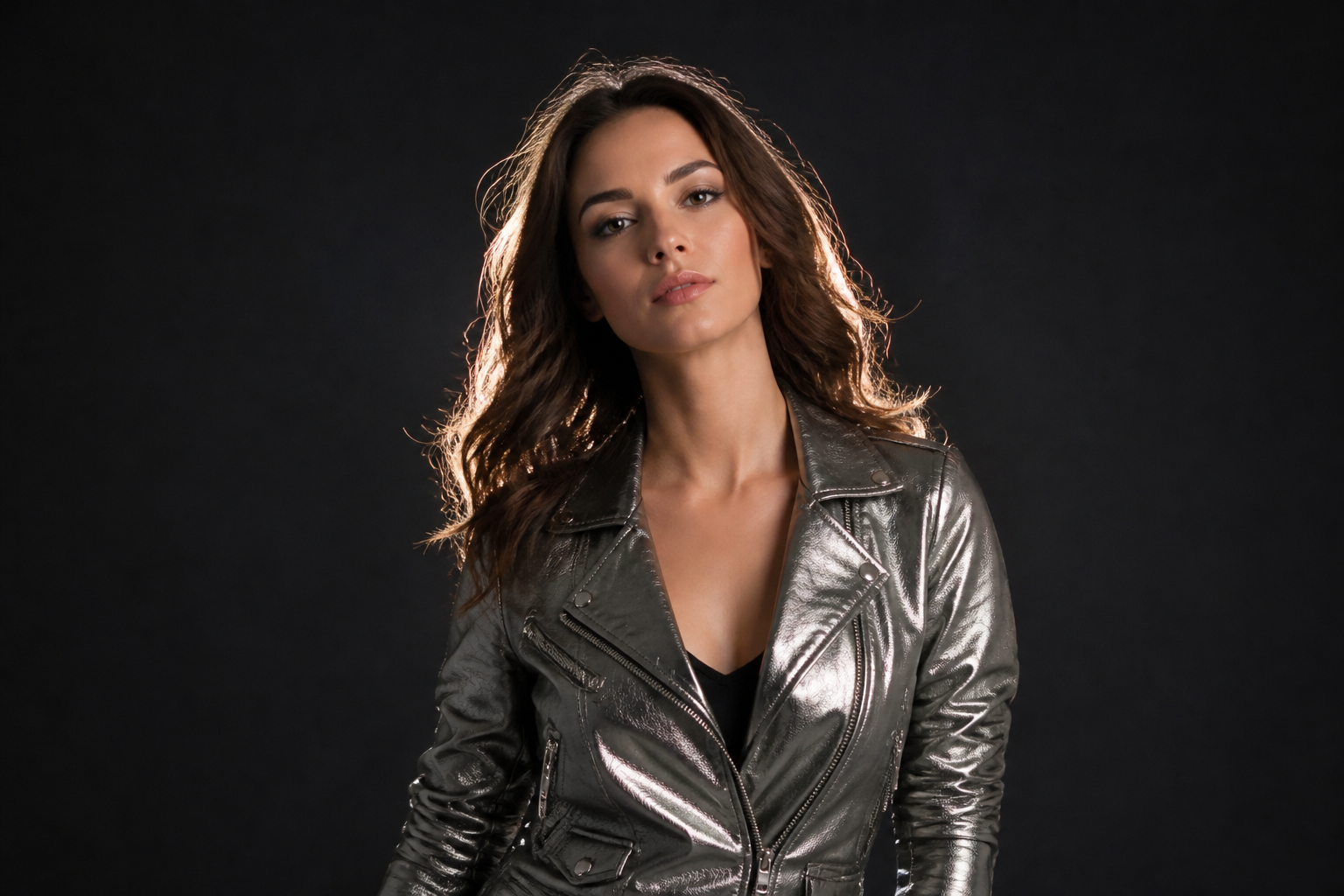
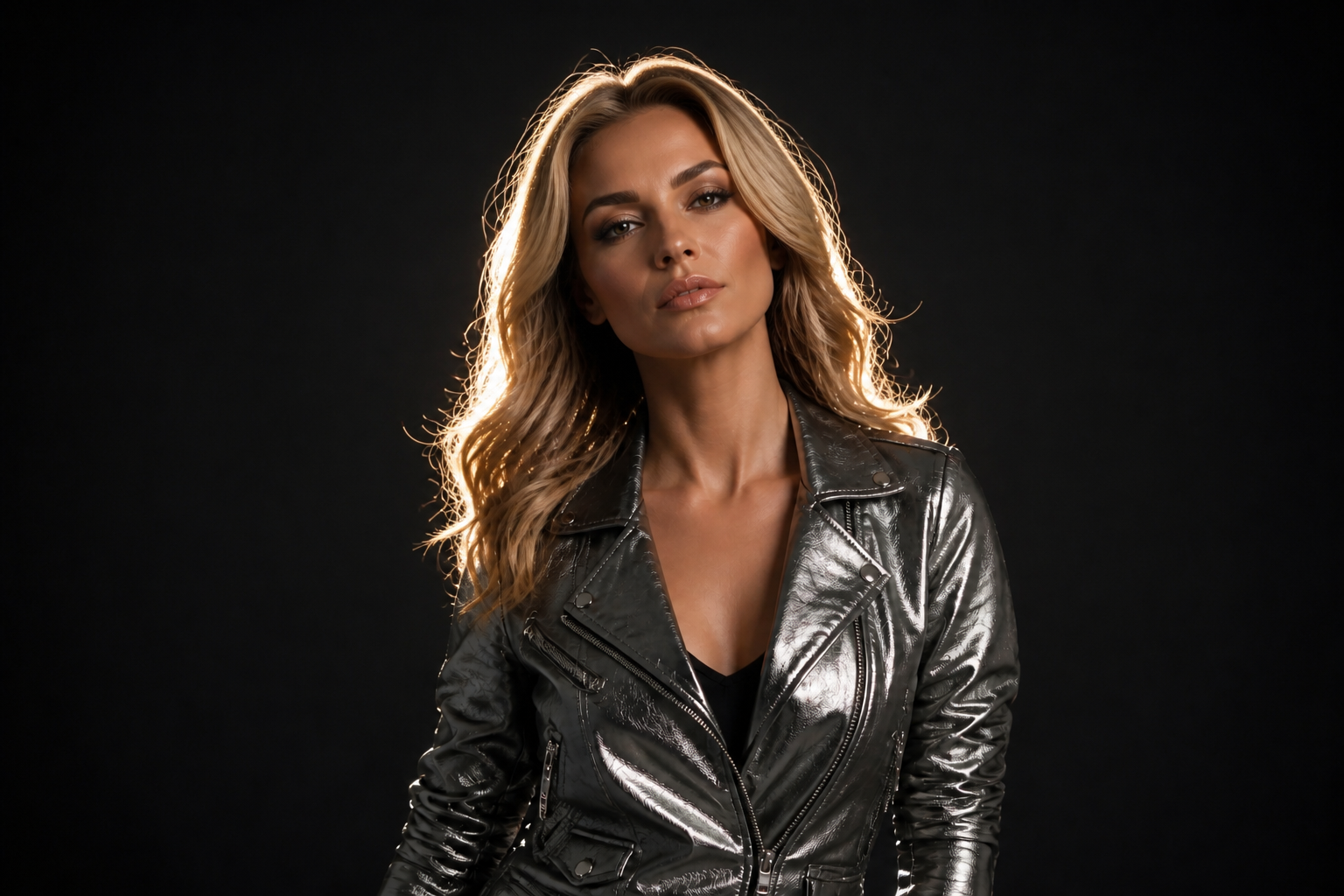
Works across art styles
Face swaps do not have to stay photoreal. You can replace the face and shift the final image into a stylized look for thumbnails, covers, posters, or social posts. The pose and composition stay stable, so the style change still feels tied to the original shot. That gives you more range from one source image.
Fast batch-ready concepts
When you need many variations, a reusable prompt helps you move quickly. Keep the same scene and swap different faces to test moods, branding directions, or campaign concepts. This saves time compared with building each mockup from scratch. It is especially useful for agencies, creators, and teams reviewing options together.
How It Works
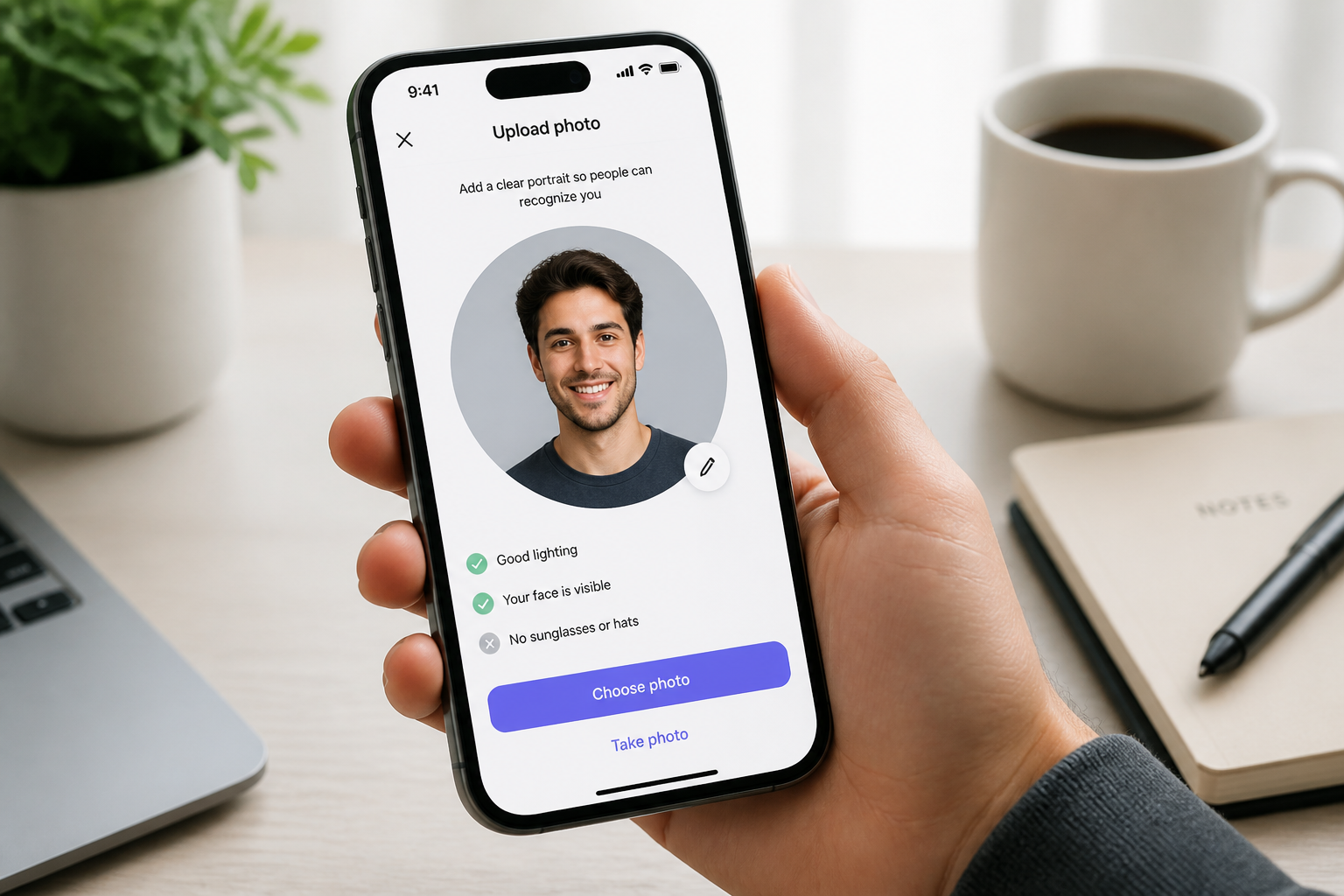
Upload your photo
Start with a clear image where the face is visible and well lit. Photos with a clean pose and sharp detail usually give the most readable swap.
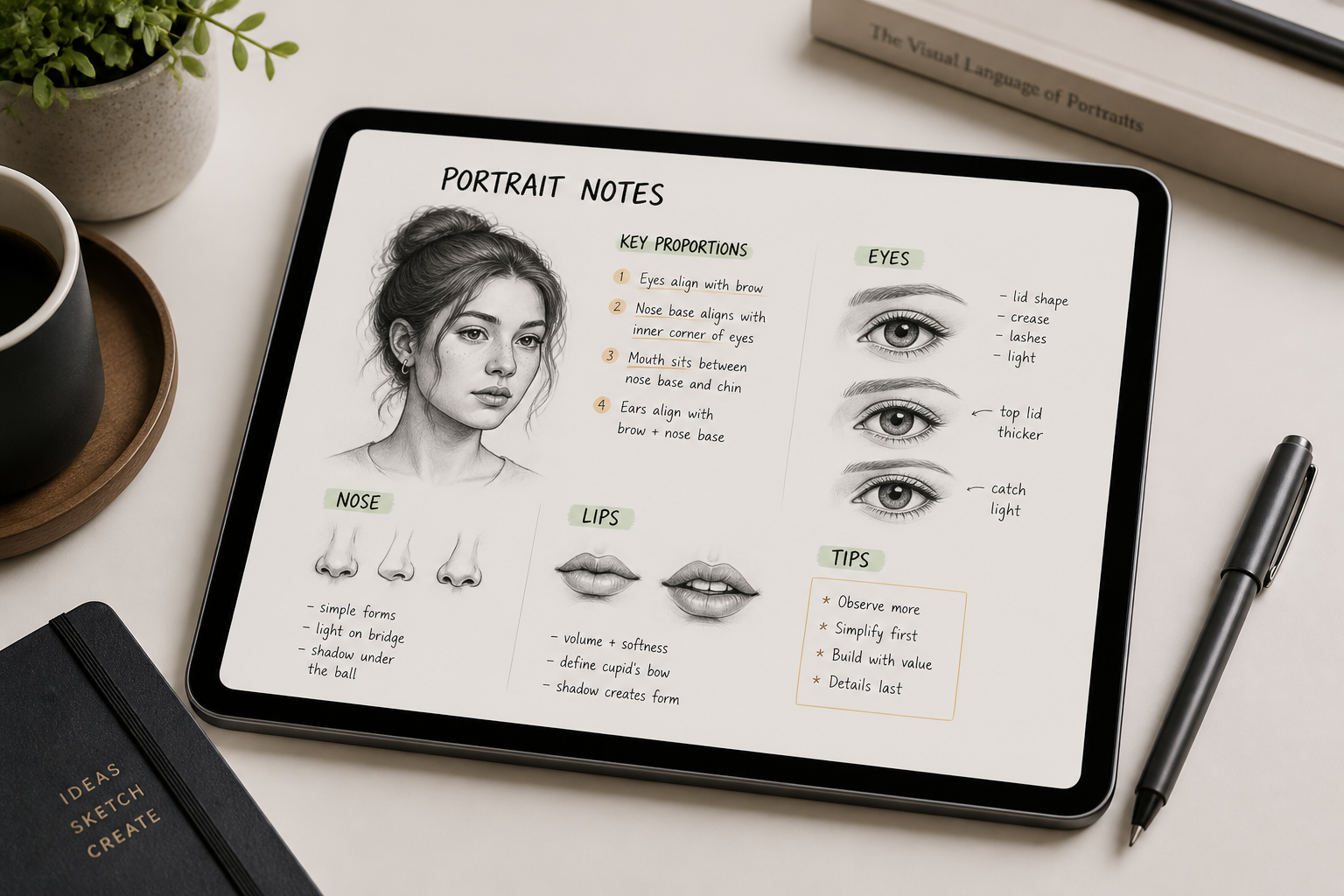
Describe the new face
Tell the editor what kind of face to swap in, such as face shape, eyes, brows, jawline, and overall vibe. The more specific your description, the easier it is to get a bold result.
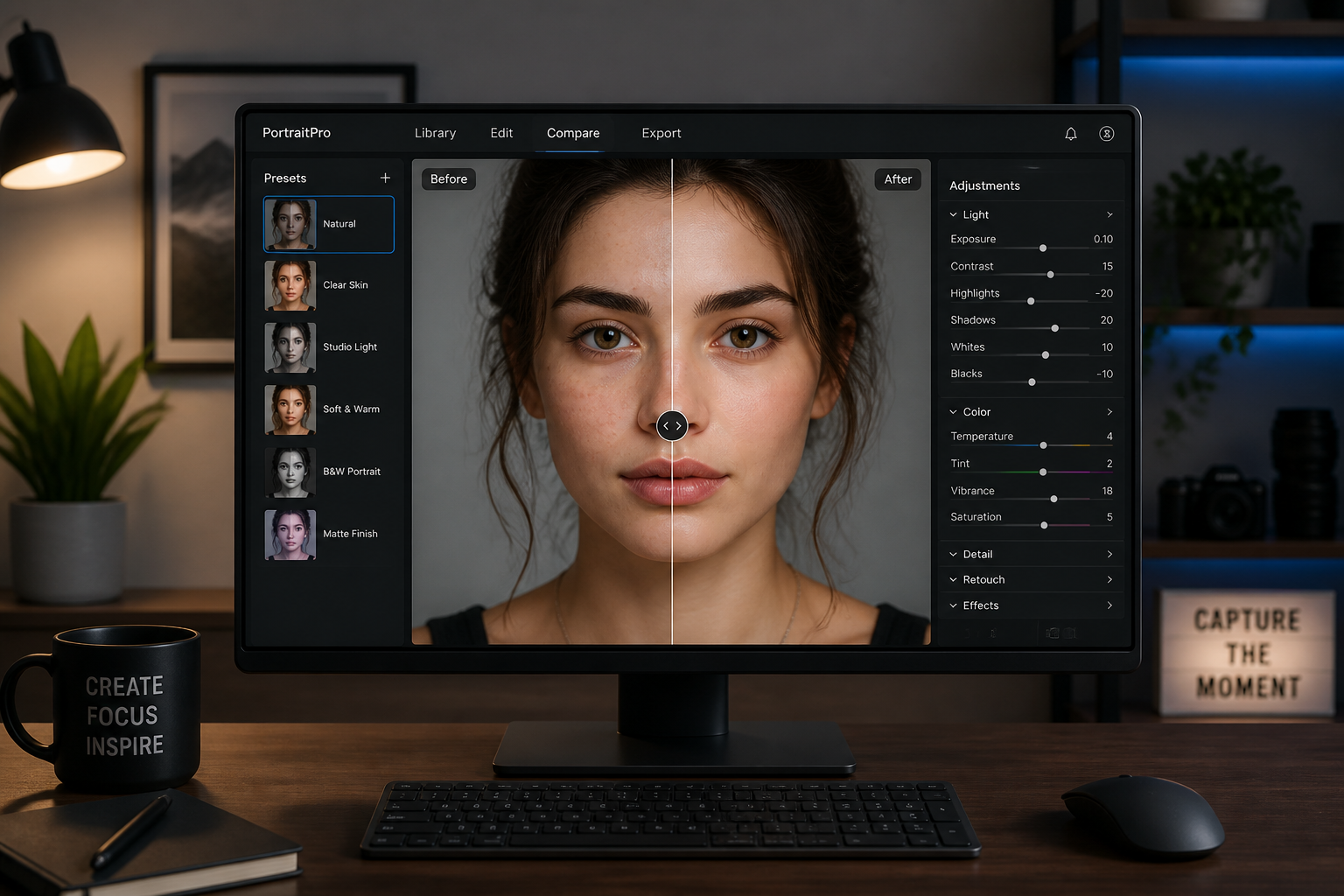
Generate and compare
Run the edit and review the before-and-after side by side. If you want a bigger change, adjust the face description and generate another version.
Perfect For
Discover how creators and professionals use ai face swap
Social media content
Create striking before-and-after posts, memes, and stylized portrait edits that are easy to understand at a glance.
Creative mockups
Test alternate character looks, campaign ideas, or editorial concepts without reshooting the full scene.
Entertainment edits
Make playful face swap images for friends, party photos, and themed content while keeping the original setting intact.
Visual experimentation
Explore how the same pose, wardrobe, or composition feels with a completely different face and identity.
Built For
Creators
Useful for thumbnail art, short-form posts, visual jokes, and fast content experiments.
Design teams
Helpful for concept reviews, moodboards, and quick visual options before committing to a full production workflow.
Casual users
Simple enough for anyone who wants a clean face swap without learning manual retouching tools.
Why use this face swap tool
A quick look at how we compare on the things that matter for this niche.
| Feature | BudgetPixel | Generic AI editors | Manual editing apps |
|---|---|---|---|
| Dramatic face replacement | ✓ | Sometimes | Slow |
| Keeps original scene intact | ✓ | Sometimes | Manual work |
| Stylized output options | ✓ | Sometimes | Limited |
| Fast prompt-based workflow | ✓ | ✓ | — |
| No masking skills needed | ✓ | ✓ | — |
Frequently Asked Questions
What kind of photos work best for AI Face Swap?
Will the rest of the photo stay the same?
Can I do realistic and stylized face swaps?
How do I get a bigger face change?
Can I swap more than one face in a photo?
Create together.
Share your creations, discover trending AI art, and grow with fellow creators.