AI Smile Generator
Add a believable smile to any portrait in seconds.
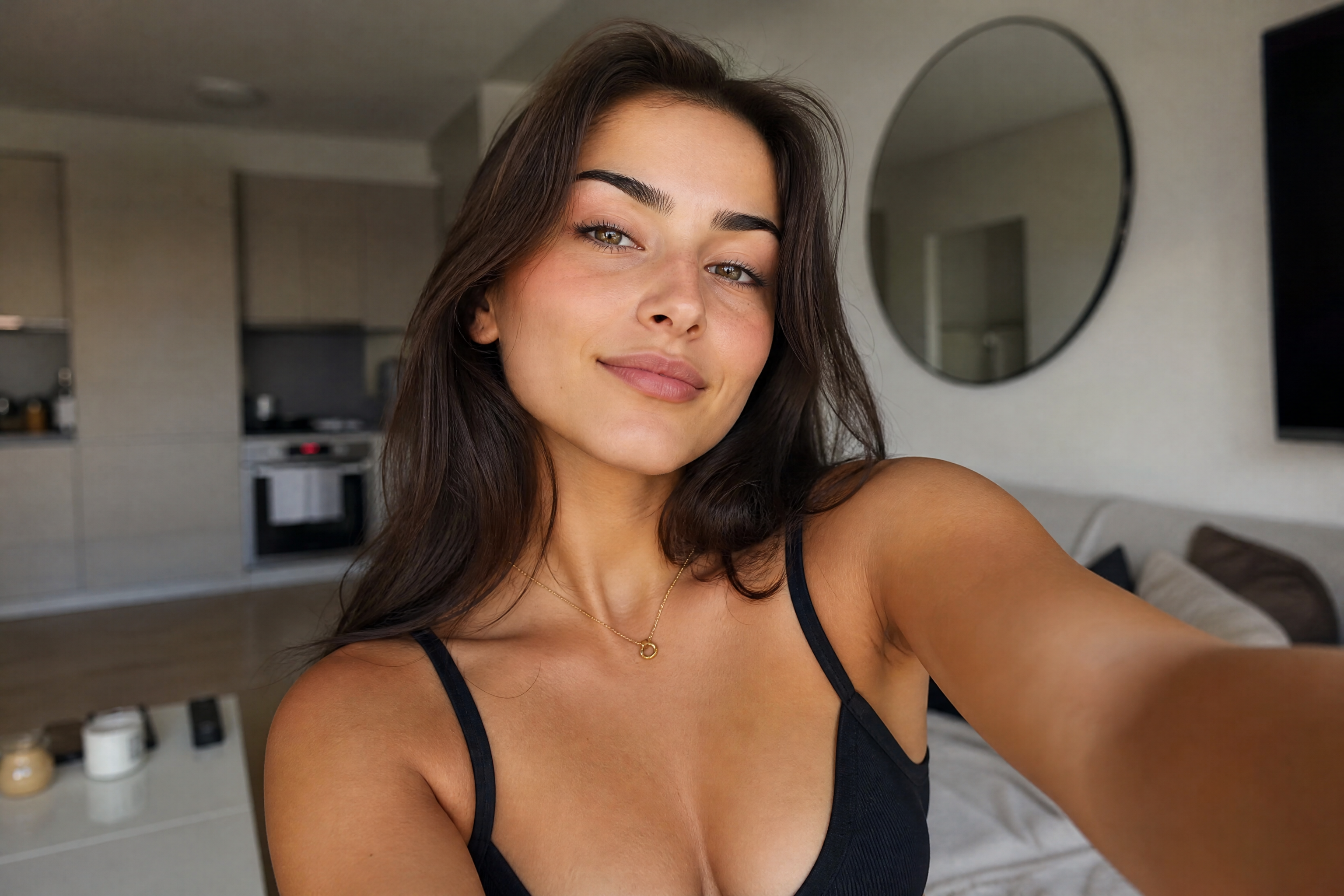
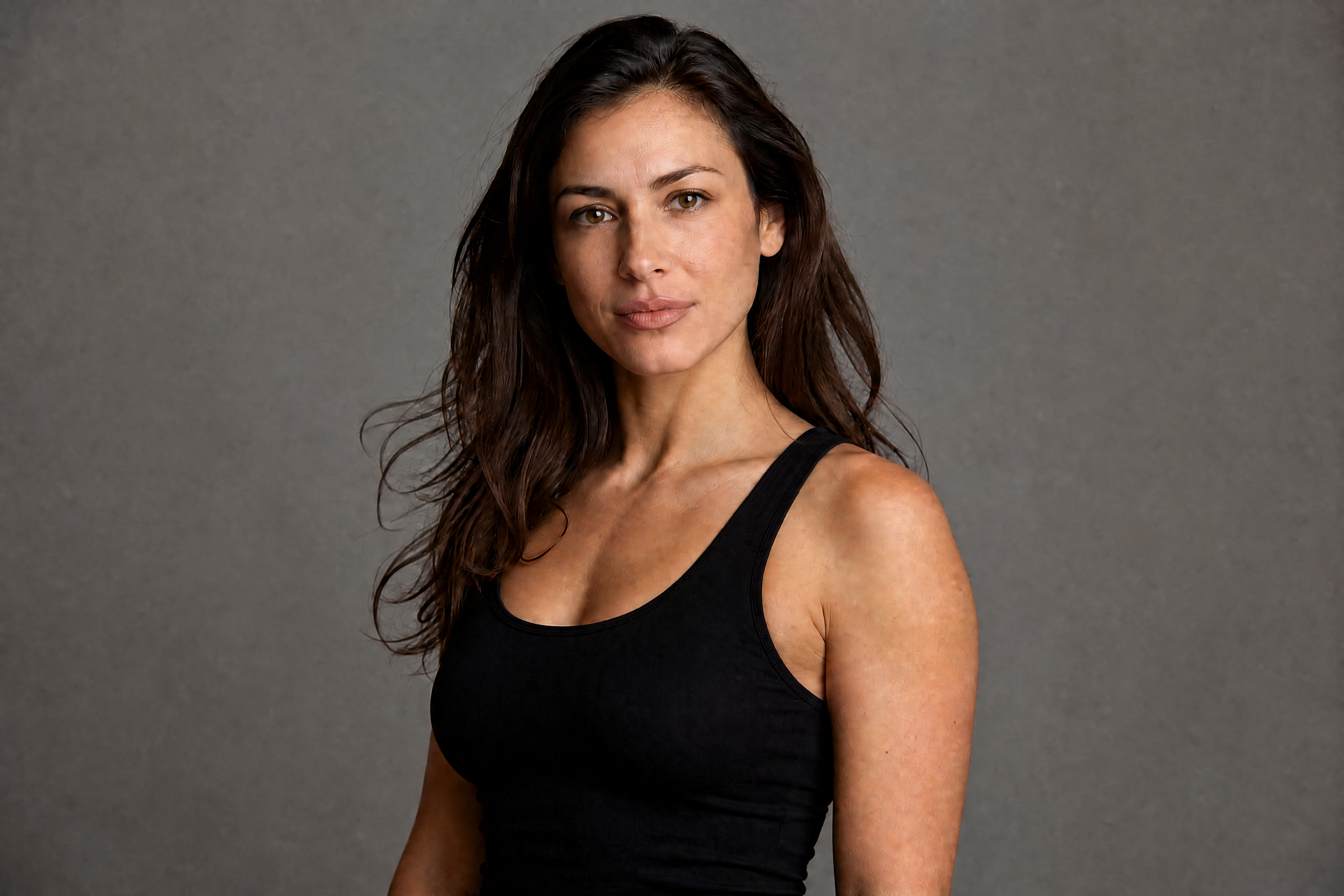
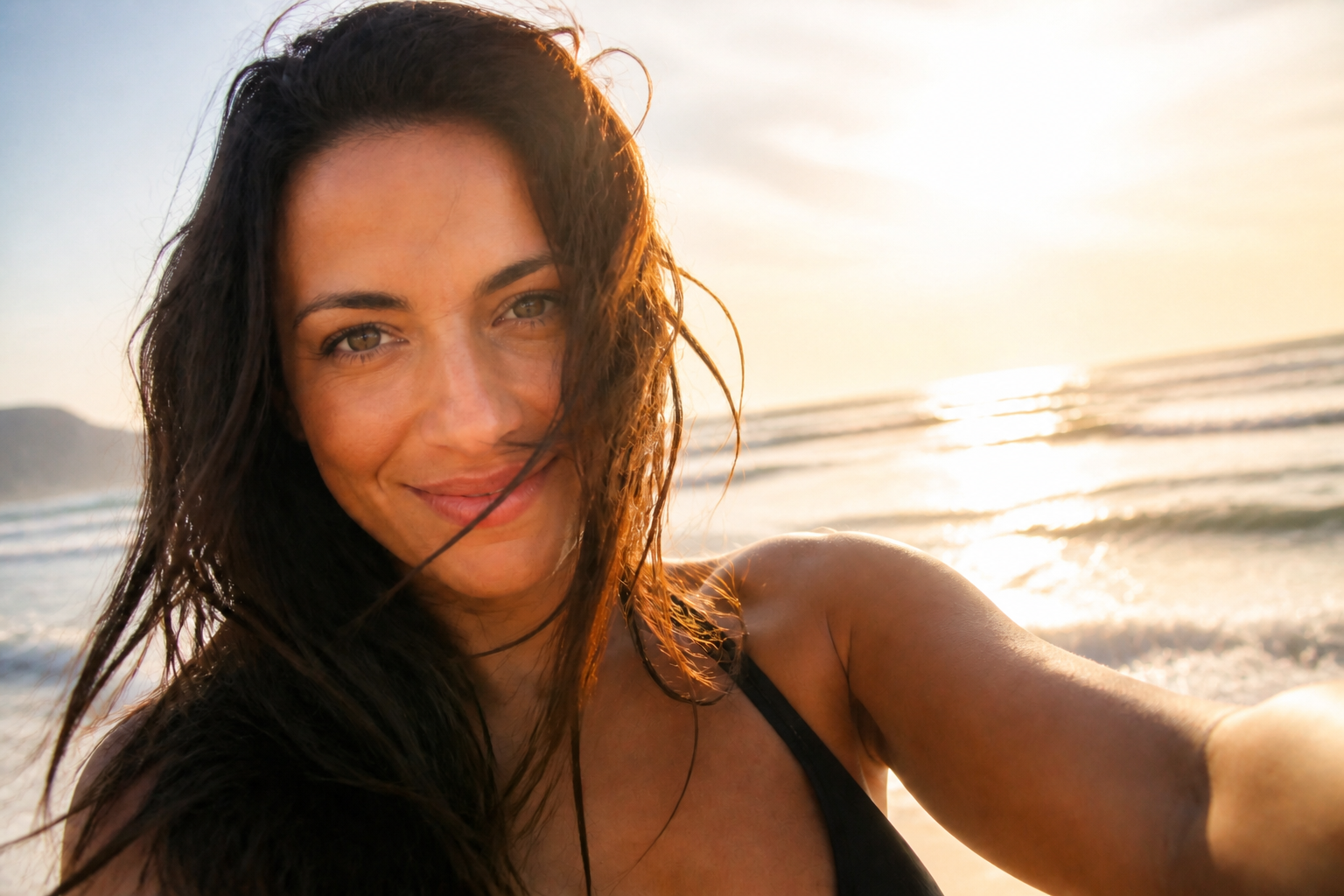
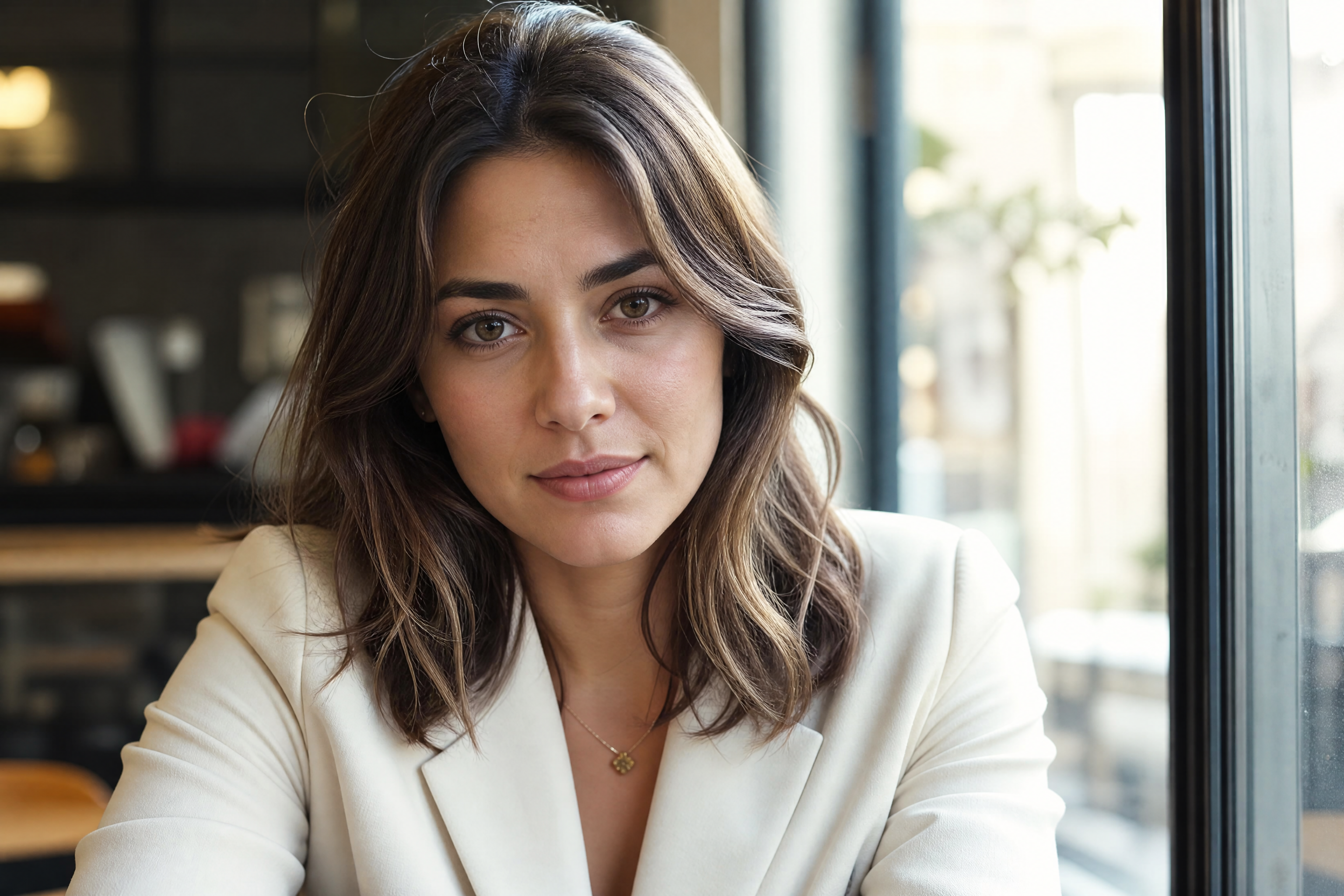
AI Smile Generator lets you turn a neutral expression into a natural, camera-ready smile without rebuilding the whole photo. Upload a portrait, describe the look you want, and keep the person's identity, pose, and scene intact.
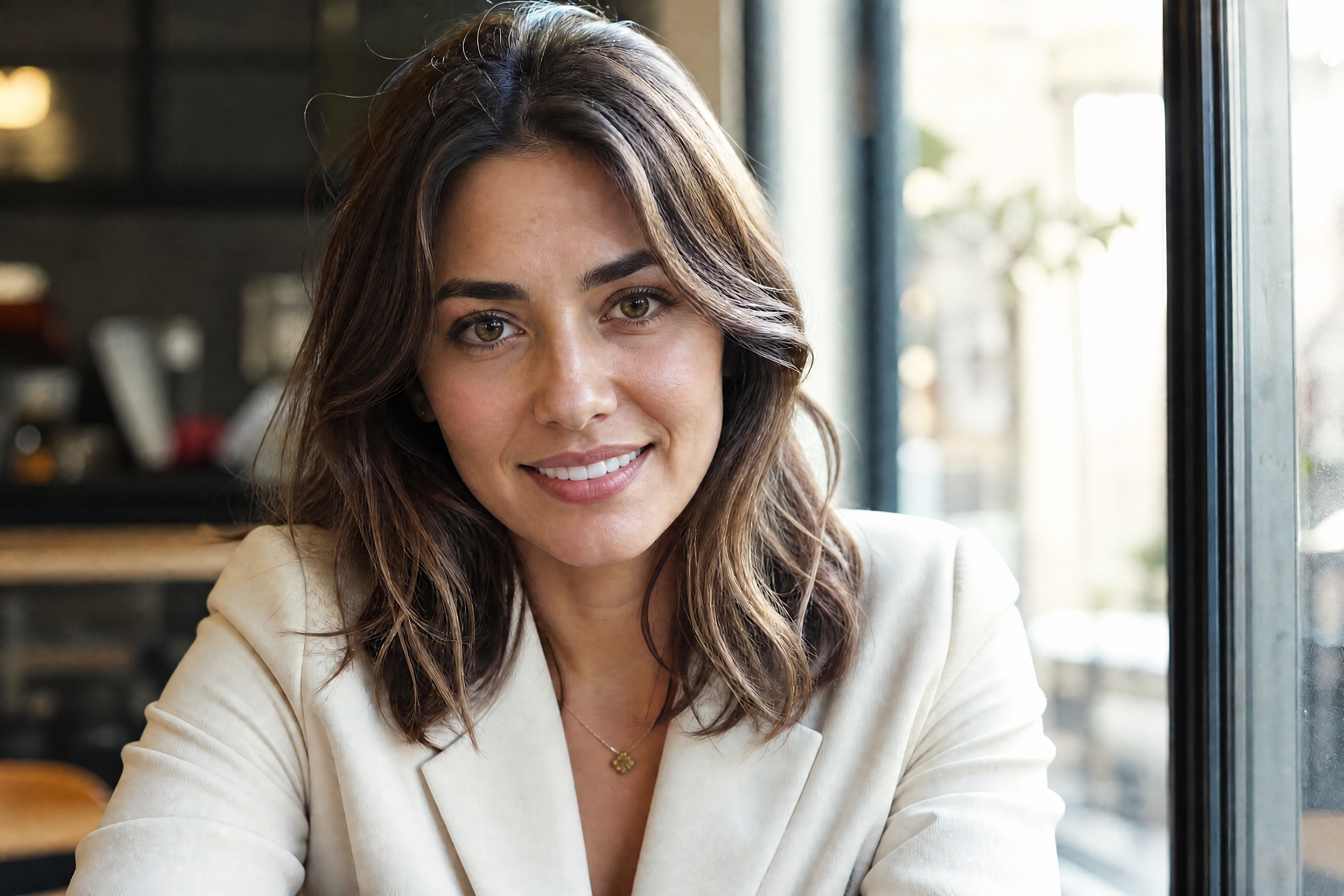
Watch the Transformation
See ai smile generator in motion — generated end-to-end by our AI.
See It In Action
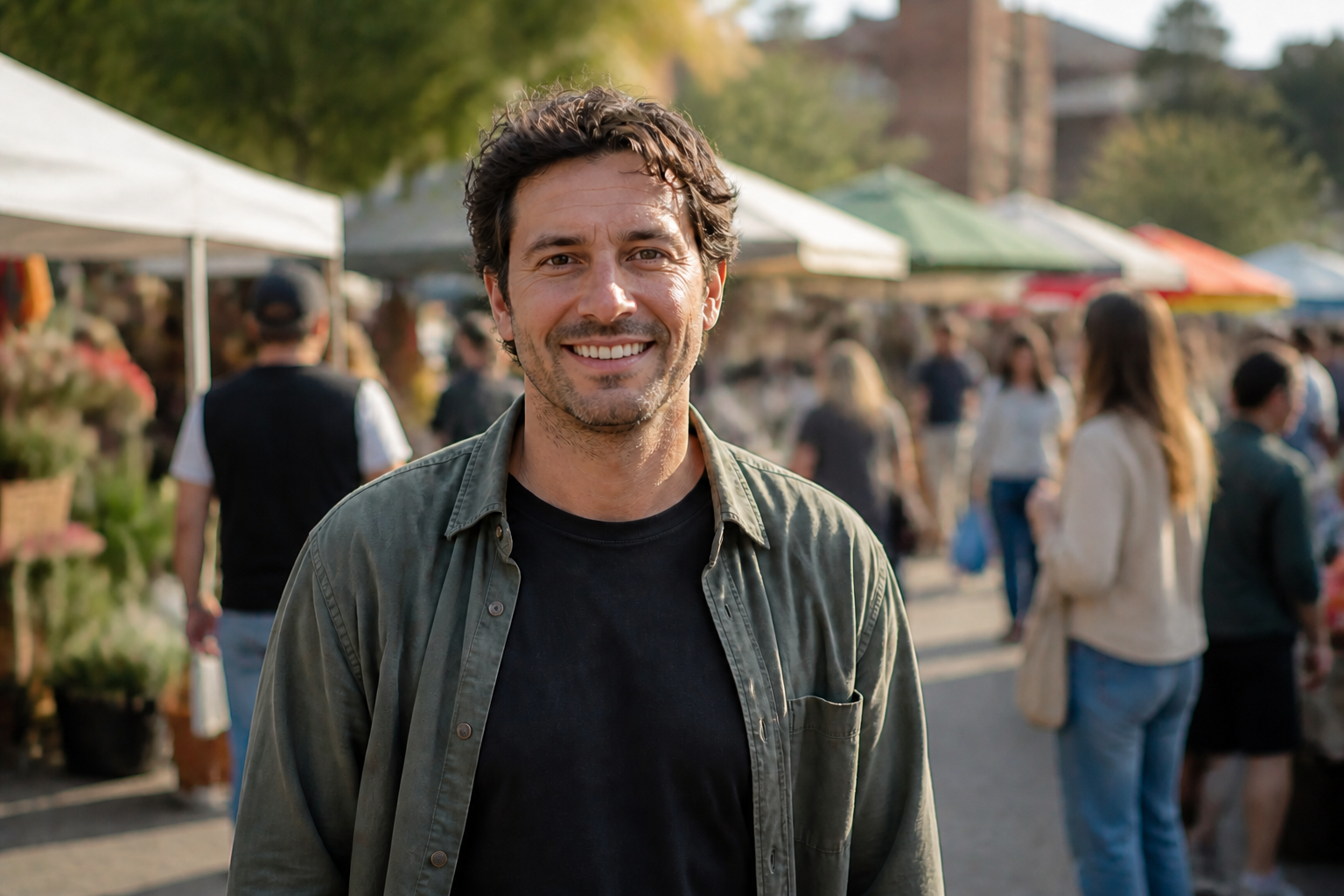
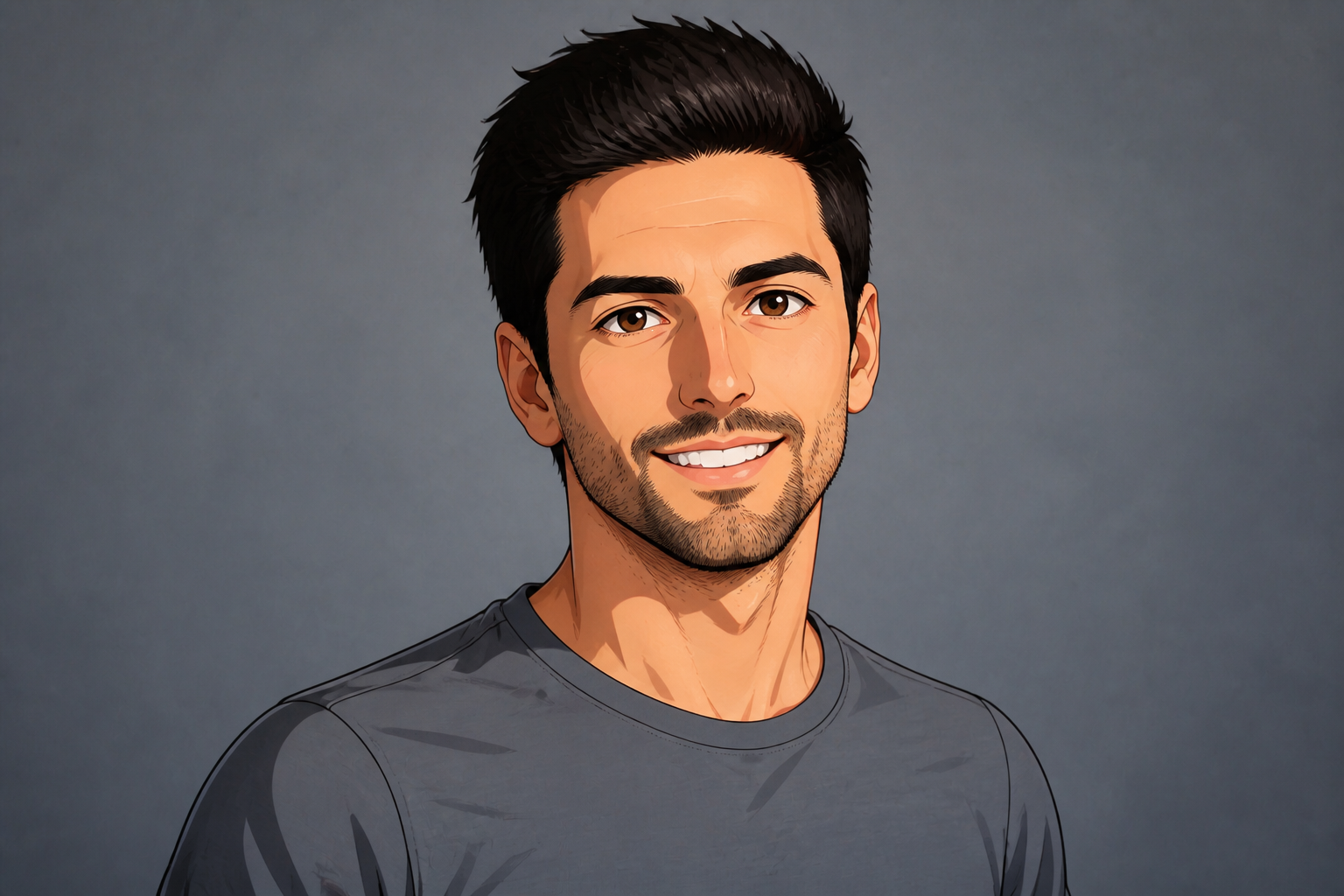
Real outputs from ai smile generator.
BEFOREAFTER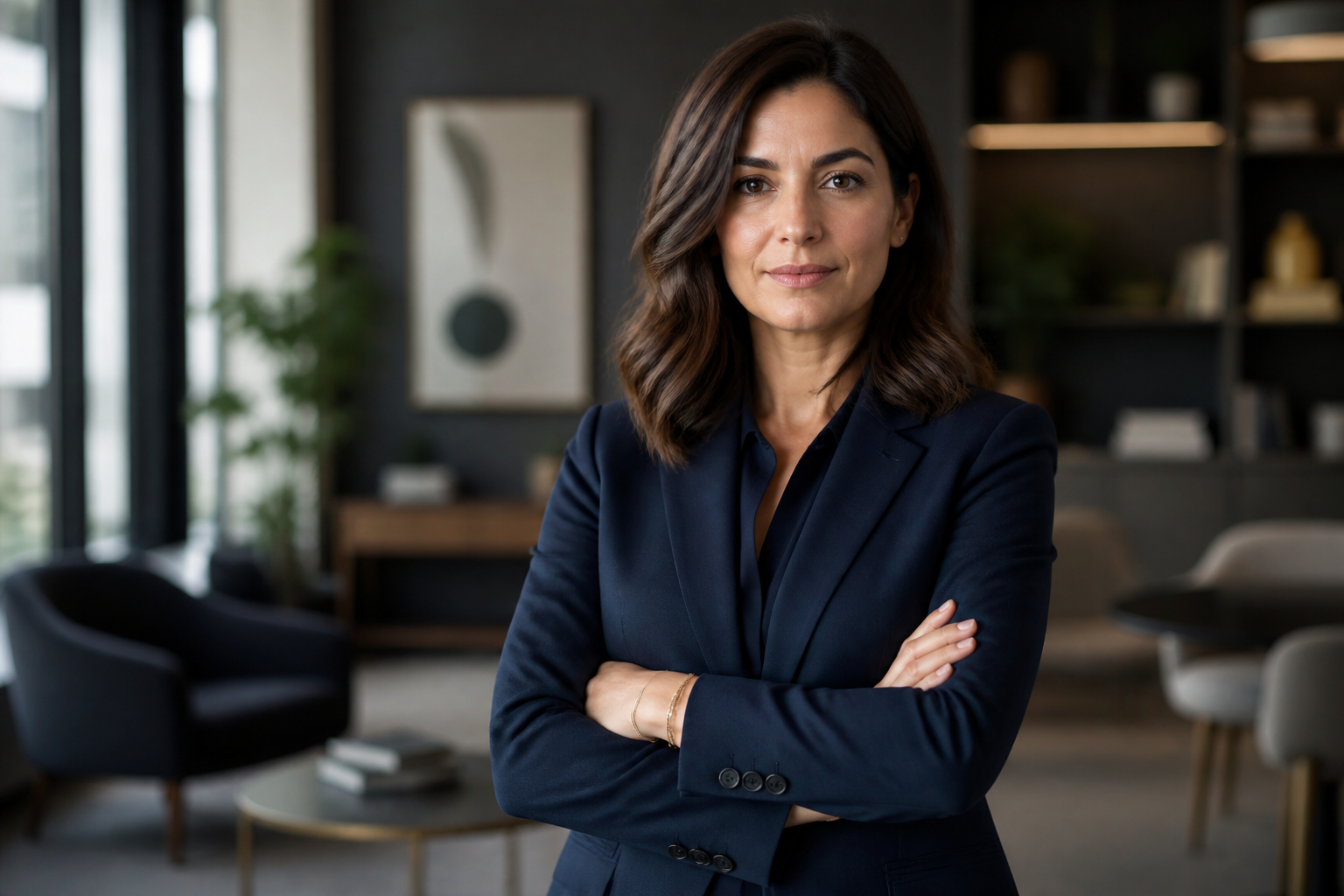 BEFORE
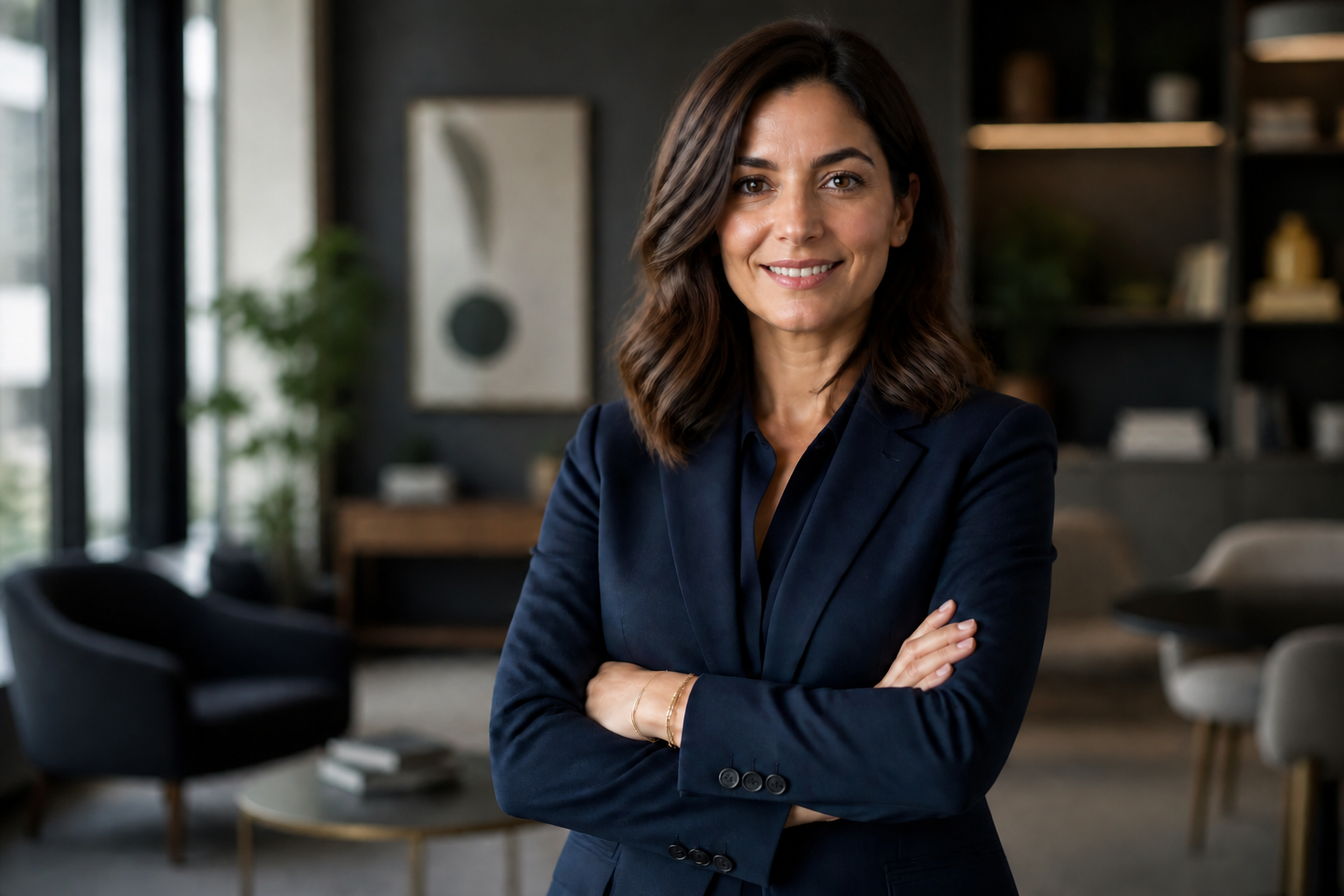 AFTER
AFTER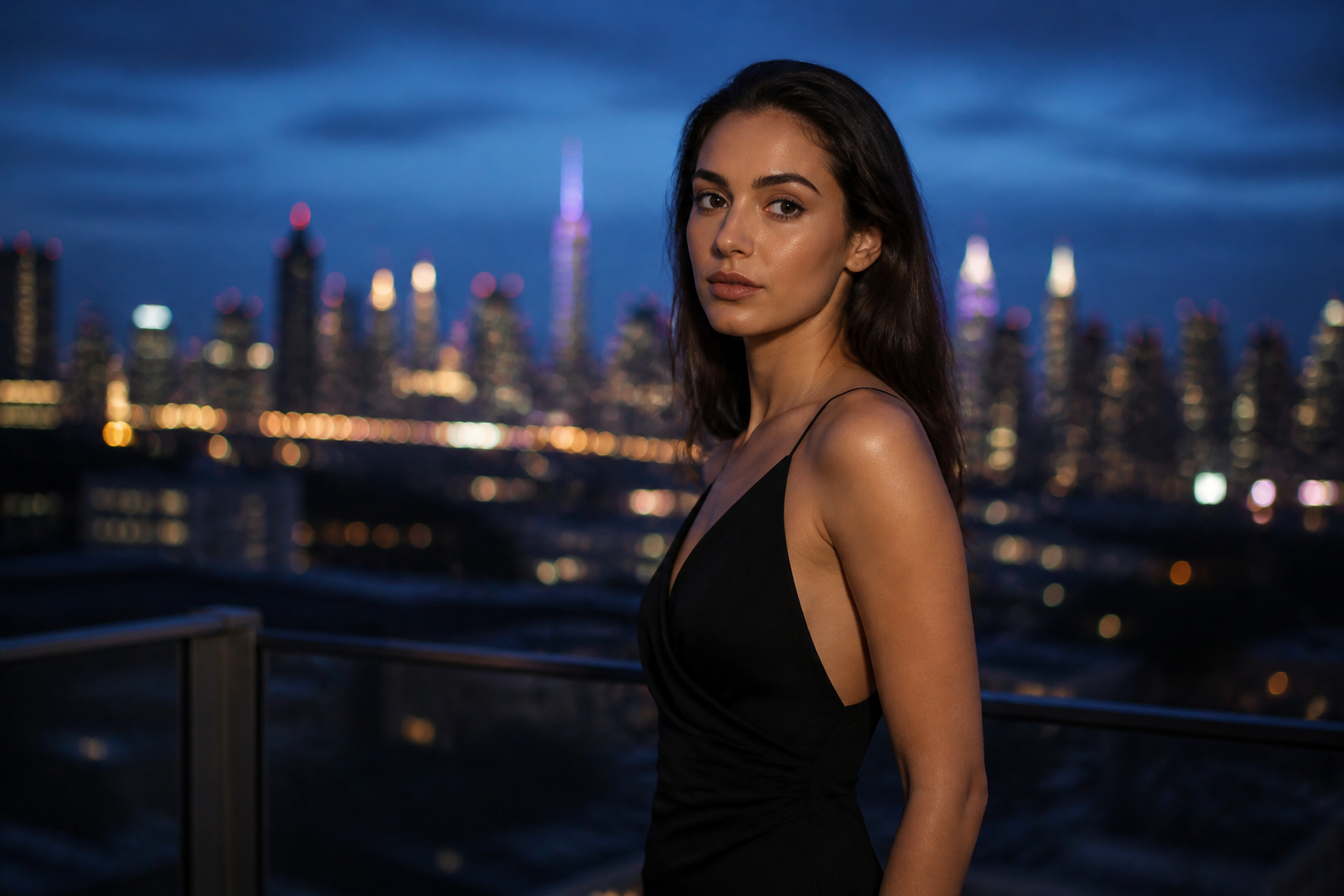 BEFORE
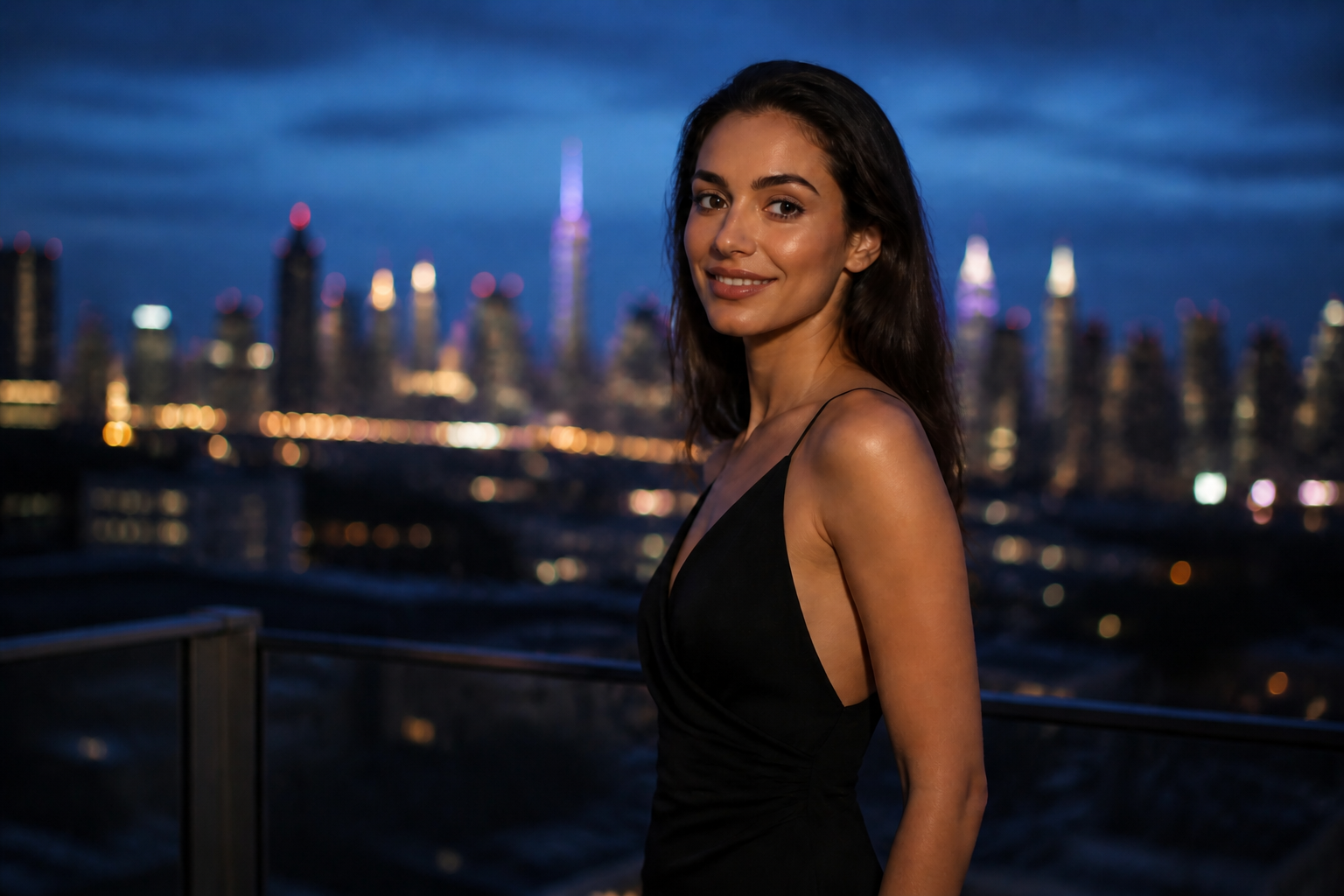 AFTER
AFTER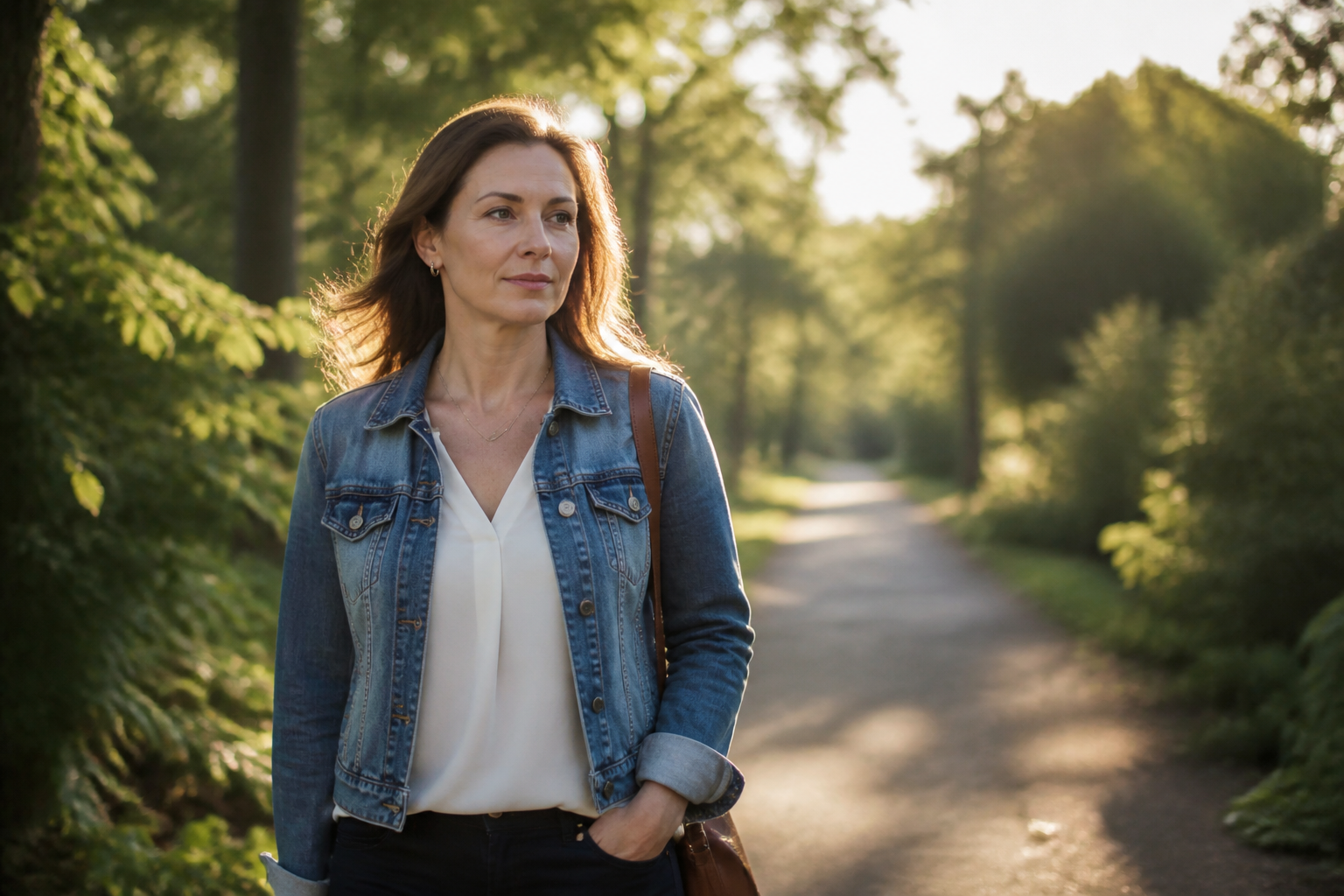 BEFORE
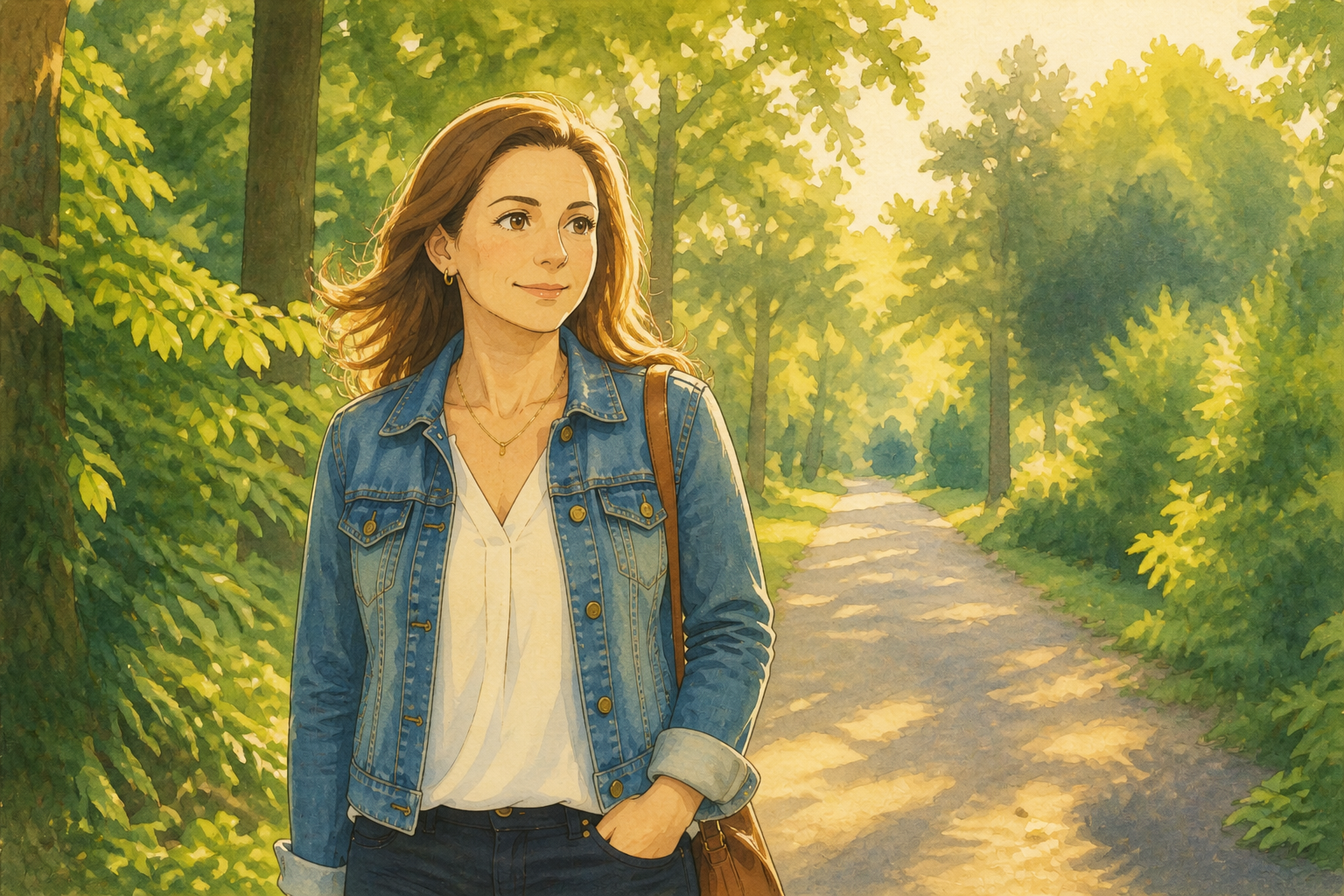 AFTER
AFTER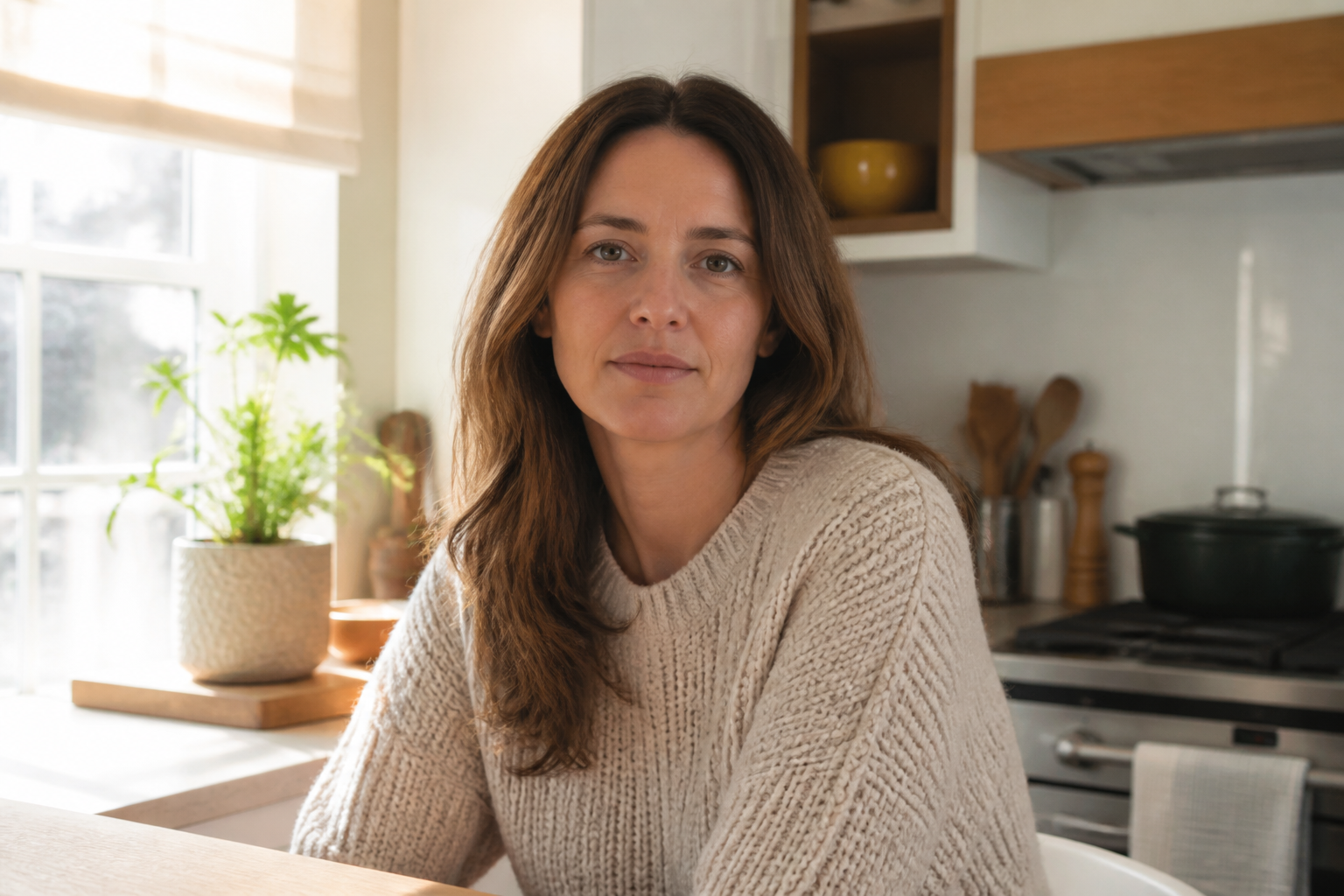 BEFORE
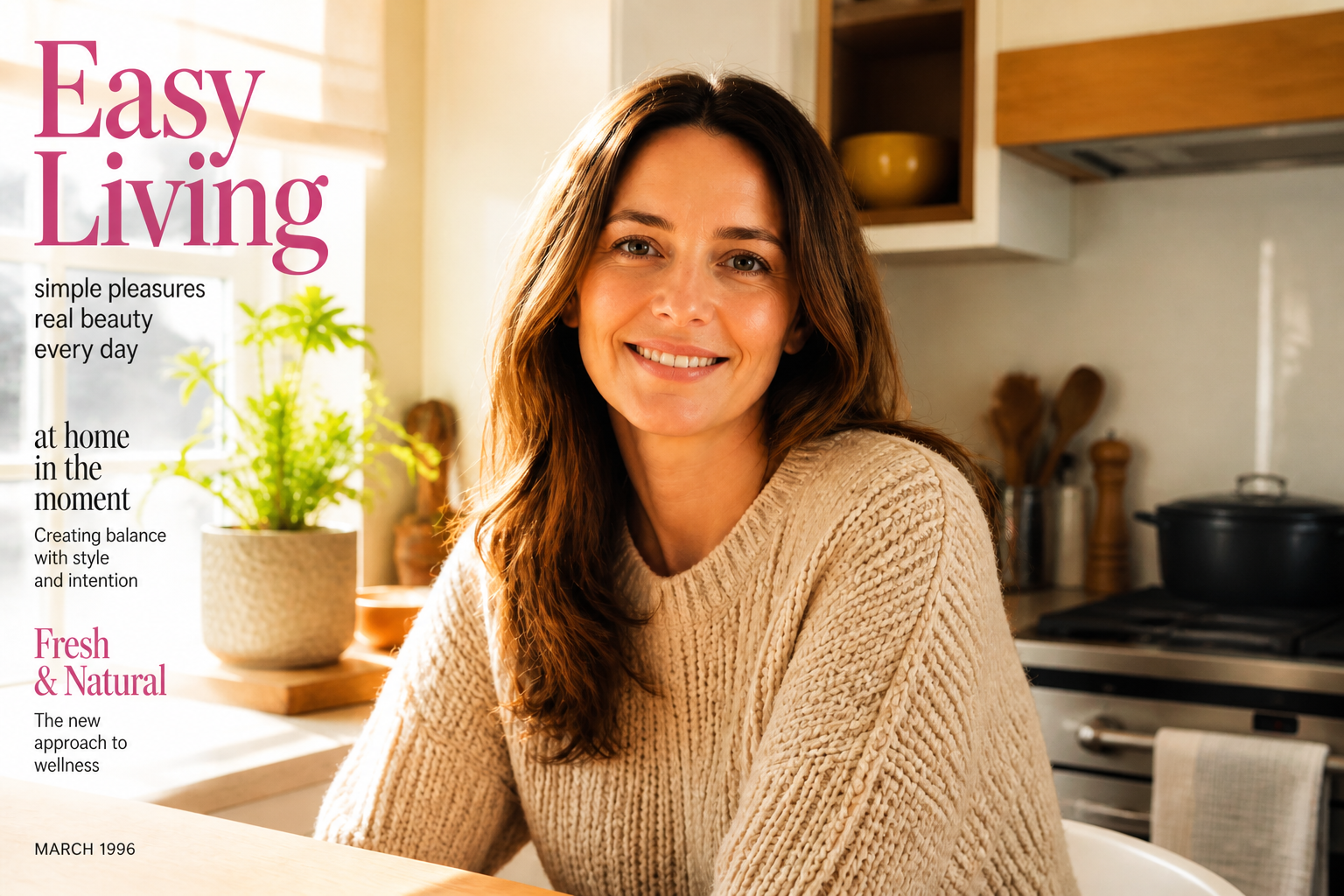 AFTERBEFOREAFTERBEFOREAFTERBEFOREAFTERBEFOREAFTERBEFOREAFTER
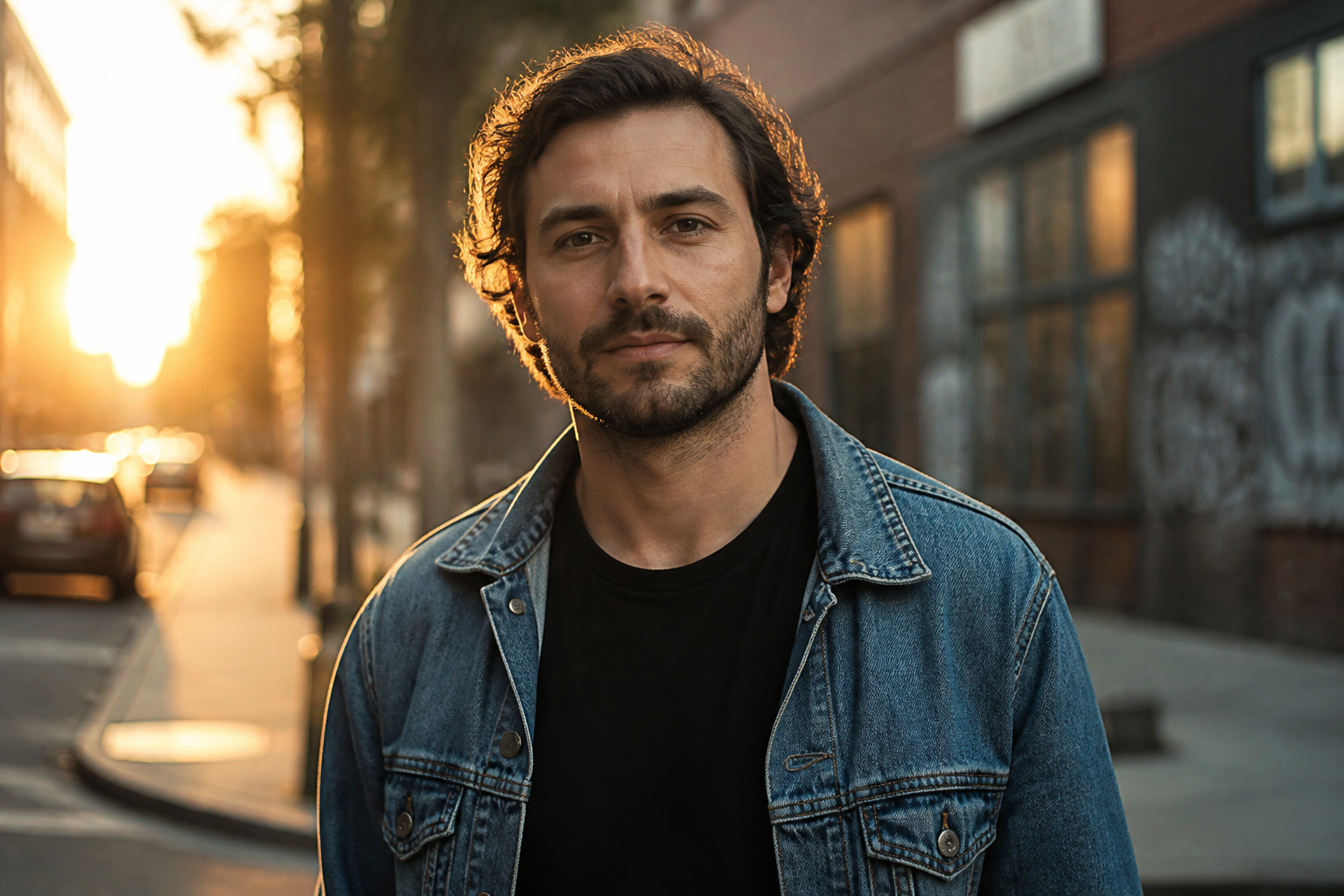 BEFORE
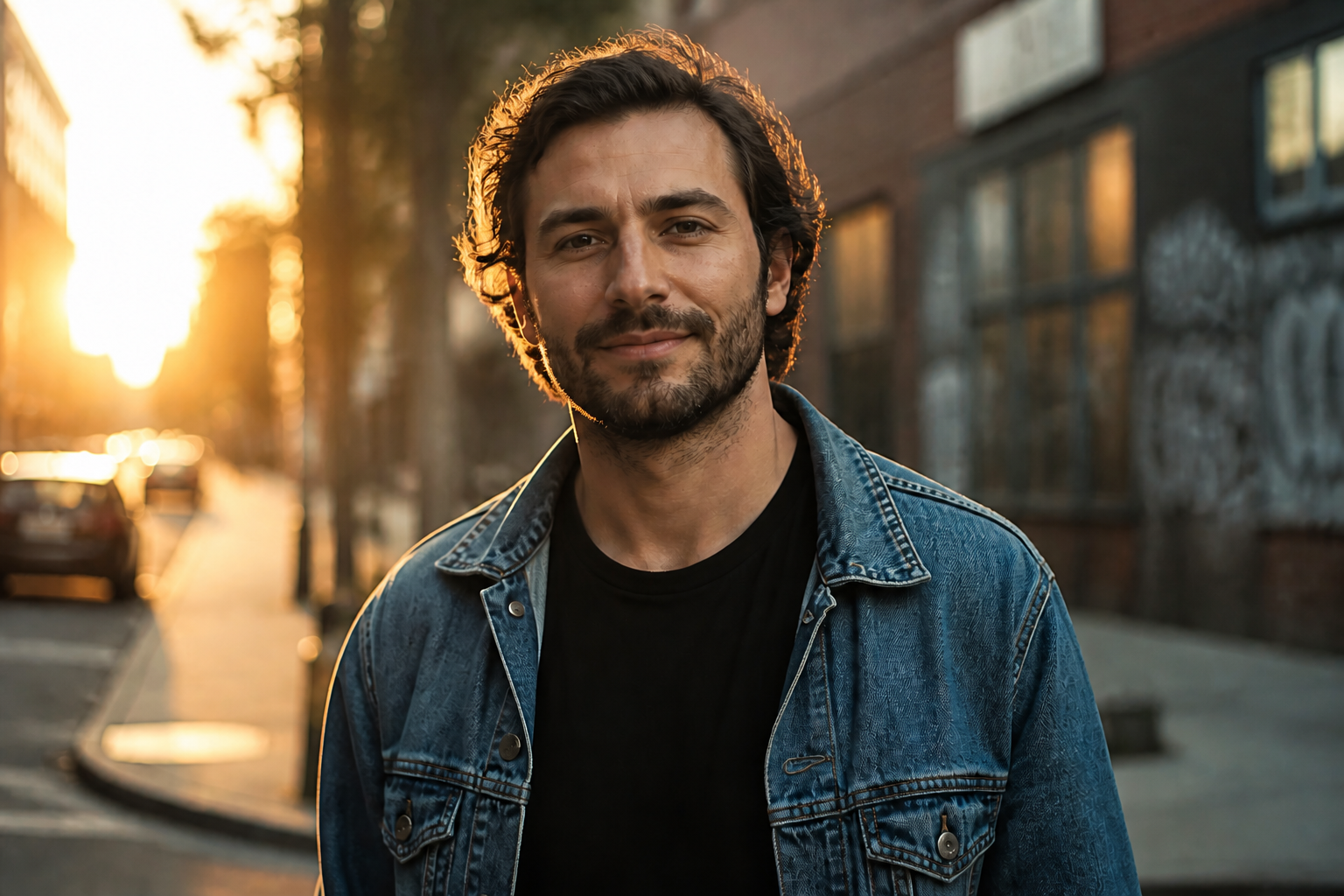 AFTER
AFTER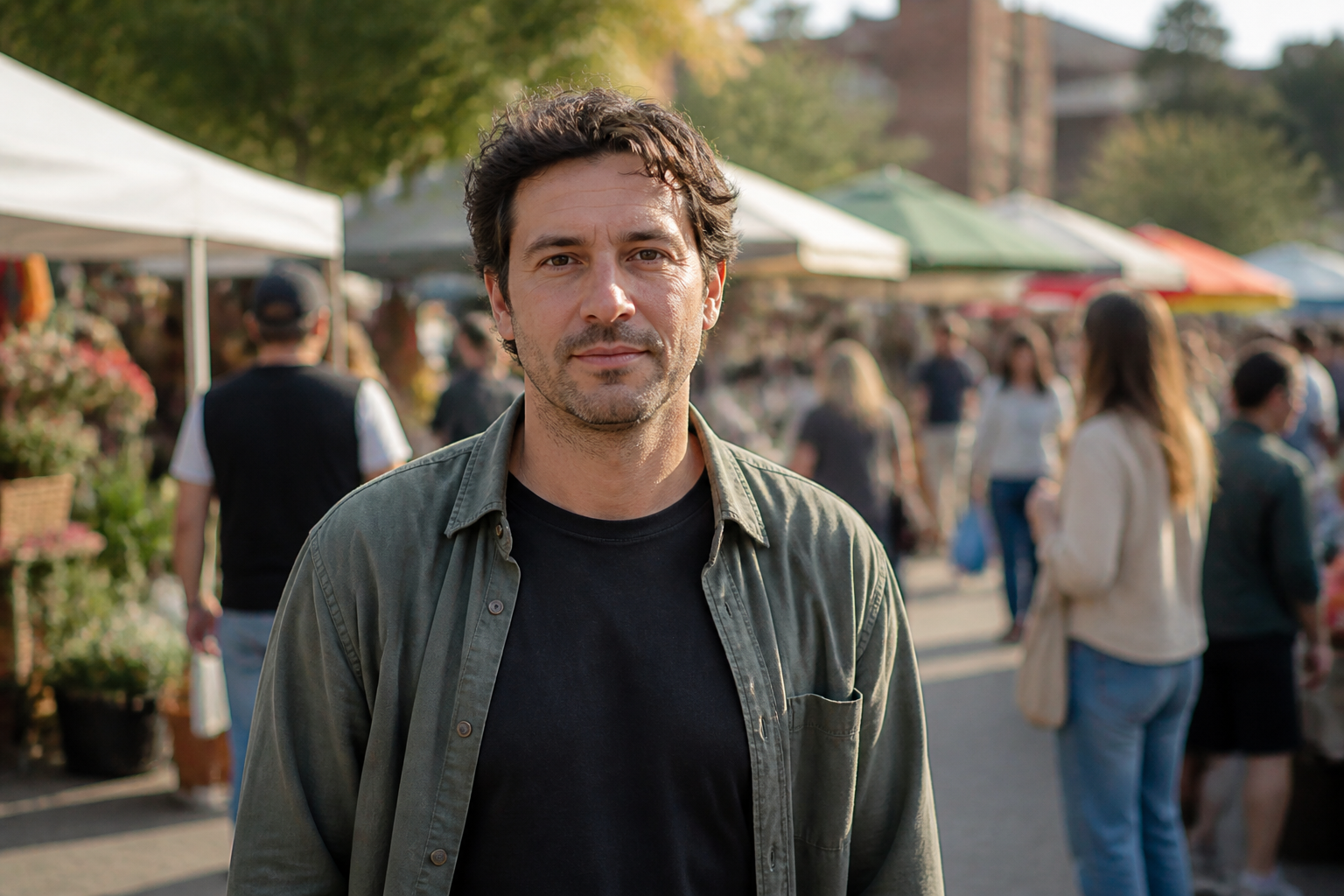 BEFORE
 AFTER
AFTER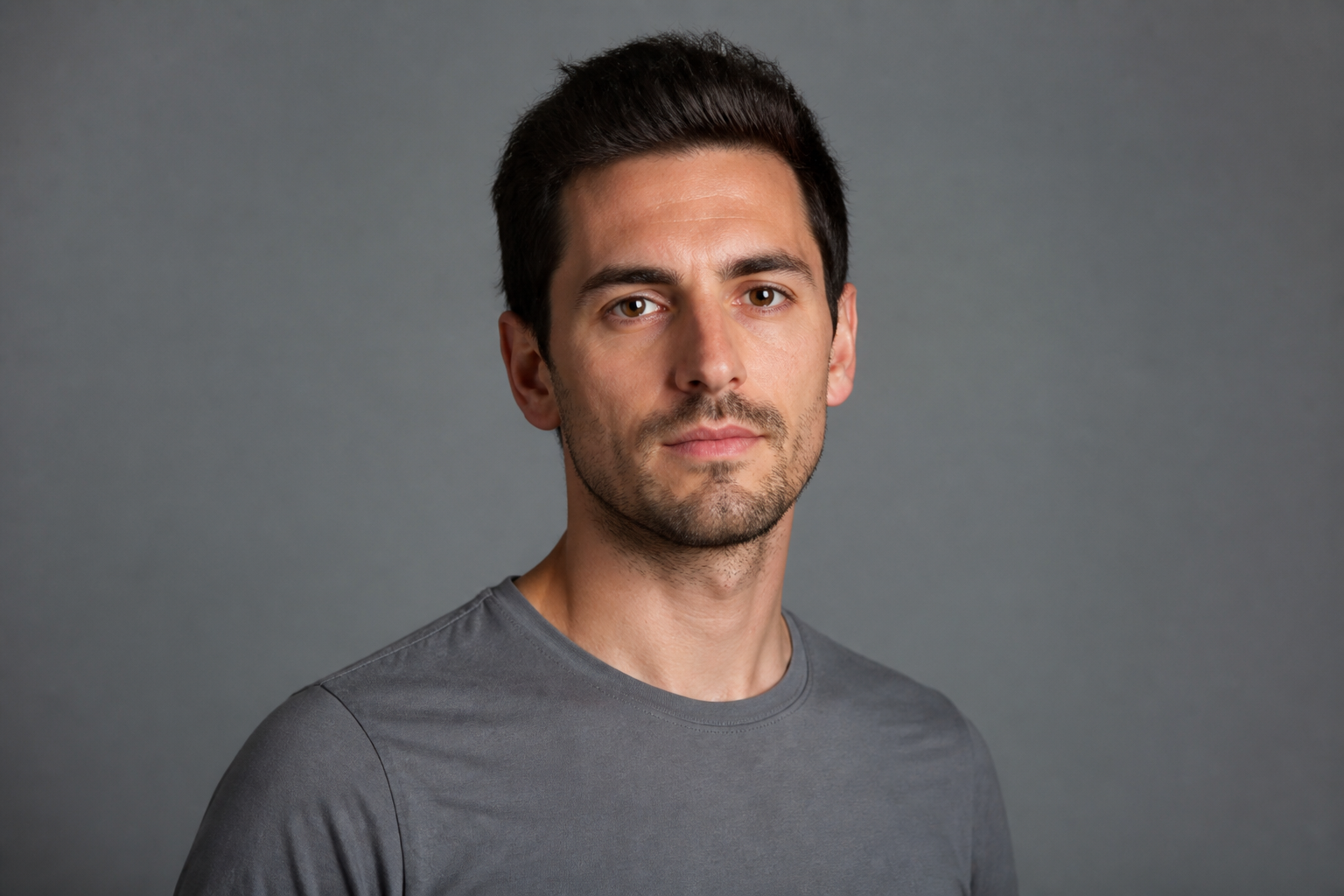 BEFORE
 AFTER
AFTER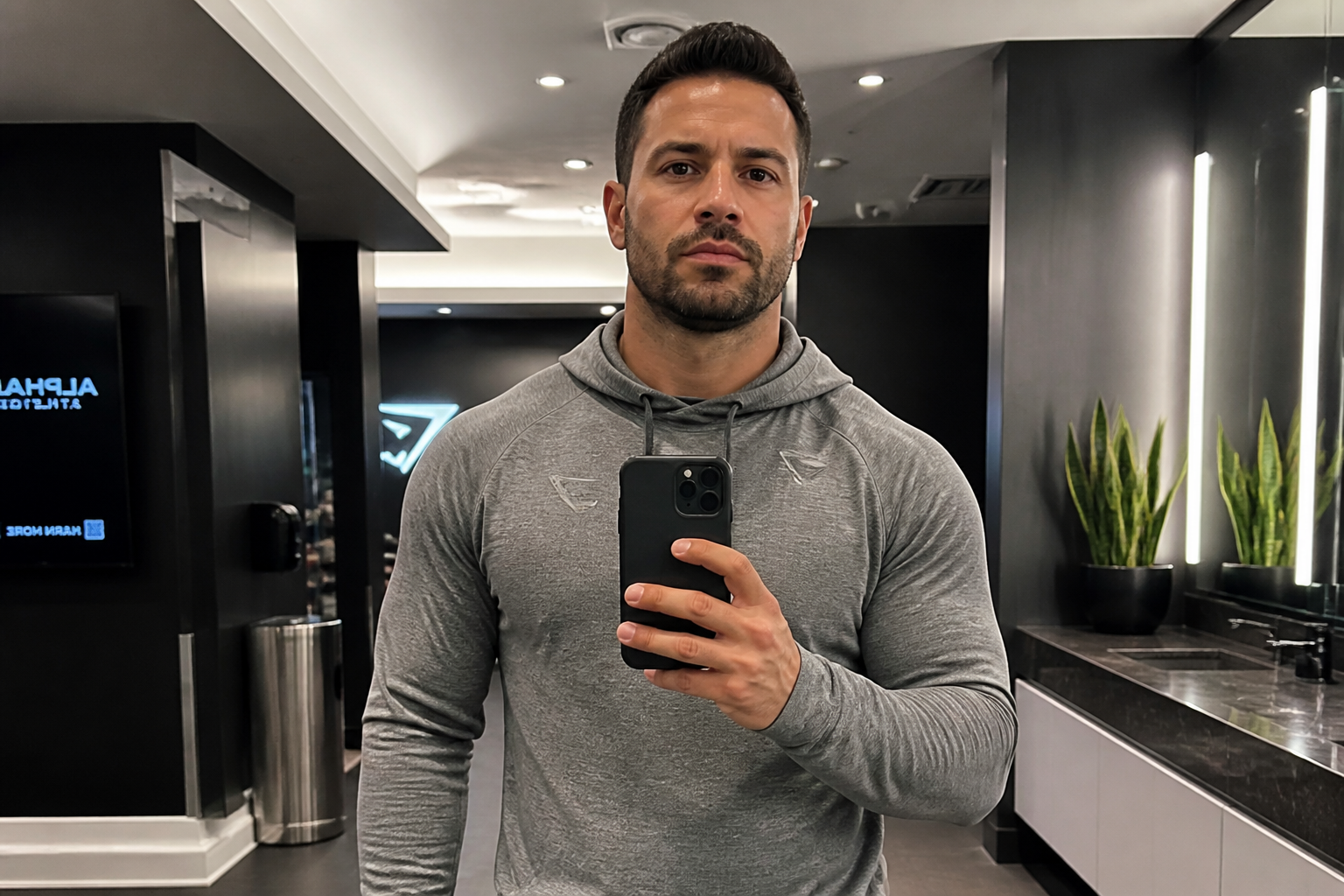 BEFORE
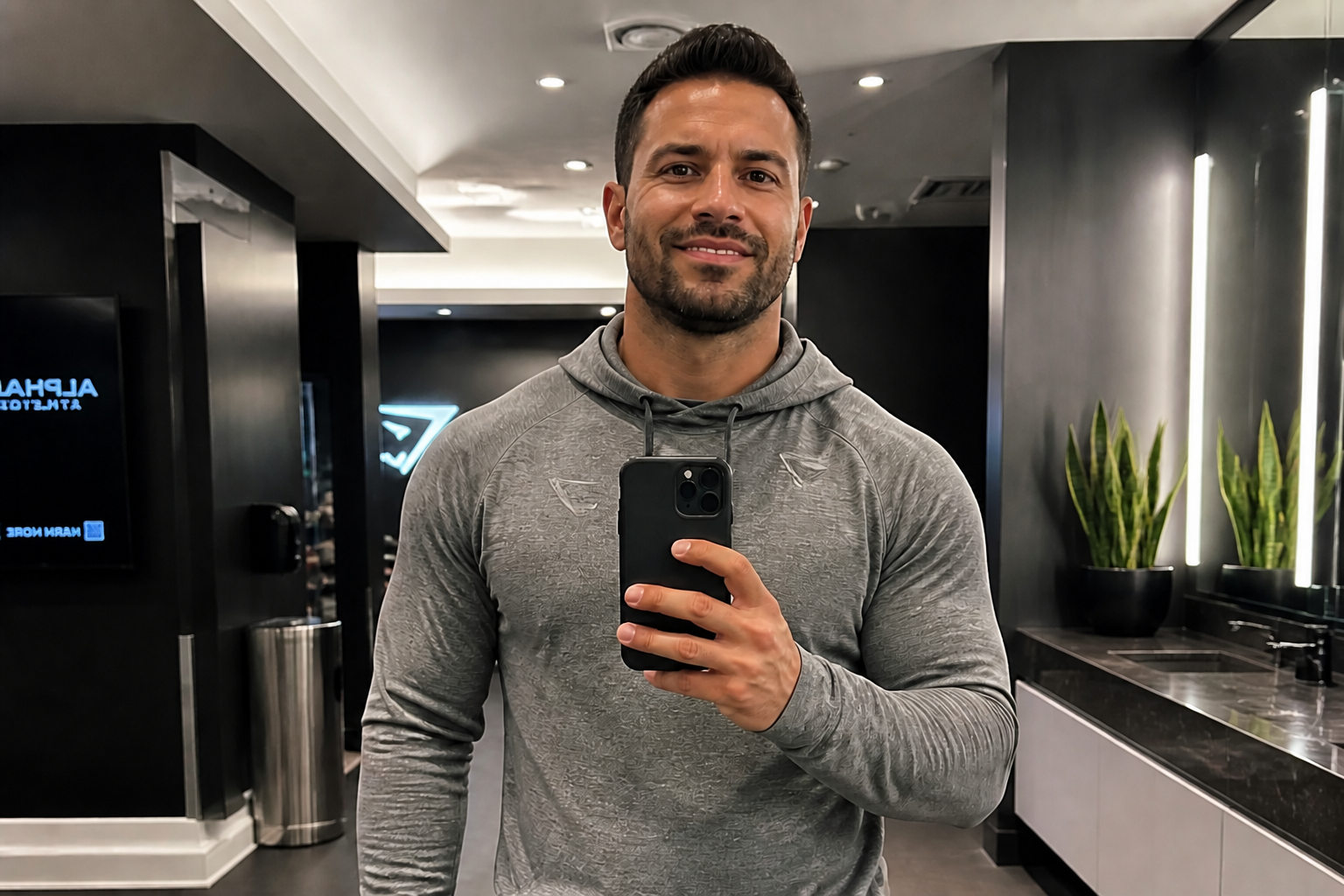 AFTER
AFTER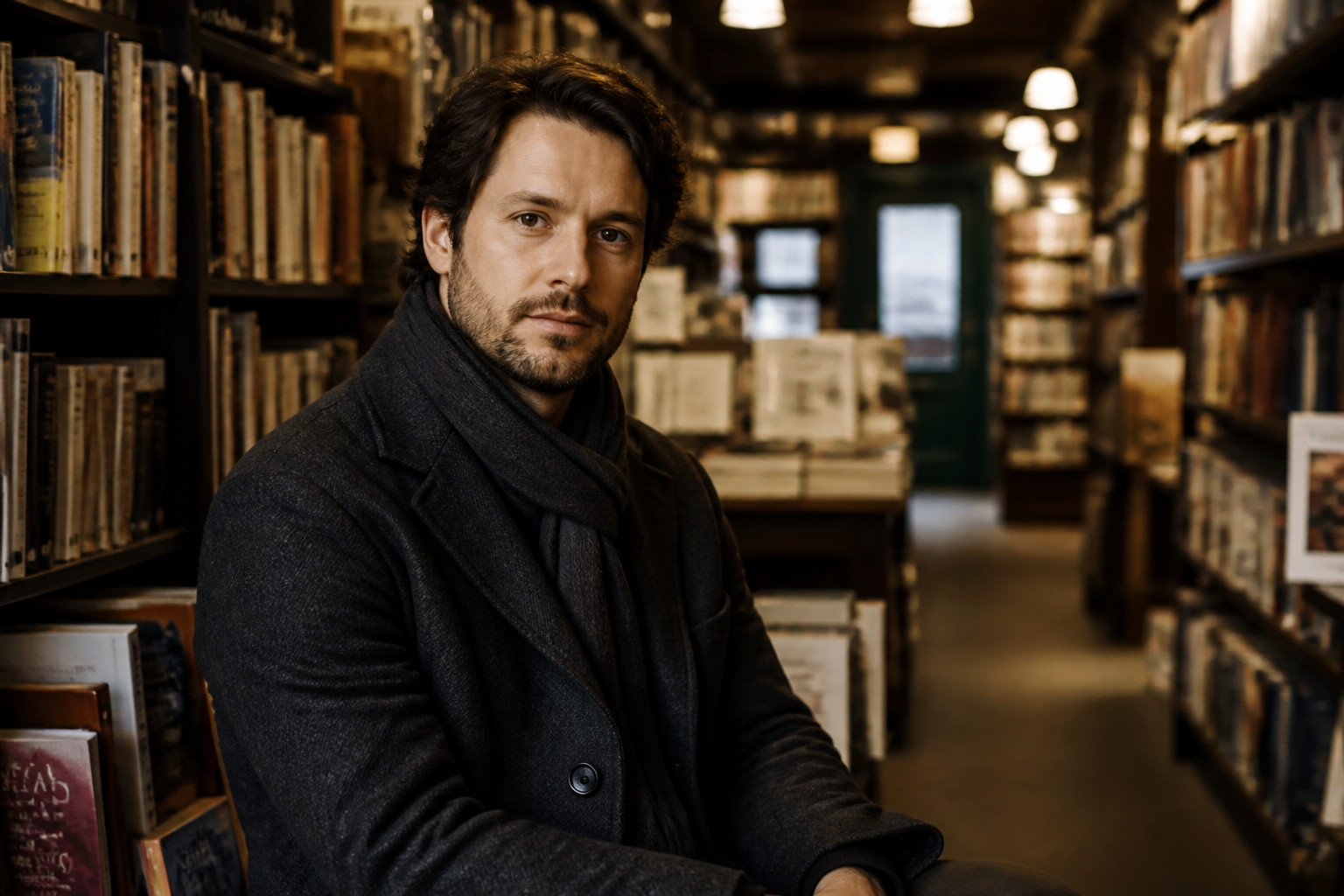 BEFORE
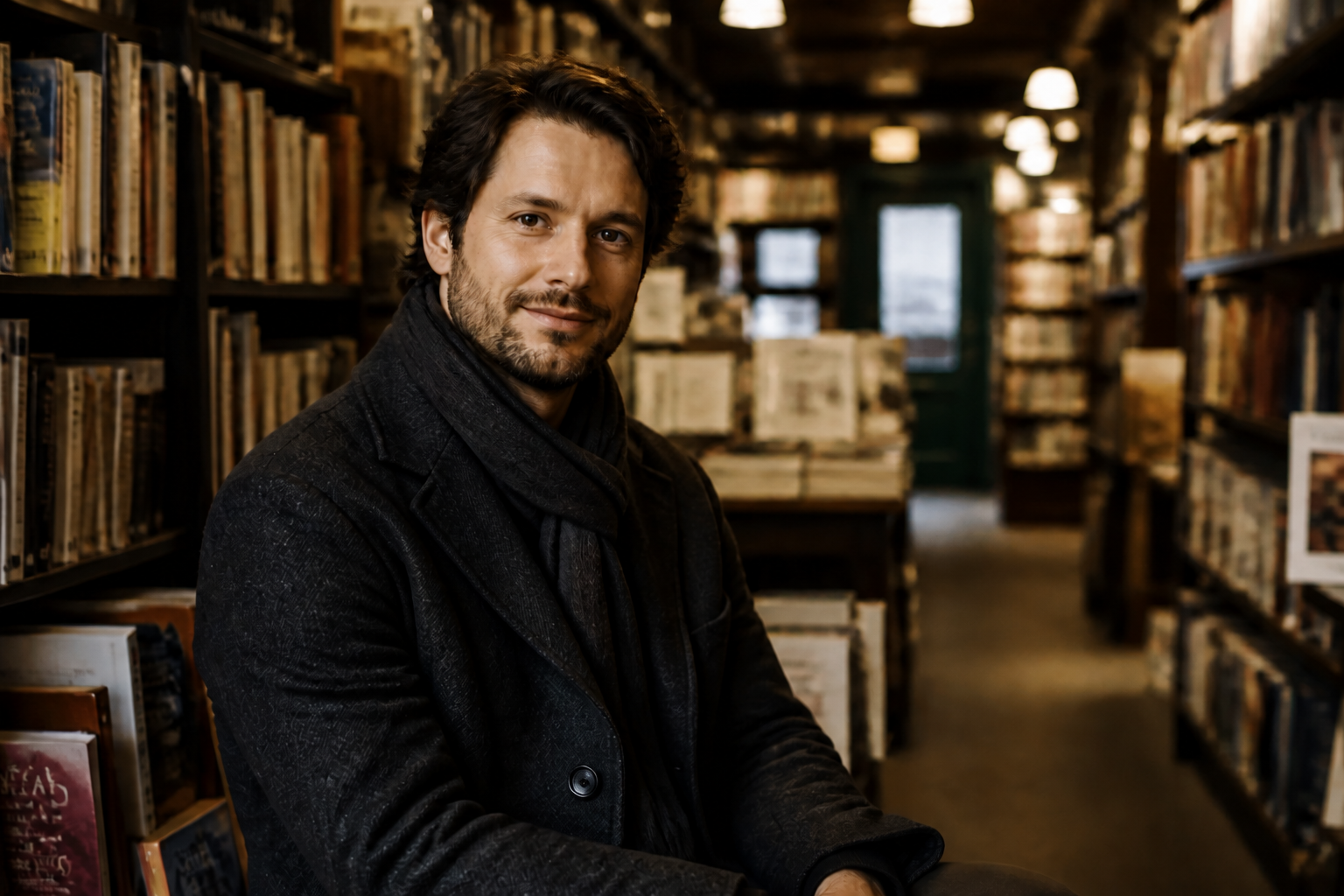 AFTERBEFOREAFTERBEFOREAFTERBEFOREAFTERBEFOREAFTERBEFOREAFTER
Key Features
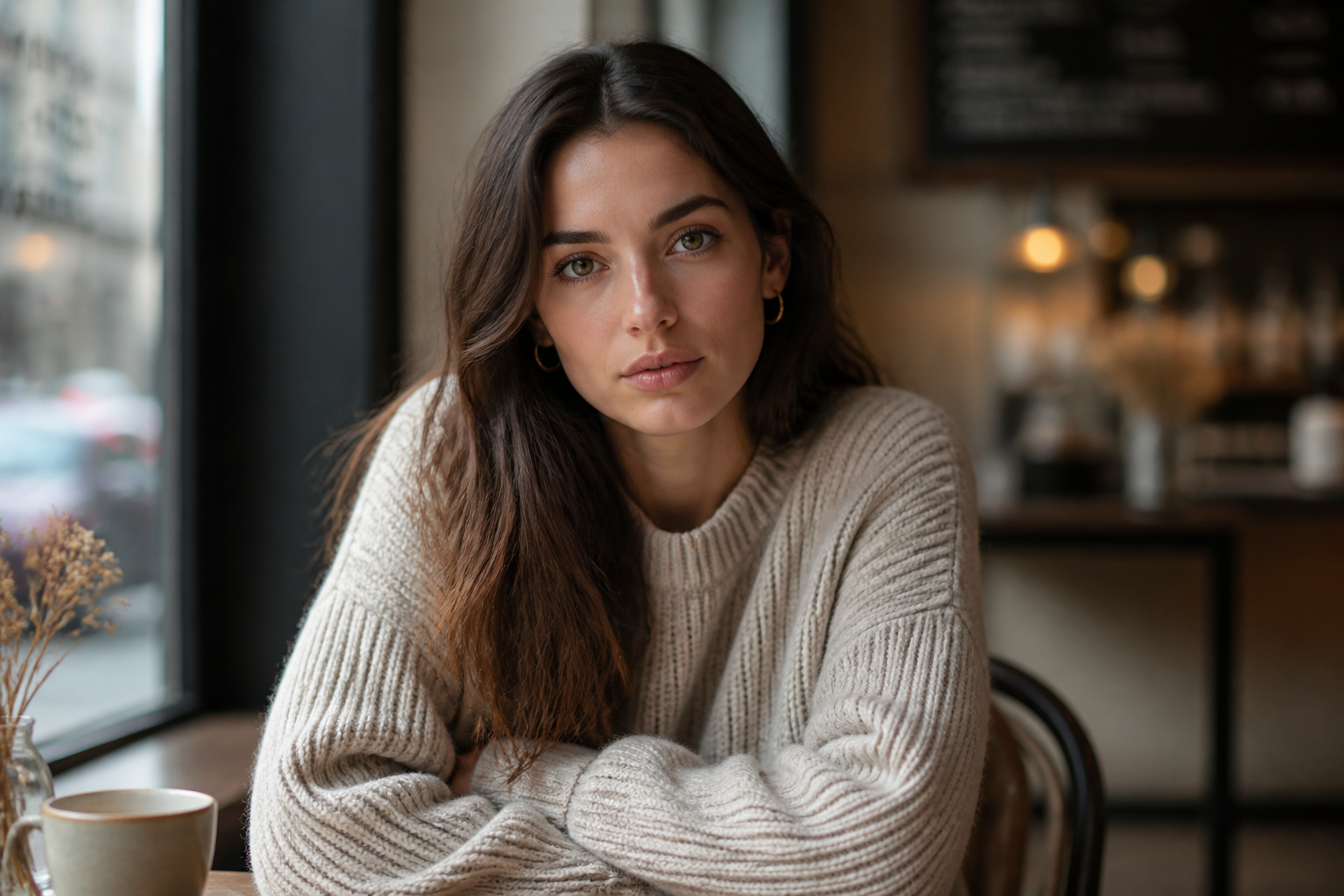
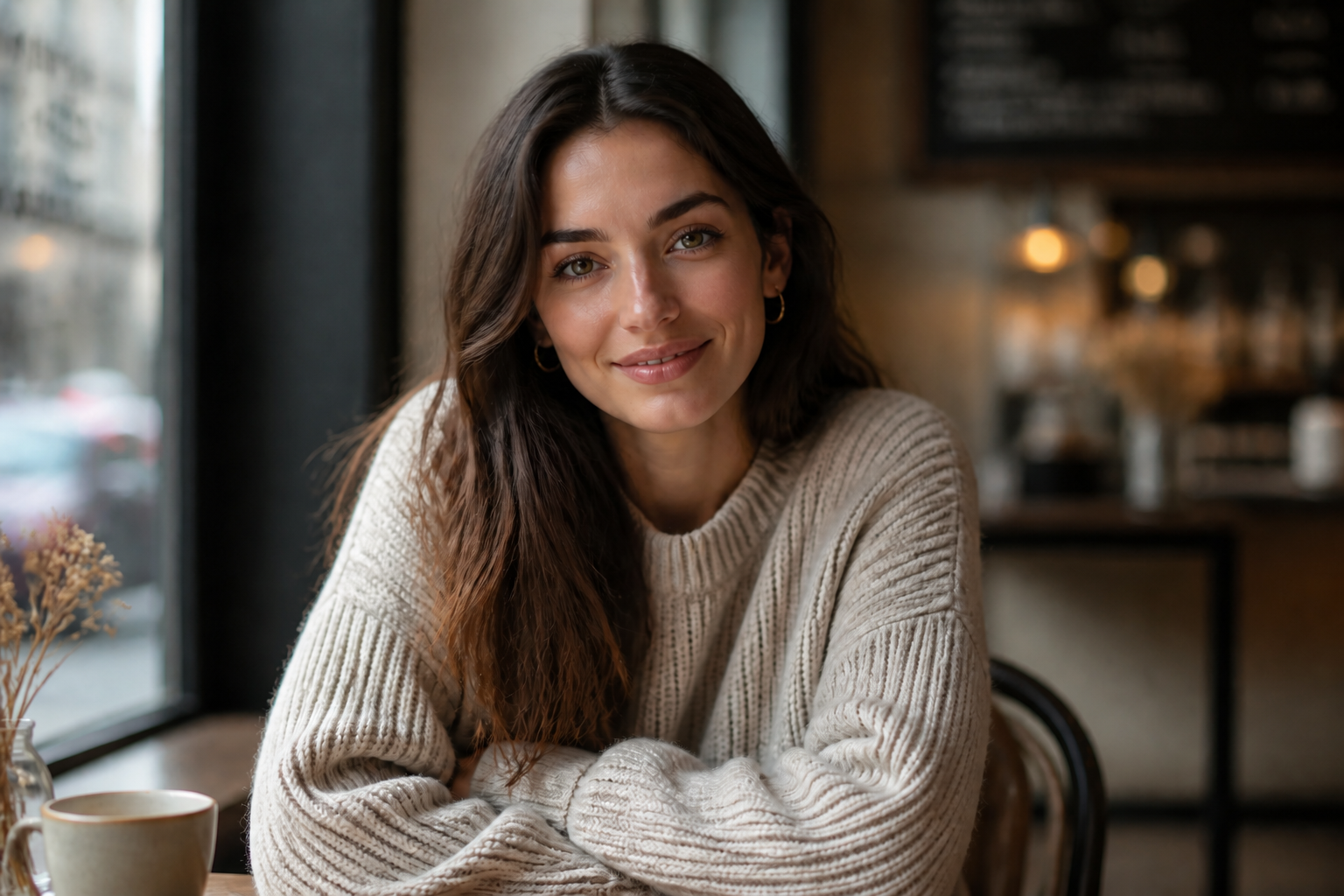
Natural-looking smile edits
The tool changes expression without making the face look pasted over or overworked. It focuses on the mouth, cheeks, and eyes together so the result reads like a real smile, not just lifted lips. That matters because believable emotion is what makes a portrait feel usable. Doing this by hand usually takes multiple local edits and a careful eye for facial balance.
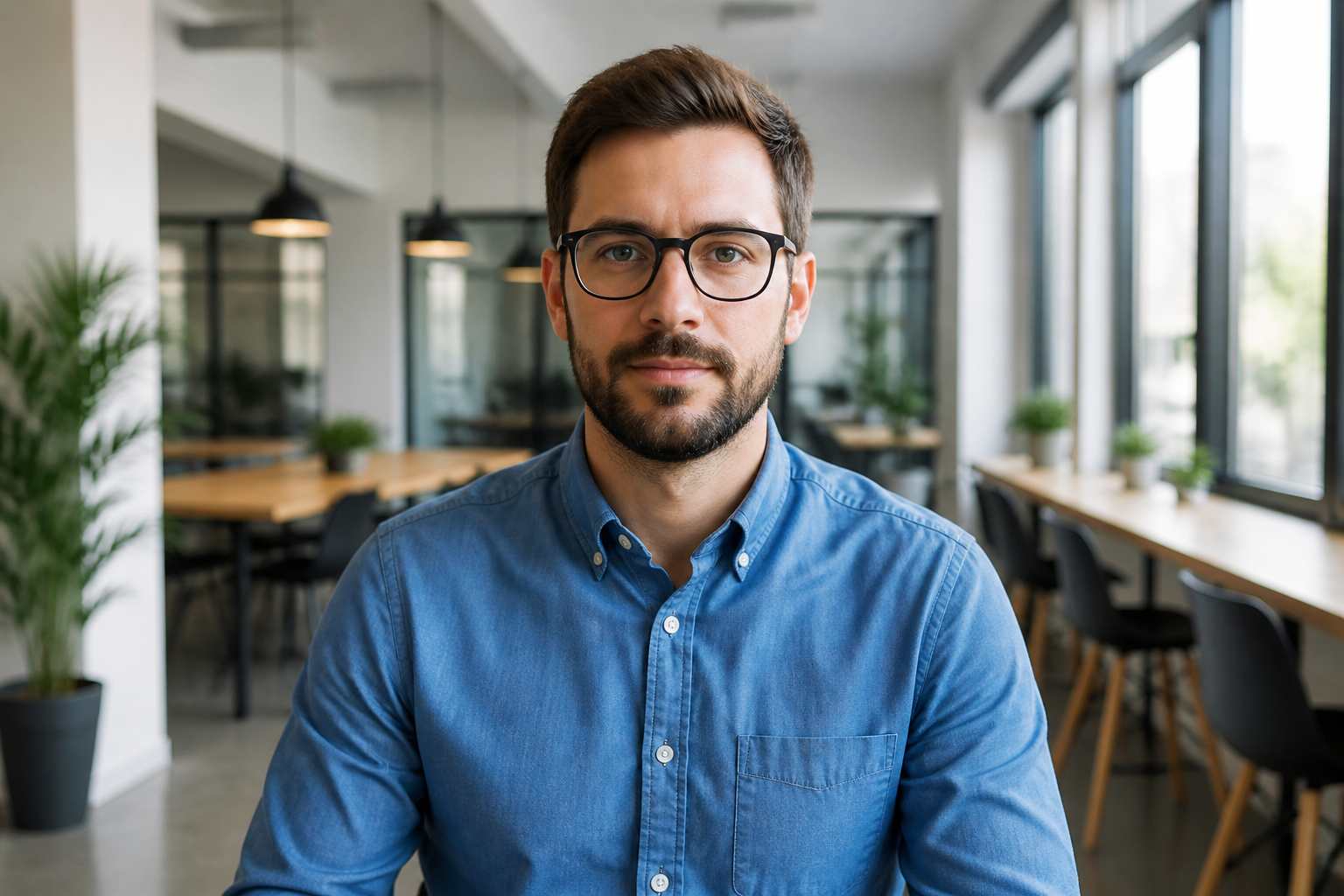

Keeps identity intact
You can add a smile without changing who the person looks like. Facial structure, skin tone, hairstyle, and other defining details stay consistent so the final image still feels like the original subject. This is useful for profile photos, team pages, and family pictures where recognition matters. Manual retouching often drifts into a different face when the expression change is too aggressive.
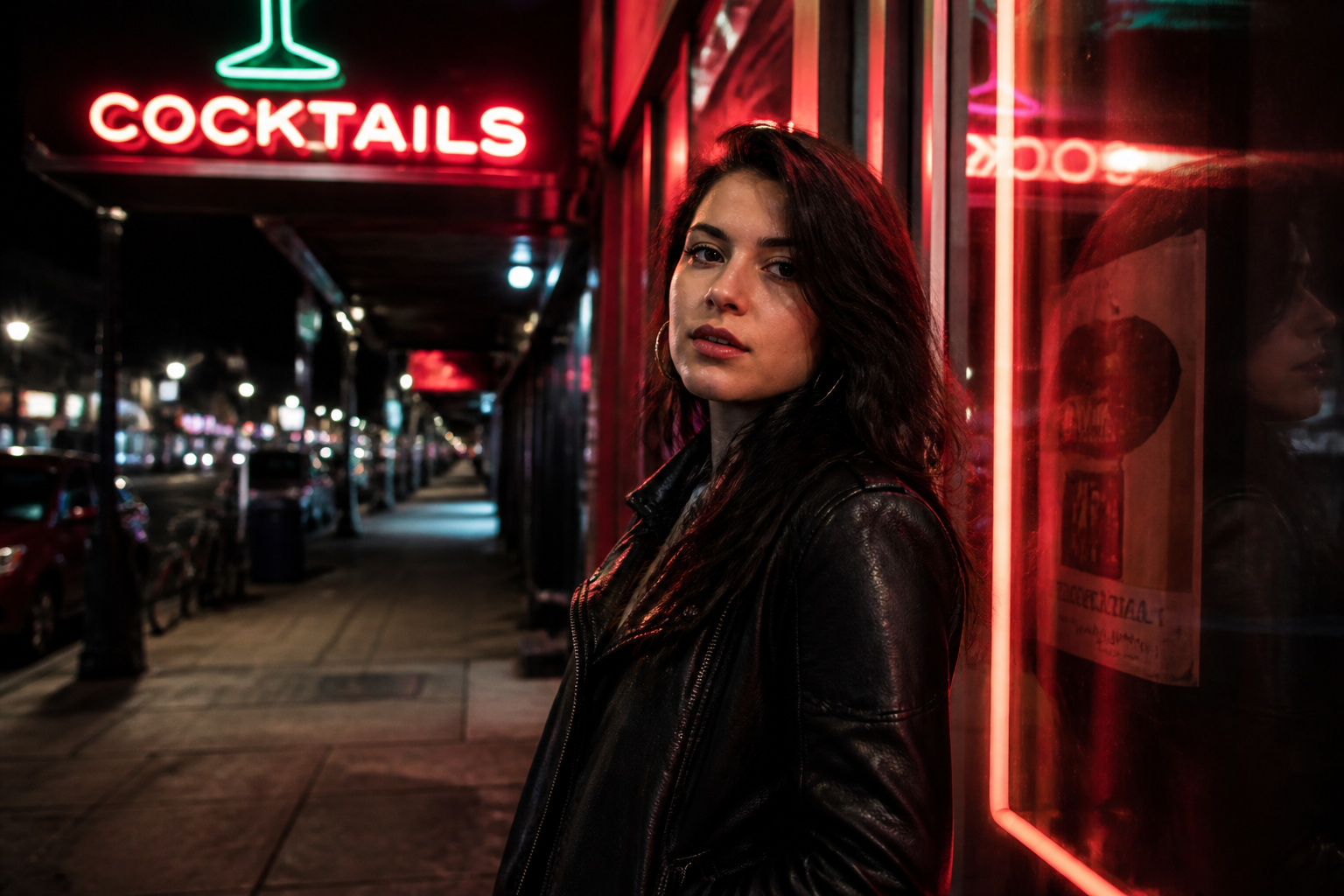
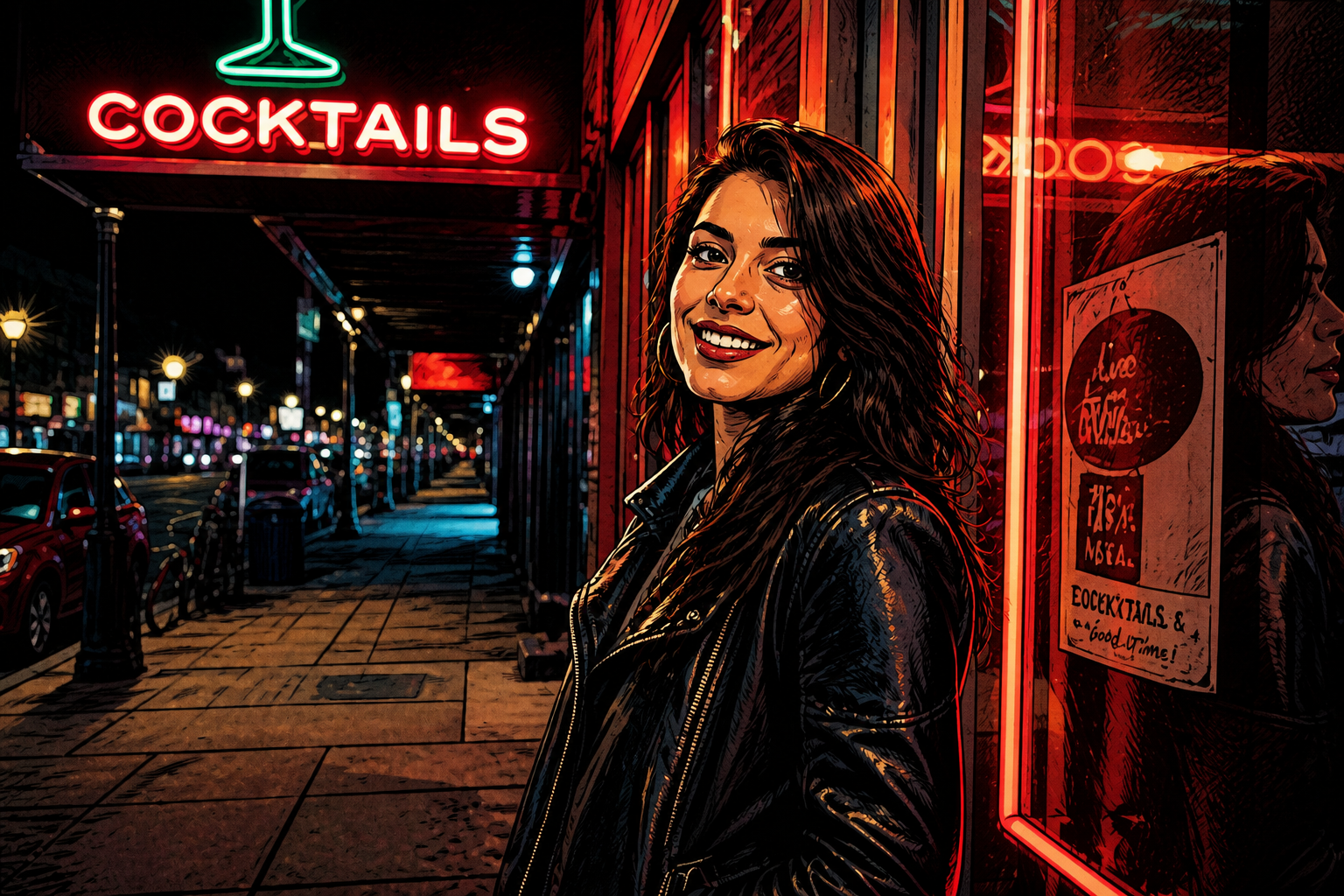
Works across photo styles
The editor can handle casual snapshots, polished headshots, and stylized creative portraits. That makes it useful whether you want a clean business image or something more artistic for social content. The same core edit can be applied while preserving the scene and composition. You do not need separate tools for realistic and stylized outputs.
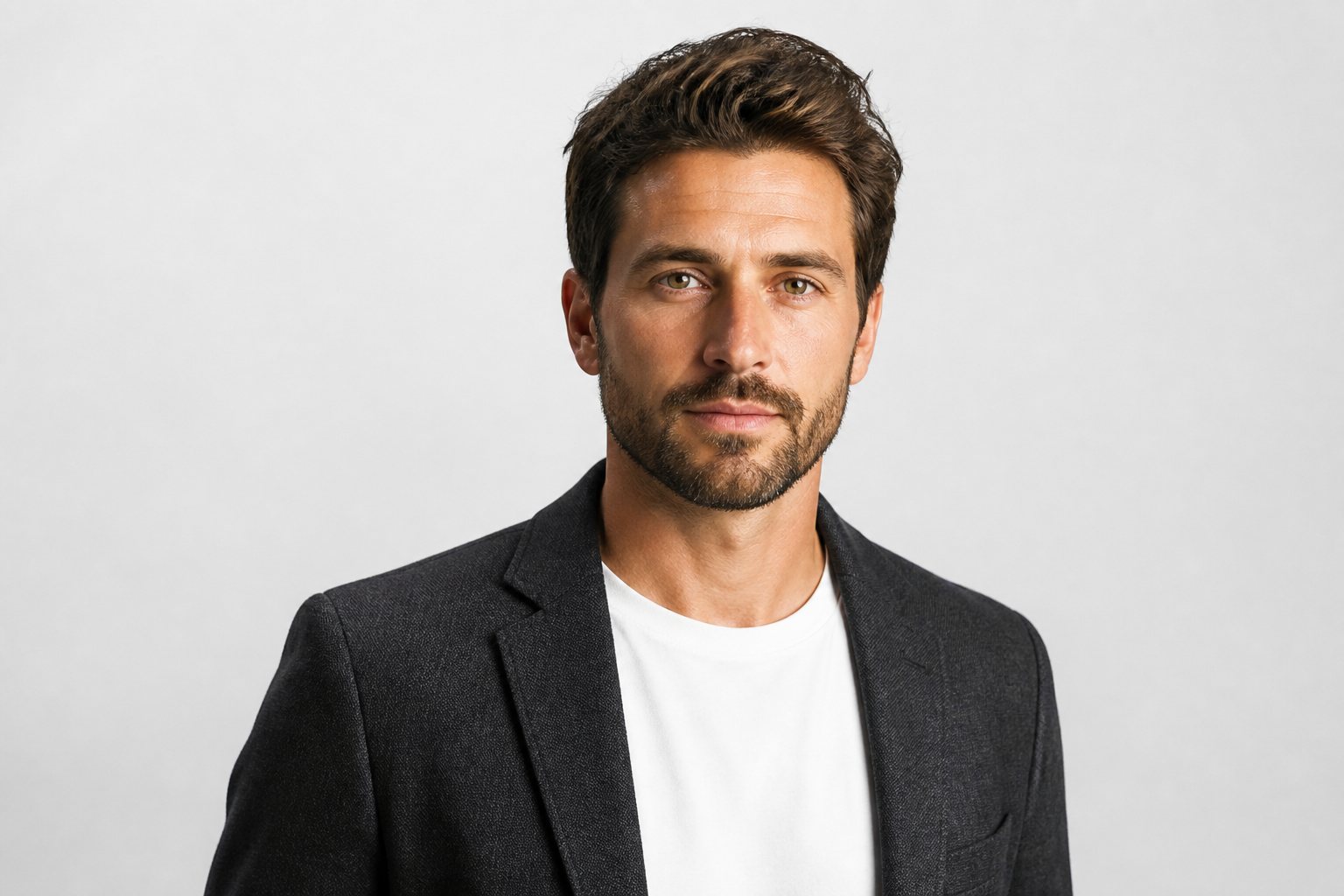
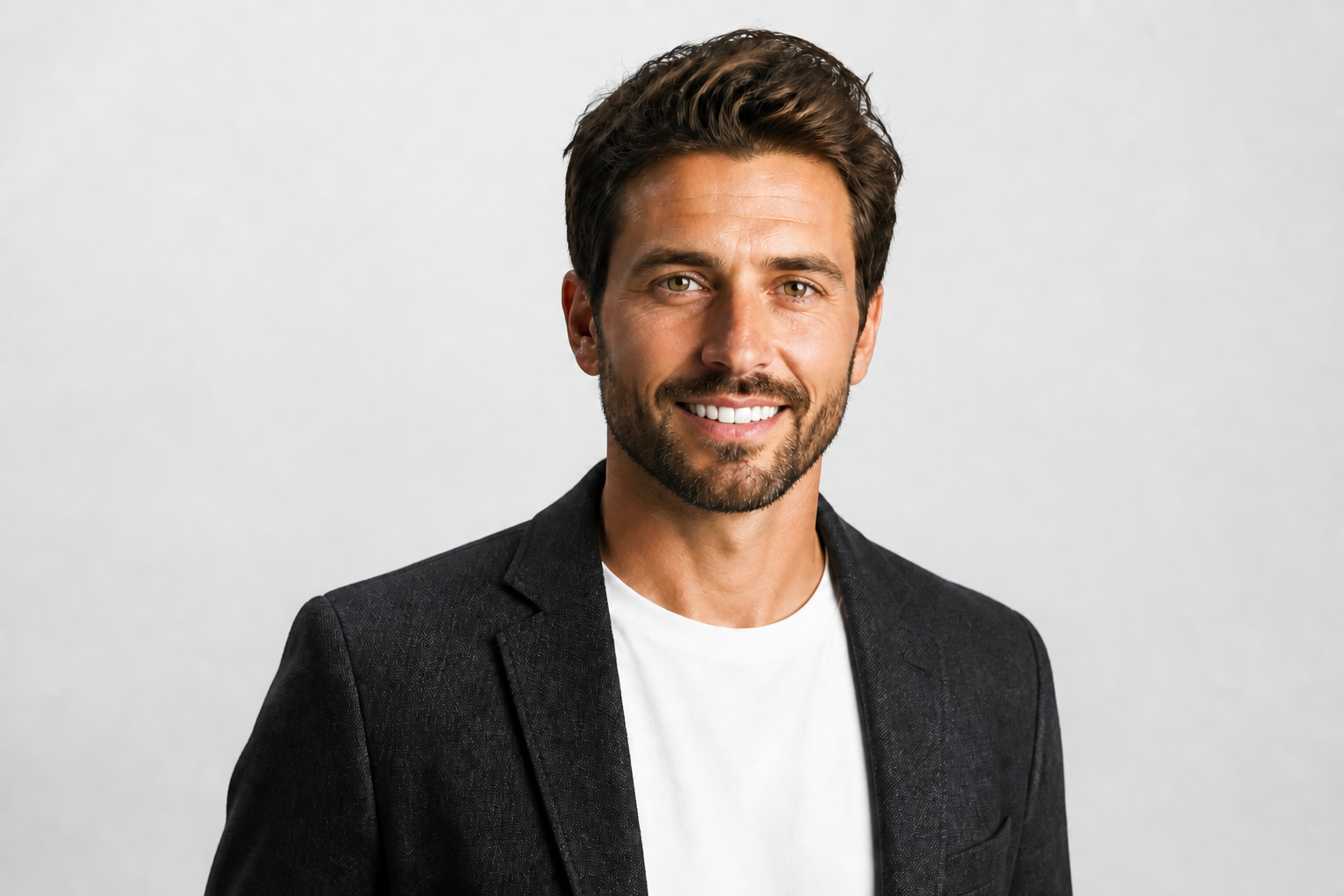
Fast before-and-after testing
It is easy to compare a neutral look, a subtle smile, and a broad smile until the image feels right. That saves time when you are choosing between professional, friendly, or more playful tones. The visual difference is immediate, so you can make decisions quickly instead of guessing. Compared with manual editing, iteration is much faster and more consistent.
How It Works
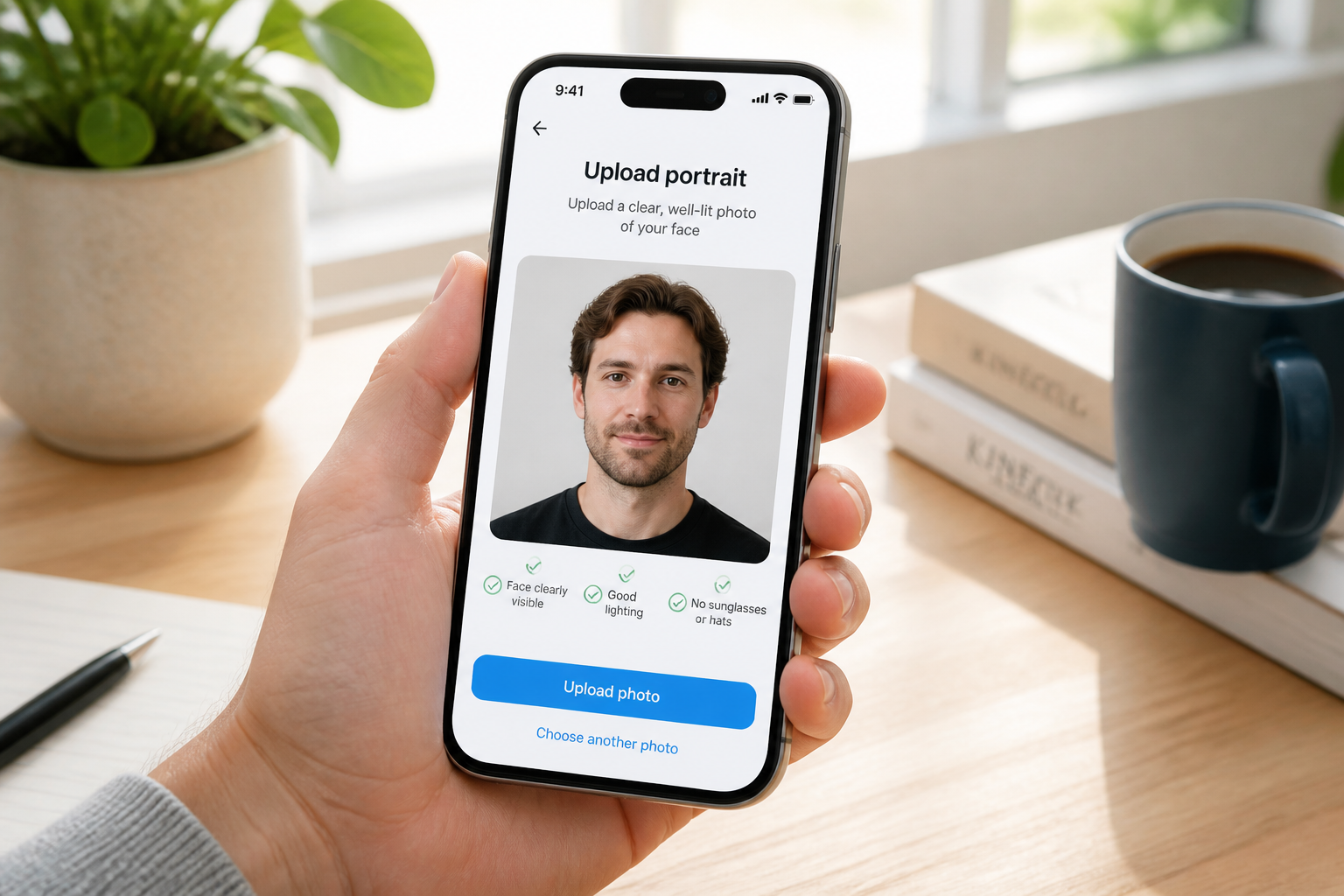
Upload your photo
Start with a clear portrait where the face is easy to see. Front-facing or slightly angled photos usually give the most believable smile edits.
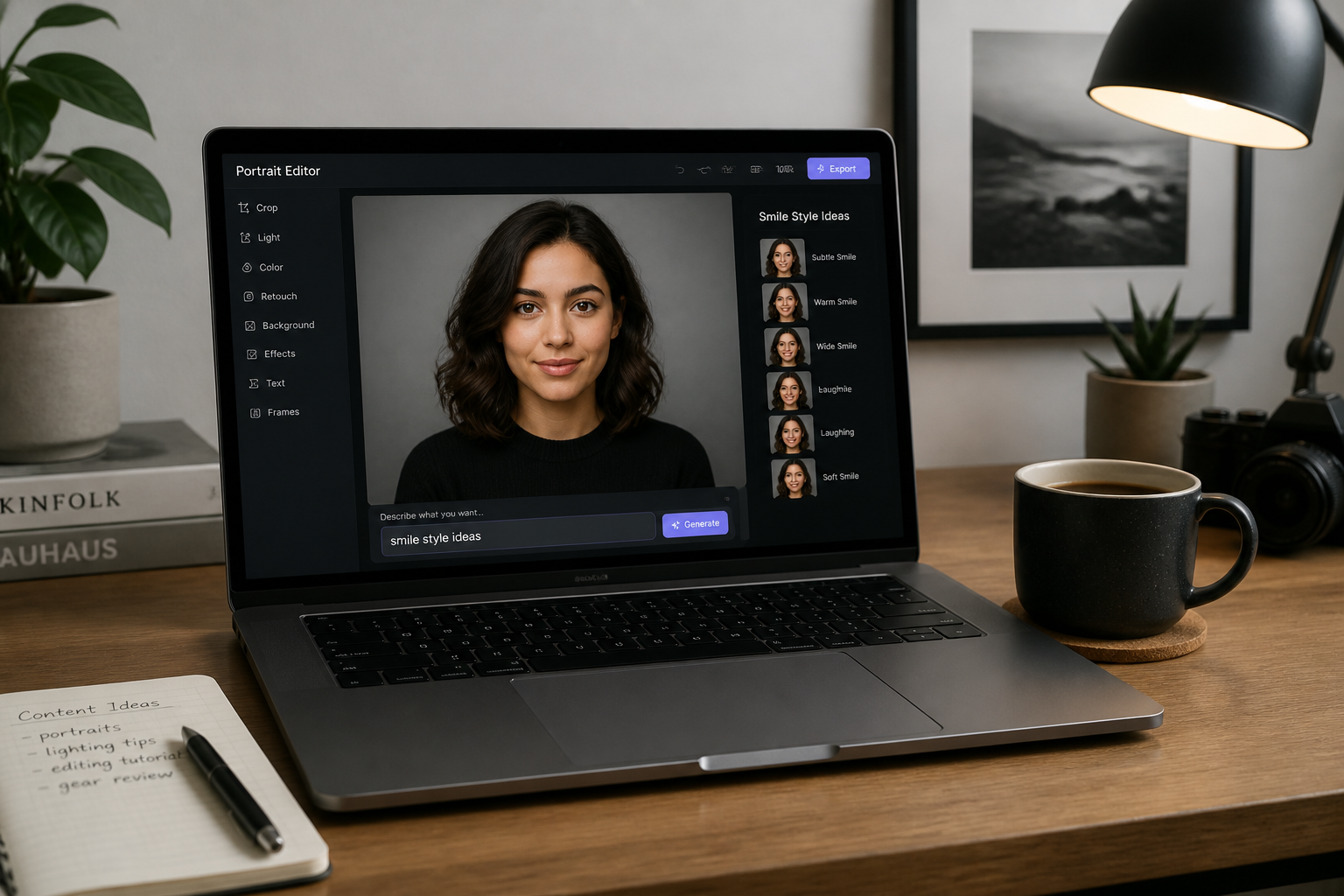
Describe the smile
Tell the editor what kind of expression you want, like soft smile, big friendly grin, or polished headshot smile. Our AI applies that change while keeping the rest of the image consistent.
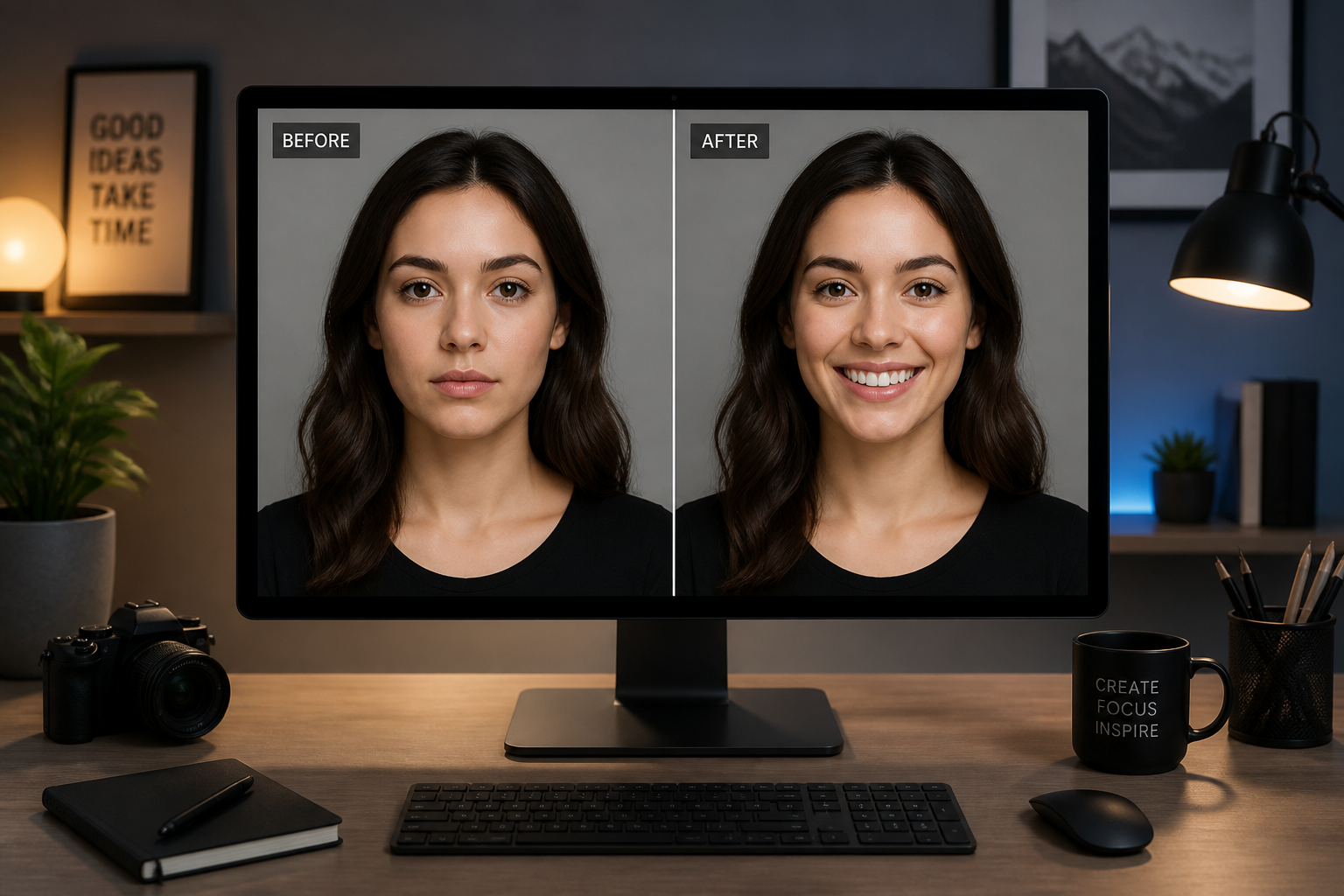
Compare and download
Review the before and after to see how the expression changed. If needed, tweak the prompt and generate another version before saving your favorite result.
Perfect For
Discover how creators and professionals use ai smile generator
Refresh profile photos
Turn a flat or serious portrait into something warmer for LinkedIn, team pages, or speaker bios.
Improve family pictures
Fix a good group or portrait shot when one person looks too neutral compared with everyone else.
Test expression options
Try subtle, friendly, or broad smiles before choosing the version that fits the mood you want.
Create social-ready portraits
Make selfies and lifestyle photos feel more engaging without reshooting the whole scene.
Built For
Creators and influencers
Make portraits feel more approachable for thumbnails, profile photos, and everyday social posts.
Professionals and teams
Polish headshots and staff photos so they look friendly while staying realistic and recognizable.
Everyday photo editors
Fix expression issues in otherwise great shots without learning complex retouching tools.
Why use it for smile edits
A quick look at how we compare on the things that matter for this niche.
| Feature | BudgetPixel | Generic AI editors | Manual editing apps |
|---|---|---|---|
| Adds a visible smile change | ✓ | ✓ | — |
| Keeps pose and background | ✓ | — | ✓ |
| Natural portrait results | ✓ | — | — |
| Fast to test variations | ✓ | ✓ | — |
| No manual masking required | ✓ | ✓ | — |
Frequently Asked Questions
Will the smile look natural?
Does it keep the person looking like themselves?
Can I choose different types of smiles?
What photos work best?
Can I use it for stylized images too?
Create together.
Share your creations, discover trending AI art, and grow with fellow creators.