
Thanksgiving templates
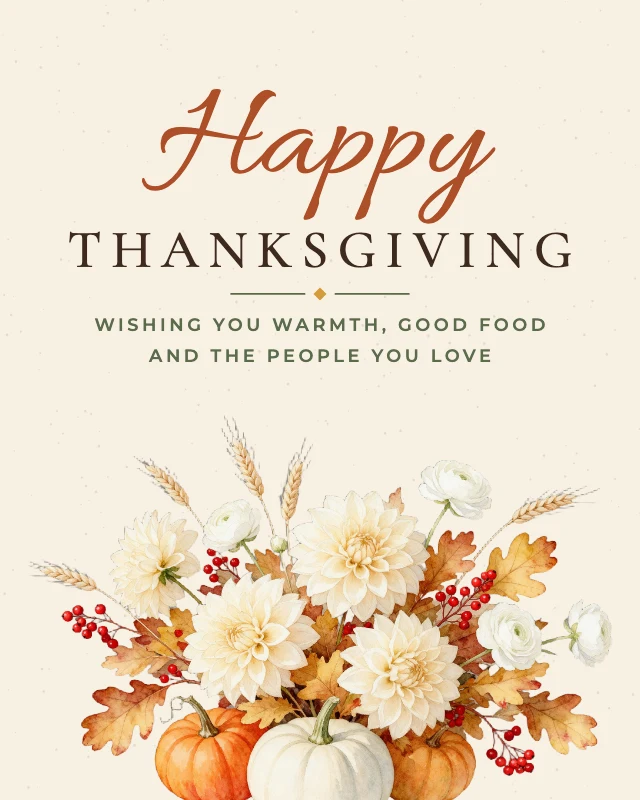
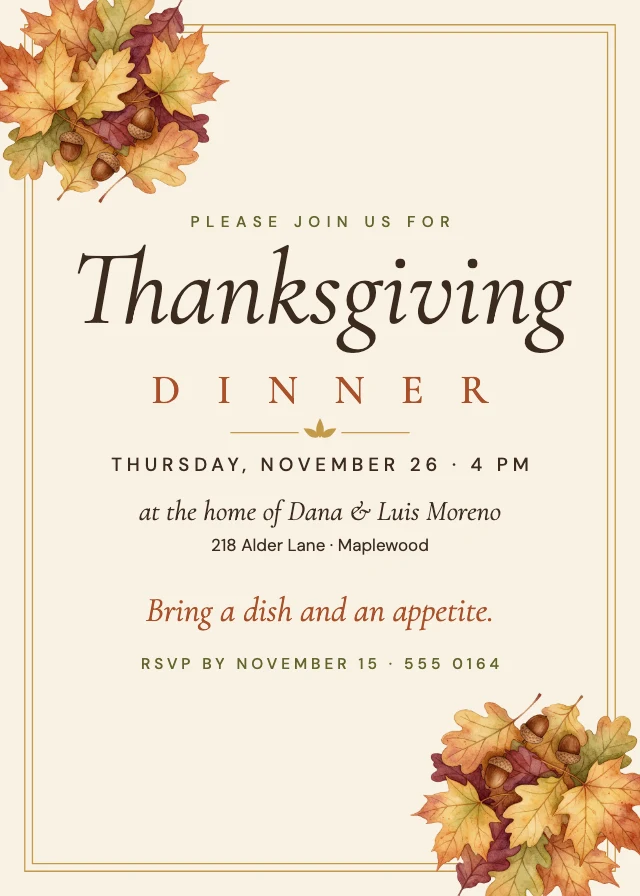
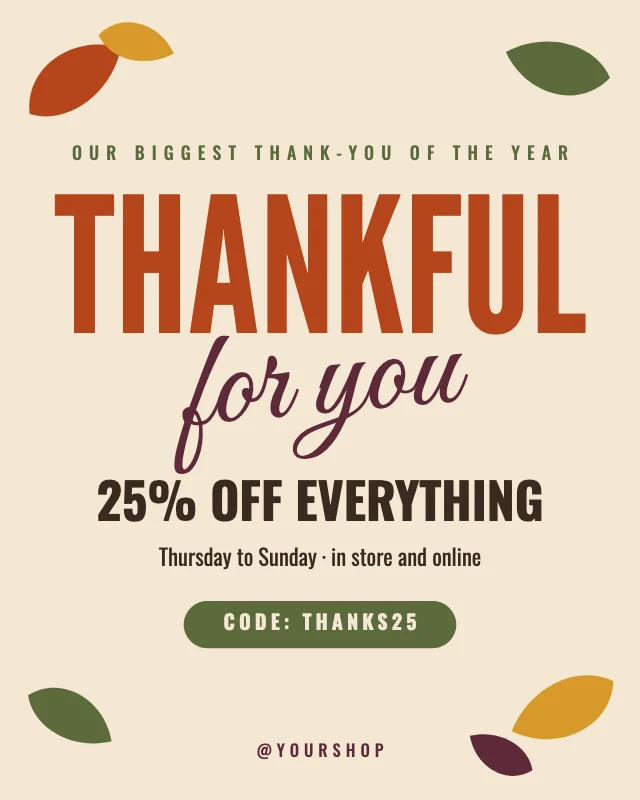
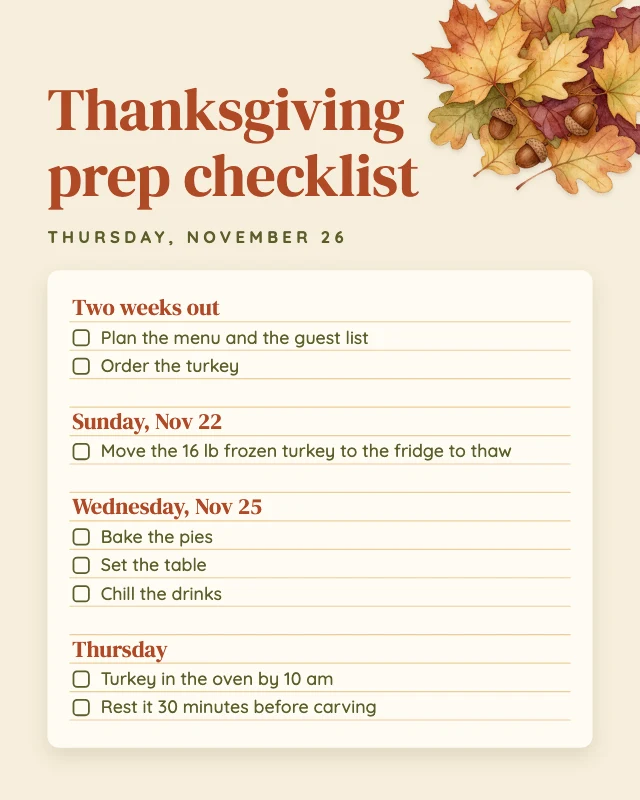
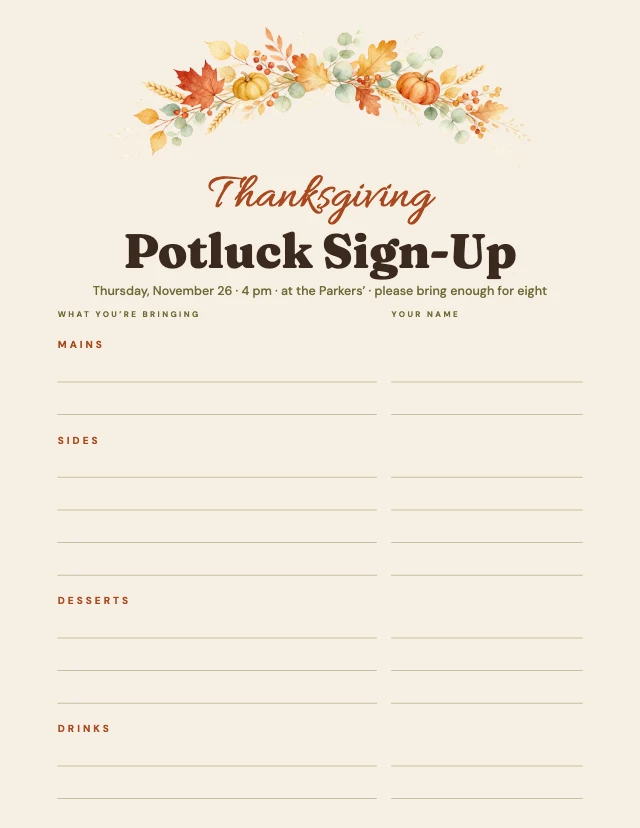
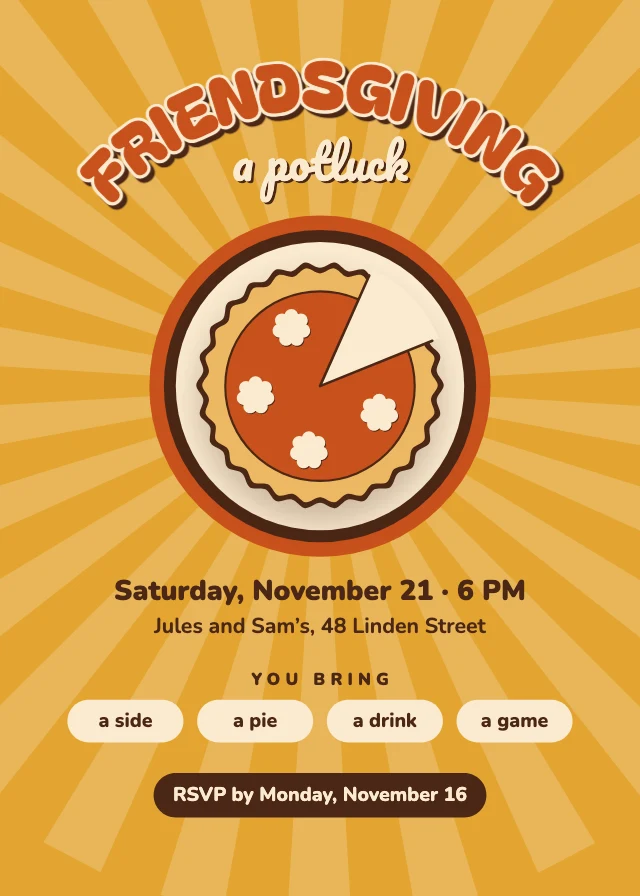
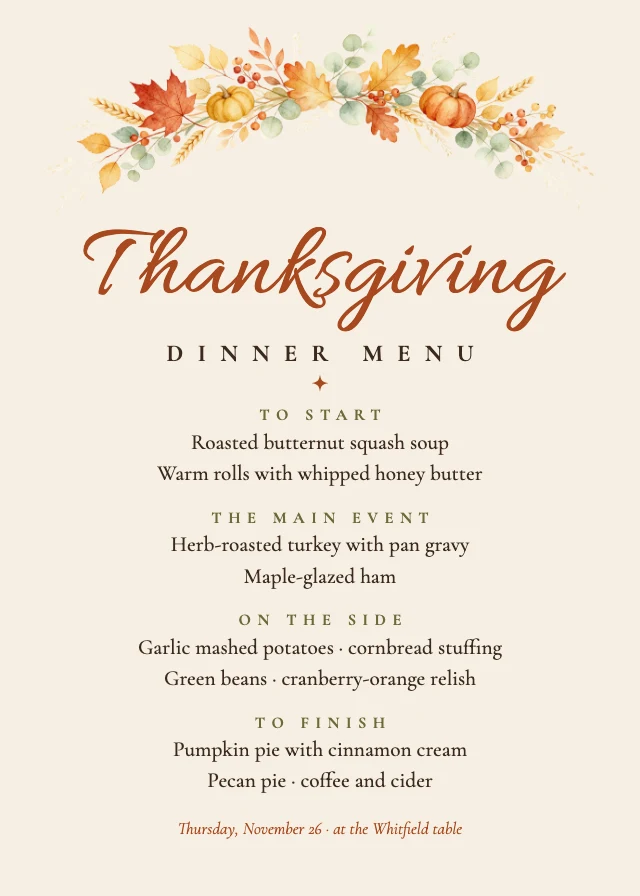
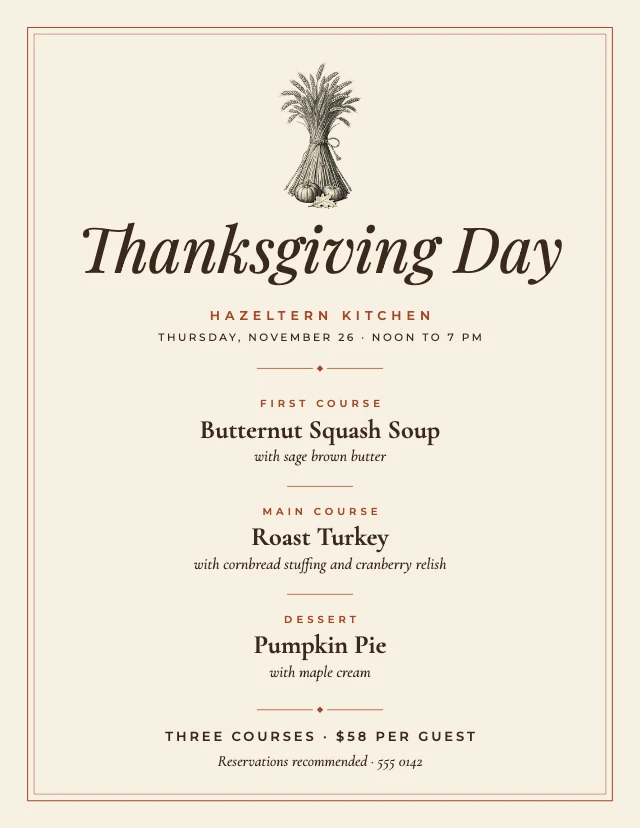
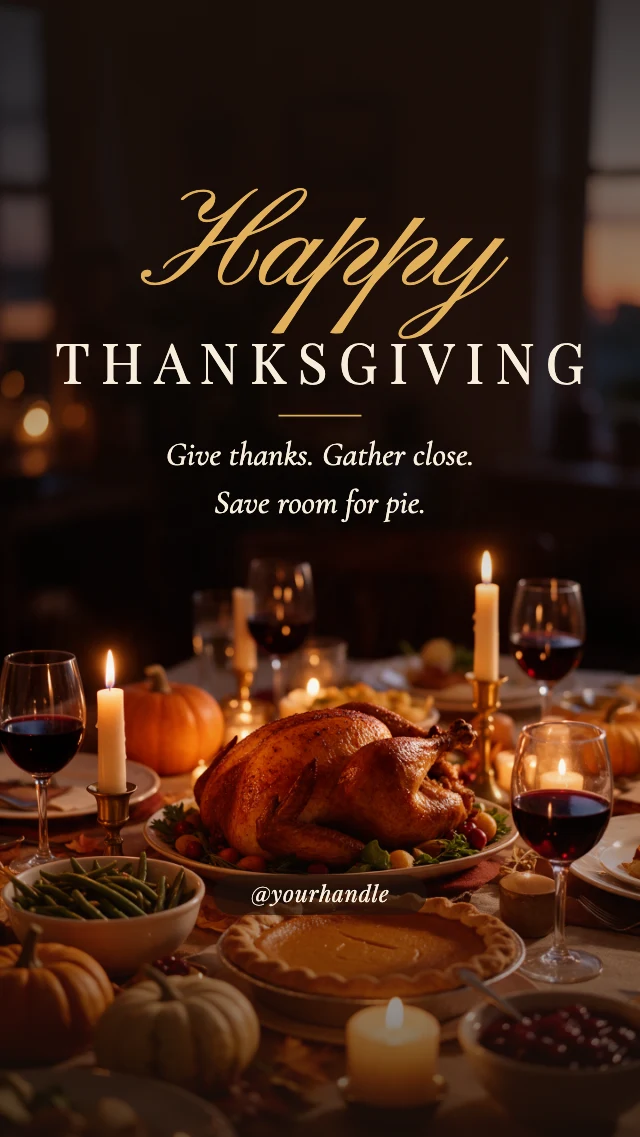
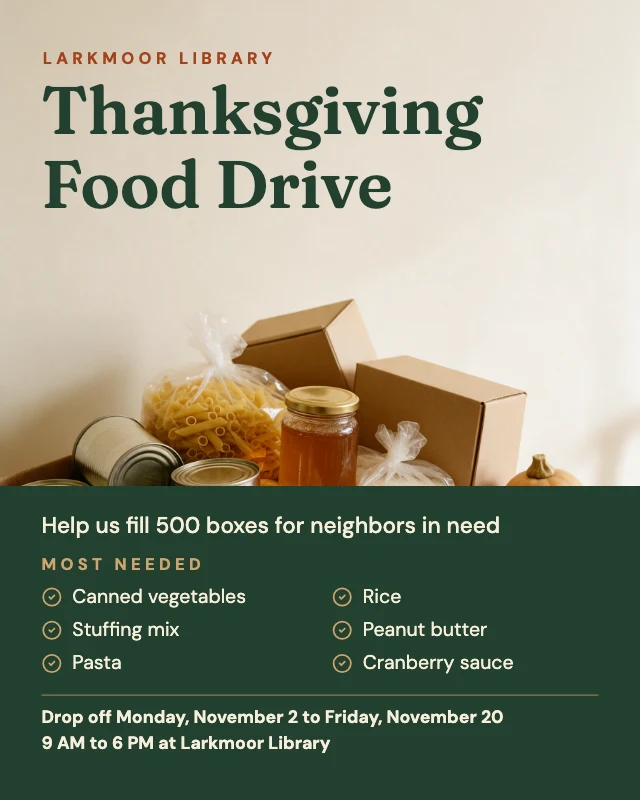
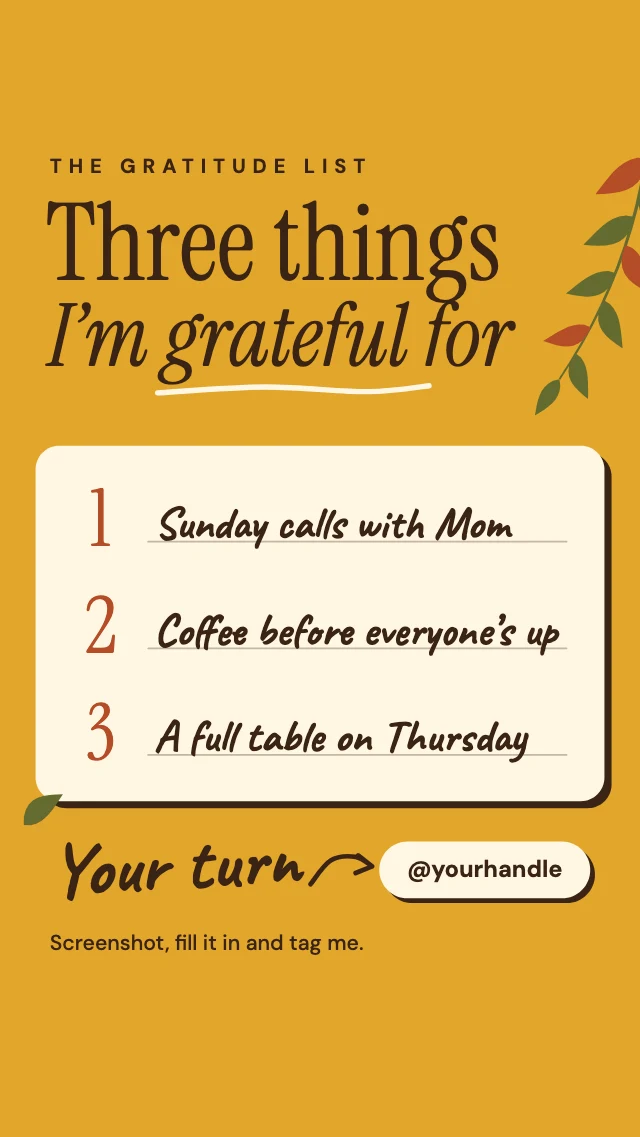
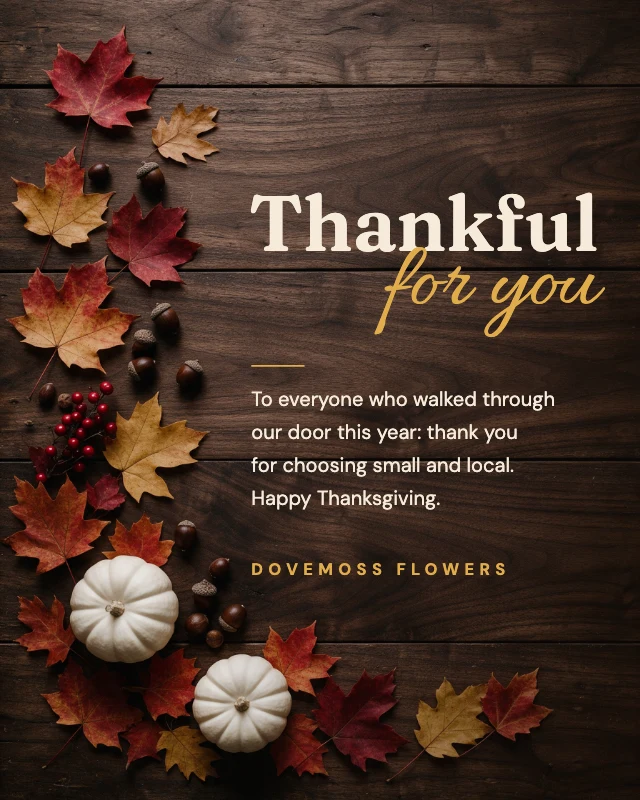
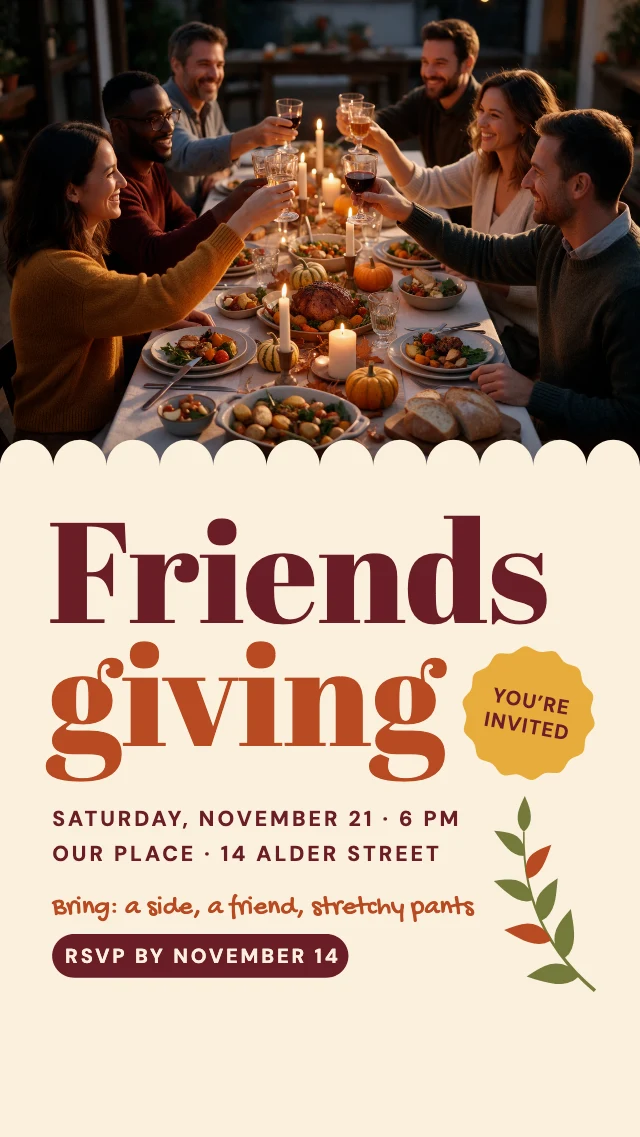
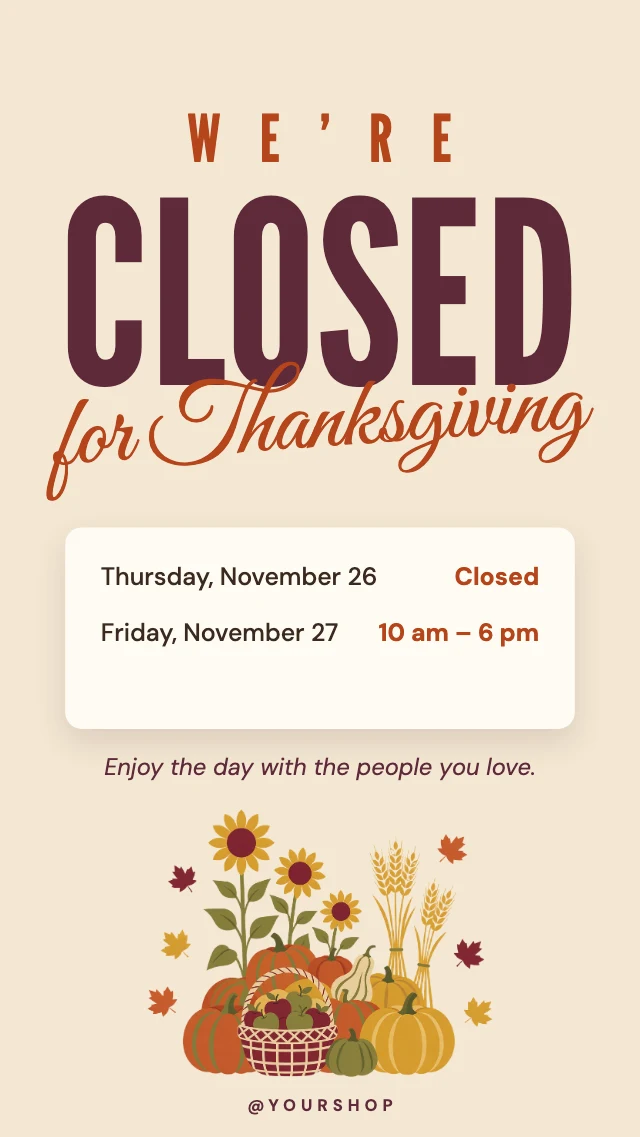
A dinner menu, a Friendsgiving invitation, a potluck sign-up sheet, a thank-you sale, a greeting from your business and a notice for the days you are closed. Each one opens in Design Studio with every layer editable: retype the words, swap in your own photos, or ask the AI designer to restyle it.
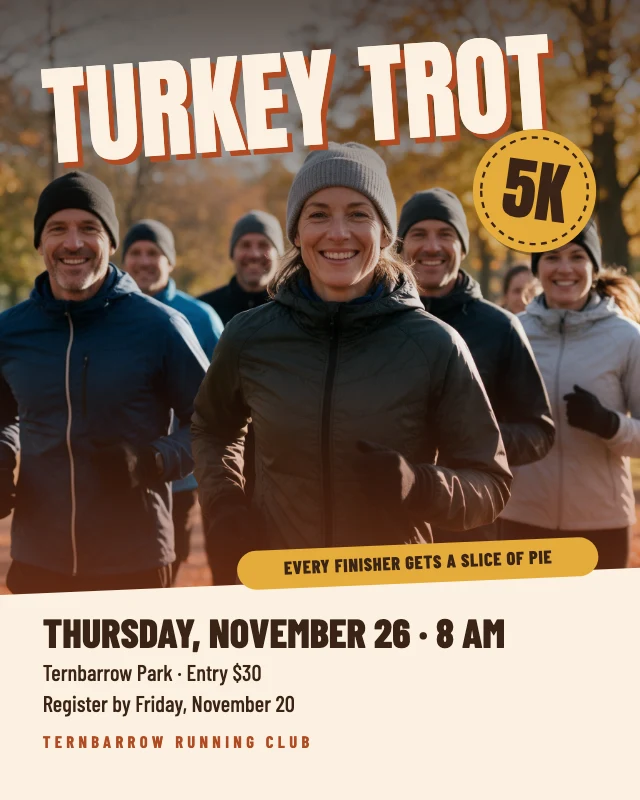
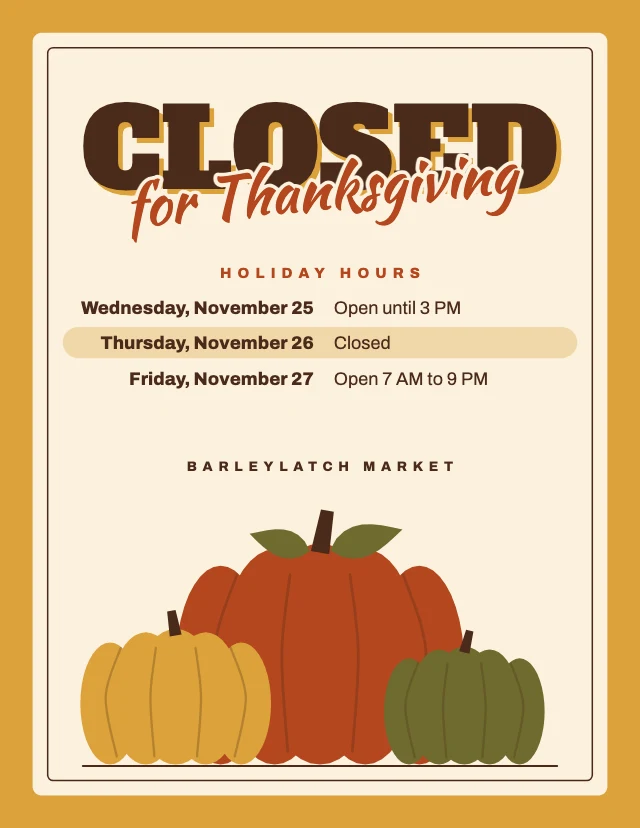
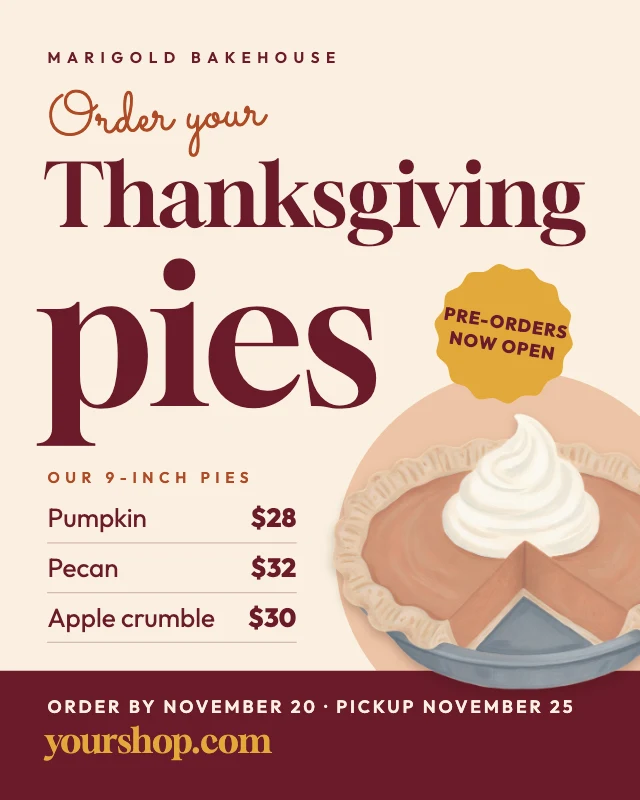
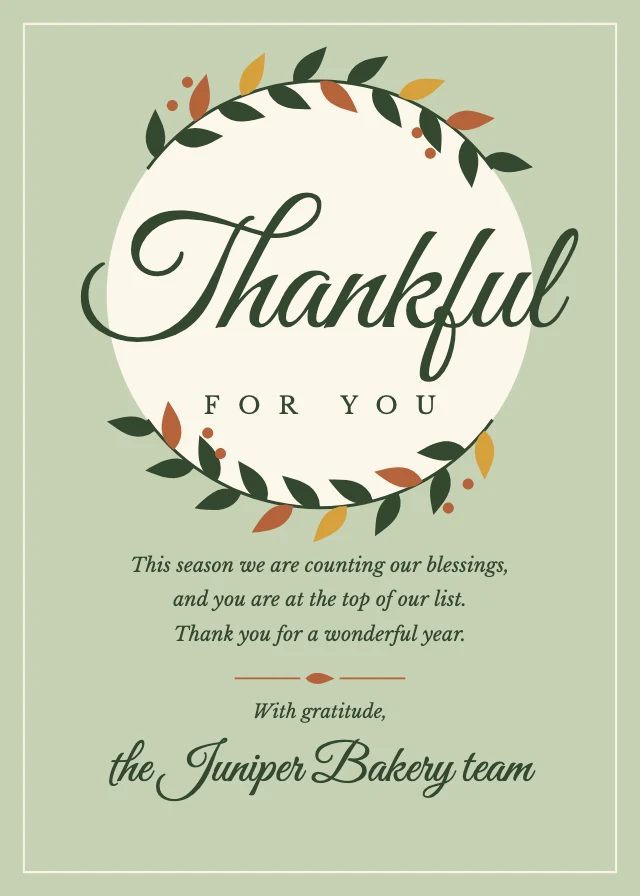
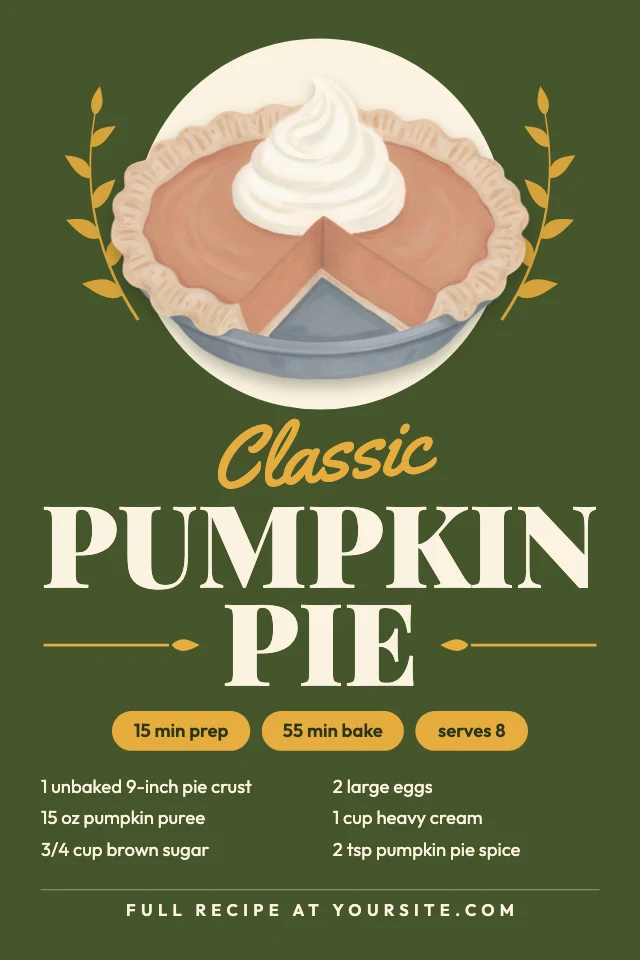
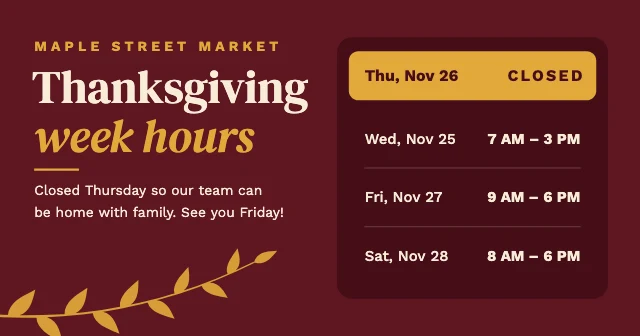
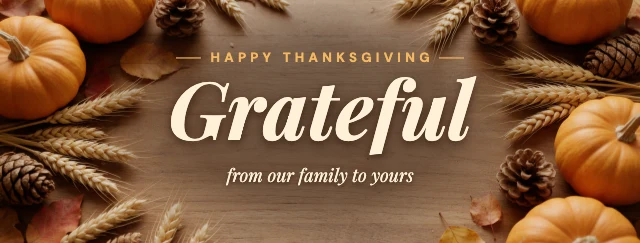
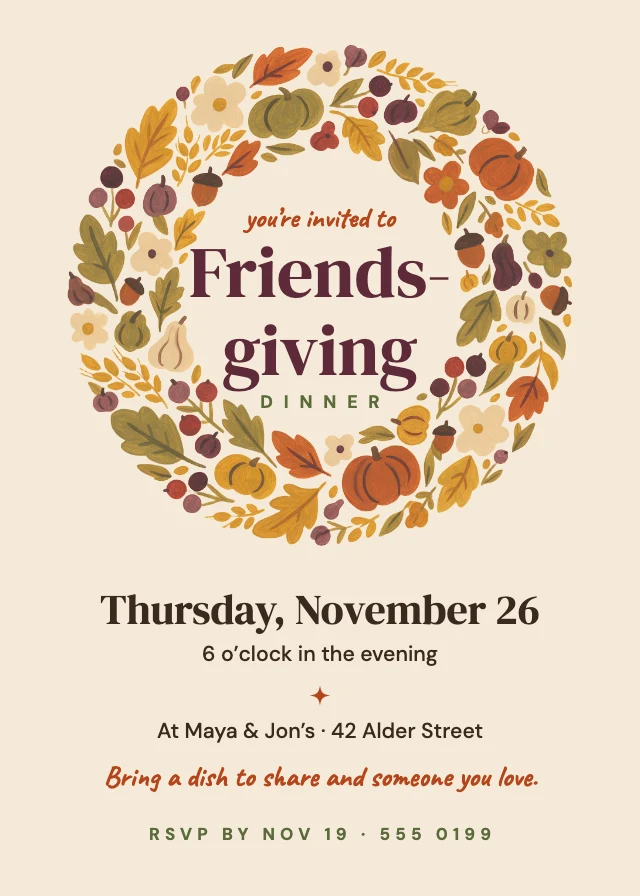
How to make a Thanksgiving design
- Step 1
Pick a template
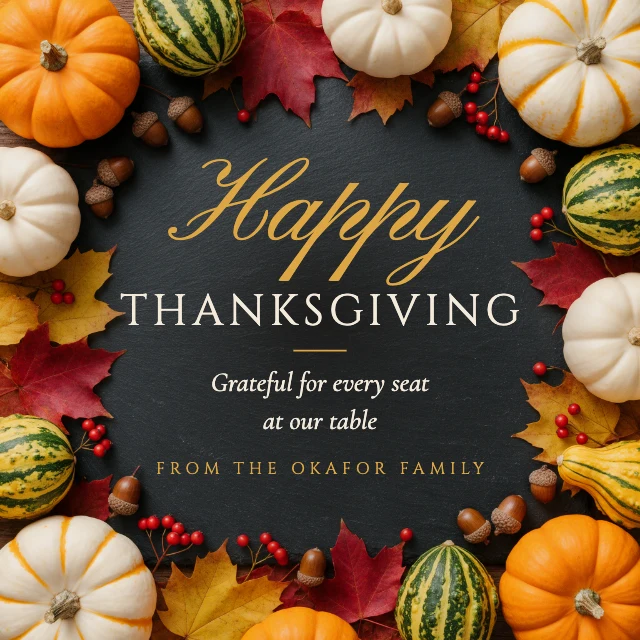
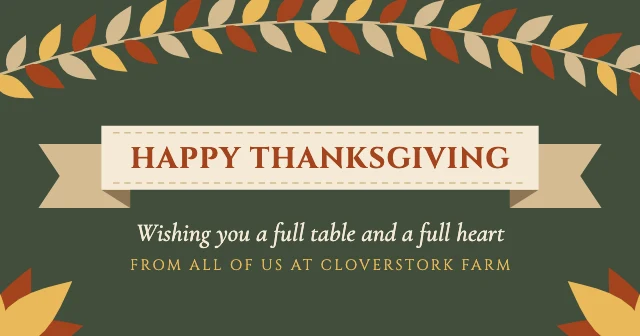
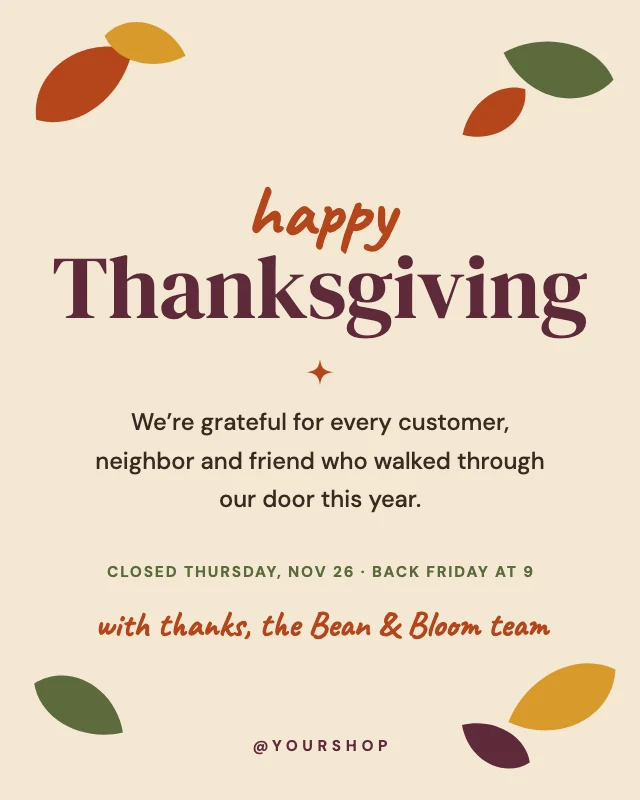
Choose one above that is close to what you need, such as “Happy Thanksgiving Instagram post”, “Happy Thanksgiving Facebook post” or “Thanksgiving dinner menu”. It opens in Design Studio as your own copy, with every layer editable.
- Step 2
Make it yours
Type your own words over the sample, such as the names, the date, the place or the offer, and replace the photos with yours. Or choose "Edit with AI" and tell the AI designer what to change.
- Step 3
Check it
Each template is already made at the size of the place it goes (see the sizes on this page), so nothing needs resizing: check the words read well at the size people will see them.
- Step 4
Download it
Download it as a PNG or JPG at full size, with no watermark.
- Step 5
Use it
Post it, print it or send it: the file is already the size the place it goes asks for.
More kinds of template
All templates →Sizes
Each template is made at its real size, ready to post or print.
- Instagram post (4:5)1080×1350 px · 4:5 portrait
Instagram's portrait post size, taller than a square, so it fills more of the feed.
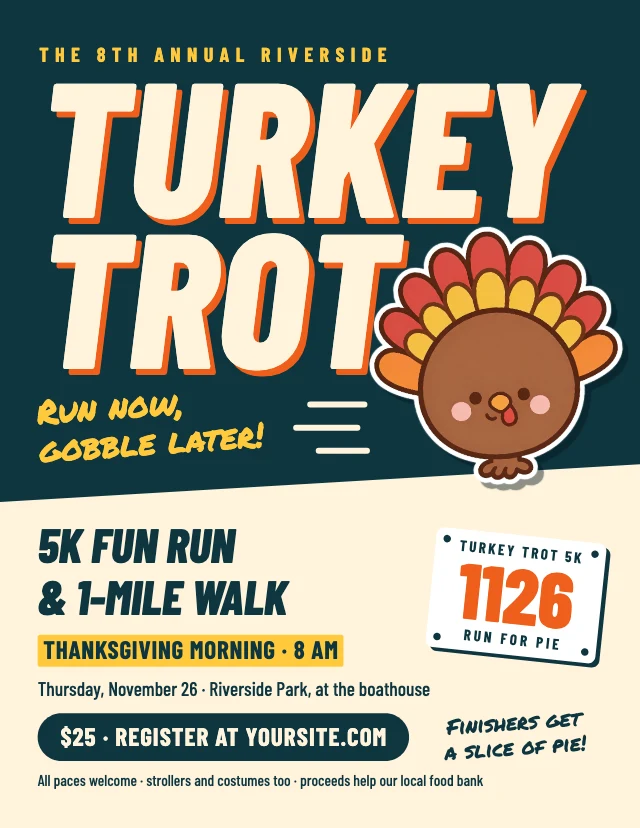
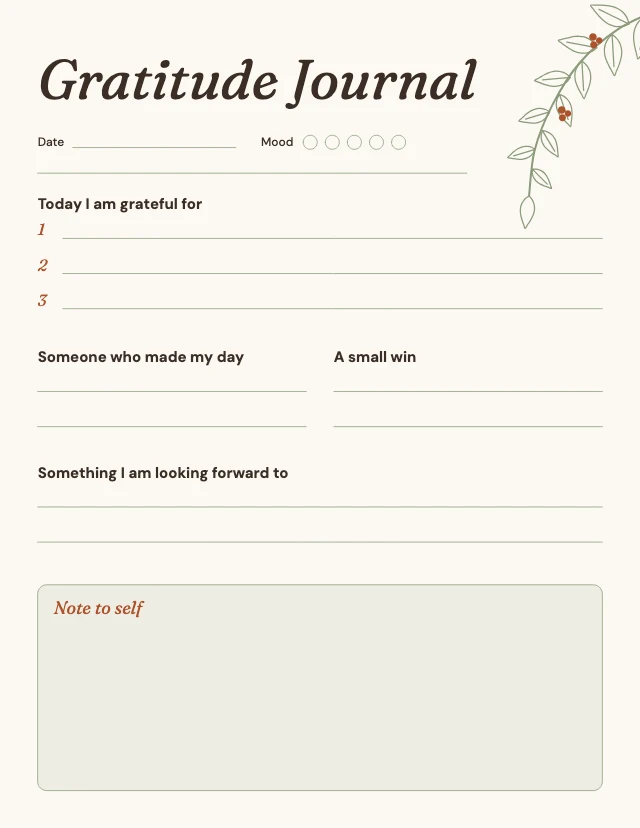
- US Letter2550×3300 px · 8.5×11 in at 300 dpi
US Letter, the paper of home and office printers in the US and Canada; prints on A4 with "fit to page".
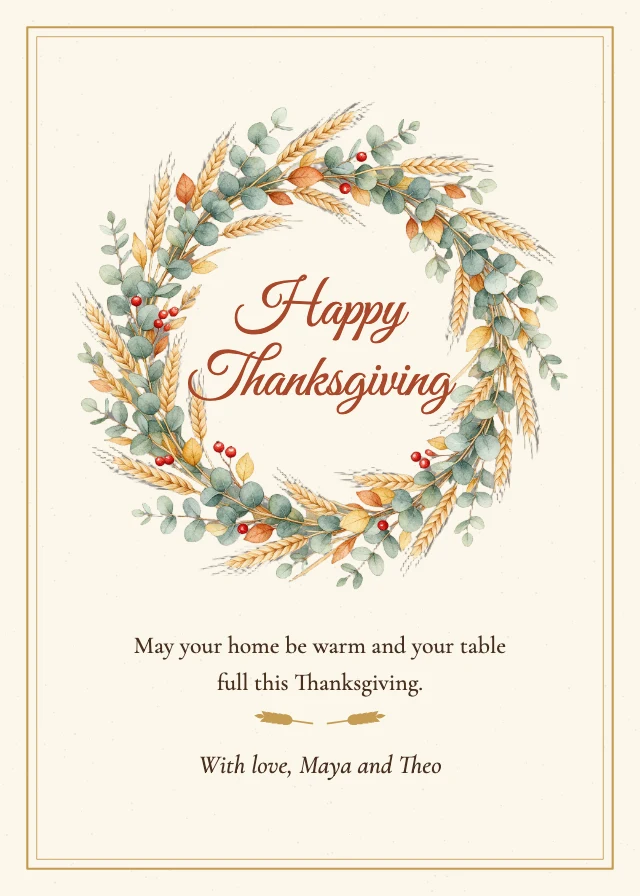
- Invitation 5×7 in1500×2100 px · 5×7 in at 300 dpi
The usual invitation card size; it fits an A7 envelope.
- Instagram story1080×1920 px · 9:16 vertical
Keep words out of the top 14% and the bottom 35% (about 270 and 670 pixels), where the app shows your name, the buttons and the caption.
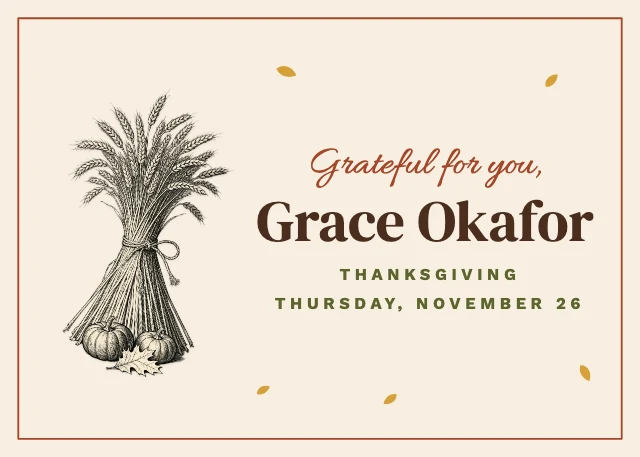
- Facebook post (landscape)1200×630 px · 1.91:1 landscape
The shape Facebook gives a shared link's picture, too.
- Sticker (5 in)1500×1500 px · 5 in at 300 dpi
Prints sharp at 5 inches or any smaller size.
Every network's sizes, with what gets cropped: social media image sizes. Have a photo already? Resize it to these sizes.
Free on every plan. You can use, edit and publish what you make from a template, for personal or commercial work. The templates themselves may not be resold or shared as templates.
Questions
- What sizes are the Thanksgiving templates?
- They come in 10 sizes. The most common are a 4:5 Instagram post (1080×1350 px); a US Letter page (2550×3300 px); a 5×7 inch card (1500×2100 px); an Instagram story (1080×1920 px); a Facebook post (1200×630 px); a 5 inch sticker (1500×1500 px). Every template is made at its real size, so nothing has to be resized before it is posted or printed.
- Can I print the Thanksgiving templates?
- Yes. The designs made for paper are sized at 300 dpi: a 5×7 inch card is 1500×2100 px and a US Letter page is 2550×3300 px. Download the design as a PNG or JPG and print it at home or send it to a print shop.
- Are the templates free?
- Yes. Every template is free on every plan, including the free one. Editing text, moving things and replacing photos with your own cost nothing; AI image generation and AI edits use credits.
- Can I use designs made from a template commercially?
- Yes. You can use, edit and publish designs you make from a template, for personal or commercial work such as social posts, ads, menus and flyers. The templates themselves may not be resold or shared as templates.
- Can AI customize a template for me?
- Yes. Choose "Edit with AI" and tell the AI designer what to change, for example the name, the colours or the photo. Chatting with it is free; images it makes use credits.
- Can I make one on my phone?
- You can browse the templates and look at them full size on a phone. Editing happens on the Design Studio canvas, which needs a computer: sign in and star a template on your phone, and it is waiting under Starred on your computer.