Profile picture templates
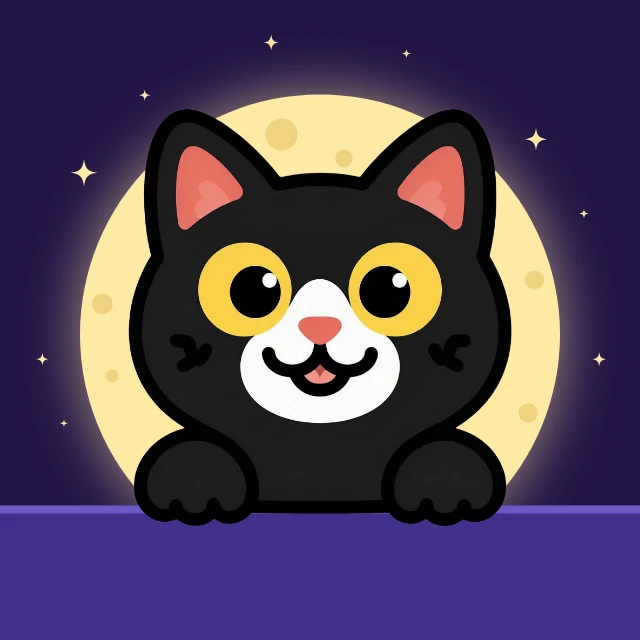
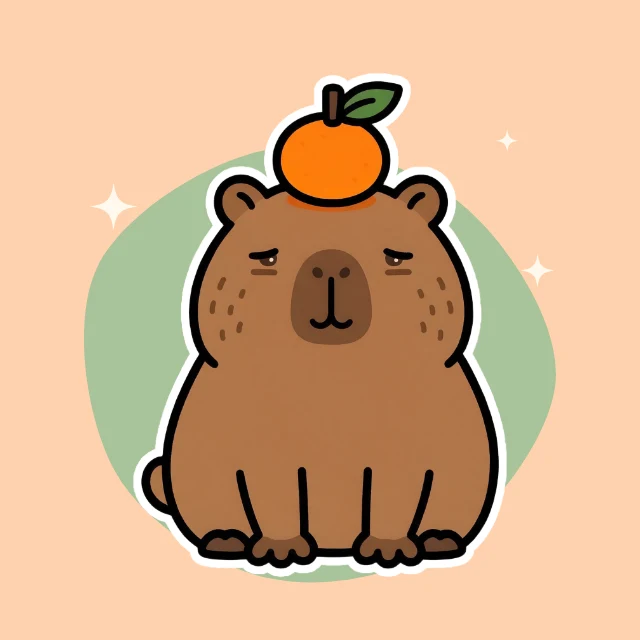
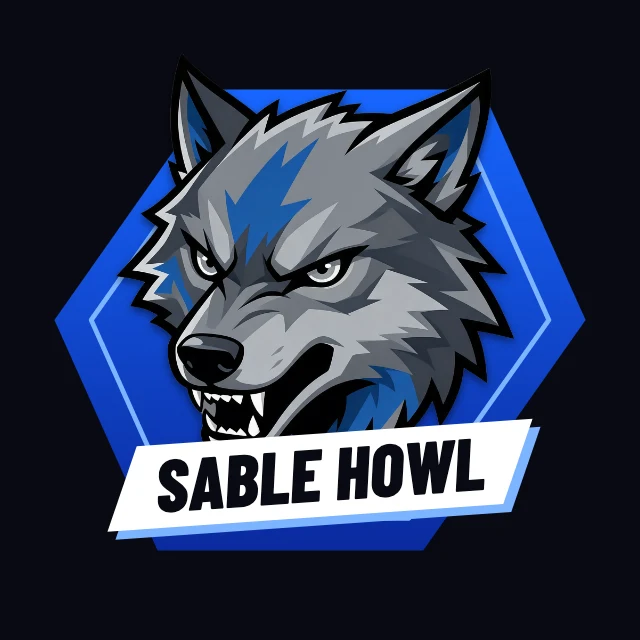
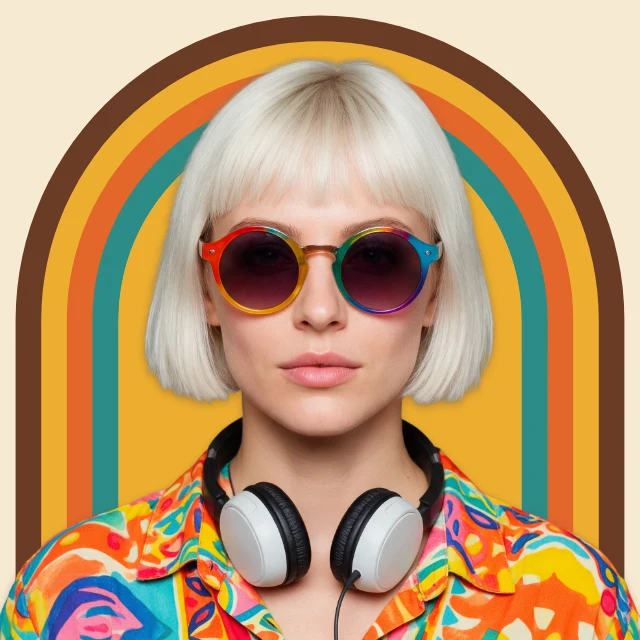
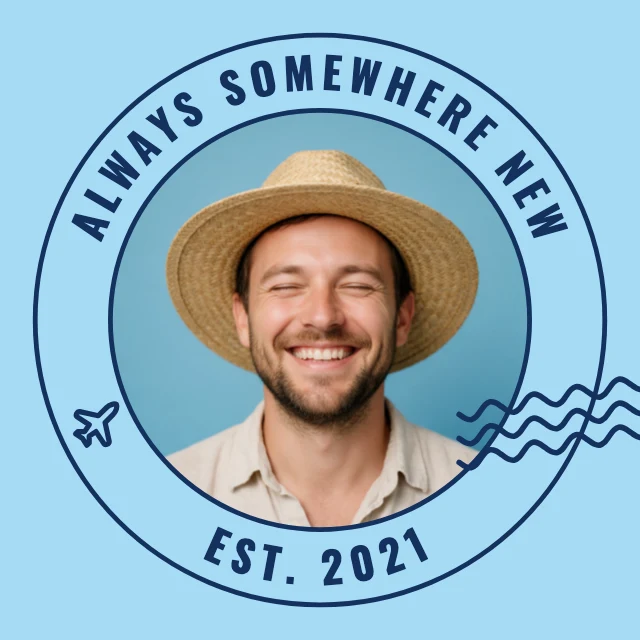
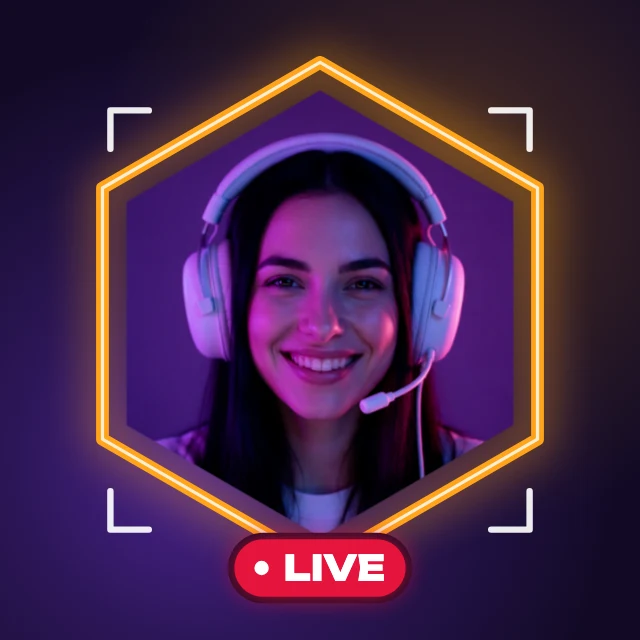
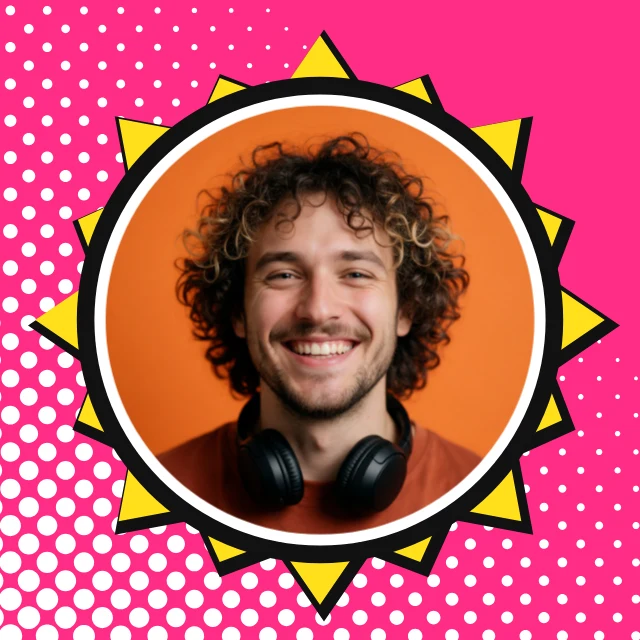
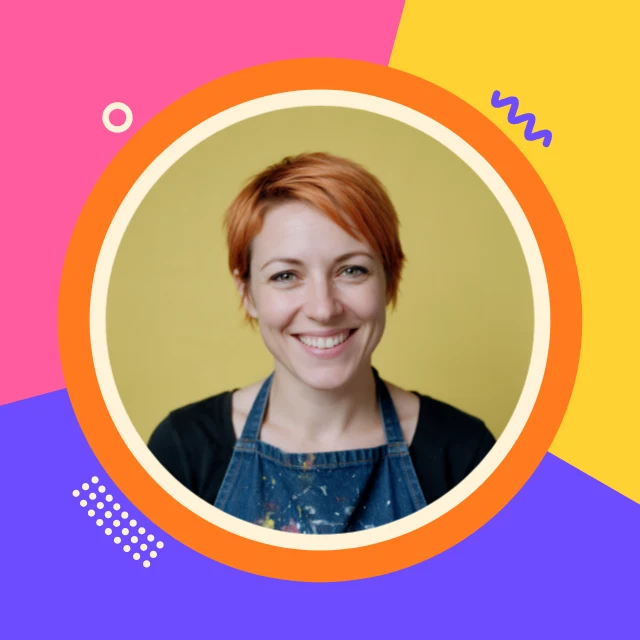
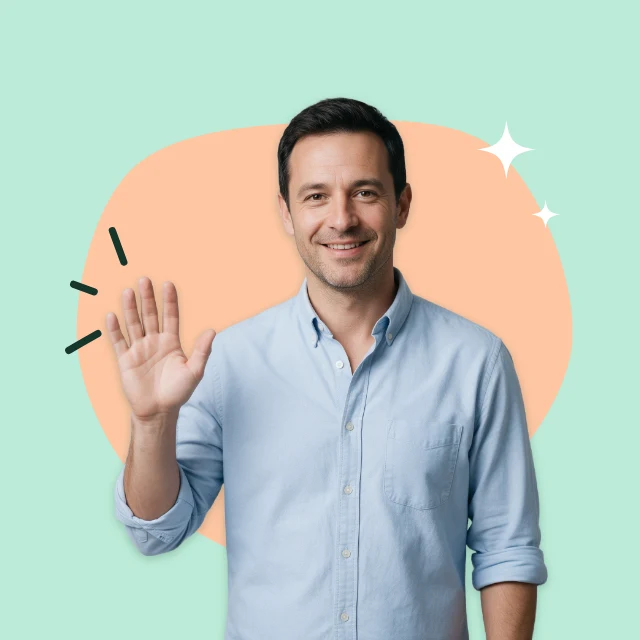
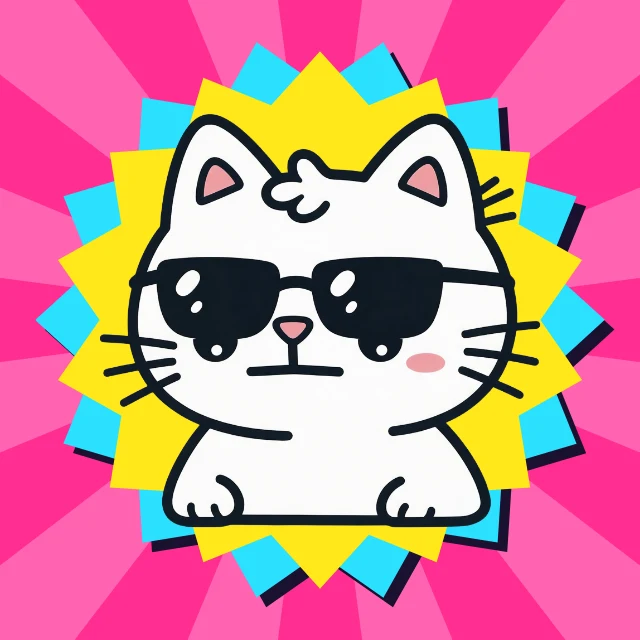
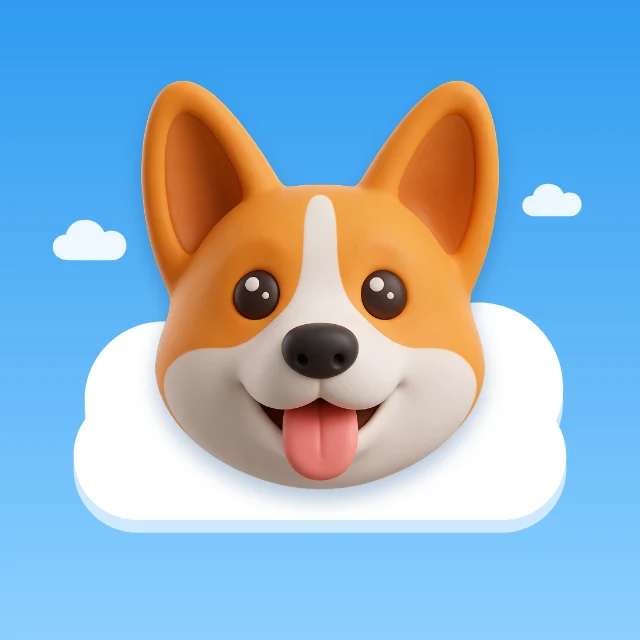
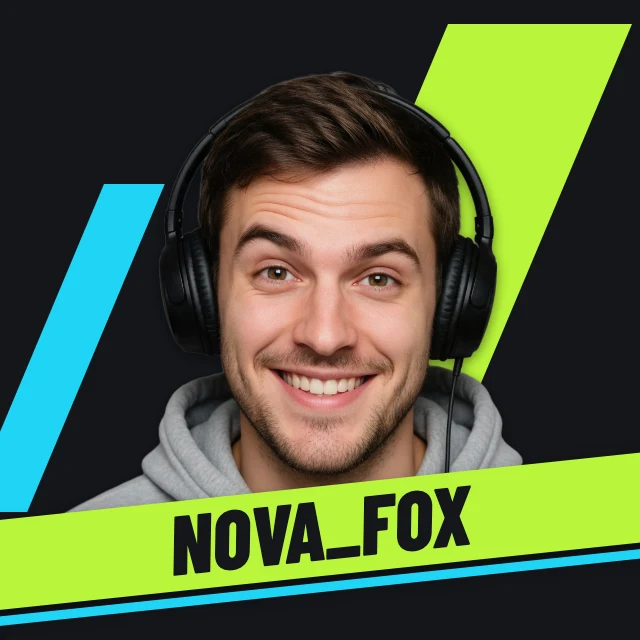
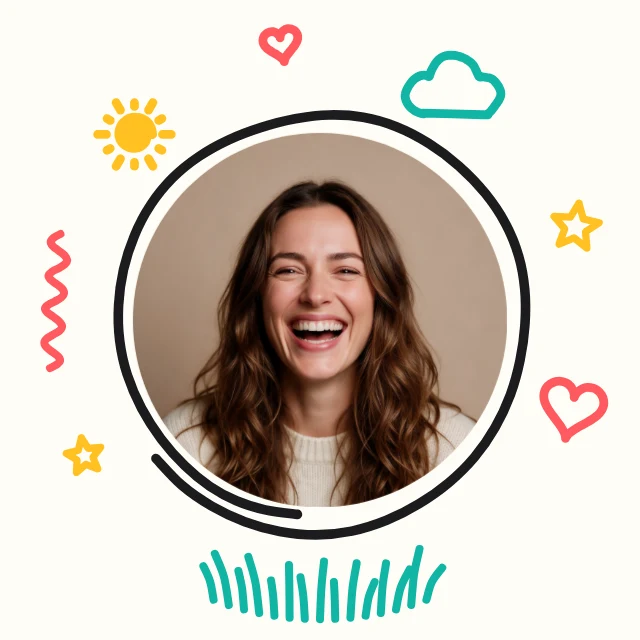
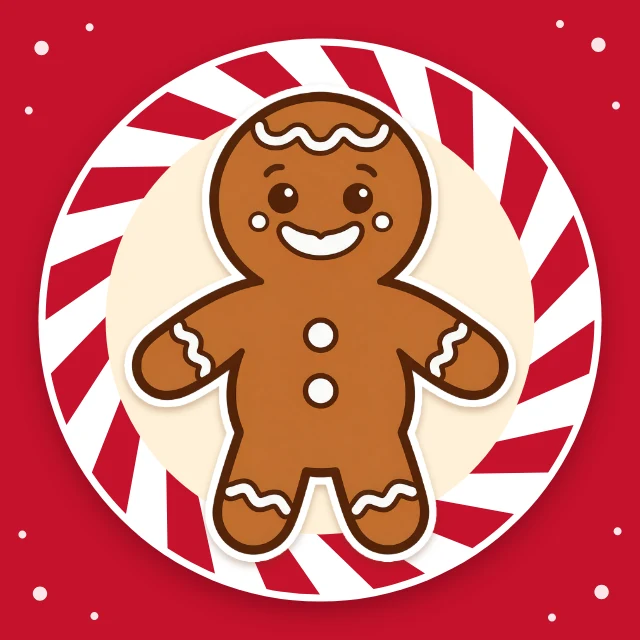
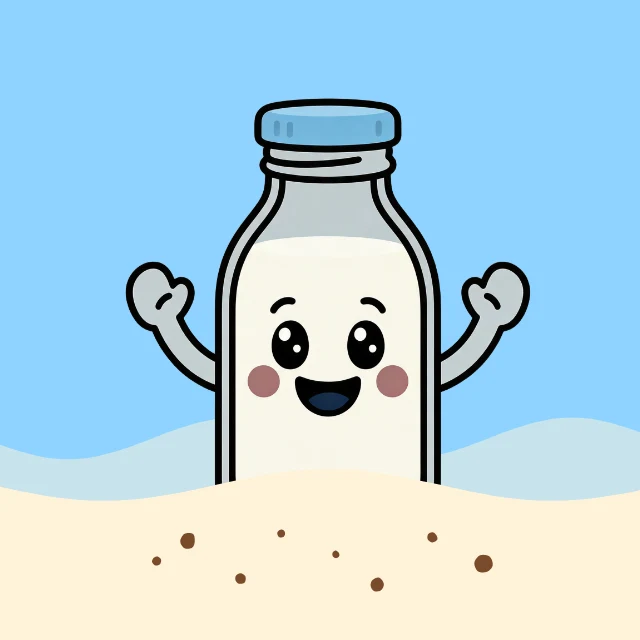
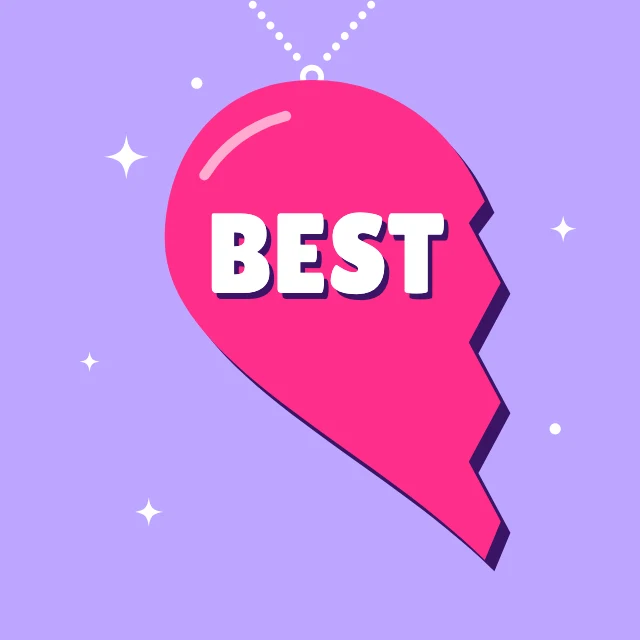
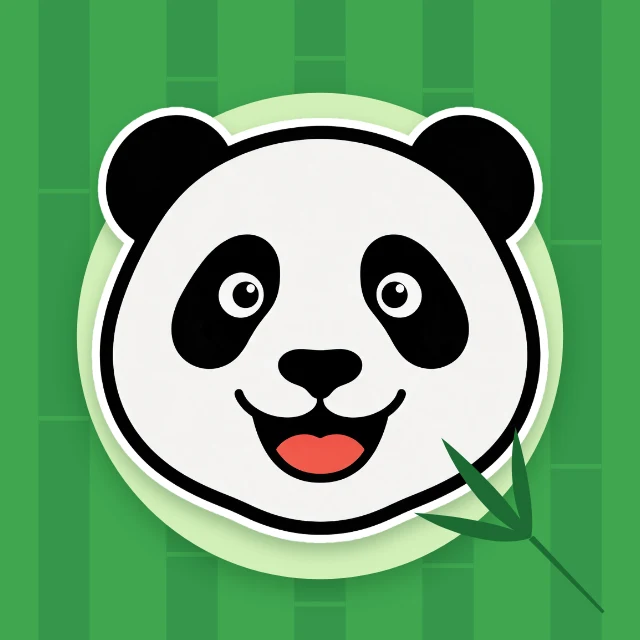
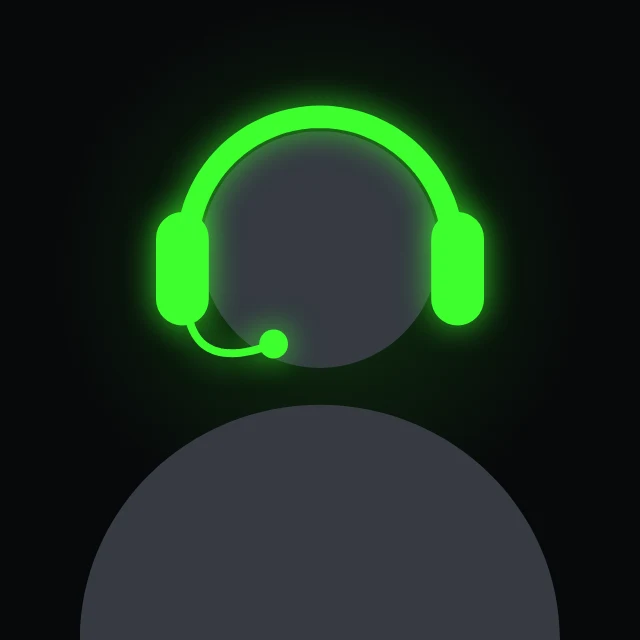
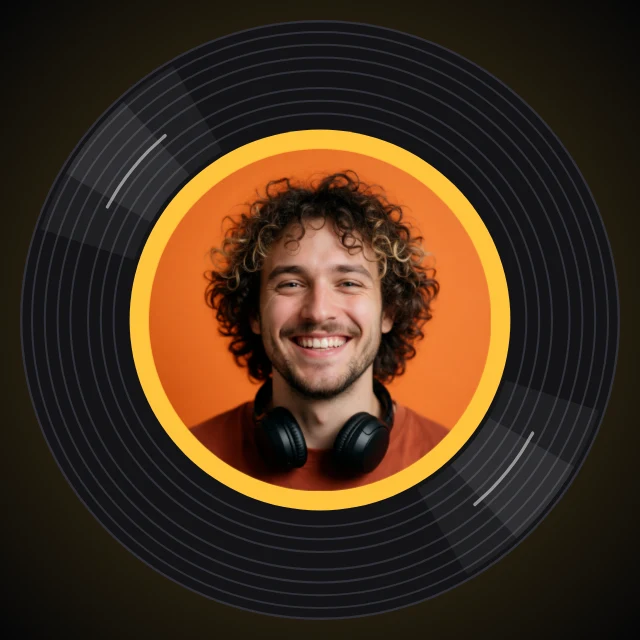
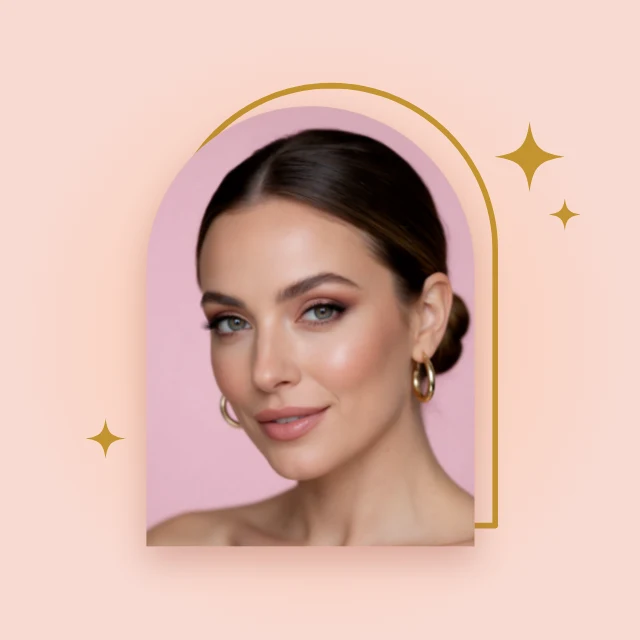
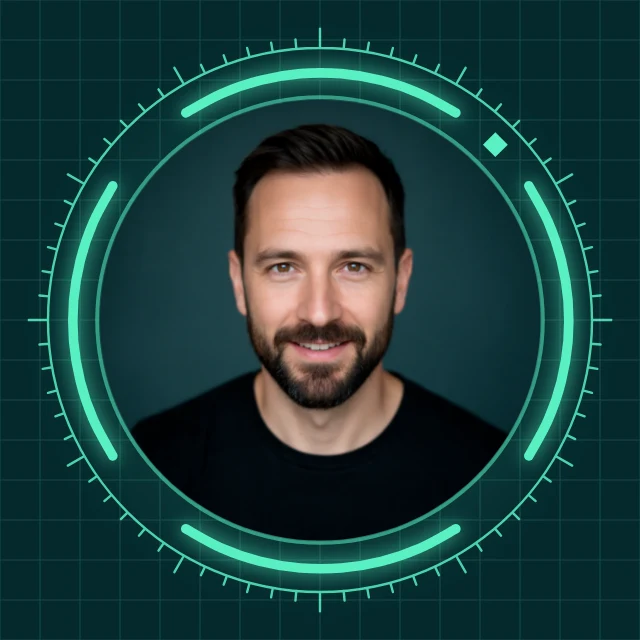
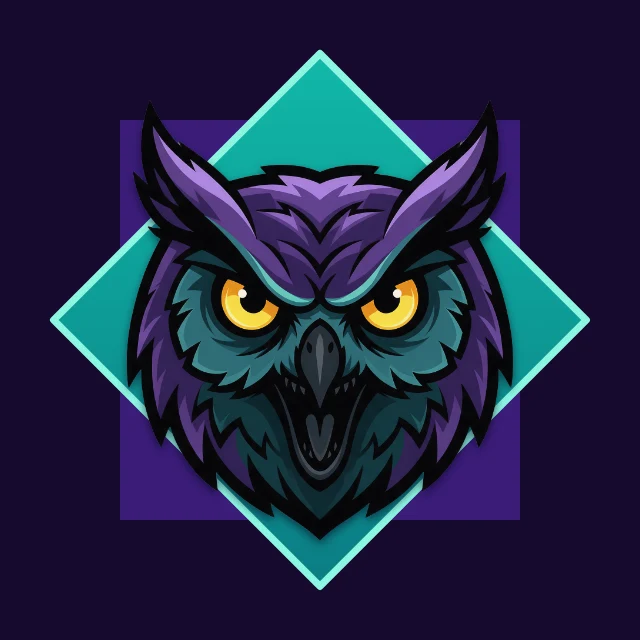
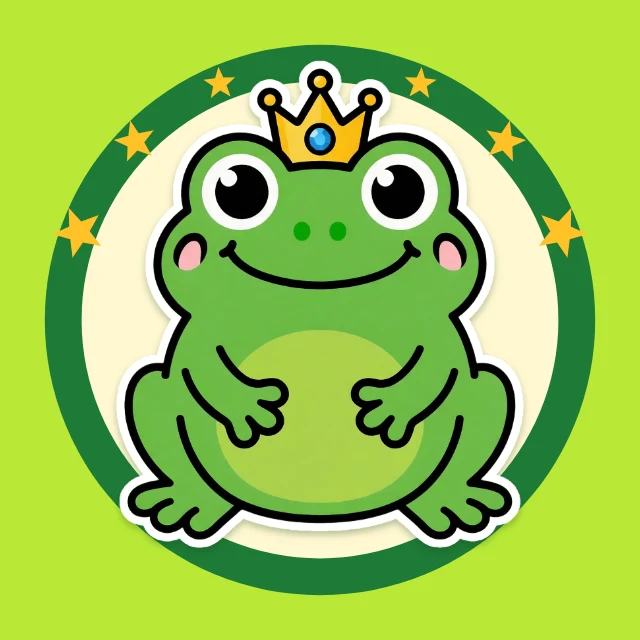
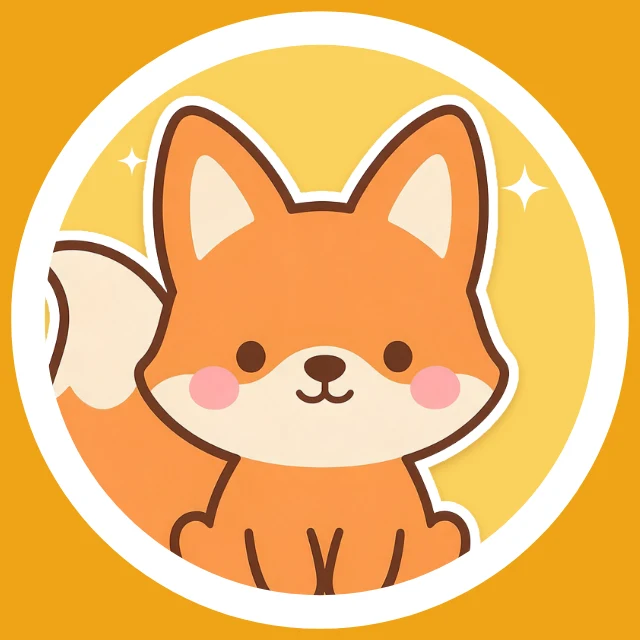
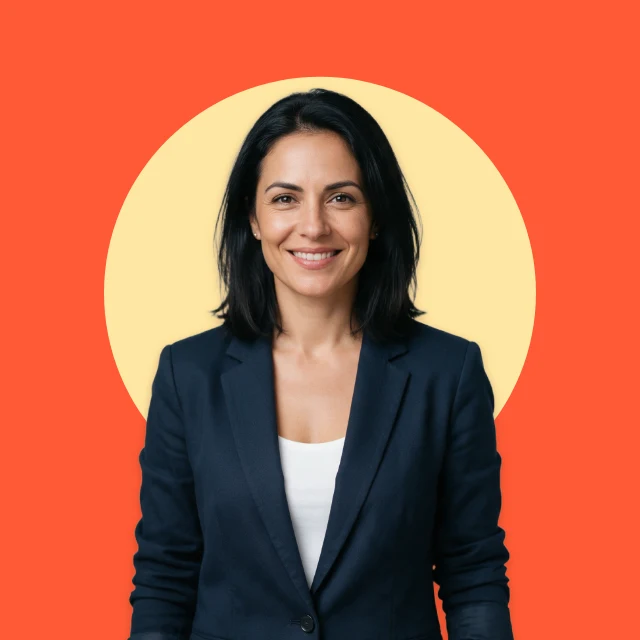
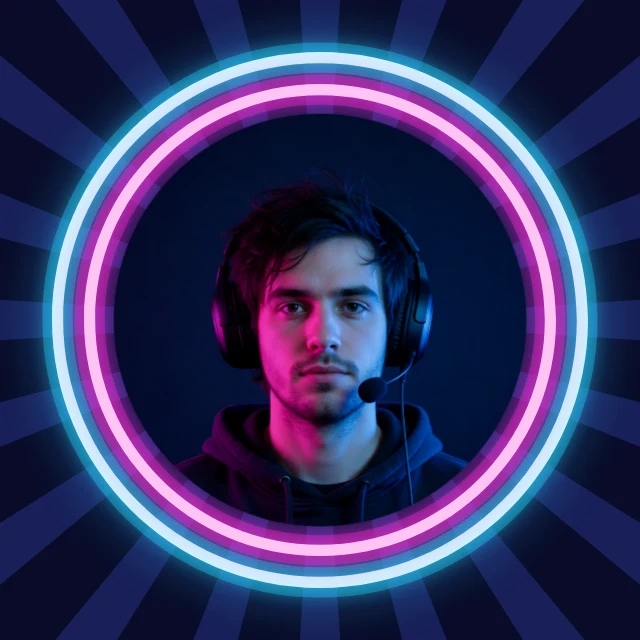
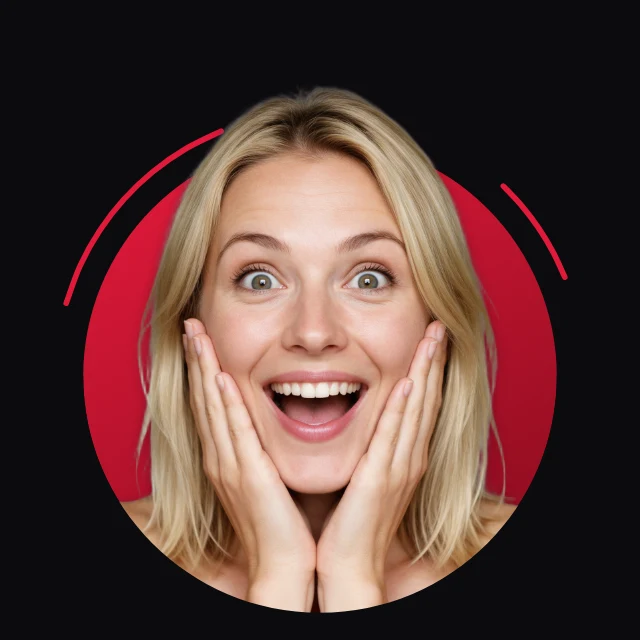
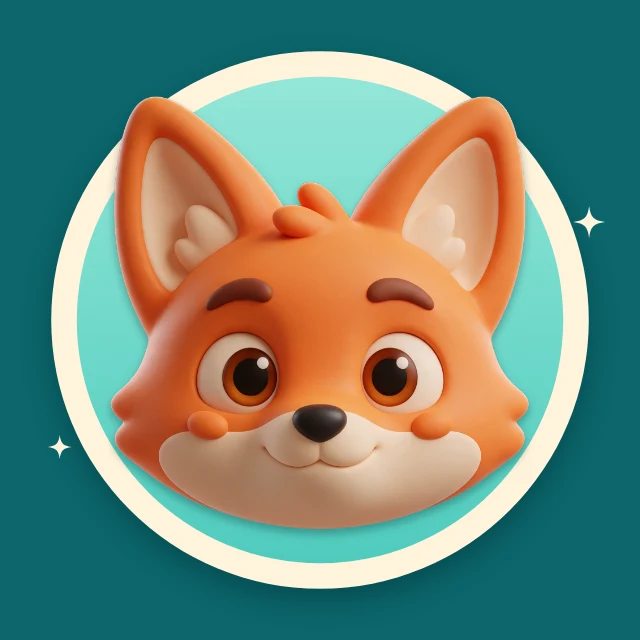
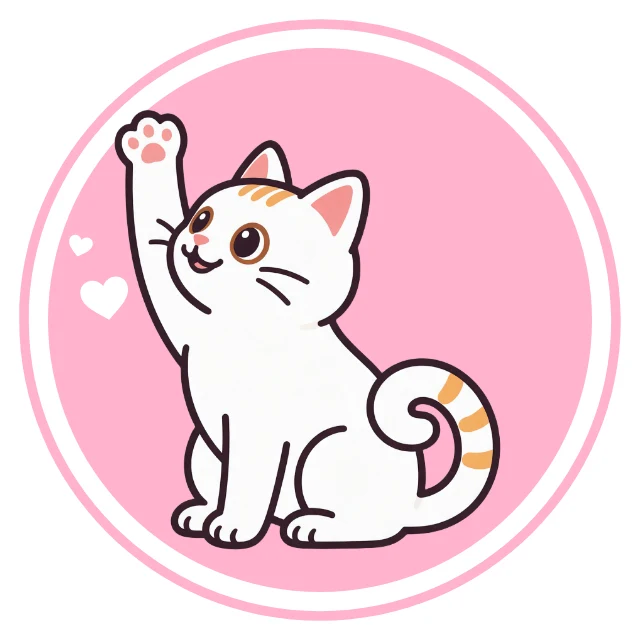
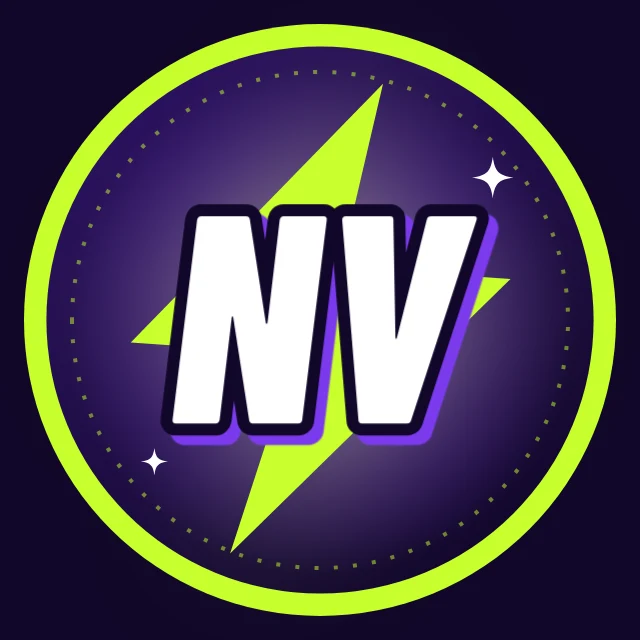
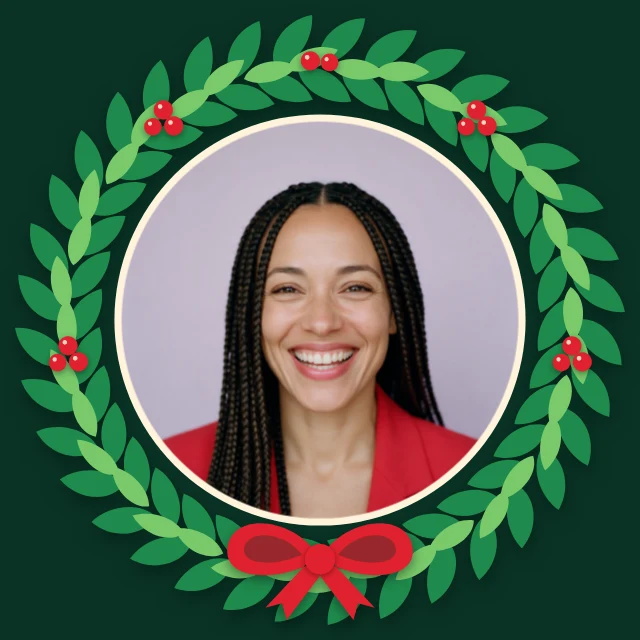
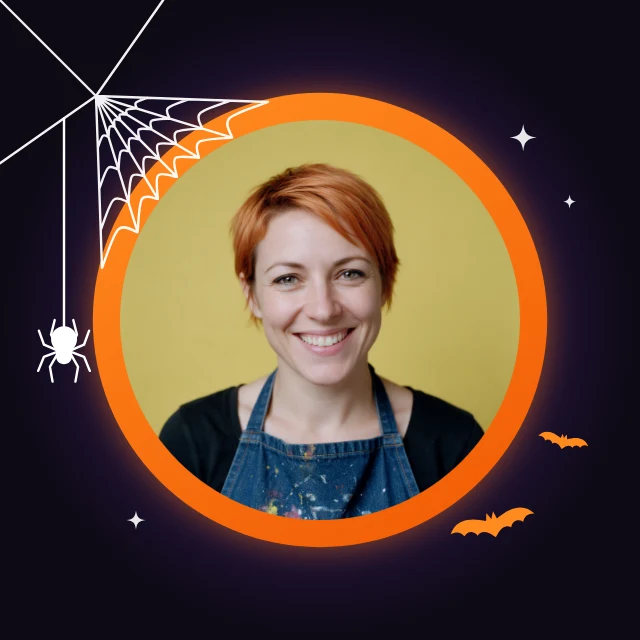
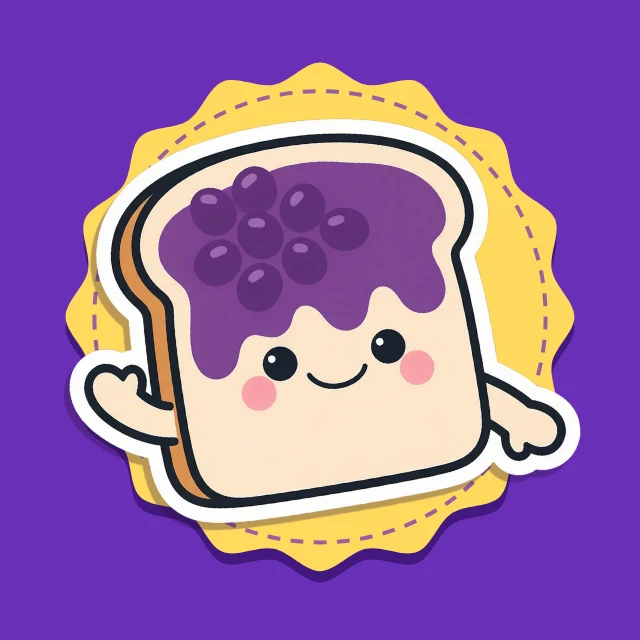
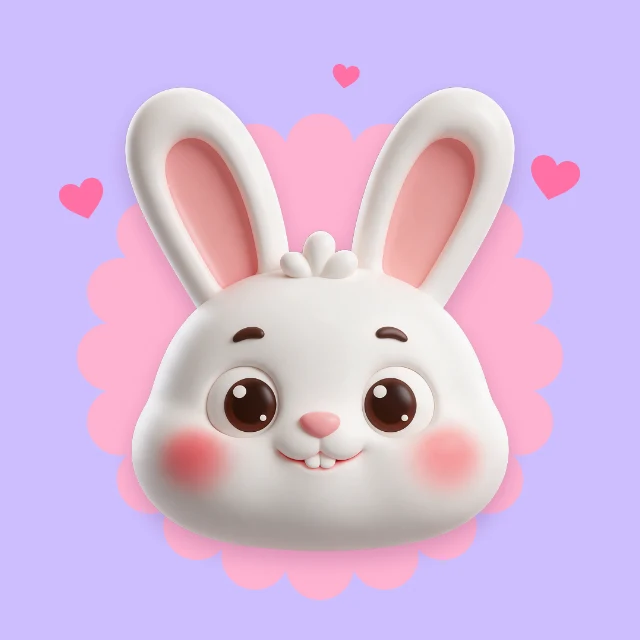
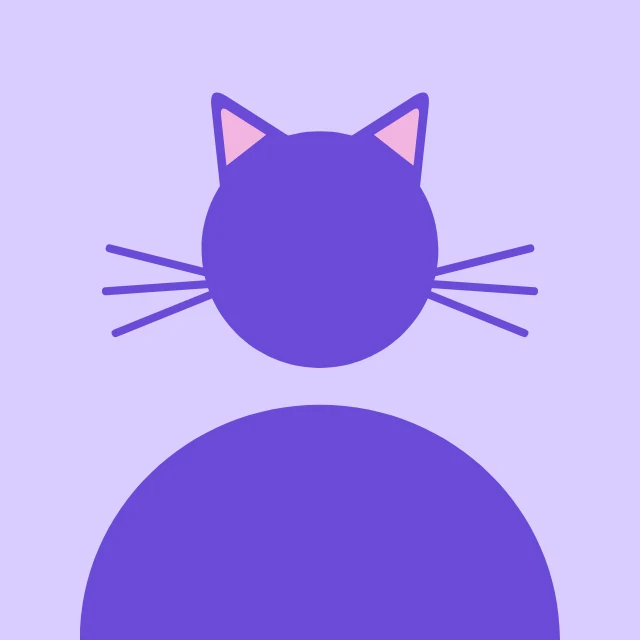
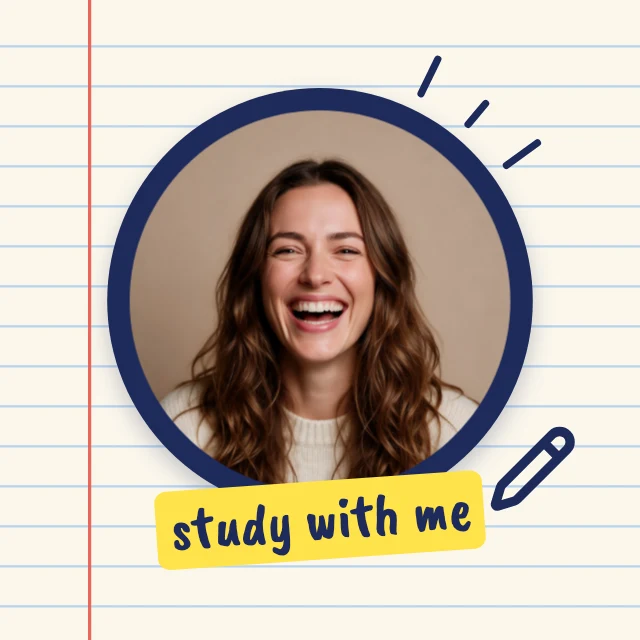
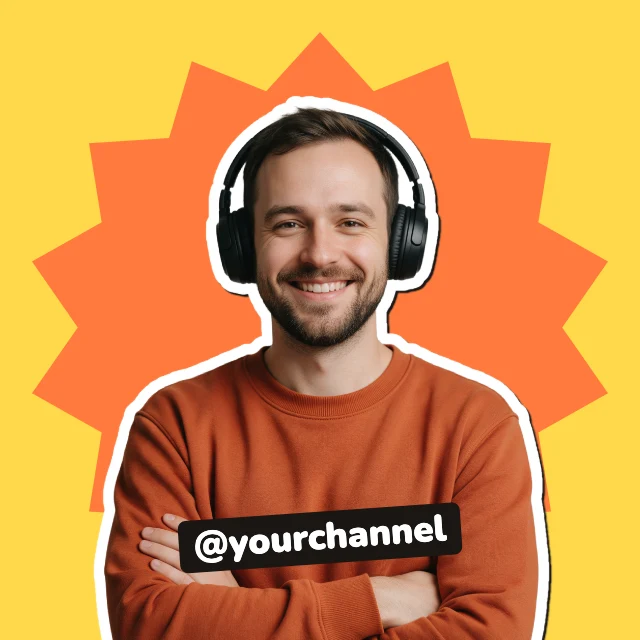
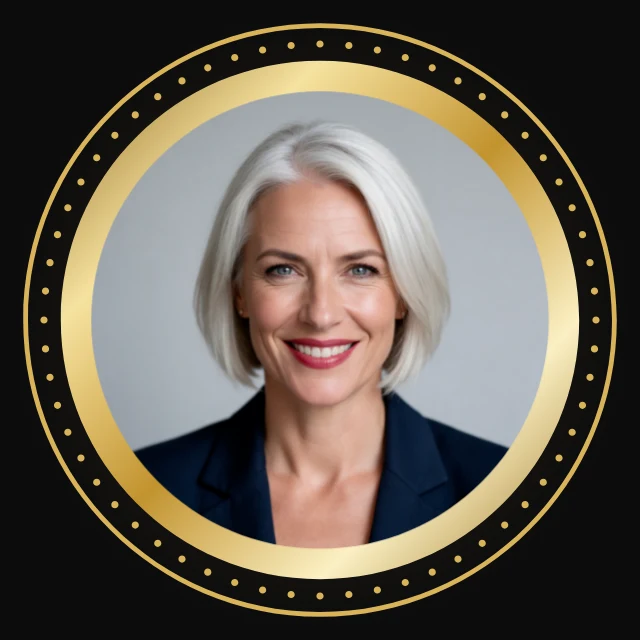
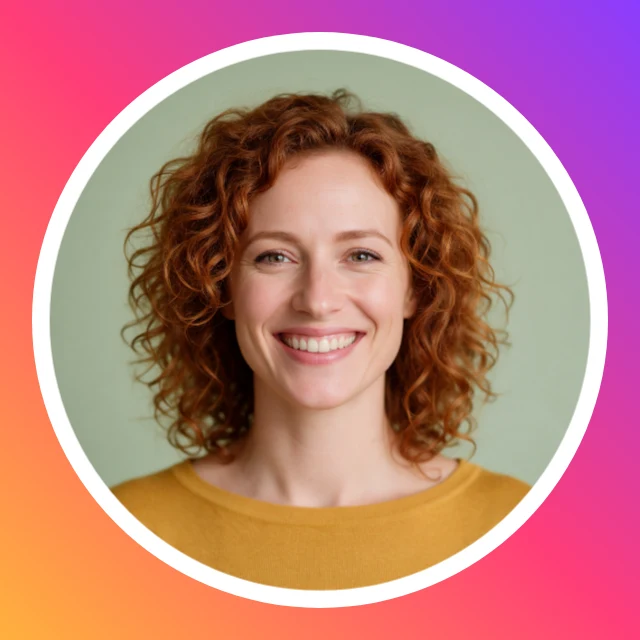
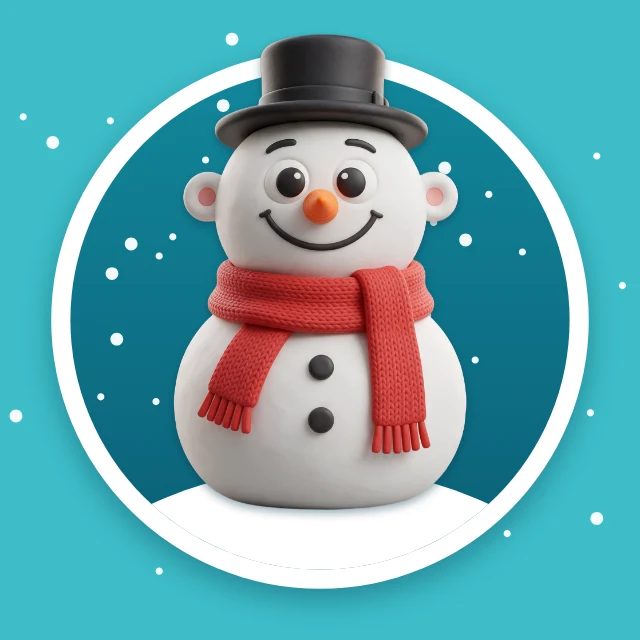
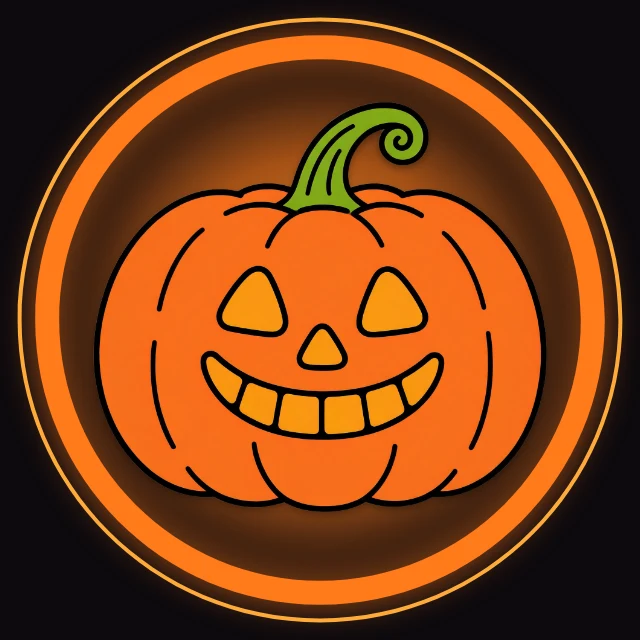
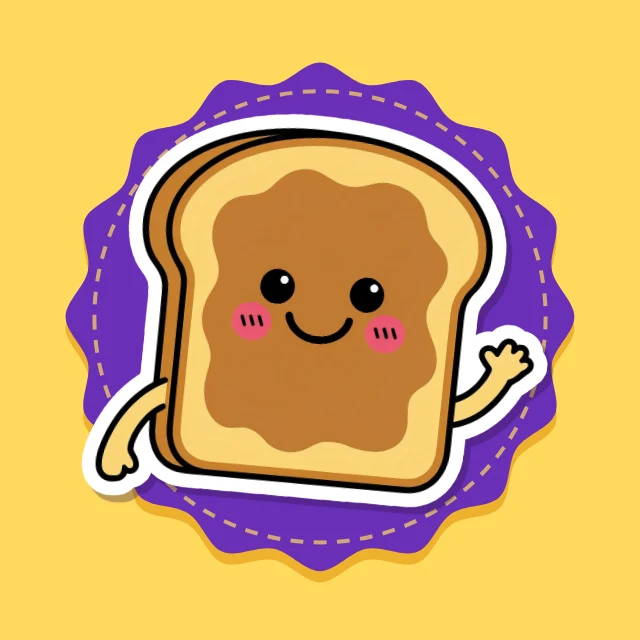
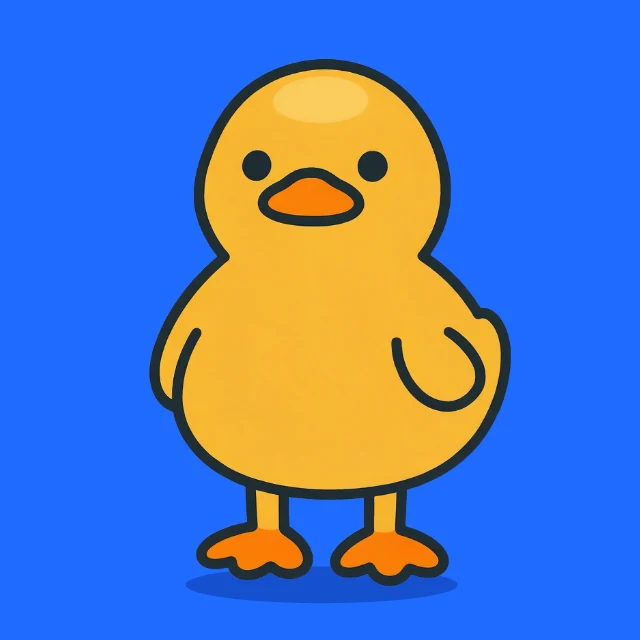
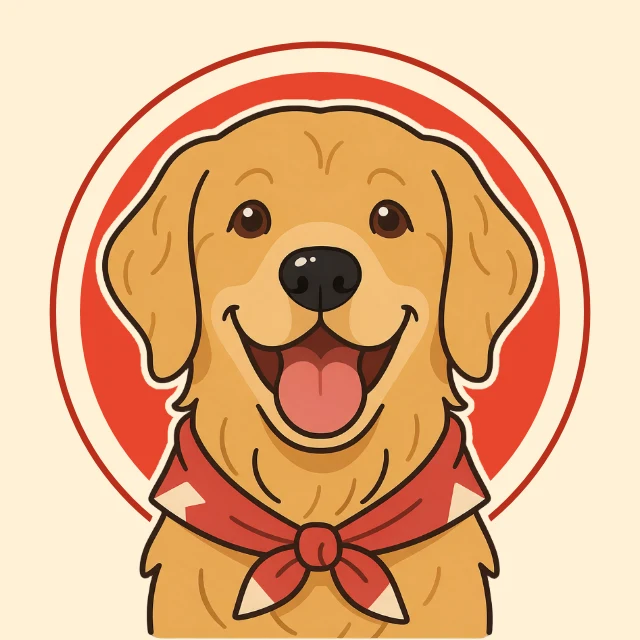
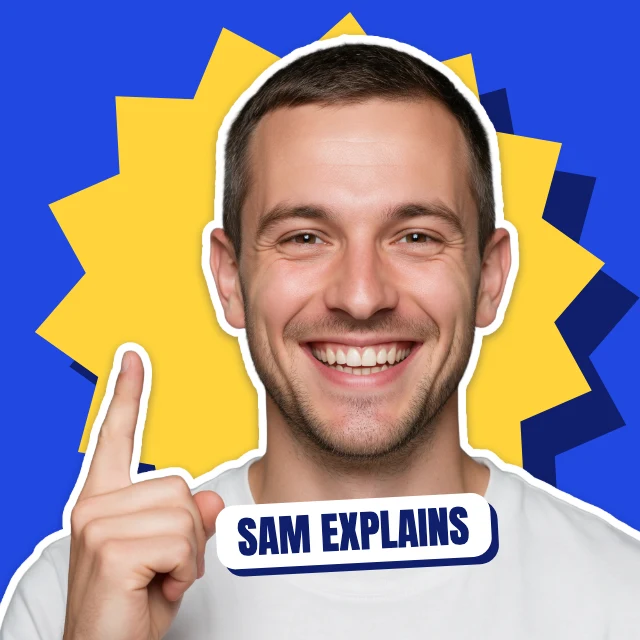
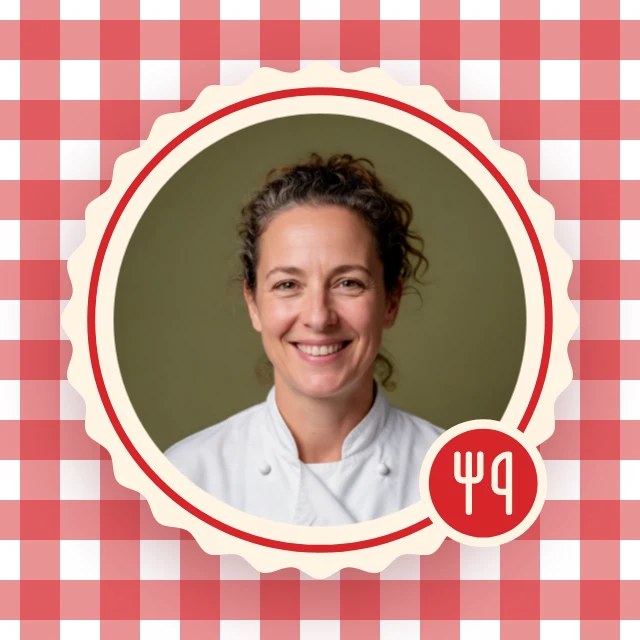
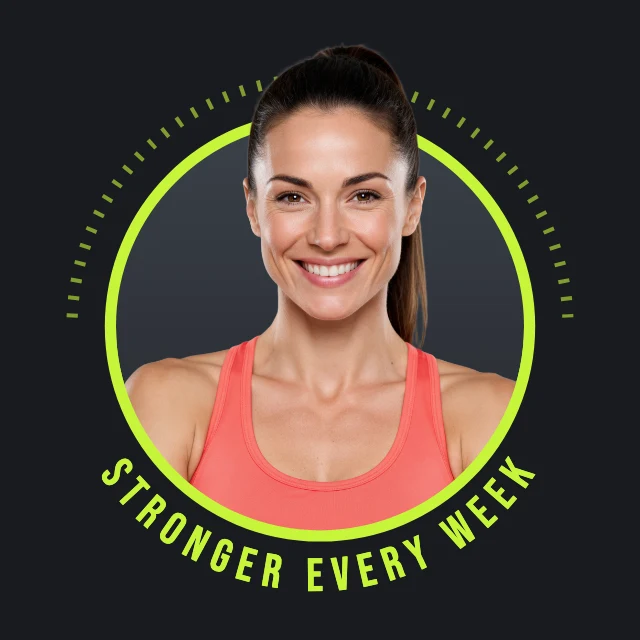
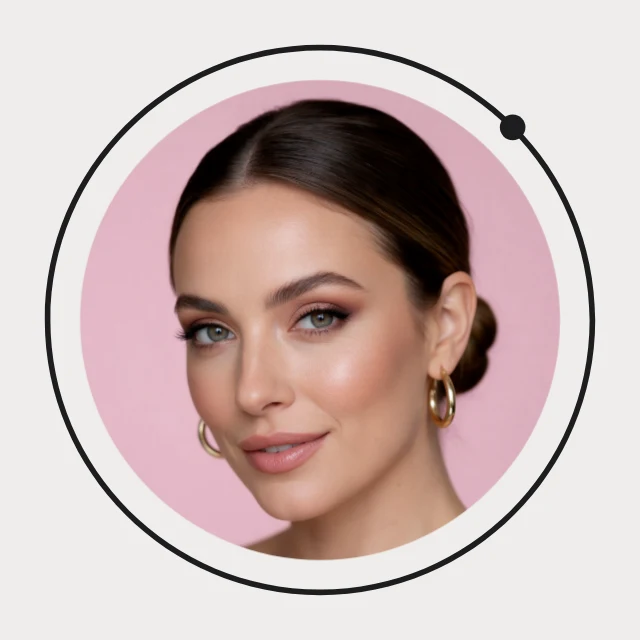
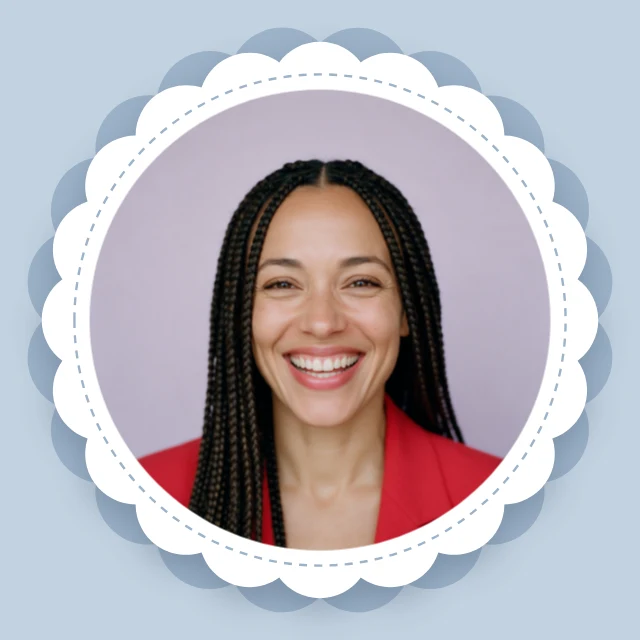
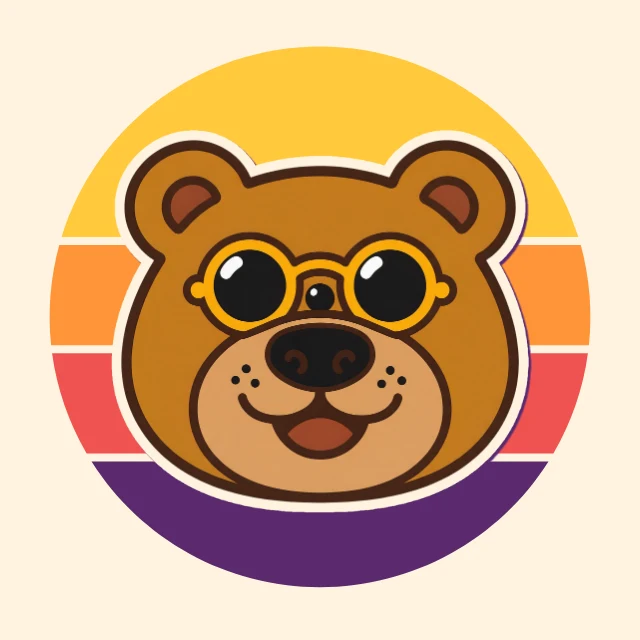
Profile pictures drawn for the round crop every network makes. Put your photo in a neon, gold or gradient ring, or use no photo at all: a mascot, an esports animal, a monogram or your initials. There are pictures for gaming and streaming channels, podcasts, and food, travel, beauty and fitness creators, and a "we're hiring" banner for LinkedIn. Each one opens in Design Studio with every layer editable: retype the words, swap in your own photos, or ask the AI designer to restyle it.


















How to make a profile picture
- Step 1
Pick a template
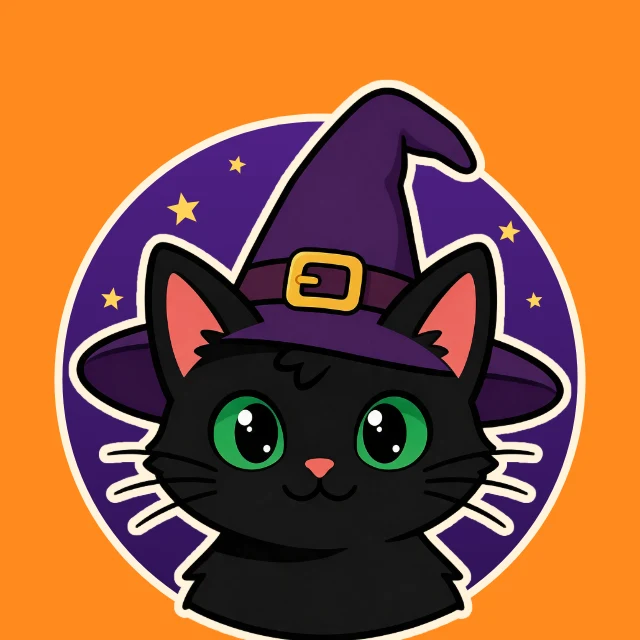
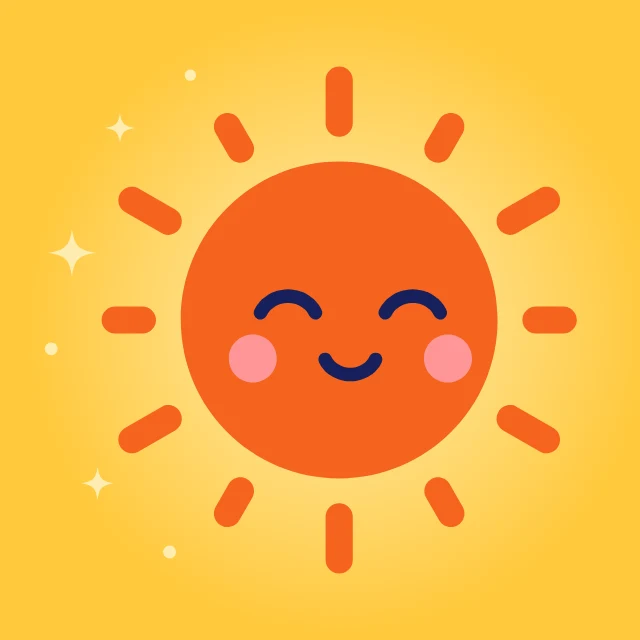
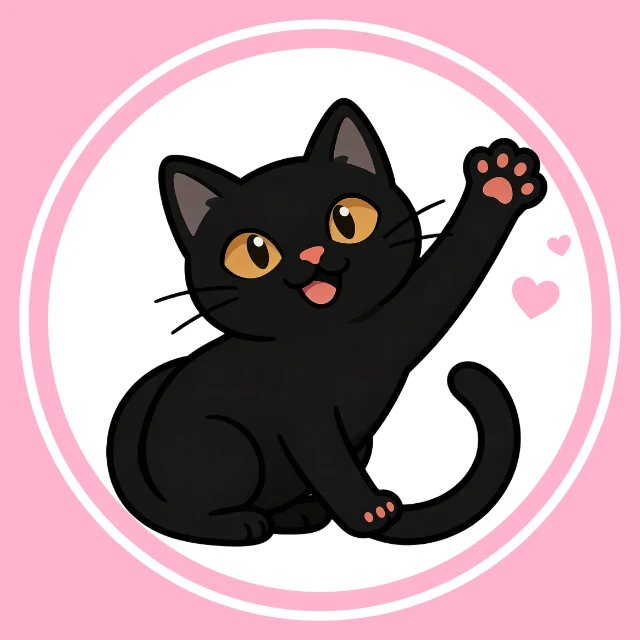
Choose one above that is close to what you need, such as “Black cat profile picture”, “Sun matching profile picture” or “Neon ring profile picture”. It opens in Design Studio as your own copy, with every layer editable.
- Step 2
Make it yours
Replace the photo with yours, or type your initials or your handle. Or choose "Edit with AI" and tell the AI designer what to change.
- Step 3
Check it
Keep the face or the initials inside the circle in the middle: networks cut off the corners.
- Step 4
Download it
Download it as a PNG or JPG at full size, with no watermark.
- Step 5
Use it
Upload it as your profile picture on any network.
More on making one, with the steps and examples on one page: Profile Picture Maker.
Or have one generated
A template keeps every layer editable. For a finished picture made from a description or from your own photo, use one of the generators.
More kinds of template
All templates →Sizes
Each template is made at its real size, ready to post or print.
- Profile picture800×800 px · 1:1 square
Most networks crop it to a circle and show it small; 800×800 stays sharp everywhere.
Free on every plan. You can use, edit and publish what you make from a template, for personal or commercial work. The templates themselves may not be resold or shared as templates.
Questions
- What size should a profile picture be?
- A square of 800×800 px is enough everywhere. The networks ask for less (X and LinkedIn 400×400, Facebook 320×320, Twitch 256×256) and show the picture far smaller, in a circle: YouTube at 98×98. So these templates are 800×800, with the face, the mascot or the letters kept inside the circle.
- Does one profile picture work on every network?
- Yes. YouTube, TikTok, Instagram, Facebook, X, LinkedIn, Discord, Twitch, Pinterest and WhatsApp all take a square picture and crop it to a circle. LinkedIn shows a company page's logo as a square instead, so keep a logo away from the corners.
- What sizes are the profile picture templates?
- Each one is a profile picture (800×800 px). Every template is made at its real size, so nothing has to be resized before it is posted or printed.
- Are the templates free?
- Yes. Every template is free on every plan, including the free one. Editing text, moving things and replacing photos with your own cost nothing; AI image generation and AI edits use credits.
- Can I use designs made from a template commercially?
- Yes. You can use, edit and publish designs you make from a template, for personal or commercial work such as social posts, ads, menus and flyers. The templates themselves may not be resold or shared as templates.
- Can AI customize a template for me?
- Yes. Choose "Edit with AI" and tell the AI designer what to change, for example the name, the colours or the photo. Chatting with it is free; images it makes use credits.
- Can I make one on my phone?
- You can browse the templates and look at them full size on a phone. Editing happens on the Design Studio canvas, which needs a computer: sign in and star a template on your phone, and it is waiting under Starred on your computer.