AI LinkedIn Headshot Generator
Turn everyday photos into polished, professional LinkedIn headshots.
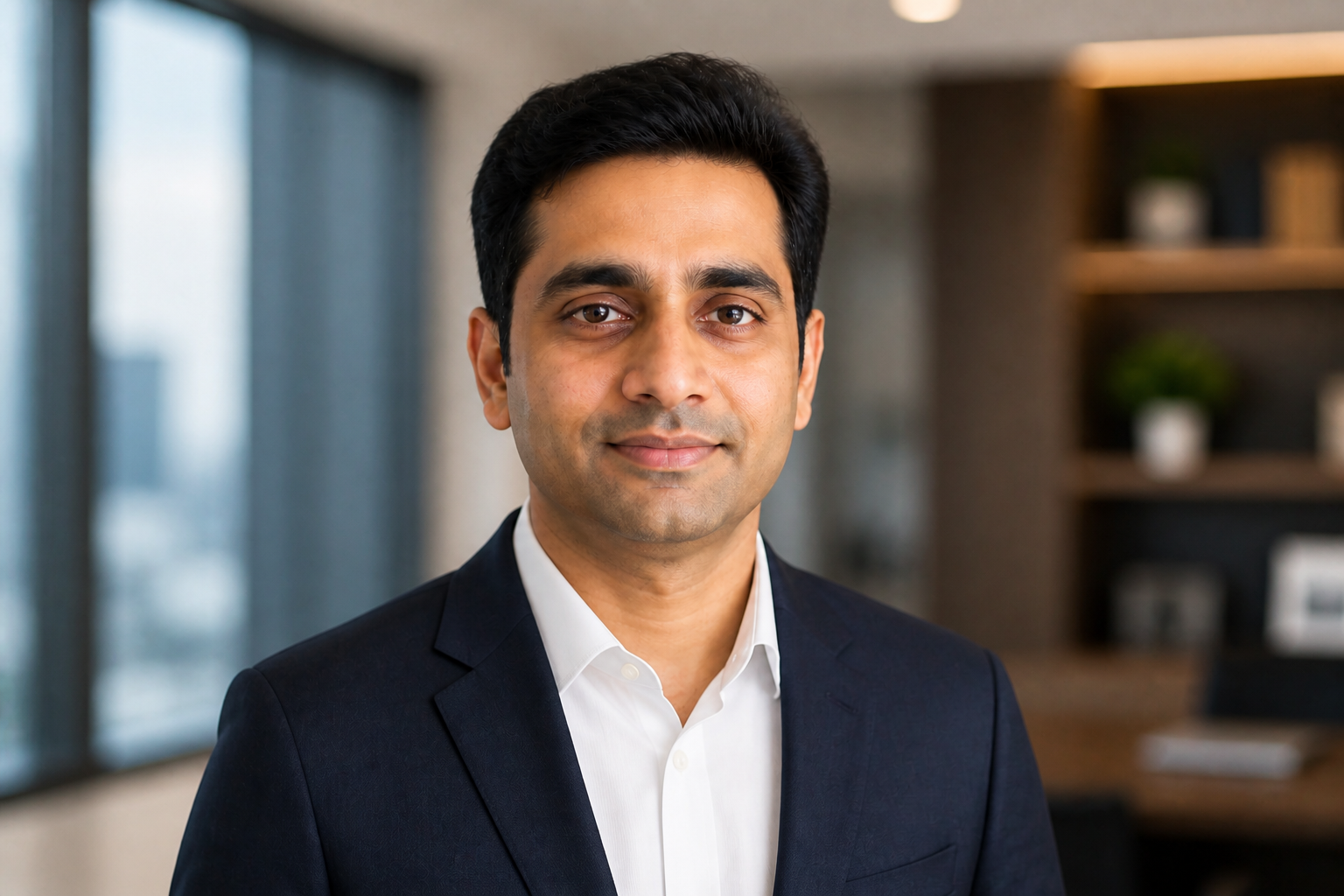
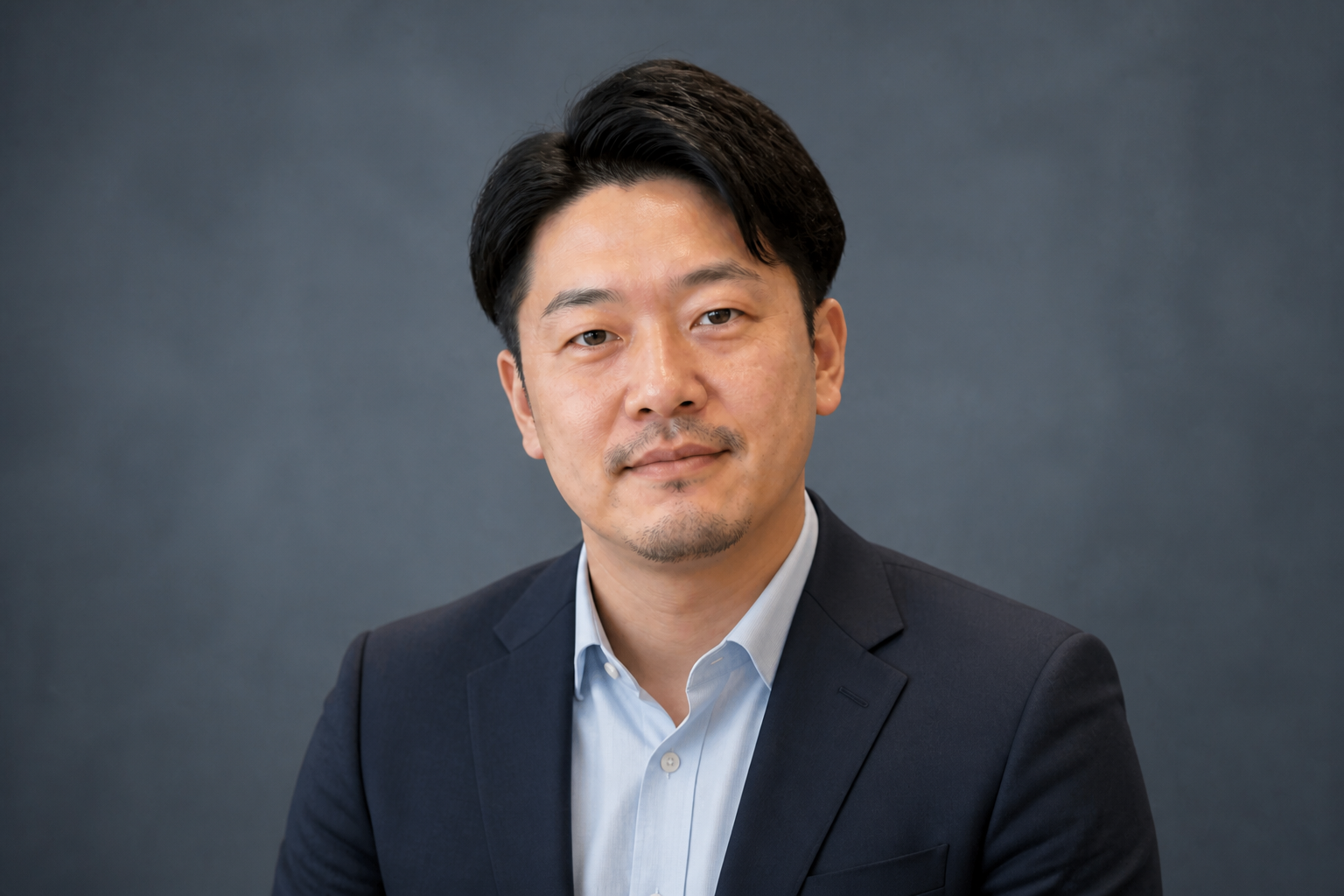
Upload a clear photo and generate a cleaner, more professional headshot for your LinkedIn profile. Our AI can refine clothing, background, lighting, and framing while keeping your face recognizable. It is a fast way to get a profile image that looks studio-ready without booking a shoot.
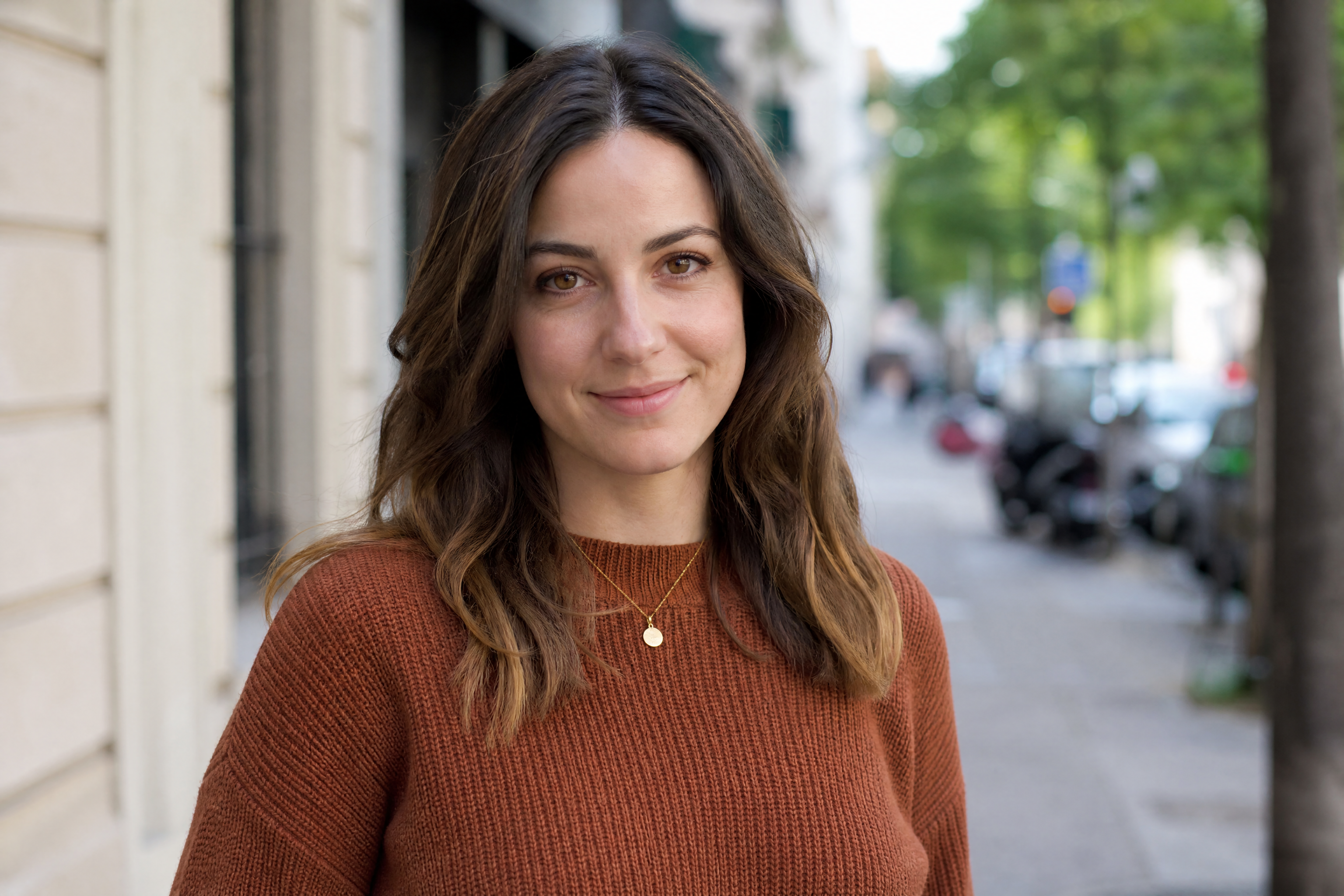
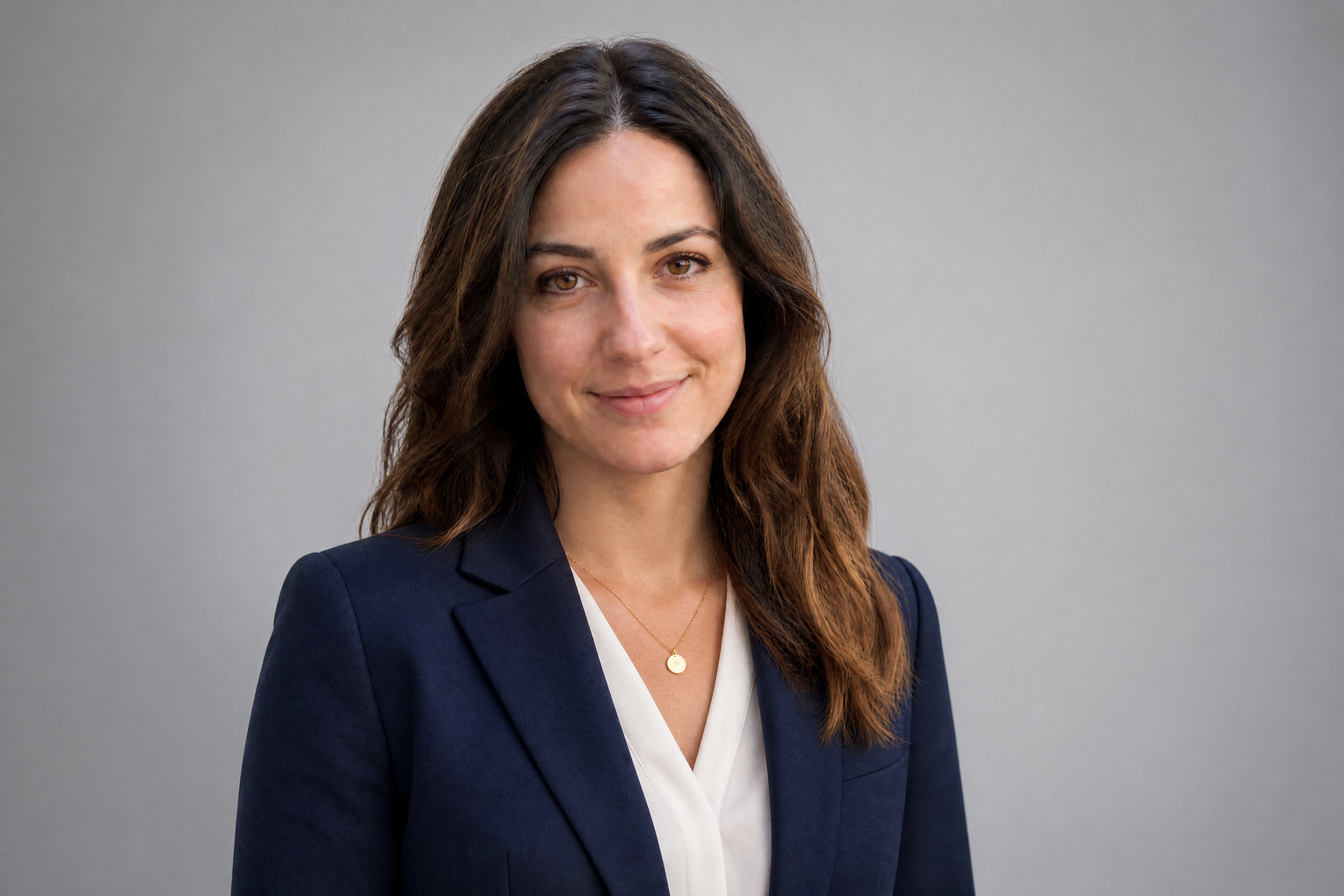
Watch the Transformation
See ai linkedin headshot generator in motion — generated end-to-end by our AI.
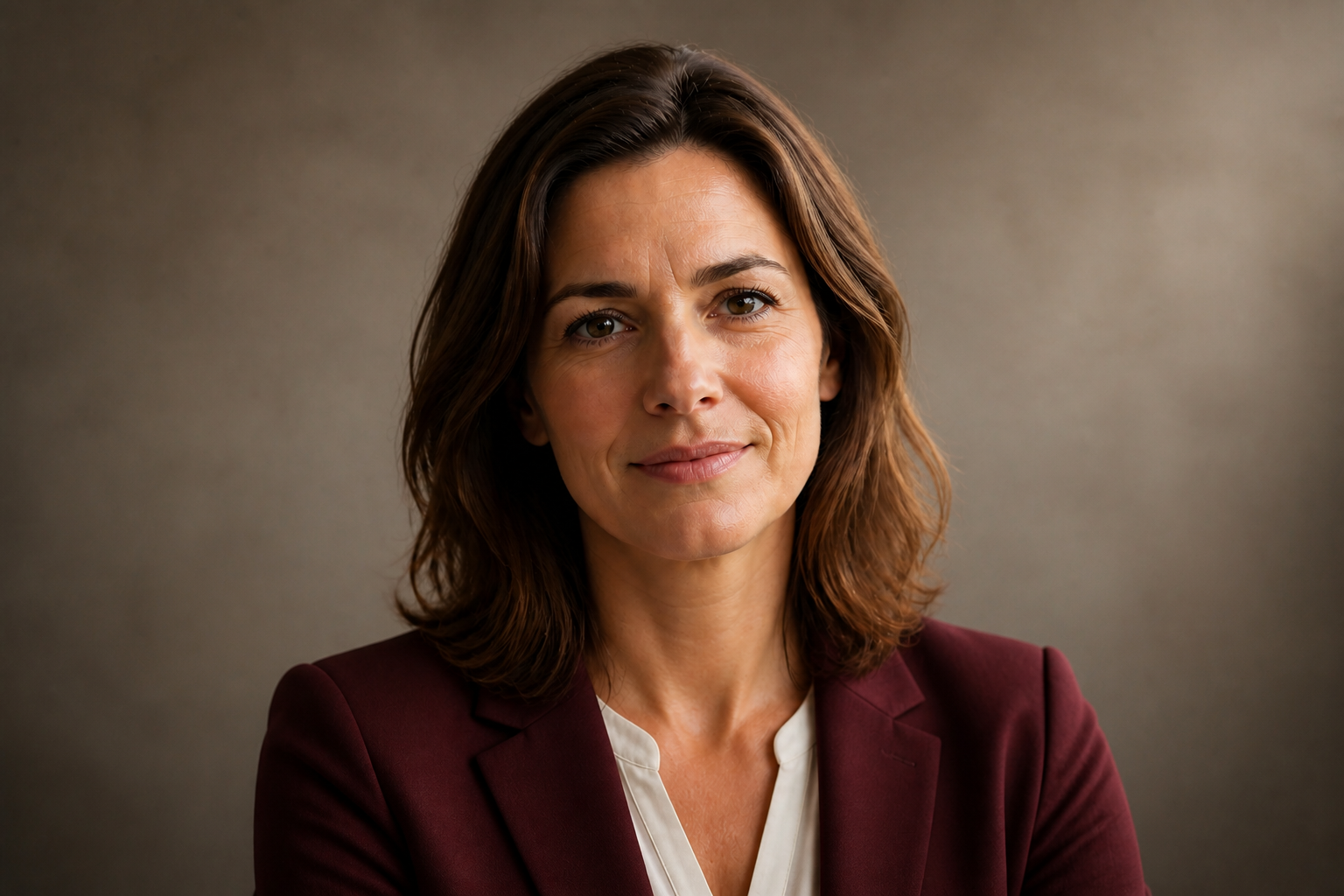
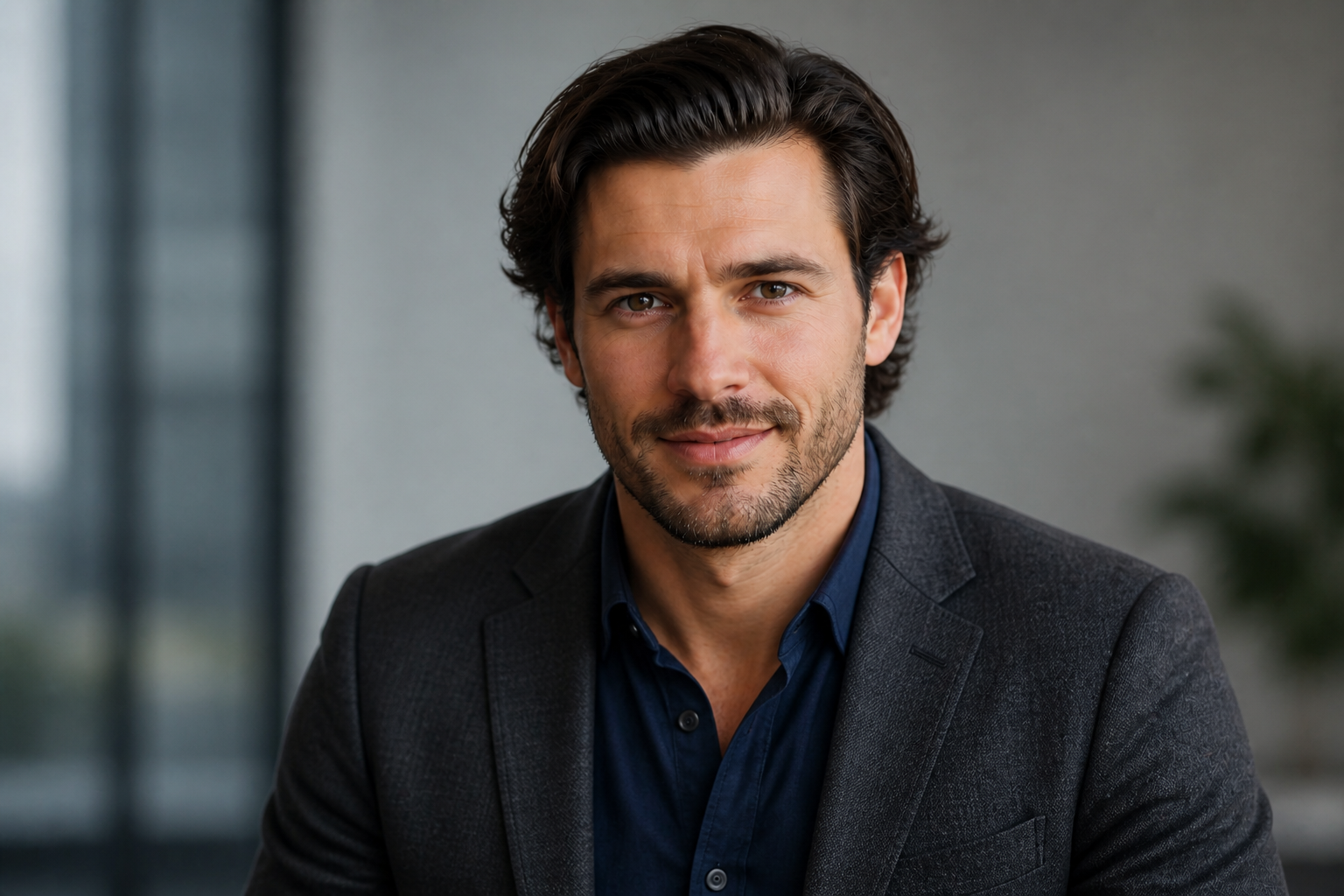
See It In Action
Real outputs from ai linkedin headshot generator.
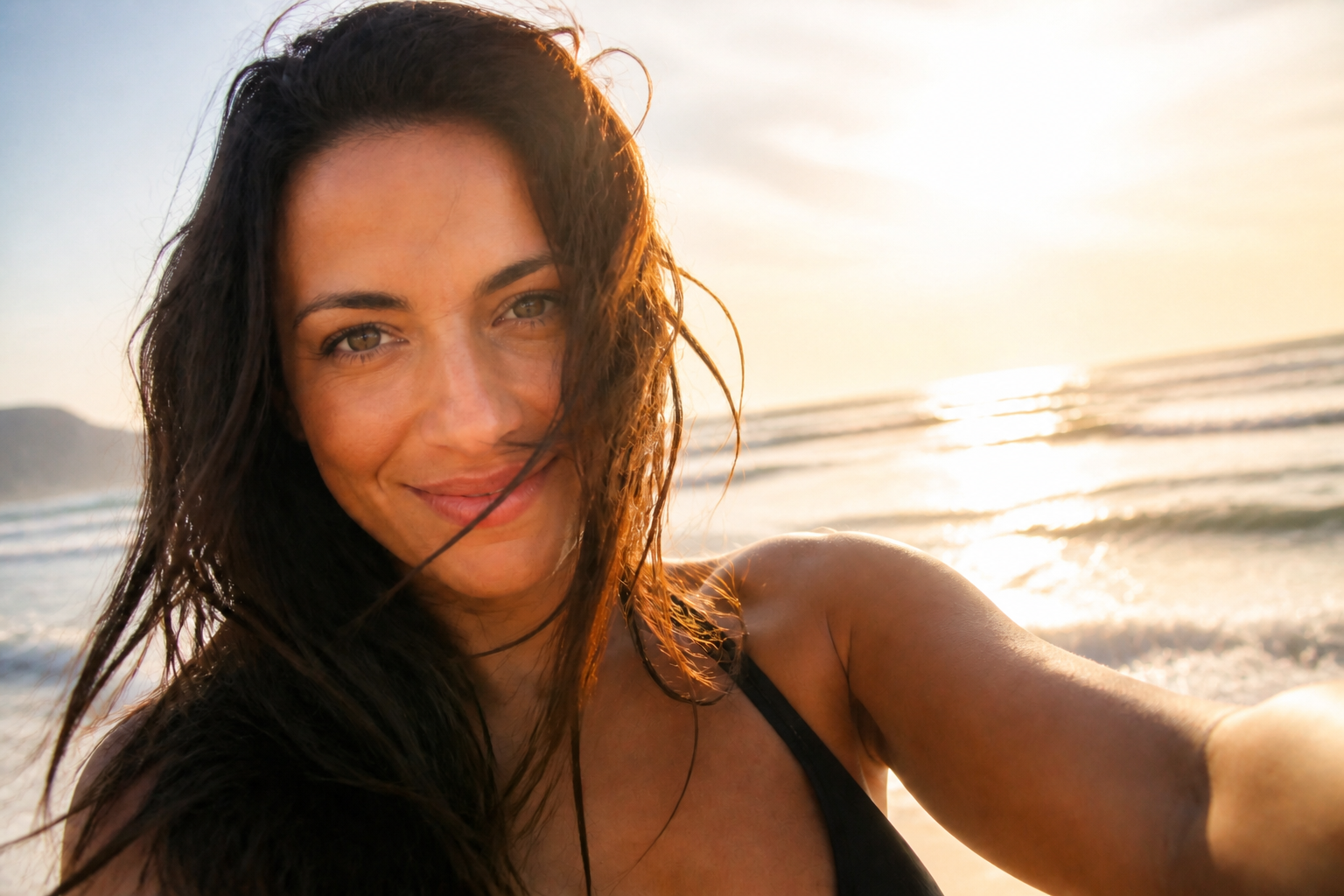
BEFOREAFTER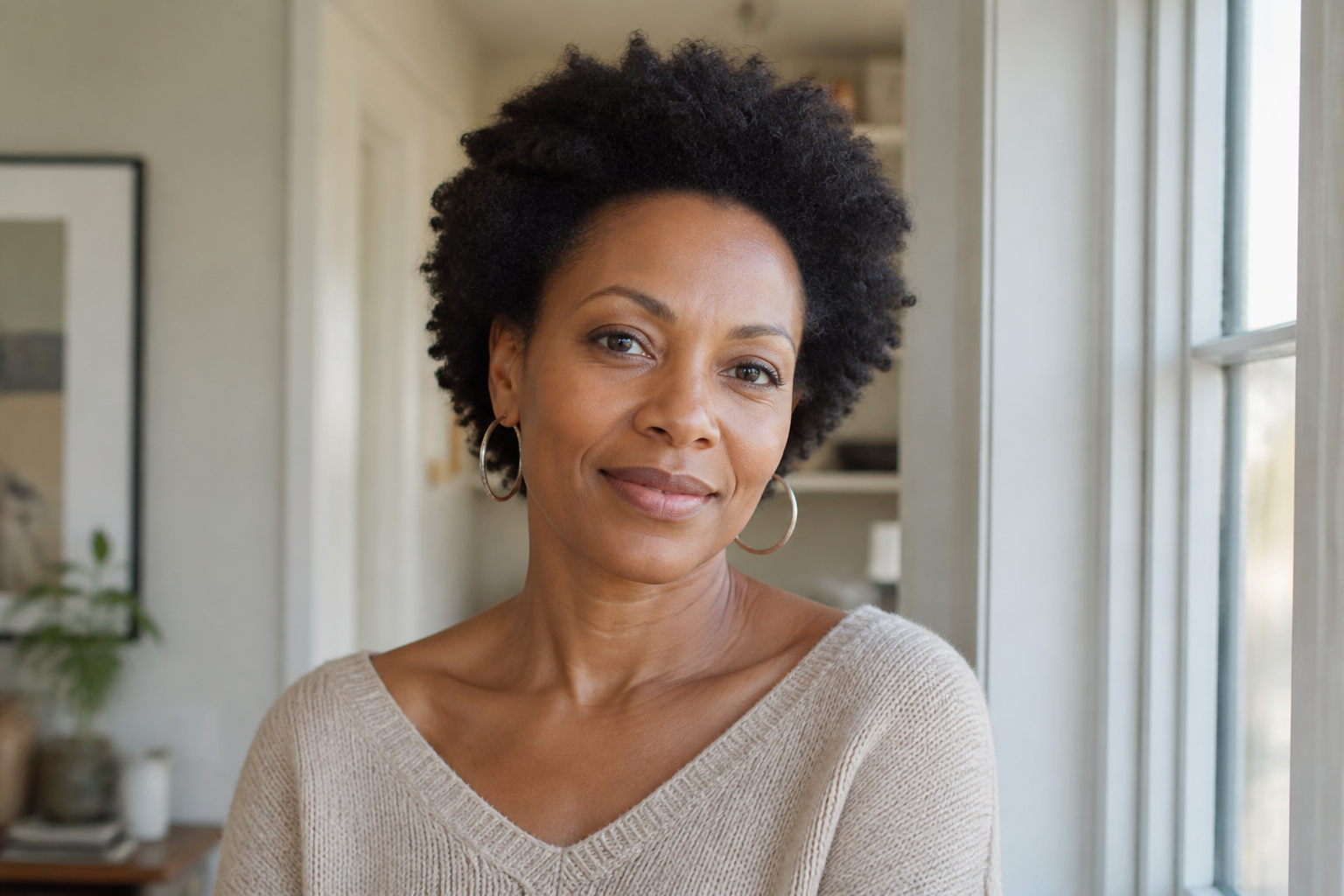 BEFORE
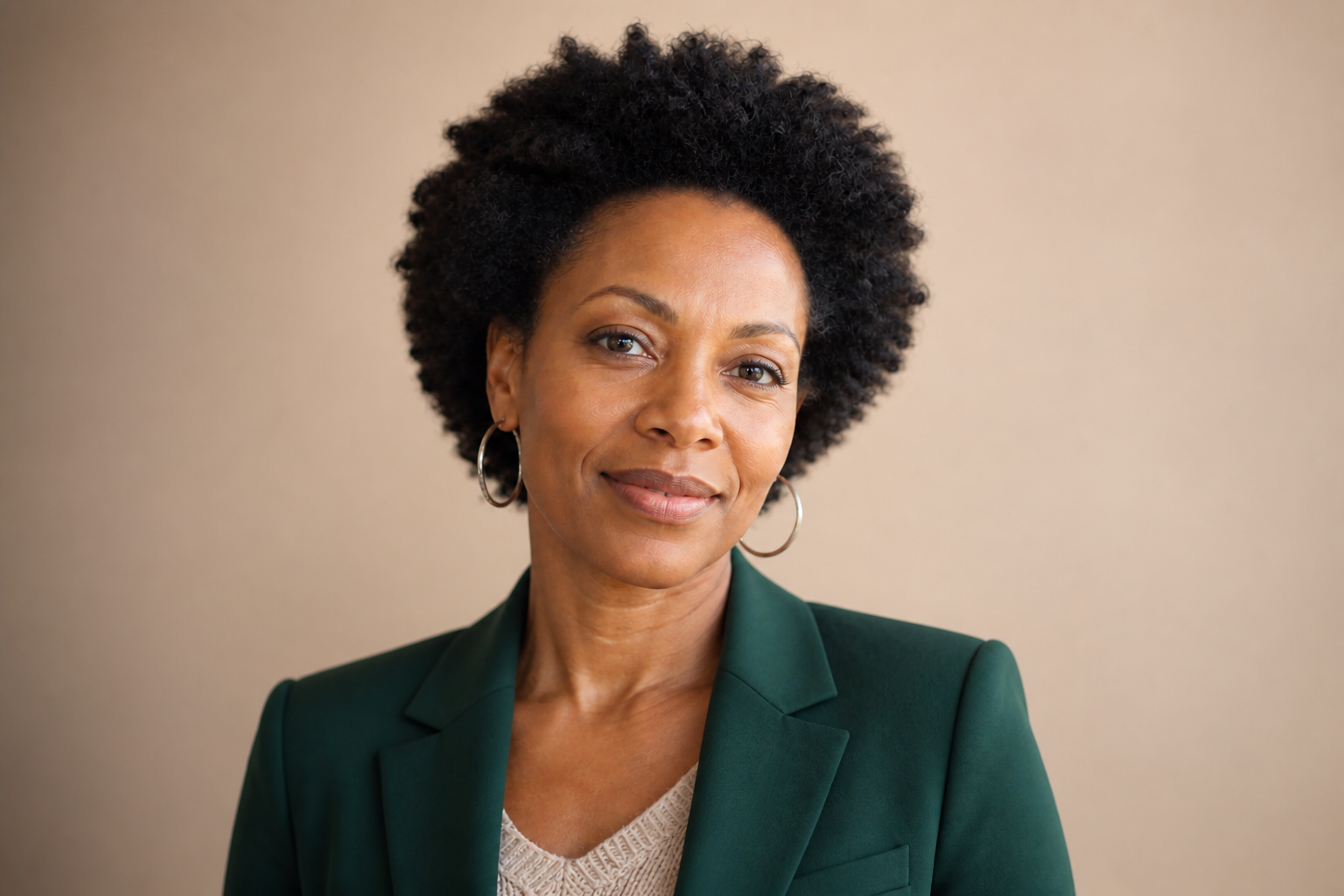 AFTER
AFTER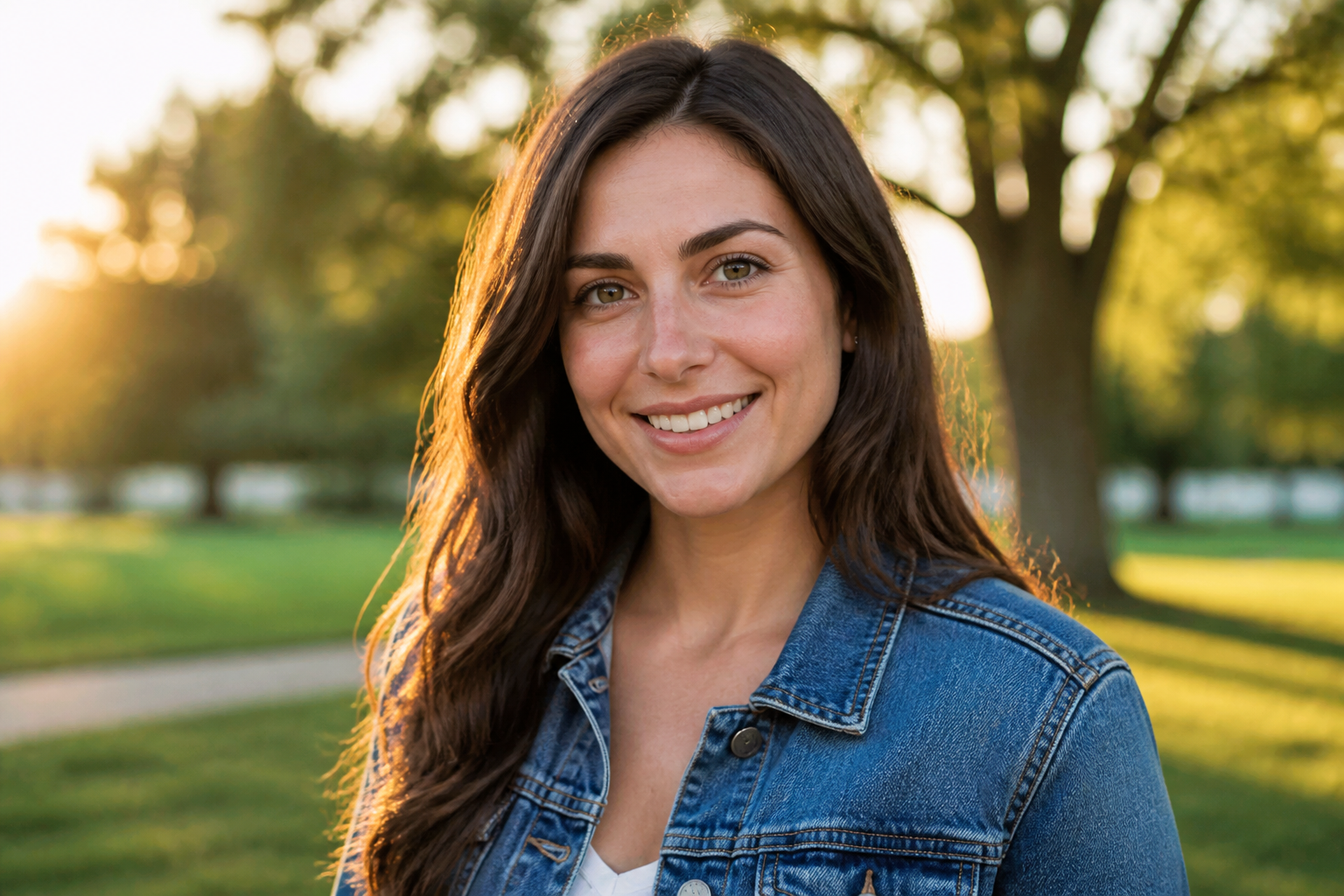 BEFORE
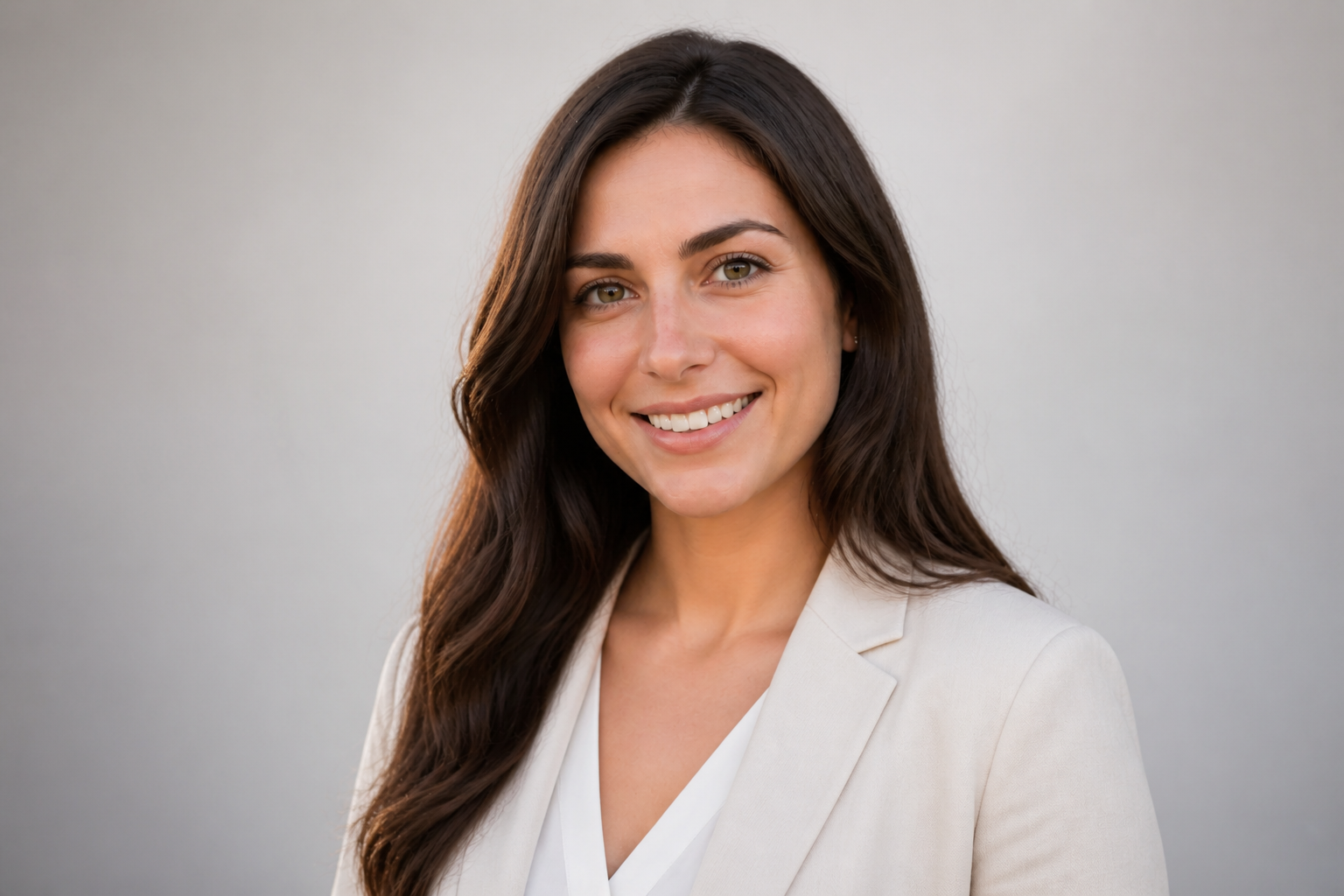 AFTER
AFTER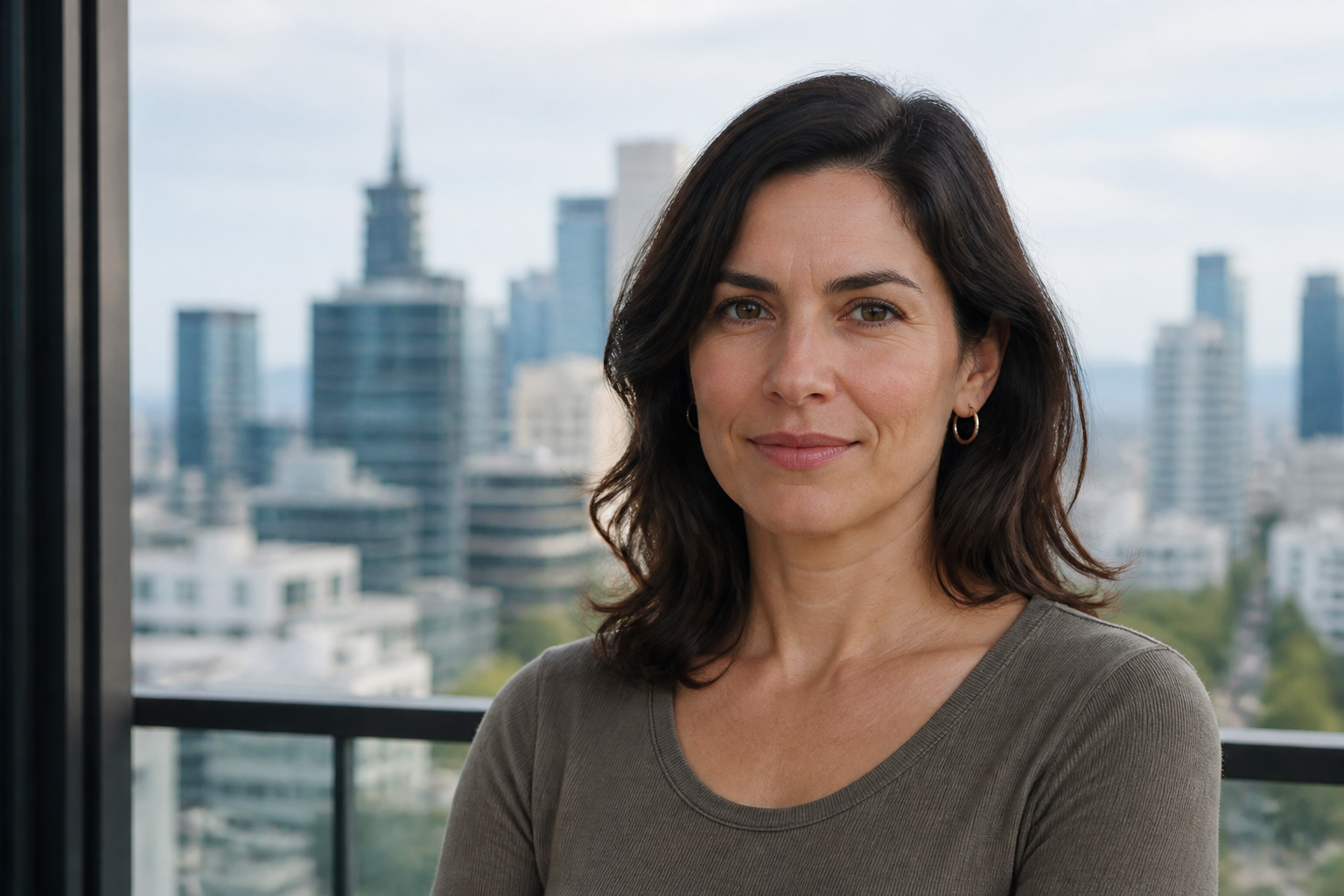 BEFORE
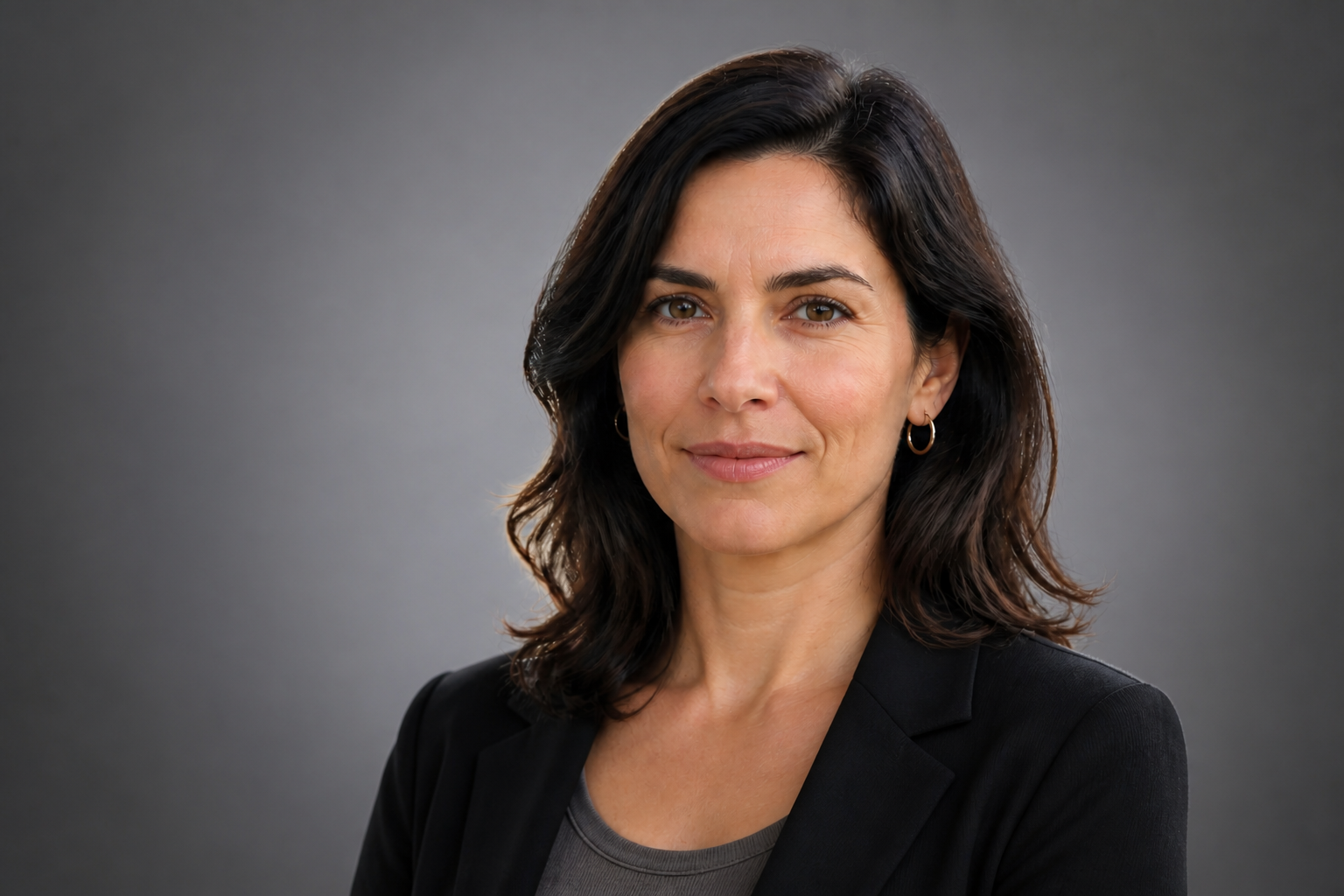 AFTER
AFTER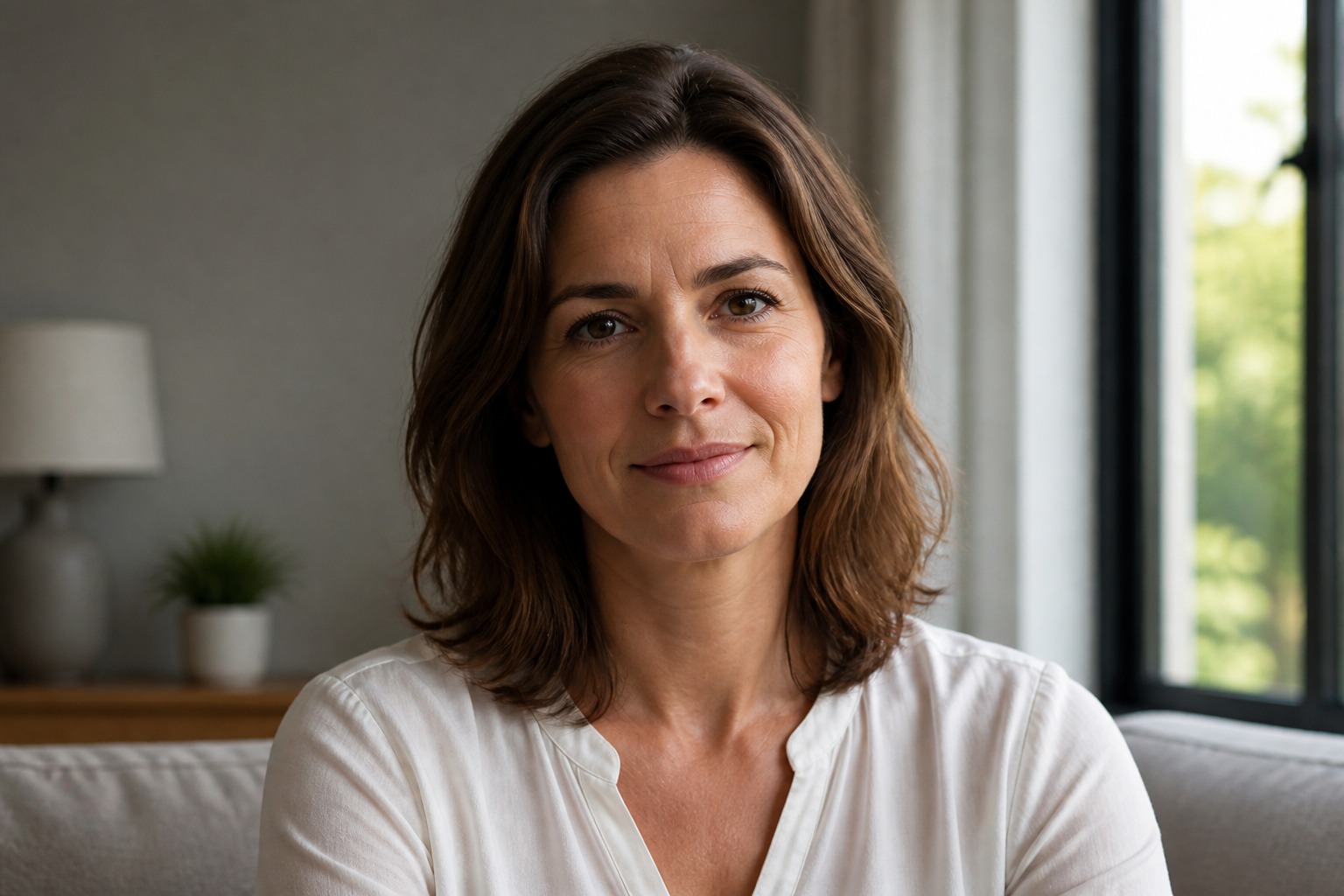 BEFORE
 AFTERBEFOREAFTERBEFOREAFTERBEFOREAFTERBEFOREAFTERBEFOREAFTER
 BEFORE
 AFTER
AFTER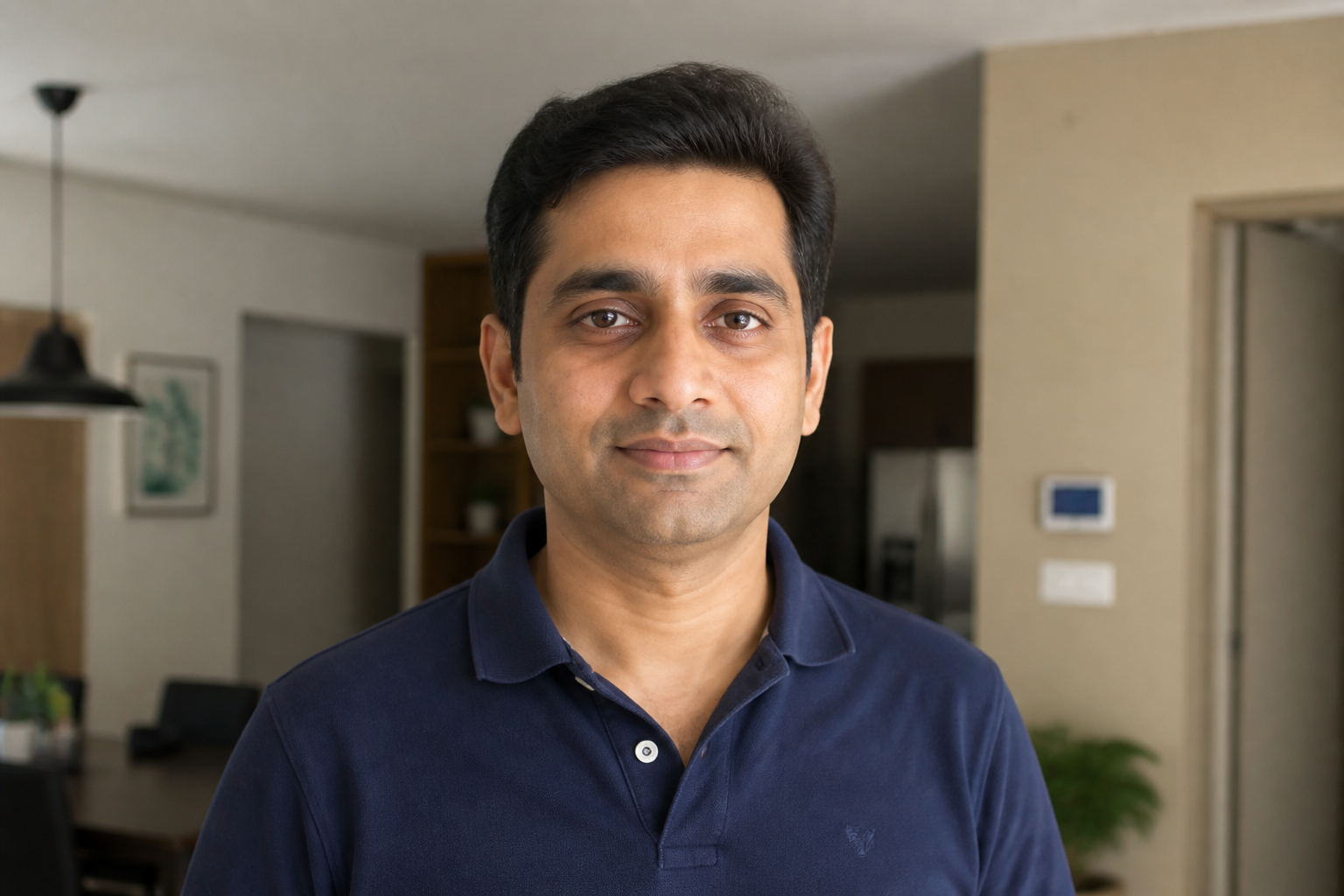 BEFORE
 AFTER
AFTER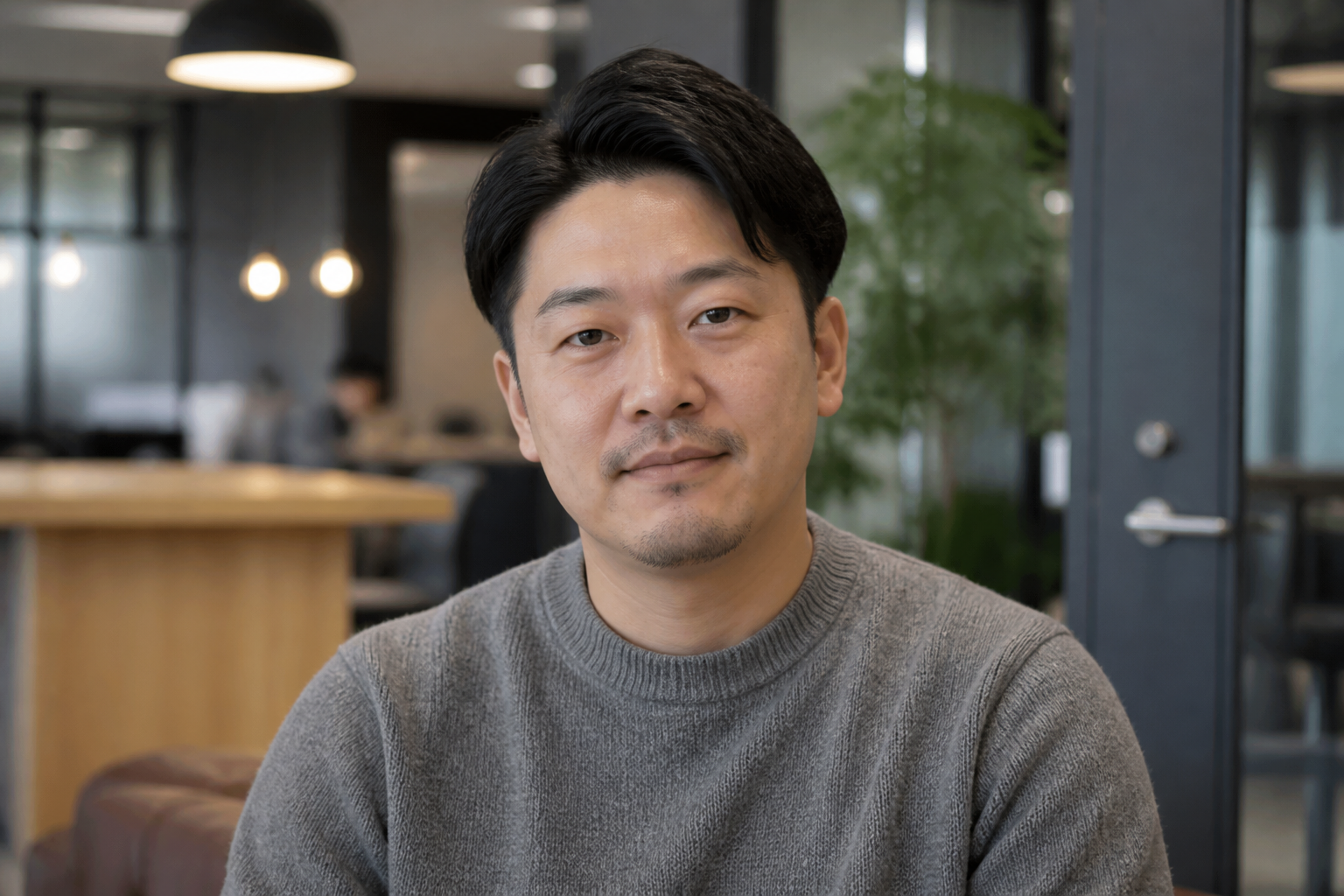 BEFORE
 AFTER
AFTER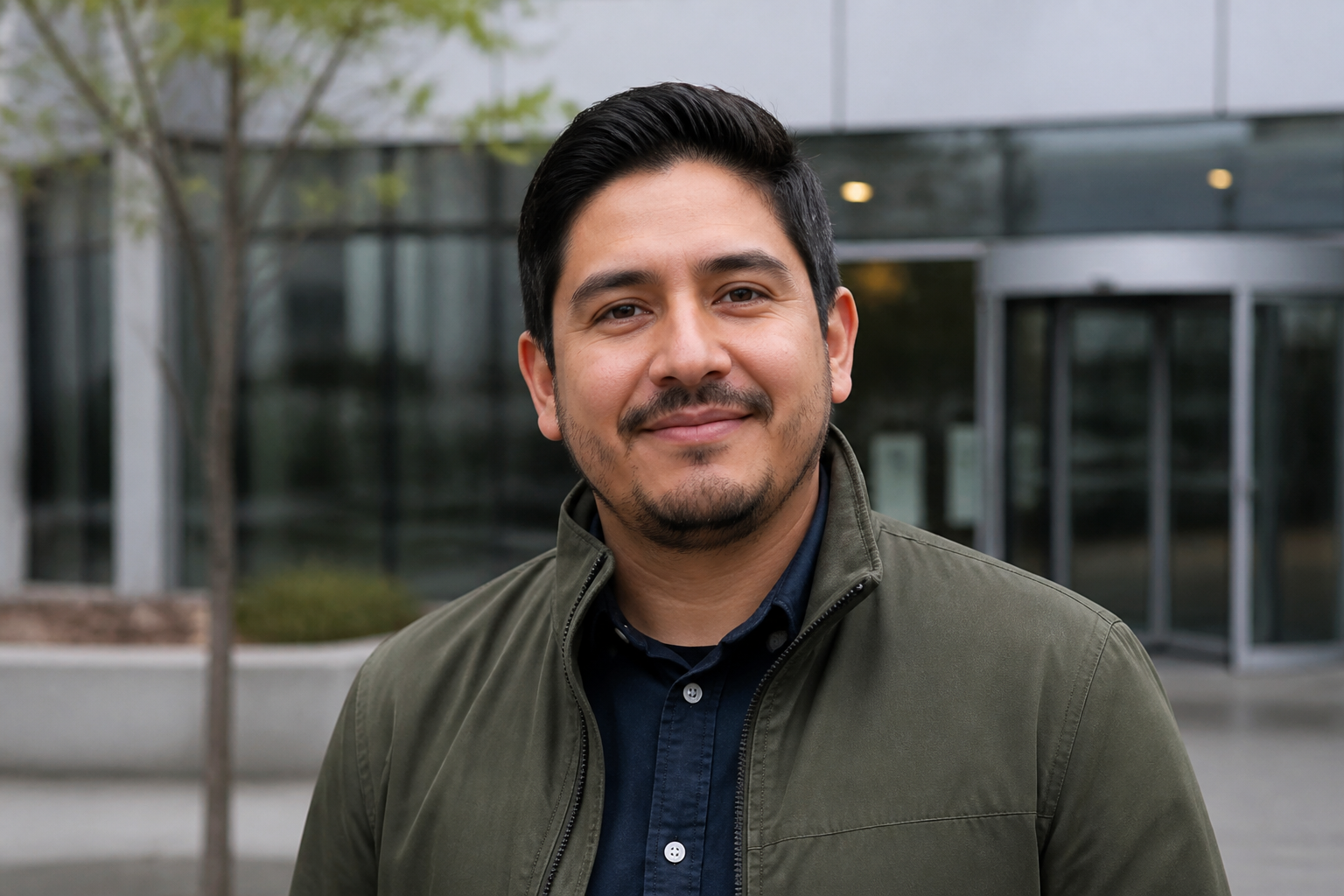 BEFORE
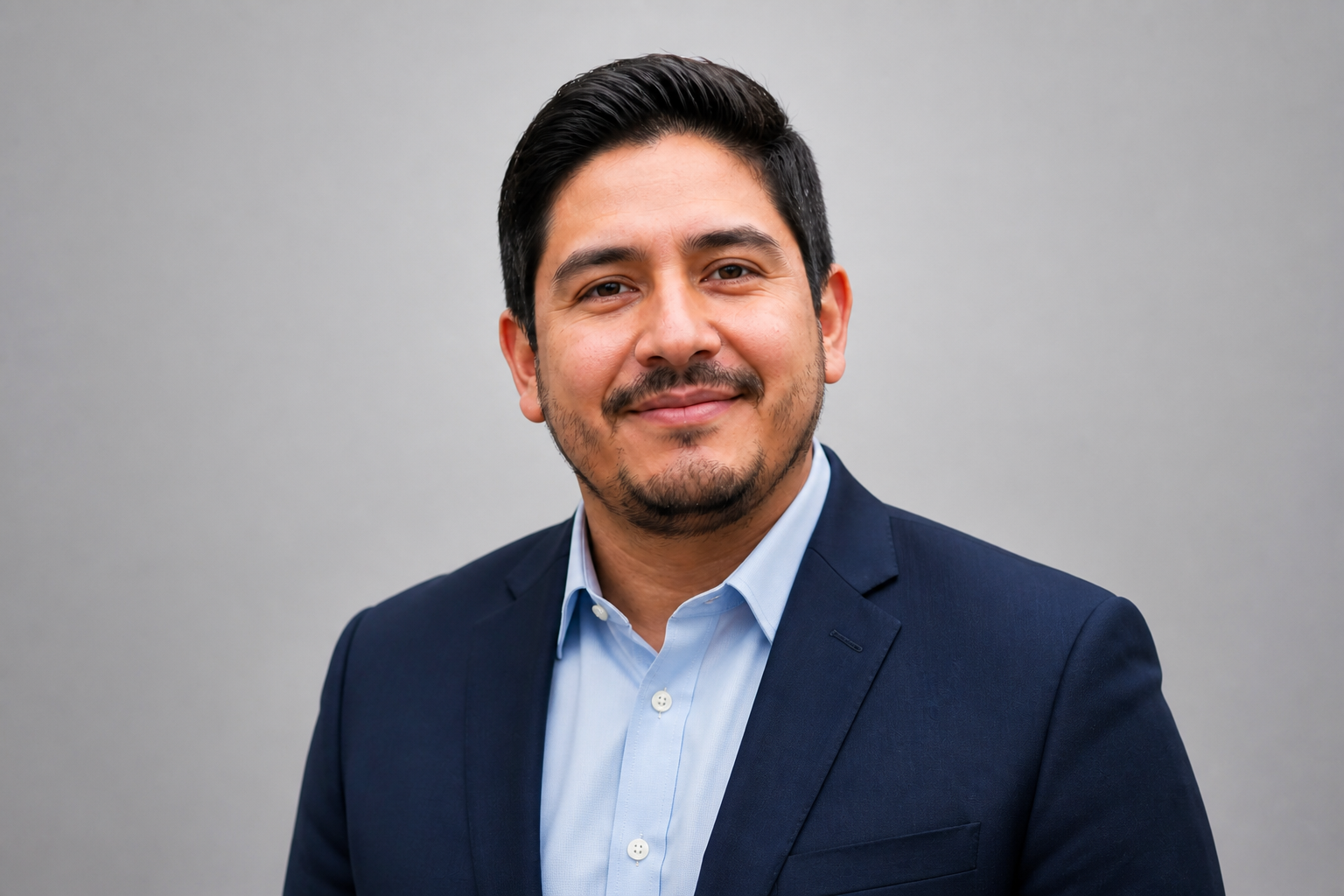 AFTER
AFTER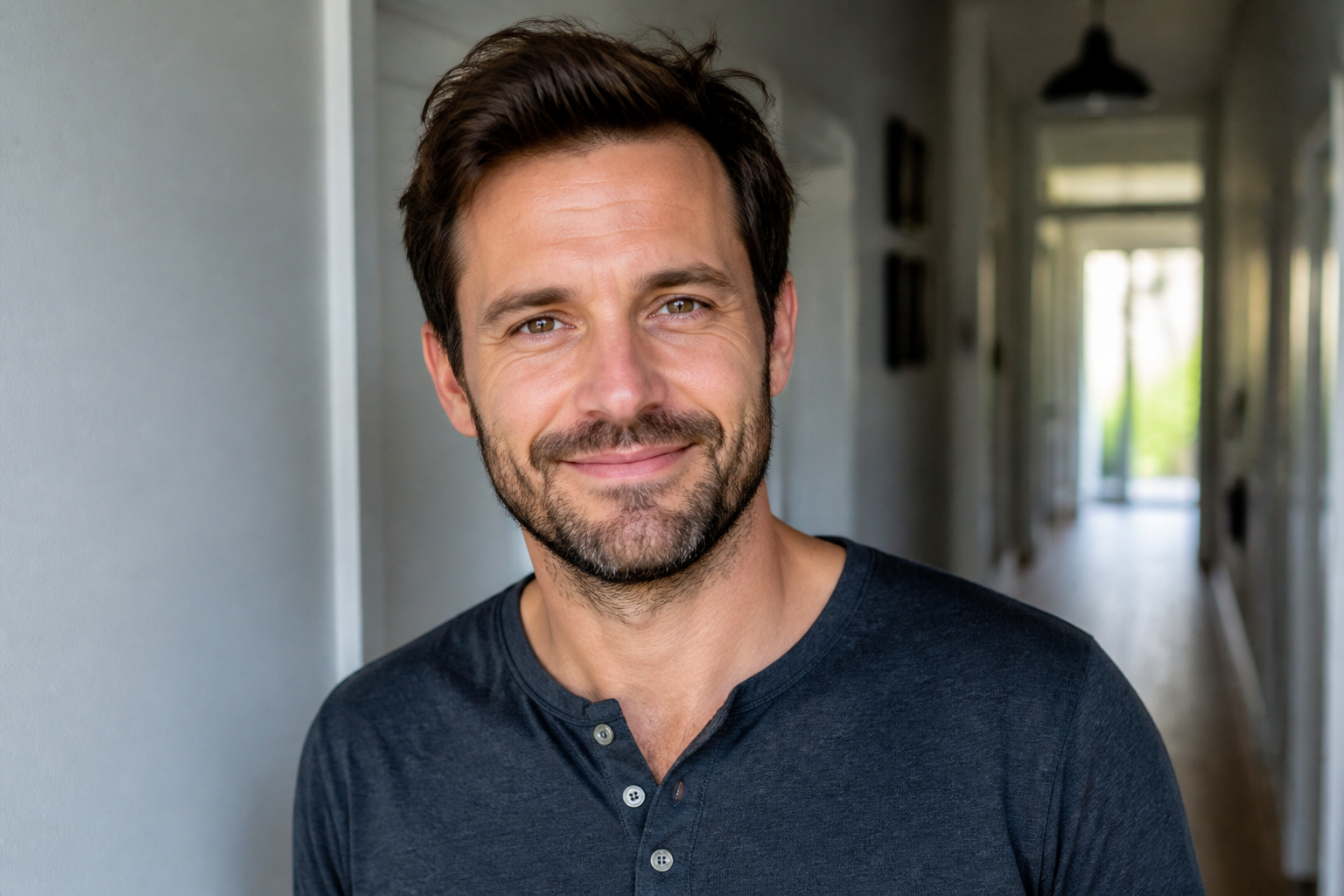 BEFORE
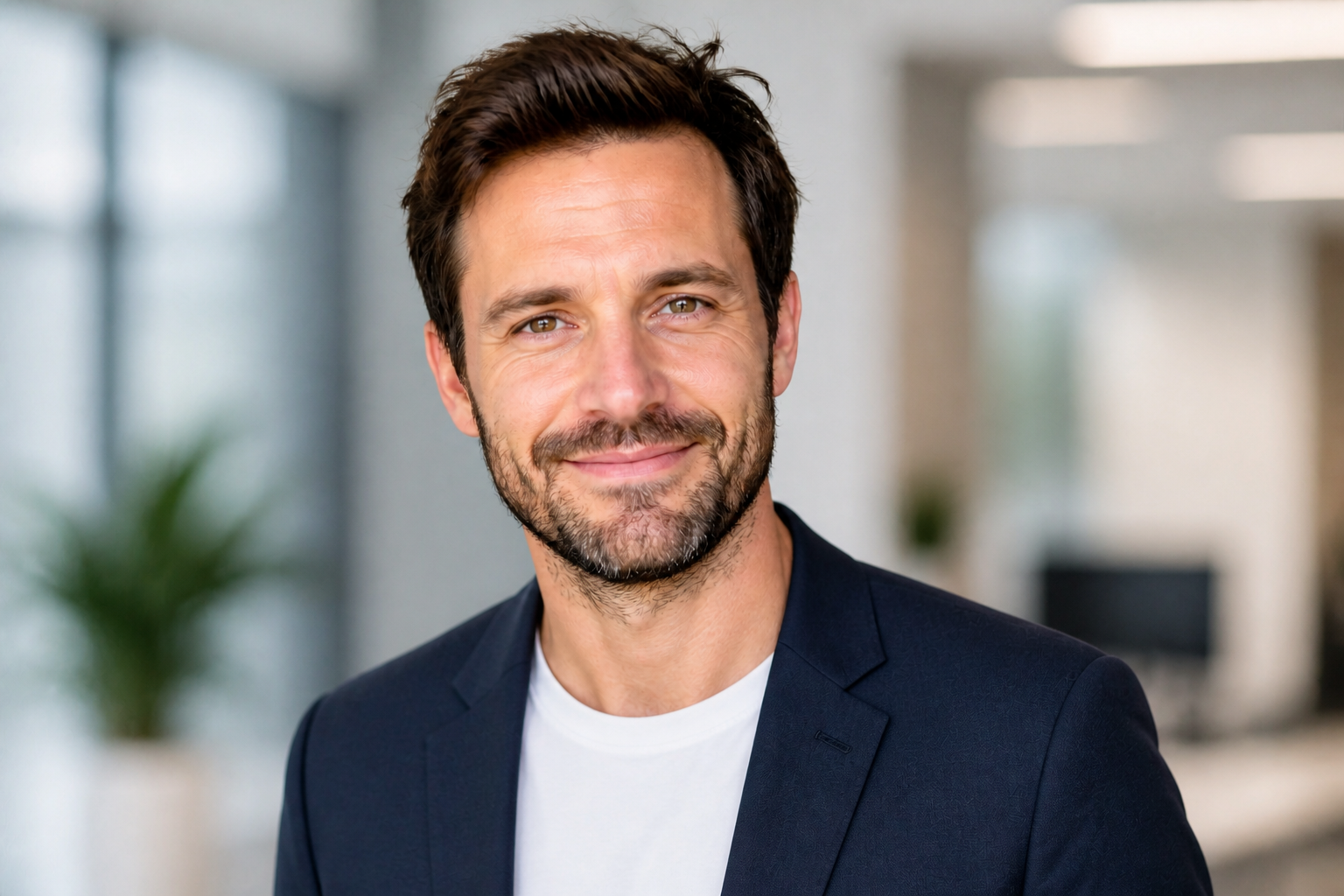 AFTERBEFOREAFTERBEFOREAFTERBEFOREAFTERBEFOREAFTERBEFOREAFTER
Key Features
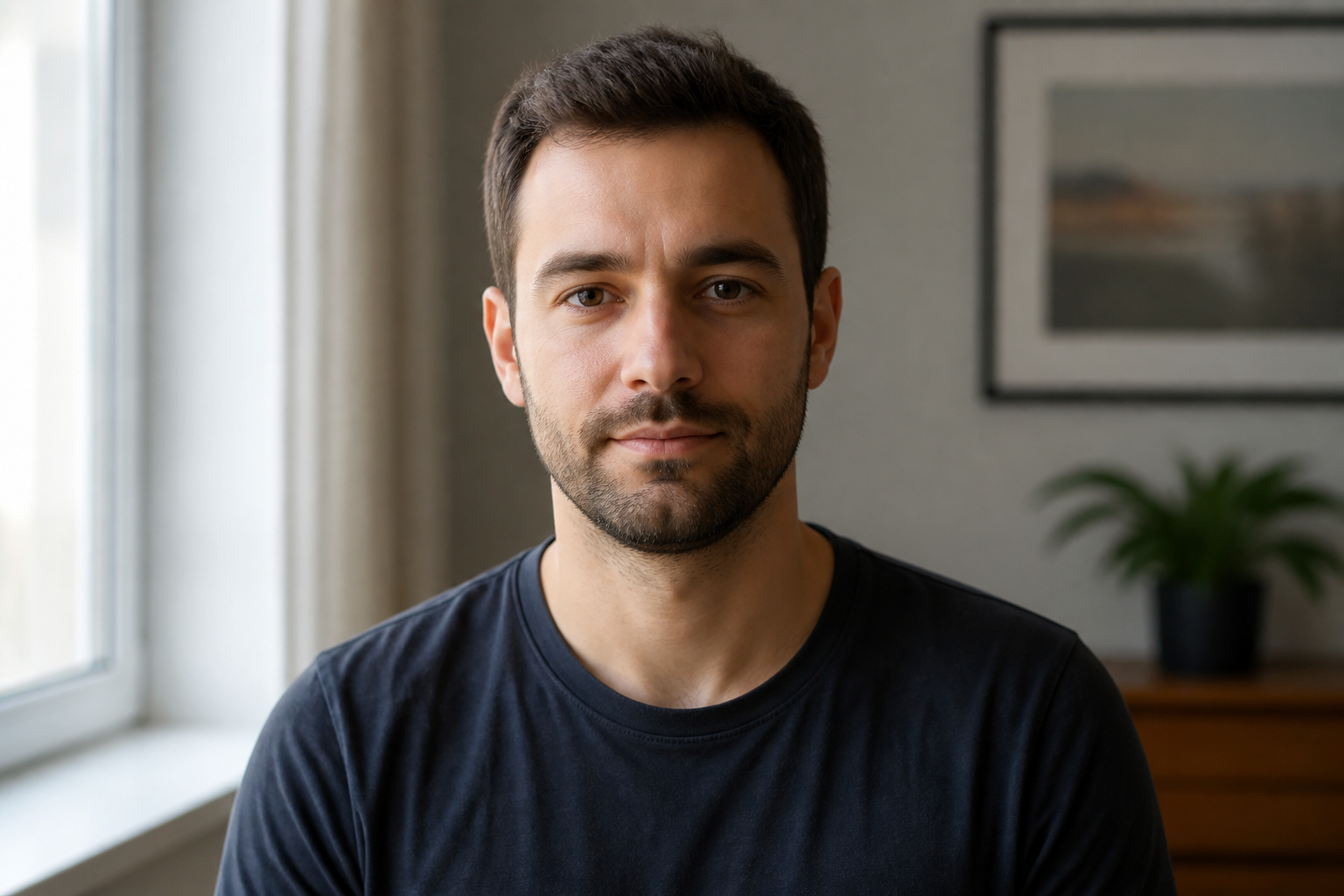
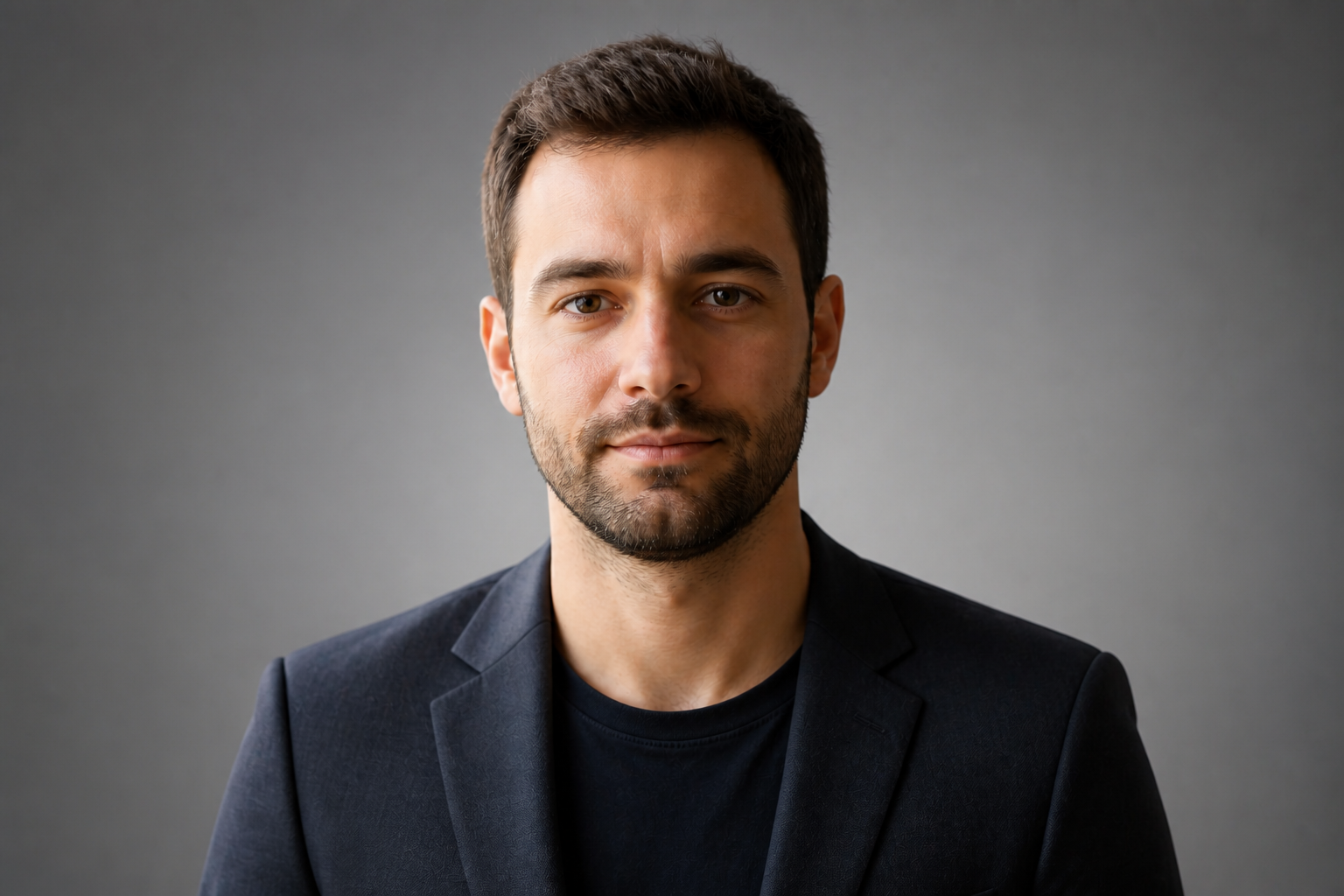
Keep your face recognizable
The edit focuses on making the photo look more professional without changing who you are. That matters for LinkedIn, where trust starts with a profile image that feels accurate and current. Instead of generating a generic business portrait, the result stays anchored to your real features, expression, and overall presence. You get a cleaner headshot while still looking like yourself.
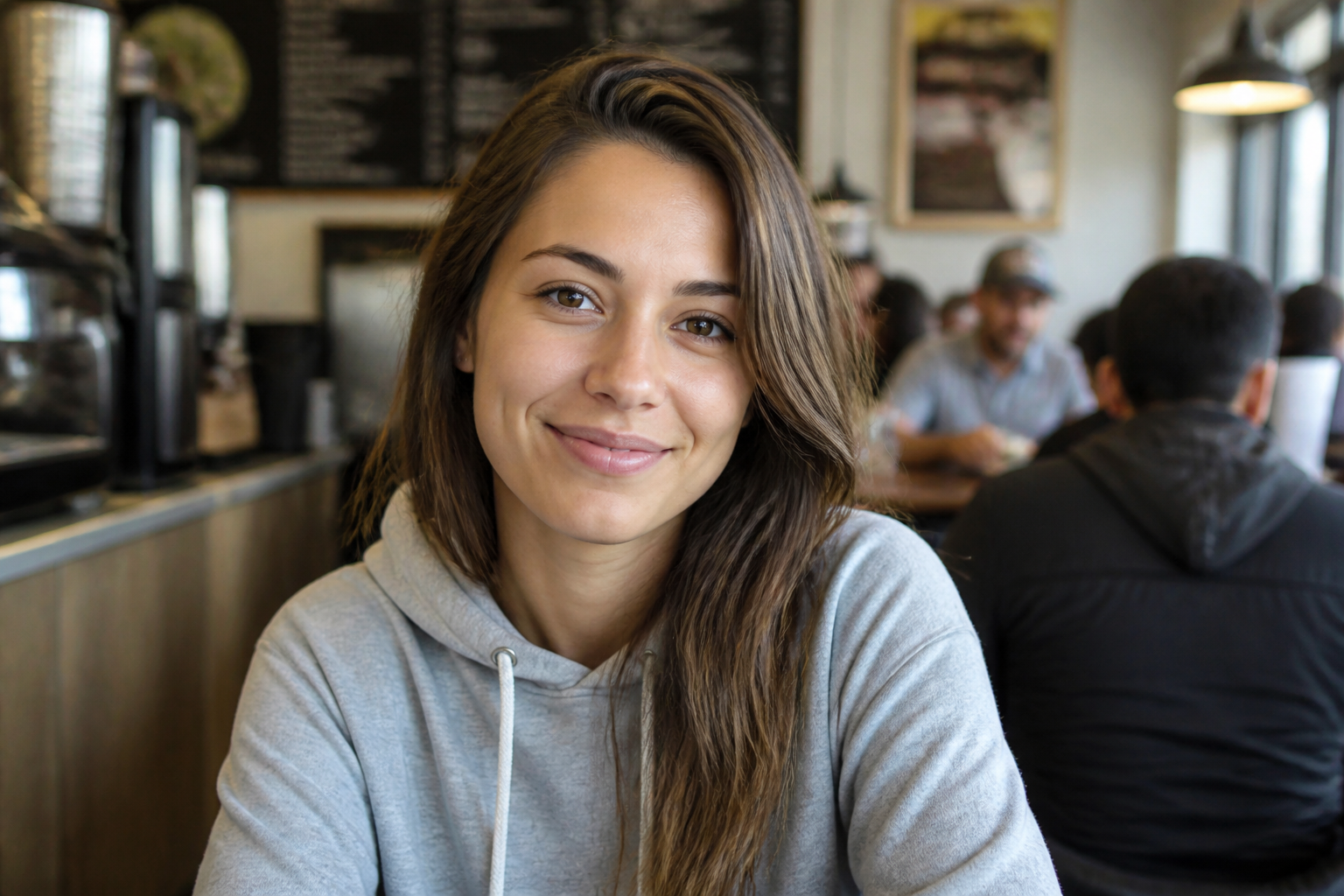
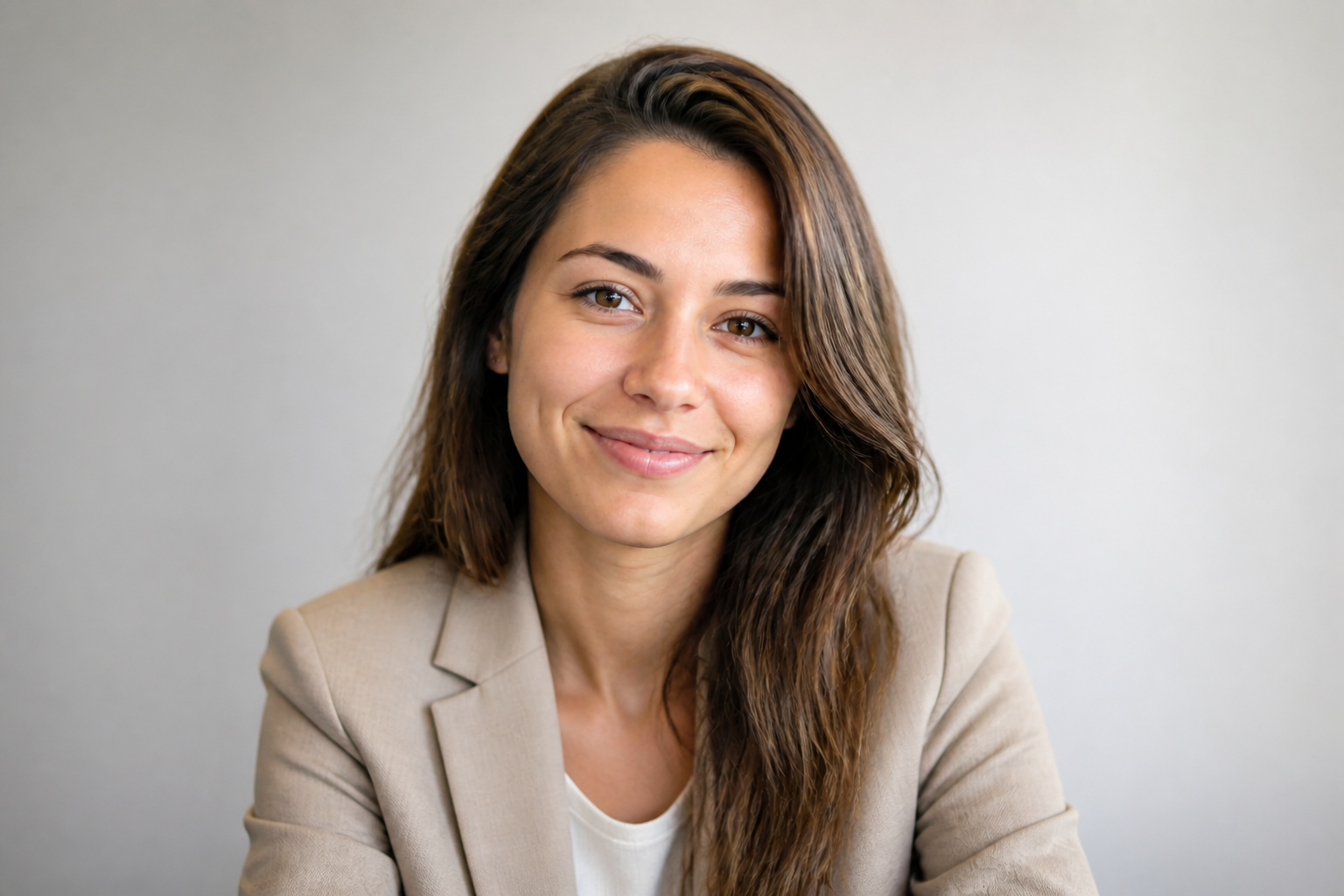
Upgrade outfits and background
A strong headshot usually depends on wardrobe and setting as much as camera quality. Our AI can replace casual clothing with business-ready attire and swap distracting surroundings for a clean, professional backdrop. That saves time compared with retaking photos in a new location or editing every detail by hand. The result looks more intentional and profile-ready in one pass.
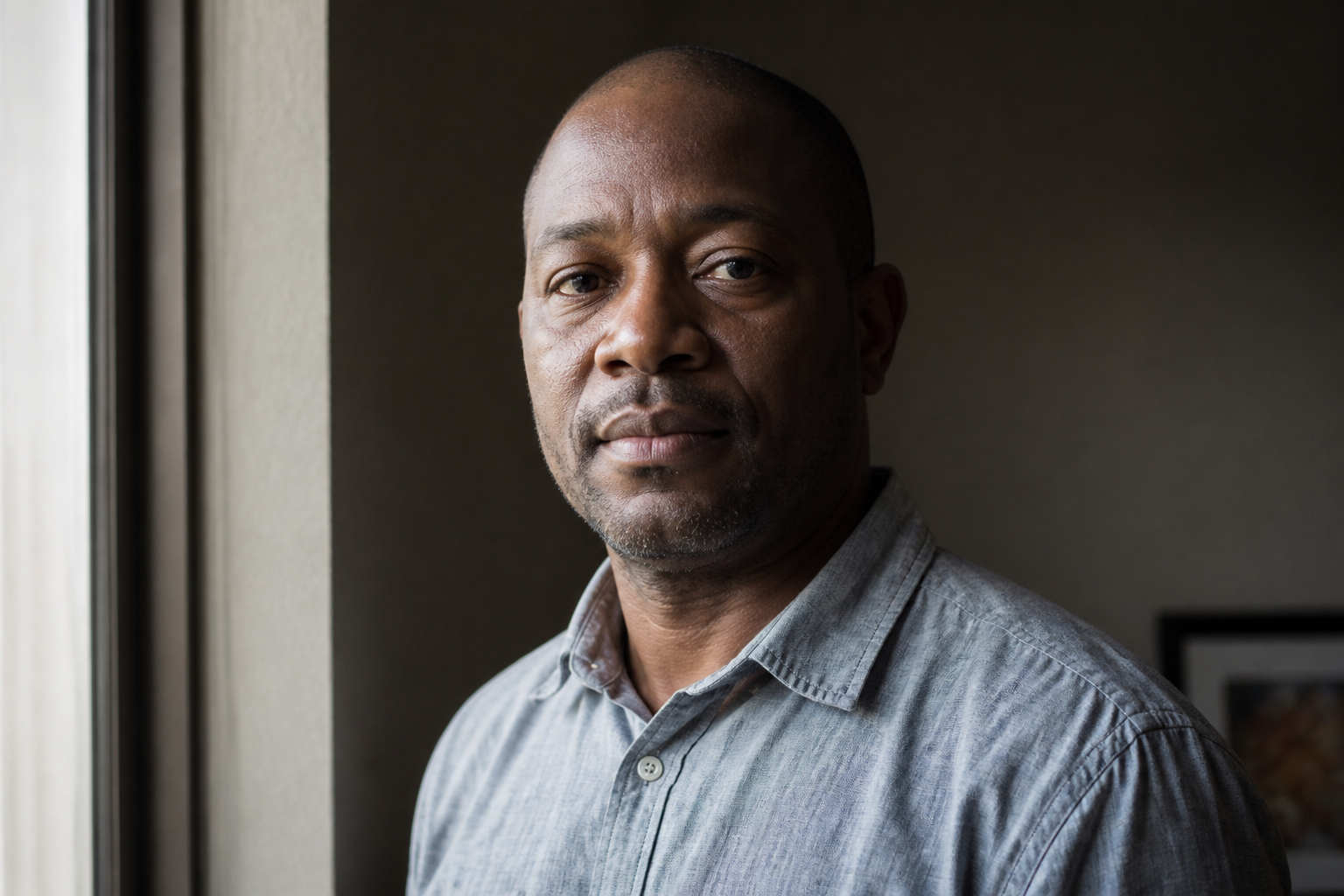
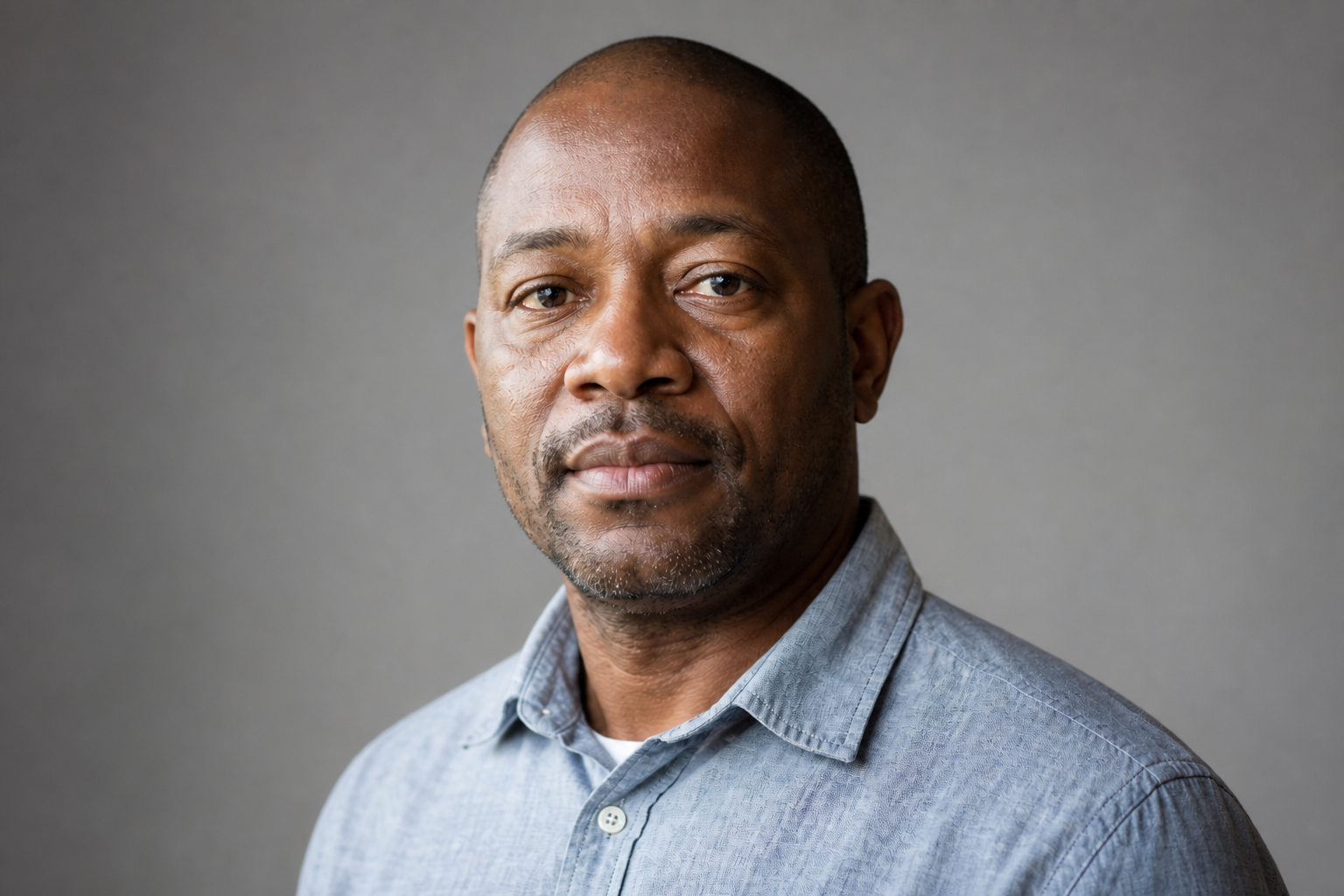
Polish lighting and framing
Many usable photos fail because the lighting is uneven or the crop feels casual. This tool can brighten faces, soften shadows, and tighten the framing into a cleaner head-and-shoulders composition suited for LinkedIn. Doing that manually often takes several separate edits and a good eye for portrait retouching. Here, the improvements are bundled into one clear transformation.
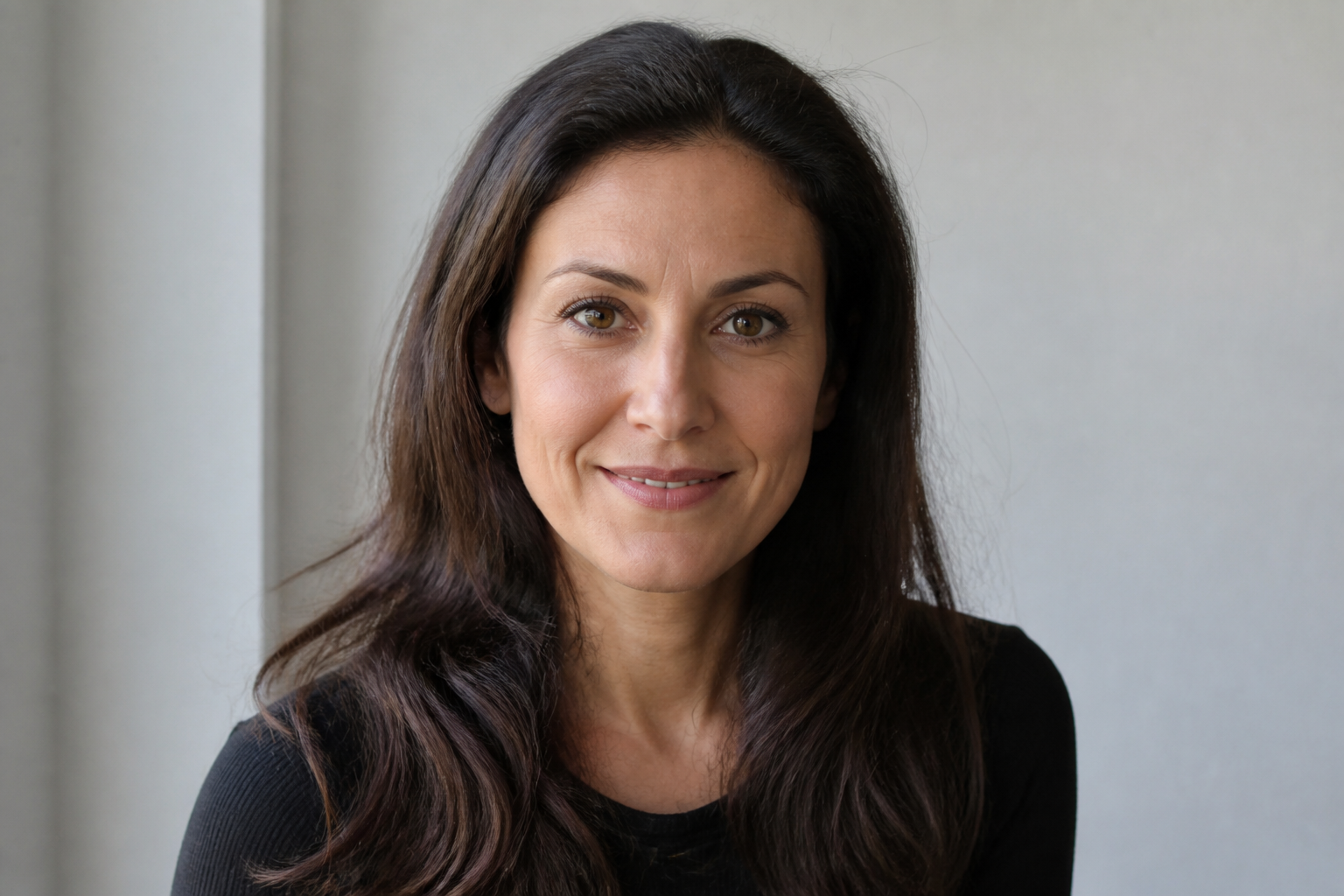
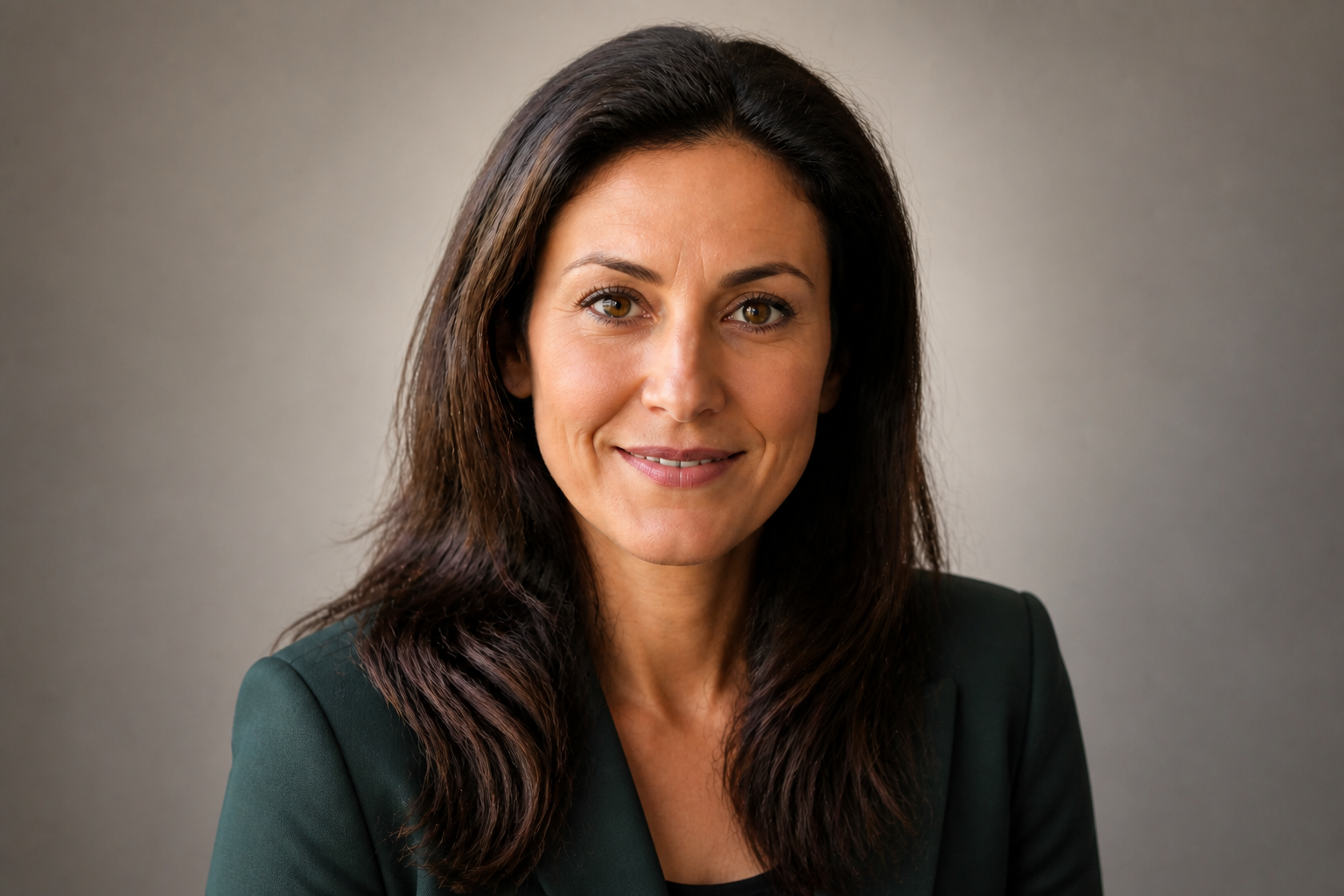
Generate multiple professional looks
Different industries respond to different visual cues, so one headshot style does not fit every profile. You can try conservative corporate looks, approachable startup portraits, or more modern executive styling from the same source photo. That makes it easier to test what fits your role, company, or personal brand without planning a full reshoot. It is a practical way to create options instead of settling for one image.
How It Works
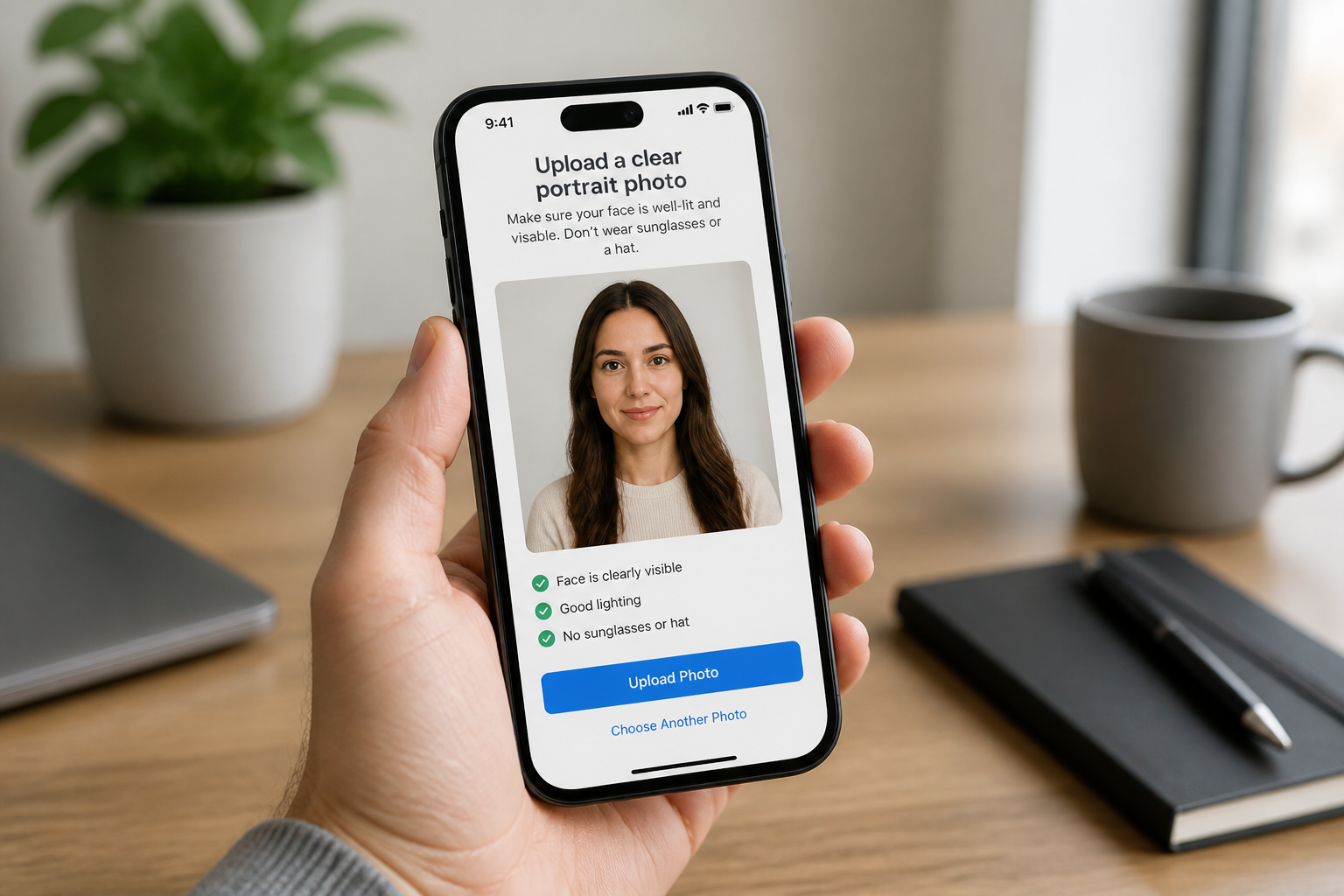
Upload your photo
Start with a clear photo where your face is visible and well lit. Casual snapshots work well if the image is sharp and your expression is natural.
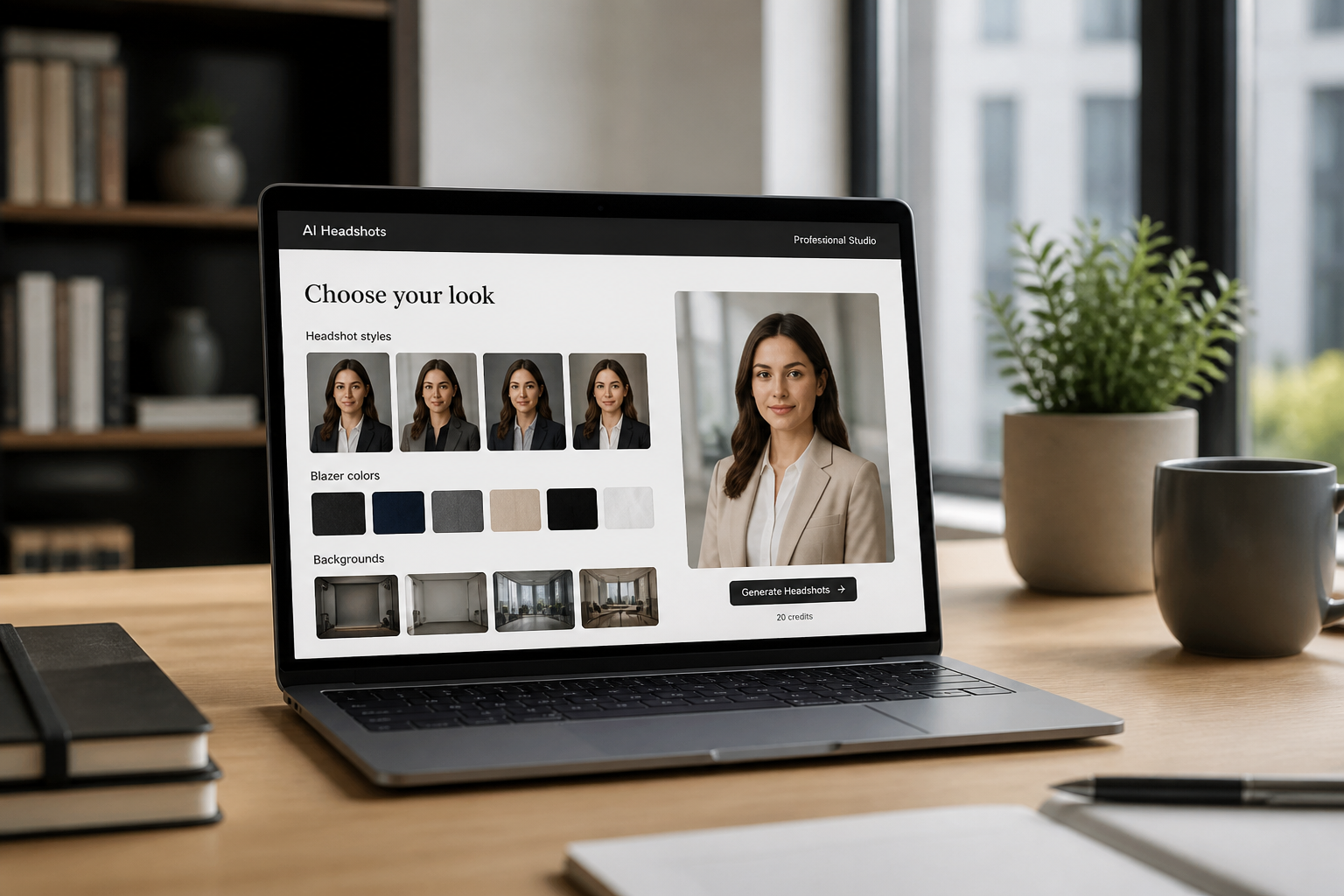
Choose the professional look
Describe the kind of LinkedIn headshot you want, such as corporate, approachable, or executive. You can also specify outfit color, background, and lighting style.
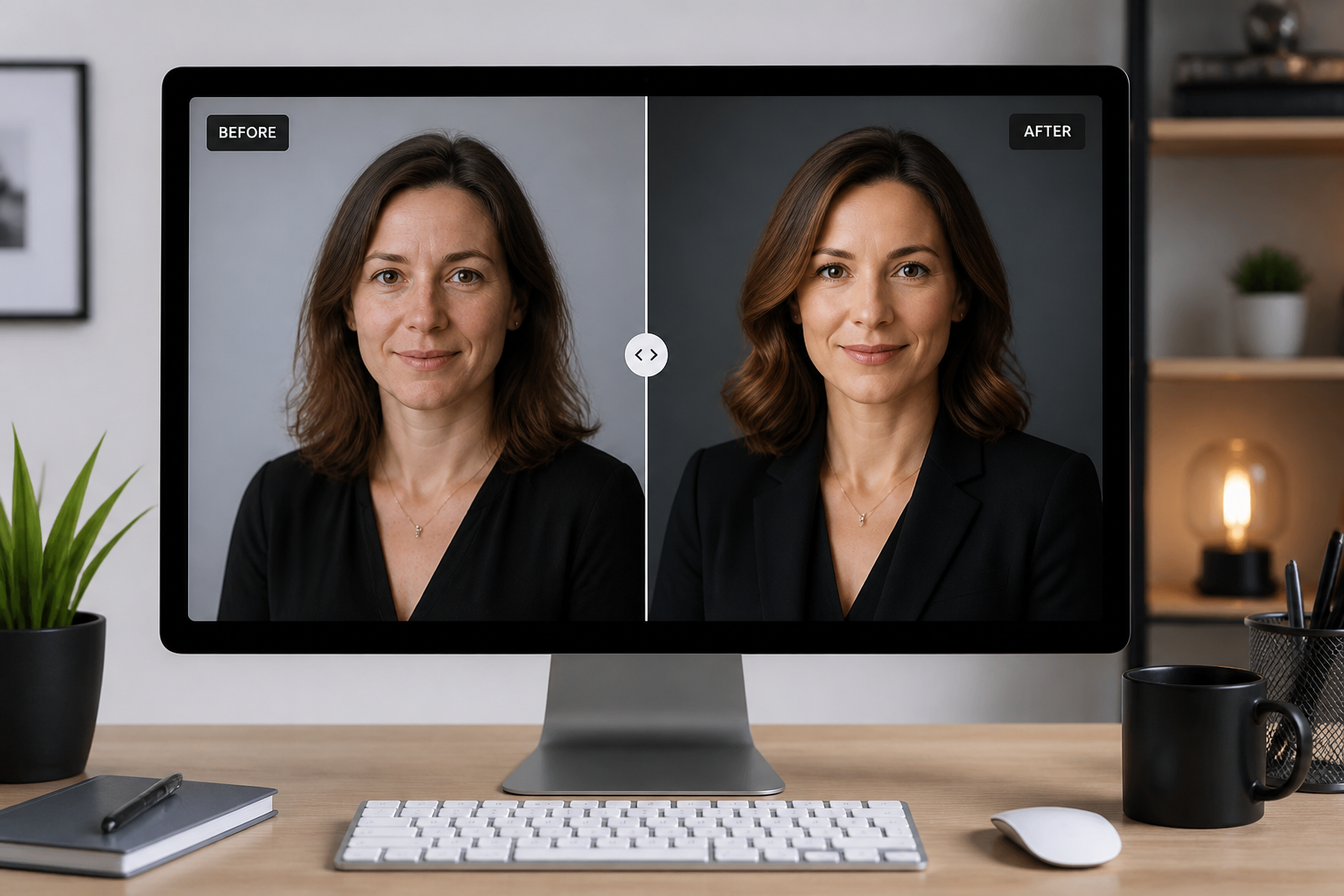
Compare and download
Review the before and after version side by side to see the difference in polish and presentation. Then download the result that best fits your profile and personal brand.
Perfect For
Discover how creators and professionals use ai linkedin headshot generator
Refresh an outdated profile photo
Turn an older or casual picture into a current headshot that looks more aligned with your role today.
Create a headshot without a photoshoot
Use a clear everyday photo when you need a professional image but do not want to book a photographer.
Match different career goals
Generate headshots with different levels of formality for corporate roles, startups, consulting, or freelance work.
Improve personal branding
Create a profile image that feels clean, consistent, and intentional across LinkedIn and other professional platforms.
Built For
Job seekers
Update your LinkedIn profile quickly with a photo that looks more polished and recruiter-friendly.
Professionals and executives
Create a sharper business headshot that fits leadership profiles, speaking pages, and company directories.
Founders and freelancers
Make an approachable professional image that works across LinkedIn, websites, proposals, and social profiles.
Why use this for LinkedIn headshots
A quick look at how we compare on the things that matter for this niche.
| Feature | BudgetPixel | Generic AI editors | Manual editing apps |
|---|---|---|---|
| Professional headshot focus | ✓ | — | — |
| Identity-preserving edits | ✓ | — | ✓ |
| Outfit and background upgrades | ✓ | ✓ | — |
| Fast from one casual photo | ✓ | ✓ | — |
| Manual retouching required | — | — | ✓ |
Frequently Asked Questions
What kind of photo works best?
Will the headshot still look like me?
Can I choose different outfit or background styles?
Is this only for LinkedIn?
Do I need editing experience?
Create together.
Share your creations, discover trending AI art, and grow with fellow creators.


























Ready to Try AI LinkedIn Headshot Generator?
Get started for free. No credit card required.
Try it Free