AI Headshot Generator
Generate polished professional portraits from a text prompt
Create clean, professional headshots for profiles, company pages, portfolios, and personal branding without booking a photo shoot. Describe the person, styling, background, and lighting, then generate multiple polished portrait options in seconds.
See It In Action
Real outputs from ai headshot generator.
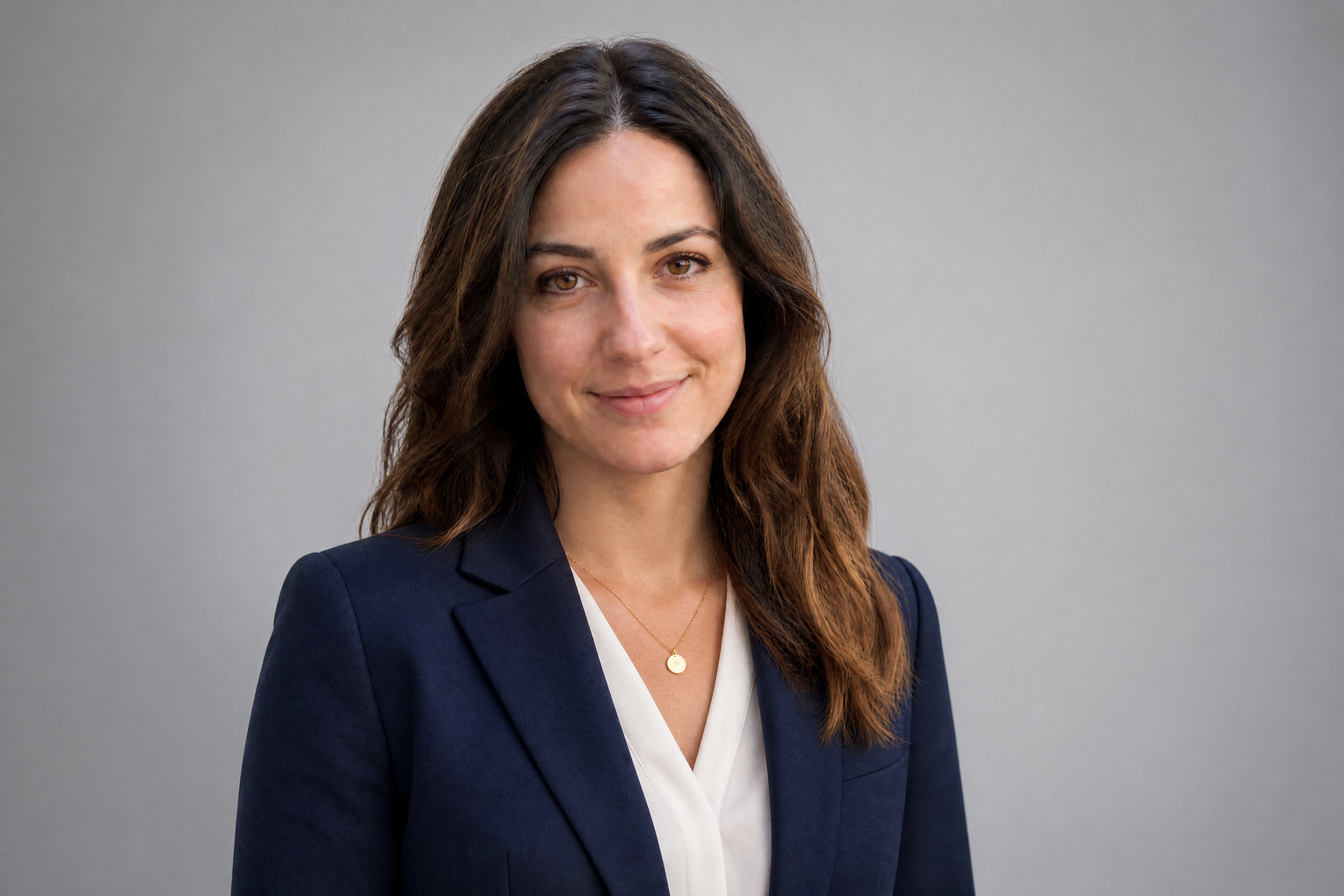
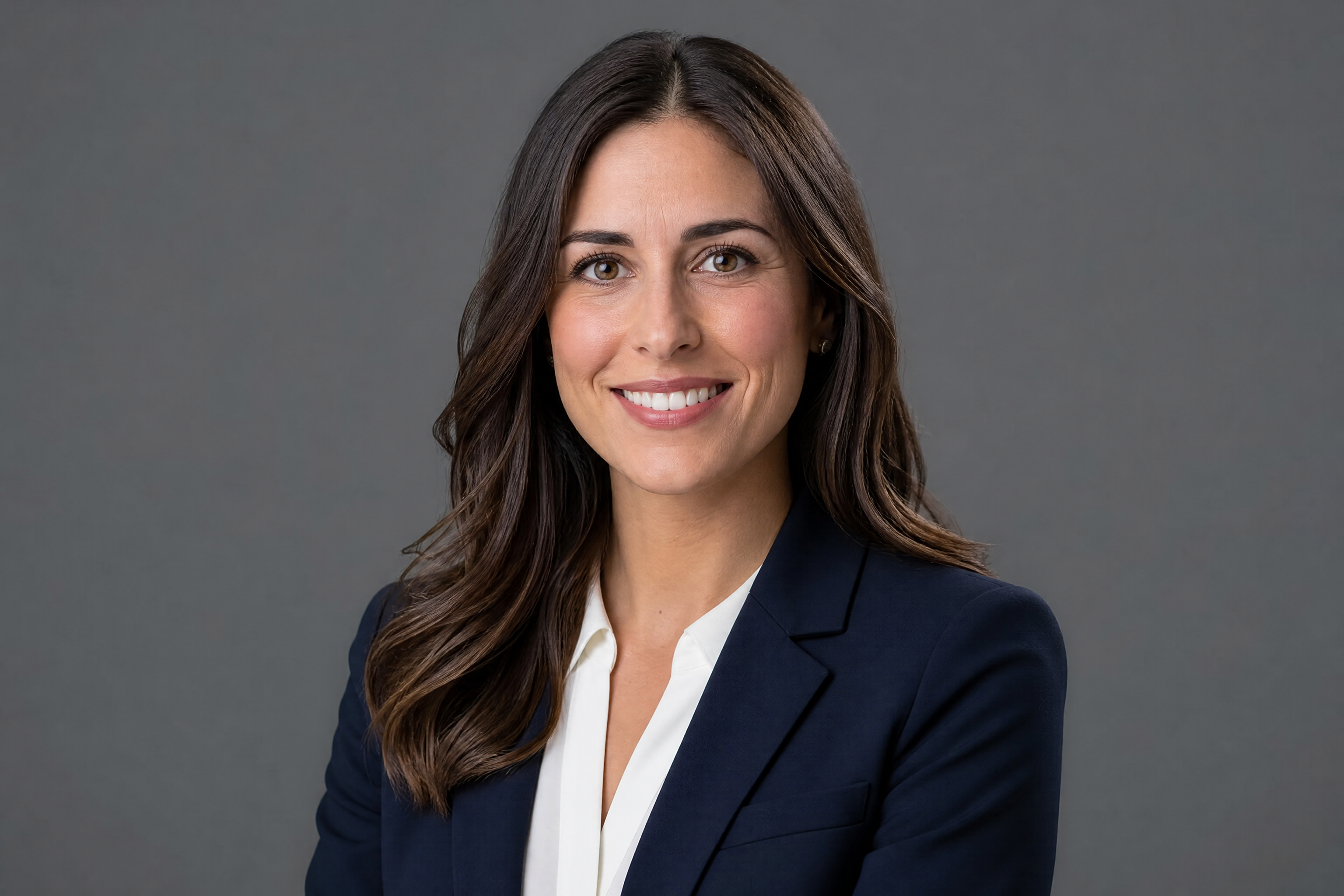
professional AI headshot of an adult woman, tailored navy blazer over white blouse, soft studio lighting, clean gray backdrop, natural retouching, sharp focus, realistic skin texture, confident expression, premium corporate portrait photography, chest-up framing

professional AI headshot of an adult man, charcoal suit jacket, light blue shirt, modern office background softly blurred, window light, realistic skin texture, approachable smile, polished business portrait photography, chest-up framing
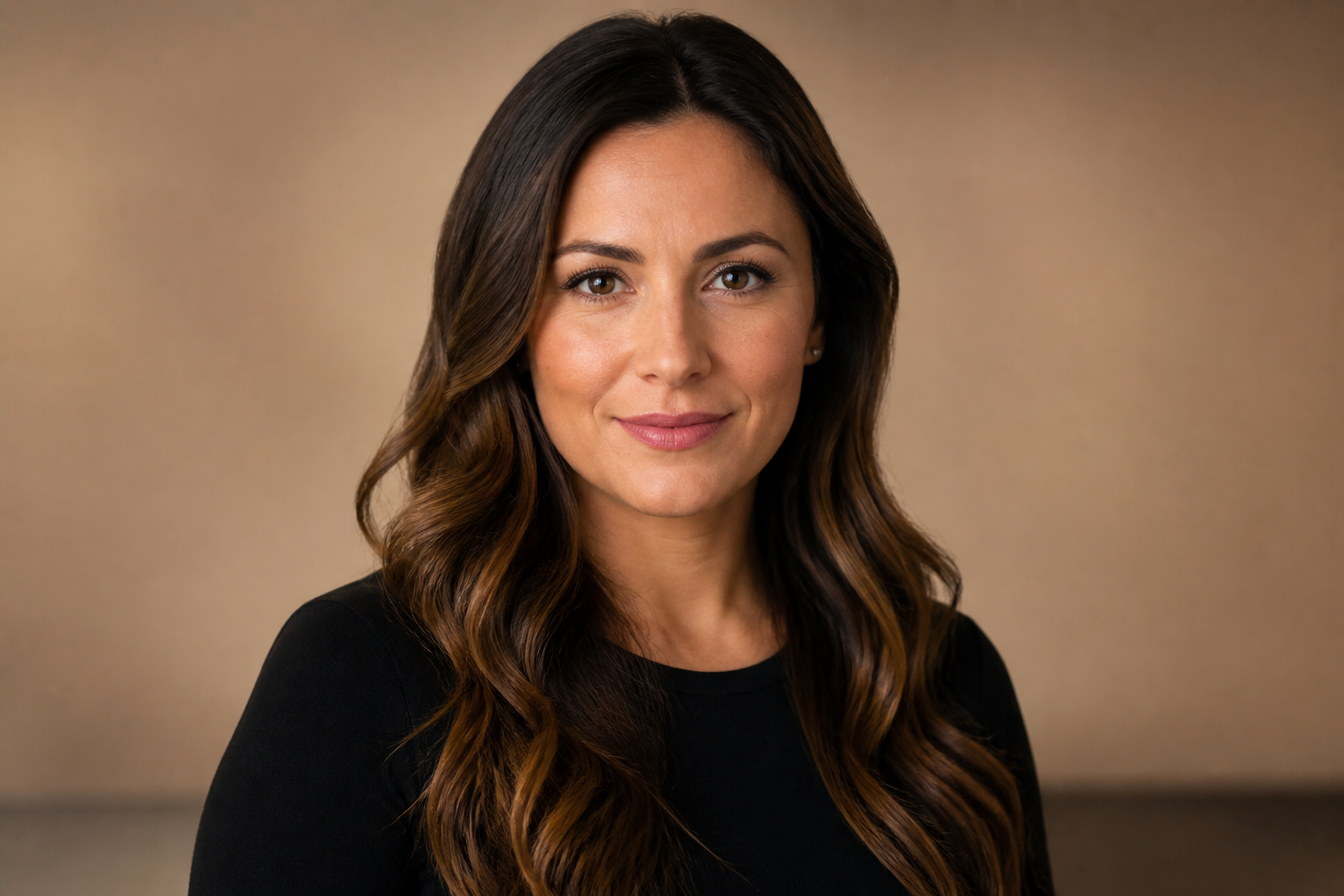
professional AI headshot of an adult woman in tech, minimal black top, warm neutral background, cinematic softbox lighting, modern editorial portrait style, natural makeup, direct eye contact, clean and polished chest-up composition
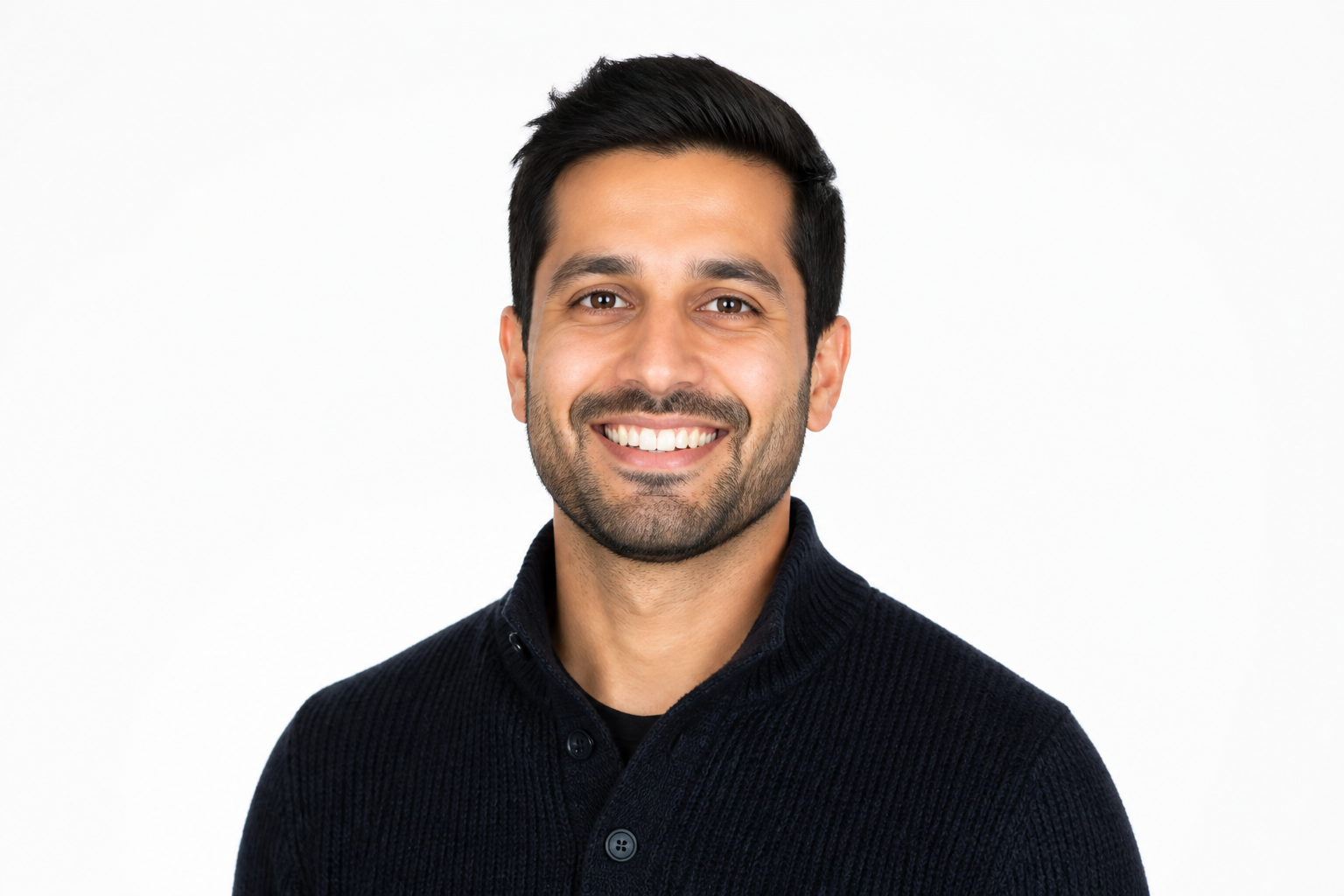
professional AI headshot of an adult man, smart casual knit sweater, bright white background, high-key studio lighting, friendly expression, realistic portrait photography, crisp details, startup founder profile photo, chest-up framing
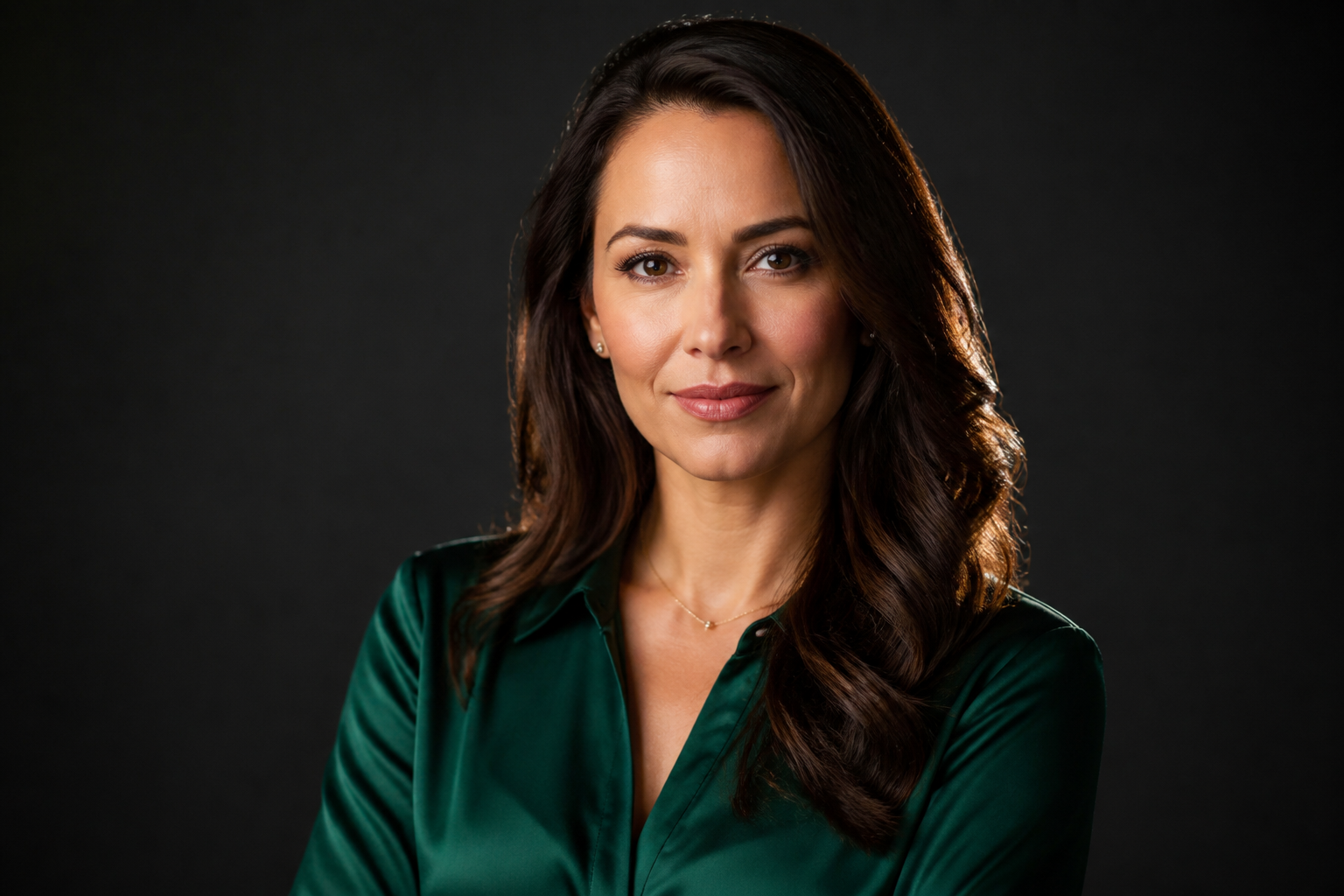
professional AI headshot of an adult woman, emerald blouse and subtle jewelry, dark moody studio backdrop, rim lighting and soft key light, luxury personal branding portrait, poised expression, realistic photography, chest-up framing
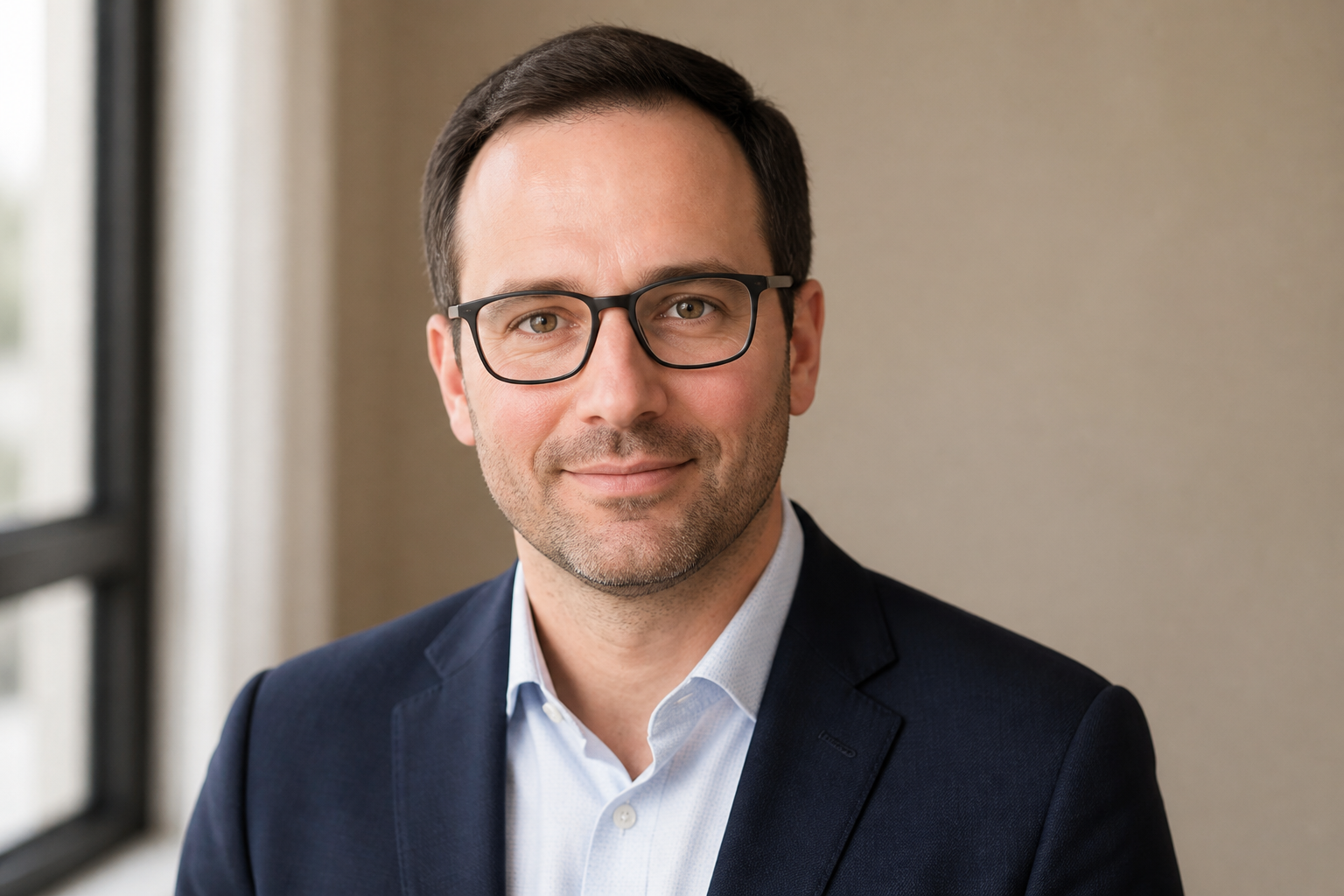
professional AI headshot of an adult man with glasses, navy blazer, neutral beige background, soft natural window light, clean authentic expression, realistic skin detail, consultant profile portrait photography, chest-up framing
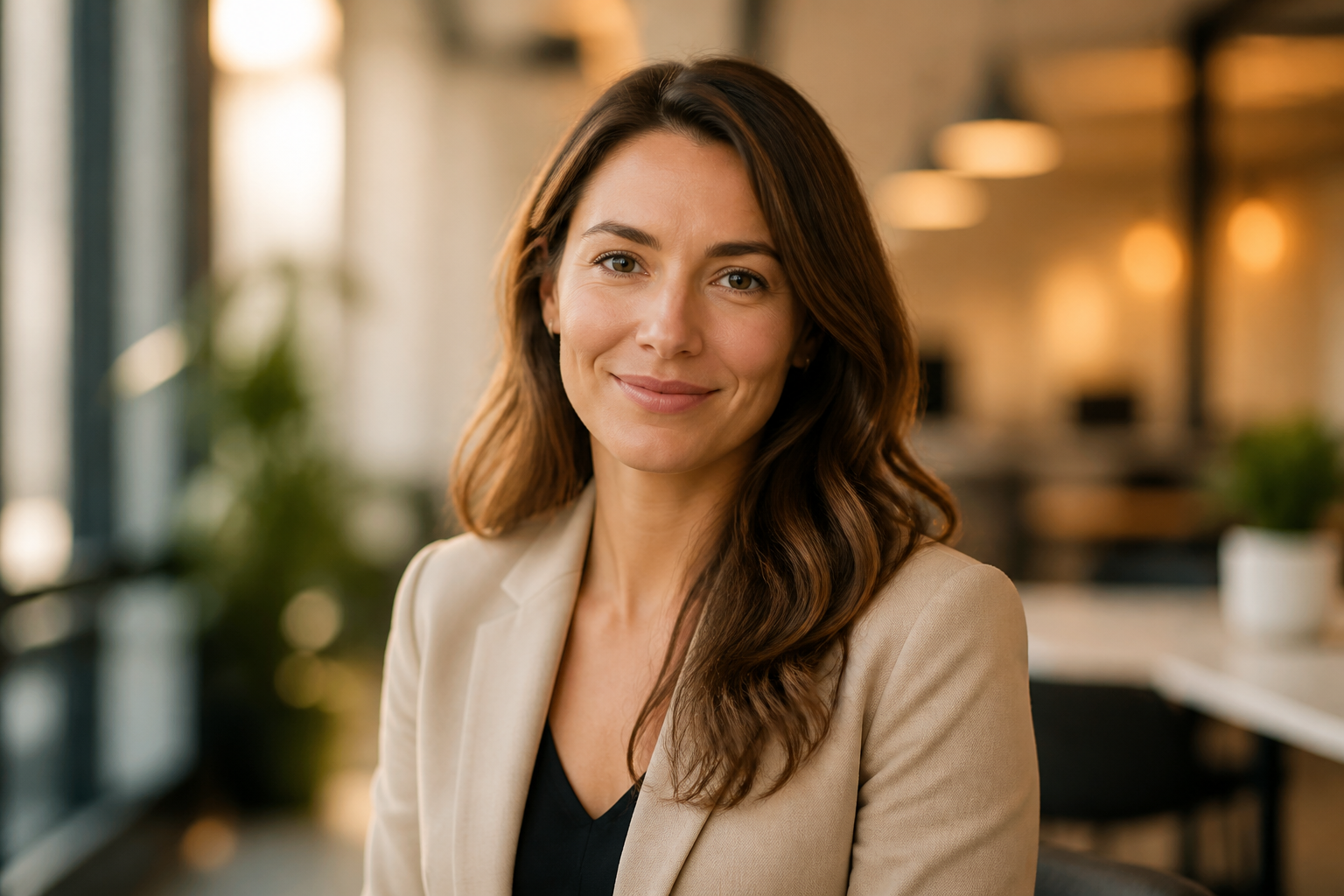
professional AI headshot of an adult woman, beige blazer, softly blurred coworking space background, golden hour indoor light, approachable smile, polished recruitment profile portrait, realistic photography, chest-up framing
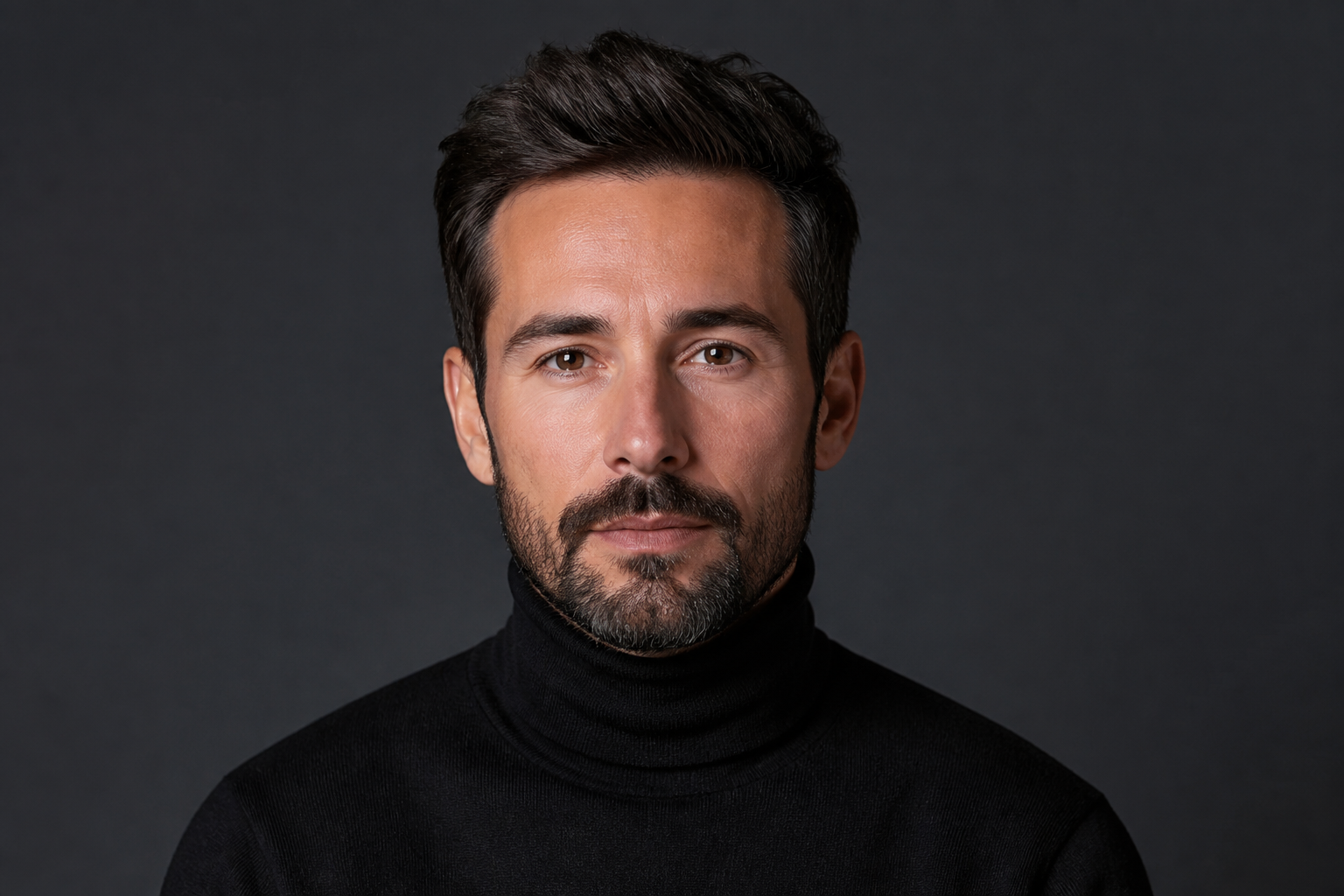
professional AI headshot of an adult man, black turtleneck, slate gray background, dramatic but clean studio lighting, creative director portrait, magazine-style realism, composed expression, sharp detailed chest-up framing

professional AI headshot of an adult woman doctor, white coat over blue top, bright clinical office background softly blurred, clean daylight, trustworthy expression, realistic healthcare profile portrait, polished chest-up framing
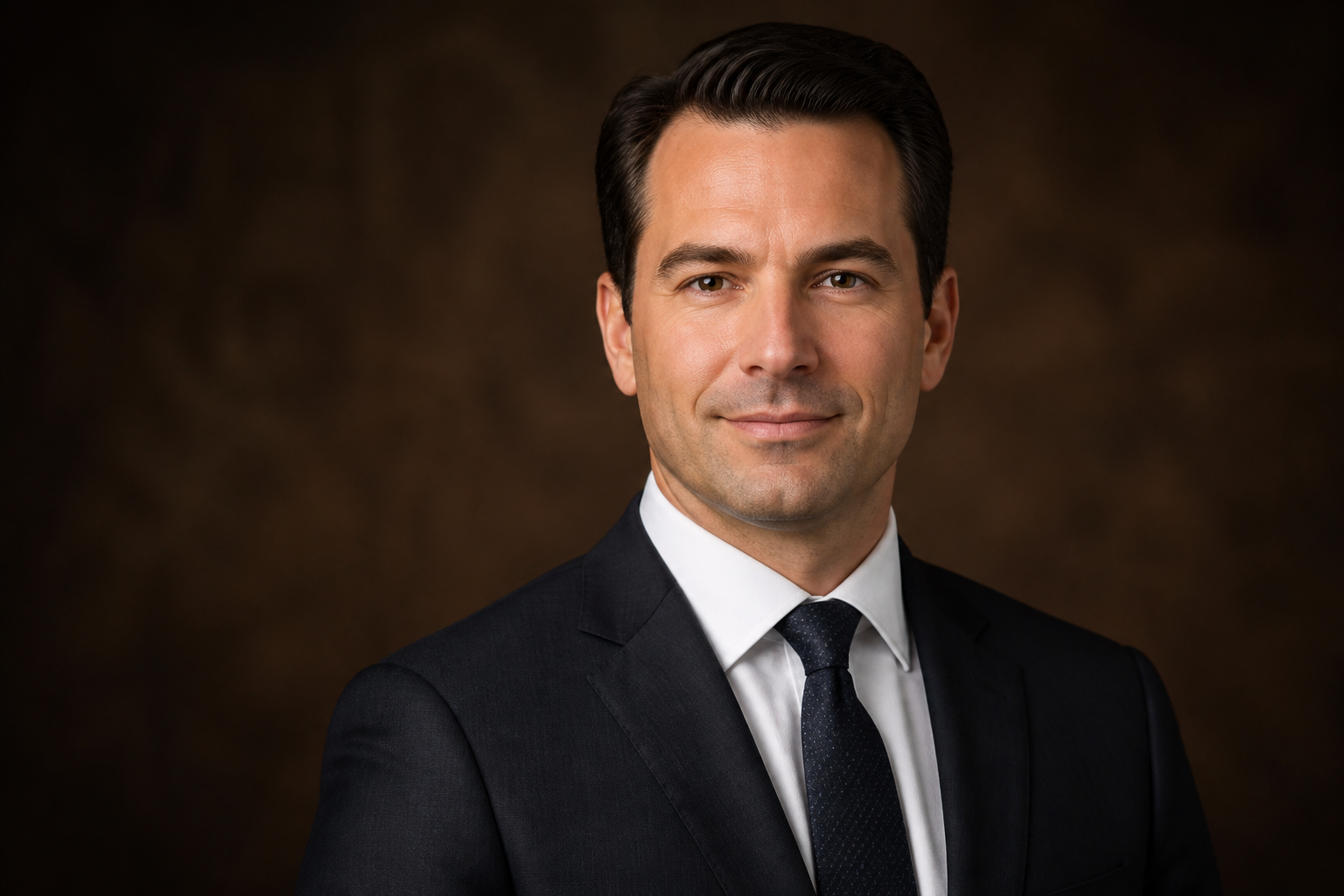
professional AI headshot of an adult man attorney, dark suit and tie, rich brown studio backdrop, classic portrait lighting, authoritative but approachable expression, premium law firm profile photo, realistic chest-up framing
Key Features
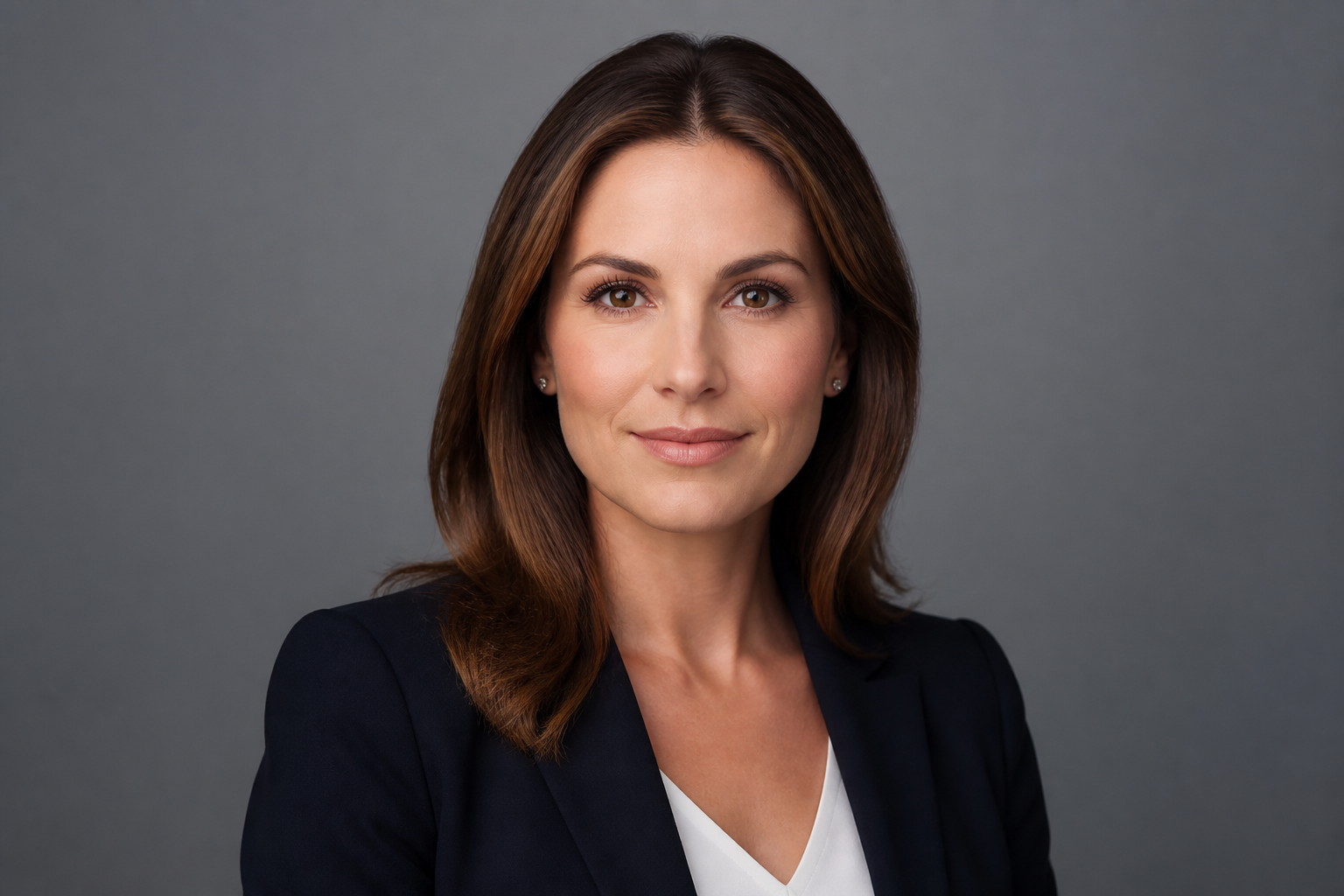
Professional Looks on Demand
Generate polished headshots that feel suitable for LinkedIn, company pages, speaker bios, and portfolios. You can describe wardrobe, expression, background, and lighting in plain English, then get a clean portrait without arranging a full shoot. That makes it faster to test different professional looks than starting from scratch with a generic image generator. The result is a headshot workflow built for profile-ready portraits rather than random portraits.
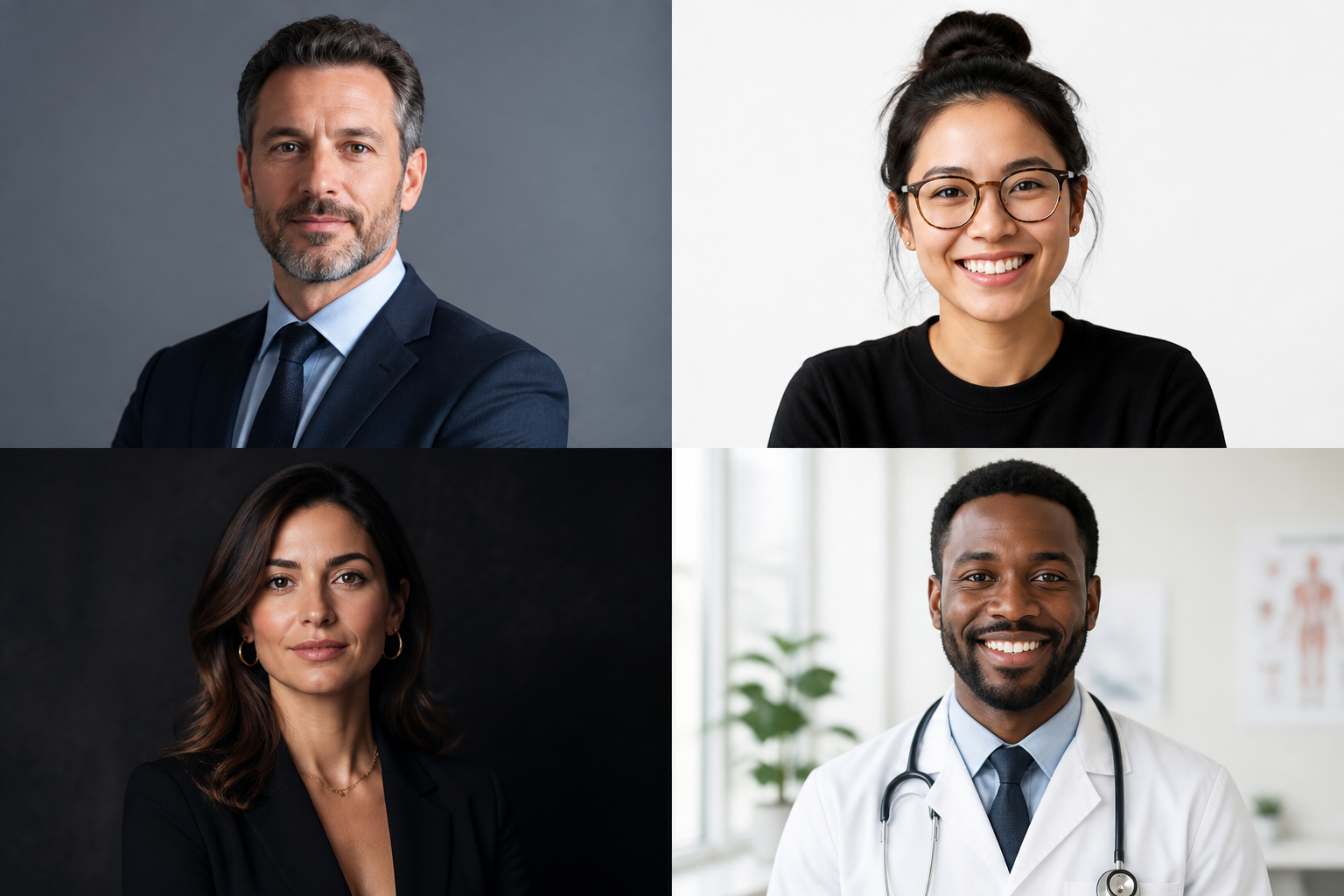
Control Style and Setting
You can steer the final image toward corporate, startup, editorial, healthcare, legal, or personal brand aesthetics by changing a few prompt details. Background, wardrobe, color tone, and lighting all have a visible impact, so it is easy to match the image to your industry. This gives you more control than a one-style headshot app with fixed templates. It also helps teams keep portraits consistent across different roles.
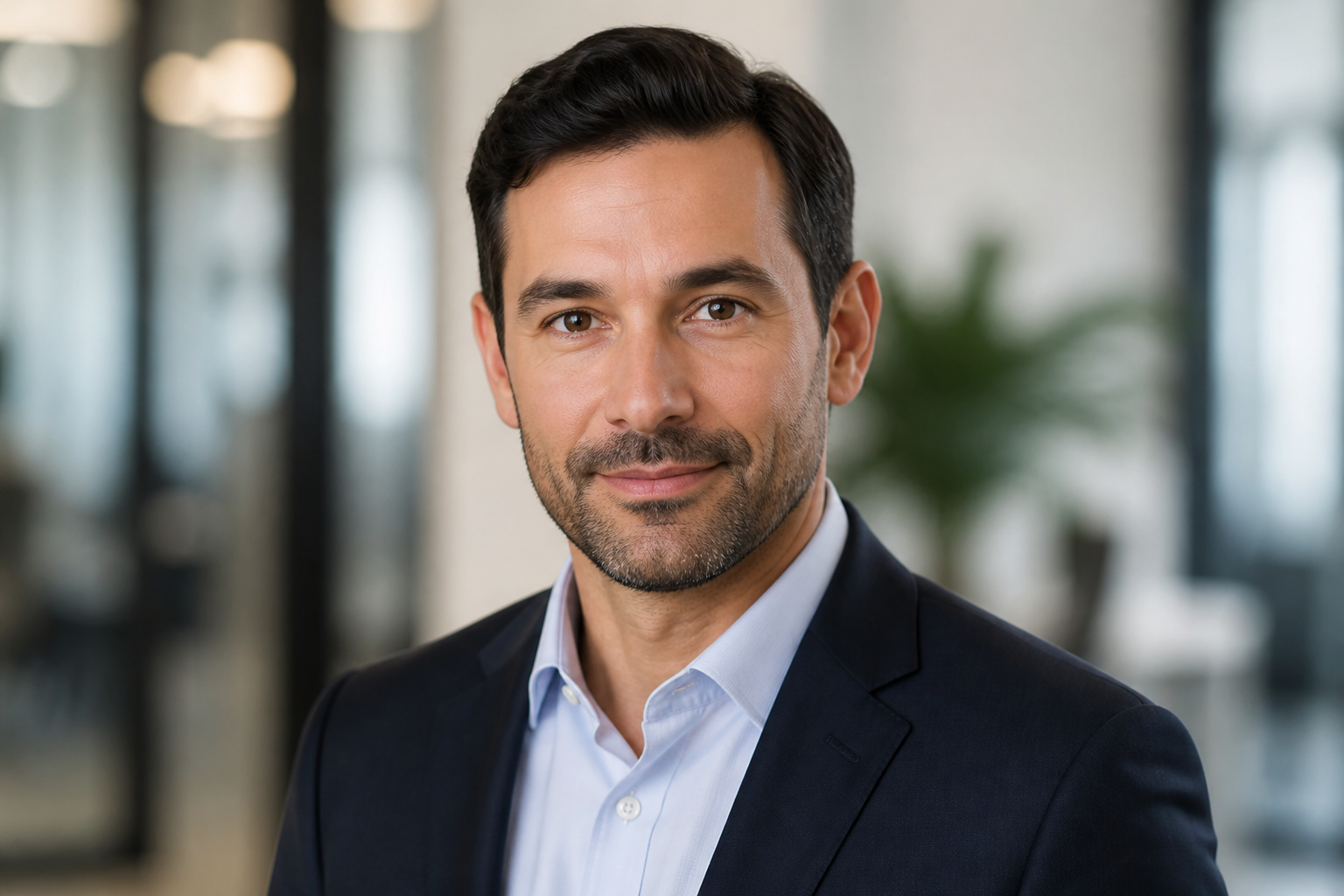
Clean Portrait Framing
Headshots work best when the framing is clear, balanced, and distraction-free. This tool is well suited for chest-up compositions with strong eye contact, tidy backgrounds, and flattering portrait lighting. That matters when the image needs to read well at small sizes on profile cards and social platforms. Instead of wrestling with broad scene prompts, you can focus directly on portrait composition.
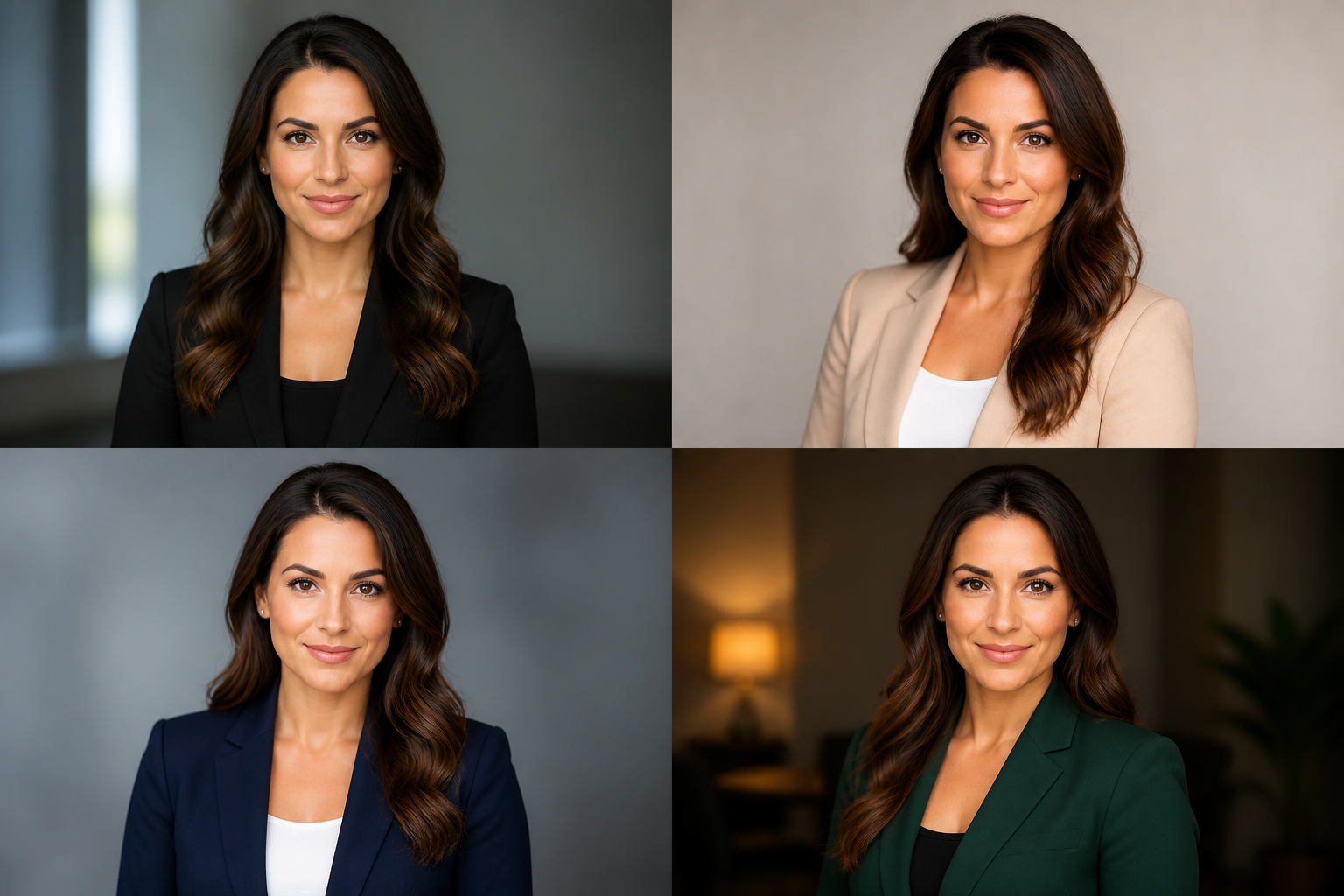
Fast Variations to Compare
A good headshot often comes down to subtle differences in expression, lighting, and wardrobe. With prompt-based generation, you can quickly try multiple versions and compare which one feels most credible and approachable. That is useful when you need one image for LinkedIn, another for a bio page, and another for a speaking profile. It is much faster than re-planning a portrait session every time you want a new look.
How It Works
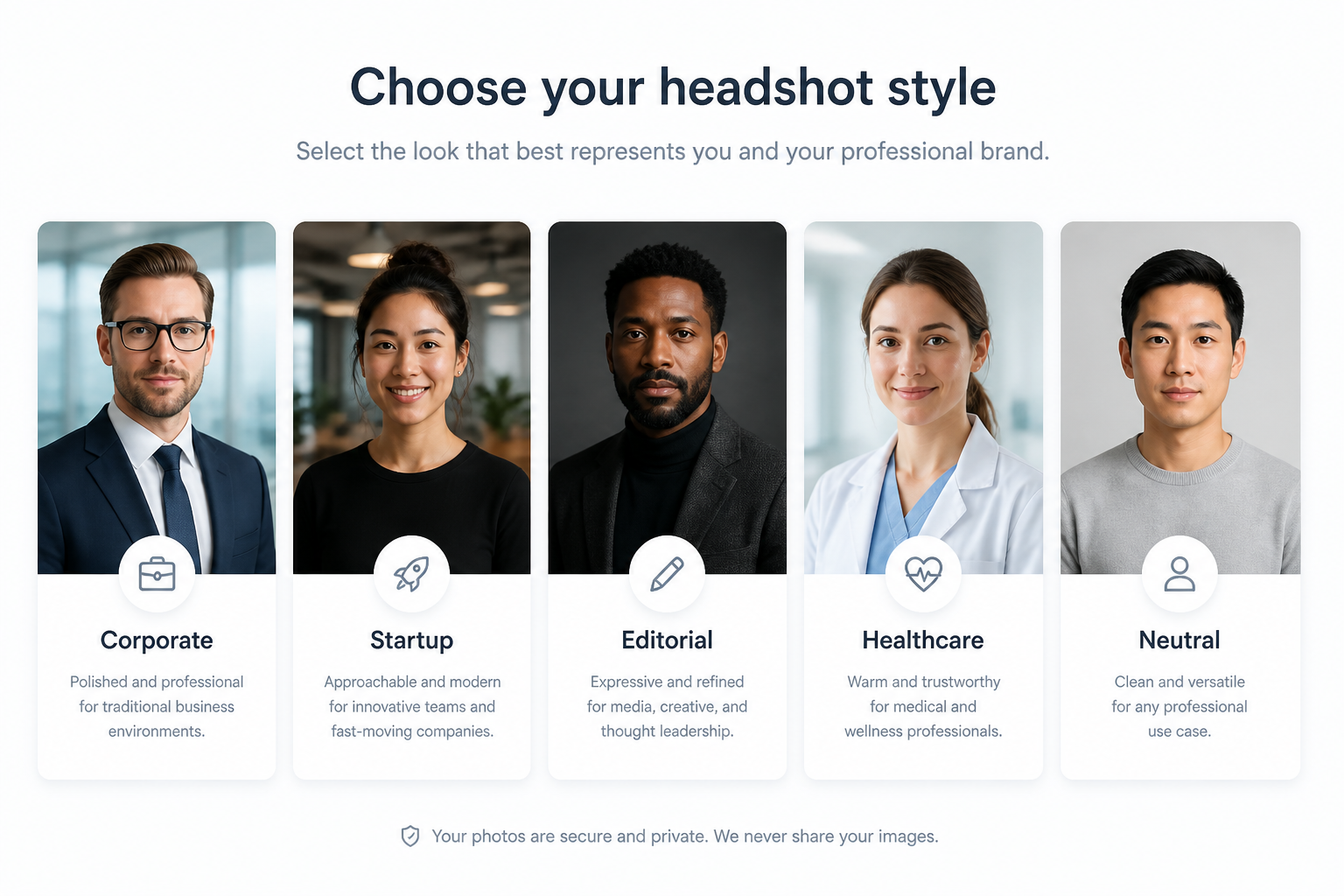
Pick a headshot style
Start with a prompt that matches the kind of portrait you want, such as corporate, startup, editorial, or personal brand. The prefilled prompt gives you a strong base so you do not have to write everything from scratch.
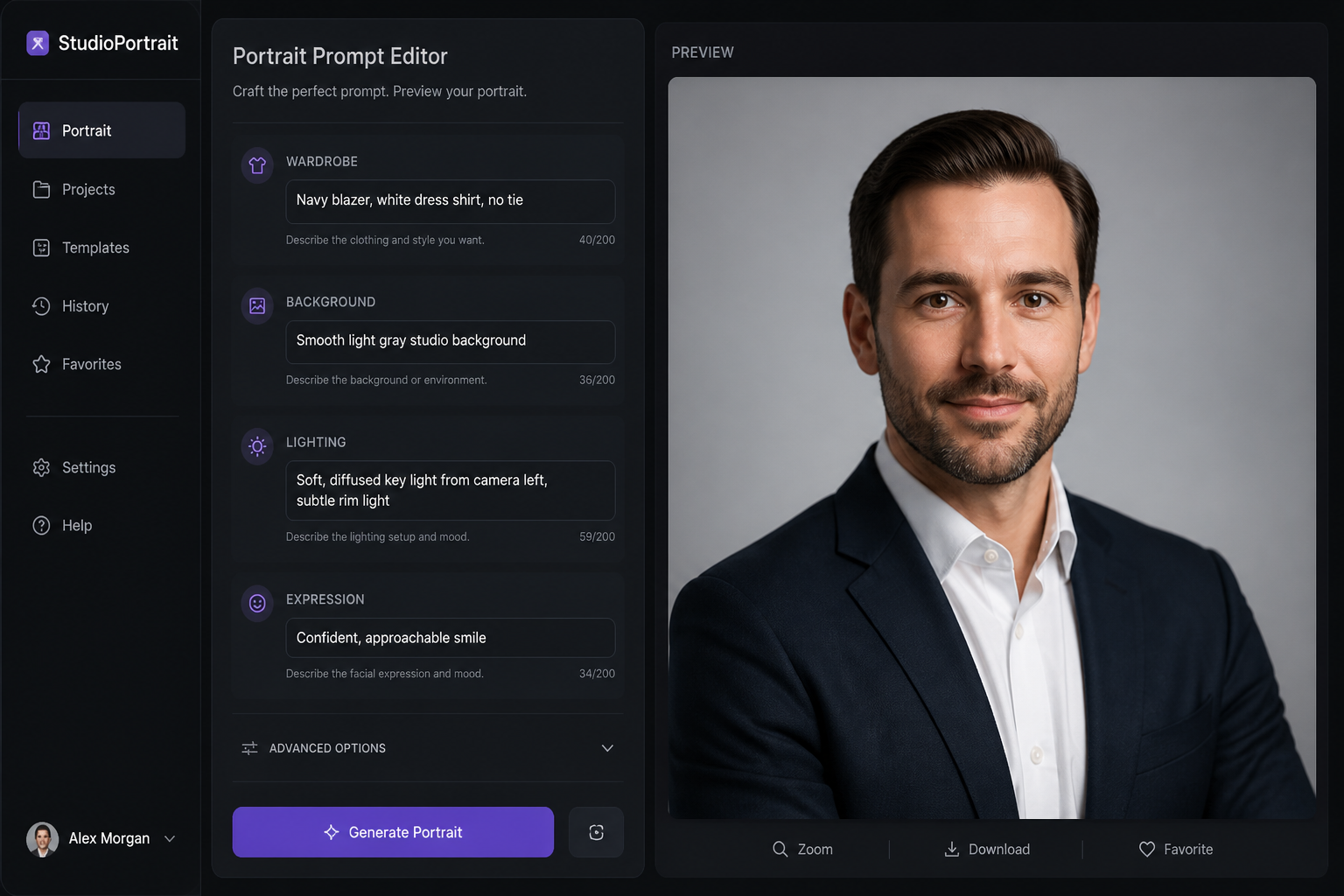
Describe the details
Adjust the prompt with wardrobe, background, lighting, expression, and industry cues. Small changes like blazer color, office blur, or soft studio light can make the result feel much more specific.
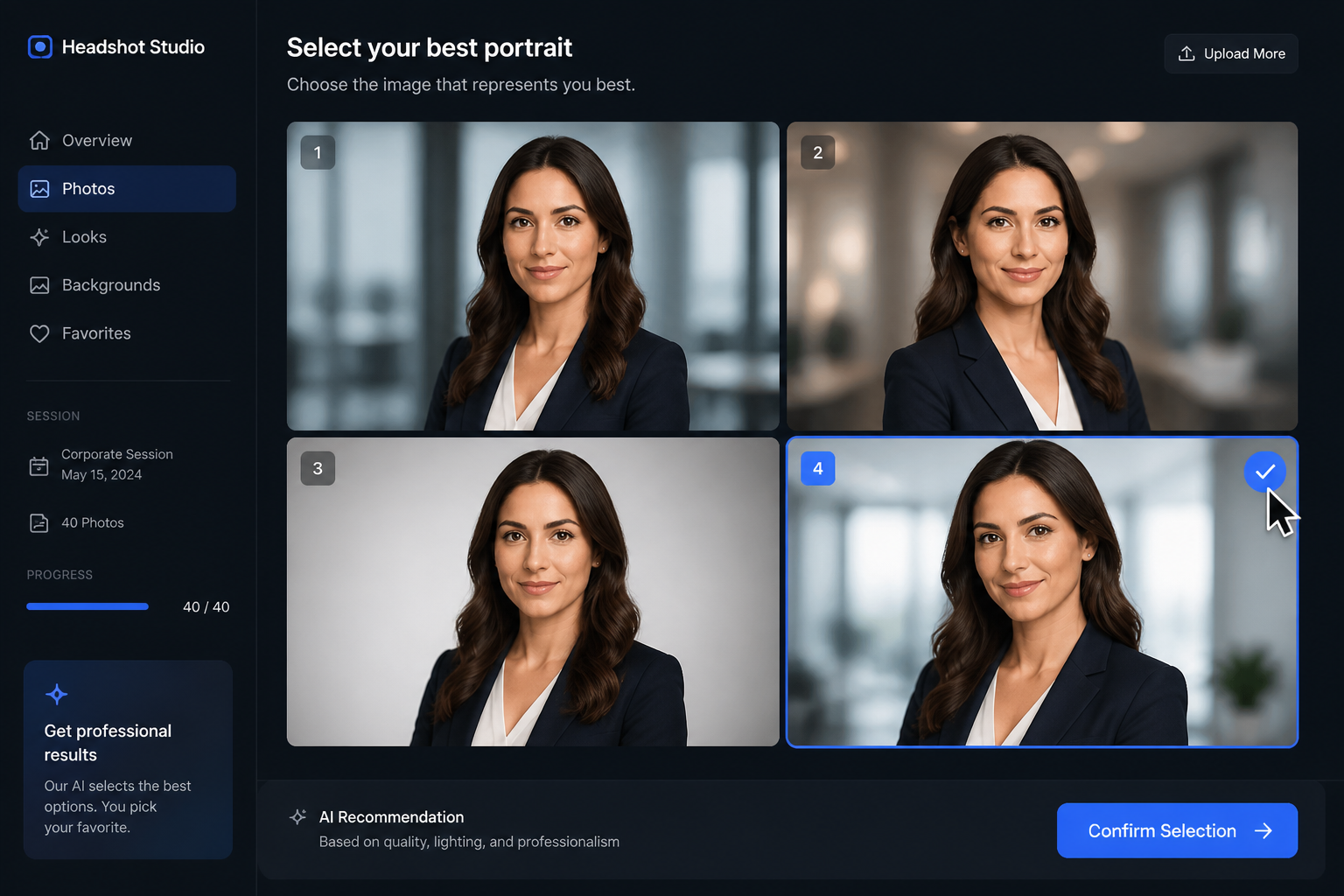
Generate and choose
Create several headshot options, compare them side by side, and keep the one that fits your profile best. You can then download the image for resumes, company pages, bios, and social profiles.
Perfect For
Discover how creators and professionals use ai headshot generator
LinkedIn profile photos
Generate a polished headshot that looks clear, credible, and professional on profile cards and search results.
Company team pages
Create consistent portrait styles for staff bios, leadership pages, and internal directories.
Speaker and author bios
Make clean, high-quality portraits for conference pages, podcast appearances, and bylines.
Personal brand assets
Test different wardrobe, mood, and background setups for websites, newsletters, and social media.
Built For
Job seekers
Create profile-ready headshots for resumes, LinkedIn, and application portals without scheduling a full photo session.
Founders and professionals
Generate portraits for company sites, press kits, speaking bios, and personal branding materials.
Teams and agencies
Produce multiple portrait styles quickly when you need options for directories, client deliverables, or brand refreshes.
How this compares
A quick look at how we compare on the things that matter for this niche.
| Feature | BudgetPixel | Generic AI generators | Stock photo libraries |
|---|---|---|---|
| Headshot-focused prompt starters | Yes | Sometimes | No |
| Custom wardrobe and background control | Yes | Yes | No |
| Multiple portrait variations | Yes | Yes | No |
| Ready-made image library to remix | Yes | Rarely | No |
| No photo shoot required | Yes | Yes | No |
Frequently Asked Questions
What is an AI headshot generator?
Can I make headshots for different industries?
Are these good for LinkedIn and company pages?
Do I need photography skills to use it?
Can I generate multiple versions before choosing one?
Create together.
Share your creations, discover trending AI art, and grow with fellow creators.