Discord PFP Maker
Turn any photo into a clean, standout Discord profile picture
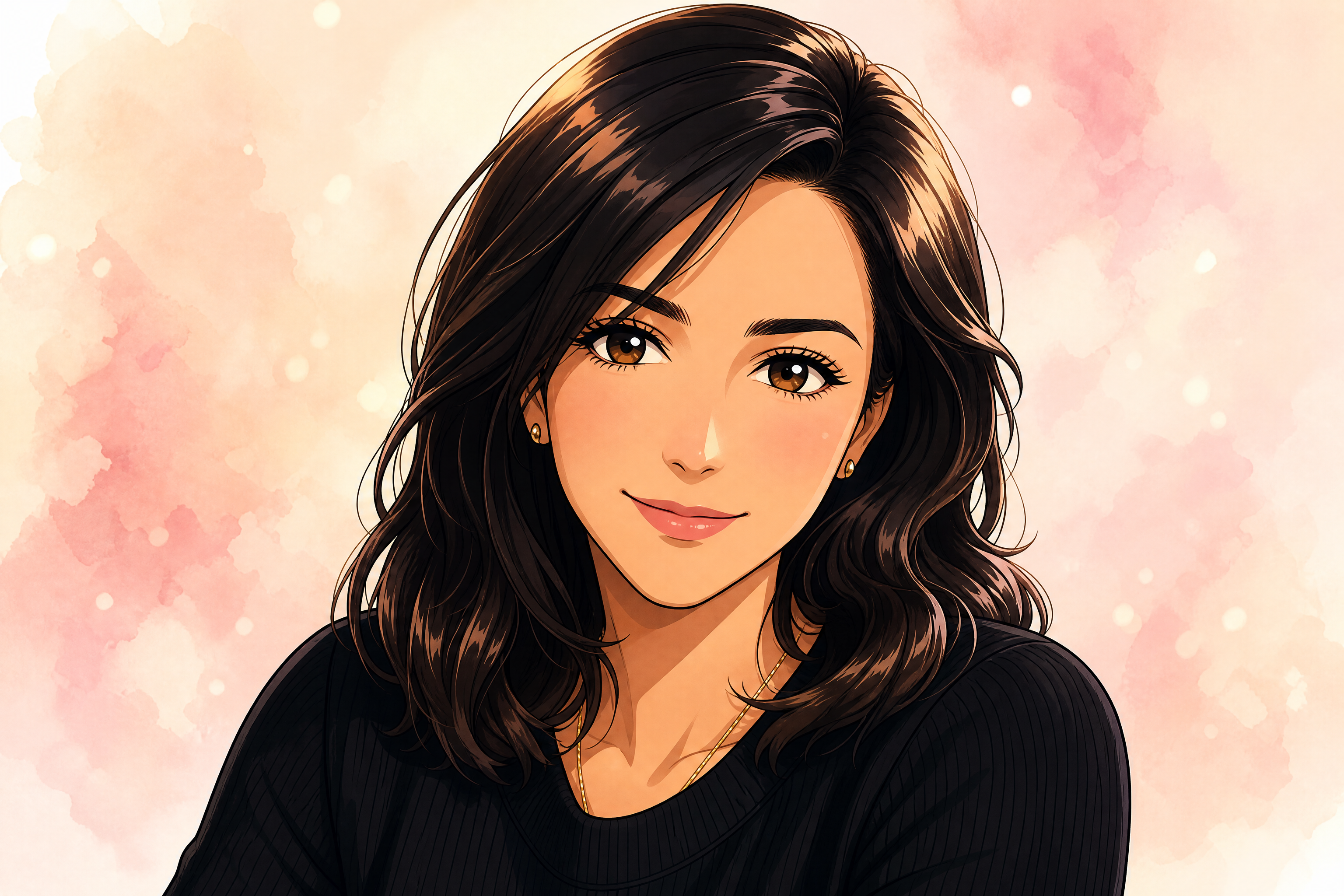
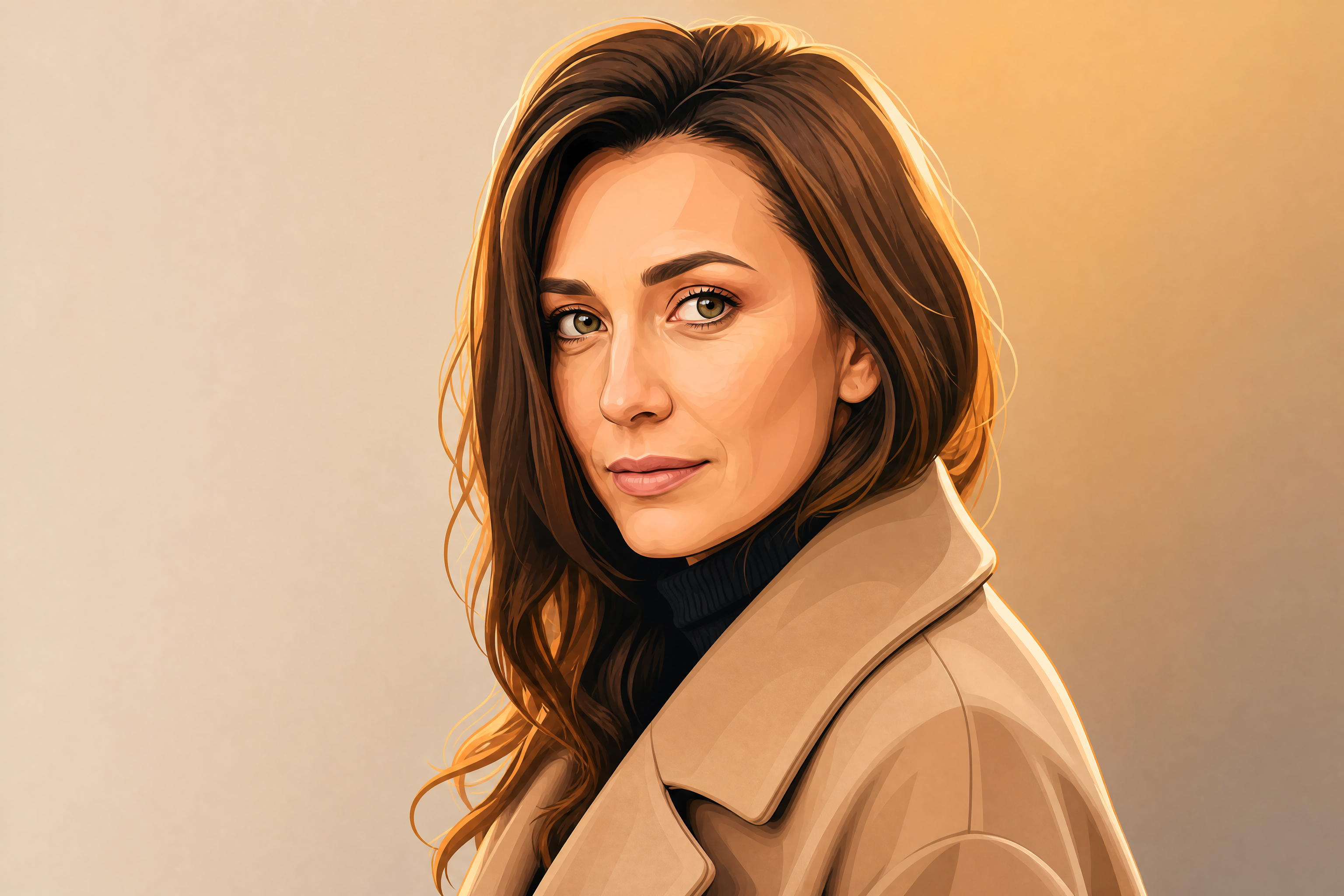
Upload a selfie or portrait and turn it into a polished Discord PFP in seconds. Our AI can restyle the image, improve framing, and create avatar-ready looks that still feel like you.
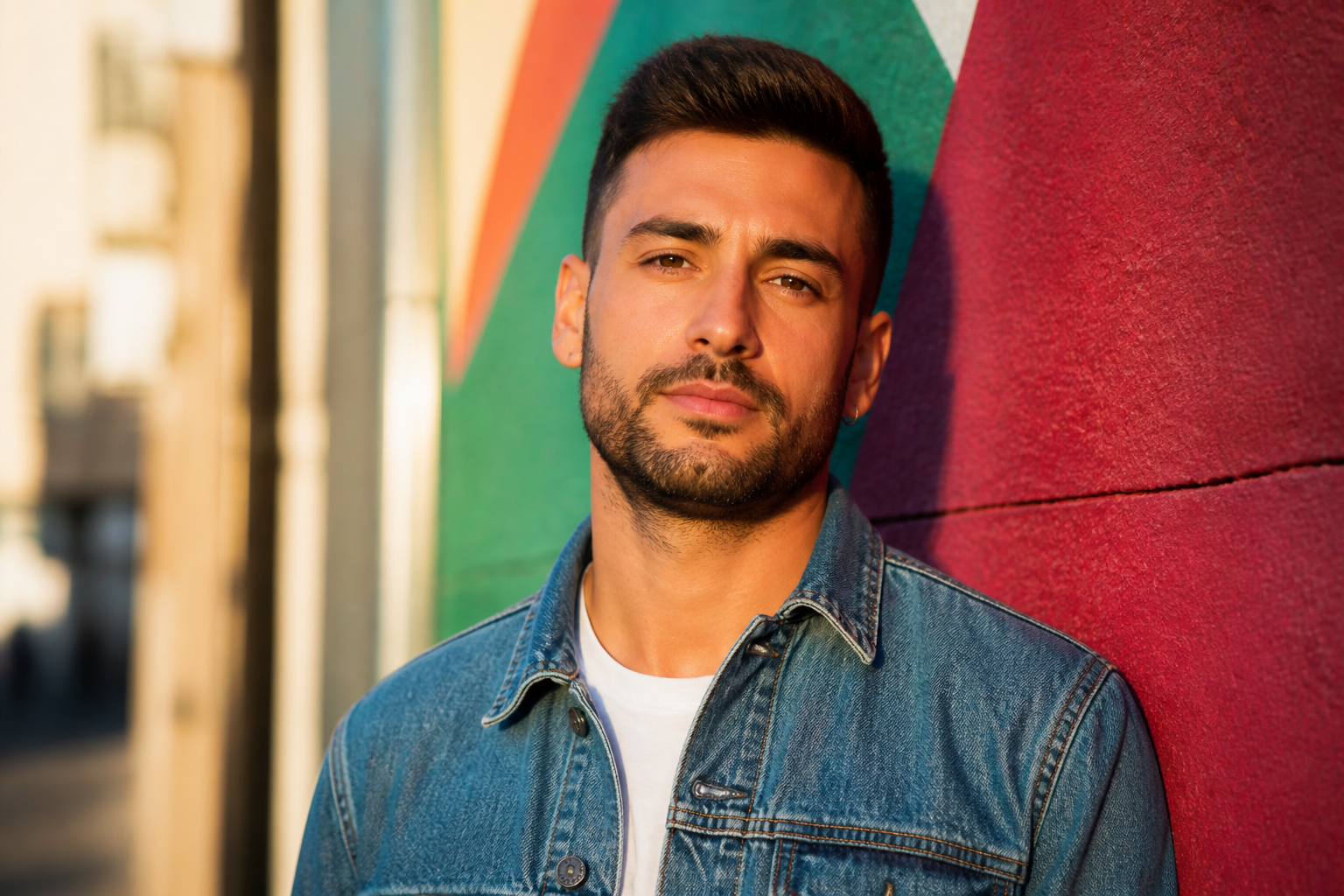
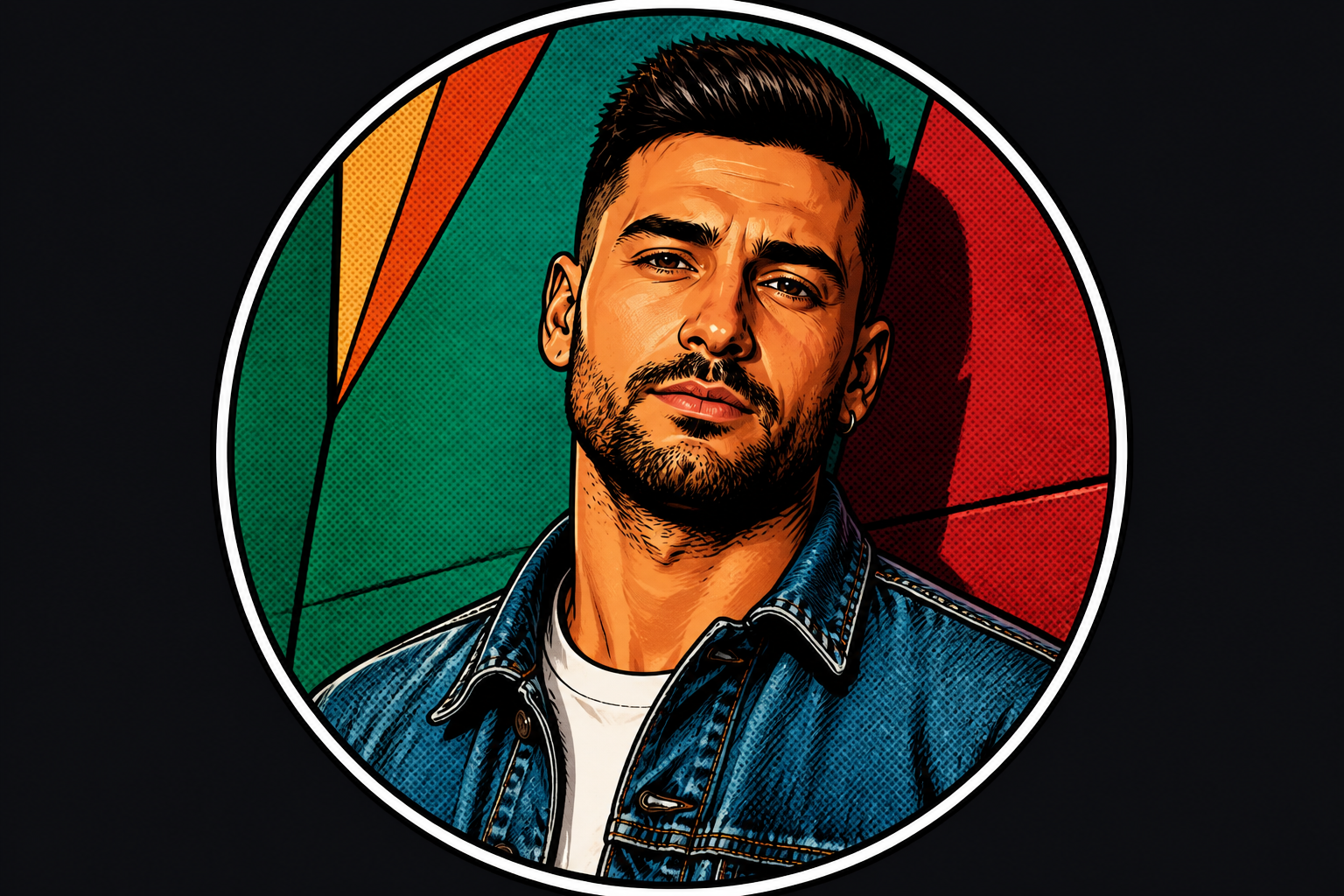
Watch the Transformation
See discord pfp maker in motion — generated end-to-end by our AI.
See It In Action
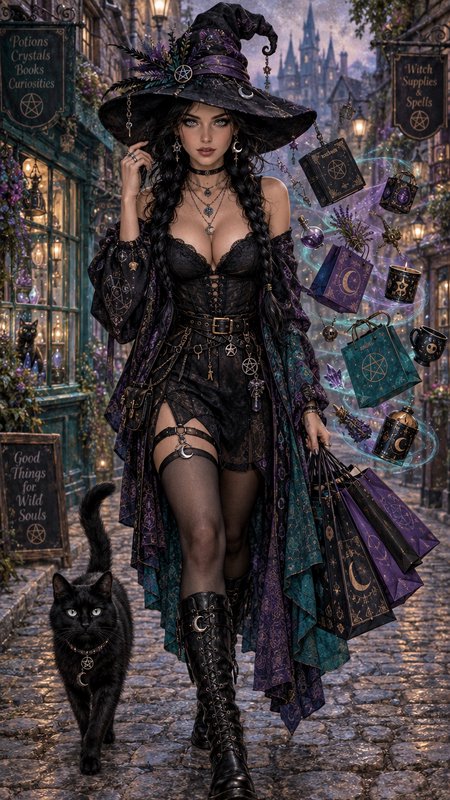
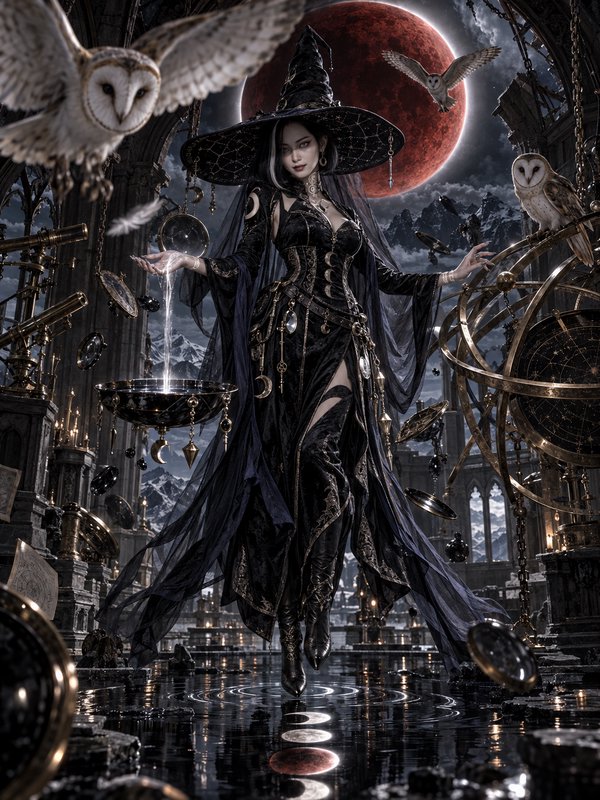
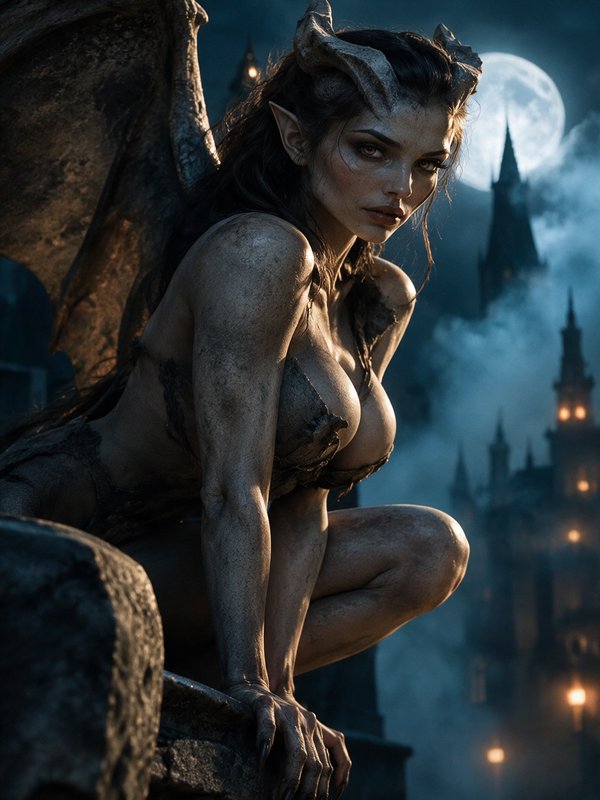
Real outputs from discord pfp maker.
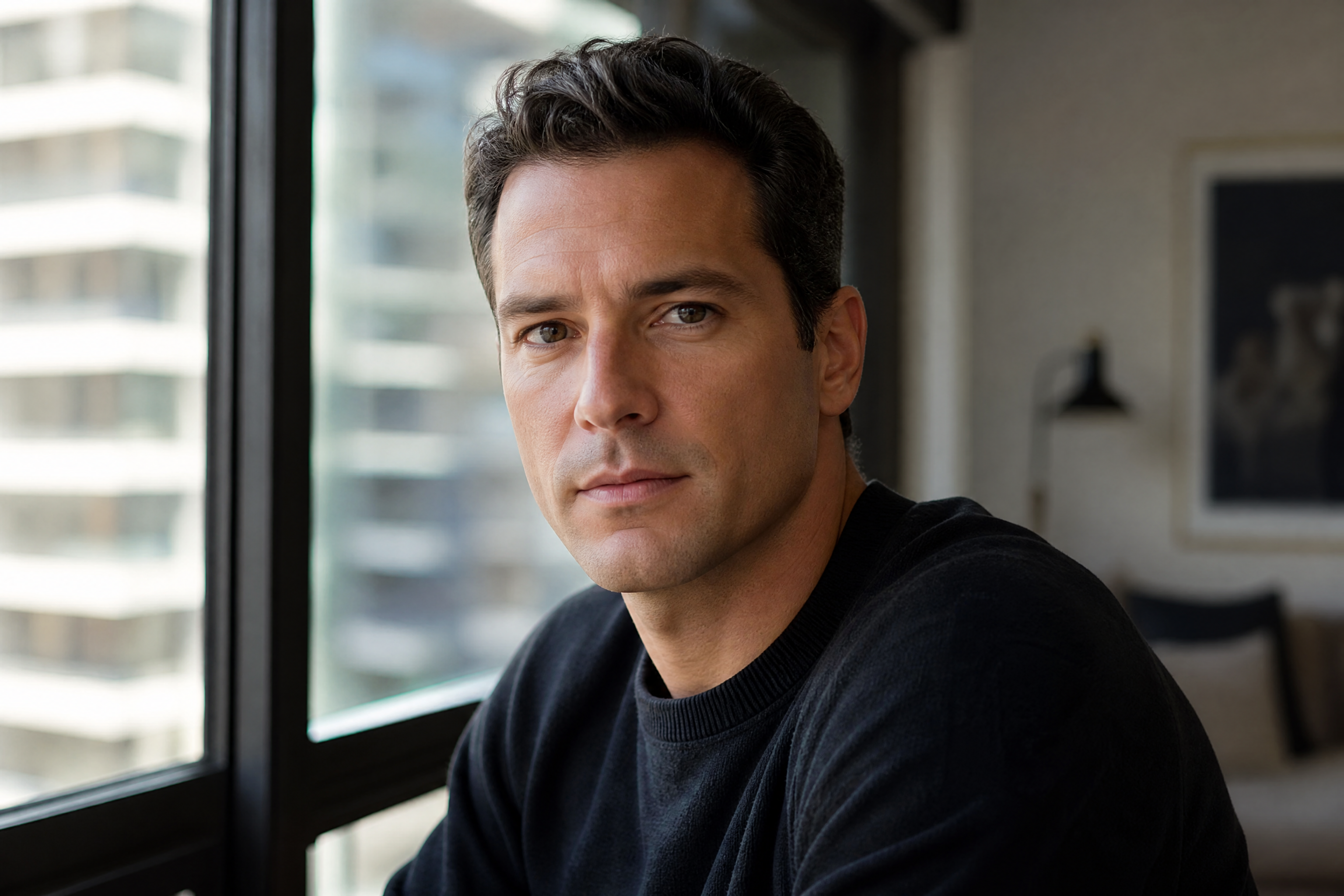 BEFORE
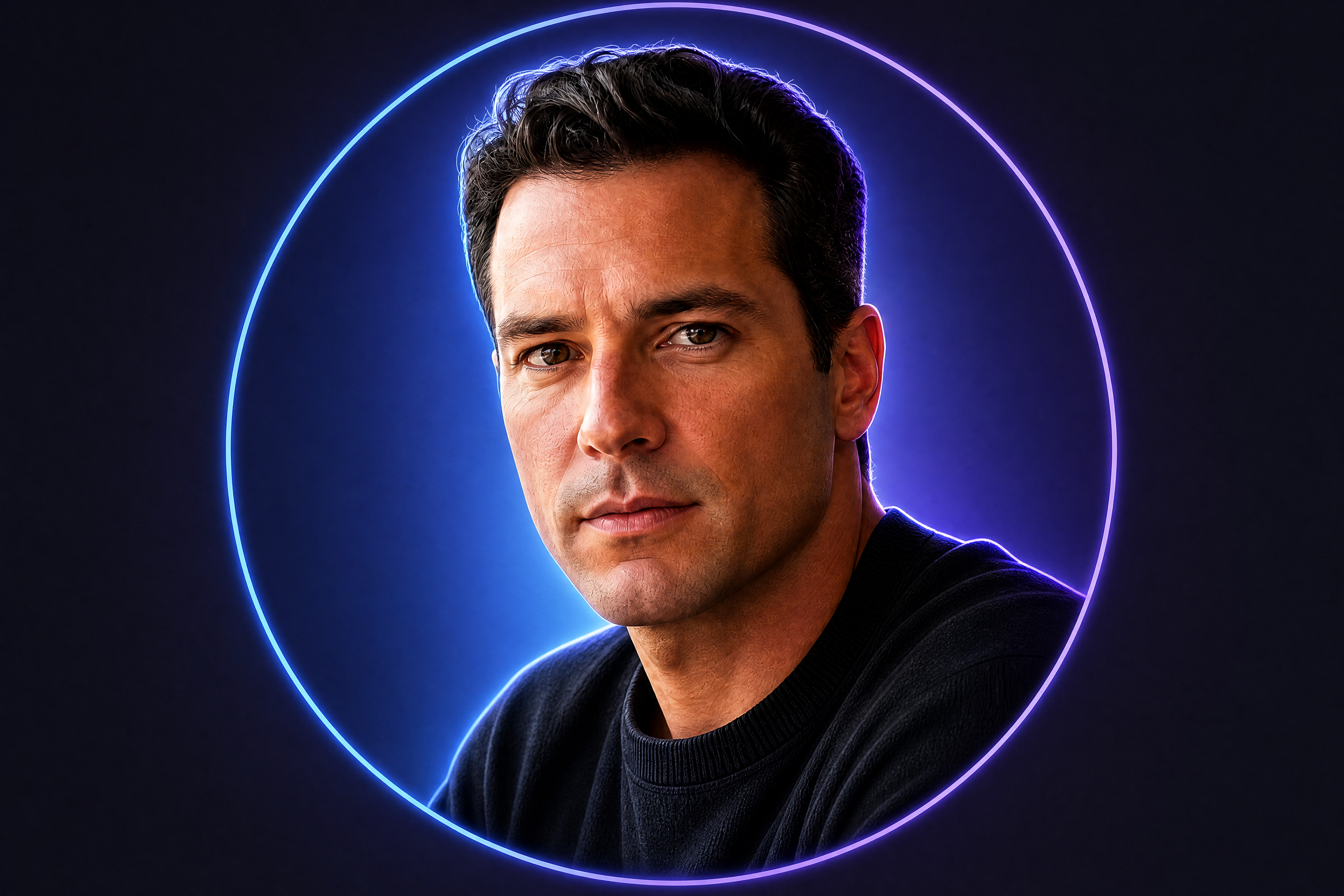 AFTER
AFTER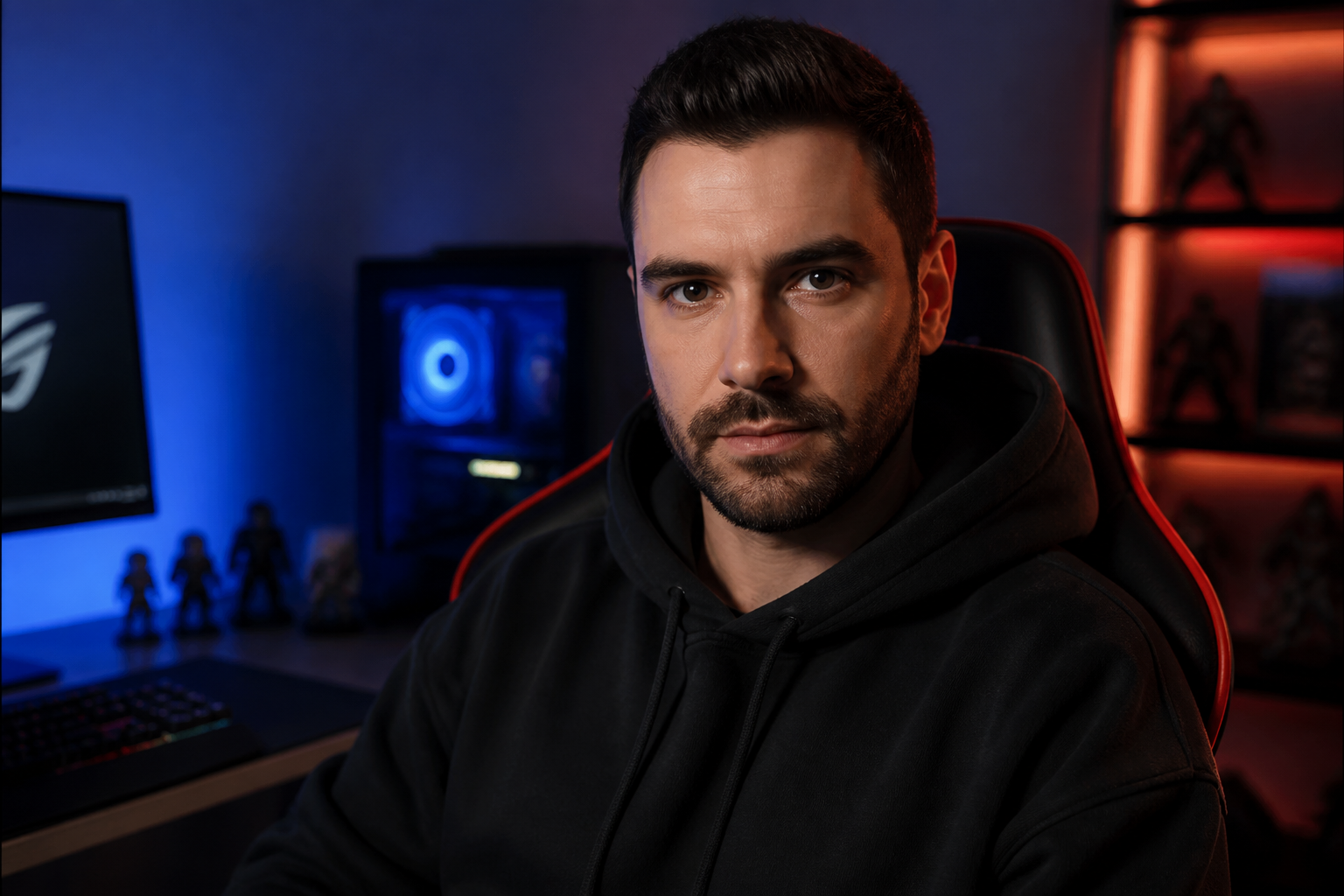 BEFORE
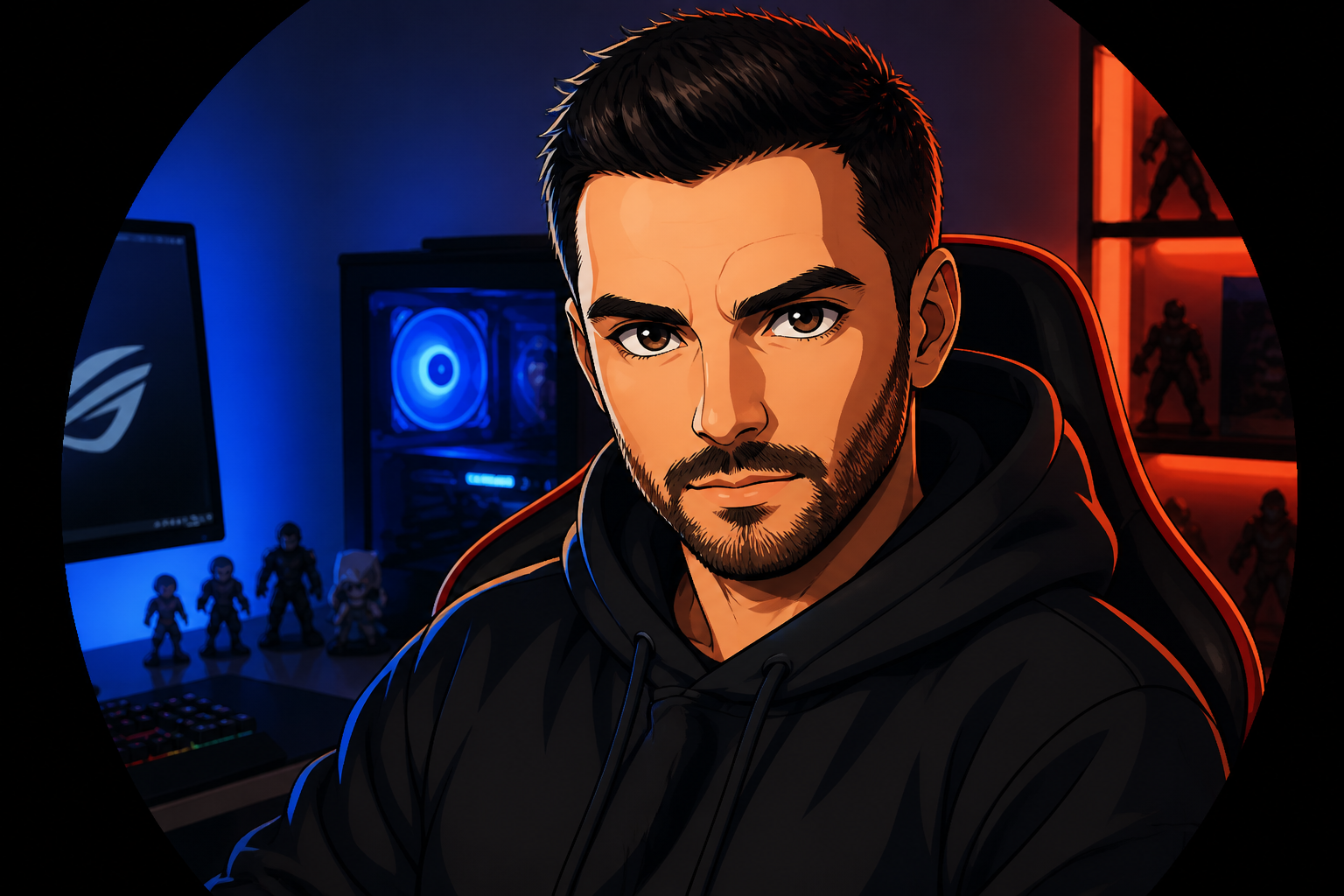 AFTERBEFOREAFTER
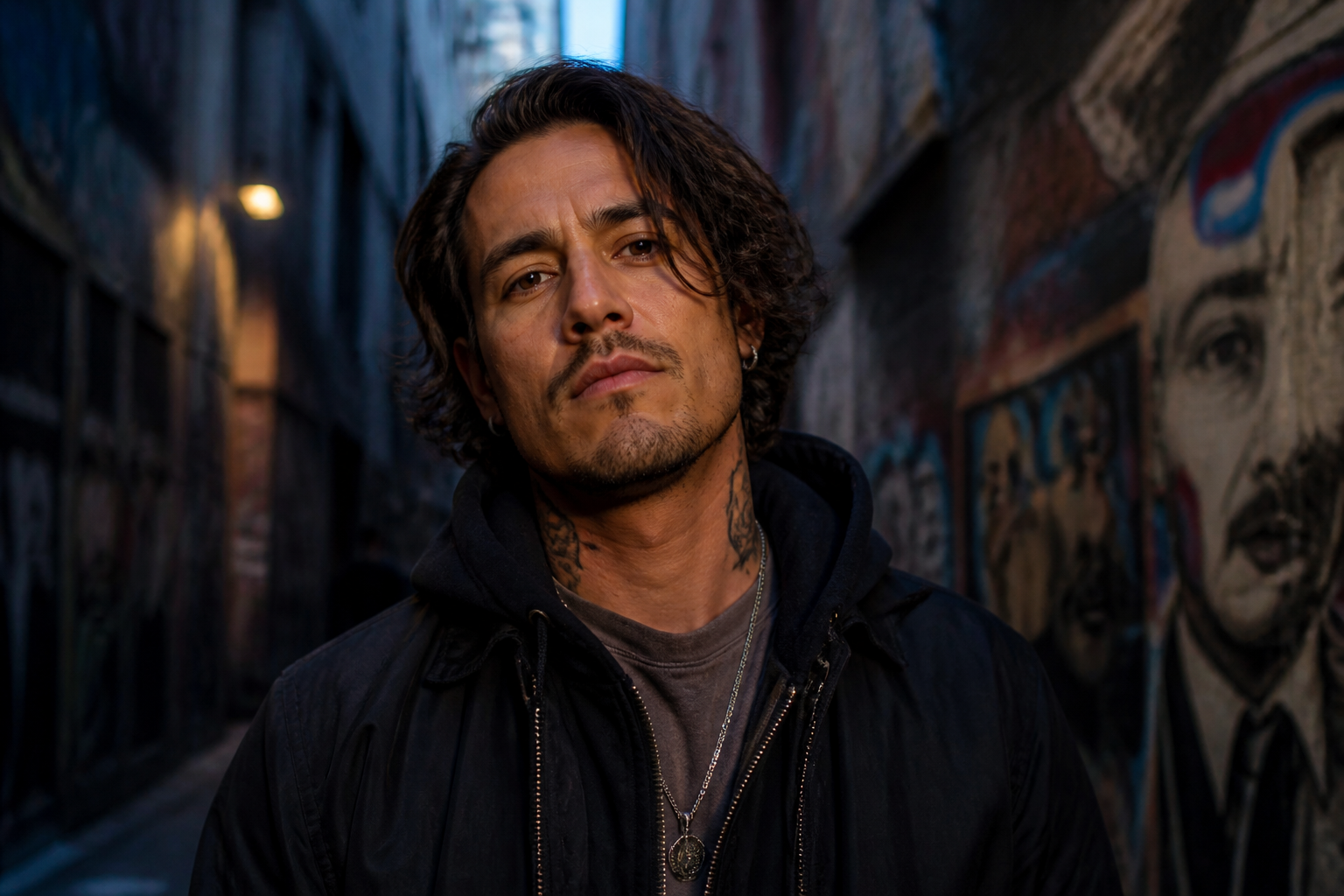 BEFORE
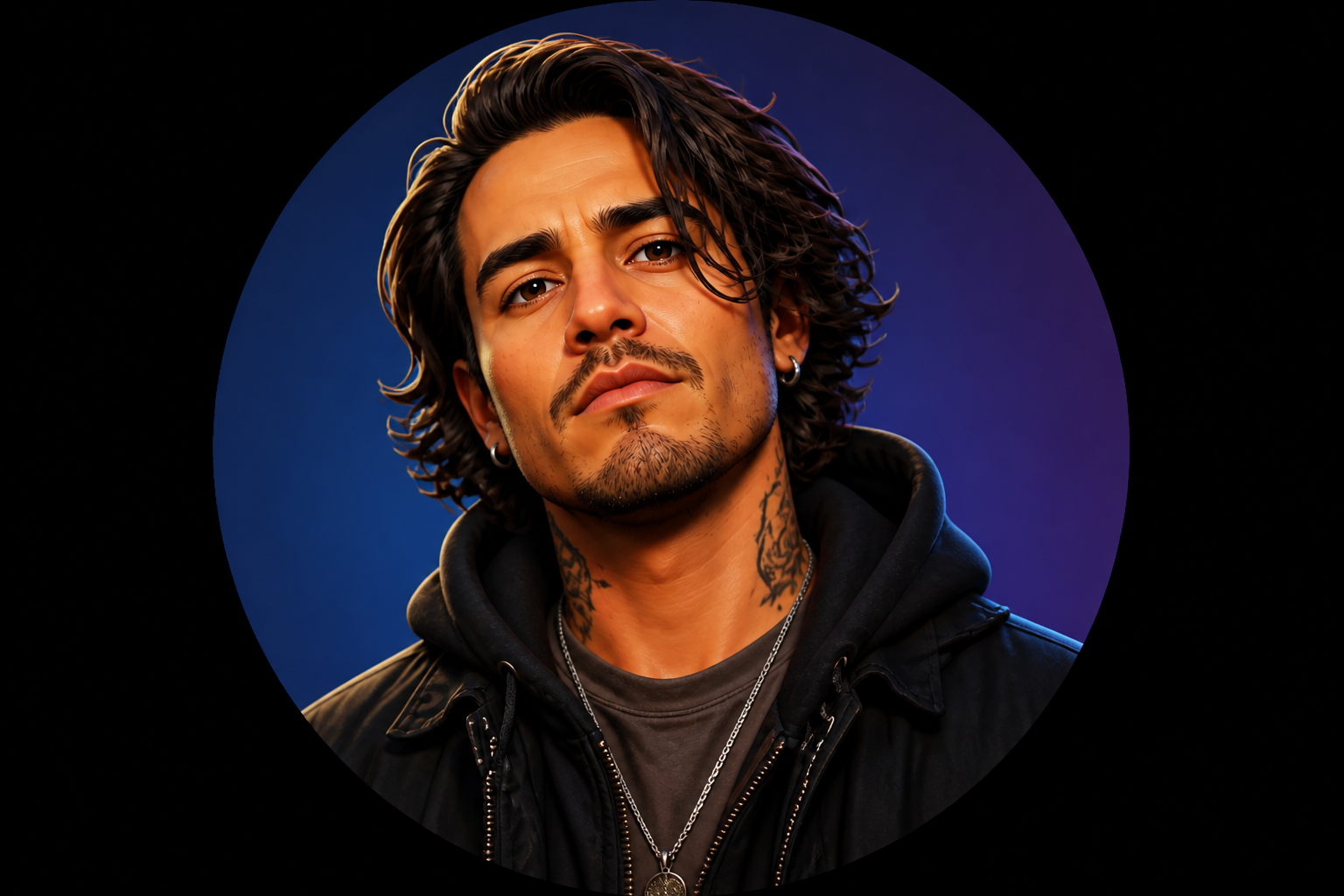 AFTER
AFTER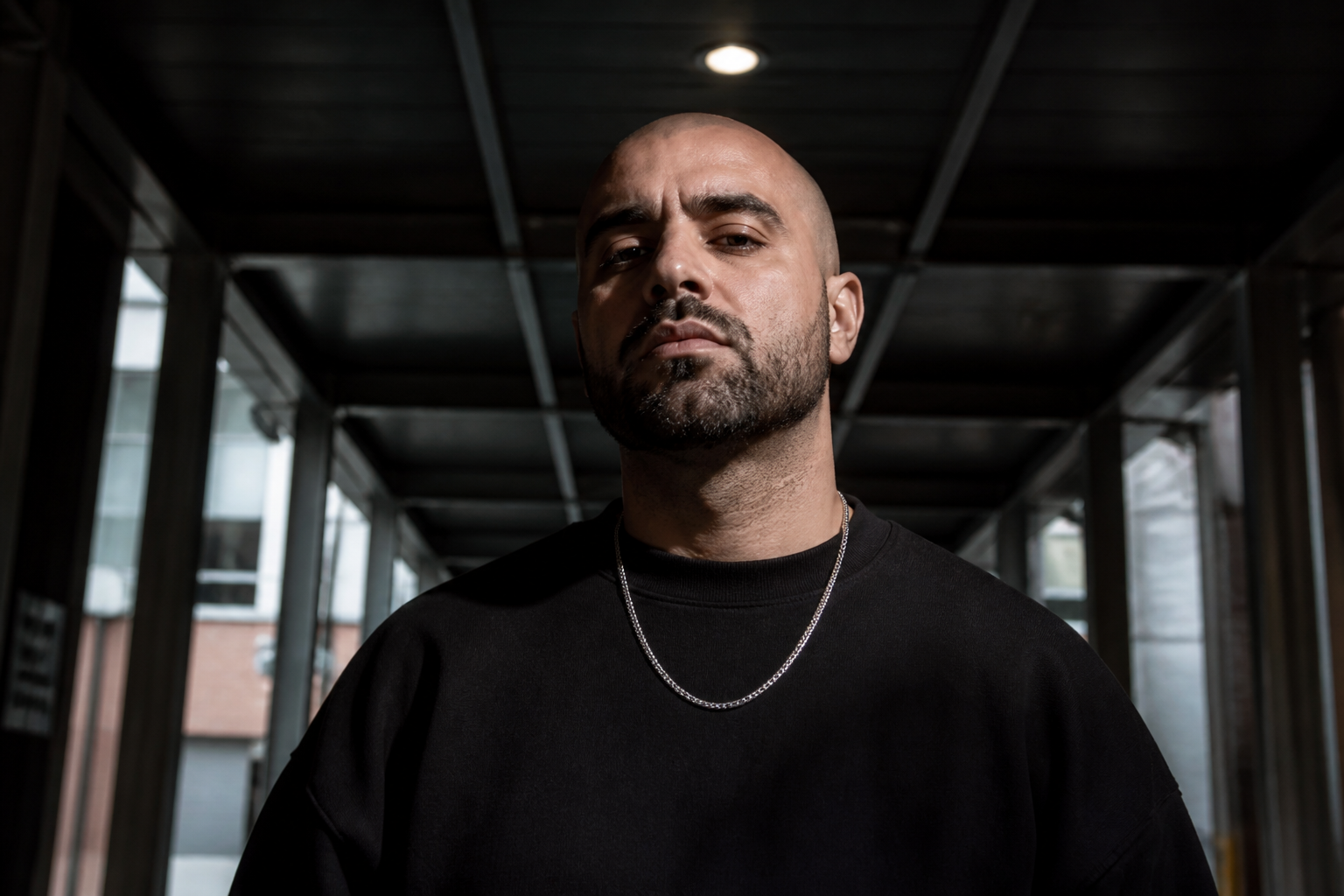 BEFORE
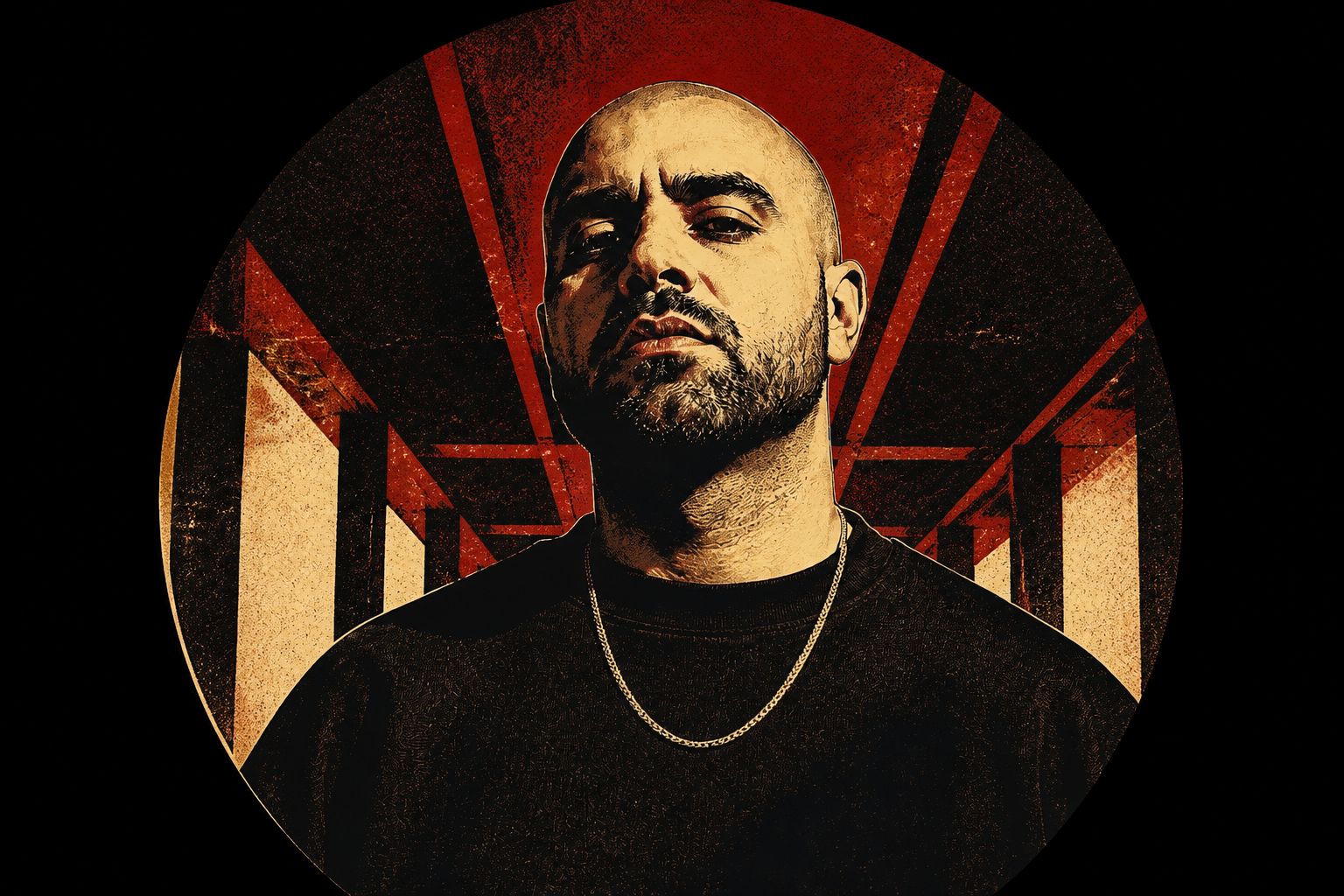 AFTERBEFOREAFTERBEFOREAFTERBEFOREAFTERBEFOREAFTERBEFOREAFTER
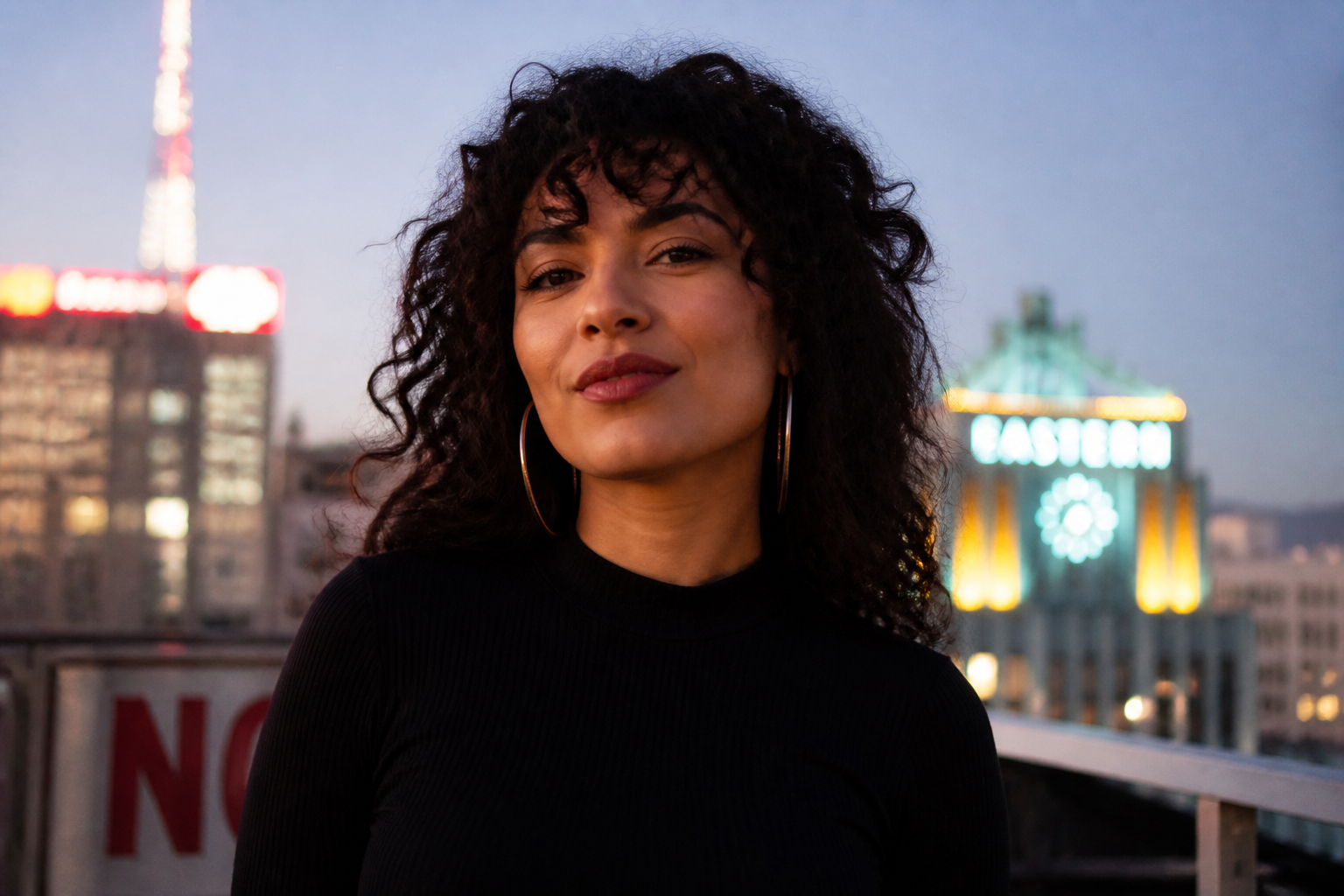 BEFORE
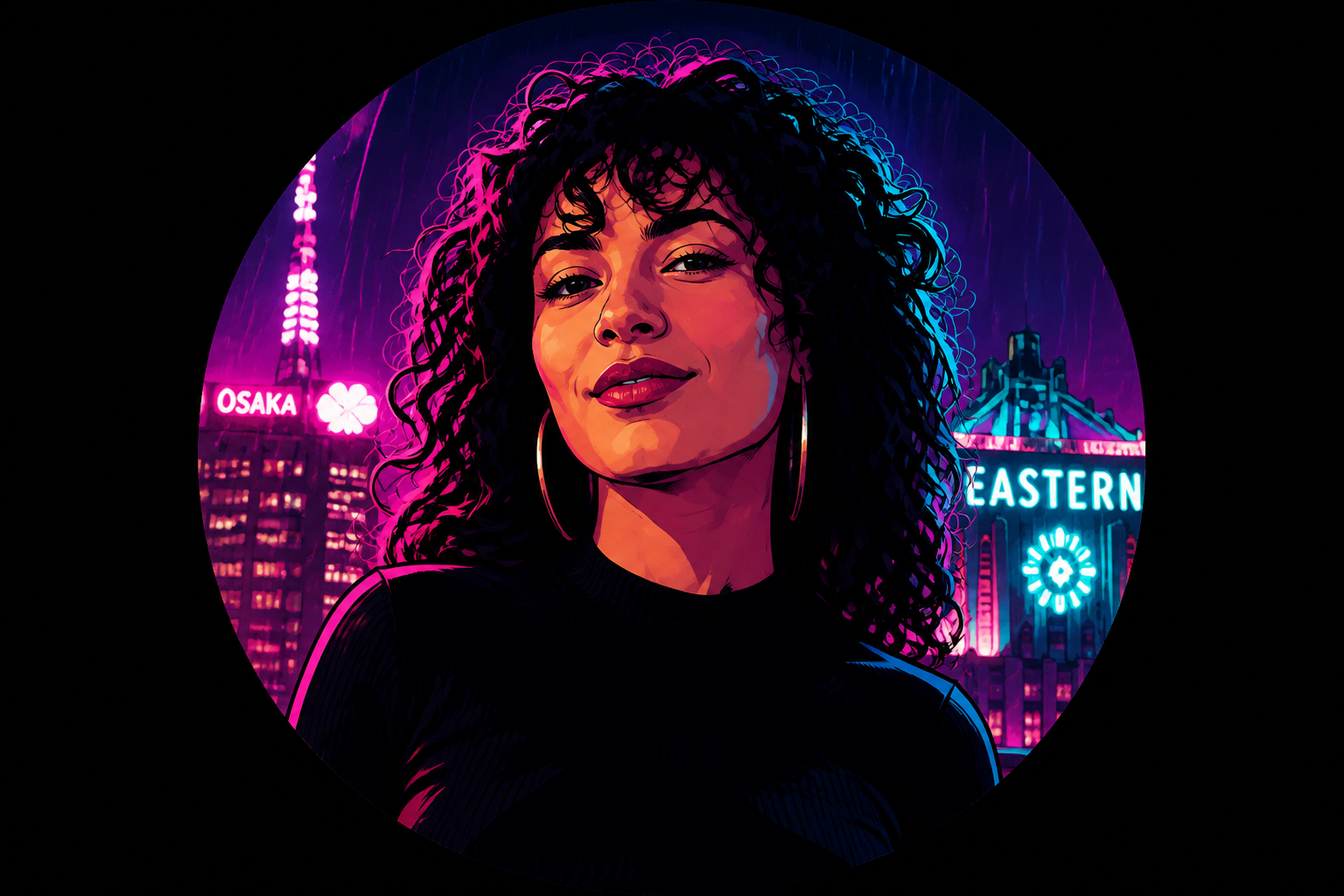 AFTER
AFTER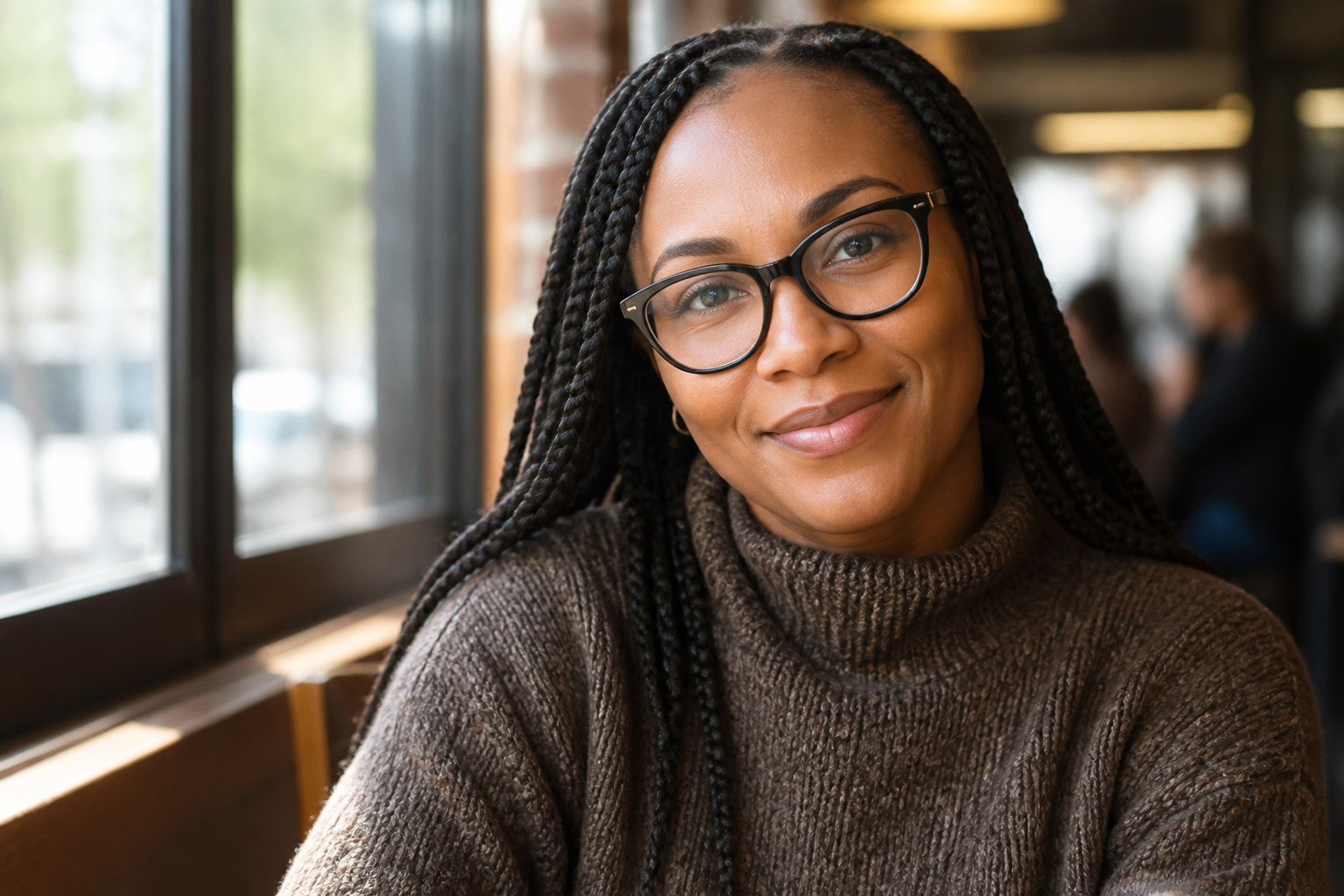 BEFORE
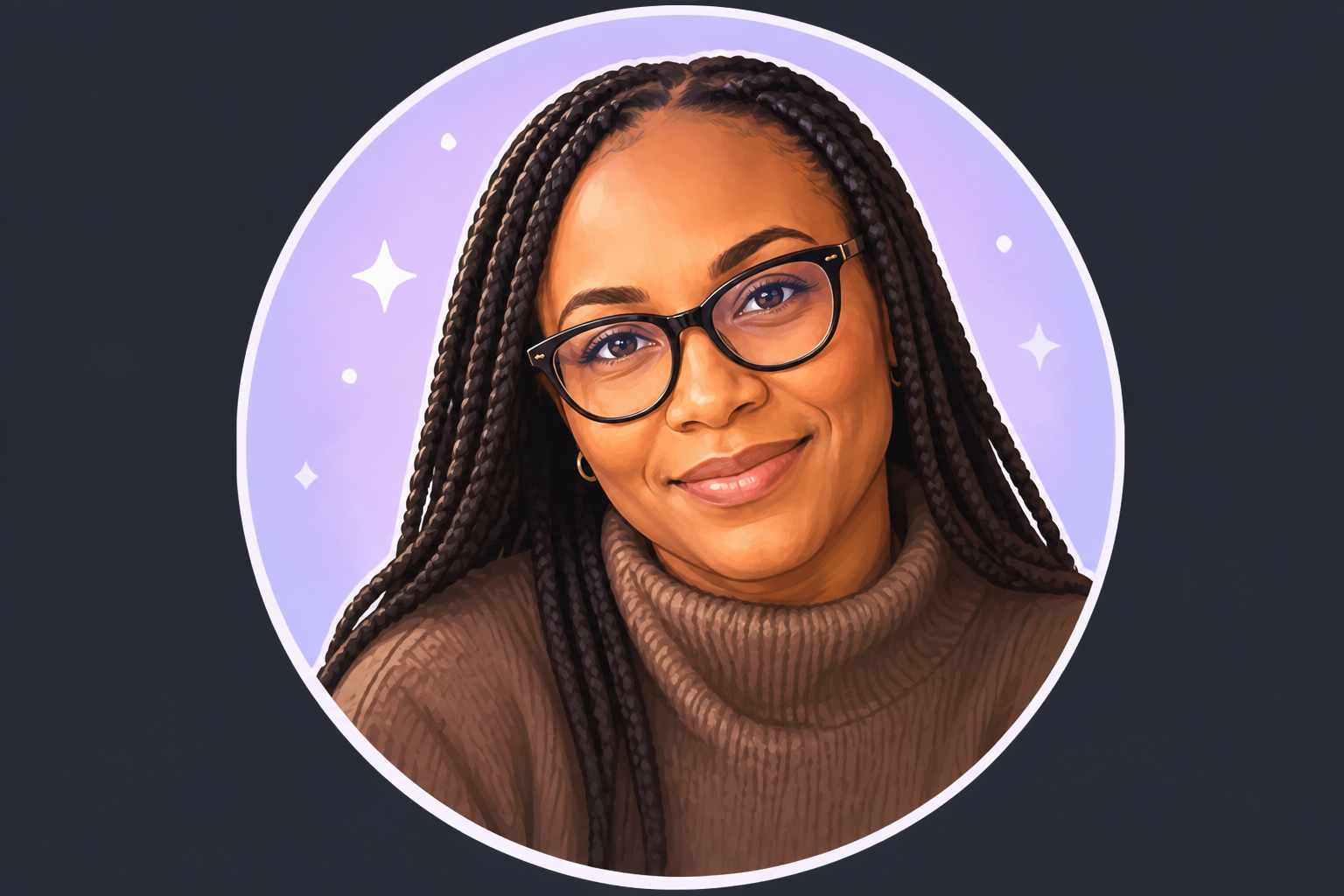 AFTER
AFTER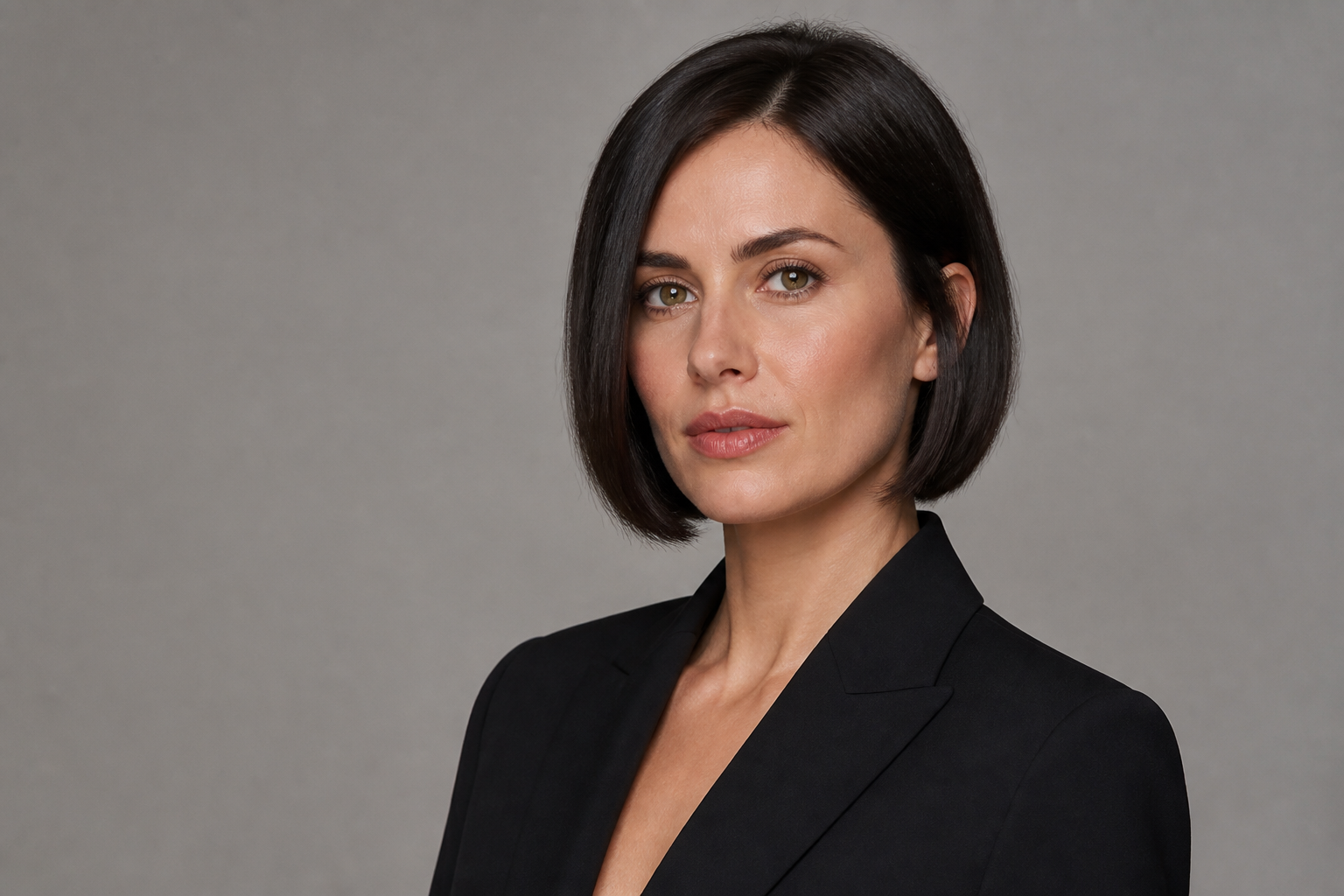 BEFORE
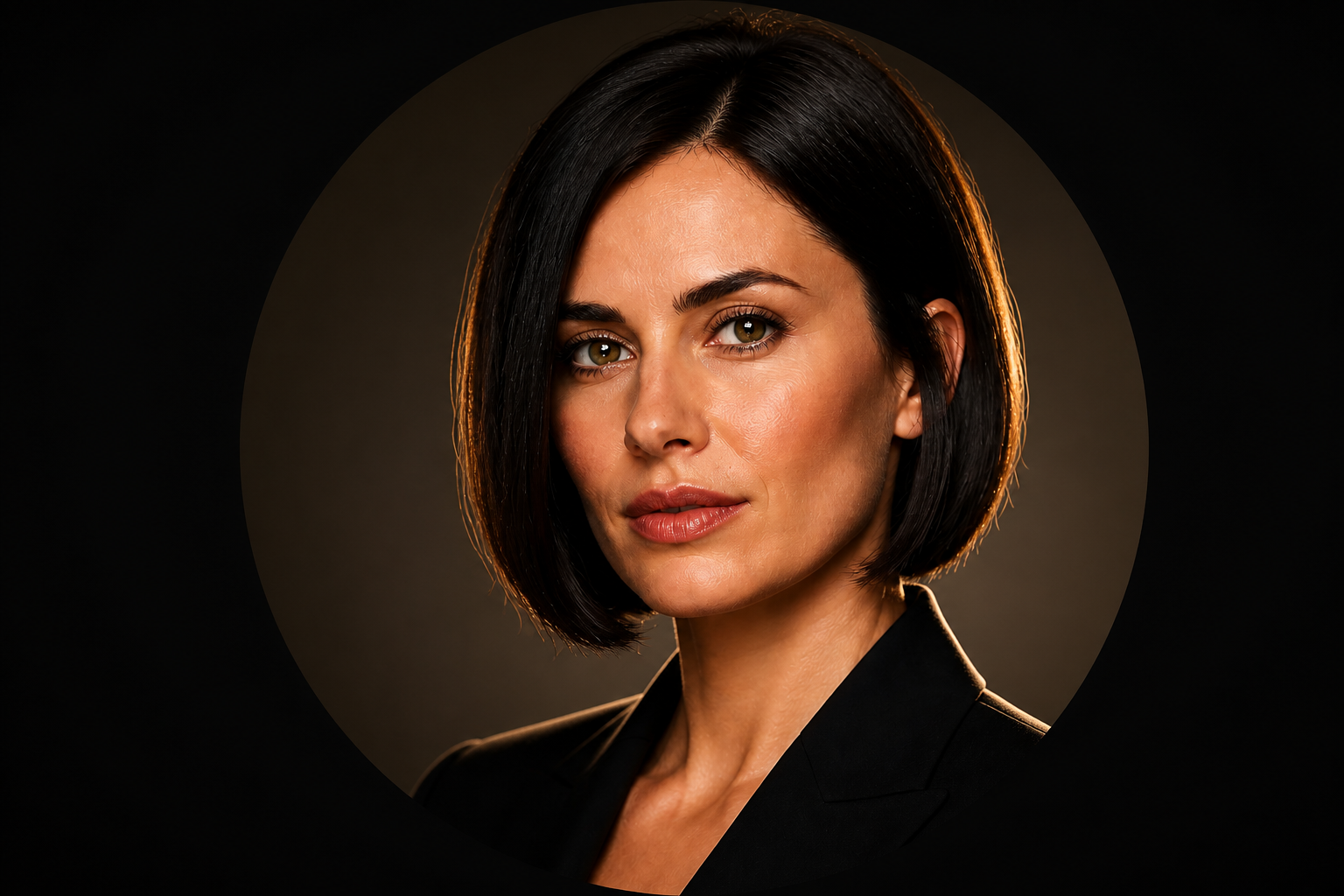 AFTER
AFTER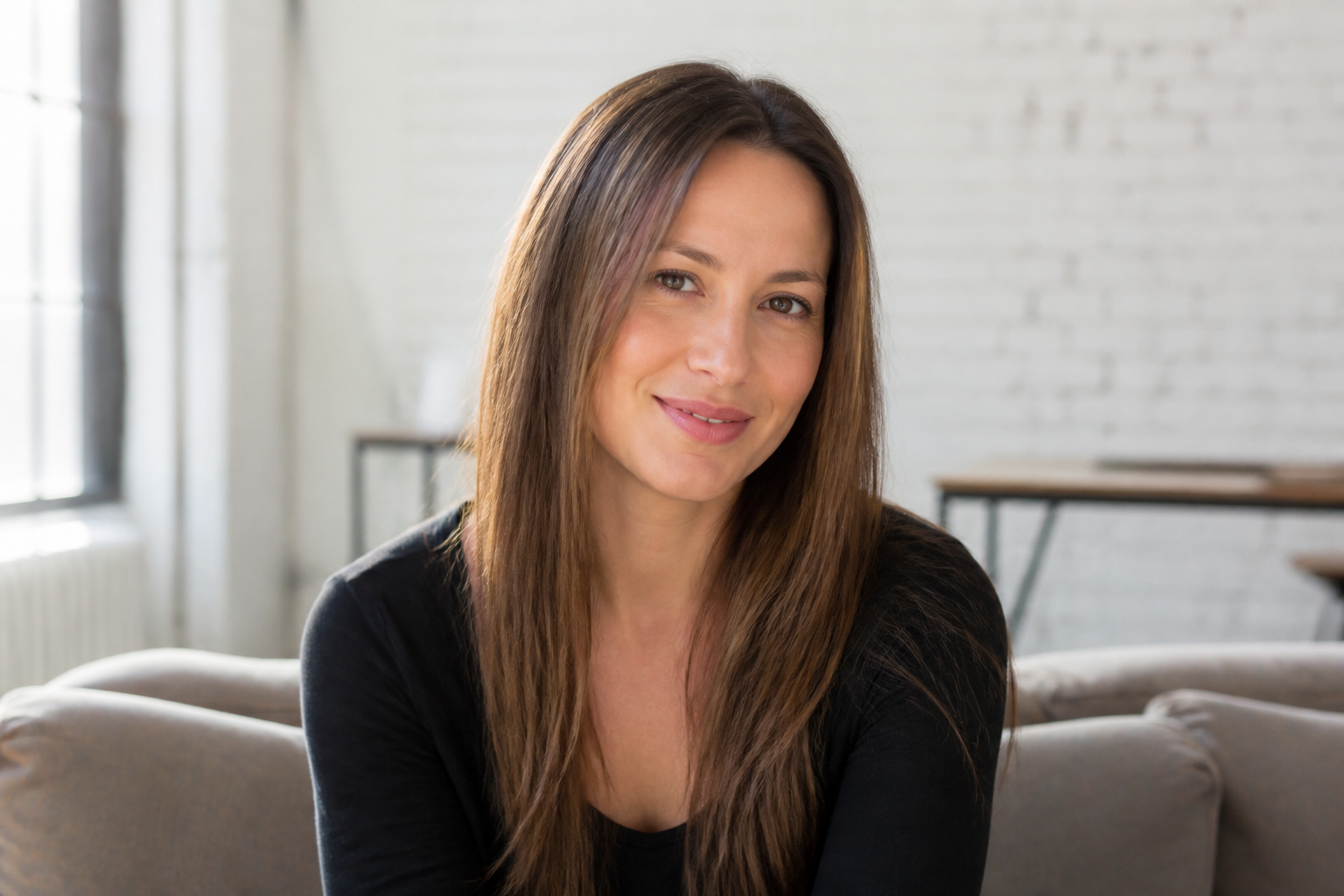 BEFORE
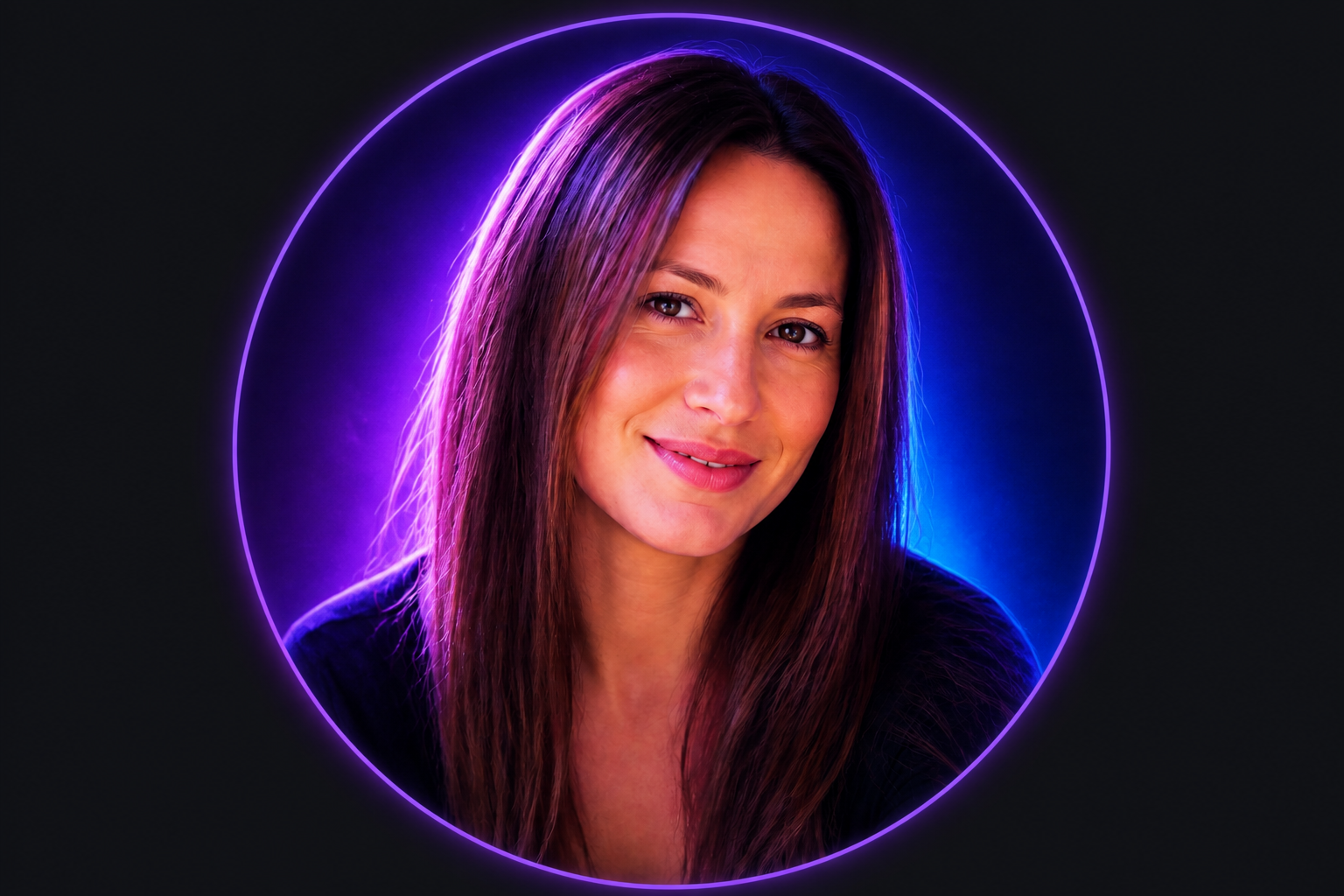 AFTER
AFTER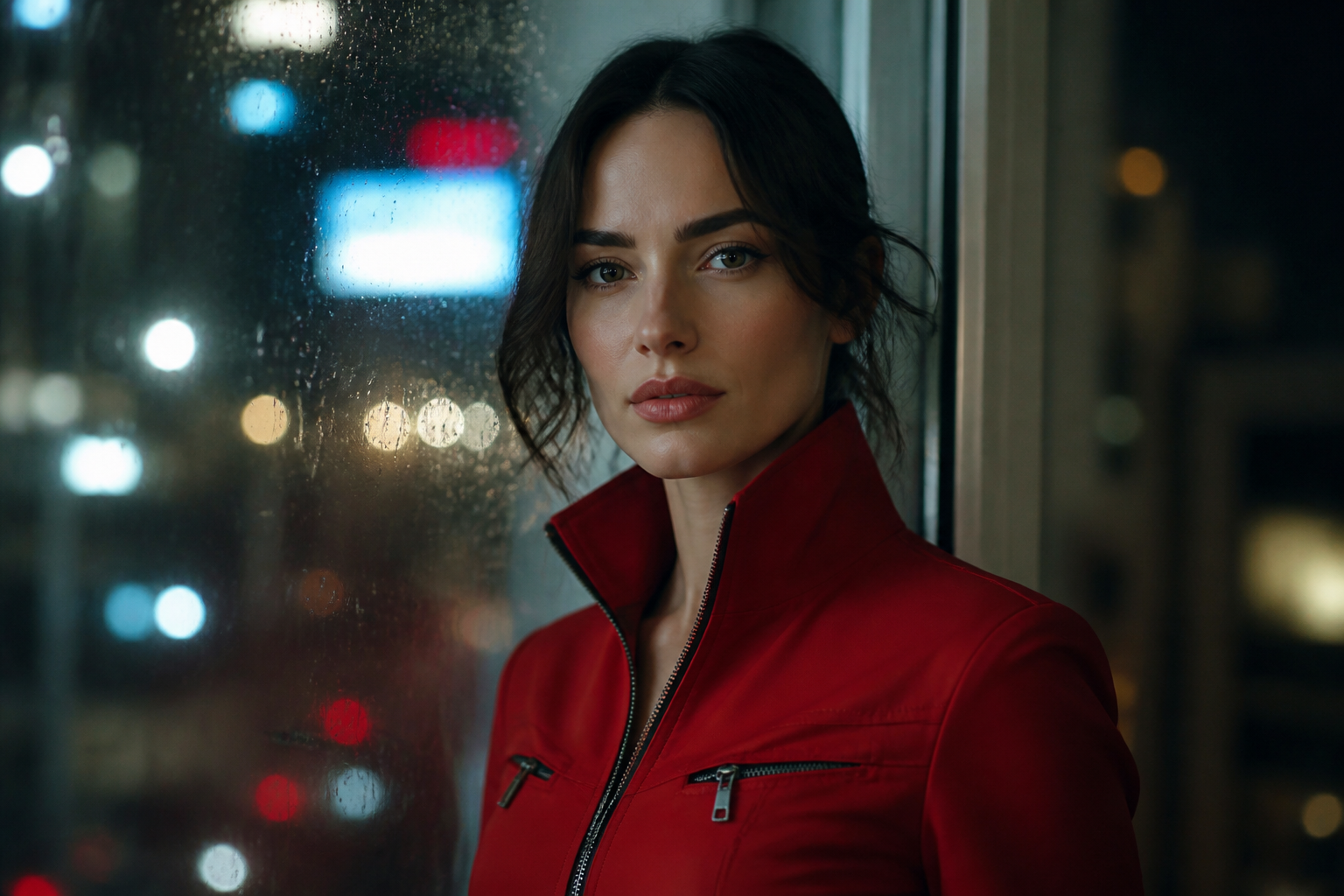 BEFORE
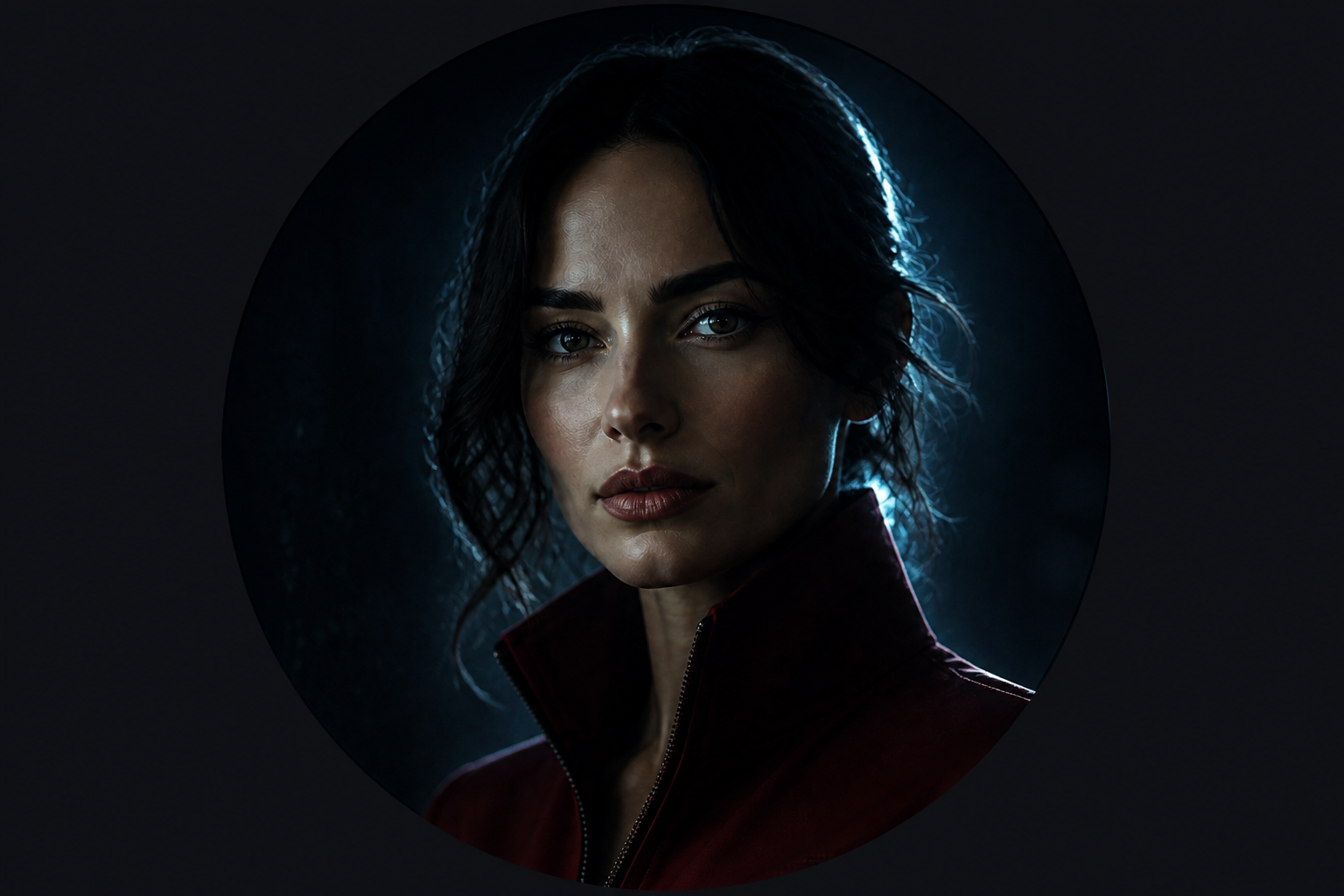 AFTERBEFOREAFTERBEFOREAFTERBEFOREAFTERBEFOREAFTERBEFOREAFTER
Key Features
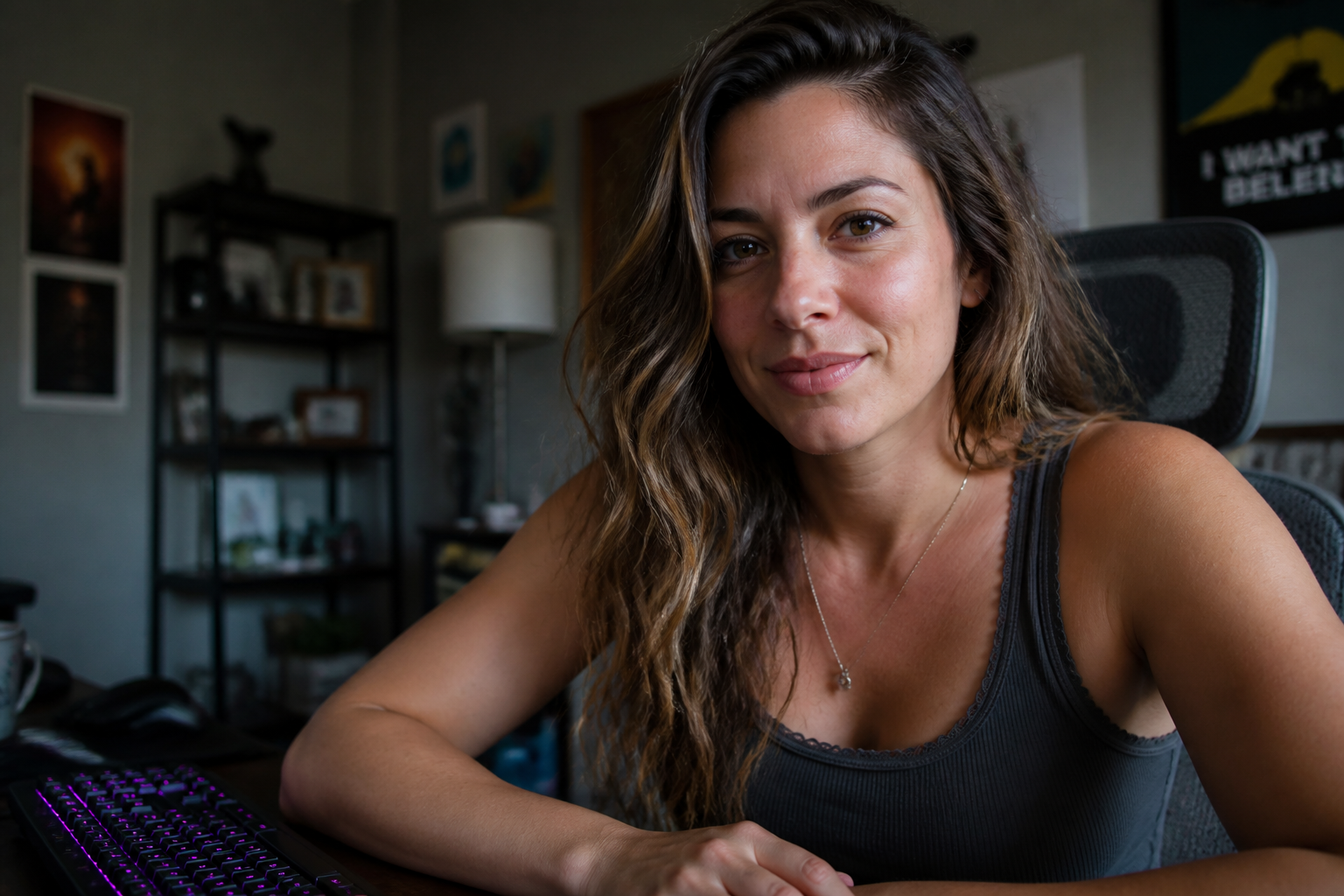
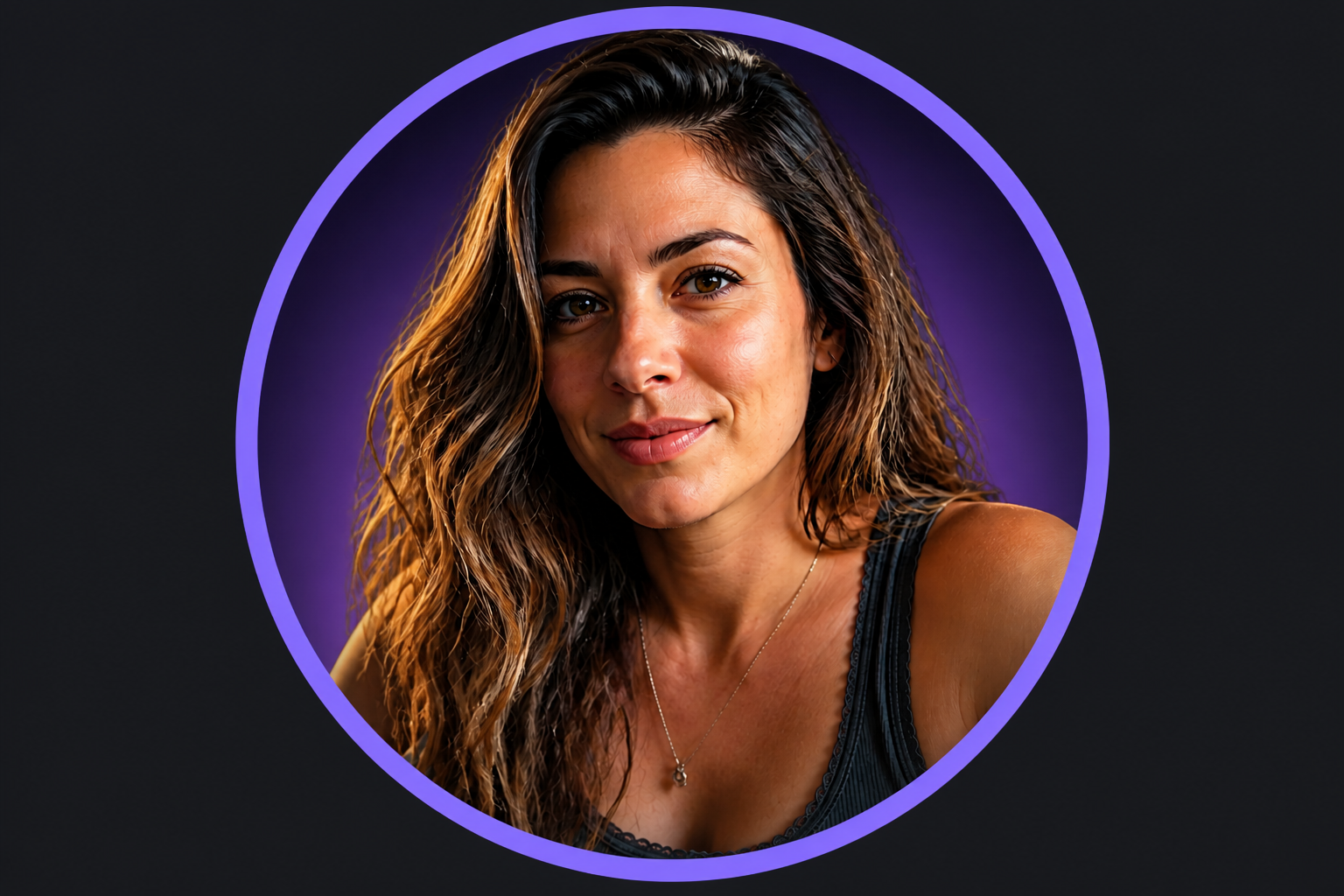
Avatar-ready crops that read
Profile pictures have to work at a tiny size. This tool helps create cleaner framing, stronger contrast, and a more centered subject so your face still reads clearly in Discord lists and chats. You do not have to manually crop and test multiple versions. The result is built to look strong as a small circular icon, not just as a full image.
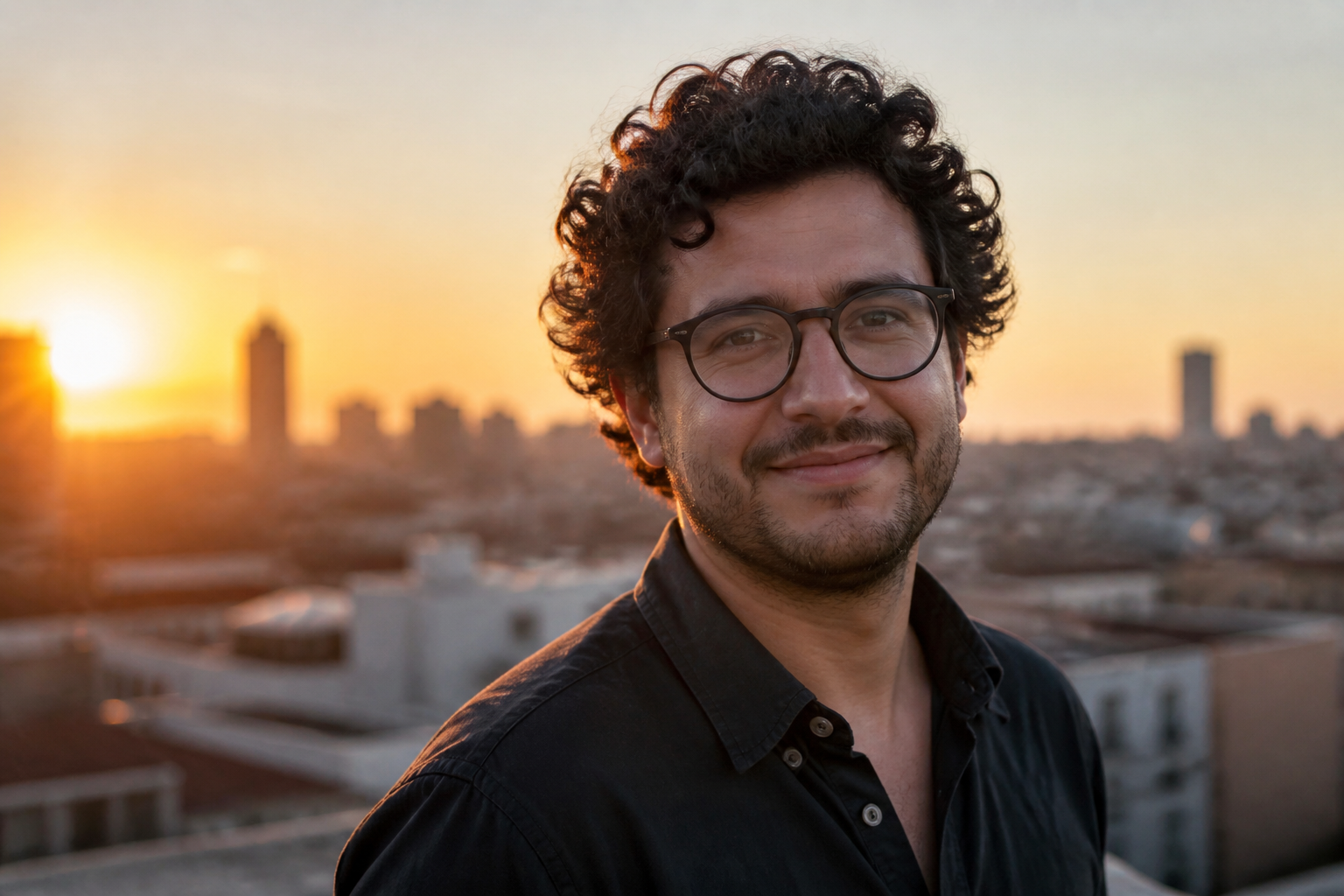
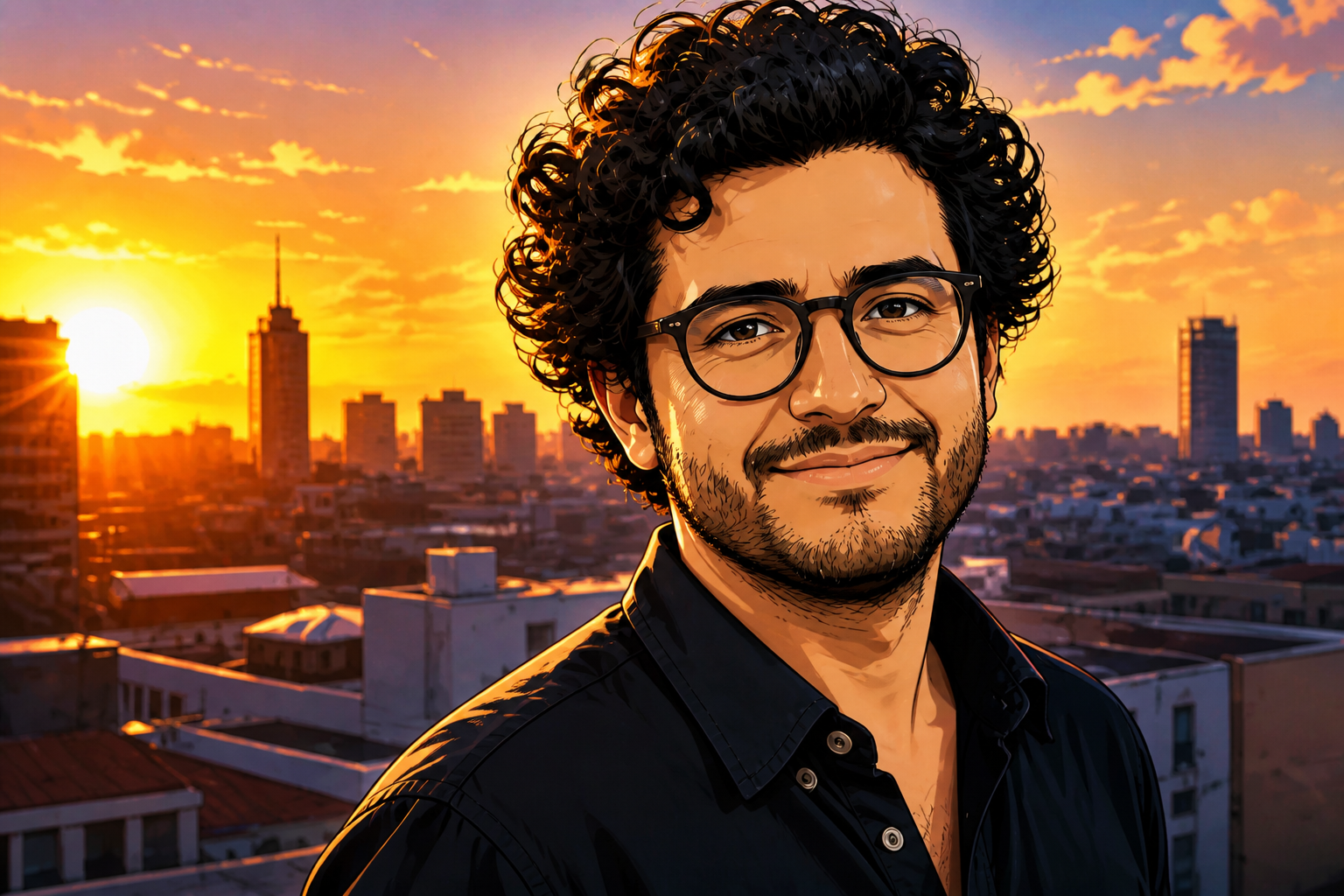
Stylize without losing identity
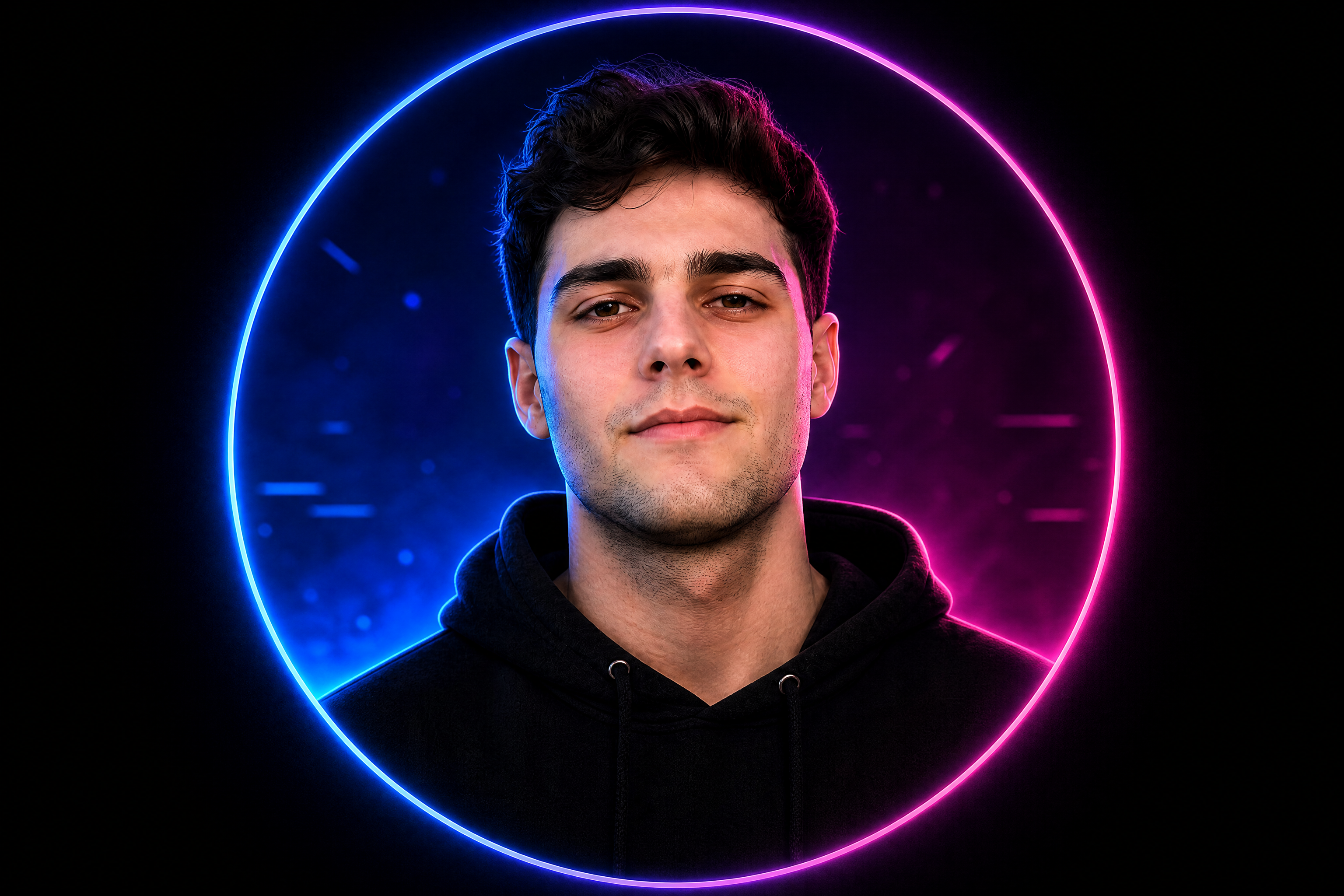
A good Discord PFP can look artistic without becoming generic. Our AI can shift your photo into a different visual style while keeping your face, pose, and overall identity recognizable. That makes it useful for personal branding, gaming communities, and creator profiles. You get the visual upgrade without starting from scratch.
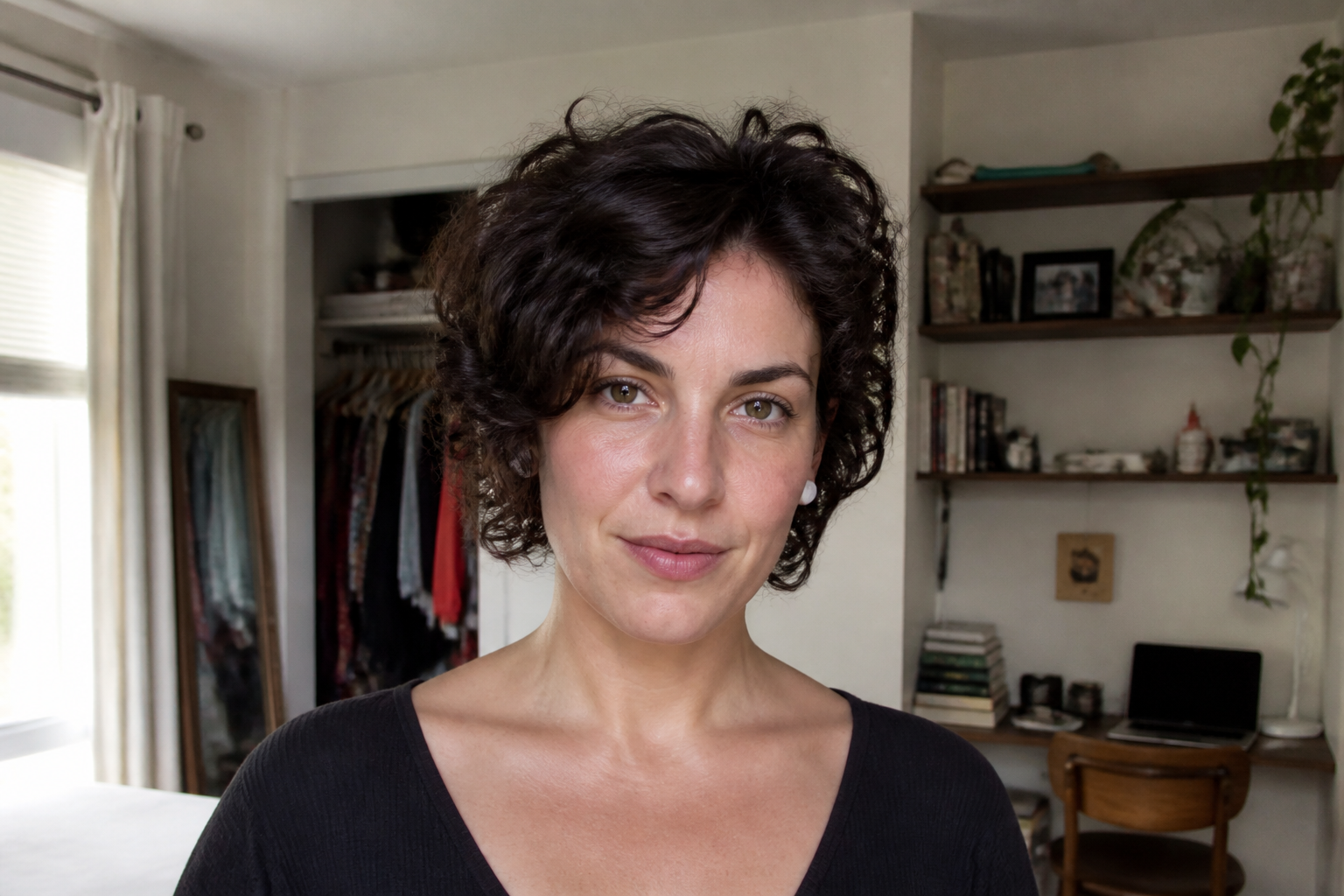
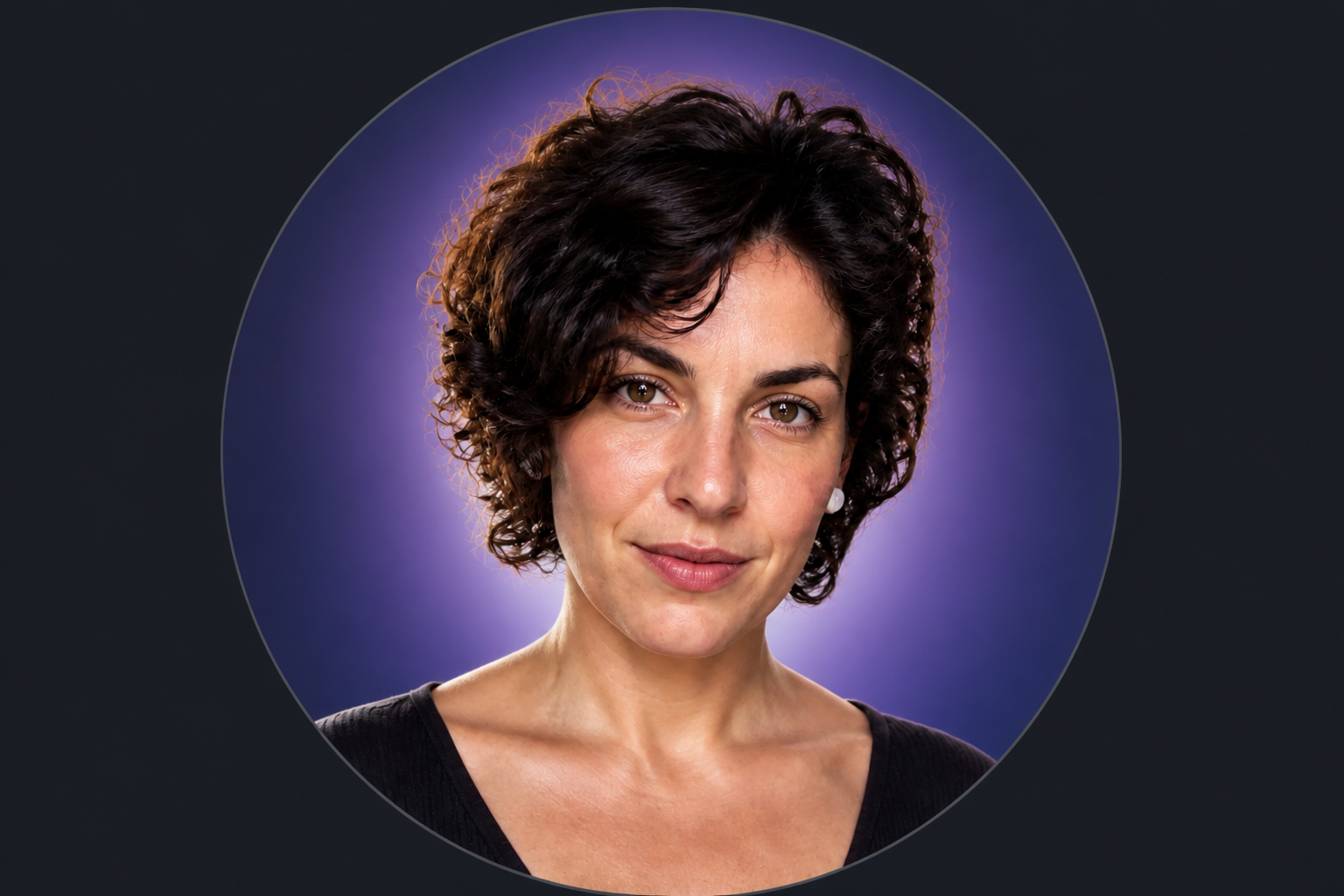
Clean backgrounds in one step
Messy rooms and distracting scenes weaken a profile picture fast. The editor can simplify the background, add color glow, or replace clutter with a cleaner backdrop that keeps the attention on you. That is much faster than masking by hand in a traditional editor. It gives the image a more intentional avatar look right away.
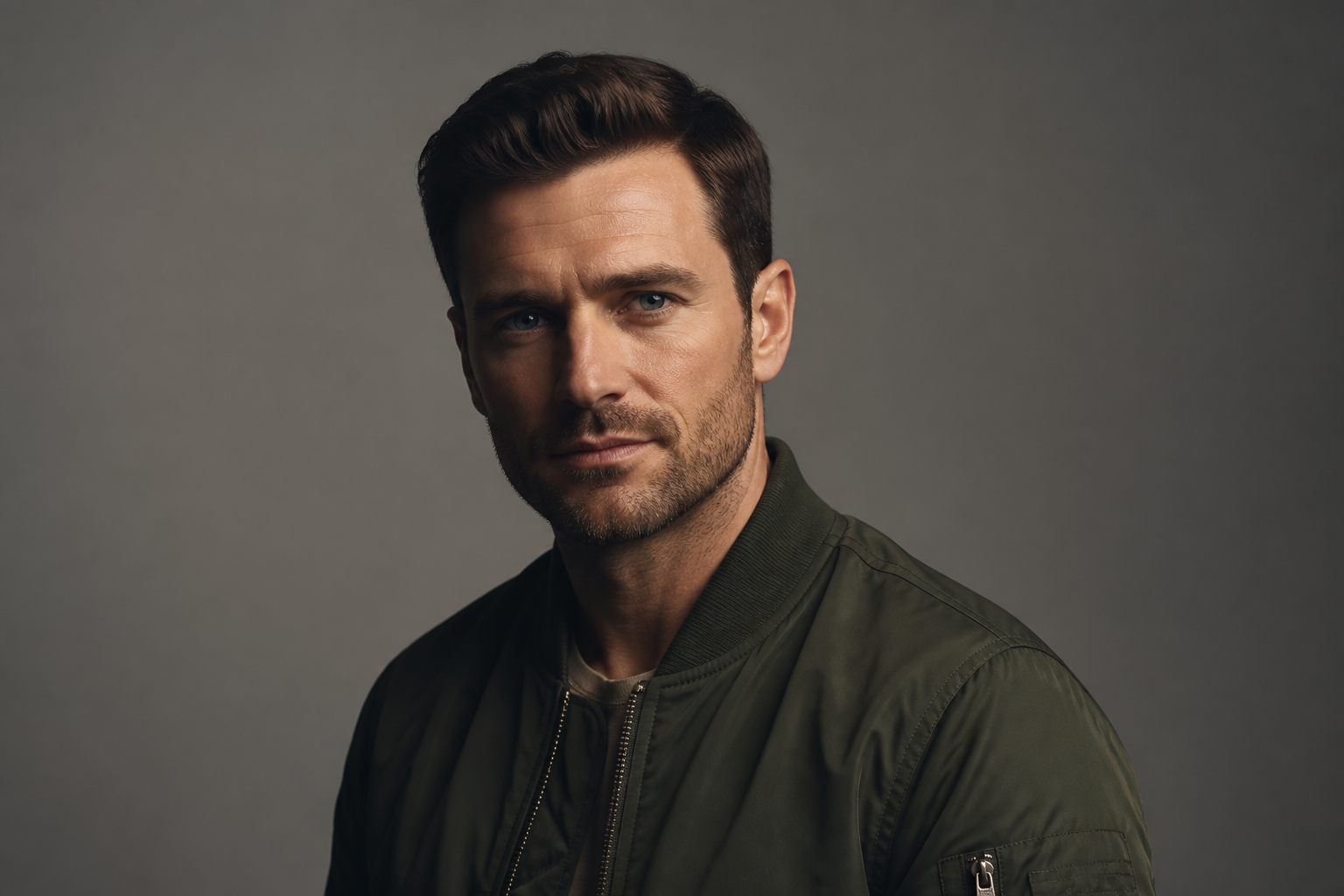
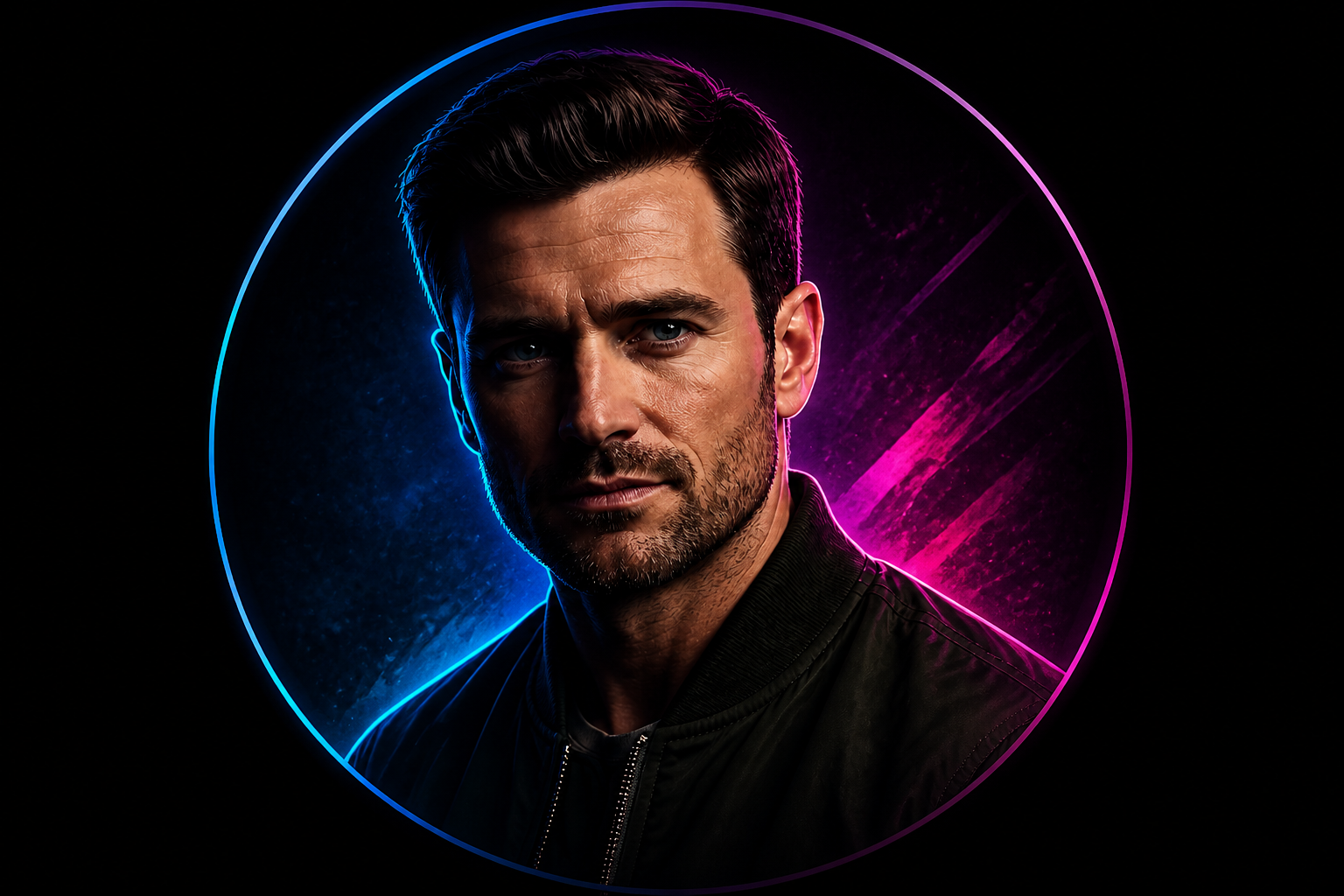
Fast variations for every vibe
Different servers call for different looks. You can try moody, playful, sleek, or gaming-inspired styles from the same photo instead of rebuilding a new PFP each time. This makes it easy to test what fits your username, banner, or community identity best. It is a quick way to make a profile feel more personal.
How It Works
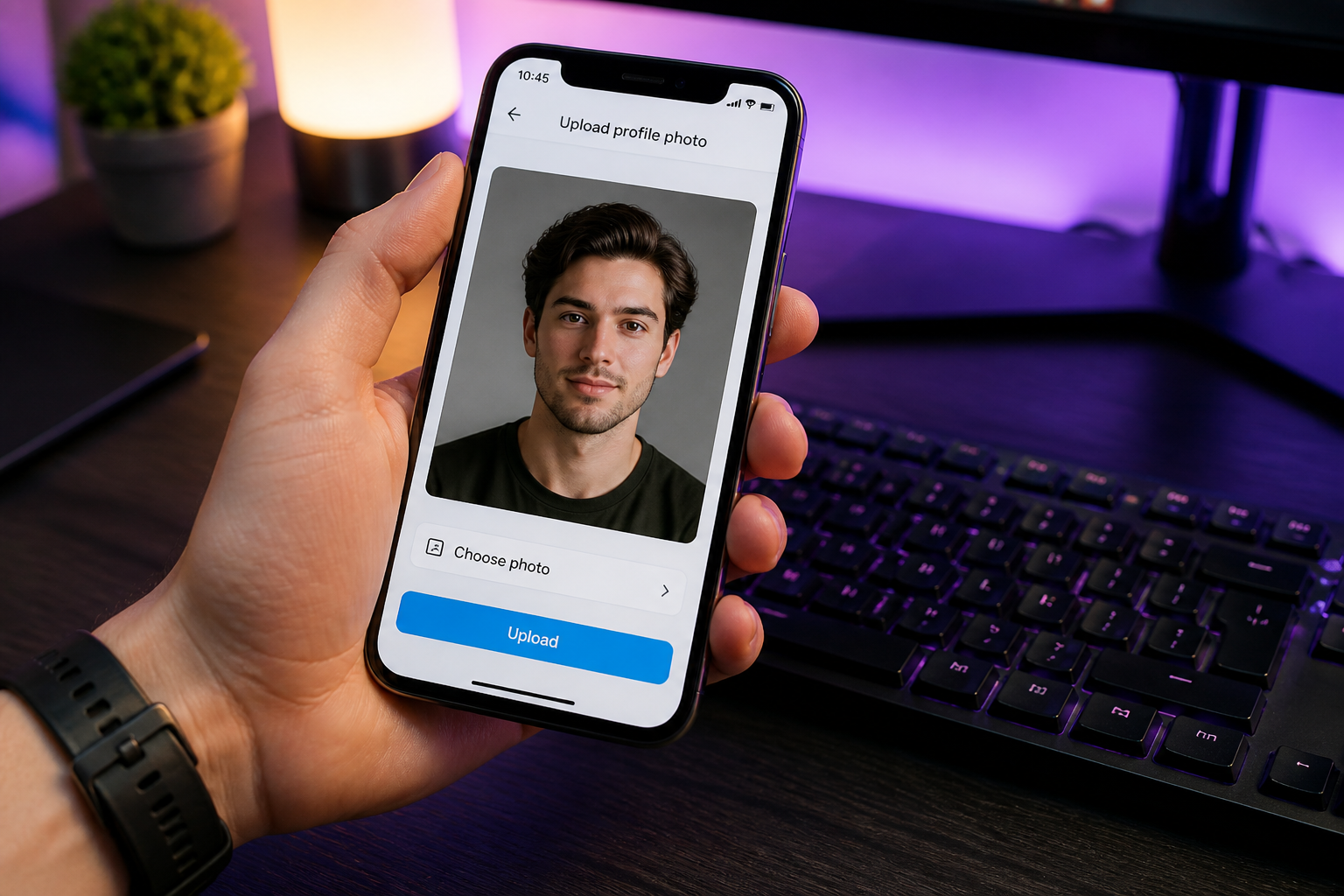
Upload your photo
Start with a clear selfie or portrait. Images with visible eyes, good lighting, and a simple pose usually make the strongest Discord PFPs.
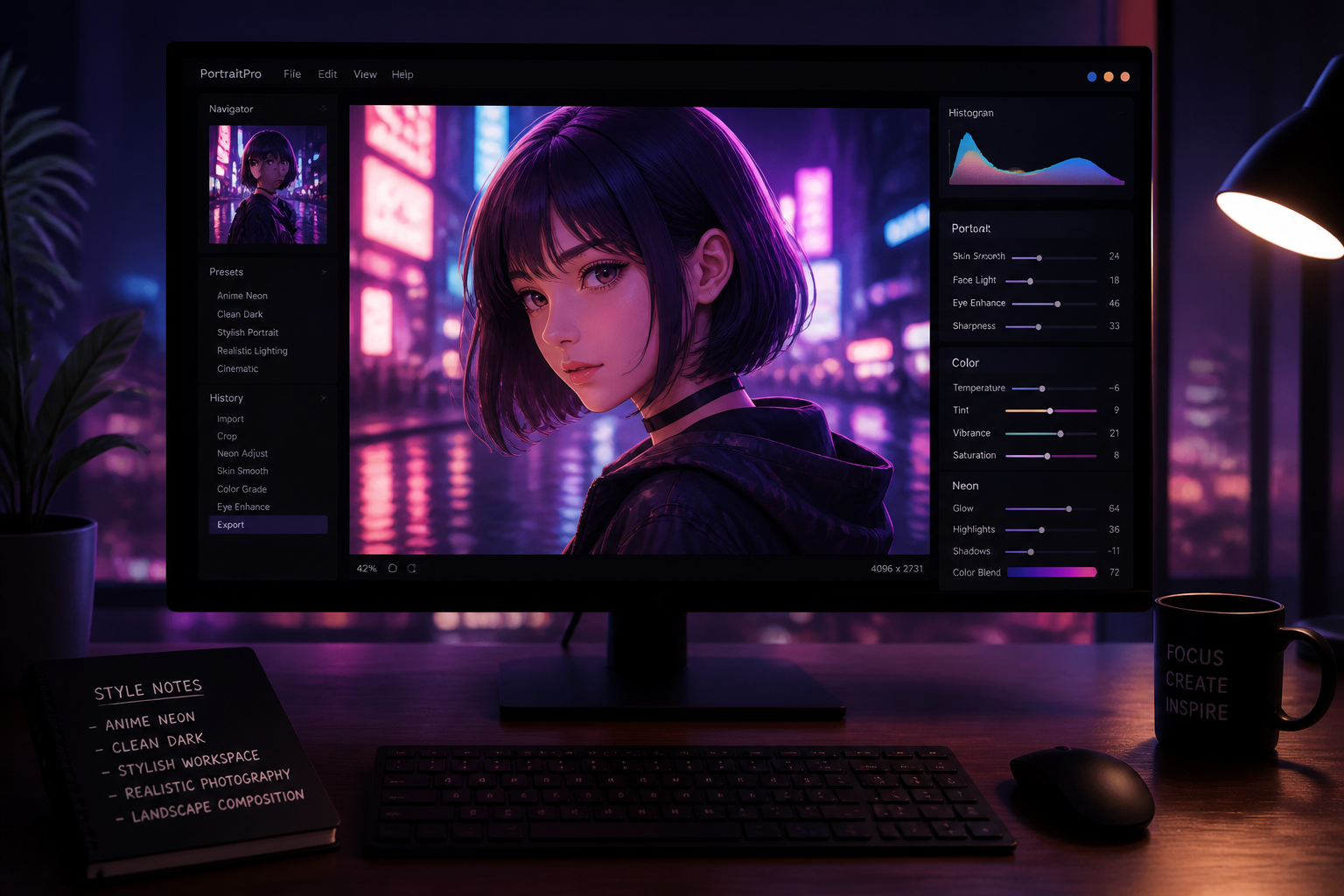
Pick your avatar style
Describe the look you want, such as anime, neon, dark, clean, or editorial. You can keep it close to your original photo or push it into a more stylized profile picture.
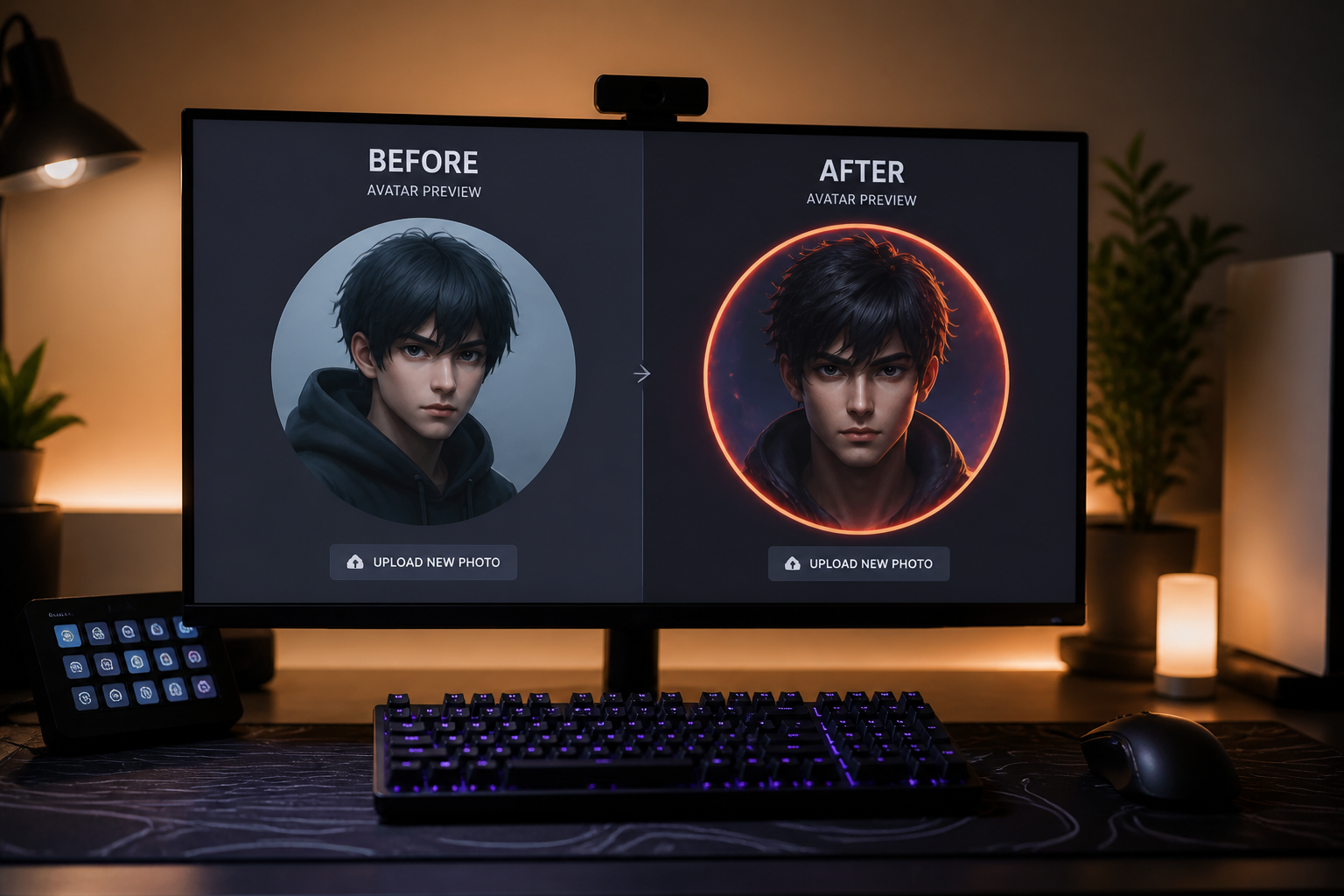
Generate and compare
Review the before and after version, then save the one that fits your Discord identity best. If needed, try another style to get a sharper or more expressive result.
Perfect For
Discover how creators and professionals use discord pfp maker
Gaming server avatars
Create a profile picture that feels sharper, darker, or more stylized for gaming communities and voice chats.
Creator community branding
Make your Discord PFP match your online identity across Twitch, YouTube, X, or community servers.
Alt account style changes
Generate different avatar looks for private servers, group chats, or themed accounts without a full reshoot.
Anonymous but personal profiles
Stylize a real photo into something more artistic while still keeping enough of your identity to feel personal.
Built For
Gamers
Make a PFP that feels at home in server lists, voice channels, and gaming communities.
Creators and moderators
Build a cleaner avatar that looks consistent with your banner, channel art, or personal brand.
Everyday Discord users
Turn a regular selfie into a polished profile picture without learning manual editing tools.
Why use this for Discord PFPs
A quick look at how we compare on the things that matter for this niche.
| Feature | BudgetPixel | Generic AI editors | Manual editing apps |
|---|---|---|---|
| Built for photo-to-avatar edits | ✓ | — | — |
| Keeps subject recognizable | ✓ | — | ✓ |
| Fast style variations | ✓ | ✓ | — |
| Clean avatar-ready framing | ✓ | — | — |
| Manual skill required | Low | Low | High |
Frequently Asked Questions
What makes a good Discord PFP?
Can I turn my selfie into an anime or stylized avatar?
Do I need a perfectly cropped photo first?
Will the result still look like me?
Can I make multiple Discord PFP versions from one photo?
Create together.
Share your creations, discover trending AI art, and grow with fellow creators.