Photo to Avatar
Turn a regular photo into a profile-ready avatar in seconds.
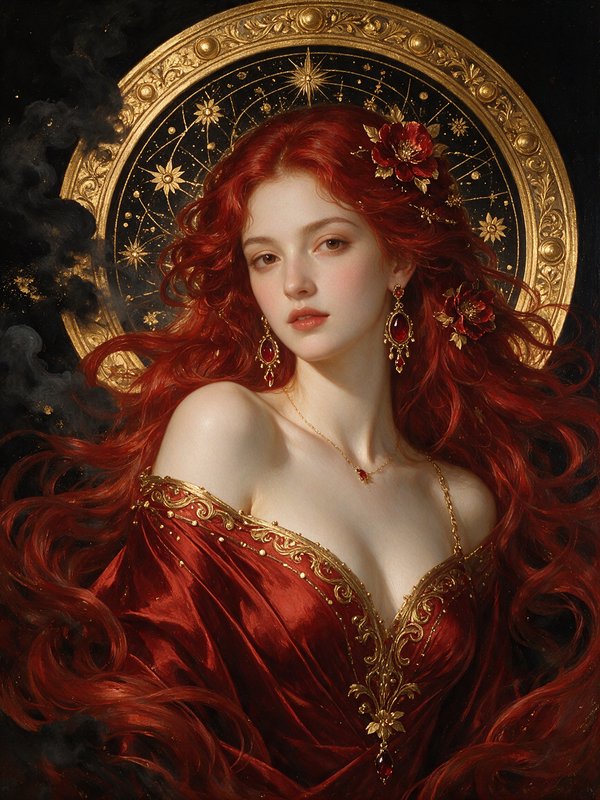
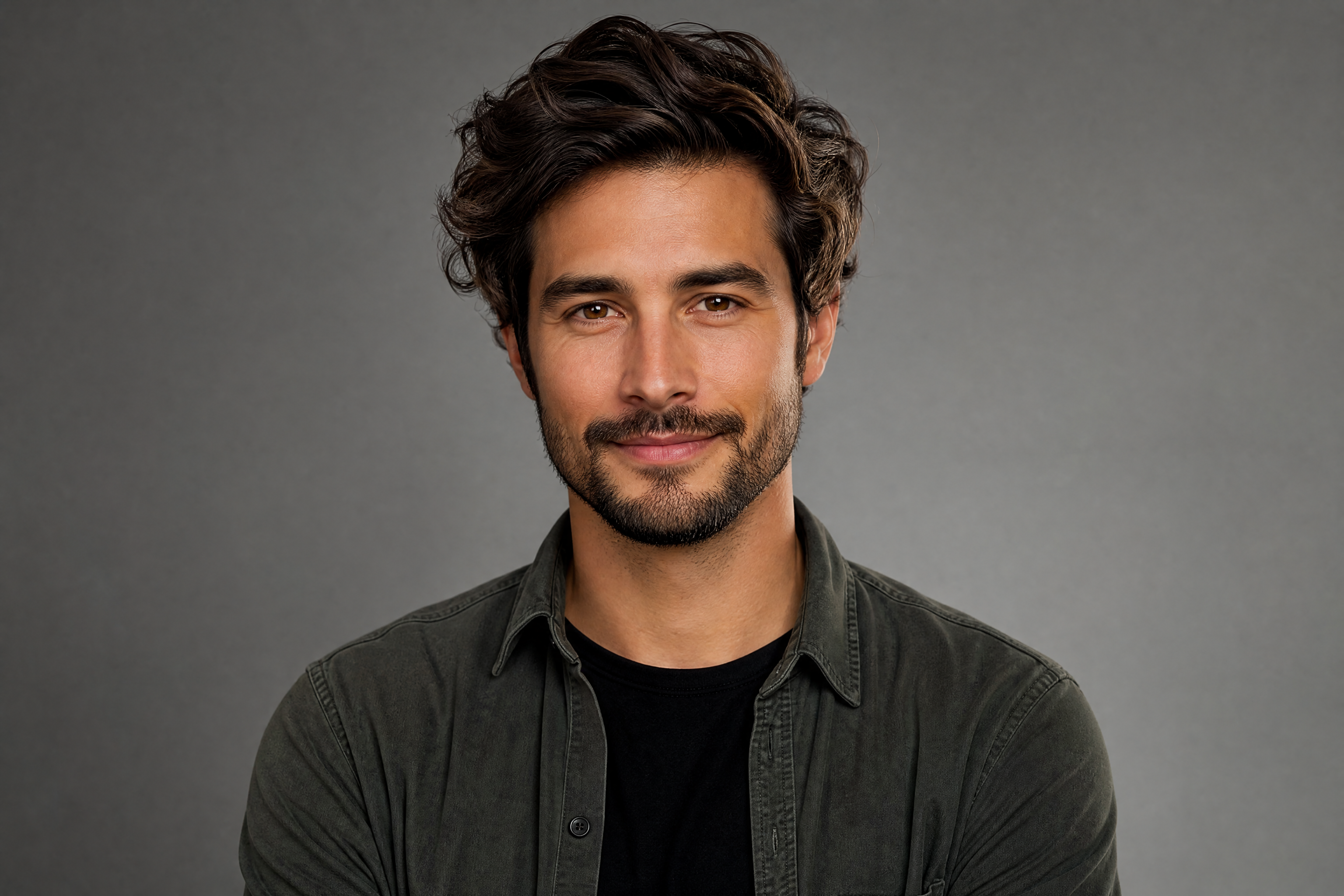
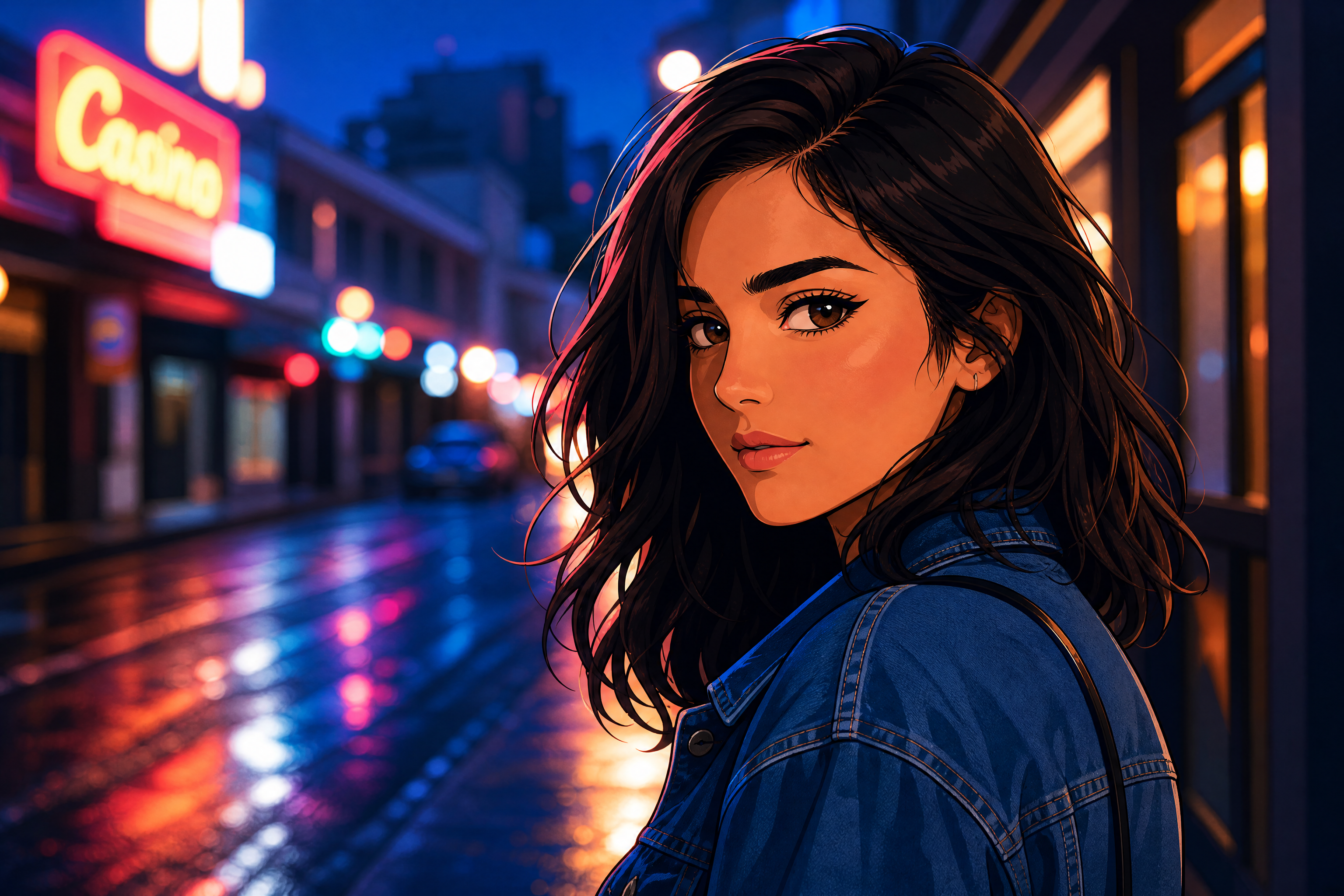
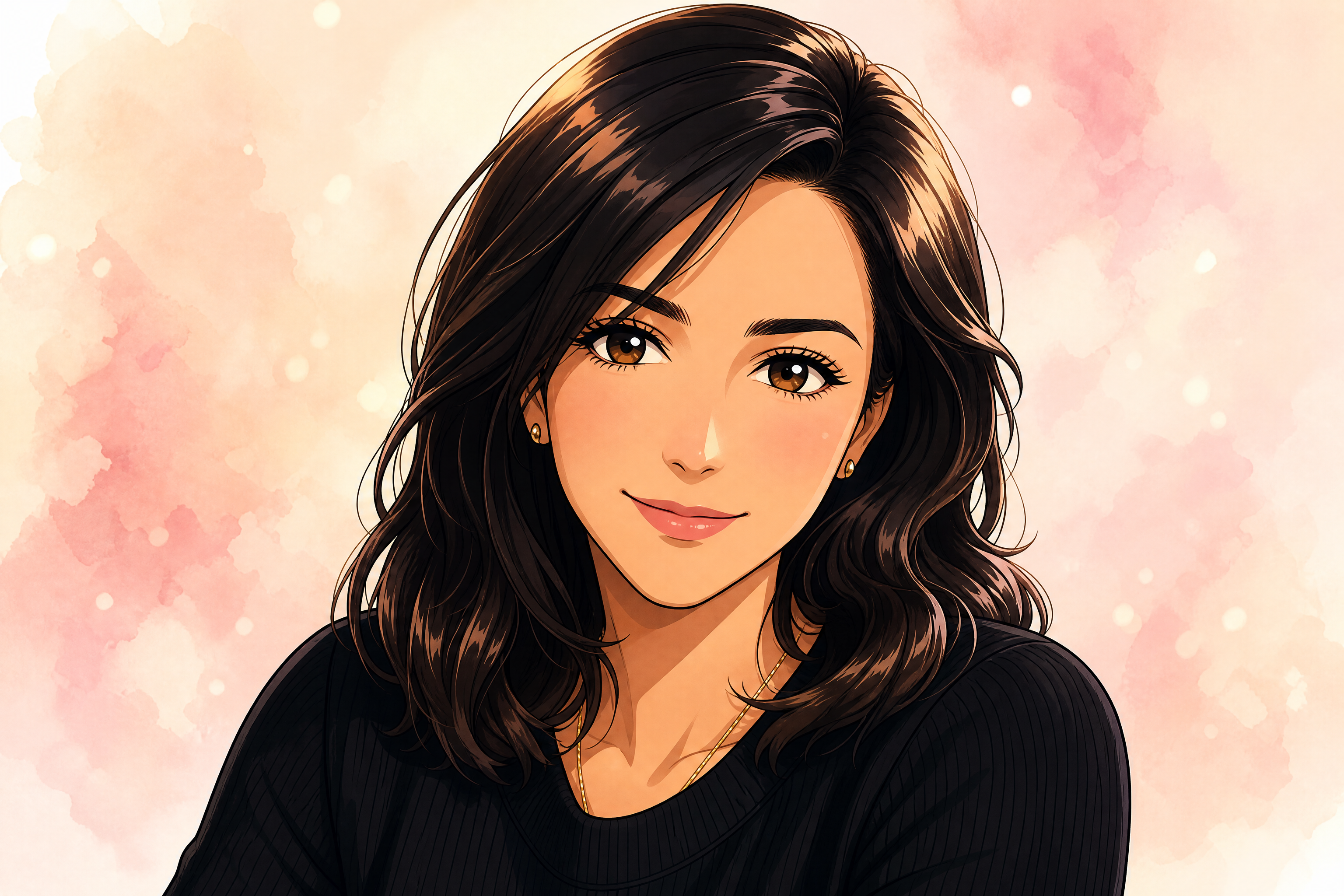
Upload a portrait and turn it into a clean, stylized avatar while keeping the person recognizable. Use it for social profiles, team pages, gaming accounts, or personal branding with fast, repeatable edits.
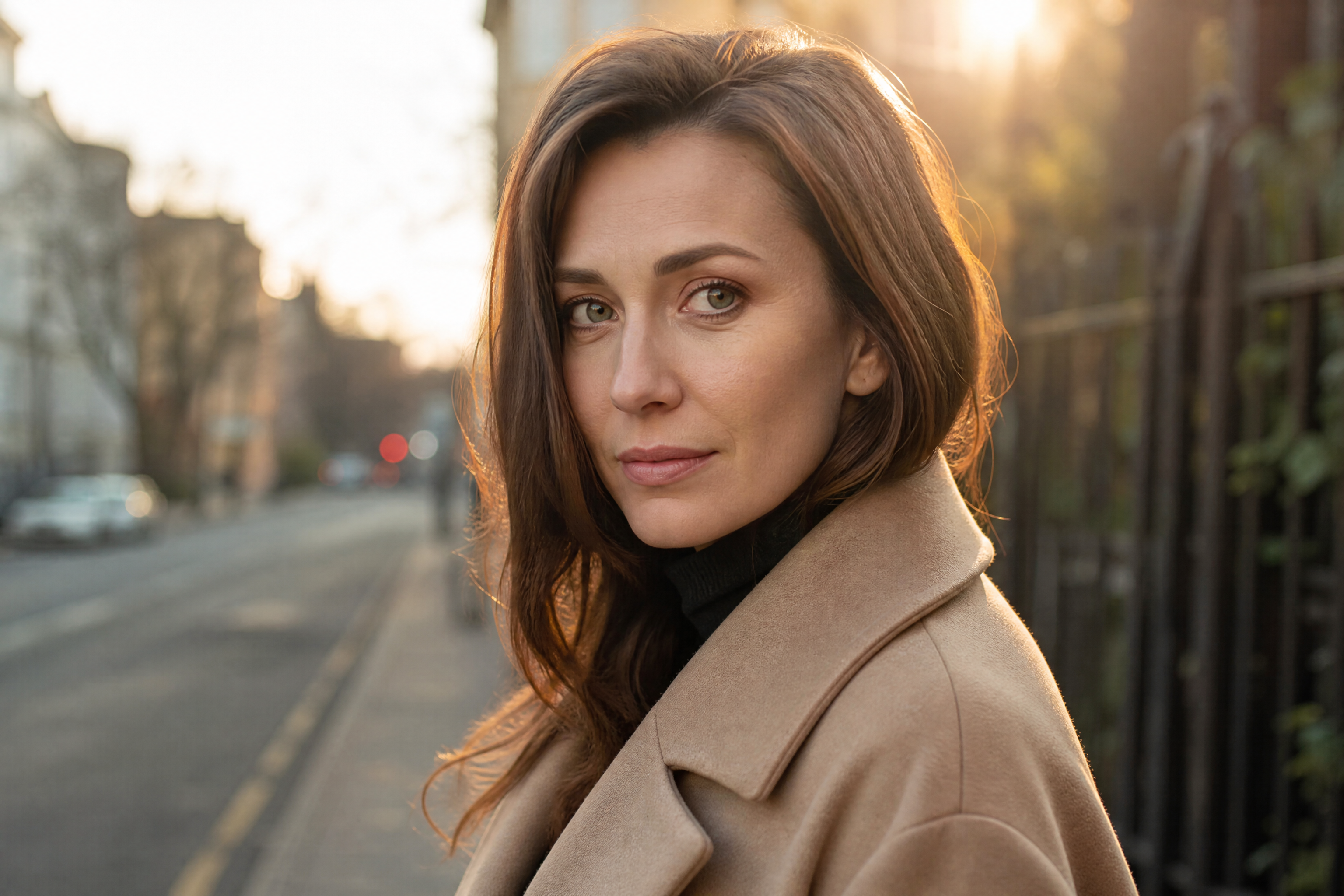
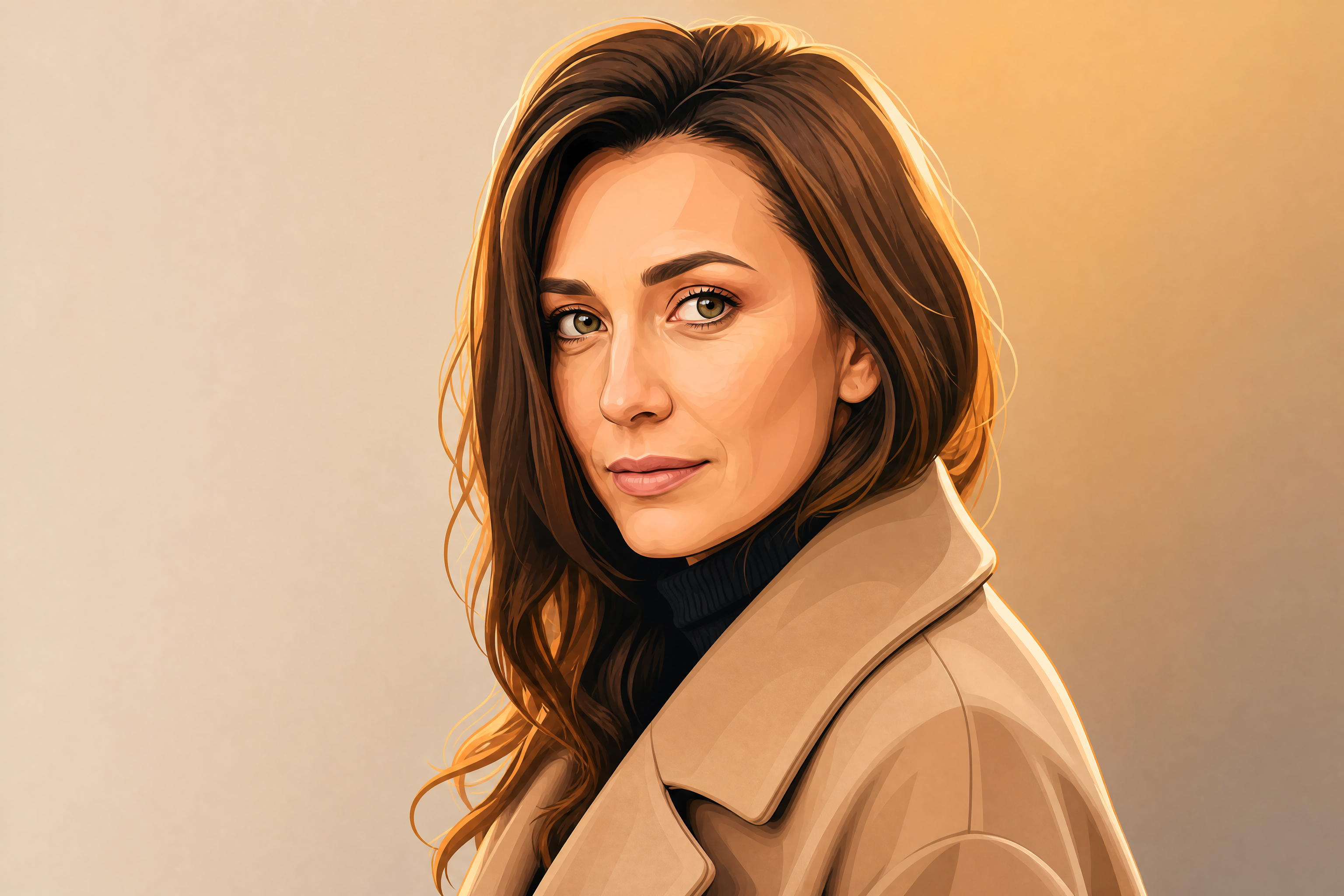
Watch the Transformation
See photo to avatar in motion — generated end-to-end by our AI.
See It In Action
Real outputs from photo to avatar.
BEFOREAFTER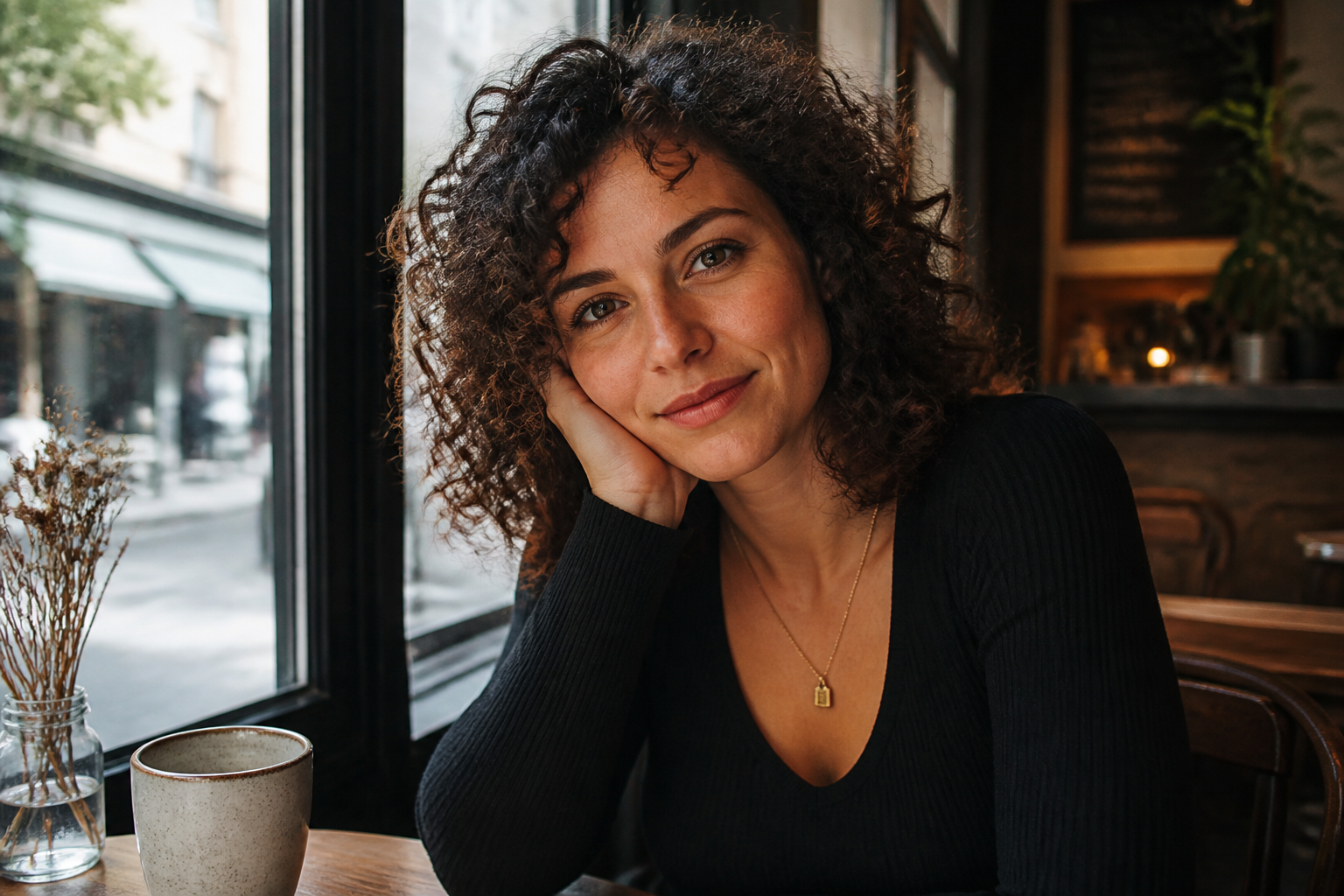 BEFORE
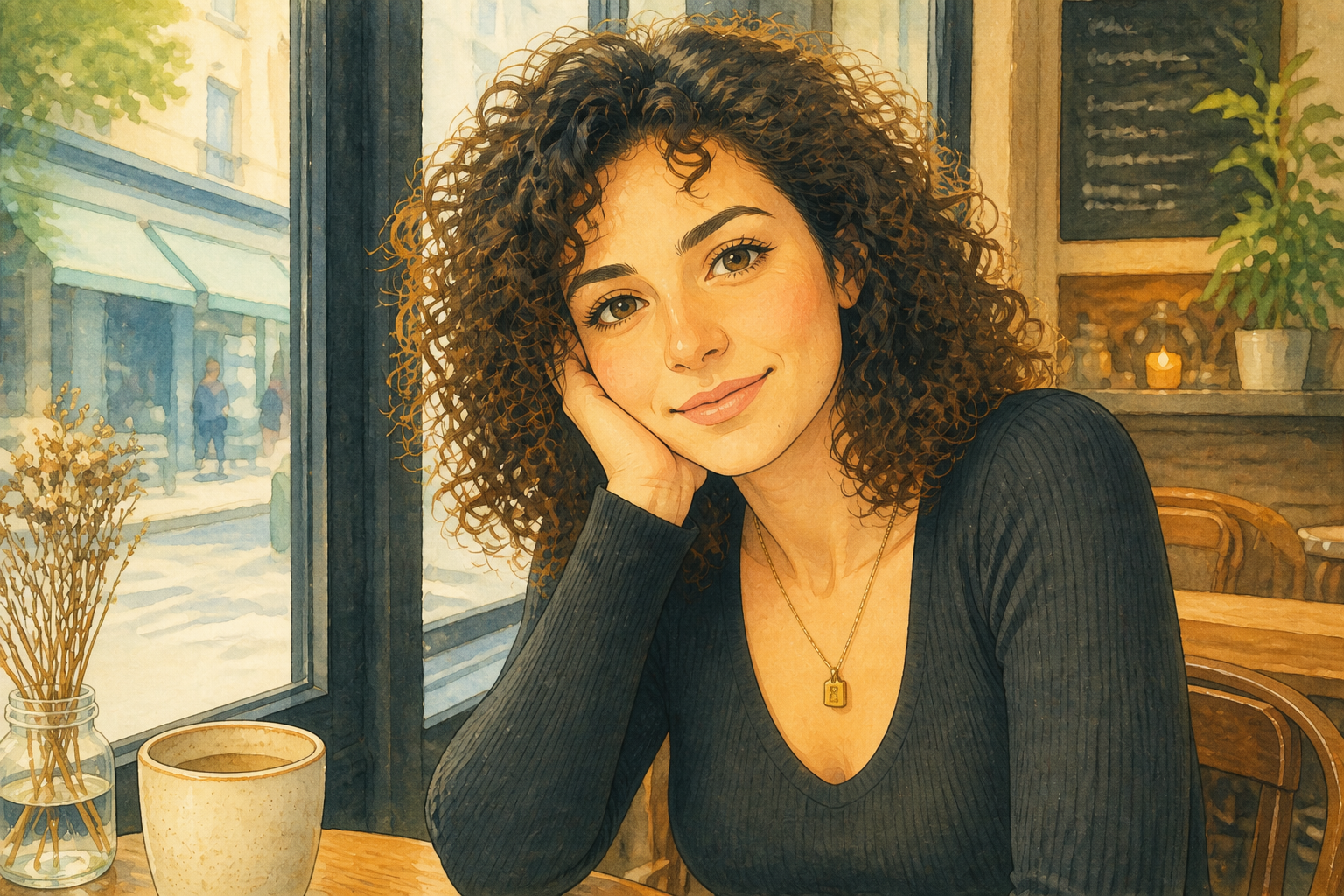 AFTER
AFTER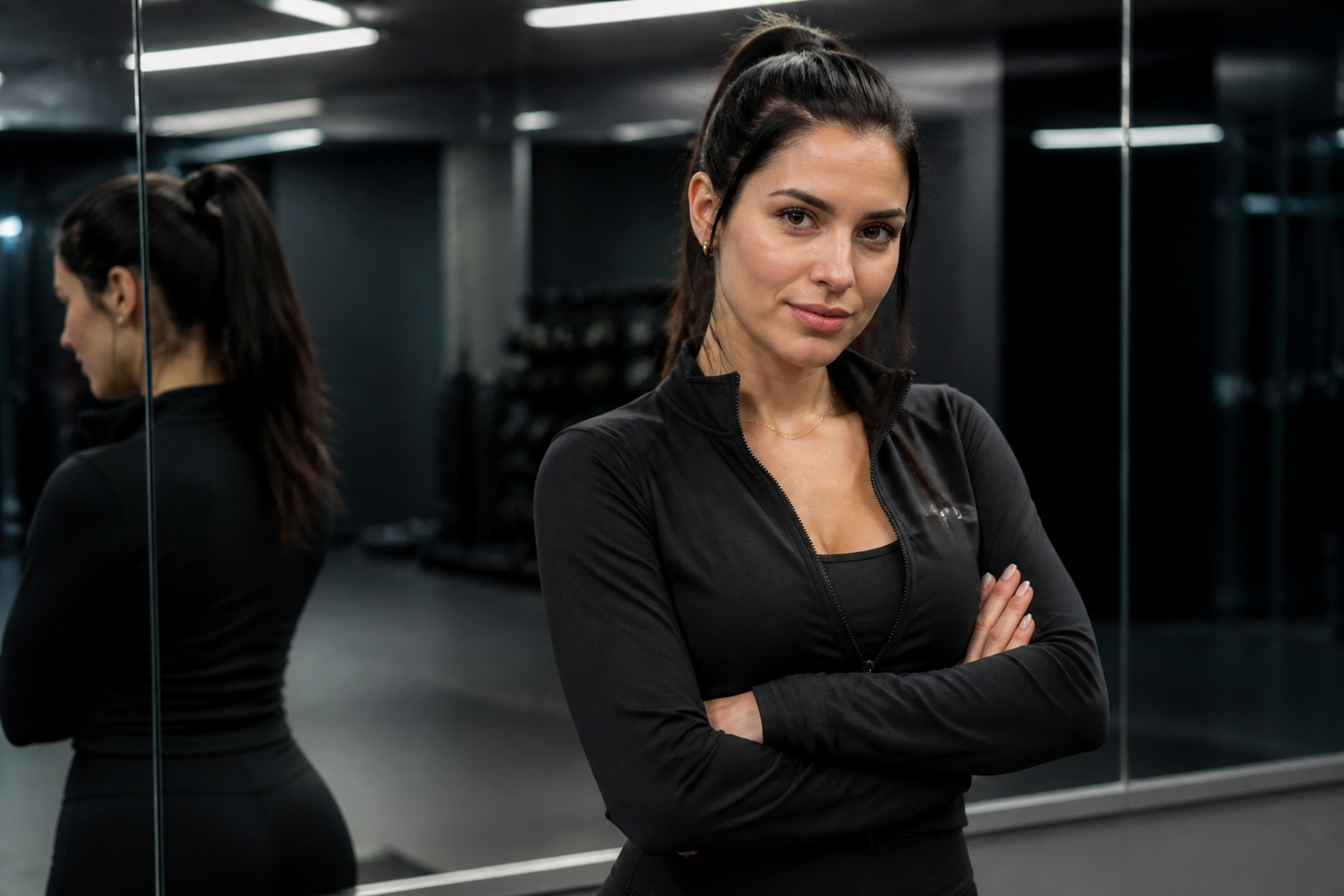 BEFORE
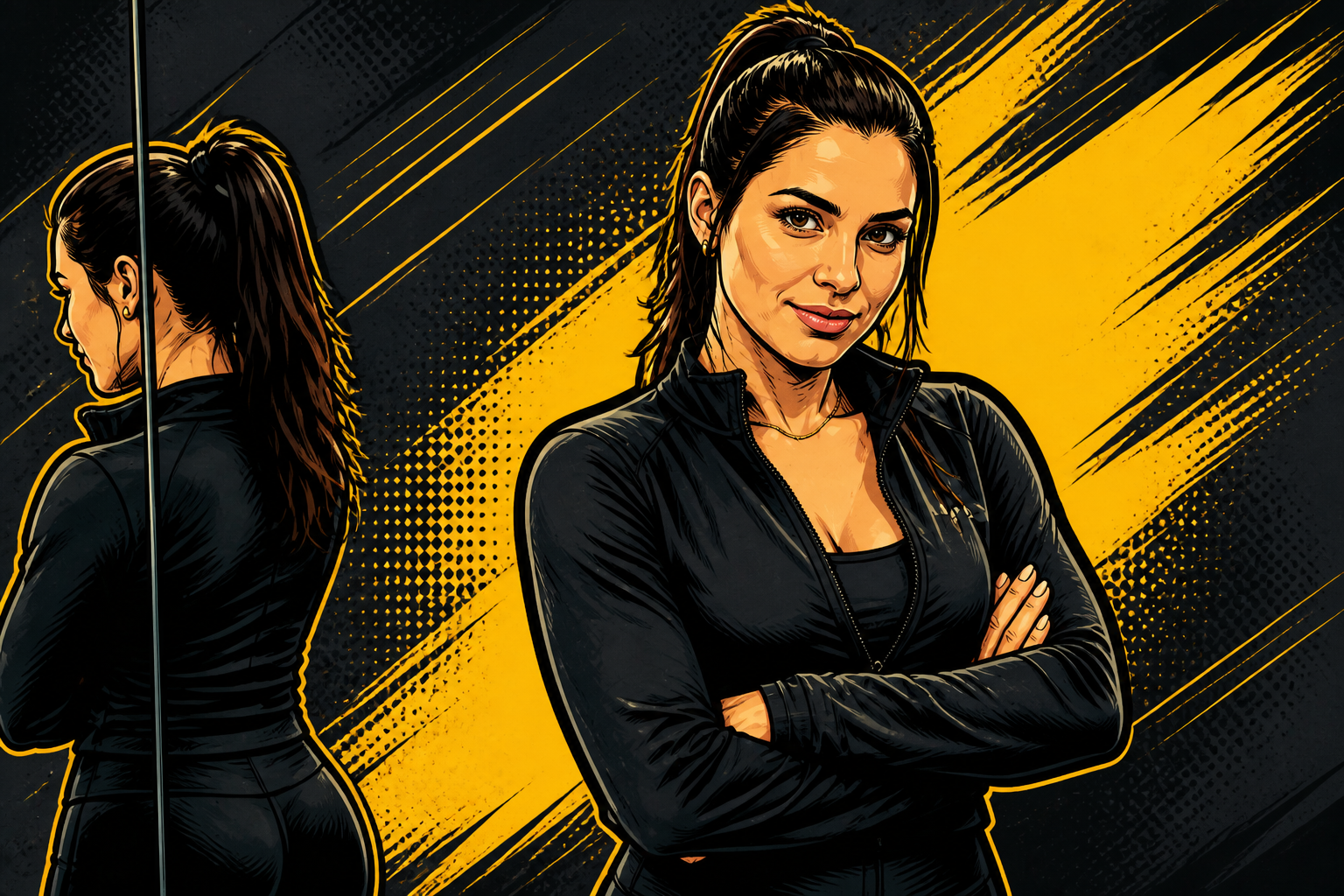 AFTER
AFTER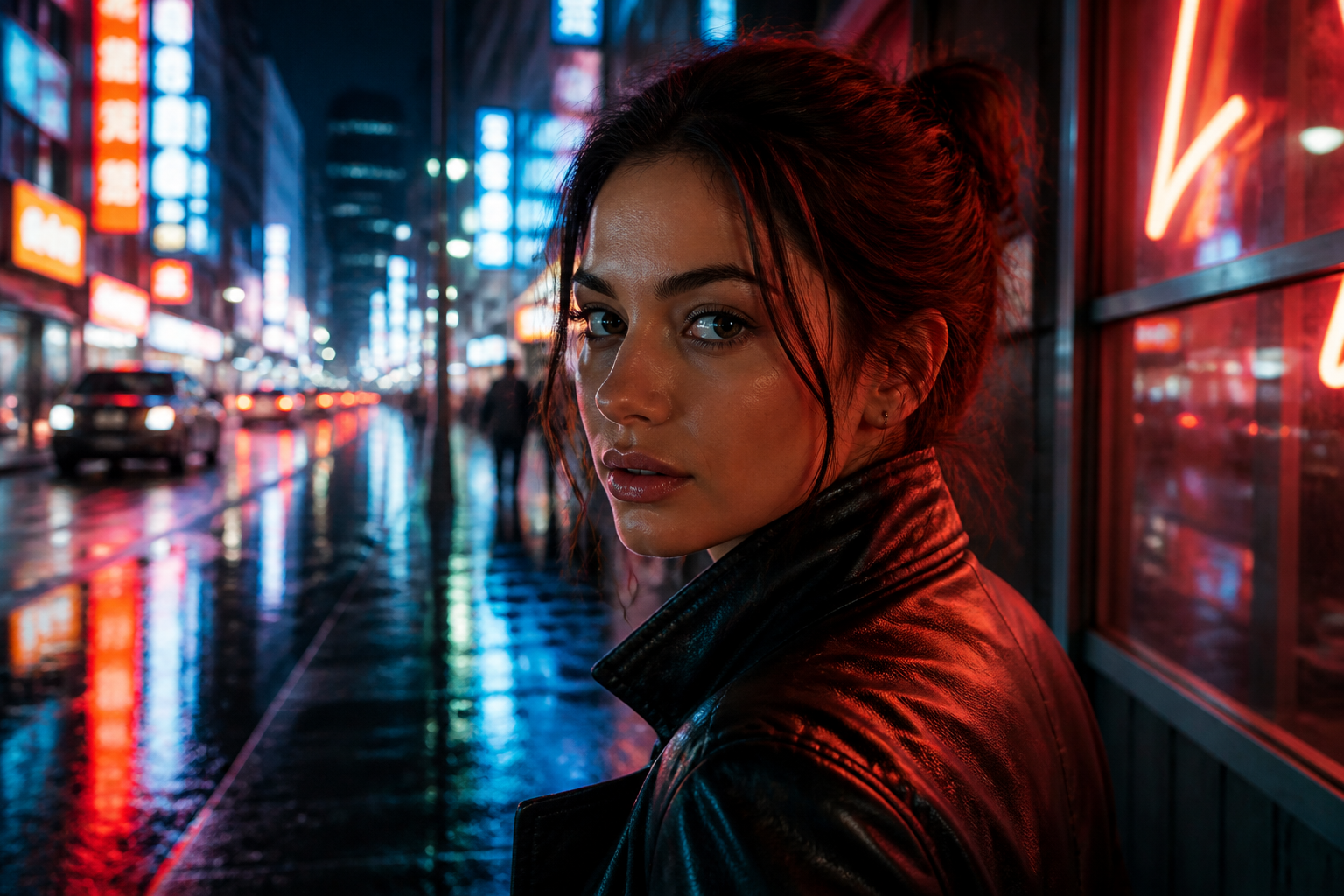 BEFORE
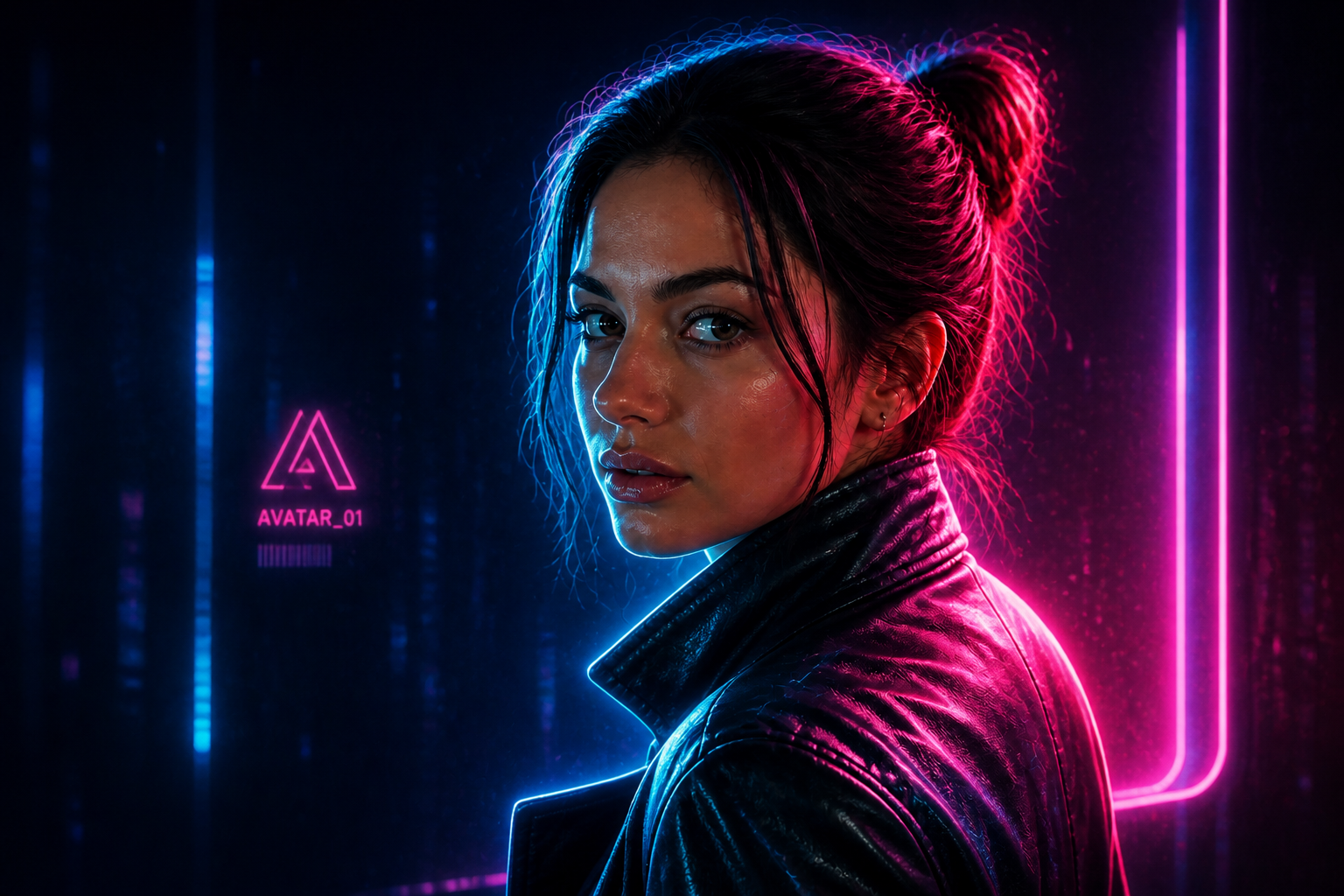 AFTER
AFTER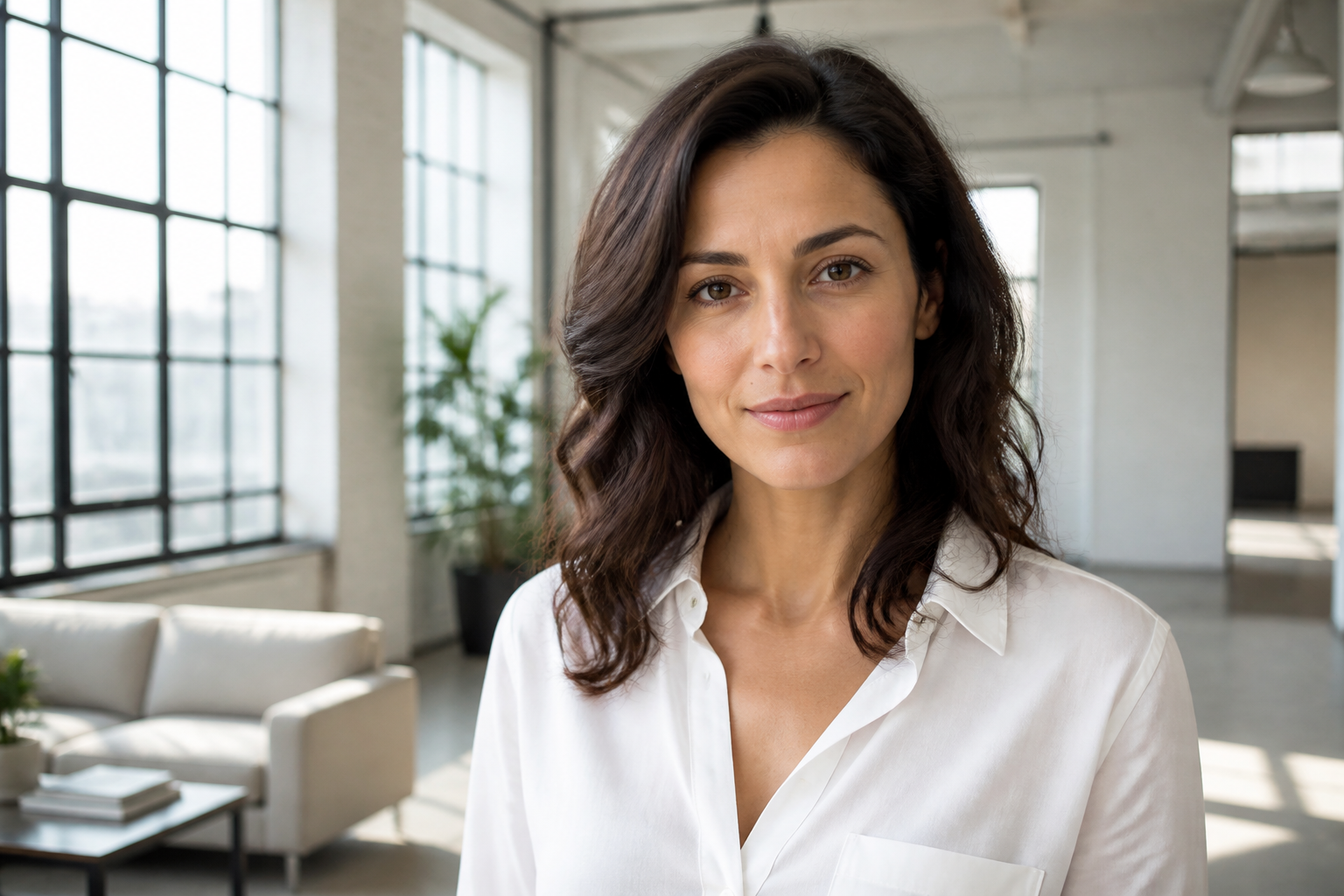 BEFORE
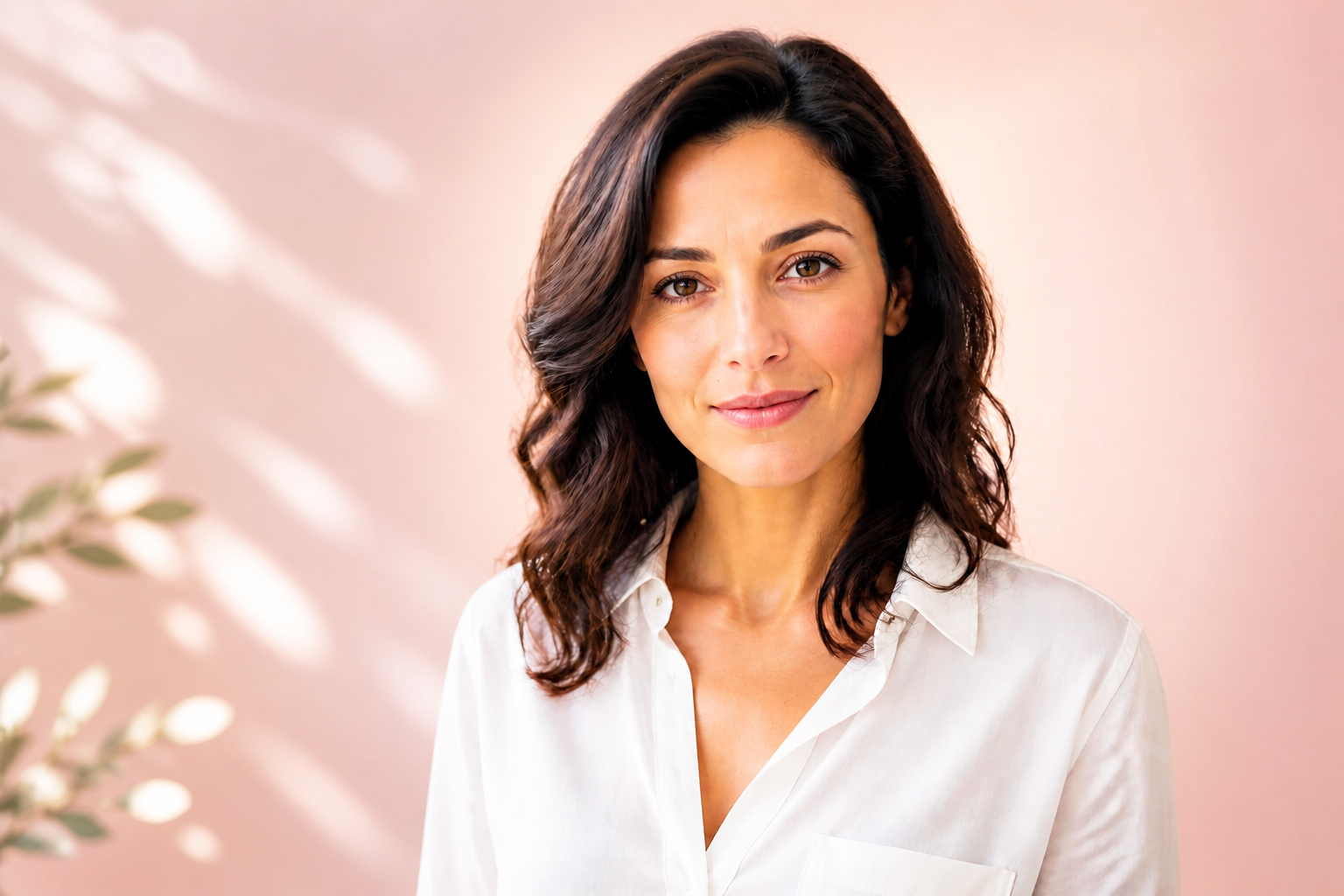 AFTERBEFOREAFTERBEFOREAFTERBEFOREAFTERBEFOREAFTERBEFOREAFTER
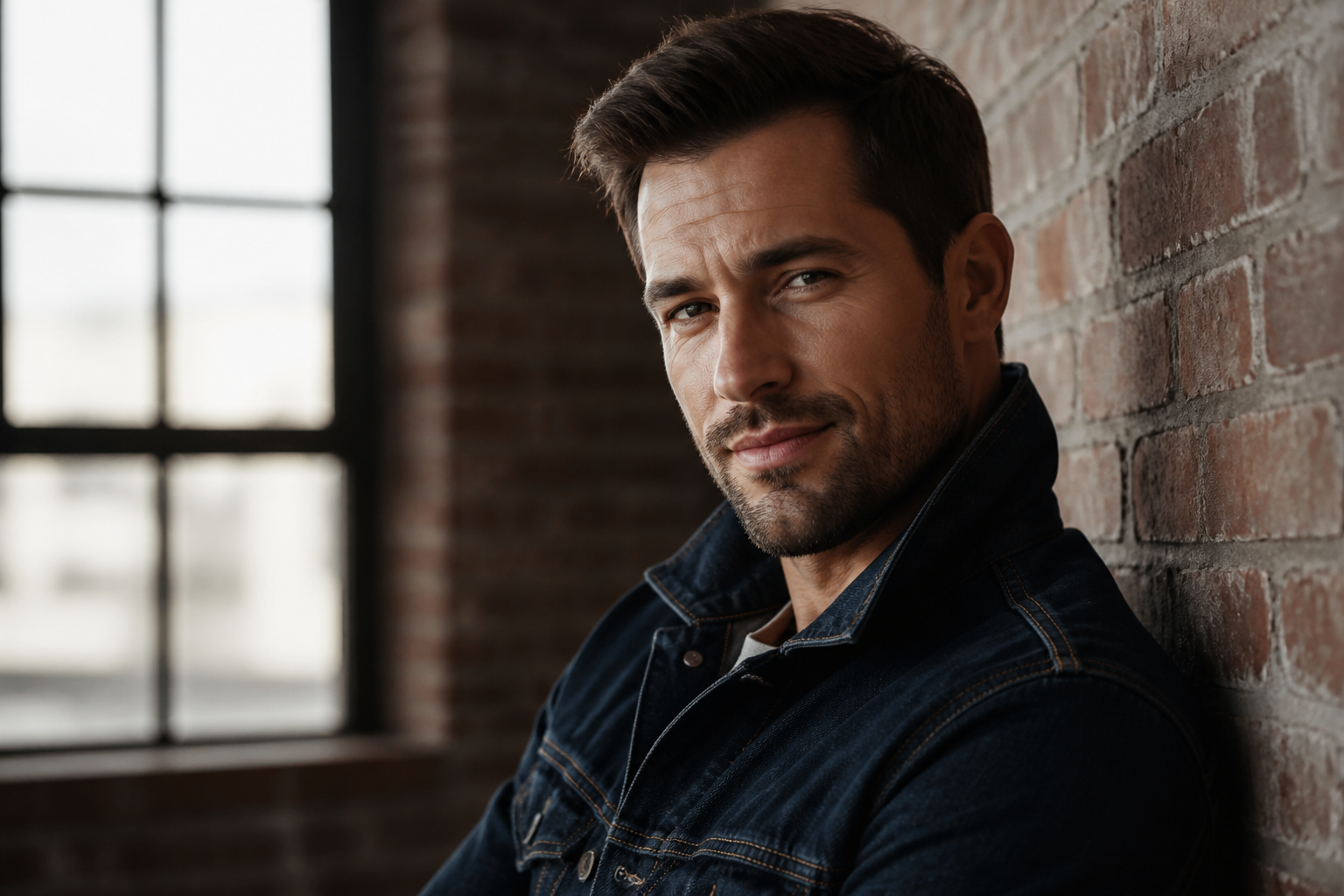 BEFORE
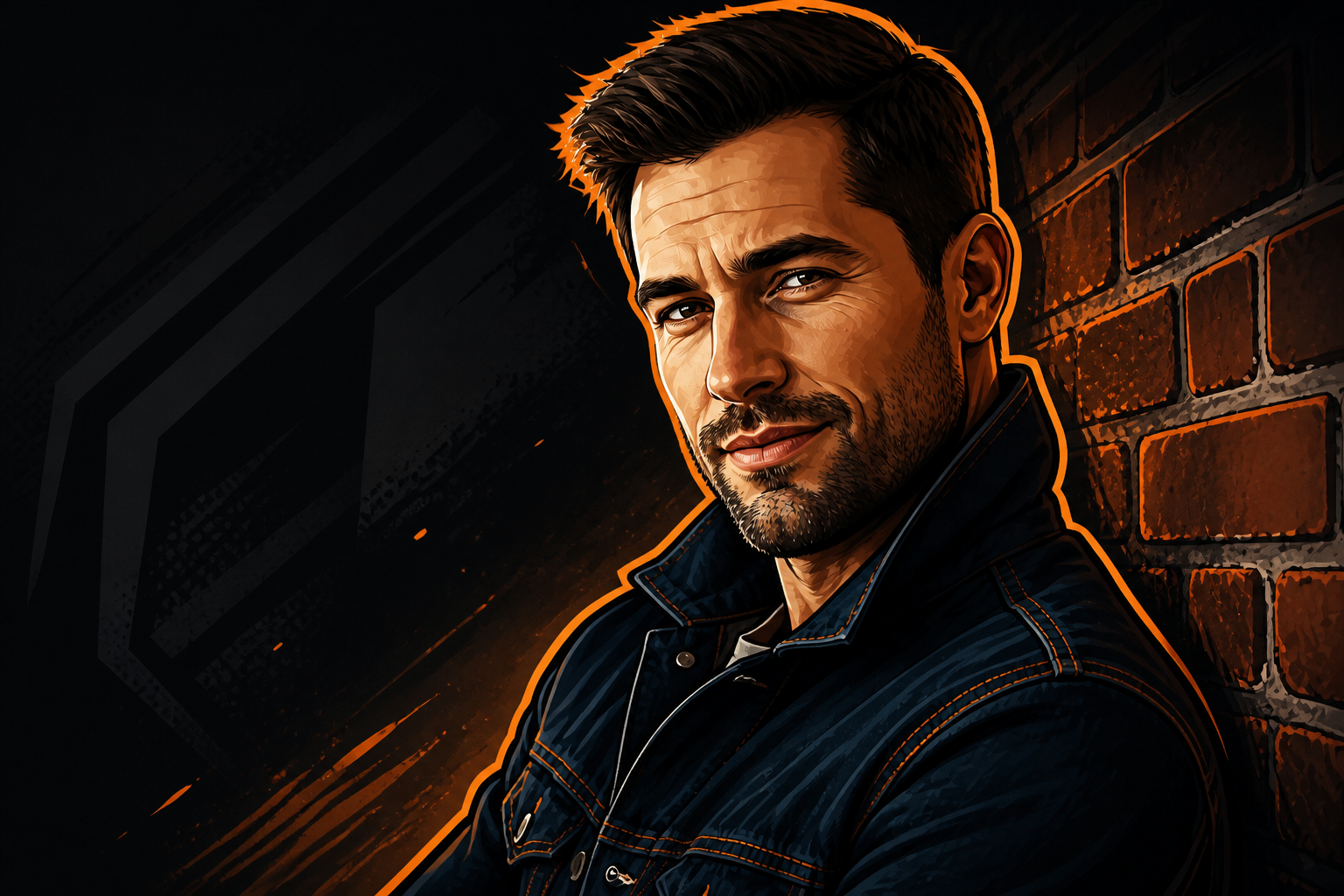 AFTER
AFTER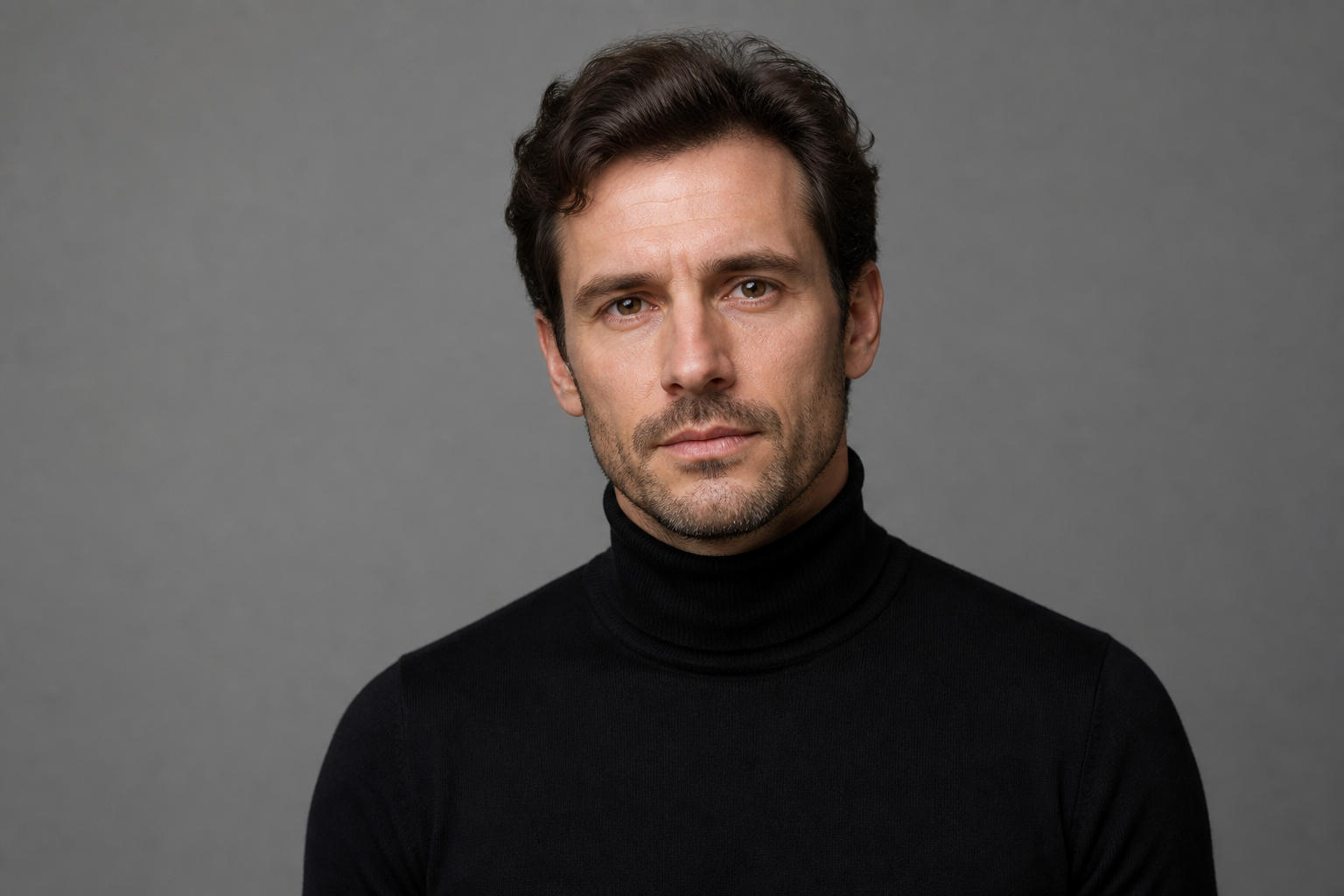 BEFORE
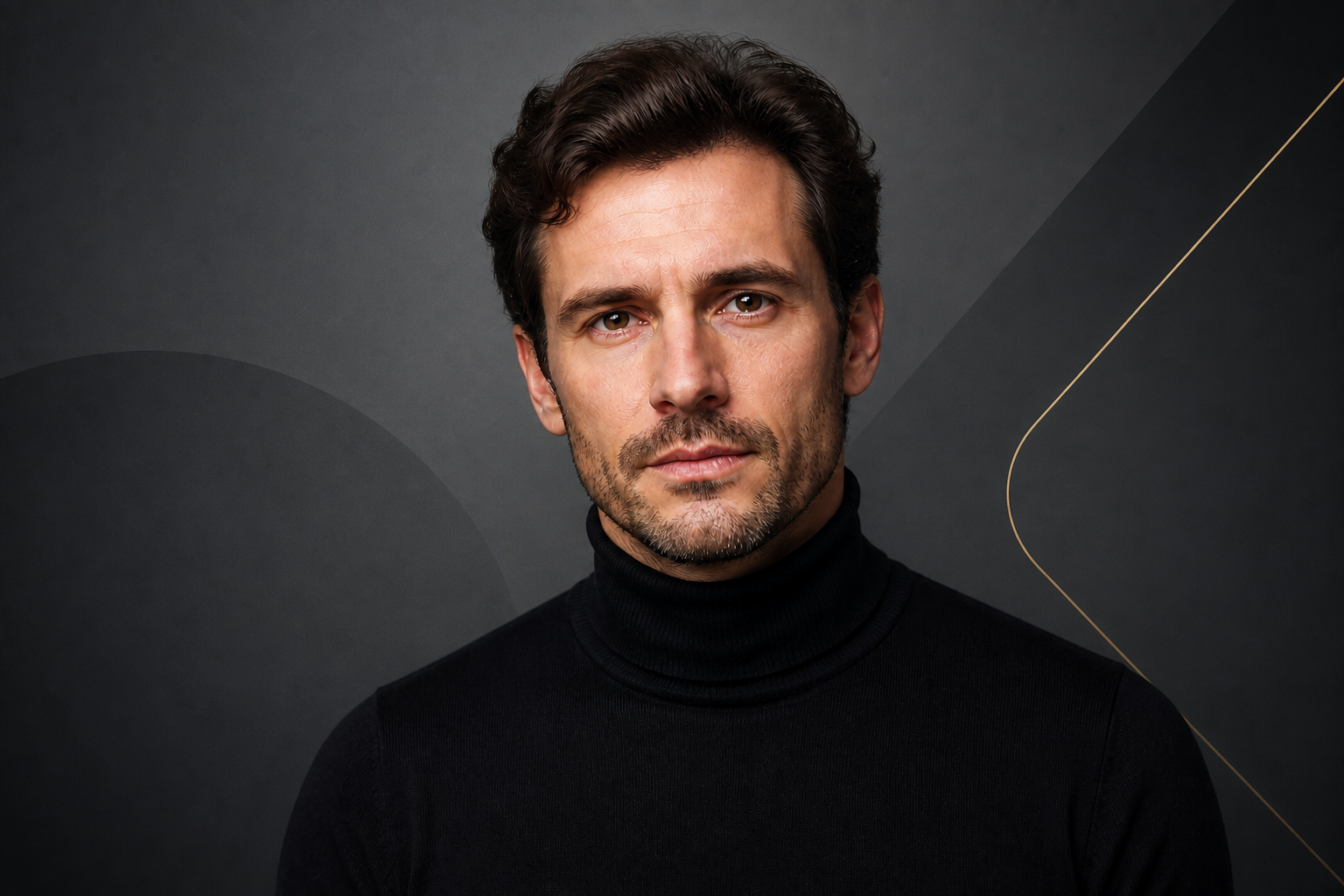 AFTER
AFTER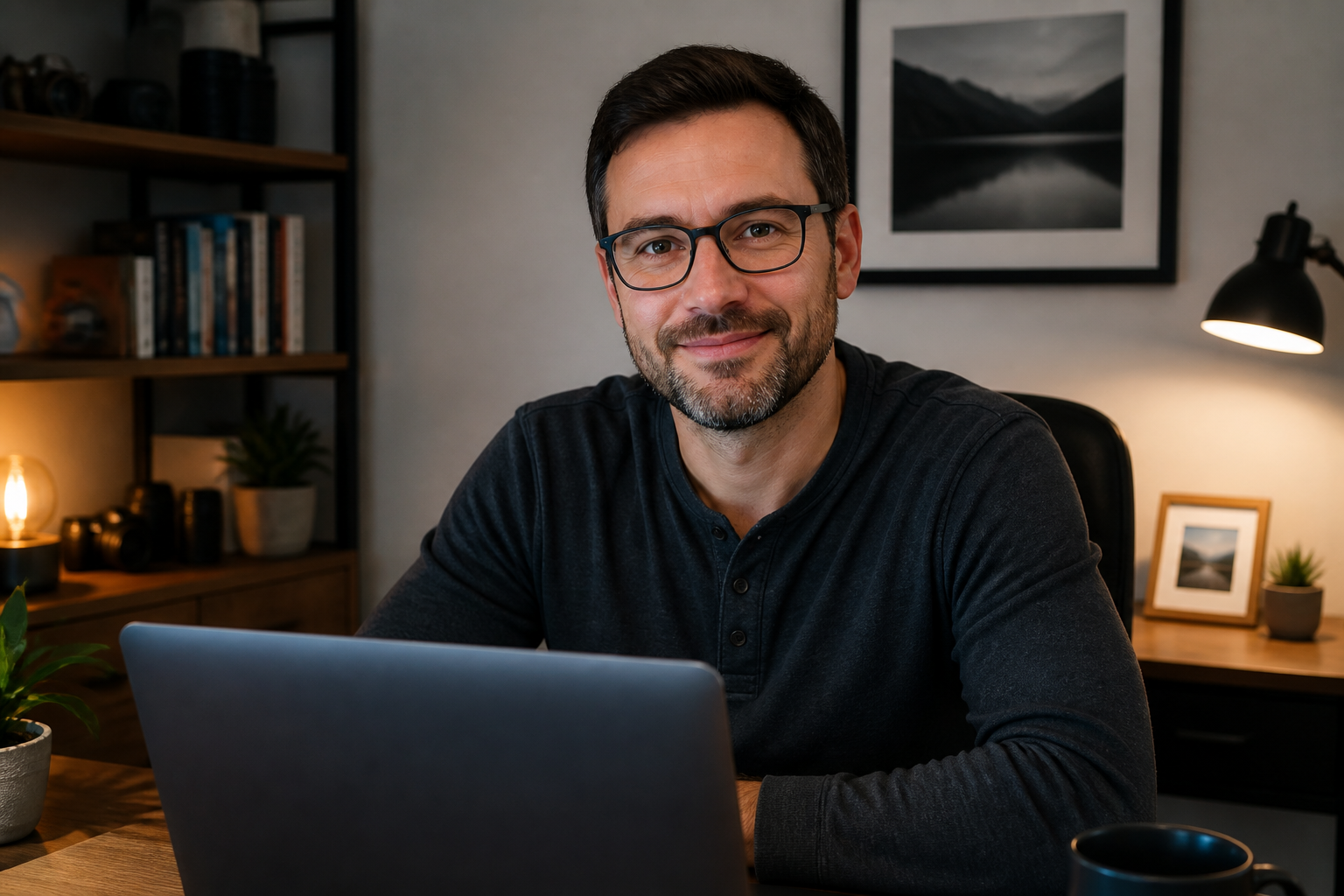 BEFORE
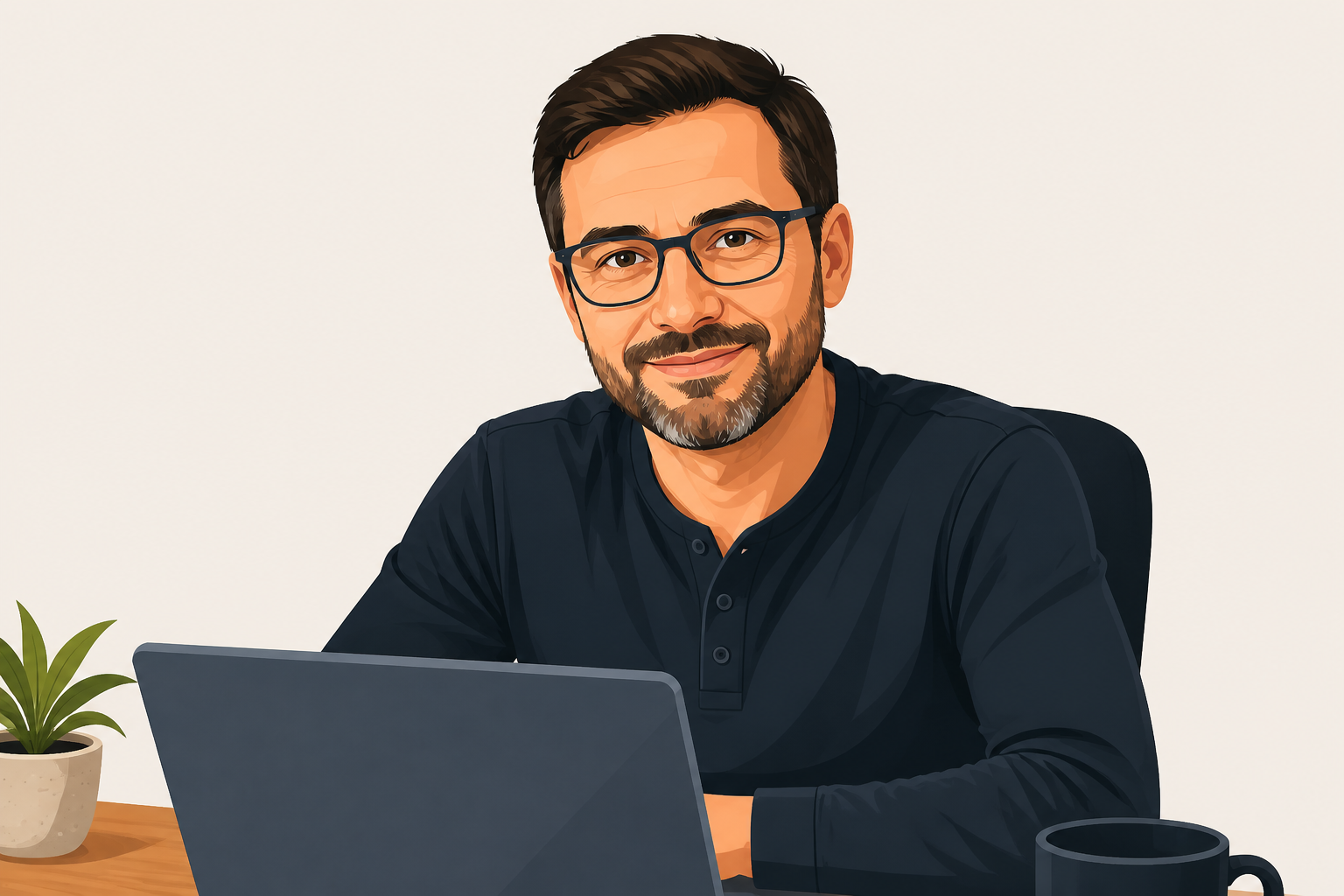 AFTER
AFTER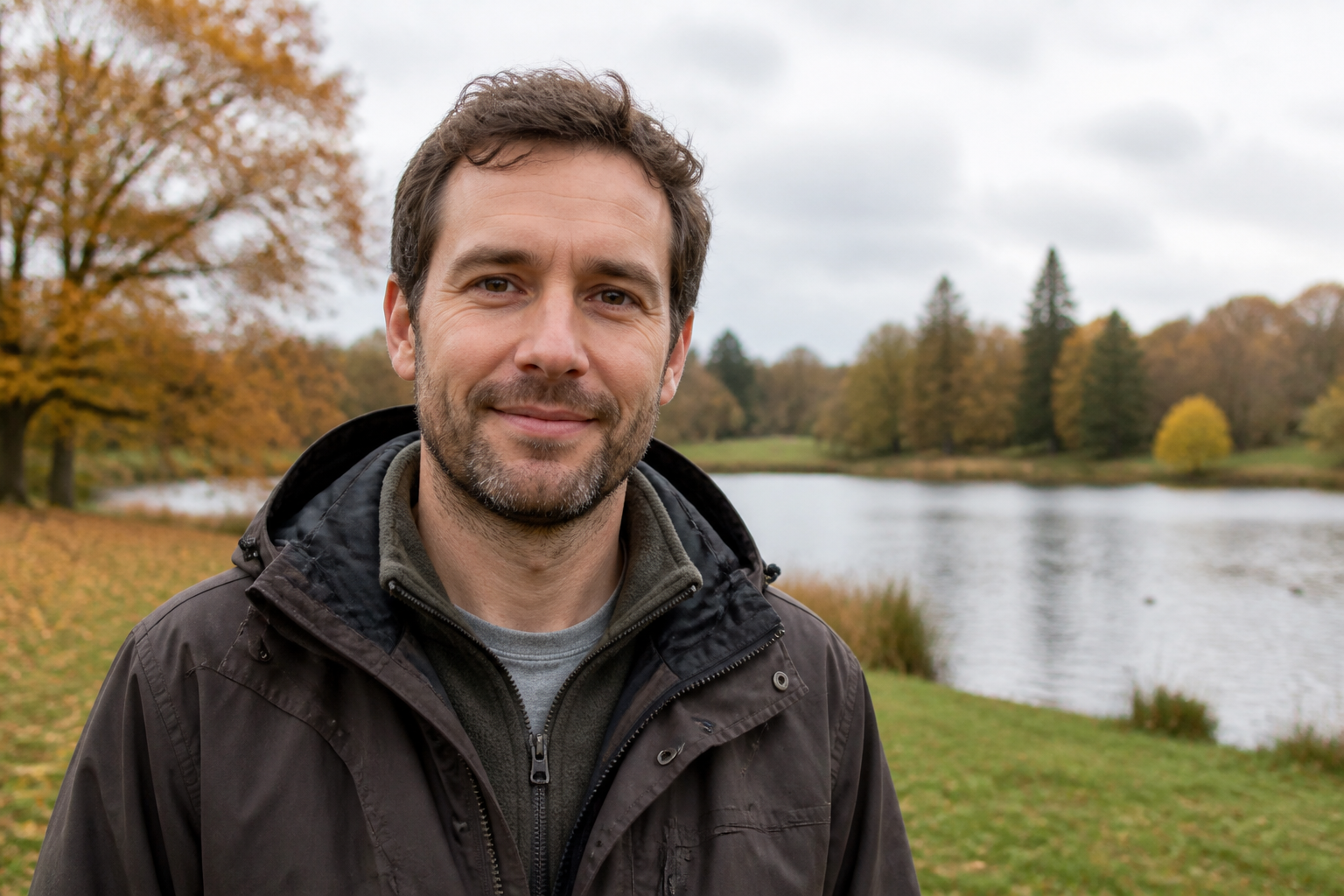 BEFORE
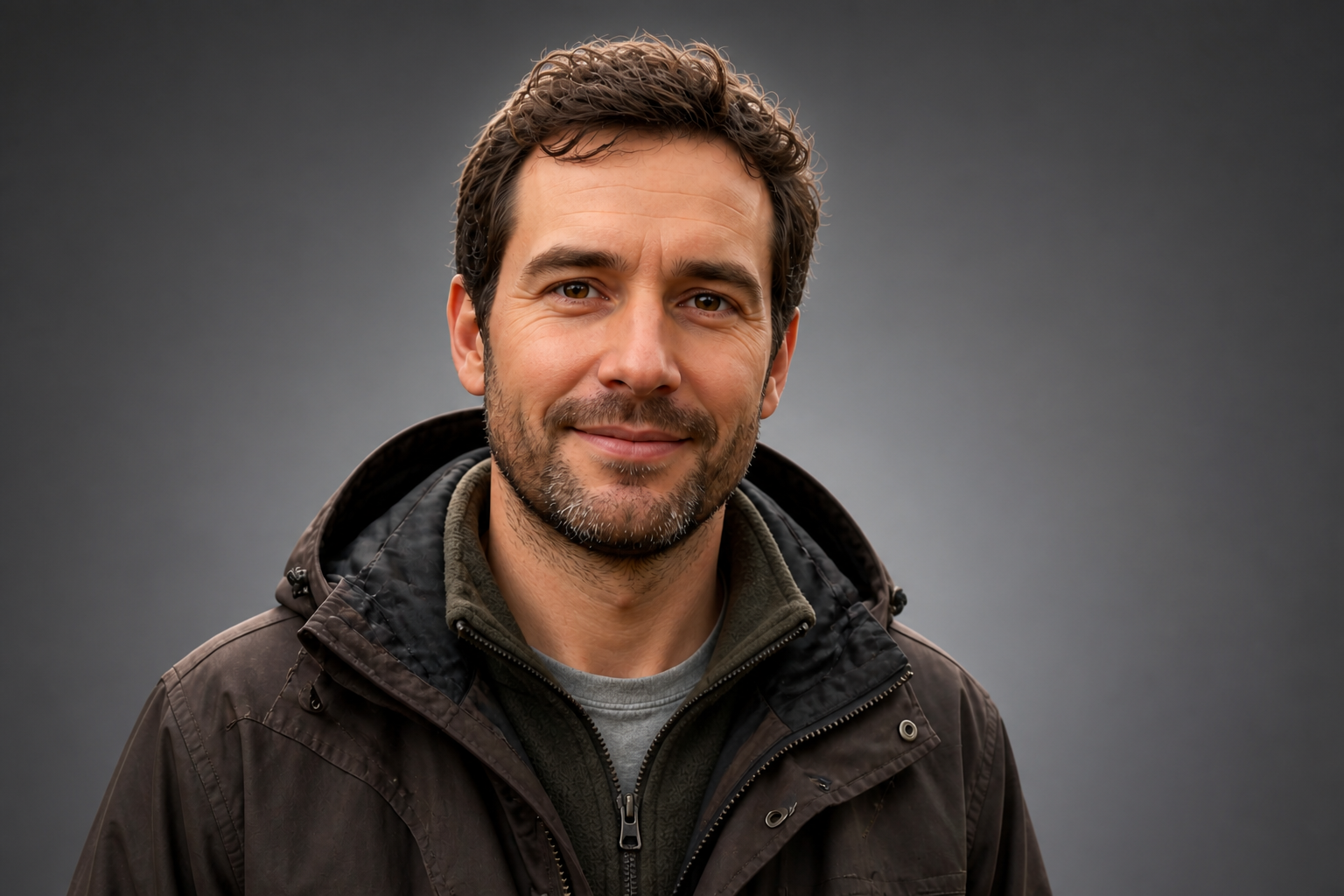 AFTER
AFTER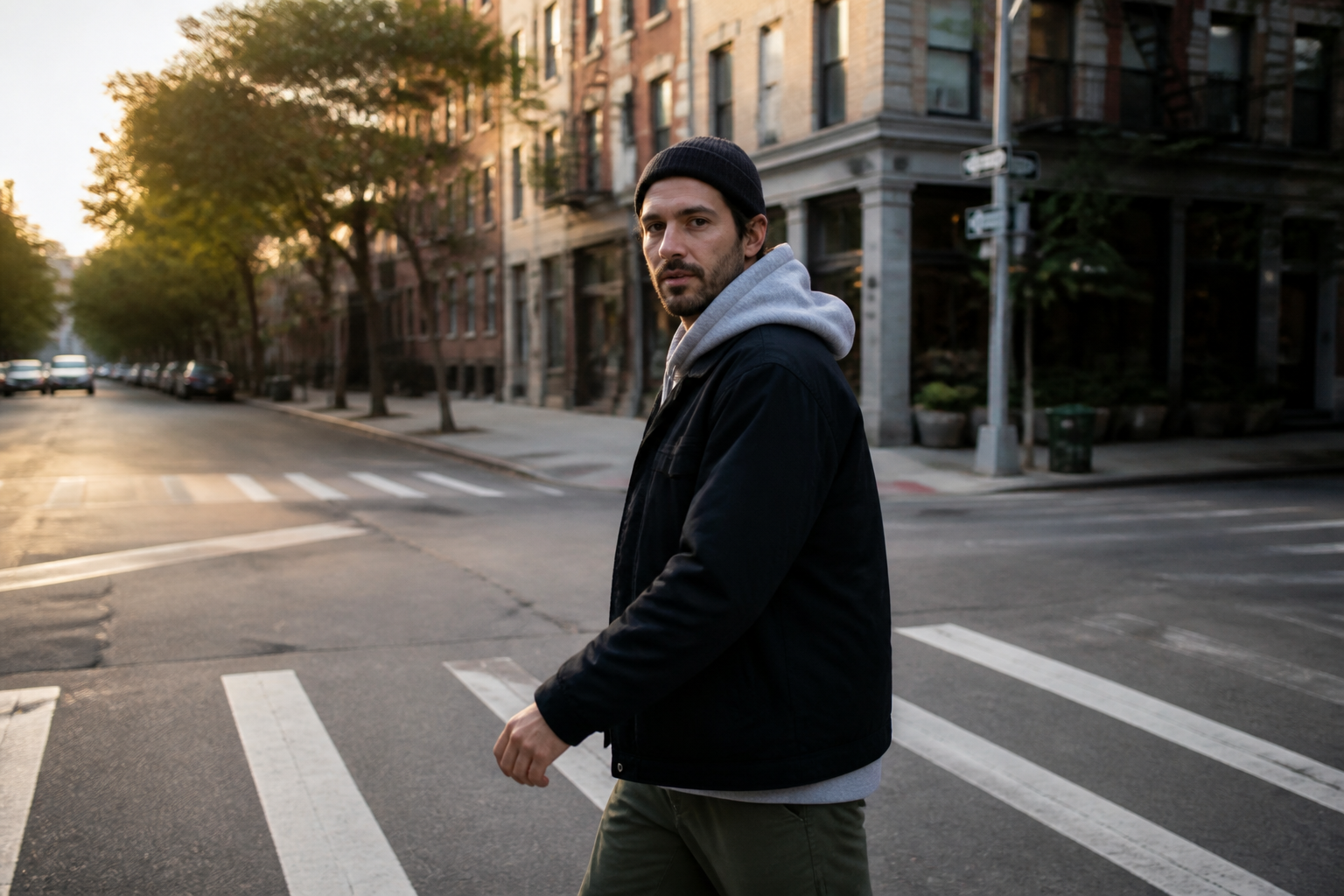 BEFORE
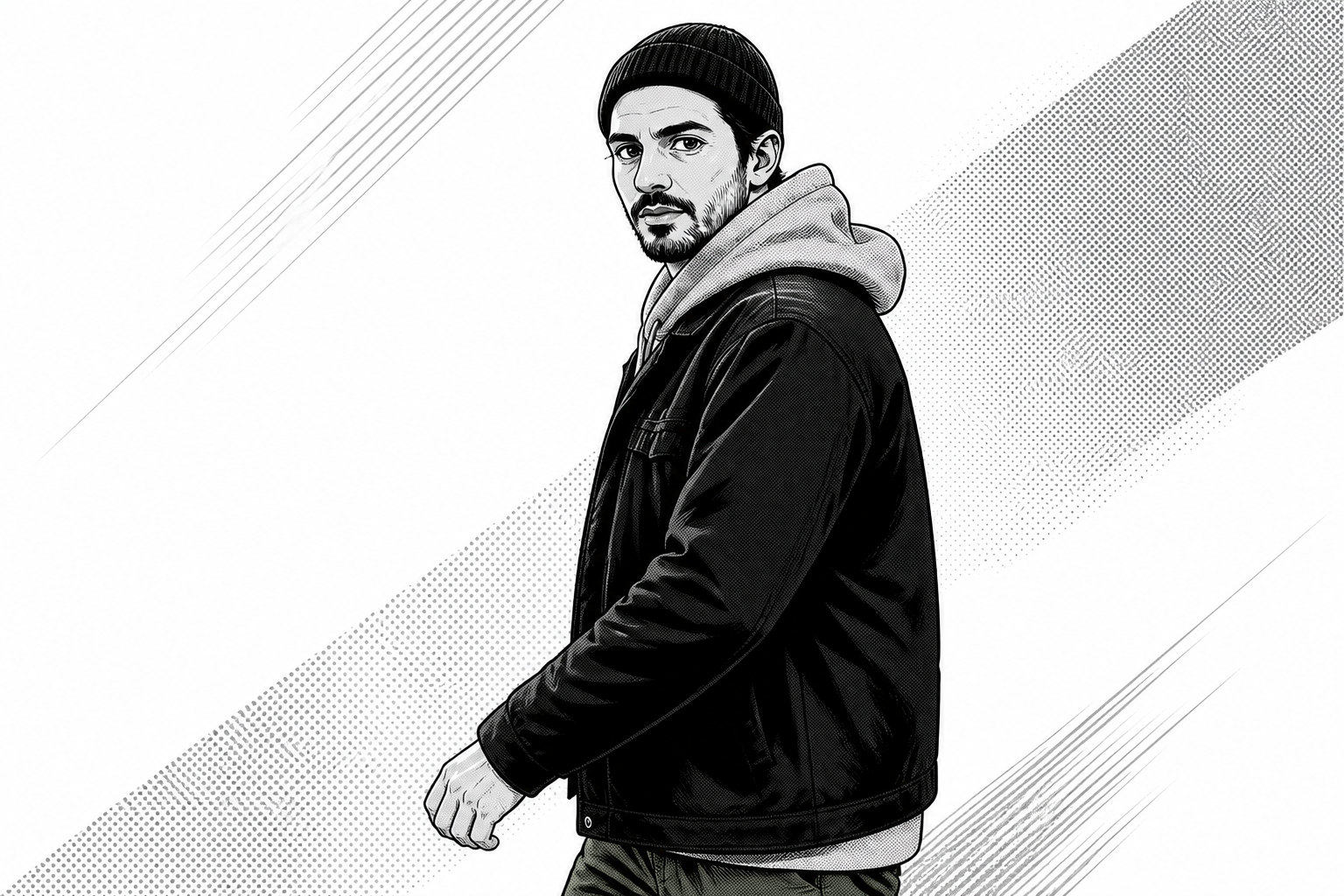 AFTERBEFOREAFTERBEFOREAFTERBEFOREAFTERBEFOREAFTERBEFOREAFTER
Key Features
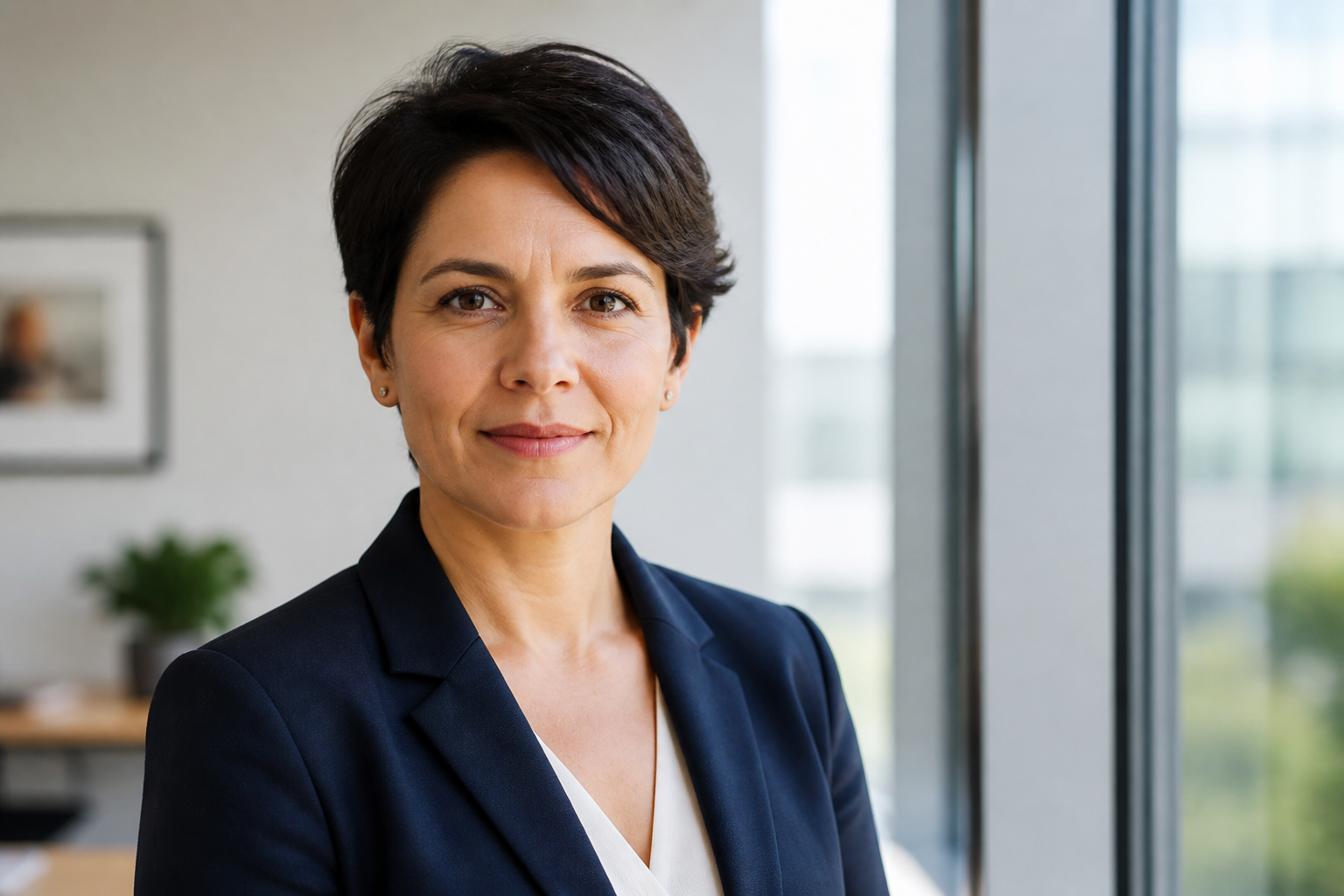
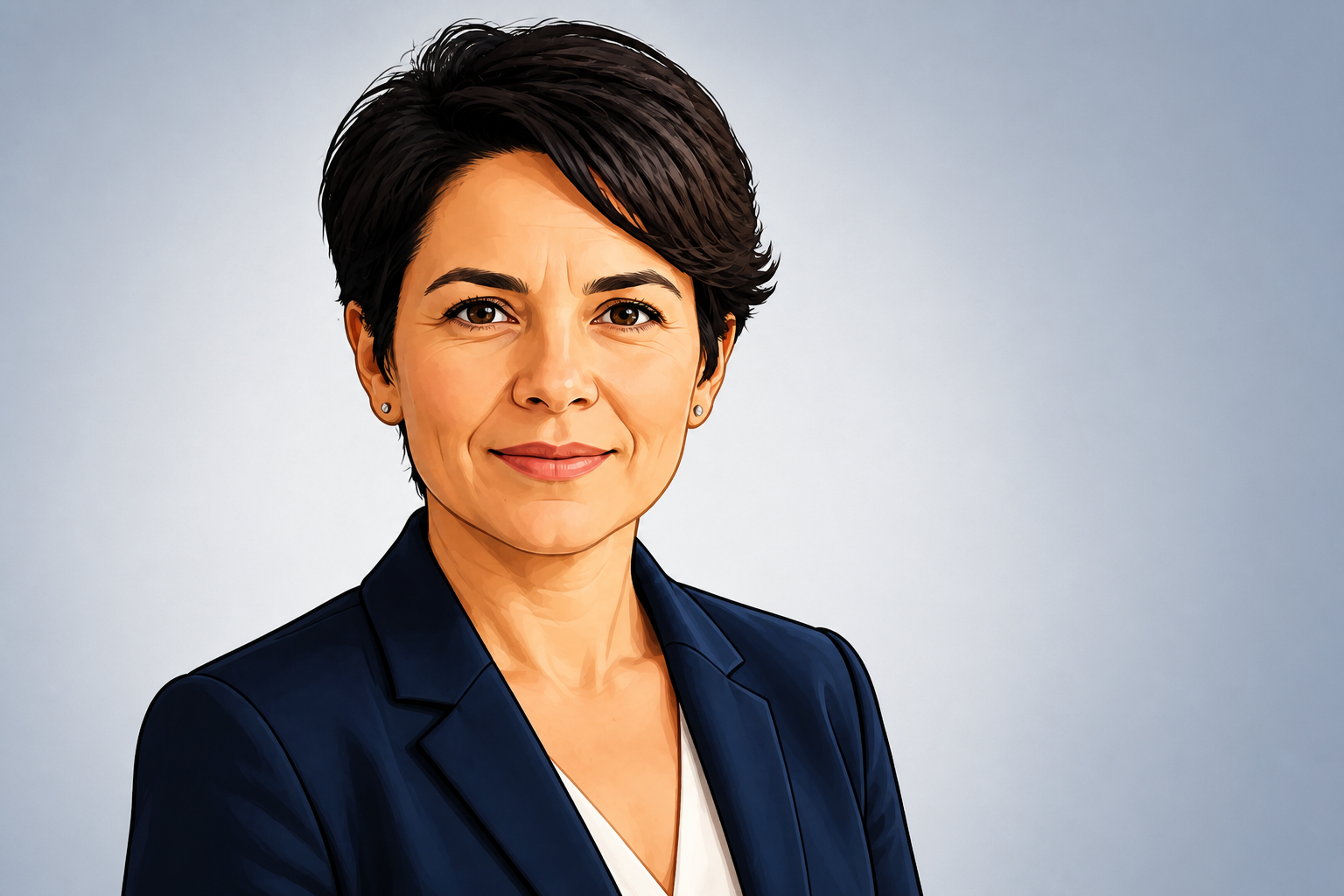
Keep your face recognizable
The edit changes the style, not the person. That matters when you want an avatar that still looks like you on a profile, team page, or creator account. Instead of rebuilding a face from scratch, our AI keeps core facial structure, expression, and pose consistent. You get a stylized result that still feels personal and usable.
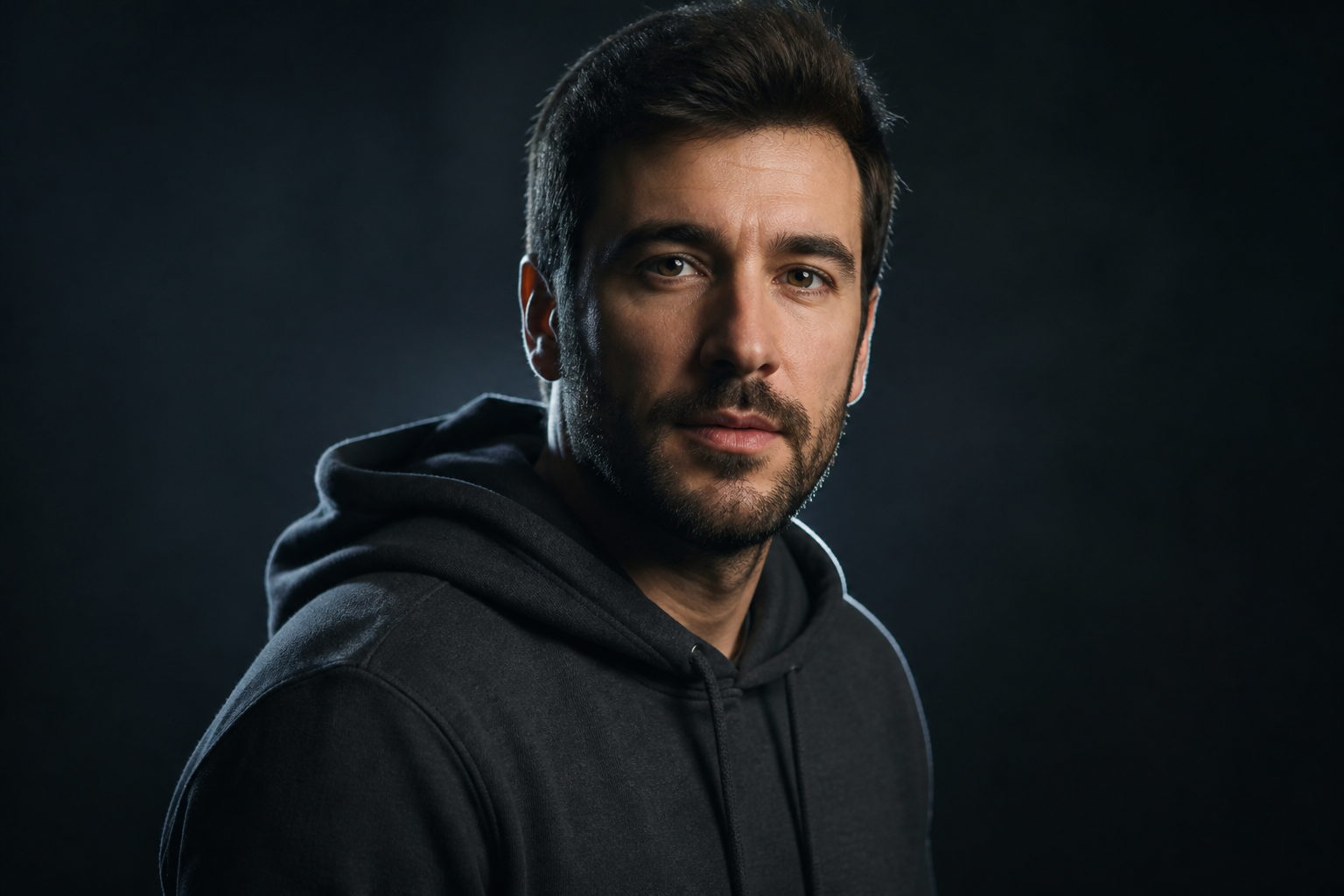
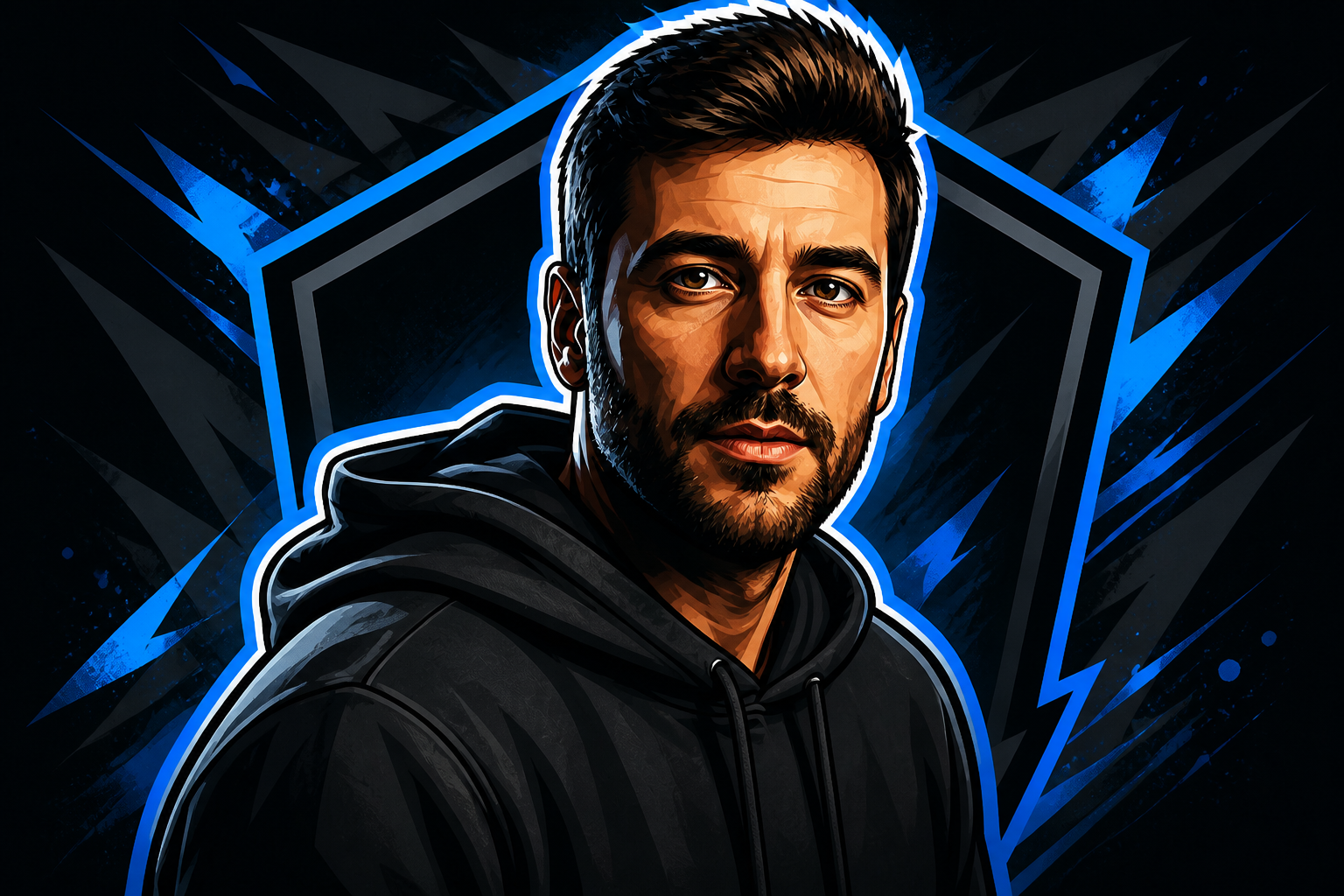
Switch between avatar styles
You can turn the same photo into different avatar looks for different platforms. A polished business avatar, a bold gaming profile image, or a softer social portrait can all start from one source photo. This saves time compared with recreating the same look manually in separate apps. It also makes testing styles much easier.
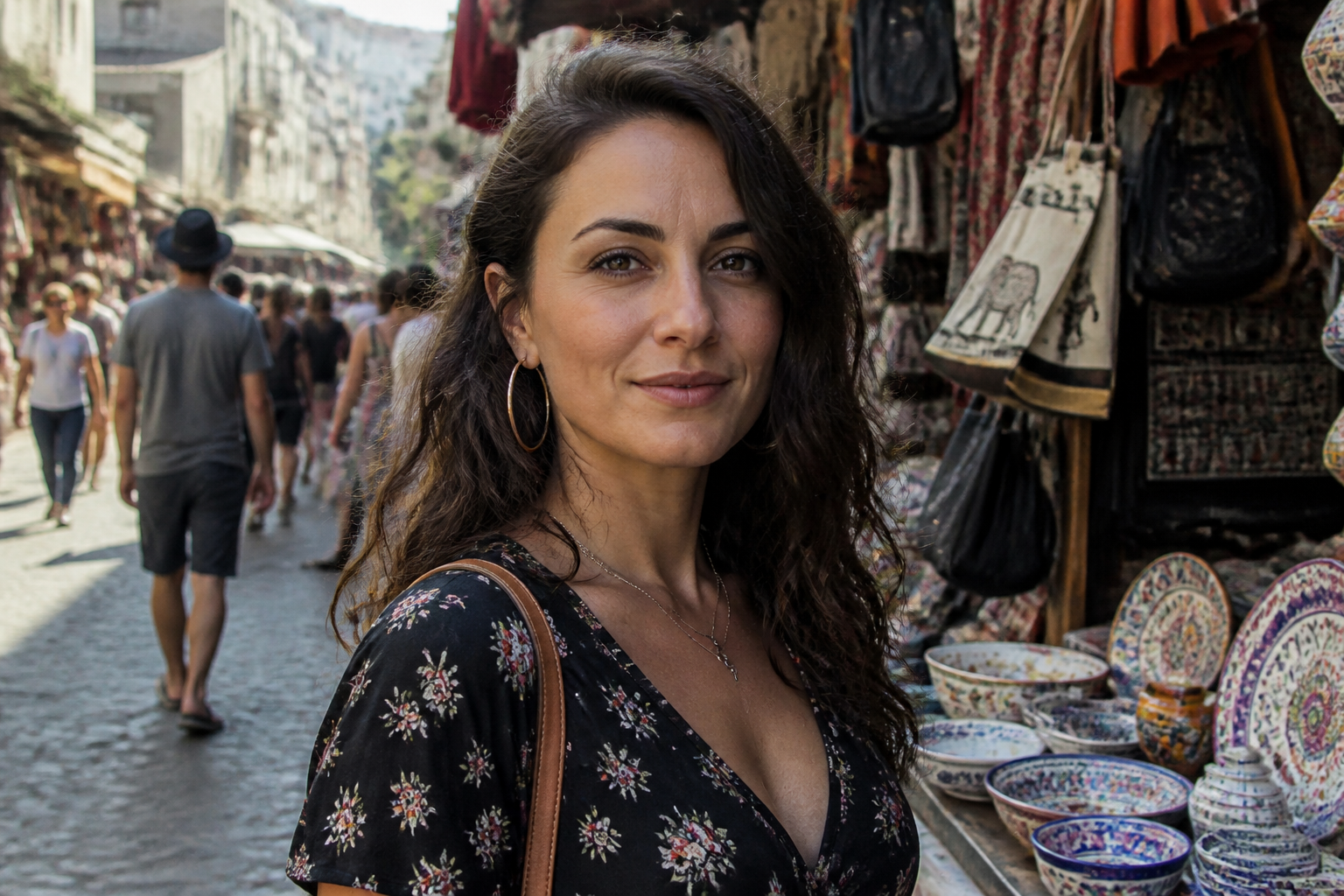
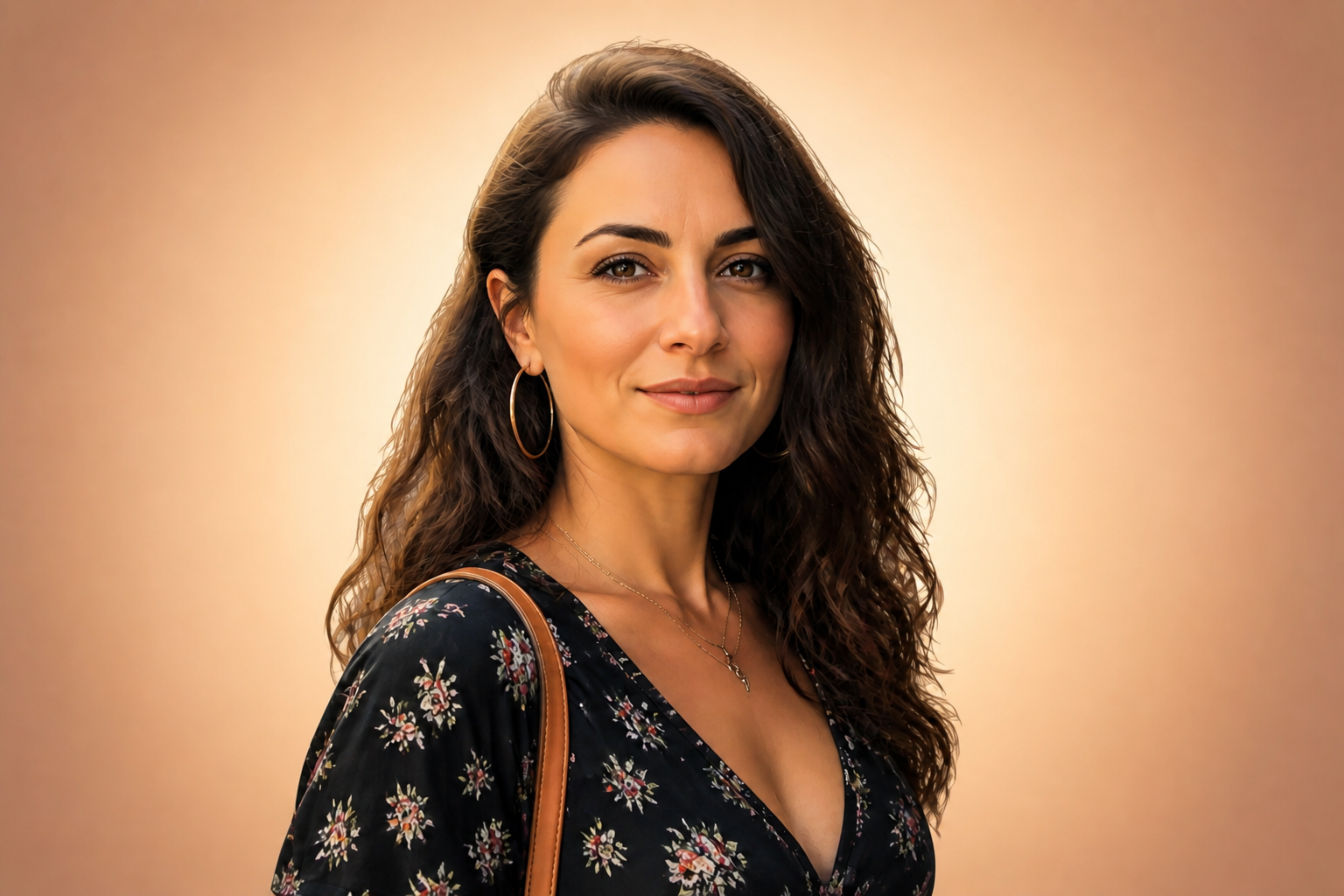
Clean backgrounds automatically
Good avatars work best when the face is clear and the background does not compete for attention. Our AI can simplify busy scenes into cleaner, profile-ready backdrops without changing the framing. That gives you an image that reads better in small circles, squares, and chat thumbnails. It is much faster than masking and repainting by hand.
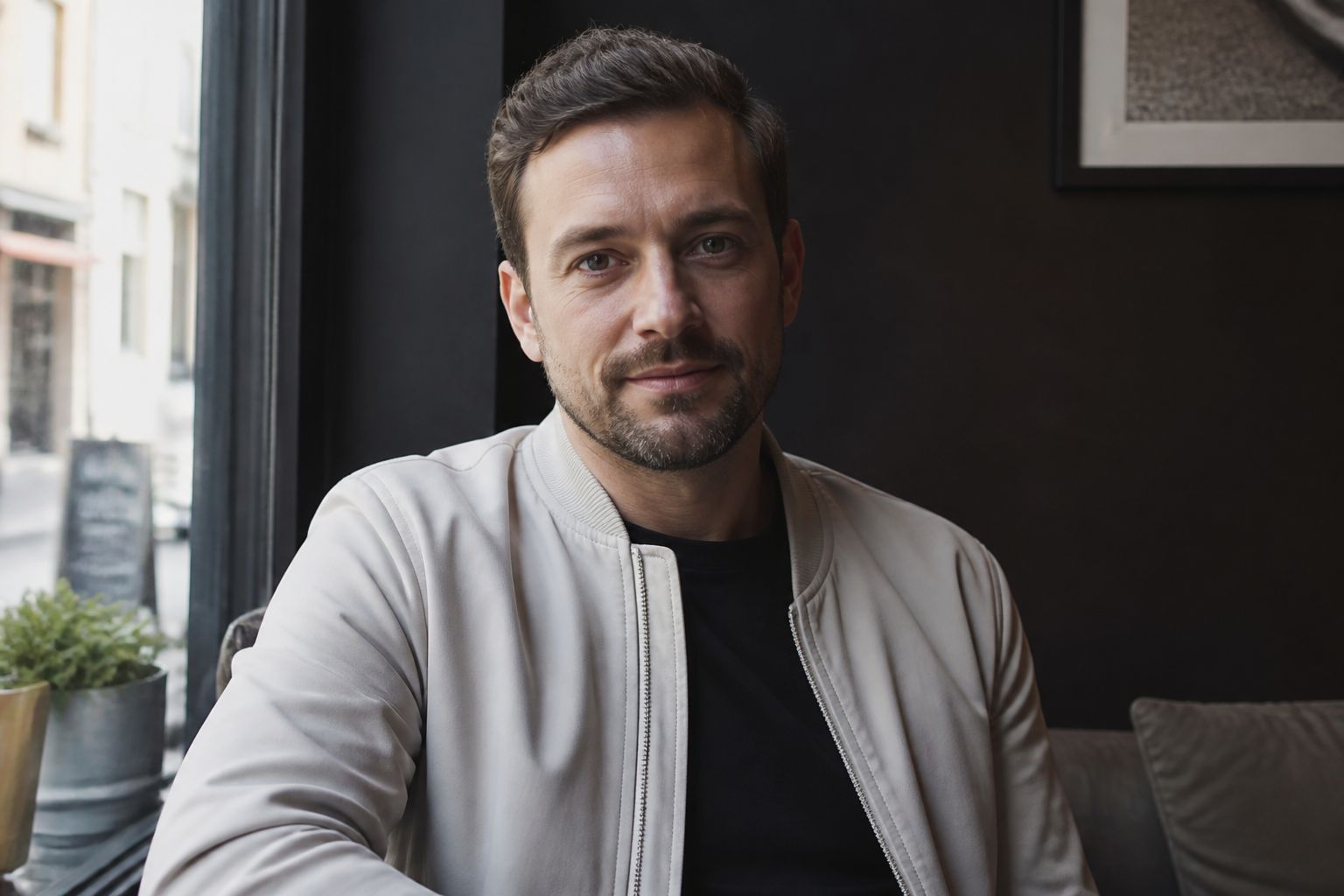
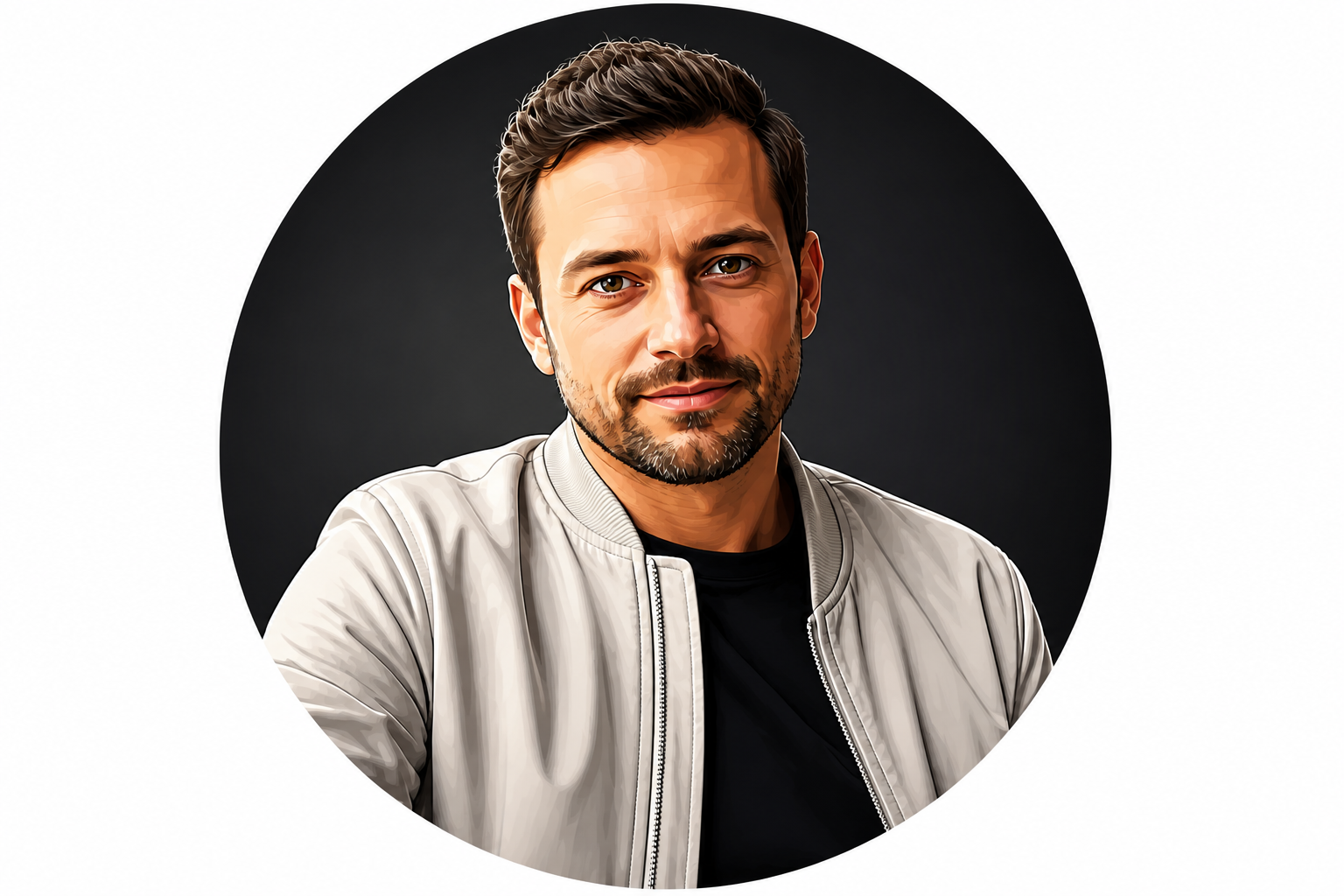
Made for profile pictures
Avatars need to stay readable at small sizes. The edits emphasize clear facial shapes, strong contrast, and simplified backgrounds so the result still works as a thumbnail. That makes it useful for social platforms, messaging apps, forums, and creator pages. You get a cleaner final image than a generic photo crop.
How It Works
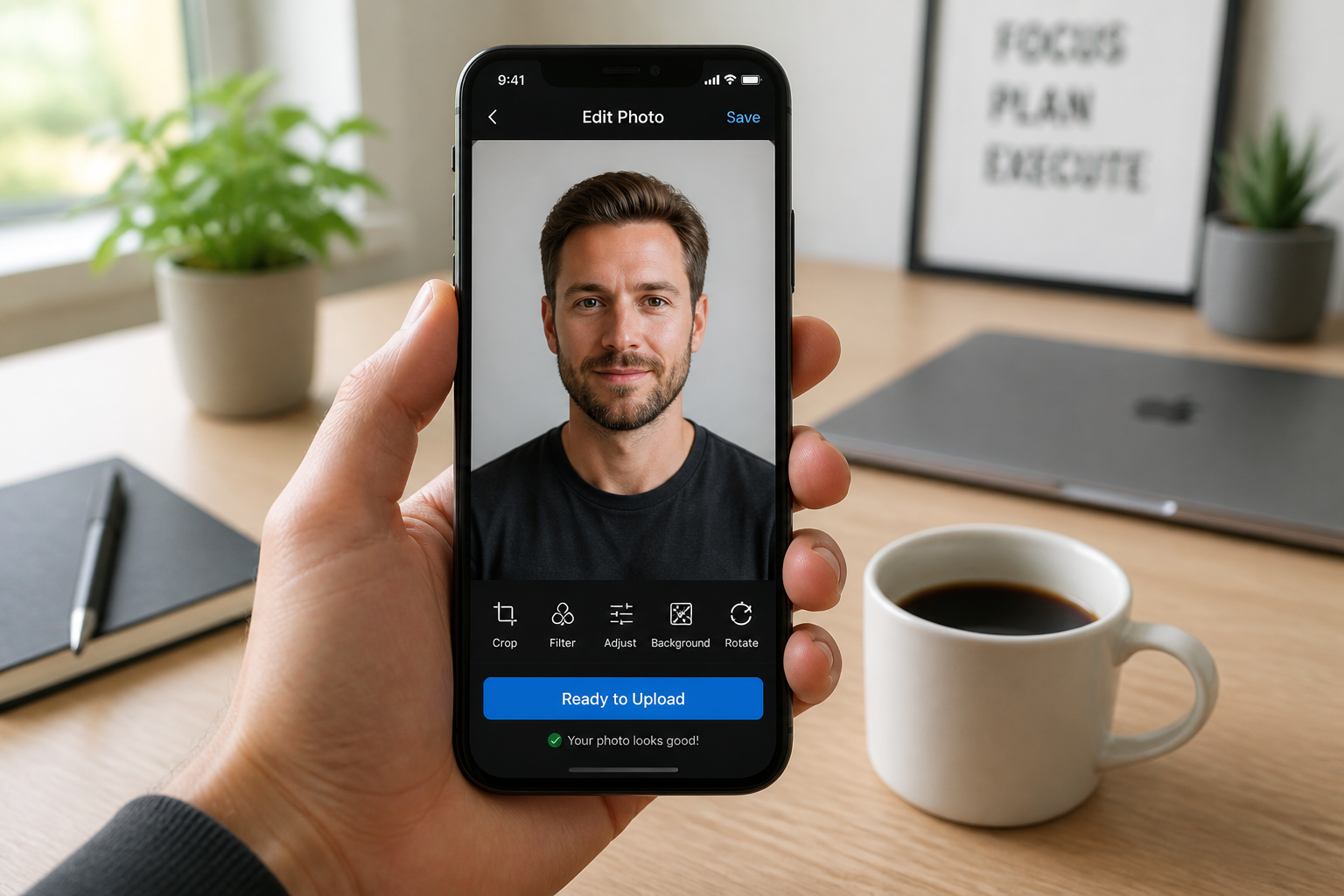
Upload your photo
Start with a clear portrait that shows the face well. Good lighting and a simple pose usually give the strongest avatar results.
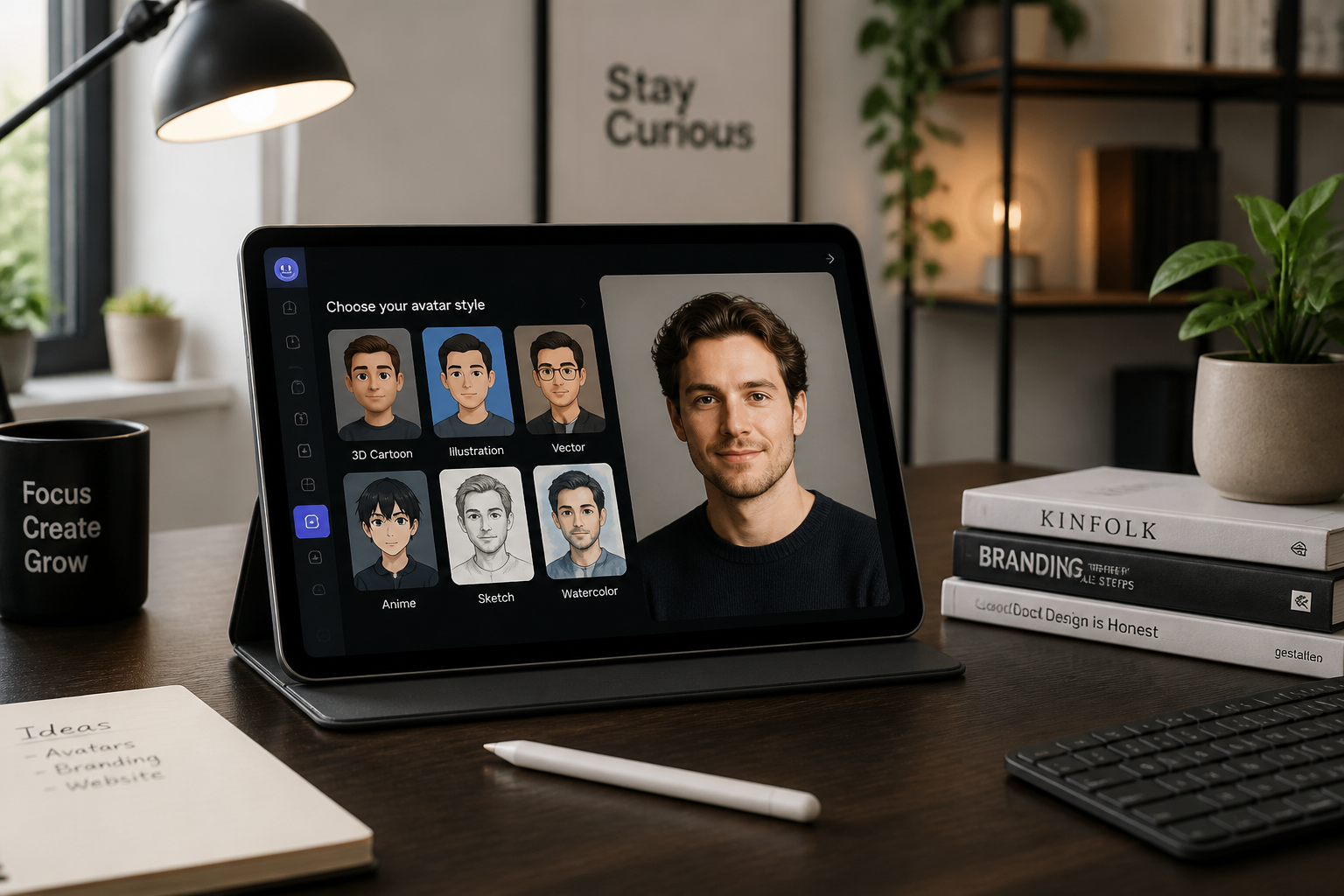
Pick an avatar style
Choose the look you want, such as illustrated, corporate, gaming, or painterly. You can also describe the vibe in your own words for a more specific result.
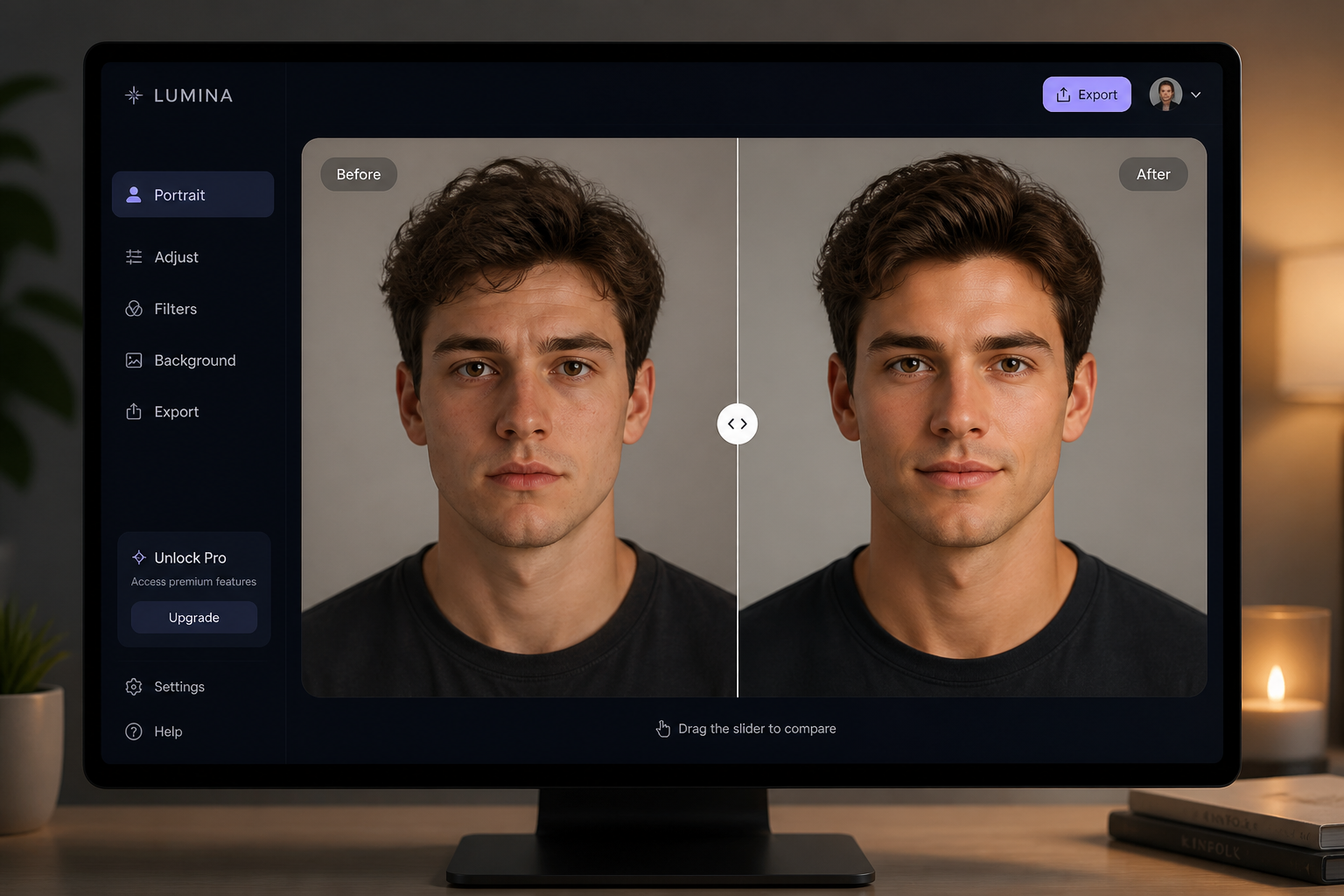
Generate and compare
Create the avatar, then compare the original and the edited version side by side. Regenerate or change the prompt if you want a different style direction.
Perfect For
Discover how creators and professionals use photo to avatar
Social profile pictures
Create a cleaner, more distinctive profile image for Instagram, X, Discord, LinkedIn, or messaging apps.
Team and founder pages
Turn inconsistent staff photos into matching avatars for websites, about pages, and internal directories.
Creator branding
Build a recognizable personal look for YouTube, Twitch, newsletters, and community platforms.
Gaming and community accounts
Convert a real portrait into a stronger avatar style that fits gaming, fandom, or forum profiles.
Built For
Creators
Make profile images that feel more branded than a standard selfie.
Professionals
Create polished avatars for work profiles, bios, and team directories.
Everyday users
Turn a favorite photo into a fun, clean avatar without learning design tools.
Why use this for photo to avatar edits
A quick look at how we compare on the things that matter for this niche.
| Feature | BudgetPixel | Generic AI editors | Manual editing apps |
|---|---|---|---|
| Avatar-focused prompts | ✓ | — | — |
| Keeps face recognizable | ✓ | — | — |
| Fast style variations | ✓ | ✓ | — |
| No manual drawing needed | ✓ | ✓ | — |
Frequently Asked Questions
What kind of photo works best for photo to avatar edits?
Will the avatar still look like me?
Can I make different avatar styles from the same photo?
Are the results good for profile pictures?
Do I need editing experience?
Create together.
Share your creations, discover trending AI art, and grow with fellow creators.