AI Avatar Generator
Create custom avatars from a simple text prompt
Generate profile-ready avatar images in styles ranging from clean studio portraits to bold illustrated looks. It is built for creators, professionals, gamers, and anyone who wants a distinct visual identity without hiring a designer.
See It In Action
Real outputs from ai avatar generator.
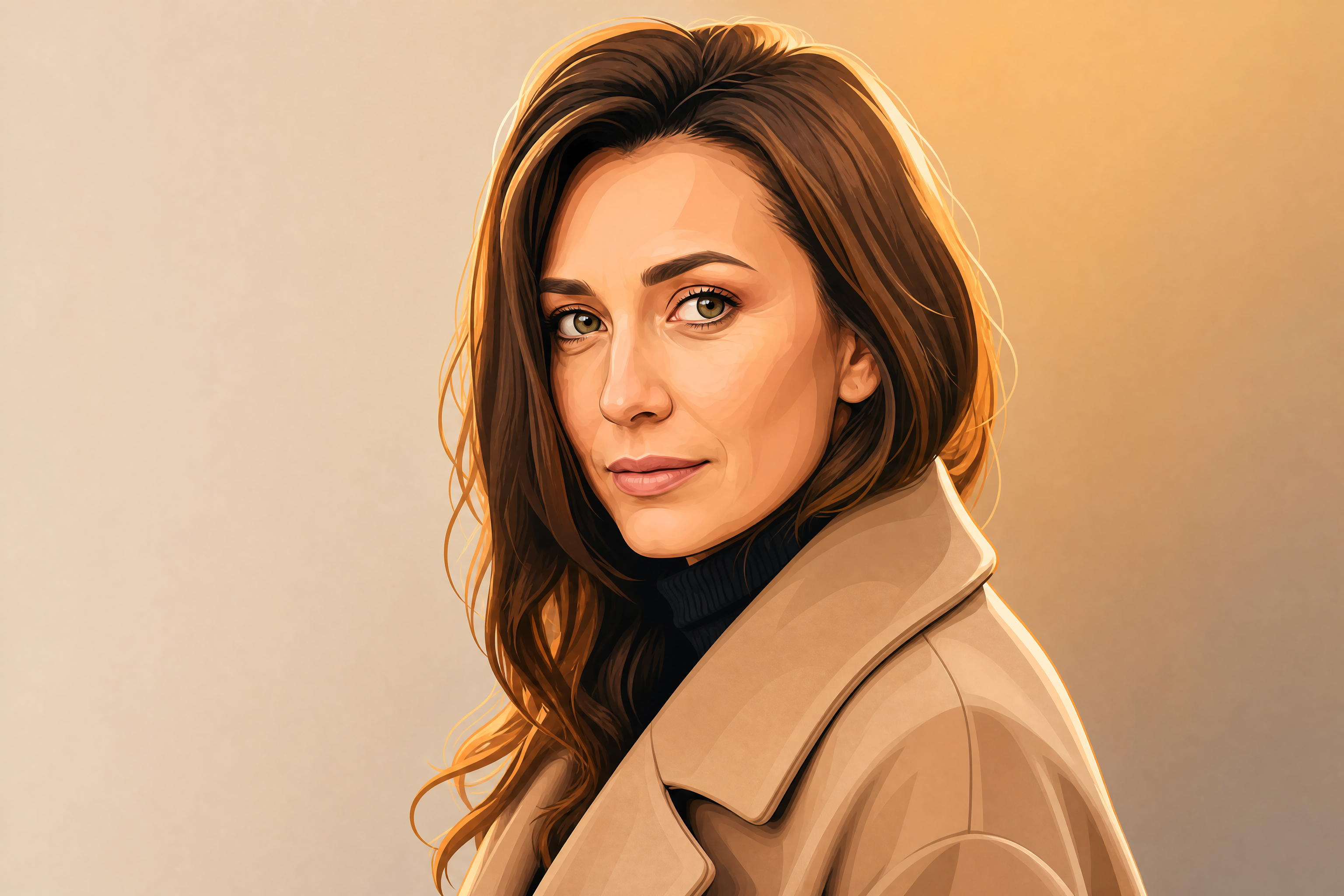
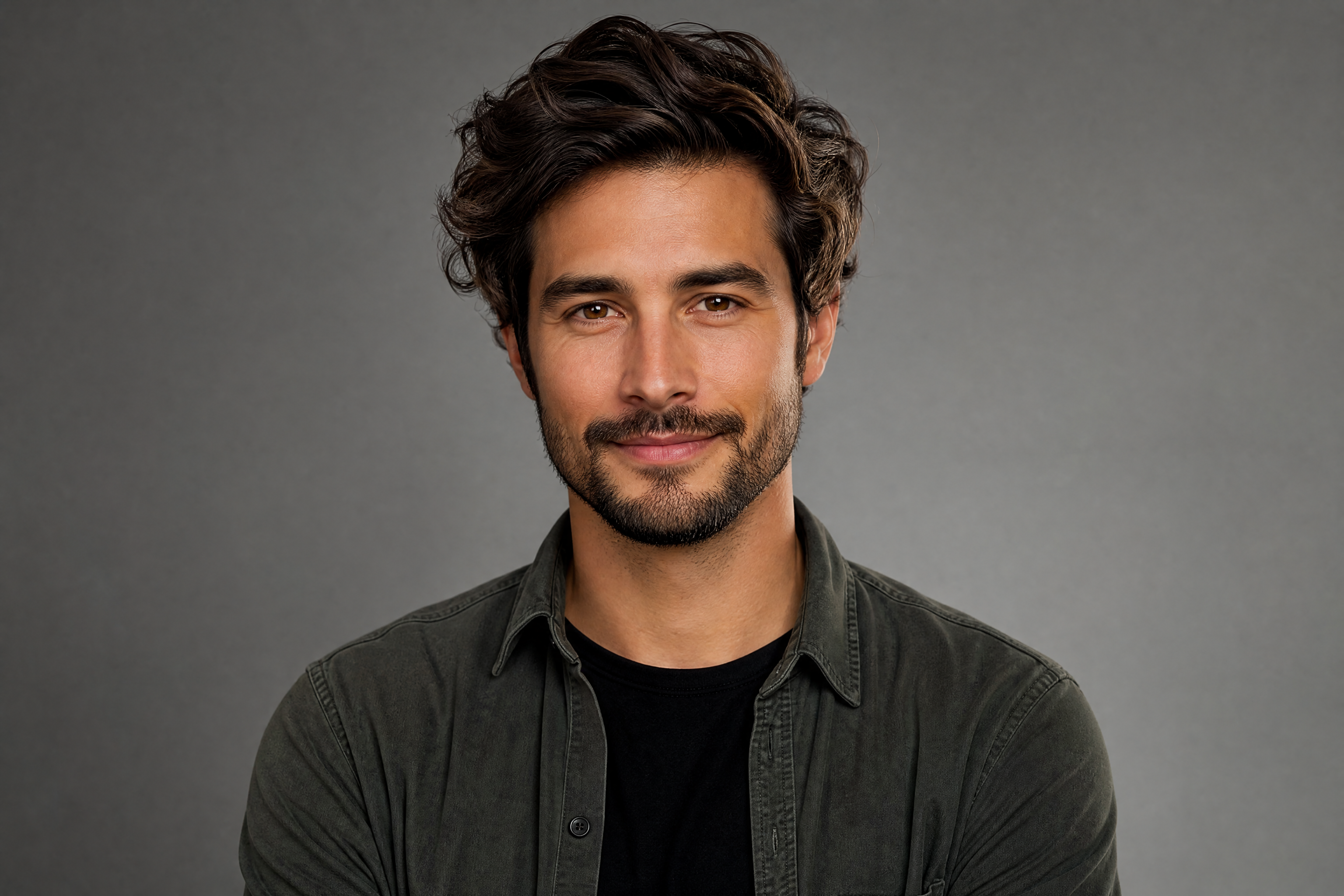
professional AI avatar portrait of an adult creative entrepreneur, clean studio background, confident expression, modern casual outfit, soft cinematic lighting, crisp facial detail, polished profile picture, centered composition
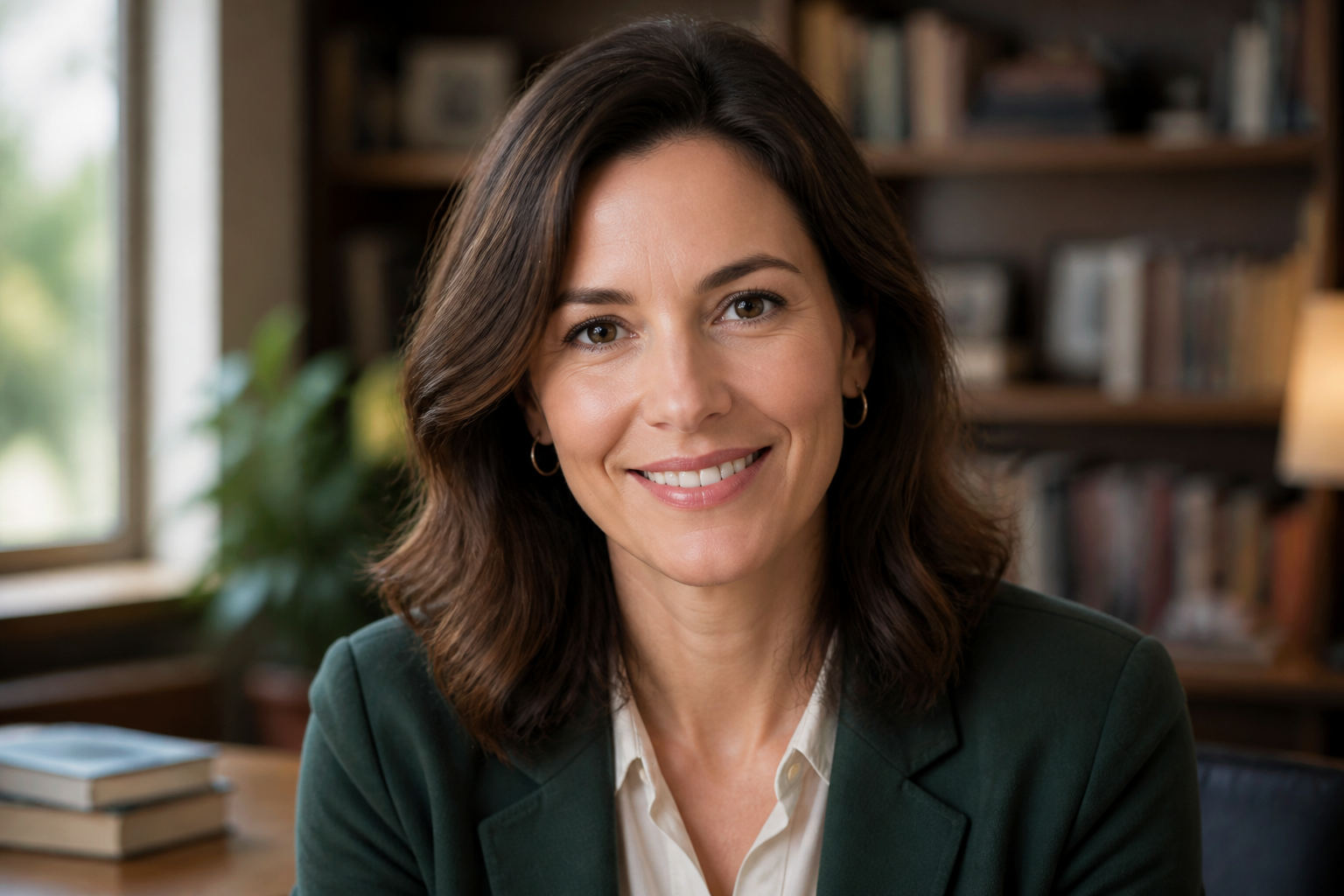
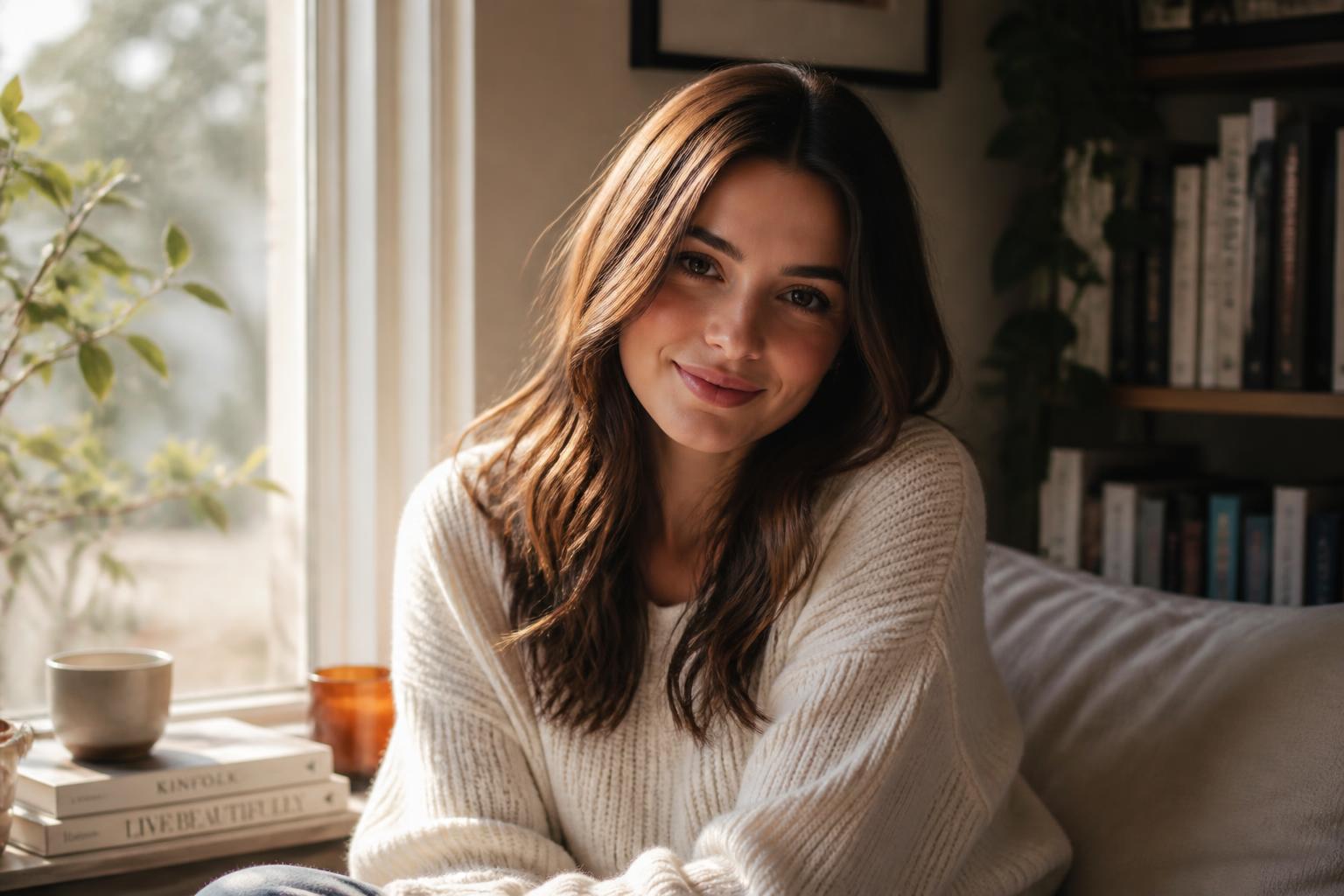
friendly AI avatar of an adult teacher, warm smile, cozy library background softly blurred, smart casual outfit, natural window light, photographic style, clear eyes, centered head-and-shoulders portrait
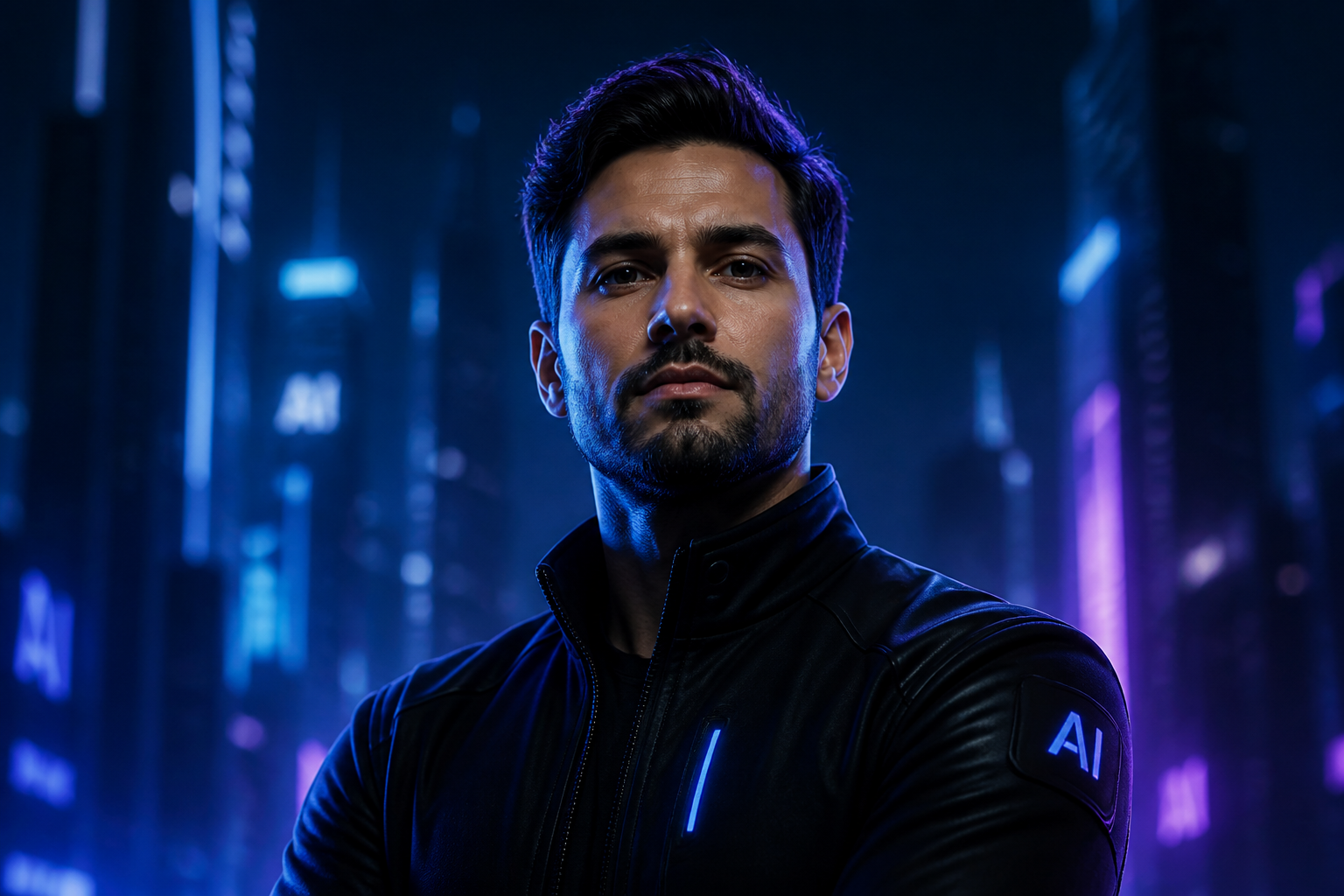
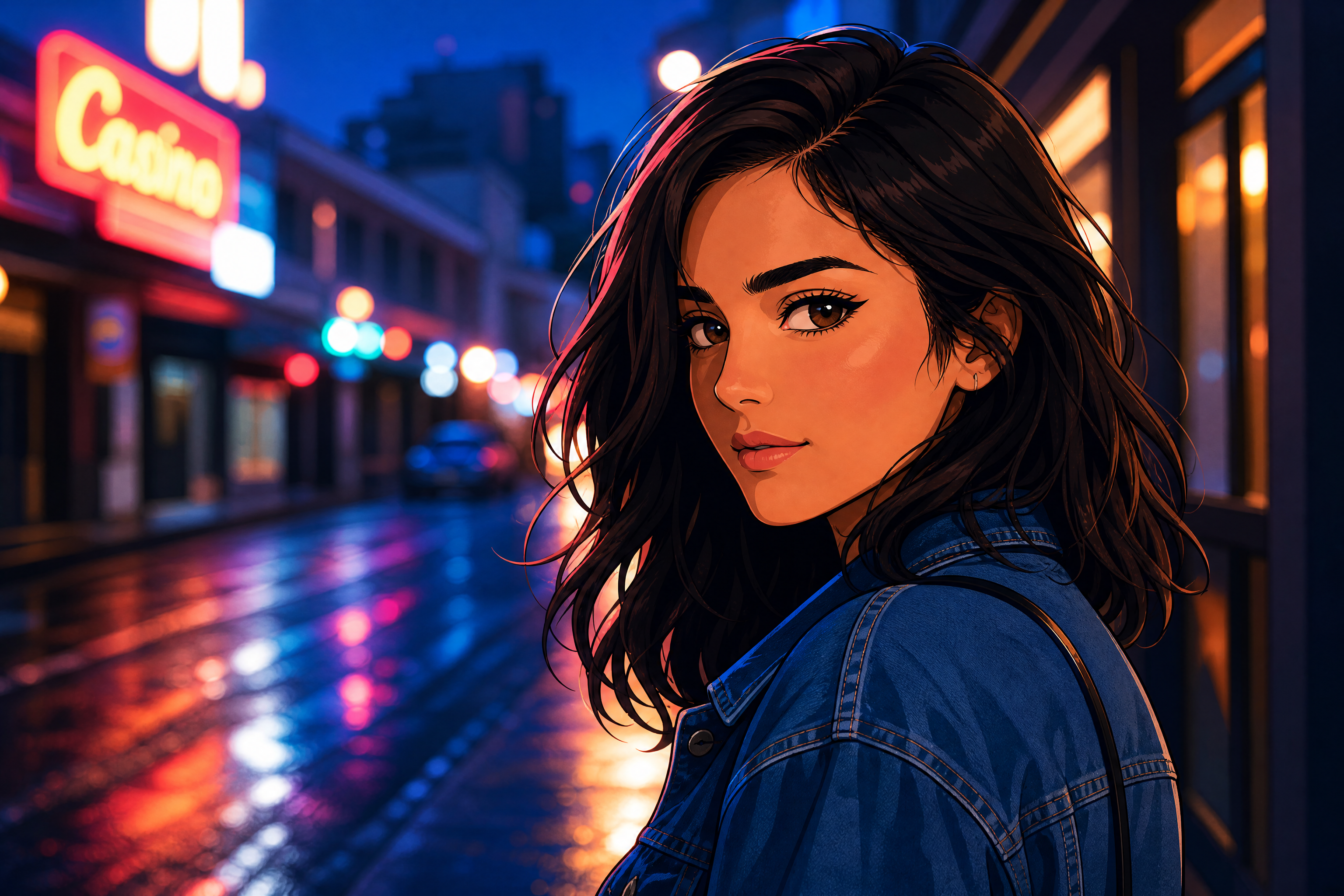
futuristic AI avatar of an adult tech founder, neon blue and violet rim lighting, sleek black jacket, minimal cyber city backdrop, cinematic portrait photography, sharp detail, confident pose
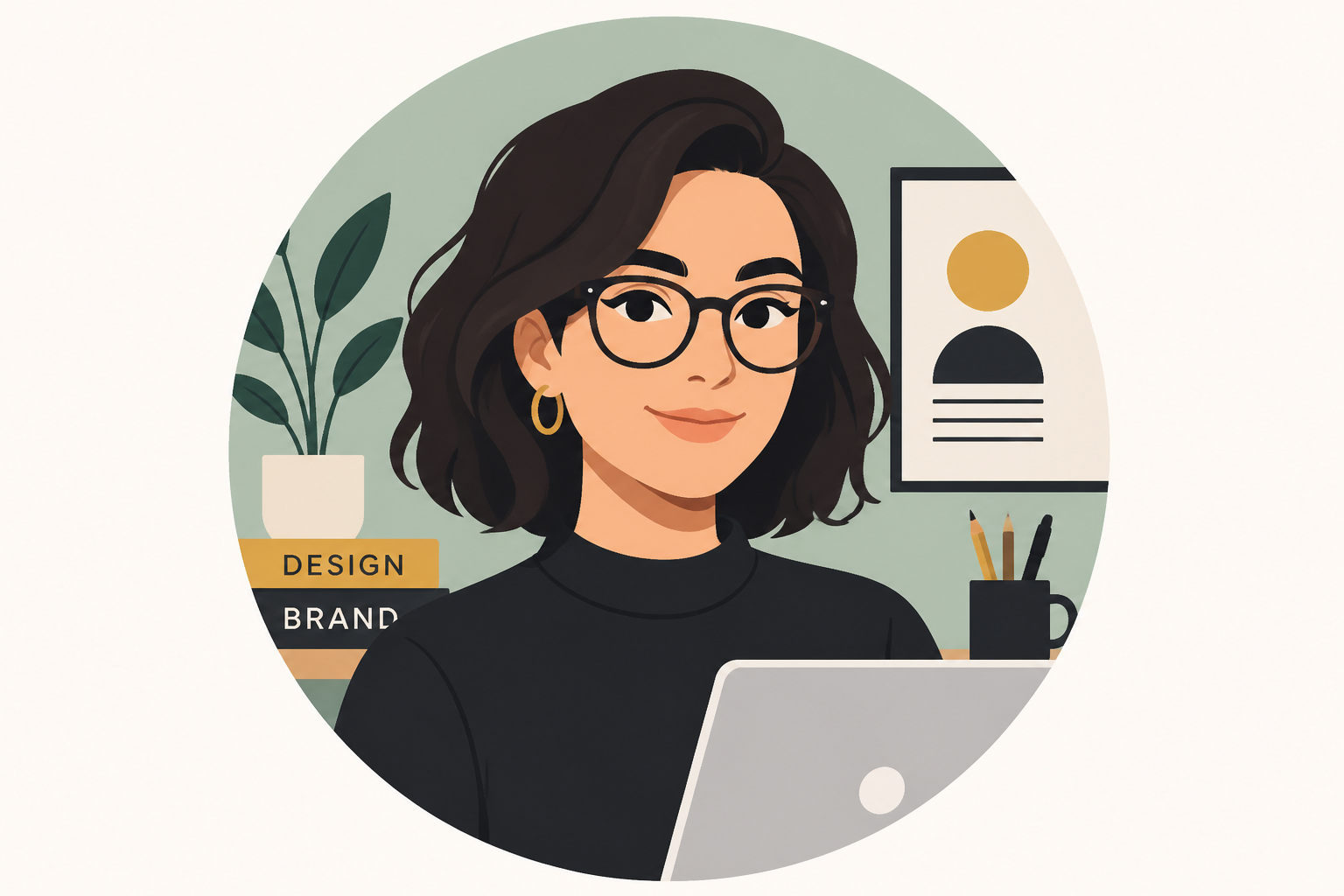
flat vector AI avatar of an adult designer, bold shapes, clean linework, muted pastel palette, circular profile icon composition, simple modern background, polished app-ready illustration
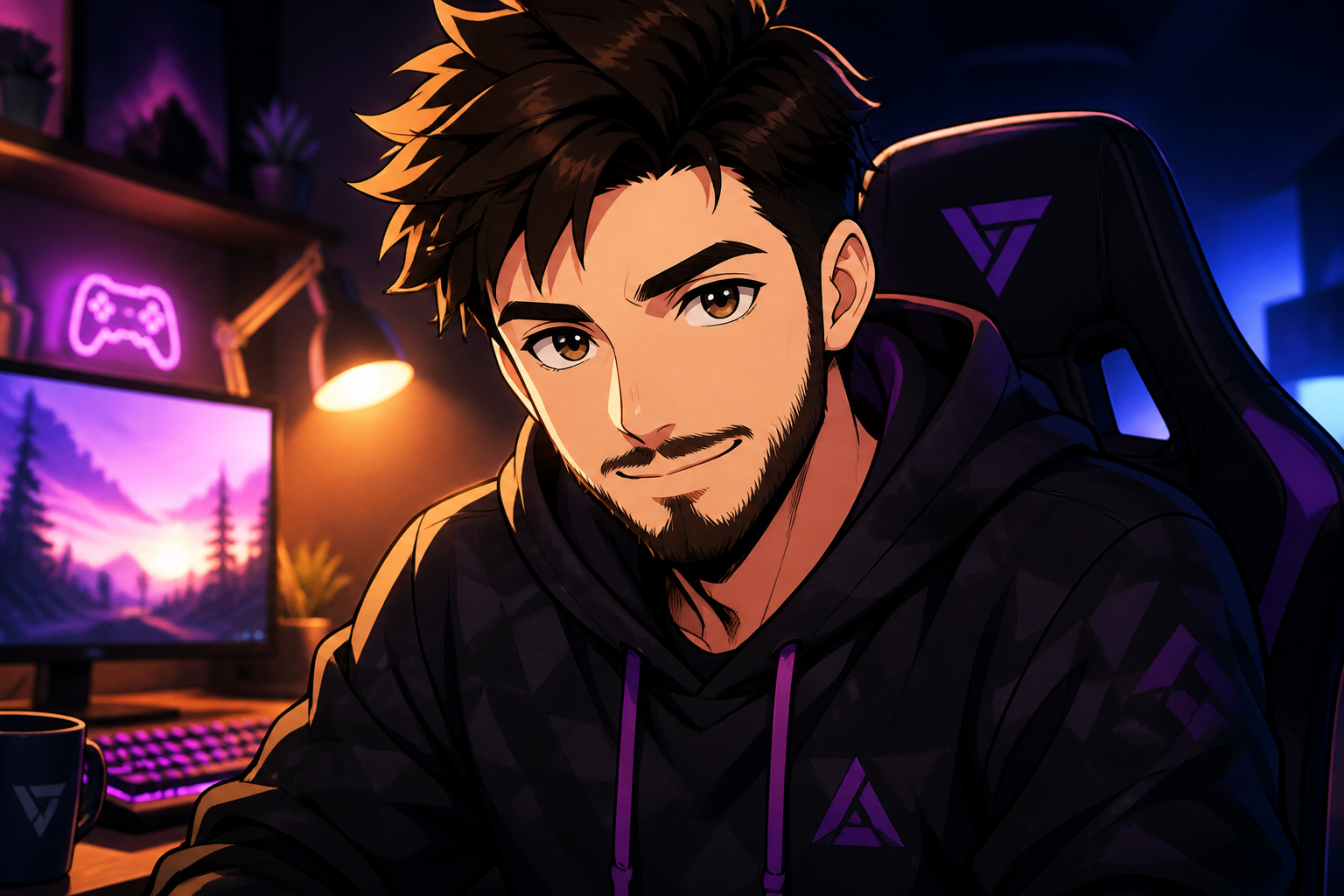
anime-inspired AI avatar of an adult gamer, expressive eyes, hoodie with subtle geometric pattern, glowing desk light, stylized cel shading, vibrant color contrast, clean portrait framing
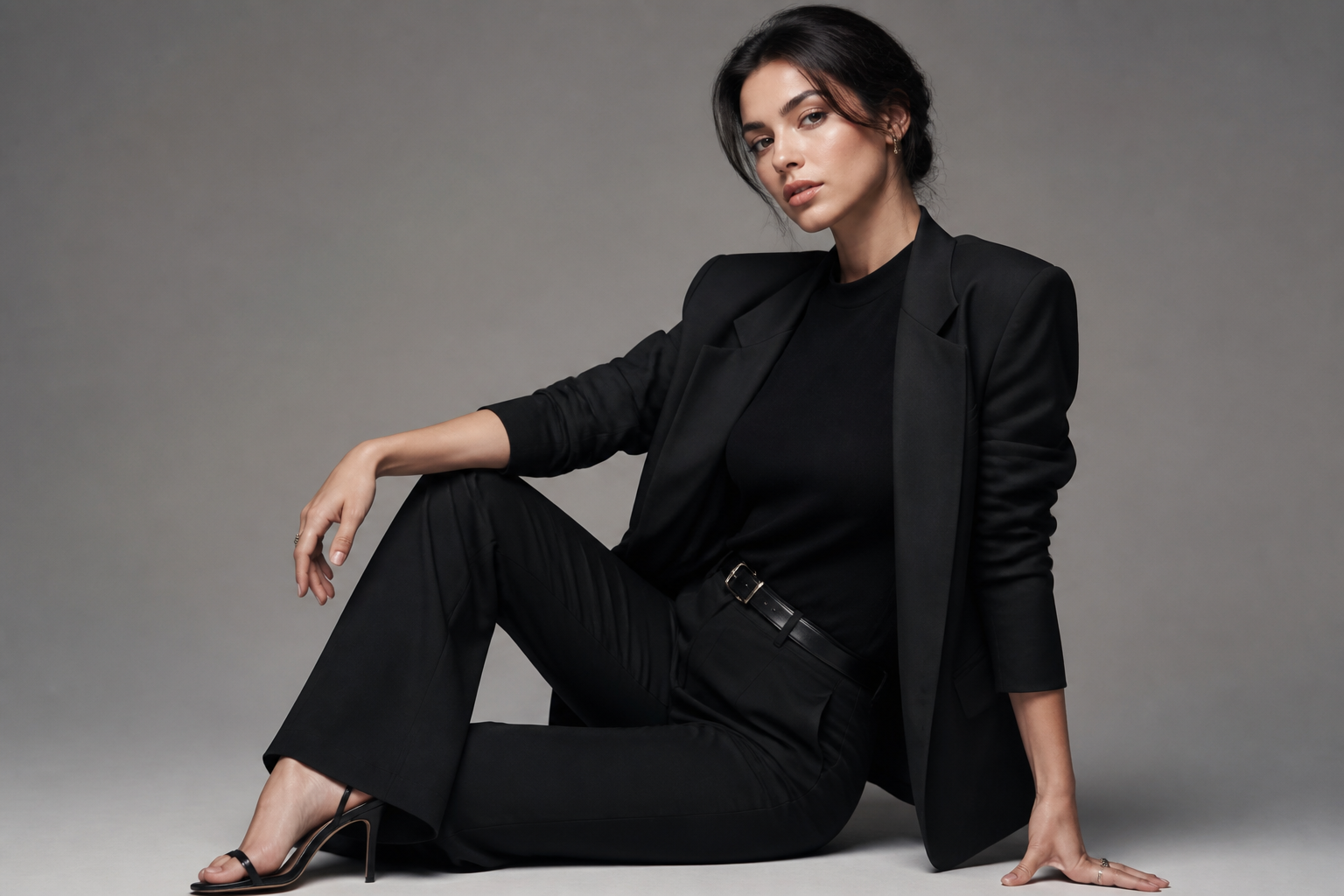
editorial fashion AI avatar of an adult model, elegant pose, monochrome outfit, soft gray backdrop, magazine-style studio lighting, refined skin texture, high-end portrait aesthetic
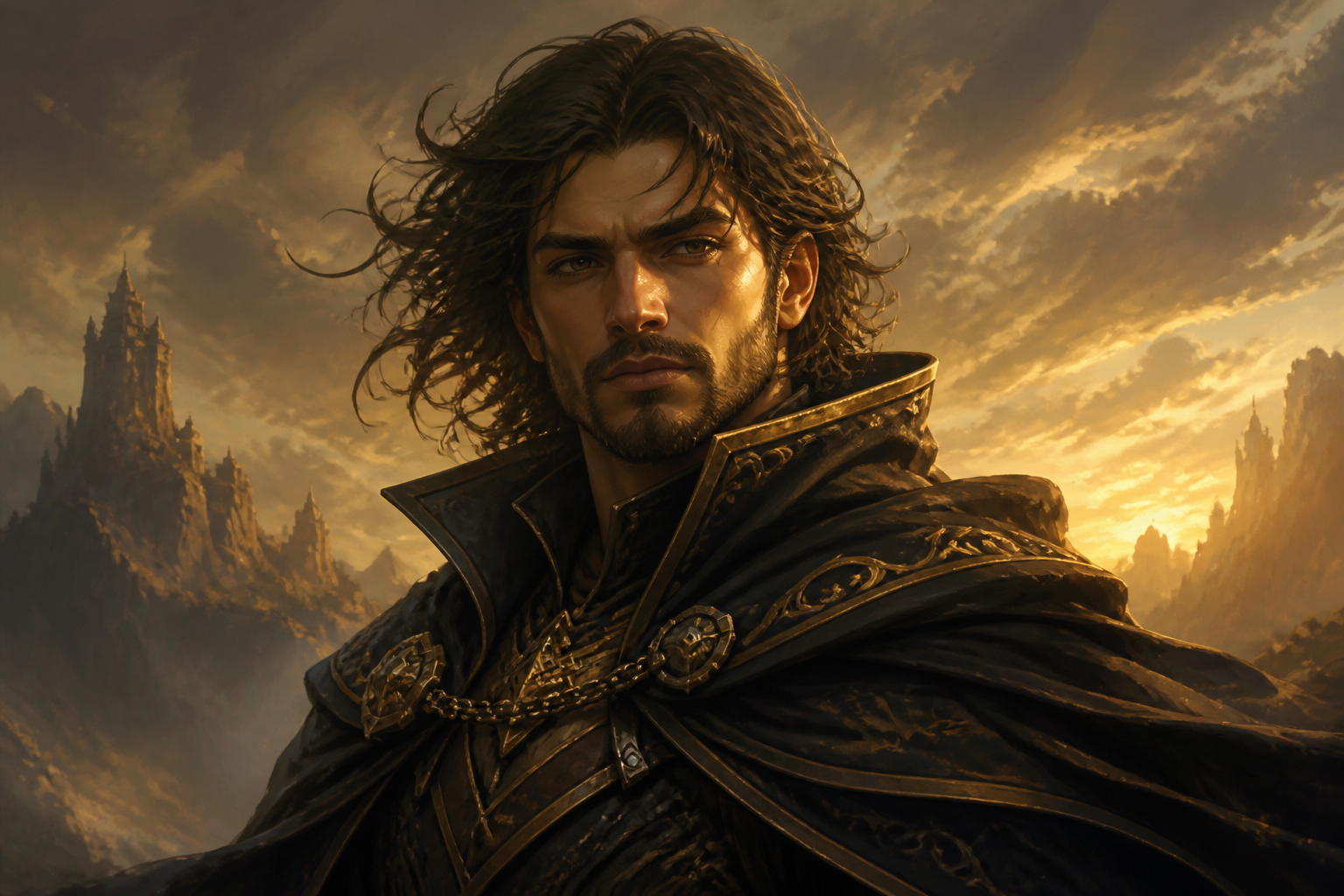
fantasy-inspired AI avatar of an adult adventurer, intricate cloak, windswept hair, moody painted background, digital painting style, dramatic golden light, heroic bust portrait
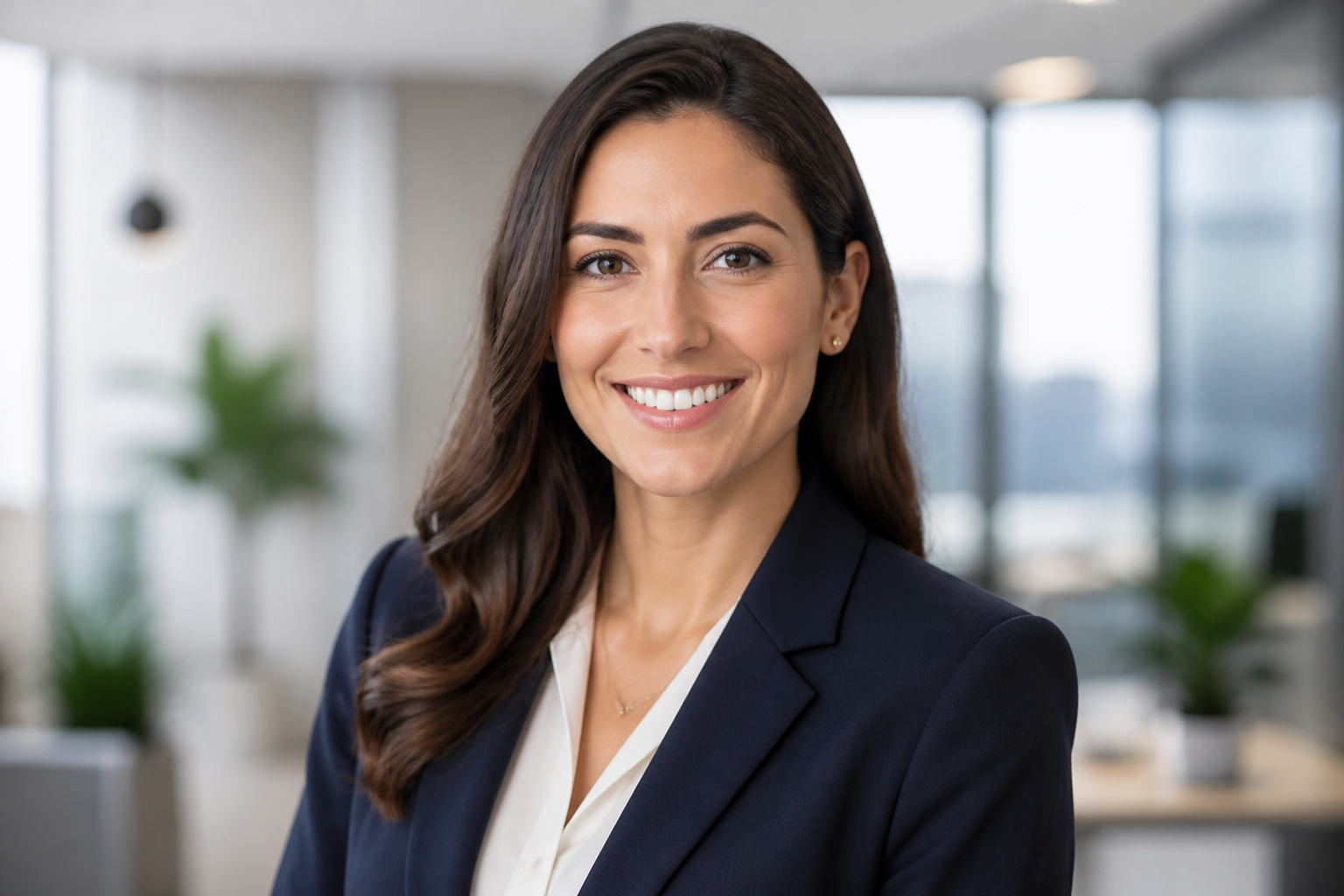
corporate AI avatar of an adult consultant, navy blazer, modern office background softly out of focus, bright natural lighting, realistic portrait photo, approachable and polished expression
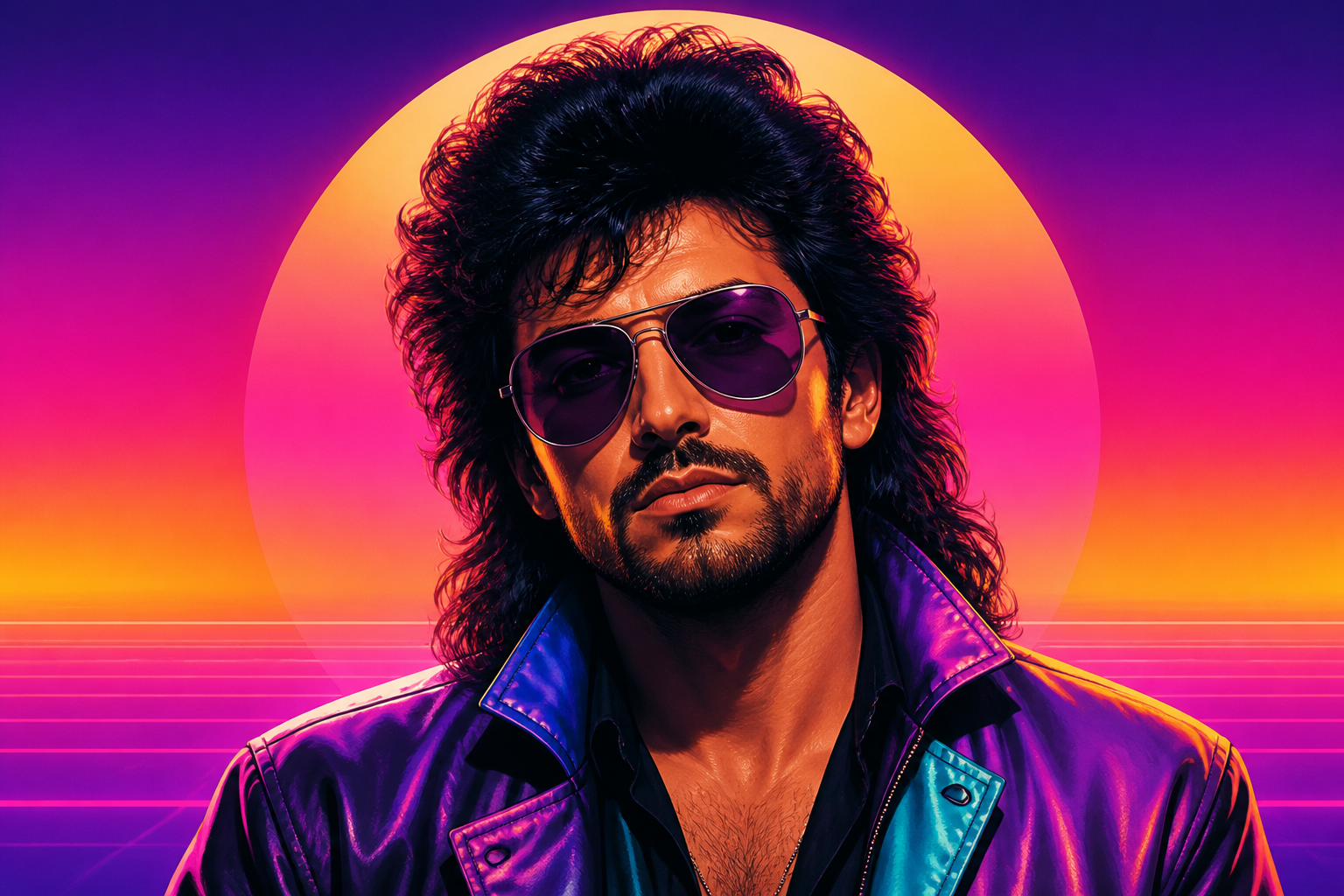
retro 1980s inspired AI avatar of an adult musician, colorful gradient backdrop, glossy jacket, synthwave palette, stylized portrait illustration, bold lighting, centered composition
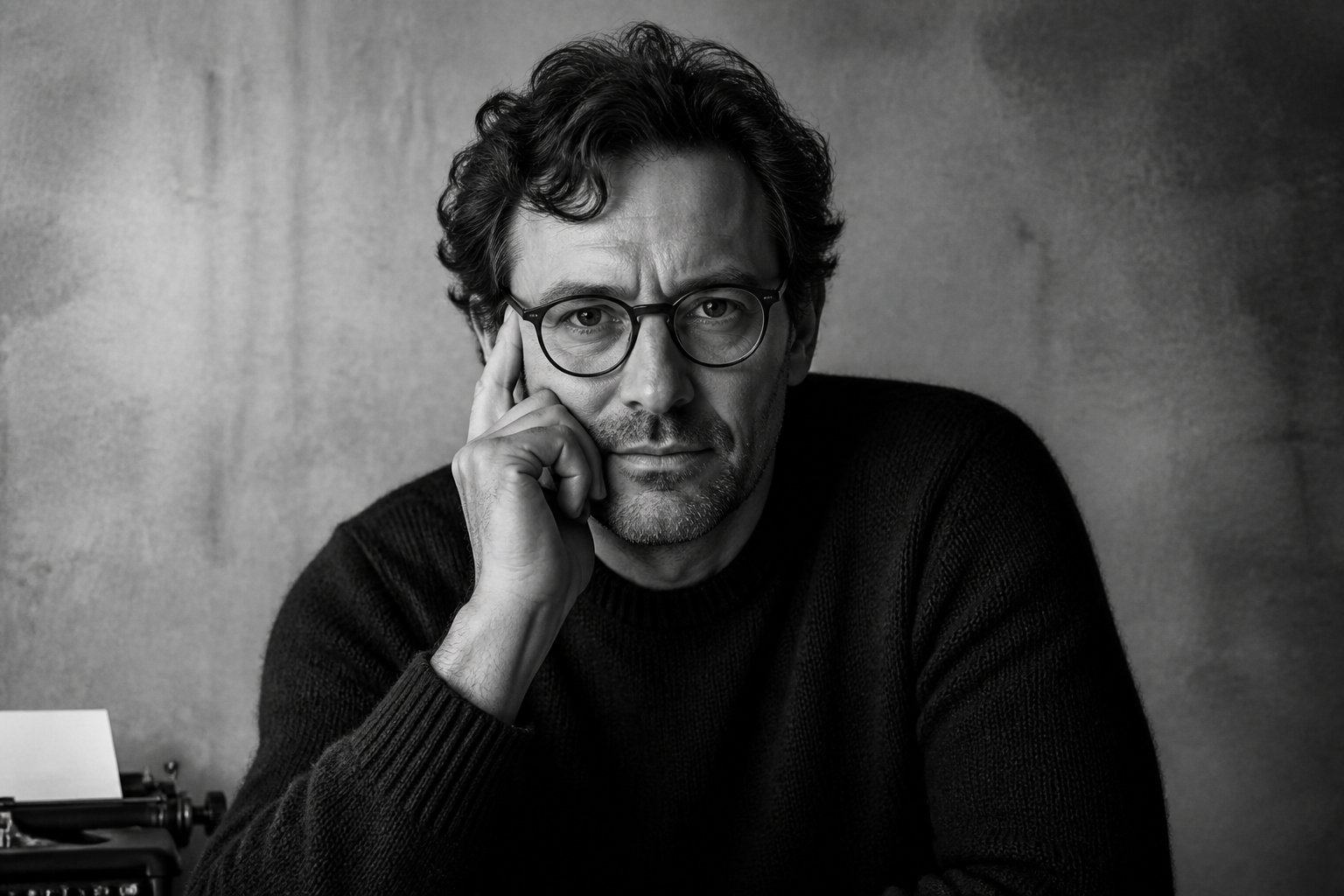
minimalist black and white AI avatar of an adult writer, soft side lighting, plain textured background, timeless portrait photography, thoughtful expression, clean high-contrast composition
Key Features
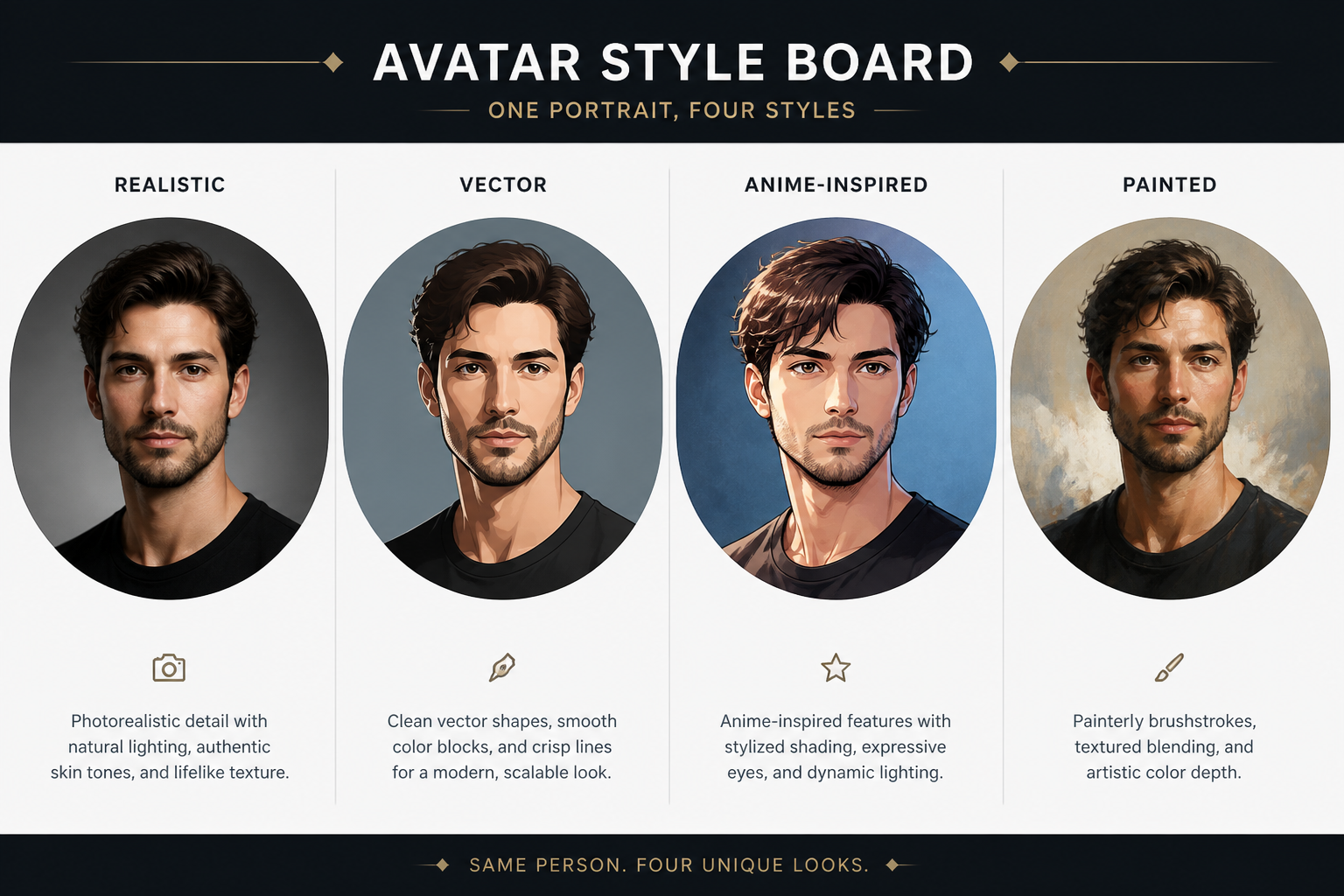
Styles for Any Identity
Create avatars that match how you want to appear online, from realistic portraits to illustrated profile icons. That matters when the same person needs a different look for LinkedIn, Discord, a newsletter, or a personal brand. A generic image generator often leaves the style too open-ended, but this workflow is tuned for avatar-friendly results. You can start with a solid base prompt and quickly shift the mood, colors, and finish.
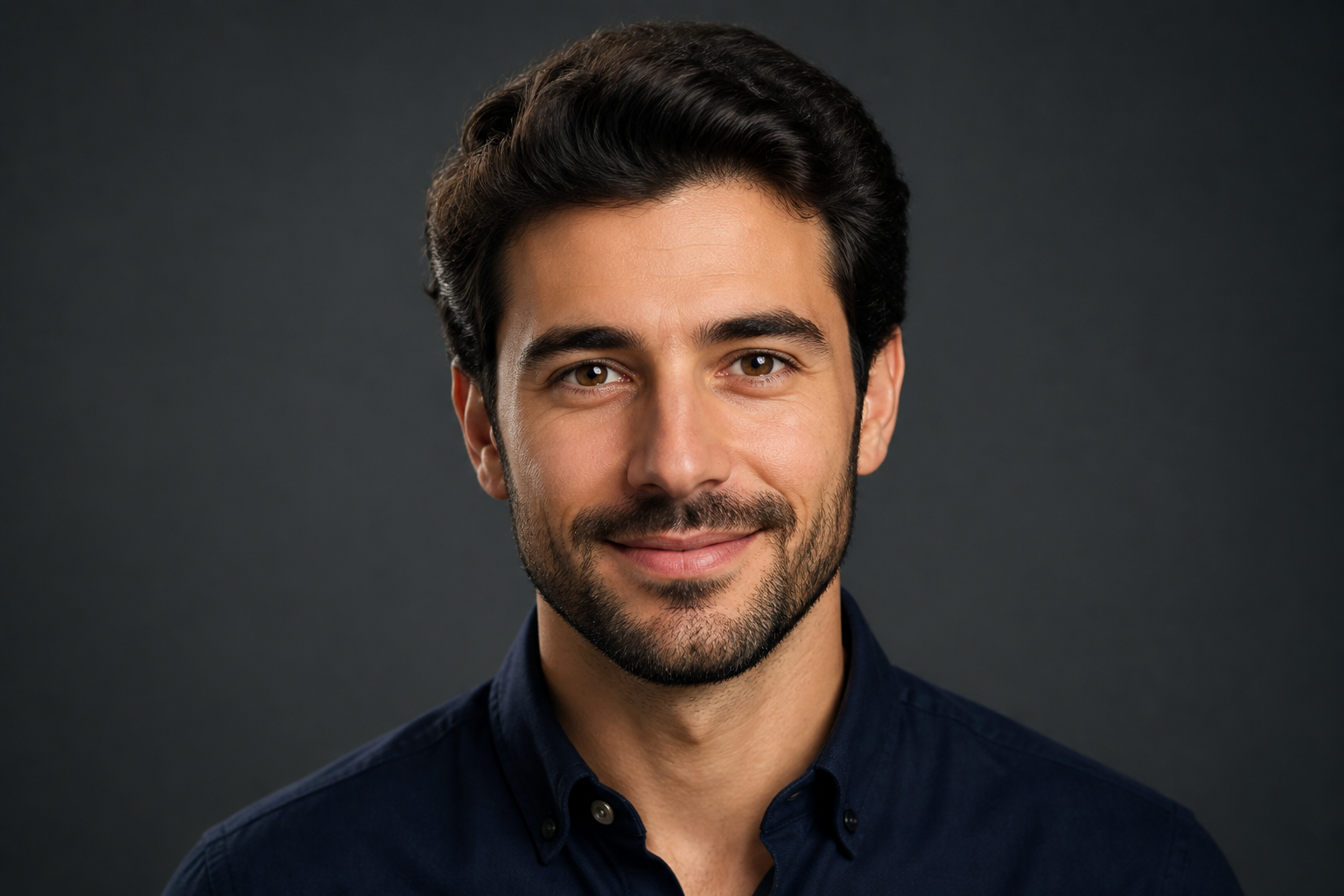
Profile-Ready Portrait Framing
The prompts are designed to produce clear head-and-shoulders compositions that read well at small sizes. Good avatar images need recognizable faces, clean backgrounds, and balanced lighting, not wide scenes with wasted space. This makes the results more useful for profile photos, team pages, and social platforms. You spend less time fixing crops and more time picking the version you like.
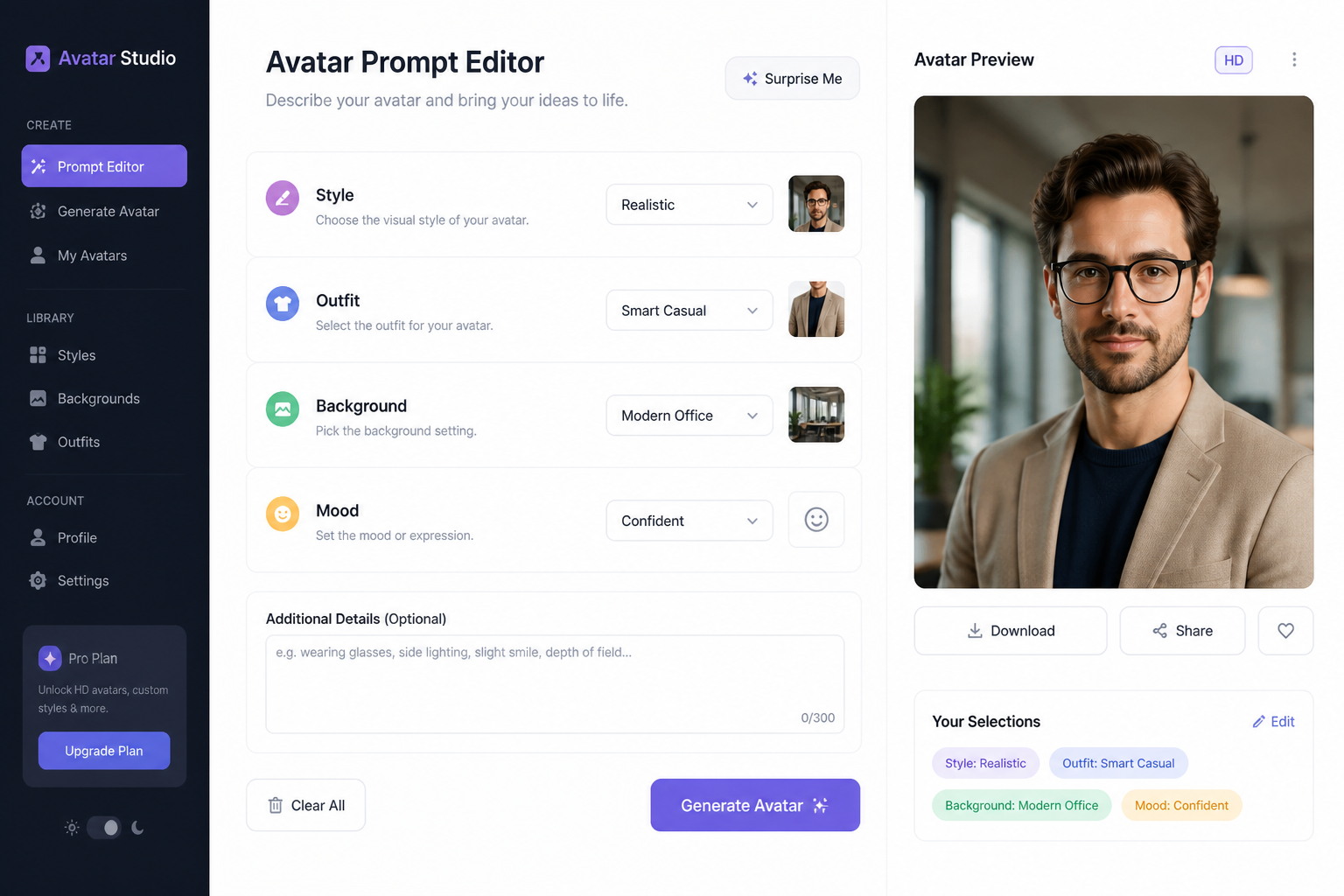
Easy Prompt Customization
Start from a strong example and edit only the parts that matter, like outfit, background, color palette, or art style. That is faster than writing a full prompt from scratch and more flexible than relying on one-click presets. It helps both beginners and experienced users get to a usable avatar quickly. Small wording changes can produce distinctly different identities without losing quality.
Fast Variations to Compare
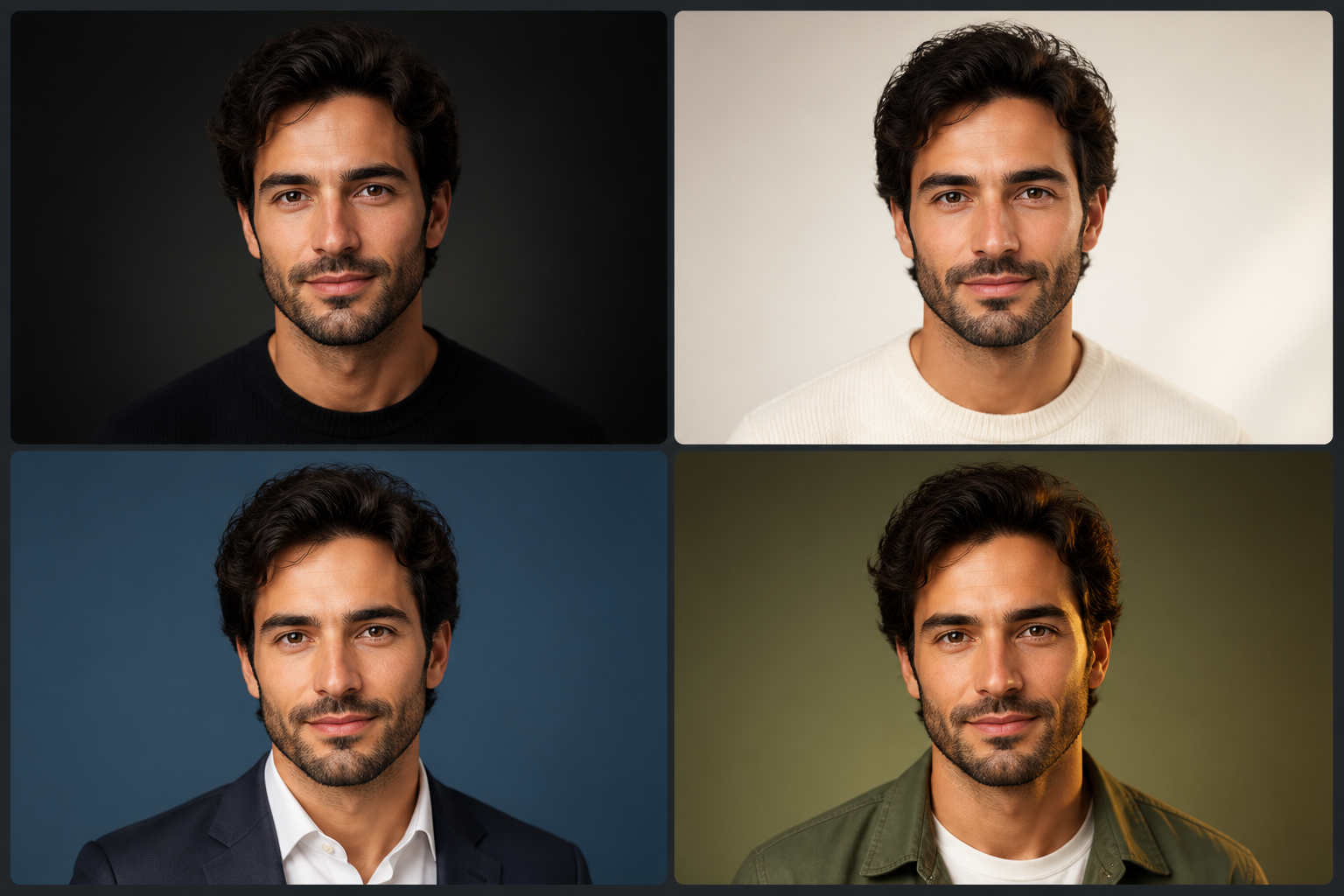
Avatar creation usually needs options because the best image is often a slight variation in expression, lighting, or styling. Instead of settling for a single result, you can generate multiple looks and compare what feels right for your brand or personality. This is useful when testing profile photos across platforms or refining a visual identity. It gives you more control than manually briefing a designer for every small change.
How It Works
Pick a Starting Style
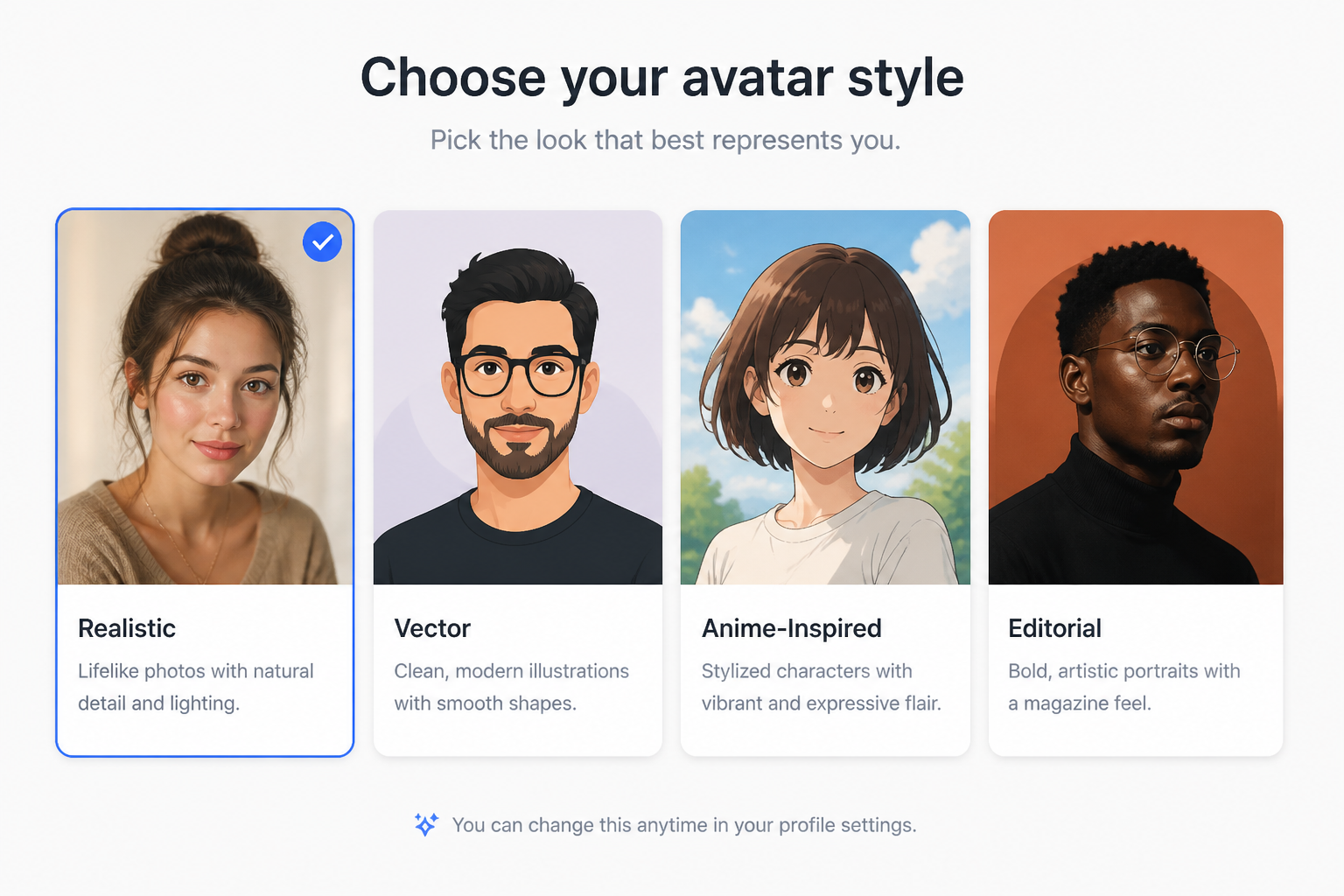
Begin with a prompt that matches the kind of avatar you want, such as professional, illustrated, cinematic, or minimal. The starter prompt gives you a strong baseline instead of a blank page.
Describe Your Look
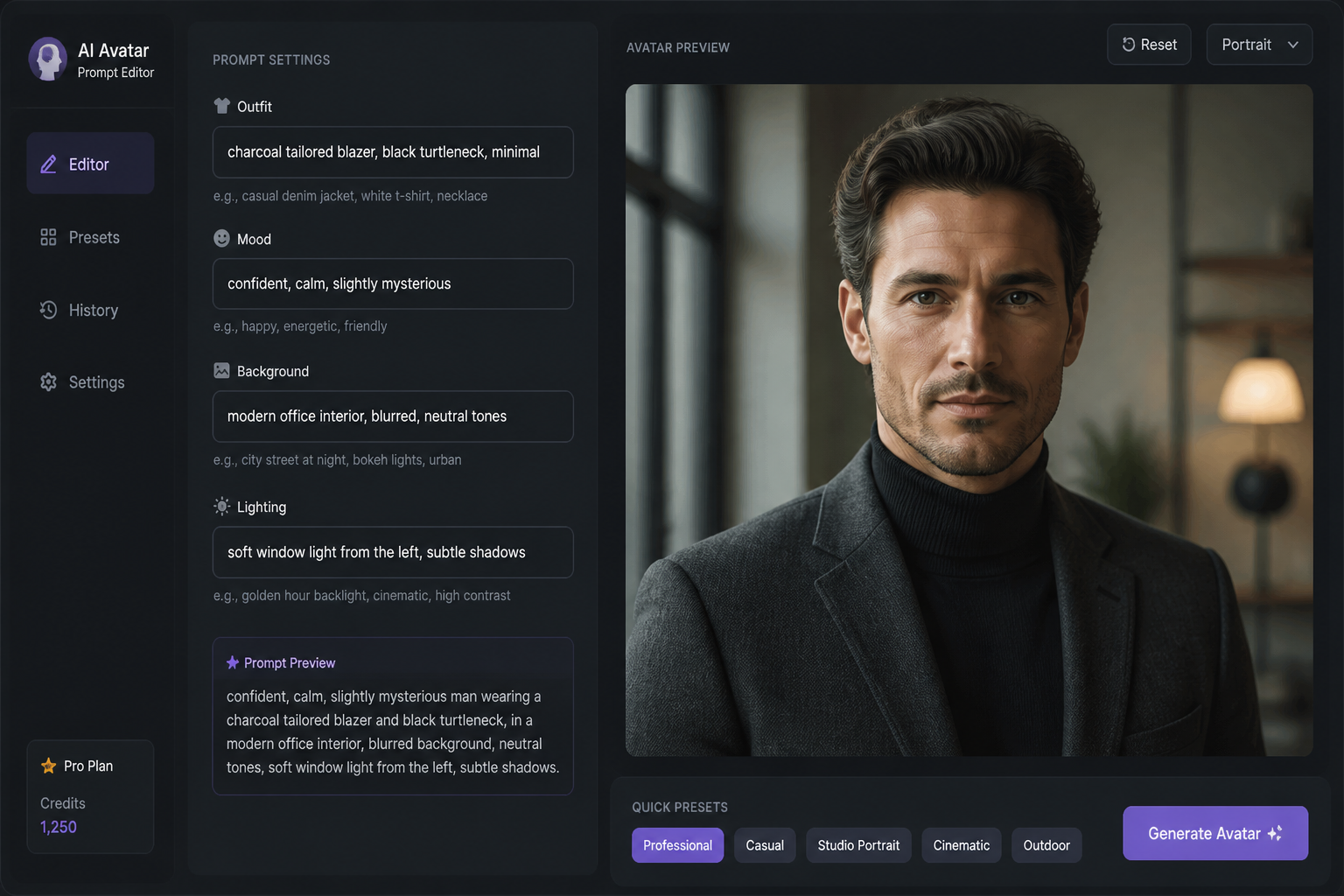
Edit the prompt with the details you care about, like clothing, mood, background, lighting, and color palette. You can keep it simple or add more direction for a more specific result.
Generate and Download
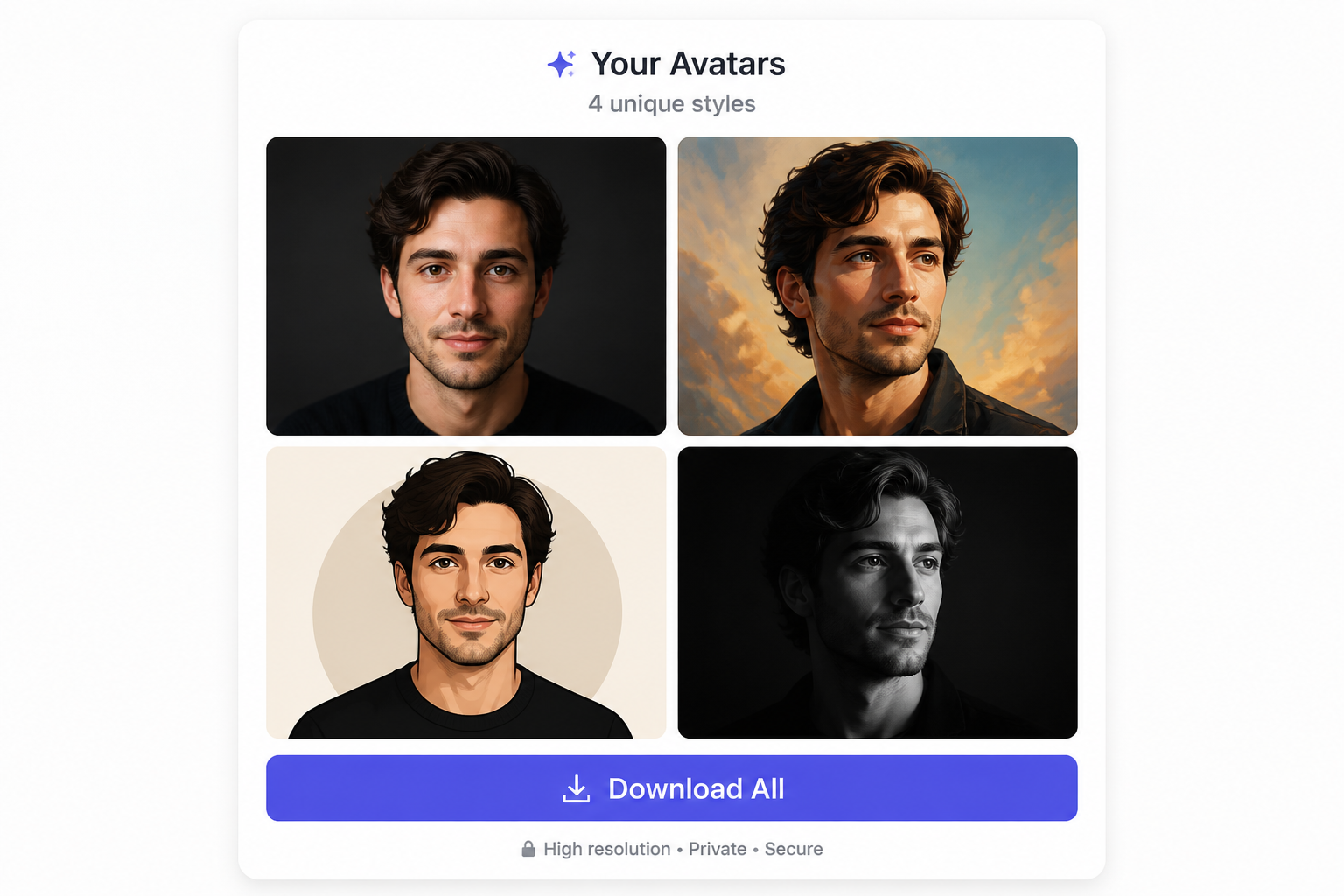
Create several avatar options, compare the results, and save the one that fits best. If needed, tweak the prompt and run more variations until the image feels right.
Perfect For
Discover how creators and professionals use ai avatar generator
Social Media Profiles
Create distinct avatars for Instagram, X, TikTok, YouTube, and other platforms where a clear visual identity matters.
Professional Headshots
Generate polished profile images for LinkedIn, portfolios, team pages, and speaker bios without arranging a photo shoot.
Gaming and Community Accounts
Make stylized avatars for Discord, Twitch, forums, and gaming communities where personality and art direction matter.
Personal Brand Assets
Produce a consistent avatar look for newsletters, digital products, landing pages, and creator branding.
Built For
Creators and freelancers
Useful for people who need recognizable profile visuals across multiple channels and want more control over style.
Professionals and job seekers
Helpful for building clean, polished profile images for resumes, networking sites, and business-facing pages.
Gamers and online communities
Great for users who want expressive, stylized avatars that stand out in chat apps, streaming profiles, and forums.
Why use this avatar generator
A quick look at how we compare on the things that matter for this niche.
| Feature | BudgetPixel | Generic AI generators | Stock photo libraries |
|---|---|---|---|
| Avatar-focused prompt starters | Yes | Sometimes | No |
| Original images from text prompts | Yes | Yes | No |
| Easy style variation | Yes | Yes | Limited |
| Editable prompt library | Yes | Rarely | No |
| No photo shoot required | Yes | Yes | No |
Frequently Asked Questions
What is an AI avatar generator?
Do I need to upload a photo?
Can I make avatars in different styles?
Are these avatars good for profile pictures?
Can I use the generated avatar for personal or work projects?
Create together.
Share your creations, discover trending AI art, and grow with fellow creators.