AI Anime Avatar Generator
Turn portraits into polished anime-style profile images in seconds
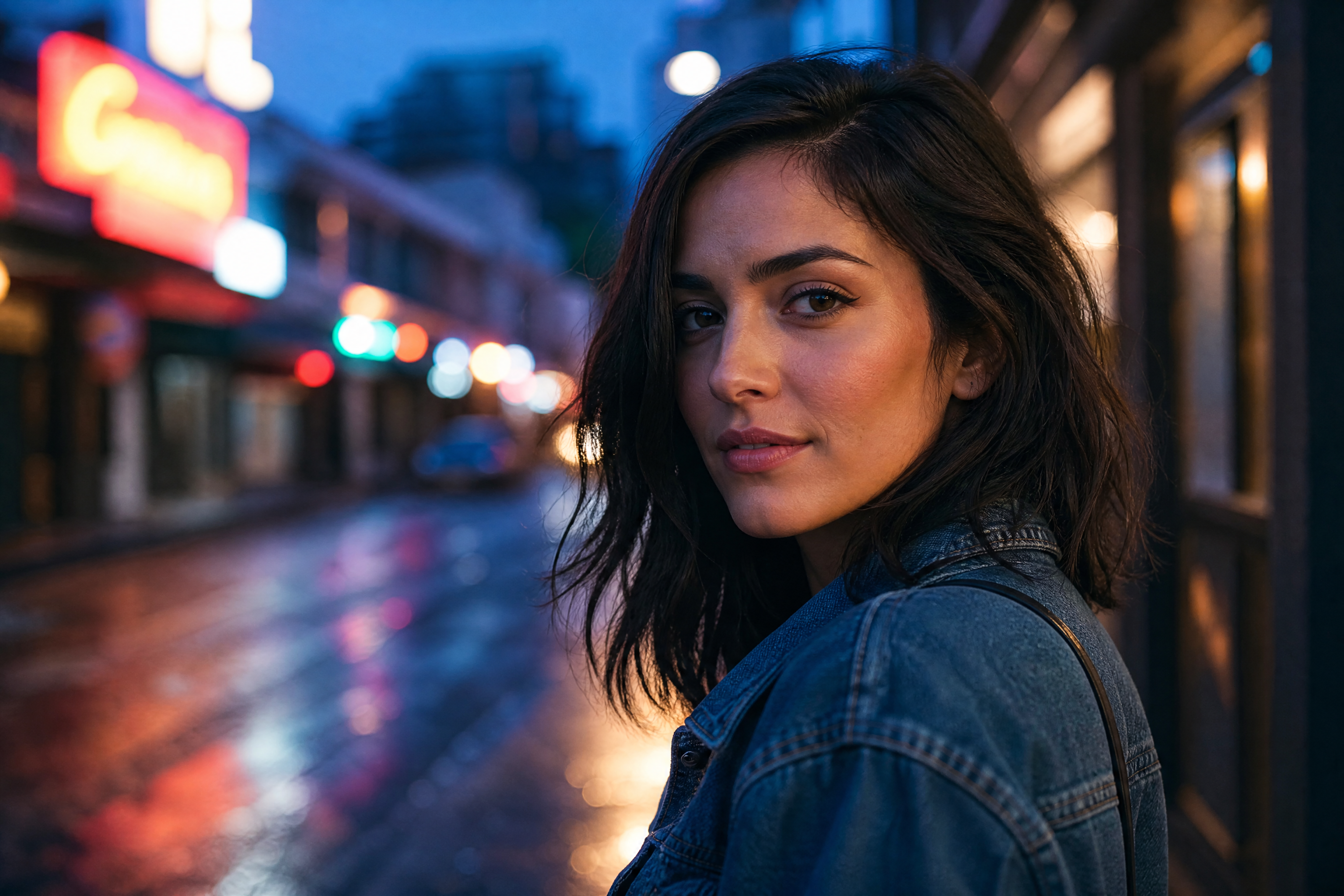
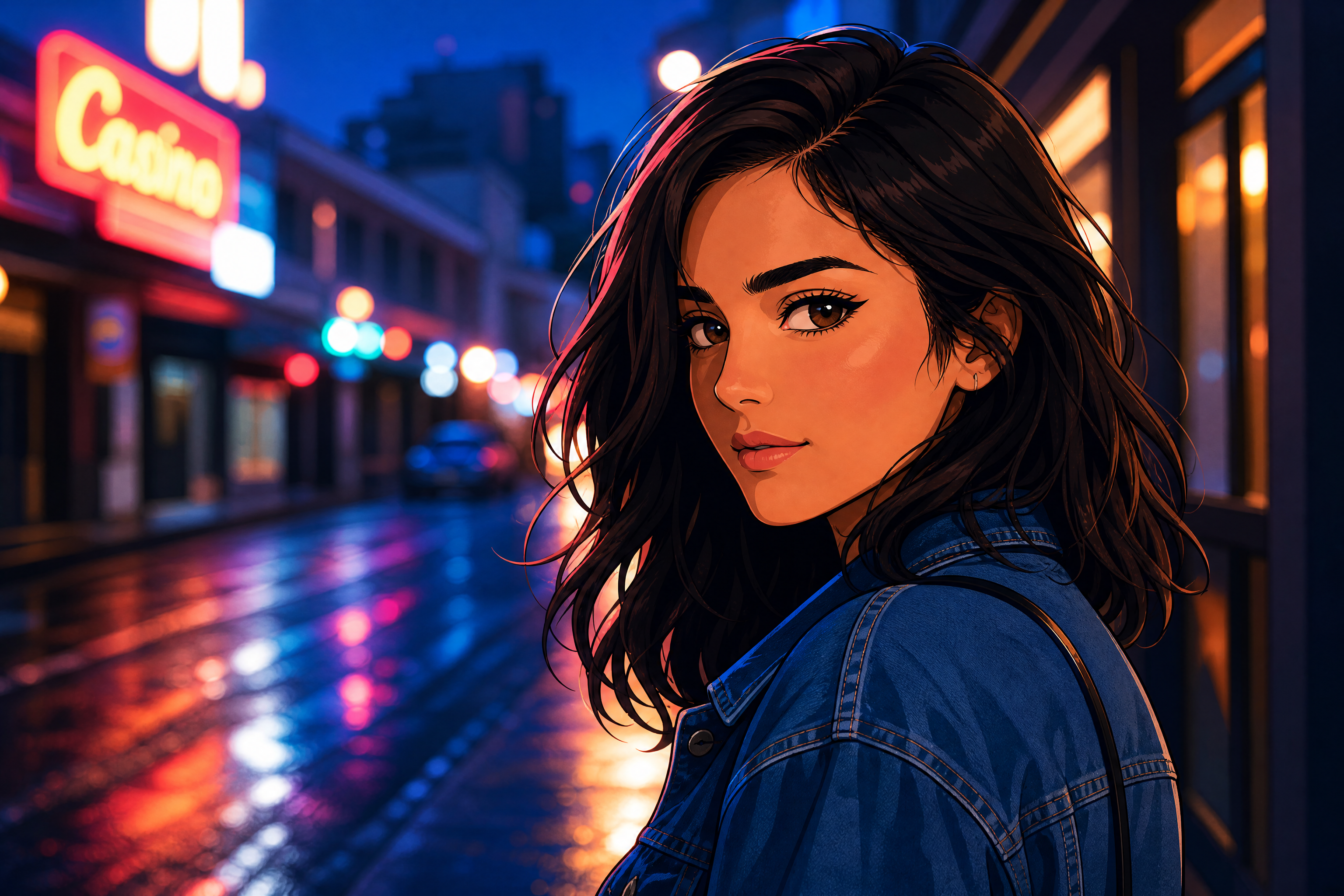
Upload a photo and turn it into an anime avatar that still feels like you. Our AI keeps the pose, framing, and overall identity while changing the look into clean illustrated character art. It works well for profile pictures, creator branding, and social posts.
Watch the Transformation
See ai anime avatar generator in motion — generated end-to-end by our AI.
See It In Action
Real outputs from ai anime avatar generator.
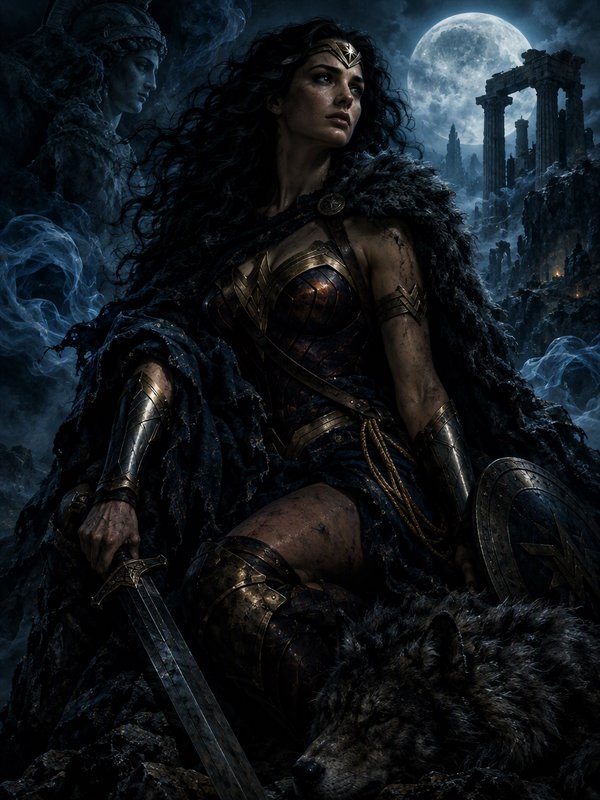
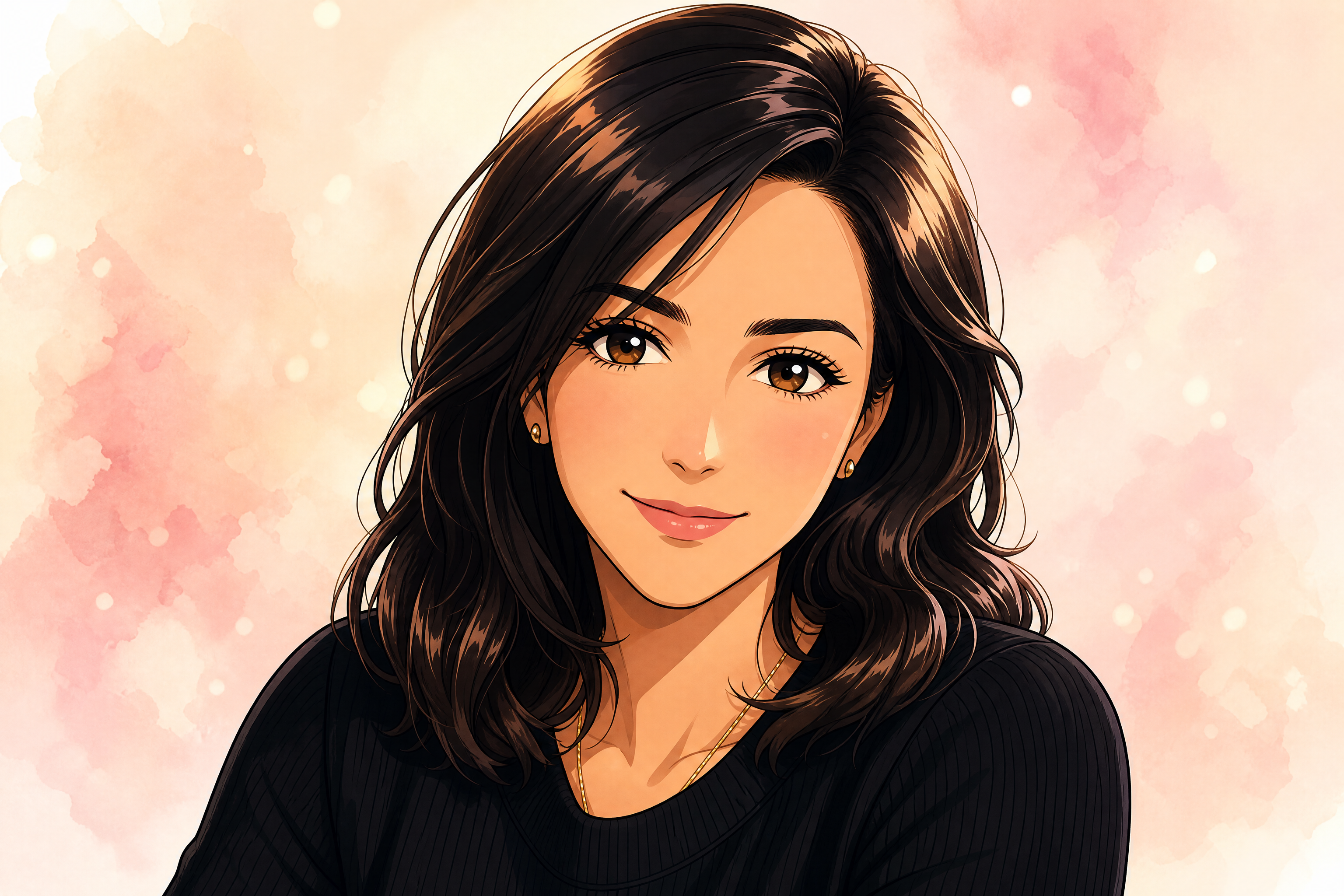
BEFOREAFTER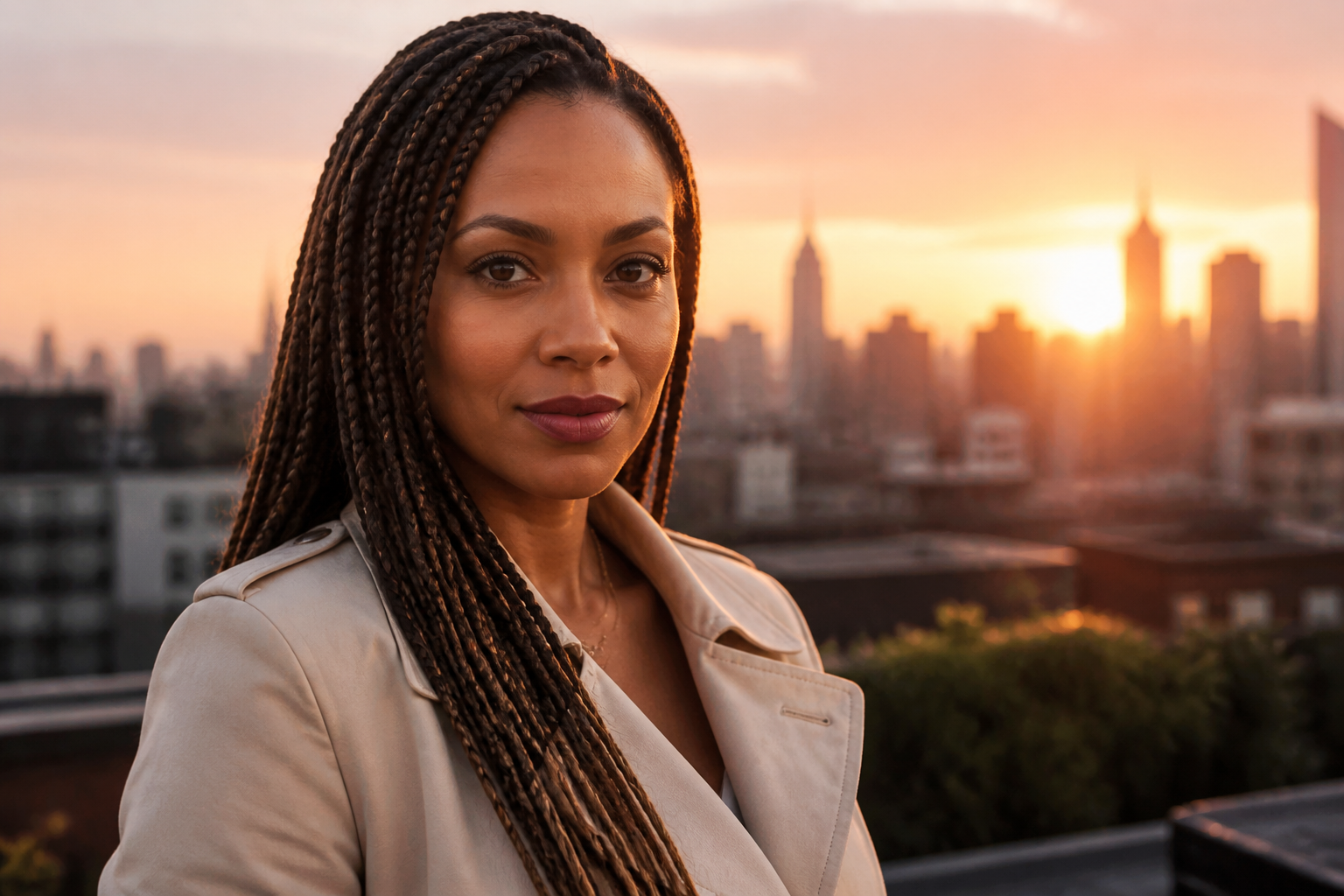 BEFORE
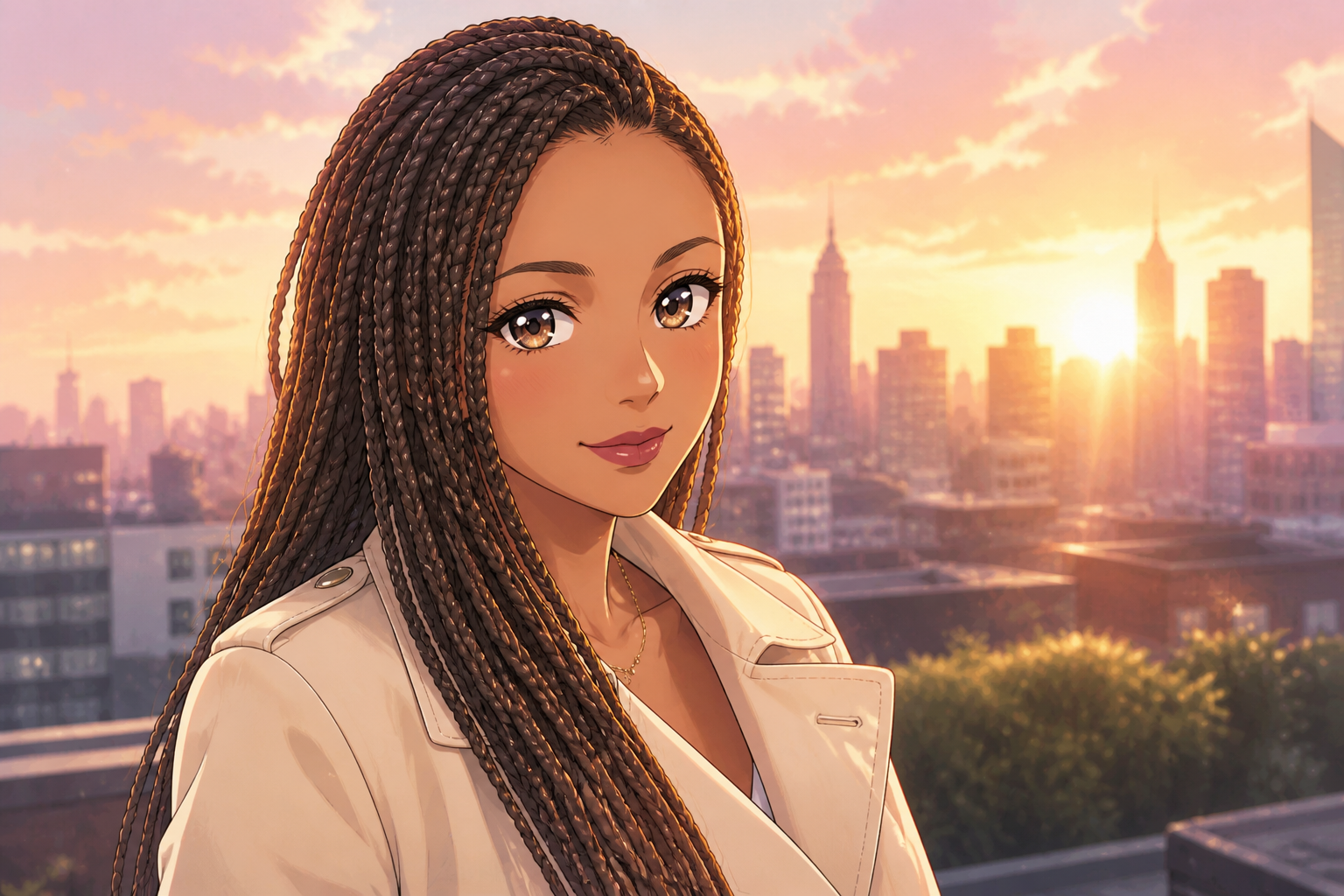 AFTER
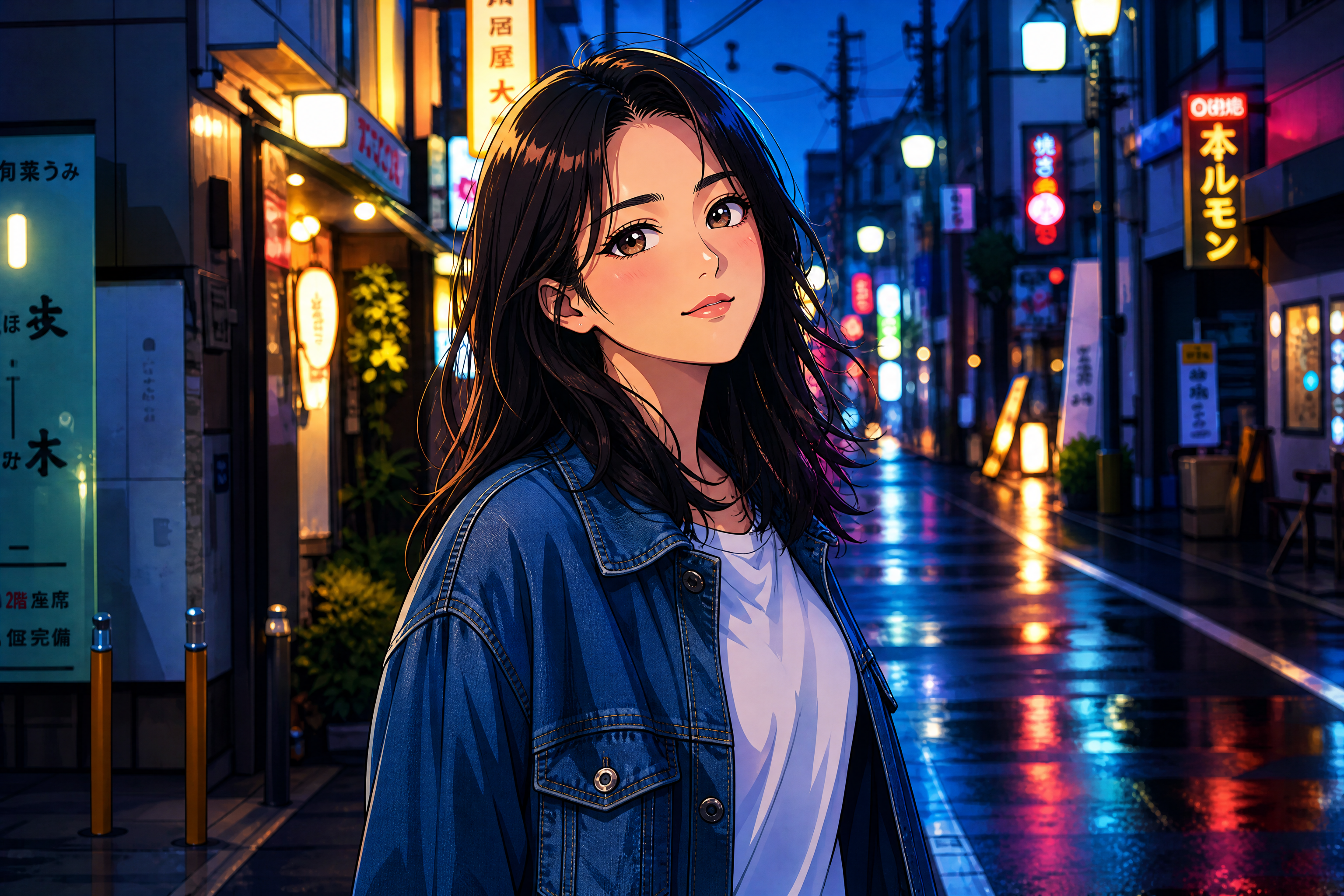
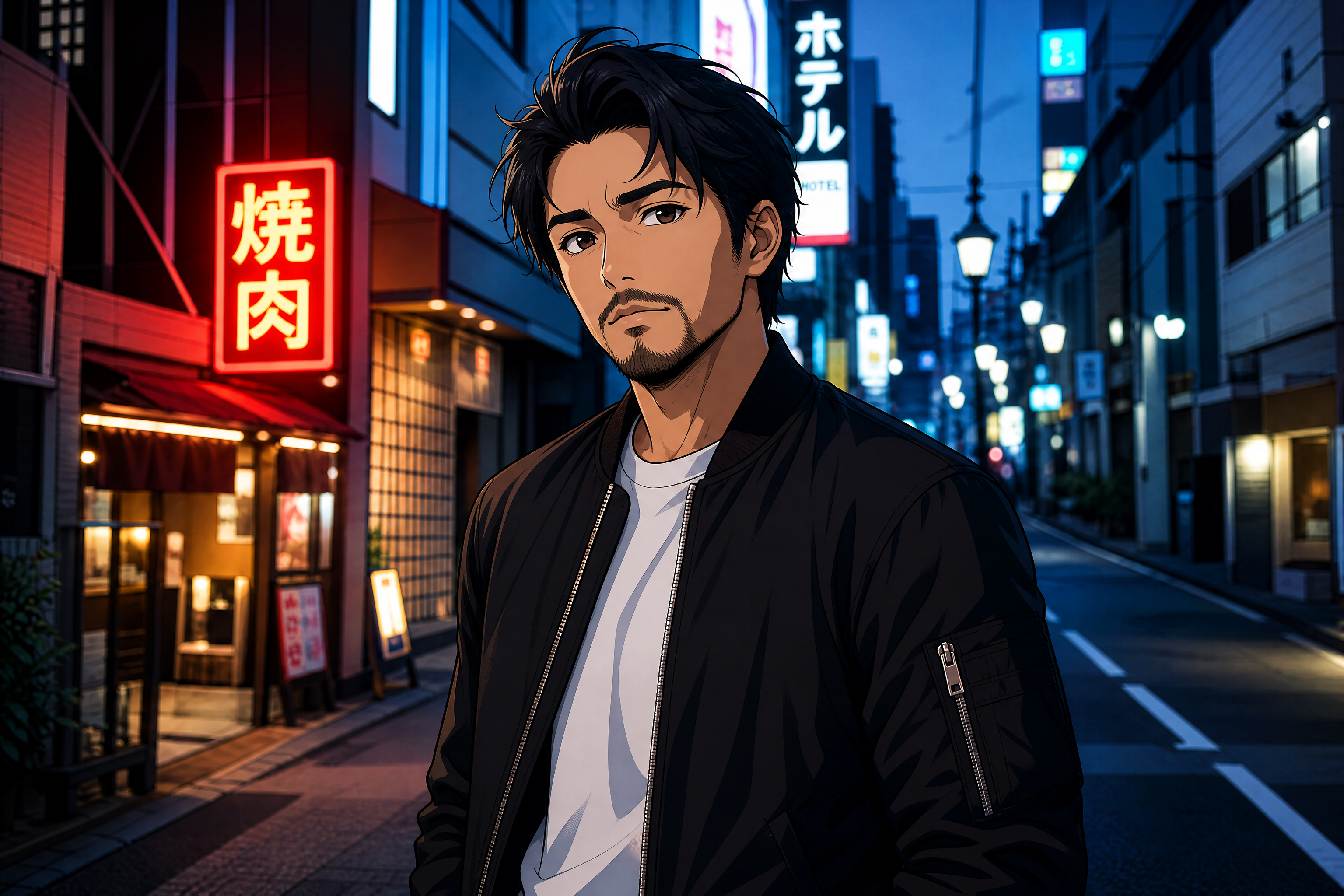
AFTER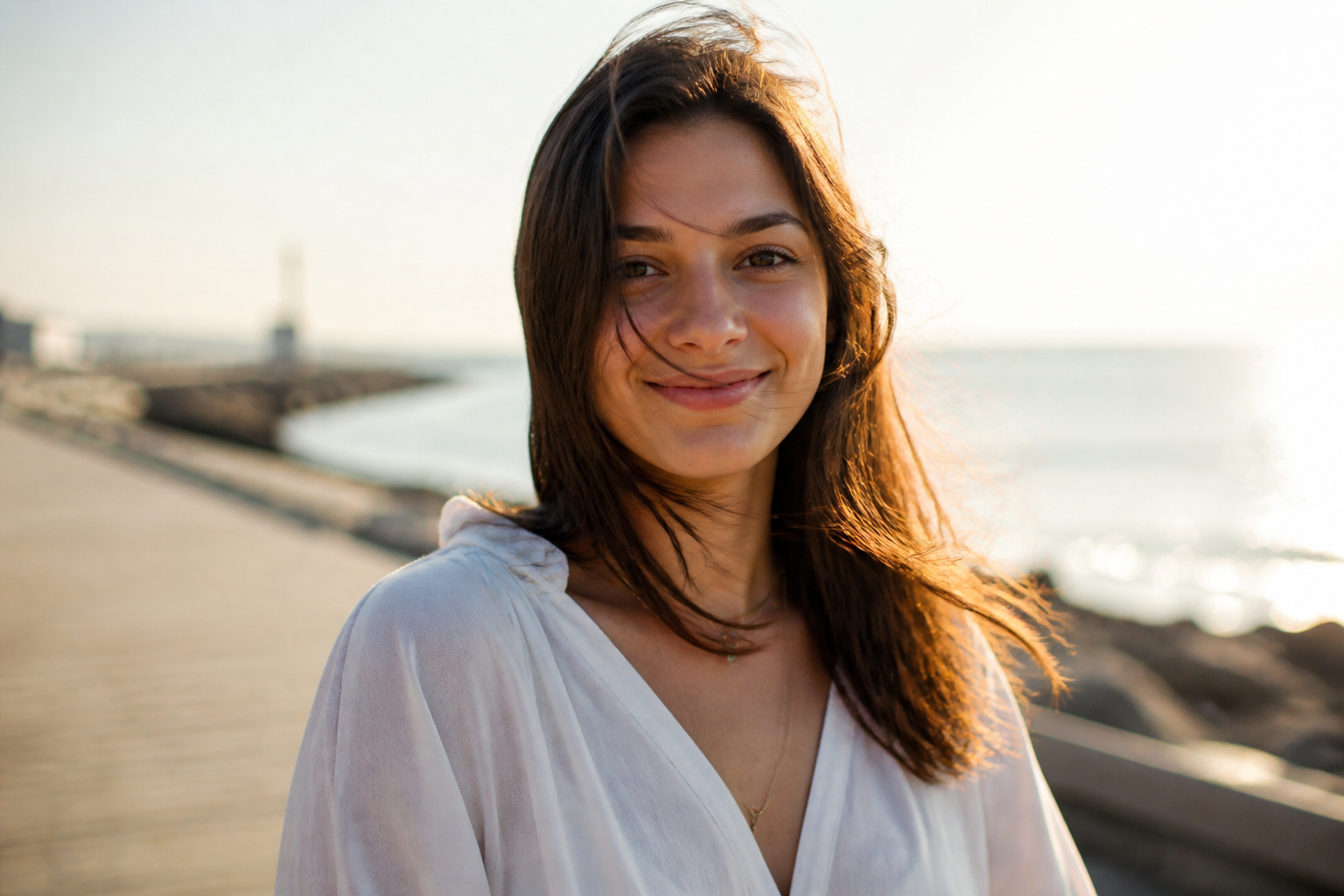 BEFORE
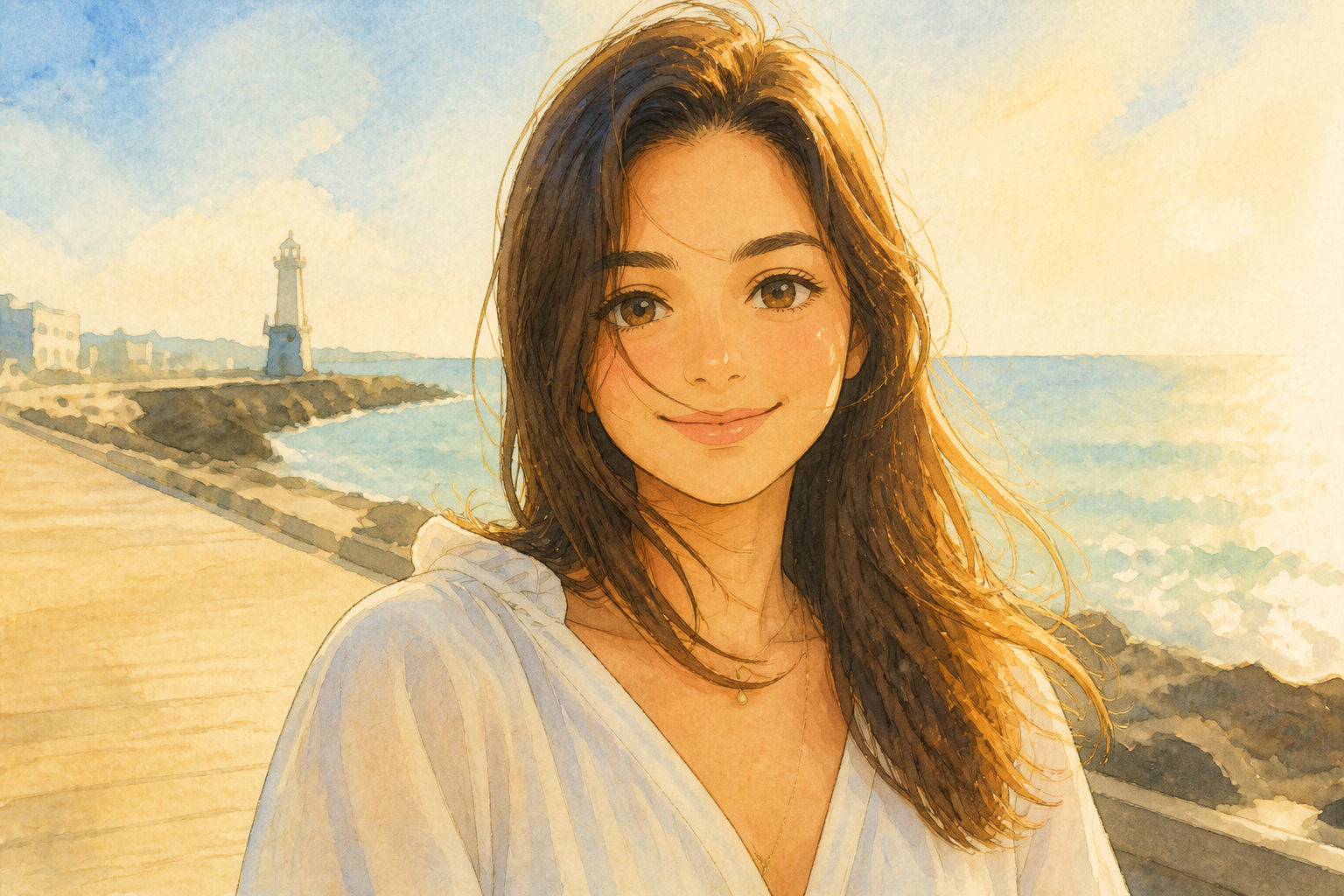 AFTER
AFTER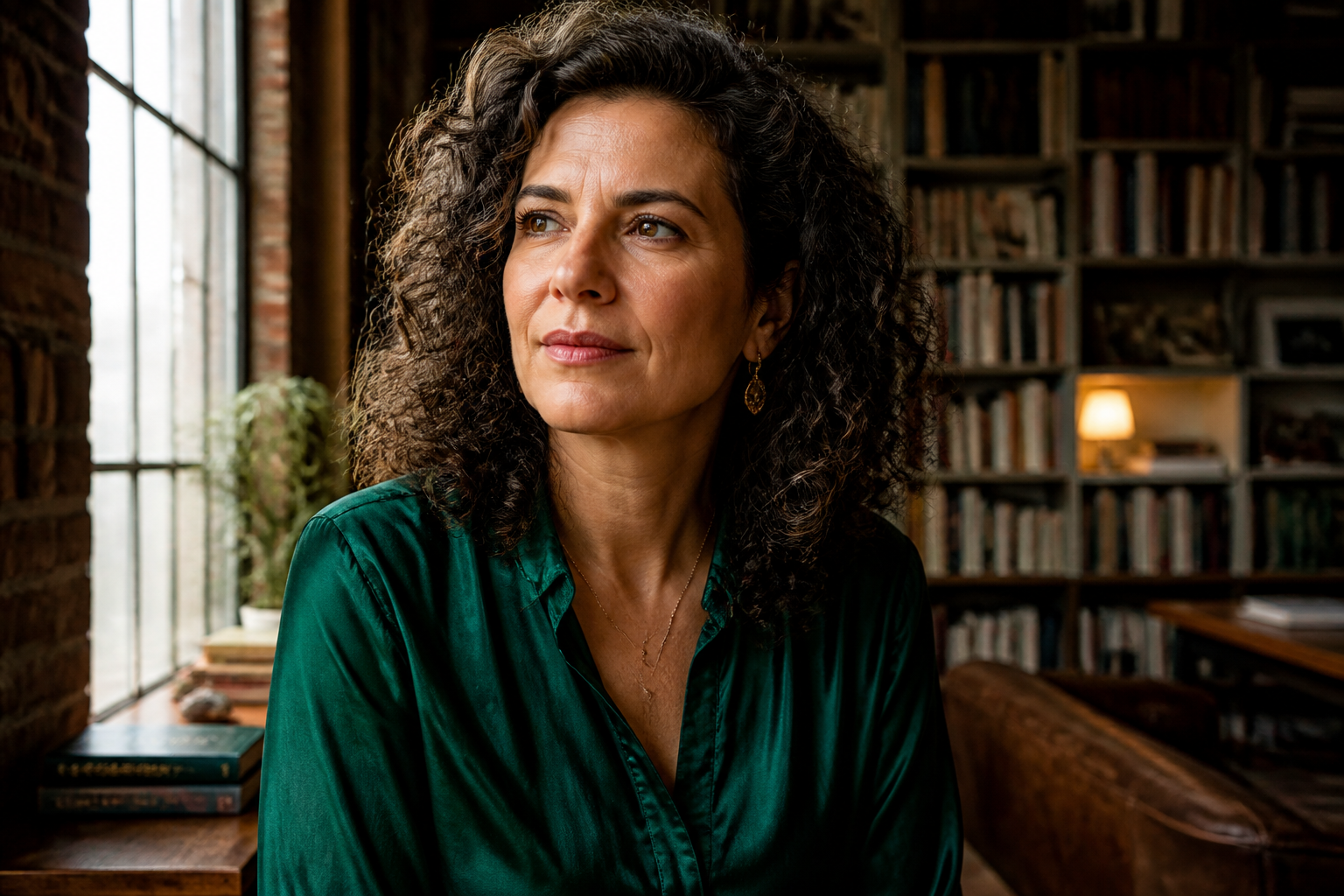 BEFORE
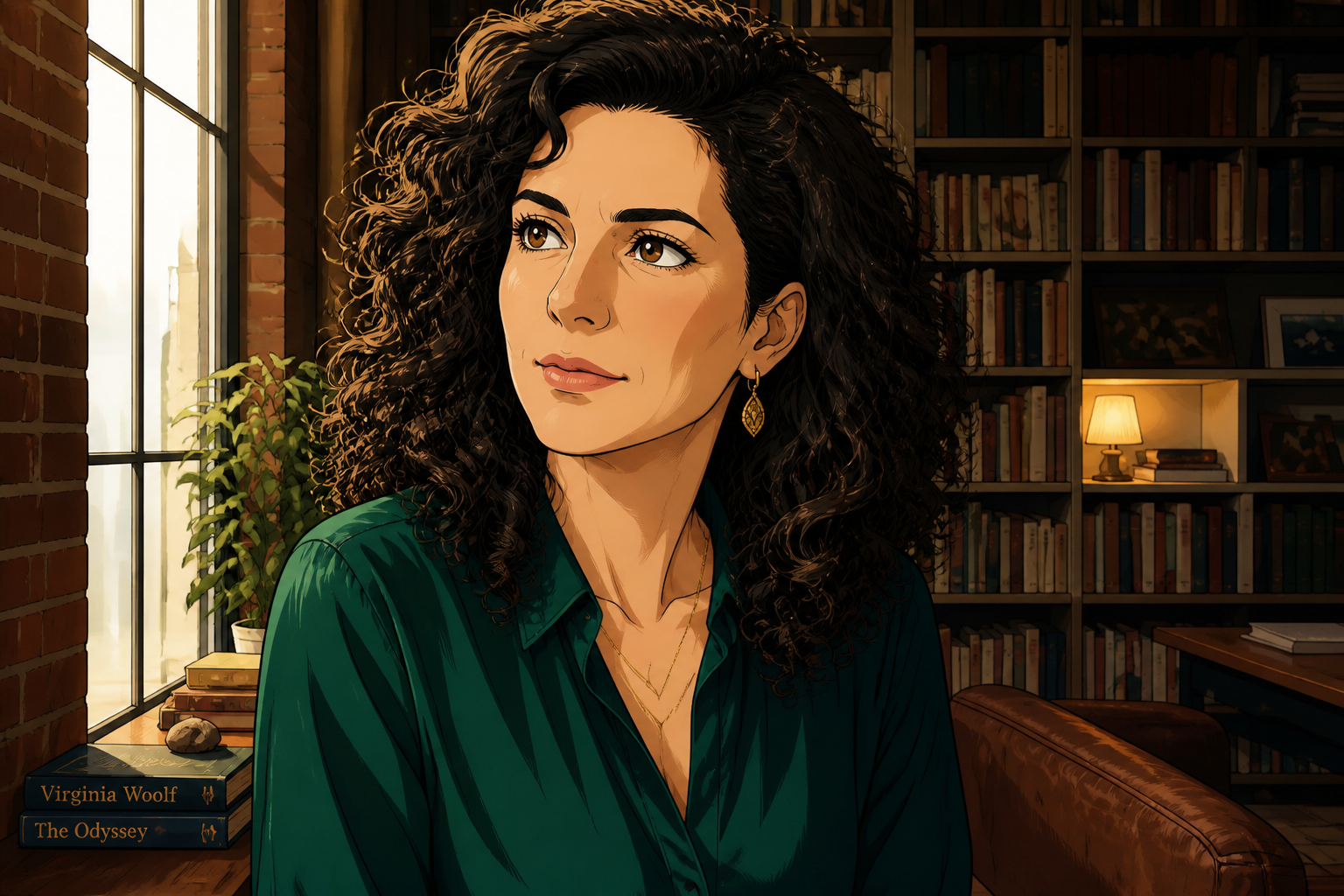 AFTER
AFTER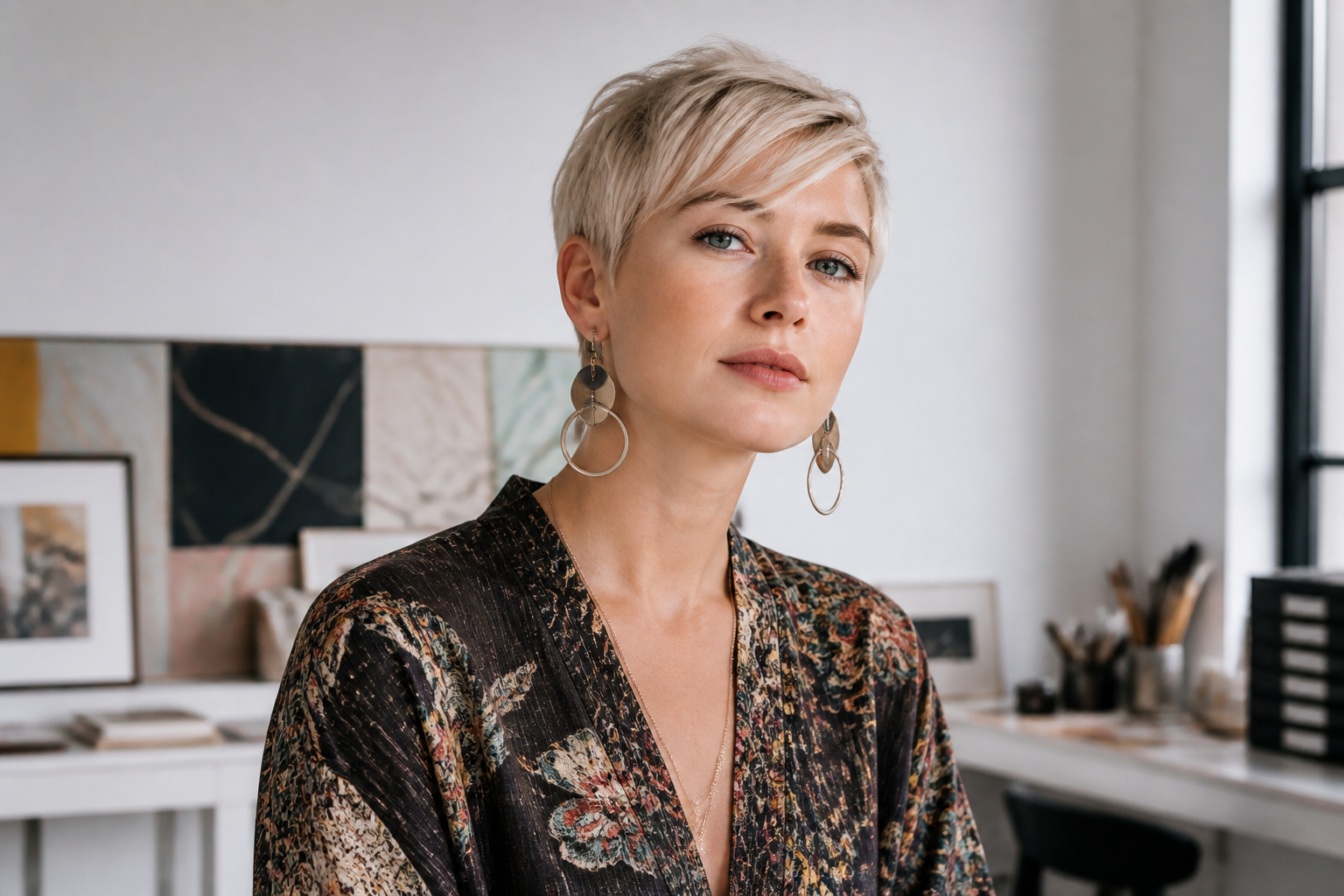 BEFORE
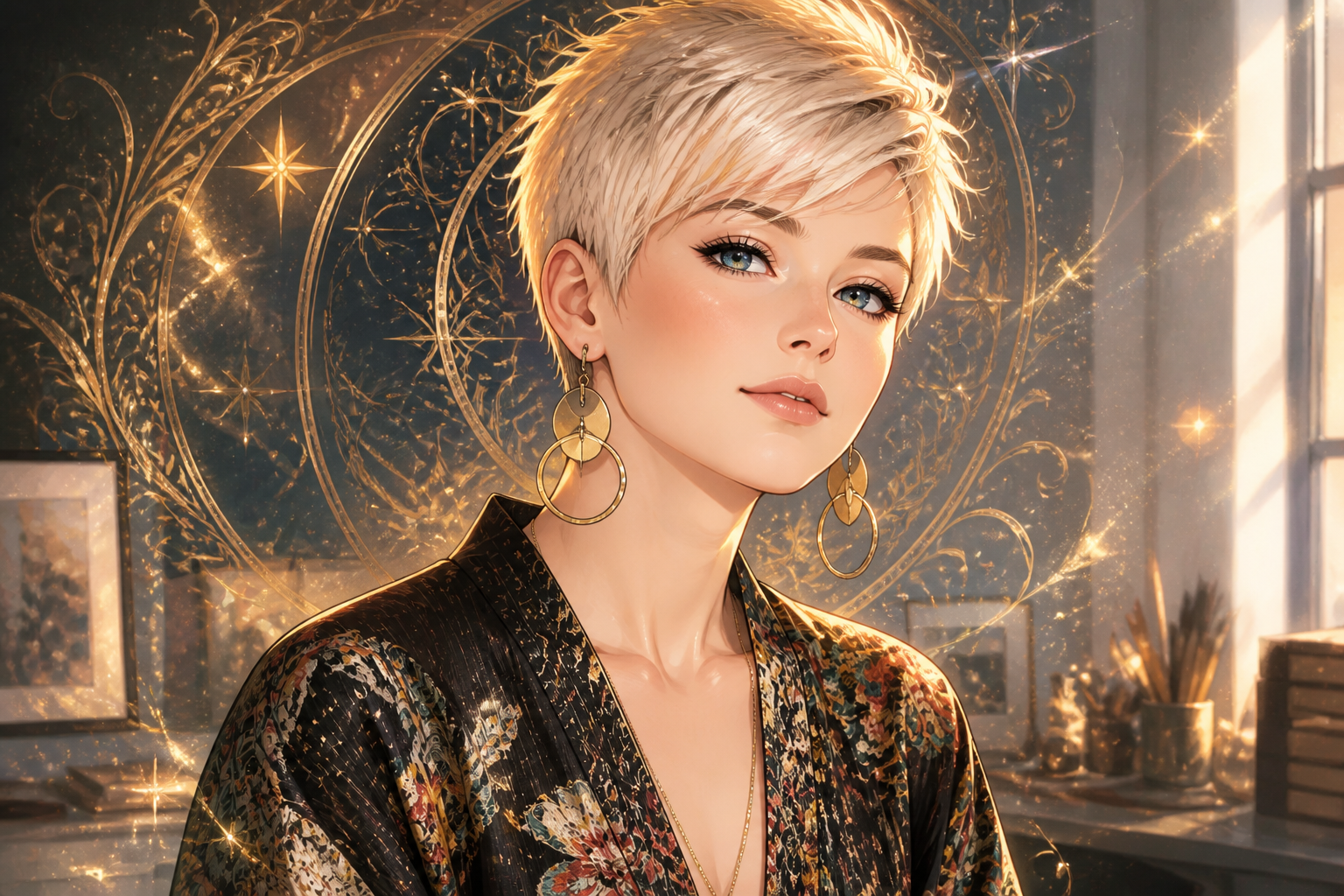 AFTERBEFOREAFTERBEFOREAFTERBEFOREAFTERBEFOREAFTERBEFOREAFTER
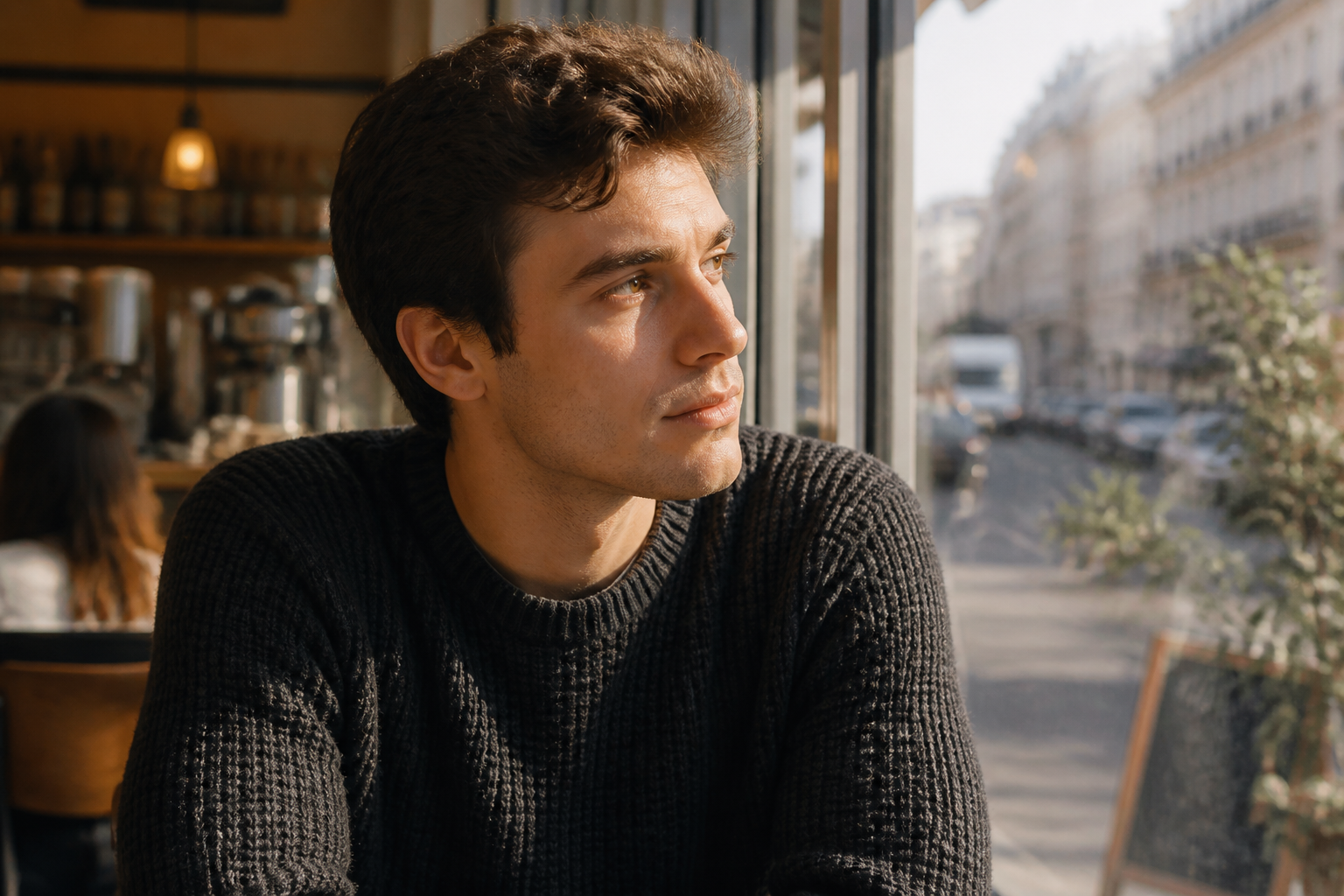 BEFORE
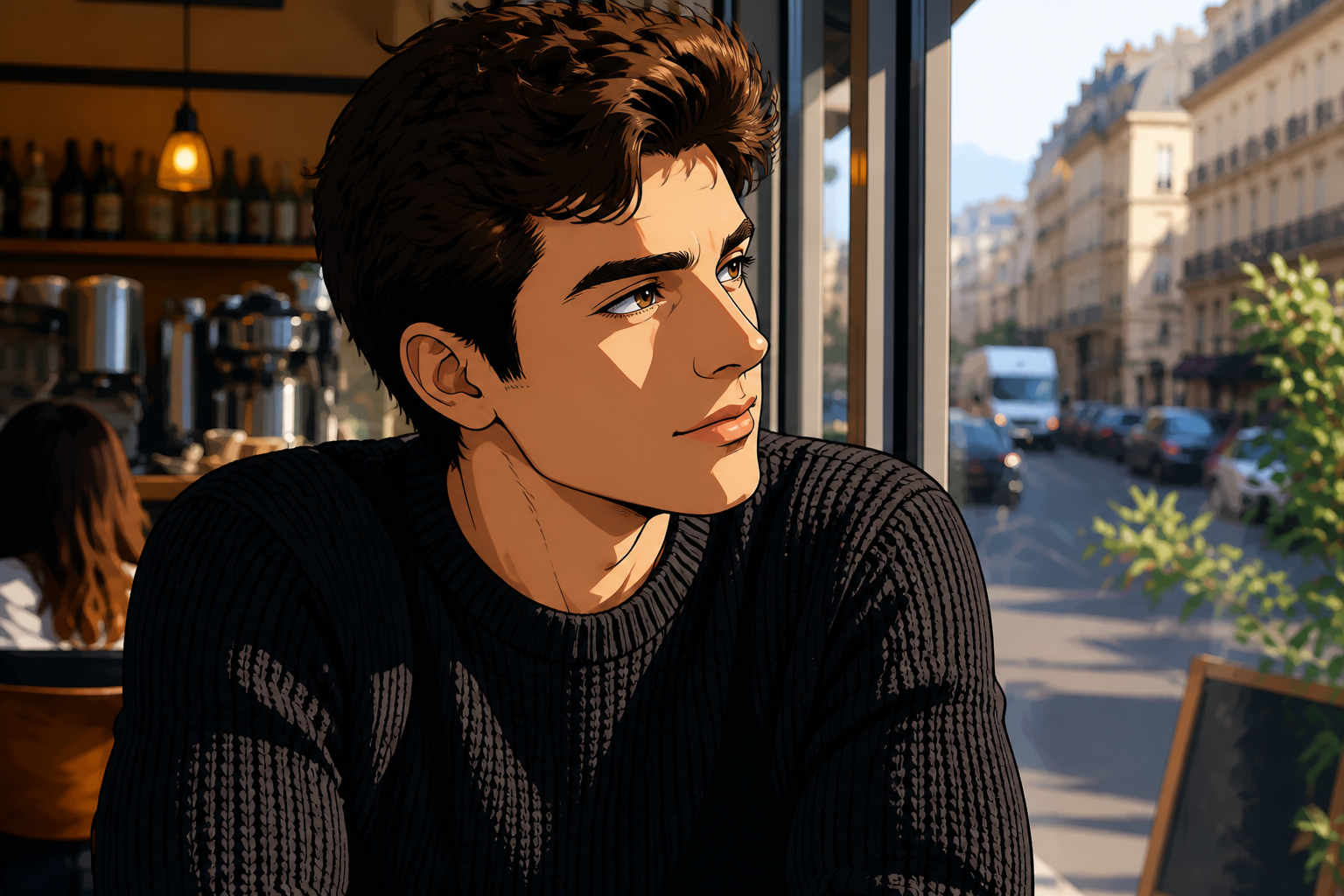 AFTER
AFTER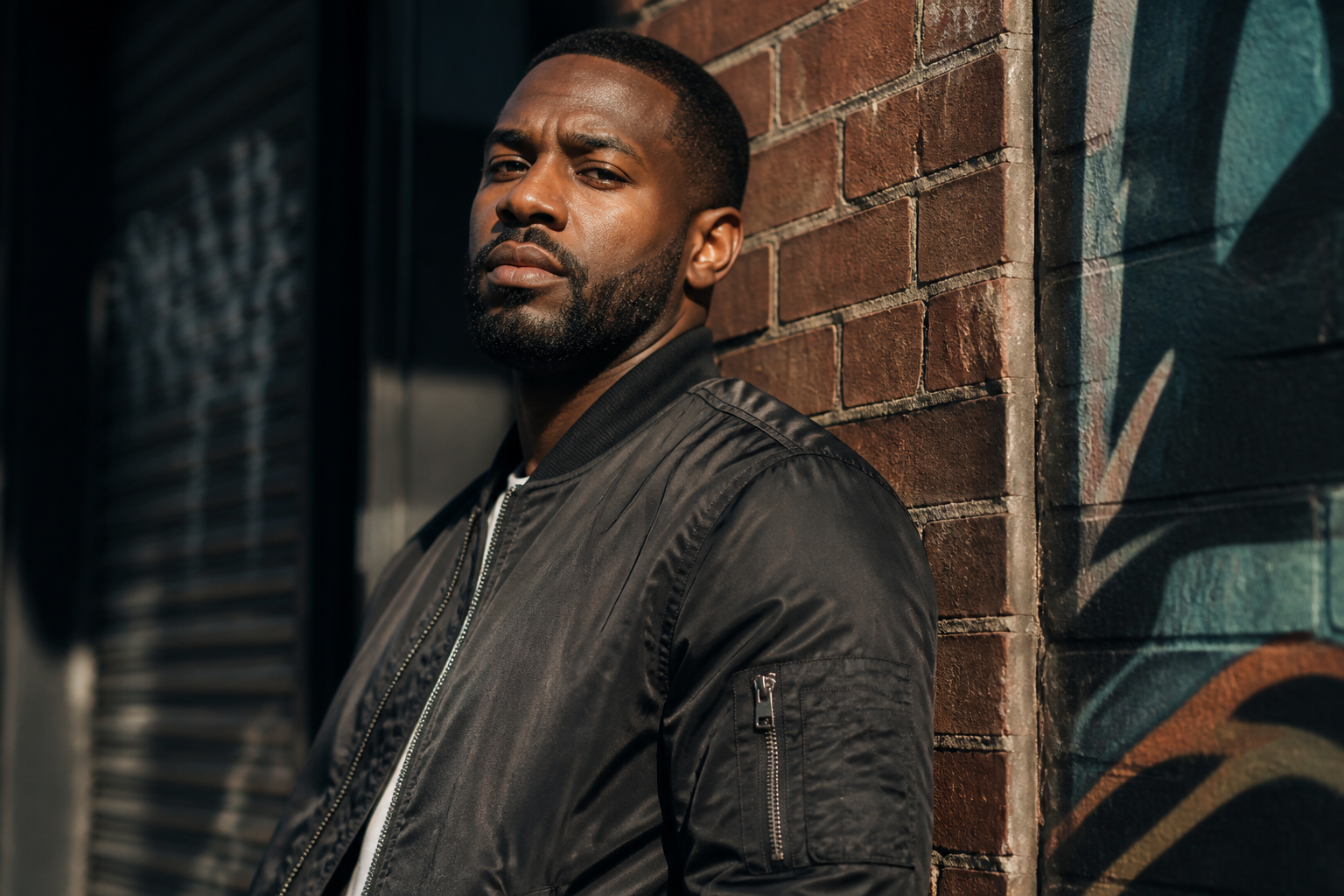 BEFORE
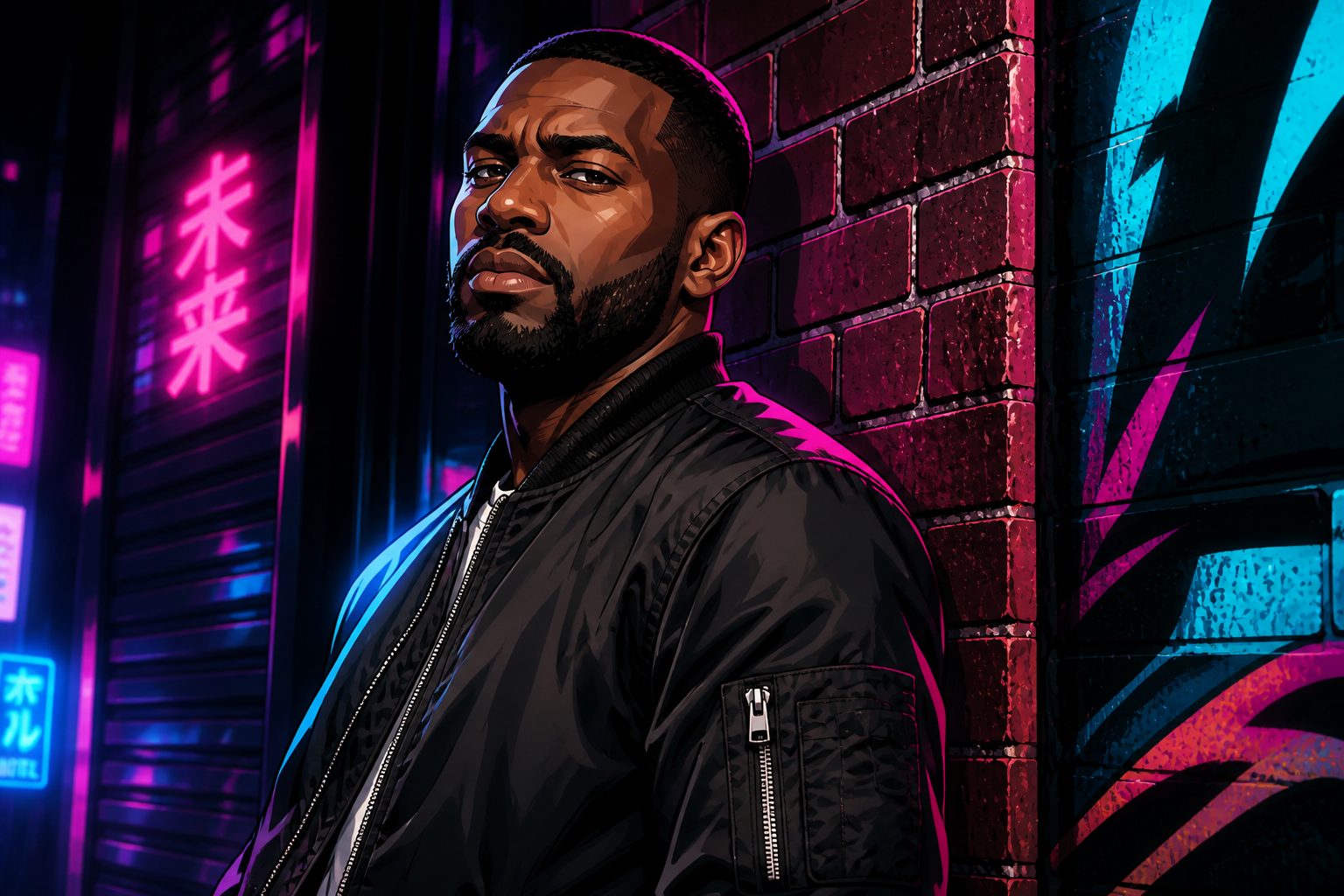 AFTER
AFTER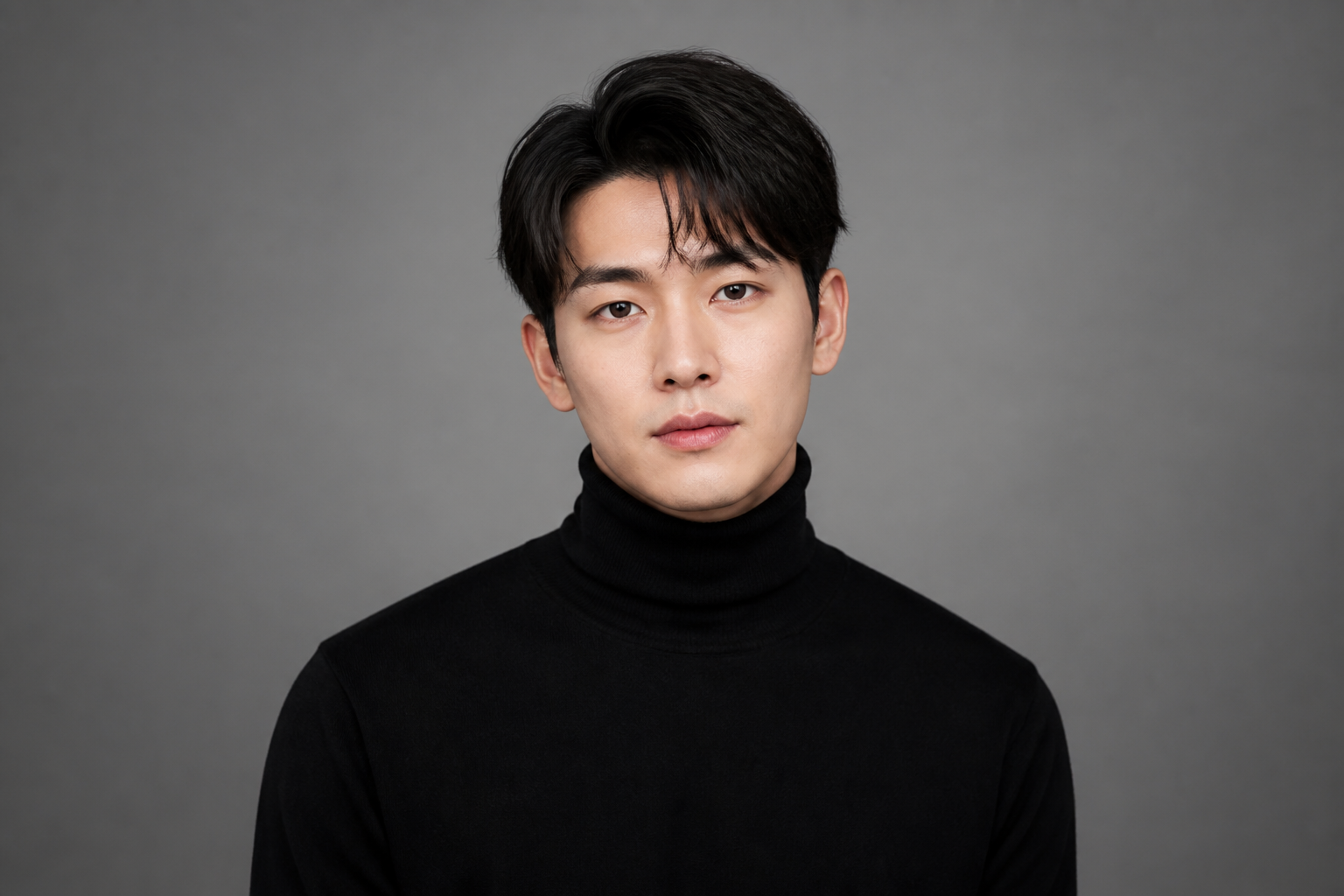 BEFORE
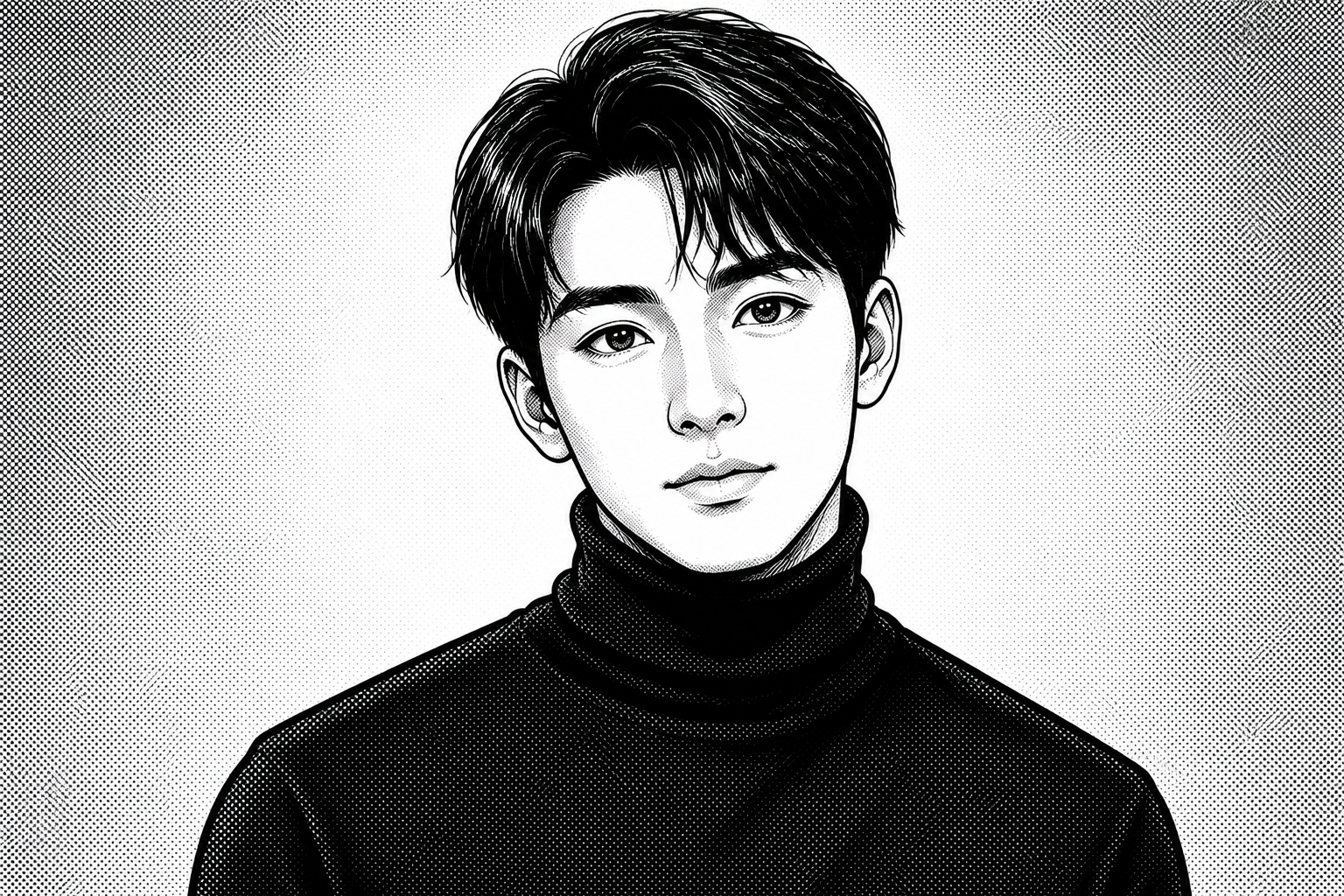 AFTER
AFTER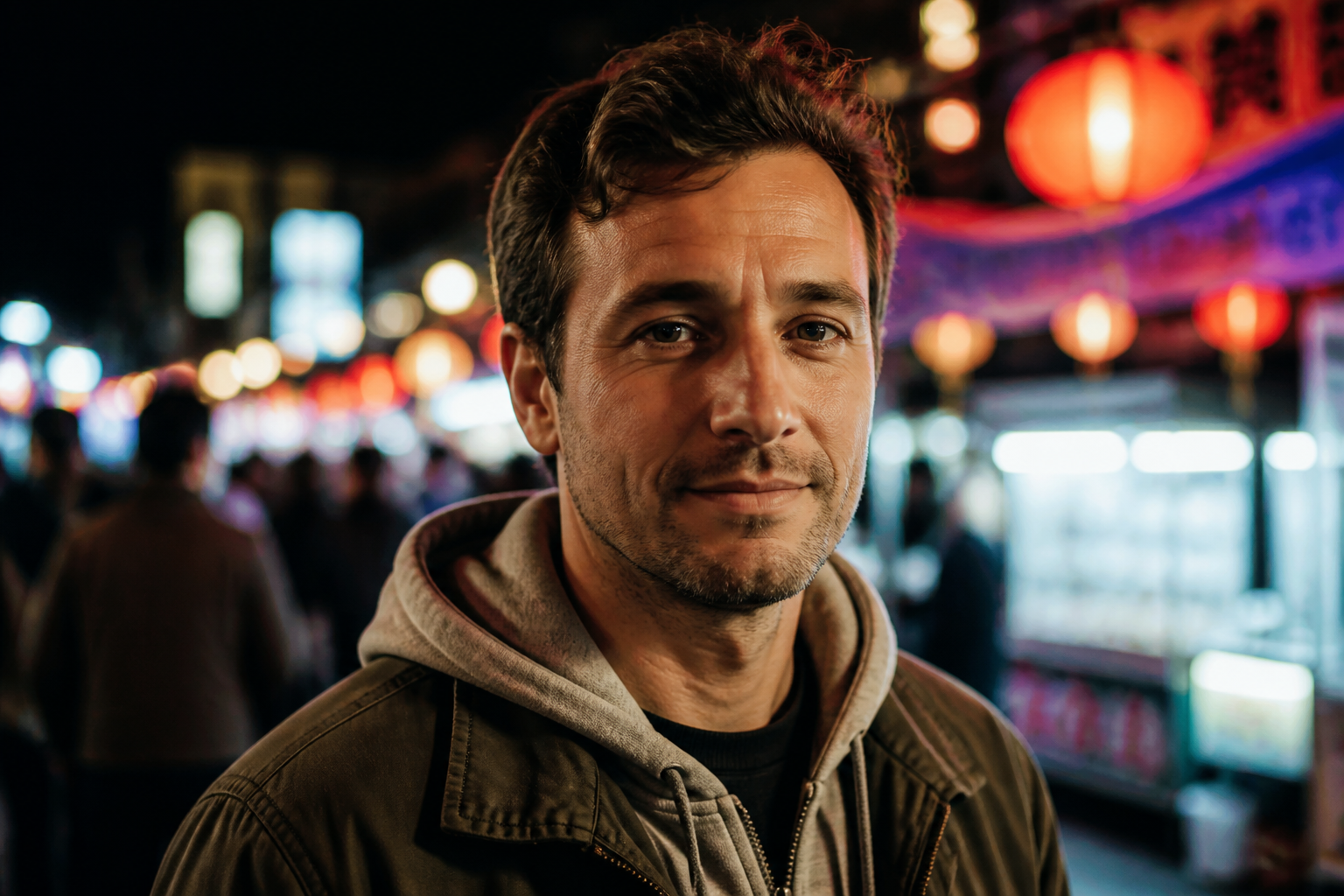 BEFORE
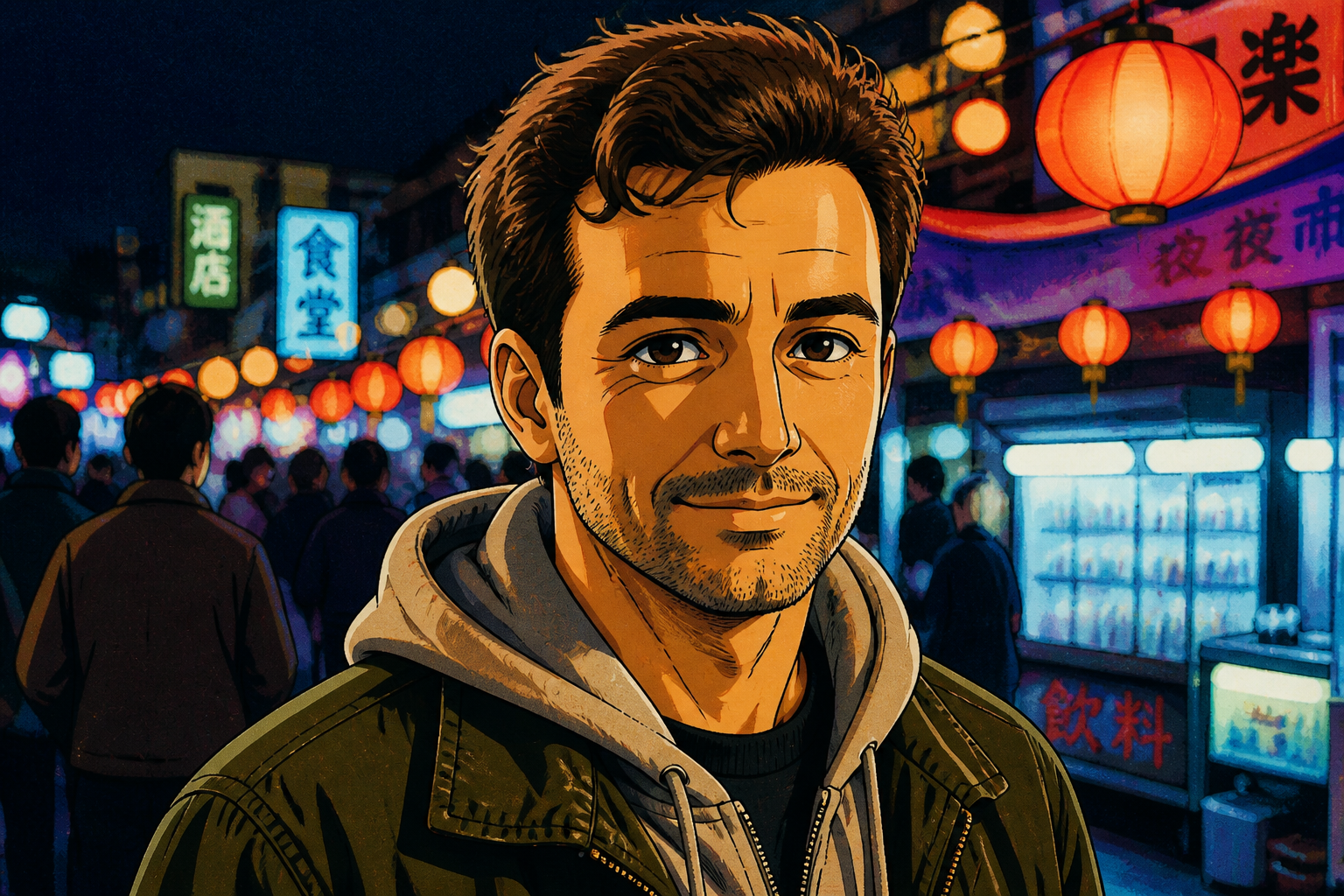 AFTER
AFTER BEFORE
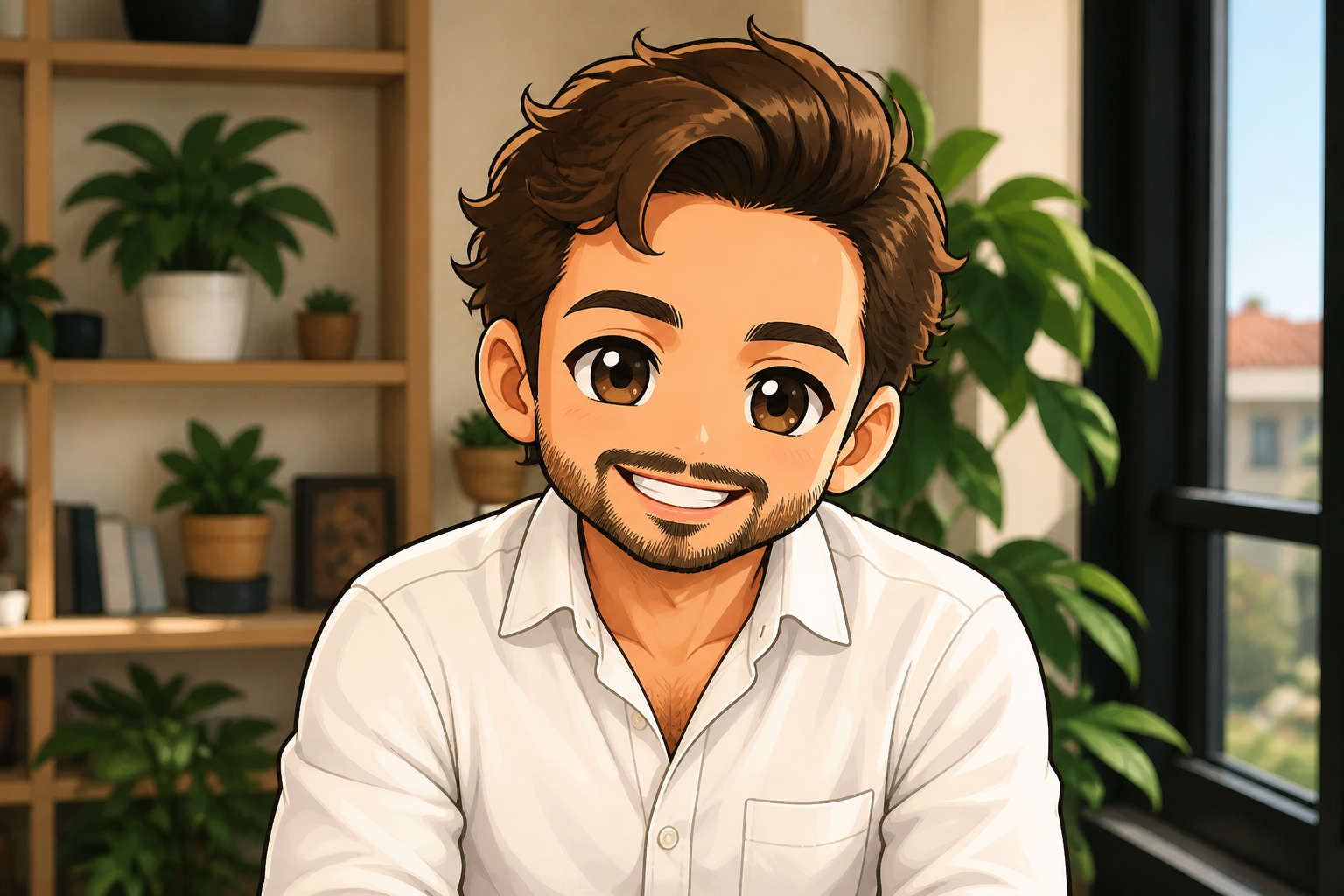 AFTERBEFOREAFTERBEFOREAFTERBEFOREAFTERBEFOREAFTERBEFOREAFTER
Key Features
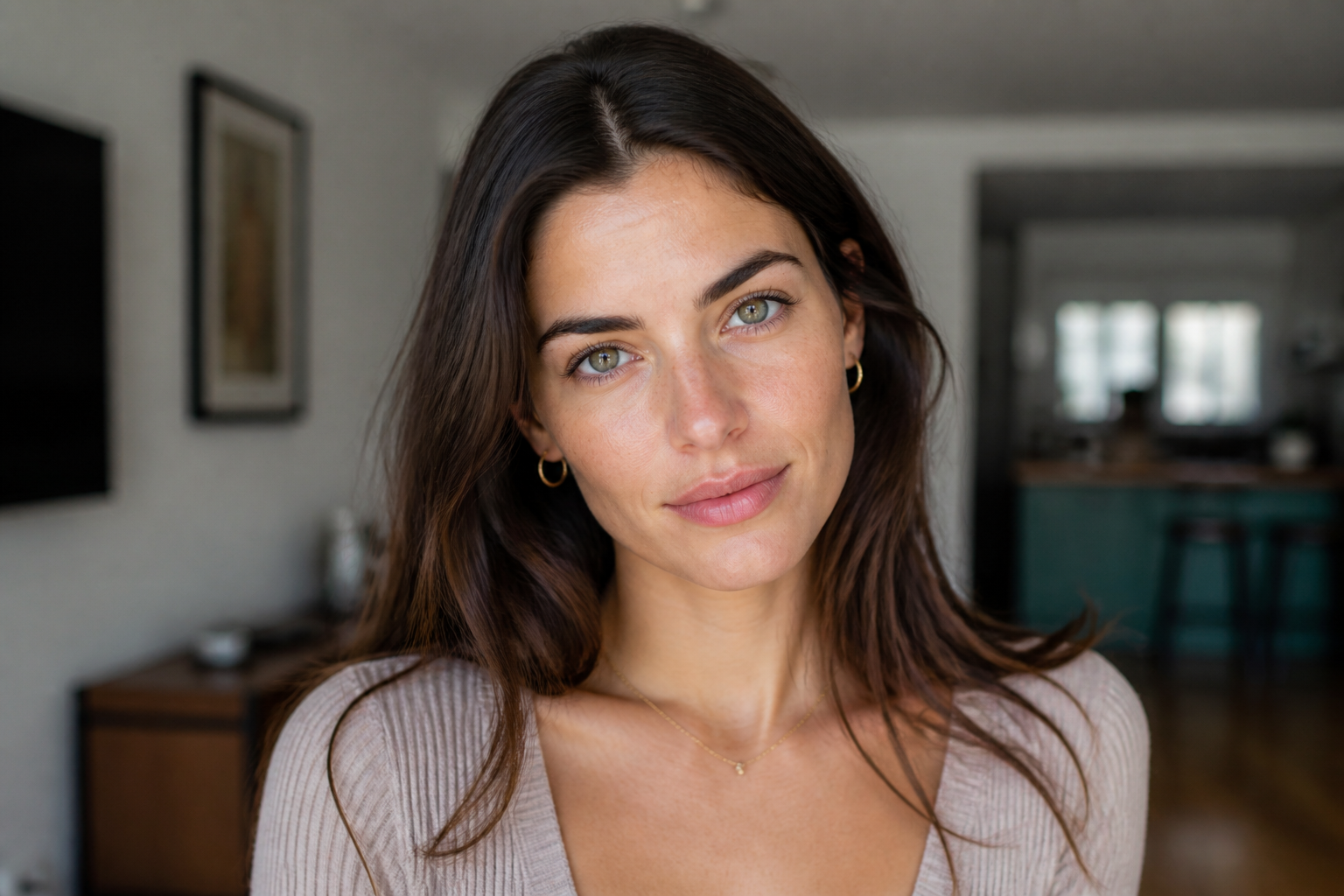
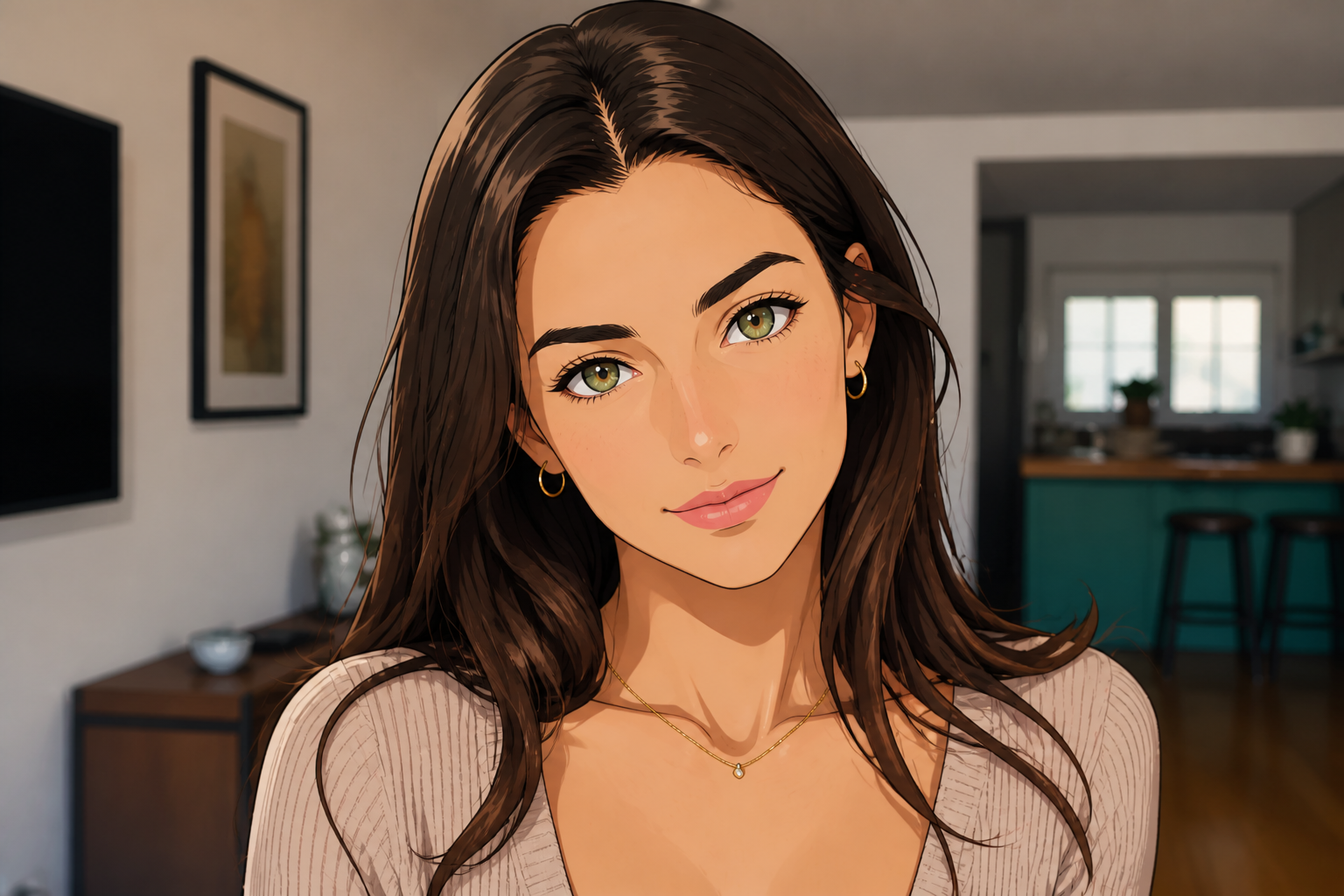
Keep the face recognizable
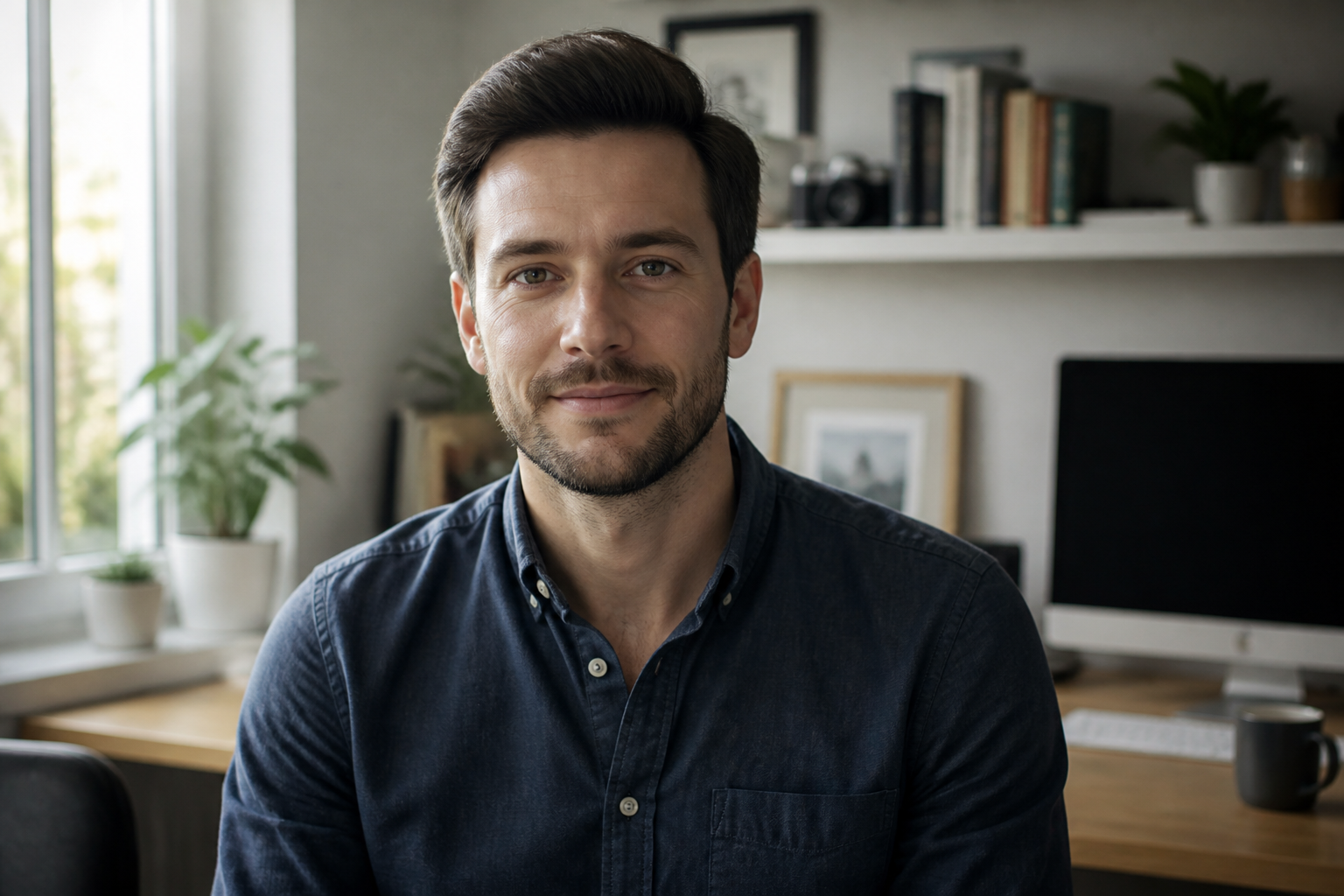
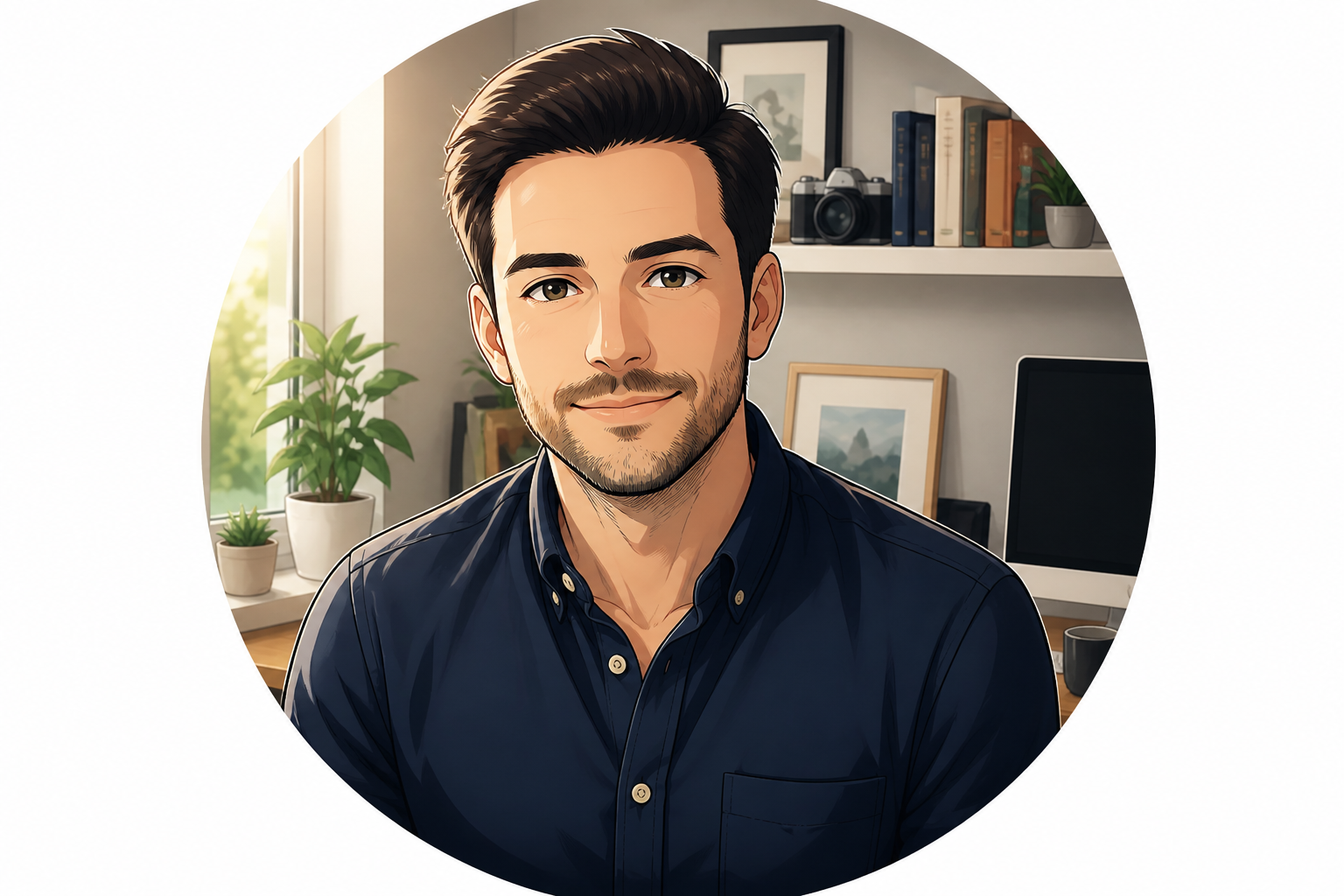
You can change the visual style without losing the person behind the photo. That matters when you want an avatar that still feels connected to your real profile, channel, or brand. Our AI preserves core facial structure, expression, and framing while changing the rendering style. It is much faster than trying to redraw a portrait manually and more consistent across repeated edits.
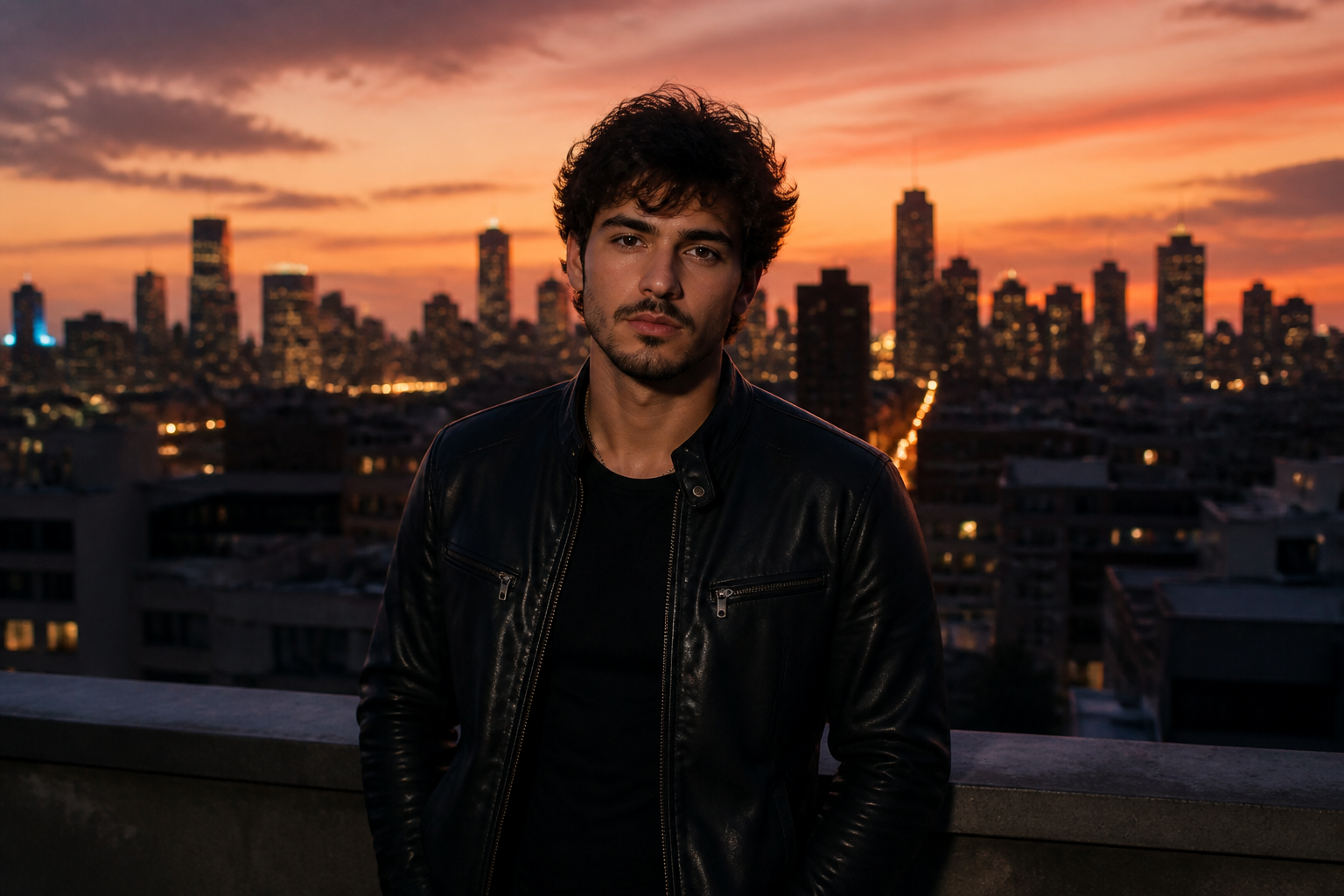
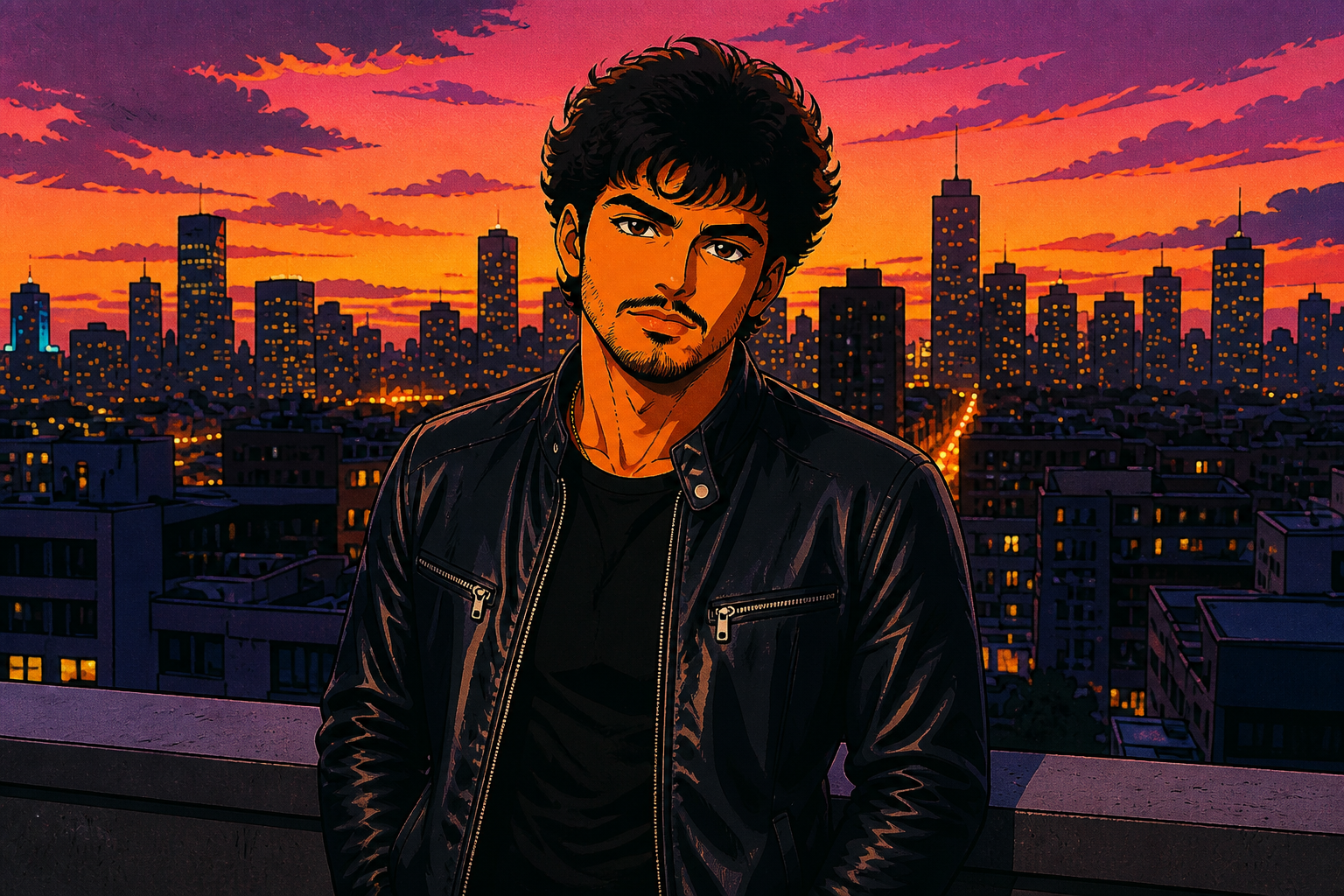
Explore multiple anime styles
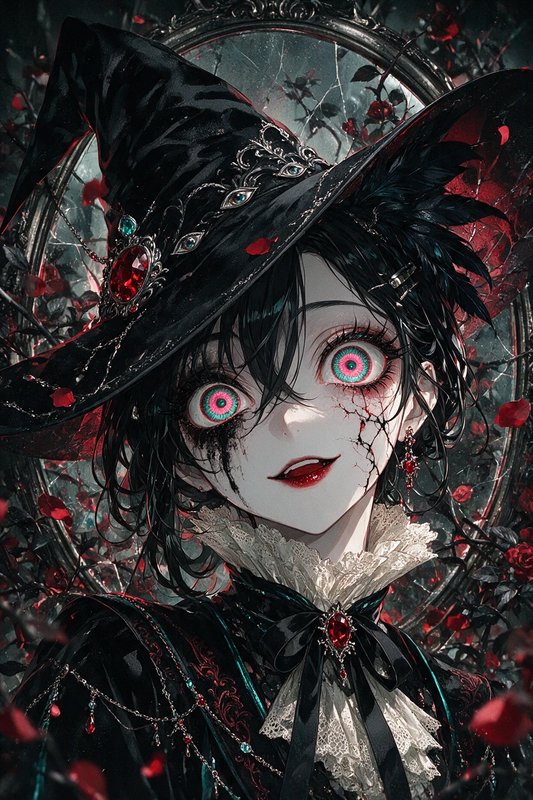
One photo can lead to very different avatar looks depending on the style you choose. You can test clean modern anime, softer watercolor-inspired art, nostalgic 90s cel animation, or manga-inspired line work. That gives you more range for gaming profiles, creator branding, or social icons. Instead of starting over each time, you can reuse the same portrait and quickly compare directions.

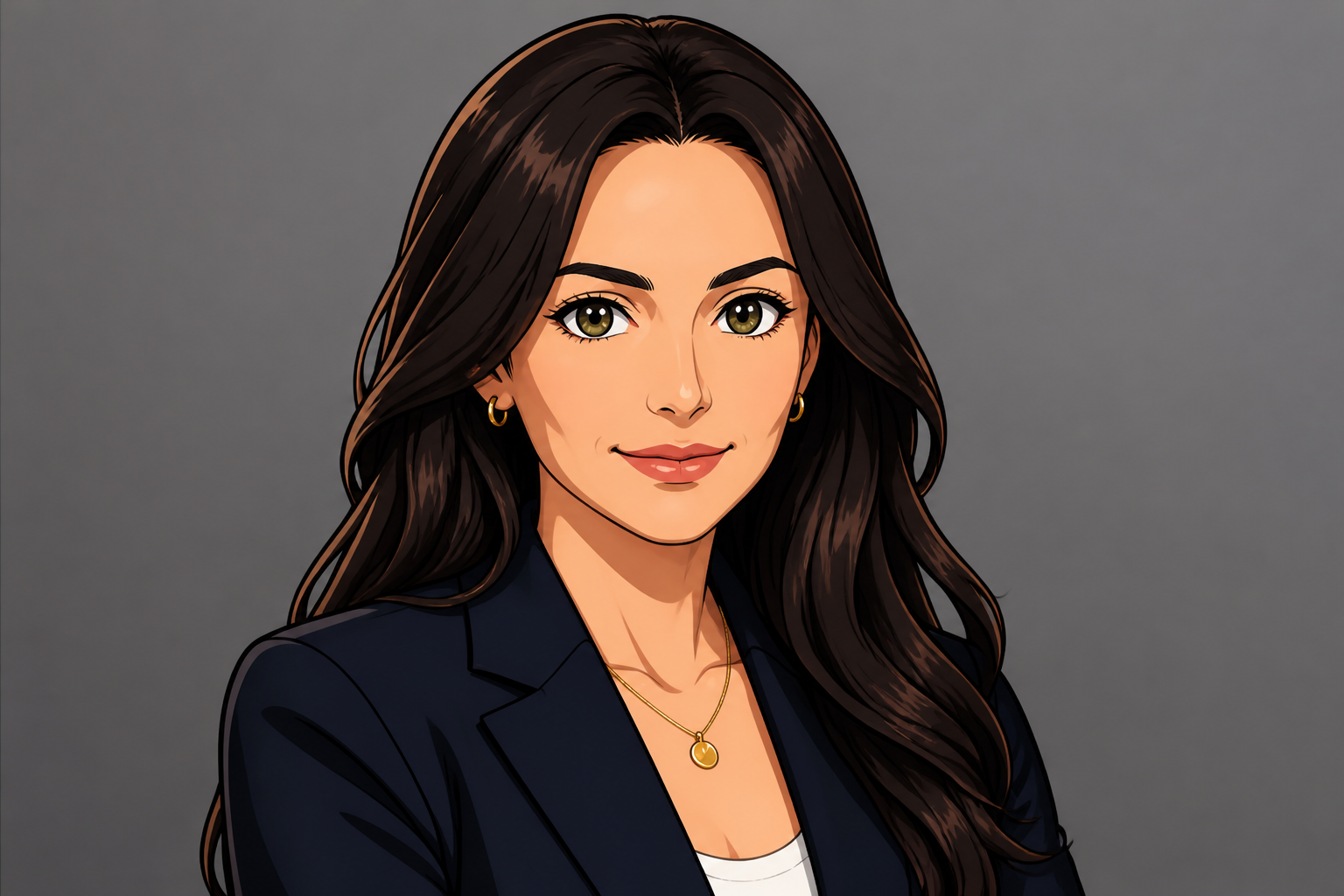
Made for profile pictures
Anime avatars work best when the face reads clearly at small sizes. This tool is good for making edits with strong silhouettes, readable eyes, and clean contrast that still look good as a tiny circle or square crop. That is useful for Discord, TikTok, X, YouTube, and community forums. You get a result that looks intentional instead of like a blurry filter pass.
Fast repeatable edits
Once you find a prompt structure you like, you can apply it to more portraits with consistent results. That helps teams, streamers, and creators build matching avatar sets without manually briefing an artist for every variation. You stay in control of the input photo and the style direction. The workflow is simple enough for quick experiments but structured enough to reuse.
How It Works
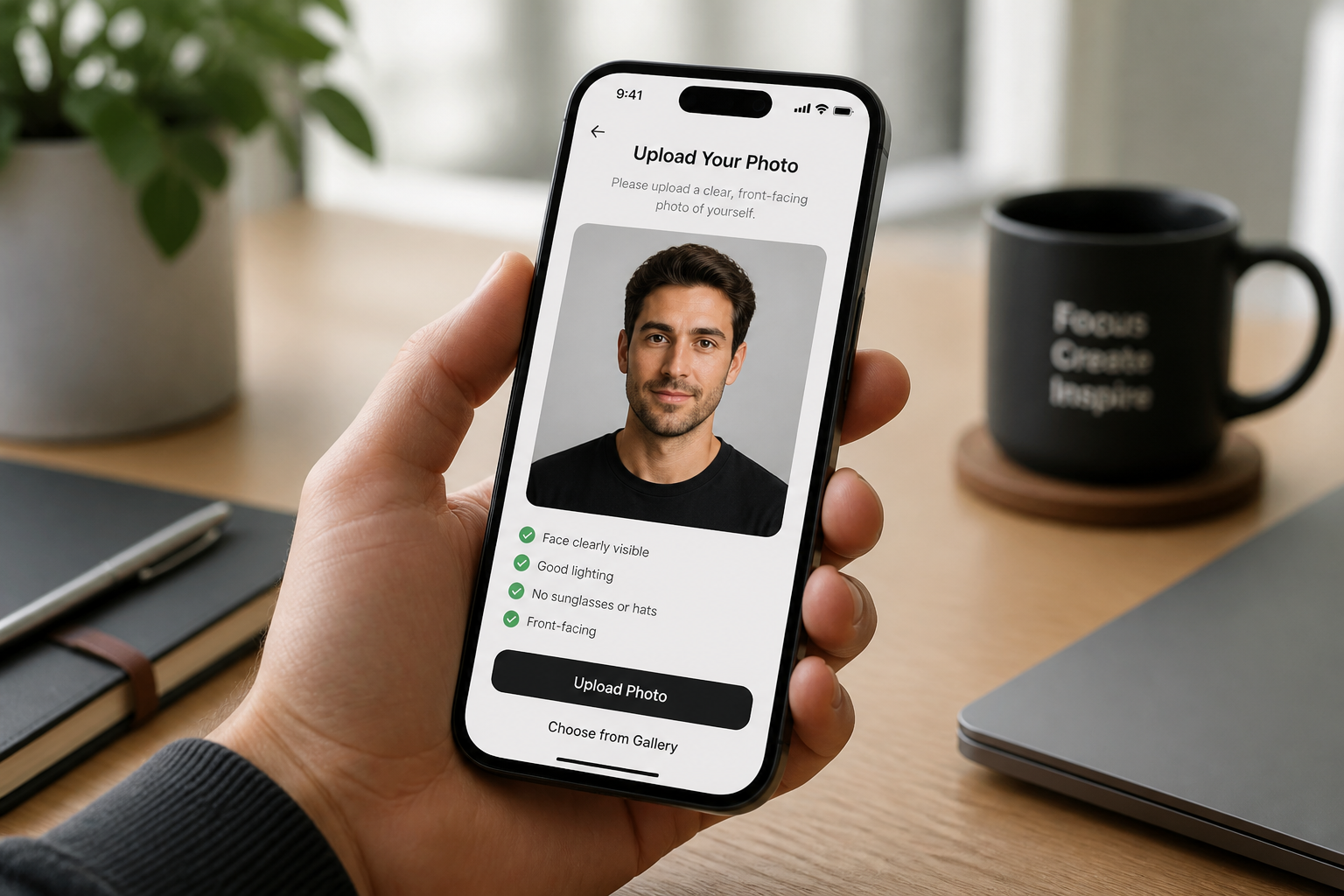
Upload your portrait
Start with a clear photo where the face is easy to see. Well-lit portraits with simple backgrounds usually give the cleanest avatar results.
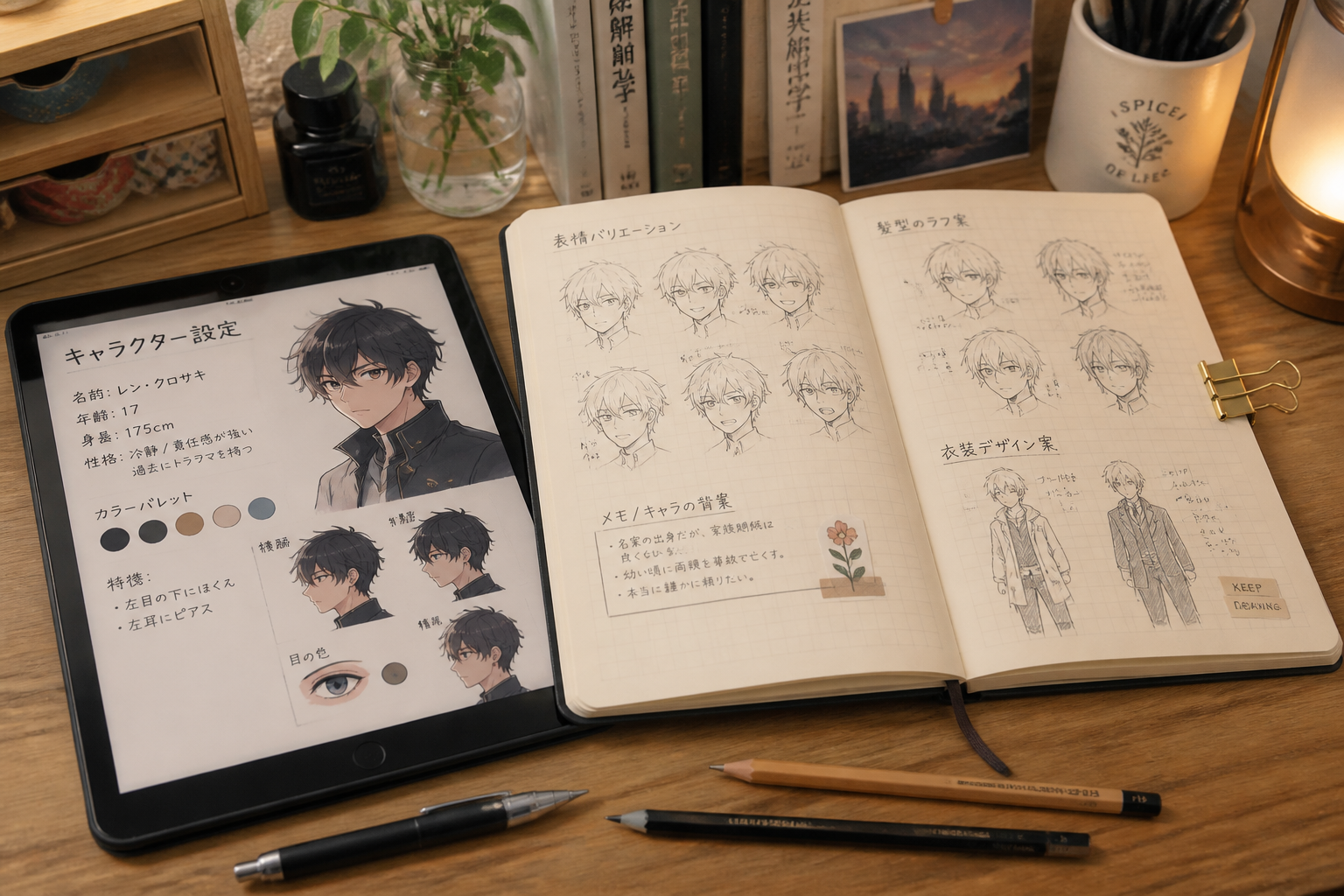
Describe the anime look
Tell the editor what kind of avatar you want, such as modern anime, manga ink, watercolor, or cyberpunk. The more specific the style direction, the easier it is to get a result that matches your taste.
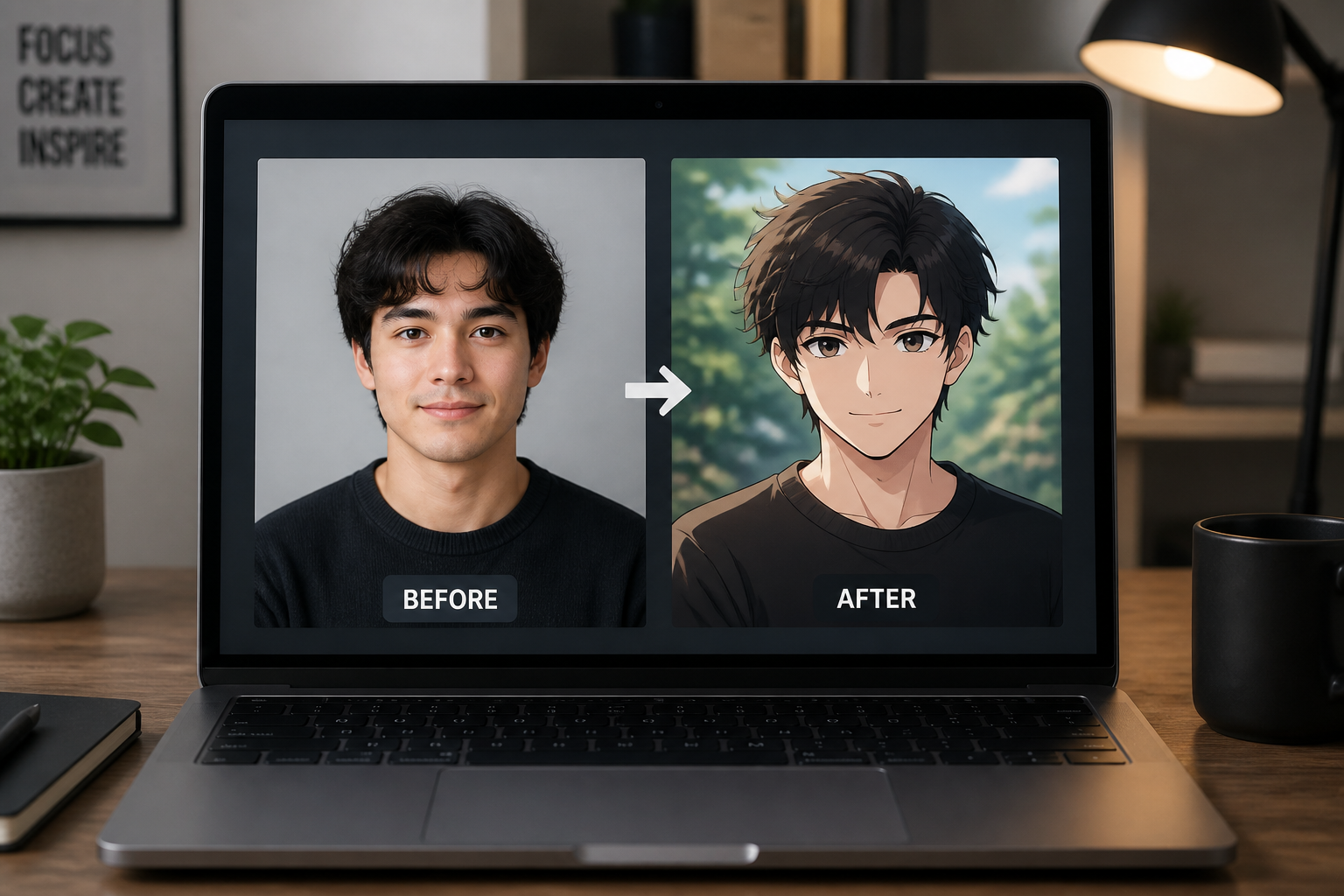
Generate and compare
Create the edit and check how the avatar changed from the original photo. If needed, adjust the prompt and try another style variation until it feels right.
Perfect For
Discover how creators and professionals use ai anime avatar generator
Profile pictures
Create anime-style avatars for social accounts, forums, chat apps, and gaming platforms without losing your original vibe.
Creator branding
Turn your photo into illustrated profile art for channel banners, thumbnails, bios, and community pages.
Character-style experiments
Test different anime aesthetics from soft and friendly to dramatic and futuristic using the same portrait.
Matching team avatars
Give a group, stream team, or online community a more consistent visual identity with repeatable anime-style edits.
Built For
Creators and streamers
Useful for profile images, channel art, and branded social presence that feels more stylized than a standard headshot.
Gamers and online communities
Good for Discord, forum, and gaming profile pictures where illustrated avatars often fit better than raw photos.
Anyone who wants a stylized self-portrait
A simple way to turn a normal portrait into anime-inspired character art for personal use online.
Why use this for anime avatars
A quick look at how we compare on the things that matter for this niche.
| Feature | BudgetPixel | Generic AI editors | Manual editing apps |
|---|---|---|---|
| Photo-to-anime transformation | ✓ | ✓ | — |
| Keeps original pose | ✓ | — | — |
| Identity consistency | ✓ | — | — |
| Fast style iteration | ✓ | ✓ | — |
| No drawing skills required | ✓ | ✓ | ✓ |
Frequently Asked Questions
What kind of photo works best for an anime avatar?
Will the avatar still look like me?
Can I choose different anime styles?
Is this only for profile pictures?
Do I need editing skills to use it?
Create together.
Share your creations, discover trending AI art, and grow with fellow creators.