AI Anime Girl Generator
Turn real photos into clean, expressive anime-style portraits.
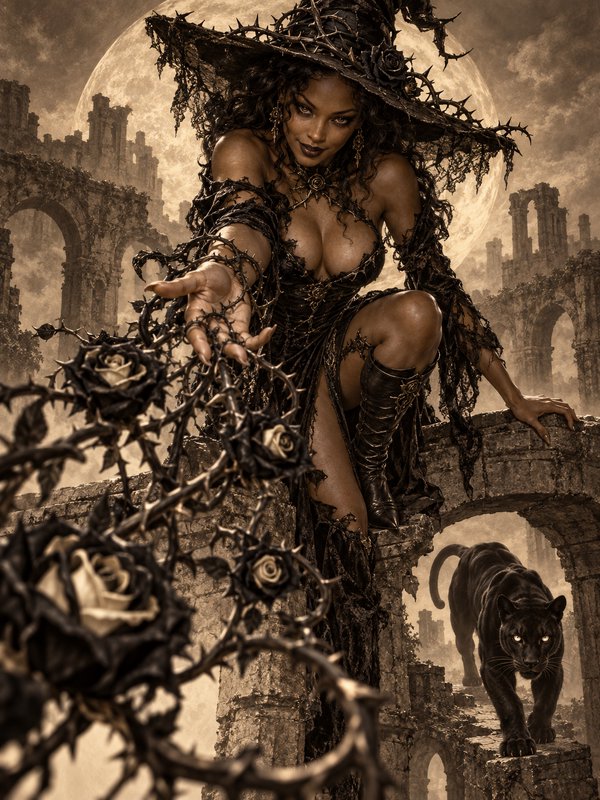
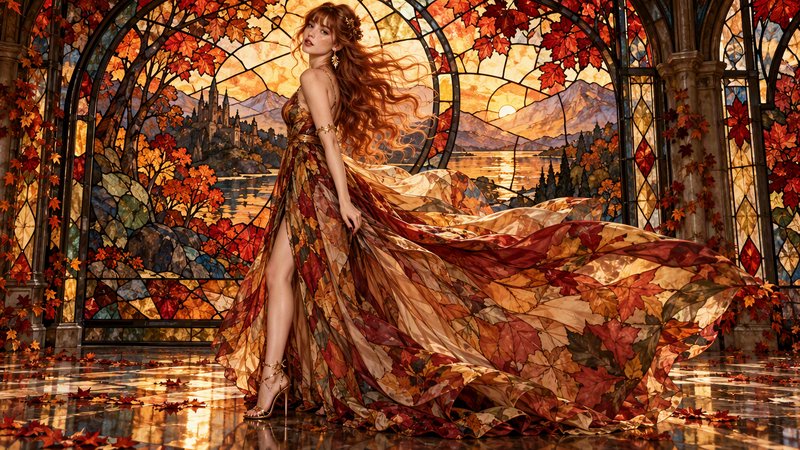
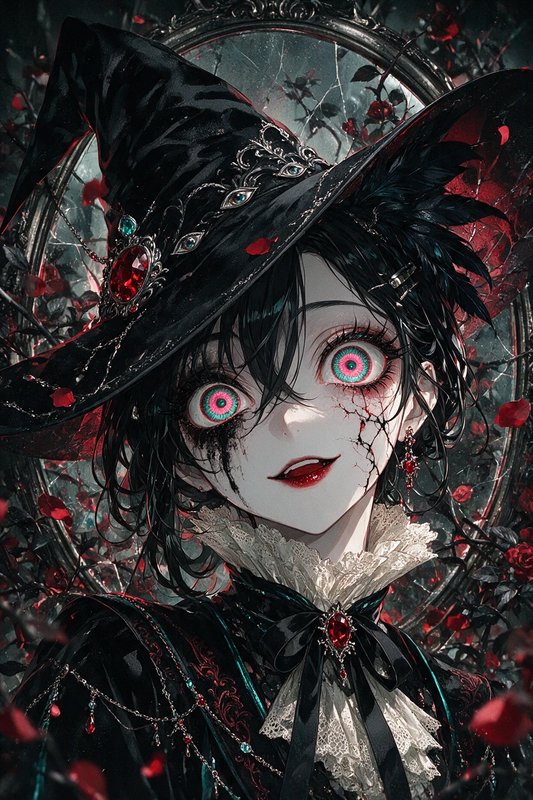
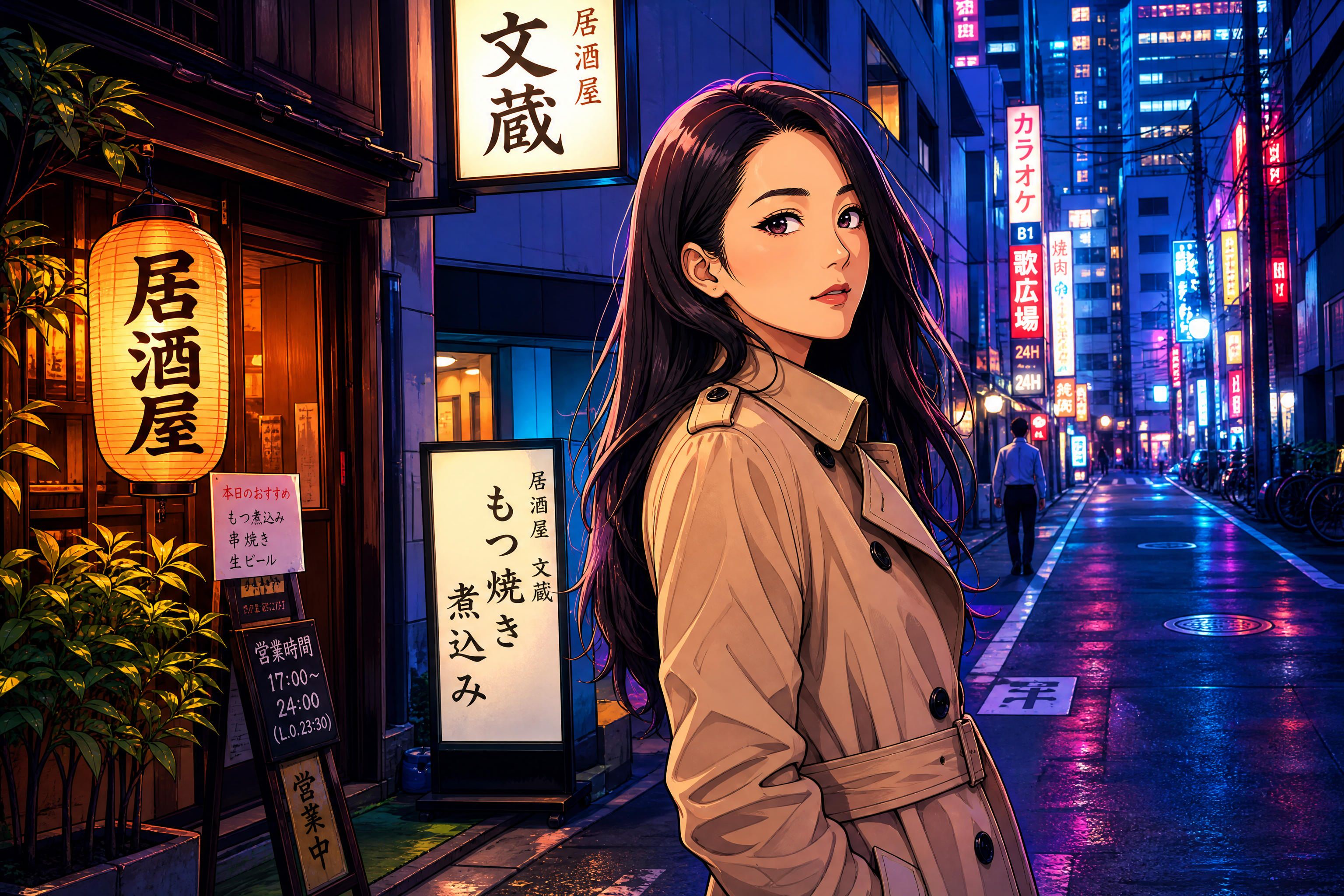
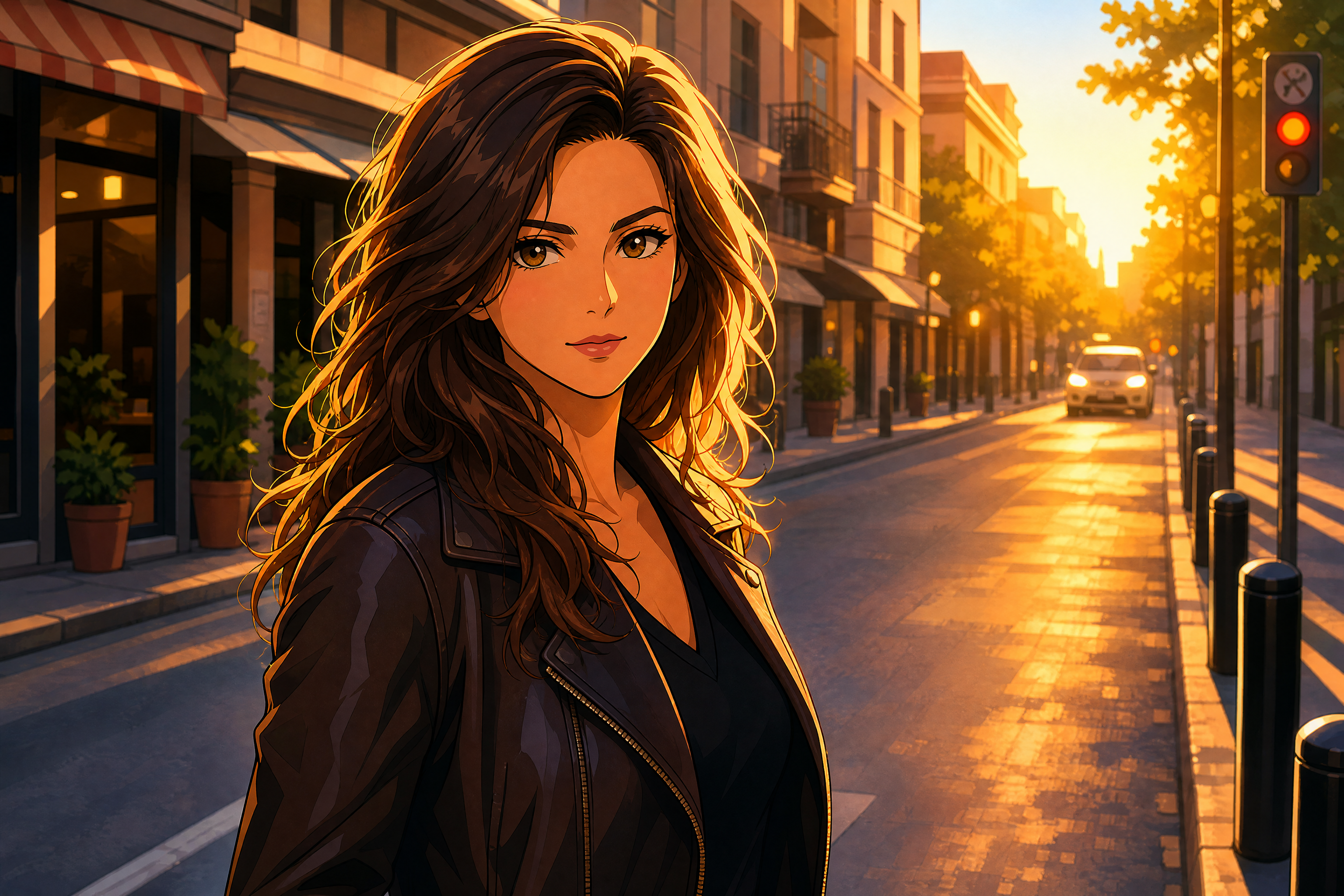
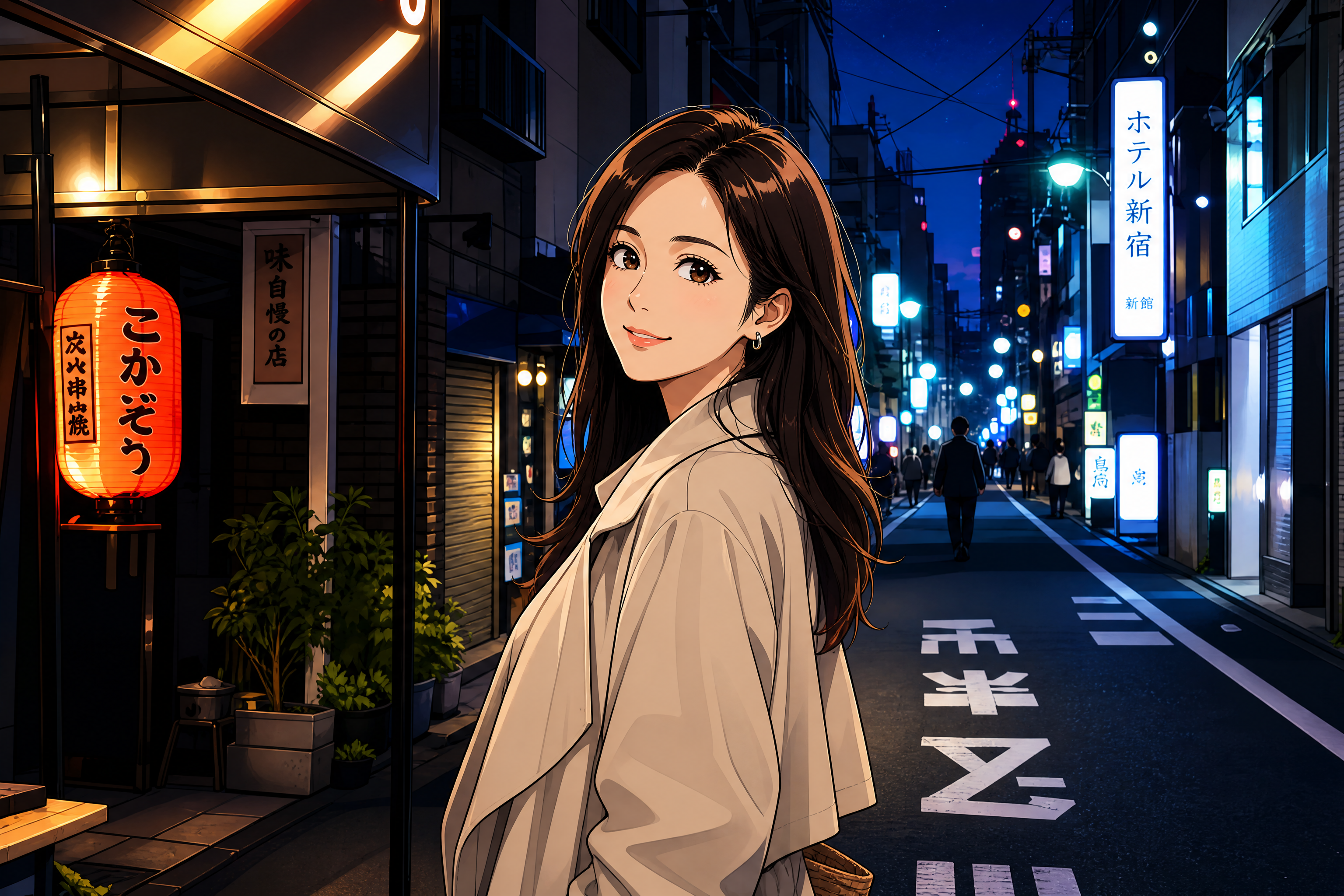
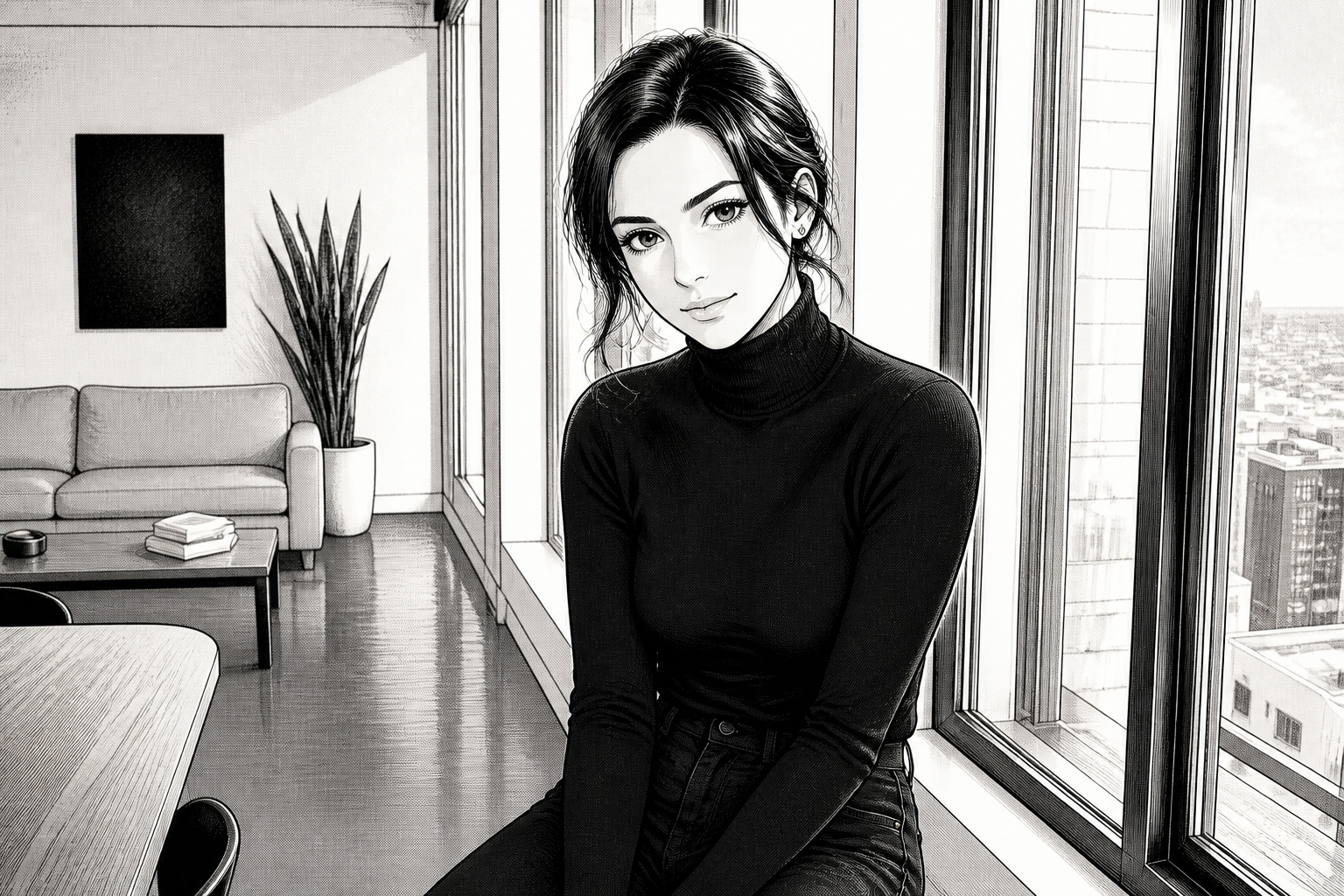
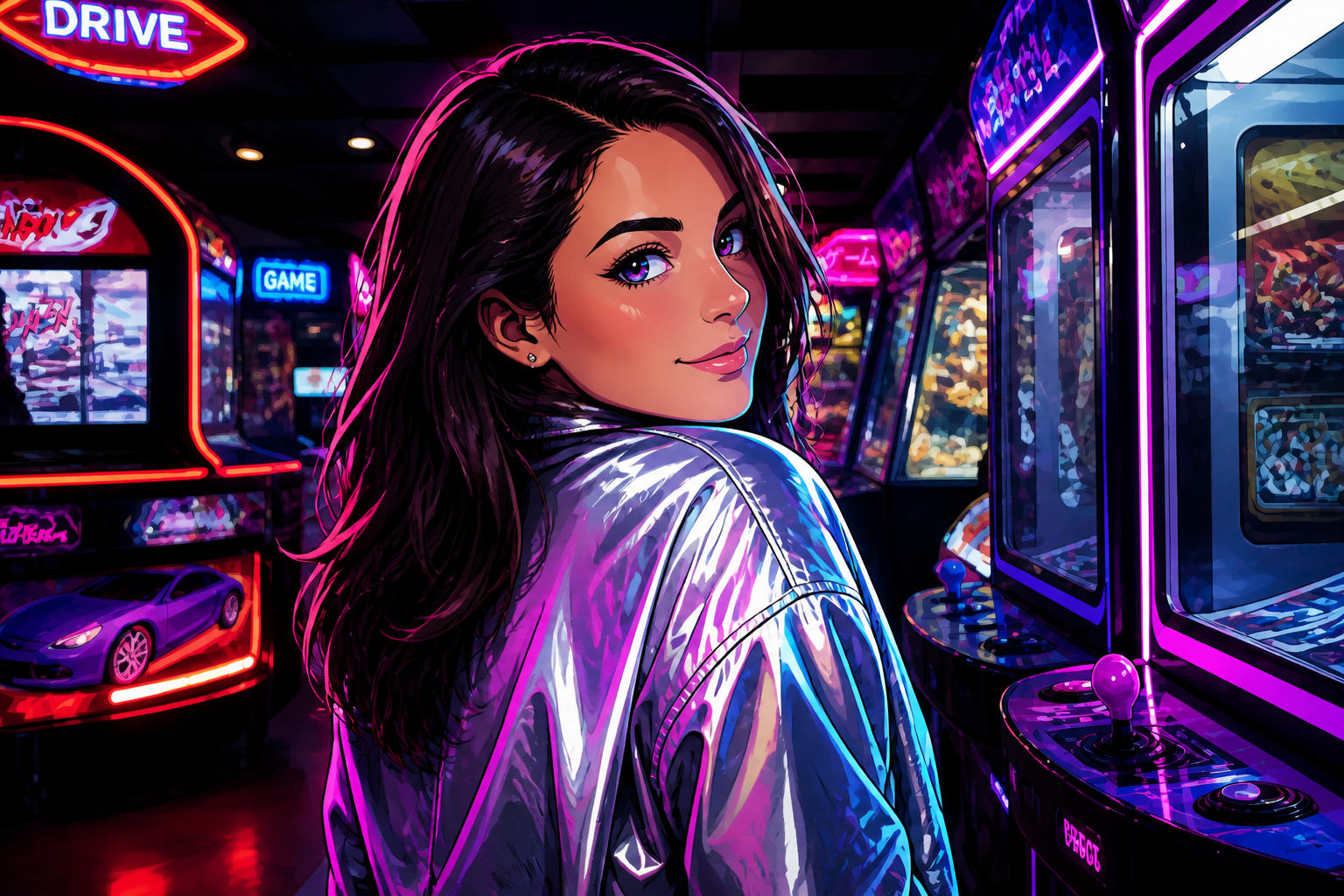
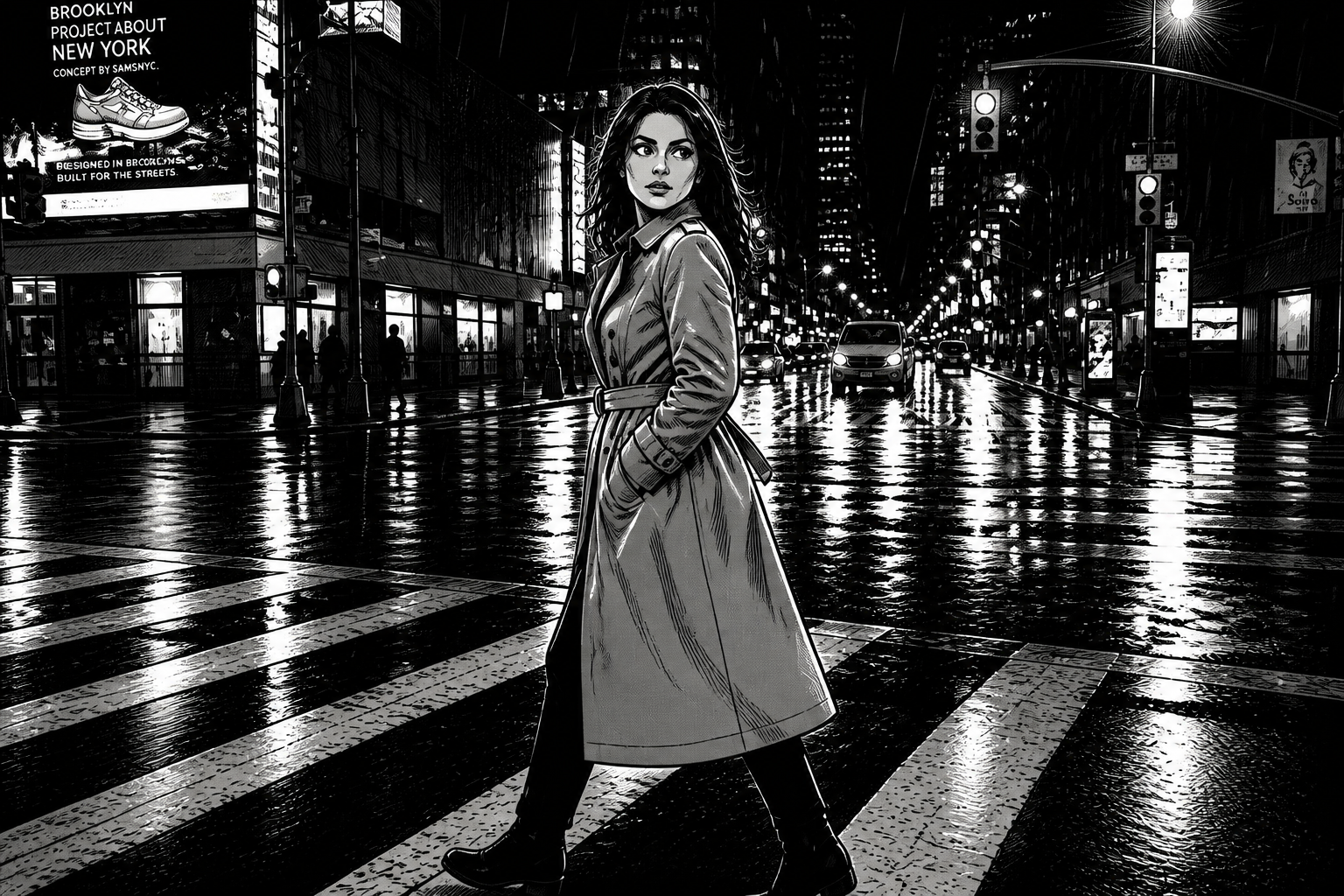
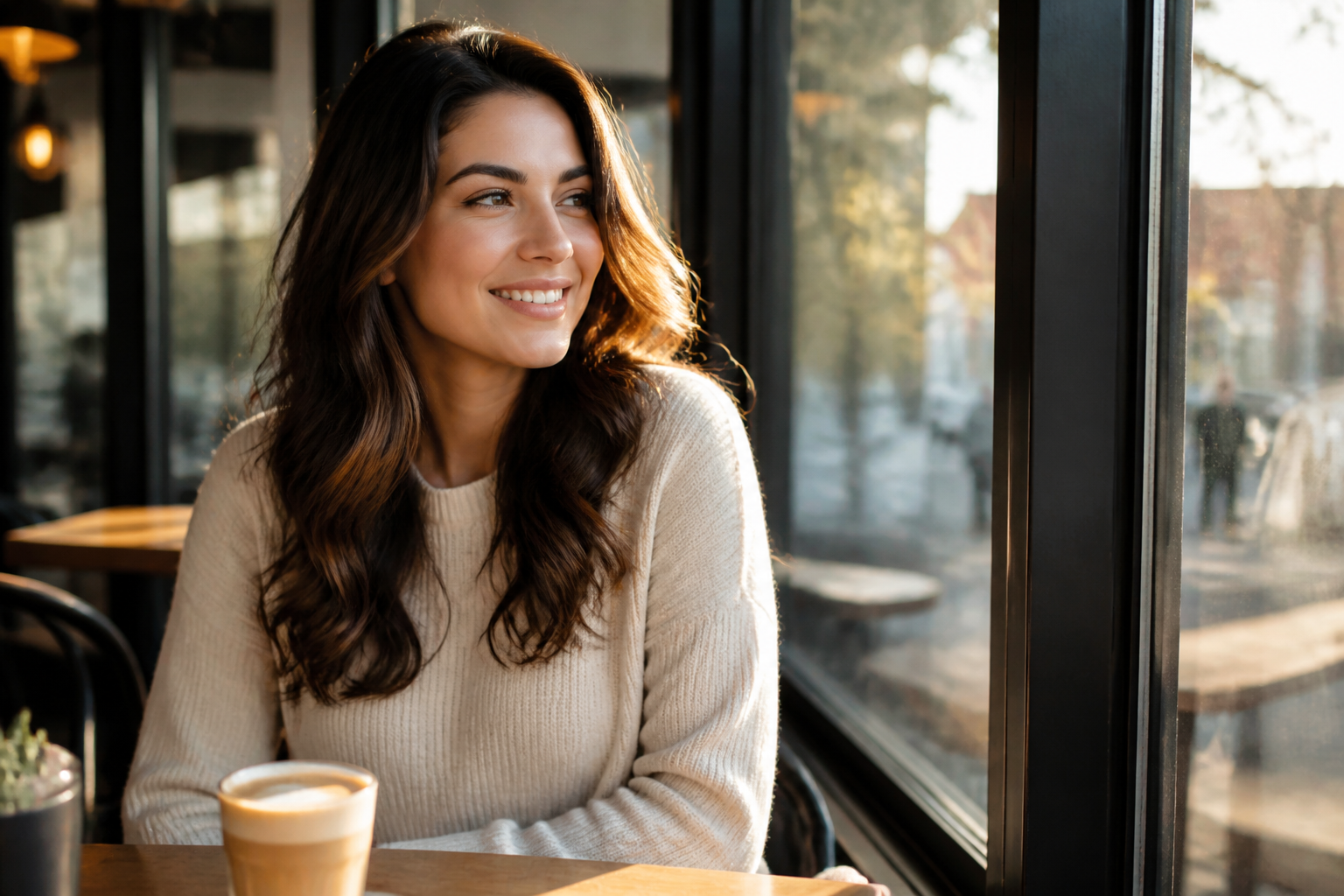
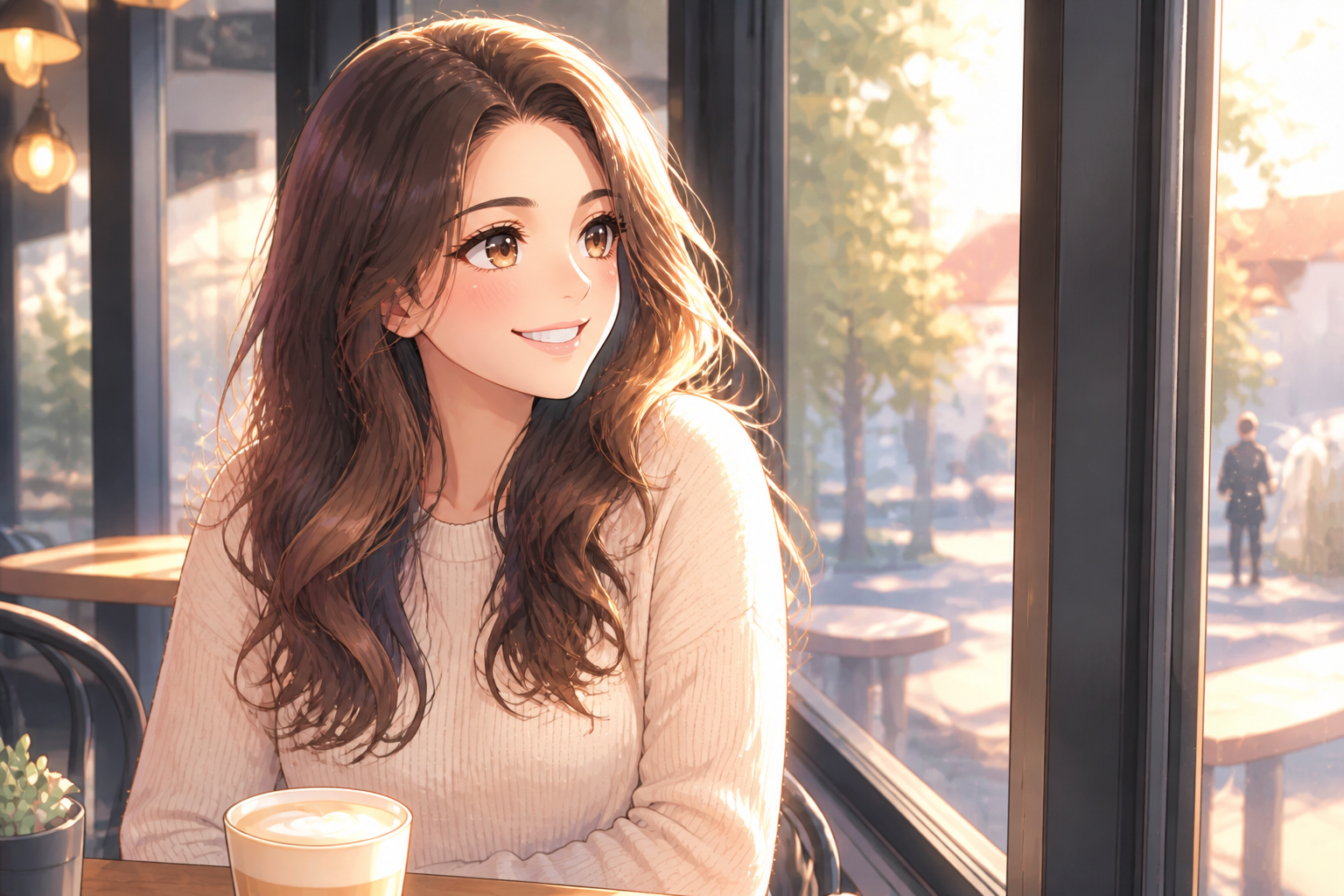
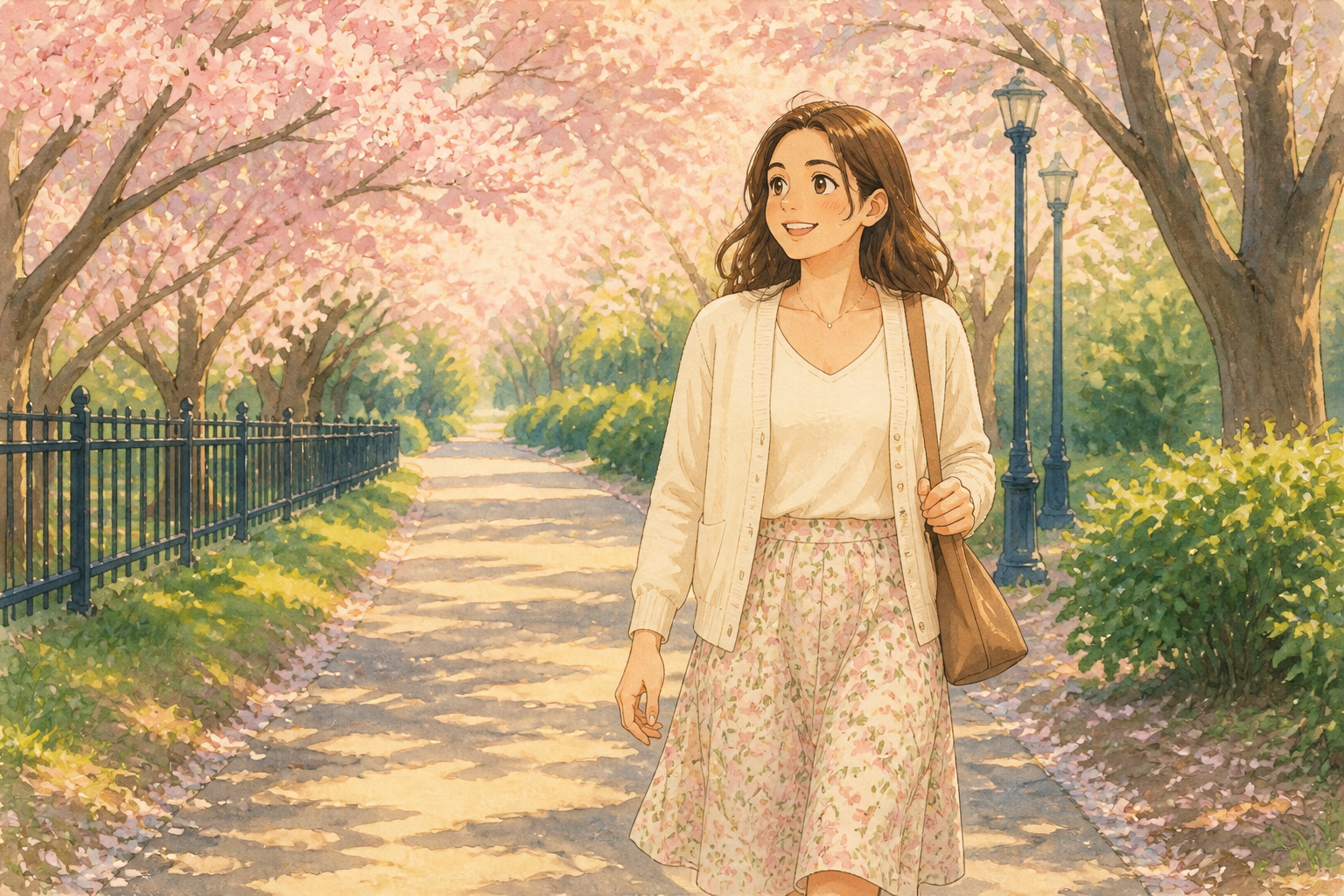
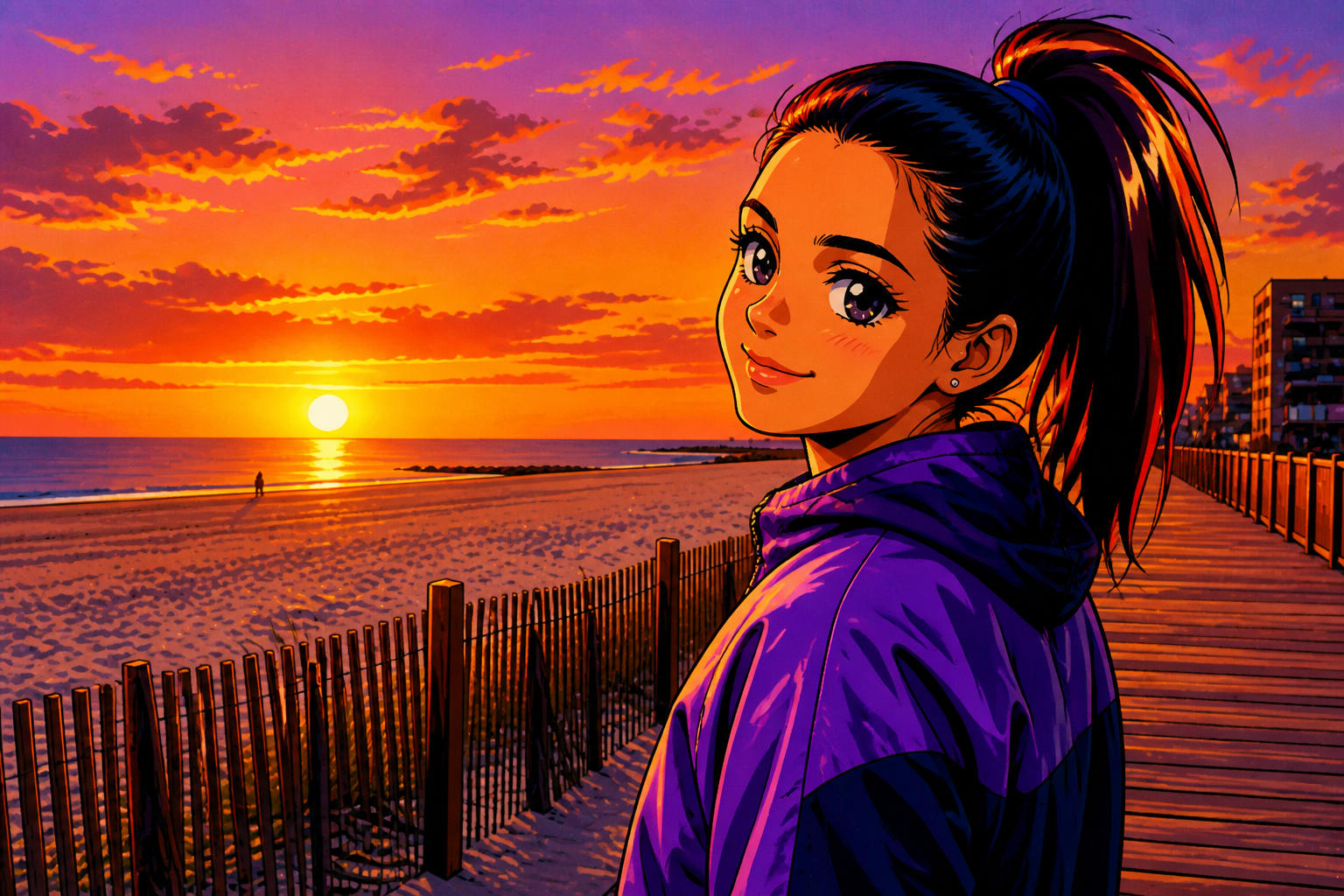
Upload an image and turn it into an anime girl portrait in seconds. Our AI keeps the pose, framing, and scene readable while changing the look into a clear anime style. Use it for profile pictures, concept art, social posts, or character-inspired edits.
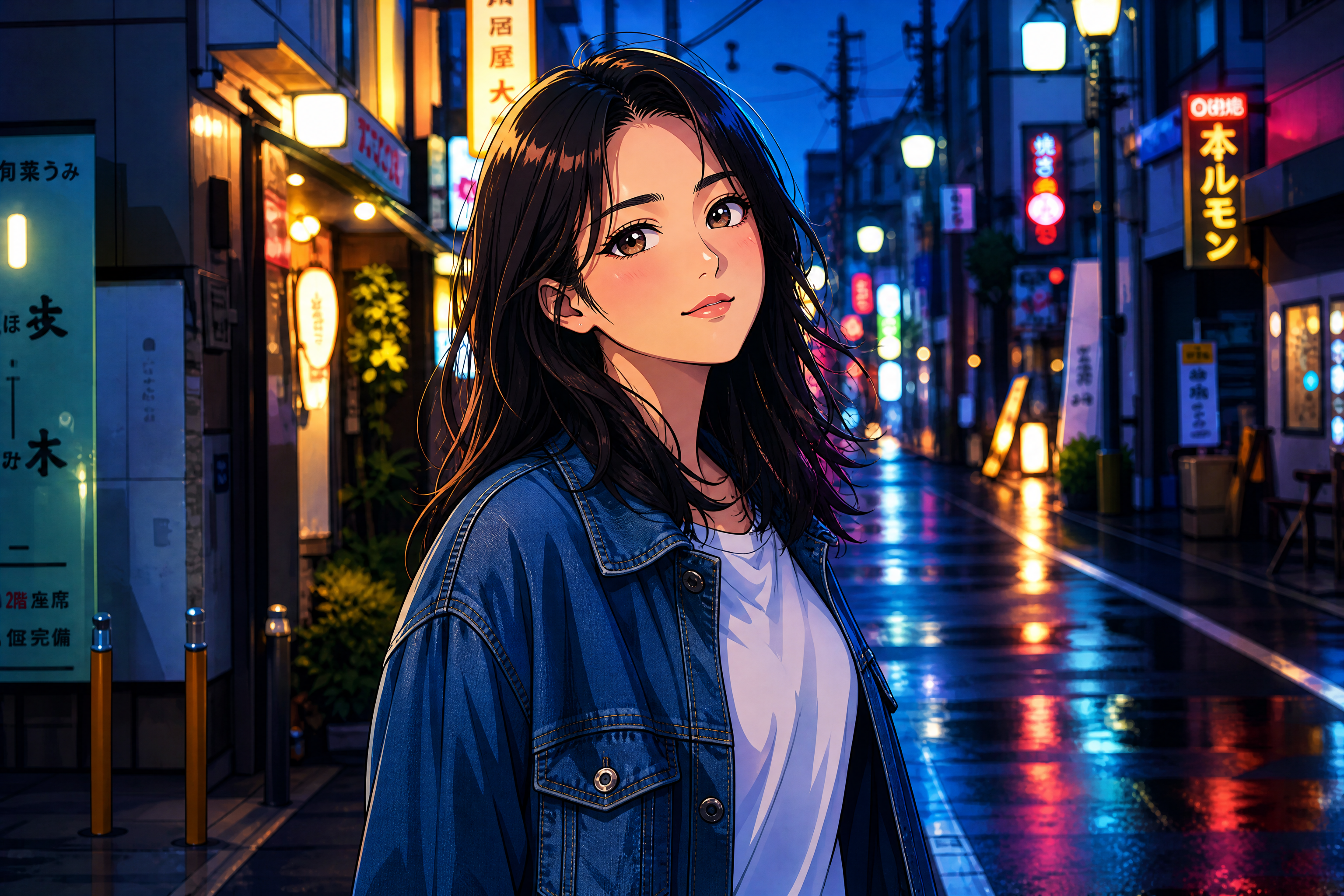
Watch the Transformation
See ai anime girl generator in motion — generated end-to-end by our AI.
See It In Action
Real outputs from ai anime girl generator.
BEFOREAFTER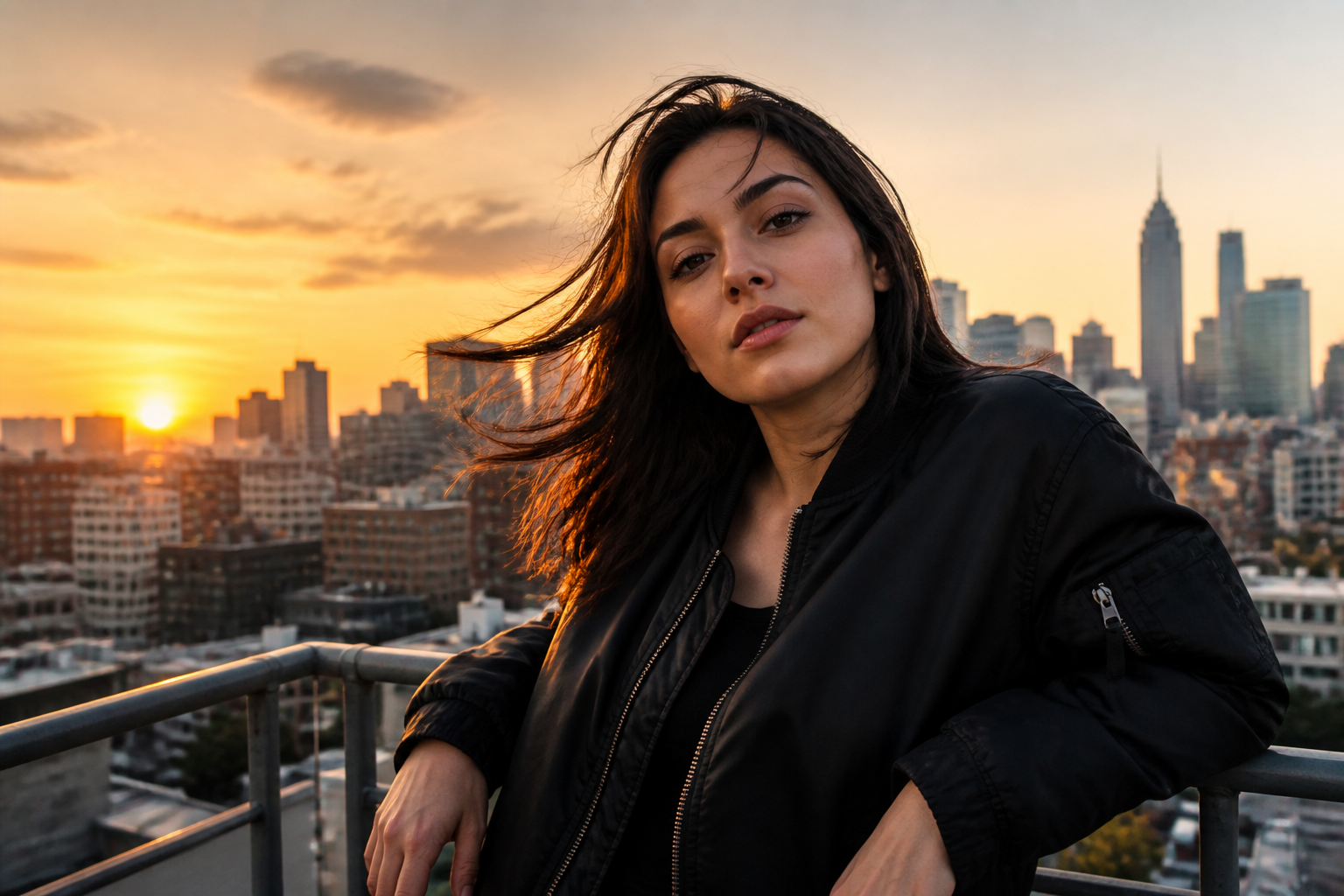 BEFORE
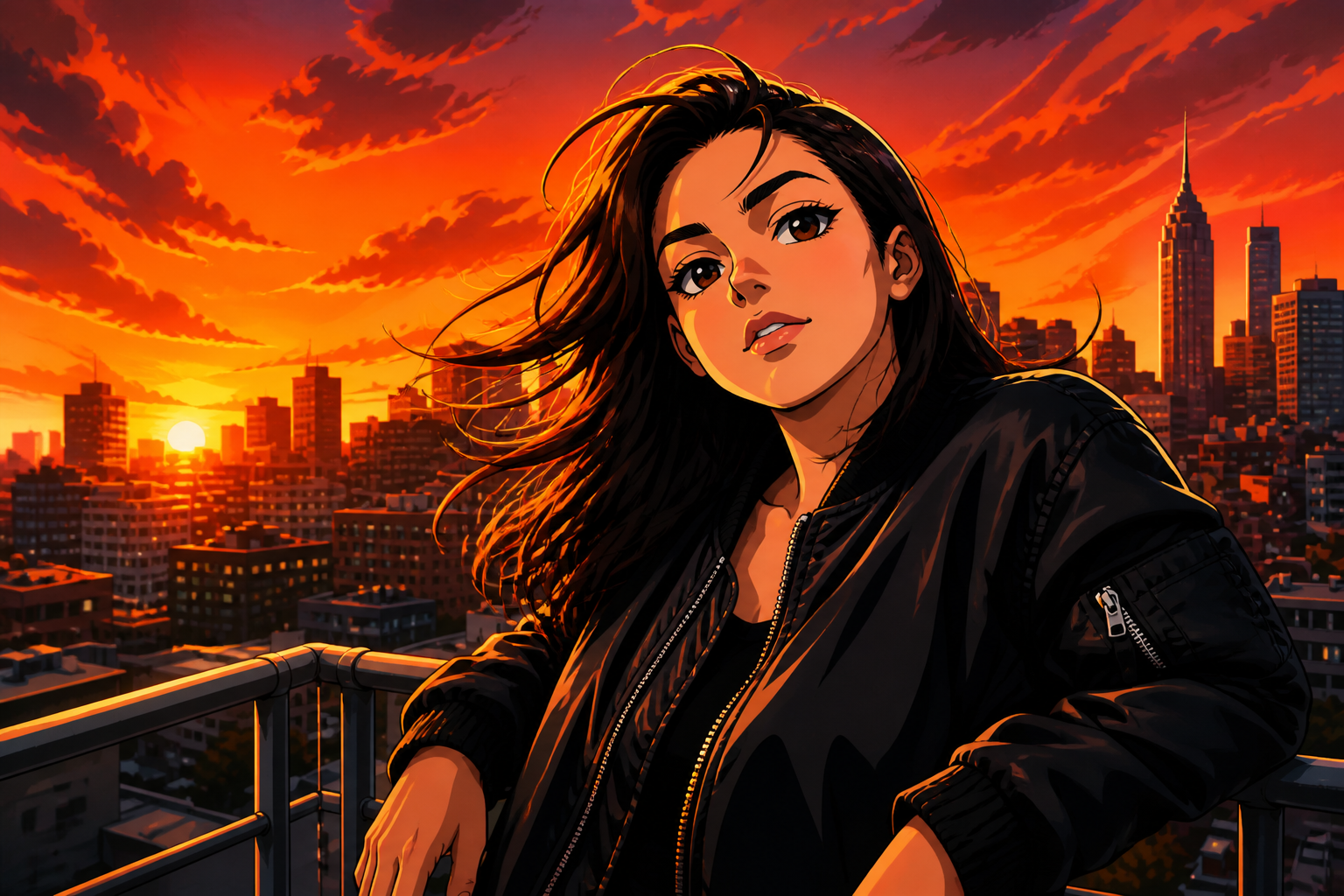 AFTER
AFTER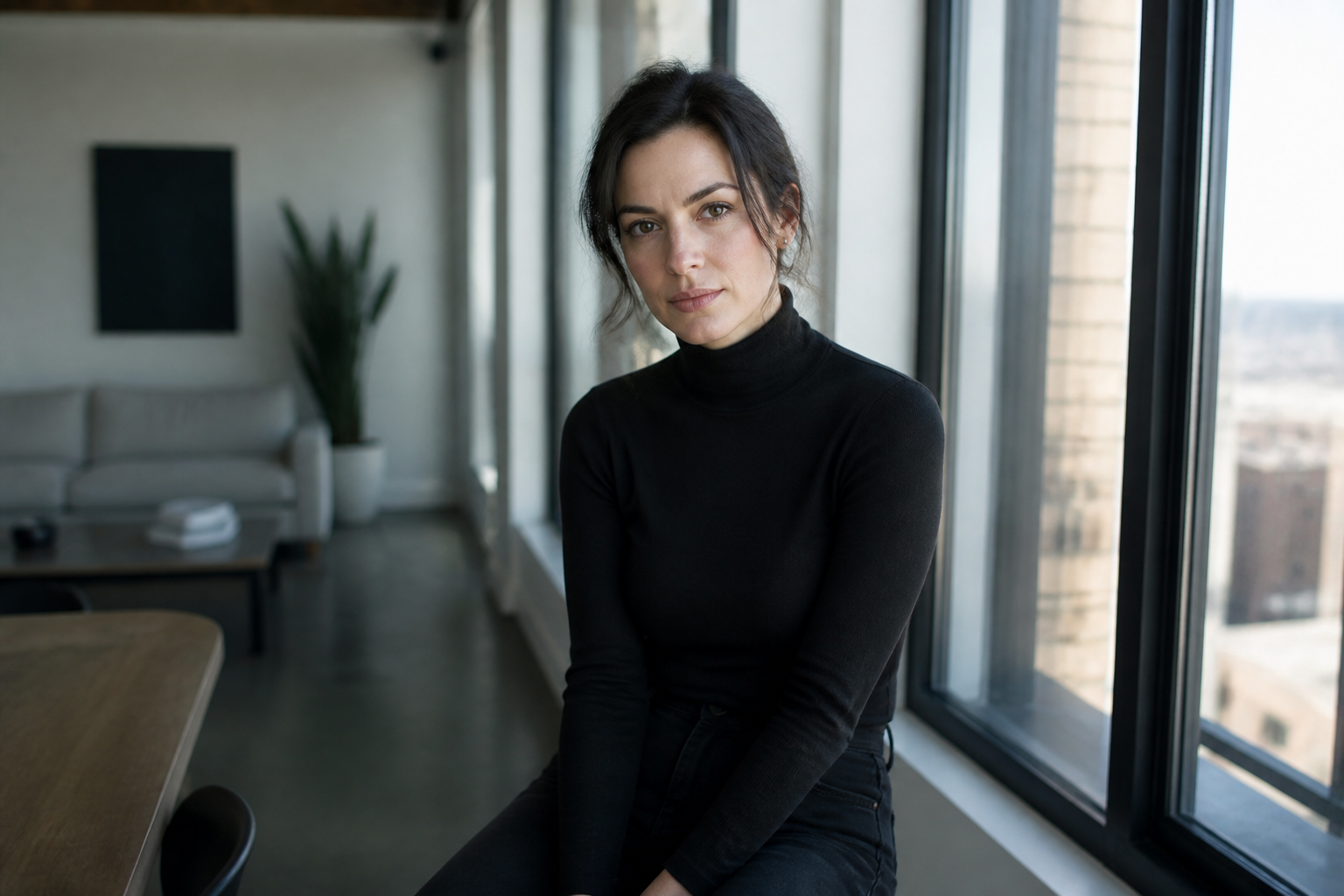 BEFORE
 AFTER
AFTER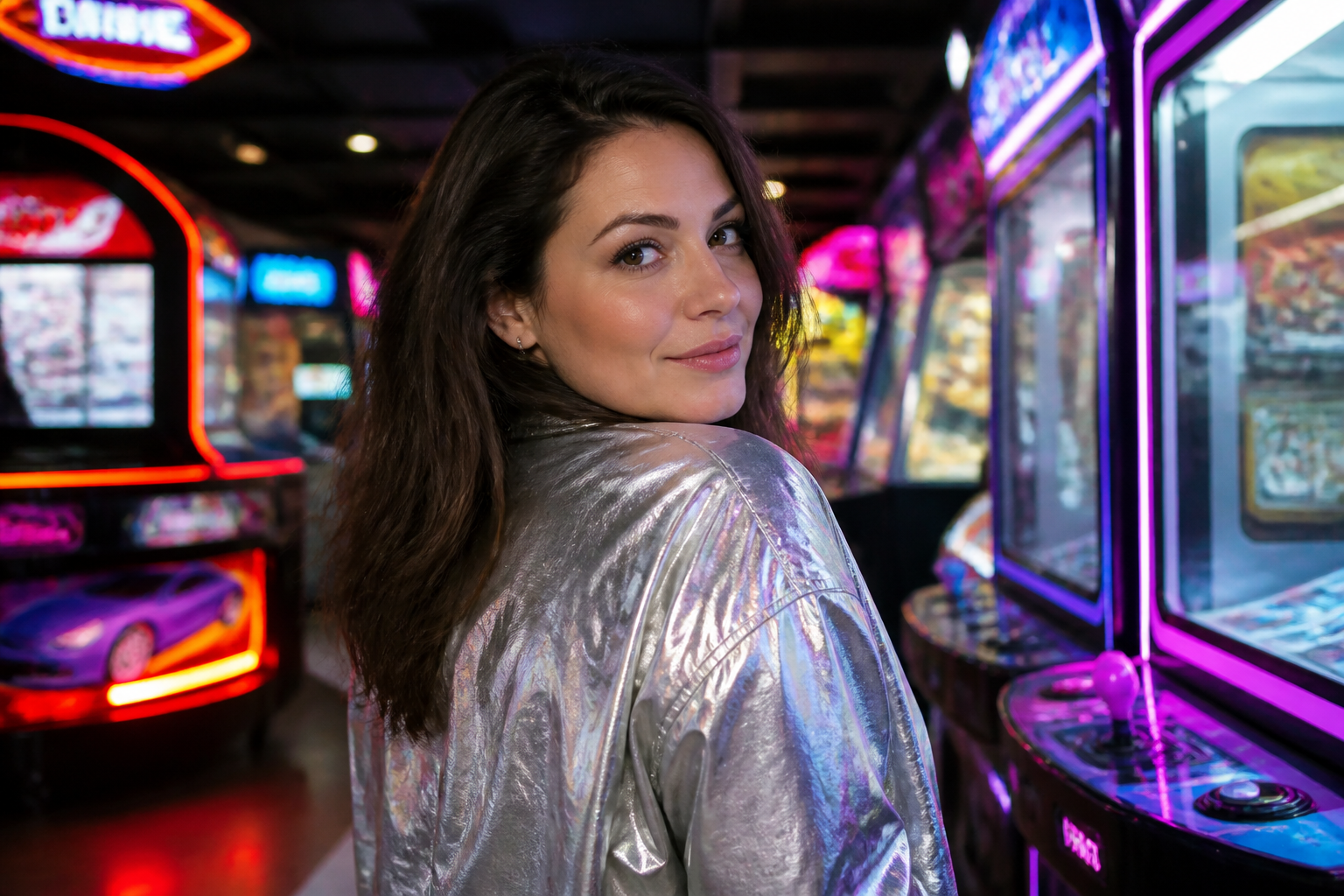 BEFORE
 AFTER
AFTER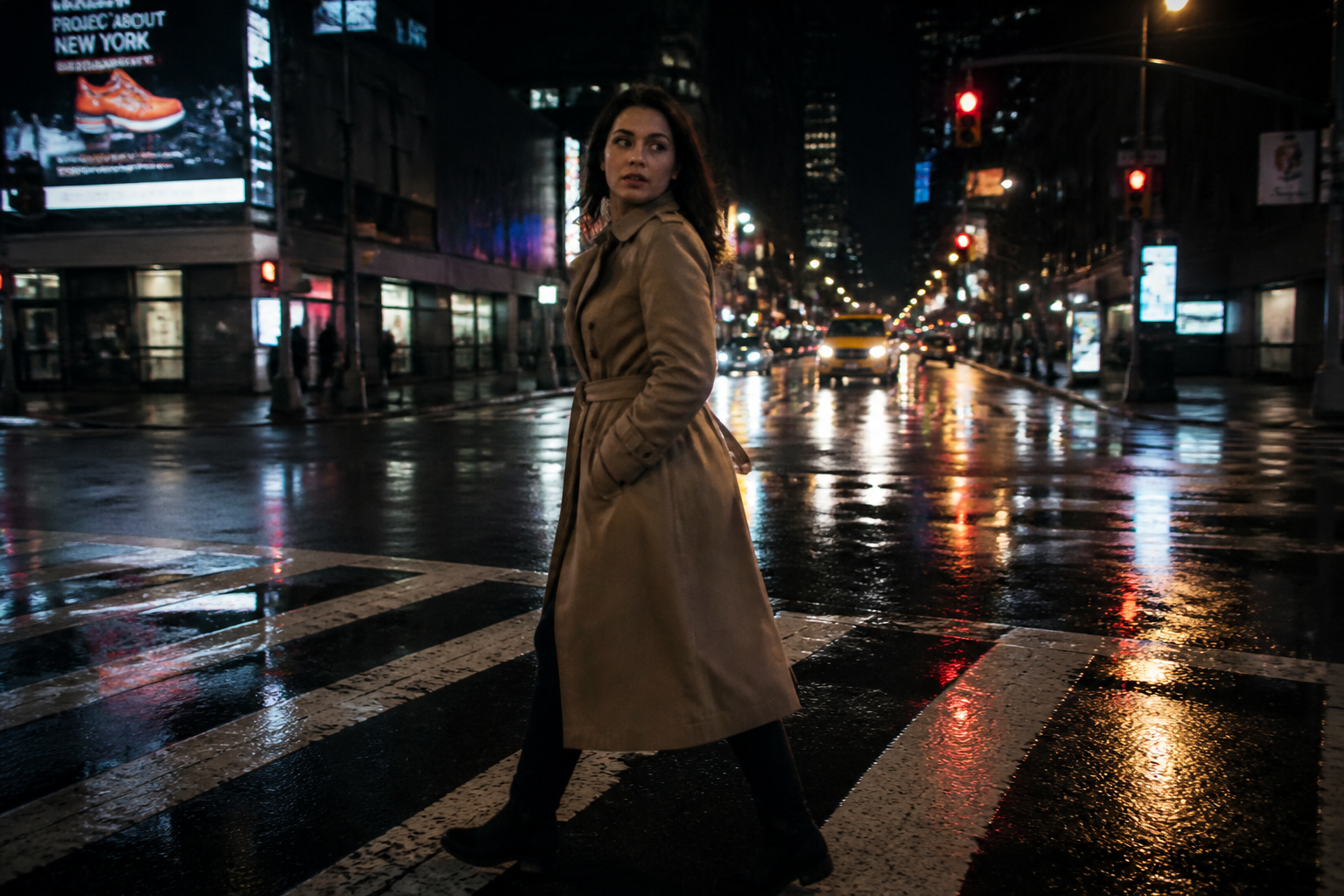 BEFORE
 AFTERBEFOREAFTERBEFOREAFTERBEFOREAFTERBEFOREAFTERBEFOREAFTER
 BEFORE
 AFTER
AFTER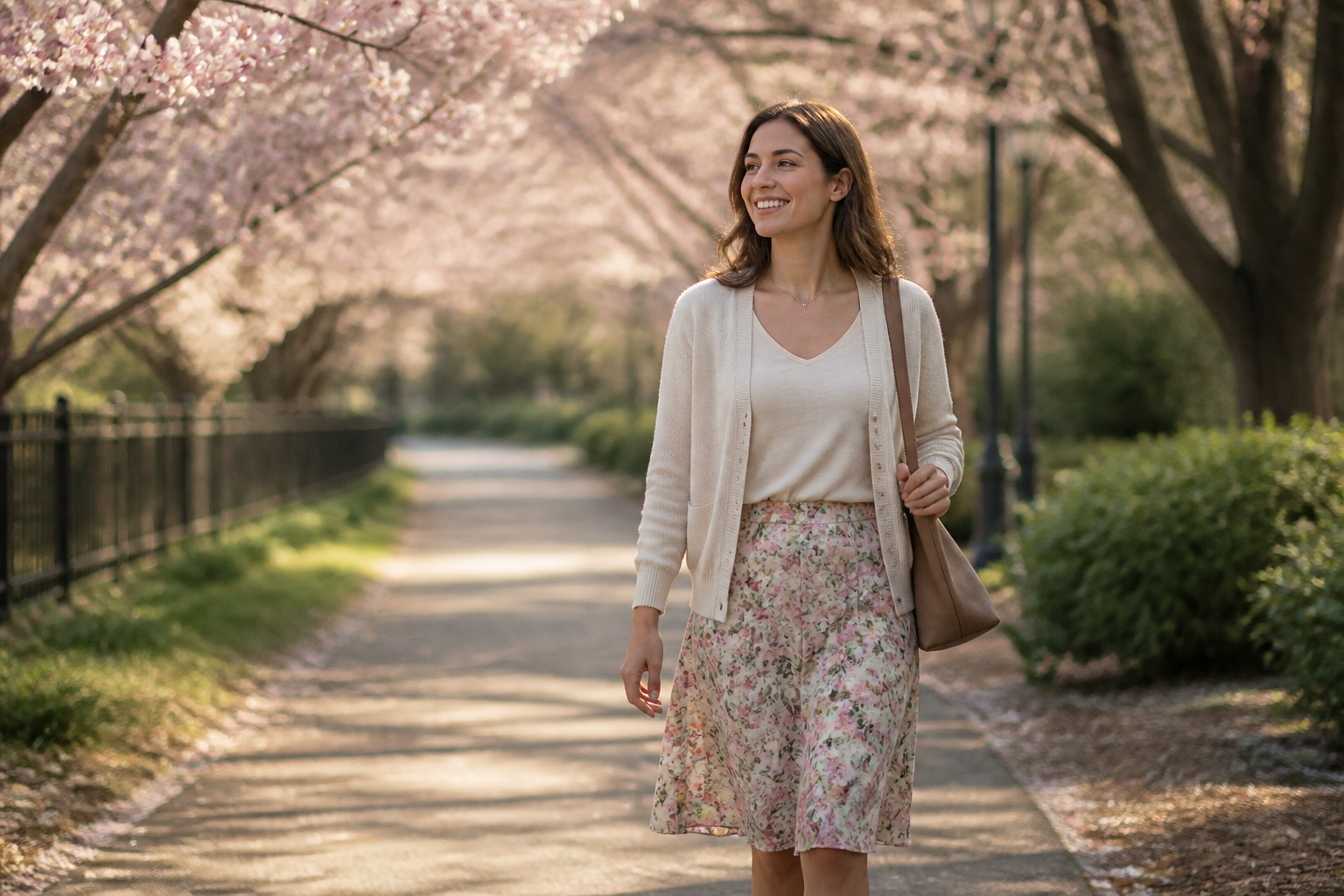 BEFORE
 AFTER
AFTER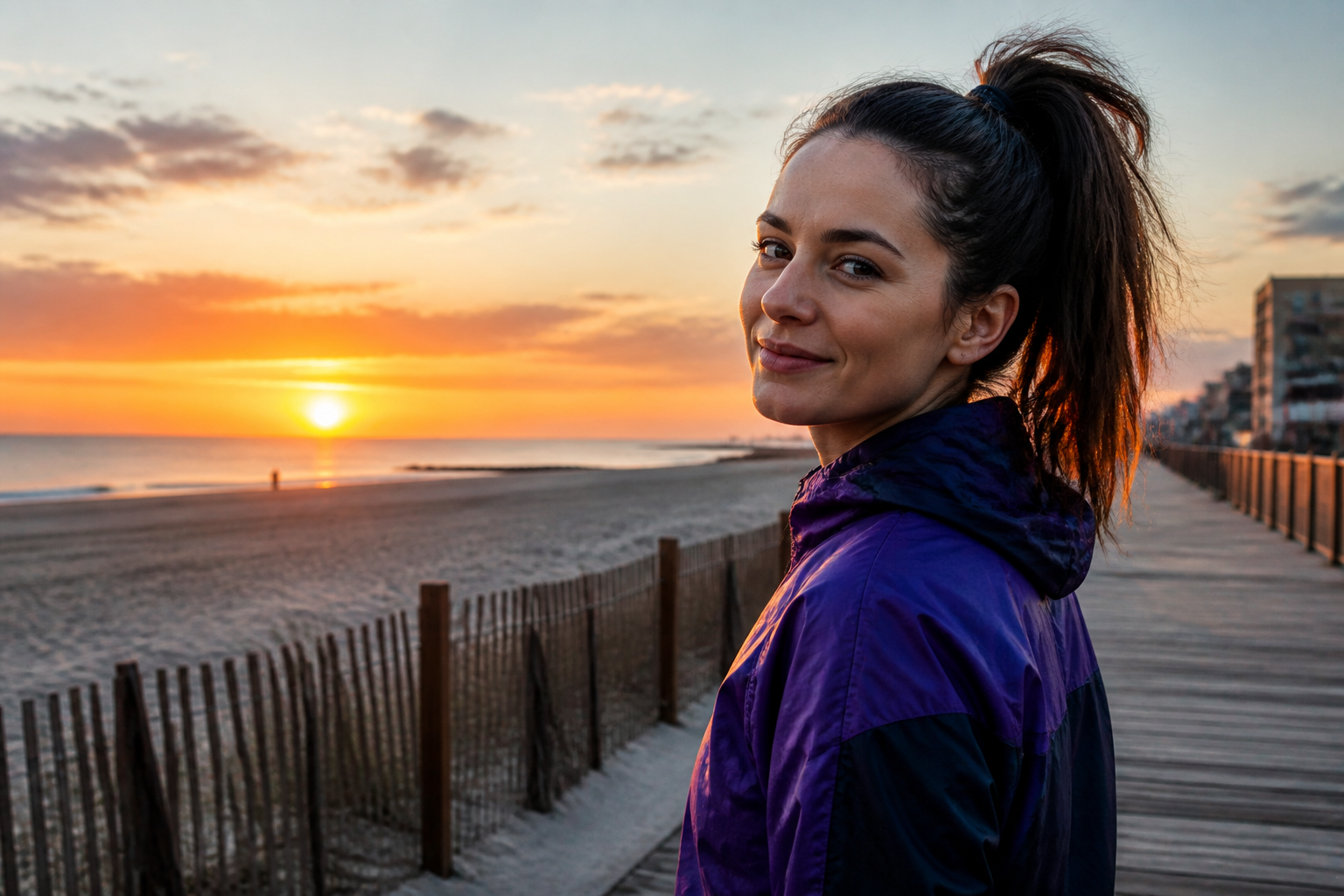 BEFORE
 AFTER
AFTER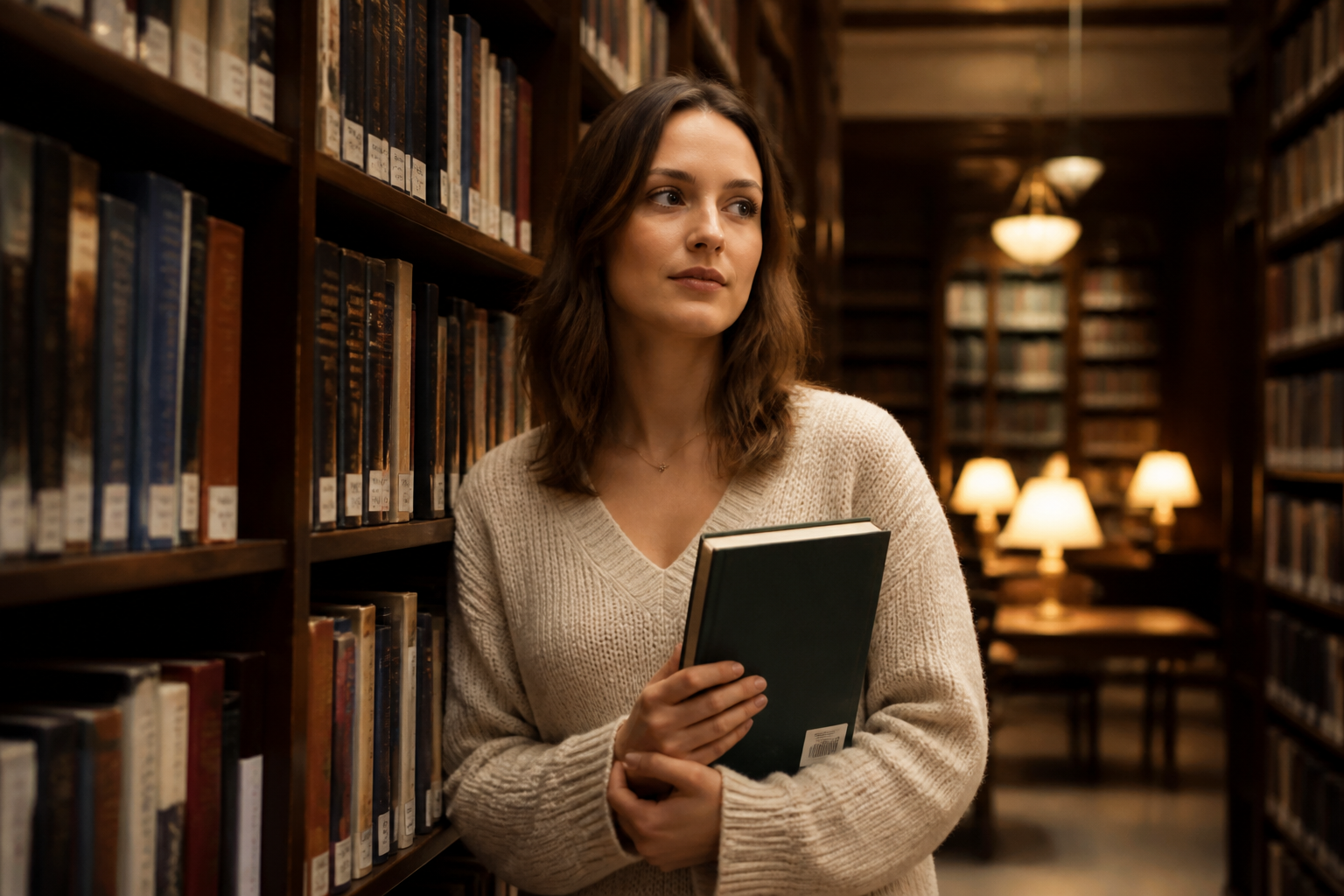 BEFORE
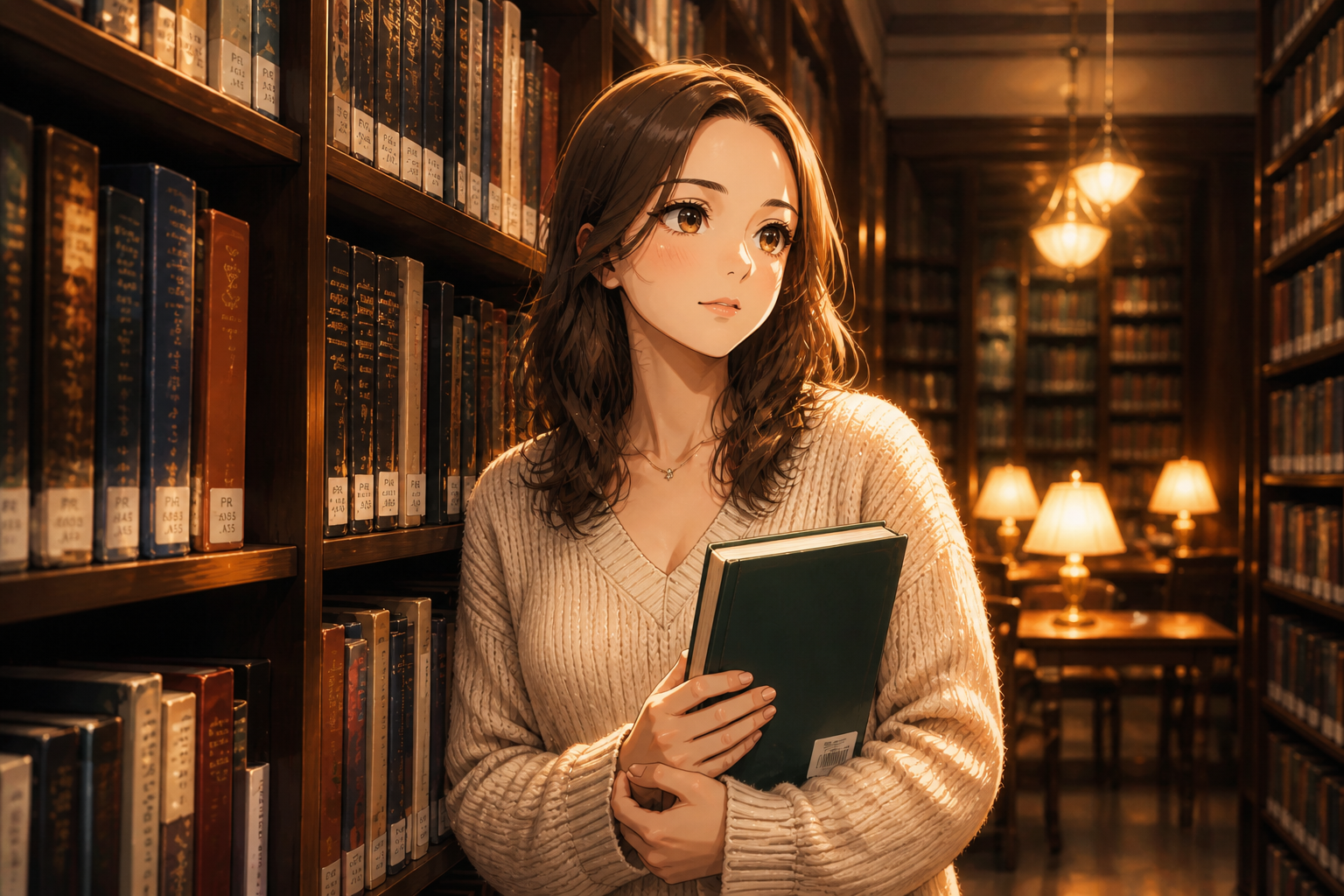 AFTER
AFTER BEFORE
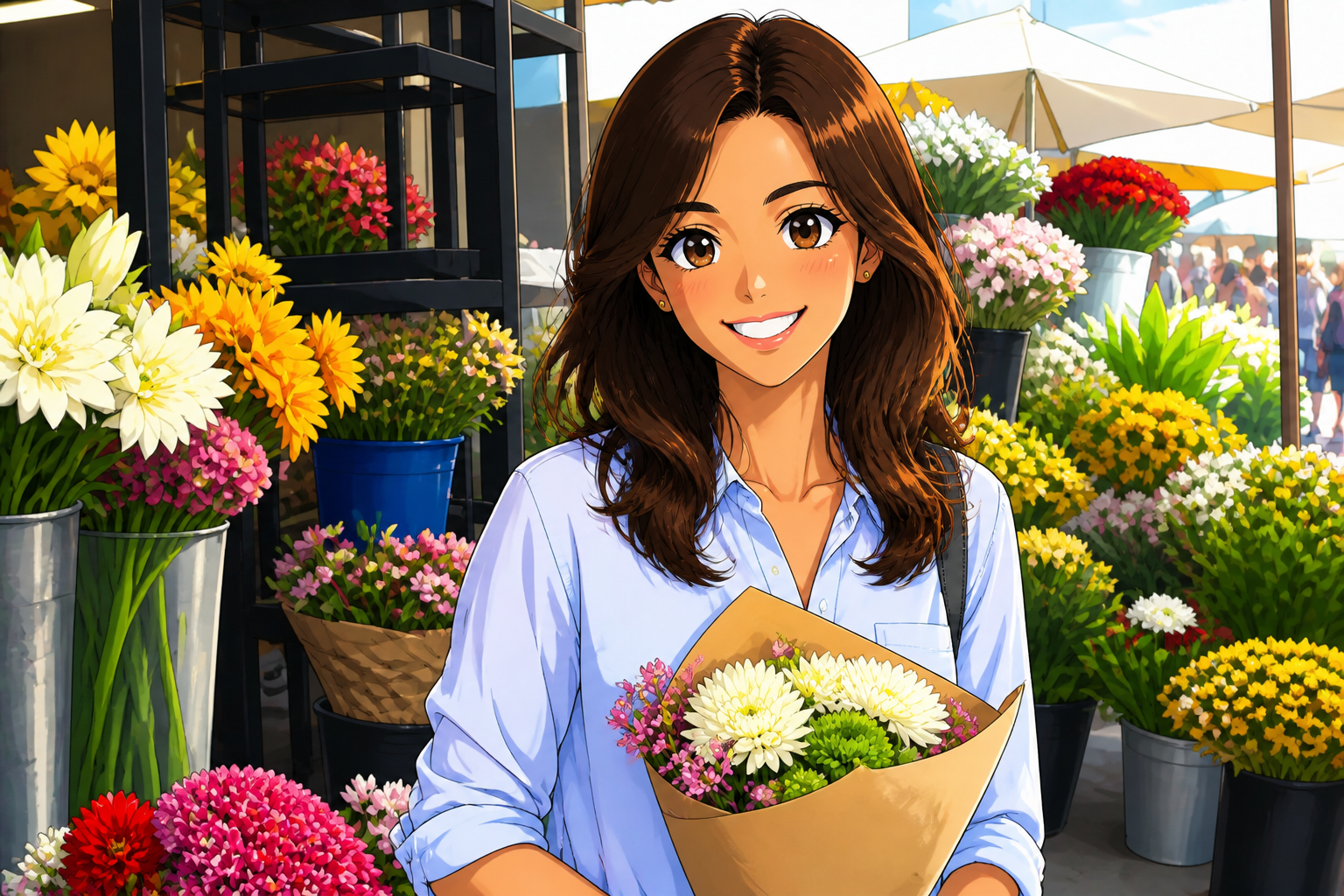 AFTERBEFOREAFTERBEFOREAFTERBEFOREAFTERBEFOREAFTERBEFOREAFTER
Key Features
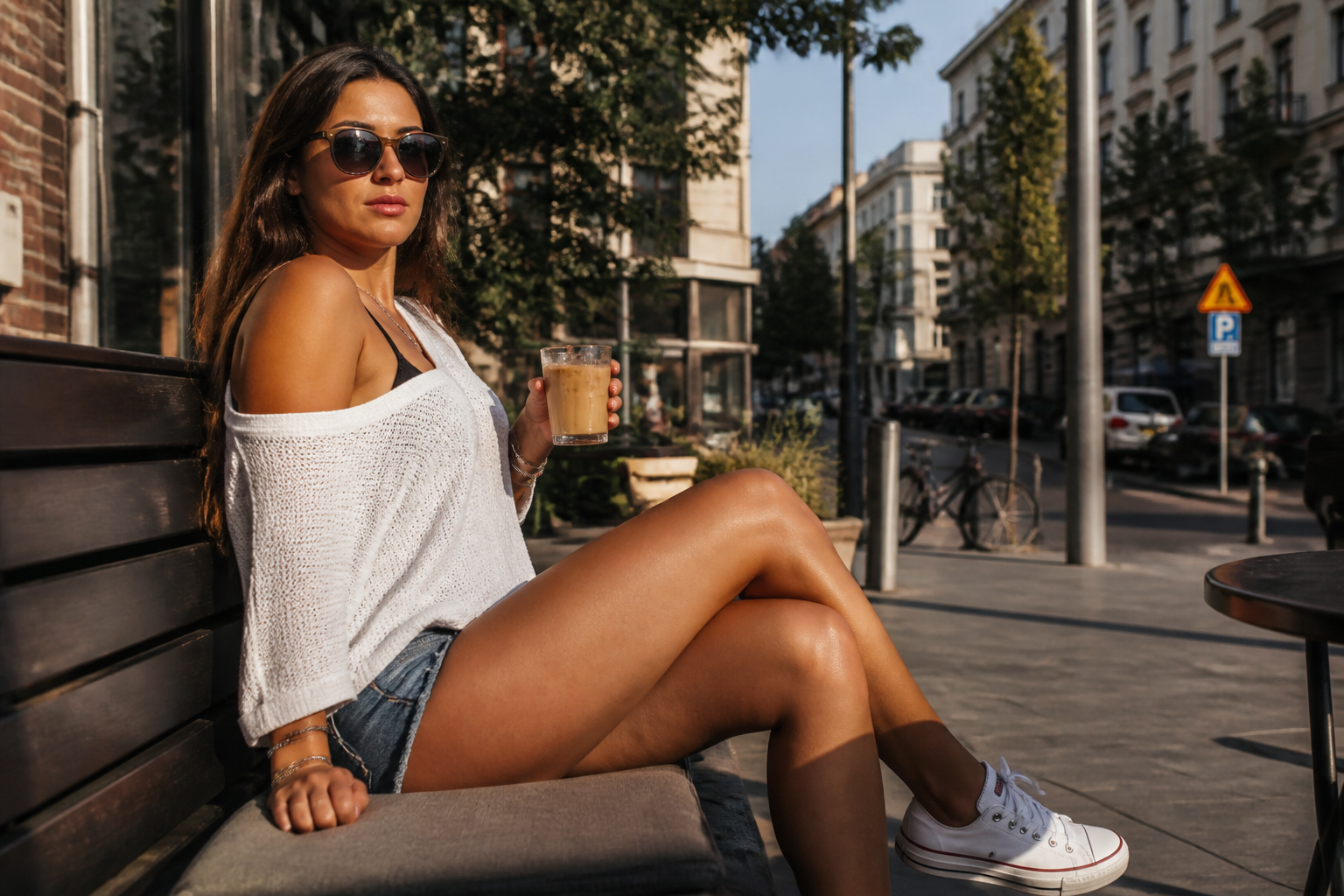
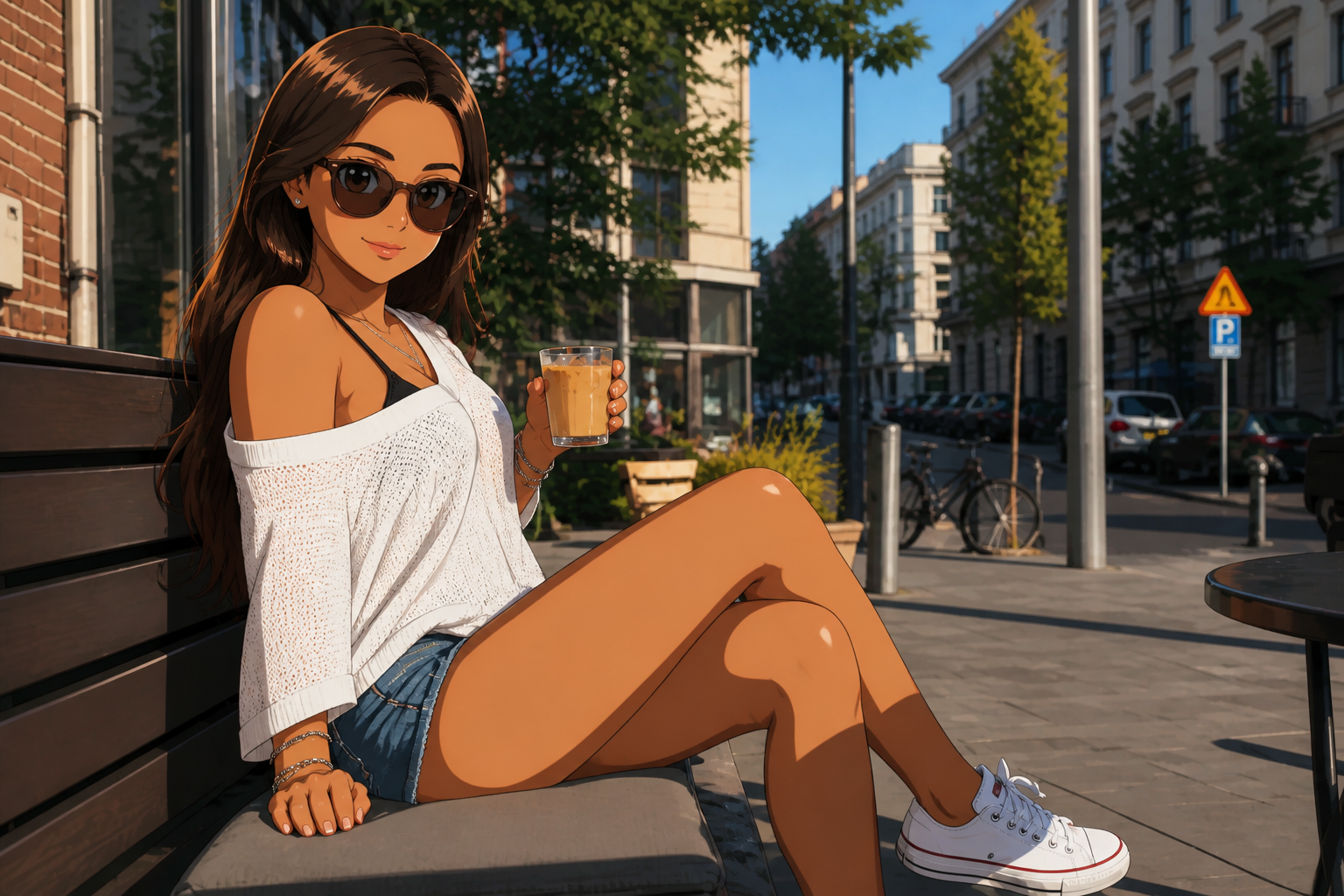
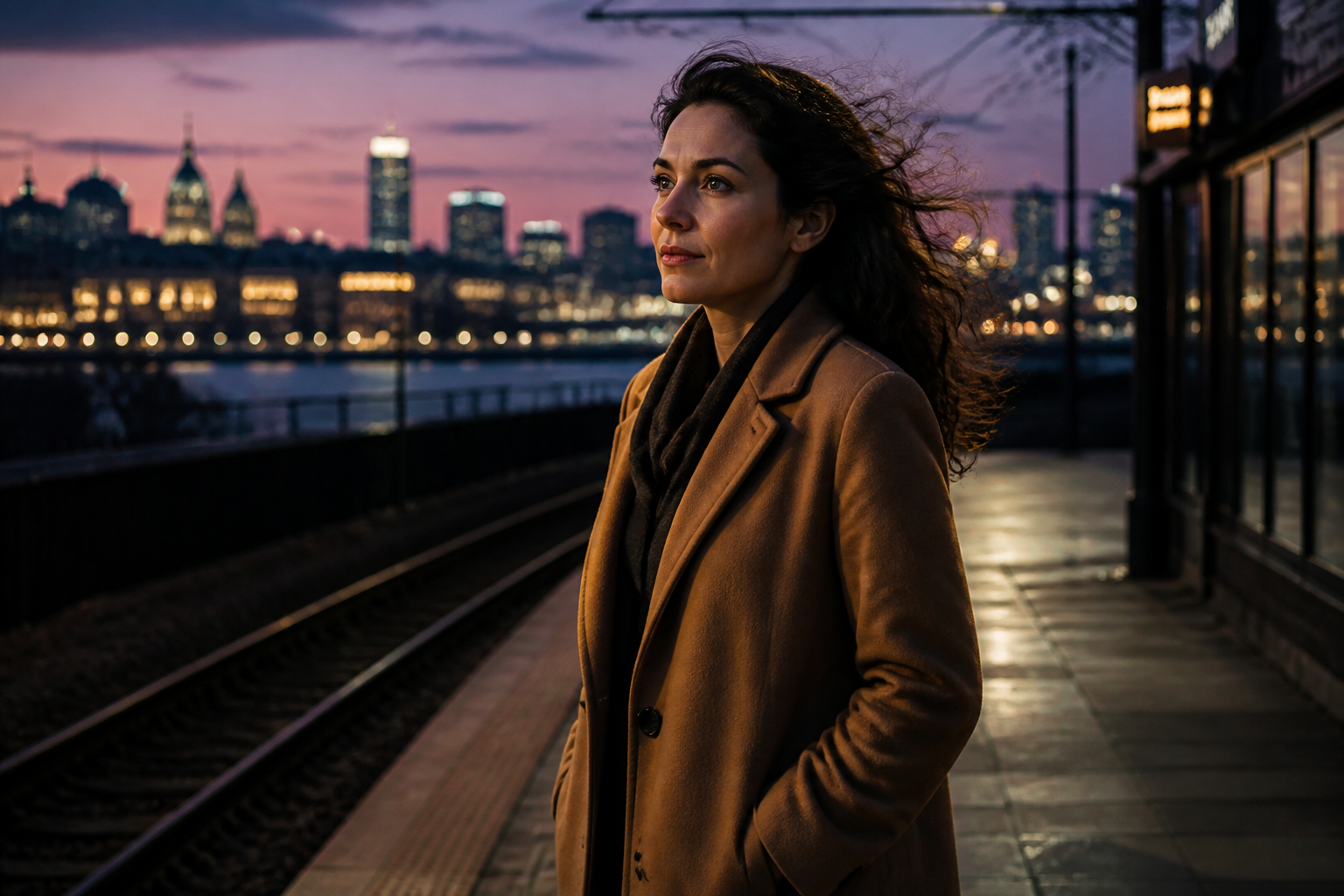
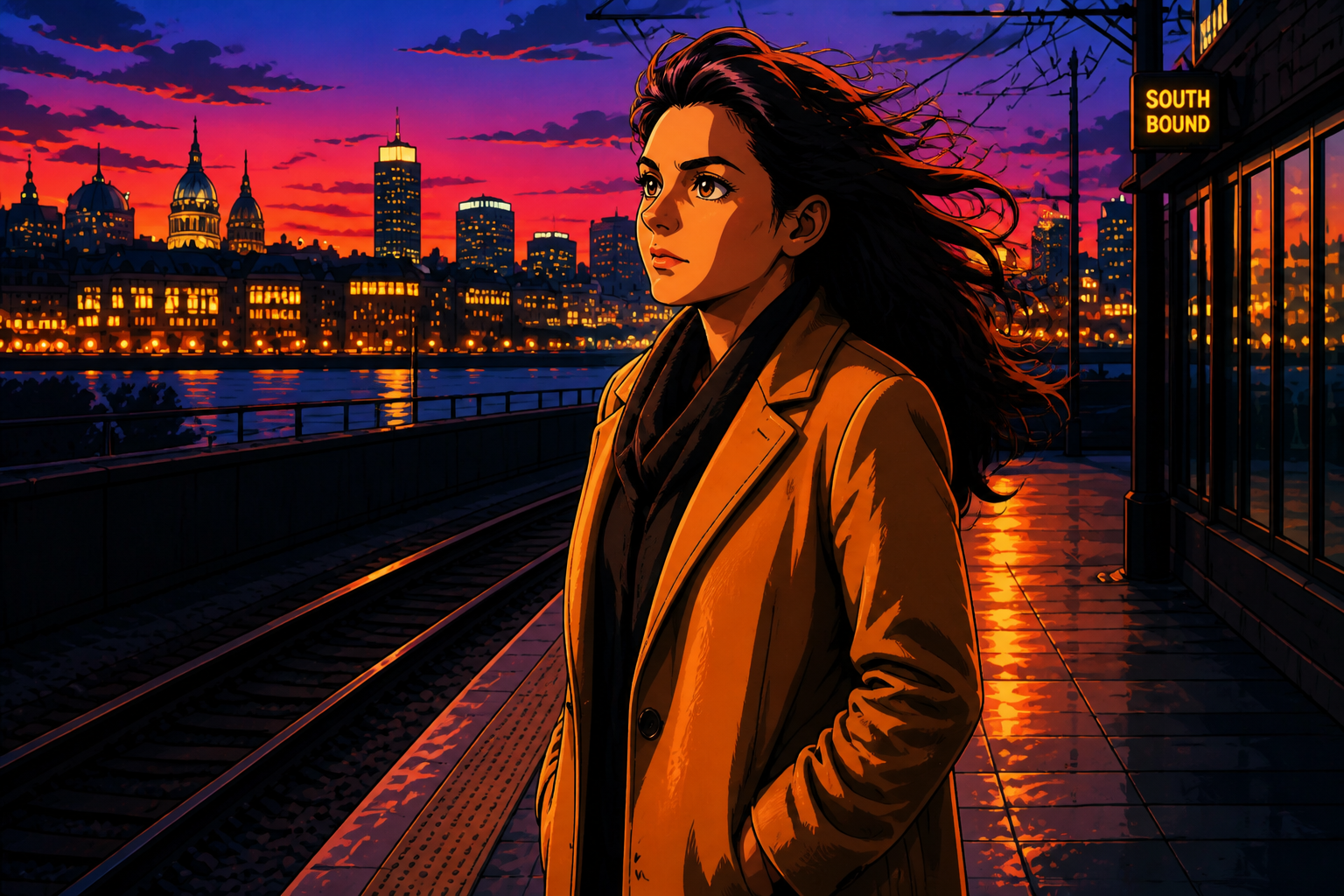
Keep the pose readable
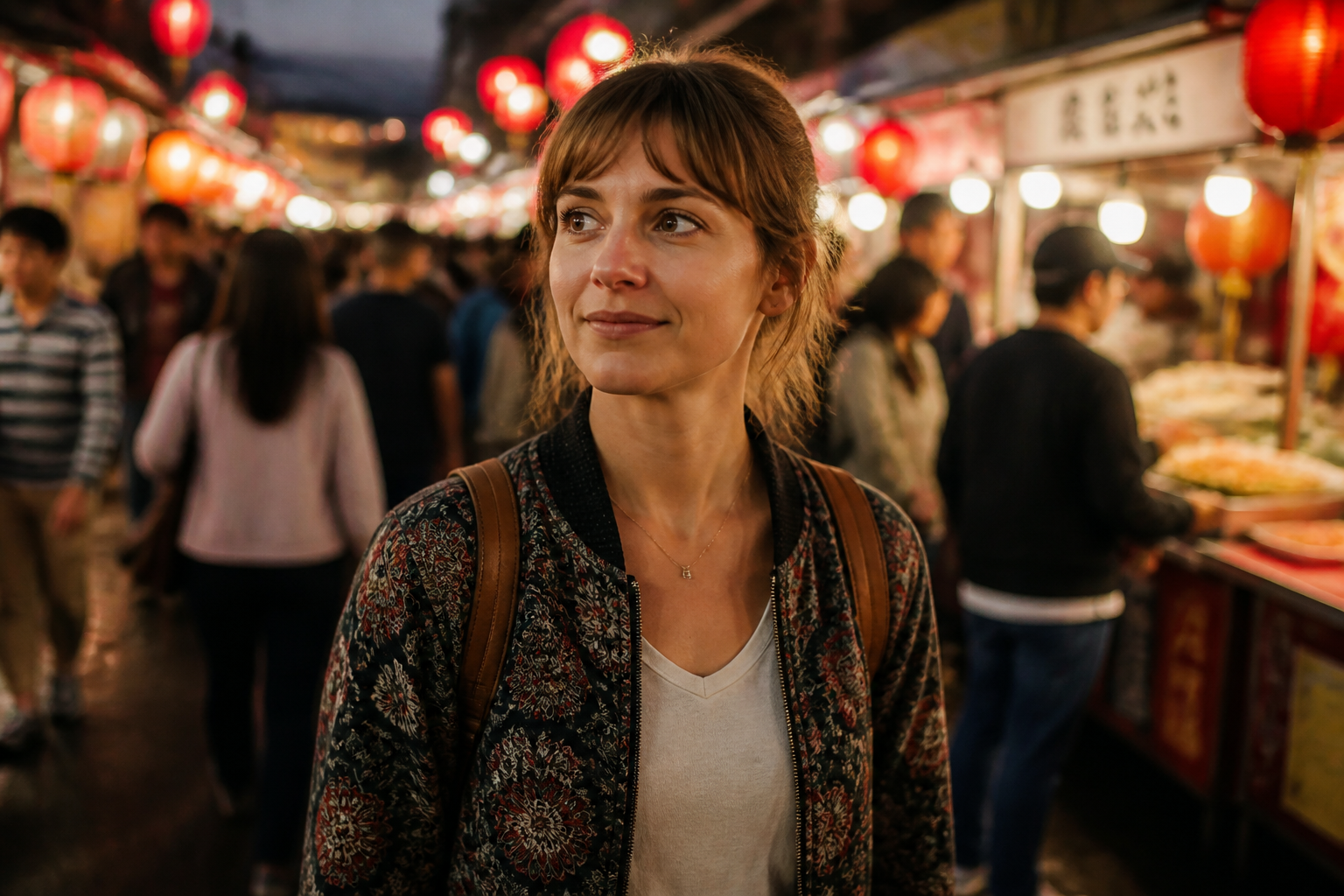
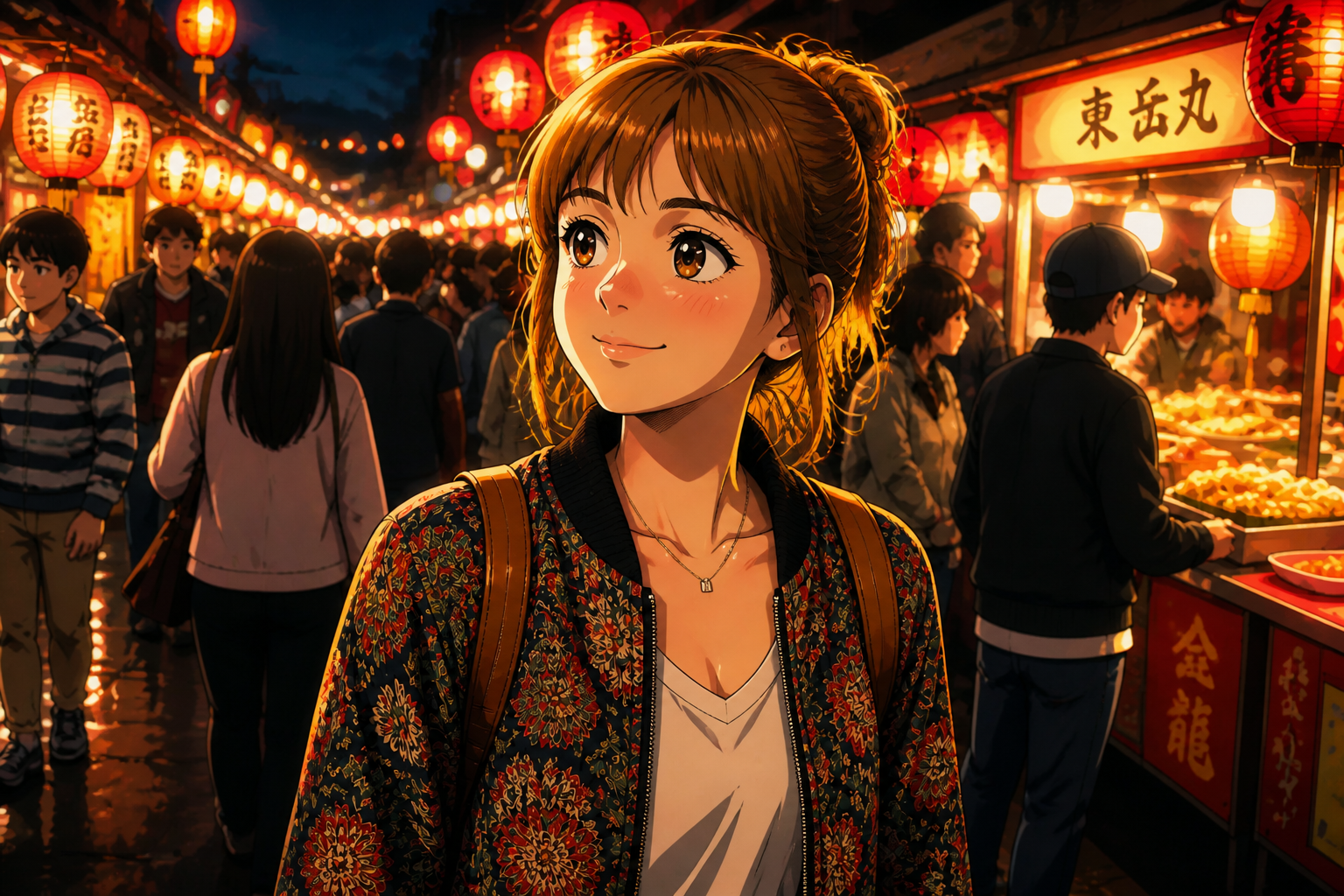
The edit changes the visual style without throwing away the original composition. That means your camera angle, body position, and scene structure still make sense after the anime conversion. It is useful when you already like the source photo and only want a new look. Manual redraws often drift away from the original framing and need much more cleanup.
Clear anime style control
You can push the result toward soft shoujo, sharper action anime, manga-inspired ink, or other illustrated looks. This makes the tool useful for profile pictures, story concepts, and social graphics instead of one fixed output. The change is visible right away, so you can compare styles quickly. Doing the same by hand usually means testing multiple apps and filters that do not match each other.
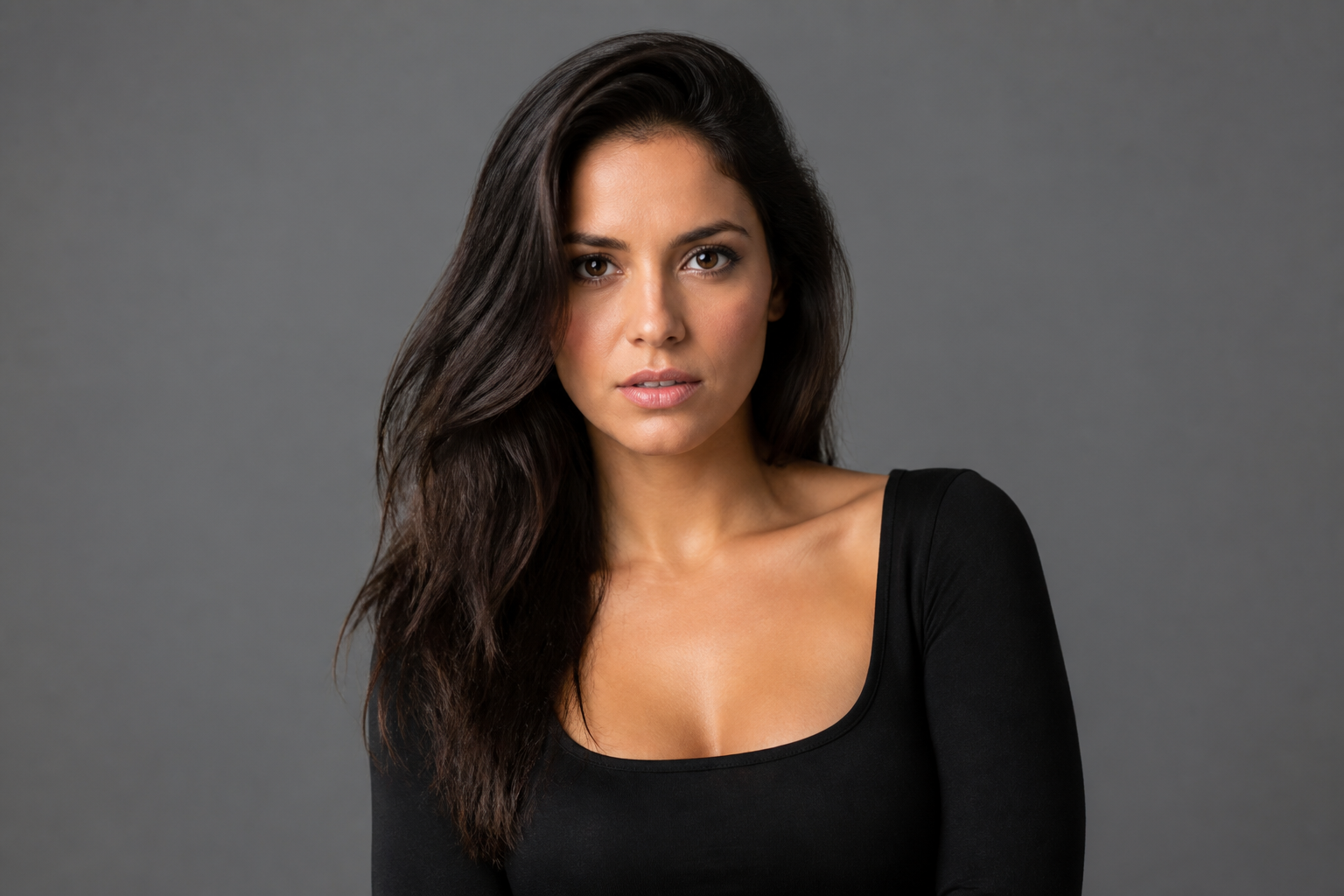
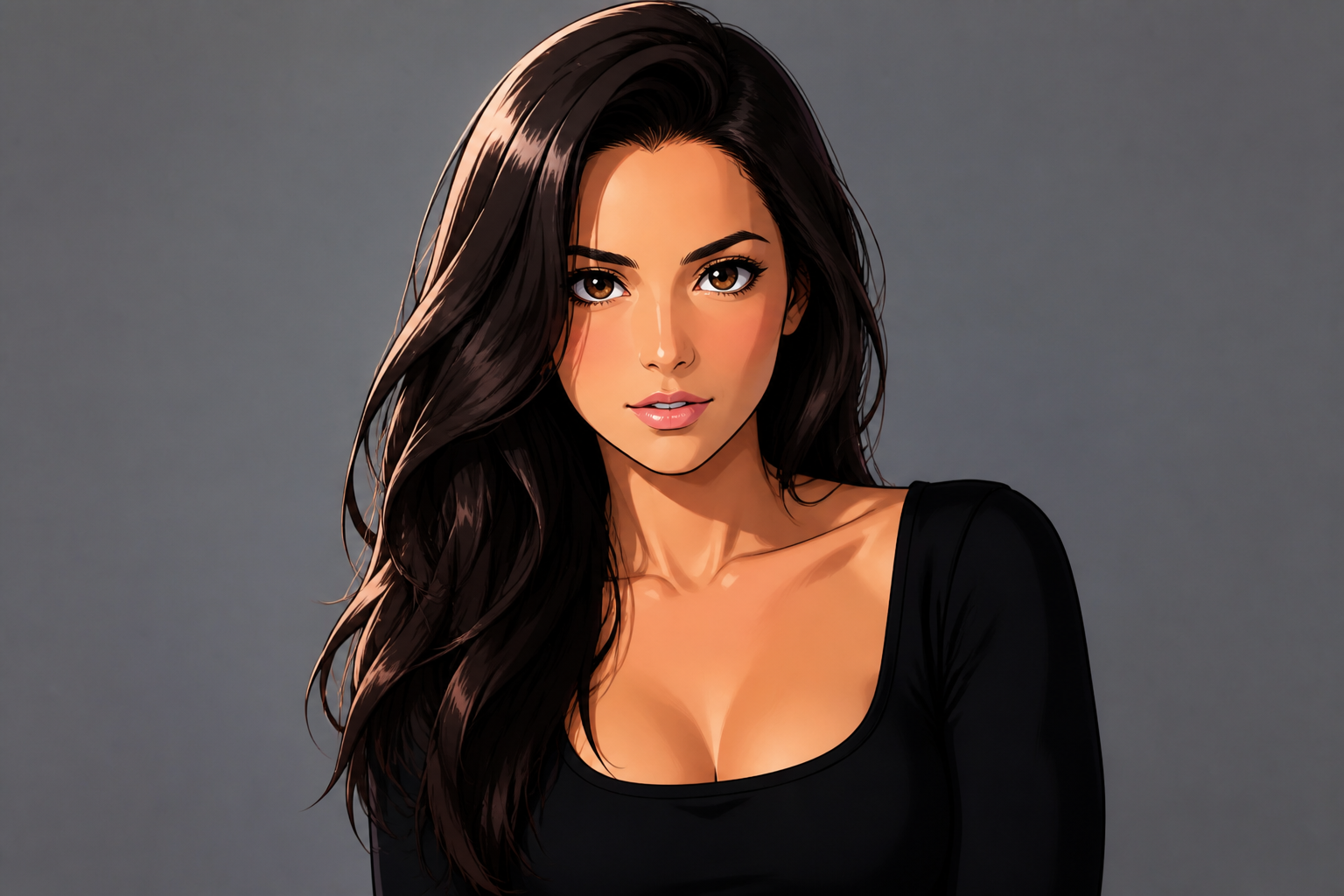
Fast character-like portraits
A normal selfie or portrait can become something that feels closer to character art in one pass. The tool adds anime facial language, stylized hair rendering, and illustration-friendly color treatment while preserving the subject's general identity cues. That makes it practical for avatars, banners, and mock key art. You get a strong visual jump without building a character from scratch.
Works across many scenes
The same workflow can handle cafes, streets, rooftops, interiors, and outdoor travel shots. You are not limited to a blank studio background or one kind of portrait. This range helps your gallery look less repetitive and gives you more usable outputs from photos you already have. It also saves time compared with rebuilding every scene as standalone illustration art.
How It Works
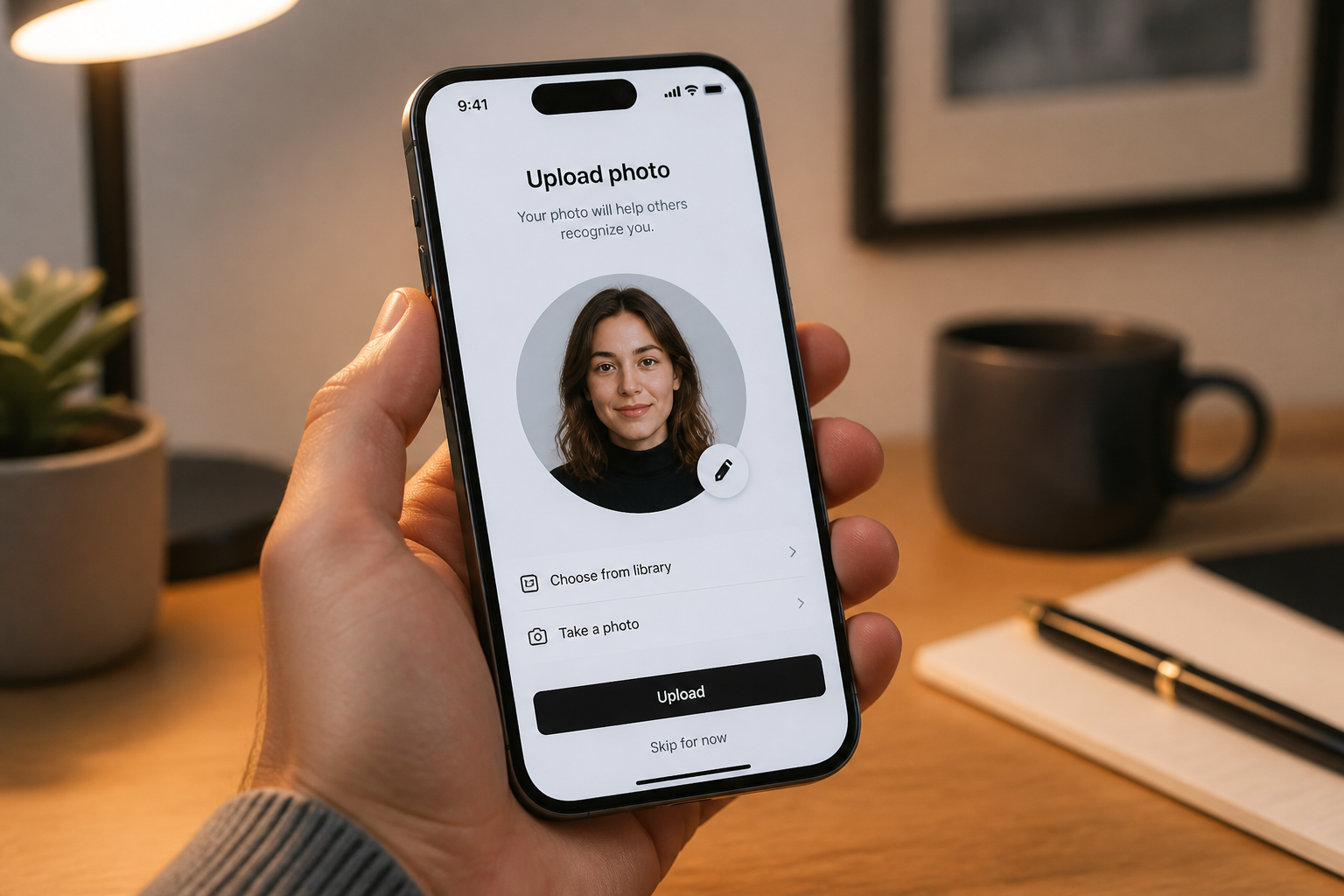
Upload your photo
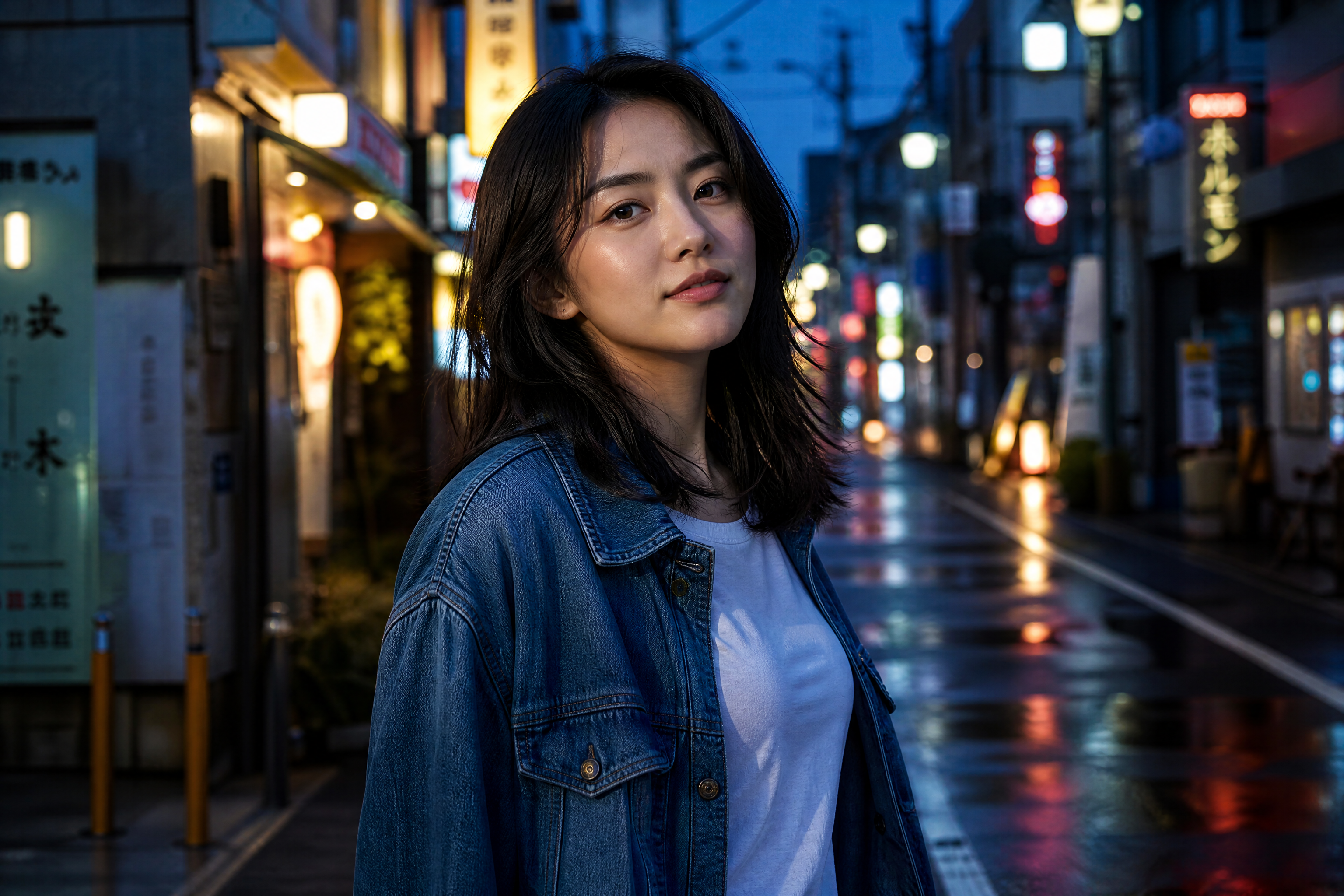
Start with a clear image of an adult subject. Well-lit portraits and scene photos usually give the cleanest anime conversion.
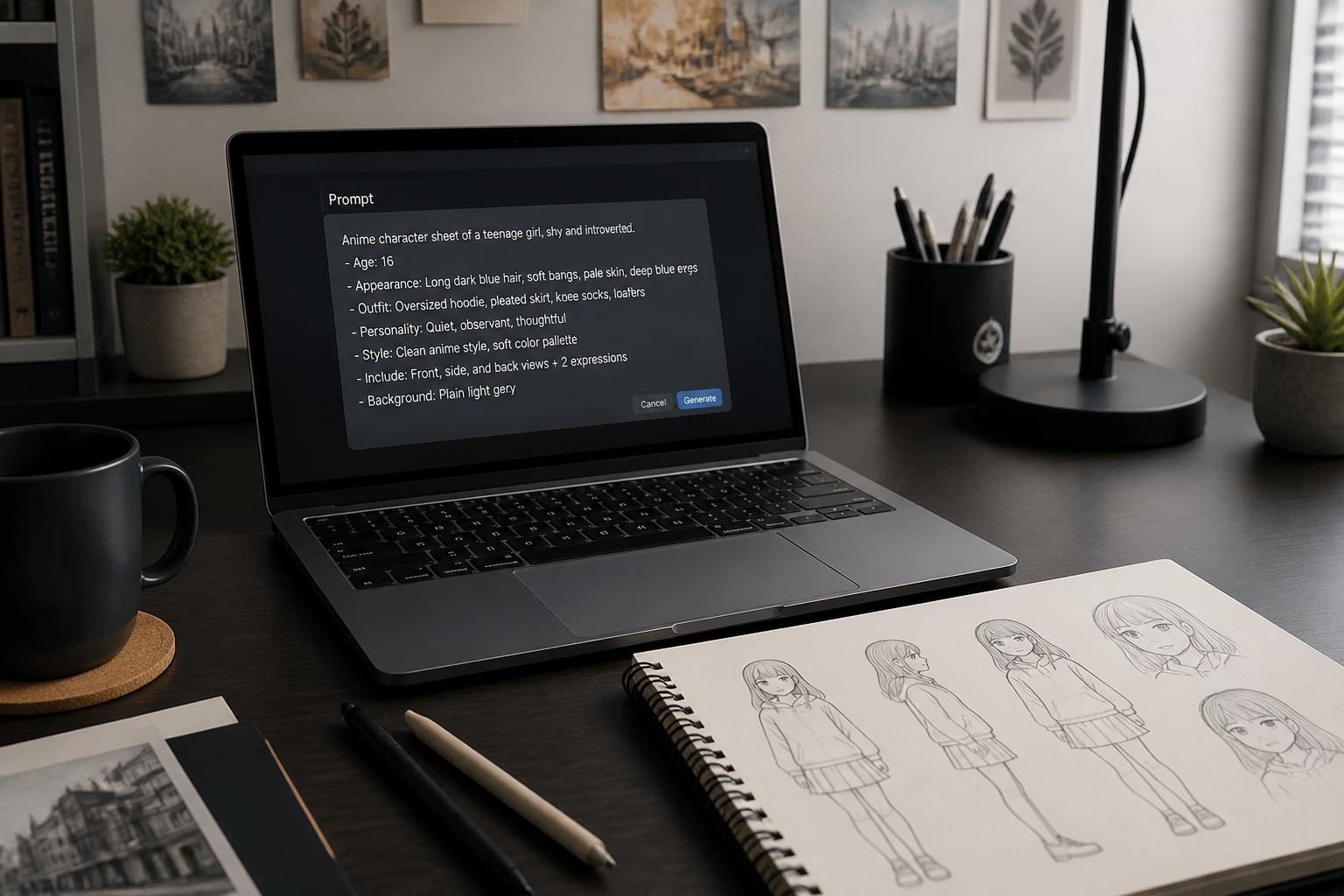
Describe the anime look
Tell the editor what kind of anime style you want, such as shoujo, action, manga, or soft watercolor. You can also mention eyes, line work, mood, and color direction.
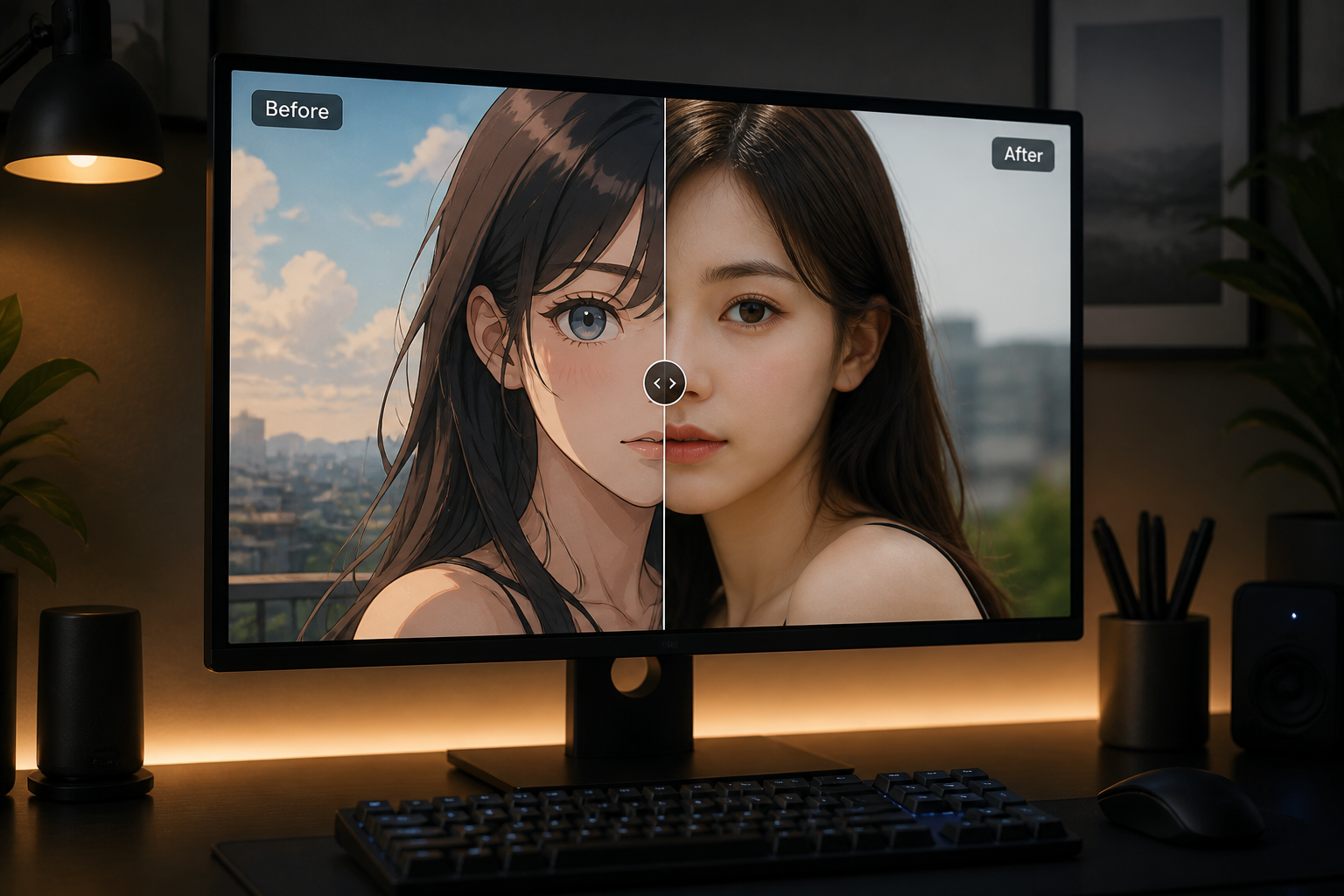
Generate and compare
Create the result, then compare the before and after version side by side. If needed, adjust the style wording and run another variation.
Perfect For
Discover how creators and professionals use ai anime girl generator
Anime profile pictures
Turn portraits into anime-style avatars for social profiles, forums, and messaging apps.
Character concept mockups
Use real photos as a base to explore anime-inspired character looks before full illustration work.
Social content edits
Create stylized before-and-after posts that are easy to read in feeds and short-form video thumbnails.
Creative fan-style portraits
Make personal images feel closer to anime art without redrawing the whole scene manually.
Built For
Creators and streamers
Useful for channel avatars, post art, banners, and stylized promo images.
Anime fans and hobbyists
A simple way to test different anime looks on portraits and everyday photos.
Designers and concept artists
Helpful for quick visual exploration when you want character-like edits from existing photography.
Why use this for anime-style photo edits
A quick look at how we compare on the things that matter for this niche.
| Feature | BudgetPixel | Generic AI editors | Manual editing apps |
|---|---|---|---|
| Before/after anime conversion | ✓ | ✓ | — |
| Keeps original pose readable | ✓ | — | — |
| Style prompt control | ✓ | ✓ | — |
| Fast iterations | ✓ | ✓ | — |
| Manual skill required | Low | Low | High |
Frequently Asked Questions
What does the AI Anime Girl Generator do?
Do I need a perfect studio photo?
Can I choose different anime styles?
Will the result keep the same pose and background?
Is this for generating new characters or editing photos?
Create together.
Share your creations, discover trending AI art, and grow with fellow creators.